


Gaming
Lenovo Legion Slim 7 review: Is it too slim for your liking?
A continuation of power, performance, and portability

Every gaming laptop out there just seems typical, complete with the RGB and the hefty design. Yes, there have been other laptops that are starting to break the mold. However, they did so while sacrificing some huge features in the process. Although, that hasn’t stopped most manufacturers like Lenovo from trying their hardest.
What we have here is the Lenovo Legion Slim 7. On paper and by design, it’s possibly one of the slimmest gaming laptops currently available. Just from the unboxing experience alone, it raises a few eyebrows design-wise and the hardware inside it. Beneath its slim chassis, there lies the beast, as they say.
But is this a gaming laptop worth considering given its potential sacrifices? Let’s find out.
Ticks all the boxes for general performance

Every gaming laptop brings impeccable performance for most day-to-day tasks, and the Lenovo Legion Slim 7 is no exception. Of course, the biggest contributor to great performance lies within the hardware, and this machine certainly brings the firepower with an AMD Ryzen 9 CPU inside.
As advertised, the Legion Slim 7 provides performance suitable for any task thrown at it. Whether you’re working on work documents or creating your next gameplay video, the laptop handles these things with relative ease. Also, you can effectively multitask on this device no problem with 32GB of RAM to support.
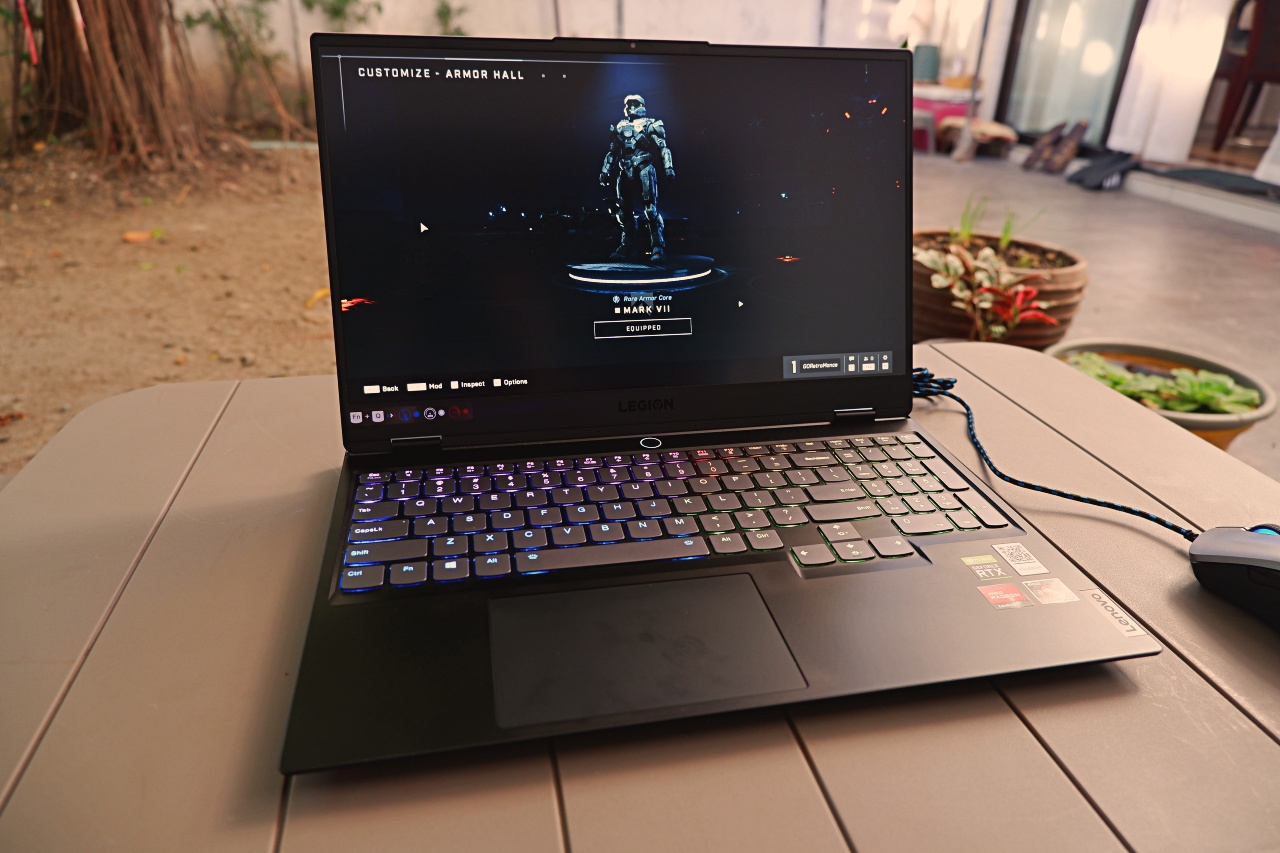
Now, the Legion Slim 7 comes with Windows 10 pre-installed, which was alright. However, seeing how most people were hopping onto Windows 11 at the time, it made sense to upgrade the software first since it’s possible. In the three weeks that the laptop was tested, software issues didn’t occur so that’s a good start!
Decent competitive gaming performance
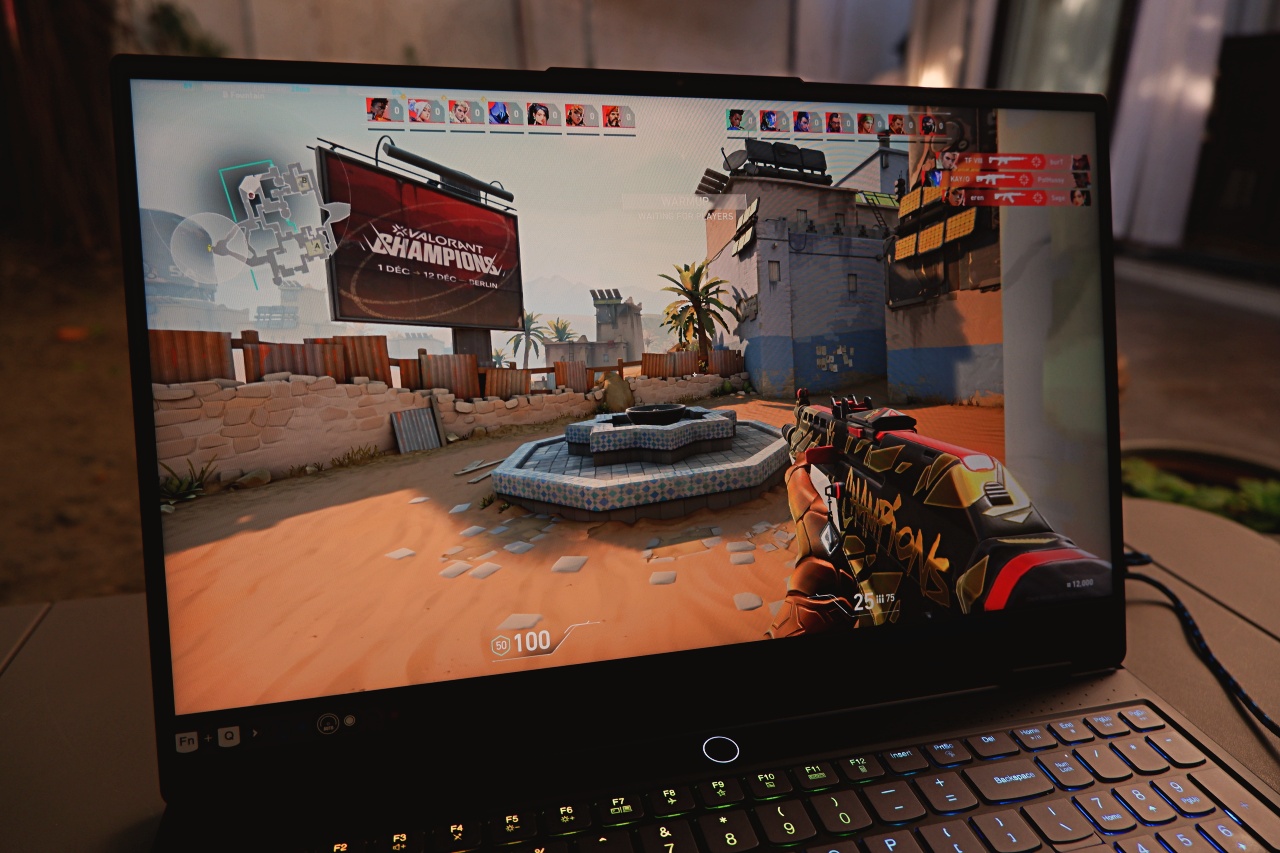
When talking about gaming performance, there’s two things to factor in: the GPU, and the display. For the Lenovo Legion Slim 7, an NVIDIA RTX 3060 with a 165Hz anti-glare FHD display seems like the ideal combo for a gaming device suitable for casual and competitive gamers out there. In reality, this lived up to expectations quite well.
For casual and competitive titles, the Legion Slim 7 provides great performance and frame rates with a smoother feel to them. Sure, a FHD display limits the full dynamic color range compared to the 4K option for this device. But when playing competitively, that hardly ever matters. Games like VALORANT and Halo Infinite felt pretty smooth and looked vibrant when playing.
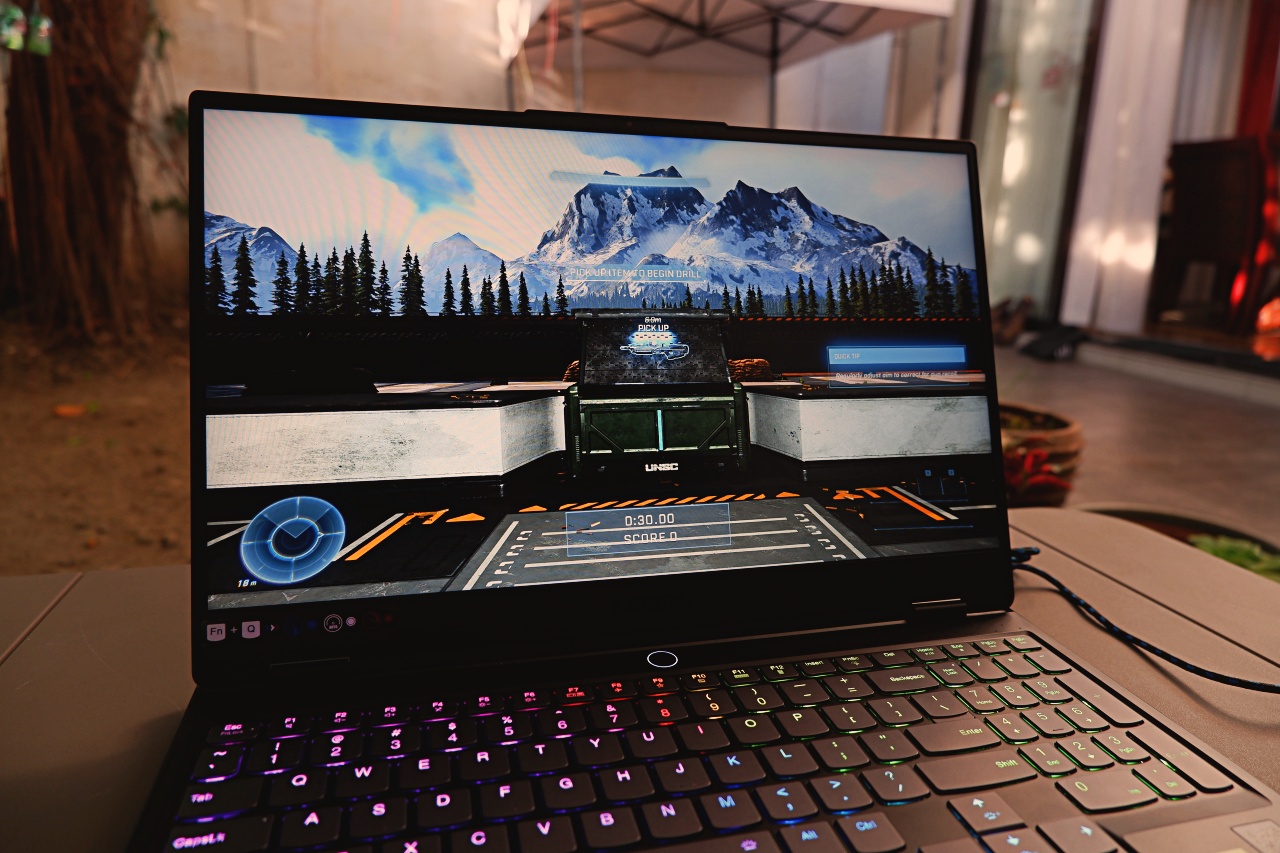
With RTX on, some games look pretty good but with the obvious frame rate sacrifice, especially with cranked up settings. Although, unlike other RTX mobile GPUs, the frame rate sacrifice isn’t as much, which was pretty good. For example, games like Fortnite and Marvel’s Guardians of the Galaxy had about an 8 to 10 percent drop in FPS with RTX on vs. RTX off.
Battery life is just good enough for mini breaks

Much like every other gaming laptop out there, this device doesn’t last particularly long when used for casual or competitive play. On average, the Legion S7 lasts about 6-7 hours just on productivity and casual gaming on the side. When cranked up to perform at competitive levels, it cuts the lifespan to just 2-3 hours, which was expected.
To its credit, the Legion Slim 7 comes with a 230W battery pack that will nest it back to full health in at most 3 hours. With Rapid Charge Pro turned on through Lenovo Vantage, it cuts the charge time by just an hour. Still, it doesn’t change the fact that it’s quite fast and would actually give you a short break after playing your heart out.
Some questionable design features
As much as the Lenovo Legion Slim 7 boasts impressive gaming performance, there are a couple of things that hold it back from its true potential. For one, it’s quite slim and has the potential to get quite hot when playing too much. Sure, Coldfront 3.0 will do what it can to keep things cool, but it still gets warmer quite fast so it’s something worth noting.
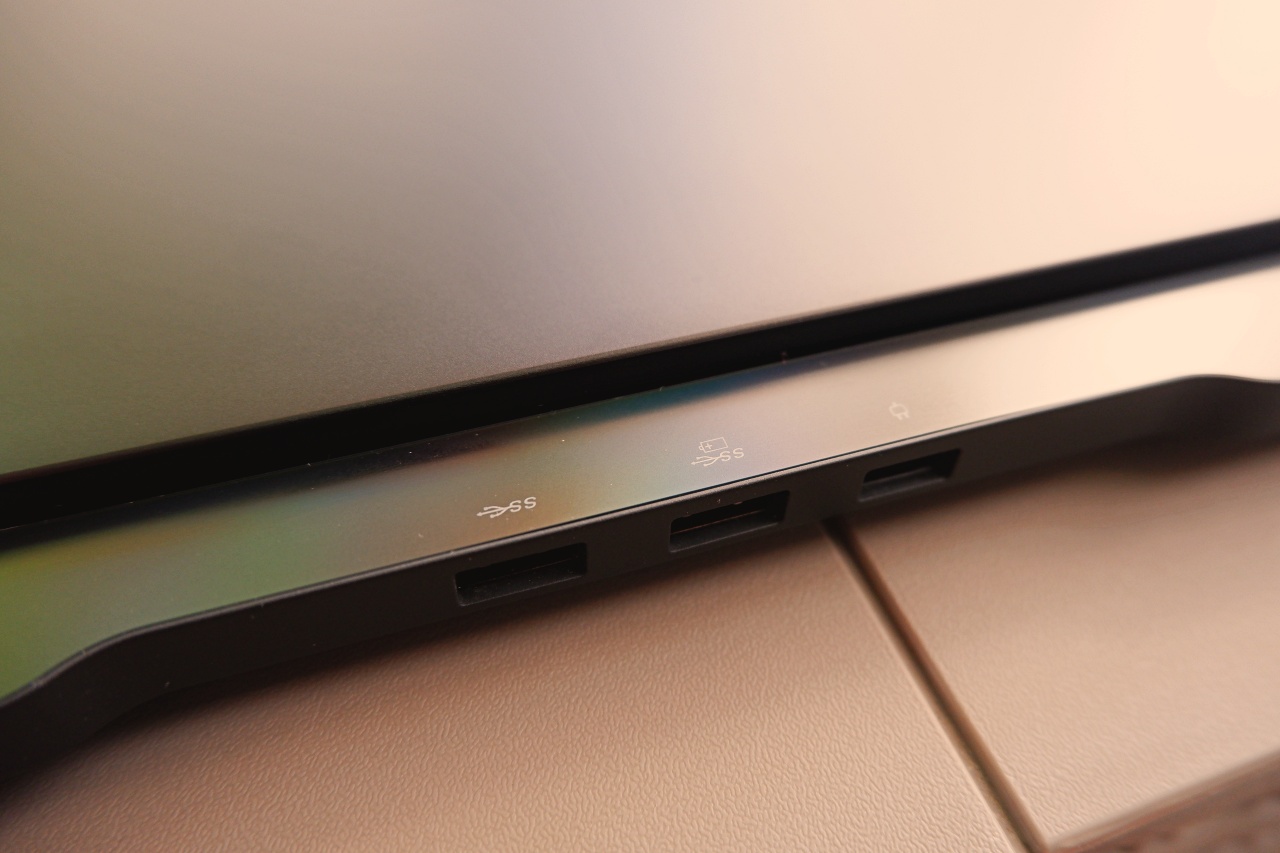
Second is in port selection, particularly with what they gave up for this machine. Fortunately, they kept the charging port and two USB Type-A 3.0 ports at the back so nothing got in the way. However, for a gaming laptop to exclude an Ethernet port and an HDMI slot is quite alarming.
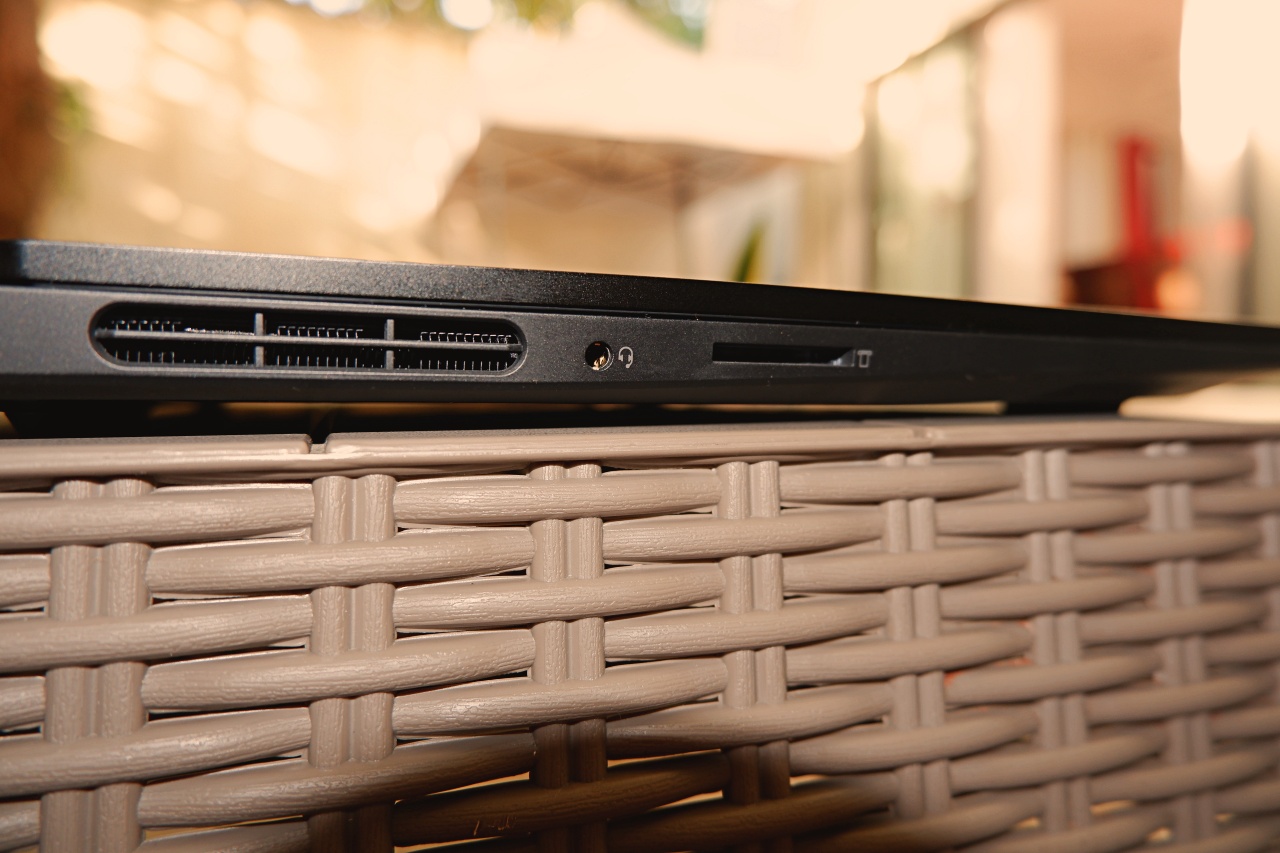
Sure, it’s to highlight the WiFi 6 capabilities along with using the Thunderbolt 3 USB-C ports at the right side of the device. However, having a Gigabit Ethernet port significantly improves network performance especially for competitive play. Also, most external gaming displays still come with HDMI ports so it was a missed opportunity.
Is this your GadgetMatch?

For what it’s worth, the Lenovo Legion Slim 7 is an ideal gaming device for both casual and competitive gamers. It’s slim form factor combined with powerful hardware provides the power and portability that the Legion brand consistently delivers. With a high refresh rate display and RTX-capable GPU, it even provides a solid boost to gaming performance.
Of course, even the Legion Slim 7 has some hits and misses in there. From questionable exclusions to just decent battery life, it fails to maximize its potential to be truly something better than before. Still, with what it has going for it as presently constructed, it’s still a great gaming device on-the-go.






Gaming
Resident Evil Requiem will get a story expansion
There’s no word yet on when the story expansion will drop.


Resident Evil Requiem, Pokémon Pokopia, and Slay the Spire 2. Between these three, gamers today are eating well and good. Or rather, they’re not, because of how addicting of a time sink these titles are. The latter two especially are built to be played over and over for weeks and months. Now, Resident Evil Requiem is working on something, so you also won’t forget about it in a few months’ time.
Via an official post on Resident Evil’s social media platforms, Capcom has confirmed that a story expansion is coming to the horror game. Currently, the base game doesn’t take long to beat, especially when compared to other RPGs today. The expansion should add more content to explore the story’s world.
Right now, Capcom can’t share a timeline for the update’s launch. However, in the meantime, the developers are cooking up a few minor updates to keep the game alive. For one, the game will receive performance updates to improve the smoothness of gameplay and fix bugs. It will also get a photo mode for all you Leon-holics out there.
Finally, in May, the base game will get a “minigame” added to the main game. There’s no word as to what this minigame is, so we’ll have to wait for when it drops.
Resident Evil Requiem is out now on all major platforms. The game features the survival horror style of the modern Resident Evil games, while serving up the classic action gameplay with the return of Leon S. Kennedy as a co-protagonist with Grace Ashcroft.
SEE ALSO: Resident Evil Requiem is out now

GIGABYTE and Capcom have collaborated for a limited time Resident Evil Requiem-inspired custom PC giveaway.
The setup is inspired by the title, which recently released, and includes an exclusive monitor game bundle to bring players closer to the experience.
Headlining the collaboration is the Umbrella Corporation — Level 3 Access custom rig giveaway. It is one of a kind, fully-built desktop featuring a Z890M AORUS ELITE WIFI7 ICE motherboard and RTX 5080 AERO OC SFF graphics.
Of course, it draws inspiration from the visual identity and atmosphere of Resident Evil Requiem. It also features a GIGABYTE C102 GLASS ICE chassis design and custom GIGABYTE MO27Q28G gaming monitor to complete the setup.

The giveaway runs from March 2 to March 31 via the official campaign website. Fans can enter for a chance to win the custom rig, with no purchase necessary. The only caveat is that they have to be a United States or Canada resident.
Such experience is designed to invite players and PC enthusiasts alike to engage with the collaboration while highlighting GIGABYTE’s premium hardware craftmanship and attention to detail.
In addition to the giveaway, GIGABYTE is also offering a Resident Evil Requiem game bundle with select gaming monitors. Included are AORUS brand monitors, ranging from 27 to 55 inches in size.
This bundle is available until March 31. Customers who purchase eligible models can redeem a digital game code through GIGABYTE’s official redemption platform.
The featured monitor is the MO27Q28G, which has fourth generation WOLED panel with 280Hz refresh rate and 0.03ms response time. It is an ideal monitor to experience the spine-chilling terror and death-defying action of the title.
Gaming
Where Winds Meet Hexi expansion now available
Explore massive new maps, fight new bosses, and claim exclusive rewards and bonuses

The first major expansion for Where Winds Meet, the Hexi expansion, is now available. The open world action RPG’s most ambitious free-to-play expansion since its release is now accessible across PC, PlayStation, and mobile.
The Hexi expansion invites players to leave the familiar heartlands behind and step into a breathtaking, unforgiving new frontier.
Included are three major maps and nearly 20 sub-regions, urging players explore vast and diverse environments.
These massive new areas are divided into three chapters: the ancient ruins of Jade Gate Pass, the snow-capped mountain region Liangzhou, and a vast grassland area Qinchuan.
The expansion takes players back to the Tang Dynasty, which exists outside of the main game’s premise.
Here, players can battle 11 unique bosses and take part in several side quests. New gameplay mechanics will also allow them to surf on sand faster or reverse time to rebuild ruins and solve puzzles.
To celebrate the massive milestone, the title is also giving away a wave of exclusive free rewards and in-game bonuses. There’s 30+ Lingering Melodies and 90+ Resonating Melodies.
Furthermore, there is a wide range of cosmetics, including outfits, accessories, and even emotes. These rewards will be spread out from March to May.
Players simply have to log in and claim their launch gifts and gear up for the desert.


Resident Evil Requiem will get a story expansion

Samurai Champloo is getting a live-action adaptation

BYD is reportedly considering an F1 team

ARTMS Heejin shows KPop concert day through Ray-Ban Meta glasses

Smart delivers best mobile video experience in PH — Ookla


-

 News2 weeks ago
Xiaomi 17 Ultra is now available outside China
-

 MWC 20261 week ago
TECNO showcases cool concepts at MWC 2026
-

 MWC 20267 days ago
Infinix NOTE 60 Ultra makes a motorsport-inspired debut
-

 MWC 20262 weeks ago
TECNO resurrects modular phones with this new concept
-

 MWC 20261 week ago
TECNO launches the all-new CAMON 50 series
-

 Reviews1 week ago
TECNO CAMON 50 Ultra review: End of an era?
-

 Reviews2 weeks ago
Xiaomi Pad 8 review: Slab that slaps!
-

 Reviews2 weeks ago
Forget the Phone: Xiaomi 17 Ultra Is A CAMERA!