

Restarting our lives these past months have gotten most of us looking back on how we began our journey into our professional lives.
As I reminisce fond memories of being a rookie in the professional world, I remember the first time I sat alongside clients from big organizations. I was brought back to those times I was nervously listening to discussions with fancy jargon, taking down notes, glancing on spreadsheets displayed on their ThinkPads, then I remembered.
ThinkPads have always been there, and for good reason — reliability.
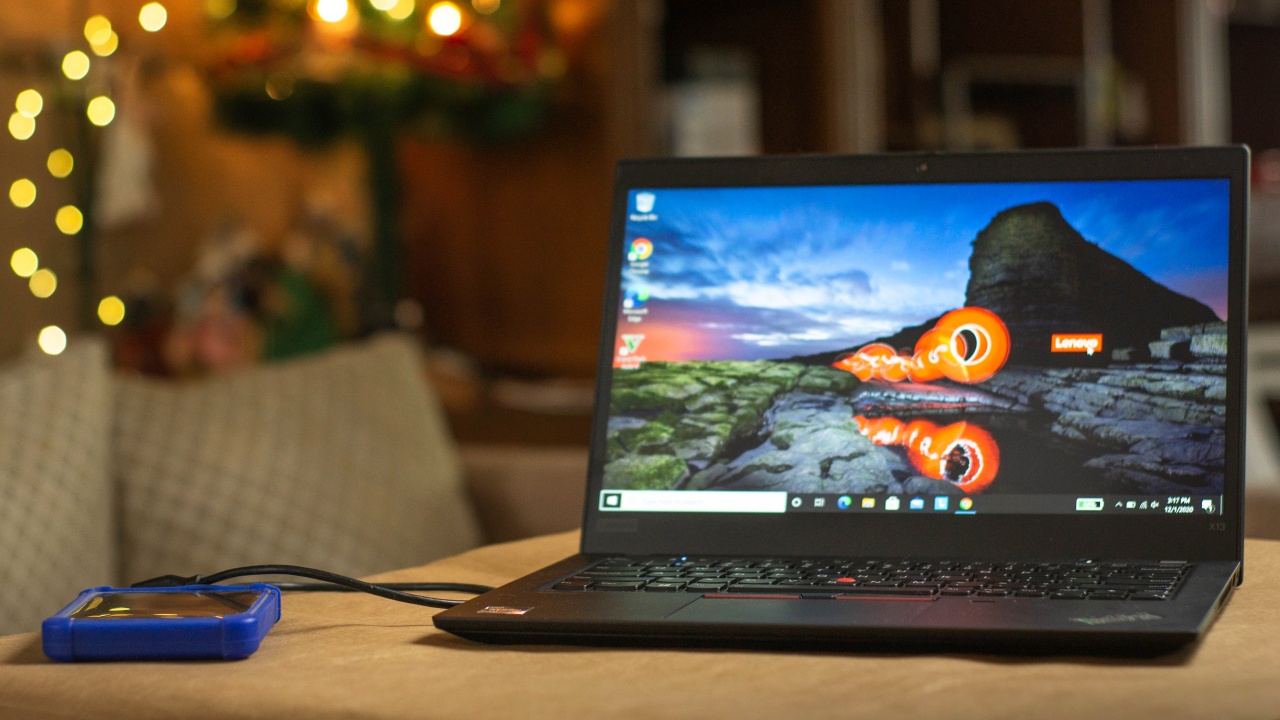
Lenovo truly has the formula to create the perfect balanced laptop. With the Lenovo ThinkPad X13, Lenovo took their game up to the next level.
Never out of style for business
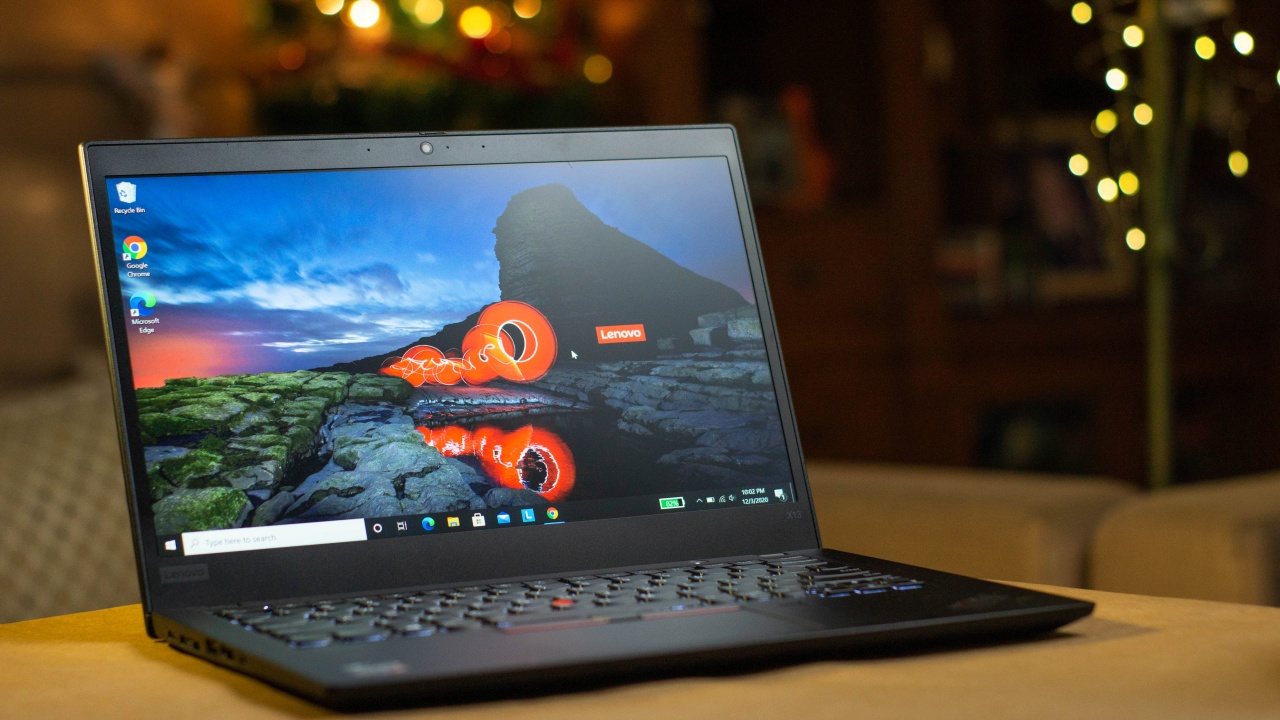
Lenovo’s ThinkPad line has always been reminiscent of its predecessors’ design. The ThinkPad X13 maintains the sleek and professional build of the previous generations of ThinkPads in a compact form factor.
A 13-inch body at just 2.84 pounds, the X13 is an easy everyday carry. Slide it in your bag and you’ll even barely notice it’s there.
“It looks like an office laptop,” is the comment I got from my sister who saw the ThinkPad X13. Yes, to some, its aesthetic may be somewhat lackluster with its magnesium-aluminum black chassis. It’s not going to make heads turn, but surely it’s one which subtly says you mean business.
Power when you need it
This particular model is powered by an AMD Ryzen 5 PRO 4650U along with 8GB DDR4 RAM, 240GB PCIE SSD Storage. This isn’t yet the most powerful configuration you could get for this model. Regardless, I was eager to test its performance on heavier tasks as the AMD Ryzen 5 PRO 4650U CPU is a 6-core CPU with 12 logical threads that comes packed with an impressive integrated graphics processor.
Testing out some video editing, the X13 was able to render my three-minute HD video quite fast leaving it very slightly behind my desktop PC. The 12 threads of the 4650U definitely carries the weight of this task and though playback did have some stutter. I guess that is to be expected with this 8GB DDR4 variant. A reason you may want to consider getting the 16GB or higher for the ram as an option upon purchase since memory upgrade isn’t available on the X13.
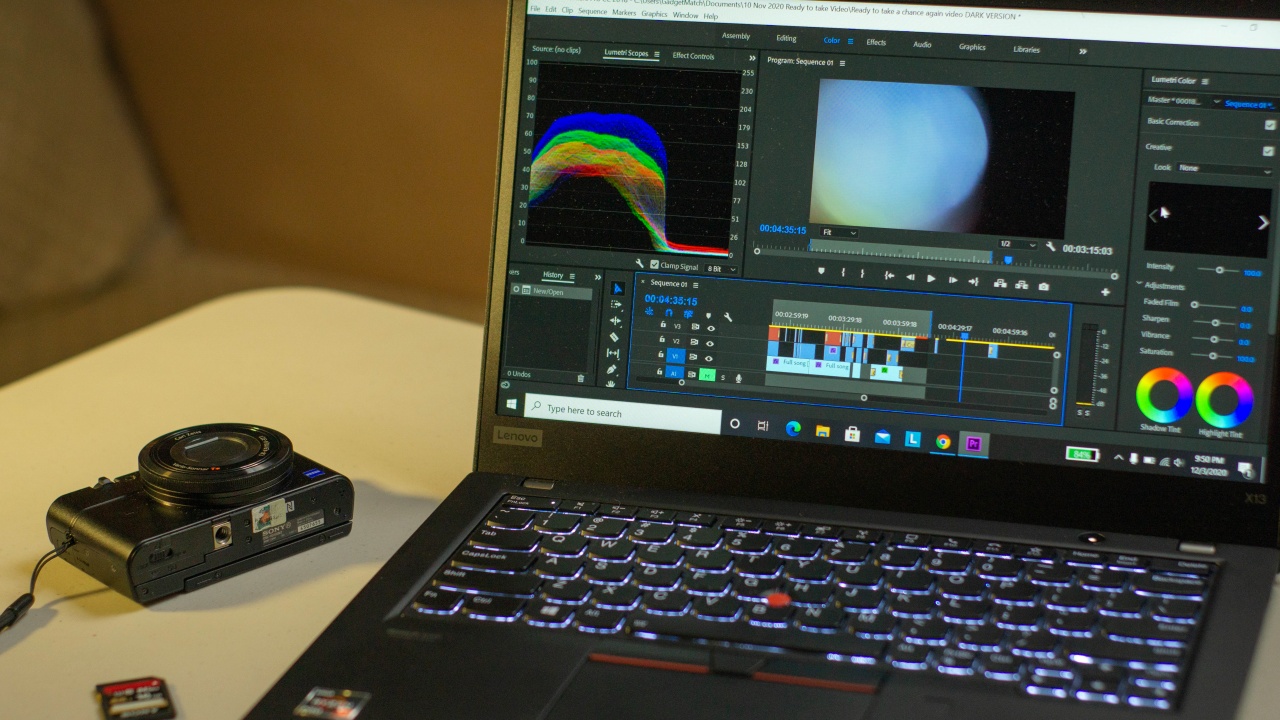
While video editing on a laptop isn’t something that I’d prefer to do, it is a function I’d appreciate to have when caught in a situation that I’d need it.
As for everyday office work, the X13 will breeze through it as it definitely has more than enough horsepower to let you tackle the daily grind.
As for gaming, I powered up Grand Theft Auto V on the ThinkPad X13 because, why not? Work hard, play hard, right?
The X13 performed quite well with just the integrated graphics of the Ryzen 5 PRO 4650U. Most graphical settings were placed on high and the unit kept the temperature and fan noise at manageable levels. I’d say just warm enough to let you know that something a bit more power intensive is running.

Speaking of power, the internal battery was able to reach an uptime of 10 hours and 20 minutes before the battery saver mode kicked in at 20%. Decent enough that it could probably get by a whole casual work day on a single charge.
Anti-glare display
My deciding factor when choosing a laptop boils down mostly on its display and overall user experience. The ThinkPad X13’s 13.3-inch 1080p IPS display is a matte anti-glare panel. At first didn’t mean much to me but after a few hours working on it, the display panel exhibited where it certainly excels at.
Word documents felt paper white, something I’d associate closely with the feel of using a Kindle device. It is very forgiving to my eyes that it didn’t cause me the usual eye strain experienced on most other monitors.
For creatives, this isn’t what I would say the end-all ideal display for photo and video editing as it felt a bit dim for my taste but being an IPS panel, you can expect accurate color reproduction. The display also didn’t show significant color shifting on various viewing angles. The choice to have 1440p would have been a welcome option but I guess at 13 inches, 1080p is sufficient.

Above the display is the front facing camera which has decent enough quality for video conferencing. A unique feature though, is that the camera has its own physical switch to activate for use and also to block its view to prevent unauthorized access when not in use. A nifty feature which I think all laptop cameras should come equipped with.
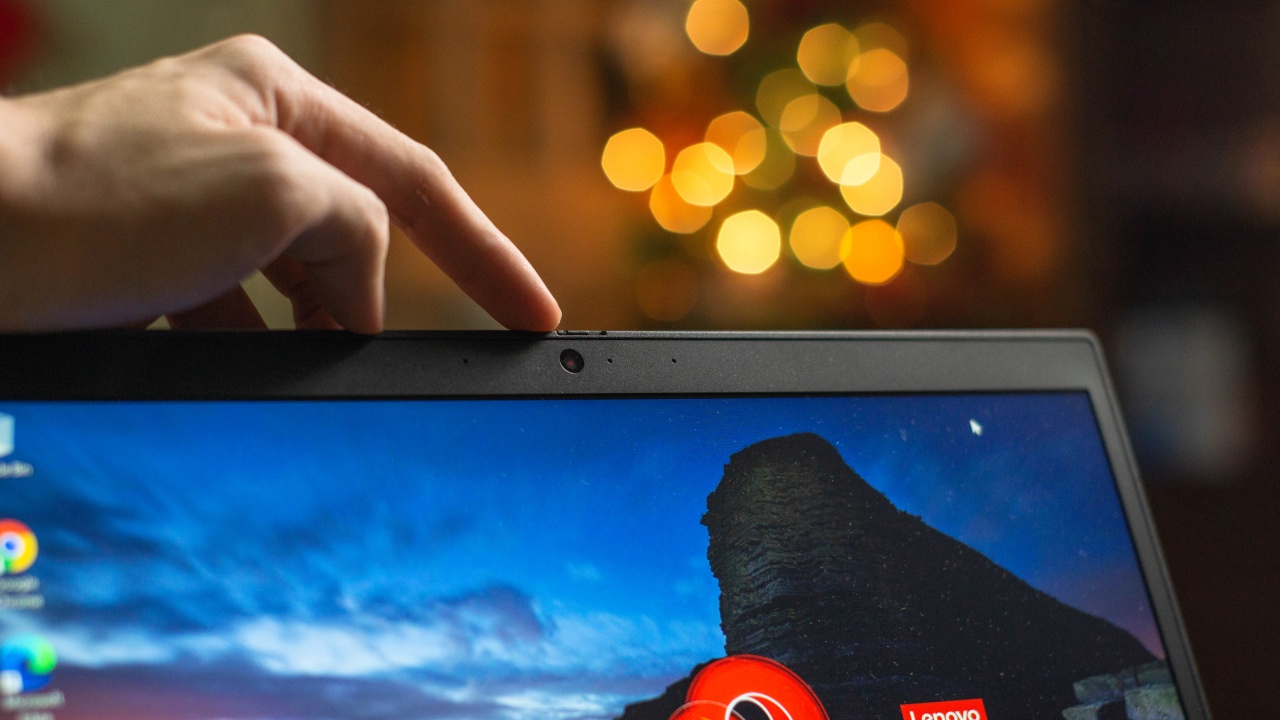
A sound choice
Going into this review, I didn’t think I’d have to mention the sound that comes out of this device. As most laptops, you’d expect that this would have speakers for the sake of hearing whatever it is that’s playing on it. But with the X13, the sound was relatively good.
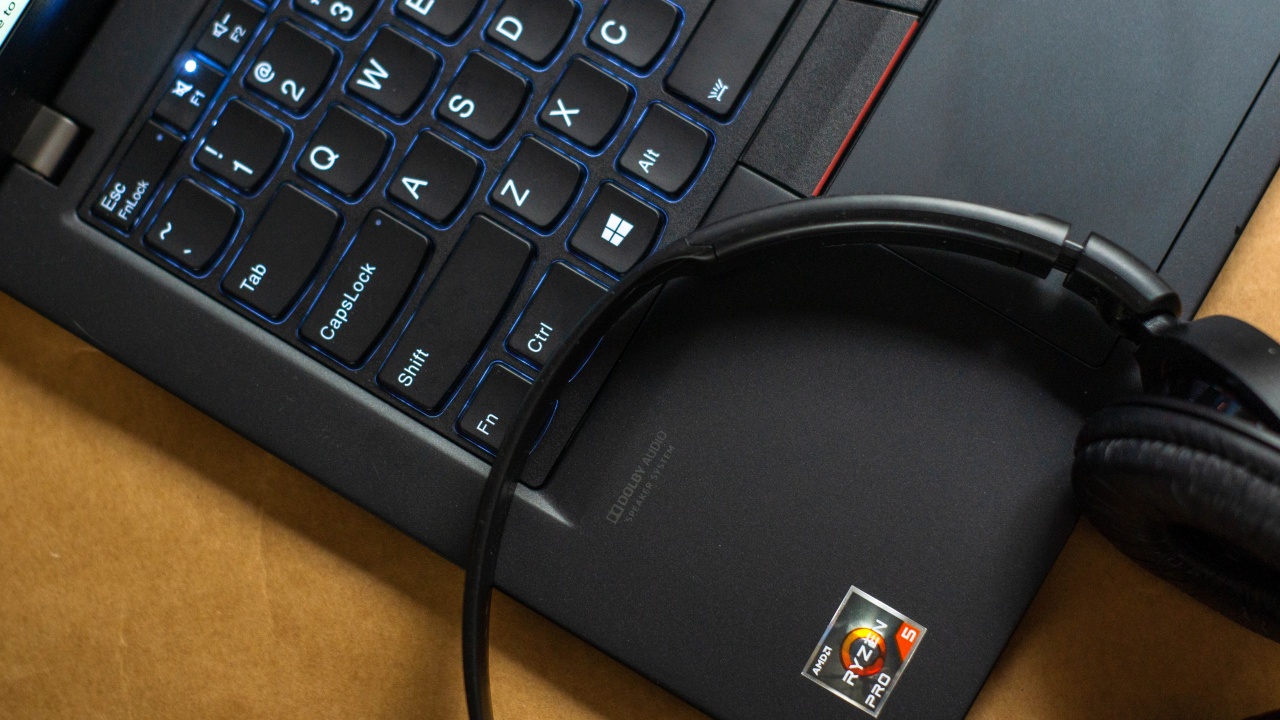
Though not something that would blow you away, the sound coming from this device was full and richer that it doesn’t sound like it was coming from a tiny source and is very acceptable for a laptop. I guess there’s a reason why Lenovo had a Dolby Audio logo printed on the right hand portion of the palm rest.
Satisfying keyboard
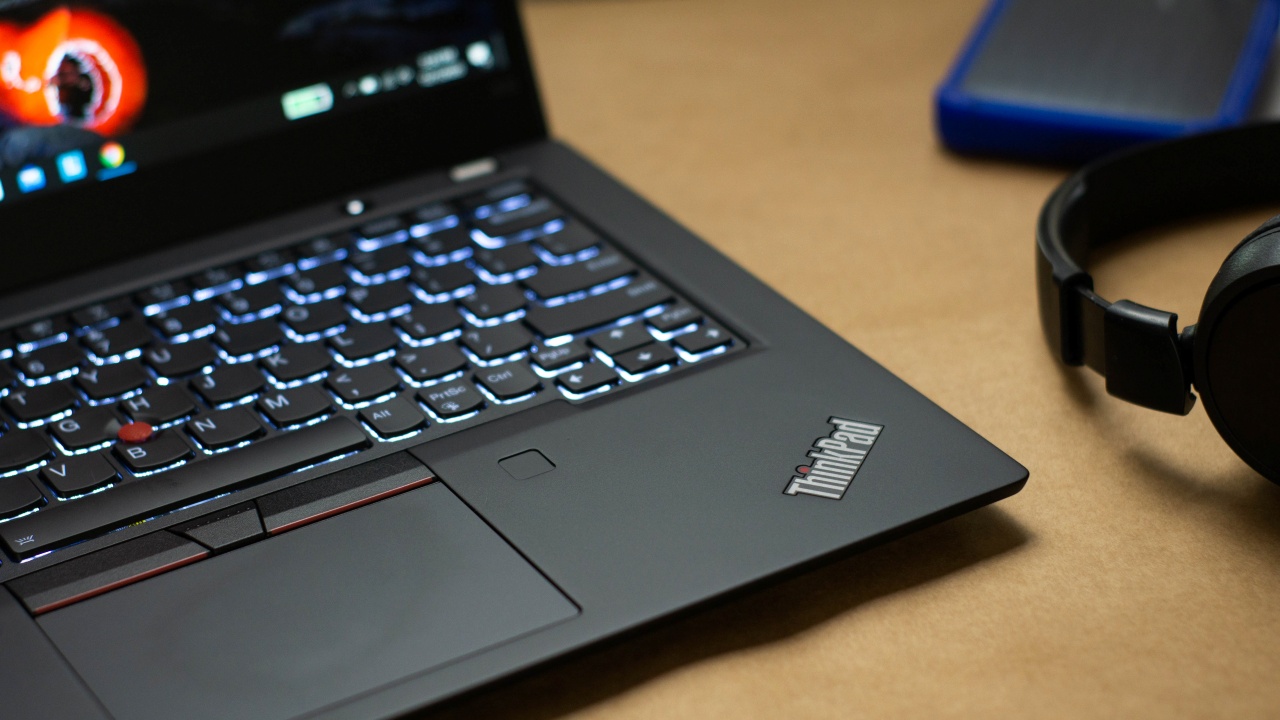
Coming from a person who’s used multiple ThinkPads as daily drivers in the past, I’ve always been a big fan of their keyboard. The ThinkPad X13’s keyboard is no different.
Smaller than a full sized laptop keyboard, the X13’s certainly feels big. Keys are evenly spaced and every key press provides adequate feedback. The FN key being placed on the lower left portion of the keyboard rather than the CTRL key, however, did take some getting used to. I believe there’s a setting which allows users to flip the keys according to preference. That said, it would have been better if the keys were in traditional order out of the box. A minor criticism but nothing that really discounts how good this keyboard is.

The X13’s keyboard truly kept up to its predecessors’ reputation, really one of the most satisfying typing experiences you can get on a laptop especially for this size.
Is the Lenovo ThinkPad X13 your GadgetMatch?
People who prefer to have stylish looking gadgets might not have ThinkPads at the top of their minds when choosing a laptop. But if you’re someone who values functionality over aesthetics, the ThinkPad X13 definitely delivers.
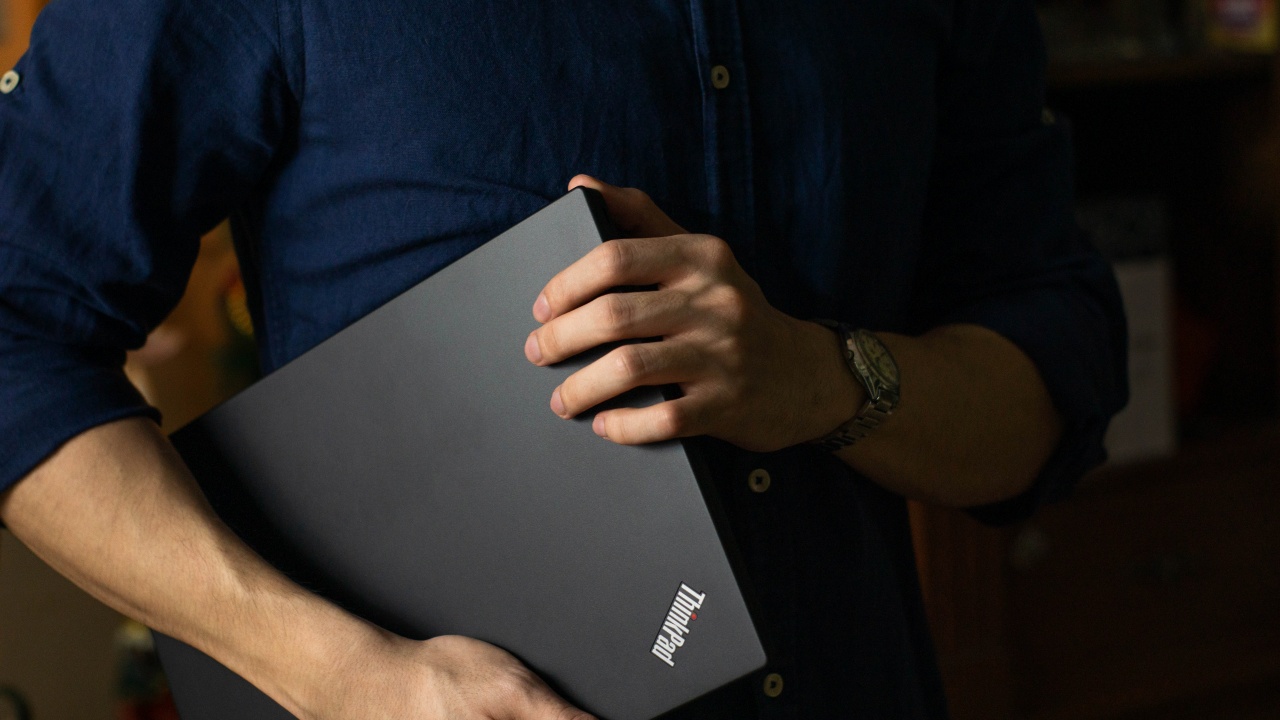
That’s not to say that the X13 isn’t an attractive device. Show up to meetings with this on the table and you’re set to make an impression. A serious one at that.
Its robust construction, great display, exceptional keyboard and a small body that comes packed with some serious firepower. It covers everything you could possibly want and need to do on a laptop. From office work, photo and video editing, and even gaming, the Lenovo ThinkPad X13 is a solid all-arounder and is reliable enough to get the job done.
The Lenovo ThinkPad X13 is available at a starting price of PhP 54,669.






Laptops
Hands-on: NEW iPhone 17e, iPad Air, MacBooks, Studio Displays
What Apple has announced other than the MacBook Neo


The MacBook Neo was the star of yesterday’s Apple event, and it has every right to be but it’s been a big week for Apple.
So as promised, we also went hands-on with every other device announced this week: iPhone 17e, M4 iPad Air, M5 MacBook Air, MacBook Pro with M5 Pro and M5 Max chips, and the new Studio Displays.

Apple finally has a MacBook for the budget-conscious!
In this video, we take a look at the latest MacBook Neo — Apple’s most affordable laptop at $599.
It’s the perfect first computer for students, families, and anyone who’s always wanted a Mac but couldn’t justify the price.
Here’s our exclusive hands-on with the all-new MacBook Neo for you to check out.


Apple has a new contender in the ring. And if you grew up on fighting games, the reveal almost feels like that classic moment when the screen flashes: Here comes a new challenger.
Meet the MacBook Neo — Apple’s newest and most affordable laptop yet. Starting at just US$599 (US$499 for education), it aims to bring the Mac experience to a much wider audience.
Despite the lower entry price, Apple isn’t treating this like a stripped-down Mac. The new machine still carries a full aluminum design, a vibrant display, and Apple silicon performance — the same core pillars that define the modern Mac lineup.
The goal is simple: make the Mac more accessible without losing the parts that make it feel premium.
A colorful new entry
At first glance, MacBook Neo looks every bit like a modern Mac. It features a durable aluminum enclosure with soft rounded edges and weighs just 2.7 pounds, making it easy to toss in a backpack or handbag.
Apple is also leaning into color here. The laptop comes in four finishes: blush, indigo, silver, and citrus. The Magic Keyboard matches each colorway with lighter shades, creating a cohesive look across the entire device.
Front and center is a 13-inch Liquid Retina display with a 2408 × 1506 resolution, 500 nits of brightness, and support for one billion colors. Apple says the panel delivers sharper text and brighter visuals than most laptops in this price category.
It’s a display designed to make everyday tasks — browsing, watching videos, editing photos — feel a little more vibrant.
A18 Pro powers everyday performance
Under the hood, MacBook Neo runs on Apple’s A18 Pro chip — the same architecture that powers some of Apple’s most advanced mobile devices.
Apple says the chip delivers up to 50 percent faster everyday performance compared to the bestselling PC powered by Intel Core Ultra 5. For AI-heavy tasks like applying advanced photo effects or running on-device intelligence features, the system can be up to three times faster.
The chip also includes a 16-core Neural Engine for Apple Intelligence features and a 5-core GPU for graphics workloads. The system is completely fanless, which means silent operation even under load.
In practical terms, that translates to smooth multitasking across apps like Messages, Safari, Canva, Excel, and more.
Built for all-day use
Battery life is another highlight. Thanks to the efficiency of Apple silicon, MacBook Neo can run for up to 16 hours on a single charge.
The laptop also includes a 1080p FaceTime HD camera with improved image processing, along with dual microphones that use directional beamforming to reduce background noise during calls.
For audio, dual side-firing speakers support Spatial Audio and Dolby Atmos for a more immersive listening experience.
The device features Apple’s Magic Keyboard and a large Multi-Touch trackpad, while select models include Touch ID for quick and secure logins.
Connectivity includes two USB-C ports for charging and accessories, a headphone jack, Wi-Fi 6E, and Bluetooth 6.
The Mac experience, now more accessible
MacBook Neo ships with macOS Tahoe, complete with built-in apps like Safari, Photos, Messages, and FaceTime. It also supports Apple Intelligence features such as Writing Tools and Live Translation.
For users already in the Apple ecosystem, Continuity features make switching between devices seamless. Tools like Handoff, Universal Clipboard, and iPhone Mirroring let users move between Mac and iPhone without breaking their workflow.
With its $599 starting price, MacBook Neo now becomes the most affordable entry point into the Mac lineup — a position long rumored but never quite realized until now.
In fighting game terms, Apple didn’t just add another character to the roster.
It added one meant for a whole new set of players.
Pricing and availability in Singapore and the Philippines
In Singapore, the MacBook Neo starts at S$849 and S$729 for education. Customers can pre-order the new MacBook Neo from Friday, March 6.
In the Philippines, Apple’s friendliest-to-the-budget MacBook starts at ₱39,990 and ₱33,990 for education. They will be available soon on apple.com/ph/store and Apple Authorized Resellers.


Resident Evil Requiem will get a story expansion

Samurai Champloo is getting a live-action adaptation

BYD is reportedly considering an F1 team

ARTMS Heejin shows KPop concert day through Ray-Ban Meta glasses

Smart delivers best mobile video experience in PH — Ookla


-

 News2 weeks ago
Xiaomi 17 Ultra is now available outside China
-

 MWC 20261 week ago
TECNO showcases cool concepts at MWC 2026
-

 MWC 20267 days ago
Infinix NOTE 60 Ultra makes a motorsport-inspired debut
-

 MWC 20262 weeks ago
TECNO resurrects modular phones with this new concept
-

 MWC 20261 week ago
TECNO launches the all-new CAMON 50 series
-

 Reviews1 week ago
TECNO CAMON 50 Ultra review: End of an era?
-

 Reviews2 weeks ago
Xiaomi Pad 8 review: Slab that slaps!
-

 Reviews2 weeks ago
Forget the Phone: Xiaomi 17 Ultra Is A CAMERA!