

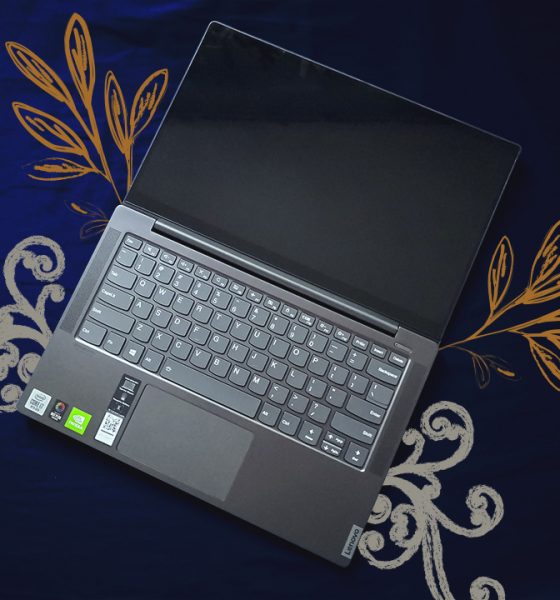

Being stuck under quarantine meant that I had to work from the comfort of my own room. With the amount of tasks I had to accomplish within the 8.5 hours, I wanted a laptop that could help me accomplish these faster and more efficiently. Naturally, I had my work laptop with me but I decided to give another laptop a try during my work from home saga.
Luckily, before this quarantine started, I got my hands on the Lenovo Yoga S740 in a very beautiful package. The company pegs this as a creative mind’s laptop, doubling down on hardware pieces fit for photo and video work. When you’re not using it for Photoshop or Premiere Pro, it’s supposedly an excellent work laptop.
So, maybe it won’t be too bad to give this laptop a shot — even with my work laptop in full reach. Here’s what the Lenovo Yoga S740 brings to the table:
It has a 14-inch IPS glossy display that flips 180 degrees

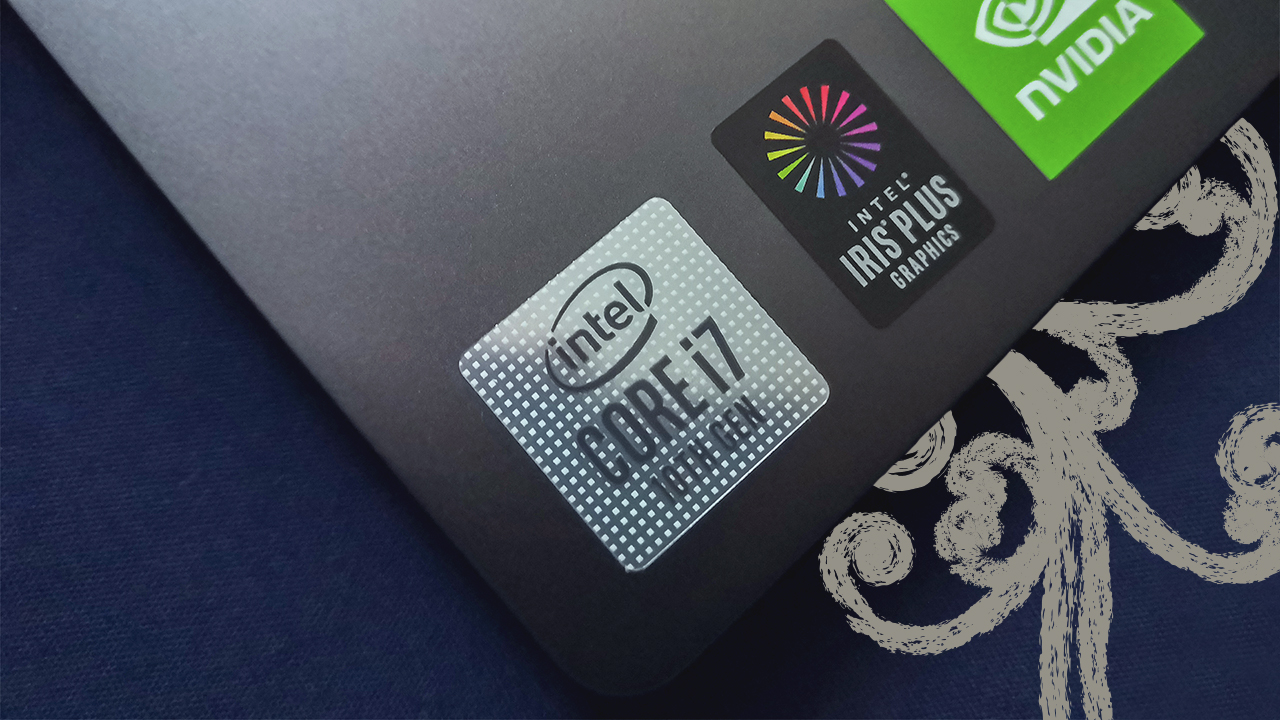
It has an NVIDIA MX250 discrete GPU inside
It comes in a thin and light chassis, in the Iron Grey color
Masterful performance for its intended use
The Lenovo Yoga S740 comes with premium hardware fit for professional work laptops out there. The 10th generation Intel Core i7-1065G7 chip they put inside this device provides more than enough power for most of the tasks I did. From making tons of spreadsheets to doing some video editing, this device clearly holds its own against all of it.
It didn’t even take that long to boot up the laptop thanks to the 512GB M.2 SSD inside. Load times for most applications are what you’d expect from a new processor and 16GB of RAM inside. It’s almost like this laptop sets the standard for how work laptops should be based on the hardware.
With the NVIDIA MX250 inside, you can play games at a fairly decent frame rate. In my experience however, I don’t recommend it as part of your main activities with the device. Apart from playable frame rates of 30-40 FPS, the device warms up pretty fast and its thermals are not exactly built for that.
Solid battery life across the board
Lenovo claims the device can last up to 14 hours provided you just use it for most everyday tasks. On my end, I got about 10 to 11 hours all while using it strictly for work-related tasks like writing reports and processing data. When using the device along with social media, Netflix, and a little bit of gaming, it’s around 8 to 9 hours, which is pretty decent.

The device doesn’t take too long to charge either, as it took two and a half hours to fully charge it. If you decide to charge the device using the Thunderbolt 3 USB Type-C port, it takes about three hours for a full charge. I found out that you can use any USB-C charger you have lying around, whether it’s for your phone or for your Nintendo Switch.
The way the thermals work confuses me
For me, it’s important to keep any portable device well ventilated. I’ve had experiences both with phones and laptops that just heat up real fast, then take a long while before cooling down. The Lenovo Yoga S740 proved to be no exception to this, but it also manages to do it a little worse than most laptops I’ve had — and I don’t know why.
For starters, the device has rubber feet that elevate it a little bit when placed on any surface. Ideally, this gives the laptop room to exhaust hot air through its ventilation grills underneath, which it was able to do on regular use. However, when you’re doing a lot of tasks at the same time (not necessarily gaming-heavy), the fans get loud and the hot air can’t get out properly. I say that mostly because I feel the warmth on the keyboard when this happens.
Another thing I observed was that even in sleep mode, this device pumps the fans up. Ideally, it shouldn’t pump out as much air as it should when you’re actively using it. However, when I decided to just put it to sleep by closing the lid shut, it still pumped out a lot of hot air. I thought closing the lid shut also means the device would be put in a low power state, but that doesn’t seem to be the case here.
Other features that deserve your attention
There were a bunch of other features that you should look at before even thinking of getting this device. First, the overall design is pretty great for any use case. The FHD IPS display folds up to 180 degrees, and honestly best used when you’re typing something while lying down. The speakers are found just beside the keyboard, and are pretty decent when you’re watching movies.

Second, the 720p IR camera is just, well bad. I didn’t run into any problems setting it up for Windows Hello’s facial recognition, which makes up for a lack of a fingerprint sensor. But the moment you start using the webcam on its own, it’s not promising at all. The images show obvious grain, not much attention to even sharpening the details a bit. If you ever need to do a conference call, this camera won’t help you.
And lastly, there are some ports that this device had to sacrifice but these were not good sacrifices. For most creative professionals, having an HDMI port also helps — apart from the Thunderbolt 3 port. Most external displays readily available still use an HDMI port, so there’s a missed opportunity there. Also, the lack of an SD card reader will have you sacrificing one of your two USB Type-A ports — especially for photographers.
Is this your GadgetMatch?
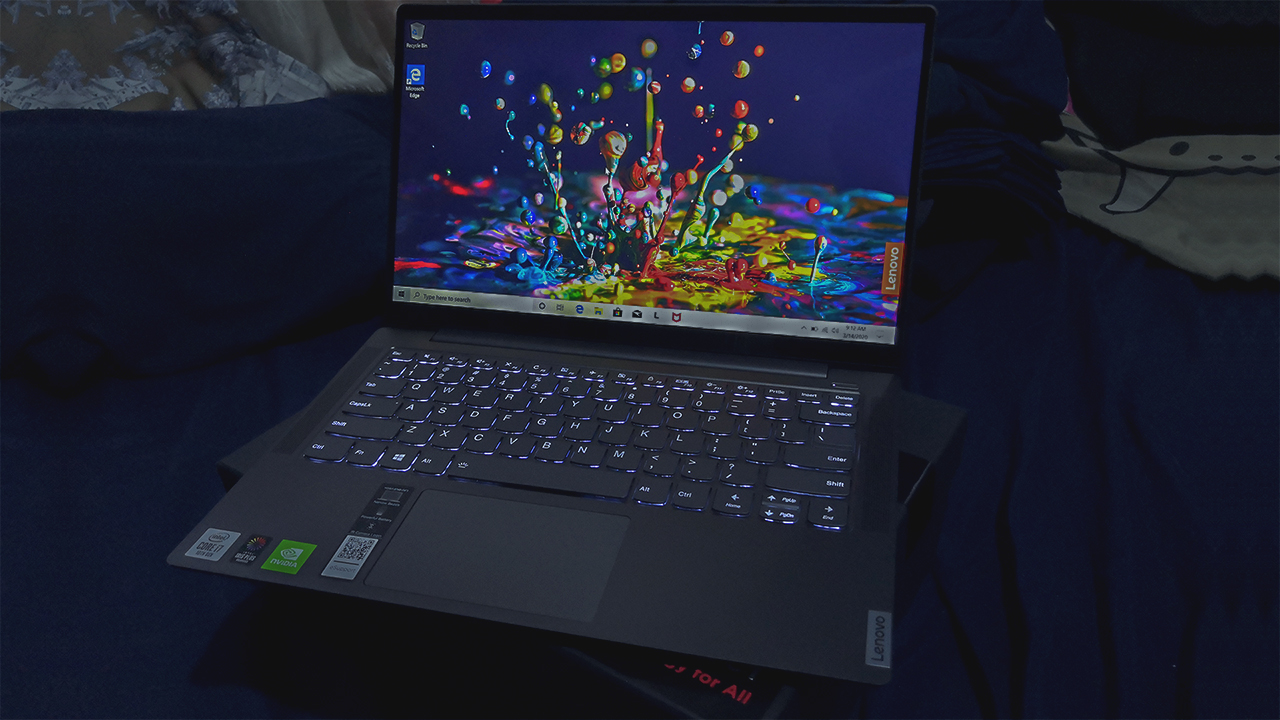
At PhP 74,995, the Lenovo Yoga S740 is one great on-the-go work device. The hardware inside is great for most work and creative tasks. Plus, it lasts pretty long provided you use it just for work or creativity purposes. You can game on it a little, but don’t expect mind-boggling frame rates unless you get the unit with the NVIDIA GTX 1650 inside.
There are some things that do deserve a second opinion before you get this device. The lack of substantial ports, a grainy 720p camera, and the hard pumping thermals leave a lot to be desired. But, if you feel that you can manage with these, then this device is great on its own.
Overall, I think that this is a great alternative to most work laptops I have. When I’m not using it for work, it’s also great for most past times I have. If I were a creative professional, I’d highly consider getting this, but maybe once the quarantine is over.
SEE ALSO: Why the Lenovo Yoga S940 makes for a perfect business travel companion





Laptops
Alienware celebrates 30th anniversary with new Area-51 laptops
The series features Alienware 30, an all-new design language.

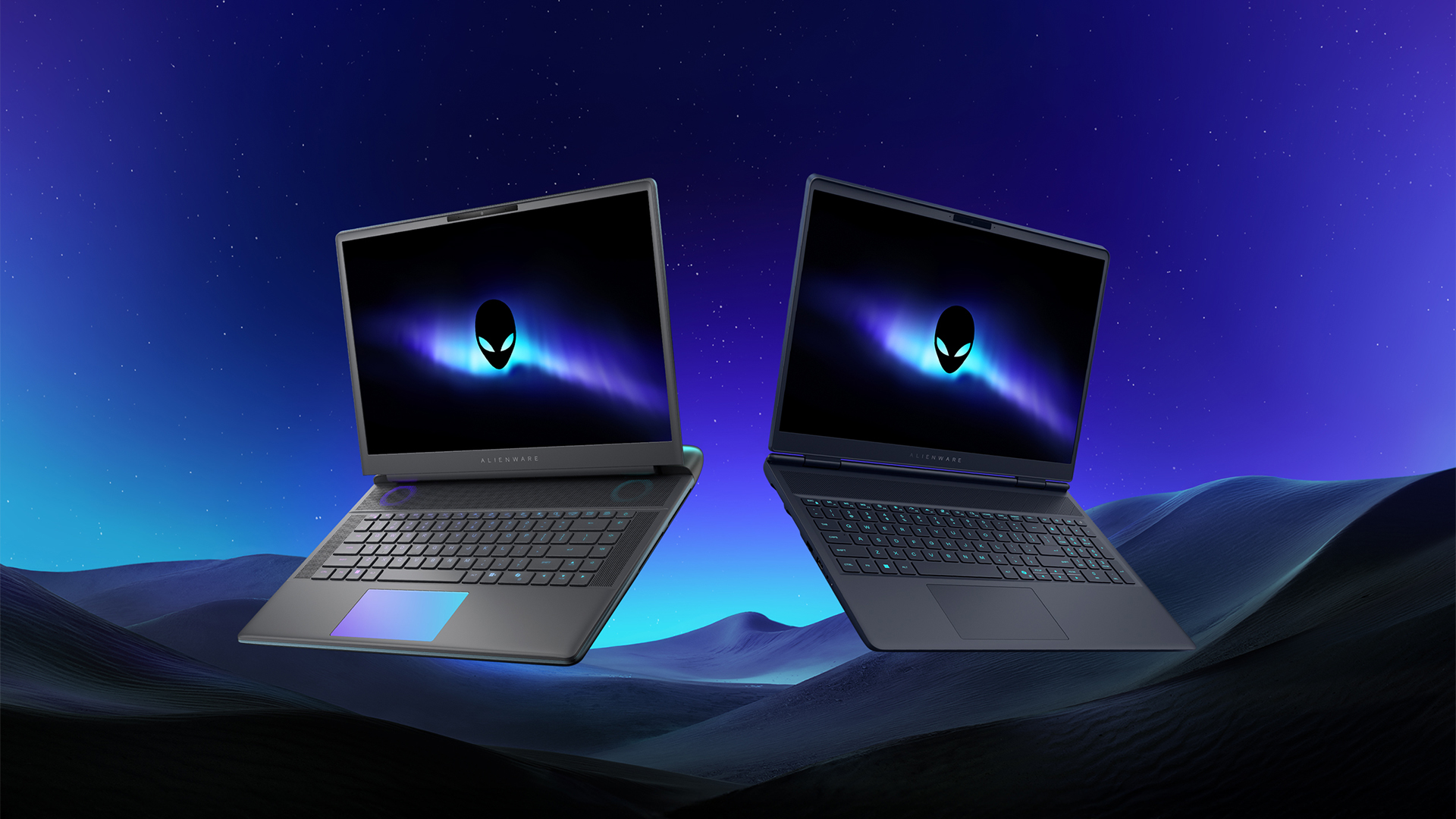
Despite the rise of more gaming brands, Alienware is still one of the most recognizable names for gamers who want dedicated hardware. This year, the brand is celebrating its 30th anniversary. To commemorate the milestone, Alienware has launched the new Area-51 and Aurora notebooks.
Alienware Area-51
Alienware’s Area-51 lineup is the brand’s flagship line of notebooks, packing in the best of the best from the industry. This time is no different.
First of all, the new series will rock Alienware 30, a new design philosophy made especially for the 30th anniversary. On the outside, the laptops have fluid contours, emphasizing curves opposed to the industry’s more angular contemporaries. It also has a Zero Hinge, which hides the laptop’s hinge from view. Finally, it has pillowed palm rests to make usage easy for long gaming sessions.
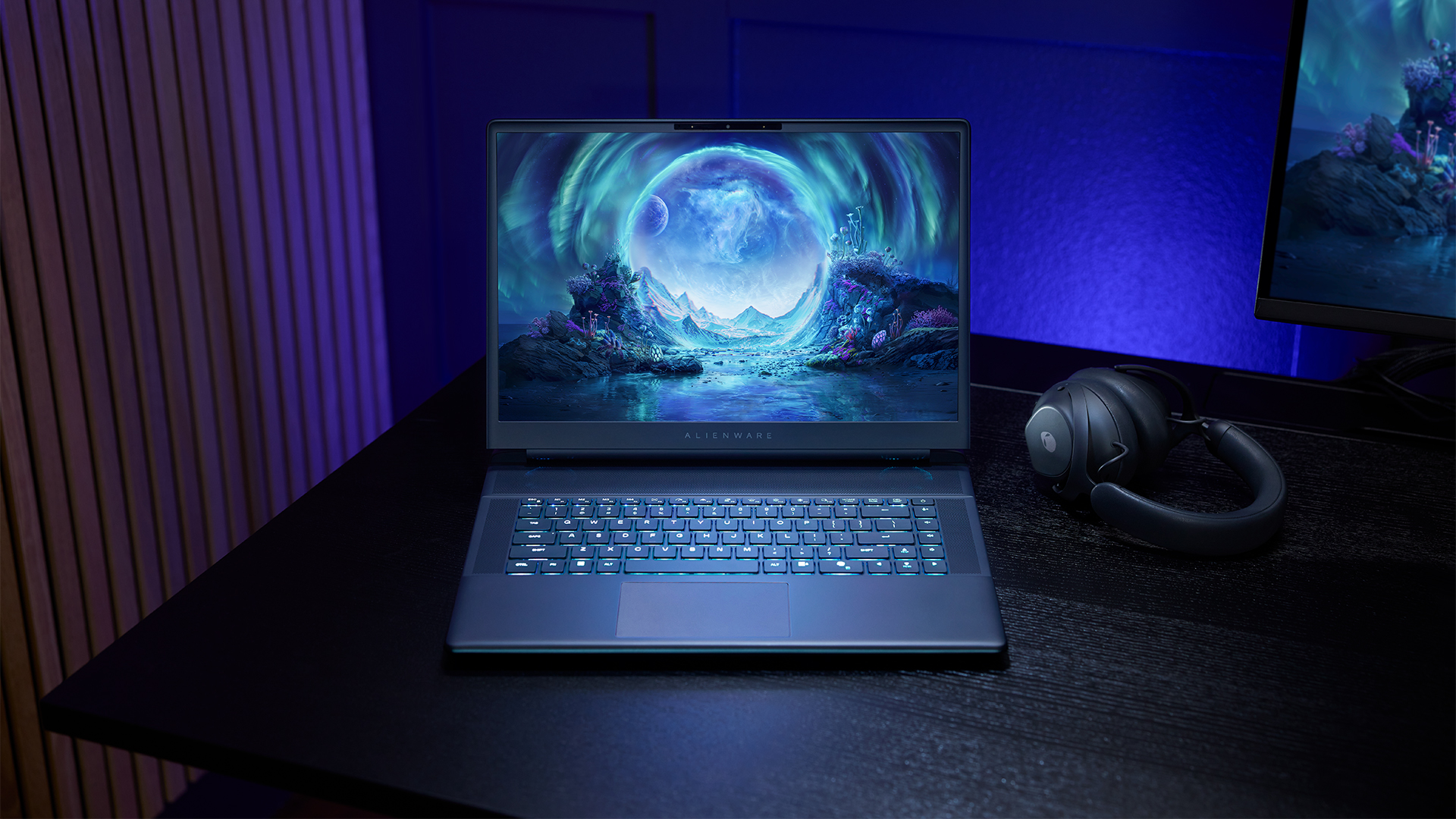
The 16-inch model can rock up to a WQXGA Anti-Glare OLED screen, featuring 240Hz refresh rate and 620 peak HDR nits. It will also have an LCD option. Alternatively, the 18-inch model has a WQXGA screen, featuring 300Hz refresh rate and 500 nits of brightness.
Inside, the Alienware Area-51 boasts up to an Intel Core Ultra 9 290HX processor and up to an NVIDIA GeForce RTX 5090 24GB GPU. For memory, gamers can enjoy up to 64GB Dual-Channel DDR5. Finally, for storage, the series can rock up to 2TB SSD natively but can support up to 3 slots, allowing for up to 12TB of internal storage.
The series will have a sizable 96Whr battery. This is complemented by a 280W adapter and the brand’s largest fans by volume to keep things cool.
Alienware 16X Aurora
For those who portability over raw power, the new Alienware 16X Aurora fits inside any day-to-day kit. For example, it ditches the thermal shelf typical of most gaming notebooks today to increase portability. It has rounded edges to make it easier to grasp and to create a slightly pillowed palm rest, similar to its flagship counterpart.
The 16-inch WQXGA OLED panel touts 240Hz refresh rate, 0.2ms response time, and 620 nits HDR peak brightness.
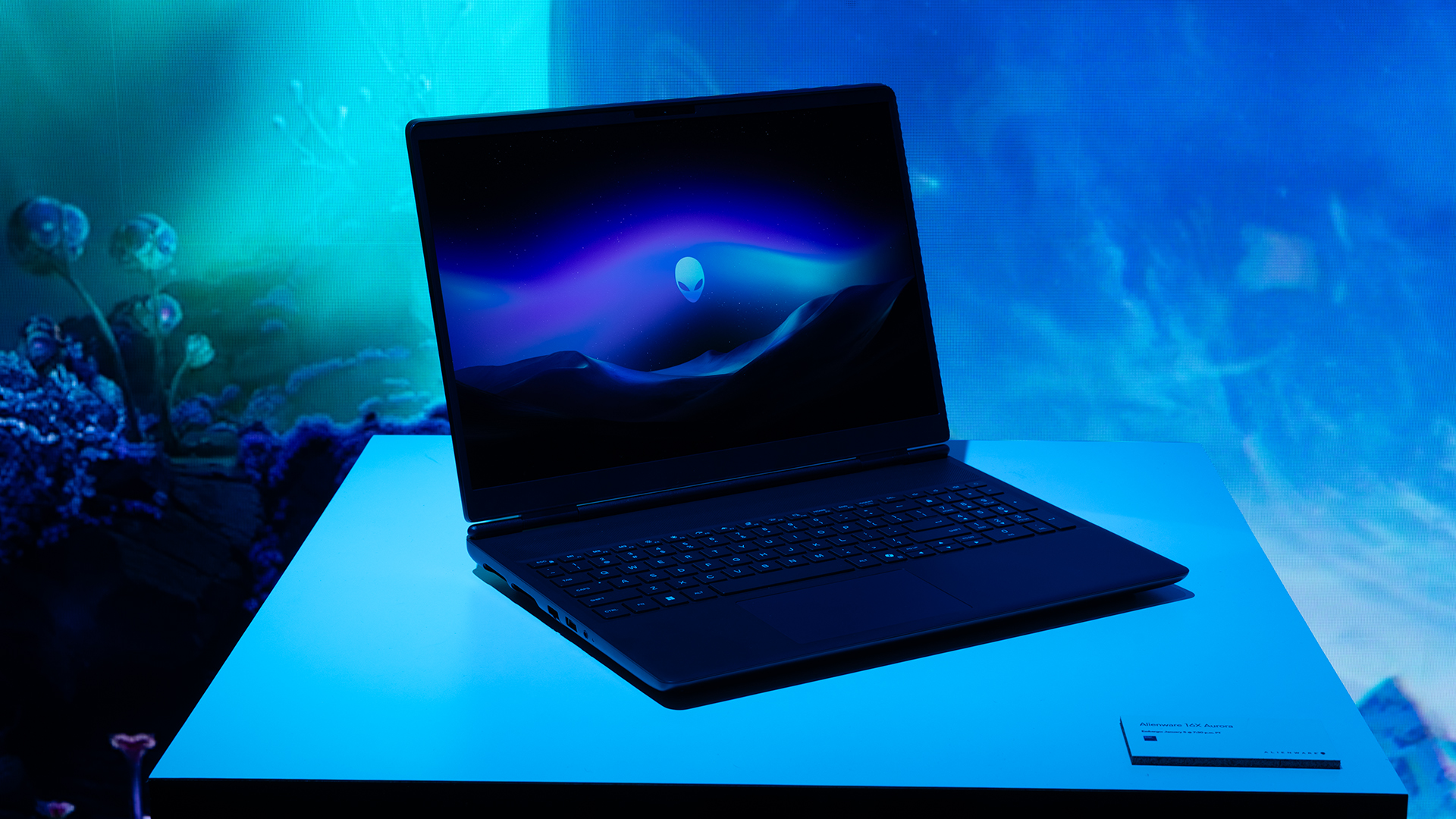
Inside, the notebook has up to an Intel Core Ultra 9 275HX processor and up to an NVIDIA GeForce RTX 5070 Ti GPU. These specs are paired with up to 64GB Dual-Channel DDR5 memory and up to 2TB SSD.
Finally, the Alienware 16X Aurora will have a 90Whr battery. This is supported by up to a 280W charger (for the RTX 5070 variant).
Price, availability
Both series are available starting today, March 17.

Apple disrupts the industry with their latest MacBook — an affordable to say the very least.
If you’re a student, a first-time Mac owner, someone who’s been priced out of this ecosystem their whole life, someone who just needs a laptop for basic tasks but one that looks great, without slowing them down, this is it!
Or maybe you’re torn choosing between the MacBook Neo and the more powerful M5 MacBook Air?
Well, that’s what we’re here for. Here’s our review with the all-new MacBook Neo.
Laptops
Hands-on: NEW iPhone 17e, iPad Air, MacBooks, Studio Displays
What Apple has announced other than the MacBook Neo


The MacBook Neo was the star of yesterday’s Apple event, and it has every right to be but it’s been a big week for Apple.
So as promised, we also went hands-on with every other device announced this week: iPhone 17e, M4 iPad Air, M5 MacBook Air, MacBook Pro with M5 Pro and M5 Max chips, and the new Studio Displays.


POCO X8 Pro Max review: A new beast from the far east
That "Pro Max" naming superlative is more than justified


POCO X8 Pro Iron Man Edition review: Midrange phone in superhero armor
POCO x MK15


Now Playing: Project Hail Mary
It's a treat for those who loved the original book.

OPPO Find N6 launches globally with near crease-free foldable display
POCO X8 Pro Max review: A new beast from the far east
POCO X8 Pro Iron Man Edition review: Midrange phone in superhero armor

POCO X8 Pro Series launches in Singapore with early bird prices

POCO X8 Pro Series: Price, availability in the Philippines


-

 MWC 20262 weeks ago
Infinix NOTE 60 Ultra makes a motorsport-inspired debut
-

 Computers2 weeks ago
AMD announces Ryzen AI 400, AI 400 PRO series at MWC 2026
-

 Reviews1 week ago
The Xiaomi 17 shoots Leica dream
-

 Laptops2 weeks ago
Apple unveils MacBook Pro with M5 Pro and M5 Max
-

 Gaming2 weeks ago
Ubisoft confirms Assassin’s Creed: Black Flag remake
-

 Hands-On2 weeks ago
OPPO Reno15 F 5G hands-on
-

 Gaming2 weeks ago
PlayStation will stop releasing its games on PC
-
 Computers2 weeks ago
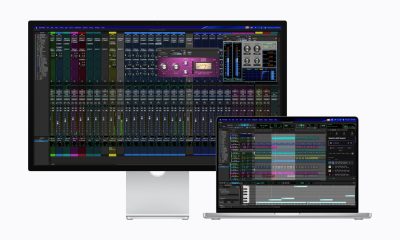
Apple unveils Studio Display and all-new Studio Display XDR