
Accessories
Mother’s Day gadget gift guide


Ah, mothers. What do we do without them?
Admittedly, we have all been a pain to our moms at some point in our lives (and maybe until now, most definitely until now). This is the true test of a mother’s undying love — that they tolerate us, after all these years.
This coming Sunday is Mother’s Day, the perfect holiday to show our love and appreciation to our biggest fan despite how sucky we can get/are as people.
Here are gadget gift suggestions for the main women in our lives.

ILIFE V7 Sweeping Robot Home Vacuum – $146.99
This vacuum will do the work for her, not just on Mother’s Day but every day that comes after! This nifty gadget takes the work off your mom’s hands. (Because if you’re not going to do the chores she asked you to do, someone/something has to!)

Parrot Flower Pot – PhP 7,990
This smart planter has built-in sensors that can monitor your plant’s needs — sort of like how mothers (without us saying anything) know what’s better for us, even if we never listen.
It also has a “plant sitter” mode, useful for days your mom decides to go on well-deserved vacations (from you). It comes with a free app!

Vivo V5 Plus – PhP 19,990
You could stop giving your mum headaches, or you could just document the few times you actually do good and make her happy. This is a great smartphone that will capture your mother’s every smile!

Fitbit Alta HR – $129.95 (PhP 6,479)
Give the gift of health! This fitness wearable will help your mom monitor her sleep, physical activities, and heart rate — which means you have a gauge of how mad she is the next time you do something stupid. It also comes in coral and fuchsia.

JBL Pulse 2 Bluetooth Speaker – $99.99
This thing is not only good on the eyes, it’s good on the ears, too! This powerful wireless speaker can drown out your whining, connect via Bluetooth, has 10 hours of play time, and it gives a beautiful light show. It’s splash-proof, as well!

Xiaomi Redmi Note 4X – $159.99
For the mother who likes her mobile games, here’s a gift that will ensure she can play all the Bejewelled she wants as she ignores more of your spoiled whining.

Philips Hue Bloom – $59.99
Something for the home she’s lovingly kept — with no help from your lazy self. Control light settings with your phone and save energy with LED technology.

Dyson Supersonic – $494.99
Here’s a top-of-the-line, high-tech hair blower because your mom only deserves the best. (I mean, in theory, but she also has you so…) It has four heat settings, three airflow settings, and a removable filter.

HP Sprocket Photo Printer – $129.99
This printer will allow mom to print beautiful family memories (minus all the fights you picked) to decorate the house with! It’s small, compact, and connects via Bluetooth for fuss-free operation.

Kindle Paperwhite – $99.99
The perfect device for a mom who loves to read! A single battery charge lasts for weeks; that’s pretty long — almost as long as your mom’s undying patience for you!

Keurig Rivo Cappuccino and Latte System – $129.99
Create the perfect cup of coffee for the perfect mother, because honestly, she needs all the energy to deal with your antics all the way into adulthood.
Cheers to all the great, wonderful women whose love we mostly don’t deserve (what, with all our millennial whining)! To be a mother is an extraordinary feat, and I could only aspire to be as great a person as my mother is (and, fine, yours too).
Happy Mother’s Day!
SEE ALSO: 8 gift ideas for the guy you’re kind of seeing
[irp posts=”10562″ name=”8 gift ideas for the guy you’re kind of seeing”]
Visit Gearbest.com for big discounts and other Mother’s day gift ideas!



Accessories
CASETiFY Match: Finding the right case for your Galaxy Z8 Series phone
Cases that match your personality

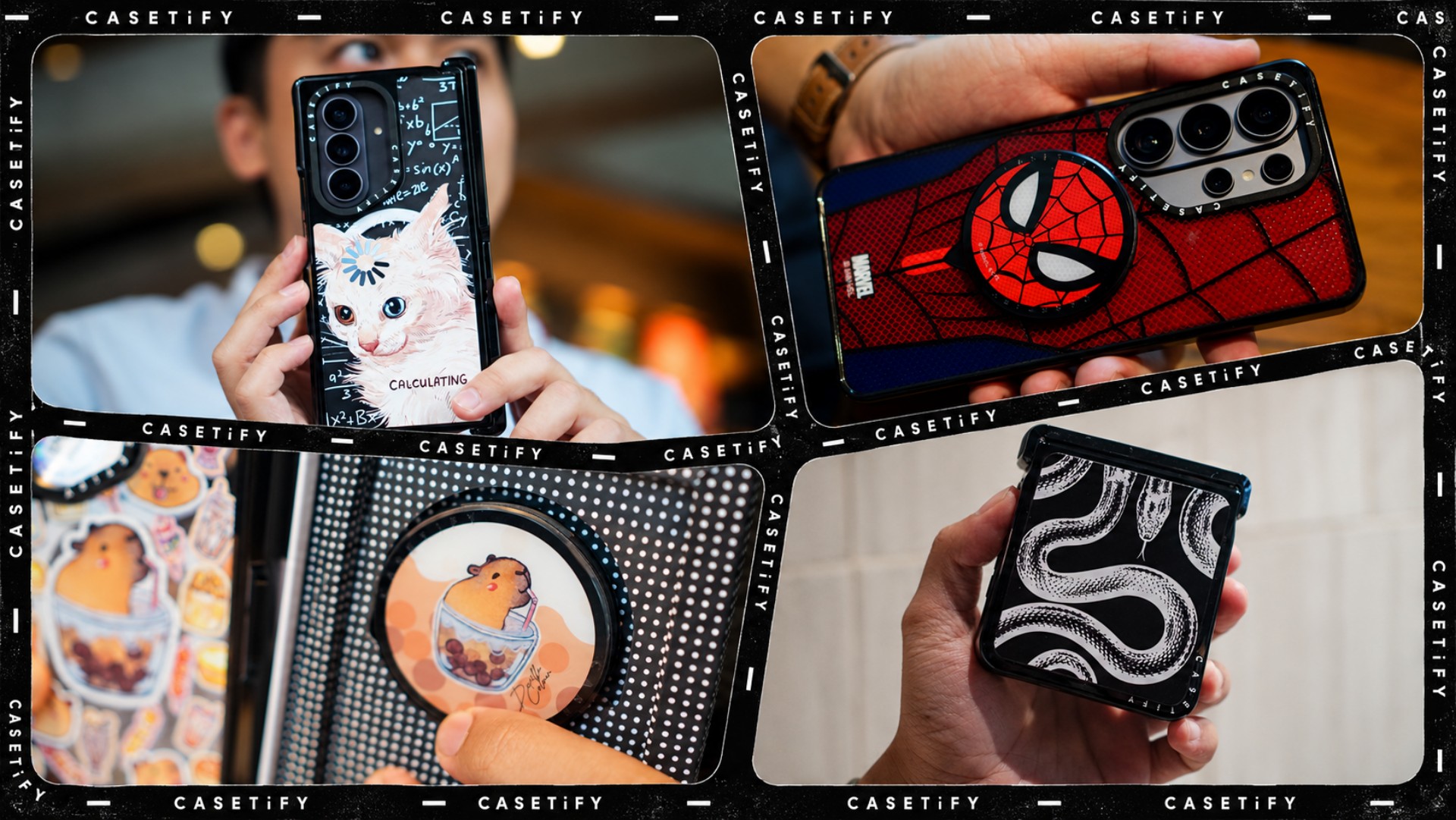
A phone case can be more than protection. It can also be a way to show off your interests, personality, and the little things that make you, well, you.
For our CASETiFY Match for the Galaxy Z8 Series, we asked the team one question: Why was this CASETiFY design your Match?
From Spider-Man fandom and capybara obsession to feline-inspired art and snake motifs, here are the designs that found their way into our team’s everyday carry, plus a couple of bonus picks worth checking out.
Rodneil: A little New York energy for a certified web-head
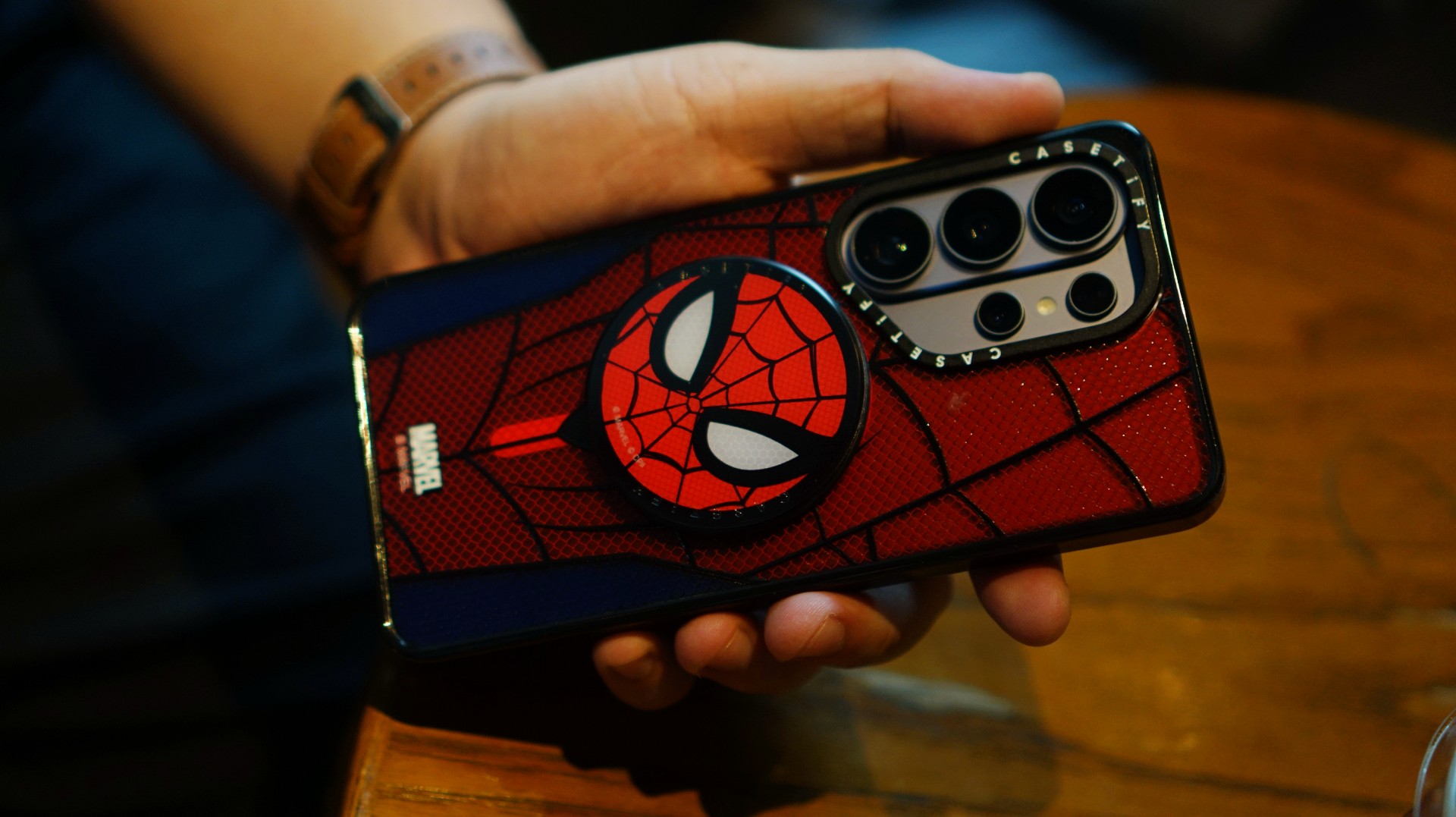
If it wasn’t obvious enough, I’m a certified web-head. I love anything and everything Spider-Man, especially the iconic red-and-blue motif. Though, if we’re being honest, I’m more partial to the red.

I had my eyes on the Spider-Man suit design for the Galaxy Z Fold8 Ultra and the Spider-Man Mask Snappy Grip Stand. Unfortunately, those designs aren’t available for the Galaxy Z Fold8.
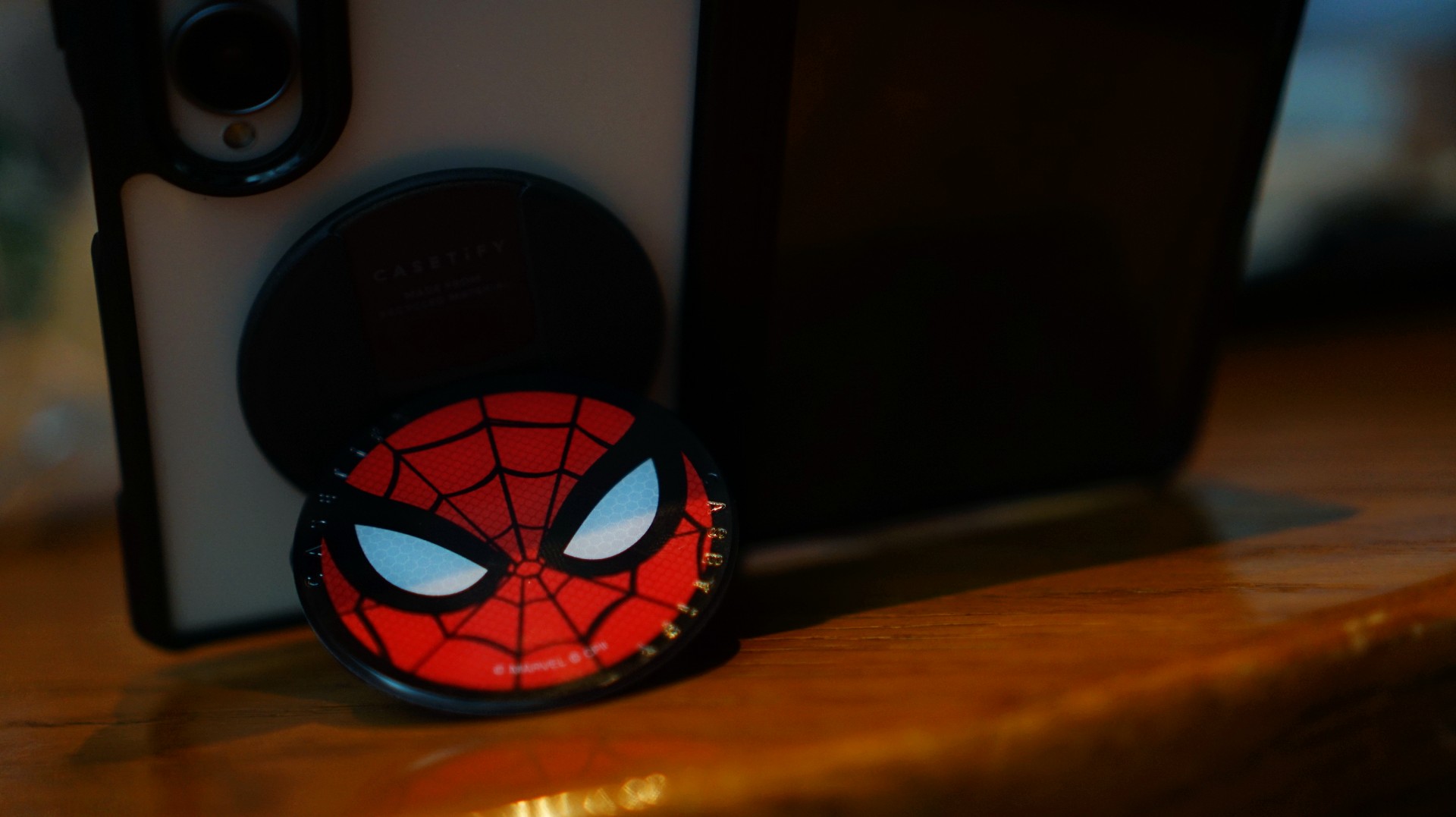
So, I went with a design that gives off a bit of New York energy instead. It still pairs nicely with the Spidey Snappy Grip Stand, letting me bring a little of that Spider-Man vibe to my everyday setup.
V: Keeping it cool with capybaras
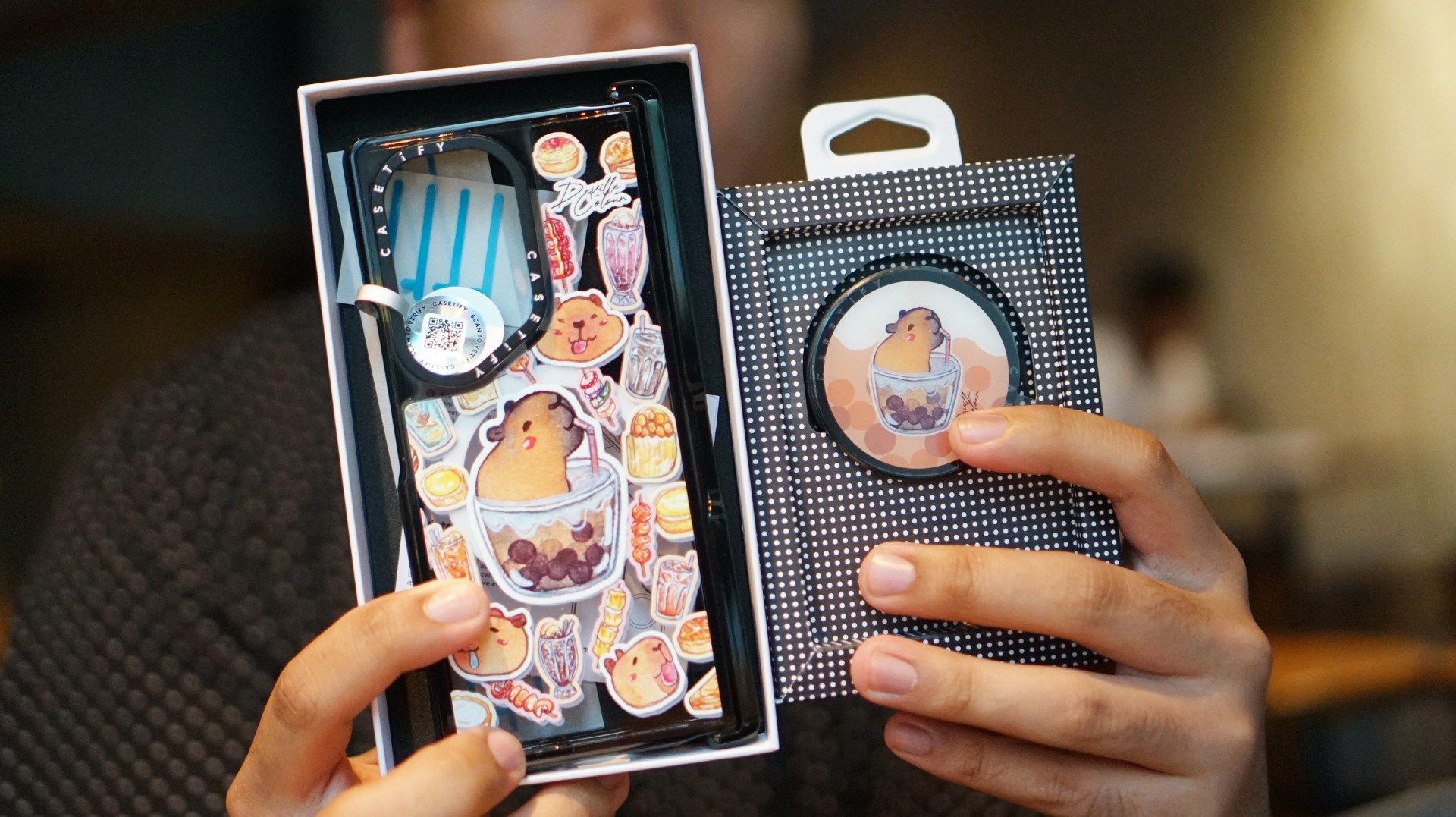
I’ve been a capybara stan since 2020, long before the world finally caught up with just how cute and chill these animals are. Seeing them get the recognition they deserve has been a source of much excitement.
Finding cool and cute capybara cases and accessories for the phones I use every day, however, hasn’t always been easy.
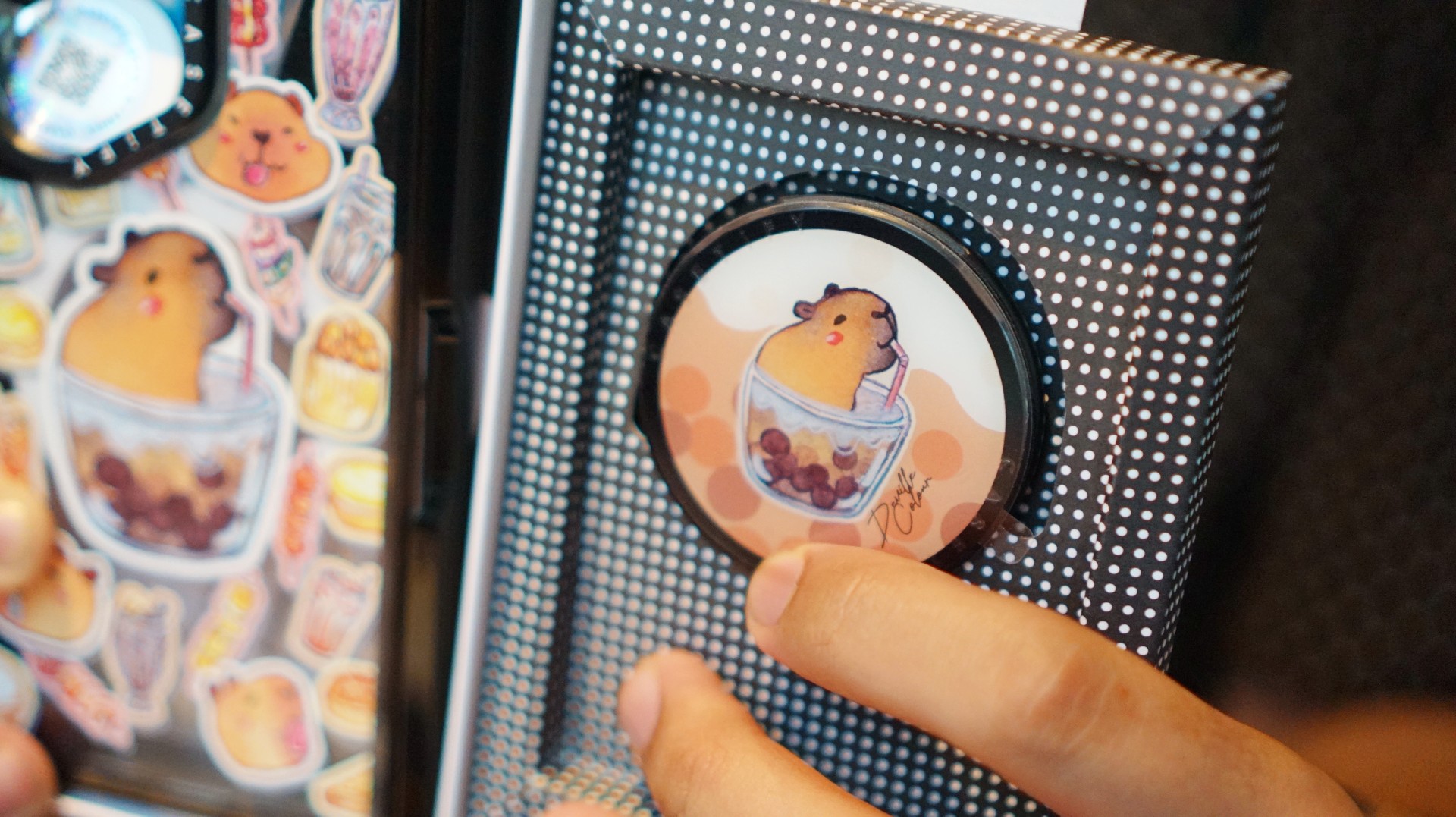
That’s where Deville Dewil’s capybara collection comes in. It fills that gap while making my Galaxy Z Fold8 feel like an even more personal accessory.
At this point, I’d like to identify as a capy/bara.
Luigi: A cat design that’s playful without being too loud
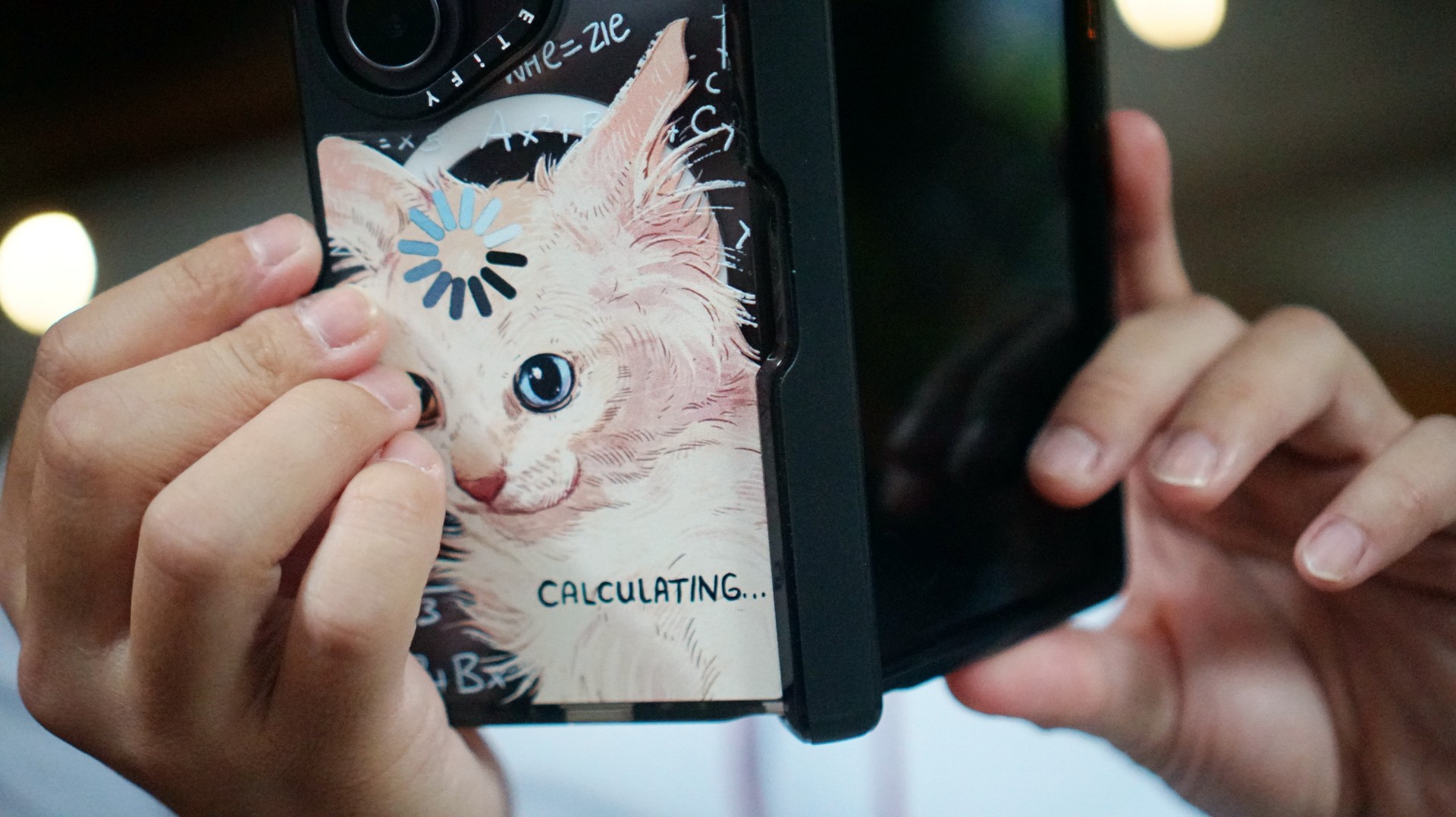
There’s no shortage of cat-themed cases out there. If you’re a cat lover like me, chances are you’ve considered one at some point.
The tricky part is finding a design that isn’t too whimsical or loud. I love the little furballs, but I still want something sleek and clean.
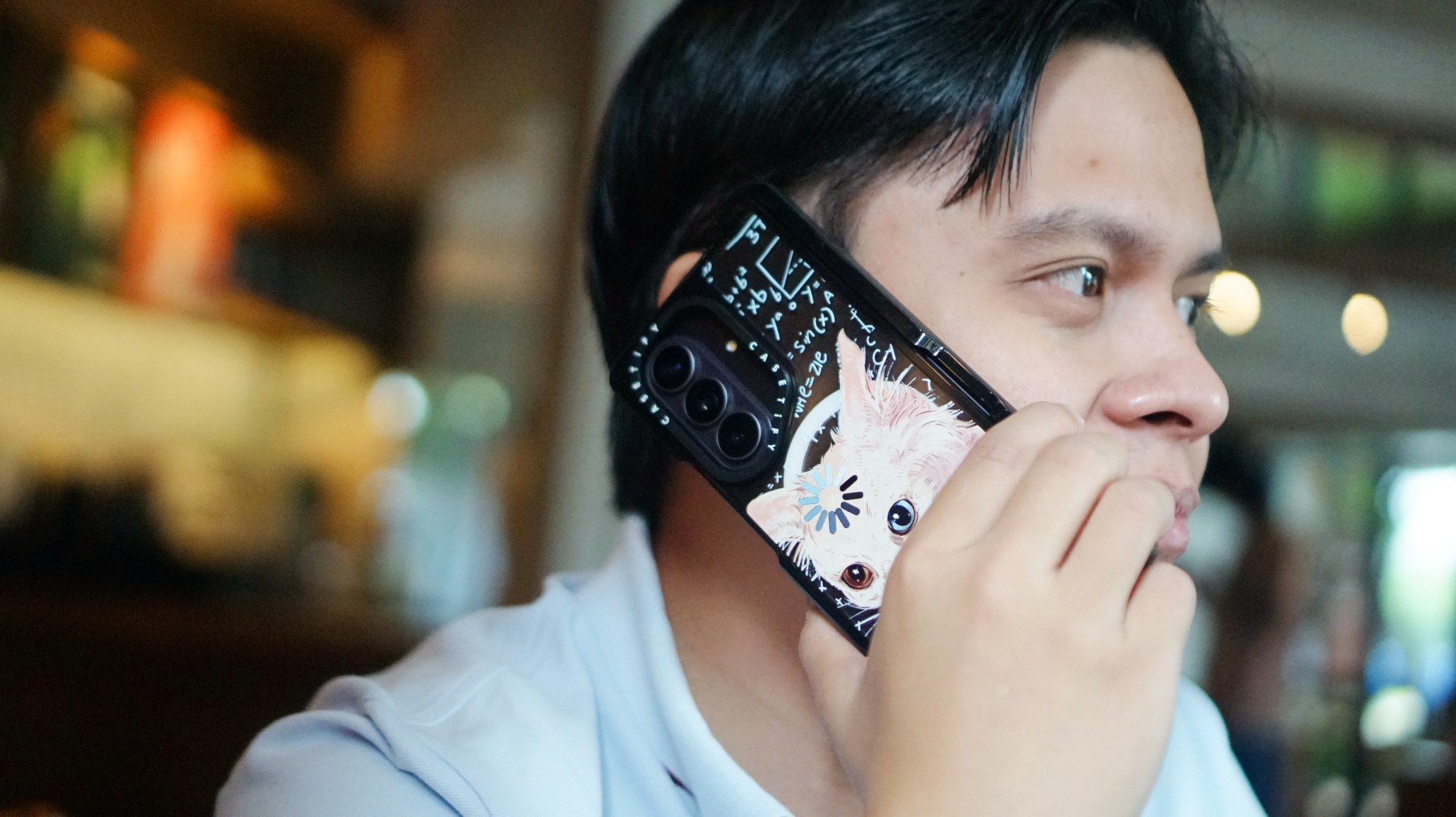
CASETiFY’s cat collection speaks to that balance. In particular, this design by Catwheezie blends artistry with a touch of whimsy. It lets me show off my personality without being too flashy.
MJ: A little reputation energy
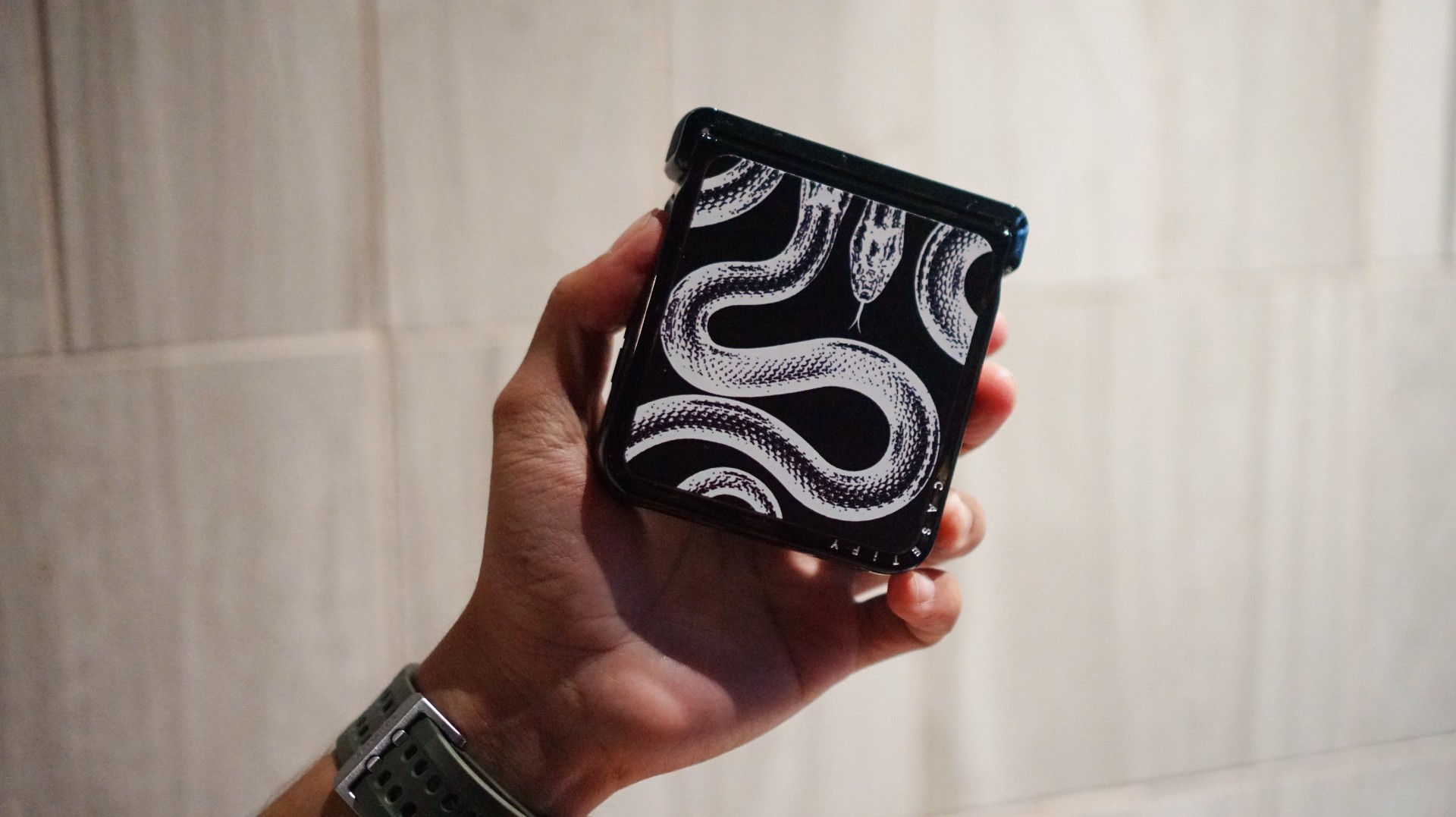
I’ve always had a soft spot for snake motifs, and CASETiFY’s Transparent Kingsnake case gives me Taylor Swift’s reputation era energy.
I love how snakes symbolize transformation. As someone who’s always evolving and never afraid to reinvent himself, that meaning feels personal.
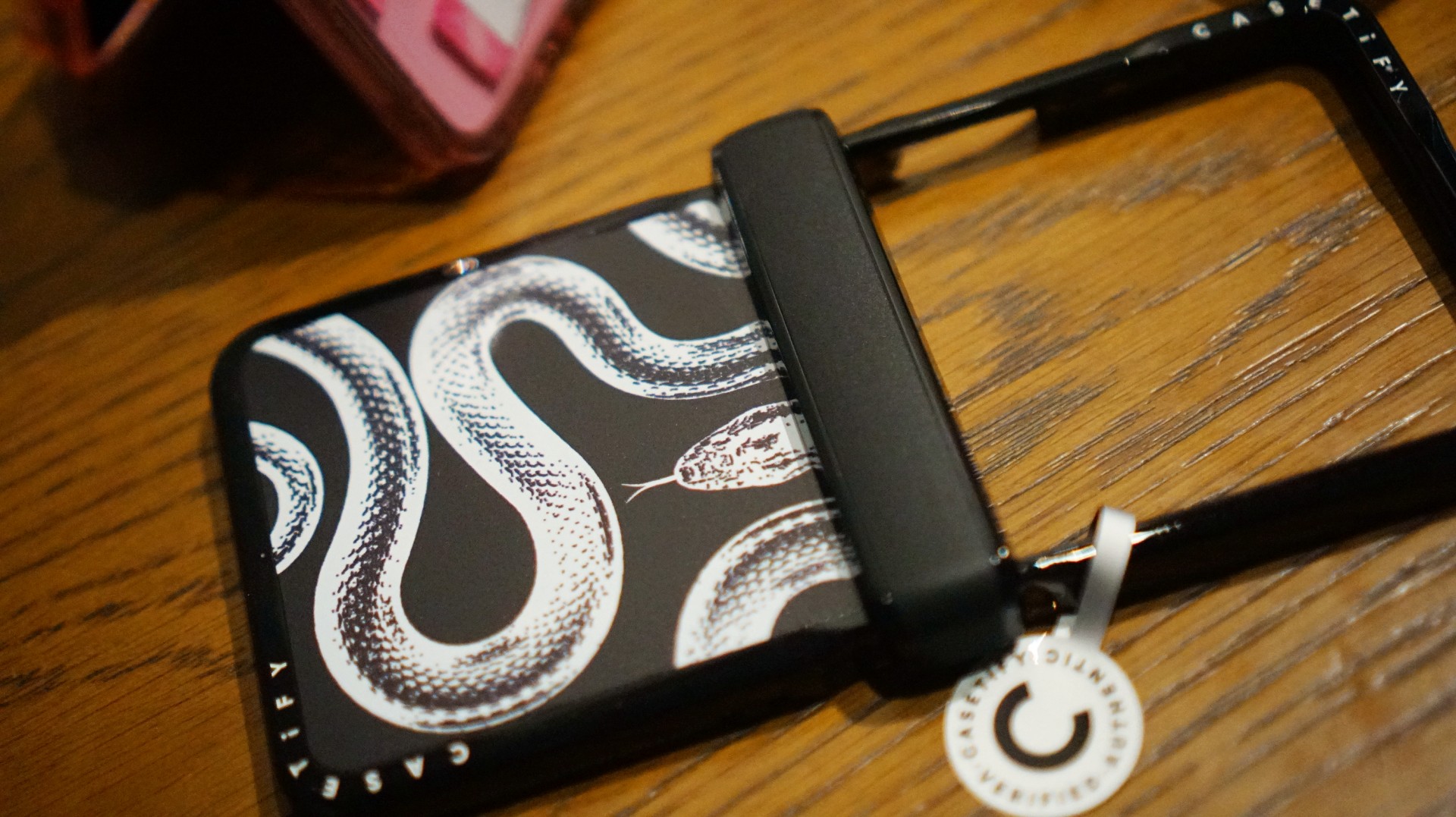
The black-and-white design also brings a sleek, rebellious edge. Paired with my Galaxy Z Flip8, it’s giving statement accessory with a little bite.
Bonus Match: Sunglasses at Night

Sometimes, keeping it simple is the way to go. The Sunglasses at Night design is tasteful and understated, letting me show off the actual color of my phone without competing with it.
Bonus Match: Pink Weekly Planner
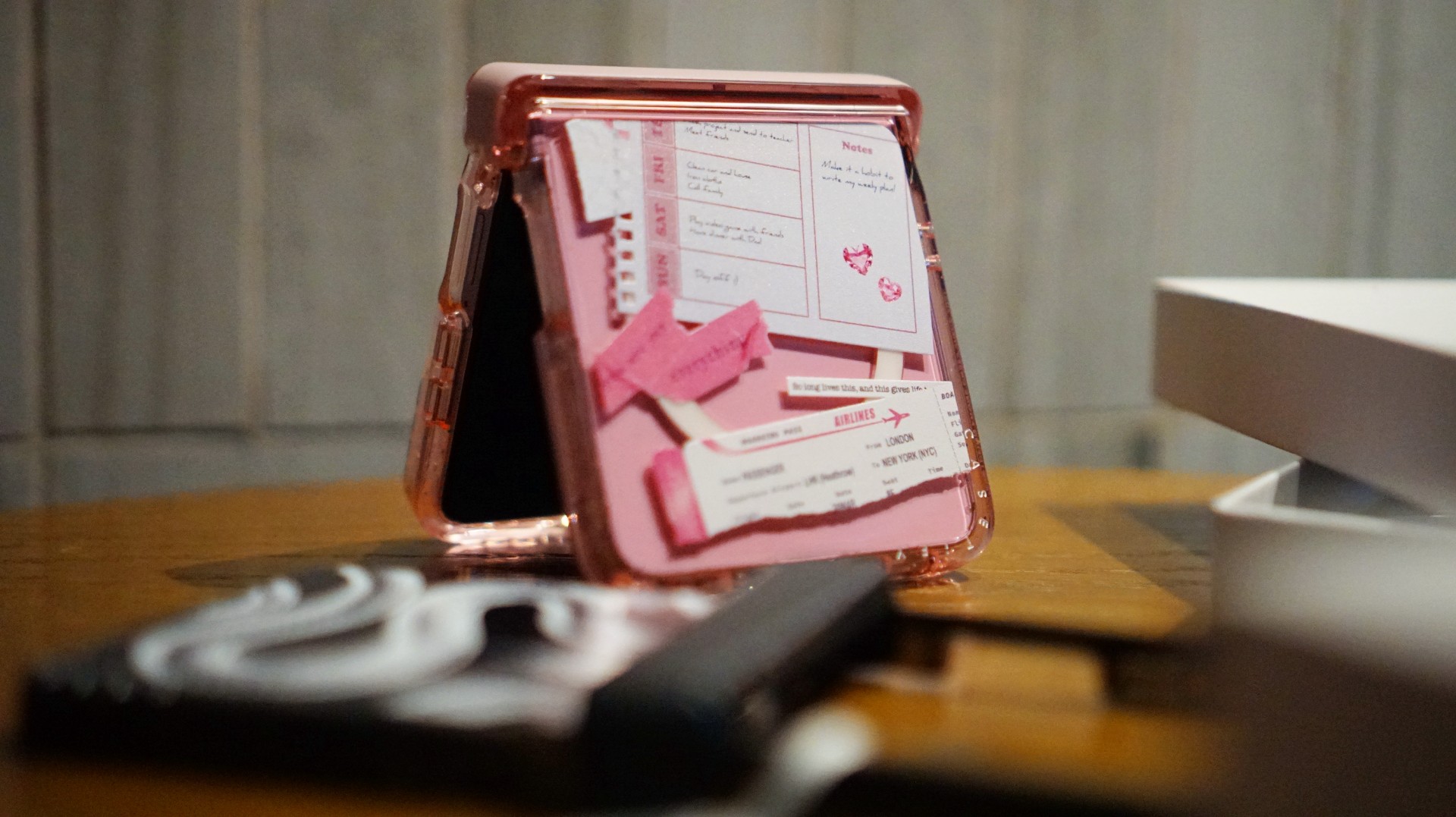
For the girls (and gaes) who plan their days–and life–ahead. And of course, for when they need to keep their Wednesdays pink.
Find your Match
There’s no single way to find a phone case that feels right. It might be a favorite character, an animal you’ve loved for years, a piece of art, or a symbol that means something to you.
For our team, the right CASETiFY design is the one that brings a little more personality to a device we carry every day.
So, which design would be your Match?

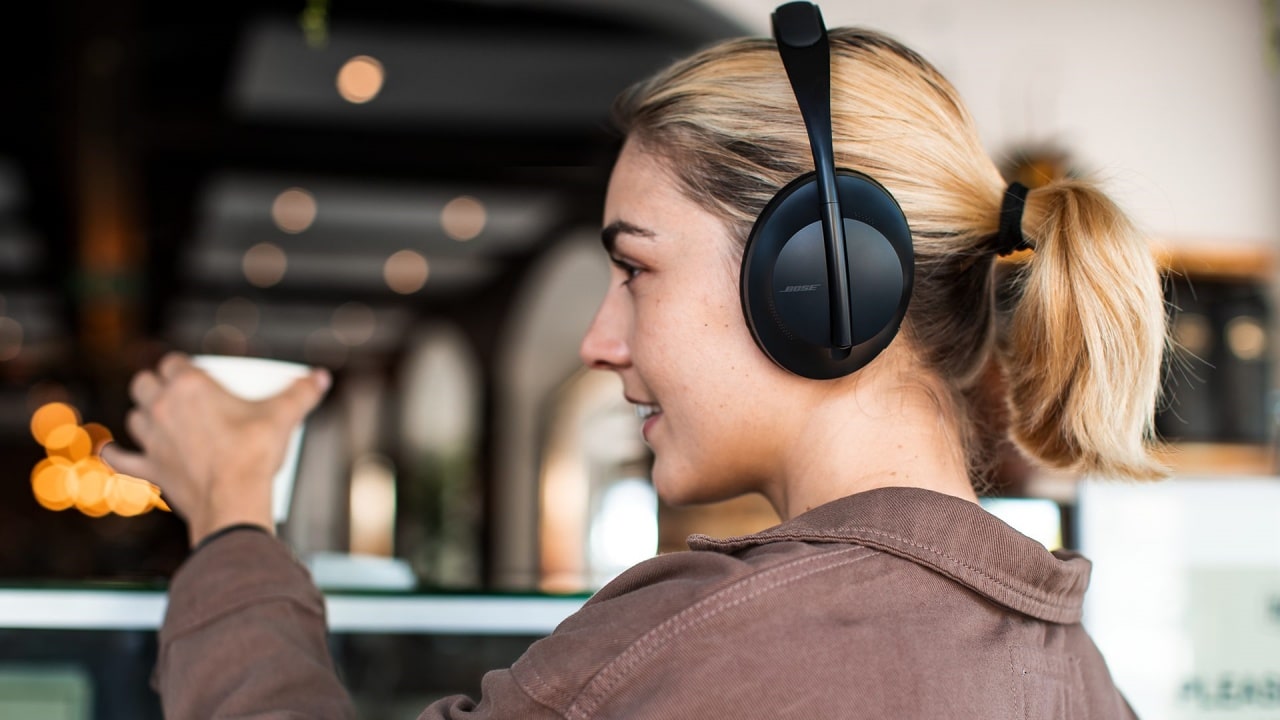
As one of the wisest sages of the 2000s once said, “He was a punk, she did ballet. What more can I say?” Sometimes, opposites attract. Now, two of those opposites in the audio space are coming together: the punk Skullcandy and the ballet-loving Bose.
Today, Bose has announced its acquisition of Skullcandy. The latter will continue to operate as a separate brand but now officially under the Bose umbrella. Although, it’s not a new collaboration as the two brands have previously worked together on devices before. Skullcandy will just have more access to Bose’s technologies moving forward.
Alternatively, Bose will now have access to Skullcandy’s more varied audience. Compared to Bose’s focus on premium products, Skullcandy caters to more alternative lifestyles. Though the brand has since mellowed from its more radical roots, it is still known as one of the alternative brands.
Bose, on the other hand, is still a household name for home audio and noise-cancelling headphones. The new relationship between two polar opposites might be seen as a weird one, but it’s ultimately beneficial to both parties. Besides, both brands were very strong in the 2010s. Keeping both brands going is a boon to audiophiles of the past decade.
Accessories
Fujifilm’s new instax Pal 2 and Link WIDE 2 make room for more creative memories
A new pocket camera and a collage-making printer join the instax family.

Seeing a memory take shape beyond your screen changes how it feels. A favorite photo becomes a print you can tuck into a journal or pin beside your desk, and the everyday moments you capture get a little more room to live.
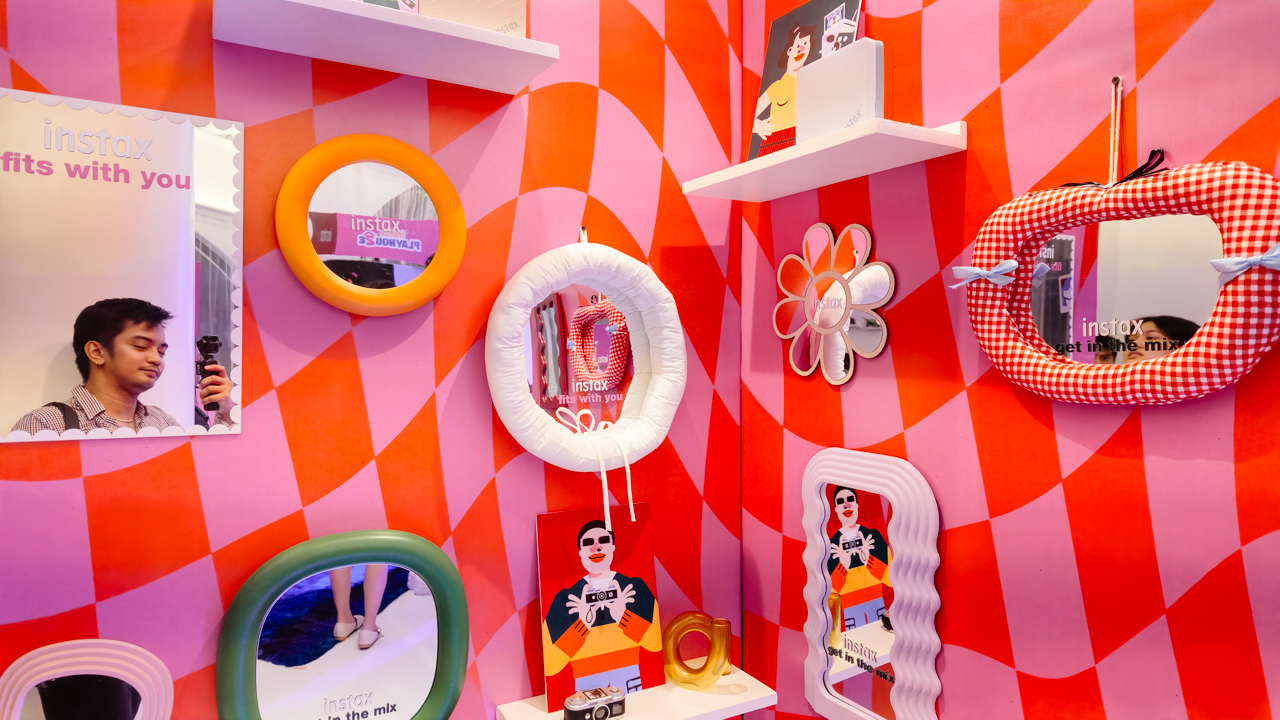
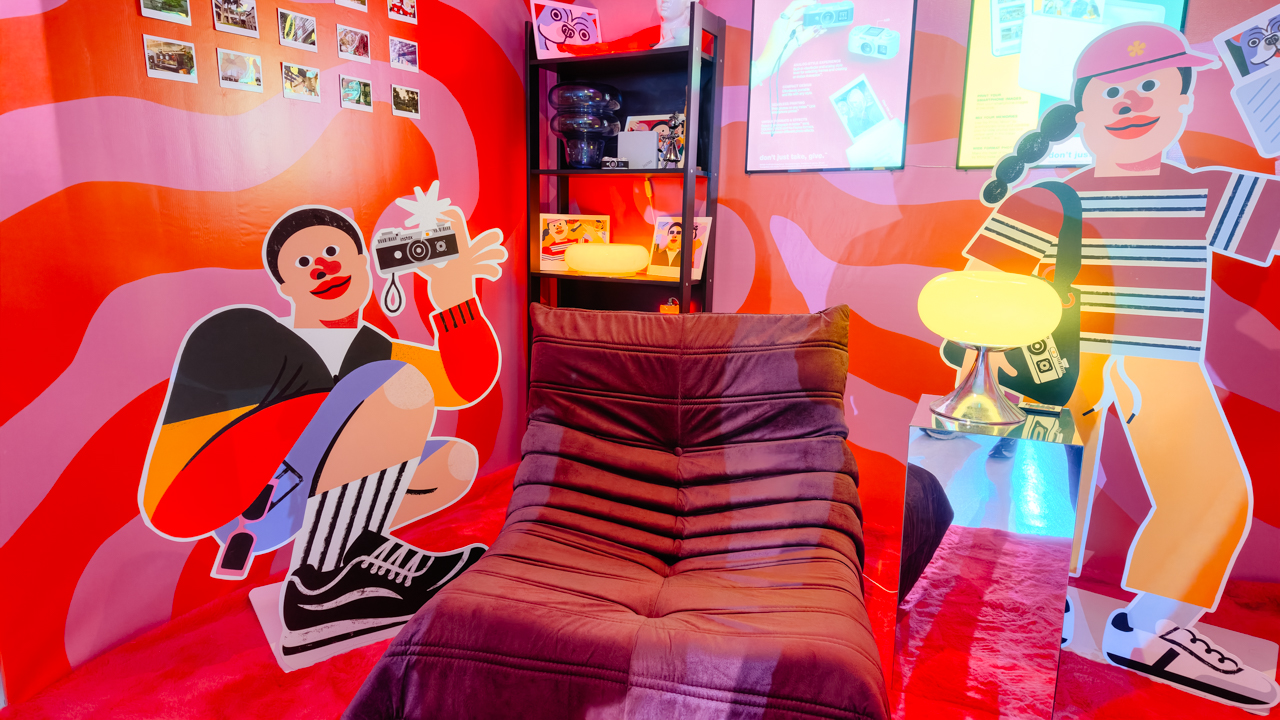
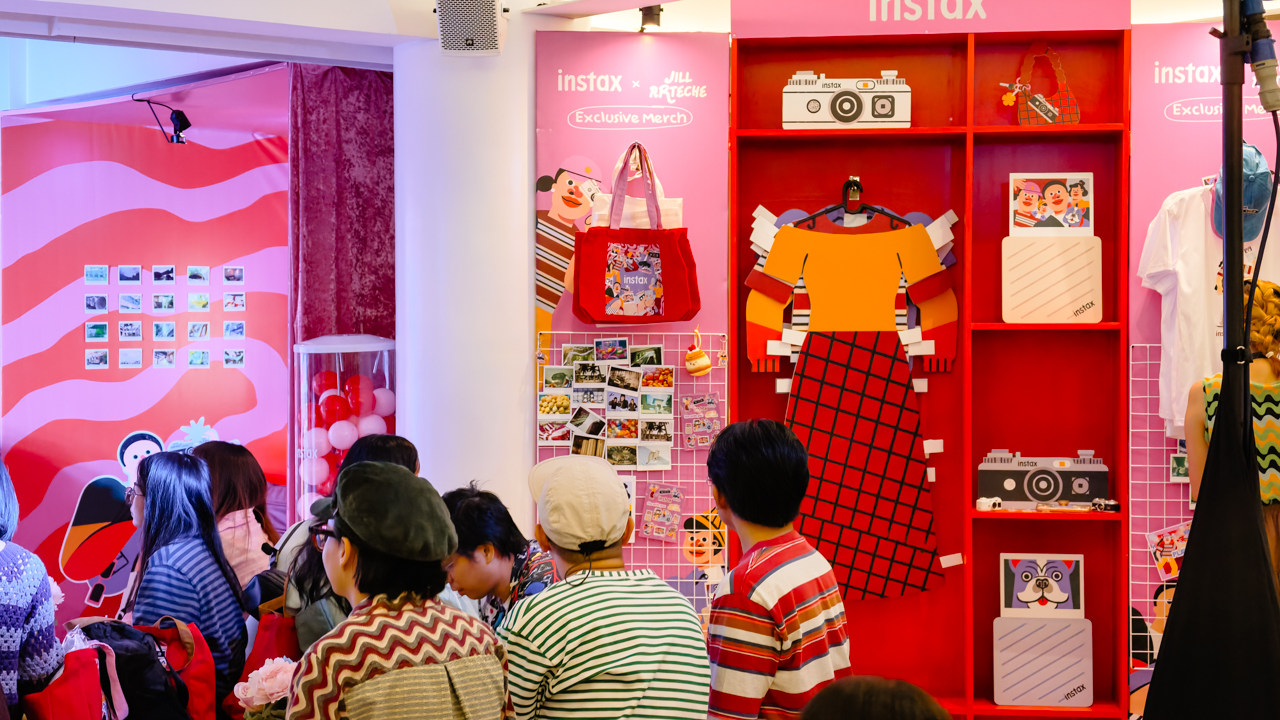
That was the spirit of Fujifilm’s instax Playhou2e launch in Makati, where visual artist Jill Arteche brought her signature illustrations into the event space.
Her artwork surrounded the latest additions to the instax family, the instax Pal 2 and instax Link WIDE 2. Both devices treat photography as a form of personal expression, from the snapshots you take throughout the day to the printed memories you want to keep close.

A pocket-sized camera that goes wherever you do
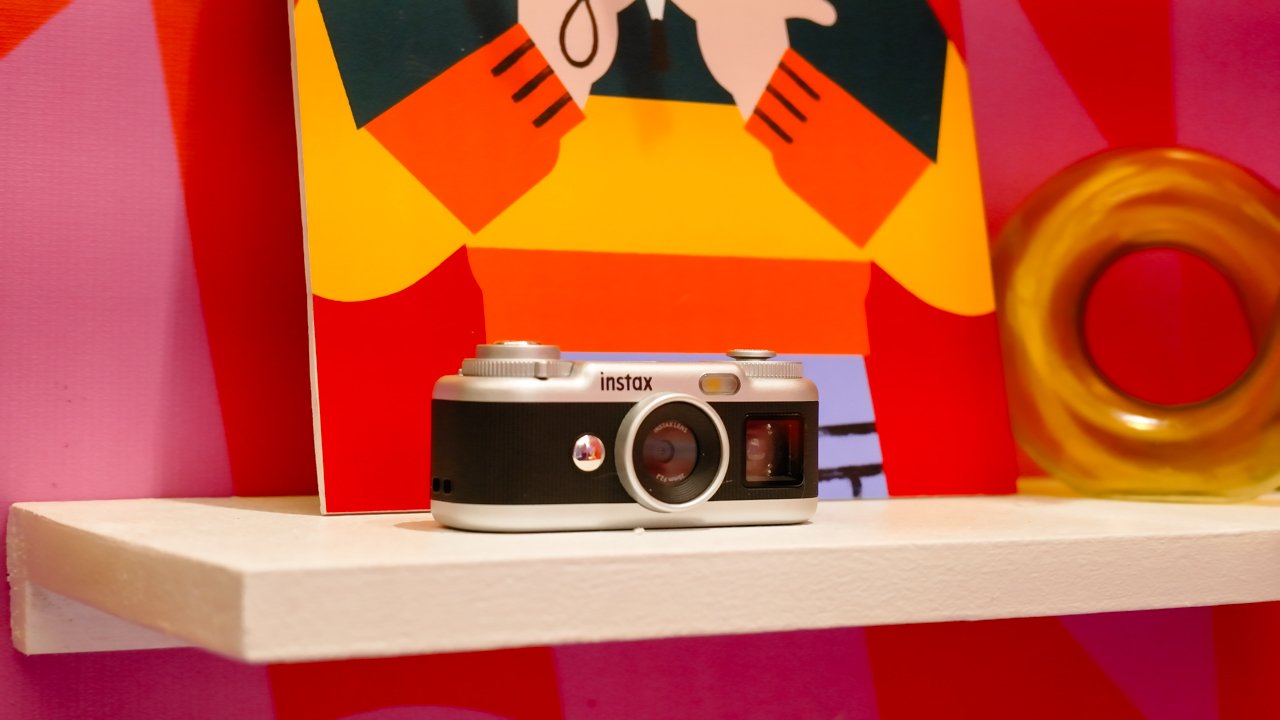
The original instax Pal made the case for carrying a camera without a full-sized setup. Its successor, the instax Pal 2, builds on that with a refreshed design and improved image quality.
The palm-sized camera is built for everyday adventures and can capture angles that are awkward to get with a smartphone. Its compact body also makes it easy to bring along if you like documenting your day as it happens.

Fujifilm gave the Pal 2 a semi-matte finish. A new monitor on top lets you review shots right after you take them, and the added viewfinder, control dial, and lever give it a more tactile feel to shoot with.
The specs have moved up, too. The Pal 2 captures 10-megapixel images, double the original’s five megapixels, and its internal storage holds up to 100 images compared with 50 before. A separately sold microSD card adds more room.
The creative options are where the Pal 2 gets playful. It offers 30 effects, so you can give images different moods without editing each one from scratch. Its instax Animation mode strings up to 10 consecutive shots into a flipbook-style animated video.
Transferring your photos is straightforward. The Pal 2 supports wireless Bluetooth transfers, and a USB Type-C connection offers faster transfers to compatible smartphones. From there, you can edit the images and post them to social media or keep them in your camera roll.
Because the Pal 2 is part of the instax ecosystem, its digital photos can also be printed on instant film through compatible instax printers. That means you can shoot first and decide later which moments deserve a physical copy.
Turning your camera roll into something worth keeping
Taking photos is only half the fun. The other half is deciding what to do with the hundreds of images that pile up on our phones.
The instax Link WIDE 2 is Fujifilm’s answer for anyone who collects travel photos or documents celebrations. As the brand’s WIDE-format smartphone printer, it prints at twice the image area of the instax mini format, which leaves more space for group photos and landscapes.
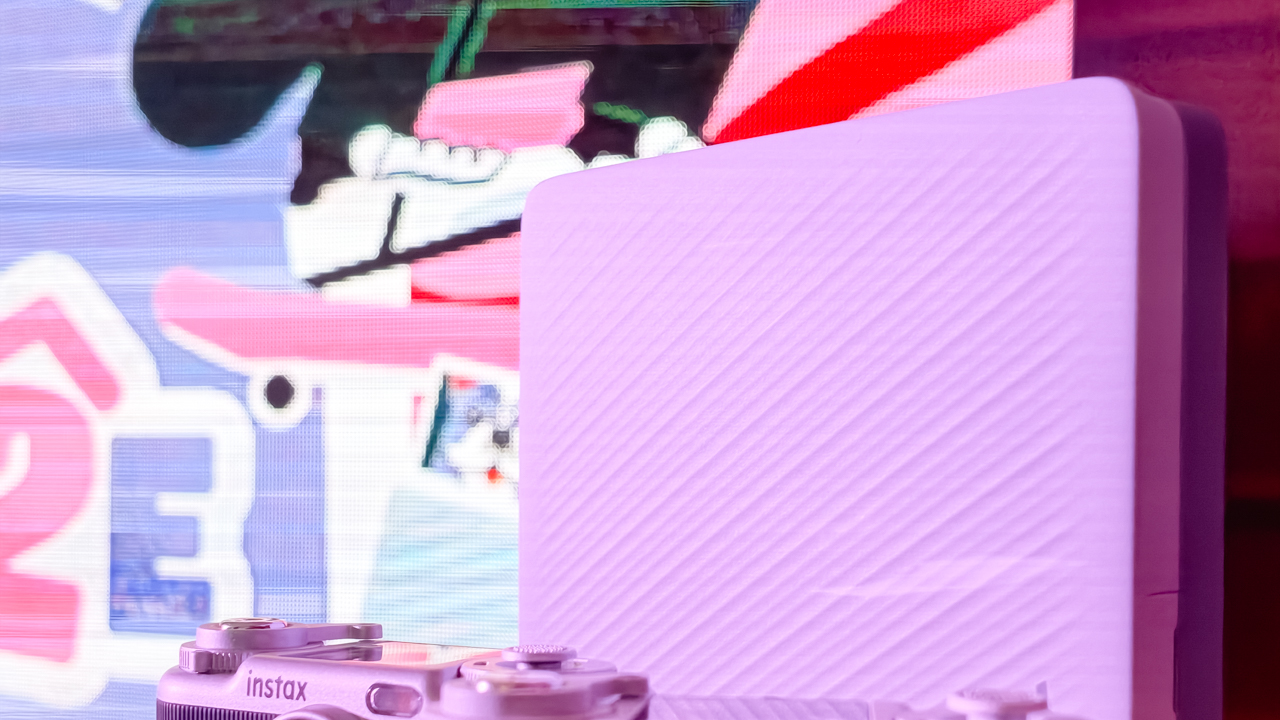
Its biggest new feature is Photo Mixer, which builds scrapbook-style collages from multiple images you pick in the dedicated app. Instead of printing a single photo, you can combine highlights from a trip or a gathering into one larger keepsake.
The app suggests layouts based on your chosen photos and adjusts image sizes, angles, text placement, and fonts to keep the design cohesive. You can then add your own text and stamps. A cutout function identifies people and objects in your photos so you can layer them into the collage.
With Photo Mixer, printing becomes part of the creative process, and your camera roll turns into material for building a visual record of an experience in a single print.
The Link WIDE 2 also gets a design refresh, with two-tone finishes in Duo Beige and Duo Blue. The light and dark surfaces give it a polished look on a shelf or desk, and an illuminated instax logo glows while it prints.
Connectivity has expanded, too. Beyond smartphones and tablets, the printer works with PCs, Fujifilm X Series cameras, and the instax Pal 2, so digital artwork and other compatible images can become physical prints.
A more personal way to keep your memories
The instax Pal 2 and Link WIDE 2 share the idea that photography is a way to express yourself. The Pal 2 makes it easy to capture moments as they happen, and the Link WIDE 2 gives those images a place in the physical world.

Jill Arteche’s artwork at the launch backed that idea up. Her illustrations filled the space with personality and showed how photos and art can make an environment feel more personal. The event also made a case for revisiting and reinterpreting the images we collect.
Taking a photo takes seconds, and printing one can make the memory feel more special. The instax Pal 2 and Link WIDE 2 bring that into everyday life and give your snapshots room for creativity, from the moment you press the shutter to the moment you find a place for the print.
In the Philippines, the Fujifilm instax Pal 2 retails for PhP 10,599, while the Fujifilm instax Link WIDE 2 is priced at PhP 10,999. Both devices are now available on Fujifilm’s authorized stores and retailers nationwide.


ROG G700 review: The best prebuilt PC you can get off the shelf
This PC will make you stop worrying about specs.


HP OMEN Max 16 review: Gamer-maxxing in deep black
Peripherals deemed necessary to max this out


vivo V80 review: Good phone, tough sell
A capable travel companion

The next Elder Scrolls game is called Sentinel

4 new nutribullet kitchen essentials to make holiday hosting easier

Inside Infinix’s first global concept store in Bali

Wild Rift Patch 7.3, celebrates K/DA comeback

LG showcases its latest AI TVs in the Philippines


-

 News2 weeks ago
OPPO Find X10 Series: Price, availability in the Philippines
-

 Lifestyle2 days ago
Your coffee nook is getting a makeover with Starbucks’ holiday collections
-

 News2 weeks ago
OPPO Find X10 Series: Price, availability
-
Gaming2 weeks ago
HP OMEN Max 16 review: Gamer-maxxing in deep black
-

 Lifestyle4 days ago
Sticker season is back, and so is the planner your ~friends~ might fill in for you
-

 Apps2 weeks ago
Apple Music is getting a Liquid Glass makeover
-

 Hands-On2 weeks ago
Apple iPhone Duo Unboxing and Hands-on
-

 Gaming2 weeks ago
FINAL FANTASY RESONANCE now available across major platforms