
Features
New Nokia 3310 fails a few durability tests


Admit it: The reason why you’d ever consider the new Nokia 3310 is for the possibility of it withstanding anything you throw at it. But does it truly carry on the legacy of Finnish durability, and how durable is it compared to the original 3310?
Two YouTubers had the time (and resources) to secure their own 3310 units for ultimate tests of resilience.
First up is VoloKin Project, who scratched, burned, and bent Nokia’s latest feature phone till it looked nothing like how it used to. Check it out:
As you can see, the revived 3310 couldn’t even get past the scratch test without looking like a mess. Things didn’t get much better after that with the burn experiment literally torching it, but its resistance to the bend test made this particular unit less worthless in the end.
We expected better from the successor of what many consider to be the toughest phone in history. But we can’t really complain; this Nokia costs only INR 3,310 in India, PhP 2,490 in the Philippines, and EUR 60 in most of Europe.
Next up is a drop test by SuperSaf TV. This one is a little more interesting thanks to the inclusion of the original 3310. Watch and learn:
This one turned out a little better, with the newer 3310 lasting long enough to still turn on after all the torturous drops. Again, there’s nothing scientific or fully controlled in these trials.
Take these videos as examples of the most extreme cases your precious Nokia could go through; don’t ever try these at home — or anywhere else for that matter!
SEE ALSO: How durable is the Samsung Galaxy S8?
[irp posts=”13701″ name=”How durable is the Samsung Galaxy S8?”]


Features
Why the OPPO Reno15 5G series is a creator’s essential
4K Ultra-Steady, 50MP groufies, and AI edits in one device.

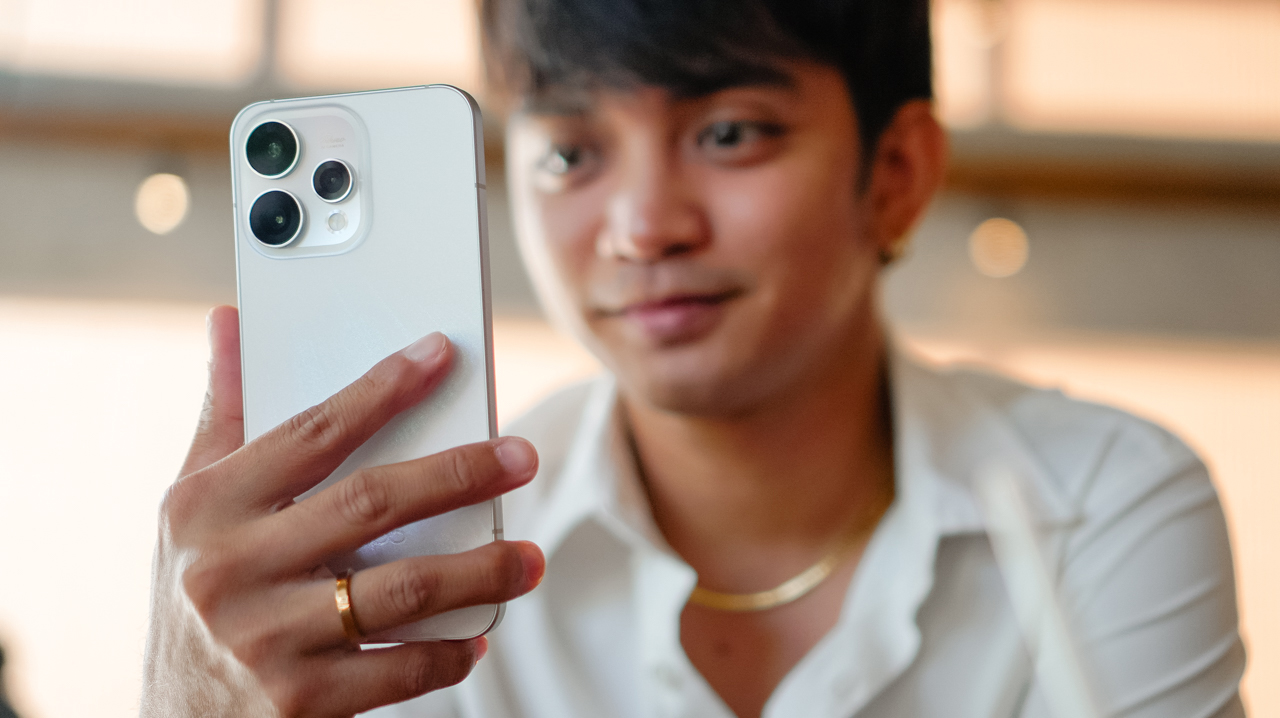
There are two kinds of travel essentials: the ones you pack because you have to, and the ones you pack because they make the story better.
Often, we feel forced to choose between traveling light and bringing the bulky gear necessary to document the trip properly.
On your next trip, the OPPO Reno15 5G Series eliminates that compromise. With a thoughtful mix of hardware and software, it becomes your pocket-sized production crew, ready to capture life as it unfolds.
The crew in your pocket
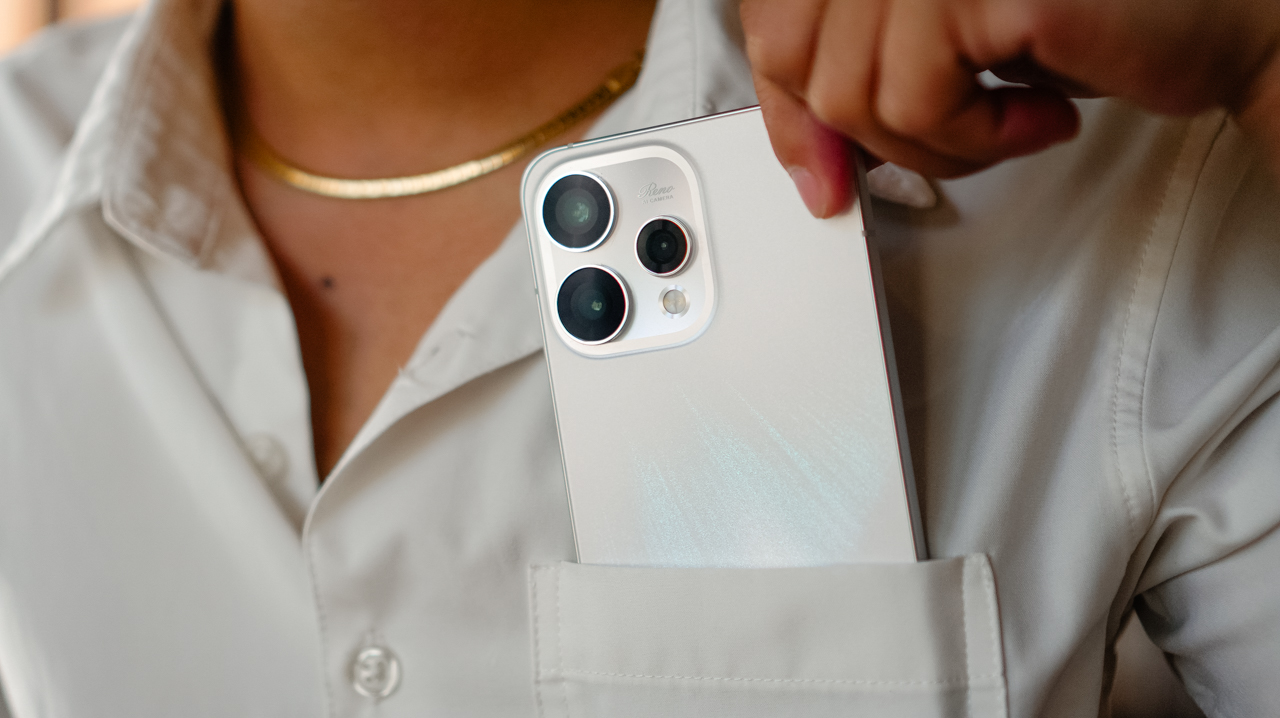
The first rule of travel is to keep things light, but for a creator, “light” cannot mean lower quality.
Whether you are navigating crowded night markets or chasing the golden hour on a steep, adventurous rooftop, the 4K Ultra Steady feature ensures your footage looks composed even when the environment is chaotic.
View this post on Instagram
This stabilization changes the energy of a travel vlog, turning handheld montages into polished, cinematic clips that are ready for a Reel the moment you hit save.
View this post on Instagram
Capturing everything and everyone
Travel stories are built on shared memories, but too often, the person behind the lens is left out.
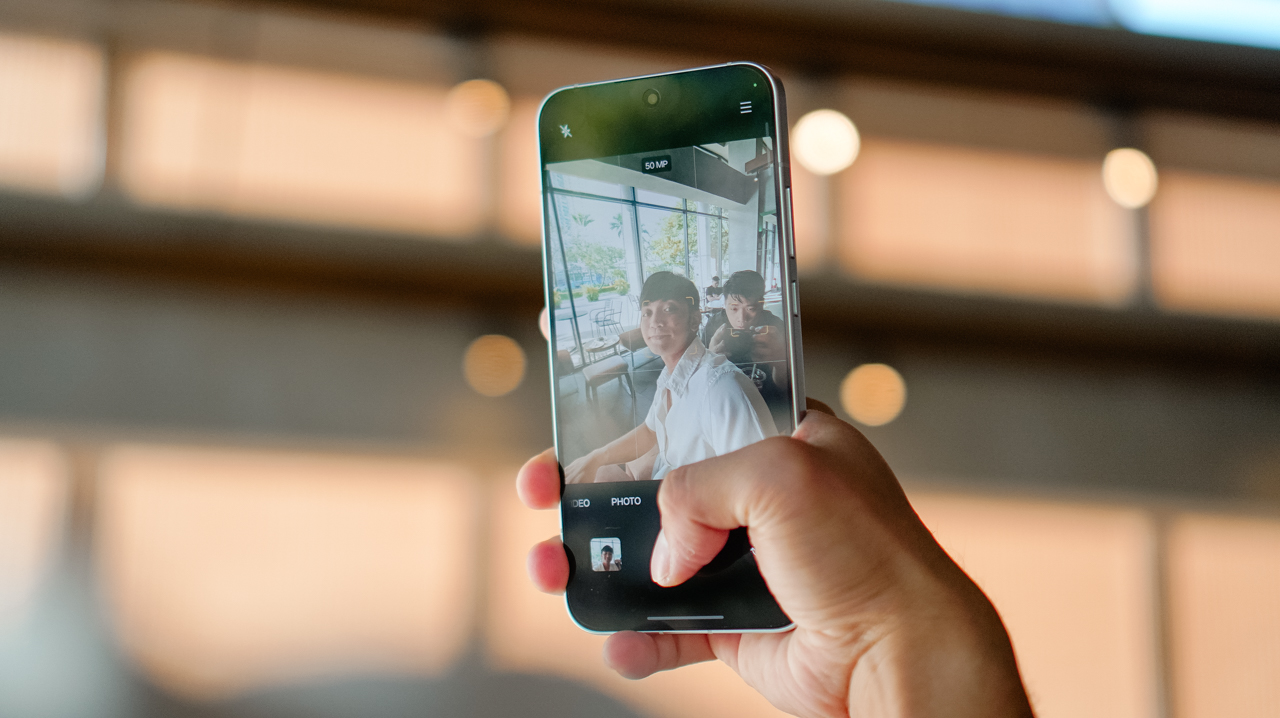
Group shots often become a messy scramble to squeeze everyone into a tight frame. The 50MP Selfie Camera changes that outcome with its 0.6x ultra-wide-angle mode
It captures the entire group with sharp detail across the frame, ensuring no one is relegated to the blurry edges.
Even if you need to crop the image later for a specific social media layout, faces remain clear and the background stays defined.
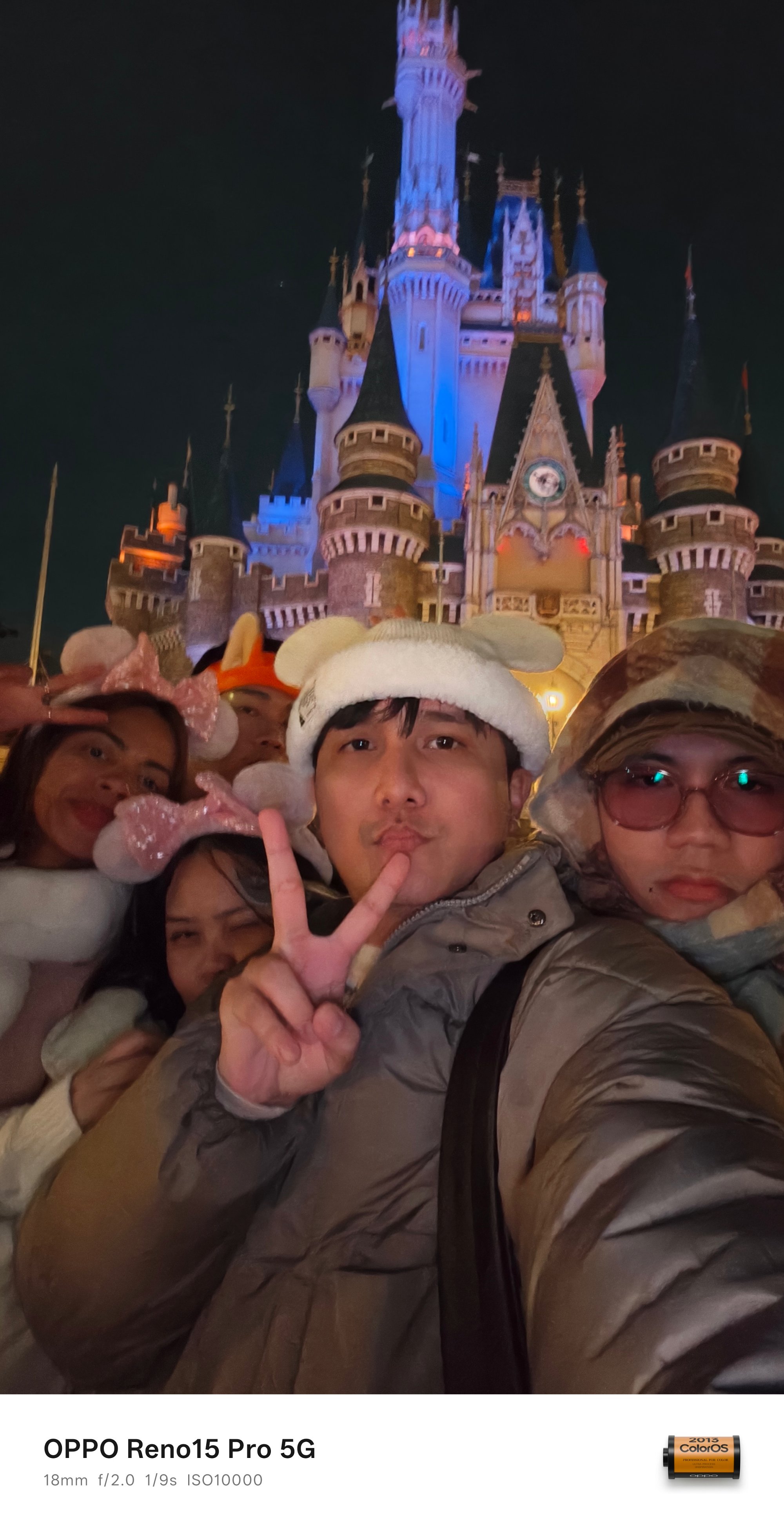


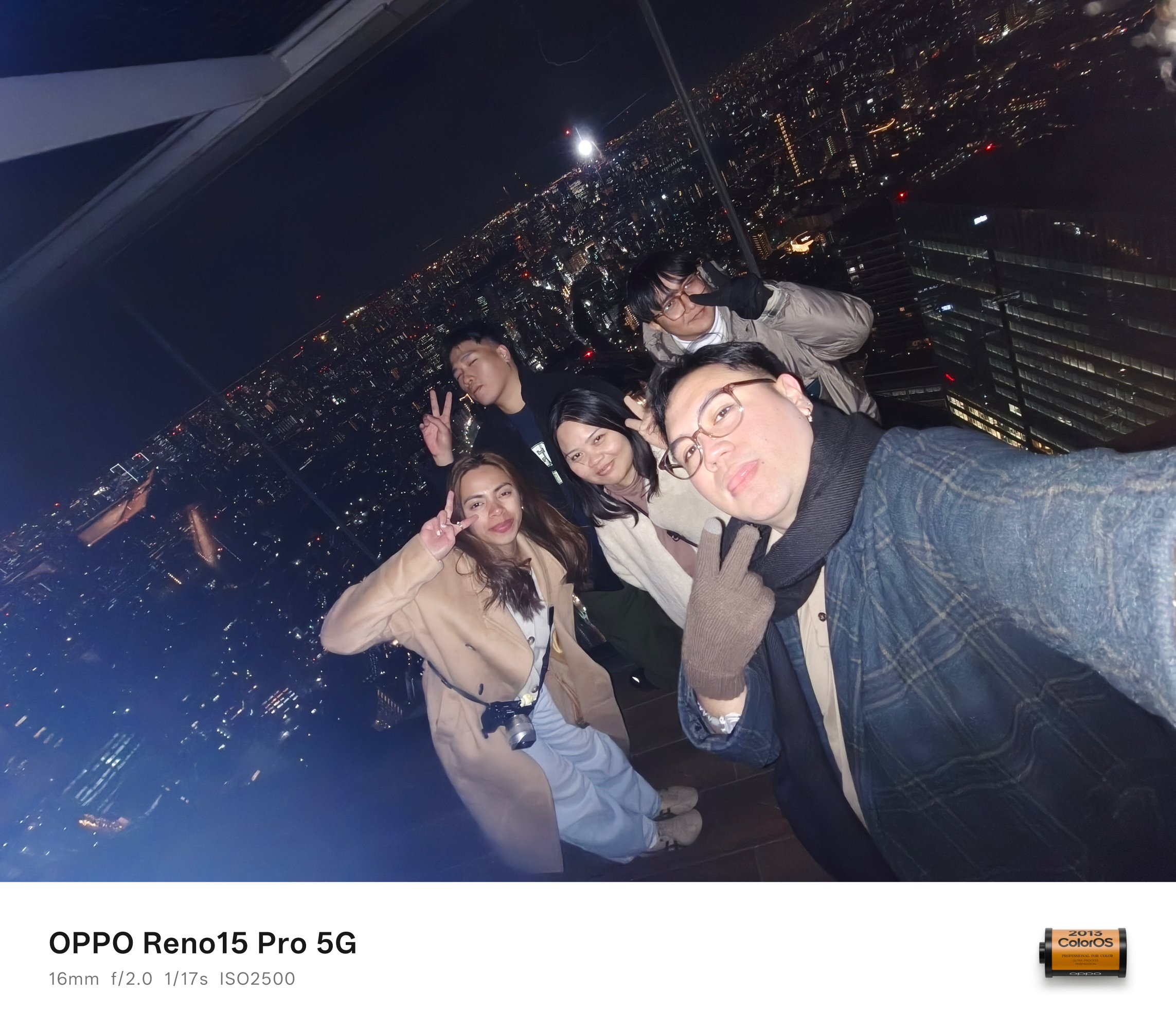


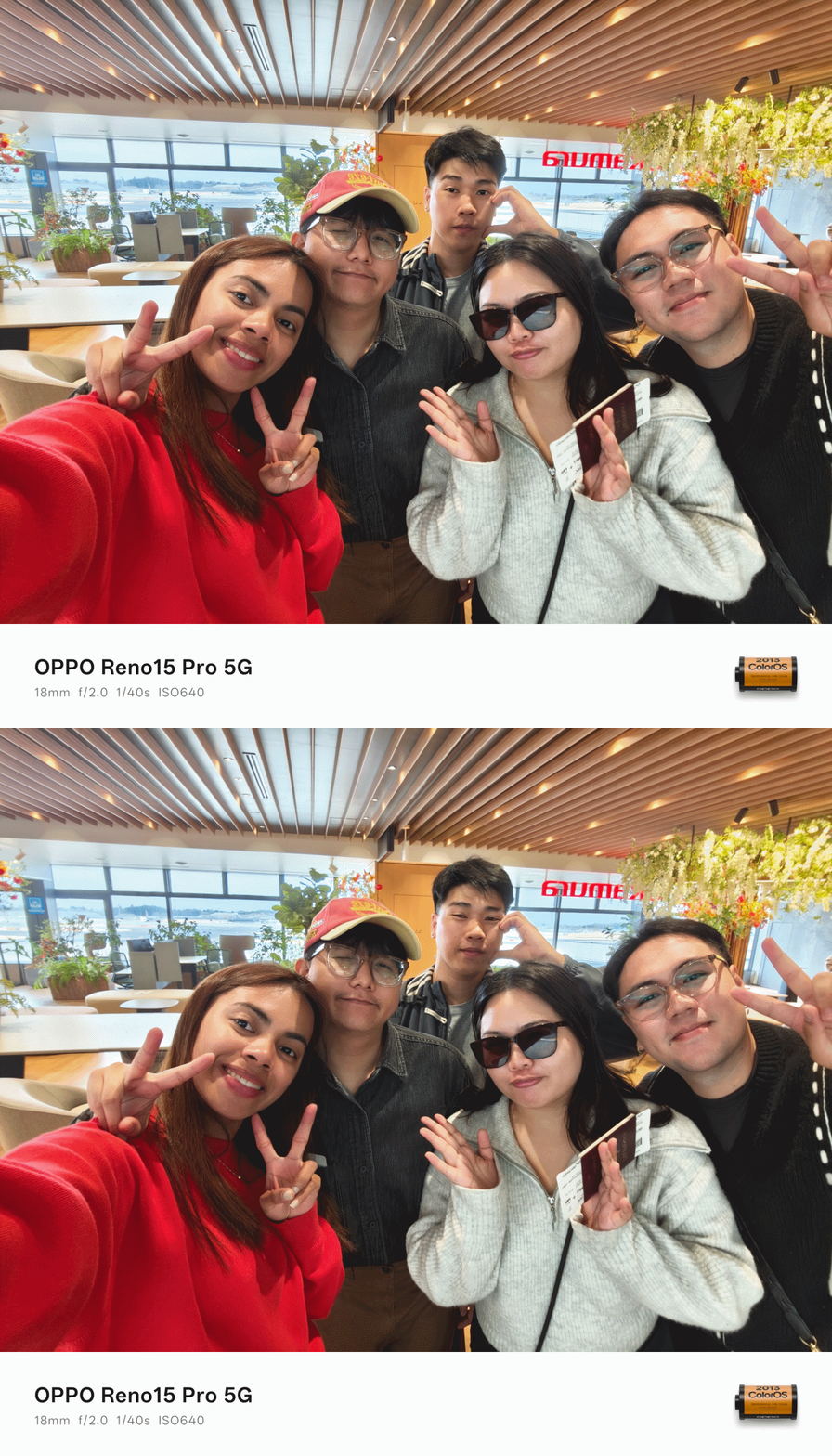


The result is a “groufie” that feels complete and professional
Scroll-stopping memories
We often summarize our trips through collages: layered photos that tell a single story.

The AI Motion Photo Popout tool brings a new dimension to these memories. With a few taps in the Gallery, the subject separates from the background to create a sophisticated, layered effect.




These edits serve as the perfect foundation for Instagram Story covers, Reel thumbnails, or high-quality personal wallpapers.
It’s a subtle digital adjustment that makes a visible difference in how your audience experiences your journey.
Reliability for the modern creator.
A smartphone is no longer just a gadget; it is a creative partner. The OPPO Reno15 Series 5G features a sleek design that looks at home beside a passport or a boarding pass.

It’s light enough for long days of exploration but polished enough for high-end city trips. The reliable battery life supports early flights, full-day itineraries, and even late-night uploads.




You’ll spend less time searching for an outlet and more time capturing the moments that matter.
Which OPPO Reno15 Series 5G is your GadgetMatch?
The series offers variants designed to fit your specific creative style.
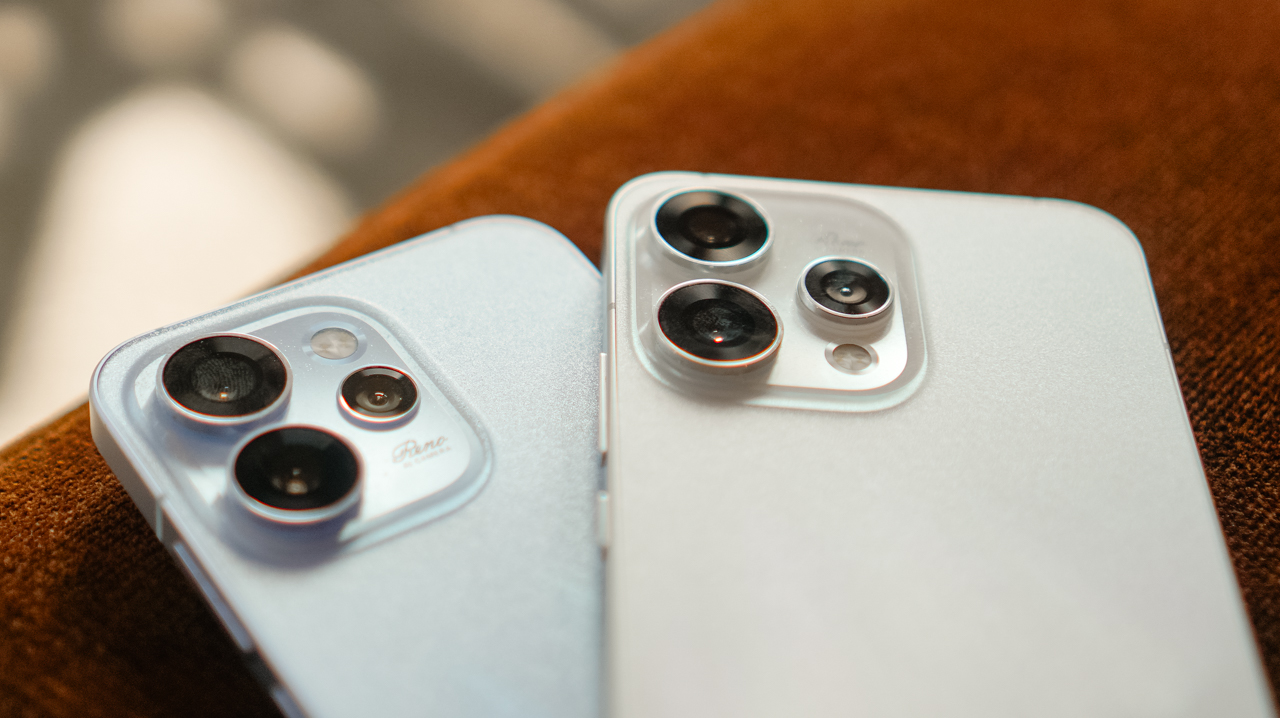
Pick the OPPO Reno15 5G if you want a balanced everyday companion, and if you want flexibility and reliability without overcomplicating the process.
There’s the OPPO Reno15 Pro; the choice for creators where photography and videography are the main event, offering enhanced tools in a compact form.

But if you’re a value-conscious traveler who wants a practical entry point that provides core camera and AI features, then the OPPO Reno15 F 5G is your GadgetMatch.
Whichever you choose, the series proves that a travel accessory can do more than complement an outfit. It preserves your stories because it doubles as a content creator’s must-have tool.
The OPPO Reno15 Series 5G is now available in OPPO stores nationwide and the OPPO Online Store.
SEE MORE: The art of being in and behind the frame | OPPO Reno15 Pro: Camera Review

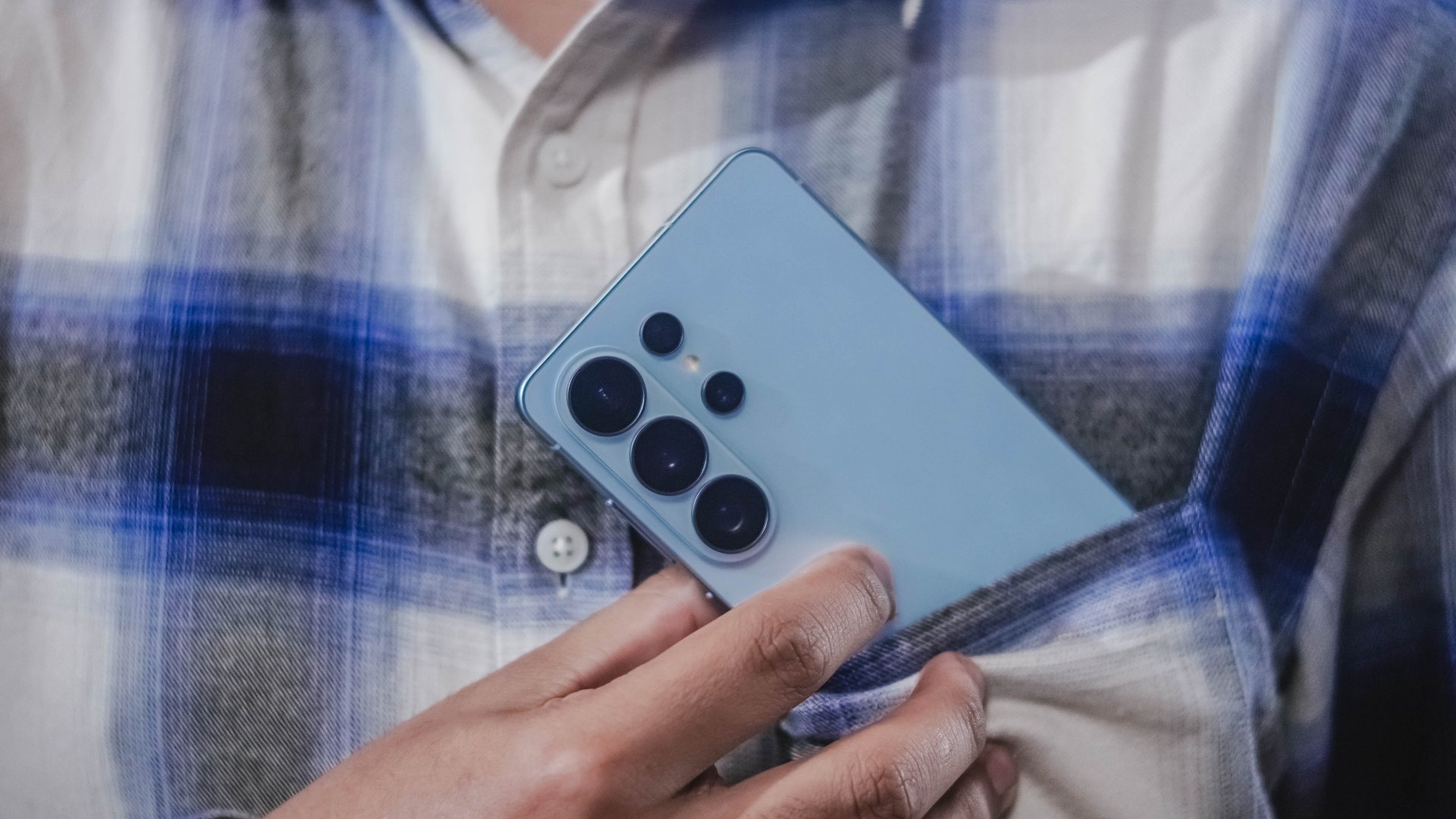
@gadgetmatch A phone that does more… so you can focus more on the moments that matter. The Galaxy S26 Ultra lets Galaxy AI handle the small stuff so you can stay present for the moments that matter. Also great for the occasional KPop concert video. Pre-order until March 17 and get double storage worth up to PhP 14,000. https://www.samsung.com/ph/smartphones/galaxy-s26-ultra/buy/ #GalaxyS26Ultra #EverydaywithGalaxyAI @samsungph ♬ original sound – GadgetMatch
Here’s the dream: a phone that helps you stay on top of things, so you can focus more on what matters.
That’s basically the idea behind Galaxy AI on the Samsung Galaxy S26 Ultra.
Instead of adding more things to do, the phone helps take care of the small stuff for you. Things like reminding you what’s next, or surfacing the information you need right when you need it.
So you spend less time digging through apps and more time actually doing the things you planned to do.
Editing photos is easier too. With Photo Assist, you can just describe the change you want… and Galaxy AI fills in the rest.
And if you’re cleaning up a video, Audio Eraser can reduce background noise — even from clips on third-party apps like Instagram or YouTube.
The point isn’t to make your phone the center of attention. It’s to make it helpful enough that you can forget about it for a while. Until something worth capturing happens.
And when things get a little chaotic — like concerts, street performances, or just life moving fast — Super Steady Video helps keep your shots level.
That’s definitely coming with me to the next K-pop concert.
The Galaxy S26 Ultra. Smarter phone. Slightly less stressed me.
Pre-orders are open now — with double storage for early buyers, plus additional discounts and installment offers from participating banks.
Which is great… because apparently I shoot way too many videos.
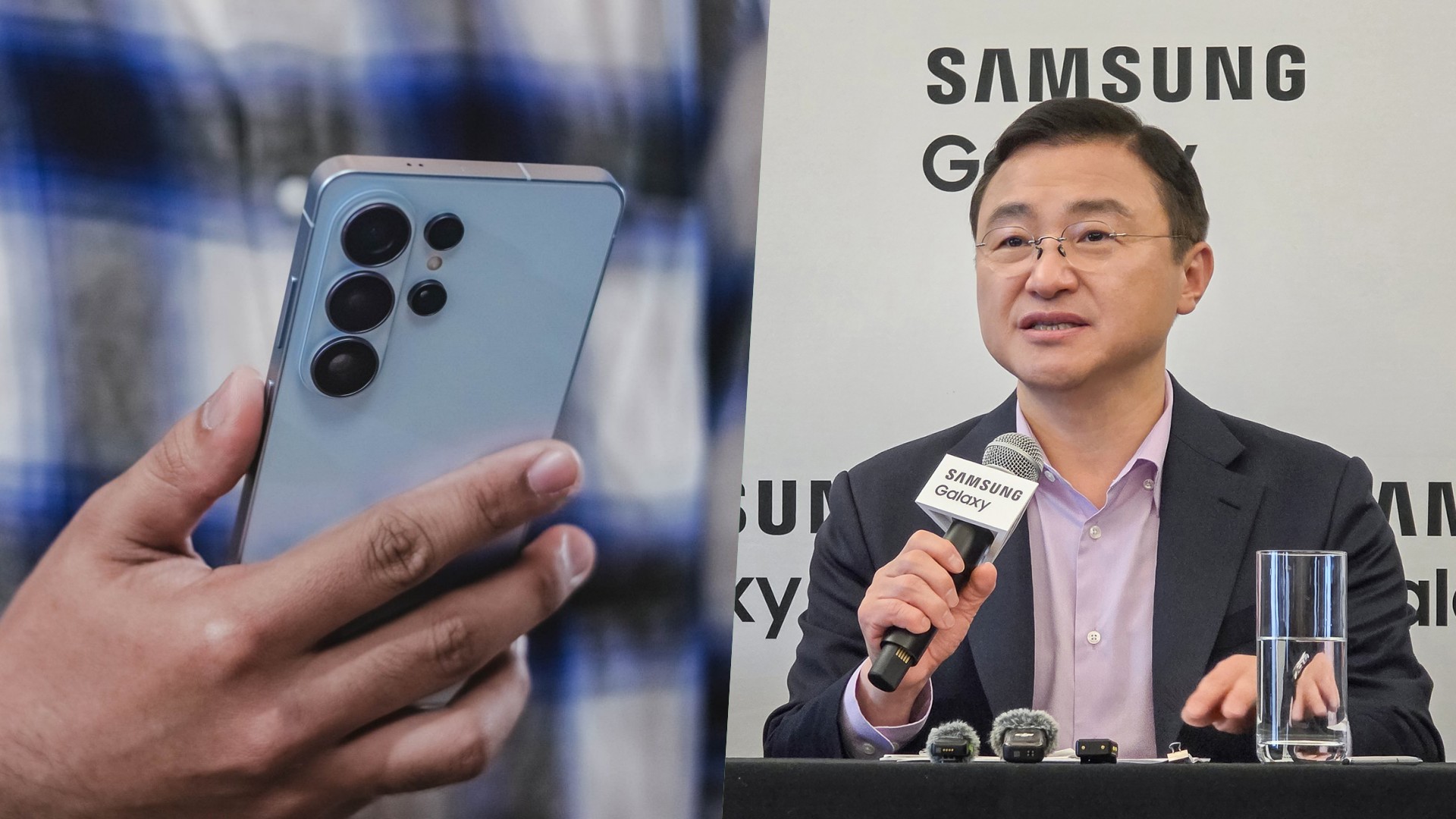
For more than a decade, the smartphone industry has been defined by a familiar race. More megapixels. Faster processors. Bigger batteries. Thinner designs. Being first. Being the most. And being the fastest.
The industry rewarded brands that appeared to be chasing specs. Bigger numbers meant progress. At least on paper.
But if you ask Samsung, the days of chasing specs may no longer define the future of Galaxy smartphones.
During a regional roundtable following the launch of the latest Galaxy devices, I asked TM Roh how the company decides when it’s time for a major hardware upgrade if it isn’t simply chasing specs.
His answer revealed how Samsung now approaches the future of its flagship smartphones.
According to Roh, hardware upgrades are increasingly tied to how well they support Galaxy AI.
“To make Galaxy AI run smoothly, it must be backed by strong hardware,” Roh said during the session, speaking through a translator. He added that Samsung develops its hardware, software, and AI capabilities together — and that major upgrades tend to arrive only when the company reaches what he described as the “desired level of excellence.”
(Quotes are approximate translations.)
“To make Galaxy AI run smoothly, it must be backed by strong hardware.”
(Approximate translation from TM Roh during the roundtable)
In short, Samsung says it’s no longer chasing specs for the sake of winning spec-sheet battles. Not anymore.
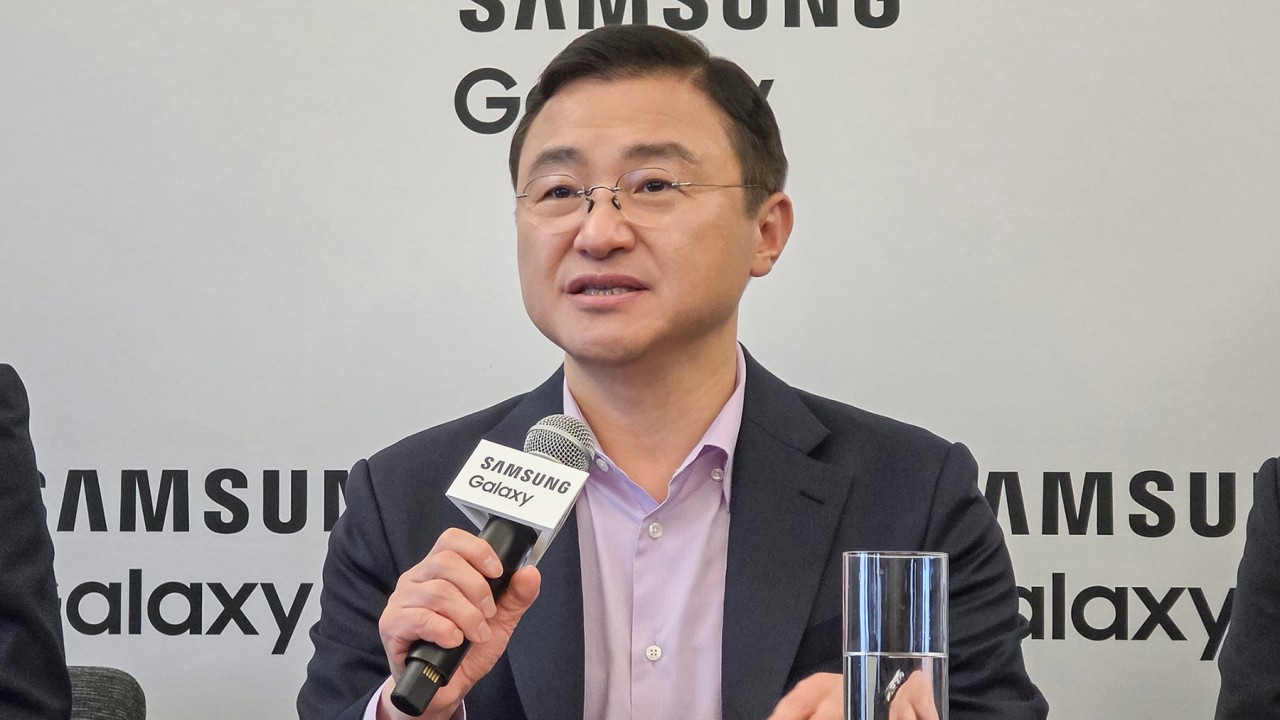
Samsung CEO TM Roh answering questions at a media roundtable in San Francisco
When hardware stops chasing numbers
Hardware innovation still matters. But Samsung increasingly frames those improvements as tools that enable smarter software experiences.
During the roundtable, Roh pointed to Samsung’s custom application processors, which now include stronger neural processing capabilities designed to handle AI workloads more efficiently. Dedicated hardware is also being introduced to strengthen privacy and security — including technologies embedded directly into the display. (See: Privacy Display)
Even cameras, historically one of the biggest battlegrounds for smartphone innovation, are evolving in the same direction.
Roh noted that while sensors and lenses remain important, modern smartphone photography now relies heavily on AI-powered image processing working alongside the hardware. This could also explain why, as of writing, Samsung has resisted the extra telephoto lens accessories that is prevalent with other brands.
The shift is subtle but important. Instead of emphasizing bigger numbers on spec sheets, Samsung positions hardware upgrades as part of a broader system designed to support intelligent software.

Why Samsung gets dunked on online
That philosophy, however, exists in tension with how smartphones are often discussed online.
In a landscape driven by benchmark charts and viral comparisons, incremental refinement rarely generates the same excitement as dramatic hardware leaps. Over the past few years, the Galaxy S series has occasionally become an easy target for criticism — especially as rival Android manufacturers compete to deliver the biggest numbers, the fastest charging speeds, or the thinnest designs.
The temptation in tech media, particularly on platforms like YouTube, is often to dunk on Samsung rather than examine the nuance behind its approach. Spectacular upgrades and dramatic spec sheets make better thumbnails.
Yet listening to Samsung executives across multiple briefings reveals something interesting: the messaging is remarkably consistent. Whether discussing cameras, processors, or ecosystem features, the company repeatedly returns to the same principle. Hardware innovation matters most when it unlocks a better overall experience.
A company that knows its role
That consistency suggests Samsung knows exactly who it is in the smartphone industry.
As the largest Android smartphone manufacturer globally, Samsung occupies a position where competitors often measure themselves against it. Many brands differentiate by pushing aggressive specifications or experimenting with bold hardware changes.
In many ways, everyone else is punching up.
Scale changes priorities. When you’re building devices for hundreds of millions of users, the focus shifts toward reliability, ecosystem integration, and increasingly, AI-powered experiences that work consistently across products.
Why Southeast Asia matters in Samsung’s AI strategy
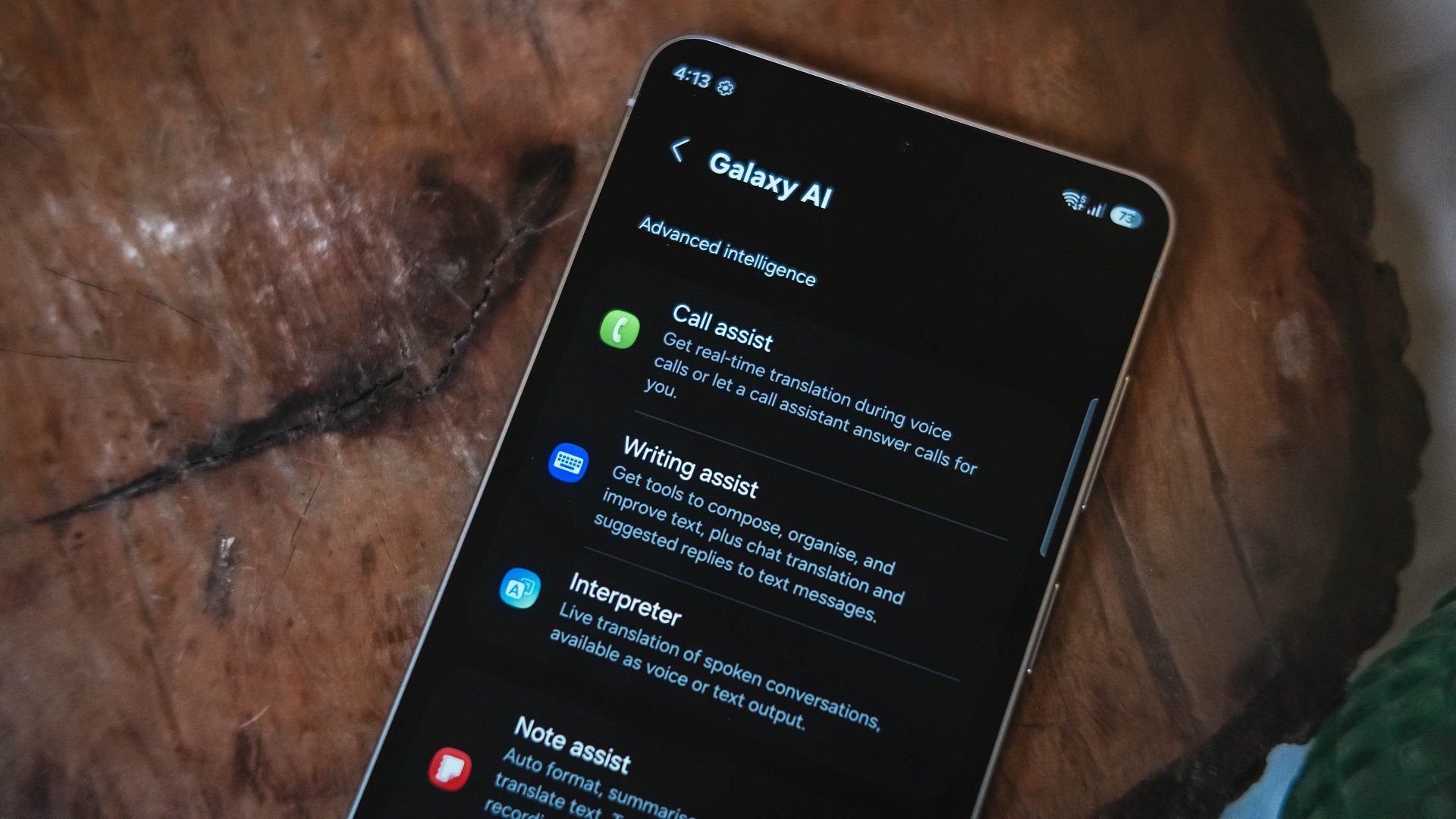
During the roundtable, Roh also emphasized the importance of Southeast Asia and Oceania to Samsung’s AI strategy.
According to the company’s internal research, the region ranks among the most receptive markets for AI-powered mobile features. Younger demographics and heavy social media usage are driving adoption.
In markets where smartphones are central to communication, content creation, and digital services, AI-powered tools — from translation features to image editing — have found strong traction.
That context helps explain why Samsung continues to position AI as the defining layer of its next-generation devices.
Is the smartphone spec race ending?
For years, smartphone makers built their identities around chasing specs.
Bigger numbers meant better phones. Faster chips meant progress.
Samsung, it seems, is chasing something else.
Whether that bet ultimately reshapes the smartphone experience remains to be seen. But if Roh’s comments are any indication, the next major leap in Galaxy hardware won’t happen simply because the numbers can go higher.
It will happen when Samsung believes the experience — not the spec sheet — is ready to move forward.





Now Playing: Hoppers

Jackery SolarSaga series: Free power for small devices

UGREEN adds new Nexode Pro power bank, charger to lineup

nubia to launch new Neo 5 series gaming phones on March 28

SHINOBI: Art of Vengeance’s SEGA Villains Stage out on April 3


-

 Reviews5 days ago
POCO X8 Pro Max review: A new beast from the far east
-

 News5 days ago
POCO X8 Pro Series: Price, availability in the Philippines
-

 Laptops2 weeks ago
Apple MacBook Neo Review
-

 Computers2 weeks ago
GIGABYTE collaborates with Capcom for RE Requiem custom PC
-

 Apps1 week ago
Google Maps is finally getting a 3D mode
-

 Entertainment2 weeks ago
The internet is thirsting over the One Piece Season 2 cast
-

 Features1 week ago
Galaxy AI on the Samsung Galaxy S26 Ultra
-

 Automotive2 weeks ago
BYD is reportedly considering an F1 team