
News
Samsung Galaxy A3 (2017) starts getting Android 8.0 Oreo update
The rollout starts in Russia

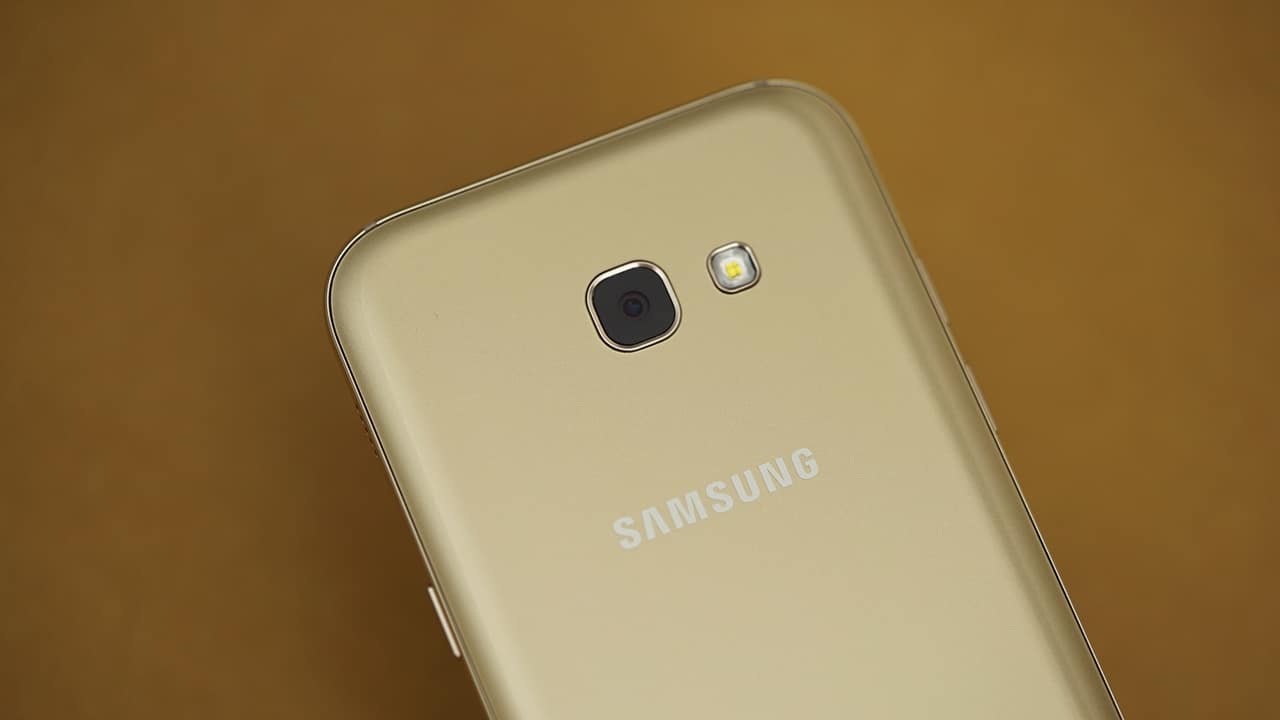
Another Samsung phone is getting the Android 8.0 Oreo update. If you own a Galaxy S7 or Galaxy S7 Edge, you might feel let down since a lower-tier phone just got ahead of yours — again. After the Galaxy A5 (2017), it’s now the turn of the Galaxy A3 (2017) to get the latest Android dessert.
The update comes three weeks after it was certified by the Wi-Fi Alliance, but the rollout is currently limited to Russia as far as sources say. According to earlier reports though, the Oreo update for the whole family of Galaxy A (2017) series is estimated to arrive in June. We’re hoping the early rollout is a good sign that Samsung will have these devices updated earlier than expected.
The update includes the April 2018 security patch and should have the same changes as with the Galaxy A5 (2017) update like core Android Oreo features and a few Samsung customizations.
SamMobile did point out that Russia also got first dibs last year with the Android 7.0 Nougat update for the Galaxy A (2016) series phones. It seems like Samsung has been favoring Russia, so hopefully others get the update early, too.
SEE ALSO: Samsung Galaxy S7 and S7 Edge to get Android Oreo soon





It seems like the race towards an all-screen smartphone isn’t over just yet.
While most in the tech industry are currently obsessed over Samsung’s latest wide foldable, TECNO announces a more refreshing sight — at least for the regular “slab-type” phone form factor.
Black borders begone
Modern flagship smartphones already have incredibly slim bezels, but there’s still a thin black border separating the active display from the frame. That’s due to the internal circuitry and safety clearances required by current display technology
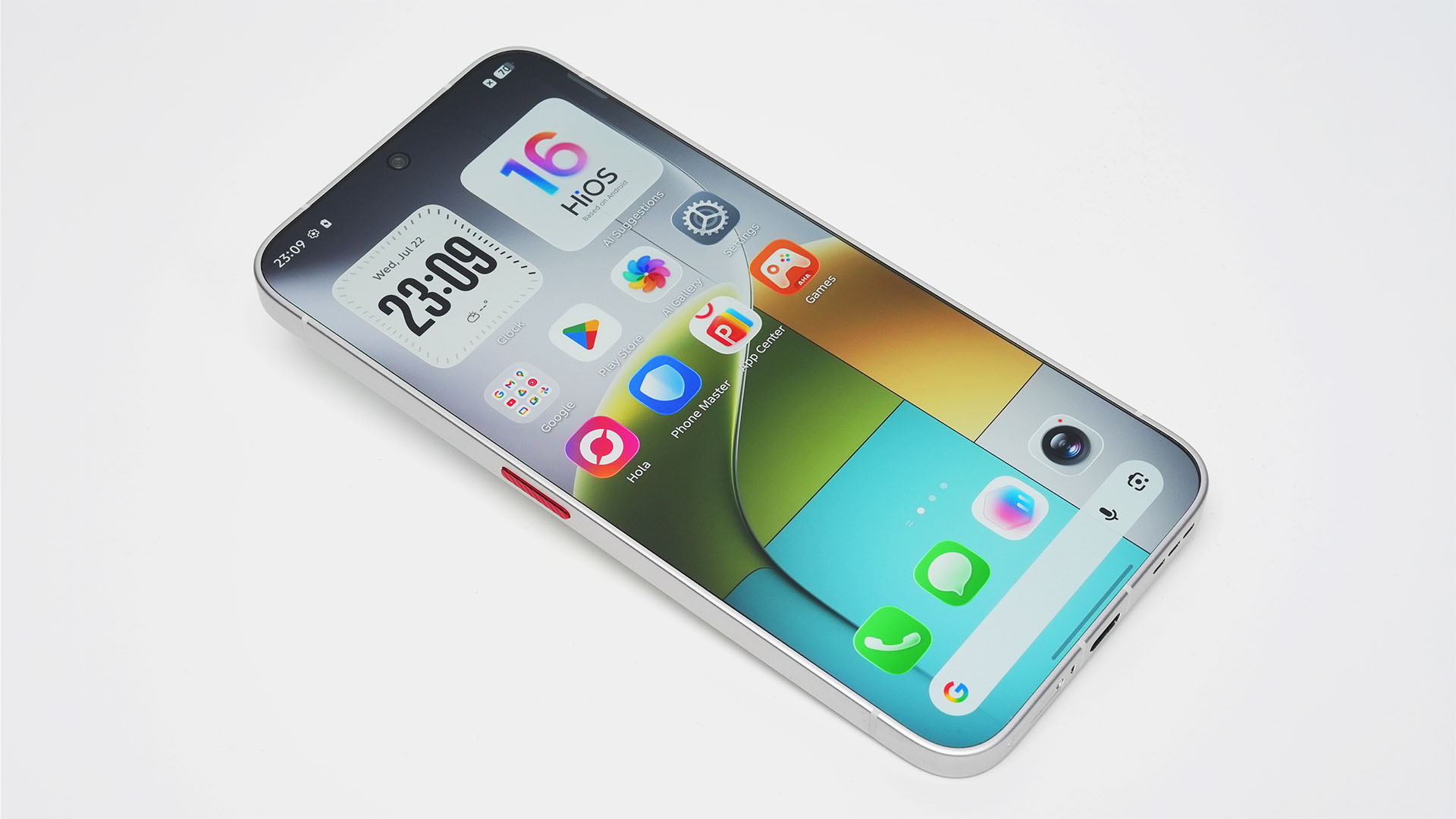
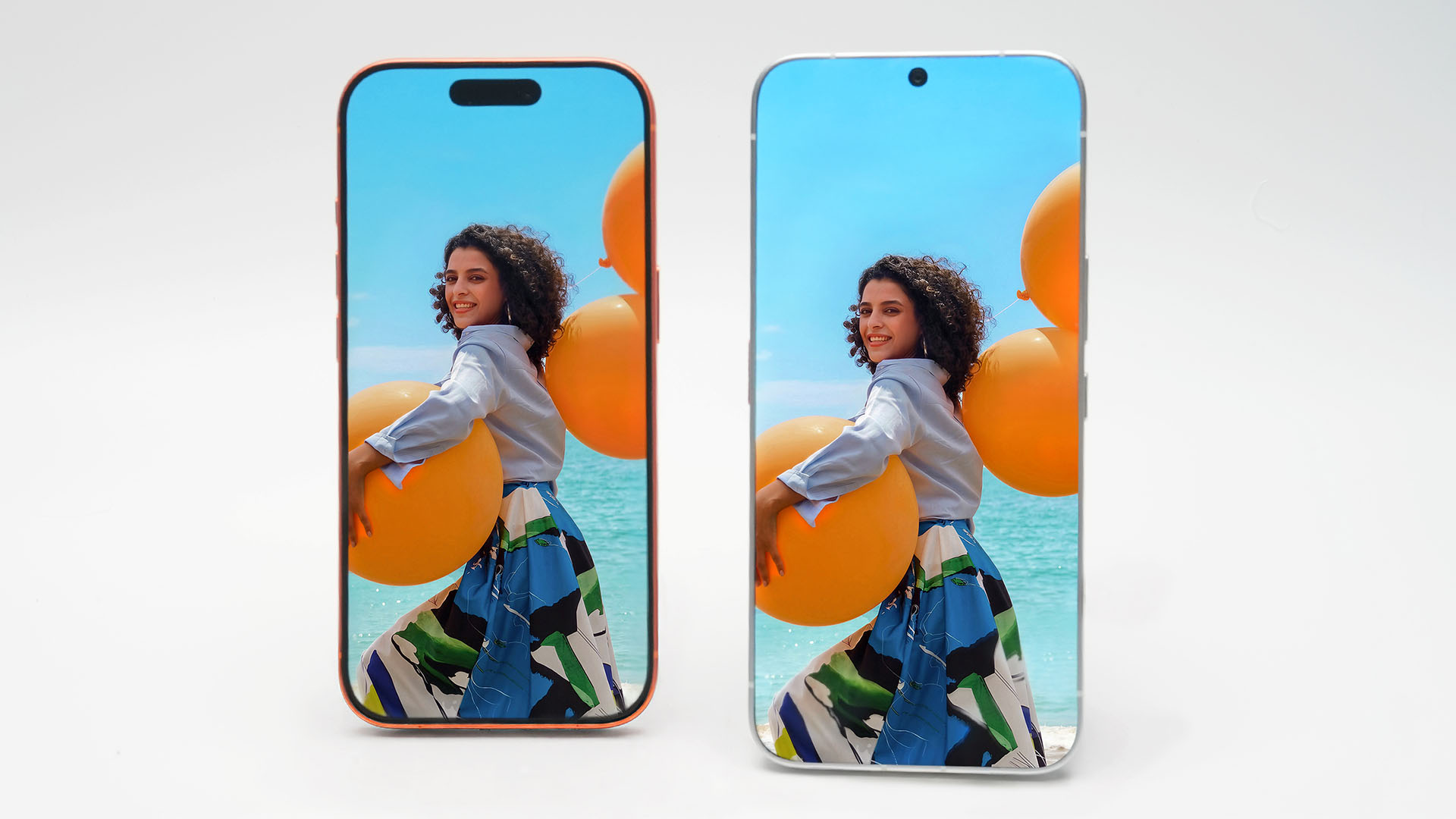
TECNO proves it’s possible to dissolve that with their Next-Gen Bezelless Concept Phone. And this is actually the industry’s first smartphone with a true 0mm display bezel.
With this fresh concept, the uprising brand says it has solved that “final millimeter” by redesigning the phone’s internal structure and display packaging. The result is a display with a visible border measuring 0 microns (0mm). This makes the screen appear to stretch all the way to the edges.
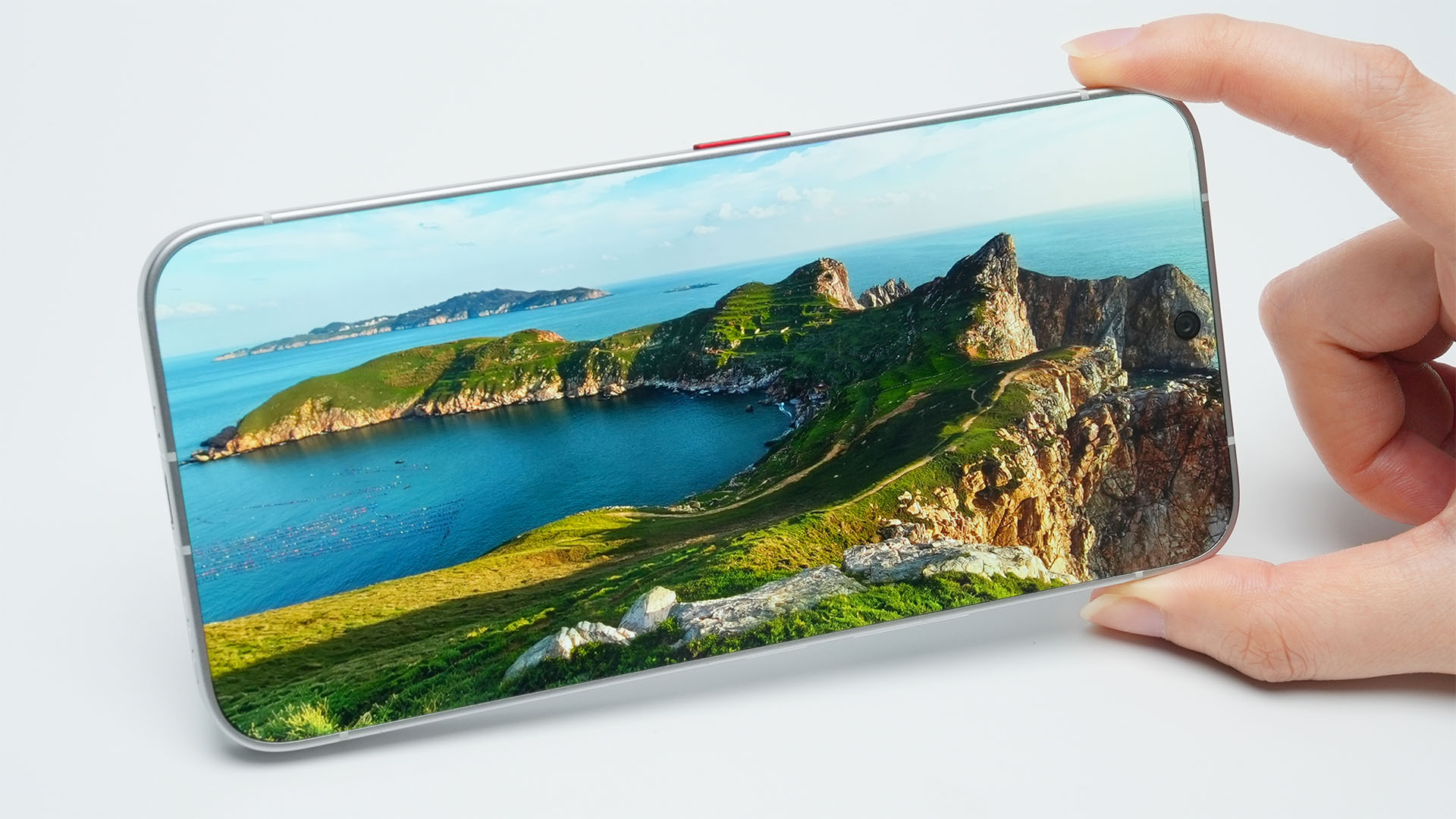
Removing the bezel completely isn’t just about aesthetics. The company says such uninterrupted display makes a more immersive experience — whether you’re watching videos, playing games, browsing photos, or simply reading.
Without these visible borders, content appears to flow naturally from edge-to-edge, making the display look as if it’s floating in your hand.
A glimpse at TECNO’s future
As with most concept devices, there’s no word yet on whether this exact design will make it into a commercial smartphone. Still, TECNO says the engineering behind the concept goes beyond the display itself.
The technologies developed for the project (such as improvements related to cameras, touch responsiveness, audio, and AI-driven user interactions) could eventually find their way into the brand’s future flagship devices.
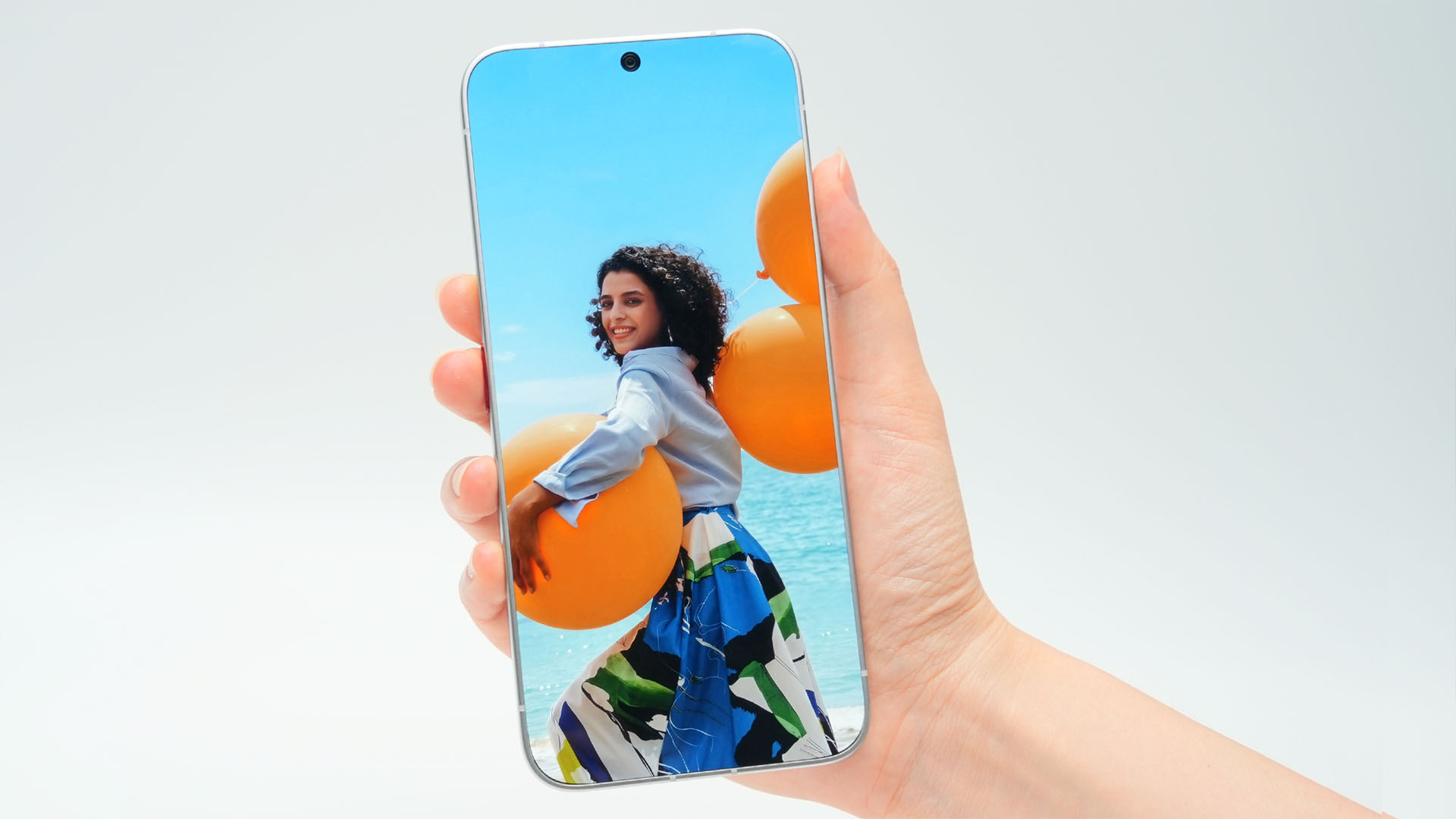
Whether or not a true bezel-free phone becomes reality anytime soon, the concept offers a glimpse at where smartphone design could be heading next. After all, TECNO’s super slim concept last 2025 actually became an actual retail product with the existence of TECNO Slim.
The concept is set to make its public debut on the upcoming ShowStoppers at IFA 2026 this September 3.

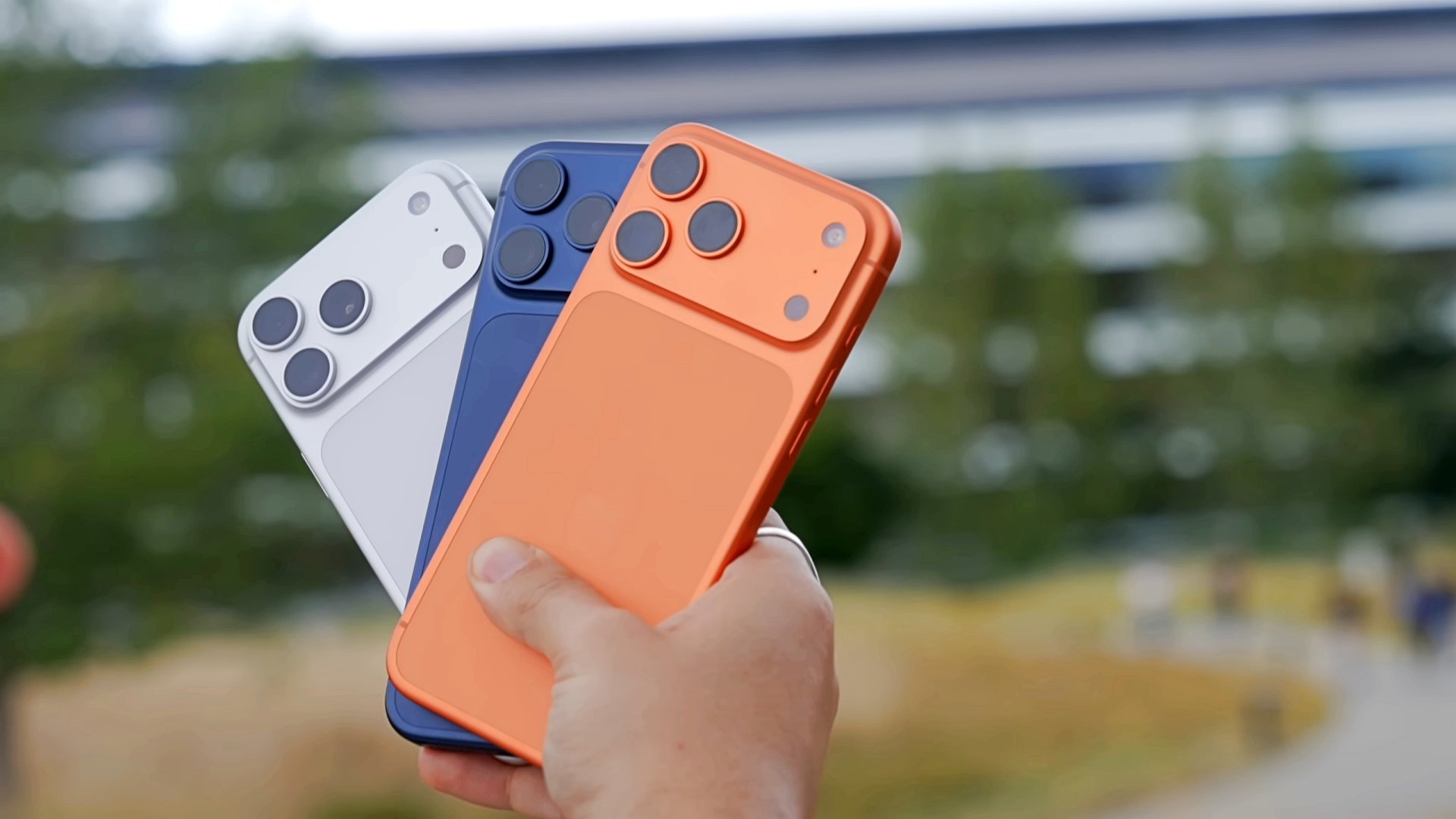
Apple has introduced Apple Upgrade, a new leasing program that makes it easier to get an iPhone, Mac, iPad, or Apple Watch through monthly payments. The program also gives customers more flexibility to upgrade to newer devices over time.
Apple Upgrade replaces new enrollments for the iPhone Upgrade Program with a single offering that covers four product categories. Apple partnered with Klarna to power the service.
Customers can lease an iPhone or Apple Watch for one or two years. Mac and iPad leases are available for two or three years.
At the end of the lease, customers have three options. They can upgrade to a newer device, purchase the leased device by paying the remaining balance, or return it with no further obligation.
Monthly payments start at US$17.99 for iPhone and US$24.99 for Mac, depending on the selected model and configuration. Customers must also qualify through Klarna before enrolling.
More than iPhones
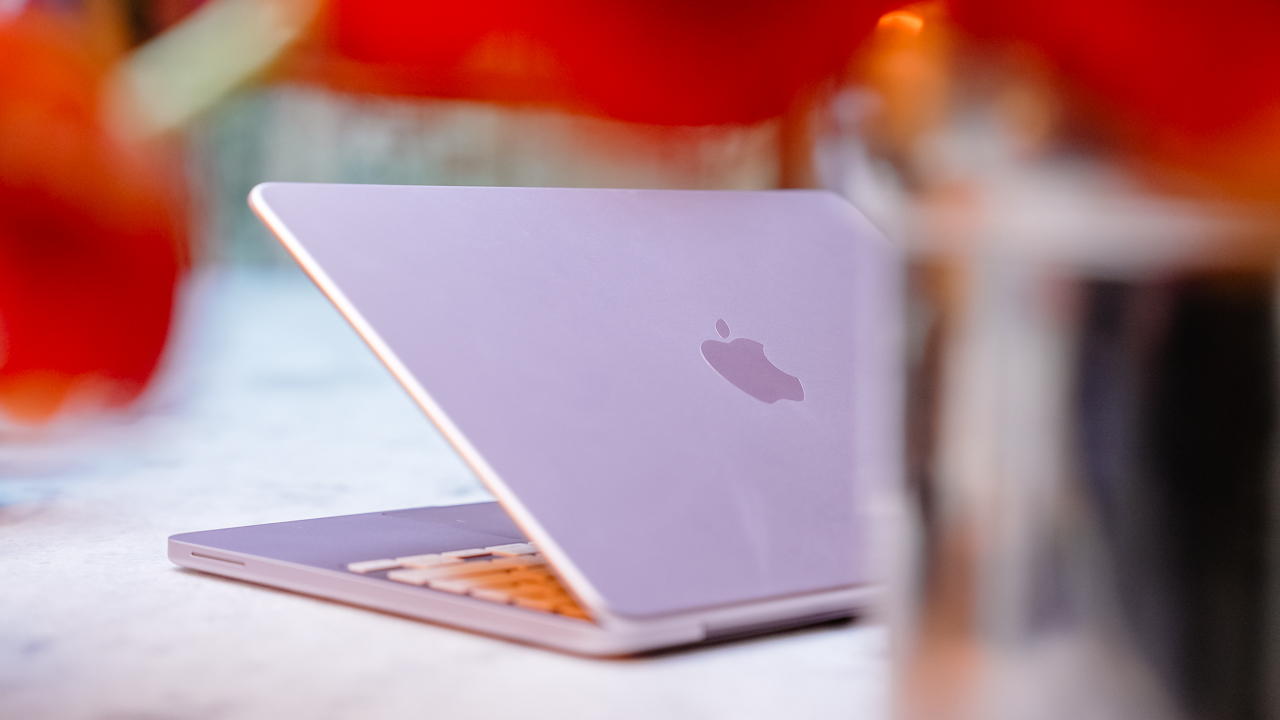
Apple Upgrade expands beyond the company’s previous iPhone-only financing program. It brings iPhone, Mac, iPad, and Apple Watch under one leasing service, making upgrades more consistent across Apple’s hardware lineup.
Customers can manage their lease through Apple, while Klarna handles financing and lease administration. They can also pay off their device early, although additional terms and fees may apply depending on the agreement.
Apple Upgrade is currently available only in the United States. Apple has not announced plans to expand the program to other regions.
News
Is the Pixel 11 copying a feature from Nothing?
A new ad is hinting at something like the Glyph interface.

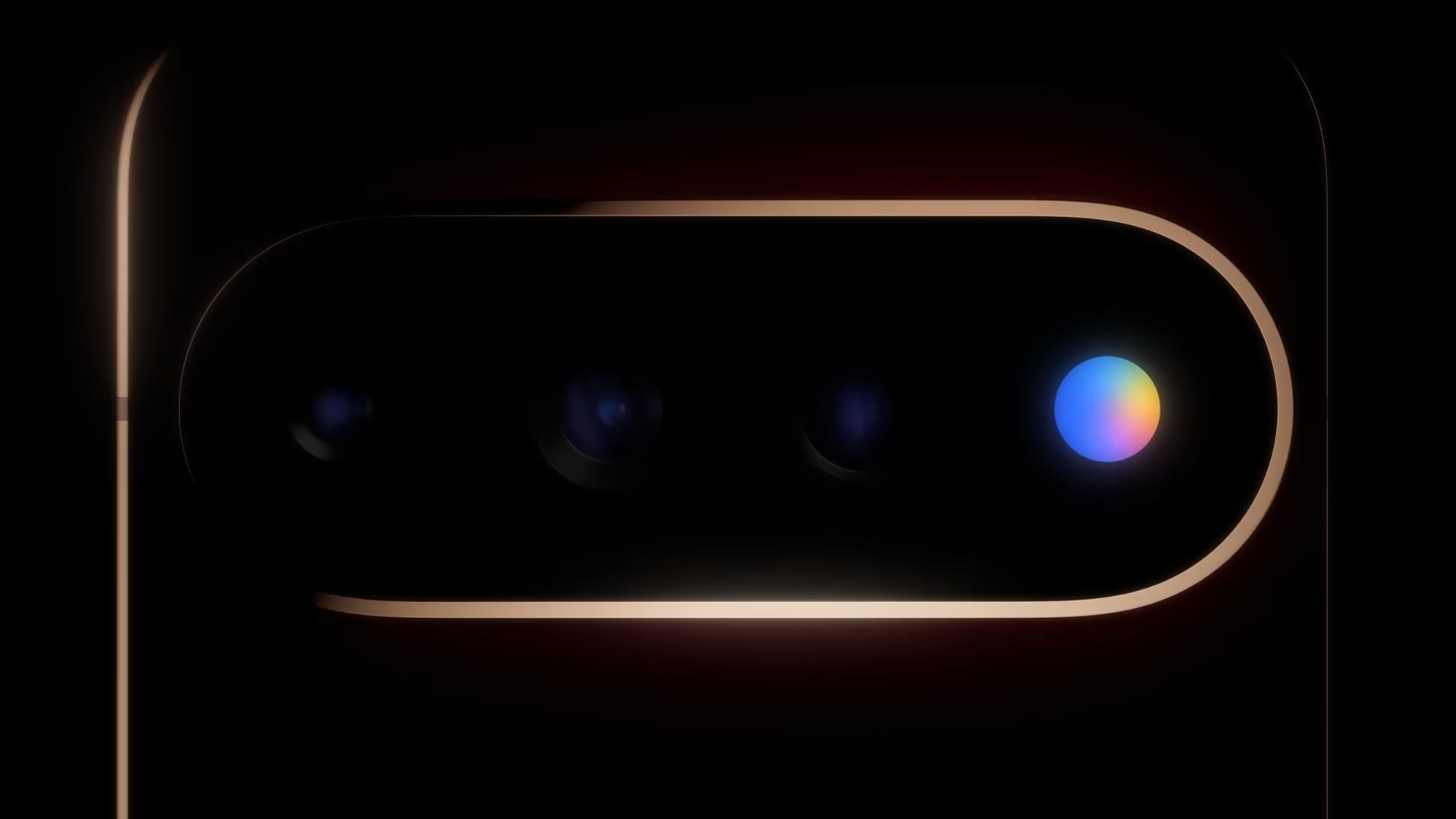
August 12 cannot come soon enough. On that date, Google is set to launch the upcoming Pixel 11 series. There isn’t much to indicate that the brand is changing the formula this year. Now, a rampant rumor, now seemingly confirmed by Google’s own ad, is hinting that a popular feature from Nothing is making its way to the Pixel.
Besides the transparent rear, Nothing prides itself with numerous iterations of the Glyph interface, a lighting system that serves as customized notifications for your phone. It’s mostly a novelty, but the feature is a unique take in a smartphone market plagued with too much sameness. It looks like Google wants to take a page from that same notebook.
For a while now, it’s been rumored that Google is adopting a version of the feature for the Pixel 11 series. The so-called Pixel Glow will reportedly add a light-based notification feature. Now, Google itself has seemingly confirmed the rumors.
In a new ad, titled “The Obvious Next Move,” Google is teasing a new feature coming to the flagship series. Though the ad leaves the feature untitled and without a description, it’s clear that it’s a circular glowing thing similar to Nothing’s take. The glowing thing is right on the Pixel’s iconic camera bar, just like Nothing.
But again, Google didn’t name the feature. However, if it helps, the ad says that we already use the Pixel for Gmail, Maps, Search, Calendar, and Docs, so the next evolution is whatever is depicted in this ad. August 12 really cannot come soon enough.


realme C100: Enduring and durable in spite of entry-level realities
Enough power but needs more agility


The ASUS ExpertBook Ultra wins you over
The laptop sneaks up on you


Nexal Watch Sport review: A rugged watch for small budgets
I couldn't believe that watches this good could come for this cheap.

Call of Duty: Modern Warfare 4 clip shows Losing Ground 1st look

Street Fighter special look: Blanka vs. Ryu

Xiaomi debuts SkyNomad Series featuring new Kunlun platform

GAC launches new trio of MPVs

TECNO unveils the world’s first 0mm bezel-less phone

New York becomes first state to ban smart glasses

Sony launches IER-M500 in-ear monitors

Microsoft dictates that a new Fallout game is coming

HoYo FEST 2026 details announced; tickets on sale from July 16
realme C100: Enduring and durable in spite of entry-level realities


-

 Wearables2 weeks ago
Garmin launches its first screenless fitness band
-
 Hands-On2 weeks ago
Hands-on: Samsung Galaxy Z Fold8, Flip8, Ultra
-

 Gaming2 weeks ago
NBA 2K27 cover athletes unveiled: Wemby, Clark, DRose
-

 Gaming2 weeks ago
Call of Duty, Aston Martin unveil Dreadnought for Modern Warfare 4
-

 Accessories1 week ago
CASETiFY revives Spider-Man collection for Brand New Day
-

 Cameras2 weeks ago
Sony announces new FX5 full-frame camera
-

 Gaming1 week ago
FINAL FANTASY X | X-2 HD Remaster launches on Nintendo Switch 2
-

 Entertainment2 weeks ago
Avengers: Doomsday trailer assembles Marvel’s biggest heroes against Doctor Doom