
Explainers
Why it’s time to finally make the switch to LTE


Local telcos are continuously improving their infrastructure to improve the country’s mobile internet speed. And as mobile technology progresses, so should your mobile device.
Do you still remember when 3G was made available in the Philippines in 2006? It was a game changer, because it introduced us to video calling before Skype was a thing and enabled us to browse desktop websites on our mobile phones. But that was 11 years ago, and technology has evolved.
What was fast before is already slow in comparison to what’s new today. If you’re still using a 3G phone, you’re depriving yourself of a better internet experience. It’s now time to upgrade to LTE (Long-Term Evolution), also known as 4G.

If you’re going to jump to LTE, you can check out Smart’s fastest LTE network in the Philippines. According to the latest survey from OpenSignal, Smart is ahead in terms of 4G LTE download speeds with an average of 10.55Mbps or over 3Mbps faster than the competition.
Not only that, Smart is currently re-equipping their cell sites to use low-frequency bands like 700MHz and 850MHz. The use of such bands allows signals to better penetrate walls of houses and office buildings. This means we get better indoor coverage than before. Also, cell towers equipped with lower bands have a wider reach, extending service even to the outskirts of a town, for example.

Smart continues to expand their LTE coverage nationwide — not just in major cities. The plan is to give more than 90 percent of the country’s population access to Smart’s LTE network by end of 2018. And hopefully by then, we’ll also transition to more widespread LTE-Advanced. It’s a promising future to expect, so you better upgrade today.
How to upgrade to LTE?
The first step is to get an LTE phone. Most of the flagship smartphones fully support LTE including the new low-frequency bands. Don’t worry, fast mobile internet doesn’t have to be expensive because there are affordable LTE phones that are available in the market for as low as PhP 2,488.

When choosing your next phone, it is important to invest in a device that will work best with your network’s frequencies. For the best possible mobile data experience, Smart recommends LTE phones that are compatible with the 700MHz band.
Some examples of 700MHz-compatible phones which are available in the market today are:
But having an LTE phone is not enough. An LTE phone should have an LTE-ready SIM card inside. If you’re still holding on to your old SIM card, it’s time to have it replaced with a new one. The upgrade is free and you can still retain your existing number, even if you’re on prepaid. We all know how important it is to stick to a single mobile phone number.
Not sure if your SIM is already LTE-capable? If you’re a Smart user, you can do a quick check by texting SIMCHECK to 5832. If you’re not yet on LTE, you can upgrade for free at any Smart Store.
If you have an LTE phone with a new LTE SIM card, you can enjoy the best possible mobile internet experience in areas covered by LTE. Make sure you adjust your phone’s network settings with LTE or 4G as the preferred network type.
[irp posts=”2500″ name=”LTE-A Explained”]
This feature was produced in collaboration between GadgetMatch and Smart Communications.





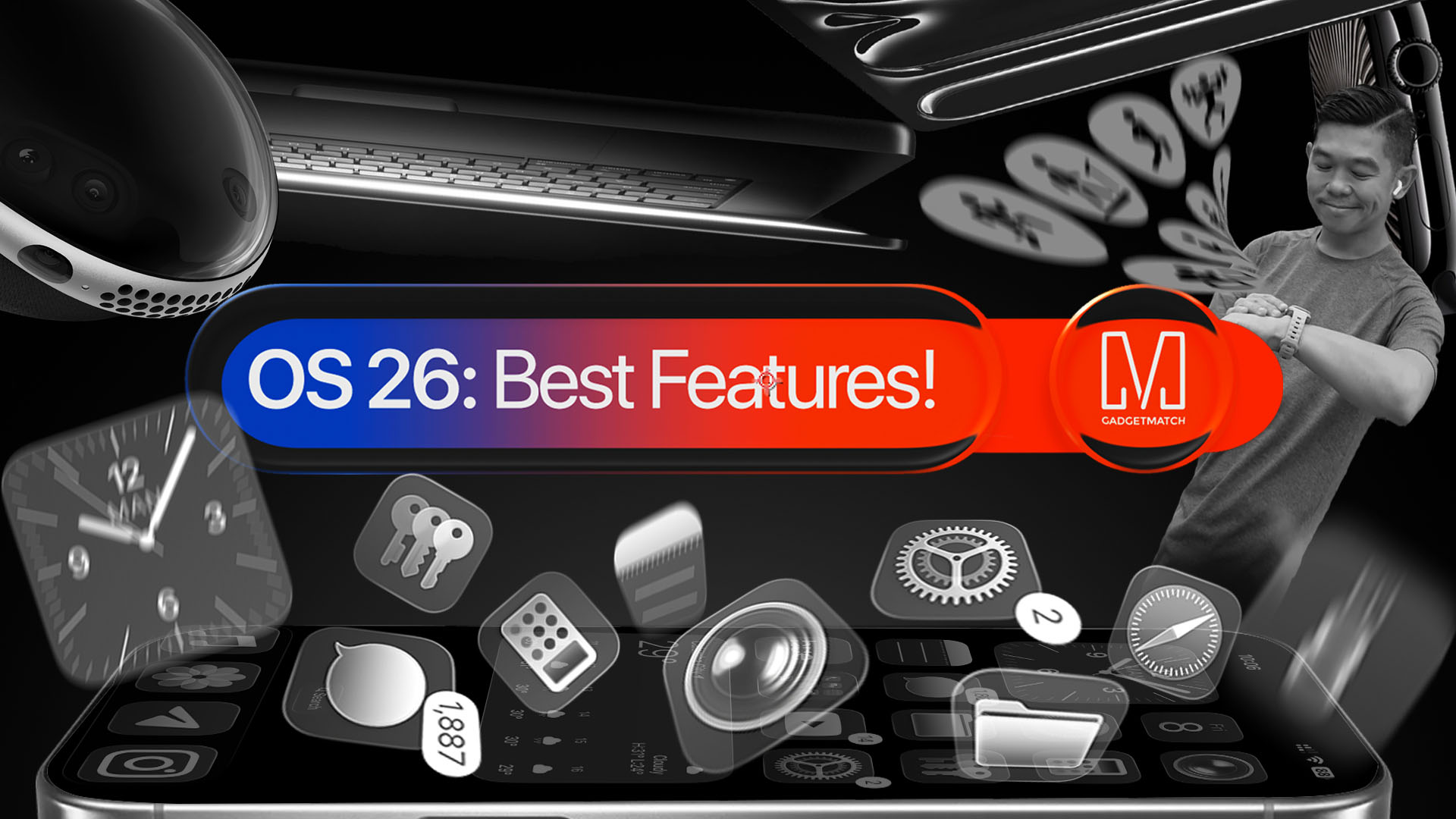
With a huge change in naming scheme, Apple promises a big leap ahead.
The all-new Liquid Glass design isn’t just breath of fresh air — it’s a bold redesign ever since the iOS 7 came out.
It’s not limited just to the iPhone. It’s coming to the iPad, Mac, and even the Apple Watch!
And with latest Public Beta now available across all devices, now is the perfect time to try ’em out.
Here are our favorite features, design updates, and hidden gems in Apple’s latest OS 26 series of software updates.
Namely iOS 26, iPadOS 26, watchOS 26, visionOS 26, and macOS Tahoe.
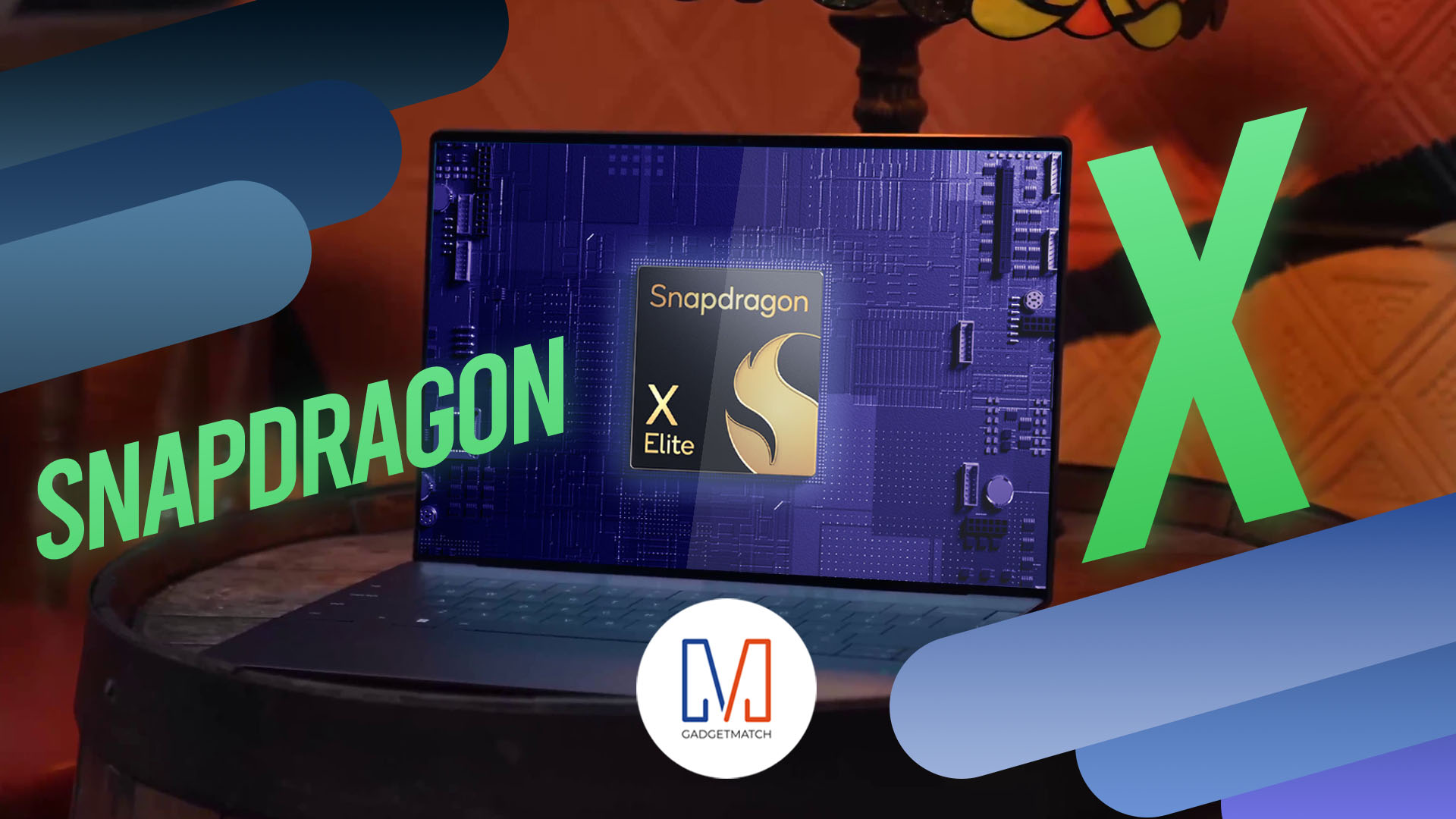
Shopping for a new Windows laptop?
With so many choices out there, it can be tough to know where to start.
Should you prioritize performance, battery life, or portability? Can you find something affordable and premium-looking?
In this video, we break down everything you need to know about the new Snapdragon X Series laptops — a new category of Windows PCs that promise power, efficiency, and sleek design in one package.
Whether you’re a student, creative, or just looking to upgrade, this buyer’s guide will help you decide if a Snapdragon X Series laptop is right for you.

Apple dropped a ton of surprises in this year’s WWDC — and there’s more than just the Liquid Glass redesign.
From Workout Buddy, to game-changing Apple Intelligence features.
All the way to collaborative visionOS updates, and the next generation of iOS 26, macOS 26, and iPadOS 26.
Watch to see the top announcements NEED to know from the WWDC 2025 keynote!
Here are Michael Josh’s biggest takeaways from WWDC 2025 in one video — with the help of some TechTuber friends!


Galaxy Buds4 Pro review: I thought I was done with in-ears
This Buds4 you


WWE 2K26 lets you live out all the fantasy matches you could want
But you have to play for hours and hours to unlock everyone.


The HONOR X8d is serviceable
Steady but slow?

Life is Strange: Reunion now available on consoles and PC

Why this AI-powered eye health exam is the only reading you need this season

DJI officially launches the Avata 360 with 8K immersive imaging

The Changan Eado Plus officially lands in the Philippines

PLDT Home, Samsung team up for exclusive entertainment deals


-

 Reviews1 week ago
POCO X8 Pro Max review: A new beast from the far east
-

 News1 week ago
POCO X8 Pro Series: Price, availability in the Philippines
-

 Reviews1 week ago
POCO X8 Pro Iron Man Edition review: Midrange phone in superhero armor
-

 Automotive1 week ago
VinFast extends free unlimited charging in 3 markets amid rising fuel prices
-

 Reviews2 weeks ago
Samsung Galaxy S26 Ultra review: A phone you live with
-
 News1 week ago
POCO introduces X8 Pro Series with Dimensity 9500s
-

 Gaming1 week ago
NVIDIA’s DLSS 5 can turn your favorite AAA game into AI slop
-
Philippines1 week ago
The HONOR X8d is serviceable