
Explainers
SSD and HDD: What’s the difference?

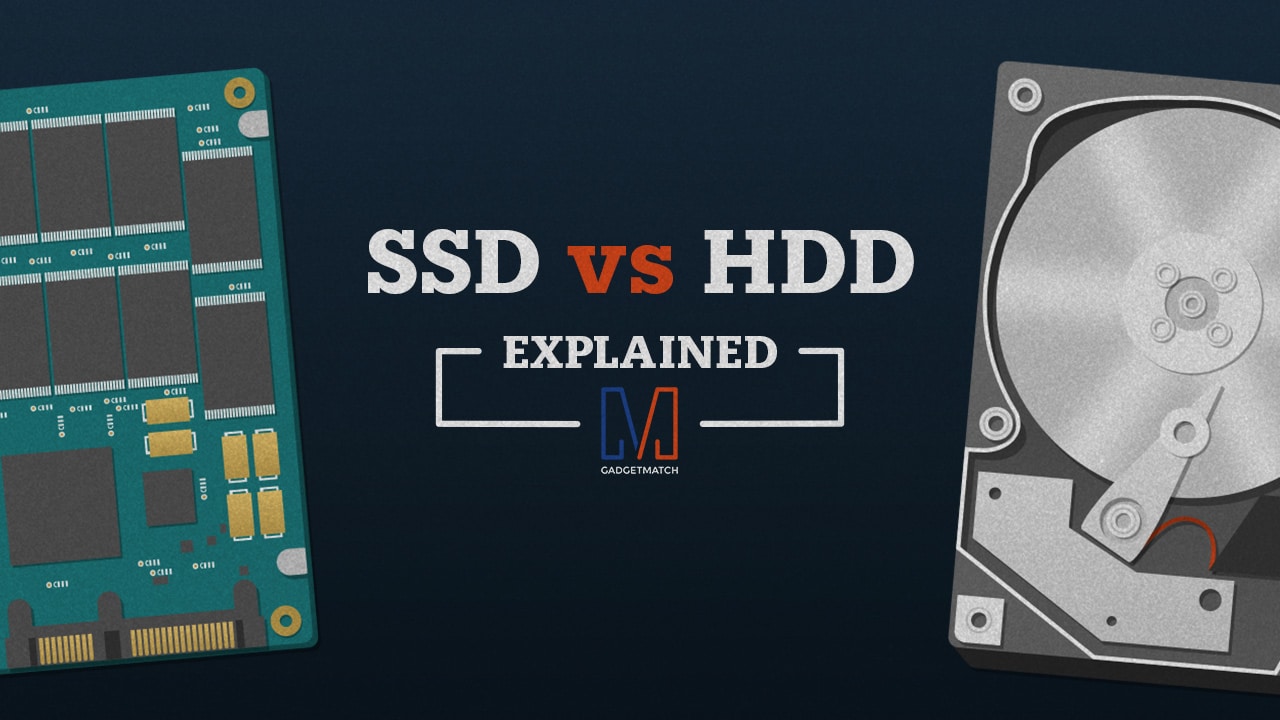
For the past few years, solid-state drives (SSDs) have become quite popular in the computing world, mostly because of how fast they are compared to hard disk drives (HDDs). So, what exactly sets an SSD apart from an HDD?
Nowadays, computers use non-volatile medium for storage, which means data that’s stored in it doesn’t get lost once the computer shuts down. Storage for modern-day computers and notebooks have been handled by hard disk drives for the longest time and it’s only now, with SSDs becoming more affordable, that consumers are seeing a different storage medium in their computers.
Hard disk drives have mechanical parts
If you aren’t familiar, hard disk drives store data on circular disks made up of aluminum, glass, or ceramic that are coated with a magnetic layer, often called platters. Since these platters are responsible for holding the data, the storage capacity of an HDD is dependent on how many platters it has.
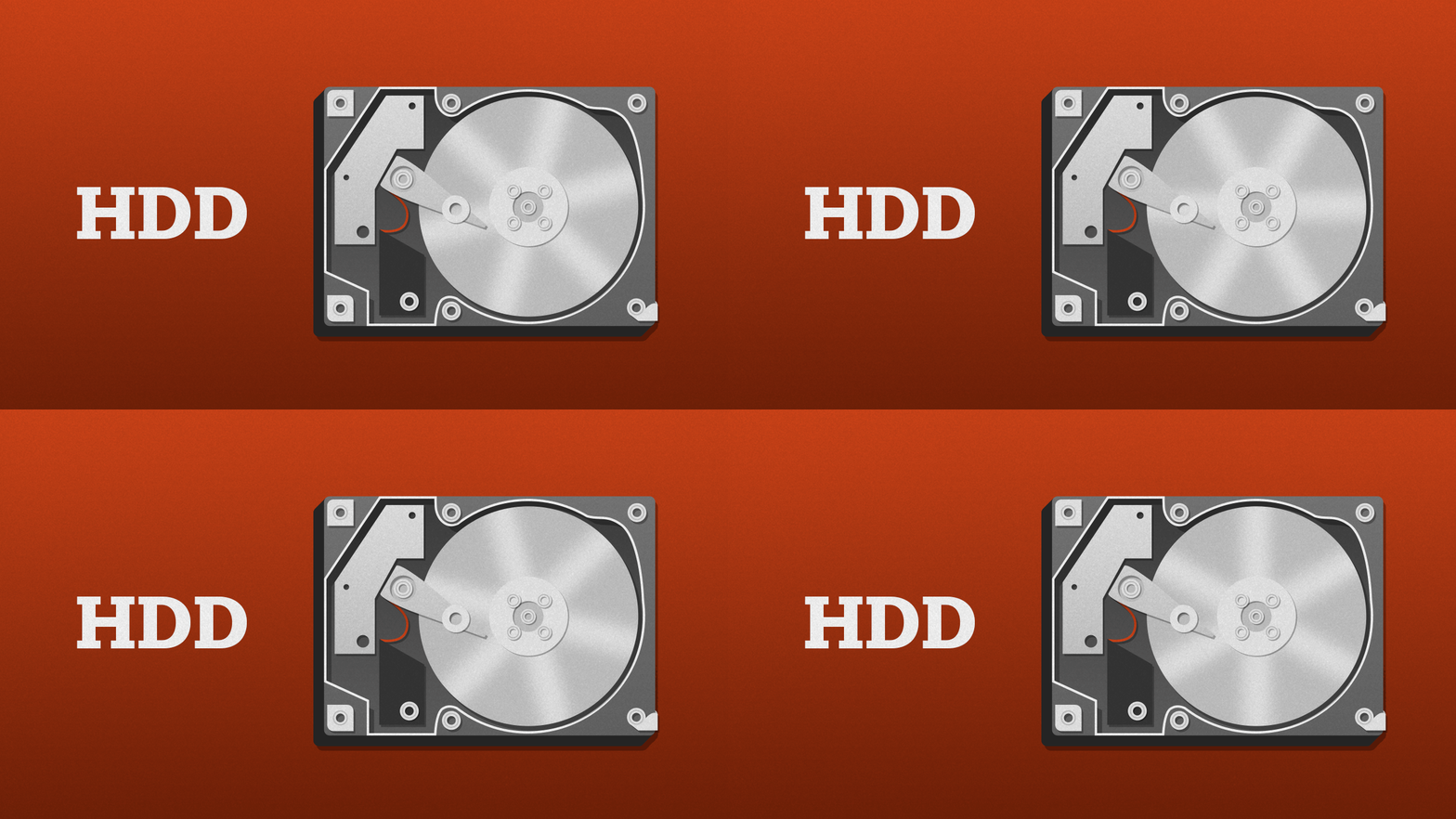
The big disks are the platters and the arm hovering above is the actuator arm.
When the computer’s processor sends out instructions to read and write data, the motor on the drive moves the actuator arm across the platter. At the end of the actuator arm are the read/write heads which are made up of tiny magnets responsible for reading data already stored on the platter or writing new data on the empty spaces on the platter. The combined movement of the actuator arm and the rotation of the platter allows the computer to read and write data, which is kind of like the arm of a record player touching a vinyl record to play music.
Having all these moving parts means an HDD’s read and write speed is dependent on how fast the platters can rotate and how fast the actuator arm can track locations on the platter. These parts can only move up to a certain speed or else they’ll break down, and nobody wants a broken storage device. As with all mechanical parts, heat and noise are by-products of their movements, which is why an HDD can become hot and/or noisy during operation.
Solid-state drives have no moving parts
From its name, an SSD is a drive that uses a type of solid-state storage called flash memory, which is also a non-volatile storage medium, to store and retrieve data. Each flash memory chip found in the circuit board of an SSD contains memory cells that are made up of floating-gate transistors, which are a special type of transistor that can store or discharge an electrical charge in its cage-like part called the floating gate. The storing capability of these transistors is what allows the data to remain, even when there’s no electricity flowing through them.
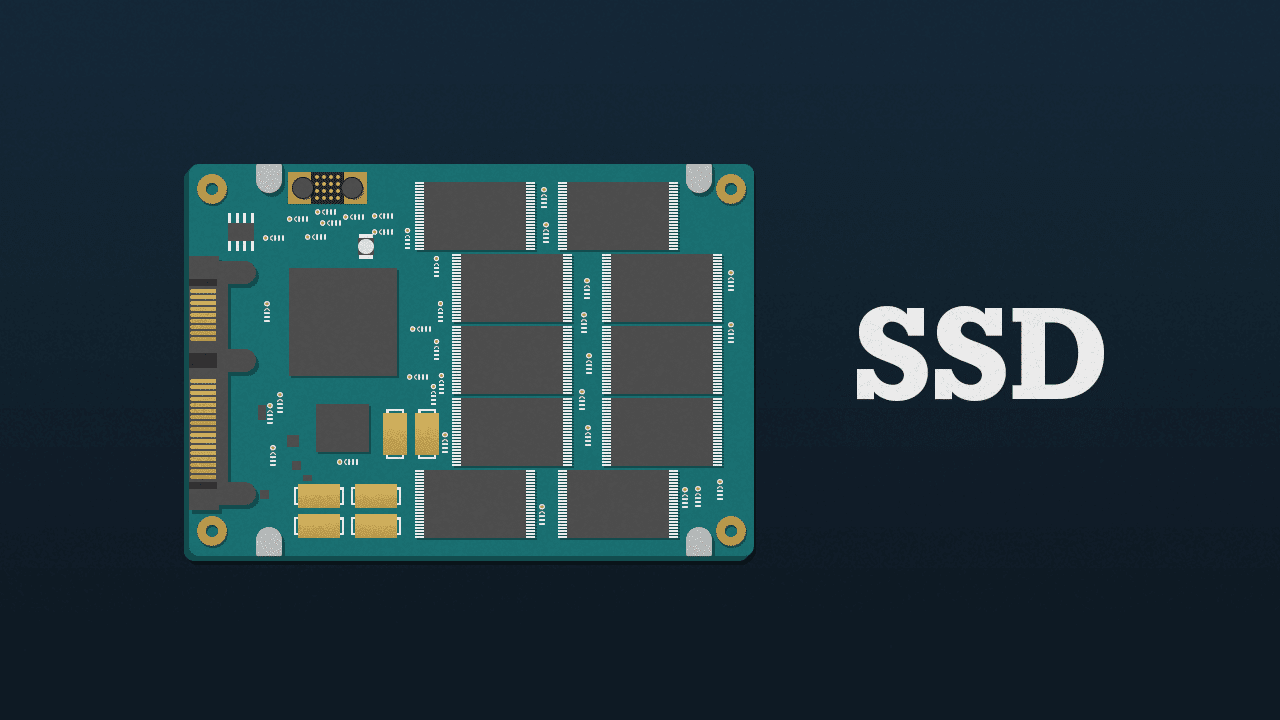
Inside an SSD is a circuit board with a bunch of embedded chips, including the flash memory, controller, and cache.
As mentioned, an SSD doesn’t have moving parts like the actuator arm and motors of an HDD. Instead, it has an embedded processor called a controller. Much like the computer’s processor, the controller does all the heavy lifting, as it’s the one responsible for locating the blocks of memory where data can be read or written to.
This is also the reason why SSDs perform faster than HDDs; since they don’t need to wait for any moving parts to read or write data, the controller just needs to receive the instructions from the computer’s processor and it can start reading or writing data.
SSDs may not suffer from a mechanical breakdown, but they’re far from faultless. Flash memory can only have data written and erased a finite number of times before its cells degrade and become unreliable. This means an SSD can only write a certain amount of data before it fails, which is why SSD specification sheets typically include Terabytes Written (TBW), so consumers know how much data can be written into the drive before it eventually fails. However, SSDs these days can last more than ten years in typical day-to-day usage.
Both storage mediums have pros and cons
So, is a solid-state drive better than a hard disk drive, or vice-versa? Sadly, there’s no simple answer to this question, as it all depends on the needs of the consumer, which usually involves speed and storage capacity.
On one hand, if a person wants faster read/write times, an SSD is the clear winner, but you’ll lose out on storage capacity, since most SSDs today start from 120GB and can only go up to 1TB or 2TB. Mind you, those high-capacity SSDs will surely burn a big hole in your wallet.
On the other hand, if a person values capacity more, an HDD is the better option, with drives typically ranging from 500GB to 6TB of storage capacity for mainstream HDDs. Also, HDDs don’t cost an arm and a leg compared to SSDs if you want to get large-capacity ones.
With these in mind, there’s no stopping consumers from having both an SSD and an HDD in the same system. Setting up an SSD as your main drive with the operating system and other important software, while having a secondary HDD to store all your media and personal files, would net you the best of both worlds: a speedy system boot up without sacrificing storage space.
[irp posts=”2500″ name=”LTE-A Explained”]






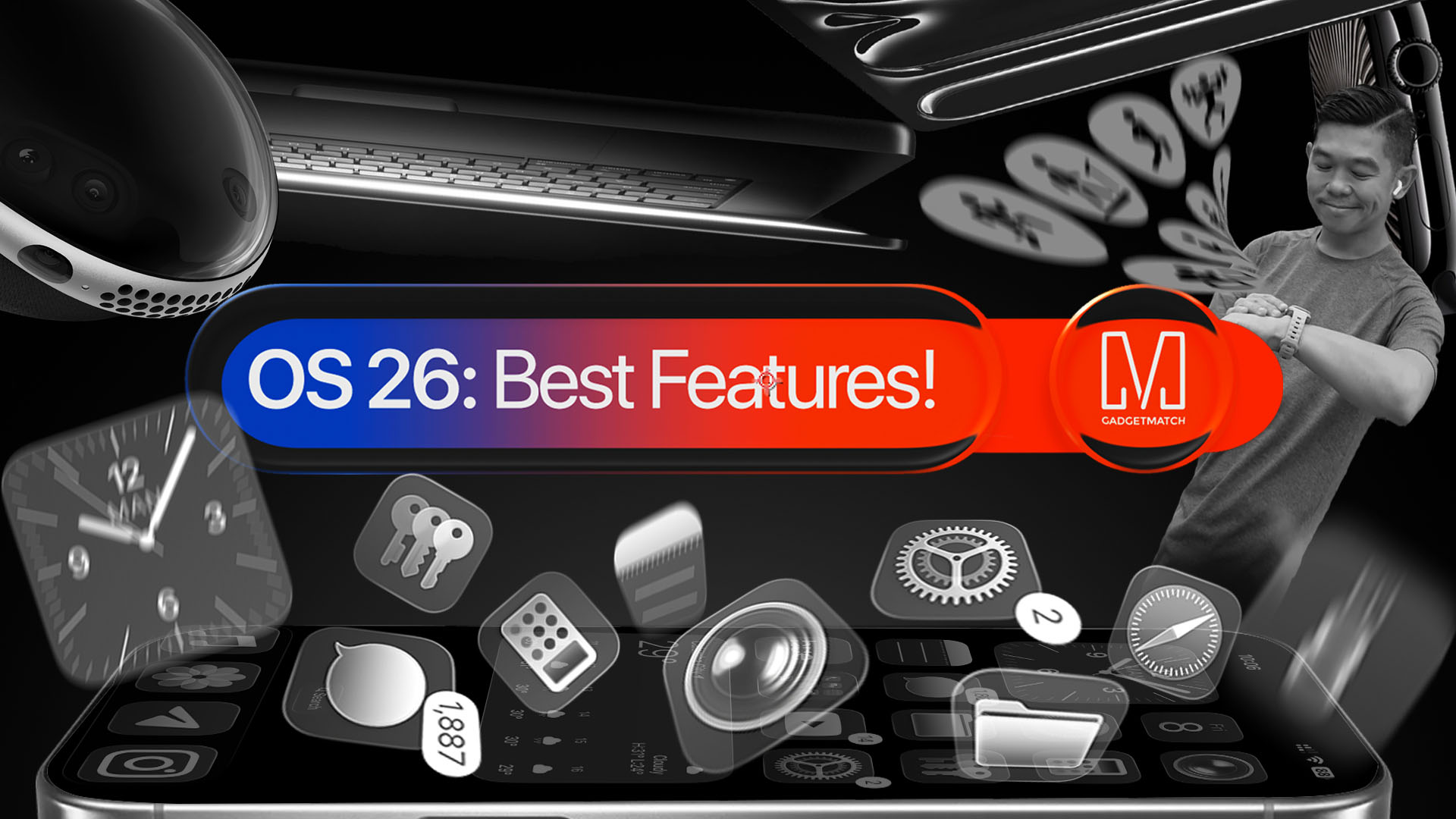
With a huge change in naming scheme, Apple promises a big leap ahead.
The all-new Liquid Glass design isn’t just breath of fresh air — it’s a bold redesign ever since the iOS 7 came out.
It’s not limited just to the iPhone. It’s coming to the iPad, Mac, and even the Apple Watch!
And with latest Public Beta now available across all devices, now is the perfect time to try ’em out.
Here are our favorite features, design updates, and hidden gems in Apple’s latest OS 26 series of software updates.
Namely iOS 26, iPadOS 26, watchOS 26, visionOS 26, and macOS Tahoe.
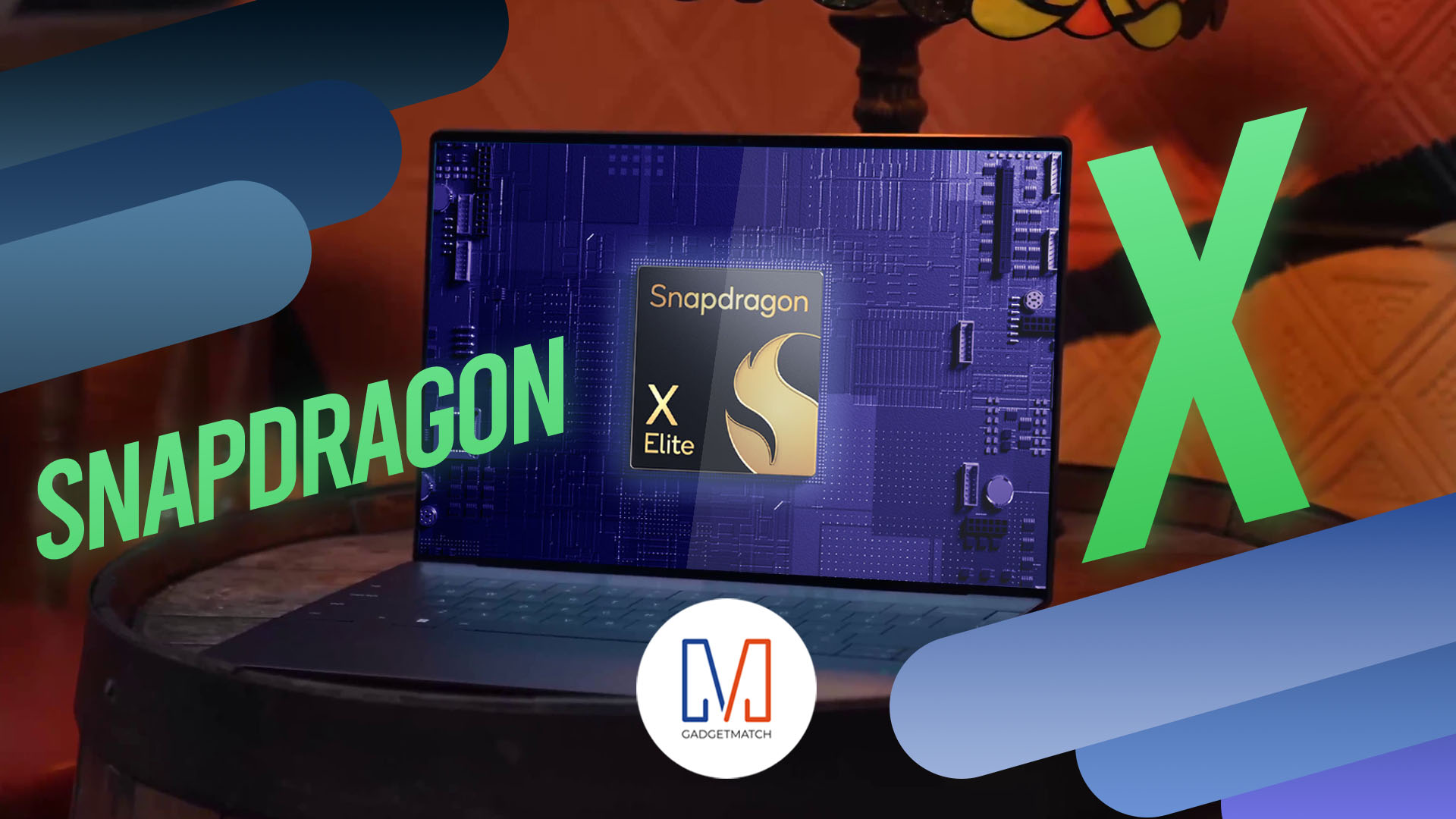
Shopping for a new Windows laptop?
With so many choices out there, it can be tough to know where to start.
Should you prioritize performance, battery life, or portability? Can you find something affordable and premium-looking?
In this video, we break down everything you need to know about the new Snapdragon X Series laptops — a new category of Windows PCs that promise power, efficiency, and sleek design in one package.
Whether you’re a student, creative, or just looking to upgrade, this buyer’s guide will help you decide if a Snapdragon X Series laptop is right for you.

Apple dropped a ton of surprises in this year’s WWDC — and there’s more than just the Liquid Glass redesign.
From Workout Buddy, to game-changing Apple Intelligence features.
All the way to collaborative visionOS updates, and the next generation of iOS 26, macOS 26, and iPadOS 26.
Watch to see the top announcements NEED to know from the WWDC 2025 keynote!
Here are Michael Josh’s biggest takeaways from WWDC 2025 in one video — with the help of some TechTuber friends!


nubia V80 Max: Long battery, marginal upgrades, casual budget phone
Upgrades here and there, but is the price increase worth it?


Breaking up with Adobe Photoshop after 20 years
Wedding planning and Apple Creator Studio made me realize it was time


Now playing: Final Fantasy VII Remake INTERGRADE on Switch 2
Final Fantasy VII Remake, handheld again

What a day at Masungi GeoReserve taught me about a smartphone’s durability

The Nintendo Switch is now Nintendo’s best-selling console ever

Globe introduces The Loop, a portable 5G Wi-Fi hotspot

New Civilization VII update will address everyone’s biggest issue

CM Punk graces cover of WWE 2K26

HONOR X9d 5G launches in the Philippines: Price, preorder, availability

POCO M8 Pro review: Goin’ loco over this POCO

Infinix NOTE Edge debuts: High-end features for accessible pricing

HONOR Magic8 Pro review: What sorcery is this?

Redmi Note 15 Pro+ 5G review: The midrange fashion piece


-

 Reviews2 weeks ago
HONOR X9d 5G review: Tougher, more long-lasting and optimized
-
Gaming2 weeks ago
Now playing: Final Fantasy VII Remake INTERGRADE on Switch 2
-

 Accessories2 weeks ago
Razer fully unwraps these limited BLACKPINK Edition gaming gear
-
 Gaming2 weeks ago
Forza Horizon 6 launches on May 19
-

 Gaming2 weeks ago
Nintendo’s latest toy is Super Mario Wonder’s Talking Flower
-

 Gaming2 weeks ago
You can now race as teams in Mario Kart World’s Knockout Tour
-

 Accessories2 weeks ago
G-DRAGON is CASETiFY’s first ever Global Brand Ambassador
-
 News2 weeks ago
nubia joins durability competition with launch of V80 Max