

Reviews
TECNO PHANTOM V Flip2 review: Flippin’tastic!
Two full months with TECNO’s second flip phone

We’ve seen a sudden storm of flippables this 2024 — from Xiaomi and HONOR’s first ever flagship flips, to wallet-friendly yet worthy flip phones by ZTE, HUAWEI, and motorola. Of course, the trendsetter won’t miss their chance with the latest Samsung Galaxy Z Flip6.
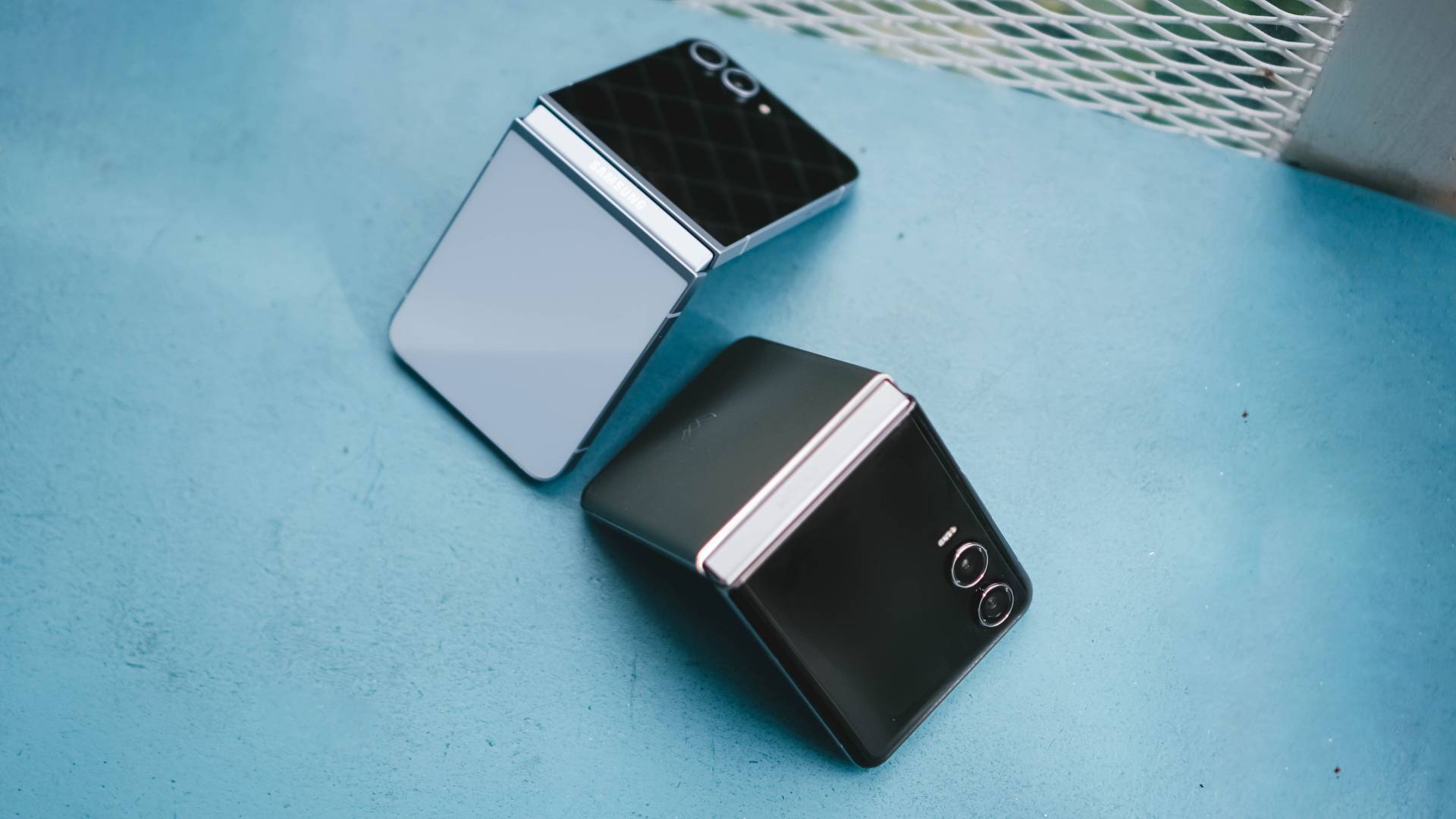
But we’re here for TECNO’s freshest flip. I’ve spent two good months with the brand’s second flip to see what it’s really capable of — and what it also lacks.
One Fine Flip
Appearance-wise, TECNO’s PHANTOM V Flip2 already shows a massive transformation compared to its predecessor.
It now looks more stylish and mature compared to last year’s cutesy and chic aesthetics.
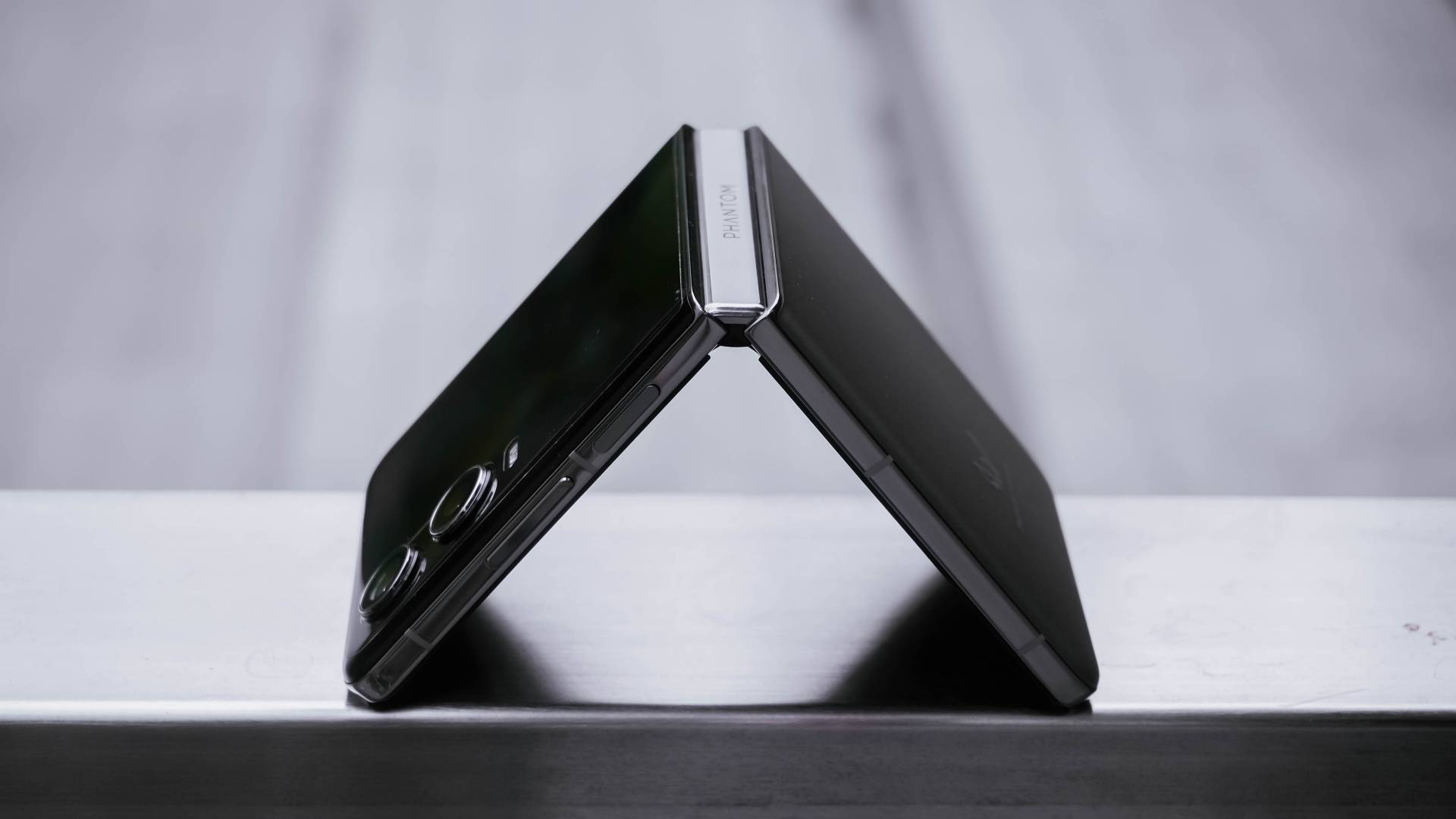
Folding the V Flip2 in half reveals its Double Helix Star Track Water Droplet Hinge. TECNO says this new hinge mechanism promises up to 400,000 folds.
Although two months isn’t enough to fully support that claim, folding and unfolding the device never felt cheap. It has enough resistance like other premium flip phones do — which is also a huge improvement versus the first iteration with its tacky hinge.
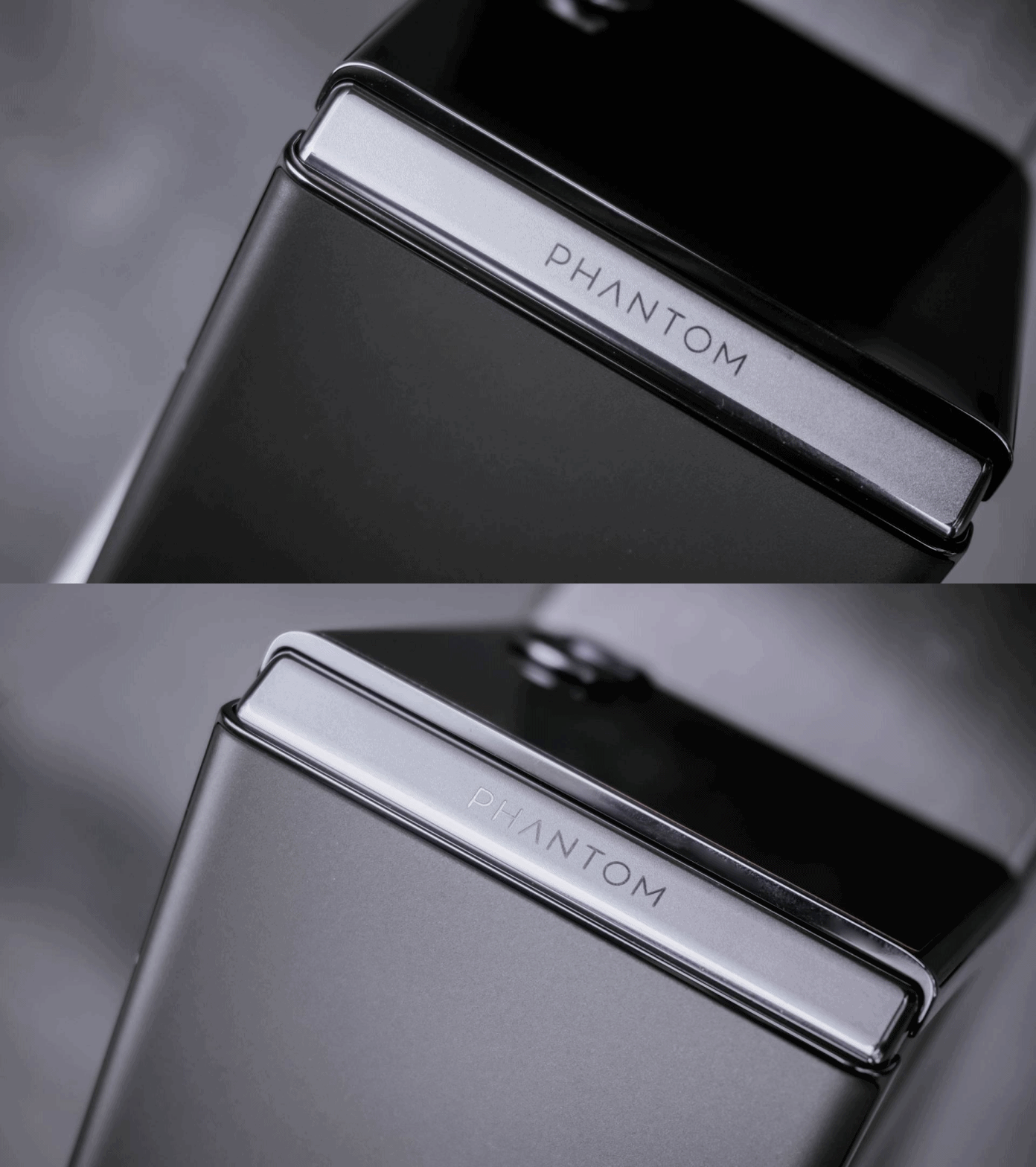
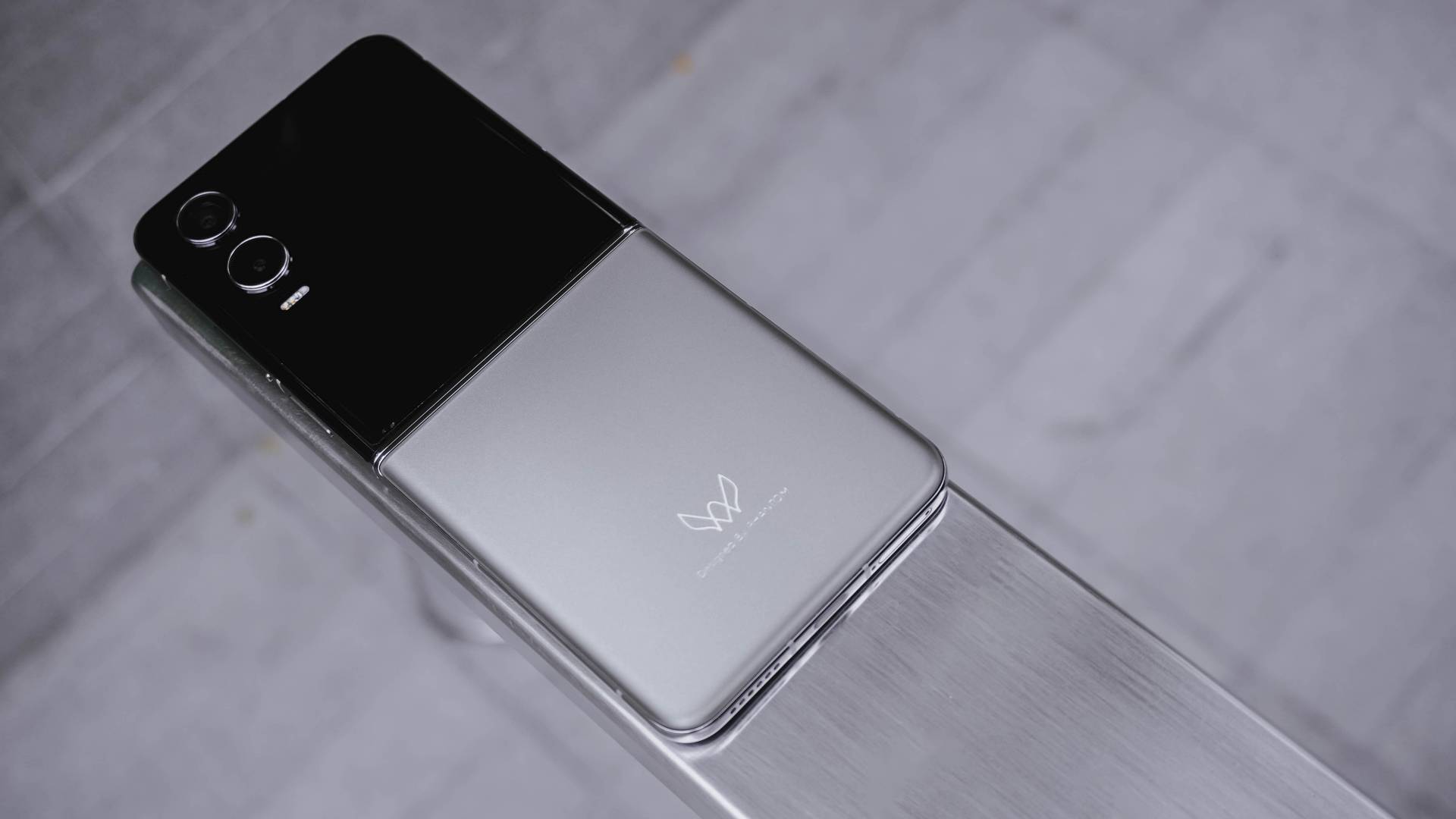
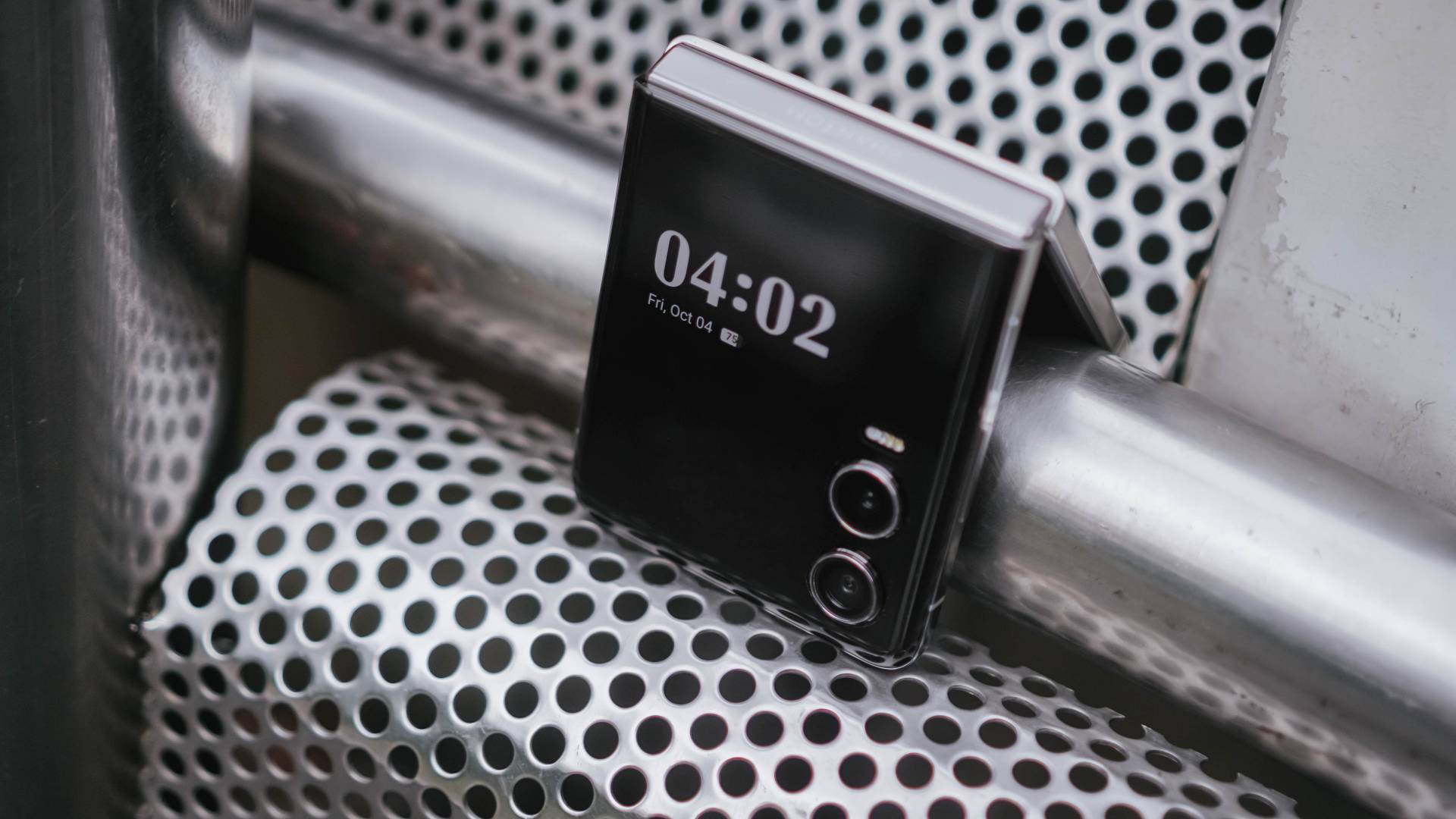
Turning to its back, I love how it doesn’t attract smudges or fingerprints. The texture is close to a fine sand. And even with the less flashy color, it still shows shimmer and glimmer all-around.
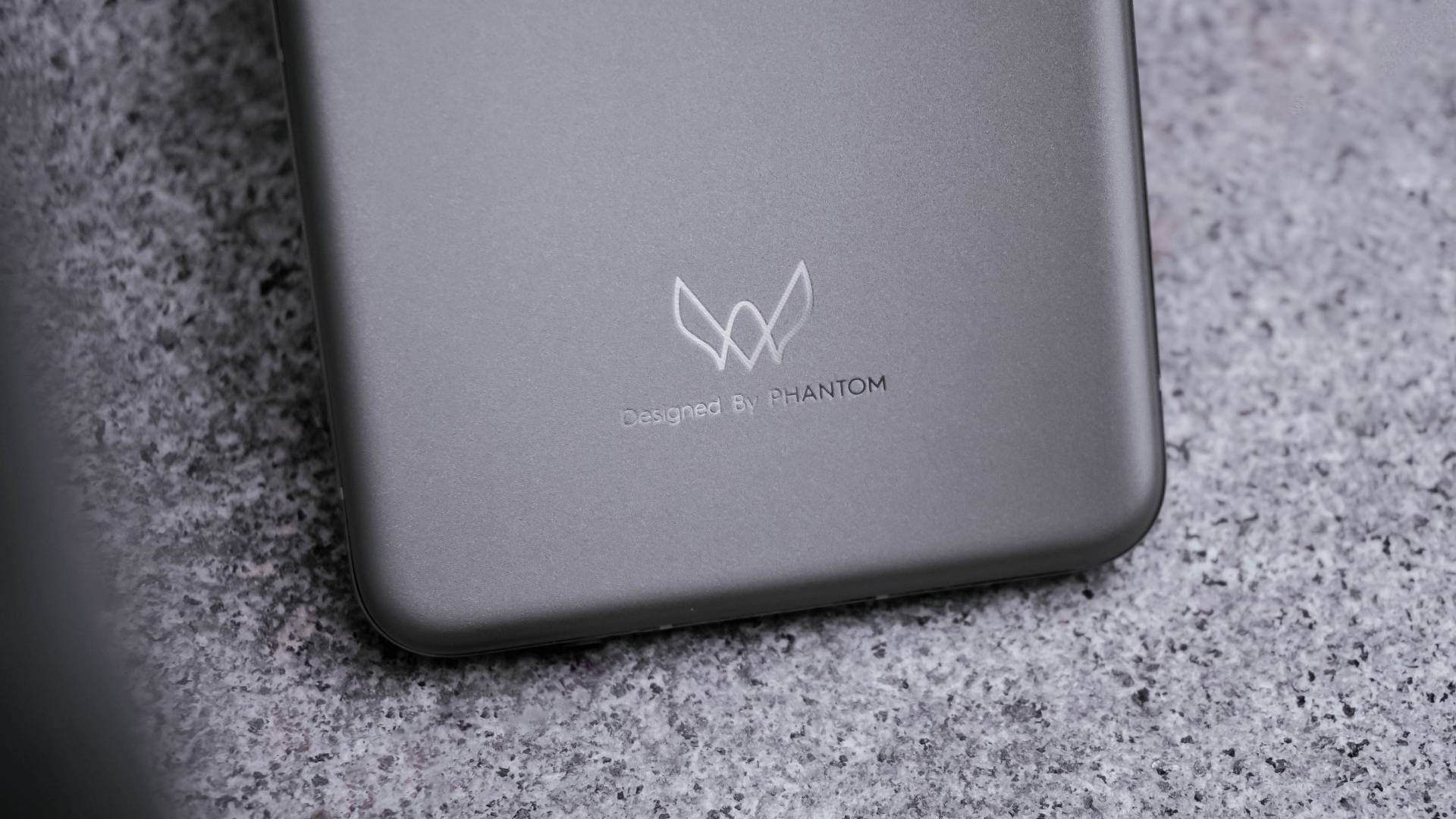
Looking closer, it now shows an engraved “Designed by PHANTOM” branding on it.
Also, that distinct PHANTOM logo adds an overall premium touch especially when hit by faint light.

Its shiny frame also looks premium like any other modern flagship.
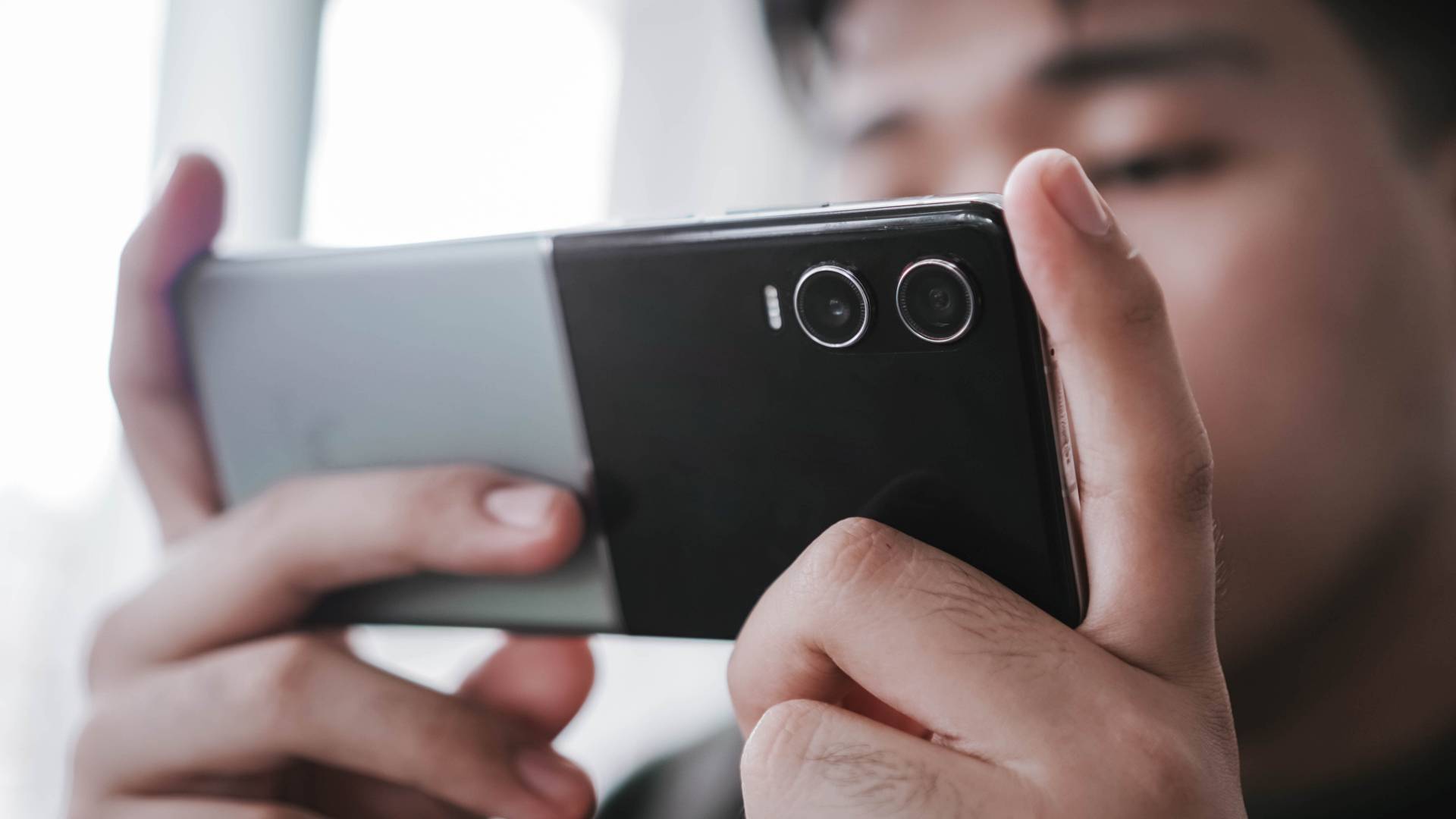
At 196 grams, it’s not the lightest clamshell flip out there. But, that amount of heft makes it comfortable to hold.

It’s also not the thinnest flip, but its adequate thickness of 16mm makes it grippy enough even in one-handed use.
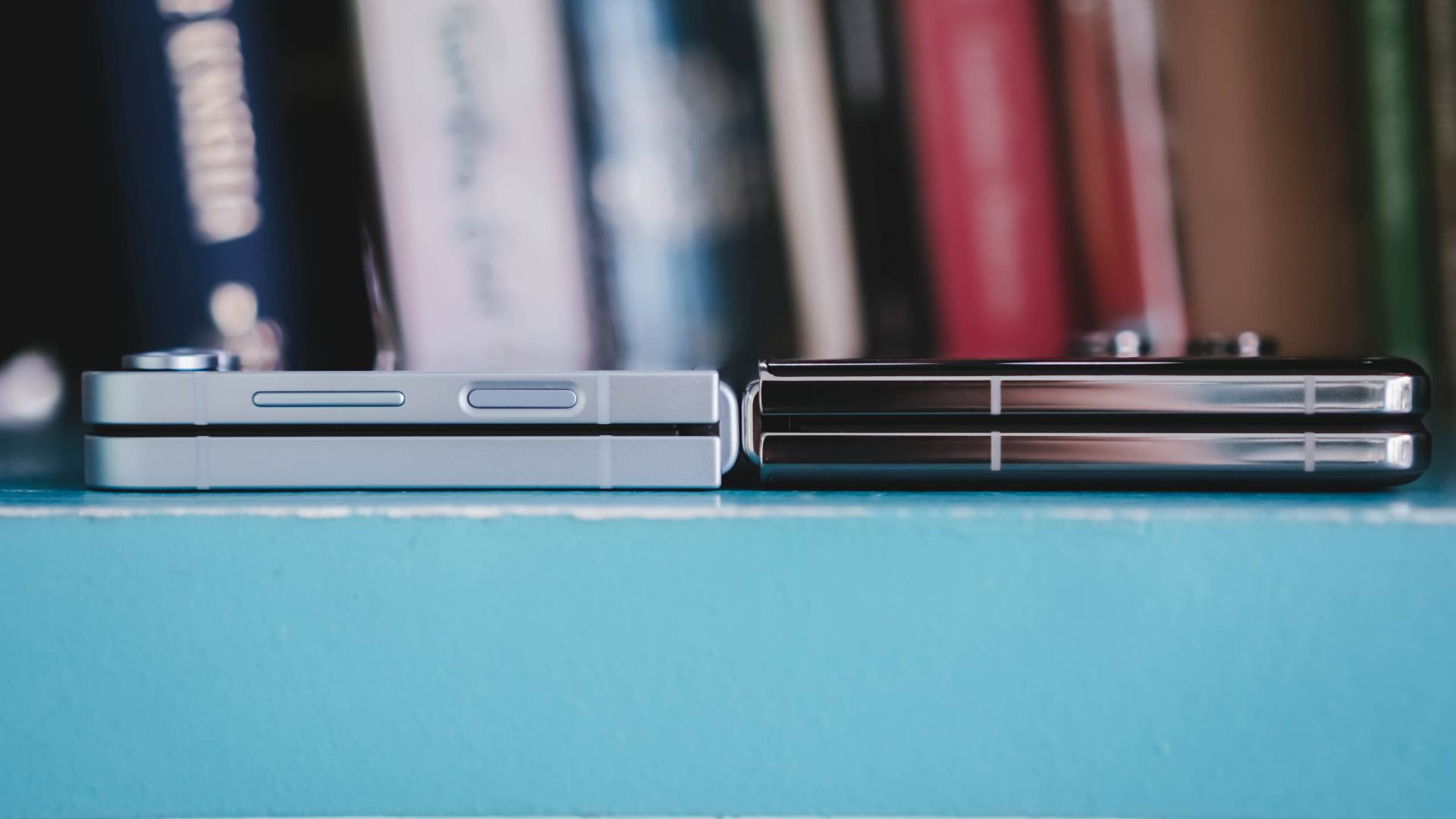
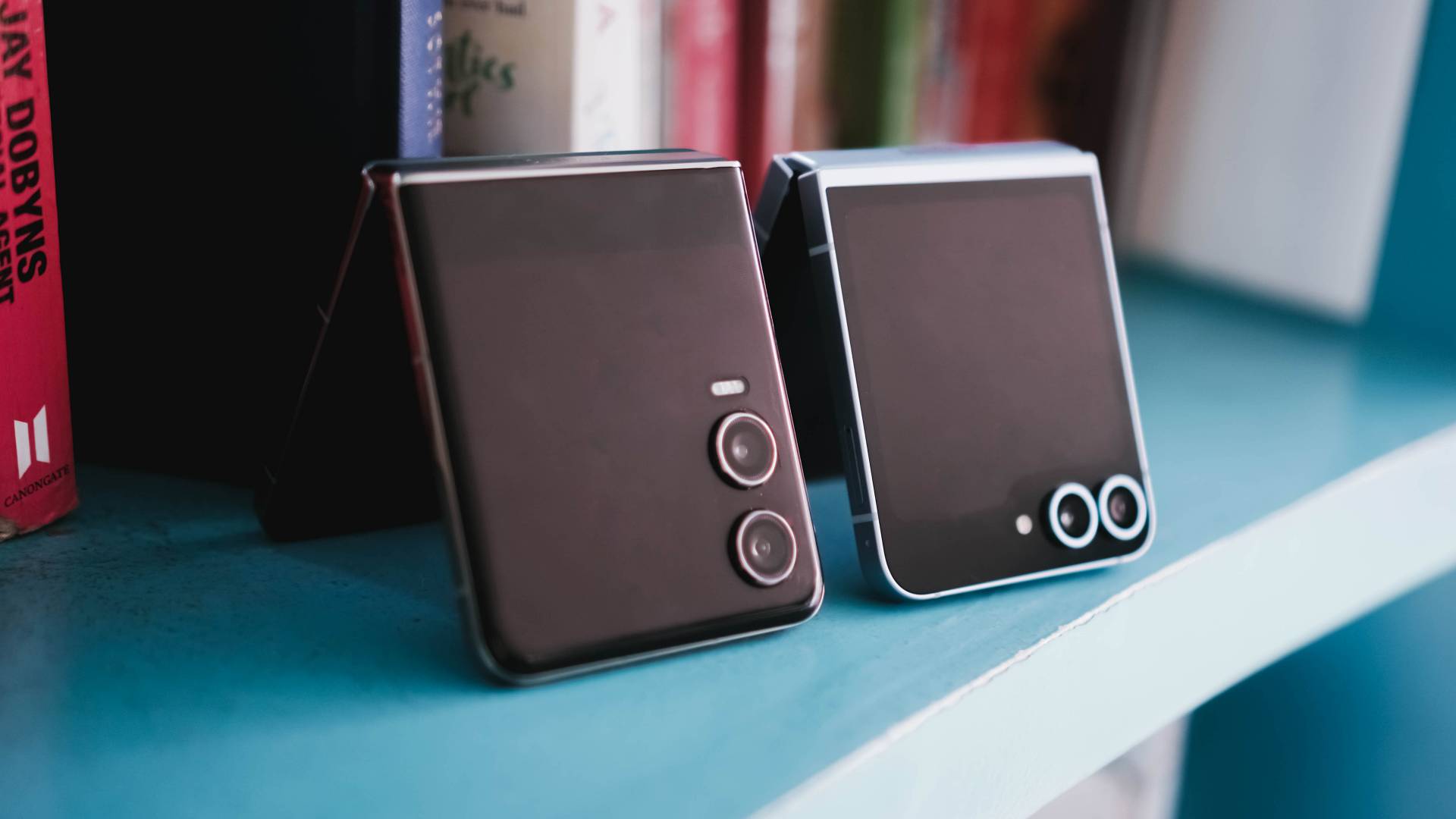
Samsung Galaxy Z Flip6 vs TECNO PHANTOM V Flip2
And for comparison’s sake, here’s what it looks like compared to Samsung Galaxy Z Flip6’s 14.9mm folded body with a matte frame. I can barely see the thickness difference.
Cherish that cover screen
Although that iconic circular cover screen will be missed from its predecessor, I just love how TECNO decided to just jump into the bandwagon.
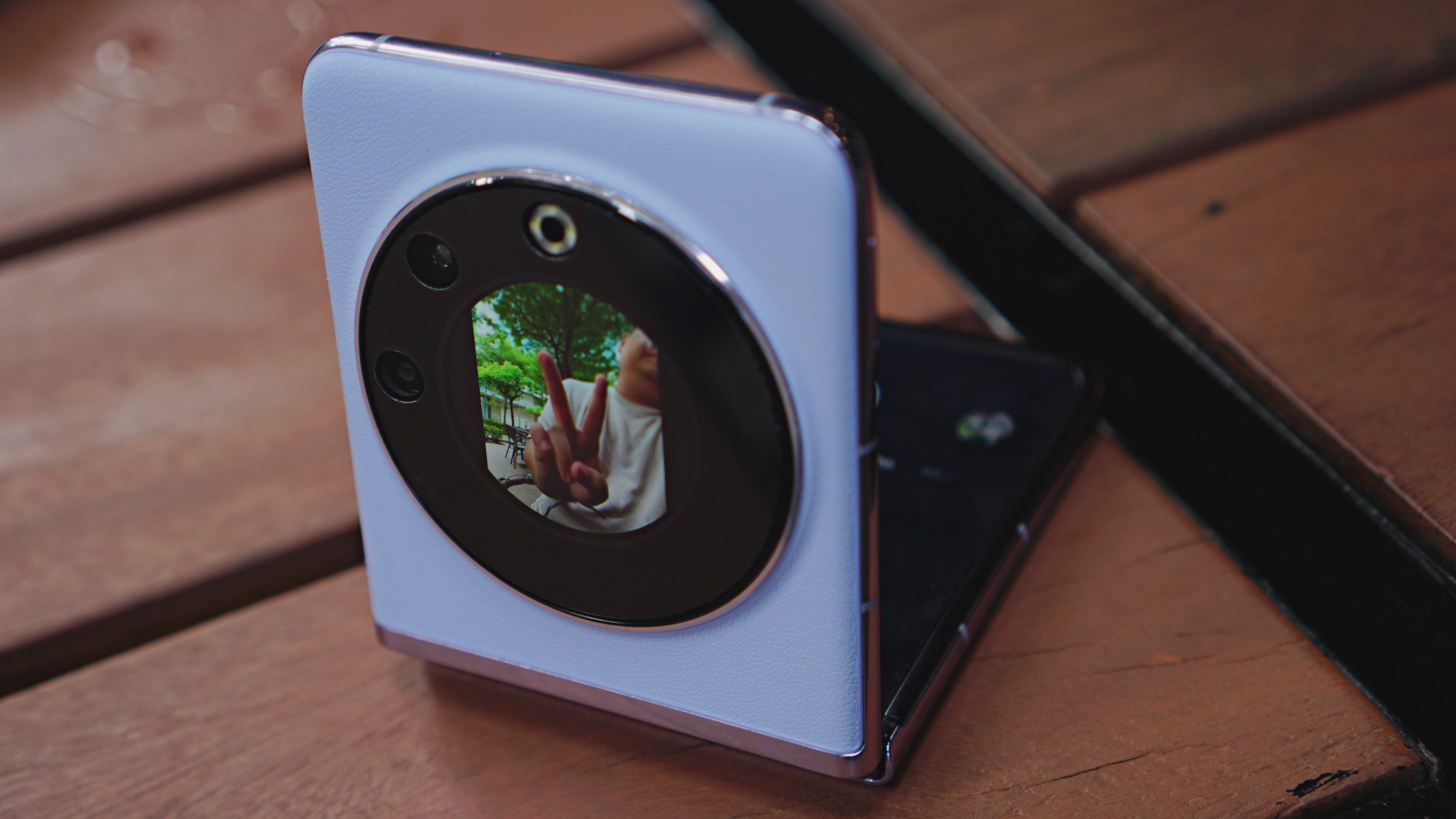
TECNO PHANTOM V Flip | 2023
Not that it’s a bad thing. For myself, I want a cover screen that’s usable too. After all, a bigger screen comes with greater overall usability.

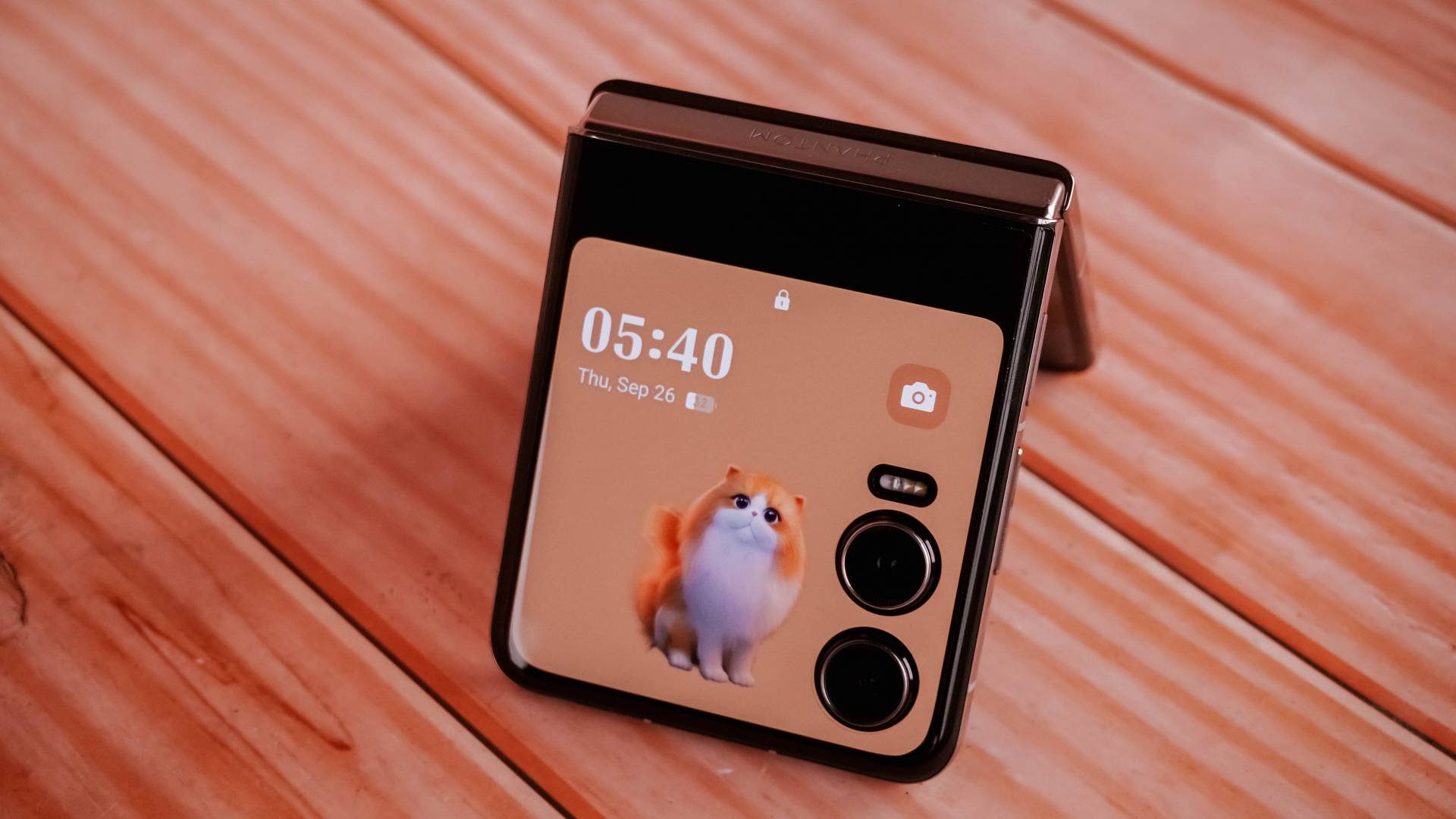
The new cover display accounts for better customization features — including quirky frames like this fluffy orange cat that I love.
There are five pets to pick including an alpaca, hamster, rabbit, dolphin, and falcon.

You can easily swipe through your cover lock screen styles by swiping left and right
I just wish TECNO would allow videos to be set as cover screen wallpaper. The only workaround for now is to select one of the built-in photo frames and pick the video wallpaper you desire.

In my case, I searched for the capybara live wallpaper found on Xiaomi’s MIX Flip — just because I love capybaras more than anything else.

That bigger outer display not only gives you access over control center toggles and notifications…

…it also allows you to open apps and even reply to messages in full-screen keyboard without opening the flip itself.

It’s not just limited to YouTube; Netflix is also accessible in that dwarfed cover screen.

Even scrolling and liking posts and reels on Instagram is such a breeze!
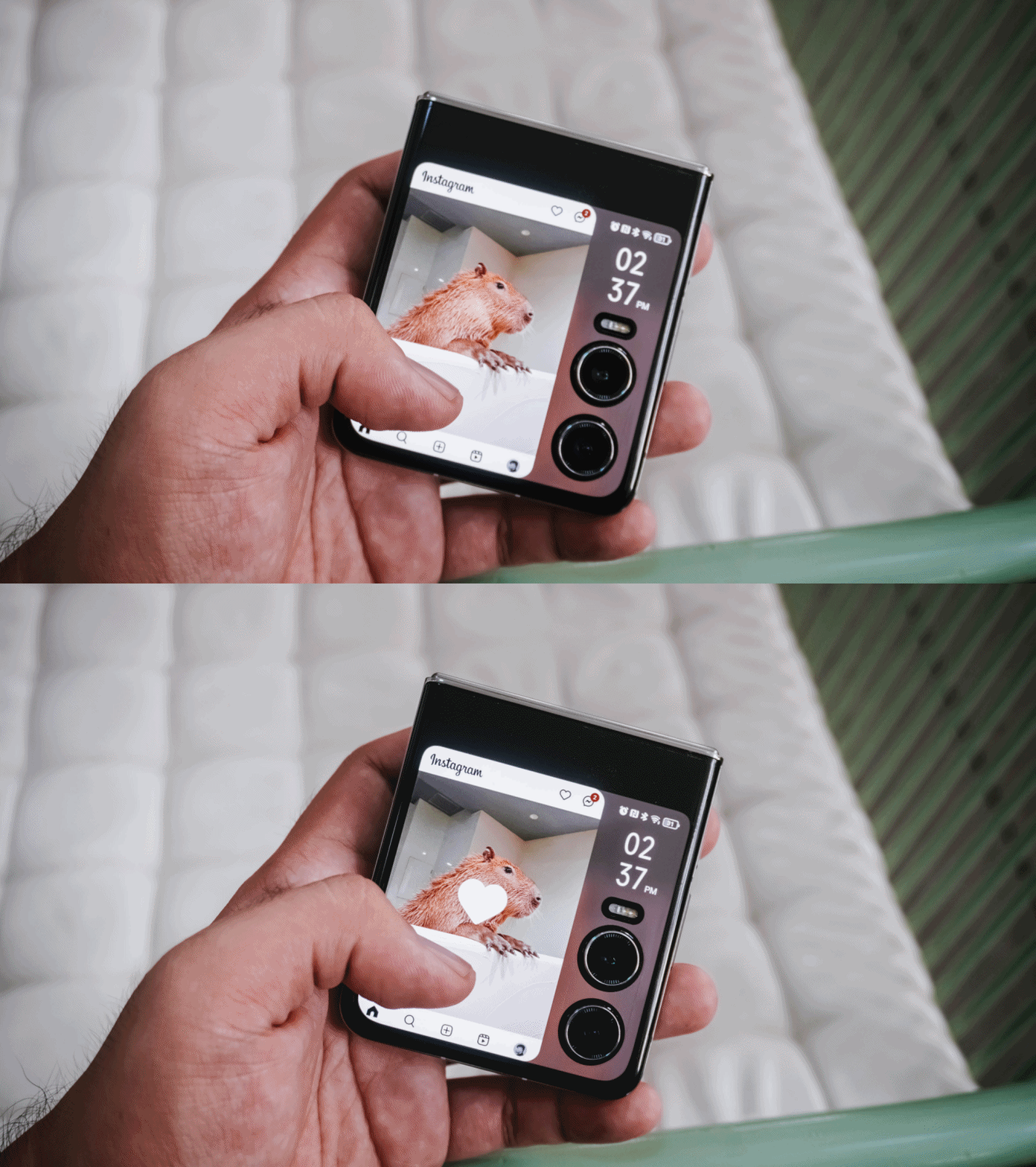
My not-so-favorite music app also works here. I just wish Apple Music would also be supported in the near future.
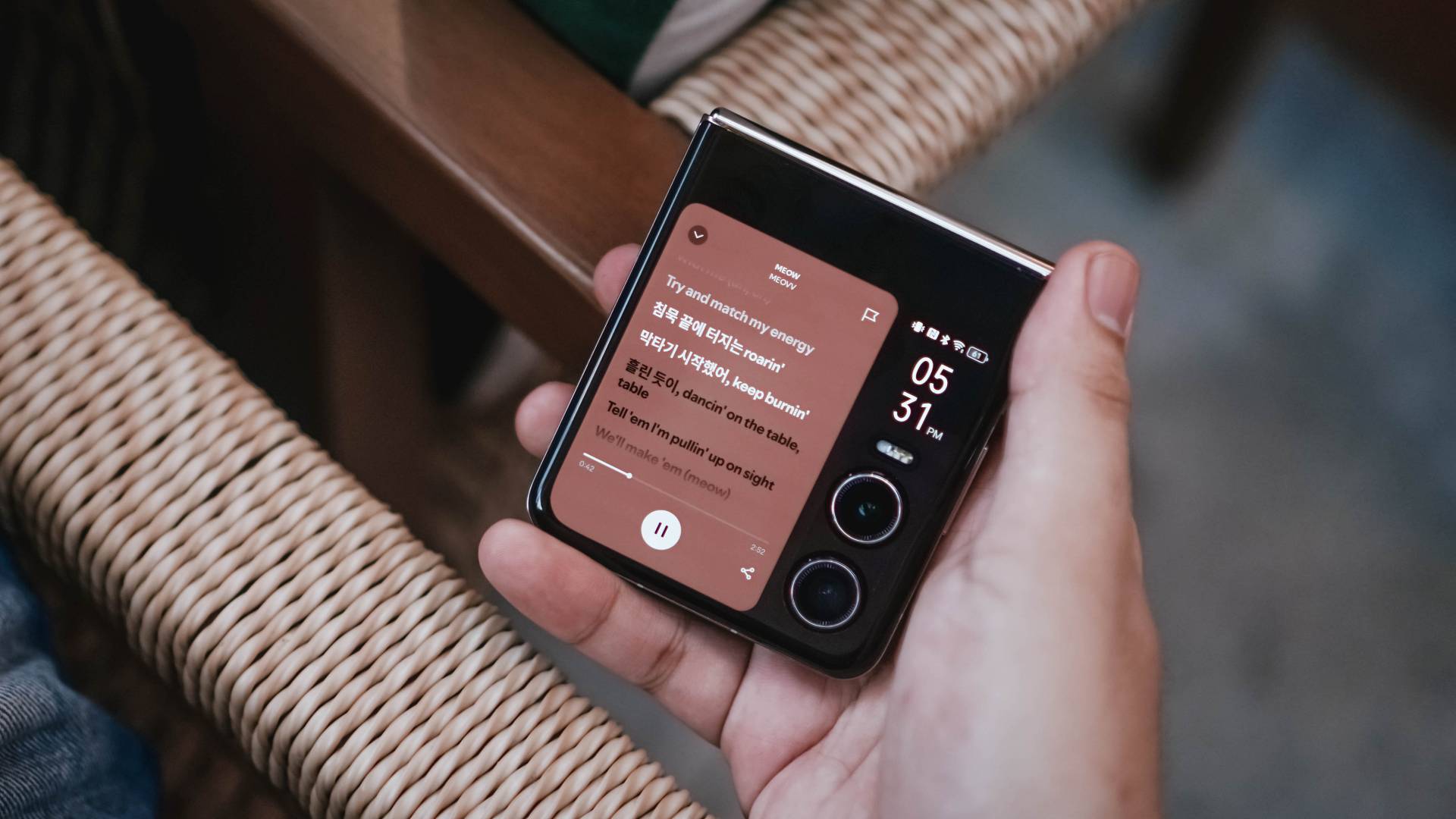
Here’s a breakdown of some apps you can fully utilize on PHANTOM V Flip2’s large cover screen without actually flipping open the phone itself.
@gadgetmatch Can your flip phone’s cover screen do all of these? 🤔 #TECNOPhantomVFlip2 #foryou #fyp ♬ original sound – GadgetMatch

TECNO’s larger 3.64-inch cover screen is very beneficial. Even the latest iteration of Samsung’s flip cannot run most of these apps due to its smaller folder-shaped outer display (at 3.4 inches) and restrictive software.
Unleash the inner beauty
The moment you unflip the V Flip2, its 6.9-inch foldable LTPO AMOLED flexible display will greet you with its superior screen quality.
Looking by just numbers, it’s a big display. But personally, it’s not as big as it seems — maybe because it has a narrower 22:9 aspect ratio.

The moment I opened the device for the first time, it barely showed any crease. Refer to my unboxing below:
@gadgetmatch Unwrapping TECNO’s freshest flip 😌 #PhantomVFlip2 #Tecno #fyp #foryou #unboxing #unboxingvideo ♬ MILLION DOLLAR BABY (VHS) – Tommy Richman
But as expected, after two months of usage, the crease is there. Although, it’s not as prominent as I thought it would be.
I barely felt it’s presence as I’m so hooked to the content I’m viewing.

Although TECNO didn’t specifically state the maximum brightness level of its inner display, it looked bright even for outdoor usage.
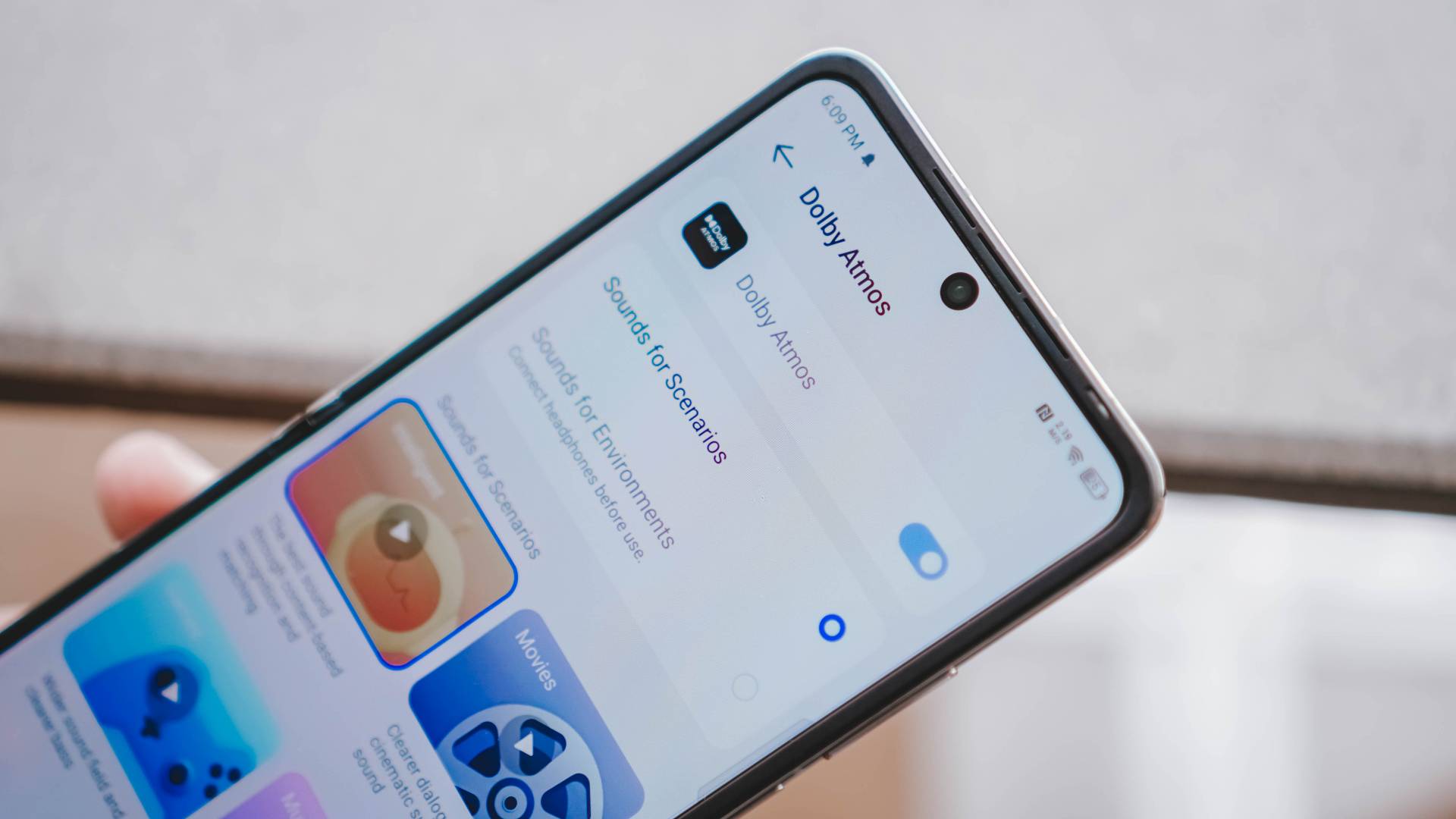
Despite the small and foldable form factor, TECNO has managed to fit in some loud stereo speakers that doesn’t sound tinny nor cracked.
And to make the experience fuller, TECNO’s latest flip also has Dolby Atmos support. This ensures a great sound quality especially when I listen to songs that support it.
Tolerable Performer
The PHANTOM V Flip2 runs MediaTek’s Dimensity 8020 8-core SoC based on a 6nm process — and it’s actually one of the rarest chipsets used in the smartphone world.
For reference, it has already powered their sister brand’s midrange device last year, the Infinix ZERO 30 5G.

As we all expect, most of the basic tasks run fine — socials, messaging, calls, tools, among others.
But when it comes to hardcore gaming, it’s far from being flawless.

Most graphics-intensive titles will still run but with occasional stutters.
For instance, Zenless Zone Zero runs in the lowest graphics by default.

Activating Performance Mode in High Boost enhances the gameplay but at the expense of the battery life.
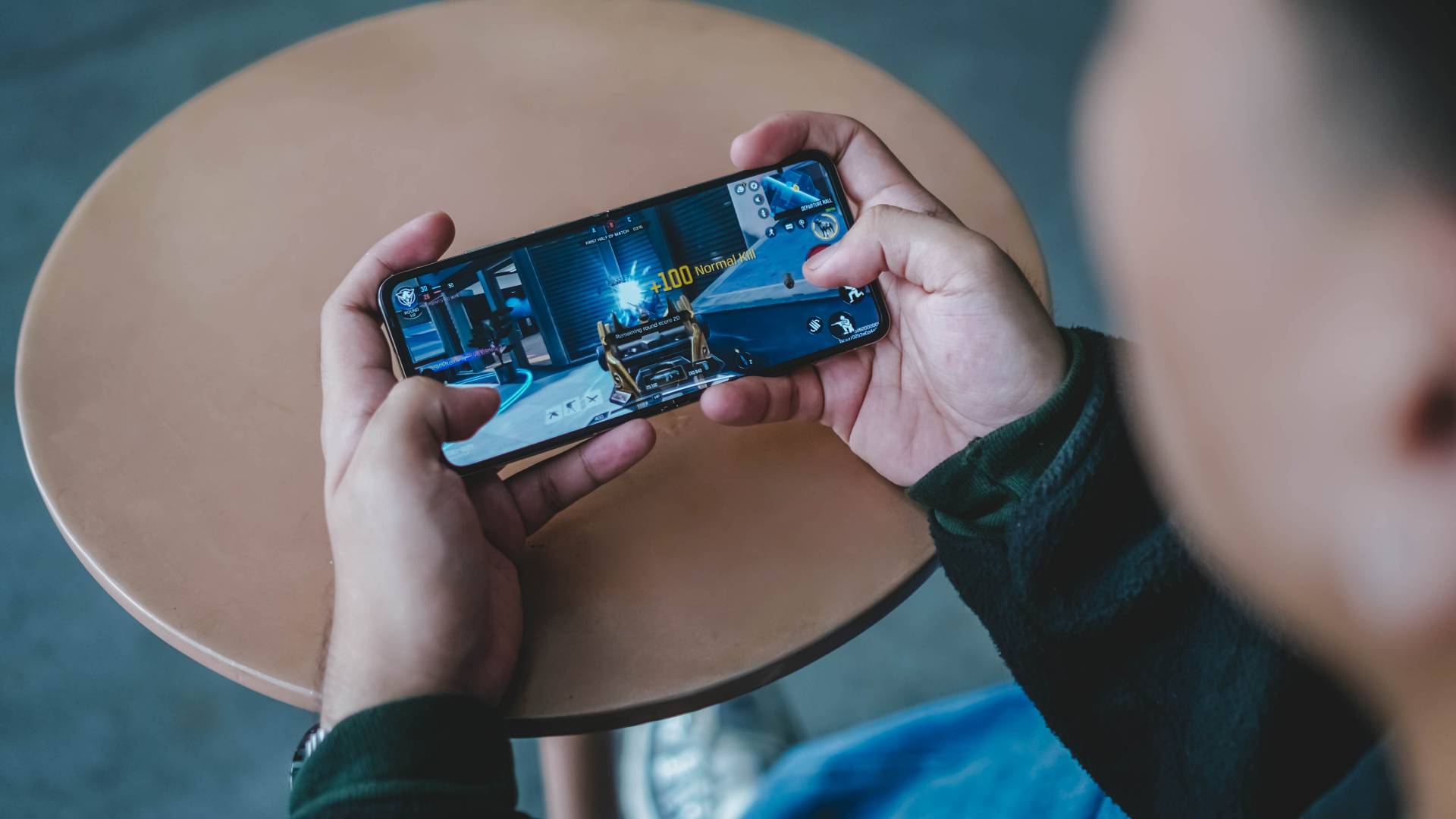
Meanwhile, games such as CoDM (Call of Duty: Mobile)…

Pokémon Unite…
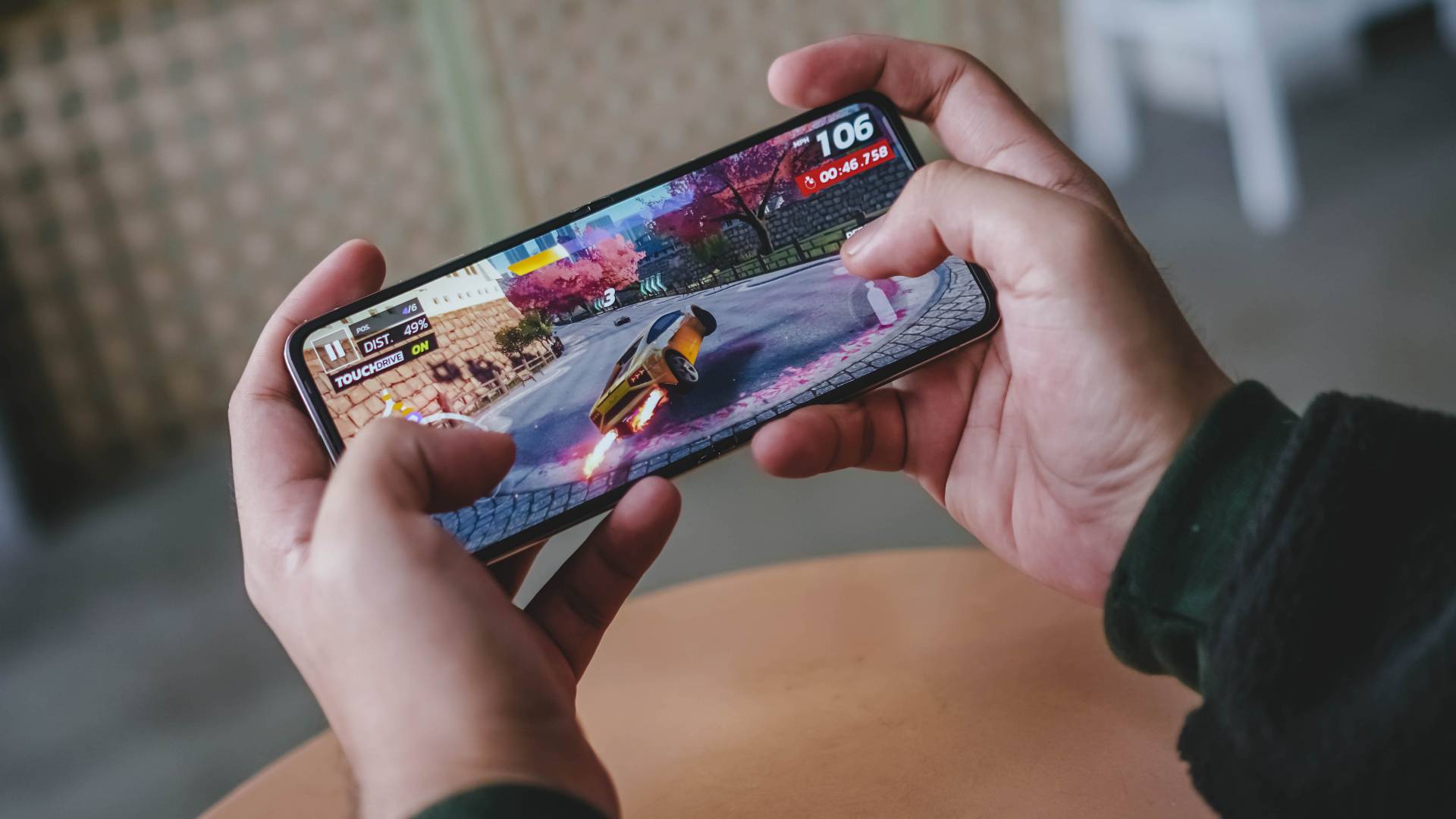
Asphalt Legends Unite…
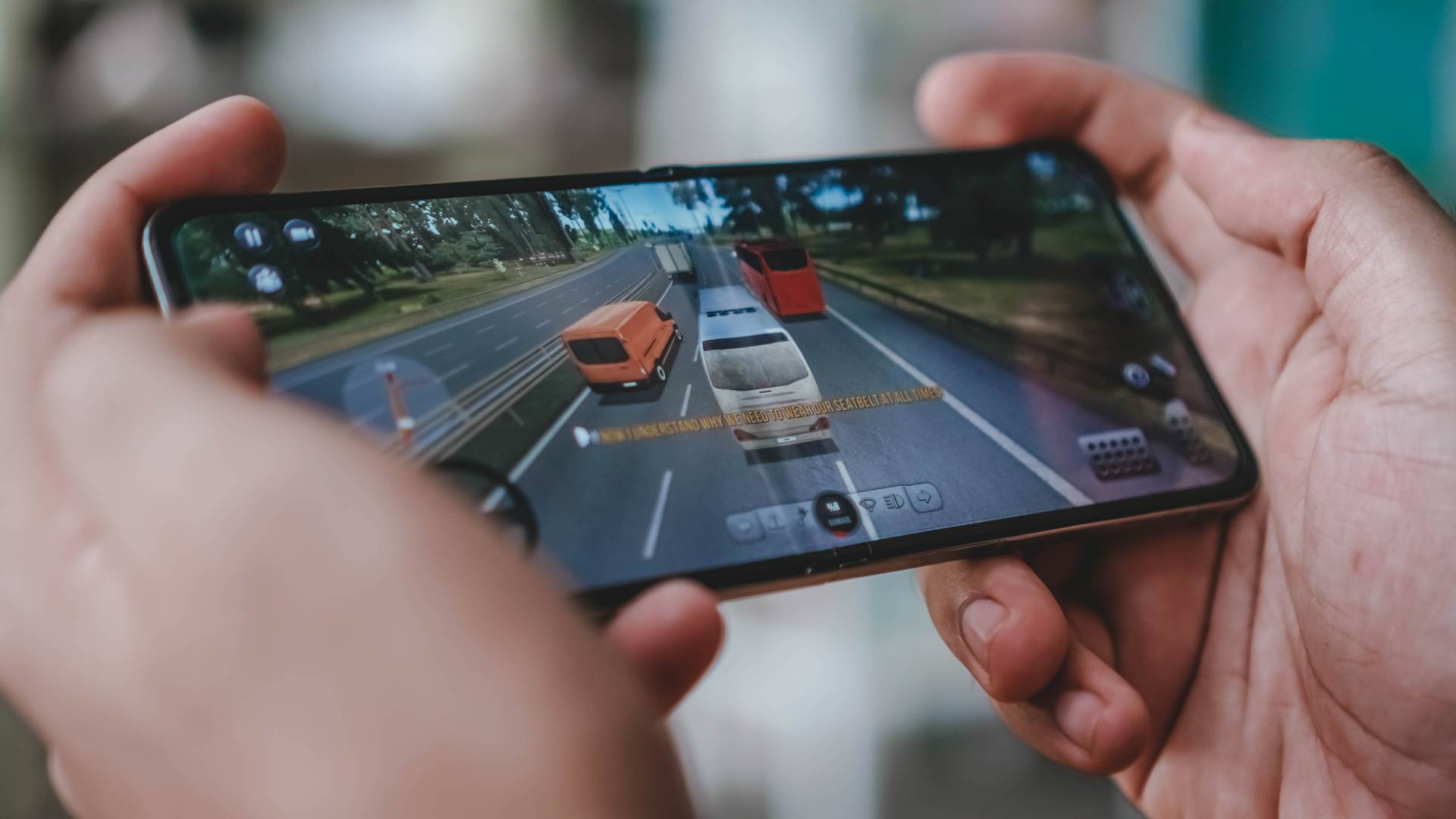
and even the very underrated Bus Simulator Ultimate should all run fine with medium settings ticked.
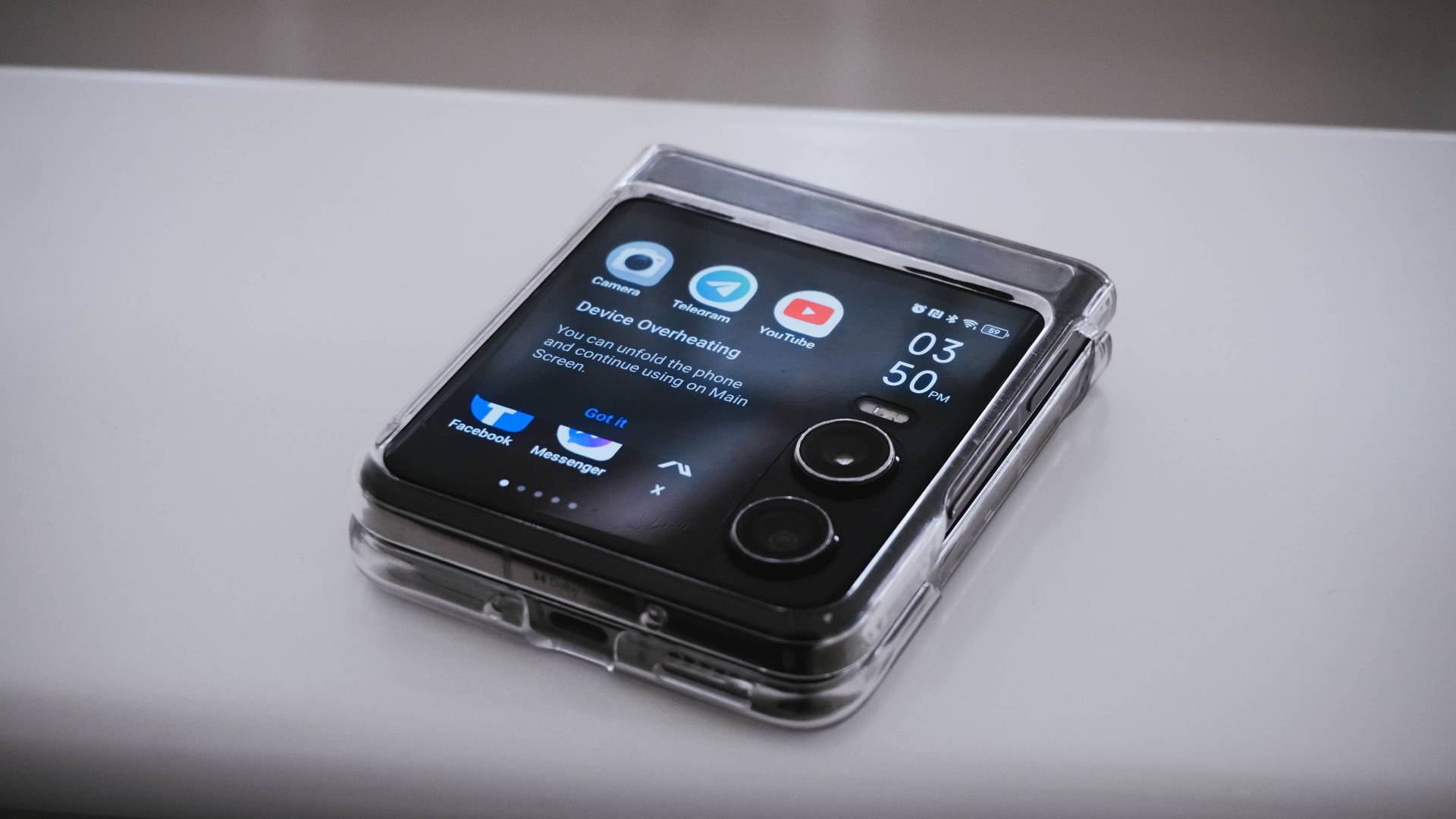
Heat is a by-product of continuous smartphone usage — and that’s when it prompted me to unfold the phone as it was already suffering from severe overheating.
To be fair, this only happened once during a very hot and humid afternoon outdoors.

One worthy thing to note is how responsive its side-mounted fingerprint scanner is.
Originally, it had some bugs such as unwanted stutter and sluggishness especially when I just try to access the phone folded (via its cover screen).
TECNO thankfully resolved this with a software update. Unlocking has never been this responsive in cover screen mode.

However, it’s also worthy to point out that the PHANTOM V Flip2 doesn’t have any IP rating unlike the Galaxy Z Flip6’s IP48 rating.
Power-packed on paper
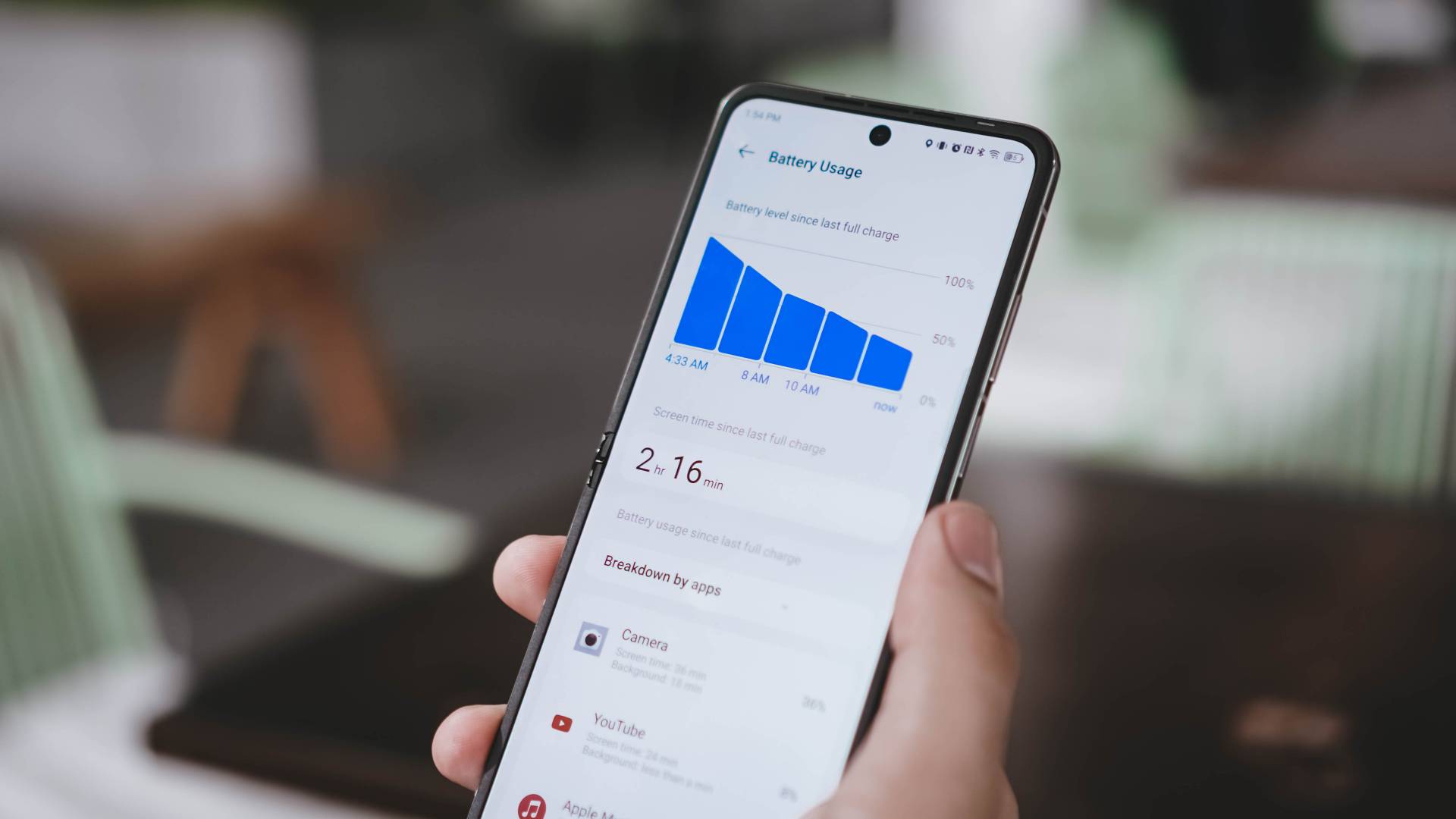
TECNO has an outstanding 4720mAh battery on paper. Unfortunately, the choice of the mid-class chipset might be the culprit on why the PHANTOM V Flip2 lasts only around 4 to 6 hours of onscreen usage.
But, giving the benefit of the doubt, using only the phone’s outer display and/or enabling battery saver mode can extend its overall endurance.
Fortunately, charging speeds got bumped up: from last year’s 45W to a speedier 70W fast charging — and it’s the fastest in any Flip as of this writing.
Already shown in the unboxing above, its 70W charging adapter and proprietary USB-C to USB-A cable are all bundled in the box.
Without further ado, here’s my definitive GadgetMatch Charge Test results:
| 1st Attempt | 2nd Attempt | |
| START TIME (From 0%) | 11:22PM | 3:30PM |
| 3 minutes | 12% | 11% |
| 5 minutes | 20% | 18% |
| 10 minutes | 27% | 26% |
| 15 minutes | 36% | 35% |
| 20 minutes | 43% | 42% |
| 30 minutes | 57% | 57% |
| 40 minutes | 73% | 71% |
| 45 minutes | 79% | 78% |
| 50 minutes | 87% | 85% |
| 55 minutes | 96% | 92% |
| 1 hour | — | 98% |
| END TIME | 12:21AM 59 minutes |
4:32PM 1 hour 2 minutes |
It’s very clear that you need at least an hour for you to fully-charge the Flip from its dead state.
Surprisingly competitive cameras
Just like any other 2024 flip phone, the TECNO PHANTOM V Flip2 is equipped with THE essential camera combo.
To be very precise, it features a dual 50MP layout for both its wide and ultra-wide angle lenses.
| Wide | 50MP 1/1.57” sensor |
| Ultra-Wide | 50MP 114º Field of View (FoV) |
| Selfie | 32MP f/2.45 |
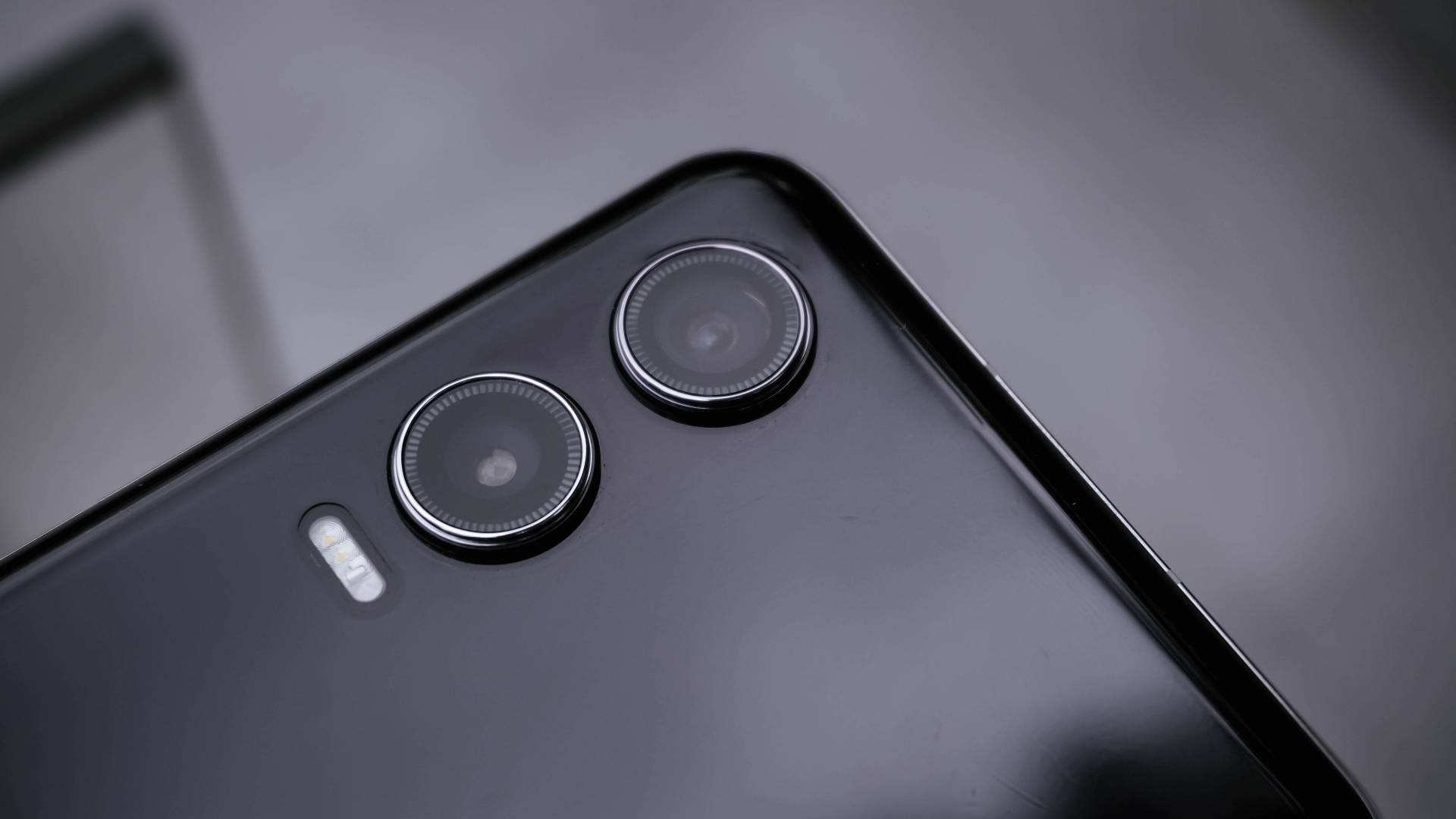
But the proof is in the pudding. I have plenty of photo samples just for you to see that the PHANTOM V Flip2 is a very capable shooter despite its size and price.
In for a triple treat
Much like its recent CAMON 30 series cousin, the PHANTOM V Flip2 also features its trio of built-in camera color profiles: Standard, Bright, and PHANTOM.

Standard, from the term itself, gives the default look that’s both pleasing to viewers’ eyes and to devices’ screens alike.
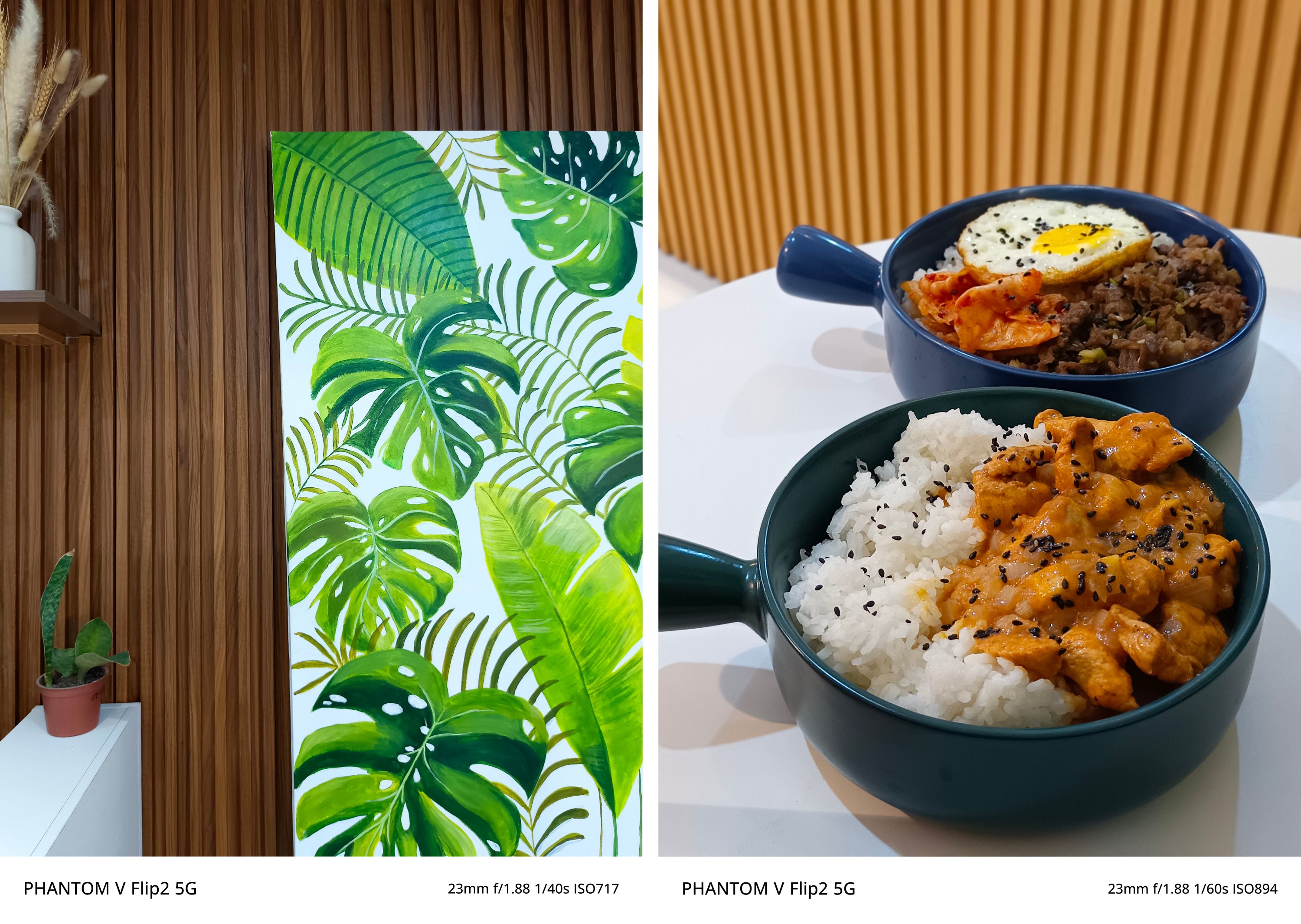
Bright, on the other hand, gives that ✨ pop ✨ to dull-looking subjects.

Lastly, the PHANTOM profile gives an understated look with less saturation, shadows, and contrast altogether. It’s perfect if you want your shots to be more dramatic yet subdued.
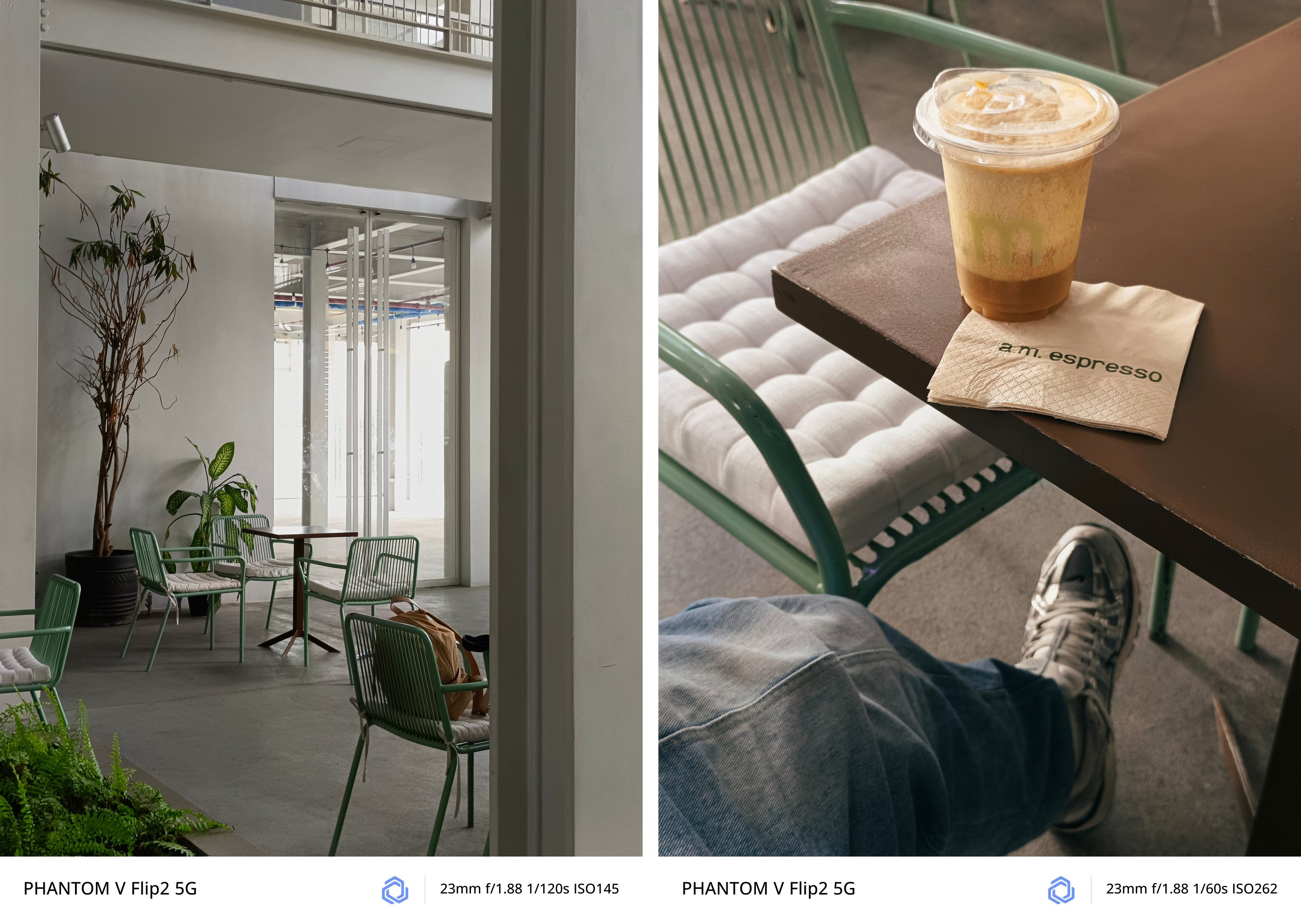
If my explanation isn’t enough, I’ll let these GIFs do the talking.


Taking pride in wide
As what I already expect, regular 1x (wide) camera takes stunning shots.

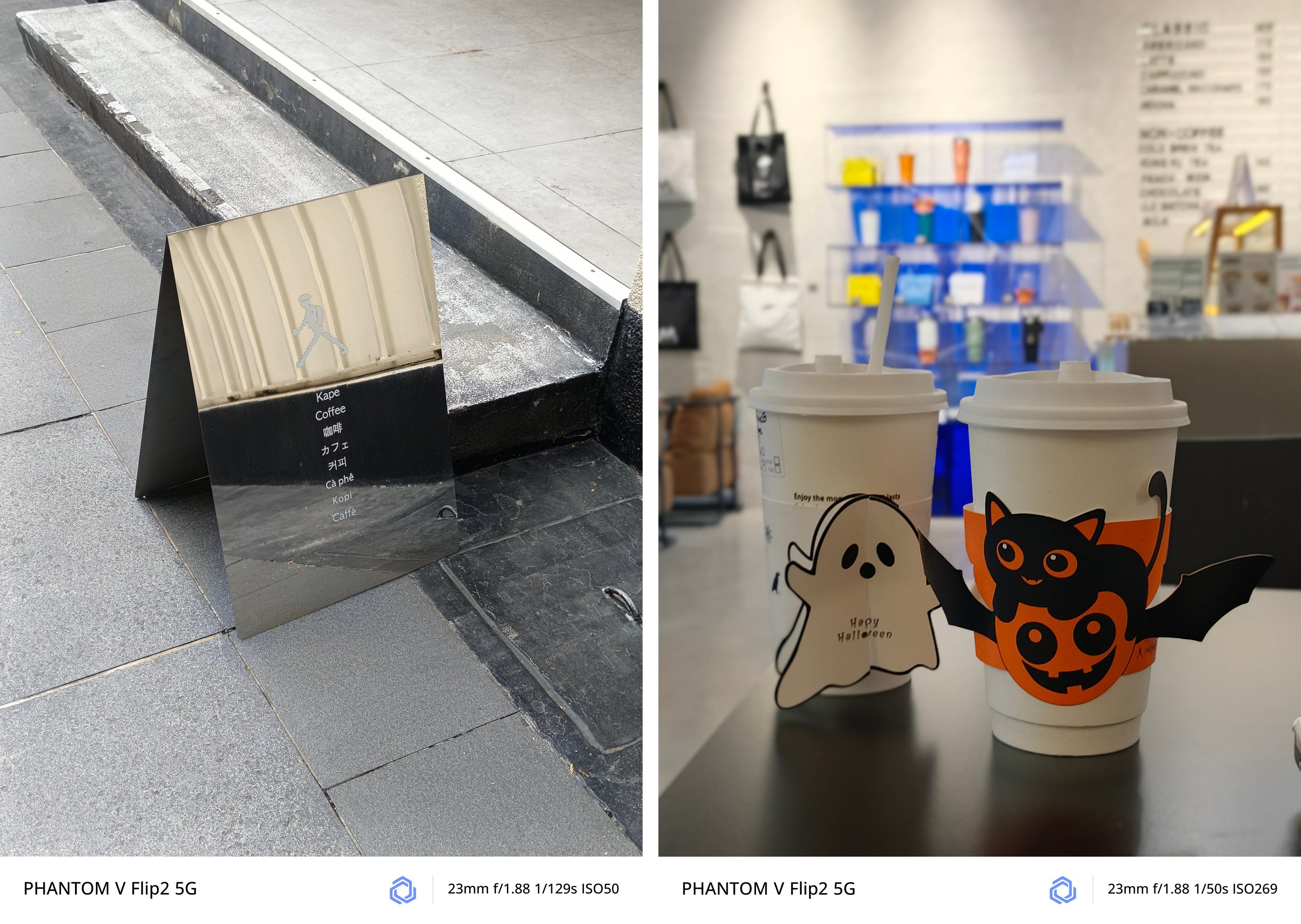
No matter what subject it is whether moving or unanimated, the PHANTOM V Flip2 can capture it clearly for you.
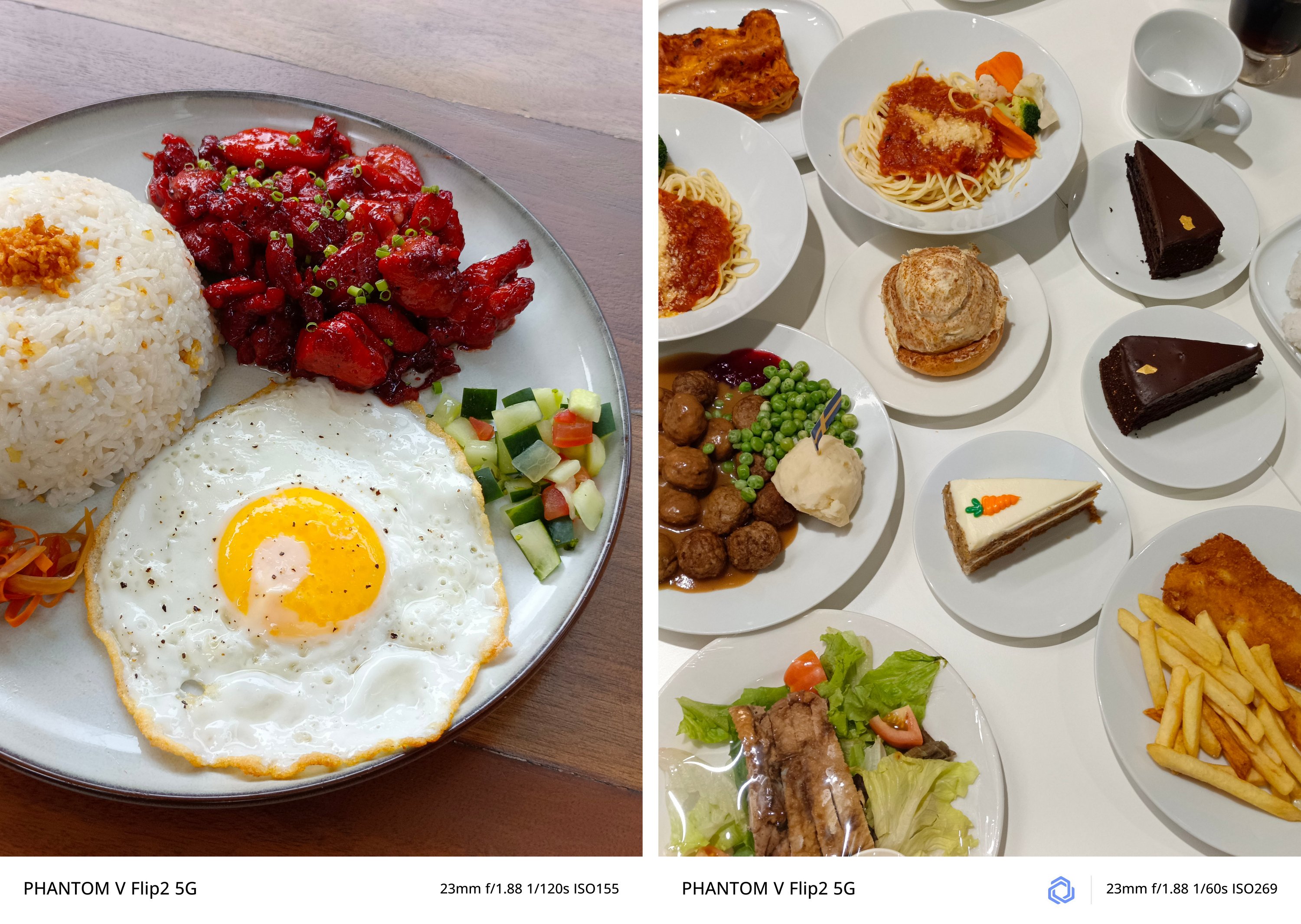
There’s no going overboard — whether that’s exposure, highlights, shadows, contrast, and sharpness.
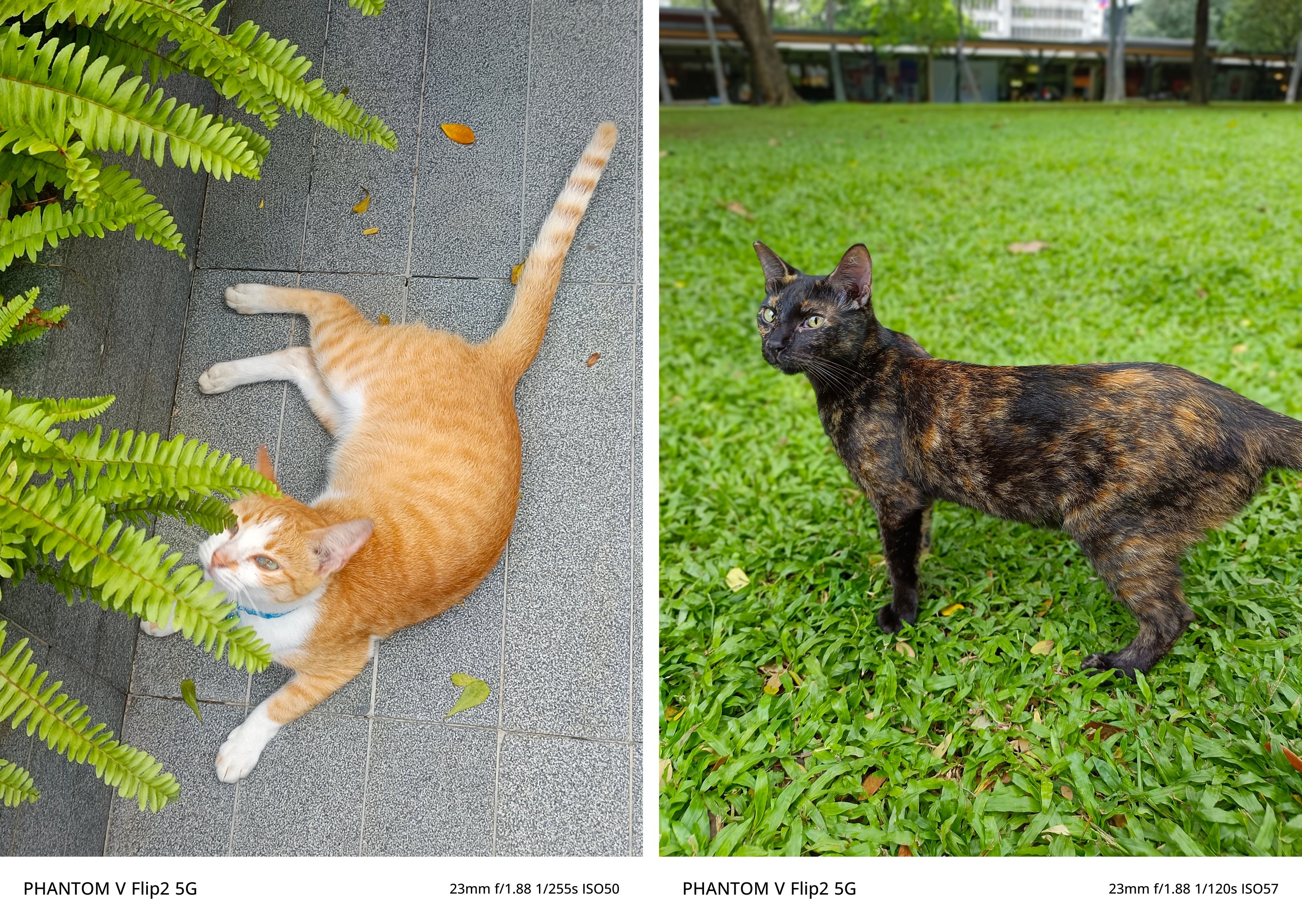

Curious about low-light performance? TECNO’s AI algorithms at night took this shot without absurdity.

The wider, the better?
Honestly, I favor having this camera pairing more instead of the polarizing wide and 2x telephoto lenses found on both the Xiaomi MIX Flip as well as the motorola razr 50 Ultra (or razr+ 2024).
Although there’s no word about the actual aperture and sensor used, its ultra-wide camera is a good shooter as well.
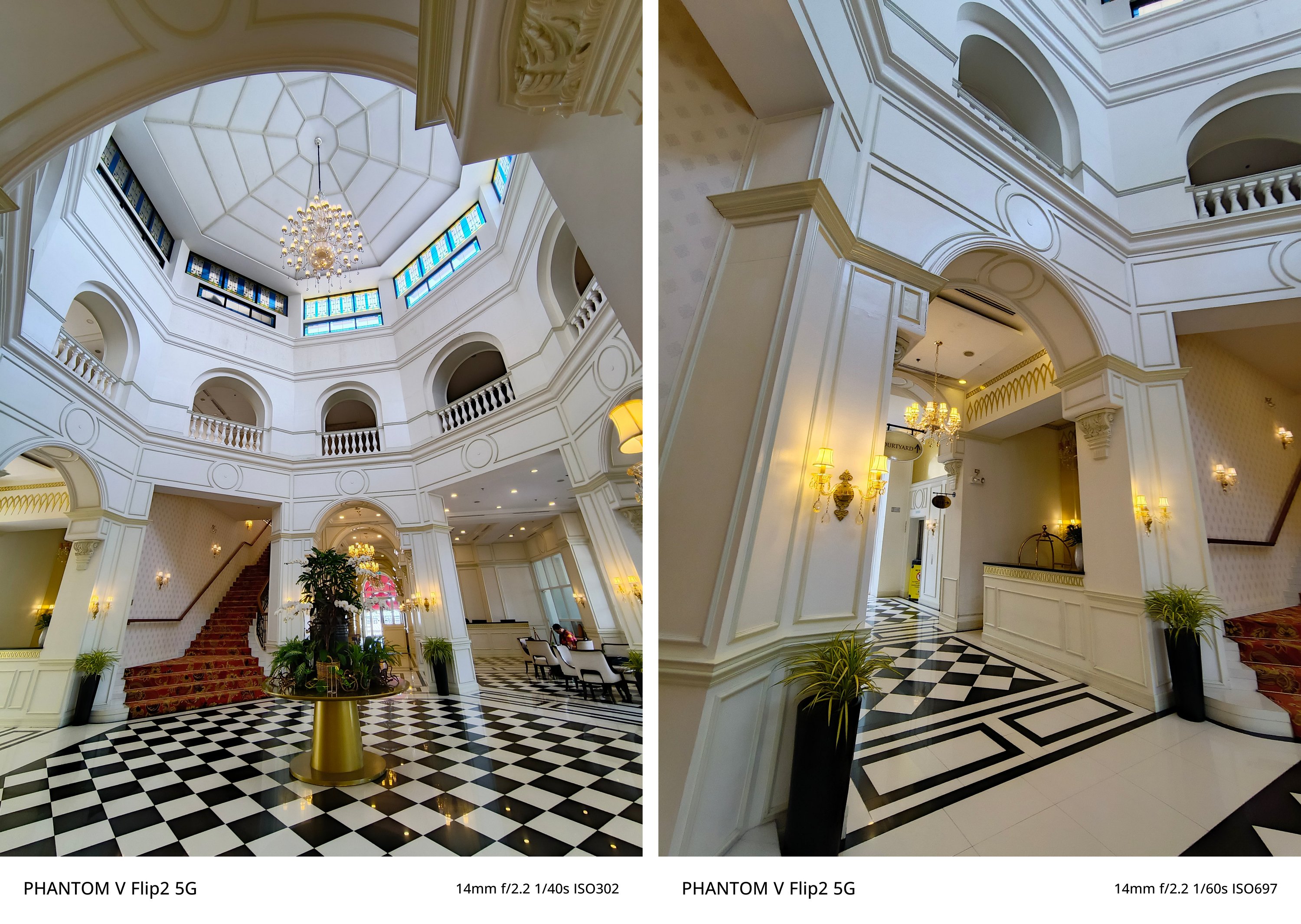


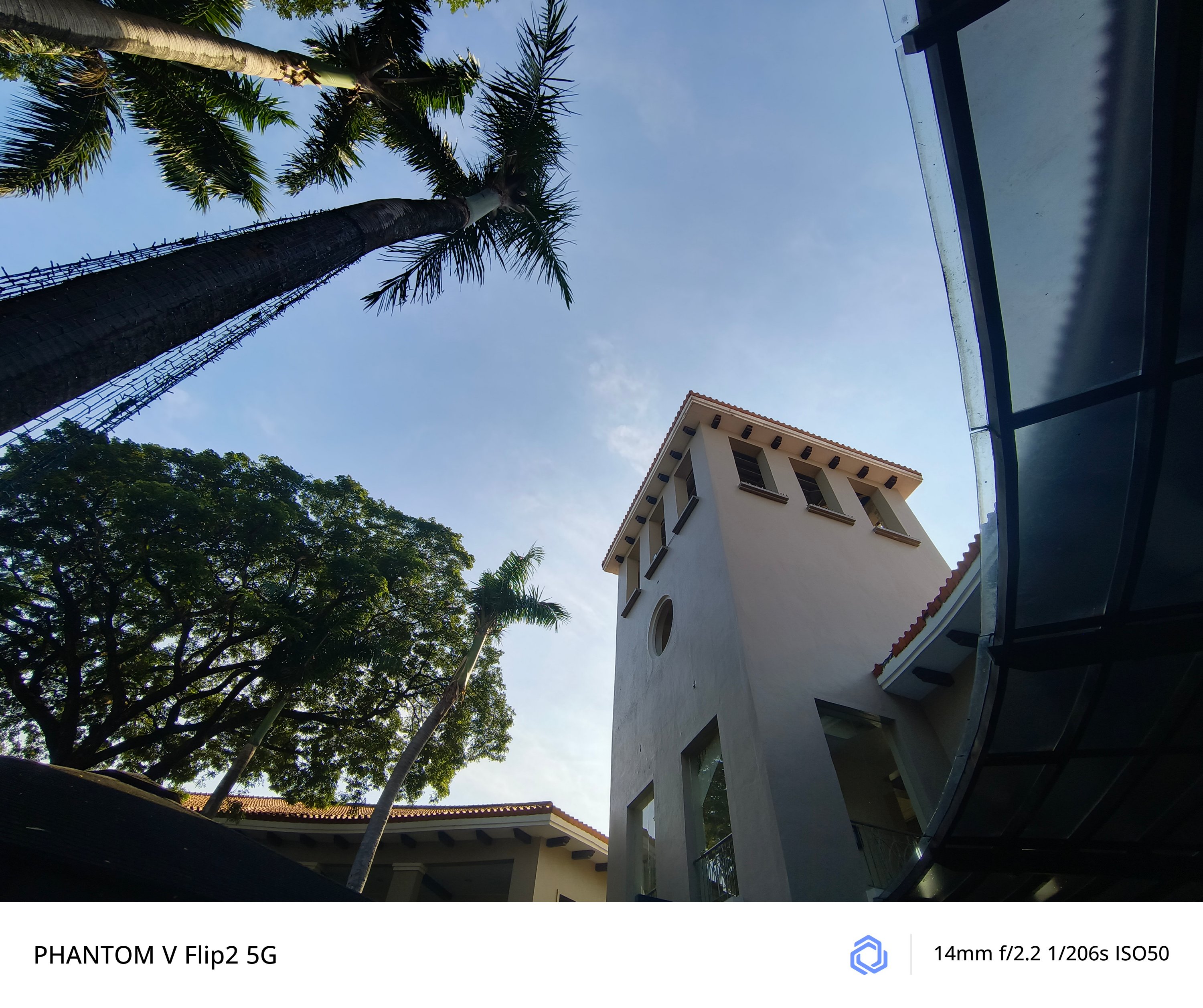
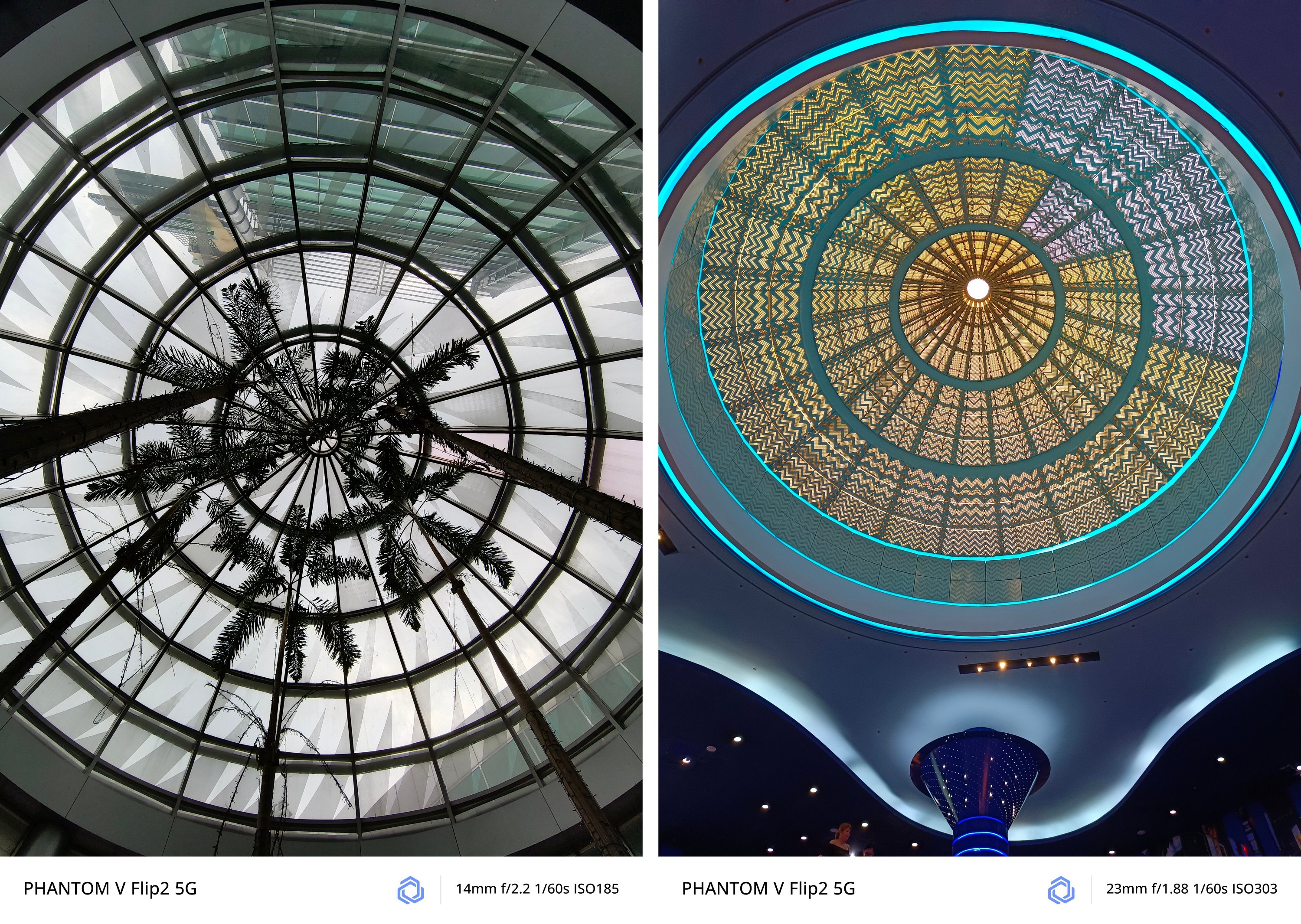
And if you’re wondering, quality is overall consistent in both modes.
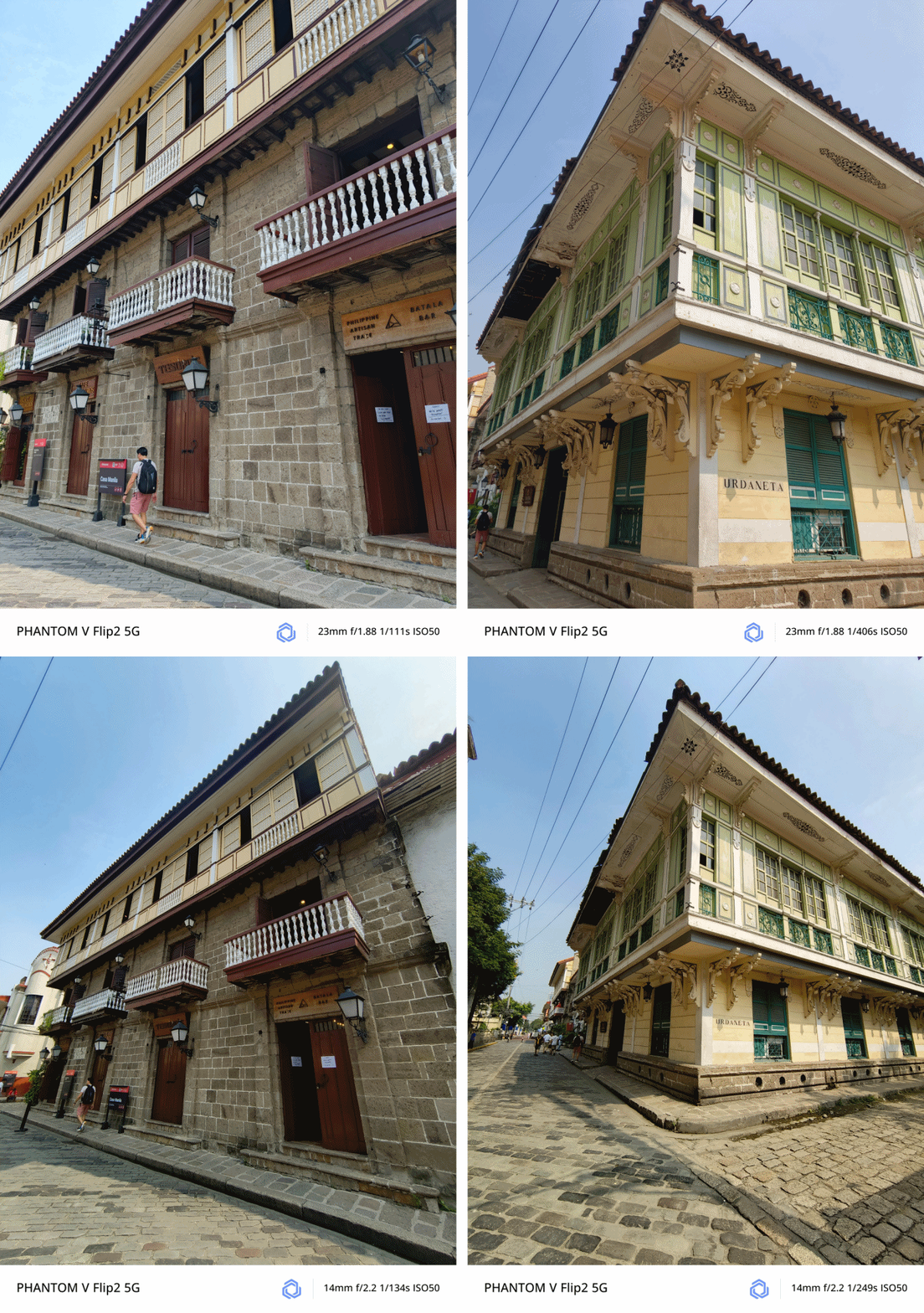
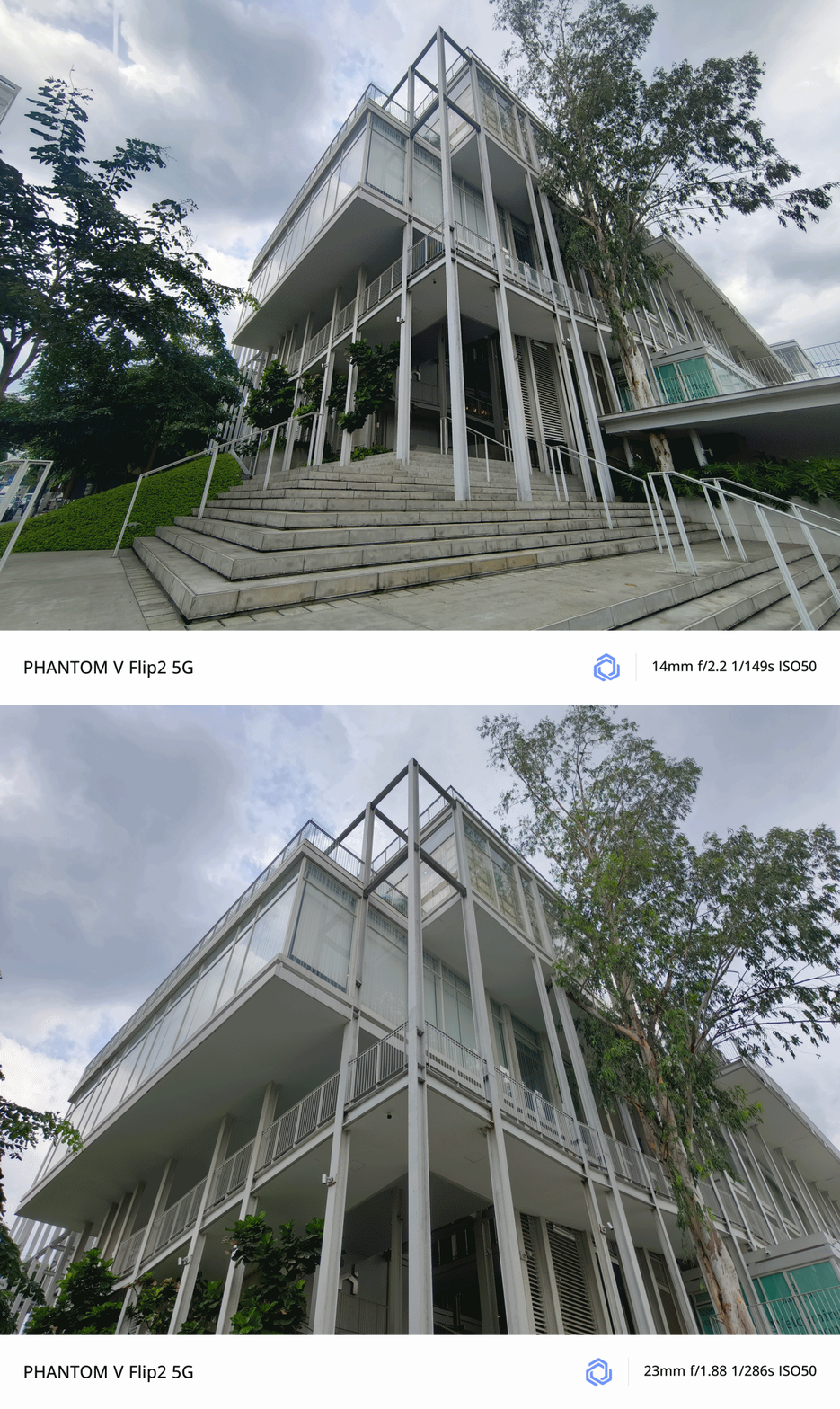
Macro Madness
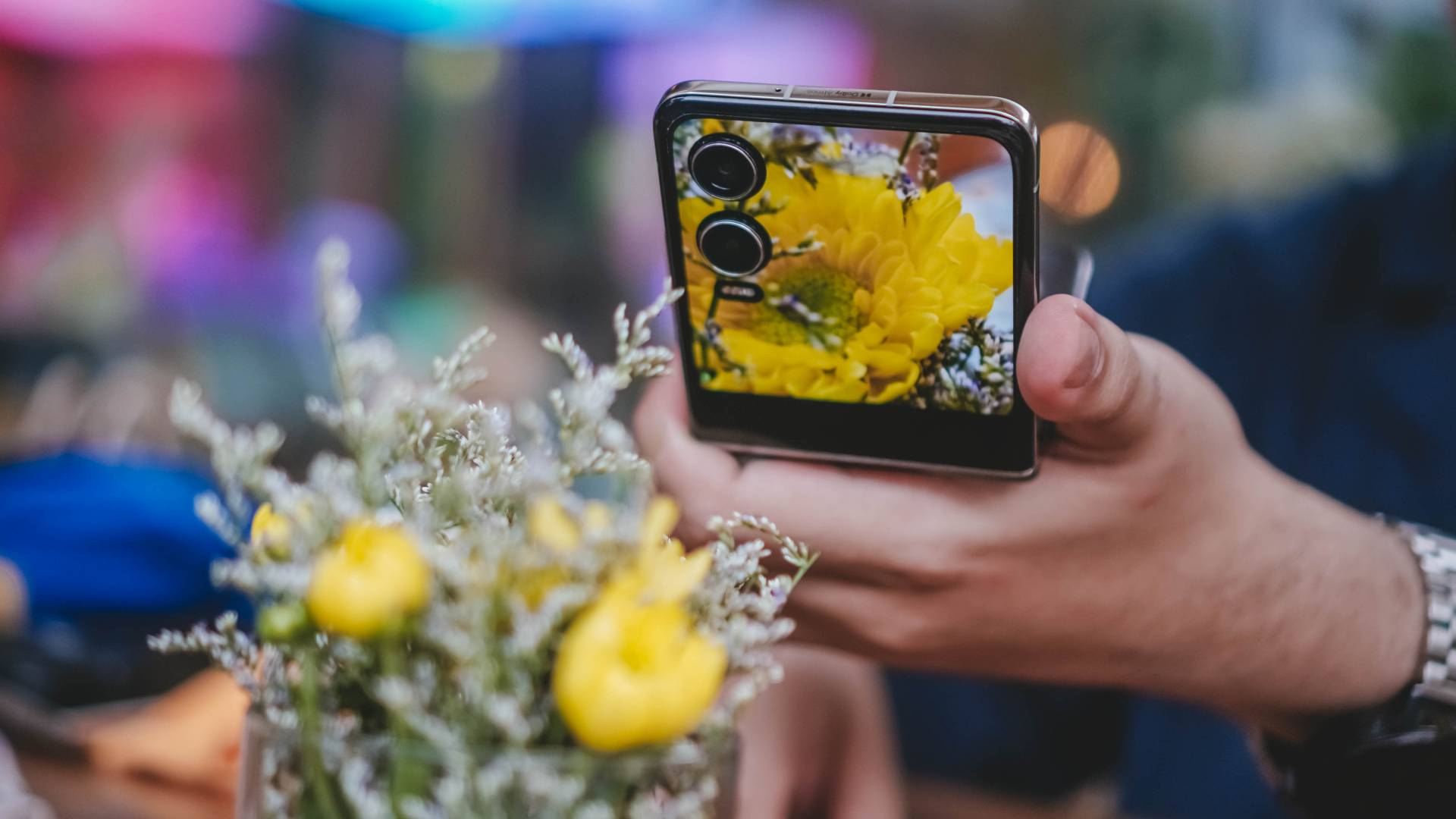
Surprisingly, the PHANTOM V Flip2 was also able to take these incredible close-up / macro shots — as close as 5 to 10cm.

Whether it’s the middle part of this yellow flower consisting of its pistils and stamens…

…tiny rain drops on tiny leaves plus a chubby moth with its pretty wings…

…and even a dragonfly that’s weirdly attracted to a flower, the PHANTOM V Flip2 was able to document all of that with some few shutter presses.

No room for zoom?
Hardware-wise, the PHANTOM V Flip2 doesn’t have a dedicated telephoto zoom lens. Instead, it relies on its main 50MP camera when taking zoomed shots.
Remarkably, lossless 2x photos looked great as well.
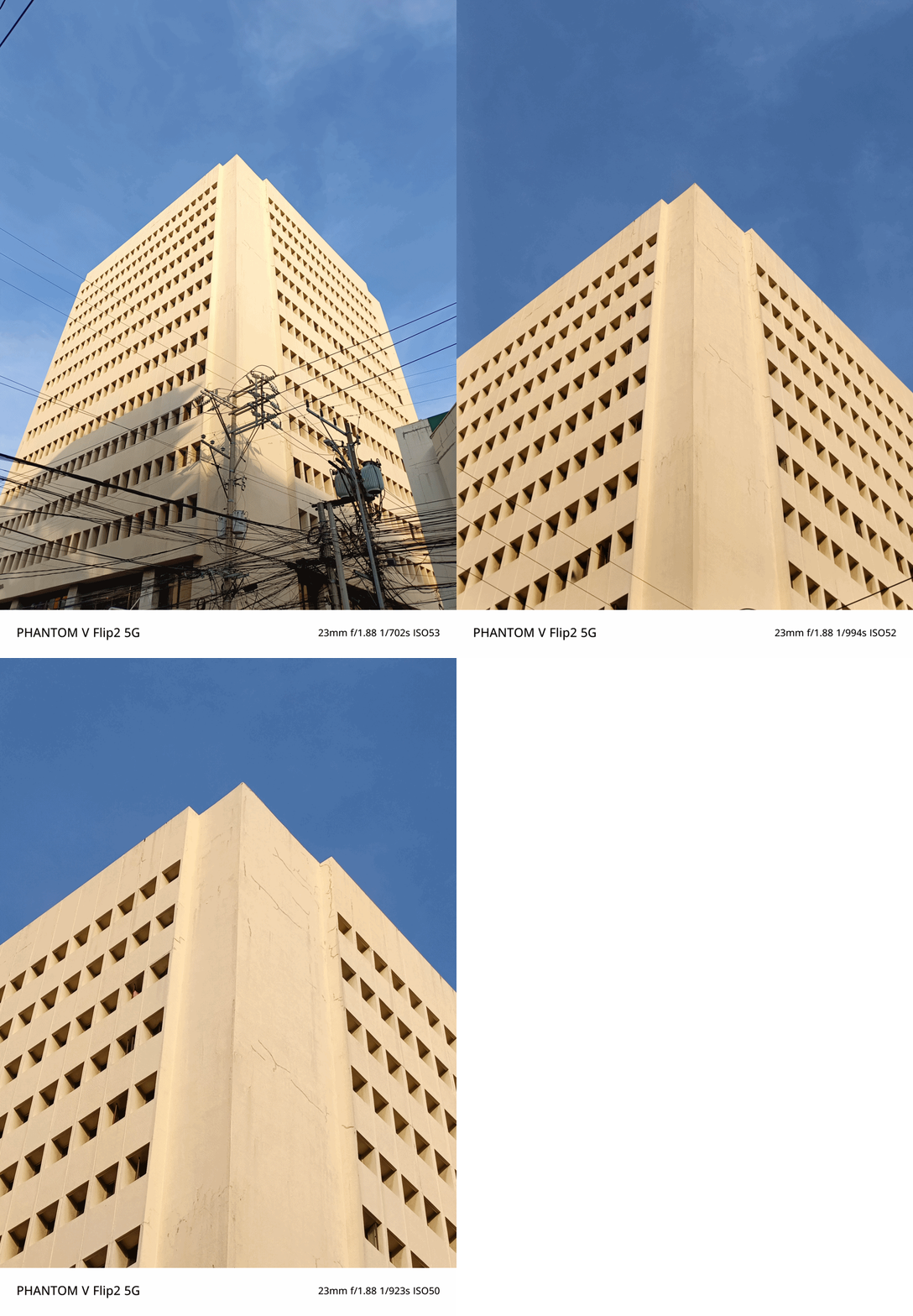
It’s even beneficial when taking portraits with a sufficient amount of Depth of Field (DoF).

Freer than ever
While already on the topic, the camera feature I enjoyed the most while using the PHANTOM V Flip2 is none other than its FreeCam System.
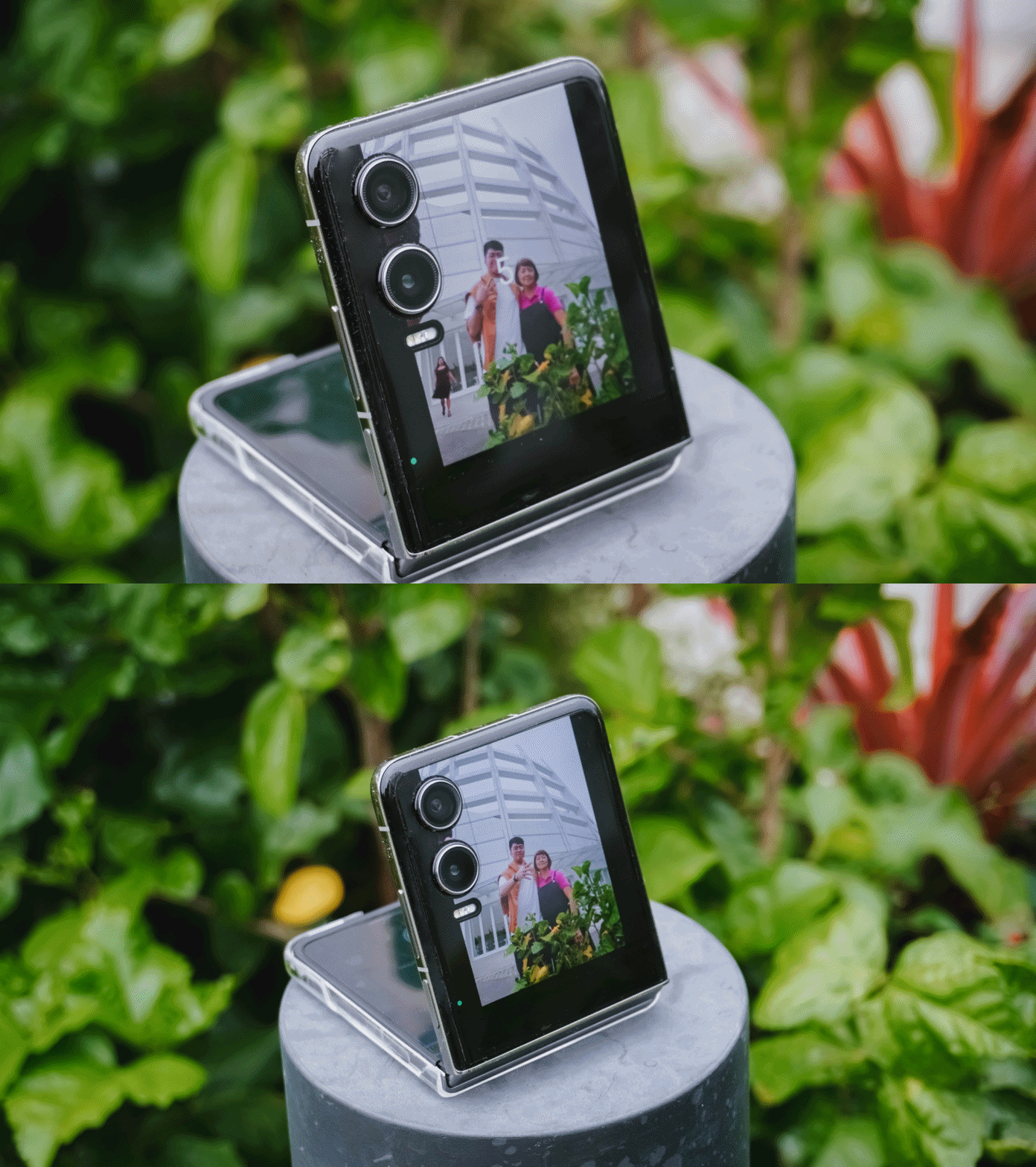
This basically lets you fold the phone in half. Prop it on any smooth and stable surface and it will instantly turn into your portable shooter. The new hinge mechanism simply makes the experience better and more secure.
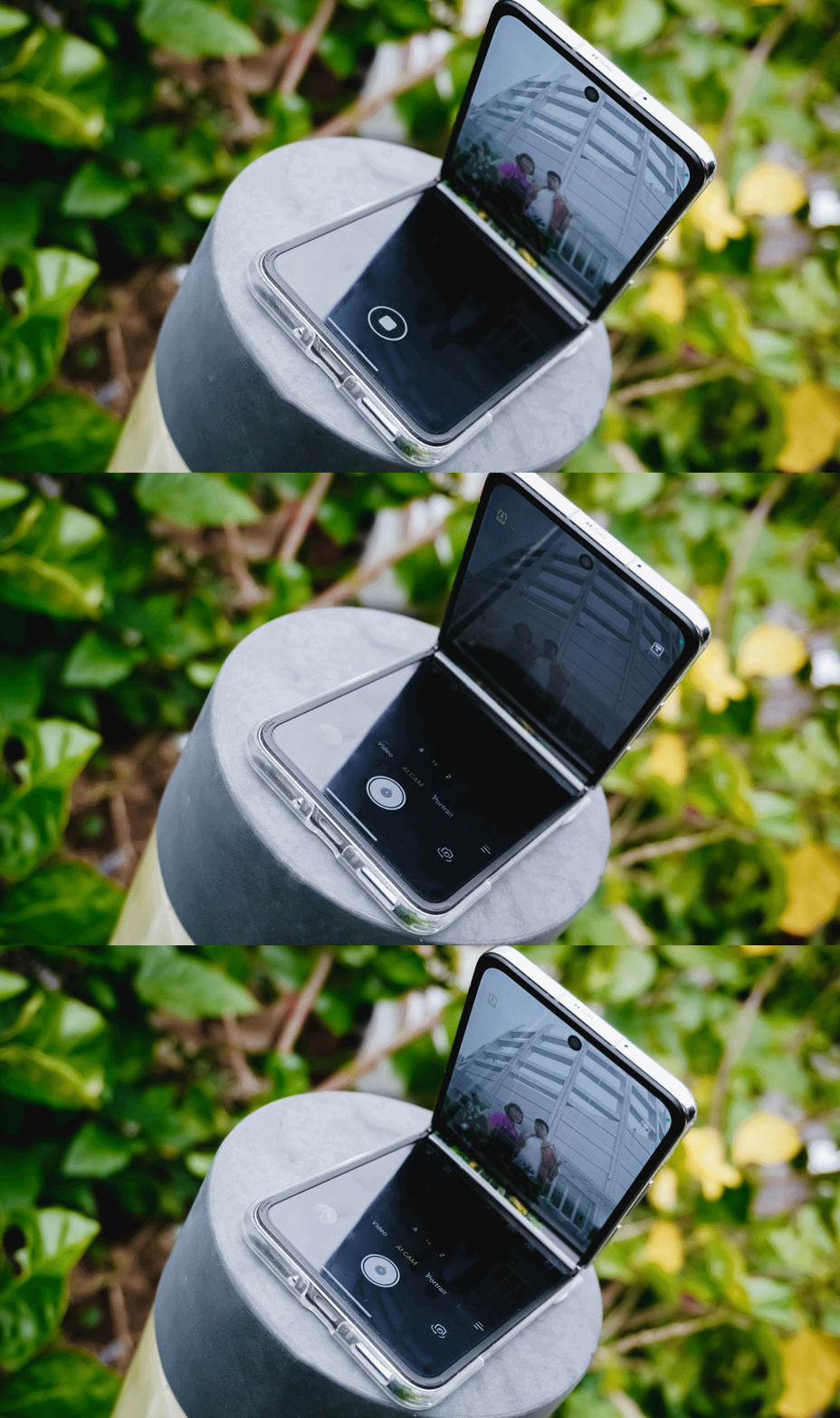
Enable the cover mode from the main flexible screen, et voilà! You can frame yourself and/or everyone else with no frills.
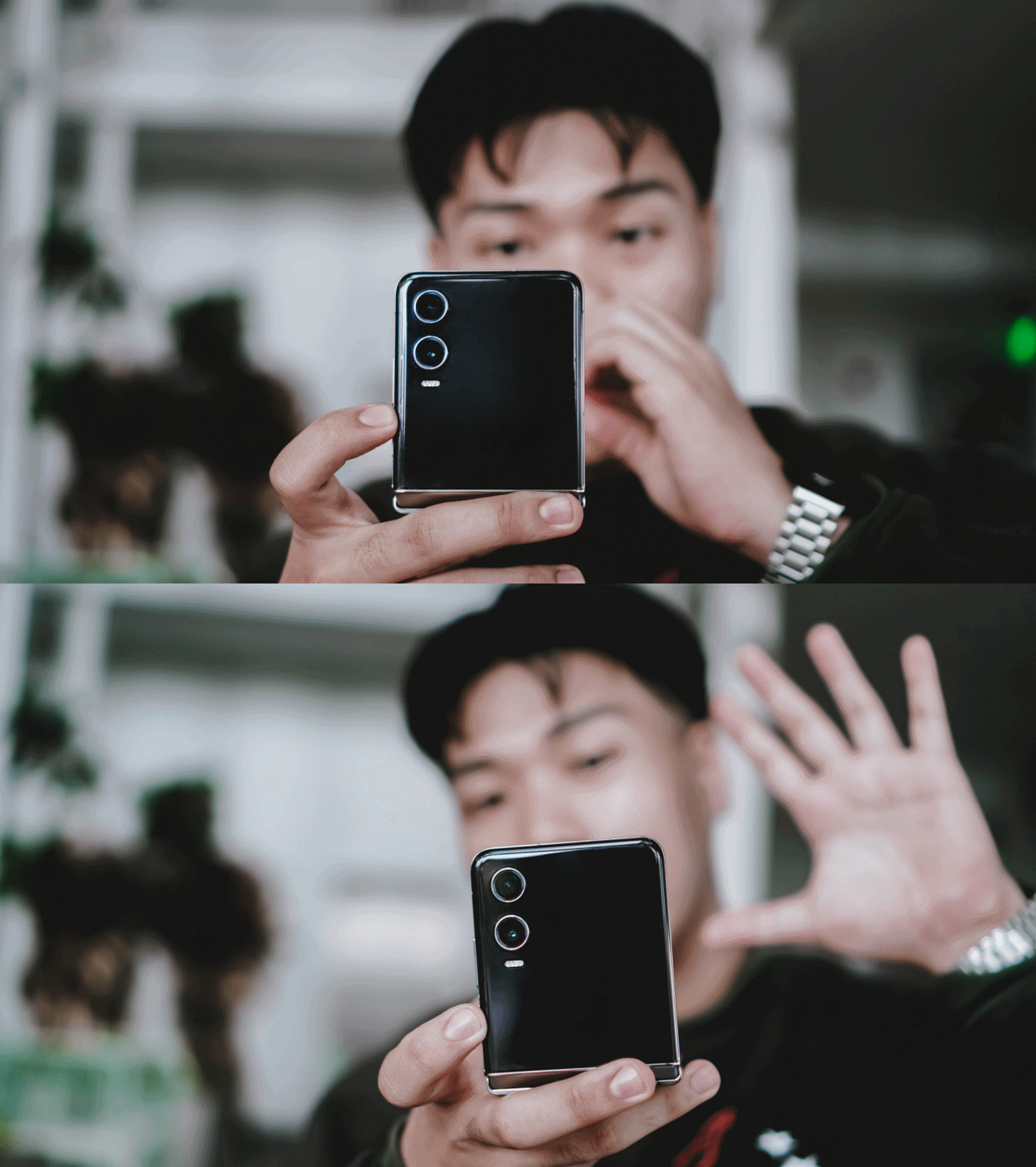
From there, you have two options to shoot. First is setting up a timer and toggle the camera by using hand gestures or voice commands. These were the results.

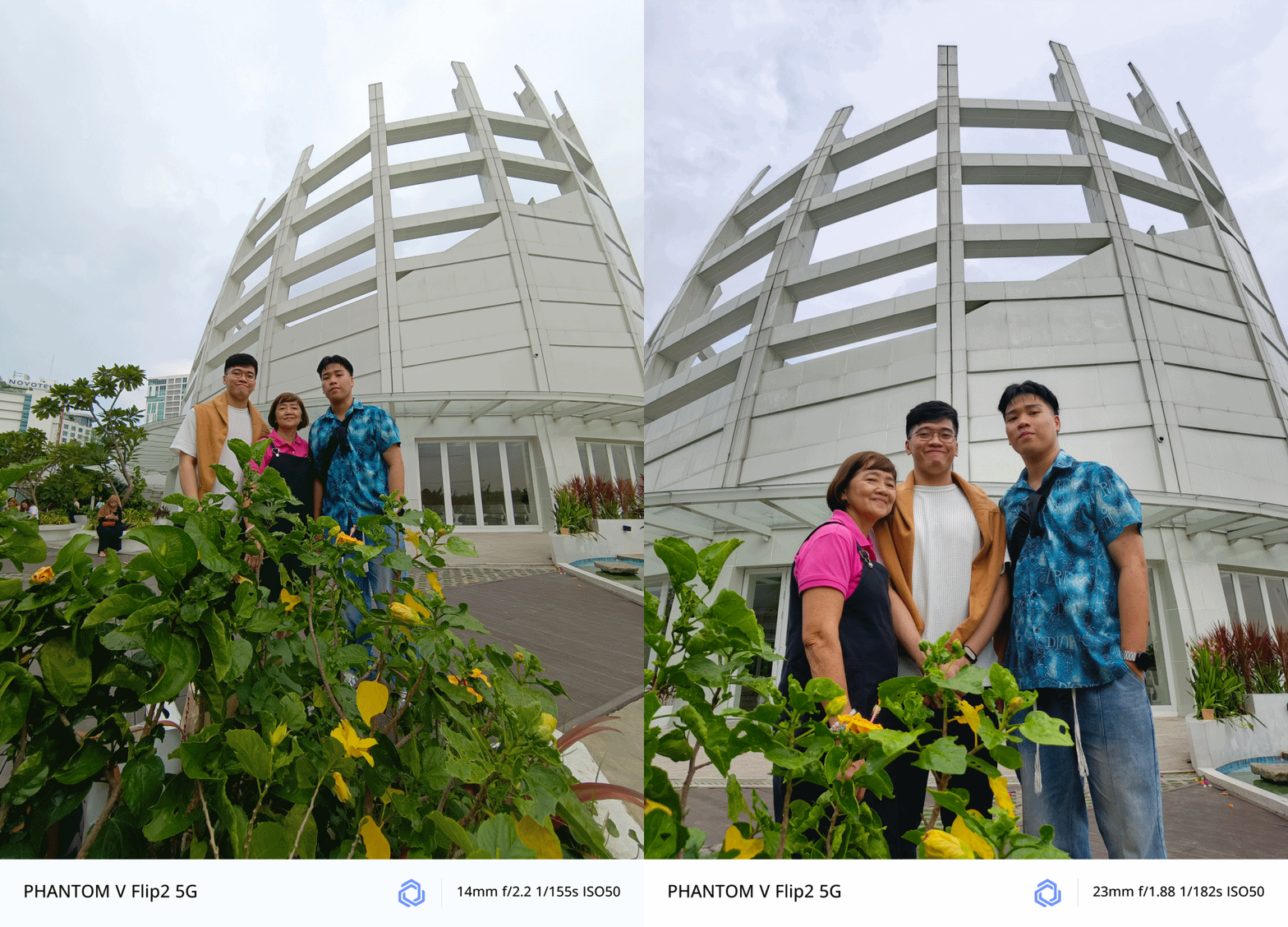
As fortunate as it seems, the pole, floor, staircase, and even the dumpster bin where I placed the V Flip2 were all stable to capture great memories without awkwardly asking a stranger to take a photo of us.
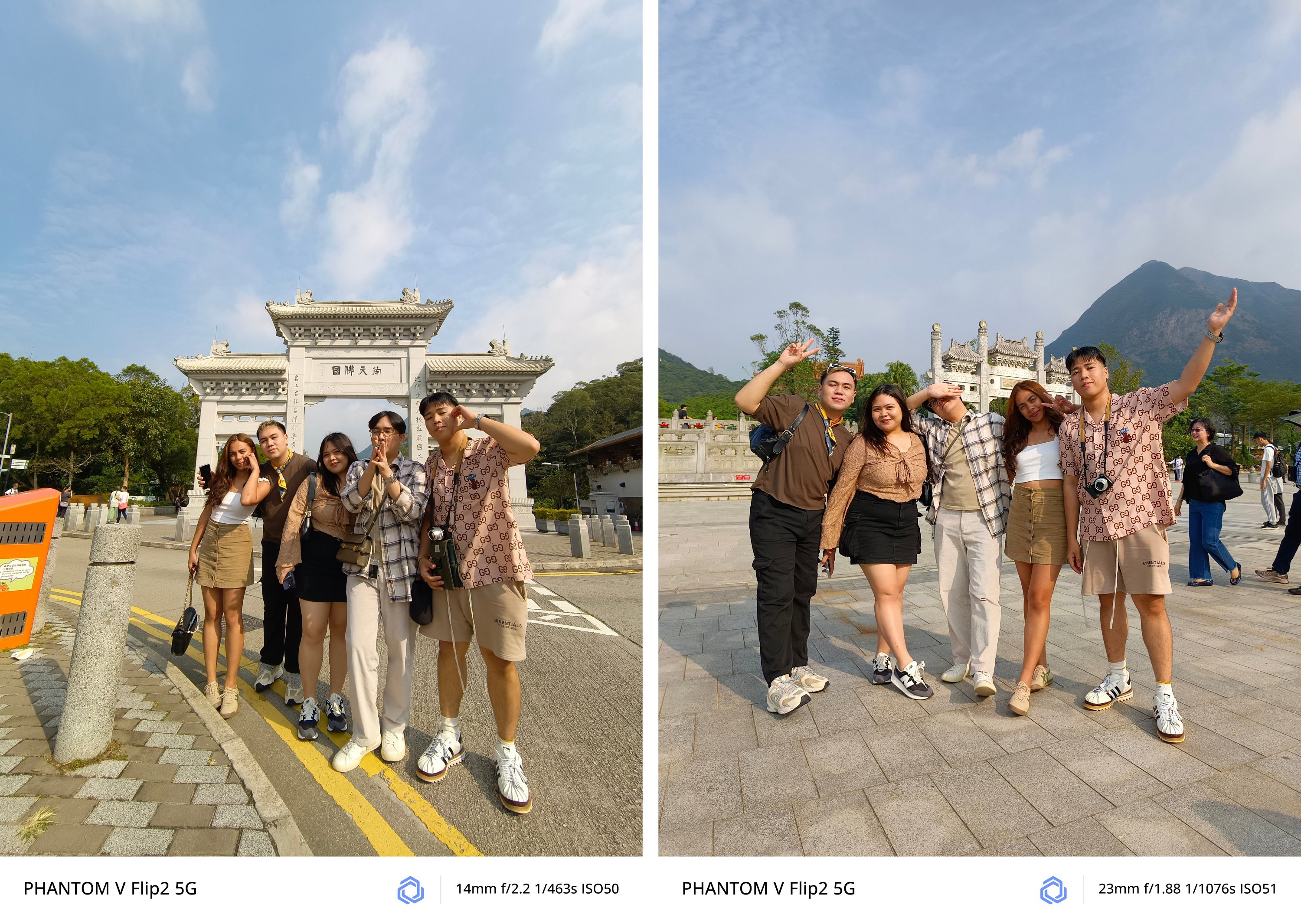
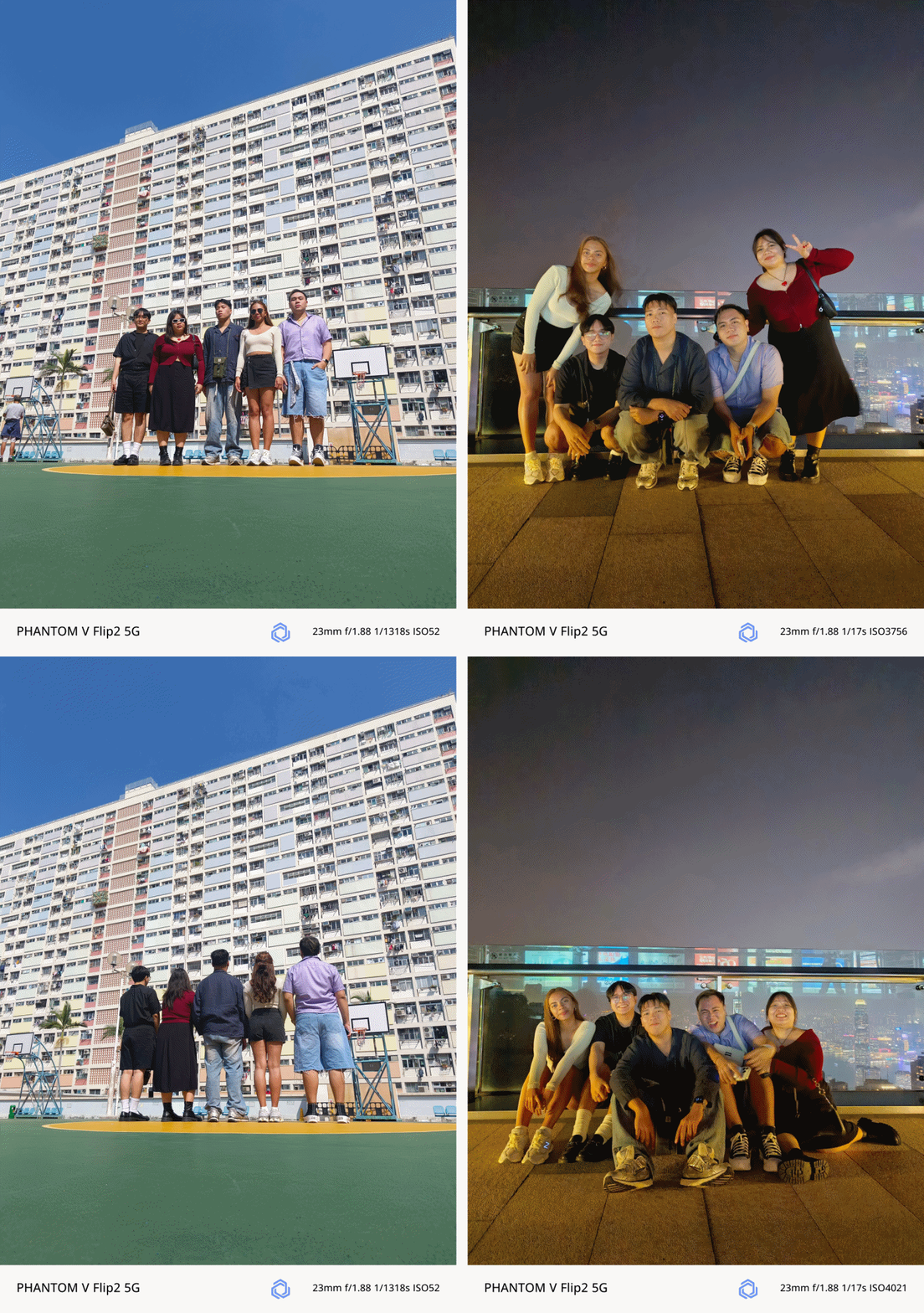
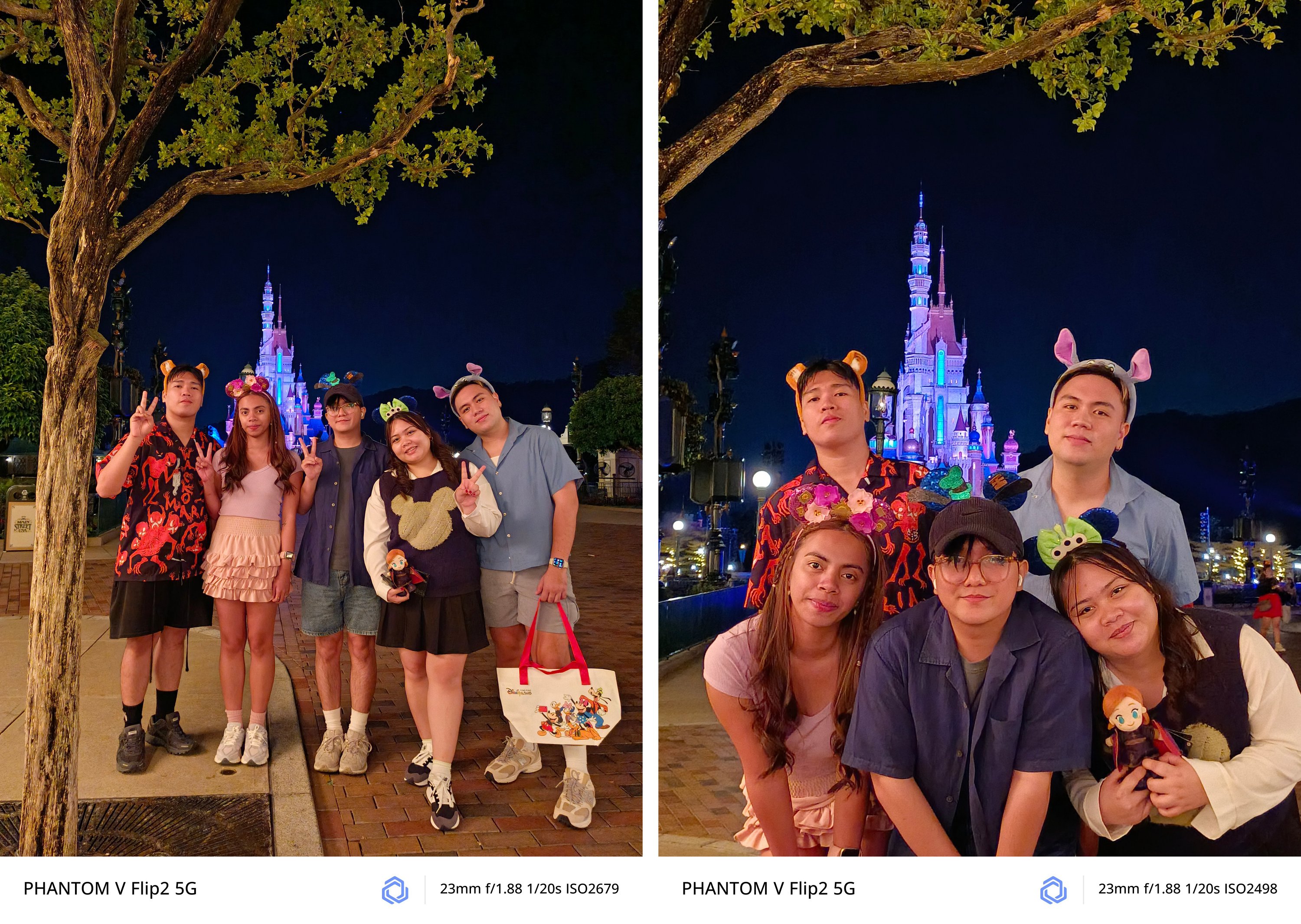
I have realized its full potential and how beneficial this Flip was when I had my trip to South Korea by myself.
Being in an introvert, I am afraid to ask people to take a photo of me.
Luckily, I bought and brought a monopod with a detachable Bluetooth remote control. I was then more confident when taking self-portraits — especially with the large cover screen and flexible camera system of the PHANTOM V Flip2.

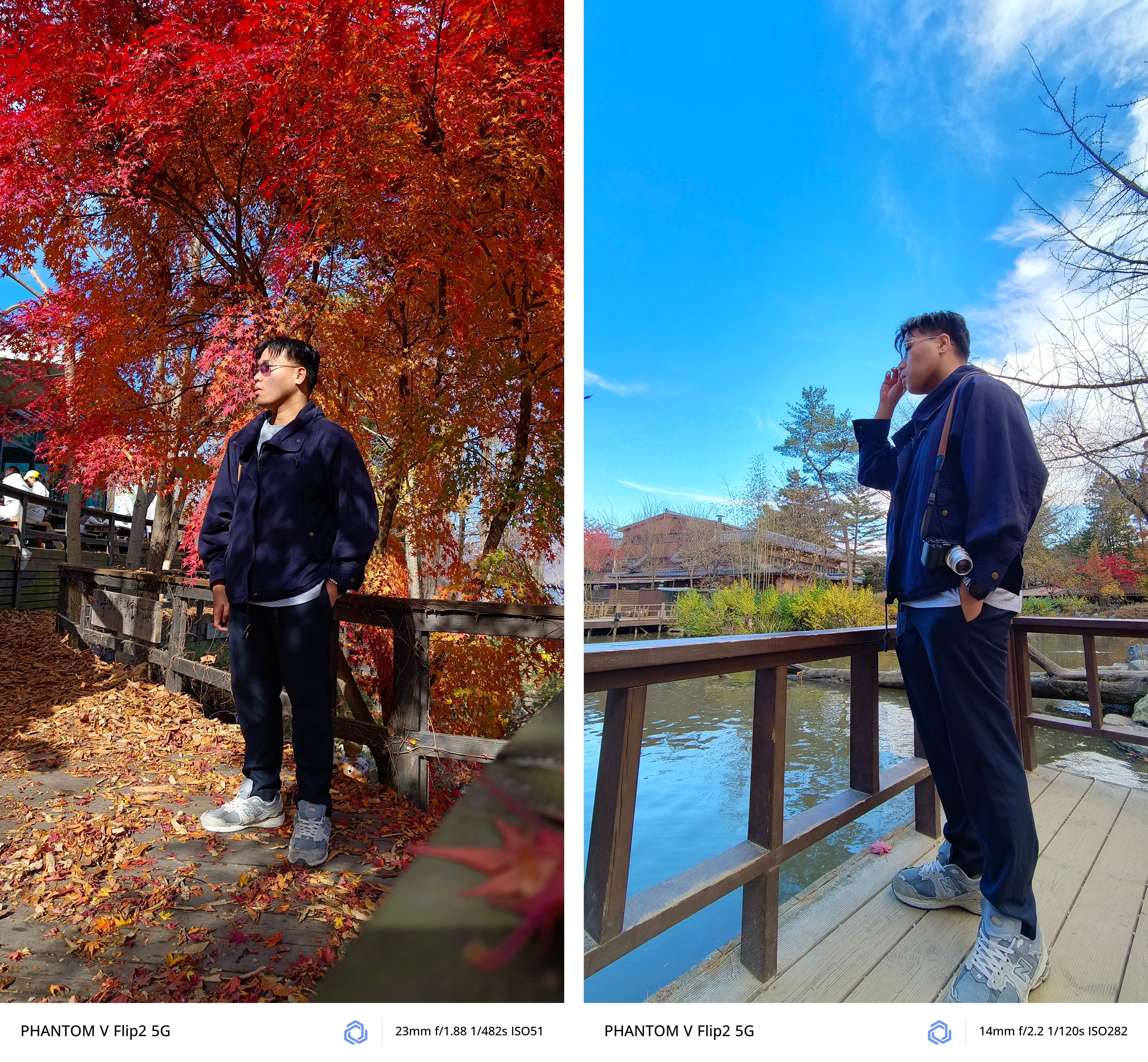

All modes work regardless if it’s 1x wide, ultra-wide, or even 2x digital zoom.

Night mode also works like a charm!

It was almost pitch dark in Namsan Tower but the V Flip2 still managed to snap this
However, it’s not 100% perfect. If there’s one loophole, it would be the inability of the camera app to activate cover screen mode from the lock screen shortcut.
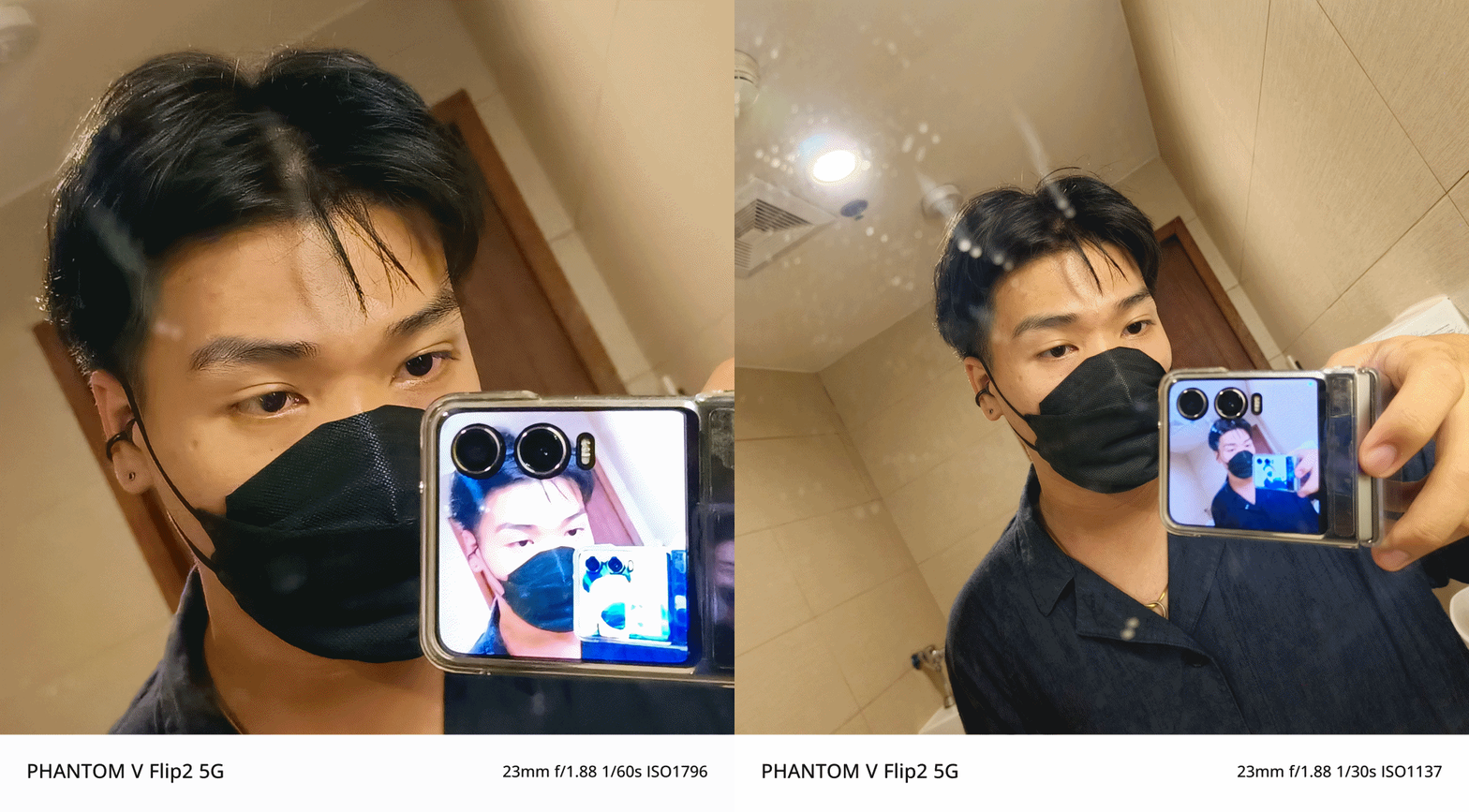
The only way to get it is to start from scratch — unflip and unlock the phone, then open the camera app from the main screen.

From there, you will see the cover screen icon at the upper left of the camera UI.
I still believe this can be fixed by TECNO through a future software update — much like how I am still eagerly waiting for a fix in its bigger brother, the V Fold2.
Trick or Treat?
Certain software features are what makes each Android smartphone manufacturer different from one another. In TECNO’s case, they’ve created HiOS with familiar features in mind.
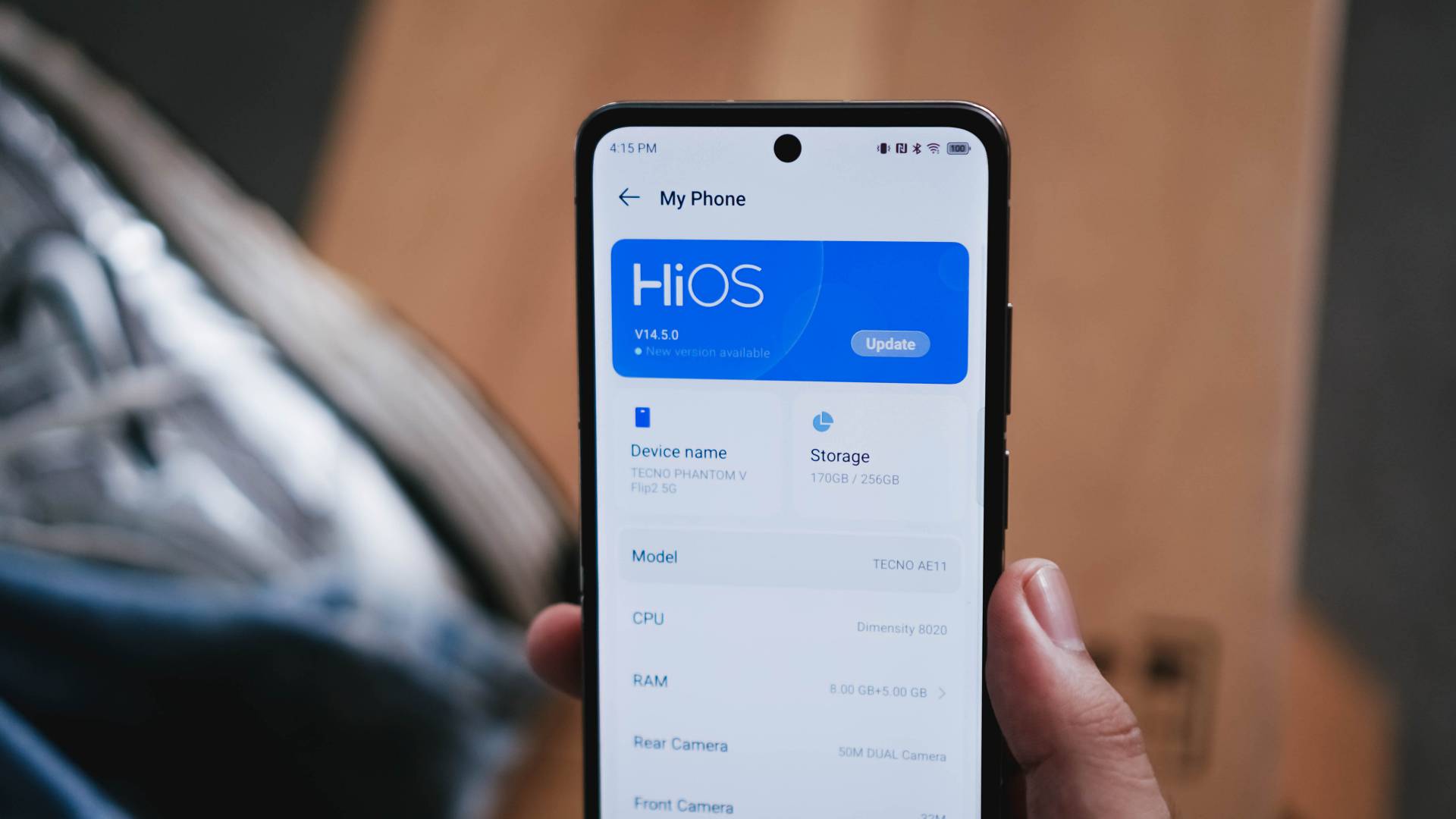
IYKYK: TECNO has implemented a Dynamic Island-like functionality called “Dynamic Port”. It’s applicable to certain apps such as music (regardless if third-party app), countdown timer, face unlock, call status, charging indication, and more.
On the cover screen, it doesn’t do the same function. It only stays there as an indicator.

There are also AI-powered tools such as AI Smart Erase where you can erase unwanted people/objects out of a photo you just snapped or Intelligent Cut-Outs that outlines a subject you long-pressed.
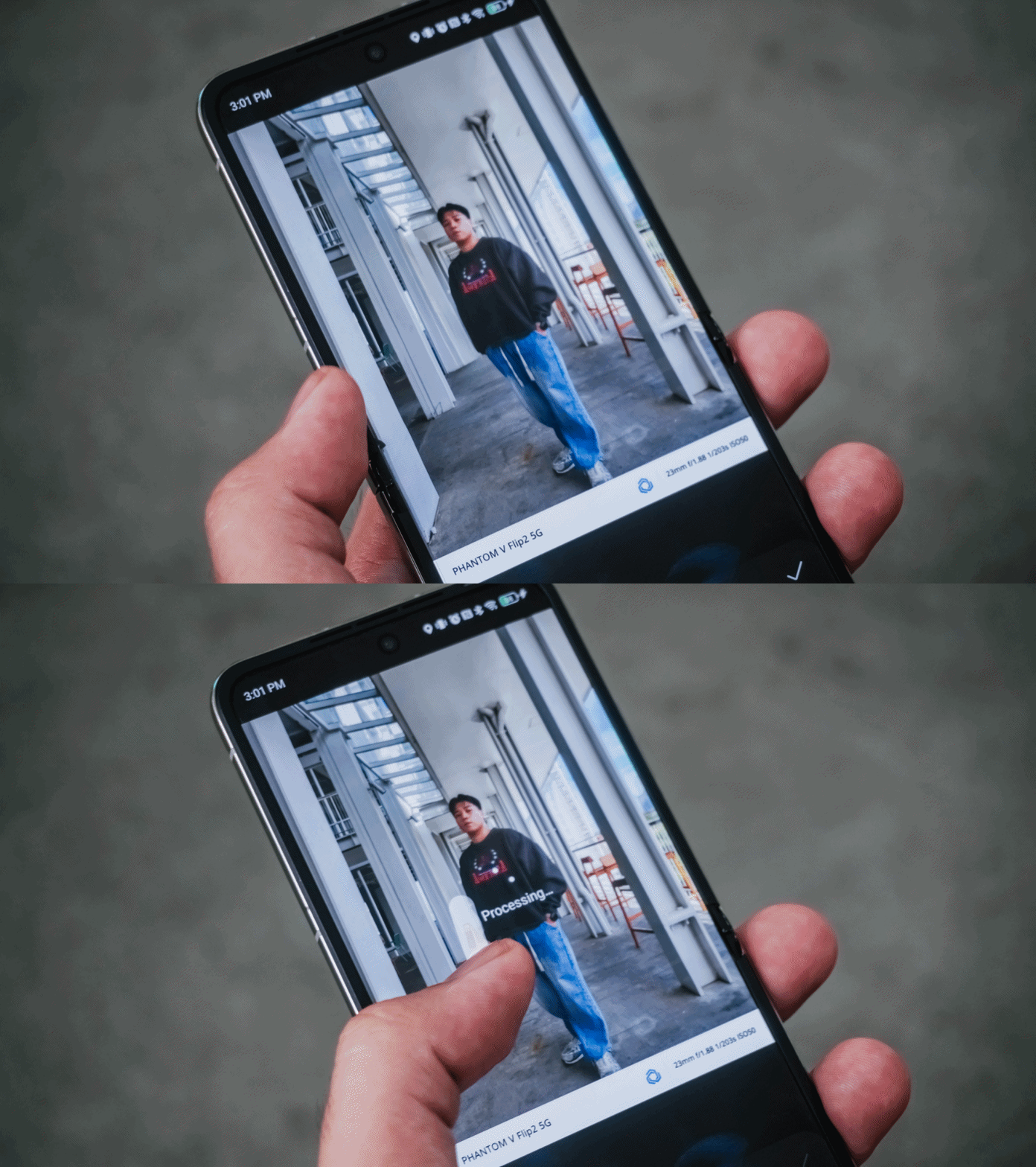
Also, AI Drawing Board for the V Flip2 to AI-generated imagery based on certain art styles.
There’s also Ella — TECNO’s voice slash virtual AI assistant in one.
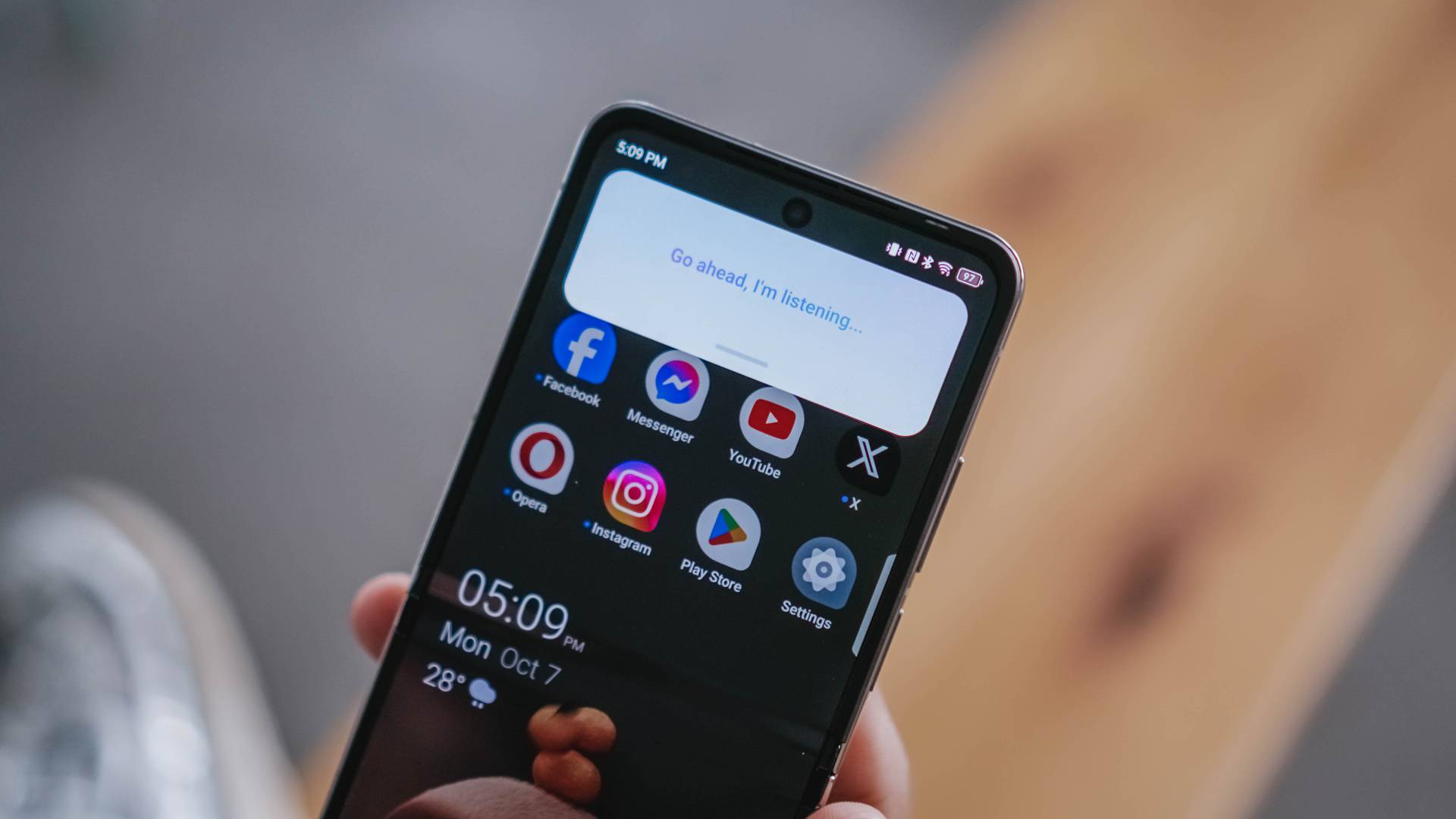
Not only it can search things for you, you can also ask for certain queries such as summarization of a long article, finding something in a document, and more.
And while already in the topic, the V Flip2 can also help with your writing woes with Text Generator, Rewrite, and even Proofread.
Is the TECNO PHANTOM V Flip2 your GadgetMatch?
The TECNO PHANTOM V Flip2 has a retail price of just US$ 699 (around EUR 645 / GBP 539 / SG$ 919 / PhP 40,425 / INR 58,765). This makes it one of the pocket-friendly 2024 flips out there — literally and figuratively.
UPDATE: TECNO has recently launched this in the Philippines for a special TikTok Shop-exclusive price of just PhP 27,999. It also includes freebies such as the PHANTOM Digital Video Case (PhP 1,999) plus a Limited Edition PHANTOM Luggage and Pin worth PhP 2,999.
After December 8, 2024, it goes back to its SRP of PhP 34,999 — which is still a lot less than its converted pricing above.
In line with GadgetMatch’s a la dating app concept of matching gadgets based on one’s wants and/or needs, we’re here to make it easier for you with just a series of swipes.
Swipe Left if you’re looking for a flip smartphone with a powerful processing power that can handle your triple A titles.
Swipe Right if you want that flip experience without having to sacrifice much of your savings.
As for me, I’m Super Swiping the TECNO PHANTOM V Flip2 as no other flip phone can match the great features it has for such value.
Flip or Flop?
If maximum performance is in your priority list, you’d know by now how the PHANTOM V Flip2 has flopped.

But, even though its MID-iaTek chip *pun intended* is the biggest compromise (and also the biggest factor for cost-cutting), it’s still hard to deny how irresistible and compelling this flippable is in 2024’s sea of flips.
Looking at the competition, the Xiaomi MIX Flip, HONOR Magic V Flip, Samsung Galaxy Z Flip6, and motorola razr 50 Ultra are all more powerful in overall performance. But the thing is, one will cost you a fortune.
Meanwhile, in the lower-end of the spectrum is where the HUAWEI nova flip and ZTE nubia flip both sit. They already have their fair share of downsides such as the smaller outer displays. Design neither an exception.

IMHO, its direct rival is none other than the motorola razr 50.
While they share similarities (and some differences) such as having the same cover screen size (minus V Flip2’s 120Hz display), quite similar dual camera setup (except for the razr 50’s measly 13MP UWA lens), the razr 50 is more packed with its 4nm Dimensity 7300X chipset.
Still, both phones are packed in the most modern flip design in mind.
That said, if you’ve been wanting to switch and try out the flip-erience without having to sacrifice much of your savings, the PHANTOM V Flip2 is the sign you’ve been waiting for.
You couldn’t get much of these features and prowess in other brands. Not even the Galaxy Z Flip6 could run most of the apps without flipping open the device itself.
Cameras are for another story. If you’ll ask me, it probably deserves a piece of its own just by how amazing the shots were thanks to both V Flip2’s camera hardware and TECNO’s AI camera algorithm combined.
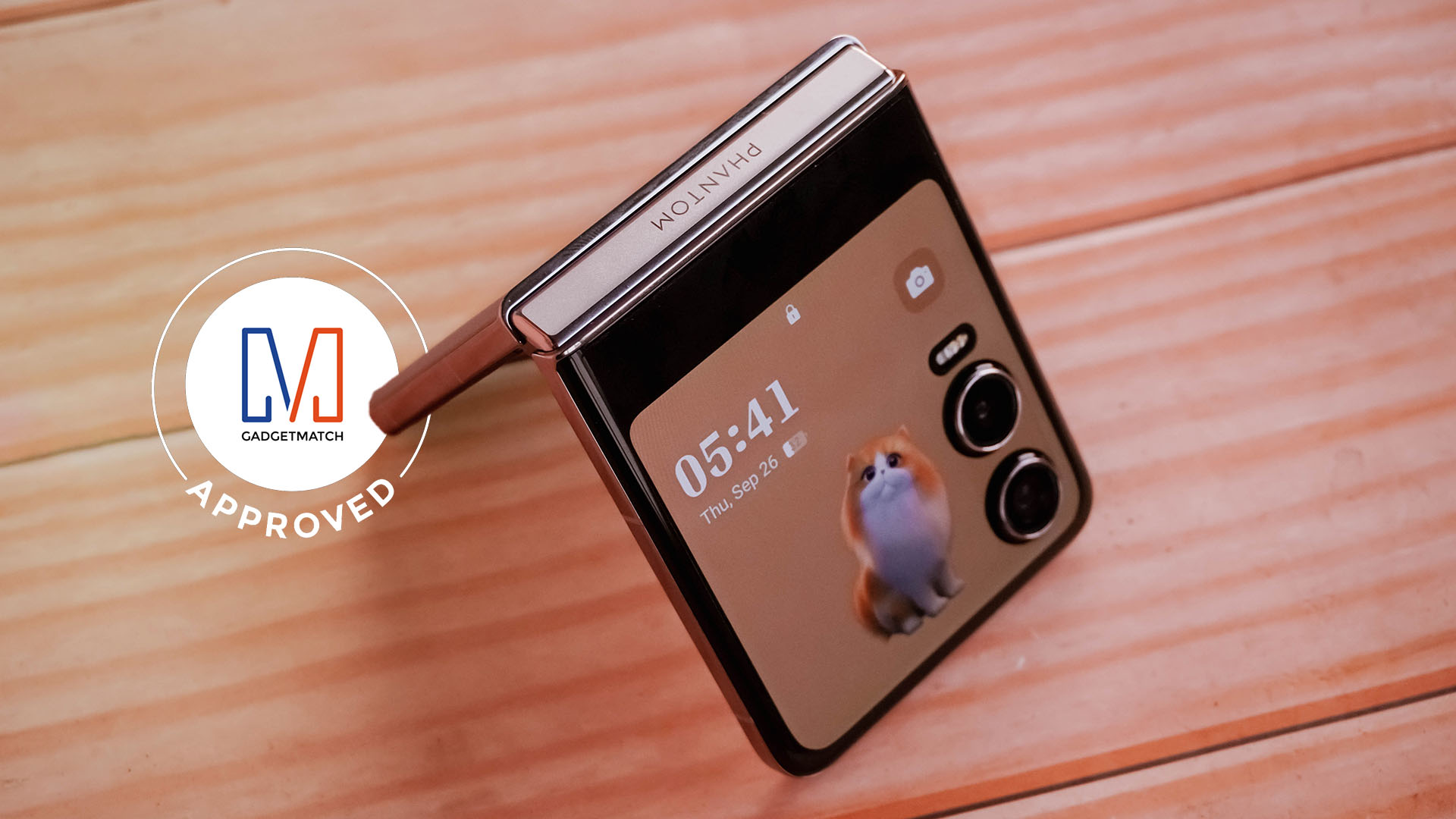
Without a doubt, TECNO’s PHANTOM V Flip2 deserves the GadgetMatch Seal of Approval.



Gaming
HP OMEN Max 16 review: Gamer-maxxing in deep black
Peripherals deemed necessary to max this out

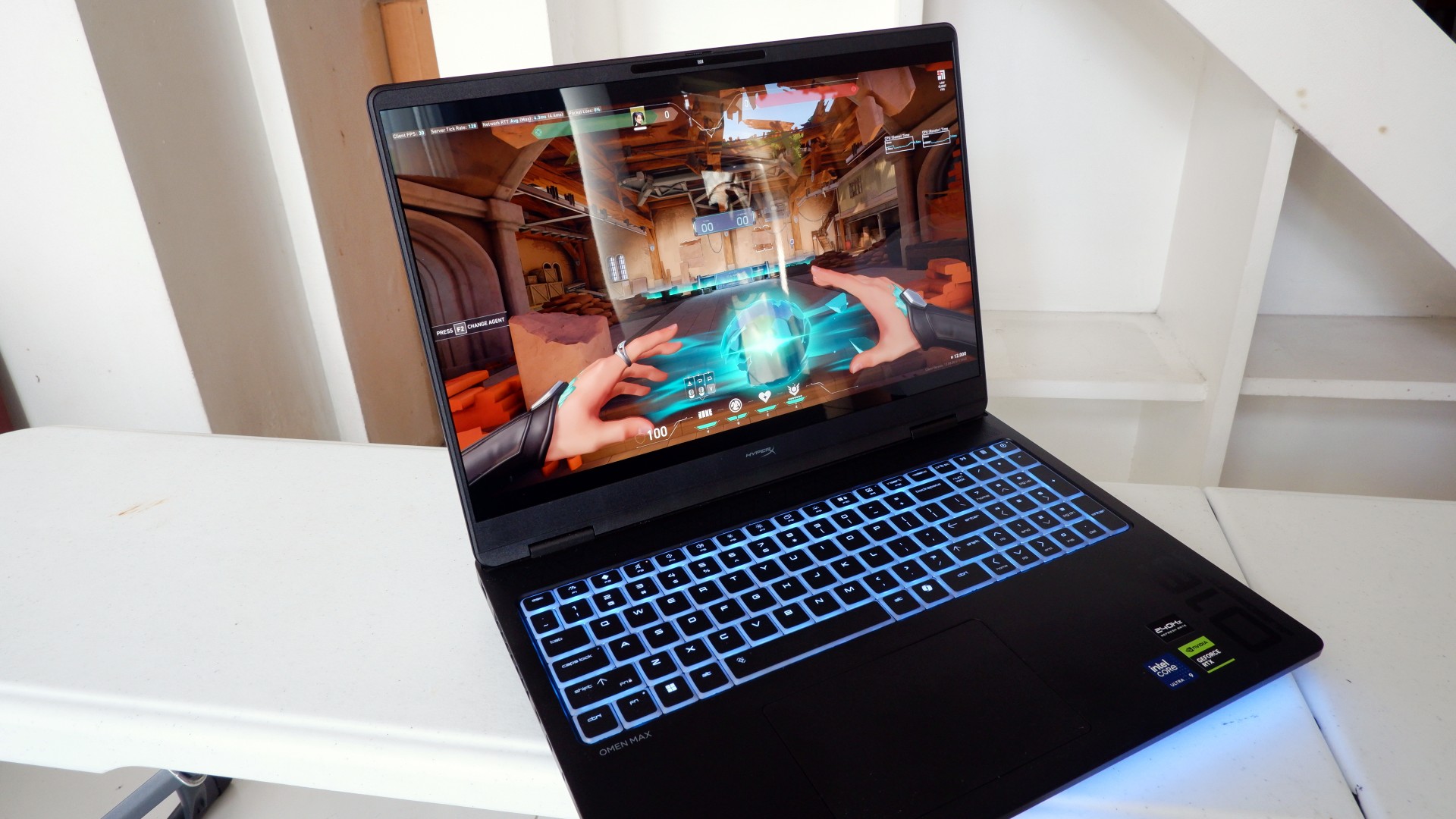
It’s not every day that you come across a machine that looks good and plays even better. Oftentimes, subtle aesthetics take a back seat to sheer performance and power. Whenever a gaming machine looks sleeker, it seems to lack the power to push it forward. Simply put, you can’t have the best of both worlds these days.
But what if you could have it all? Not just money, fame, and other fortunes, but also a machine with everything you’re looking for! Gone are the days of wanting only power to keep you playing all day or wanting to look good while playing. On paper, this is what the HP OMEN Max 16 promises: the best of both worlds.
Unboxing a beast inside
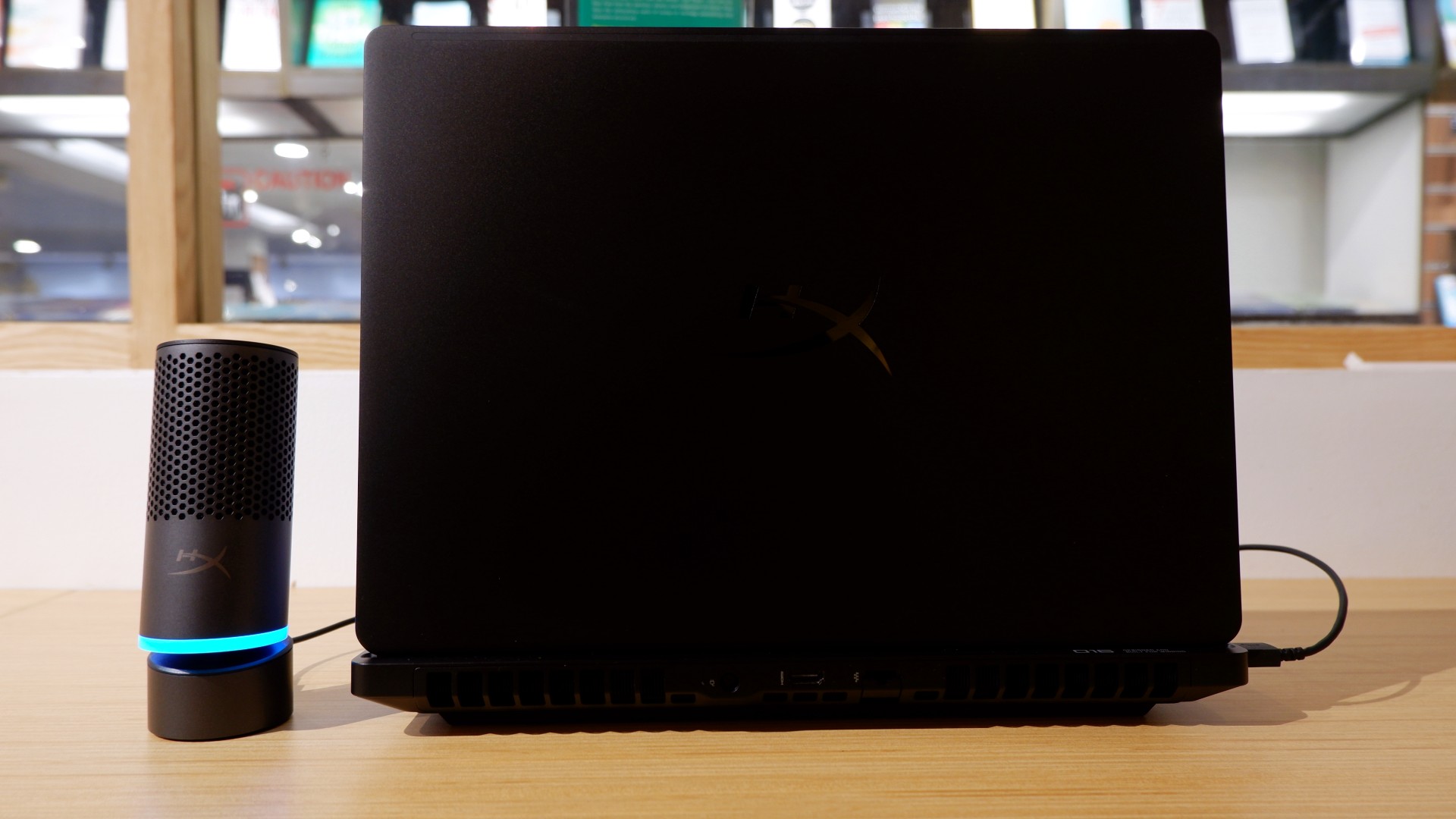
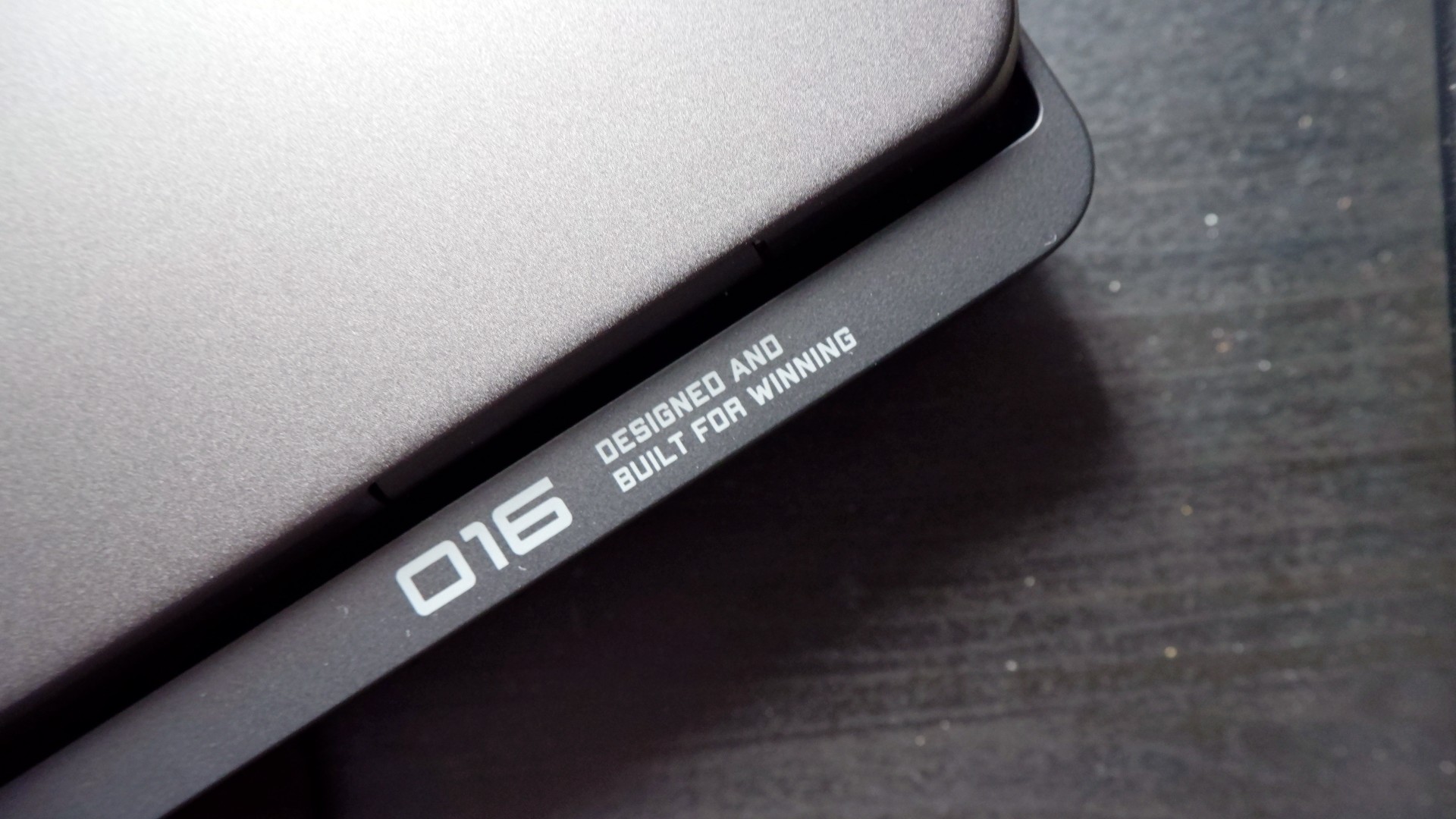
When you first take it out of the box, the HP OMEN Max 16 looks unassuming in its overall design. It’s bulky yet sleek in its Shadow Black colorway, with nothing too fancy or flashy while powered down. From the outside, the machine screams premium, even though its dark color can attract more visible dirt than lighter finishes.

Opening it up reveals a 16-inch OLED display with a peak refresh rate of 240Hz, seamlessly connected to a base with a full-sized keyboard and a large trackpad. The bright, seemingly anti-glare display makes colors pop when watching or editing videos on the go.

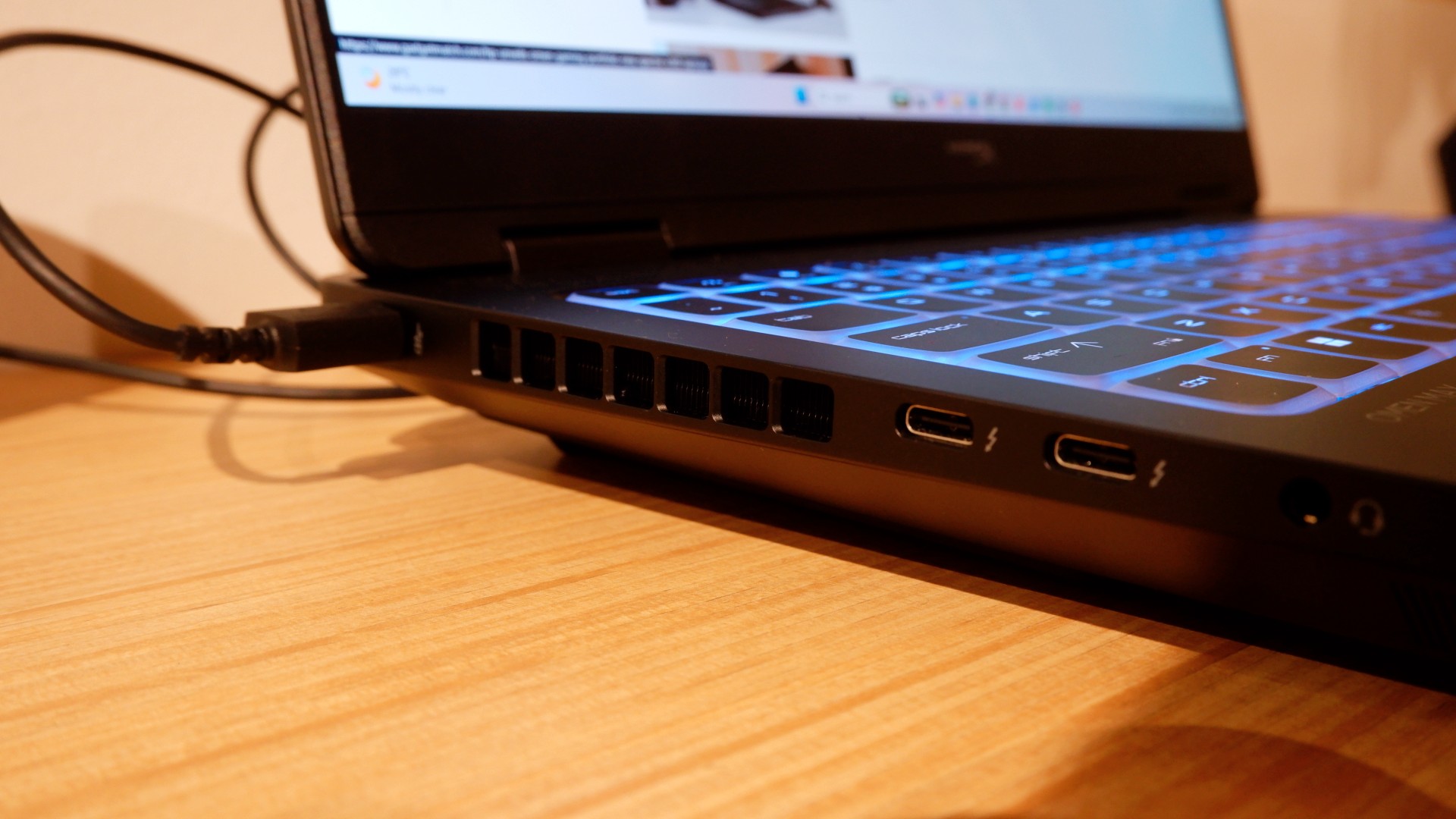
Furthermore, HP places the ports in convenient spots along the rear and sides of the laptop. This makes it incredibly easy to set up and manage external peripherals while providing more room for ventilation under heavy loads.
Of course, the device’s biggest features lie in the hardware powering it from within. An Intel Core Ultra 9 processor, 32GB of RAM, and an NVIDIA RTX 5090 Laptop GPU should give you an idea of how well this machine can perform. It’s also a great combination for demanding productivity tasks and creative work!
Power that AI can only hope to replicate
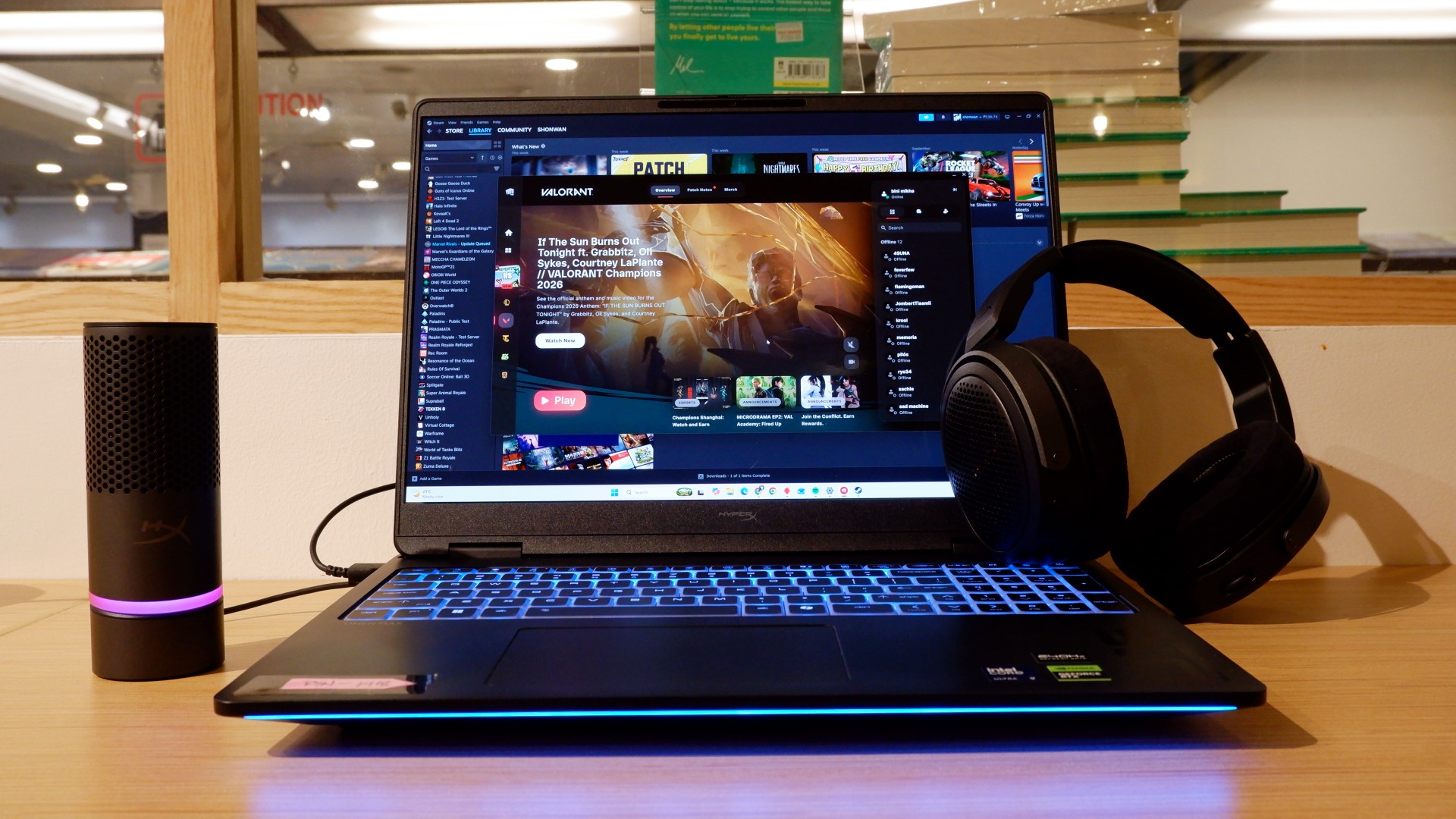
The HP OMEN Max 16 lived up to many of our expectations in terms of performance. From startup to shutdown, it delivered on what its hardware promised. You can watch videos for longer, edit photos and videos to your heart’s content, and enjoy casual gaming without slowing down. Furthermore, the wide display gives you plenty of space to accommodate all these activities.

When you step up to more competitive gaming, the machine doesn’t miss a beat. Most titles deliver high frame rates regardless of the quality or performance settings you choose. With more advanced visual settings enabled, the RTX 5090 does a fantastic job of keeping supported games within a solid 40–50 FPS range. Pair it with a high-refresh-rate OLED display, and you get crisp details and faster input response to help you get ahead in ranked games all day long.
If there’s one thing to complain about, it’s the extra optimization required through the OMEN Gaming Hub. Features such as network prioritization, automatic power-mode switching, and system optimization are useful, but you’ll need to spend time configuring them during initial setup. The laptop also comes with OMEN AI, which promises to maximize FPS with a single click. However, it was only okay at best.
Runs longer, cools off smoother
Surely, a gaming laptop this bulky and powerful can’t last that long on battery, right? Well, the HP OMEN Max 16 averages around three hours of battery life during intensive gaming, which gives you a decent amount of playing time. For general use, battery life extends to around five and a half hours with Balanced power settings. It holds up reasonably well if you forget to bring your charger.
When you do have the massive 330W charger with you, charging doesn’t take too long either. During our tests, a full charge took two hours, with charging progressing slightly faster when we left the laptop idle. Charging the battery to 50% took around 20 minutes, giving you enough juice to squeeze in another game!
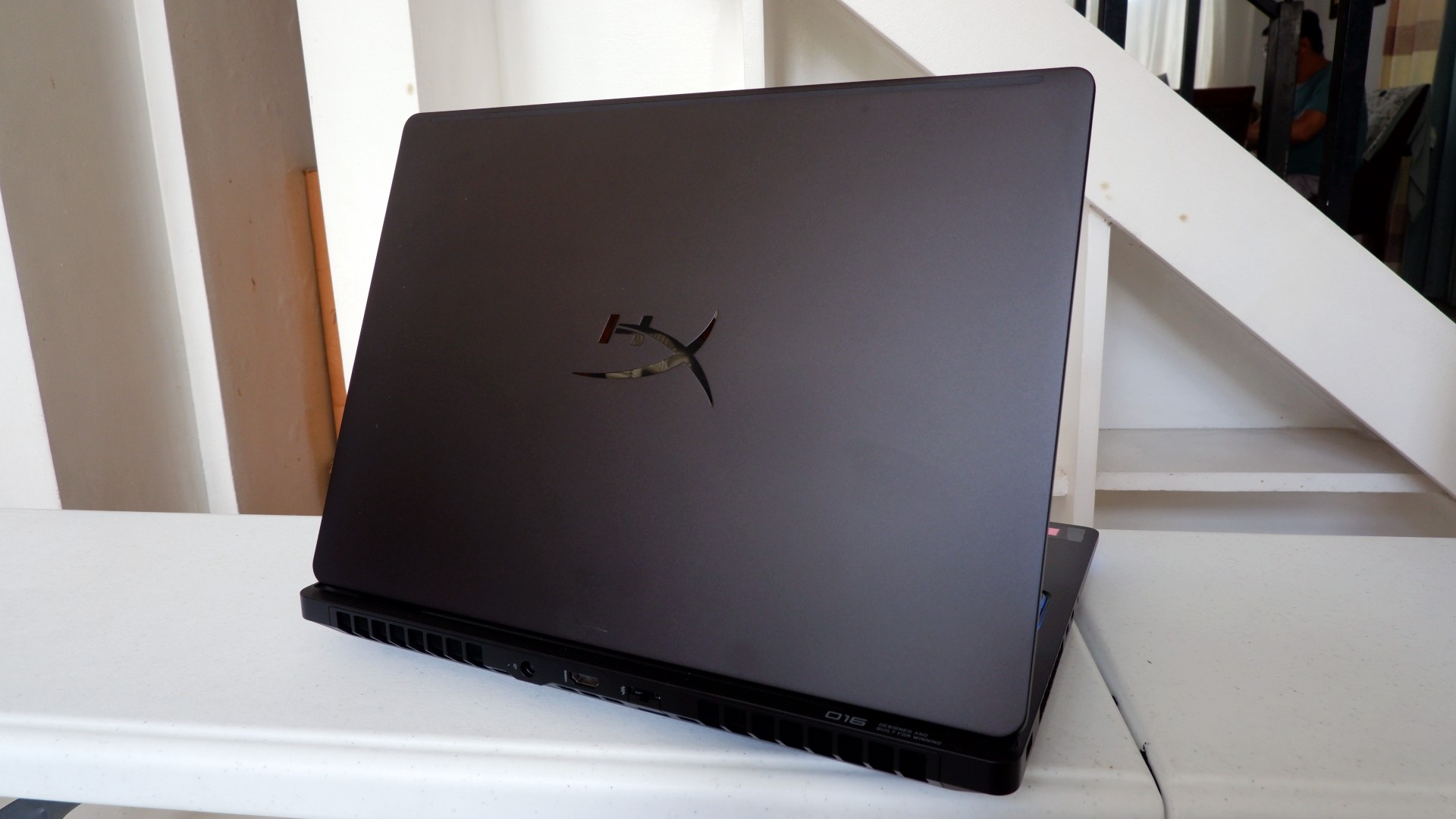
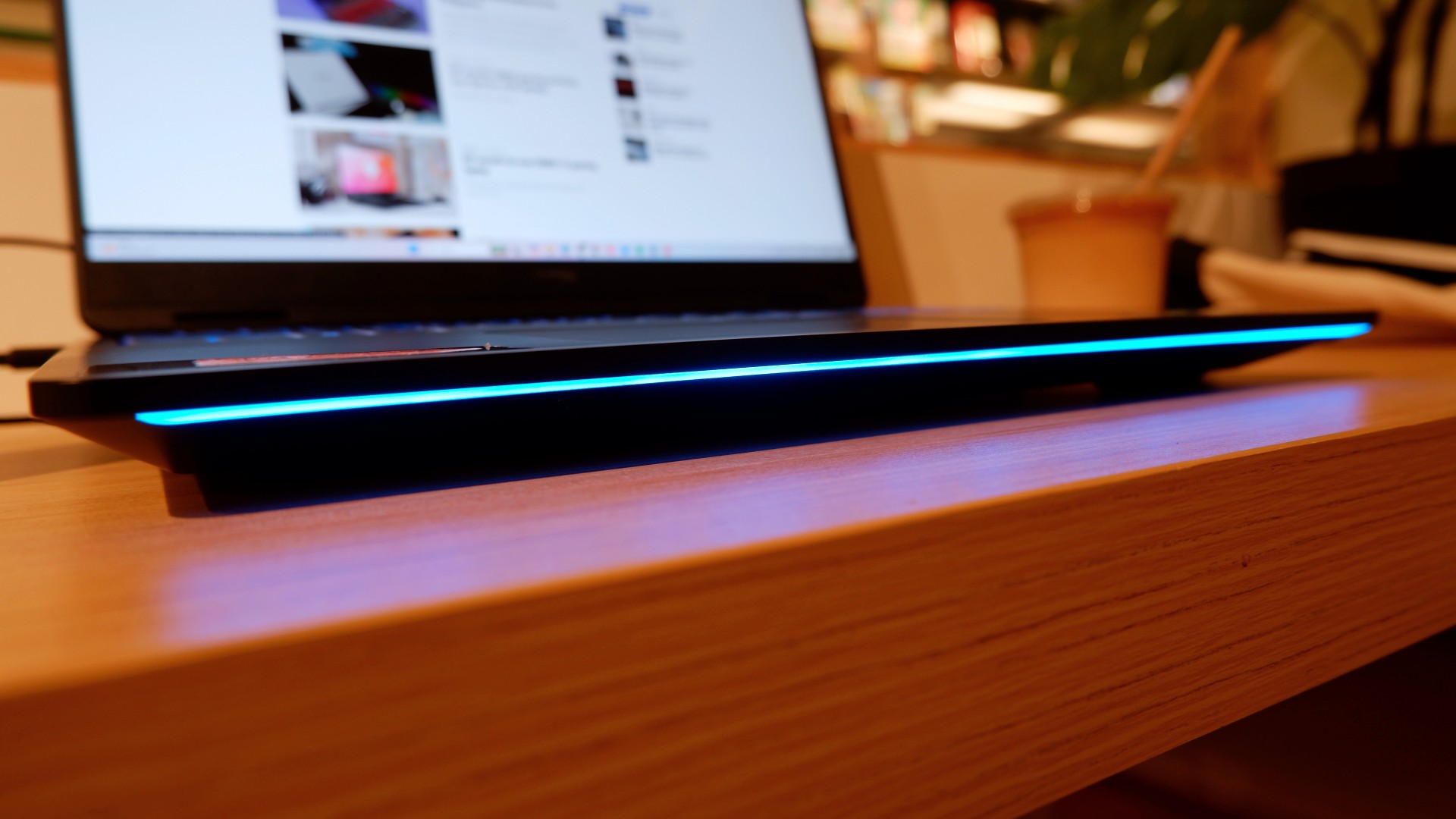
Another factor in prolonged use is how the device expels hot air through its sides and rear. We touched on this earlier, but it bears repeating: the laptop provides plenty of ventilation through its vapor chamber and multiple external vents. Instead of directing heat toward the keyboard, it pushes hot air through the vents, where it can hit your hands or peripherals. At least the keyboard stays cooler, right?
Is this your GadgetMatch?
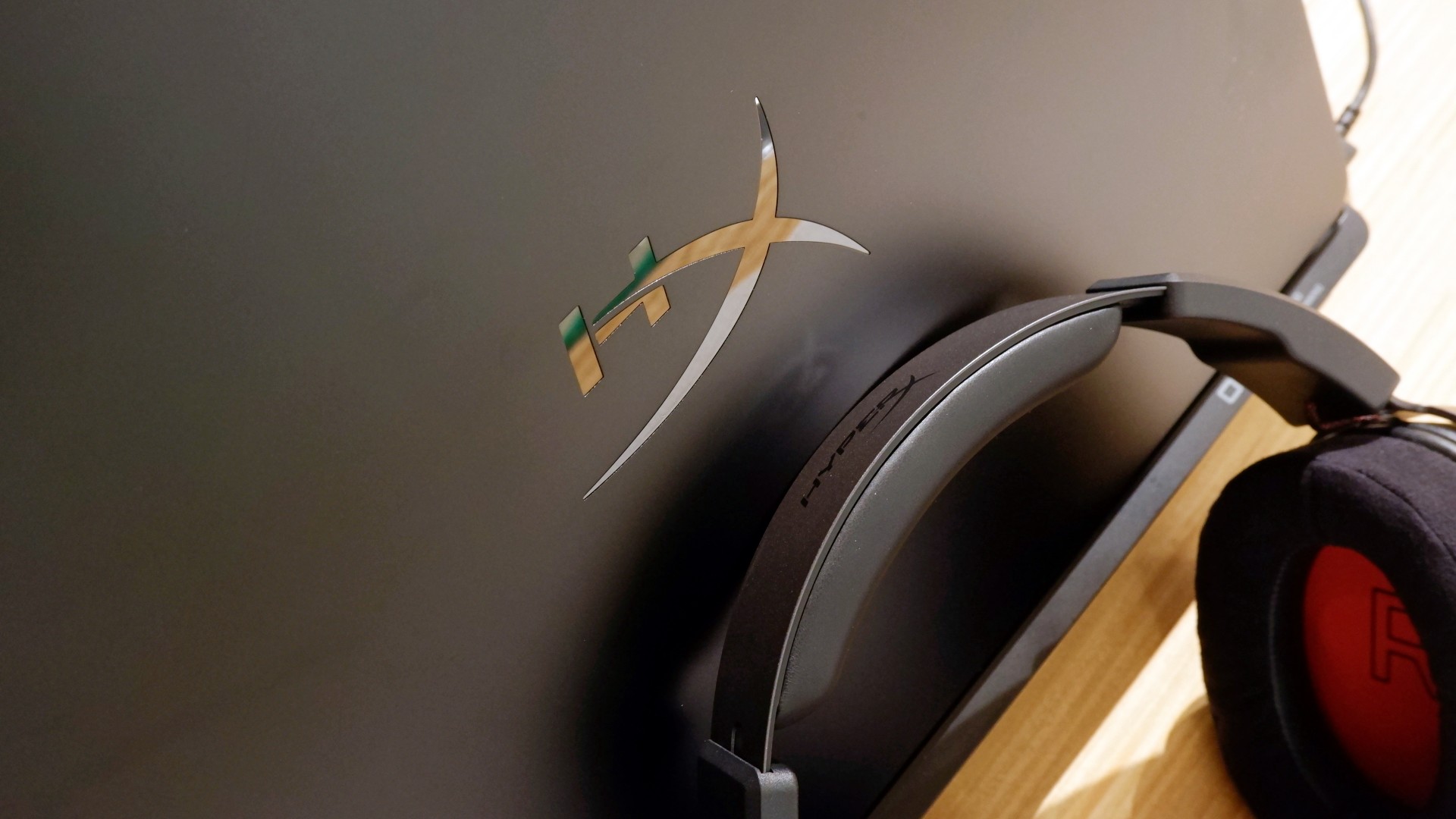
At PHP 229,990, the HP OMEN Max 16 is a sleek-looking machine with incredible power under the hood. Despite its initial bulk, it delivers impressive performance for both casual and competitive gamers. Inside and out, it packs plenty of hardware and features to let you tailor the experience to your needs.
If you’re looking for a gaming laptop with decent battery life, this is a solid choice, but don’t expect it to last half a day. Of course, you wouldn’t use this machine entirely on its own, even if the unboxing experience might suggest otherwise.
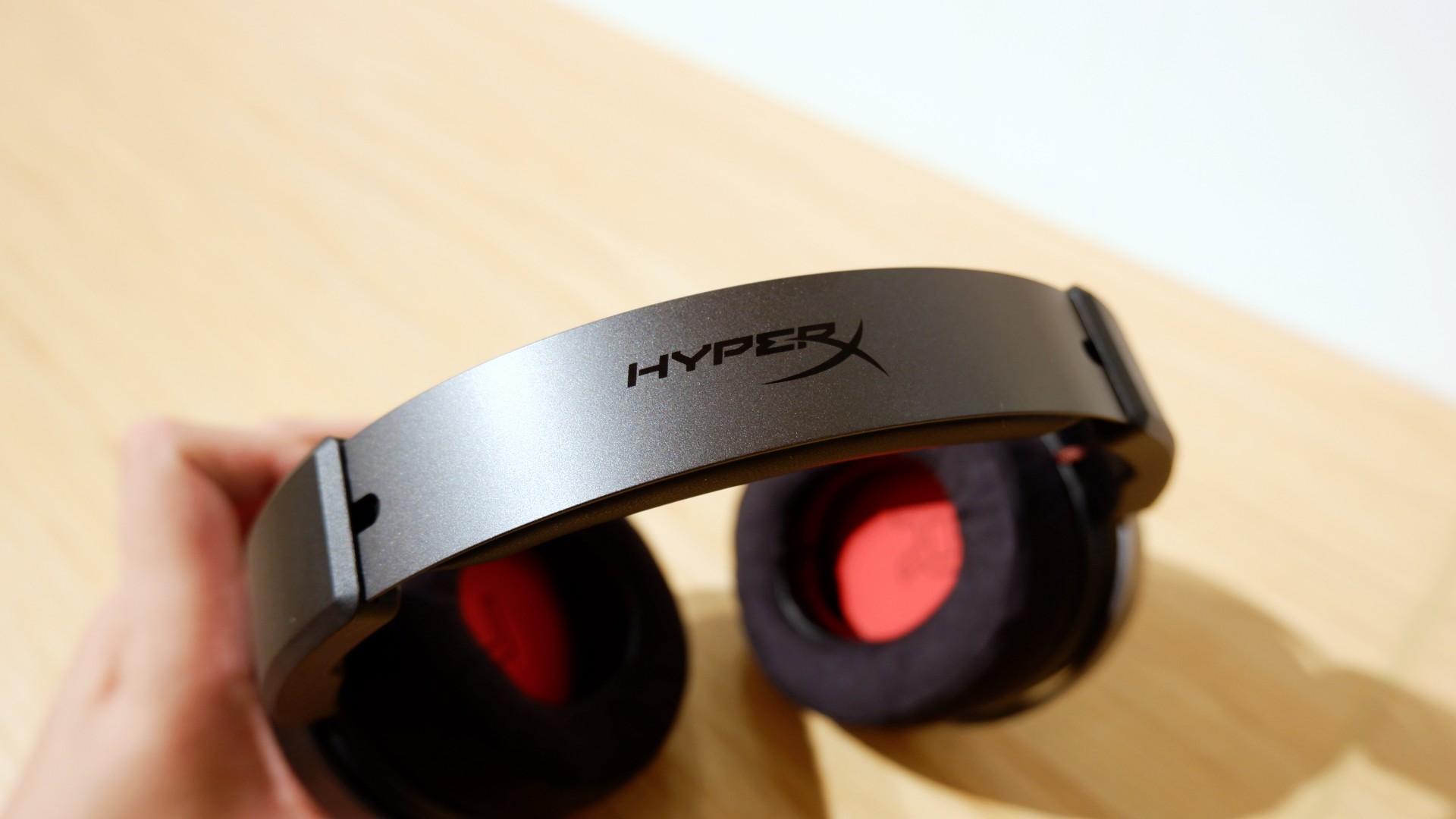
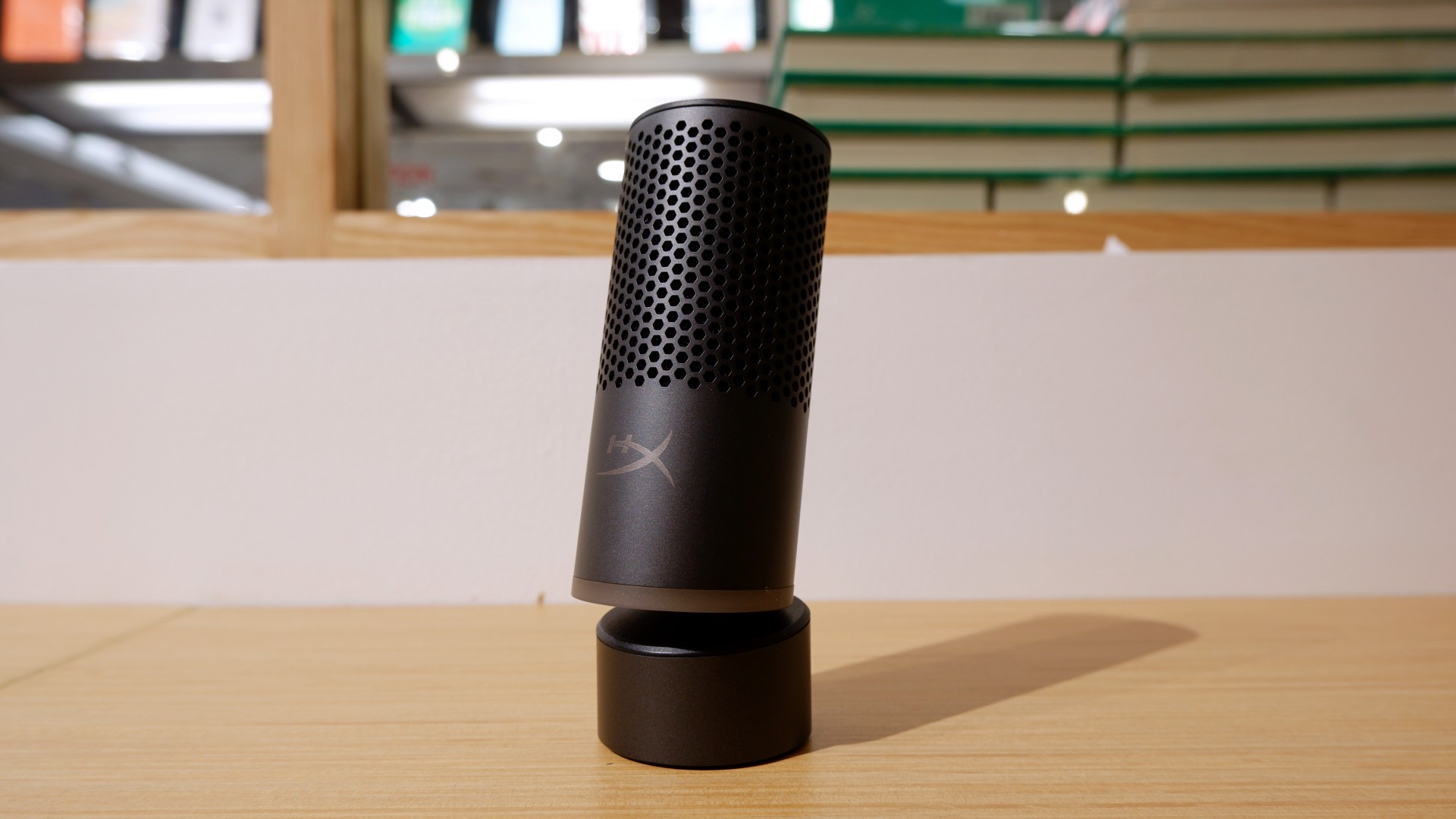

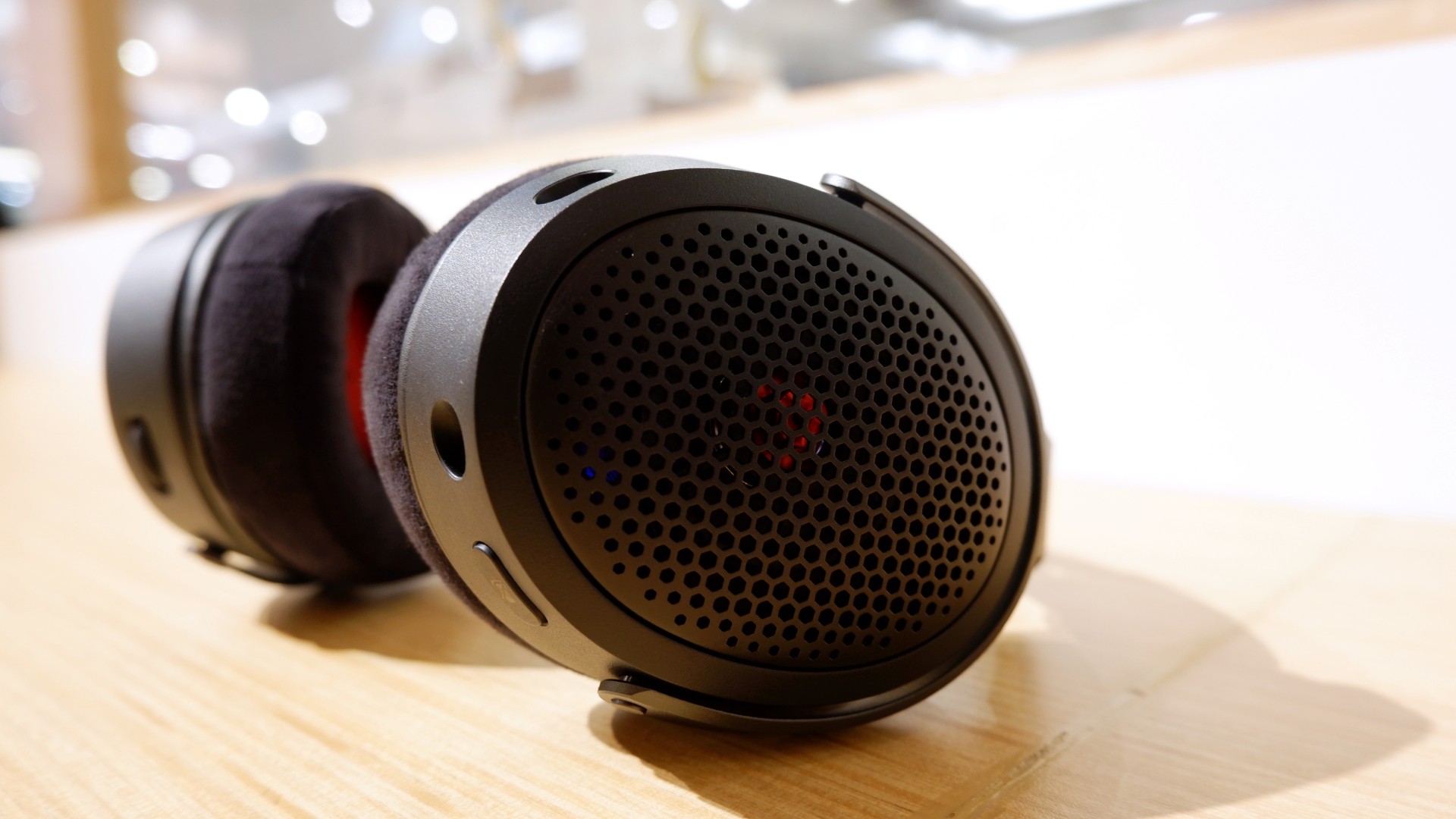
Peripherals such as the HyperX Cloud Alpha Air and Solocast 2 Pro can further enhance the experience.
Overall, this is a Swipe Right for its features, performance, and premium design. However, if you don’t have an infinite money glitch to buy it right now, you’re better off saving up for this beast of a machine!

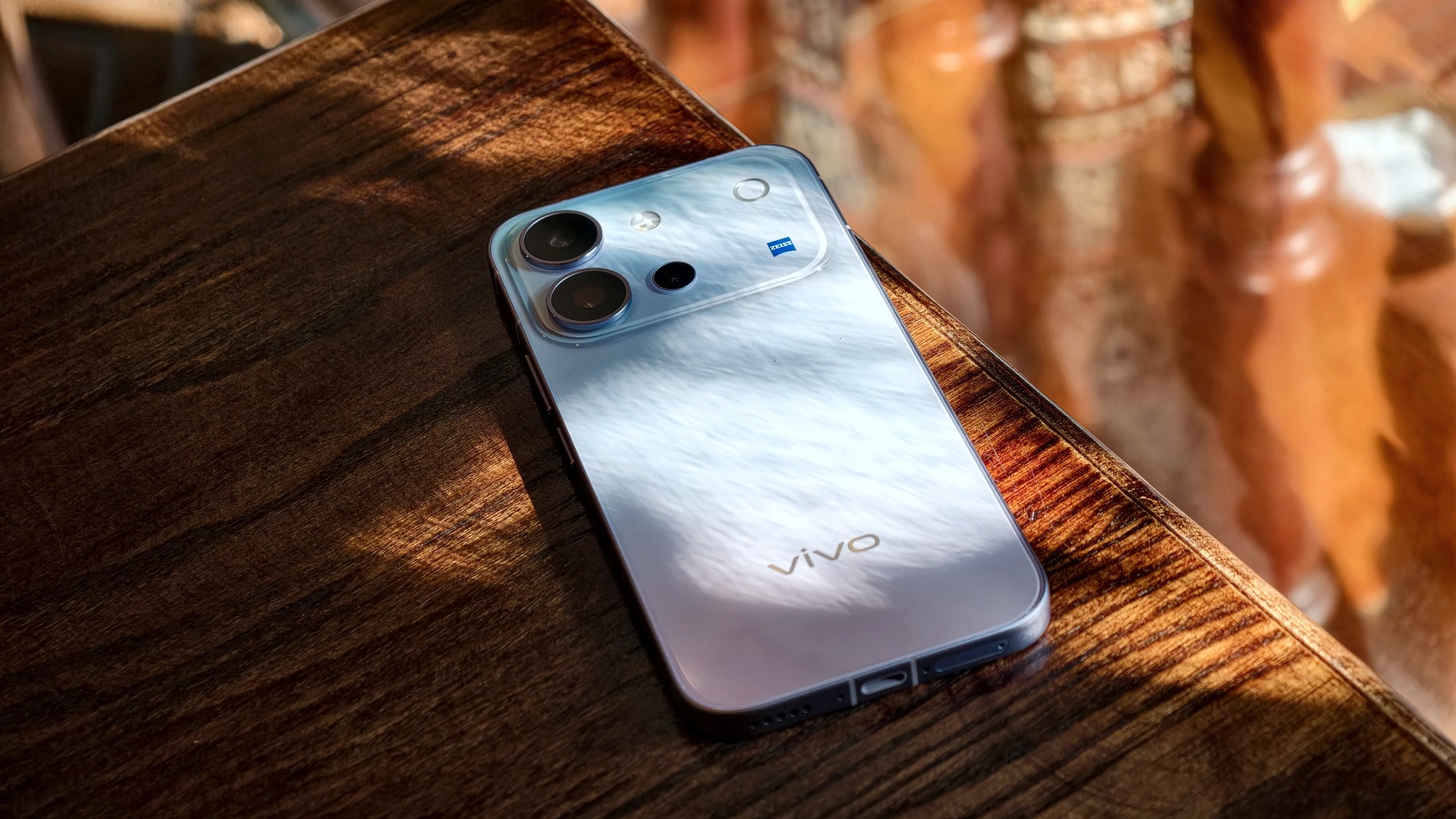
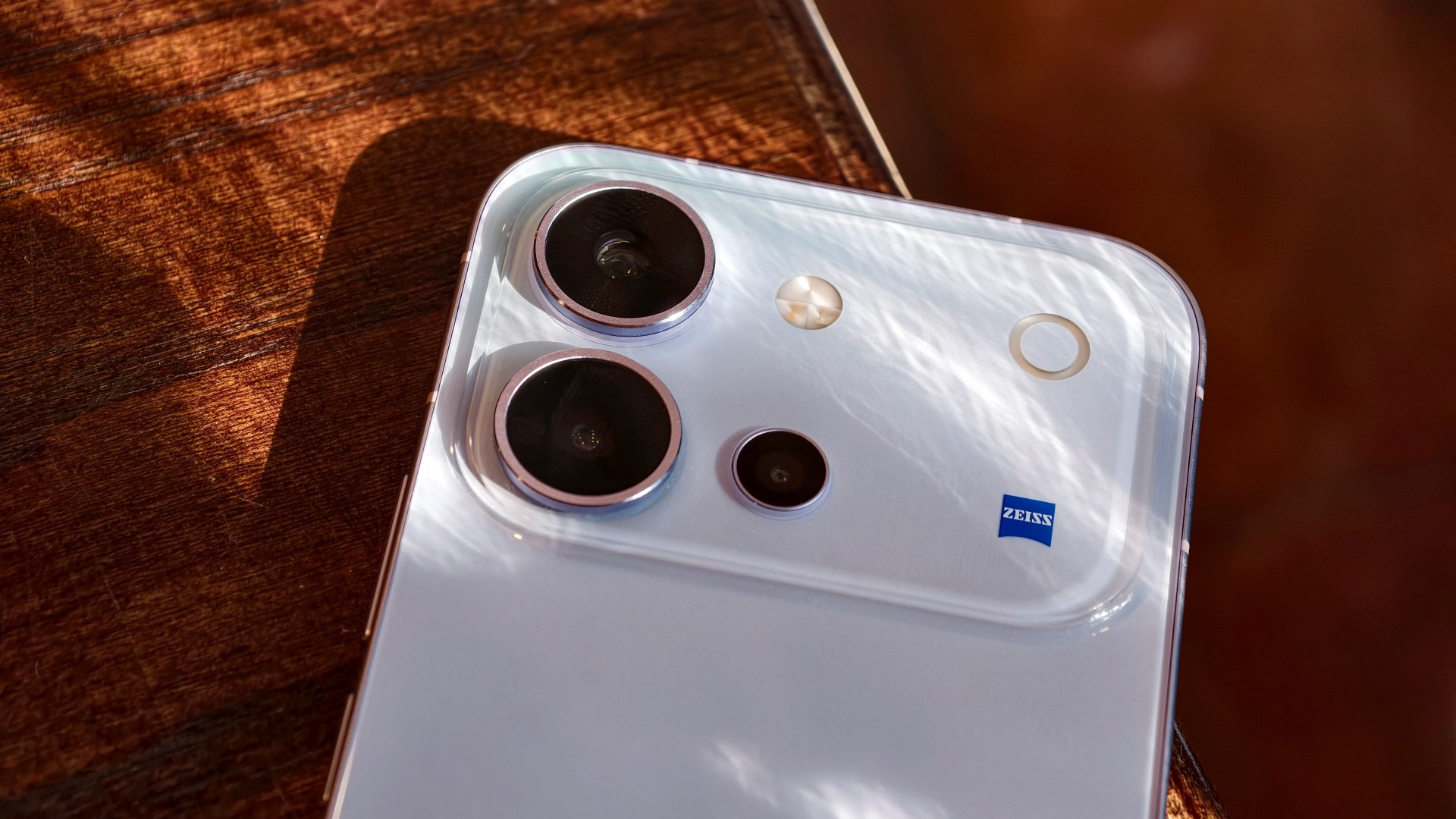
The vivo V80 is a capable midrange smartphone with a versatile camera system, excellent battery life, and a display that works well even in bright daylight. However, some camera quirks and its asking price give you a few things to think about.
vivo V80 specifications
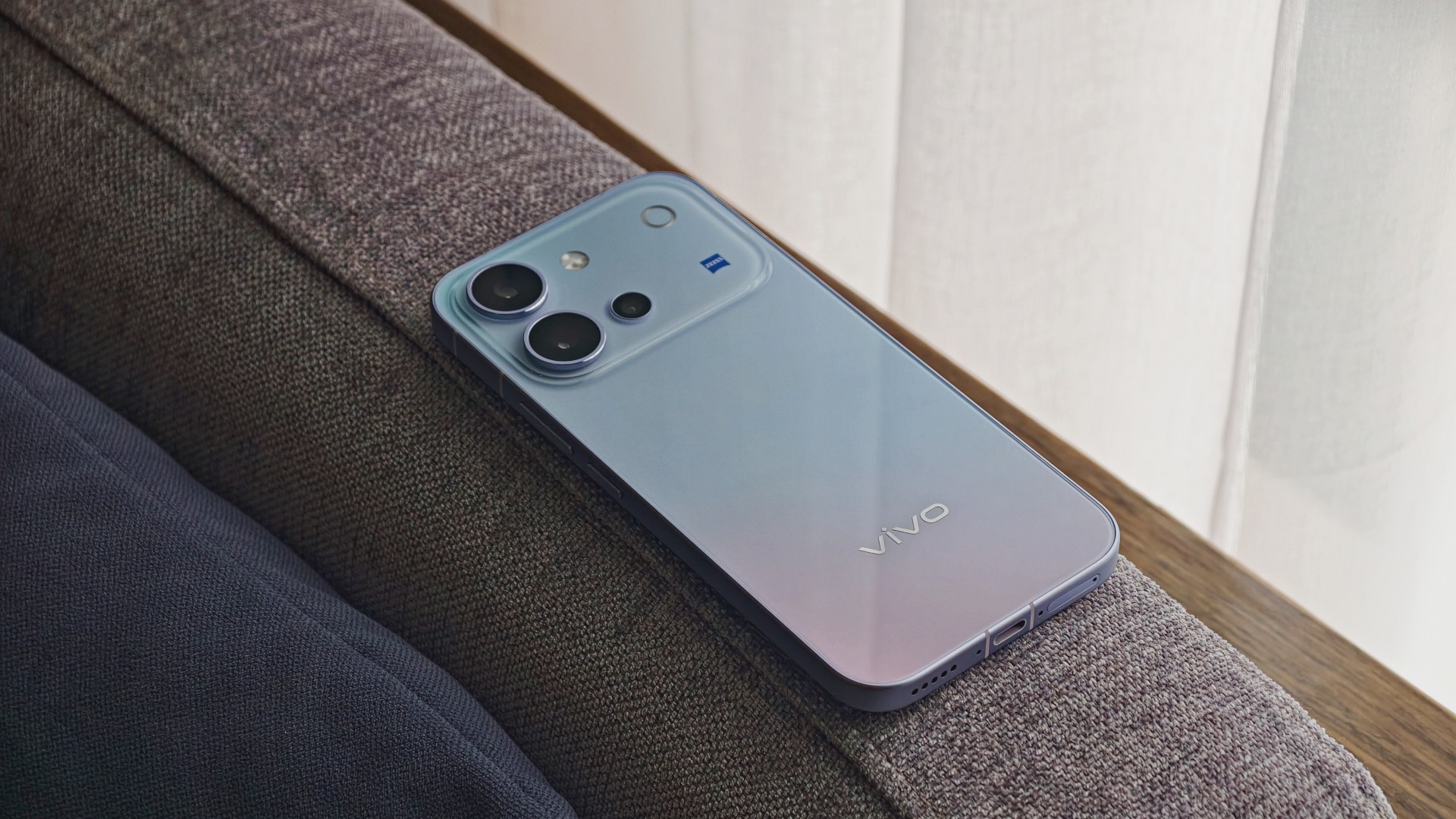
| Component | Specifications |
|---|---|
| Display | 6.59-inch AMOLED, 1.5K (2750 × 1260), up to 144Hz, 5,000-nit local peak brightness |
| Processor | Qualcomm Snapdragon 7 Gen 4, 4nm |
| RAM / storage | 8GB RAM; 128GB, 256GB, or 512GB storage options vary by market |
| Rear main camera | 50MP Sony LYTIA 700V, OIS, f/1.88 |
| Telephoto camera | 50MP Sony IMX882, OIS, 3× optical zoom, up to 10× digital zoom |
| Ultra-wide camera | 8MP, 115° field of view |
| Front camera | 50MP autofocus, f/2.0, 92° field of view |
| Video | Front and rear cameras support 4K at 60fps |
| Battery | 7,200mAh typical capacity; 90W FlashCharge |
| Charging | Advertised 50% charge in 30 minutes; Multi-Scenario Bypass Charging |
| Operating system | OriginOS 7, based on Android 17 |
| Durability | IP68 and IP69 water and dust resistance |
| Build | Cold-carved glass back, aerospace-grade metal frame |
| Dimensions / weight | 157.52 × 74.33 × 7.69mm; 203g |
| Security updates | Six years of annual security updates, according to the launch materials |
A pretty face, but nothing fancy
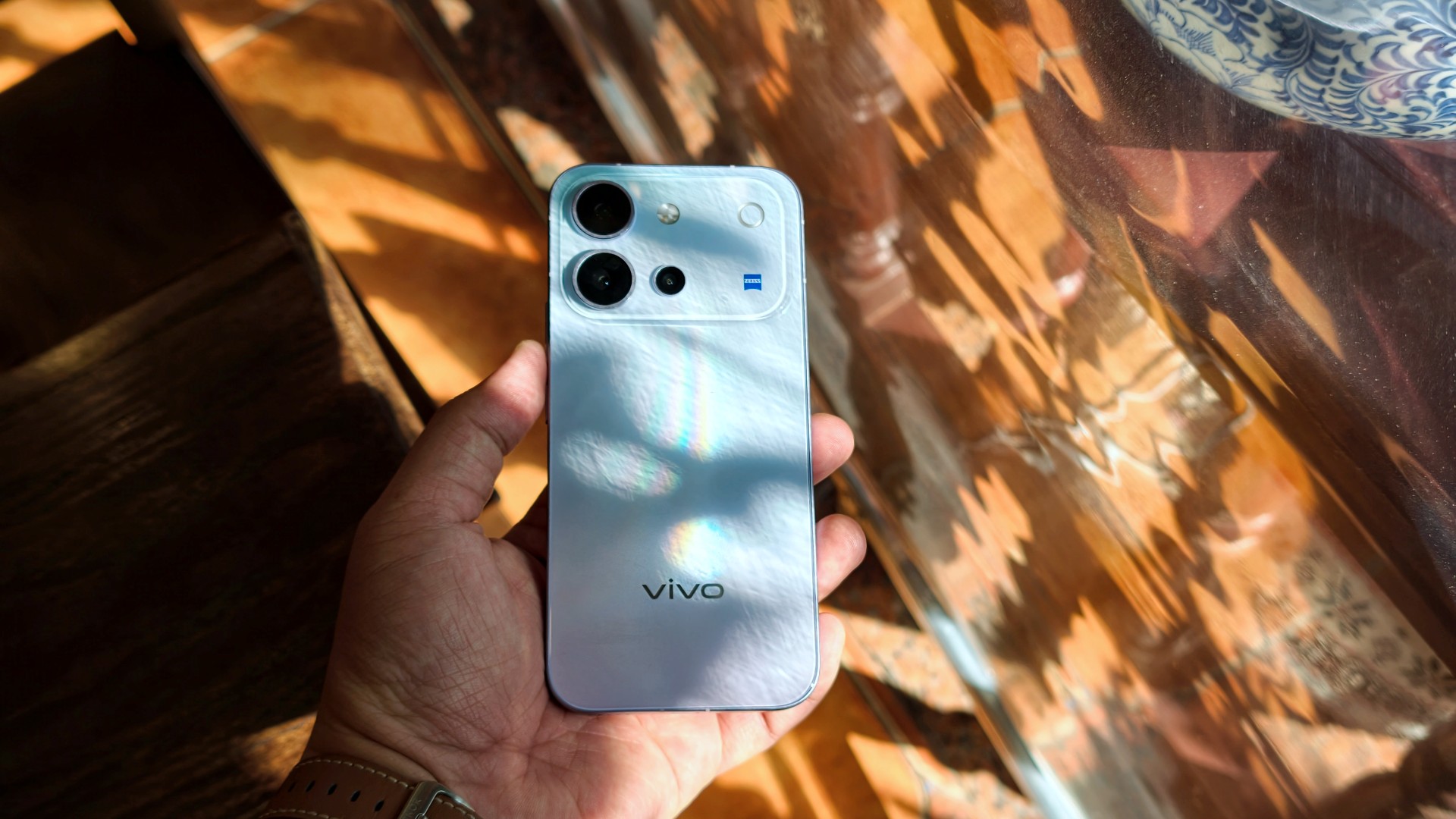
The vivo V80’s design goes from “wow” when you first unbox it to subtly eye-catching the more you use it.
I used the phone primarily with a case, although I didn’t feel like I needed one. Overall, it has a plastic-like feel. Nothing I would call premium, but it doesn’t feel cheap either. It’s par for the course for a base-model midranger.
It’s light and easy to hold. I’d say it feels like your prototypical base-model midranger, just with a poppy back design.
A travel buddy with a few quirks
I took plenty of photos during my trip to Hanoi, Vietnam.
It’s worth noting that the phone received around three updates during my testing. Some of these included camera improvements. If there’s some unevenness in my experience and the resulting photos, I would attribute it to this.

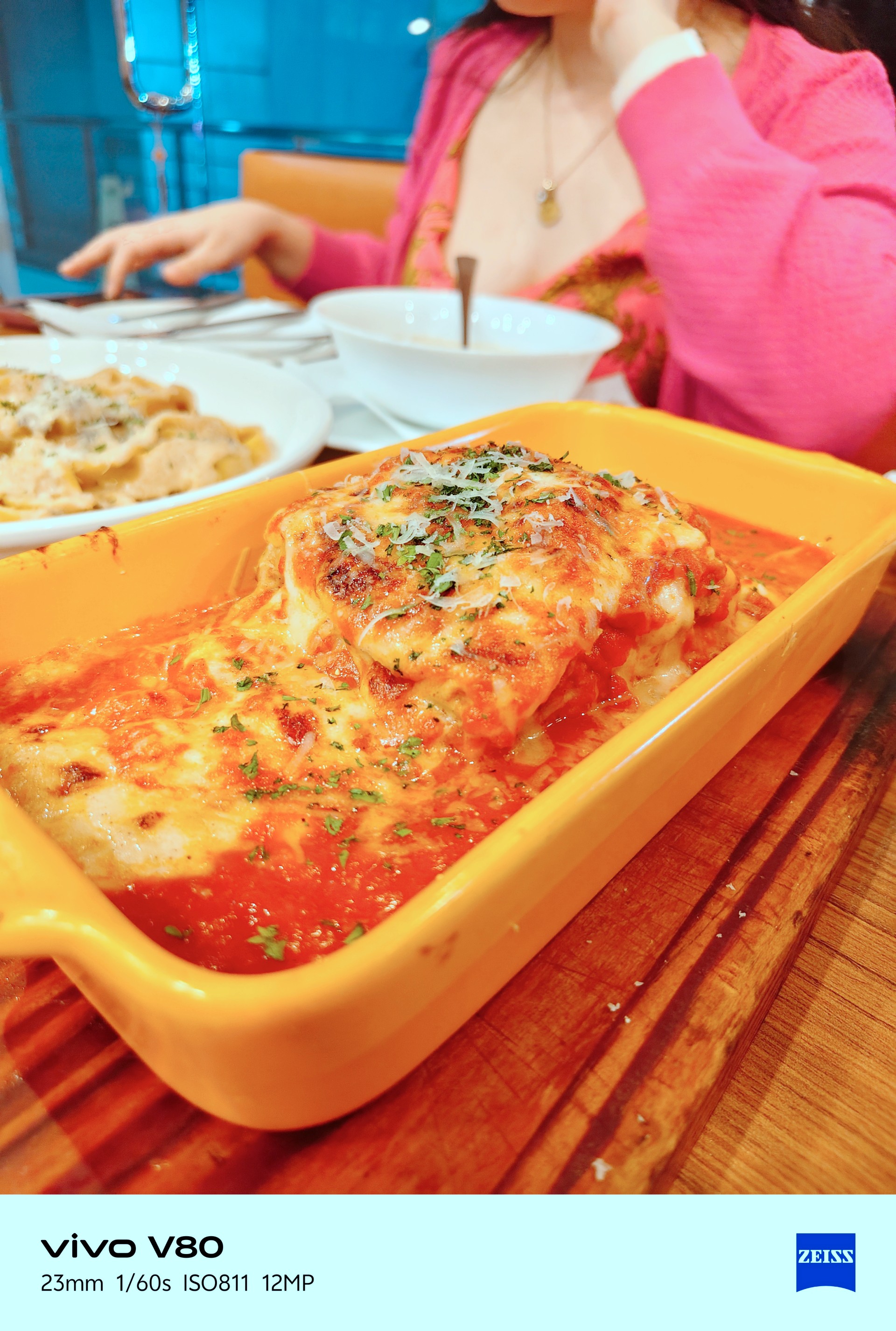
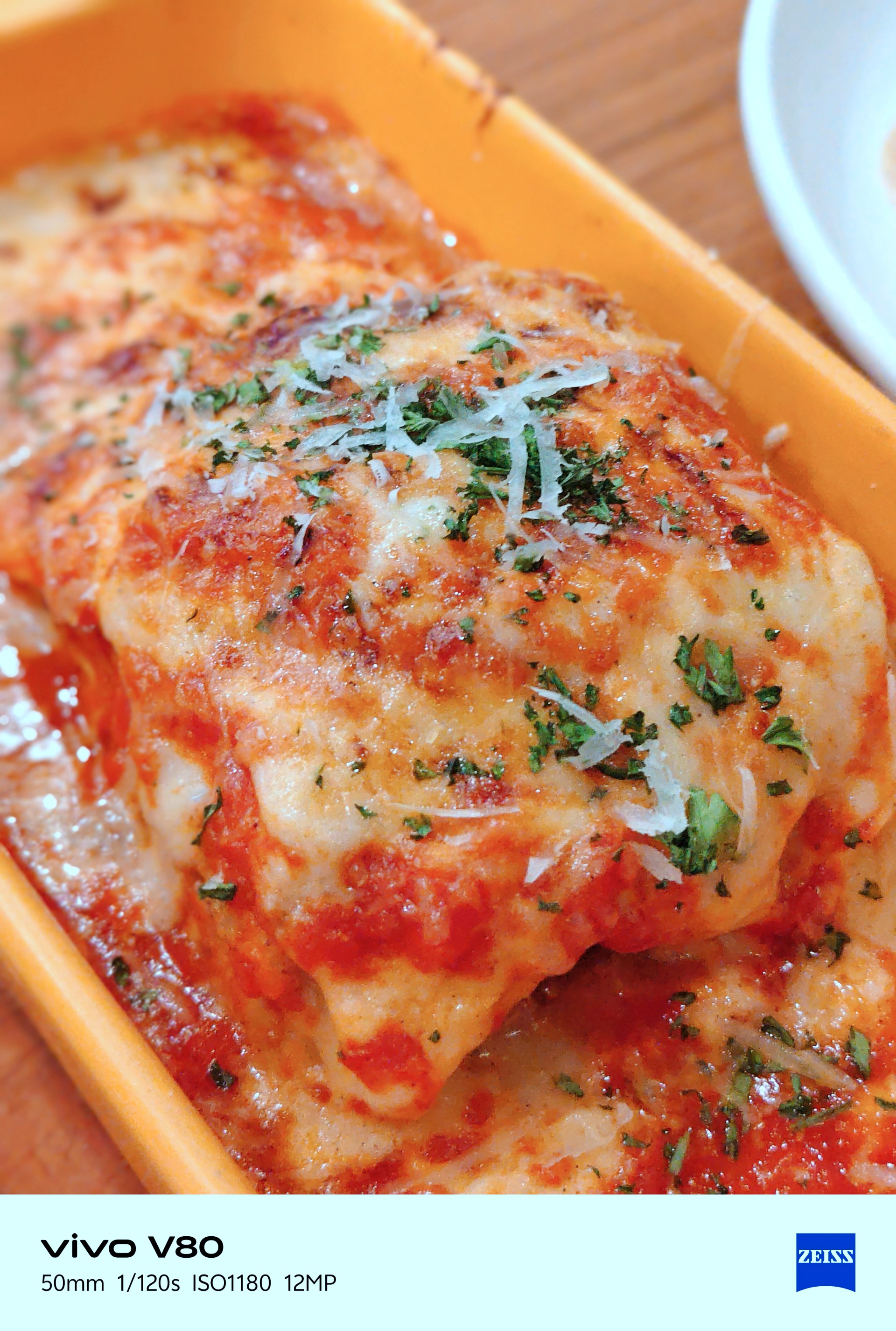
Overall, though, the vivo V80 is a serviceable travel companion. I took plenty of food photos, and this is one of the few phones where I genuinely preferred Food Mode over the regular camera settings.
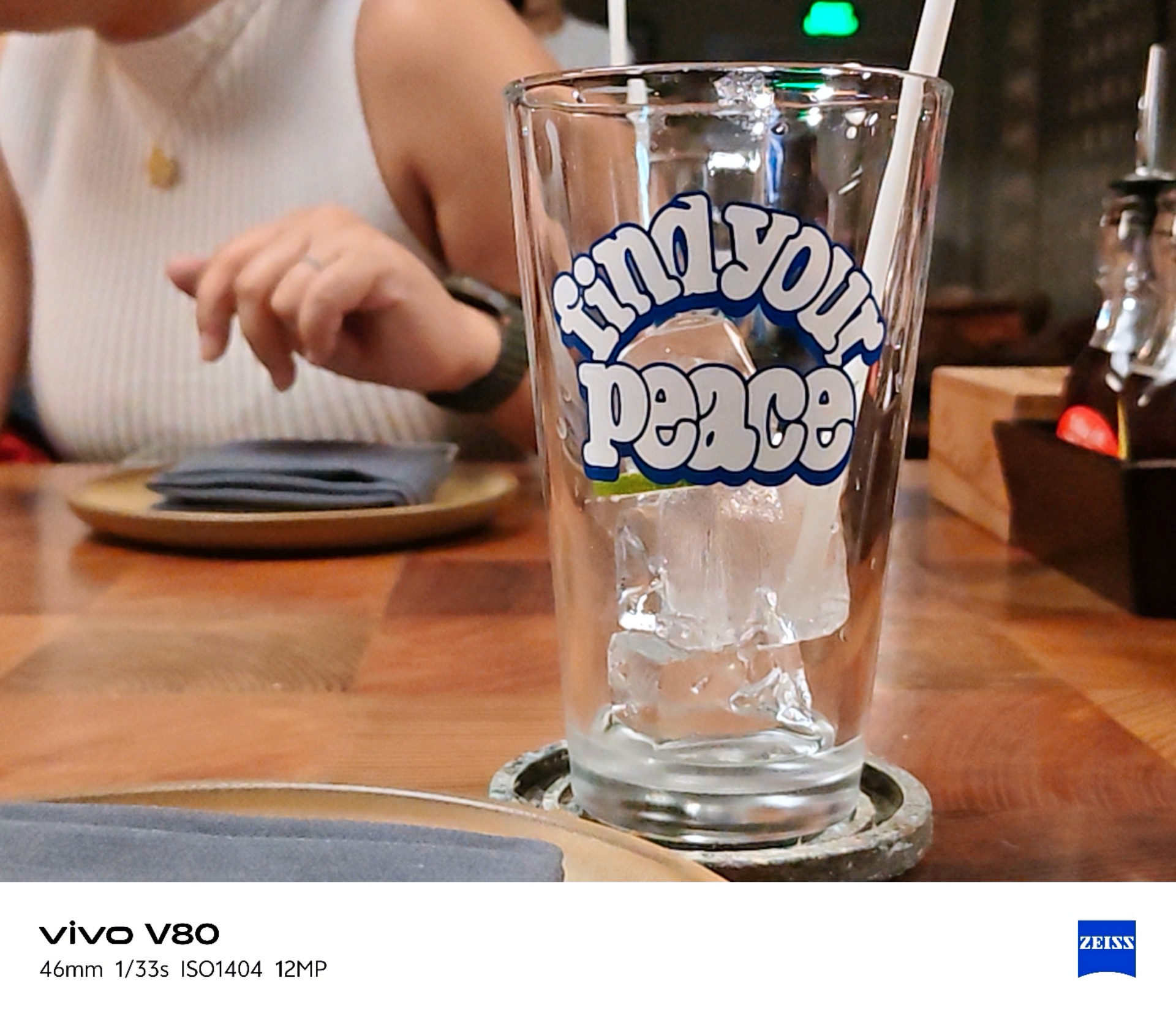

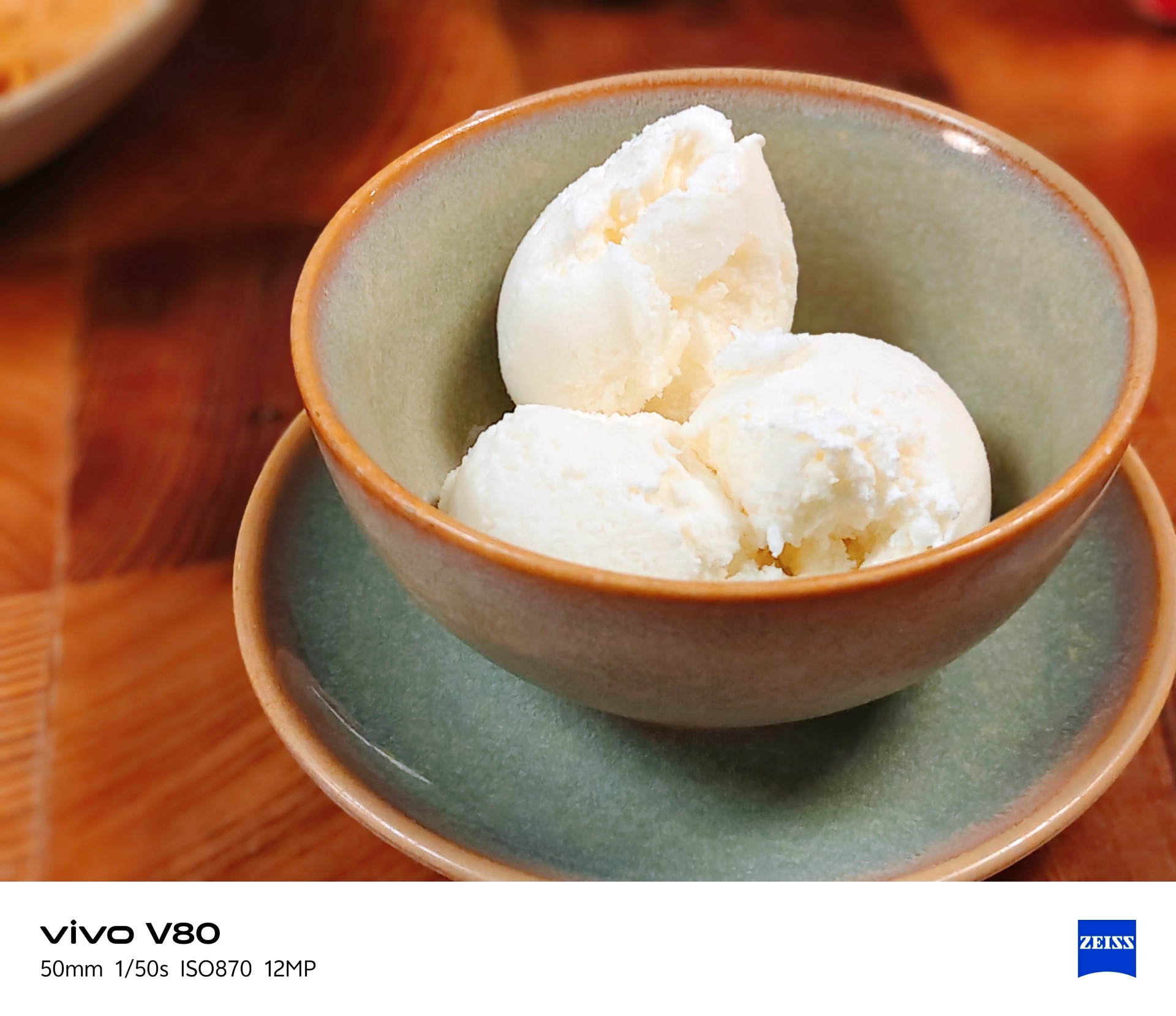
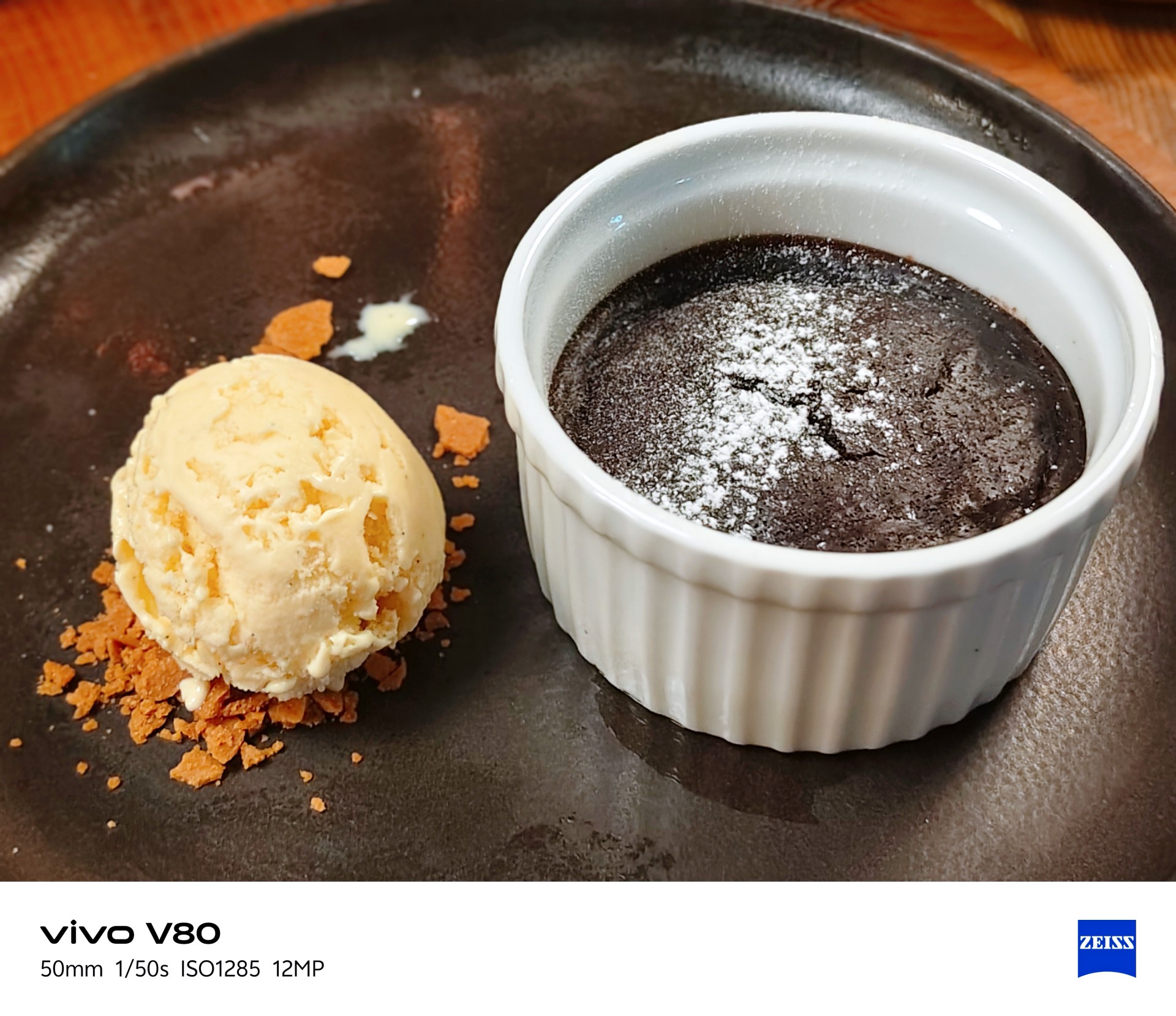
It made the many satisfying Vietnamese dishes I had during this trip look even more appetizing.
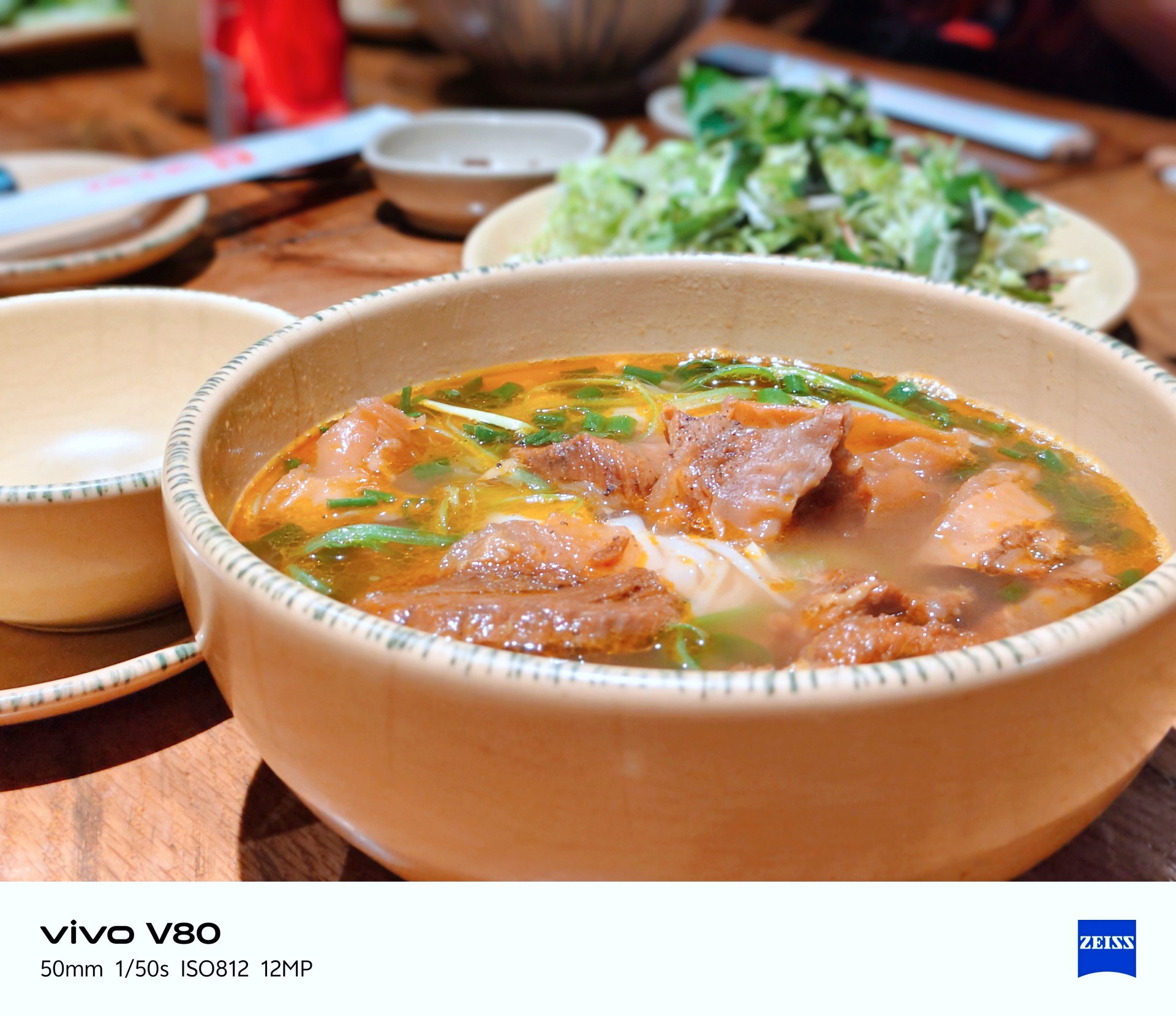

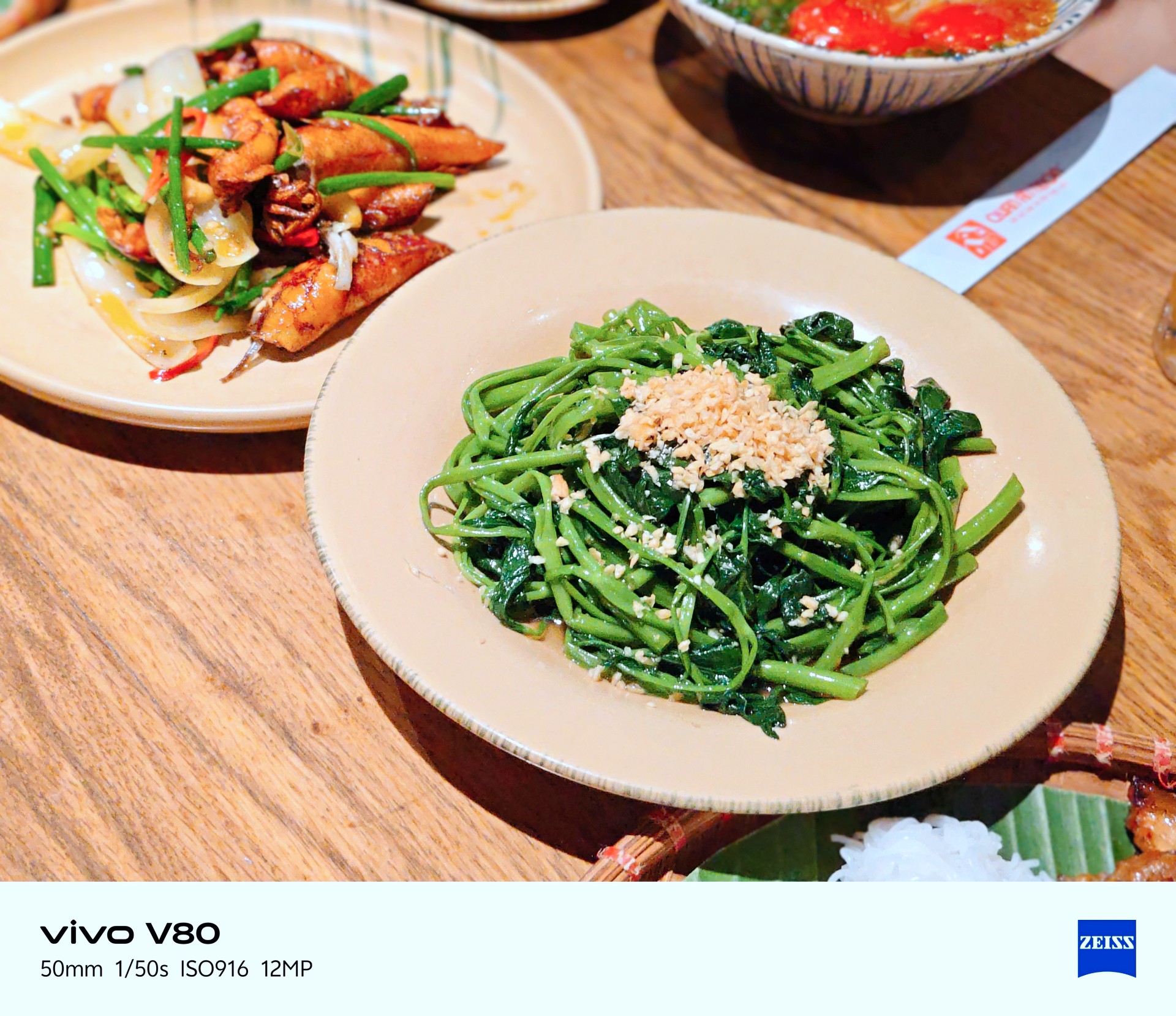
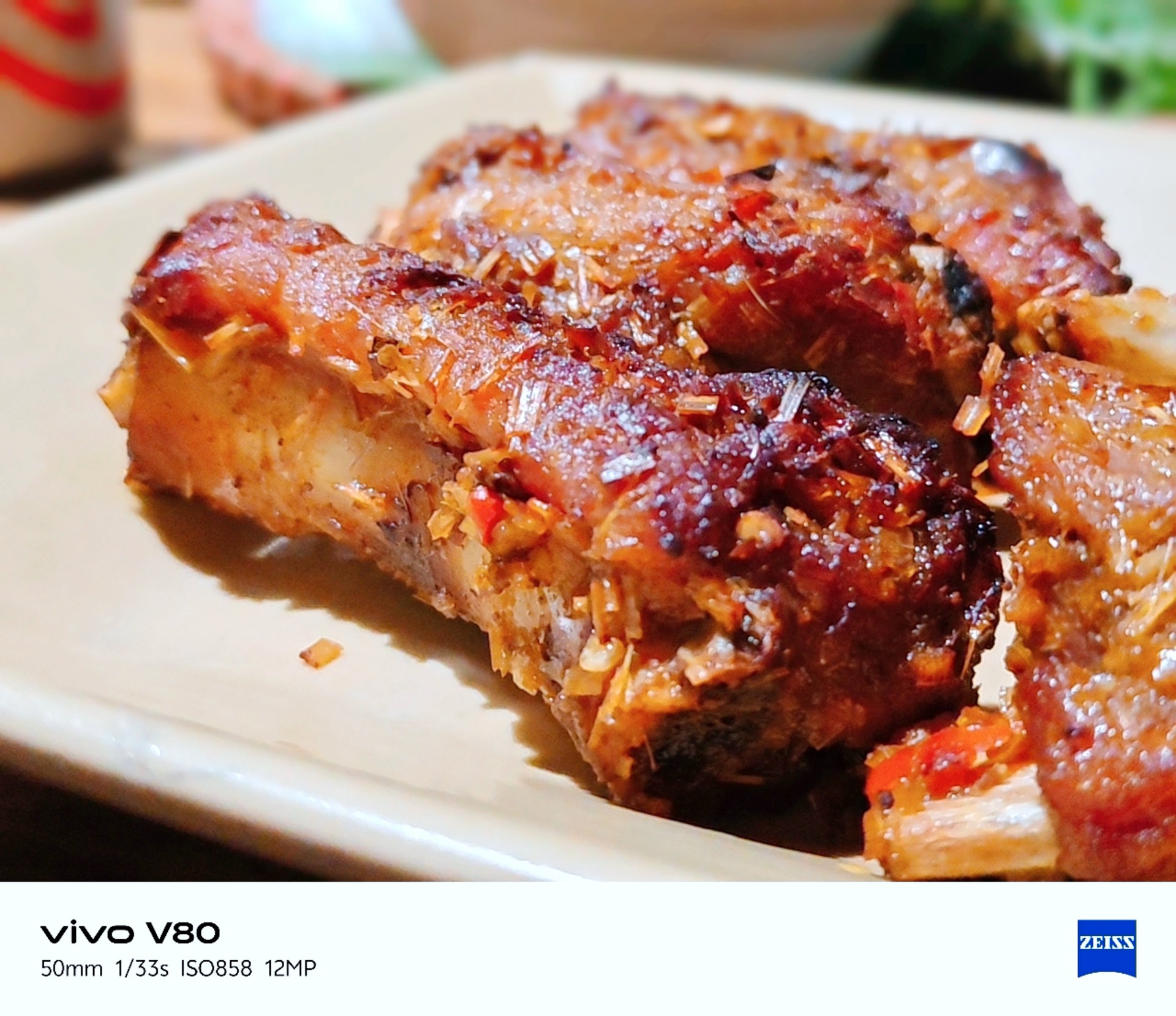
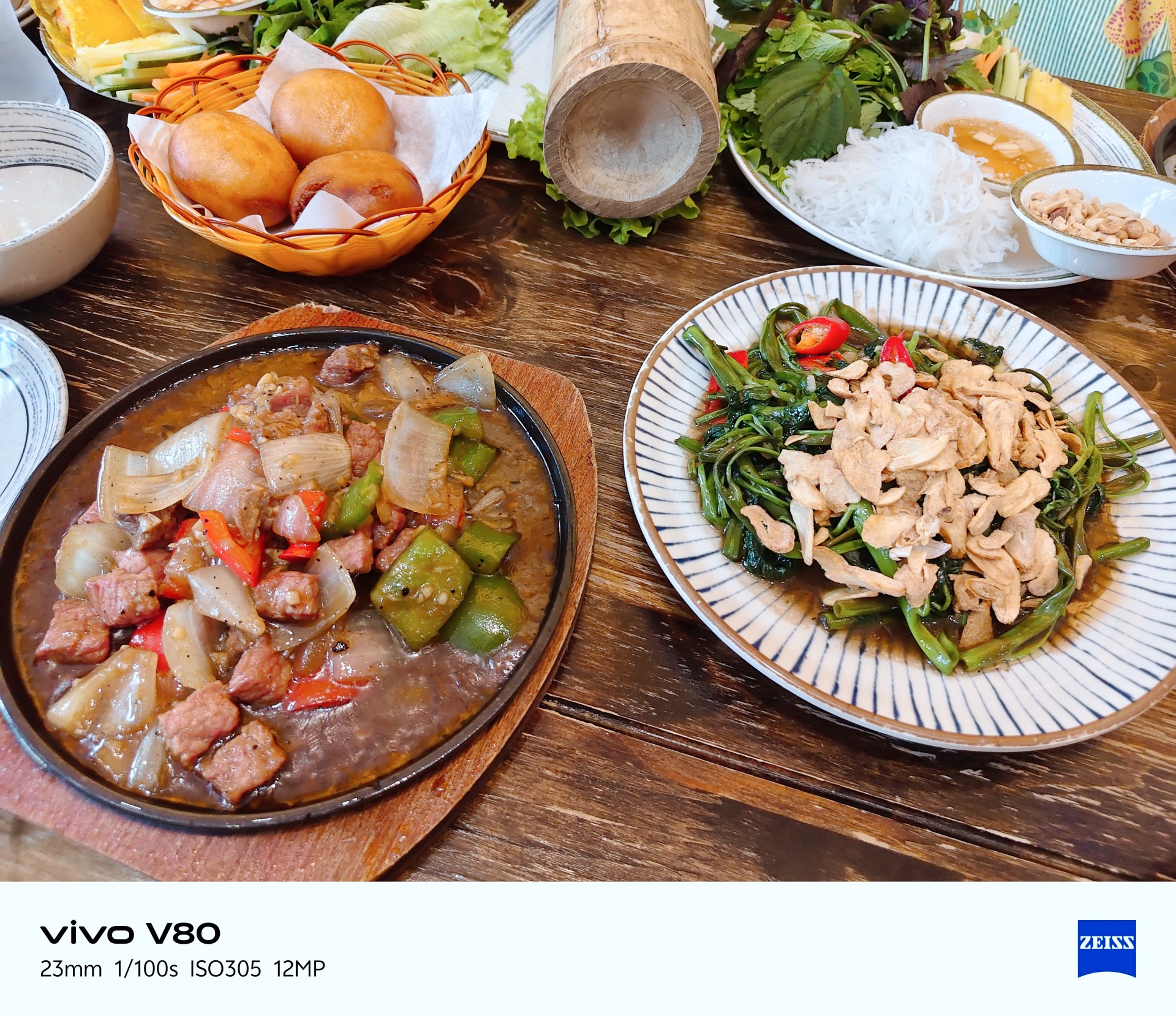

The camera can be quite hit or miss in certain lighting conditions. One thing I noticed is that it tends to brighten scenes more than I would like. My advice is to adjust exposure compensation between -1 and -3 when the situation calls for it. This can help keep scenes from looking too bright, but you don’t need to change the setting for every shot.
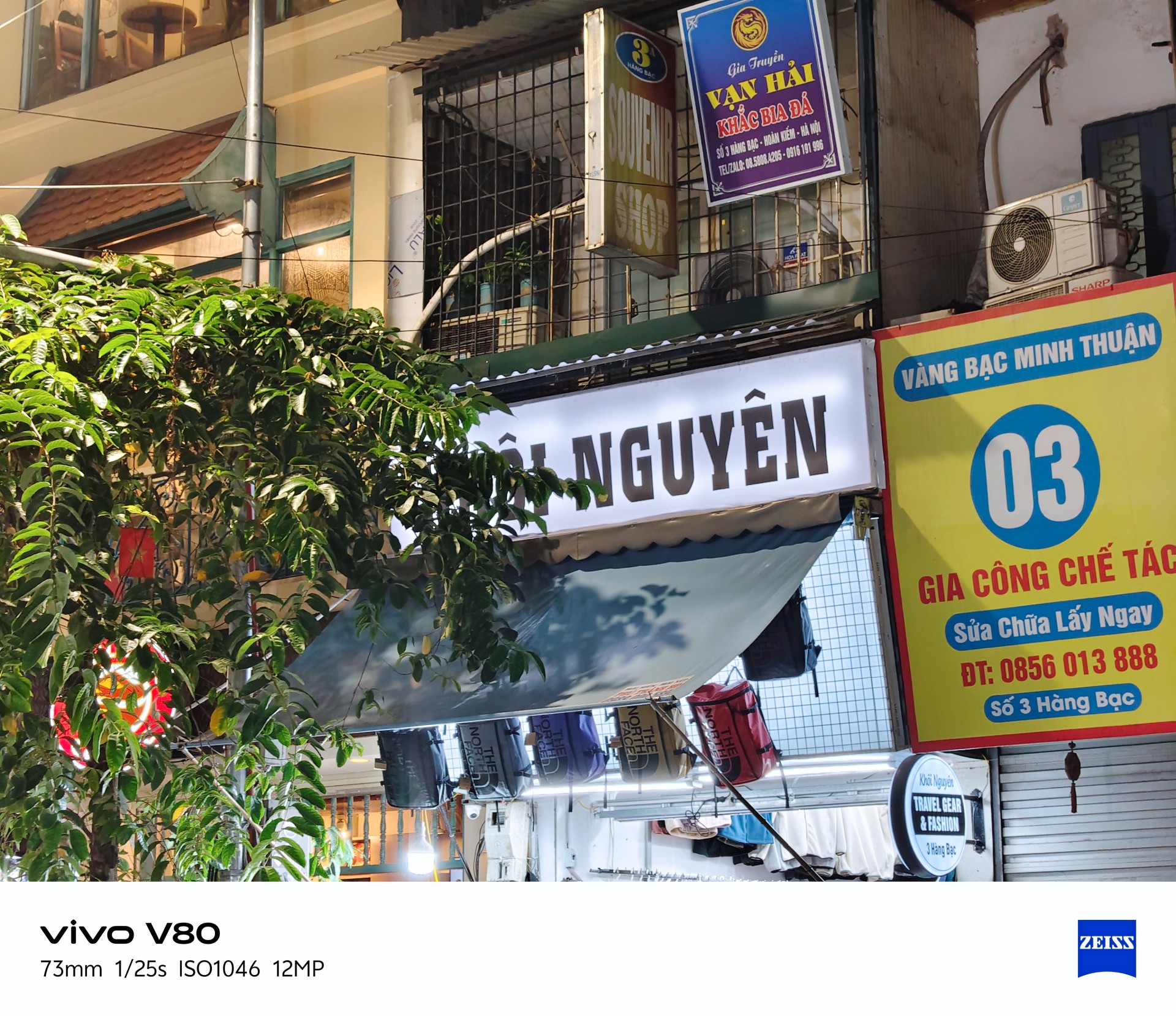


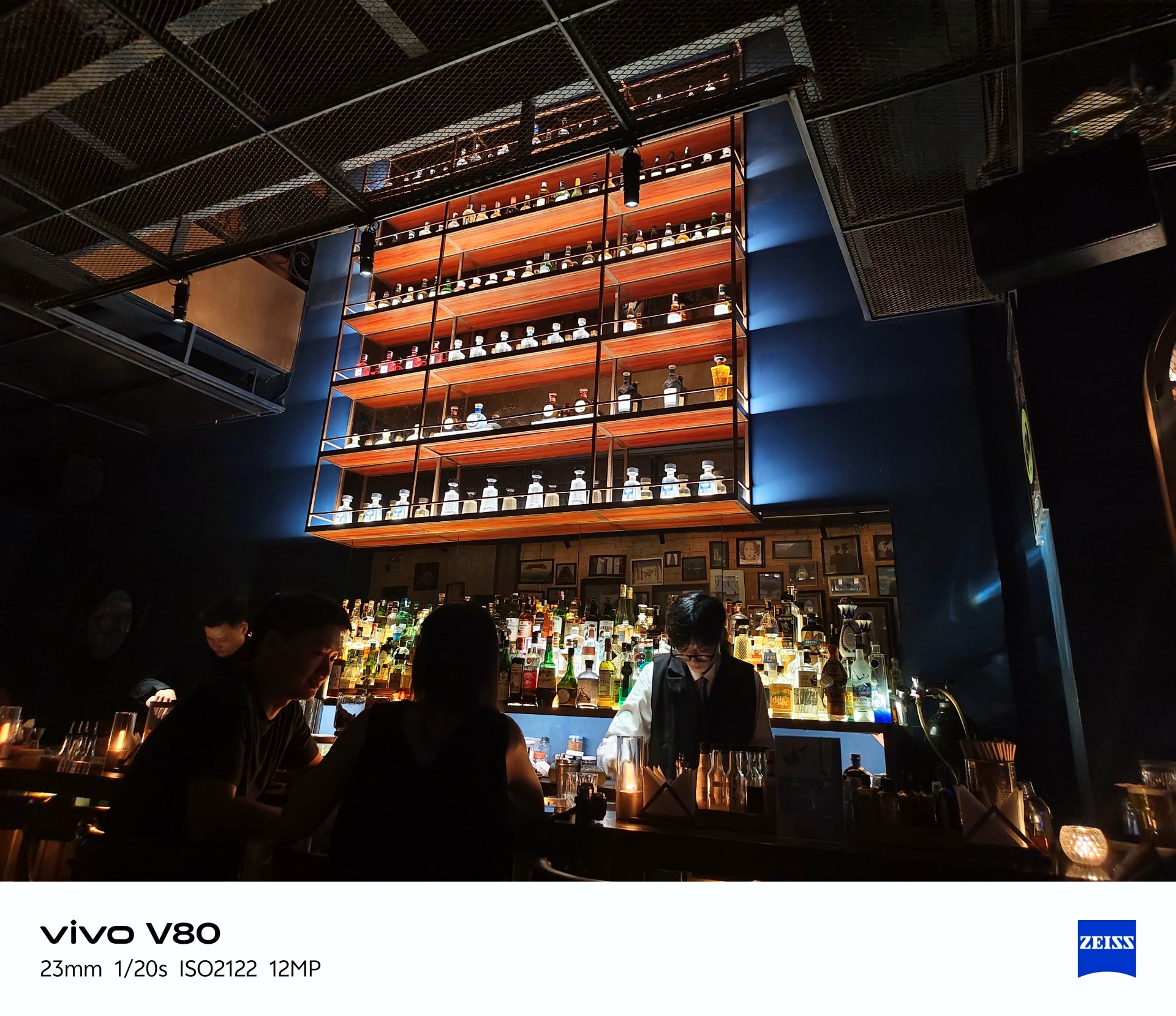
Beyond exposure issues, I also noticed considerable lag when opening the camera after the phone had been idle. There’s a noticeable wait before the camera app becomes usable.
This could mean missing the moment, which is crucial when taking photos. The solution is to stay ready, although a software patch to address this wouldn’t hurt.
Despite those two issues, I enjoyed taking photos with the vivo V80. More samples below.
Quaint little cafe
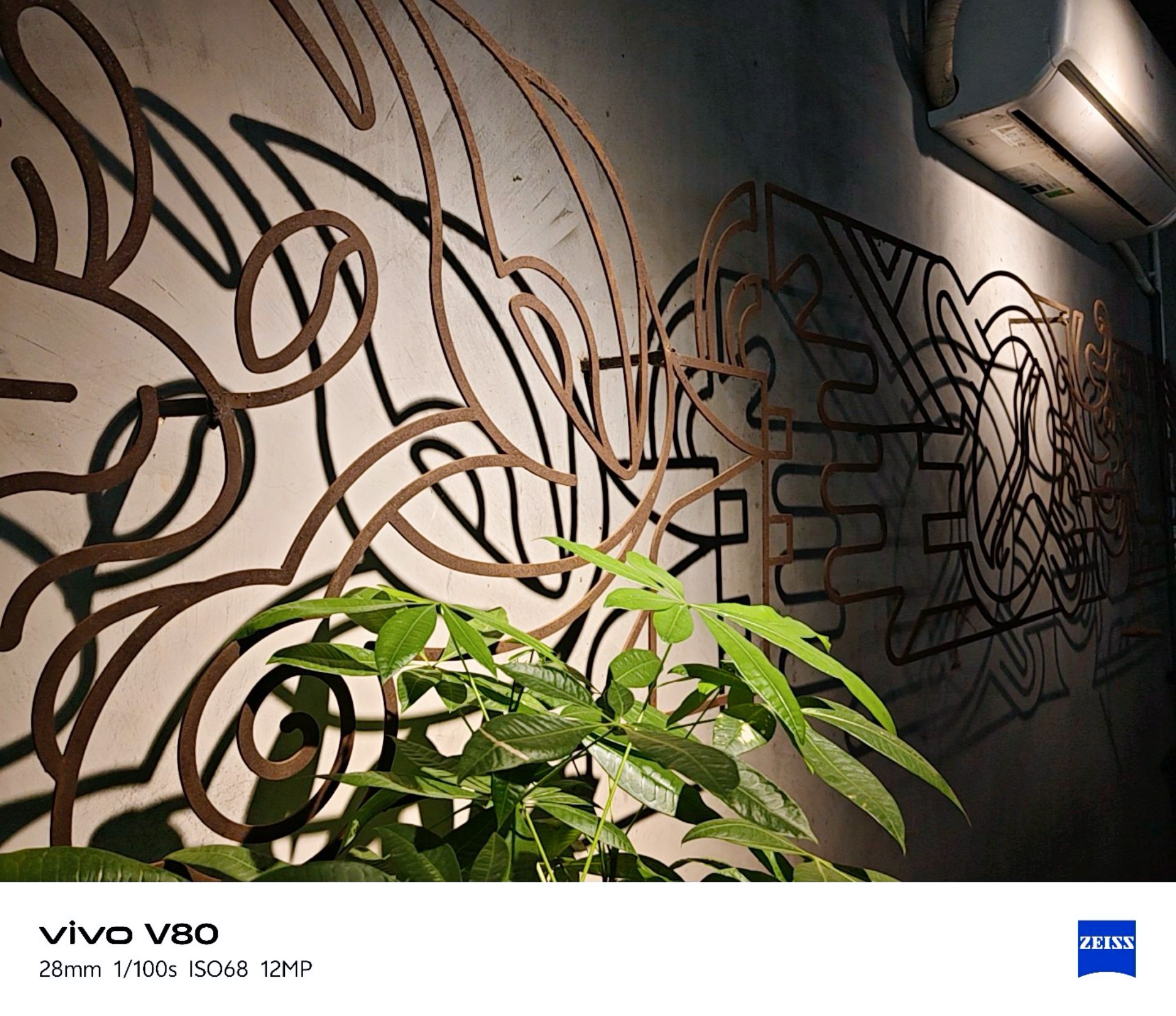


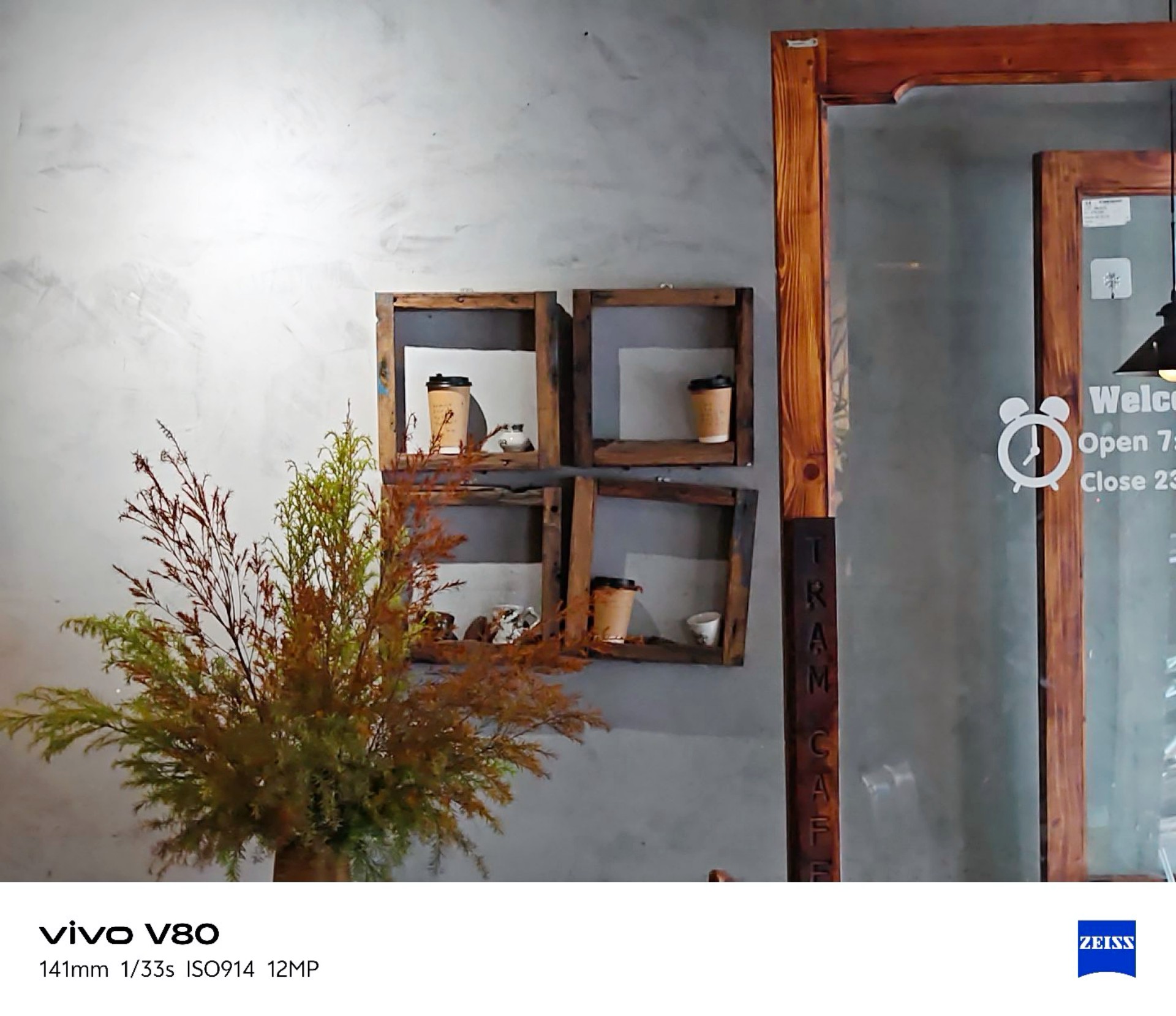
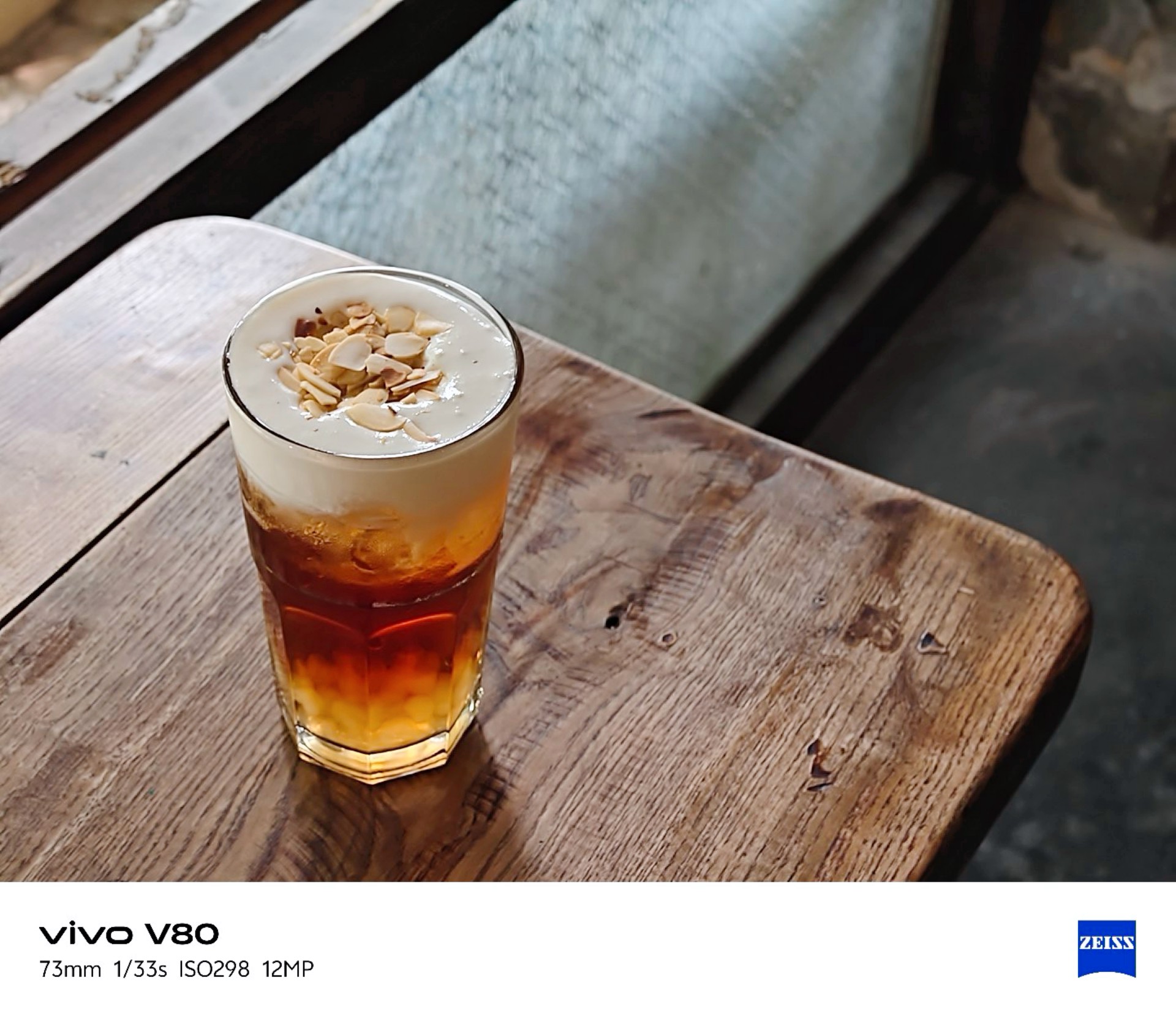
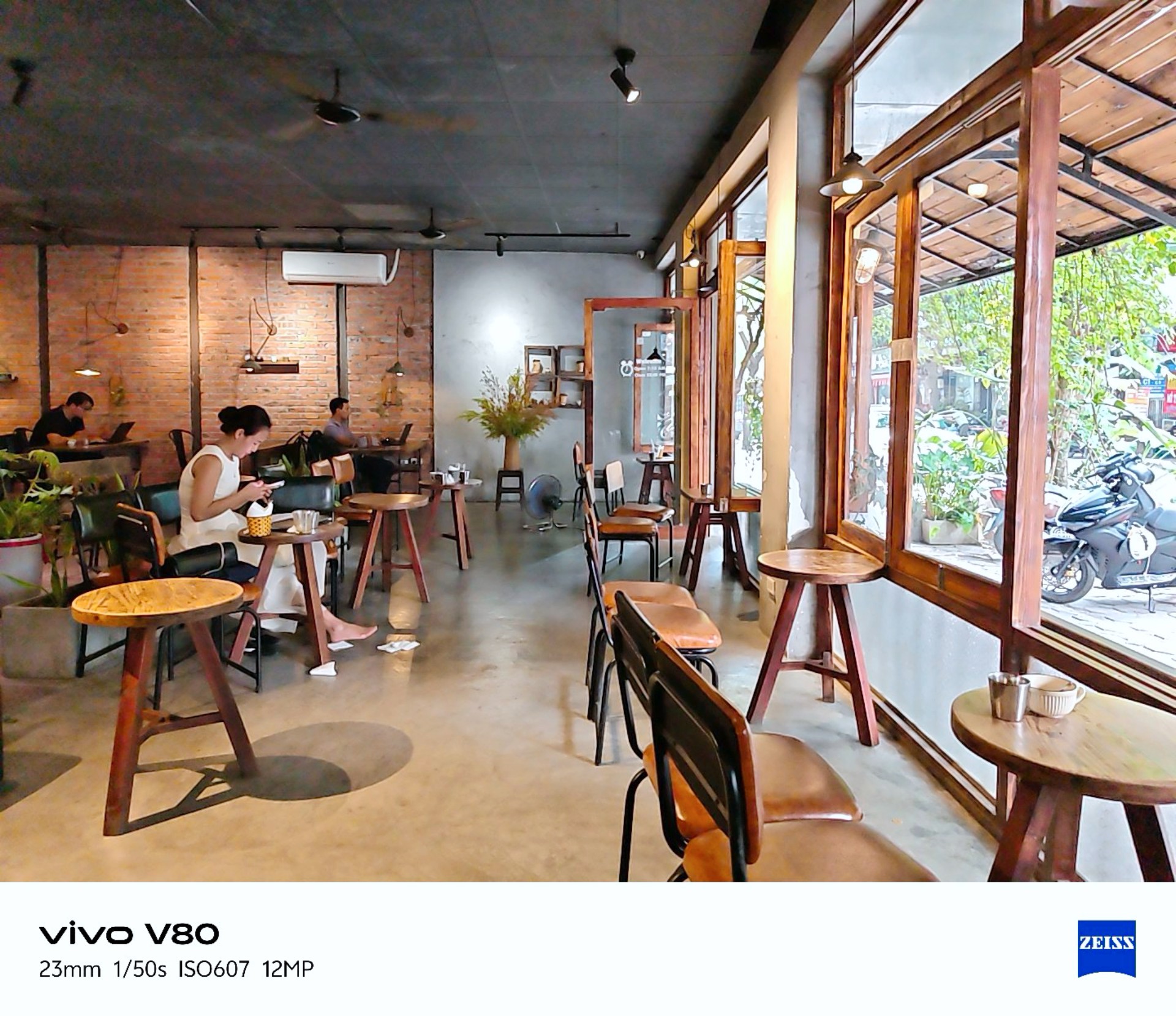
vivo Textured
I realized I was shooting mostly in Vivid mode so I tried textured for a while. Here are the results.
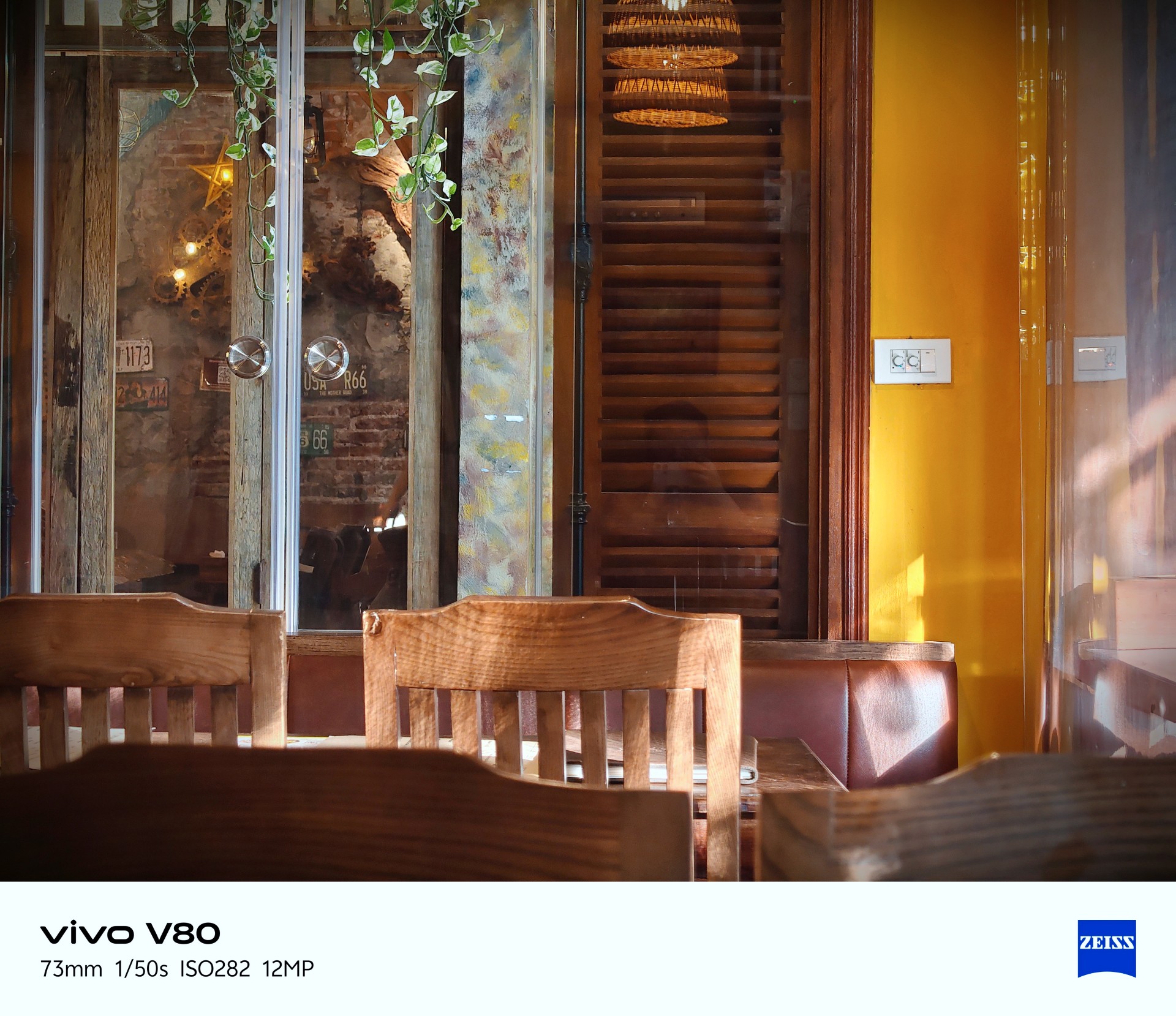
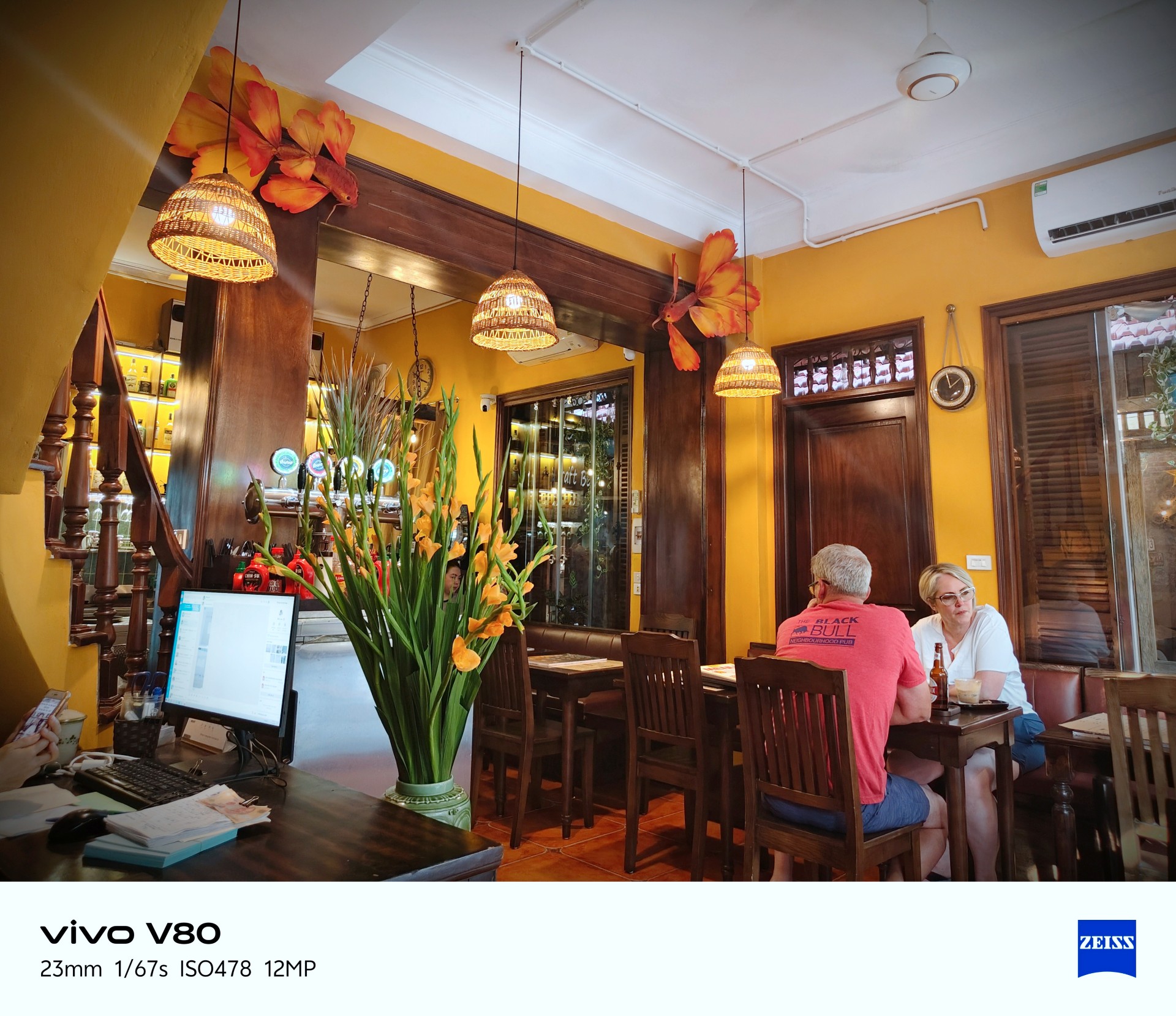
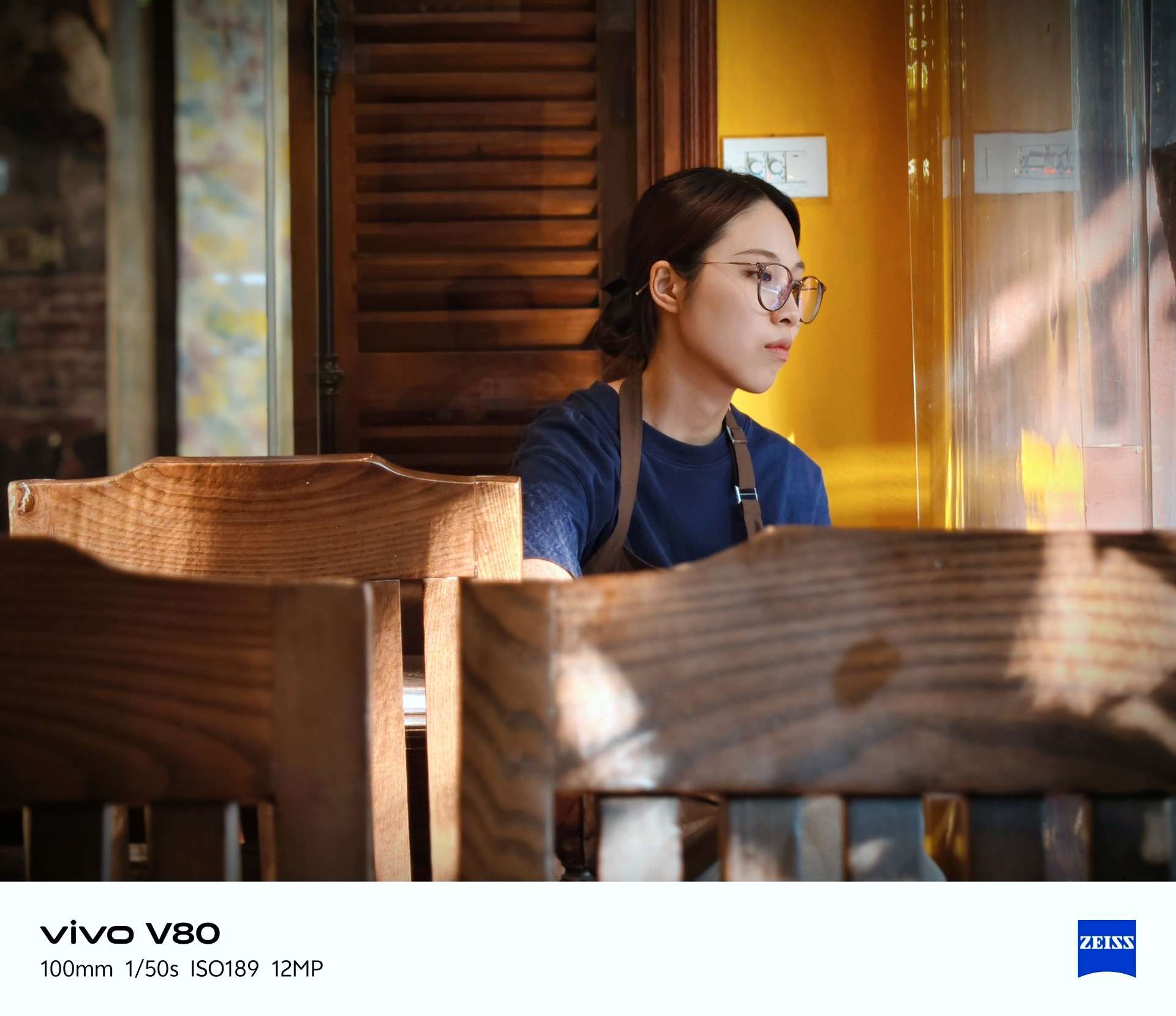


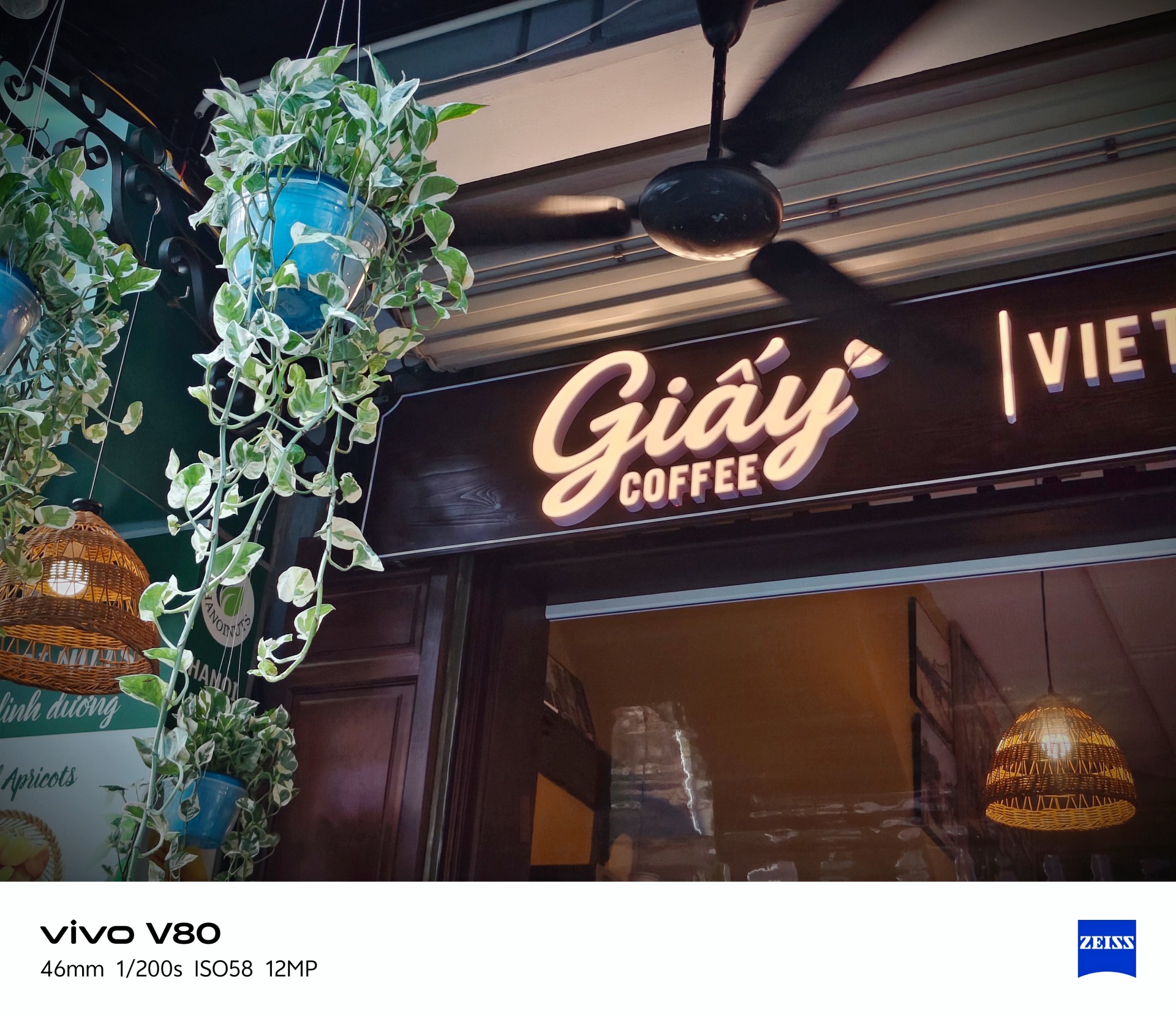

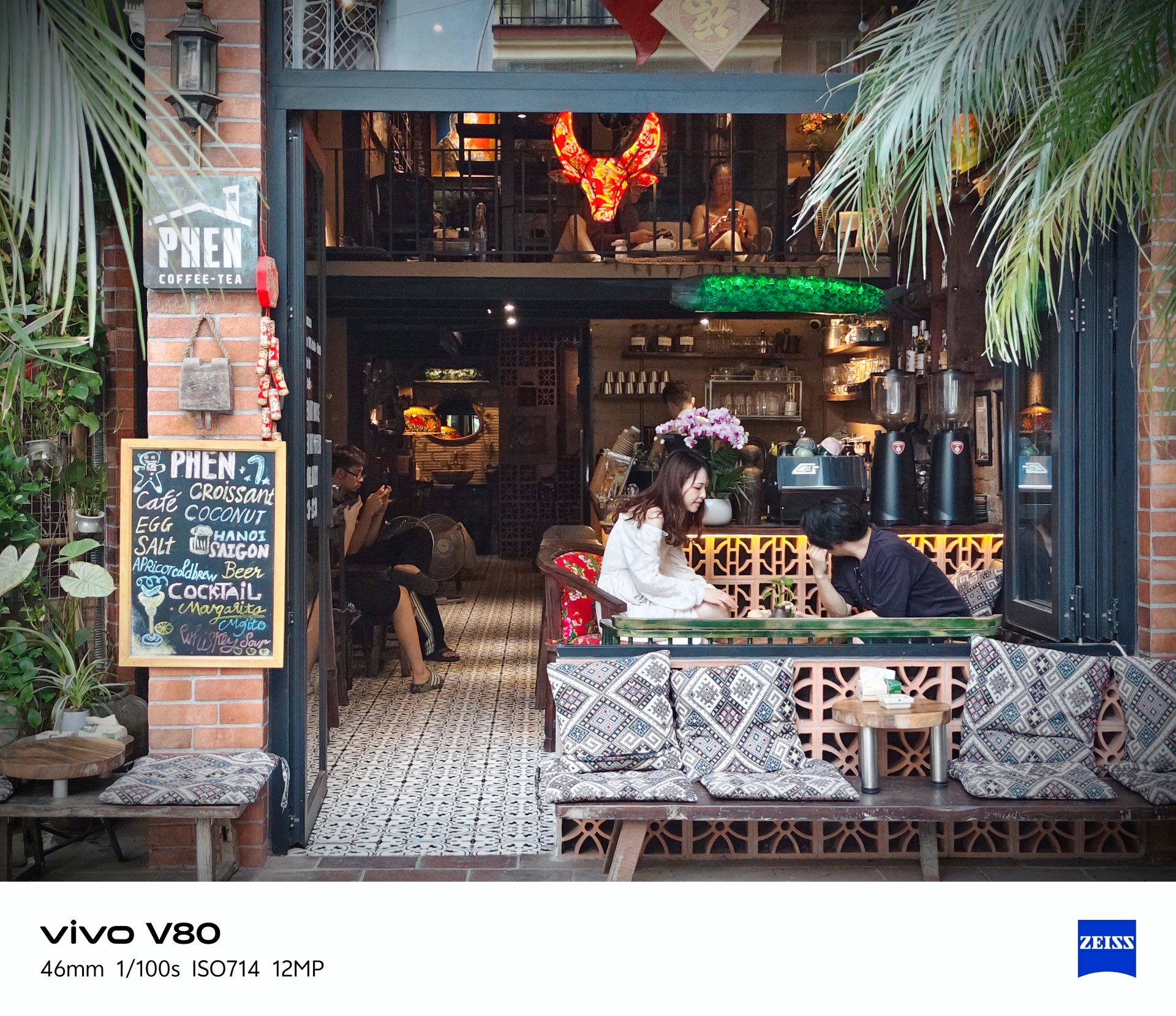
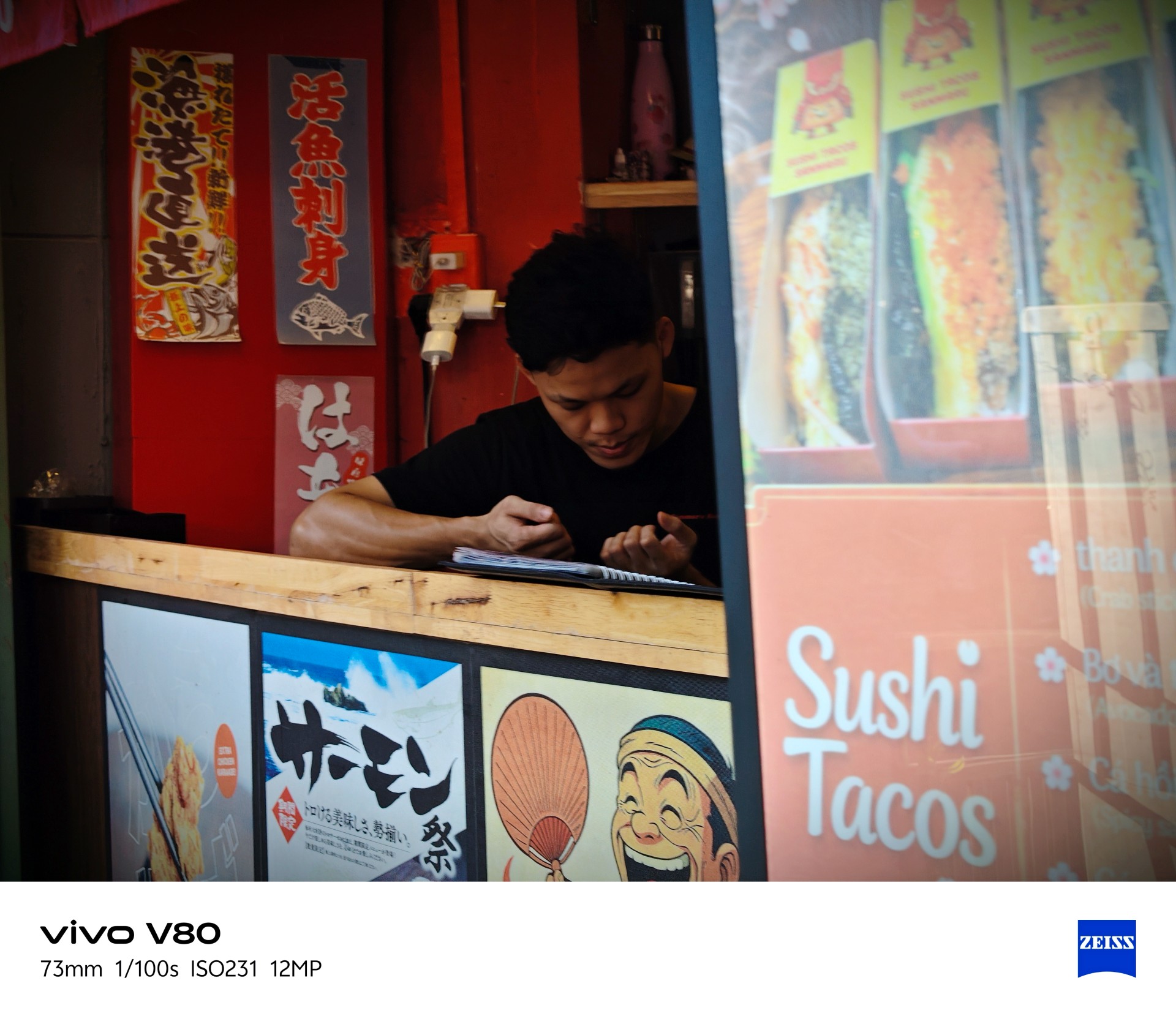
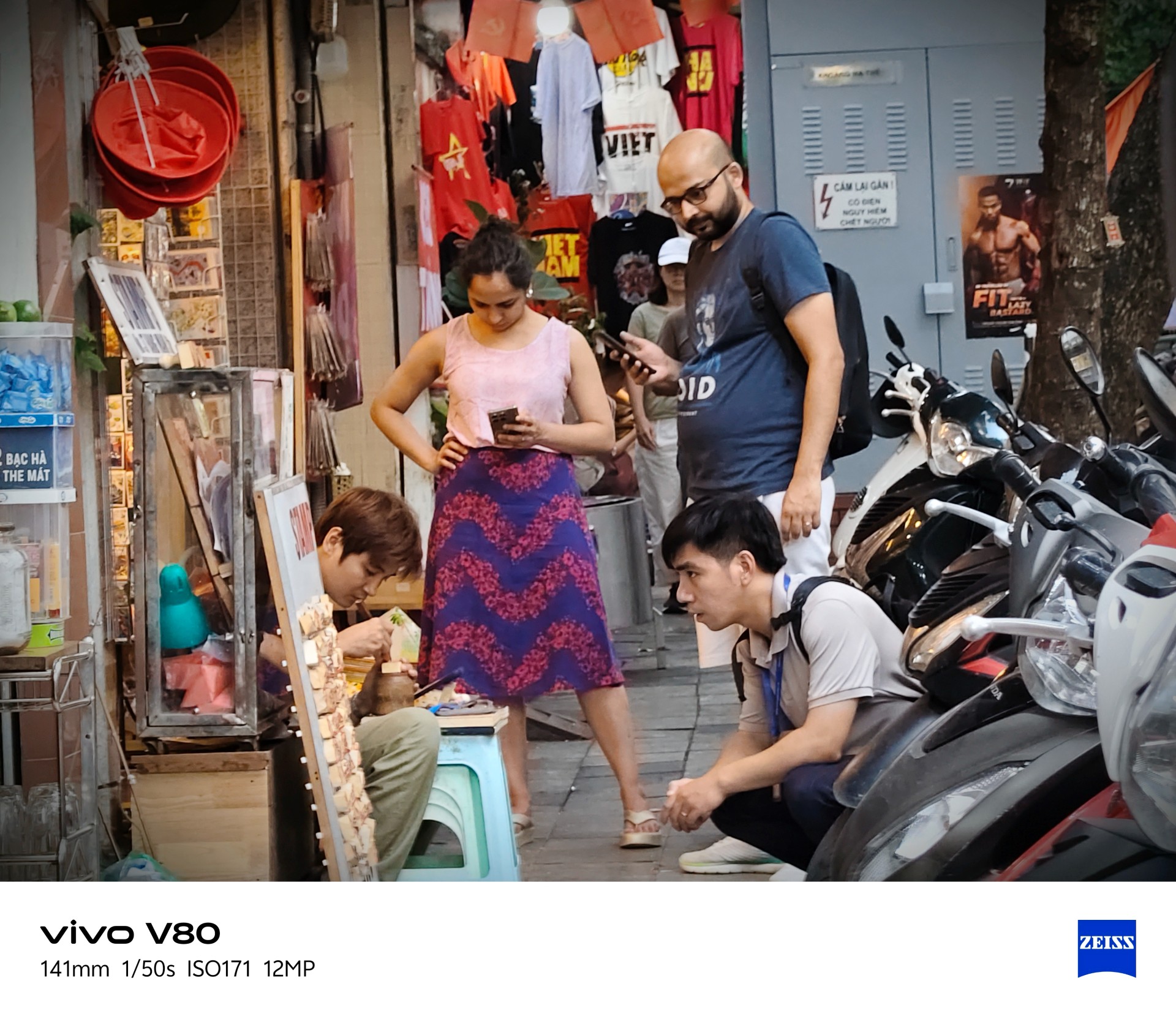


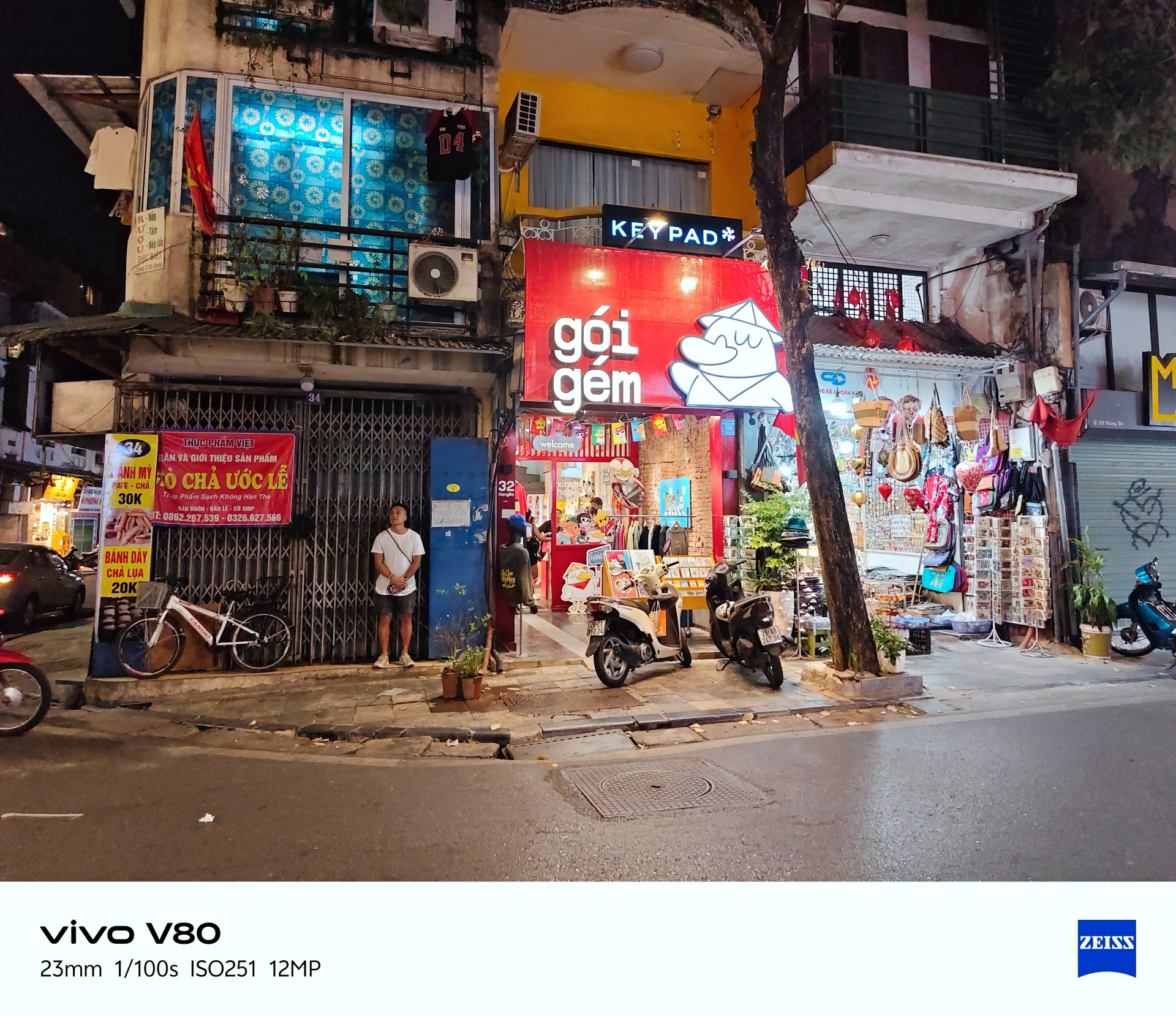
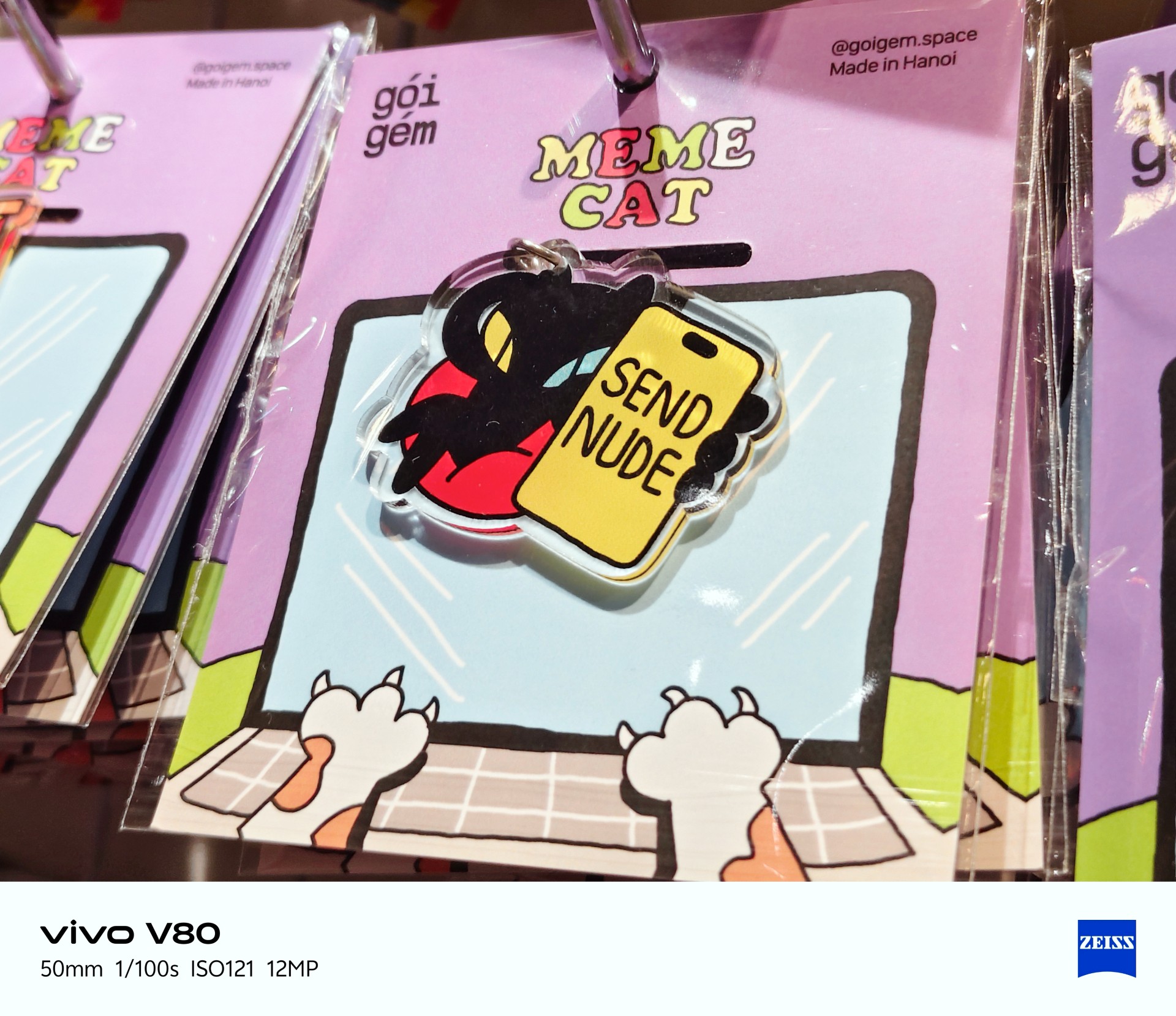
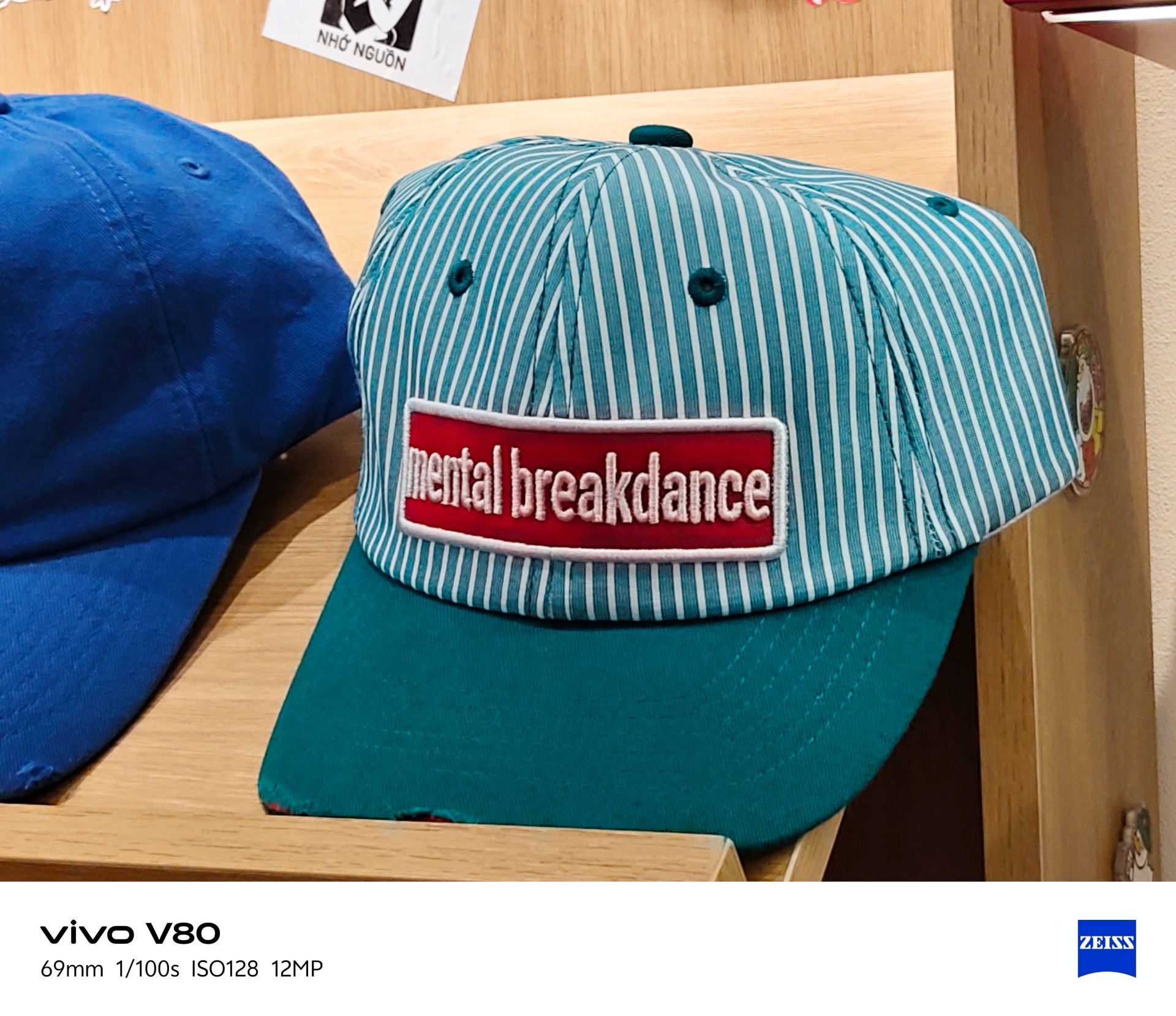
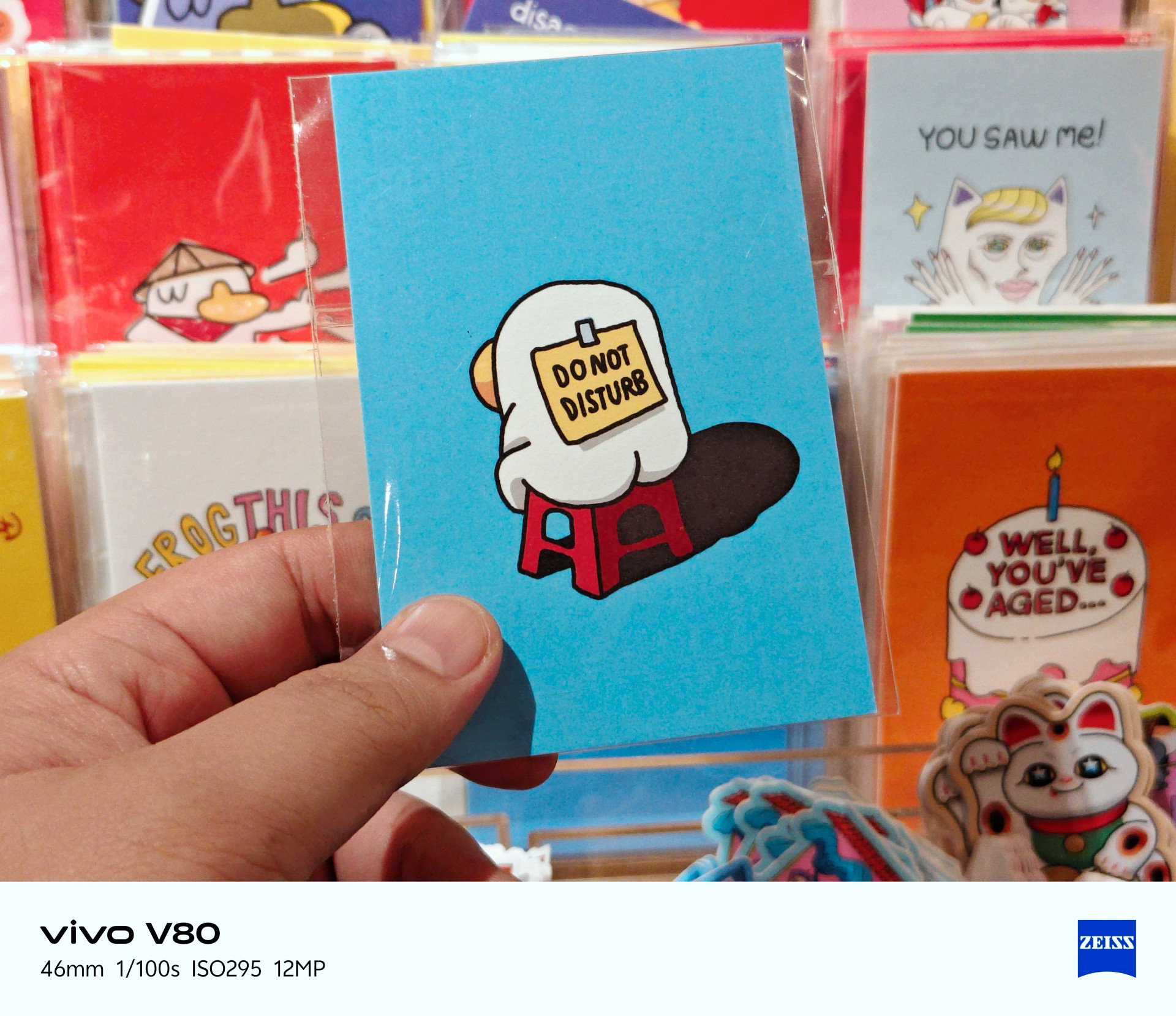
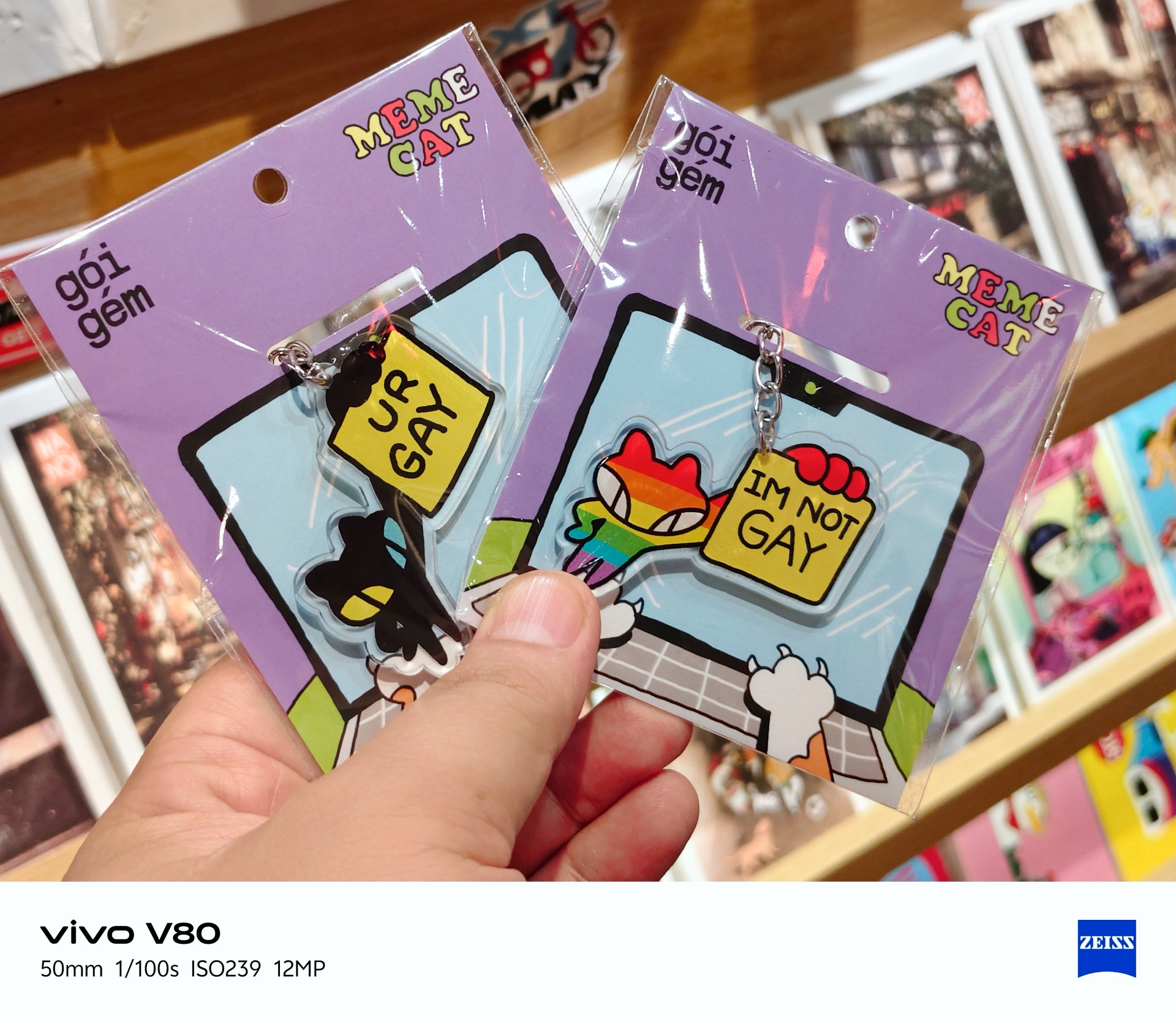
Best souvenir shop: Goi Gem




Portrait photography
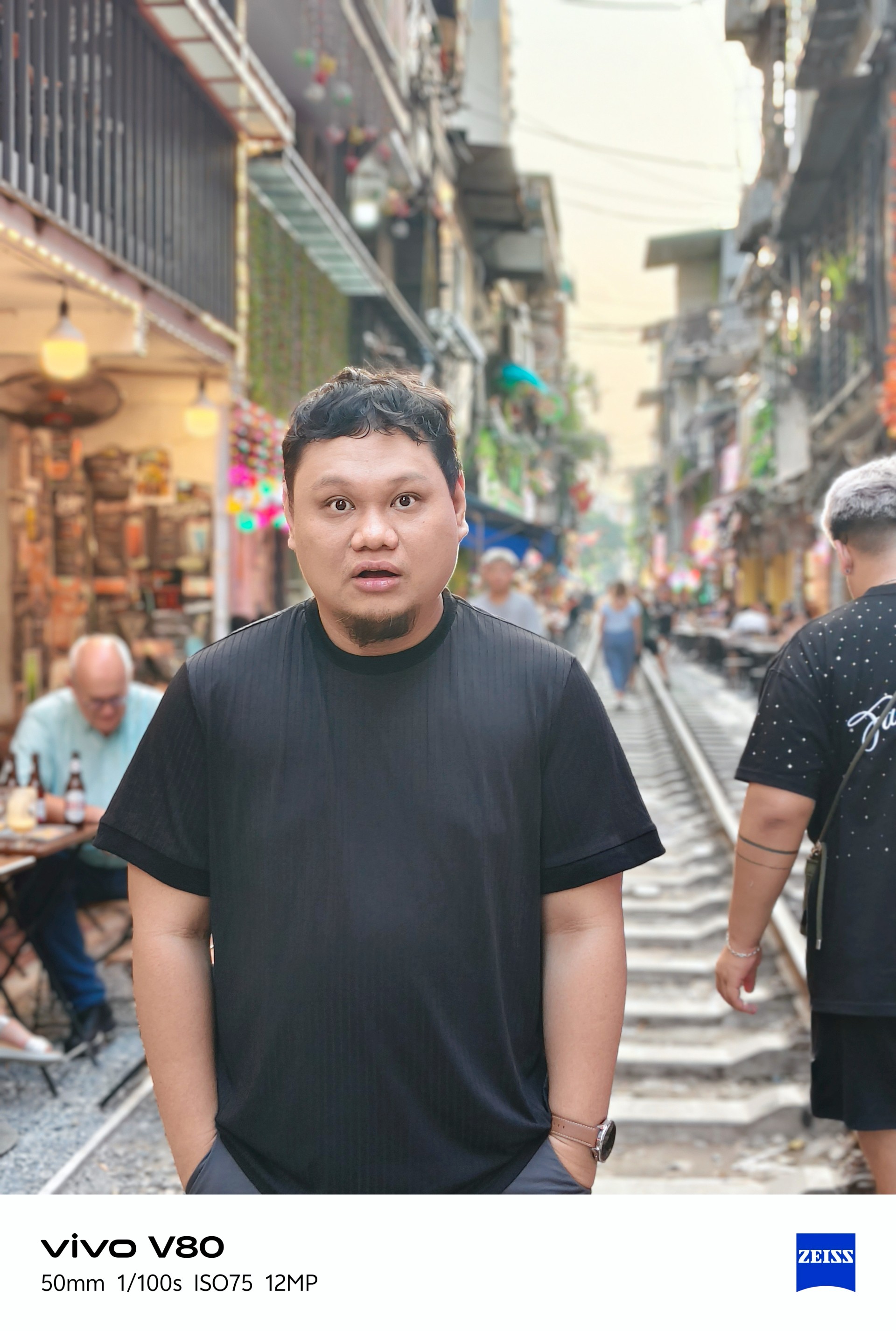

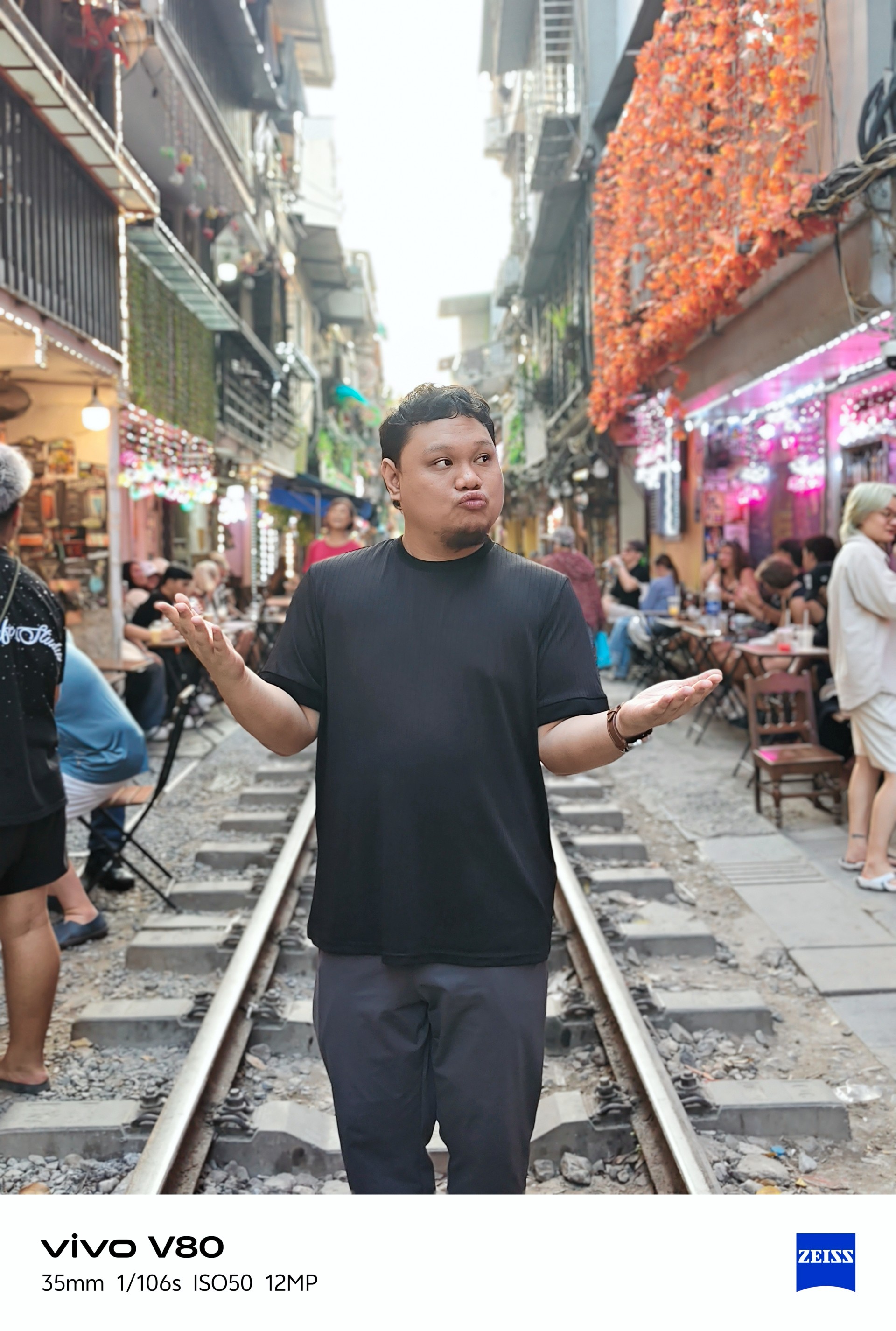
Portraits weren’t my main focus during my time with the device. I only took four regular portrait shots while visiting a train-themed tourist attraction with some friends.
Lighting was a hit or miss here, too.
Time to talk games
Ha. Here we go.
I realized I can’t cop out anymore and keep saying I don’t play mobile games. To address this, I identified three games I would use in my smartphone reviews. Some may change from time to time.

Battle Cats was the most casual game I tried and probably the most fun I had playing. The phone had no trouble running it. The experience was smooth.
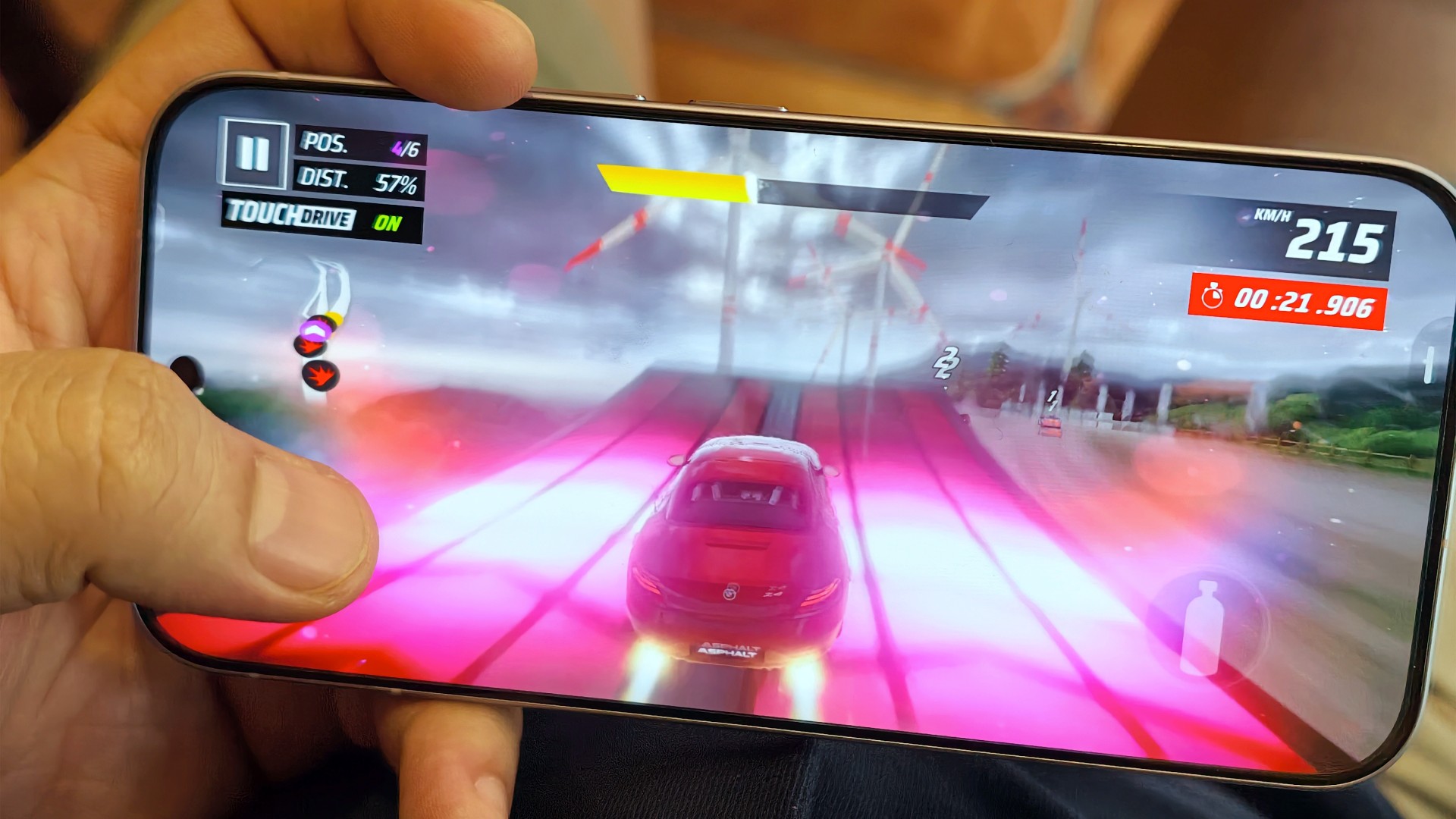
The same can be said about Asphalt Legends. Even when the graphics settings weren’t at their highest, the game still looked good and played well.
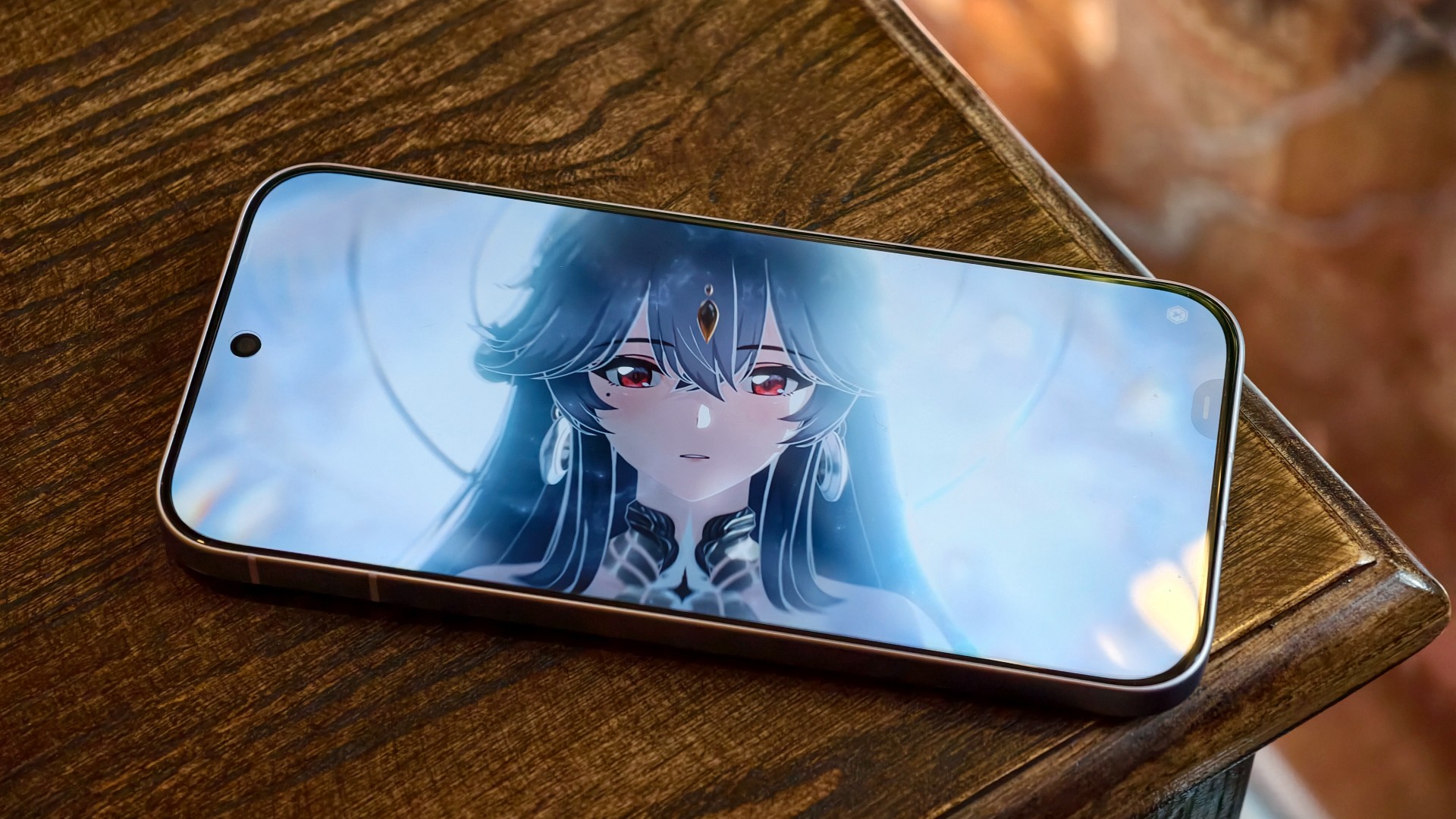
Wuthering Waves, meanwhile, defaulted to medium graphics settings. The game still looked decent, but you could already tell it could look better. The phone’s default settings prioritized a consistent and mostly lag-free experience. I wouldn’t push it beyond that.
I’m still on the lookout for mobile games I can include in these tests. Preferably, I’d like something that plays as simply as Battle Cats but offers peak graphical fidelity. I’m open to recommendations!
A screen that gets it right

Still Isa-holic after a few reviews
The vivo V80’s display is pretty darn good.
Even in broad daylight, I had no trouble seeing what was on the screen. I spent time at a cafe near a window in the early afternoon, watching STAYC Isa content and catching up on Doctor X: Mafia in White on Netflix.

I wanted to watch Merry Berry Love and see Imada Mio, too, but Disney+ wasn’t available in Vietnam during my trip. I settled for watching some trailers instead.

The display also performed well during gaming. I didn’t notice anything in particular that stood out, and I mean that in a good way. Everything looked and played as expected.

To me, that means the display technology worked to perfection. It delivered a clear, smooth experience without drawing attention to itself for the wrong reasons.
Two days? Maybe. One day? Absolutely
YES. Very dependable.
I had a hard time curating photos for this review because I took hundreds of them during my trip to Hanoi.

Between taking photos, testing games, doomscrolling, watching STAYC Isa content across different platforms, and catching up on shows like Doctor X: Mafia in White on Netflix, I never felt like I needed to find a plug or charge the phone in the middle of the day.
I typically ended the day with around 40–45% battery remaining. The vivo V80 can endure heavy days and likely more. Battery performance is excellent.

And you won’t feel like you’re away from the phone for too long when you finally need to charge it after a long day out. Topping it off takes roughly the time it takes to watch an episode and a half of anime, or about one episode of The Rookie. That’s around 30–40 minutes for a full charge.
The battery life and charging speeds are likely among the better ones in its class. Having both in a phone that’s relatively light and compact is quite a feat. I suppose this is the new normal for midrangers now.
OriginOS still feels a little offbeat

I’ve been using OriginOS sparingly for the last year or so. Something about it still feels offbeat to me.
Although, if you use phones from other Chinese manufacturers, you shouldn’t have too much difficulty adjusting. They all have subtle differences here and there, mostly in their icons and animations. However, the general feel will be familiar to most Android users.
Is the vivo V80 your GadgetMatch?
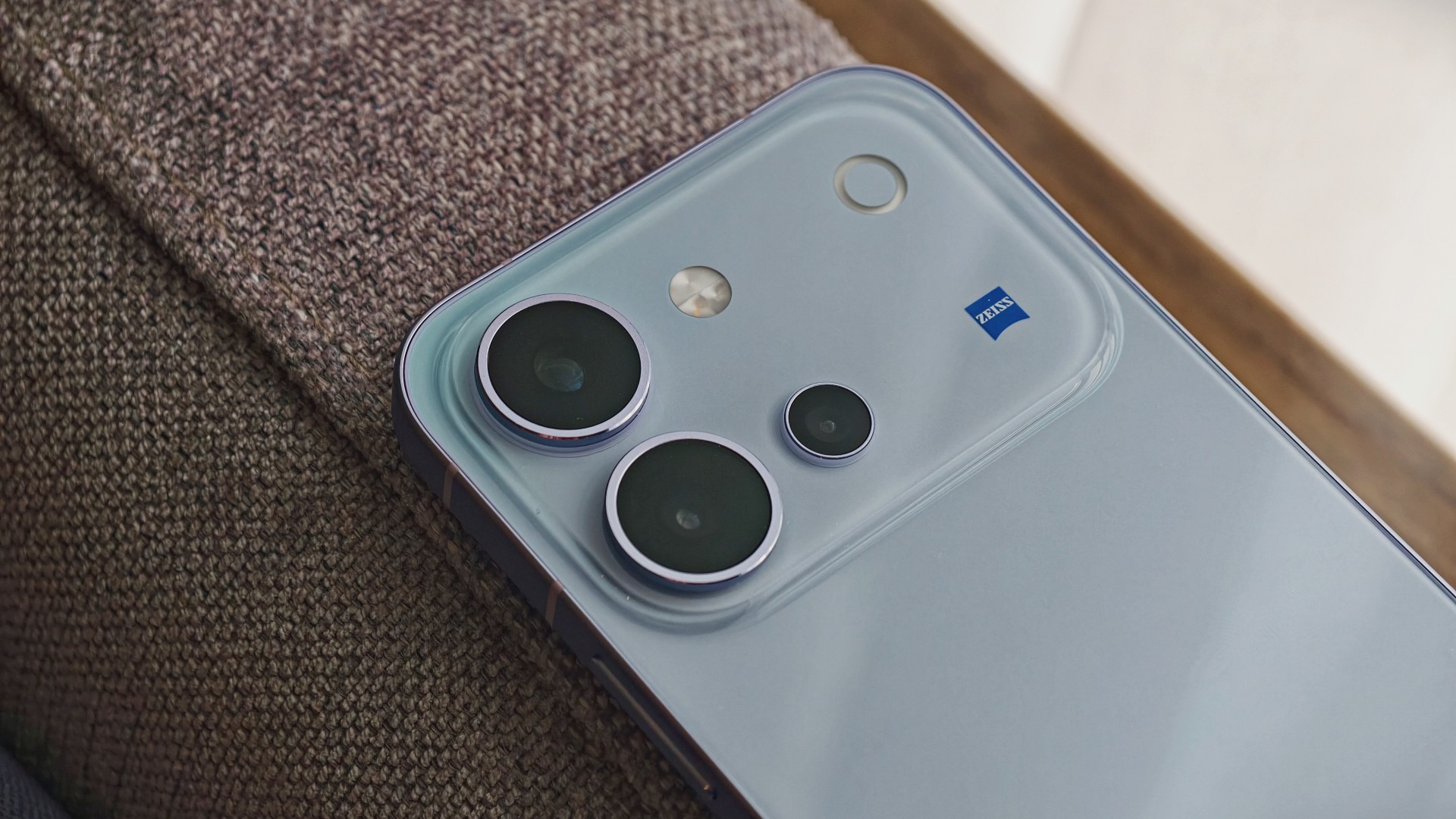
The vivo V80 is a good phone. It’s serviceable for mobile gaming, more than decent for everyday browsing and social media scrolling, mostly fantastic for taking photos, and capable of staying powered throughout all those activities.
The display is another highlight. It remains easy to see in bright daylight and delivers a smooth gaming experience without calling attention to itself. Meanwhile, the battery easily keeps up with heavy days of photography, gaming, and entertainment.
The kicker, like in most things, is usually the price.
Midrange phones have become harder to place of late. In a vacuum, they’re really good smartphones. But the asking price, which can be influenced by multiple factors, will give you pause.
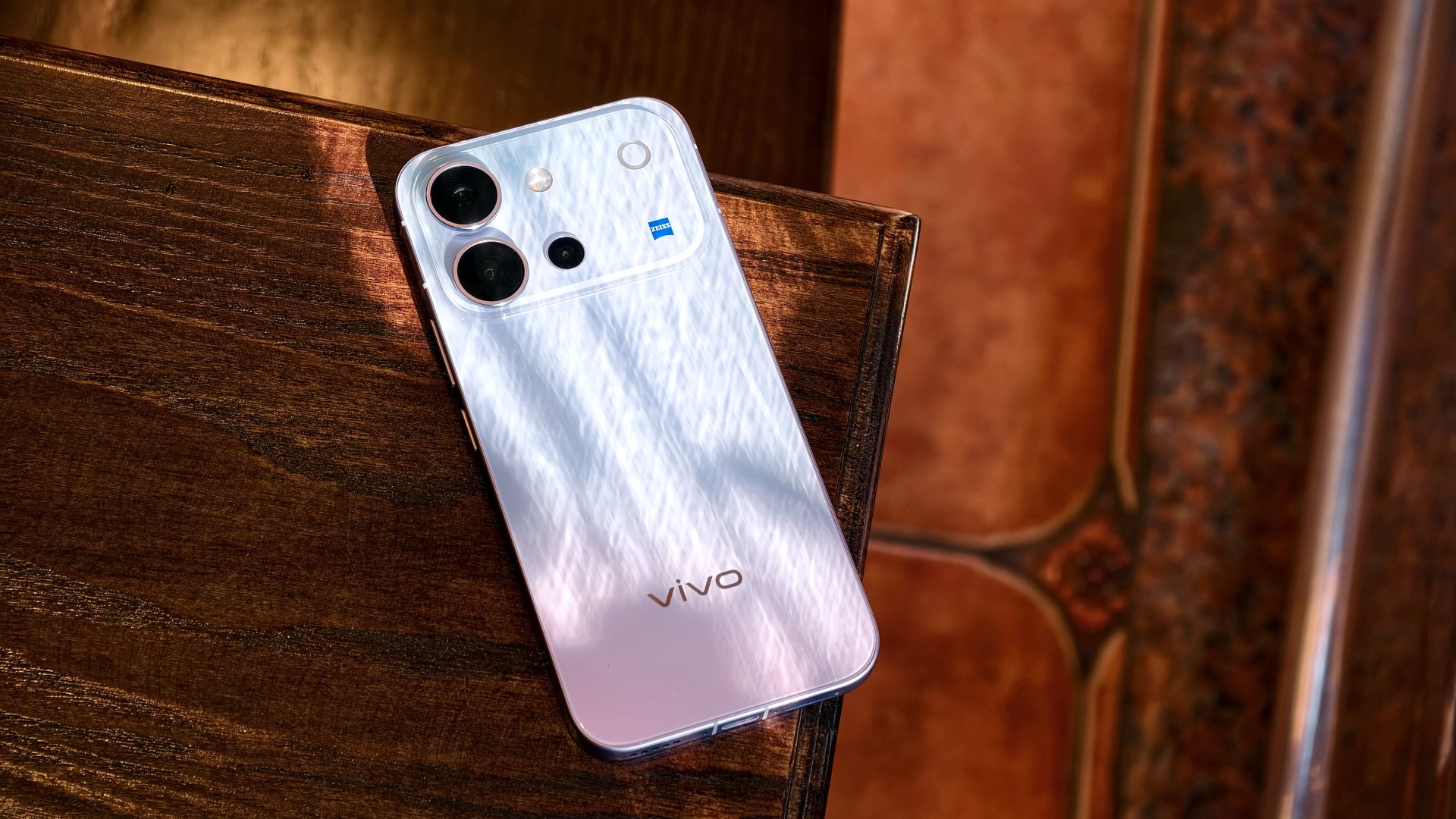
The vivo V80 is listed at PhP 42,999 for the 8GB + 128GB model in the Philippines. In India, the same base storage configuration starts at INR 62,999. That’s quite a lot, especially for a smartphone that feels like it should be priced closer to its predecessor, which started at PhP 31,999.
It’s still a Swipe Right, but a shaky one at that. At this price point, I’m thinking I’d rather start saving up for a more premium smartphone. It’s easier to justify a higher price tag for something that performs excellently across the board and that I know I’ll use for years.
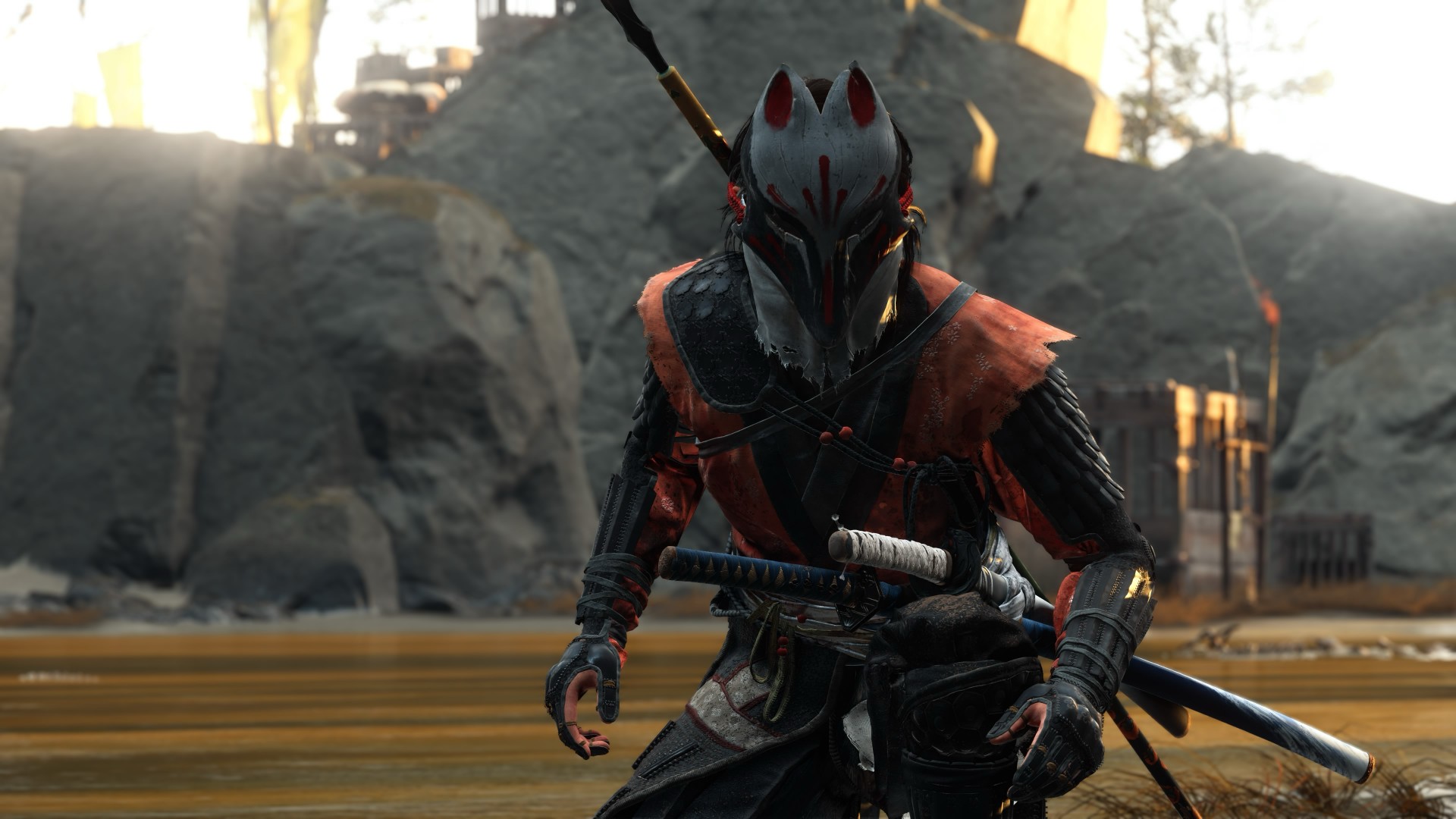
A year away from Ghost of Yōtei was enough to make me rusty. It wasn’t enough to make me forget why I loved it.
What immediately jumped out to me is how beautifully connected this game’s open-world mechanics are. Moving about and exploring felt like picking up where I left off after roughly a year of not really touching the game.
The Guiding Wind, the birds that point you toward locations of interest, and the encounters scattered throughout Ezo all work together to keep you busy without the tasks ever feeling like a chore. There is always something worth looking toward, whether it is a quest, a hidden location, or simply another reason to stop and appreciate the scenery.
And of course, the new area is just as beautiful as everything else we’ve seen in the base game.
That is probably the biggest compliment I can give Ghost of Yōtei Complete Edition. It does not feel like an expansion bolted onto an existing game. It feels like another excuse to step back into a world that already knew how to pull me in.
Picking up where I left off
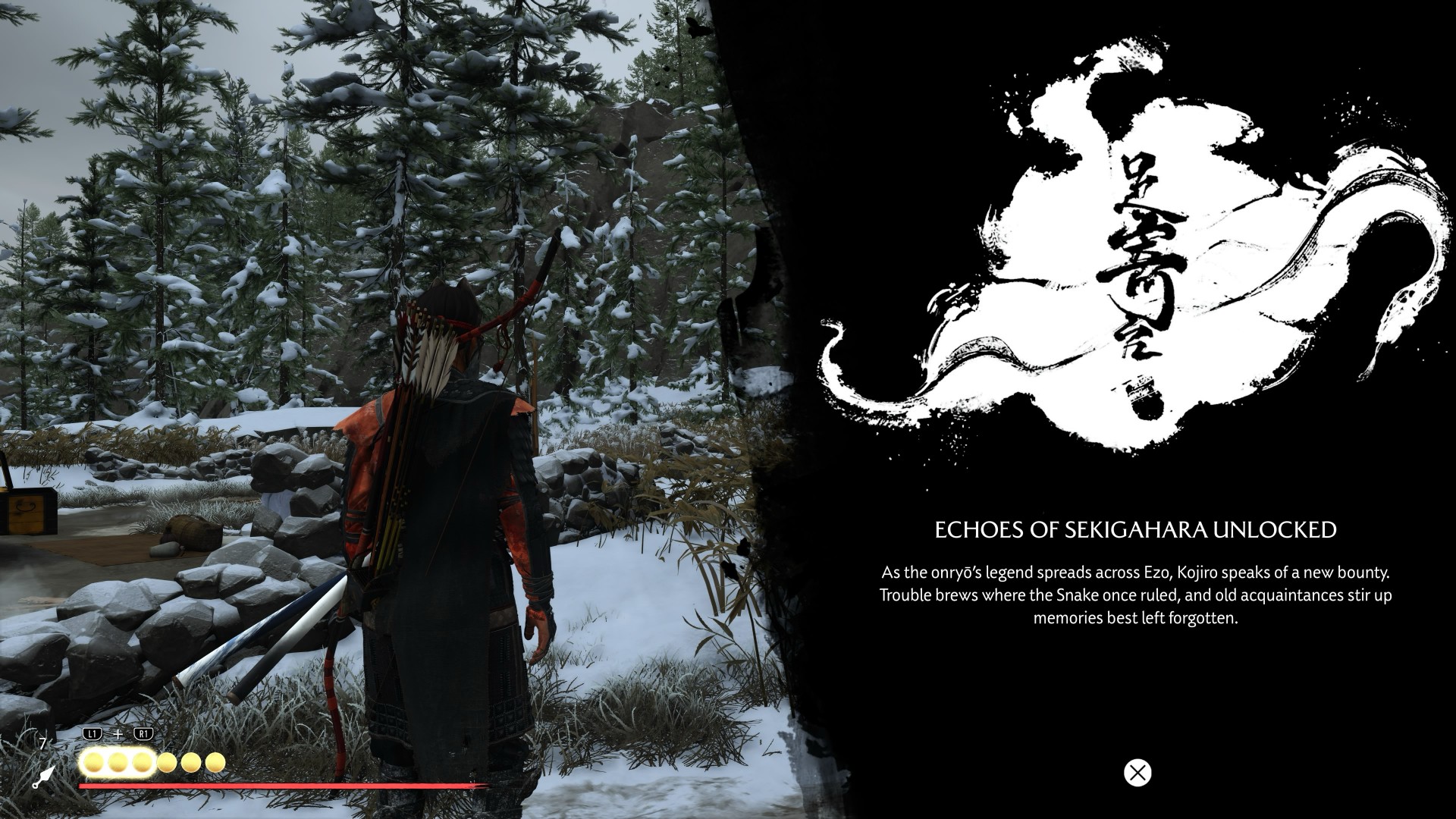
I started my playthrough of the Complete Edition with Echoes of Sekigahara. I thought it was going to be a quick romp, but it’s proving to be a longer experience than I initially thought it would be.
I’ve spent roughly five to six hours playing through it, and I don’t think I’m anywhere near completing the story.
That said, I did get sidetracked quite a bit.
Which tends to happen with these Ghost games.
Not to their detriment, though. Every other quest and encounter in the open world feels like a contained story on its own that is well worth your time. The game has a way of presenting distractions that never really feel like distractions. You can set out with one objective in mind, stumble into something else, and suddenly realize an hour has passed.
That familiarity came back surprisingly quickly.
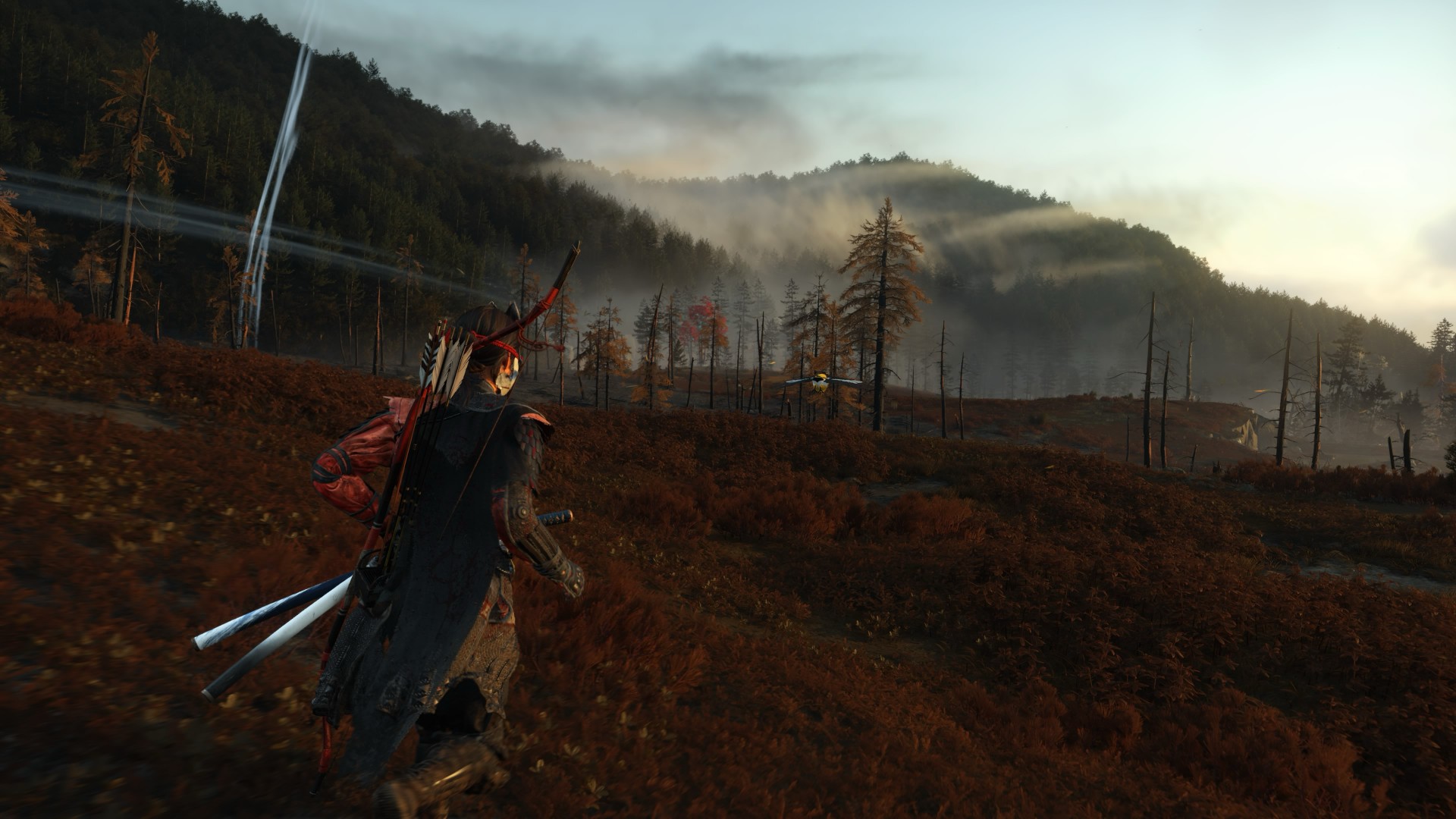
The new region introduced in Echoes of Sekigahara brings unfamiliar enemies, new weapons, and memories tied to Atsu’s past, giving the expansion its own identity while still operating within the systems that made the base game so easy to lose yourself in.
The Wolf quest line in particular was the first one I tackled, and it was quite a ride.
I’m deliberately leaving the details there.
This is the kind of story that is better experienced without knowing too much going in, and the review guidelines themselves ask reviewers to avoid major narrative developments and surprises.
Finding my footing again

While movement and exploration felt natural, it took me a while to get reacquainted with the combat.
My Atsu had many skills mastered, but being a year removed from the game meant I was rusty. I was dying against what I would consider fodder enemies.
There is something humbling about returning to a game where you once felt completely in control, only to discover that your muscle memory has apparently packed its bags and moved somewhere else.
Even now as I write this review, I don’t think I’ve gotten to the level I was when I first completed the game.
But I’m getting by just fine.
And that is partly because Yōtei gives you another toy to play with.
Massive weapons make a massive difference

Massive Weapons
The new wrinkle in combat is the Massive Weapons you get to pick up and swing around.
They are an absolute joy to use.
More importantly, they bailed me out of a few encounters already.
There is a satisfying weight to picking up one of these weapons and simply going to town on enemies. It changes the rhythm of a fight without asking you to relearn the entire combat system. After spending several hours trying to remember how I used to fight as Atsu, having the option to grab something enormous and start swinging was a welcome change of pace.
This was a definite win.
It also highlights one of the strengths of Yōtei’s combat. The foundation is already strong enough that adding another layer does not need to completely reinvent it. Sometimes, giving Atsu something massive to hit people with is enough.
Most Wanted keeps the blade moving

If you want to dive deeper into combat, Most Wanted is where it’s at.
PlayStation first-party games have had a habit of adding these roguelike-inspired modes to some of their games. There’s Valhalla for God of War Ragnarök and No Return for The Last of Us Part II.
Most Wanted takes that idea and puts Yōtei’s combat front and center.
The mode is a single-player combat survival experience built around escalating bounties, different playable characters, and experimenting with the game’s combat system. Unlike Echoes of Sekigahara, you can jump into it immediately without existing save data or base-game progression.
I’ve only had a couple of runs so far, but I can say I thoroughly enjoy the mode.
Mostly because I love the game’s combat mechanics.
That is what you engage with for much of Most Wanted, and it gives you a reason to keep testing yourself. You start a run, make your choices, fight your way through increasingly demanding encounters, and inevitably reach a point where things stop going according to plan.
Then you try again.
And again.
There is a particular satisfaction to a mode like this when the underlying combat is already enjoyable. Losing doesn’t necessarily feel like wasted time because every run gives you another opportunity to get better at the thing you were already having fun doing.
It can also be frustrating.
That is part of the appeal.
More Yōtei is still more Yōtei
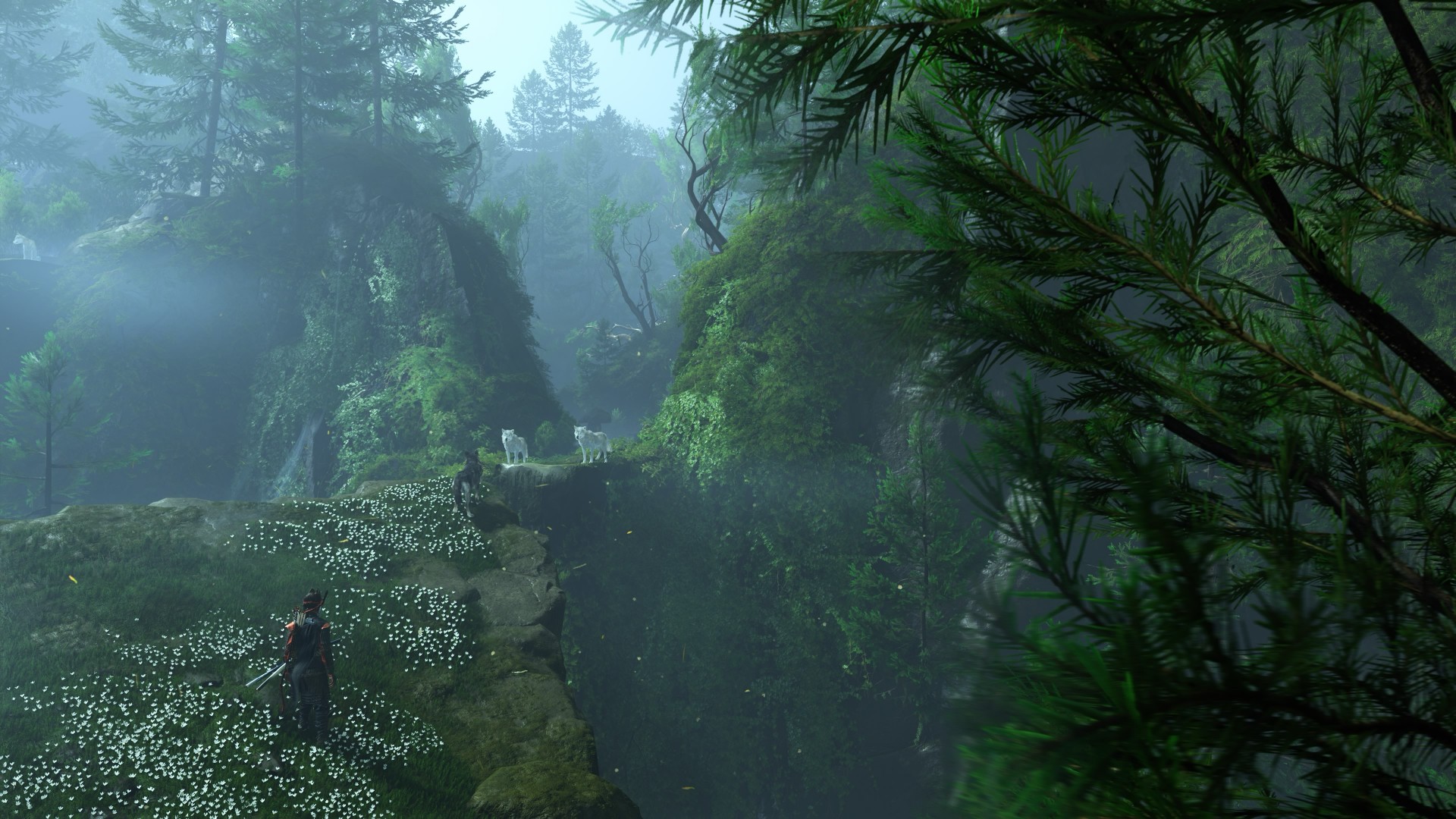
The biggest strength of Ghost of Yōtei Complete Edition is also the simplest.
It gives me more Ghost of Yōtei.
Echoes of Sekigahara gives Atsu another story to tell. Most Wanted gives the combat another place to shine. The Complete Edition also adds cosmetics, Trophies, Photo Mode content, and other extras. Meanwhile, the October 1 update brings additional Watanabe Mode tracks, Beauty of Yōtei mode, quality-of-life improvements, and a new high-contrast accessibility option to all Ghost of Yōtei players.
After roughly a year away, I was surprised by how quickly I settled back into the rhythm.
The wind blew, birds flew, a quest turned into another quest, and a random encounter became a story.
Then I picked up a massive weapon and started remembering why I enjoyed this game so much in the first place.
That cohesion remains Yōtei’s greatest strength. Its world constantly gives you reasons to move forward without making the journey feel like work. The Complete Edition simply gives you more reasons to keep going.
Is Ghost of Yotei Complete Edition your Play Match?

Ghost of Yōtei was already one of the best experiences on PlayStation 5.
The Complete Edition gives you more of it.
Echoes of Sekigahara is shaping up to be a substantial addition rather than a short side adventure, while Most Wanted offers a compelling excuse to keep coming back to Atsu’s combat long after you’ve finished the main story.
I still have plenty more of both to see. But even after only a handful of hours with the new content, I know exactly how I feel about returning to Yōtei.
It feels familiar, fresh, and Most Wanted will both frustrate and hook you.
It’s absolutely thrilling.
Ghost of Yōtei Complete Edition is an easy Swipe Up.
After a year away, I came back rusty.
I’m still swinging. And I’m still having a damn good time.


HP OMEN Max 16 review: Gamer-maxxing in deep black
Peripherals deemed necessary to max this out


vivo V80 review: Good phone, tough sell
A capable travel companion


Ghost of Yōtei Complete Edition review: More of a great thing
Picking up where Atsu left off

Visa: 79% of Filipinos want to learn about stablecoins

CASETiFY Match: Finding the right case for your Galaxy Z8 Series phone
HP OMEN Max 16 review: Gamer-maxxing in deep black

Google illegally destroys 250,000 trees for a single AI data center

FINAL FANTASY RESONANCE now available across major platforms

TECNO CAMON Slim 5G review: Slim on size, big on surprise

TECNO CAMON Slim 5G: Price, availability in the Philippines

HONOR Magic9 Pro Max launches in China with ARRI-powered imaging

BYD says that way better EV batteries are coming next year

HONOR 600S review


-

 Gaming2 weeks ago
Dragon’s Dogma 2: Dark Arisen launches with new Official Pawns
-

 News1 week ago
vivo V80 debuts with ZEISS cameras
-

 Philippines1 week ago
TECNO CAMON Slim 5G gets launch discounts, free MagBadge
-

 News1 week ago
Samsung: Galaxy Z Fold8 demand rose because of iPhone Duo
-
Reviews7 days ago
vivo V80 review: Good phone, tough sell
-
 Features2 weeks ago
I don’t want a phone that unfolds — the Galaxy Z Fold8 gets why
-

 News5 days ago
OPPO Find X10 Series: Price, availability in the Philippines
-
 Philippines1 week ago
Smart opens iPhone Duo pre-orders today