
Explainers
Why do Android updates arrive so late?
And what Google has been doing to solve it


With new devices popping up left and right, more and more people now have access to the latest Android operating system (OS) and its technologies. From artificial intelligence (AI)-powered cameras to smoother, simpler designs to the user interface, Android has been looking to attract more users to its platform over the past few years.
However, there are consumers who own or wish to buy cheaper devices that still unfortunately use the older versions of Android, and wonder if they get to experience the new updates for themselves — only for them to realize that it’s the end of the line for their gadgets.
Updates arrive slower, mostly in small parts, and sometimes the entire OS cannot be upgraded any further. The questions Android developers have been facing from consumers within the last few years are these: Why do updates arrive so late, and what is Google doing about it?
The Android way
The Android operating system is one big, open-source platform for developers and manufacturers. This means that they are given the liberty to modify such software to introduce and improve their products. Android smartphone companies are able to set themselves apart from the others mostly because of this approach towards the unique interfaces.
According to Google’s Android Developers website, 63.2 percent of Android devices in the market run on older Android systems than Android 7.0 Nougat; manufacturers opt to sell their devices with much older software due to their insistence of applying their own Android “skins” or their own version of the OS.
Companies such as Xiaomi, Samsung, Huawei, and ASUS customize the Android operating systems to give users a unique experience when using their devices. Xiaomi’s MIUI 10 and Samsung’s Experience bring new features for AI and major redesigns for their latest smartphones. ASUS’ ZenUI offers features that support the gaming capabilities of their smartphones, while Huawei’s EMUI allows you to sync your LinkedIn account to your address book.

Implementing such skins either limits the number of updates the device receives, or it makes the gadget no longer upgradeable. This is how Android fragmentation works, and unfortunately, is also the reason you can’t get your older Android device to upgrade to the latest software easily.
People were excited when several companies announced which smartphones would receive an upgrade to Android 8.0 Oreo over the past few months. However, only about six percent of devices have the update ready for users either due to delays in the rollout or because of bugs that affected the device’s performance.
Android fragmentation has become a problem for third-party developers, especially those who were hoping to use the newer and more updated software to create better games and utility apps for people. Because of fragmentation, developers are limited to the older and less secure versions of Android, as well as the codes and programs that come with it.
The applications these developers make are not guaranteed to work without encountering problems along the way. The late arrival of updates hampers the developers’ ability to make any changes to their applications, and even put the user’s safety at risk.
Google’s plan of action
At present, the developers at Google did a number of projects for updates to arrive faster and all at once for third-party developers and phone manufacturers.
They came up with pure Android software known as Android One, and they encouraged device manufacturers to create smartphones using the Android One OS. Android One became Google’s standard for manufacturers and developers to use in their new devices and applications. With smartphones incorporating Android One, updates become more regular and can be streamlined across multiple devices all at once.

Android One was already available on a few devices since its initial launch in 2014, from the Cherry Mobile G1 to the Xiaomi Mi A1. However, the pure Android OS disappeared for a while because the software itself gave no freedom for manufactures to differentiate themselves. Eventually, Android One found itself back in the market with Nokia spearheading the effort to reintroduce it with the likes of the well-received Nokia 7 Plus.
Don’t confuse Android One with Android Go, Google’s cut-down version of its Android OS, however. While Android One is the standard Android software Google wants to apply across all devices, Android Go is designed for entry-level devices. Devices running Android Go will be able to maximize storage options and mobile data management for you, so you will be able to do many things with your phone without worrying about space and data consumption.
The latest experiment: Project Treble
Another project undertaken by Google to address the fragmentation issue is Project Treble. Project Treble is a service offered to users to help streamline the process of updating their software to the latest version from Android, and is currently offered to devices that have Android Oreo installed out of the box.
What Project Treble does is that it allows manufacturers to deliver the updates themselves, without having to go through long and expensive processes to deliver them. This also allows developers themselves to create applications using new codes and programs provided by the Android software.
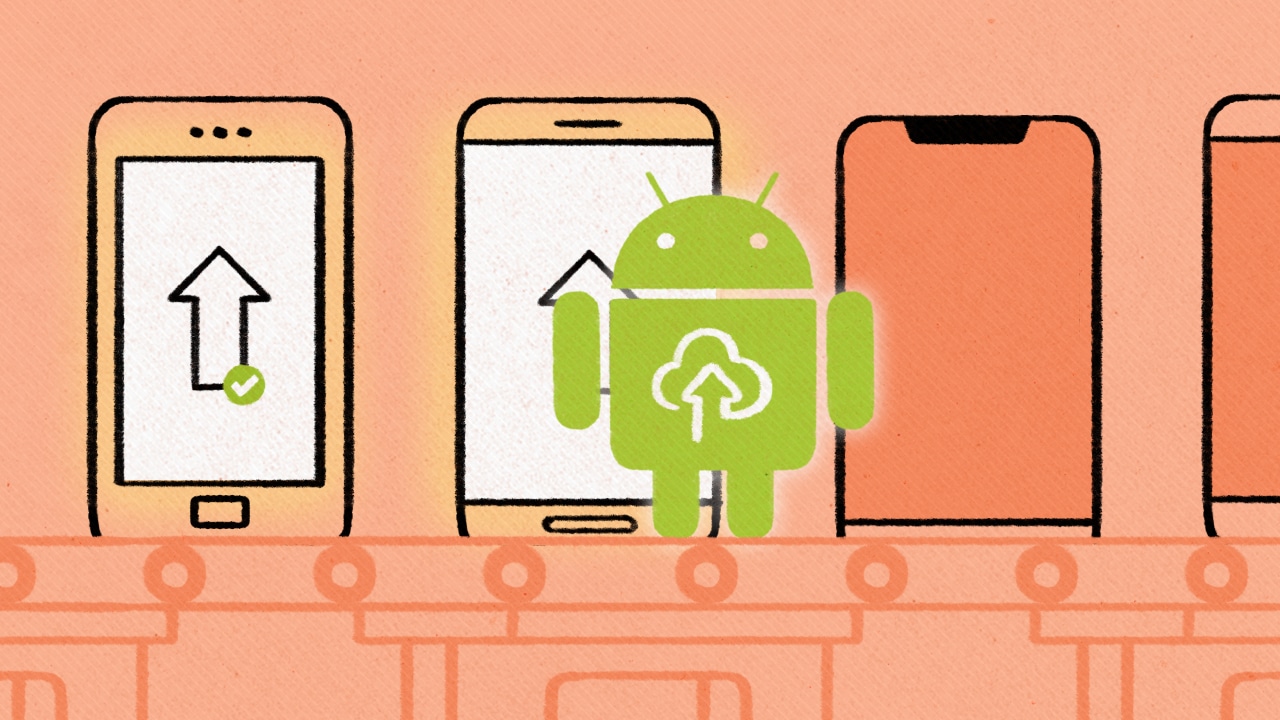
Following Project Treble was the release of the beta version for Android P. Like in previous iterations, Google did this so developers can already work on their own software-specific applications and technologies that fit the profile Android P brings to the table. Of course, the beta version is still only available to a select number of companies working on new devices, but it will be available across all devices once a final version is released.
Initially, Project Treble and Android P Beta were only available on Google’s Pixel phones, but they’ve now branched out to non-Pixel phones, as well. Treble is available for all new devices that have Android Oreo pre-installed, so developers can experience Android P Beta and work around the new software. A list of devices that already support Android P Beta can be found here and on Android’s Developer website.
What’s next for Android?
With Project Treble and Android continuously bringing updates to the platform faster to consumers, Google is hoping to have just one centralized operating system in the future. Over the past year, Google has been working on Fuchsia, designed to be the central operating system that is potentially going to replace both Chrome OS and Android in the near future. Fuchsia is expected to further streamline updates as a way of fighting Android fragmentation.

Android P is still in its beta version as of writing, meaning that Google is getting feedback from companies that have devices already powered or tested using the latest Android software over the past few months. Google is constantly working on better and faster ways for software updates to reach Android devices, provided that such devices have the necessary hardware to accommodate the upgrades.
For third-party developers, Google has even made their services more accessible to older Android devices. Recently, it gave older devices access to the company’s virtual assistant service, Google Assistant, as long as these devices were running at least an Android 5.0 Lollipop system.
With all these developments for Android, it’s safe to say that Google has done what it can to address the issue on updates arriving so late, so don’t worry if your phone is still running on an older Android OS, because Google hasn’t forgotten you.







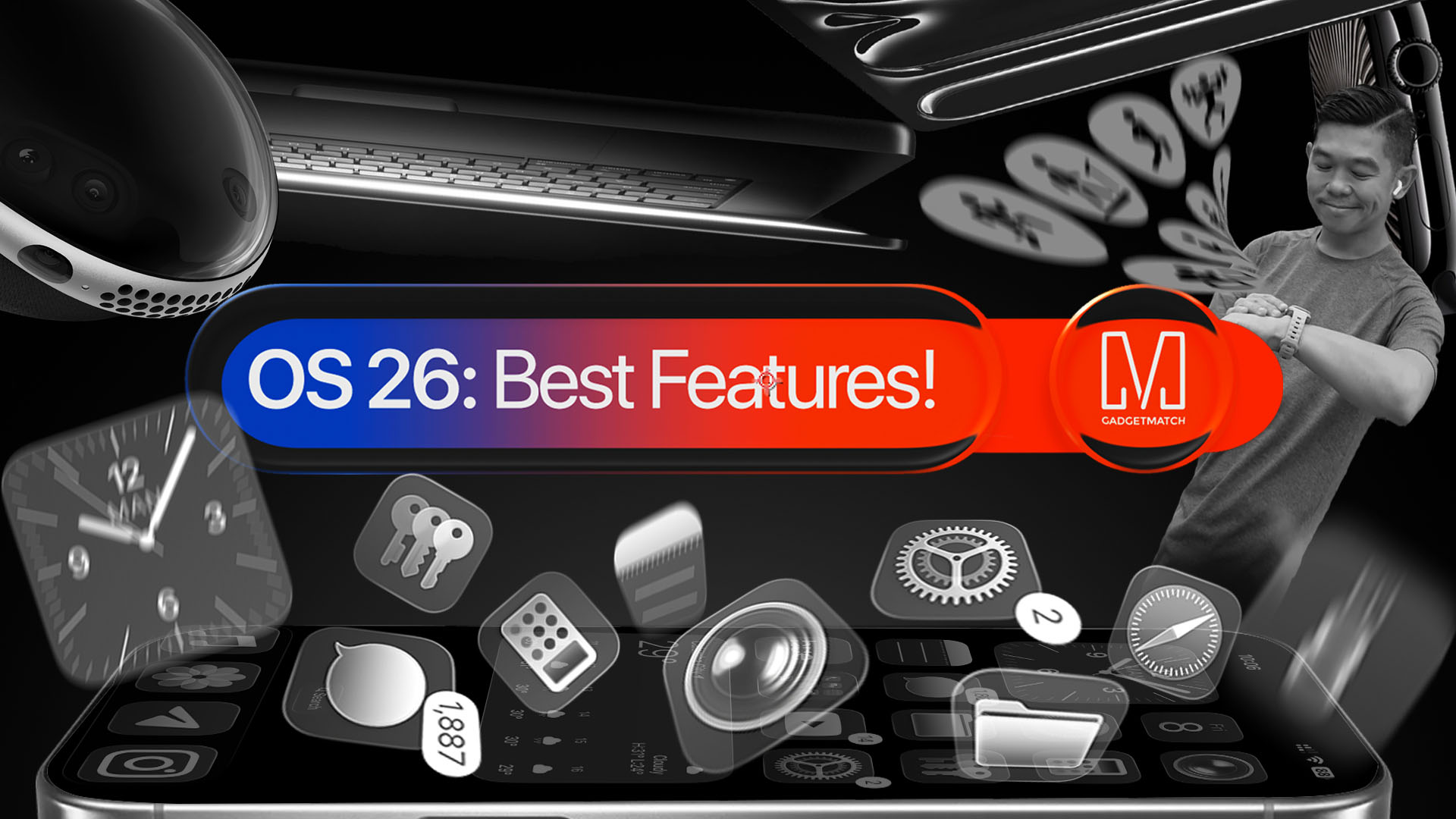
With a huge change in naming scheme, Apple promises a big leap ahead.
The all-new Liquid Glass design isn’t just breath of fresh air — it’s a bold redesign ever since the iOS 7 came out.
It’s not limited just to the iPhone. It’s coming to the iPad, Mac, and even the Apple Watch!
And with latest Public Beta now available across all devices, now is the perfect time to try ’em out.
Here are our favorite features, design updates, and hidden gems in Apple’s latest OS 26 series of software updates.
Namely iOS 26, iPadOS 26, watchOS 26, visionOS 26, and macOS Tahoe.
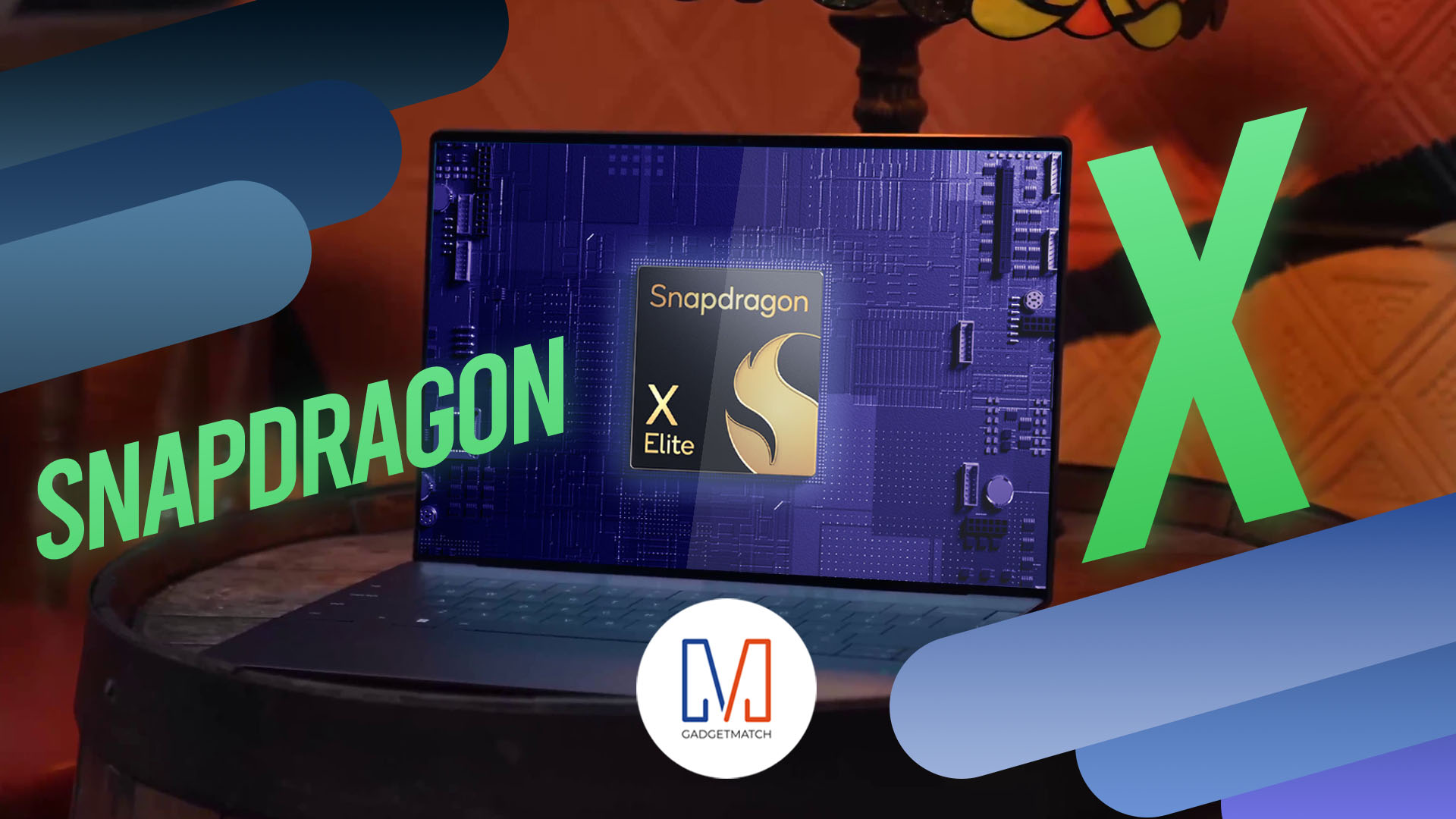
Shopping for a new Windows laptop?
With so many choices out there, it can be tough to know where to start.
Should you prioritize performance, battery life, or portability? Can you find something affordable and premium-looking?
In this video, we break down everything you need to know about the new Snapdragon X Series laptops — a new category of Windows PCs that promise power, efficiency, and sleek design in one package.
Whether you’re a student, creative, or just looking to upgrade, this buyer’s guide will help you decide if a Snapdragon X Series laptop is right for you.

Apple dropped a ton of surprises in this year’s WWDC — and there’s more than just the Liquid Glass redesign.
From Workout Buddy, to game-changing Apple Intelligence features.
All the way to collaborative visionOS updates, and the next generation of iOS 26, macOS 26, and iPadOS 26.
Watch to see the top announcements NEED to know from the WWDC 2025 keynote!
Here are Michael Josh’s biggest takeaways from WWDC 2025 in one video — with the help of some TechTuber friends!


Galaxy Buds4 Pro review: I thought I was done with in-ears
This Buds4 you


WWE 2K26 lets you live out all the fantasy matches you could want
But you have to play for hours and hours to unlock everyone.


The HONOR X8d is serviceable
Steady but slow?

DJI officially launches the Avata 360 with 8K immersive imaging

The Changan Eado Plus officially lands in the Philippines

PLDT Home, Samsung team up for exclusive entertainment deals

Maya waives withdrawal, InstaPay transfer fees for Middle East remittances

Nintendo will make it cheaper to buy digital games than physical


-

 Reviews1 week ago
POCO X8 Pro Max review: A new beast from the far east
-

 News1 week ago
POCO X8 Pro Series: Price, availability in the Philippines
-

 Features2 weeks ago
Galaxy AI on the Samsung Galaxy S26 Ultra
-

 Apps2 weeks ago
Google Maps is finally getting a 3D mode
-

 Reviews1 week ago
POCO X8 Pro Iron Man Edition review: Midrange phone in superhero armor
-

 Reviews2 weeks ago
Samsung Galaxy S26 Ultra review: A phone you live with
-
 Gaming1 week ago
NVIDIA’s DLSS 5 can turn your favorite AAA game into AI slop
-
 News1 week ago
POCO introduces X8 Pro Series with Dimensity 9500s