
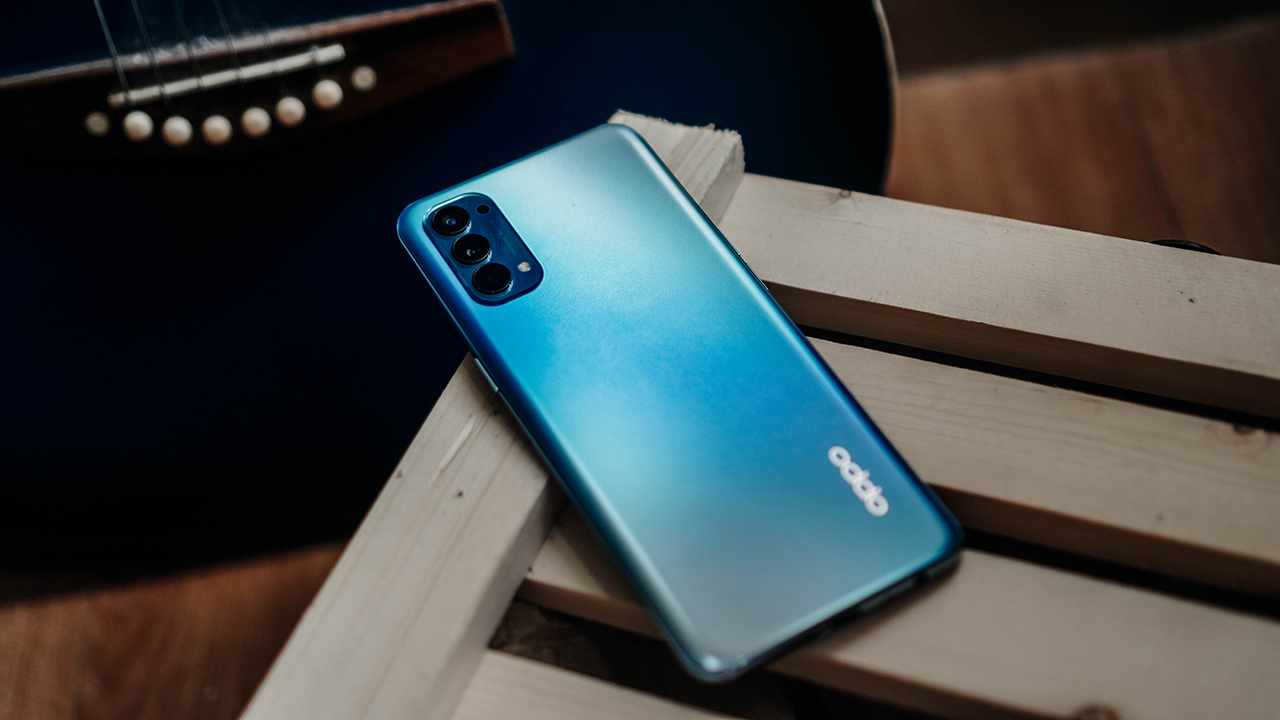

OPPO is positioning the OPPO Reno4 as something that you can easily create content with. So for this review, that’s what we set out to do.
When you’re thinking about content that you’ll make on your phone, the first thing that comes to mind are the cameras, yeah? The Reno4 has four on its rear: A 48MP main camera, an 8MP Ultra-wide angle lens, a 2MP macro lens, and another 2MP mono camera. Up front, it has 32MP.
That’s a solid combination. But content creating isn’t just about the cameras, especially if your only tool is the smartphone. How it takes on post-processing and how it handles while you’re shooting should also be considered. That’s what we’ll try to explore.
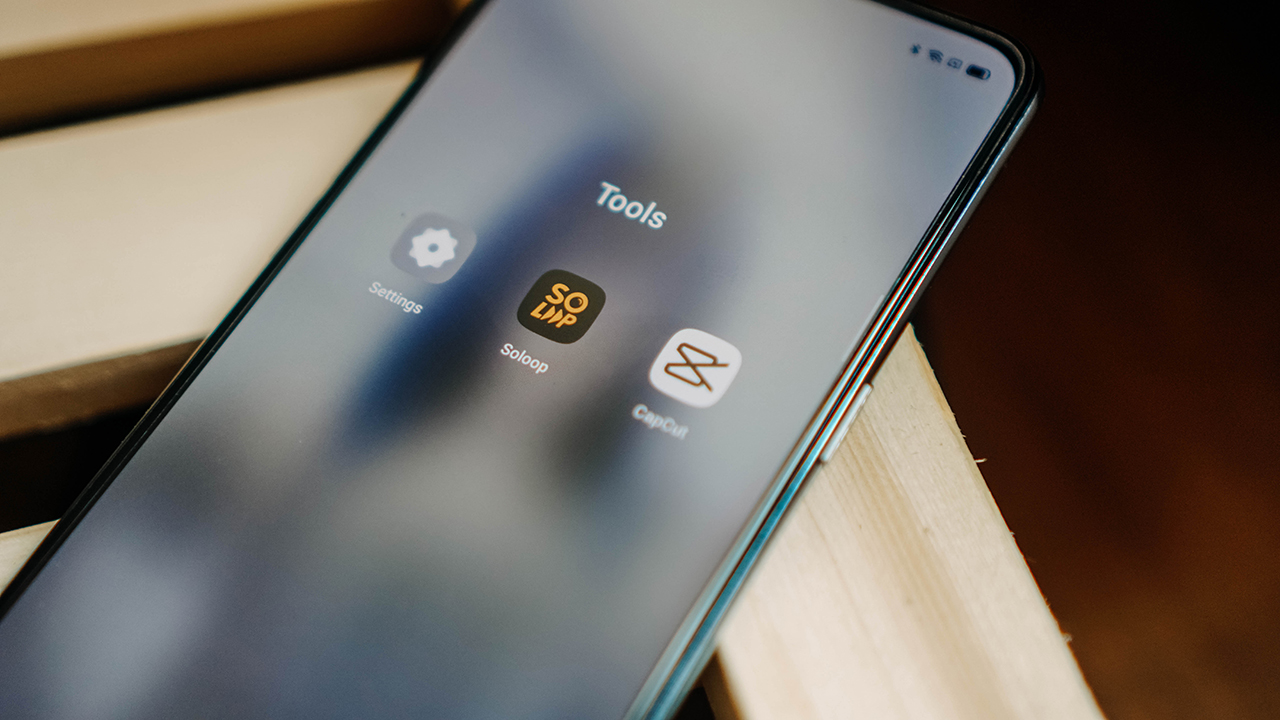
SoLoop video editor
As far as easy content-creating goes, it doesn’t come as easy as with SoLoop. This is OPPO’s exclusive smart video editor that comes with tons of presets that we tried for ourselves.
Say for instance you have some stock photos on your pile and just want to make something quick out of those. Just launch the SoLoop app, click on “Generate”, and then select the photos or videos you want.
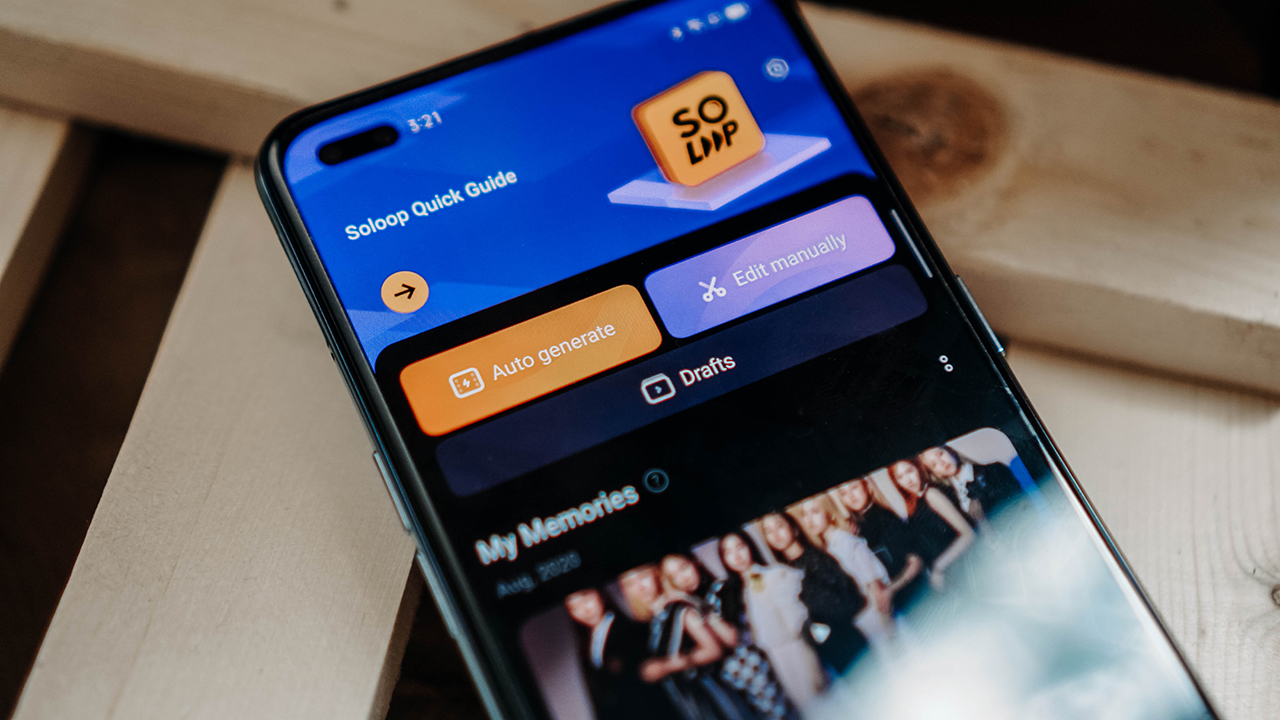
Here’s one featuring photos of best girl TWICE Momo.
View this post on Instagram
That was really quick and easy. We simply selected the stock photos, picked a template that we thought would match the images and viola, we have an instant short video which seems to be all the rage these days.
Next, we actually tried taking a few snaps using the phone. The images you’ll see here were all taken with the Reno4 using the main camera and the macro lens. We’ll show you the photos separately later on, but for now, here’s the short video.
View this post on Instagram
Again, that was quick and easy. The video can also be immediately shared straight from SoLoop to YouTube, TikTok and pretty much everywhere else you can think of sharing it.
You can also do some manual editing. You can change your canvas to 16:9 for YouTube, 1:1 for Instagram, or 9:16 for TikTok — if it doesn’t end up getting banned in your country.
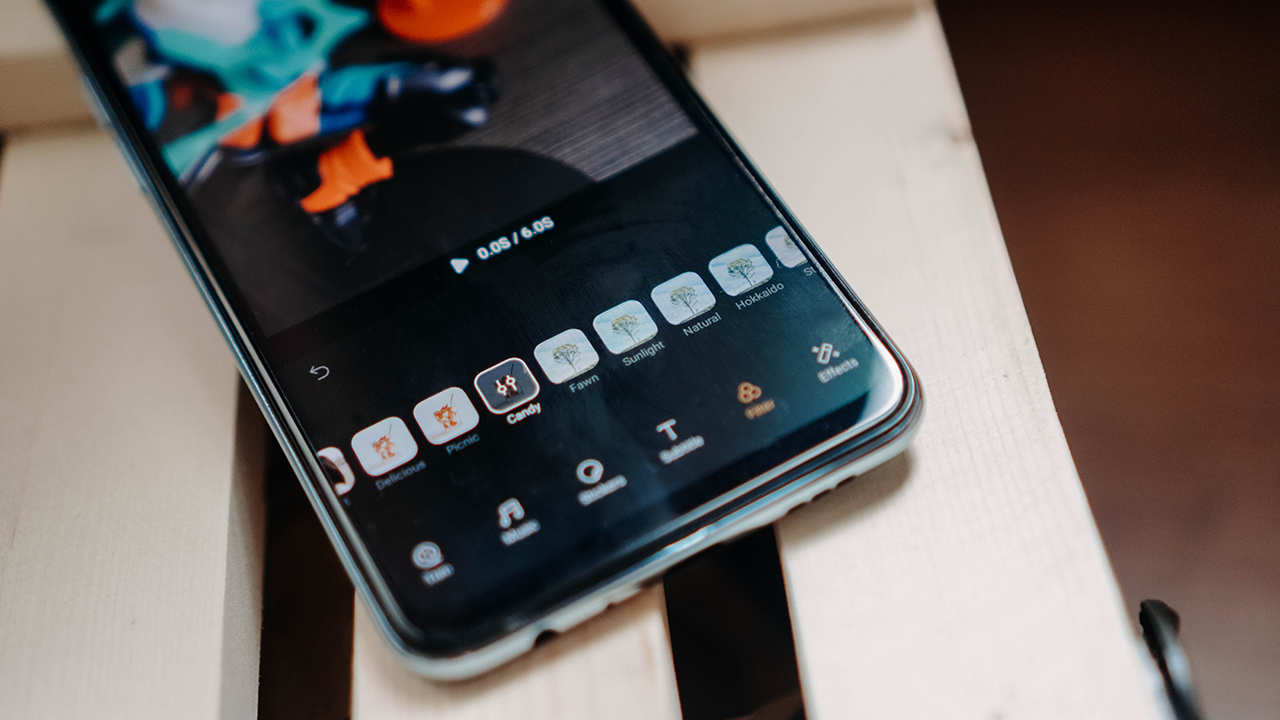
SoLoop also offers a bunch of transition options that can make for fun and dynamic short videos. However, it does have some limitations. For instance, I can’t adjust the color grading of the footage, and I also can’t add overlay on my main clip/s. For that, there are other apps you can explore.
Exploring other apps
For the next samples we had someone record a quick cover. This raw footage was taken using the 32MP front-facing camera in a rather poorly lit room. Here’s the raw footage.
It’s quite dark, but the audio pick-up was pretty solid. As we mentioned earlier, if we wanted to adjust the color grading, we had to look for a different app. For that, we used CapCut.
CapCut doesn’t have the auto-generator that SoLoop does. What it has, instead, is more options if you want to edit manually. First we tried to adjust the color grading and came up with this.
It doesn’t stop there though. The app can also add overlays so you can include other clips. But how do you get the other clips?
For this we used the Reno4’s built-in screen recording function. We looked up videos featuring best girl TWICE Momo and proceeded to screen record those.
We then created separate clips from the screen recordings. You can splice the screen recordings on CapCut as well but to keep the projects clean, we opted to use InShot. It’s an app that we’ve used for a while now and it’s great for easily cutting clips and adjusting them to any canvas.
After splicing clips, we then proceeded to add them on CapCut to include as overlays on the cover song video. This is the final-ish clip.
We’re sure you guys have better ideas for videos and we’re excited to see what you come up with.
It takes time and patience
The whole process of shooting and video editing takes a lot of time and patience. That whole final clip took about 5-6 hours to finish. The original clip took a few takes and you also need to decide the adjustments and effects you want to apply.
Editing on a smartphone can be challenging too since you’re working on a smaller screen. Any experienced video editor will tell you that it’s not at all easy. However, the apps we mentioned are designed specifically for mobile video editing and really help with the whole process.
Other than learning to use the apps and the Reno4 for shooting and post-processing, perhaps the most important thing to take note of is to come in with a plan. Have a general idea of what you want to create so you can map out how you’re going to shoot and edit.
As for the entire editing process, the Reno4 handled it like a champ. The screen recording as well as switching from one app to another and also exporting clips takes a lot of toll on your smartphone.
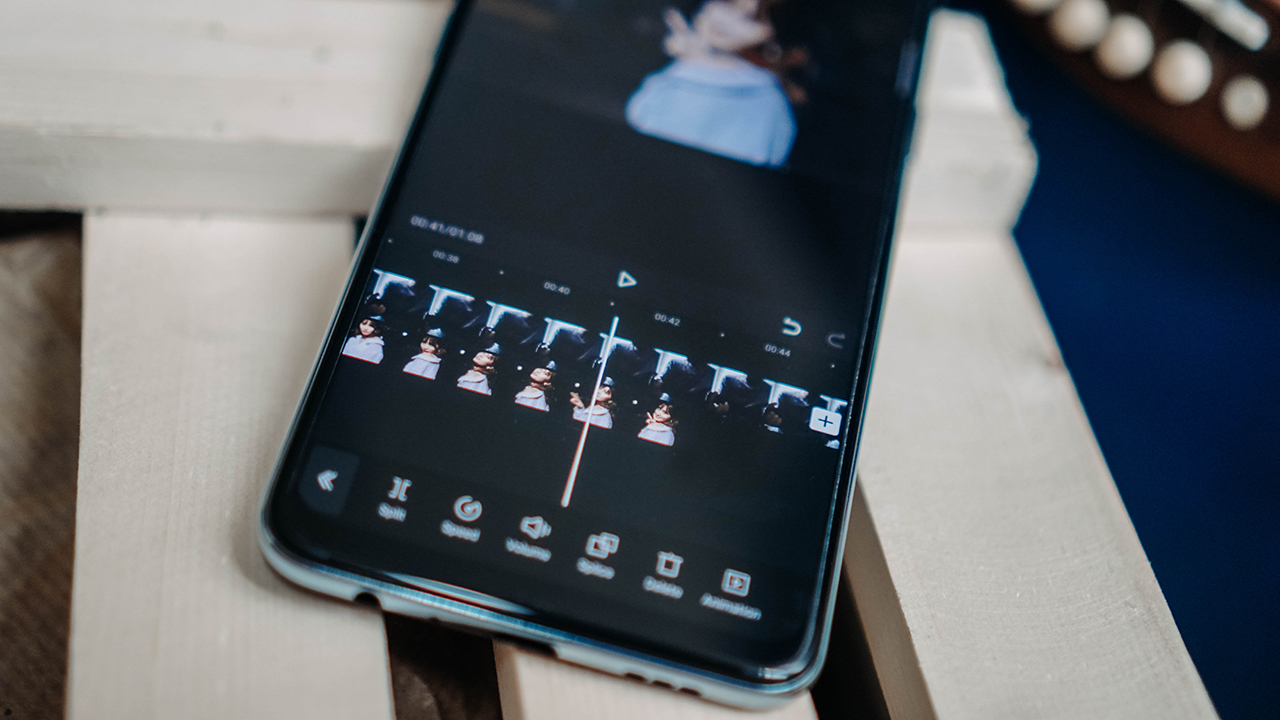
The Snapdragon 720G SoC equipped on the Reno4 along with its 8GB RAM took that all on and it didn’t heat up at all in the entire process. It also helps to have 128GB of internal storage, especially if you’re going to work with a lot of video clips.
The Reno4 as a shooting device
The OPPO Reno4 being thin and light goes a long way if you’re shooting with it. At 7.7mm and only 165g, it won’t strain your hand/arms if you like to take your time shooting. It also has a 6.4-inch display that contributes to an overall footprint that can be gripped easily.
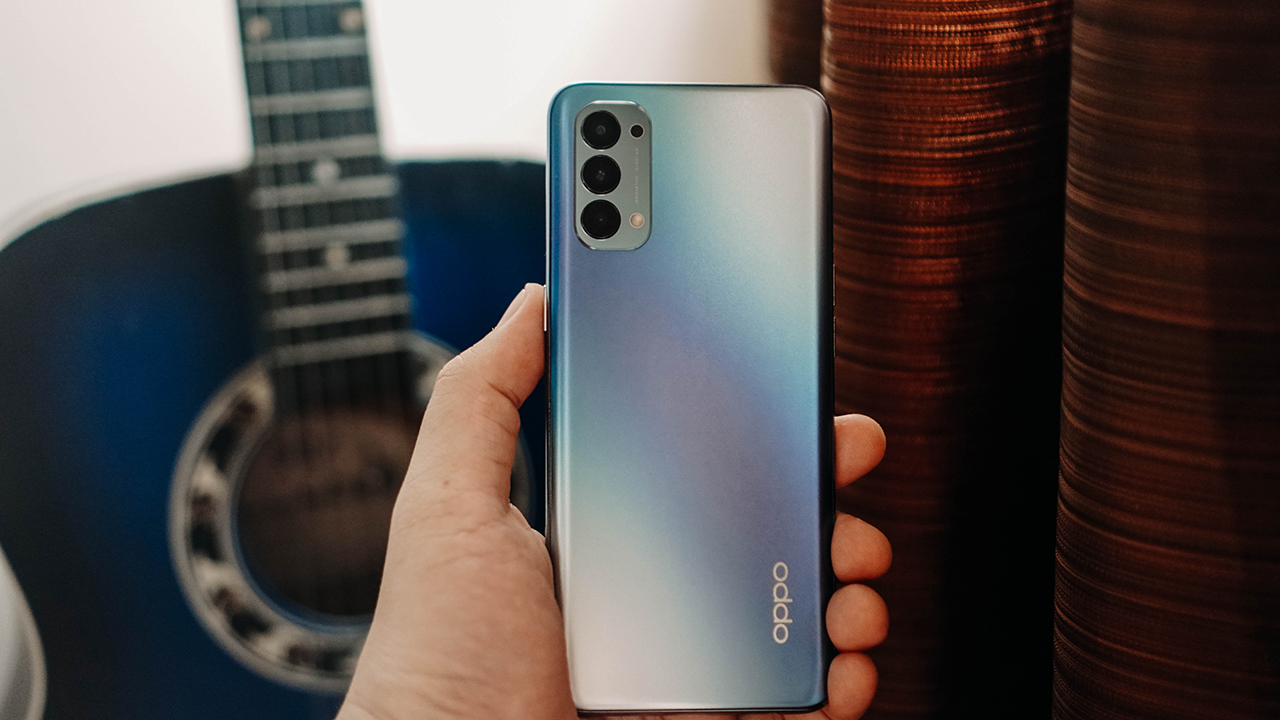
As for camera performance, the Reno4 has plenty of tricks up its sleeve that we didn’t get to try all of them. Considering the social distancing guidelines and our general fear of stepping out because of the pandemic, we decided to take some toy/figure photos instead.
Here’s how the 48MP main camera looks like. Color reproduction is fantastic and it handles the shadows very well.

Here are two shots using the macro lens. One was just the default color while the other was taken with a filter for a grittier look. There are plenty of filters you can use to really add some dramatic flair to your photos.
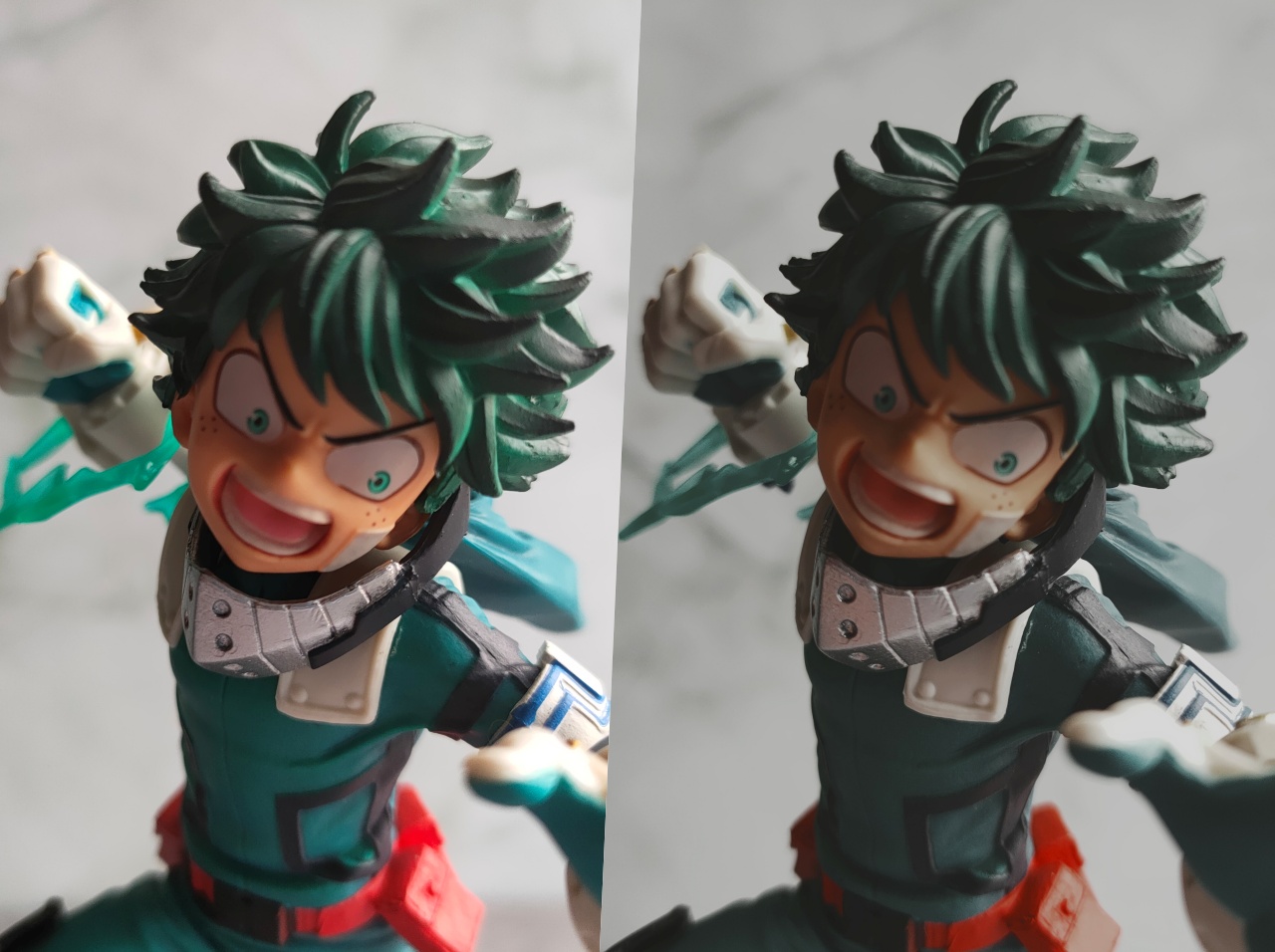
Lastly, here’s one using night mode. This was taken under a really dimly lit room. We set our smart bulb’s color to green to match the character.

We’ll share more of these shots in a comparison that you should watch out for!
Where the Reno line is heading
As a content-creating tool, the Reno4 is plenty capable. It has all the makings of a shooting and post-processing device that can help you as a content-creator. The only limitation is your imagination.
However, this wasn’t always the case for the Reno line. When the first Reno came out, it was marketed as THE flagship line. A little over a year and four device iterations later, the Reno has been relegated to the midrange line with the Find series taking over as the premiere flagship line.
OPPO says this isn’t new to their strategy and it’s just them adapting to the market needs. The pivot for the Reno was a way to “ give what the young people needed in their smartphone.” This is especially true with the Reno4. With its capabilities at its price range, it’s certainly a phone that can empower young people without having to reach too deep into their pockets.
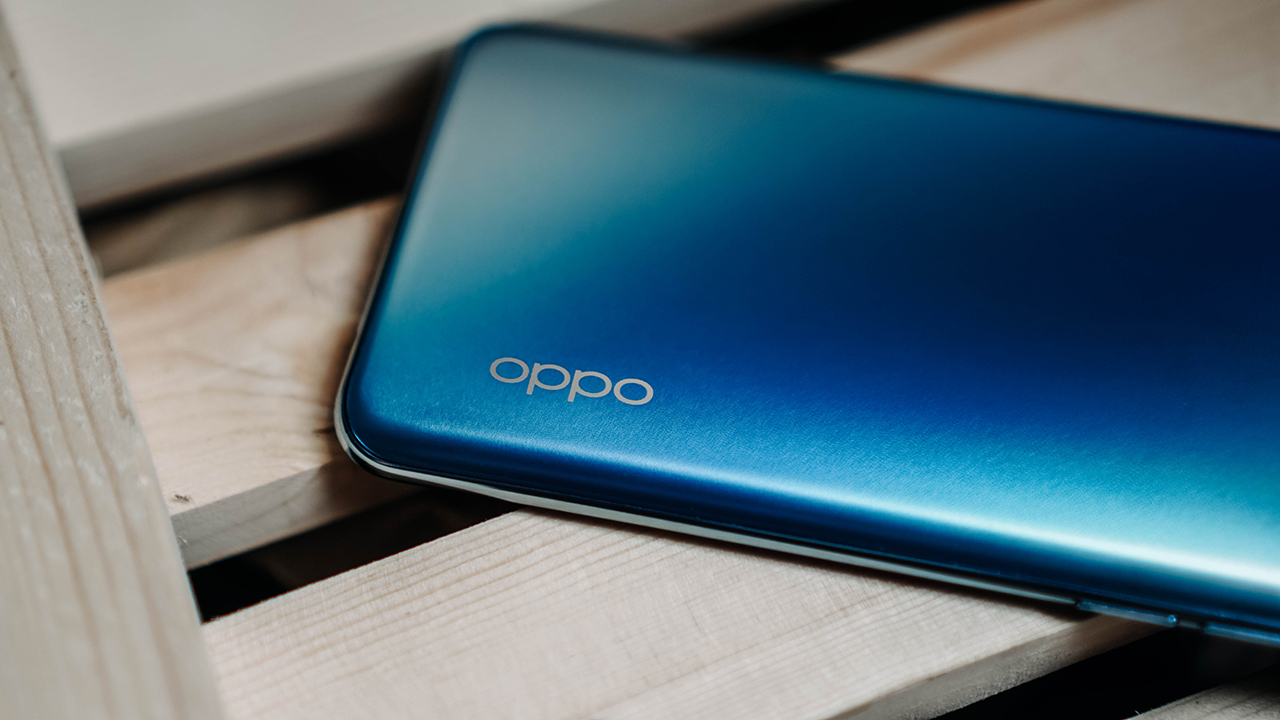
The pivot also marked a change in design which was a huge talking point for the first two Reno phones. Some members of our team were huge fans of the design, but were disappointed when it shifted in the Reno3. This, of course, was not done without reason.
OPPO said that they “comprehensively considered several factors like industrial design, water resistance, performance, camera quality, battery life and the overall using experiences, before deciding to switch to the punch-hole full-screen design on Reno3/Reno4 Series.”
“OPPO strongly believes in providing the best user experience, and with Reno3 and Reno4, we had a focus on providing a slimmer, lighter device for a better handfeel, without sacrificing performance,” they added.
But how did we get to Reno4 so quickly?
You’d think it has been four years since the first Reno came out, but as mentioned, it’s only been a little over a year. That’s incredibly fast and might feel frustrating for anyone who recently just bought a Reno phone.
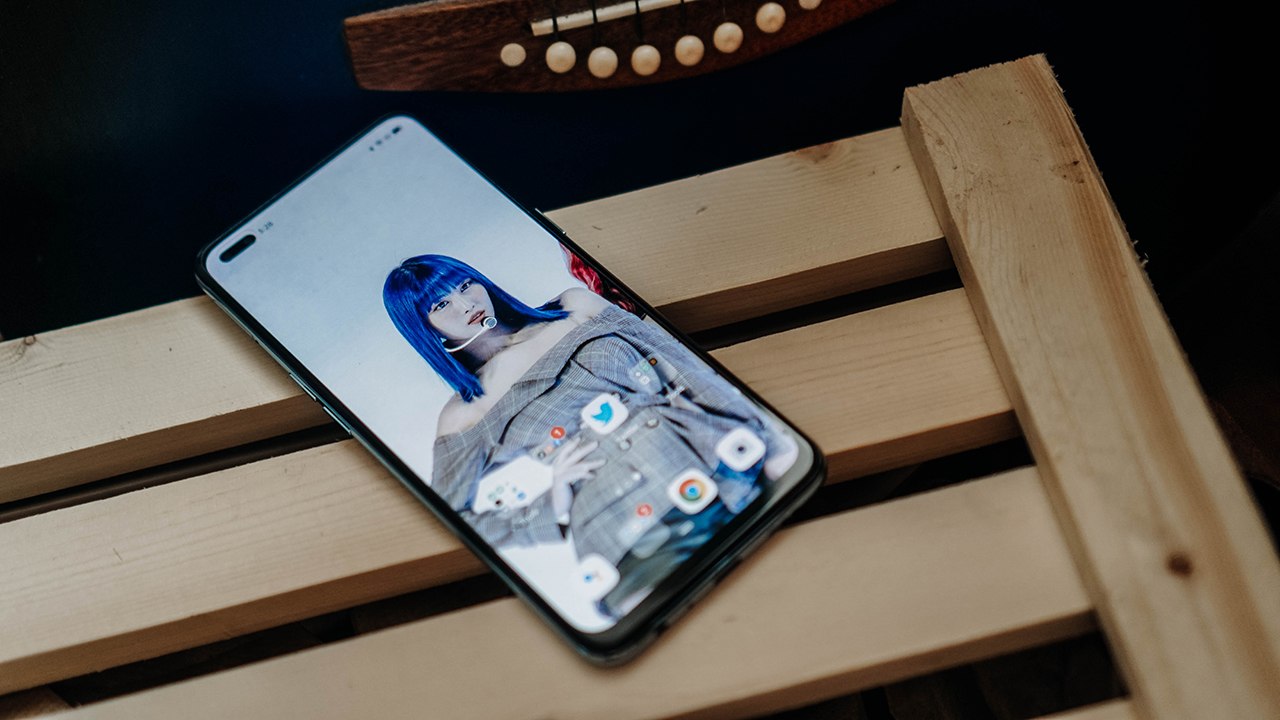
OPPO said the launch timelines are “adjusted based on the specific conditions of the local market.” They also added that the global pandemic affected the launch timelines of the Reno3 and Reno4 which is why they’re so close to each other.
The company says the launch timelines for the Reno series should be more stable in the future.
Is the Reno4 your GadgetMatch?
With the rapid shift in strategy, we thought it would be insightful to learn where the Reno line is going. The Reno4 is the second phone that represents that shift.
It’s a more polished version of the Reno3, and one that isn’t mired in the confusion of a transition. The Reno4 has all the qualities that OPPO believed were important to add in an upper midrange phone. These are being thin and light without sacrificing performance, while also featuring some of their legacy features like a long-lasting 4000mAh battery with support for their patented SuperVOOC charging technology.
If you’re looking at the Reno4 as your content-creating companion, it plays the role pretty darn well.
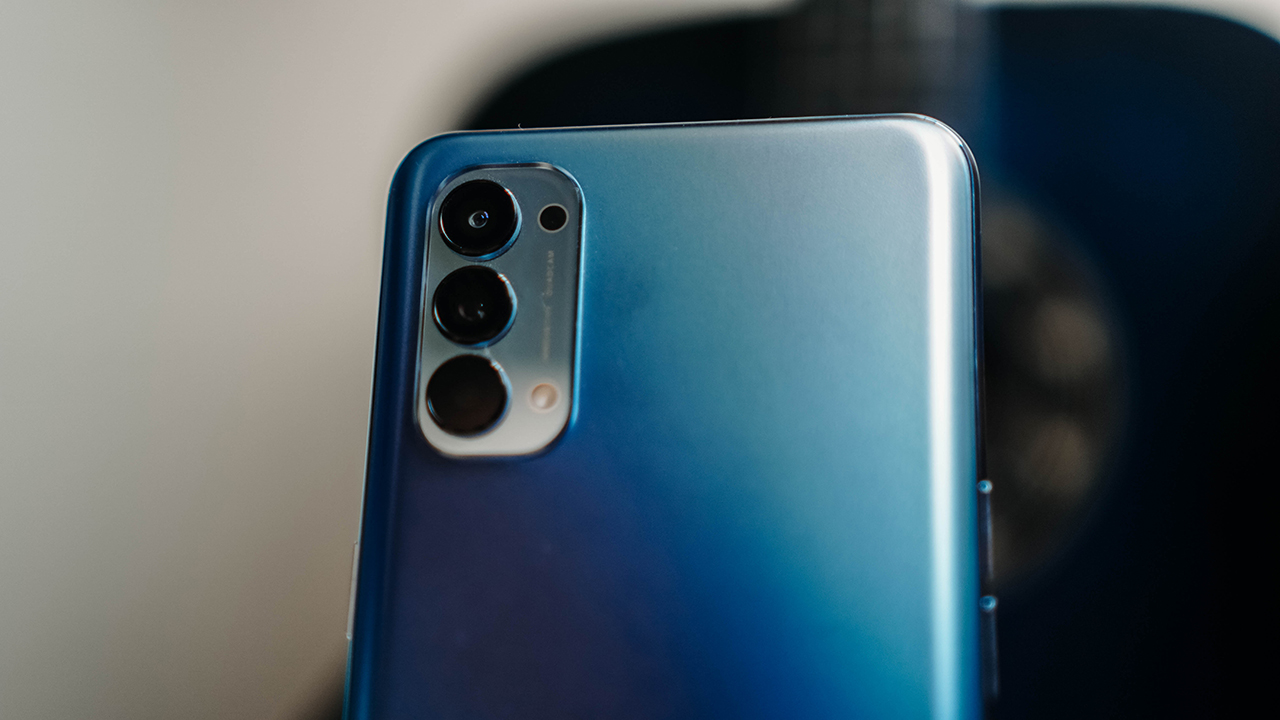
The photos and videos it can capture are social-media ready. You even get several other features to match your content’s mood. Performance-wise, it managed to handle multi-tasking between video editing apps without a hitch and without overheating. It also powered through the whole content-creating process with enough juice left to wrap up your day.
At PhP 18,990 (US$ 390), it’s a solid choice. It performs as advertised and comes with everything we’ve raved about in OPPO’s other phones. Oh and the Galactic Blue variant looks especially stunning too. Just can’t go wrong with it.






Reviews
realme C100: Enduring and durable in spite of entry-level realities
Enough power but needs more agility

Several smartphone brands have successfully balanced cost and capability in the entry-level and midrange segments. realme, on the other hand, appears to still be navigating this refinement process after the realignment in budget handsets.
The brand’s latest mass market offering, the realme C100, highlights an aggressive focus on physical endurance and battery capacity.
These are two welcome additions to give consumers more value for what they purchase. Yet, there are compromises in other areas that ultimately hold the package back from being a worthy everyday utility.
Long battery life

Bannering the realme C100 is its 8,000mAh Titan battery. This substantial boost in capacity translates to better longevity on a day-to-day basis.
For just casual usage patterns, it can easily last even up to four days. When left on standby, it can even stretch to an impressive nine days or so.
When finally time to recharge, the device supports 45W SUPERVOOC fast charging, which is ample for its segment.
As smartphone brands lean toward offering larger batteries, it’s a positive trade-off for those who don’t plan on purchasing power banks any time soon.
Unoptimized performance
The C100 is powered by a MediaTek Helio G92 Max processor and runs on the Android 16-based realme UI 7.0.
Performance is inconsistent at best. Light social media scrolling and casual streaming aren’t met with hiccups.

But, with gaming, the handset falters a bit, even with the supposedly less demanding titles like Mobile Legends: Bang Bang. There are frame drops, stutters, and a it of lag that disrupts the overall experience.
That’s even with GT Mode turned on.

This would also considerably hamper the workflow of utility workers’ daily routines, should they choose this.
Thankfully, with a long battery life, the C100 is still something you can wield to stay connected throughout the entire day, especially for commuters, students, and young professionals.

However, the lack of 5G connectivity is also a downer, especially if you’ll need a better and faster network.
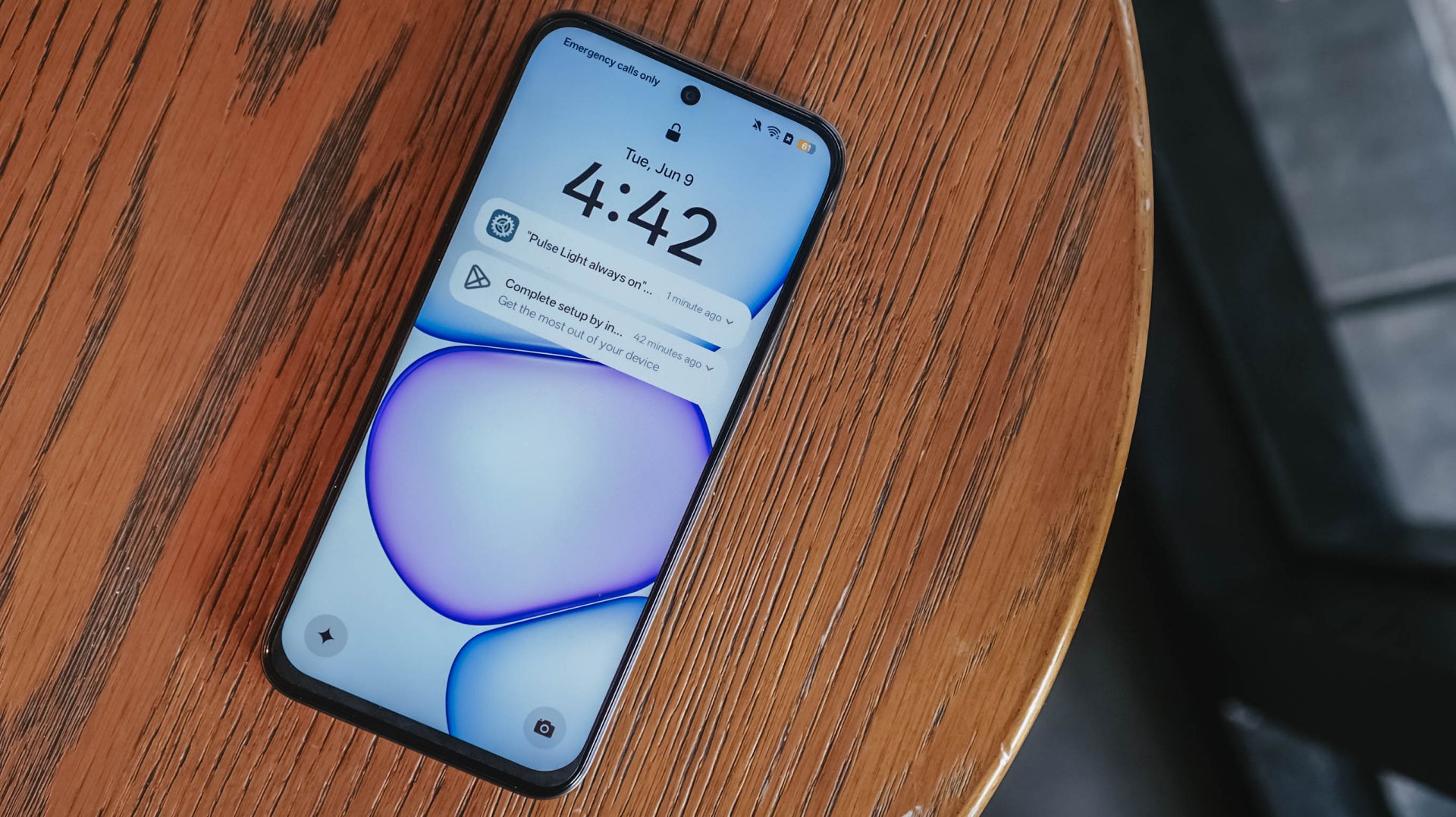
Ideally, I would put it as chiefly just a tool for constant comms and something you’d put on your desk — expecting new messages, emails, and notifications or updates here and there.
Inferior display
In front, the realme C100 sports a 6.8-inch 120Hz display on paper. It has an HD+ resolution but the pixel density sits at just a mere 256ppi.

There’s visible graininess or lack of distinct sharpness, be it streaming YouTube or viewing photos you’ve just taken with the device.
The same hardware limitation reminds me of past compromises in previous C series entries. Photos appear muddy and noticeably soft on screen, so it’s difficult to judge image clarity until files are transferred to another display.

The 1,200 nits of peak brightness helps a bit, although it is still a bit trickier to see things under the bright sunlight.
Cameras: Decent, as usual

For its camera, the realme C100 has quite the standard 50MP main camera. It’s decent for captures in terms of color and detail, but I’ve seen better overall quality from previous C series entries.
It’s tough when its indoors and under low light conditions — as expected. Naturally, you can’t expect the same detail outside of 1x zoom.
Some quick samples:

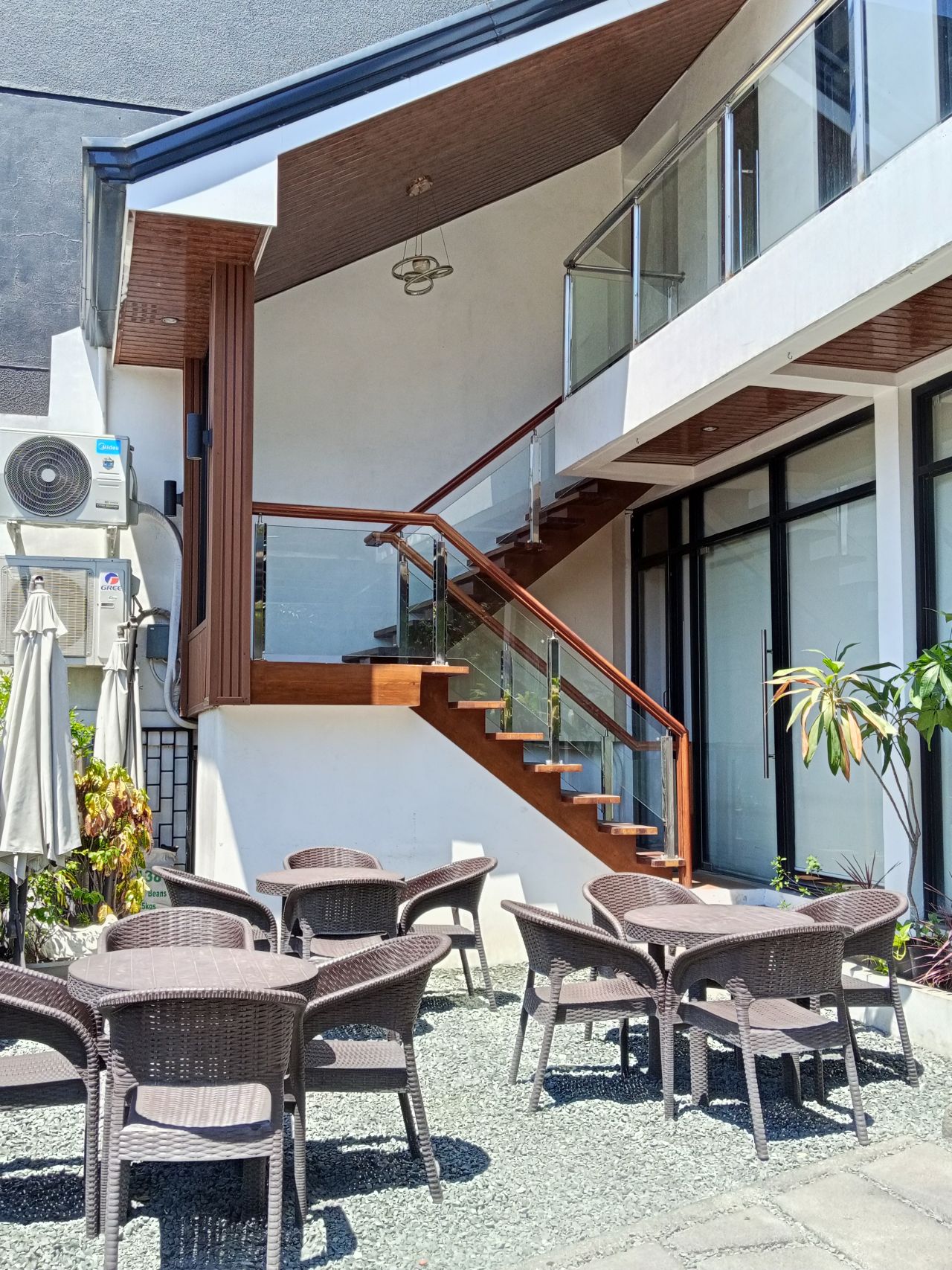








It’s a you-get-what-you-paid for on the stills department; something you’d use for documentation more rather than artistic captures. I would have hoped for more stability with filming, so you can use it for quick reels or splice them for vlogs.
When I asked my nephew to use the phone for a bit, he didn’t take too many images, which tells a lot about what the camera package can offer.
Look and feel

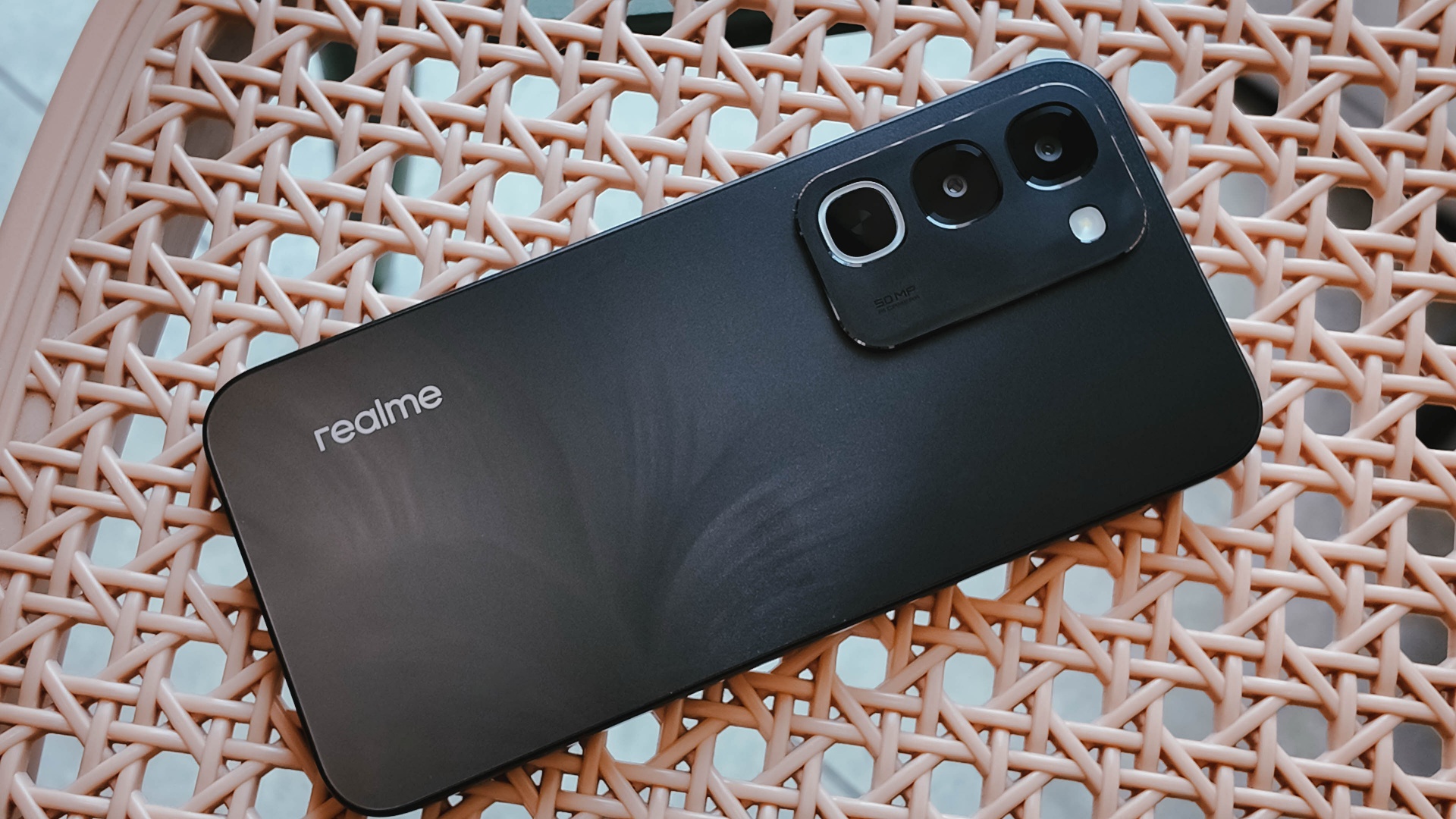
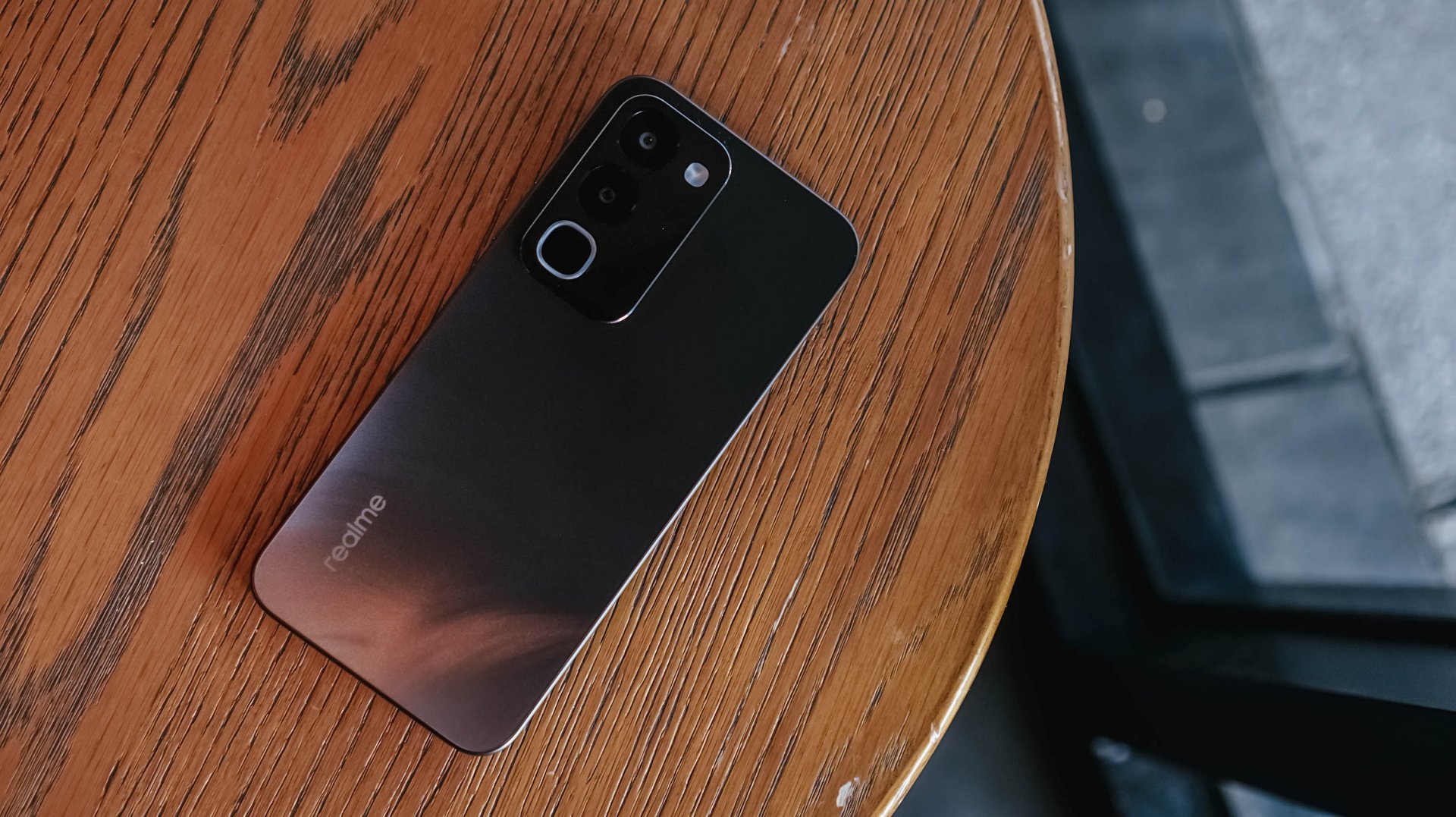
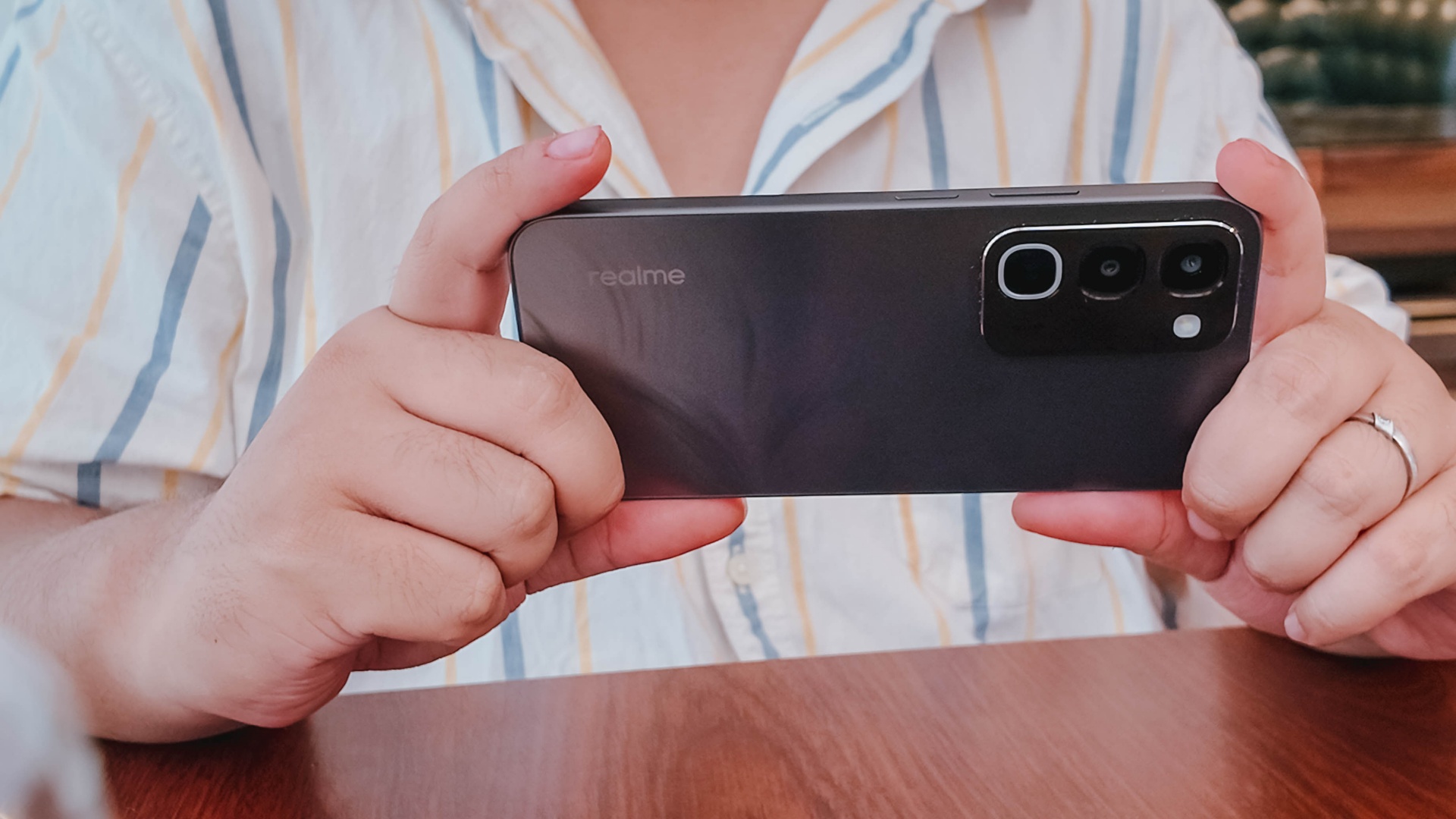
Onto its appearance, the device comes with a simple, squarish build with a faux triple camera island at the back.
It’s nothing we haven’t seen before, though in the place of round cameras, they look more like app icons shape-wise.
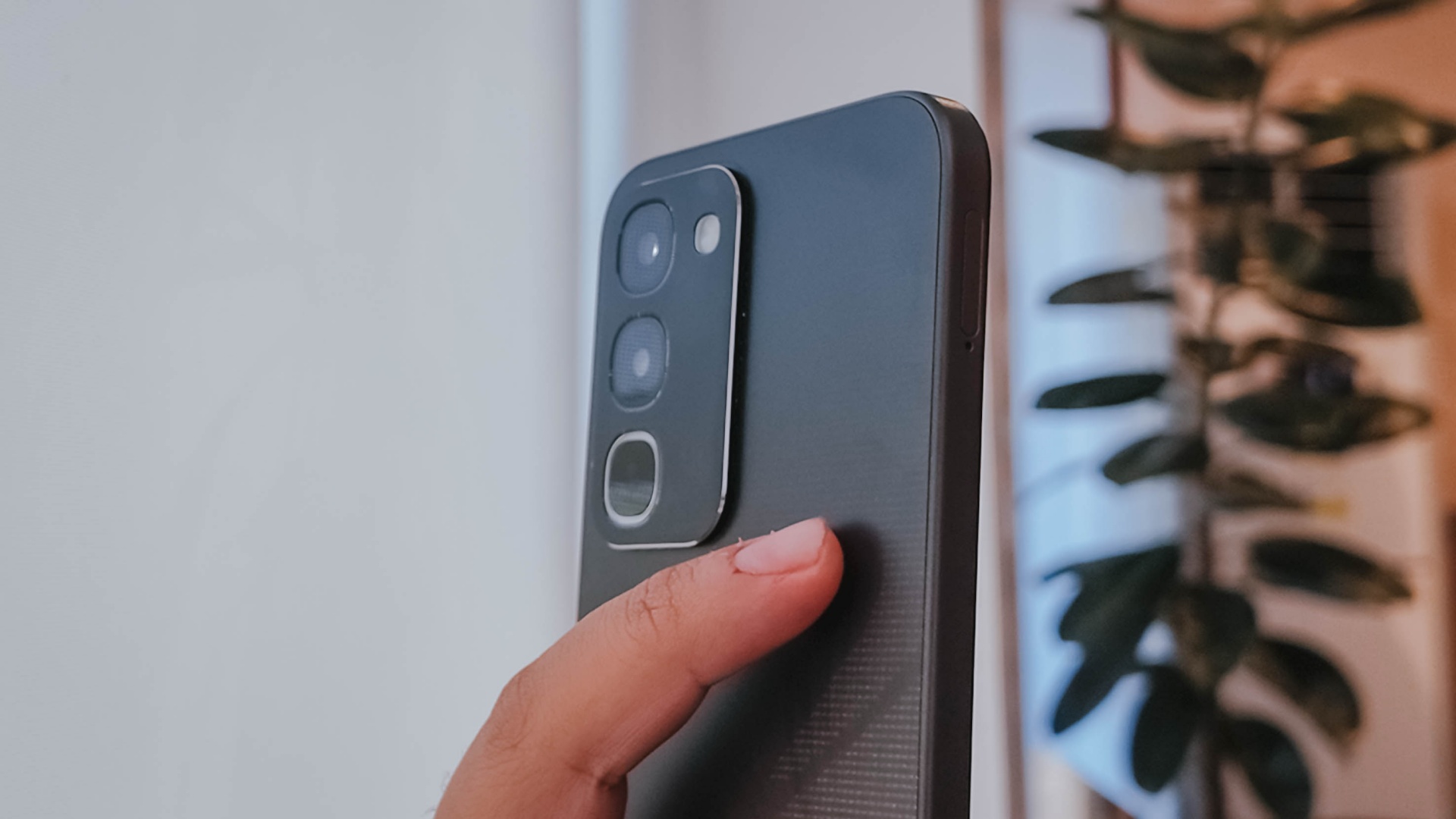
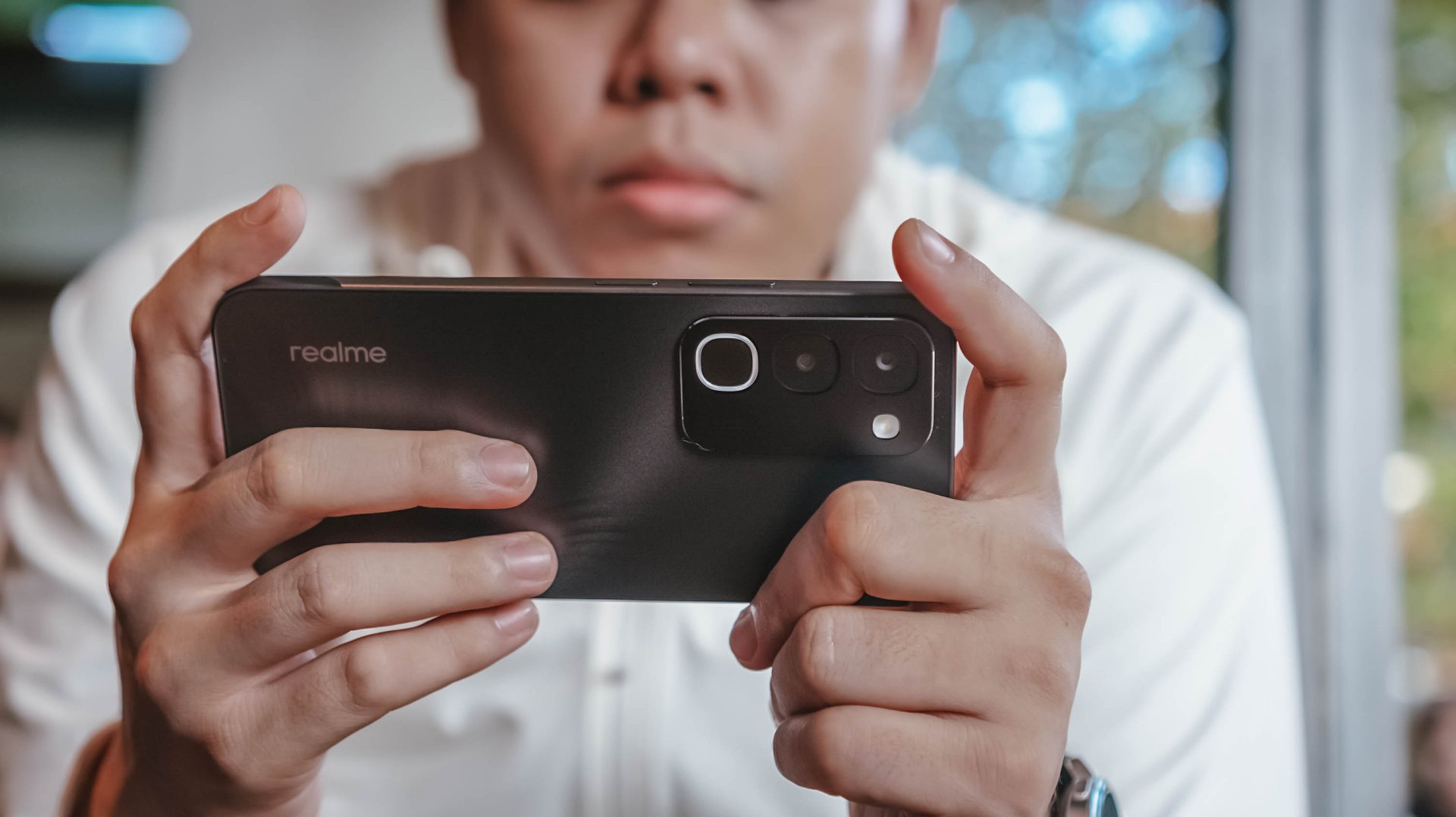
There’s slightly curved corners, just the right amount of thickness, a decent 90.4% screen-to-body ratio, and a bit of weight given the larger battery.
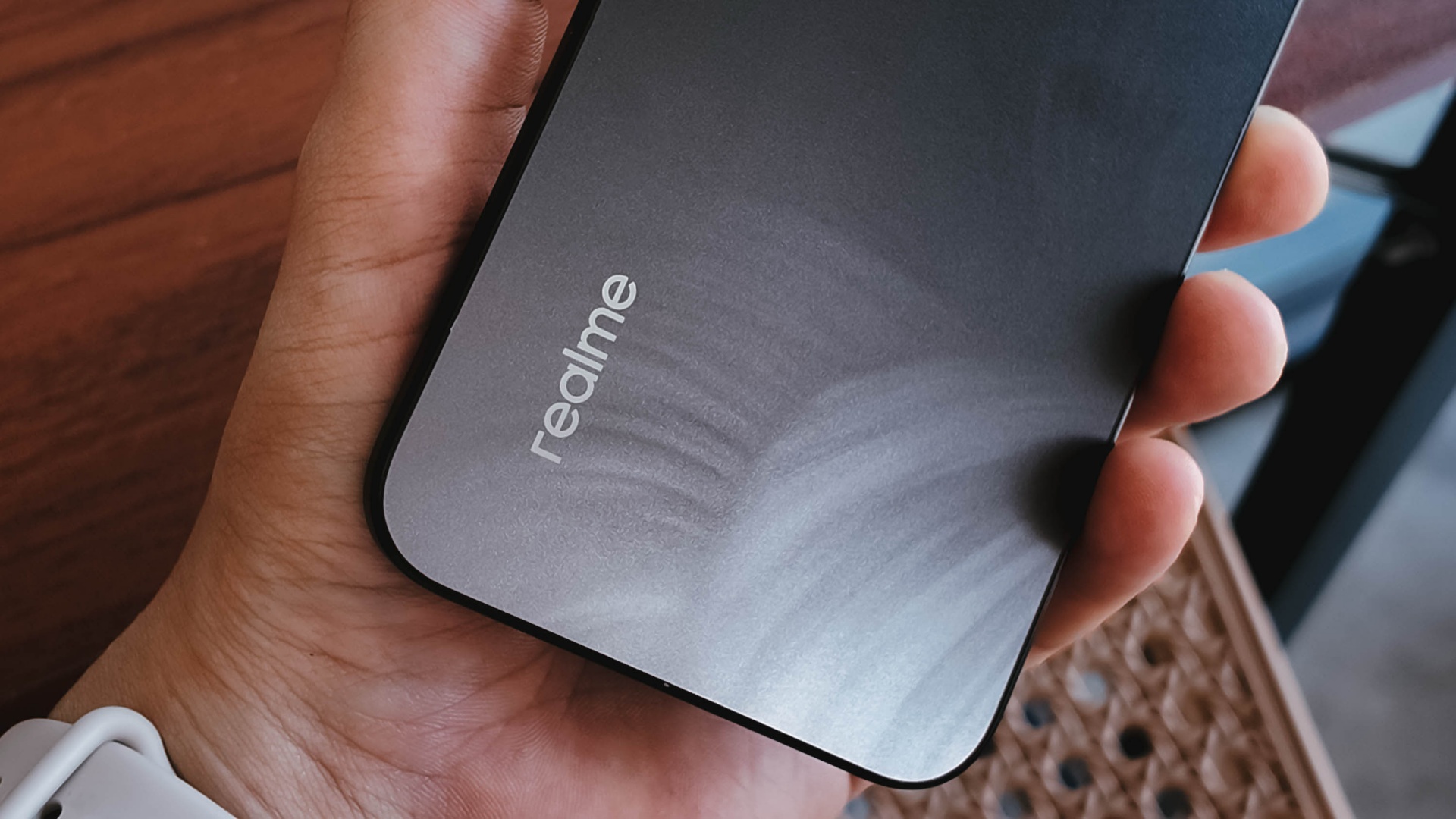
To its credit, the phone has a good grip and a less slippery back, even with its fancy design.
It is obviously great to have ArmorShell Glass protection too, as durability and ruggedness are two non-negotiables in this segment to remain competitive.
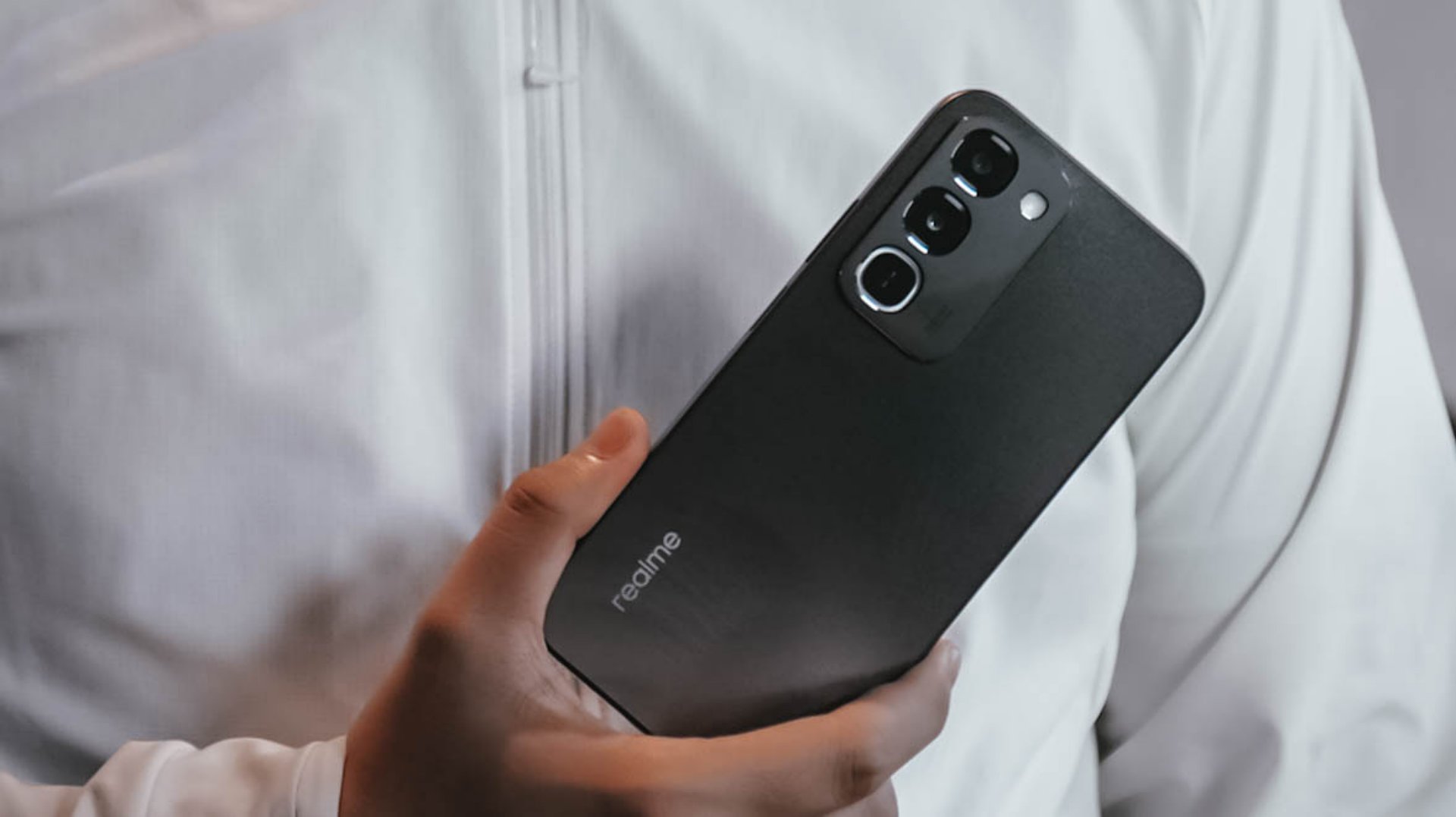
Aside from that, the phone boasts of IP66, IP68, IP69, and IP69K dust and water resistance. The display itself is also optimized for wet touches through Rain Touch Mode.
Is this your BudgetMatch?
For consumers prioritizing raw survival metrics, the final verdict leans toward a Swipe Left. It’s close though.
While the market shift toward military-grade drop resistance, high-tier IP waterproofing, and massive batteries makes sense as they save users from the hidden or unexpected costs of broken screens, liquid damage, and purchasing extra power banks, smartphones still requires a baseline level of operational smoothness.
At this price point, there are multiple cheaper alternatives with a more stable and responsive user experience.
There are also niche options providing a better gaming experience or camera performance, if either one is what you’re after.
There is just too many trade-offs with this particular unit, leaving some critical boxes unchecked.

This is coming from someone who has done countless unboxings and has touched a wide variety of devices — the ASUS ExpertBook Ultra was… alright.
My first impression was that it certainly didn’t wow me as much as I expected it to after having read the brief, nor even after attending the tech seminar where ASUS laid out its vision for the laptop.
That’s probably the strangest thing about the ExpertBook Ultra. Because after having spent more time with it, the laptop grew on me.
Put cheekily, the ASUS ExpertBook Ultra wasn’t the laptop that made my head turn. Instead, it was the laptop that kept showing up consistently. Before I realized it, it’s become the one I wanted to keep coming back to.
And I think that’s the best way to describe my experience with ASUS’ flagship business notebook.
The laptop sneaks up on you.
Built to be carried

I got the laptop right after Computex 2026 coverage. That meant my days were closer to how they normally are. That also meant I had to be more intentional about going out and bringing it with me as I tackled my day-to-day duties.
I normally carried it using my trusted EDC — the Alpaka Bravo Tote — and I have to say it definitely felt lighter than my usual laptop, which is the MacBook Pro M4.
The Apple laptop I regularly carry is, I have to admit, chunkier than I would prefer. So having the ExpertBook Ultra for about a week or so literally felt like some load was taken off my shoulders.
Did I ever forget it was there? I wouldn’t go that far.
But if you’re asking me which one I’d rather carry based on build and weight alone, I would, with no hesitation, reach for the ExpertBook Ultra.
That says a lot considering how attached I am to my usual setup.
ASUS likes talking about how light the ExpertBook Ultra is. Normally, that’s the sort of marketing line I acknowledge and quickly move past.
This time, I actually felt it.
The Nano Ceramic effect

One of the first things ASUS will tell you about the ExpertBook Ultra is its Nano Ceramic finish. I’ll admit, it felt like one of those things that sounds good on a slide presentation.
It’s one of those things that look gimmicky at first but actually feels incredible once you come across it on a daily basis.
It’s still early, so you can consider this very much part of the honeymoon phase with the laptop. Even so, the Nano Ceramic finish continues to inspire a bit of awe every time I pick it up.
I do feel like a little weirdo caressing the laptop ever so gently before I begin the day’s work wherever I may be. But that’s just a testament to how good it feels to touch.

And yes, it does reinforce the feeling that, “Hey, I’m working on a pretty fancy piece of machinery.”
It’s easy to underrate the effects of that feeling, but it’s those little intangible things that can sometimes help unlock perspectives and possibilities.
That’s not something you’ll find on a spec sheet. But it’s absolutely part of the experience.
A display that’s difficult to stop staring at

It also helps if STAYC Isa is on screen.
The display is magnificent.
As Captain America would say, “I can look at this all day.” Not the exact phrase, but you’re smart. You get it.
The OLED and matte coating is just a killer combo. Kind of like the Chaewon and Yeji “That’s a No No” challenge collab. Pardon the months-old K-pop reference. I’ve been so busy I haven’t really kept up with what’s new.
Anyway, the combination just comes at you unapologetically and you have no recourse but to bask in it. Maintaining the deep blacks and crisp colors is such a gift to your eyes.
I often sit right next to big windows when I’m out in cafés and the light did nothing to dull the effect of the display.

Two love, two love. I’m falling.
It was so good I often found myself fully diving into STAYC’s 2 LOVE music video in between writing this very review and coordinating with my team.
The matte coating deserves special mention here.
OLED panels already look fantastic. Pairing one with a matte finish that helps cut reflections without sacrificing the strengths of OLED makes for one of my favorite laptop displays in recent memory.
Typing just clicked

This is one of my favorite keyboard experiences. Things just clicked right from the start. No awkward feeling-out phase whatsoever.
I was touch typing like I was Doctor Strange trying to look into over 14 million possible outcomes and still landing on the right key every single time.
The keys feel closer to chiclet-style keyboards than anything else. Even so, the spacing is perfect and the travel satisfying.
Then there’s the haptic touchpad.

I typically don’t like using mice, especially when I’m out and about. With most Windows laptops I’ve used in the past, that eventually becomes a necessity.
That wasn’t the case with the ExpertBook Ultra. It’s easily one of the best-feeling touchpads I’ve used in recent memory.
My standard for touchpads has always been MacBooks. While the software is also doing some heavy lifting in that particular setup, the ExpertBook’s own comes pretty close.
That’s not praise I hand out lightly.
Performance that feels like overkill

Performance is one area where I cannot claim I fully pushed the capabilities of the ExpertBook Ultra.
Most of my tasks are browser-based. Plenty of tabs open, sure, but I don’t think I ever came close to really testing the capabilities of this business notebook. I imagine that would be the case for most of ASUS’ target audience.
Upon seeing the specs, I already knew this was going to be a bit of an overkill for my own use case. My time with it only proved that assessment.

The most I did with it was jump between browser tabs and chat apps, letting ChatGPT help me process unresolved feelings and questionable timing while I dealt with coordinating shoots, writing scripts and reviews, and dealing with external forces that leave me feeling drained.
Never once did the laptop feel slow. Never once did I find myself waiting.
What noise?
Speaking of things I didn’t notice, let’s talk about fan noise.
Again, since I didn’t really push this thing to its absolute limits, the fan never really kicked into high gear at any point during my time with it.
The same goes for thermals.
No task I did ever raised the temperature to uncomfortable levels. The laptop simply went about its business. Which, come to think of it, is probably the most business-laptop thing I can say about it.

Battery life that simply works
I was very impressed with its overall efficiency.
When I go out to work, I typically don’t stay out longer than five to six hours. Most of the time that’s five to six hours of really focused work—with some K-pop loving in between.
Being generally risk-averse, I still always brought my usual charger with me. Not once during my time with the device did I feel the need to plug in while working outside.
I would typically end my café work days somewhere between 30 to 40 percent and only juice the thing up once I got home while it was closed and not in use.
That’s exactly the kind of battery experience I want from a business laptop.
The AI question
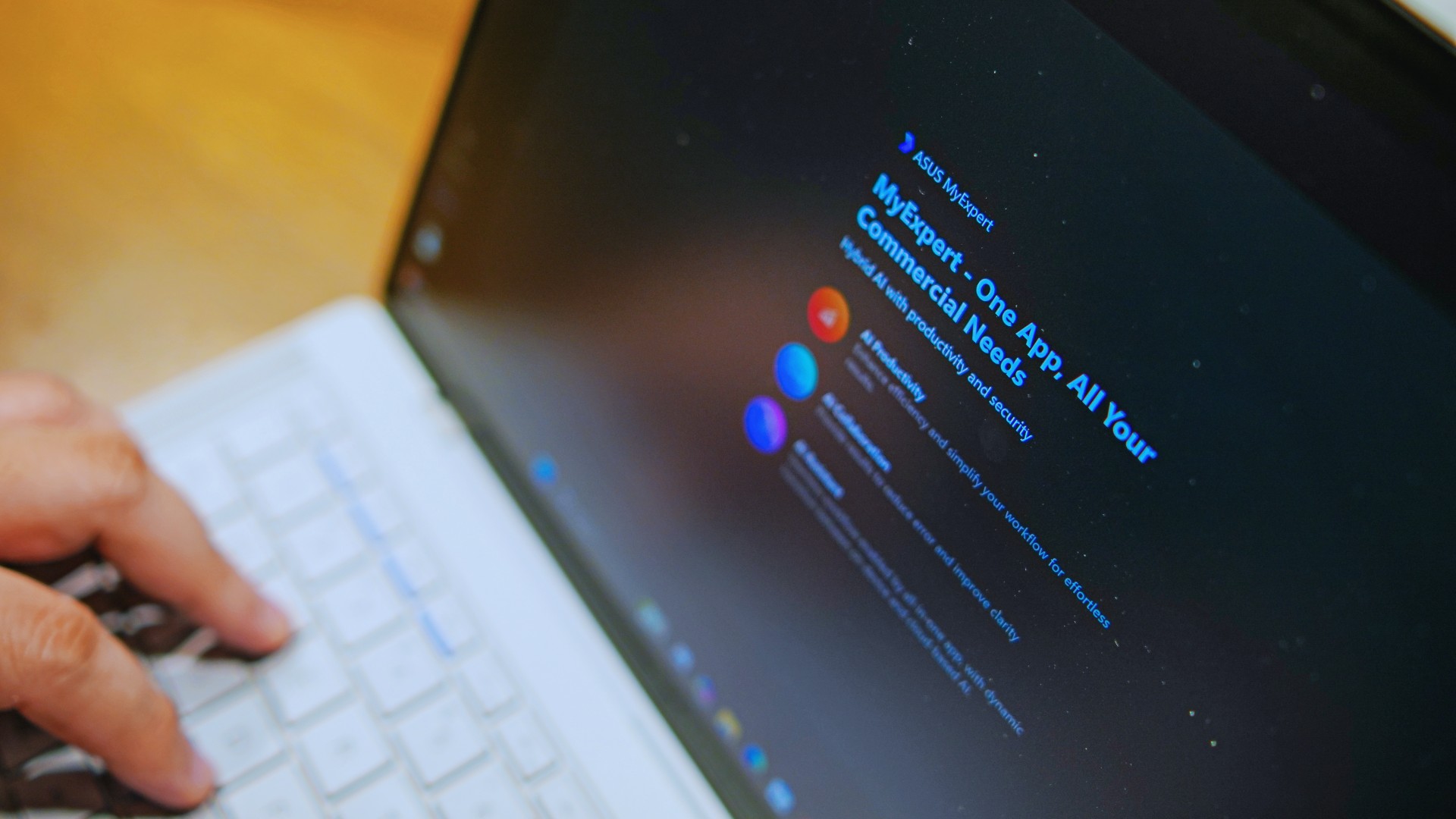
The thing I struggle with when it comes to AI features on this machine is that a lot of them are Windows-based and that’s just not the AI I find reliable.
Right now, many of these features are nice-to-have.
I’m sure one of ASUS’ target users will likely find a use case for them.

As for me personally, this is one area I’d have to dig deeper into to actually find ways to integrate them into my workflow and general usage.
And honestly, that’s okay. The AI features weren’t the reason I kept reaching for the laptop.
Who is this actually for?

That’s a loaded question. Really, it’s built for anyone who can afford it.
With a starting price of PhP 129,995, this device comfortably sits in aspirational territory.
What I know for sure is that this is a machine for someone who’s already built some momentum in their chosen field and would like to level up.
The ASUS ExpertBook Ultra gives you a machine that can handle your business now and inspire you to dream bigger about your future.
Is the ASUS ExpertBook Ultra your GadgetMatch?
The thing I kept coming back to with the ExpertBook Ultra is that there is no one thing that made me turn to it.
Instead, it’s the combination of everything that it brings to the table. The premium-feeling build, lightweight design, wonderful display, excellent keyboard and touchpad. efficient performance, and the thoughtful extras. Together, they make it a laptop that’s easy to recommend to anyone who’s ready for it.
But what does ready for it actually mean?

It means it’s for people who have leveled up quite a bit in their grind and want a machine that matches their current status and future aspirations.
That’s what the ASUS ExpertBook Ultra represents. A modern classic that’s ready for now and whatever comes next.
That’s why it didn’t wow me. But it certainly won me over.

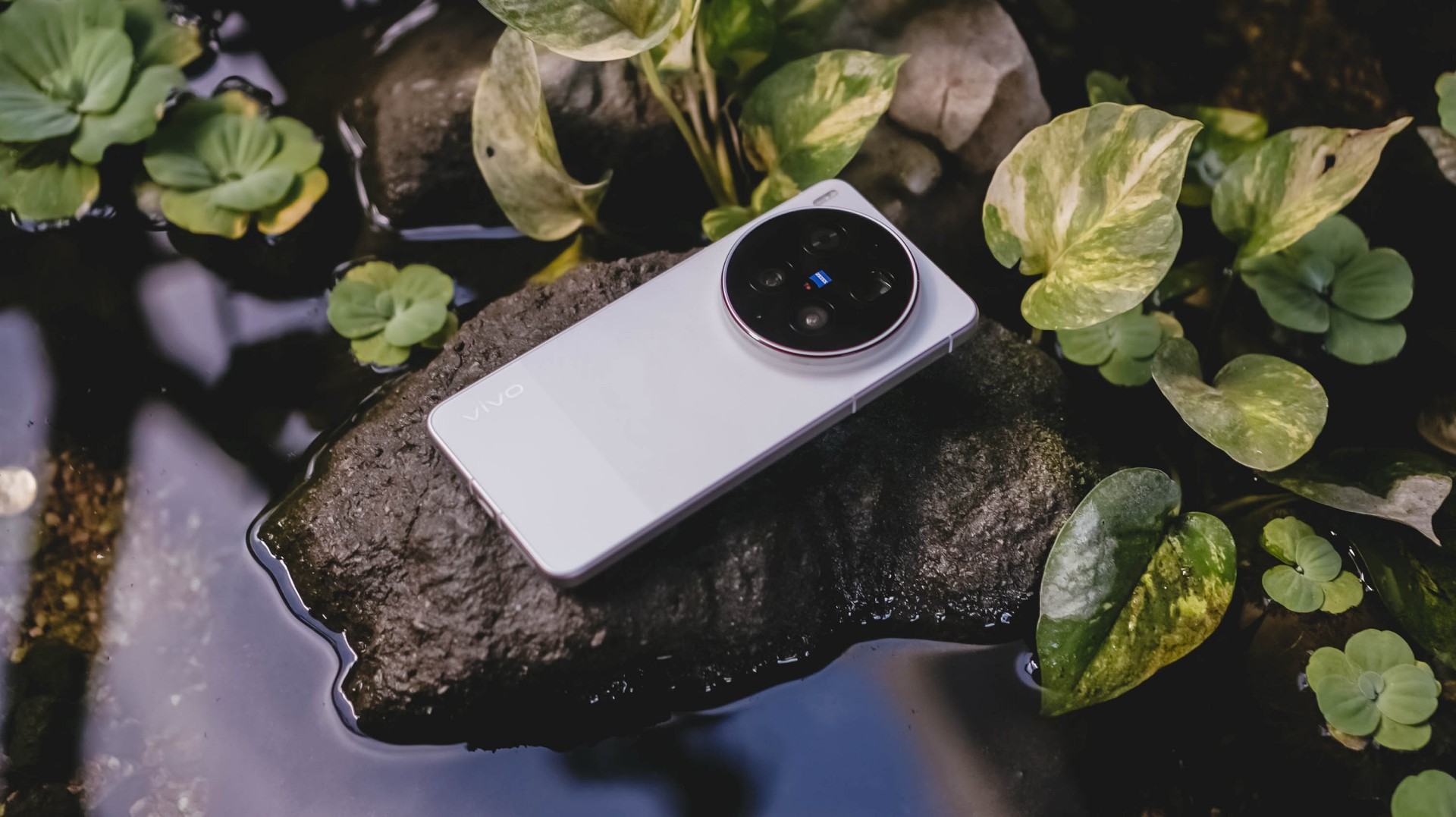
With the arrival of vivo’s first “Ultra” smartphone last May 2024, I felt nothing but utmost excitement — until it was revealed to be China-exclusive.
Second generation landed, yet it remained the same. My disappointment grew twofold.
Despite rocking the vivo X200 Pro last year, my eyes were glued to the Ultra for its more powerful camera hardware.
Two years have passed, and my gloomy, rainy skies have finally turned into a sunny scenery.
The Chinese smartphone brand finally listened and unveiled the much-awaited vivo X300 Ultra slated for global markets.
A Whole Different Animal
With all the “Ultra” smartphones released in the wild, the vivo X300 Ultra is of a different species.
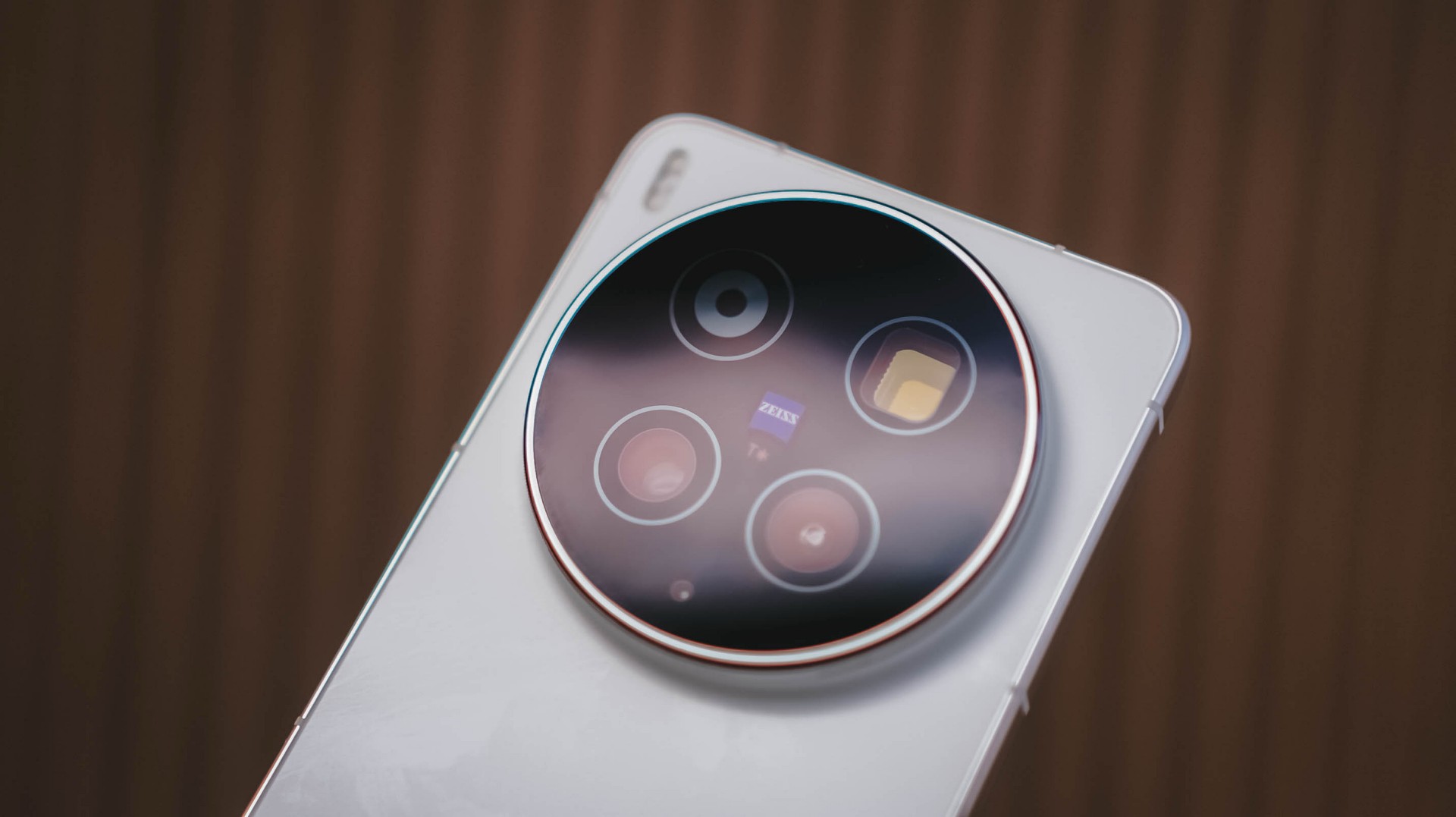
For starters, the vivo X300 Ultra has a massive 200MP f/1.85 rear camera based on Sony’s 1/1.12-inch LYTIA 901 (or LYT-901) image sensor.
What makes it stand out from the rest is that 35mm focal length is uniquely of its kind. No other smartphone brand dares to do what vivo is currently doing.
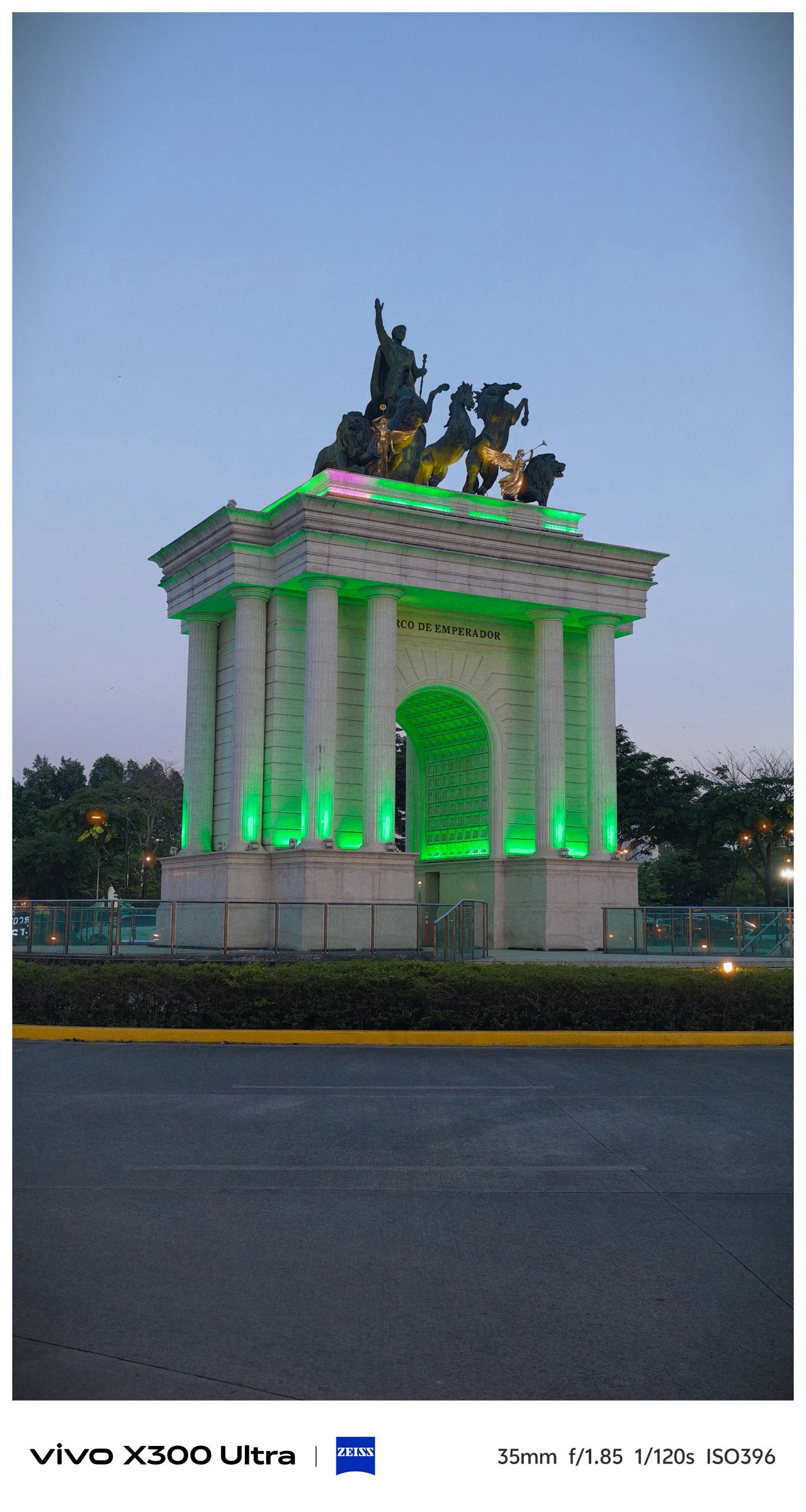

Even though 35mm exists in most modern flagships through a series of camera app taps, it’s only vivo’s X300 Ultra (and last year’s X200 Ultra) that made 35mm the de facto focal length standard in contrast to all 23/24/26mm wide shooters out there. No fake 35mm cropping whatsoever.


Personally, I am a huge lover of this tight framing. Not only it gives the best balance of DoF (Depth of Field) and FoV (Field of View), it makes you focus and capture more intricate subjects altogether.





That mighty sensor is also capable of capturing 50mm shots through in-sensor cropping.


Deny it or not, ultra-wide angle shooters are what most brands often neglect. Well, vivo tried to make it up to par with that 50MP f/2.0 UWA lens.
But, it’s not just about the megapixel count nor aperture opening. The X300 Ultra boasts a 1/1.28-inch Sony LYT-818. X200 Pro’s main sensor was transformed into X300 Ultra’s ultra-wide unit.


This further proves how the X300 Ultra, in aespa’s words, is truly a W.D.A (Whole Different Animal).

Last but definitely not the least, that 200MP f/2.67 periscope telephoto module capable of bringing in 3.5x optical zoom or an equivalent of 85mm.



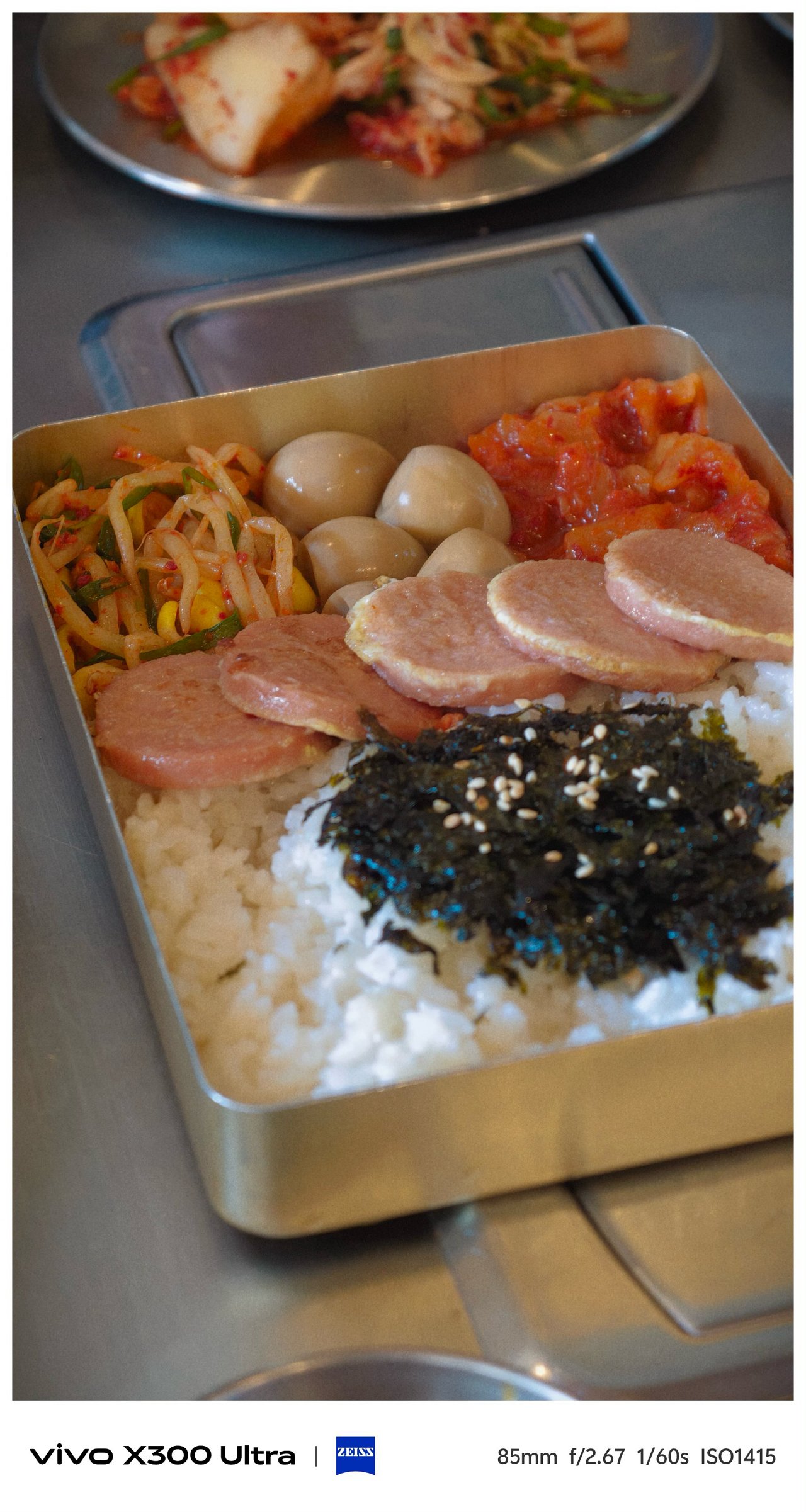






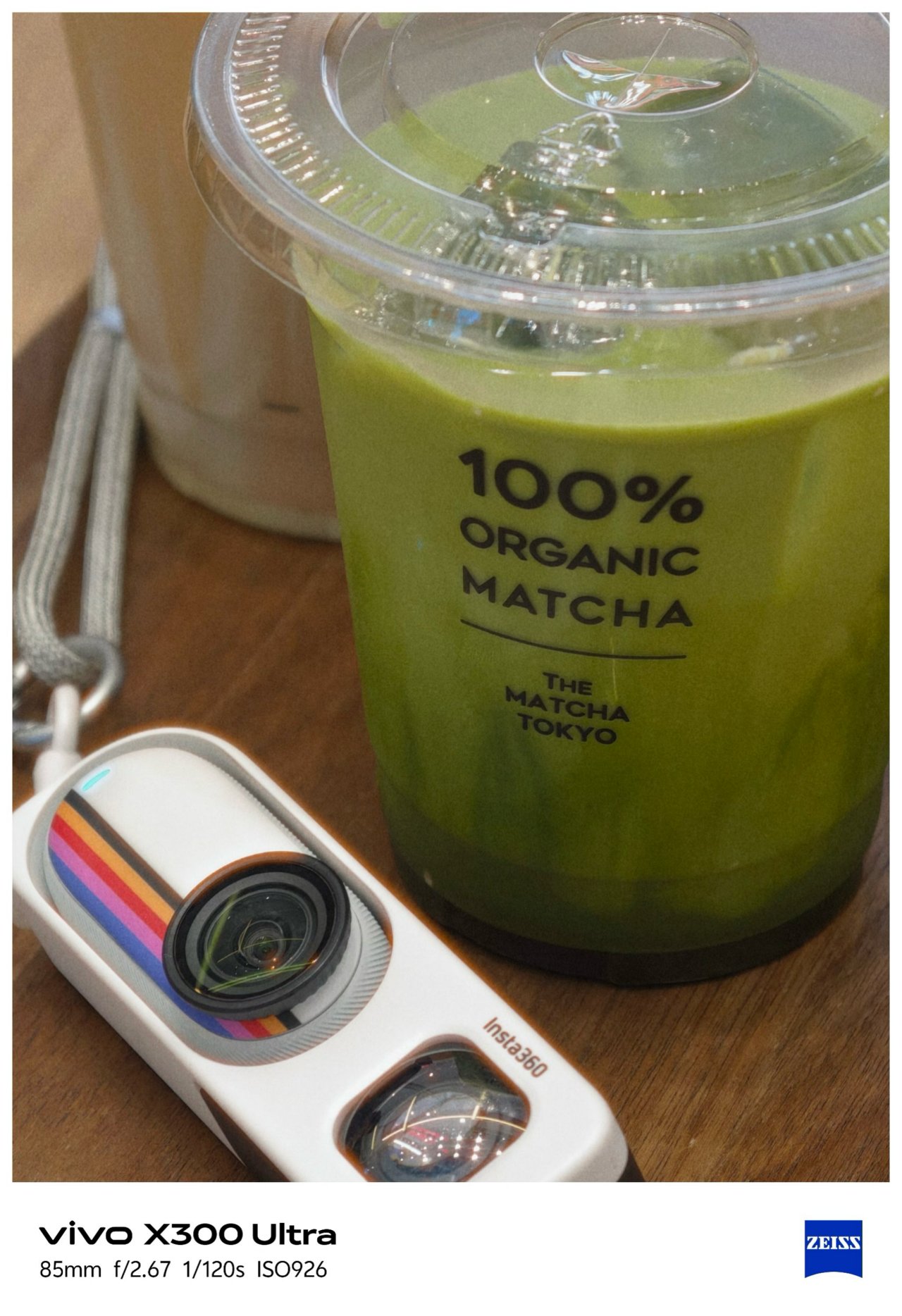


Shooting beyond 10x is still crisp and clear thanks to Samsung’s 1/1.4-inch ISOCELL HP0 sensor refined for vivo.




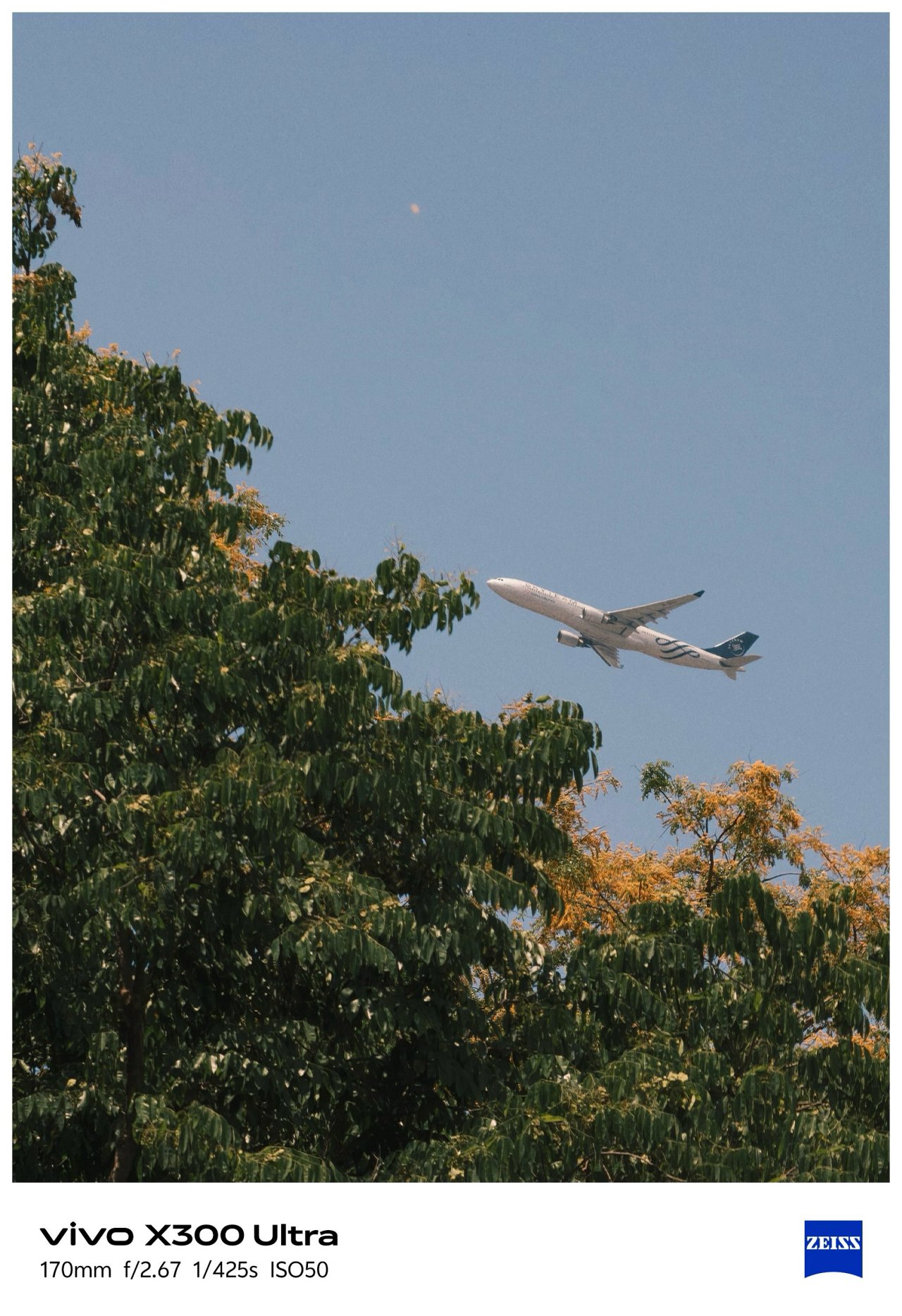

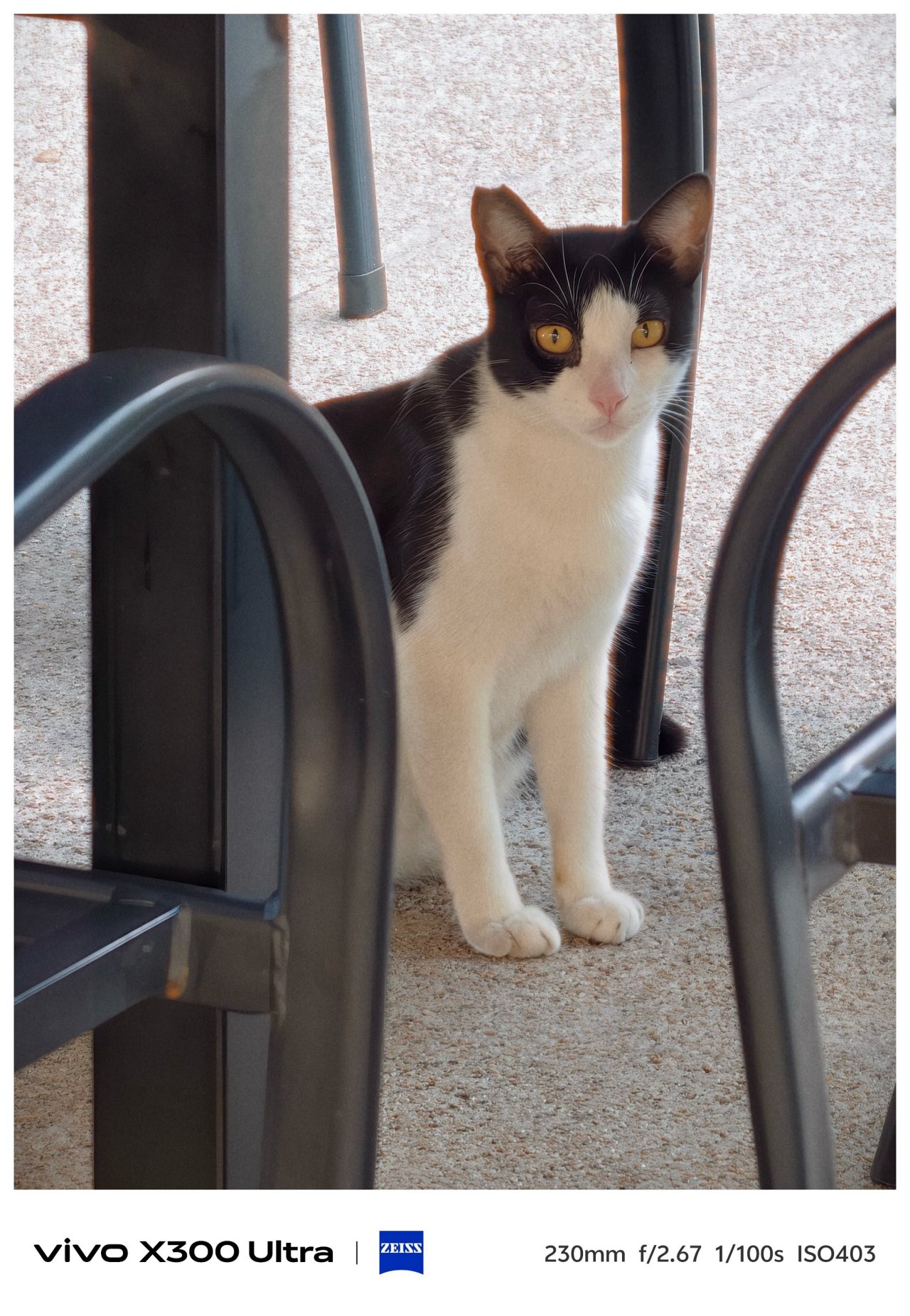


Before I forget, the X300 Ultra is the only phone in the X-series line to feature a 5MP f/2.0 multi-spectral sensor.

vivo X300 Pro (left), X300 Ultra (right)
For the spec-savvy, here are the detailed camera specs of the X300 Ultra against its Pro brother.
vivo X300 Pro |
vivo X300 Ultra |
|
Wide |
50MP f/1.57
|
200MP f/1.85
|
Ultra-Wide |
50MP f/2.0
|
50MP f/2.0
|
Periscope
|
200MP f/2.67 ZEISS APO
|
200MP f/2.67 ZEISS APO
|
Multi-
|
– |
5MP f/2.0 |
Selfie |
50MP f/2.0
|
50MP f/2.45
|
Mirrorless Mimicry
Last year’s vivo X300 Pro was already a very, VERY capable camera-centric flagship.
This year, vivo takes the X300 Ultra to the next level with their overhauled camera app features.

First and foremost, the shortcut bar on top is now customizable. Moreover, the lower right side lets you add more tools based on how you like them in your screen. This was not possible in previous iterations.


Now, if you’ve been following through over the years, the default color profiles were ZEISS Natural, Vivid, and Textured.
This year, the latter was changed to “Refined” while Textured was moved to less major presets in the list.

My first day with this monstrous camera phone made me explore all the new features — including making your very-own preset through Color Palette. This fully unlocks the hidden potential of the X300 Ultra.
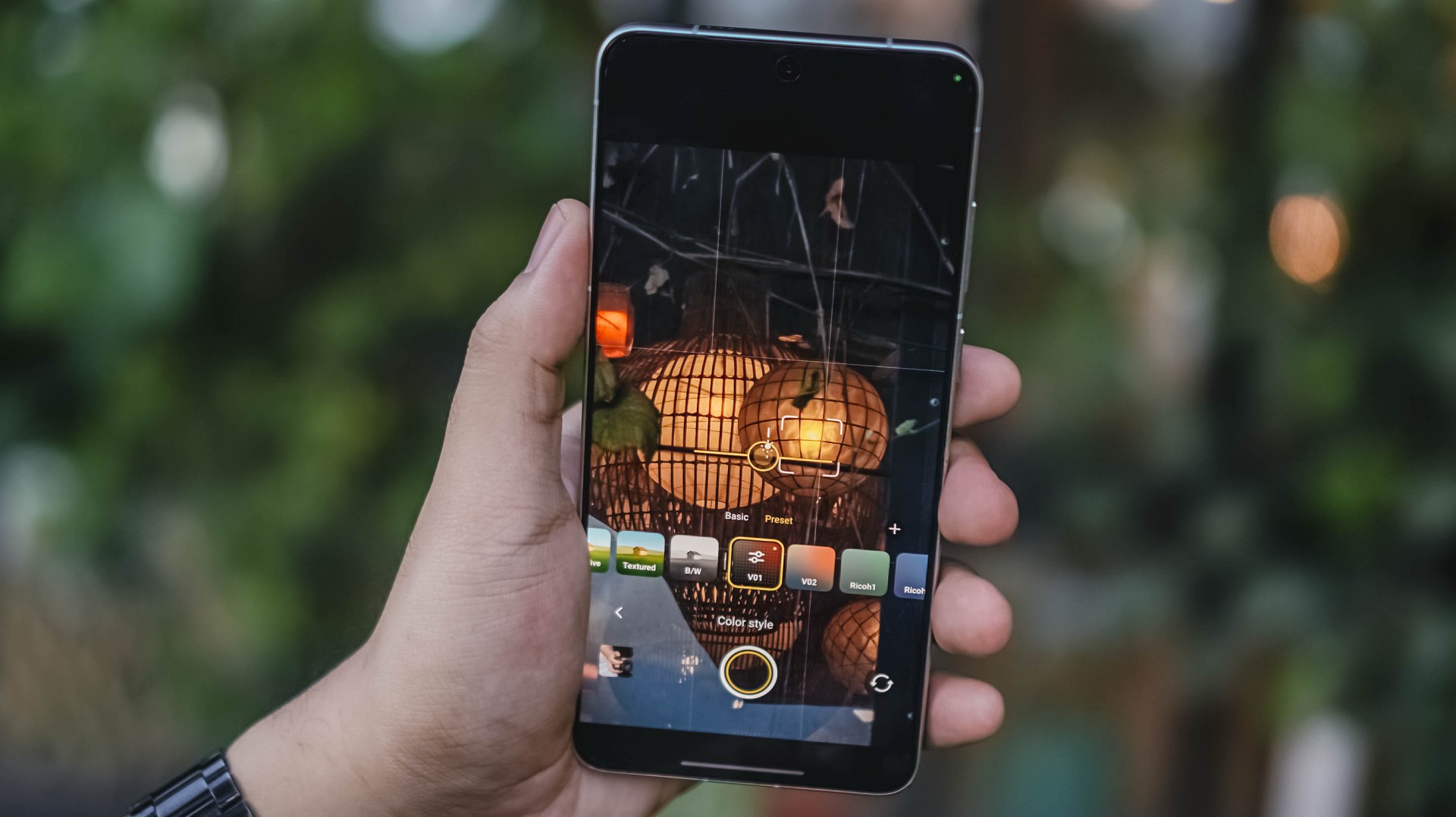
Upon firing up that camera app, I immediately tested it out and did my own film recipe just to make my photos reflect my photography style. Thus, V01 and V02 were born.
Now, if you’re not a tinkerer like me, mirrorless-like presets are floating around XHS / XiaoHongShu (or RedNote, whatever you prefer).
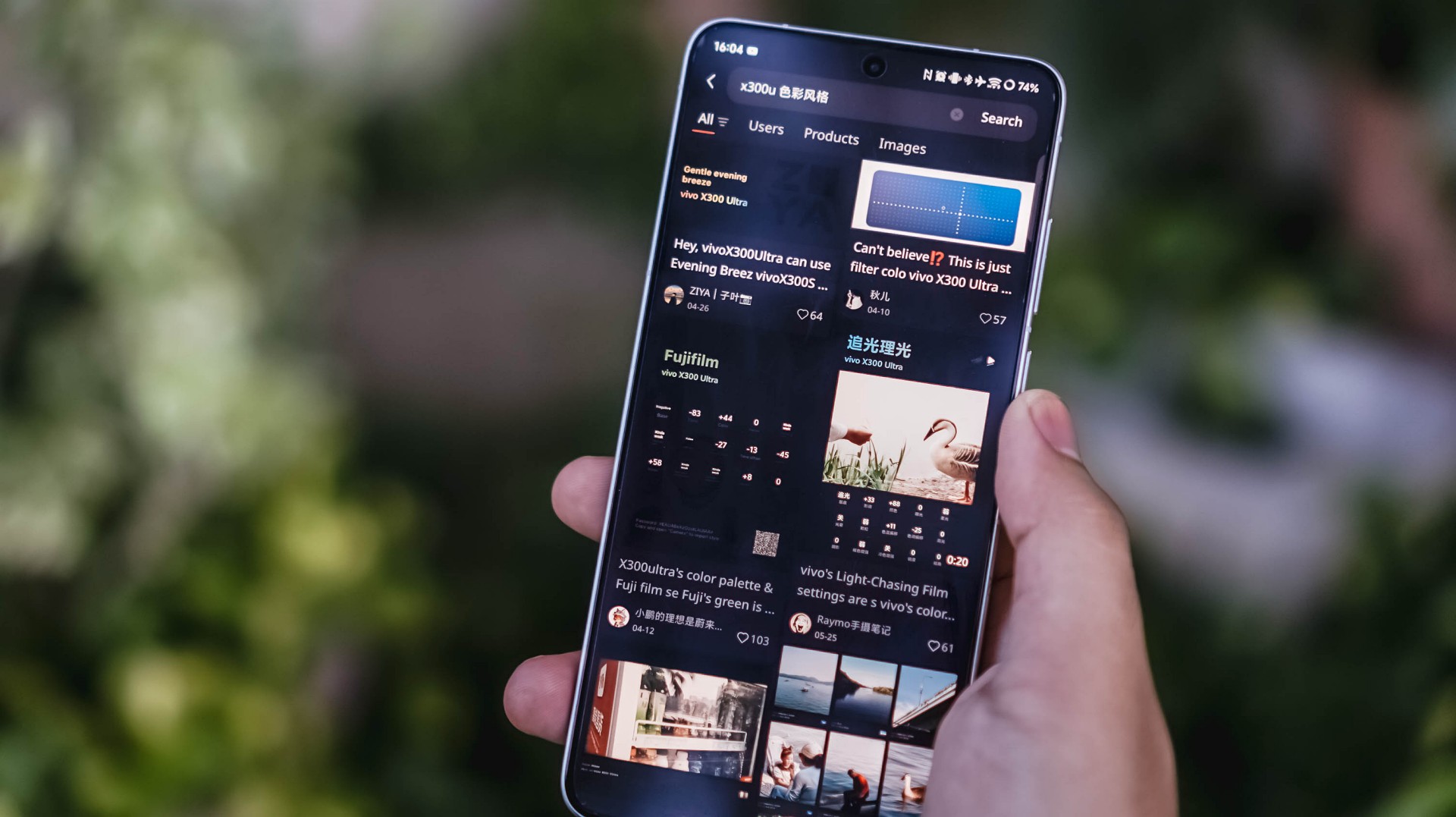

For reference, here’s a quick comparison between vivo’s built-in presets versus my own recipe.
-

- vivo – Vivid
-

- V – V01
-

- vivo – Refined
-

- V – V01
This added ability truly proves my sentiment that it can be a “mirrorless replacement.” And by that, I meant you can show off your own photography style without having to be too restricted with the phone’s built-in presets and camera processing. Neither color-grading after the fact.
Such new feat is why I can never go back to the X300 Pro. And, even if they do include it in a future software update, X300 Ultra’s camera hardware is simply unbeatable.
-

- vivo X300 Ultra 35mm + V’s V01 Recipe
-

- Sony ZV-E10 + TTArtisan 35mm f/1.8 II Prime Lens
Just for fun, I took both of these 35mm shots using the vivo X300 Ultra alongside the Sony ZV-E10 with my budget 35mm prime lens.
Postcards #PhotoDump
Spoiler alert: There are a lot to see! And, that’s the point of a “review” anyway 🤐
🇹🇼 高雄市 / Kaohsiung
📍 Cijin Island

By making and applying the preset I made, I was able to take all the glistening photos at these two different beaches in Kaohsiung.









📍 Sizihwan Beach



📍 Night Light


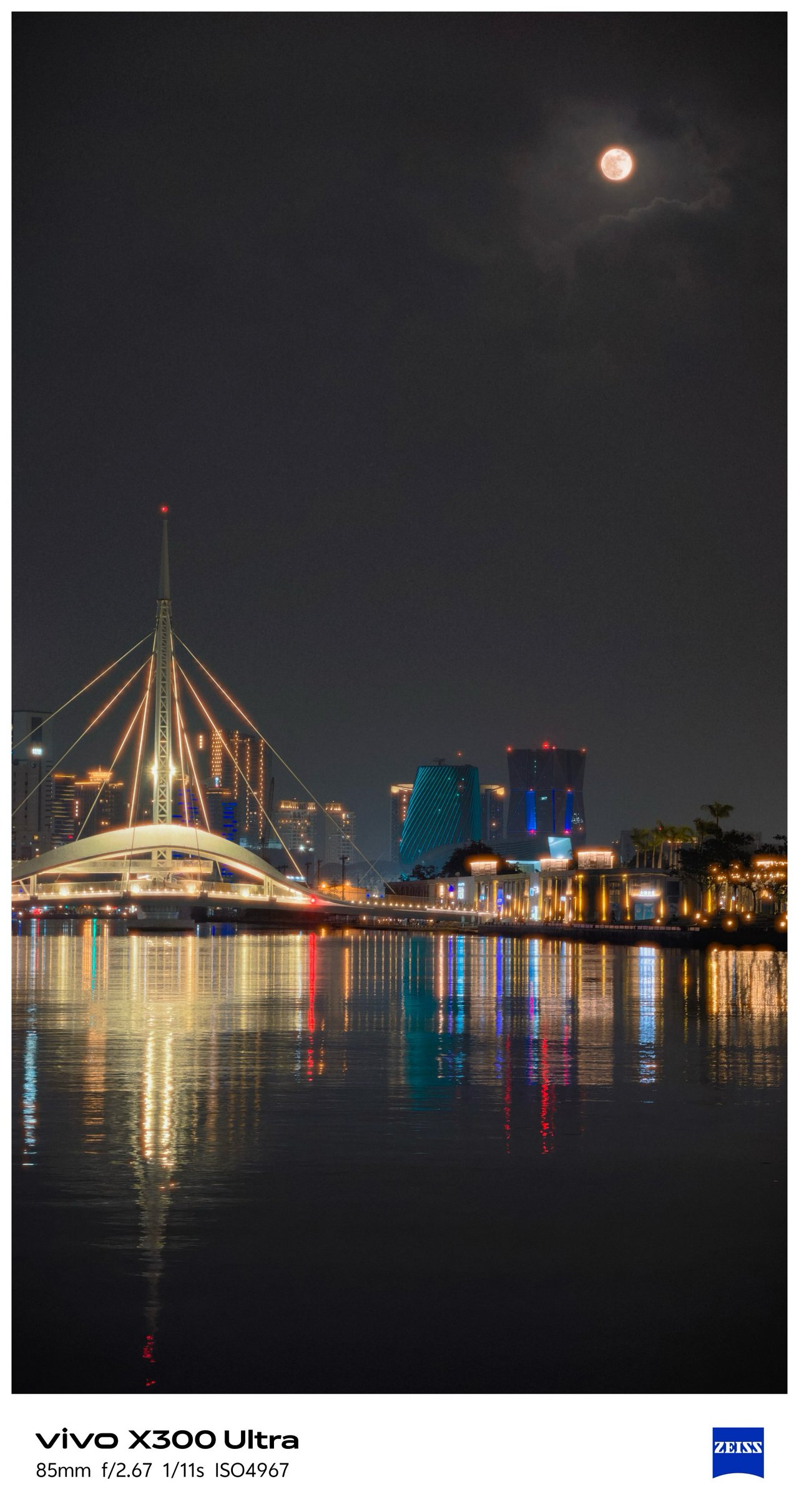









📍 Kaoshiung Center


📍 Angel & Demon Café







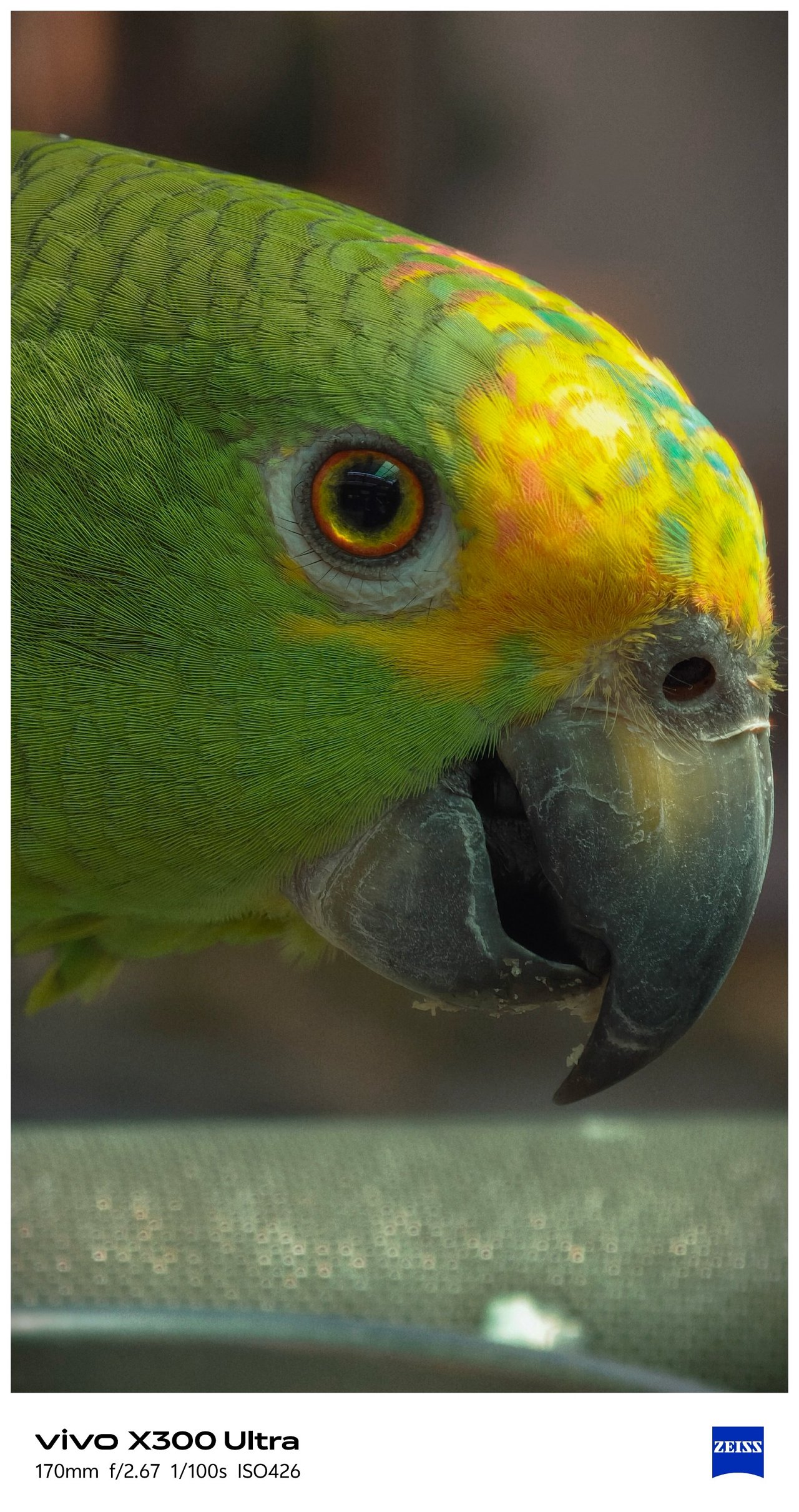




📍 Pier 2









📍 Hamasen







My inner railway fanaticism was screaming with the working diorama and all TRA / Taiwan Railway-filled memorabilia inside Hamasen Railway Museum.










📍 THSR Zuoying
All the train madness (and the Kaohsiung trip as a whole) ends here.


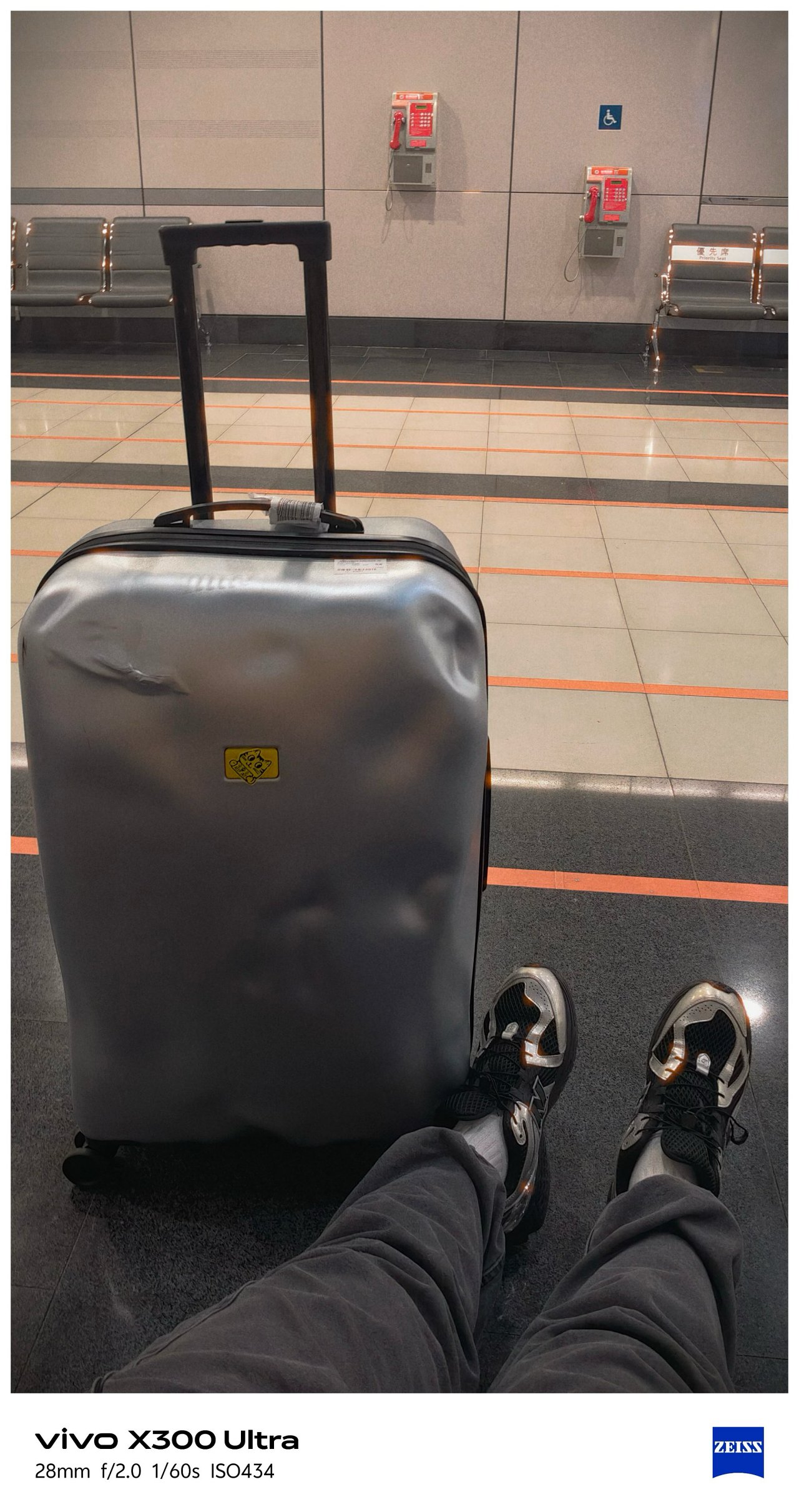
🇹🇼 臺北市 / Taipei
Moving from the southern city towards the north, Taipei’s weather also shifted drastically.
📍 Ximending





Being able to witness an eerie Ximending for the first time in my fifth Taipei visit along with this preset made it more dramatic.


I can’t imagine how “impactful” these would look if I applied vivo’s built-in presets.



📍 Xinyi


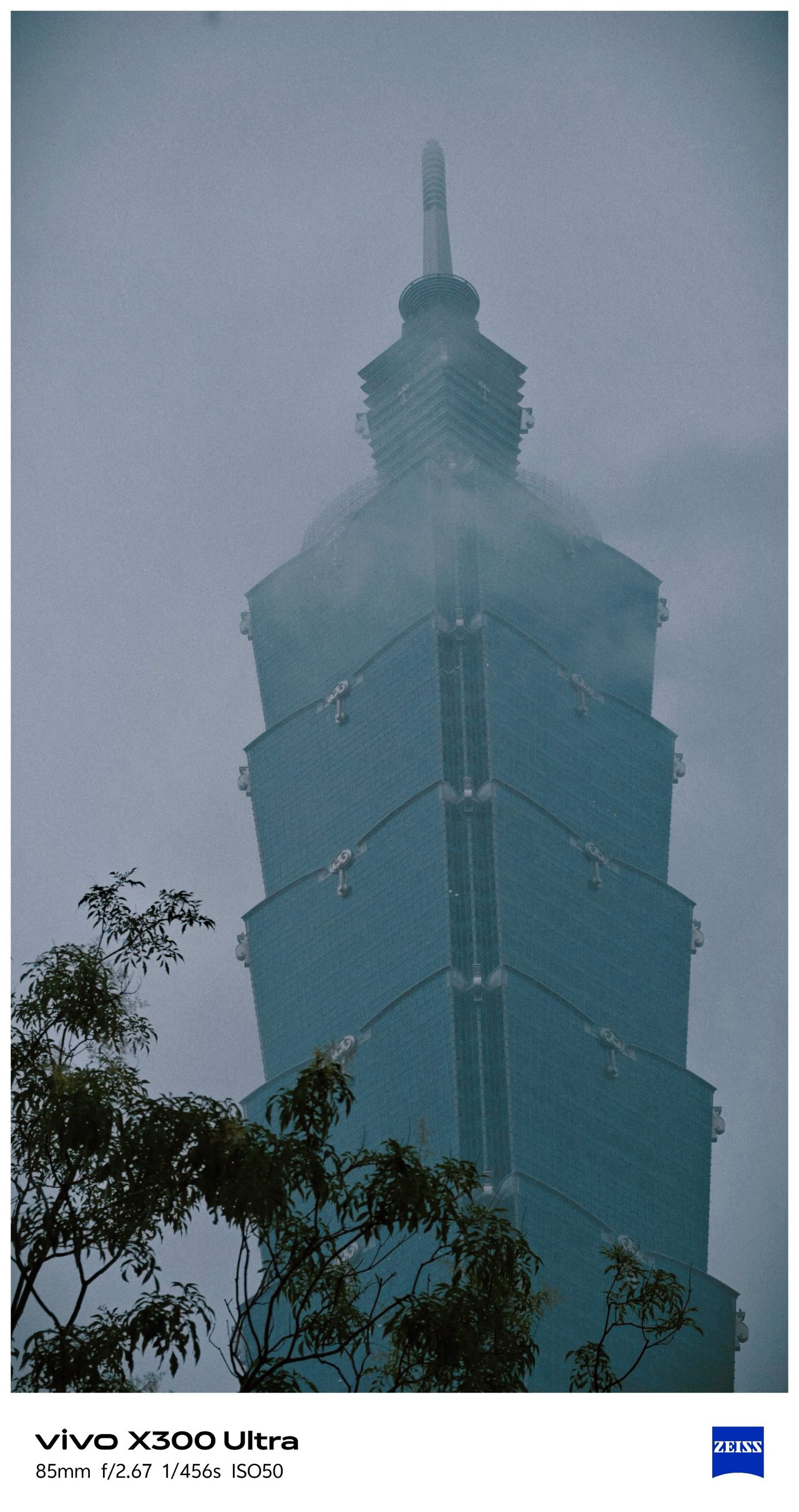


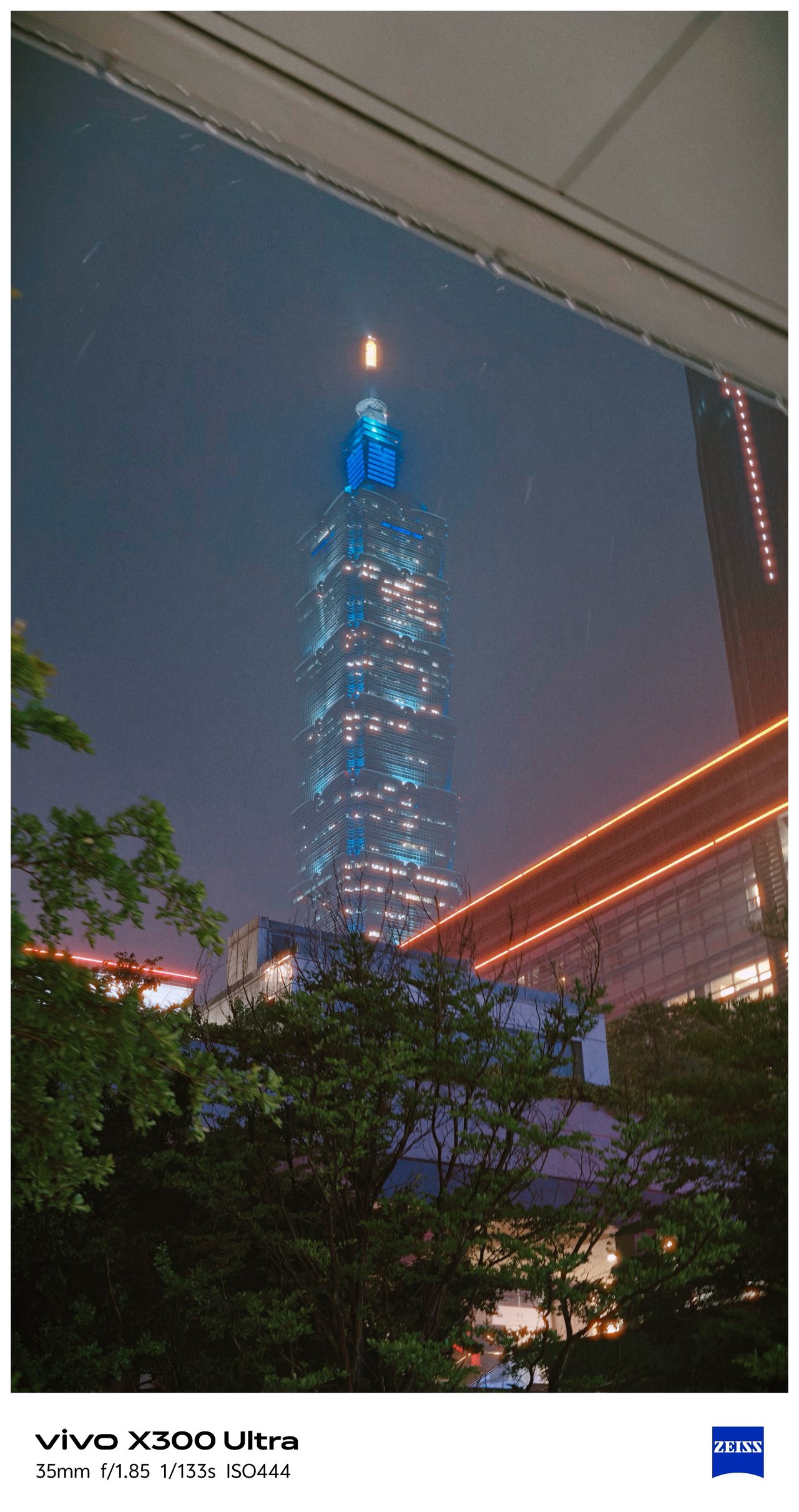
📍 Songshan




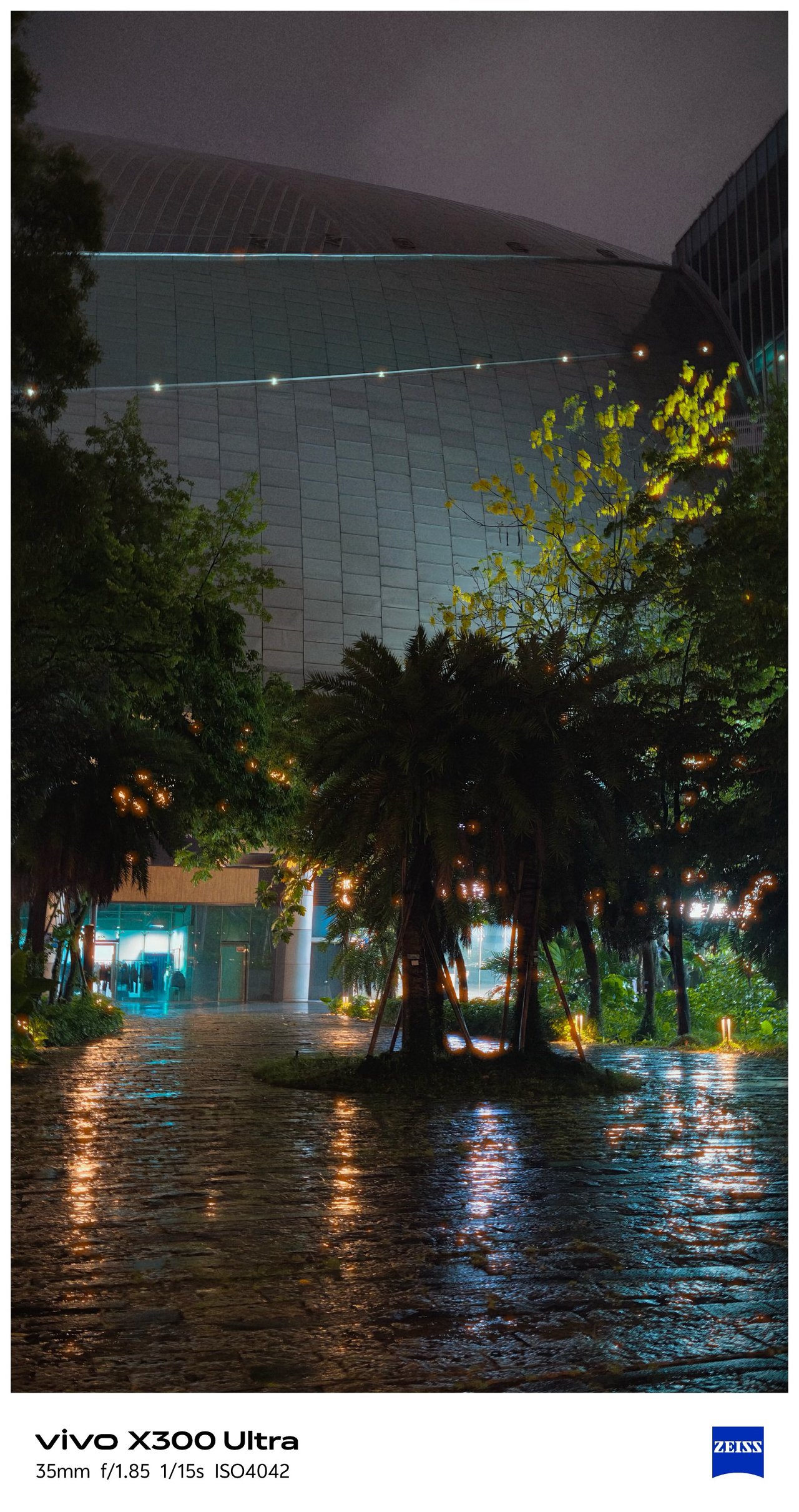

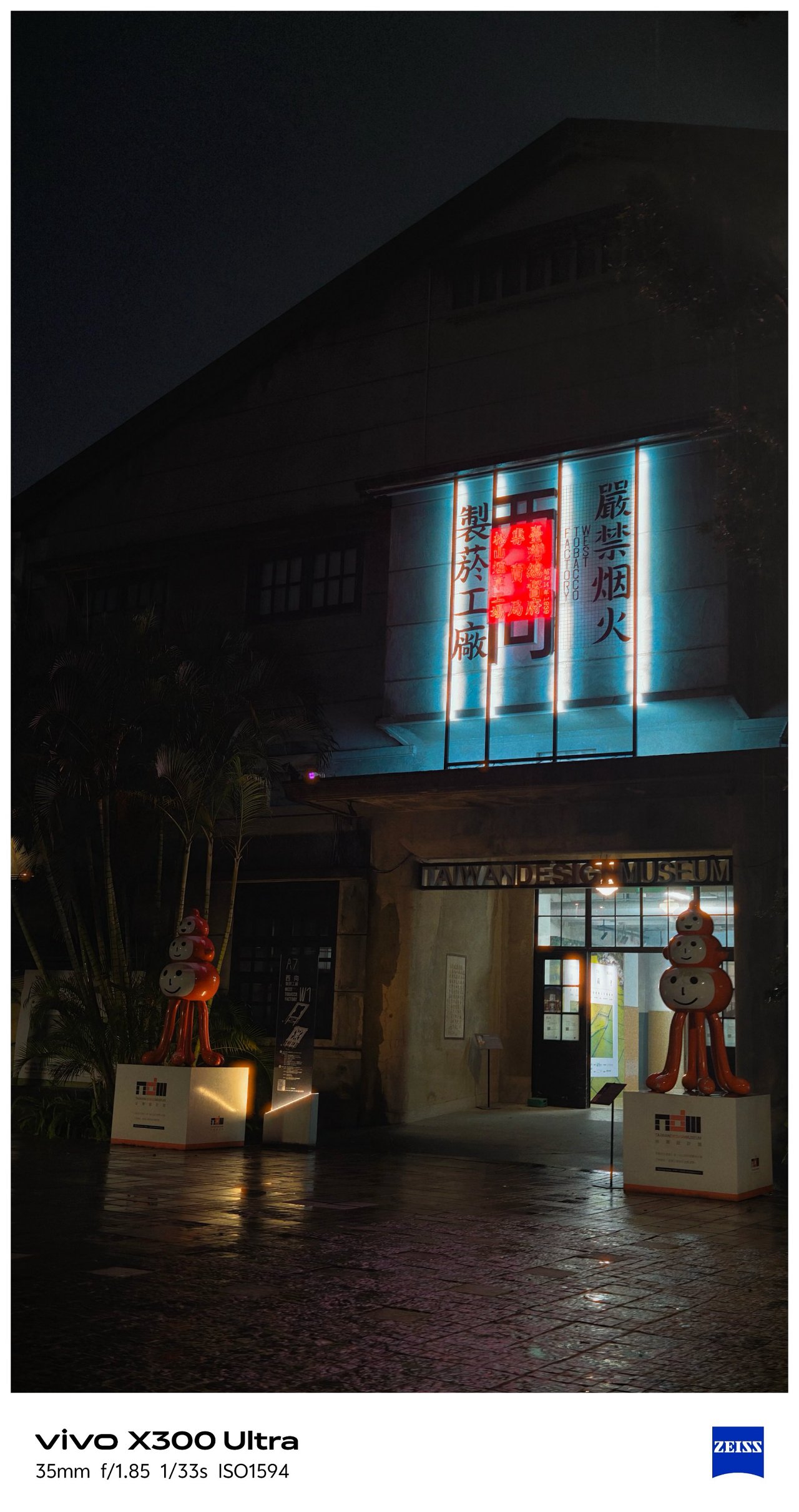
📍 Xizhi / Nangang

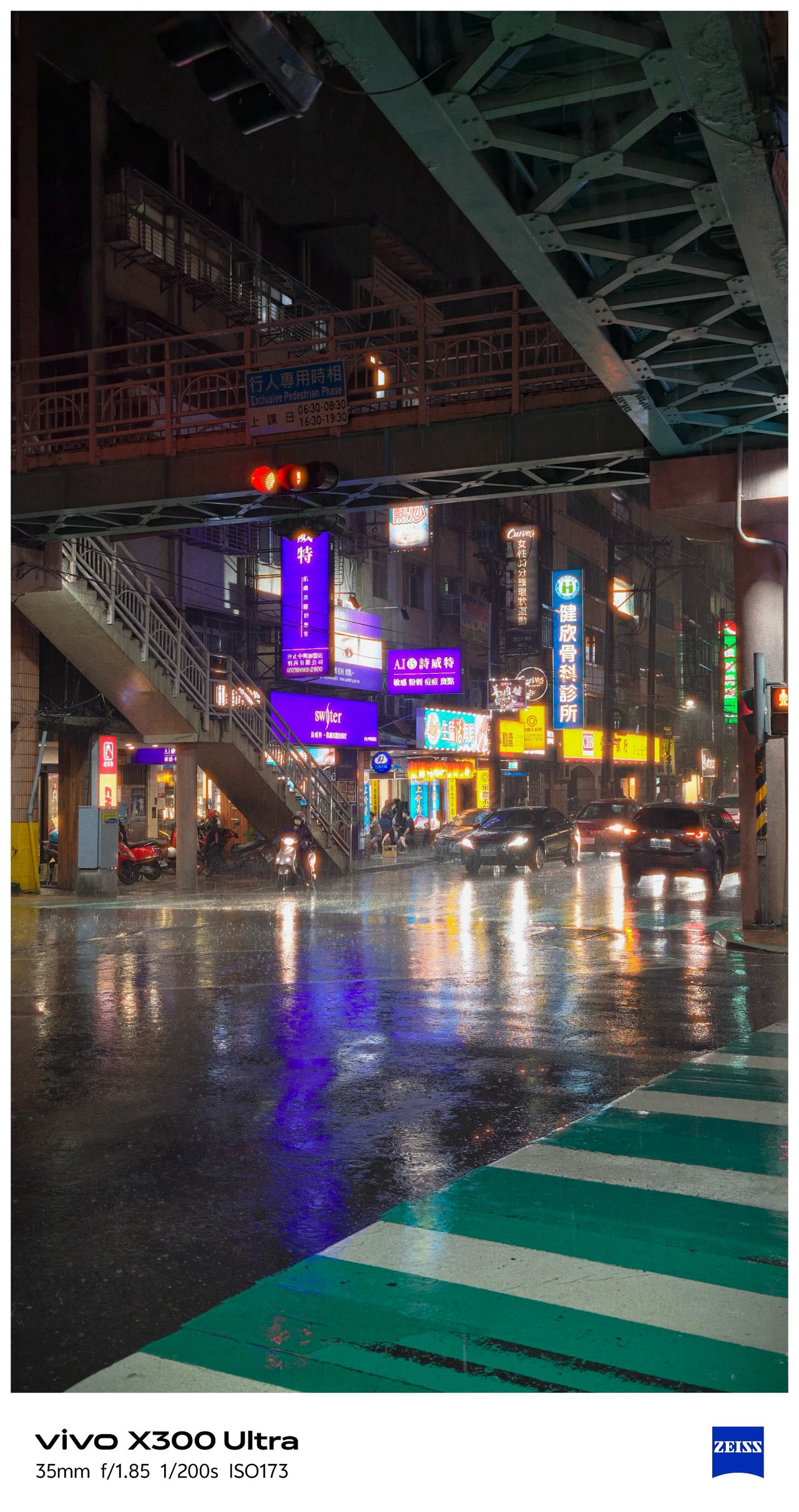


📍 Food



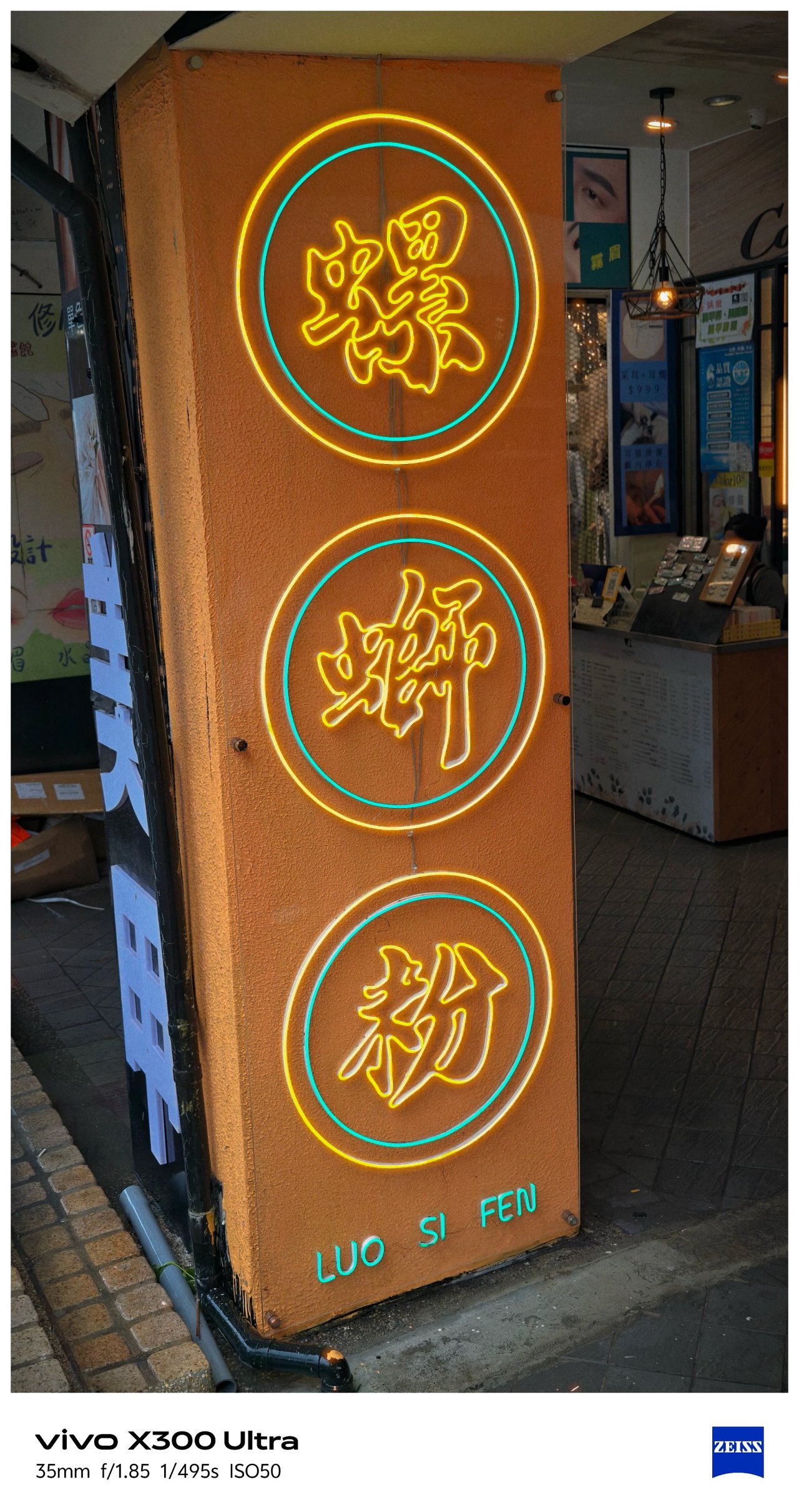





📍 X-tras







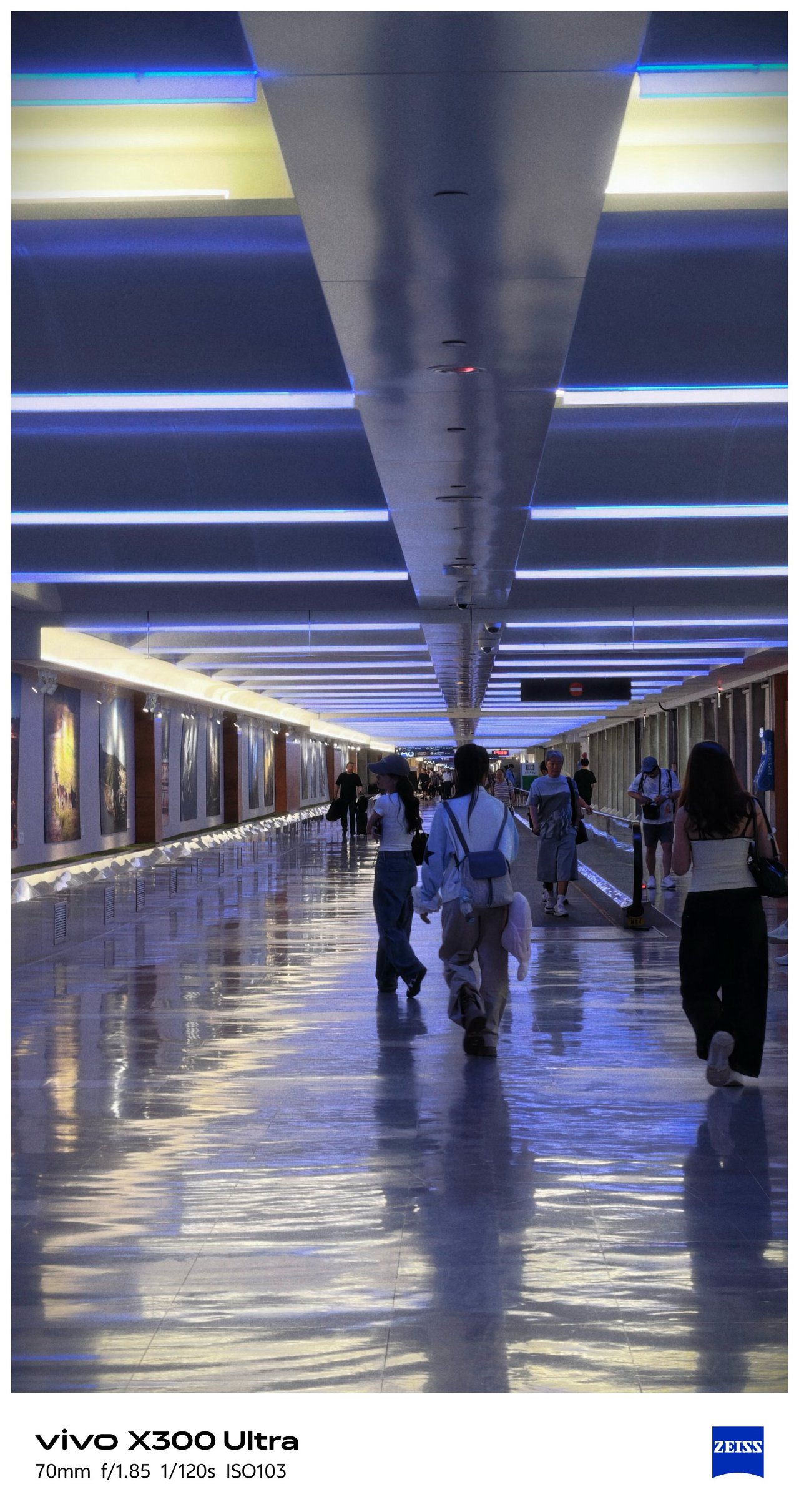




‼️ Bonus #1: COMPUTEX 2026
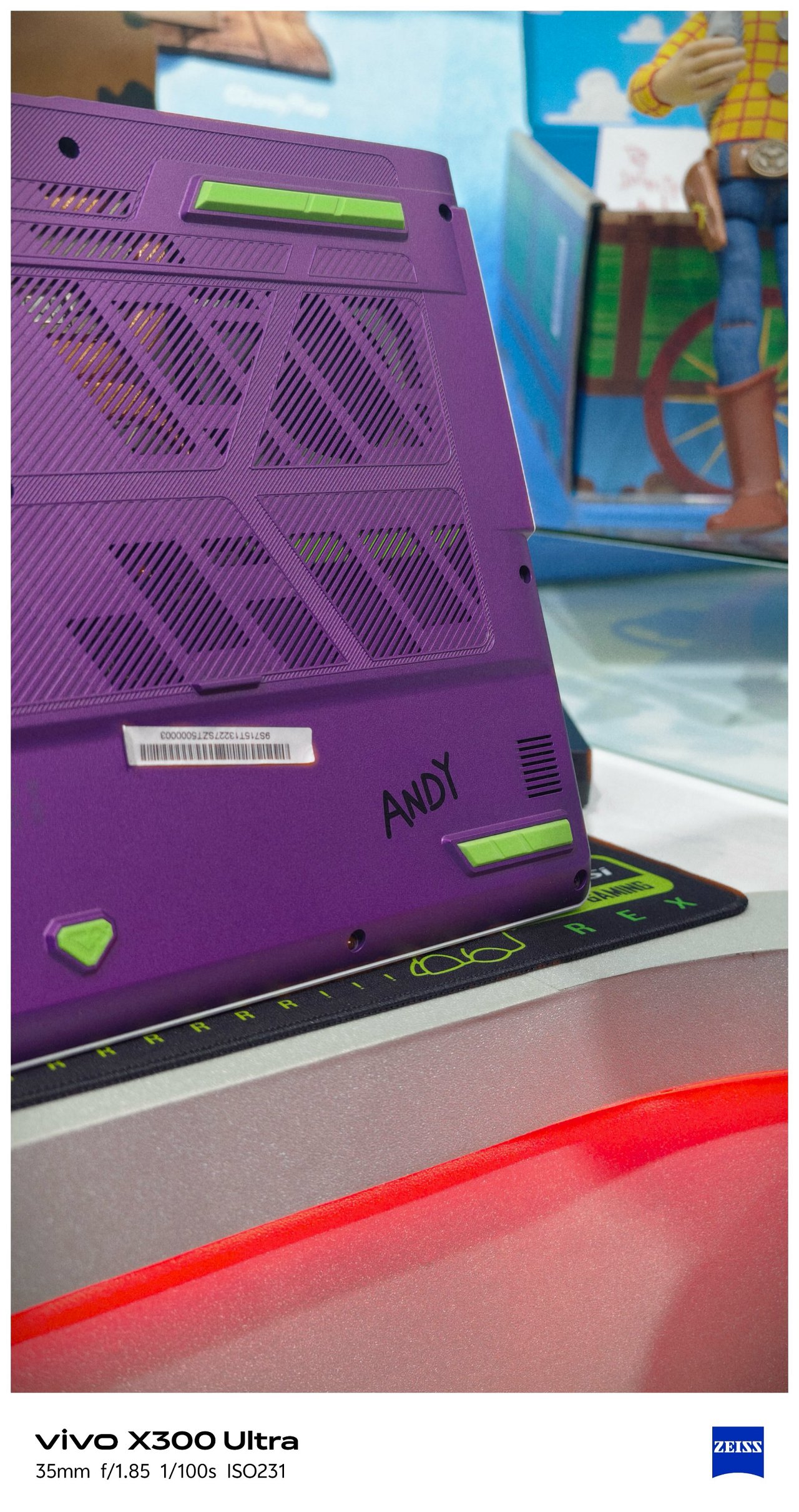
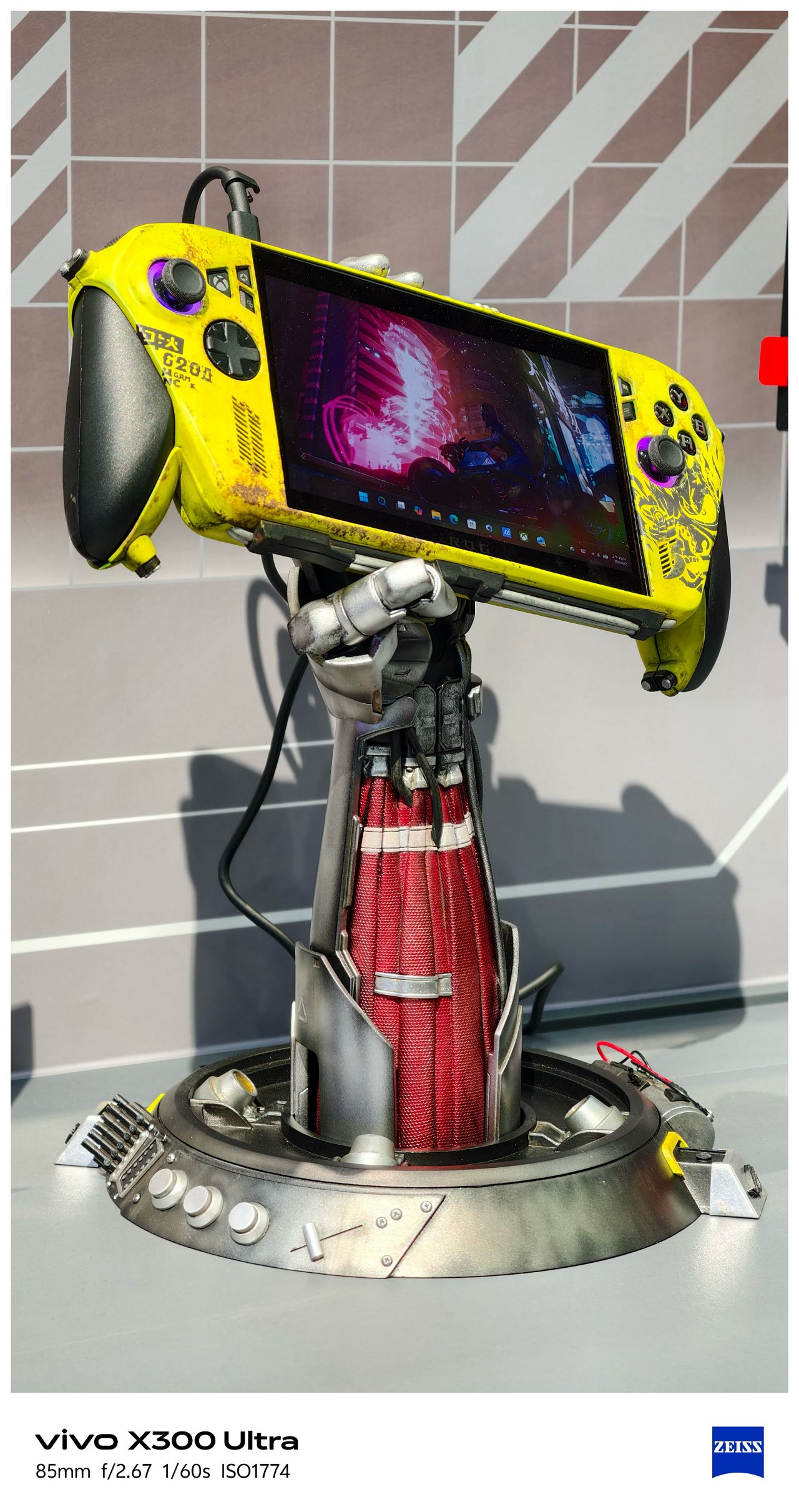

-
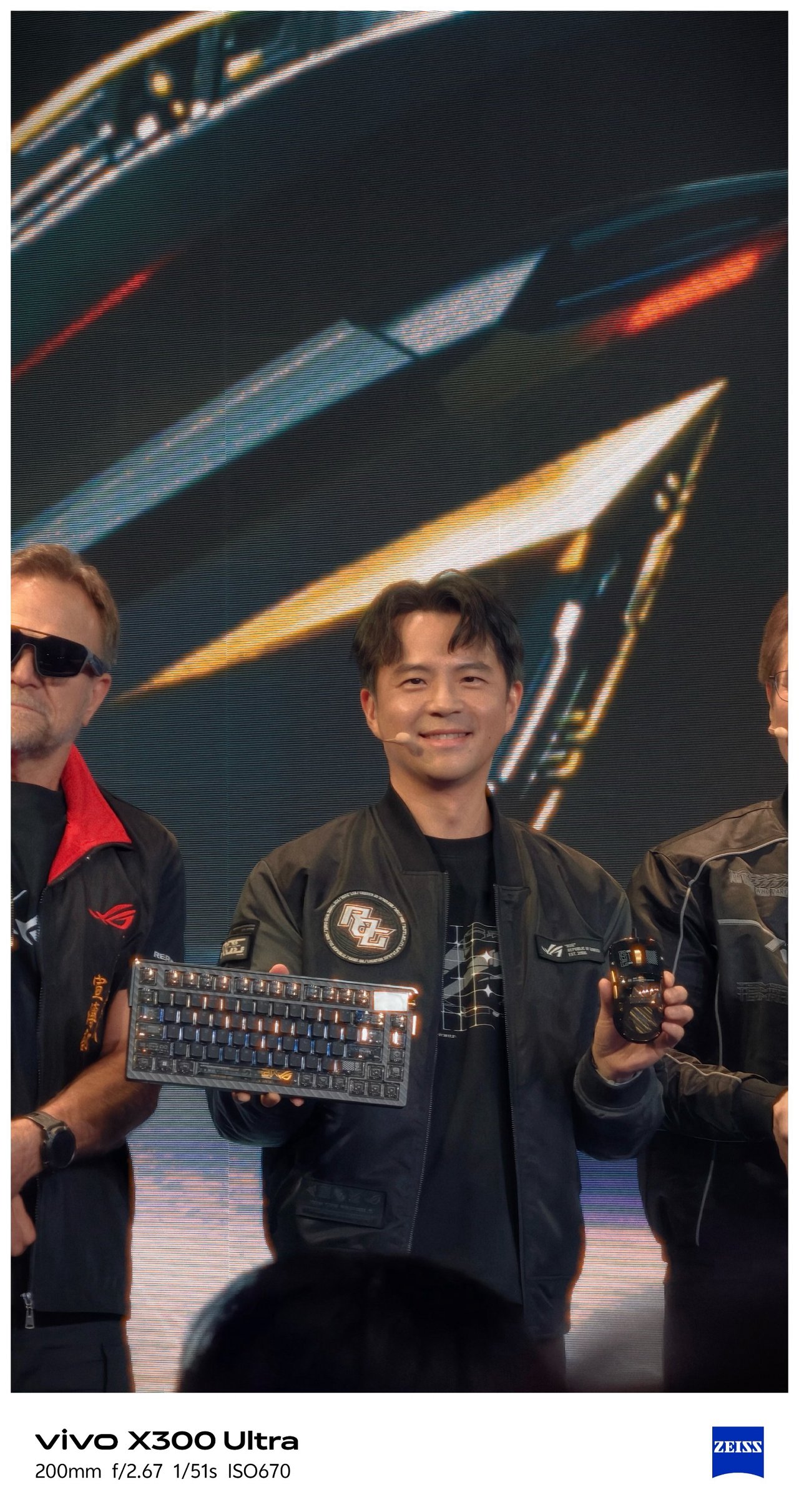
- Eye contact of ROG’s Kris Huang is melting me
-

- I mean???
SEE ALSO: Postcards from MSI’s 40th Anniversary Expo
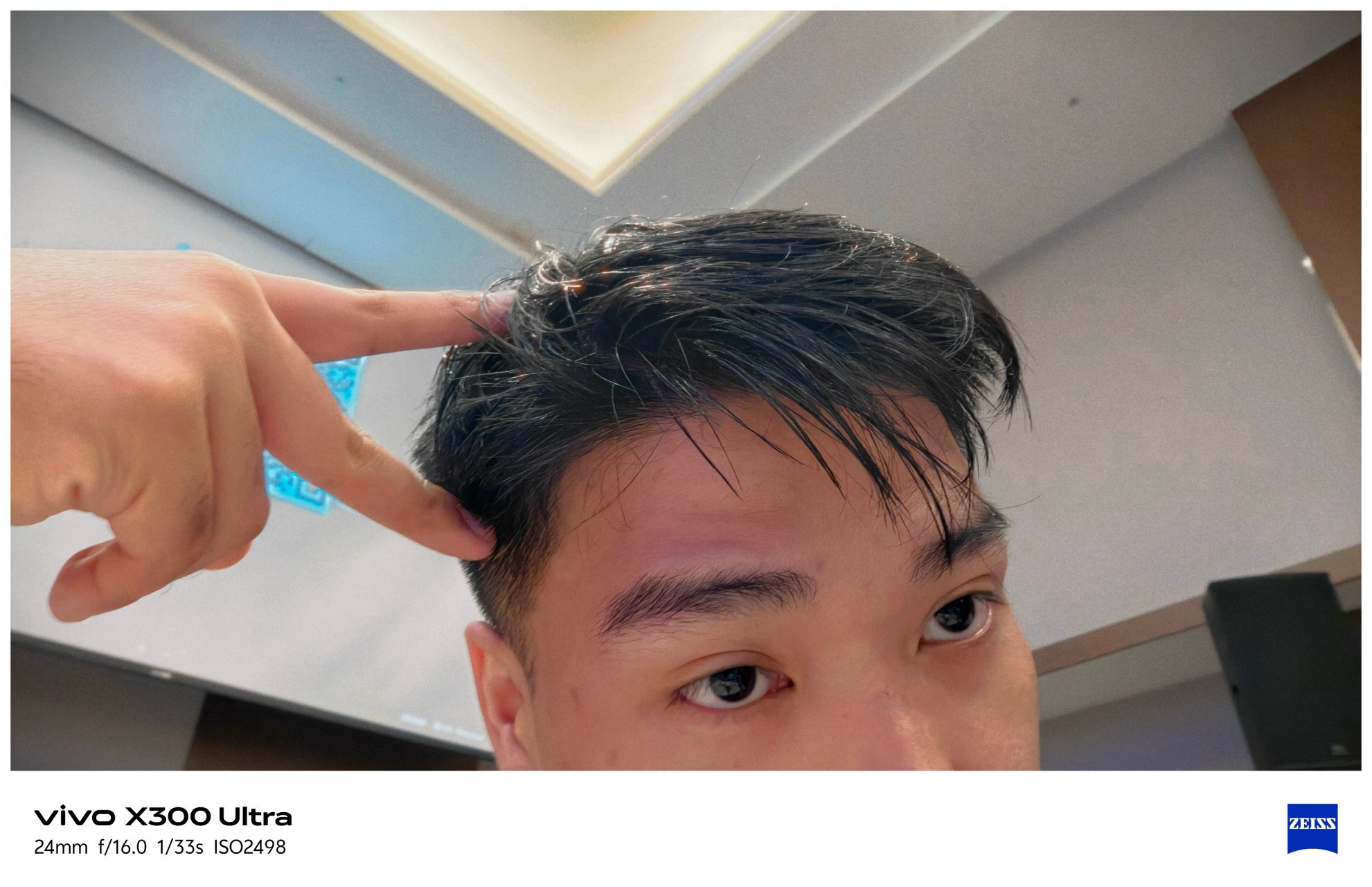
‼️ Bonus #2: Selfies




🇰🇷 부산 / Busan
It’s funny how this phone was able to see Busan while its owner is still dreaming of seeing it with his own eyes one fine day.




As stated, I was not the person who traveled here (my friend took ’em for me). Still, I’m glad how these photos turned out all throughout her week-long trip in Busan.


Full-on FleXibility
With the newer G2 and G2 Ultra teleconverter lenses by vivo and ZEISS alongside the improved Grip Case produced by PGYTECH, it’s hard not to think the vivo X300 Ultra is a professional-looking mirrorless camera from afar.
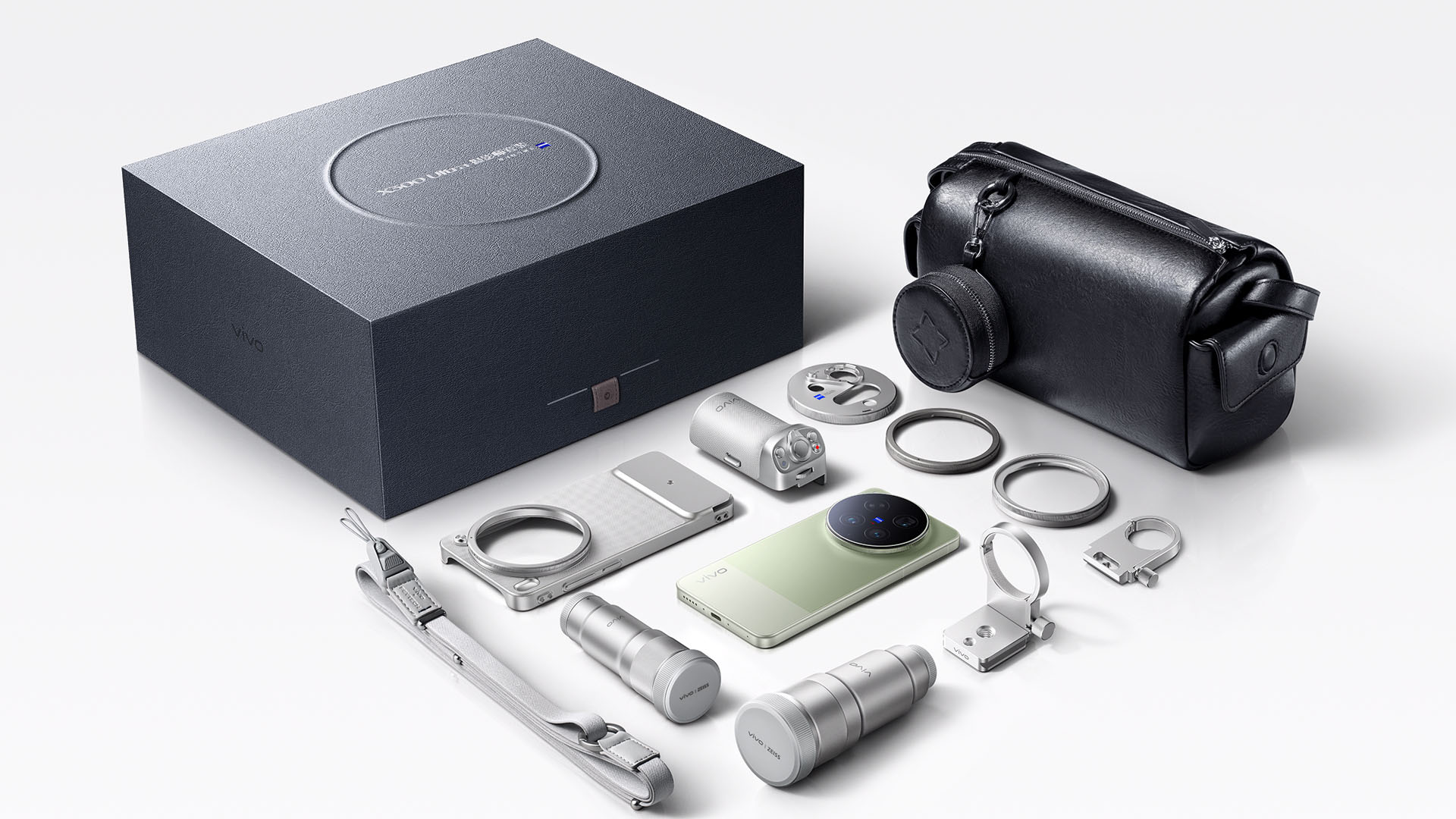
Unfortunately, we don’t have any of these X-tras with me.
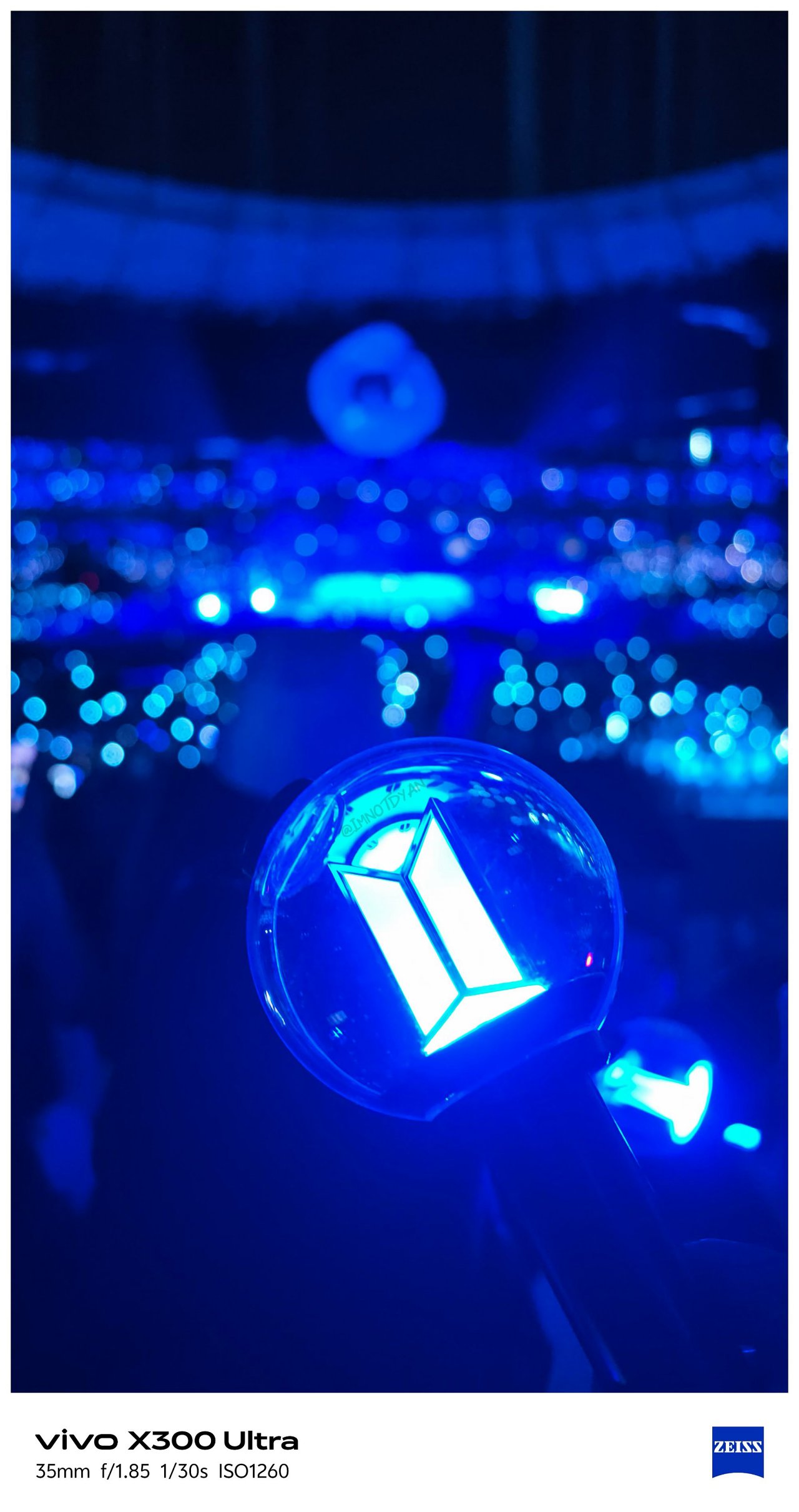
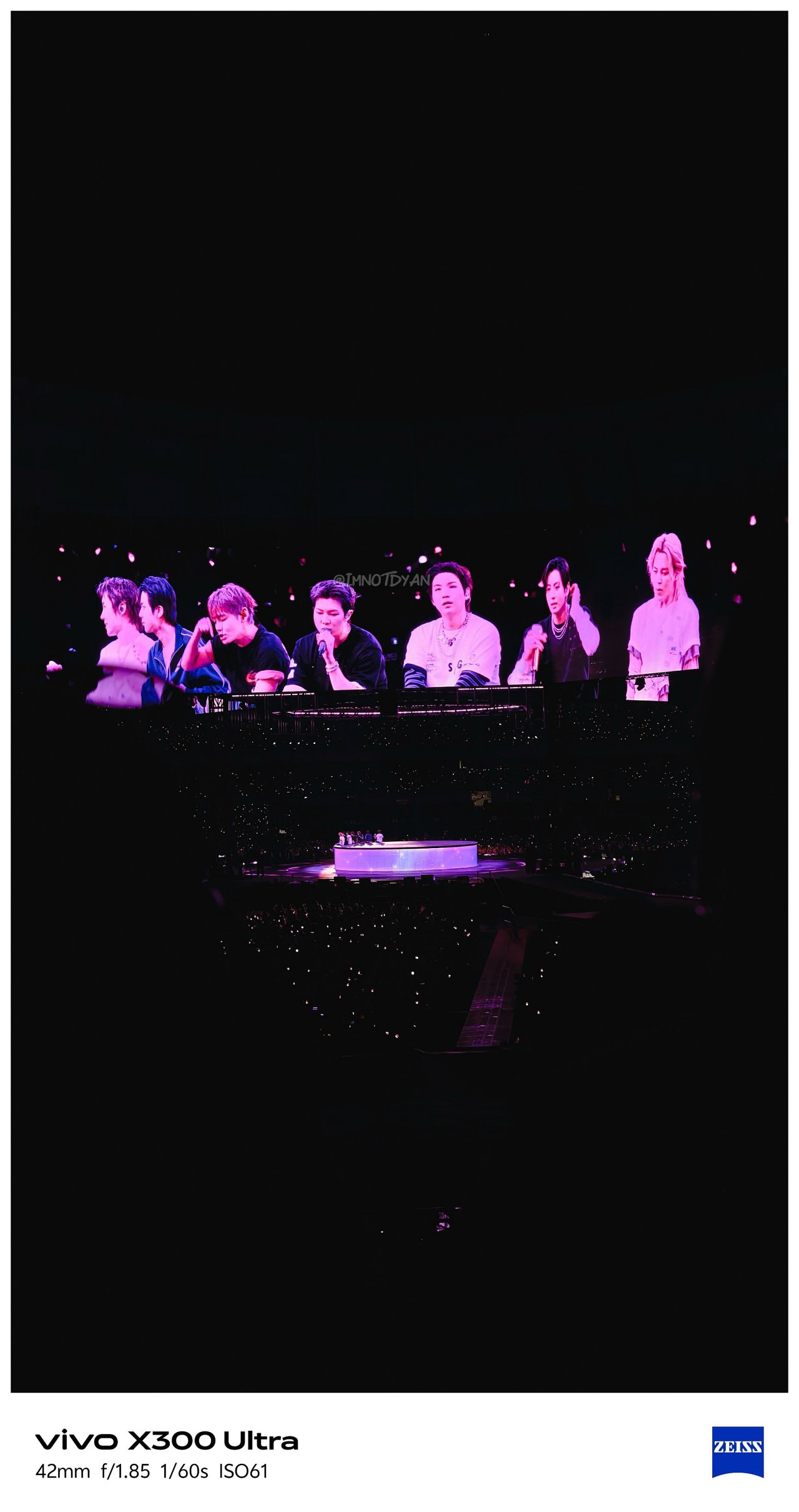
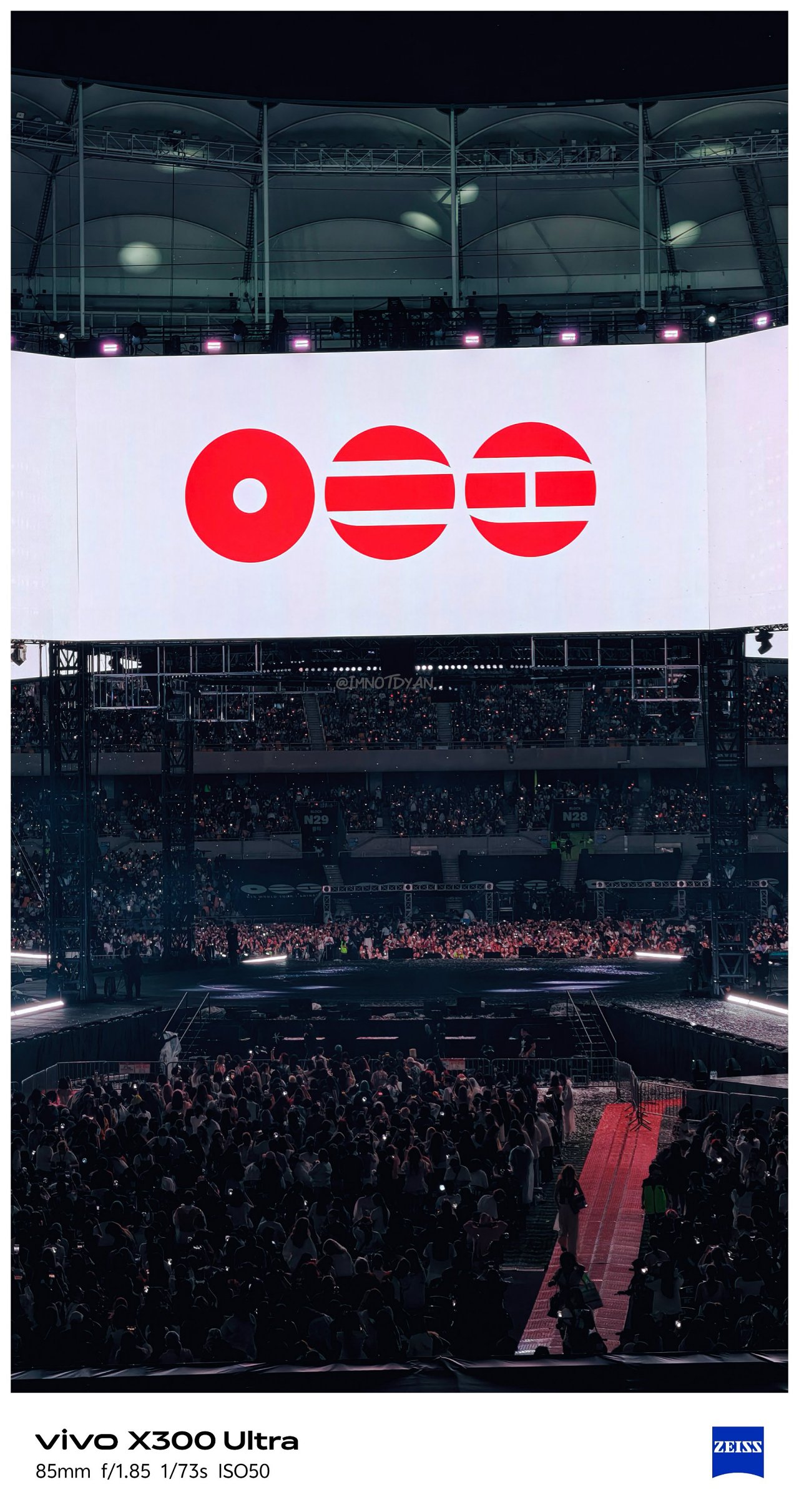
Still, it would be a huge miss not to test out the built-in periscope prowess of the X300 Ultra on concert grounds.
🎵 260612 BTS ‘ARIRANG’ in Busan



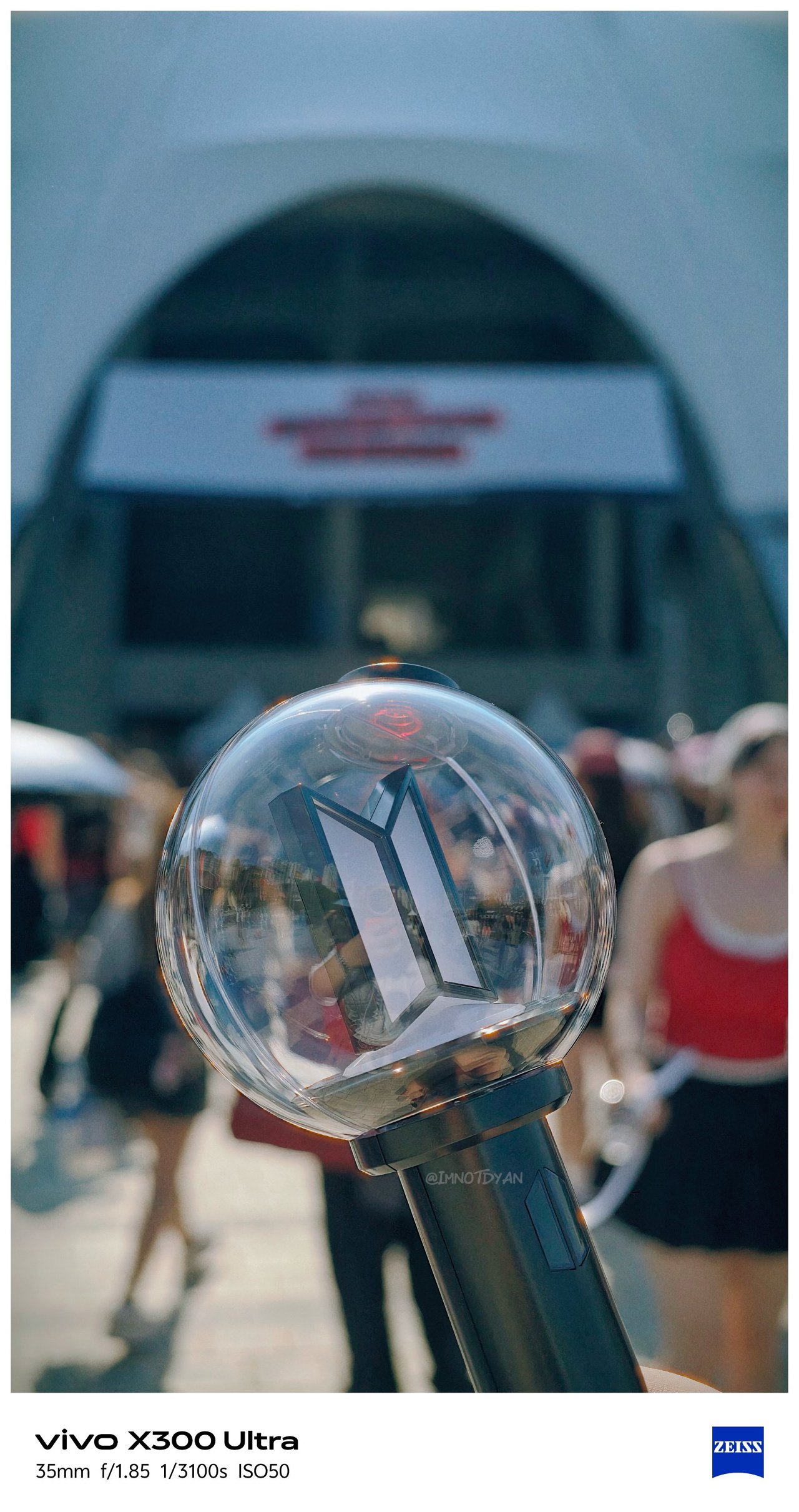



🎶 260425 IVE ‘Show What I Am’ in MNL






Video VerXatility
I’ve witnessed how vivo aimed to hit two birds with one stone by delivering a capable photo and video shooter like how Apple does with Pro-branded iPhones.
View this post on Instagram
vivo made the X300 Ultra rival the iPhone 17 Pro Max not just in photography, but in videography as well. This year, they have finally delivered.
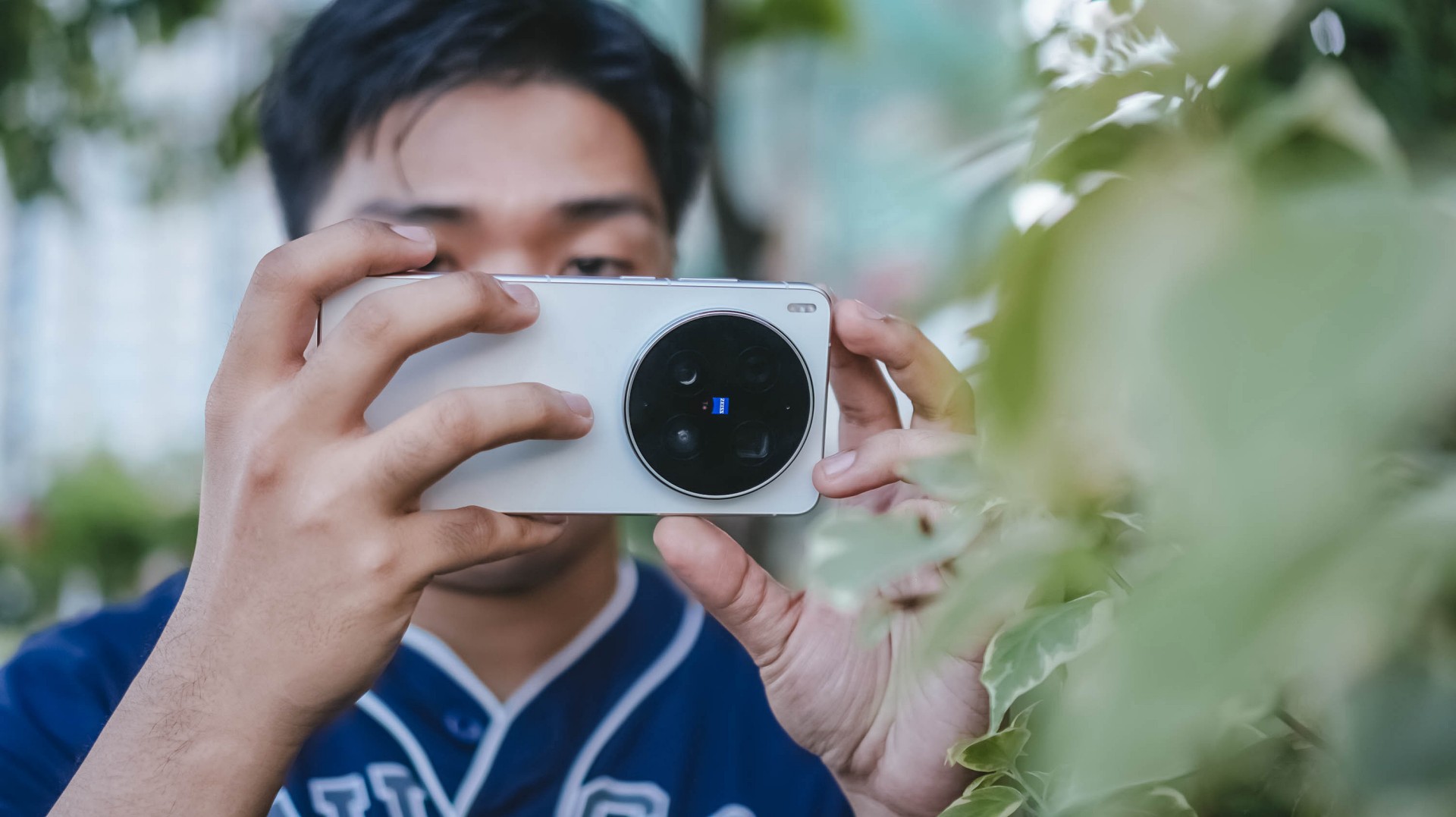
For one, there’s better lens versatility when shooting in 4K/120fps — regardless if it’s the default SDR (Rec.709) codec, Dolby Vision, or as extreme as Log recording. More so, slo-mo shooting will be smoother and clearer.
Additionally, low-light shooting, video stability, and even lens switching are all seamless.
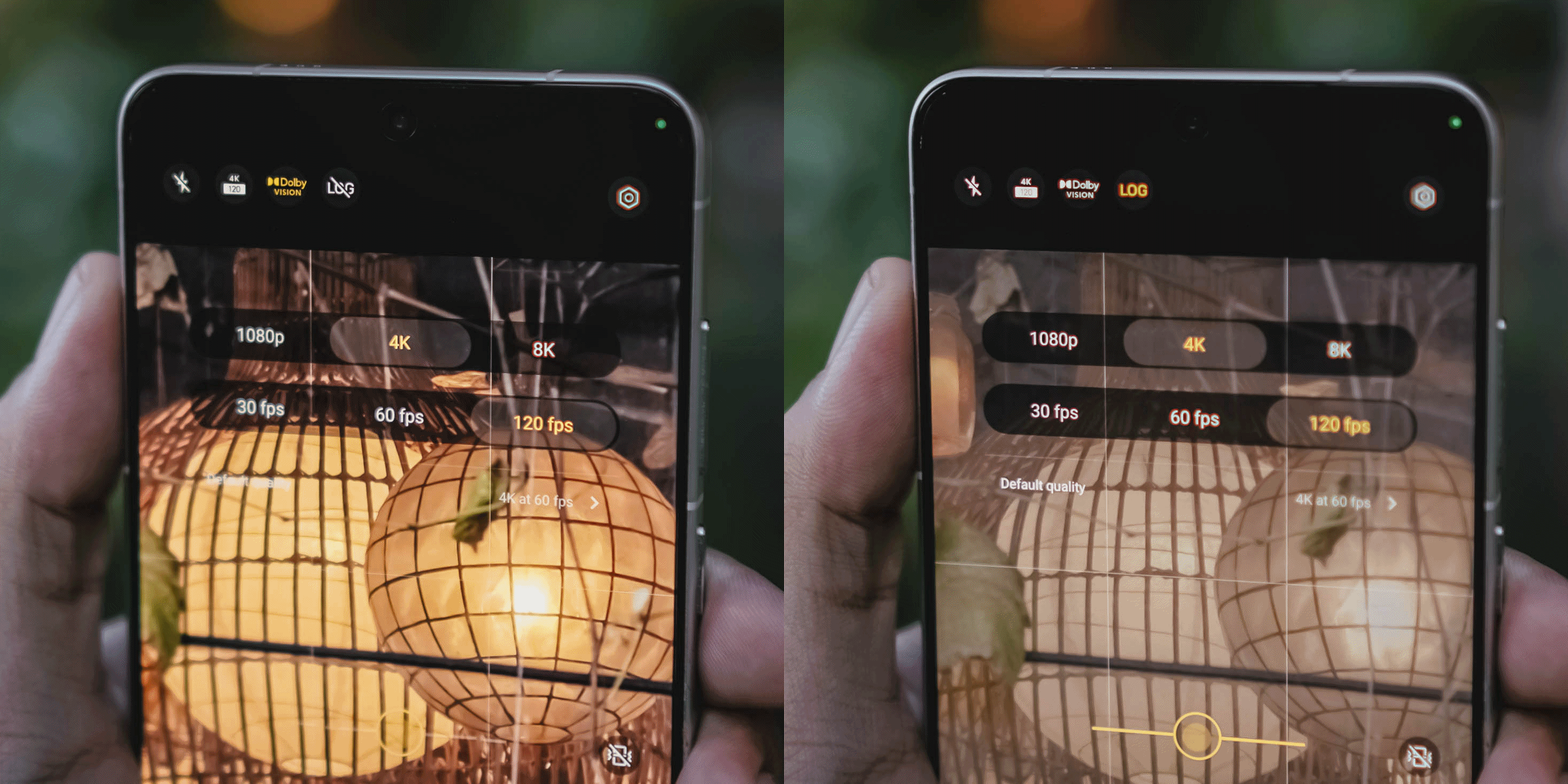

While I already enjoyed the video strengths of last year’s X200 Pro and X300 Pro, the X300 Ultra is remarkable and unbeatable.
Back to that custom color palette feature. Well, it also works in video shooting — making the vivo X300 Ultra an ultimate mirrorless sub.
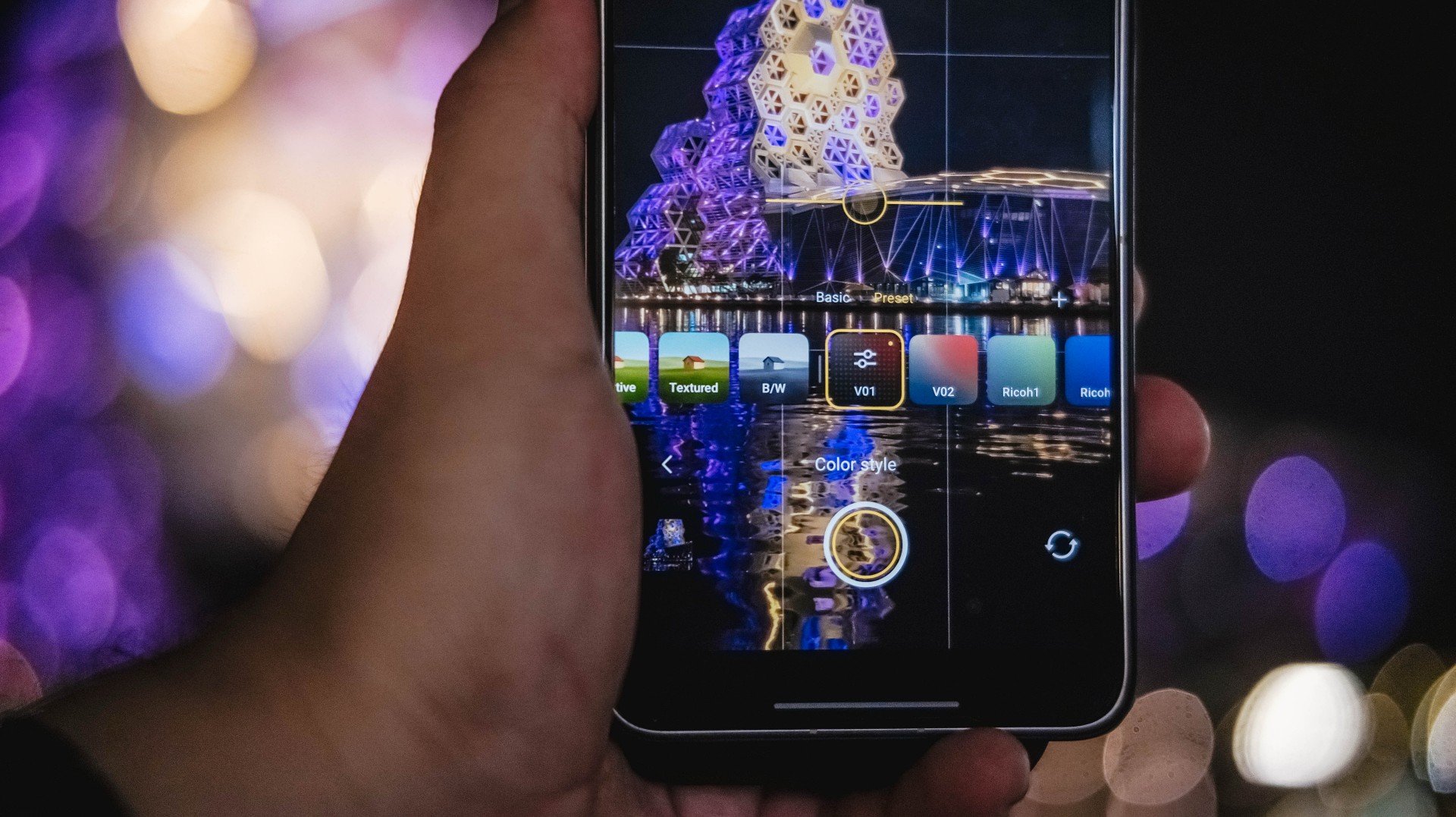
Admittedly, unlike MKBHD and most filmmakers out there, I’m never a fan of 24fps as I prefer shooting in 60fps or higher. However, the X300 Ultra made me think otherwise as I enjoyed such “cinematic” shooting made possible with vivo’s Film Style mode.
If you’re just the point-and-shoot type of shooter without wanting vivo’s default color styles or not “pro” enough to make your own color recipe, Film Look also exists for those cine-rich footages.
It does not stop there! vivo even added this more profesh-looking layout reminiscent of professional cine cameras.
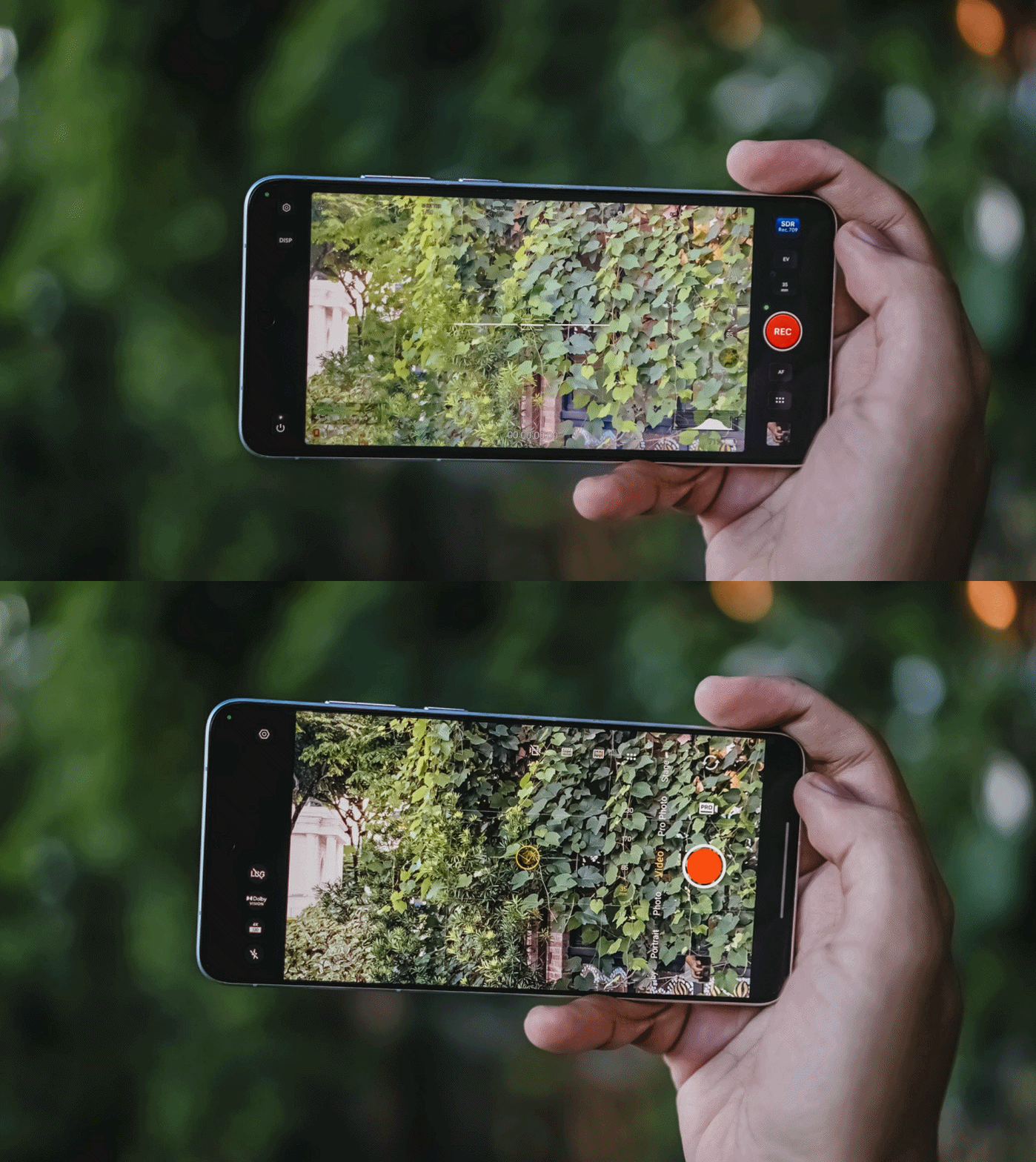
In all honesty, I only used it once since the texts are quite tiny, and adjusting controls were quite fiddly.
Clean and Lean
At first glance, the vivo X300 Ultra is nothing but subtle refinements.
Last year’s Rimowa-like texture of the X200 Ultra was gone in favor of that two-tone shade. Personally, I loved that design element more as it also serves as a functioning grip when held.
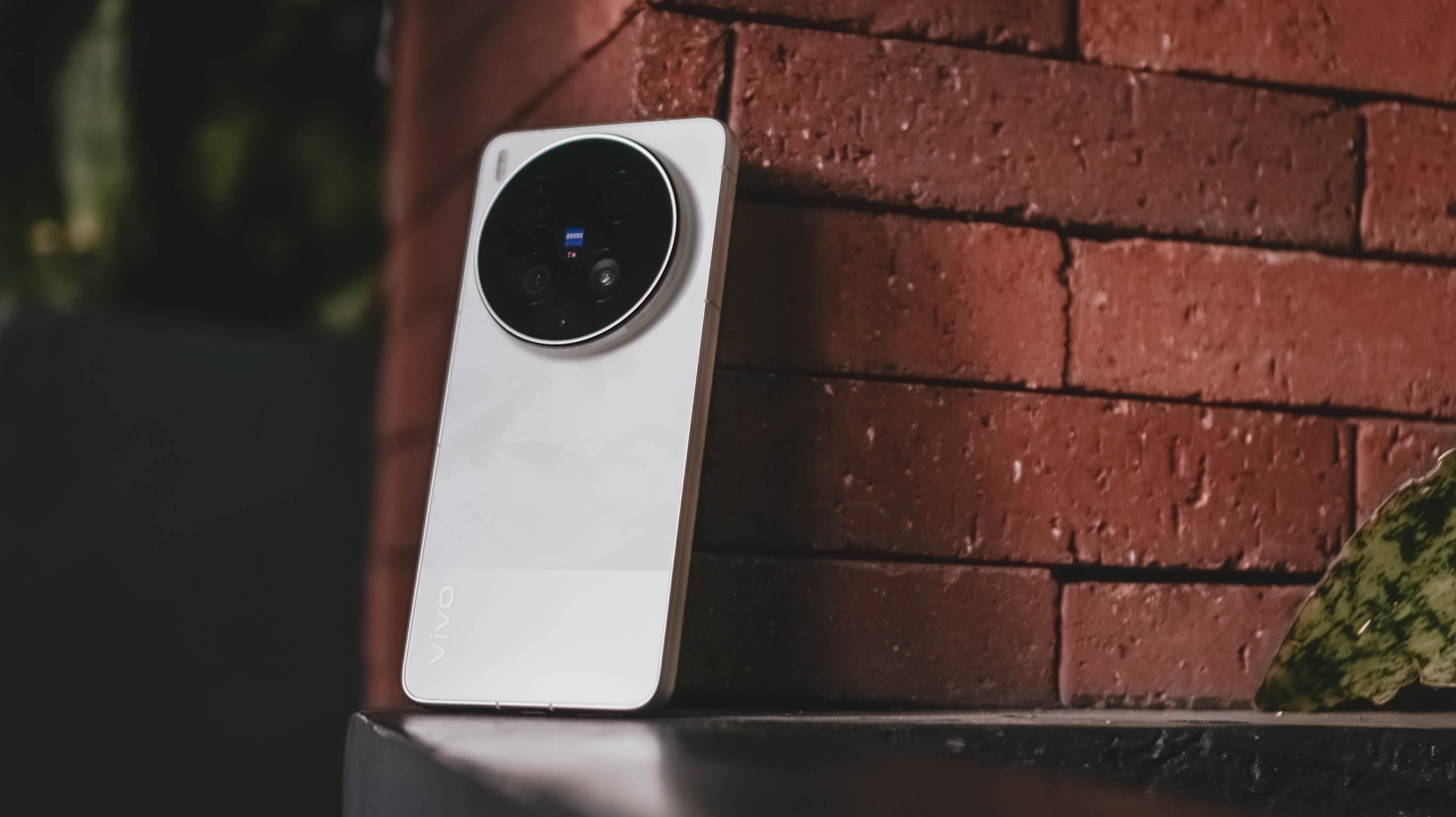
Moving through, while the Film / Steppe / Victory Green is closer to my heart, the White colorway given to me is still heaps better than the plain Eclipse Black shade.
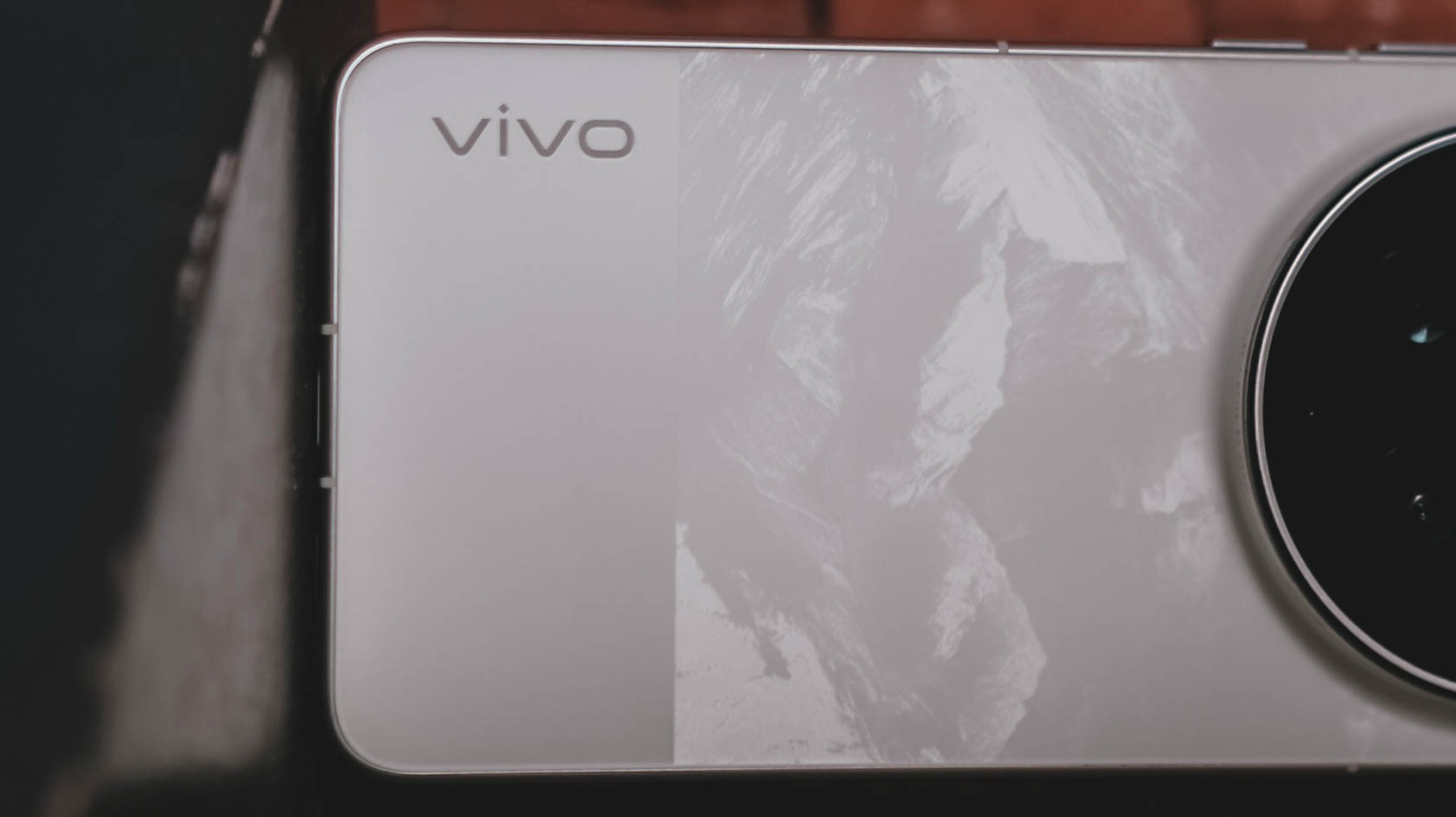
It’s not just clean-looking, the bigger part has that subdued, mountain-like pattern faintly showing up when hit by light.
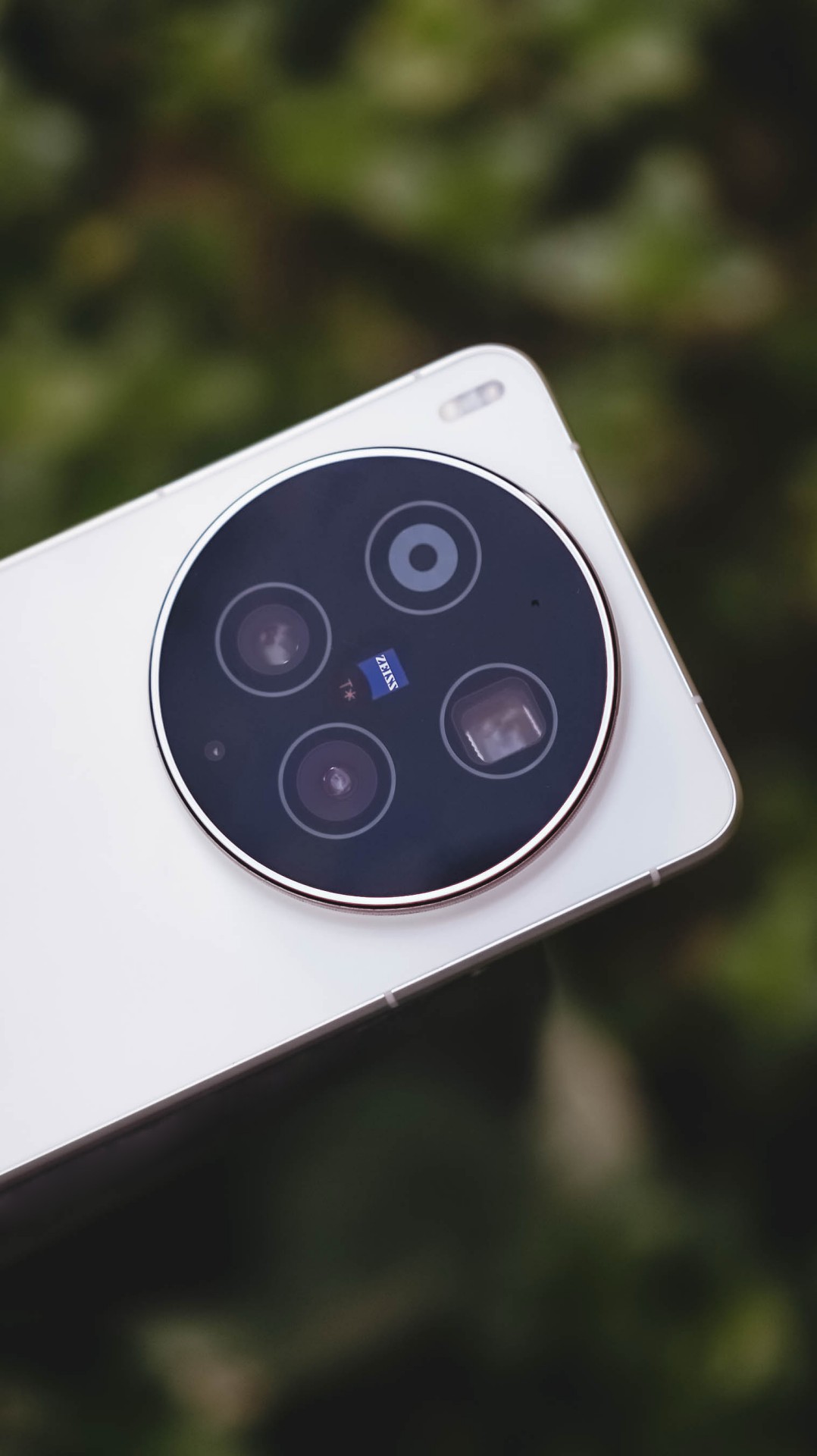

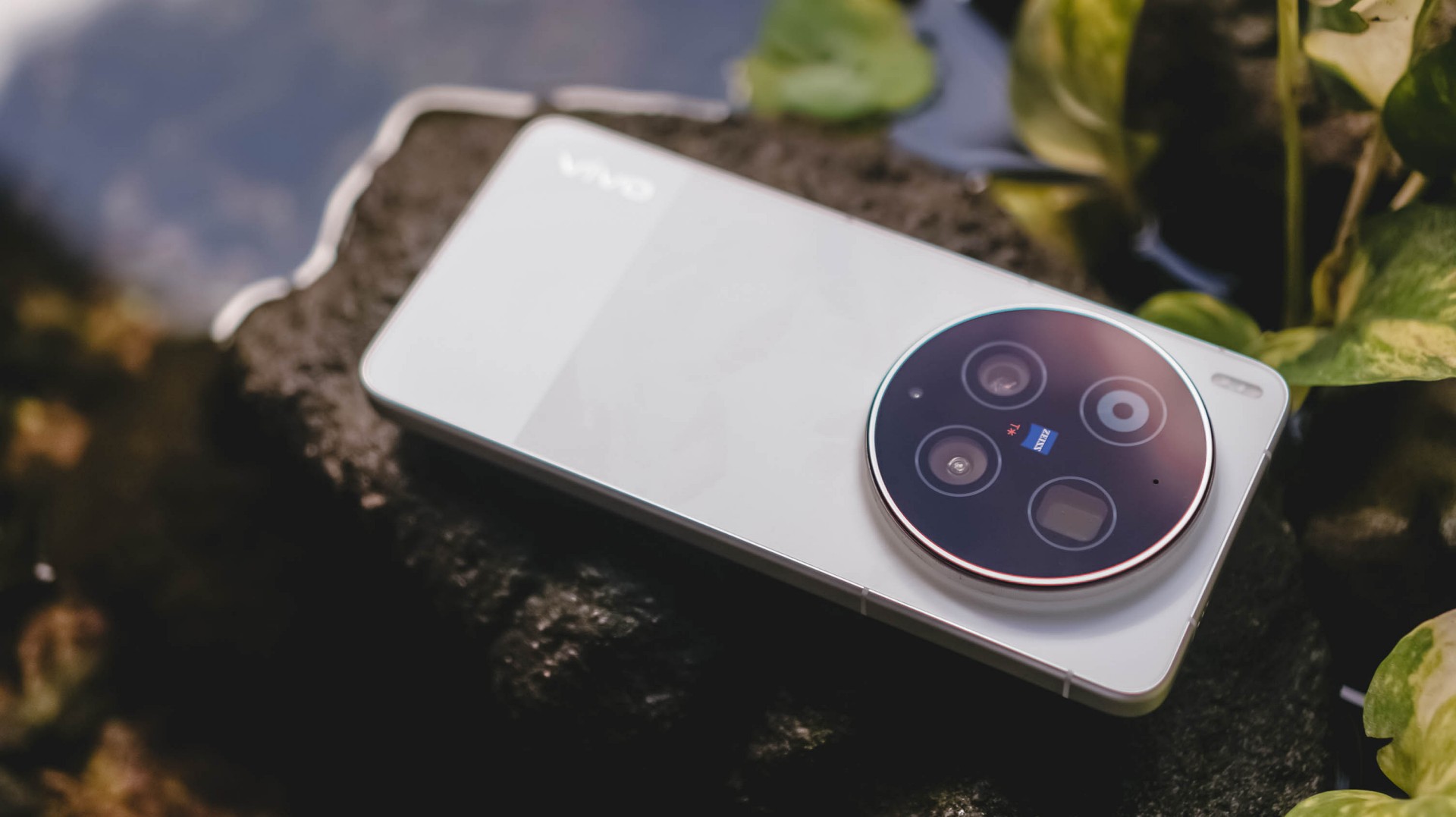
I’ve always been fond of massive circular camera cutout — vivo X-series not left out. Gladly, vivo still stuck with this design.

vivo X300 Ultra (above) vs X300 Pro (below)
Now, before you jump on that hump hate train, it’s great to appreciate how vivo engineers were able to fit all these massive camera components within.
I don’t mind the thiccer, protruding camera bump versus its Pro sibling. After all, it serves both form and function especially that it makes a great resting place for my finger when held one-handed.

At 8.49mm and 237 grams, it’s not too slim and hefty enough to avoid those unwanted drops and slides that I experienced frequently with the previous X200 Pro and X300 Pro.
#NowPlaying: The Legend of Kitchen Soldier, The WONDERfools
Flipping to its front shows the X300 Ultra’s 6.82-inch 144Hz LTPO AMOLED panel.
In the entirety of this review period, I was able to start and end The Legend of Kitchen Soldier starred by Park Ji-hoon — one of my ultimate biases (and crushes) both in the K-Pop and K-Drama world.

One of the best and most hilarious K-Dramas ever existed, periodt.
From the series’ cool video game-like VFXs à la smart glasses, mouthwatering cooking mastery, all the way to the hilarious, comedic snippets in between, it’s hard to deny how immersive it gets the longer you stare at that screen.

The bezels are impossibly thin for an Android smartphone.
Admittedly, I’m impatient when it comes to bi-weekly broadcasts (or two episodes being aired per week). Luckily, the one-time full release of Netflix’s The WONDERfools headlined by the amazing Park Eun-bin alongside the irresistible Cha Eun-woo made me sane.

This further tested its display strengths when I tried watching it against the harsh sun.
Just like the Legend Kang Sungjae and the Haeseong WONDERfools, X300’s Ultra display is legendary and wonderful on its own. 4500 nits peak brightness, 2K resolution, pixel density of 510ppi, and support for DCI-P3 Wide Color Gamut, what more could I ask for?

It would be a huge denial on my end though if I didn’t say I want a bigger 6.9-inch display in order to fully feel its “Ultra” naming superlative — just like how Samsung, Xiaomi, and Apple made it possible with their Ultra (or Pro Max) models.
On Queue: I.O.I, NMIXX, tripleS
Sound produced by vivo’s X300 Pro were already loud and full. How much more with the X300 Ultra?
It’s hard to say that there are major improvements. Rest assured, its built-in stereo speakers sound superb.
Highs, mids, and lows are clearly separated without that unwanted flat nor muffled sound output.

Speaking of separation, I.O.I has been separated 10 years ago but came back this 2026 for a short yet sweet reunion comeback. I was very giddy to play Suddenly through the phone’s mighty speakers.
Suddenly, it made me teary-eyed after realizing I’ve witnessed I.O.I’s hardships and very formation ever since I watched Produce 101 Season 1 since 2015.
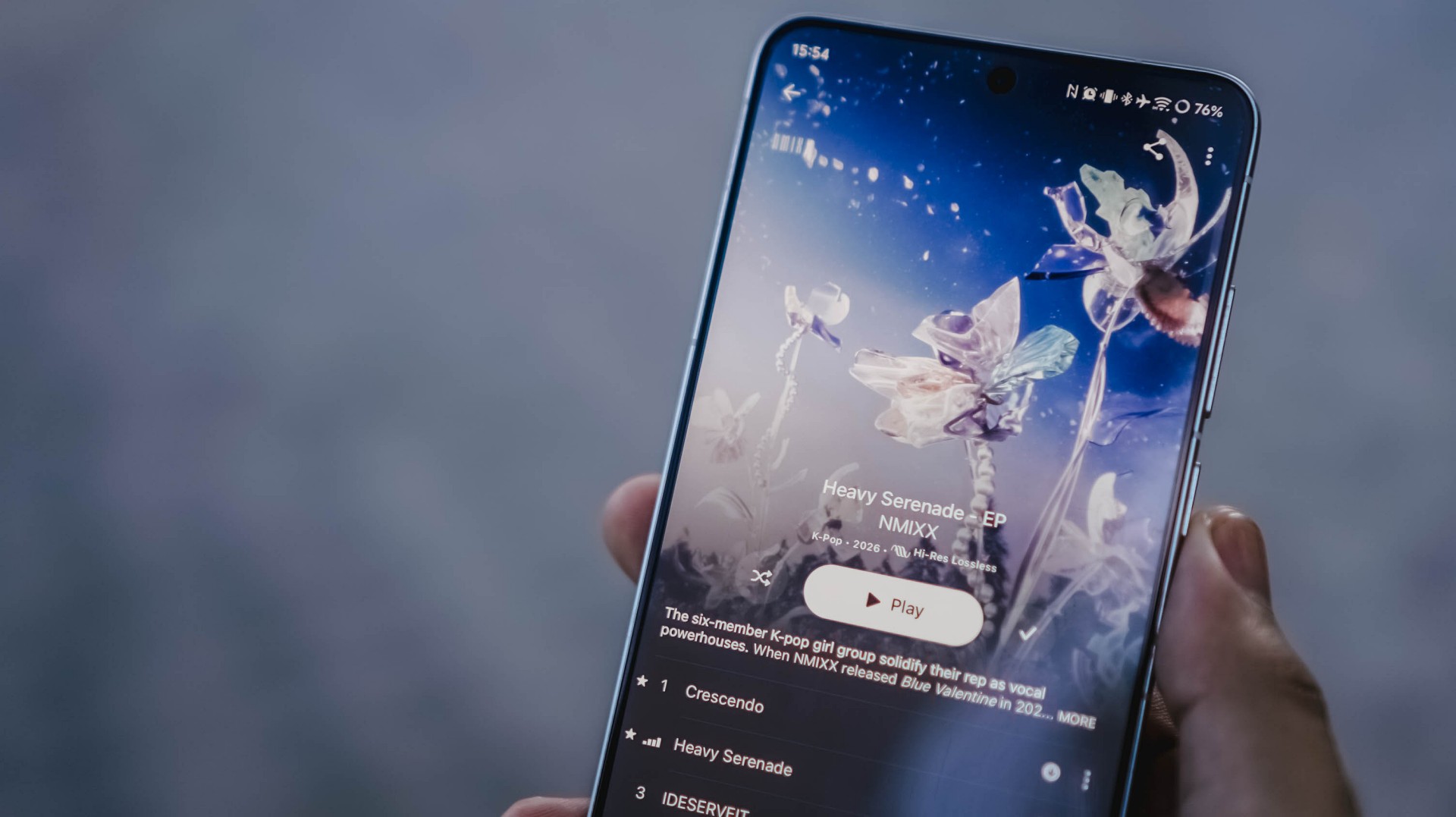
Thanking all the gods for NMIXX’s existence
The lossless goodness can also be heard when I played NMIXX’s Cresecendo and Heavy Serenade — especially with Lily, Sullyoon, and Kyujin’s adlibs.
Last but definitely not the least, the soothing yet energizing vibe was felt all throughout when I played the rock-infused pop track Baby Flower by the K-Pop super group, tripleS.

Finally! OT24 and ASSEMBLE26
It’s not just the song, rather, the full <LOVE&POP> pt.1 album, that’s worth listening to more than the streams they have garnered from their release date.
All in all, much like all these explosive bangers, the vivo X300 Ultra is a remarkable device for your banging loudspeaker sessions — even without the existence of any audio brand partnership.
True Blue Flagship
With flagship-grade display and cameras lie all the powerful core within.
Given that this is vivo’s ultimate flagship, it runs the latest and greatest 3nm SoC from Qualcomm: Snapdragon 8 Elite Gen 5.
Paired with a speedy 16GB LPDDR5X Ultra Pro memory, opening and switching or using apps simultaneously should be easy-breezy.

With OriginOS 6, animations are less fluid yet very snappy. I prefer it more over other Android skins (ColorOS, MagicOS, HyperOS, you get the idea).
Talk about perfect timing! I was thrilled when NTE (Neverness to Everness) finally made its release last May.
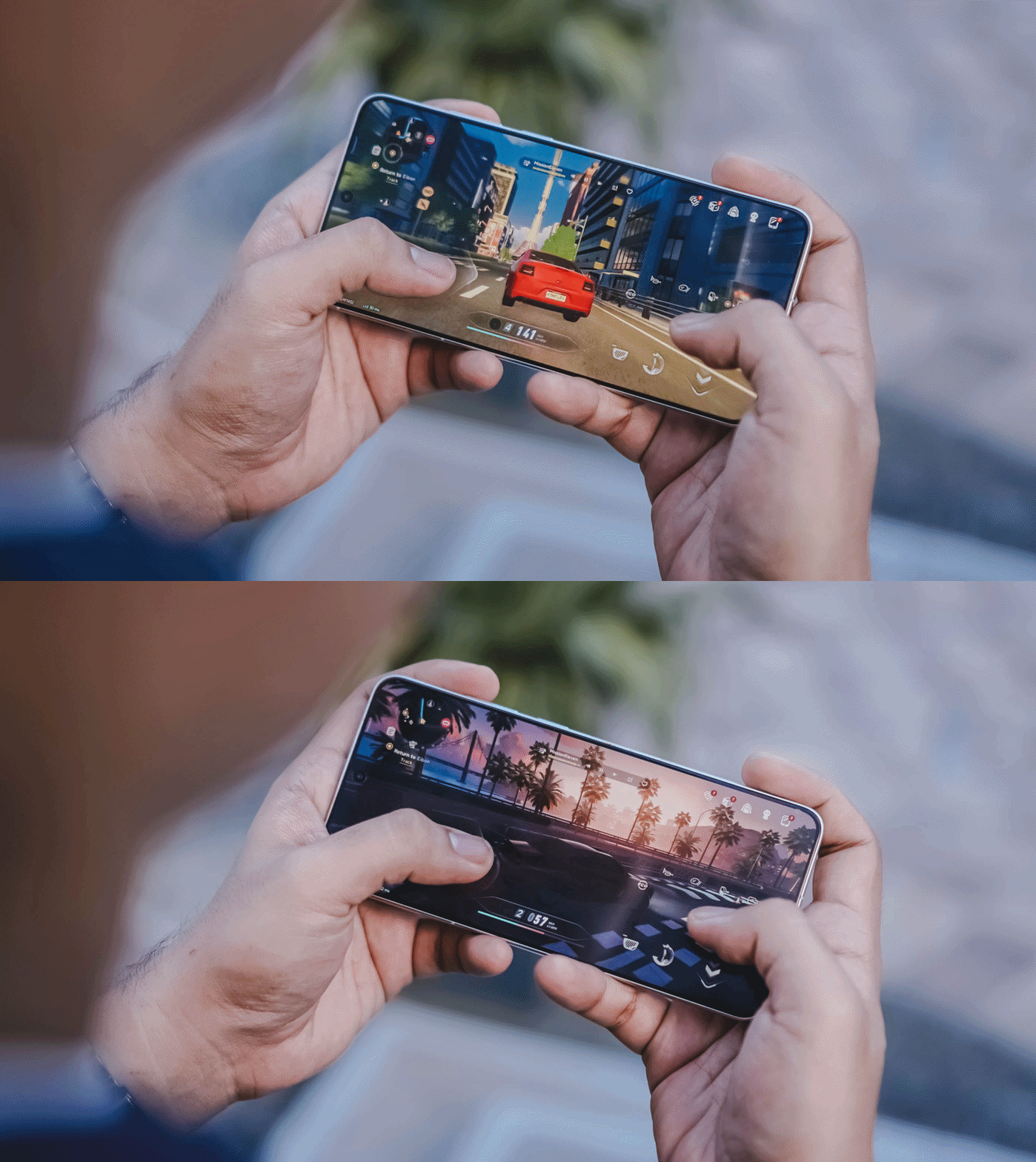
With this phone’s ultra-capable specs, it made me enjoy the all-new open-world game more fun and enjoyable. It’s like a mashup of Zenless Zone Zero and Cyberpunk 2077.

Looking at the graphics settings alone, you’re assured that the X300 Ultra will run the most intensive gaming titles to ever exist on the Android space.
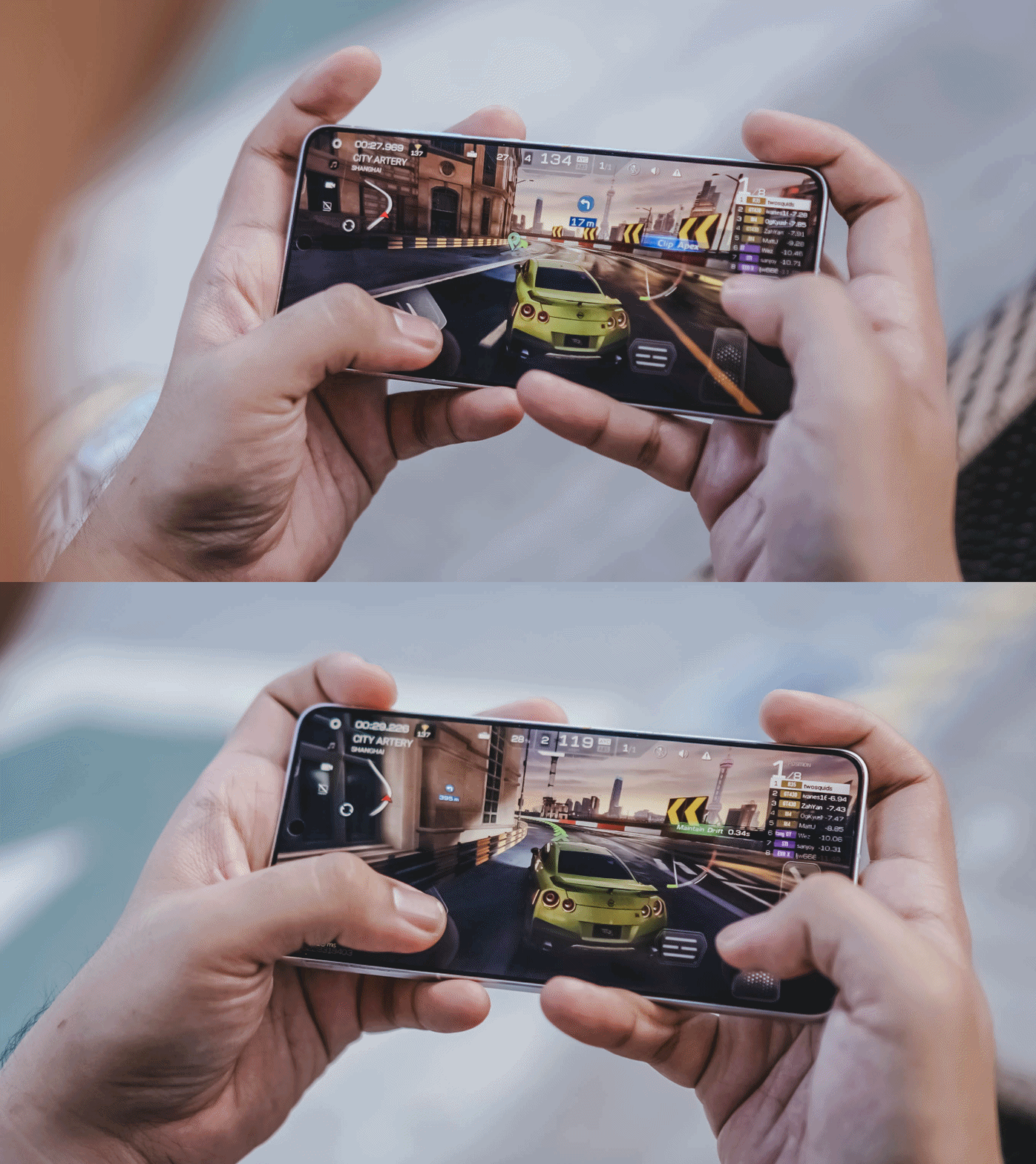
While other markets have a 1TB storage configuration, the region where I reside in solely sticks to the 512GB variant.
Then again, it’s a major downside for a power user like me who easily fills up the phone. That’s considering how massive and daunting the file sizes are once you shoot in RAW and record in the most insane video resolution and codec possible in this device.

Hopefully though, vivo would consider bringing in 1TB to more regions — and 2TB like the newer iPhone Pros.
Now that I mentioned it: Other than the macOS integration with vivo’s Office Kit, the X300 Ultra can now do AirDrop as well! This was only a fantasy back then — especially for an Apple-slash-Android user like me.
The Not-so-flagship aspect
Frankly, the only thing that is not flagship-like about the X300 Ultra is its battery longevity.
Even though we are now being spoiled by 8000mAh ~ 10,000mAh+ midrangers nowadays, I am very much aware of the engineering challenges faced by manufacturers when prioritizing cameras in the flagship-class.
But, hear me out real quick. Why did OPPO manage to equip the Find X9 Ultra with an even bigger 7025mAh capacity? The Chinese Xiaomi 17 Ultra even has 200mAh more.


ICYMI, the X300 Pro already had a 6500mAh battery — and it didn’t last me throughout a whole day. How much more with the 6600mAh tank of the X300 Ultra?
Despite a more “power-efficient” chipset and a 100mAh boost in battery, the X300 Ultra is not in any way better in terms of endurance. While I thank vivo for the OriginOS transition, the battery efficiency of Funtouch OS was left behind.

Even if it can last well when used in moderate scenarios, it’s a heavy hogger when you use the cameras a LOT — which is the point of wanting this smartphone.
Case in point: During our COMPUTEX 2026 coverage, I relied heavily on this smartphone for shooting 90% of the stuff around the exhibition — especially because of how crammed and crowded the booths and pathways were.

From 9AM up until 2PM, it easily depleted its fully-charged state down to just 15%.
Fortunately, the vivo X300 Ultra supports one of the fastest charging speeds in a smartphone: 100W FlashCharge and 40W Wireless FlashCharge.
With my whole review duration, I utilized its wired charging capabilities more especially that it has a bundled charger plus USB-C to USB-C cable in the box.
FlashCharge High Speed |
FlashCharge Normal |
|
START TIME (From 0%) |
4:20AM |
6:06PM |
3 minutes |
2% |
2% |
5 minutes |
4% |
4% |
10 minutes |
10% |
7% |
15 minutes |
21% |
11% |
20 minutes |
30% |
20% |
30 minutes |
50% |
30% |
45 minutes |
77% |
44% |
1 hour |
98% |
62% |
1 hour 15 minutes |
— |
83% |
END TIME |
5:26AM1 hour 6 minutes |
7:35PM1 hour 28 minutes |
Mind you, third-party chargers, cables, and even power banks will still work and can take advantage of that FlashCharge High-Speed charging all thanks to that USB-C PPS protocol.
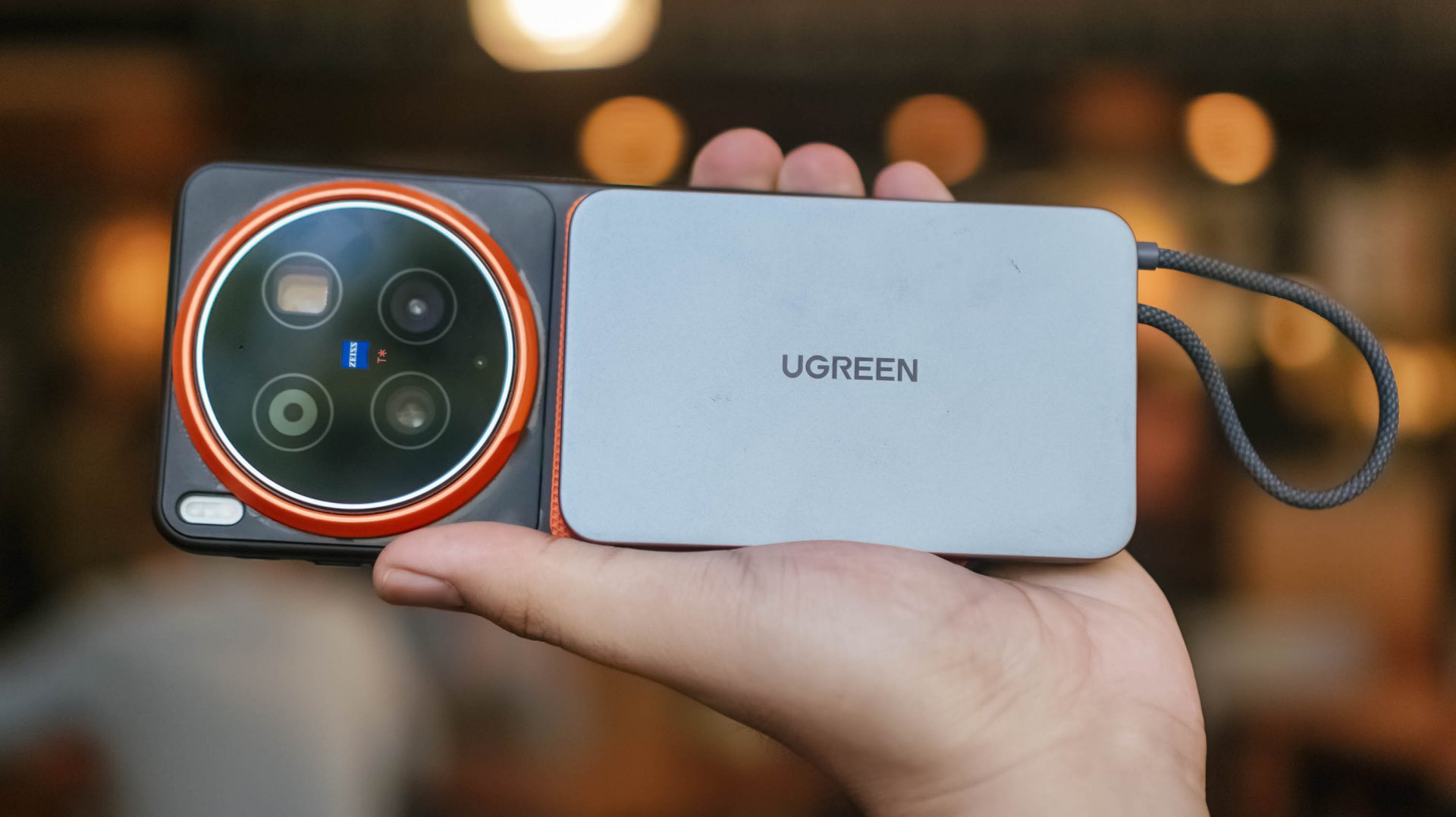
Although MagSafe isn’t supported, third-party cases with magnets can still make magnetic Qi2 (and Qi2.2) wireless charging possible.
Is the vivo X300 Ultra your GadgetMatch?
The original headline of this review was supposed to be “the true mirrorless for less.”
But, with a base price of PhP 109,990 / MYR 6799 / INR 159,999, it’s not precisely cheaper than most mirrorless setups in the market.

Still, that doesn’t mean the X300 Ultra performs less than a mirrorless.
Spending almost two months with the X300 Ultra, I can truthfully say I’ve enjoyed shooting with this power-packed phone more than the mirrorless camera I own.
This isn’t me saying smartphones can replace mirrorless cameras anytime soon. But, the focal length flexibility, photo and video versatility, plus plentiful software feats truly make the X300 Ultra the pinnacle of phone-tography and videography.
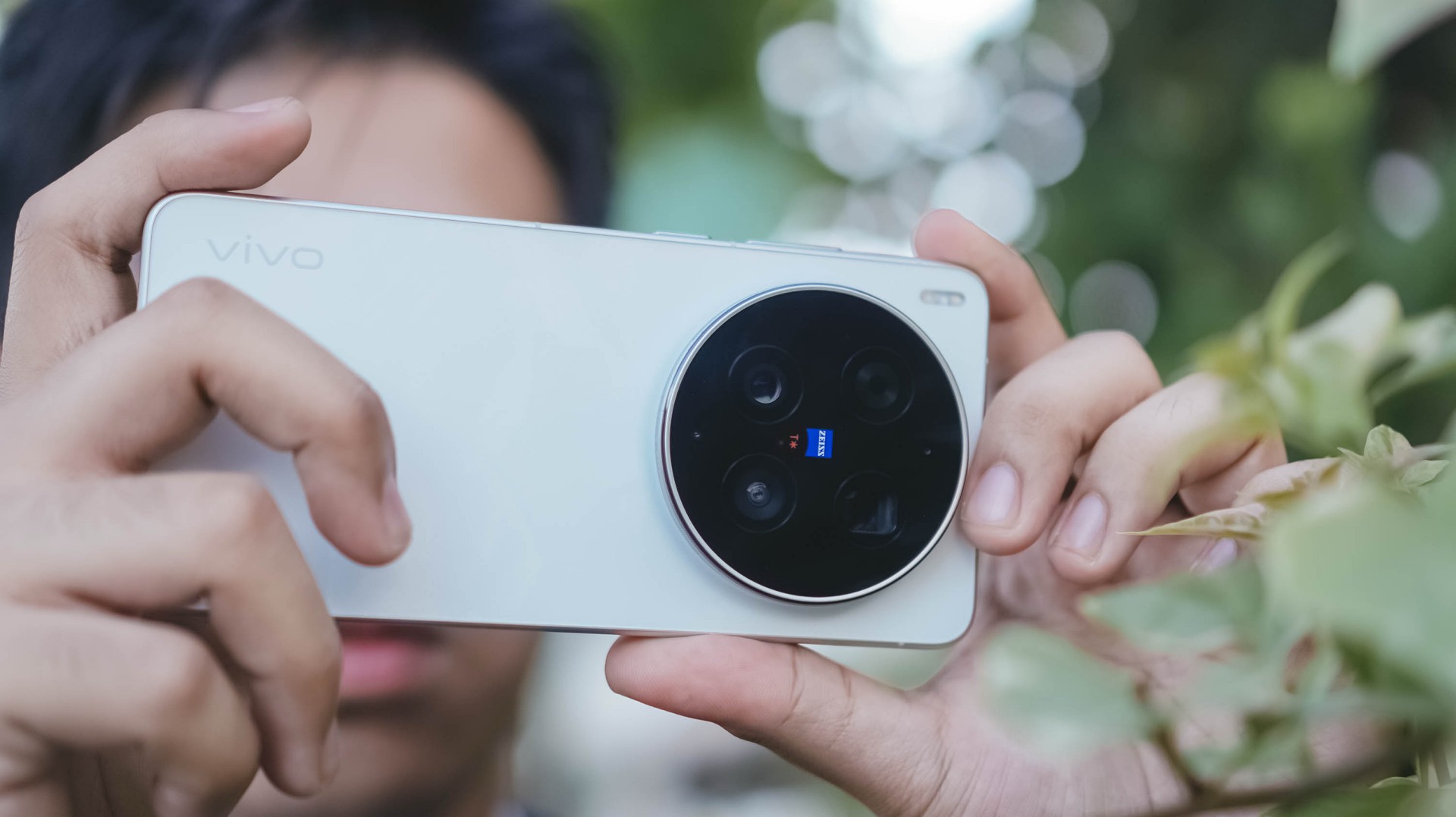
As I alluded to earlier, the X300 Ultra is vivo’s direct answer to Apple’s iPhone 17 Pro Max.
While acquiring that iPhone of the same configuration is cheaper at PhP 101,990 / INR 154,900 (but more expensive in Malaysia at MYR 6999), X300 Ultra boasts greater camera hardware and better pro-grade tools altogether.
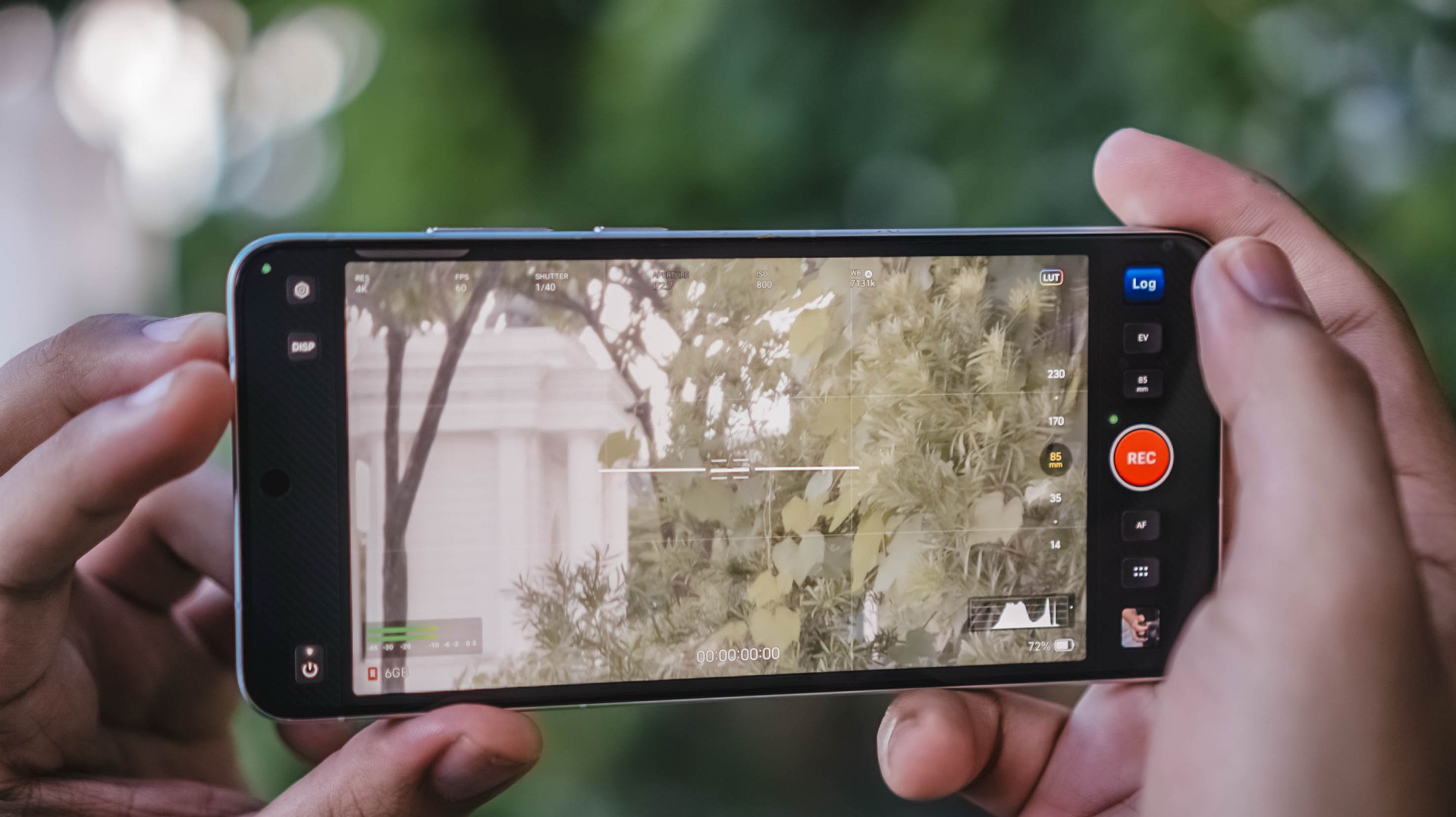
And, even if you are stuck with some Apple devices (like yours truly), its readiness alongside the Apple ecosystem makes it an Android smartphone you cannot resist.
In Europe, while the starting price is higher at EUR 1999, that gives you double the storage. But, at the cost of removing the bundled charger and cable due to EU laws.

Enough talking! The vivo X300 Ultra is a hard Swipe Right, solid Super Swipe, and a worthy recipient of GadgetMatch’s Seal of Approval.


realme C100: Enduring and durable in spite of entry-level realities
Enough power but needs more agility


The ASUS ExpertBook Ultra wins you over
The laptop sneaks up on you


vivo X300 Ultra review: A “Whole Different Animal”
Got the beast (finally) unleashed!

FIFA World Cup: Lenovo’s Referee View received positively by fans

Assassin’s Creed Black Flag Resynced comes to life at Skypark Macau

Netflix suddenly resurrects 30-day free trials

Disney+ might get a free tier

Echoes of Aincrad out now for consoles, PC

Buyer’s Guide: TECNO SPARK 50 Pro vs SPARK 50 5G

TECNO’s SPARK 50 Pro is the latest budget smartphone battery beast
vivo X300 Ultra review: A “Whole Different Animal”

DJI Osmo Pocket 4P launches with dual lenses and a 1-inch sensor

Lenovo says RAM prices are not coming back down again


-

 News4 days ago
New York becomes first state to ban smart glasses
-

 Singapore3 days ago
Sony launches IER-M500 in-ear monitors
-
Laptops2 weeks ago
The ASUS ExpertBook Ultra wins you over
-

 Gaming2 weeks ago
PlayStation goes all-digital in 2028
-

 Gaming4 days ago
Microsoft dictates that a new Fallout game is coming
-

 Computers5 days ago
GIGABYTE releases new AORUS RTX 5080 INFINITY graphics cards
-

 Laptops2 weeks ago
ASUS launches the ExpertBook Ultra
-

 Gaming2 weeks ago
Xbox might get rid of physical discs too