







On our first YouTube Livestream we unbox the ROG Phone 5 Ultimate, the Ultimate Fan Gift Collection and all of the ROG Phone 5’s accessories.
On its fourth iteration, the ROG Phone 5 series (yes, it’s the fourth on the series despite the name), is as powerful as ever and now there’s three of them: ROG Phone 5, ROG Phone 5 Pro, and ROG Phone 5 Ultimate.
The upgrades mostly come in all the places that matter, but there’s also a new feature that takes inspiration from one of their gaming laptops.
all three members of the ROG Phone 5 series have in common — they’re all spec and features monsters. Here are some of the things you can look forward to:
- Qualcomm Snapdragon 888 5G processor
- Upgraded GameCool 5 cooling system
- Armoury Crate new performance manager
- 6.78” Samsung AMOLED display with 144Hz refresh rate, 300Hz touch sampling rate
- 6,00mAh battery, bypass charging
New to ROG Phone 5 Pro and Ultimate — ROG Vision
Do you remember the AniMe Matrix on the ASUS ROG Zephyrus G14? The ROG Phone 5 Pro and Ultimate have something like that. It’s called the ROG Vision.
It functions similarly in that it gives another layer of personalization through an extra display at the back of the phone but this one isn’t built with mini-LED lights.
The ROG Phone 5 Pro features a color ROG Vision display, while the ROG Phone 5 Ultimate has a monochrome version.
Colors, Configurations, and Pricing
ROG Phone 5
- Phantom Black and Storm White
- Up to 16GB RAM/ 256GB ROM
- Starts at EUR 799
- March 2021
ROG Phone 5 Pro
- Phantom Black
- Up to 16GB RAM/ 512GB ROM
- Starts at EUR 1199
- April 2021
ROG Phone 5 Ultimate
- Storm White
- Up to 18GB RAM/ 512GB ROM
- Starts at EUR 1299
- May 2021



Reviews
vivo X300 FE review: Don’t judge the camera by its cutout
A midrange-sized camera bar doesn’t mean mid camera performance

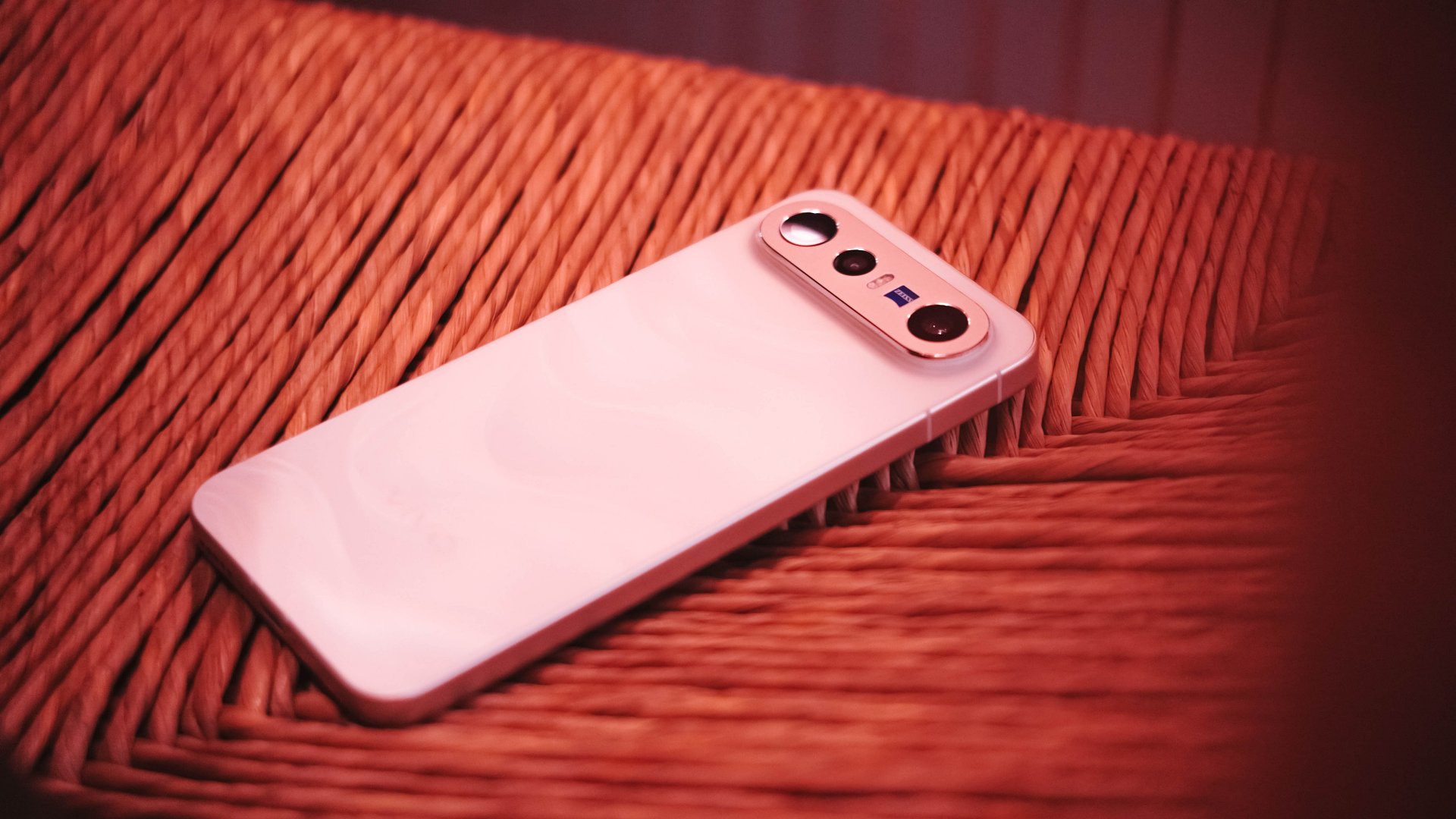
Any modern smartphone series usually comes with a base, a Pro, and an Ultra model. However, some phone makers introduce a more affordable “Lite” version.
Still with the same intent, others do substitutes using “e”, “s”, a combination of “SE”, or an even rarer “FE” model.
Well, the vivo X300 series is a clear testament to this. Aside from last year’s base and Pro, the Chinese manufacturer has decided to launch two more models on both ends of the spectrum.
The clear headliner is none other than the X300 Ultra. But, the latest vivo X300 FE is meant for users who want that X300-grade cameras minus its soaring pricing. Or is it?
What are the compromises though? Are there even any? Here’s my extensive review.
FE = ✨ Fab Edition ✨
When Samsung launched the first “FE” phone, they thought of resurrecting the quite explosive Galaxy Note7 (literally and figuratively). All for the sole fulfillment of their fandom who’ve been clamoring against its sudden discontinuation right after the fueling fiasco.
The “Fan Edition” was then born.
However, my understanding with vivo’s X300 “FE” isn’t intended solely for fans. It’s rather an embodiment of full-on fanciness. Thus, that FE meant ✨ Fab Edition ✨ in my vocab.
If we’re talking about how it stands out from the rest of the X300 family, size isn’t just about it.
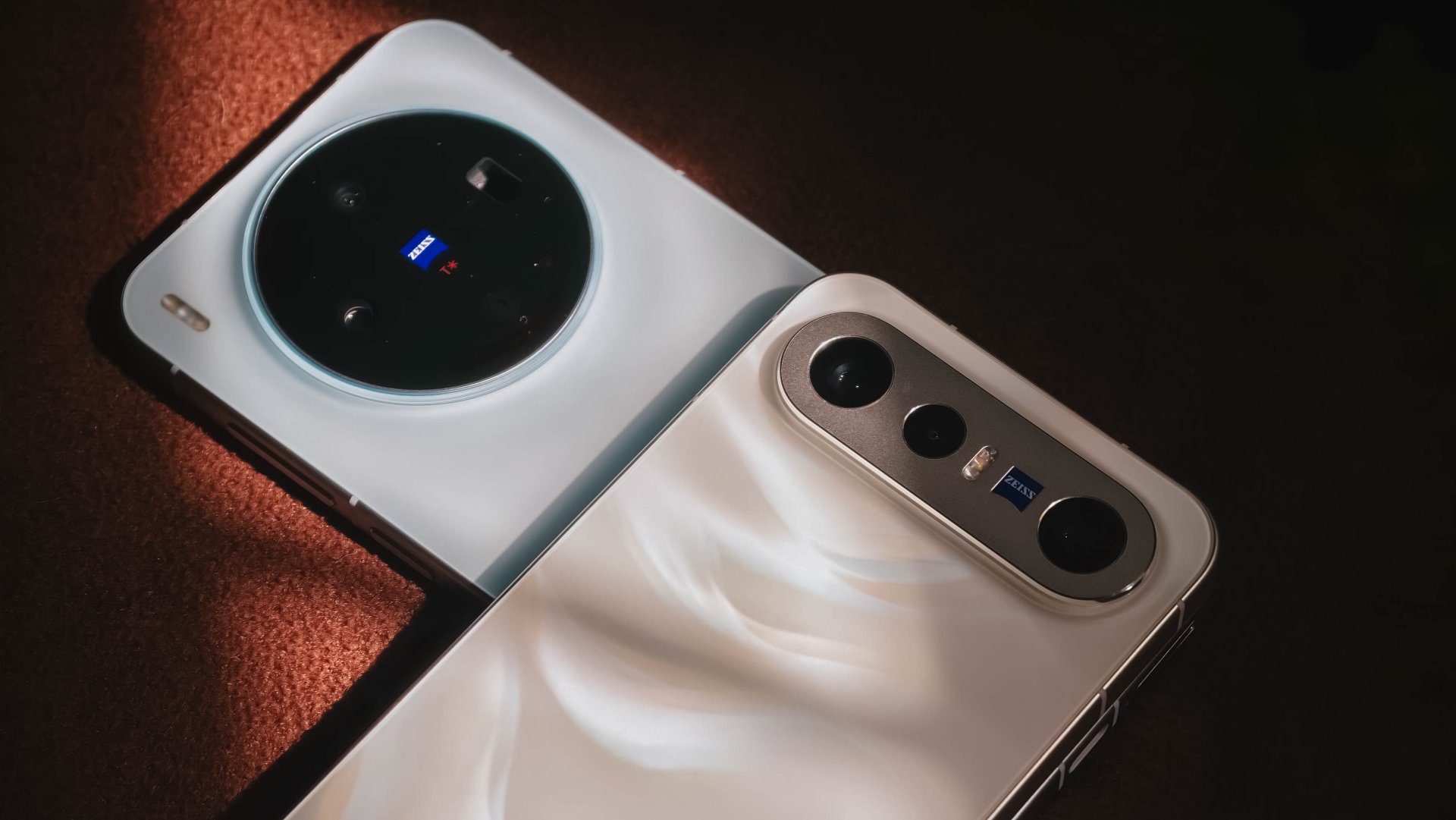
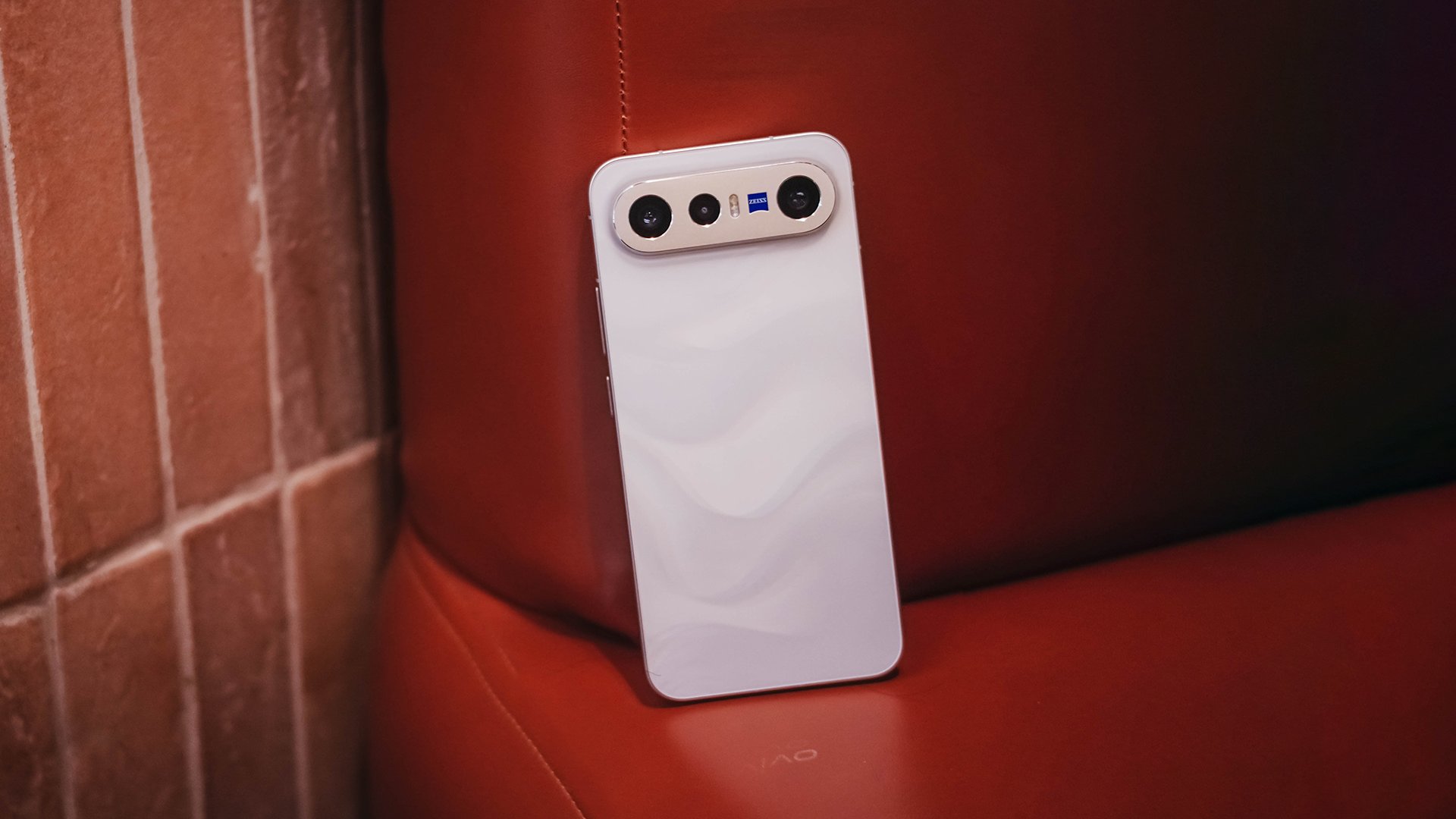
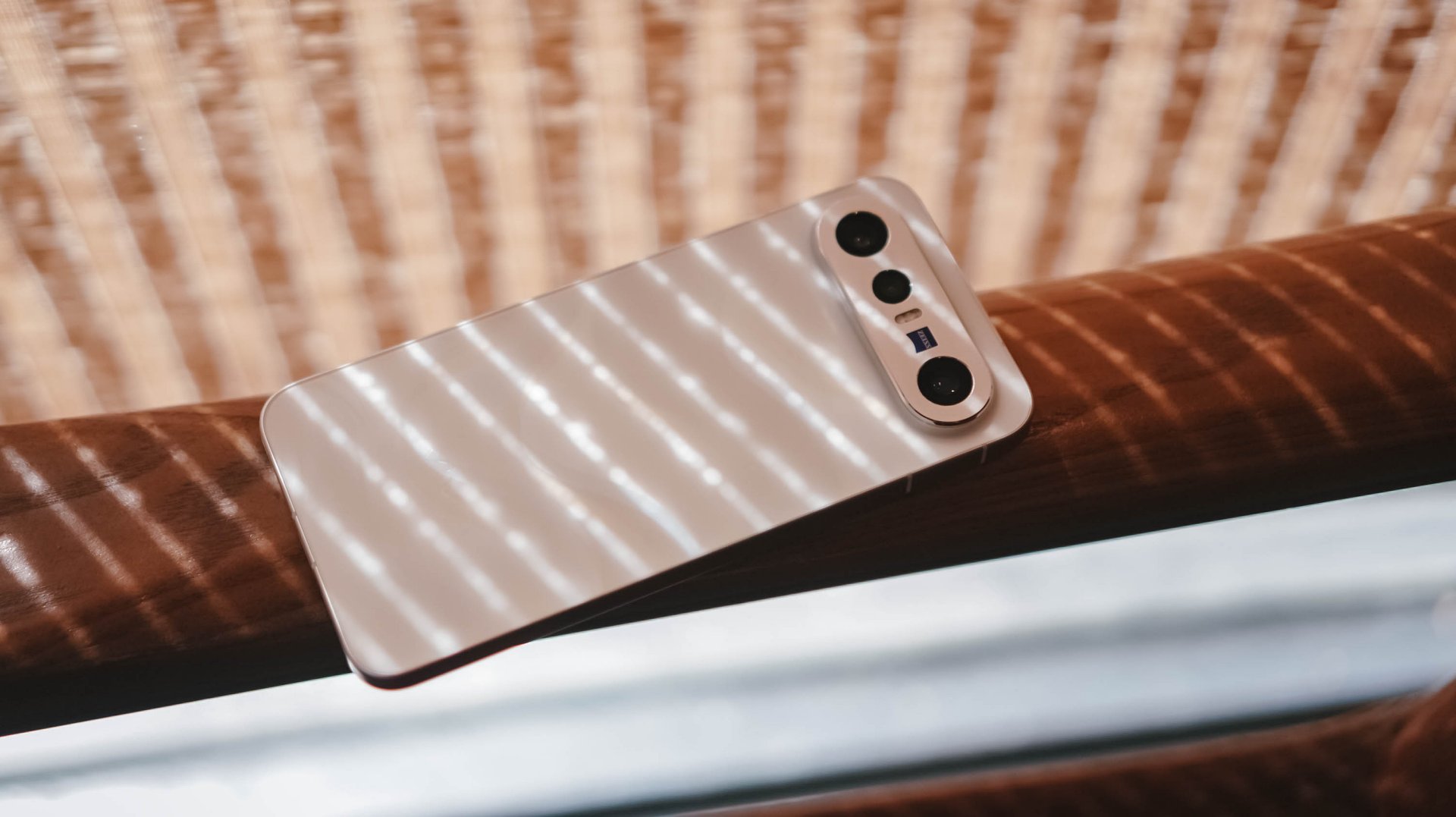
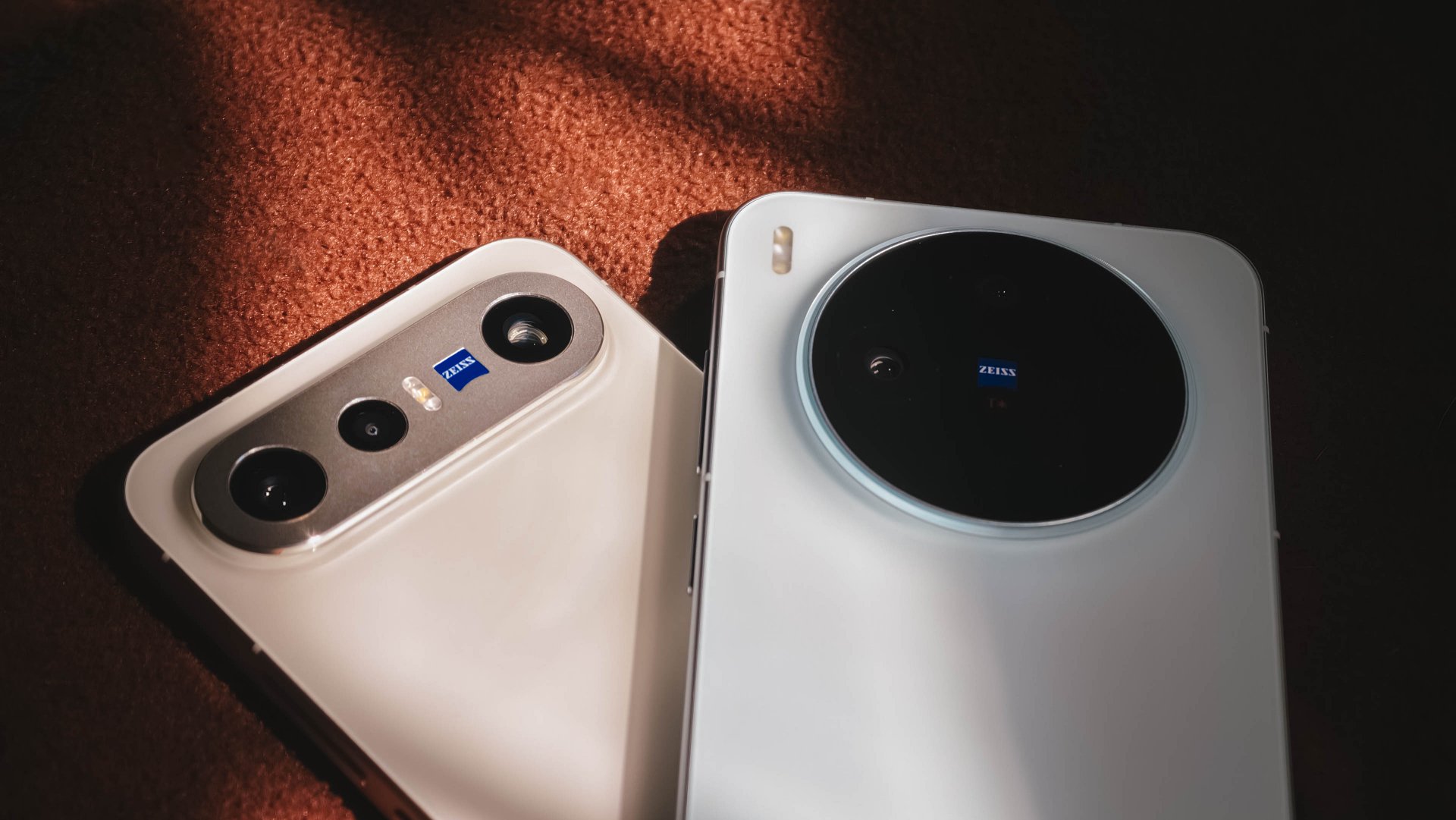
The dimensions of the X300 FE are teeny tiny close to the vanilla vivo X300. However, if you’re not a fan of its massive circular hump, X300 FE’s singular camera bar is the way to go.
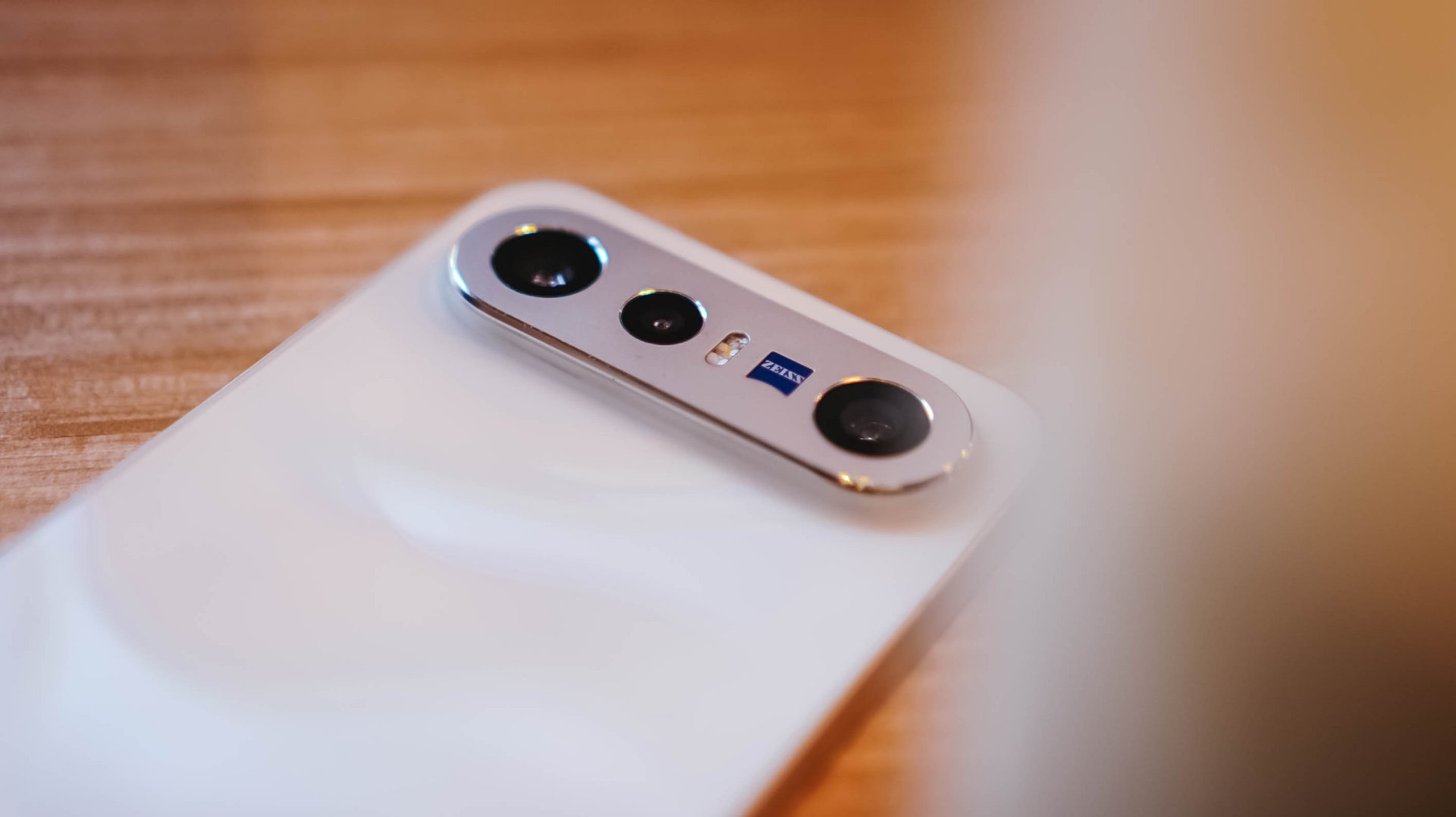
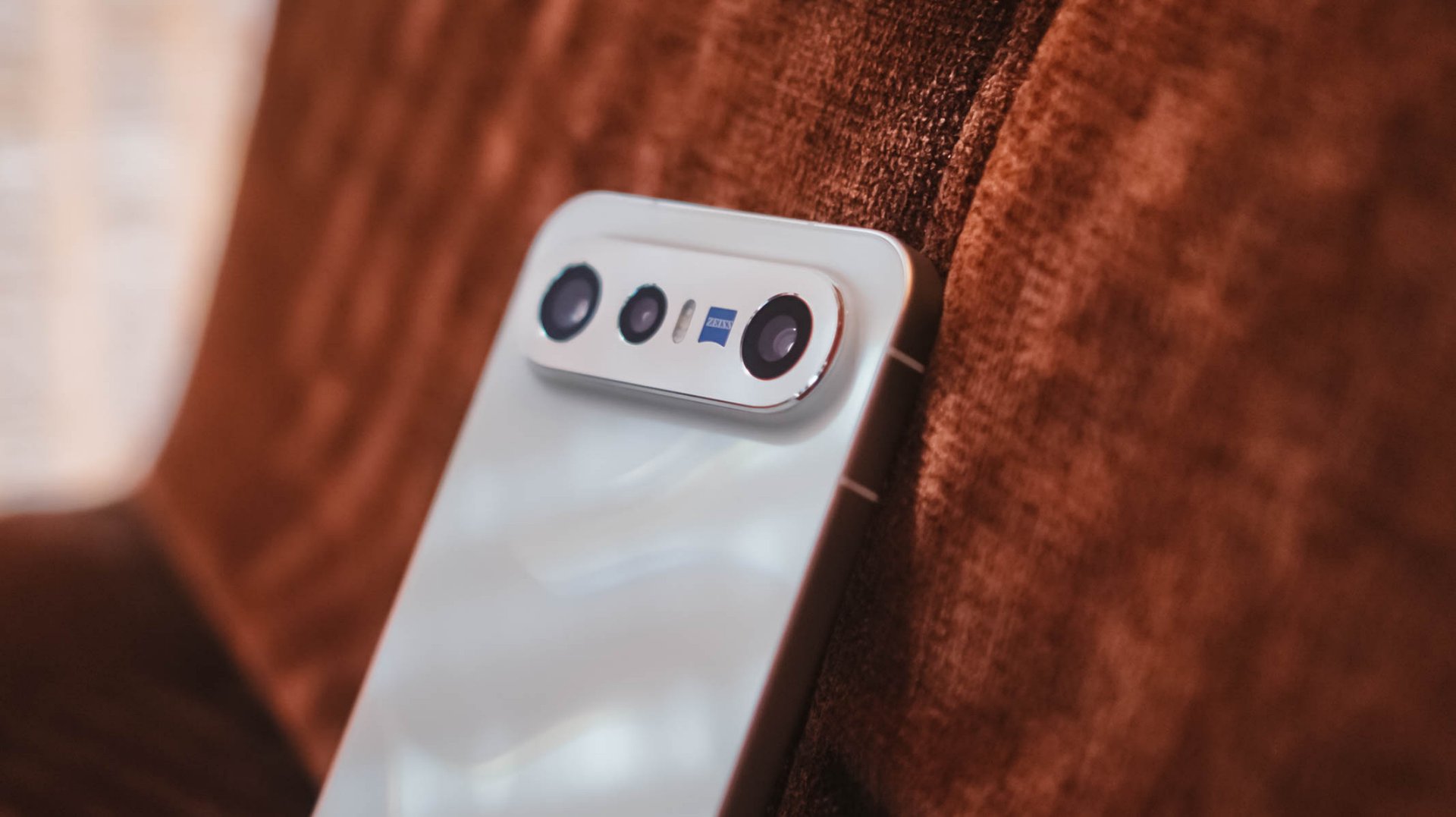
Honestly, I truly appreciate how vivo decided to use an aluminum enclosure rather than slapping a piece of glass wholly. That single move will make you think it’s another Pixel phone by Google.
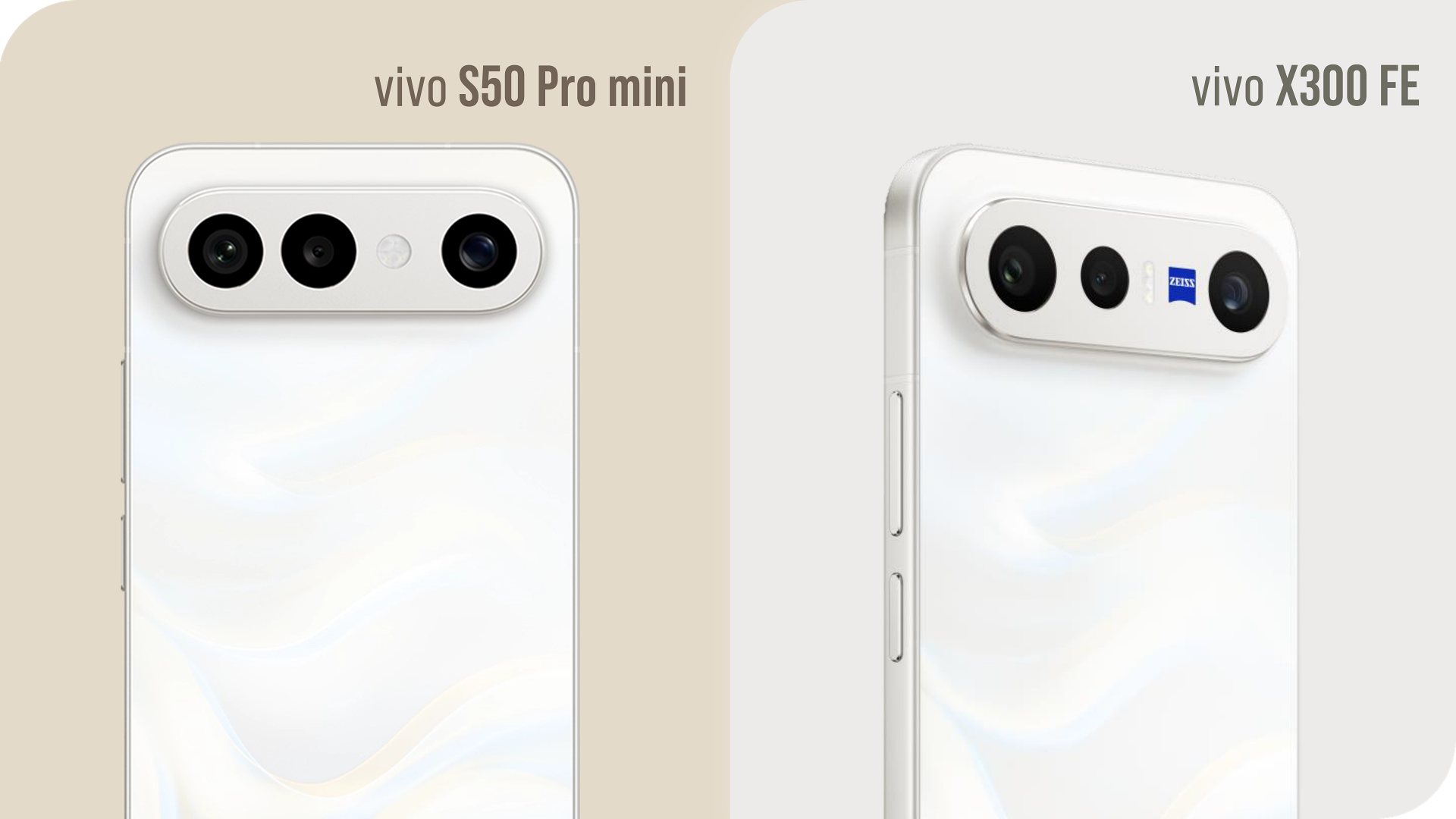
Graphics by Vincenz Lee | GadgetMatch
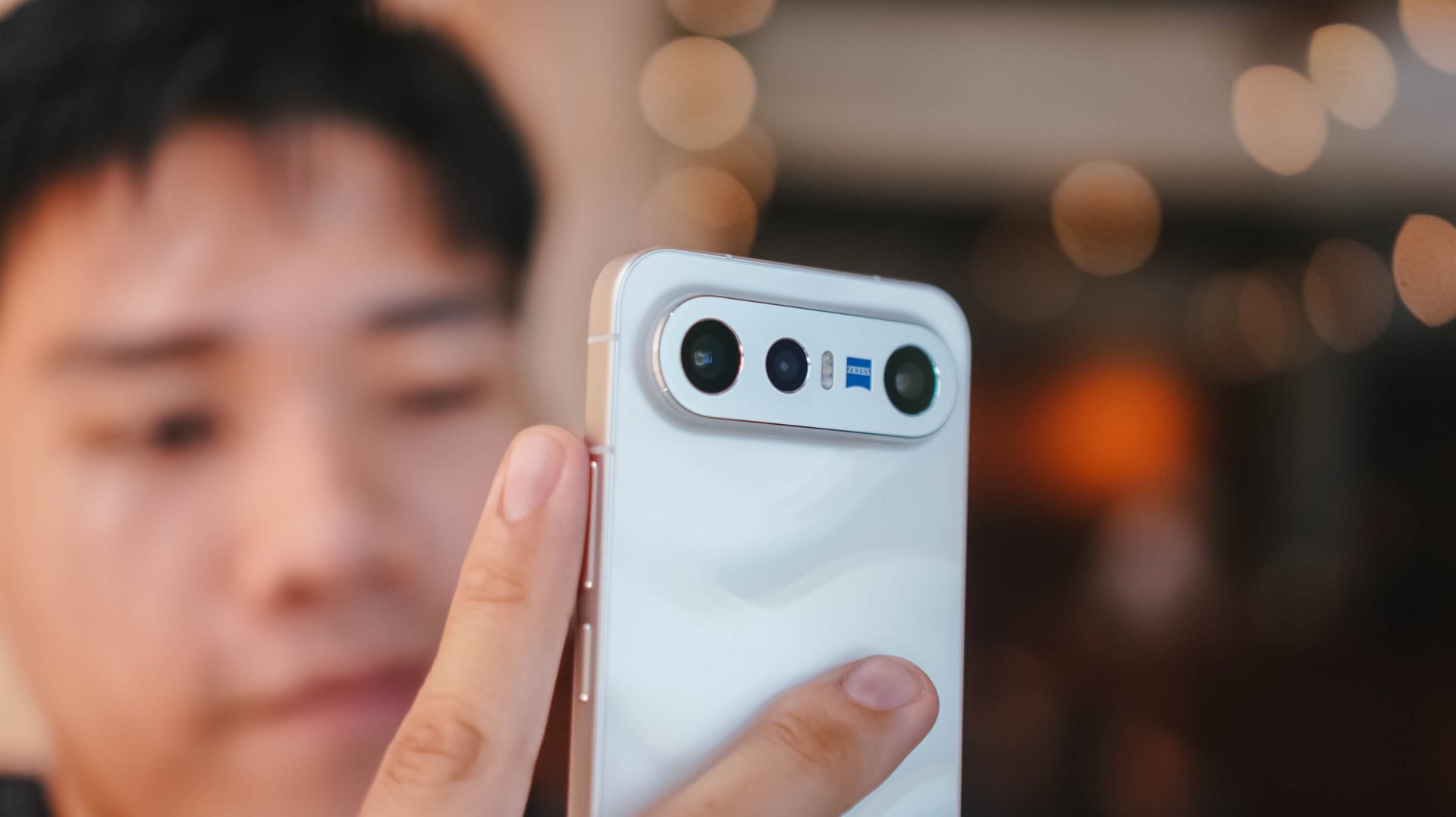
Also, notice that ZEISS branding sitting beside the elongated flash unit? That’s the best way to tell that it’s the X300 FE, not the S50 Pro mini exclusive to China.
It’s these small design details that make me appreciate the beauty of a smartphone as a whole.

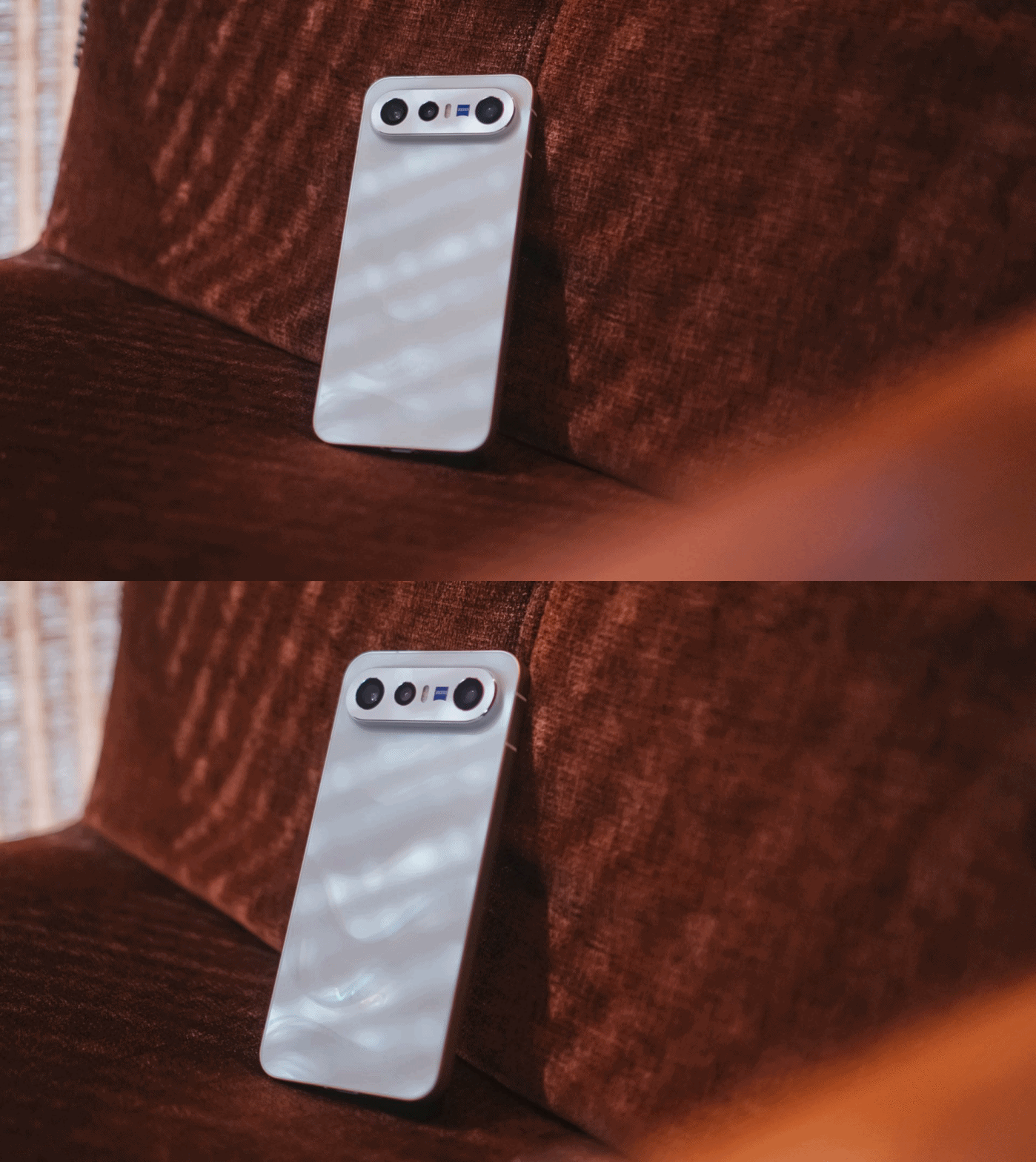
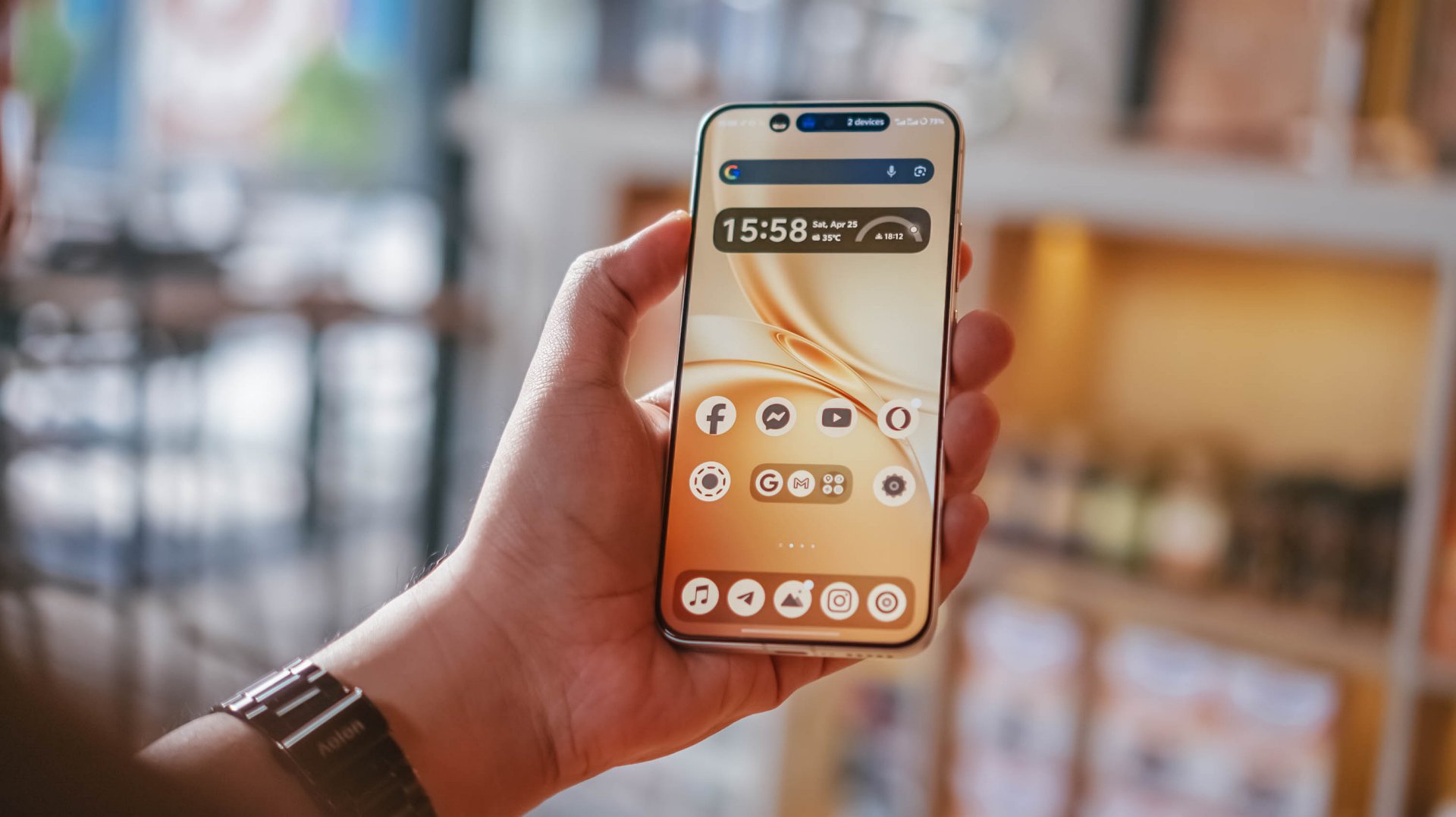
Speaking of, the X300 FE I rock is in this fabulous Glow White shade with subtle wave-like patterns when hit by faint light. Honestly, I love this texture for added elegance.
If that’s not your cup of (milk) tea, there are three more options to choose from: Cool/Noir Black, Urban Olive (or Green), and Mist/Lilac Purple — all without that added pattern.

When held, the phone is premium to the touch. Its aluminum side trims also feel solid with buttons that are tactile and not too clunky.
Time will only tell how long it remains unscathed against pointy objects in your pockets.

And, before I forget, it’s rated to withstand extremities with its dual IP68 and IP69 water and dust resistance rating.
#NowPlaying: Perfect Crown 👑
Finally flipping onto its front, the vivo X300 FE instantly reminds me of IU in Disney+’s Perfect Crown. Much like her petite yet powerful aura, the X300 FE shares the same feat — both in display size and quality.

For one, this ZEISS Master Color Display makes me truly enjoy all the heartwarming moments of Seong Hui-ju (or Sung Hee-joo) and the perfectly charming Grand Prince I-An (as starred by Byeon Woo-seok).

Blacks are as deep as the back stories and familial sentiments of both protagonists. More so, display nits go as high as 5000 nits — just like the sparkling eyes of I-An when he’s dazzled by Hui-ju’s beauty.
Colors ultimately pop too, like their lovey-dovey moments in between.

However, unlike the families of both sides trying to go overboard, this LTPO AMOLED display begs to differ as it displays the most accurate color representation possible. DCI-P3 Wide Color Gamut, 1.07 Billion Colors and HDR+ support, you get the idea.
Visuals are also as sharp as Hui-ju herself: a pixel density of 460 ppi and display resolution of 1.5K.

Also thinking about Prince I-An’s protection to Hui-ju against all odds, the X300 FE also wants to protect your eyes: 2160Hz PWM Dimming, Night Eye Care Mode, even SGS Low Blue Light Certification.
These are something most brands have often overlook in display tech, especially for those who have sensitive visuals.

Specs sounding too familiar? Well, the base X300 has the same powerful display. So yes, the quality has never been compromised to begin with.
The only thing that nitpickers will notice is the slightly thicker bottom chin of the X300 FE that the regular X300 doesn’t have. But I digress.

vivo X300 FE (Top) vs vivo X300 (Bottom)
It’s also worth noting that the X300 FE finally adopts a fast and ever-reliable ultrasonic fingerprint scanner. Last year’s X200 FE relied on a slower optical fingerprint sensor. This is more than just a welcome change considering that vivo pioneered the under-display fingerprint tech eight years ago.
On queue: LE SSERAFIM 🥳 + Xdinary Heroes 🚀
With LE SSERAFIM’s latest pre-release track “CELEBRATION,” it enticed me to test out how powerful the speakers of the vivo X300 FE really are.
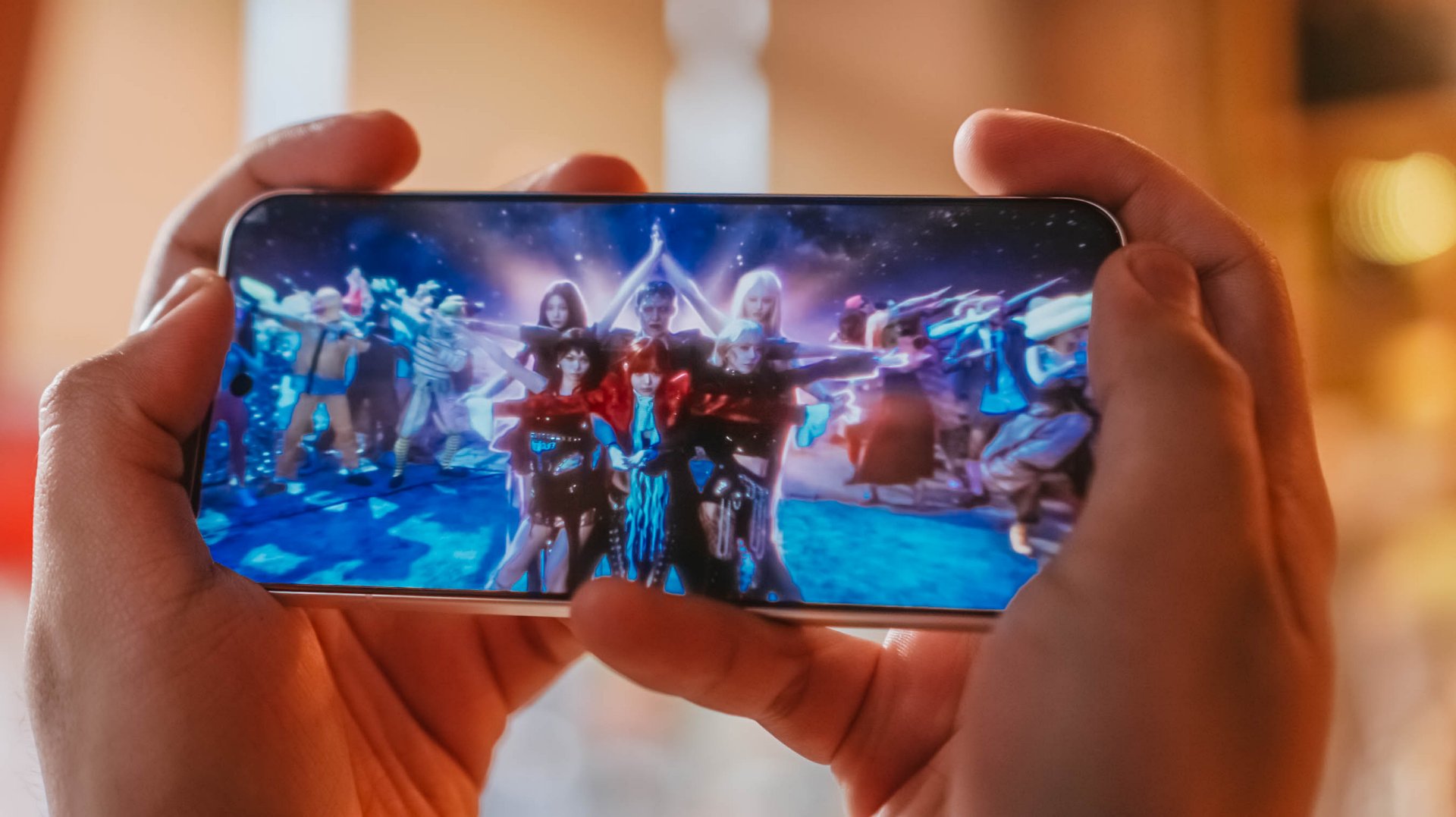
Aside from all the member’s deep and soulful vocals, I was able to hear the hidden synths, thumps, and oomphs that are barely recognizable in other phones.
Moreover, I felt the depth of its stereo speakers when I played Xdinary Heroes‘ latest comeback track titled “VOYAGER” as well as the full “DEAD AND” album.

DAY6’s 후배 / hoobae (or junior) is as powerful as the speakers are.
From the beats and strums of the drums and guitars, all the way to the powerful voices of the members, it’s honestly surprising to hear that the X300 FE isn’t an actual embodiment of its small form factor.

Tiny in size never meant tinny in sound performance.
If I’m being bold enough, it’s as loud and powerful as what I had and heard with its bigger brother, the X300 Pro.
Dedicated pro-former 🎮
The vivo X300 FE is the only phone in the family that does not run a “top-tier” chipset.

As a matter of fact, it’s one of the fewest smartphones that run Qualcomm’s latest Snapdragon 8 Gen 5 SoC. Although this should not to be confused with the Snapdragon 8 Elite Gen 5, it’s still a very capable and power-packed flagship chip on its own.
And by that, I meant triple A games running as smooth as ever!
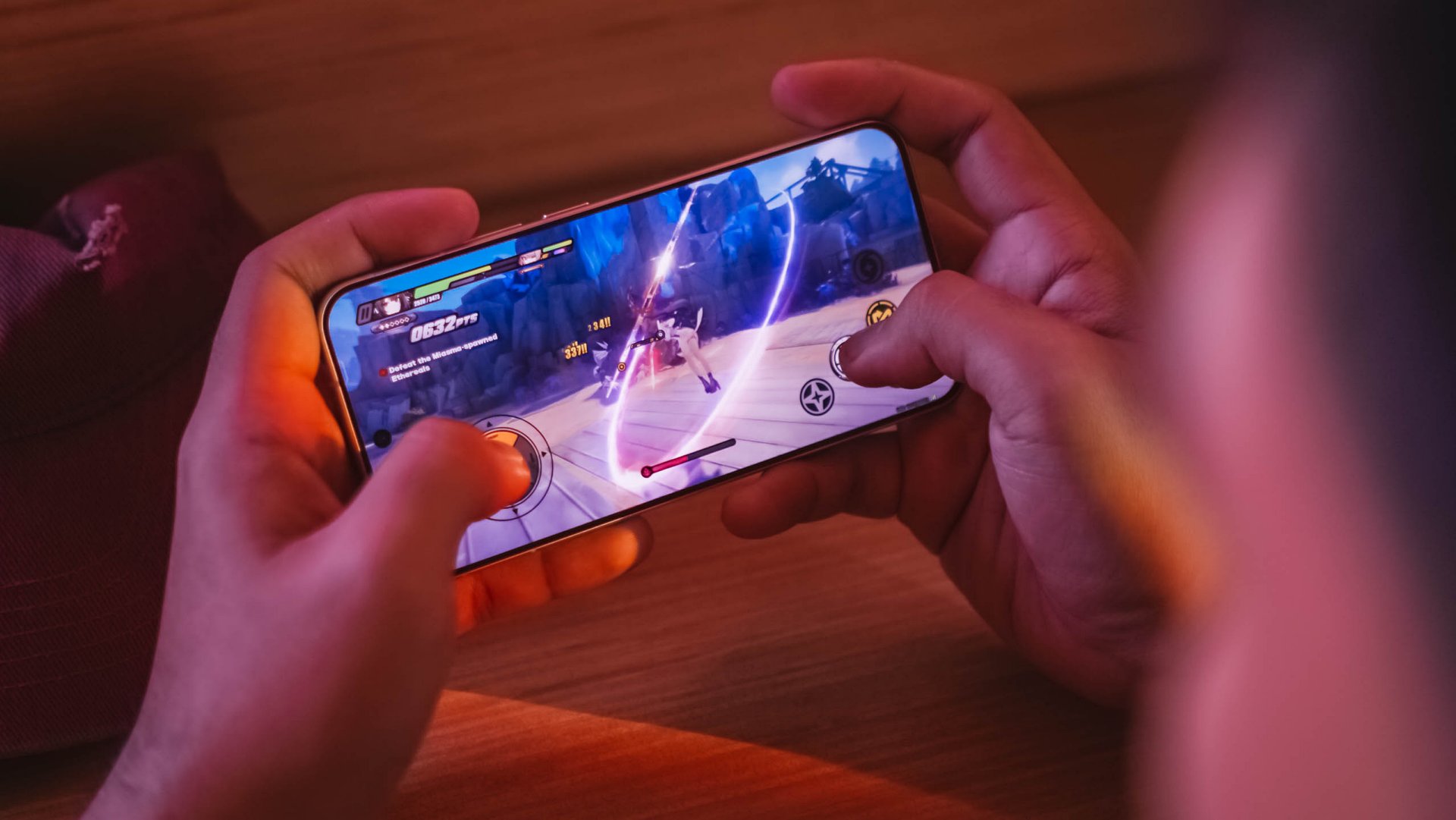
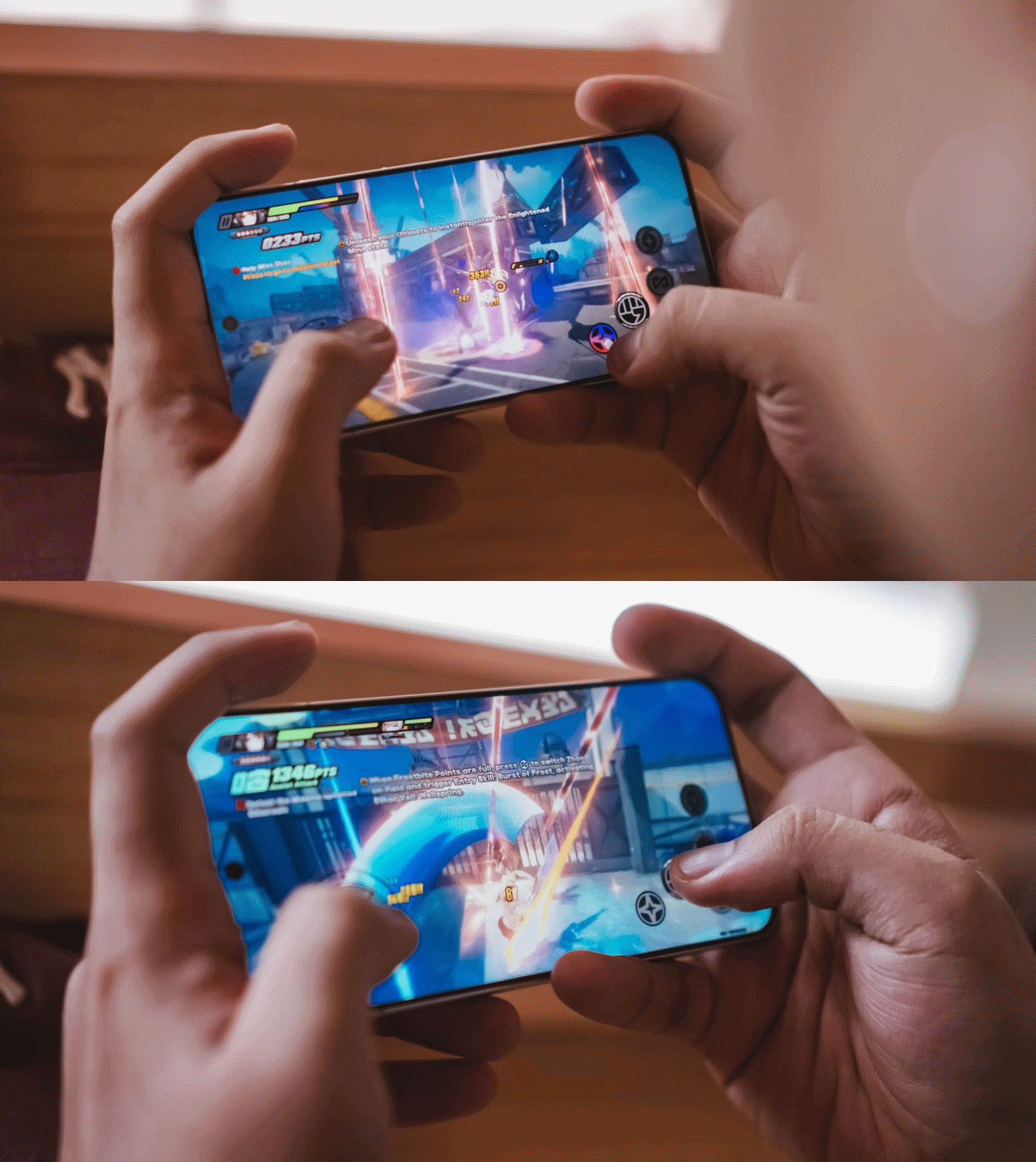
My extreme gaming benchmarking usually starts with HoYoverse’s Zenless Zone Zero due to its demanding graphics.

Right off the bat, the game runs in High graphics setting by default while Rendering stays at Medium.
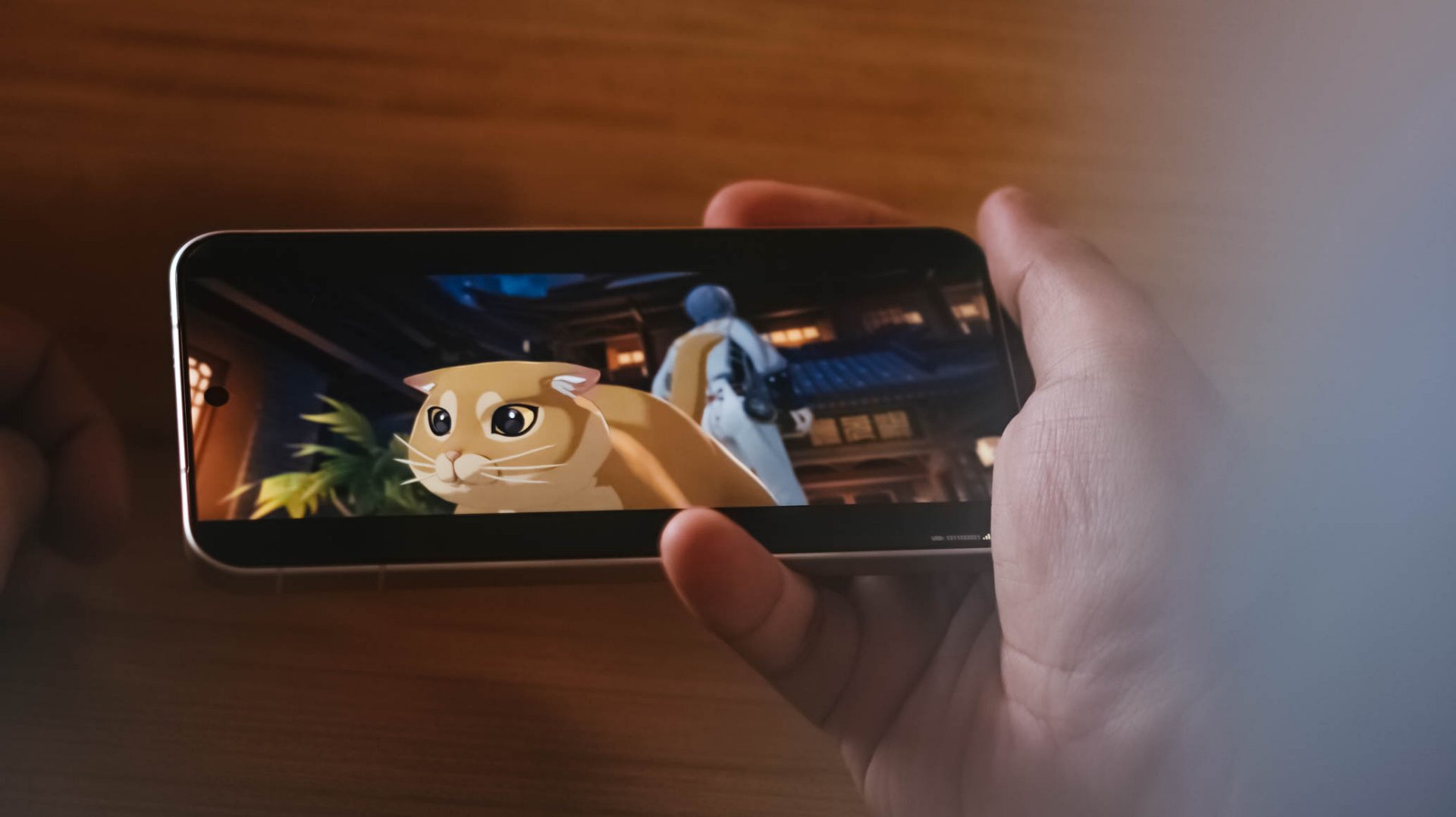
ft. this “chubby orange cat” 🥹
My recent gameplay took me to a 20-minute combination of Combat Mode and extreme story-telling.
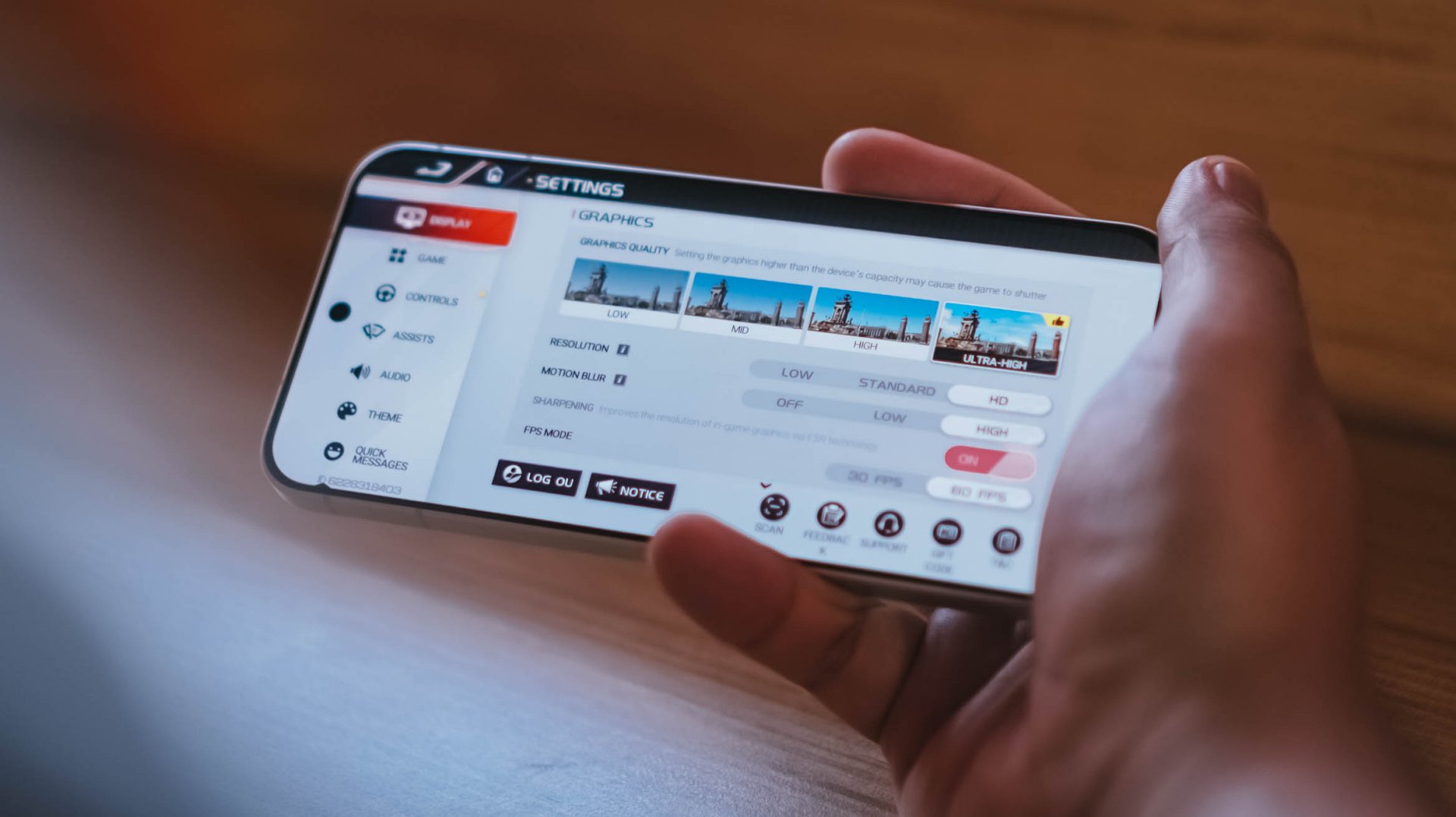
Moreover, Racing Master ran at Ultra-High graphics quality, HD resolution, high motion blur, and frame rate set to 60fps.
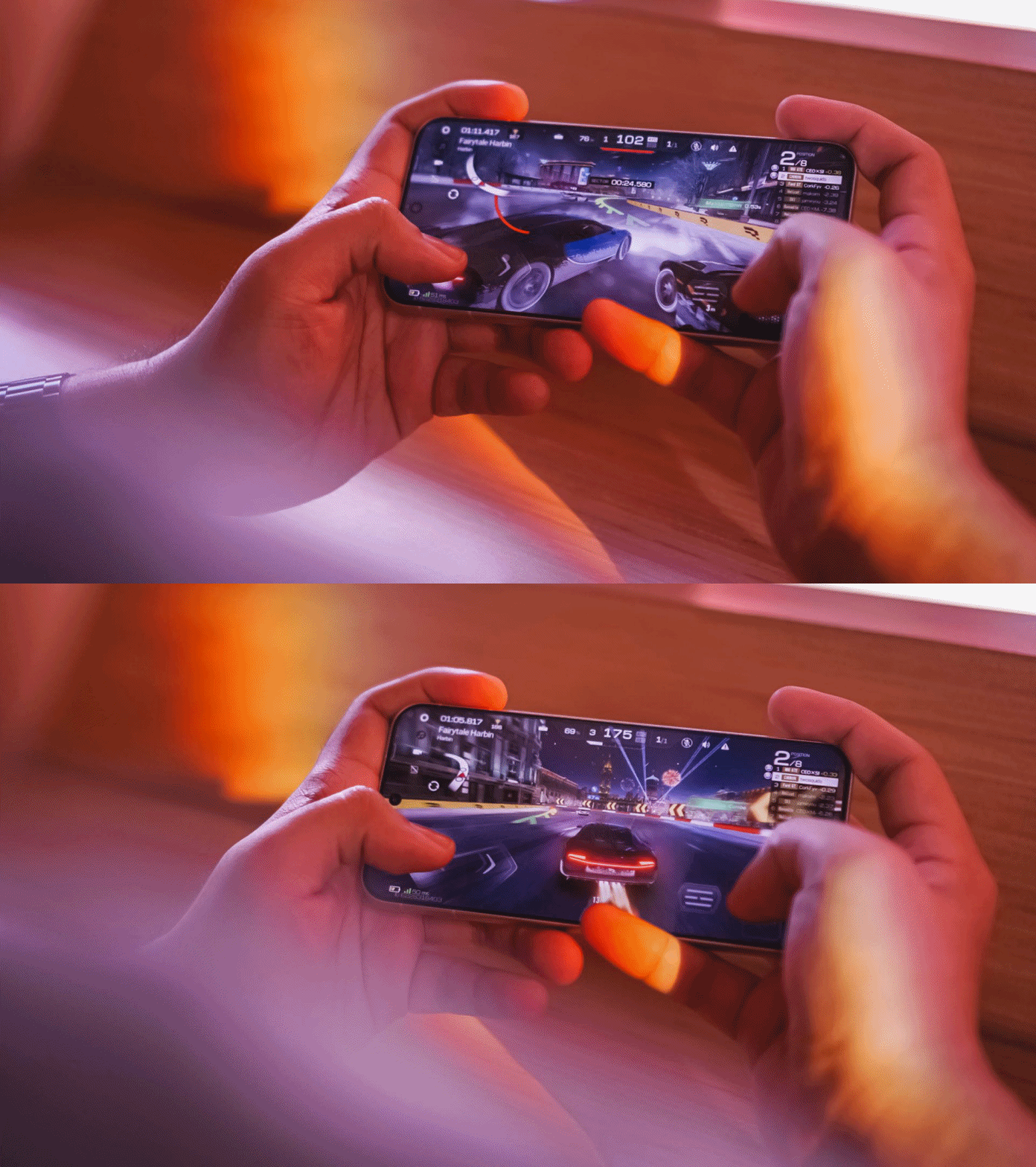
Surprising (or not) the vivo X300 FE handled all of these with ease, just like any modern flagship would.
This also meant that other less-intensive games such as CoDM (Call of Duty: Mobile), MLBB (Mobile Legends: Bang Bang), or any other similar FPS or MOBA game will run smooth like butter.
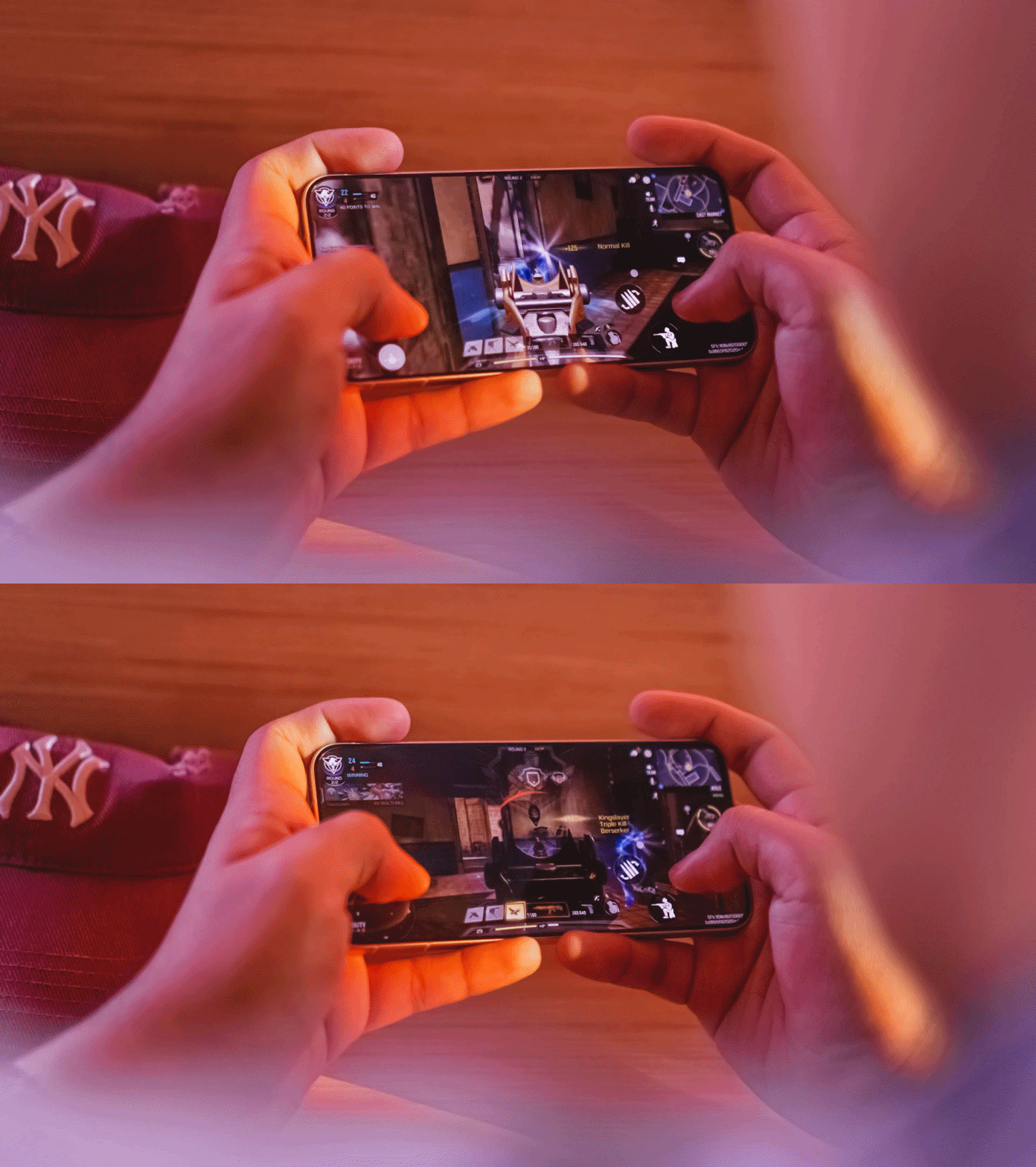
The only downside for me who has big hands, gaming here sometimes feel sore. Also, the lack of a bigger VC chamber that contributes to less efficient heat dissipation, resulting to warmer gameplay in the long run.
Speeds were neither compromised. It’s the same UFS 4.1 storage and LPDDR5X Ultra memory. The catch? Slower USB-C 2.0 port over USB-C 3.2 Gen 1.
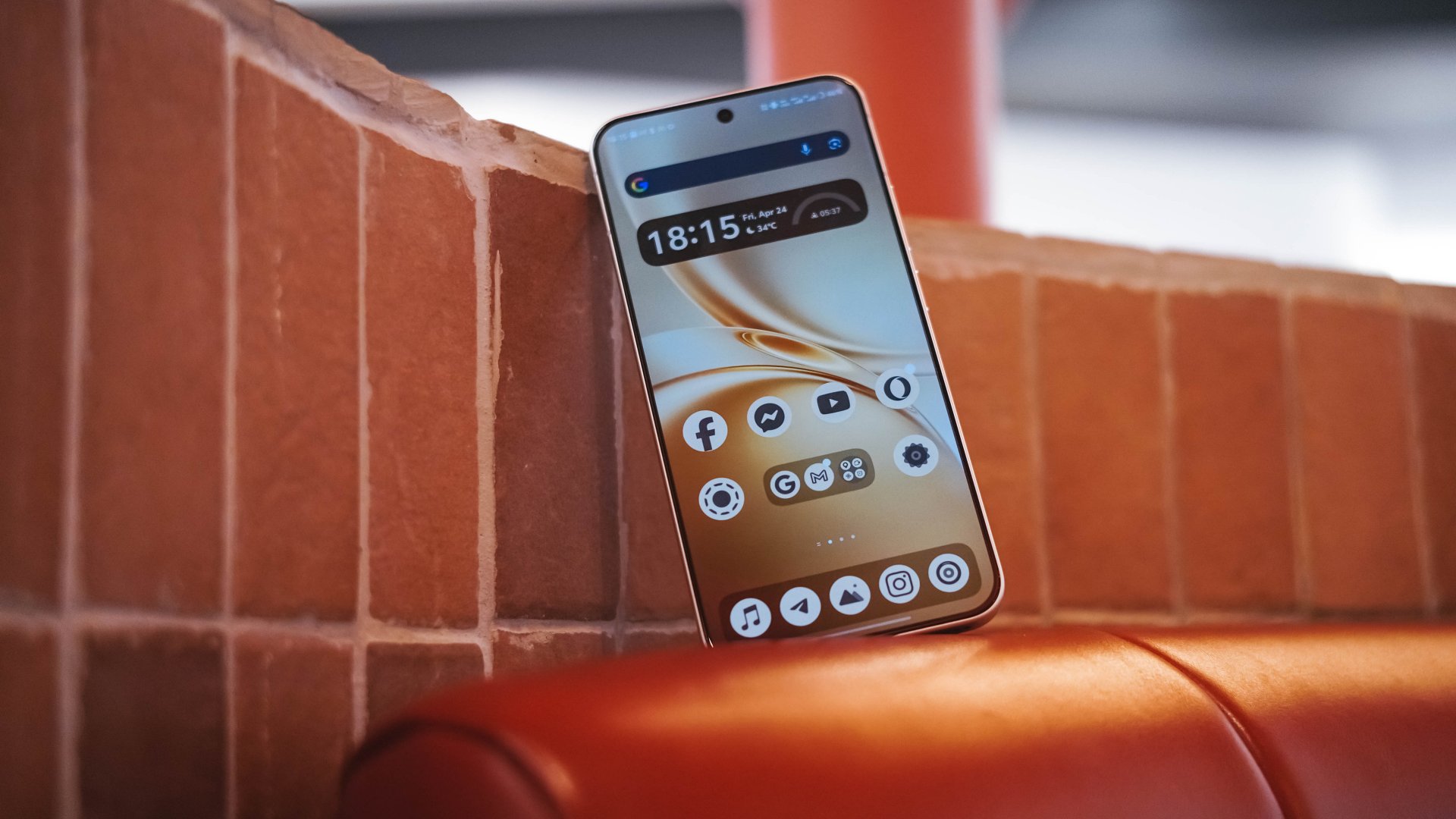
Beyond gaming, overall UI smoothness is a must.
Thanks to vivo’s streamlined OriginOS 6, animations looked both snappy and fluid whenever opening or switching between apps. Aside from the usual AI shenanigans, there are more things to love such as Private Space, Origin Island, One-Tap Transfer, and more.

Even Office Kit that enables seamless connectivity between your MacBook was not left behind. It’s also reassuring to hear that the X300 FE will receive five (5) years of OS upgrades and seven (7) years of security patches.
Compact champ 🔋
You’ve known by now that the vivo X300 FE is definitely in the “compact” league. You also know how the FE serves as the “twin sister” of the X300.
But, the biggest disparity of the two are none other than their batteries. Although numbers aren’t everything, battery capacities matter a lot.
Despite its petiteness, the vivo X300 FE boasts a whopping 6500mAh battery capacity — similar to the larger X300 Pro. The base X300? Stuck at 6040mAh. Worse? European units are capped at 5360mAh.

Using this phone under my light to moderate usage patterns, the vivo X300 FE can totally last way past midnight.
Using it in heavier scenarios was unavoidable. Gaming for around 1.5 hours deducts battery levels to 25% more or less.
Using its cameras every now and then to take lots of snaps and clips contribute more to that depletion.
Not unless you’re doom-scrolling or binging for more than five hours, an hour of content consumption or social media will not totally diminish that massive tank.
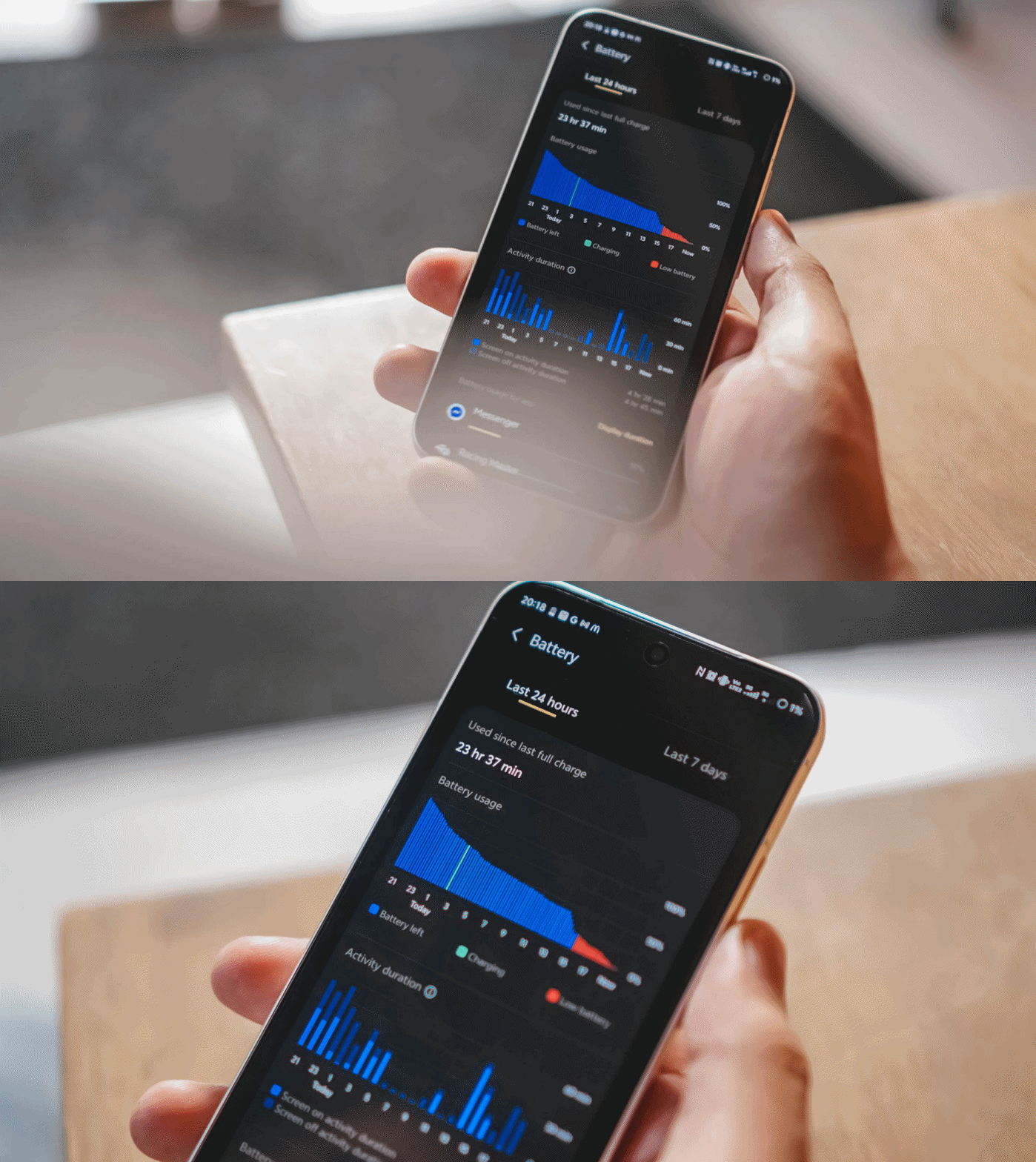
Some personal use-case: I went out to the city around 6AM and used it as my personal hotspot. After that 12-hour mark, there’s still around 31% battery left.
For the same scenario, my vivo X300 Pro dies right around that time. Worse? Lasting only around 7 to 8 hours.
Once empty, the X300 FE supports vivo’s 90W FlashCharge. Unlike European models, Asian variants (like I have) still have bundled charging adapter and cable when you buy one.
View this post on Instagram
In my GadgetMatch Charge Test, it can be juiced up from 0% to 100% in 75 minutes, as long as FlashCharge High Speed is enabled.
FlashCharge High Speed |
FlashCharge Normal |
|
START TIME (From 0%) |
7:29PM |
2:56PM |
3 minutes |
1% |
1% |
5 minutes |
4% |
4% |
10 minutes |
12% |
7% |
15 minutes |
17% |
13% |
20 minutes |
32% |
20% |
30 minutes |
44% |
33% |
45 minutes |
66% |
53% |
1 hour |
88% |
74% |
1 hour 15 minutes |
100% |
95% |
END TIME |
8:44PM
|
4:23PM
|
Normal FlashCharge speeds require you around 15 more minutes to completely fill to the very brim.
Like the rest of X300 iterations, the X300 FE also supports 40W wireless FlashCharge that the vivo V70 and V70 Elite do not provide.
Don’t judge the camera by its cutout
Last but definitely not the least, vivo X300 FE’s triple camera system.
Before anything else, here’s how it compares with its closest rivals: the vanilla X300 and the midranger V70.
vivo X300 |
vivo X300 FE |
vivo V70 |
|
Wide |
200MP f/1.68
|
50MP f/1.88
|
50MP f/1.8
|
Ultra-Wide |
50MP f/2.0
|
8MP f/2.2
|
8MP f/2.2
|
Tele-
|
50MP f/2.57
|
50MP f/2.8
|
50MP f/2.65
|
Selfie |
50MP f/2.0
|
50MP f/2.45
|
50MP f/2.0
|
While all share the same focal length choices, it all boils down to minuscule differences between image sensors to actual aperture count. Let’s just say the X300 FE shares more similarities to the vivo V70.
But, the filling is always the sweetest spot in the cake. Let’s go straight to actual shots taken with this phone.
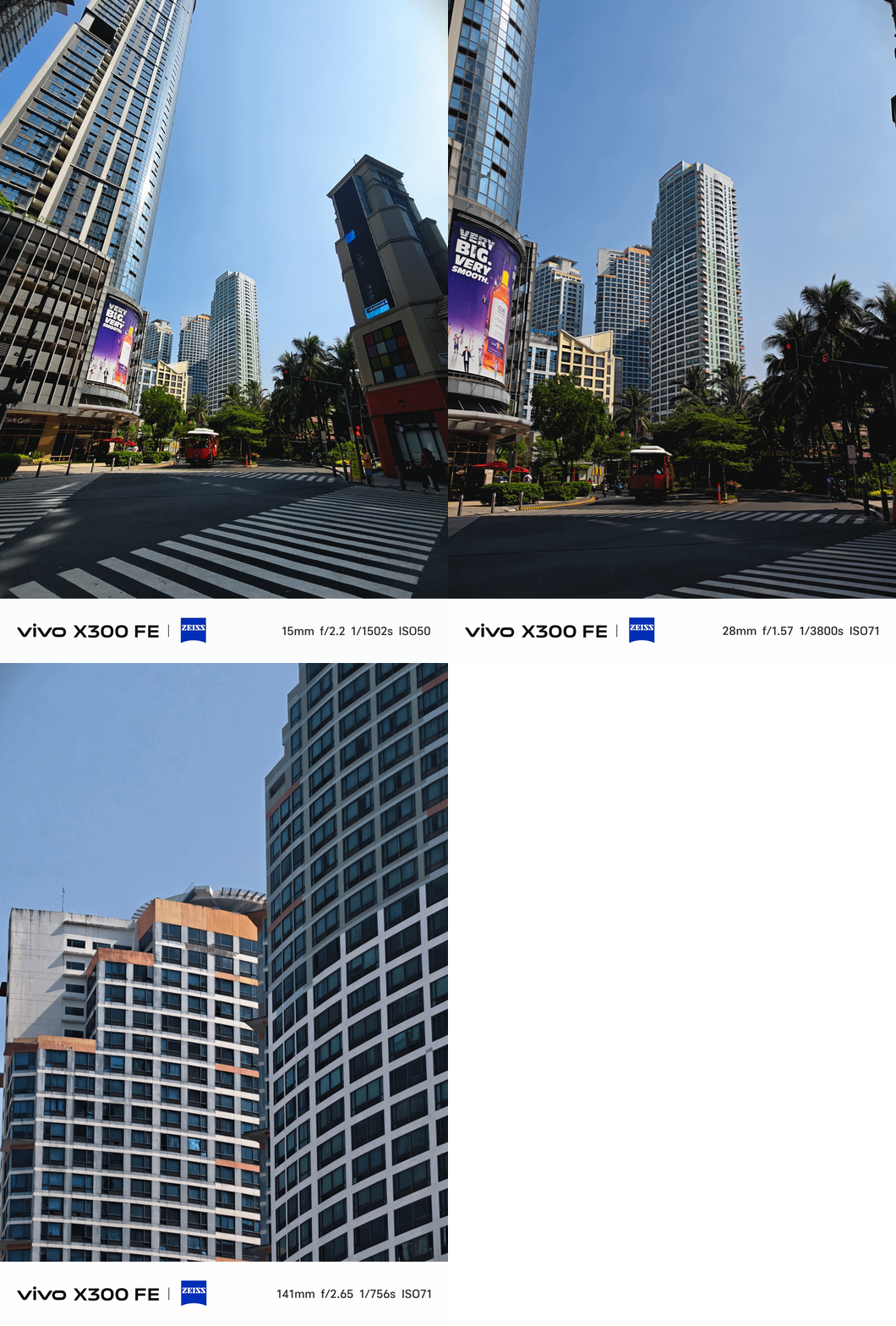

The X300 FE provides color consistency regardless of the focal length you choose — even past its optical zoom limit.
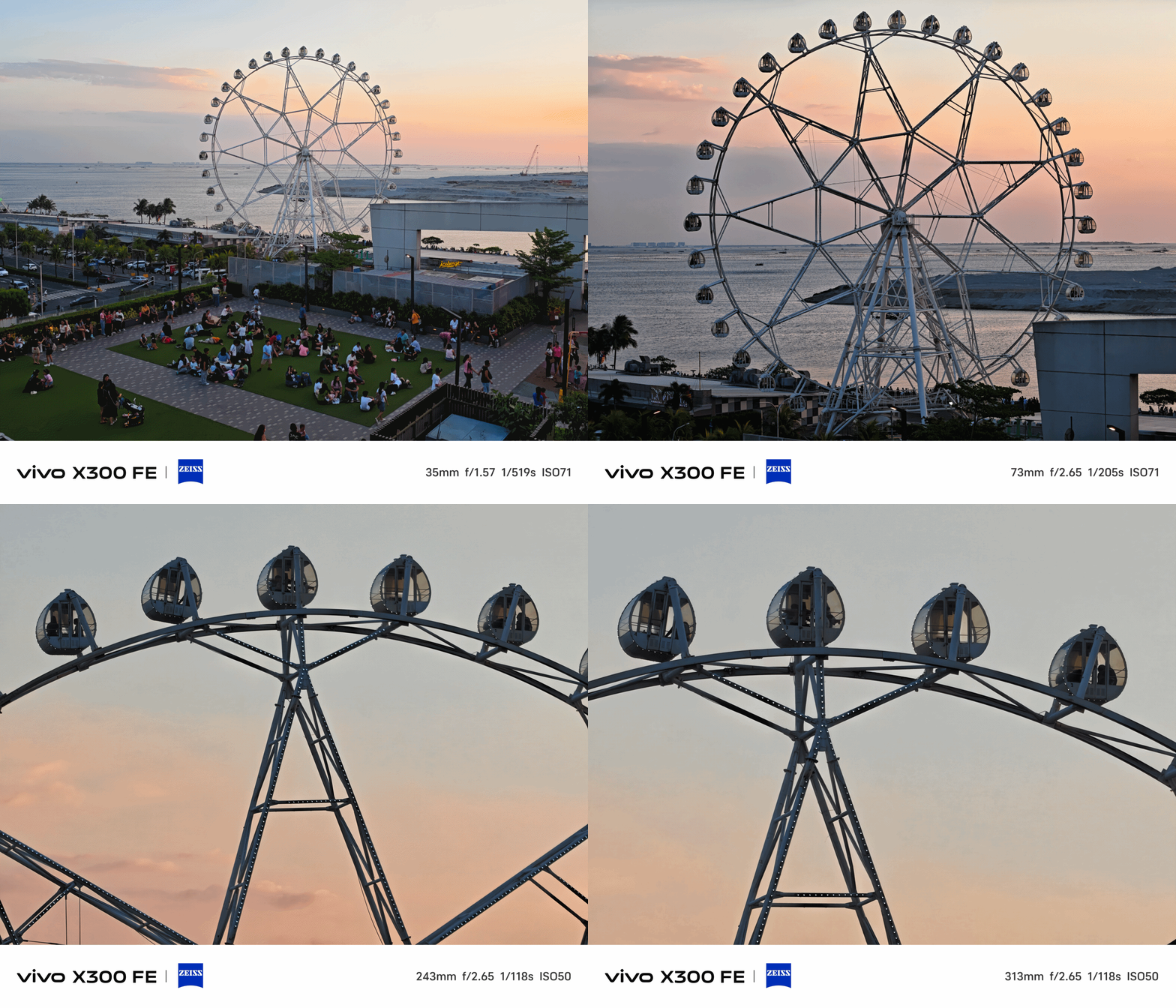
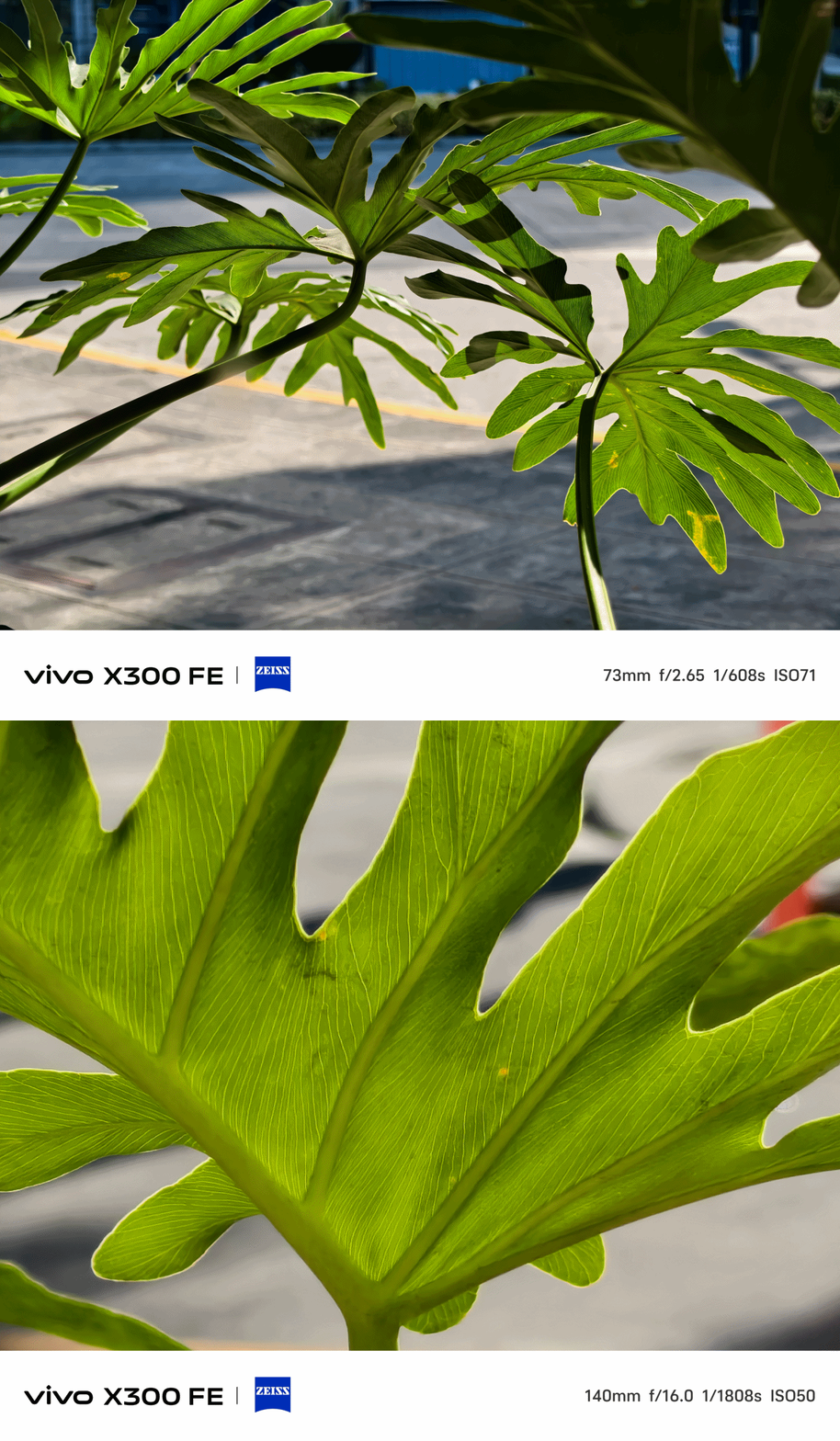
Ultra-Wide Angle (UWA) photos, while sufficient, has some over-sharpening happening in between.
That’s obviously to compensate for its measly 8MP shooter.
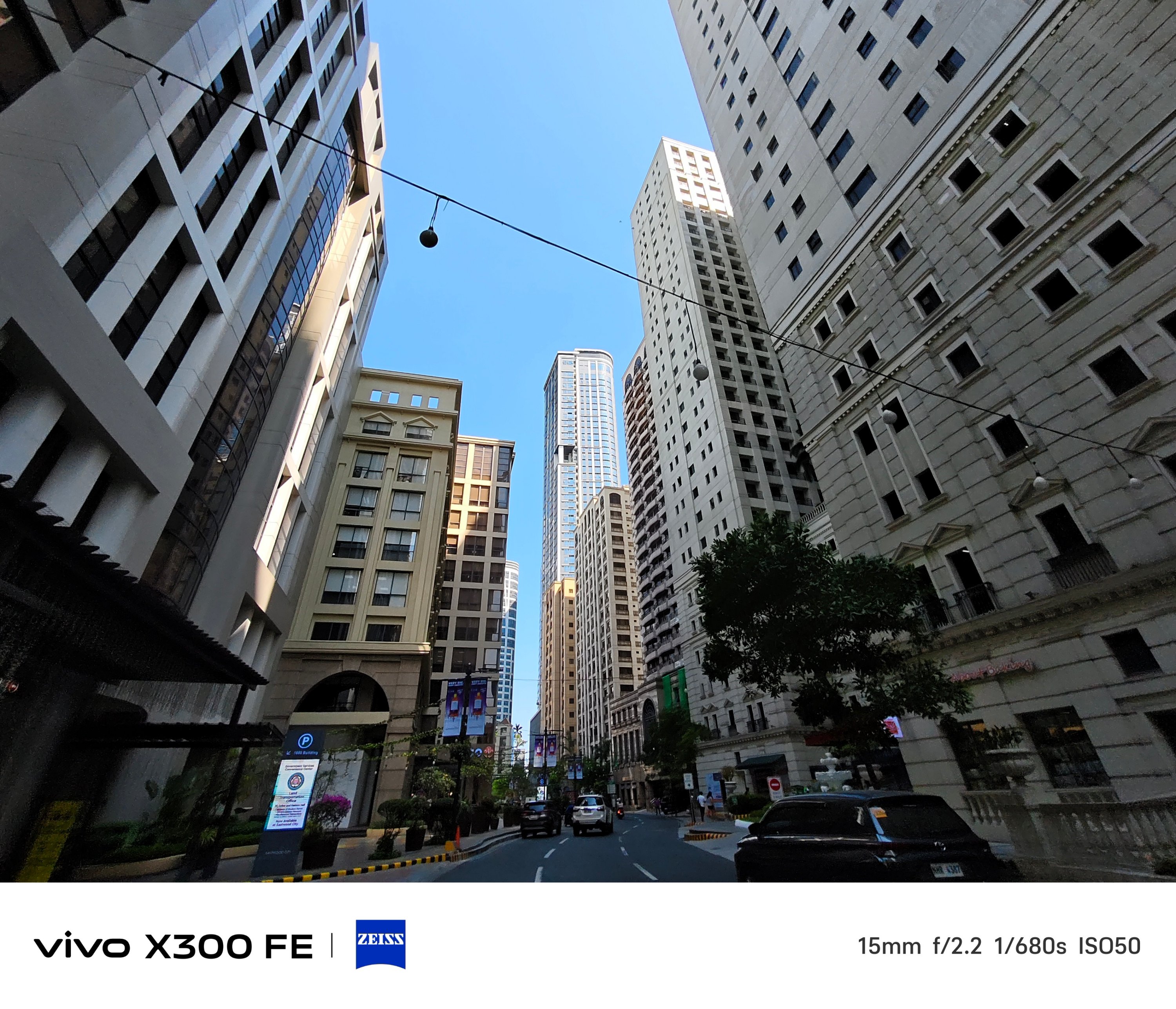

Thankfully, vivo made its other two lenses equal in terms of megapixel count.
Of course, regular 1x (wide) shots are taken with that default 23mm focal length — which can then be changed to 28mm and 35mm through a series of taps in the camera app.
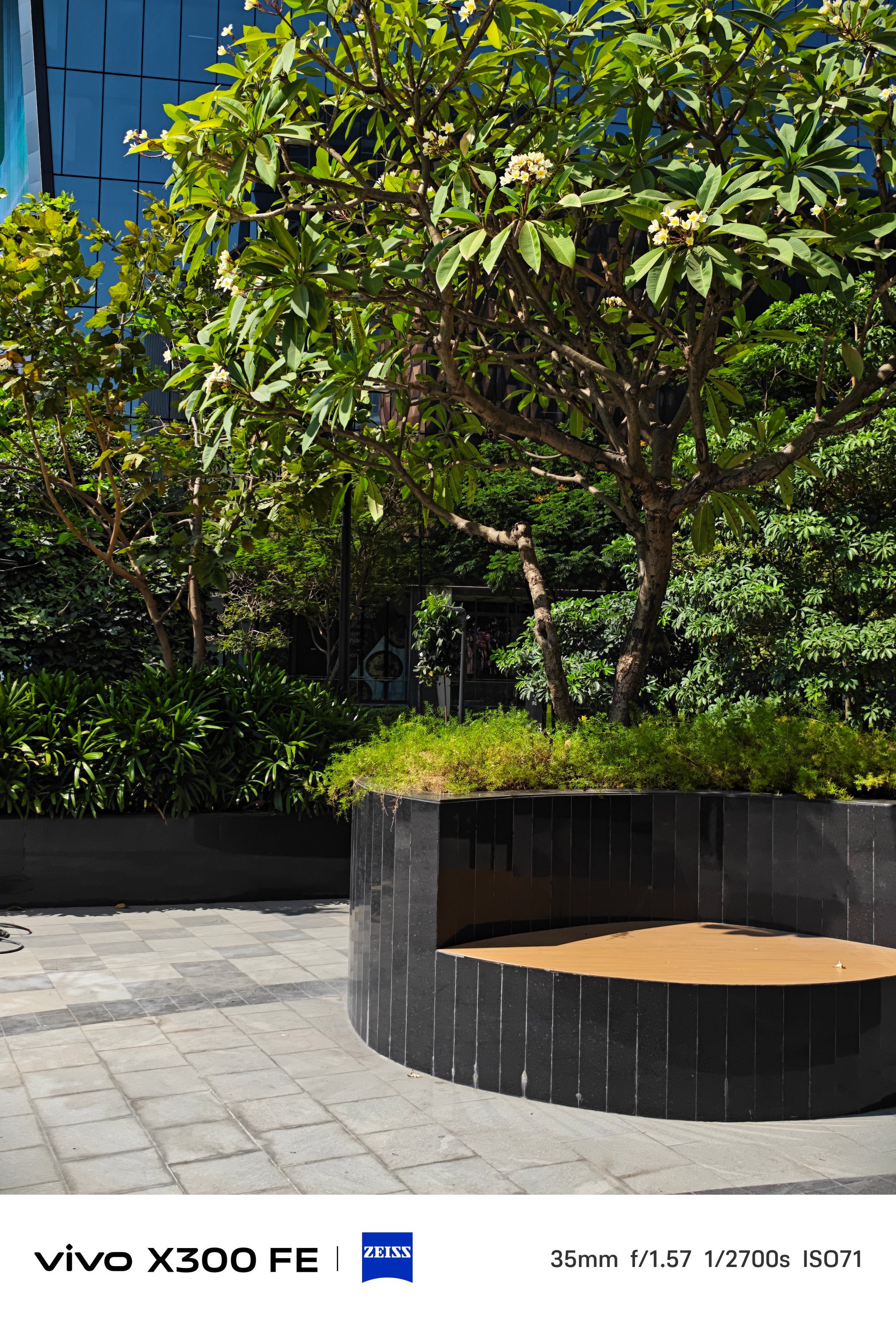

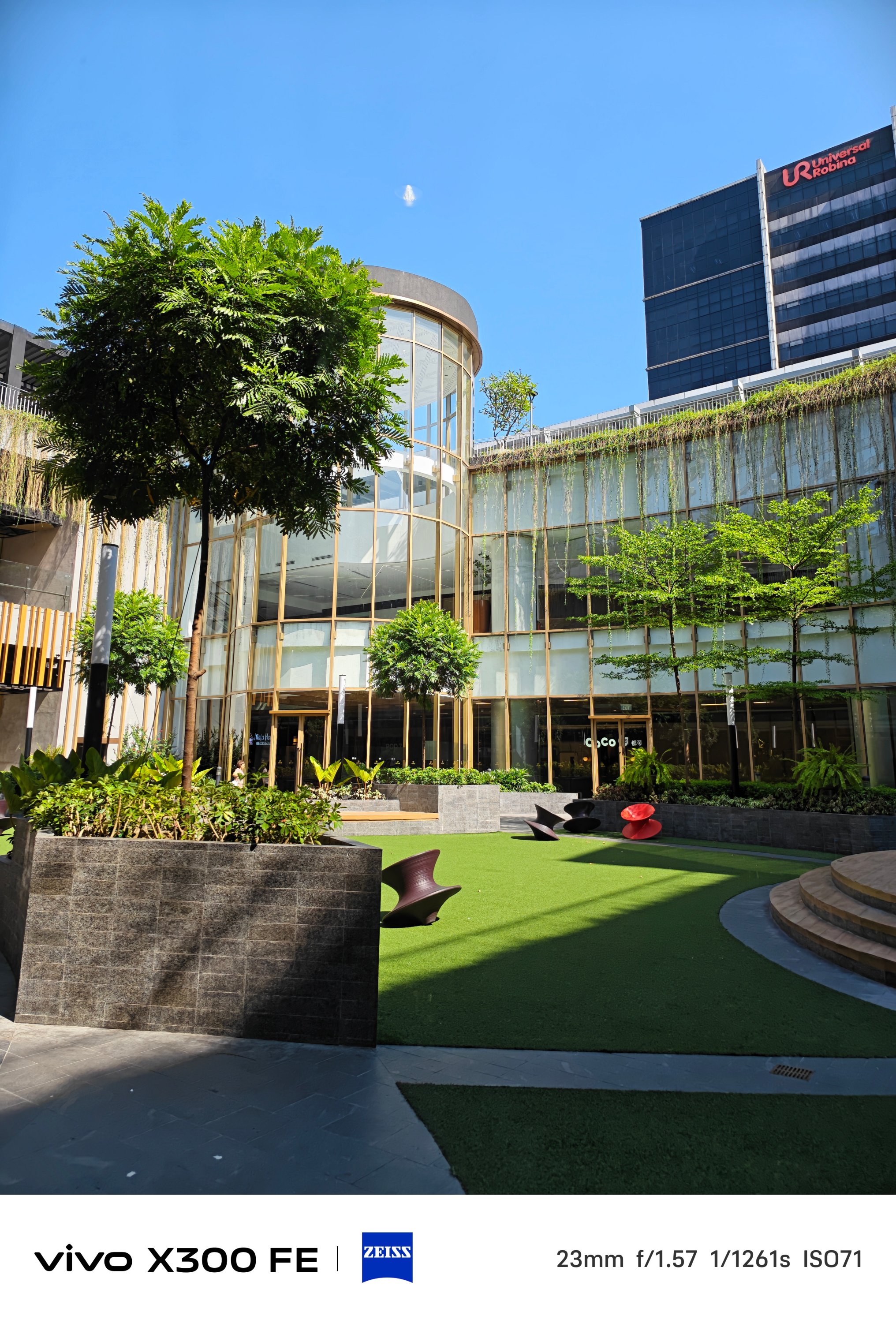
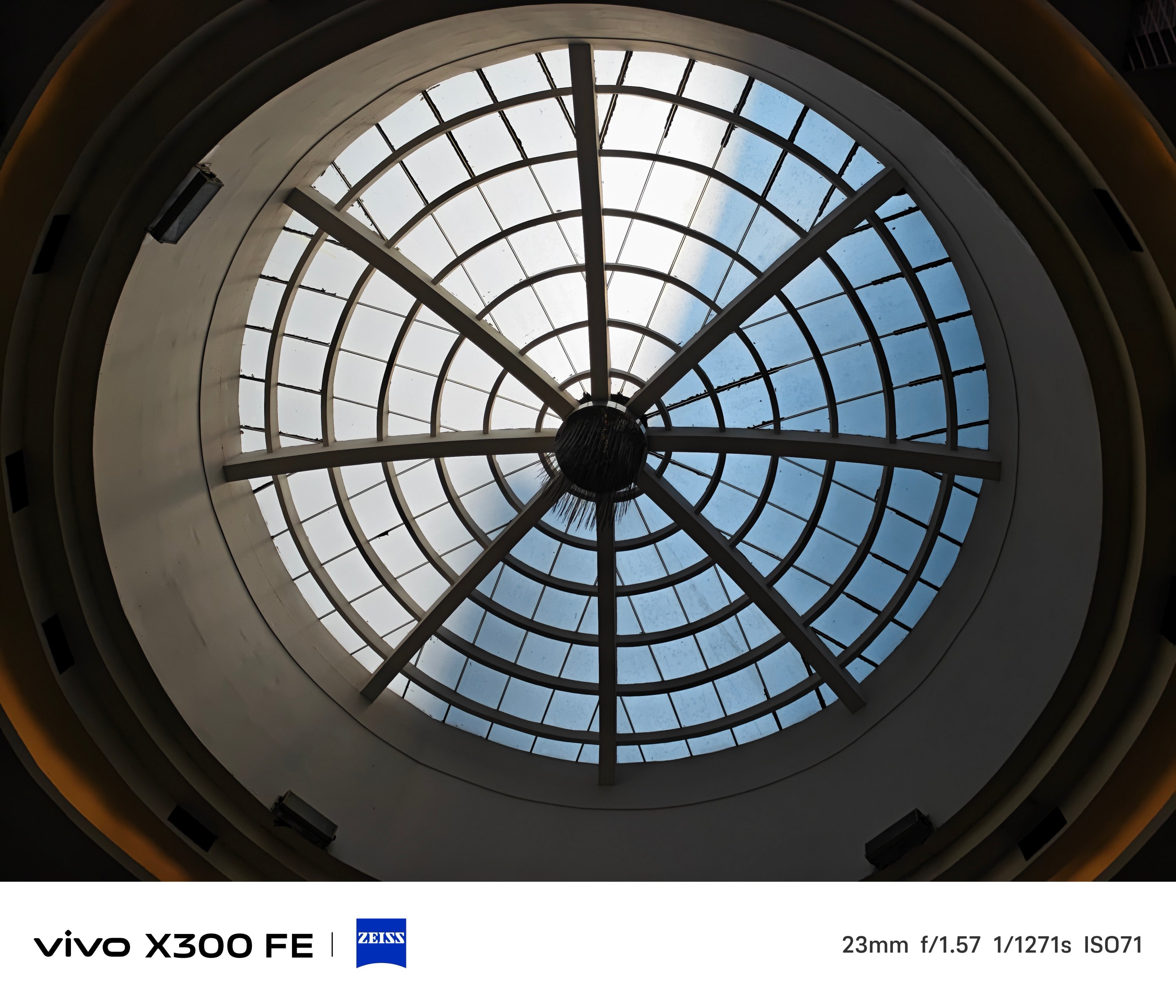
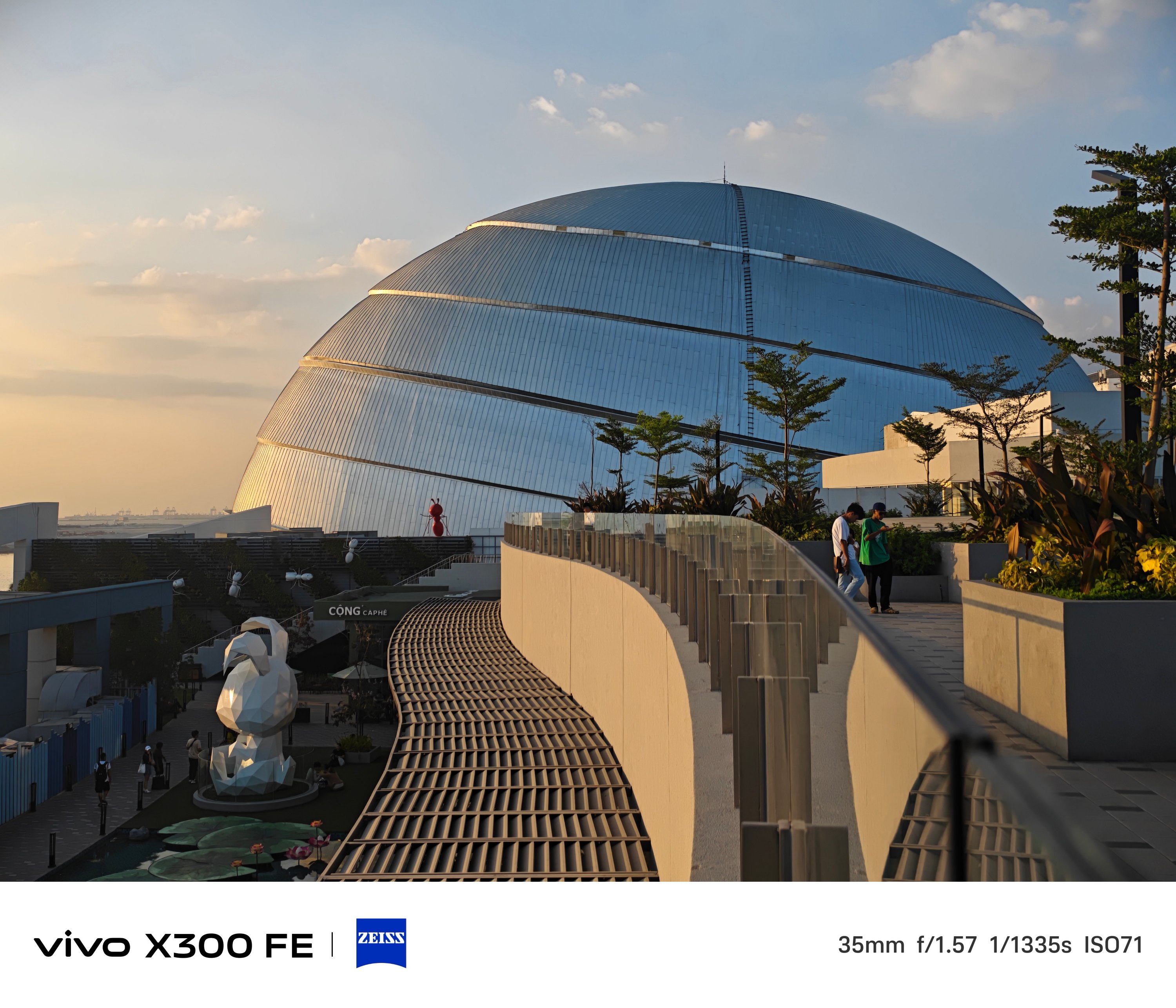
2x zoom is also possible thanks to in-sensor cropping — 46mm or 50mm equivalent to be exact.
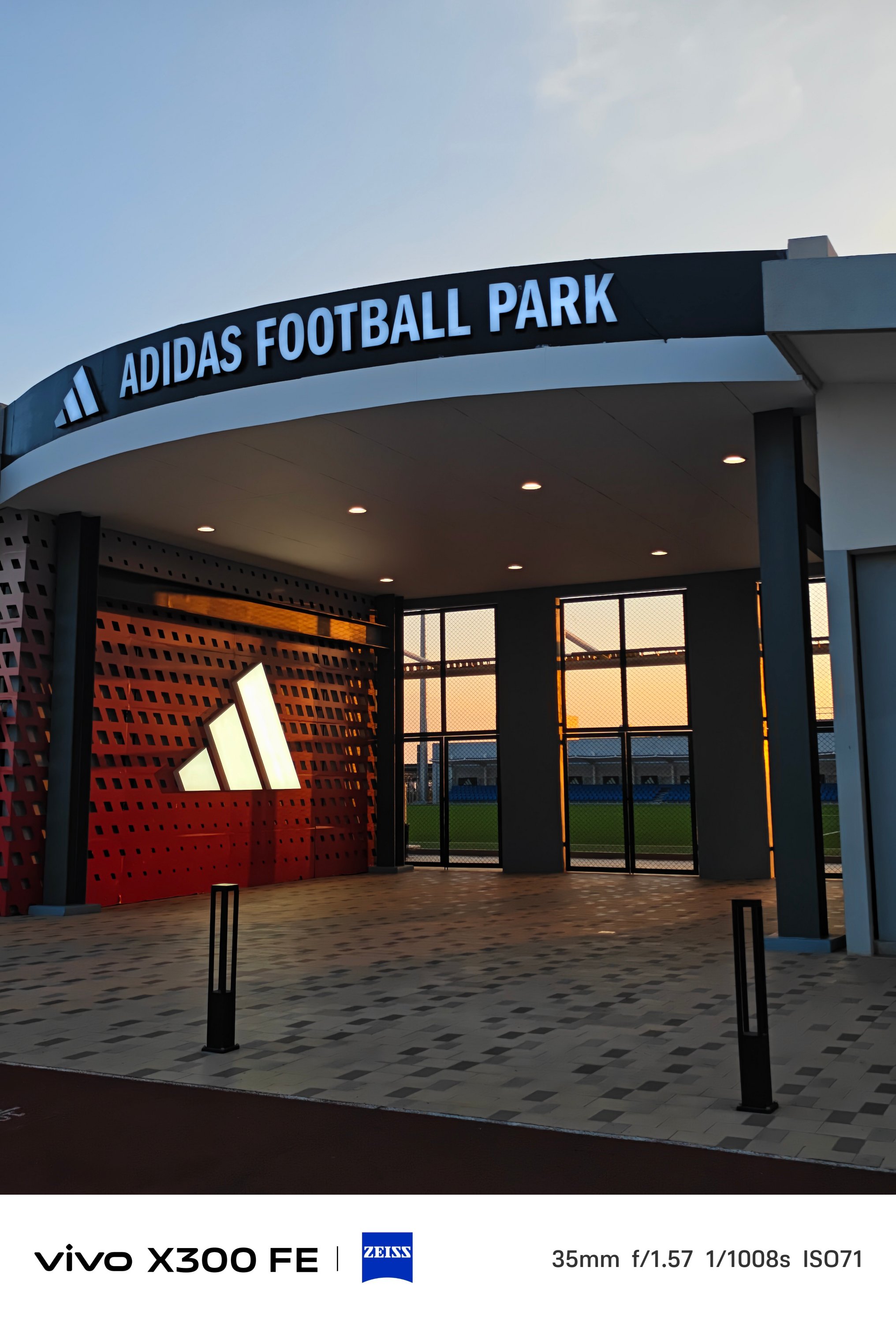

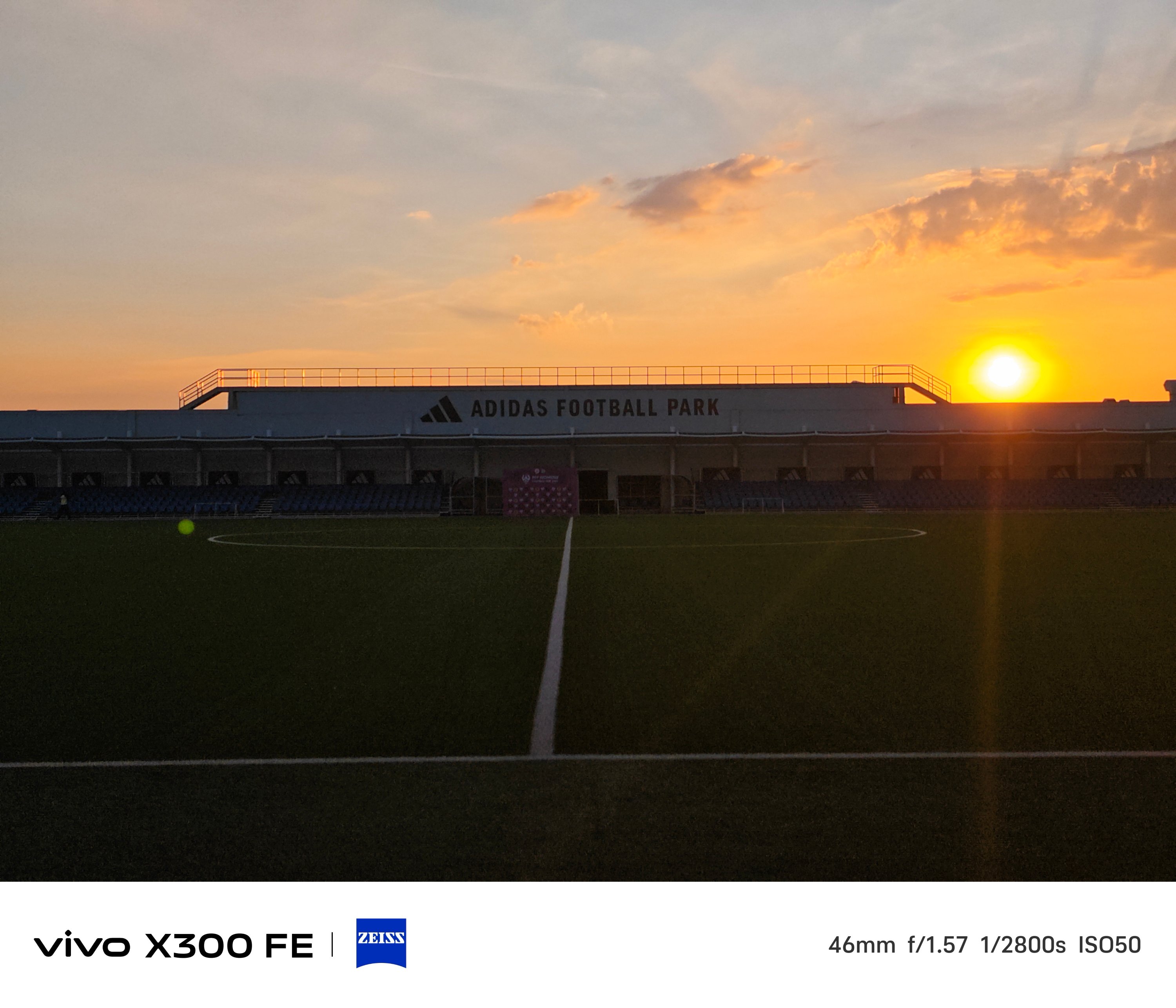
One must never judge a book by its cover — just like refraining from judging a camera solely by its cutout.
The vivo X300 FE is a living proof that having a camera cutout that’s comparable to midranger phones does not equate to mid camera performance and image output.
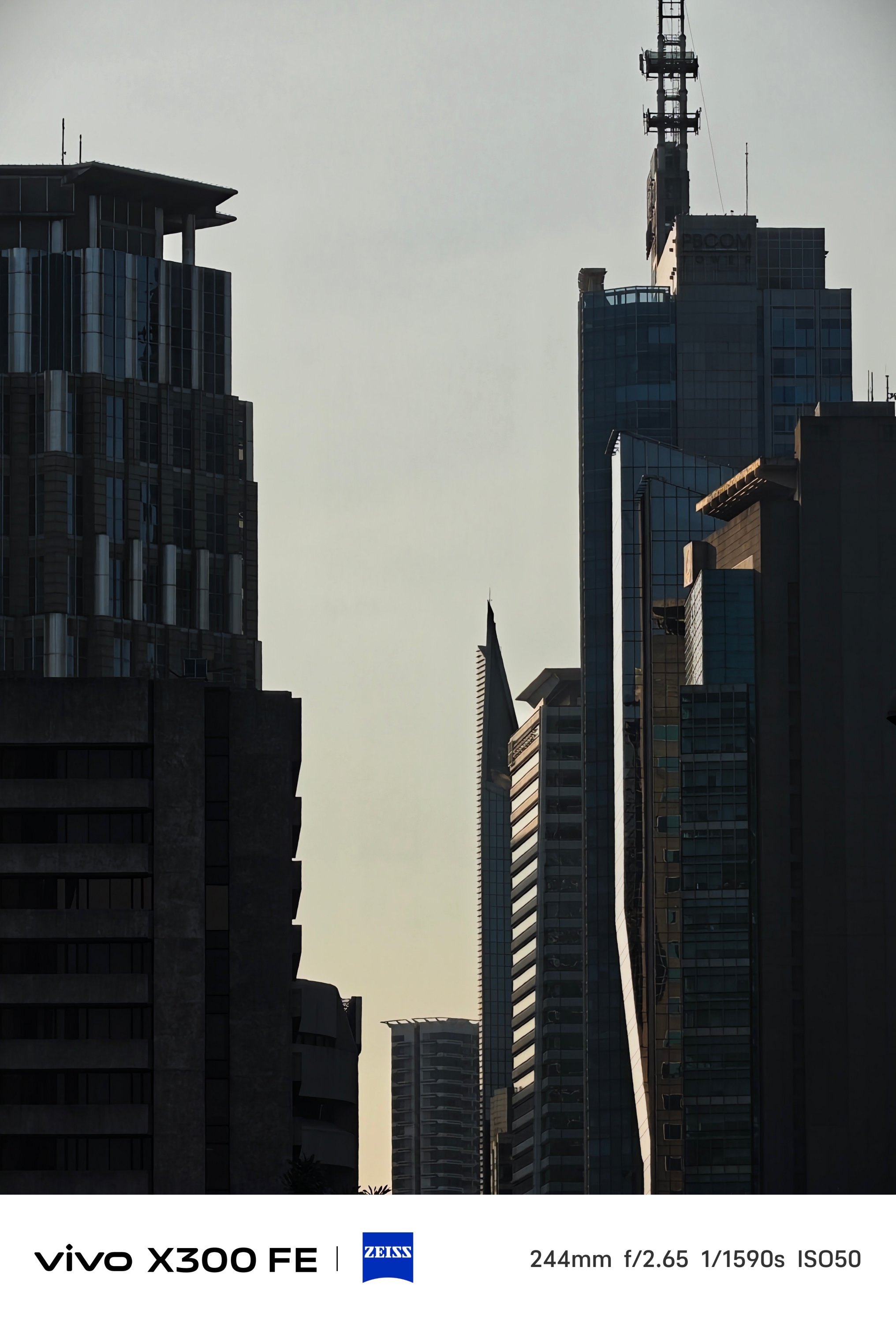
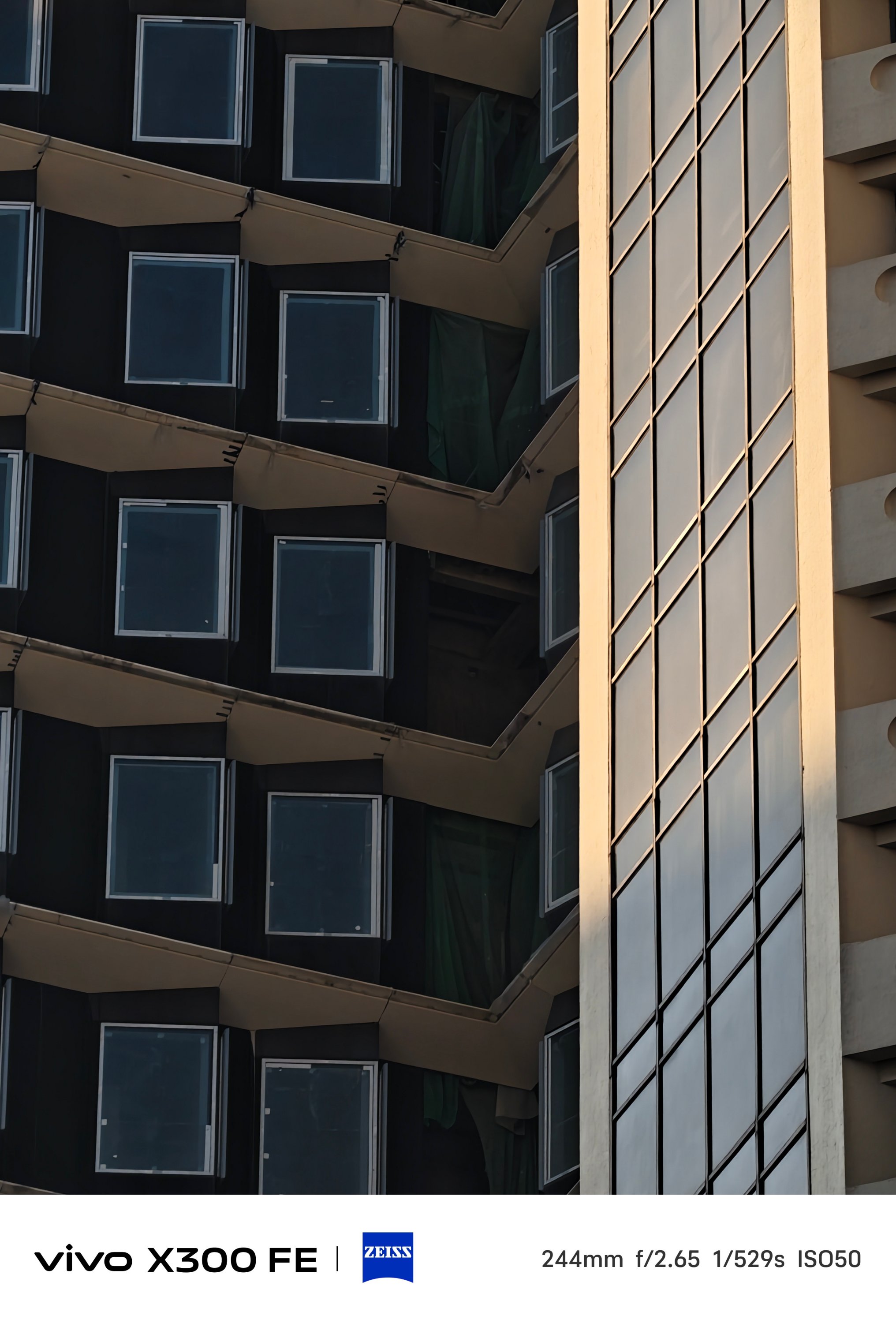
Even more, placing a 3x periscope telephoto module (73mm) inside that camera bar is a true feat of engineering.


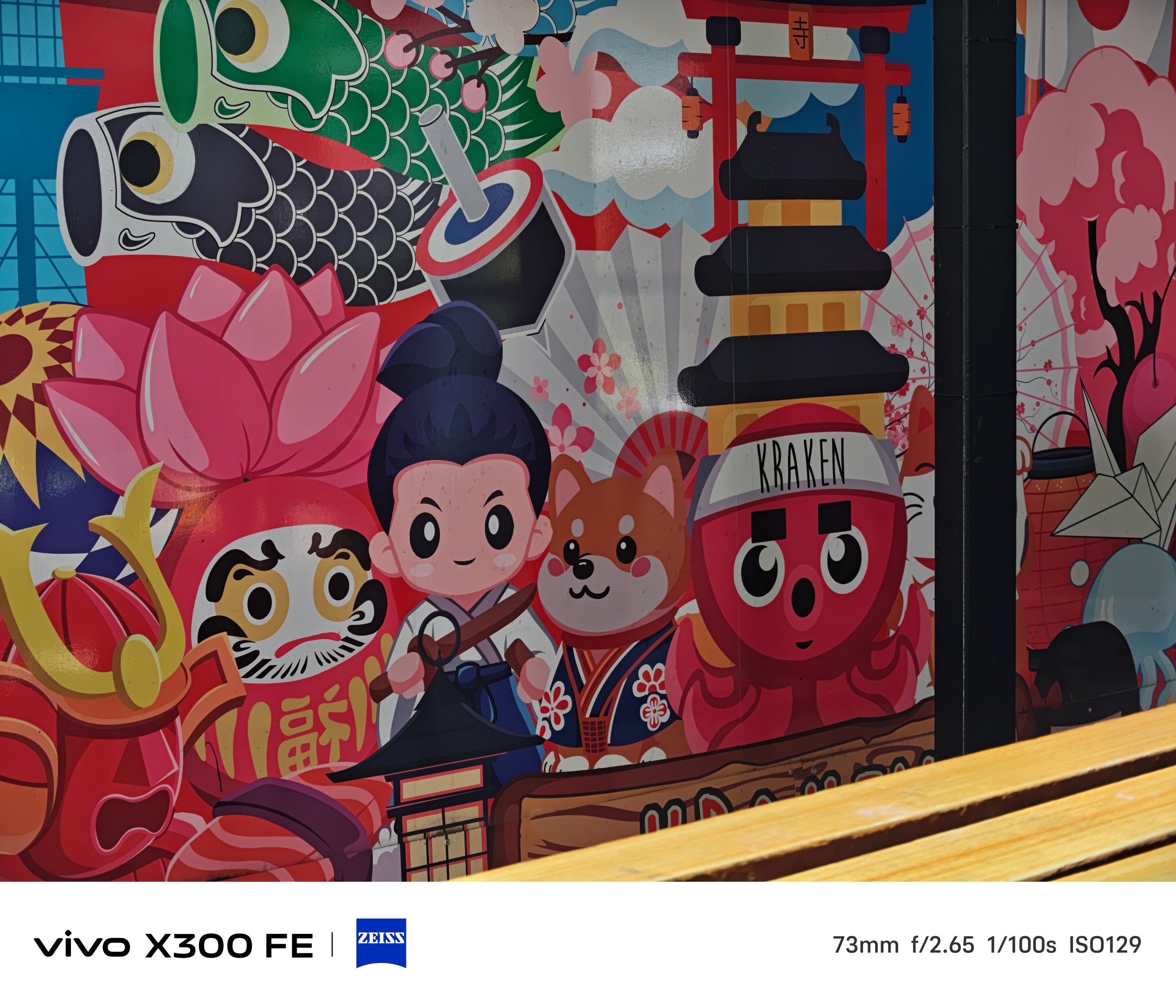
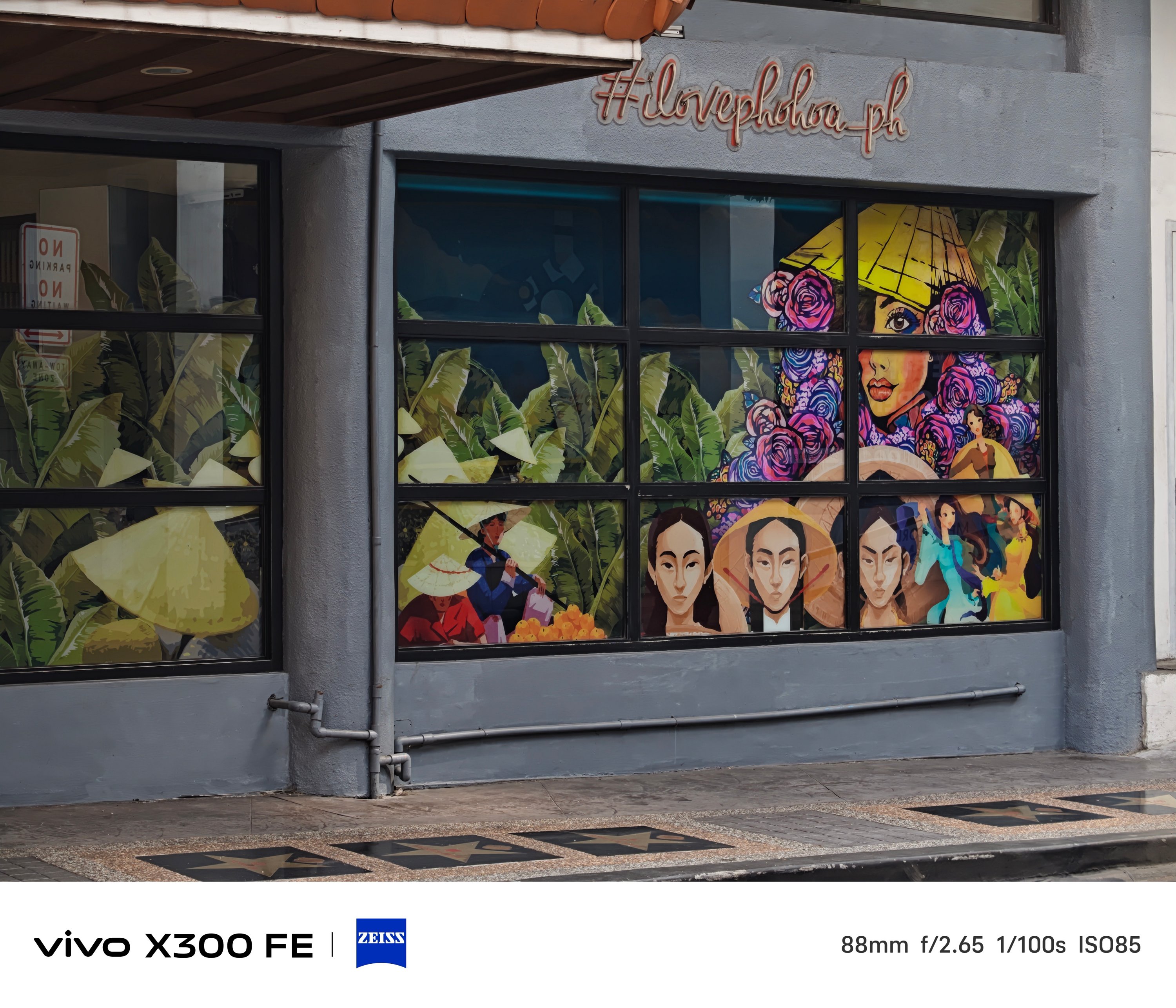
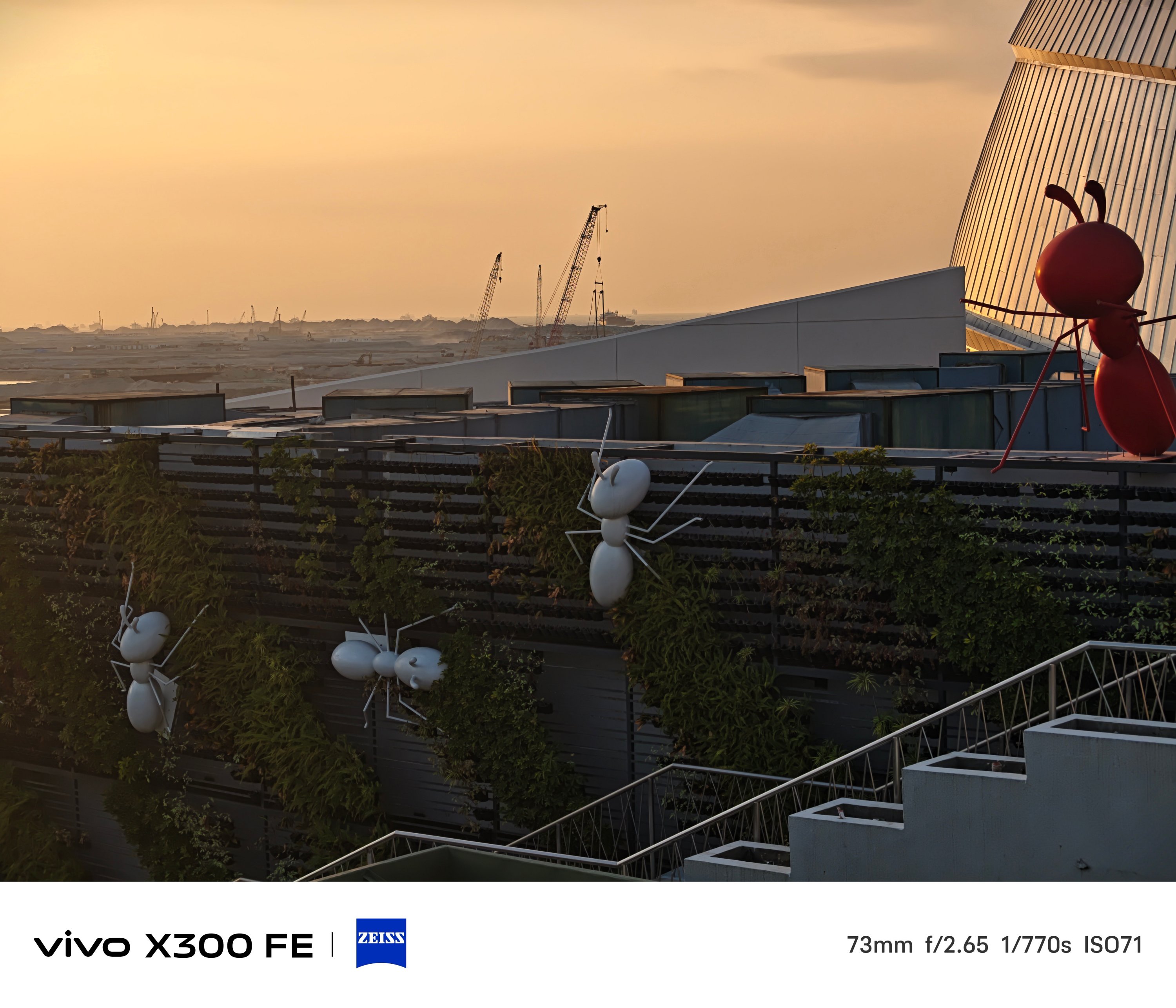
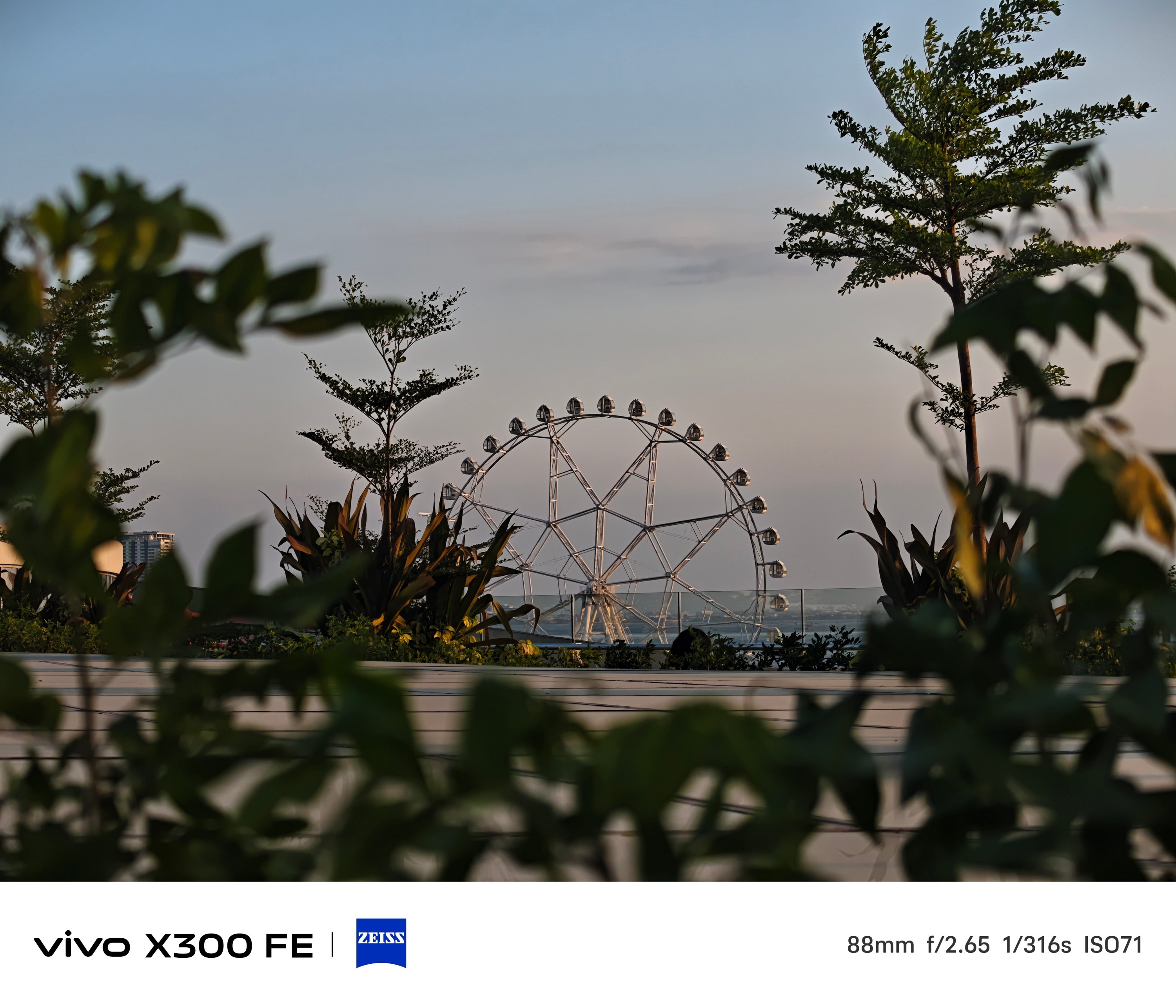
Even beyond its dedicated 3x optical zoom, results are surprisingly captivating to the eyes.
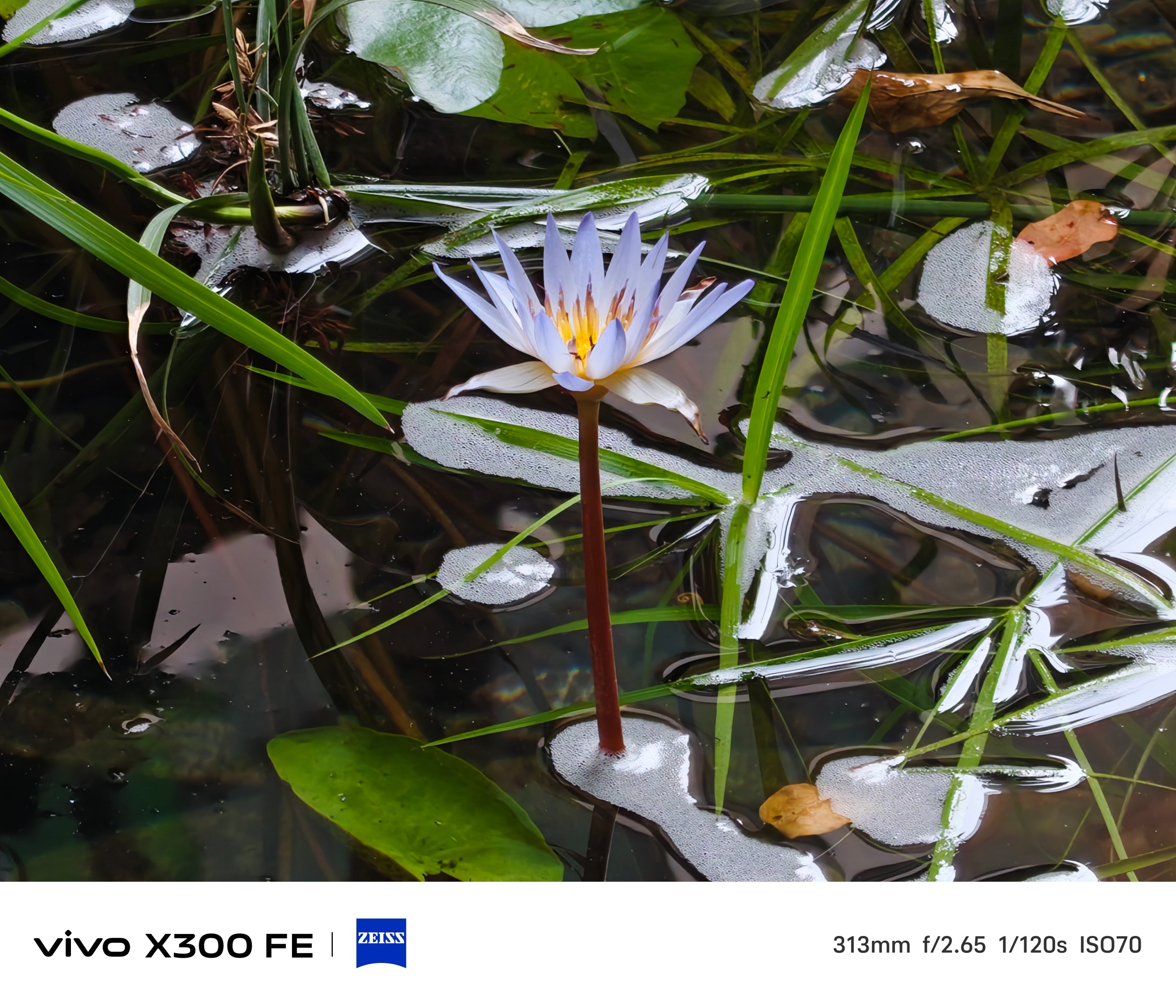
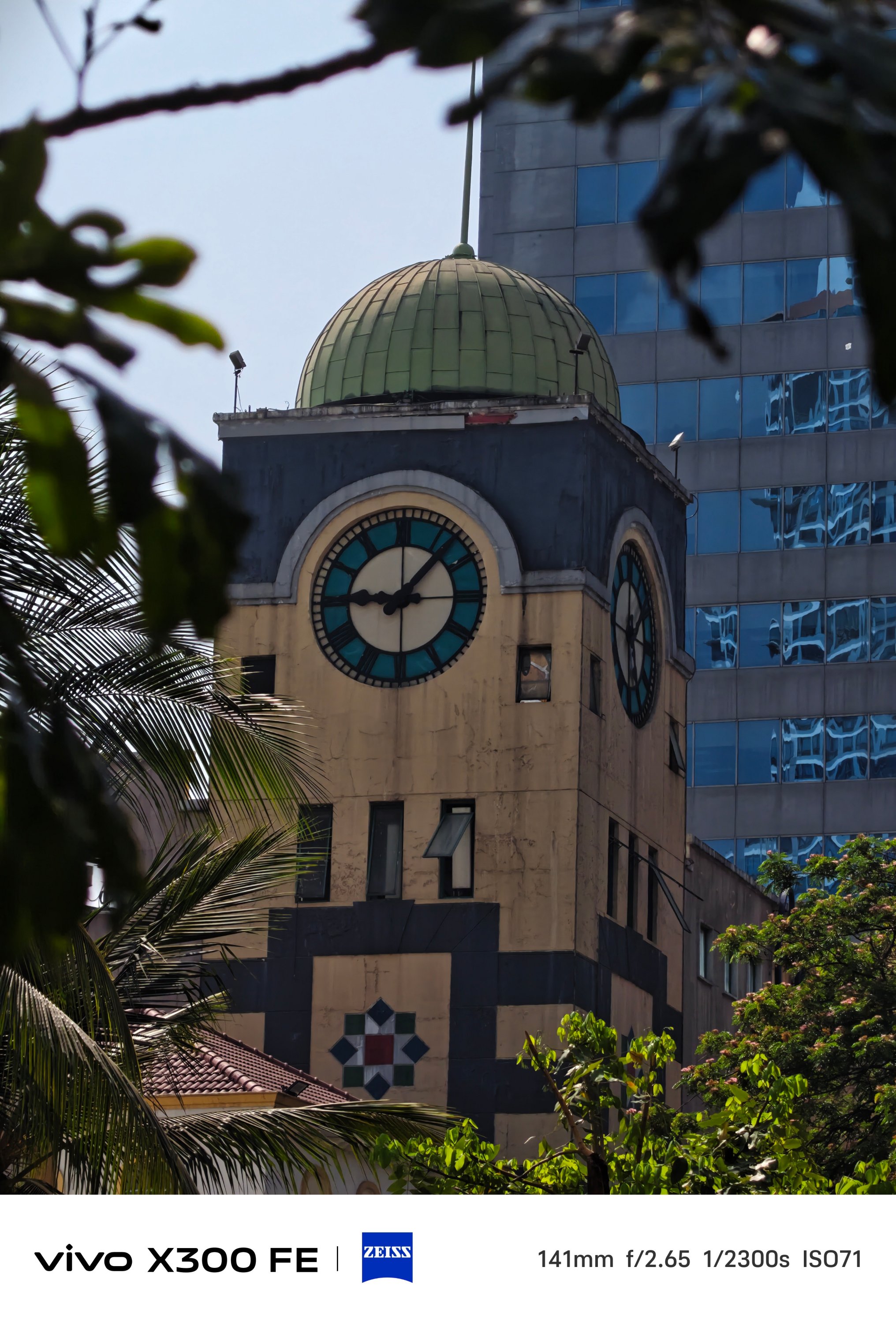


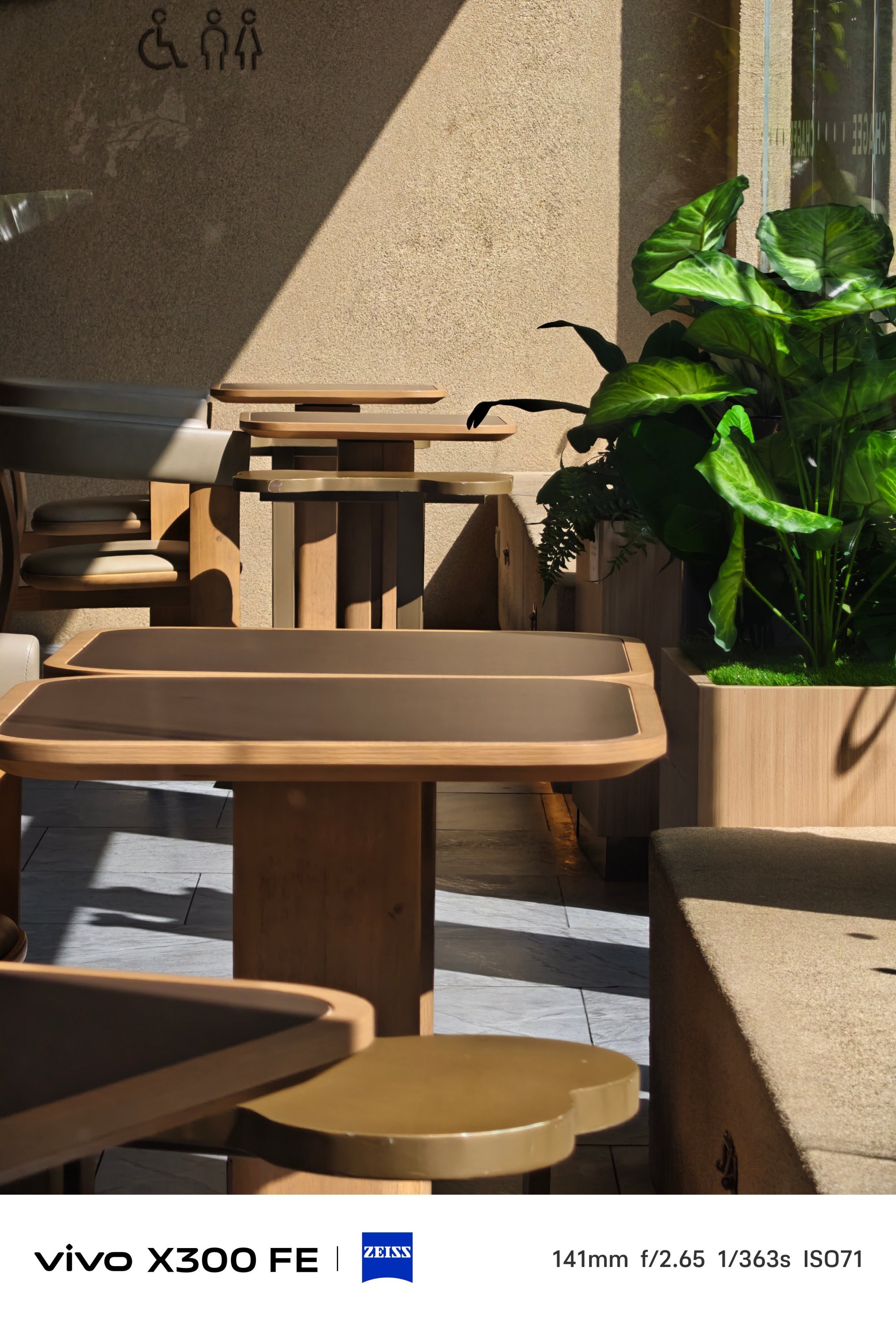
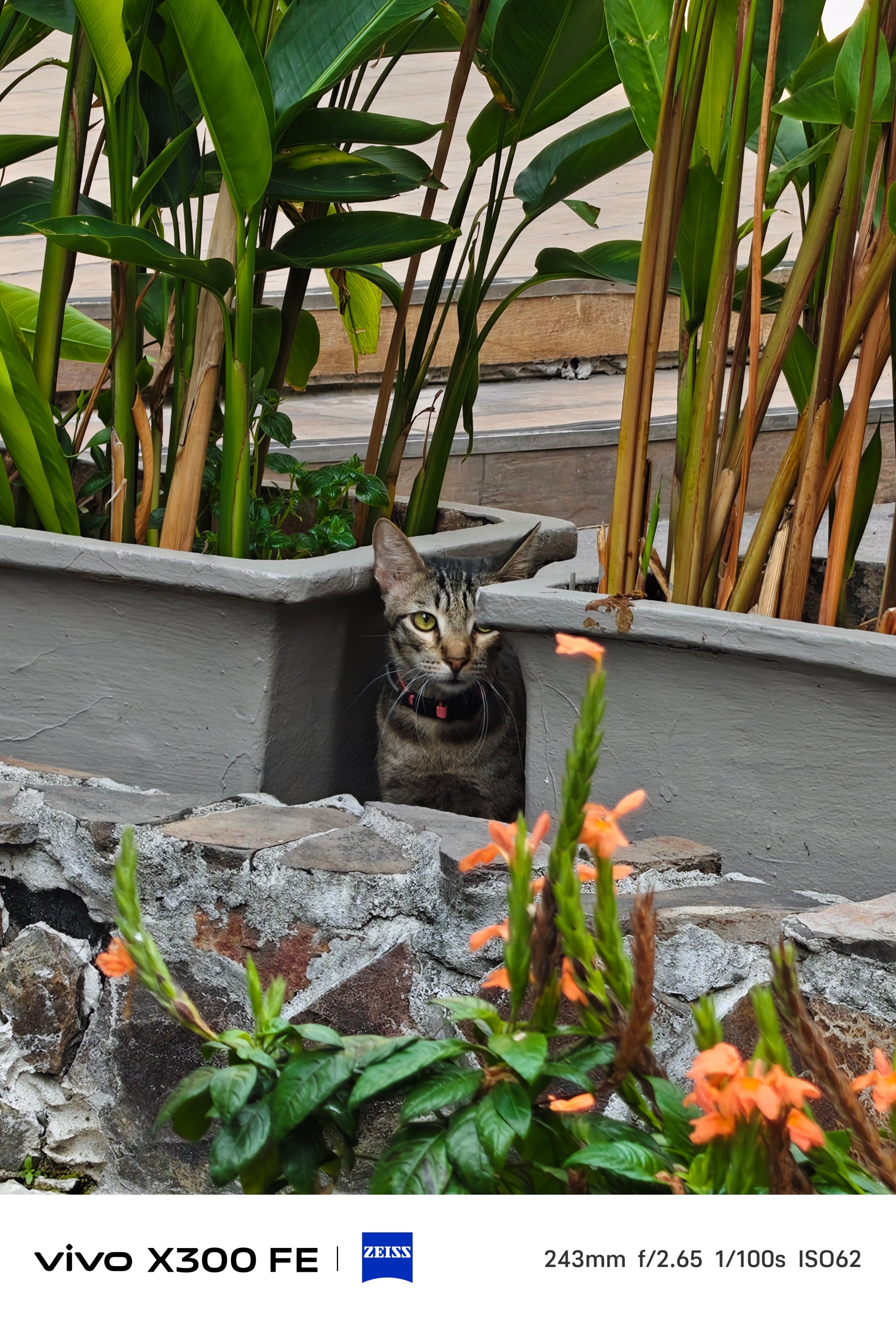




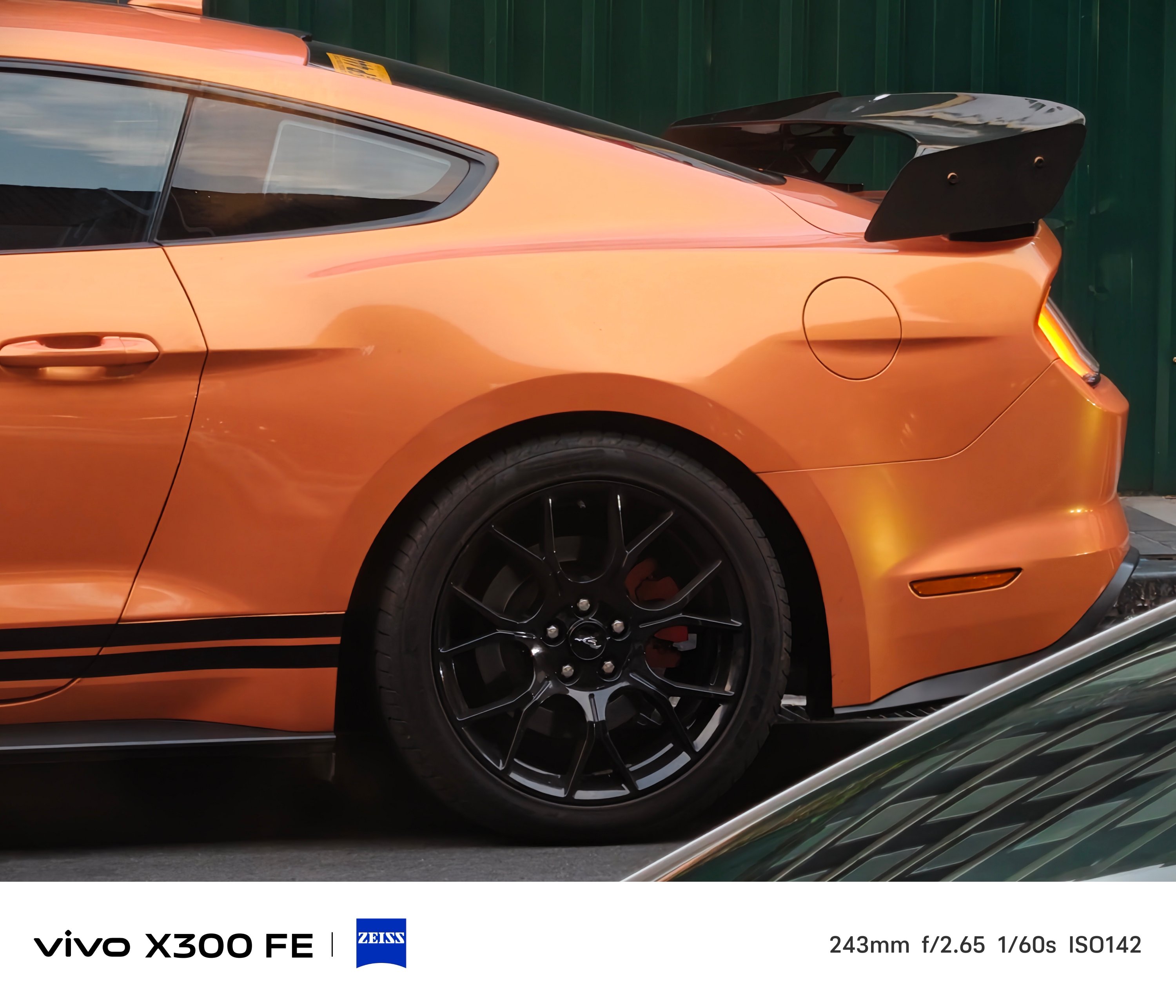


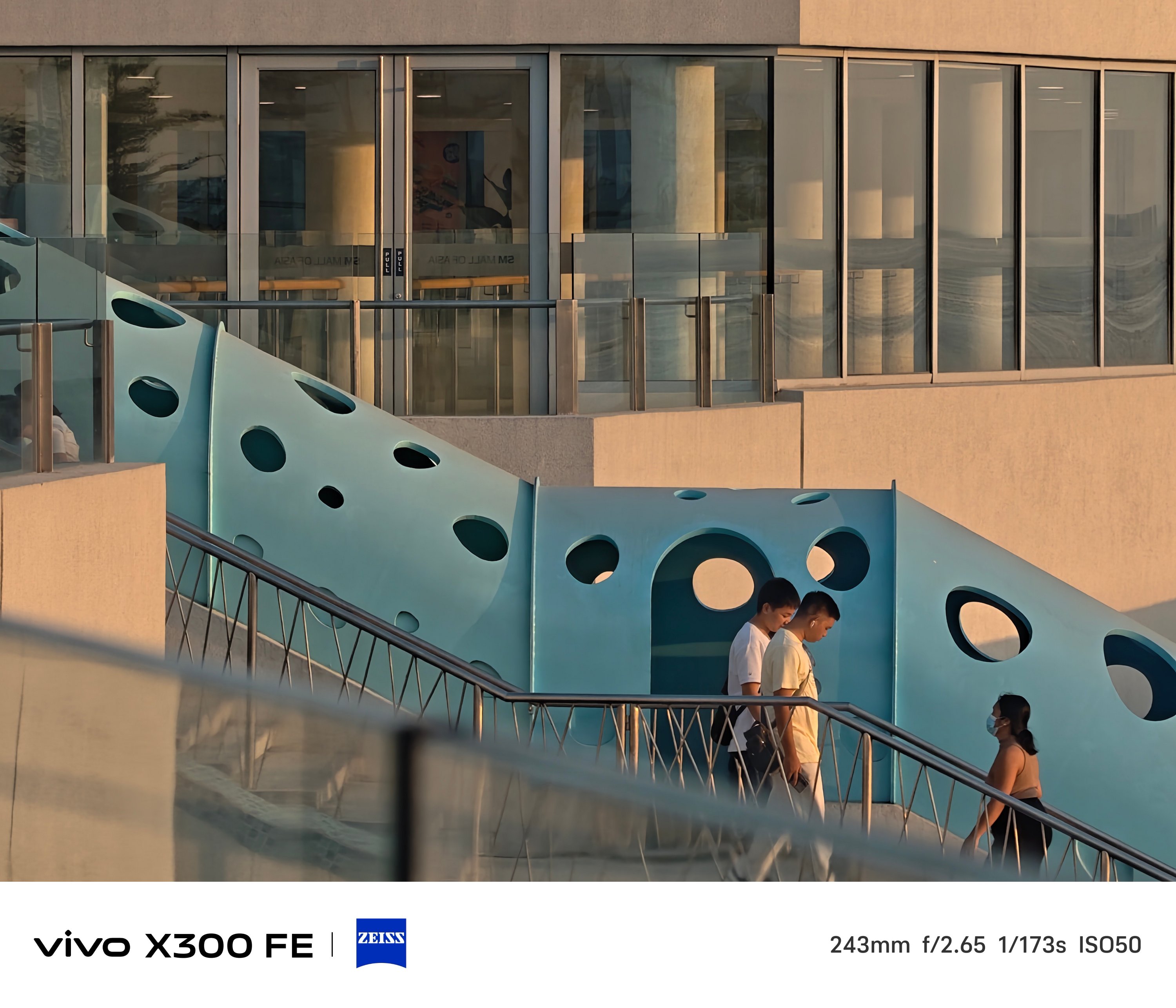


One thing’s for sure. The 3x telephoto camera of the X300 FE is better when it comes to minimum focusing distance that the vivo V70 suffers from.
That meant you can take zoomed shots even at a closer distance, much like how I always do in taking #foodporn snaps.
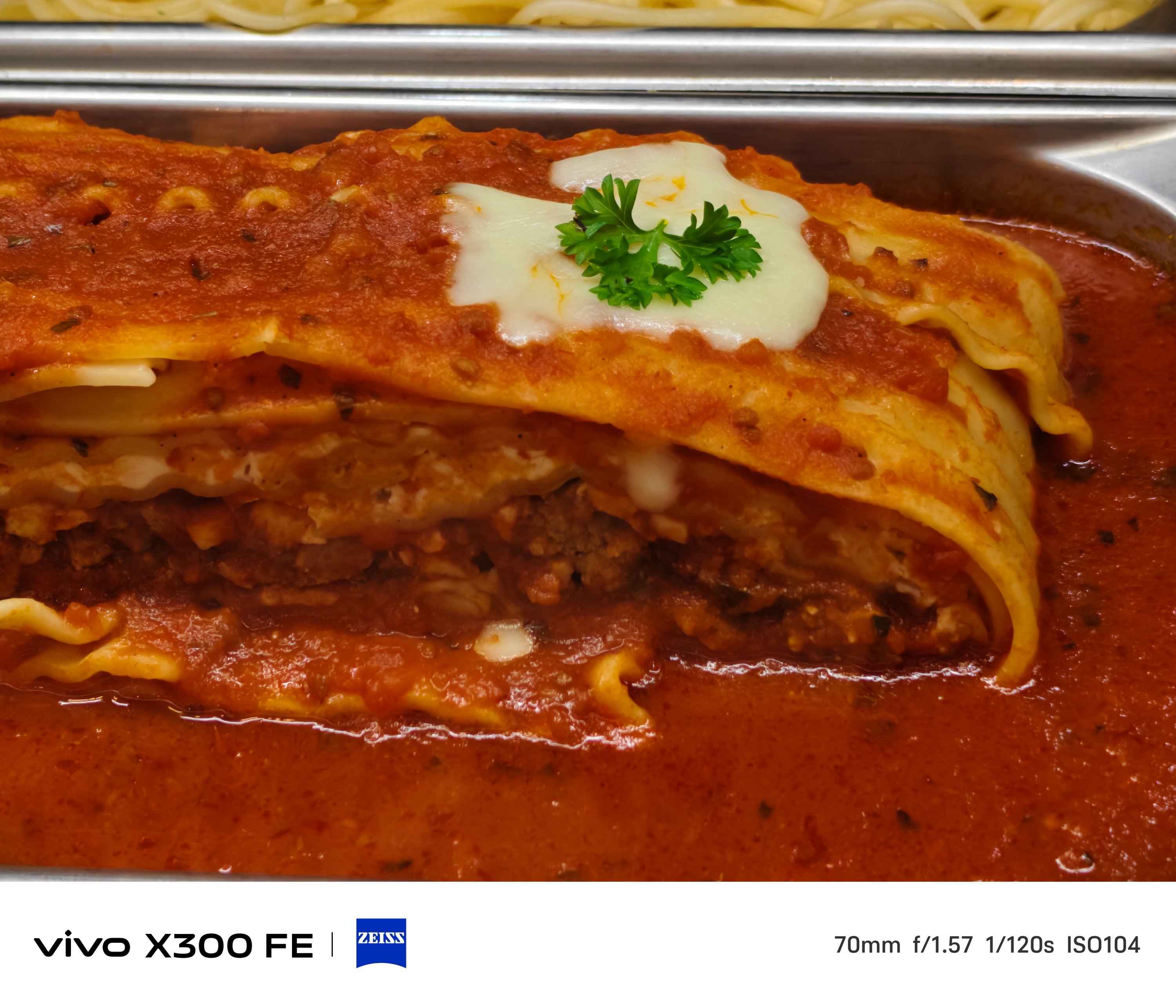
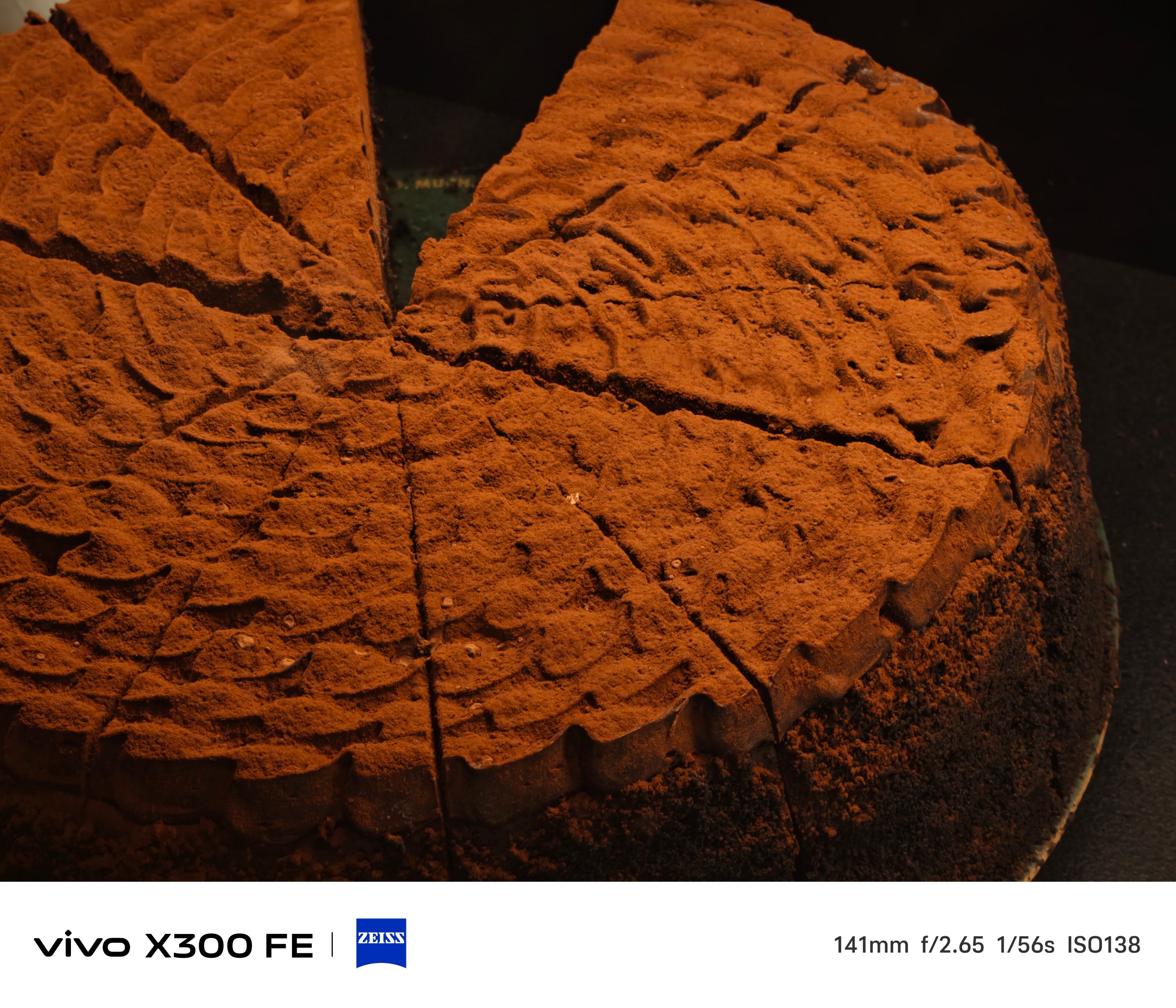




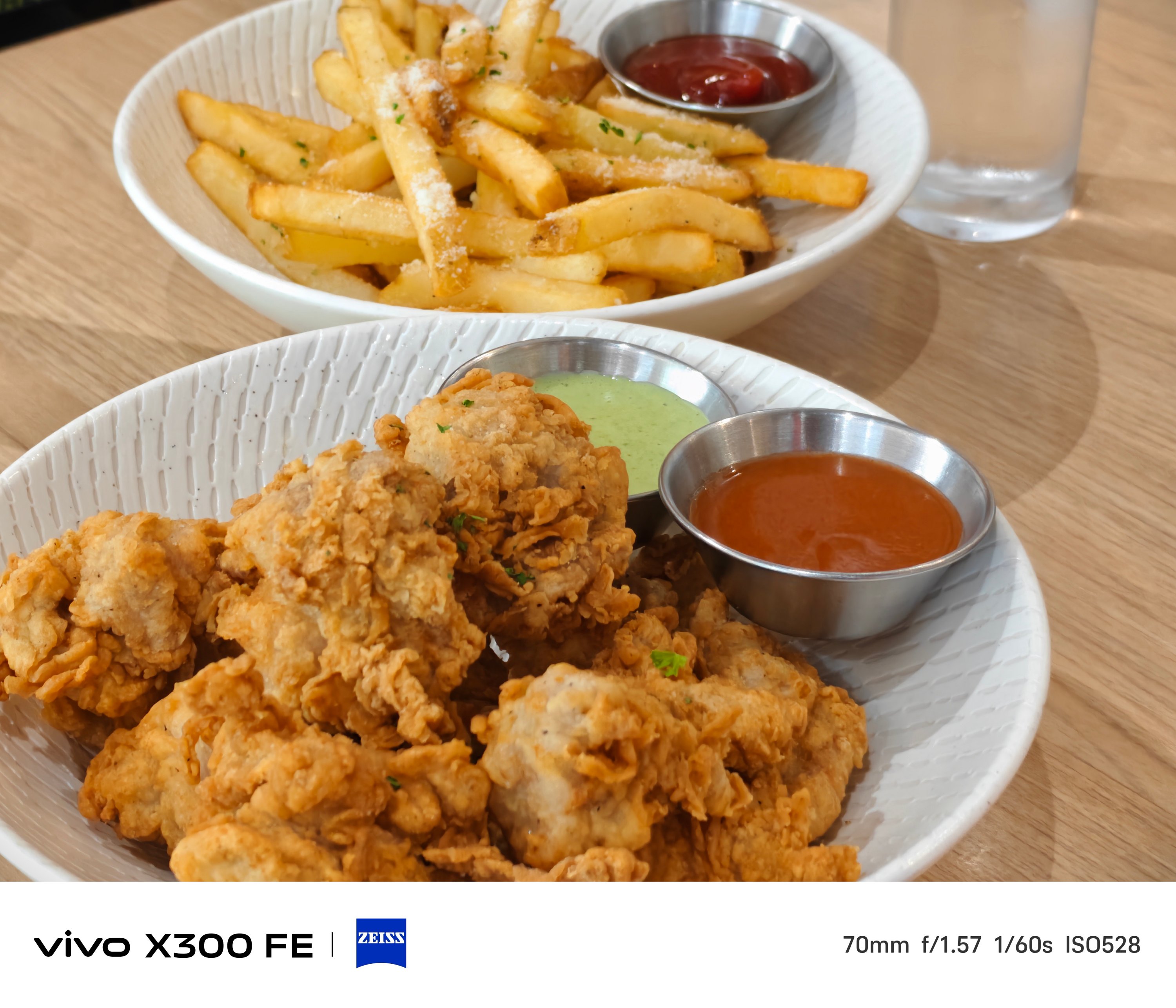
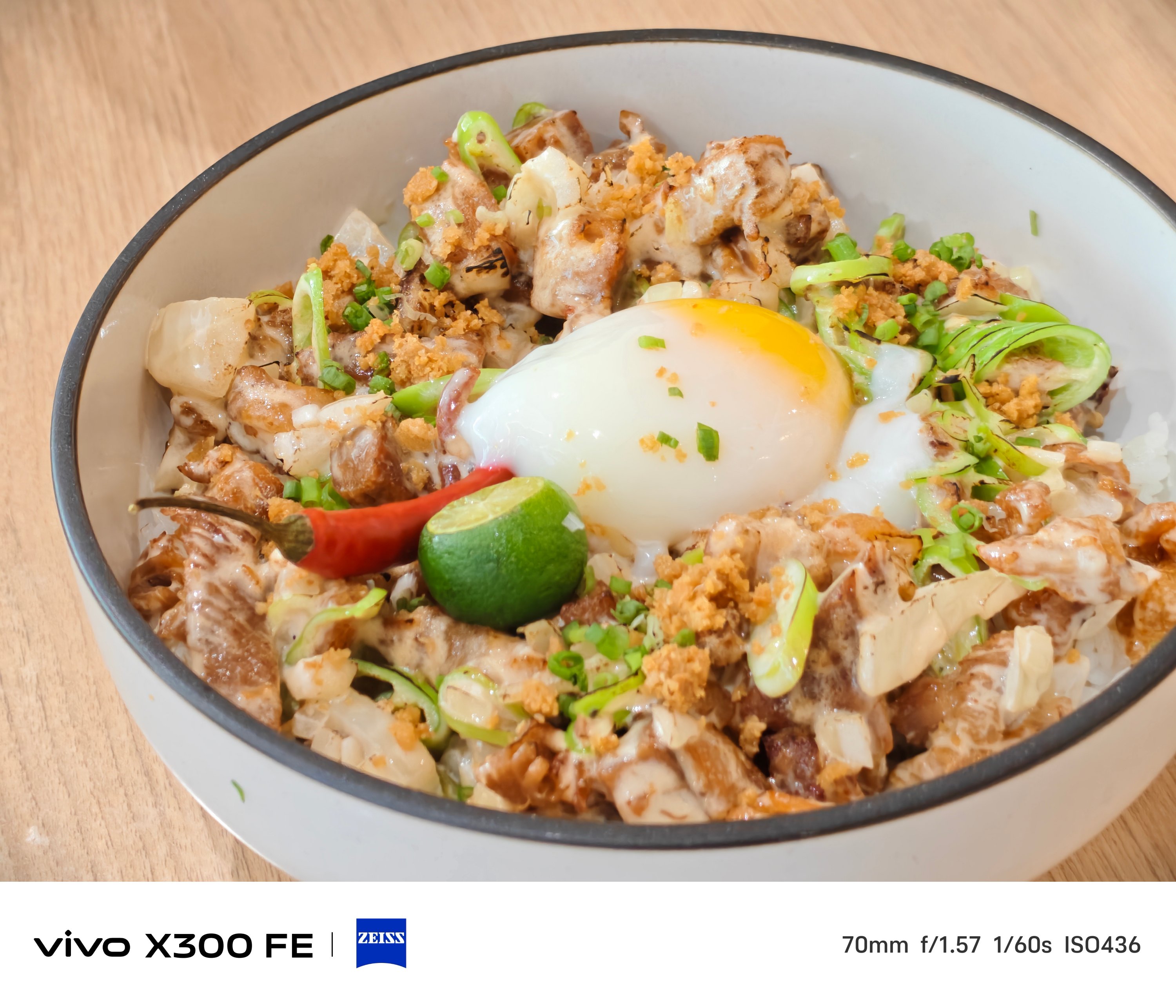


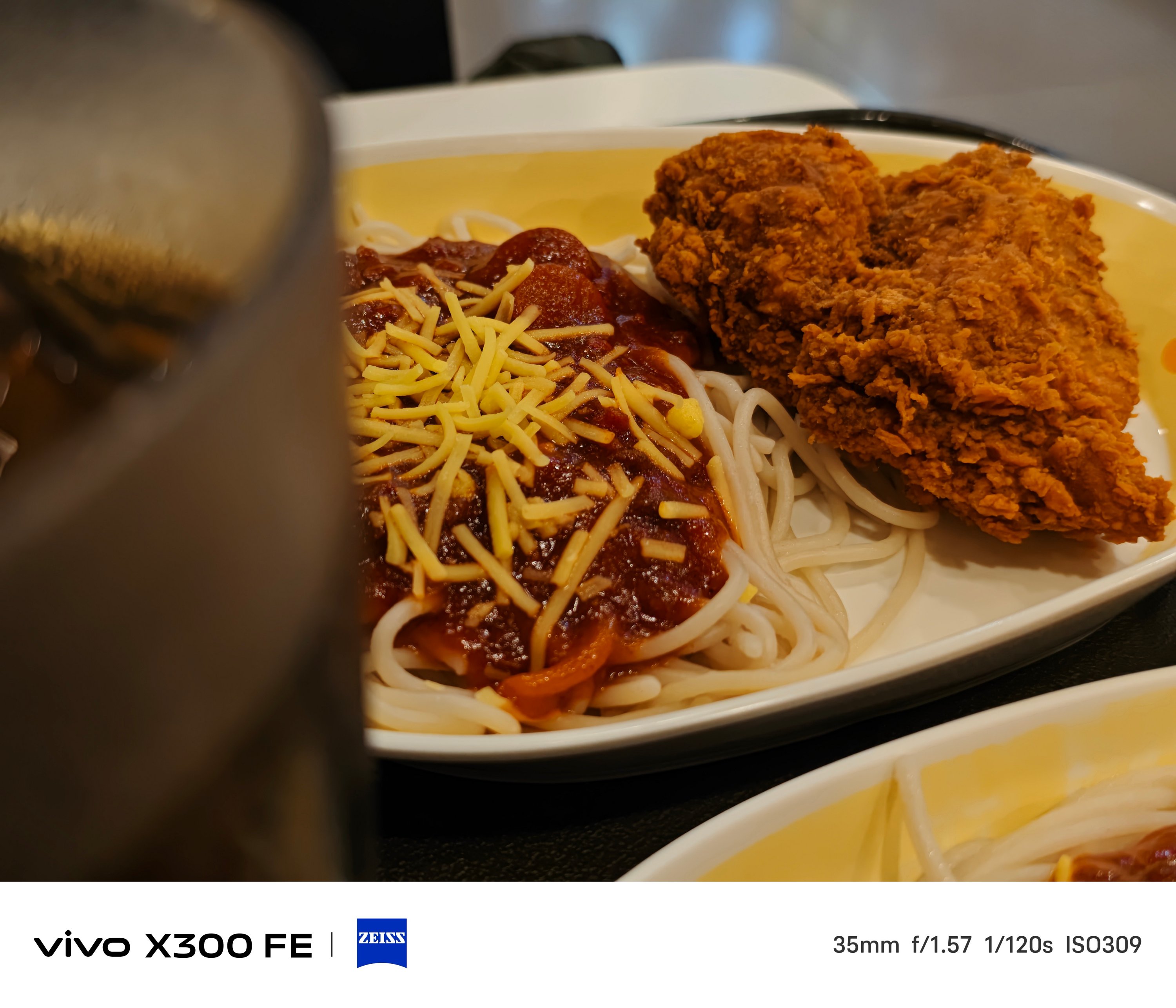
BONUS: X300 FE vs X300 – Can you even tell them apart without nitpicking?


Taking mementos of your furry friends? The X300 FE handles that with ease.
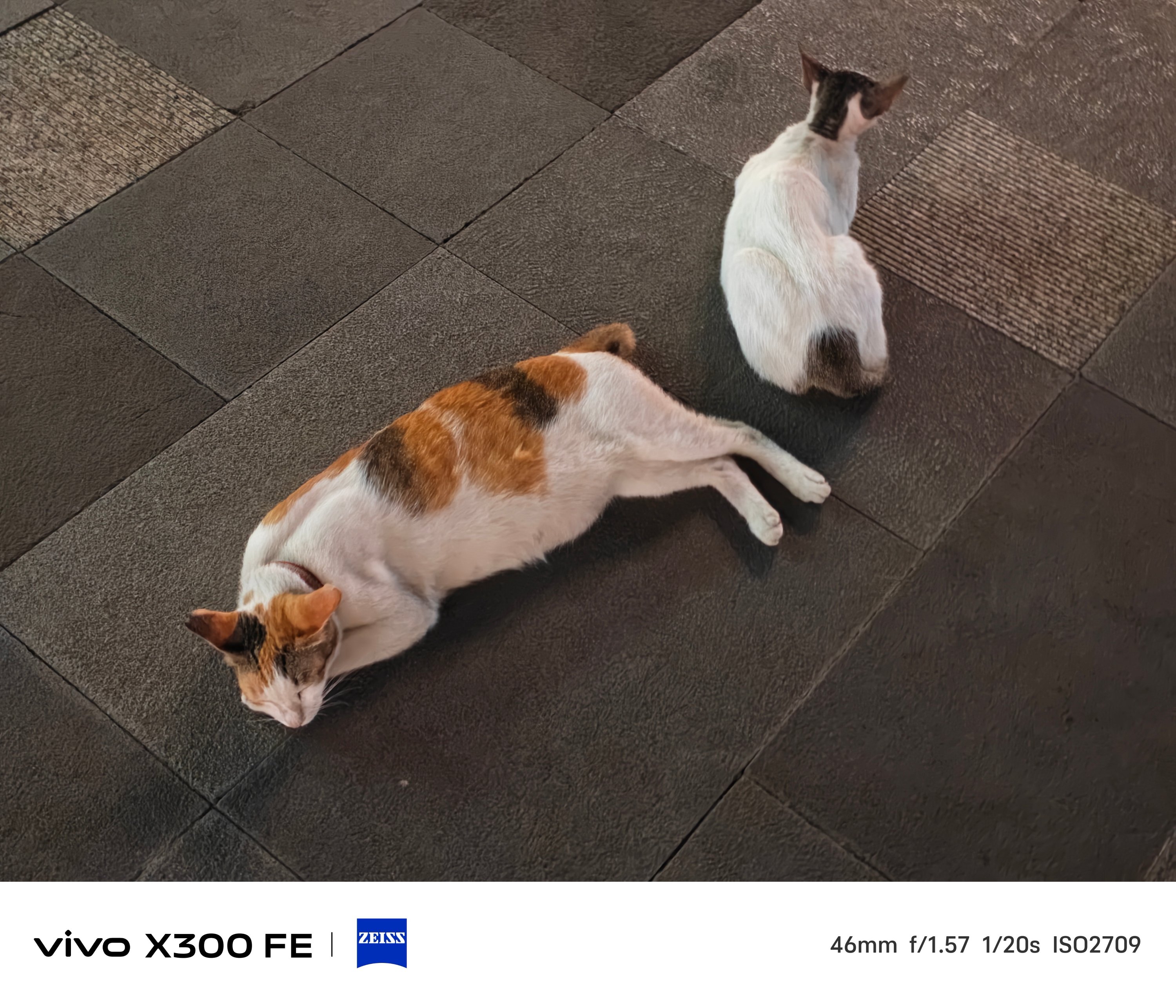
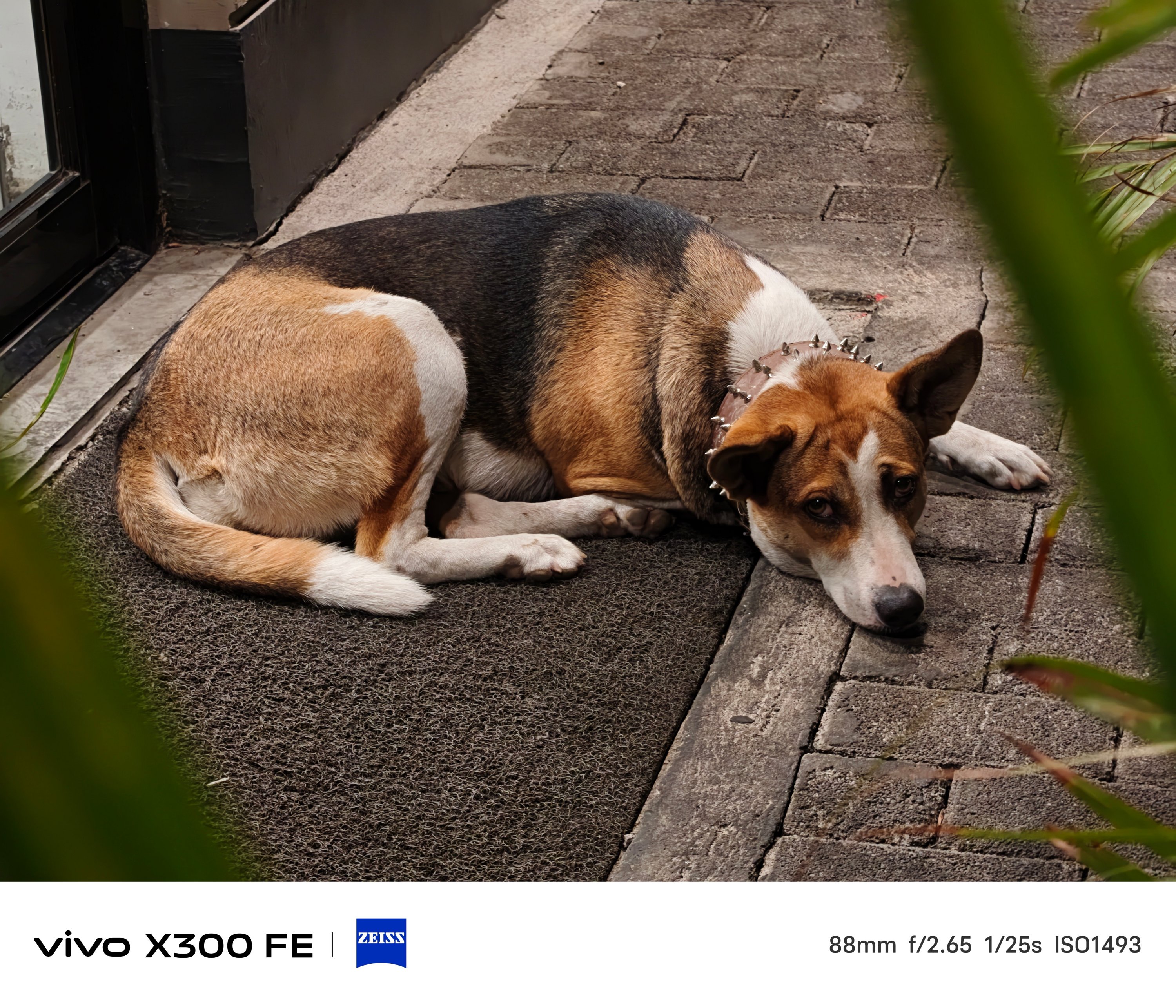
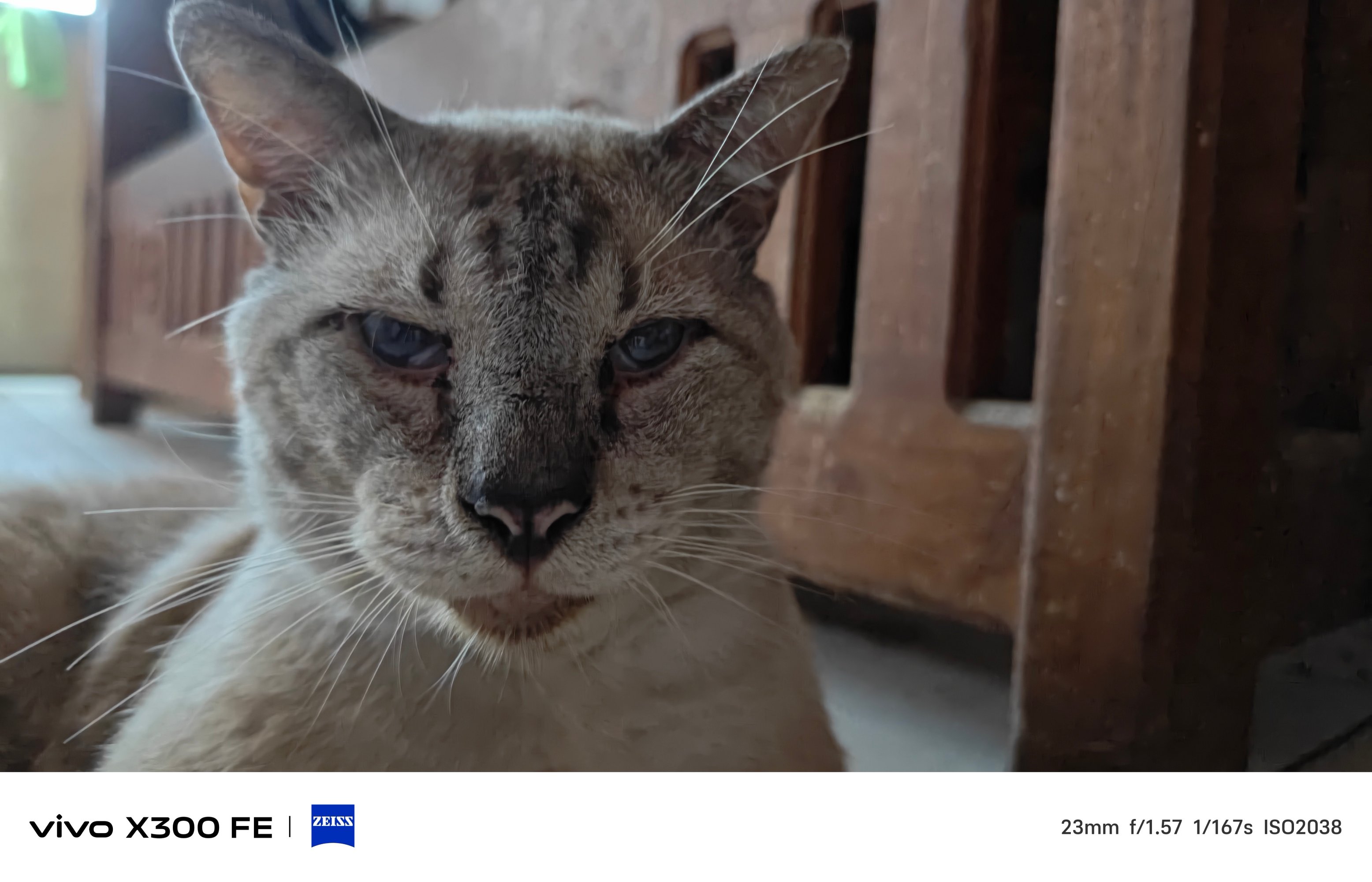
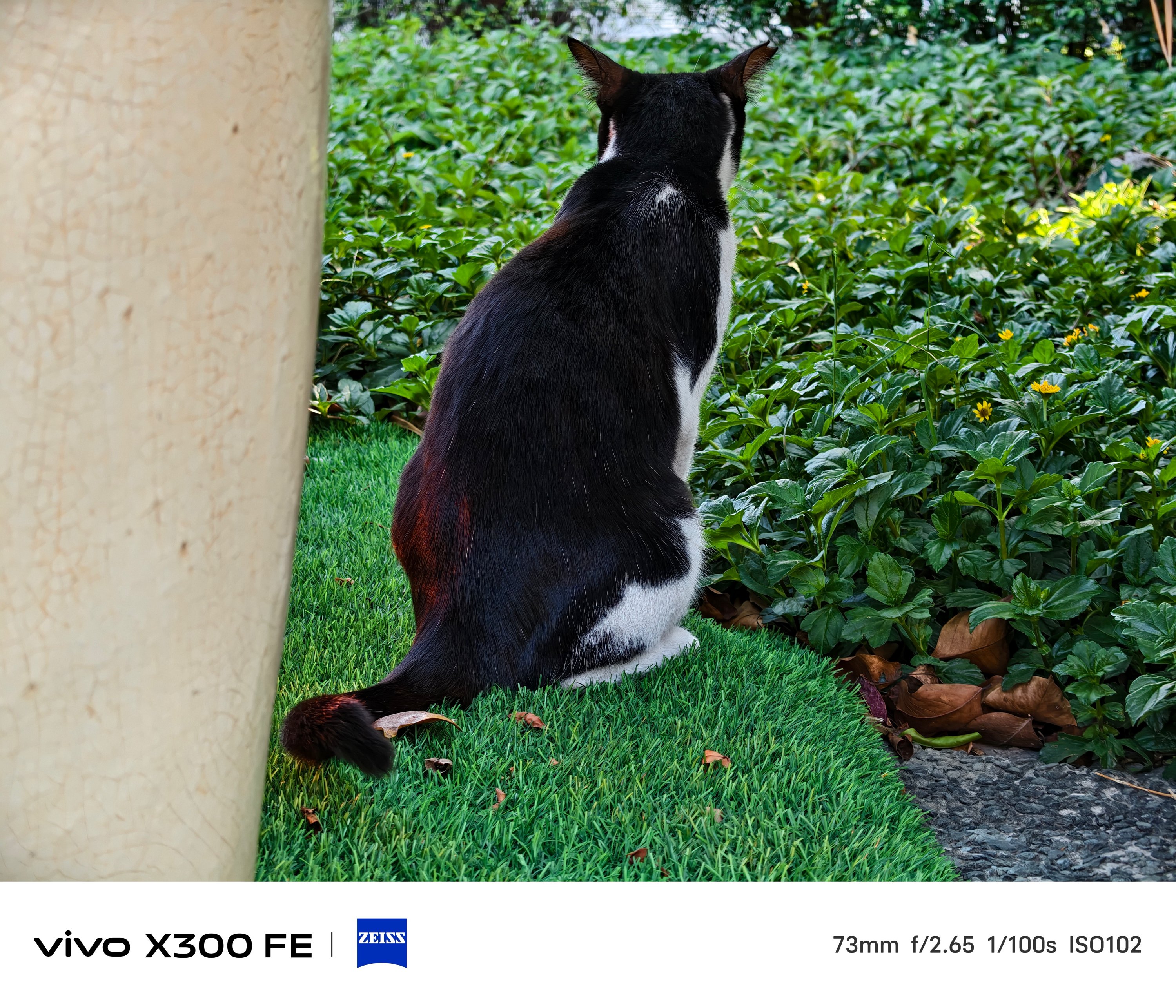
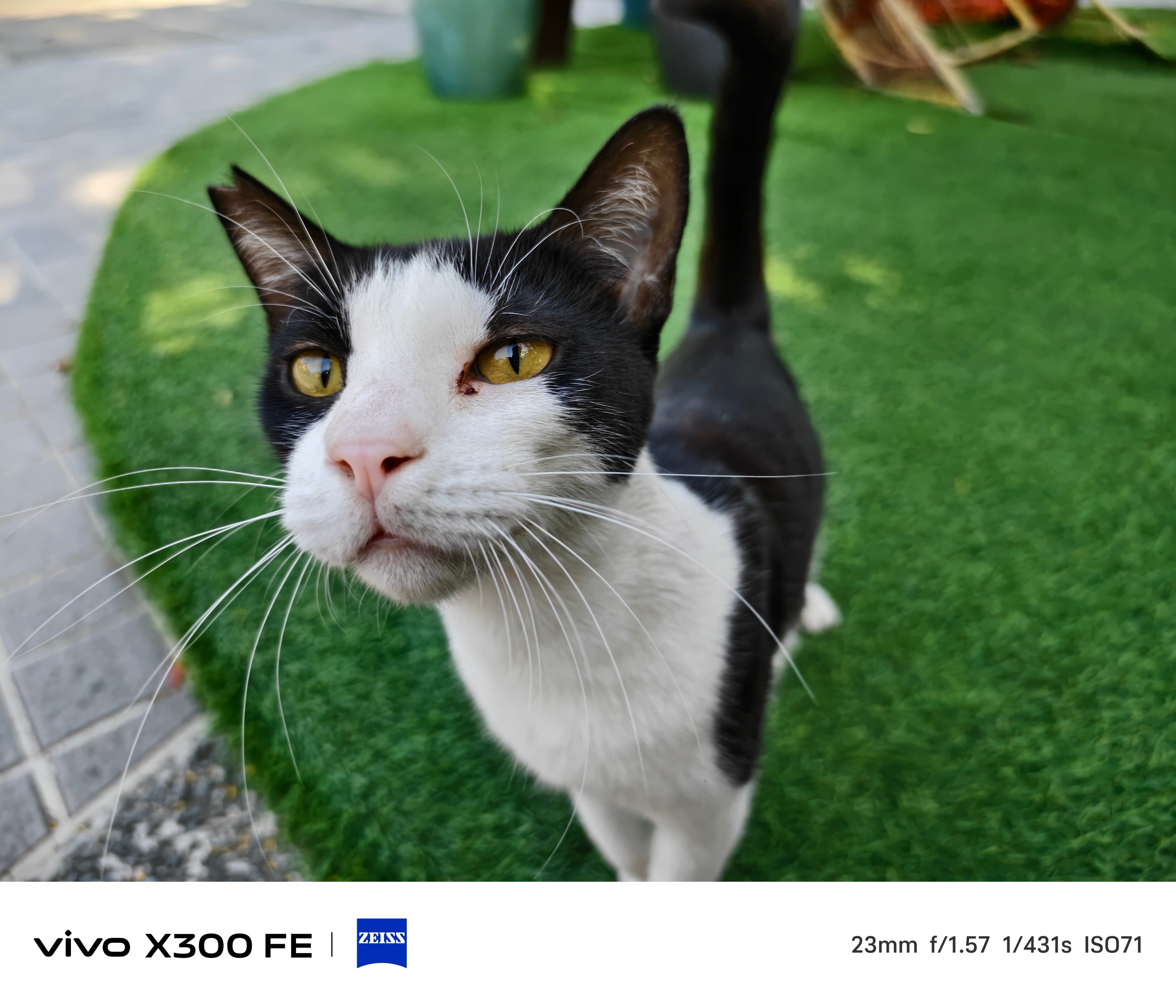
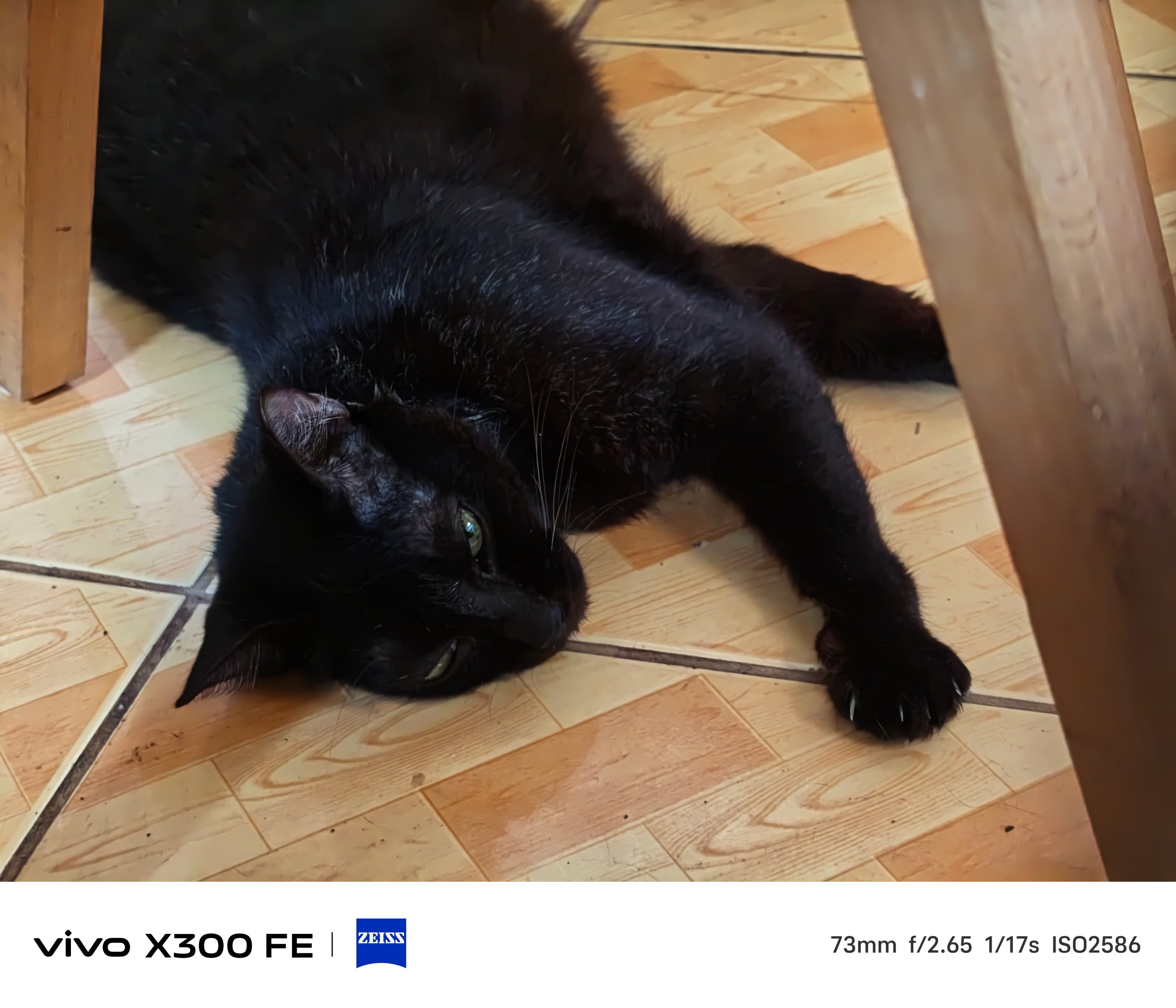
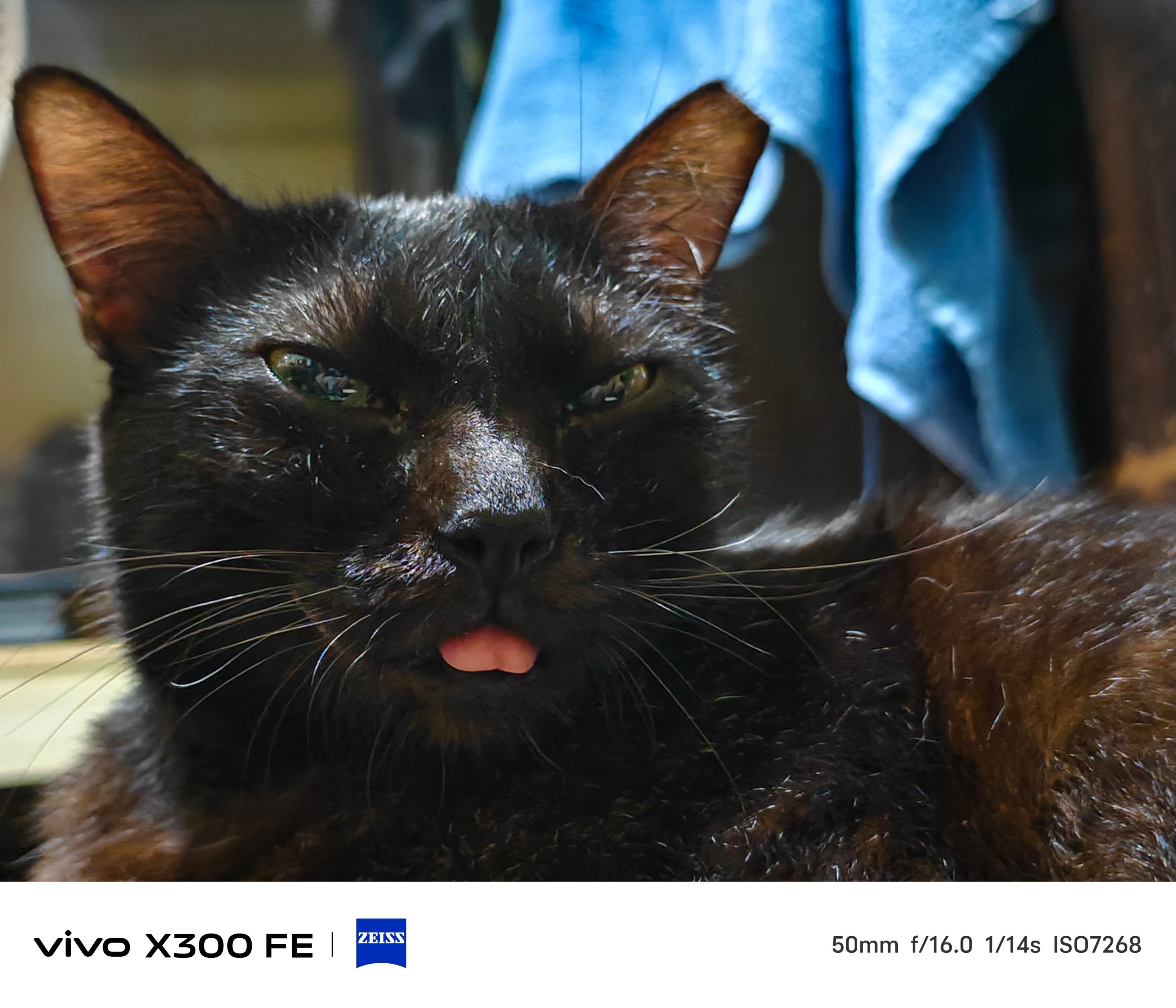
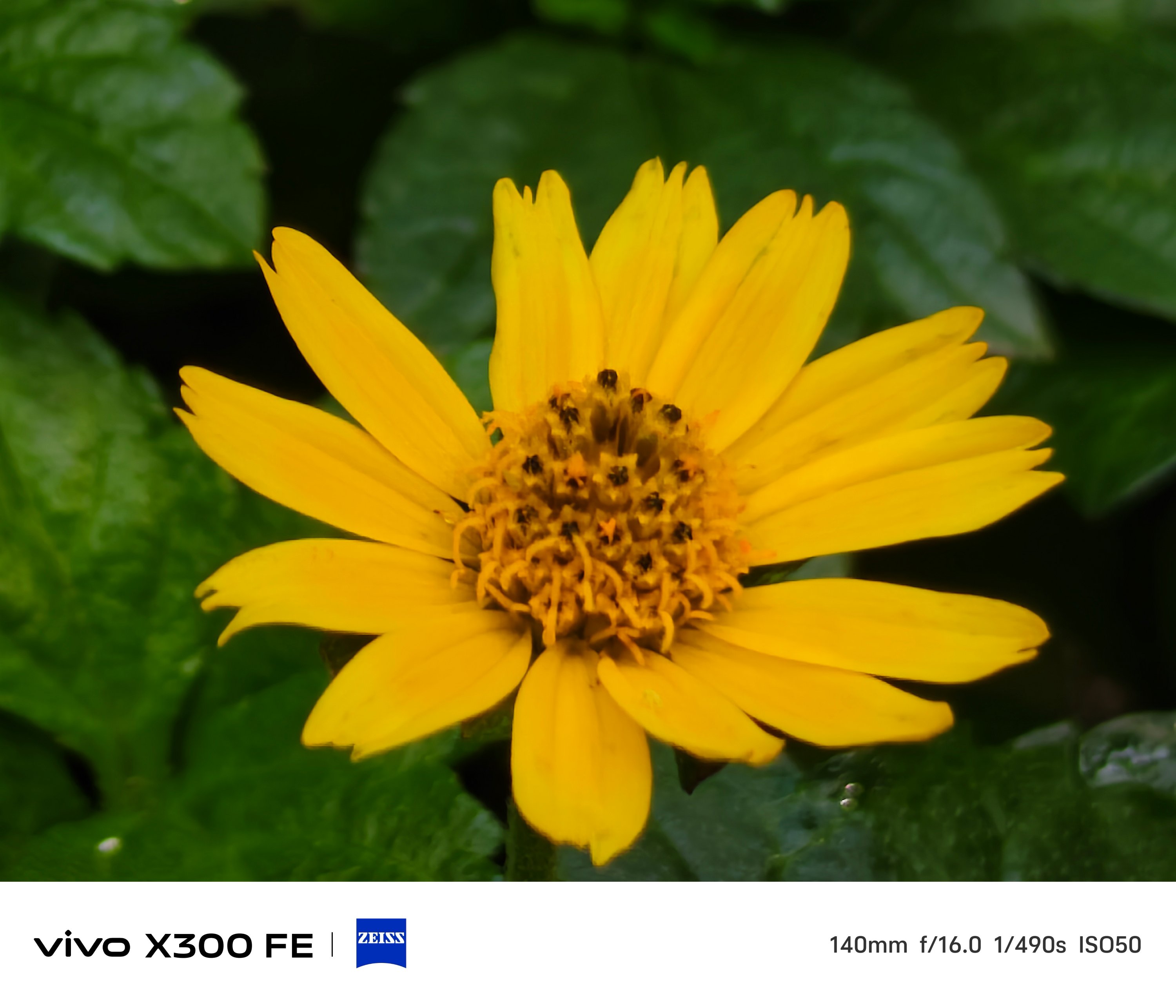
That focusing strengh also meant Super Macro mode is possible.
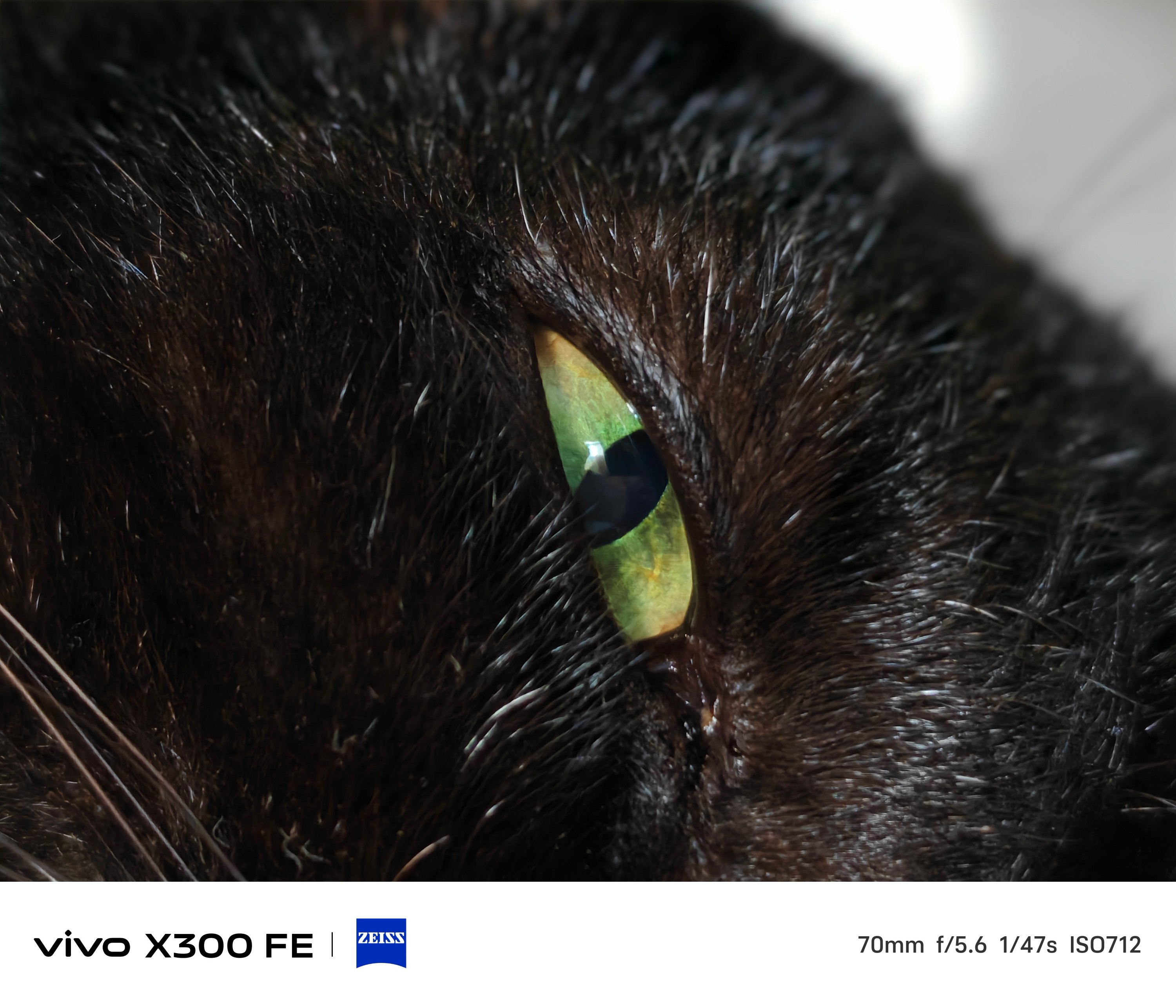
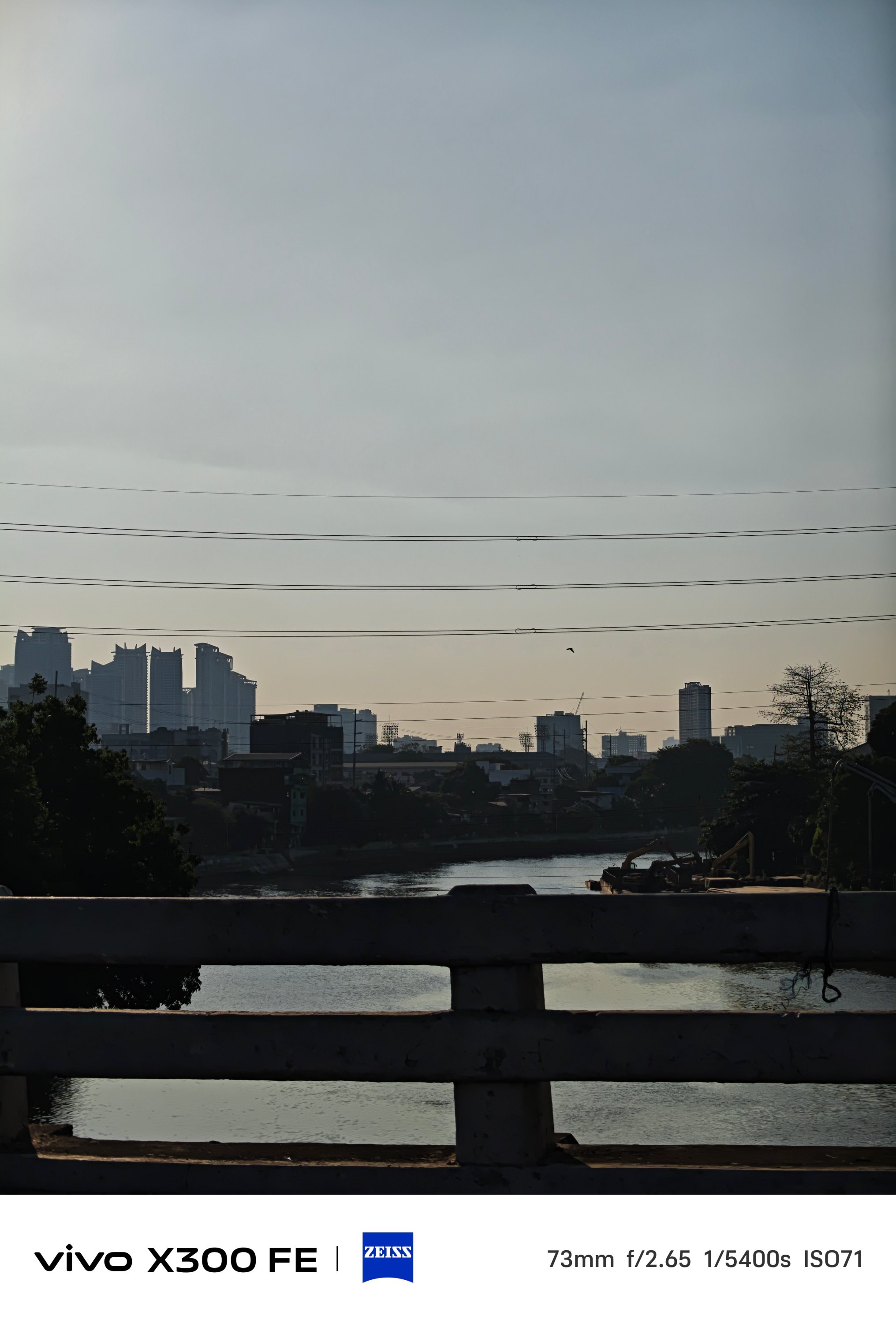
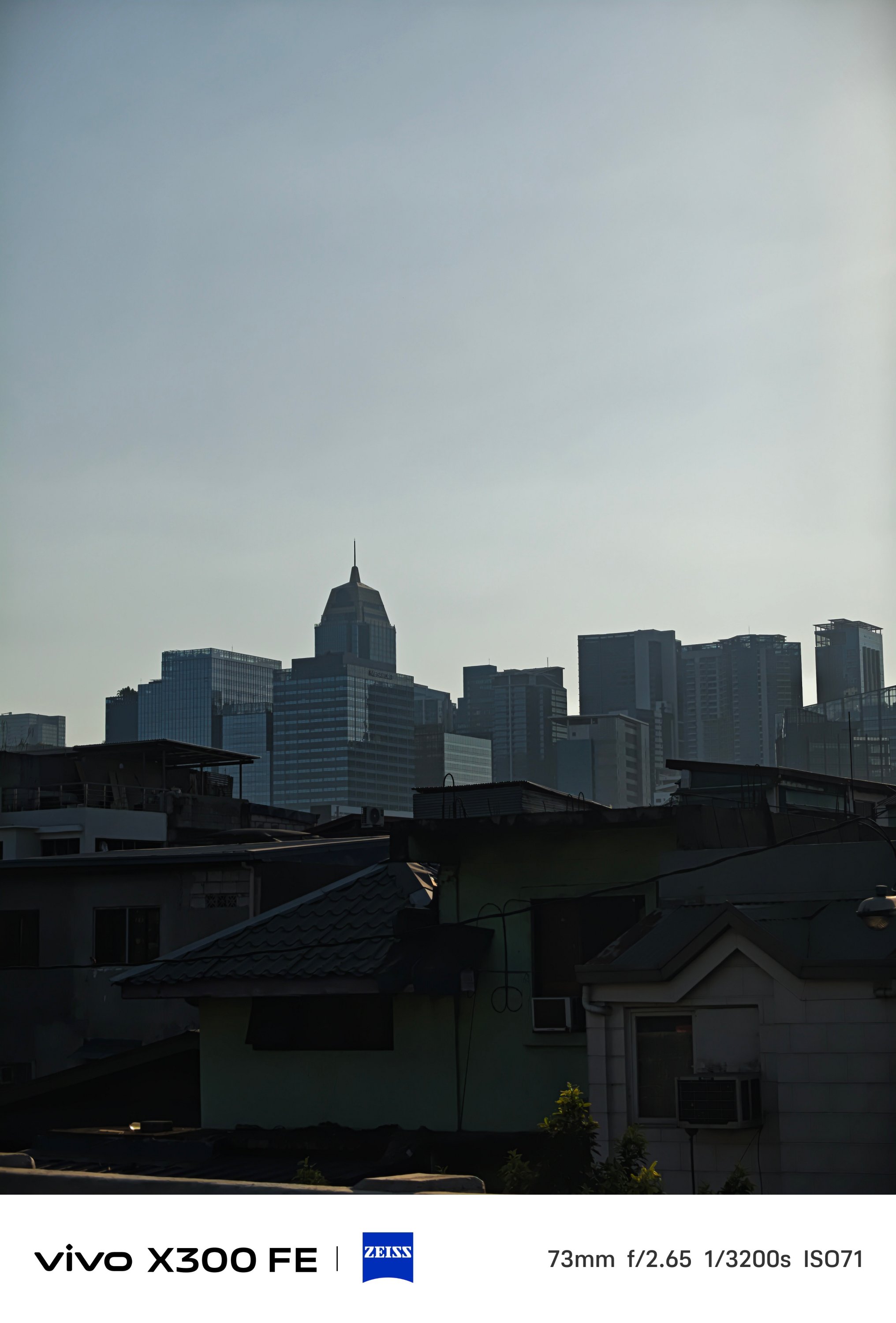
Lastly, shots from the Golden Hour to night.
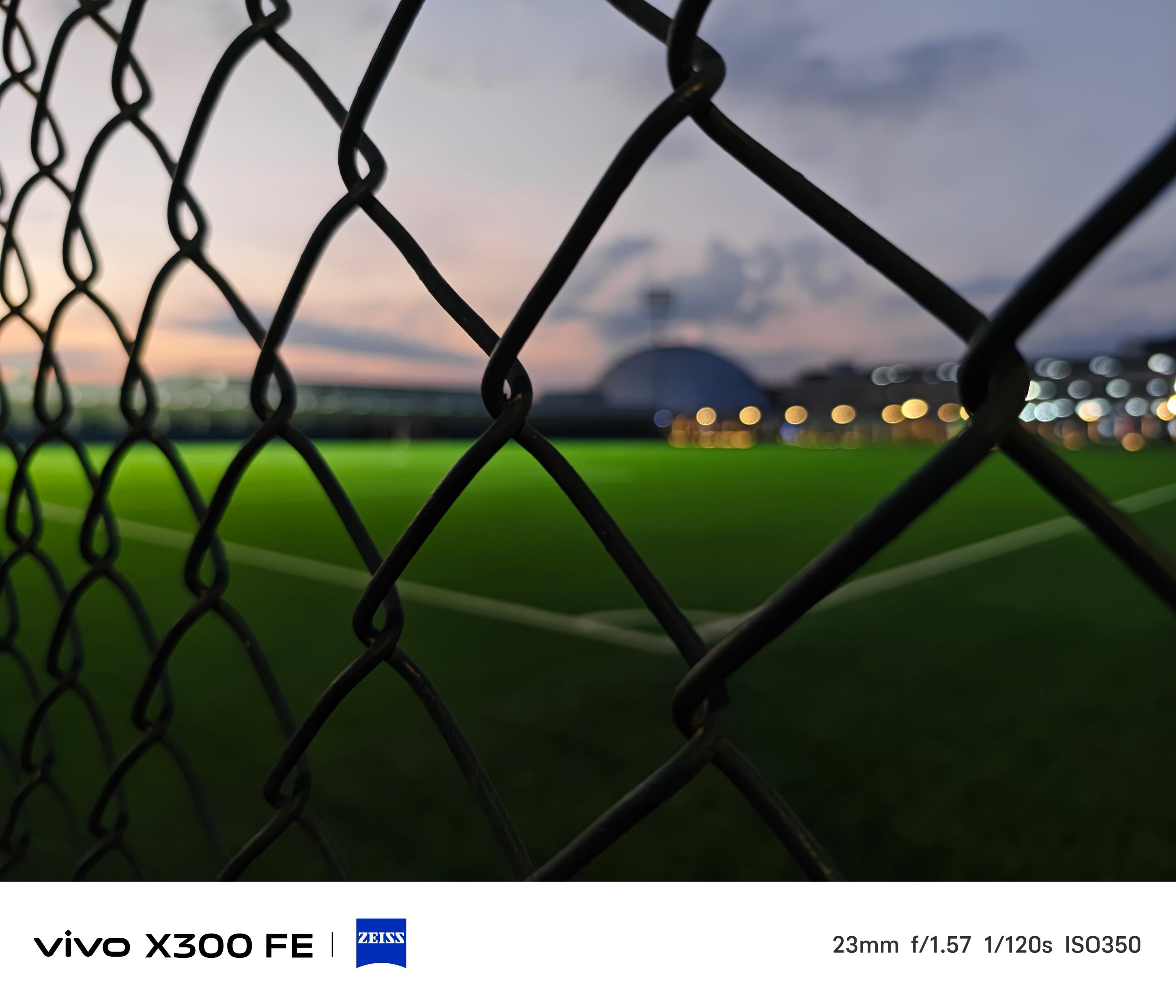

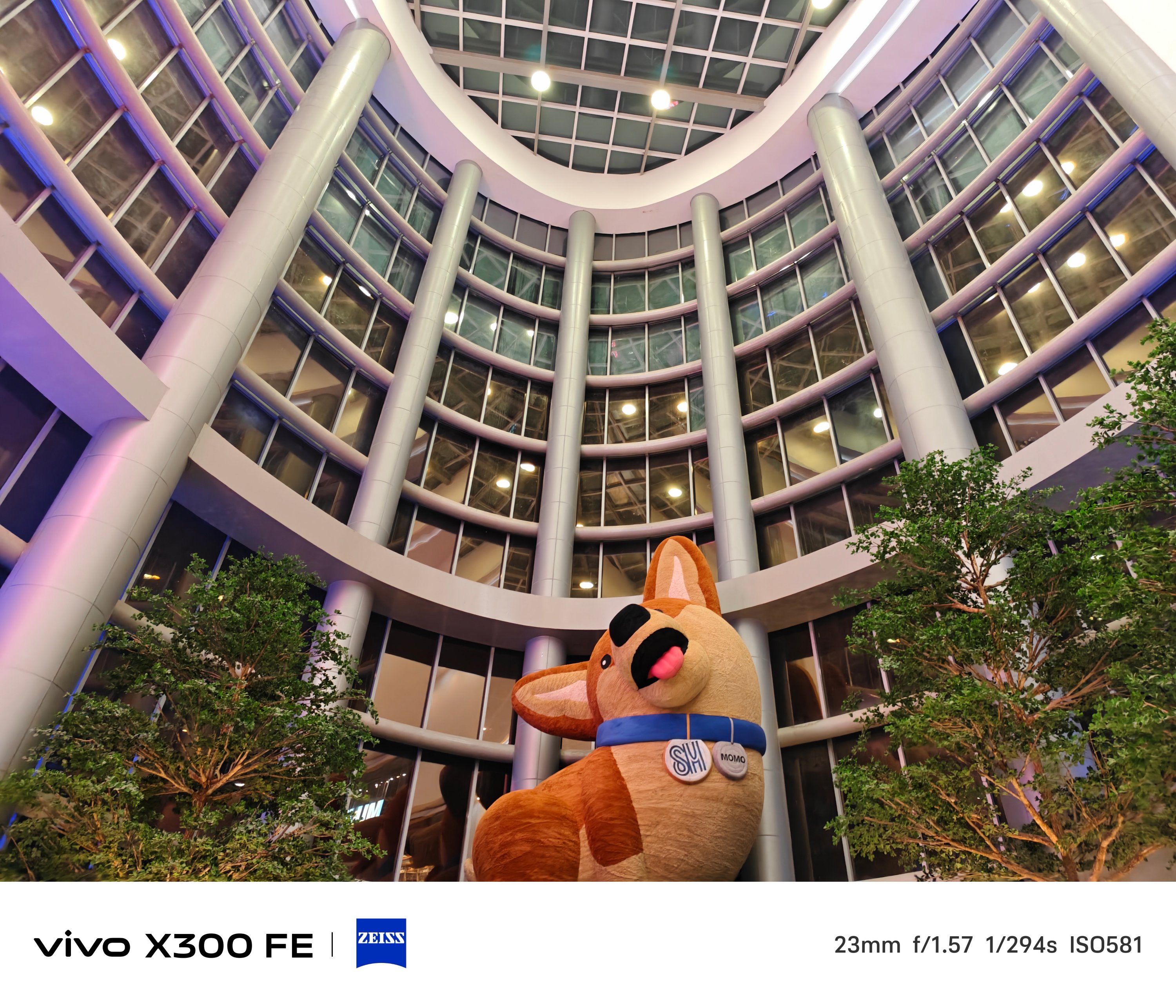
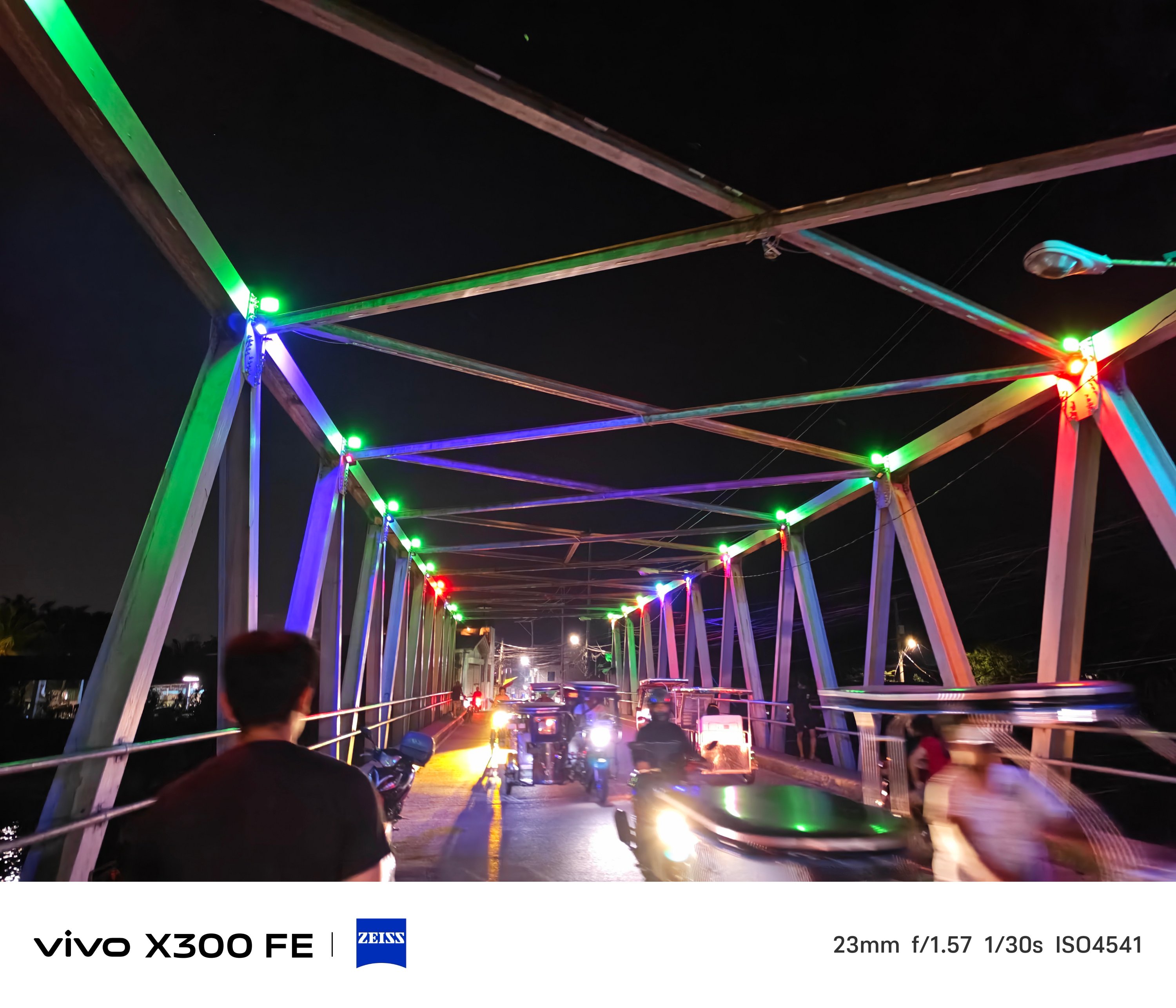

Just remember to fire up vivo’s Night Mode algorithm in scenes where there’s clear absence of light.

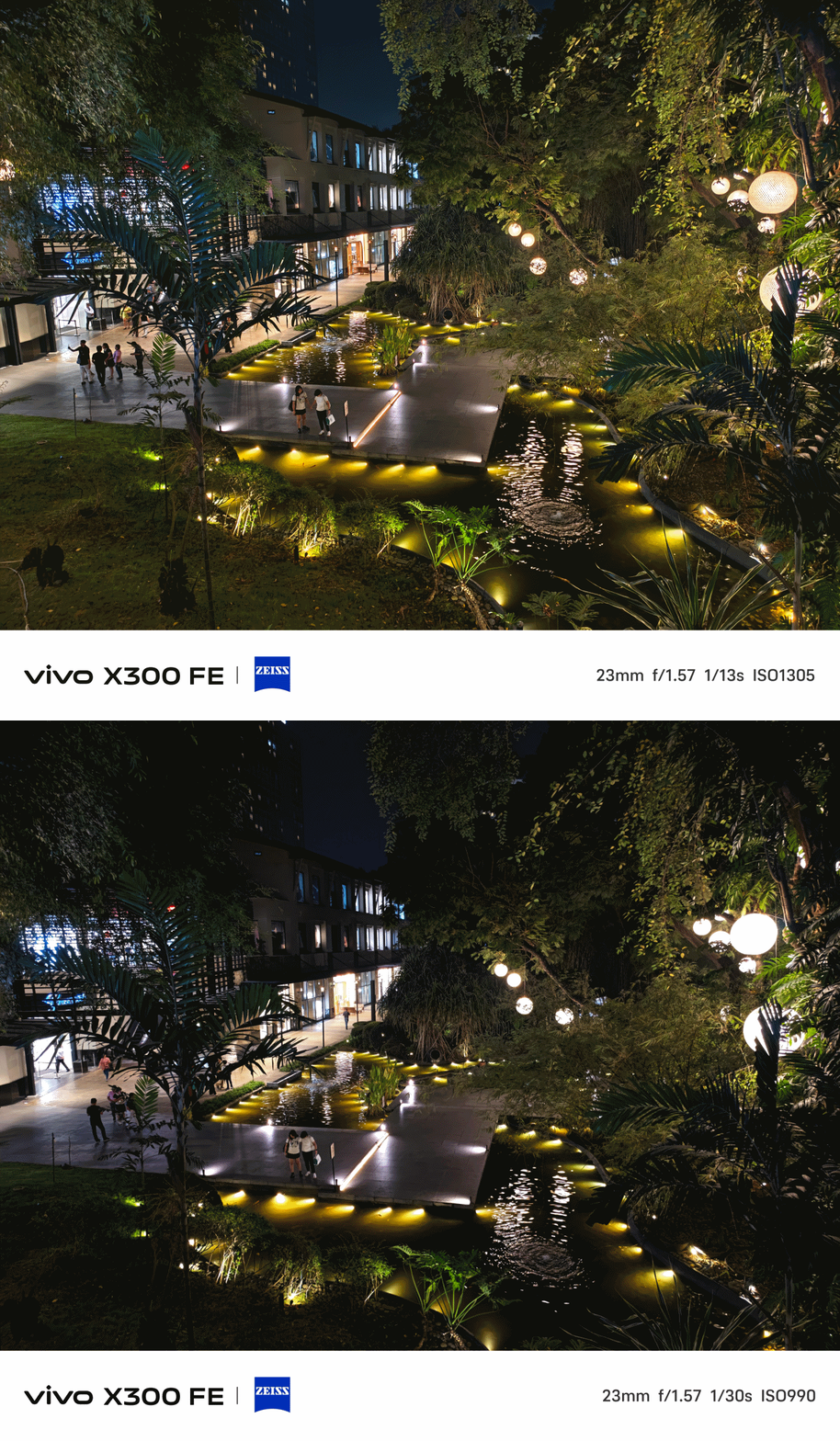
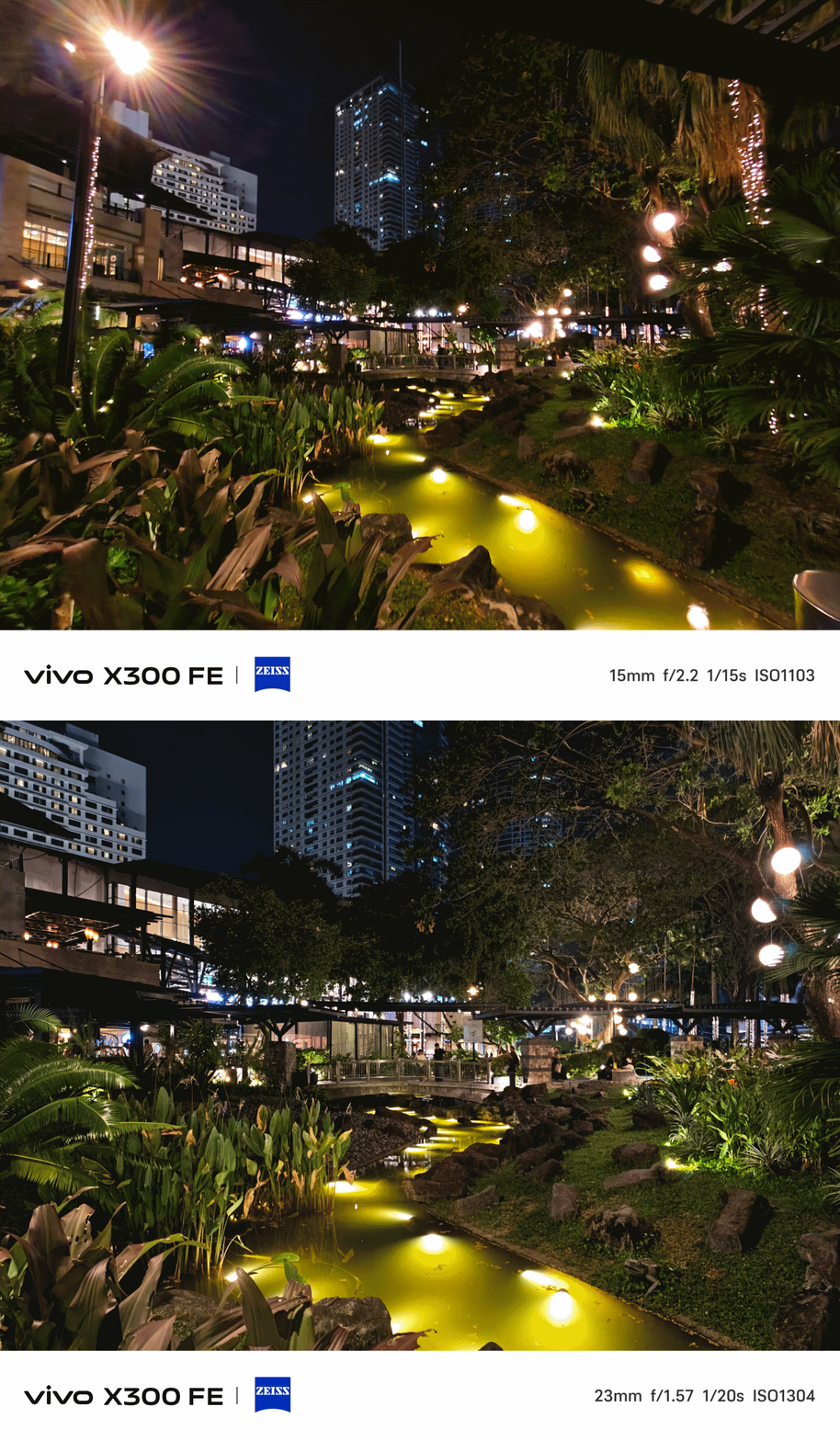
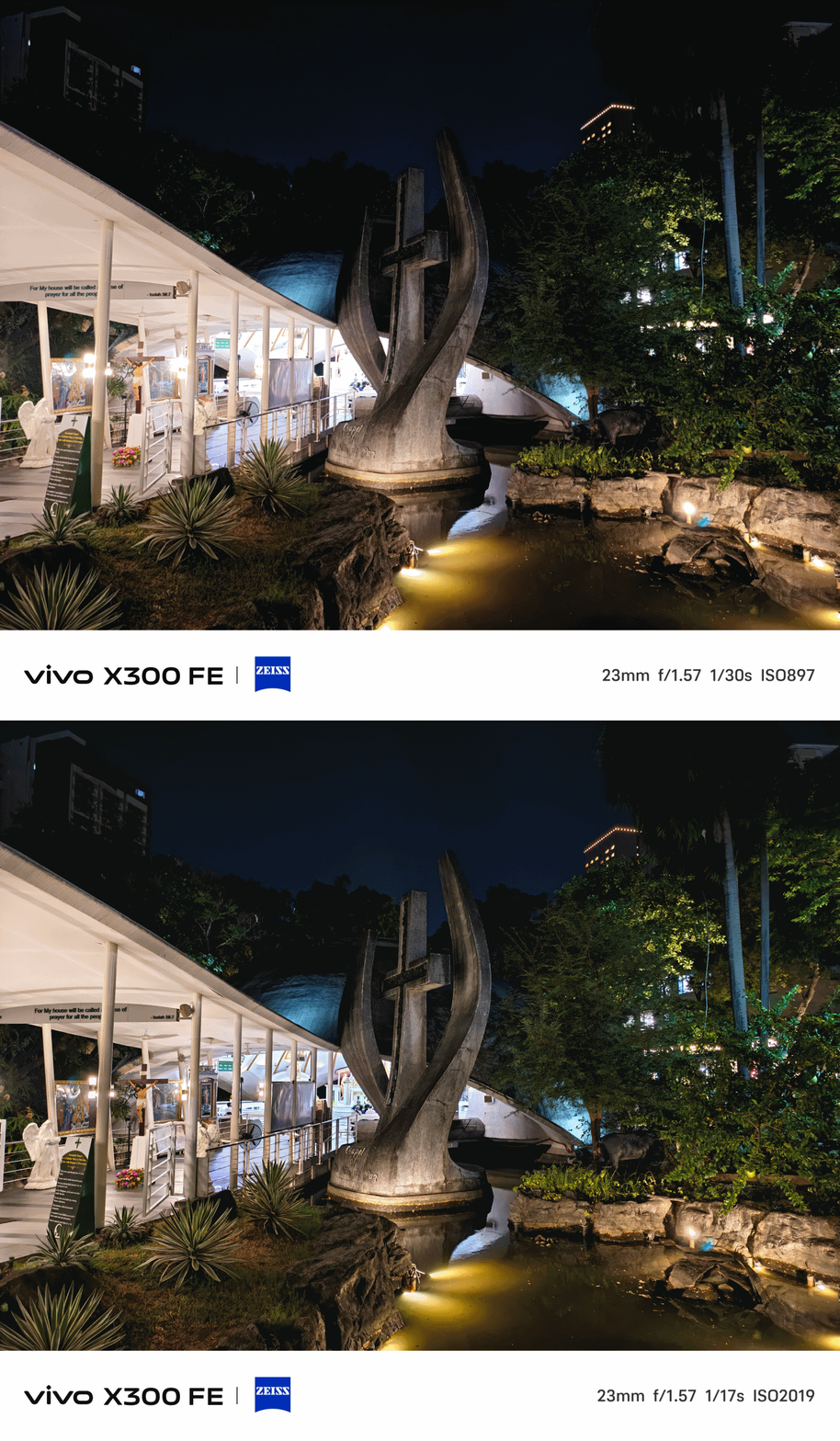
The ZEISS Masterclass
With the existing ZEISS partnership, these usual color profiles are already given: ZEISS, Vivid, and Textured.
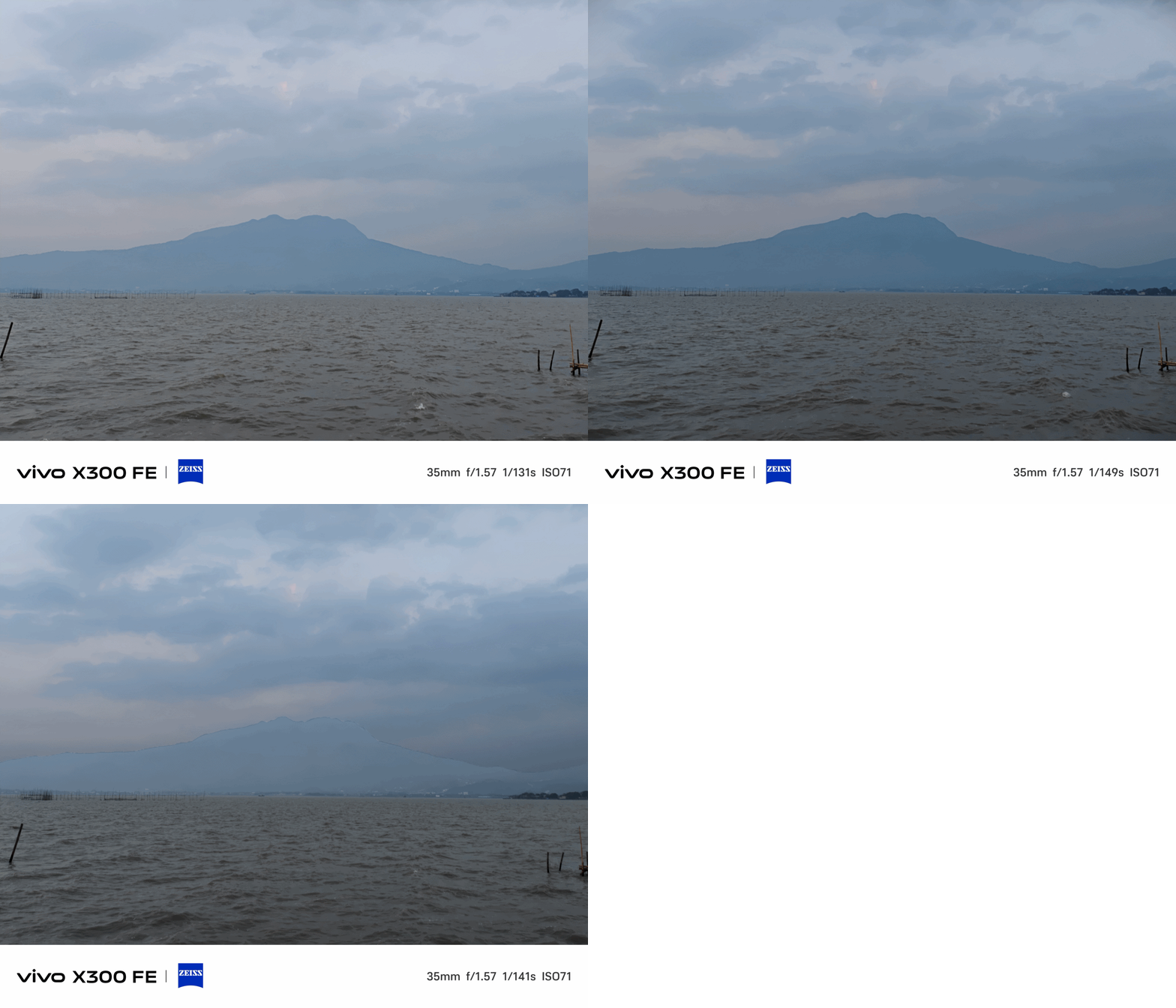
ZEISS Portrait Styles were not left behind as well. And it not only works with humans, but with animals and objects alike.

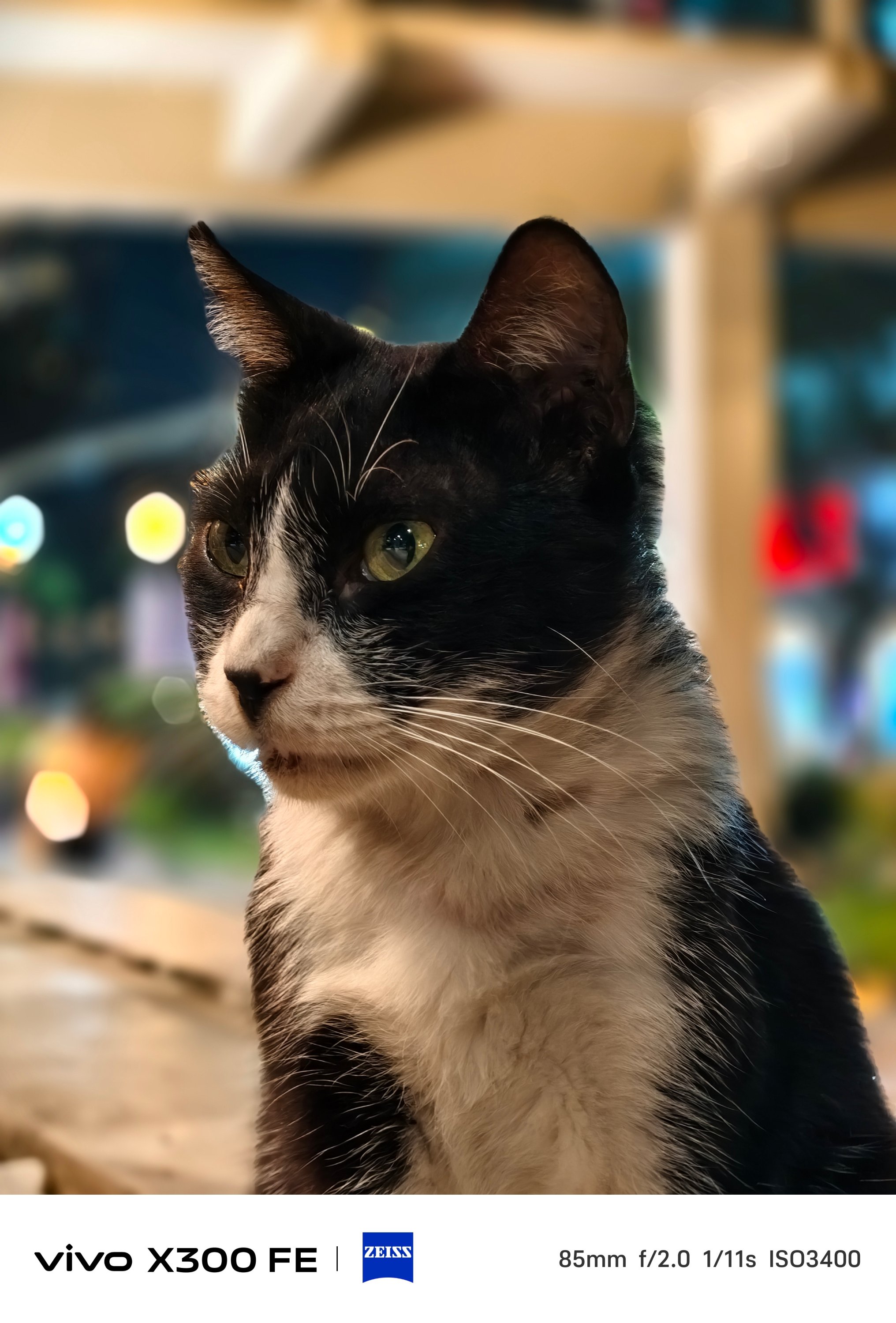


Even if you don’t switch to Portrait Mode, you can still snap close-ups with that creamy bokeh behind.



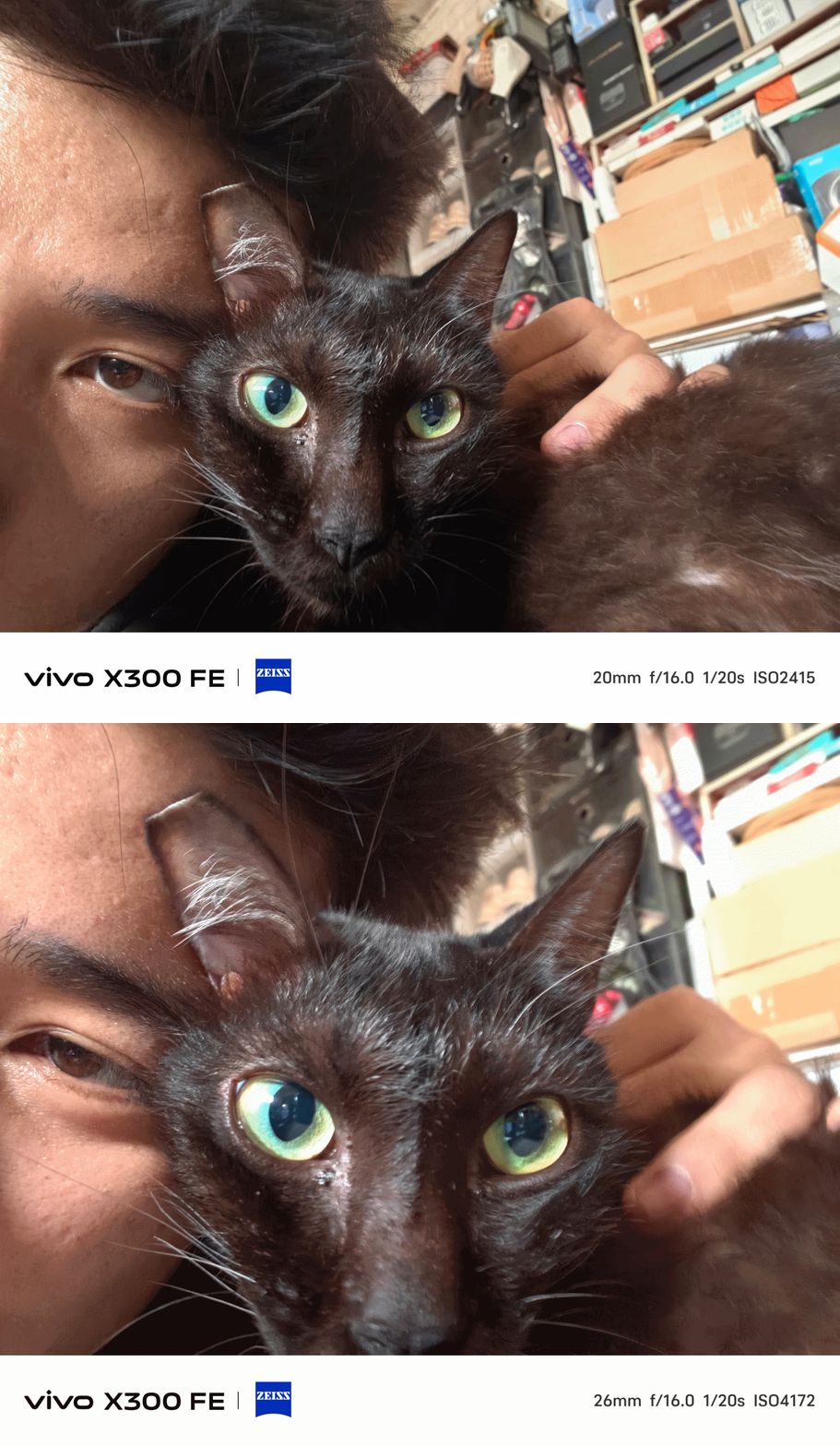
Speaking of Portrait Mode, beautification can be toggled and adjusted to your liking — both in front and back.




And while we’re at it, front-facing camera can go a bit wider — from 26mm to 20mm.
The X300 FE has also adapted the Humanistic Street Photography Camera interface that got introduced way back in the X200 series. The upgraded version means it’s also equipped with all these film-like presets:
- Textured
- Classic negative*
- Vivid
- ZEISS Natural
- B/W
- Positive film*
- Clear blue*
* newer film simulation looks

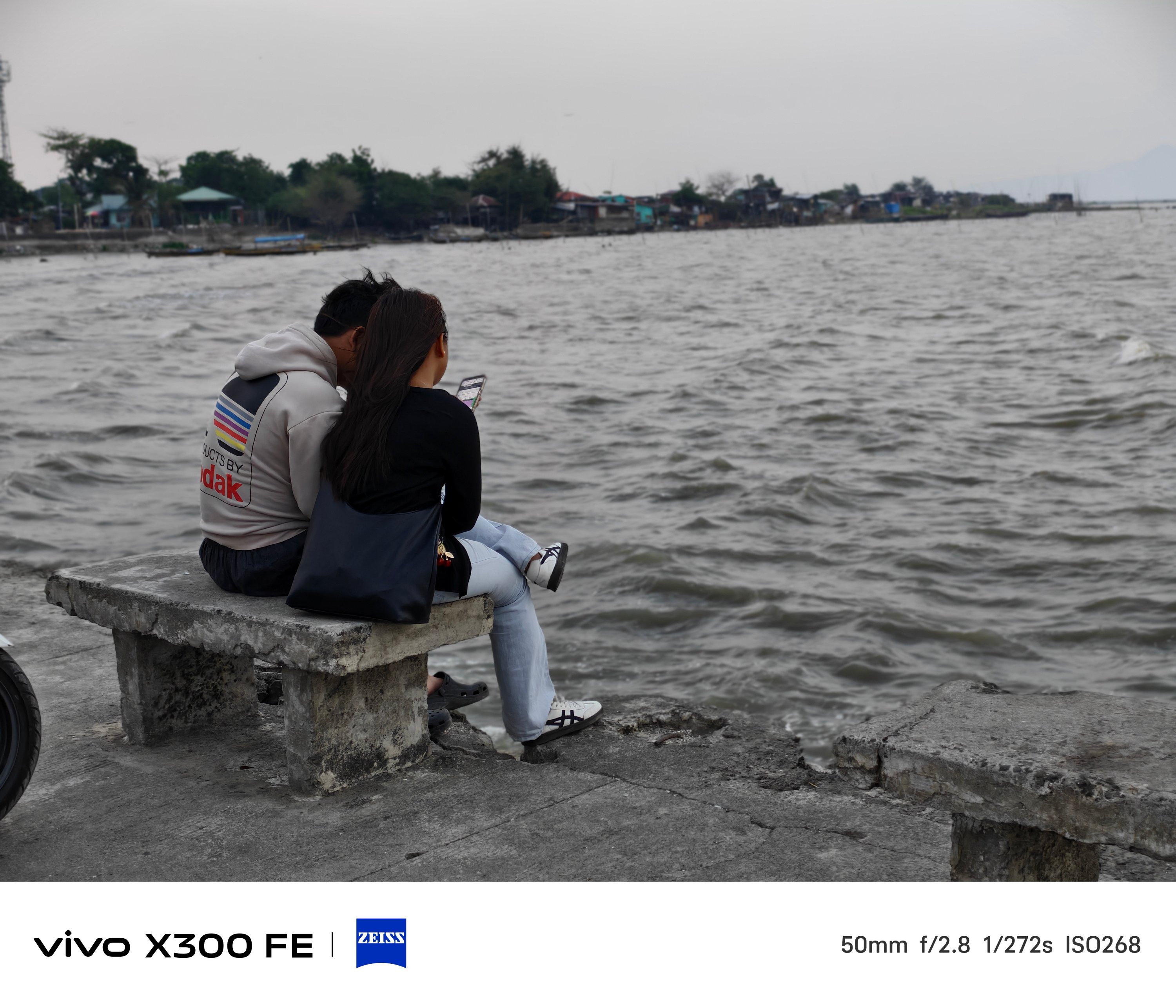
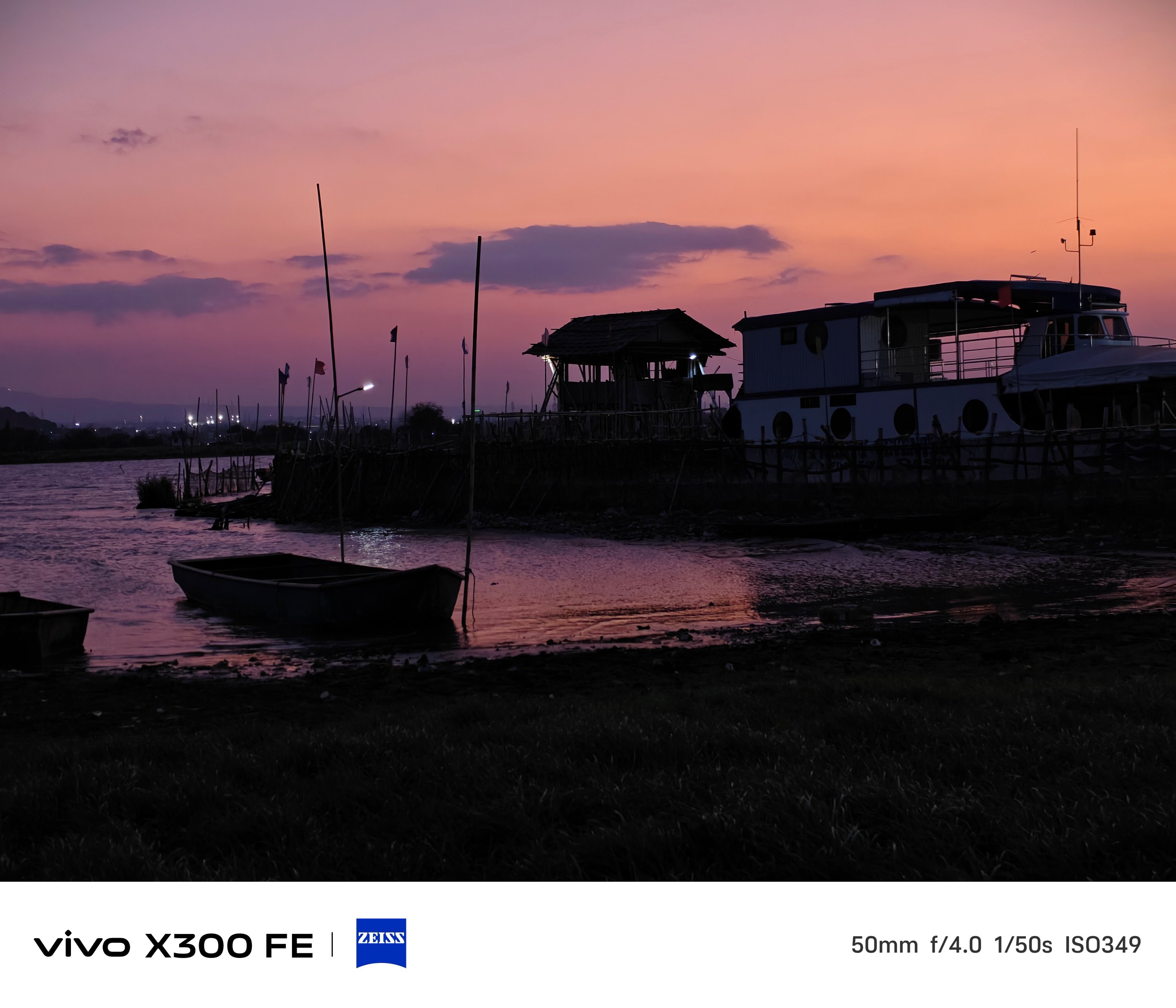
B/W, while not Leica levels, still looks dramatic as it could be.
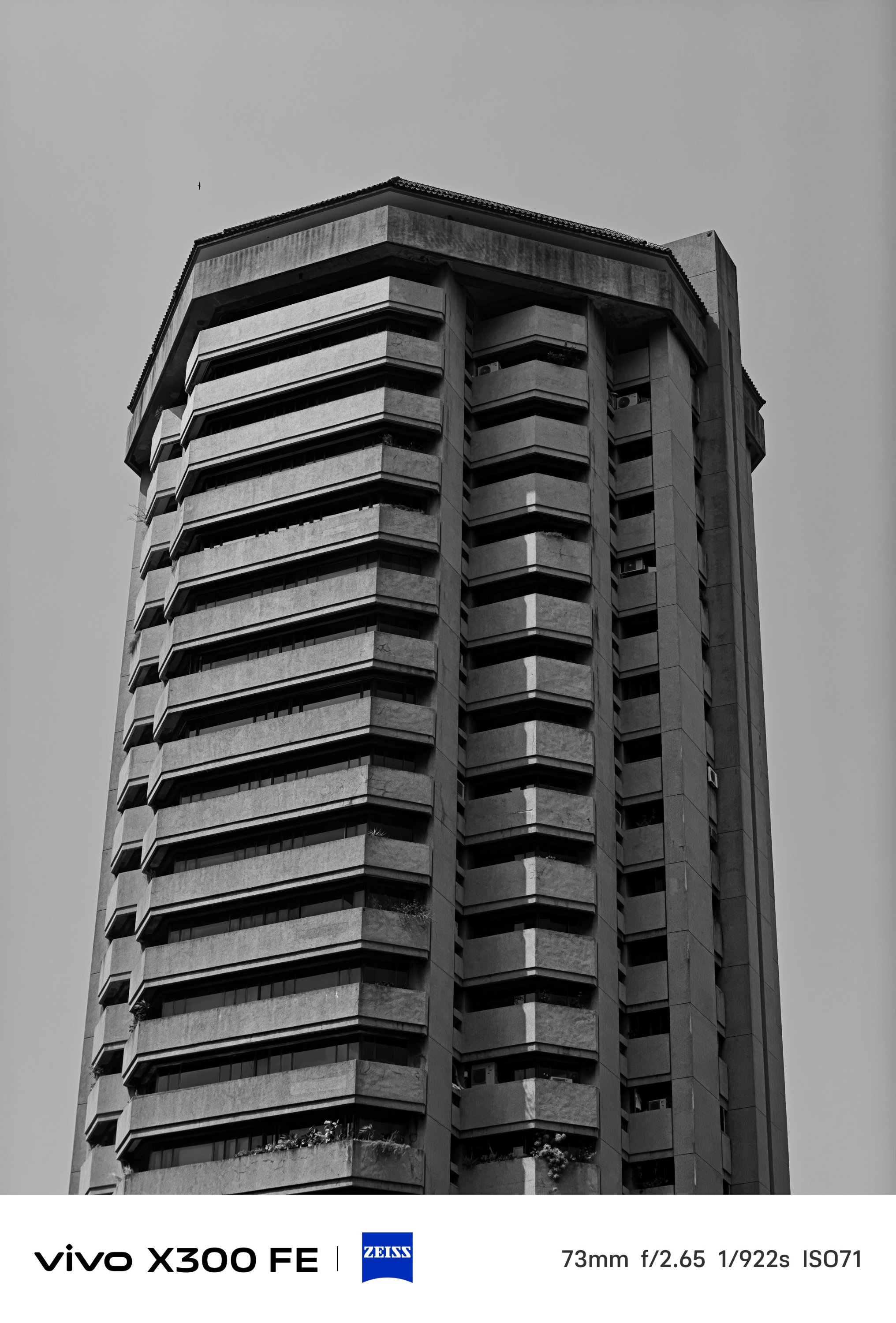
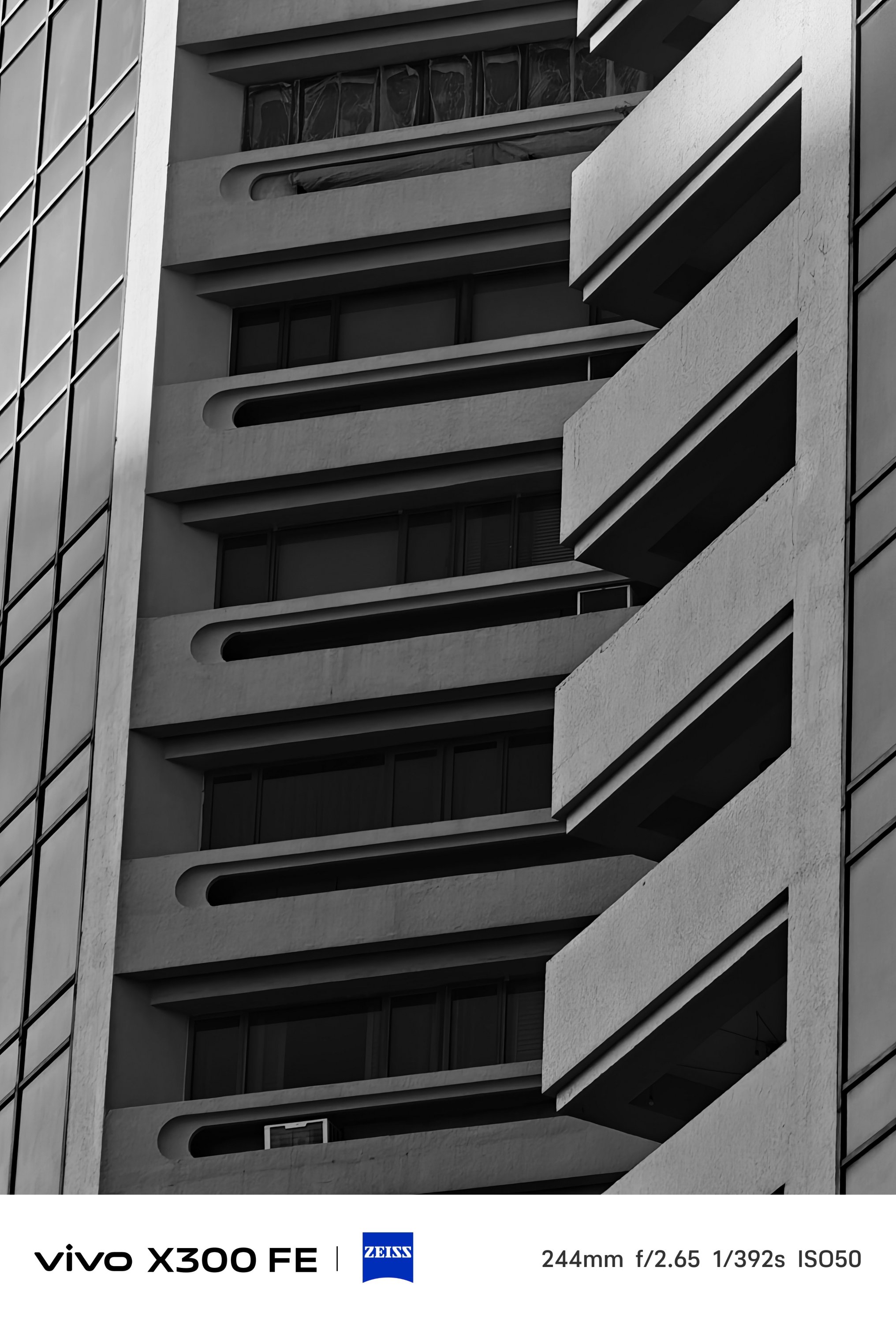

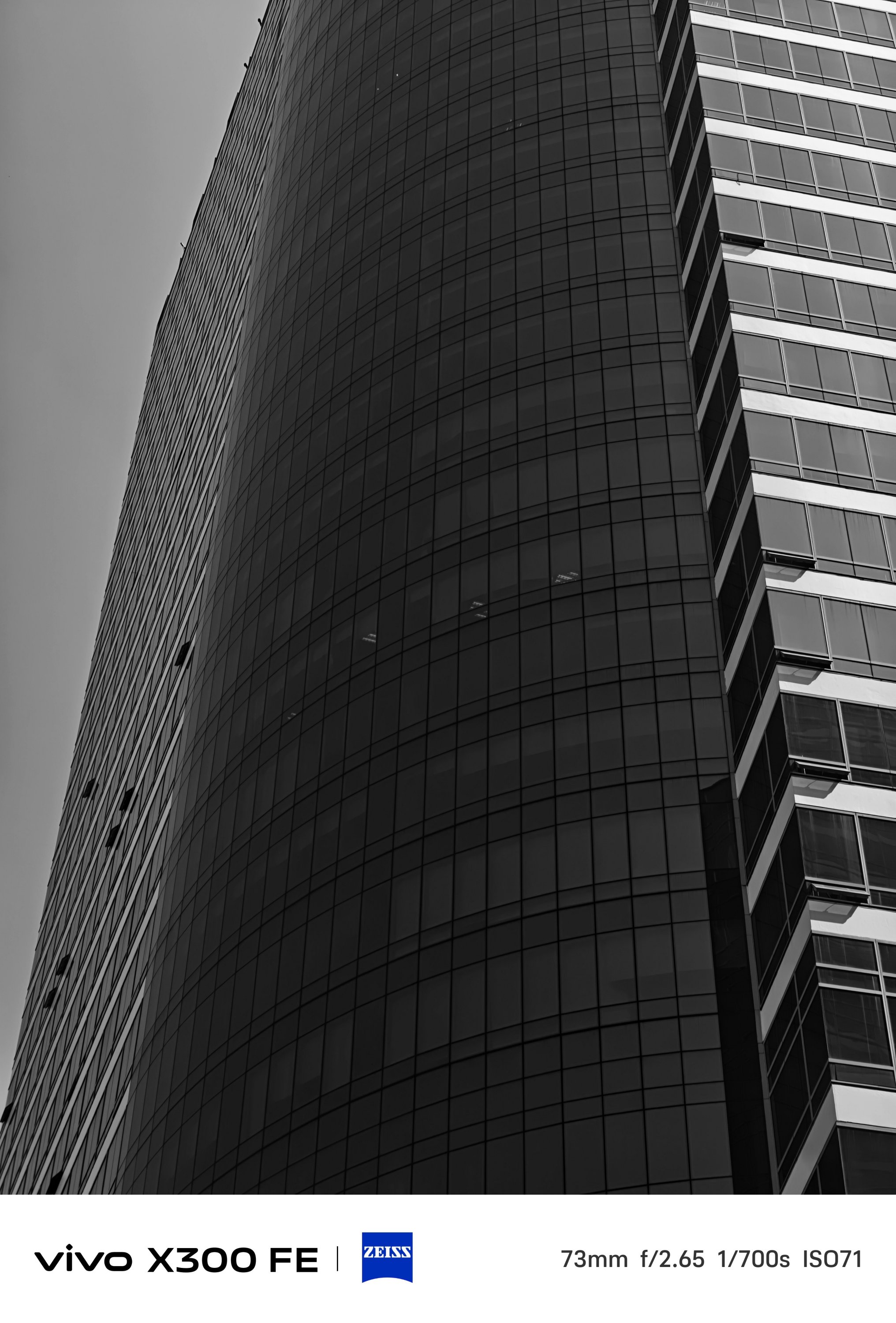

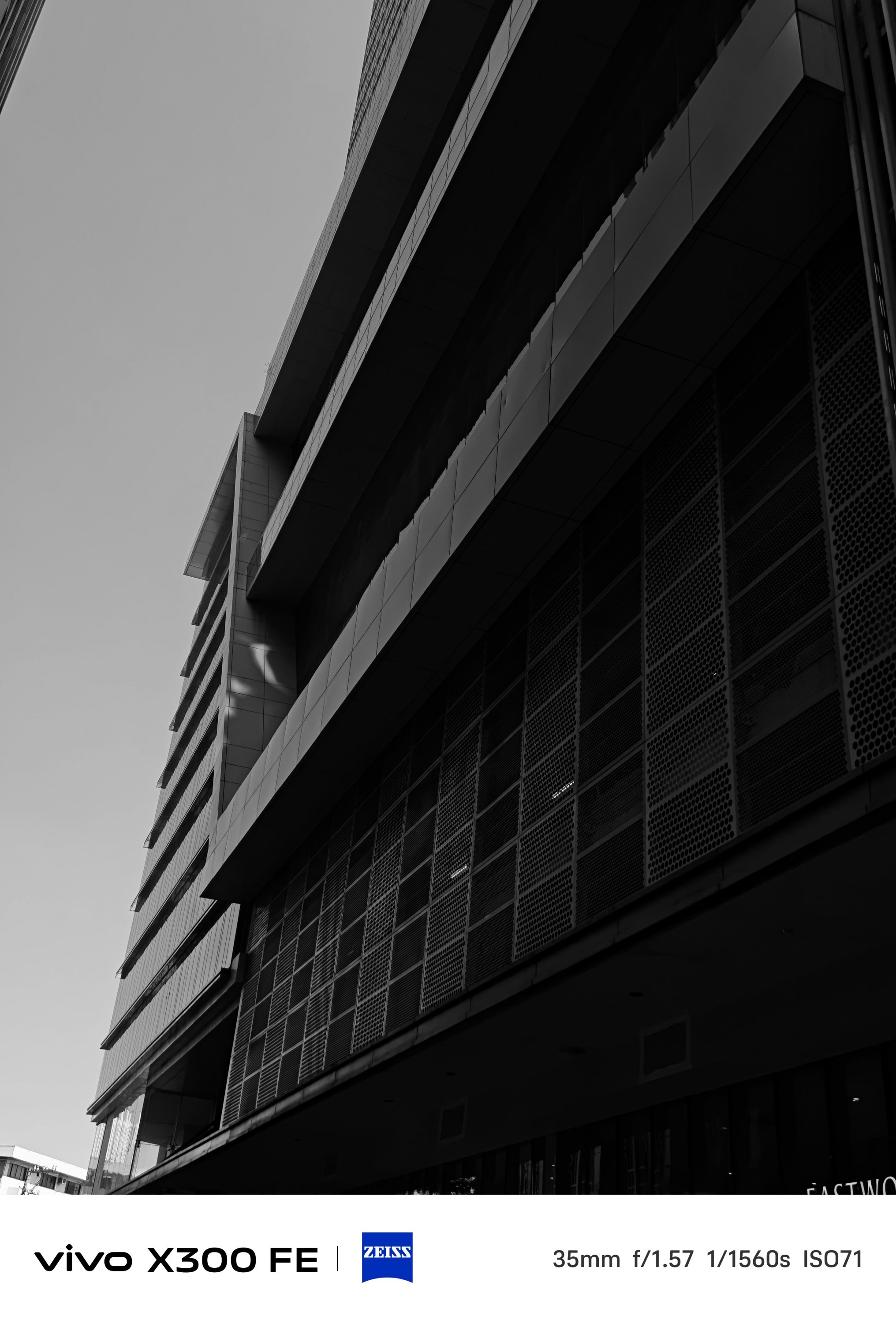

Mind you, the vivo X300 FE lacks that much-needed Snapshot mode for fast-moving scenarios. However, I was still able to shoot these while I was in a speedy to steadfast motorcycle ride (as a passenger, of course).
What about video shooting?
As for video recording, it’s also heaps better than the vivo V70.
The said midranger is stuck at shooting 4K/60fps. The X300 FE? It can shoot as extreme as 4K/120fps up to 8K/30fps — just without the goodness of Dolby Vision HDR.
-
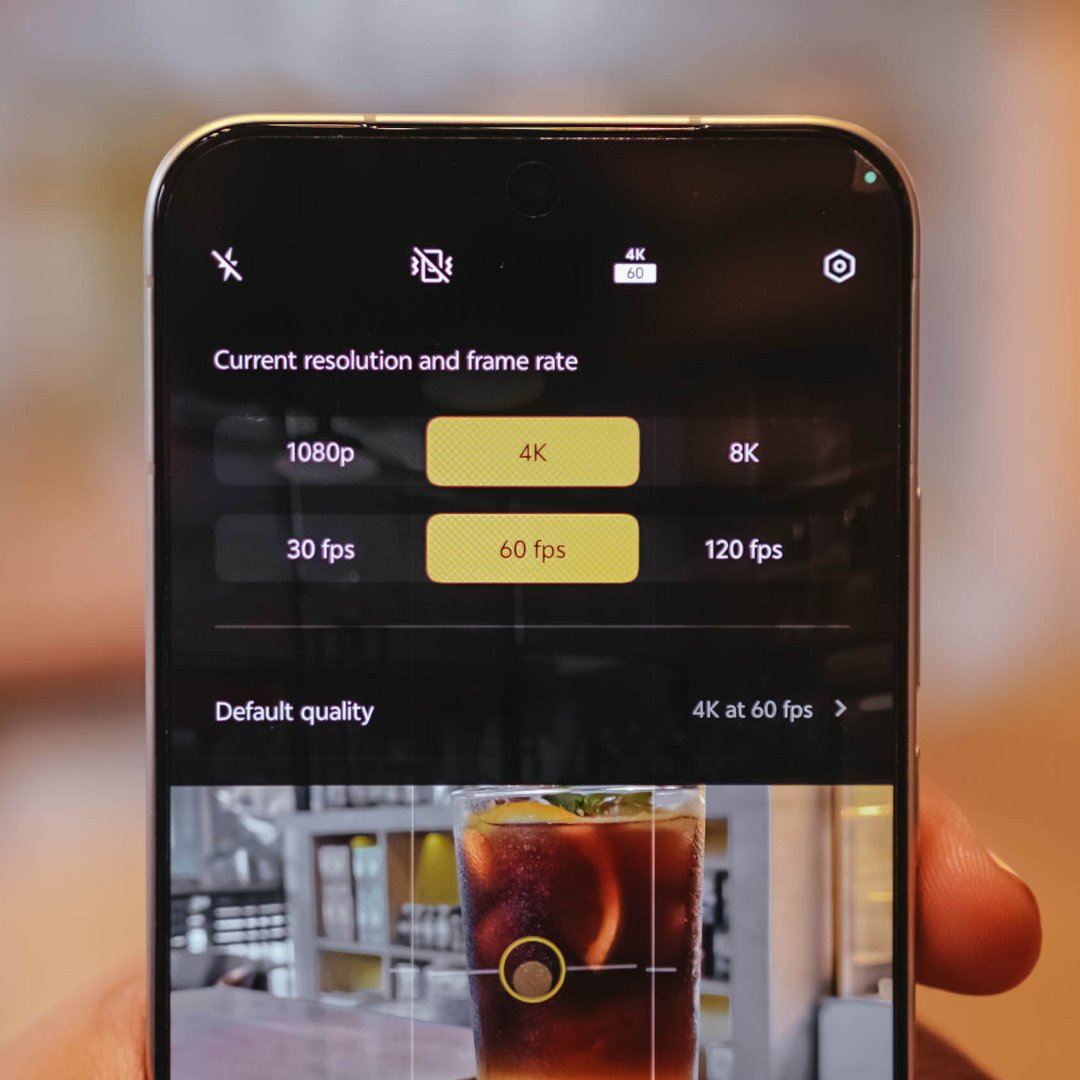
- 4K/60fps recording
-
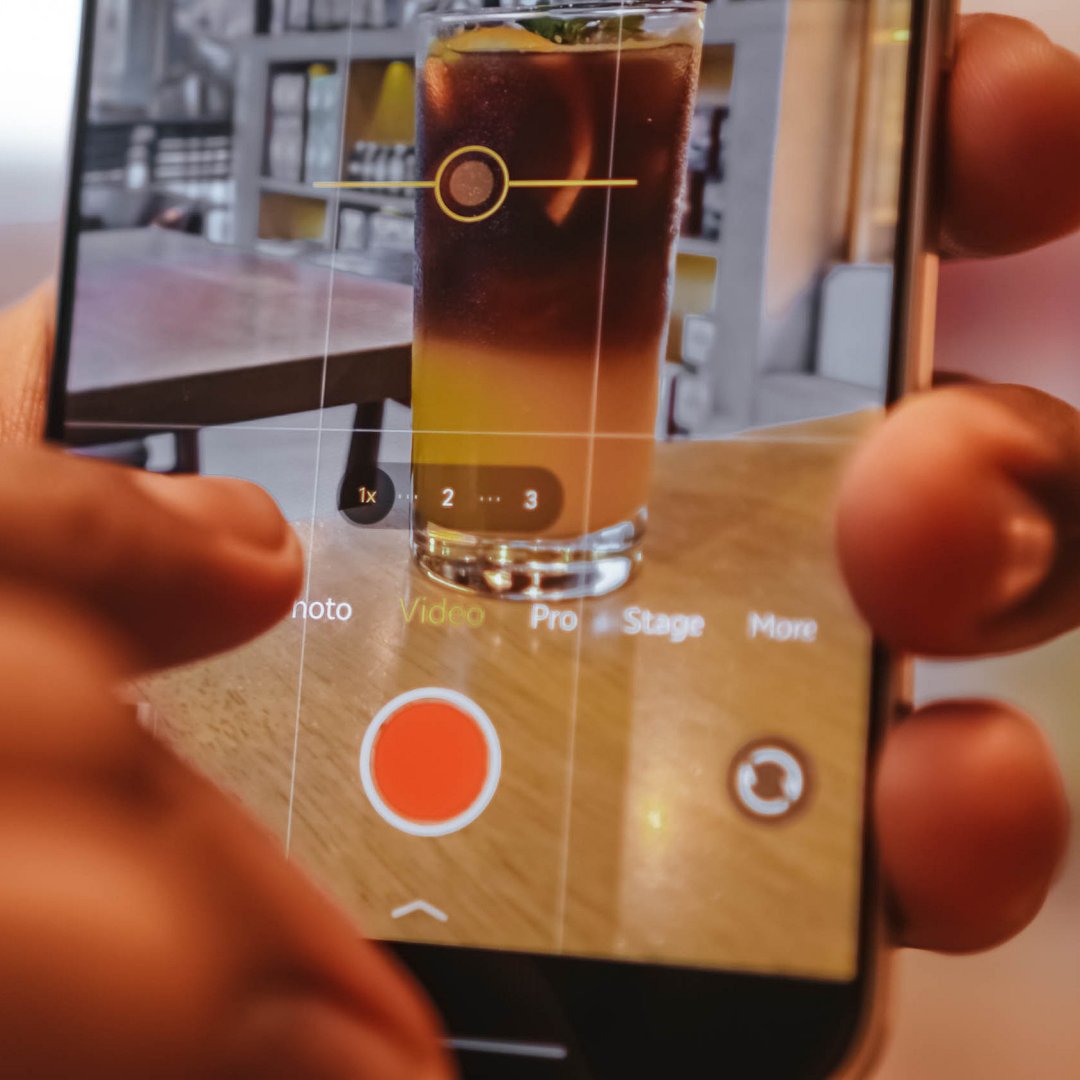
- 4K/60fps Focal Length choices
-
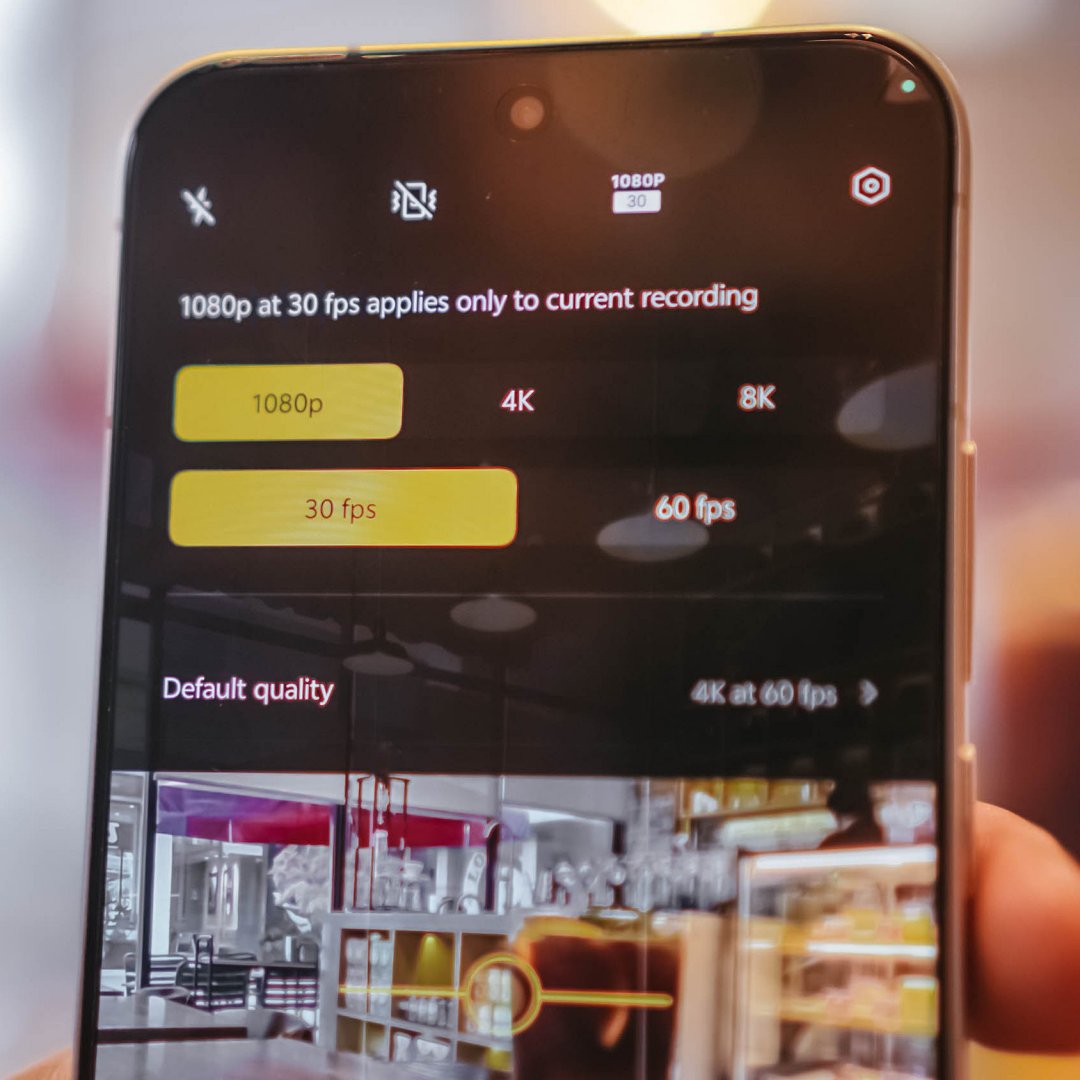
- 1080p/30fps recording
-

- 1080p/30fps Focal Length choices
For most users, that isn’t a compromise. But, you know what’s the real downside? Ultra-wide video shooting is capped at 1080p/30fps. That’s may be due to the small sensor and megapixel count of its ultra-wide sensor.
Shooting at 1080p/60fps and beyond starts at the regular 1x focal length.
Here are some recordings for you to judge:
With the presence of that dedicated telephoto shooter lies vivo’s exclusive Stage Mode feature.
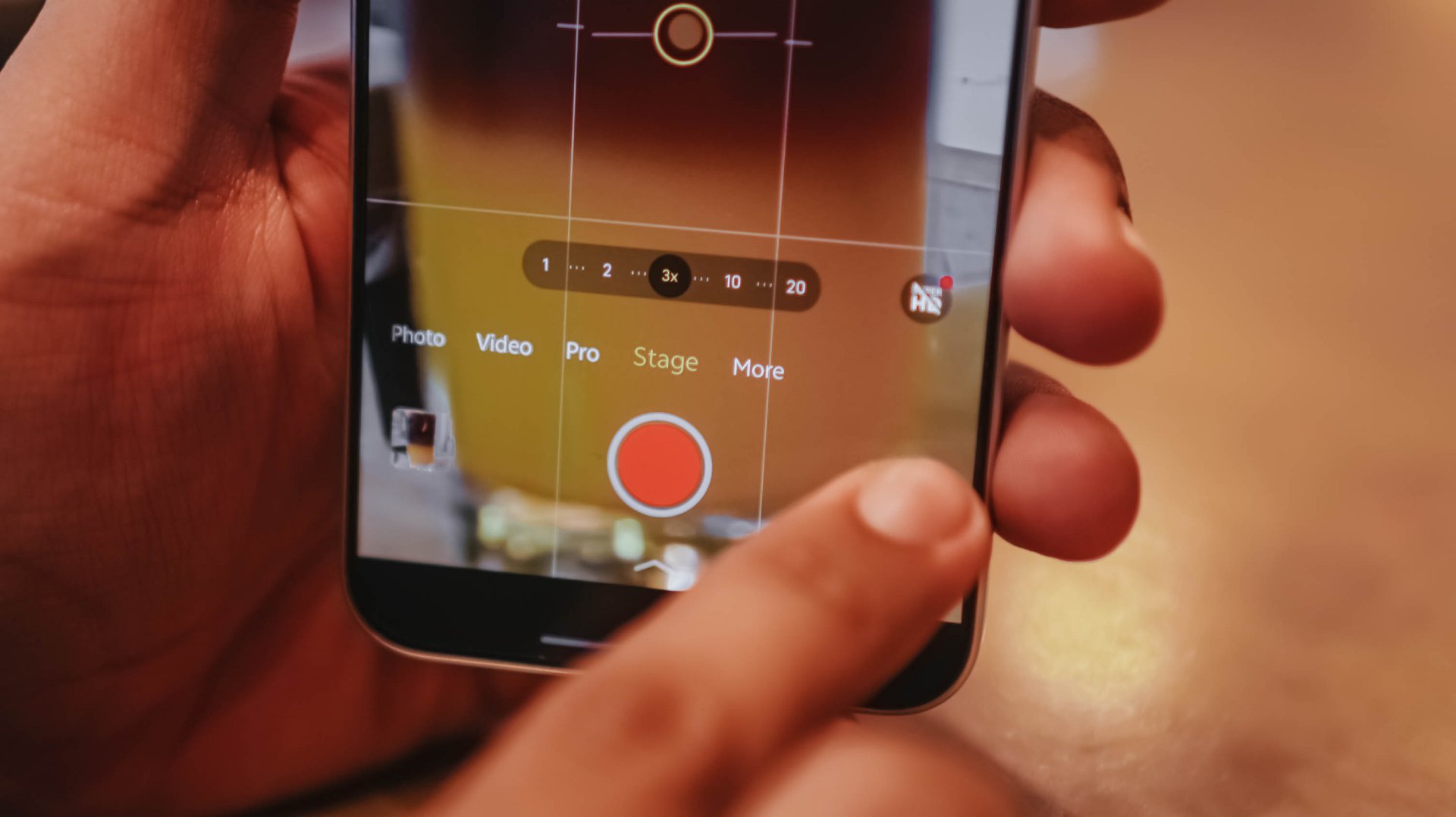
Clearly, it’s intended for shooting artists or celebrities in concerts.
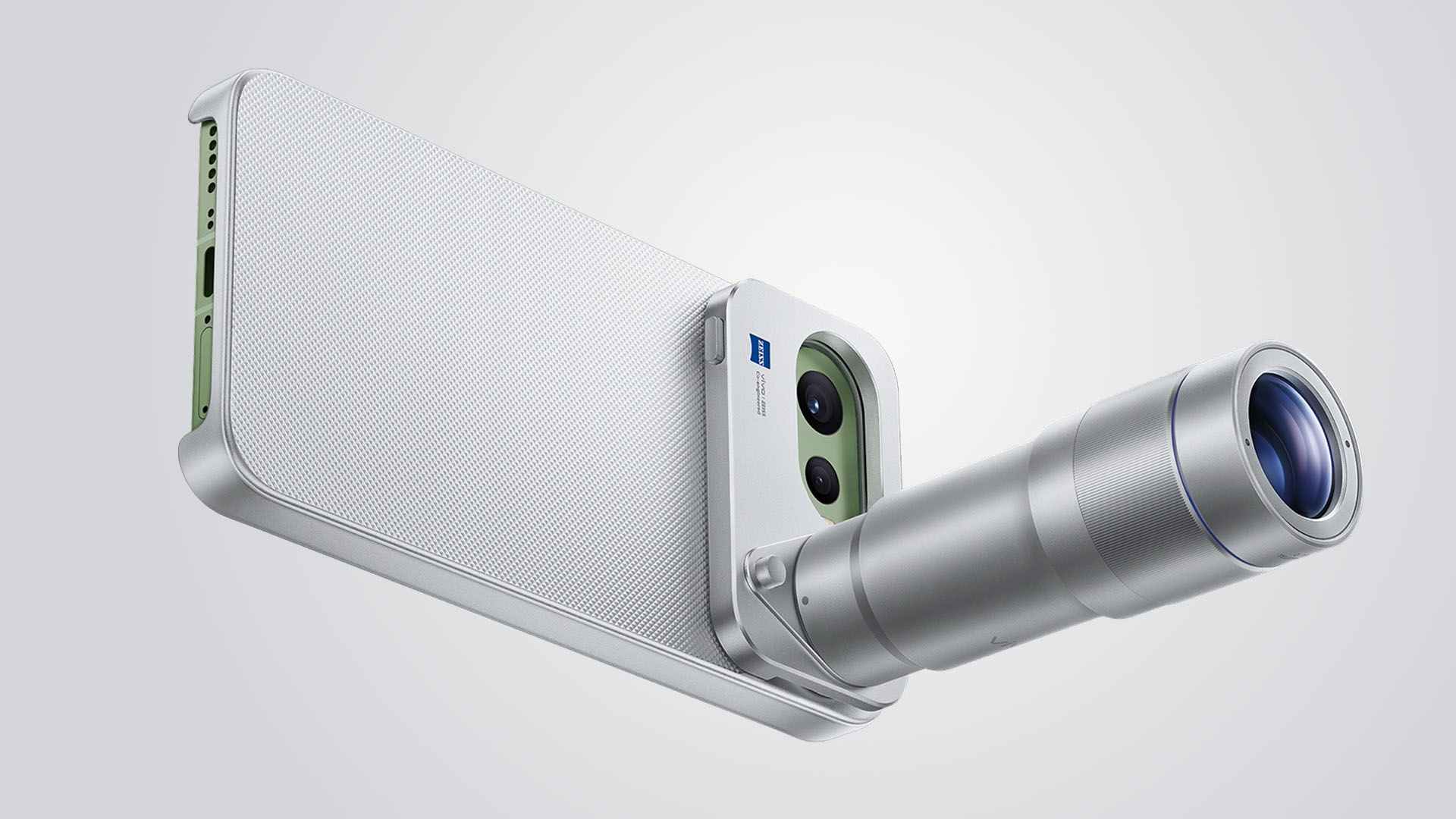
To take things up a notch, the vivo X300 FE also has its own Telephoto Extender Kit — just like its X300 sibs.
Graphics by Vincenz Lee | GadgetMatch
Although I was not able to try it as vivo did not lend us one, it’s still a great way to fully-maximize that great telephoto goodness beyond the limits of a compact sub-flagship.
Is the vivo X300 FE your GadgetMatch?
The vivo X300 FE shares all the great feats that its siblings possess.
It’s solidly built, has a stylish design, boasts a brilliantly bright display, a true pro-grade performer both in core and cameras. Plus, a battery capacity that’s even bigger than its twin brother.
The vivo X300 FE is a solid Swipe Right.

The only reason to Swipe Left is the staggering pricing that isn’t synonymous to last year’s X200 FE (INR 54,999 and INR 59,999 / MYR 2999).
For context, the vivo X300 FE in India starts at INR 79,999 for the base 12+256GB. The 12+512GB configuration that I have? A whopping INR 89,999. Meanwhile in Malaysia, prices are at MYR 3299 and MYR 3899 respectively.
The non-FE vivo X300? Currently sold at INR 75,999 or INR 81,999 / MYR 3165 or MYR 3899. Indian and Malaysian buyers know what they’re dealing with.
However, Europeans might have a hard time deciding. The base X300 is only limited to a 12+256GB variant at EUR 899. Whereas the X300 FE has a higher 12+512GB config for EUR 999.
That 100 Euro difference means you’ll get double the storage, a huge, HUGE boost in battery (ICYMI: 6500mAh over 5360mAh). Also, a cleaner horizontal camera bar that most people prefer.

But, would you rather trade off the better camera system and more powerful flagship chip?
A redditor even pointed out that the X300 FE is more “import-friendly” (especially in Western regions) due to better network band support by Qualcomm that the regular X300 lacks because of having a MediaTek chipset.
At the end of the day, it will all still be your call.
With phone brands suddenly changing their naming scheme superlatives, TECNO also decides to jump on the bandwagon with the ubiquitous “Ultra” labeling.
Ditching that truly unique “Premier” branding, 2026 ushers in a new era with the all-new CAMON 50 Ultra. But is it “Ultra” enough to dissolve its Premier line?
Felt that svelte
After having to experience the last two premium midrangers by TECNO, I was surprised by how they’ve shaken things up.
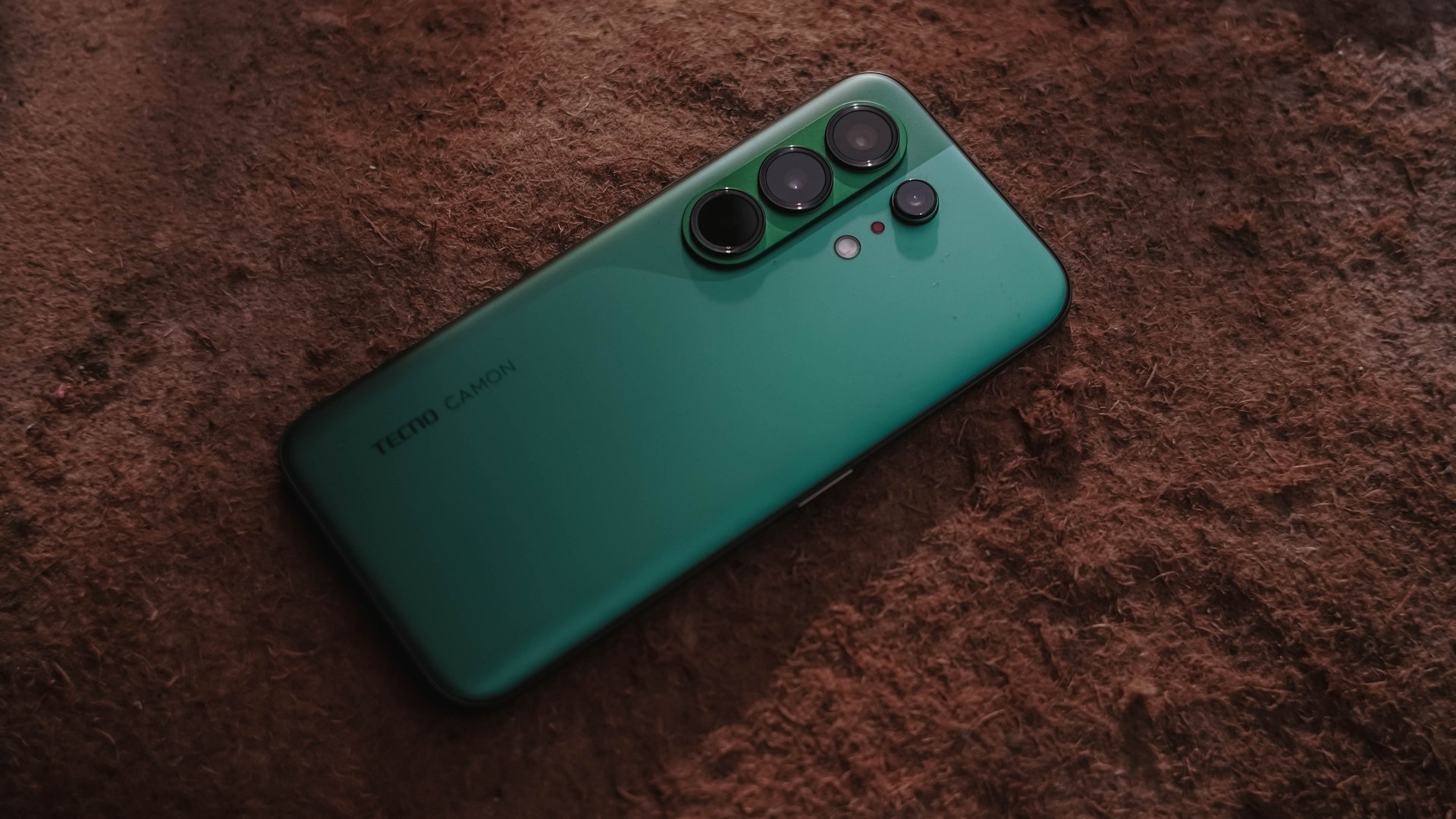
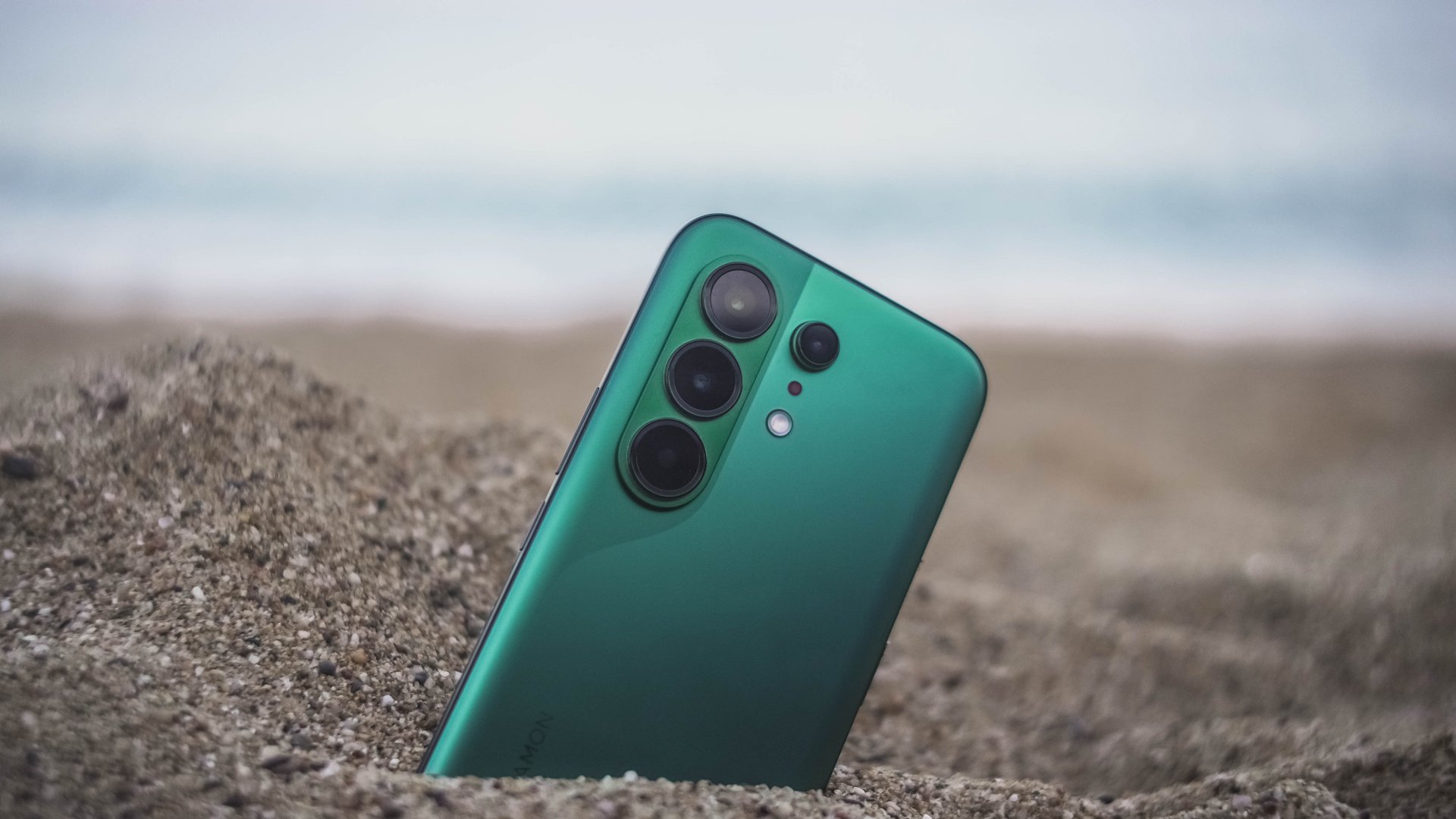
The most evident change is its back. This year’s CAMON 50 series all share the same design cues, regardless if it’s the base, Pro, and the newer Ultra model.
This not only ditches that signature, premium-looking circular camera cutout two generations in a row. All models are now harder to distinguish from one another.

As a visual guy, it felt like TECNO’s CAMON 40 and Samsung’s Galaxy S26 had a forbidden relationship — with the CAMON 50 being the child out of wedlock.
Still, I’m glad TECNO kept that distinct swan-neck curve which I truly admire since the CAMON 30 lineup.
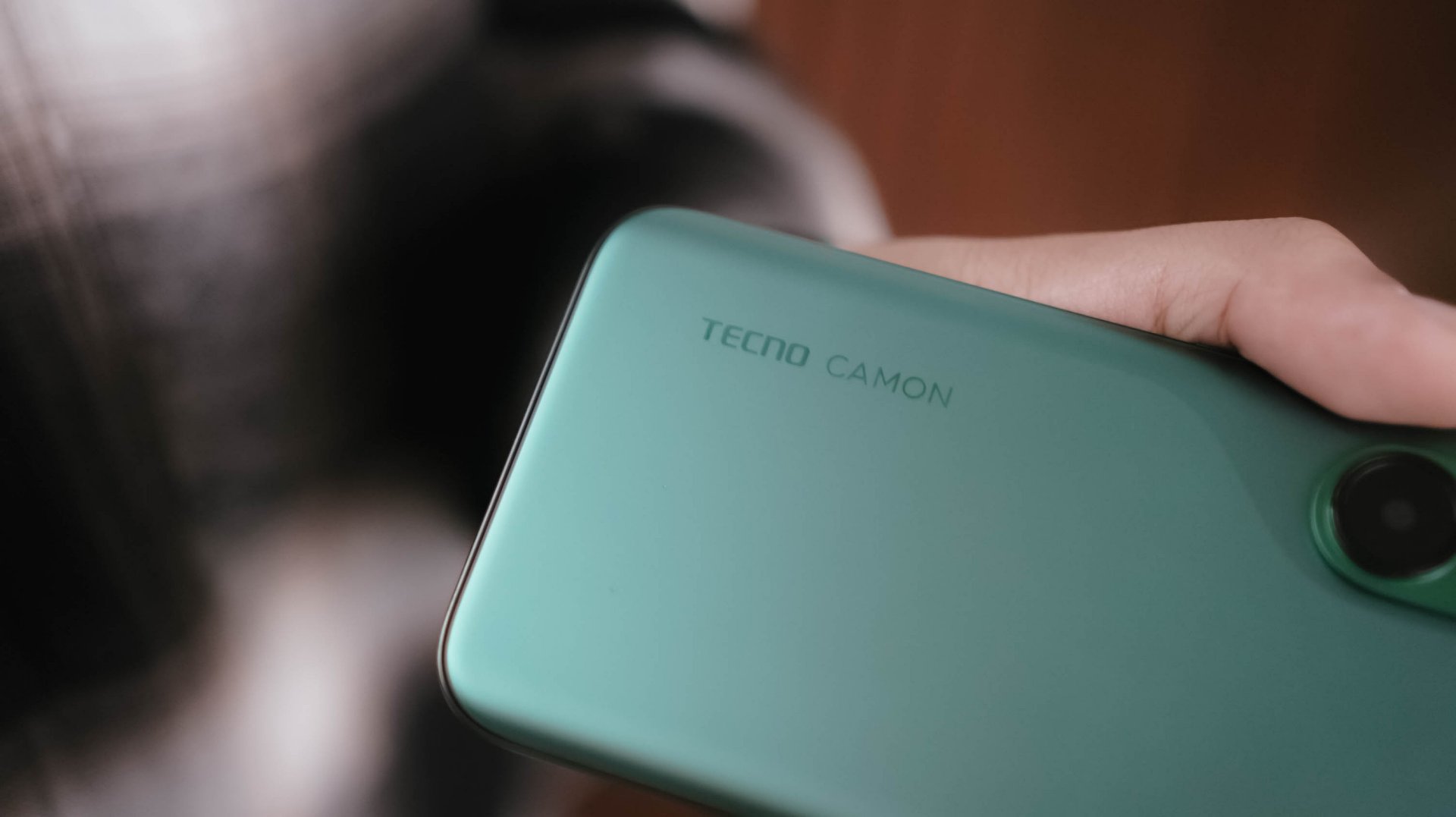
However, looks are just part of the story. The moment I held the CAMON 50 Ultra for the first time, I felt nothing but featherweight lightness. While it’s subjective, personally, I love how I was able to hold it without feeling too bummed by its sheer size.
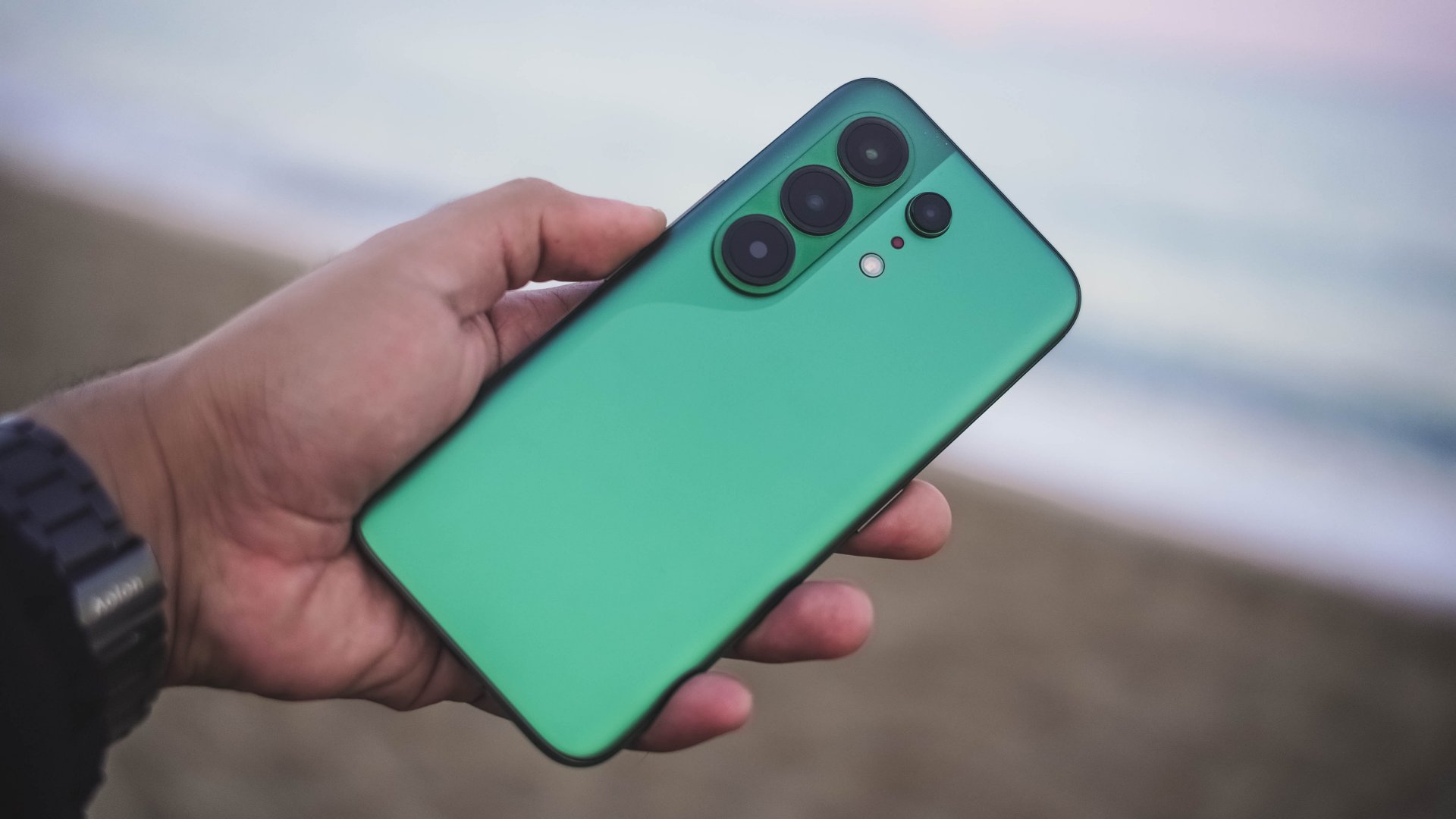
And, even with that lightweight-ness, holding it for long still felt premium to the touch — especially with its glass back.

Those dual-curved edges don’t feel sharp and are gentle in my palms.
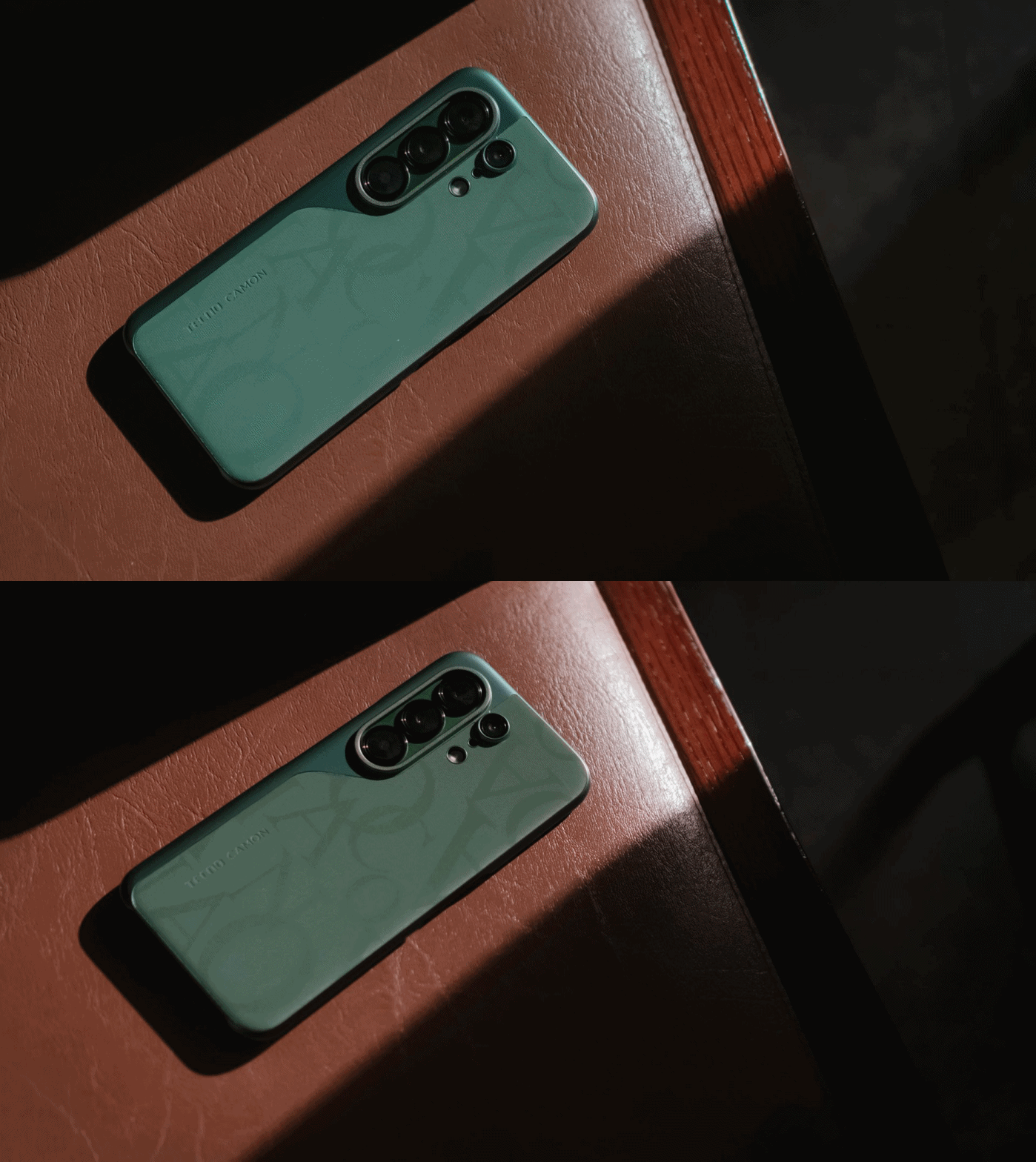
And while we’re still here, I want to commend how TECNO bundled this lavish-looking case that most (if not all) phone brands fail to provide.
Praiseworthy performer
Beneath that premium-feeling backing lies MediaTek’s Dimensity 7400 Ultimate SoC.
For those who keep stereotyping chip makers saying MediaTek is always a step behind from Qualcomm, it’s your brand bias kicking in.
As we always say, we don’t rely on benchmarks here. Still, here’s the list if you wanted to deep dive into all that nerdy stuff.
With that out of the way, let me be precise and concise with my real-life experience. Setting the bar high, this 4nm Dimensity chip is still a better performer than the Snapdragon 7s Gen 4-equipped POCO M8 Pro I reviewed at the start of 2026.
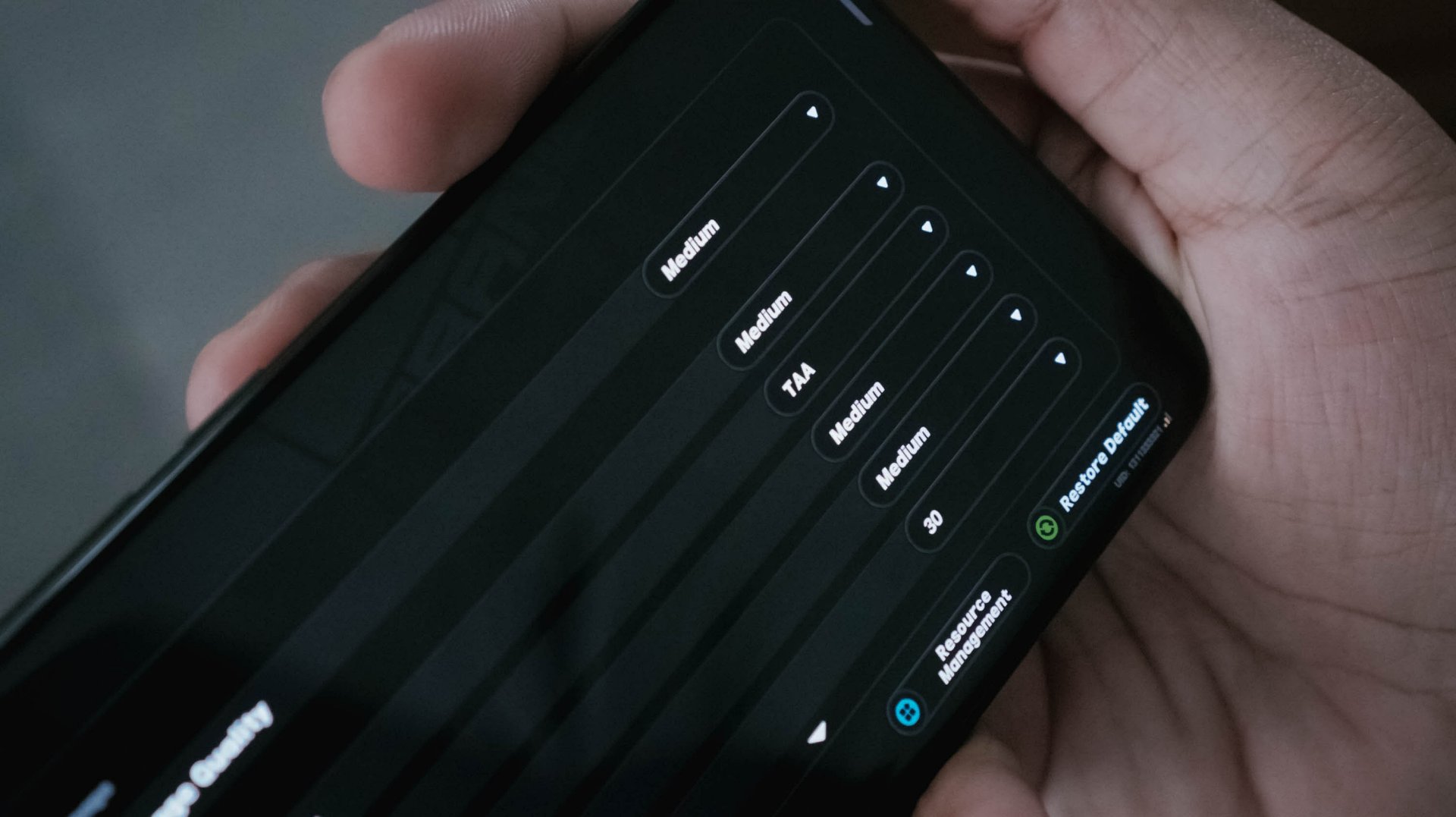
With HoYoverse’s Zenless Zone Zero as a prime example, I was able to run the game here in a more modest Medium settings. The Snapdragon chip I mentioned? It runs in the lowest resolution by default.
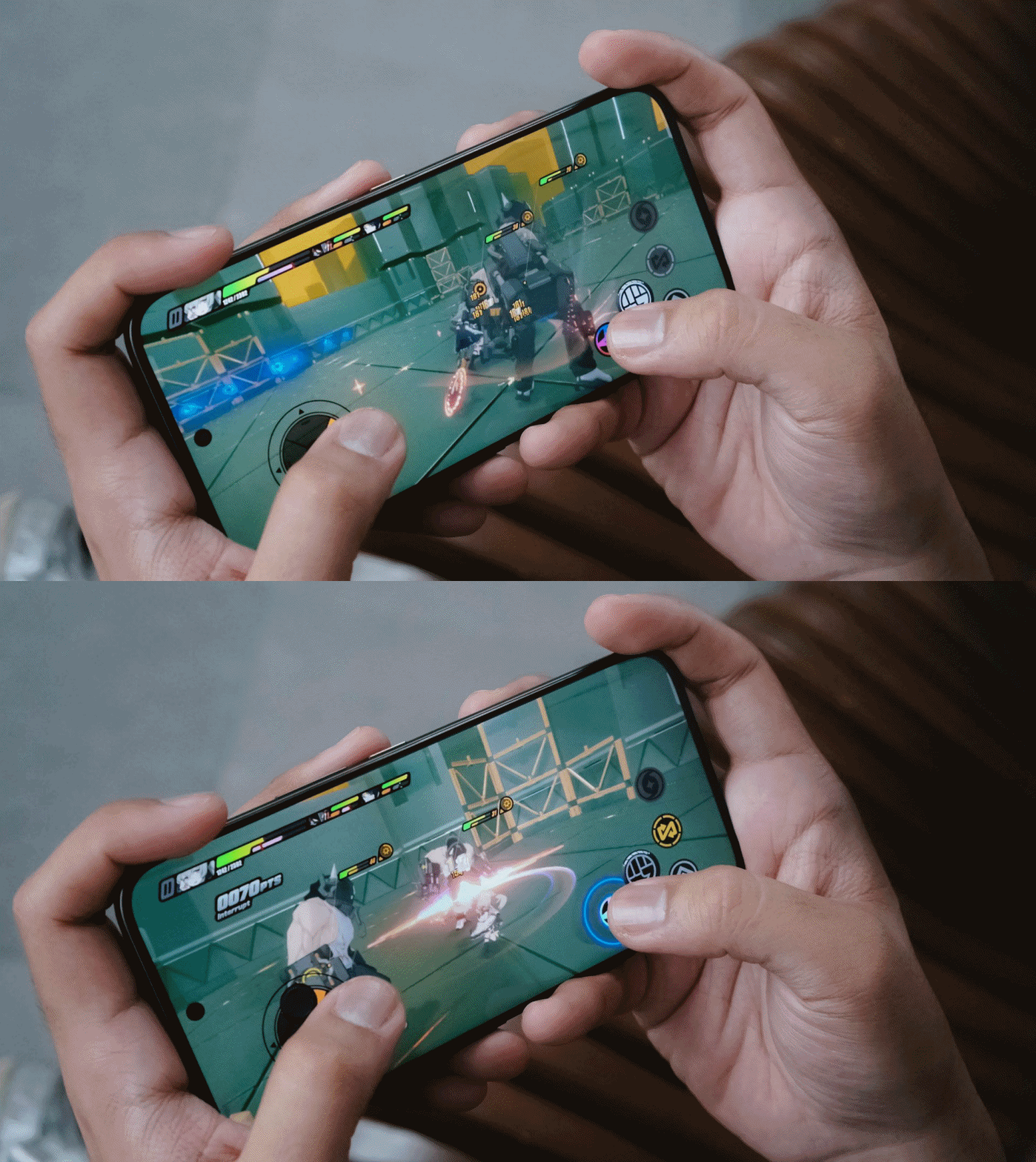
Result? The CAMON 50 Ultra performed smoother with less game hiccups compared to its POCO rival.
For utmost fairness, I also played two other games I’ve played in that previous write-up.
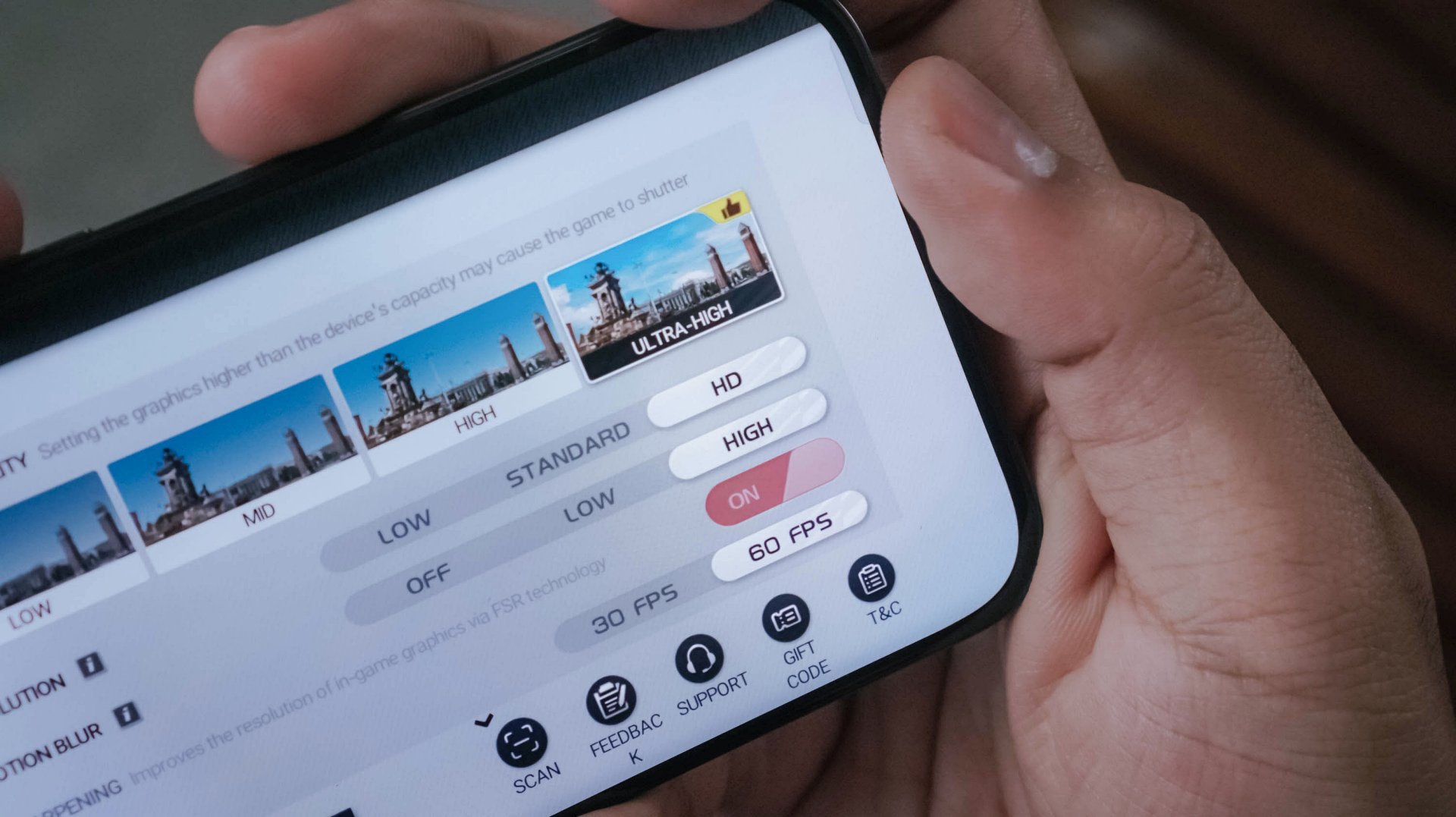
Another one is Racing Master running on Ultra-High graphics along a 60fps frame rate.
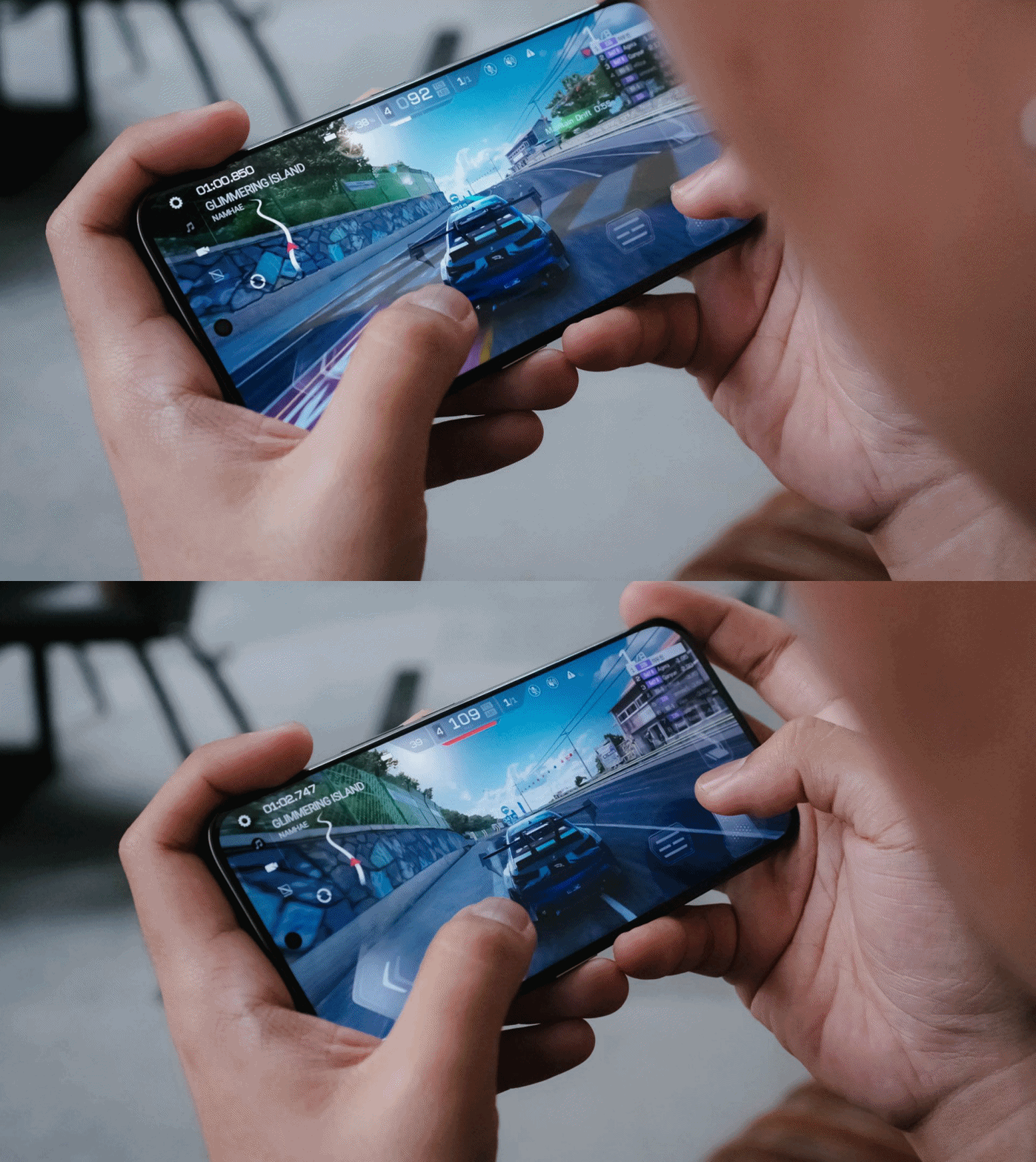
While the POCO M8 Pro suffered heavily during the first two ranked races with severe throttling, the CAMON 50 Ultra breezed through with ease.
It’s given though that CoDM (Call of Duty: Mobile) will run well in both phones. Luckily, the CAMON 50 Ultra also offers that slippery-smooth 144Hz refresh rate to fast-track opponents’ movements without jitters.
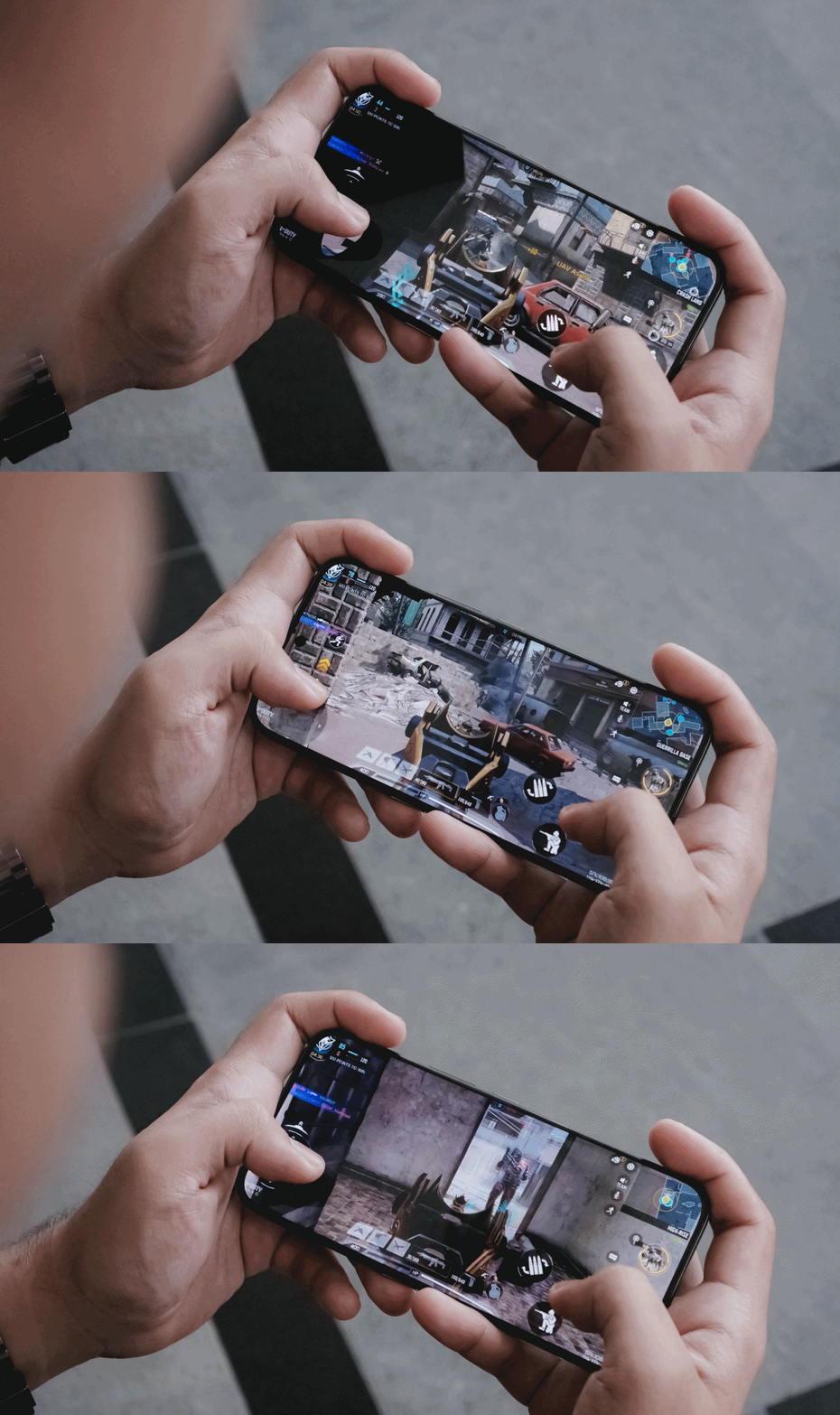
Heat is always the by-product of energy. For an hour of gaming, of course that heat can be felt especially when your games run in the most extreme setting possible.
The only downside for me is, again, the lack of a bigger 512GB storage. With all the chunk of data we get nowadays, it’s easy to fill up that storage. Also, the lack of eSIM support which further hinders network compatibility when used in other countries.
Fascinating familiarity
Love it or not, phone brands have followed the “Liquid Glass” trend. TECNO isn’t an exception to that with the newly-refined HiOS 16 based on Android 16.
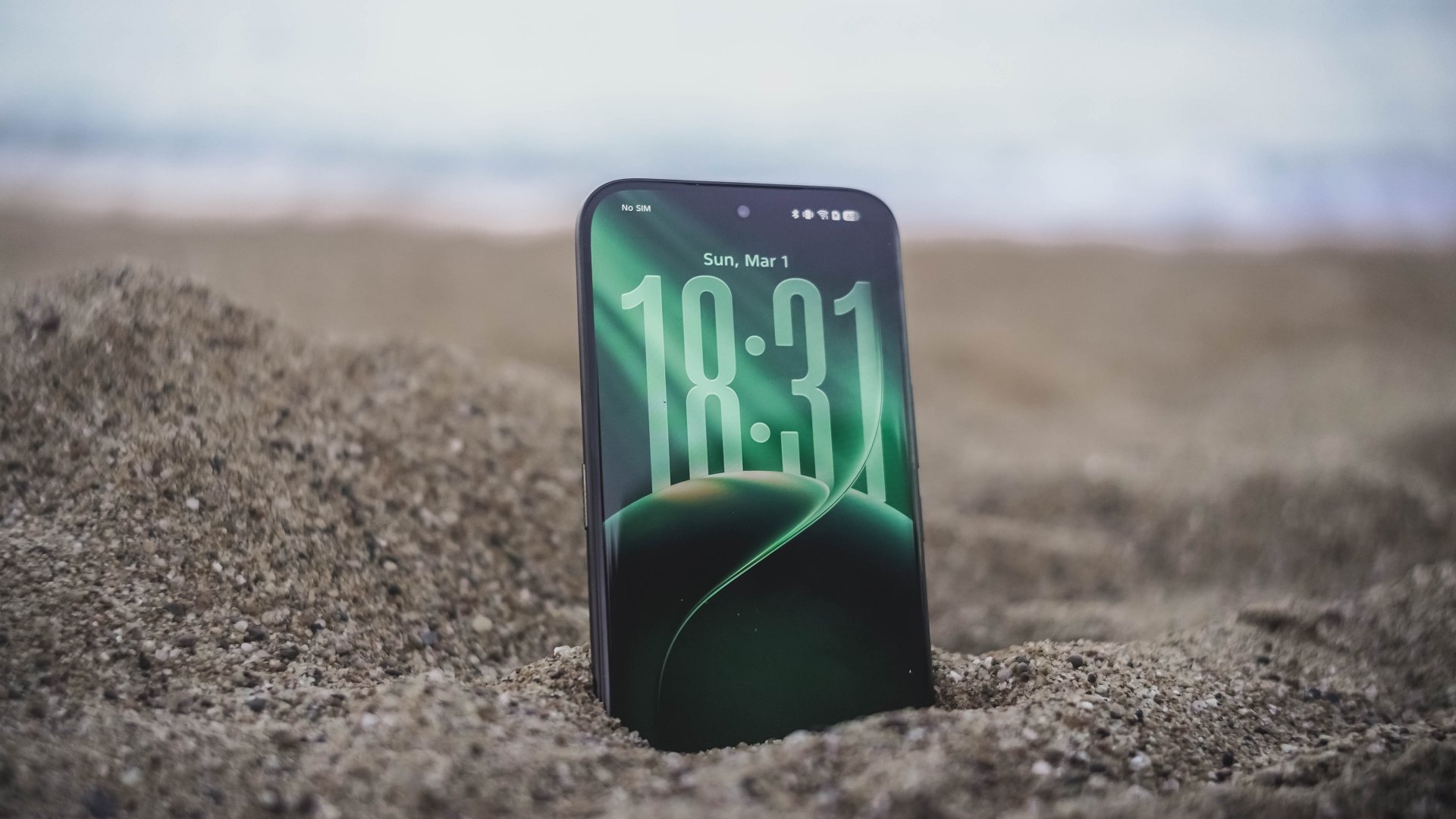
This is a welcome change I’m willing to embrace. Apple bringing back Frutiger Aero-like aesthetics is honestly a breath of fresh air. After all, I’ve been a huge fan of such translucency most especially during its peak with Windows Vista back when I was in 4th grade.
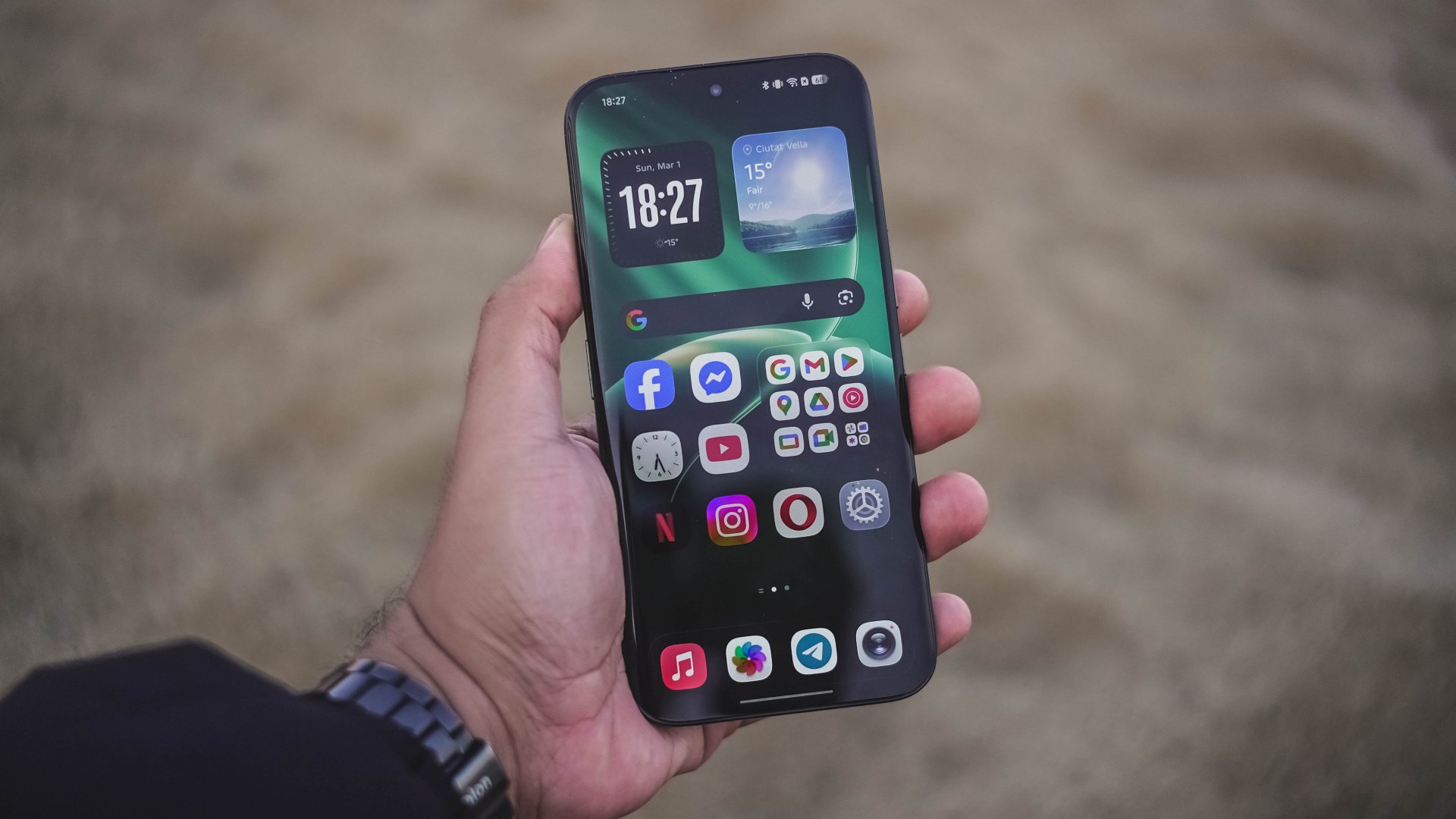
Also, maybe I just got fed up when minimalism dominated each and every part of the world like a wildfire.
Sentiments aside, HiOS 16 isn’t just about polished looks and keeping up to the trend. Overall feel is smoother and more responsive compared to its past releases.
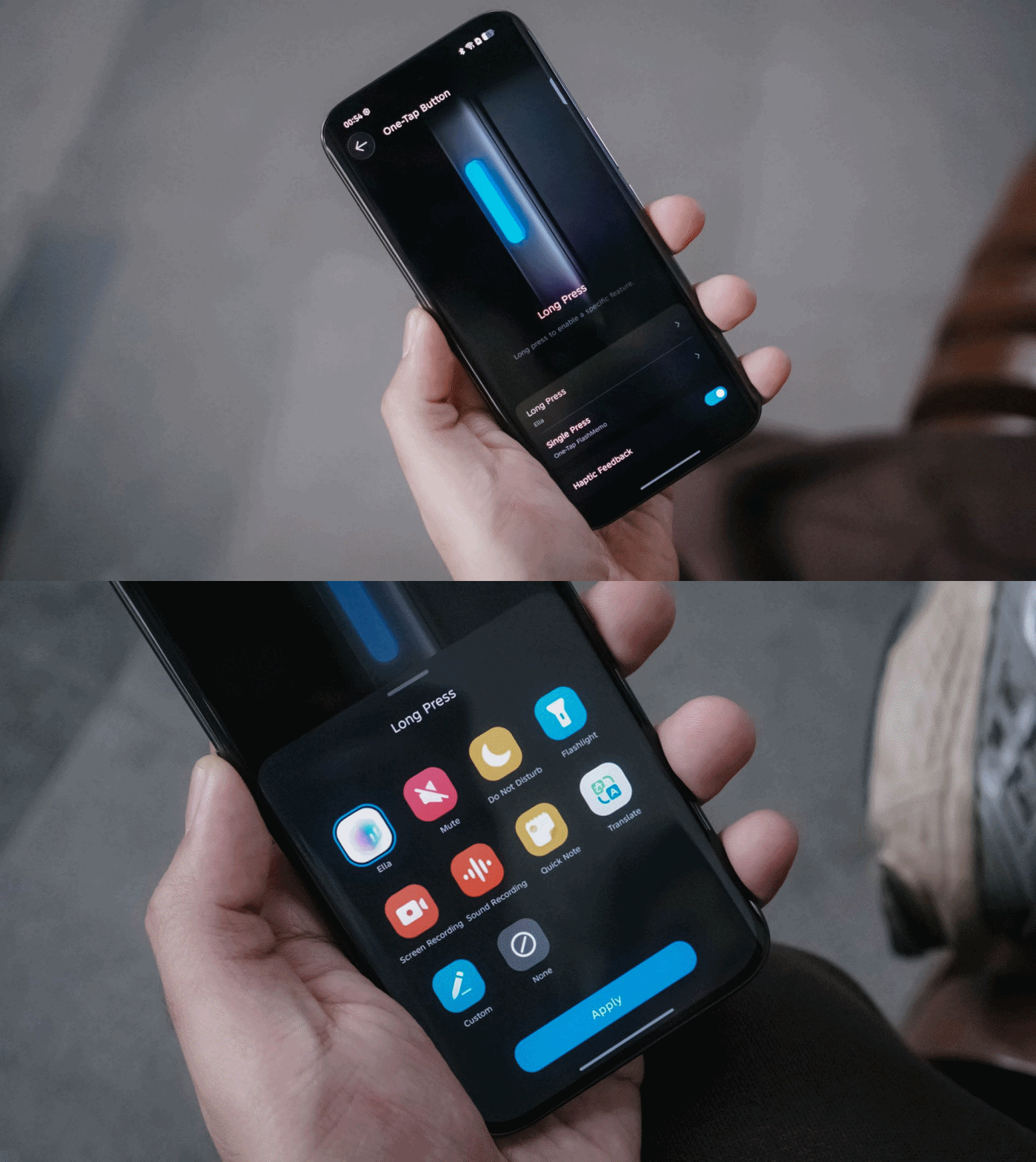
They have also kept the best things around — including the One-Tap button found on the phone’s left side that can be triggered through single or long presses.
Single press activates the new One-Tap FlashMemo. This is where TECNO AI analyzes what’s on your screen and stores it in its megamind.

The latter is system-configurable — even if it’s a game you wanted to play. That’s something other brands will hinder you from doing so.
Unlike last year though, TECNO moved the button further down so it’s more reachable by everyone’s fingers.
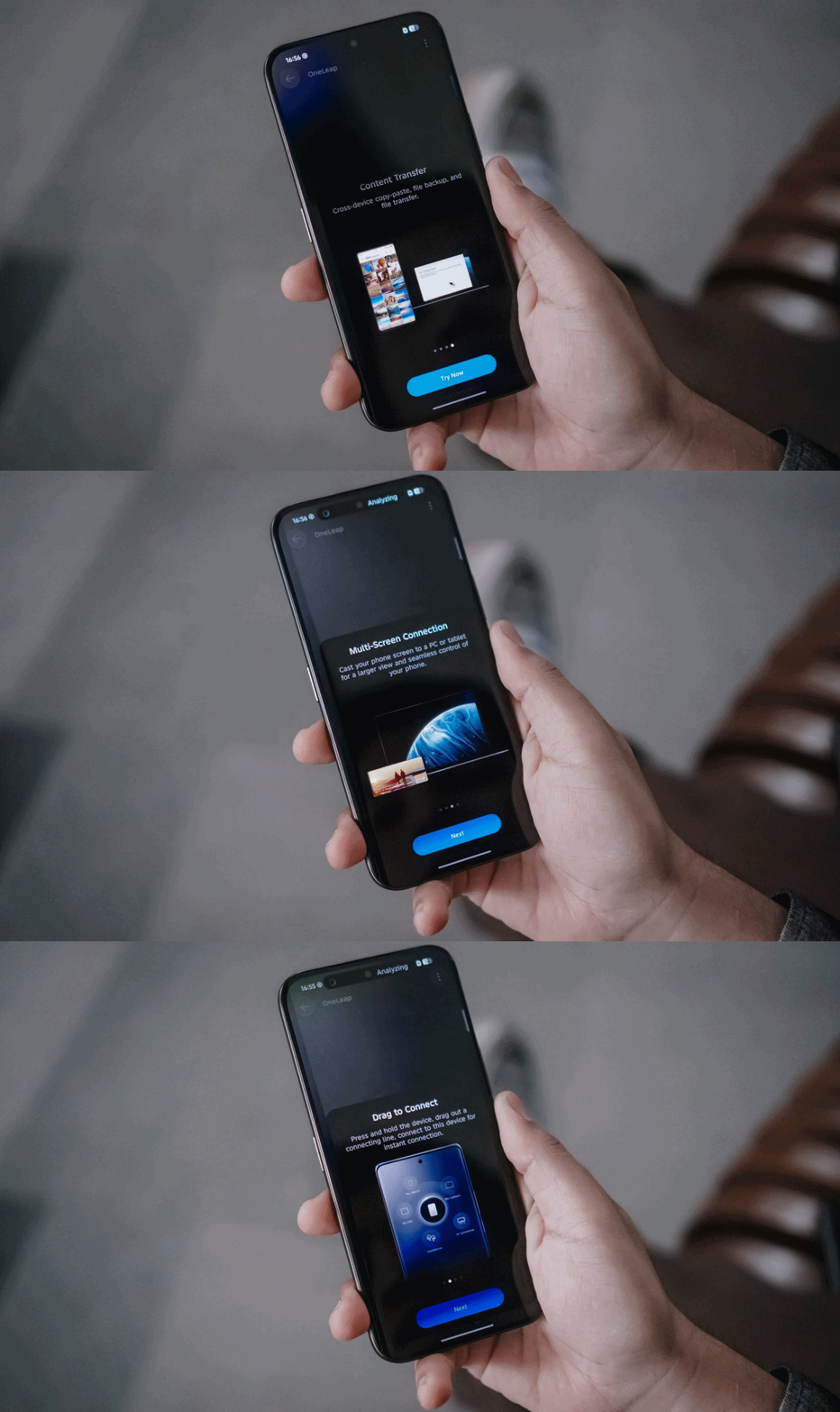
Another direction TECNO tries to move forward with: cross-connectivity between your host of devices.
With OneLeap Collaboration, this enables you to manage multiple devices into one. It enables both content transfer and multi-screen connection in just one hub.
And no, this isn’t limited to just TECNO devices. It even stores info of my appliances that can be controlled through the phone itself via IR (Infrared).
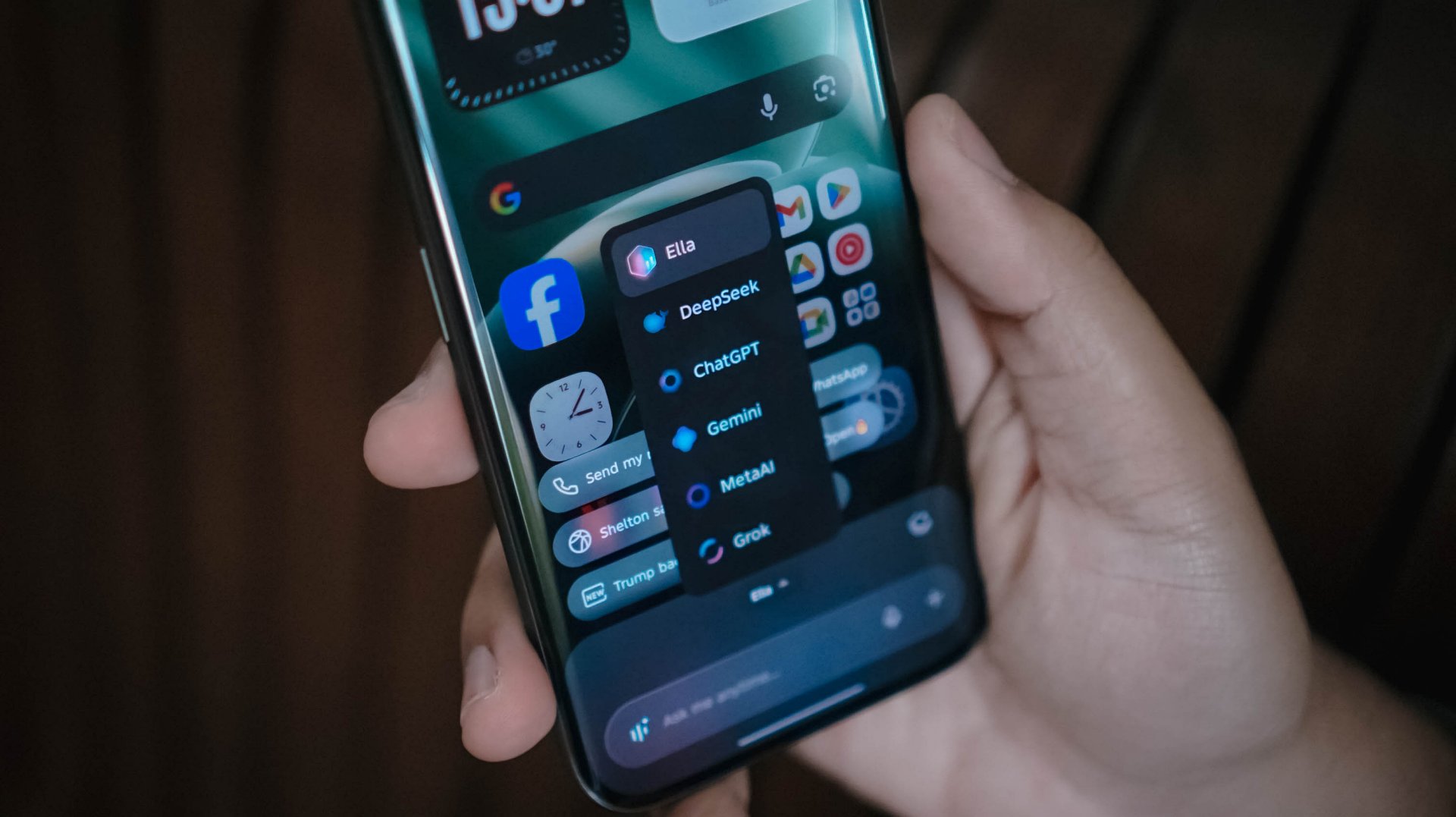
Other than the presence of Google’s Gemini and Circle to Search, Ella is still here to stay. By default, it can be summoned by long-pressing the power button.
And, unlike other AI assistants, TECNO gives you the freedom to choose whatever AI engine you prefer, whether that’s ChatGPT, DeepSeek, Gemini, MetaAI, or the ever-intriguing Grok.
Now Playing: The Art of Sarah
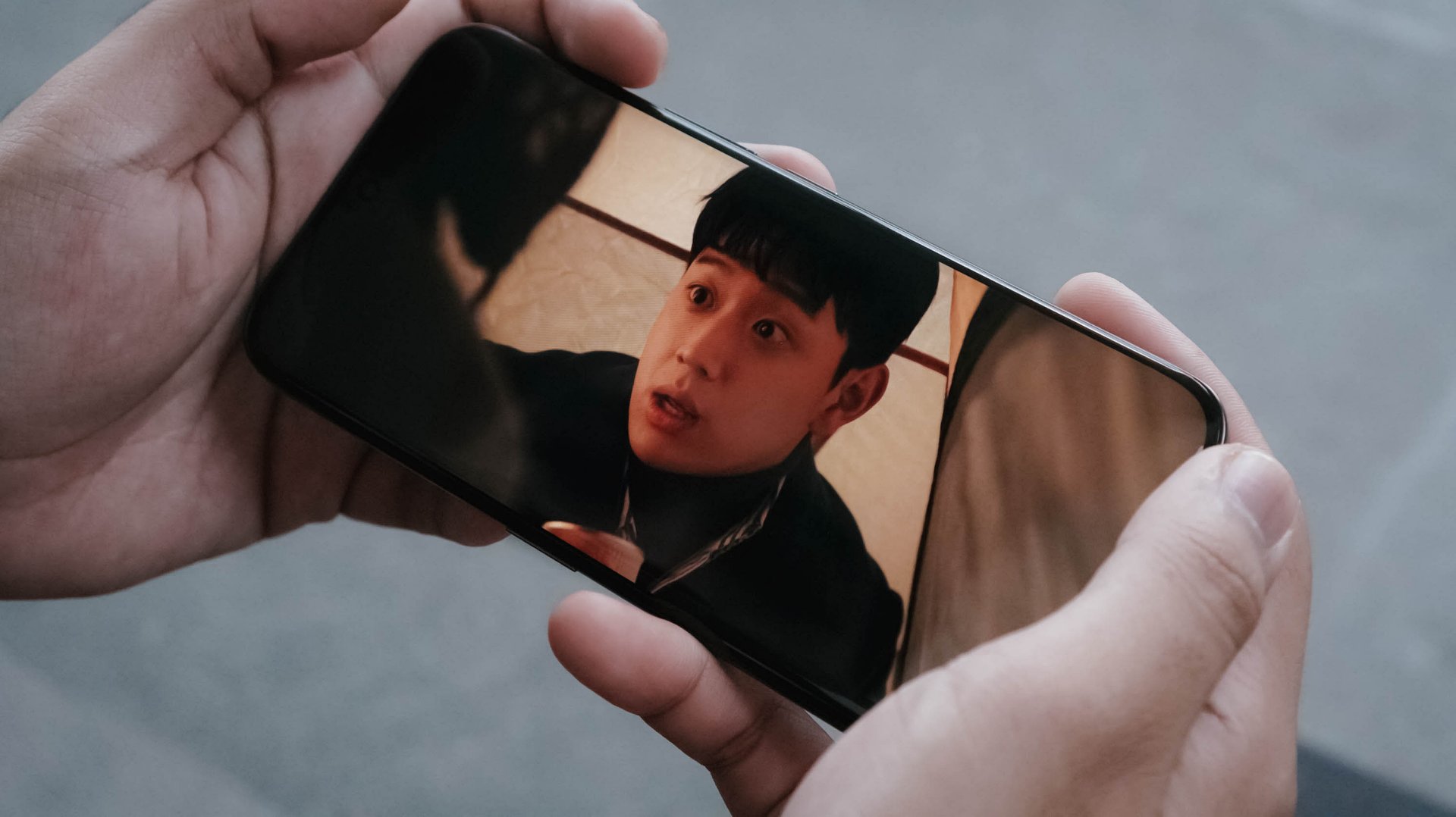
One K-Drama after another, The Art of Sarah instantly hooked me in during its Netflix premiere.

Much like how auspicious Sarah Kim is (and all her persona), the 6.78-inch AMOLED display of the CAMON 50 Ultra is crazily alluring to the eyes with some tomfoolery going on.
The bezels, while not as thin like the rest of the competition, still feels right for the eyes.

The 41-year-old Lee Junhyuk is aging like fine wine. I MEAN, LOOK!
Despite those gloomy and sulky tones, the three actors in the drama made me watch the series even more — which made me admire how fine their visuals are.
And unlike the cold corpse of “Sarah Kim” in the sewer who failed to survive that cold temperature, this phone is of the opposite. TECNO’s CAMON 50 Ultra can withstand temperatures as cold as -20ºC and as extreme as 45ºC.
New celebrity crush (again)
The CAMON 50 Ultra’s front is protected by Corning’s Gorilla Glass 7i. For an affordable midranger, that’s still a big win as others of the same league have nothing at all.
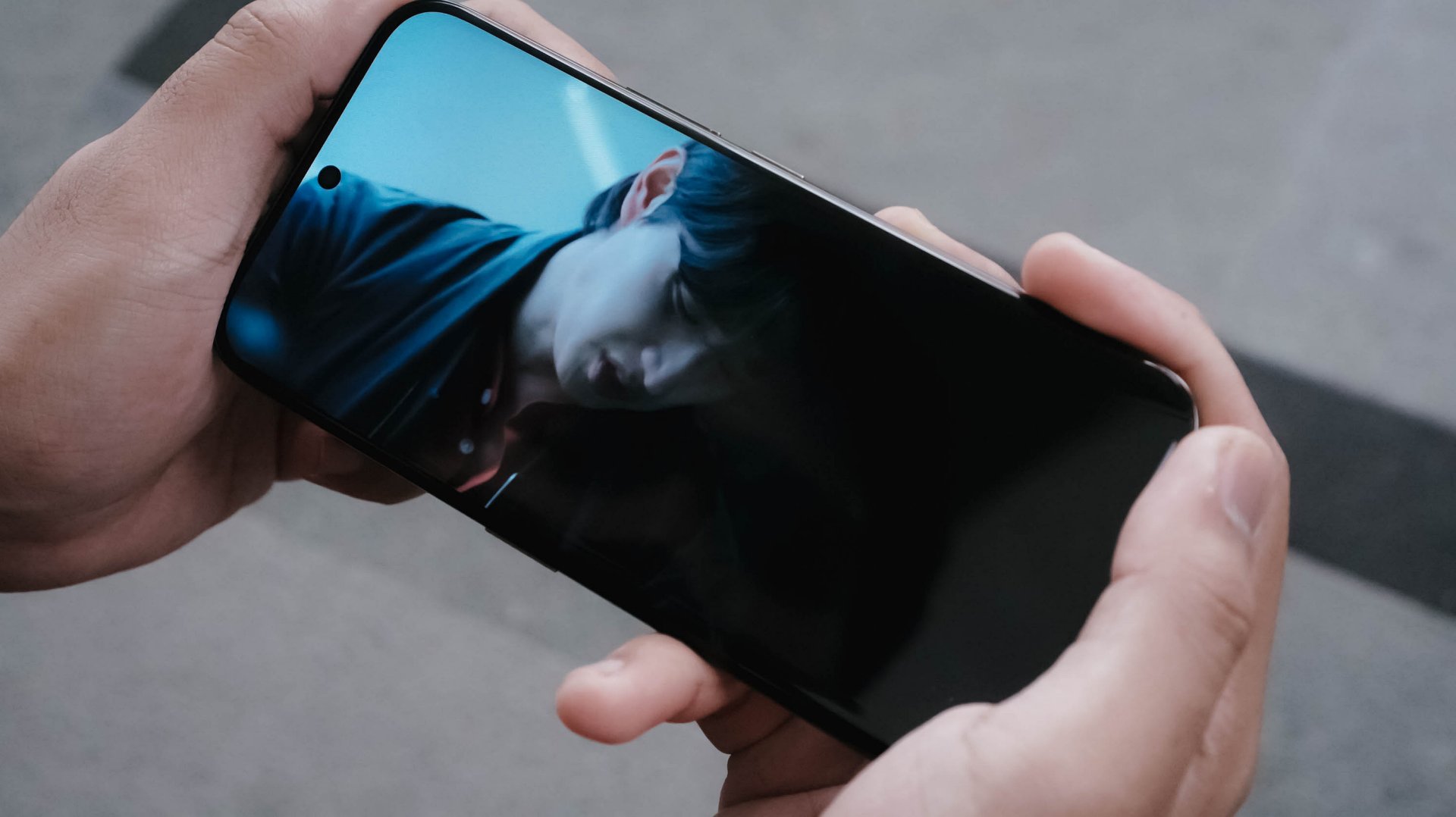
Now that we’re here, it’s also worthy to point out that the CAMON 50 Ultra not only boasts IP68 and IP69 water and dust resistance ratings, it’s also improved to IP69K. This makes it a tougher phone that can withstand even high-pressure water jets or sprays.
On Queue: Hearts2Hearts’ RUDE! + XG’s THE CORE
Of course, it wouldn’t be complete without testing out its speakers. On paper, it has a stereo speaker setup powered by Dolby Atmos.
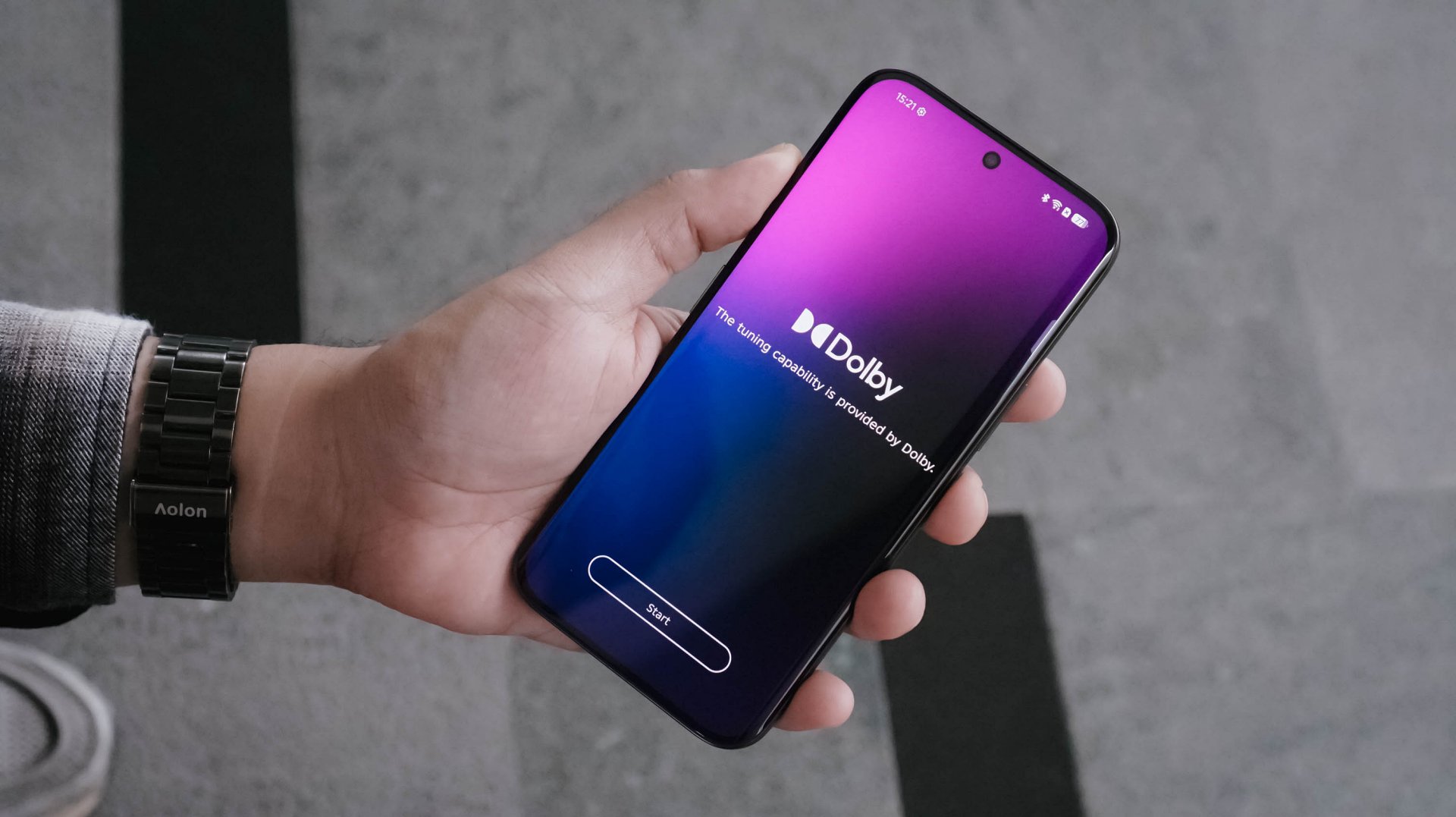
As the iconic line of Hearts2Hearts’ (H2H’s) “Stella” in RUDE! : “Boy, does it look like I could care? I couldn’t even care less!” It felt like the CAMON 50 Ultra embodies the same spirit. As long as it’s loud enough, it begs to get in all the way.

In real-life, the speakers are loud enough to fill in your empty room. However, my nitpicky ears can easily tell that the bass isn’t that deep. More so, sound gets distorted once it reaches above 80%.
I tried comparing it to my other phones and my observations were right all along.
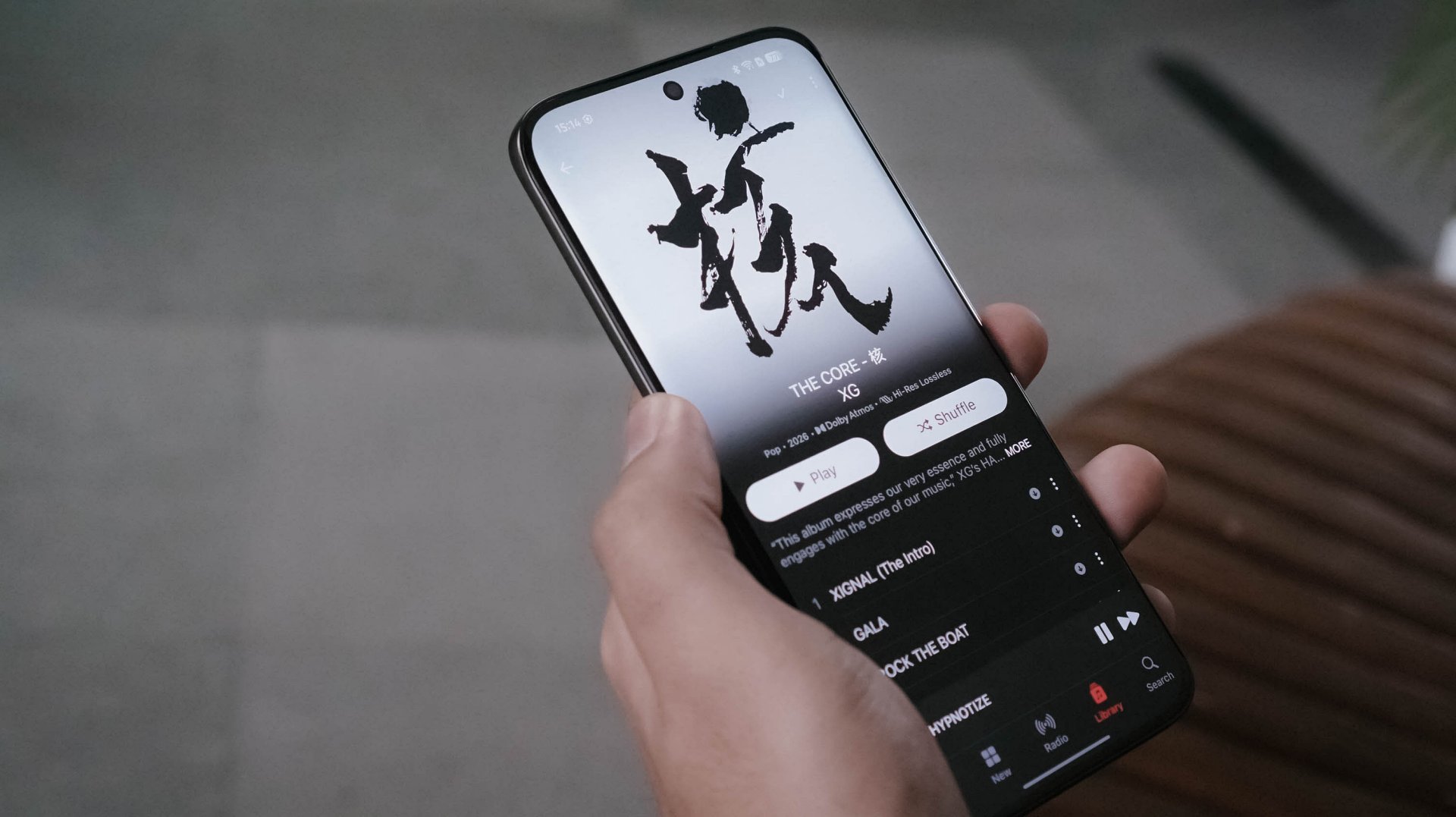
Even when I tried playing lossless versions of the full THE CORE album by XG in Apple Music, the same thing persists.
In songs like 4 SEASONS and TAKE MY BREATH, that loudness sounds alright as the songs are more into the solemn side. However, playing tracks like GALA and O.R.B, they instantly become a sore in the ears. Highs, mids, and lows all get distorted.

Not sure if this is just my unit though. Hopefully, TECNO can also work on improving their phones speakers in future iterations.
Still that solid snapper
ICYMI, TECNO’s CAMON 40 series last year (except Premier) all shared the same main camera sensor.
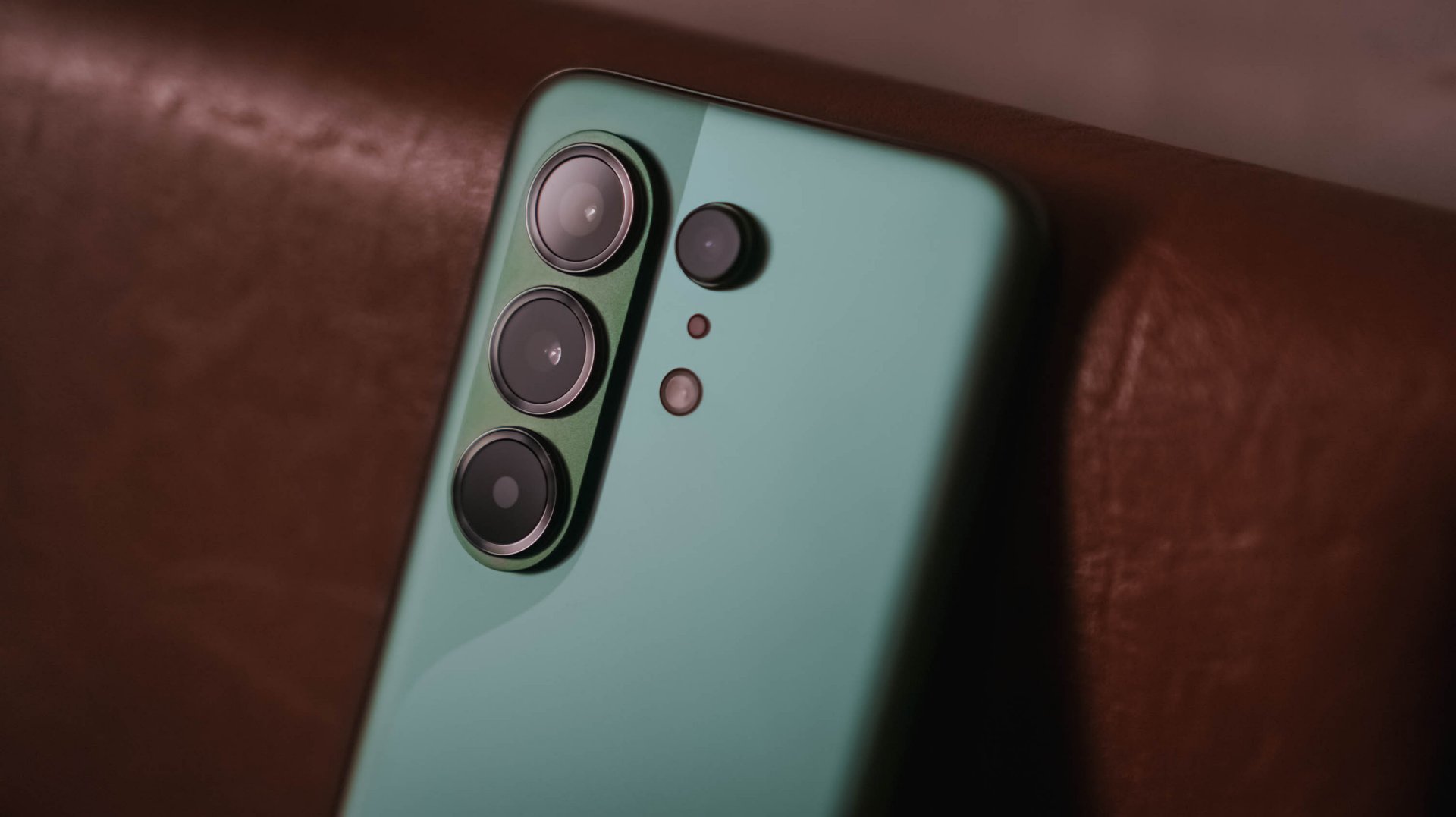
The same story happens this year as all CAMON 50 models are still equipped with a 50MP Sony LYT-700C image sensor. As the saying goes: if it ain’t broke, don’t fix it.


And with the same sensor, the CAMON 50 Ultra will still be able to provide crisp and rich 2x shots even if it relies on in-sensor cropping.


Surprisingly, CAMON 50 Ultra’s 50MP 3x telephoto zoom module (85mm equivalent) is also found in the CAMON 50 Pro. Last year’s Pro models don’t have any.


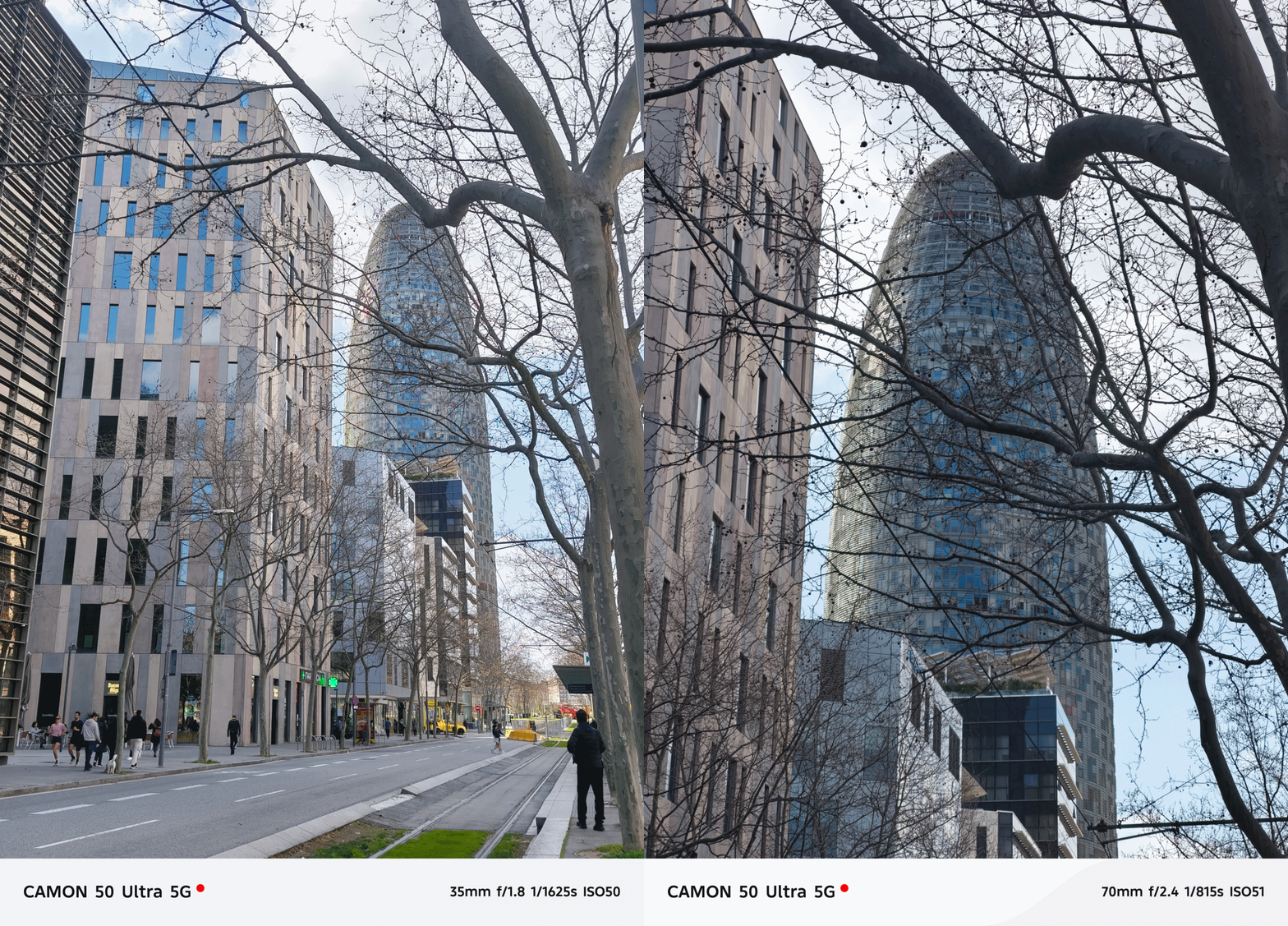

In subjects that are really far away, the CAMON 50 Ultra delivers consistently.

While other brands fail to provide consistent colors between its cameras, the CAMON 50 Ultra begs to differ.



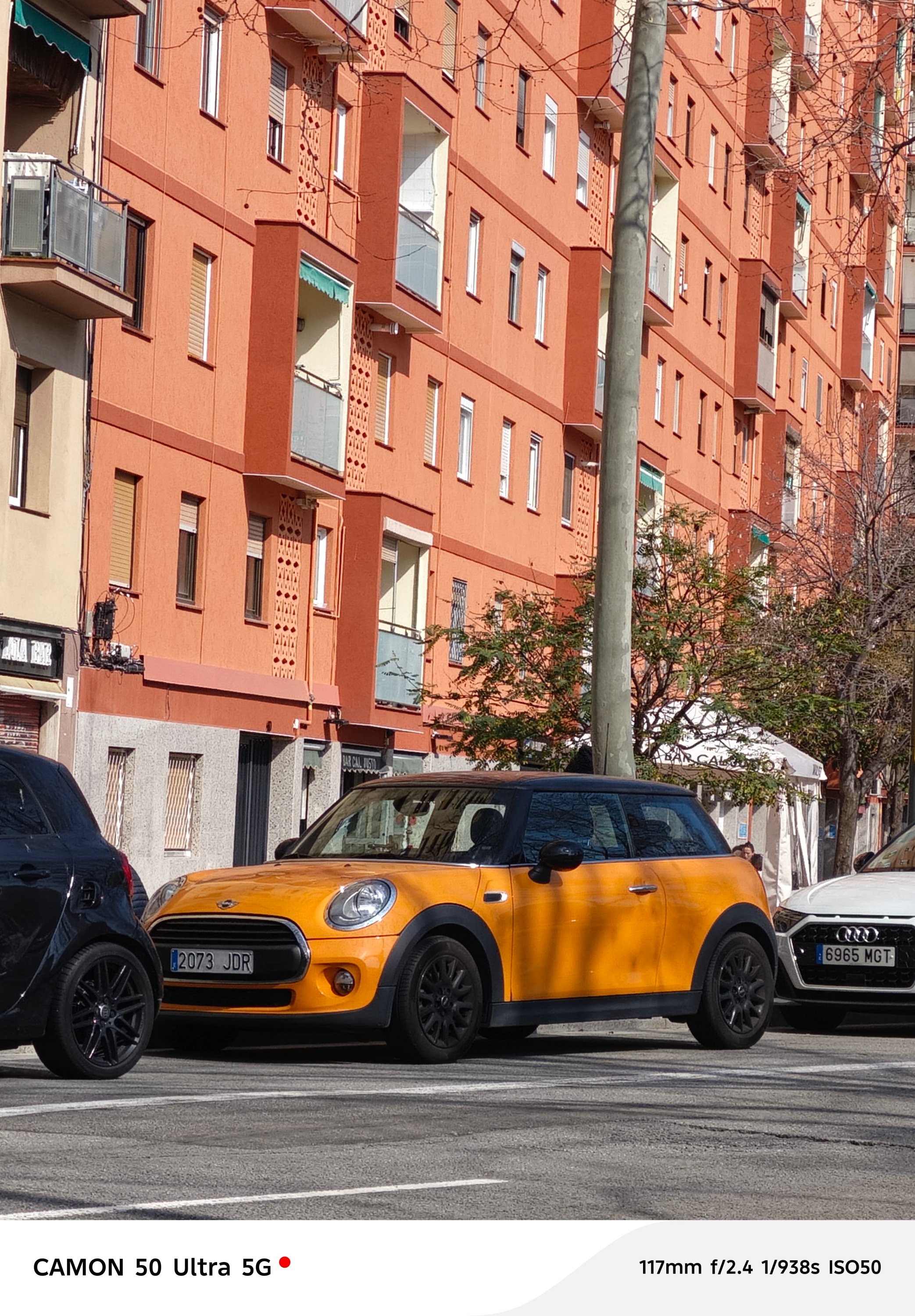

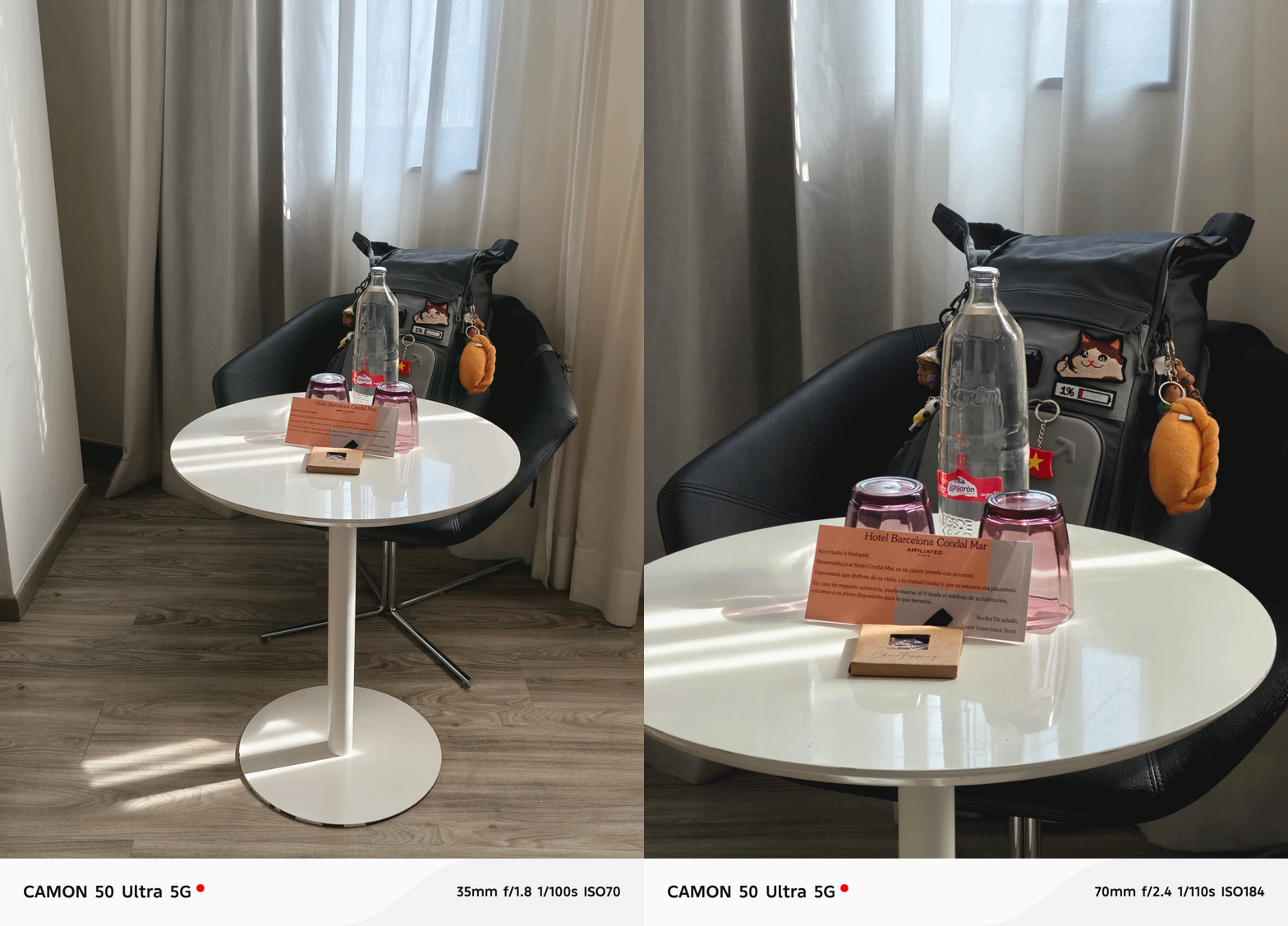
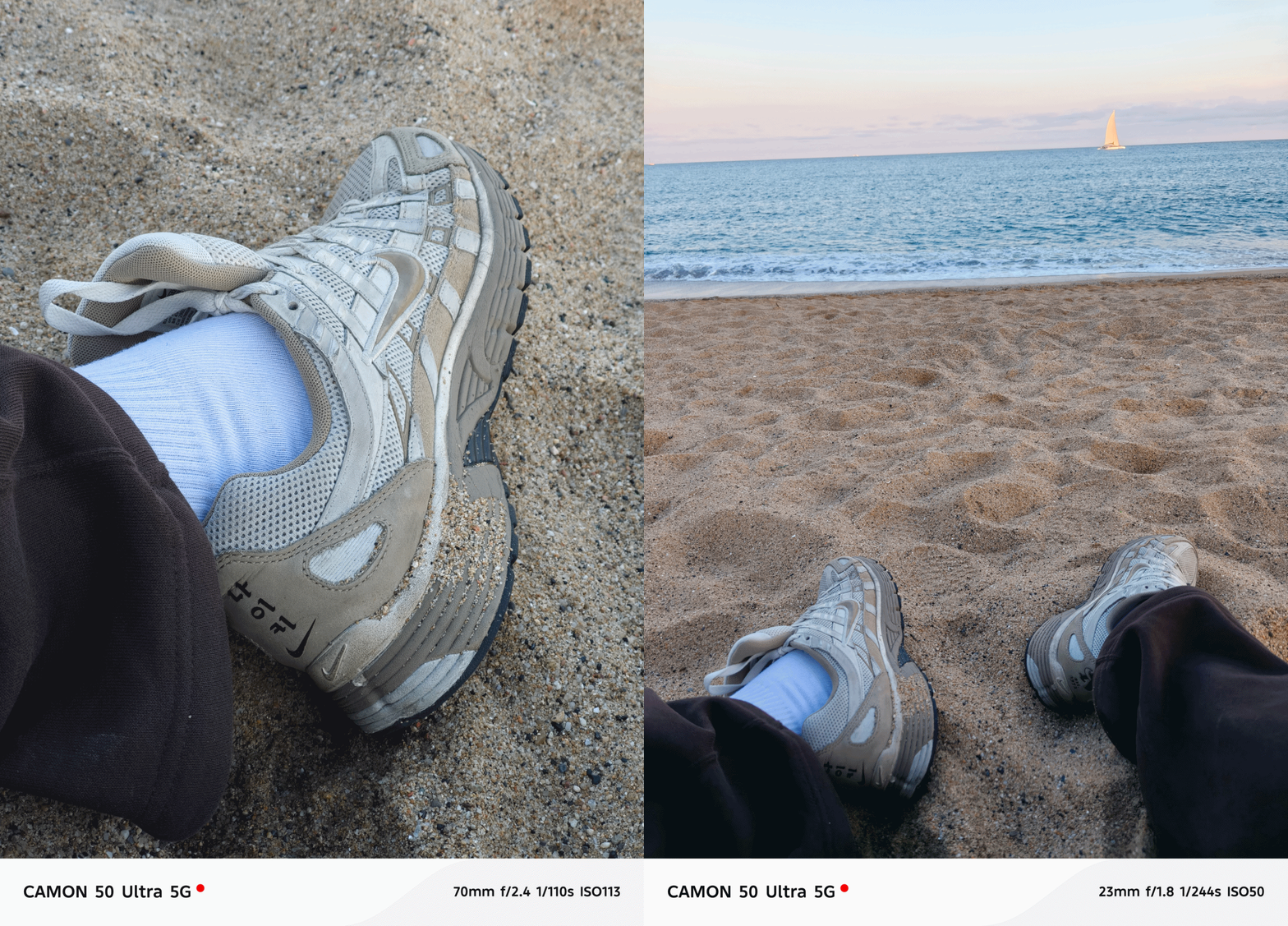

Speaking of color consistency, TECNO’s trio color styles (or profiles) are still there. However, it’s now tucked inside the lower collapsable menu unlike before where it’s exposed at the upper right top.
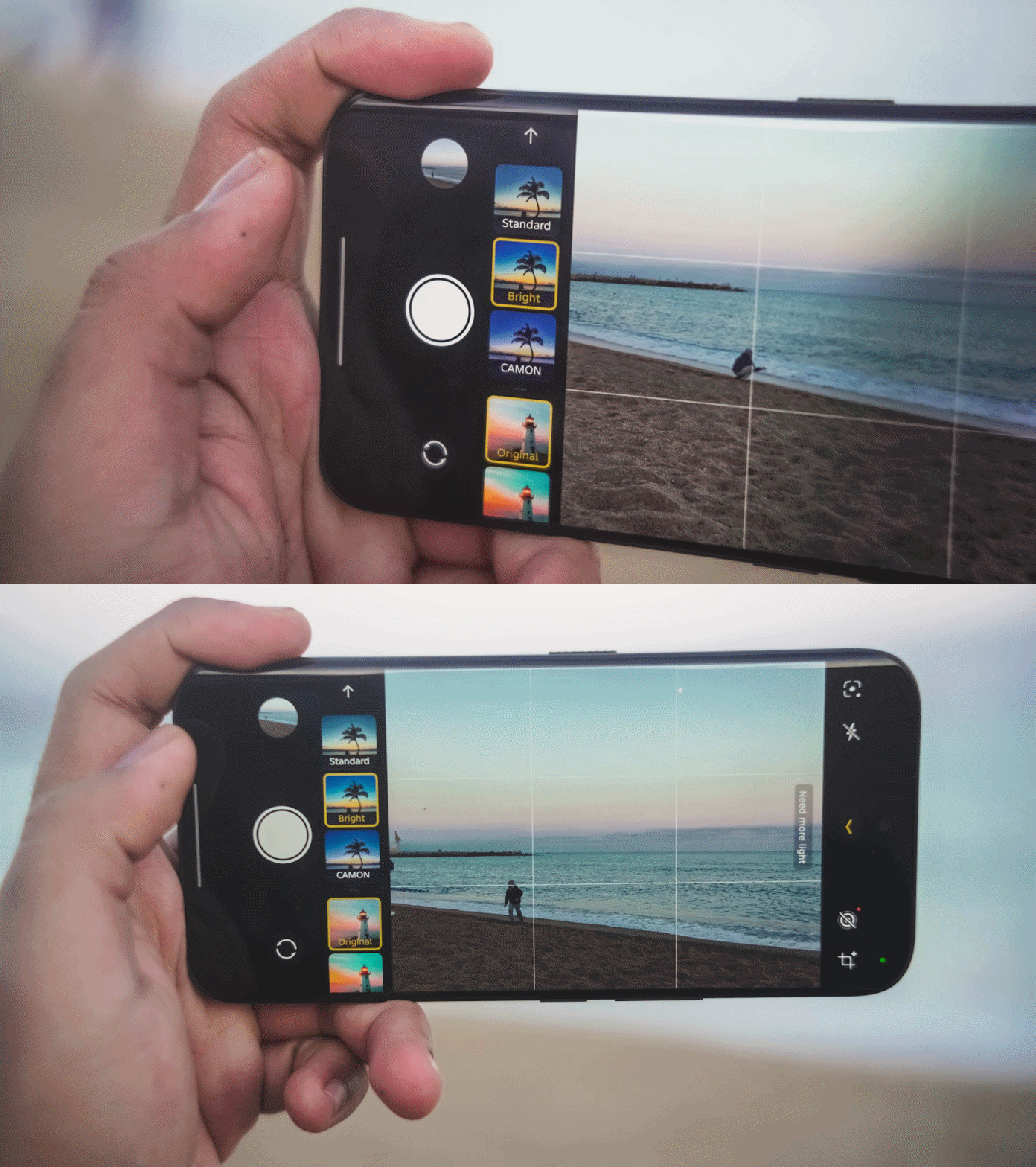
That has been replaced by a new feature they call “AI Auto Zoom” for better re-framing of shots even without hitting the shutter button.
Regardless, the looks are still the same like previous generations: Standard for a balanced look, Bright for more vibrant shots, CAMON for that subdued, soulful look.

Regardless of the focal length you choose, these color profiles should work.

One complaint when using the telephoto zoom? Its minimum focusing distance.
Other smartphones have telephoto zoom that works within closer ranges. But, the CAMON 50 Ultra struggles when doing so. It clearly reminded me of the periscope telephoto shooter found in last year’s CAMON 40 Premier with the same issue.


The only “fix” for this is to switch to the 85mm focal length (instead of 70mm). By backing up from your subject a little bit, you can take zoomed shots that are still closer in distance.
But, the best camera feature found in this midranger wonder? Its none other than its FlashSnap capabilities that lets the phone snap photos even before you click that shutter release.



I wouldn’t able to take these stellar shots without TECNO’s wonderful feature. Barcelona’s beach gulls are the (un)paid actors here for letting me snap these picture-perfect photos in a time freeze.


They have improved it this year too as it’s now capable of zooming in as much as 5x. It was limited to 3x on last year’s CAMON 40 Premier and 2x on the Pro model.


BONUS: Instant time-freeze with these crazy-fast toy cars during TECNO’s Booth Tour at MWC 2026

Low-light shots work wonders too. I didn’t expect it too look this good despite the SoC used that usually affects the overall quality of the night shot.





I didn’t even realize I took a lot more than what I have thought.




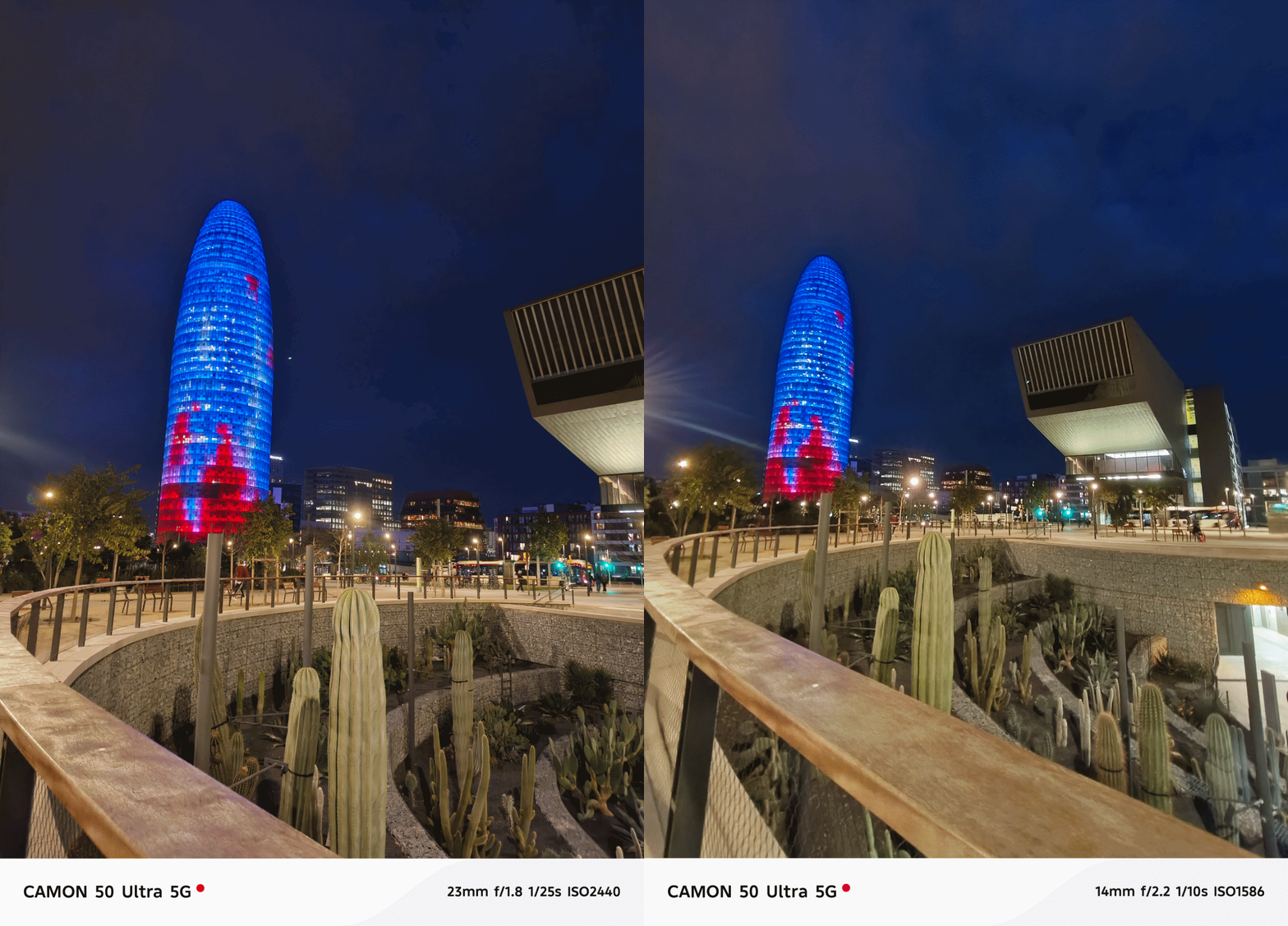

And before I forget, the ultra-wide performs well too at night even though it’s just the standard 8MP camera with a 112-degree FoV (Field of View).


Portraits aren’t that perfect — but should work day and night.



Now, the only things that draw the line (other than the the chip and lack of 5G connectivity) is the 50MP front-facing camera of the Ultra.
Both the base and Pro CAMON 50 models only have 32MP without AF (Auto Focus), only relying on FF (Fixed Focus).

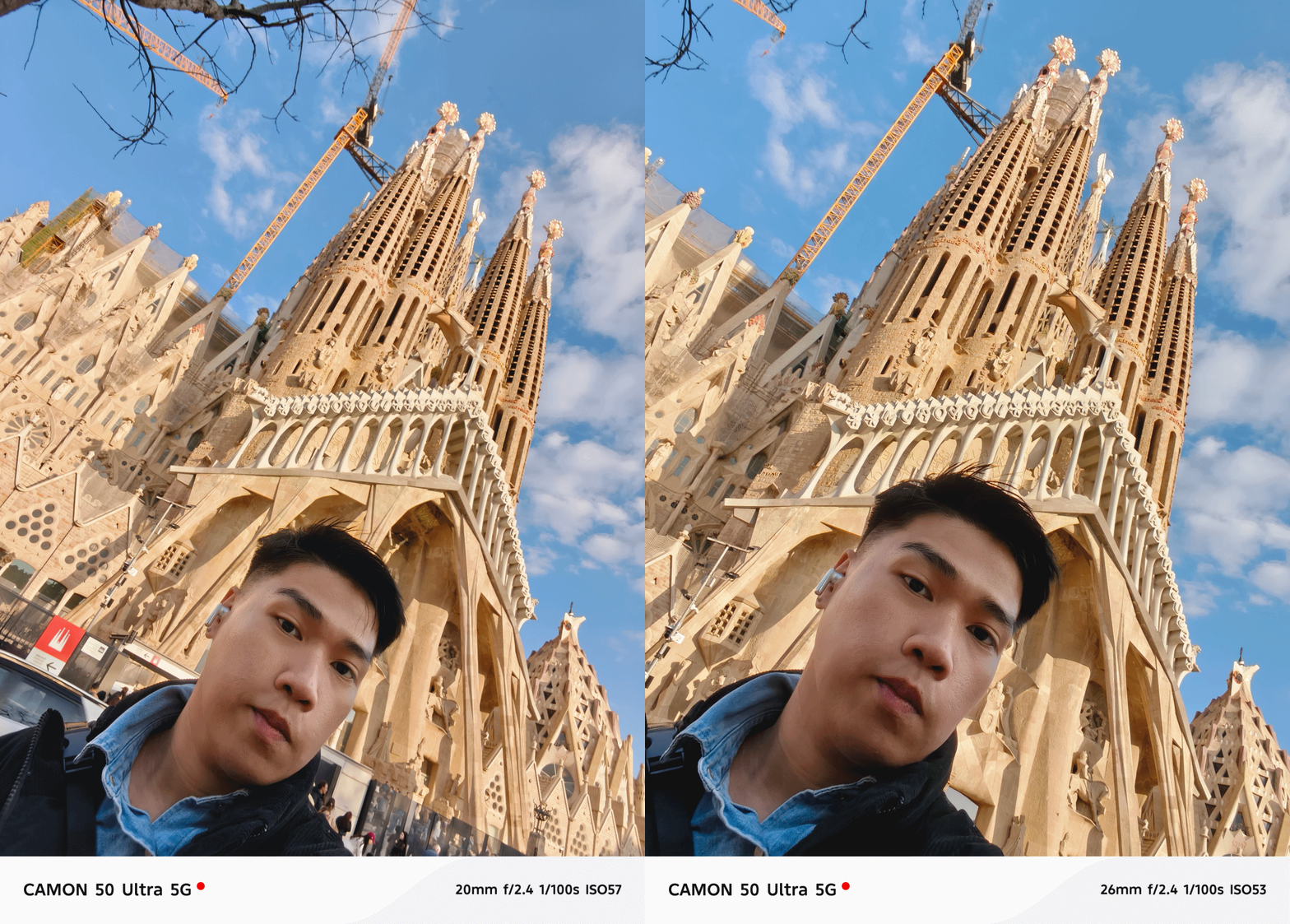
Even if selfies are always against my will, here are some references.
Badly-needed battery boost
After handling various TECNO phones throughout my career, battery endurance is where it ultimately suffers. I felt it hard when using my PHANTOM V Fold2 from 2024 that keeps draining even on standby.
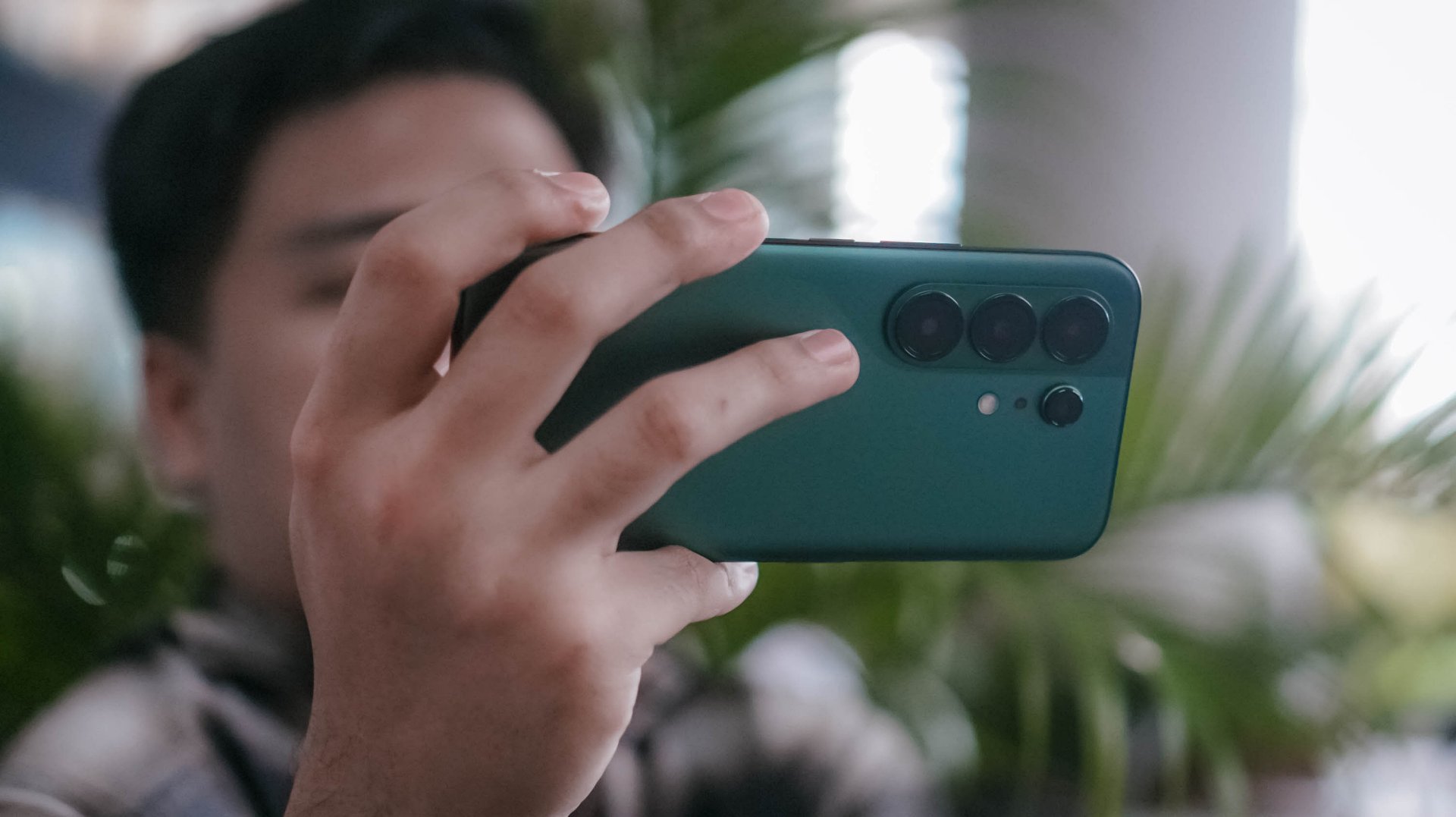
While this isn’t TECNO’s largest battery in a smartphone (as the award goes to the POVA Curve 2 5G with its monstrous 8000mAh capacity) this 6500mAh single-cell battery is something I’ve been wanting to have for long.

I’m also fortunate enough as other regions have a slightly downsized 6150mAh dual-cell battery. Still, both are heaps larger than last year’s 5100~5200mAh range. It’s even a milestone as the newly-launched Samsung Galaxy S26 series never got the battery bumps they all deserved.
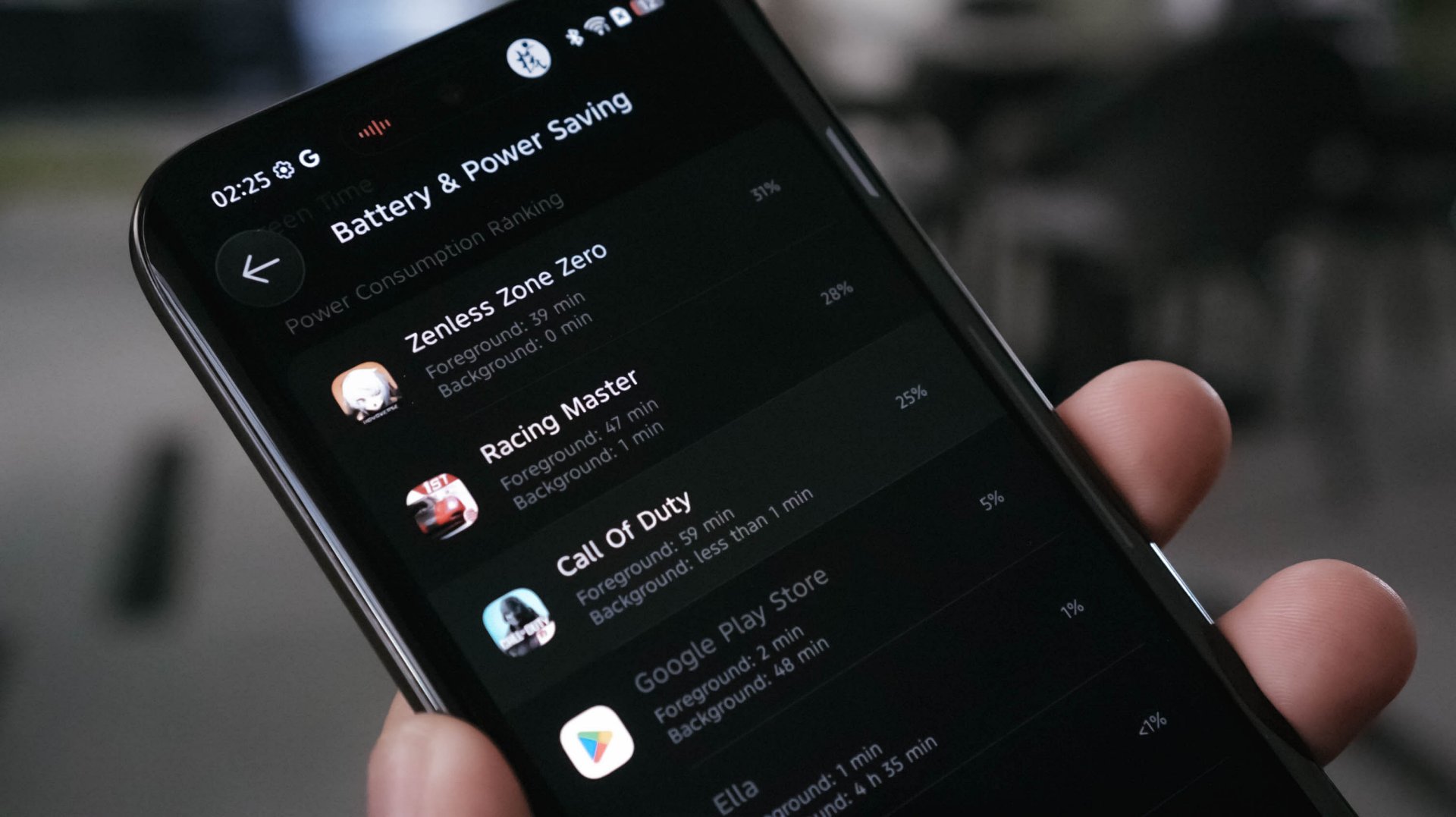
With heavy-hitting tasks, the CAMON 50 Ultra ultimately consumes juice. A total of 145 minutes (or around 2.5 hours) of gameplay means losing as much as 84%. Three to four hours of binge-watching? That’s only a 8~10% deduction though. Streaming music for another hour? A mere 5% depletion.
In the moderate, regularly-mannered use-case, this phone lasts you through a full day with around 10% to spare.
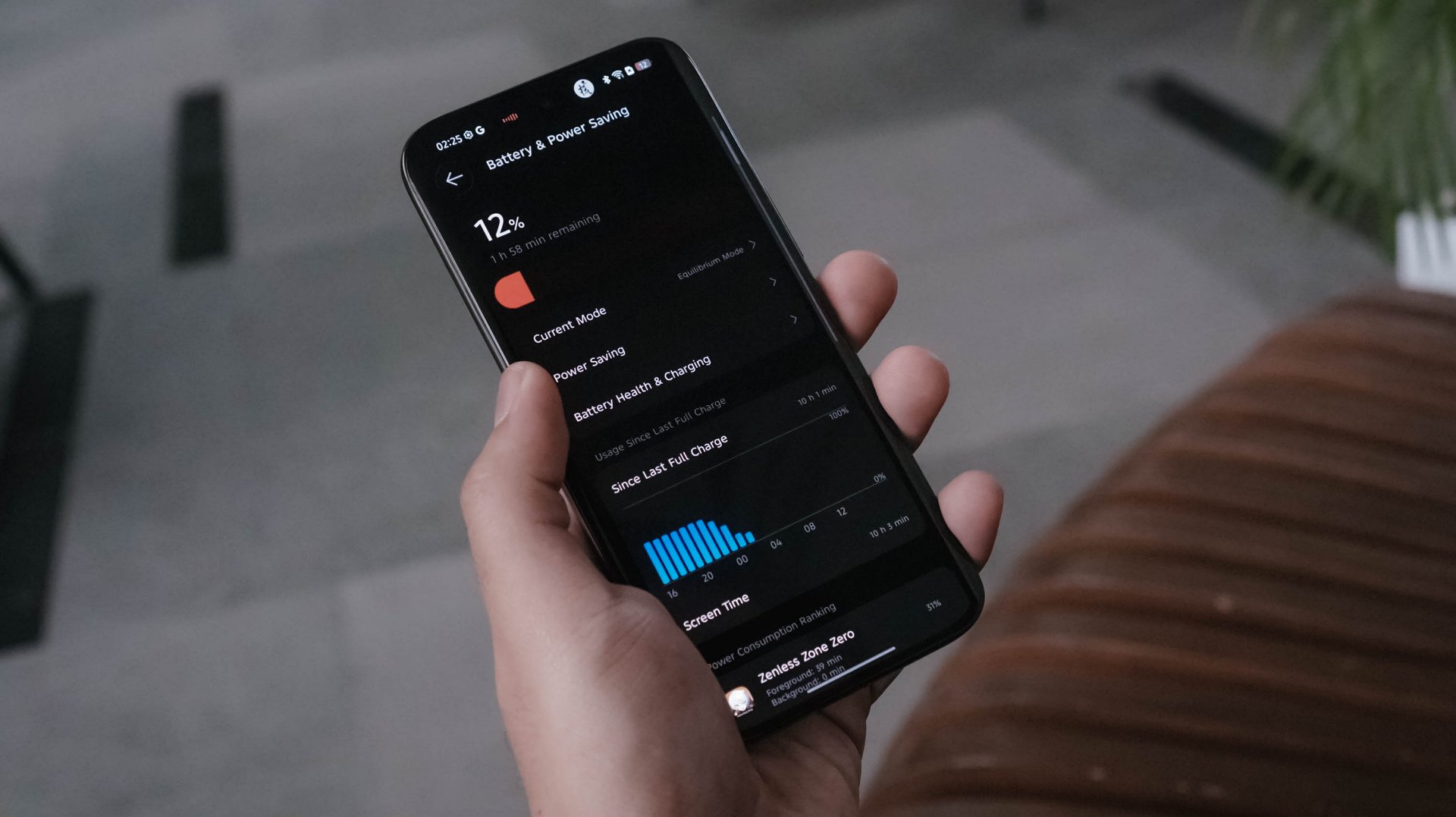
Best of all? Standby time can last up to 3 or 4 days! My other TECNO phones usually die after a day or two even without doing anything.
TECNO says it will still maintain its 80% capacity after 2000 charging cycles (or about five years). Only time can tell.

Once it totally depletes, the CAMON 50 Ultra can be filled up through its bundled 45W charger.
View this post on Instagram
At first, that sounded like a disappointment. However, my initial testing actually shows that the speeds are somewhat similar to the 90W speeds of my vivo X-flagship.
My GadgetMatch Charge Test further proves that point:
TECNO CAMON 50 Ultra
|
vivo X300 Pro
|
|
START TIME (From 0%) |
4:34PM |
1:59PM |
3 minutes |
4% |
1% |
5 minutes |
6% |
3% |
10 minutes |
12% |
10% |
15 minutes |
21% |
18% |
20 minutes |
30% |
24% |
30 minutes |
43% |
38% |
45 minutes |
65% |
57% |
1 hour |
85% |
71% |
1 hour 15 minutes |
99% |
99% |
END TIME |
5:51PM1 hour 16 minutes |
3:15PM1 hour 16 minutes |
So how is that even possible? Only the amazing people behind the tech can explain it.
As the reviewer myself, I am both in awe yet still in disbelief: are charging speed labels the real deal or are they’re just labeled for the sake of saying it’s “fast” enough?
Is the TECNO CAMON 50 Ultra your GadgetMatch?
As of this writing, TECNO has not provided exact pricing. But, for a phone still positioned below the US$ 600 / EUR 400 pricing range (approx. below PhP 30,000), the TECNO CAMON 50 Ultra is still one of those midrangers aimed towards users with a lean budget who also happens to value mean performance.
UPDATE: TECNO CAMON 50 Ultra in the Philippines is priced at PhP 18,499 for the base 8+256GB configuration. Meanwhile, the exact 12+256GB model that I rock retails for PhP 20,499. Additionally, the 12+512GB variant is also available for just PhP 23,999.
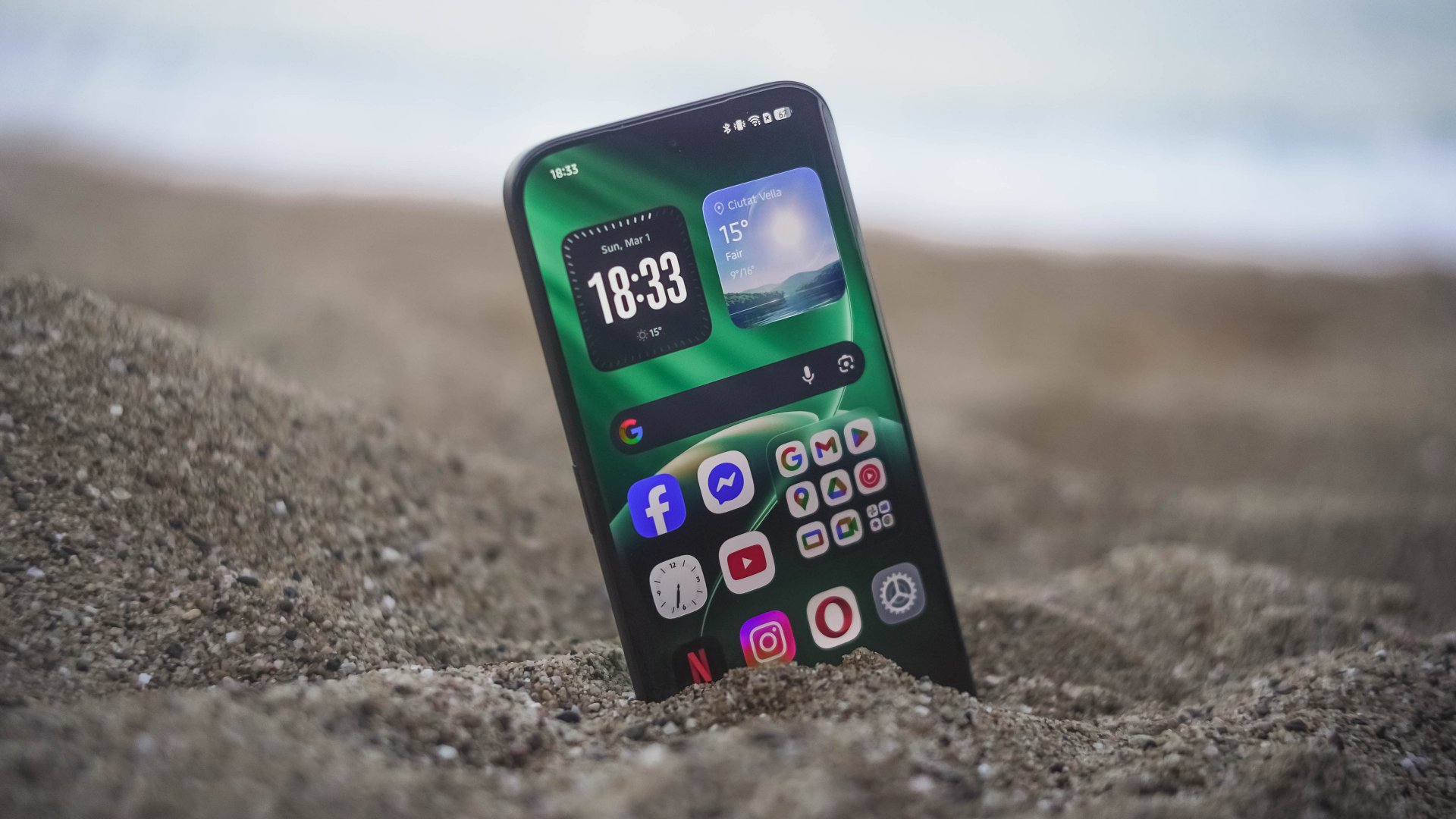
Swipe Left only if a curved edge display and 45W wired charging are dealbreakers for you — even if my charge test says otherwise.
Personally, it’s still a Swipe Right and a Super Swipe for me.
Its slender chassis, battery capacity boost, and solid shooting experience are already given. The combo of a reliable hardware plus refined OS are more reasons why the CAMON 50 Ultra is a phone worth checking out.
I may not have the consensus but, it seems like TECNO values what their community is saying. For one, most of us wanted a bigger battery not just by numbers, it delivered a long-lasting endurance too.
Others pointed out that smaller and flat display on last year’s CAMON 40 Premier. This year, they brought back that bigger 6.78-inch curved display tech.
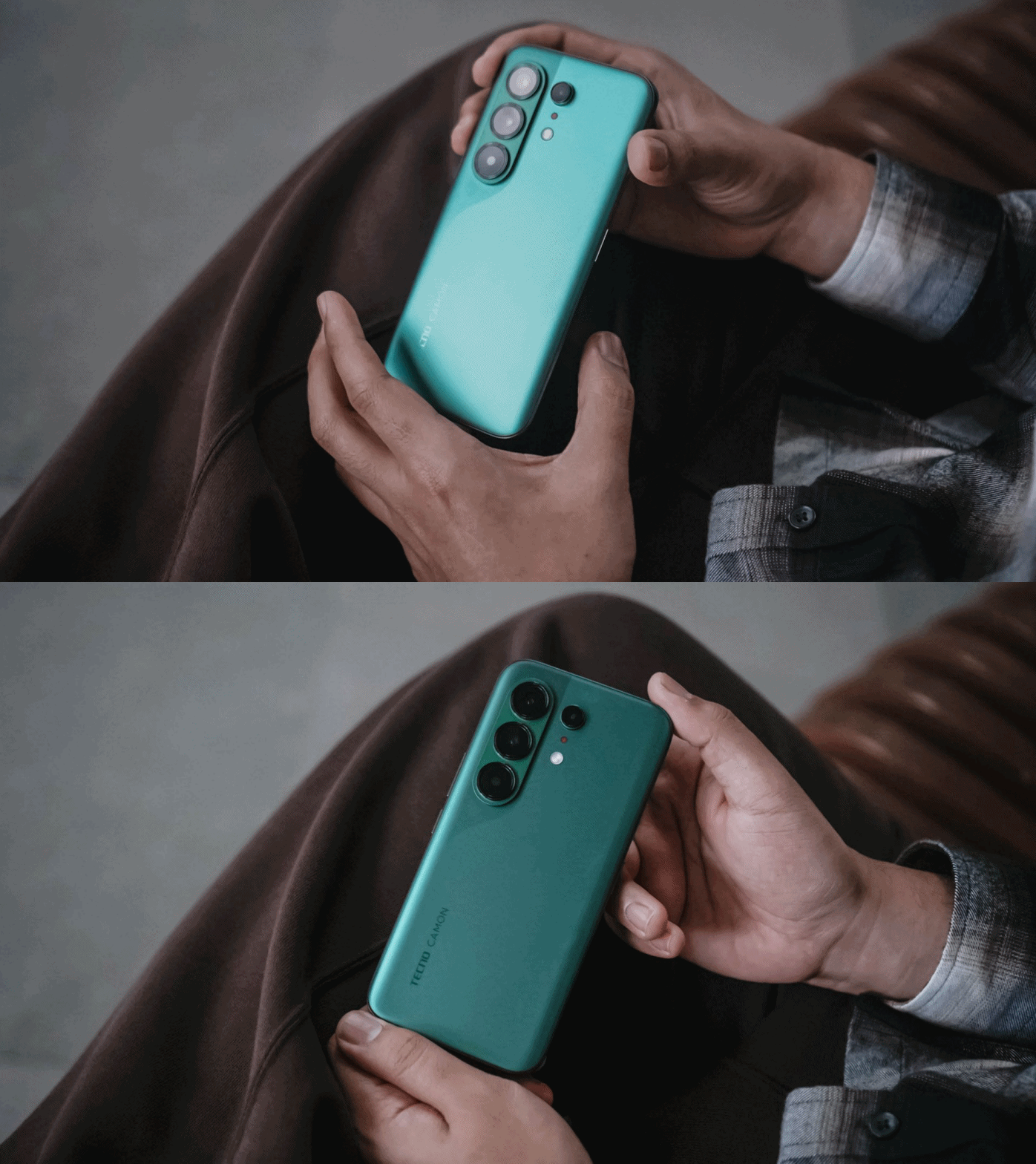
Last but definitely not the least, a streamlined and ever-fluid OS compared to what it was from two years ago.
Now, is the price bump from last year’s CAMON 40 line justifiable? Well, I am still blaming the AI-ddiction that led to component shortages as well as price hike craze.
404 Premier Not Found: The new era
As I still can’t get over how extremely catchy KiiiKiii’s latest hit track 404 (New Era) is, it inspired me to realize what TECNO did with its latest CAMON 50 series line. This might mark as the new era for TECNO — a bittersweet new beginning if I must insist (or resist).
Other than the company itself, no one knows why they went with this route. Based on my observation alone, it seems like TECNO is trying to play it safe this time, though not in a bad way.
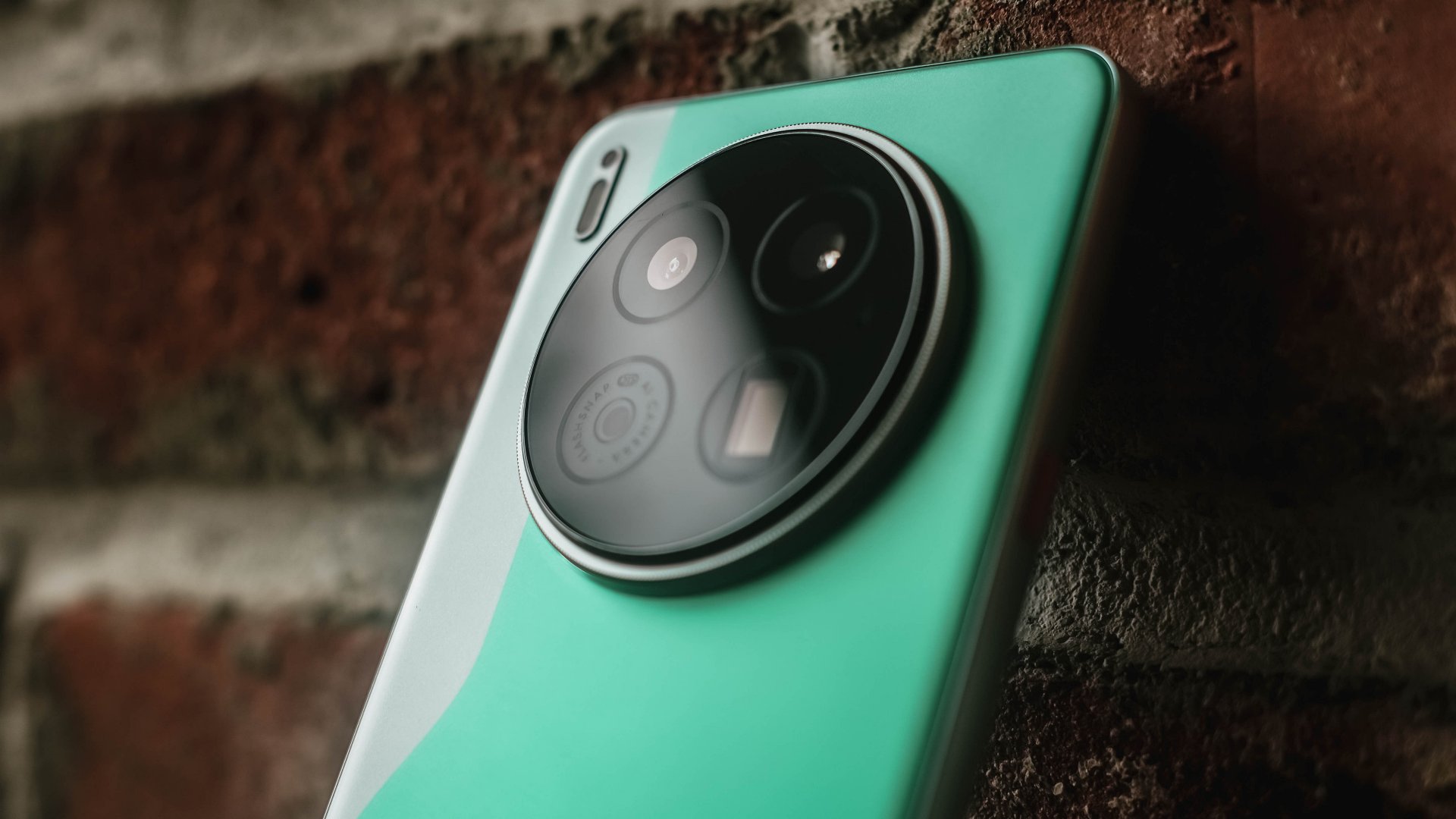
TECNO CAMON 40 Premier | 2025
They want to upkeep with the demands of their aimed market without having to spend more for production and/or raise the overall price of its new line of smartphones two to threefold. And based from the spec sheet alone, the CAMON 50 Ultra is more of the successor to last year’s CAMON 40 Pro 5G rather than being the total replacement of the CAMON 40 Premier.
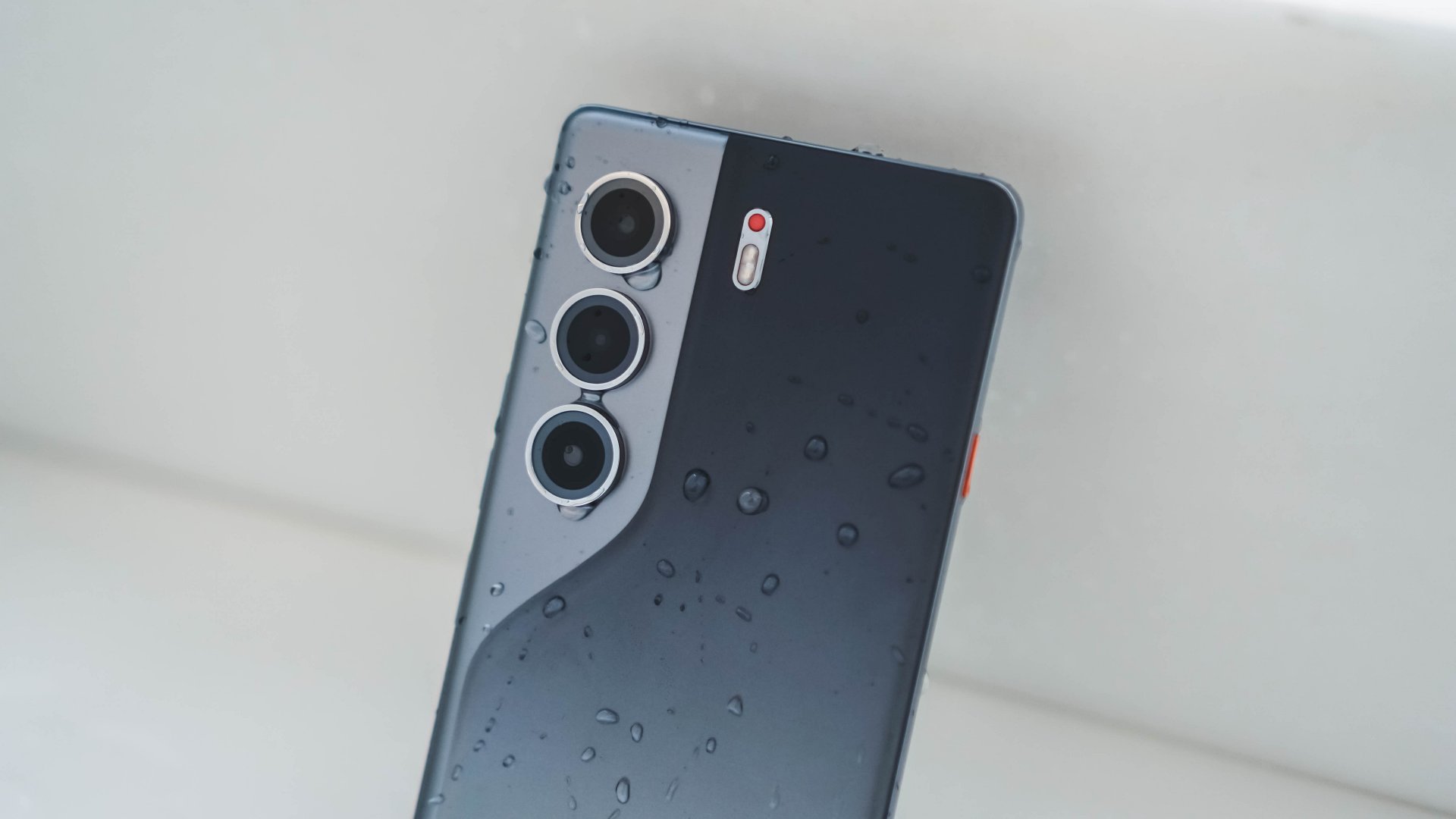
TECNO CAMON 40 Pro 5G | 2025
Also maybe, TECNO just wanted to “simplify” their model naming by omitting the “4G” and “5G” titles of the CAMON Pro lineup, making it sound cleaner and less confusing. But, that change still confuses a lot (myself included) with the “Ultra” being a newcomer — all while the signature “Premier” is nowhere in attendance.
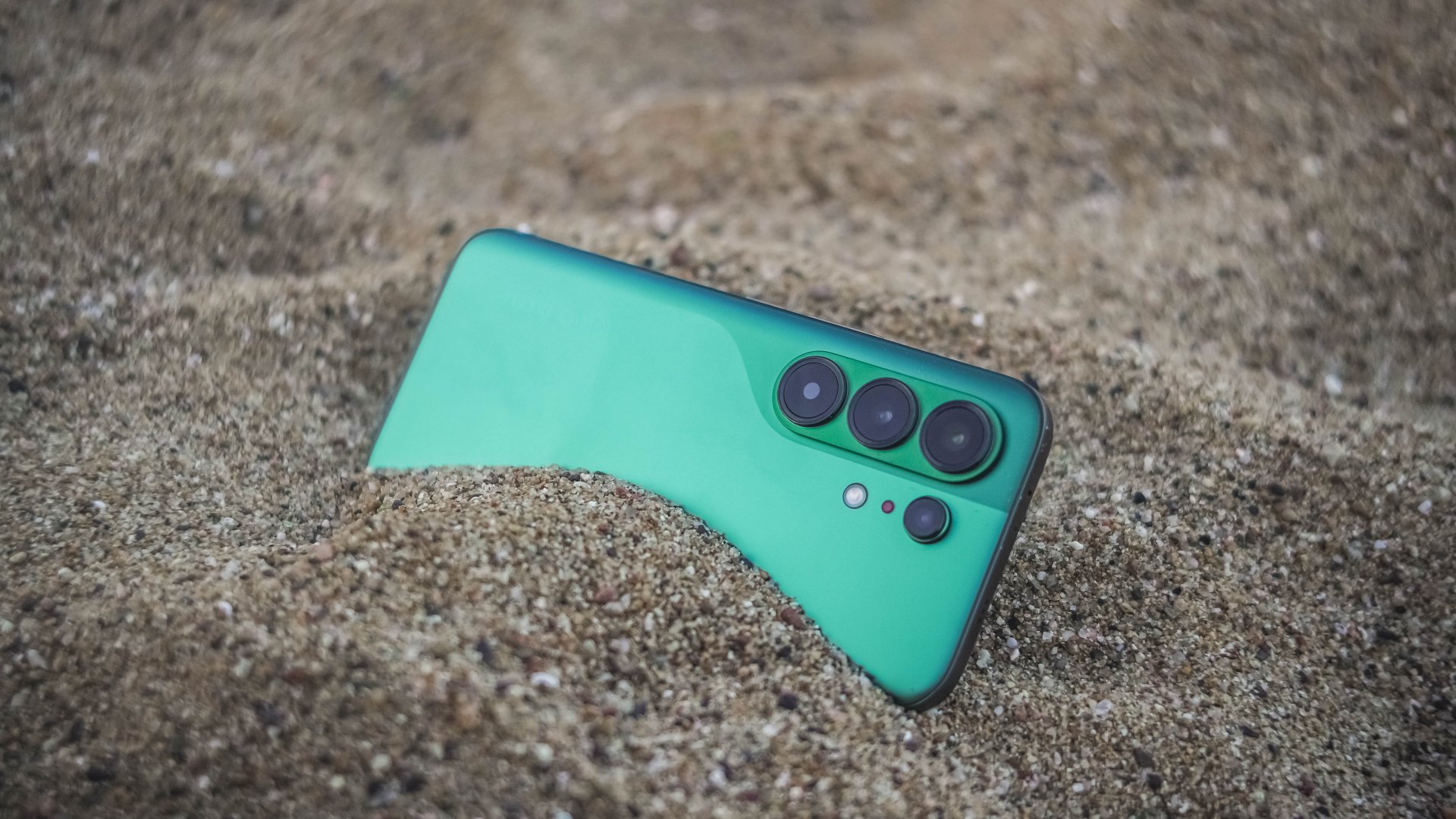
Now, despite my sentiments of truly missing their Premier line, this new midranger still is a compelling choice. I never even thought I would enjoy the CAMON 50 Ultra as much as I would. It’s a well-refined piece of slab culminated by TECNO’s continuous strive to innovation.
I’m just wishfully thinking TECNO is just hiding the CAMON 50 Premier up in its sleeves and brings out that wild card on the deck months after this release. Hopefully, it doesn’t end up like their flagship PHANTOM X series that was never heard of since 2022.


30 days later with the ASUS ExpertBook Ultra: Like seeing an ex
Felt exactly as I remembered.


ROG STRIX G16 Review: Building for the moment
Setting it up however you want to make the most out of it


realme C100: Enduring and durable in spite of entry-level realities
Enough power but needs more agility

HONOR Robot Phone’s camera can move on its own

HONOR Robot Phone officially launches after its MWC debut

Marvel Wolverine Limited Edition PS5 bundle SEA pricing

Galaxy Z8 series drives record-high foldable pre-orders in SEA, Oceania

England, Wales start banning Meta Glasses

Hands-on: Samsung Galaxy Z Fold8, Flip8, Ultra

Garmin launches its first screenless fitness band

VinFast debuts two-wheeler models, opens 21 e-motorcycle showrooms

Samsung releases teaser with Spider-Man: Brand New Day Easter eggs

Most of the world’s PlayStations will be officially useless by 2028

-
 Automotive1 week ago
VinFast debuts two-wheeler models, opens 21 e-motorcycle showrooms
-

 Computers2 weeks ago
AMD launches Radeon RX 9050 graphics card
-

 Automotive2 weeks ago
Xiaomi debuts SkyNomad Series featuring new Kunlun platform
-

 News1 week ago
OnePlus officially leaves the United States and Canada
-

 Gaming1 week ago
Call of Duty: Modern Warfare 4 clip shows Losing Ground 1st look
-

 Automotive2 weeks ago
GAC launches new trio of MPVs
-

 News2 weeks ago
TECNO unveils the world’s first 0mm bezel-less phone
-

 Gaming1 week ago
Genshin Impact opens Snezhnaya in Version 7.0 this August 12