
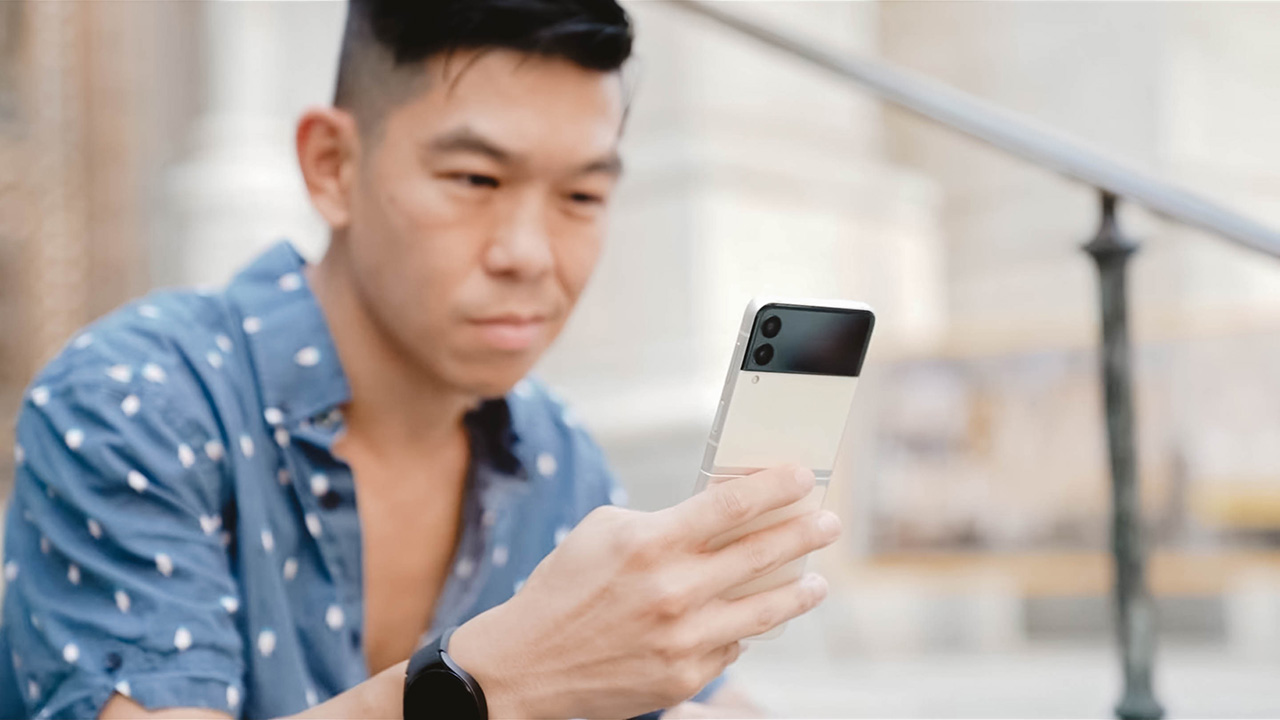


When phones with foldable displays became a thing a few years ago — as could be expected from a bleeding-edge tech of any kind — they came with a hefty price tag.
But it’s been three years and finally, they’re starting to become relatively, more affordable. That’s the story of this year’s new Galaxy Z Flip3 — a foldable phone that more people can afford.
But should you rush out to buy one?
Samsung’s newest and cheaper foldable
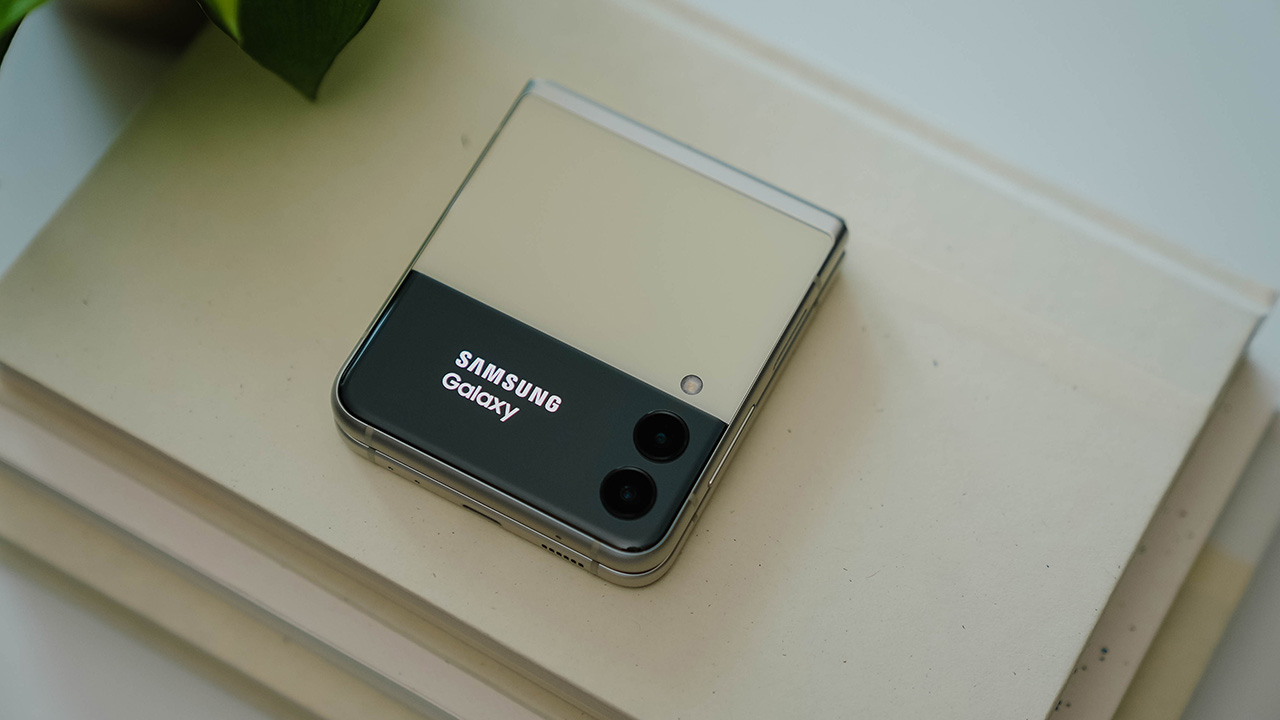
This is the Galaxy Z Flip3. TL;DR for those who don’t have all the time in the world: It’s slightly redesigned, built with more durable materials, has a new fast 120Hz display on its inside, a larger, more usable cover screen on its outside, and it comes with a cheaper price tag.
Of course, these “cliff notes” don’t tell the whole story of the Flip3. And they don’t particularly answer the question: Why should you buy the Flip3?
Design
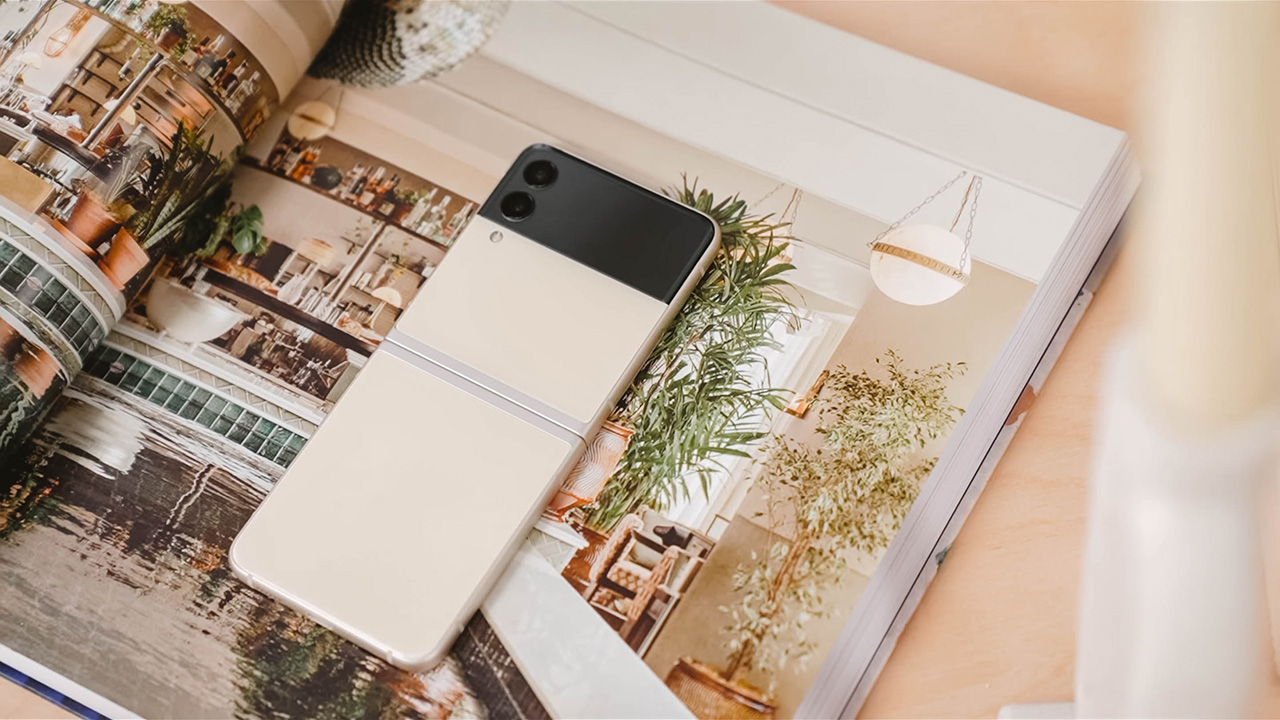
I’ve been using the new Flip3 for about a week now, and I’m really digging this two-tone color scheme.

The black contrasts well against this cream finish, or any of the other colors for that matter.

Be it Green…
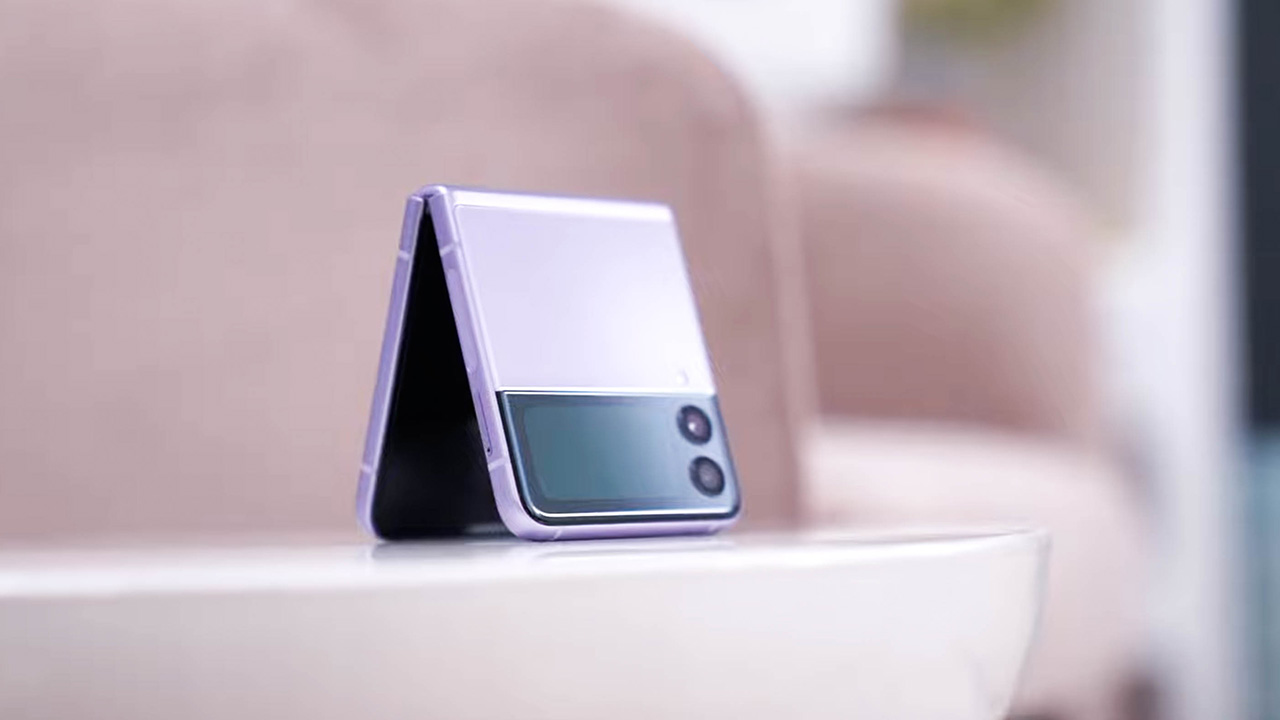
… or Lavender.
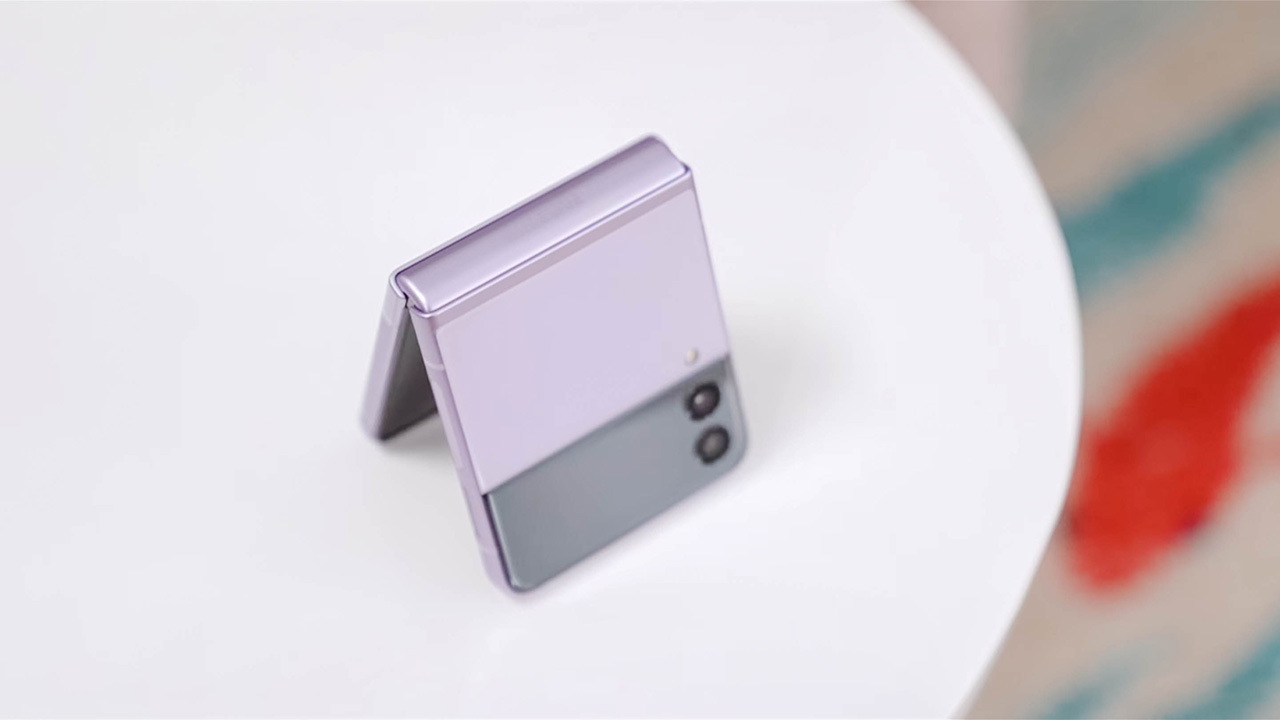
These three color options feature a frame and hinge that have an improved matte finish and color-match the phone. The glass, however, has a glossy finish to it. Very much unlike last year’s mirror finish which was a huge smudge magnet.
If you want a glass with a frosted matte finish, there’s an all-black model also. And if you’re willing to wait three to five weeks, there are special Samsung.com exclusive colors — Grey, White, and Pink. These options are all matte with a black frame and hinge.
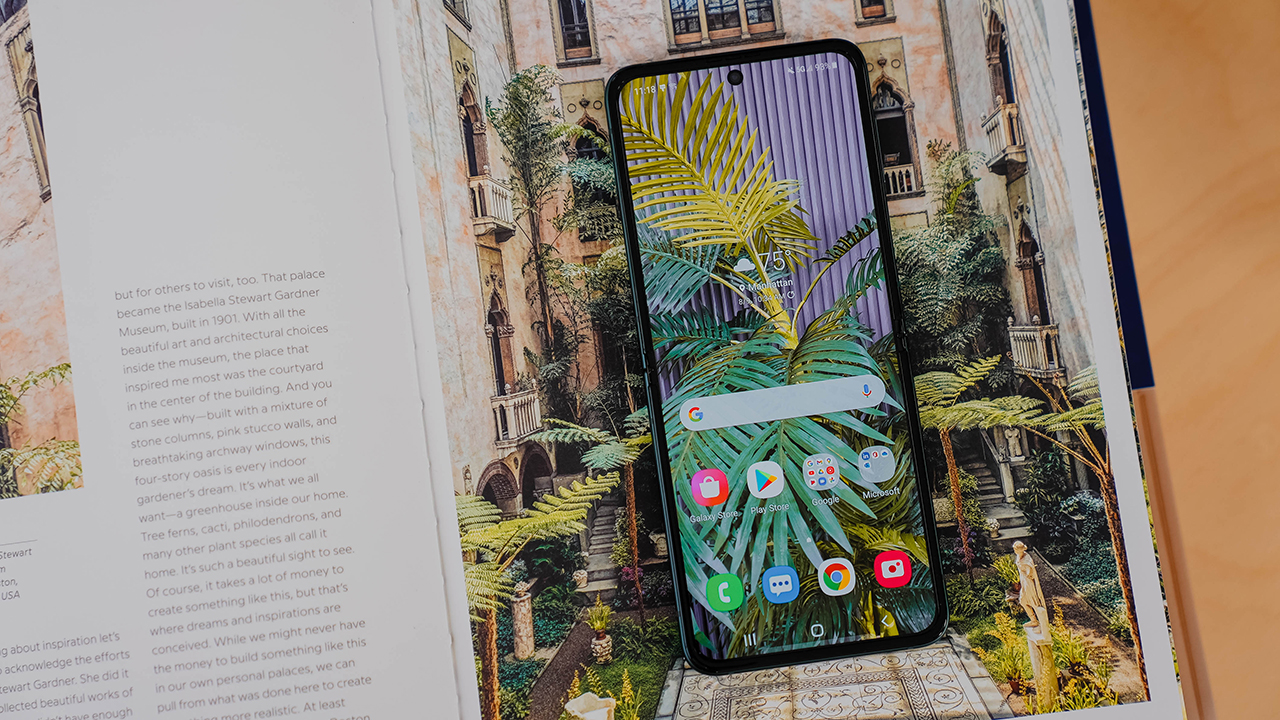
While just about the same size, the new Flip3 looks and feels different. The design features flat lines and edges which reflects the current design trend that favors flat versus curvy. The result is a phone that looks more modern and trendy.
So, why should you buy it?
Across all its iterations, I’ve always enjoyed using the Flip. I love having to open it up and also occasionally slamming it shut. And above all, I think the “coolness factor” is going to be the main reason to buy this phone. It’s a bit retro and futuristic at the same time. Definitely the trendiest phone you can buy today.

Size, of course, is also another consideration. When folded shut, it takes up half the space of your usual candybar phone. Perfect for smaller pockets. Or purses.

For me, that’s never been an issue. But I know lots of girlfriends who struggle with tiny pockets, or only want to carry what can fit inside a small purse. This phone solves that.

And then there’s “perks of the form factor”. When folded at a 90-degree angle, the phone props itself up for say, taking photos sans a tripod. Or being able to lay the Flip3 on a pile of books to take Zoom calls like you would on a laptop.
Challenges of the design
Of course, a foldable phone doesn’t come without its challenges. One of which is durability. While the hinge design is still the same, Samsung is using tougher aluminum. It’s also using a different kind of plastic for one of the layers of the display. One that should be more forgiving to the stress of opening and closing it a lot.
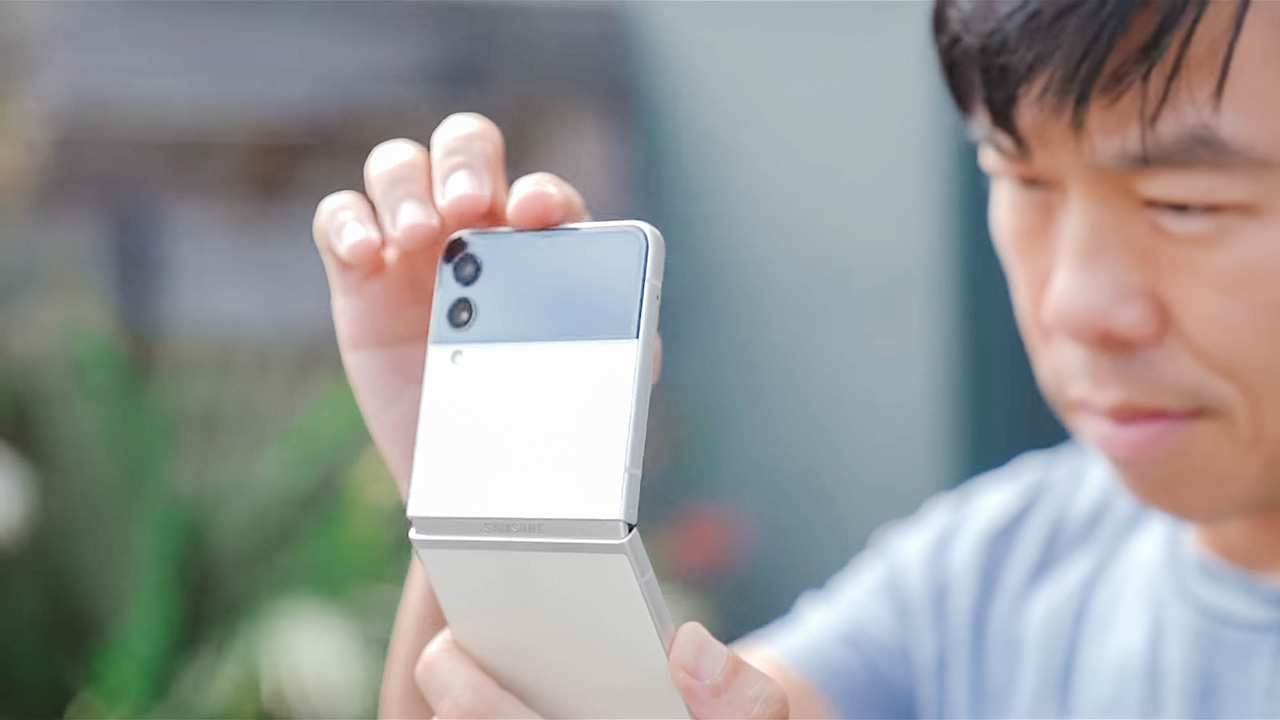
I can’t vouch for this improved durability — only time will tell and I will definitely give you feedback maybe next year in my Flip4 review. But for what it’s worth, Samsung is promising 200,000 cycles which translates to opening and closing it 100 times a day for five years.
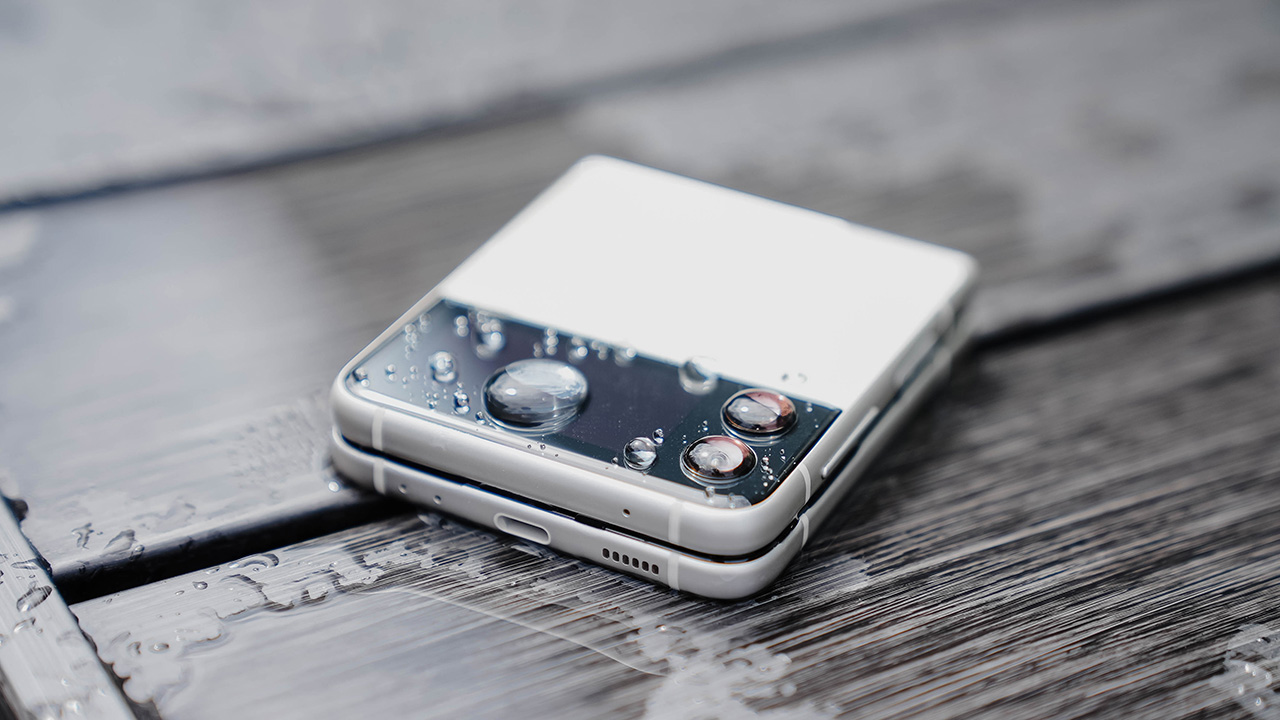
On top of that, the phone is also water-resistant with an IPX8 rating. Thanks to the internals being coated with some sort of water-repelling protective film.
Although, I still don’t recommend that you take your Flip3 swimming. Take a look at Samsung’s fine print — water damage is not covered by your warranty.
Not a gimmick anymore
Another challenge is giving the phone purpose while in its folded state so the foldable display becomes more than just a gimmick. In 2021, when you have a folding phone, you want it to be as useful and practical when shut as it is when open.
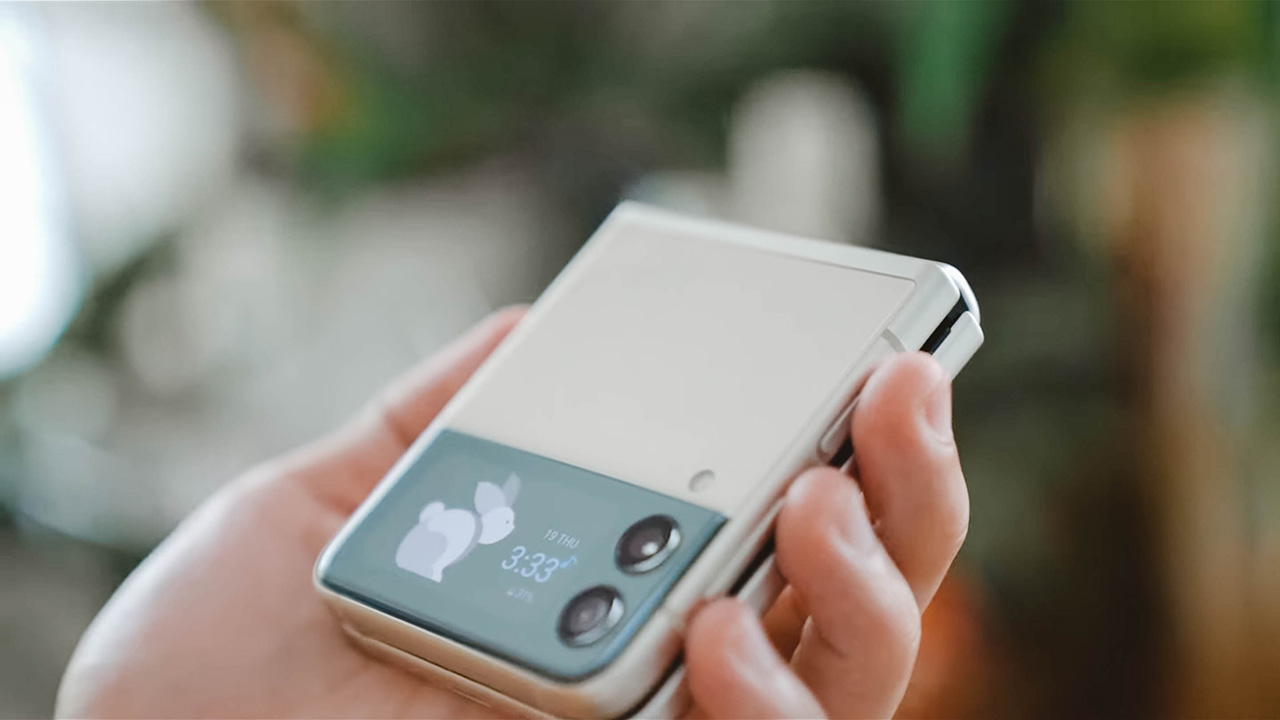
And that’s the biggest improvement to come to the Flip3. Simply put, last year’s front display was too small to be useful. On the Flip3, the cover screen is 1.5 inches diagonally.
That’s enough space for four lines of notifications, and you can also scroll up to read more. That’s also enough space to be able to compose a selfie, and enough to display the time or some other widget.
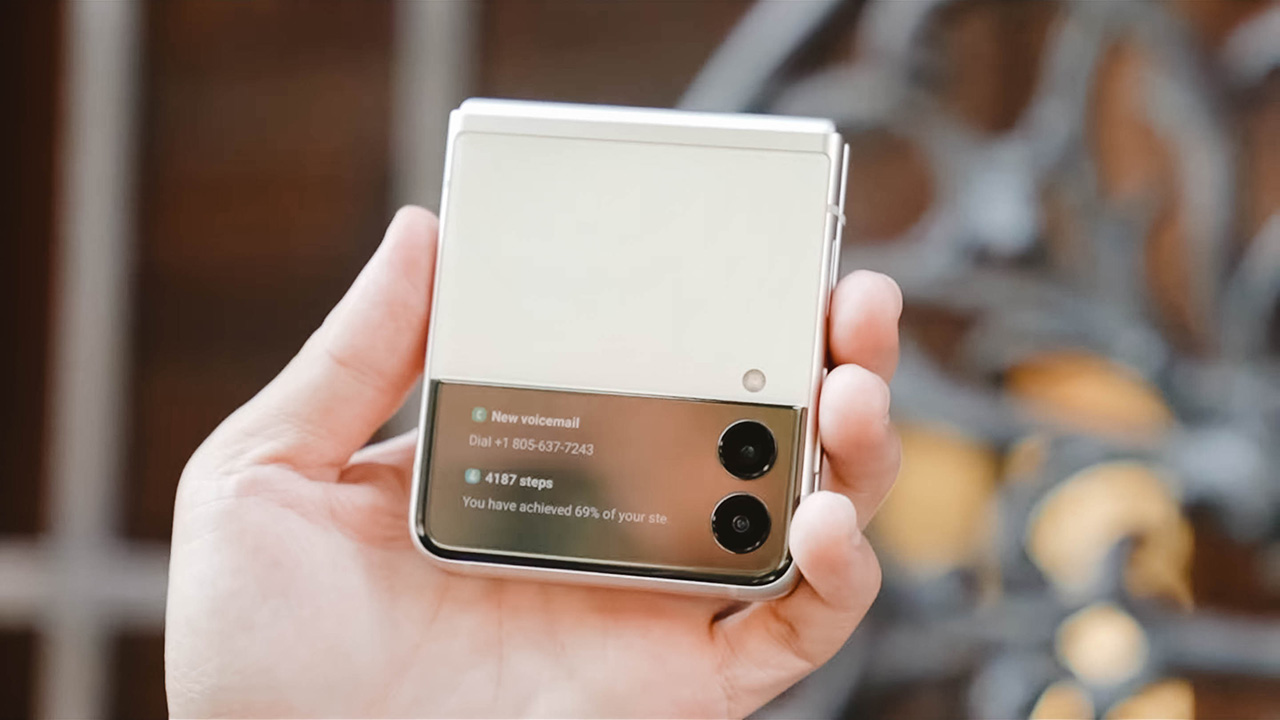
Samsung has also made this Cover Display more usable, too. For example, swipe up and you can use Samsung Pay. Swipe down and you can adjust brightness or volume. Although, I’d argue getting to the volume button is easier.
That Cover Display
Actually, while we’re on the topic, activating the cover screen can be a bit cumbersome. While you can have the always-on display showing you the time and date (and if there’s an orange, it’s a way to let you know that you have a notification), getting to the actual notification or any of the other Cover Display features requires you to double-tap to wake up the display.

Only after you’ve done that can you swipe to the right to read your notifications. Or to the left to access music controls or the weather. I know the purpose is to prevent accidental taps and unnecessary battery drain, but I wish there were an easier way.

I’d go a bit further as to say, I prefer the front screen on the Motorola Razr. It’s larger and even more useful like I can even load apps on the display. I’d like to see even more functionality on the next iteration of this device.

By the way, someone asked on Instagram if you can accept calls when the phone is closed. The answer is yes — the call will show up on the cover screen. And when you swipe to accept, it will activate the Speaker mode.
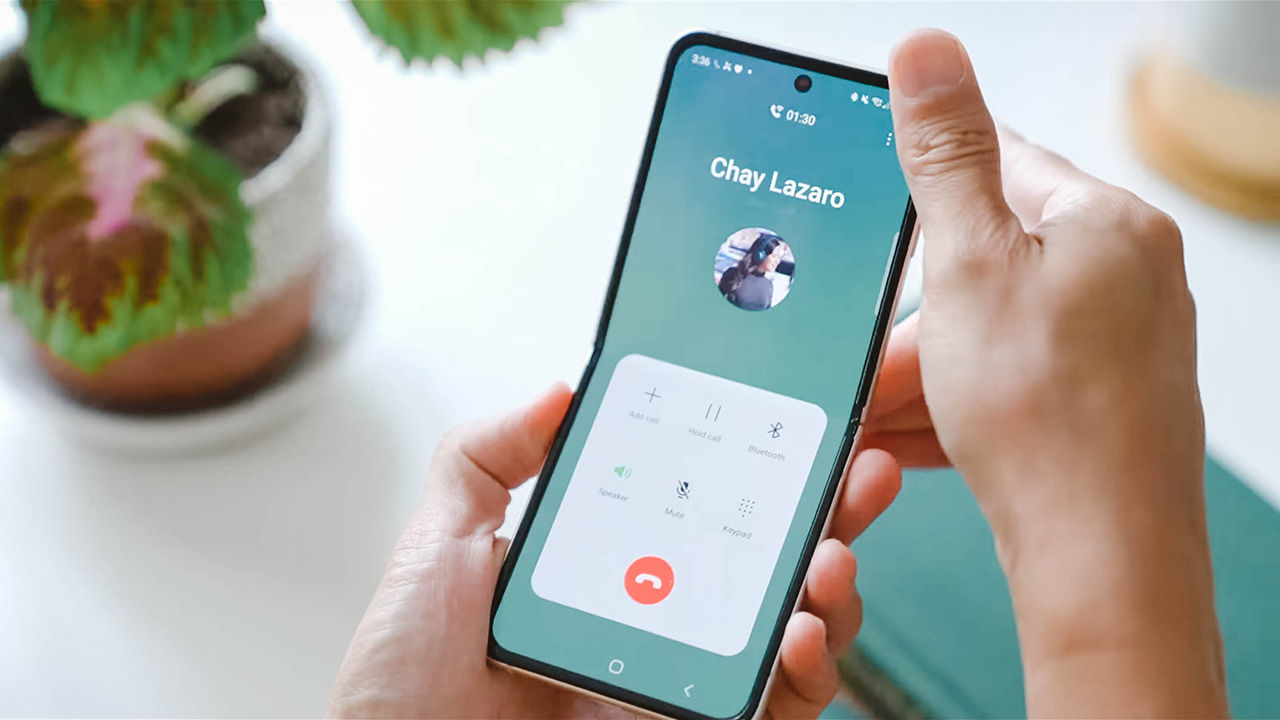
If you open up the phone, it will stay in Speaker mode unless you change it.
Performance and everyday use
With the phone opened, this phone performs just like any high-end Samsung smartphone. With top-of-the-line specs like a Snapdragon 888 processor, performance will be as expected. Powerful!
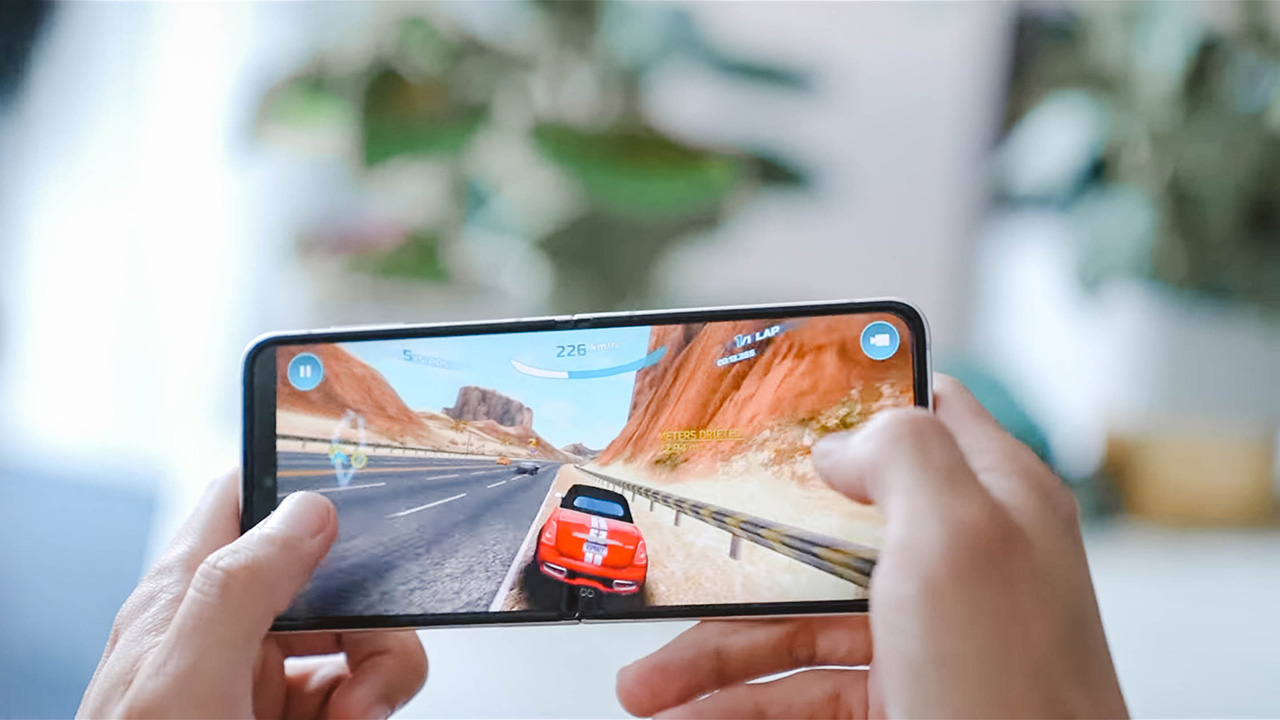
Whether you’re just using it for social or for gaming, even the display is now a top-of-the-line 120Hz OLED panel. And now, unlike last year, you get stereo speakers too. So it’s good for content consumption also.

One question I get asked a lot is about the crease. It’s still there — really that’s just the nature of the material and the hinge design. You can definitely feel it. And see it. But it doesn’t really bother me.
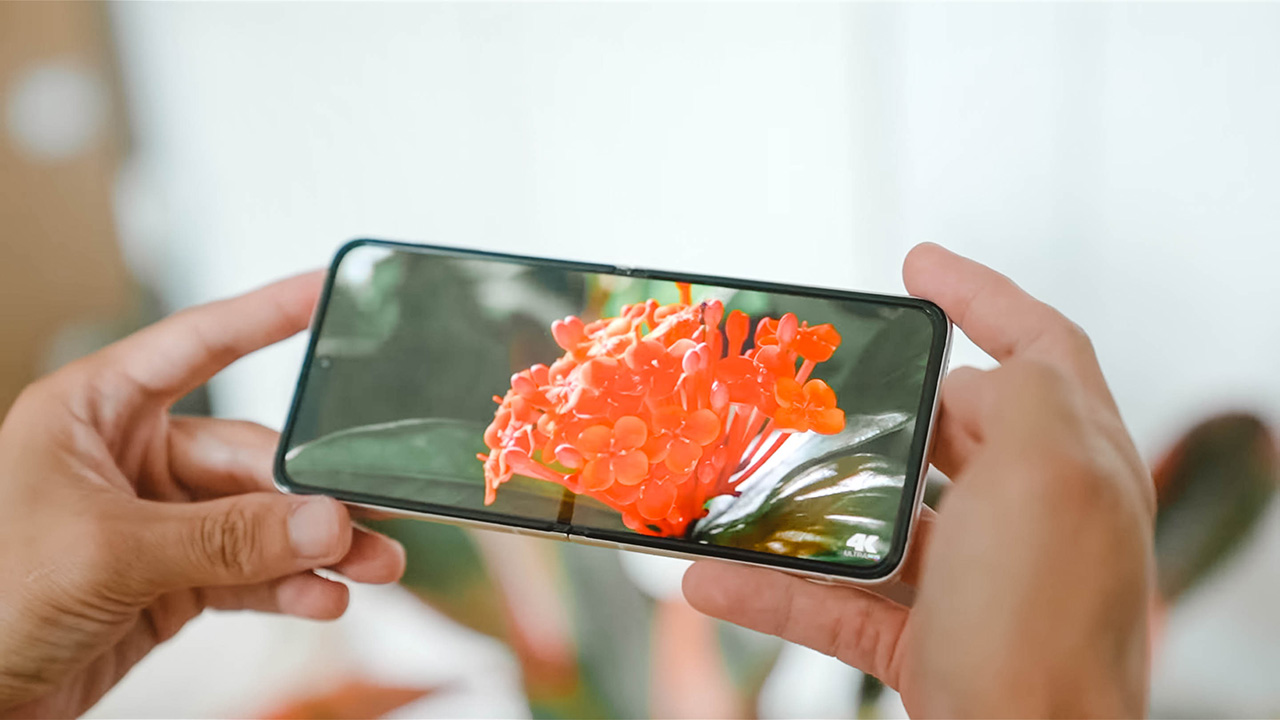
If you’re worried about it being distracting when watching movies, don’t worry. You’ll barely notice it’s there.
Cameras
Now let’s talk cameras. The Galaxy Z Flip3 has two on the outside — 12-megapixel wide and ultra-wide-angle cameras. And one 10-megapixel selfie camera on the inside. On paper, the hardware is the same as last year. Meaning, the same cameras and sensors were just carried over.

That said, software improvements will still get you a better picture overall. Of course, I have samples to prove it. I took tons of photos comparing the last year’s flip with the Flip3, and also for the fun of it — versus the Galaxy S21 Ultra.
Check it out: Galaxy Z Flip3 vs Z Flip 5G vs S21 Ultra: Camera shootout
But whether you’re using the wide or ultra-wide camera during the day, you won’t notice much of a difference. Except for a much better white balance on the Flip3. The original Flip comes with a yellower hue.
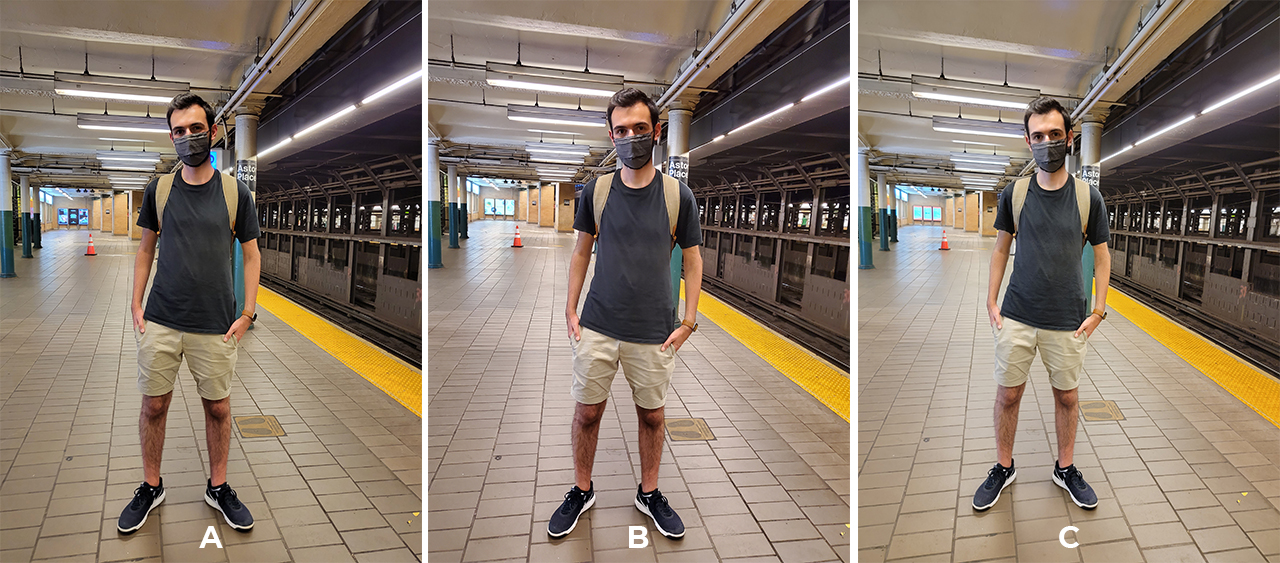
You also get better low-light performance too on the Flip3. And while we’re comparing, this is where the Galaxy S21 Ultra pulls ahead — its camera is still the best on a Samsung phone. On top of that, the S21 Ultra also has a telephoto lens. Meaning, it can take closer shots.
Camera features
Every year, Samsung introduces new camera features too. And the Flip3 gets everything introduced on the S21 series. Portrait Video and Pro Video mode are new.
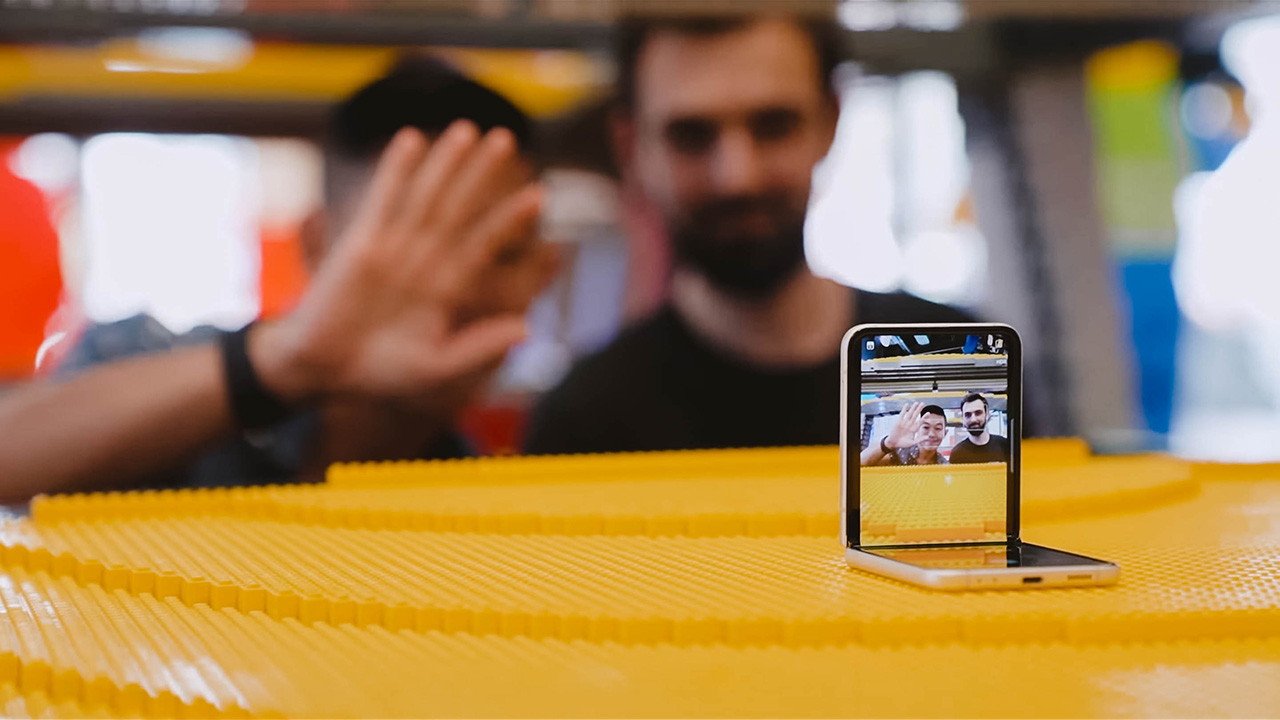
Night Mode comes to the selfie camera too, and then there’s Single Take Mode. Which is great for when you’re alone and want to take a few frames for Instagram. You can just prop up the phone, start posing, and then have artificial intelligence take a series of photos for you. And what’s impressive is that it does a good job.
Selfies
Previously on the original Flip, you could take photos using the tiny cover screen. But because it was so small, you almost had to compose a shot blindly. Now thanks to the bigger screen, you can take photos easily. Just double press the power button to launch the camera.
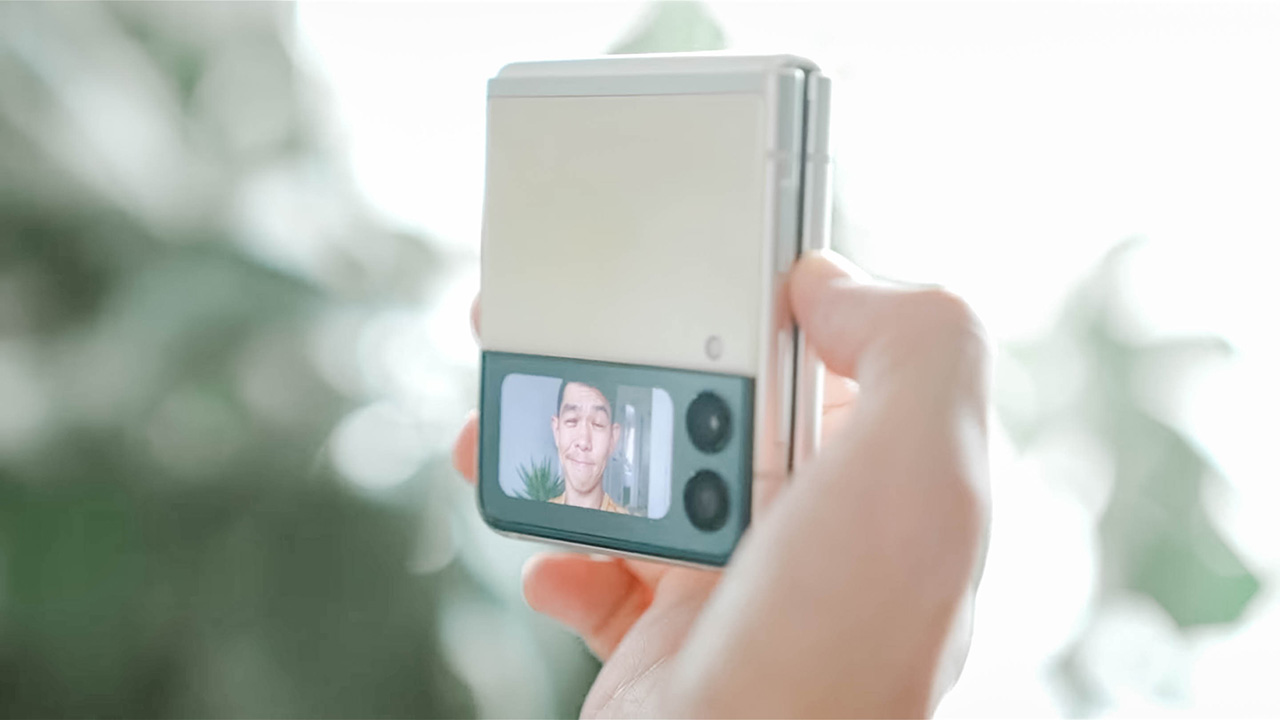
You can swipe down on the screen to switch between wide and ultra-wide-angle cameras. And then, what I like to do is just flash my palm to trigger the shutter. Or you can also use the volume up or down buttons.

New on the Flip3 is the ability to also shoot video while the phone is closed. From photo mode, just swipe to the left to switch to video mode. And press one of the volume buttons to begin a recording.

All of this is great and all but I have a complaint. Photos and videos shot this way all come out square. And there’s no setting that allows you to change that. It doesn’t make sense as using these cameras when the phone is open, you can shoot both photos and videos with standard aspect ratios.
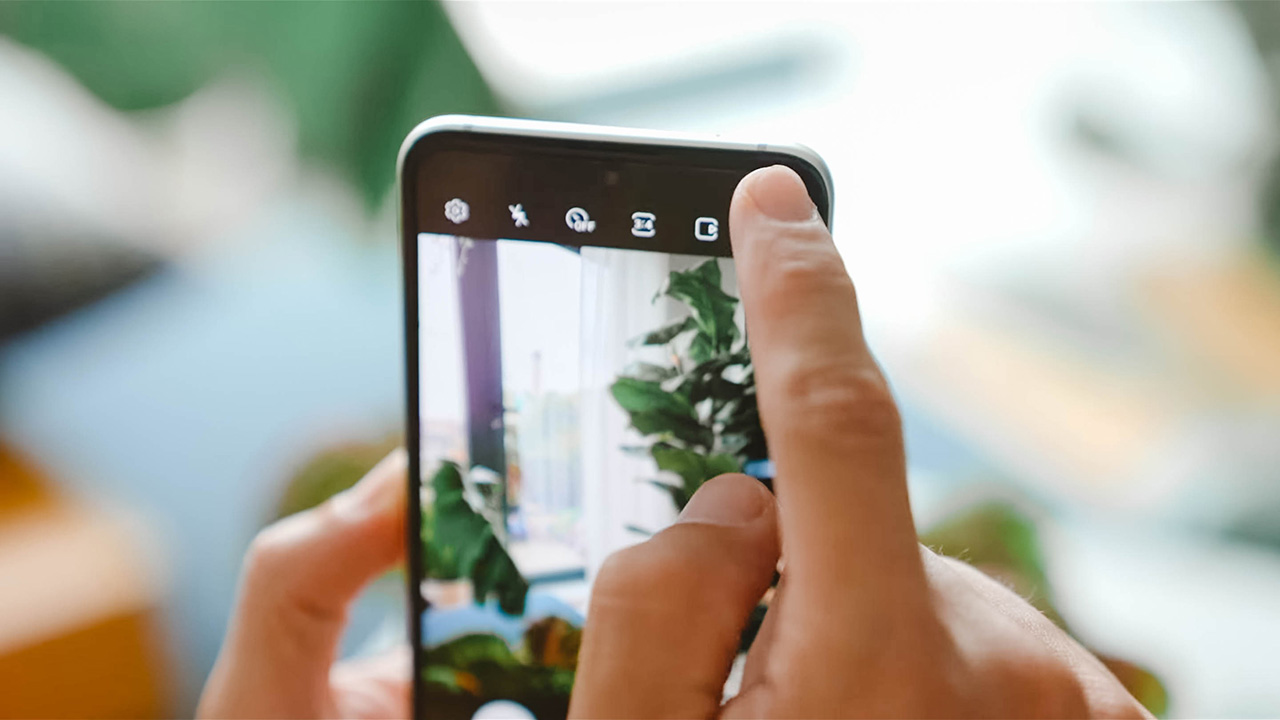
Oh, one more thing. There’s an icon that turns on Cover Preview, which basically lets the person you’re taking photos of preview a shot as you’re composing it.
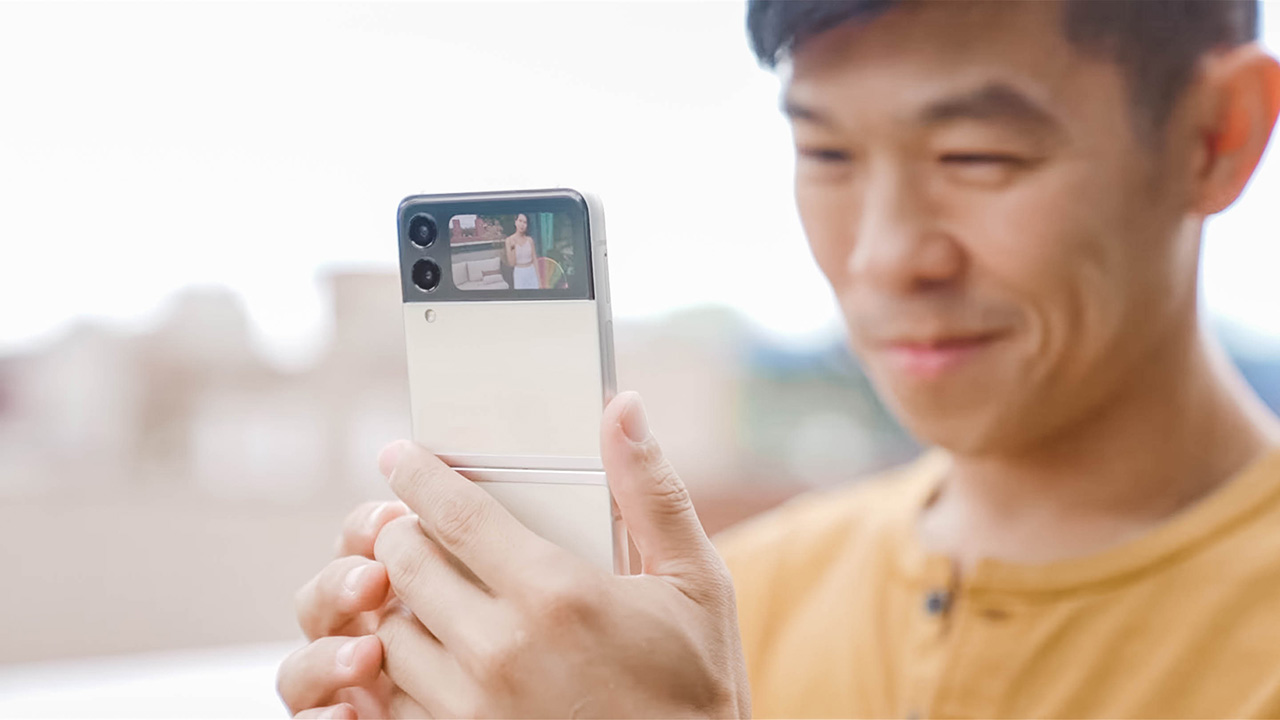
That way, it’s like looking in a mirror to help them find the right pose.
About its battery life…
The Galaxy Z Flip3 lasted about a full day with moderate use. That’s usually two to three hours of screen-on time. I usually charge it in the morning while I’m having breakfast, and the phone lasts till sometime in the middle of the night when I’m sleeping. But it’s usually dead by the time I wake up.

To be honest, that’s NOT enough for a heavy user like me. I understand that it’s an engineering challenge to cram a bigger battery into such limited space. But I would have loved it if the Flip could last much longer. And to call a spade a spade it’s probably the Flip3’s biggest flaw.
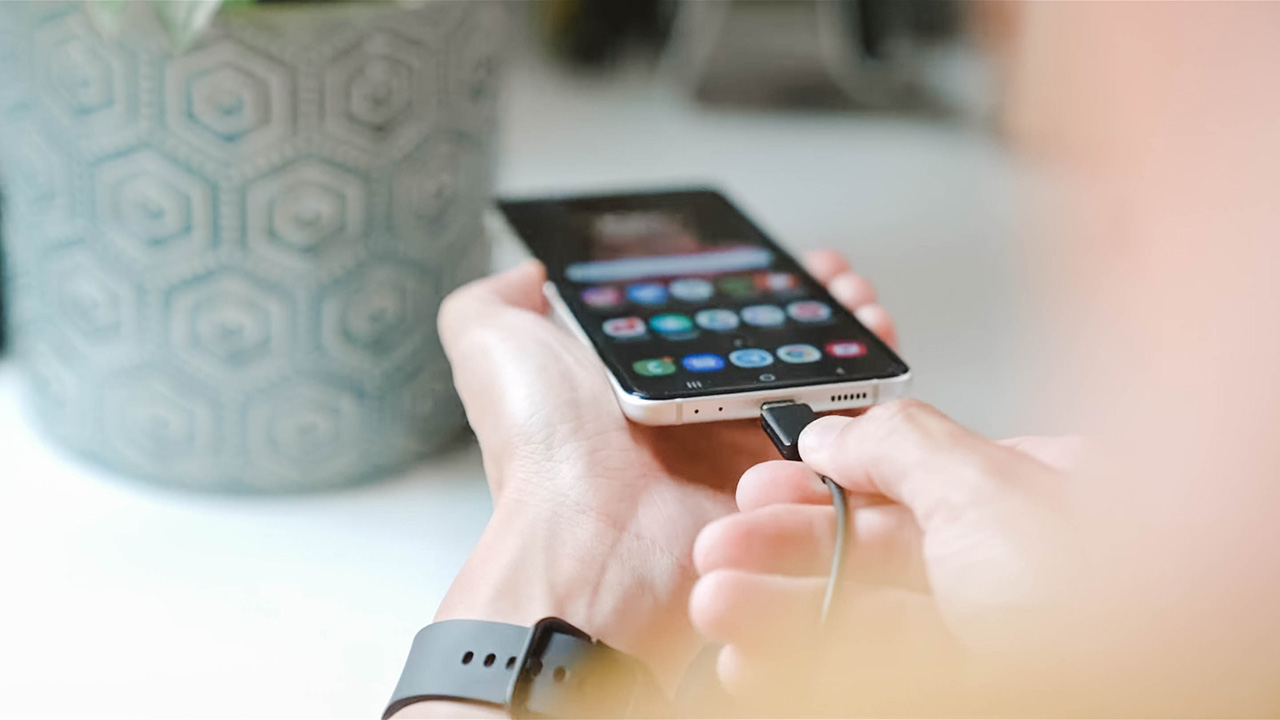
Top-ups aren’t extra speedy either since a full charge takes about an hour and a half on average, using Samsung’s 25W USB-C charger. Wireless charging the device takes even longer.
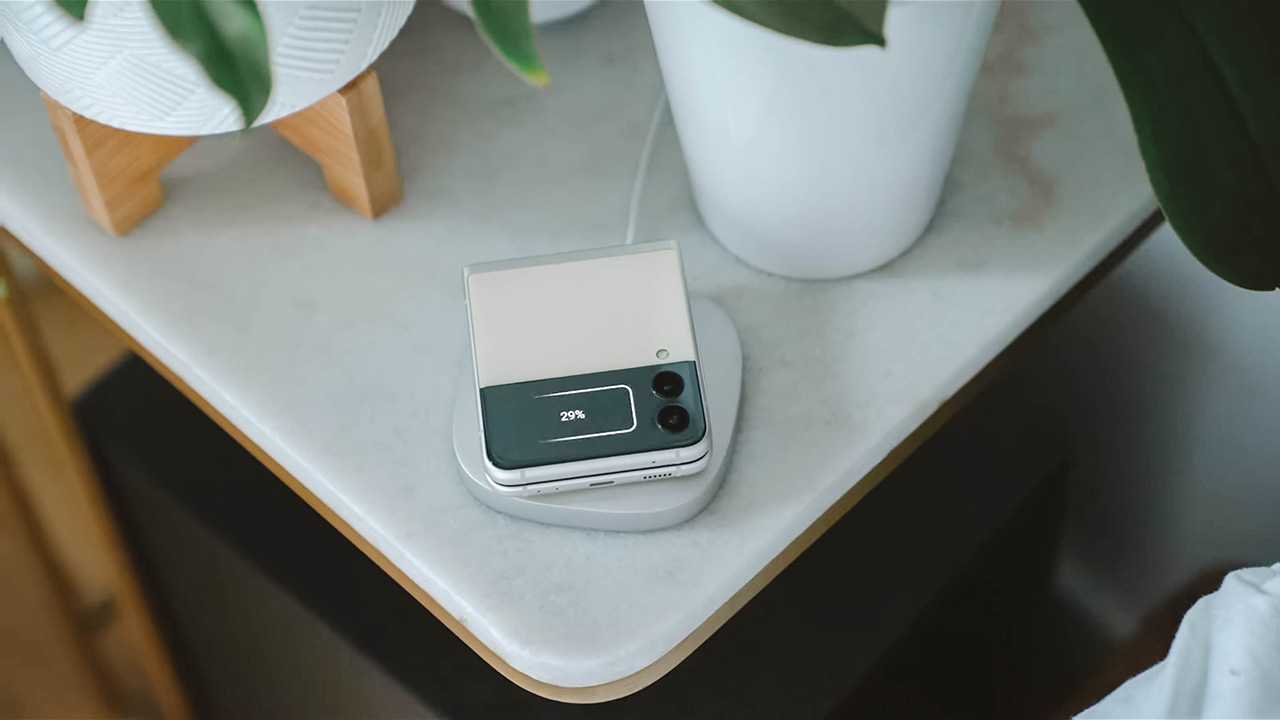
And speaking of wireless charging, if you’ve got the juice to spare, you can also turn on reverse wireless charging. To charge, say your new Galaxy Buds2 or Galaxy Watch4.
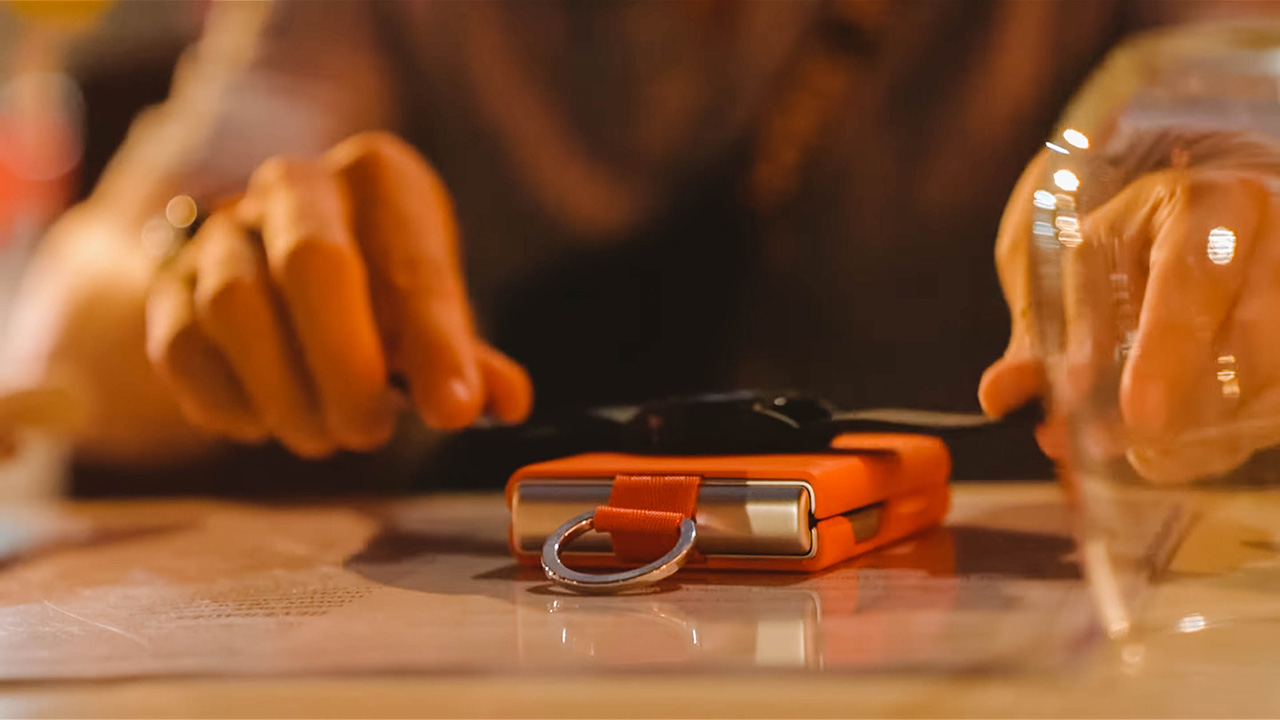
But let’s be honest: With so little battery capacity available, I’m not going to do any of that. Even in a pinch.
Accessories to enjoy
By the way, in case it still needs to be pointed out in 2021, there’s no charger in the box. If you want an unboxing, check this video. But long story short, you basically get a phone and a cable. That’s it.

Guess that’s a good jump-off point to what else you can get for your Flip3. Apart from the 25W charger which comes in white and black and can be had for US$ 19.99, I’m really excited about Samsung’s lineup of cases. There’s a fancy Aramid Cover, a Leather Cover which is what I bought last year, and a Clear Cover.
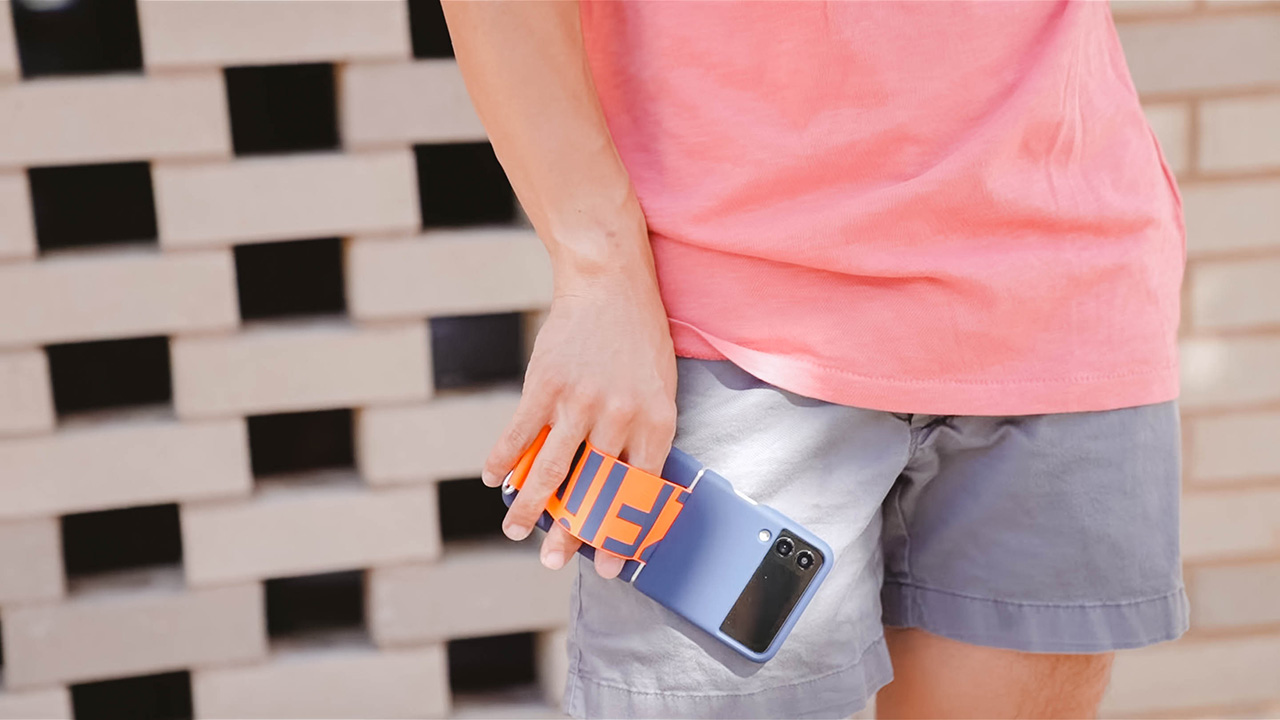
But what I really like are the new Silicone Cover with Ring and Silicone Cover with Strap.
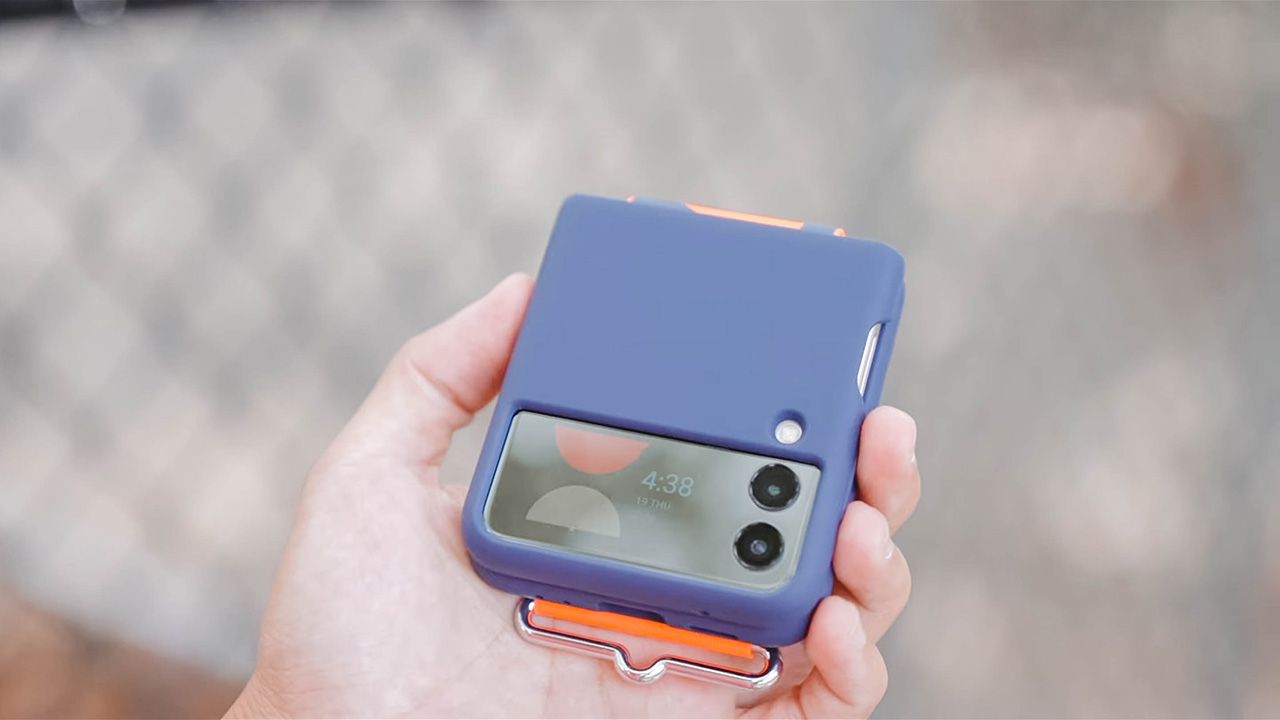
They’re both trendy and stylish and are useful because both give you a way to securely hold on to your phone. These cases are US$ 39.99 per piece.

Is the Galaxy Z Flip3 your GadgetMatch?
As always, if you own last year’s Flip then the most financially responsible thing to do is wait at least another year before you upgrade. But if you’ve been holding off — just waiting for the right time to snag a folding phone. Then now’s a definitely good time, if US$ 999 for you is affordable.
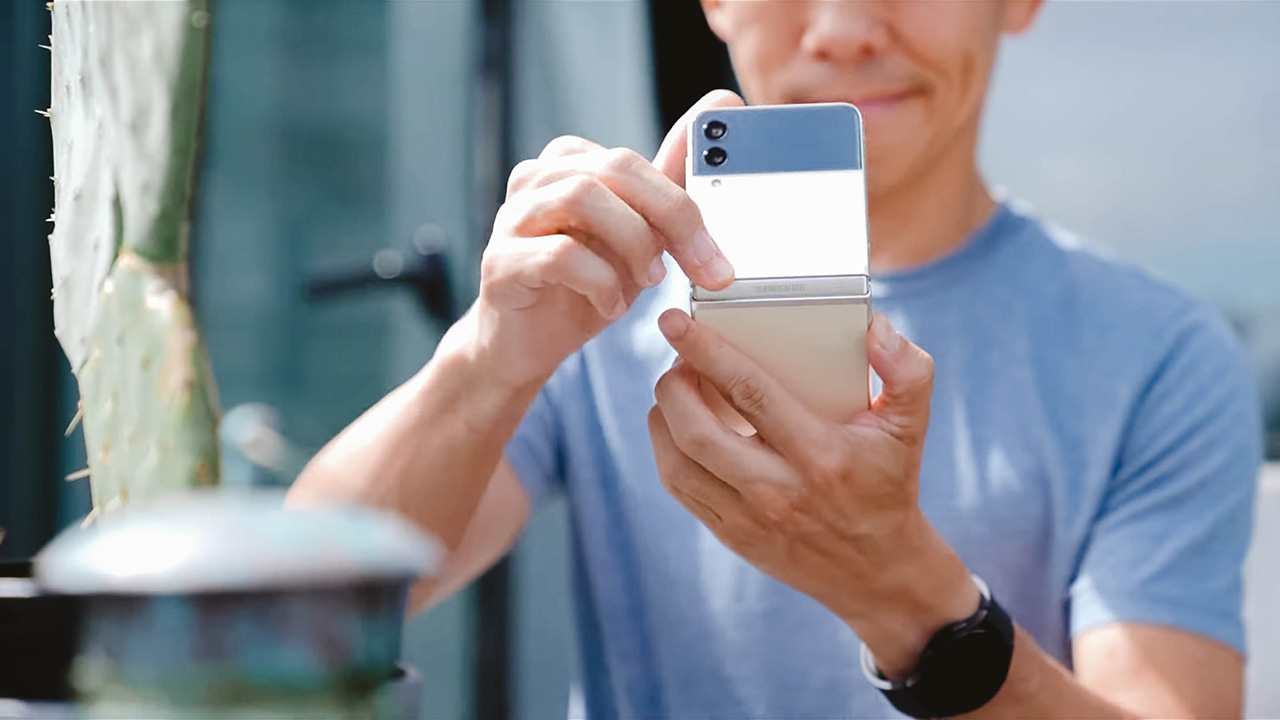
But is the Galaxy Z Flip3 really worth it? I think so. This phone, for me, is many things. A conversation starter. A cool and trendy gadget. A bite out of the future.
As you all know, I carry an iPhone in one pocket and an Android in the other. And for most of last year — the Flip was my Android phone of choice. And this year’s Flip3 will most likely claim that coveted pocket space. It might not be perfect — battery life for one needs some work. And cameras could be even better.
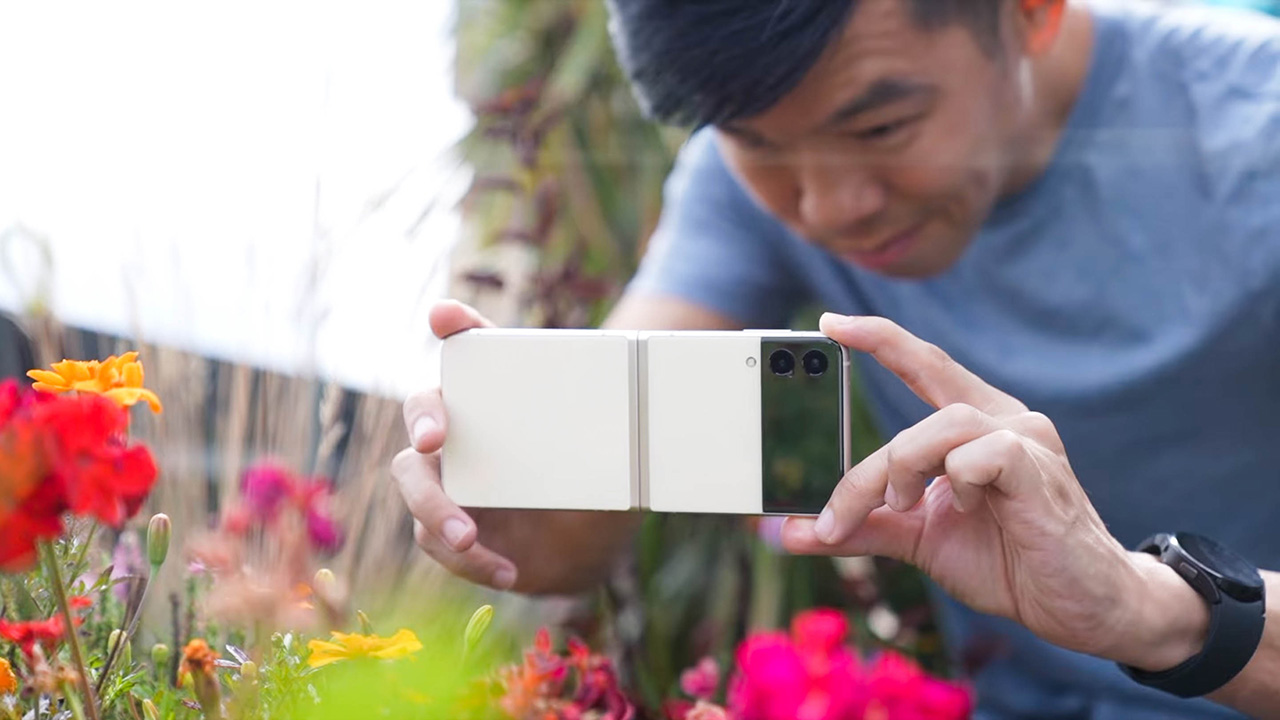
But there’s something about the Flip3 that keeps me coming back for more. And that je ne sais quoi cannot be denied. I have a feeling this is going to be a very popular phone this year. It’s definitely one worthy of the GadgetMatch Seal of Approval.
WATCH: Samsung Galaxy Z Flip3 Review: Flip or Flop?
Galaxy Z Flip3 5G — BUY here
Galaxy Fold3 5G — BUY here
Galaxy Watch4 and Galaxy Watch4 Classic — BUY here
Galaxy Tab S7 FE — BUY here
Galaxy Buds2 — BUY here







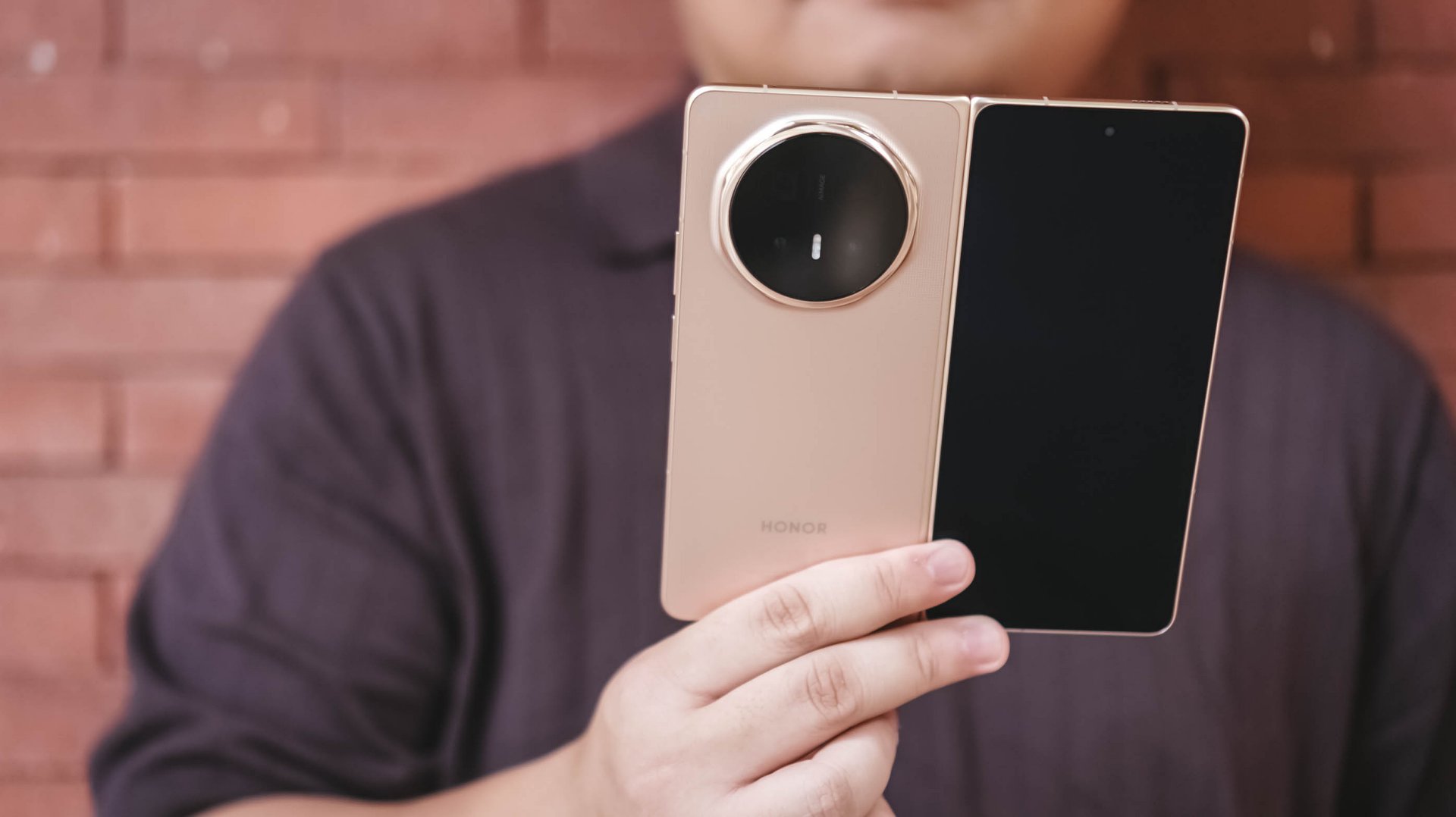
Before I learned when the HONOR Magic V6 review embargo would lift, I had already become aware of the possibility of upcoming wide foldables.
The idea immediately caught my attention because it seemed to address one of the few remaining questions I have about today’s book-style foldables.
They’re excellent productivity devices. The larger, almost square-like display is perfect for multitasking, reading, editing documents, and working with multiple apps at once.
But much of the content we consume today isn’t square.
It’s vertical: Reels. Shorts. TikToks. Fancams.
Or it’s widescreen: YouTube videos. Movies. TV shows.
Book-style foldables can absolutely play these types of content. But when unfolded, they don’t always make the best use of the additional screen space because of their aspect ratio.
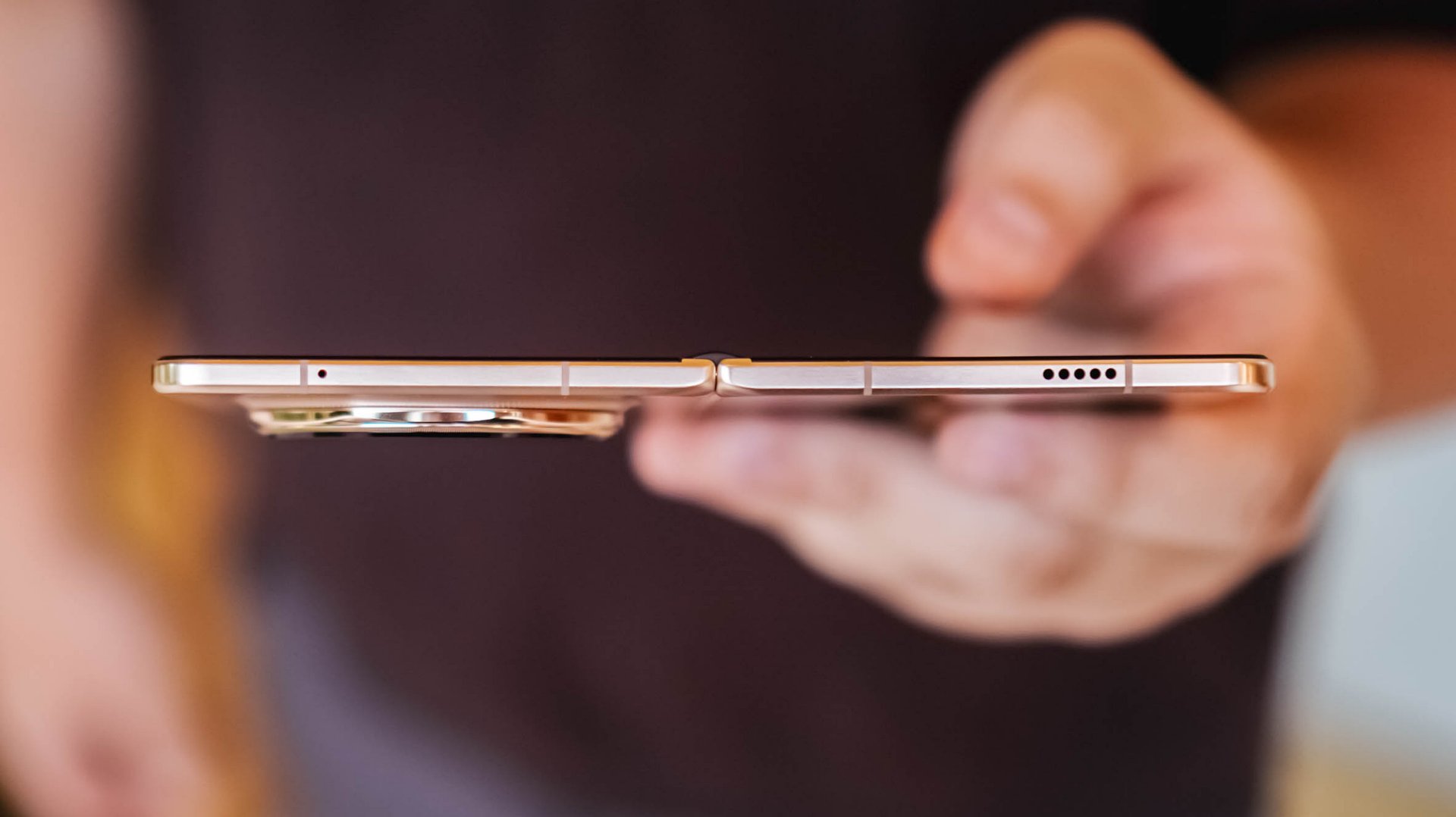
That thought lingered in the back of my mind while testing the HONOR Magic V6.
What surprised me was that despite that lingering question, the Magic V6 still made a compelling case for the current form factor. In fact, if the goal is to create a foldable that feels as close as possible to a regular flagship smartphone while still unfolding into a tablet, HONOR may have come closer than anyone else.
The HONOR Magic V6 is priced at RM 7,699 in Malaysia, with pre-orders running from June 4 to 11, 2026 and bundled gifts worth up to RM 3,797.
That’s flagship foldable money. Fortunately, the Magic V6 spends very little time reminding you that it’s a foldable and most of its time convincing you it’s simply a very good smartphone.
It feels like a regular smartphone
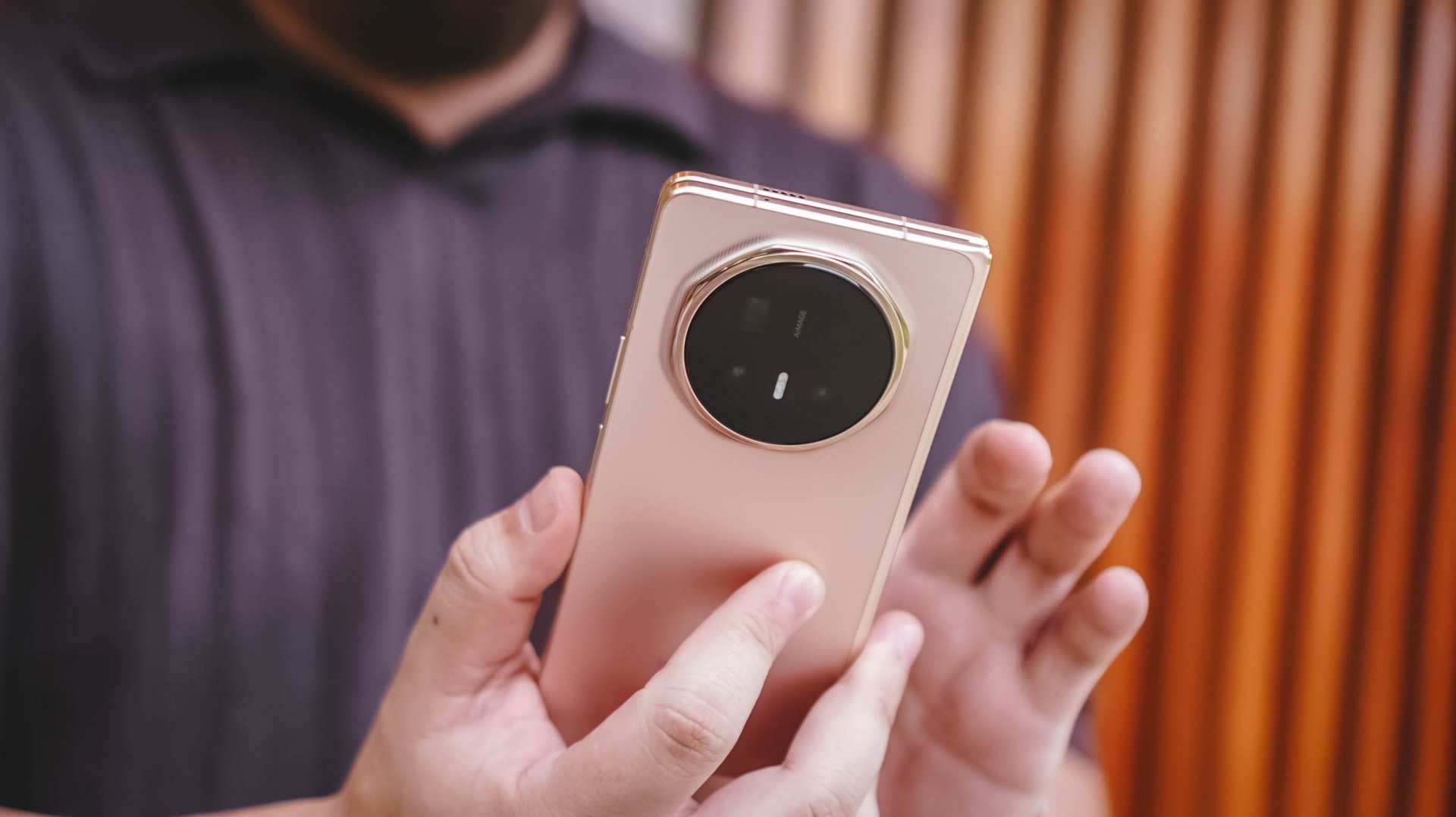
The HONOR Magic V6 looks and feels almost too much like a standard slab smartphone that you almost forget it can unfold into a larger screen.
That’s perhaps the most impressive thing about the device.
Most certainly, I felt the Galaxy S26 Ultra more when carrying it compared to the Magic V6. Despite being a foldable, it never feels cumbersome in daily use.
One of the subtle improvements I appreciated most was the button placement.
This is one of those low-key things you don’t really think about at first but becomes important over time. There’s little to no adjustment required when moving from a regular smartphone to the Magic V6 because the buttons sit exactly where you expect them to.
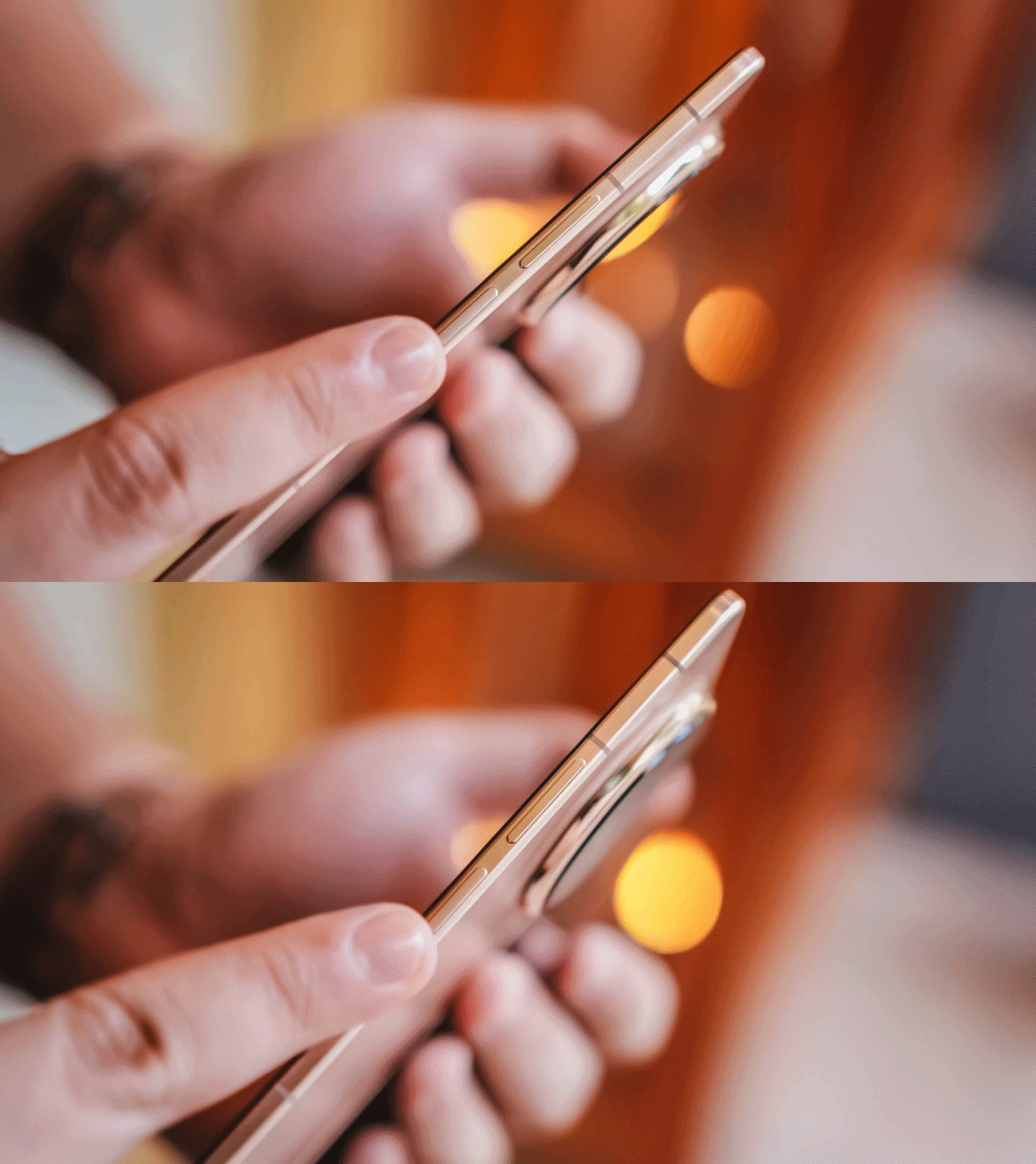
I use it alongside both the HONOR Magic8 Pro and Samsung Galaxy S26 Ultra and the transition feels seamless. That’s something I can’t quite say about the OPPO Find N6, whose power button still sits at a height that feels a little awkward.
Folded, the Magic V6 doesn’t feel like a compromise compared to a traditional flagship.
It simply feels like a regular flagship smartphone.
Unfolded, it feels natural too. The display even feels larger than the Galaxy Z Fold7 and HONOR Magic V5 that I used previously.
And that’s where the appeal of a book-style foldable continues to shine.
Productivity remains the killer feature
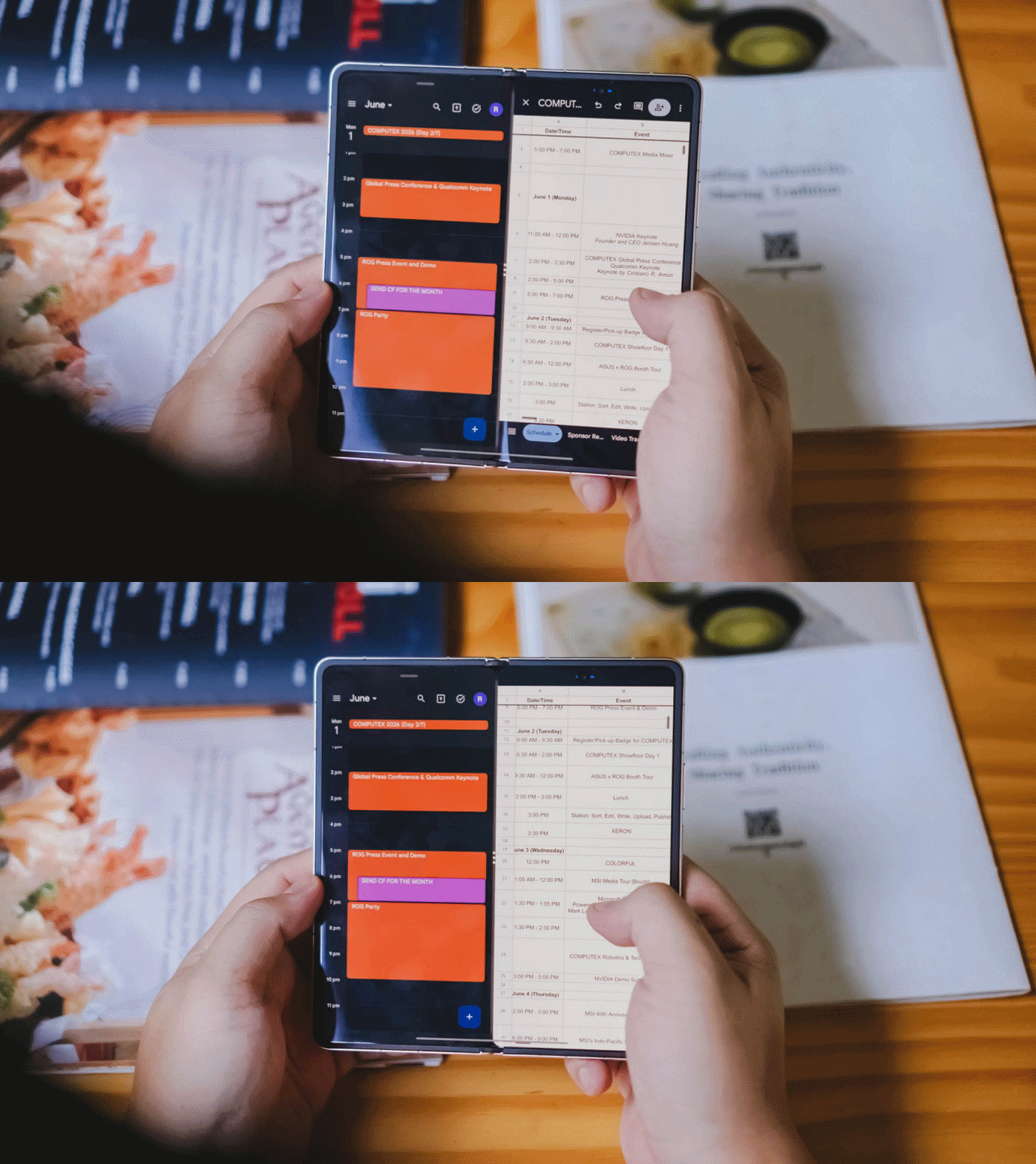
The larger display became particularly useful during several production shoots.
I found myself timekeeping to make sure we stayed on schedule while simultaneously checking scripts and production notes. It’s one of those situations where the larger screen immediately proves its value.
On another occasion, I handed the unfolded device to a project lead so she could review a script while planning shots for the day.
It immediately made her stop and consider whether she should get a foldable herself.
Moments like these highlight the unique advantage of book-style foldables.
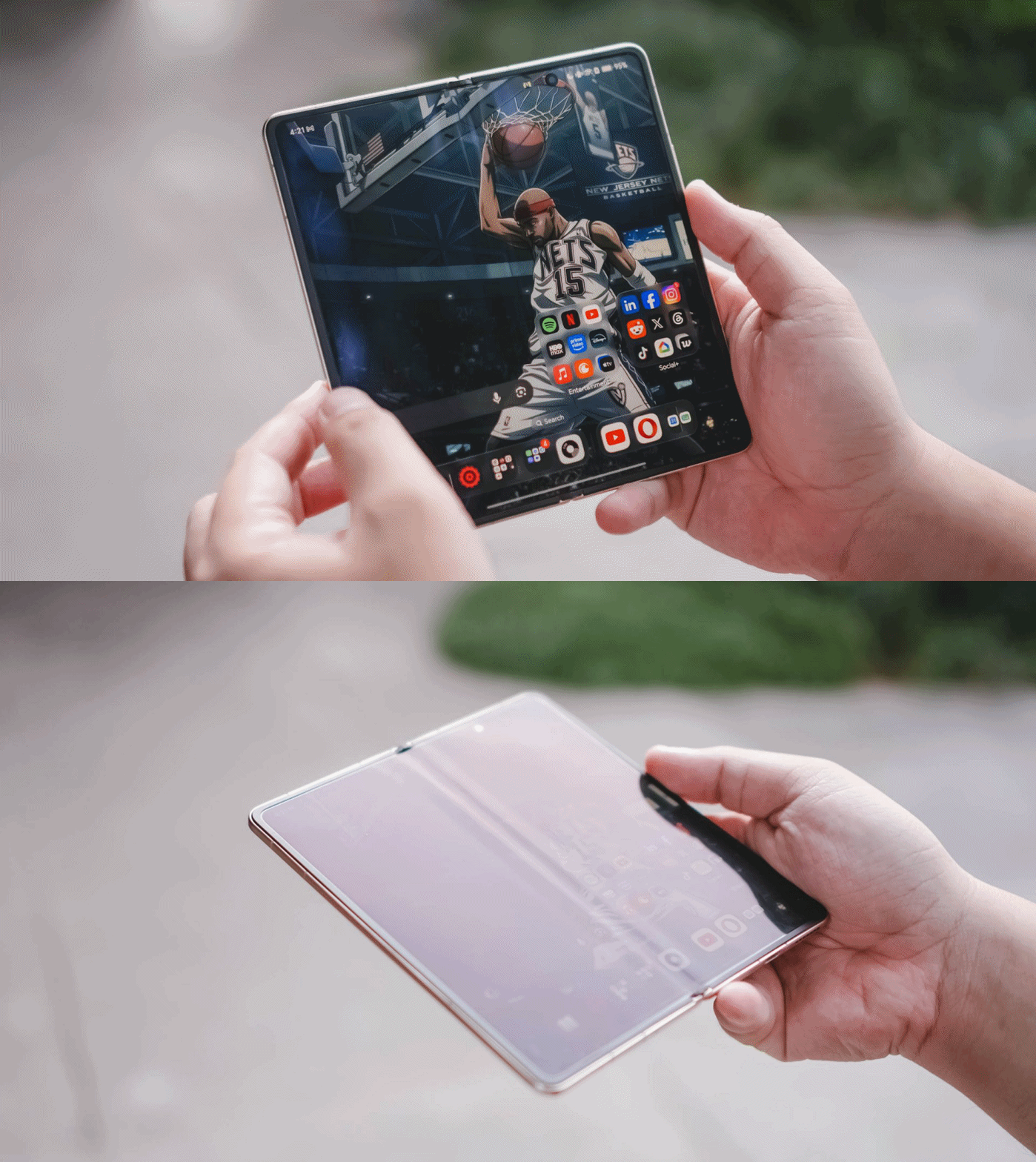
The larger screen doesn’t just exist for the sake of being larger. It enables workflows that simply aren’t as comfortable on a conventional smartphone.
That’s why, despite my growing curiosity about where foldables go next, the Magic V6 reminded me why this category became appealing in the first place.
Battery confidence is underrated
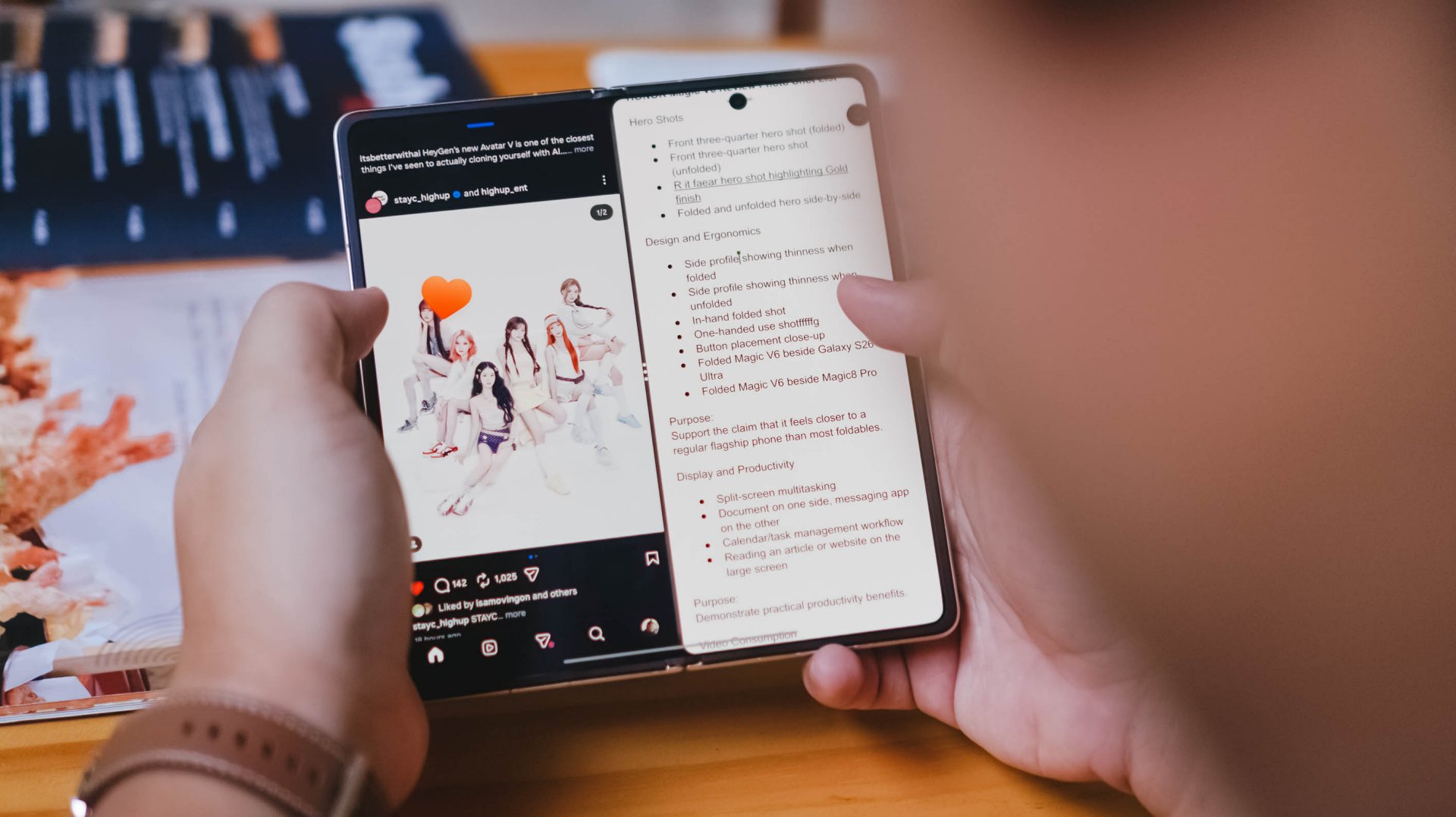
An overwhelming yes.
That’s my answer when asked whether the battery capacity translates into confidence.
The Magic V6 is an endurance beast.
I never worried about using it folded or unfolded throughout the day. I never worried about taking photos, multitasking, or spending extended periods on the larger display.
For the most part, I simply knew that no matter what I did during a normal day, I’d still have enough battery to get home or reach somewhere I could recharge.
As someone who tends to become conscious about battery life once it drops below 50 percent, that’s saying something.
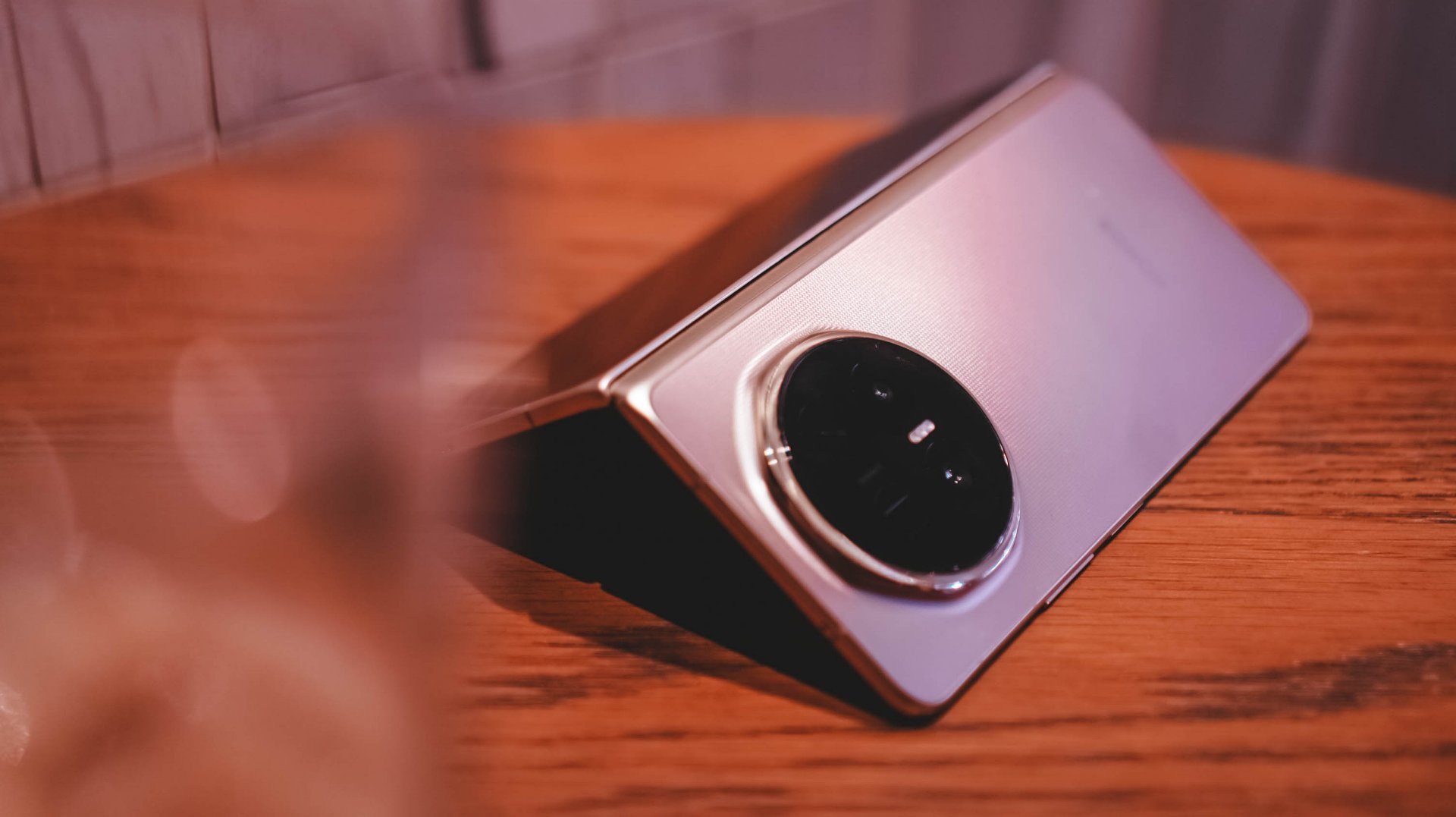
I also noticed myself worrying about the battery less the more time I spent with the device. I got used to how much power it consumed depending on what I was doing throughout the day.
Compared to the Galaxy Z Fold7 and HONOR Magic V5, the Magic V6 feels like it has more endurance.
It also charges faster.
The media consumption question
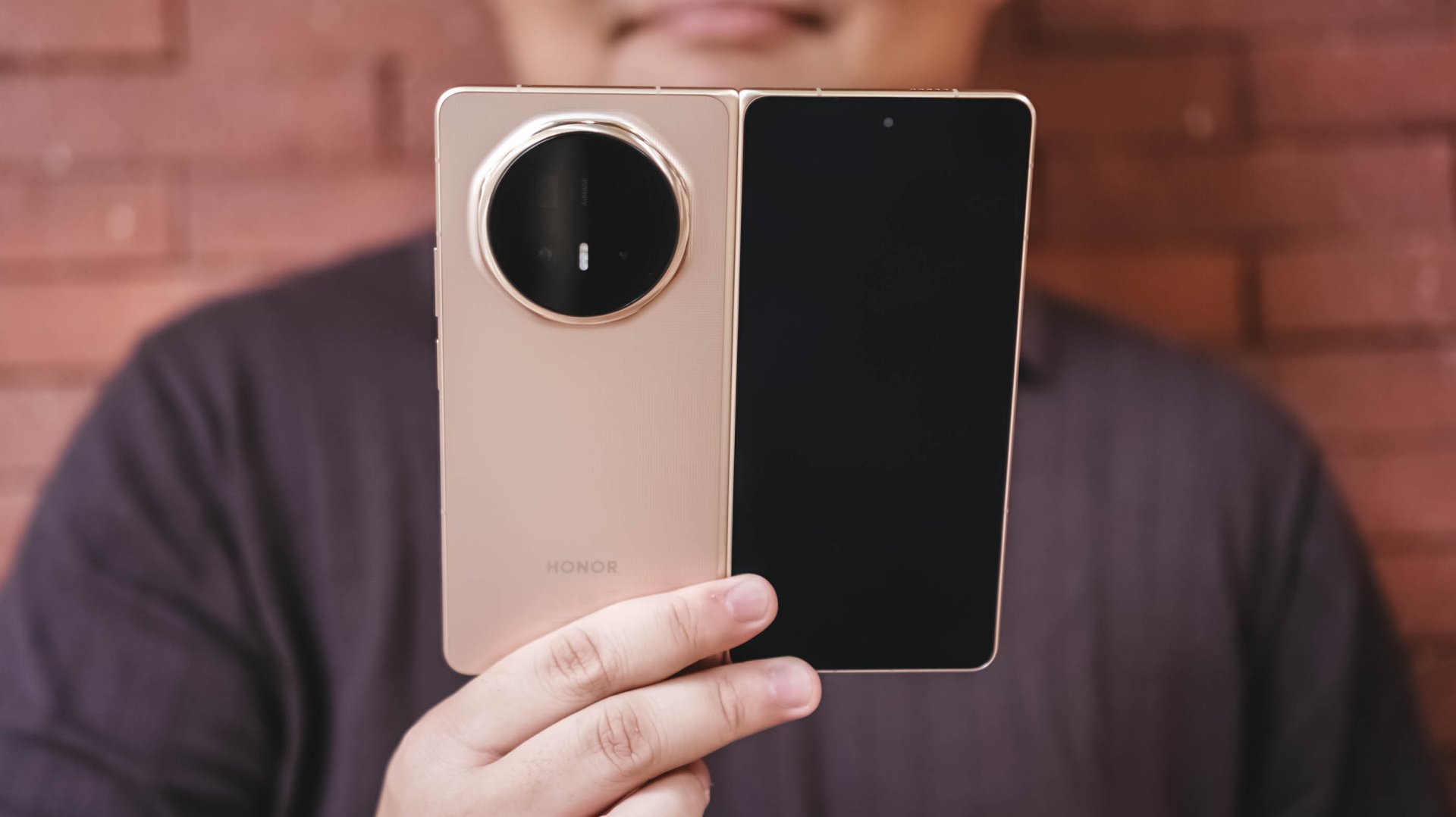
Did the Magic V6 make me watch more videos than I normally would on a phone?
Not really.
Most of my phone-based video consumption consists of Reels, Shorts, and the occasional K-pop fancam. Longer content usually happens elsewhere. If I’m watching a movie, a series, or even a lengthy YouTube video, I’d much rather do it on a TV or tablet.
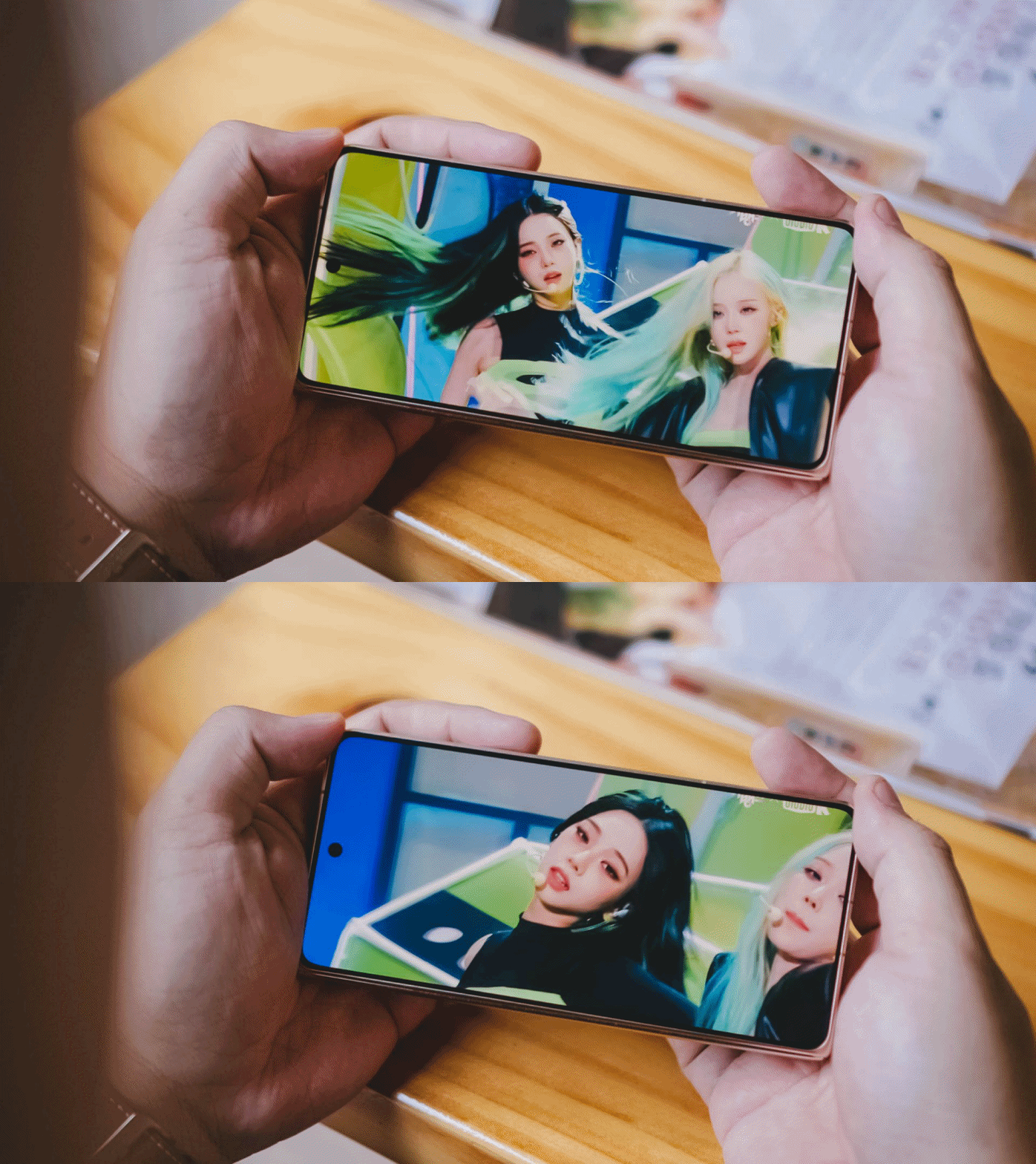
For the purposes of this review, I spent some time watching aespa Karina’s “Lemonade” facecam. I figured if there was any content I’d naturally watch on a phone, it would be that.
Folded and held in hand, it’s your typical smartphone viewing affair. In fact, the cover display is still a little narrower than I personally prefer.
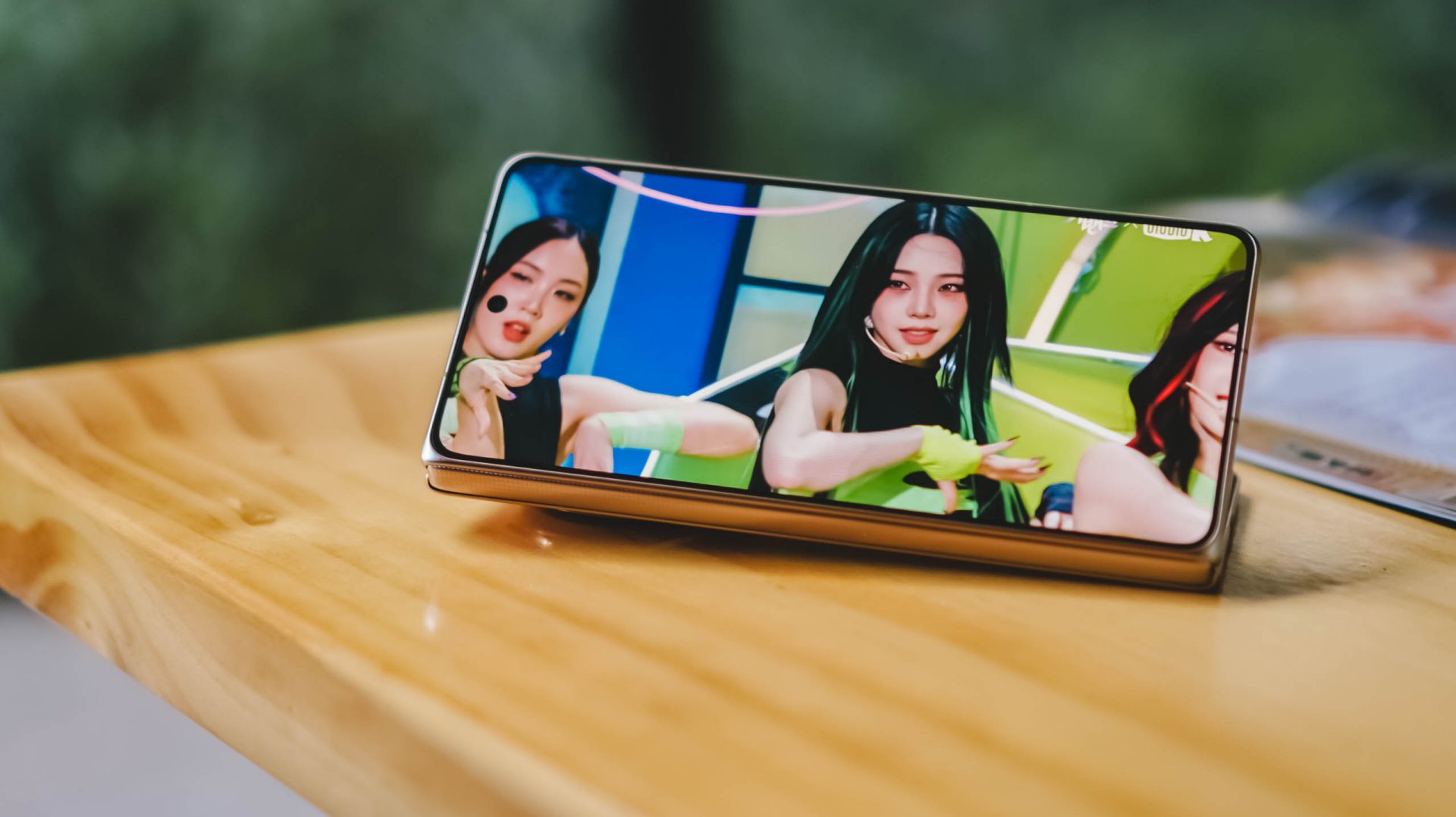
You can also prop it up in Flex Mode and watch hands-free, which works surprisingly well when you’re sitting at a desk or table.
When unfolded, things become a little more complicated.
You can watch content in its original aspect ratio and live with the black bars. At night, they practically disappear. In brighter environments, they’re much more noticeable.
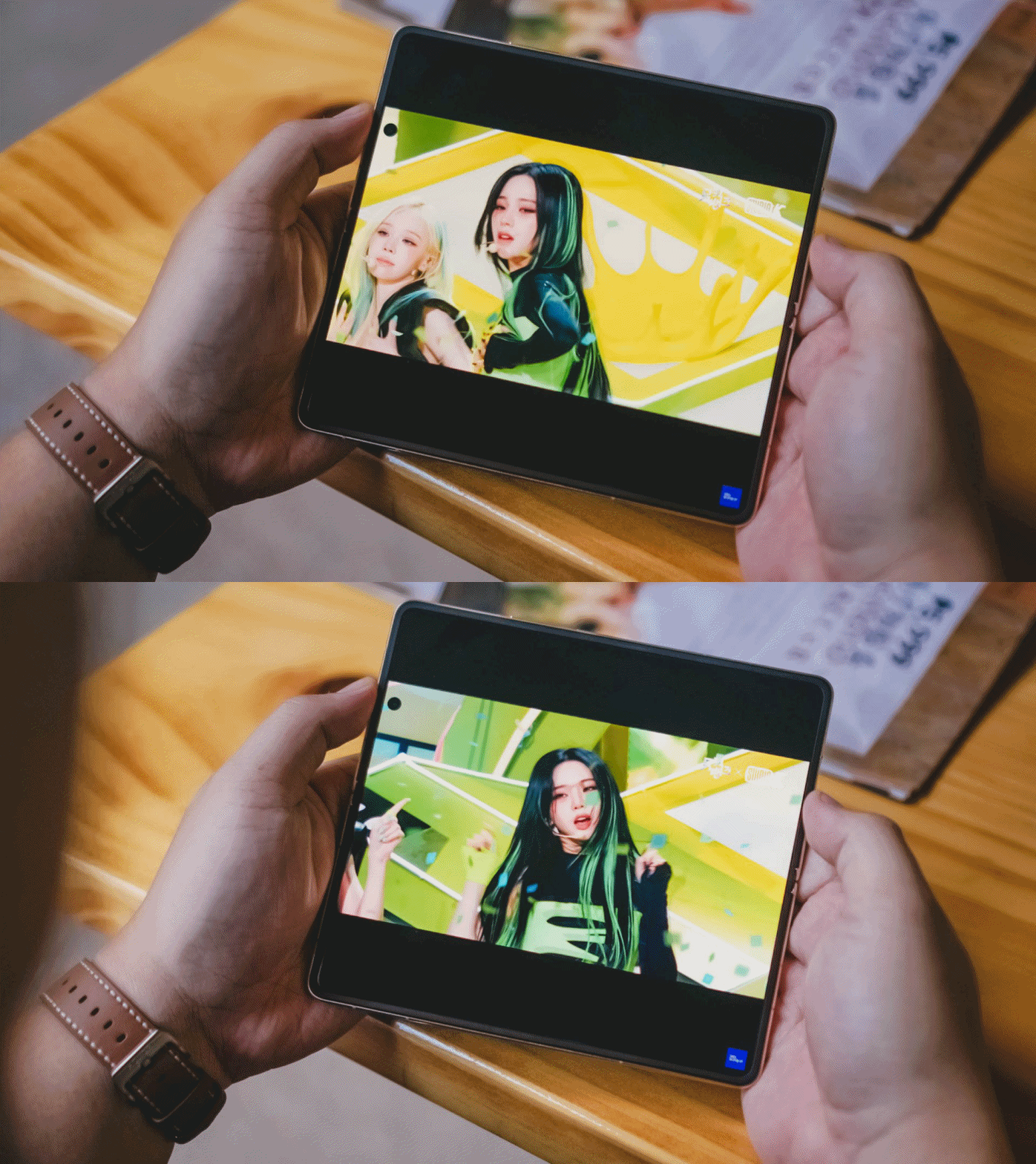
You can also pinch to zoom and fill more of the display. This works particularly well for content where the subject stays near the center of the frame. Facecams like Karina’s are a perfect example.
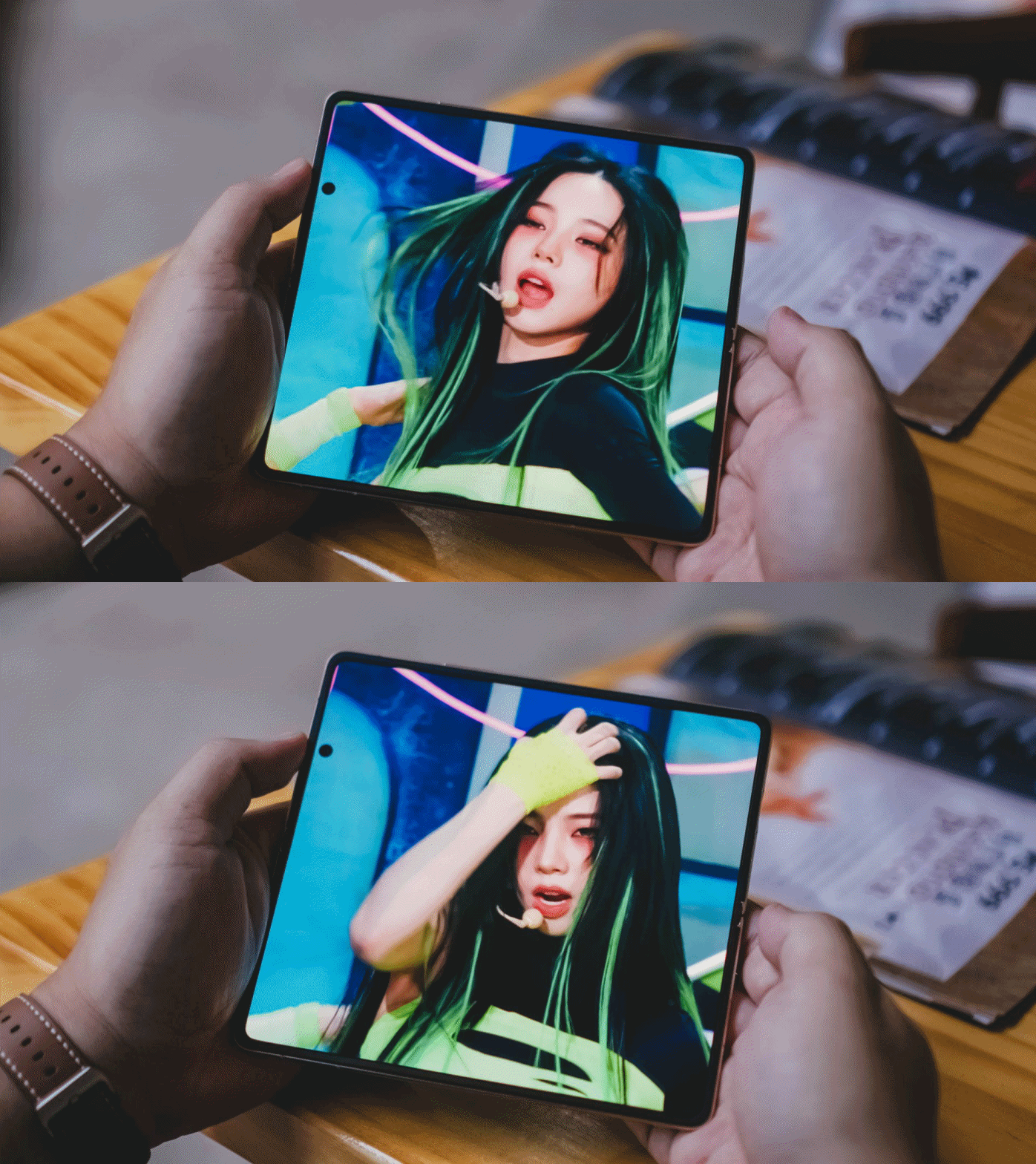
Why is Karina giving so much Shego vibes here?
The challenge is that much of today’s content exists in either 9:16 or 16:9 formats, while book-style foldables unfold into something much closer to a square.
The result is that the additional screen space isn’t always utilized as efficiently as you might expect.
That’s not really a criticism of the Magic V6 itself.
Rather, it’s one of the reasons I’ve become interested in the idea of wide foldables. The Magic V6 excels at productivity because of its aspect ratio. Whether that same aspect ratio remains ideal for modern media consumption is a question I continue to think about.
Cameras that don’t feel like a compromise
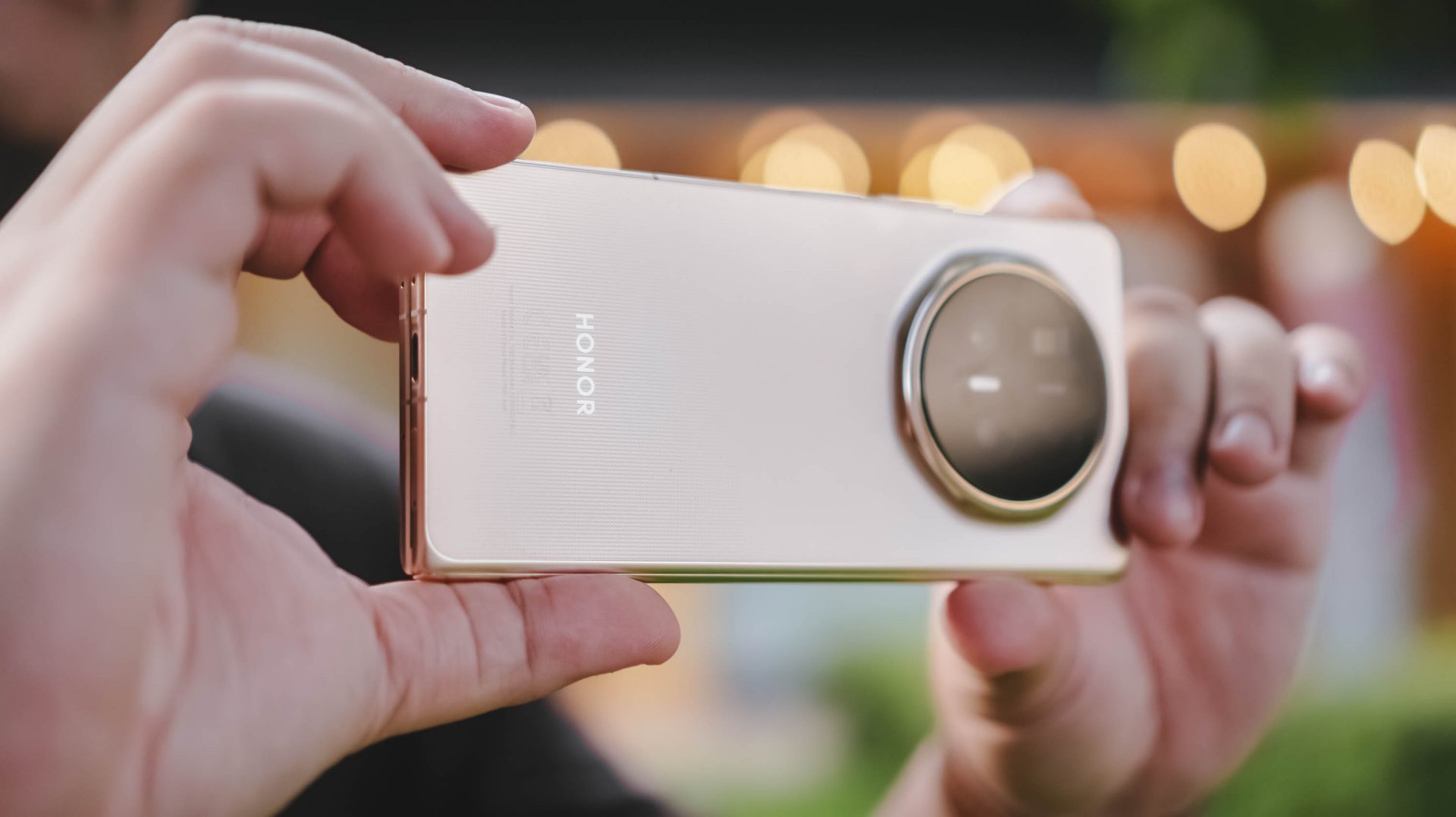
The camera system is one of the standout features of the device.
For a foldable, it takes really good photos. Photos I wouldn’t hesitate to post immediately on social media.
I’ve become particularly fond of HONOR’s Authentic Filter and used it extensively throughout my testing. The images look excellent and carry a look that I genuinely enjoy.
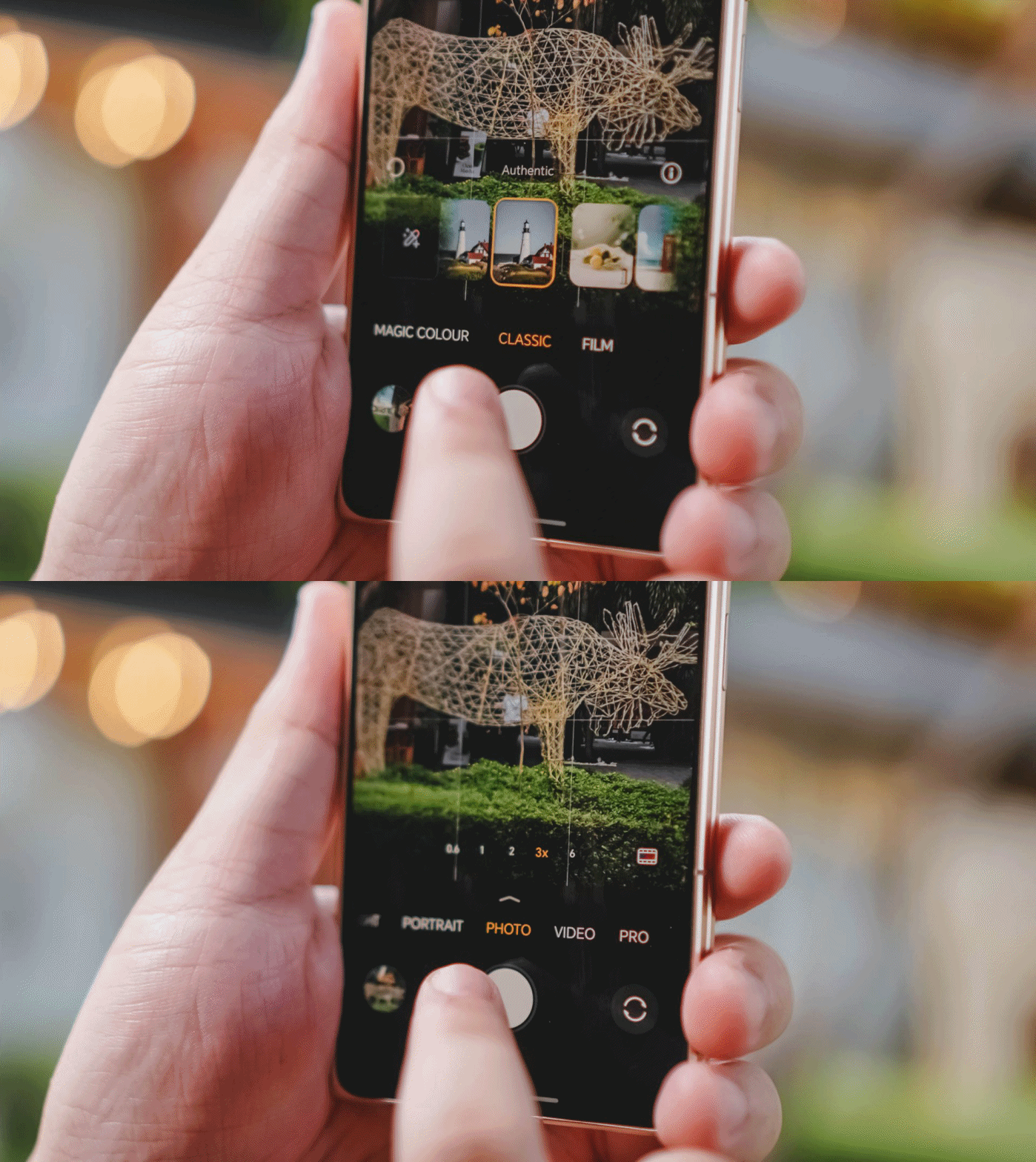
I still notice some limitations once I move beyond 6x zoom, but realistically, most users won’t spend much time there.
For everyday photography, the Magic V6 delivers more than enough.
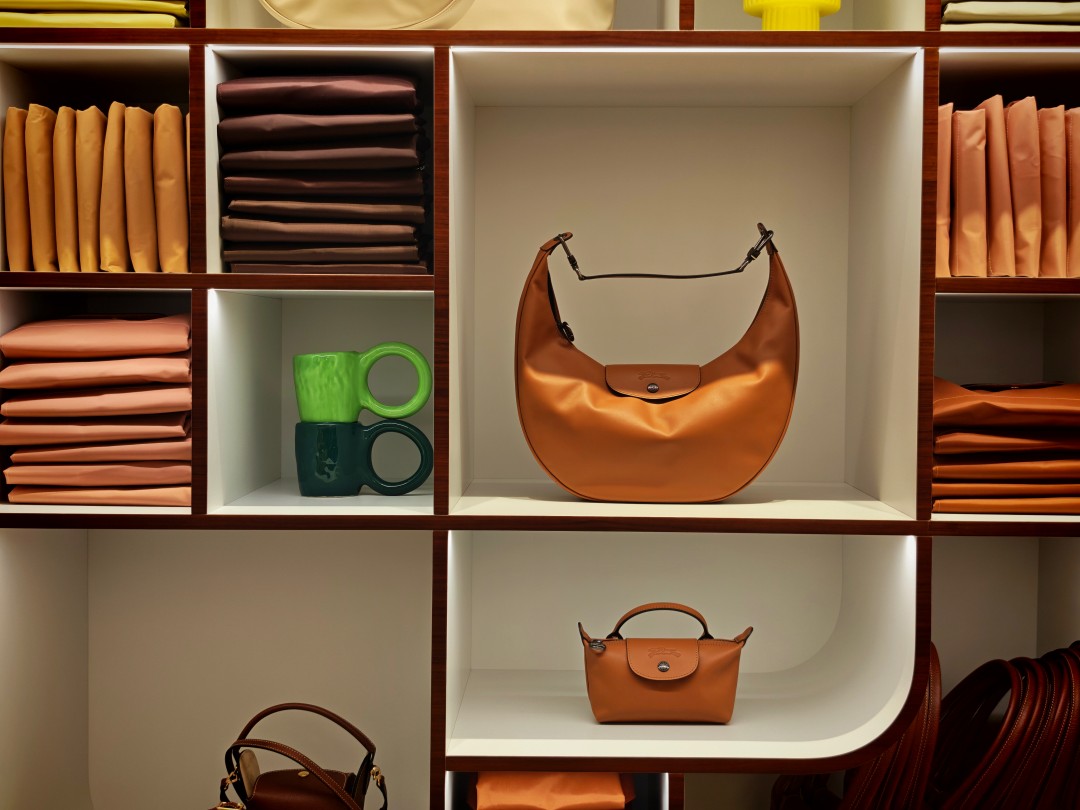
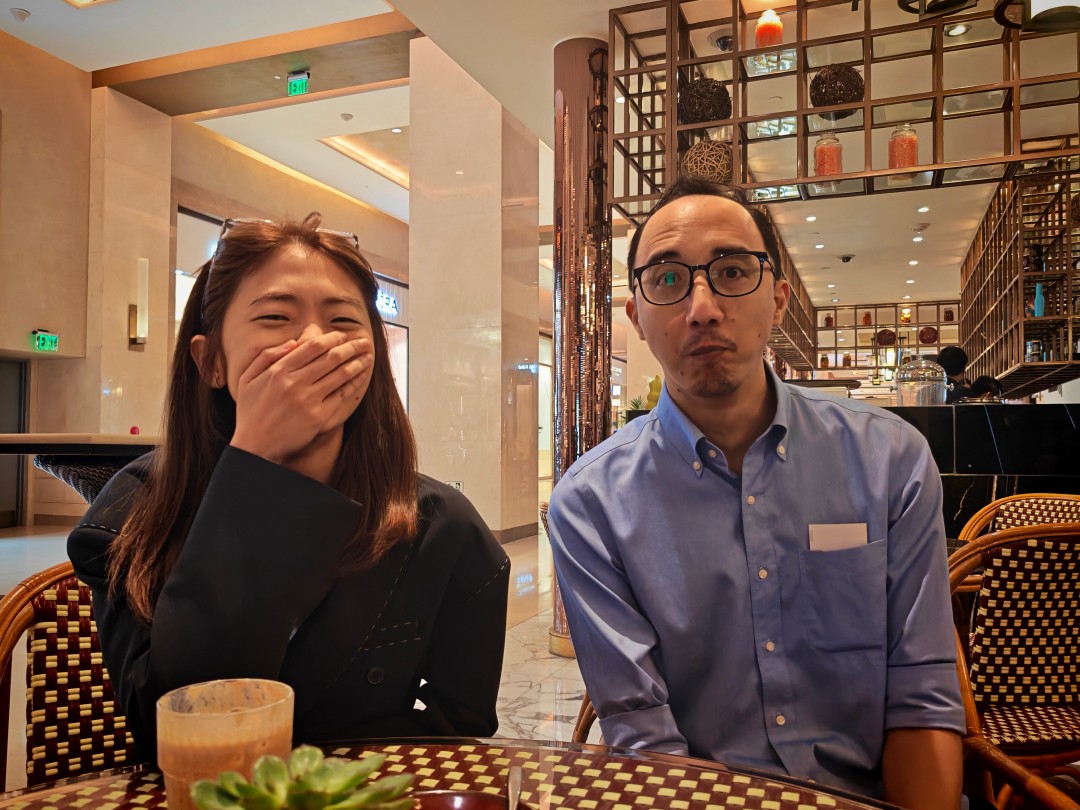
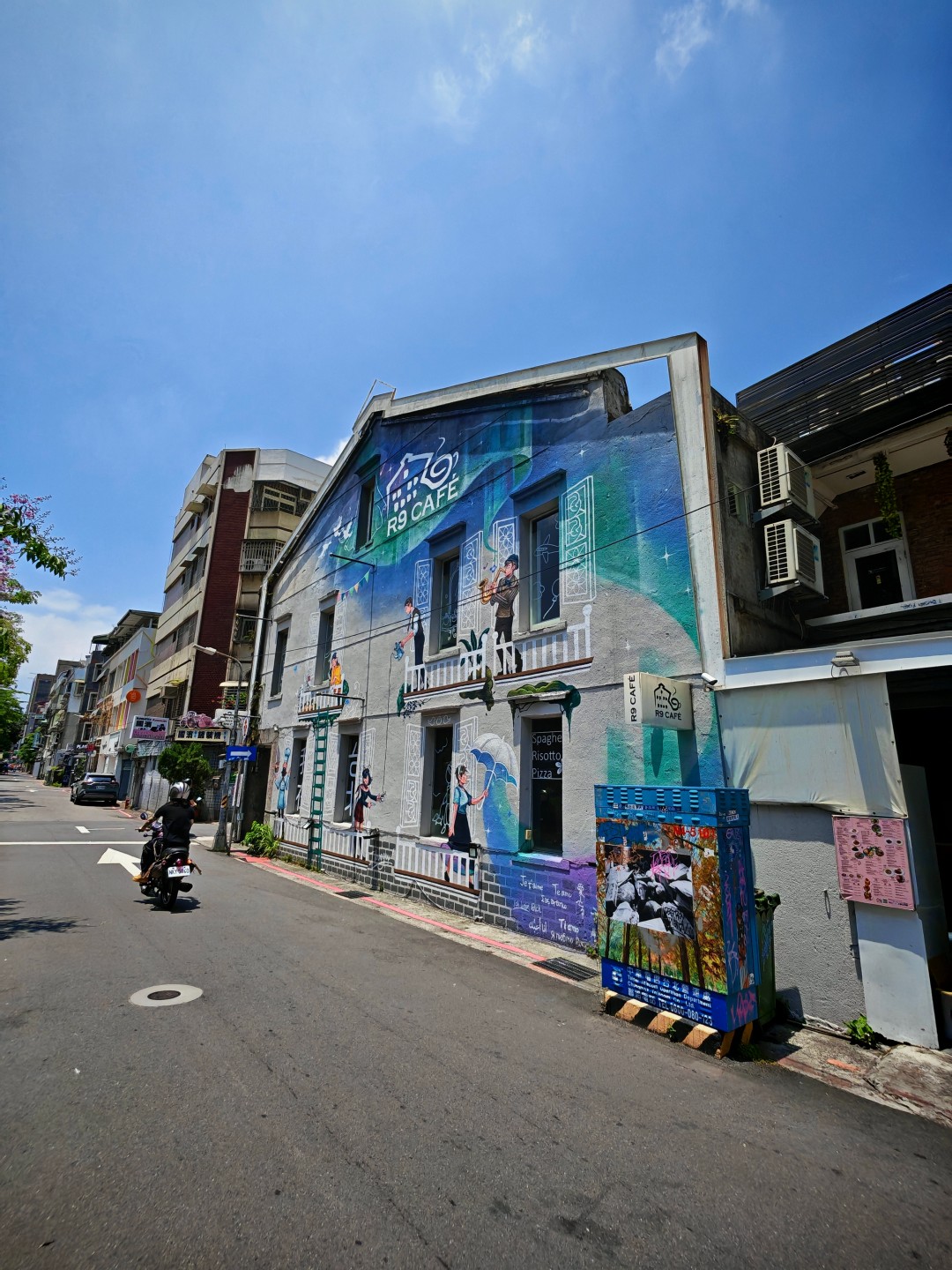
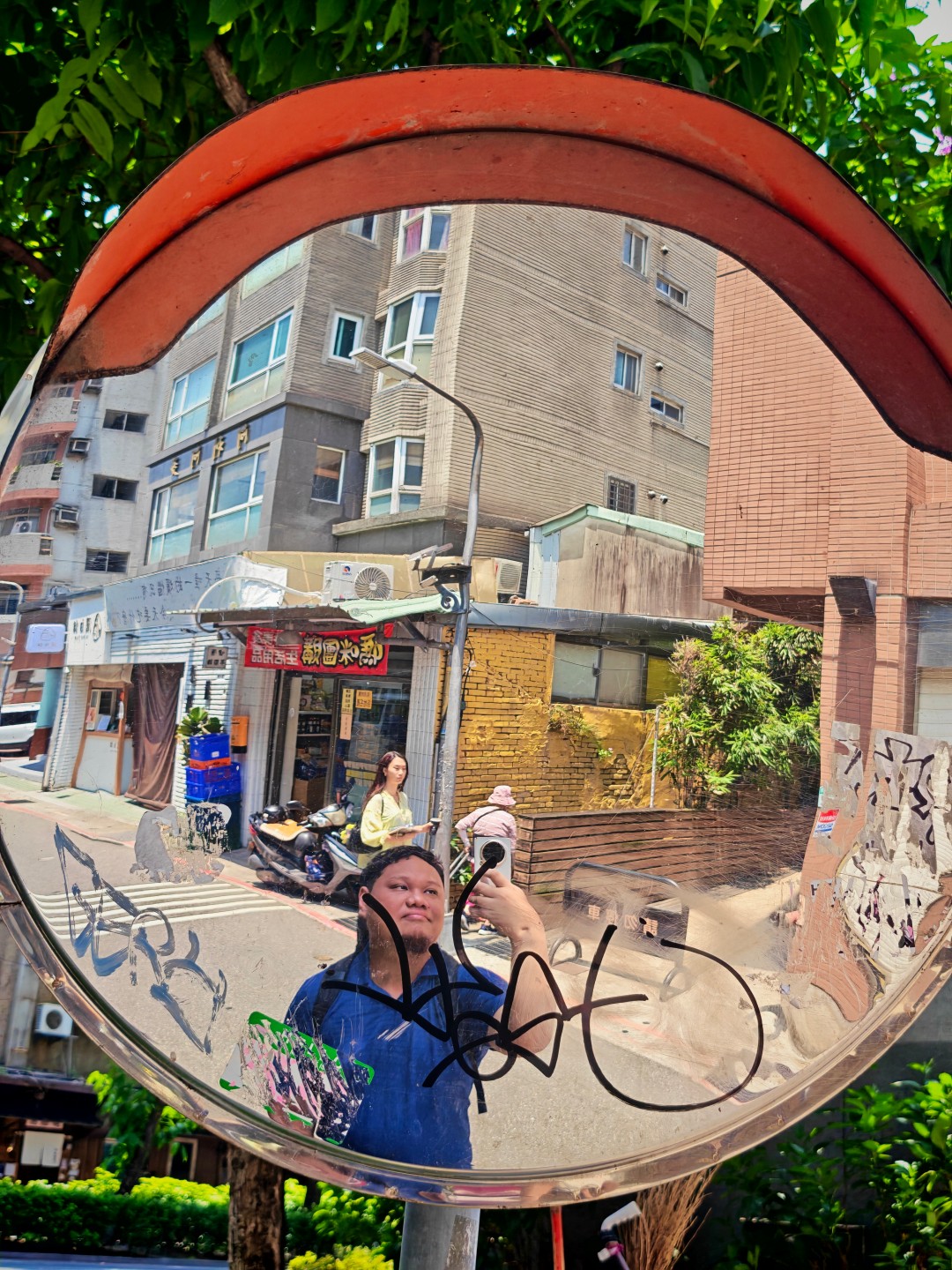
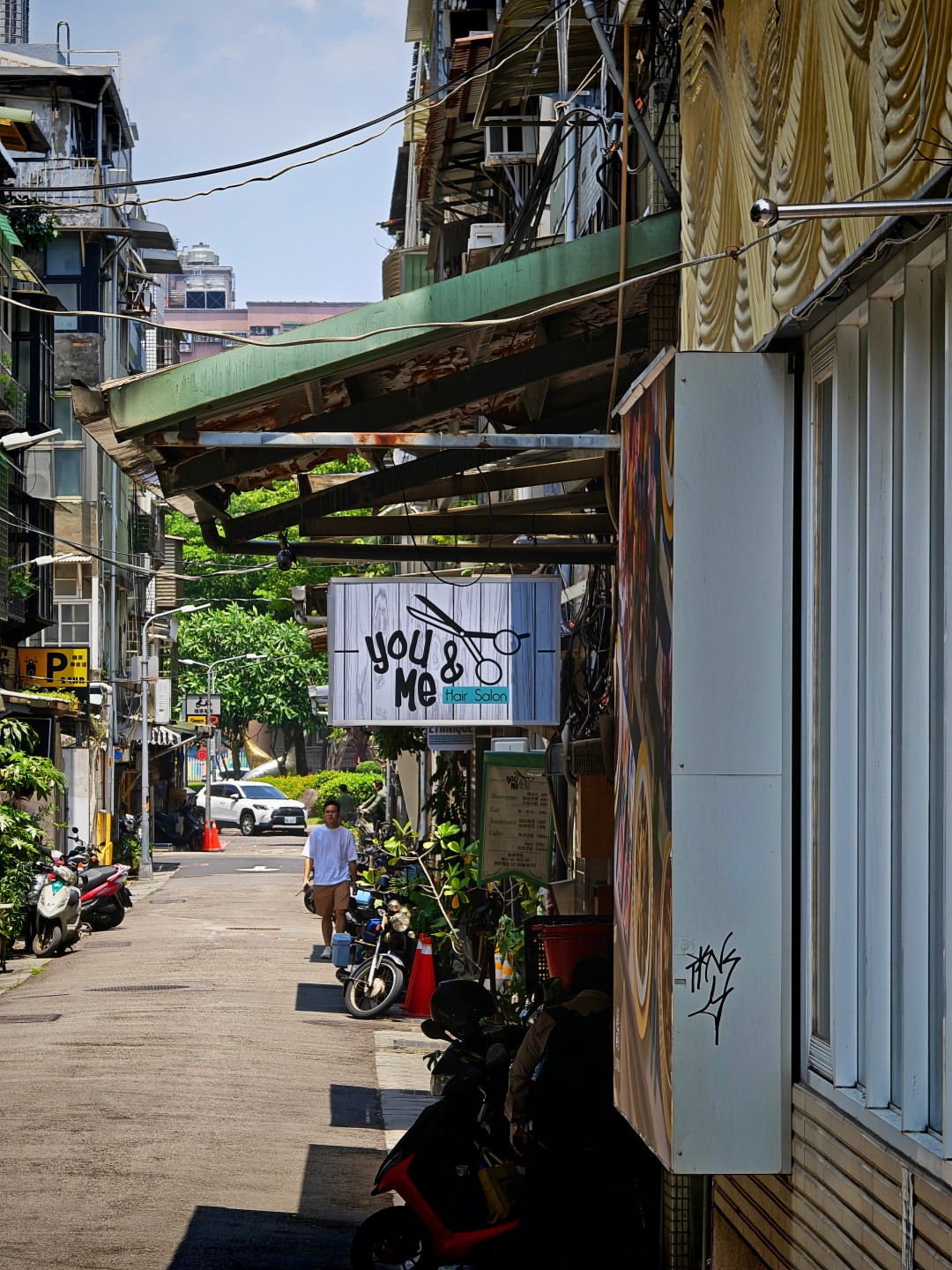
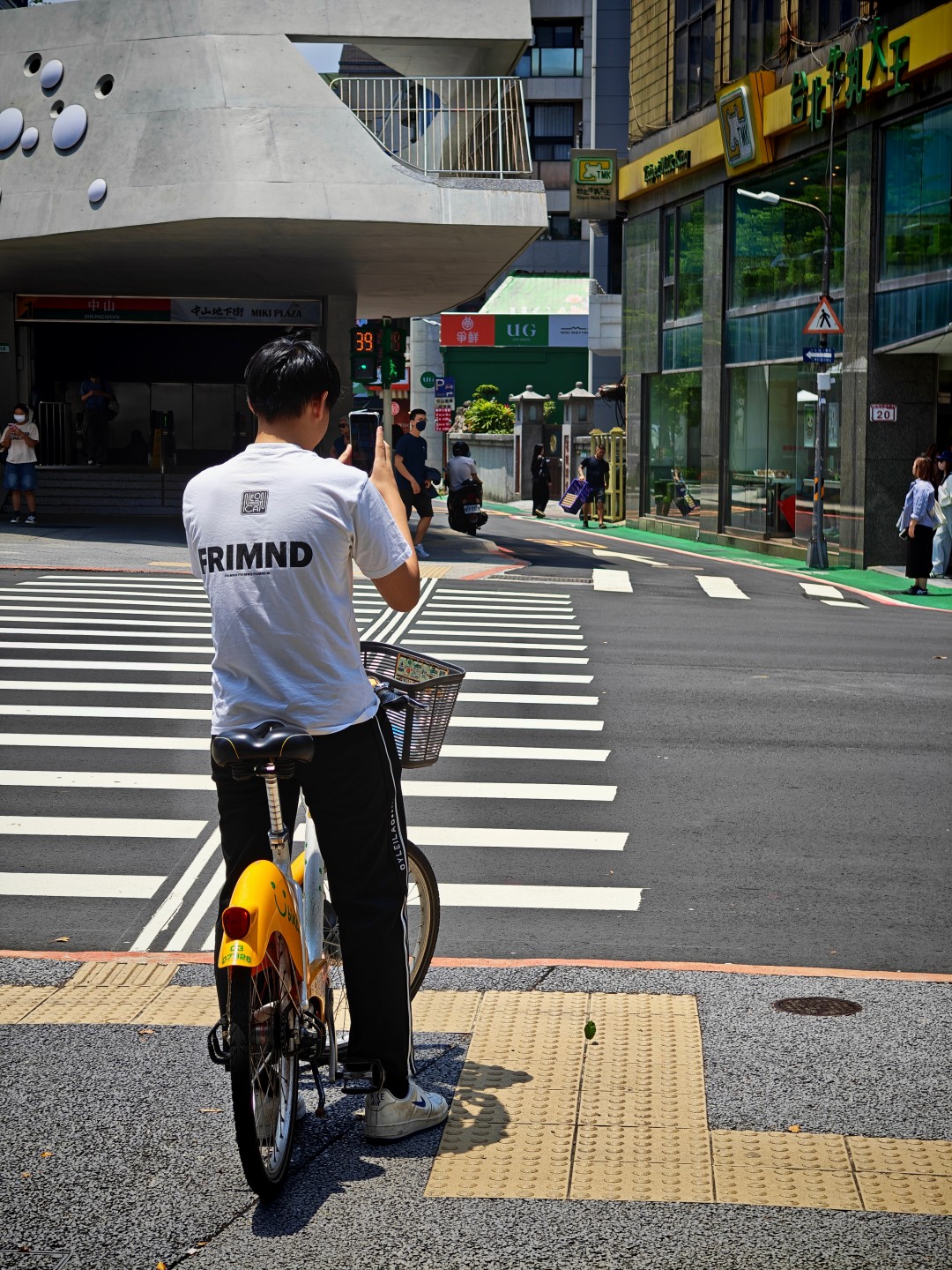
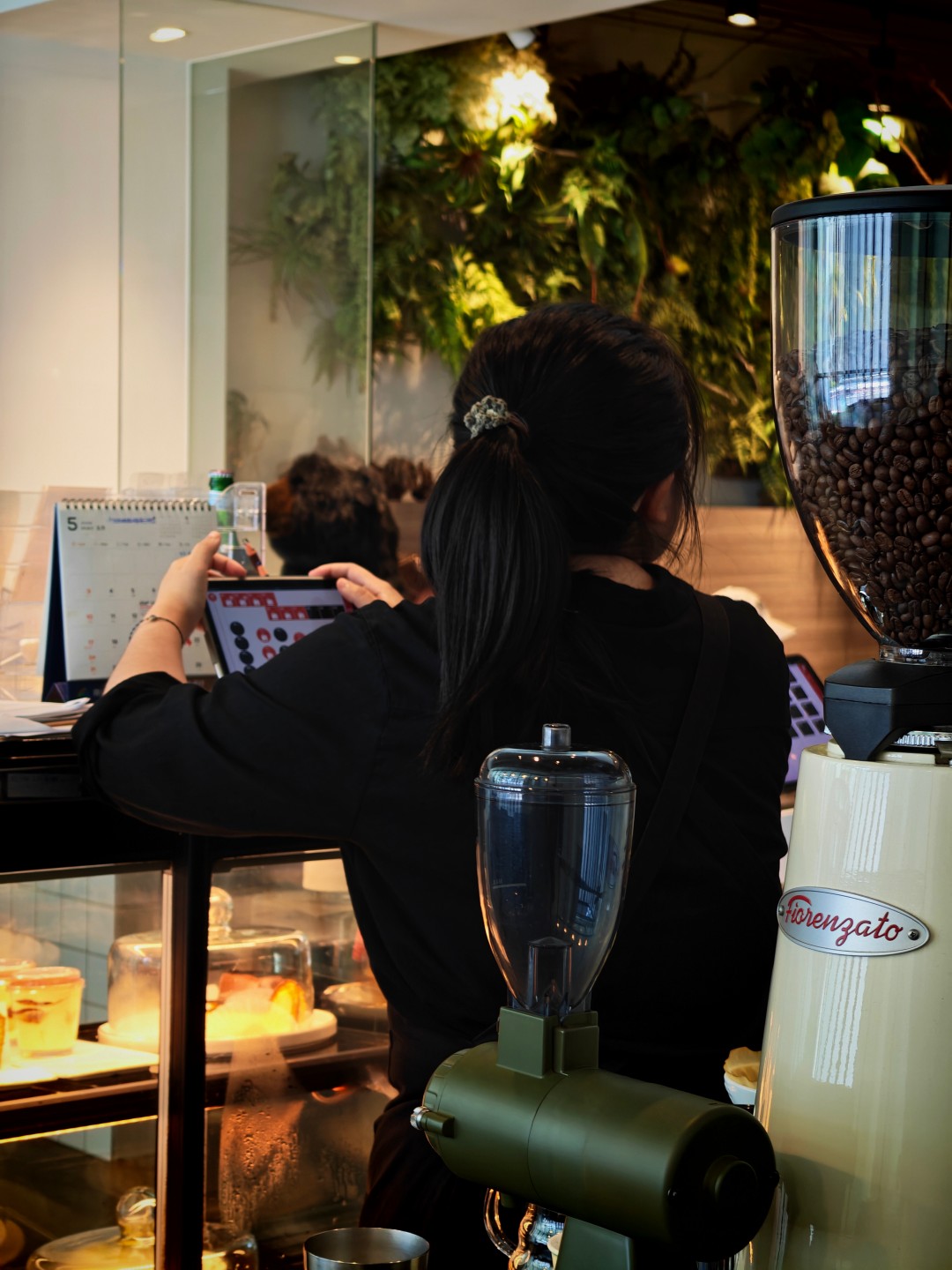
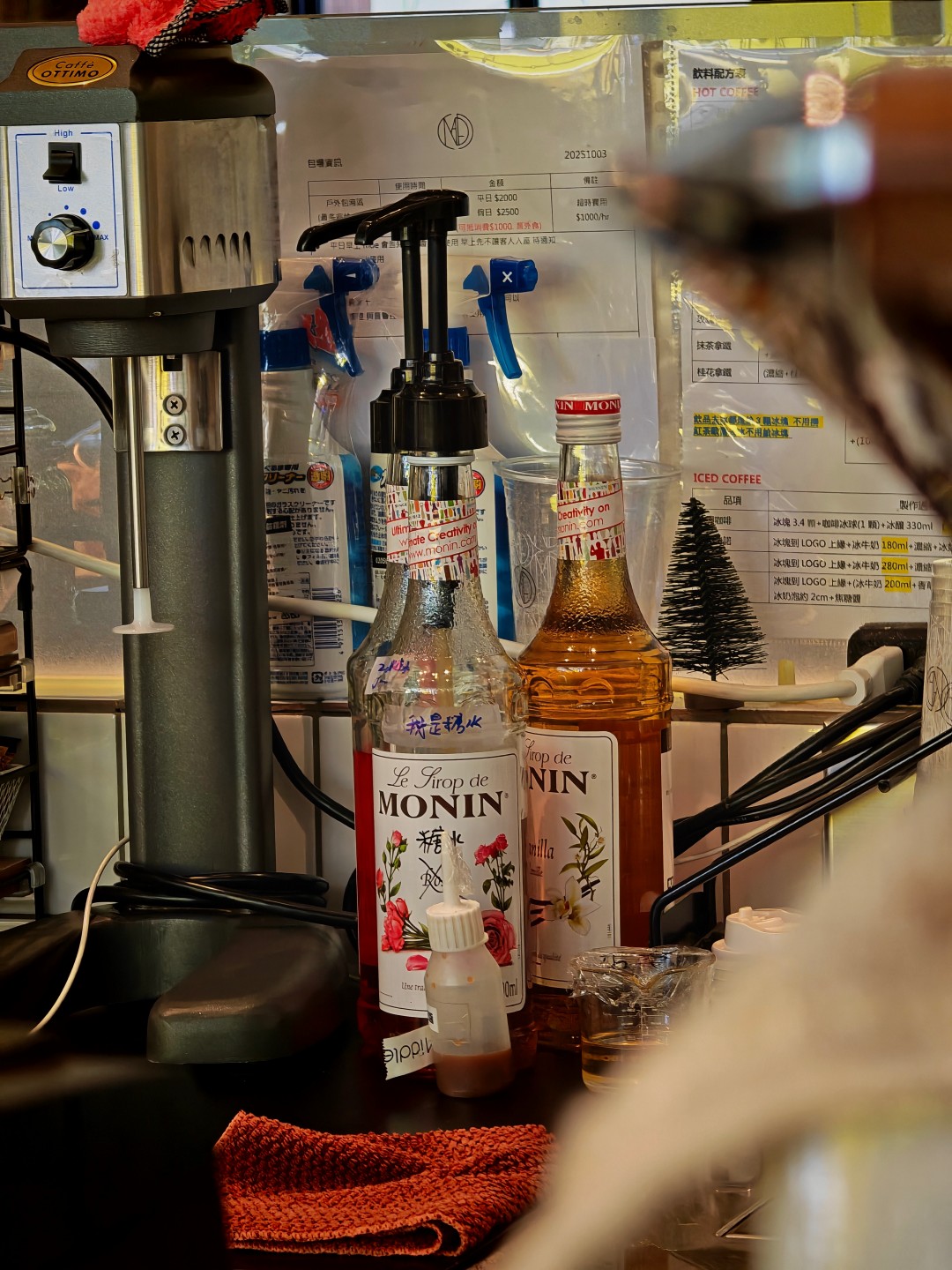
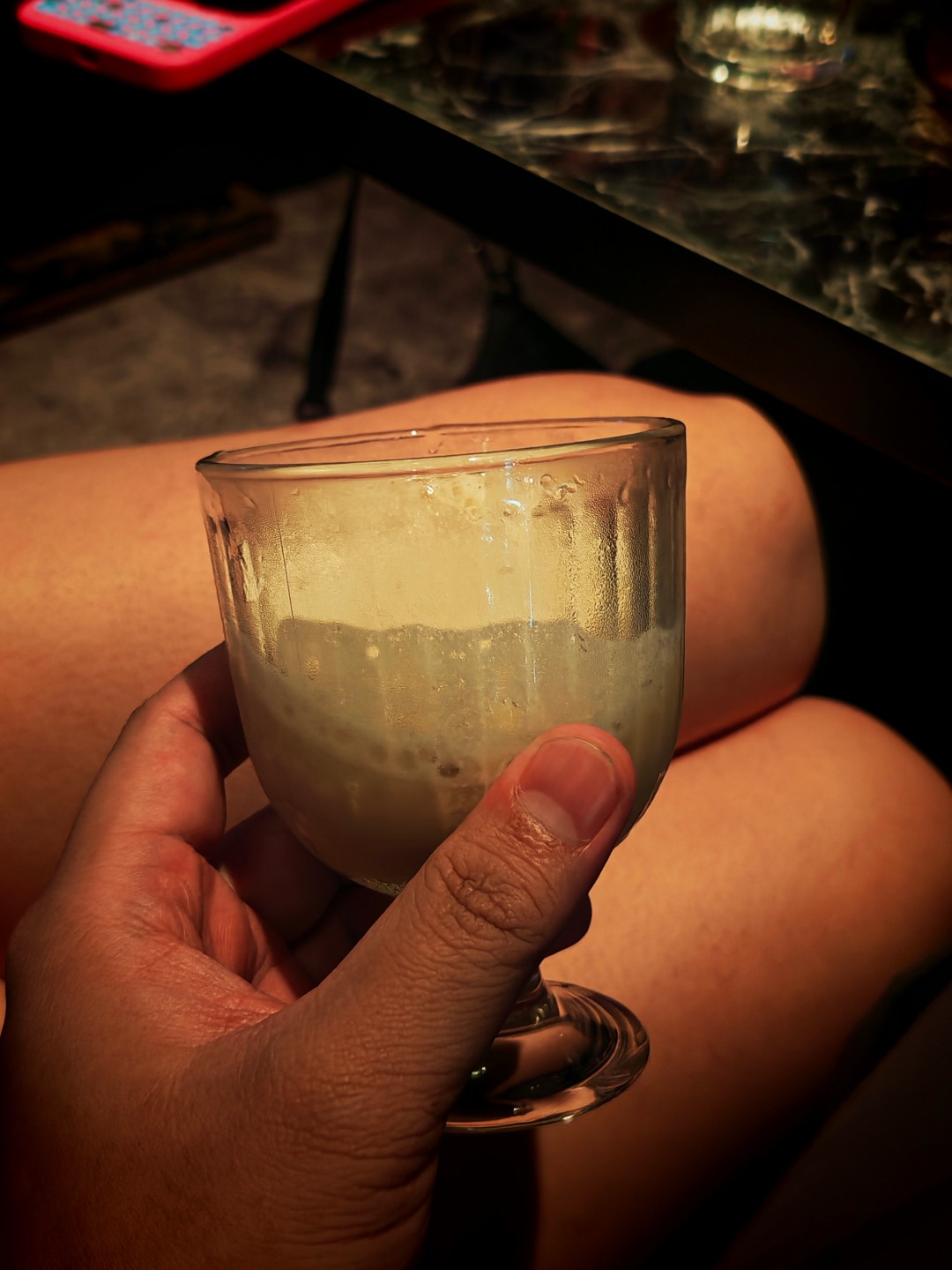
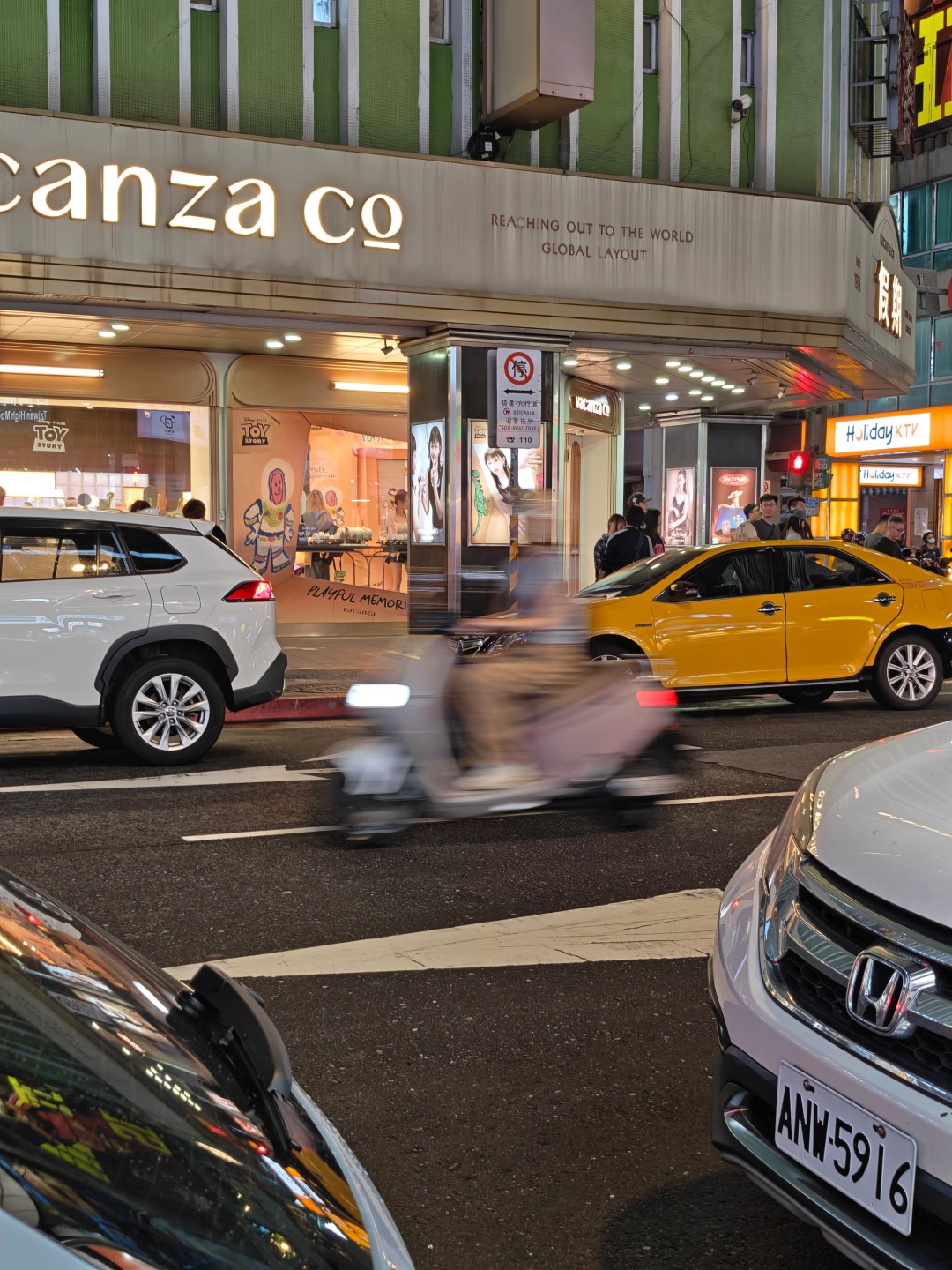
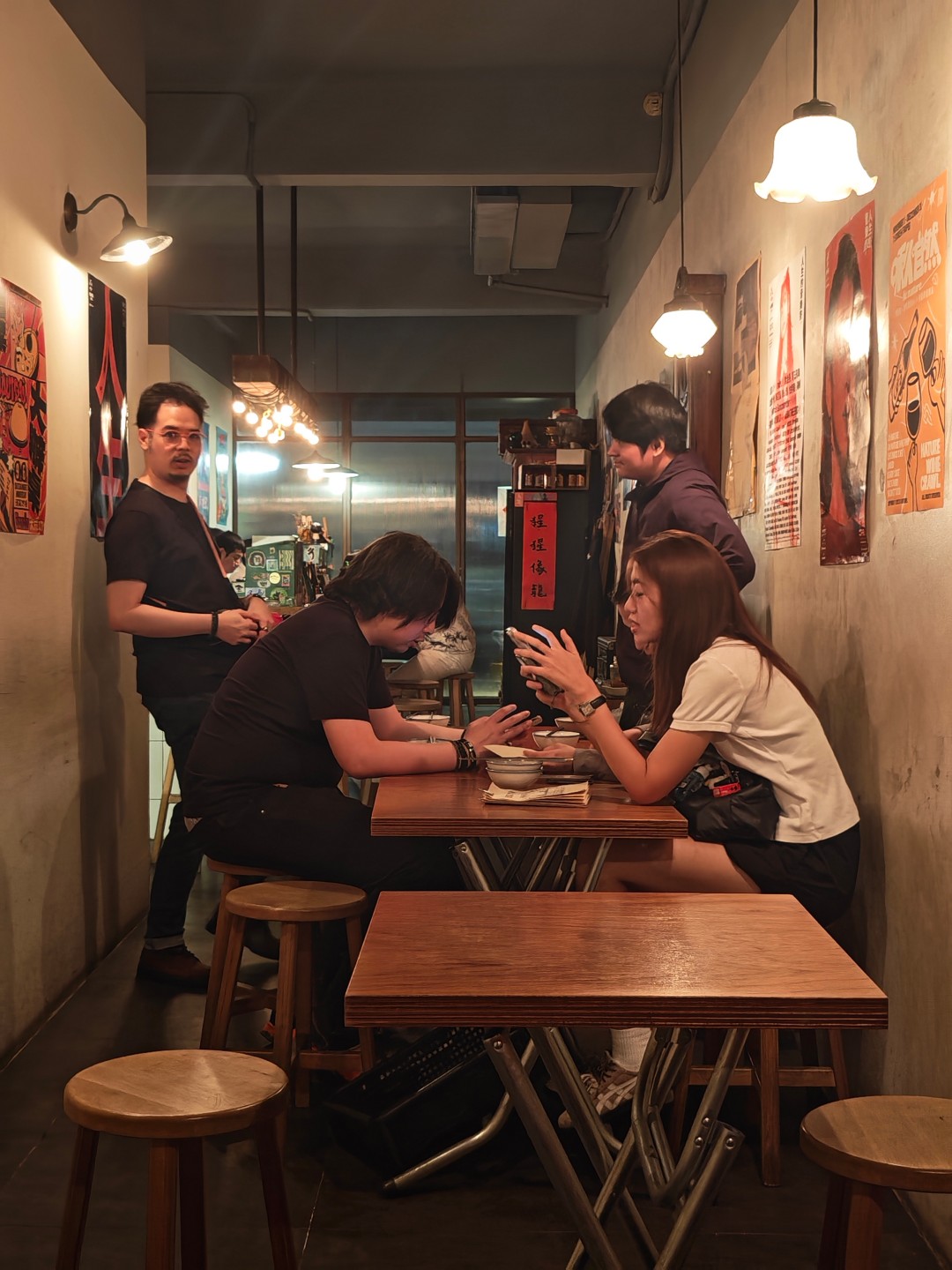
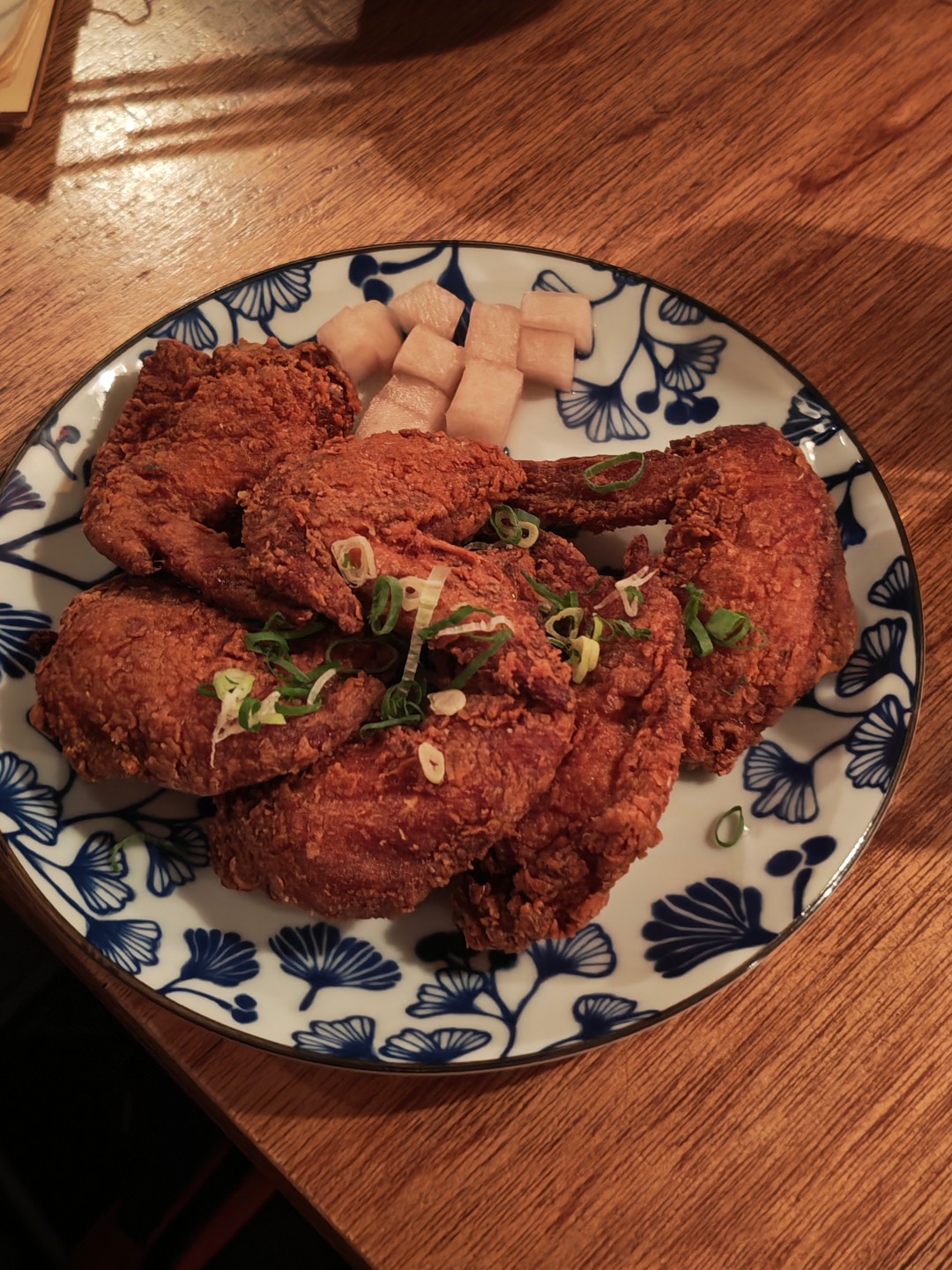
That’s important because it removes one of the traditional compromises associated with foldables. Check out the samples below.
Witcher in Concert night


Food with friends




Taipei streets part 1




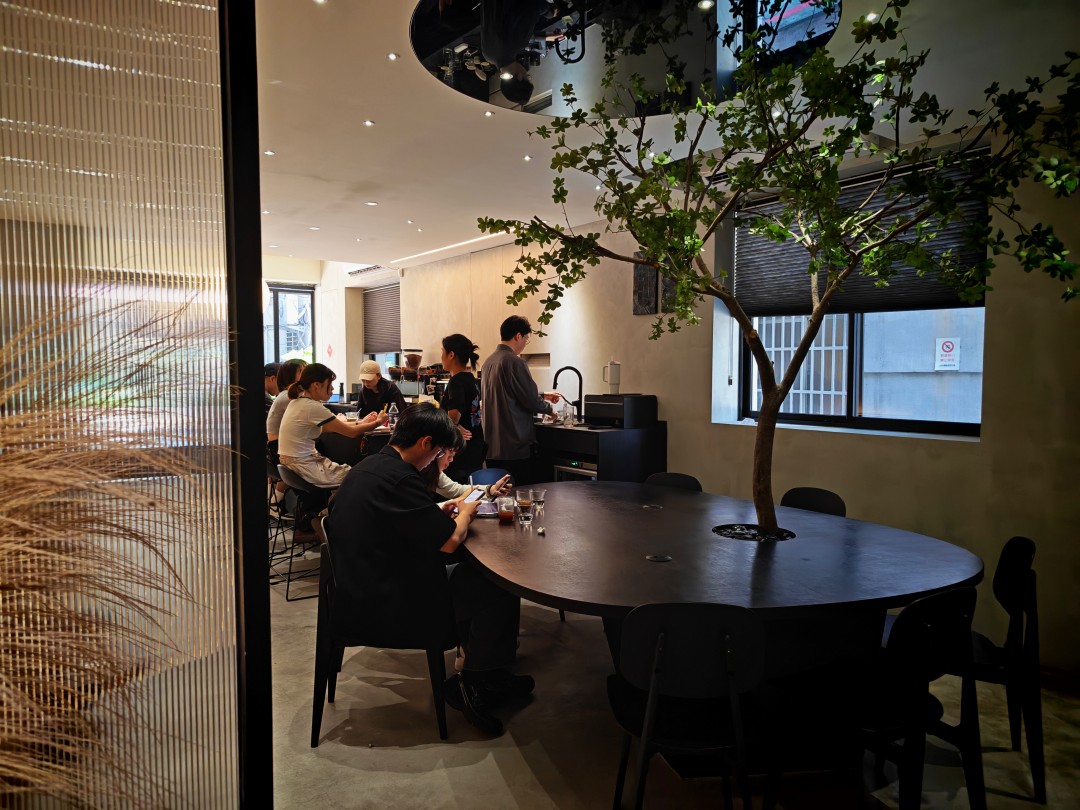
Middle Name Coffee and Space


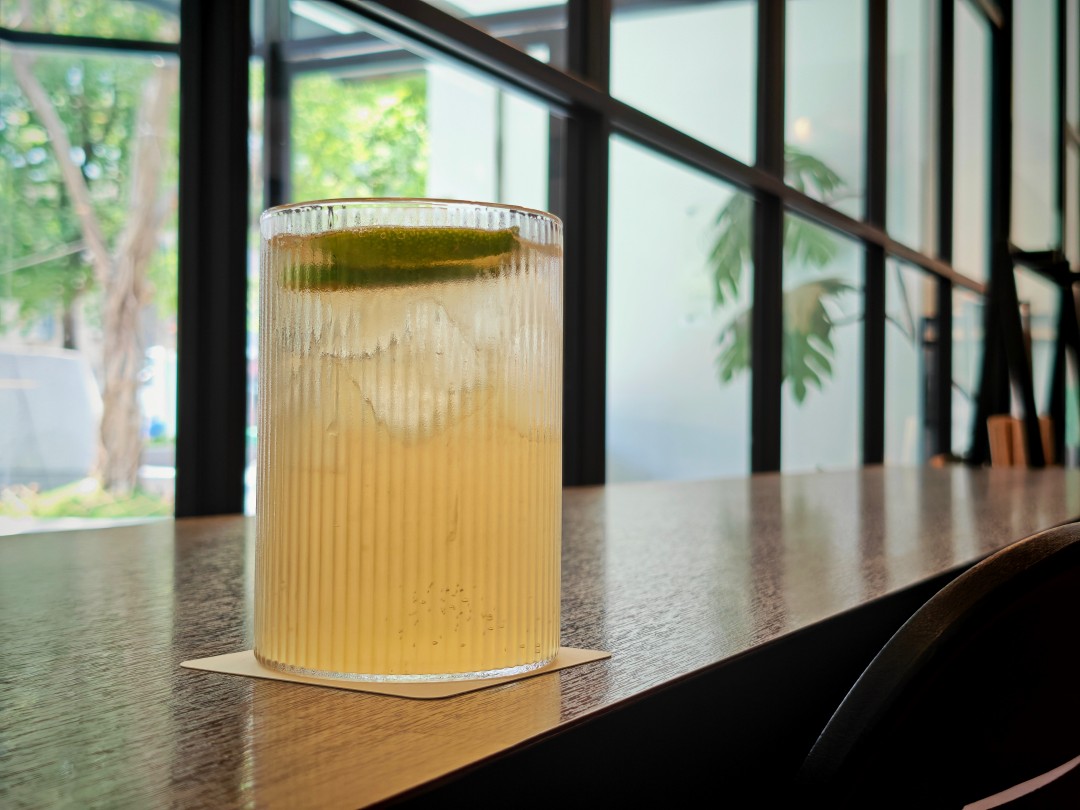
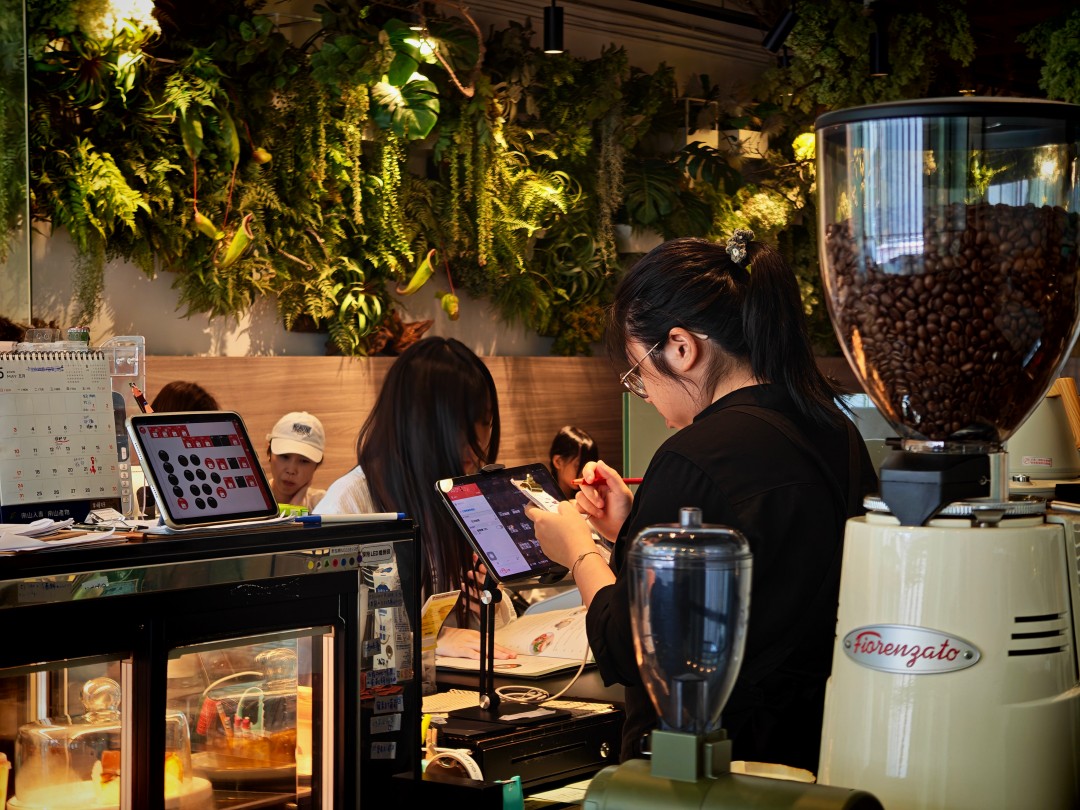
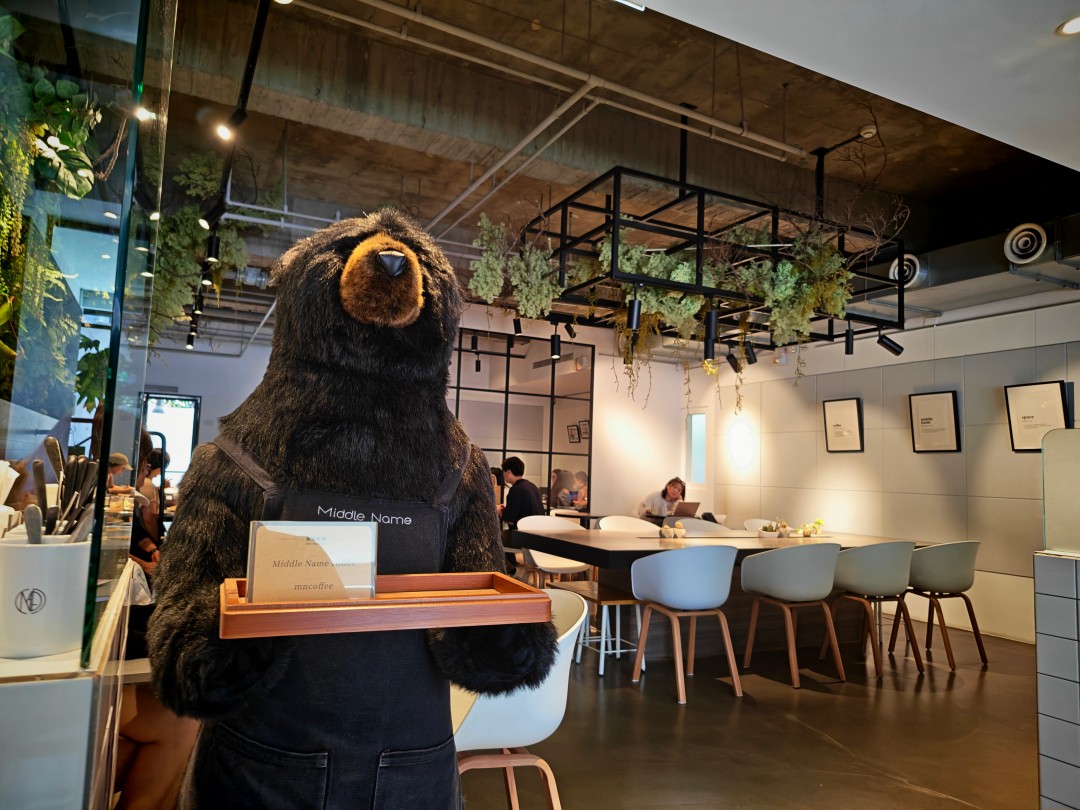
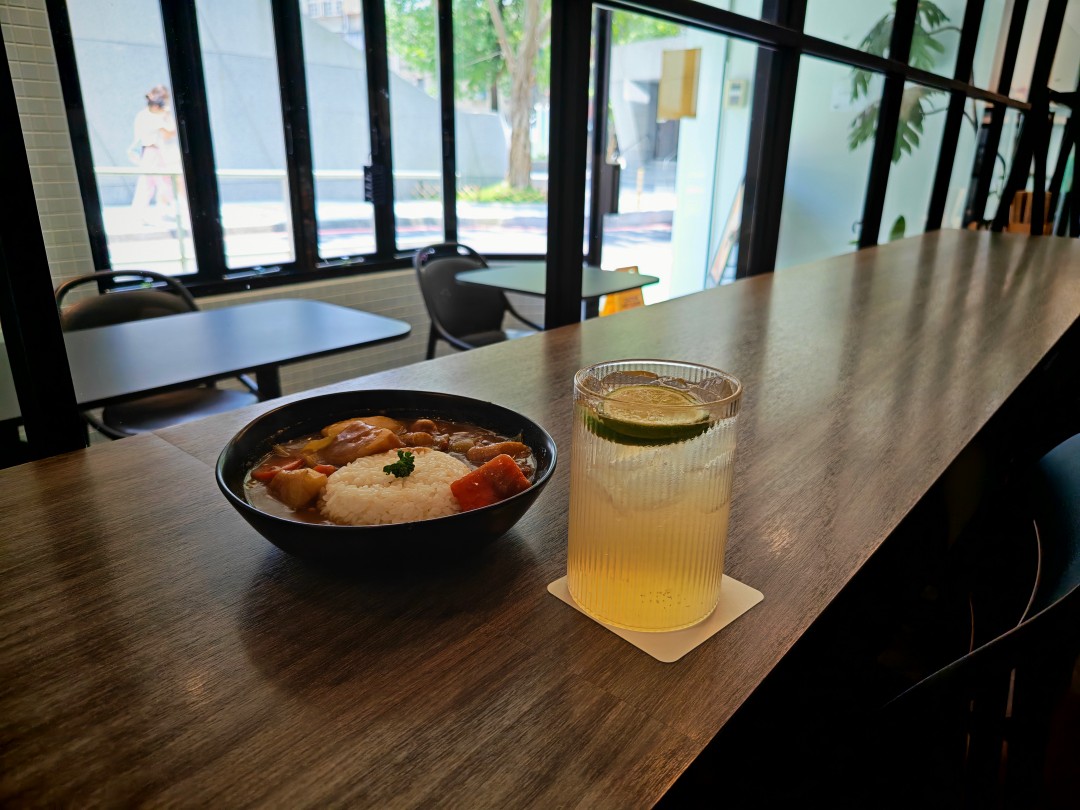
Taipei streets part 2
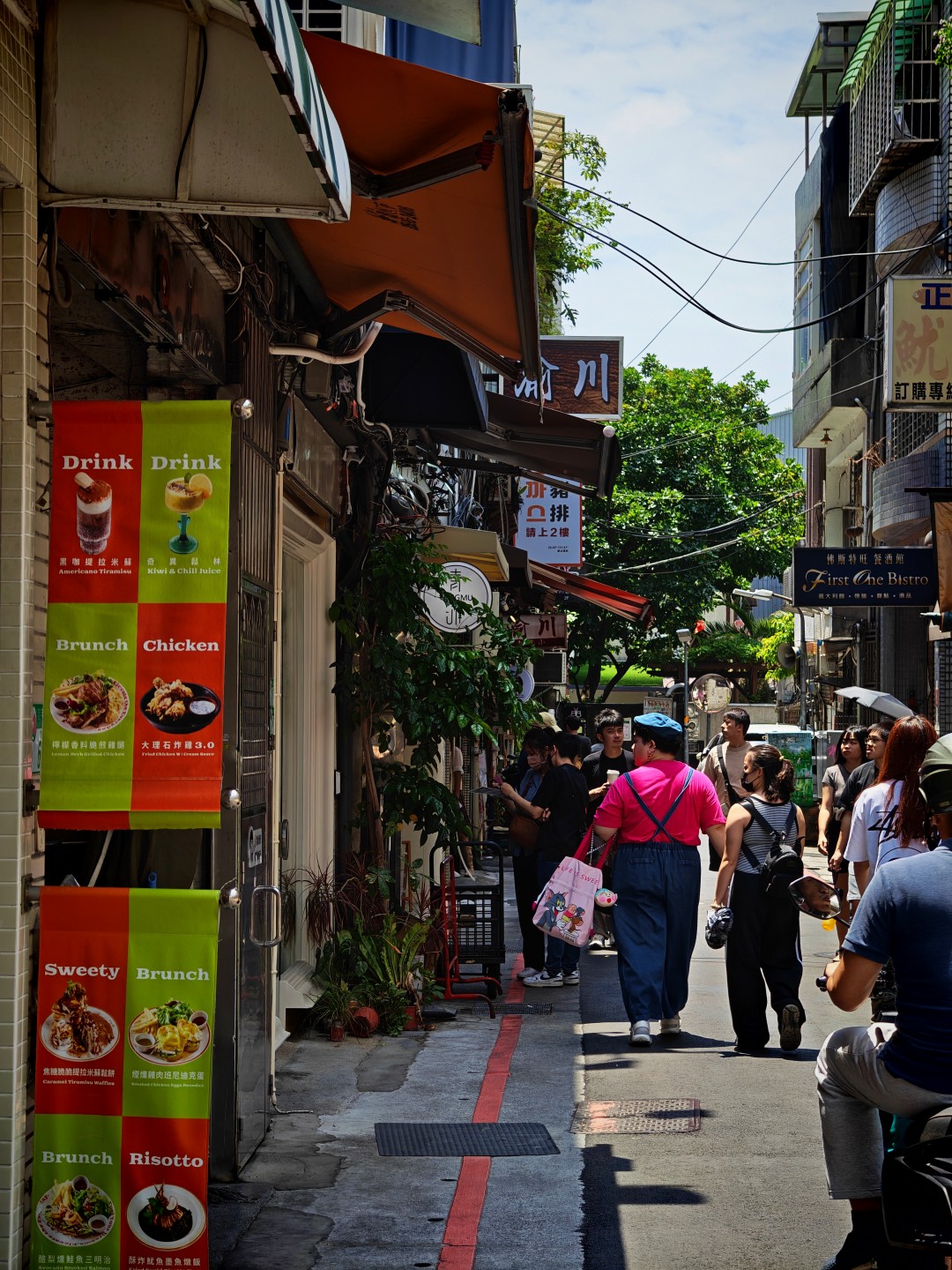

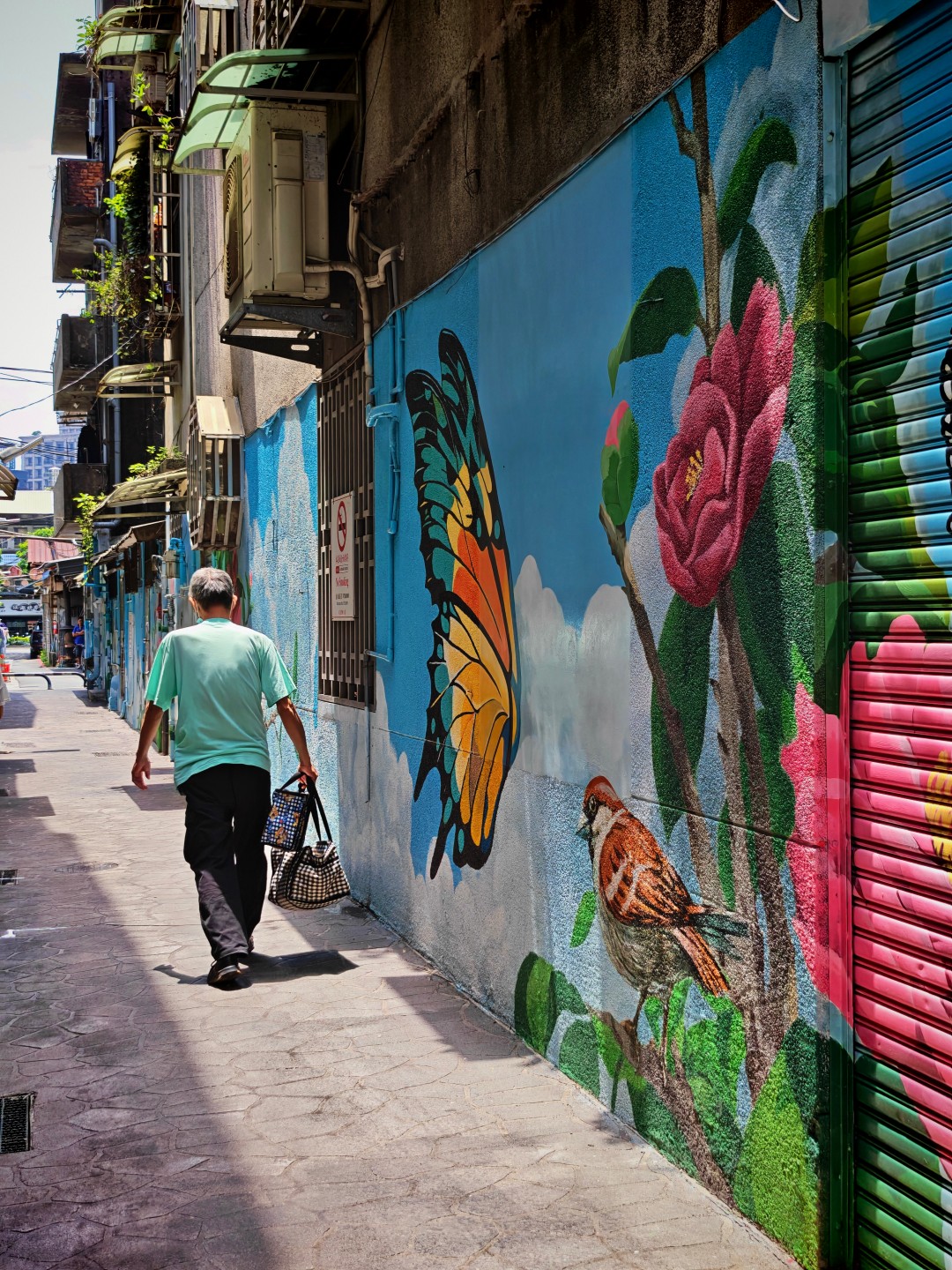

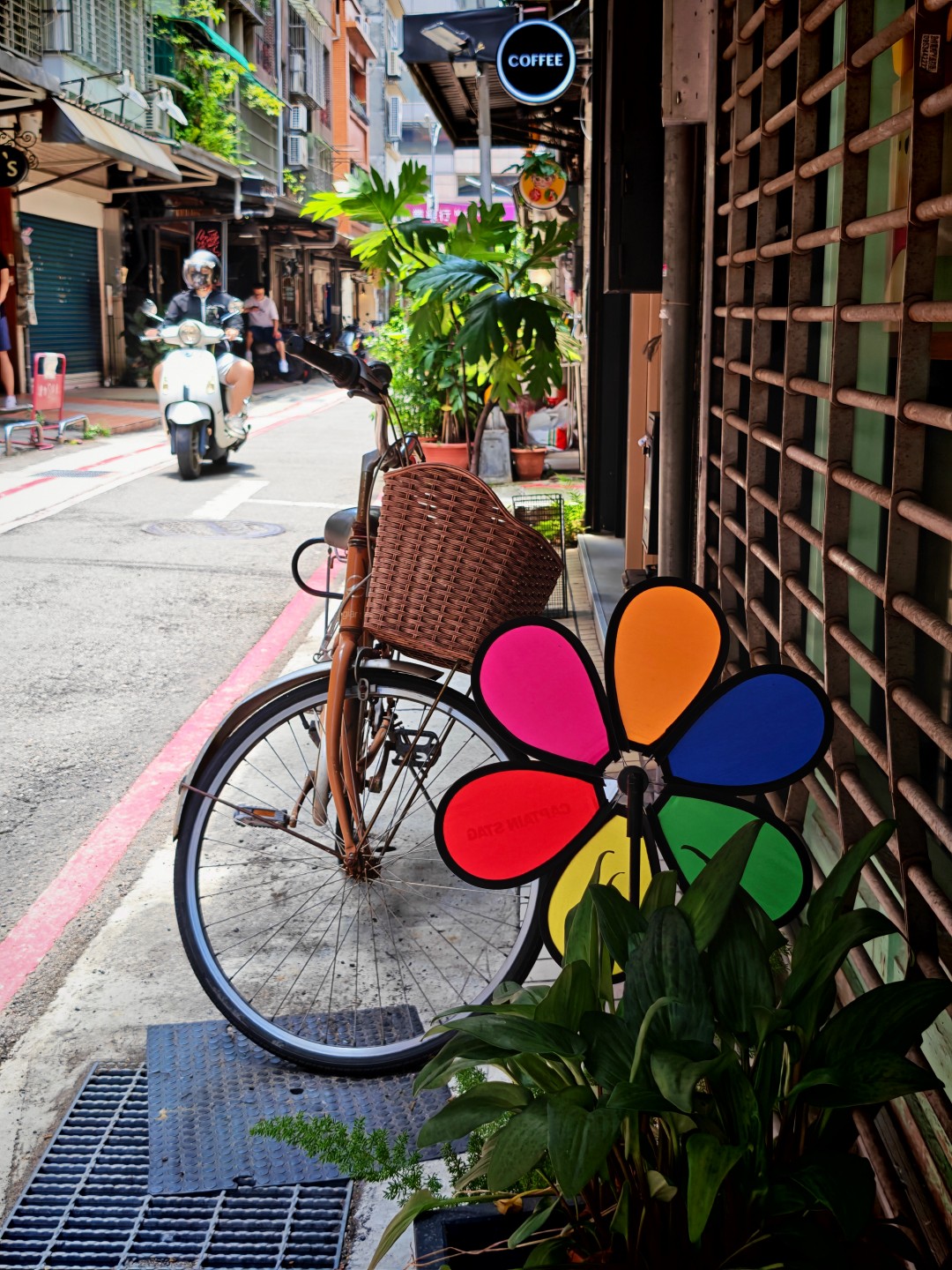
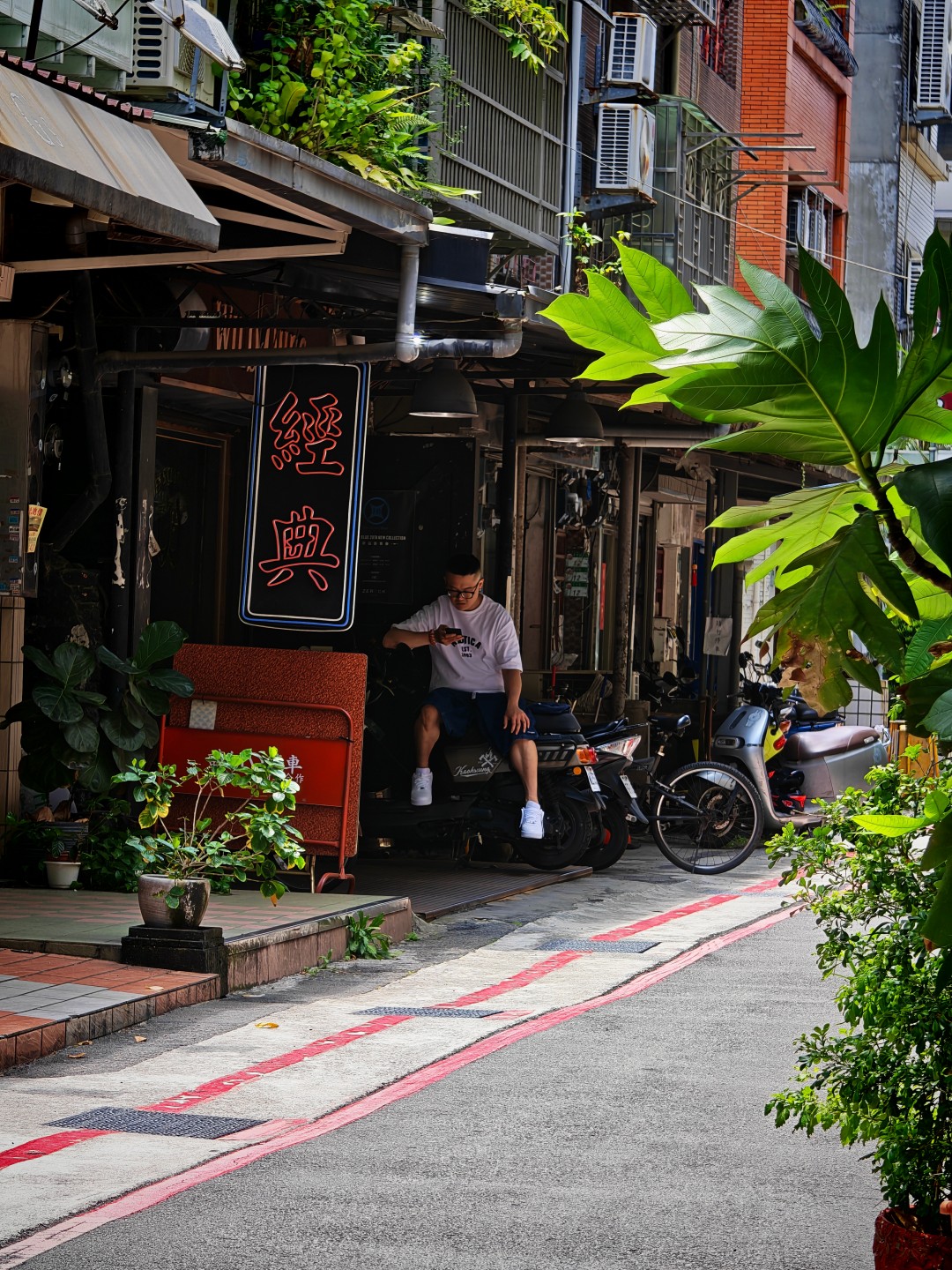
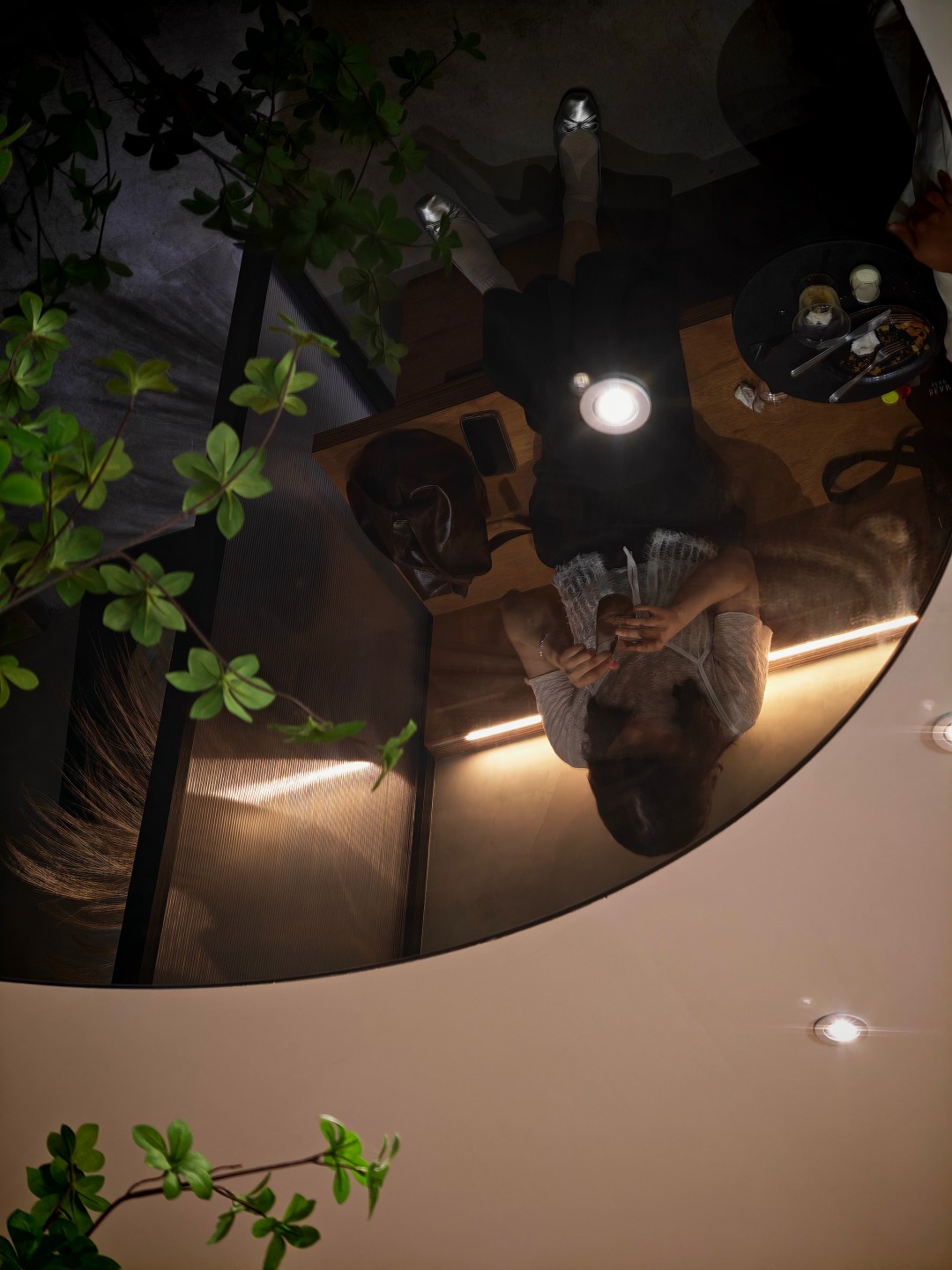
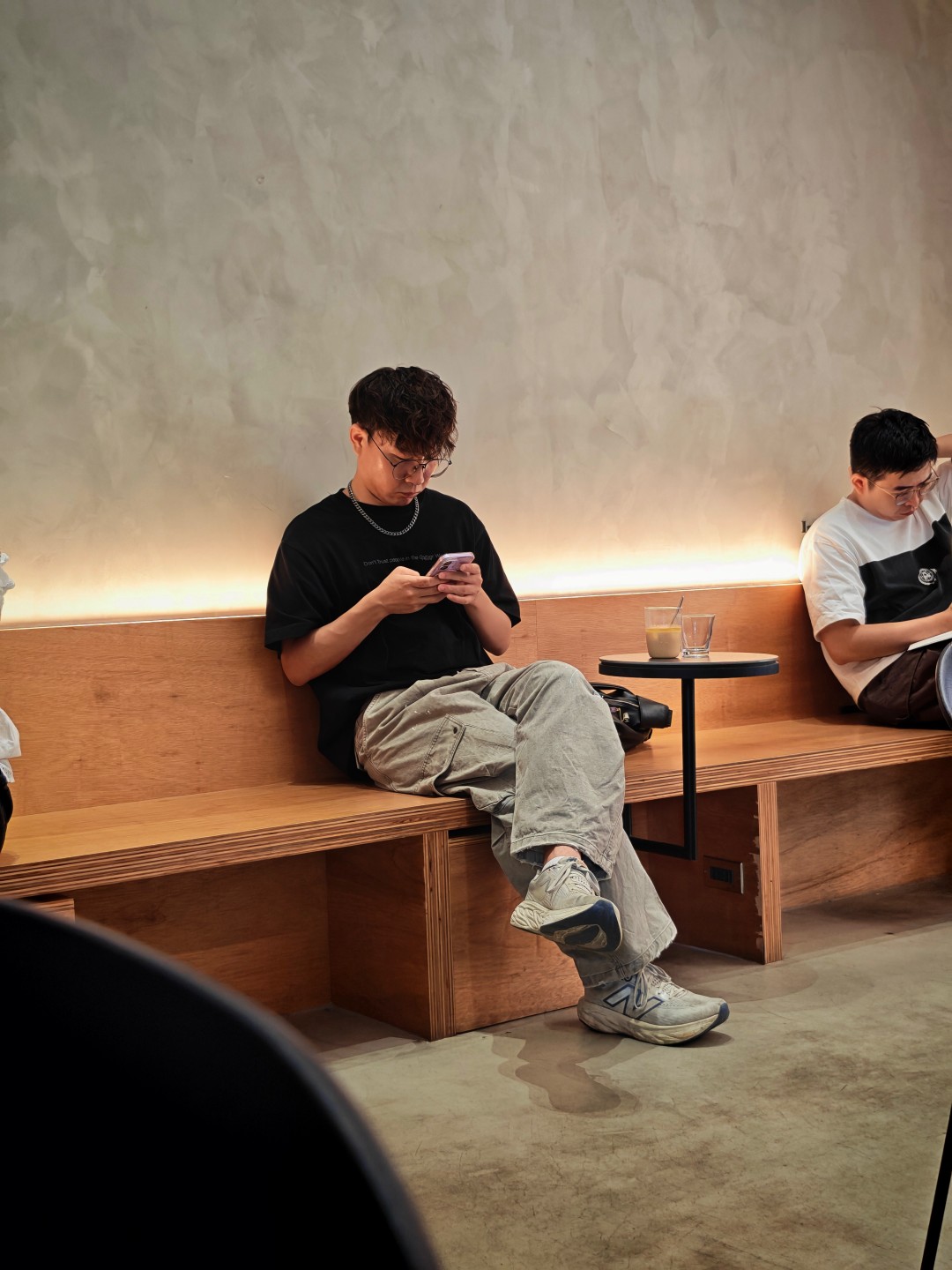
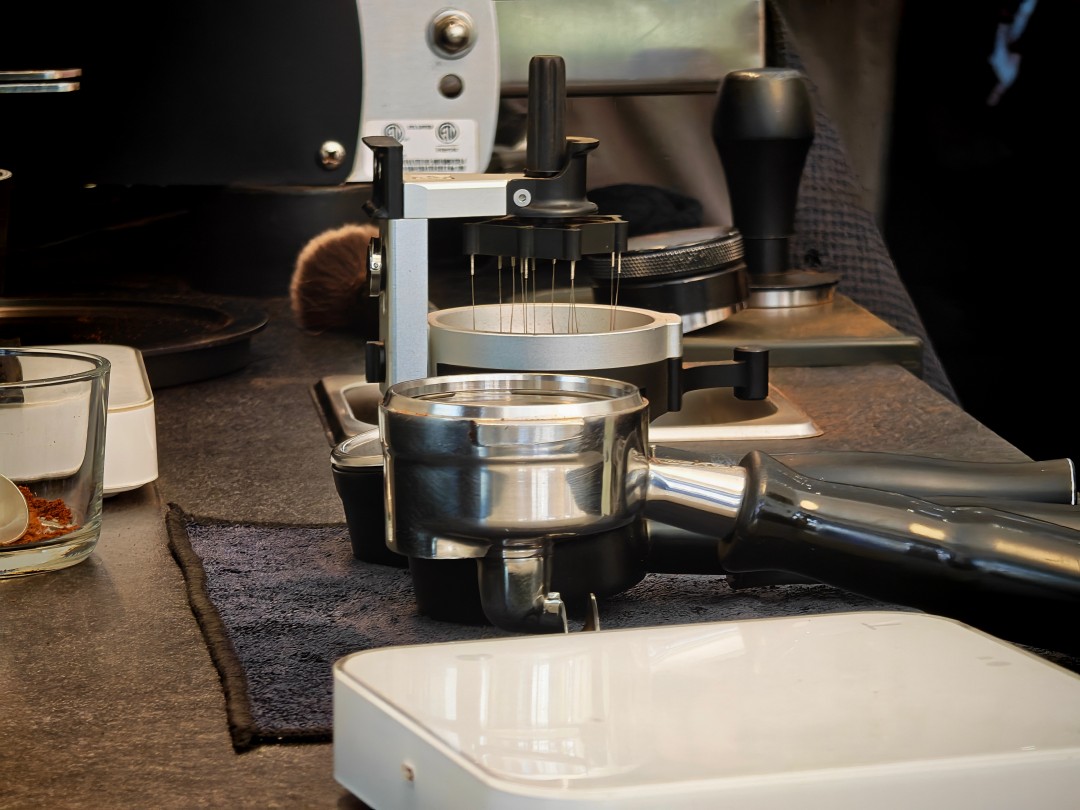
Instil Coffee

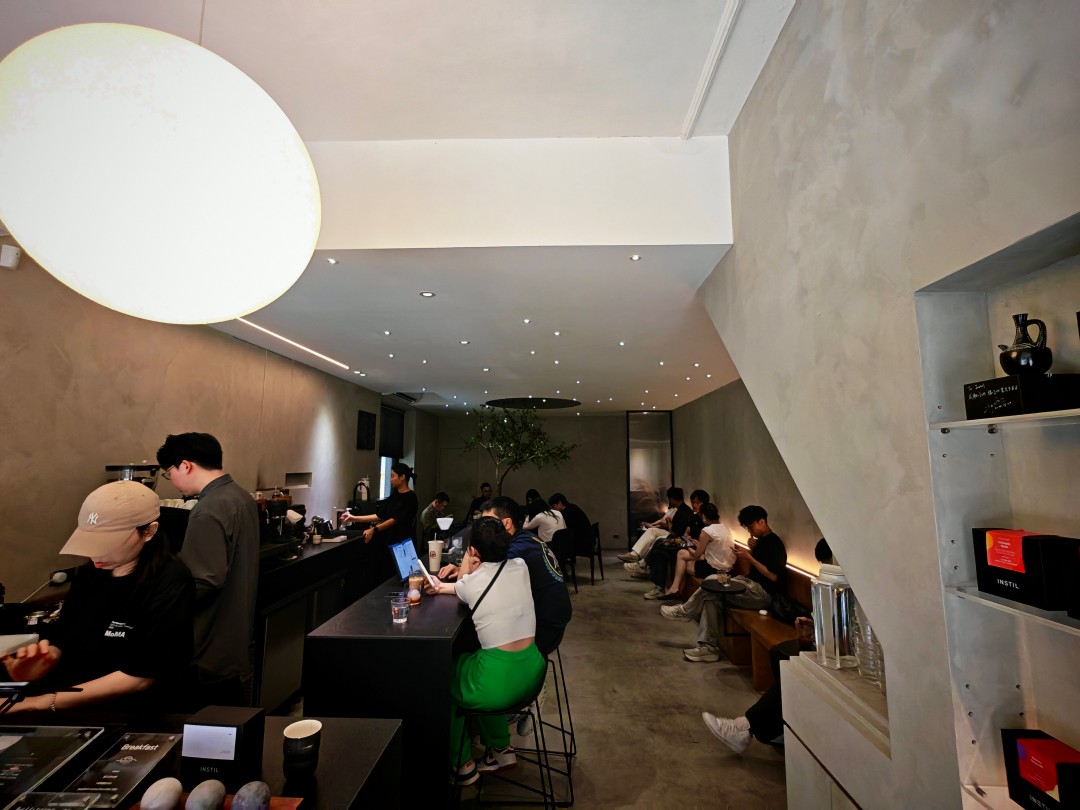
Taipei streets part 3




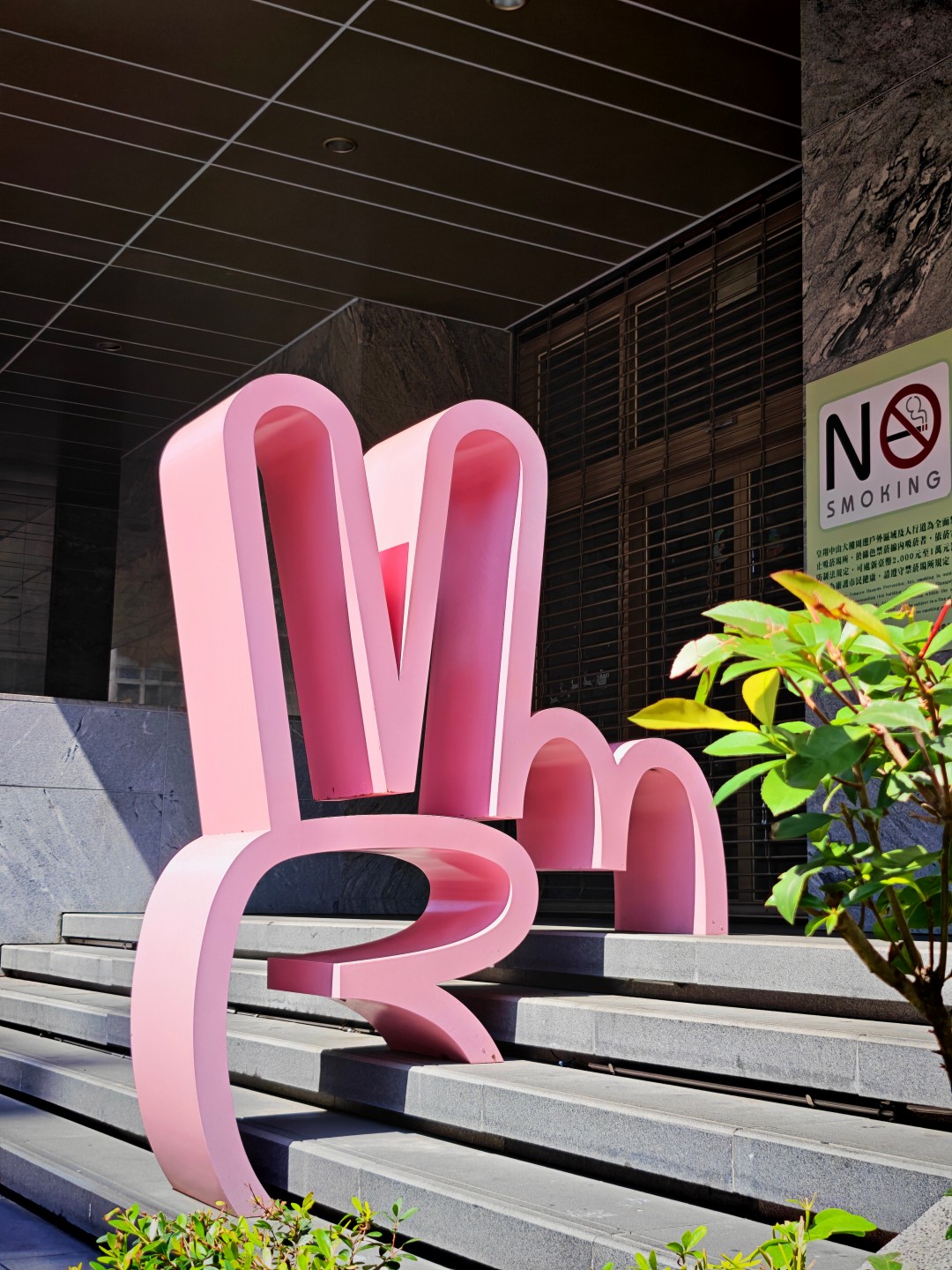

Taipei at night + Bar Shock


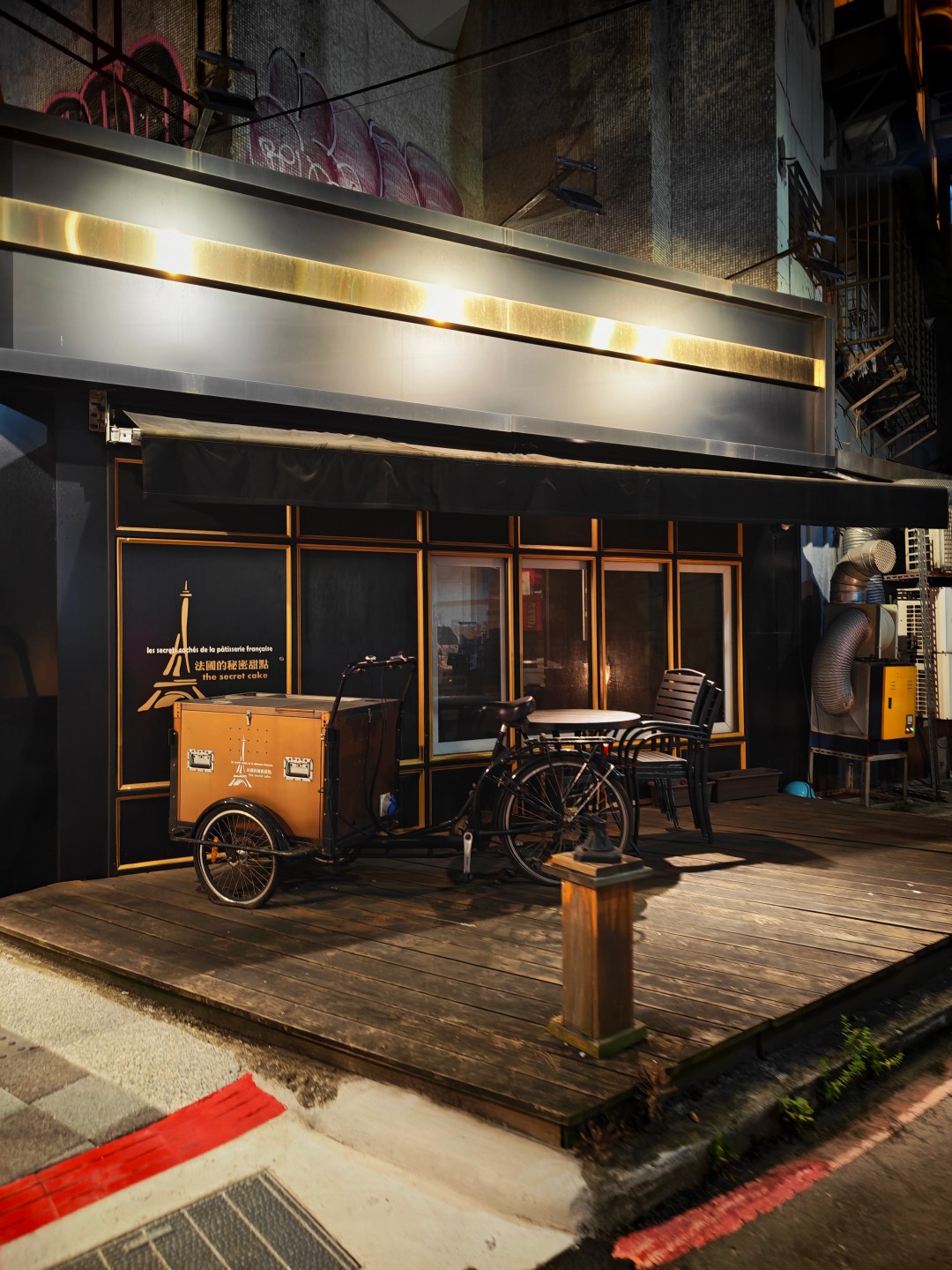
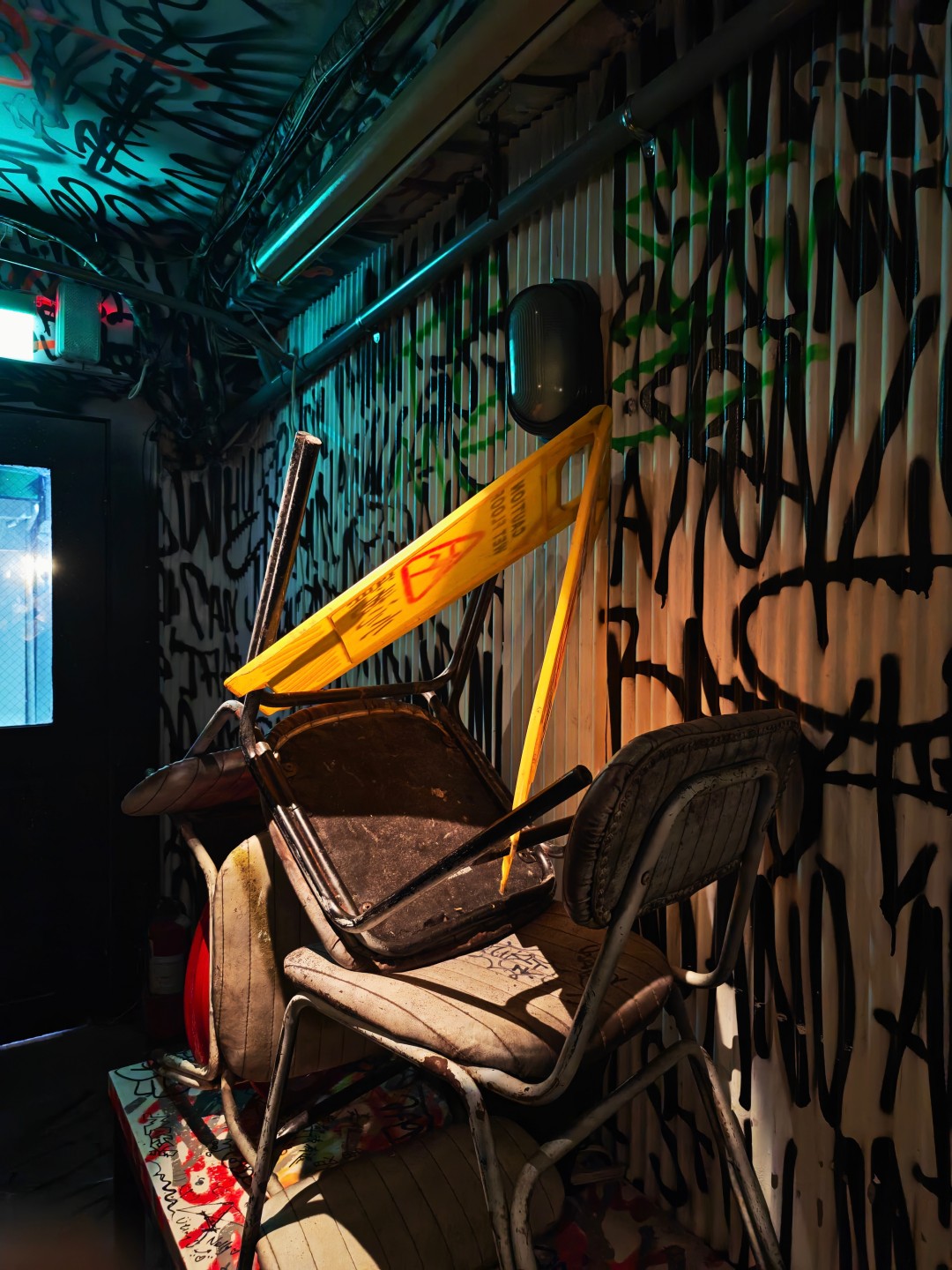

Taipei at night + Backstreet Bar



Side gig

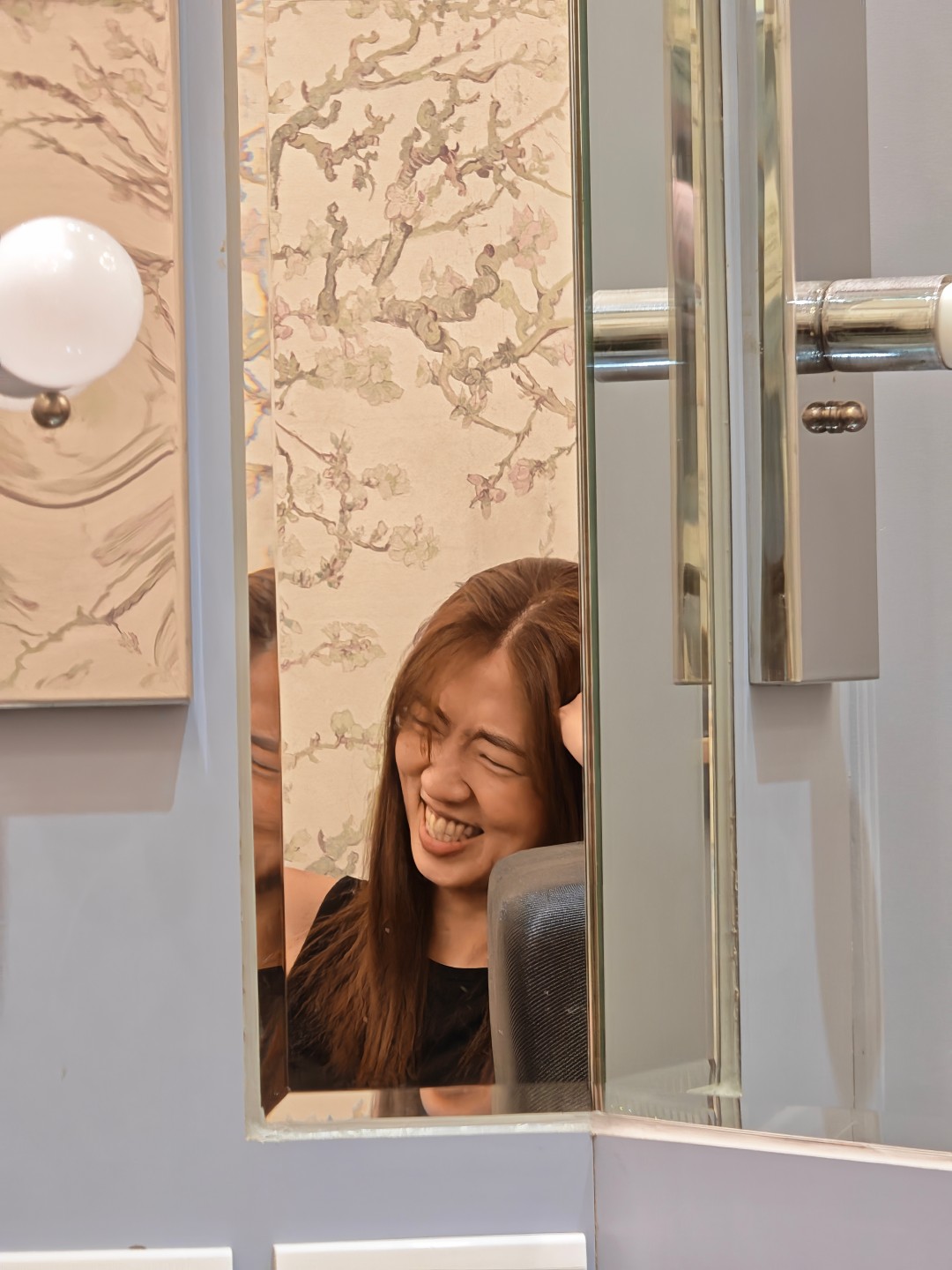
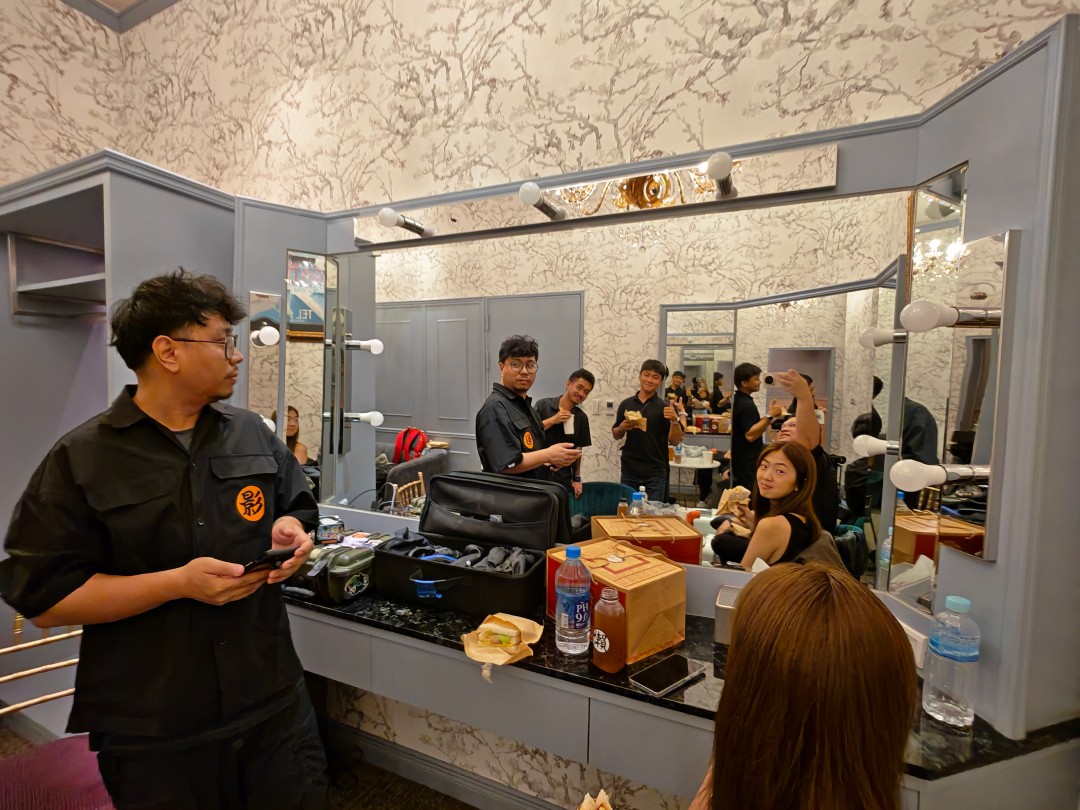
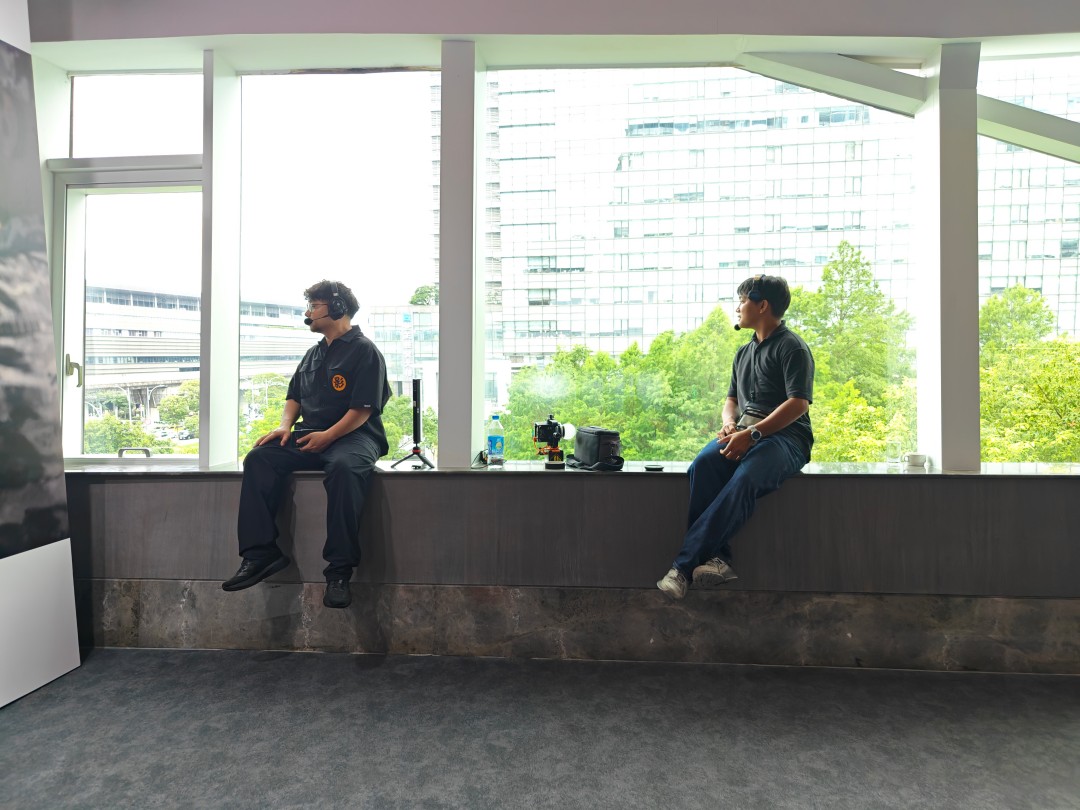

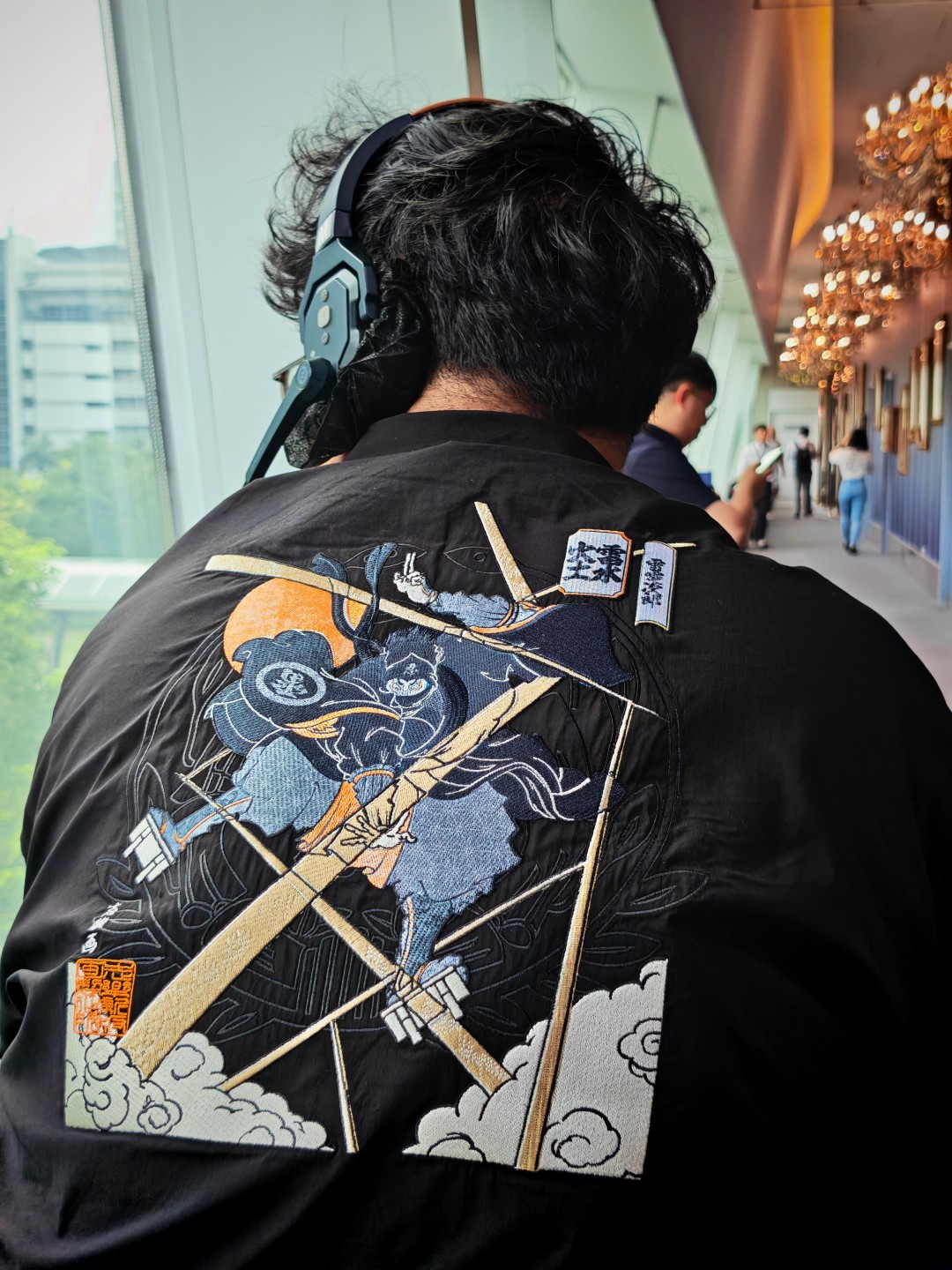
Sushi Party






Apple-friendly and easy to live with
One of the more pleasant surprises was how useful the Apple ecosystem features turned out to be.
Funny story.
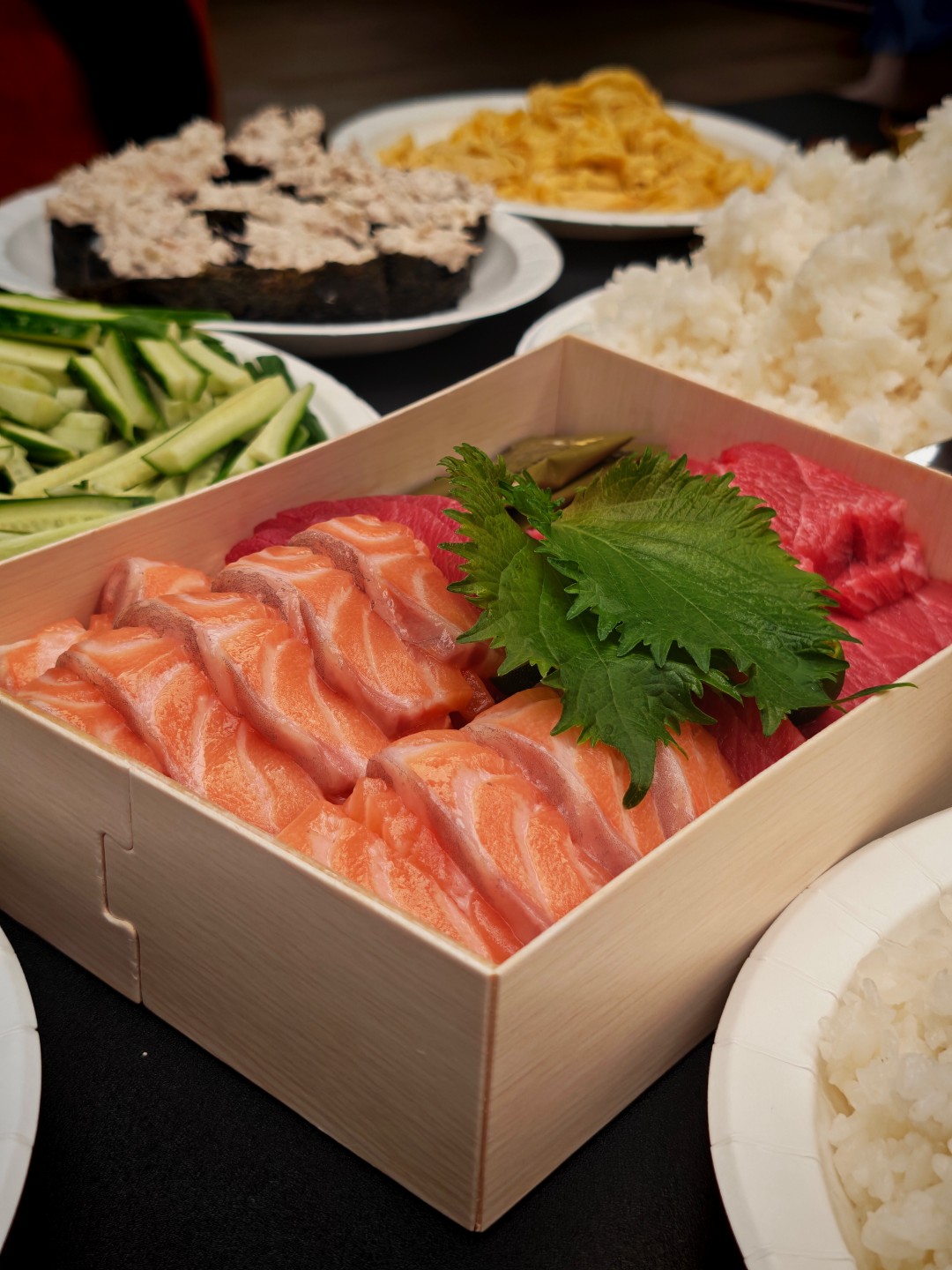
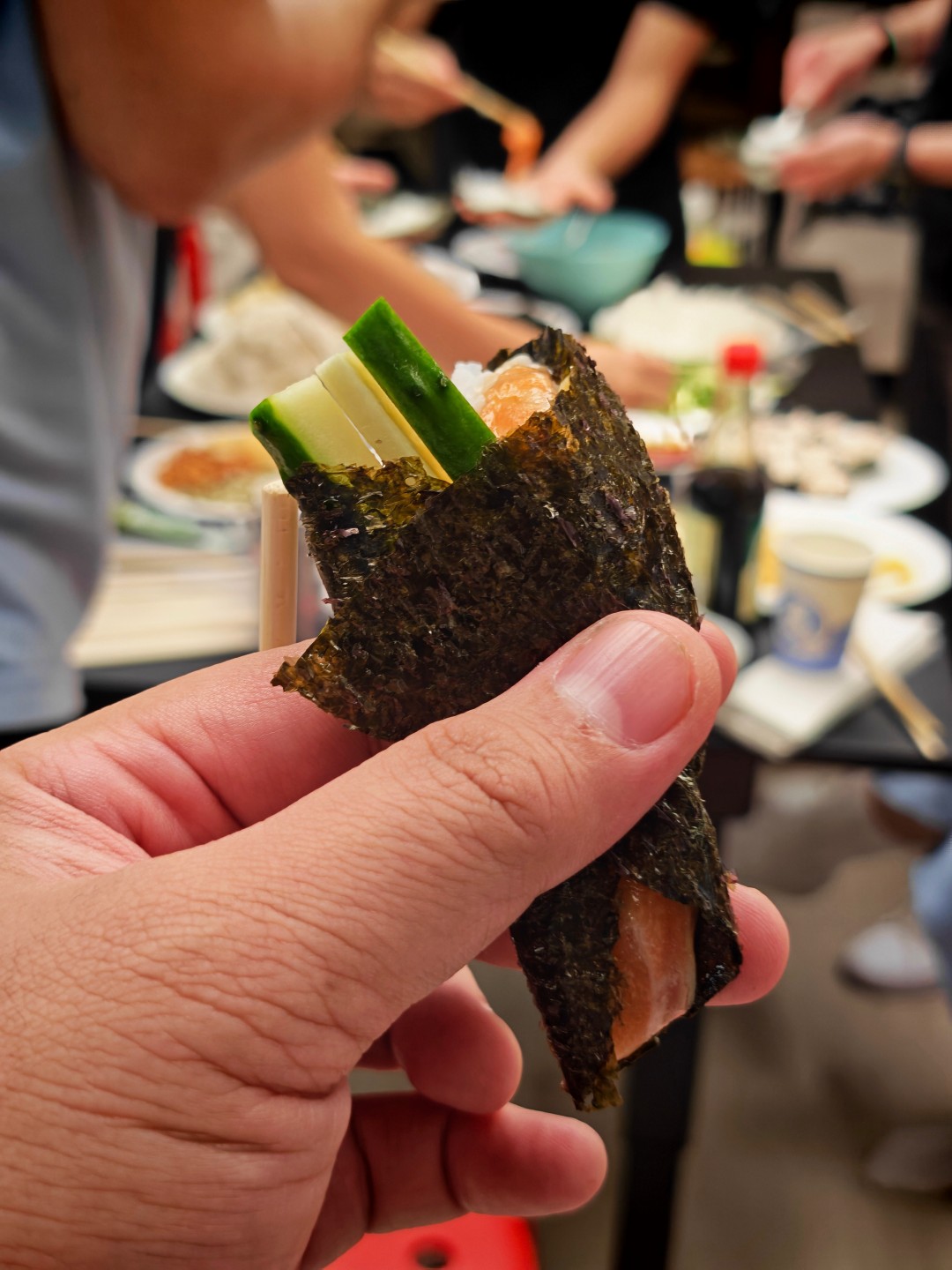
I attended a sushi party where one of the guests happened to be an engineer who liked tinkering with hardware. He brought a small development board loaded with chips and components. When powered on, it mimicked the pairing process of AirPods and attempted to communicate with nearby Apple devices.
As he was scanning the room for iPhones, he was surprised to see his setup interacting with the HONOR Magic V6 I was carrying.
It’s a small anecdote, but it serves as a real-world reminder of how much effort HONOR has put into making the device work alongside Apple’s ecosystem.
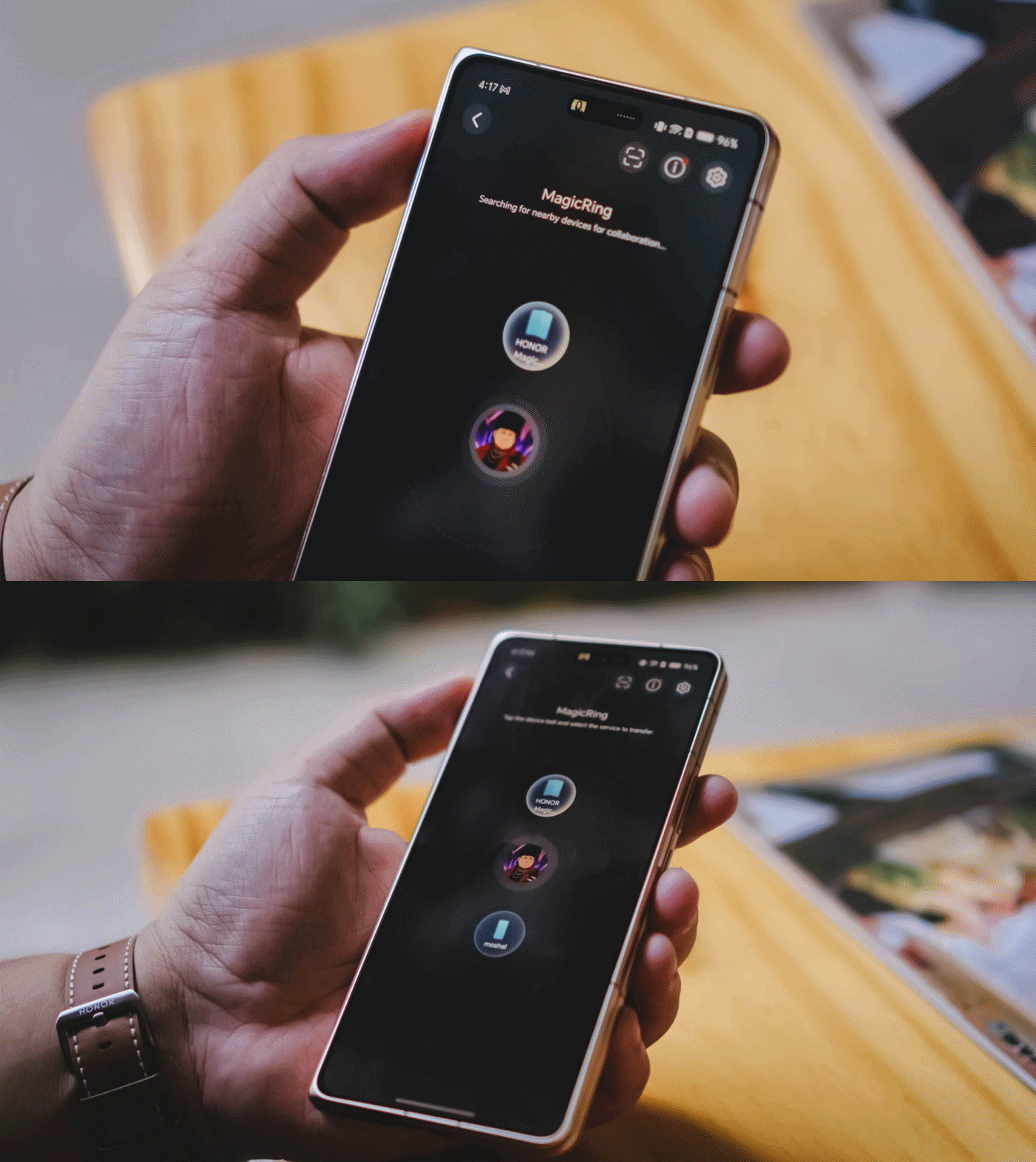
More practically, I’ve regularly used the Magic V6 to move files between the phone and my MacBook Pro M4. The process is straightforward and useful enough that it naturally became part of my workflow.
The same can be said about durability.
The funny thing is people often comment about how not-so-careful I am with my devices. It’s not that I don’t take care of them. I simply carry a lot of gear at once and sometimes toss things into my bag without thinking too much about it.
Despite that less-than-careful handling, the Magic V6 hasn’t sustained any significant or noticeable damage.
Is the HONOR Magic V6 your GadgetMatch?
The HONOR Magic V6 is the fulfillment of the book-style foldable promise.
It’s a standard-sized smartphone that unfolds into something larger. It unlocks productivity and multitasking capabilities exactly the way you imagine it would.

The weight, thickness, and handling are about as close as you’re going to get to a regular smartphone. What’s remarkable is that HONOR achieved this while also delivering excellent battery life, fast charging, and a camera system that rarely feels like a compromise.
It won’t stop me from being curious about where foldables go next.
But it did remind me how good today’s foldables have already become.
If we’re judging the HONOR Magic V6 based on what a book-style foldable is supposed to be, there is very little left to sacrifice. That’s why I’m giving the Magic V6 the GadgetMatch Seal of Approval.
Reviews
Close without crossing: A Xiaomi 17T Pro photo essay
Distance and closeness are not always opposites.

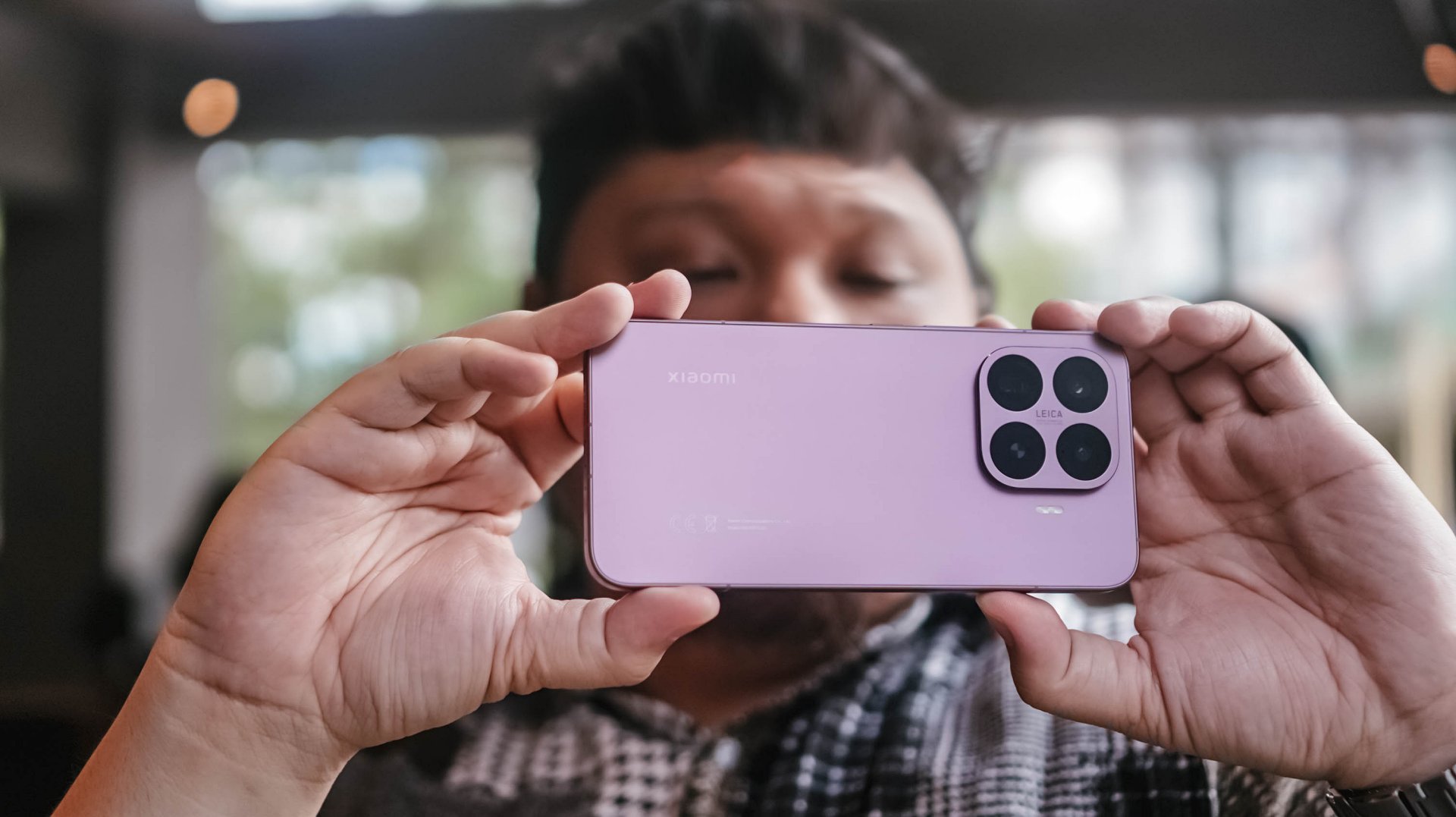
I have spent the better part of the last few weeks grappling with multiple emotions.
I feel silly referencing this but as a “feel” type, my days are guided by vibe and mood. It’s been a challenge trying to reconcile and make sense of everything.
Thankfully, the Xiaomi 17T Pro presented an unexpected outlet.
So no, this isn’t exactly a review of the Xiaomi 17T Pro. This is yours truly, once again, processing feelings through a telephoto essay.
The “T” is for Telephoto
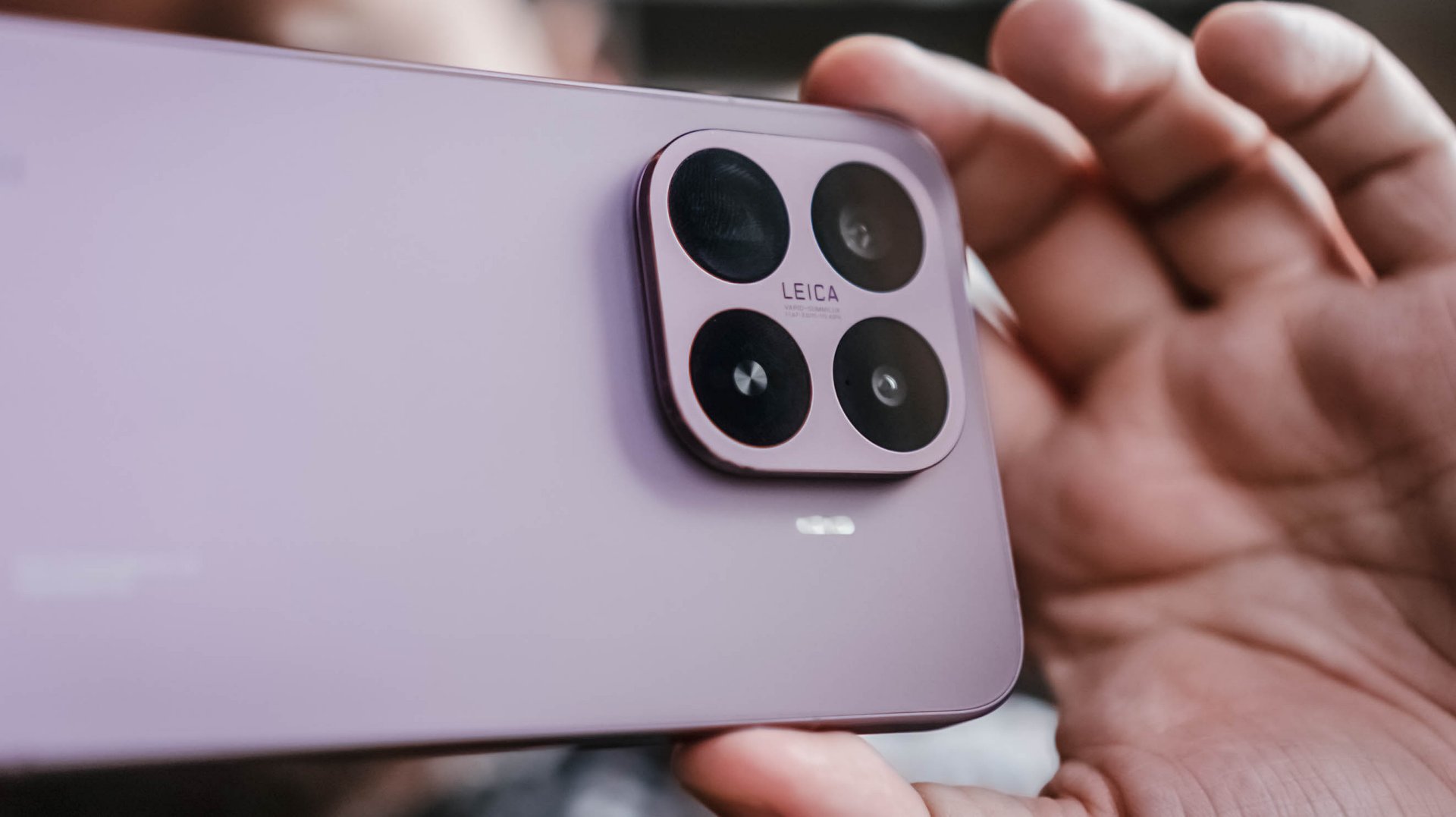
When being briefed about Xiaomi’s latest device, my favorite part was when a guest photographer jokingly attached the T in the Xiaomi 17T series to “telephoto.”
It’s not official or anything. But in this case, it made perfect sense.
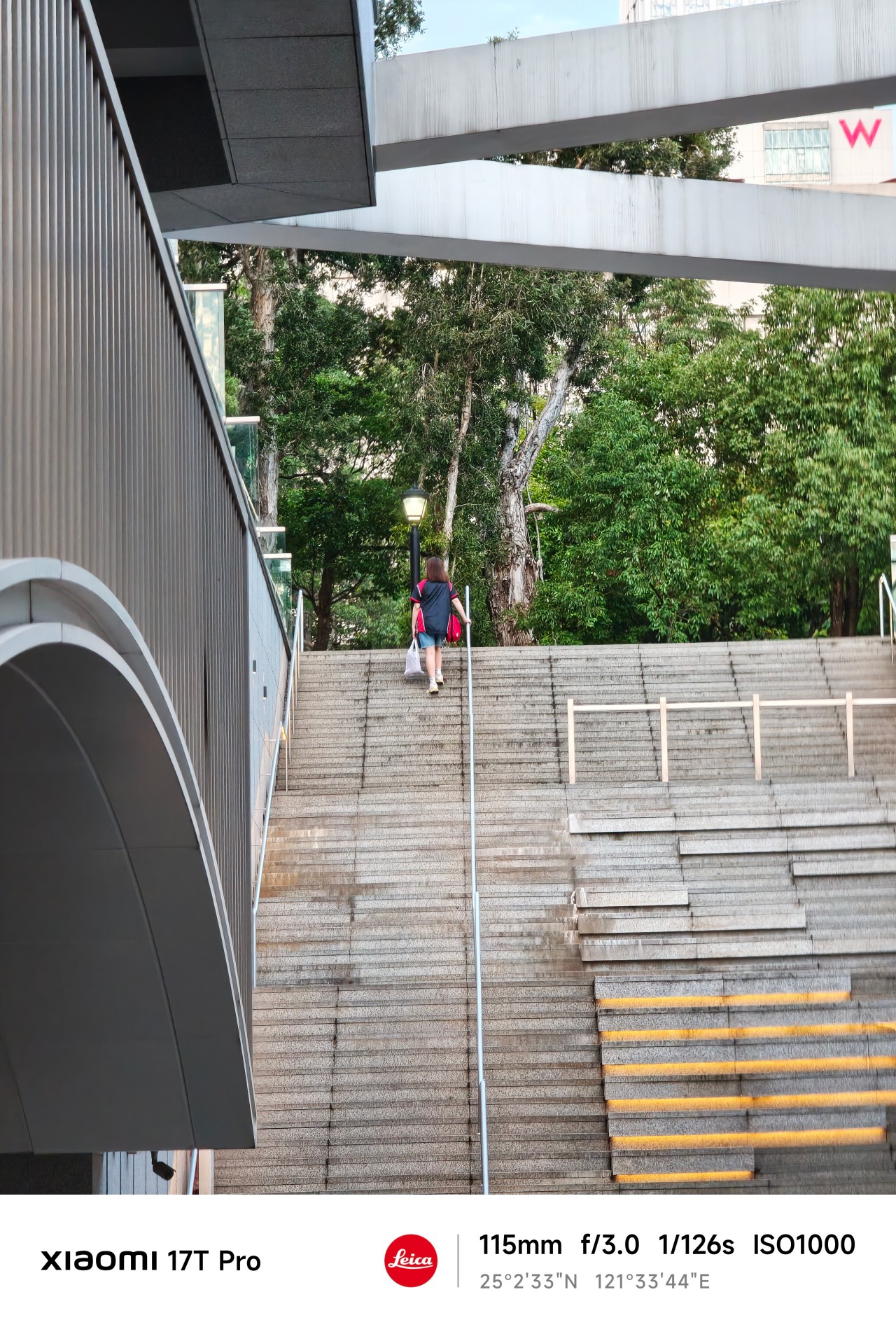
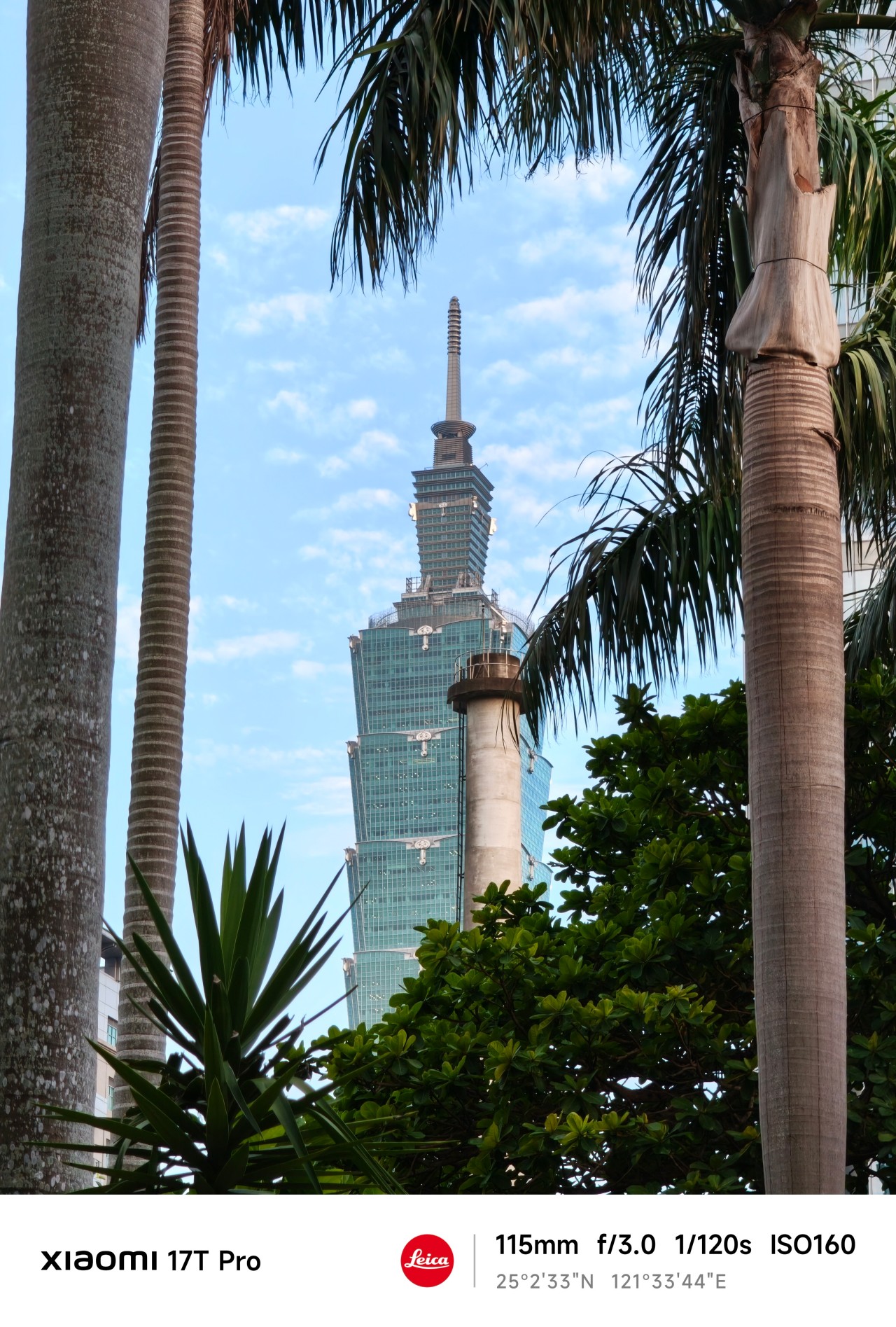
My relationship with Xiaomi’s T series has always been a little complicated. For a while it felt like it was searching for an identity. One year it was positioned as a performance-focused device. Then it became an all-rounder.
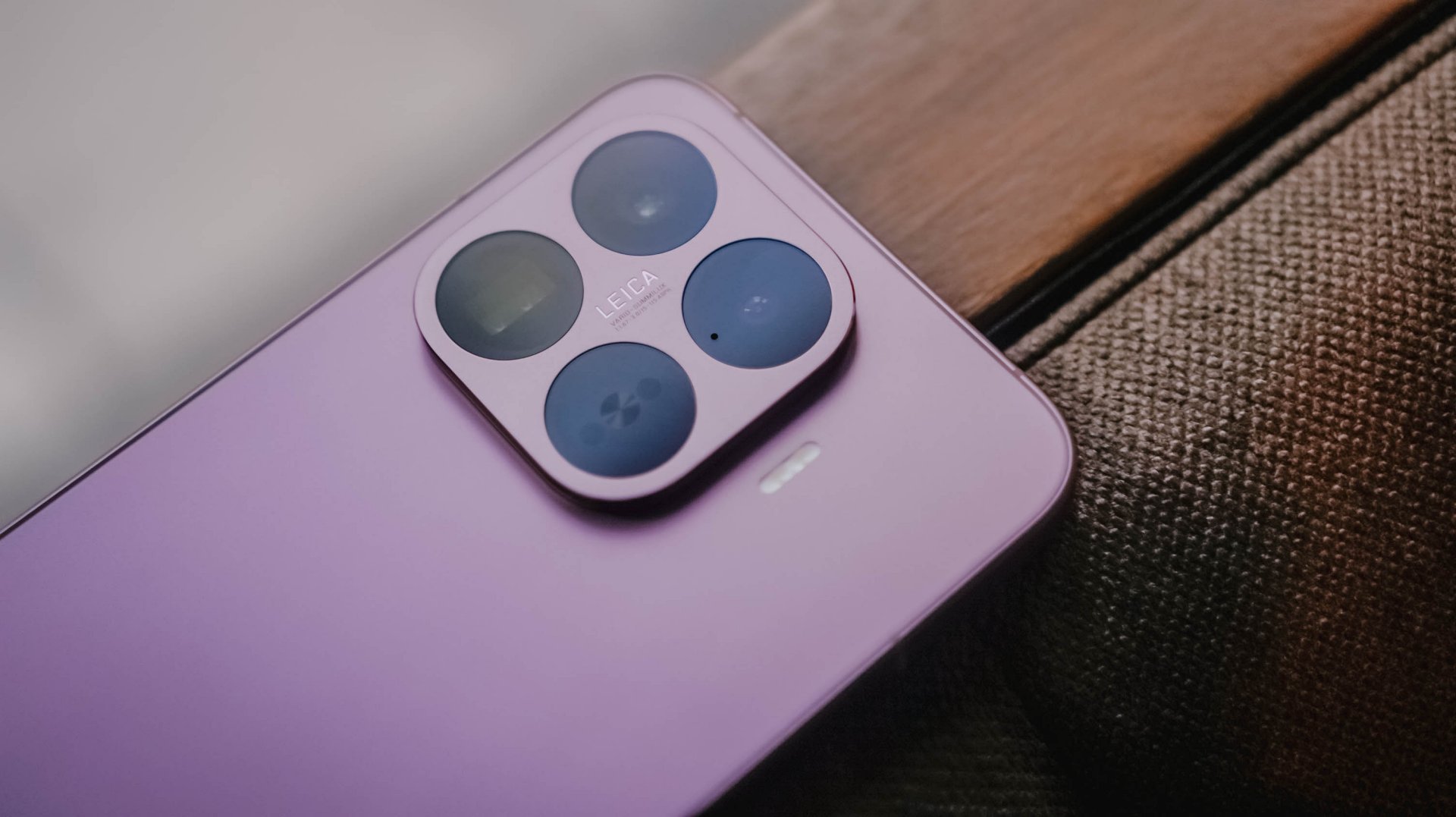
Now, one of its biggest highlights is a dedicated 115mm equivalent telephoto camera. The reality is that it might actually be all of those things at once.
For this piece, however, I ignored almost everything else. I shot almost exclusively at 115mm.

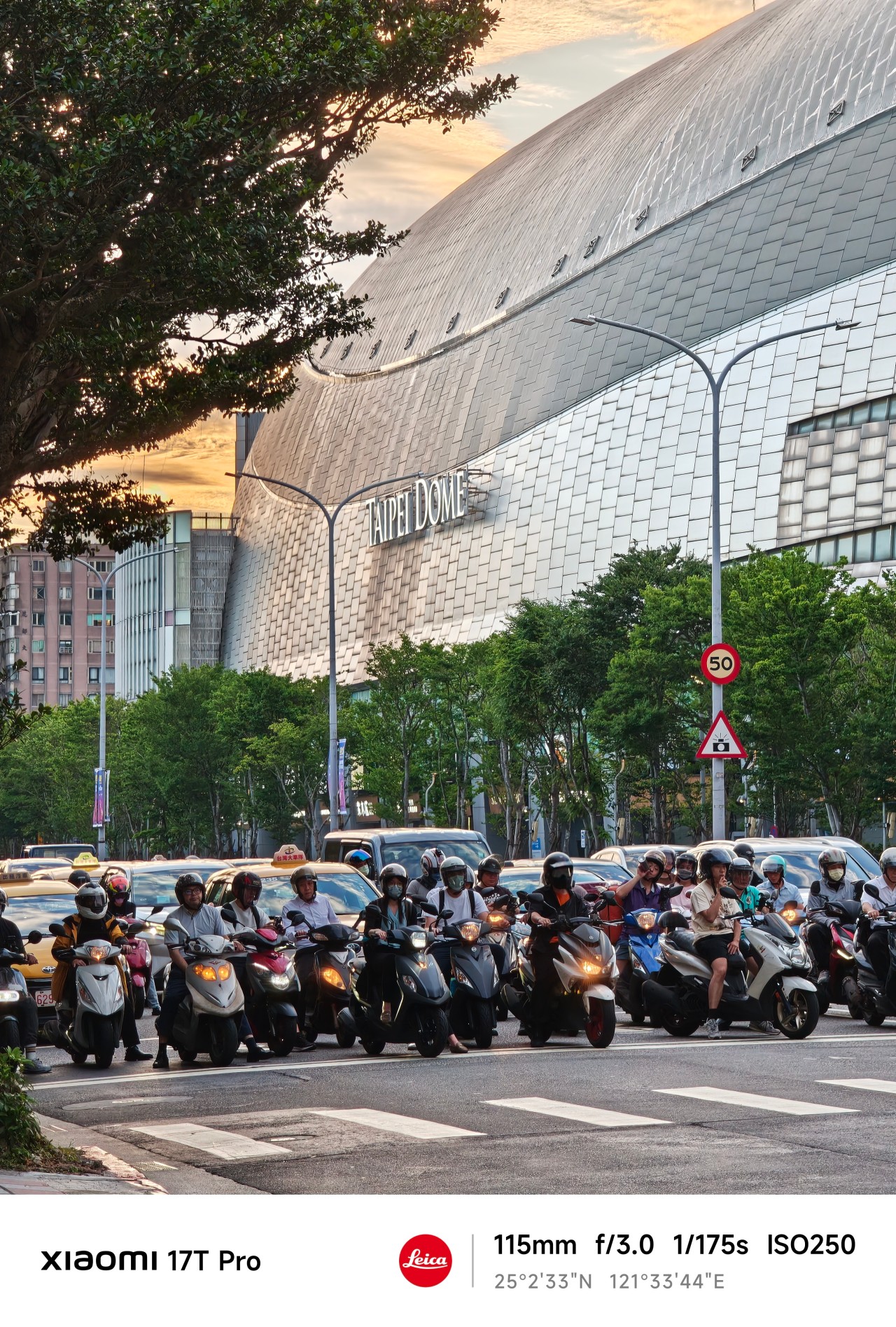
No elaborate test plan, no checklist of scenarios, and no mission to prove a point. I simply carried the phone everywhere and photographed whatever caught my attention.
At first, I thought I was testing a camera. Eventually, I realized the camera was teaching me something instead.
Chasing
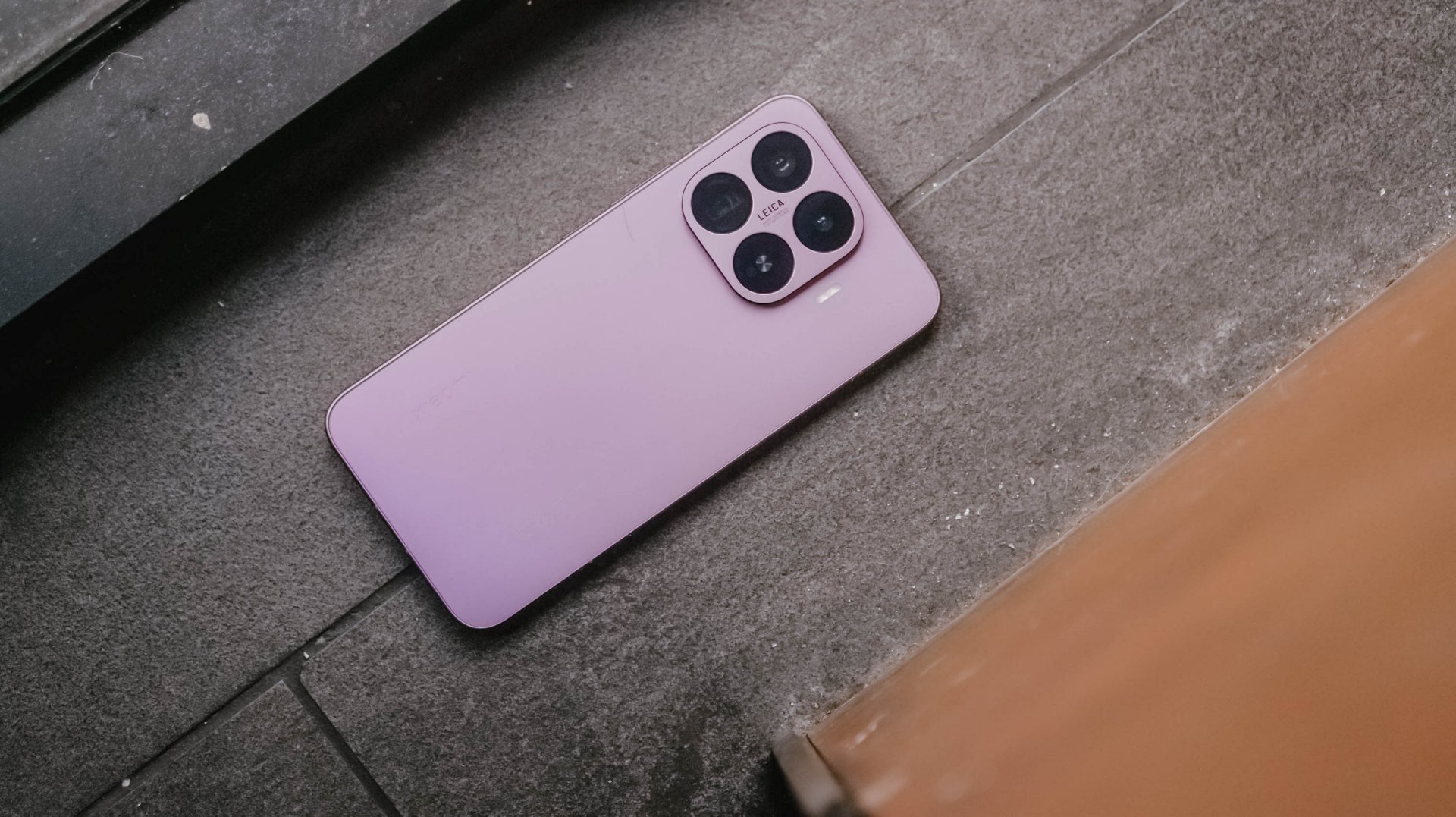
When the year started, I was certain about something. Or perhaps someone.
The conversations were easy. The banter felt natural. The possibility of something more lingered quietly in the background.
After a few genuine attempts, reality eventually became clear. This wasn’t going where I secretly hoped it would. I felt defeated.
But apparently, I wasn’t done learning yet.
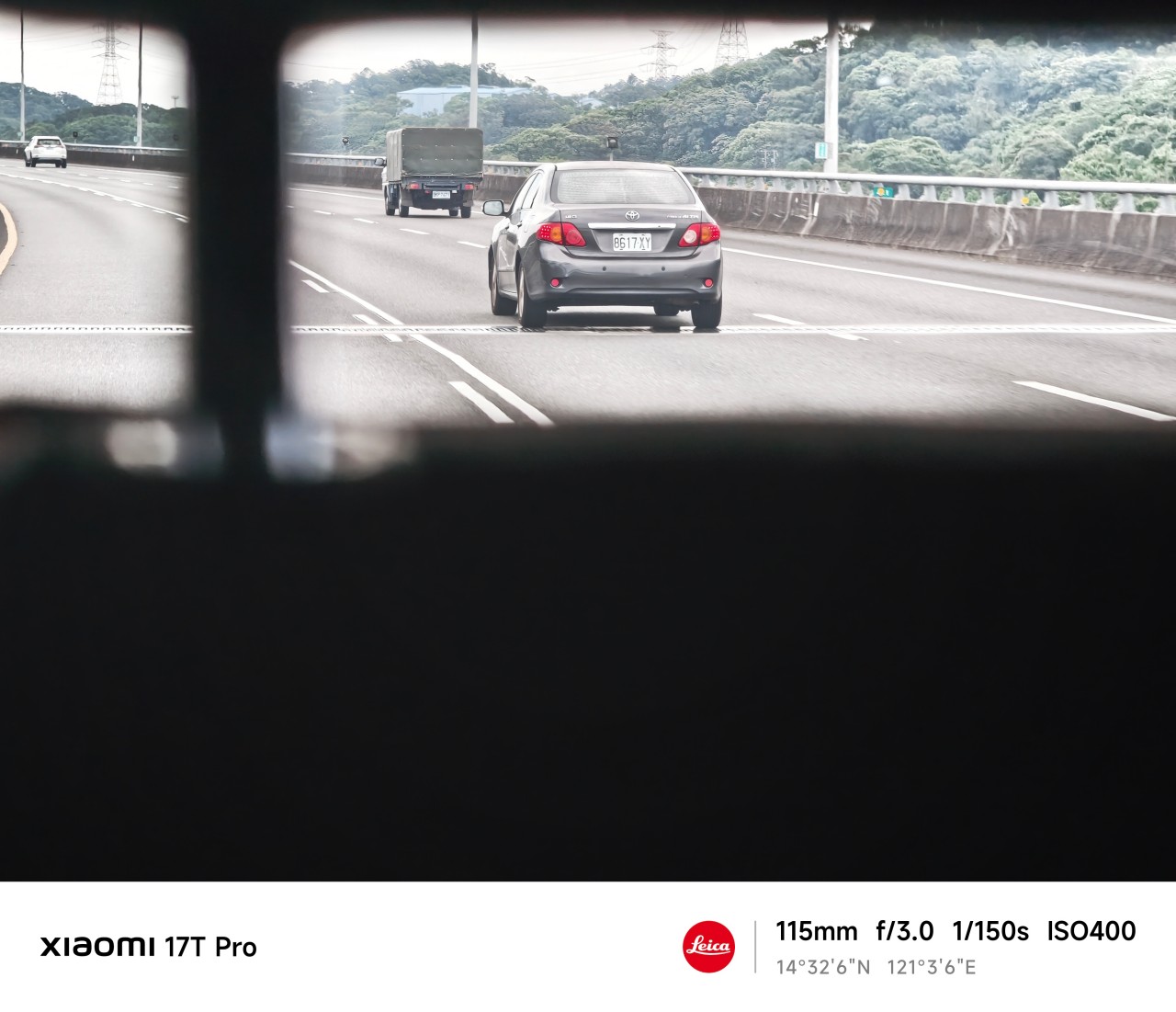
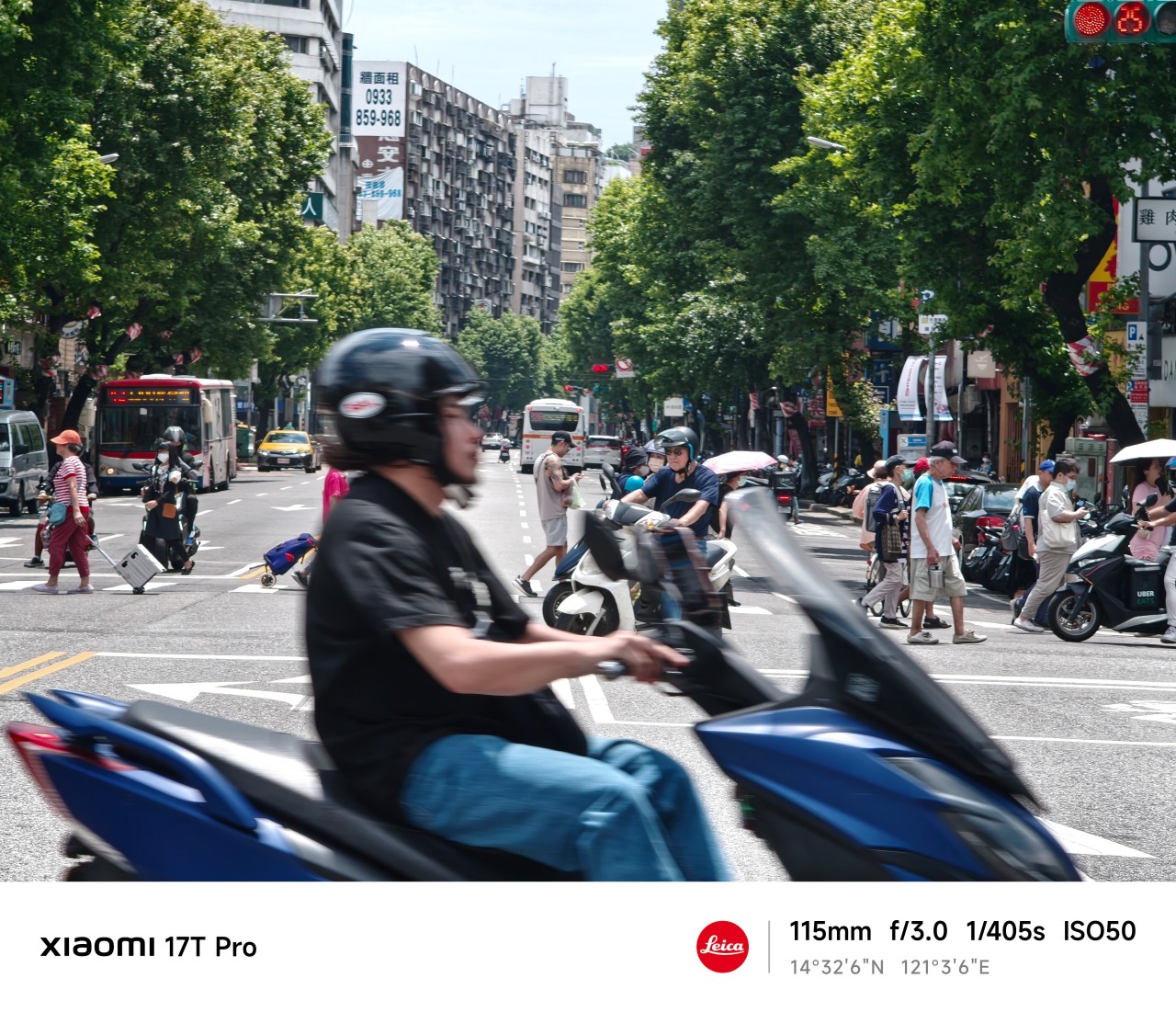
One thing I quickly discovered about shooting at 115mm is that distance changes how you approach a subject.
You cannot simply stand where you are and expect every shot to work. Sometimes you move. Sometimes you wait. And sometimes you accept that a moment isn’t yours to capture.
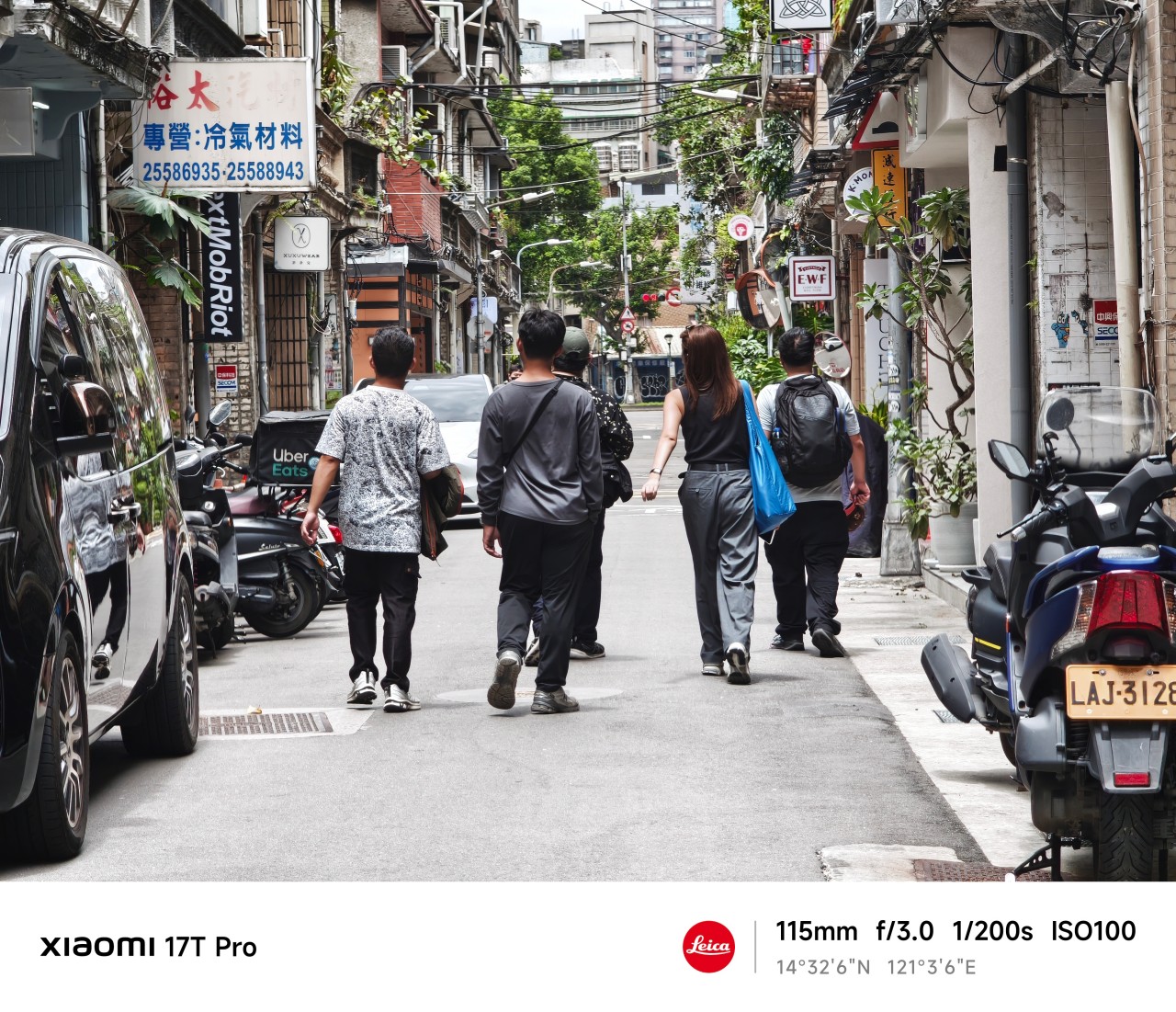 The Xiaomi 17T Pro’s telephoto camera made those adjustments feel surprisingly natural. The focal length compressed scenes beautifully while still allowing me to isolate subjects from busy surroundings.
More importantly, it encouraged patience. Not every frame needed to be forced.
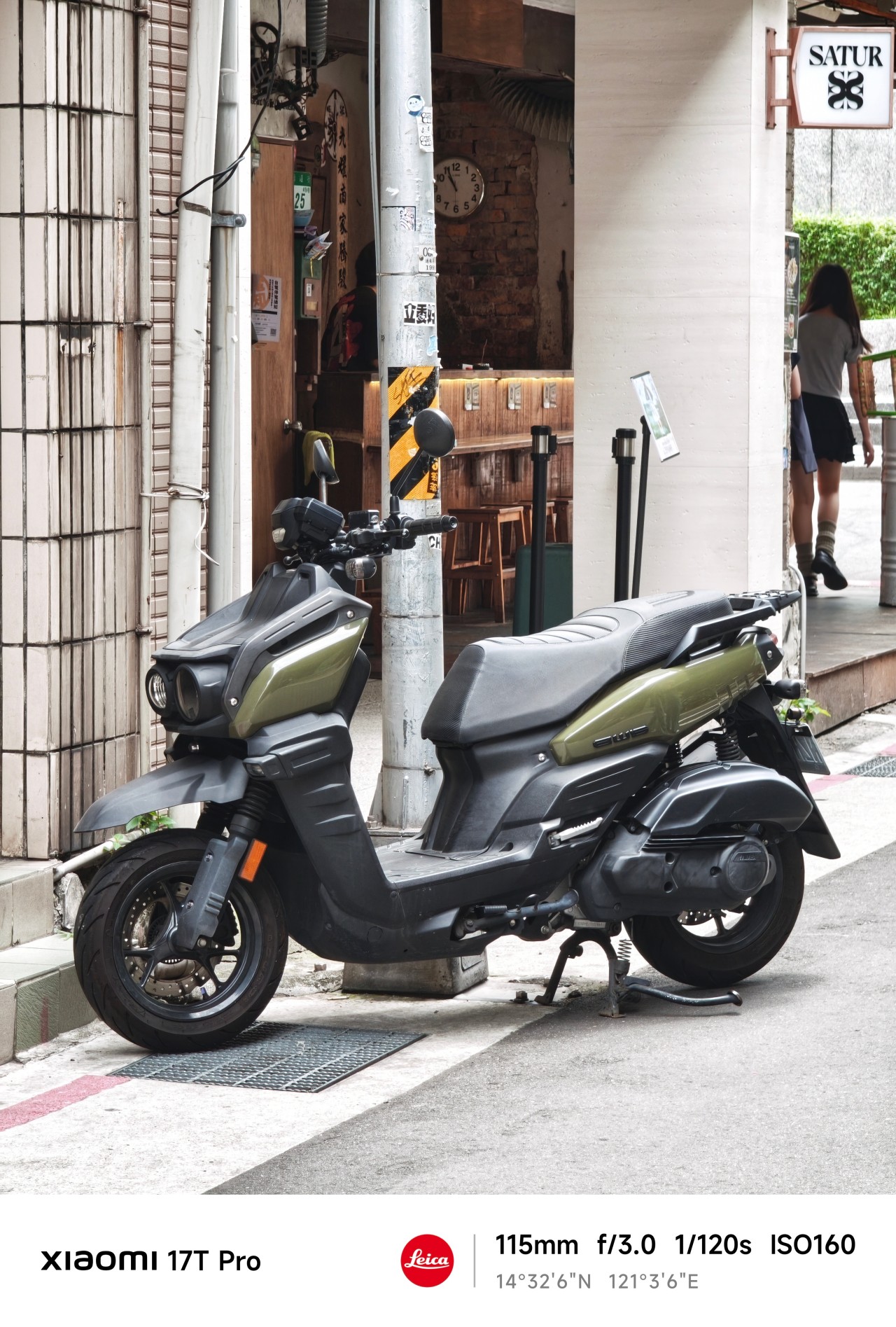
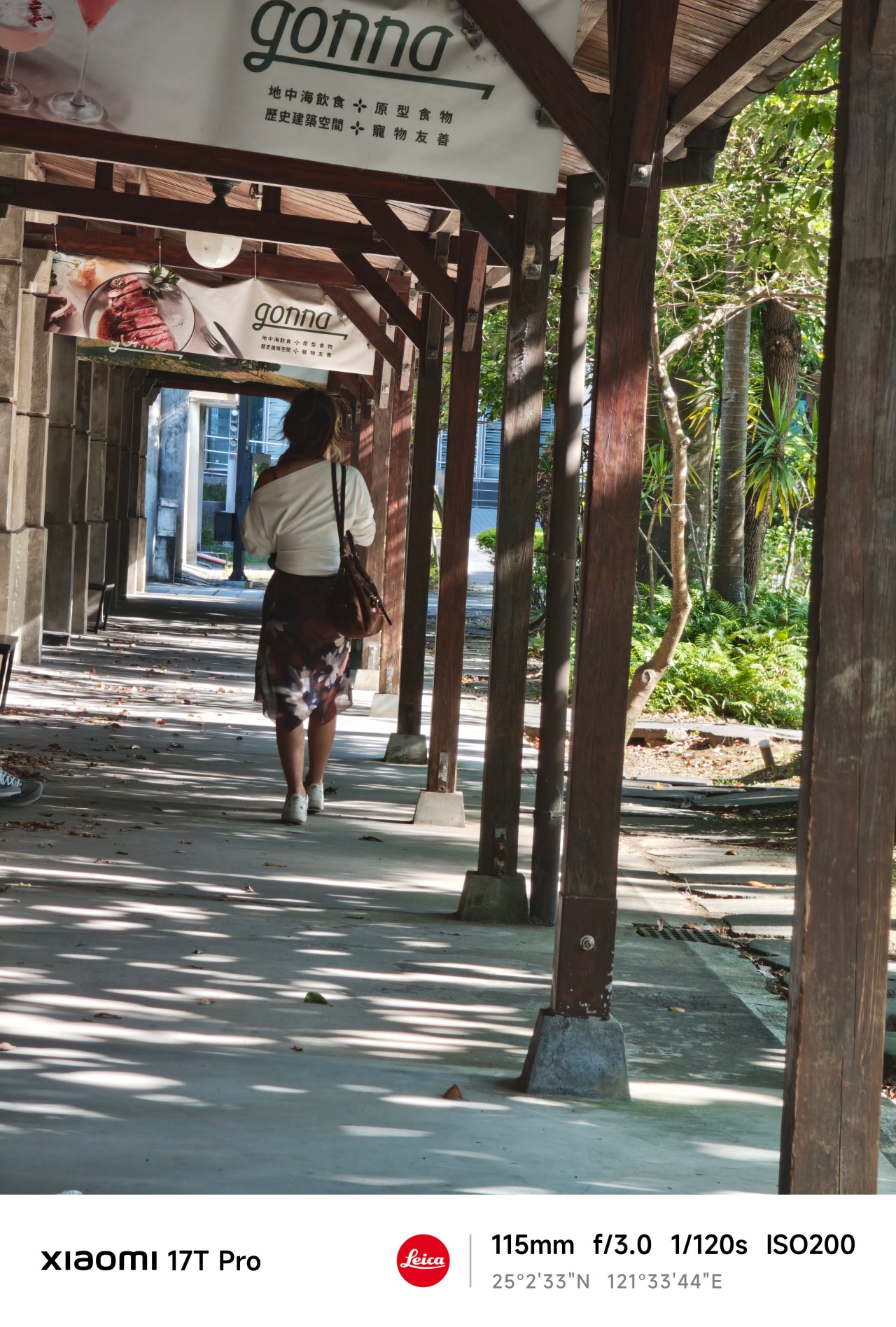
Blind projection
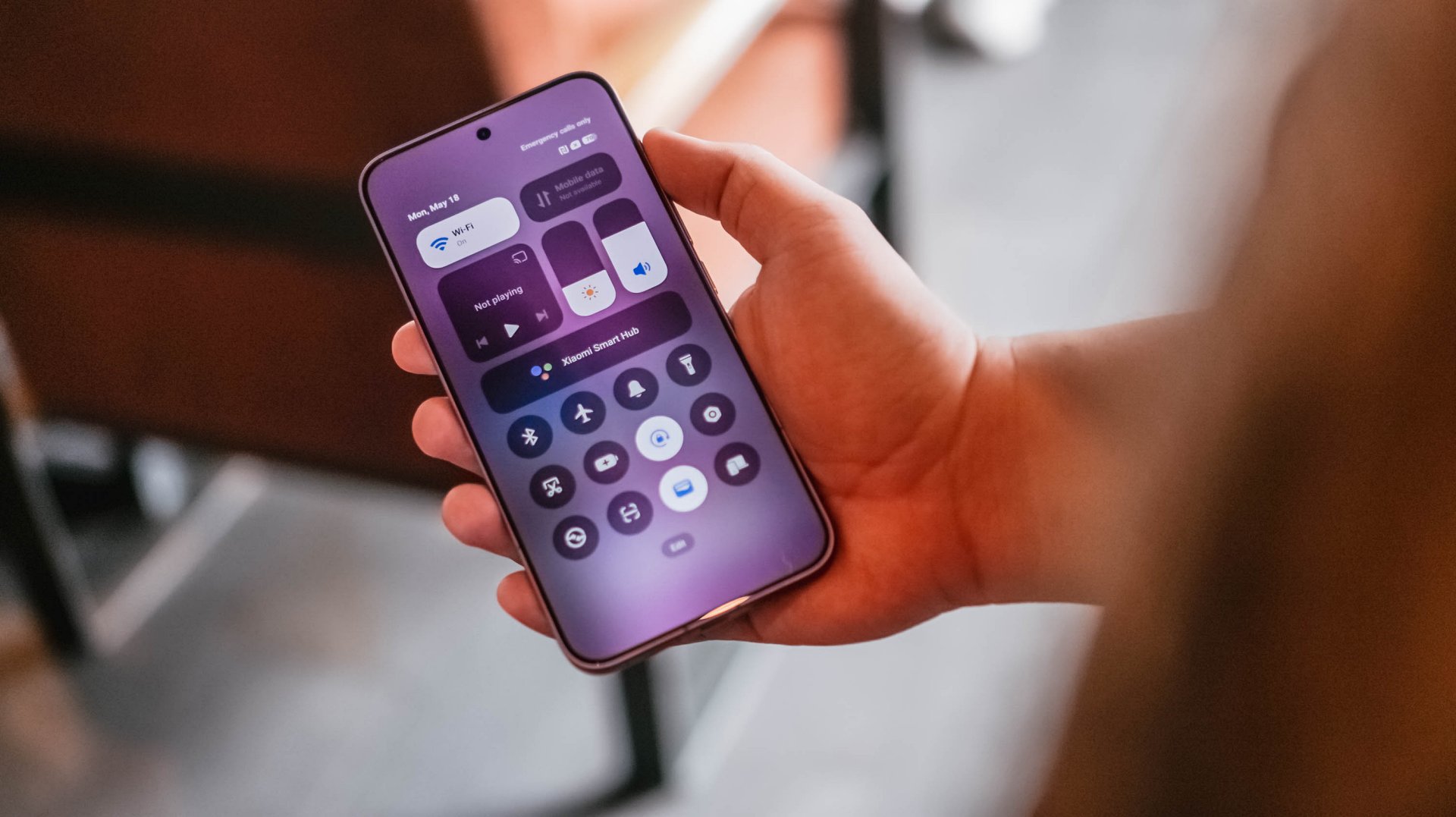
Waiting in the wings was another lesson entirely.
As a photographer, there are moments when something catches your attention immediately. A shape. A silhouette. A person. A scene.
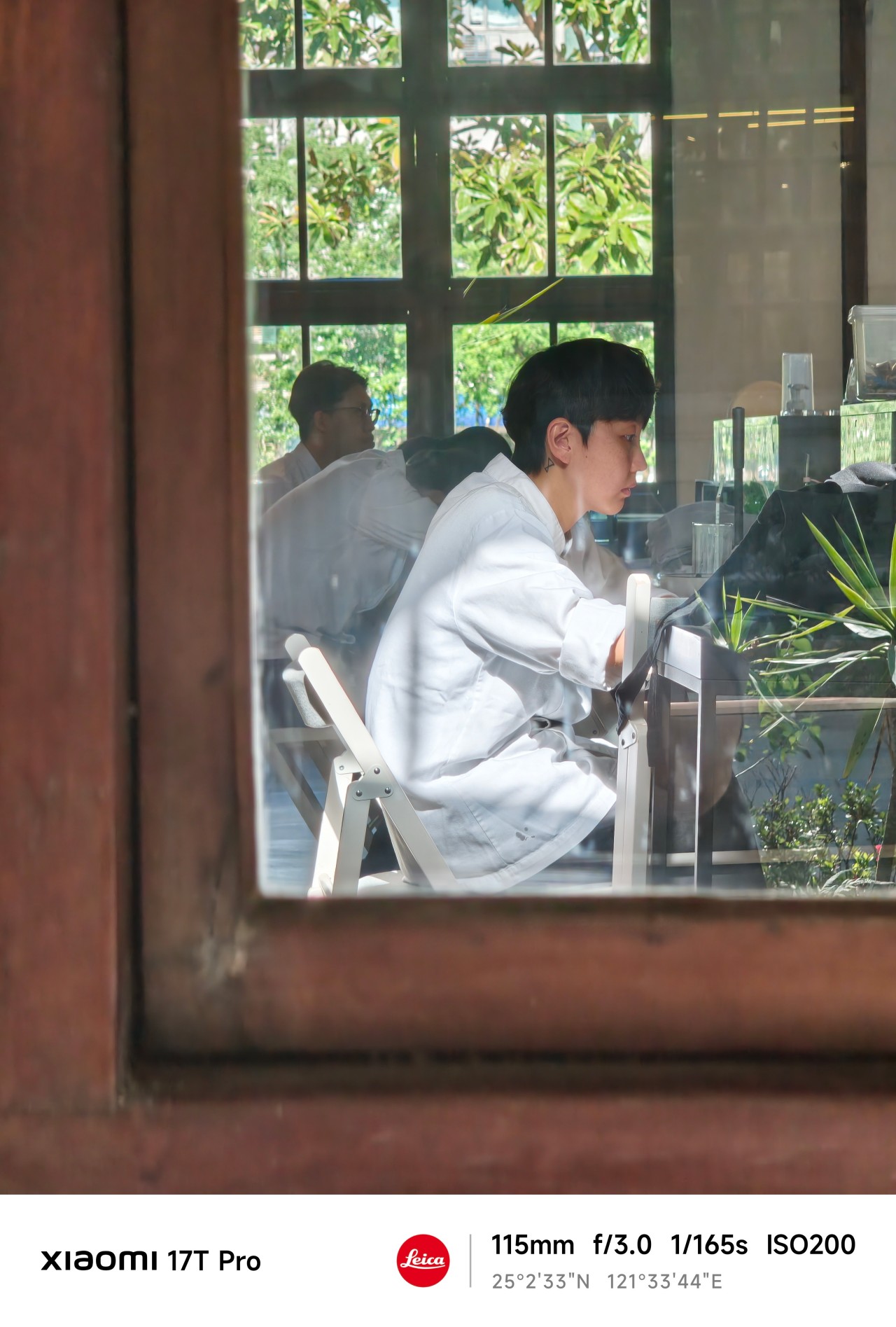 From a distance, it looks compelling.
The problem is that distance leaves room for imagination. Sometimes too much room. You think you know what you’re looking at. But you don’t.
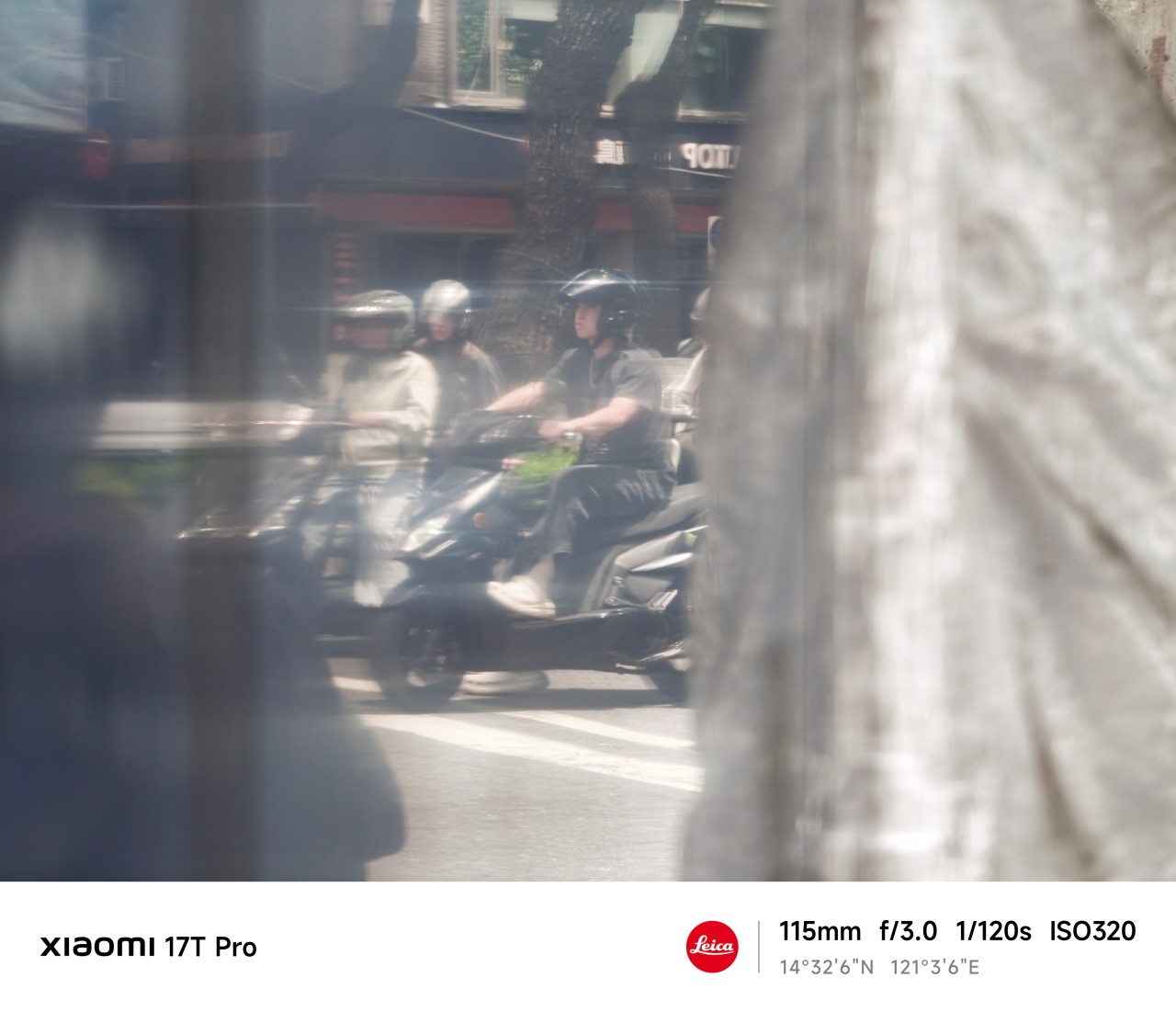 The more I used the 115mm lens, the more I appreciated how it could pull distant subjects closer while still leaving context around them. It gave me a cleaner view of things that initially felt obscured.
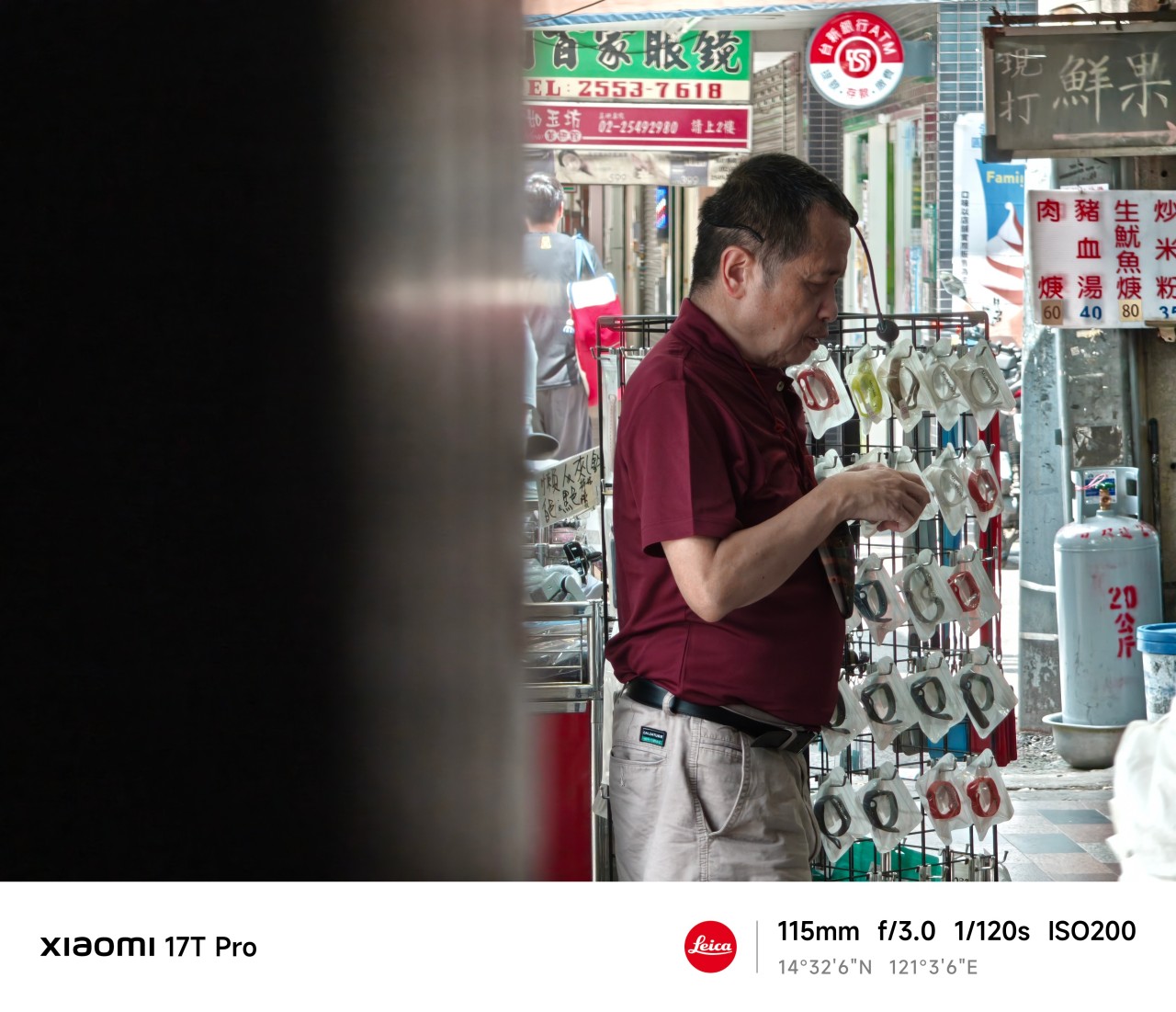
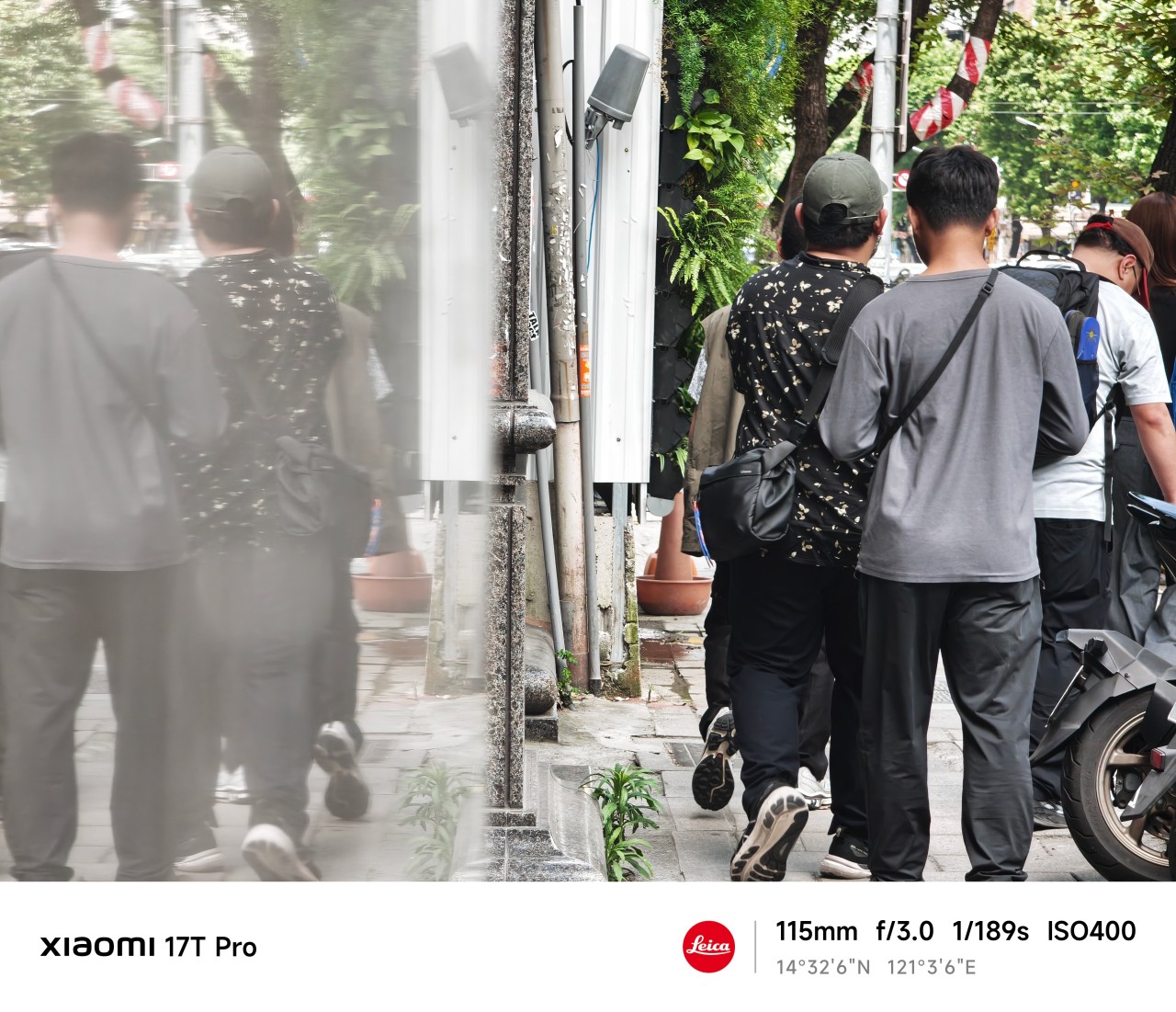
Yet photography has limits. A lens can reveal details. It cannot reveal meaning. That part still requires understanding what’s actually in front of you.
Generative longing
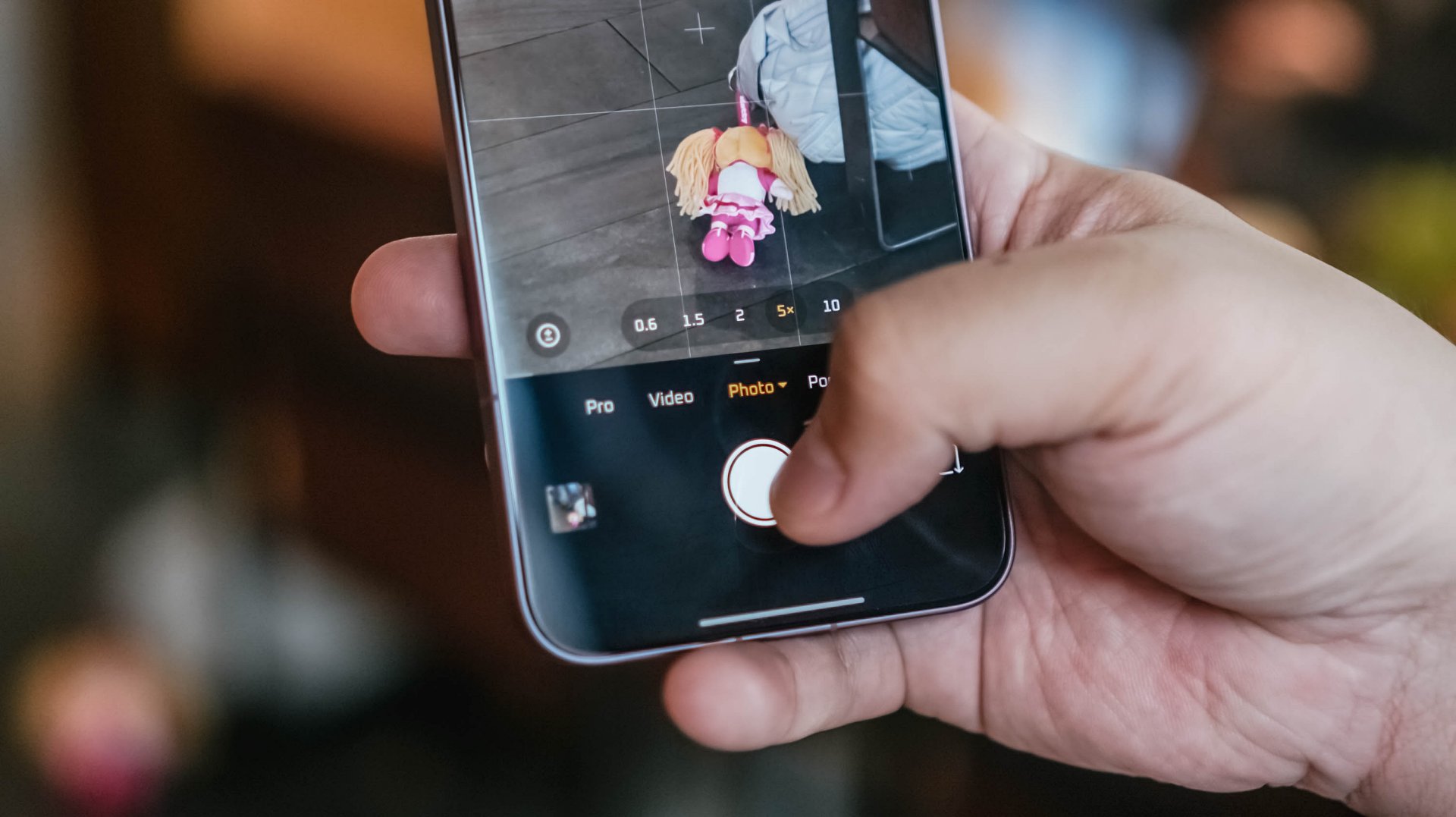
After some quiet reflection, I realized that much of what occupied my attention wasn’t reality at all. It was possibility. Potential.
Stories constructed from incomplete information. As it turns out, people aren’t the only subjects we do this to. Photographers do it all the time.
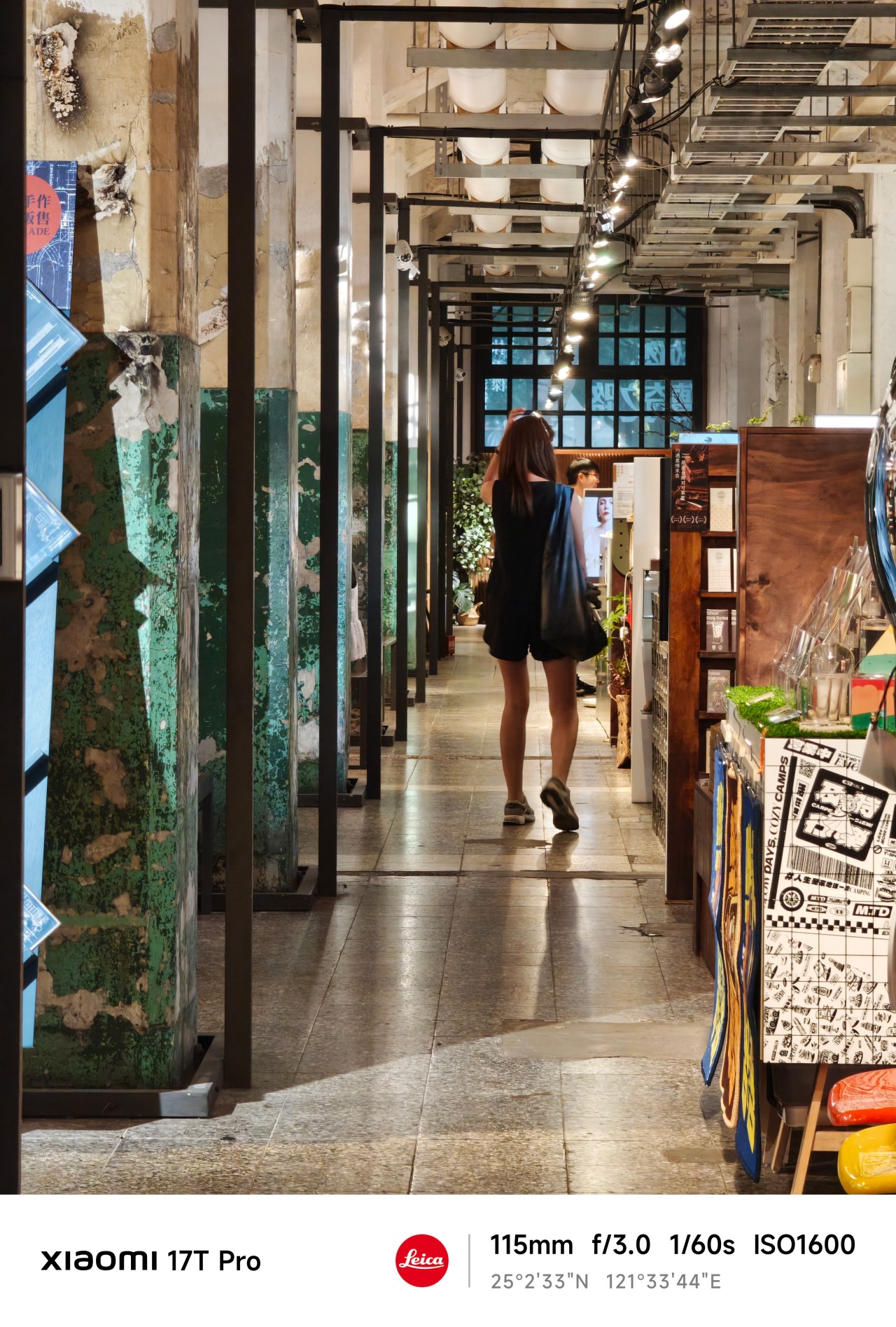
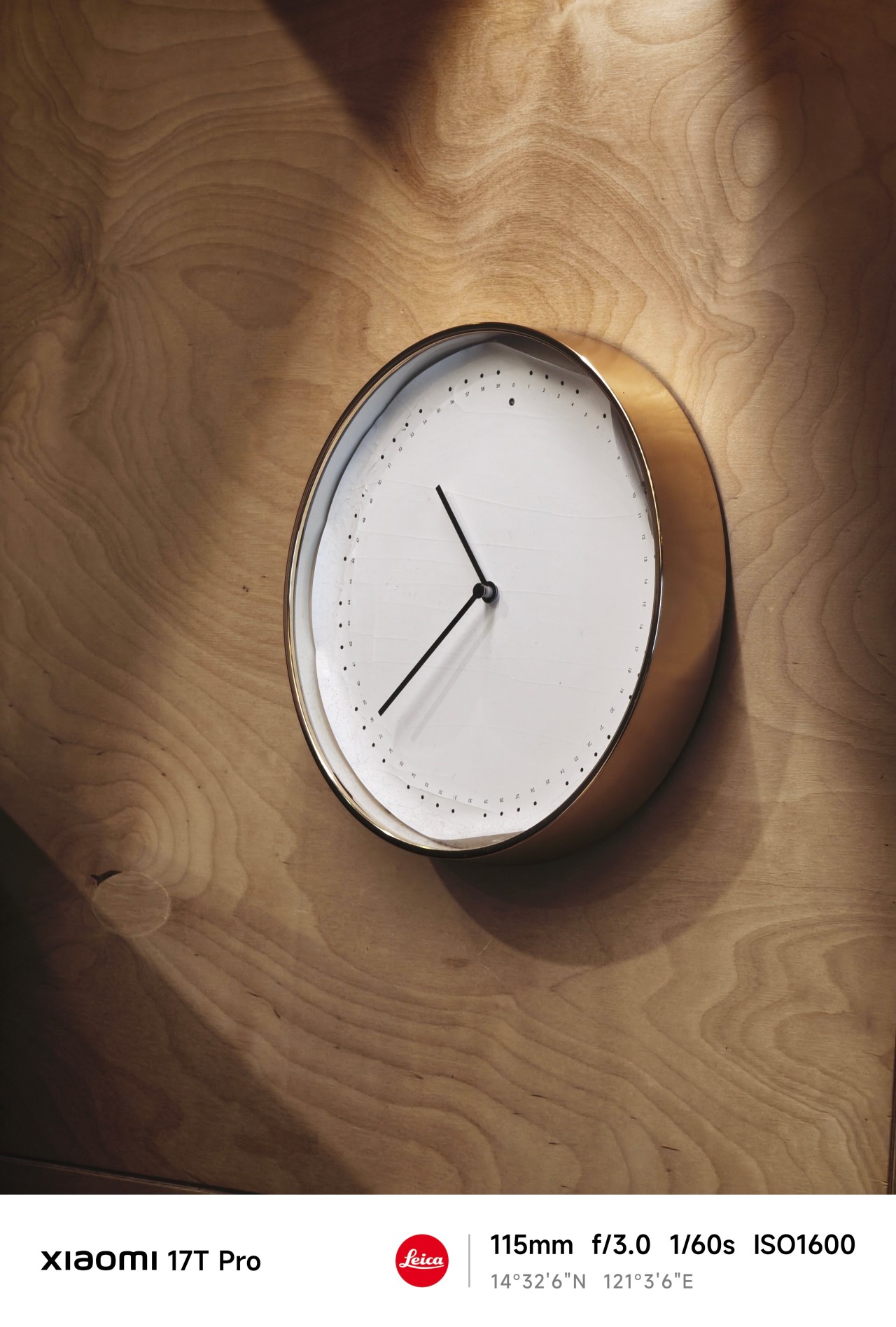
We imagine a frame before it exists. Then we convince ourselves the next corner might hold something extraordinary. And we chase moments that never arrive.
Sometimes they do. Most of the time they don’t.
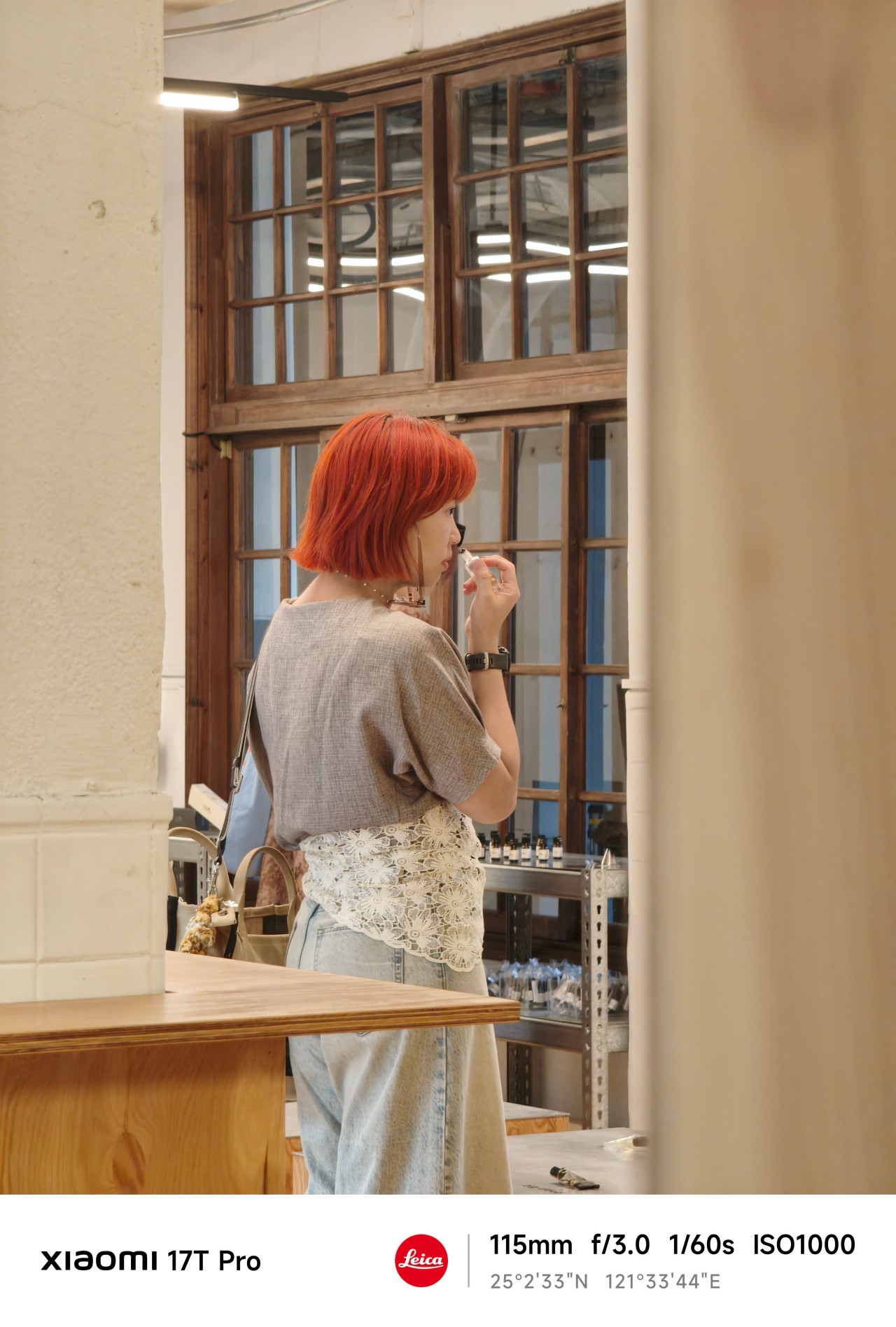
The Xiaomi 17T Pro encouraged a different approach.
Instead of hunting for specific shots, I found myself roaming freely. Walking more. Observing more. Adjusting my position constantly to find a better composition.
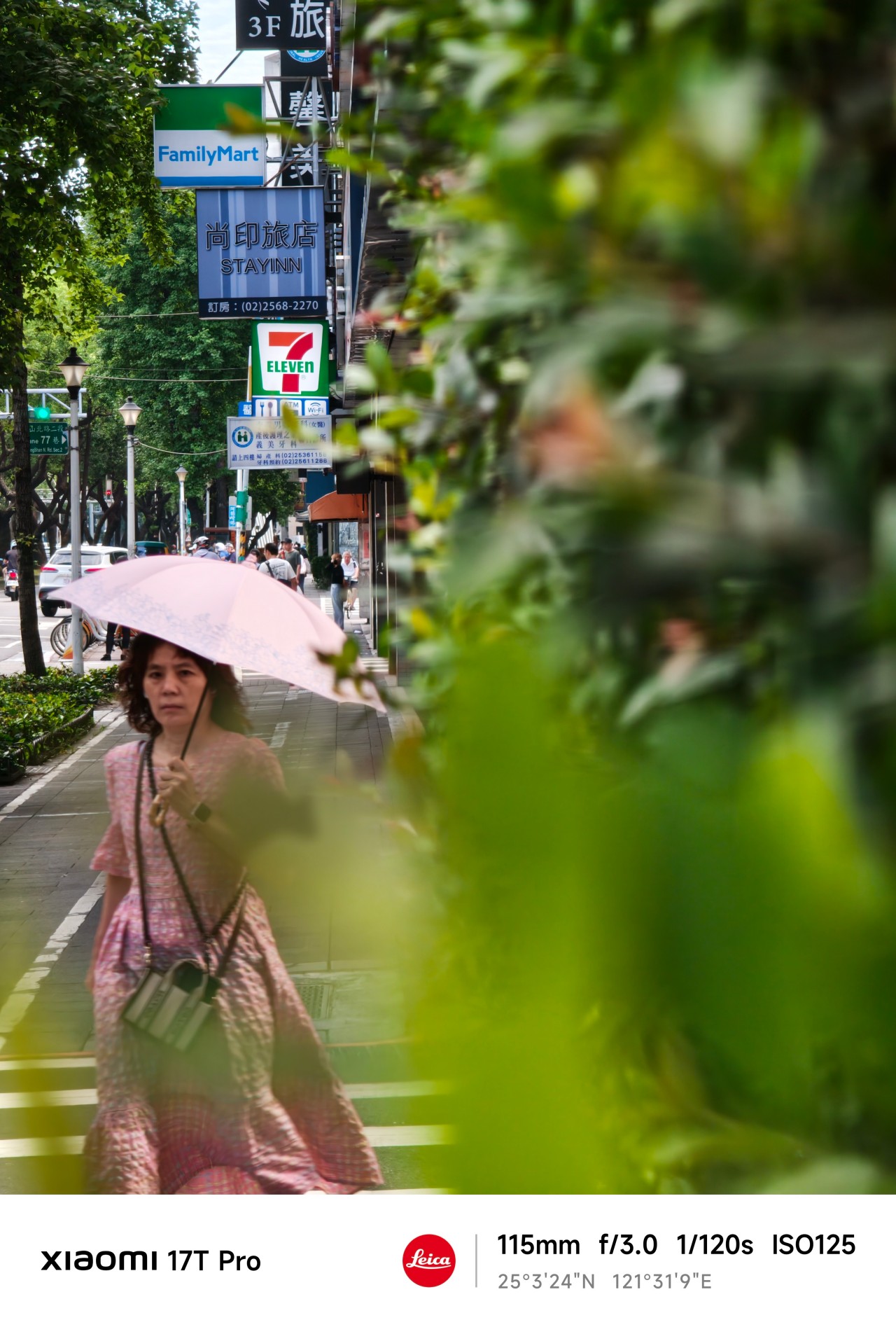
After a few days, I stopped thinking about the lens itself and started understanding the space around me.
I knew how far to stand, what would fit into frame, and when a moment was worth waiting for.
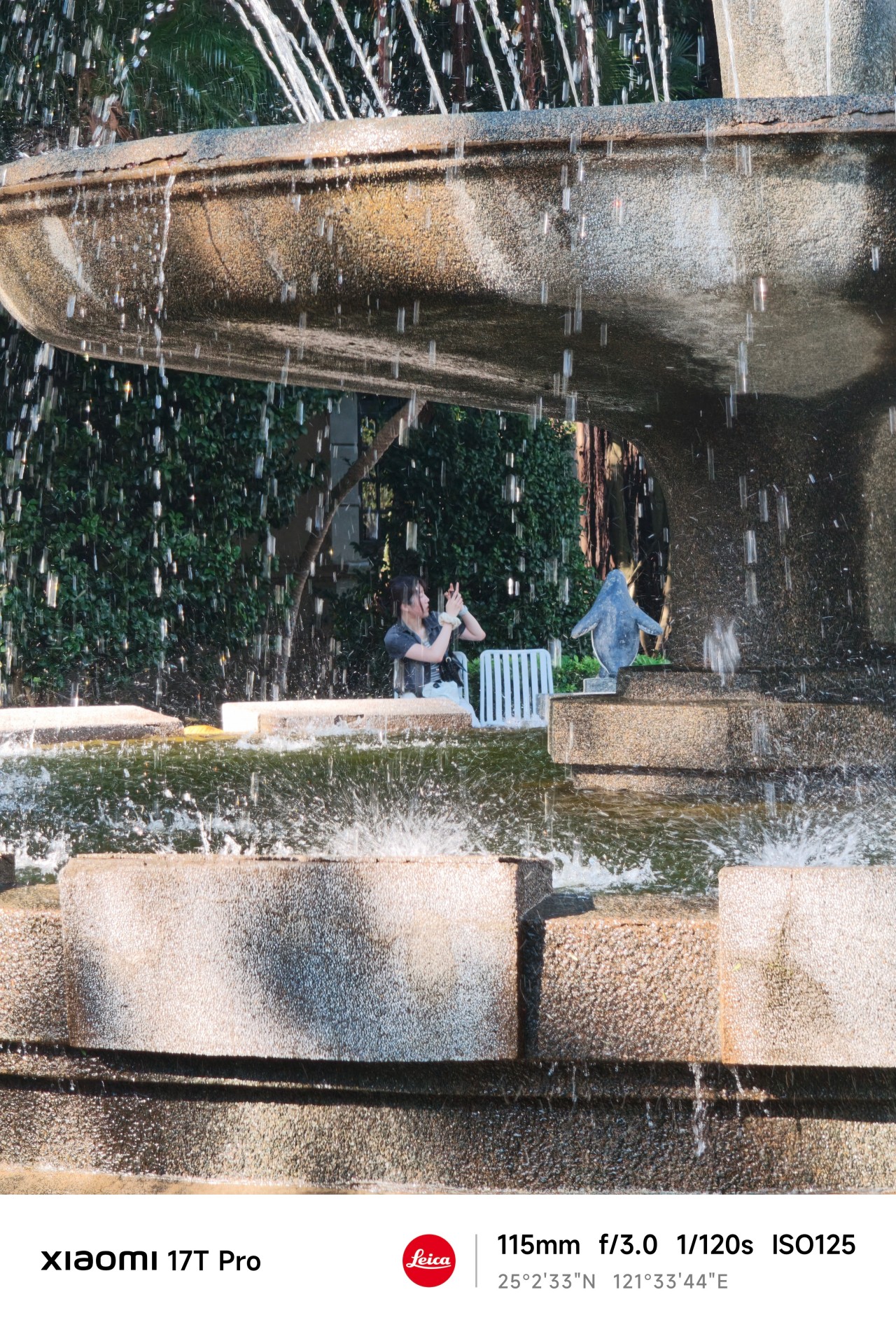
The telephoto camera became less about zooming in and more about understanding my position relative to a scene.
And that’s when things started getting interesting.
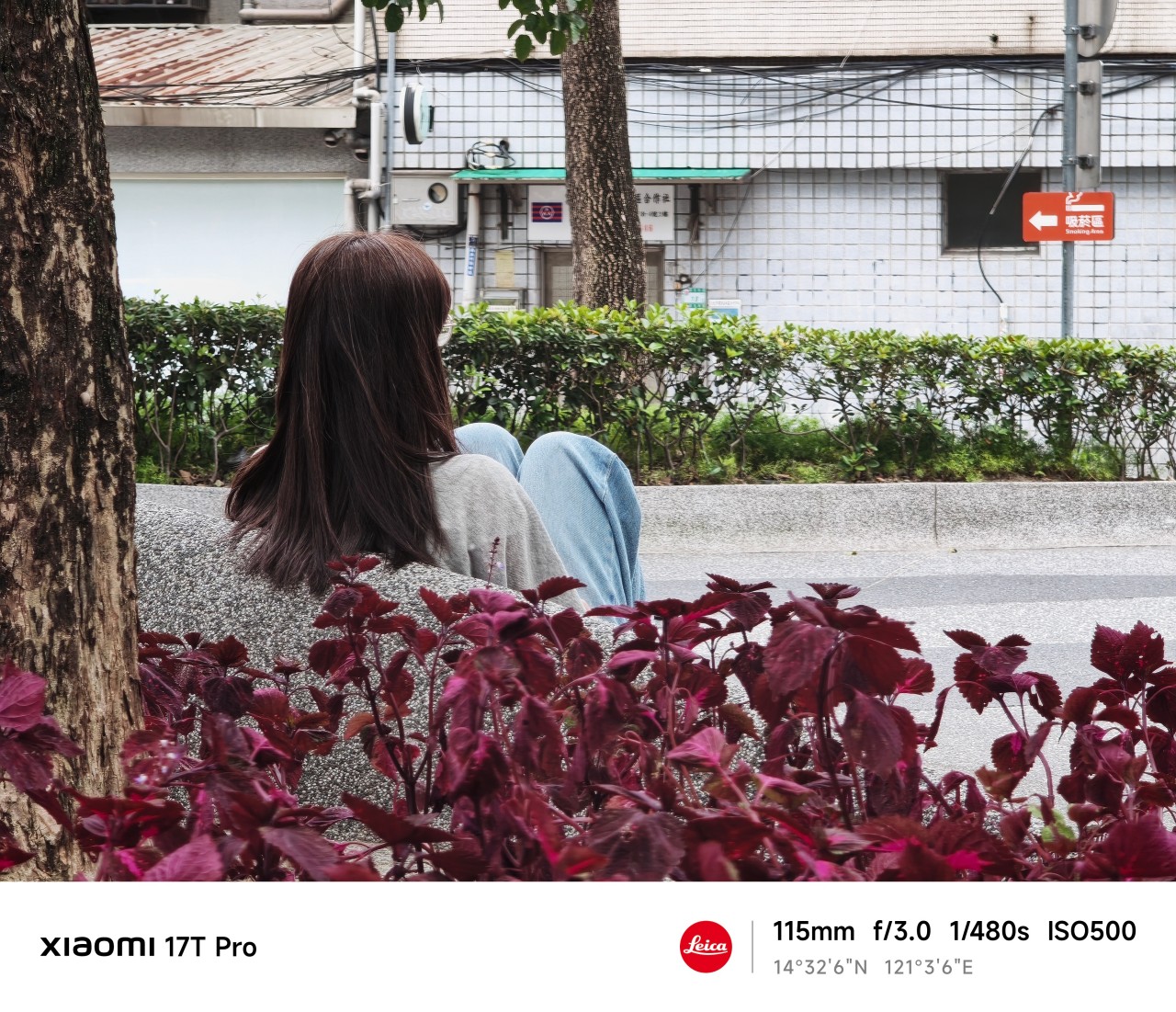
Close without crossing
Something unexpected happened while reviewing this gallery. There are more people here than in any collection of sample photos I’ve ever taken.
Normally, I avoid photographing people. I’ve always worried it feels intrusive. The telephoto lens changed that.
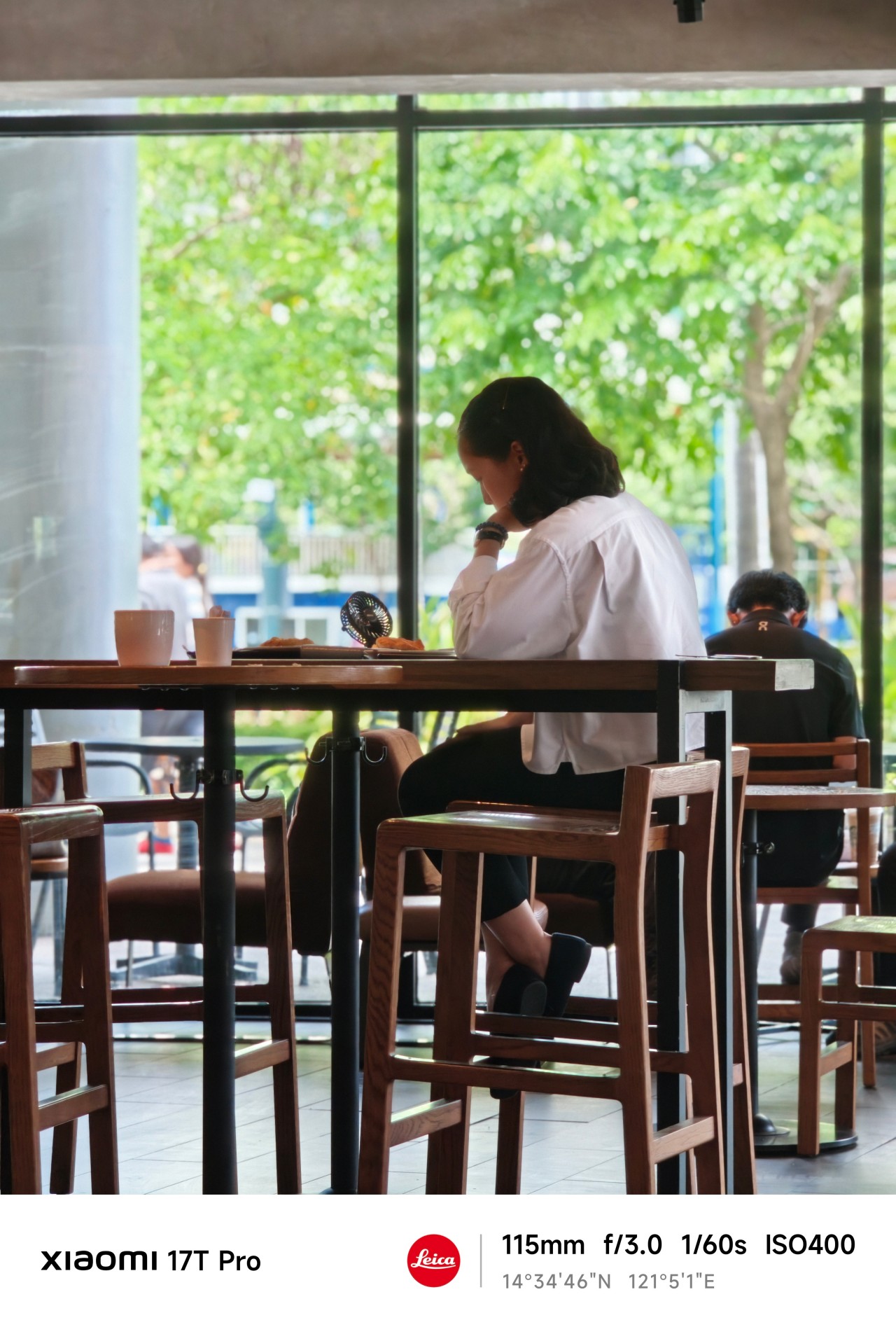 The extra reach allowed me to observe moments without disrupting them. Most of the people here aren’t looking at the camera. Many are turned away entirely. They’re simply existing within their own space.
And perhaps that’s what fascinated me most.
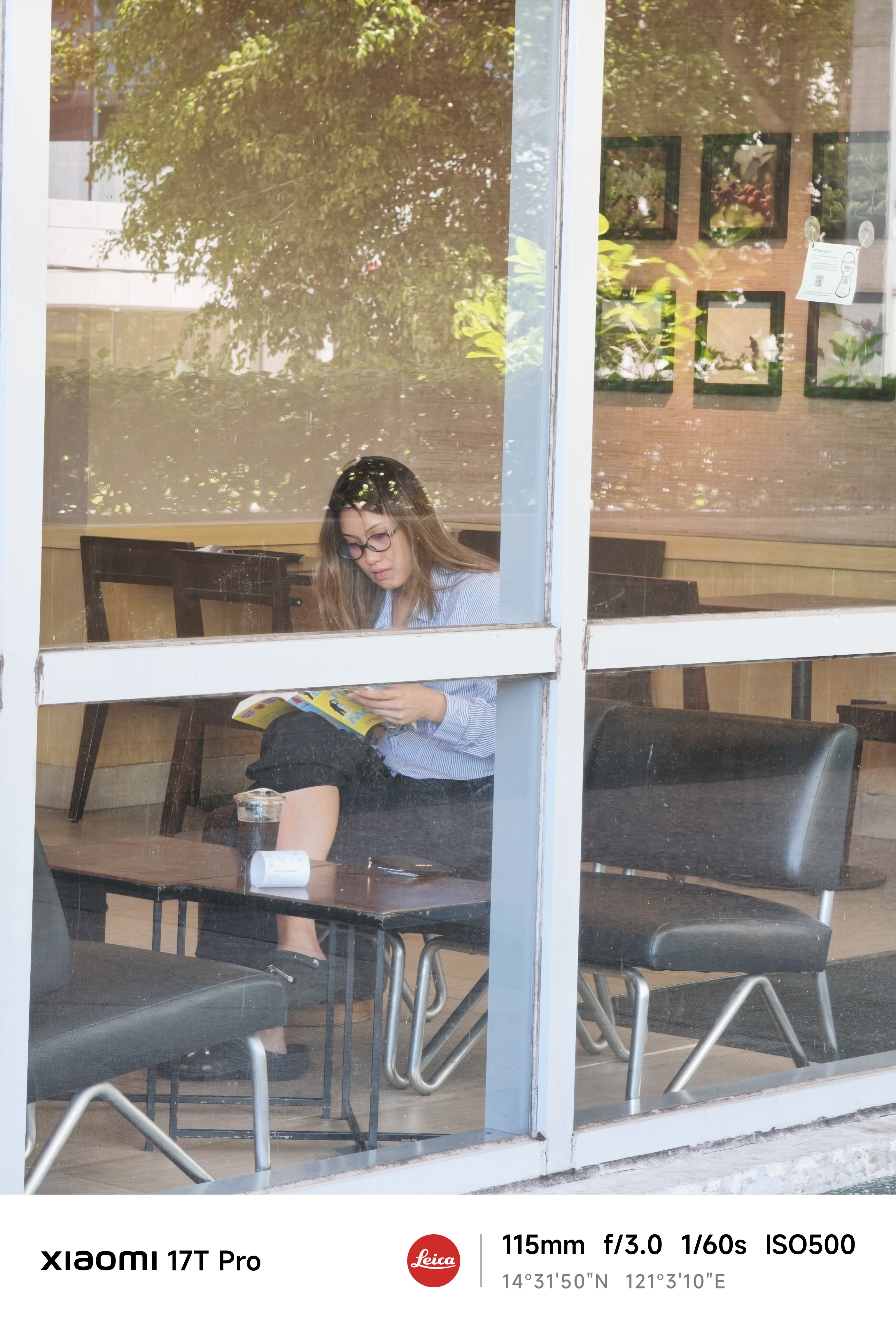
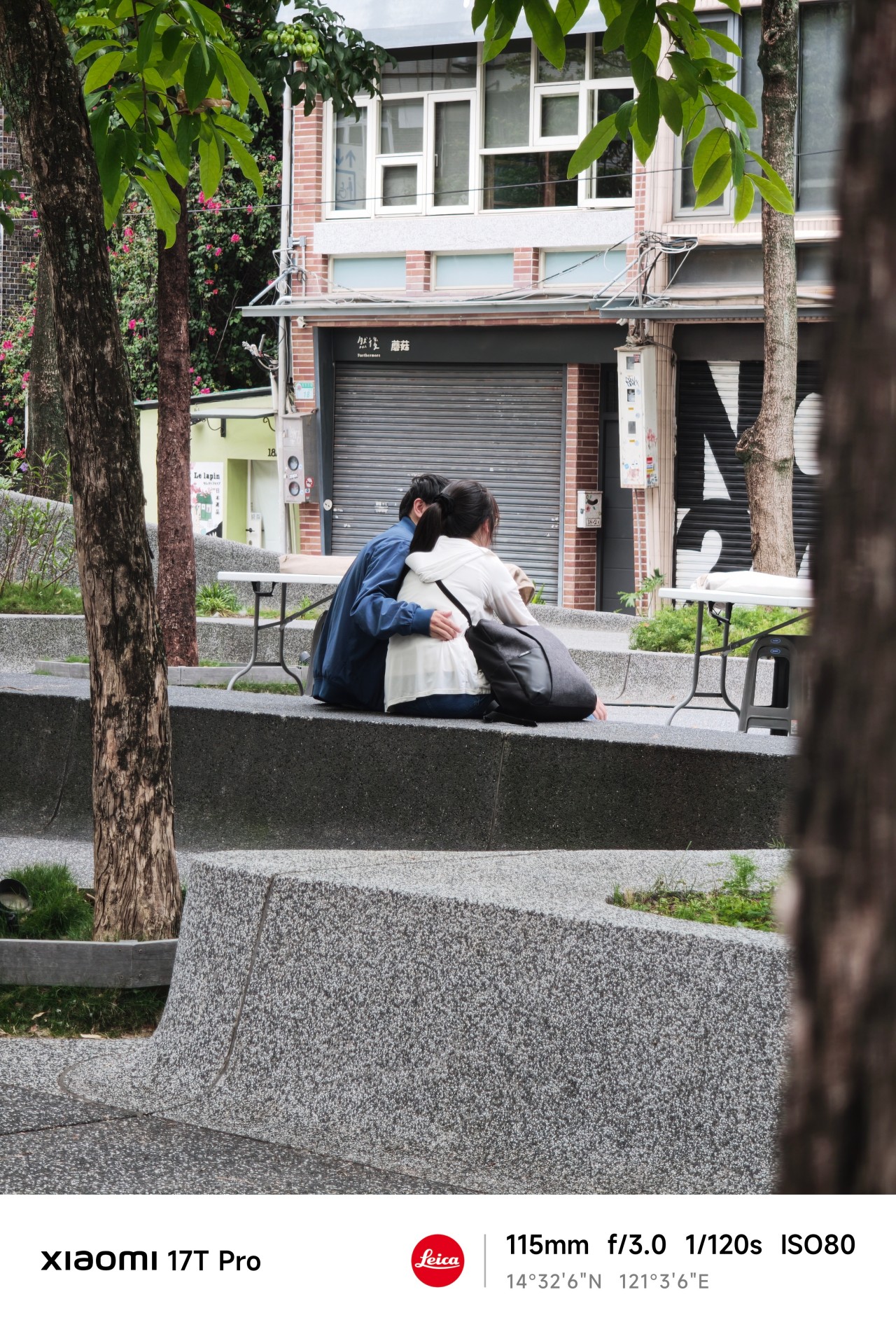
After spending so much time chasing, projecting, and attaching meaning to things that only existed in my head, I found myself approaching photography differently.
There was no grand pursuit. No dramatic realization. No need to manufacture scenarios. I simply paid attention.
 Telephoto photography is often associated with distance. Over the last few weeks, however, it taught me something else.
Distance and closeness are not always opposites.
Sometimes maintaining a little distance is what allows a moment to remain exactly what it is. Sometimes stepping back helps you see more clearly.
 And sometimes the people, places, and experiences that matter most are not the ones furthest away. They’re already within view.
Shooting at 115mm taught me that keeping a little distance can be its own way of staying close.
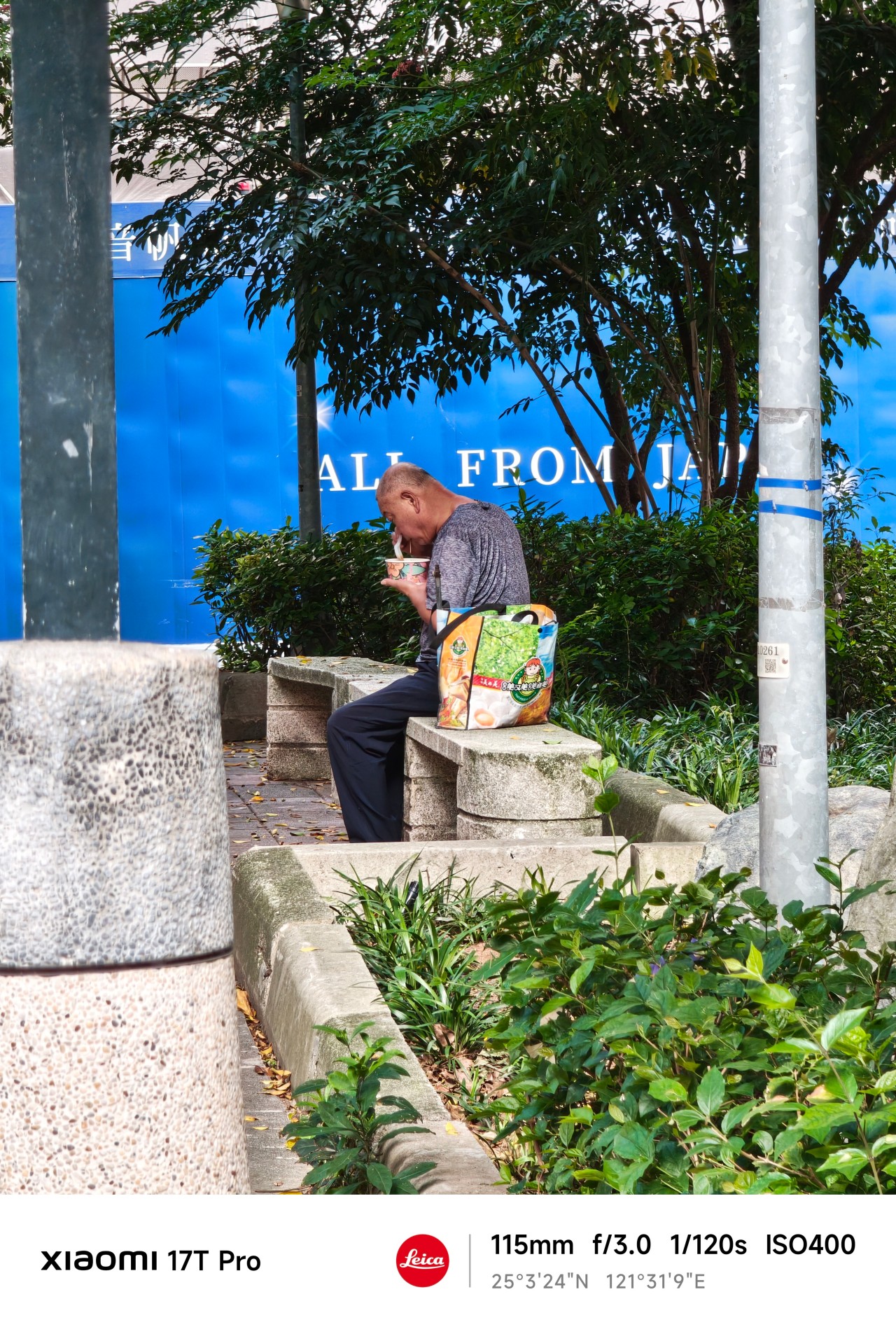
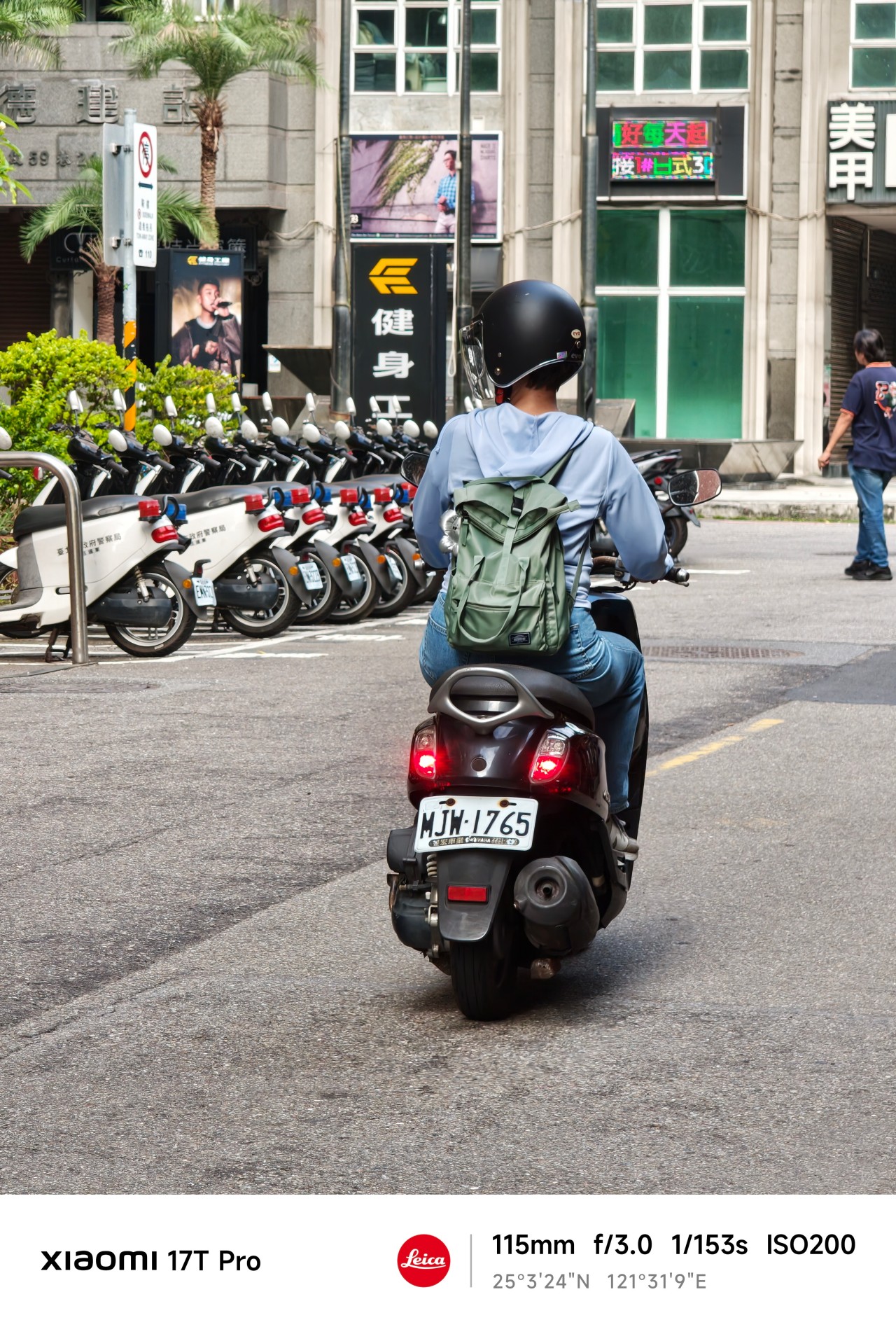
Maybe that’s what this gallery ultimately became. Not a collection of subjects I couldn’t reach. Not proof of anything.
Just a record of moments I was fortunate enough to witness.
Health
Spring reset: Growing more at home with Auk Mini
From kitchen counter experiment to everyday habit

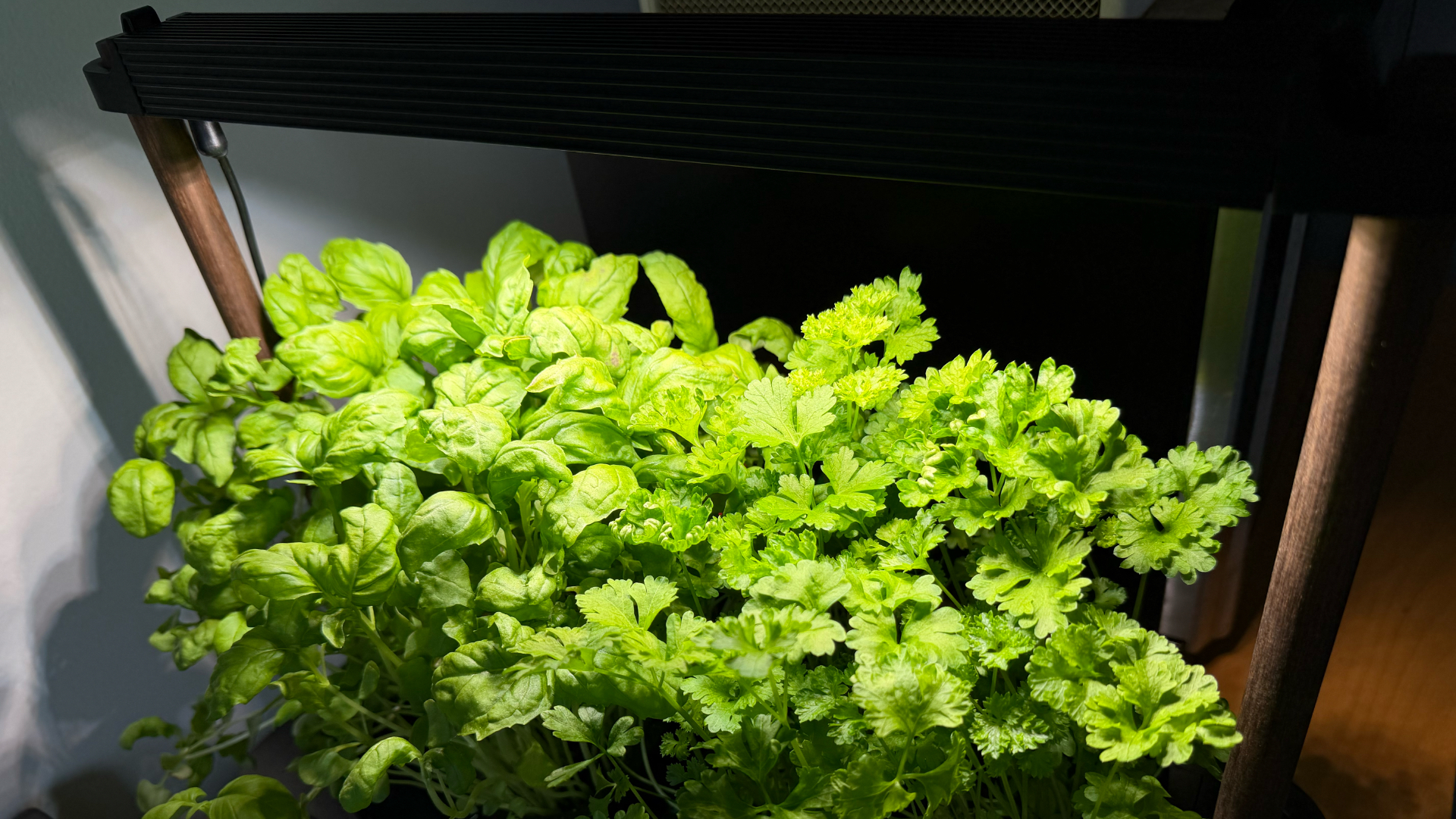
Spring and summer rolling around almost always makes me want to reset something in my routine.
A few years ago, it was growing broccoli sprouts in a jar. Getting the Auk Mini over Christmas felt like the natural next step.
From sprouts to something more
Starting with sprouts was easy. After having them at a family gathering, it clicked that I could actually grow something, even in our small apartment. Anyone, including my husband can do it on the kitchen counter, and upkeep takes less than a minute a day. Watching something grow and actually eating it made me realize how nice it is to have fresh greens around all the time.
The Auk Mini builds on that. Instead of just one thing in a jar, now I have herbs growing consistently at home.
Getting started was easy
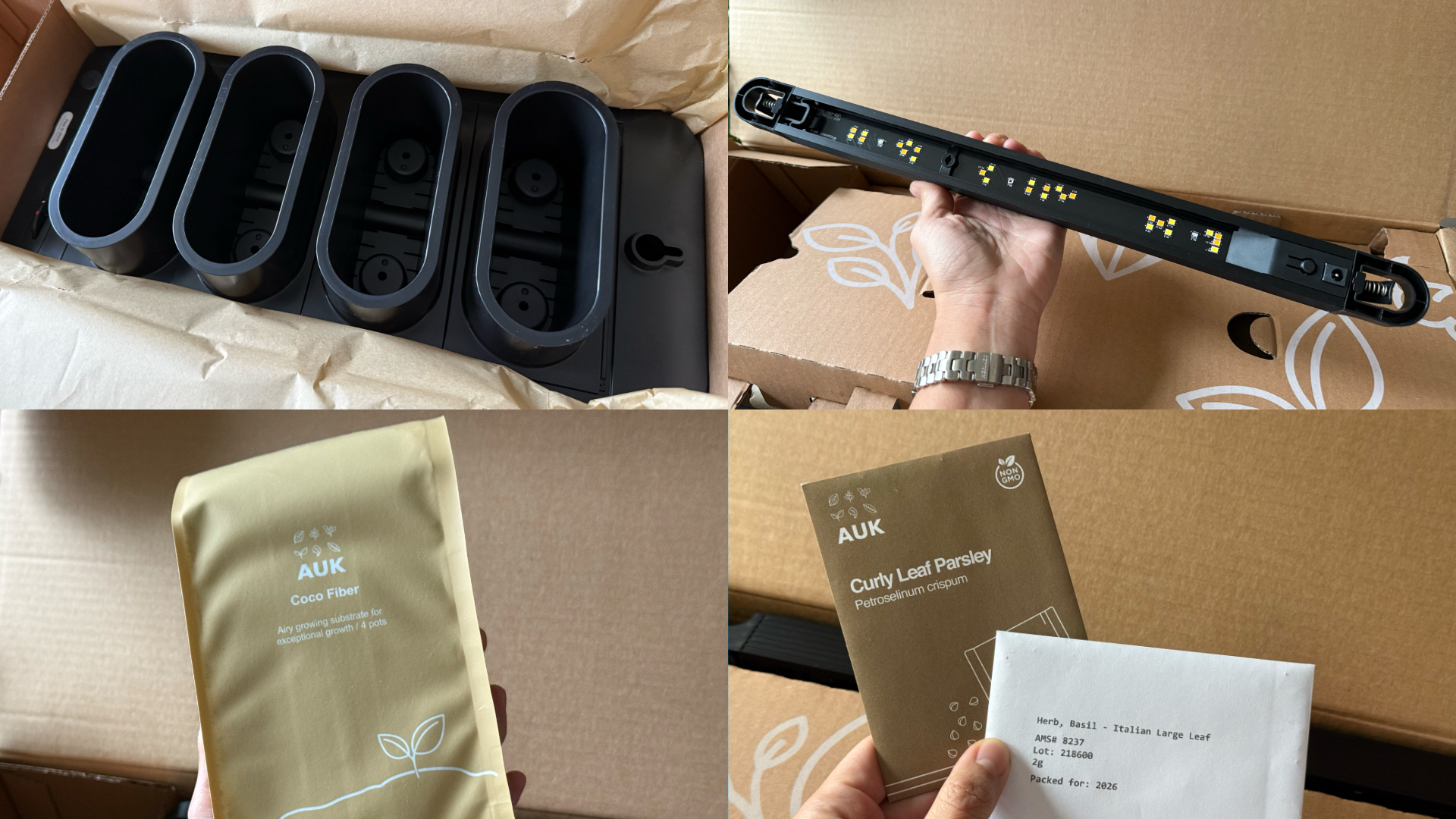
This was the part I was most unsure about, but it ended up being very straightforward. Setup took a few minutes, the instructions were clear, and nothing felt overly technical. The kit comes with everything you need to start: Auk Mini itself, seeds for planting, coco fiber, and nutrients that you add to the water to support both growth and flavor.
Once it’s up and running, it mostly takes care of itself. The lighting system handles what the plants need throughout the day, and the watering system keeps everything consistent. I have been away on trips, and I still come home to herbs that are healthy and fresh, waiting to be trimmed and added to my food.
It fits real life and small spaces

Fresh herbs growing beside my microwave
Living in a New York apartment, space is limited. While there are community gardens I could participate in, it’s not as convenient as having access to your own, especially when you’re in the middle of a snowstorm or a heatwave.
The Auk Mini sits beside my microwave, on a table that used to be my desk. It doesn’t feel like I added a new project to my life – it just blends in. I have the black and walnut version, which works well with the rest of my space, but it also comes in white, with oak or cork as other finishes, if you want something lighter.
Watching and competing
My husband and I set it up together and turned it into a challenge: who would harvest first?
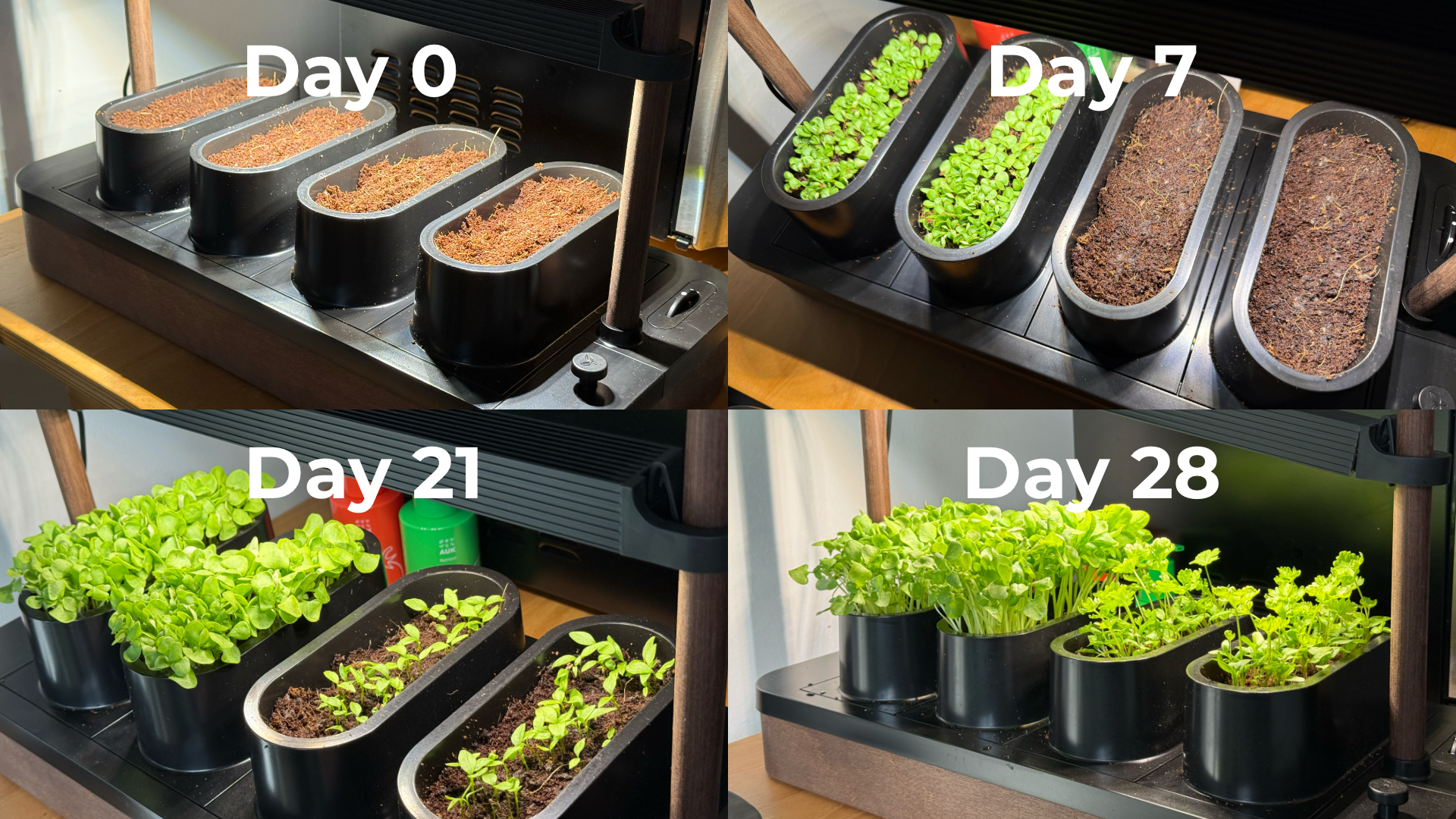
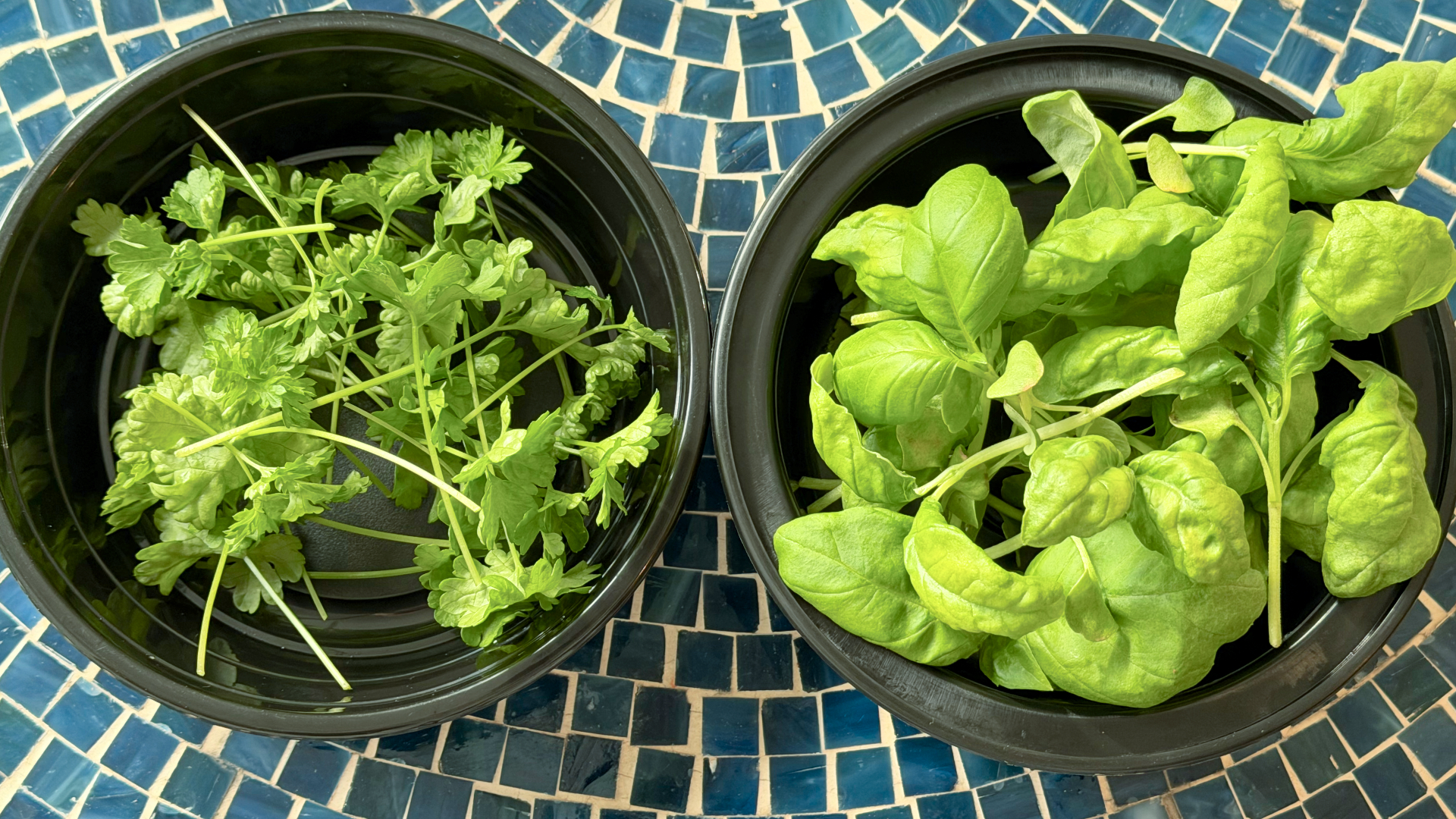
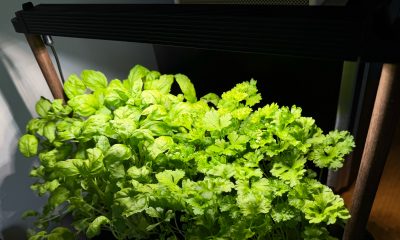
Our kit came with basil and parsley. He planted basil, which sprouted first. I took on parsley, which grew much slower and wasn’t ready for harvest until a little over six weeks later. The competition was a small thing, but it made the whole process more fun. We started paying attention to growth day by day, and it’s satisfying when you finally get to use what you grew.
One thing we learned pretty quickly is that different plants grow at different speeds, which can make lighting placement a little tricky in a shared setup like the Auk Mini. Since the basil grew faster and taller, we had to angle the light unevenly so it wouldn’t burn the basil while still giving the parsley enough exposure to catch up.
It changed how I use herbs
Basil and parsley used to be something I added as garnish. Now I’m using them all the time because they’re right within arm’s reach.

Learned to be creative and made pasta from scratch, made better with fresh herbs
I’ve been making sauces, marinades, pesto, even building meals and cocktails around them. It’s expanded the flavors we use in home cooking, and forced me to experiment instead of defaulting to our go-to recipes inspired by East Asian cooking. In fact, the biggest hurdle I’ve encountered is not having enough recipes in my repertoire that use herbs.
Even when a dish doesn’t call for it, I’ll cut some and add it anyway. Every time I did, it made the dish better. When something is always available and always fresh, you naturally start using more of it. And if you trim it properly, it just keeps growing back. It doesn’t go bad or get forgotten in the fridge.
You can grow anything you want
One of my favorite things about Auk Mini is that it’s not a proprietary system. They do offer other kits like a chili and tomato set or an Italian cuisine mix, but you can also grow your own choices.
I joined a Facebook group of Auk growers, and it’s been inspiring to see how others are using and expanding their indoor gardens. It makes me excited to try things that are harder to find or expensive in the U.S., especially vegetables and herbs I grew up with, like pechay, moringa, lemongrass, pandan, and kangkong.
A small step toward something bigger
Constant fresh herbs within reach
Growing herbs indoors reminds me of something from years ago. In university, I did an immersion program in a low-income community. We recommended sustainable food systems for the stay-at-home moms we met — including hydroponics systems — both as a source of extra income and fresh food.
That experience stayed with me, but I never acted on it. This feels like a small, techie version of that idea: a hydroponic system that works in real life, in a small space, and is easy to keep up with.
Is the Auk Mini your GadgetMatch?
Starting with sprouts showed me I could easily grow something. The Auk Mini showed me I can keep going and expand it. Now I have fresh greens ready whenever I need them.
It starts at $259, which isn’t the cheapest way to get into hydroponics. If you don’t use herbs on the daily like I do, the cost is even harder to justify. But that’s also why I recommend it even more. It’s convenient, it’s fresh, and at the same time it challenges you to be more creative with food.
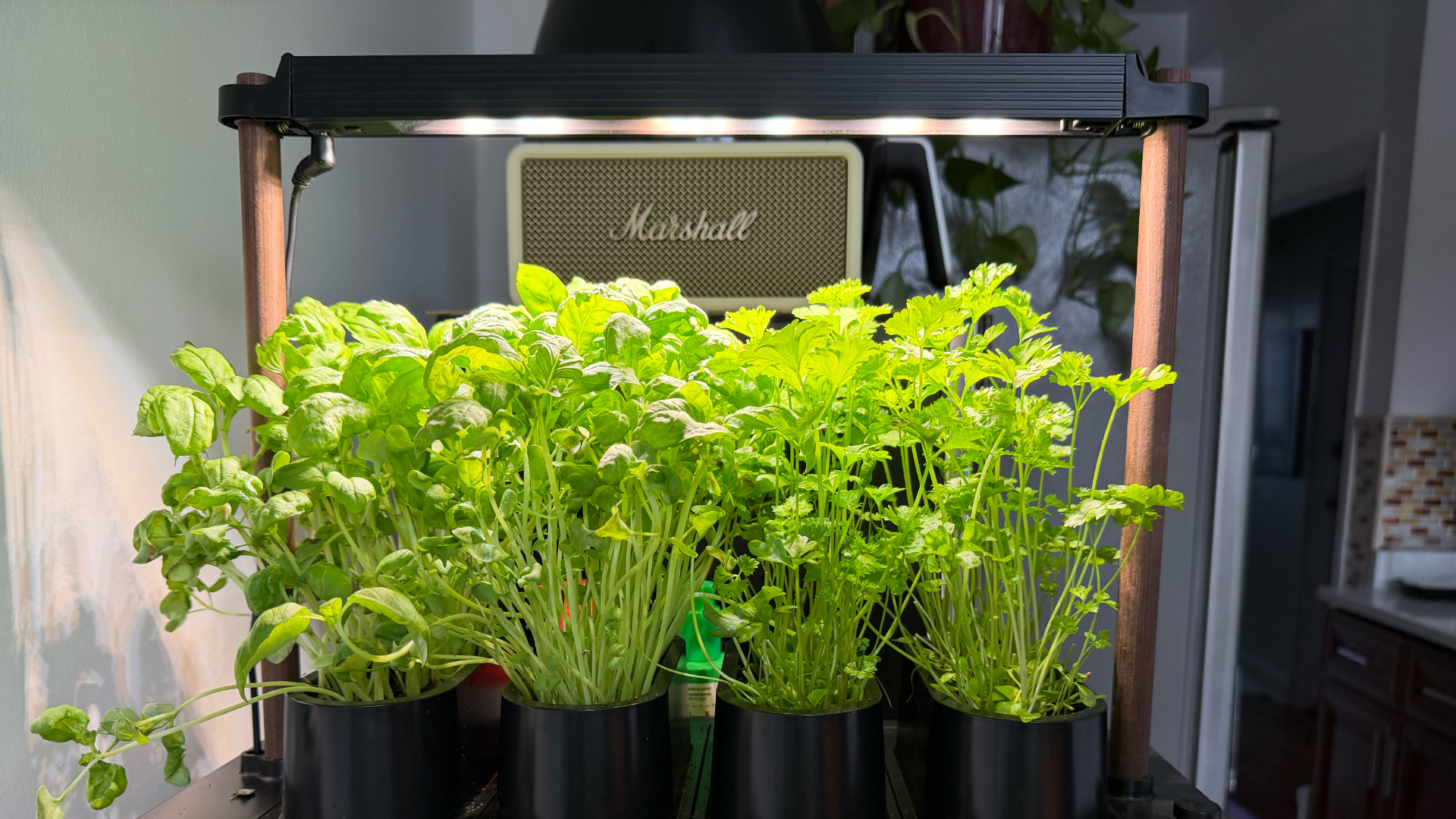
Basil and parsley keep growing in the Auk Mini after multiple harvests
Auk Mini’s ease of setup and maintenance, and flexibility make it worth it, especially if you don’t know where to start. It was a great hobby to start the year with, and an even better habit I’ve kept building on five months on. It’s given me confidence I can grow my own food for the rest of my life, one way or another.
Editor’s Note: Since this article was first published, Auk has updated the name Auk Mini to Auk Mini 1. They also announced the Auk Mini 2, currently on preorder starting at $199. This newer model has a smaller footprint, redesigned lighting, new colorways, and the ability to use larger plant pots.

HONOR Magic V6 review: The best version of a book-style foldable?
Little left to sacrifice

Close without crossing: A Xiaomi 17T Pro photo essay
Distance and closeness are not always opposites.

Spring reset: Growing more at home with Auk Mini
From kitchen counter experiment to everyday habit

Kingdom Hearts IV gets new trailer, confirms Switch 2 release

Final Fantasy fans have two big reasons to look forward to 2026

TECNO’s POVA 8 5G is both futuristic and future-ready

Upcoming realme C100 series to feature 8,000mAh battery

What HYROX Hong Kong looks like up close

The Infinix GT 50 Pro has the most inspired design for a gaming phone

UGREEN MagFlow Air review: Airy Yet Mighty

The UGREEN Nexode Air 65W is the only charger I travel with now
Spring reset: Growing more at home with Auk Mini

Xiaomi is making it easier for customers in the PH to shop


-
 India4 days ago
TECNO’s POVA 8 5G is both futuristic and future-ready
-
 News1 week ago
realme launches P4 Series 5G, including Power with 10,001mAh battery
-
 Hands-On2 weeks ago
The Xiaomi Watch S5 proves you don’t have to take it off
-
 Computex 20262 weeks ago
ASUS ROG XBOX Ally X20 debuts at COMPUTEX 2026
-
 Computex 20262 weeks ago
Acer introduces new e-bikers, e-scooters at COMPUTEX 2026
-

 Gaming2 weeks ago
God of War Laufey puts Faye in the spotlight
-
 Buyer's Guide7 days ago
Buyer’s Guide: Xiaomi Pad 8 Series
-

 Gaming2 weeks ago
Marvel’s Wolverine showcases brutal combat, confirms Jean Grey