
Laptops
Huawei MateBook D 15 2021 11th Gen review: 4 months after


The work from home and online class setup had us all adjusting to this new normal. You’ll see a lot of inquiries on Facebook groups about LED ring lights, microphones and midrange laptop recommendations. Huawei’s MateBook D series is among the ones you’ll see that has gotten a lot of popularity for this purpose.
It makes perfect sense, since back when I first reviewed the Huawei MateBook D 15 2021 11th Gen, I had a lot of good things to say about it. After four months under regular use, there are quite a few more that I came to realize about this device that I think you guys might find interesting.
It can get things done

A quick refresher on its specs, the D 15 2021 we have with us has an 11th gen Core i5 with the Intel Iris Xe graphics, 16GB DDR4 RAM and 512GB of SSD storage.
It’s no question, if you’re just going to use this for online classes or regular zoom meetings, the D 15 probably won’t even break a sweat. However, I consider my power requirements to be somewhat on the heavy side for my photo and video editing needs.
What surprised me was I didn’t find myself having to go back to my main editing workstation and have actually done more work on the D 15 than I expected. It may not be as fast, but it also wasn’t drastically slower.
Plus the fact that this has a more accurate display with its 100 percent sRGB color gamut, the 15.6-inch LED display is perfect for my daily Photoshop use.
Portability also applies at home

Working from home for a long time and looking at the same thing over and over, not having to be able to go to places, had many of us bored and unmotivated. I personally always had that urge to look for another spot just for the change of scenery.
Thankfully, weighing only 1.56kg, it gave me the flexibility for me to place it in different places. I didn’t worry that the surface wouldn’t be able to handle it.
Battery life

The capability to place the D 15 on different places wouldn’t really matter if you’re still stuck near an outlet because you’re constantly required to plug it in. Fortunately, the 42Wh battery of the D 15 keeps us away from the charger for around nine to ten hours before needing to plug it back in.
Huawei addresses issues and gives regular updates

During its time with me, the D 15 had quite a few driver and software updates. Along with one of the updates came a fix for an issue I had with its fingerprint scanner where it frequently had trouble recognizing my fingerprint. While it shouldn’t have had that issue to begin with, the regular updates are an indication that users aren’t abandoned and issues are in fact being addressed on Huawei’s end.
I also learned from Huawei’s website that the MateBook series has a Windows 11 upgrade rollout plan. That’s something nice to look forward to.
Undesirable camera angle

Sadly, not everything is praise worthy on the D 15. The hidden web camera, while innovative, came at the cost of an awful camera angle. Since it is placed on the keyboard, it is also pointed upwards.
Using it, you’ll mostly see an unflattering image of yourself often emphasizing the size of your nostrils.But if you decide that you’d want to use a laptop raiser for a more comfortable viewing angle, the camera won’t be pointed downwards. That’d make it barely usable.
A generous availability of ports
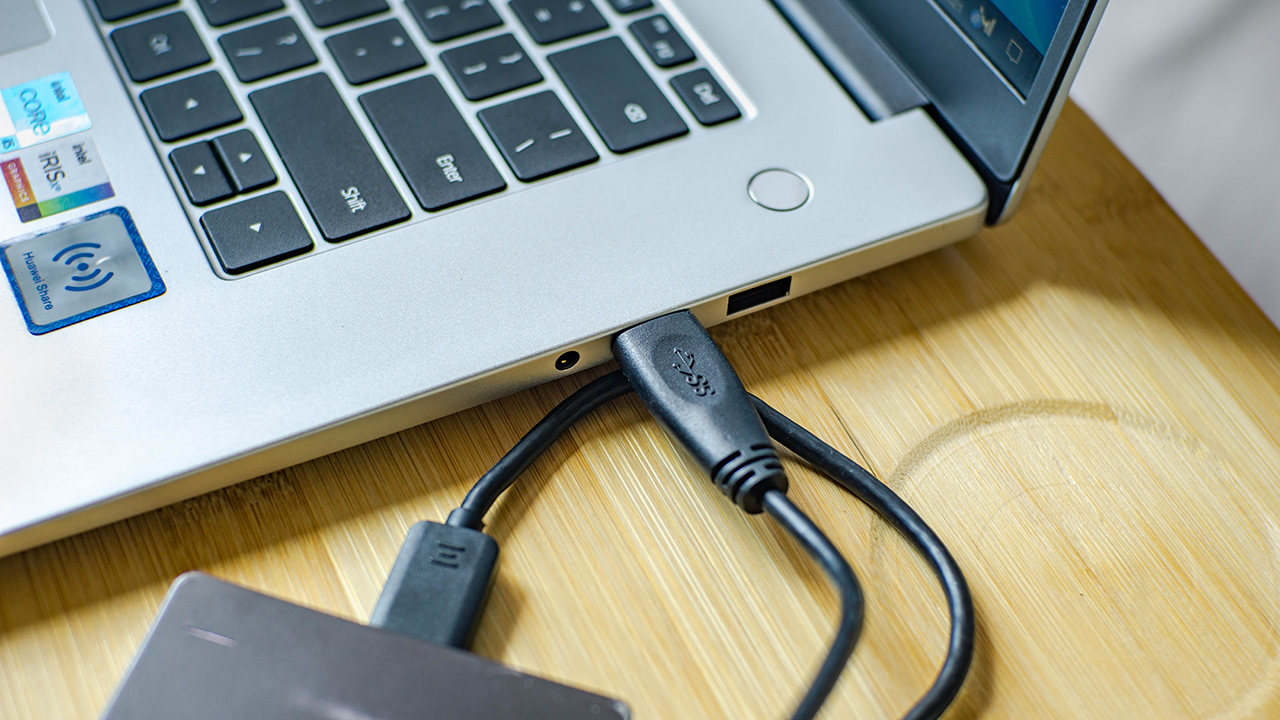
Being the boxing fan that I am, the recent Pacquiao fight had me subscribing for a pay-per-view service. The full sized HDMI port on the D 15 was heaven sent. During the fight as I was able to output the fight on our dated TV set. It let us to enjoy the stream on a bigger screen.
The availability of USB ports on both sides also let us to choose where certain devices can be plugged. We didn’t worry about hitting our external drives with our mouse or fitting multiple USB devices side by side.
Multi-Screen Collaboration
I did not find myself using this feature as much. However, having this capability eliminated the need for me to grab a USB cable to transfer files from my phone. A quick tap of my phone and I was ready to transfer photos I recently. It’s great for some quick editing before posting on Instagram.
Is this still your GadgetMatch?
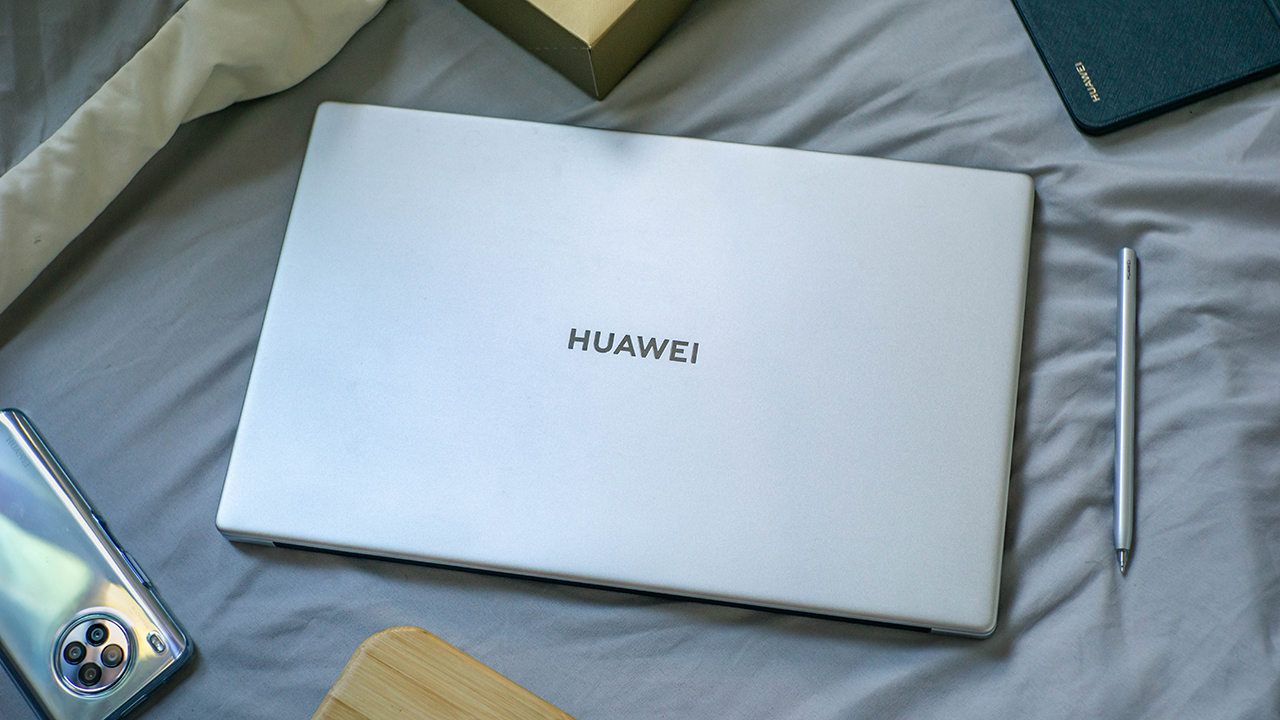
When I think of the D 15, freedom is the word that comes to mind. It gives so much freedom to work anywhere with its portability and battery life. You get freedom to do what you wish with it with its capable hardware. There’s also freedom from wires with the Multi-Screen Collaboration. And even freedom to plug various devices with its great selection of ports.
It’s a no fuss kind of laptop that just gets things done. Its sheer simplicity is what makes it a great device.
If you’re interested in getting the Huawei MateBook D 15 2021 11th Gen with 16GB RAM and 512GB SSD, you can now get it for PhP 48,999.00.






Laptops
ROG STRIX G16 Review: Building for the moment
Setting it up however you want to make the most out of it

As someone who loves to build PCs, gaming laptops do not completely appeal to me as much as it would for other people. Apart from the limited capacity to tinker and upgrade parts, in some cases, gaming performance doesn’t feel the same as an actual desktop PC.
Also, there’s the ever-present concern on its portability given that most gaming laptops come in rather hefty clam shells.
The other thing is that given we now have more portable ways to play the game, gaming laptops feel behind in the game. Handhelds like the ASUS ROG Ally X make it easy to just bring the games with you even if you won’t be able to play all genres anyways.
However, there are still those that dare to take the chance on the clam shell for all the other, non-gaming aspects it excels in.
So, when ROG came to us with the ASUS ROG STRIX G16, I wanted to give it a shot to see if it’s something worth totally investing in.
On paper, it promises to be an excellent device for all of its intended use cases, but you can say that about anything at this point. There has to be something different that truly makes this device worthwhile in 2026.
Performance-maxxing at its finest

If it isn’t obvious yet, I think that this new version of the ROG STRIX G16 performs absolutely well with the hardware it comes with.
Powered by the new Intel Core Ultra 9 and an NVIDIA RTX 5080, it covers every little use case you need it for. Editing spreadsheets, creating videos from scratch, playing RTX-compatible games with high quality details – it honestly can do no wrong.
On the outside, the device sports a 16-inch, 2.5K ROG Nebula Display, maxed out with a refresh rate of 300hz. While it does come in the unorthodox 16:10 aspect ratio, it doesn’t totally ruin the viewing nor gaming experience in my opinion.
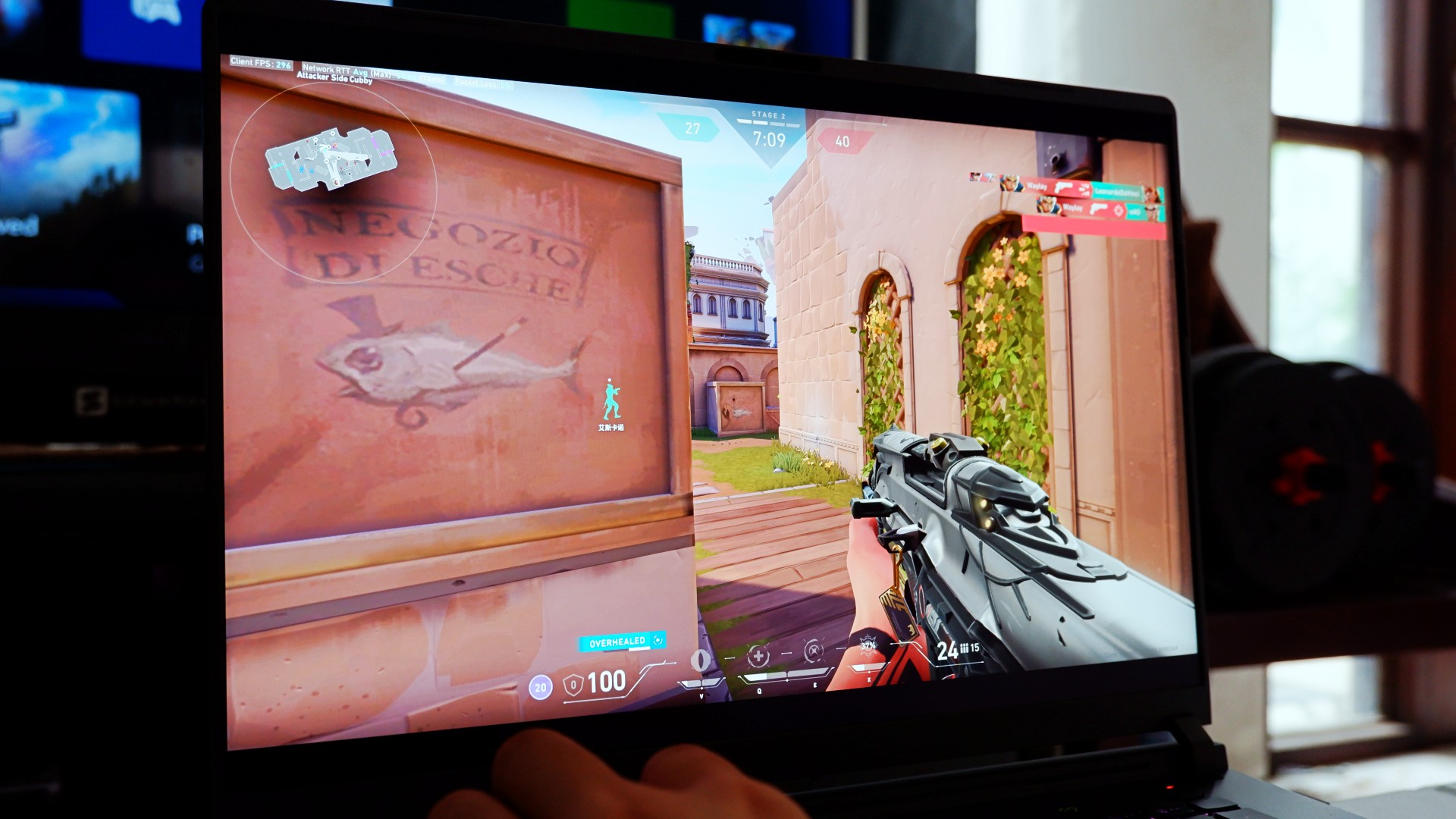
Also, that high enough of a refresh rate already puts this display within the competitive gaming tier of performance. So, expect to hit more headshots when you play on this device, hopefully.
The thing is, for me, this is expected coming out from ASUS ROG. Great internal hardware, matched with the external hardware to maximize the gaming experience – it’s what they’re known for.
At this point, they’ve continuously raised the bar on maxing out gaming and productivity performance that it bears no repeating past this point.
So, what’s new?
Designing the experience your way
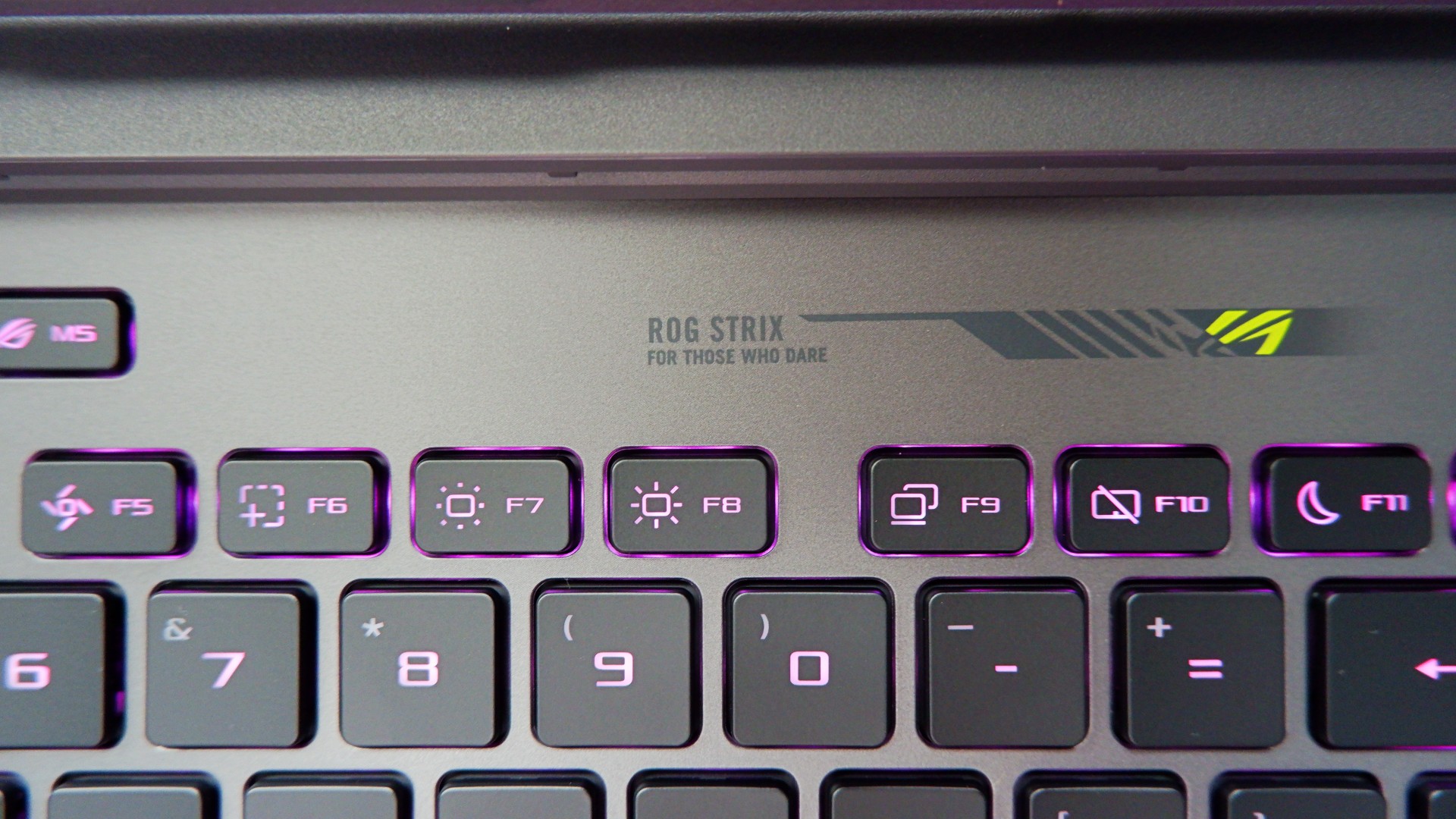
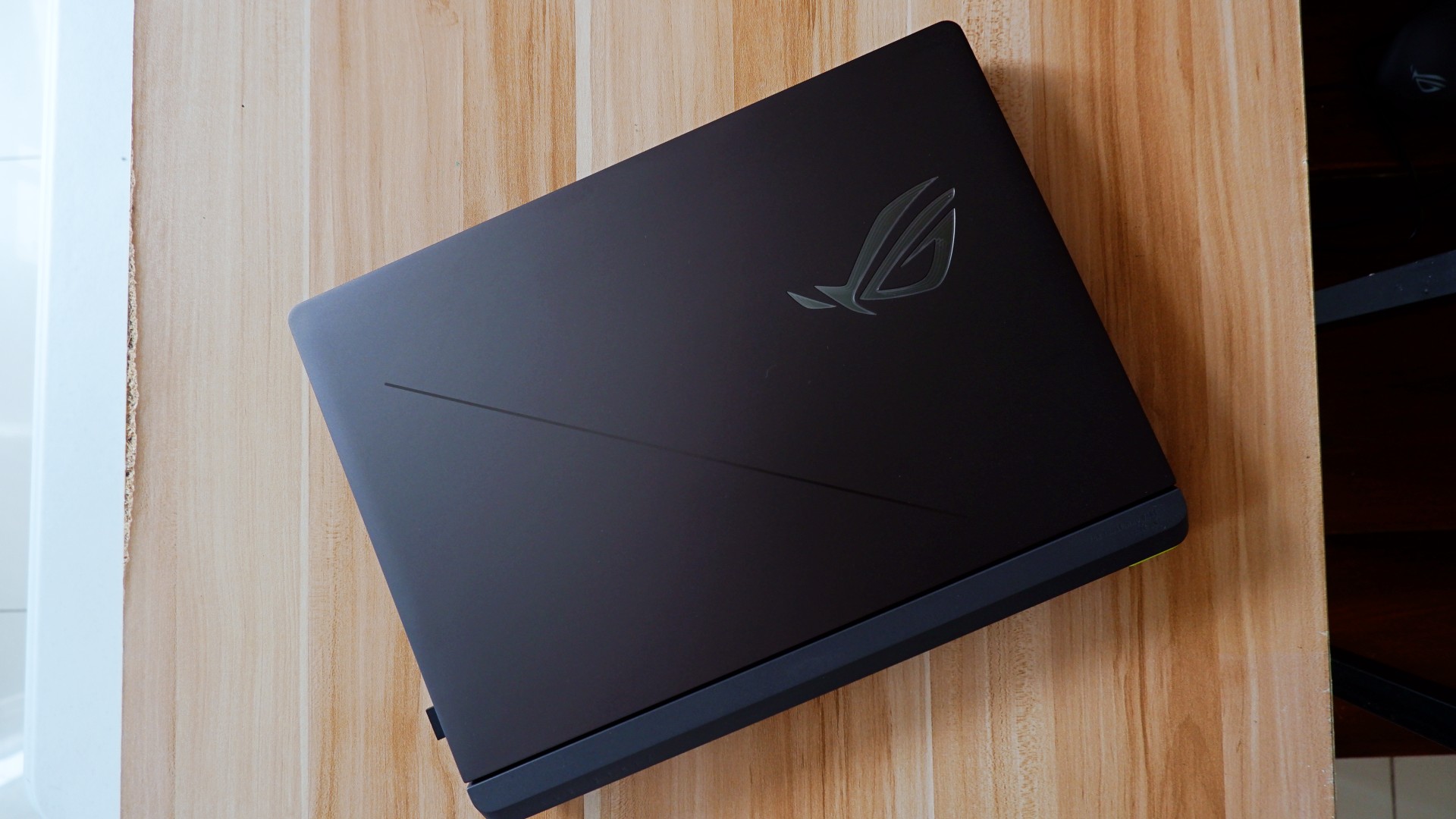
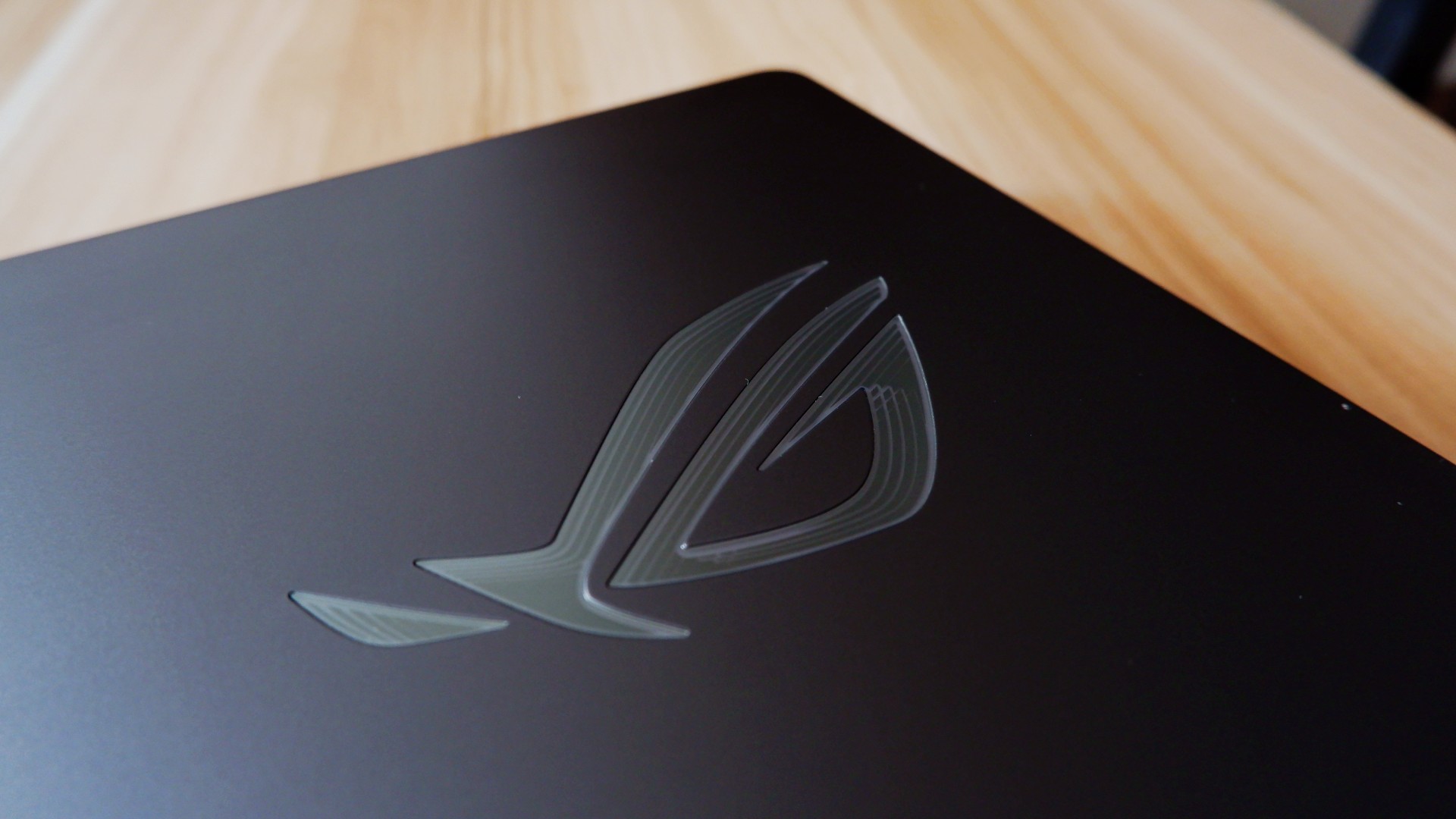
The ROG STRIX G16 for 2026 sports a rather subtle, nearly minimalist physical appearance upon unboxing. Bannered by an LED ROG logo and several nods to their brand messaging, it’s as unassuming as one would expect.
Once you turn it on, you are greeted with the flash of RGB light strips surrounding the keyboard and the underside of the laptop – all fully customizable on Armoury Crate. If you ask me, that’s not even the best part.
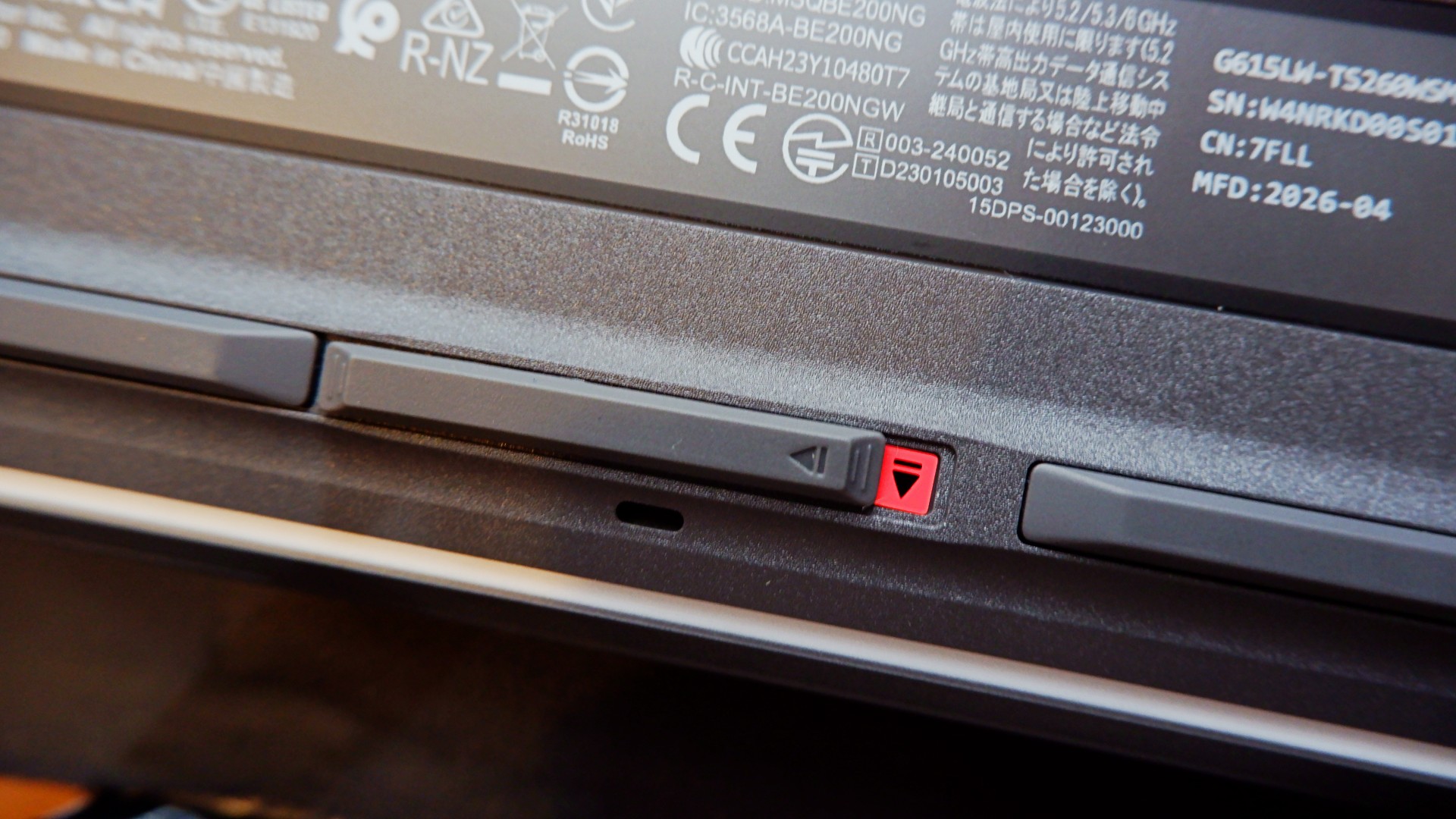
When you flip the device to the underside, you will notice this peg that can pass off as its rubber footing. However, inspect it further and it’s actually a switch that, when slid to the left, unlocks the protective cover of the laptop’s internal hardware.
Once unlocked, it allows you to easily add another M.2 SSD storage or expand your RAM to 64GB, which is a huge deal on its own.
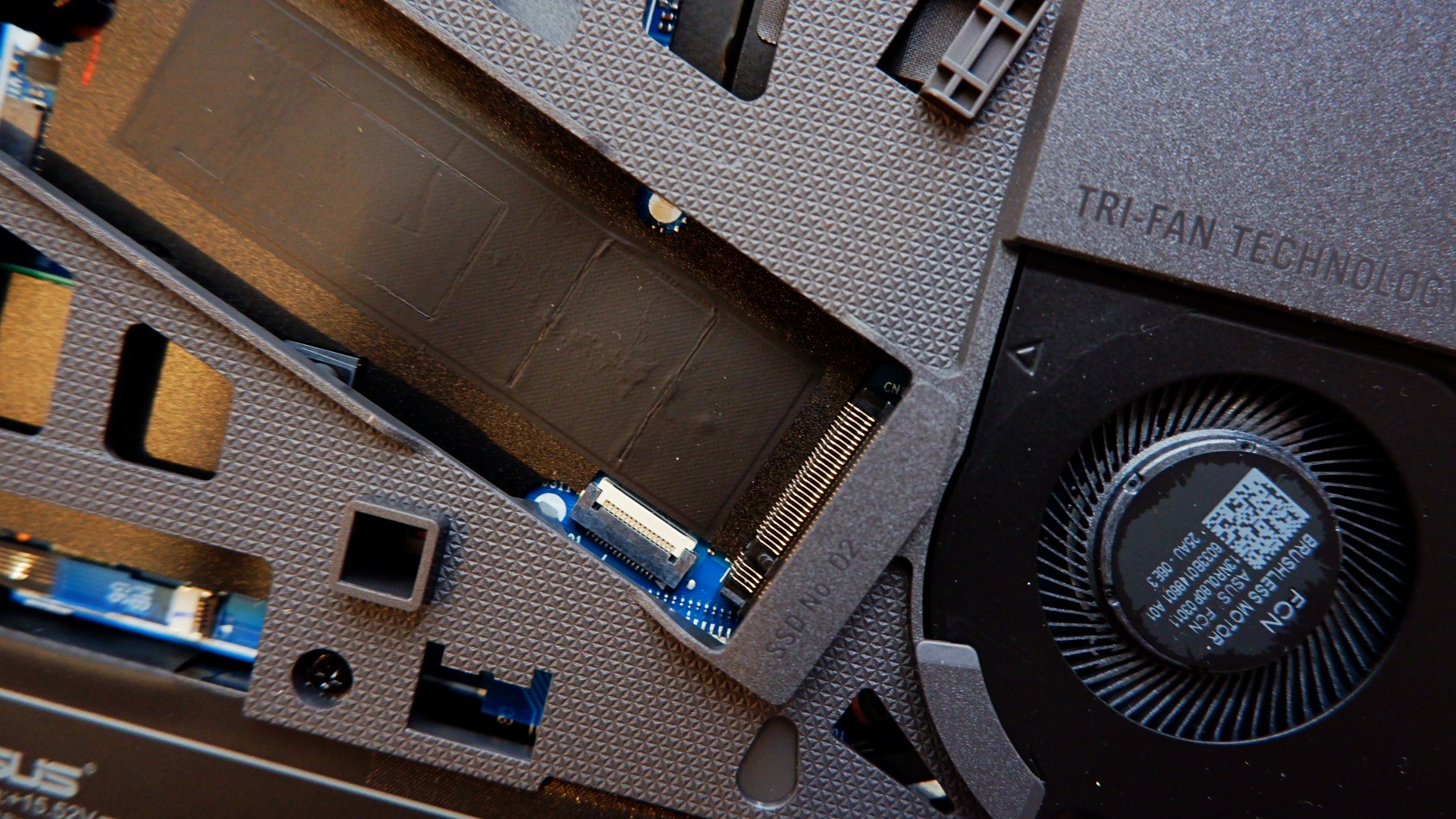
Upgrading your laptop was never this easy nor safe to do, considering that you will normally need to remove the screws and potentially void the warranty. With the ROG STRIX G16, both of those worries are eliminated for you to craft the perfect gaming machine.
The only thing, though, is it’s still a pretty bulky machine that made some weird tweaks to the other components.
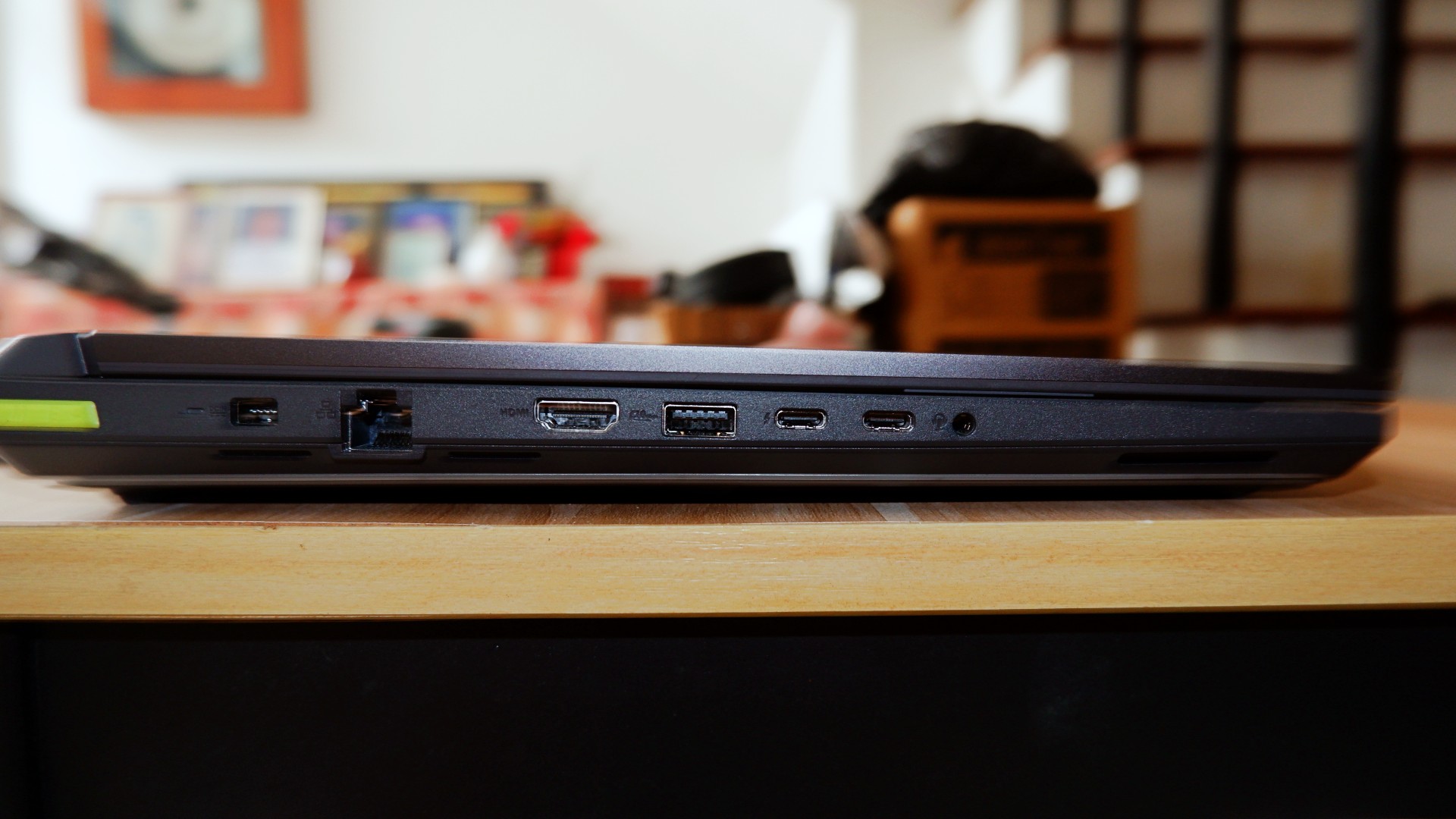
I’m personally not a fan of the unbelievably large trackpad and the somewhat awkward key travel while typing due to the switches being small for my hands. External peripherals are a must, but the components having weird quirks are not a total deal breaker.
No heat in the moment
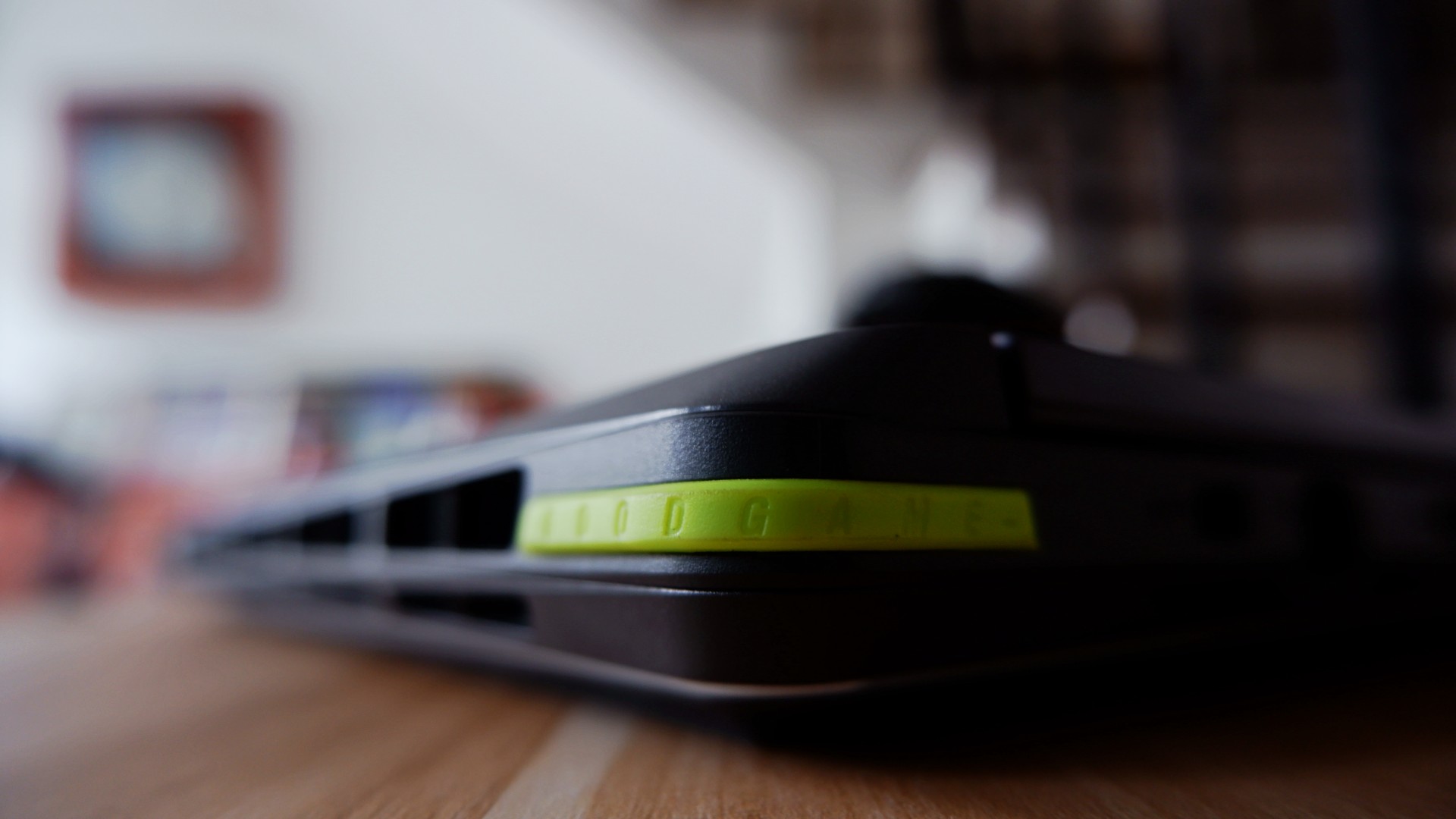
ROG brings its new Intelligent Cooling system that it applied to the 2026 version of the STRIX G16, which promised better heat dissipation on paper. Part of the design choice to accompany this was to open up most ventilation on the rear end, unlike other models that still evenly distributed it to the sides.
This, to me, was a welcomed change especially with Intel chips that typically throttle during intense workloads.
The most obvious pain point I had before was immediately addressed by this new cooling system. Effectively, they made the heat dissipate through one ventilation area so it no longer affects other parts of the laptop to make the experience uncomfortable long term.
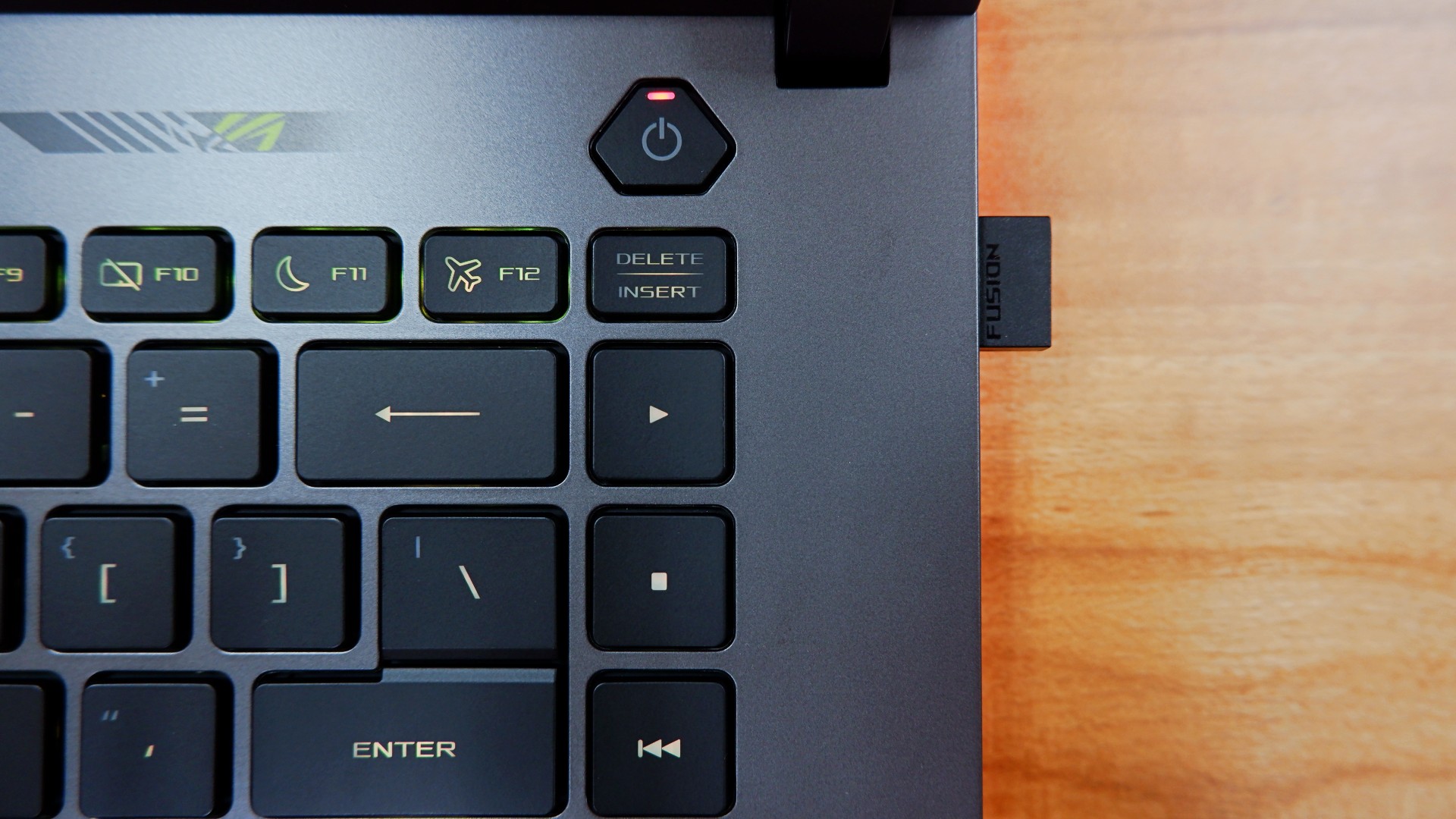
One example of this: the keyboard doesn’t take the heat after three hours of non-stop play on Performance mode while the system is throttling to achieve better frame rates.
Even after I shut down the laptop after use, the underside doesn’t get too warm either. I initially thought it had to be if that was an area you would have easy access to.
Well, I’m glad to never attempt to fry eggs on a laptop ever again, at least!
Battery levels that keep you in the clutch

For a device this powerful, it’s not a surprise to me that the battery drains quickly when you’re on the move. In my regular usage, I tallied around four to five hours before zero, only slightly improved to five and a half when leaving the device idle for a while.
Surprisingly enough, increasing the intensity of the load cuts these numbers only by a bit – clocking in three and a half hours maximum with heavy gaming.
Fortunately enough, the 380W charger charged it back to full at a quicker time and pace as its battery drain time.
Going from none to done took an average of two hours when idle, nearly two and half hours when in use while charging.
To me, this is more than enough time to go on a break when the games are tilting you too much. You can also use the 100W USB-C charger if you want to keep the laptop idle for longer and it will take four hours.
Is the ROG STRIX G16 your GadgetMatch?
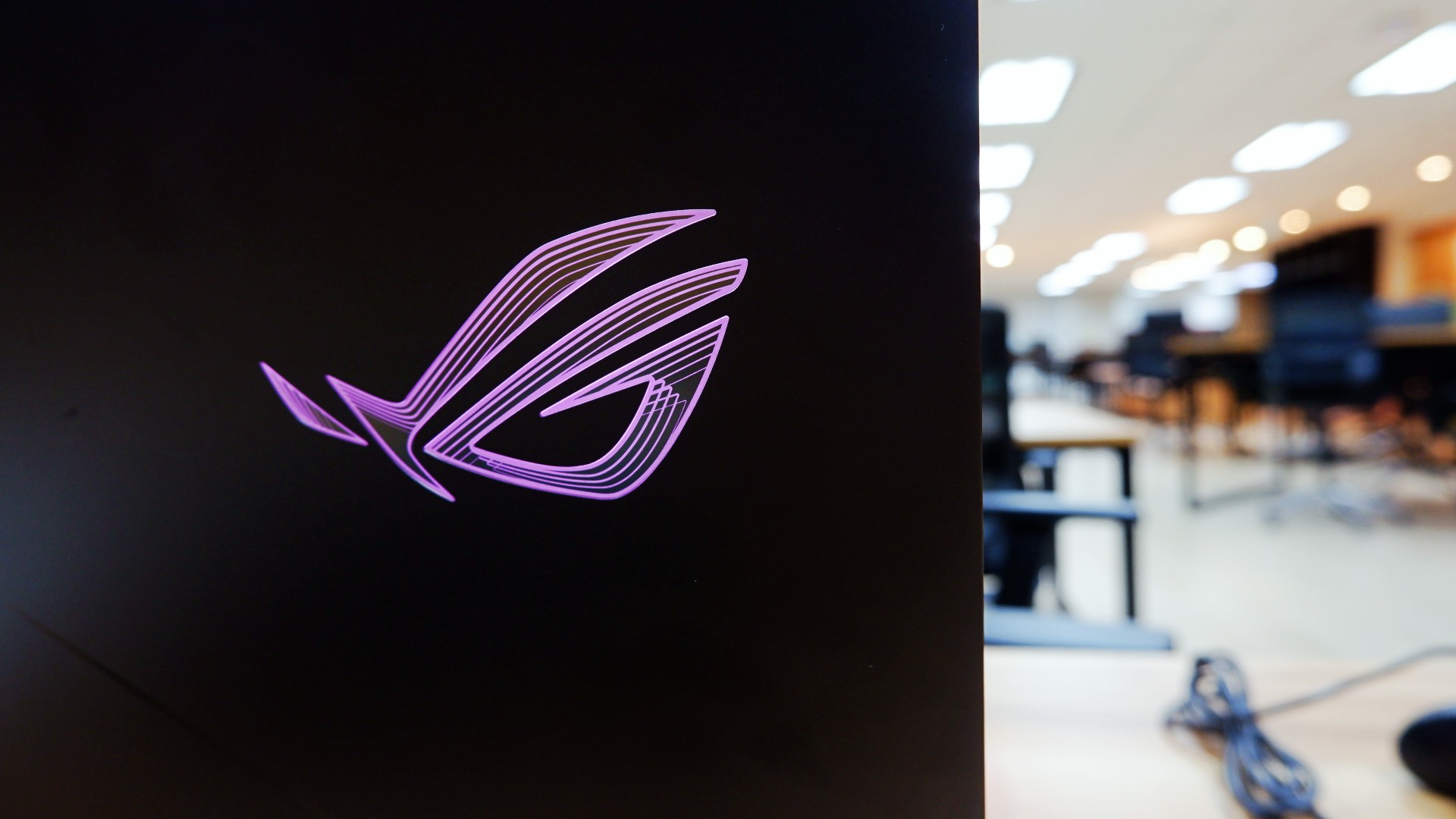
For a laptop priced at a whopping PhP 319,995, the ASUS ROG STRIX G16 is the kind of all-around machine you can build to capture any moment. On its own, the performance truly speaks for itself whether you need it for work in the day or play till the wee hours.
However, when you’re willing to tinker around the machine like I was, you can unlock so much more out of it, especially in the hardware department. It’s a bonus that this machine lets you do it a lot easier without risking any warranties to be voided.
Admittedly, I still have some more questions about the design philosophy and longevity because of the hardware pre-built in.
For one, some design choices truly made it feel like you could only enjoy this with additional peripherals at your disposal. Plus, the battery charges fast to compensate for how quickly it runs out, too.

Although these aren’t deal breakers for me but for others, you might want to take note and try it out too.
Overall, you can’t go wrong with a machine that lets you achieve great performance when you’re willing to dig deeper into it.
As someone who loves to build PCs, this is one of the few gaming laptops that appeals to me while ignoring the obvious dent on my wallet. Even with other options out there, this might just be the one that you can future-proof as long as you can afford to do so!


Apple has introduced Apple Upgrade, a new leasing program that makes it easier to get an iPhone, Mac, iPad, or Apple Watch through monthly payments. The program also gives customers more flexibility to upgrade to newer devices over time.
Apple Upgrade replaces new enrollments for the iPhone Upgrade Program with a single offering that covers four product categories. Apple partnered with Klarna to power the service.
Customers can lease an iPhone or Apple Watch for one or two years. Mac and iPad leases are available for two or three years.
At the end of the lease, customers have three options. They can upgrade to a newer device, purchase the leased device by paying the remaining balance, or return it with no further obligation.
Monthly payments start at US$17.99 for iPhone and US$24.99 for Mac, depending on the selected model and configuration. Customers must also qualify through Klarna before enrolling.
More than iPhones

Apple Upgrade expands beyond the company’s previous iPhone-only financing program. It brings iPhone, Mac, iPad, and Apple Watch under one leasing service, making upgrades more consistent across Apple’s hardware lineup.
Customers can manage their lease through Apple, while Klarna handles financing and lease administration. They can also pay off their device early, although additional terms and fees may apply depending on the agreement.
Apple Upgrade is currently available only in the United States. Apple has not announced plans to expand the program to other regions.
Accessories
OBSBOT’s Meet Flip is your next best pocketable 4K webcam
Fold the Flip for further protection

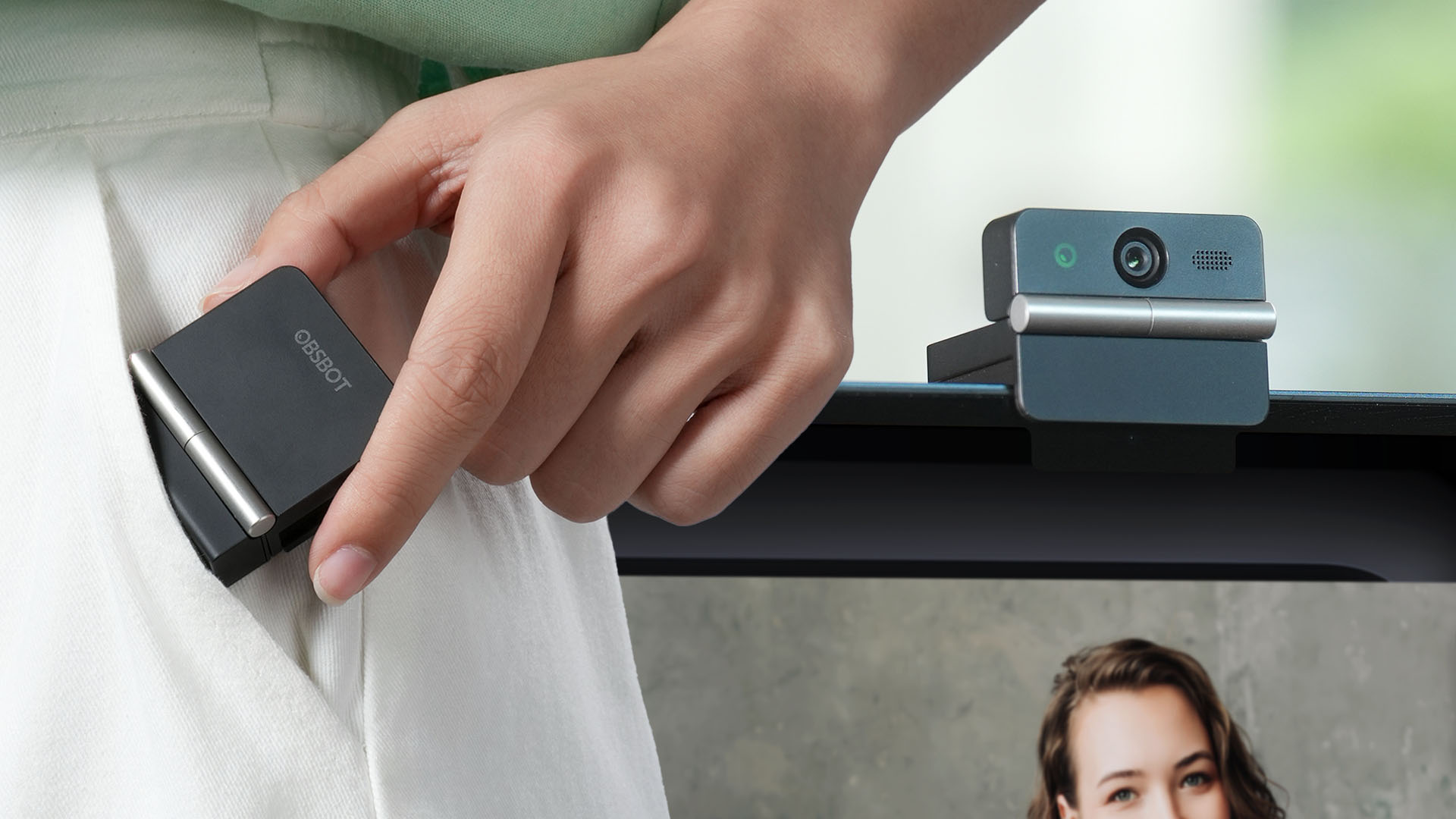
Several months ago, you might remember that OBSBOT revealed the Tiny 3 series of web cameras.
Six months after, they also unveil the all-new Meet Flip. From the name itself, it’s the company’s latest foldable 4K webcam that puts hardware privacy front and center.
Foldable and pocketable
Despite weighing just 37.7 grams, the Meet Flip aims to deliver premium webcam features for all types of users. Be it remote workers, professionals, or content creators.
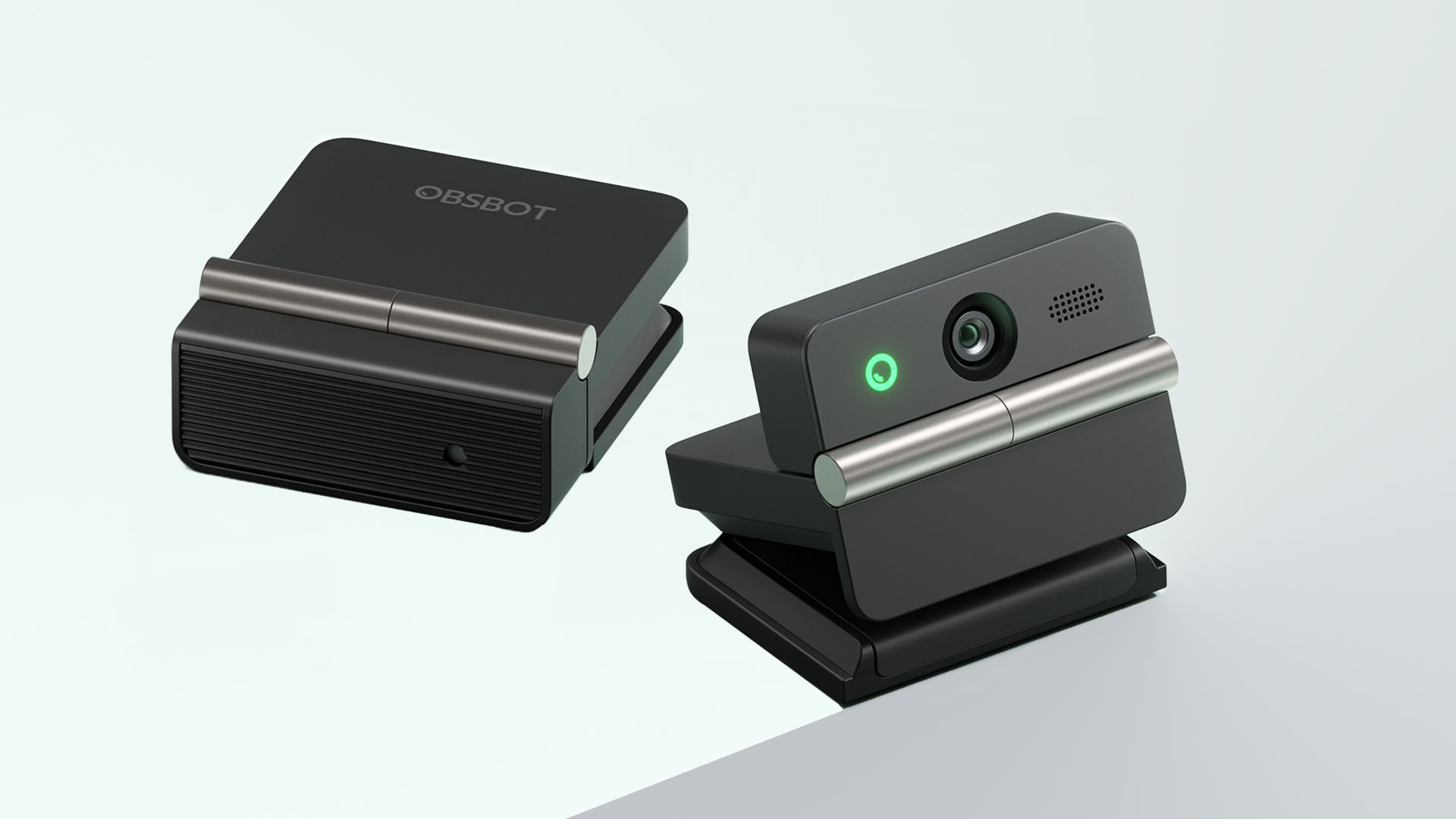
Graphics by Vincenz Lee | GadgetMatch
Undoubtedly, the biggest highlight has got to be the webcam’s folding design. Not only it’s portable, it protects your privacy too.
Closing the device physically blocks the lens, giving users a visual confirmation that the camera is no longer active. When it’s time for a meeting, simply unfold it and it’s ready to go.
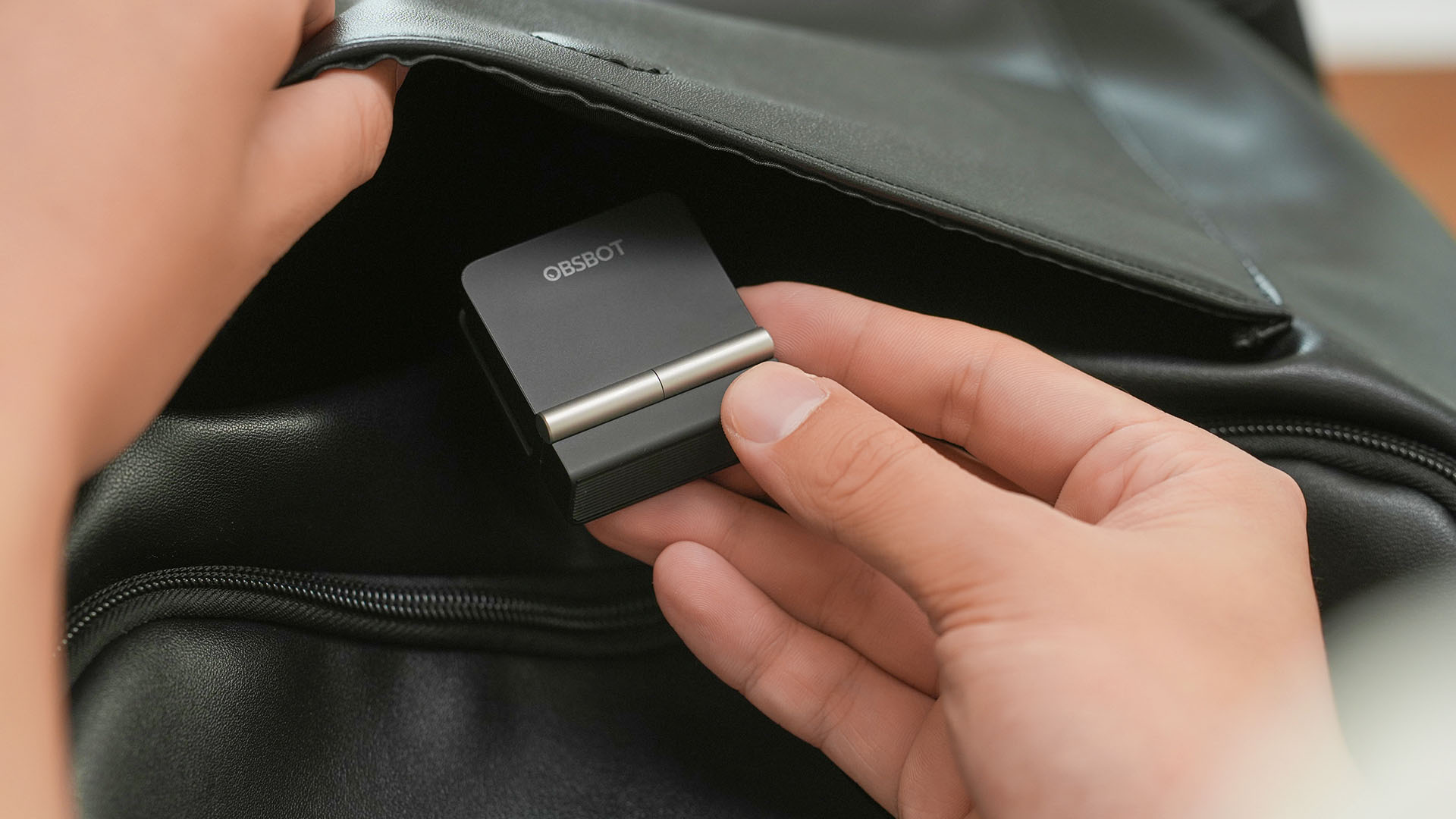
That lightweight body also features a built-in mounting clip that works with laptops, monitors, and tripods. Users can mount it in landscape, portrait, or even upside-down orientations depending on their setup.
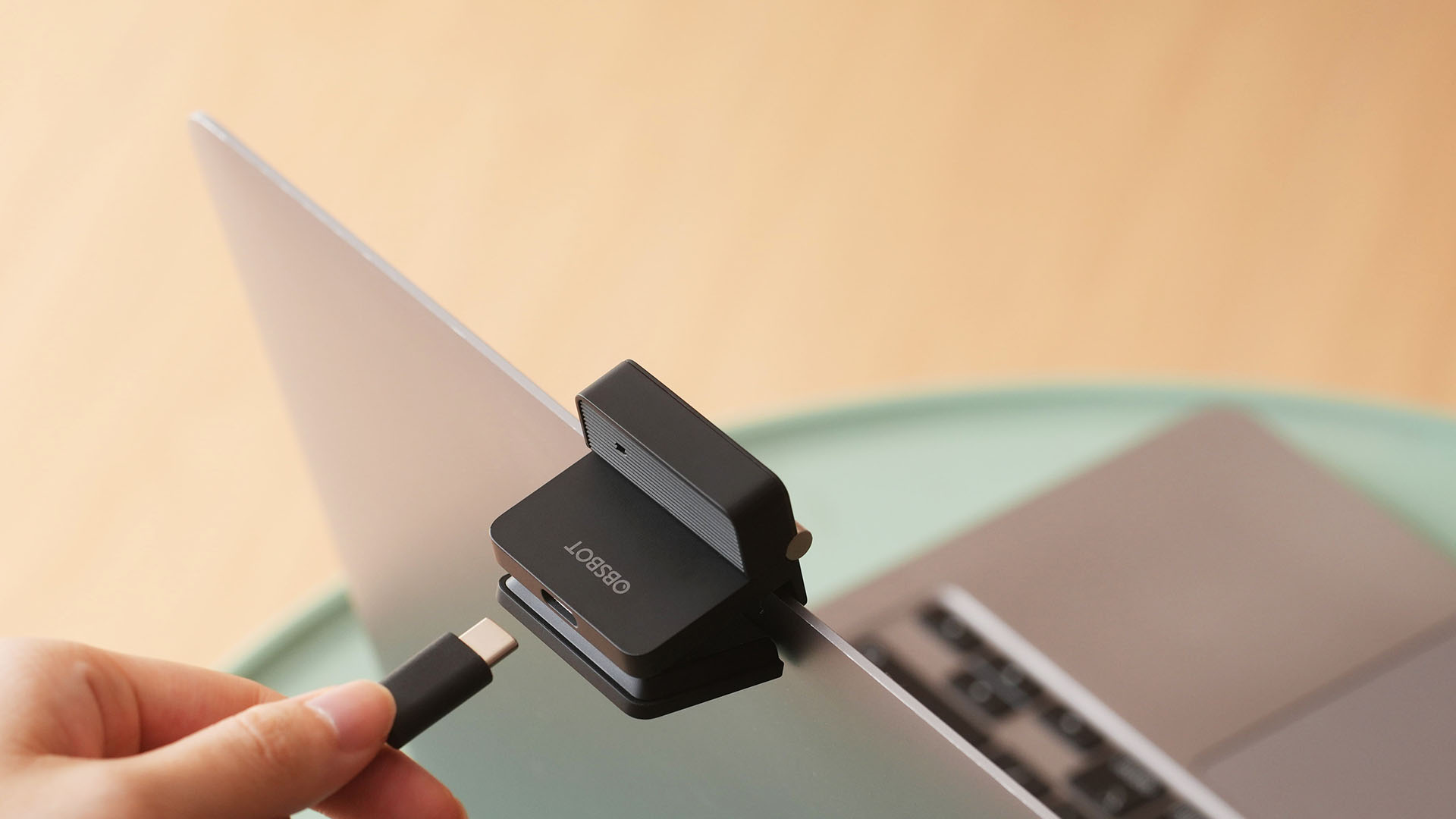
Despite that absurd amount of lightweightness, the OBSBOT Meet Flip is still able to house a 1/2-inch Exmor RS stacked CMOS sensor with Quad Bayer technology. That’s something more commonly found among bigger and higher-end web cameras.

Other camera features include:
- 4K video recording / 30fps
- 1080p recording / up to 60fps
- HDR support for challenging lighting
- Phase Detection Autofocus (PDAF)
- 4x digital zoom
- f/1.8 aperture with ISO 100-6400 support for low-light environments
Beyond just video calls
The OBSBOT Meet Flip isn’t just packed with serious camera hardware, it’s seriously intelligent as well.
The Meet Flip supports AI Auto Framing. This automatically keeps users centered during meetings — regardless if they are presenting alone or with a group. Gesture controls also let users activate framing or adjust zoom without touching the keyboard or mouse.

Another standout feature is AI Magic Notes which provides real-time meeting transcription and automatically generates summaries, action items, and key discussion points.
The feature works with Google Meet, Zoom, and Microsoft Teams through OBSBOT Center. Every webcam includes complimentary transcription of 120 minutes.

With that being mentioned, OBSBOT Center also makes users gain access to software features such as background blur, virtual backgrounds, beauty mode, and picture-in-picture overlays for presentations.
Those who want more advanced controls can enable Smart Eye Tracking, teleprompter support, and manual image adjustments.

Audio also gets an upgrade through an intelligent dual-microphone system that offers four recording modes:
- Directional Mode / solo calls
- Dual-Directional Mode / interviews
- Smart Omni Mode / group meetings
- Pure Audio Mode / unprocessed stereo recording
AI Noise Reduction and Automatic Gain Control are also available across most modes to help improve voice clarity.
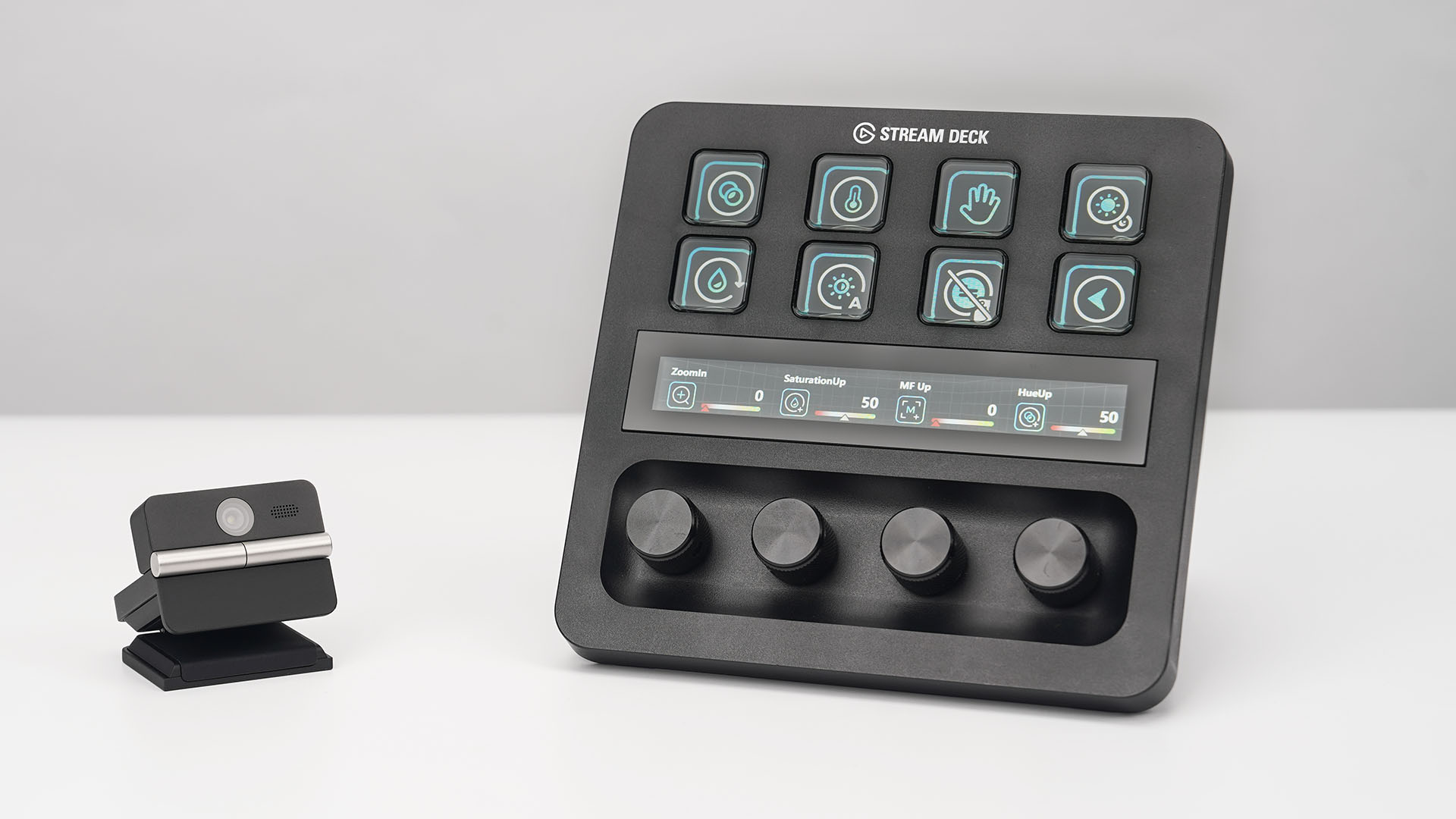
OBSBOT’s Meet Flip is also compatible with mobile devices through the OBSBOT Live app and supports integrations with accessories including Elgato Stream Deck, Nintendo Switch 2, and UVC-to-NDI/HDMI adapters.
Pricing and Availability
The OBSBOT Meet Flip is available starting today for US$119 through OBSBOT’s online store, Amazon US, and select retailers worldwide. Regional pricing may vary.

ROG STRIX G16 Review: Building for the moment
Setting it up however you want to make the most out of it


realme C100: Enduring and durable in spite of entry-level realities
Enough power but needs more agility


The ASUS ExpertBook Ultra wins you over
The laptop sneaks up on you
ROG STRIX G16 Review: Building for the moment

Smart opens HUAWEI Pura 90s Series pre-orders with exclusive freebies

Apple Watch, AirPods get exclusive offers via Beyond the Box

Canva teams up with SB19 to turn A’TIN’s passion into creativity

SQUARE ENIX STORE Plus expands presence in Asia, Oceania

Sony launches IER-M500 in-ear monitors
realme C100: Enduring and durable in spite of entry-level realities

Hands-on: Samsung Galaxy Z Fold8, Flip8, Ultra

Garmin launches its first screenless fitness band

VinFast debuts two-wheeler models, opens 21 e-motorcycle showrooms


-
 Automotive7 days ago
VinFast debuts two-wheeler models, opens 21 e-motorcycle showrooms
-
 Computers2 weeks ago
AMD launches Radeon RX 9050 graphics card
-

 Automotive1 week ago
Xiaomi debuts SkyNomad Series featuring new Kunlun platform
-

 News5 days ago
OnePlus officially leaves the United States and Canada
-

 Gaming2 weeks ago
NBA 2K27 gameplay trailer showcases new dunk mechanics, Rucker Park, and more
-

 Gaming1 week ago
Call of Duty: Modern Warfare 4 clip shows Losing Ground 1st look
-

 Automotive2 weeks ago
BYD Atto 2 launches with EV, plug-in hybrid options
-

 Automotive1 week ago
GAC launches new trio of MPVs