
Accessories
Match Pulse: PITAKA Case for Galaxy Z Fold7
A perfect fit for Samsung’s most refined foldable yet

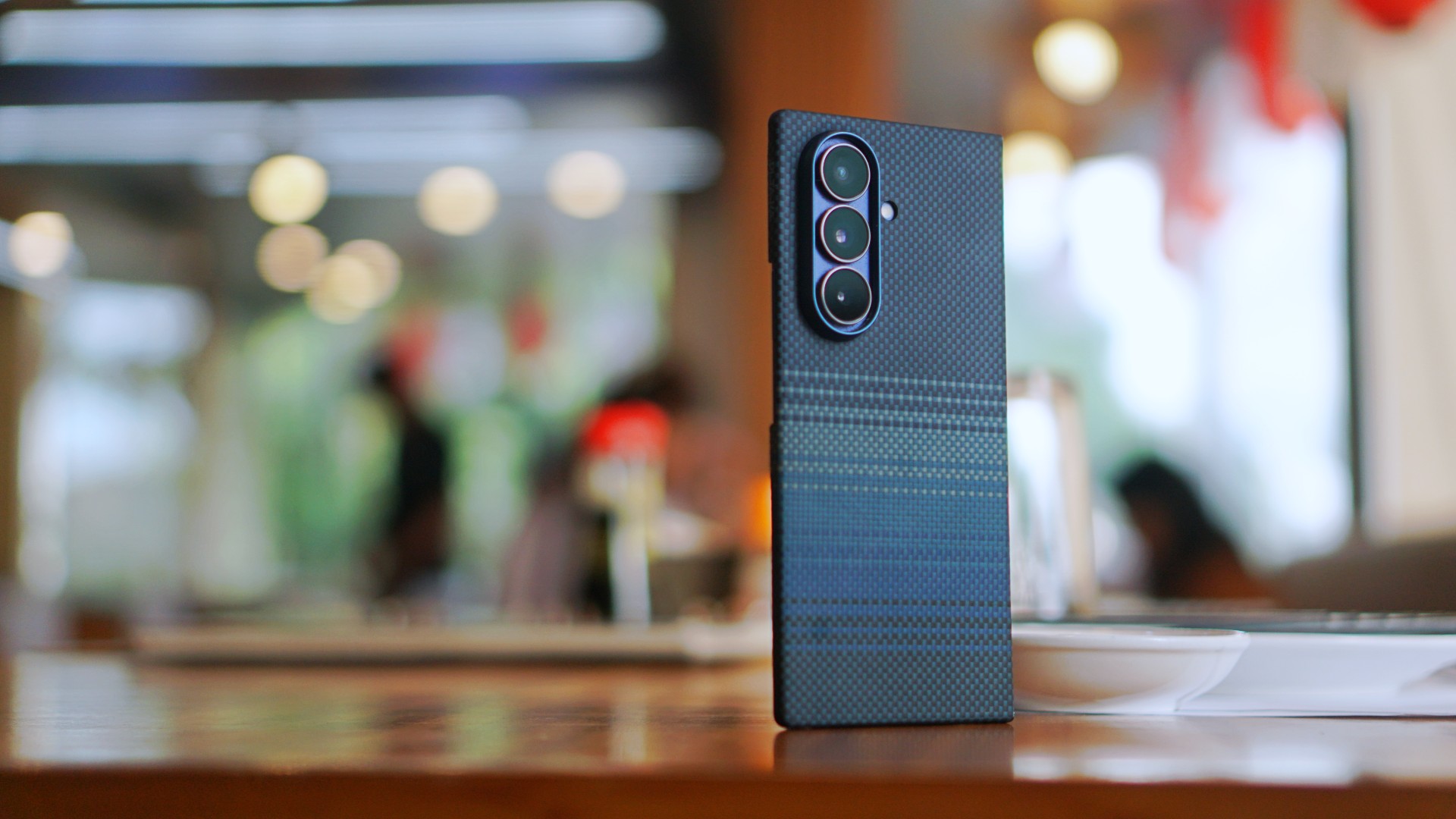
The Samsung Galaxy Z Fold7 might be Samsung’s most comfortable foldable ever. Thin, light, and perfectly balanced, it’s the kind of device that feels so good in your hand you almost don’t want to change a thing. That’s why choosing a case for it is harder than it sounds. You want protection, sure, but not at the cost of what makes the Galaxy Z Fold7 special.
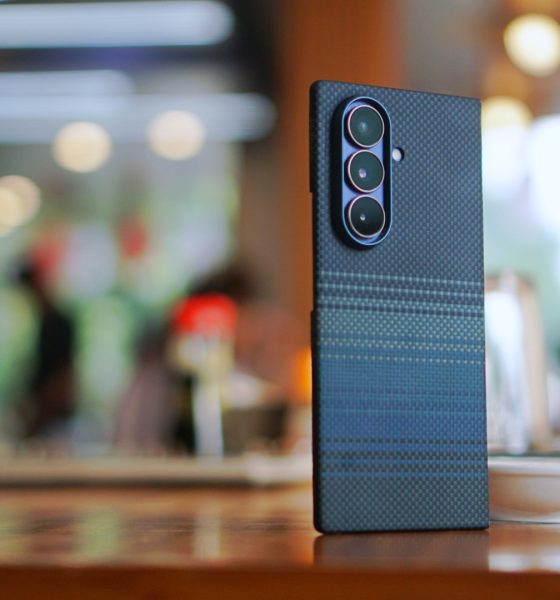
Enter PITAKA — a case so impossibly thin it feels like part of the phone itself.
Impossibly thin, impossibly precise
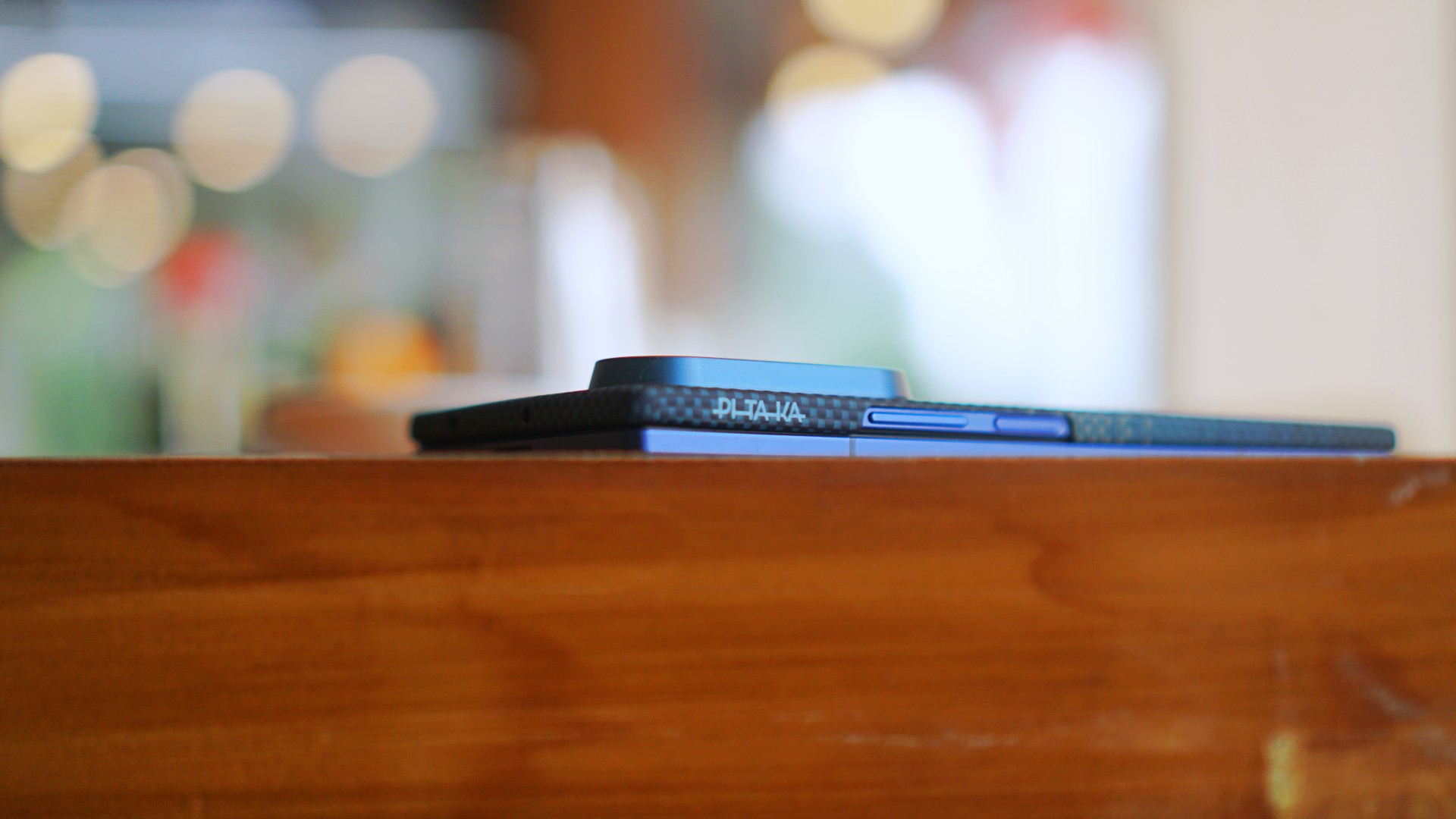
When you first snap the PITAKA case on, there’s this strange moment of disbelief. It’s there, yet it’s not. It adds almost no thickness, wrapping every edge and curve so cleanly it could pass as an official Samsung accessory. You get the peace of mind of protection without any of the usual tradeoffs — no extra weight, no awkward corners, no shift in balance.
The Galaxy Z Fold7 remains the Galaxy Z Fold7, just a little safer.
Built with aramid fiber

The secret lies in PITAKA’s choice of material. Aramid fiber is the same tough, lightweight weave used in aerospace and protective gear. It looks and feels nothing like your usual plastic shell — it’s warm to the touch, textured for grip, and almost luxurious in its subtlety.
And if you’ve been using the Galaxy Z Fold7 bare, this is the only case that won’t ruin that magic. The soft matte texture complements the Fold7’s polished metal and glass, almost enhancing the tactile joy you already get every time you unfold it. It’s protective, but also deeply satisfying to hold.
MagSafe ready and future-proof

PITAKA doesn’t just protect; it adds function too. The case is MagSafe compatible, which means you can snap on magnetic accessories — chargers, stands, even power banks — with zero fuss. It’s a small detail that quietly transforms how you use your Fold7 day to day.
You don’t need to give up convenience for design anymore.
The best case for the Galaxy Z Fold7
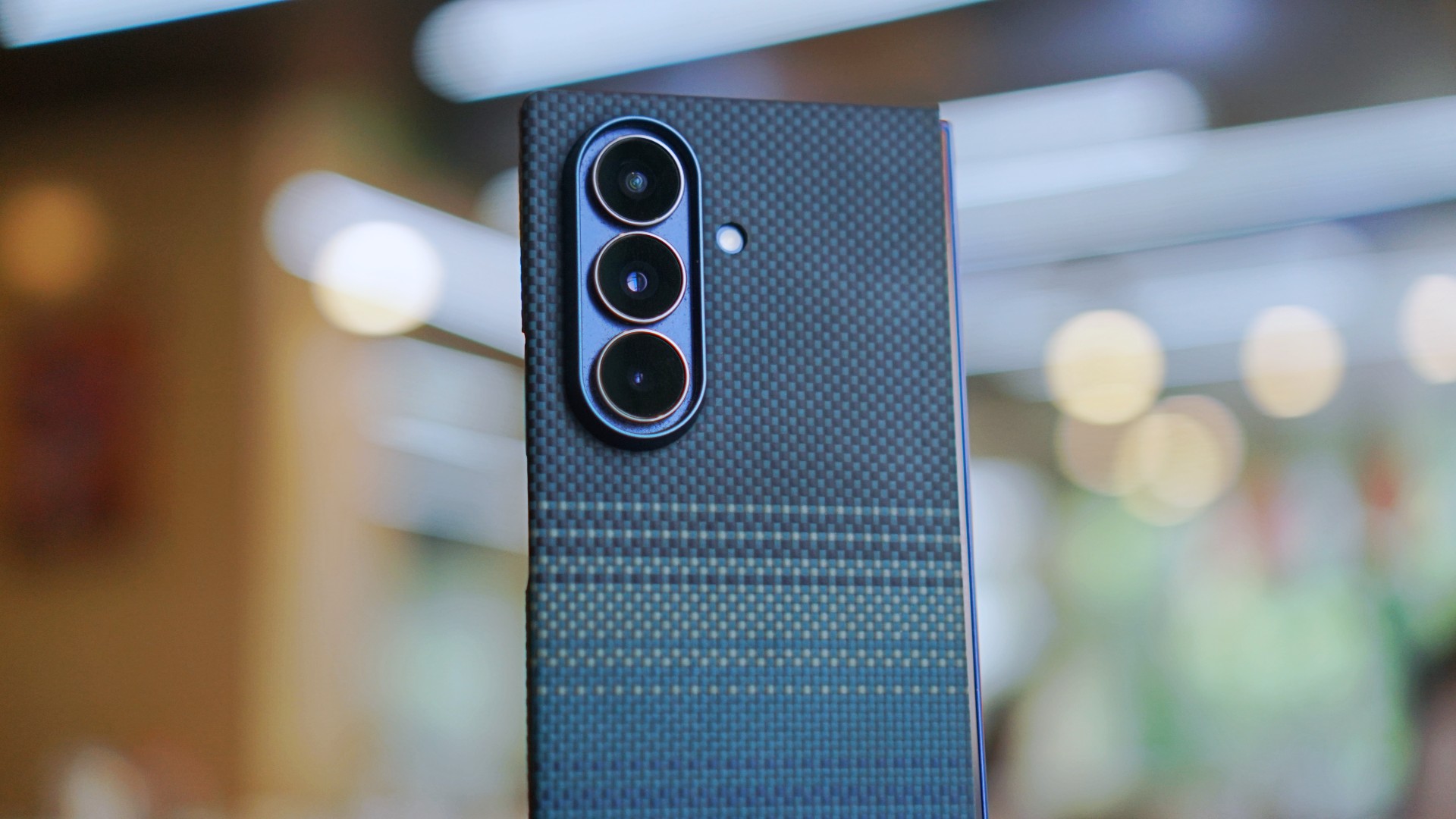
When I first wrote about the Galaxy Z Fold7, I said I didn’t want to put a case on it — it just felt too good in hand. PITAKA changed that. It’s the rare case that understands why you fell in love with the Fold7 in the first place, and makes sure you never lose that feeling.
Ultra-slim. Beautifully built. MagSafe ready. It’s everything a Samsung Galaxy Z Fold7 case should be.







Accessories
The Aecooly Cold Air Ultra can chill your skin in ten seconds
It has a misting function and a small water tank.

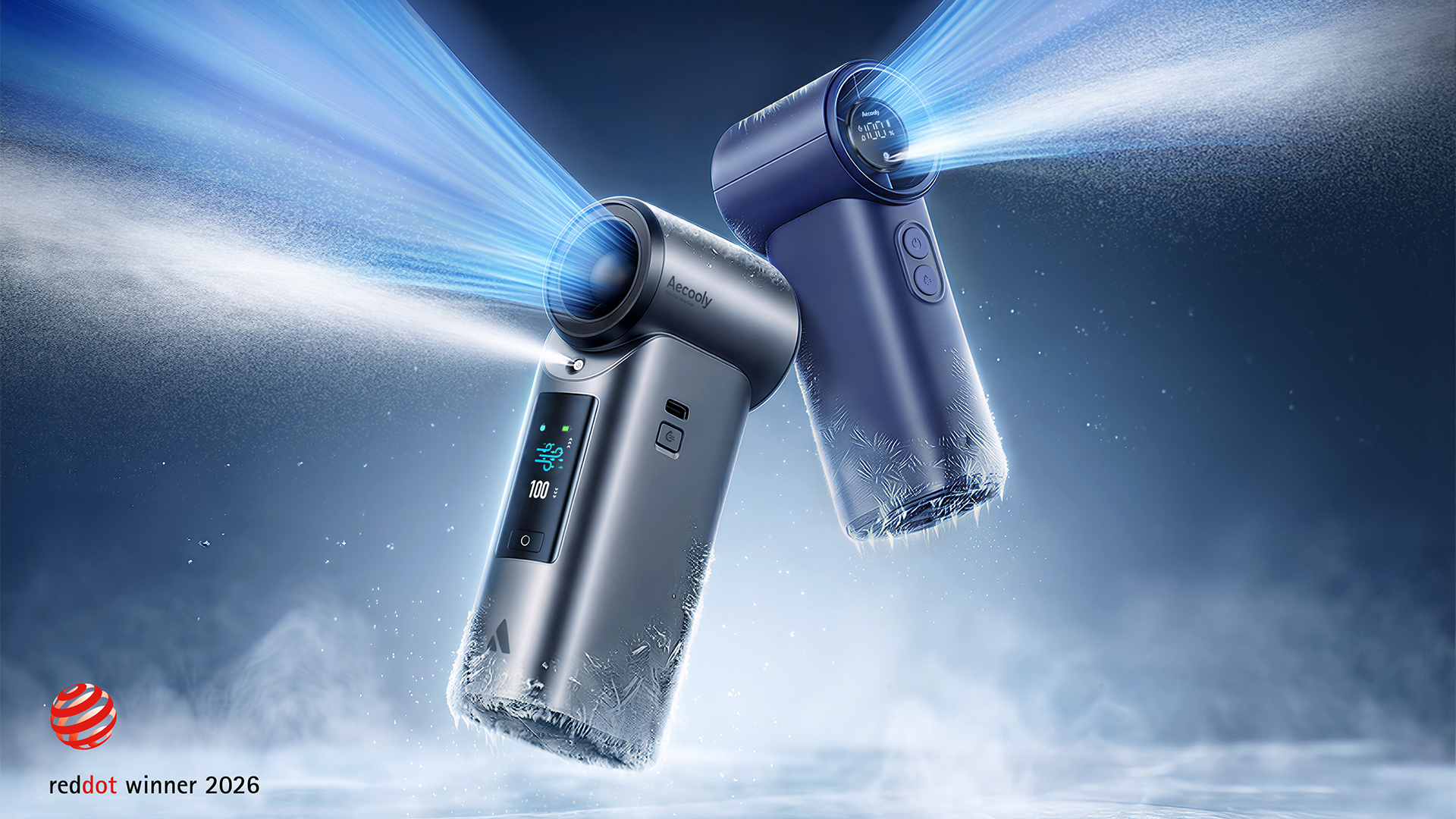
The world is heating up. While one side of the world is swelteringly humid in anticipation of a rainy season, the other side is gearing up for a scorching summer. Unfortunately, the world needs a more long-term solution. But while we wait for such a remedy, we have personal solutions. Introducing: the Aecooly Cold Air Ultra.
As you can probably see from the rest of its lineup, Aecooly means business when it comes to personal cooling. The Cold Air Ultra, in particular, does more than just move air; it chills the air instantly. The personal fan does this with a misting nozzle (and a small water tank) that delivers an ultra-fine layer of pre-cooled mist. The air itself can reach up to 25m/s. It can cool your skin’s temperature by up to 18F in only ten seconds.
It’s also packed with tech right inside. The Aecooly Cold Air Ultra comes with a full-color touchscreen panel that offers a seamless way to control the air. Besides the screen, it also has two physical buttons to control the power and the misting.
The Cold Air Ultra comes with a sizable 7000mAh battery, which promises up to 10 hours of continuous operation. Additionally, it can charge devices with a 20W two-way fast charging function.
The Aecooly Cold Air Ultra retails for only US$ 39.99. Plus, you can get 20% off with the code GMATCH20 from Amazon.

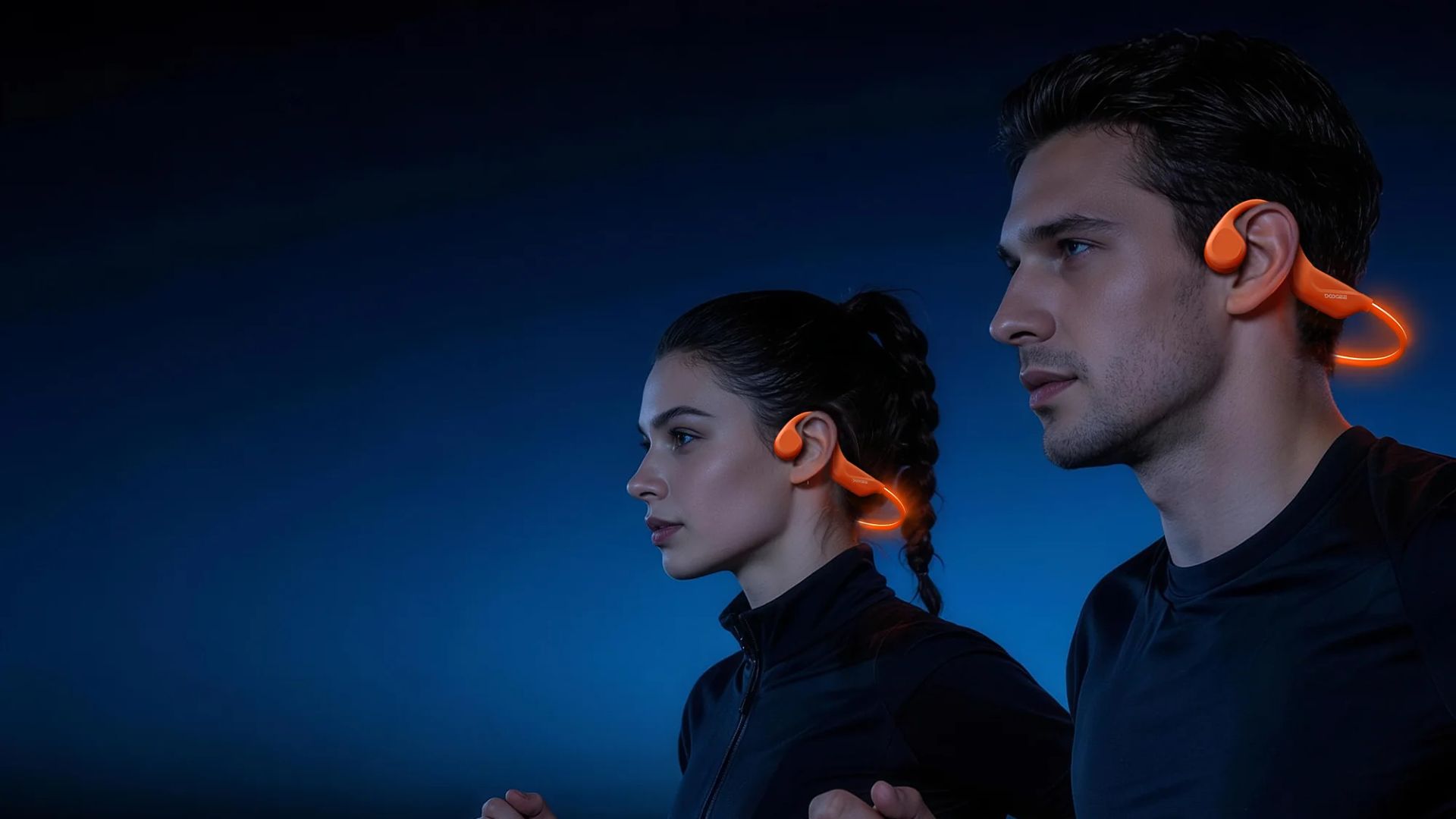
DOOGEE is debuting the BoneBeat Series this 6.6 sale, offering active consumers wearable audio solutions that fit their lifestyles.
The new collection is designed to support and empower runners, cyclists, triathletes, and sports enthusiasts in general with a wide range of durable, comfortable, and safety-focused gear.
The DOOGEE BoneBeat Series comes in three models: the BoneBeat Run Ray, BoneBeat Run Digital, and BoneBeat Swim Ray.
Customers can get the products during the 6.6 Shopee Sale via DOOGEE’s official Shopee Store. All come with a one-year warranty.
The Run Ray (PhP 1,799) is designed specifically for runners and outdoor fitness enthusiasts. It has an open-ear bone conduction technology that allows users to enjoy music while staying aware of their surroundings.
It also has a built-in safety light for improved visibility, specially during night runs. Moreover, it has an IP66 sweat-resistant design and long-lasting battery life.
Meanwhile, the Run Digital (PhP 1,999) in similar to the Run Ray but offers a digital display for quick monitoring. It has enhanced audio performance, Bluetooth 6.0 connectivity with dual-device pairing, and an IP67 rating.
Lastly, the Swim Ray (PhP 3,999) comes with an IP68 waterproofing and built-in MP3 storage for phone-free underwater listening.
It has a secure, pressure-free, and skin-friendly fit that stays in place even during intense movement, while still offering open-ear comfort. It has up to 10 hours of battery life on a single charge.

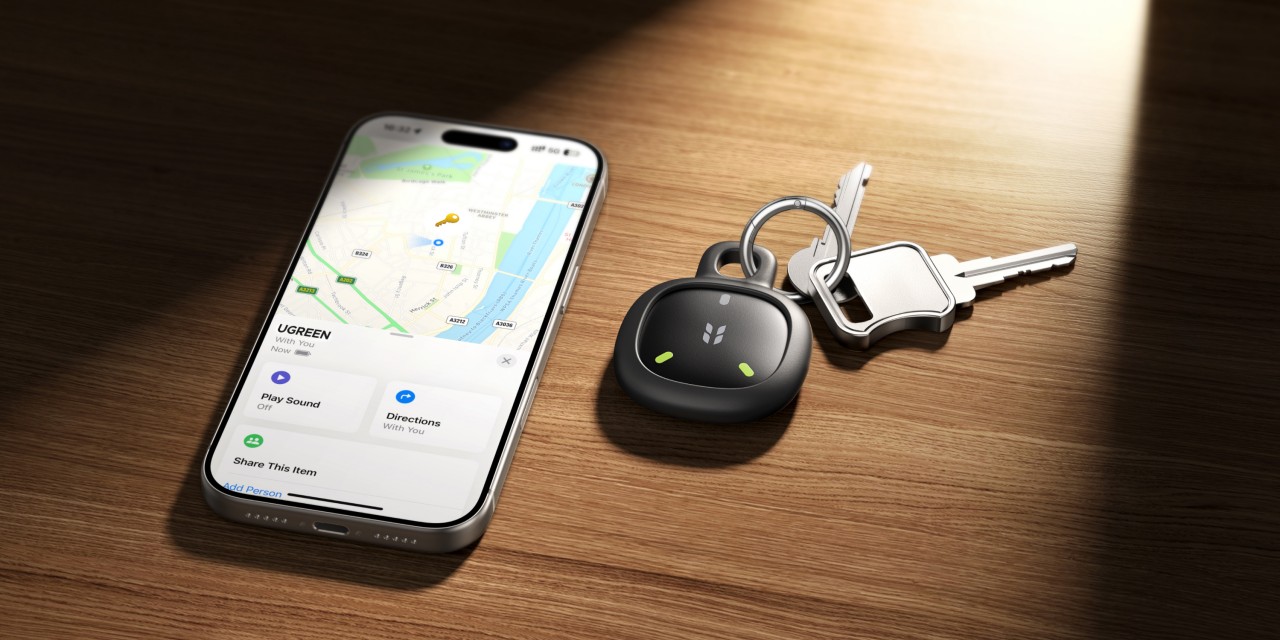
UGREEN is expanding its smart travel lineup with the launch of the new FineTrack Series, a collection of compact trackers designed to help users keep tabs on everyday essentials.
Leading the announcement are the FineTrack 2 and FineTrack Mini 2, both of which support Apple’s Find My network for easy location tracking through compatible Apple devices. The trackers are built for travelers and commuters who want an extra layer of security for items such as keys, bags, wallets, and passports.
The FineTrack 2 comes in a soccer-inspired design created to celebrate the upcoming 2026 World Cup, while the FineTrack Mini 2 adopts a slimmer tag-style form factor that fits more easily inside wallets and passport holders. Both devices feature glow-in-the-dark accents for improved visibility in low-light conditions.
UGREEN says the trackers offer global tracking capabilities through Apple’s Find My ecosystem, along with smart left-behind alerts that notify users before they accidentally leave important belongings behind. When an item is nearby, users can trigger an alarm reaching up to 110dB to help locate it faster.
The company also highlights long-term reliability, with battery life rated for up to seven years. The FineTrack 2 additionally carries an IP68 rating for dust and water resistance.
UGREEN has also announced Southeast Asia pricing for the new FineTrack Series.

Price and availability
In Singapore, the FineTrack 2 is priced at SGD 29.99, while the FineTrack Mini 2 costs SGD 25.99. Malaysian pricing comes in at RM 69 and RM 59, respectively.
For the Philippines, the FineTrack 2 retails for PHP 850, while the FineTrack Mini 2 is priced at PHP 799. In Vietnam, the trackers cost VND 369,000 and VND 339,000, respectively. Thailand pricing starts at THB 590 for both models.
Alongside the FineTrack Series, UGREEN also introduced its new Air Editions lineup. This includes the Nexode Air 65W Charger, Nexode Air 45W Charger Slim, and the MagFlow Air Magnetic Power Bank 10000mAh 15W, all designed around portability with compact and lightweight builds. The company has separately announced Southeast Asia pricing for these accessories.
The FineTrack Series is now rolling out across select Southeast Asian markets.

HONOR Magic V6 review: The best version of a book-style foldable?
Little left to sacrifice
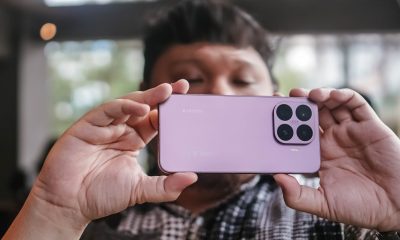

Close without crossing: A Xiaomi 17T Pro photo essay
Distance and closeness are not always opposites.


Spring reset: Growing more at home with Auk Mini
From kitchen counter experiment to everyday habit

HONOR unveils 1st cinematic video captured by its Robot Phone

ROG launches 2026 Strix gaming laptop series

TECNO’s SPARK 50 Pro is the latest budget smartphone battery beast

Nothing is coming to over 500 Best Buy stores in the United States

This is the history of basketball videogames since the ’73 Knicks

The Infinix GT 50 Pro has the most inspired design for a gaming phone

UGREEN MagFlow Air review: Airy Yet Mighty
Spring reset: Growing more at home with Auk Mini

TECNO’s POVA 8 5G is both futuristic and future-ready

The UGREEN Nexode Air 65W is the only charger I travel with now


-
 India5 days ago
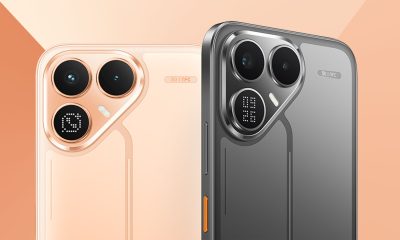
TECNO’s POVA 8 5G is both futuristic and future-ready
-
 News2 weeks ago
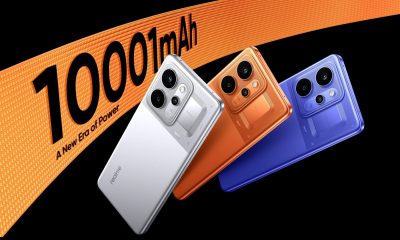
realme launches P4 Series 5G, including Power with 10,001mAh battery
-
 Hands-On2 weeks ago
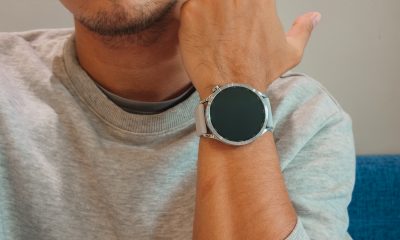
The Xiaomi Watch S5 proves you don’t have to take it off
-

 Gaming2 weeks ago
God of War Laufey puts Faye in the spotlight
-

 Buyer's Guide1 week ago
Buyer’s Guide: Xiaomi Pad 8 Series
-

 Gaming2 weeks ago
Marvel’s Wolverine showcases brutal combat, confirms Jean Grey
-
Reviews6 days ago
HONOR Magic V6 review: The best version of a book-style foldable?
-

 Gaming5 days ago
Kingdom Hearts IV gets new trailer, confirms Switch 2 release