
Apps
Top 5 hits and misses from #MadeByGoogle event


We’re not used to seeing so many hardware announcements from Google at once, which made the major event earlier today all the more special. It’s not going to be something we’ll fondly remember eight years from now (ahem, Google Senior VP), there were several needle-moving products unveiled. Let’s see which ones are hot, and which are not.
HIT: Google’s first real crack at smartphones
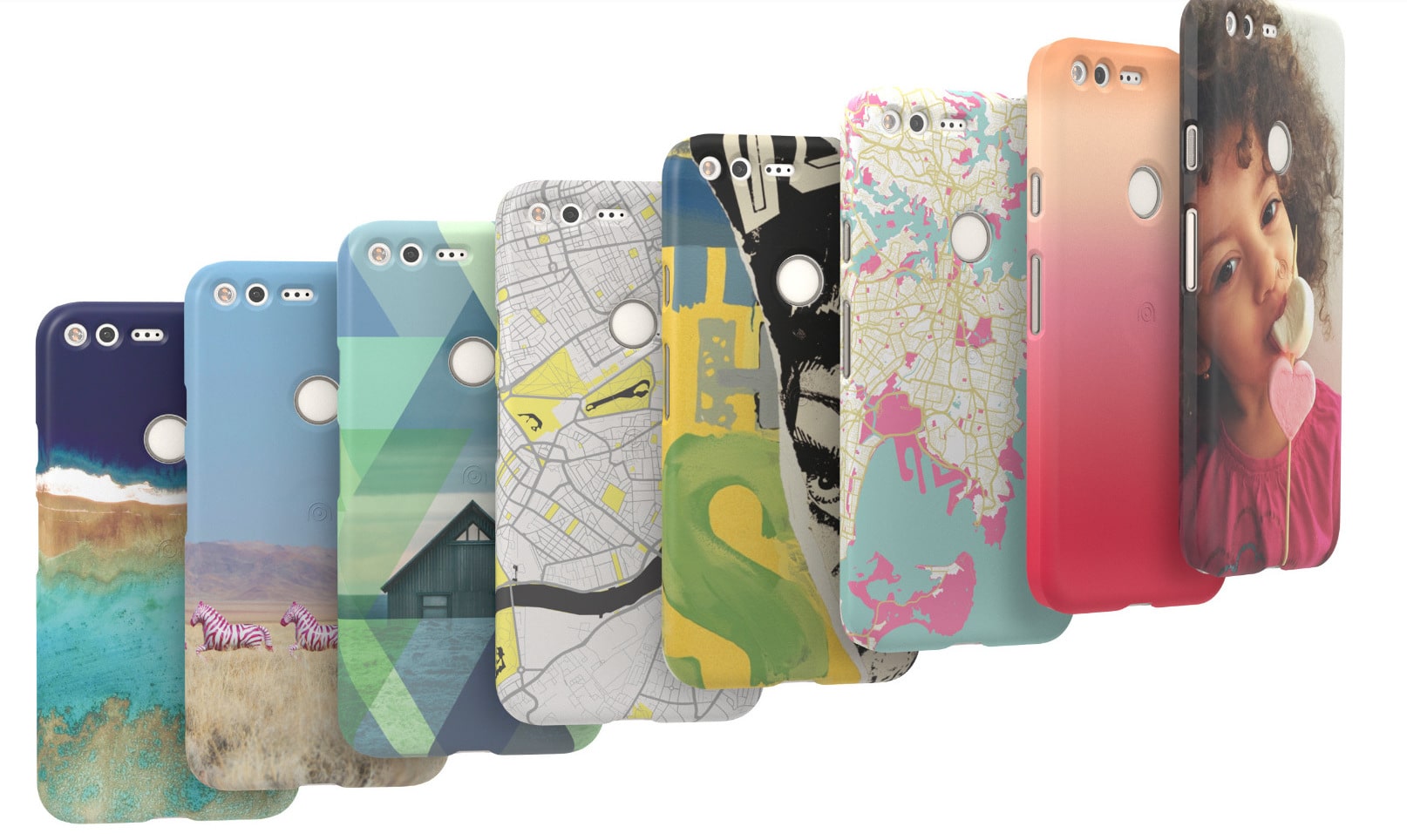
This is a given. When you’re willing to kill off your signature device lineup, the replacement has to be worth the sacrifice. The Google Pixel and Pixel XL stand as the new role models for all things Android, and it’s not just because of the high-end specs.
Their real highlight is the introduction of Google Assistant, which is Google Now on steroids. By using advanced artificial intelligence and machine learning to understand your every move, the virtual companion is a lot more intuitive than Microsoft’s Cortana and Apple’s Siri.
Another highlighted feature is their shared camera. While it doesn’t stand out for its features — there’s only a single lens and no optical image stabilization — the shooter gets lots of praise for topping the highly respected DxOMark rankings for smartphone cameras.
There’s so much more to Google’s new Android flagships, so be sure to check out our full coverage and live blog for the complete scoop.
MISS: No Pixel tablet in sight
It was a bit of a long shot, but we were expecting an Android tablet to be announced alongside the Pixel phones. Rumors have stated that there’s going to be a Huawei-made slate in the works under Google’s guidance, yet not even a hint was made during the event.
Having a new Google-designed tablet to erase the memory of the overpriced Pixel C would be great. There’s a possible theory why the announcement was pushed to a later date; we’ll discuss that in the next miss.
HIT: Daydream View is the VR headset we’ve been waiting for
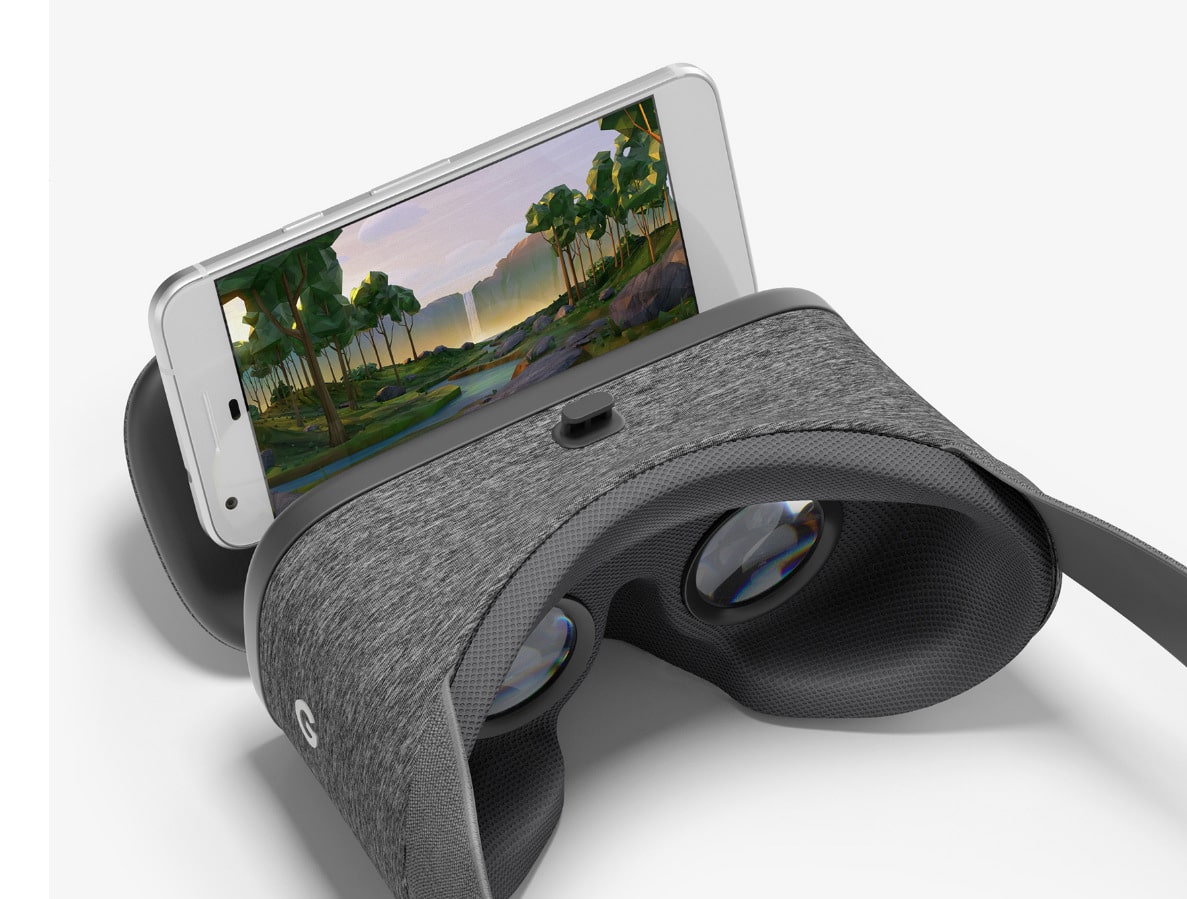
With the Oculus Rift and HTC Vive already available and Sony’s PlayStation VR headset coming out soon, virtual reality in our homes is finally a thing. Sadly, it’s an expensive thing. And even though Samsung offers a cheaper alternative in the Gear VR, the exclusivity with top-shelf Galaxy handsets prevents mass sales. Daydream View will sort of change that.
Emphasis on sort of, because a smartphone has to be Daydream-compatible to work with Google’s stylish headset. As of now, only the Pixel handsets and a handful of other smartphones are ready for Daydream. It apparently takes a lot of guts to handle Google’s pumped-up Cardboard.
What makes this a hit for us is the design and price. Fork over $79 when it goes on sale in November, and you get the comfy-looking headset bundled with a motion-sensing controller that has a touchpad and two buttons. It’s a complete solution for anyone wanting to dive into mainstream VR without spending too much. Oh, and it works with eyeglasses on!
MISS: No Andromeda operating system yet
This one disappointed us the most. We were spoiled by the news from last week, only for it to fly over the event without even a squeak. We’re talking about Google’s rumored Andromeda operating system, which is expected to merge Android and Chrome OS.
Introducing a mobile system catered to convertible notebooks would definitely shake up the crappy battle for market dominance between Windows 10 and iOS. Neither of Microsoft or Apple’s operating systems truly fit into the convertible mold, and are better off in desktops and tablets, respectively.
By putting together an ecosystem based on Android and Chrome OS, Andromeda could eventually fill in the gaps for ever-evolving convertibles. Although fragmented, Android still does a decent job of working fluidly across thousands of varied smartphone and tablet hardware, and an open-source Andromeda could one day do the same for hybrid laptops.
The delay in announcing Andromeda probably explains why Google didn’t bother introducing a flagship tablet or convertible, as mentioned earlier. The Nexus 9 tablet is too old for showcasing a fresh OS, and the Pixel C is better left forgotten.
HIT: A collection of home products

Google isn’t just after your pockets (as in putting its Pixel phones in your pockets, not taking your money — but the latter makes sense, too), the search giant also wants to take over your home, and will do so with Google Home, Google Wifi, and Chromecast Ultra.
Google Home is the company’s answer to Amazon’s Echo, letting you communicate with your connected devices through voice commands. With it installed at the center of your place, you may control your music, make it stream movies for you, and even have it answer questions about everyday things. It’s good at knowing what you need, thanks to Google’s intelligently adaptive Assistant. It’ll cost only $129, and will ship beginning November 4.
Google Wifi does what you’d expect, but better. It’s a router that makes use of multiple access points to cover all the dead spots in a house or office. Everything still connects to one central internet host, and it’s smart enough to optimize your wireless connection depending on where you’re staying. It also has a price tag of $129, and will be available some time in November.
Finally, we have the Chromecast Ultra. If you’re familiar with previous Chromecast products, all you need to know is that the newest generation can now handle 4K streaming, HDR content, and Dolby Vision. Plus, it has an Ethernet port in case your Wi-Fi connection isn’t good enough. For those unfamiliar with Chromecast, it’s a little round device you can plug into your television to watch online content. It’ll retail for $69, and will come out in November, just in time for Google Play Movies’ 4K streaming debut.
[irp posts=”8314″ name=”5 Reasons why I love Google Home”]



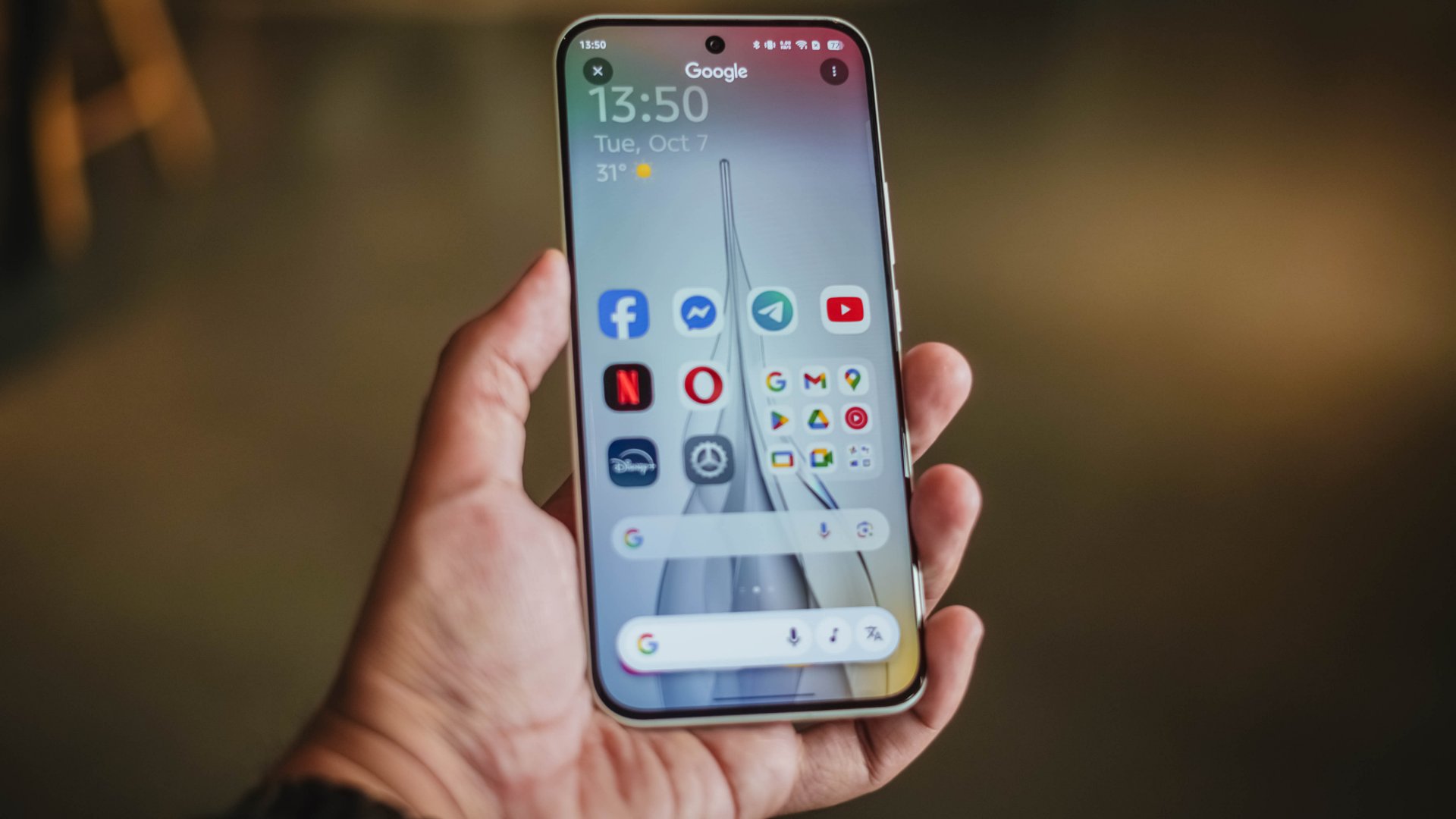
Google is slightly moving away from Material Design. Last week, a set of icon changes saw Android adding splashes of gradients to its formerly flat app icons. To poke fun at Android’s move away from flat designs, a user on X created a mockup of Android running Apple’s Liquid Design. Google, however, had a response ready in the chamber.
On X, @Micetor made a mockup of Android, specifically on the upcoming Pixel 11, using Apple’s latest Liquid Design aesthetics. It looked much like what an iPhone does except with Google’s icons and fonts.
Clearly, Google does not need to reply to any unsubstantiated mockups about its ecosystem. But they still did.
Sameer Samat, Google’s head for the Android ecosystem, personally replied to the mockup with a simple rebuttal: “Not happening!”
Not happening! Y'all are wild. 😂
— Sameer Samat (@ssamat) May 5, 2026
Despite using the design language for over a decade, Google does not want to drop Material Design altogether. Though the new gradients have revitalized the design language somewhat, the essence of flat design is still there.
Apple, on the other hand, wants a return to 3D. Liquid Design mimics the transparent aesthetics of Windows Vista. Though a bunch of users have found the design polarizing, other brands have started copying the design for themselves, incorporating elements on Liquid Design on their interfaces.
Whatever Google is doing, it’s coming in due time. The company is hosting its annual Google I/O on May 12 to showcase new developments coming to the Android ecosystem, including its design.
SEE ALSO: More iPhone switchers this year than Android switchers, report says
Apps
iOS 26.5 will support end-to-end encryption RCS messaging
The final update should come out within the month.

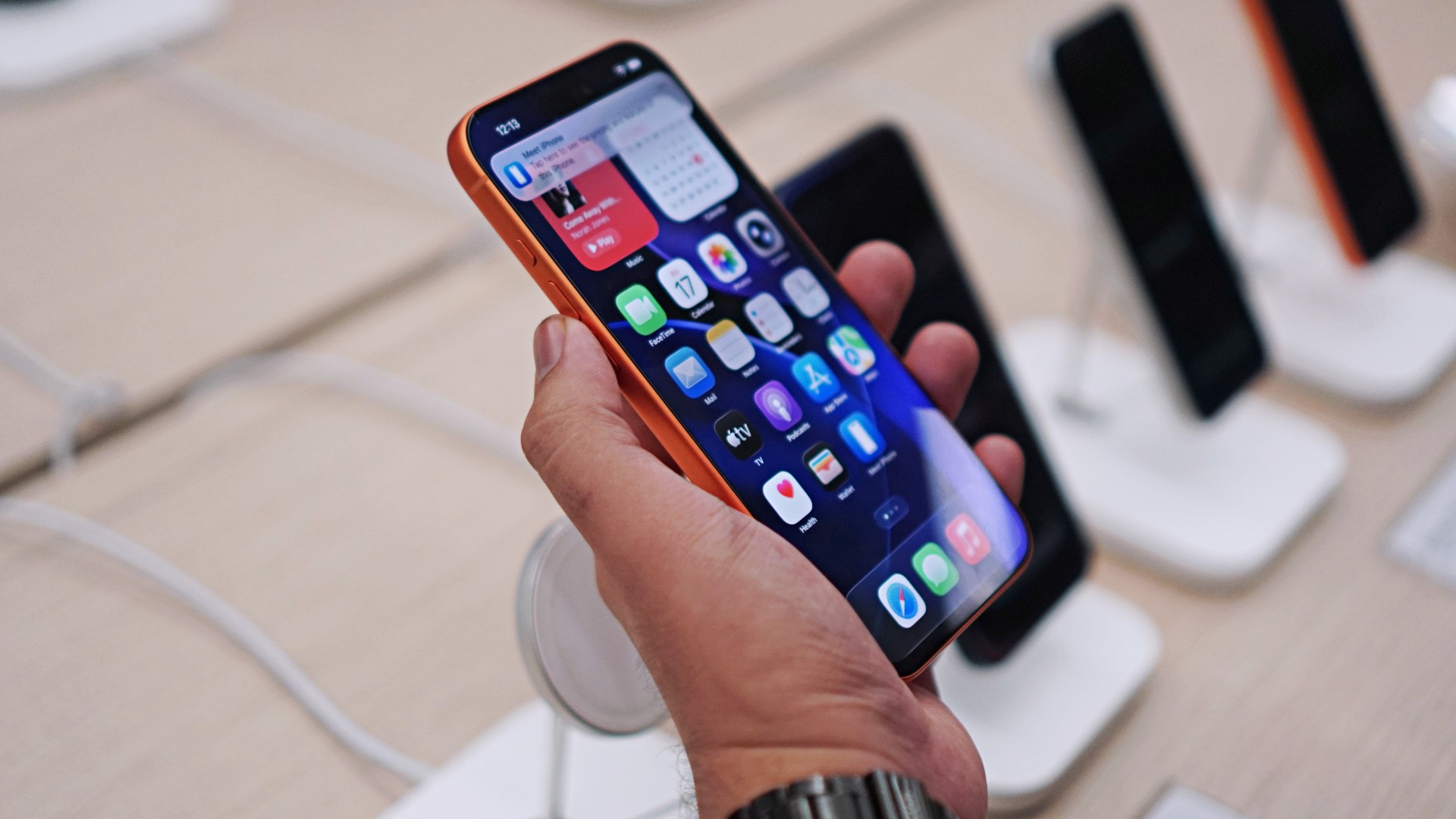
Back in 2023, Apple finally adopted the RCS messaging standard, ensuring that iOS and Android users could communicate more seamlessly despite being on different platforms. This year, the platform is adding an improvement to the feature: end-to-end encryption.
Starting with the upcoming launch of iOS 26.5, Apple will now support end-to-end encrypted RCS messaging between iOS and Android users (via 9to5Mac). Besides the seamless communication, users on both platforms can start enjoying secure messaging with one another.
Apple has been testing the feature since February. Now, the company is confident enough to release the encryption technology in a new build for iOS 26.5 meant for developers. At this point, it’s just waiting for an actual release.
Why is this a big deal? Encryption adds an extra layer of security for your messages. Plus, end-to-end encryption means that messages is encrypted and decrypted only by the sender and the receiver. Third parties, which includes Apple, cannot intercept and access your information.
With the feature on, both messaging platforms on Android and iOS will show a lock icon to signify that, yes, your messages are encrypted.
Though the current build isn’t meant for end users just yet, it’s expected that iOS 26.5 will launch within the month, if not by next week.
SEE ALSO: Apple iPhone 17e review
Apps
YouTube makes picture-in-picture mode free for everyone globally
The update is rolling out globally now.
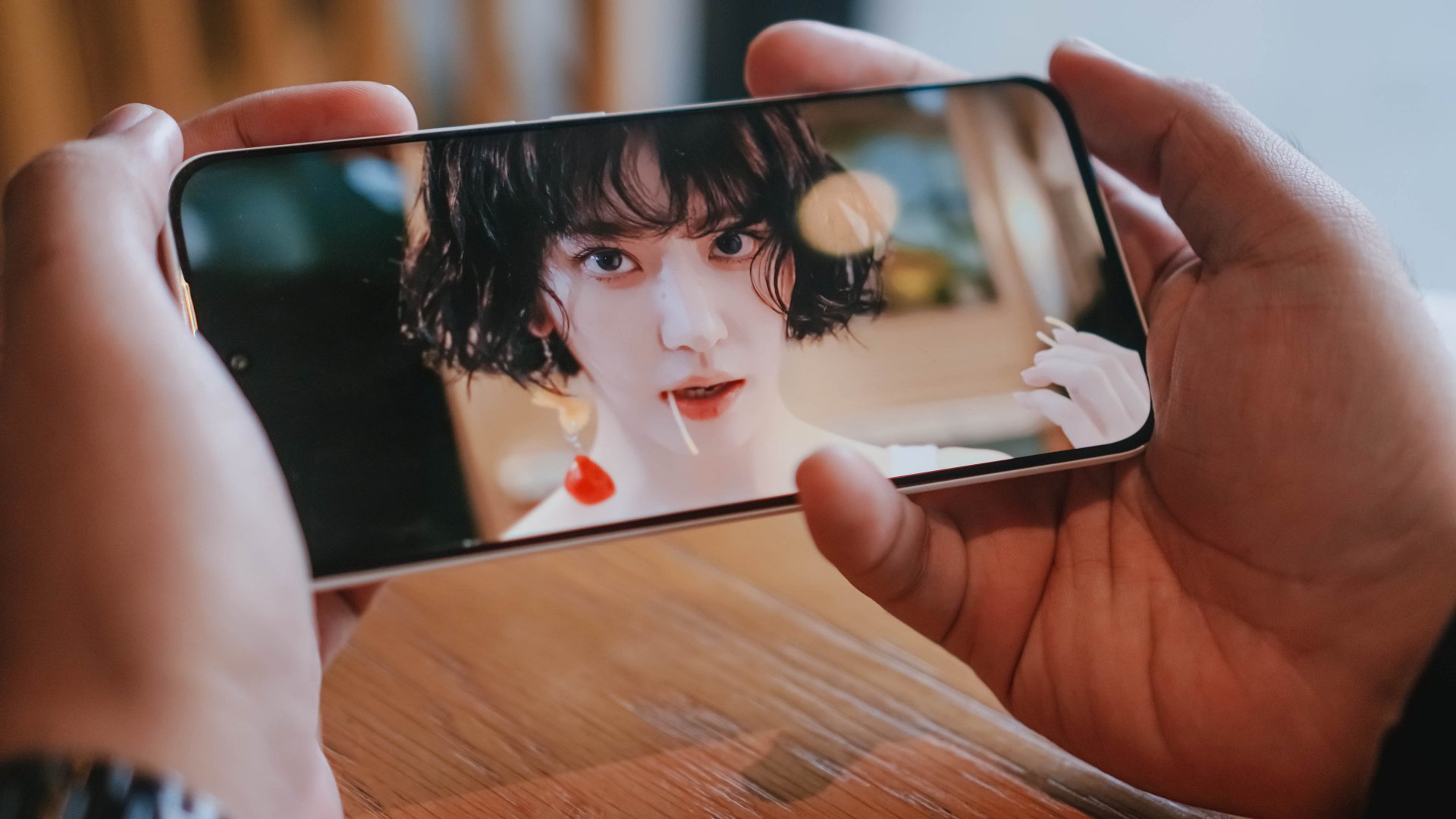
Picture-in-picture (or PiP) mode is a godsend for multitaskers. The feature lets users watch videos in a tiny floating window while doing other tasks. However, the feature isn’t readily available for all users. Or wasn’t, at least. YouTube is now rolling out PiP mode for free globally.
Previously, PiP mode was exclusive to YouTube users who pay for Premium or Premium Lite. It was also exclusive to the United States.
Now, YouTube is making the feature completely free for users all over the globe. It will be available for both iOS and Android versions of the app.
There’s still a catch, though. The free version is available only for “longform, non-music content.” The same goes for Premium Lite subscribers. Music is still an exclusive feature for those who pay for the regular version of Premium. Basically, there is no change for paying users or users in the United States.
Using PiP mode is simple. All you need to do is load up a video you want to watch in the background. Then, just exit the YouTube app and go about your other tasks. The video will be inside a floating, resizable window while you look at other things.
There’s no timeline on when the update will reach your device. However, YouTube has promised that it will roll out globally within the coming months.
SEE ALSO: YouTube remains top PH video platform; advertisers urged to continue investing


PRAGMATA is not for the faint of heart
Already a Game of the Year contender for all the feels

5 games with the nubia Neo 5 GT 5G
Niche device, but is worth the price?
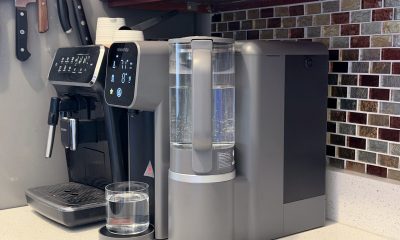

Giving up counter space for reverse osmosis: Living with Waterdrop M6H in NYC
A 7-stage filtration system

The Switch 2 is getting more expensive this year

Call of Duty drops the PlayStation 4 starting with its next game

Google launches the screen-less Fitbit Air

GadgetMatch makes it back-to-back wins at the Henry Ford Awards

TCL CSOT Unveils ‘APEX Pixel’ innovations at SID Display Week 2026


-

 Gaming2 weeks ago
Level Infinite launches Gangstar Mirage City exclusively in PH
-
 News2 weeks ago
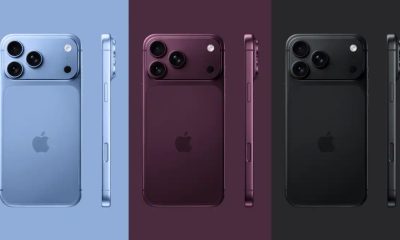
This rumored iPhone 18 color will make you switch phones
-
Reviews2 weeks ago
5 games with the nubia Neo 5 GT 5G
-
 Singapore7 days ago
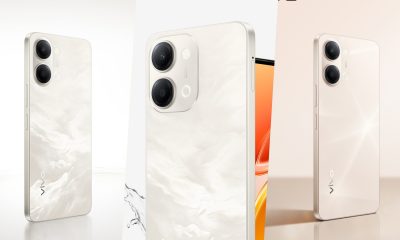
vivo Y Series launches in Singapore with bigger battery, durability upgrades
-
Convenient Smart Home2 weeks ago
Giving up counter space for reverse osmosis: Living with Waterdrop M6H in NYC
-

 Automotive2 weeks ago
The VinFast VF6 is perfect for urban travelers
-

 Gaming2 weeks ago
The Blood of Dawnwalker launches September 3
-
 Gaming2 weeks ago
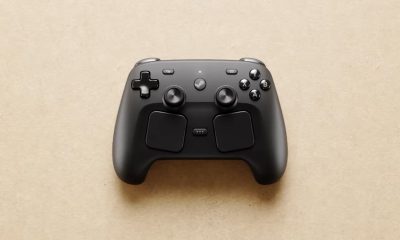
The Steam Controller is coming out on May 4