

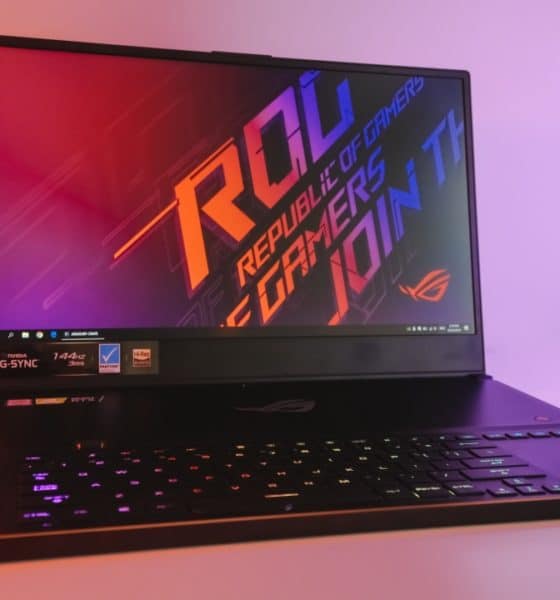

A lot of credit has to be given to ASUS for pushing gaming laptop designs forward. Back in 2017, the original ROG Zephyrus paved the way for a new category of high-powered laptops that didn’t weigh a ton.
Since then, we’ve seen different variations of the Zephyrus that either upped the power or modified the original look. That evolution eventually led to the Zephyrus S (GX701) I’m currently reviewing.
With the some of the latest components and refinements based on previous generations, this Zephyrus already seems like a winner in my book. The question is: Does it have enough oomph to compete against the laptop brands that have caught up?
It all starts with the design
Once again, it’s the overall makeup that makes the Zephyrus S stand out. Every design cue was placed not just to make the magnesium-alloy body look sleek, but to improve airflow and cut as many grams as possible.
For one, ASUS managed to cram a 17.3-inch screen within a body normally reserved for 15-inch laptops. On top of that, its height tops out at 18.7mm and weighs about 2.7kg. That’s larger than what we’re used to from the Zephyrus line, but this beats every other high-end machine with equal specs.


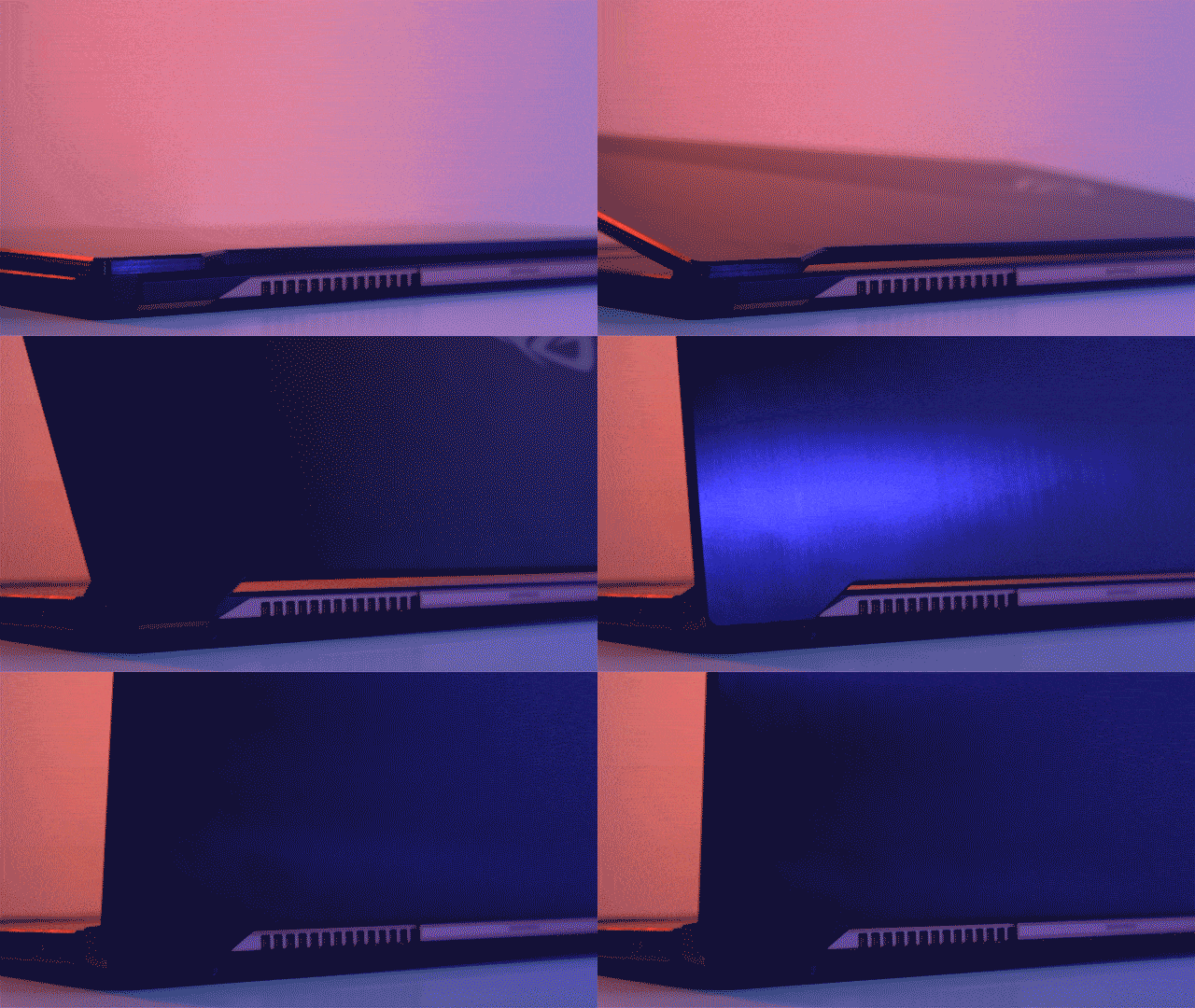
Back as well is the Active Aerodynamic System (AAS) which lifts the bottom panel for more air intake. It sounds similar to ASUS’ ErgoLift on its ZenBooks, but the implementation here is more performance-centric, and unfortunately, not comfortable on a lap.
However, AAS is still the key to better cooling while staying slim. It’s complemented by two 12V fans and five sets of heatpipes to get as much heat away from the high-powered components. The only tradeoff is the awkwardly placed keyboard and trackpad; the former sits really low with no palm rest while the latter takes getting used to in its rightmost spot.

What I loved was the placement of the volume roller to the upper-left of the keyboard. It makes adjusting the two 2.5W speakers so easy. Pressing the roller mutes them. Less vital, but greatly appreciated, is how far the power button is from everything — safe from accidental touches.
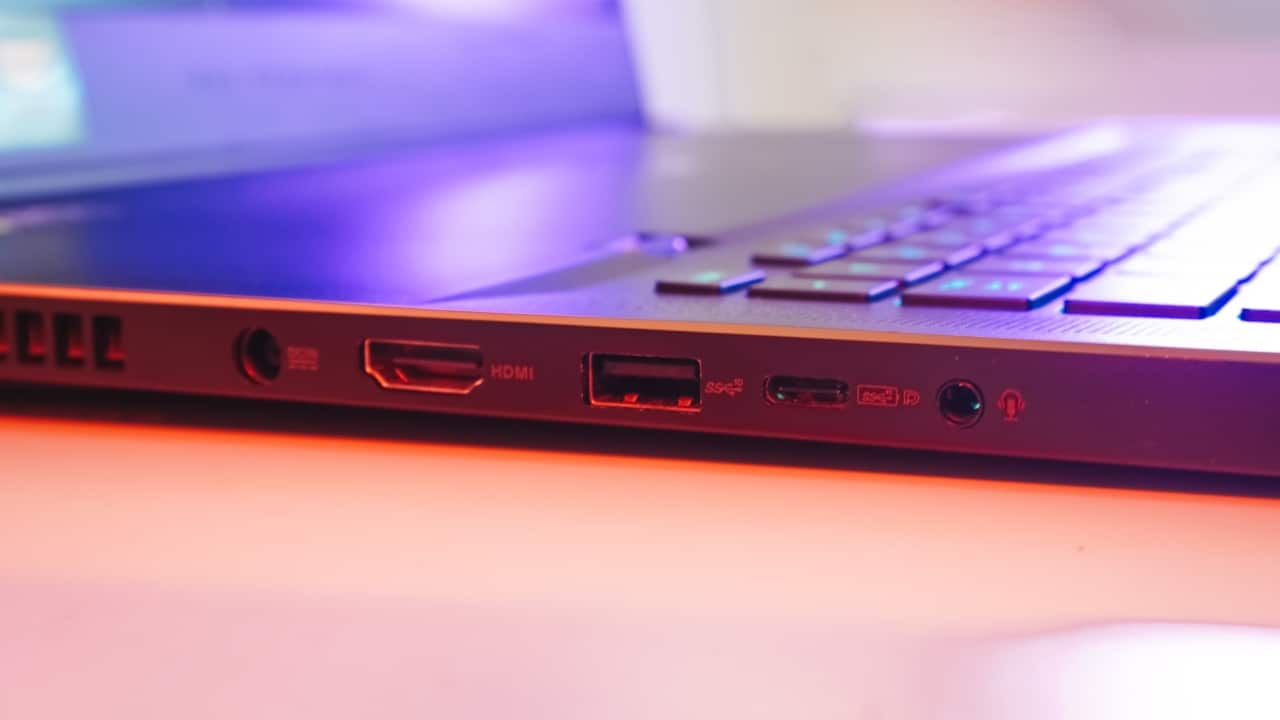
To the side, we’re treated to two USB-C ports (one of which is capable of DisplayPort 1.4 and Power Delivery for charging), three USB-A, one HDMI 2.0, and a 3.5mm audio port. There’s no mention of Thunderbolt 3 which is a bummer at this price range.
The features we actually want
ASUS definitely went for the no-compromise approach when creating the Zephyrus S. On top of all the features mentioned above, the specs are a collection of the must-haves and great-to-haves in both gaming and content creation.
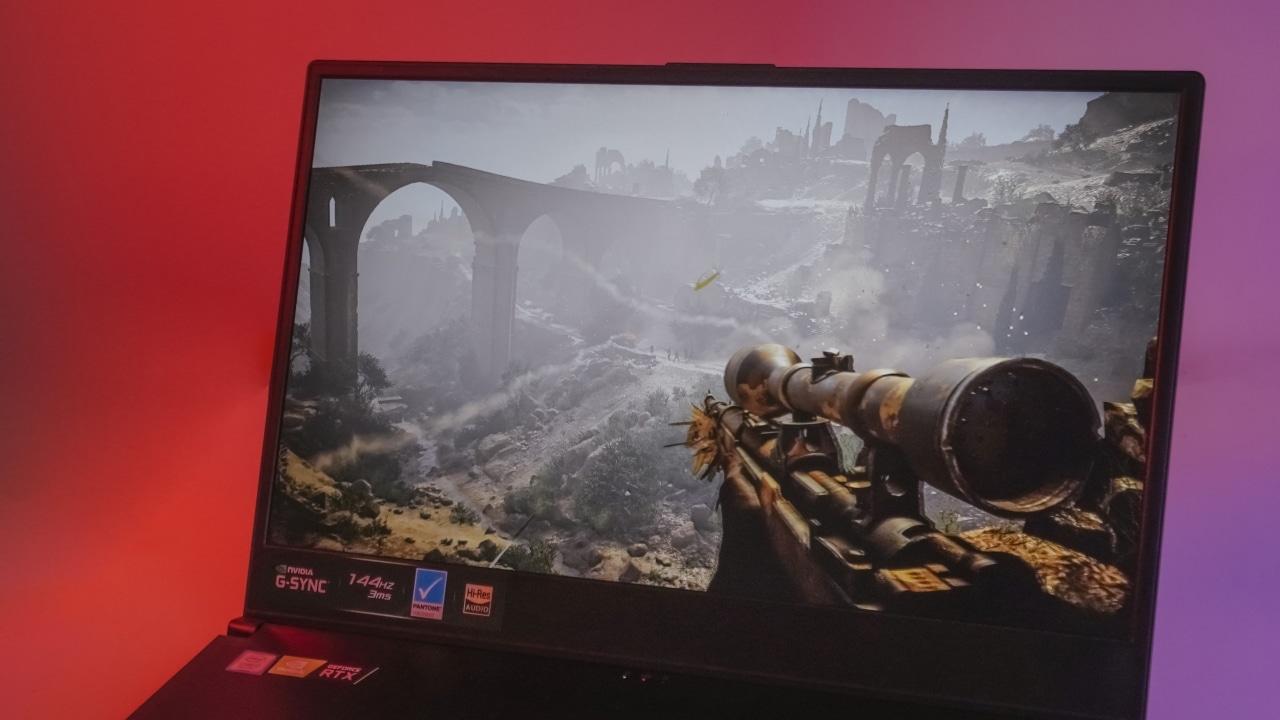
The screen in particular, while only 1080p in resolution, owns a refresh rate of 144Hz with a 3ms response time and NVIDIA’s G-Sync tech for smoother visuals. Even more interesting: the panel has a Pantone color certification for 100 percent sRGB coverage — ideal for creators who value color accuracy.


On the software side, Armoury Crate is a pleasantly comprehensive piece of software that allows you to monitor CPU and GPU frequencies, temperatures and voltages, and how much work the fans are putting in.
In addition, the program lets you change settings such as the RGB lighting of the keyboard and bundled mouse. But what makes the software so intuitive is that it can be accessed anytime by pressing the ROG button above the trackpad and monitored through a smartphone. I’ve always loathed non-stock Windows apps, but Armoury Crate is definitely an exception.

One more cool feature is the ability to charge the Zephyrus S using any PD-certified adapter or powerbank. Chances are you’ll always have its lightweight power supply on you, but for the few instances you don’t, this is a lifesaver considering how below-average the battery life is.
The one feature that’s missing is a built-in webcam. ASUS decided to leave it out in favor of slimmer bezels around the display. This might be a downer to some; at the same time, this opens the opportunity for folks to use an external webcam which would be far superior to the low-end cameras most laptops these days come with.
Performance you’d expect
It goes without saying that raw performance is what the Zephyrus S excels at most. From the Core i7-8750H and GeForce RTX 2080 Max-Q to the 24GB of RAM and 1TB M.2 PCIe storage, there’s no shortage of power in this machine.
Since the panel is of the 144Hz kind, you really feel these specs push the laptop to what it’s truly capable of. I’ve used gaming notebooks with a 4K display stuck at 60Hz, and I never felt that their high-end components were maximized to their full potential.


Personally, I find the 1080p resolution with a 144Hz refresh rate and G-Sync support to be the best-possible combination. After all, I honestly can’t tell the difference going any higher in pixel count on a 17.3-inch monitor. This is the sweet spot, and the Zeph nails it.
Here are a few benchmark numbers:
Shadow of the Tomb Raider: 95fps (1080p, Highest preset)
Unigine Superposition: 4858 (1080p Extreme)
Cinebench R15: 112.19fps (OpenGL), 1176cb (CPU)
Truth be told, the results only speak for a small portion of the big picture. Having an 8th-gen Core i7 chip and RTX 2080 (even if it’s a slightly slower Max-Q variant) should instantly signal that AAA game are no problem for this setup.
Even though we’re seeing silicon manufacturers pushing out newer, faster chipsets than ever before, rest assured the configuration we have here will run through games for years to come. We’ve reached a point wherein the next generation of games will stop being so demanding on hardware and instead focus on optimizing for current-gen processors.

On the downside, the battery life is lackluster as usual. When not plugged in to a wall socket, I’m lucky to get 2.5 hours out of this thing with a balanced workload consisting of web browsing and Photoshop usage. It’s expected out of any gaming laptop at this point and should be anticipated by any potential buyer.
Is this your GadgetMatch?
Even though gaming laptops are becoming increasingly common and more affordable in some cases, beasts like the Zephyrus S deserve the distinction of pushing the category to new heights. The model I reviewed here retails for PhP 199,995 or around US$ 3,835. It’s a heavy price to pay, but you’re getting top-notch hardware in return.
While this is certainly too much for mainstream users, creators and hardcore gamers will see the value in its top-notch components and attention to detail. ASUS has taken the Zephyrus line to yet another level, which is a major achievement considering how great the series had been to begin with.
The ASUS ROG Zephyrus S is available in ROG Megamall and ROG Concept Stores in the Philippines.






Gaming
The regular PlayStation 5 is getting an AI upscaling feature
The feature debuts with Wolverine and Ghost of Yotei.


If you’re an owner of a regular PlayStation 5, watching a PS5 Pro owner might touch you with a tinge of jealousy. Besides the upgraded console’s better hardware, it also has something called the PlayStation Spectral Super Resolution (PSSR), which uses AI to improve resolution and framerate. Unfortunately, that feature isn’t available on the regular console. But Sony is throwing the classic console a bone today by adding Quick Spectral Super Resolution (QSSR), which does the same as PSSR but on the older machine.
Since the introduction of PSSR, fans and developers alike have asked whether the older console can have a version of the technology. Developed with AMD, QSSR is an AI upscaling feature that improves performance for modern games on the PlayStation 5. For now, the feature is debuting first on Ghost of Yotei and Marvel’s Wolverine via a set of patches. Moving forward, Sony will also allow its developers to add the feature for their respective games.
Now, the choice of games is deliberate. Marvel’s Wolverine is still fresh on everyone’s mind. Meanwhile, Ghost of Yotei has just released a Complete Edition, which packs in a new story expansion and a roguelike mode. You don’t even need to Complete Edition or the corresponding paid upgrade to enjoy the new feature.
SEE ALSO: Ghost of Yōtei Complete Edition review: More of a great thing

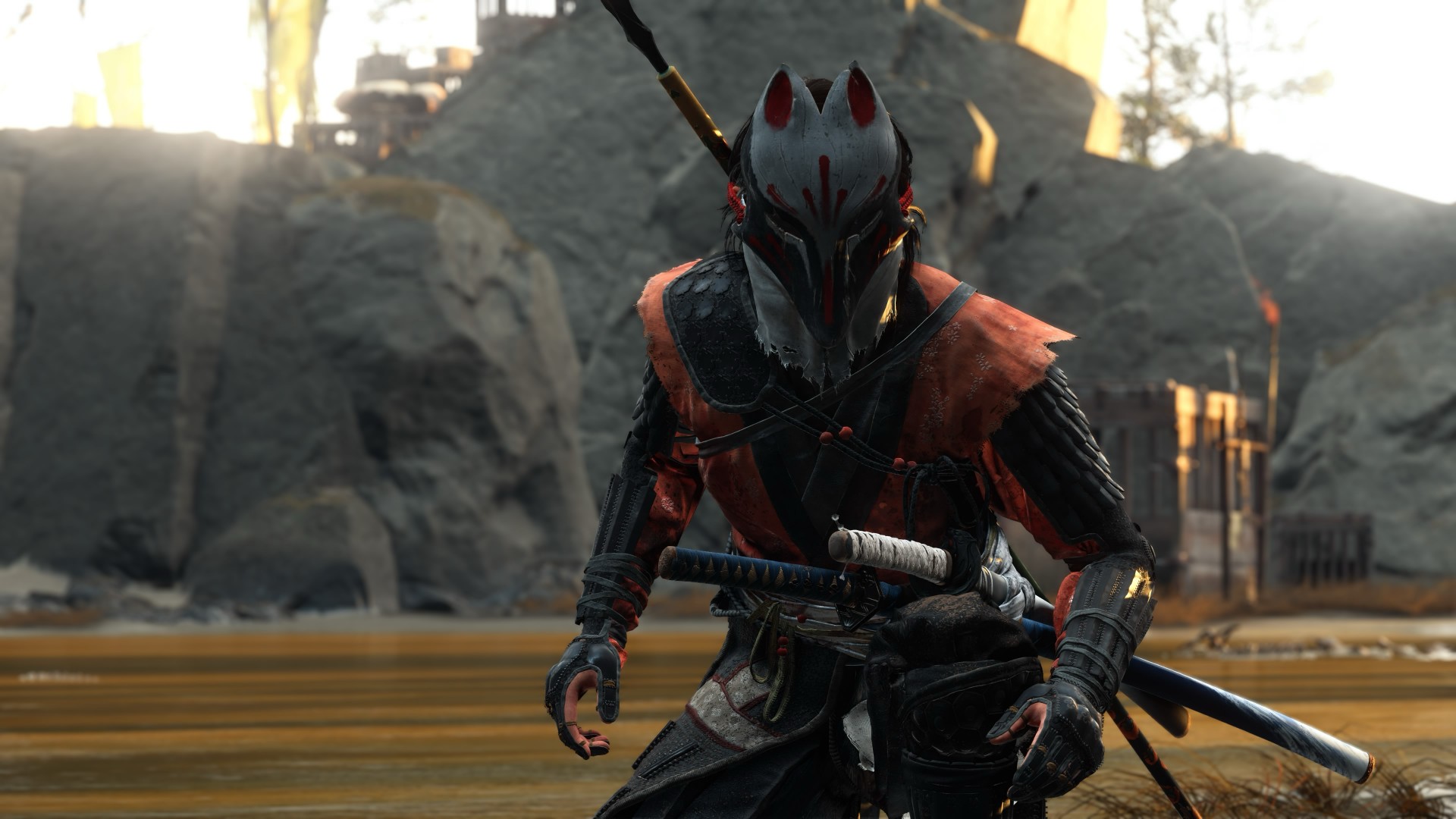
A year away from Ghost of Yōtei was enough to make me rusty. It wasn’t enough to make me forget why I loved it.
What immediately jumped out to me is how beautifully connected this game’s open-world mechanics are. Moving about and exploring felt like picking up where I left off after roughly a year of not really touching the game.
The Guiding Wind, the birds that point you toward locations of interest, and the encounters scattered throughout Ezo all work together to keep you busy without the tasks ever feeling like a chore. There is always something worth looking toward, whether it is a quest, a hidden location, or simply another reason to stop and appreciate the scenery.
And of course, the new area is just as beautiful as everything else we’ve seen in the base game.
That is probably the biggest compliment I can give Ghost of Yōtei Complete Edition. It does not feel like an expansion bolted onto an existing game. It feels like another excuse to step back into a world that already knew how to pull me in.
Picking up where I left off
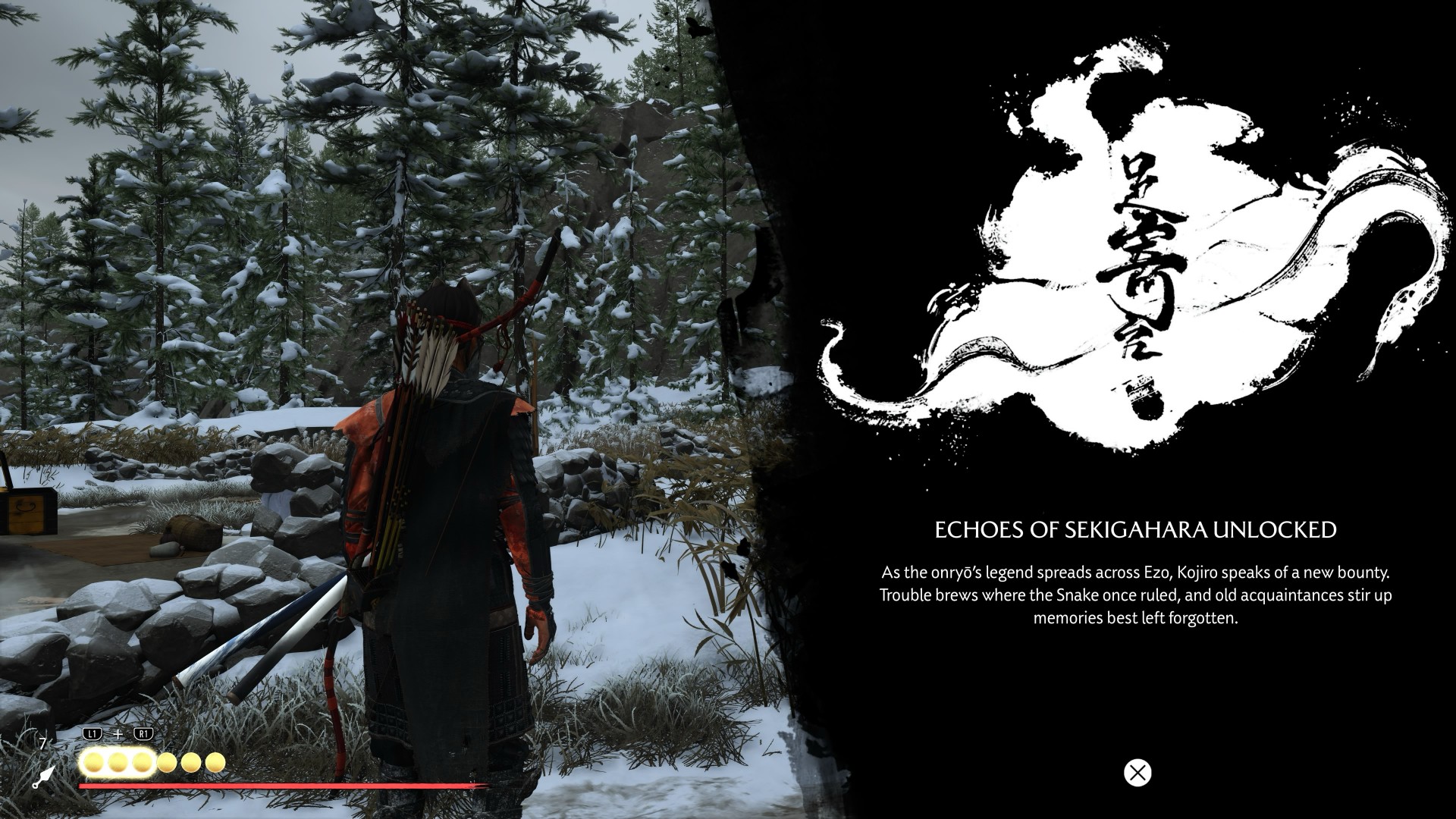
I started my playthrough of the Complete Edition with Echoes of Sekigahara. I thought it was going to be a quick romp, but it’s proving to be a longer experience than I initially thought it would be.
I’ve spent roughly five to six hours playing through it, and I don’t think I’m anywhere near completing the story.
That said, I did get sidetracked quite a bit.
Which tends to happen with these Ghost games.
Not to their detriment, though. Every other quest and encounter in the open world feels like a contained story on its own that is well worth your time. The game has a way of presenting distractions that never really feel like distractions. You can set out with one objective in mind, stumble into something else, and suddenly realize an hour has passed.
That familiarity came back surprisingly quickly.
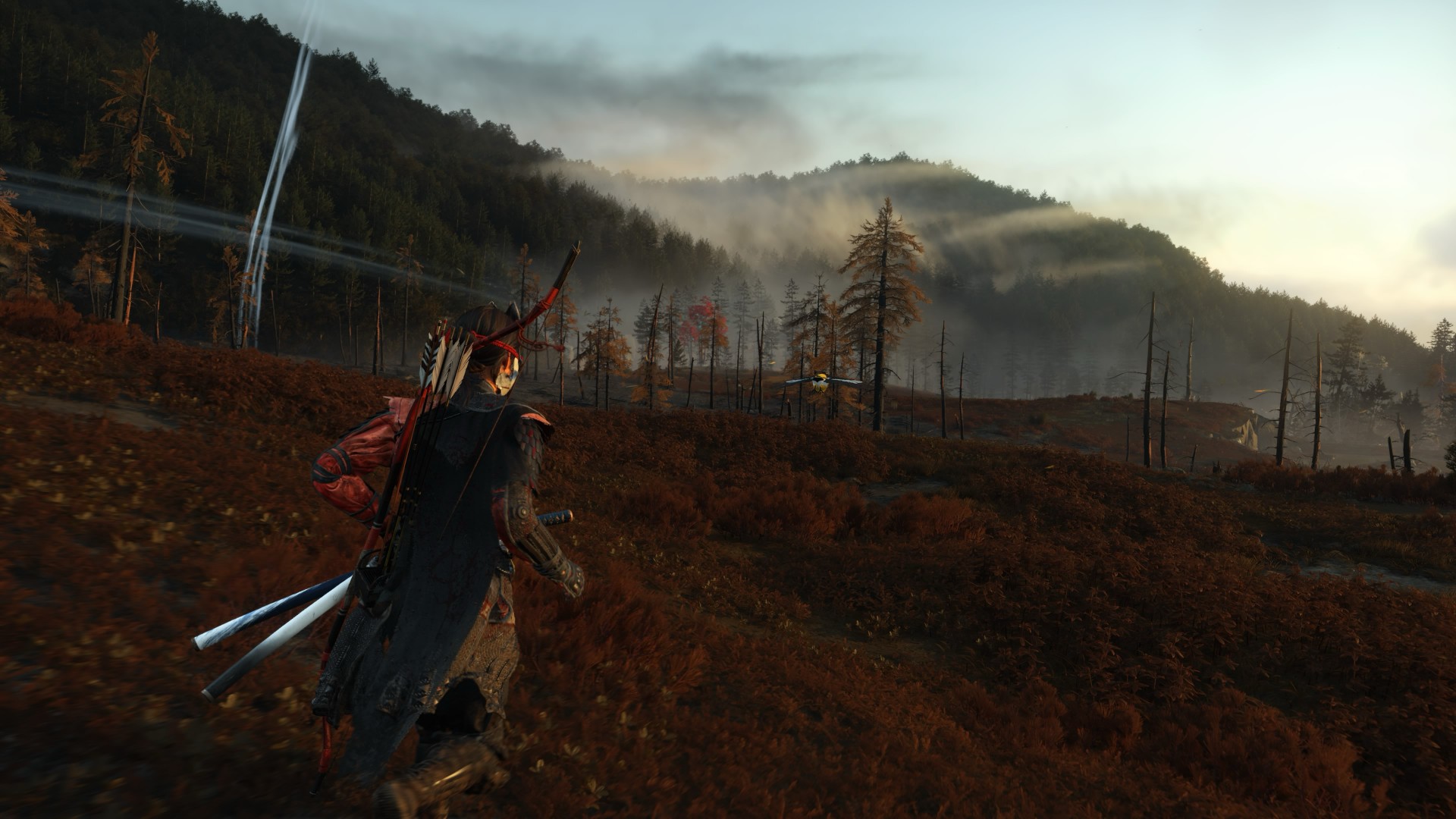
The new region introduced in Echoes of Sekigahara brings unfamiliar enemies, new weapons, and memories tied to Atsu’s past, giving the expansion its own identity while still operating within the systems that made the base game so easy to lose yourself in.
The Wolf quest line in particular was the first one I tackled, and it was quite a ride.
I’m deliberately leaving the details there.
This is the kind of story that is better experienced without knowing too much going in, and the review guidelines themselves ask reviewers to avoid major narrative developments and surprises.
Finding my footing again

While movement and exploration felt natural, it took me a while to get reacquainted with the combat.
My Atsu had many skills mastered, but being a year removed from the game meant I was rusty. I was dying against what I would consider fodder enemies.
There is something humbling about returning to a game where you once felt completely in control, only to discover that your muscle memory has apparently packed its bags and moved somewhere else.
Even now as I write this review, I don’t think I’ve gotten to the level I was when I first completed the game.
But I’m getting by just fine.
And that is partly because Yōtei gives you another toy to play with.
Massive weapons make a massive difference

Massive Weapons
The new wrinkle in combat is the Massive Weapons you get to pick up and swing around.
They are an absolute joy to use.
More importantly, they bailed me out of a few encounters already.
There is a satisfying weight to picking up one of these weapons and simply going to town on enemies. It changes the rhythm of a fight without asking you to relearn the entire combat system. After spending several hours trying to remember how I used to fight as Atsu, having the option to grab something enormous and start swinging was a welcome change of pace.
This was a definite win.
It also highlights one of the strengths of Yōtei’s combat. The foundation is already strong enough that adding another layer does not need to completely reinvent it. Sometimes, giving Atsu something massive to hit people with is enough.
Most Wanted keeps the blade moving
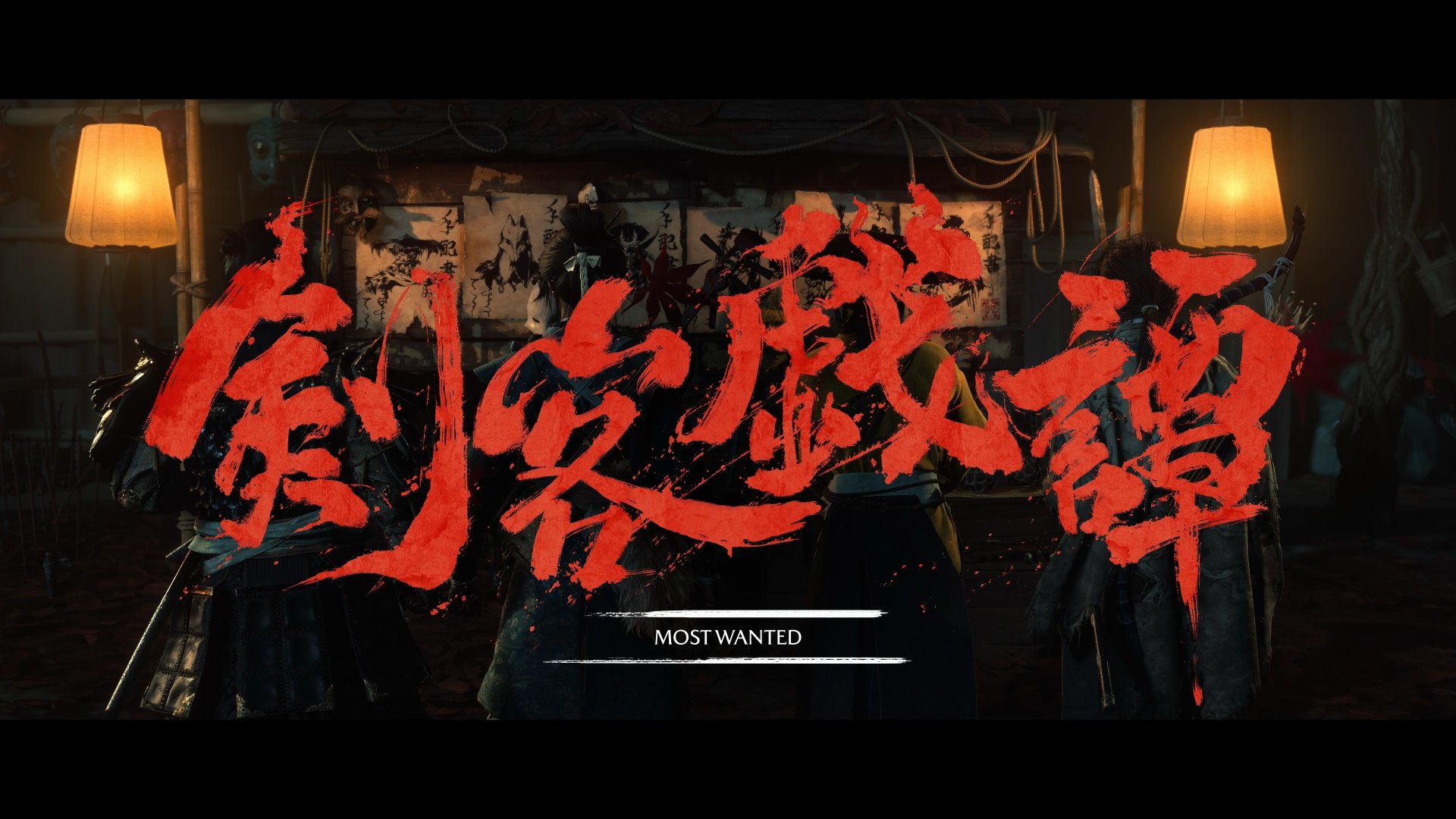
If you want to dive deeper into combat, Most Wanted is where it’s at.
PlayStation first-party games have had a habit of adding these roguelike-inspired modes to some of their games. There’s Valhalla for God of War Ragnarök and No Return for The Last of Us Part II.
Most Wanted takes that idea and puts Yōtei’s combat front and center.
The mode is a single-player combat survival experience built around escalating bounties, different playable characters, and experimenting with the game’s combat system. Unlike Echoes of Sekigahara, you can jump into it immediately without existing save data or base-game progression.
I’ve only had a couple of runs so far, but I can say I thoroughly enjoy the mode.
Mostly because I love the game’s combat mechanics.
That is what you engage with for much of Most Wanted, and it gives you a reason to keep testing yourself. You start a run, make your choices, fight your way through increasingly demanding encounters, and inevitably reach a point where things stop going according to plan.
Then you try again.
And again.
There is a particular satisfaction to a mode like this when the underlying combat is already enjoyable. Losing doesn’t necessarily feel like wasted time because every run gives you another opportunity to get better at the thing you were already having fun doing.
It can also be frustrating.
That is part of the appeal.
More Yōtei is still more Yōtei
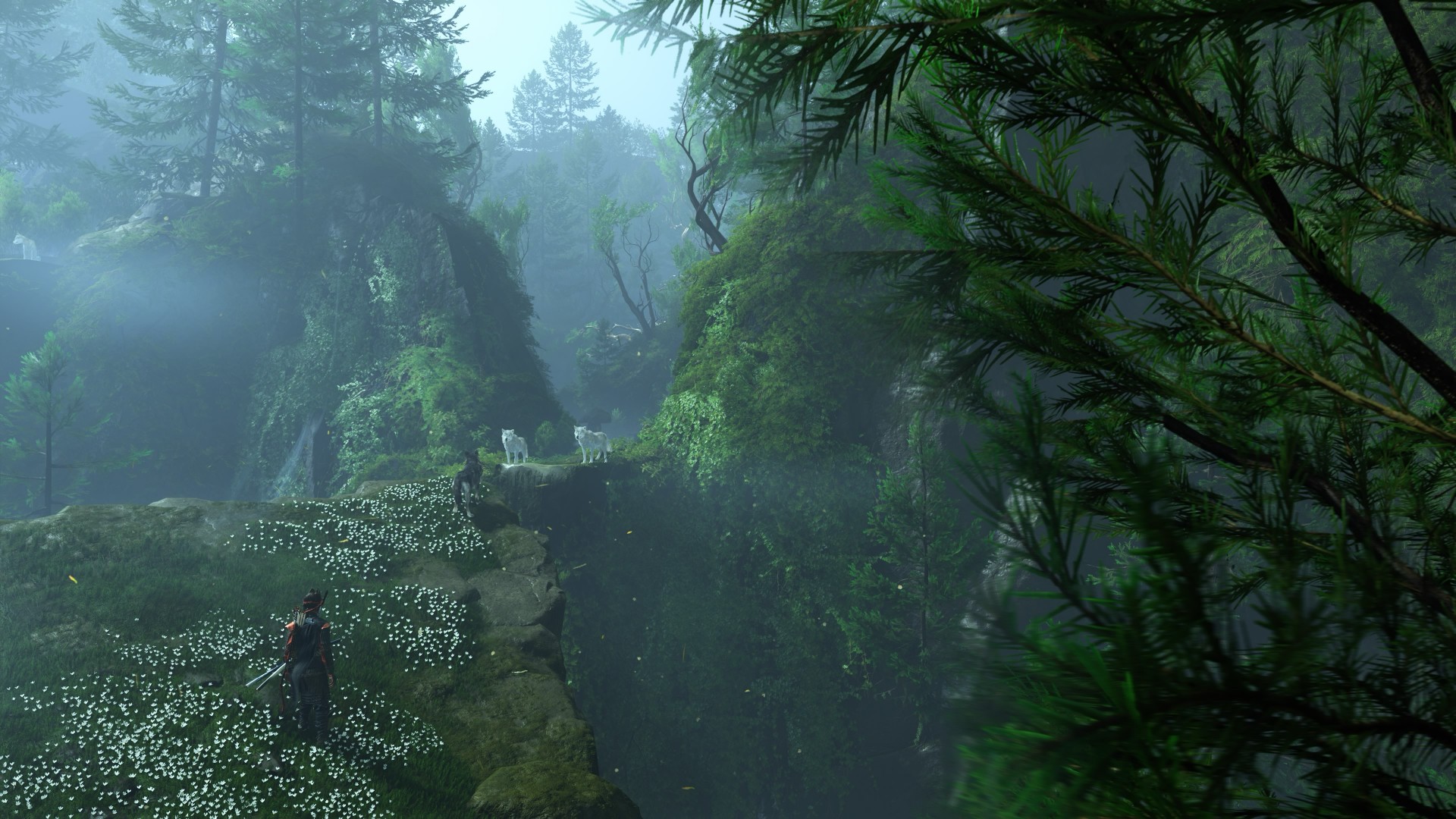
The biggest strength of Ghost of Yōtei Complete Edition is also the simplest.
It gives me more Ghost of Yōtei.
Echoes of Sekigahara gives Atsu another story to tell. Most Wanted gives the combat another place to shine. The Complete Edition also adds cosmetics, Trophies, Photo Mode content, and other extras. Meanwhile, the October 1 update brings additional Watanabe Mode tracks, Beauty of Yōtei mode, quality-of-life improvements, and a new high-contrast accessibility option to all Ghost of Yōtei players.
After roughly a year away, I was surprised by how quickly I settled back into the rhythm.
The wind blew, birds flew, a quest turned into another quest, and a random encounter became a story.
Then I picked up a massive weapon and started remembering why I enjoyed this game so much in the first place.
That cohesion remains Yōtei’s greatest strength. Its world constantly gives you reasons to move forward without making the journey feel like work. The Complete Edition simply gives you more reasons to keep going.
Is Ghost of Yotei Complete Edition your Play Match?

Ghost of Yōtei was already one of the best experiences on PlayStation 5.
The Complete Edition gives you more of it.
Echoes of Sekigahara is shaping up to be a substantial addition rather than a short side adventure, while Most Wanted offers a compelling excuse to keep coming back to Atsu’s combat long after you’ve finished the main story.
I still have plenty more of both to see. But even after only a handful of hours with the new content, I know exactly how I feel about returning to Yōtei.
It feels familiar, fresh, and Most Wanted will both frustrate and hook you.
It’s absolutely thrilling.
Ghost of Yōtei Complete Edition is an easy Swipe Up.
After a year away, I came back rusty.
I’m still swinging. And I’m still having a damn good time.

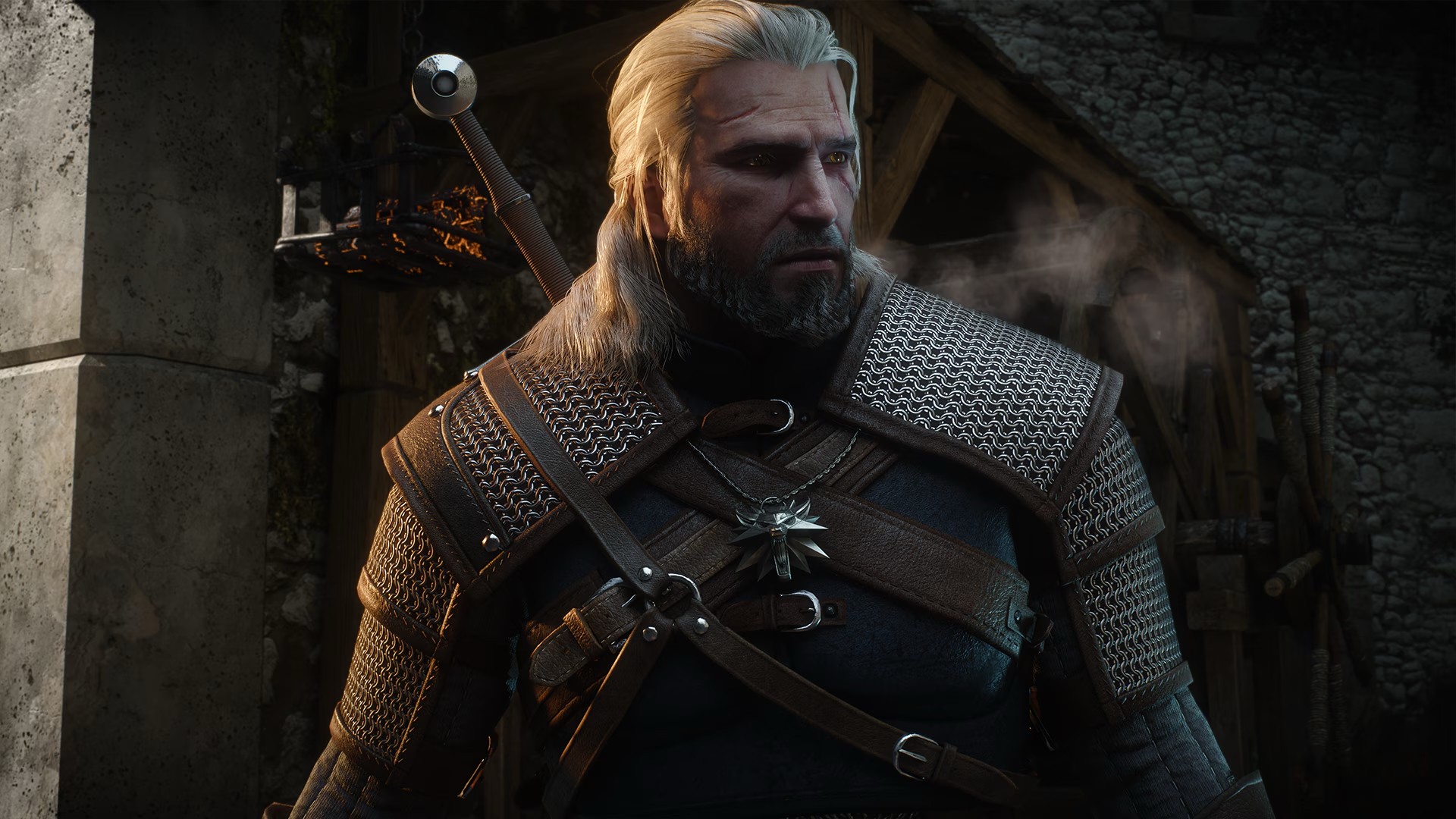
CD PROJEKT RED has released The Witcher 3: Wild Hunt — Remastered, a free upgrade that brings a wide range of visual, performance, and gameplay improvements to the acclaimed RPG.
The remastered version is available as a free upgrade for existing owners on GOG, Steam, Epic Games Store, PlayStation 5, and Xbox Series X|S. Players who own The Witcher 3 on the original Nintendo Switch can also upgrade for free to the native Nintendo Switch 2 version.
The upgrade also includes both expansions, Hearts of Stone and Blood and Wine, even for players who originally owned only the base game.
PC and PS5 Pro
On PC, The Witcher 3 now supports Path Tracing alongside improved textures, foliage, lighting, rendering, and ray tracing. The remaster also adds dedicated PlayStation 5 Pro support, with PSSR enabling ray tracing at 60fps and a performance mode that can reach up to 90fps with VRR.
Gameplay also gets an overhaul. CD PROJEKT RED has rebalanced the skill system, revamped combat animations, added new finishers, and introduced an adaptive camera. Geralt and Roach also receive updated animations, including more fluid traversal, vaulting, and ladder climbing.
The remaster adds cross-platform mod support through mod.io on consoles. Players can access custom content ranging from new quests and equipment to balance changes.
Switch 2
Nintendo Switch 2 gets additional features through its native version. These include motion controls, gyro aiming, mouse controls, and touchscreen support. Players can use motion controls for actions such as aiming the crossbow, throwing bombs, casting Signs, and controlling Roach. The touchscreen can also be used to navigate menus and play Gwent.
The Witcher 3: Wild Hunt — Remastered is also available to purchase on Battle.net and the Microsoft Store, where it supports Xbox Play Anywhere.
The remaster replaces the Complete Edition on supported platforms and includes Hearts of Stone and Blood and Wine as standard. It was developed in close collaboration with Yigsoft.





Bambu Lab opens first Authorized Store in the Philippines

Lenovo tech behind DreamWorks Animation hit ‘Forgotten Island’

Samsung joins the clip-on earbud trend with the Galaxy Buds On

vivo X Fold6 makes global debut with 200MP camera and 6900mAh battery

Smart opens iPhone 18 Series pre-orders in the Philippines

HUAWEI Pura X View is 2026’s first WIDE slab-type smartphone

The CAMON Slim 5G is TECNO’s latest ultra-slim smartphone

iPhone 18 Pro series: Price, availability in the Philippines

vivo X500 Series launches with major imaging upgrades

iPhone 18 Pro series: Price, availability in Singapore


-
 News2 weeks ago
vivo X500 Series launches with major imaging upgrades
-

 News2 weeks ago
OPPO Find X10 Pro Max is the first phone with a triple 200MP camera system
-

 Automotive5 days ago
BYD says that way better EV batteries are coming next year
-

 News2 weeks ago
vivo introduces OriginOS 7 with smarter multitasking and AI features
-

 News5 days ago
HONOR Magic9 Pro Max launches in China with ARRI-powered imaging
-
 Accessories2 weeks ago
70mai launches the A900 series with 4K front, rear recording
-
 Smartphones7 days ago
When TECNO-logy meets Tonino Lamborghini legacy
-
 Reviews7 days ago
TECNO POVA 8 Pro Tonino Lamborghini review