


Laptops
Dell XPS 13 (2019) Review: It’s always about the little things
Power-packed, premium-looking

Dell’s XPS 13 remains as one of the top premium laptops in the market. While this is my first time using an XPS 13, I was constantly in awe with how people revere it as one of the crown-holders for the best laptops you can buy.
Of course, I’m not in any way an expert to say anything about this laptop, but as an everyday user whose career relies heavily on the hands of a laptop, I have a lot of things to say. Without any further ado, here’s my review of the Dell XPS 13 (2019).
Fine details that scream premium
When I first saw the XPS 13, I was awestruck. Gorgeous is an understatement to describe how I was stunned with its sleek and premium look. It’s even more captivating when your fingers run across the silver outer shell. Touching it felt like touching a Ferrari Pininfarina Sergio. You literally get lost in a daydream.

The unit I have is the black/silver variant and I hope Dell kept a pure silver finish. Seeing a black interior takes away the astonishment I found upon first seeing this laptop. It’s like meeting someone hot and totally gorgeous on Tinder based on their profile photos, only to be disappointed seeing them in person since it’s not what you expected. Lesson learned: Temper Expectations.

But using it for a long time, I learned to accept it just the way it is. On some occasions, I still feel the black carbon fiber makes the XPS 13 look like an ordinary laptop, and I kinda wish I opted for the Frost or Rose Gold with Arctic White woven glass fiber.
Thankfully, the keyboard is a joy to use. It’s firm but also soft that my finger is happy typing on it. I actually enjoyed writing my stories and getting things done.

Also, the touchpad works smoothly despite being small. Unlike every Windows laptop, its touchpad doesn’t lag, and it can match the speed of your fingers to ensure you get your tasks finished on time.
To further prove that this touchpad is a joy to use, here’s my testament: I’m not accustomed to touchpads and I use a mouse. (Thanks to my younger years in gaming, I forgot how to let go of it.)
However, using it made me forget the existence of the mouse, at least for the time when I’m just browsing and writing. Using it for creative projects made me still want to wish there’s a mouse I can use.
There are things I still can’t let go of yet
Here’s my thing against the latest laptops coming out: Why do you have to scrap USB 3.0 ports? Sure, turning everything into USB-C makes it future-proof, however not all peripherals have adapted to this technology, and I’m pretty sure not everyone is privileged to have the latest accessories possible.
I still use a gaming mouse worth PhP 400 (US$ 7) that I bought in 2013. I was in my college years and yes, it’s still working. Unlike other people, I don’t buy stuff to replace my stuff just because it’s outdated. Fortunately, the laptop came in with a dongle. To be exact, it’s a USB-A to USB-C adapter. At the very least, I was able to use my trusty mouse.
On another note, the Dell XPS 13 (2019) has two Thunderbolt ports, one USB-C port, a headphone jack, and a microSD card slot.
It’s always the little things that make a big difference

Whoever thought of embedding the fingerprint reader on the power button is a genius. Using it was pretty convenient since I don’t need to exert any effort in pressing the button. When you think about it: Opening your laptop seems like a common task, but finding a way to make it even more convenient for you makes this laptop the premium that it claims to be.

The laptop’s bottom is horrendous to look at, but it definitely serves a purpose: For ventilation and maintenance. There are also two parallel rubber feet to keep your laptop still when you place it on a surface.

Lastly, everyone was enraged about last year’s camera placement. This year, Dell got it right by making the camera smaller, tiny enough to fit in a little space between those ultra-thin bezels. I’m ready to take video calls now!
Entertainment just got even more entertaining

The XPS 13 has an edge-to-edge design on the top, left, and right which is a sight to behold. The thick bezel on the bottom (which only contains the logo) should have been removed and Dell could’ve placed their logo elsewhere.
A 13.3-inch screen might be small for some, but it compensates with a gorgeous 4K Ultra HD display with Dolby Vision support, providing rich contrast and colors for a cinematic experience.
It’s also equipped with an anti-reflective screen so you don’t have to worry about bright light when watching or working on something. Furthermore, its IPS panel offers a wider viewing angle so you can use this laptop to enjoy movies with your friends during pajama nights.

It has a responsive touchscreen, too, which is only available for the 4K display variant. Touchscreens may not be a staple for laptop users, but it’s helpful for someone who has used touchscreen laptops for a long time. It’s not easy to take away some habits you’ve grown accustomed to.

Overall, the 4K display was a total treat, especially if you love streaming 4K content on YouTube and Netflix. Normally, people can live without 4K, however, adding this option makes it feel like 4K is a must for those going after premium laptops.
I don’t care if it’s small as long as it performs
Despite being small, the Dell XPS 13 (2019) packs so much power. It carries the 8th-generation Intel Core i7 processor, equipped with 8GB RAM and 256GB SSD for internal storage. It’s a capable laptop for an everyday user — and for people working on creative projects to an extent. Everything loads quickly, and my impatient self is quite happy with its performance.
It doesn’t have a powerful graphics card, which makes it an unfit choice for heavy video editing. Given that I don’t edit videos regularly, it didn’t bother me that much since I mainly use Photoshop, Lightroom, and Illustrator. The built-in Intel UHD Graphics 620 is enough to handle my basic editing needs.

The XPS 13 has etched its name on the forefront of top-performing laptops. It offers style, portability, and reliability. It might even be the MacBook of Windows!
We all need something that lasts (and won’t give up on us)
A lot of laptops I’ve used had issues with loose and overheating batteries. Aside from that, those laptops usually don’t last long throughout the day. What’s even the point of calling it a laptop if it needs to get charged all the time?

Thank heavens, the XPS 13 lasts long on a single charge. Despite being a heavy user, the laptop proves its batteries have enough juice to last for the day. It’s even better when I only browse, surf, and write throughout the day like a normal user.
On a mixed heavy and normal usage, I lasted for six to seven hours. Even if the battery drains, the XPS 13 uses a USB-C adapter for its battery and only needs roughly two hours to fully charge with its bundled 45W charger. I can attest: The XPS 13 won’t give up on you even if you have given up on your deadlines.
Go for something (or someone) who knows how to care
If you care about the environment, you’d be happy to hear this: 90 percent of the laptop’s parts can be recycled, and Dell is taking a step in minimizing our ecological footprint to save the environment.

Technology might help us in our daily lives, but our convenience shouldn’t come at the cost of our planet’s well-being.
Is the Dell XPS 13 (2019) your GadgetMatch?
If you’re looking for the best Windows laptop out there, the Dell XPS 13 (2019) won’t disappoint. It’s so sleek you’ll take pride in bringing it wherever you go. Think: Bringing your very own Lamborghini or Mercedes-Benz, but in the form of a laptop.
And by wherever you go, I mean wherever you really want to go. It’s so portable that it can fit in my Pacsafe anti-theft sling crossbody bag. It can even rival the MacBook Air in terms of size!
Having a small frame doesn’t hinder the XPS 13 from bringing so much power and performance, too. The only dealbreaker is the lack of full-size ports but dongles are here to save the day, especially in a time when laptops are being sported with USB-C and Thunderbolt 3 adapters.

The Dell XPS 13 (2019) costs PhP 100,990 (US$ 1986) in the Philippines. It might be a lot of cash to shell out, but it’s a fair price to pay for one of the best premium laptops in the market. I told you, it’s like touching a Ferrari Pininfarina Sergio. If you can’t afford it, then you can just daydream about it!






Laptops
MSI Prestige 14 Flip AI+ Vincent van Gogh Edition now available
Premium aesthetic, AI-ready performance, exclusive accessory bundle


The MSI Prestige 14 Flip AI+ Vincent van Gogh Edition is now available. It is the latest addition to MSI’s artisan collection. It combines a design inspired by one of the most influential painters in the world, AI-ready performance, portability, and an exclusive accessory bundle.
This limited-edition laptop celebrates artistic craftsmanship. Its design captures the emotion, movement, and creative spirit of two of the artist’s most iconic masterpieces.
Beyond the aesthetic, the special 2-in-1 laptop delivers versatility and AI-ready performance. It’s chiefly meant for creators and professionals and their modern-day workflow.
The package is completed by an exclusive bundle pack with a wireless mouse, Van Gogh-inspired mousepads, and ID badge, sleeve bag, keyboard cover, and specially designed packaging.

The MSI Prestige 14 Flip AI+ Vincent van Gogh Edition draws inspiration from the “Starry Night Over the Rhône” and “The Starry Night.”
Such contrasting moods on each painting influenced the product’s design language. Chassis textures, color details, and UI themes of MSI Center M reflect the flowing movement and layered emotions found on the two paintings.
Different blue tones, textures, and finishes also capture the range of moods — from peaceful and quiet to bold and expressive.
Built for modern creative workflows
Beyond its artistic identity, the 2-in-1 laptop is built for creators who move between work, inspiration, and everyday life.
The laptop is powered by Intel Core Ultra processors, weighs 1.37 kilograms, and measures 11.9mm thin.
It supports a range of AI-enhanced experiences for both creativity and productivity. This includes A-assisted photo editing, image generation, video editing, background noise reduction, live captions, and other intelligent tools.
In front is a 14-inch OLED display with 100% DCI-P3 color gamut, delivering rich contrast and accurate color reproduction.
Inside is an 81Whr battery supporting up to 30 hours of 1080p video playback under specific test conditions.
Laptops
30 days later with the ASUS ExpertBook Ultra: Like seeing an ex
Felt exactly as I remembered.

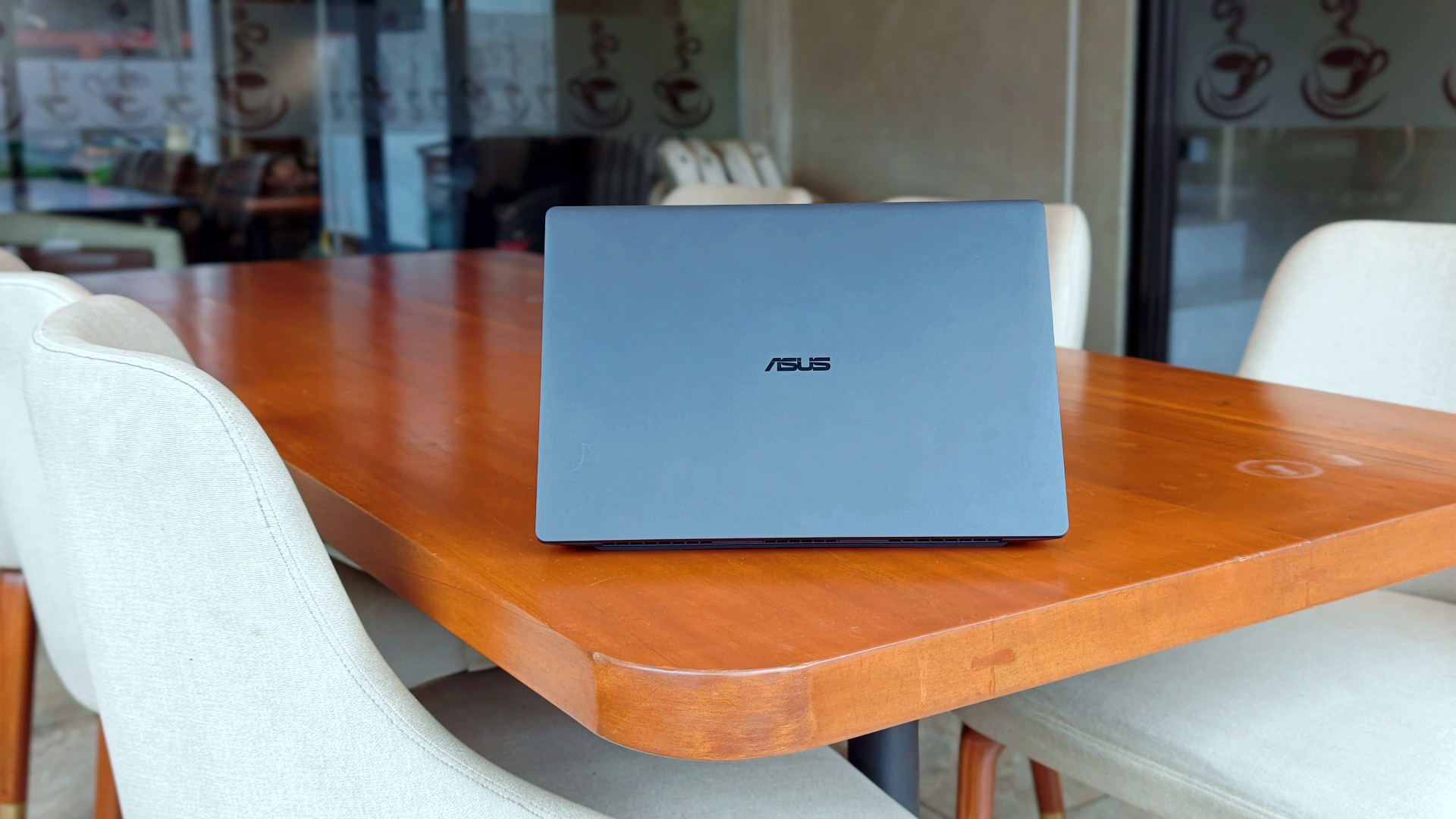
I genuinely thought that was it.
The review was done. The feature was out. ASUS had already collected the laptop. In my head, the campaign was over.
Then, out of nowhere, they sent it back.
Between the original review period and this unexpected encore, I ended up living with the ExpertBook Ultra for close to 30 days.
I wasn’t expecting to spend more time with it, but I certainly wasn’t going to complain. If anything, I just hoped they wouldn’t ask for it back again anytime soon.
Picking it back up felt familiar.
Like seeing an ex.
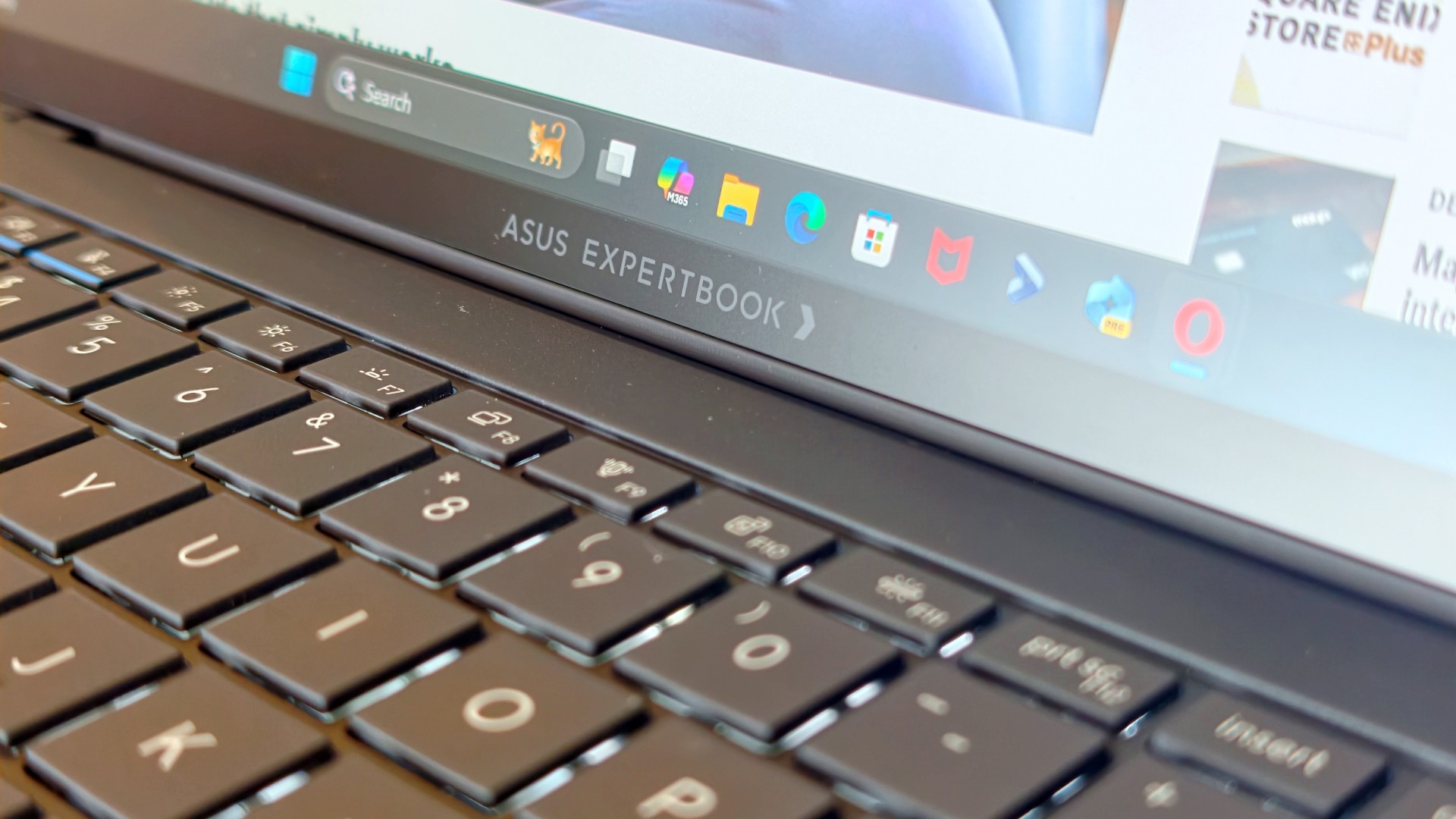
The butterflies came back almost immediately. So did everything I remembered about it.
It also got me thinking.
Maybe the best follow-up to a review isn’t spending another week with a laptop. Maybe it’s asking yourself one simple question:
How much did you actually miss it after it was gone?
That question was surprisingly easy to answer.
It still feels impossibly light
The first thing I noticed wasn’t the display. It wasn’t the keyboard either.
It was the weight.
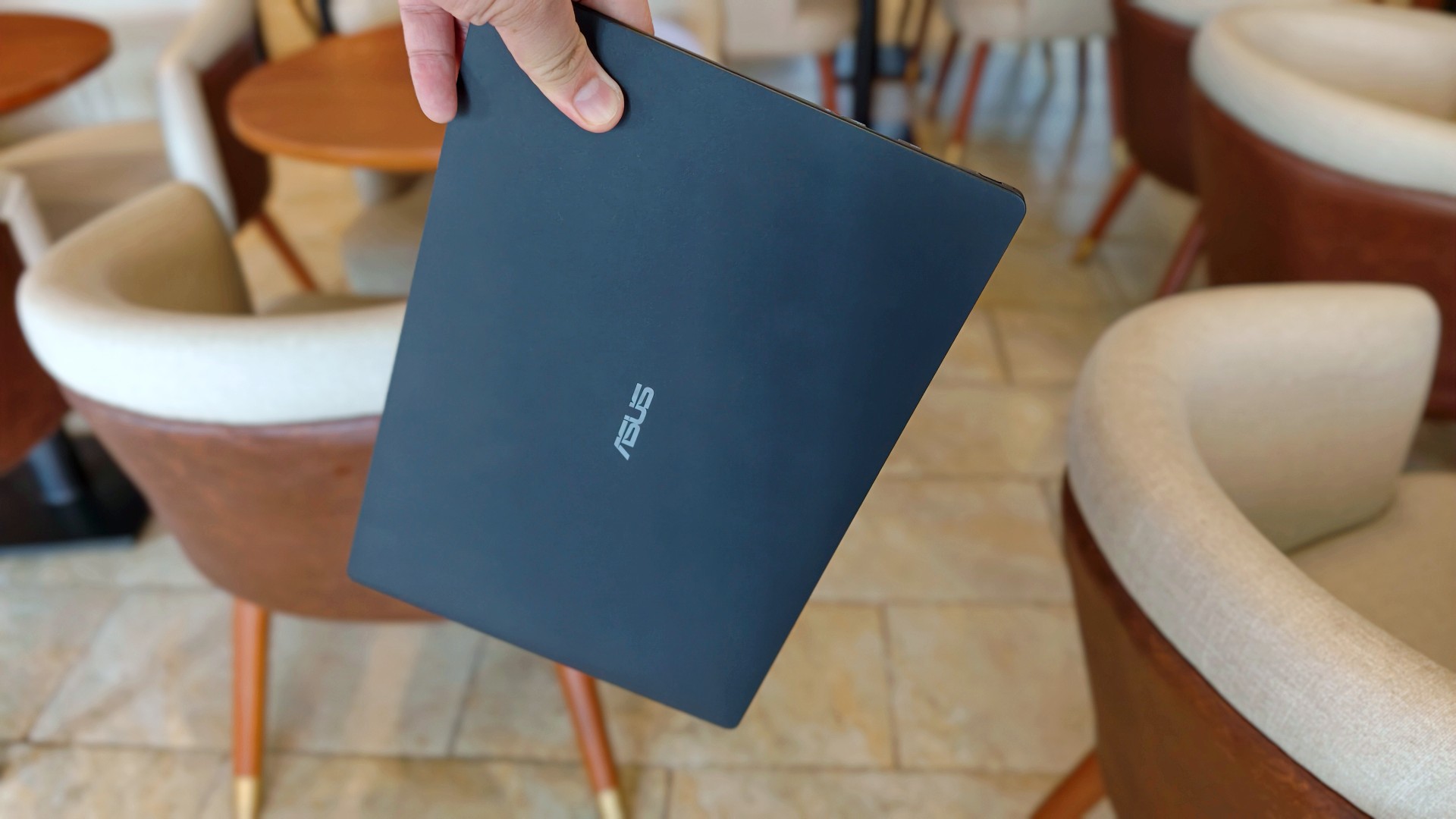
That became painfully obvious on days when I absolutely had to bring my laptop around. The 0.99kg starting weight really does make a difference when you’re bouncing between cafés, meetings, and wherever else work decides to take you.
So when the ExpertBook Ultra came back, it slipped right back into the same routine. Same cafés. Dinner after. Then back home where work usually followed me all the way to bed.
Most definitely inside the Bravo Tote V2. I upgraded my bag too lol.
The thing I noticed almost immediately wasn’t that it was light. I already knew that. It was how quickly everything came back.
Like we never parted.
The ASUS ExpertBook Ultra is still everything I want my MacBook Pro to look and feel like.
I still have a weird relationship with the Nano Ceramic finish
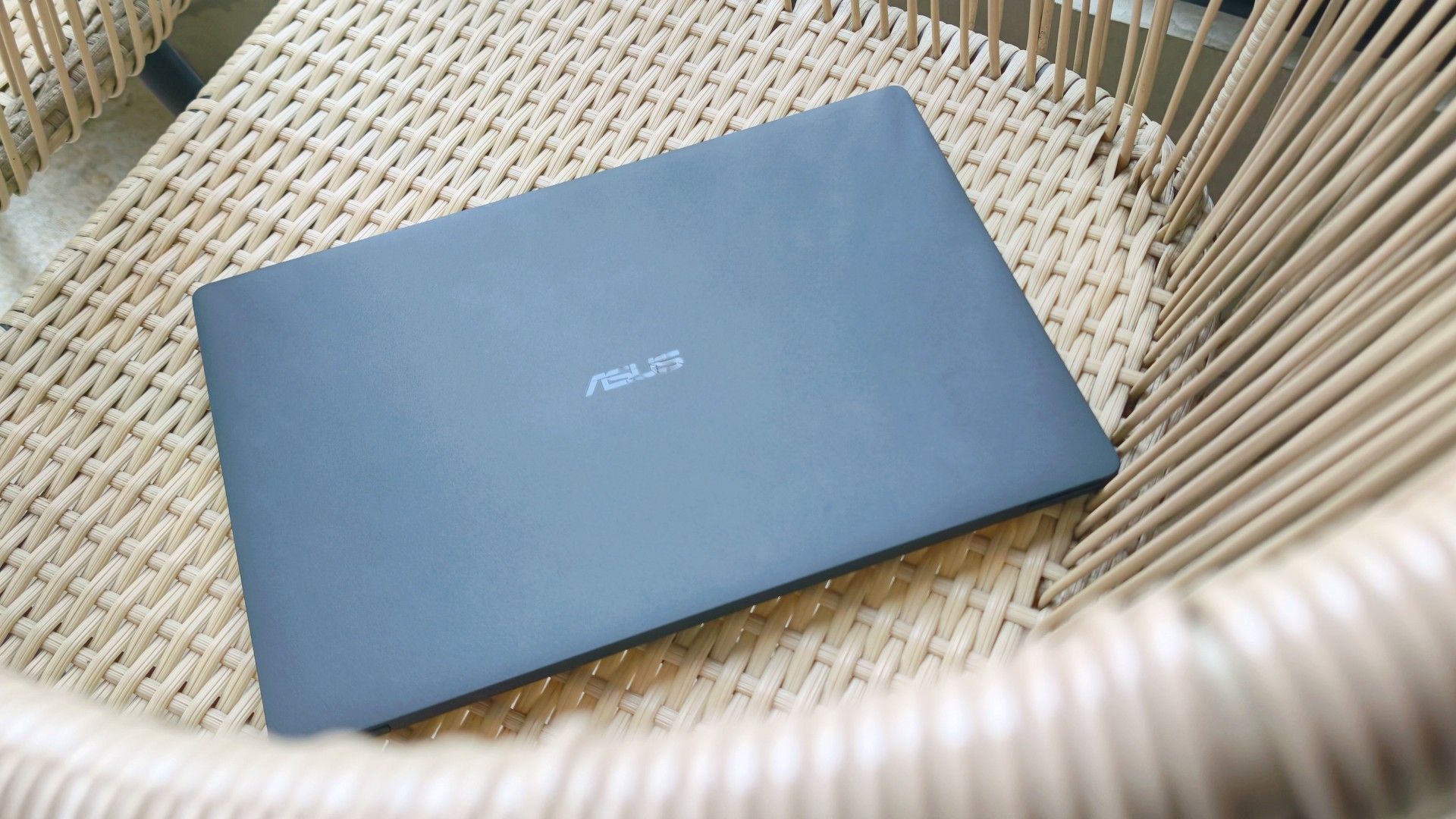
I know this sounds ridiculous, but I still catch myself running my hand across the lid before opening the laptop.
It’s just become part of the ritual.
Pick it up. Marvel at how light it is. Run my hand across the 9H Nano Ceramic finish. Then get to work.
One of the things I wondered after ASUS took the laptop back was whether I’d still care about the finish once the honeymoon phase had worn off. It felt like one of those features that would naturally lose its magic over time.
Apparently not. If anything, the time apart made me appreciate it even more. And as I continued to use it, these words came to mind: “I wish we never parted. I wish you stayed. And I wish you never go away.”
I forgot how much I liked working on it
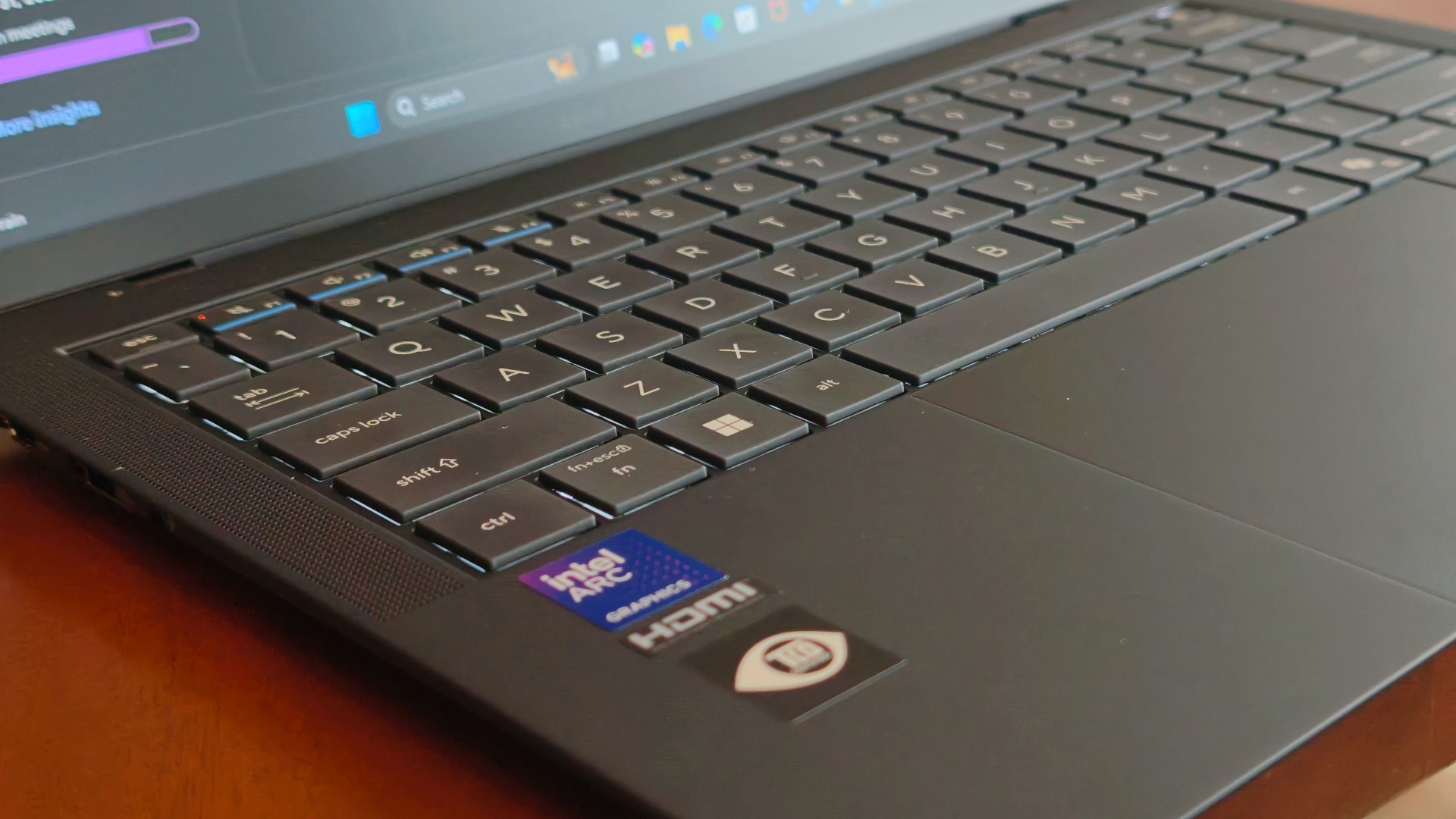
One thing that didn’t change while the ExpertBook Ultra was away was the kind of work I do.
The breadth and depth of it certainly didn’t magically change. I still spent my days coordinating projects, replying to emails, juggling deadlines, and letting ChatGPT help me process unresolved feelings and questionable timing in between writing articles.
That also meant I wasn’t really the target audience for some of the ExpertBook Ultra’s AI for Work features. I appreciated having tools like MyExpert, AI ExpertMeet, and Copilot+ within reach, but my workflow rarely called for them. Most days, I was simply too busy doing the work instead of exploring new ways to do it.
Although, I will say I did a lot more coordination work than the emotionally charged reviews and features I usually enjoy writing.
I also started editing a reel before eventually handing it over to one of our video editors for reasons completely unrelated to the ExpertBook Ultra. Rodneil issue.
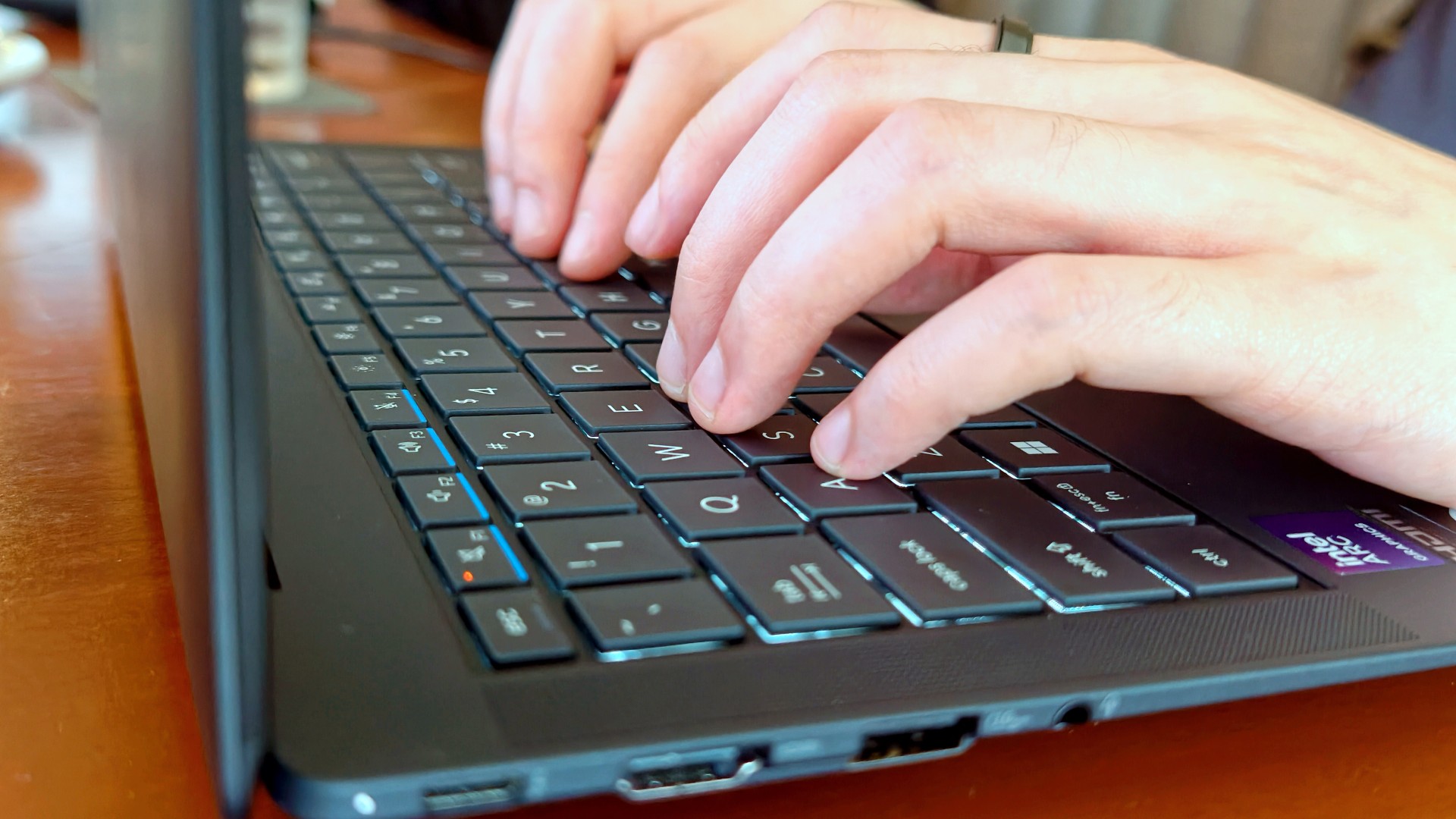
The keyboard, though, was just as lovely as I remembered. The 1.5 mm key travel still struck a nice balance between comfort and responsiveness, while the ASUS ExpertCool keyboard with its Excimer UV coating gave me one less thing to worry about during long workdays.
People often say a good keyboard is one you stop thinking about. I never did.
Every now and then I’d be halfway through an article and randomly catch myself appreciating how good it felt to type on. It’s one of those things you don’t expect to notice after days of use, but somehow you still do.
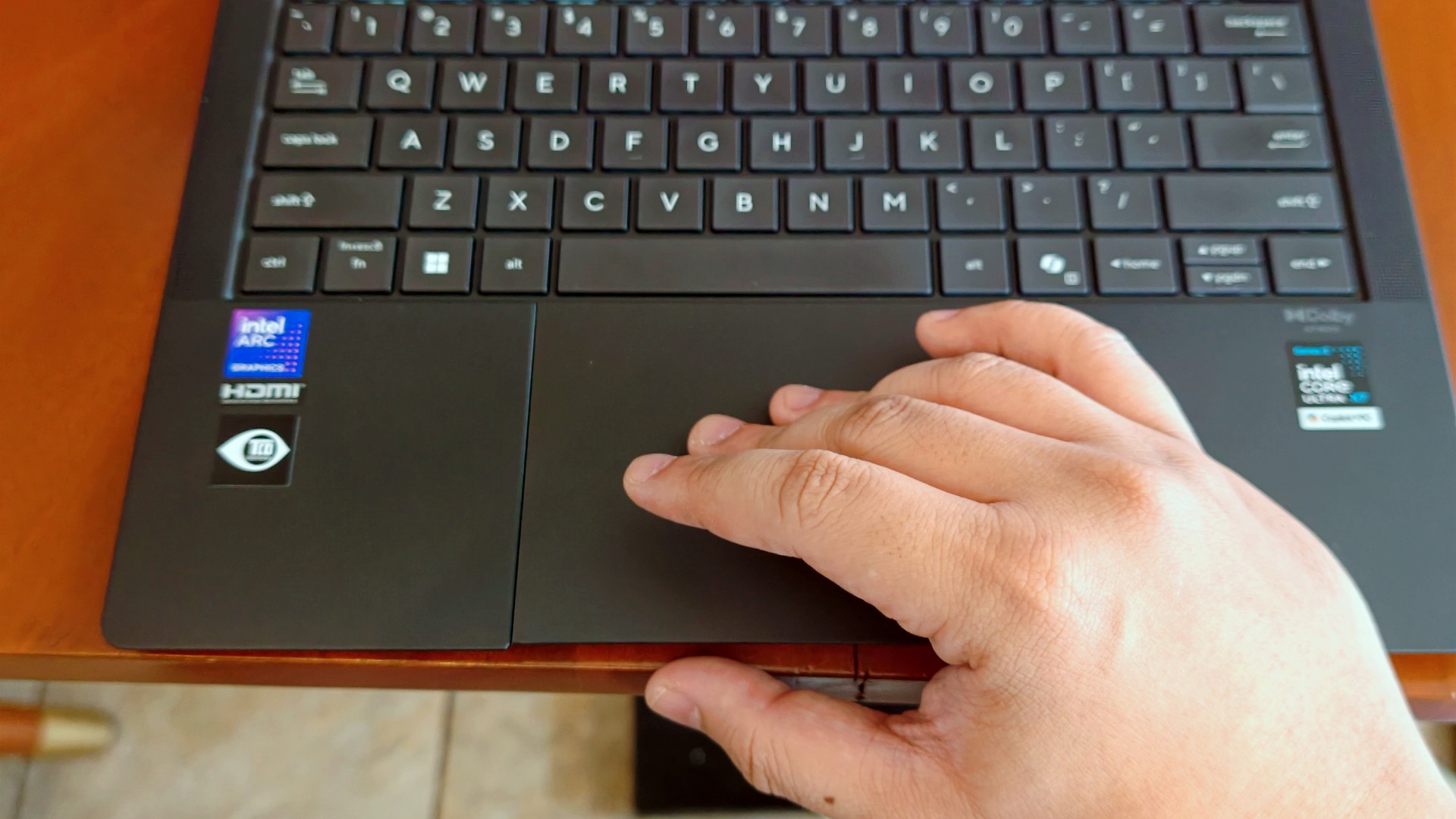
The haptic touchpad, on the other hand, started feeling like it was fighting me a little this time around. I still think that’s more of a software thing than an ASUS thing. If there’s one thing Apple still has over practically everyone else, it’s the MacBook trackpad.
That said, I still never found myself reaching for a mouse.
I got distracted… again (thanks, 3K Tandem OLED)

Eventually, though, my brain would tap out.
That’s usually when I’d stop pretending to be productive and switch to whatever was helping me decompress that week.
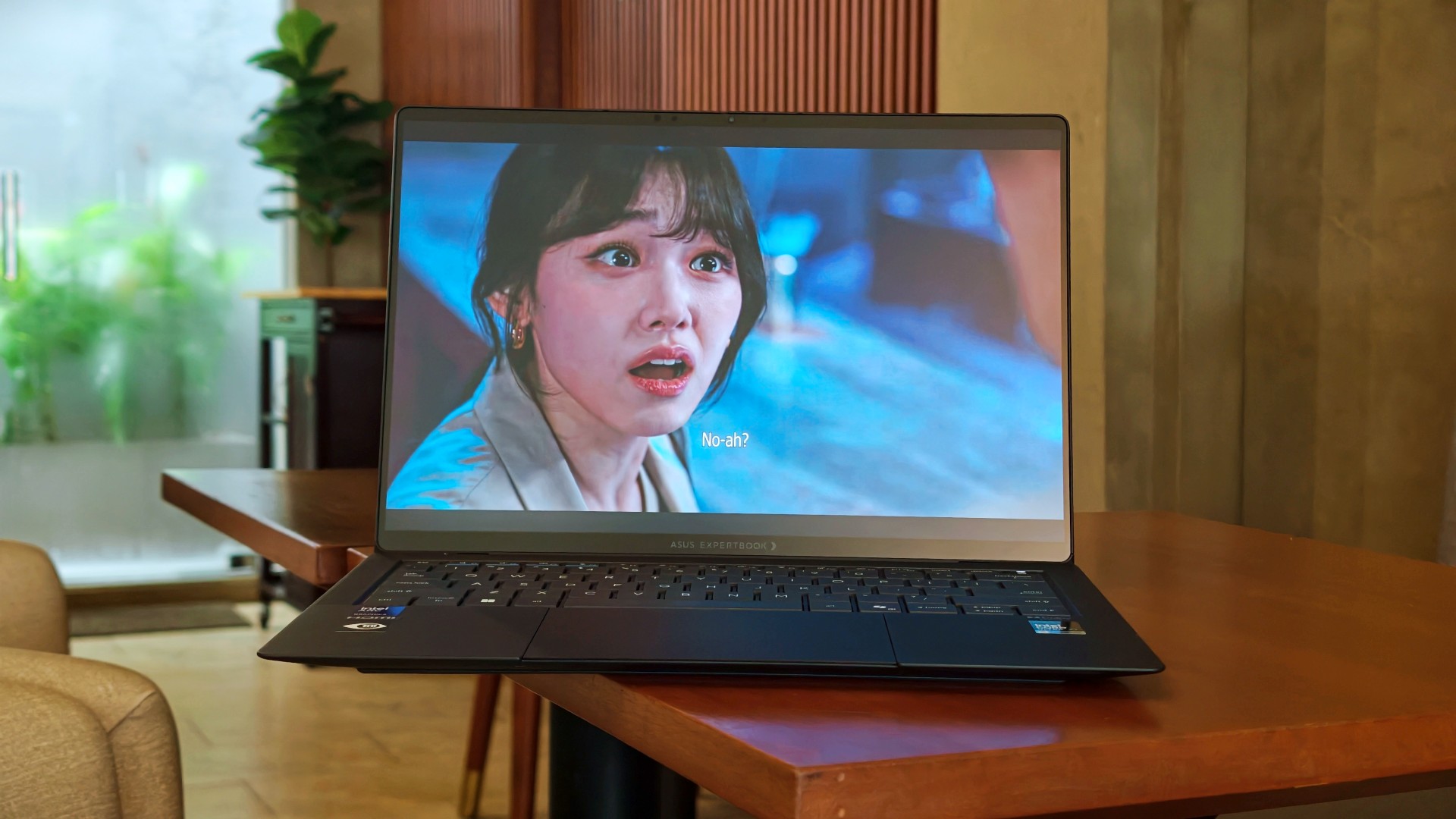
This time, it was See You at Work Tomorrow. I initially watched for second female lead Kang Mina (due for a lead role, btw) but got hooked with the rest of the cast pretty quickly.
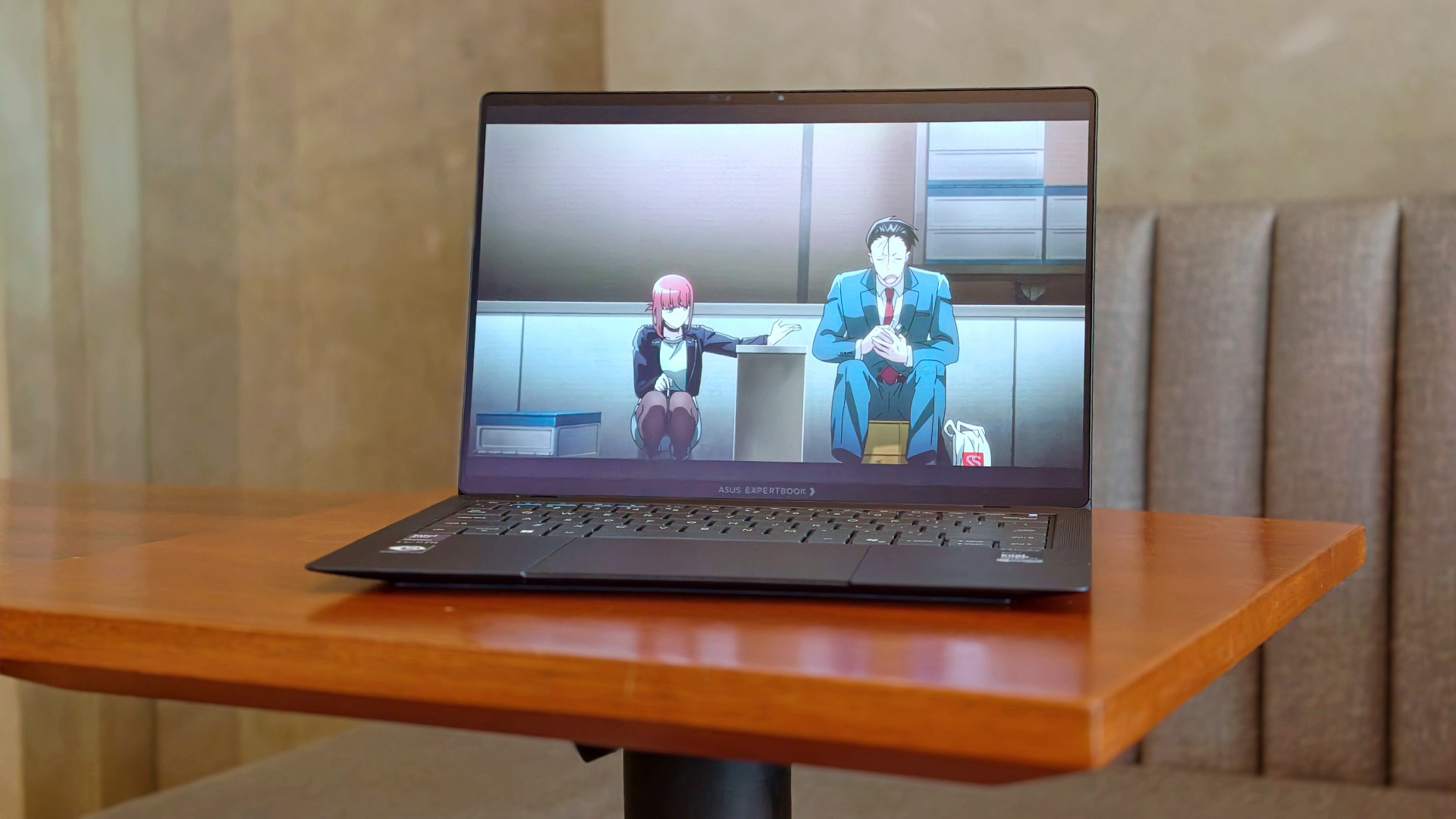
I also started Smoking Behind the Supermarket With You. It’s quietly become one of my comfort shows of late.
And naturally, there were the occasional fancams. This time, mostly of Kim Chaewon during LE SSERAFIM’s PUREFLOW concert stops.
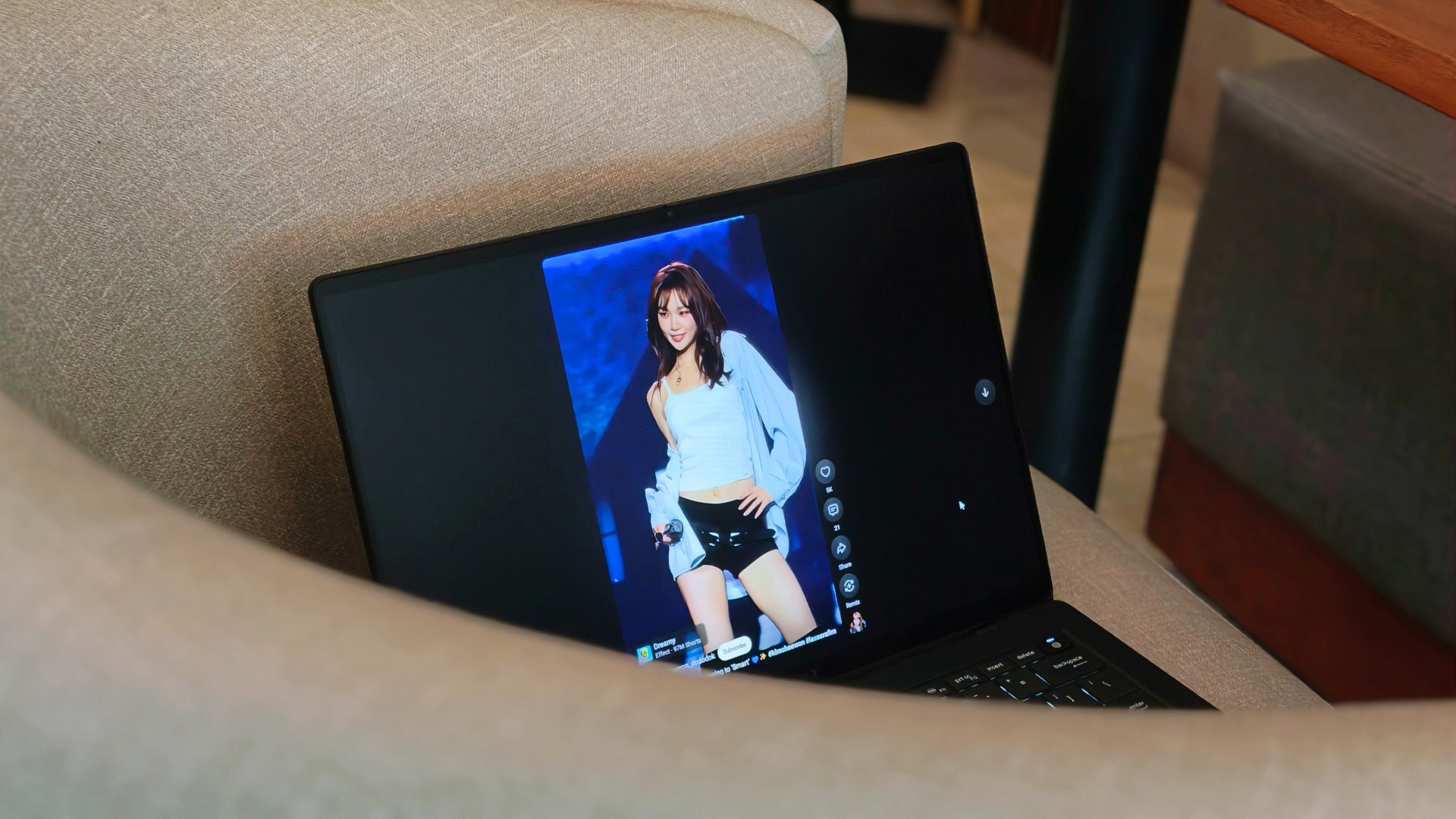
Funny enough, I don’t think I consciously appreciated the 3K Tandem OLED display as much this time around. I think I just got used to how good it looked.
Somewhere between deadlines, comfort shows, anime, and Chaewon fancams, I stopped noticing the display altogether. I just enjoyed whatever happened to be on it.
That’s probably the highest compliment I can give it.
Turns out, I hadn’t changed my mind
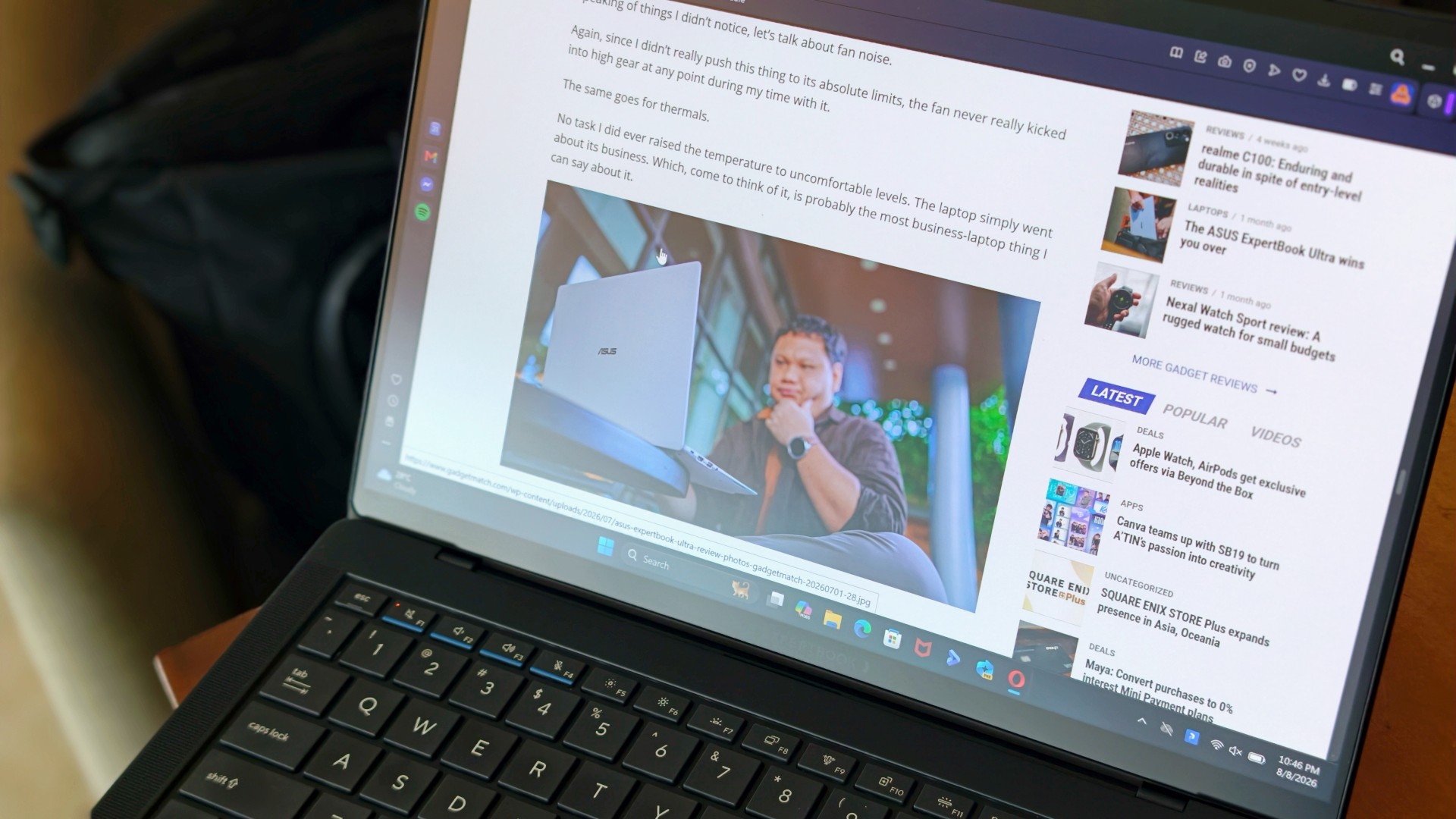
One of the reasons I was genuinely happy the ExpertBook Ultra came back was because I wanted to see whether I’d remembered it too fondly. After all, that’s usually what time does. You remember the good parts, forget the little annoyances, and convince yourself something was better than it actually was.
That never happened here.
If anything, getting the laptop back just reinforced the conclusions I had already come to the first time around. It still feels impossibly light. I still think it’s everything I want my MacBook Pro to look and feel like. And yes, I still wish it ran macOS.
Sorry, Windows.
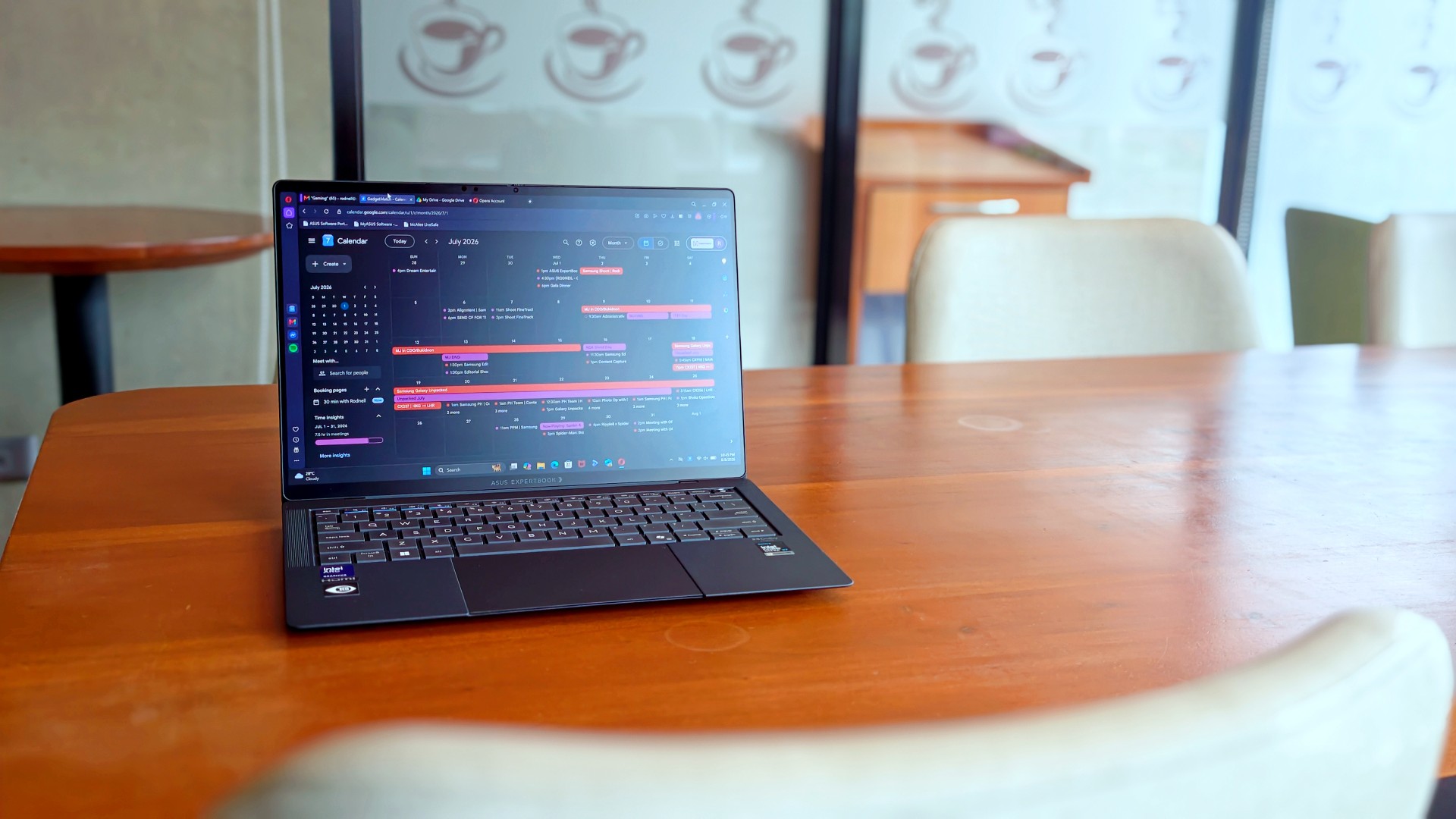
What surprised me more was that I never really found myself looking for reasons to disagree with my original review. I wasn’t paying attention to the little things anymore. Nor was I trying to re-review the laptop or see if I’d somehow missed a fatal flaw the first time around.
I just… used it.
It stopped feeling like a review unit and simply became the laptop I reached for whenever I had work to do or wanted to unwind with a K-drama at the end of the day. Looking back, that’s probably why nothing really changed. I had already formed my opinion. Getting it back just confirmed it.
The person I picture using this laptop also hasn’t changed. It’s still for people who’ve made strides in life and want a machine that reflects where they are while keeping up with everything they’re taking on.
That’s who I pictured when I first wrote about the ExpertBook Ultra.
Funny enough… That’s still who I picture today.
Sometimes the best review begins after the review ends
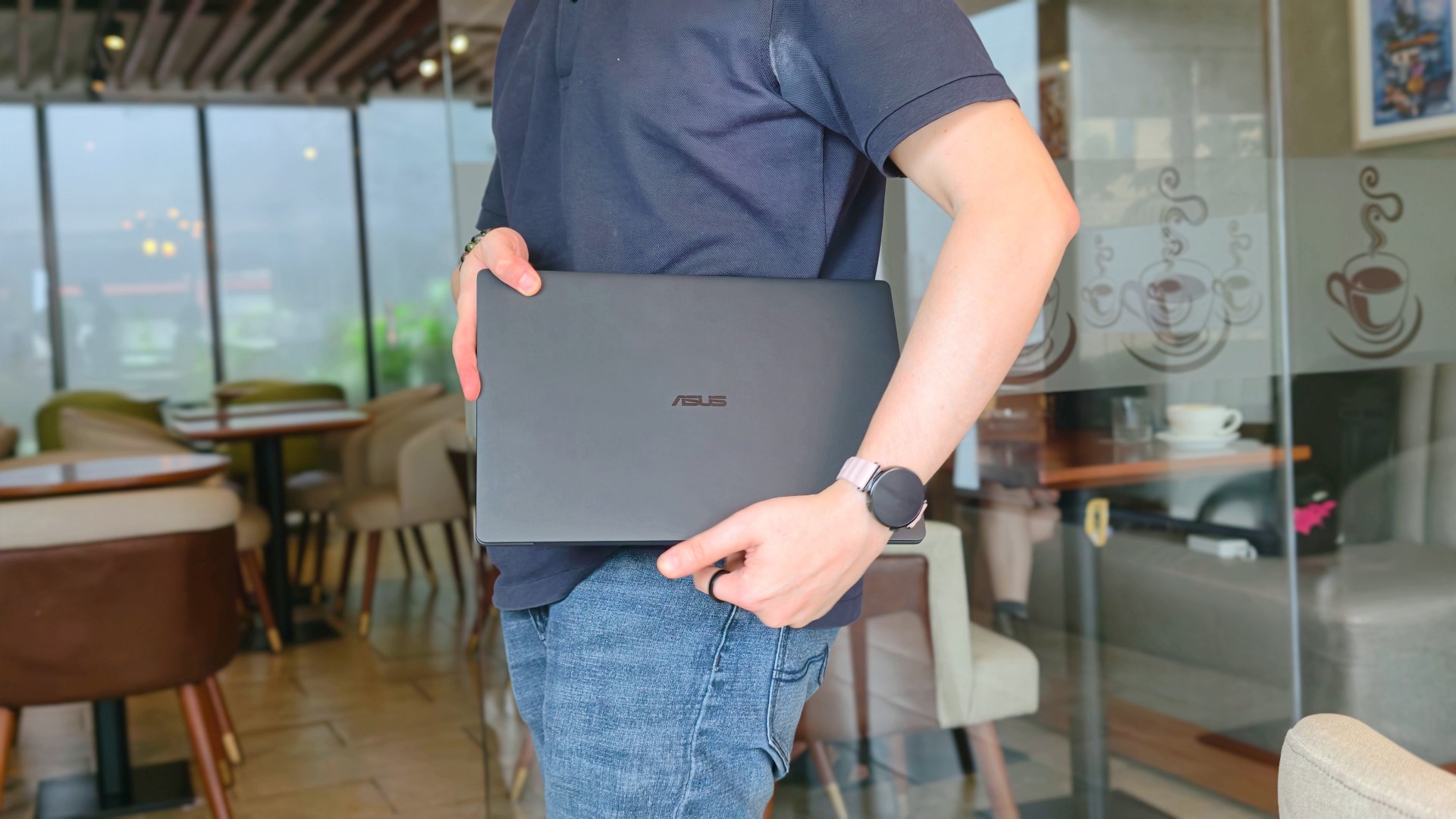
When ASUS took the laptop back, there was actually some relief. It signalled that the campaign was over.
That feeling didn’t last very long.
I couldn’t help but long for it shortly after, especially on days that I absolutely had to bring a laptop around. The weight really does play a big factor during days like this. And as ridiculous as it sounds, I never quite got over the Nano Ceramic finish either.
That’s probably what surprised me the most. Not that I still liked the ExpertBook Ultra. I already knew that.
It was realizing just how much of the experience stayed with me after it was gone.
If you’ve been considering the ExpertBook Ultra, my advice probably hasn’t changed after spending close to 30 days with it. Don’t buy it because it’s the lightest laptop around or because it packs every feature under the sun. Buy it because you want a machine that quietly gets out of your way and lets you focus on the work that matters. That’s what it ended up doing for me.
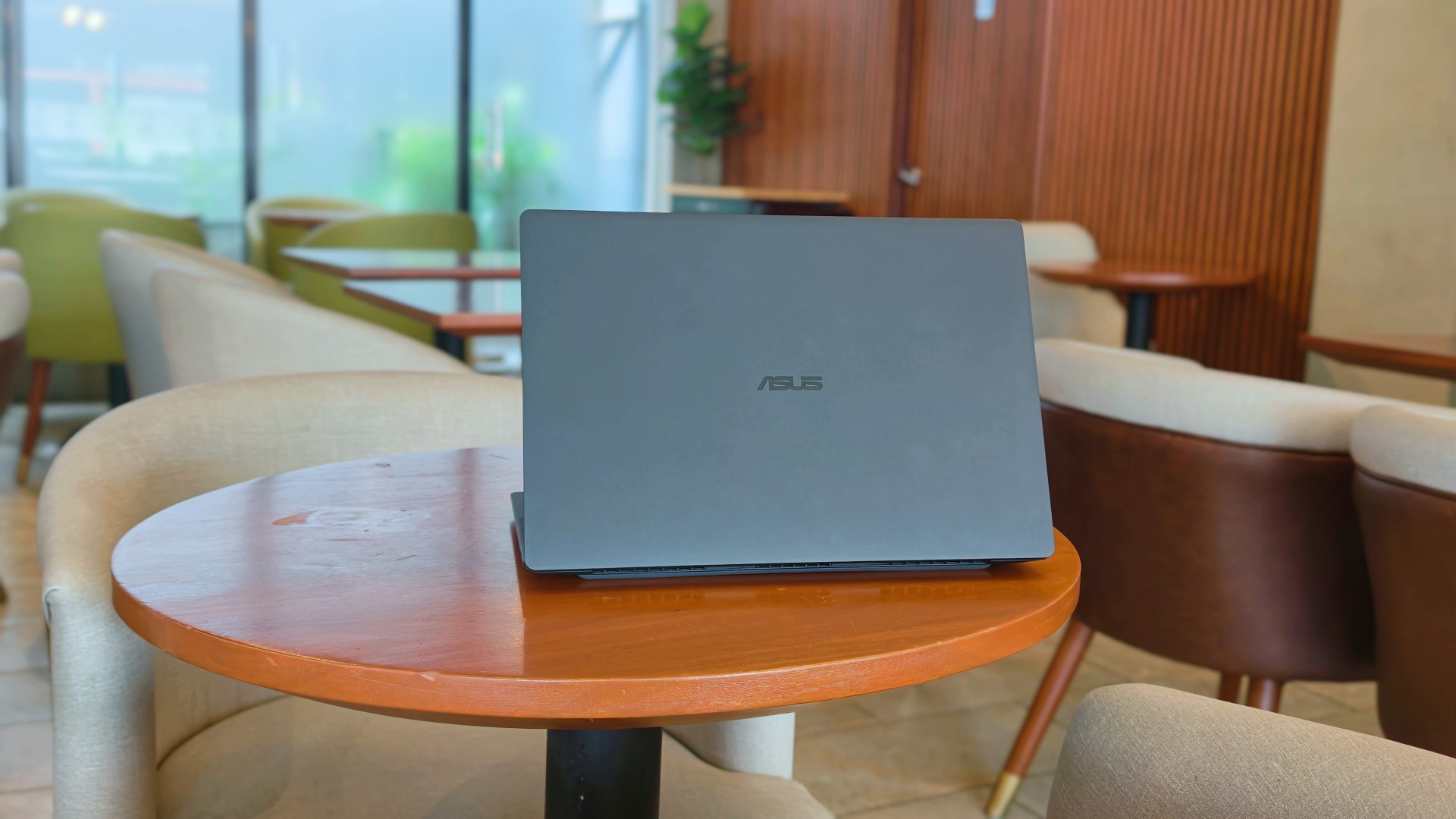
After this reunion, the ASUS ExpertBook Ultra will likely leave me again. Some exes are just like that. They’re meant to be exes.
And while they don’t stay, they leave an imprint on how you go about life moving forward.
I just know some part of me will always look for the best that I’ve found with the ExpertBook Ultra whenever another laptop lands on my desk.
Is that fair? Perhaps not. But it is what it is.
Thinking of making the switch?
If you’ve been considering the ASUS ExpertBook Ultra, ASUS Business Philippines is currently running an Early Bird Bundle Promo until August 31, 2026. Purchase any ASUS ExpertBook Ultra from participating ASUS Expert Stores and select tech retailers to receive over Php 13,000 worth of freebies, including an ASUS 100W GaN Charger and SSI Gift Certificates. (DTI Fair Trade Permit No. FTEB-261070 Series of 2026.)
The ASUS ExpertBook Ultra starts at Php 129,995 and is available through select ASUS authorized stores and tech retailers nationwide.
Every purchase also includes a 3-year battery and charger warranty extension, with upgradeable warranty coverage of up to 5 years, giving you added peace of mind long after you’ve taken it home.
Where to buy:
ASUS ExpertBook Ultra: https://ph.asus.click/ExpertBookUltra-WheretoBuy
ASUS Expert Store – Lazada: https://ph.asus.click/ASUSExpertBookStoreLazada
ASUS Expert Store – Shopee: https://ph.asus.click/ASUSExpertBookStoreShopee
For businesses, ASUS Business Philippines also offers flexible configurations tailored to your organization’s needs. To learn more about volume purchases, visit:
https://ph.asus.click/Business-VolumePurchase

Laptops
ROG STRIX G16 Review: Building for the moment
Setting it up however you want to make the most out of it

As someone who loves to build PCs, gaming laptops do not completely appeal to me as much as it would for other people. Apart from the limited capacity to tinker and upgrade parts, in some cases, gaming performance doesn’t feel the same as an actual desktop PC.
Also, there’s the ever-present concern on its portability given that most gaming laptops come in rather hefty clam shells.
The other thing is that given we now have more portable ways to play the game, gaming laptops feel behind in the game. Handhelds like the ASUS ROG Ally X make it easy to just bring the games with you even if you won’t be able to play all genres anyways.
However, there are still those that dare to take the chance on the clam shell for all the other, non-gaming aspects it excels in.
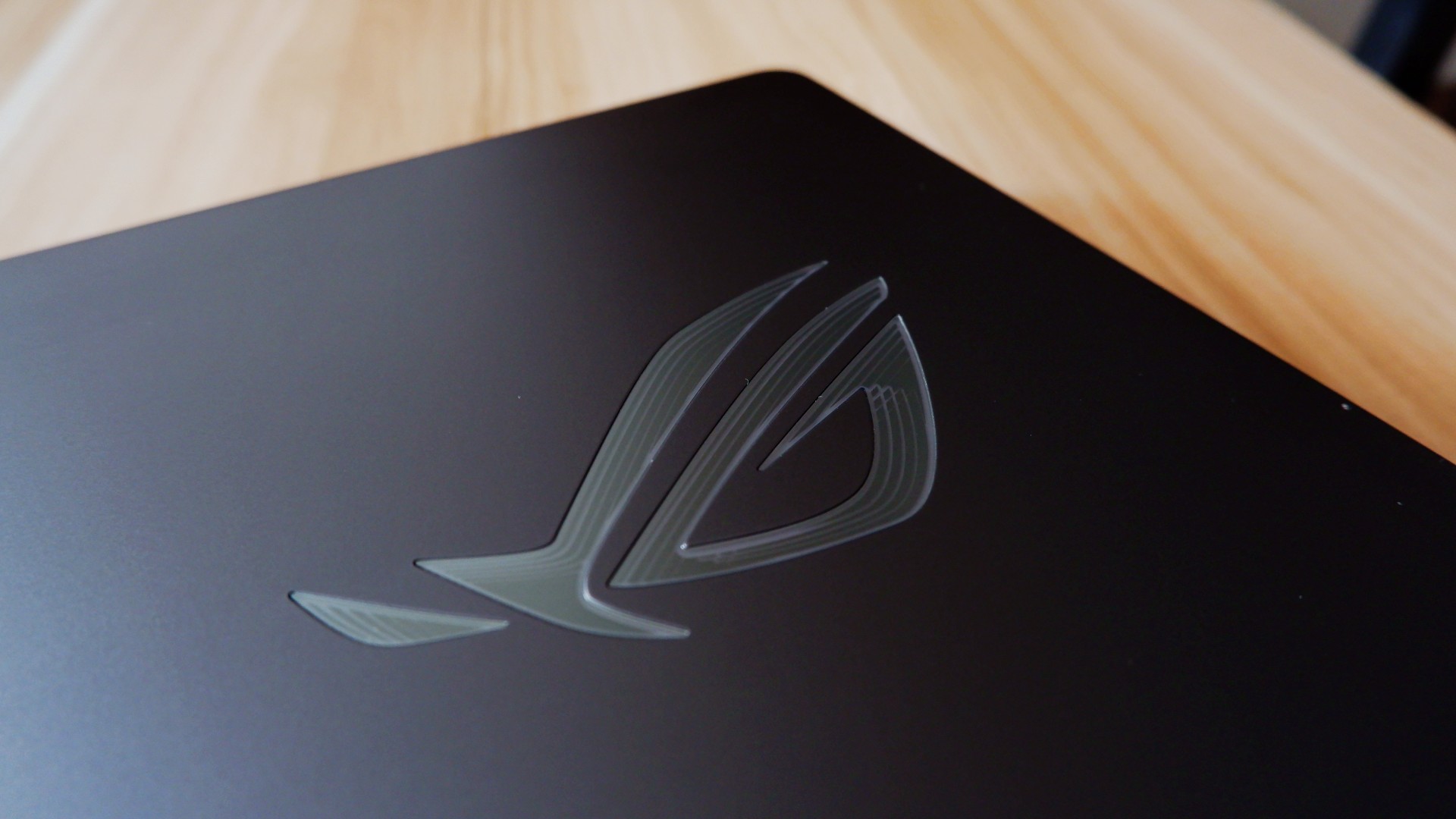
So, when ROG came to us with the ASUS ROG STRIX G16, I wanted to give it a shot to see if it’s something worth totally investing in.
On paper, it promises to be an excellent device for all of its intended use cases, but you can say that about anything at this point. There has to be something different that truly makes this device worthwhile in 2026.
Performance-maxxing at its finest

If it isn’t obvious yet, I think that this new version of the ROG STRIX G16 performs absolutely well with the hardware it comes with.
Powered by the new Intel Core Ultra 9 and an NVIDIA RTX 5080, it covers every little use case you need it for. Editing spreadsheets, creating videos from scratch, playing RTX-compatible games with high quality details – it honestly can do no wrong.
On the outside, the device sports a 16-inch, 2.5K ROG Nebula Display, maxed out with a refresh rate of 300hz. While it does come in the unorthodox 16:10 aspect ratio, it doesn’t totally ruin the viewing nor gaming experience in my opinion.
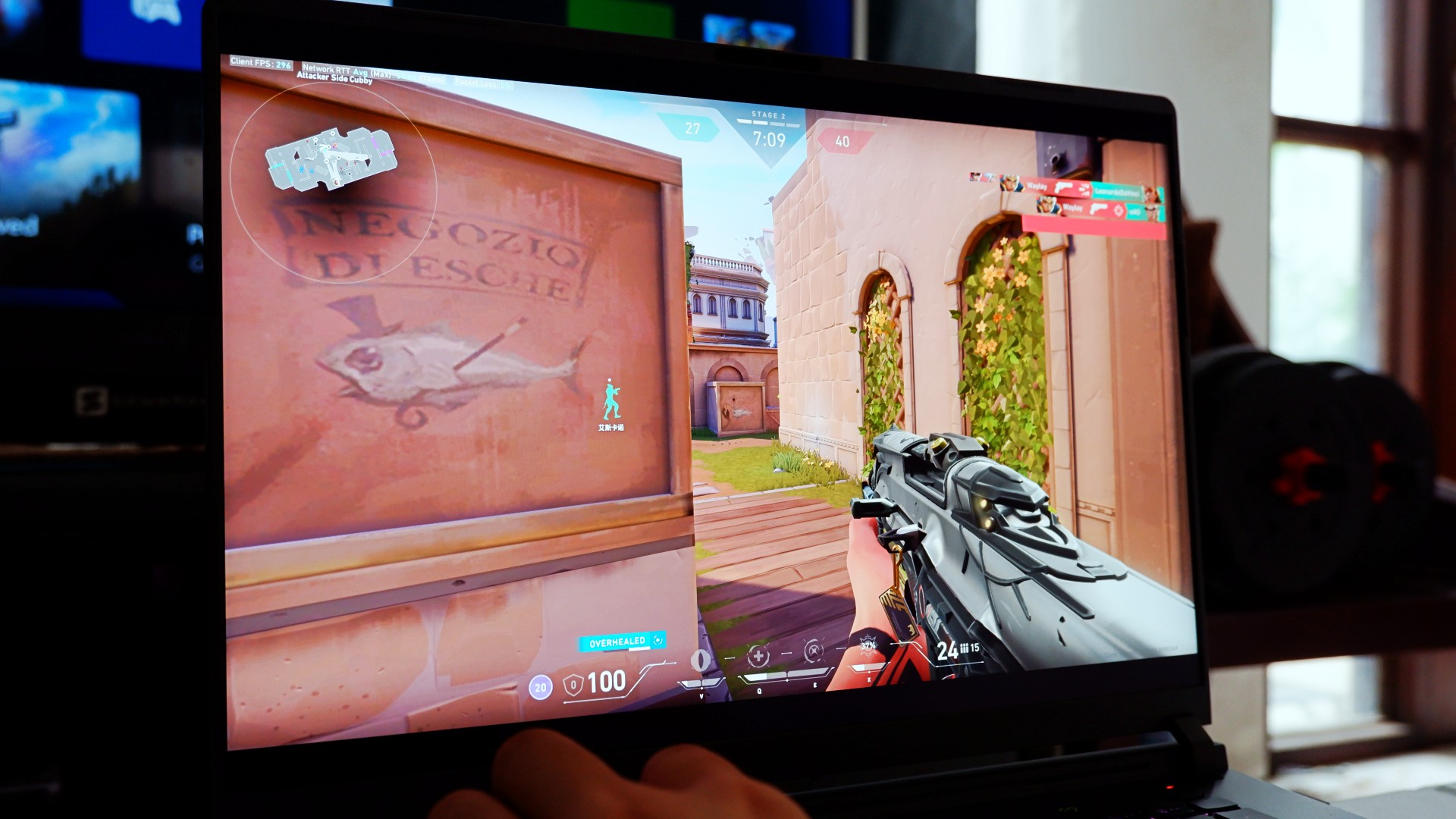
Also, that high enough of a refresh rate already puts this display within the competitive gaming tier of performance. So, expect to hit more headshots when you play on this device, hopefully.
The thing is, for me, this is expected coming out from ASUS ROG. Great internal hardware, matched with the external hardware to maximize the gaming experience – it’s what they’re known for.
At this point, they’ve continuously raised the bar on maxing out gaming and productivity performance that it bears no repeating past this point.
So, what’s new?
Designing the experience your way
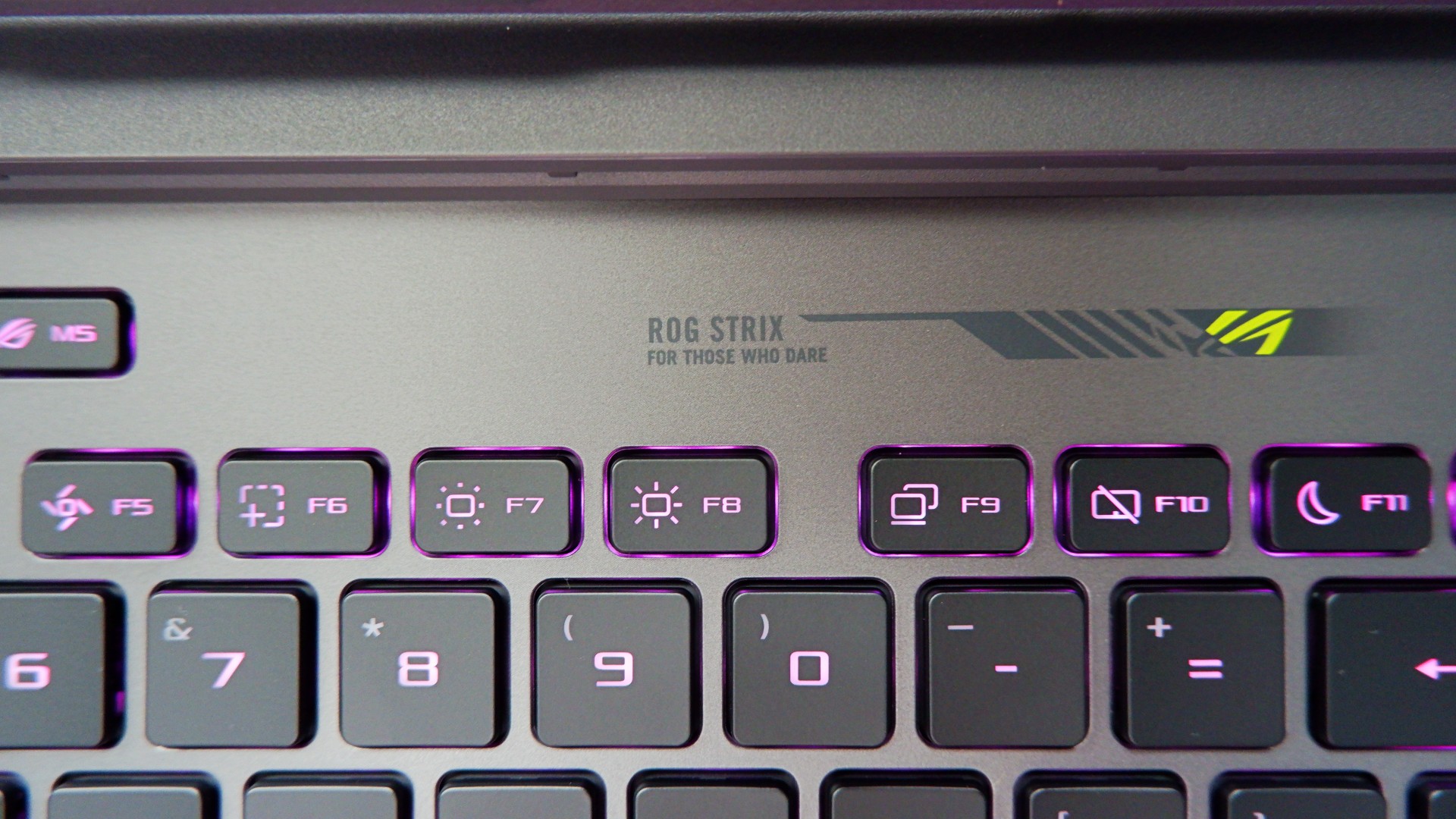
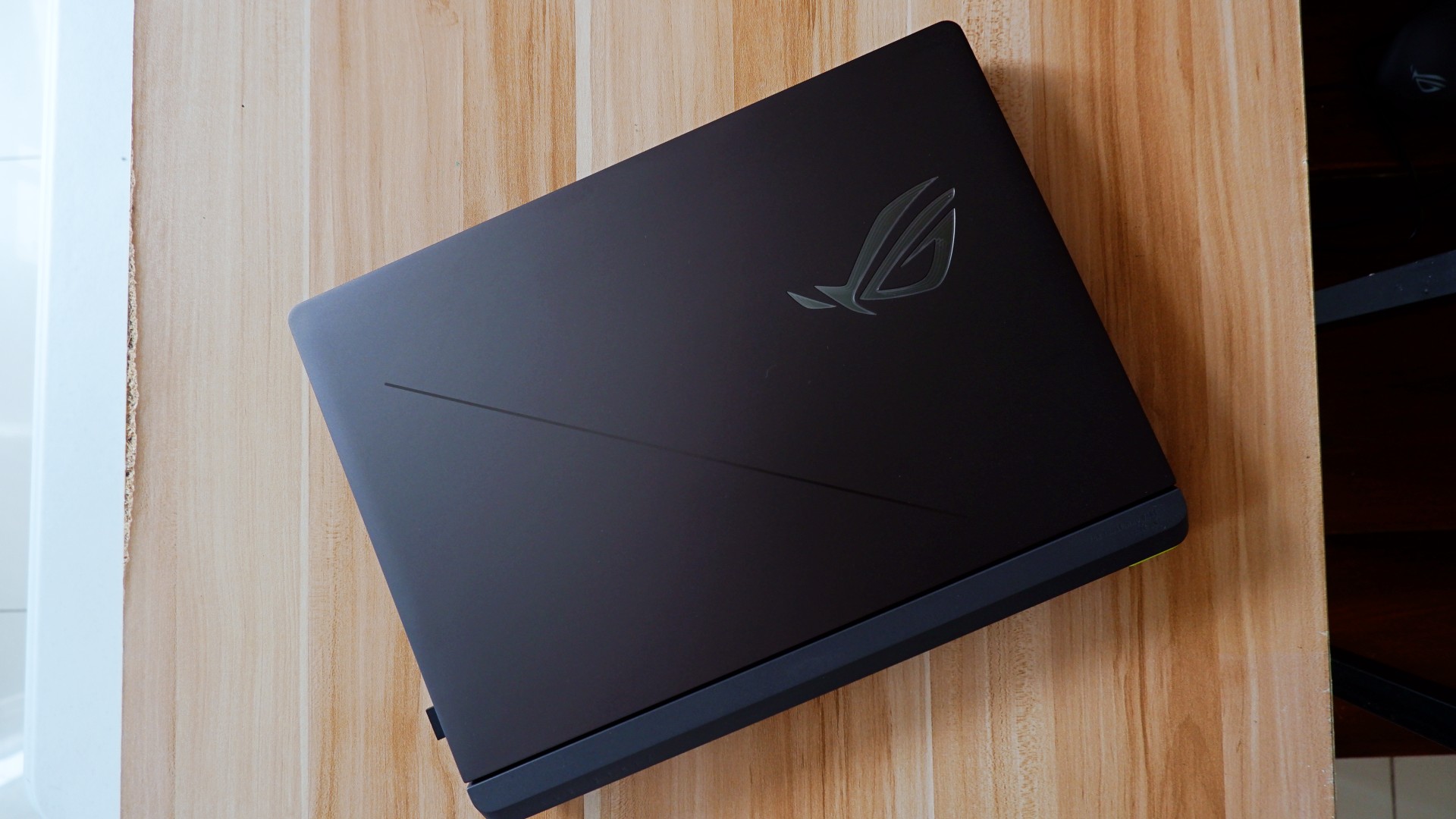
The ROG STRIX G16 for 2026 sports a rather subtle, nearly minimalist physical appearance upon unboxing. Bannered by an LED ROG logo and several nods to their brand messaging, it’s as unassuming as one would expect.
Once you turn it on, you are greeted with the flash of RGB light strips surrounding the keyboard and the underside of the laptop – all fully customizable on Armoury Crate. If you ask me, that’s not even the best part.
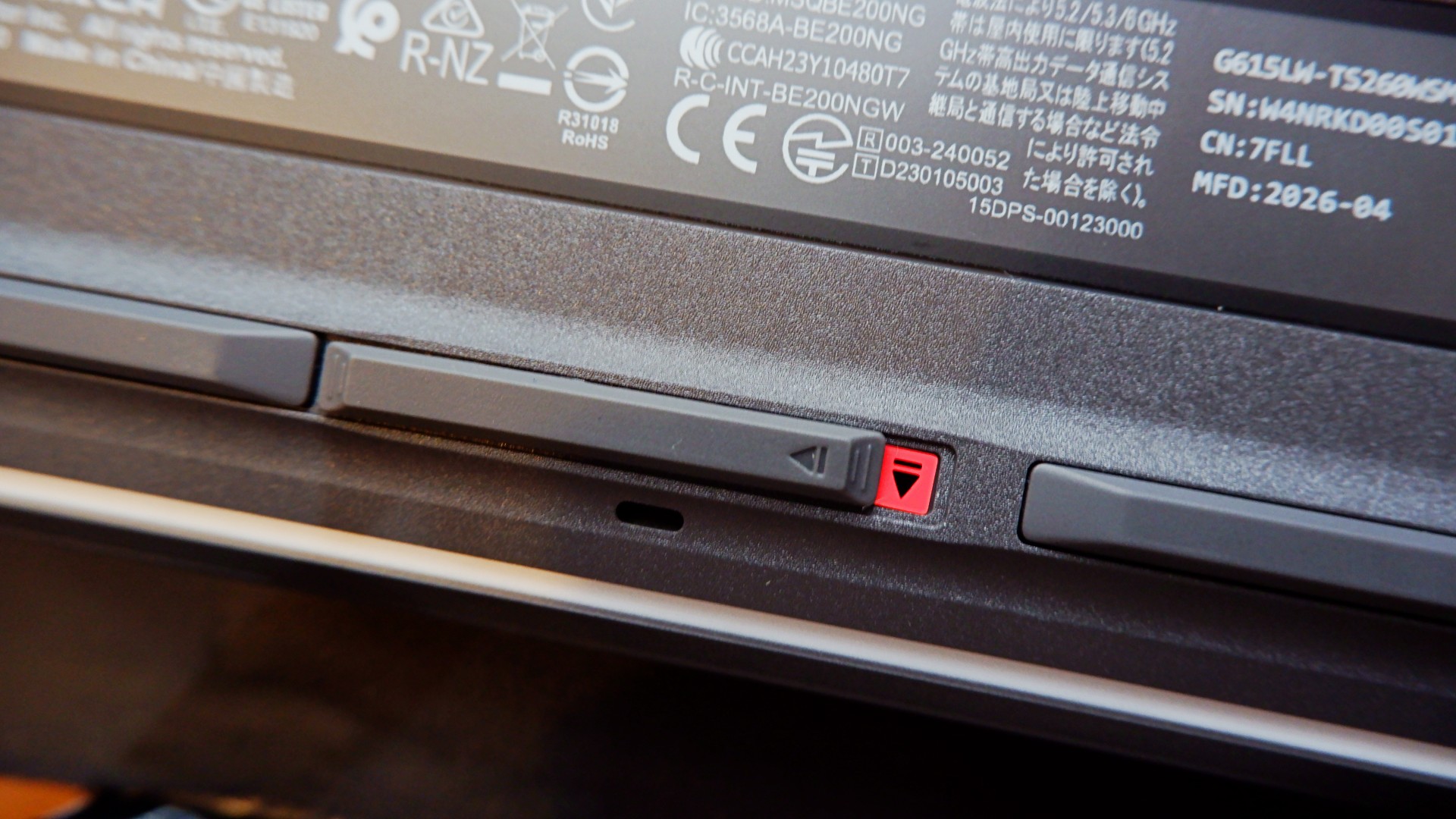
When you flip the device to the underside, you will notice this peg that can pass off as its rubber footing. However, inspect it further and it’s actually a switch that, when slid to the left, unlocks the protective cover of the laptop’s internal hardware.
Once unlocked, it allows you to easily add another M.2 SSD storage or expand your RAM to 64GB, which is a huge deal on its own.
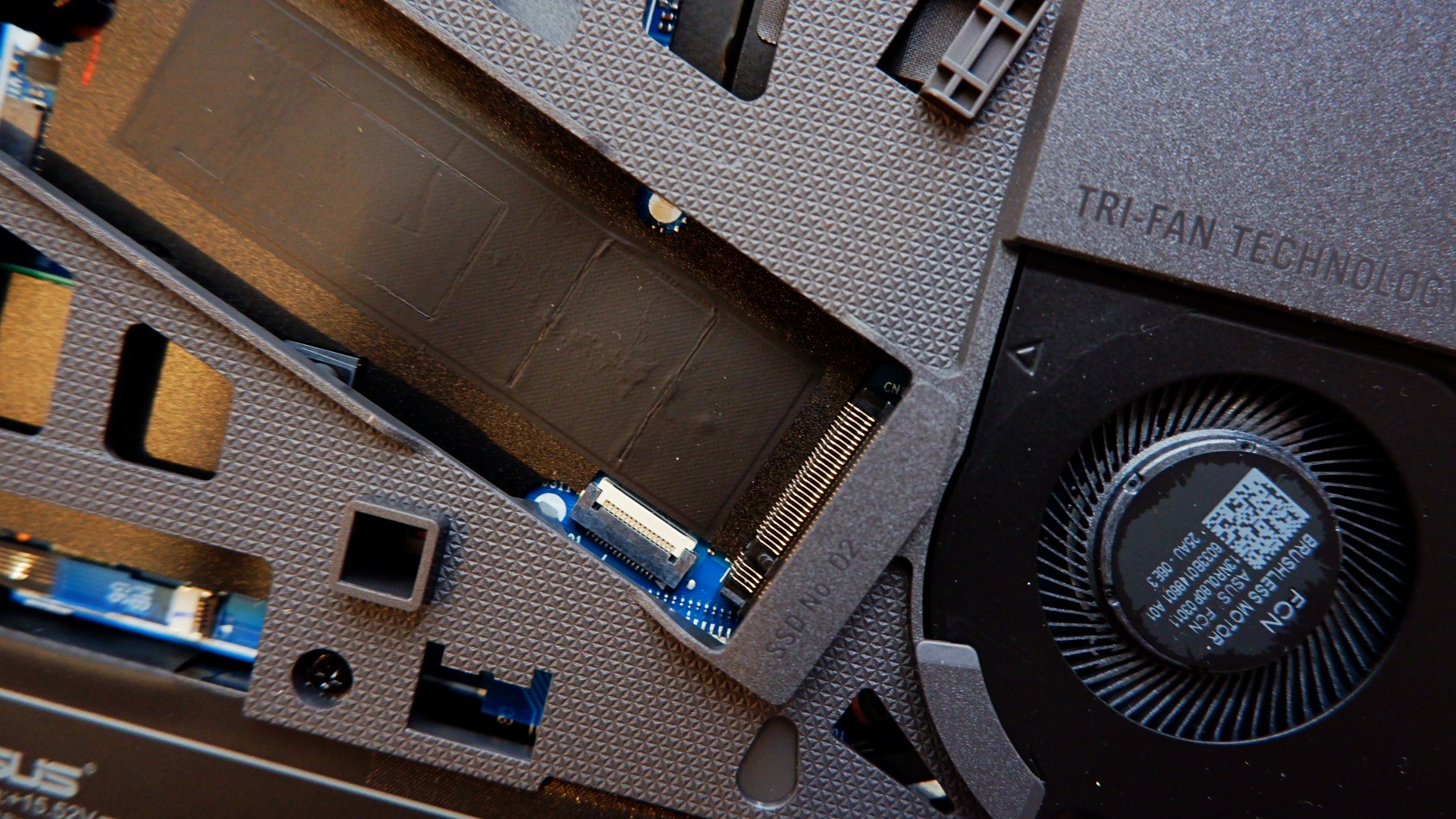
Upgrading your laptop was never this easy nor safe to do, considering that you will normally need to remove the screws and potentially void the warranty. With the ROG STRIX G16, both of those worries are eliminated for you to craft the perfect gaming machine.
The only thing, though, is it’s still a pretty bulky machine that made some weird tweaks to the other components.
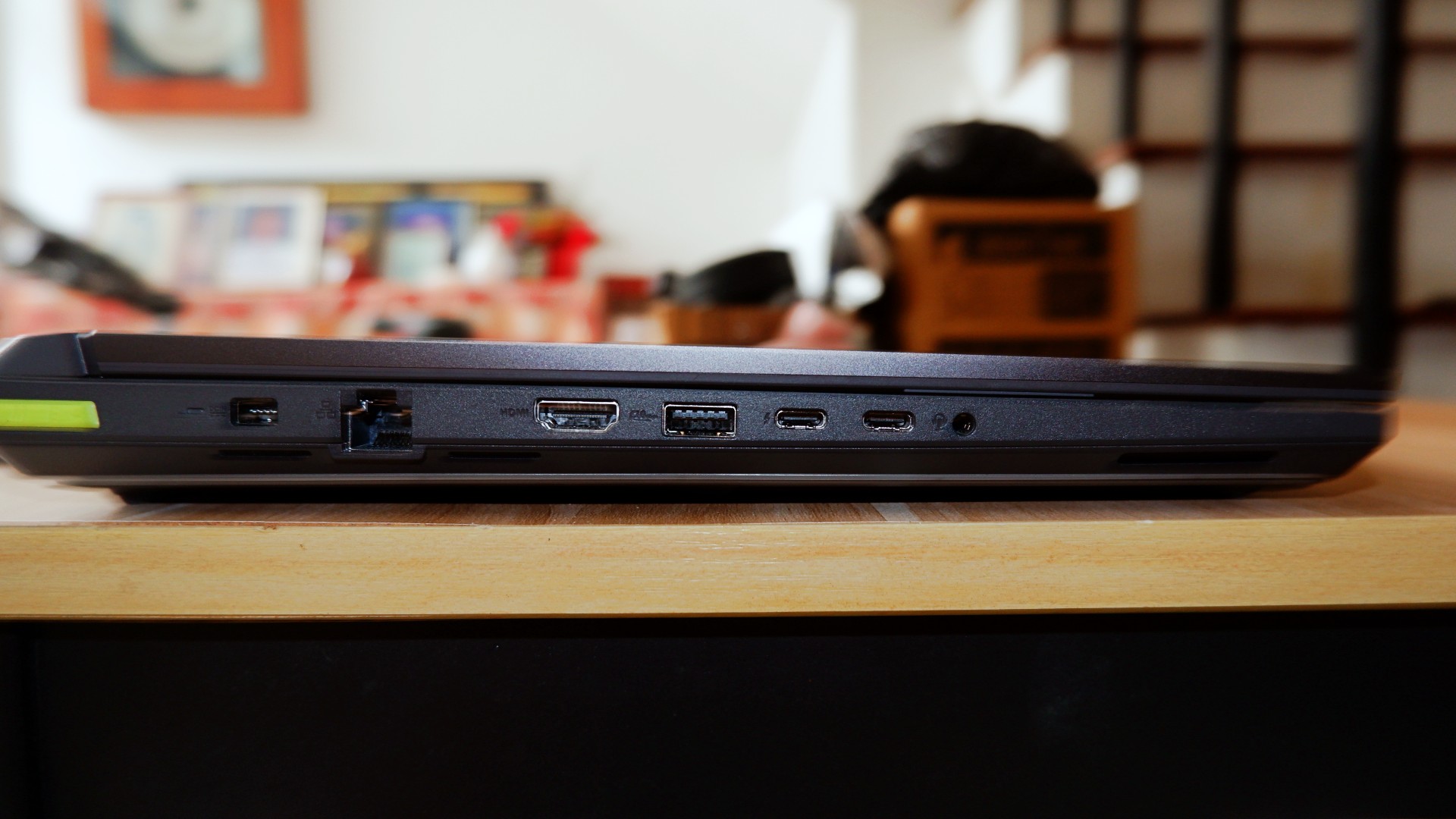
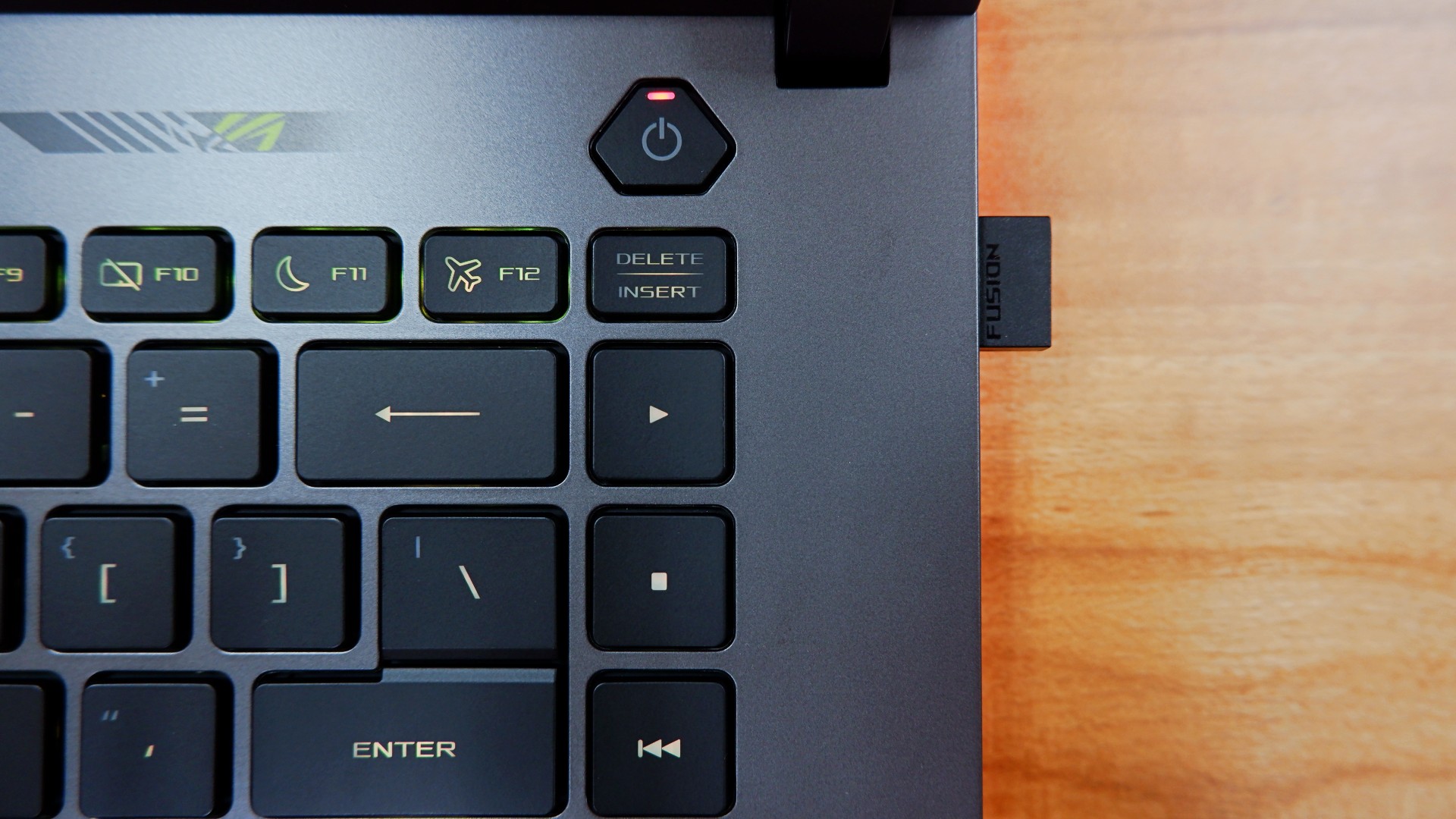
I’m personally not a fan of the unbelievably large trackpad and the somewhat awkward key travel while typing due to the switches being small for my hands. External peripherals are a must, but the components having weird quirks are not a total deal breaker.
No heat in the moment
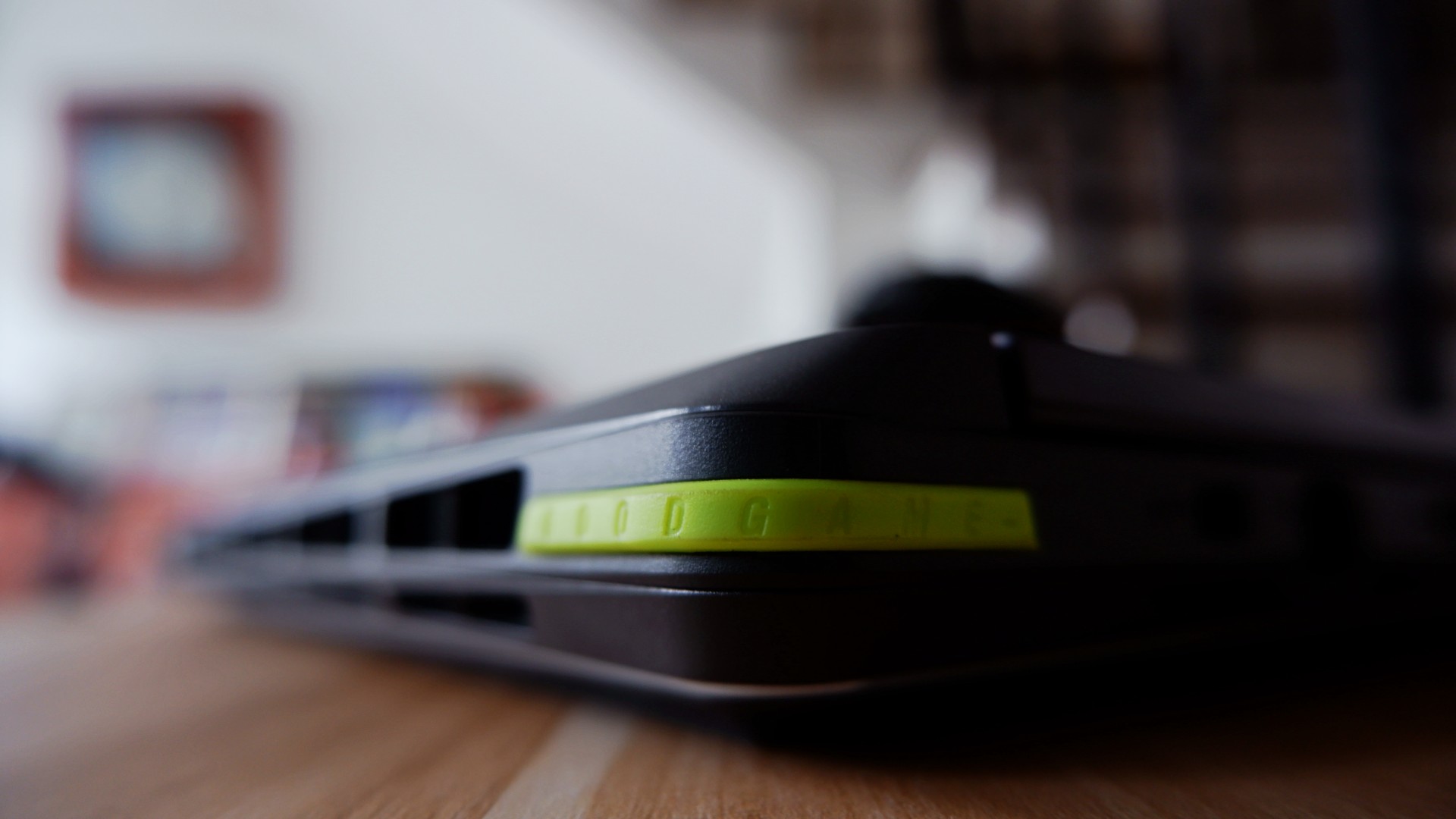
ROG brings its new Intelligent Cooling system that it applied to the 2026 version of the STRIX G16, which promised better heat dissipation on paper. Part of the design choice to accompany this was to open up most ventilation on the rear end, unlike other models that still evenly distributed it to the sides.
This, to me, was a welcomed change especially with Intel chips that typically throttle during intense workloads.
The most obvious pain point I had before was immediately addressed by this new cooling system. Effectively, they made the heat dissipate through one ventilation area so it no longer affects other parts of the laptop to make the experience uncomfortable long term.
One example of this: the keyboard doesn’t take the heat after three hours of non-stop play on Performance mode while the system is throttling to achieve better frame rates.
Even after I shut down the laptop after use, the underside doesn’t get too warm either. I initially thought it had to be if that was an area you would have easy access to.
Well, I’m glad to never attempt to fry eggs on a laptop ever again, at least!
Battery levels that keep you in the clutch

For a device this powerful, it’s not a surprise to me that the battery drains quickly when you’re on the move. In my regular usage, I tallied around four to five hours before zero, only slightly improved to five and a half when leaving the device idle for a while.
Surprisingly enough, increasing the intensity of the load cuts these numbers only by a bit – clocking in three and a half hours maximum with heavy gaming.
Fortunately enough, the 380W charger charged it back to full at a quicker time and pace as its battery drain time.
Going from none to done took an average of two hours when idle, nearly two and half hours when in use while charging.
To me, this is more than enough time to go on a break when the games are tilting you too much. You can also use the 100W USB-C charger if you want to keep the laptop idle for longer and it will take four hours.
Is the ROG STRIX G16 your GadgetMatch?
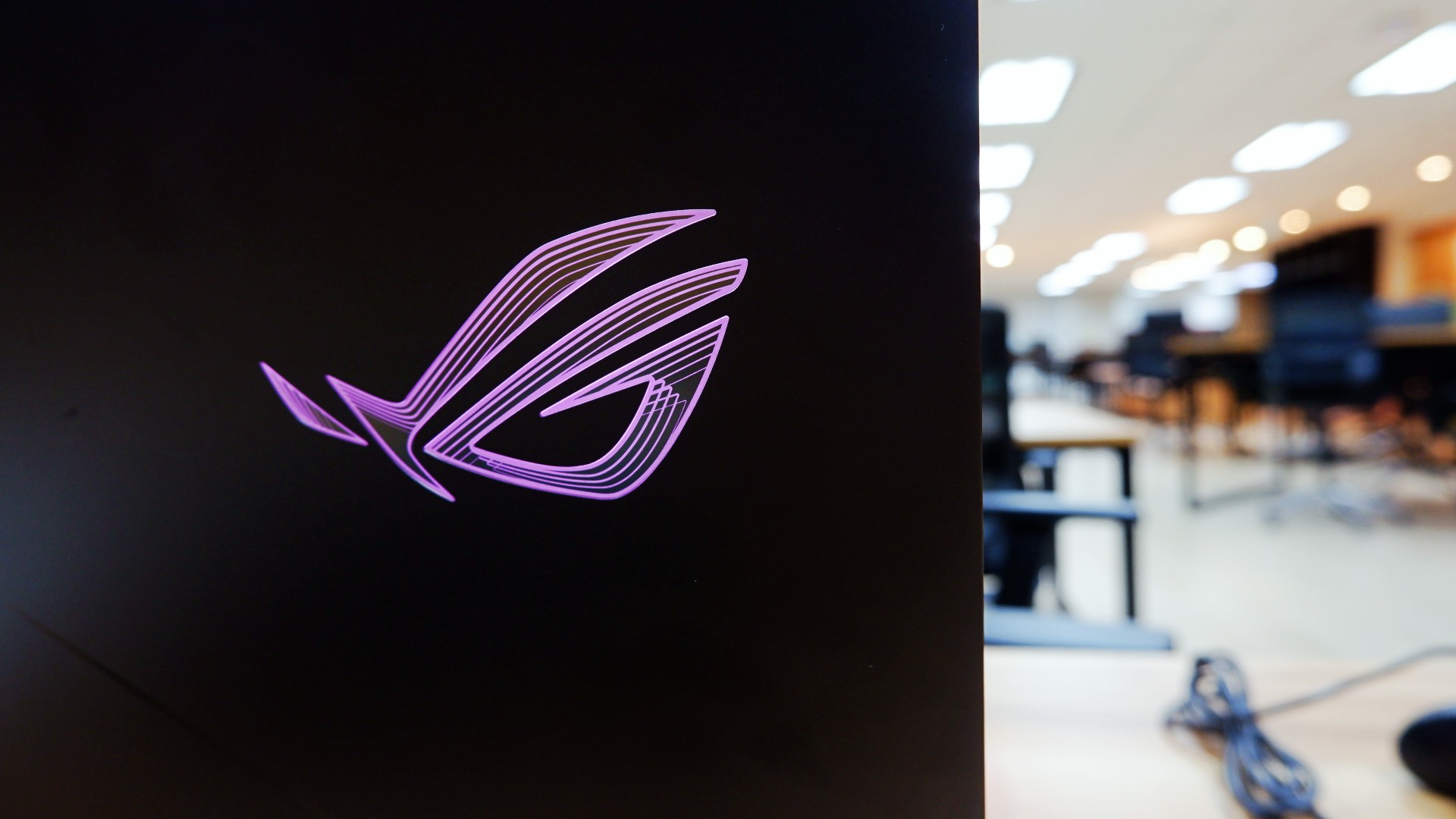
For a laptop priced at a whopping PhP 319,995, the ASUS ROG STRIX G16 is the kind of all-around machine you can build to capture any moment. On its own, the performance truly speaks for itself whether you need it for work in the day or play till the wee hours.
However, when you’re willing to tinker around the machine like I was, you can unlock so much more out of it, especially in the hardware department. It’s a bonus that this machine lets you do it a lot easier without risking any warranties to be voided.
Admittedly, I still have some more questions about the design philosophy and longevity because of the hardware pre-built in.
For one, some design choices truly made it feel like you could only enjoy this with additional peripherals at your disposal. Plus, the battery charges fast to compensate for how quickly it runs out, too.

Although these aren’t deal breakers for me but for others, you might want to take note and try it out too.
Overall, you can’t go wrong with a machine that lets you achieve great performance when you’re willing to dig deeper into it.
As someone who loves to build PCs, this is one of the few gaming laptops that appeals to me while ignoring the obvious dent on my wallet. Even with other options out there, this might just be the one that you can future-proof as long as you can afford to do so!

30 days later with the ASUS ExpertBook Ultra: Like seeing an ex
Felt exactly as I remembered.

ROG STRIX G16 Review: Building for the moment
Setting it up however you want to make the most out of it


realme C100: Enduring and durable in spite of entry-level realities
Enough power but needs more agility

New EV player XPENG to launch in the Philippines in September

Box office: Brand New Day set to surpass US$ 2 billion, drives Marvel’s Spider-Man 2 resurgence

Insta360 X6 brings 8K 360 Capture, AI-powered editing

Ghost of Yotei gets a story expansion in October

Pixel 11 Pro Fold brings an improved foldable experience

Hands-on: Samsung Galaxy Z Fold8, Flip8, Ultra

VinFast debuts two-wheeler models, opens 21 e-motorcycle showrooms

Garmin launches its first screenless fitness band

Samsung releases teaser with Spider-Man: Brand New Day Easter eggs

Most of the world’s PlayStations will be officially useless by 2028


-
 Automotive1 week ago
VinFast debuts two-wheeler models, opens 21 e-motorcycle showrooms
-

 Automotive2 weeks ago
Xiaomi debuts SkyNomad Series featuring new Kunlun platform
-

 News1 week ago
OnePlus officially leaves the United States and Canada
-
 Computers2 weeks ago
AMD launches Radeon RX 9050 graphics card
-

 Gaming2 weeks ago
Call of Duty: Modern Warfare 4 clip shows Losing Ground 1st look
-

 Automotive2 weeks ago
GAC launches new trio of MPVs
-

 News2 weeks ago
TECNO unveils the world’s first 0mm bezel-less phone
-

 Gaming1 week ago
Genshin Impact opens Snezhnaya in Version 7.0 this August 12