


I live in a world where beauty matters above all. I can’t seem to like something if it isn’t pleasant to look at, or if it doesn’t match my aesthetics. When HP sent over the Spectre x360 13 (2020), I was flabbergasted. I’ve never seen a laptop that made me feel… underdressed.
Head-turning elegance
In a glance, the HP Spectre x360 13 (2020) is astounding to look at. It looks premium, it made me want to dress up in suits. This refreshed laptop comes with a cutting-edge design, and it looks even more polished compared to its predecessors.

Admittedly, I fell in love the first time I saw it. The Spectre x360 13 speaks to me on a spiritual level, with its brushed metal and copper finish — which looks like rose gold in certain lighting conditions — it’s a color that my 2017 self would appreciate but I’m more into white and silver now.
Nonetheless, it looks sexy and gorgeous, especially if you bring it in cafes and your meetings. It feels weird to find people in awe while looking at my laptop instead of me. Definitely a head-turner!
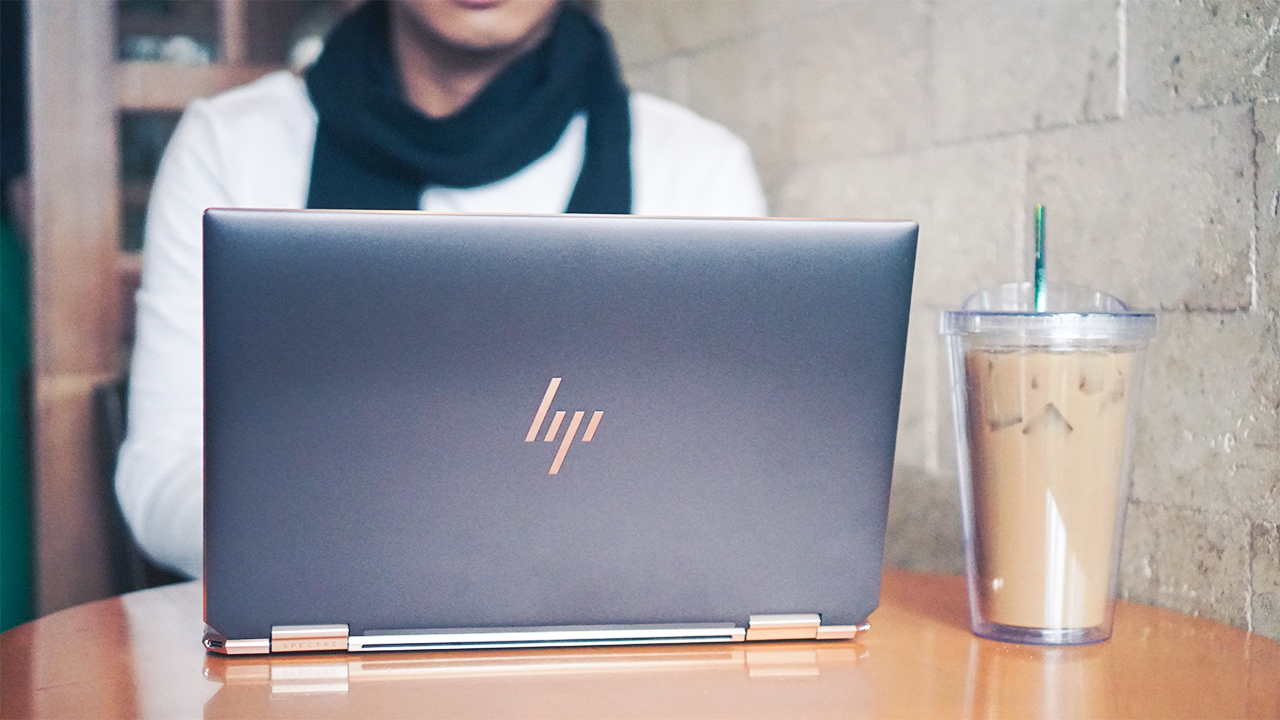
Naturally, there’s an impression of a pretty laptop as frail and fragile. This laptop defies the conceived notion since its sturdy yet slender chassis feels robust. It’s small, lightweight, and impressively thin, too! I find it funny that it fits inside my PacSafe sling bag and people were surprised when I take my laptop out of my small bag.
Even though it’s not the thinnest and lightest, the Spectre x360 13 is still easy to carry and bring wherever you go. Using it for almost a month, my back didn’t feel any pain compared to when I’m using a 15-inch Windows laptop or a 13-inch MacBook Pro.
Well-thought details
What I love about the Spectre x360 is how HP thoughtfully crafted and refined it is. Just like the Dell XPS 13, I always stress the importance of details. It’s always the little things that make a laptop premium — from convenience, portability, security, to ease of use.
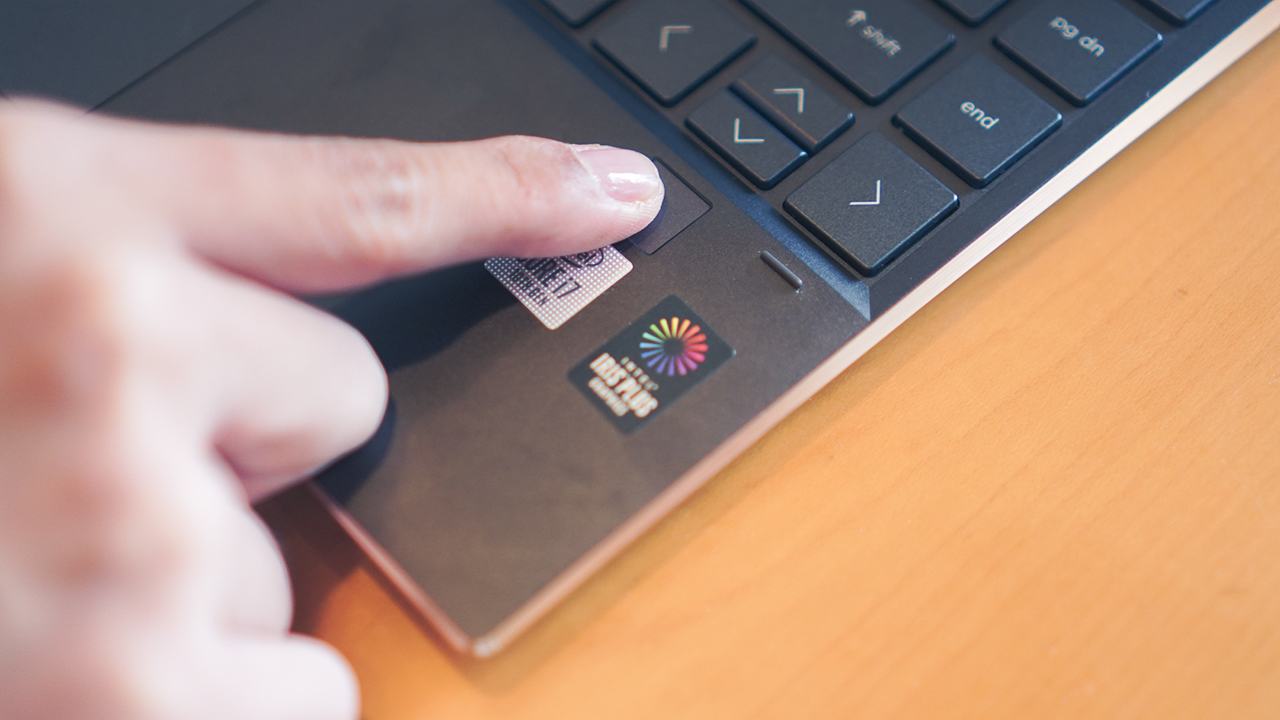
For starters, the Spectre x360 put a blazing-fast fingerprint reader to unlock my laptop — if it accurately scans your fingerprint. In the occasion that it didn’t read your fingerprint, you can still access your laptop through a pin or password unlock.
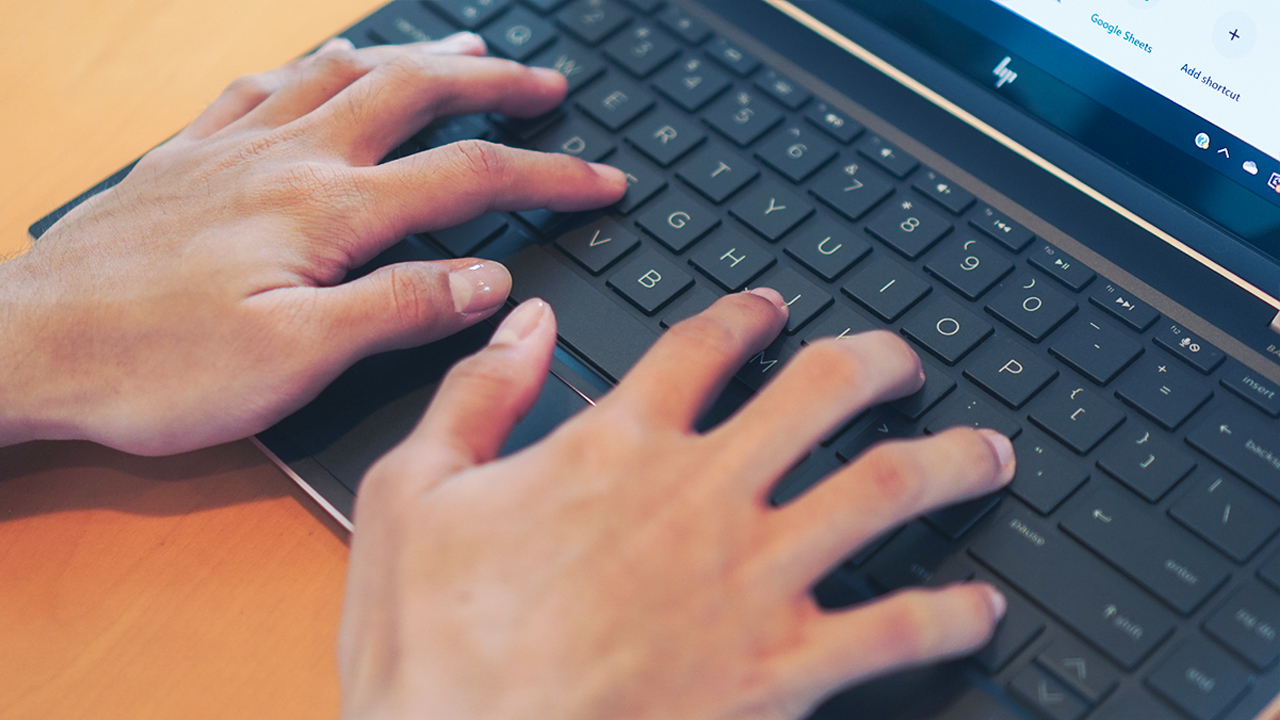
Its keyboard is excellent for typing, too. Despite being relatively small, HP didn’t cramp its keys, evenly spacing it while keeping it soft to ensure a quiet experience.
About its touchpad, it’s smooth and responsive for a Windows laptop. Surprisingly, I found it easy to glide my fingers at it and when I’m feeling lazy to navigate the touchpad, I can always stick to using its touchscreen display.
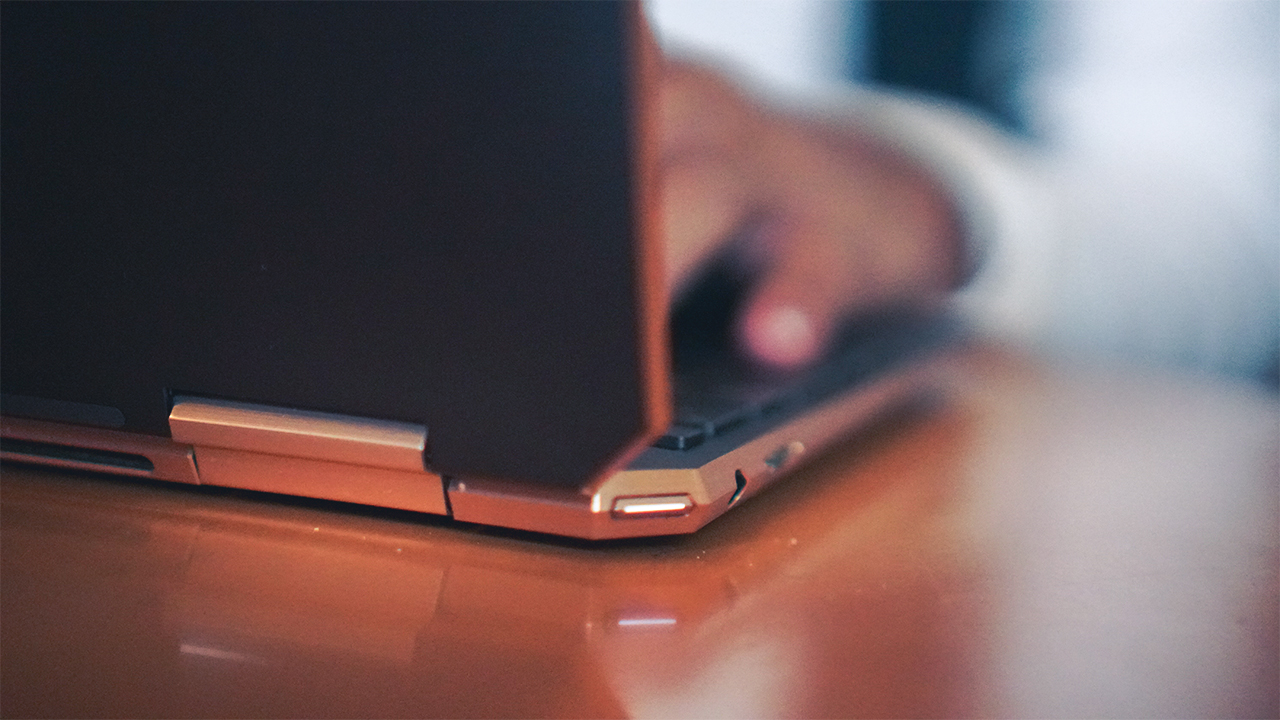
When you take a close look at its edges, the Spectre x360 is really beautiful. From its glossy, exemplary hinge and gem-cut design, to its subtle buttons and ports that easily blends into its frame — it’s difficult not to love it.
Found on its left side is its power button, audio jack, and a covered USB 3.1 Type-A port which ate my colleague’s flash drive. To prevent similar incidents, I opted not to use it anymore.
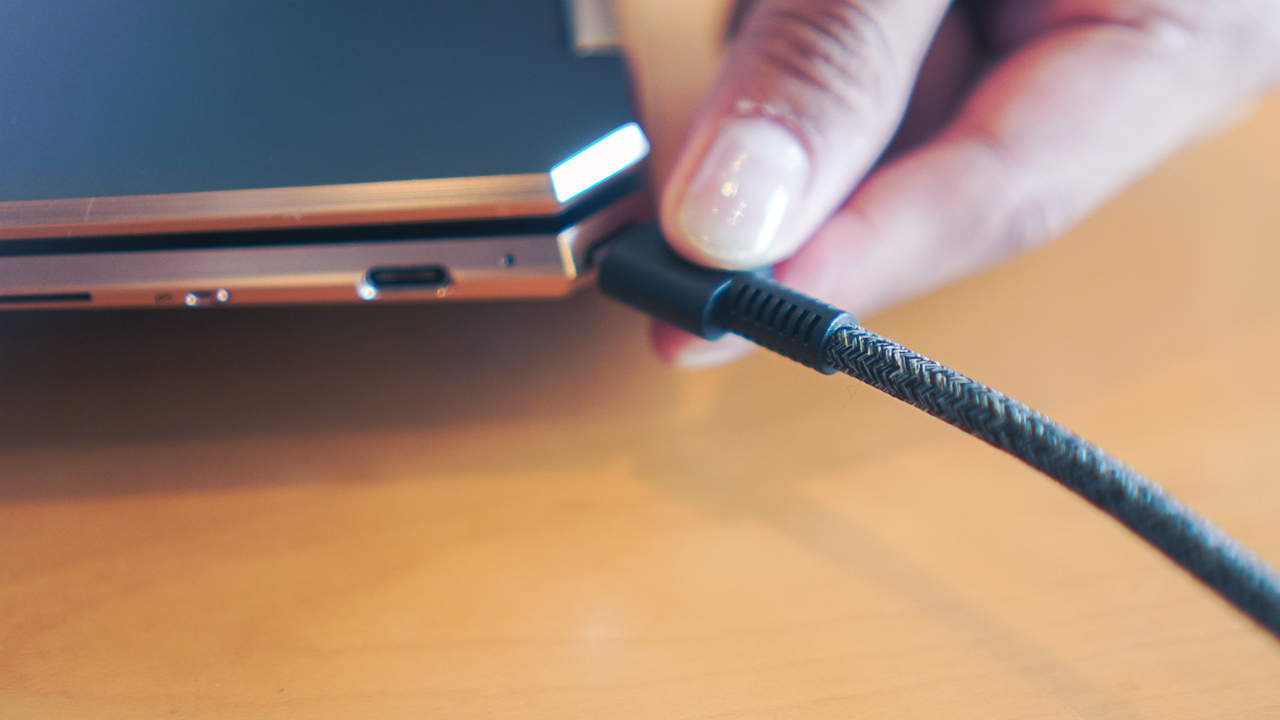
Luckily, HP packed a dongle with two USB Type-A ports, a USB-C port, and an HDMI port. It proved useful since the laptop’s right side comes with a USB Type-C port on the right, and another USB Type-C port for charging on the upper corner.
Both HP’s dongle and charger come in a gorgeous braided cable. Frankly, it’s the best set of cables I’ve had in a while and the fact that HP put a lot of effort even in its accessories proved they take their premium laptops seriously. It also has a microSD card reader which I barely used, and my favorite — the webcam kill switch.
Like a gorgeous secretary
The HP Spectre x360 13 is a premium convertible. Attached to a beautiful hinge that flexes smoothly, this 2-in-1 laptop gives you a beautiful tablet to use like you’re some kind of gorgeous secretary.
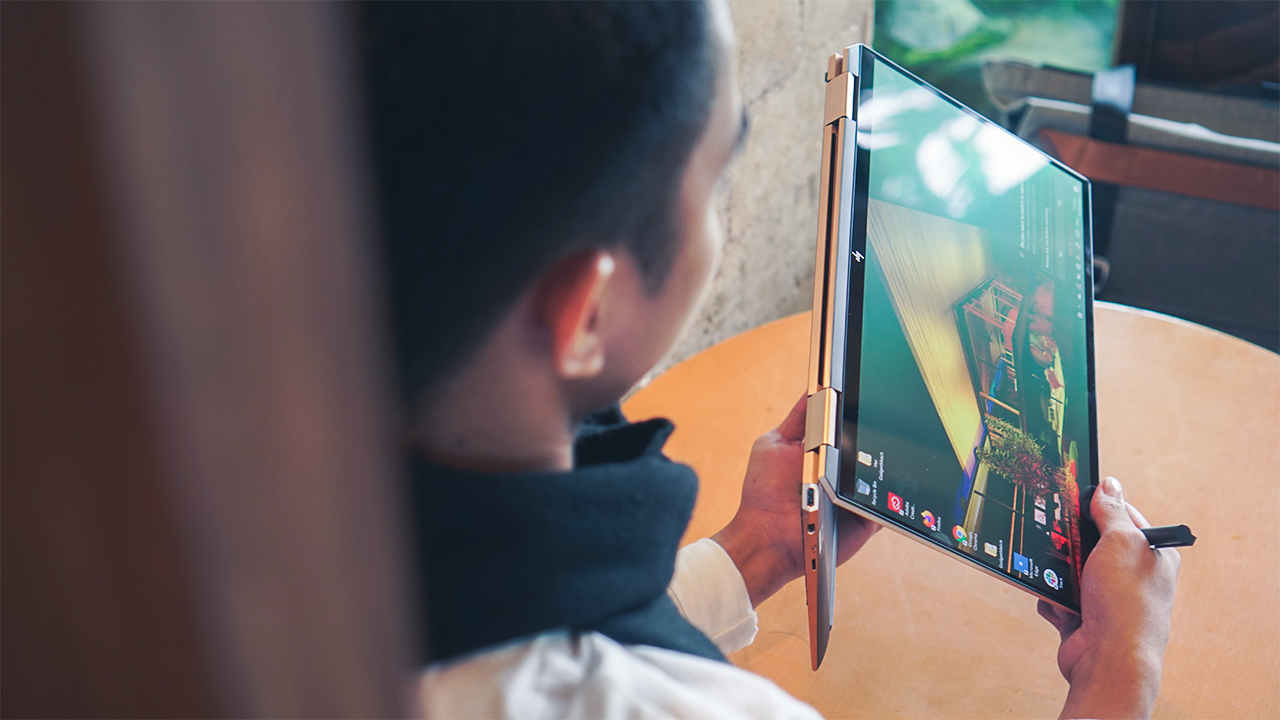
Thanks to its lightweight form factor, it’s a breeze to switch from laptop to tablet mode. HP provided a tilt pen — powered by AAA battery — to help you navigate and write notes quickly.

Apps are also simplified when in tablet mode. It’s supposed to be easy for anyone to handle but even with my past experiences with convertibles and my long stint with this laptop weren’t enough for me to fully grasp its tablet mode.
I still get confused with the tools, buttons, and software available — but that’s just me. Here’s to hoping that the next generation of Spectre laptops come with less pre-installed software. As of now, the Spectre x360 13 runs on Windows 10, packed with software like HP Command Center, Microsoft Office 365, ExpressVPN, and McAfee LiveSafe.
Don’t let its size fool you
The Spectre x360 13 is a powerhouse for a relatively small laptop. This is where the adage “don’t let its size fool you” comes in. This laptop is powered by a 10th-gen Intel Core i7-1065G7, with Intel Iris Plus Graphics, and 16GB LPDDDR4 RAM, and 1TB SSD storage.
During my stint, I was able to handle multiple tabs in Google Chrome — a power-hungry browser. Additionally, I can run multiple apps and software alongside Chrome such as Spotify, Netflix, and Adobe Creative Suite. Yes, you can edit with Photoshop, Illustrator, and Lightroom. To an extent, it can handle Premiere Pro but expect for it to heat up.

The biggest struggle I had to deal with is how the Spectre x360 13 heats up. It tends to get scorching hot, which proves impossible for you to put it on your lap or on your arms when in tablet mode — unless you want to fry and toast your arms or your parts from down under.
It’s also noisy when its fans start working to dissipate the heat, even when situated in a desk or a cooling stand. At best, the laptop is perfect for presentations, meetings, browsing, and entertainment.
Despite having a 13.3-inch screen, it comes with 4K resolution and AMOLED panel — guaranteed to deliver better visuals. It’s also strengthened by a Corning Gorilla Glass NBT, enhancing the screen’s scratch resistance.
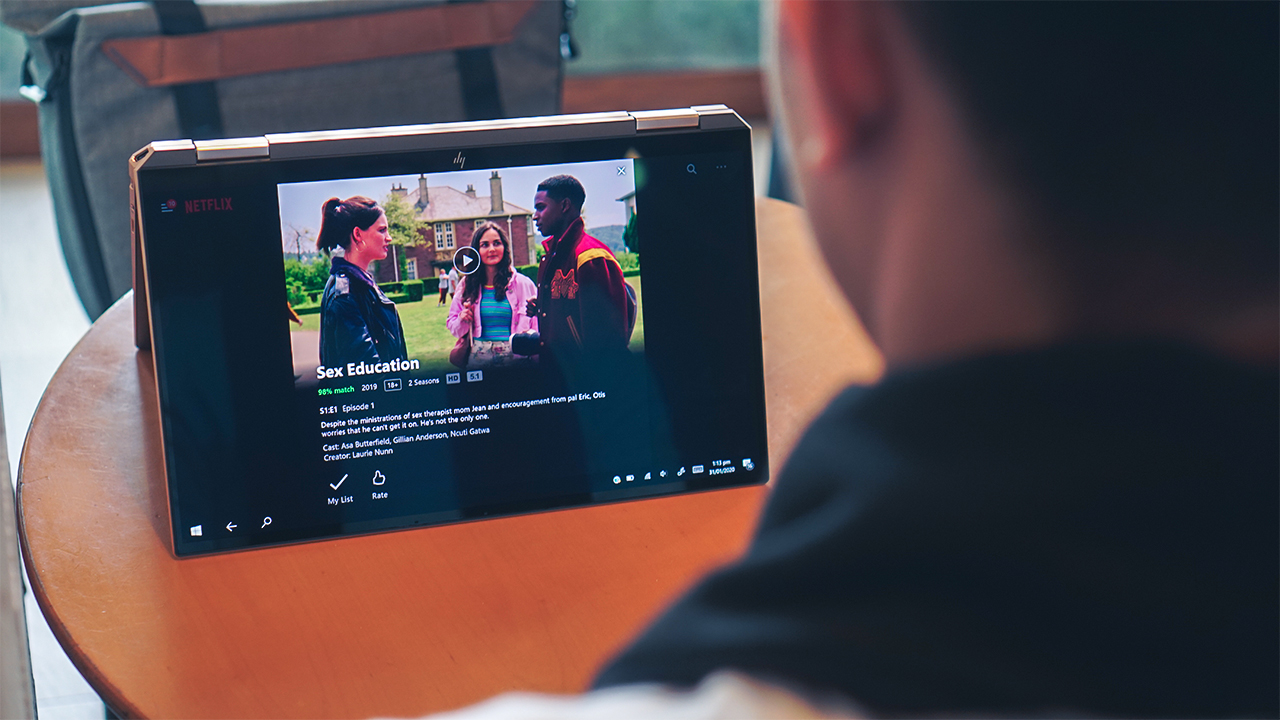
The HP Spectre x360 13 carries two audio speakers from Bang & Olufsen. It’s not the best speakers you can get but it’s more than enough for your entertainment usage.
Lastly, expect this small laptop to have a lot of juice throughout your day. When I was working remotely, I had the HP Spectre x360 13 last for 12 hours, allowing me to be productive and finish my tasks.
It comes with a small 65W Type-C power adapter, so you can expect it to recharge itself faster than you do when you try to recover from your week-long fatigue.
Is this your GadgetMatch?
With a whopping starting price of PhP 79,990 (US$ 1586), it’s difficult to recommend an expensive laptop since there are cheaper yet more powerful Windows laptops out there. If you have the money to spend, I would even suggest getting flagship Windows laptops like the Lenovo Yoga S940 or Dell XPS 13 or a MacBook Pro for more focus on power and productivity.

But if you’re keen on getting the HP Spectre x360 13 2020 because you fell in love with its looks, then you can maybe talk yourself into buying this laptop. After all, it looks elegant, premium, polished, and delivers decent performance, packed with plenty of features to like.





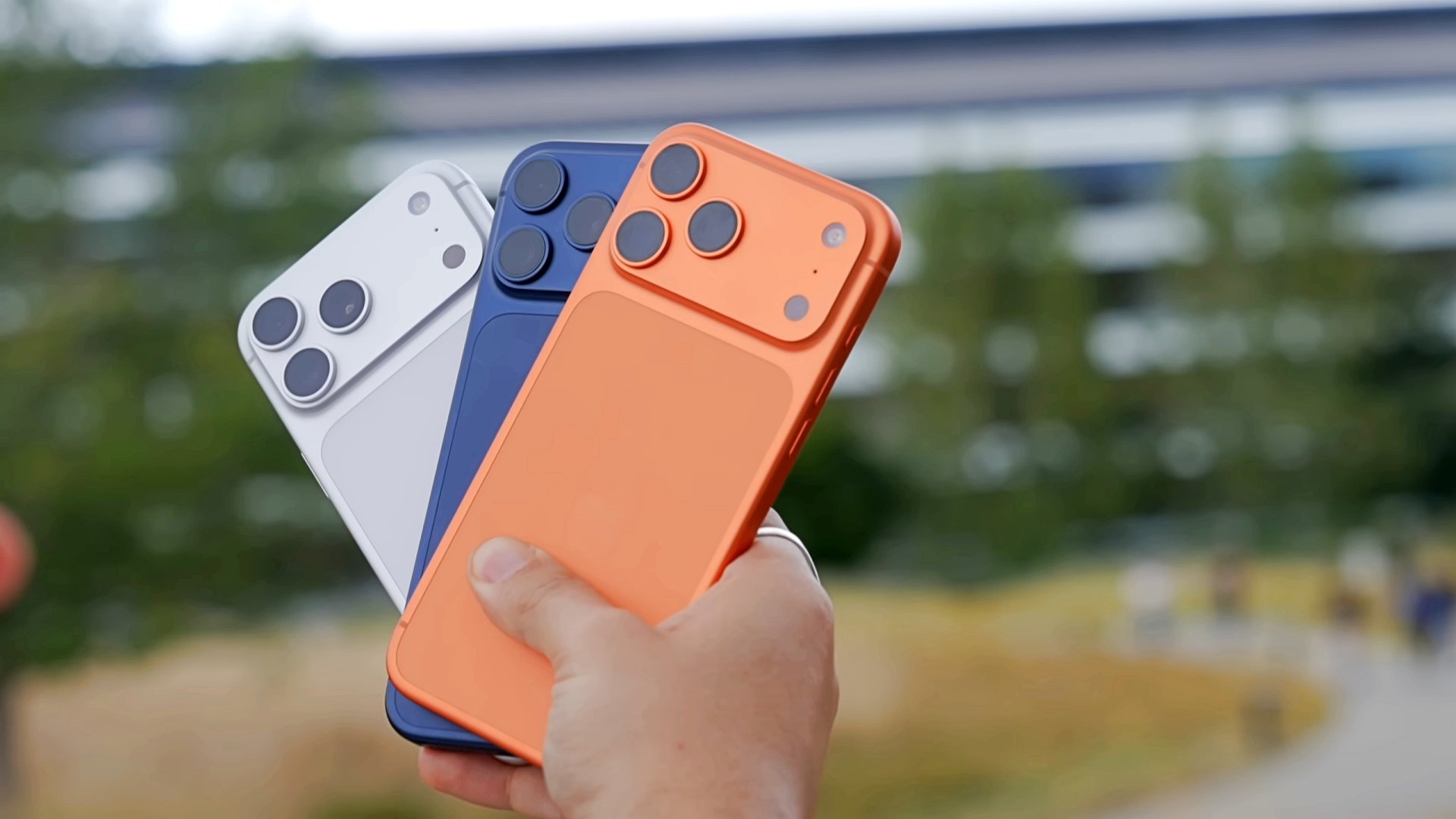
Apple has introduced Apple Upgrade, a new leasing program that makes it easier to get an iPhone, Mac, iPad, or Apple Watch through monthly payments. The program also gives customers more flexibility to upgrade to newer devices over time.
Apple Upgrade replaces new enrollments for the iPhone Upgrade Program with a single offering that covers four product categories. Apple partnered with Klarna to power the service.
Customers can lease an iPhone or Apple Watch for one or two years. Mac and iPad leases are available for two or three years.
At the end of the lease, customers have three options. They can upgrade to a newer device, purchase the leased device by paying the remaining balance, or return it with no further obligation.
Monthly payments start at US$17.99 for iPhone and US$24.99 for Mac, depending on the selected model and configuration. Customers must also qualify through Klarna before enrolling.
More than iPhones
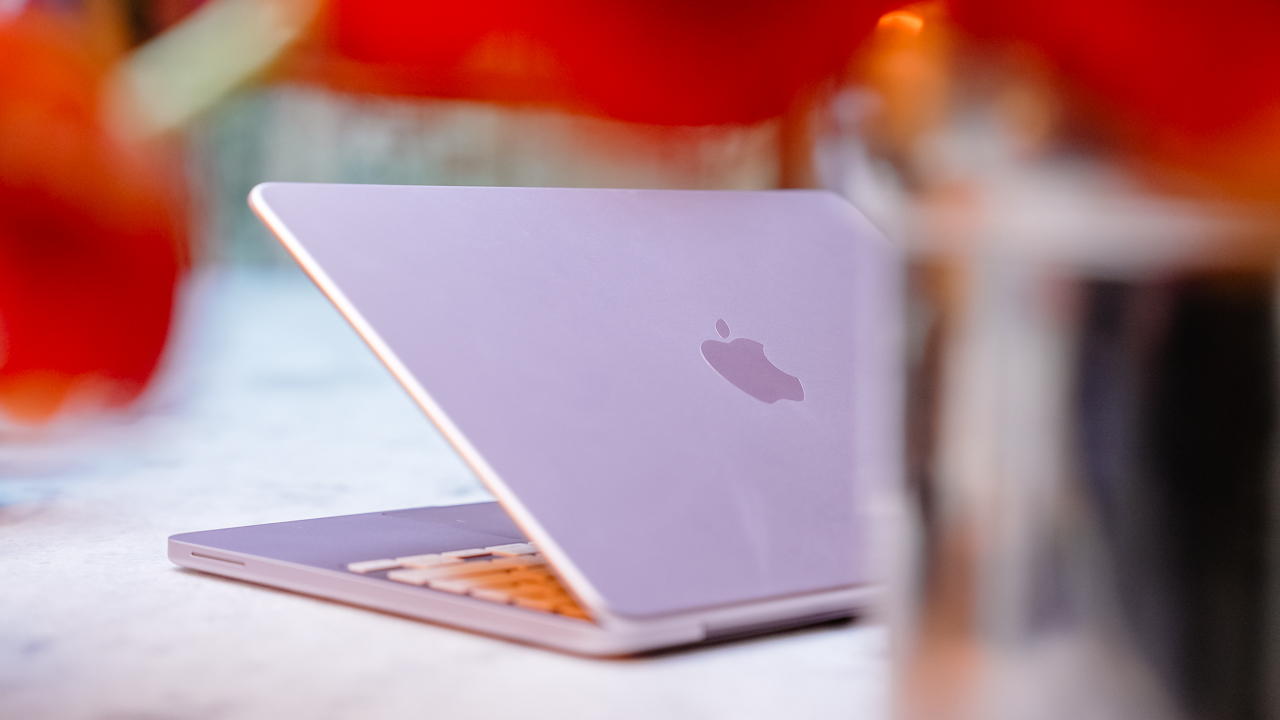
Apple Upgrade expands beyond the company’s previous iPhone-only financing program. It brings iPhone, Mac, iPad, and Apple Watch under one leasing service, making upgrades more consistent across Apple’s hardware lineup.
Customers can manage their lease through Apple, while Klarna handles financing and lease administration. They can also pay off their device early, although additional terms and fees may apply depending on the agreement.
Apple Upgrade is currently available only in the United States. Apple has not announced plans to expand the program to other regions.
Accessories
OBSBOT’s Meet Flip is your next best pocketable 4K webcam
Fold the Flip for further protection

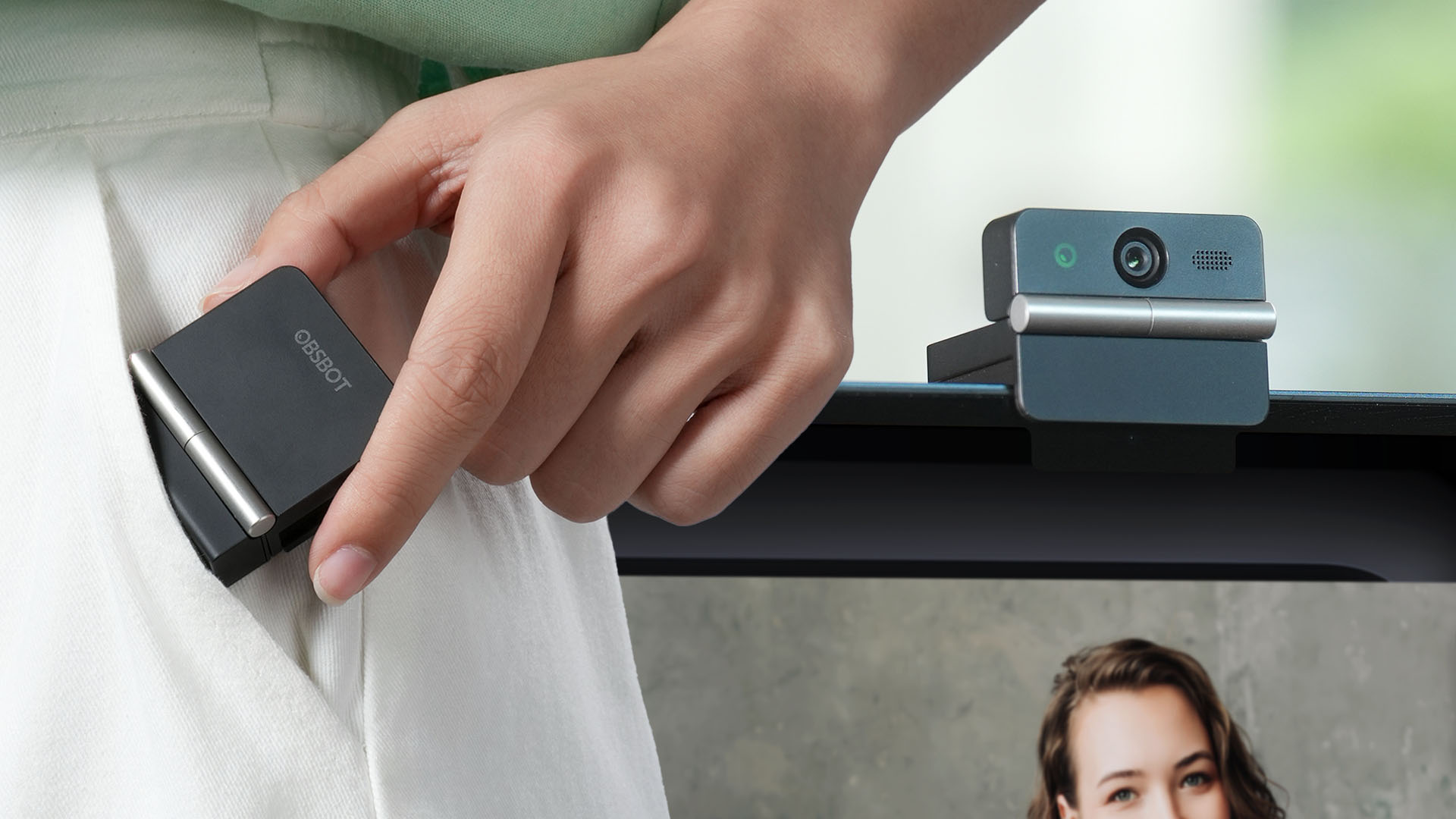
Several months ago, you might remember that OBSBOT revealed the Tiny 3 series of web cameras.
Six months after, they also unveil the all-new Meet Flip. From the name itself, it’s the company’s latest foldable 4K webcam that puts hardware privacy front and center.
Foldable and pocketable
Despite weighing just 37.7 grams, the Meet Flip aims to deliver premium webcam features for all types of users. Be it remote workers, professionals, or content creators.
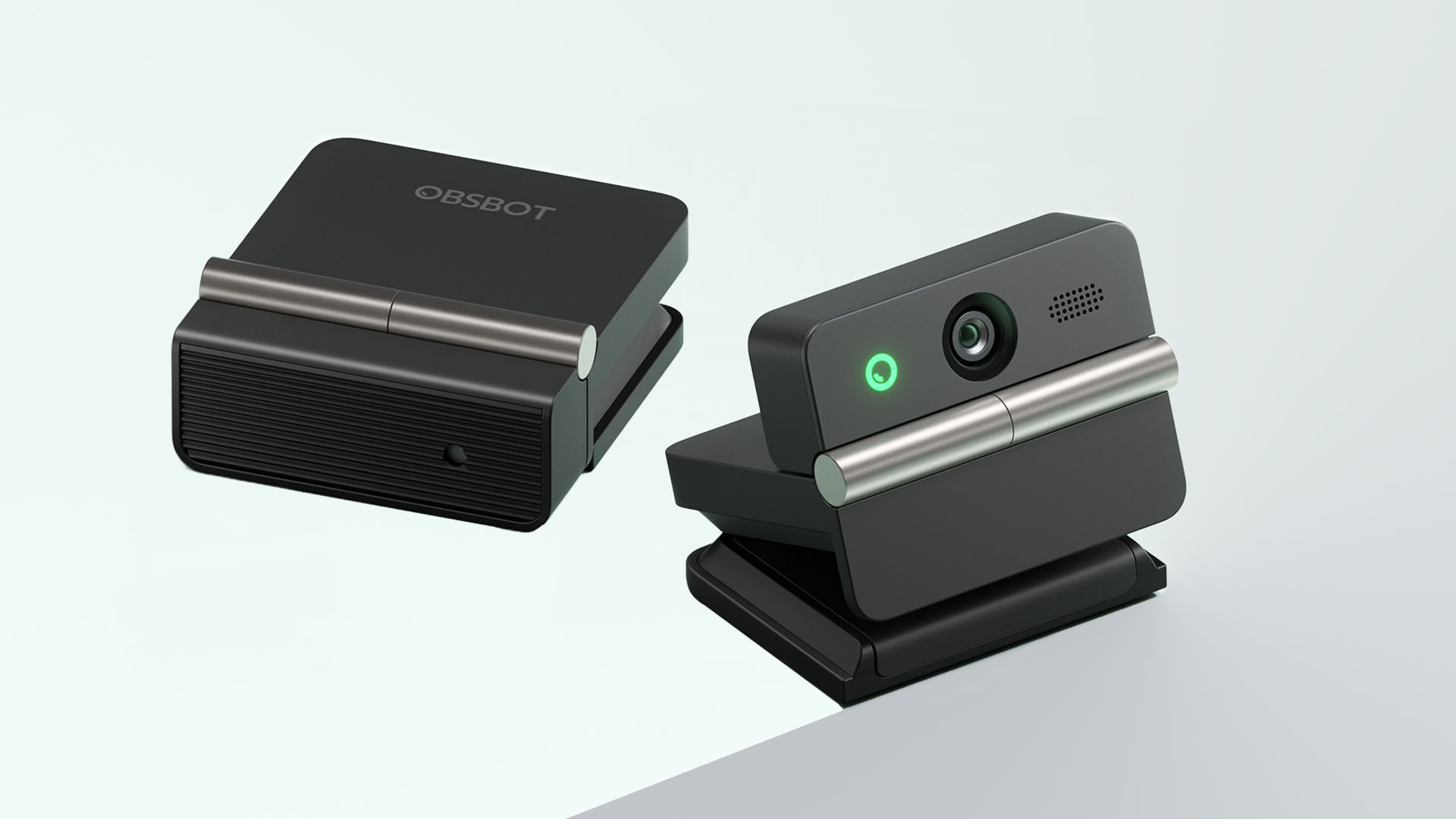
Graphics by Vincenz Lee | GadgetMatch
Undoubtedly, the biggest highlight has got to be the webcam’s folding design. Not only it’s portable, it protects your privacy too.
Closing the device physically blocks the lens, giving users a visual confirmation that the camera is no longer active. When it’s time for a meeting, simply unfold it and it’s ready to go.
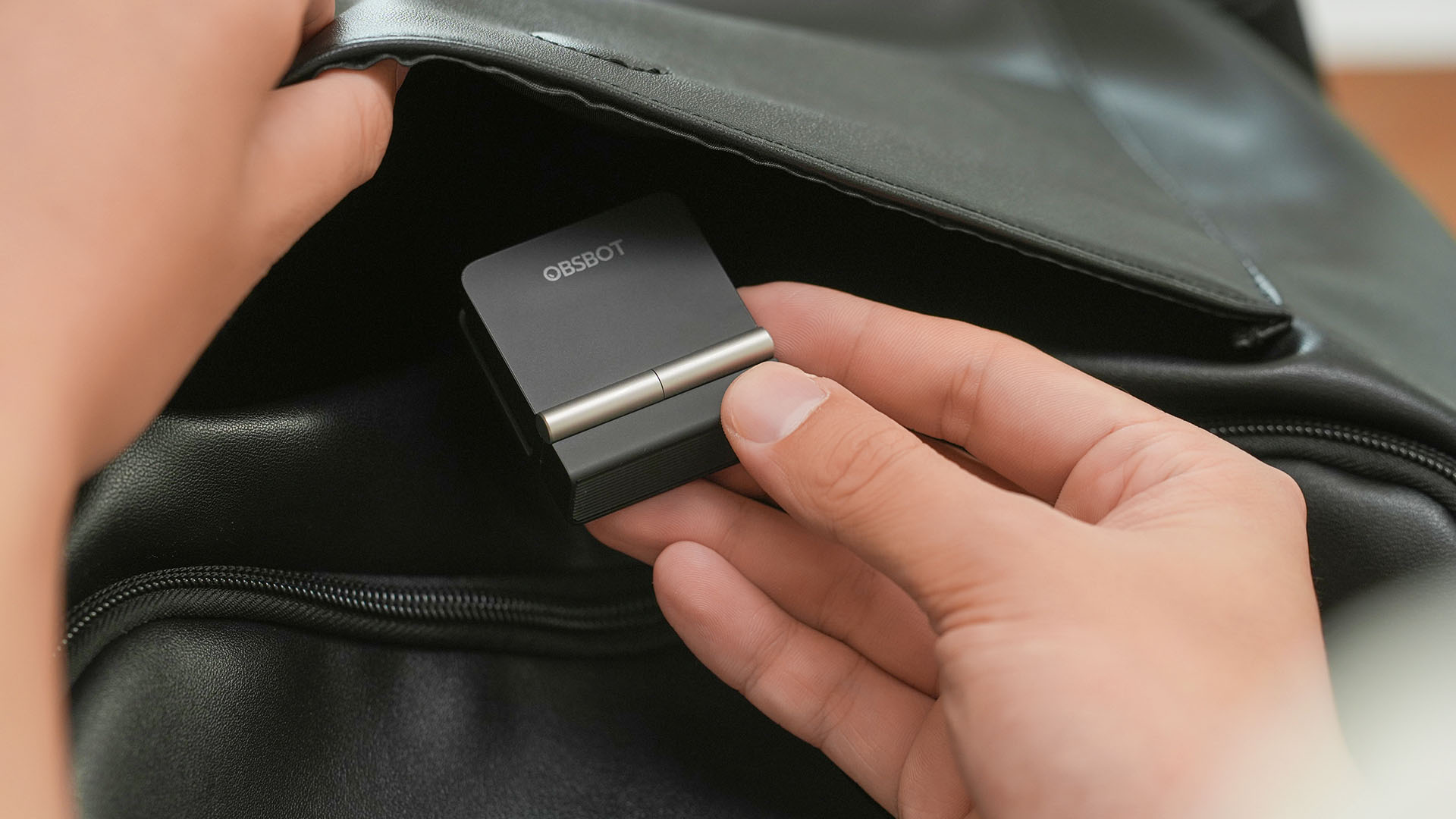
That lightweight body also features a built-in mounting clip that works with laptops, monitors, and tripods. Users can mount it in landscape, portrait, or even upside-down orientations depending on their setup.
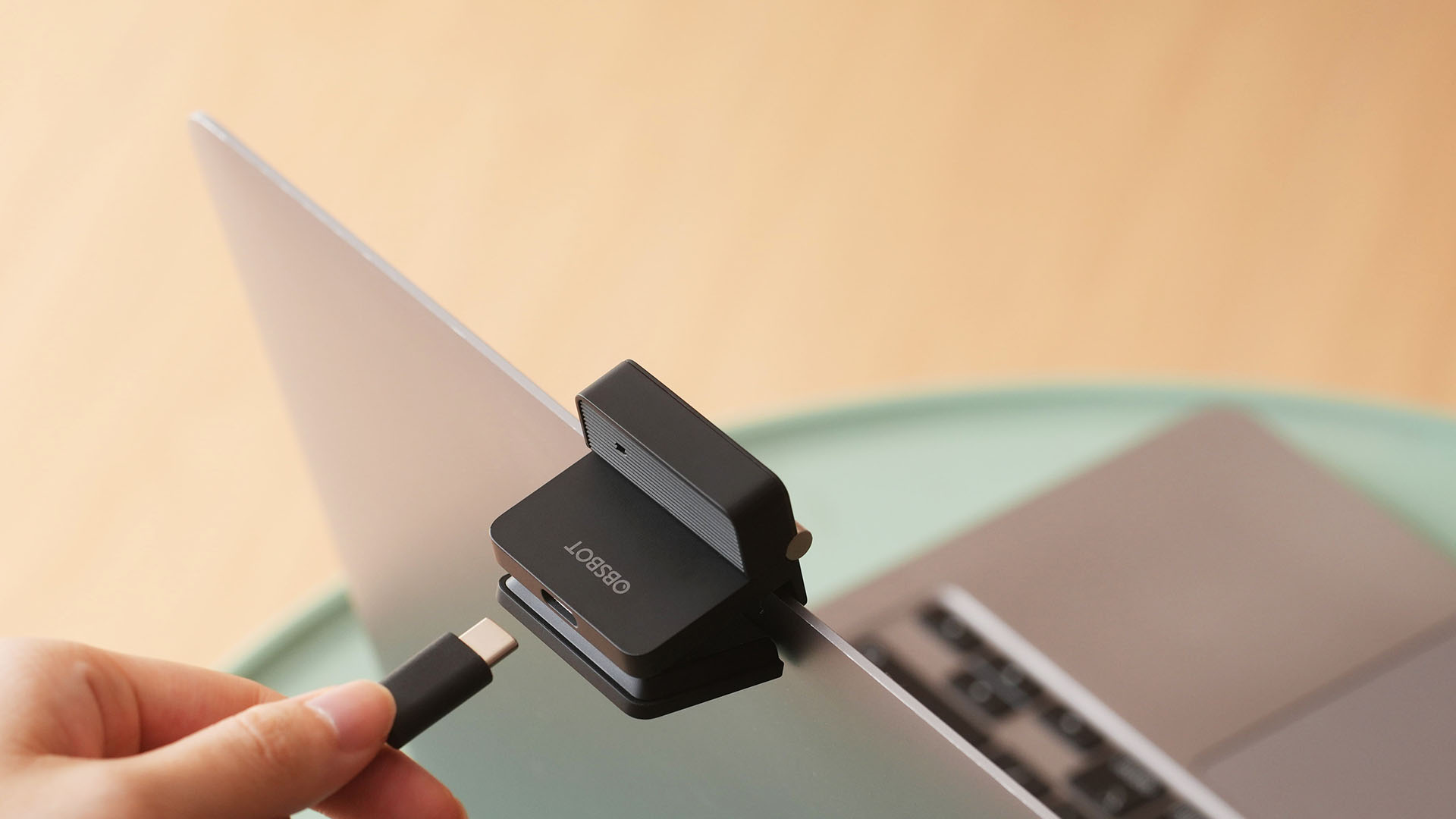
Despite that absurd amount of lightweightness, the OBSBOT Meet Flip is still able to house a 1/2-inch Exmor RS stacked CMOS sensor with Quad Bayer technology. That’s something more commonly found among bigger and higher-end web cameras.
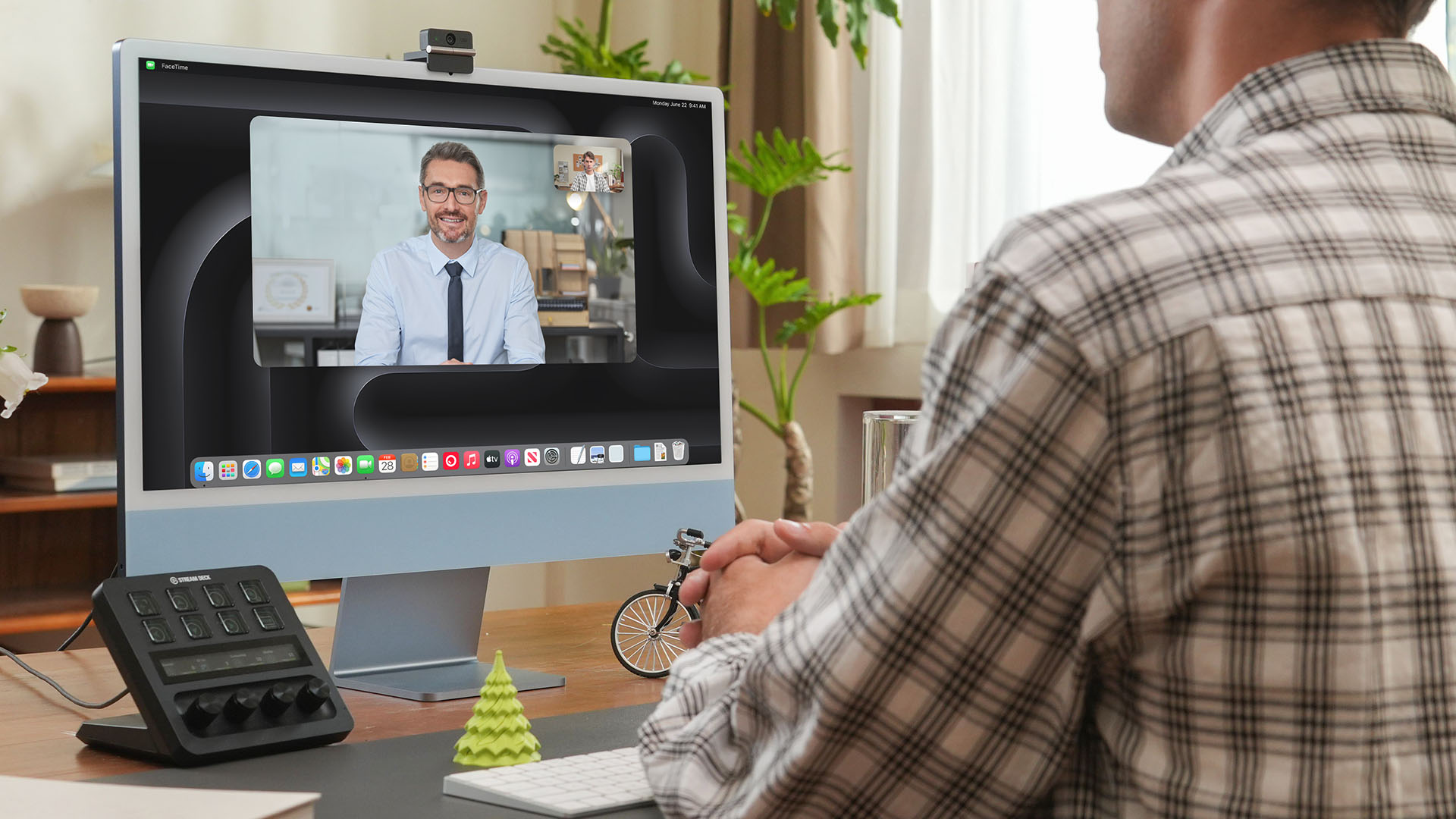
Other camera features include:
- 4K video recording / 30fps
- 1080p recording / up to 60fps
- HDR support for challenging lighting
- Phase Detection Autofocus (PDAF)
- 4x digital zoom
- f/1.8 aperture with ISO 100-6400 support for low-light environments
Beyond just video calls
The OBSBOT Meet Flip isn’t just packed with serious camera hardware, it’s seriously intelligent as well.
The Meet Flip supports AI Auto Framing. This automatically keeps users centered during meetings — regardless if they are presenting alone or with a group. Gesture controls also let users activate framing or adjust zoom without touching the keyboard or mouse.
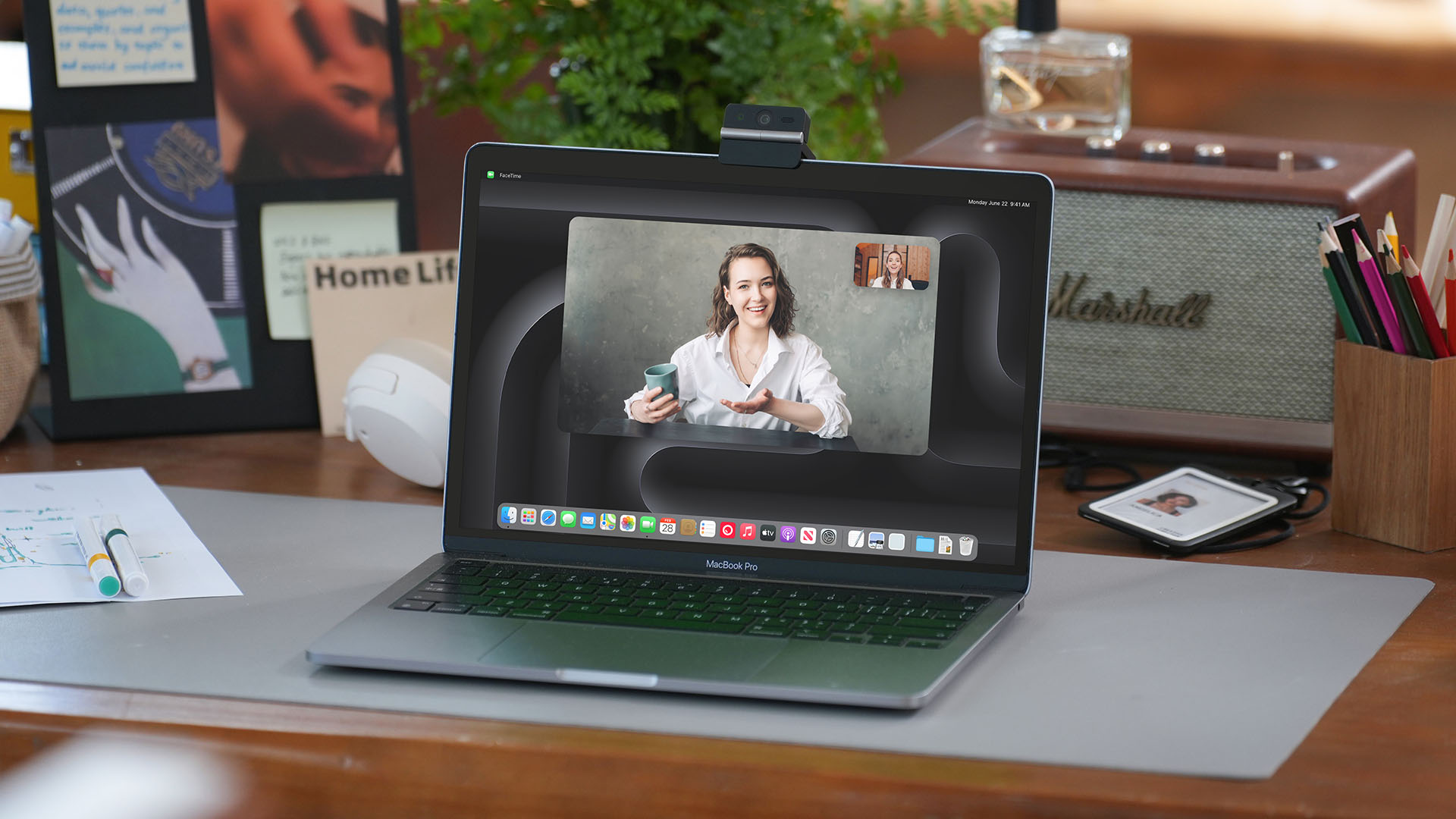
Another standout feature is AI Magic Notes which provides real-time meeting transcription and automatically generates summaries, action items, and key discussion points.
The feature works with Google Meet, Zoom, and Microsoft Teams through OBSBOT Center. Every webcam includes complimentary transcription of 120 minutes.

With that being mentioned, OBSBOT Center also makes users gain access to software features such as background blur, virtual backgrounds, beauty mode, and picture-in-picture overlays for presentations.
Those who want more advanced controls can enable Smart Eye Tracking, teleprompter support, and manual image adjustments.
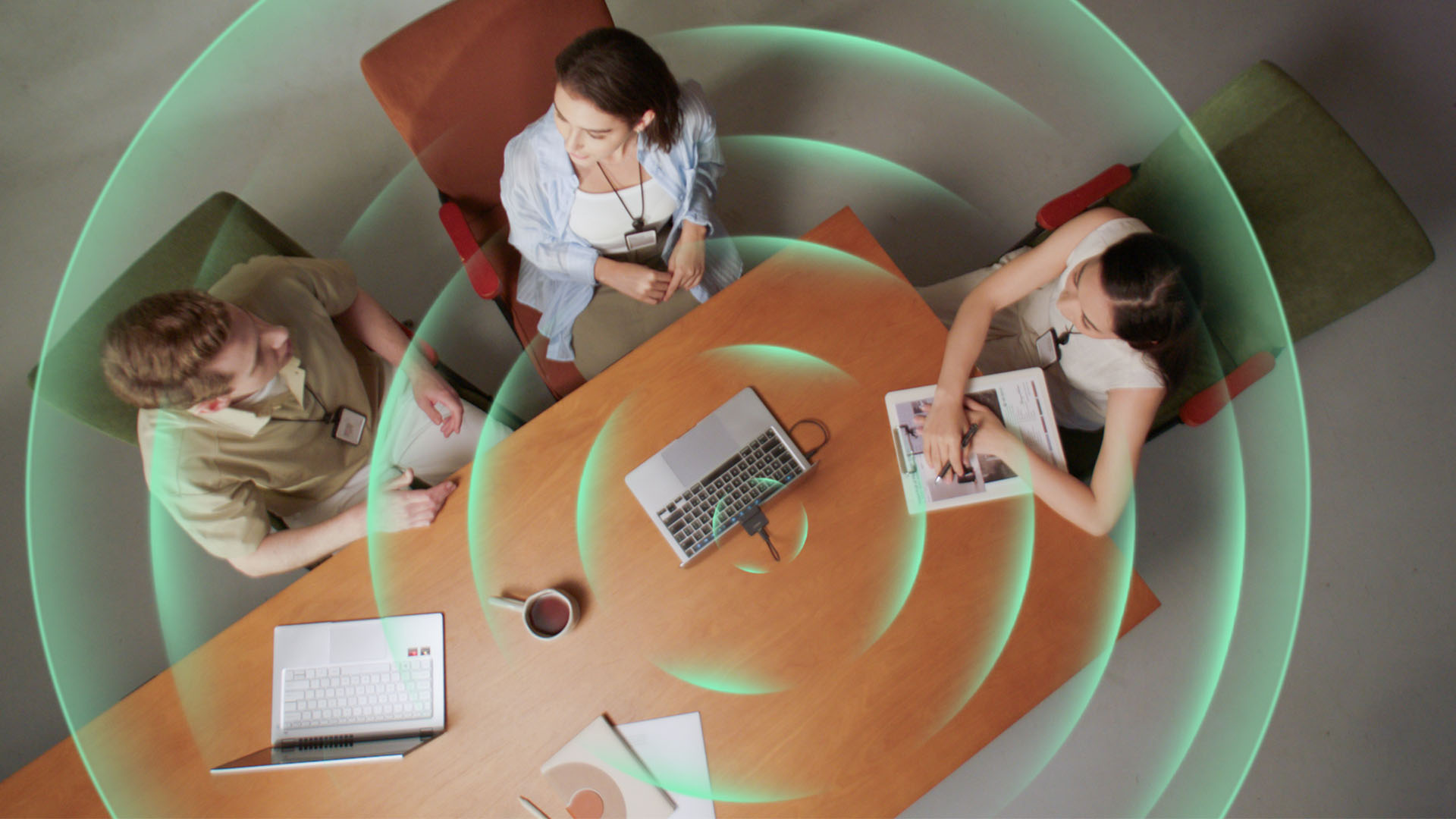
Audio also gets an upgrade through an intelligent dual-microphone system that offers four recording modes:
- Directional Mode / solo calls
- Dual-Directional Mode / interviews
- Smart Omni Mode / group meetings
- Pure Audio Mode / unprocessed stereo recording
AI Noise Reduction and Automatic Gain Control are also available across most modes to help improve voice clarity.
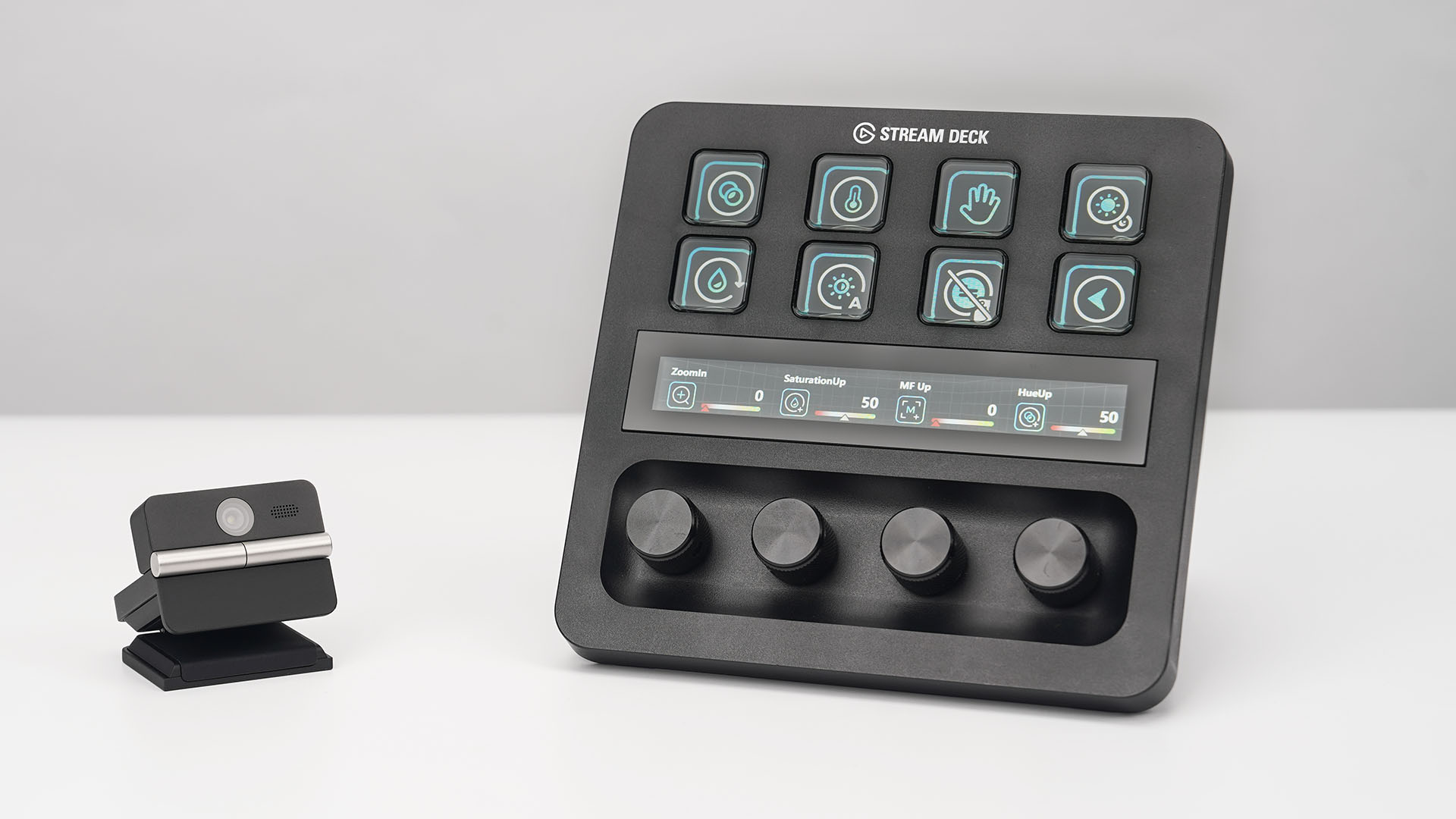
OBSBOT’s Meet Flip is also compatible with mobile devices through the OBSBOT Live app and supports integrations with accessories including Elgato Stream Deck, Nintendo Switch 2, and UVC-to-NDI/HDMI adapters.
Pricing and Availability
The OBSBOT Meet Flip is available starting today for US$119 through OBSBOT’s online store, Amazon US, and select retailers worldwide. Regional pricing may vary.
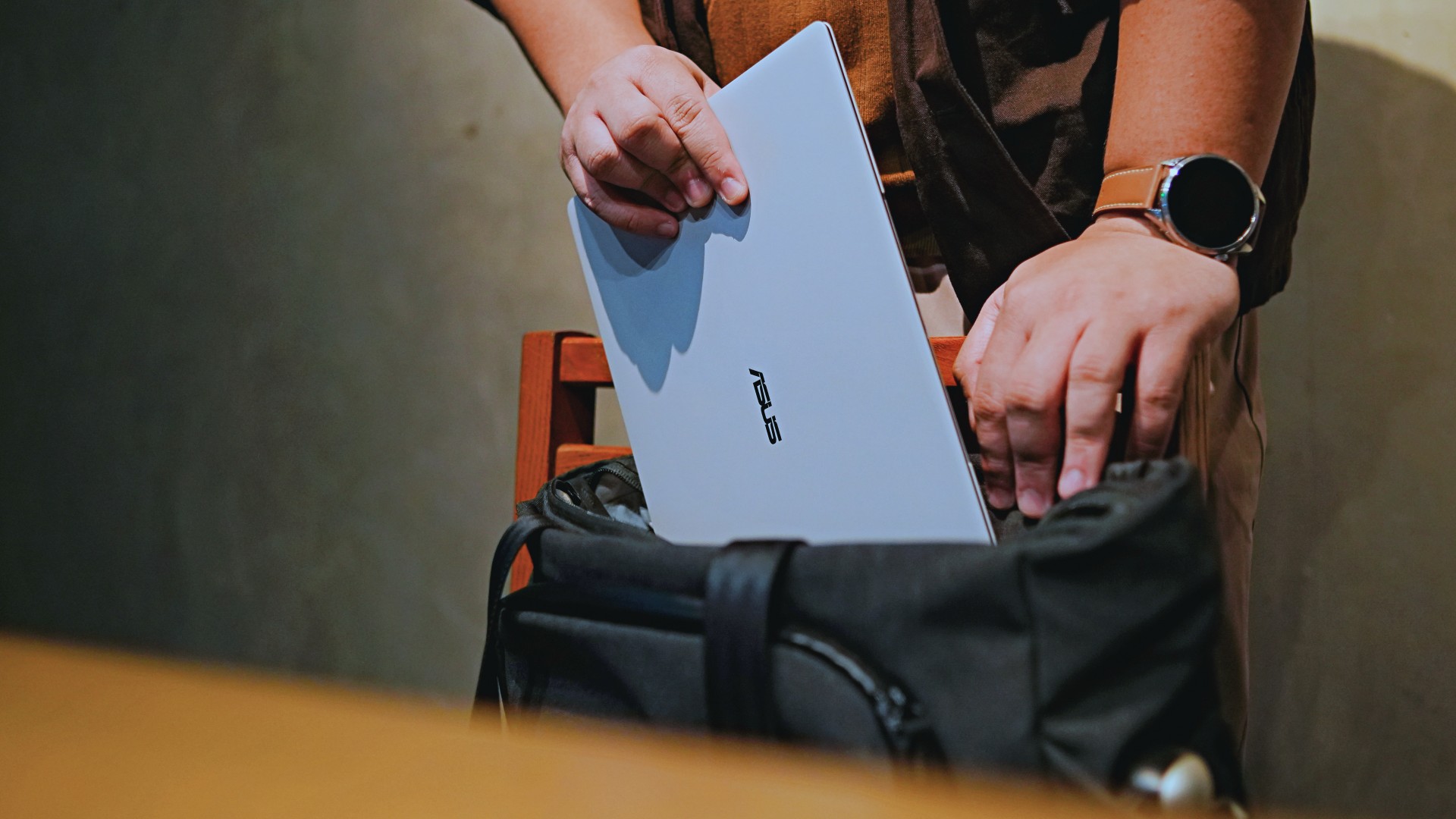
This is coming from someone who has done countless unboxings and has touched a wide variety of devices — the ASUS ExpertBook Ultra was… alright.
My first impression was that it certainly didn’t wow me as much as I expected it to after having read the brief, nor even after attending the tech seminar where ASUS laid out its vision for the laptop.
That’s probably the strangest thing about the ExpertBook Ultra. Because after having spent more time with it, the laptop grew on me.
Put cheekily, the ASUS ExpertBook Ultra wasn’t the laptop that made my head turn. Instead, it was the laptop that kept showing up consistently. Before I realized it, it’s become the one I wanted to keep coming back to.
And I think that’s the best way to describe my experience with ASUS’ flagship business notebook.
The laptop sneaks up on you.
Built to be carried

I got the laptop right after Computex 2026 coverage. That meant my days were closer to how they normally are. That also meant I had to be more intentional about going out and bringing it with me as I tackled my day-to-day duties.
I normally carried it using my trusted EDC — the Alpaka Bravo Tote — and I have to say it definitely felt lighter than my usual laptop, which is the MacBook Pro M4.
The Apple laptop I regularly carry is, I have to admit, chunkier than I would prefer. So having the ExpertBook Ultra for about a week or so literally felt like some load was taken off my shoulders.
Did I ever forget it was there? I wouldn’t go that far.
But if you’re asking me which one I’d rather carry based on build and weight alone, I would, with no hesitation, reach for the ExpertBook Ultra.
That says a lot considering how attached I am to my usual setup.
ASUS likes talking about how light the ExpertBook Ultra is. Normally, that’s the sort of marketing line I acknowledge and quickly move past.
This time, I actually felt it.
The Nano Ceramic effect

One of the first things ASUS will tell you about the ExpertBook Ultra is its Nano Ceramic finish. I’ll admit, it felt like one of those things that sounds good on a slide presentation.
It’s one of those things that look gimmicky at first but actually feels incredible once you come across it on a daily basis.
It’s still early, so you can consider this very much part of the honeymoon phase with the laptop. Even so, the Nano Ceramic finish continues to inspire a bit of awe every time I pick it up.
I do feel like a little weirdo caressing the laptop ever so gently before I begin the day’s work wherever I may be. But that’s just a testament to how good it feels to touch.
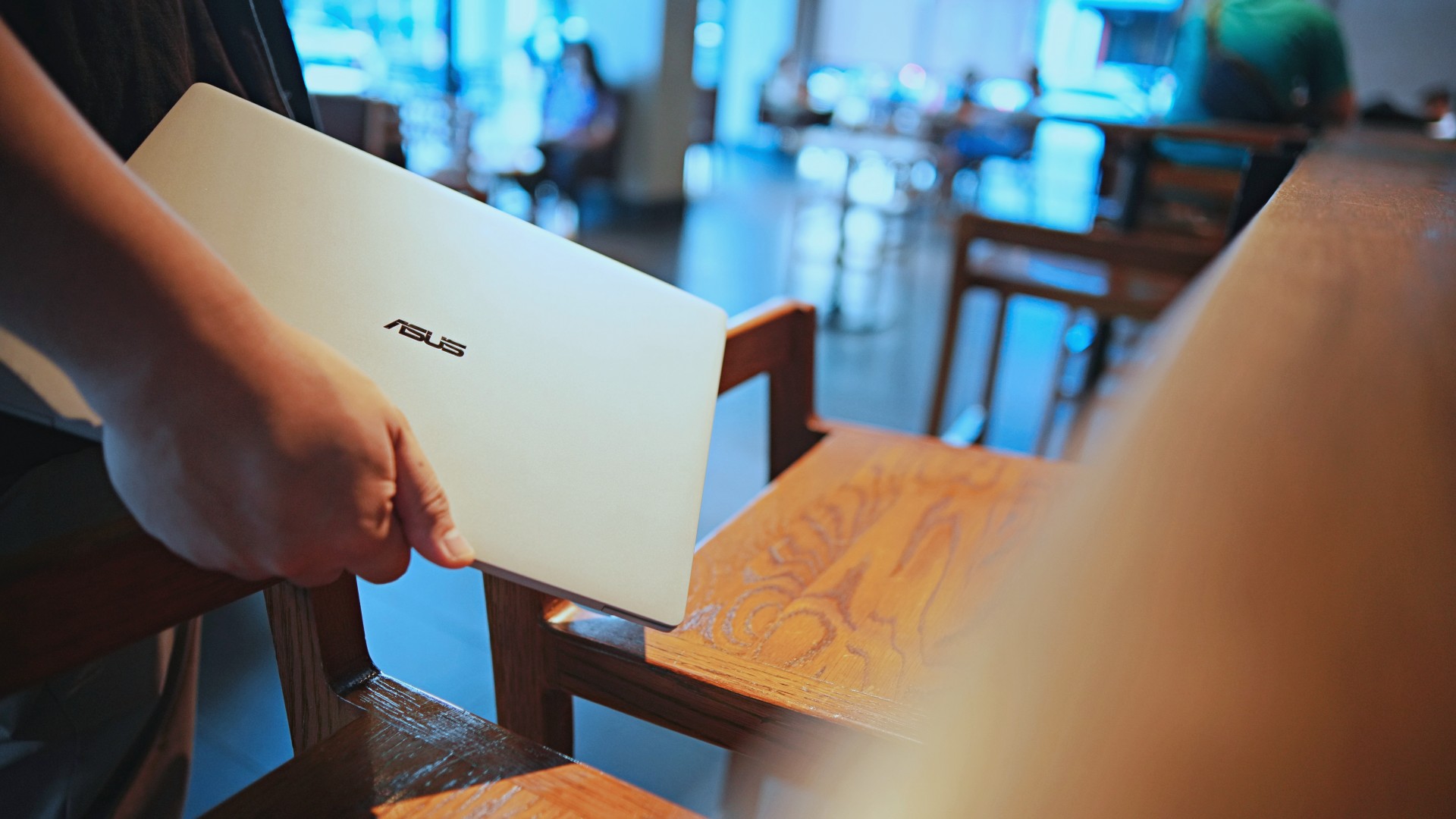
And yes, it does reinforce the feeling that, “Hey, I’m working on a pretty fancy piece of machinery.”
It’s easy to underrate the effects of that feeling, but it’s those little intangible things that can sometimes help unlock perspectives and possibilities.
That’s not something you’ll find on a spec sheet. But it’s absolutely part of the experience.
A display that’s difficult to stop staring at

It also helps if STAYC Isa is on screen.
The display is magnificent.
As Captain America would say, “I can look at this all day.” Not the exact phrase, but you’re smart. You get it.
The OLED and matte coating is just a killer combo. Kind of like the Chaewon and Yeji “That’s a No No” challenge collab. Pardon the months-old K-pop reference. I’ve been so busy I haven’t really kept up with what’s new.
Anyway, the combination just comes at you unapologetically and you have no recourse but to bask in it. Maintaining the deep blacks and crisp colors is such a gift to your eyes.
I often sit right next to big windows when I’m out in cafés and the light did nothing to dull the effect of the display.
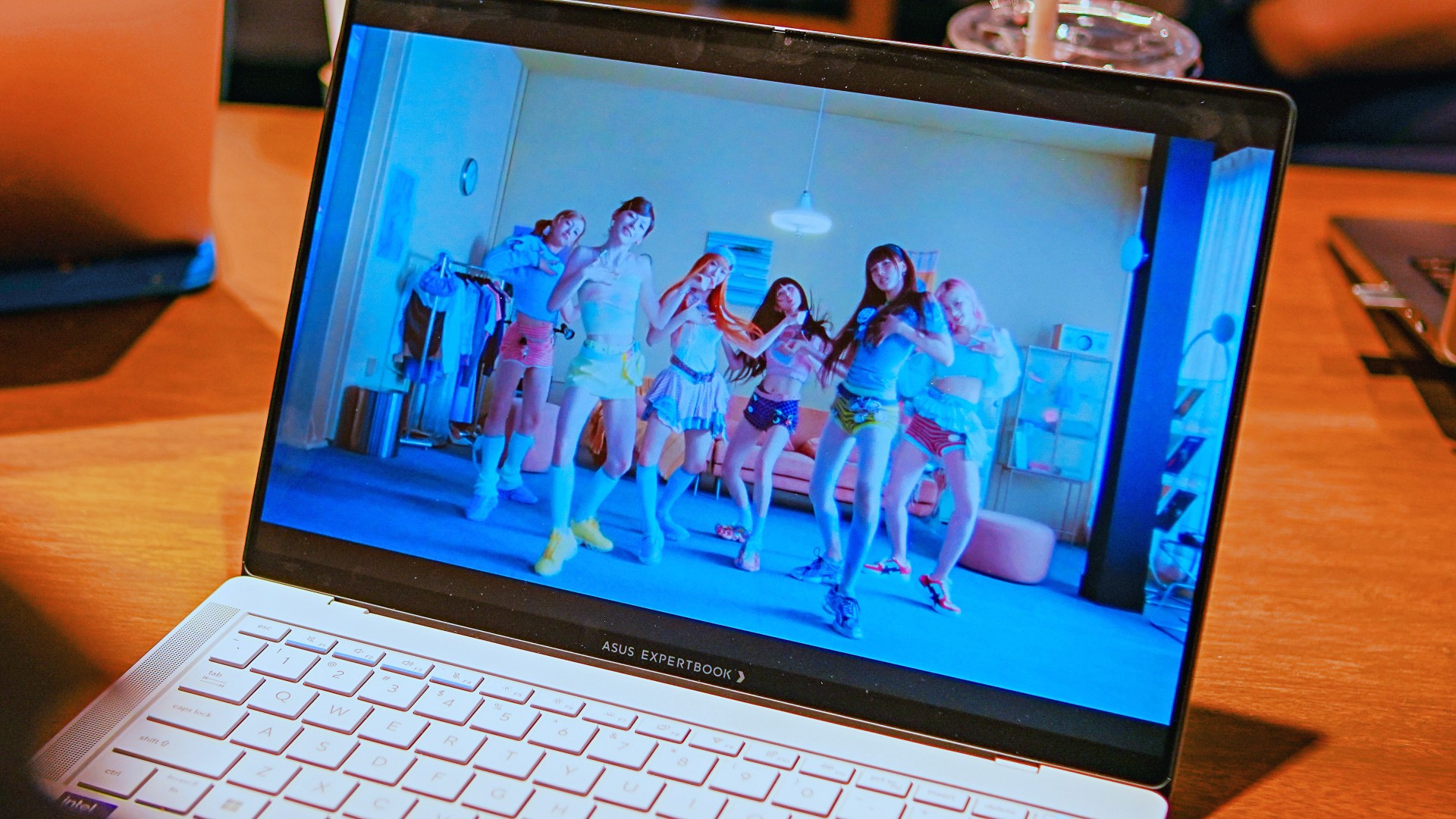
Two love, two love. I’m falling.
It was so good I often found myself fully diving into STAYC’s 2 LOVE music video in between writing this very review and coordinating with my team.
The matte coating deserves special mention here.
OLED panels already look fantastic. Pairing one with a matte finish that helps cut reflections without sacrificing the strengths of OLED makes for one of my favorite laptop displays in recent memory.
Typing just clicked
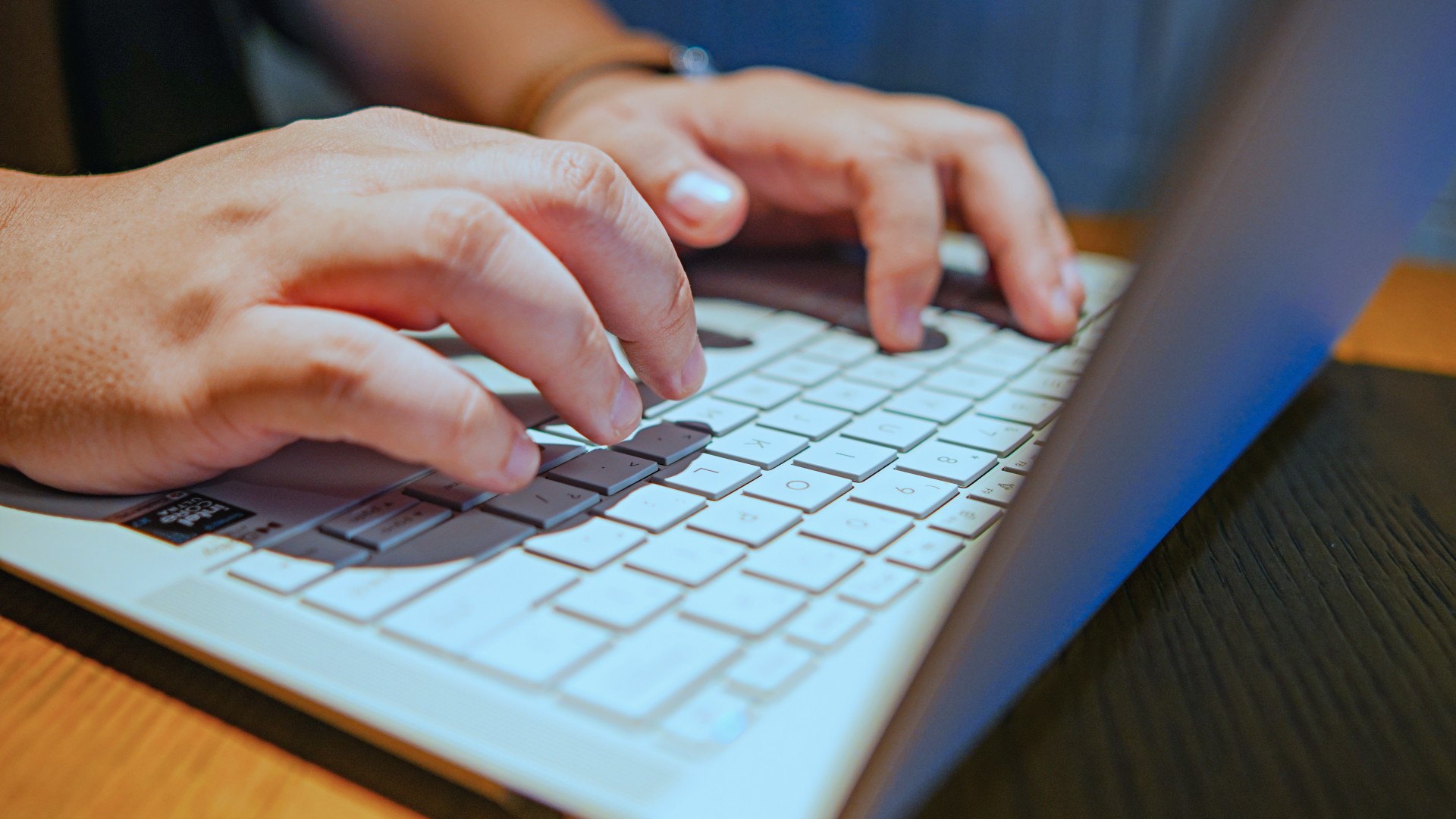
This is one of my favorite keyboard experiences. Things just clicked right from the start. No awkward feeling-out phase whatsoever.
I was touch typing like I was Doctor Strange trying to look into over 14 million possible outcomes and still landing on the right key every single time.
The keys feel closer to chiclet-style keyboards than anything else. Even so, the spacing is perfect and the travel satisfying.
Then there’s the haptic touchpad.

I typically don’t like using mice, especially when I’m out and about. With most Windows laptops I’ve used in the past, that eventually becomes a necessity.
That wasn’t the case with the ExpertBook Ultra. It’s easily one of the best-feeling touchpads I’ve used in recent memory.
My standard for touchpads has always been MacBooks. While the software is also doing some heavy lifting in that particular setup, the ExpertBook’s own comes pretty close.
That’s not praise I hand out lightly.
Performance that feels like overkill
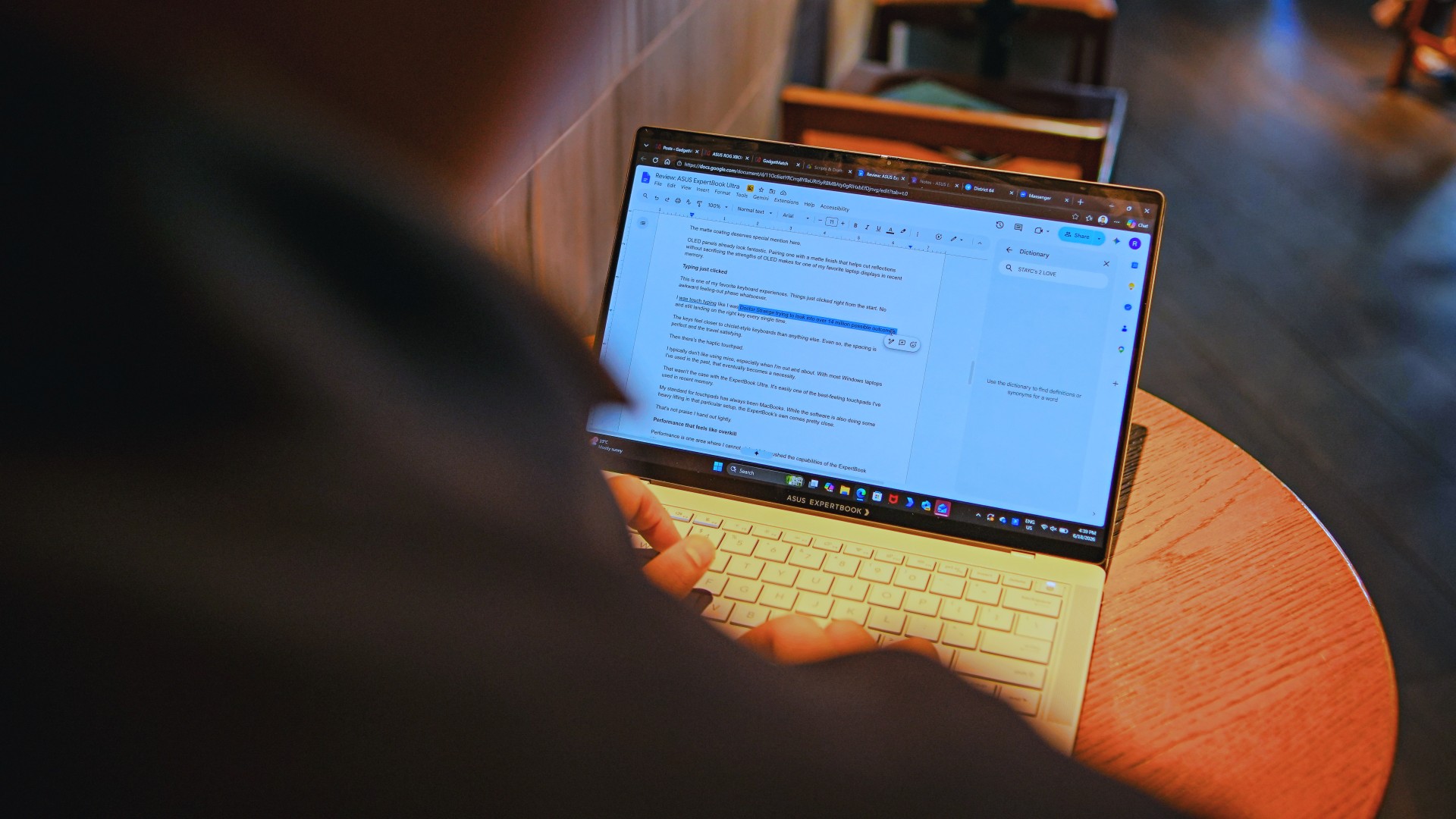
Performance is one area where I cannot claim I fully pushed the capabilities of the ExpertBook Ultra.
Most of my tasks are browser-based. Plenty of tabs open, sure, but I don’t think I ever came close to really testing the capabilities of this business notebook. I imagine that would be the case for most of ASUS’ target audience.
Upon seeing the specs, I already knew this was going to be a bit of an overkill for my own use case. My time with it only proved that assessment.
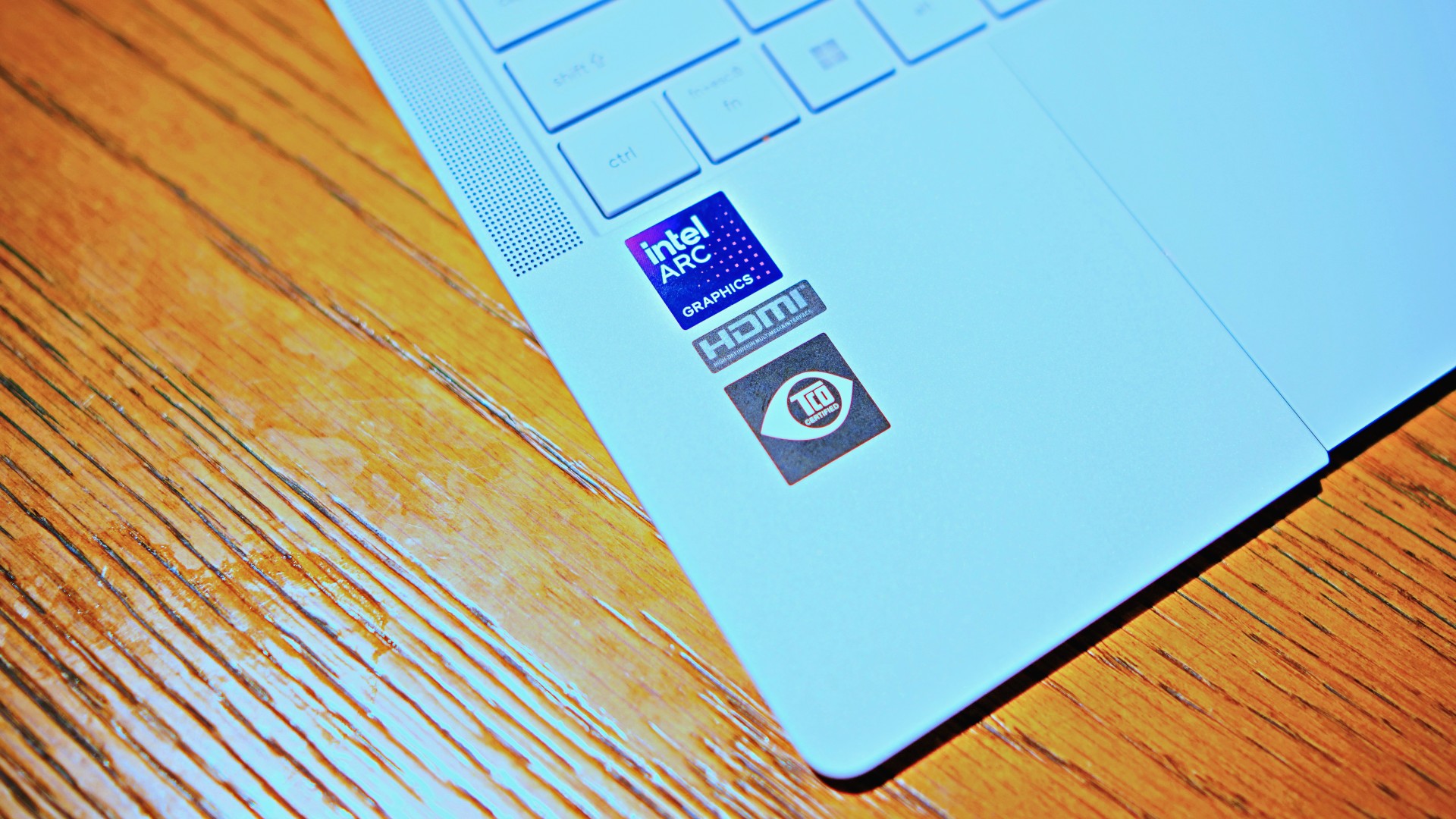
The most I did with it was jump between browser tabs and chat apps, letting ChatGPT help me process unresolved feelings and questionable timing while I dealt with coordinating shoots, writing scripts and reviews, and dealing with external forces that leave me feeling drained.
Never once did the laptop feel slow. Never once did I find myself waiting.
What noise?
Speaking of things I didn’t notice, let’s talk about fan noise.
Again, since I didn’t really push this thing to its absolute limits, the fan never really kicked into high gear at any point during my time with it.
The same goes for thermals.
No task I did ever raised the temperature to uncomfortable levels. The laptop simply went about its business. Which, come to think of it, is probably the most business-laptop thing I can say about it.
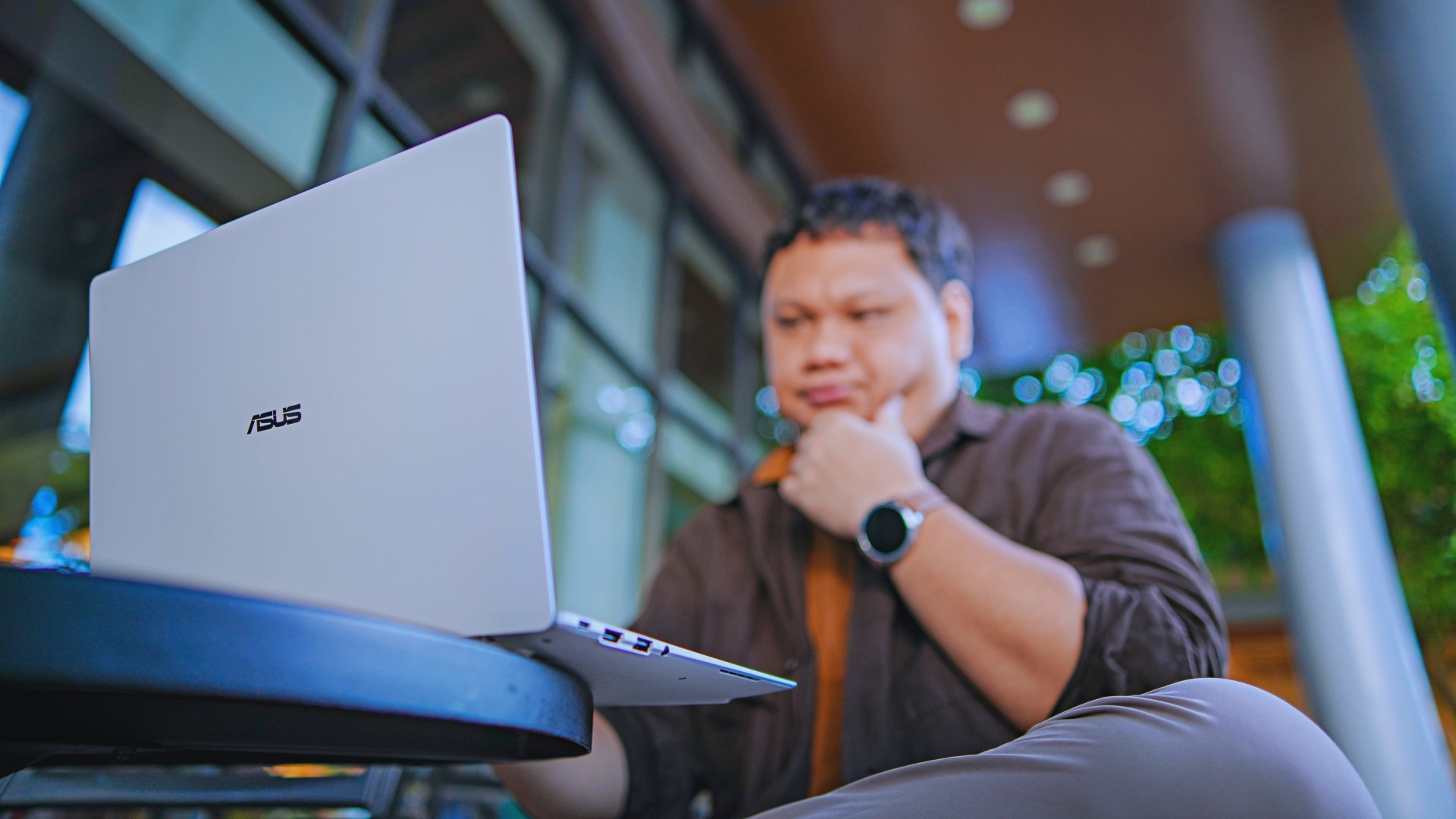
Battery life that simply works
I was very impressed with its overall efficiency.
When I go out to work, I typically don’t stay out longer than five to six hours. Most of the time that’s five to six hours of really focused work—with some K-pop loving in between.
Being generally risk-averse, I still always brought my usual charger with me. Not once during my time with the device did I feel the need to plug in while working outside.
I would typically end my café work days somewhere between 30 to 40 percent and only juice the thing up once I got home while it was closed and not in use.
That’s exactly the kind of battery experience I want from a business laptop.
The AI question
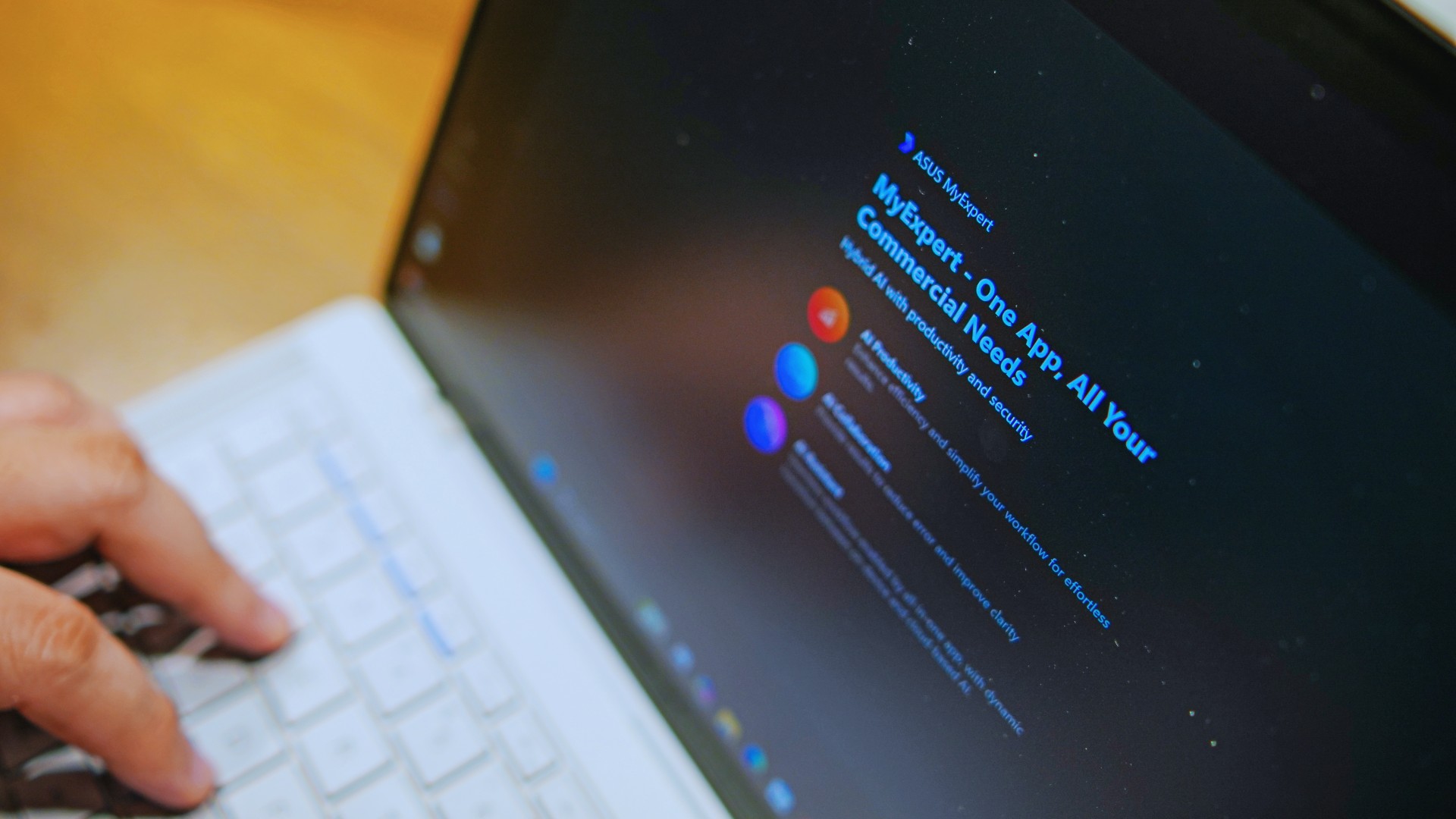
The thing I struggle with when it comes to AI features on this machine is that a lot of them are Windows-based and that’s just not the AI I find reliable.
Right now, many of these features are nice-to-have.
I’m sure one of ASUS’ target users will likely find a use case for them.
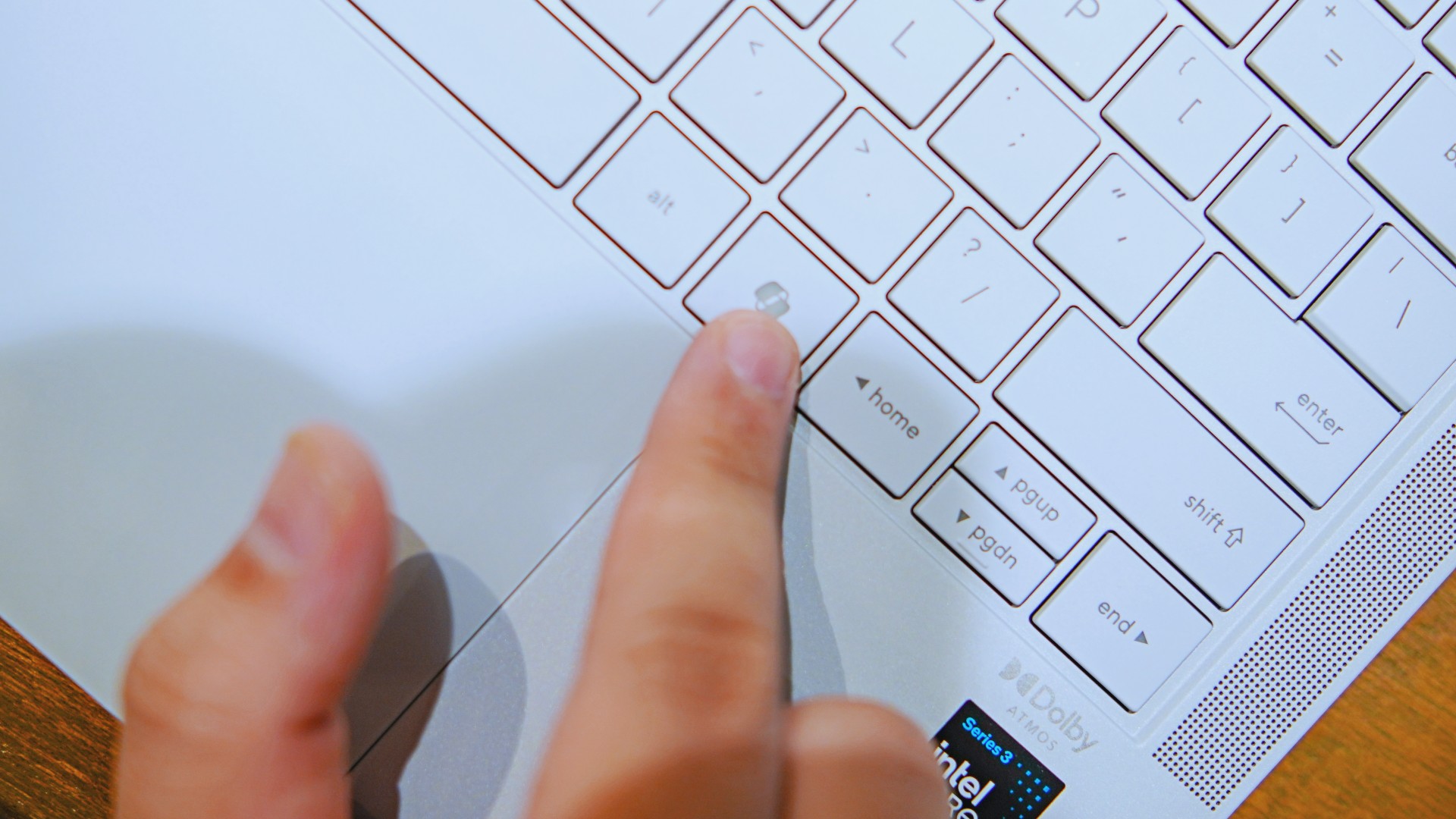
As for me personally, this is one area I’d have to dig deeper into to actually find ways to integrate them into my workflow and general usage.
And honestly, that’s okay. The AI features weren’t the reason I kept reaching for the laptop.
Who is this actually for?

That’s a loaded question. Really, it’s built for anyone who can afford it.
With a starting price of PhP 129,995, this device comfortably sits in aspirational territory.
What I know for sure is that this is a machine for someone who’s already built some momentum in their chosen field and would like to level up.
The ASUS ExpertBook Ultra gives you a machine that can handle your business now and inspire you to dream bigger about your future.
Is the ASUS ExpertBook Ultra your GadgetMatch?
The thing I kept coming back to with the ExpertBook Ultra is that there is no one thing that made me turn to it.
Instead, it’s the combination of everything that it brings to the table. The premium-feeling build, lightweight design, wonderful display, excellent keyboard and touchpad. efficient performance, and the thoughtful extras. Together, they make it a laptop that’s easy to recommend to anyone who’s ready for it.
But what does ready for it actually mean?
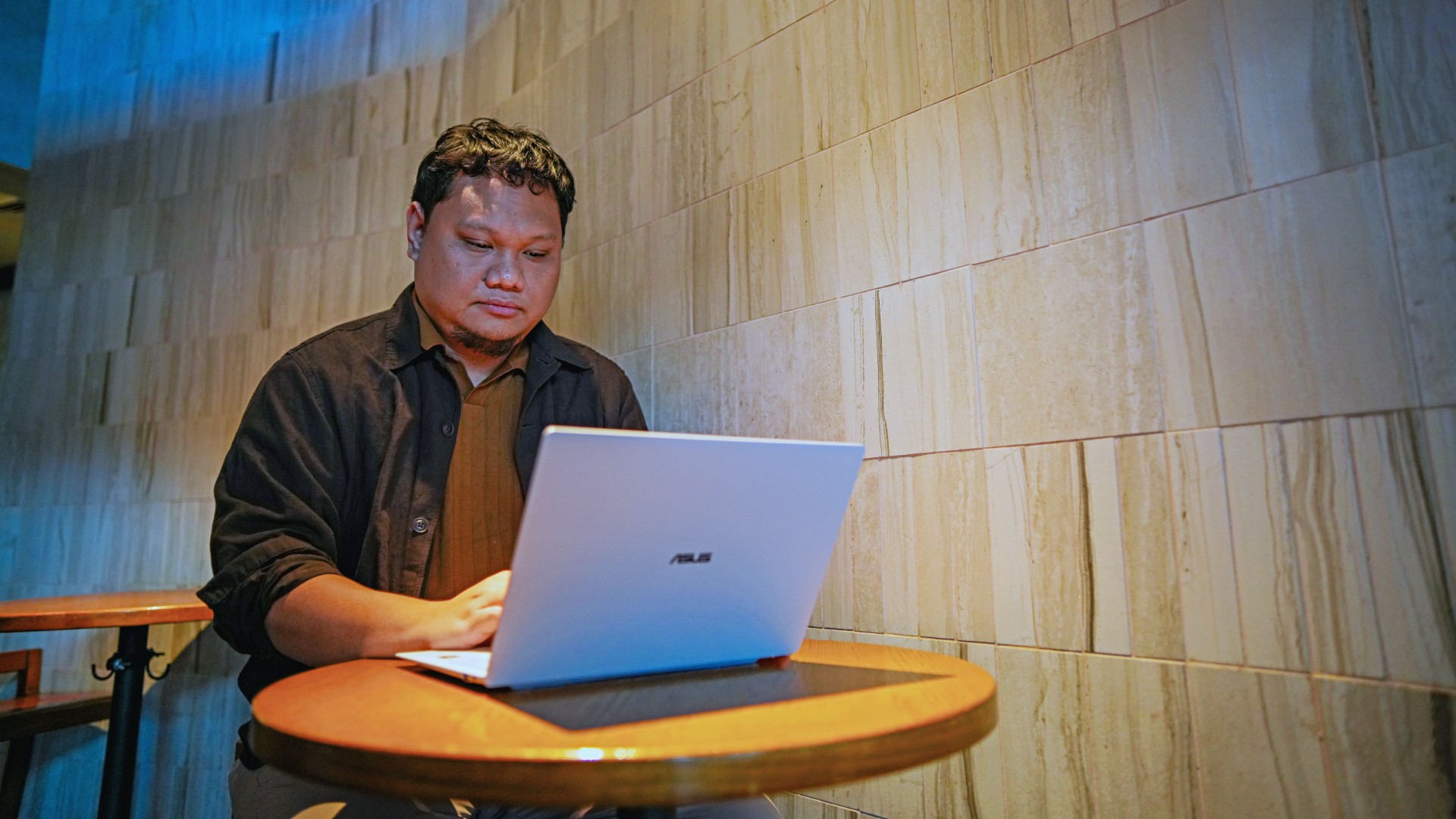
It means it’s for people who have leveled up quite a bit in their grind and want a machine that matches their current status and future aspirations.
That’s what the ASUS ExpertBook Ultra represents. A modern classic that’s ready for now and whatever comes next.
That’s why it didn’t wow me. But it certainly won me over.


realme C100: Enduring and durable in spite of entry-level realities
Enough power but needs more agility


The ASUS ExpertBook Ultra wins you over
The laptop sneaks up on you


Nexal Watch Sport review: A rugged watch for small budgets
I couldn't believe that watches this good could come for this cheap.

nubia expands gaming lineup with Neo 5 Max, Neo 5 GT Special Edition

Sony launches FE 100-400mm F5.6-8 OSS telephoto zoom lens

Google will force Android users to use Gemini next month

Tides of Annihilation opens first public demo at Gamescom 2026

Street Fighter 6 adds first Filipino fighter Yasmine to its roster

New York becomes first state to ban smart glasses

Sony launches IER-M500 in-ear monitors

Microsoft dictates that a new Fallout game is coming

HoYo FEST 2026 details announced; tickets on sale from July 16
realme C100: Enduring and durable in spite of entry-level realities


-

 Automotive3 days ago
VinFast debuts two-wheeler models, opens 21 e-motorcycle showrooms
-

 Gaming2 weeks ago
FINAL FANTASY X | X-2 HD Remaster launches on Nintendo Switch 2
-

 Accessories2 weeks ago
CASETiFY revives Spider-Man collection for Brand New Day
-
 Computers2 weeks ago
AORUS MASTER 16 Gen 2 2026 AI gaming laptop launches
-
 Computers1 week ago
AMD launches Radeon RX 9050 graphics card
-

 Gaming2 weeks ago
God of War Laufey finally confirms its highly anticipated launch date
-

 Automotive6 days ago
Xiaomi debuts SkyNomad Series featuring new Kunlun platform
-

 Philippines2 weeks ago
OPPO Reno16 Series 5G is coming soon to the Philippines