
Computers
Apple debuts macOS 11 Big Sur
Redesigned UI, better Safari, and more features to expect


At WWDC 2020, Apple introduced new software coming to its users this fall. On the iPhone front, the company announced the iOS 14. Meanwhile, iPad users can expect an improved iPadOS to come to their devices. Then, there’s macOS 11 Big Sur — an entirely new version to mark a big change to Apple’s beloved OS.
Redesigned from the ground up
macOS didn’t simply bump up to version 11 for nothing. This fall, macOS users will welcome a brand-new version with a redesigned interface. Everything from the dock up to the persistent menu bar gets a redesign that reminds users of iOS.

At first boot, users can expect redesigned icons with new consistent shapes. All apps get a refresh too, and Apple says that the new design will help users find content faster and easier.
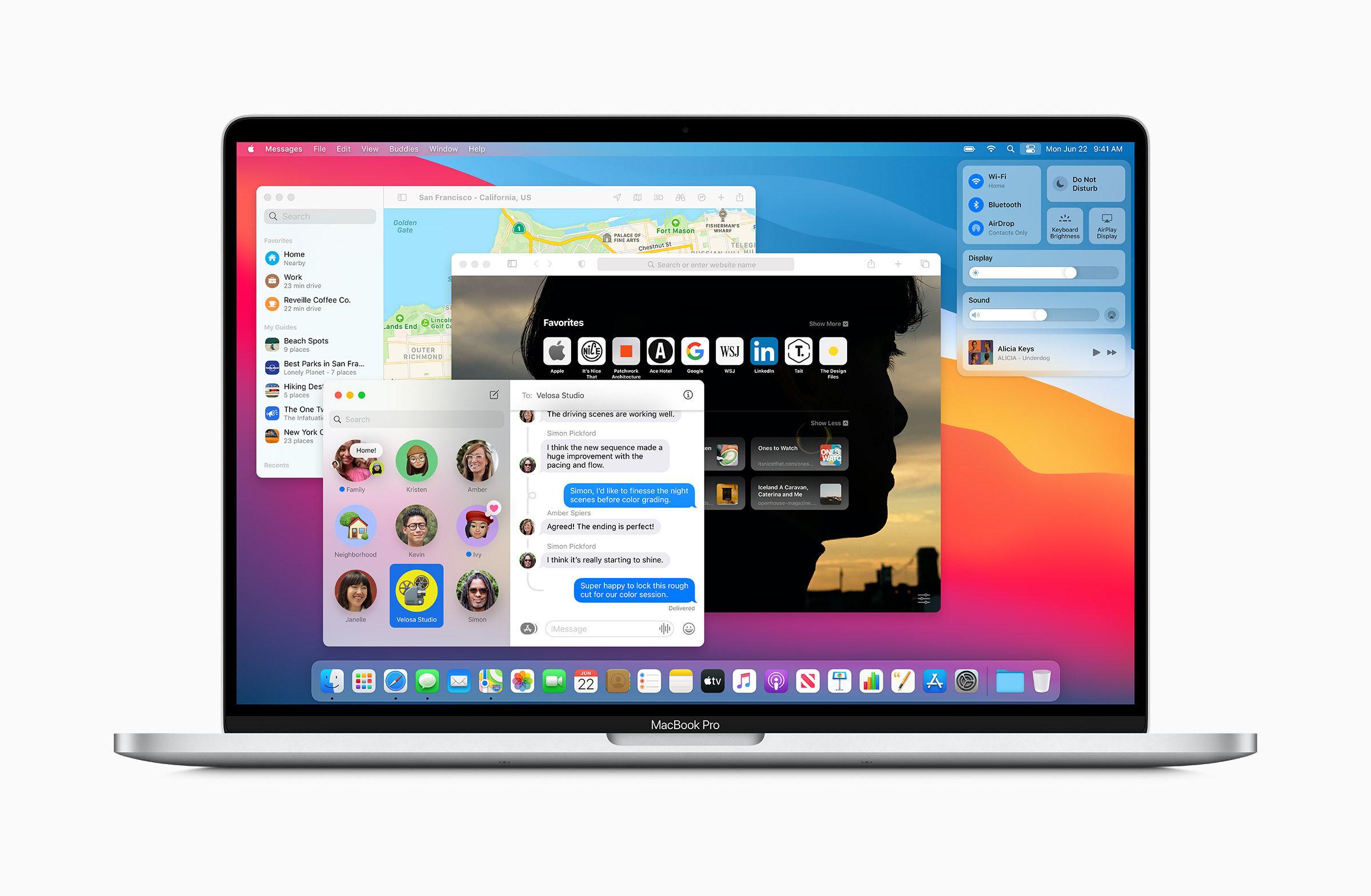
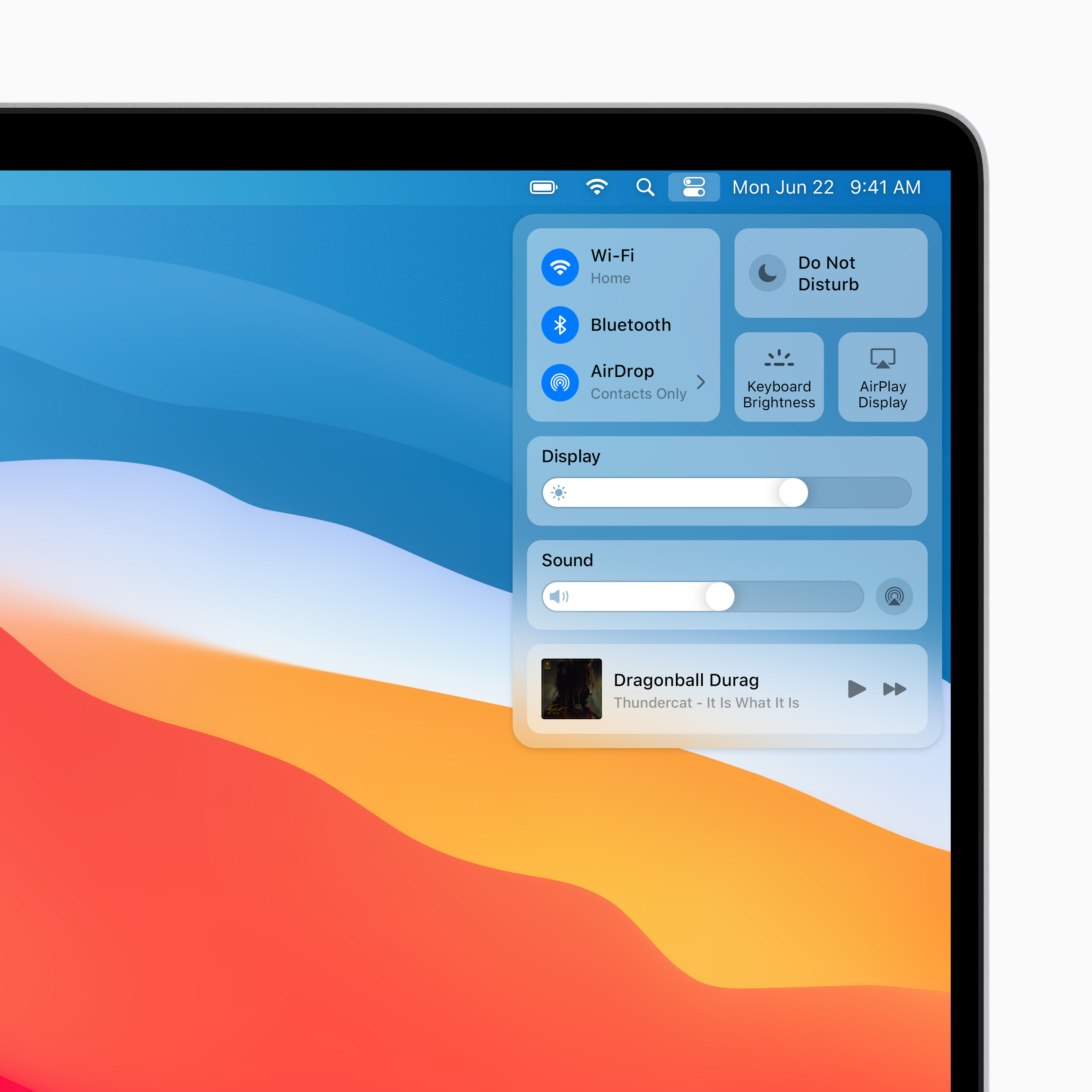
The Control Center is also coming to the macOS. Users can now tweak the brightness, volume, and other system settings on the fly.
Apple reworked the Notification Center to mimic the Today View present in iOS and macOS. Notification widgets are also customizable now, and users can select from three sizes.
Safari and other apps get a revamp
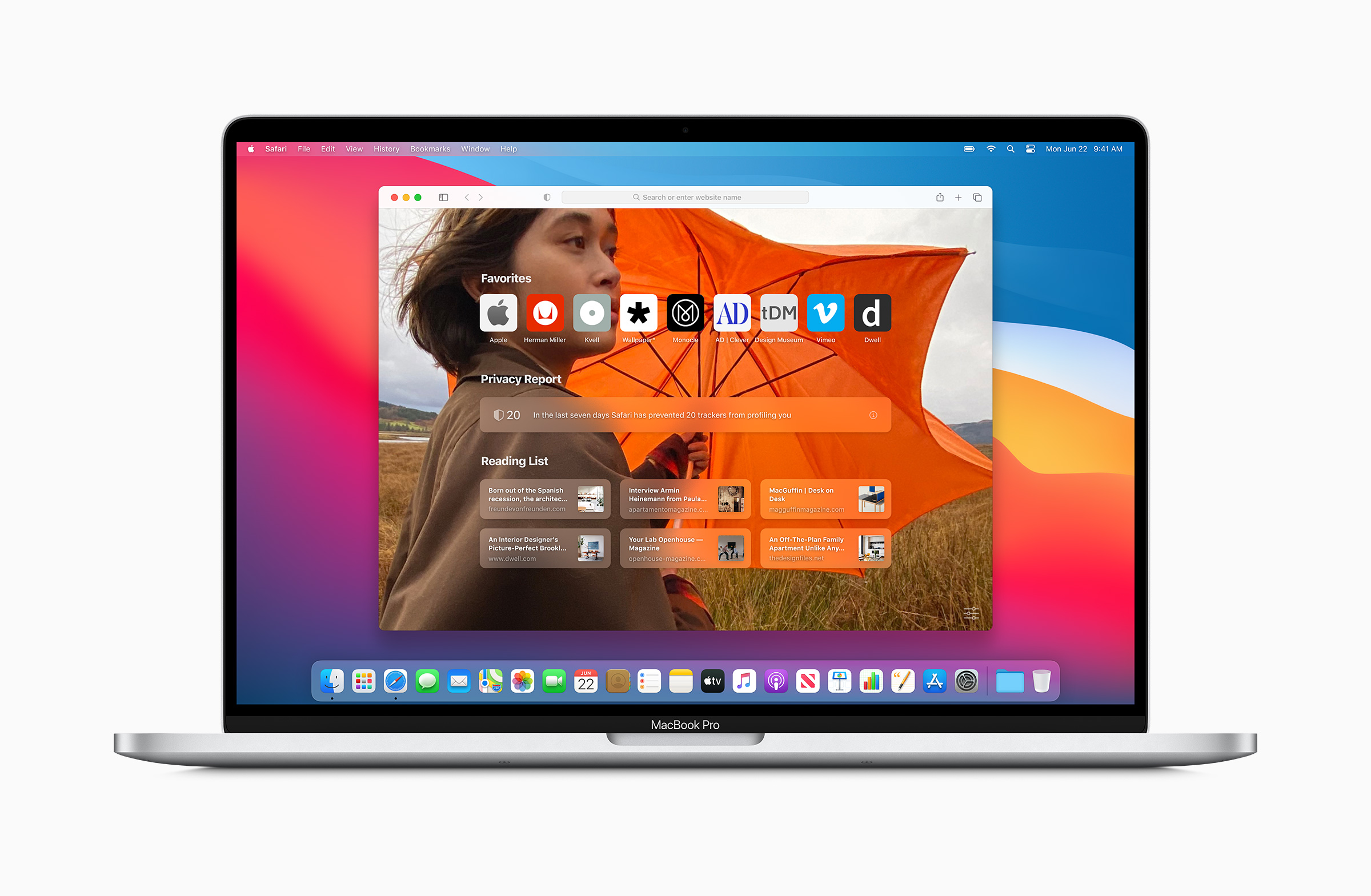
Safari got its biggest update in years with macOS 11. It now has a revamped design that falls in line with macOS 11’s design language. The new tab page is now customizable, and users can set their own backgrounds. Tabs also show a preview when a user hovers above the tab list.
Under the hood, Apple says that they have improved the performance of Safari. The company touts 50 percent faster performance than Chrome. Battery run times have also been improved, and users can expect three more hours of battery life compared to other browsers.
Extensions also got a revamp with the new Safari. Users can expect a wider range of extensions with support for WebExtensions API. Plus, the browser also gets a language translation feature. And for the privacy-conscious users, there’s a new privacy report which shows all the trackers blocked by Safari.

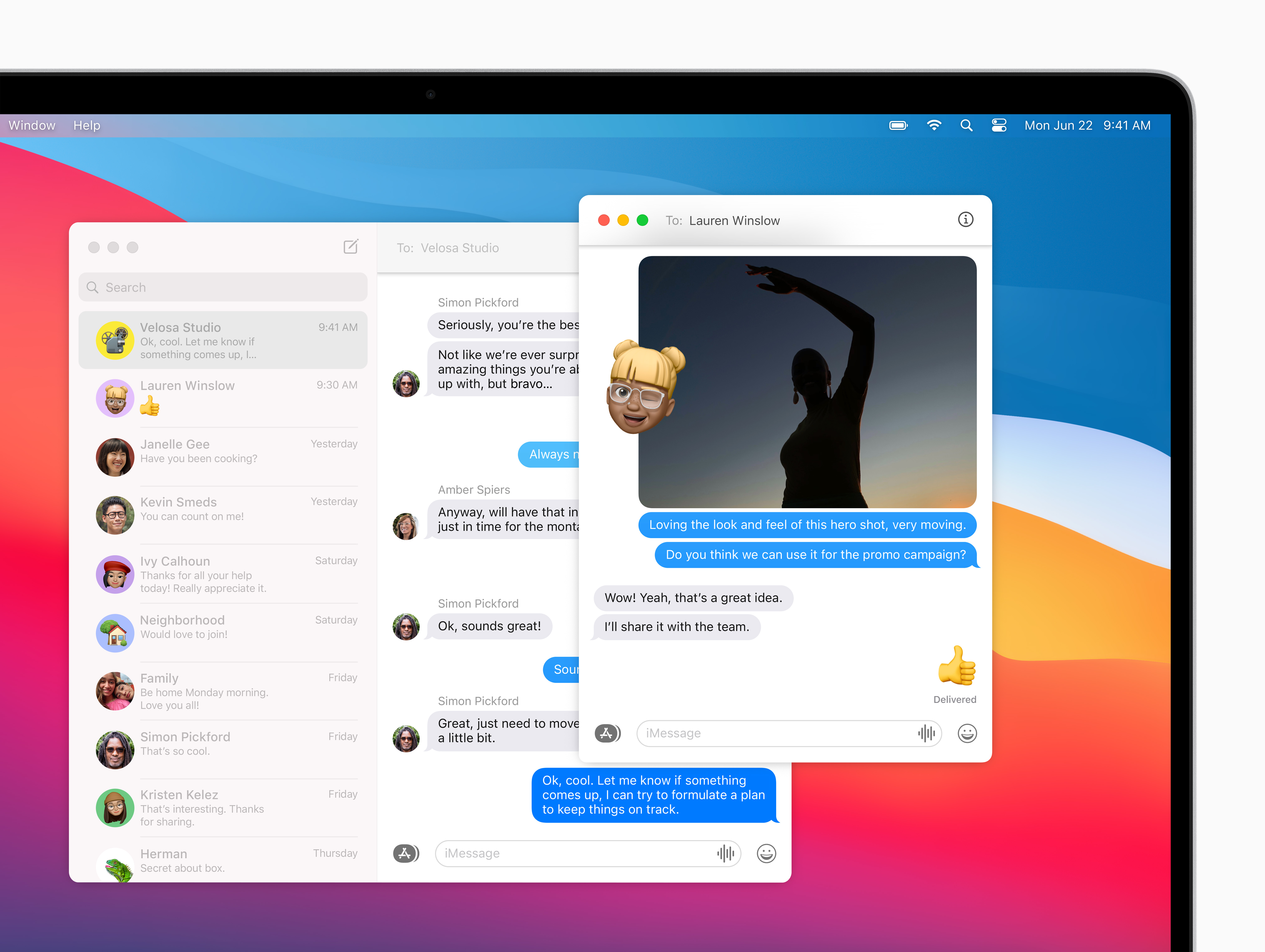
Other apps that get a significant revamp include Messages and Maps. Apple is bringing inline replies, Memoji stickers, and message effects right into the app. Search is much more powerful, and users can now pin their existing conversations.
As for Maps, Apple is bringing its “Guides” feature which is also present in iOS 14. Look Around — Apple’s alternative to Google Street Maps — is also landing on the Maps app for macOS 11. Plus, users can get the most out of their commute with new cycling and EV route options.
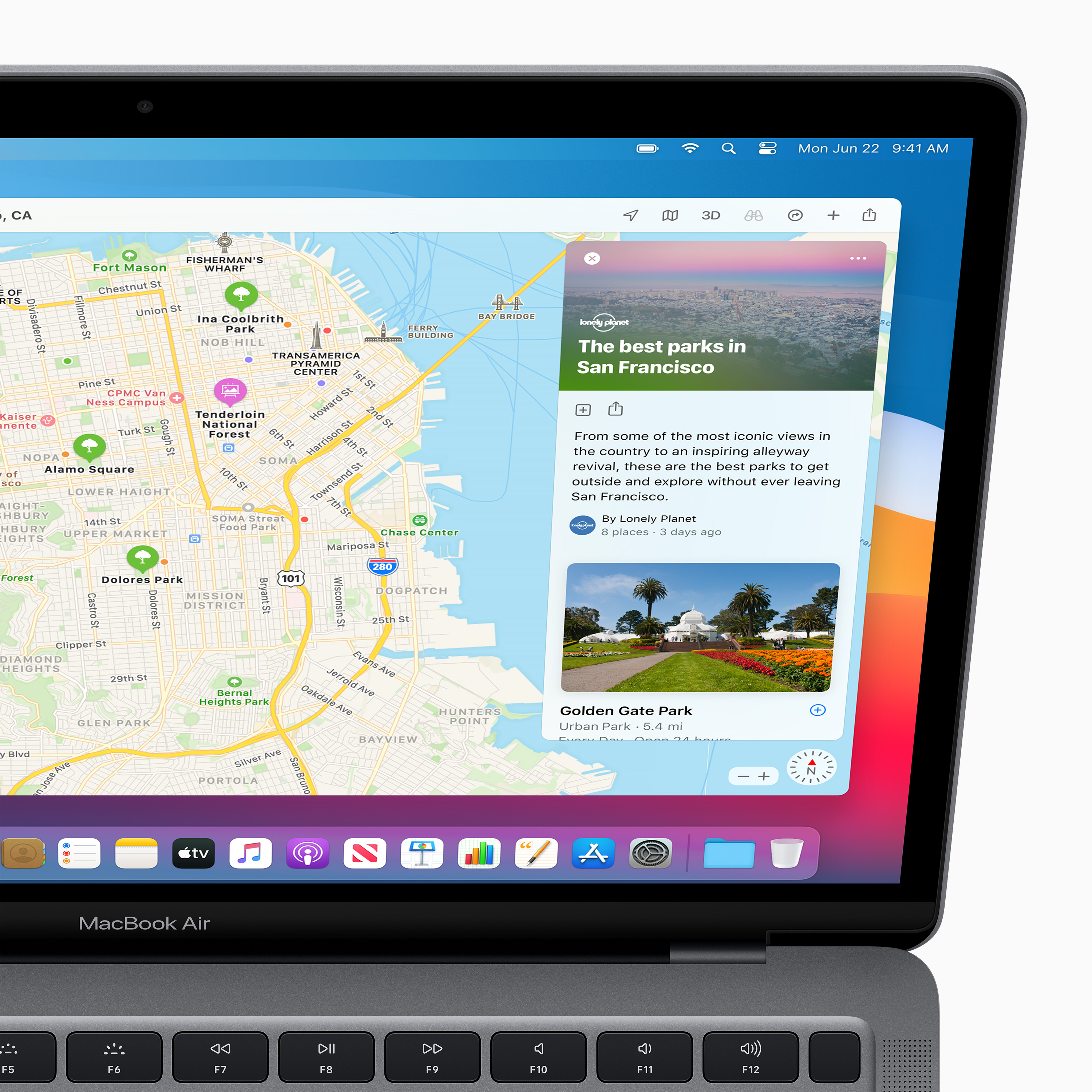
Under the hood, macOS 11 introduces new performance features that shall allow for faster software updates. Users can also expect new privacy labels on the macOS App Store.
Transition to in-house silicon design
Perhaps the biggest change coming to macOS 11 Big Sur is the one that users can’t directly see. The new macOS marks a paradigm shift for Apple as it undertakes a major transition from using Intel-based silicon to in-house silicon designs.
As such, macOS 11 also introduces new utilities under the hood to help users in the transition. For developers, they will now be able to build apps that target the iPhone, iPad, and Macs without much effort. Also, this means that users will be able to run iOS apps on a Mac for the first time.
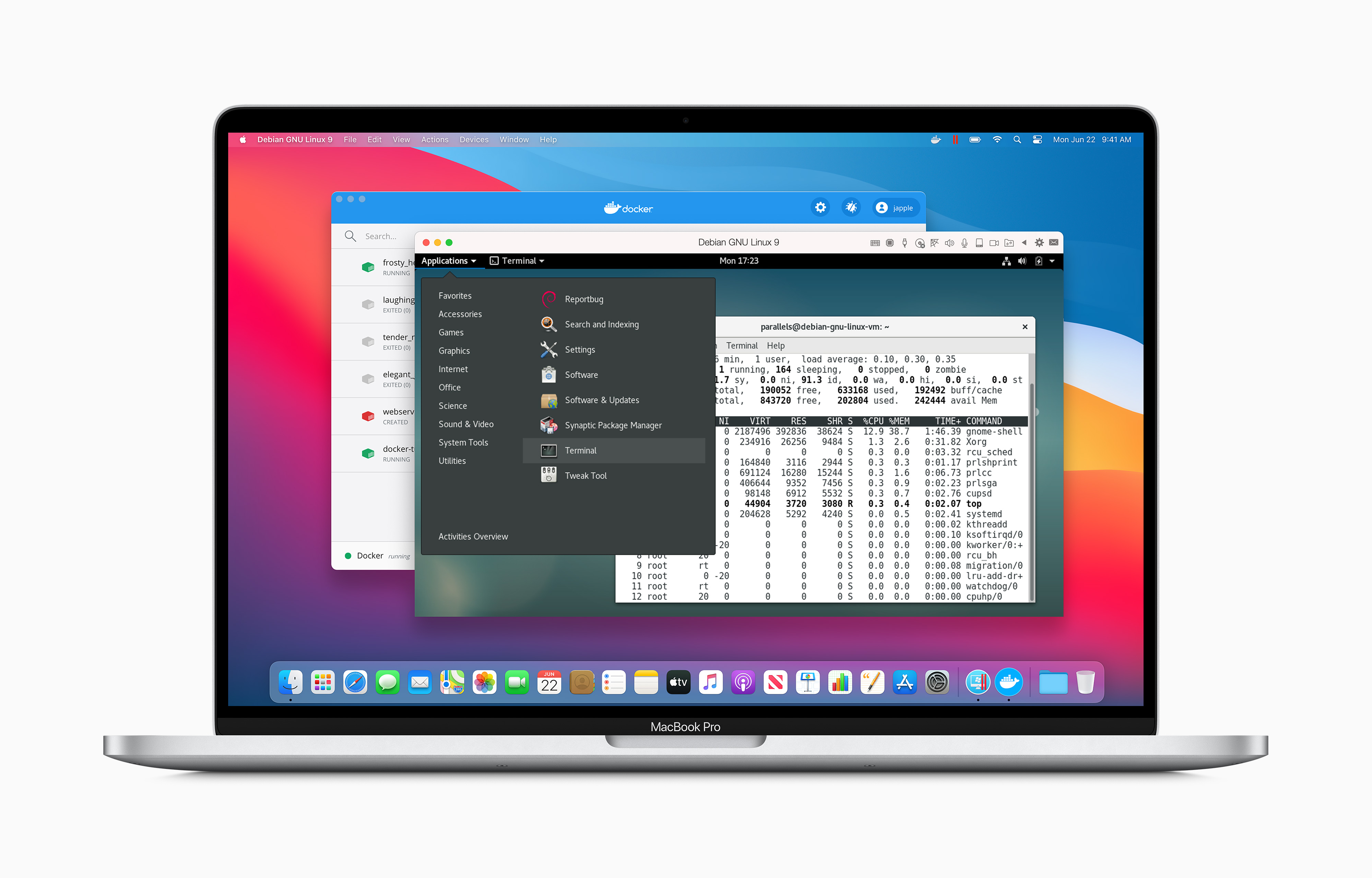
Apple announced a two-year transition period from Intel to its own silicon design. During that time period, users can still expect the company to ship new Intel-based Macs. For those eager to try Apple’s silicon on a Mac, they can do so with new hardware coming by the end of 2020.
Availability
macOS 11 Big Sur is coming this fall for all Macbook and Mac users. It will support a lengthy list of devices, and users can try it out on their system with a public beta this July.






Computers
Kingston FURY Renegade G5 SSD adds 8TB storage capacity option
Largest capacity option yet for high-power uses


Kingston FURY has added an 8192GB full capacity option for the Kingston FURY Renegade G5 line. This is ideal for high-power uses, such as video editing, 3D rendering, gaming, and more.
Optimized for heavy workflows and gaming needs, the PCIe 5.0 NVMe M.2 2280 SSD utilizes the latest PCIe Gen5 x 4 controller and 3D TLC NAND.
It can reach speeds of up to 14,800/14,000MB/s (read/write) and over 2M IOPS. This way, it can provide extreme performance and endurance.
And with an 8TB option, users can now store more of their favorite games and media without losing system responsiveness. Other scenarios include 4K/8K video editing.
The Kingston FURY Renegade G5 lineup has capacities available from 1TB to 8TB. All options come with a limited five-year warranty, plus free technical support and legendary Kingston reliability.
Like the Renegade G5’s other storage capacities, the 8TB SSD is compatible with many popular motherboards.
Enthusiasts looking at custom builds can rely on the lineup. And by now, popular PC brands already have motherboards with PCIe 5.0 support.
Kingston’s future-ready storage and RAM offerings were displayed previously at COMPUTEX 2025.
These AI-ready solutions support robots, AI PCs, and AI servers, delivering benefits in public safety, data security, and production line efficiency.

Apple has introduced the upgraded Apple Vision Pro, now powered by the M5 chipand equipped with the Dual Knit Band for improved comfort.
This latest version delivers faster performance, sharper display rendering, longer battery life, and new experiences through visionOS 26, which introduces widgets, updated Personas, and new Apple Intelligence features with expanded language support.
M5 chip brings faster AI and sharper visuals
The M5 chip, built on third-generation 3-nanometer technology, introduces a 10-core CPU and GPU that boost performance across the system. Apps launch faster, web browsing feels more responsive, and visuals appear sharper with 10% more pixels rendered on Vision Pro’s micro-OLED displays.
The new GPU supports hardware-accelerated ray tracing and mesh shading. It brings lifelike lighting and reflections to games like Control. Vision Pro now supports refresh rates up to 120Hz. It reduces motion blur and delivering smoother experiences for Mac Virtual Display users.
The high-performance battery extends use to 2.5 hours of general activity or 3 hours of video playback on a single charge. Meanwhile, the 16-core Neural Engine accelerates AI-powered tasks up to 2x faster than before. Developers can now use Apple’s Foundation Models framework to create smarter on-device AI experiences.
Dual Knit Band offers improved comfort
Apple introduces a redesigned Dual Knit Band, crafted from 3D-knitted fabric for a more cushioned and balanced fit. It uses flexible ribs embedded with tungsten inserts for counterweight and stability, while the dual-function Fit Dial enables fine-tuned adjustments.
The Dual Knit Band is available in three sizes (S, M, L), sold separately, and compatible with previous Vision Pro models. Users can find their best fit through the Apple Store app for iPhone.
visionOS 26 expands spatial experiences
With visionOS 26, Vision Pro adds immersive new ways to work and play. Widgets can now stay anchored in your space, Personas look more natural in FaceTime, and spatial photos use AI to add realistic depth.
Vision Pro also supports 180° and 360° video playback from Canon, Insta360, and GoPro. This lets creators and users relive footage the way it was captured. Later this year, the Vision Pro app for iPad will launch. It will give users another way to browse and manage spatial content.
Expanding apps, games, and immersive content
Vision Pro users can explore over 1 million apps, with 3,000+ made specifically for visionOS. Lifestyle and design apps like HomeByMe, Balenciaga, and Christie’s Select join entertainment titles like Epic Earth and Space Vision.
Apple Immersive continues to push storytelling boundaries with new titles from Audi F1 Project, BBC, HYBE, and Red Bull. There are also 3D movie hits like Jurassic World Rebirth and Wicked on the Apple TV app.
Gaming also levels up with support for PlayStation VR2 Sense controllers. It unlocks tactile gameplay with six degrees of freedom and haptic feedback.
Built for creators and professionals
Pro users can use Vision Pro for advanced workflows — from 3D design and photography to film production and live collaboration. The new Logitech Muse stylus offers pixel-level precision in apps like Crayon and Sketch Pro. Enterprises such as CAE, Porsche, and UC San Diego Health are already adopting Vision Pro to power simulation, visualization, and healthcare innovation.
Pricing and availability
The upgraded Apple Vision Pro with M5 chip and Dual Knit Band starts at SGD 4,999, available in 256GB, 512GB, and 1TB storage options.
Pre-orders in Singapore begin October 17, with availability in Apple Stores starting October 22.
The Dual Knit Band can be purchased separately for SGD 149, the Vision Pro Travel Case for SGD 299, and ZEISS Optical Inserts for SGD 149 (Readers) or SGD 219 (Prescription). The Logitech Muse stylus is priced at SGD 179 and will be available alongside the new Vision Pro.
Customers can book demos online, featuring the new Vision Pro and its latest features, including Genmoji, Writing Tools, and new Apple Immersive experiences like Tour De Force and MotoGP.
Computers
Apple unleashes M5 chip, the next big leap in AI
Powers next-gen MacBook Pro, iPad Pro, and Apple Vision Pro

Apple has unveiled the new M5 chip, marking its biggest leap yet in AI performance for Apple silicon. Built on third-generation 3-nanometer technology, M5 brings over 4x the peak GPU compute performance for AI compared to M4, and introduces a next-generation 10-core GPU with a Neural Accelerator in every core.
The new chip also features Apple’s fastest performance cores, combining up to 10 CPU cores — four performance and six efficiency. This aims to deliver up to 15% faster multithreaded performance over M4.
Alongside a faster 16-core Neural Engine and 30% higher unified memory bandwidth at 153GB/s, M5 powers through AI, creative, and gaming workloads while maintaining Apple’s hallmark energy efficiency.
Optimized GPU built for AI and graphics
Every compute block of M5’s 10-core GPU is optimized for AI, achieving over 6x AI compute compared to M1 and 30% faster graphics than M4. Its third-generation ray-tracing engine delivers up to 45% higher graphics performance, with smoother gameplay, faster rendering, and more realistic visuals in titles like Cyberpunk 2077.
M5 also brings higher refresh rates and sharper visuals to Apple Vision Pro, now capable of rendering 10% more pixels at up to 120Hz. Developers using Apple’s Metal 4 and Core ML frameworks automatically benefit from the GPU’s Neural Accelerators and Tensor APIs, allowing AI-driven apps like Draw Things and LM Studio to run faster than ever.
Faster Neural Engine for Apple Intelligence
The 16-core Neural Engine in M5 enhances performance for on-device AI features, including those powered by Apple Intelligence. Tools like Image Playground and Writing Tools now process tasks more efficiently, while the higher unified memory enables larger models to run locally for improved responsiveness and privacy.
Built for power efficiency and sustainability
With up to 32GB of unified memory, M5 can handle demanding creative apps like Final Cut Pro and Adobe Photoshop simultaneously. Its power-efficient design contributes to Apple’s 2030 carbon neutrality goal, reducing energy use across the lifetime of every MacBook Pro, iPad Pro, and Apple Vision Pro powered by M5.


Predator: Badlands is the adventure comedy that the series needs
There are so many good ideas, too.


Cooling down my daily life with the Aecooly Aero Ultra
A fan built for real heat


This gaming mouse made me fall in love with working from home again
The Razer Basilisk Mobile may be built for play, but it excels at work!

Grand Theft Auto VI delayed to November 2026

KPop Demon Hunters 2 is reportedly scheduled for 2029 premiere

Xolo Maridueña cast as Portgas D. Ace in Netflix One Piece Season 3

The Nintendo Switch is nearing the end of its lifecycle

Razer, JOOLA partner for limited-edition pickleball paddle

DJI Osmo Nano review

The HONOR MagicPad 3 is an almost perfect premium pad partner

The Redmi K90 Pro Max is the first smartphone with Bose-powered speakers

Samsung Galaxy S25 FE review: Closer to flagship than ever

vivo X300 Pro headlines Dimensity 9500 and Sony’s LYT-828 image sensor


-
 News2 weeks ago
The Redmi K90 Pro Max is the first smartphone with Bose-powered speakers
-
 Laptops2 weeks ago
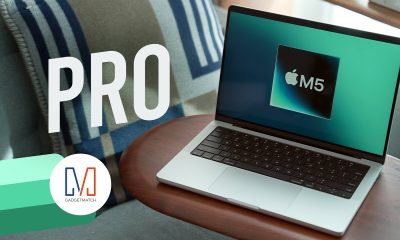
M5 MacBook Pro review
-

 Accessories2 weeks ago
QCY H3S review: Clean sounding, lean pricing
-
 Reviews1 week ago
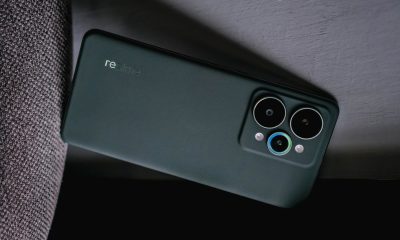
realme 15 Pro review: A step forward or a step back?
-

 Accessories2 weeks ago
Razer Raiju V3 Pro brings tournament-level control to PS5
-

 Gaming2 weeks ago
Assassin’s Creed Shadows is coming to the Switch 2
-
 Gaming1 week ago
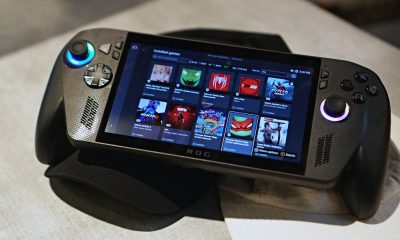
ROG Xbox Ally X review: A proper sequel
-

 Reviews1 week ago
Infinix GT 30: Champion value budget gamer