


Laptops
Dell Latitude 7390 2-in-1 Review: The complete business laptop
Yet another great business laptop from Dell

It’s not every day that I get to review devices designed for business. If you haven’t noticed, there are laptops meant for average consumers while others are for enterprise. What I have here is part of the Latitude lineup from Dell, which is basically their business-oriented series.
I’ve always loved using a ThinkPad (when it was still under IBM) back in the day when bulky and heavy laptops were a common sight, and the Dell Latitude 7390 2-in-1 kinda gives off the same vibe but with a modern kick, of course. Since the name already implies it, this business laptop has a 360-degree display hinge. That means it can all do the usual modes we’ve seen on other 2-in-1s in the market.

Right off the bat, the Latitude 7390 2-in-1 is not the most interesting laptop you’ll see. Let me run you through the physical aspects of the laptop starting with the display.
This 2-in-1 laptop has a 13.3-inch IPS screen with a 1080p resolution, multitouch input, and Active Pen support. According to Dell’s specs sheets, it’s got Gorilla Glass 4 which explains why the display feels so smooth when I use it as a touchscreen, yet it’s tough and scratch-resistant.
You can also see that it has pretty slim side bezels — a trend not only found on smartphones. The top and bottom portions of the display are about the same size as with most regular laptops, which means you get a webcam that’s in a proper position. The extra bezel real estate also acts as resting place for your thumb when using the 2-in-1 in tablet mode.

As for the ports, the Latitude 7390 2-in-1 has plenty! This is what I love about business laptops, they don’t compromise ports and they stay away (as much as possible) from dongles. On the left side, we have two USB 3.1 Type-C ports (with DisplayPort and Thunderbolt 3 support), a full-size HDMI 1.4, and a USB 3.1 Gen 1.
To the right is another USB 3.1 Gen 1 port, a microSD card reader, 3.5mm combo jack, and a Noble Wedge Lock slot. The power button and volume rocker are also on the right side, making them accessible even if the laptop is positioned differently. There’s also a SIM card slot in select models (like mine) if you want to put a data SIM for LTE connectivity.

For a modern and sleek laptop, the Latitude 7390 2-in-1 has a plethora of ports. It’s not that bulky either and I find its size to be just right for my lap. Most ultra-portable notebooks I’ve used lately only have a couple of USB-Cs, so having full-size ports brings back the convenience I missed. No dongles, no adapters.
Another business-like trait of this laptop is its keyboard. If you’re already accustomed to short-travel keys, typing on the Latitude 7390 2-in-1 is a breath of fresh air. It’s not as great as I’d like it to be because it’s a bit on the mushy side; I want a more positive response when typing like what I get from mechanical keyboards, but without the clicky noise. Having said all that, the keyboard is still a joy to type on.
The trackpad, on the other hand, is so-so. It’s a two-button touchpad using Windows Precision Drivers with a smooth yet textured surface. I definitely prefer glass touchpads, but this ain’t bad either.

The overall color of the device is black which makes the laptop look stealthy yet appealing. Even my colleagues prefer the look of the Latitude 7390 2-in-1 over some of the other laptops we’ve reviewed. But, as the one who used the Latitude 7390 2-in-1 as a daily computer for three weeks now, there’s more to the looks of it.
Built from magnesium and coated with soft-touch matte black paint, the Latitude 7390 2-in-1 feels solid and sturdy. The matte coating certainly helps with the grip and overall feel of the laptop. There’s no creaking and I never had an issue with the display’s hinge — no wobbling whatsoever. Perhaps, the only gripe I have about having an extra firm hinge is not being able to open the laptop with one finger.
A business-minded design is not necessarily blunt
When we went to Taipei for Computex 2018, the Latitude 7390 2-in-1 was my daily driver, and I was thankful for having it with me. The particular model I have has an 8th-gen Intel Core i7 with 8GB of memory and 256GB SSD. That’s more than enough to keep the laptop from slowing down when I have multiple programs open.
I’m not exactly a heavy-user of laptops since my work is mostly done online, but imagine having Google Chrome with multiple tabs opened and pinned at the same time. I didn’t have to worry about lags and I never had a single issue in performance.

Above is a photo of me remotely working on a bench in one of the spacious streets around Taipei. This is a typical scenario where I have to pull out my laptop and get some quick work done while roaming around. This is when I noticed that the display’s maximum brightness is not enough to battle the sun but if it’s cloudy, the anti-reflective coating of the display (Dell’s claim there is) helps with the visibility of the screen’s content.

Since it’s a 2-in-1, I have to take advantage of the 360-degree hinge. For business, setting the laptop in stand mode (pictured above) puts it in an ideal position for presentations. Or, if you’re like me, you can use it to binge-watch shows on Netflix and enjoy GadgetMatch videos on YouTube.
Before I used the Latitude 7390 2-in-1 as my main laptop, I had been using an ultra-portable notebook and a tablet convertible. The limitations of the two, especially with the ports, were a deal-breaker for me. Maybe that’s why I love using the Latitude 7390 2-in-1 — it has all the ports I need plus I can rely on its robust (but not bulky) body.
It can last the whole day
To be honest, I’d recommend the Latitude 7390 2-in-1 to anyone looking for a laptop that can last on the road. With its built-in 60Whr battery, I can work and play on the laptop for almost 10 hours before it automatically puts itself to sleep. When it’s time to plug it in, the included 60W charger fills up the laptop in just an hour and 45 minutes.
Did I already mention that the laptop charges through USB-C? This means you can use your laptop’s charger for your phone, so you’ll need to bring only one charger for all your USB-C devices.

Charging via USB-C doesn’t only simplify things, it also brings new possibilities. Throughout my usage of the Latitude 7390 2-in-1, I seldom brought its charger. Instead, I carried a pretty big power bank that’s capable of charging laptops through USB-C ports.
If you think power banks are just for smartphones, you’re mistaken. Dell also sells a power bank called Notebook Power Bank Plus with a high 65W power delivery, so it’s capable of charging laptops including the new MacBooks.
Is this your GadgetMatch?
Obviously, it’s my GadgetMatch, but my needs and preferences are not the same as yours. If you’re looking for a laptop that complements office lifestyle, the Dell Latitude 7390 2-in-1 will surely be a perfect companion priced at PhP 76,000 for this configuration in the Philippines.
Even if you want a laptop you can use every day that doesn’t limit your productivity, the Latitude 7390 2-in-1 is still a great choice. This isn’t a multimedia or gaming laptop, but light gaming and common editing software (e.g. Adobe Photoshop and Premiere) will work fine.






Laptops
Hands-on: NEW iPhone 17e, iPad Air, MacBooks, Studio Displays
What Apple has announced other than the MacBook Neo

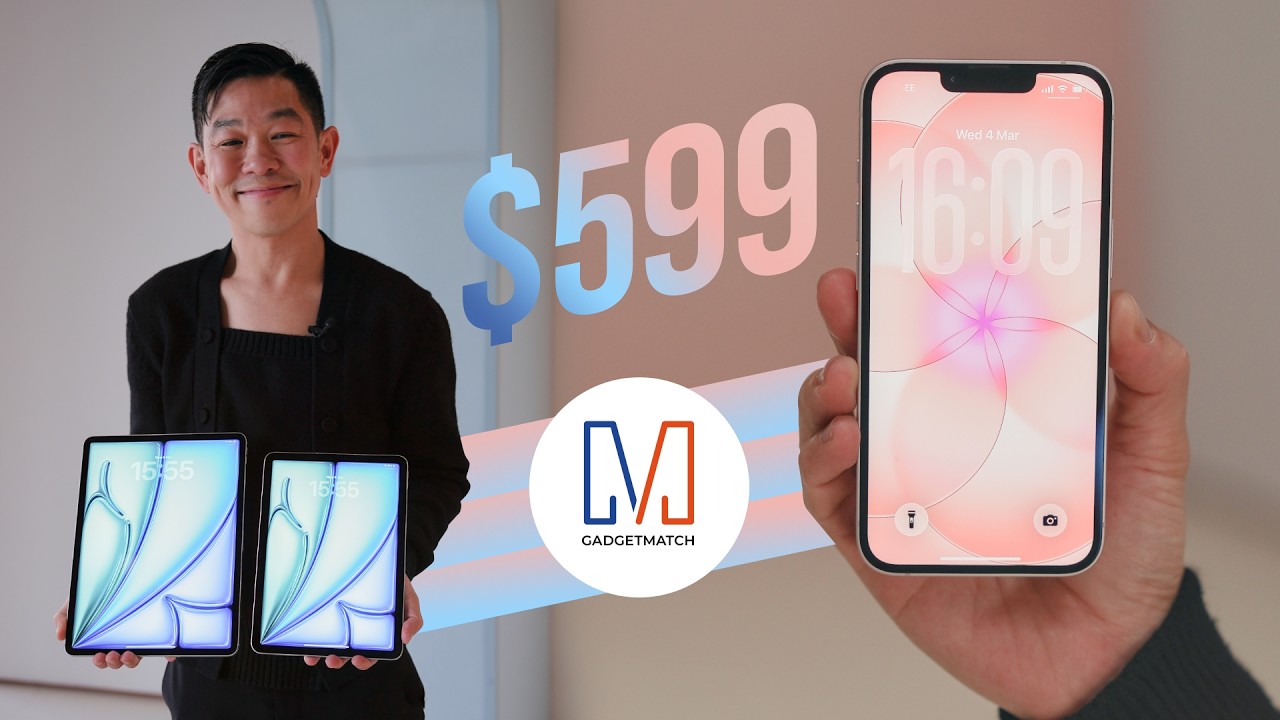
The MacBook Neo was the star of yesterday’s Apple event, and it has every right to be but it’s been a big week for Apple.
So as promised, we also went hands-on with every other device announced this week: iPhone 17e, M4 iPad Air, M5 MacBook Air, MacBook Pro with M5 Pro and M5 Max chips, and the new Studio Displays.
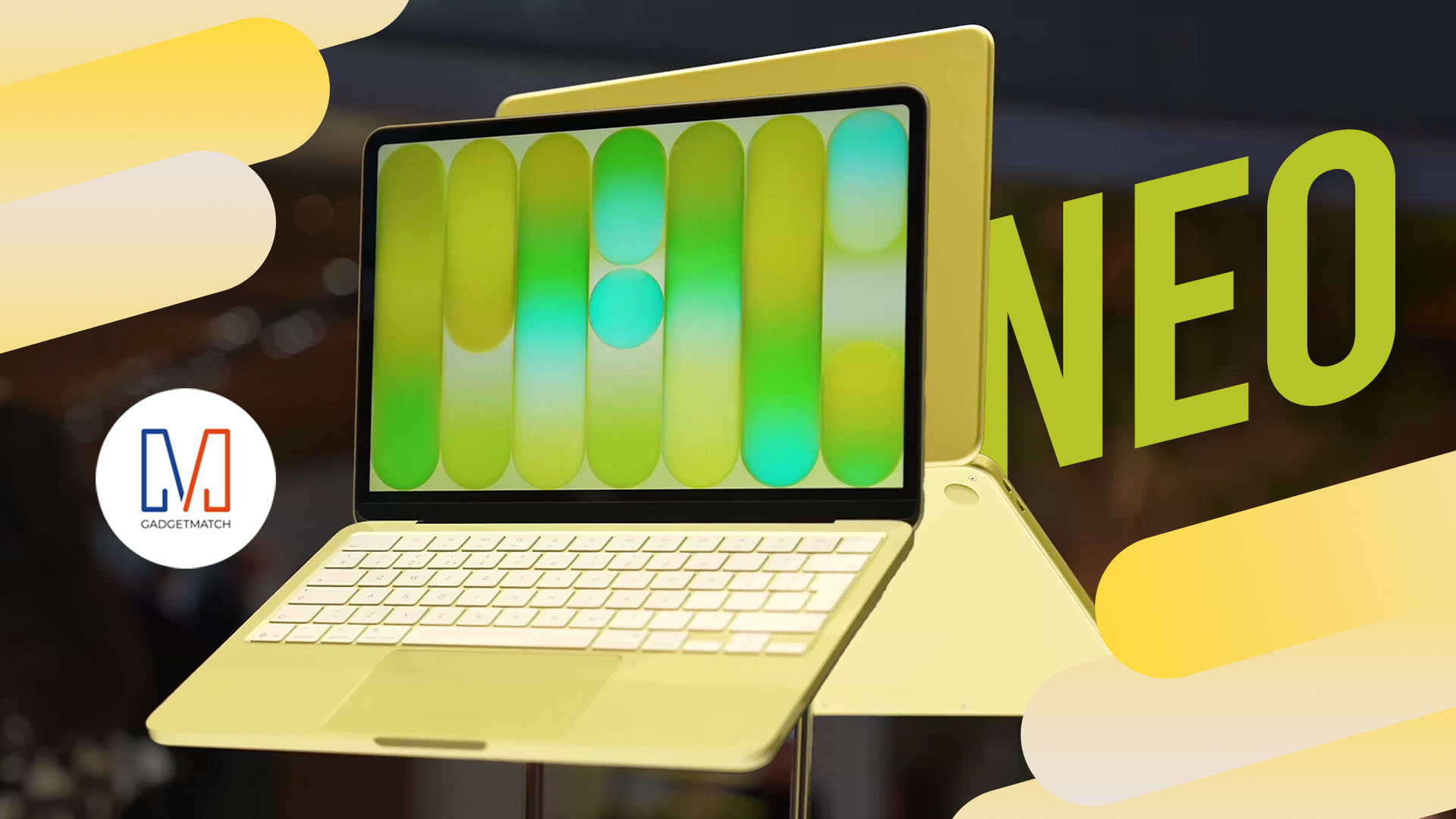
Apple finally has a MacBook for the budget-conscious!
In this video, we take a look at the latest MacBook Neo — Apple’s most affordable laptop at $599.
It’s the perfect first computer for students, families, and anyone who’s always wanted a Mac but couldn’t justify the price.
Here’s our exclusive hands-on with the all-new MacBook Neo for you to check out.


Apple has a new contender in the ring. And if you grew up on fighting games, the reveal almost feels like that classic moment when the screen flashes: Here comes a new challenger.
Meet the MacBook Neo — Apple’s newest and most affordable laptop yet. Starting at just US$599 (US$499 for education), it aims to bring the Mac experience to a much wider audience.
Despite the lower entry price, Apple isn’t treating this like a stripped-down Mac. The new machine still carries a full aluminum design, a vibrant display, and Apple silicon performance — the same core pillars that define the modern Mac lineup.
The goal is simple: make the Mac more accessible without losing the parts that make it feel premium.
A colorful new entry
At first glance, MacBook Neo looks every bit like a modern Mac. It features a durable aluminum enclosure with soft rounded edges and weighs just 2.7 pounds, making it easy to toss in a backpack or handbag.
Apple is also leaning into color here. The laptop comes in four finishes: blush, indigo, silver, and citrus. The Magic Keyboard matches each colorway with lighter shades, creating a cohesive look across the entire device.
Front and center is a 13-inch Liquid Retina display with a 2408 × 1506 resolution, 500 nits of brightness, and support for one billion colors. Apple says the panel delivers sharper text and brighter visuals than most laptops in this price category.
It’s a display designed to make everyday tasks — browsing, watching videos, editing photos — feel a little more vibrant.
A18 Pro powers everyday performance
Under the hood, MacBook Neo runs on Apple’s A18 Pro chip — the same architecture that powers some of Apple’s most advanced mobile devices.
Apple says the chip delivers up to 50 percent faster everyday performance compared to the bestselling PC powered by Intel Core Ultra 5. For AI-heavy tasks like applying advanced photo effects or running on-device intelligence features, the system can be up to three times faster.
The chip also includes a 16-core Neural Engine for Apple Intelligence features and a 5-core GPU for graphics workloads. The system is completely fanless, which means silent operation even under load.
In practical terms, that translates to smooth multitasking across apps like Messages, Safari, Canva, Excel, and more.
Built for all-day use
Battery life is another highlight. Thanks to the efficiency of Apple silicon, MacBook Neo can run for up to 16 hours on a single charge.
The laptop also includes a 1080p FaceTime HD camera with improved image processing, along with dual microphones that use directional beamforming to reduce background noise during calls.
For audio, dual side-firing speakers support Spatial Audio and Dolby Atmos for a more immersive listening experience.
The device features Apple’s Magic Keyboard and a large Multi-Touch trackpad, while select models include Touch ID for quick and secure logins.
Connectivity includes two USB-C ports for charging and accessories, a headphone jack, Wi-Fi 6E, and Bluetooth 6.
The Mac experience, now more accessible
MacBook Neo ships with macOS Tahoe, complete with built-in apps like Safari, Photos, Messages, and FaceTime. It also supports Apple Intelligence features such as Writing Tools and Live Translation.
For users already in the Apple ecosystem, Continuity features make switching between devices seamless. Tools like Handoff, Universal Clipboard, and iPhone Mirroring let users move between Mac and iPhone without breaking their workflow.
With its $599 starting price, MacBook Neo now becomes the most affordable entry point into the Mac lineup — a position long rumored but never quite realized until now.
In fighting game terms, Apple didn’t just add another character to the roster.
It added one meant for a whole new set of players.
Pricing and availability in Singapore and the Philippines
In Singapore, the MacBook Neo starts at S$849 and S$729 for education. Customers can pre-order the new MacBook Neo from Friday, March 6.
In the Philippines, Apple’s friendliest-to-the-budget MacBook starts at ₱39,990 and ₱33,990 for education. They will be available soon on apple.com/ph/store and Apple Authorized Resellers.


Resident Evil Requiem will get a story expansion

Samurai Champloo is getting a live-action adaptation

BYD is reportedly considering an F1 team

ARTMS Heejin shows KPop concert day through Ray-Ban Meta glasses

Smart delivers best mobile video experience in PH — Ookla


-

 News2 weeks ago
Xiaomi 17 Ultra is now available outside China
-

 MWC 20261 week ago
TECNO showcases cool concepts at MWC 2026
-

 MWC 20261 week ago
Infinix NOTE 60 Ultra makes a motorsport-inspired debut
-

 MWC 20261 week ago
TECNO launches the all-new CAMON 50 series
-

 MWC 20262 weeks ago
TECNO resurrects modular phones with this new concept
-

 Reviews1 week ago
TECNO CAMON 50 Ultra review: End of an era?
-

 Reviews2 weeks ago
Xiaomi Pad 8 review: Slab that slaps!
-

 Reviews2 weeks ago
Forget the Phone: Xiaomi 17 Ultra Is A CAMERA!