
Accessories
Essential fitness apps for a healthier lifestyle


Trying to get fit? These tech hacks may help!
Not that I’m suggesting that downloading apps would instantly transform your lifestyle, but they can definitely put you on the right track. Living a healthier lifestyle entails commitment and certain life changes (for most of us unhealthy mortals), but all it takes is a decision to try — and baby steps to get there.
Personally, living clean is something I still struggle with. Exercise, clean eating, getting enough sleep — these were not things that came naturally to me (like every other busy, caffeine-fuelled millennial in today’s fast paced time). Along the way, however, there were certain apps that helped me progress on my fitness journey.
Gym access apps
I used to never go to the gym because honestly, I didn’t know exactly how to gym. I grew up not knowing what exercise was and the gym didn’t exactly seem to be the most welcoming place to an exercise virgin. What got me to start going to gyms and experimenting on different workouts was, innocently enough, a gym access app.

Apps like Kfit and GuavaPass allow you to try different exercise activities from different gyms without the commitment. Instead of paying one gym for, let’s say, a month’s worth of membership, you can log on to these apps for limited access to different facilities. For an added fee, you get more gym access. This way, you can figure out what exercise activity you’re into before having to fully commit to a particular gym.
READ MORE: App Review: The road to getting Kfit
Workout apps
If you’re more the anti-social type (meaning you like suffering — er — exercising alone), these workout apps will help you create a better home program to get you moving in no time.
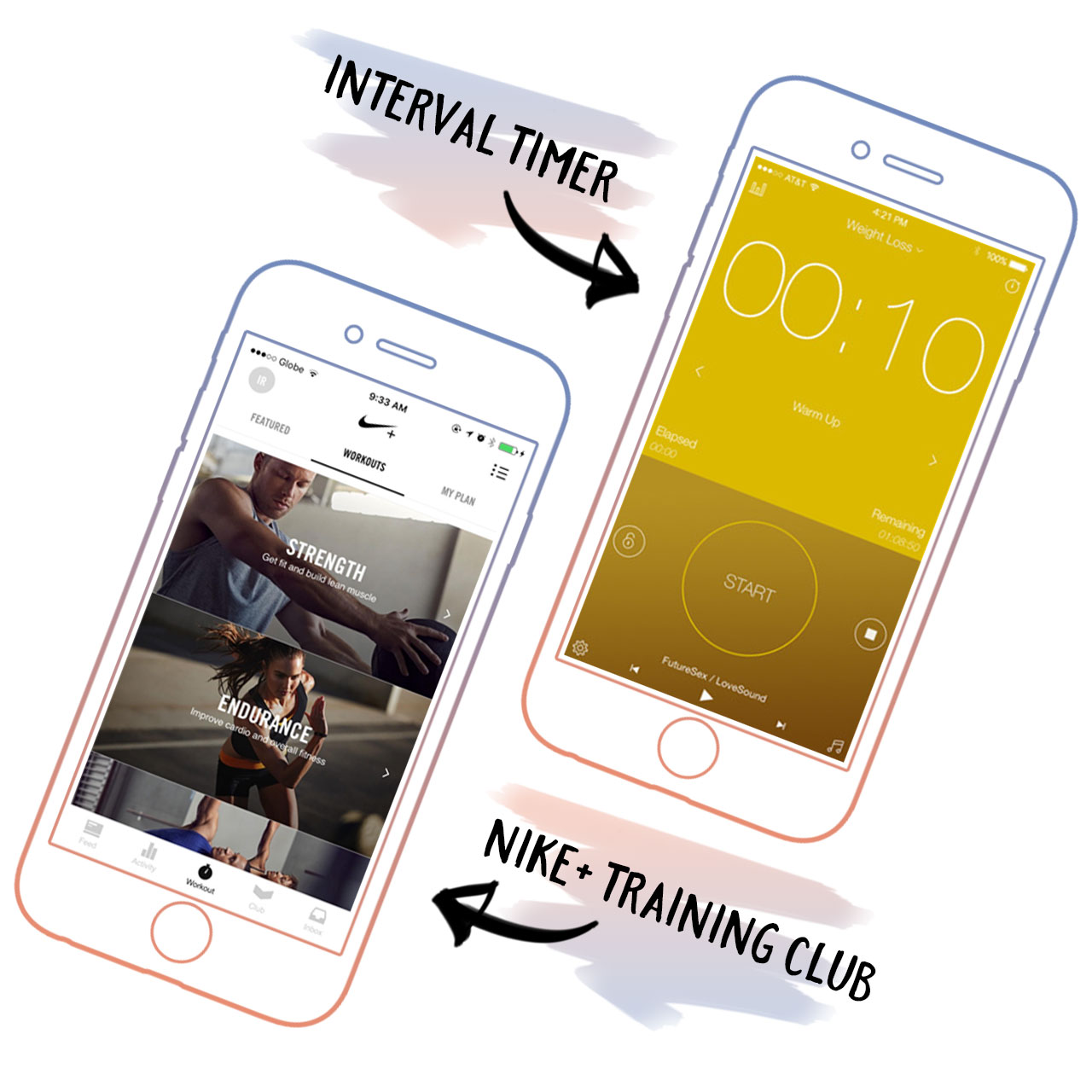
There were times when I couldn’t make it to the gym or simply wasn’t in the mood to deal with other people — but that should never be reason to break your workout streak. Apps like Nike Training Club and HIIT Interval Timer allow you to do your own exercise program anytime, anywhere.
Food/diet apps
A good friend and constant gym buddy always told me: “You can’t exercise a bad diet away,” and as much as I try to ignore this statement, it will not cease to be true. A good diet is the foundation of a healthier life.

Although I can’t say that I’ve totally fixed my eating habits, there are certain apps that have helped me along the way. My Fitness Pal is a calorie counting app that allows me to monitor my food intake; it’s not so much cutting down on food but making sure that my intake consists of healthier options (bye bye, fastfood ?). Cute apps like Plant Nanny also make reminders to drink water throughout the day a little more fun.
Mindfulness/meditation apps
Being healthy is not just a physical thing; having a healthy mind is part of the whole fitness package.

Apps like Aura, as well as Stop, Breathe & Think, facilitate meditation sessions that will allow you to clear your mind of any unwanted energy or stress. (This is no hipster mumbo jumbo. It does help you relax!)
All-around fitness apps with wearables
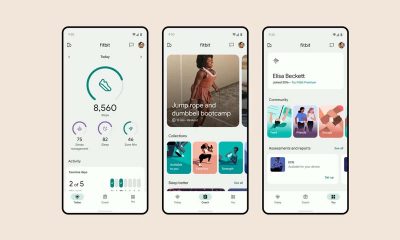
Once you get a little momentum on the exercise ball, it may be a good idea to invest in a fitness wearable like a Fitbit or a Huawei Band to track your progress. These devices come with their own apps that monitor just about any aspect of your health, depending on what type of fitness band you buy.
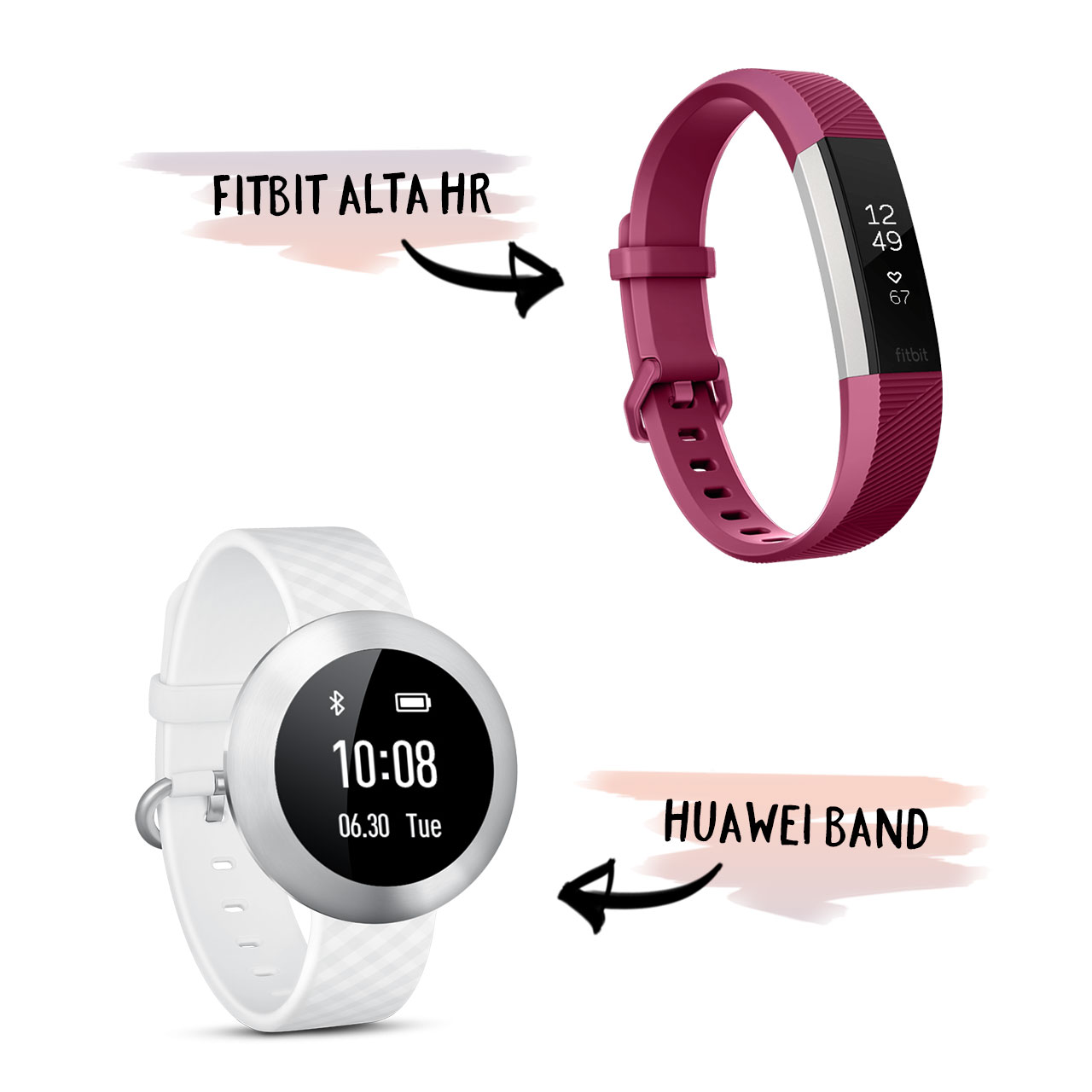
Wearables like the Huawei Band and the Fitbit Alta HR usually have a native app
Movement and exercise tracking coupled with automatic data input in such apps can be a very effective way to measure your fitness success, not to mention, a great incentive to work out more.
READ MORE: Fitbit Alta HR review
[irp posts=”10747″ name=”App Review: The road to getting Kfit”]




Accessories
Apple is reportedly working on its own gaming controllers
It might launch under the Beats brand.

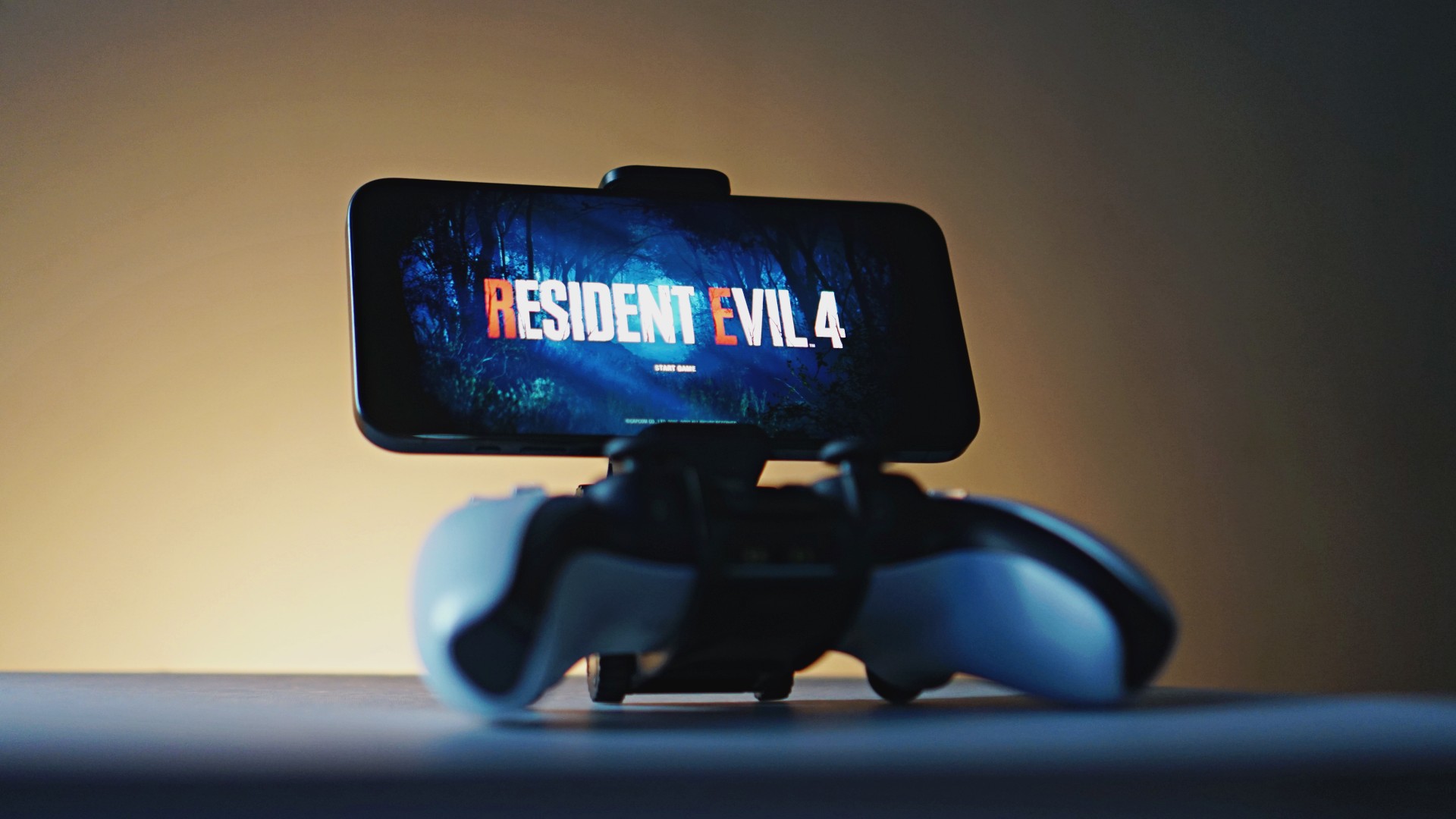
Last week, the iPhone Duo changed how you look at the ubiquitous smartphone. Foldables are in, and Apple is right there with it. But the company isn’t stopping with the foldable segment. Apple is reportedly working on its own branded game controllers.
According to Bloomberg, Apple has been working on a controller since last year. Further, a piece of code linked to macOS 27.4, spotted by MacRumors, includes references to two unknown gaming controllers.
Because Apple just concluded its huge event this month, it will likely be a while before we see confirmation of this controller. And it could be anything. Of course, because the Duo is fresh on our minds, the easiest answer is a mobile controller than can maximize the foldable’s ability to stand by itself. It could also use Apple’s larger screens like the iPad, the MacBook, or the Mac. Some even speculate that this could be Apple’s stronger push into the gaming market.
Outside of the actual hardware, the reports are also claiming that the controller will arrive by way of Beats, rather than from Apple itself. At first, the branding comes off as a surprise, but then again, Beats hasn’t really evolved past an audio brand in a long, long time. Is it time to revitalize Beats as something more than just a peddler of headphones?
SEE ALSO: First Look: Apple iPhone Duo
Accessories
New AGON gaming monitor features up to 1000Hz refresh rate
New level of speed, flexibility for competitive gaming


AGON by AOC has released the new AGON Pro AGP277QK dual-mode gaming monitor for the competitive segment.
This new offering features up to 1000Hz refresh rate at HD and 540Hz at QHD so gamers have the flexibility to prioritize either clarity or speed.
The 27-inch IPS gaming monitor comes with NVIDIA G-SYNC, synchronizing the monitor’s refresh rate with the GPU to help minimize screen tearing, stuttering, and input lag.
This is combined with 0.3ms MPRT and 1ms GtG response times for fast-moving action that is sharp and responsive, giving competitive players a clear visual advantage.
Moreover, the AGON Pro AGP277QK features VESA DisplayHDR 400 certification for enhanced contrast and more vivid, lifelike visuals.
Delta E < 1 color accuracy also provides precise color reproduction not just for gaming but even other scenarios like content creation.
For even smoother high frame-rate gameplay, MBR Sync combines motion blur reduction with variable refresh rate (VRR) technology. This helps maintain clarity during rapid movements.
The monitor also includes Low Input Lag, customizable Light FX ambient RGB lighting, Gaming Mode presets, and Shadow Control.
The display comes with HDMI 2.1 and DisplayPort 2.1 connectivity, along with a height-adjustable stand and G-Menu support.

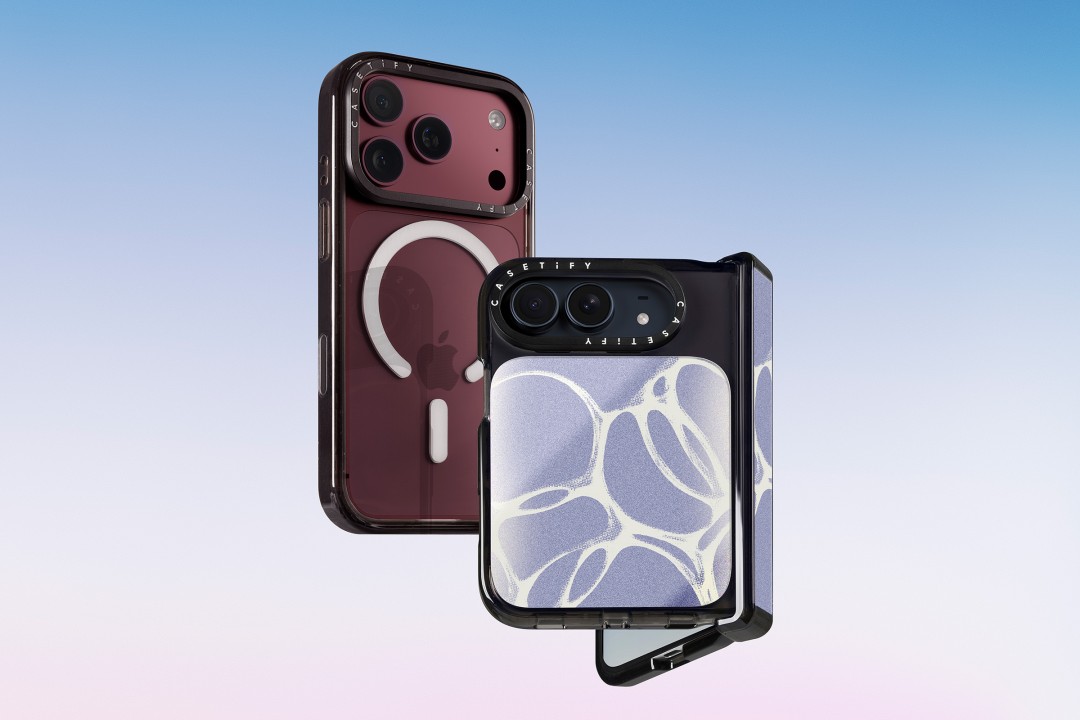
CASETiFY is launching a new collection of cases and accessories for the iPhone 18 series, updating some of its most popular designs with refined finishes, new protection features, and expanded customization options.
Impact Case
The collection is led by the Impact Case, CASETiFY’s best-selling case with more than 19 million units sold worldwide. It uses an internal EcoShock™ design and Duo-Lock by CASETiFY™ bonding for impact absorption and dispersion. The case is tested for drops of up to 8.2 feet and 4x Military Standard 810G. It also features a scratch-resistant Glaze finish, raised bezel, precision-engineered camera control button, and MagSafe and wireless charging compatibility.
The Ultra Impact Case builds on the same family with redesigned, more rounded corners and reinforced structures with internal air cells. It is tested for drops of up to 11.5 feet and 6x Military Standard 810G. It also has a slimmer profile, multiple design options, and MagSafe compatibility.
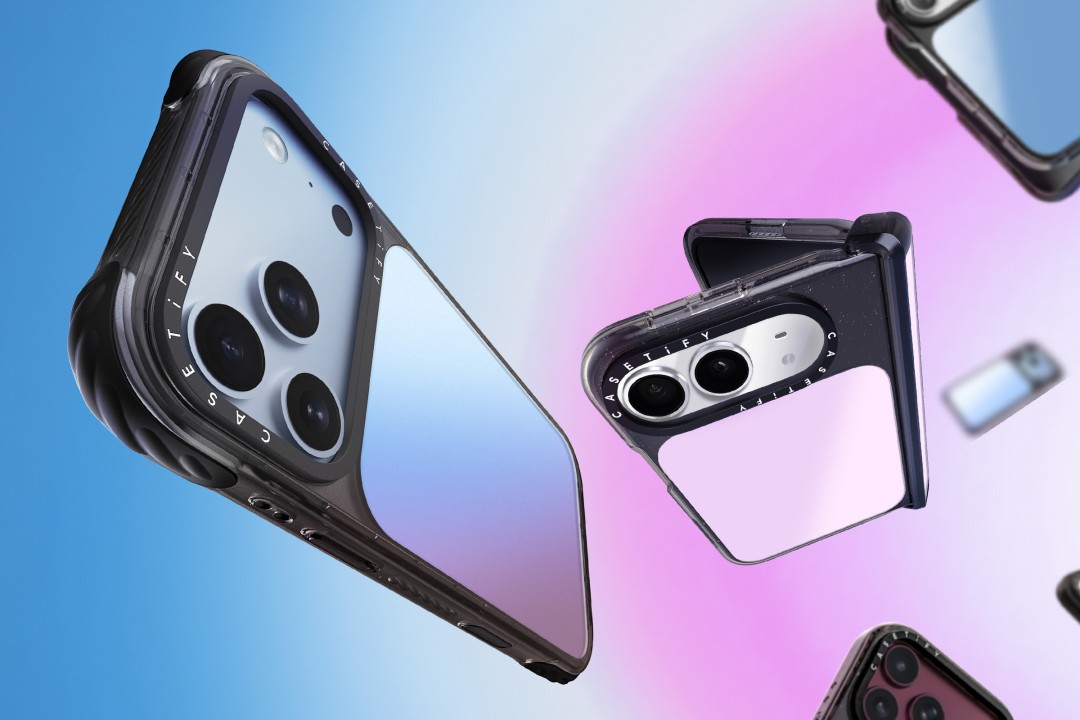
Both cases are available in Ring Stand variants. These feature a built-in metal camera ring stand that adjusts up to 150 degrees, with a screwless hinge designed for durability and stable hands-free viewing. Select models are also available with Glitter and Mirror finishes.
Ripple Case
CASETiFY is also bringing its Ripple Case to the iPhone 18 lineup. The soft-touch silicone case features rippled edges and puffed corners, with protection tested for drops of up to 6.6 feet and 3x Military Standard 810G. New colorways include Banana, Dusty Blue, Blush Pink, and Fig, alongside Black and White.
For users who want more protection, the Bounce Case offers CASETiFY’s highest level of drop protection in the collection. Its Expanded Bounce Corners, TesseLock™ design, and enhanced Duo-Lock bonding support drop protection of up to 21.3 feet and 7x Military Standard 810G.
Alloy Ripple Case
The lineup also includes the Alloy Ripple Case, which reworks the Ripple’s sculptural design in aluminum with an EcoShock™ design and Duo-Lock bonding. It is tested for drops of up to 8.2 feet and 4x Military Standard 810G. The Cloud Case uses a quilted soft-touch design with pillowy bumpers and up to 6.6 feet of drop protection.
Beyond cases, CASETiFY is expanding its accessories with the Ripple Wallet, Grip Stands, Loop Grips, Jelly Wristlets, Bow Charm Wristlets, and other charm-compatible straps. The iPhone 18 cases range from USD 50 to USD 90 , while accessories range from USD 25 to $USD 45.
The collection is available beginning September 10 through CASETiFY. The company is also preparing a case lineup for the upcoming iPhone Duo, with its waitlist already live.


REDMI Note 17 Pro Max review: A new breed born from AI greed
Welcome to the new normal


Marvel’s Wolverine review: When the claws come out
A brutal, cinematic superhero adventure


Setting your bedsheets ablaze with the Lovense Solace Pro
The closest proxy I could find where I'm guilty as sin

Ford revs up Truck Month with extended 5-star care offers
REDMI Note 17 Pro Max review: A new breed born from AI greed

REDMI NOTE 17 Series: Price, availability in the Philippines

Max vs 100 will feature Max Verstappen race against 100 go-karters

Apple’s best feature to cure motion sickness is finally on Android

TECNO MEGAPAD 2 review: Eyes on the size

realme 16T 5G with 8000mAh battery, IP69 Pro rating launches in PH

HUAWEI Pura X View is 2026’s first WIDE slab-type smartphone

REDMI reveals the refreshed Note 17 and Note 17 Pro series

REDMI Note 17 Series: Price, availability in Singapore


-
 News1 week ago
HUAWEI Pura X View is 2026’s first WIDE slab-type smartphone
-

 News1 week ago
The CAMON Slim 5G is TECNO’s latest ultra-slim smartphone
-

 Cameras2 weeks ago
DJI Osmo 360 II review: Going all-in on the ecosystem
-

 IFA 20262 weeks ago
TECNO MEGABOOK T15 360 unveiled at IFA 2026
-

 Gaming2 weeks ago
NBA 2K27 review: A two-way All-Star
-

 News6 days ago
iPhone 18 Pro series: Price, availability in the Philippines
-

 IFA 20262 weeks ago
TECNO’s POVA 8 Pro gets a stealthy makeover
-

 Automotive2 weeks ago
Ford’s new Everest lineup brings V6 engine to the top, tech down the line