

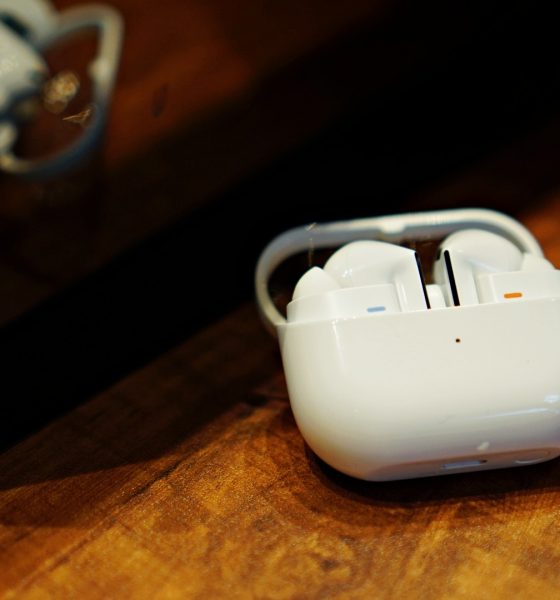

The first thing that caught most people’s attention about the Samsung Galaxy Buds3 Pro is how much it looked like a certain pair of TWS earbuds. That’s because, after dodging it for years, Samsung finally yielded and adopted the stem design. Turns out, it’s for the best.
The Galaxy Buds3 Pro is their best TWS earbuds, performance-wise. Like the rest of Samsung’s lineup in 2024, it comes with AI trinkets that can be helpful in certain situations.
Airpods copy?
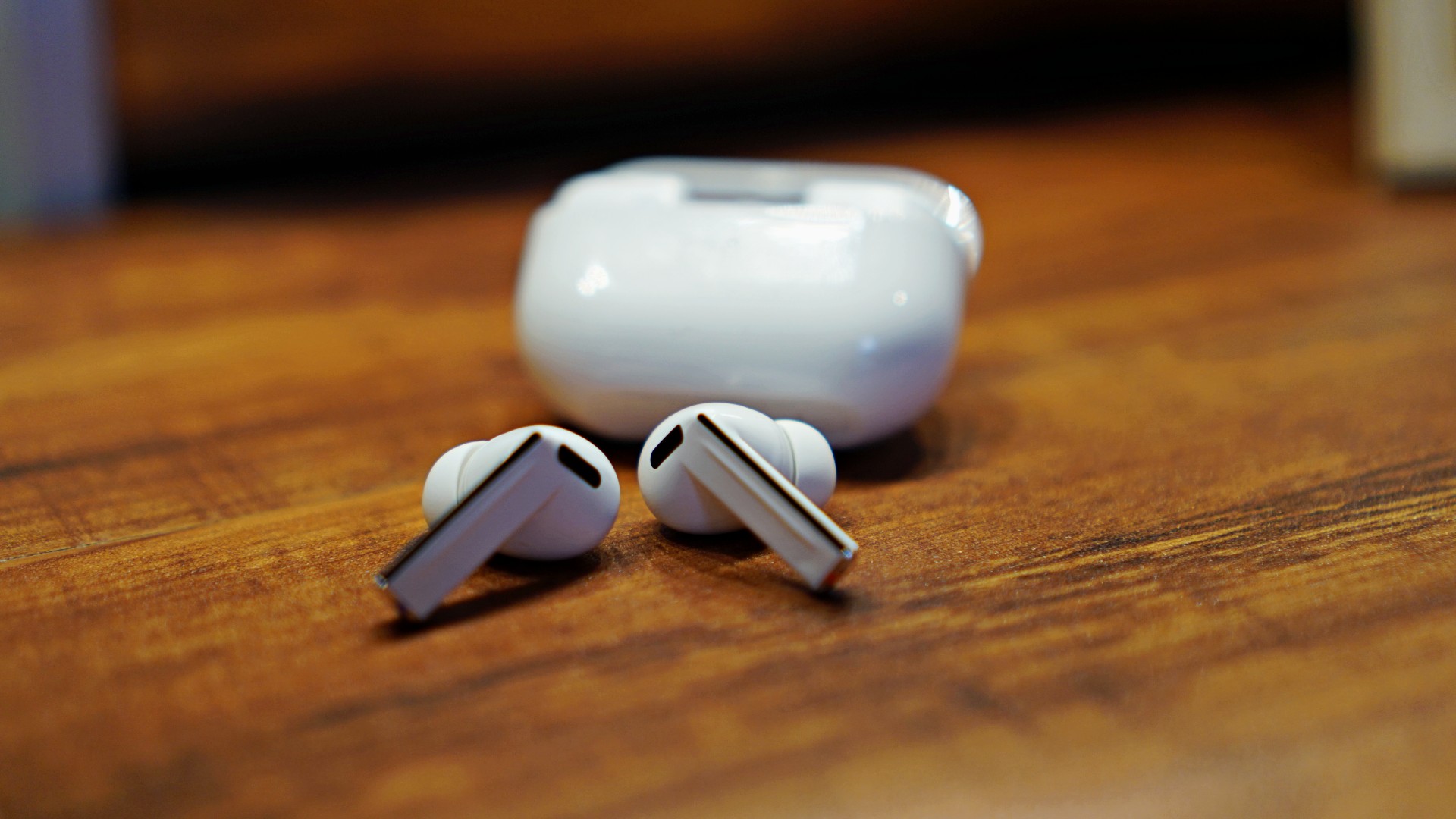
I honestly found this bit hilarious. The Galaxy Buds3 Pro isn’t the first, and I’m pretty darn certain it wouldn’t be the last, to look anything like Apple’s Airpods. At this point, it just seems to be the optimal design for TWS earbuds.
It gives manufacturers enough space to put in the drivers and all the right thingamajigs to make the earbuds sound their best. It also allows for more touch gestures and better sound pick-up when you’re using it during calls.
With this design you can use tap, pinch, slide gestures for controls like play, skip, and next for music tracks, volume, as well as answering calls.
Do I wish Samsung found a way to improve without looking like the Airpods? Sure. That would have been great. Is it a big deal? No, not at all.
In fact, I wager Samsung should do more of the “taking inspiration” bit especially with the Galaxy Z Fold’s form factor. But that’s a discussion for a different article.
Dive right in and listen
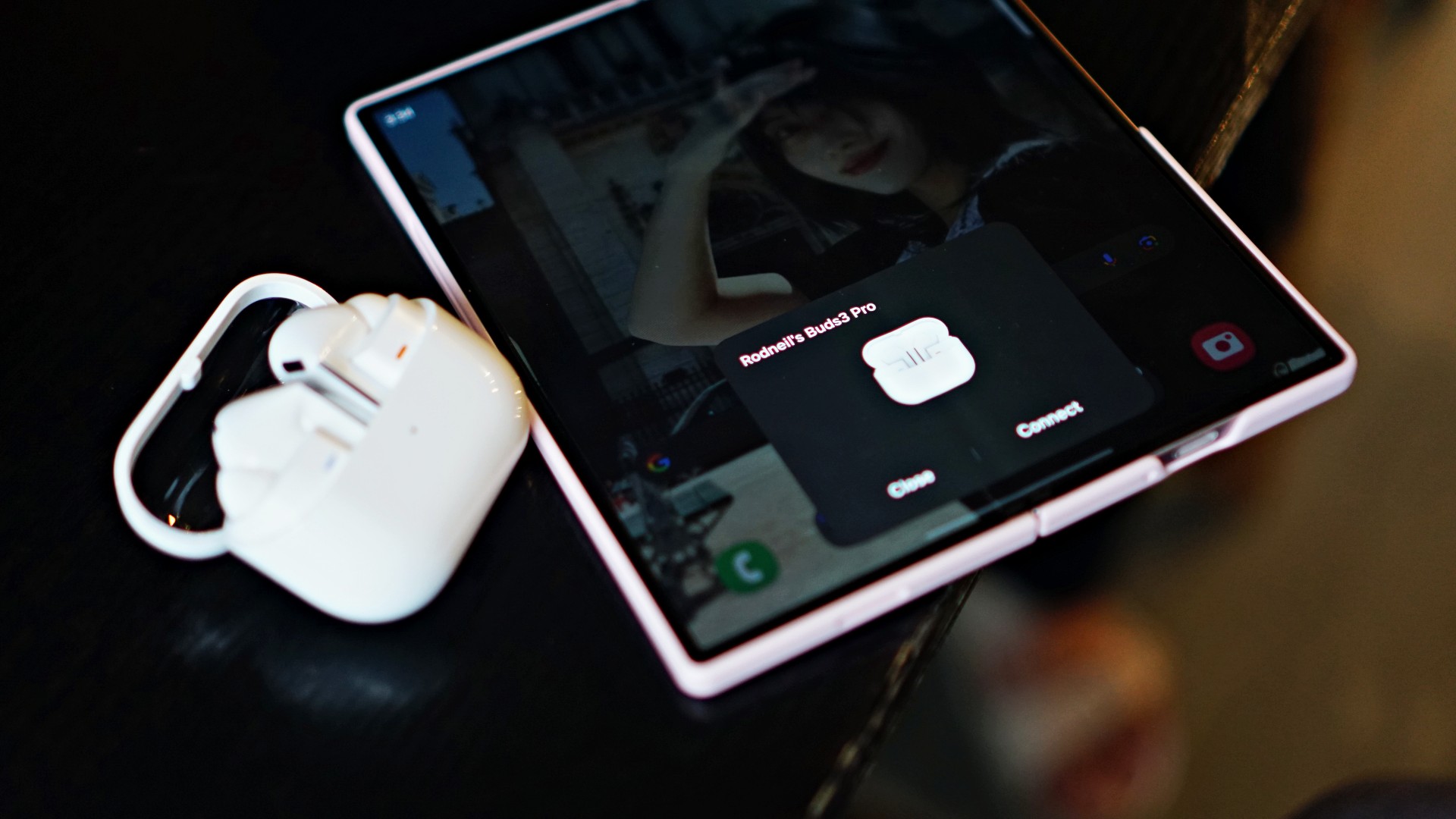
I used the Galaxy Buds3 Pro with a myriad of devices. But nothing beats the convenience of pairing it with another Galaxy device.
This quick pair pop-up comes up almost instantaneously whenever these two devices are within close proximity of each other. As someone who puts a premium on convenience, this is certainly a welcome feature despite not really being anything new.
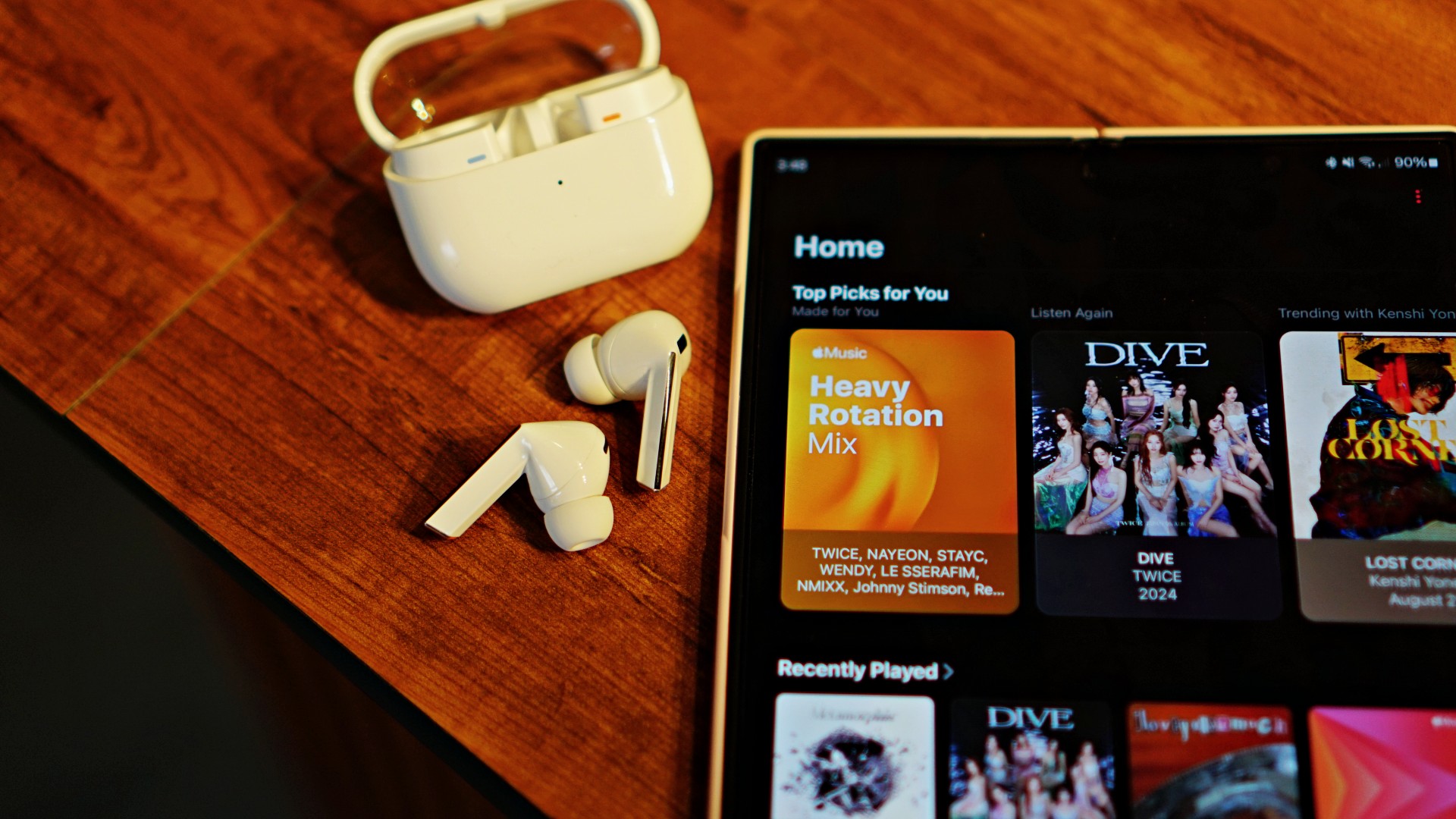
Paired with the Galaxy Z Fold6, I did everything from listening to music, podcasts, taking a couple of calls, and even trying the AI translate feature. More on that later.
During the review process, I posted that the “Lossless” tag doesn’t come up when I use Apple Music but mentioned that the sound experience is the same. I dug into the settings after that to make sure that the Lossless mode was turned on. And it was. So, don’t worry your little head, you’re still getting lossless sound even if it doesn’t show up on Apple Music.
Dolby Atmos, on the other hand, does show up. If you’re after the best possible sound you can listen to, know that you can get it with the Galaxy Buds3 Pro + Galaxy Z Fold6 + Apple Music combo.
Rich, full sound

Even in just the default, flat equalizer, the Galaxy Buds3 Pro delivered a rich, full sound. Music listening with high-quality audio settings all turned up, you’ll definitely hear sounds, instruments, and other effects in certain tracks that you otherwise wouldn’t with lower tier TWS earbuds.
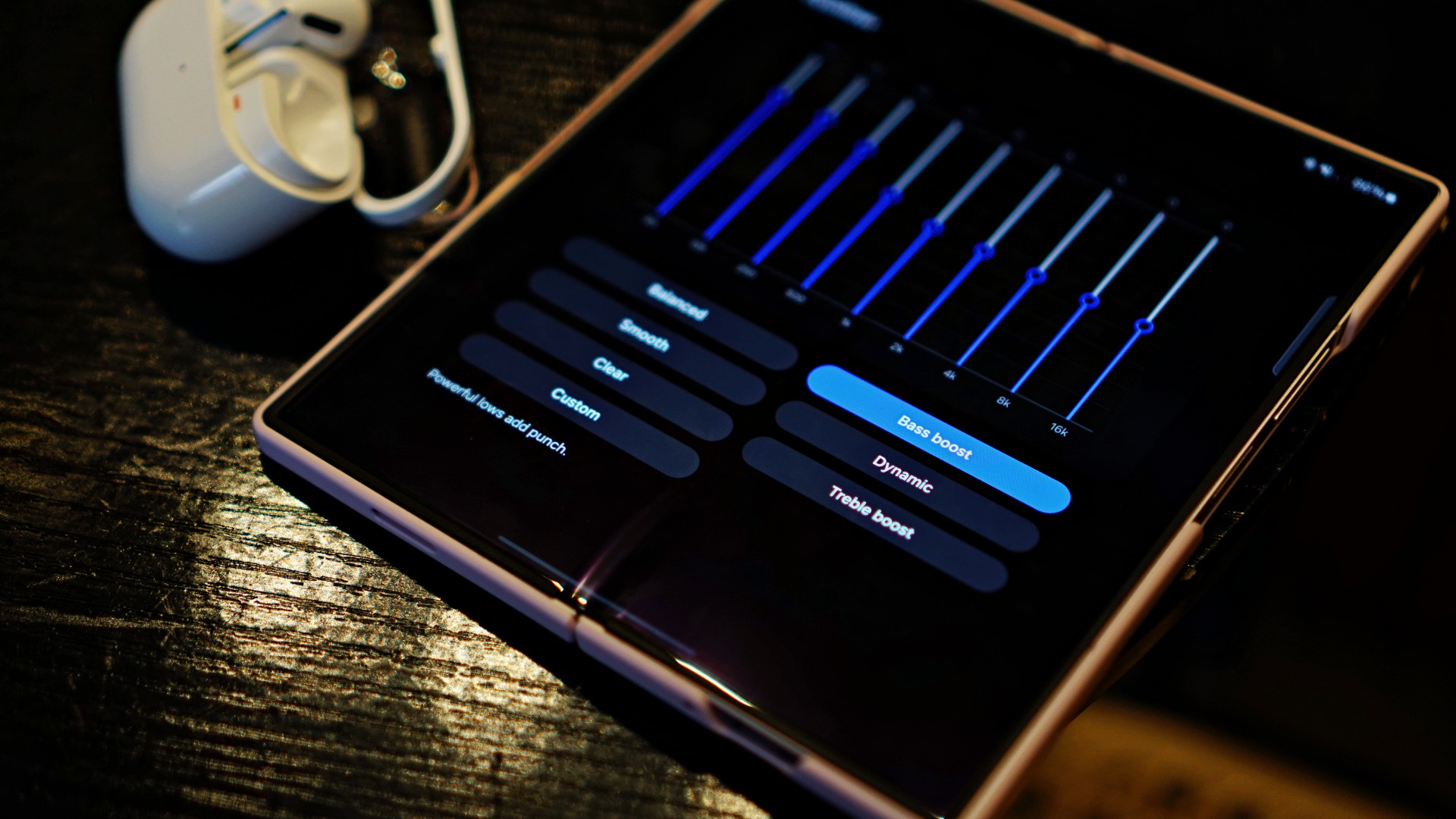
Naturally, you can fine tune your listening sessions to your preferences. In the Galaxy Wearable app, you gain access to more settings. There you can change the equalizer to your own liking or choose from the many presets available.
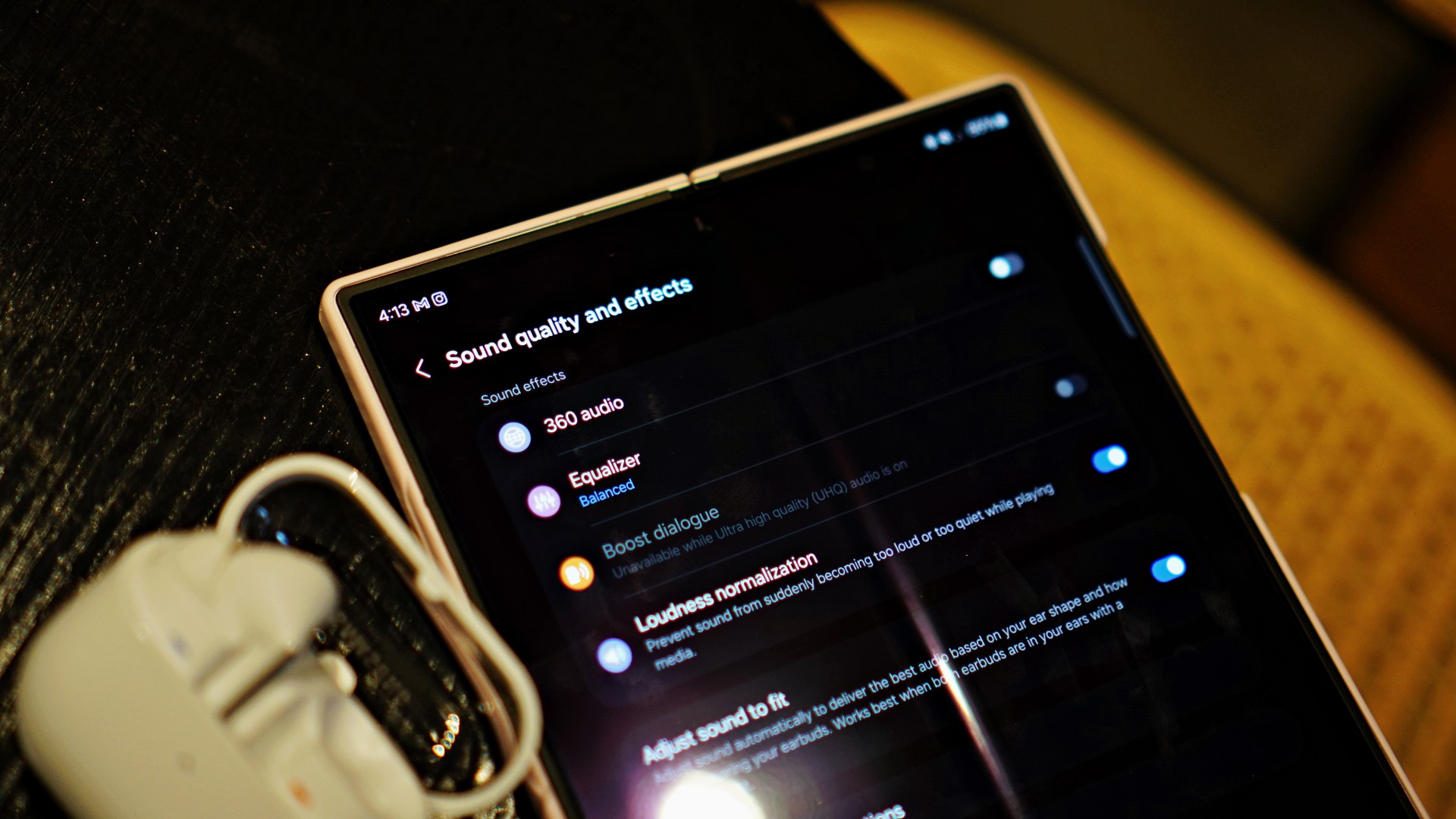
There are also even more settings here like 360 audio which just goes to show how feature packed the Galaxy Buds3 Pro is.
Podcasts, vlogs, and more

You have less of a control on the audio quality when it comes to podcasts, vlogs, and other variety content.
Even then, you can rest easy that you’ll get the best possible audio when you’re plugged in with the Galaxy Buds3 Pro.
Most of the stuff I consume tends to have good audio – which really can be boiled down to anything featuring pretty girls and basketball.

I regularly work with TWICE or other K-Pop music playing.

When taking breaks I watch some variety content like this one featuring cosplayer/online personality Rurusama.
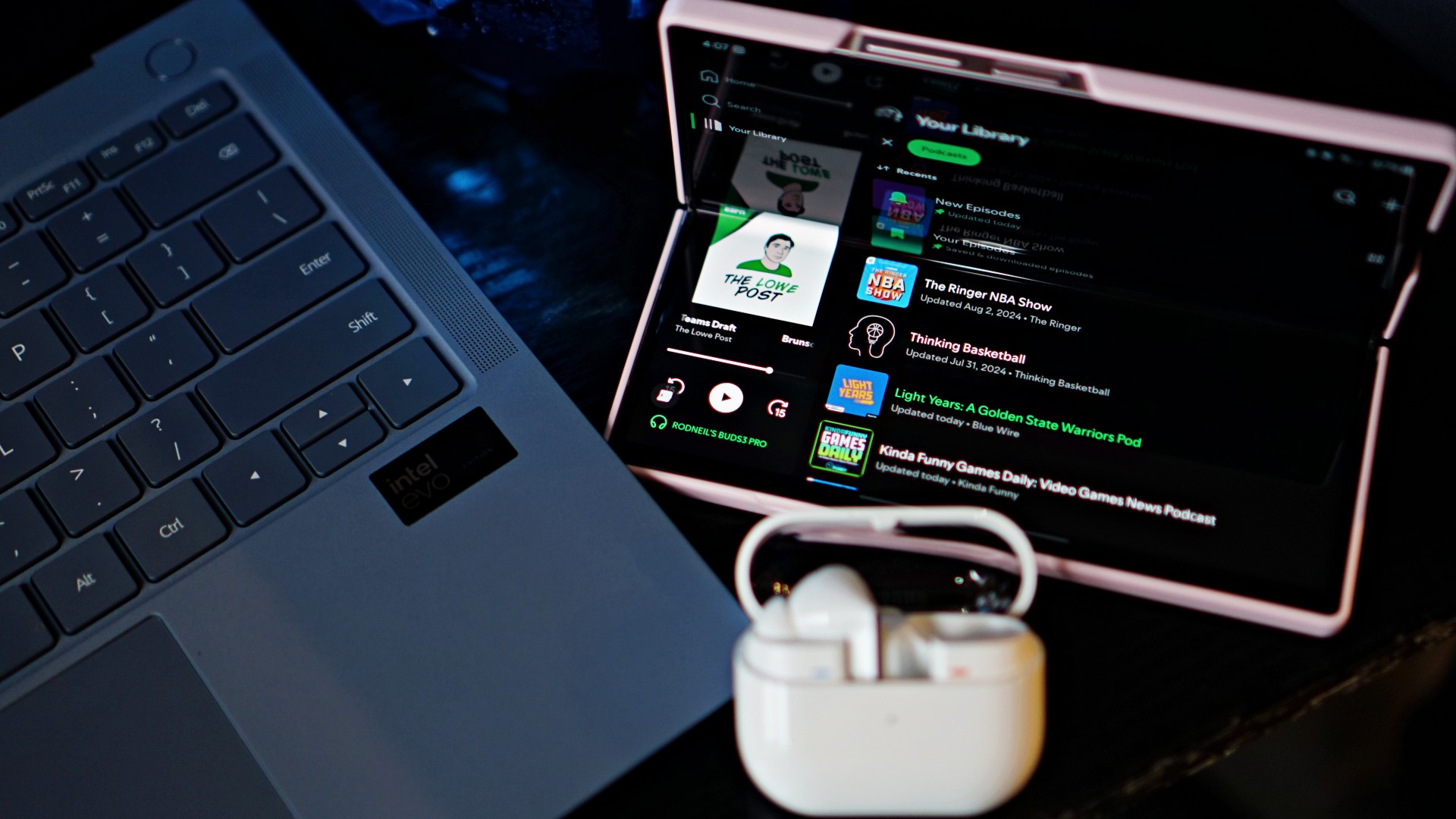
When I step back into work, I like listening to basketball podcasts because they’re easy to follow for me.
No matter what kind of content you listen to, they’re great with the Galaxy Buds3 Pro. That’s especially true when you have ANC (Active Noise Cancellation) turned on. It just helps drown out the noise from your immediate environment.
Galaxy AI Translate
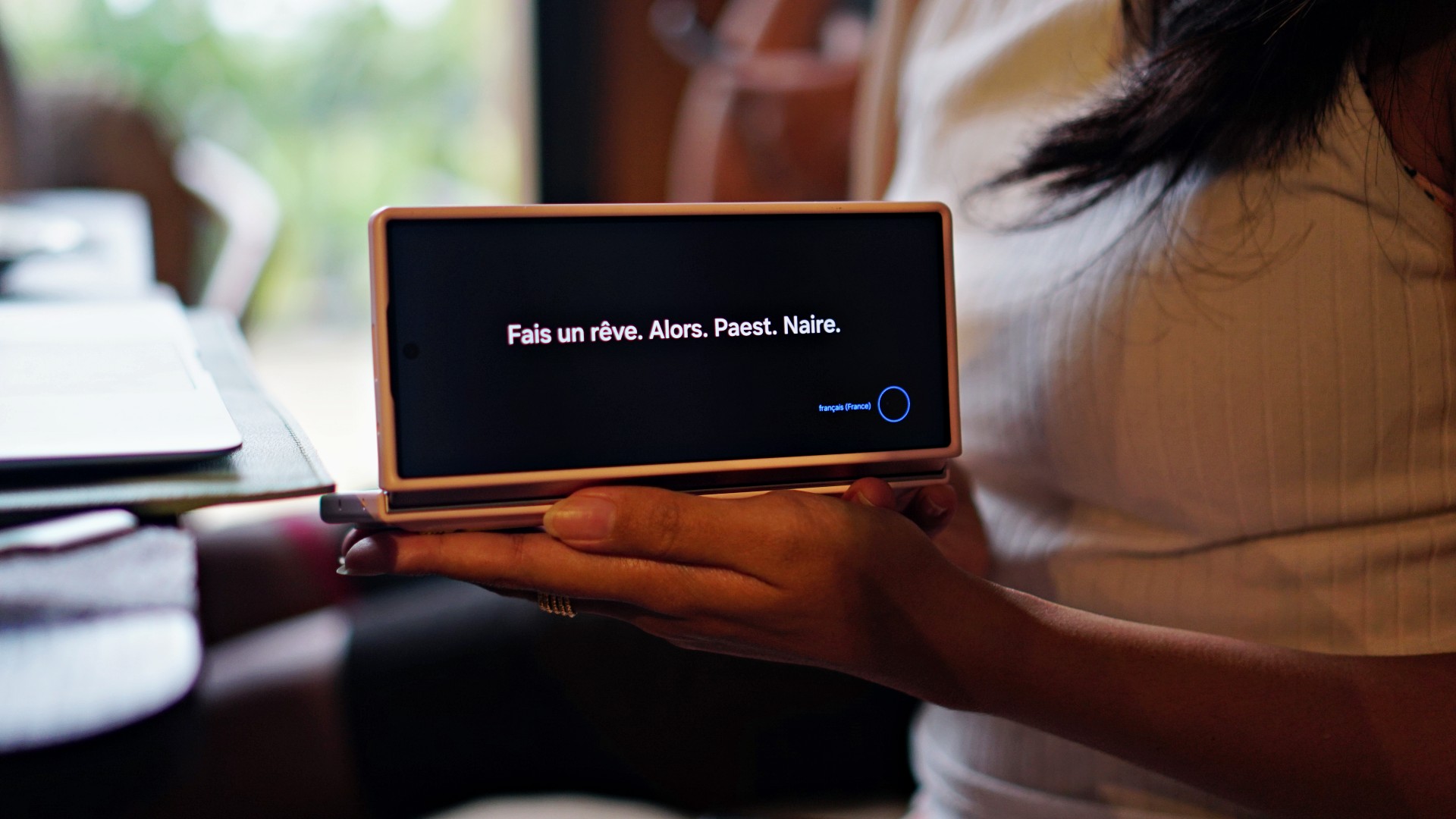
There are a couple of ways you can use the Galaxy AI Translate feature with the Galaxy Buds3 Pro. First is paired with a Galaxy Z Series device. This mode is pretty seamless and straightforward. But the whole translating process really does take some getting used to.
For introverts such as myself, a regular conversation is already a challenge. Add a layer of tech and it makes it feel clunkier. I think this feature is promising but I’m looking forward to it feeling more seamless and refined.

You can also use AI Translate with just the Galaxy Buds3 Pro. What happens here is it picks up the audio and starts translating after a 3-second delay. This is another promising feature that will only grow as we go along.
In practice, as it is now, it also still feels a little clunky. Best use-case is listening to a single speaker versus anything that has multiple people conversing.
Is the Galaxy Buds3 Pro your GadgetMatch?
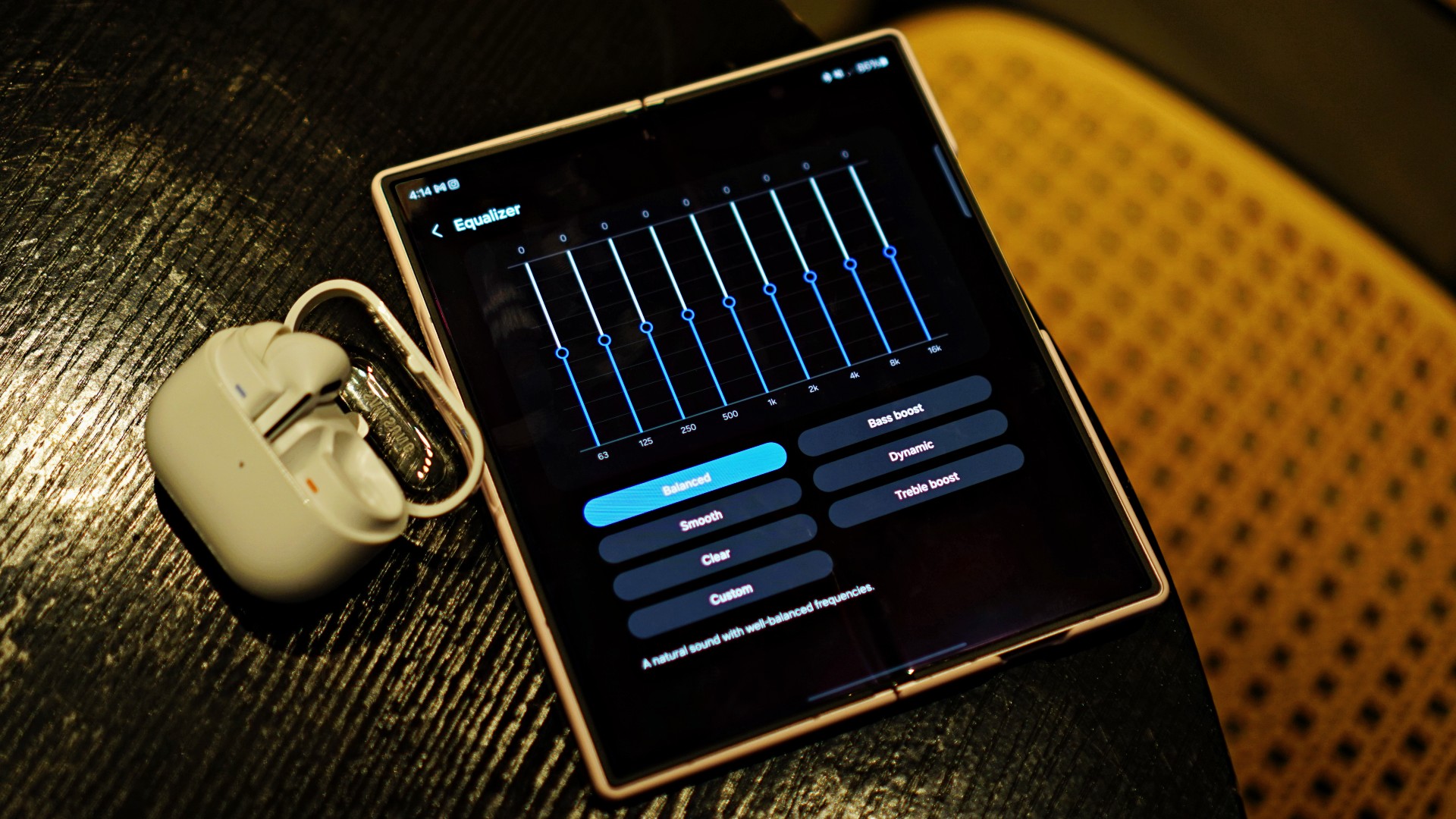
The Galaxy Buds3 Pro is the easiest to recommend among Samsung’s TWS earbuds. It earns the Pro label with a myriad of features that enable high quality audio listening. You have Dolby Atmos, Lossless Sound, 360 Audio, and many more.
And then, it takes things even further with AI Translate. That’s the most innovative feature, perhaps, on any TWS earbuds out right now. There’s nothing quite like it.
The design might put off some people, but at the end of the day, it’s the premium features that should outweigh any look drawbacks.
The Galaxy Buds3 Pro is fantastic and is easily Samsung’s best in this category so far.






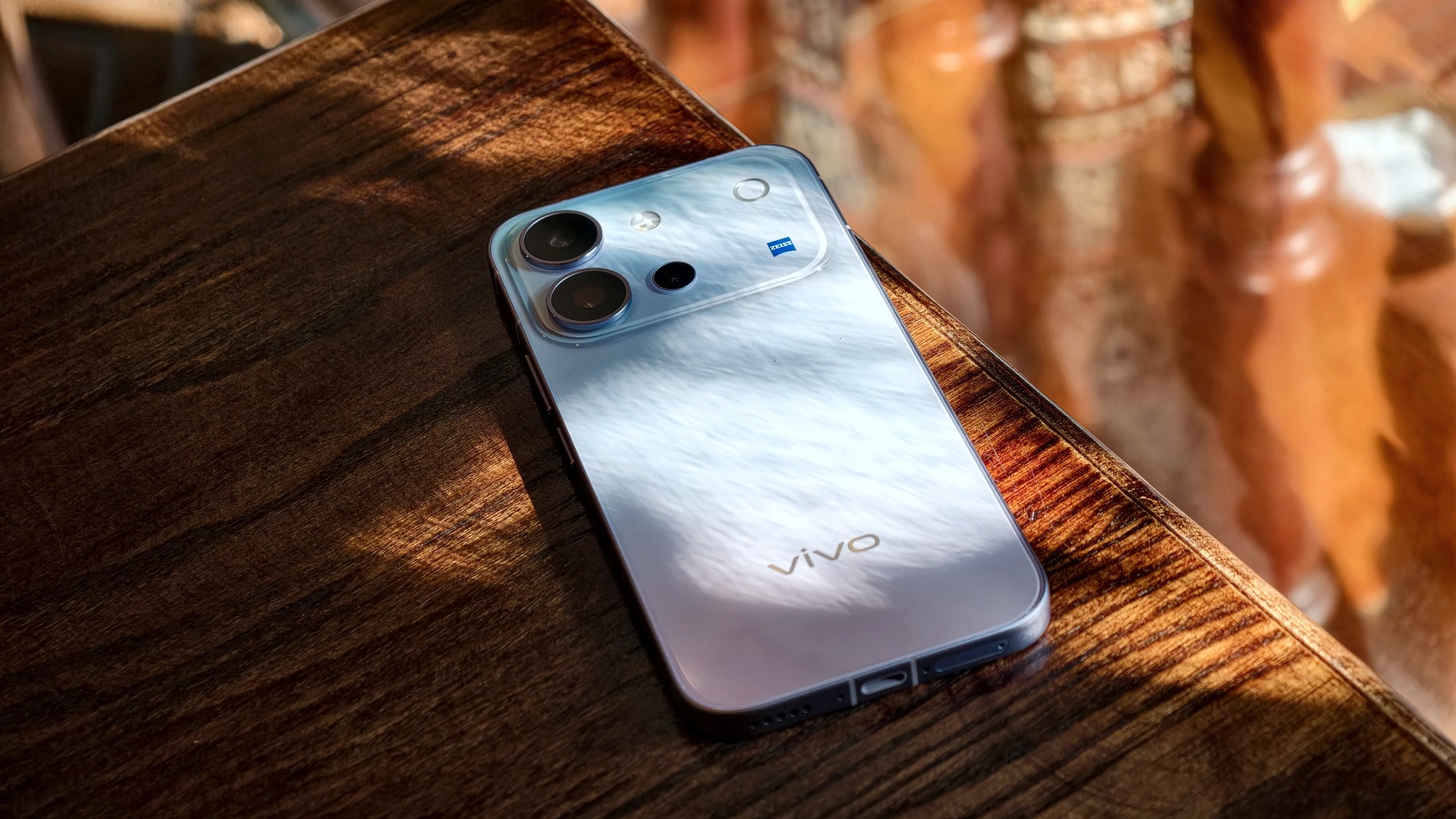
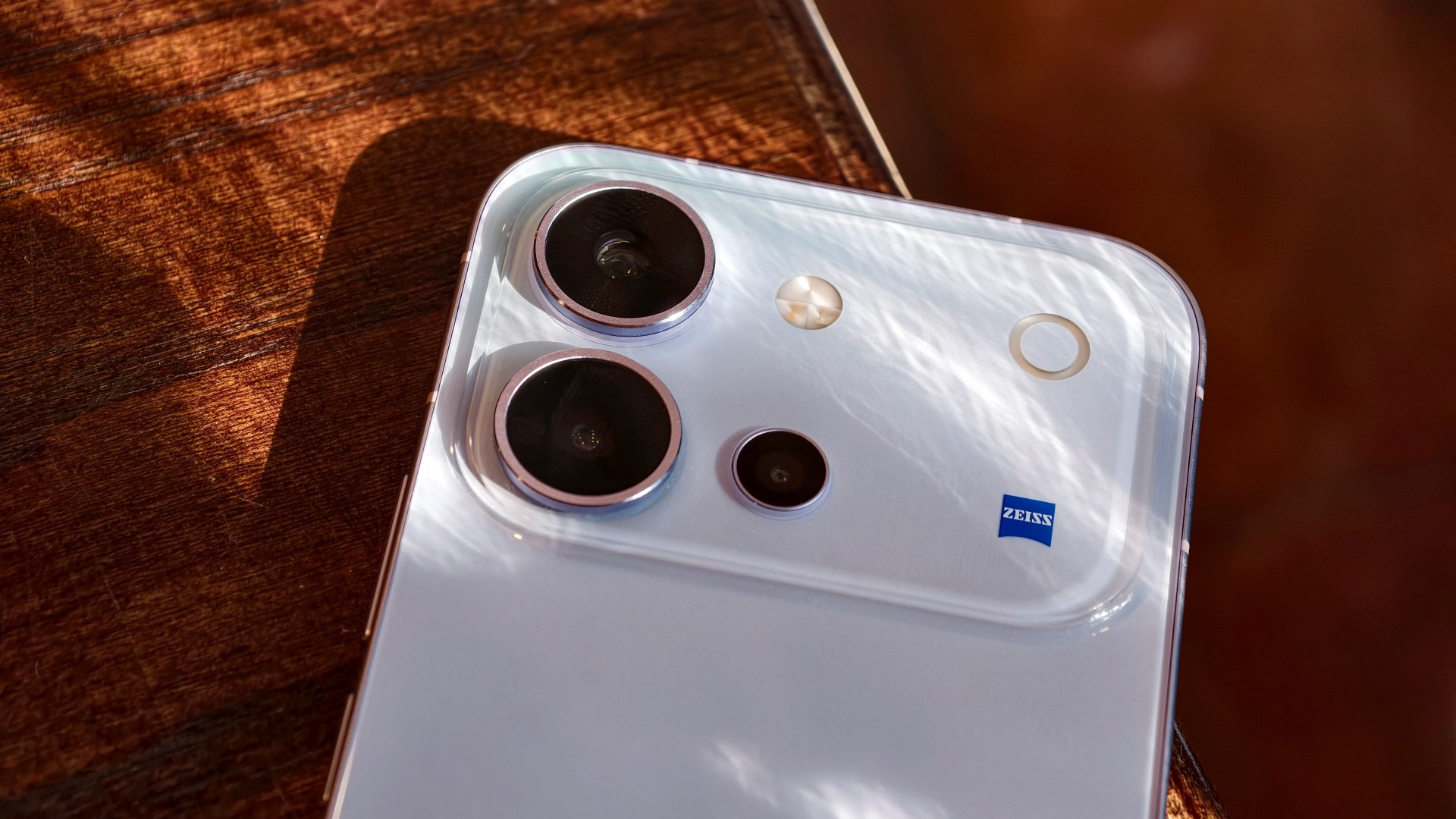
The vivo V80 is a capable midrange smartphone with a versatile camera system, excellent battery life, and a display that works well even in bright daylight. However, some camera quirks and its asking price give you a few things to think about.
vivo V80 specifications
| Component | Specifications |
|---|---|
| Display | 6.59-inch AMOLED, 1.5K (2750 × 1260), up to 144Hz, 5,000-nit local peak brightness |
| Processor | Qualcomm Snapdragon 7 Gen 4, 4nm |
| RAM / storage | 8GB RAM; 128GB, 256GB, or 512GB storage options vary by market |
| Rear main camera | 50MP Sony LYTIA 700V, OIS, f/1.88 |
| Telephoto camera | 50MP Sony IMX882, OIS, 3× optical zoom, up to 10× digital zoom |
| Ultra-wide camera | 8MP, 115° field of view |
| Front camera | 50MP autofocus, f/2.0, 92° field of view |
| Video | Front and rear cameras support 4K at 60fps |
| Battery | 7,200mAh typical capacity; 90W FlashCharge |
| Charging | Advertised 50% charge in 30 minutes; Multi-Scenario Bypass Charging |
| Operating system | OriginOS 7, based on Android 17 |
| Durability | IP68 and IP69 water and dust resistance |
| Build | Cold-carved glass back, aerospace-grade metal frame |
| Dimensions / weight | 157.52 × 74.33 × 7.69mm; 203g |
| Security updates | Six years of annual security updates, according to the launch materials |
A pretty face, but nothing fancy
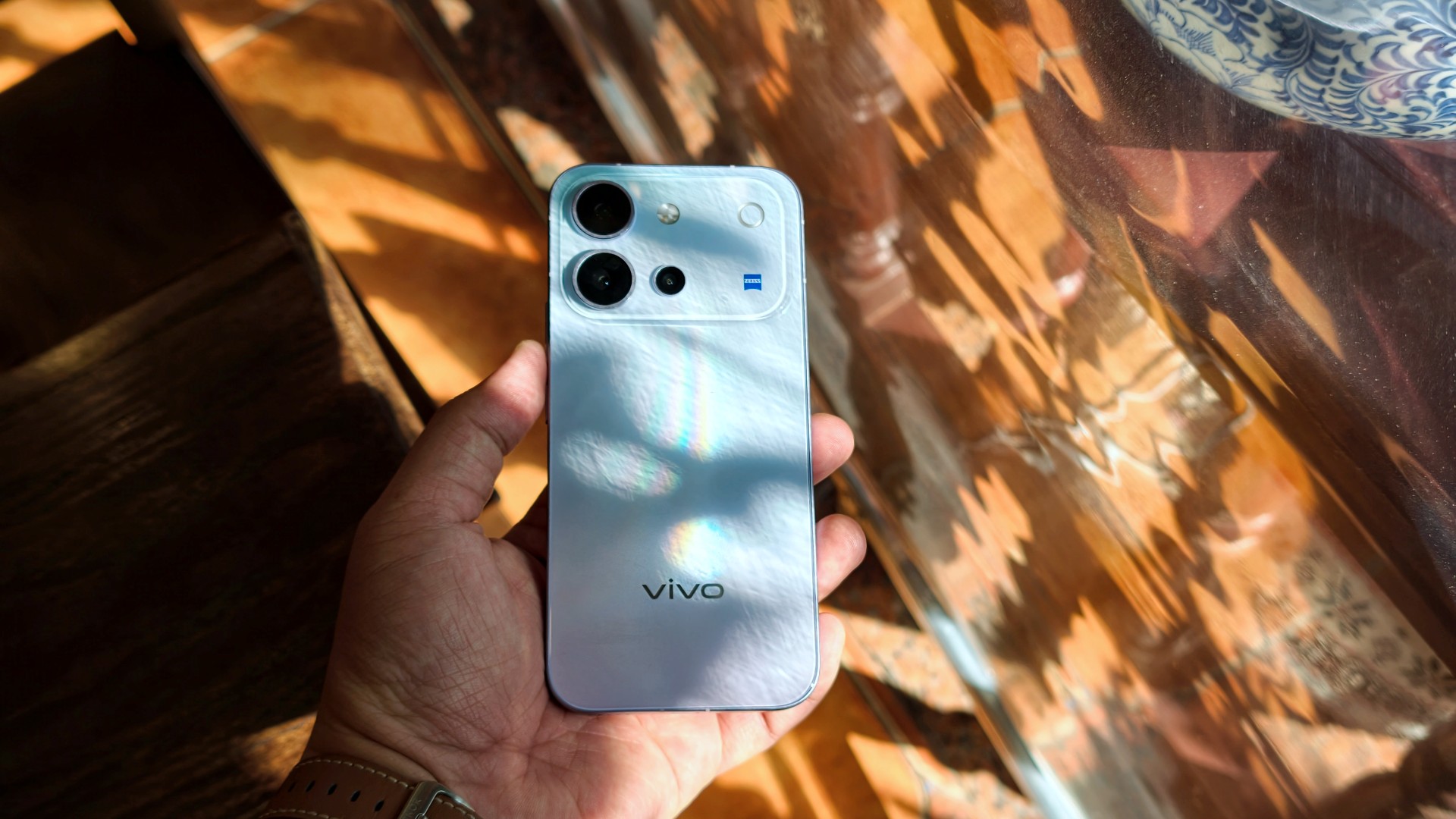
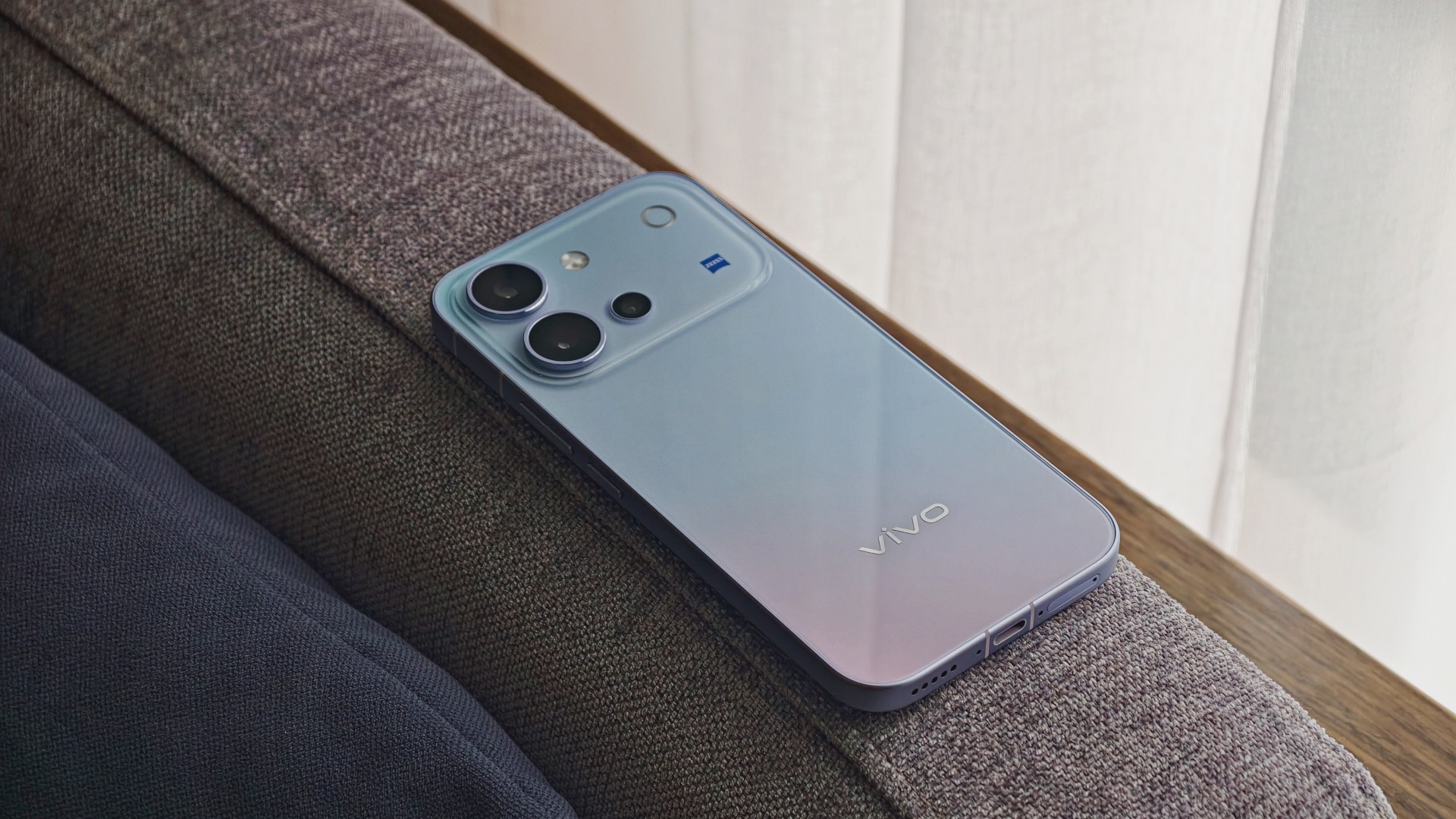
The vivo V80’s design goes from “wow” when you first unbox it to subtly eye-catching the more you use it.
I used the phone primarily with a case, although I didn’t feel like I needed one. Overall, it has a plastic-like feel. Nothing I would call premium, but it doesn’t feel cheap either. It’s par for the course for a base-model midranger.
It’s light and easy to hold. I’d say it feels like your prototypical base-model midranger, just with a poppy back design.
A travel buddy with a few quirks
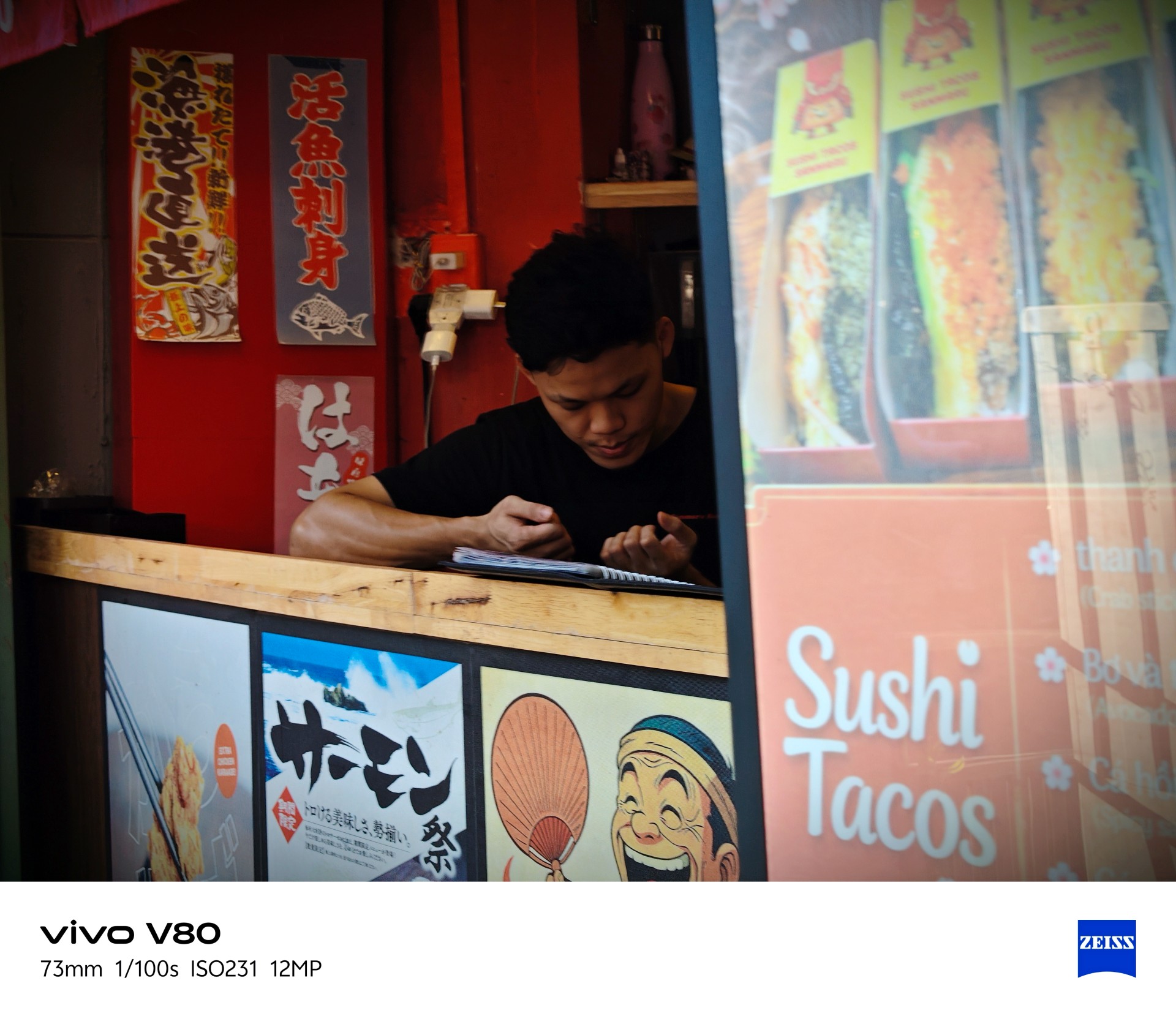
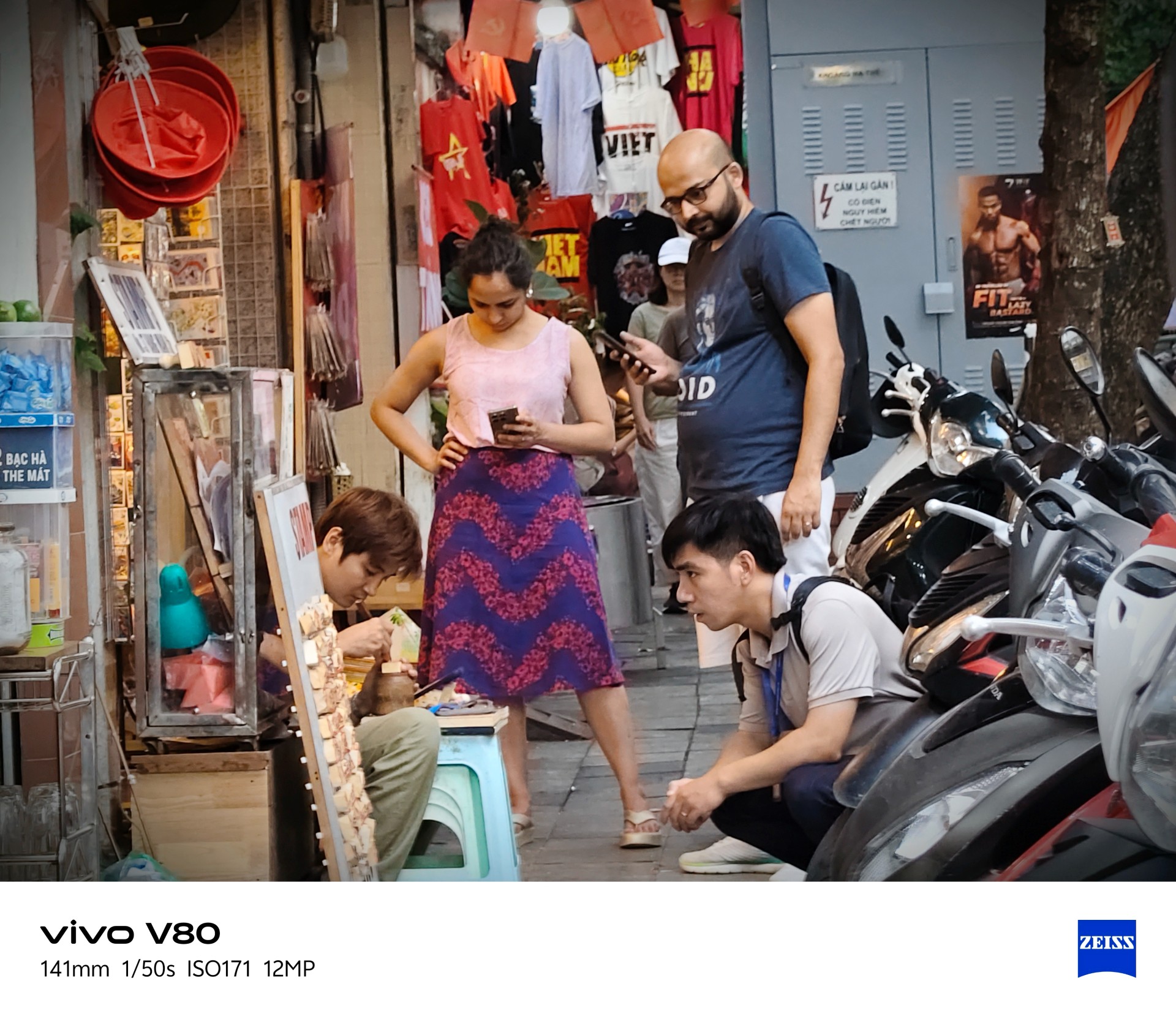
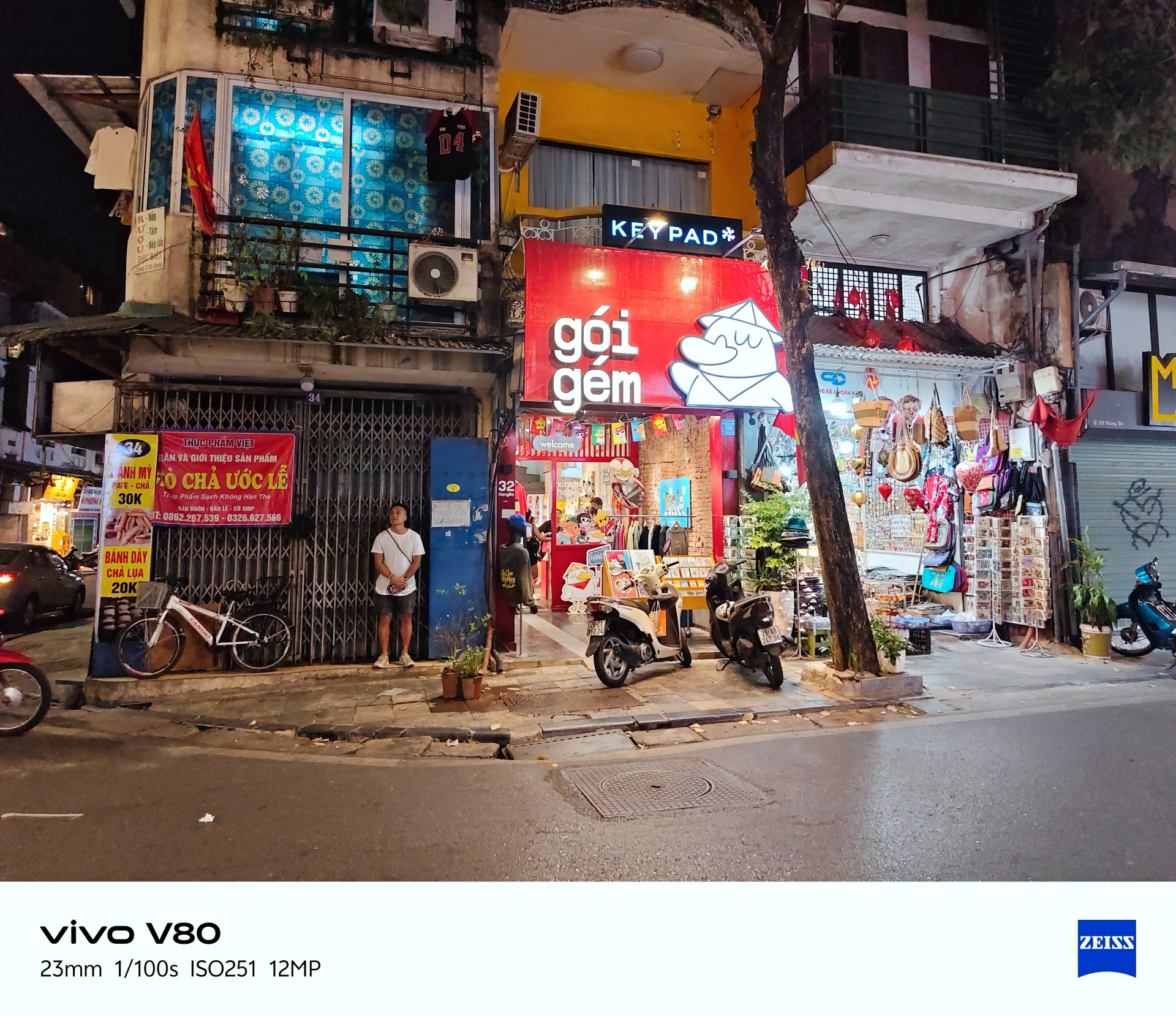
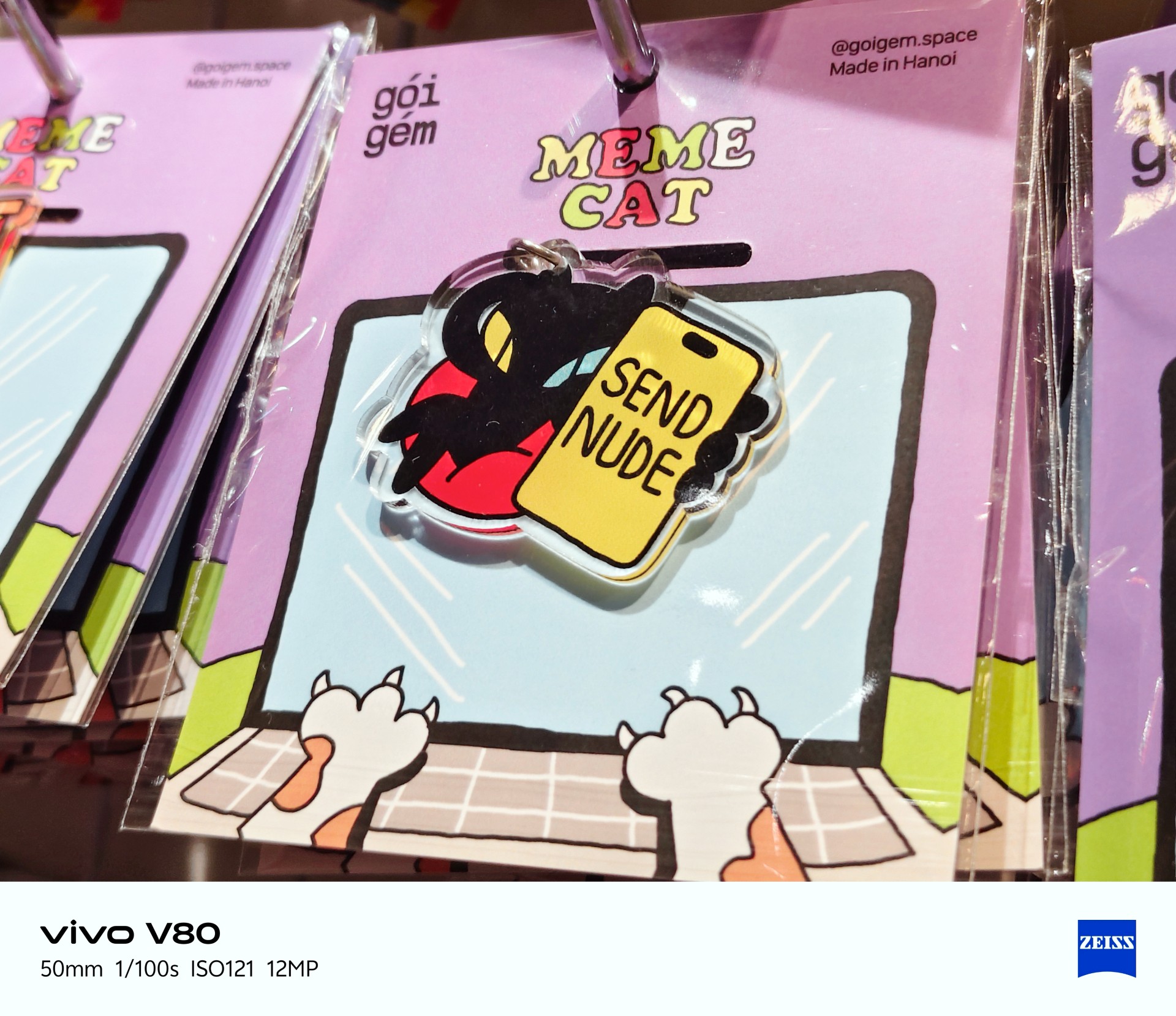
I took plenty of photos during my trip to Hanoi, Vietnam.
It’s worth noting that the phone received around three updates during my testing. Some of these included camera improvements. If there’s some unevenness in my experience and the resulting photos, I would attribute it to this.



Overall, though, the vivo V80 is a serviceable travel companion. I took plenty of food photos, and this is one of the few phones where I genuinely preferred Food Mode over the regular camera settings.


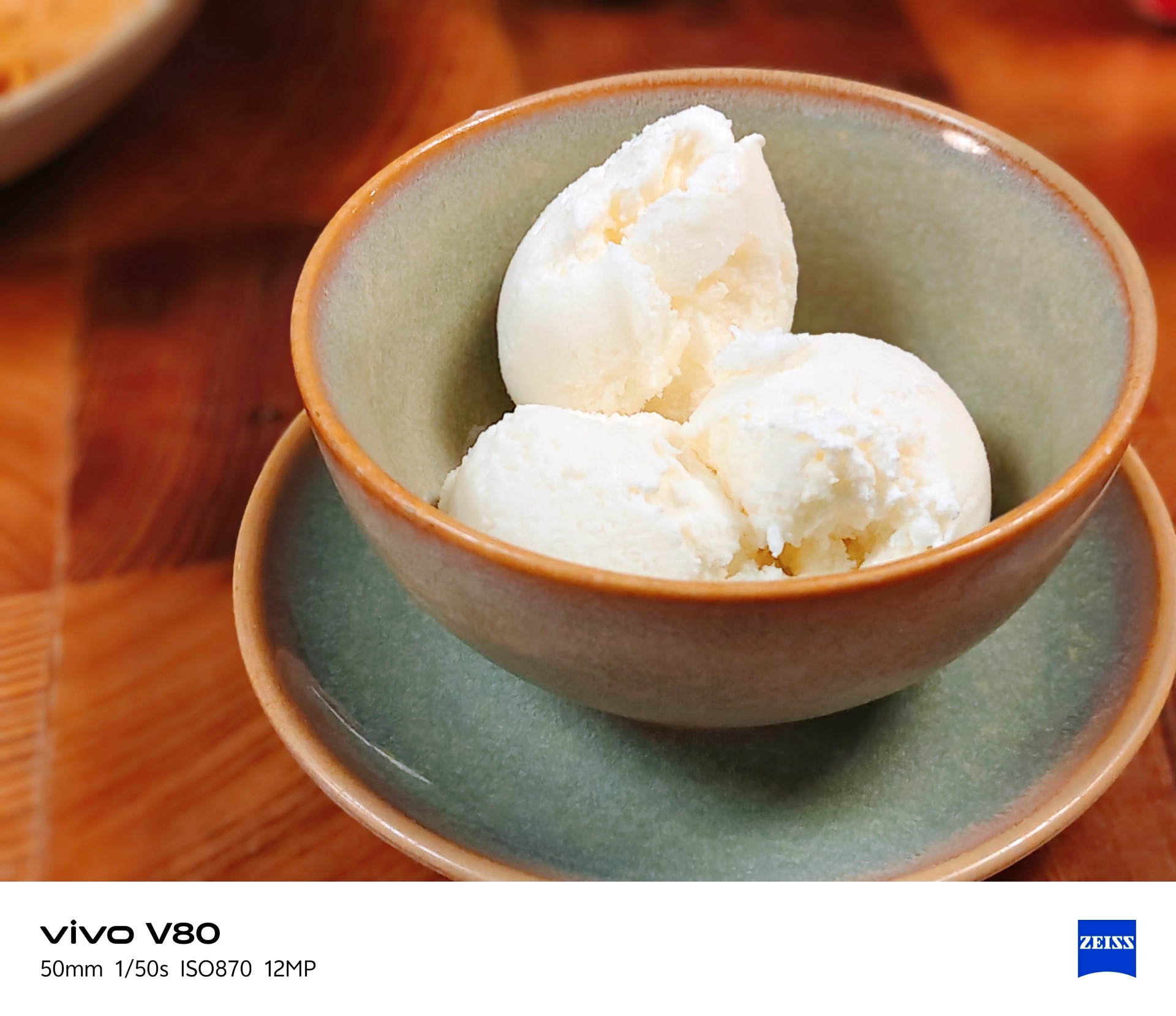
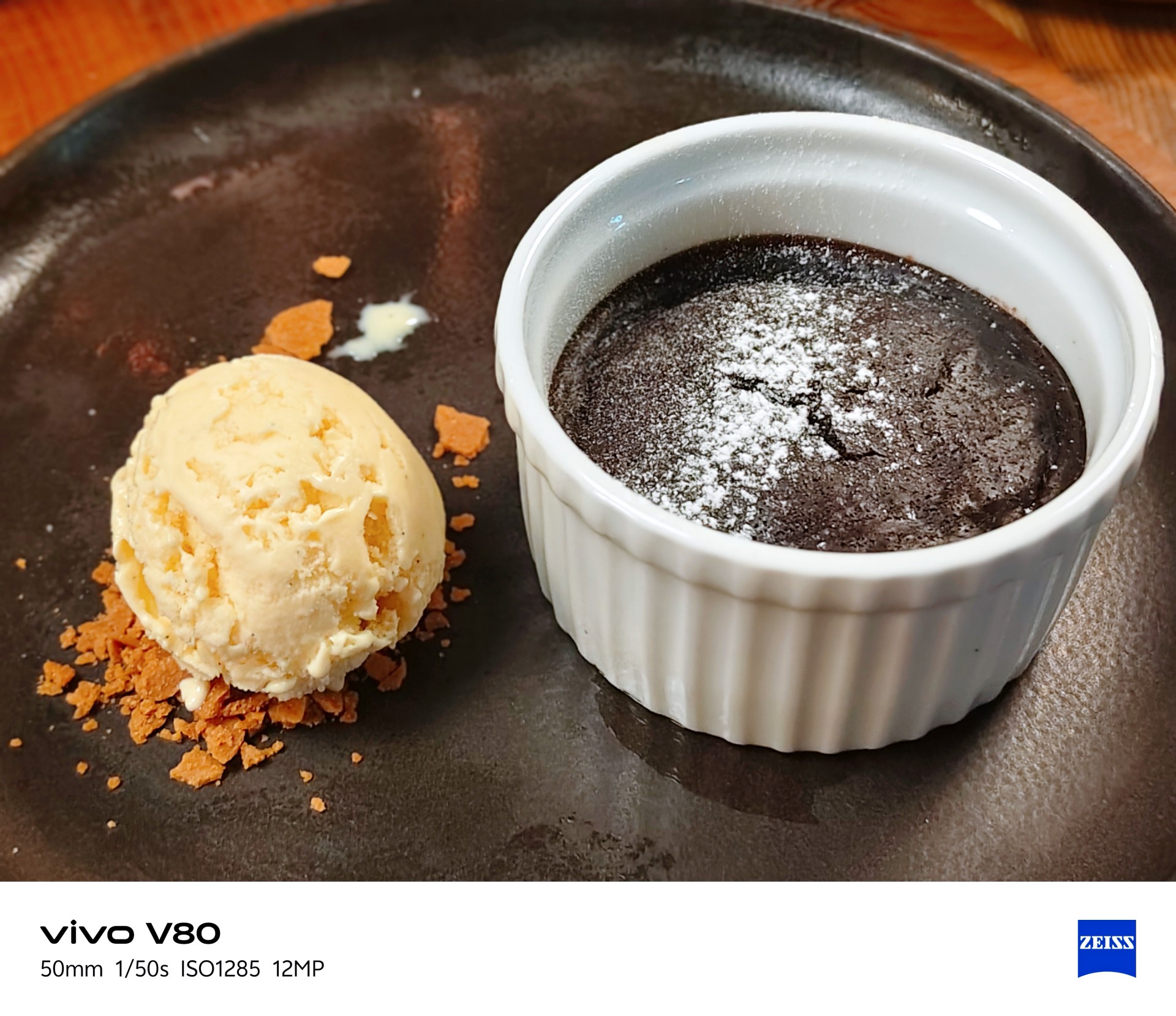
It made the many satisfying Vietnamese dishes I had during this trip look even more appetizing.
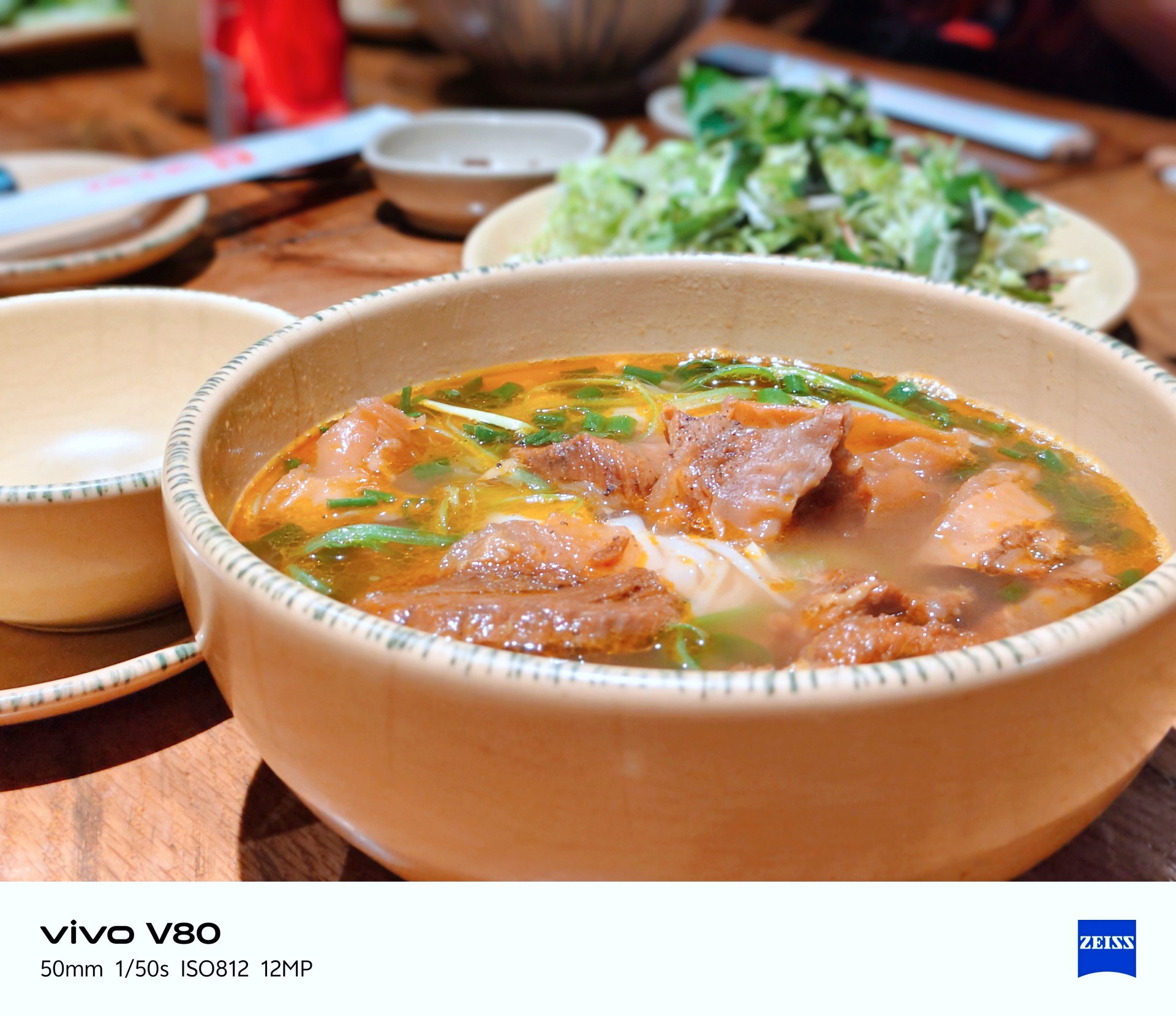

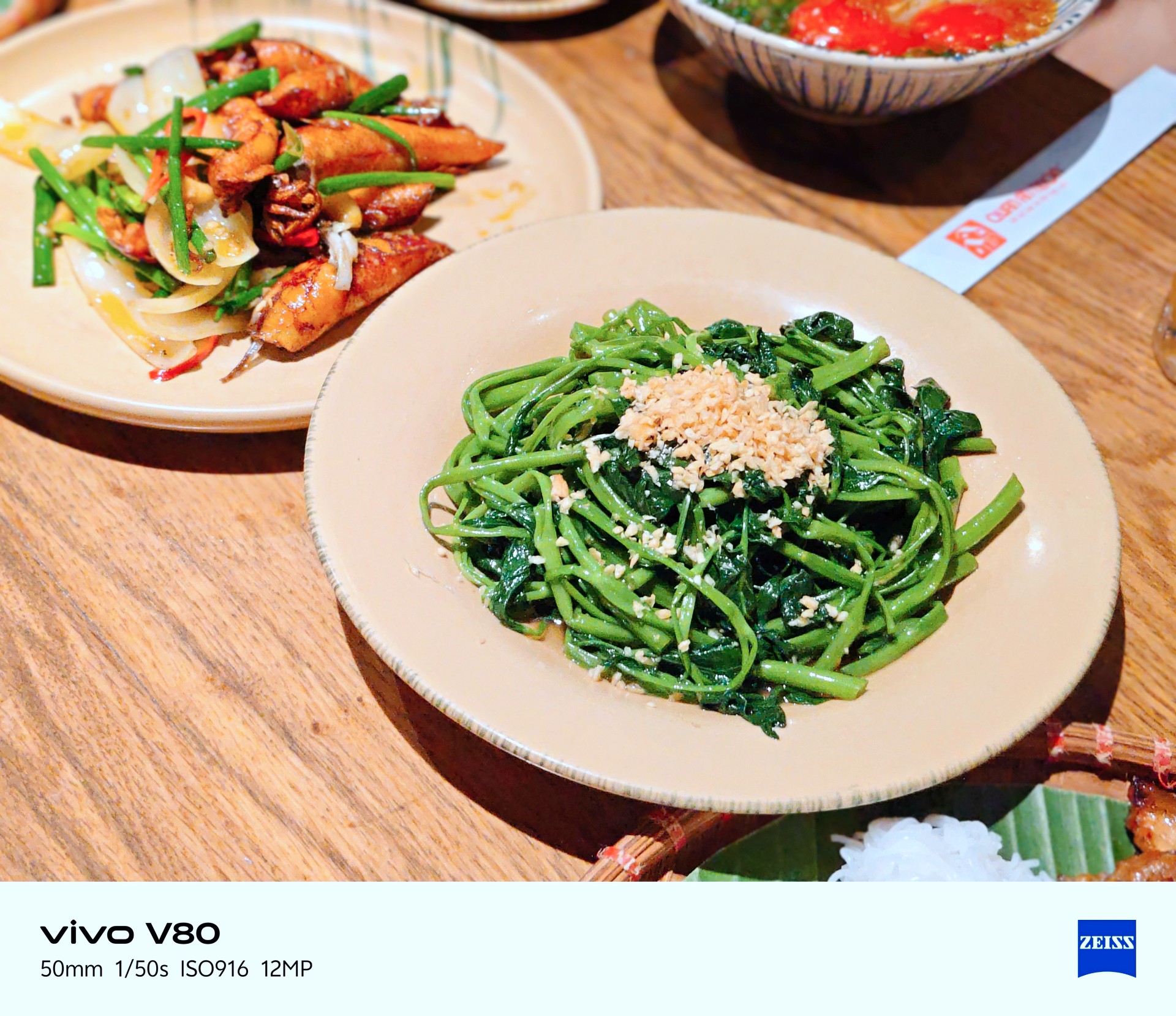
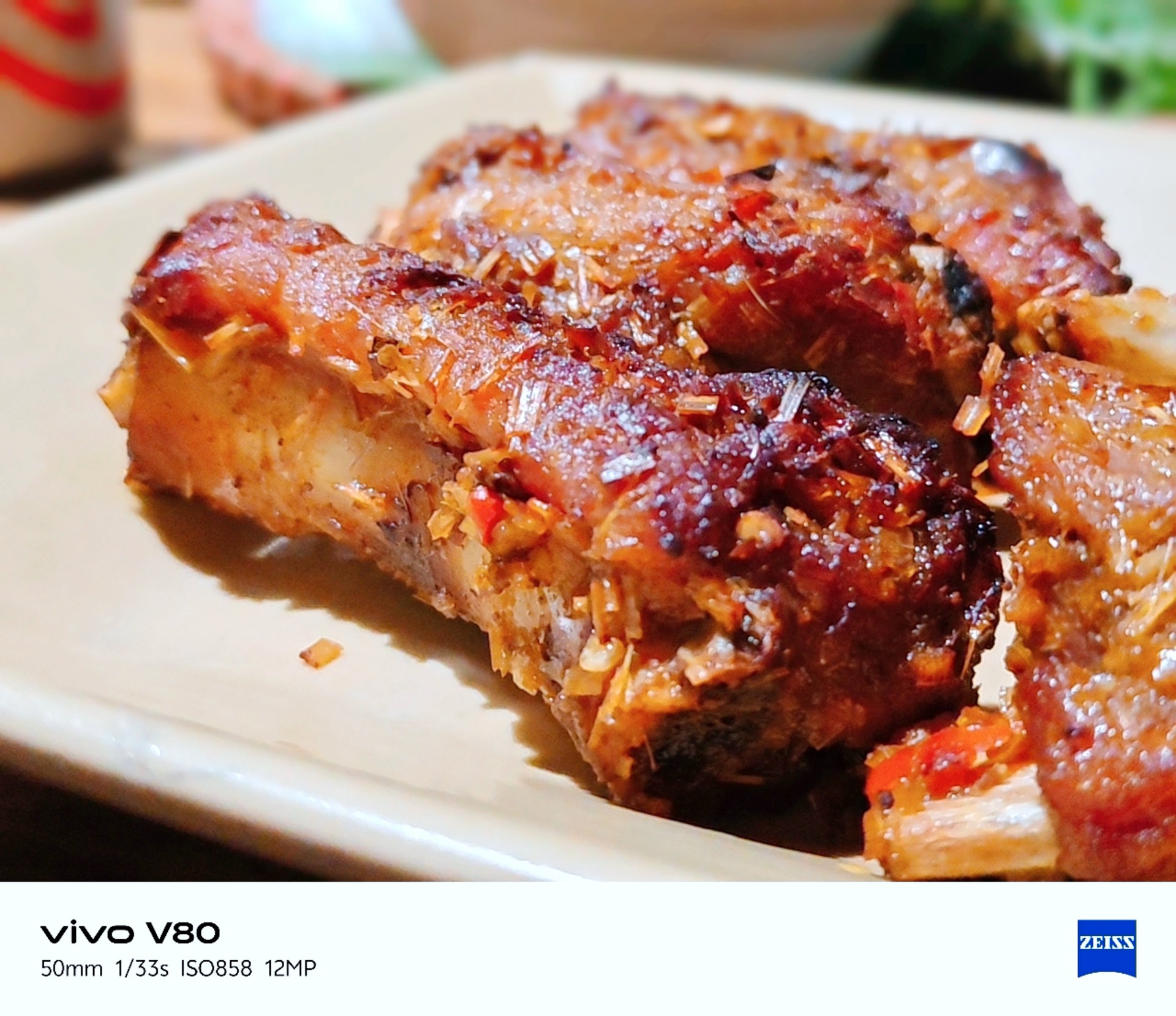
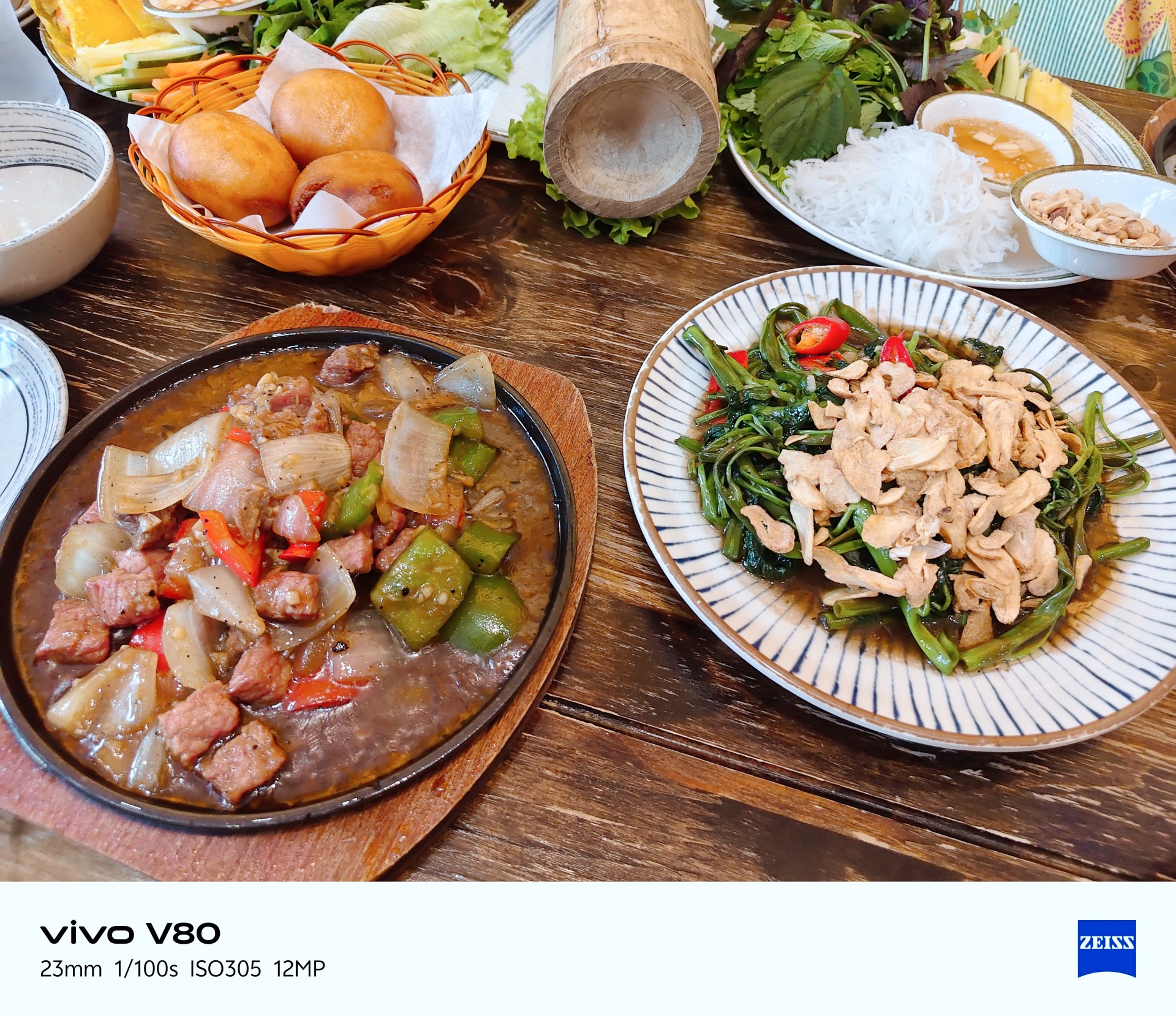

The camera can be quite hit or miss in certain lighting conditions. One thing I noticed is that it tends to brighten scenes more than I would like. My advice is to adjust exposure compensation between -1 and -3 when the situation calls for it. This can help keep scenes from looking too bright, but you don’t need to change the setting for every shot.
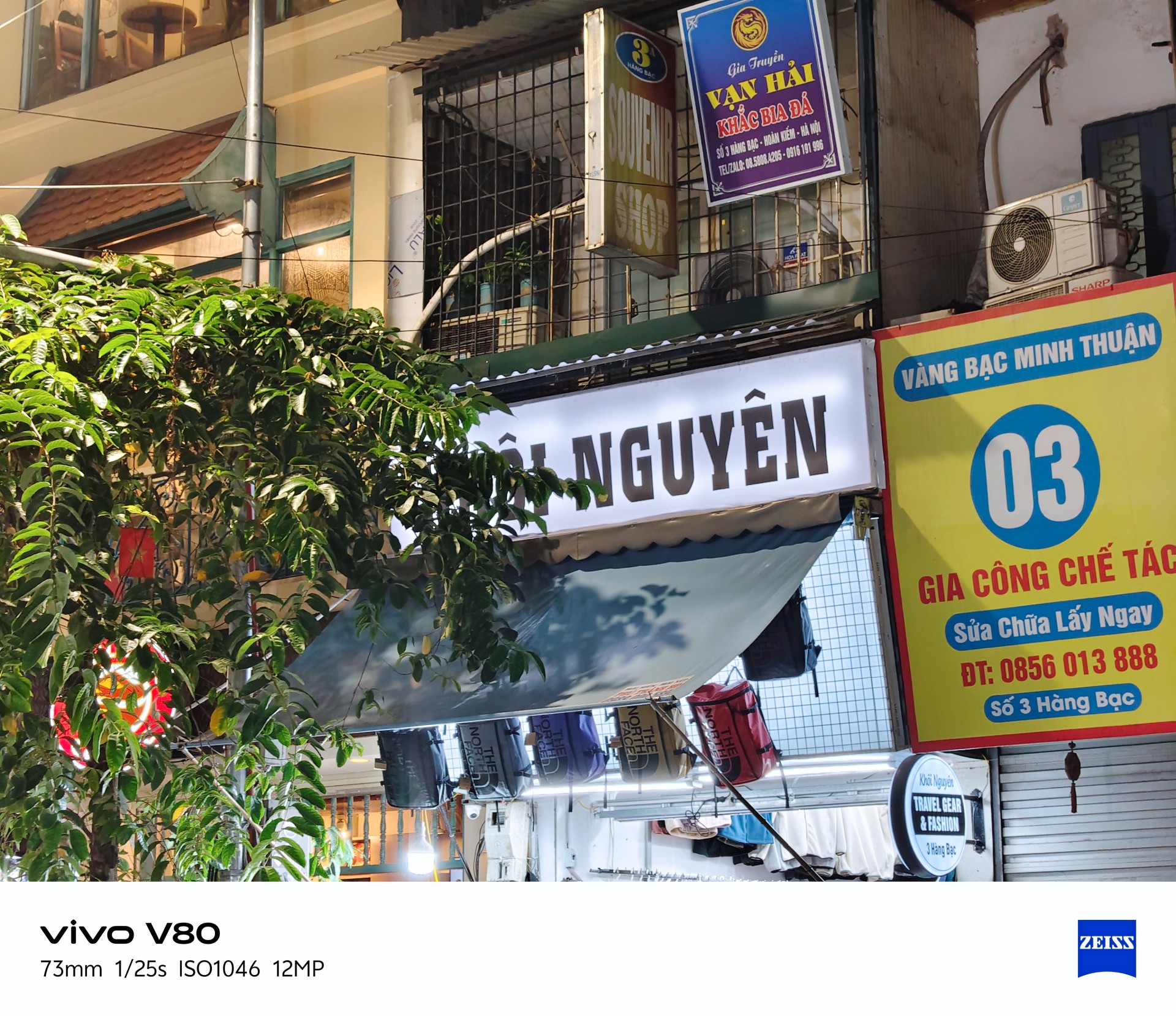


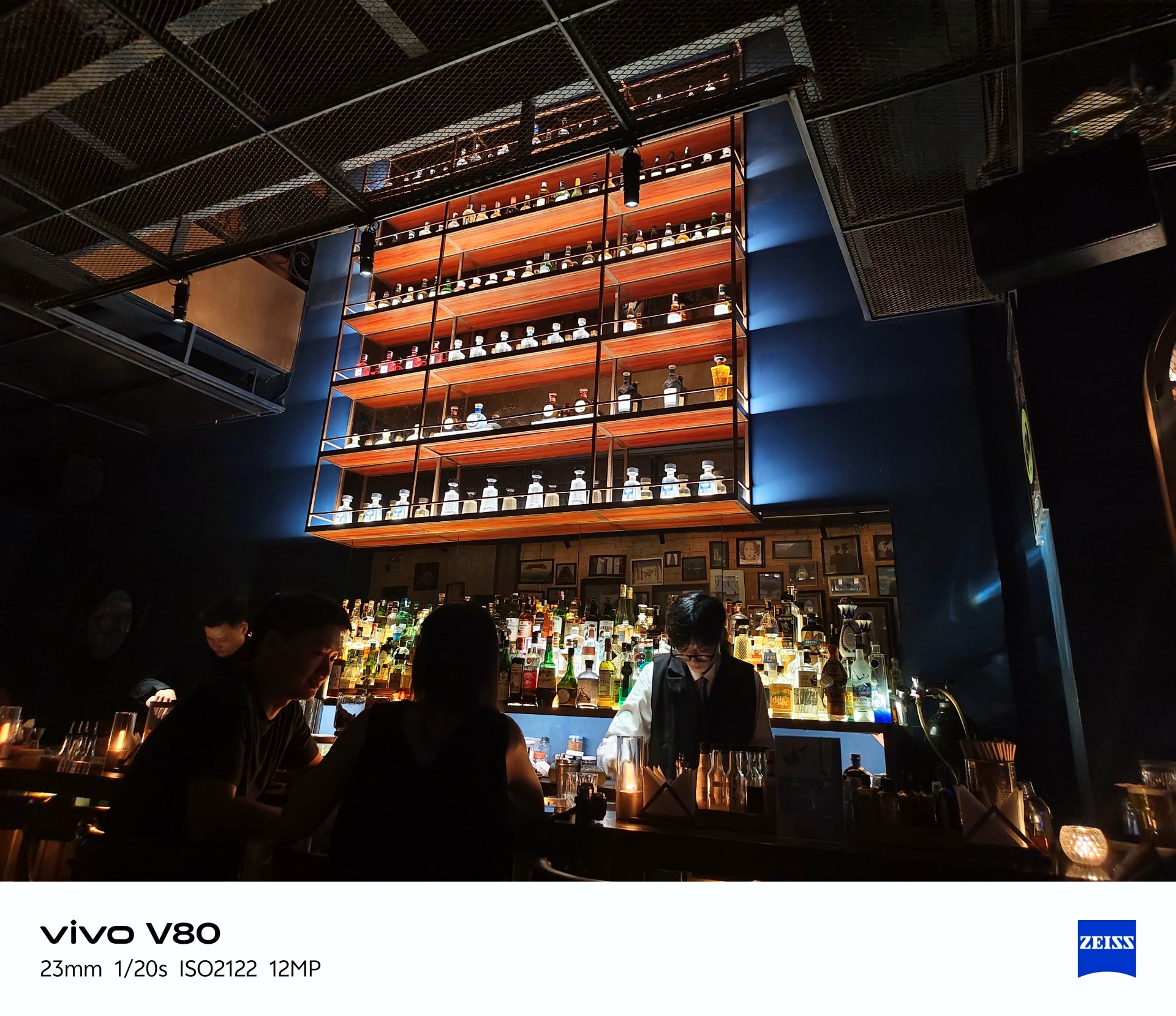
Beyond exposure issues, I also noticed considerable lag when opening the camera after the phone had been idle. There’s a noticeable wait before the camera app becomes usable.
This could mean missing the moment, which is crucial when taking photos. The solution is to stay ready, although a software patch to address this wouldn’t hurt.
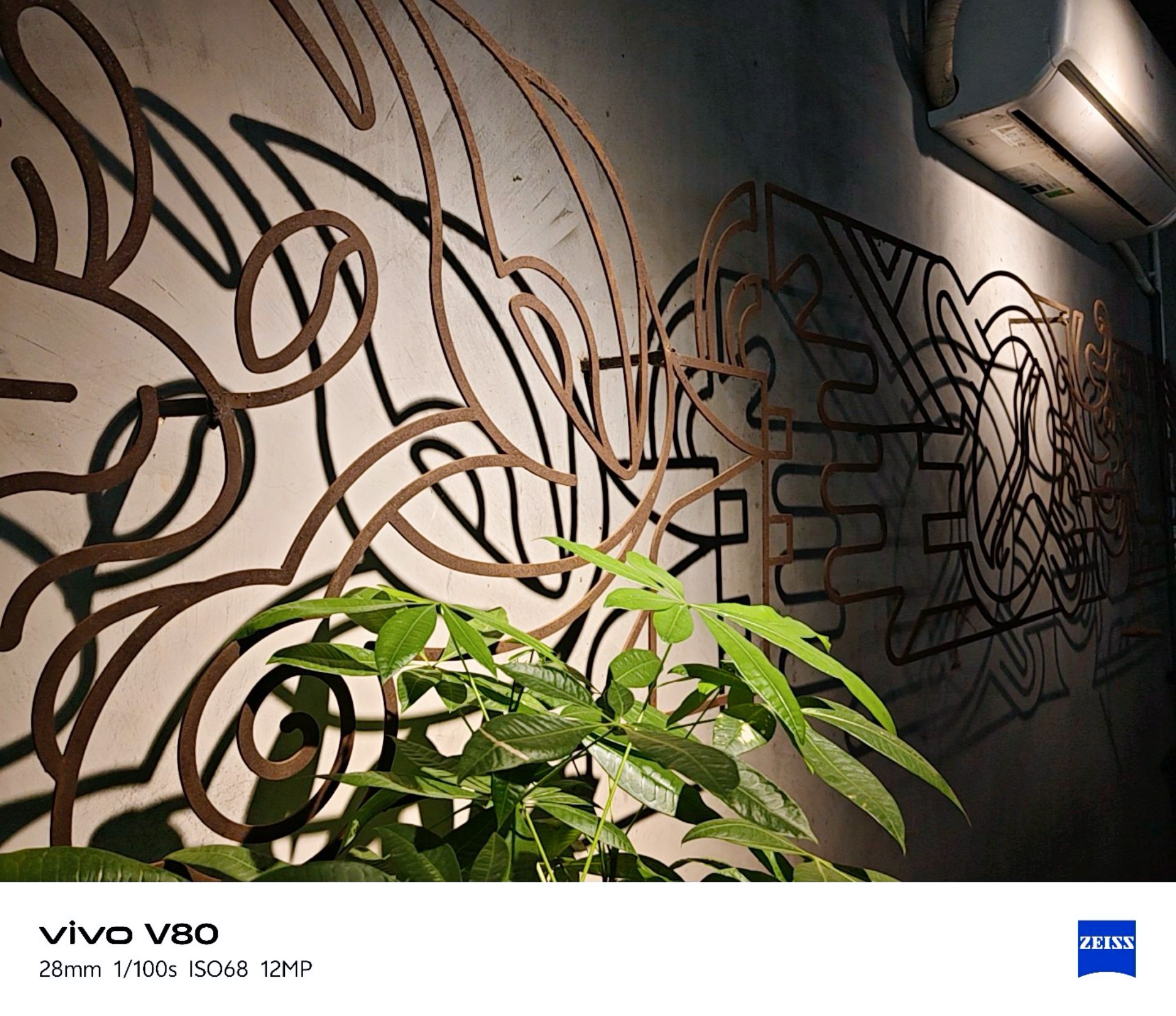
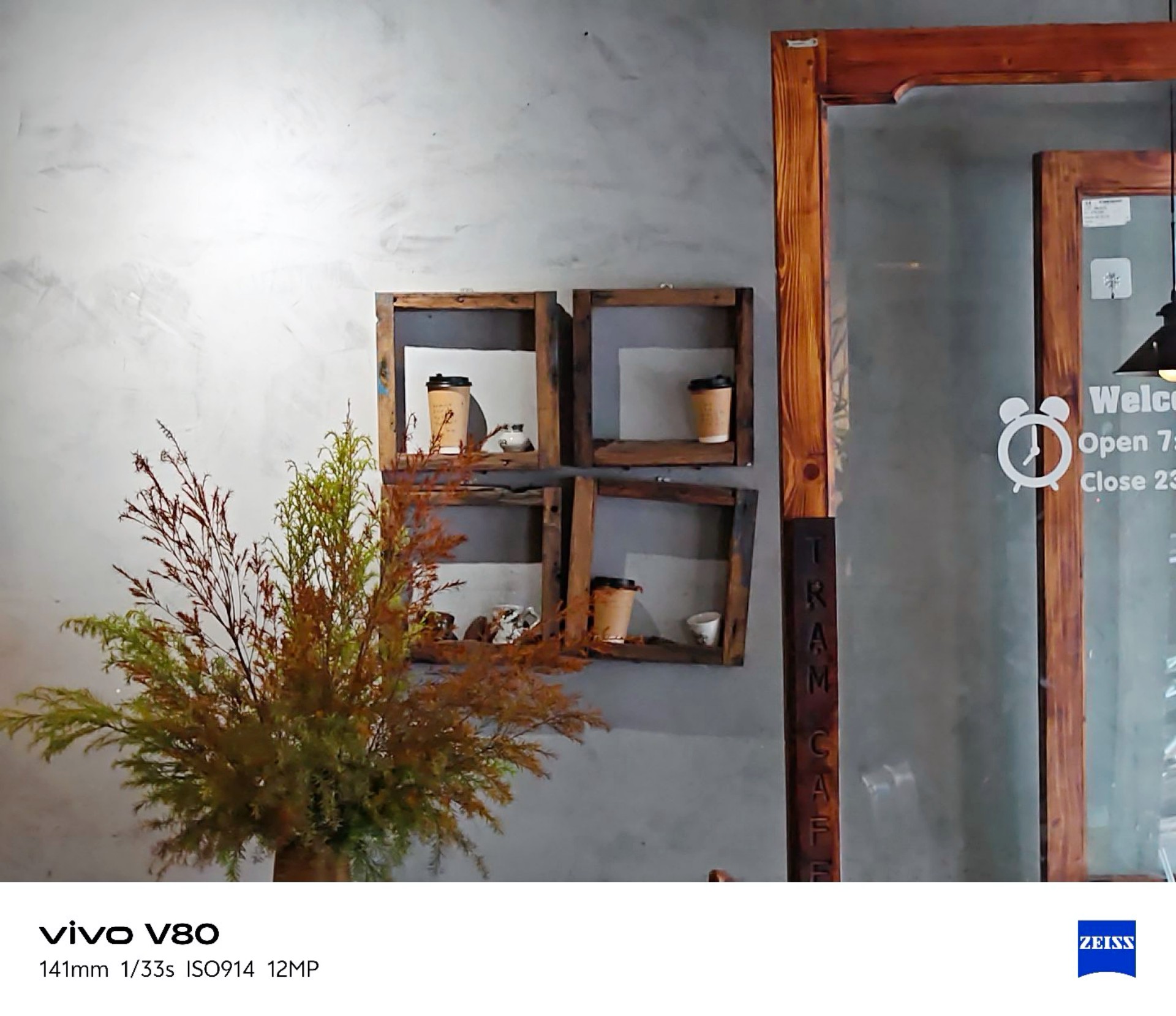
Despite those two issues, I enjoyed taking photos with the vivo V80. More samples below.
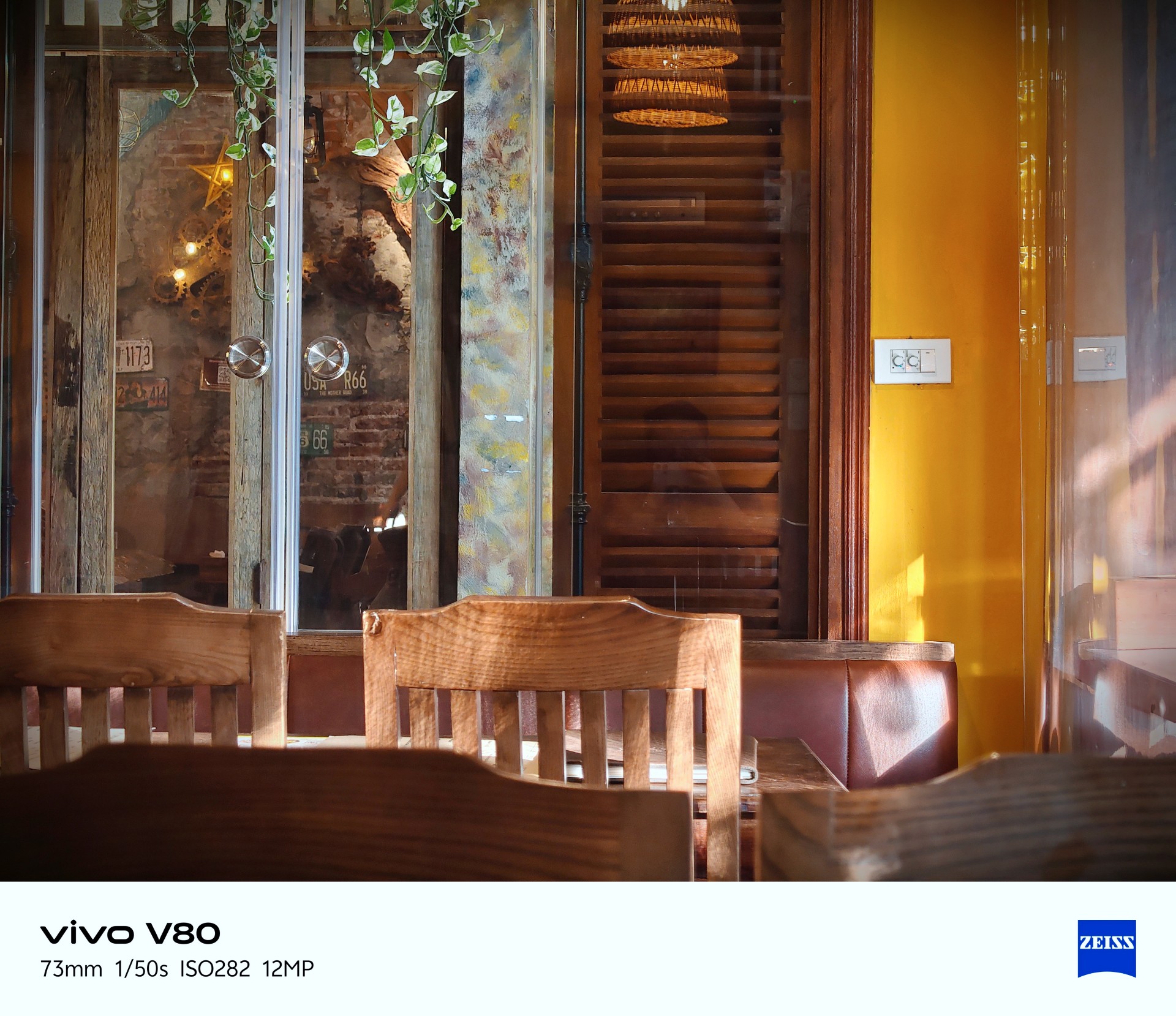
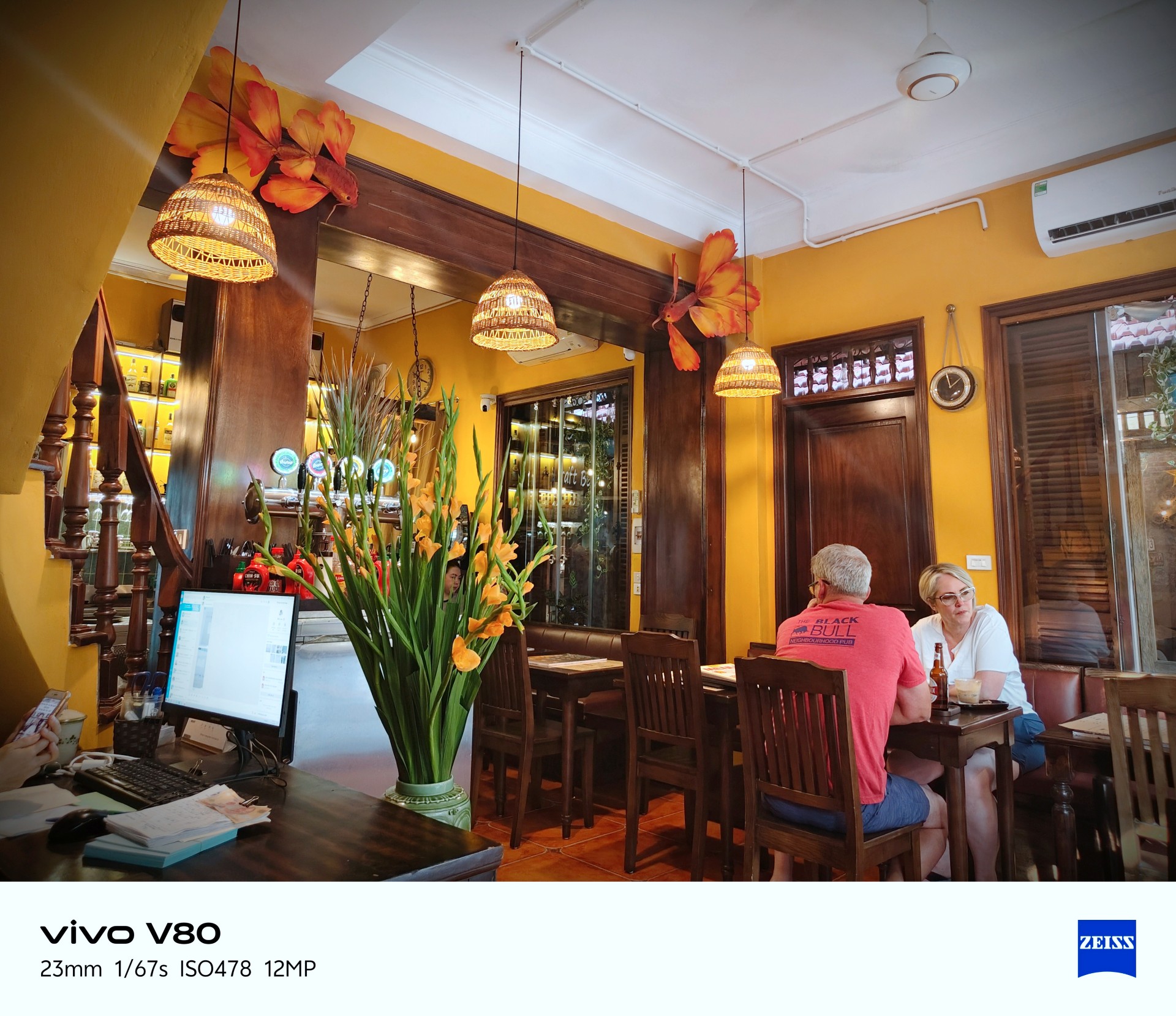
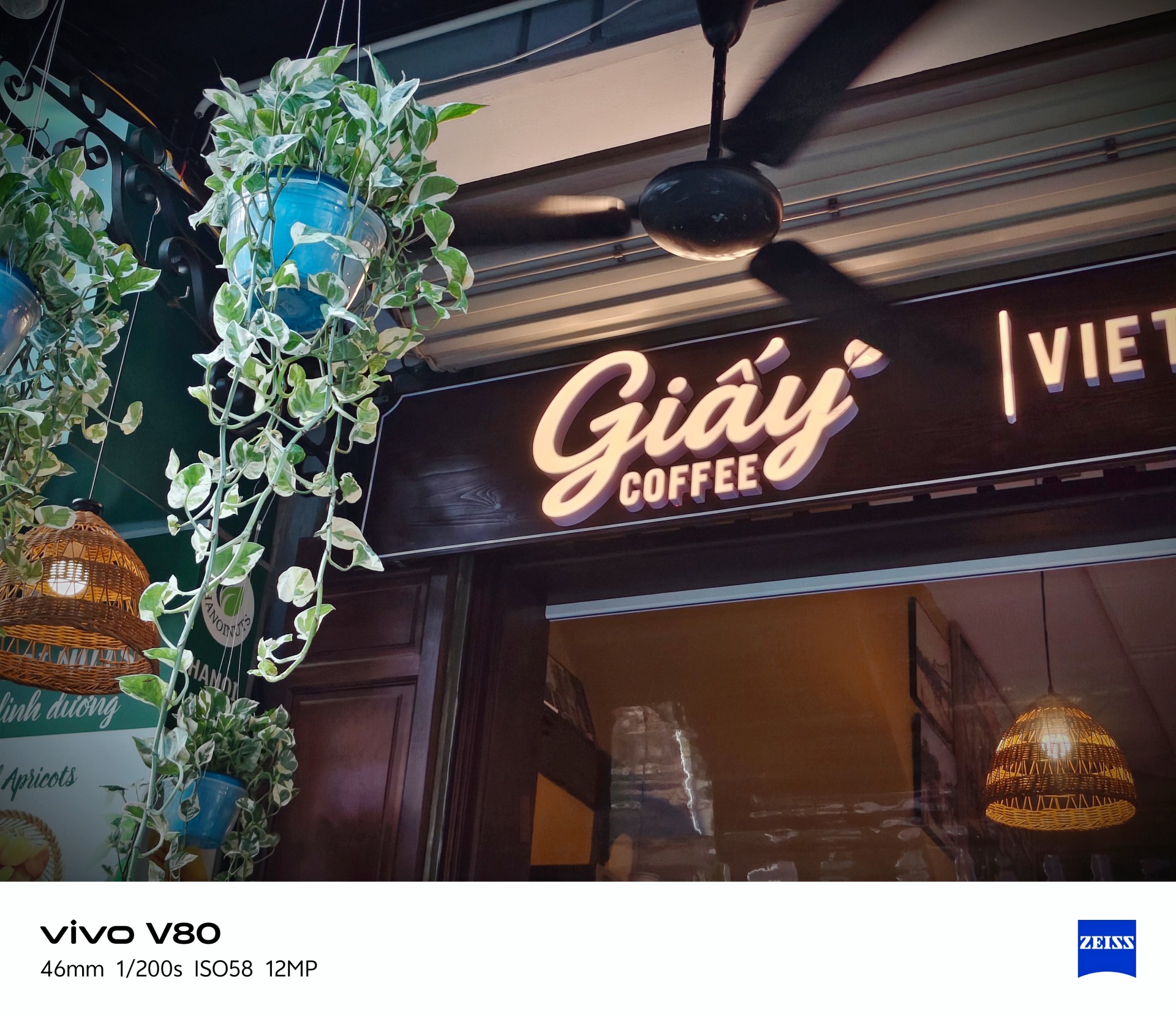
Quaint little cafe



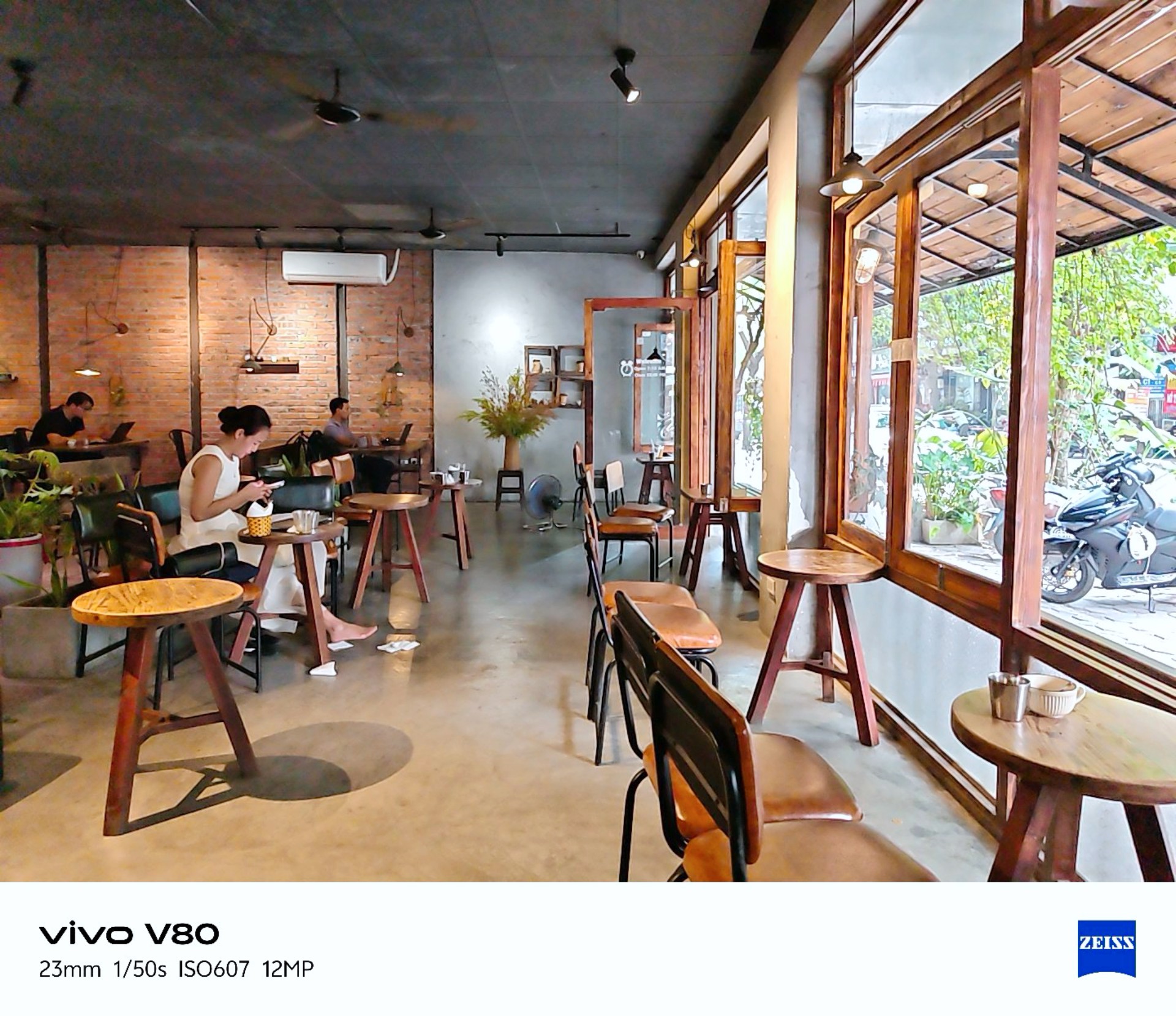
vivo Textured
I realized I was shooting mostly in Vivid mode so I tried textured for a while. Here are the results.







Best souvenir shop: Goi Gem



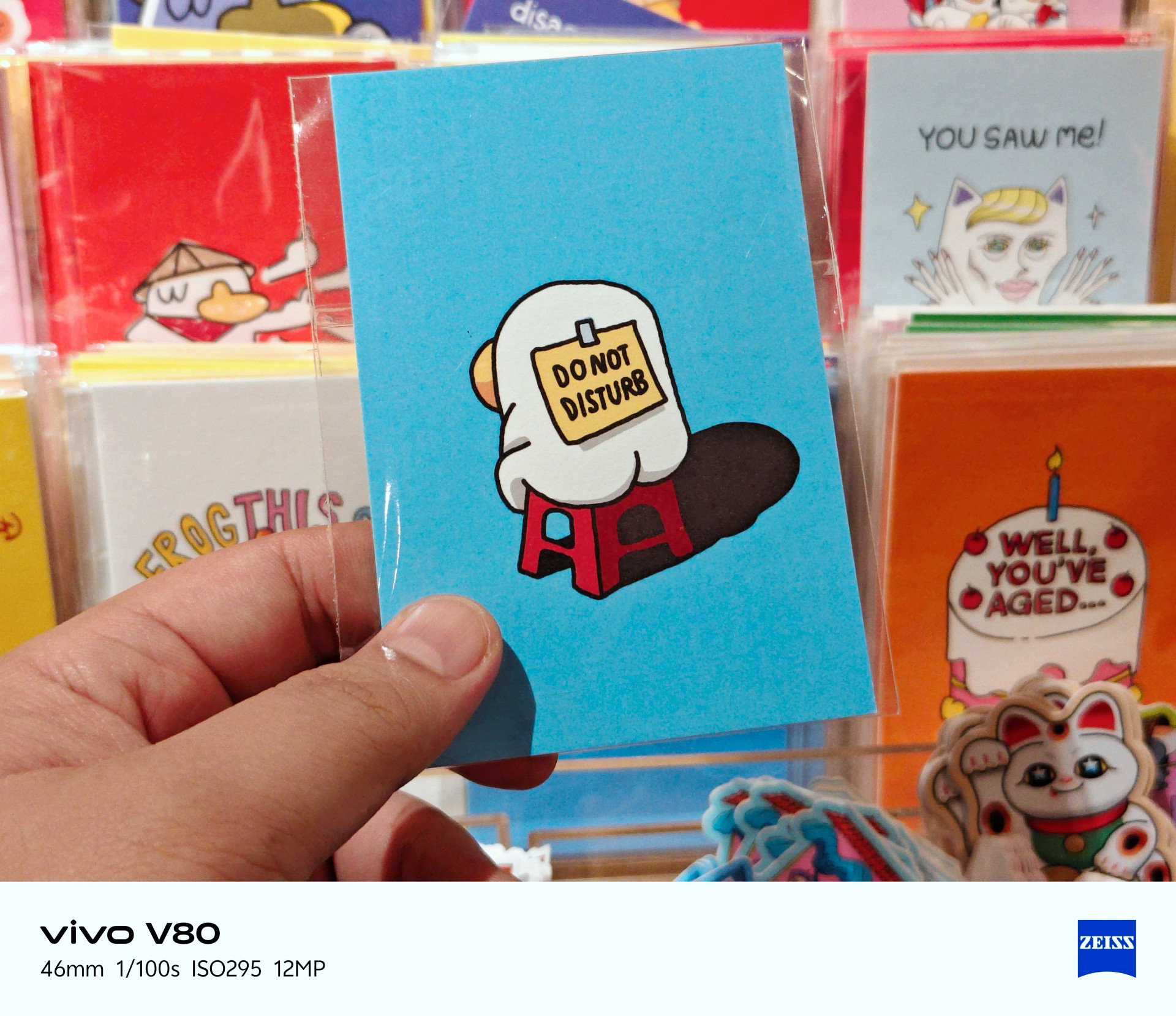
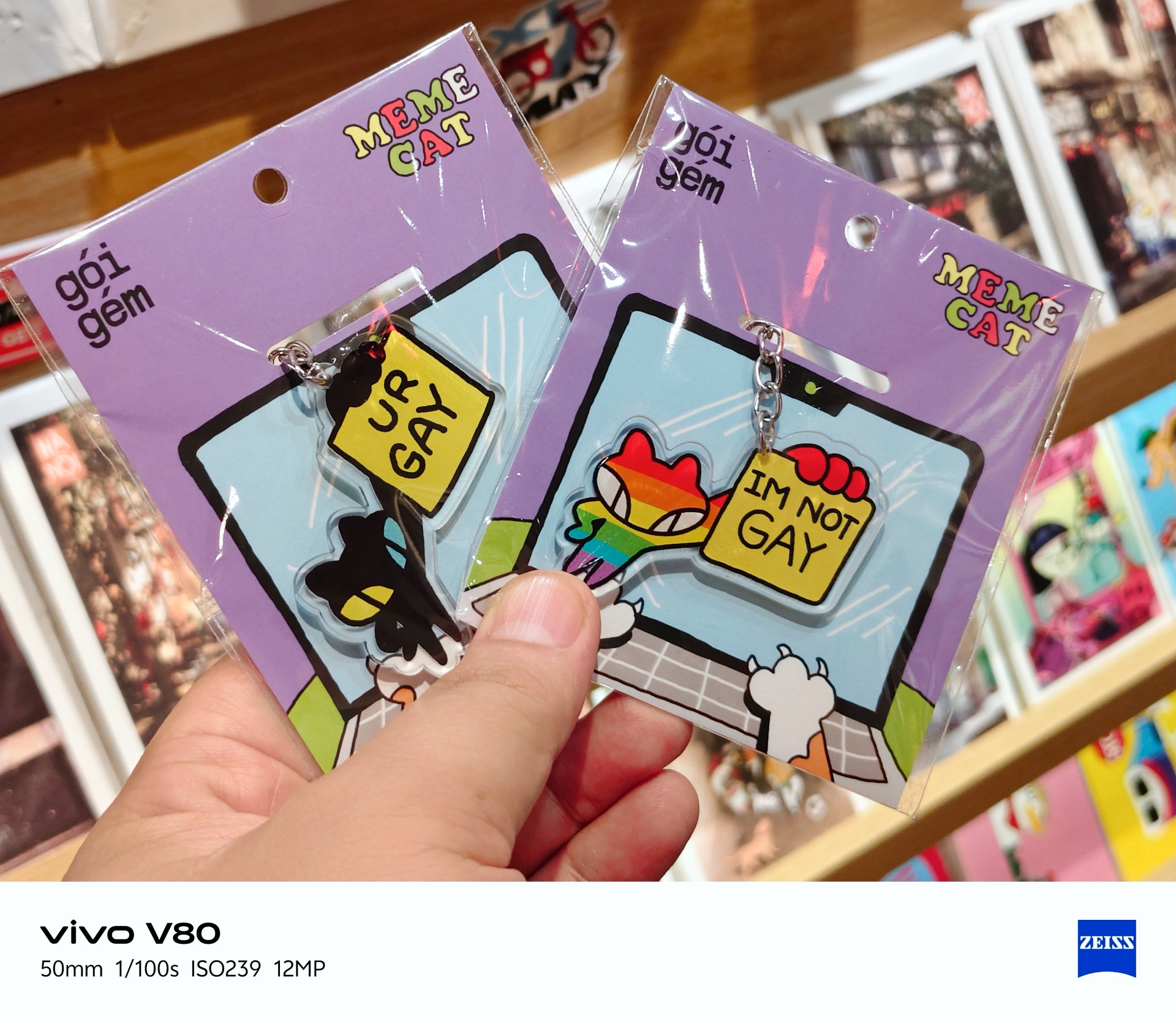


Portrait photography


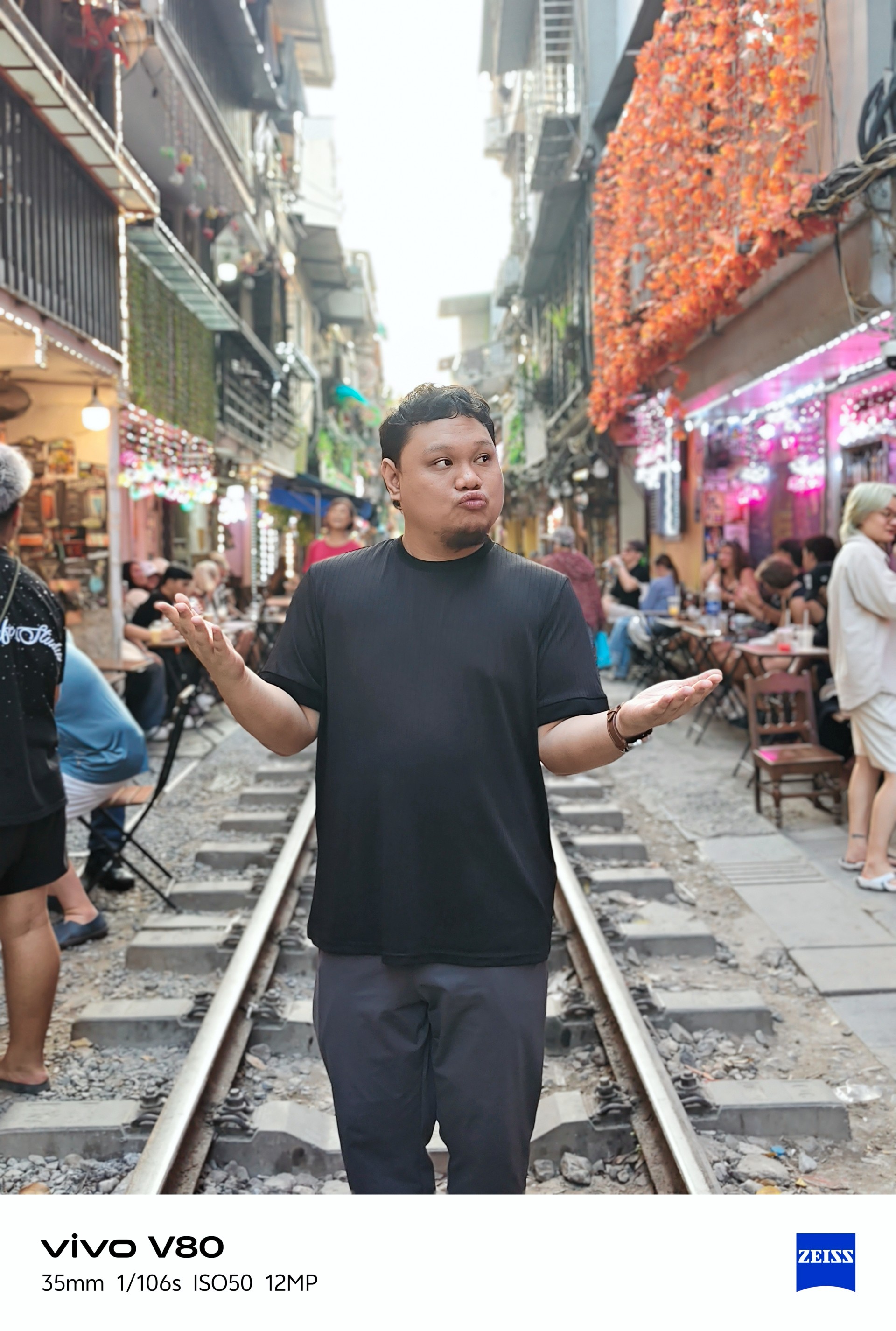
Portraits weren’t my main focus during my time with the device. I only took four regular portrait shots while visiting a train-themed tourist attraction with some friends.
Lighting was a hit or miss here, too.
Time to talk games
Ha. Here we go.
I realized I can’t cop out anymore and keep saying I don’t play mobile games. To address this, I identified three games I would use in my smartphone reviews. Some may change from time to time.

Battle Cats was the most casual game I tried and probably the most fun I had playing. The phone had no trouble running it. The experience was smooth.
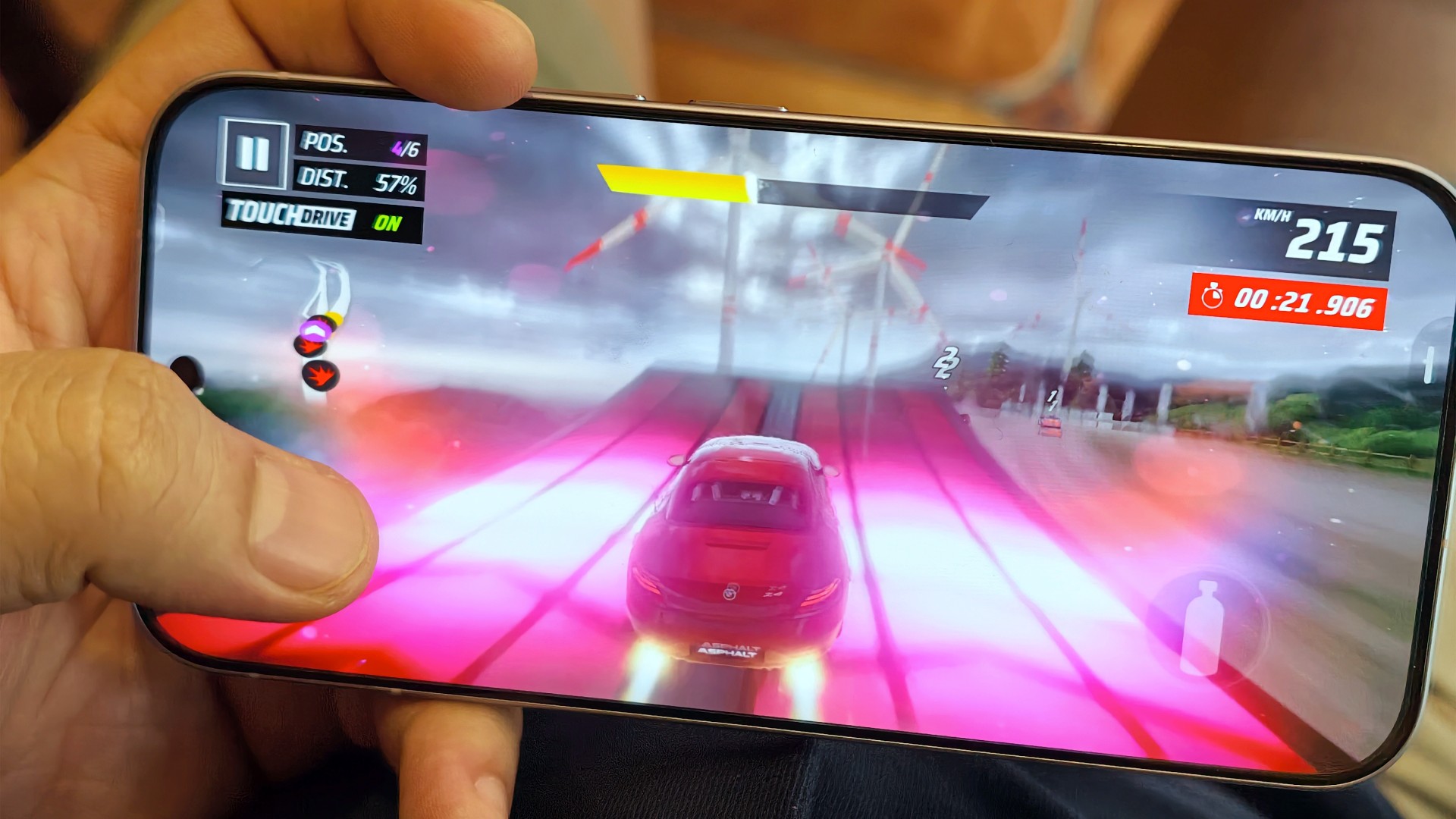
The same can be said about Asphalt Legends. Even when the graphics settings weren’t at their highest, the game still looked good and played well.
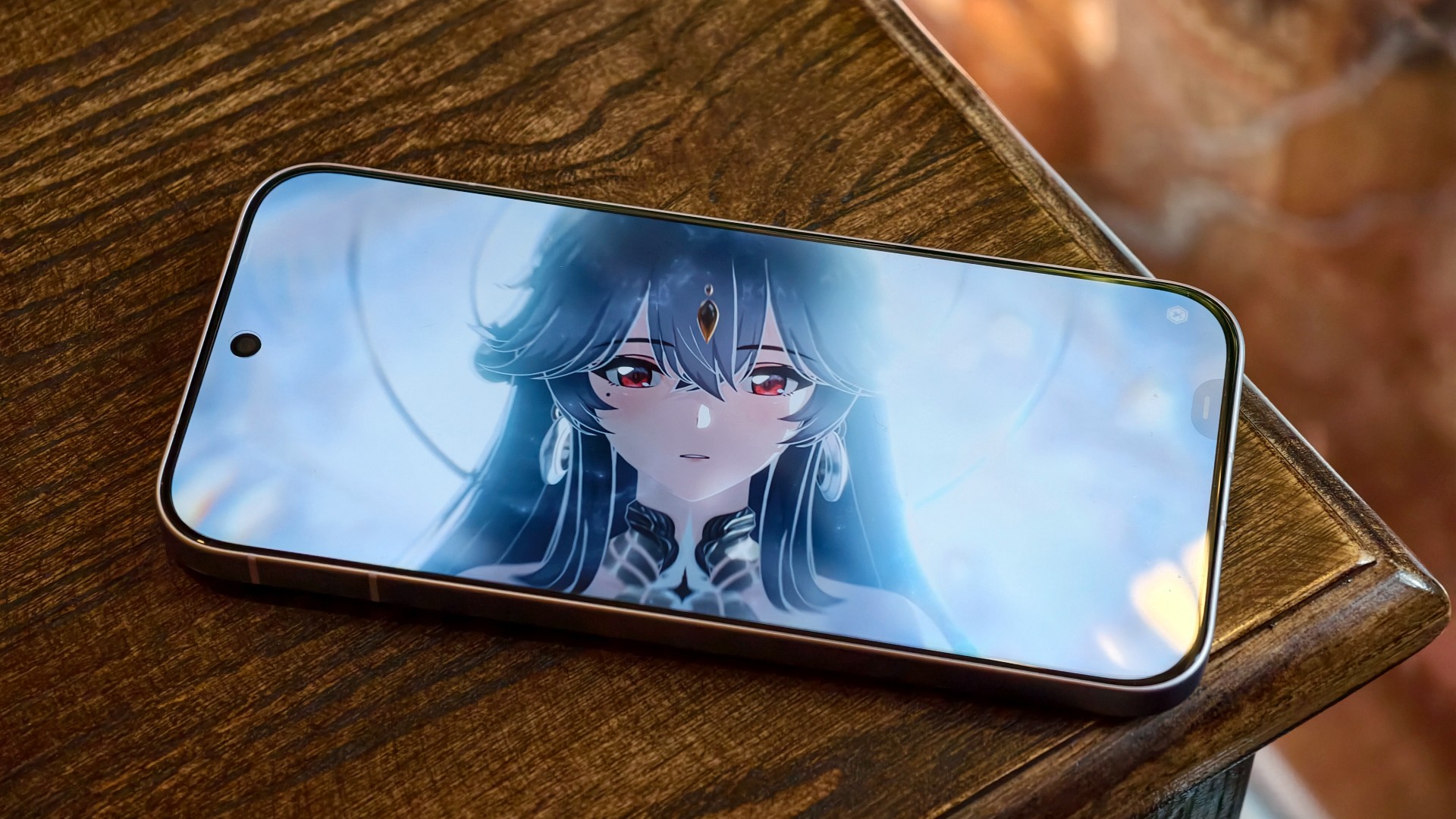
Wuthering Waves, meanwhile, defaulted to medium graphics settings. The game still looked decent, but you could already tell it could look better. The phone’s default settings prioritized a consistent and mostly lag-free experience. I wouldn’t push it beyond that.
I’m still on the lookout for mobile games I can include in these tests. Preferably, I’d like something that plays as simply as Battle Cats but offers peak graphical fidelity. I’m open to recommendations!
A screen that gets it right

Still Isa-holic after a few reviews
The vivo V80’s display is pretty darn good.
Even in broad daylight, I had no trouble seeing what was on the screen. I spent time at a cafe near a window in the early afternoon, watching STAYC Isa content and catching up on Doctor X: Mafia in White on Netflix.

I wanted to watch Merry Berry Love and see Imada Mio, too, but Disney+ wasn’t available in Vietnam during my trip. I settled for watching some trailers instead.
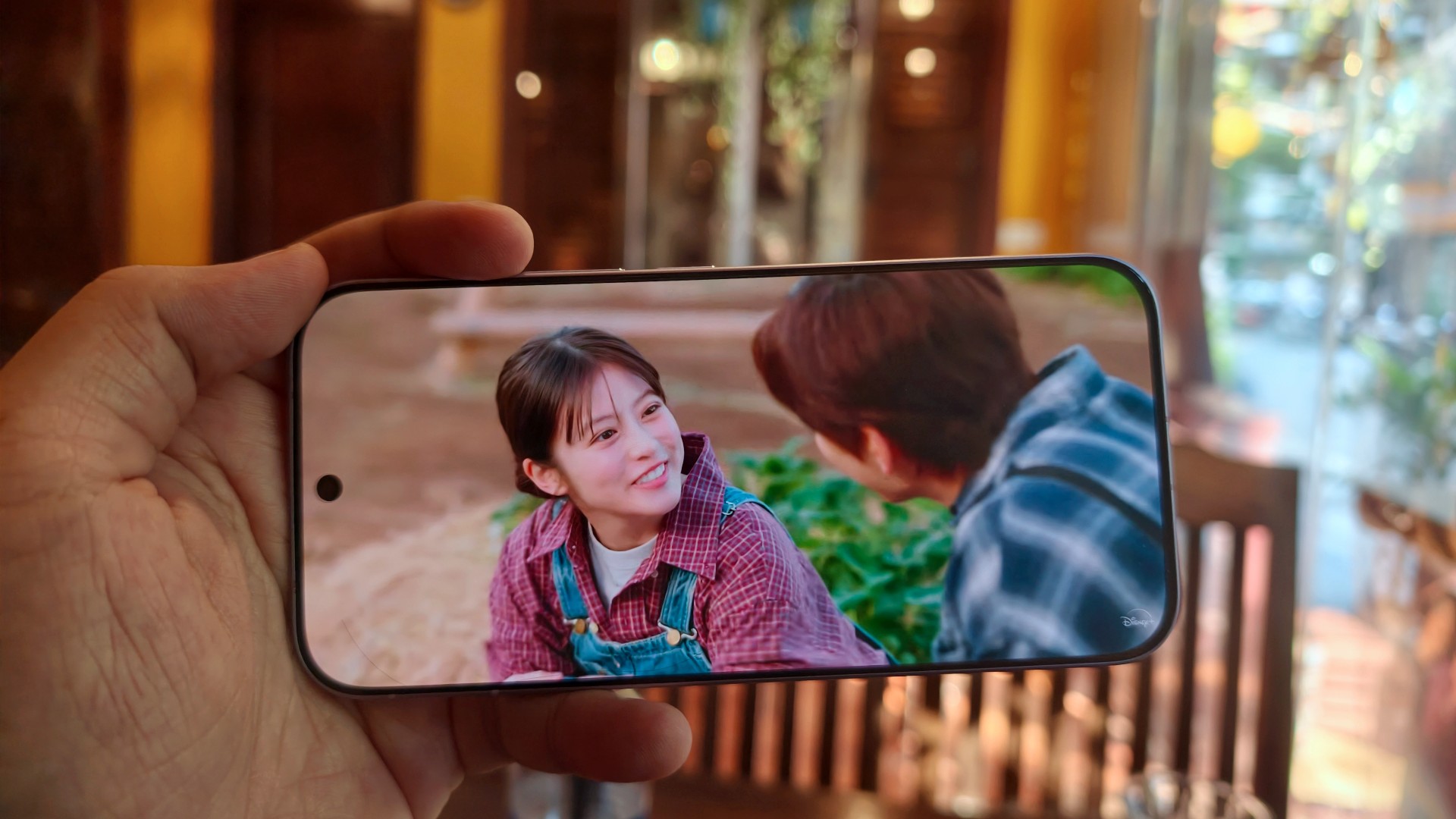
The display also performed well during gaming. I didn’t notice anything in particular that stood out, and I mean that in a good way. Everything looked and played as expected.

To me, that means the display technology worked to perfection. It delivered a clear, smooth experience without drawing attention to itself for the wrong reasons.
Two days? Maybe. One day? Absolutely
YES. Very dependable.
I had a hard time curating photos for this review because I took hundreds of them during my trip to Hanoi.

Between taking photos, testing games, doomscrolling, watching STAYC Isa content across different platforms, and catching up on shows like Doctor X: Mafia in White on Netflix, I never felt like I needed to find a plug or charge the phone in the middle of the day.
I typically ended the day with around 40–45% battery remaining. The vivo V80 can endure heavy days and likely more. Battery performance is excellent.

And you won’t feel like you’re away from the phone for too long when you finally need to charge it after a long day out. Topping it off takes roughly the time it takes to watch an episode and a half of anime, or about one episode of The Rookie. That’s around 30–40 minutes for a full charge.
The battery life and charging speeds are likely among the better ones in its class. Having both in a phone that’s relatively light and compact is quite a feat. I suppose this is the new normal for midrangers now.
OriginOS still feels a little offbeat

I’ve been using OriginOS sparingly for the last year or so. Something about it still feels offbeat to me.
Although, if you use phones from other Chinese manufacturers, you shouldn’t have too much difficulty adjusting. They all have subtle differences here and there, mostly in their icons and animations. However, the general feel will be familiar to most Android users.
Is the vivo V80 your GadgetMatch?
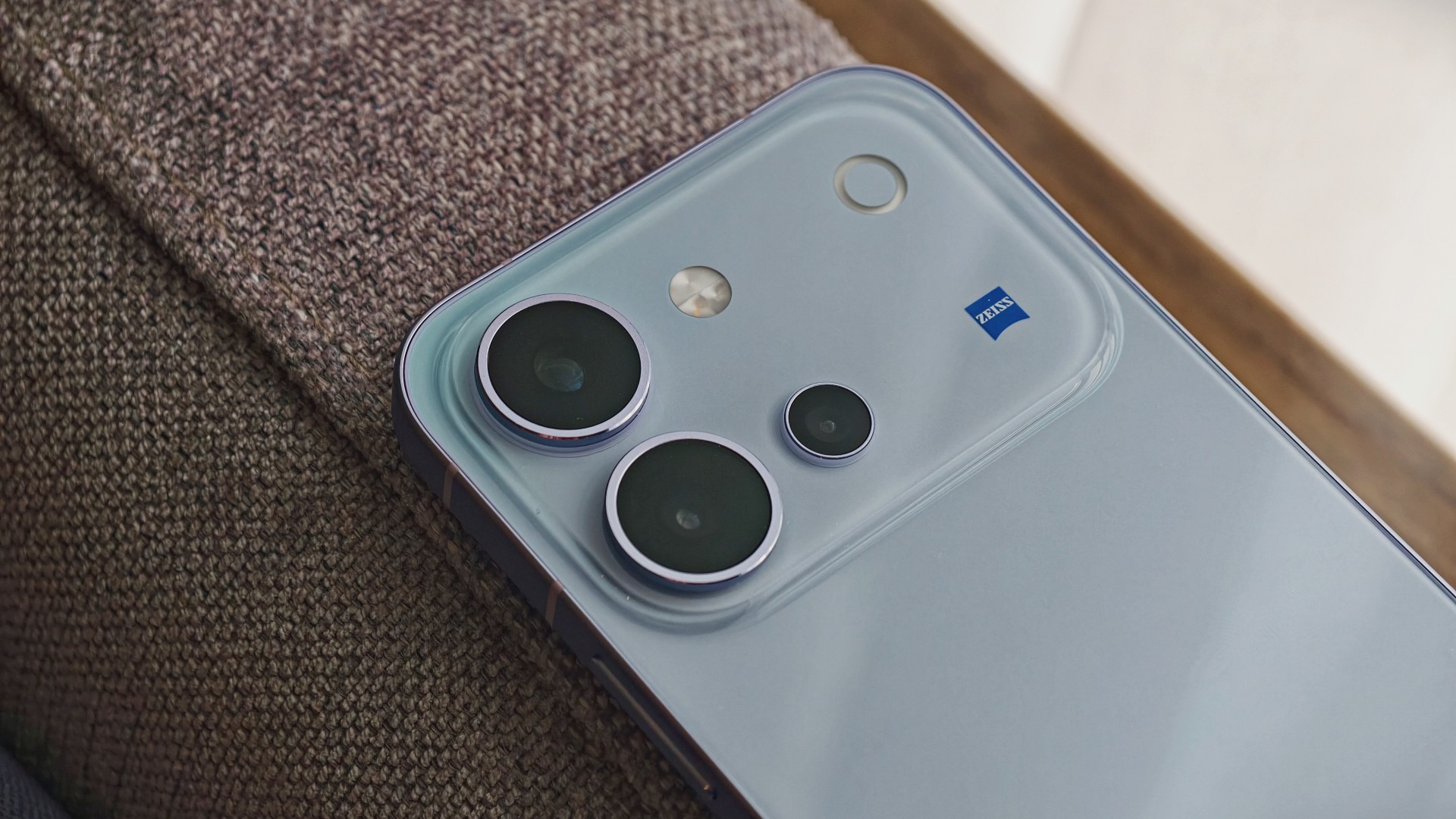
The vivo V80 is a good phone. It’s serviceable for mobile gaming, more than decent for everyday browsing and social media scrolling, mostly fantastic for taking photos, and capable of staying powered throughout all those activities.
The display is another highlight. It remains easy to see in bright daylight and delivers a smooth gaming experience without calling attention to itself. Meanwhile, the battery easily keeps up with heavy days of photography, gaming, and entertainment.
The kicker, like in most things, is usually the price.
Midrange phones have become harder to place of late. In a vacuum, they’re really good smartphones. But the asking price, which can be influenced by multiple factors, will give you pause.
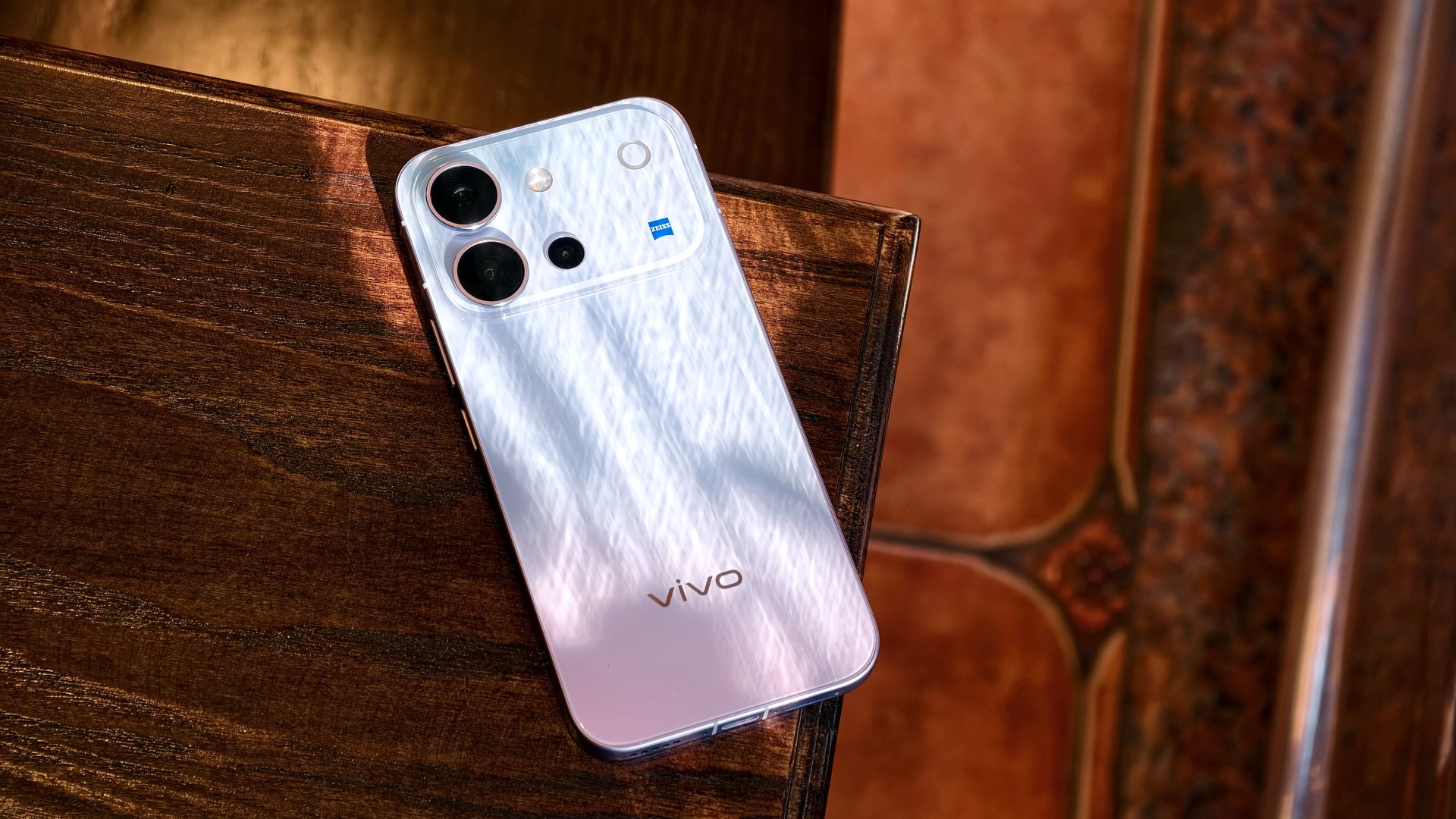
The vivo V80 is listed at PhP 42,999 for the 8GB + 128GB model in the Philippines. In India, the same base storage configuration starts at INR 62,999. That’s quite a lot, especially for a smartphone that feels like it should be priced closer to its predecessor, which started at PhP 31,999.
It’s still a Swipe Right, but a shaky one at that. At this price point, I’m thinking I’d rather start saving up for a more premium smartphone. It’s easier to justify a higher price tag for something that performs excellently across the board and that I know I’ll use for years.
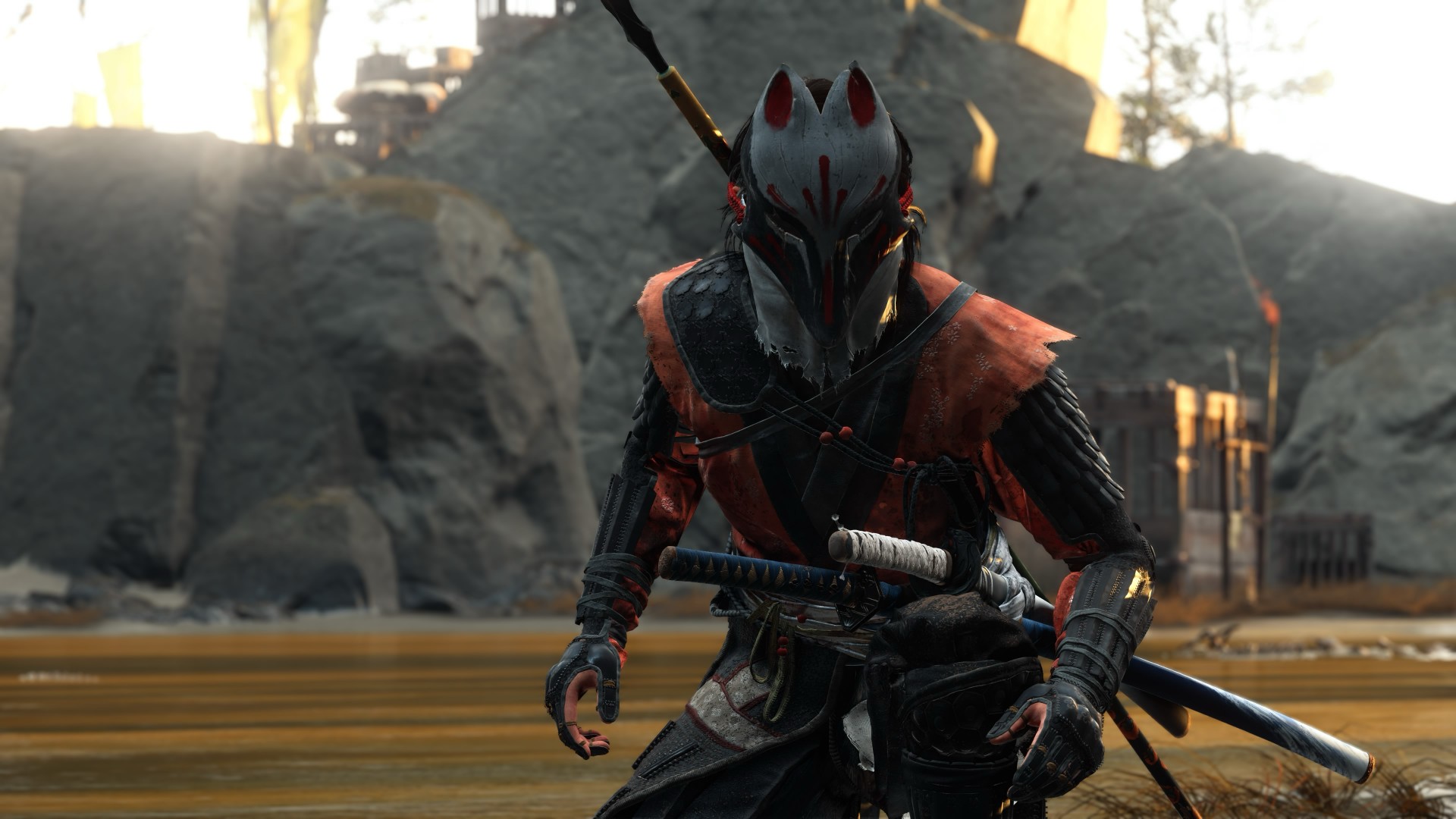
A year away from Ghost of Yōtei was enough to make me rusty. It wasn’t enough to make me forget why I loved it.
What immediately jumped out to me is how beautifully connected this game’s open-world mechanics are. Moving about and exploring felt like picking up where I left off after roughly a year of not really touching the game.
The Guiding Wind, the birds that point you toward locations of interest, and the encounters scattered throughout Ezo all work together to keep you busy without the tasks ever feeling like a chore. There is always something worth looking toward, whether it is a quest, a hidden location, or simply another reason to stop and appreciate the scenery.
And of course, the new area is just as beautiful as everything else we’ve seen in the base game.
That is probably the biggest compliment I can give Ghost of Yōtei Complete Edition. It does not feel like an expansion bolted onto an existing game. It feels like another excuse to step back into a world that already knew how to pull me in.
Picking up where I left off
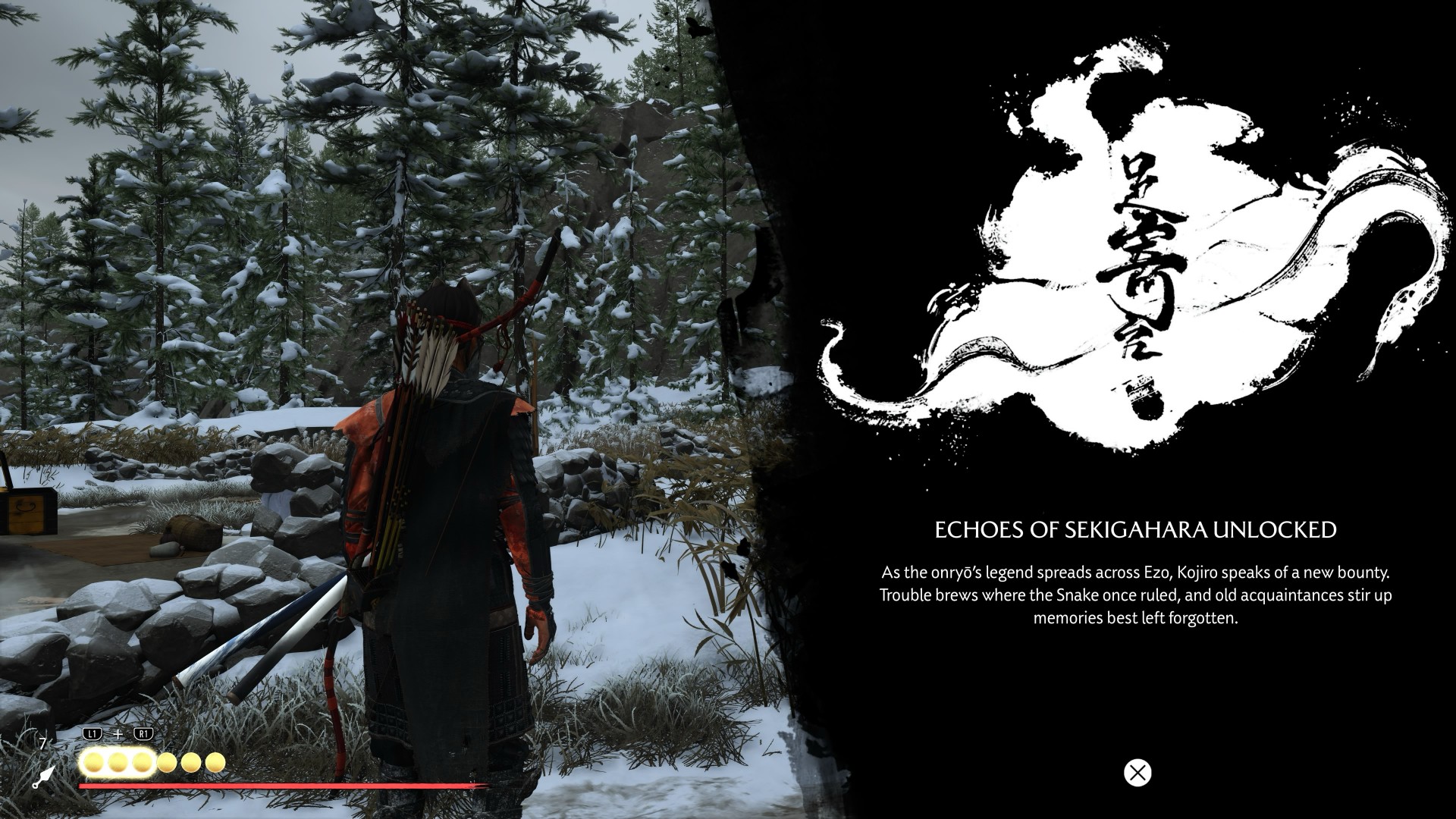
I started my playthrough of the Complete Edition with Echoes of Sekigahara. I thought it was going to be a quick romp, but it’s proving to be a longer experience than I initially thought it would be.
I’ve spent roughly five to six hours playing through it, and I don’t think I’m anywhere near completing the story.
That said, I did get sidetracked quite a bit.
Which tends to happen with these Ghost games.
Not to their detriment, though. Every other quest and encounter in the open world feels like a contained story on its own that is well worth your time. The game has a way of presenting distractions that never really feel like distractions. You can set out with one objective in mind, stumble into something else, and suddenly realize an hour has passed.
That familiarity came back surprisingly quickly.
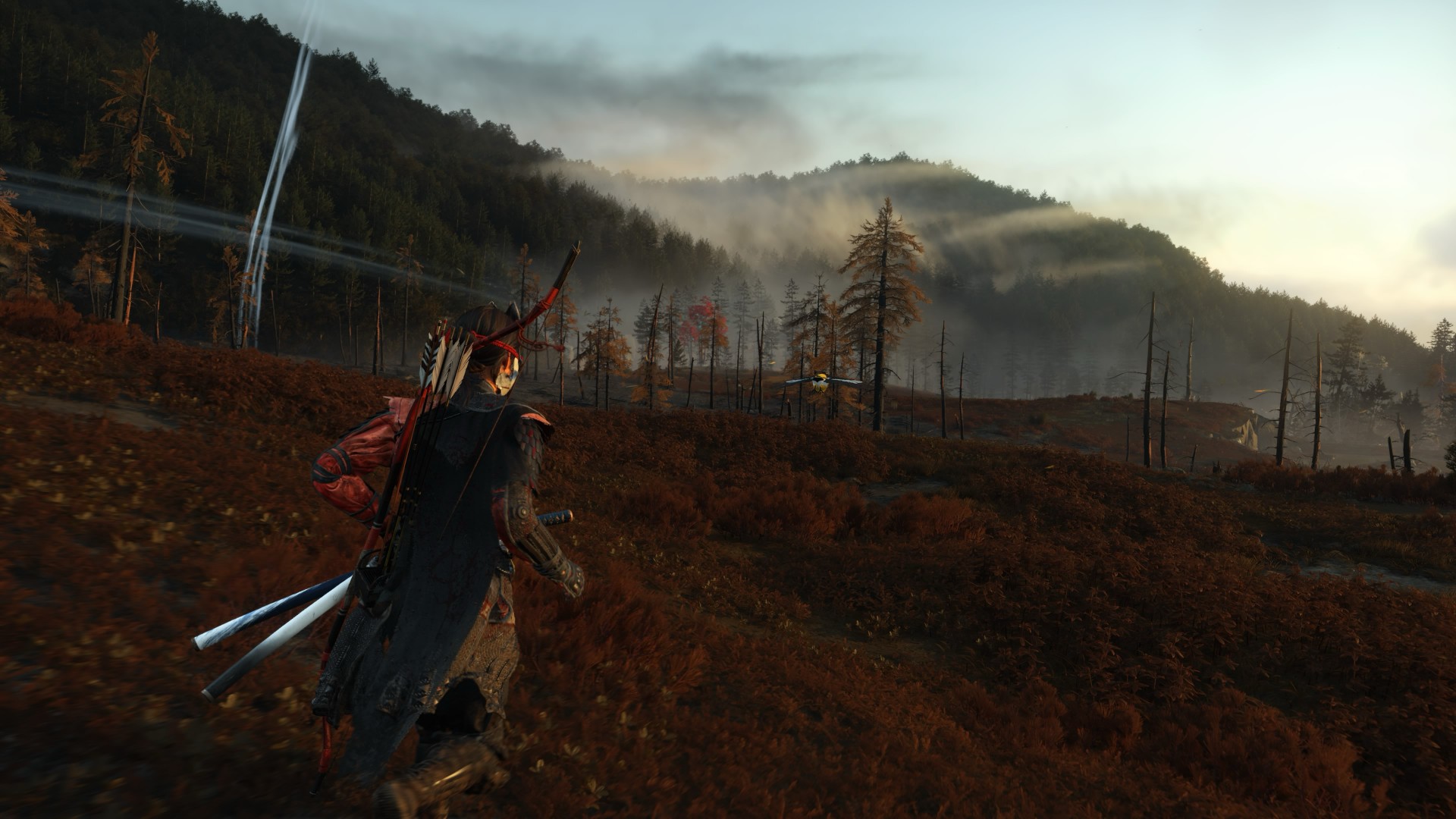
The new region introduced in Echoes of Sekigahara brings unfamiliar enemies, new weapons, and memories tied to Atsu’s past, giving the expansion its own identity while still operating within the systems that made the base game so easy to lose yourself in.
The Wolf quest line in particular was the first one I tackled, and it was quite a ride.
I’m deliberately leaving the details there.
This is the kind of story that is better experienced without knowing too much going in, and the review guidelines themselves ask reviewers to avoid major narrative developments and surprises.
Finding my footing again

While movement and exploration felt natural, it took me a while to get reacquainted with the combat.
My Atsu had many skills mastered, but being a year removed from the game meant I was rusty. I was dying against what I would consider fodder enemies.
There is something humbling about returning to a game where you once felt completely in control, only to discover that your muscle memory has apparently packed its bags and moved somewhere else.
Even now as I write this review, I don’t think I’ve gotten to the level I was when I first completed the game.
But I’m getting by just fine.
And that is partly because Yōtei gives you another toy to play with.
Massive weapons make a massive difference

Massive Weapons
The new wrinkle in combat is the Massive Weapons you get to pick up and swing around.
They are an absolute joy to use.
More importantly, they bailed me out of a few encounters already.
There is a satisfying weight to picking up one of these weapons and simply going to town on enemies. It changes the rhythm of a fight without asking you to relearn the entire combat system. After spending several hours trying to remember how I used to fight as Atsu, having the option to grab something enormous and start swinging was a welcome change of pace.
This was a definite win.
It also highlights one of the strengths of Yōtei’s combat. The foundation is already strong enough that adding another layer does not need to completely reinvent it. Sometimes, giving Atsu something massive to hit people with is enough.
Most Wanted keeps the blade moving

If you want to dive deeper into combat, Most Wanted is where it’s at.
PlayStation first-party games have had a habit of adding these roguelike-inspired modes to some of their games. There’s Valhalla for God of War Ragnarök and No Return for The Last of Us Part II.
Most Wanted takes that idea and puts Yōtei’s combat front and center.
The mode is a single-player combat survival experience built around escalating bounties, different playable characters, and experimenting with the game’s combat system. Unlike Echoes of Sekigahara, you can jump into it immediately without existing save data or base-game progression.
I’ve only had a couple of runs so far, but I can say I thoroughly enjoy the mode.
Mostly because I love the game’s combat mechanics.
That is what you engage with for much of Most Wanted, and it gives you a reason to keep testing yourself. You start a run, make your choices, fight your way through increasingly demanding encounters, and inevitably reach a point where things stop going according to plan.
Then you try again.
And again.
There is a particular satisfaction to a mode like this when the underlying combat is already enjoyable. Losing doesn’t necessarily feel like wasted time because every run gives you another opportunity to get better at the thing you were already having fun doing.
It can also be frustrating.
That is part of the appeal.
More Yōtei is still more Yōtei
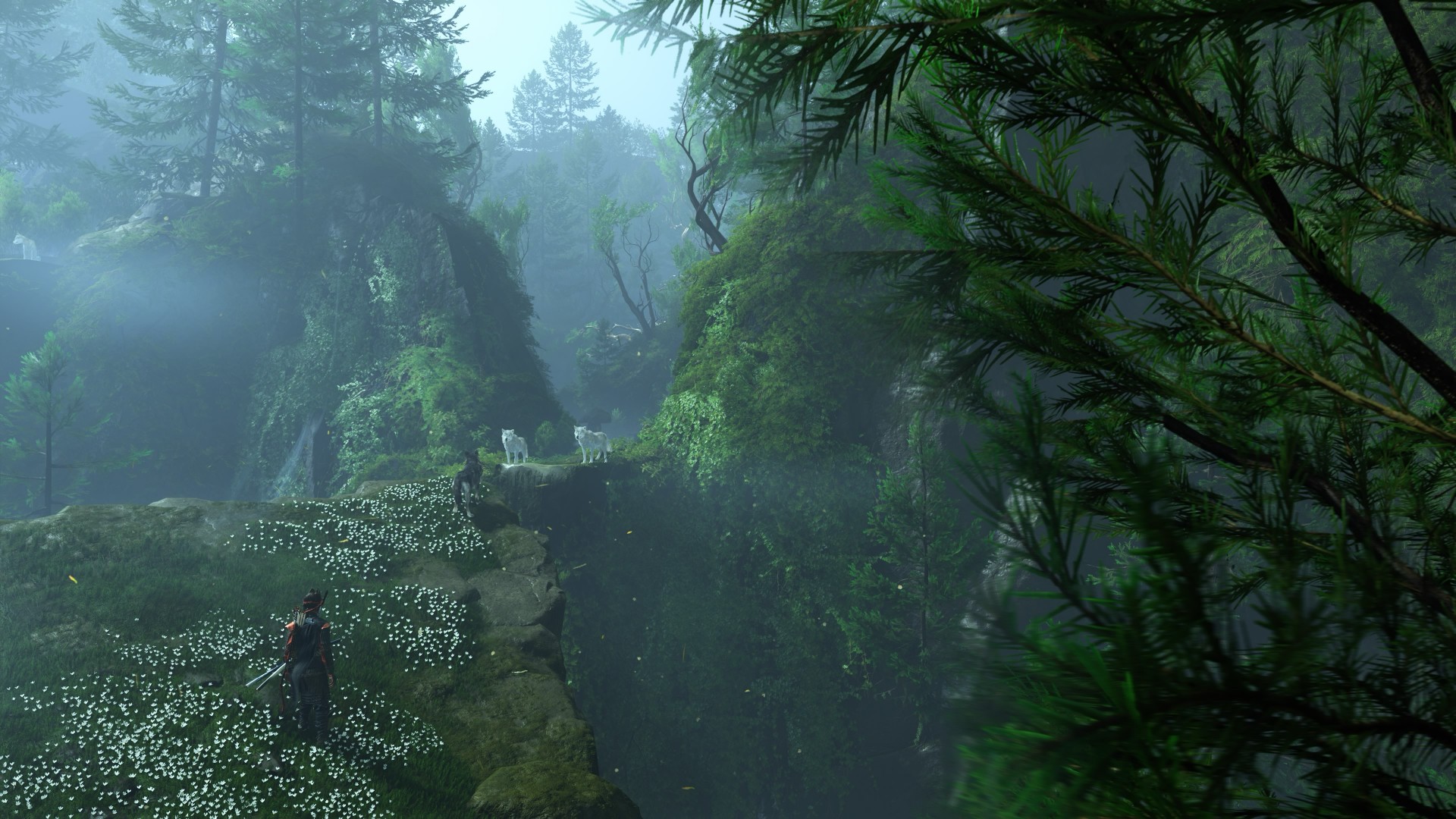
The biggest strength of Ghost of Yōtei Complete Edition is also the simplest.
It gives me more Ghost of Yōtei.
Echoes of Sekigahara gives Atsu another story to tell. Most Wanted gives the combat another place to shine. The Complete Edition also adds cosmetics, Trophies, Photo Mode content, and other extras. Meanwhile, the October 1 update brings additional Watanabe Mode tracks, Beauty of Yōtei mode, quality-of-life improvements, and a new high-contrast accessibility option to all Ghost of Yōtei players.
After roughly a year away, I was surprised by how quickly I settled back into the rhythm.
The wind blew, birds flew, a quest turned into another quest, and a random encounter became a story.
Then I picked up a massive weapon and started remembering why I enjoyed this game so much in the first place.
That cohesion remains Yōtei’s greatest strength. Its world constantly gives you reasons to move forward without making the journey feel like work. The Complete Edition simply gives you more reasons to keep going.
Is Ghost of Yotei Complete Edition your Play Match?

Ghost of Yōtei was already one of the best experiences on PlayStation 5.
The Complete Edition gives you more of it.
Echoes of Sekigahara is shaping up to be a substantial addition rather than a short side adventure, while Most Wanted offers a compelling excuse to keep coming back to Atsu’s combat long after you’ve finished the main story.
I still have plenty more of both to see. But even after only a handful of hours with the new content, I know exactly how I feel about returning to Yōtei.
It feels familiar, fresh, and Most Wanted will both frustrate and hook you.
It’s absolutely thrilling.
Ghost of Yōtei Complete Edition is an easy Swipe Up.
After a year away, I came back rusty.
I’m still swinging. And I’m still having a damn good time.

There is nothing particularly wrong with the HONOR 600S.
It works. It looks decent. The display is nice enough. The cameras can capture perfectly usable photos. Battery life is excellent. It even has a collection of AI features that can keep you entertained for a while.
The problem is that “perfectly fine” becomes a harder sell when the 8GB + 256GB version carries a PHP 22,999 SRP and launches at a PHP 19,999 promo price.
The HONOR 600S feels like a phone that sits comfortably in the lower mid-tier. It has enough going for it to be perfectly serviceable as an everyday smartphone, but it doesn’t quite deliver the kind of experience that makes you want to recommend it over the alternatives.
That becomes particularly apparent when HONOR puts so much emphasis on its AI capabilities.
It feels every bit like a lower mid-tier phone

The HONOR 600S feels well-built, but nothing about it feels particularly premium.
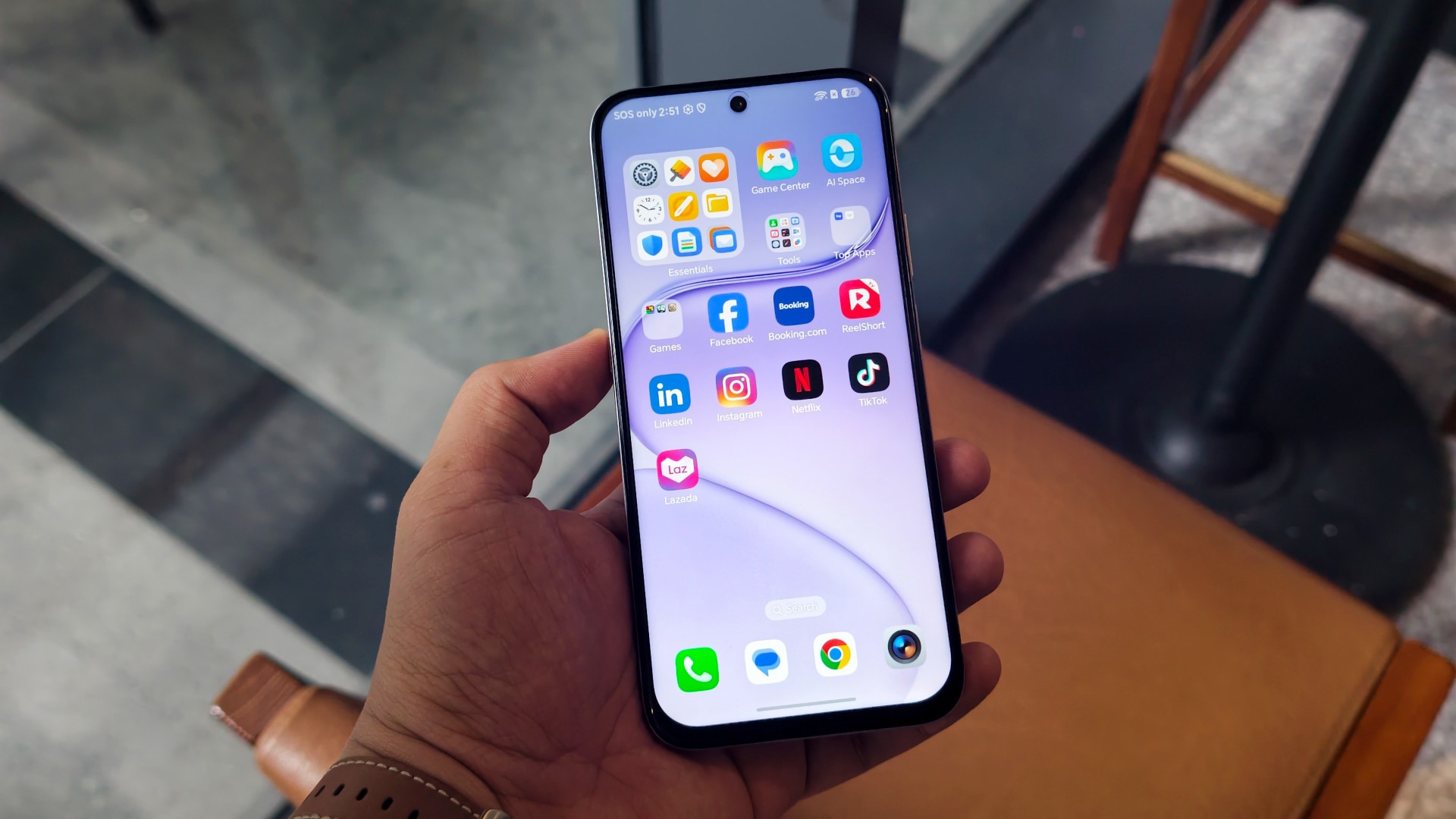
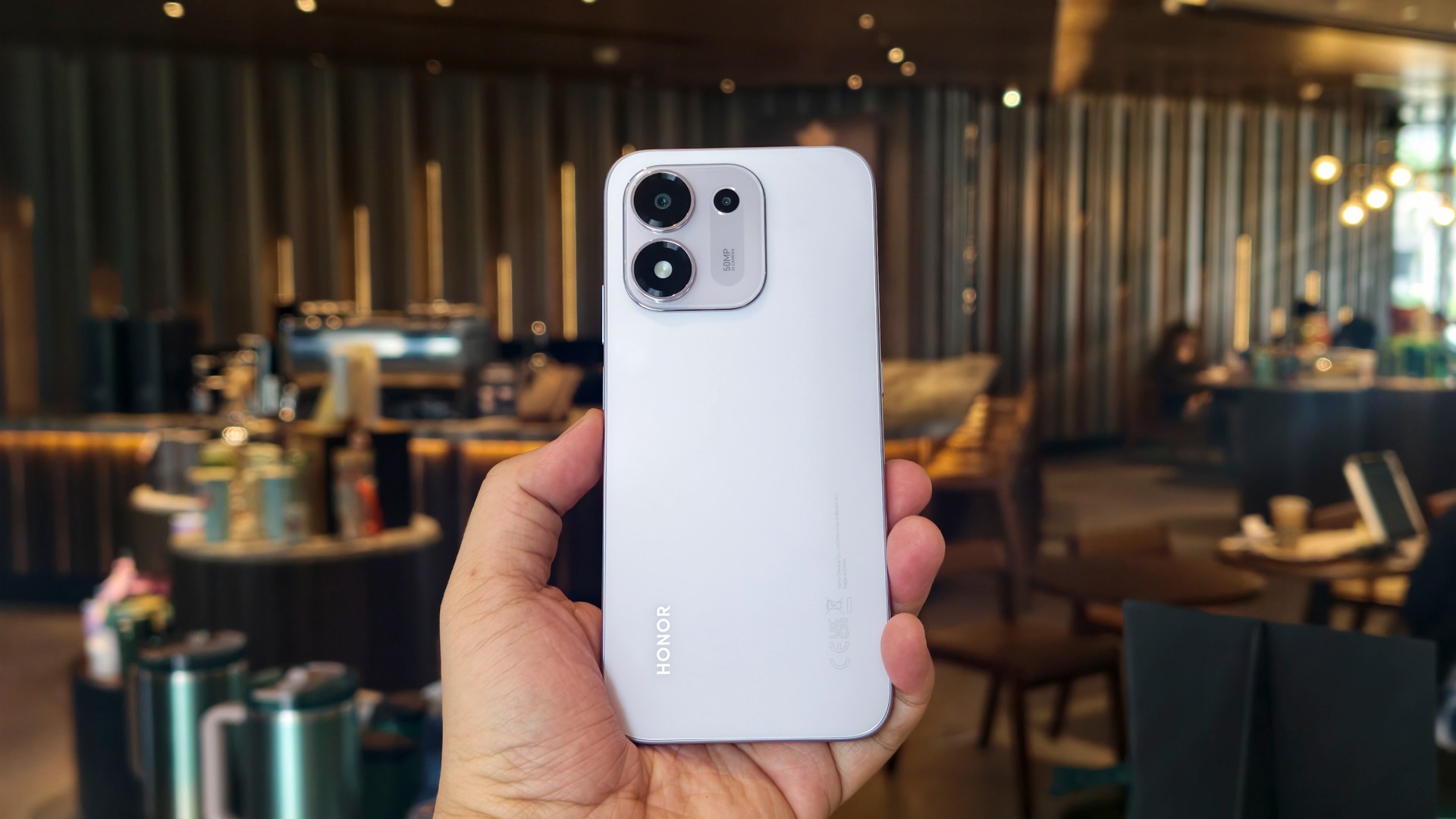
At 216.5 grams and 8.3mm thick, it isn’t exactly a featherweight phone. It comes in Velvet Black, Desert Gold, and Misty Purple, with the latter being the finish we spent time with.
There is a reassuring heft to the phone, and the build doesn’t give off the impression that HONOR cut corners just to hit a price point. It also carries IP68, IP69, and IP69K ratings for water and dust resistance, along with SGS five-star drop resistance according to HONOR’s materials.
Those are meaningful practical advantages.
Still, pick it up and you immediately get that lower mid-tier feeling.
That’s not necessarily a bad thing. Phones in this segment have gotten remarkably good at feeling solid without costing a fortune. But the HONOR 600S doesn’t really give you that extra bit of refinement that makes it feel more expensive than it is.
The display is a pleasant surprise
The display is probably one of the better parts of the HONOR 600S.
It uses a 6.872-inch TFT LCD with a 1592 x 720 resolution. HONOR lists typical brightness at 860 nits, with up to 1,020 nits in HBM, and it also includes Eye Comfort and Dynamic Dimming technologies.
Those specifications don’t exactly scream “media powerhouse,” but actual use tells a more favorable story.
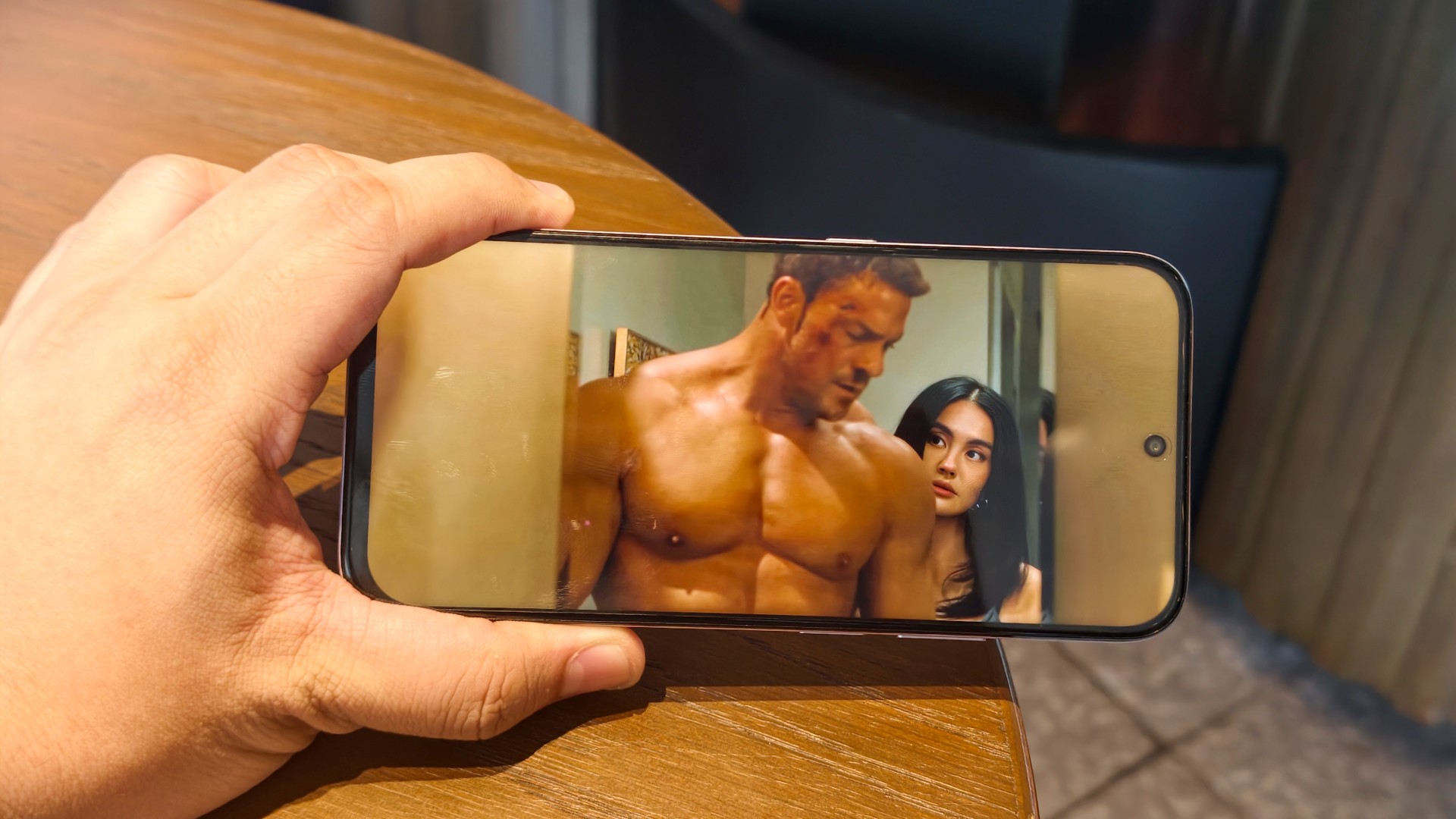
Reacher and Lila
I spent time watching episodes of Reacher Season 4 on the phone, and the experience was pretty good. It’s not the sort of display that makes you forget you’re looking at an LCD, but it gets the job done well enough for movies and shows.
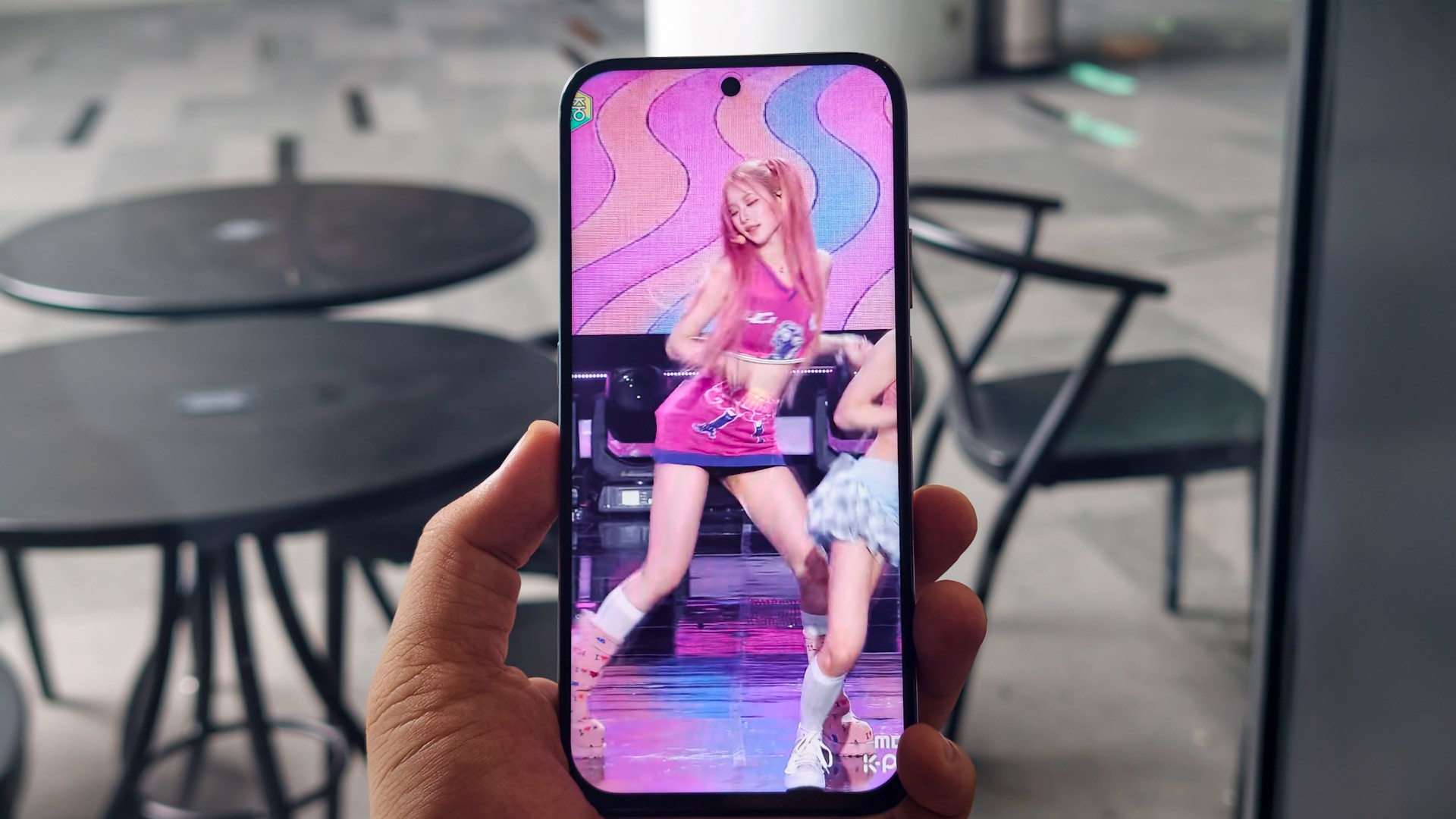
Certified Isa-holic
The same applies to watching fancams of STAYC Isa, who currently occupies a frankly unreasonable amount of rent-free real estate in this Managing Editor’s mind.
The HONOR 600S is a perfectly competent little entertainment machine.
It also has stereo speakers, with HONOR Sound 7.3 listed in the specifications. That helps round out the media experience.
The cameras are serviceable
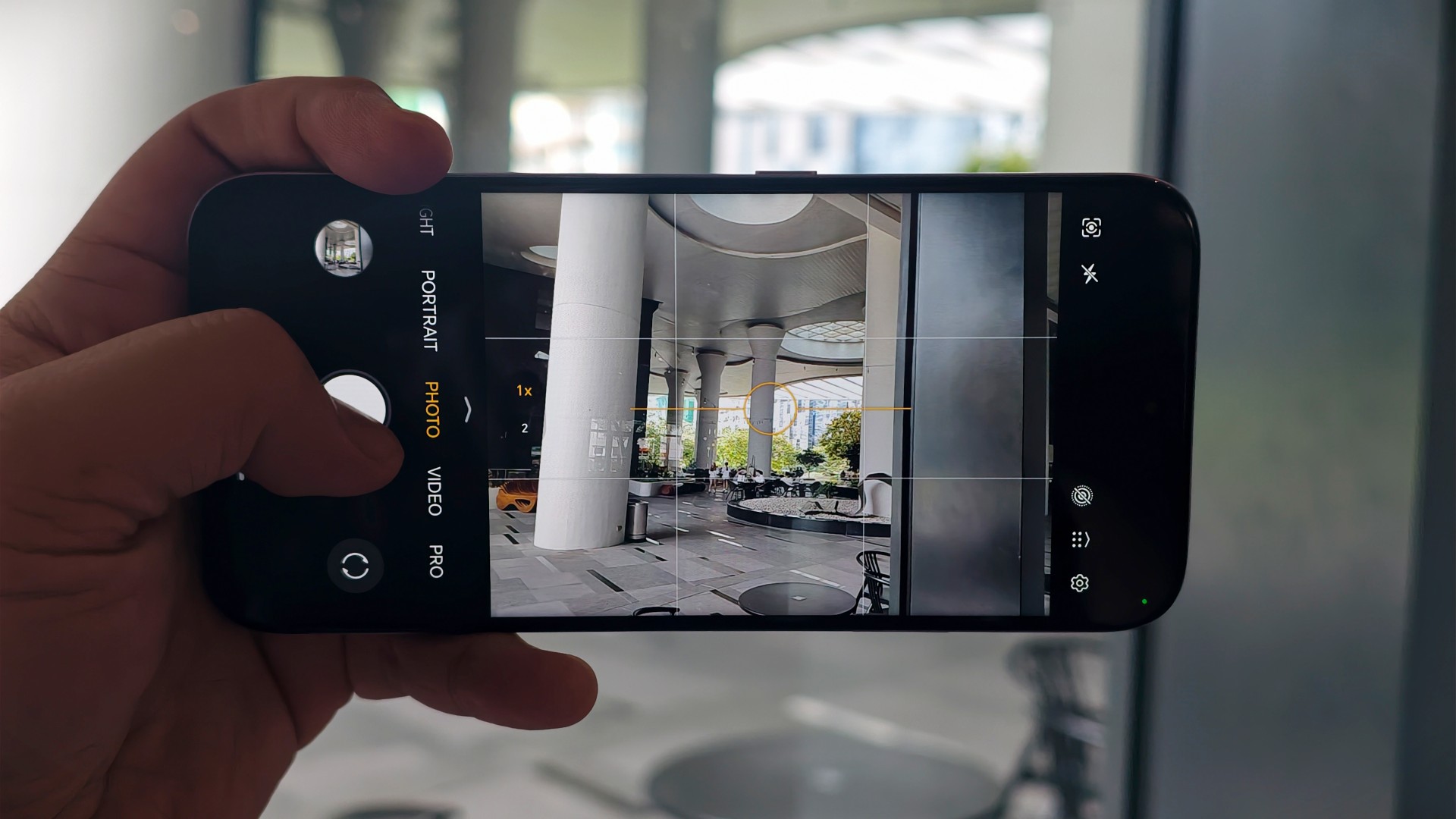
The HONOR 600S has a 50-megapixel f/1.8 main camera paired with an auxiliary lens. Around the front is a 5-megapixel f/2.2 camera. Rear video tops out at 1080p, while the phone offers up to 8x digital zoom.
And “serviceable” is probably the best word for the cameras.
They’re not necessarily something you’d use to show off your mobile photography chops. You won’t be reaching for the HONOR 600S when you want to make a serious photographic statement.


But that’s not necessarily what this phone needs to do.
For capturing moments with friends, taking photos of food, documenting whatever happens during the day, and throwing the results onto social media, the cameras are mostly okay.


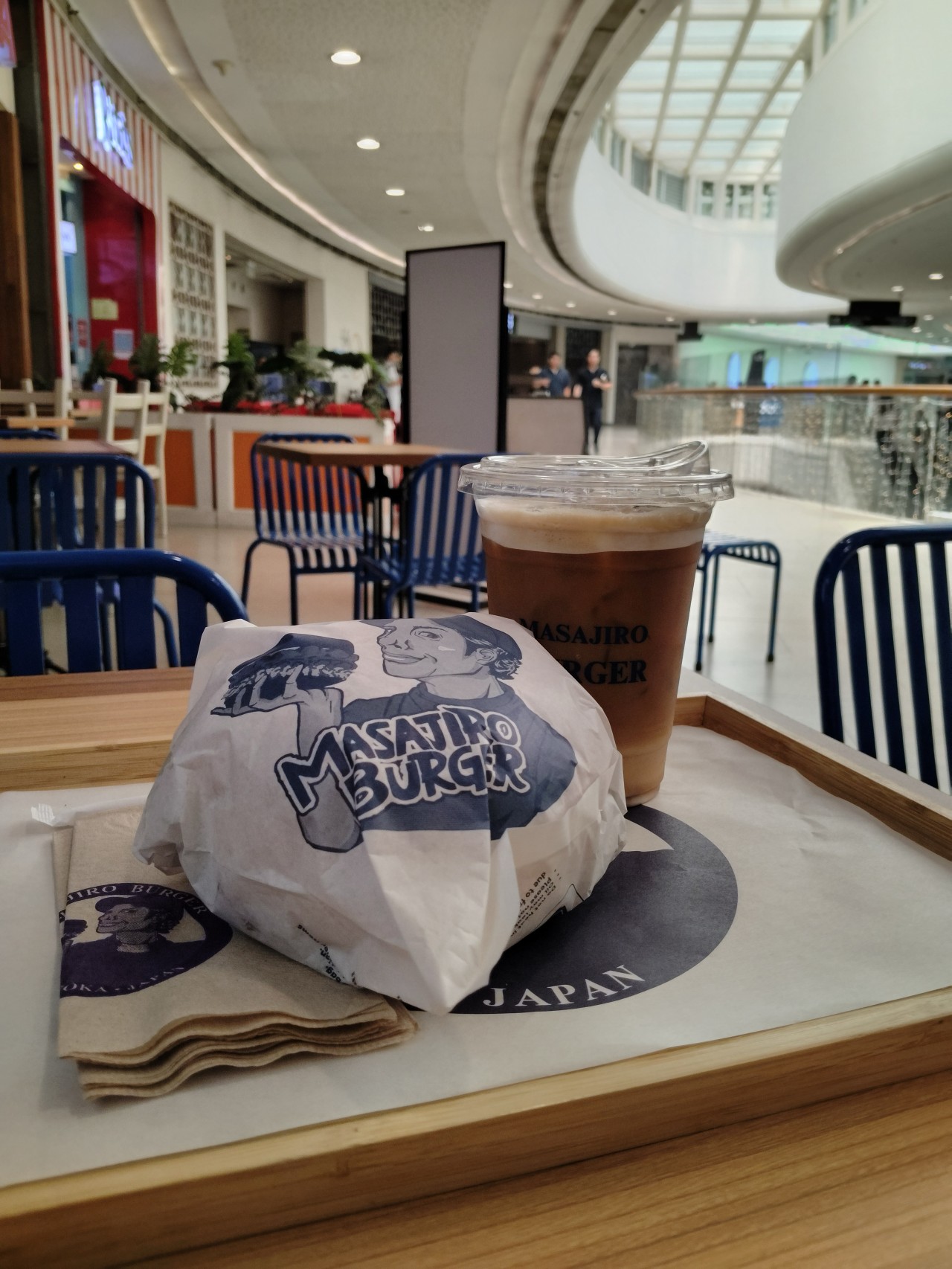

That’s enough for the intended audience.



There are also several shooting modes available, including Portrait, Night, High-Res, Panorama, Pro, Slow-Mo, and the usual Photo and Video modes.
The problem is that the cameras don’t give the HONOR 600S much of an identity. They’re there, they work, and they do what you expect.
Nothing more.
The Snapdragon 4 Gen 4 keeps things moving
The HONOR 600S runs on Qualcomm’s Snapdragon 4 Gen 4 with an octa-core CPU and Adreno 613 GPU. Depending on the configuration, you get either 6GB of RAM with 128GB of storage or 8GB of RAM with 256GB. It runs MagicOS 10 based on Android 16.
That combination tells you pretty much what to expect.
The phone should be perfectly capable of handling everyday tasks, social media, messaging, streaming, and other non-demanding workloads. You shouldn’t expect it to suddenly become a gaming powerhouse, though.
The Snapdragon 4 Gen 4 suggests that less demanding mobile games should run without much trouble. Games that ask for more horsepower will probably require some tweaking to the graphics settings to get things running properly.

Had our best run while taking photos for this review
On our end, we mostly ran the app version of the web game 82-0. It’s addicting.
And, frankly, that’s about as much gaming as the HONOR 600S really needed to handle during our time with it.
AI is entertaining, but that’s about it

Every HONOR 600 phone and up has this feature
HONOR really wants you to know about the AI.
The HONOR 600S supports AI Image-to-Video 2.0, Moving Photo Editing, AI Photos Agent, Magic Color, and Magic Pose. The Image-to-Video feature can work from multiple images, two images representing a first and last frame, or automatically through a no-prompt option.
And, yes, you can have some fun with it.
The problem is that there’s a fairly significant gap between “this is a neat toy” and “this is a feature that makes the phone worth buying.”
In the hands of someone who knows what they’re doing, AI Image-to-Video can produce something interesting. The more specific prompt templates give users a little more control over the result, too.
In the hands of the unskilled, however, it mostly results in a bunch of AI slop.
We typically don’t look at generative AI particularly positively. There is still something undeniably entertaining about watching your photos turn into weird little videos, though.
That’s ultimately where I land with the HONOR 600S’s AI features.
They’re fun. They’re occasionally useful. But I wouldn’t buy this phone for them.
And if the cost of putting all these AI features into the phone is contributing to a price that doesn’t otherwise match the hardware and experience, that’s a bigger problem.
The battery is the highlight

26% left but last charge when this was taken was a day and a half ago. Light to medium usage.
Now we get to the HONOR 600S’s strongest argument.
The battery is huge.
The phone packs an 8,100mAh battery, with HONOR listing 7,900mAh as the rated capacity. It supports 45W wired HONOR SuperCharge, although there is no wireless charging.
And you can feel that capacity in everyday use.
The HONOR 600S is hard to drain.
If you leave home early in the day and put the phone through medium to heavy usage, you can expect to still have some juice left after a typical nine-to-12-hour day outside your home.
That’s genuinely useful.
Battery anxiety is one of those things that disappears into the background when you have this much capacity. You can watch some videos, scroll through social media, take photos, play games, and use your phone throughout the day without constantly wondering where the nearest charger is.
The 45W charging isn’t particularly exciting, but the combination of a big battery and reasonably fast wired charging makes the HONOR 600S dependable.
And sometimes dependable is exactly what you want from a phone.
There’s nothing wrong with the HONOR 600S. That’s the problem.
The HONOR 600S is alright. Its display is good. The battery is excellent. The cameras are serviceable. Performance is appropriate for the hardware. The build is solid. The AI features can be entertaining.
Put everything together and you get a phone that does most things it needs to do without making too many mistakes.
But that’s also why the pricing is difficult to swallow.
Is the HONOR 600S your GadgetMatch?
The 8GB + 256GB HONOR 600S has an SRP of PHP 22,999, although it will be available at a PHP 19,999 promo price. There is also a 6GB + 128GB version priced at PHP 18,999 during its first month of sales, exclusively online.
At those prices, the HONOR 600S needs to offer more than “mostly okay.” The hardware itself doesn’t feel particularly premium, the cameras don’t stand out, and the Snapdragon 4 Gen 4 is firmly positioned toward the entry-level end of Qualcomm’s smartphone lineup.
Then there’s AI.
HONOR is clearly positioning AI Image-to-Video 2.0 and the rest of its AI toolkit as major selling points for the HONOR 600S. The company’s own brief calls out AI as one of the phone’s primary product strengths alongside its battery and 50-megapixel camera.
But after spending time with the phone, I don’t think the AI features provide enough value to bridge the gap between what the phone offers and what it costs.
And that’s just the reality we’re going through at the moment.
You might be better off setting your sights on the other models in the HONOR 600 family.
The HONOR 600S isn’t a bad phone.
It’s just a difficult one to recommend at these prices.
Swipe Left.






OPPO Find X10 Series: Price, availability in the Philippines

MediCard’s MedGo app can scan your face for health risks

DJI Osmo Pocket 4P Pearl White now available globally

Cyberpunk: Edgerunners 2 now streaming, Cyberpunk 2077 update coming

ASUS ProArt P14, P16 laptops with NVIDIA RTX Spark now available

OPPO Find X10 Pro Max is the first phone with a triple 200MP camera system

TECNO CAMON Slim 5G: Price, availability in the Philippines

TECNO CAMON Slim 5G review: Slim on size, big on surprise

HONOR Magic9 Pro Max launches in China with ARRI-powered imaging

BYD says that way better EV batteries are coming next year


-
 News2 weeks ago
OPPO Find X10 Series launches globally October 21
-
 Wearables2 weeks ago
Garmin Enduro 4 promises up to 320 hours of battery life
-

 Gaming1 week ago
Dragon’s Dogma 2: Dark Arisen launches with new Official Pawns
-

 News6 days ago
vivo V80 debuts with ZEISS cameras
-
 Deals1 week ago
Score PhP 22,000 in guaranteed freebies when you pre-order the iPhone 18 Pro at Beyond the Box
-

 Wearables2 weeks ago
Garmin Approach S72 brings swing metrics, green reading to your wrist
-
 Philippines5 days ago
TECNO CAMON Slim 5G gets launch discounts, free MagBadge
-

 Laptops2 weeks ago
ASUS Zenbook 14 lineup expands with new colors and processors