

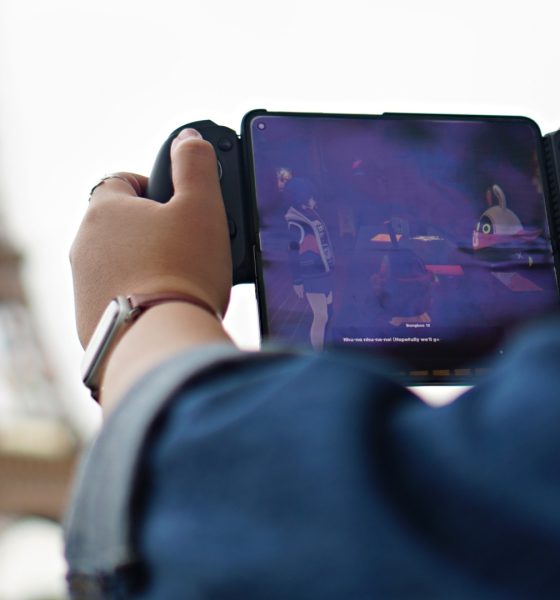

This might just be the only bluetooth controller you’ll ever need. Yes, that’s hyperbole. But the GameSir G8 Plus’ versatility makes it a truly compelling option.
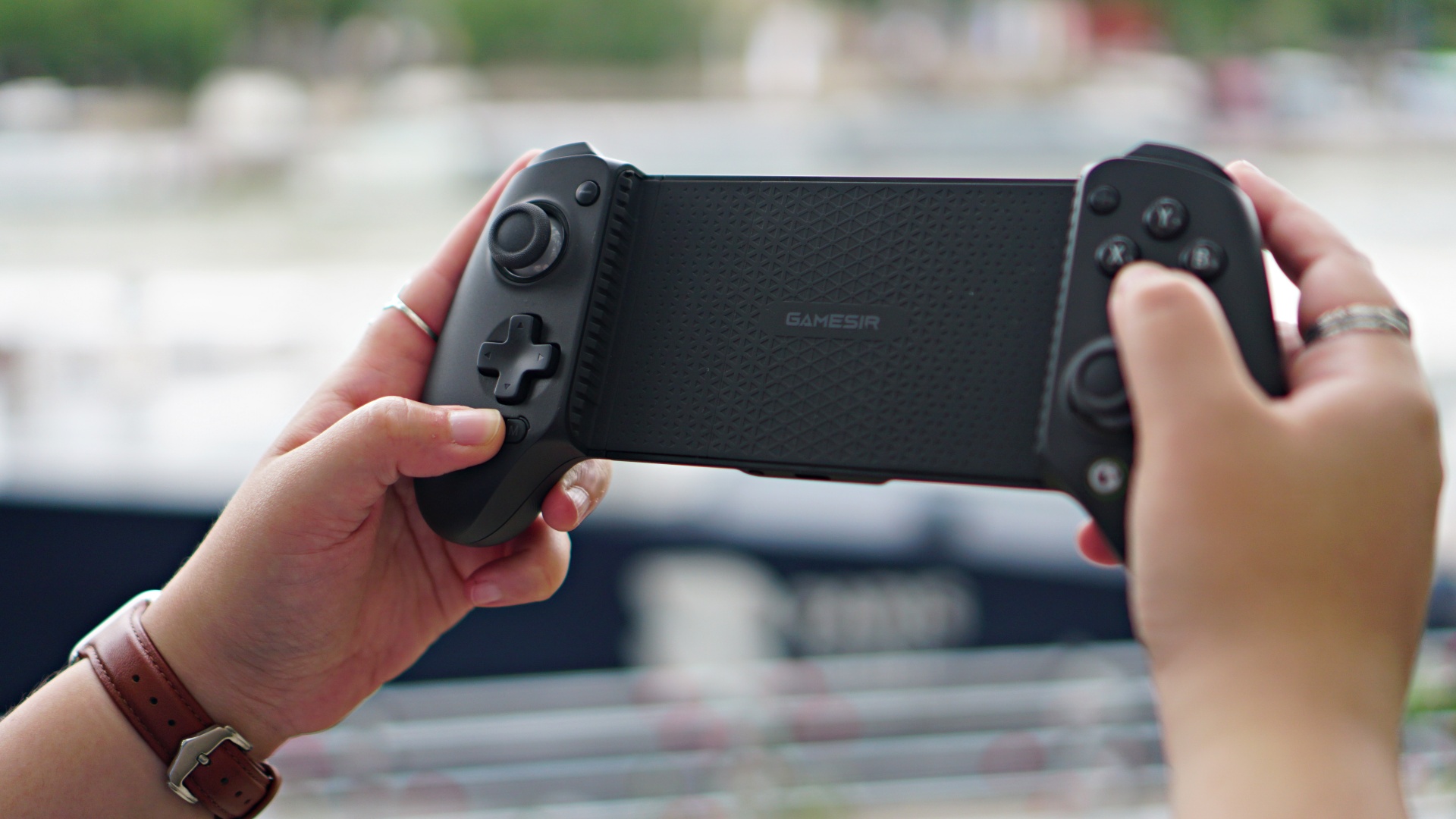
Let’s get the basics out of the way. What makes this a “Plus?” How is it different from the G8 Galileo? Here’s a quick table comparing the two.
| G8 Plus | G8 Galileo | |
| Connection | Bluetooth (Mobile Devices)
Wired or Wireless dongle (PC) |
Type-C |
| Compatible Platforms | Switch/Android/iOS/Tablet/PC | Android/iPhone 15 Series |
| 6-axis gyroscope | Yes | No |
| Battery | 1000mAh | No |
| Rumble Motor | Yes | No |
| Detachable Component | Faceplate/Stick Cap/ Face
Button |
Faceplate/Stick Cap |
| Headphone Jack | No | Yes |
| Compatible Device Length | 120-215mm/4.72-8.46in | 110-185mm/4.33-7.28in |
| Weight | 313.5g | 242.9g |
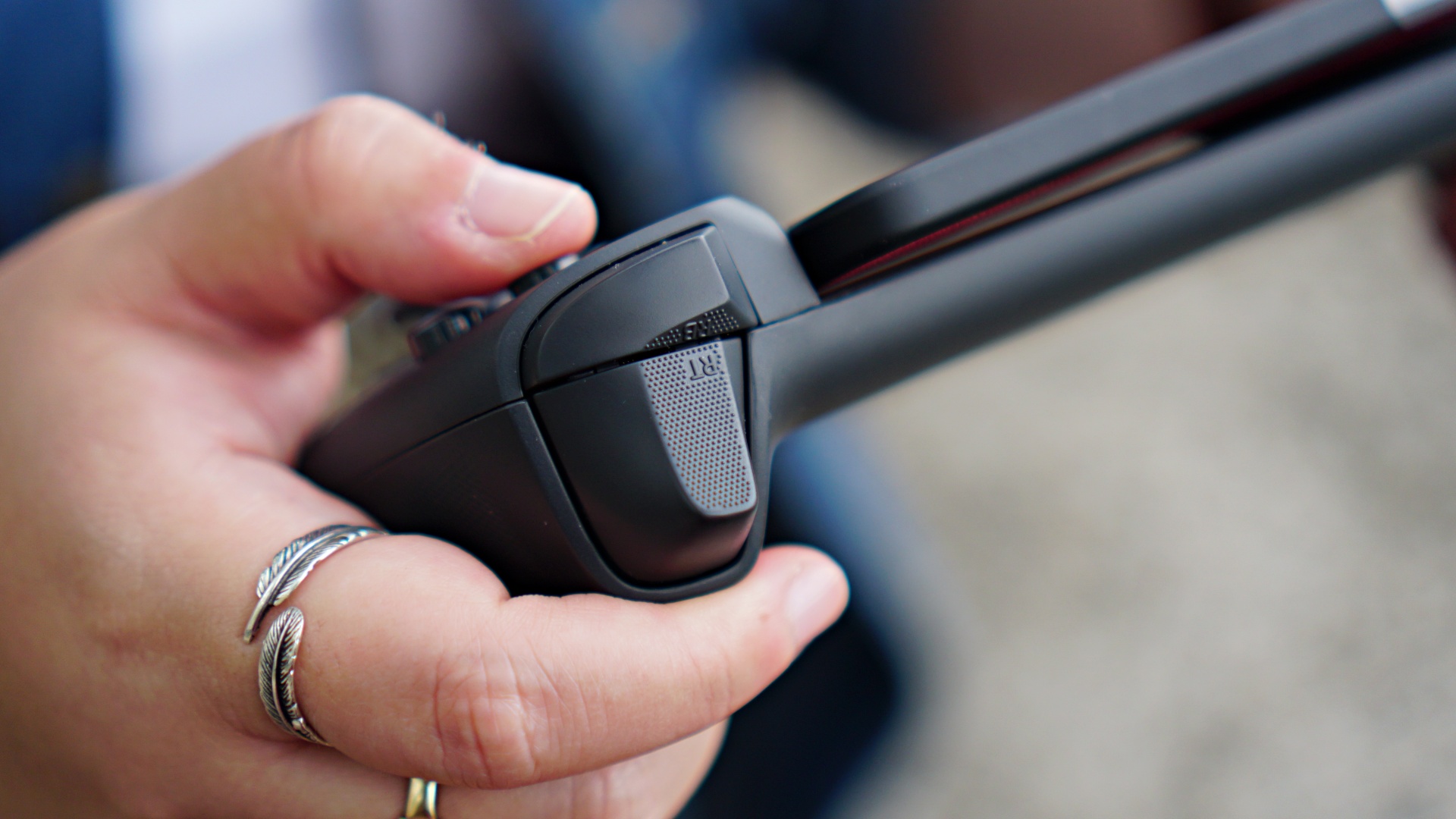
The rest of the excellent stuff found in the G8 Galileo are also in the G8 Plus. Those are Hall Effect sticks and triggers, tactile switches, and overall full-controller grip. It’s ergonomically sound and makes for a really good gaming experience.
Now that that’s out of the way, what’s it actually like to play on them?
With foldables
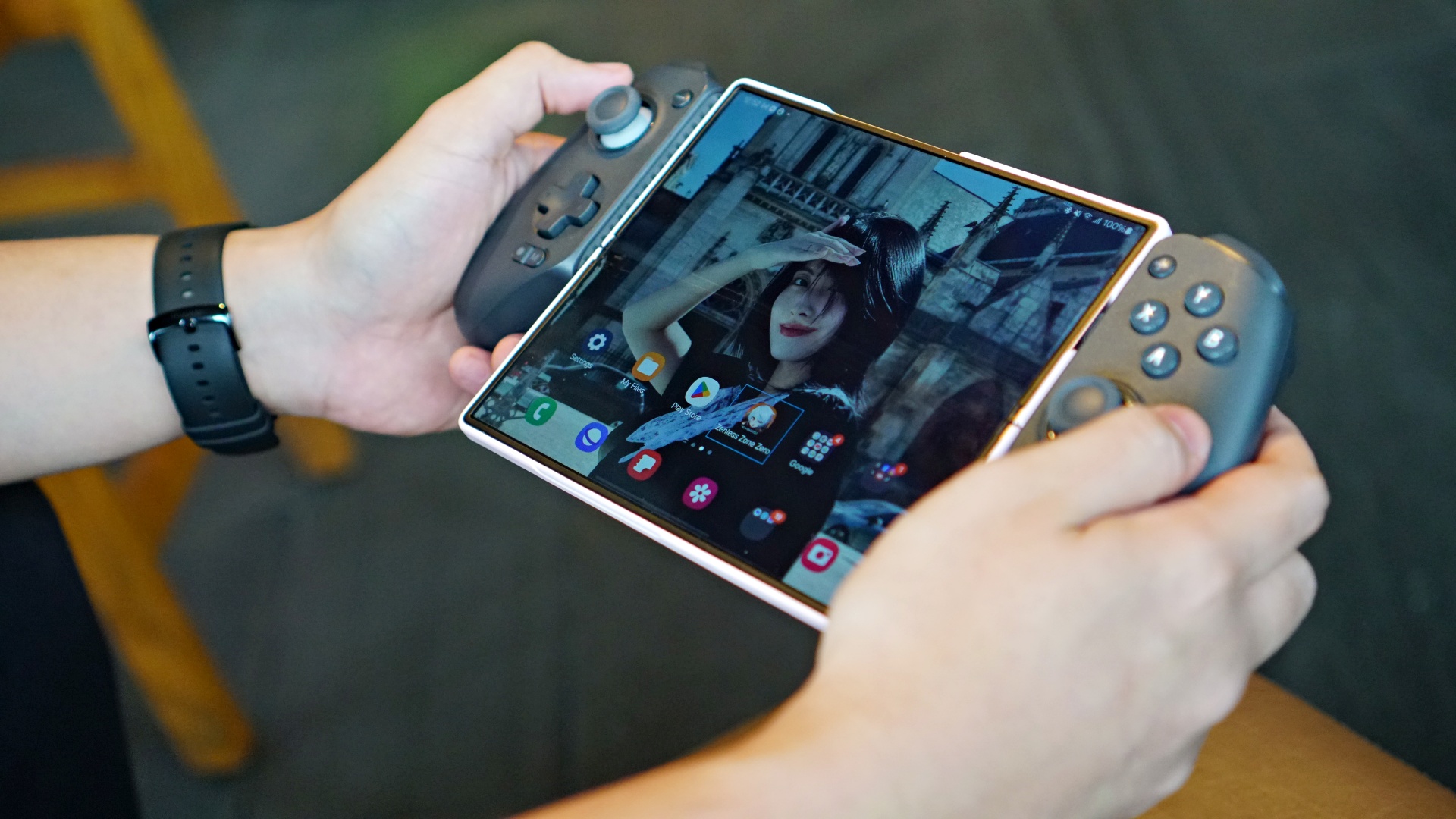
When it comes to mobile gaming, my devices of choice are foldables. During my testing period, I used the GameSir G8 Plus with the OPPO Find N3, HONOR Magic V2, and even the recently launched Samsung Galaxy Z Fold6.
I almost exclusively played HoYoverse’s latest, Zenless Zone Zero or ZZZ. It’s a game who’s mobile version is controller compatible when played on Android. It’s come to a point that I can’t play the game anymore without a controller.
View this post on Instagram
Navigation and, most importantly, combat, just feels extremely good with a controller. Dealing a barrage of normal attacks and capping it off with a special attack while mixing with dodging using the face buttons feel intuitive.
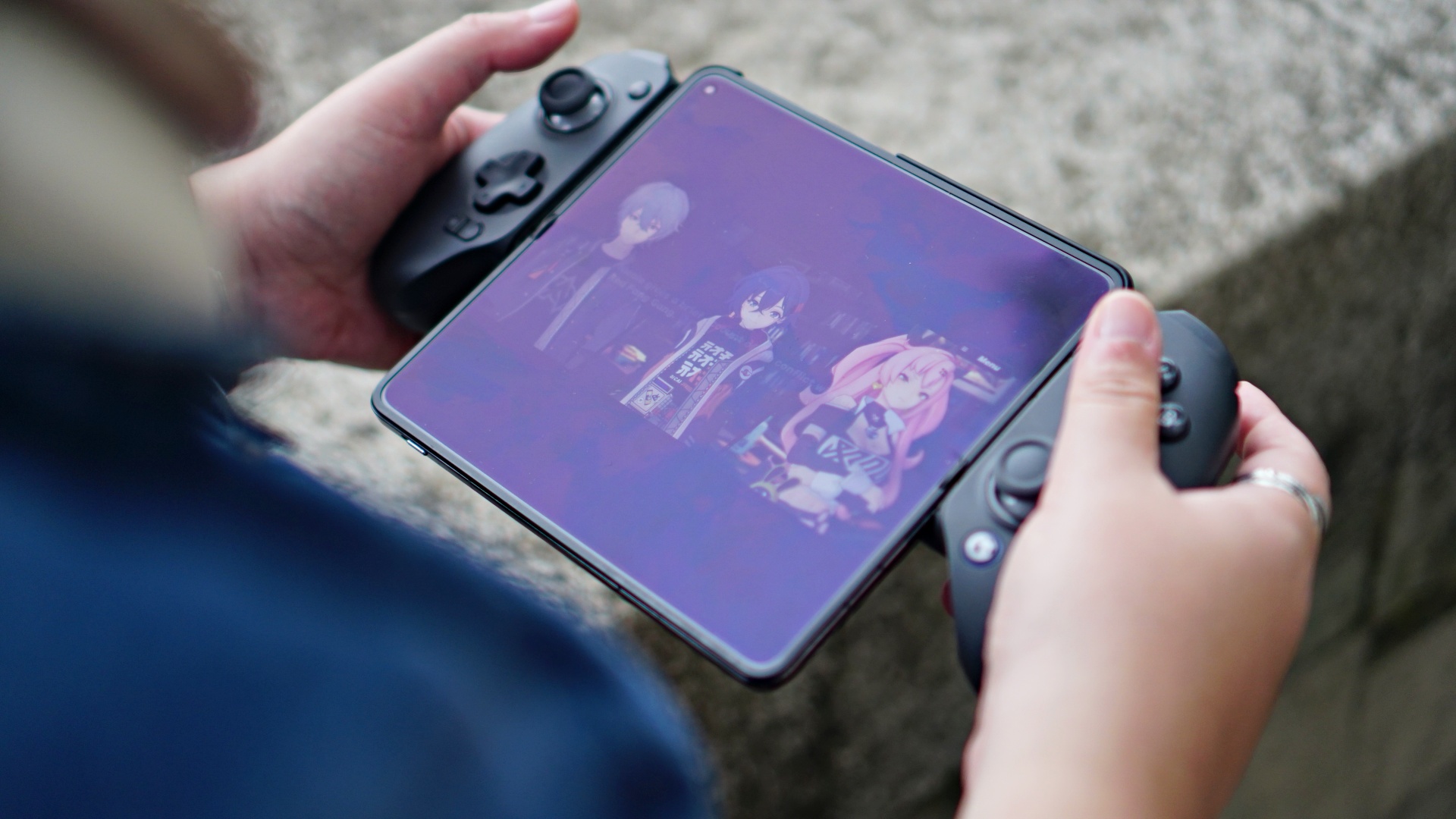
Zenless Zone Zero
Things elevate further when you counter certain attacks from enemies with a character switch using the Triggers. As someone who primarily plays on consoles and with gamepad controllers, the whole experience felt mostly seamless.
I say mostly because the connection between the controller and the device had some hiccups during the first few times I connected them to the foldables. This didn’t persist and was more seamless when I settled with playing on the Galaxy Z Fold6.
Connecting to different devices
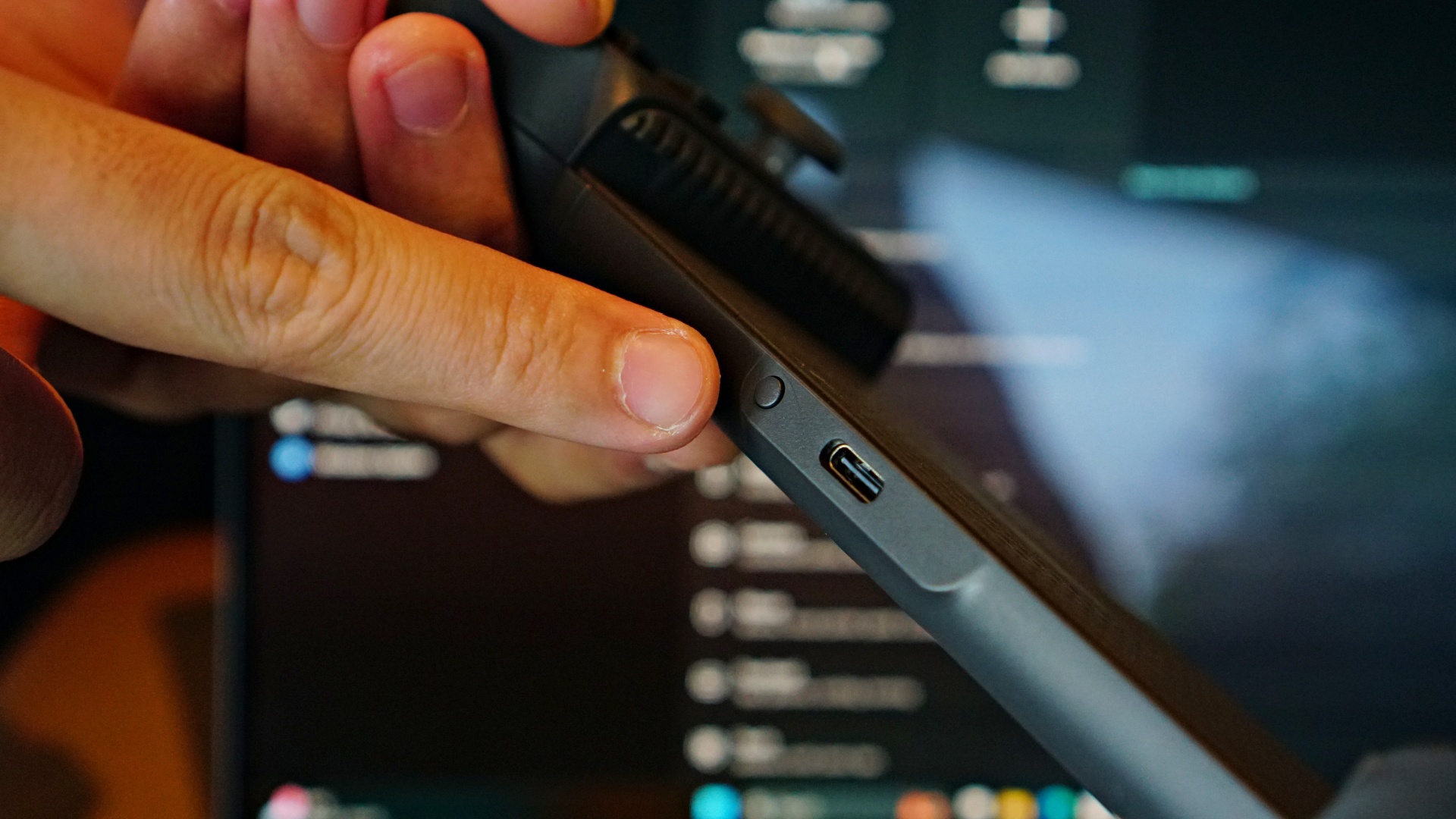
This is the Pairing button
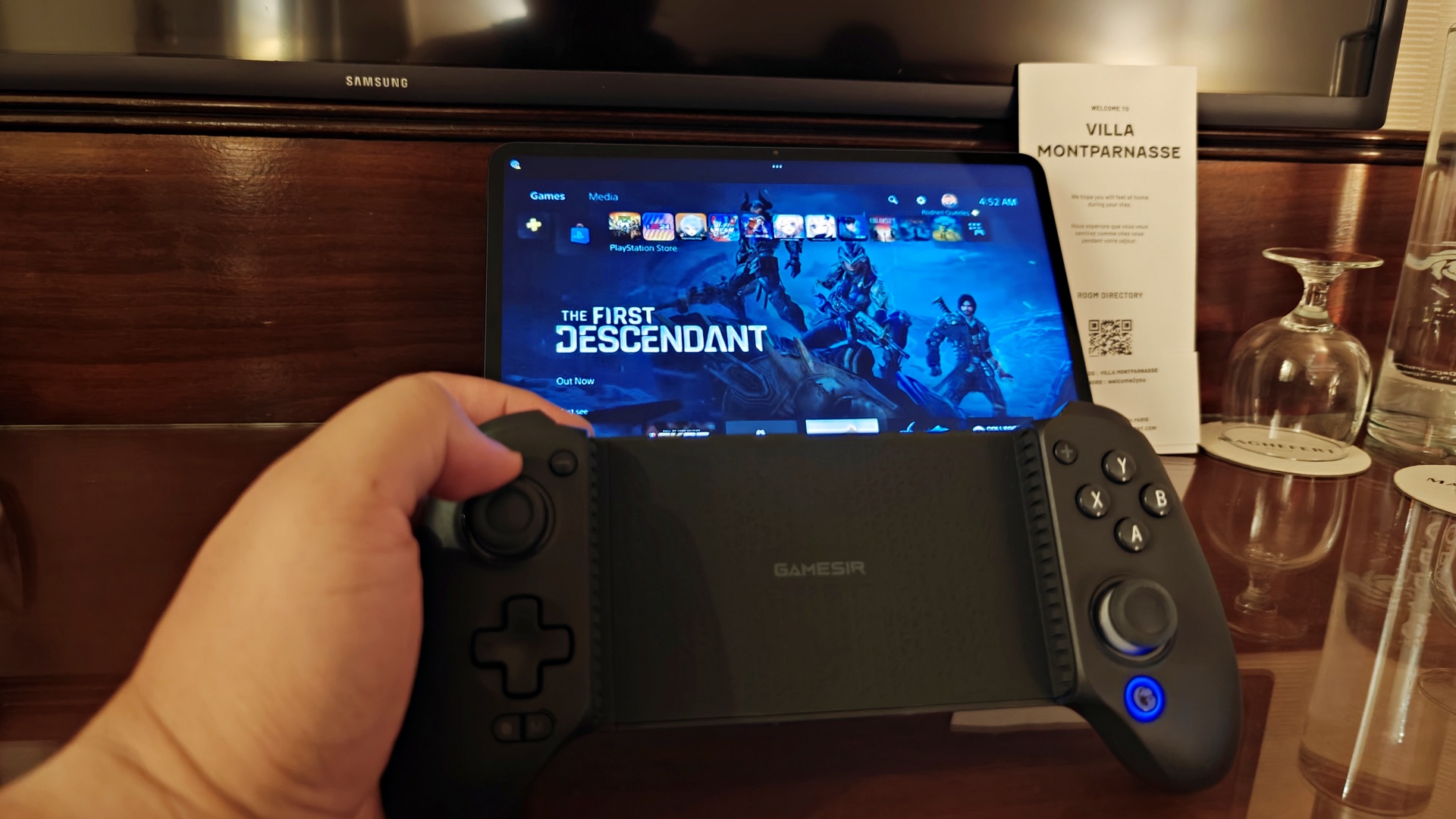
I didn’t have as much of a problem when I connected it to a 12.4-inch tablet. The experience here felt a little different. Instead of having the screen sandwiched between the controller, I was playing similar to how I would on consoles – with the controller in hand and the tablet safely situated on a flat surface.
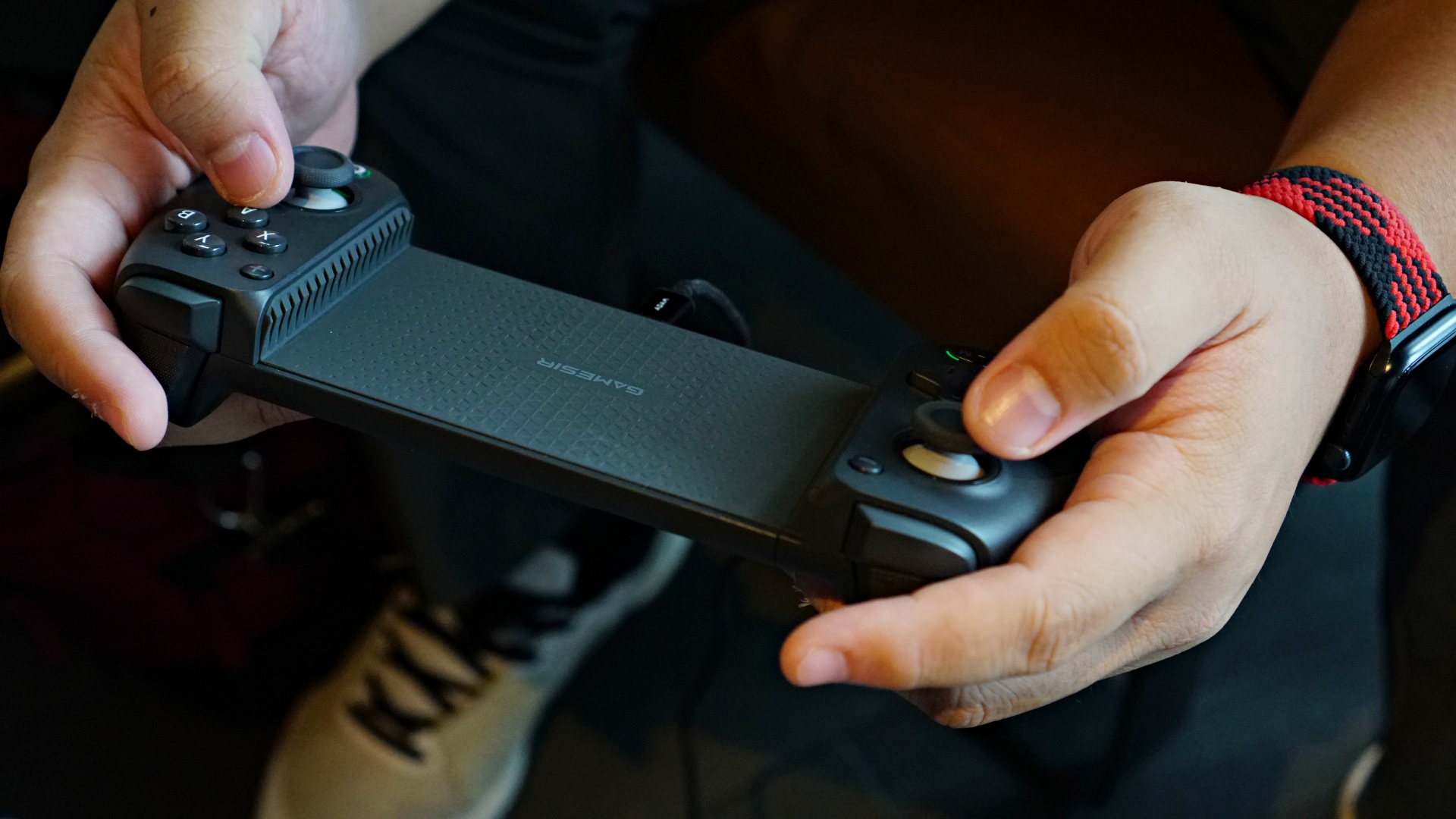
With the gap in the middle of the GameSir G8 Plus, I admit this was a little funky to look at. But thanks to the way the grips of the controller are designed, it almost felt like using a regular controller after a while. It’s just a larger gap, which I sometimes missed when I went back to using a DualSense controller.
As detailed in the table, at the top of the article, the G8 Plus is compatible with iOS, Android, Tablet, Switch, and PC. You can select four modes when pairing. By default, mine was mostly in DS4 mode which is achieved by pressing and holding the button next to the screenshot button and the Y face button. When doing this, the GameSir Logo on the lower right part of the controller turns to blue.
Here’s a complete list of the different connection modes with their color indicators on the Home/Power button (the one with the GameSir Logo).
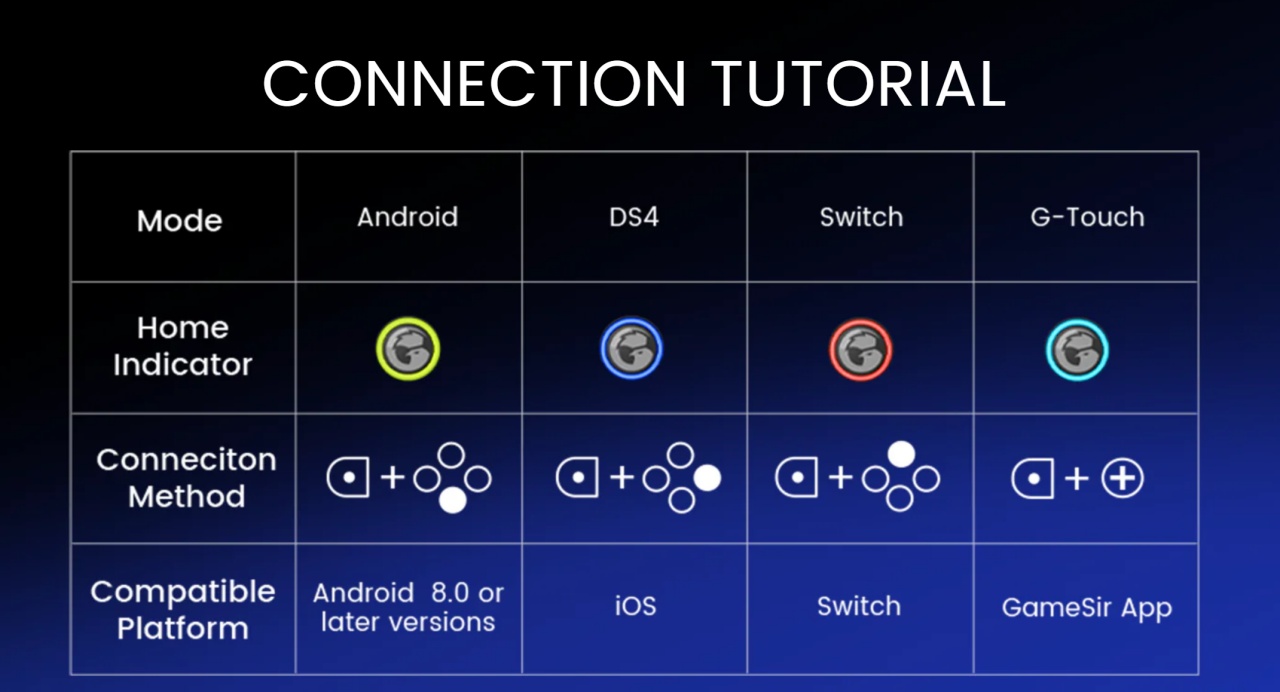
Connection woes
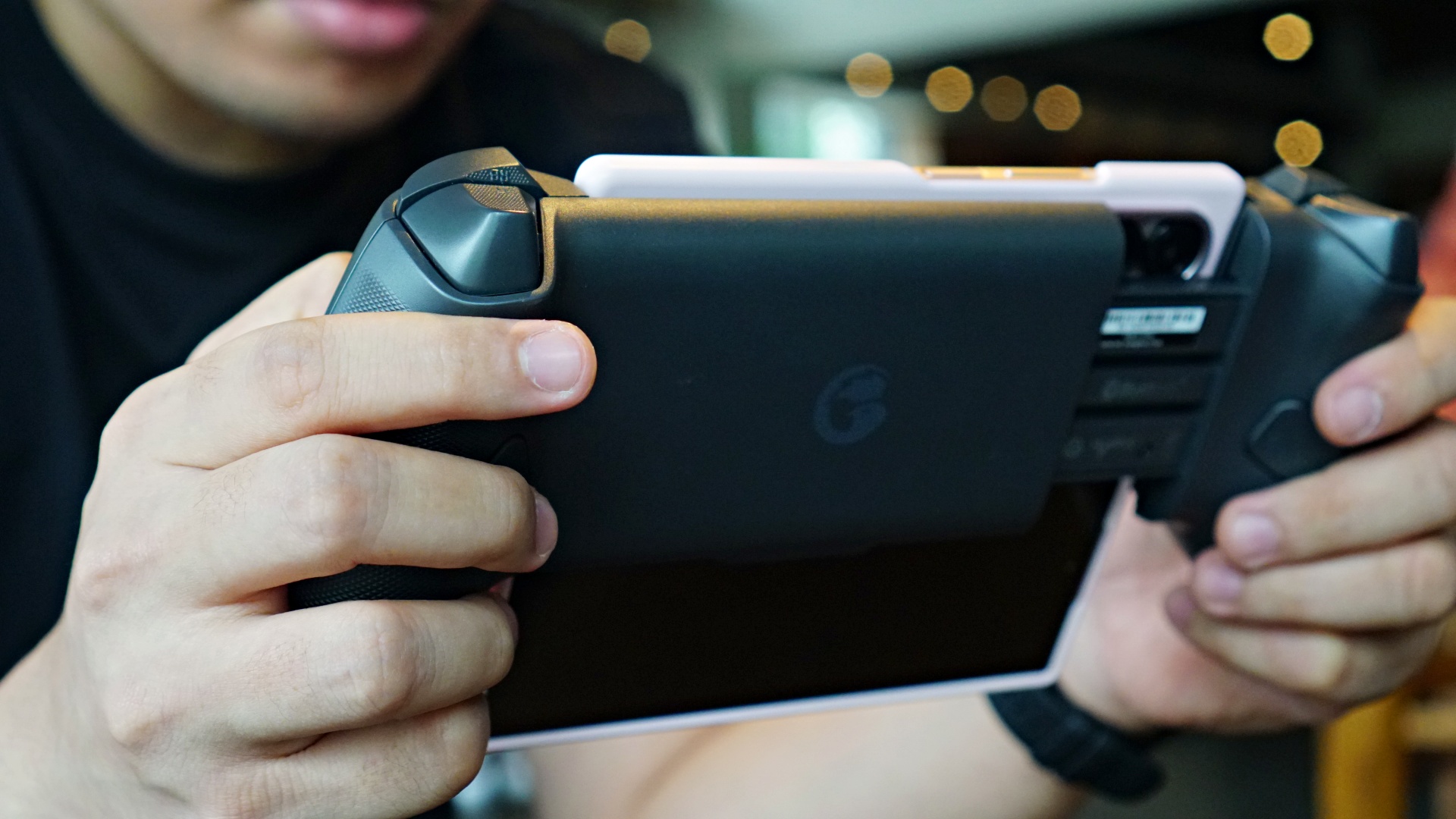
I found that pairing with different devices is relatively easy. However, some games don’t always recognize right away that a controller has been paired. For this instance, I suggest just restarting the game/app until it recognizes the controller.
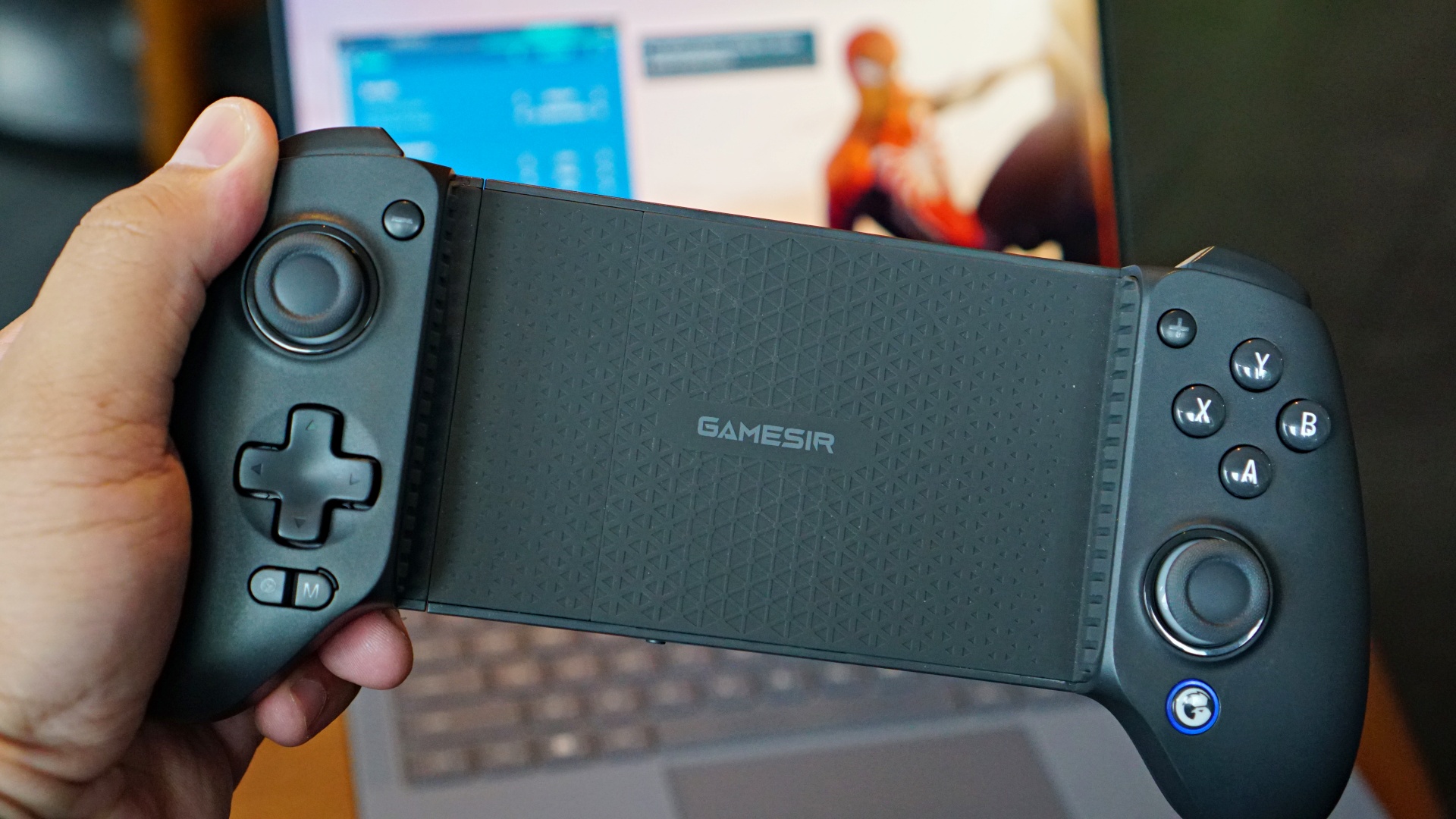
Connecting with a PC or laptop is a little trickier. Earlier in my testing phase, it didn’t work at all so I had to ask GameSir if it’s really supposed to work with PC. I’m not entirely sure what happened, but after they answered my query, the controller started working, albeit sparingly.
They suggested pairing with a PC using either the Switch or DS4 modes. When in Switch mode, it shows up as “Pro Controller.” But in DS4 mode, it shows up as “Wireless Controller.” I found that the DS4 mode worked best for me but only when using Steam.
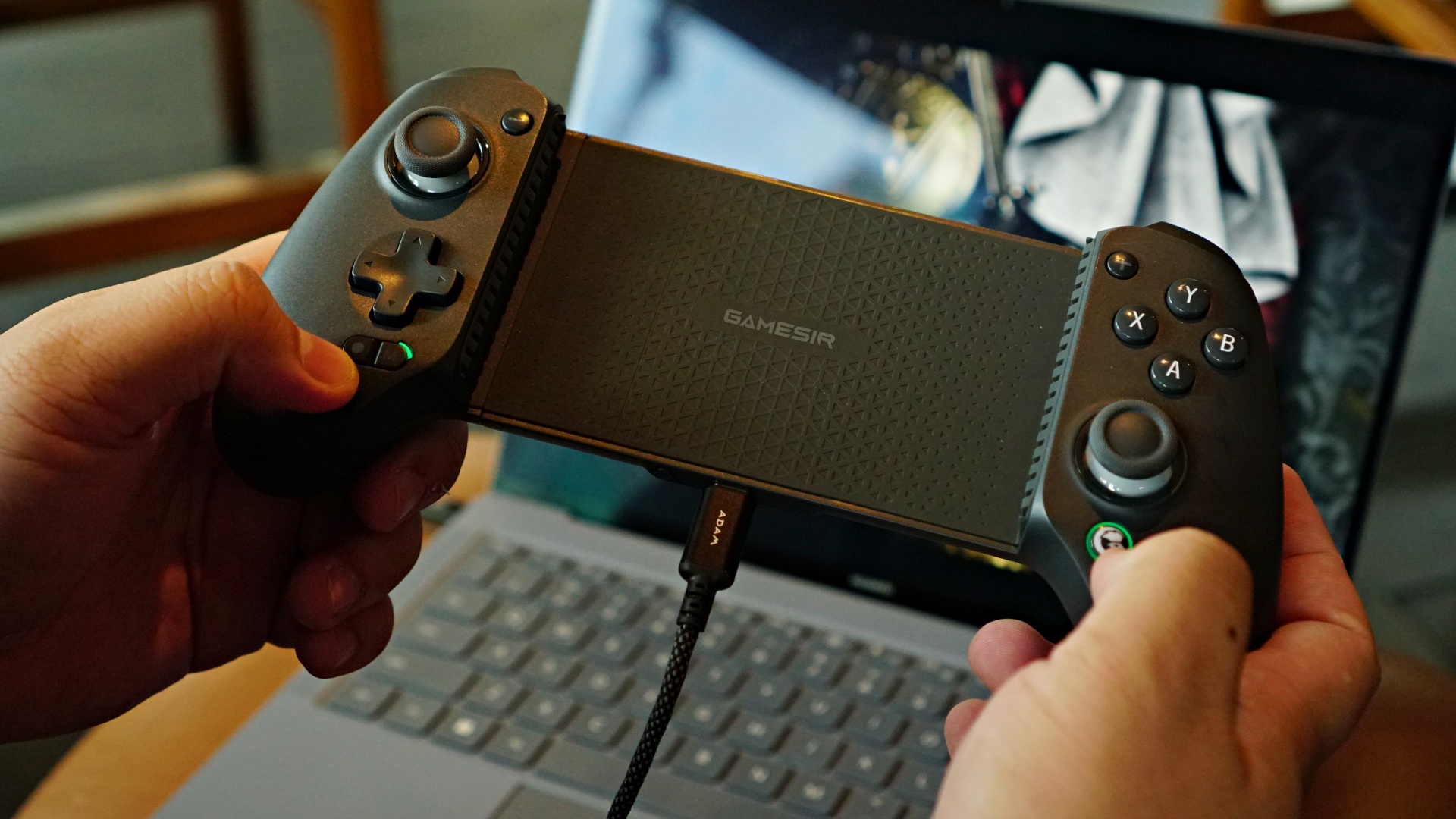
When I tried to use the Xbox App, neither connection mode worked seamlessly. For best results, just use a cable. When using a cable, the PC recognizes it as an Xbox Gamepad and works like a dream.
I personally don’t own a Switch so that’s something I was able to test. But I did see a handful of clips on the interwebs showcasing this and it looked pretty rad.
PS Remote Play
PS Remote Play
Another usage I got the most of with the GameSir G8 Plus is as my primary PS Remote Play controller. It has effectively usurped my GameSir G8 Galileo because with it, I can use Remote Play on any of my smartphones or my 12.4-inch Xiaomi Pad Pro 6S.
With this setup, I was able to scratch my NBA 2K itch even when I was in Paris, France for a work trip. If you already own a tablet that can run the Remote Play app, grabbing the GameSir G8 Plus might be a more palatable option than having to get the PlayStation Portal.
Is the GameSir G8 Plus your GadgetMatch?
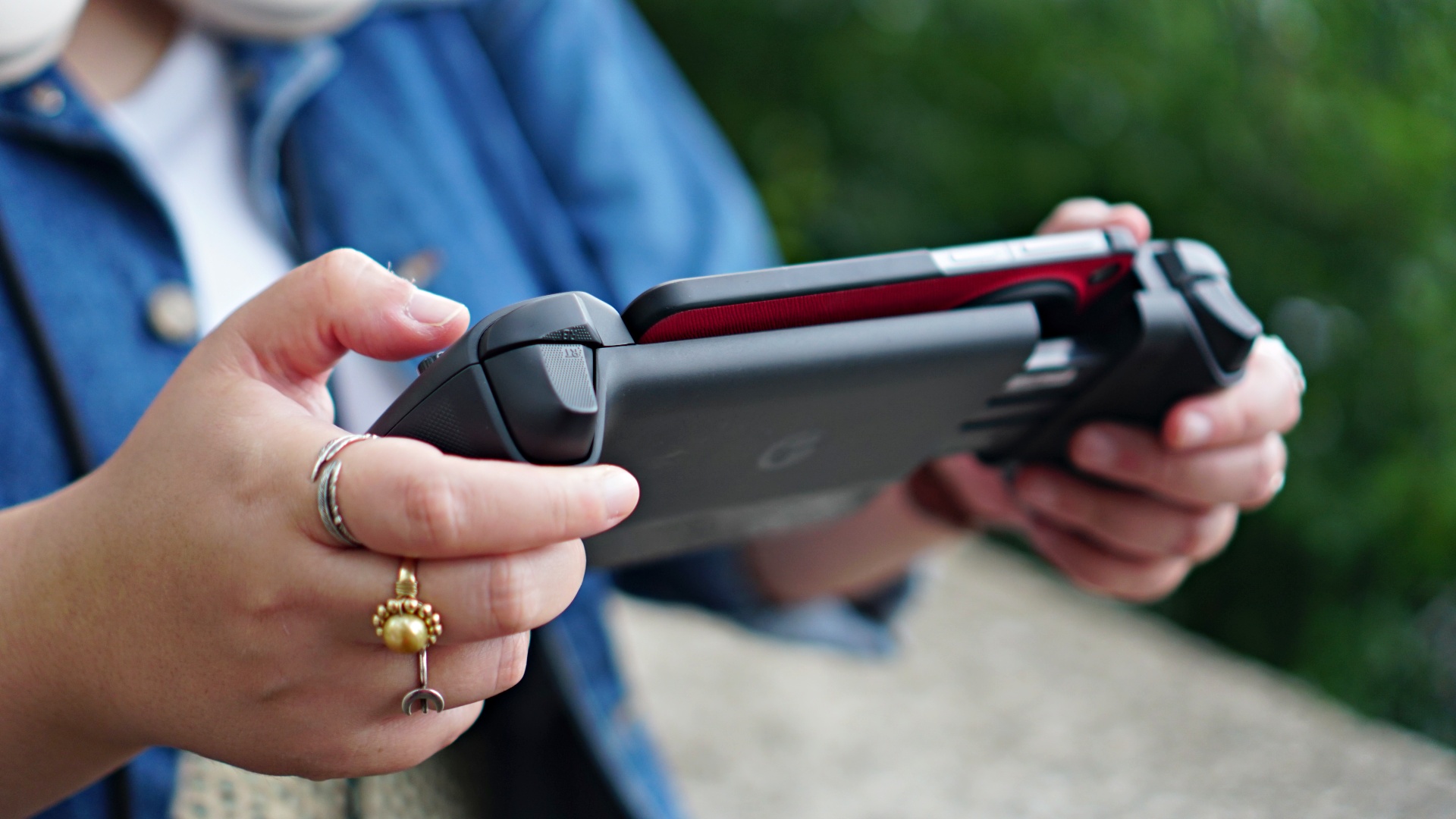
This is one of my easiest recommendations ever. If you play on multiple platforms, it’s very handy to have the GameSir G8 Plus. It’s priced almost just as much as other regular bluetooth controllers. But this one comes in a form factor that works well with smartphones of all shapes and sizes, tablets, the Switch, and even laptops/PC. Versatility is its greatest attribute.
On top of its multiple connection possibilities, it’s just a really well-built controller that feels good on the hand. The hall-effect sticks and triggers ensure no drift and longer-lasting use. Oh and I didn’t even mention the rumble earlier. It feels great.
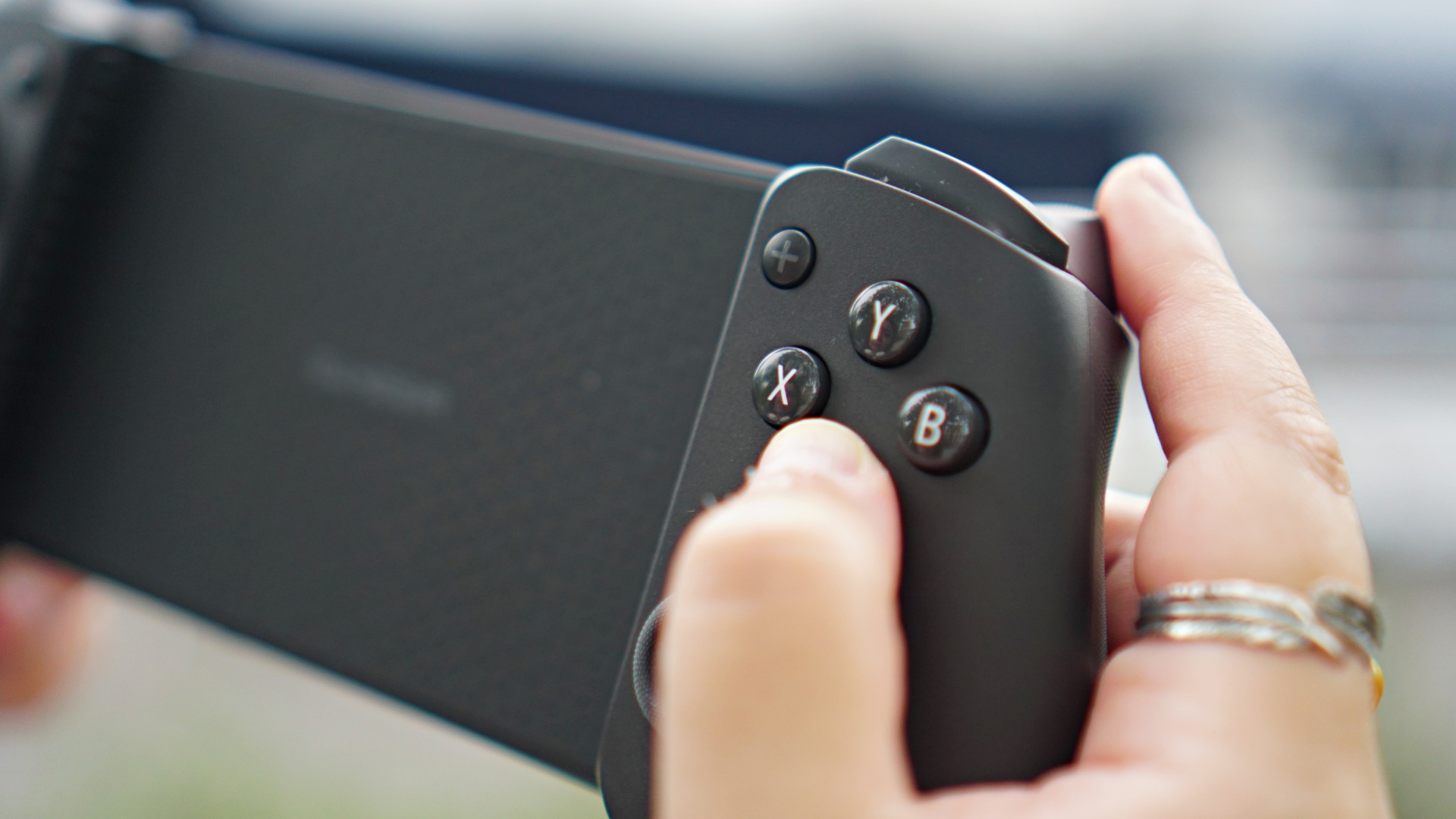
For tinkerers, you can make the GameSir G8 Plus your own even more thanks to its replaceable faceplate, stick caps, and face buttons. Personally, I’m hoping to find face buttons that can shift from Xbox, to Switch, to PlayStation orientations. If that’s something you customize, hit me up.
The GameSir G8 Plus retails for:
| Price | Buy Links | |
| US | US$ 79.99 | https://amzn.to/4cXLMcs |
| CA | $ 99.99 | https://amzn.to/4cRzWAj |
| JP | 11182 | https://amzn.to/3YagPNu |
| AU | $ 159.00 | N/A |
| BR | R$ 499.00 | N/A |
| UK | £ 79.99 | https://amzn.to/3WilTN1 |
| IT/ES/FR/DE | € 79.99 | IT – https://amzn.to/3LC6imK | FR – https://amzn.to/3SnTQe3 |
If you’re location isn’t listed, just use this code at checkout to get 10% off (vaild until November 30): GSG8PLUSOFF




Accessories
CASETiFY Match: Finding the right case for your Galaxy Z8 Series phone
Cases that match your personality

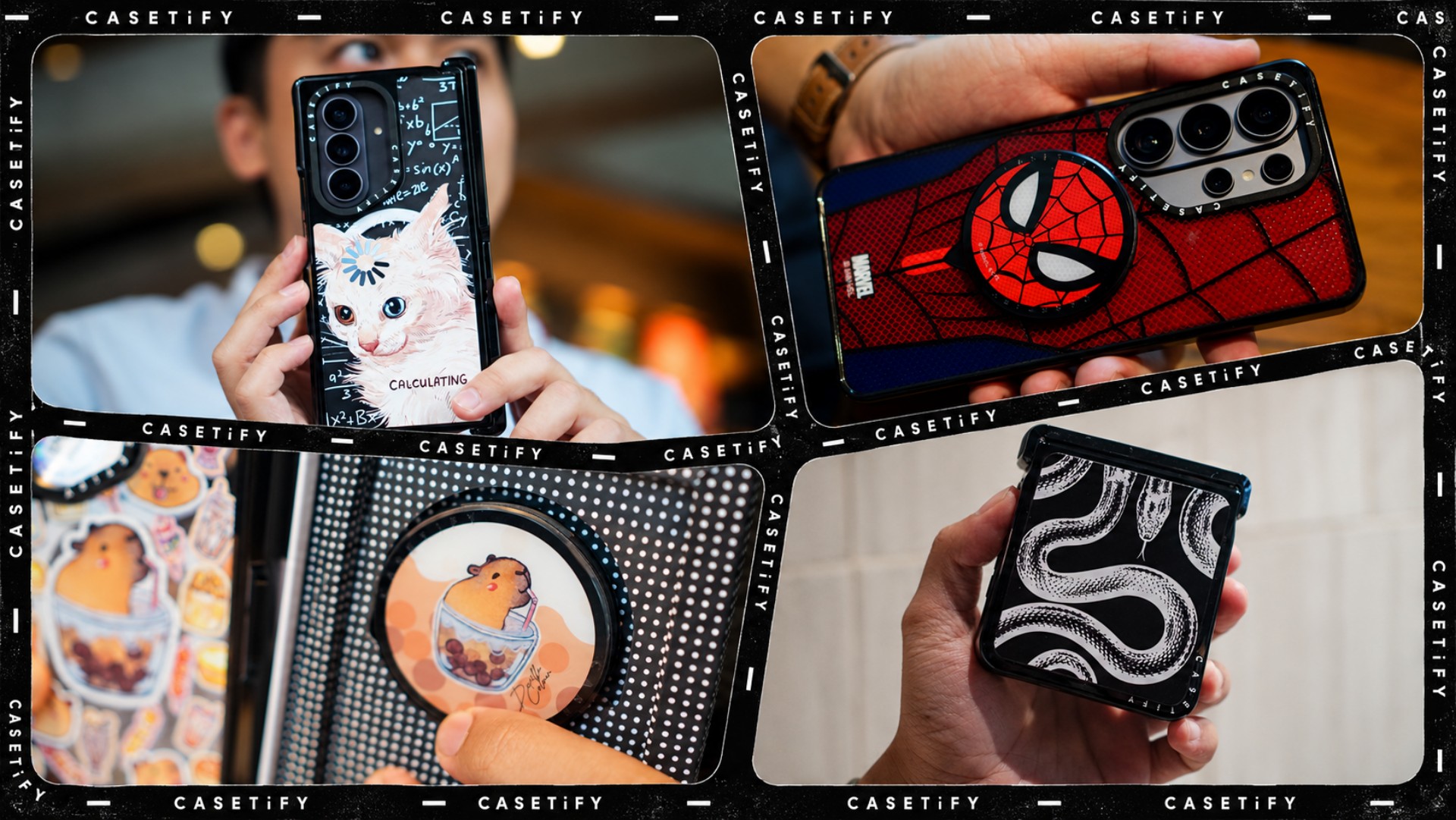
A phone case can be more than protection. It can also be a way to show off your interests, personality, and the little things that make you, well, you.
For our CASETiFY Match for the Galaxy Z8 Series, we asked the team one question: Why was this CASETiFY design your Match?
From Spider-Man fandom and capybara obsession to feline-inspired art and snake motifs, here are the designs that found their way into our team’s everyday carry, plus a couple of bonus picks worth checking out.
Rodneil: A little New York energy for a certified web-head
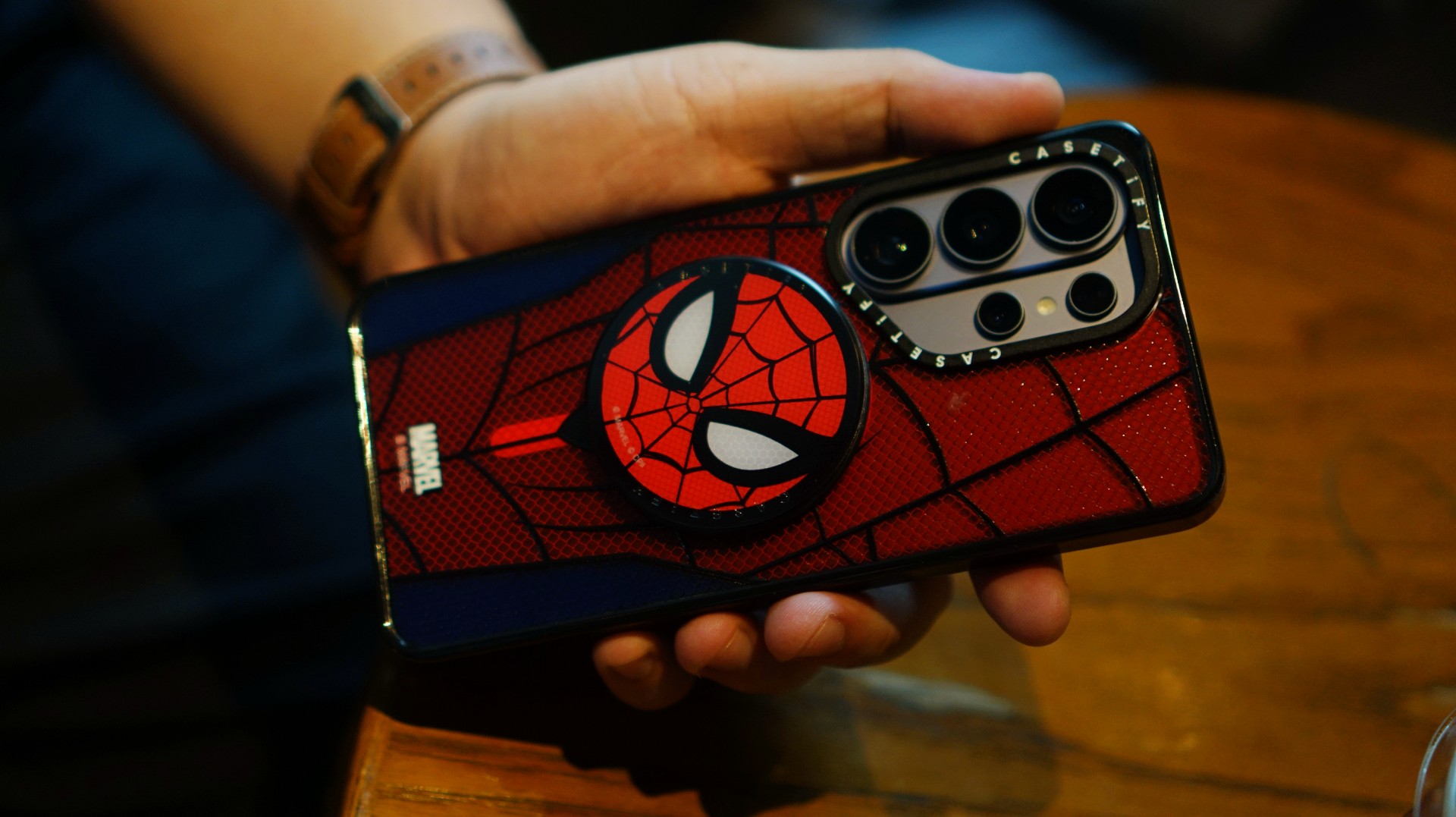
If it wasn’t obvious enough, I’m a certified web-head. I love anything and everything Spider-Man, especially the iconic red-and-blue motif. Though, if we’re being honest, I’m more partial to the red.

I had my eyes on the Spider-Man suit design for the Galaxy Z Fold8 Ultra and the Spider-Man Mask Snappy Grip Stand. Unfortunately, those designs aren’t available for the Galaxy Z Fold8.
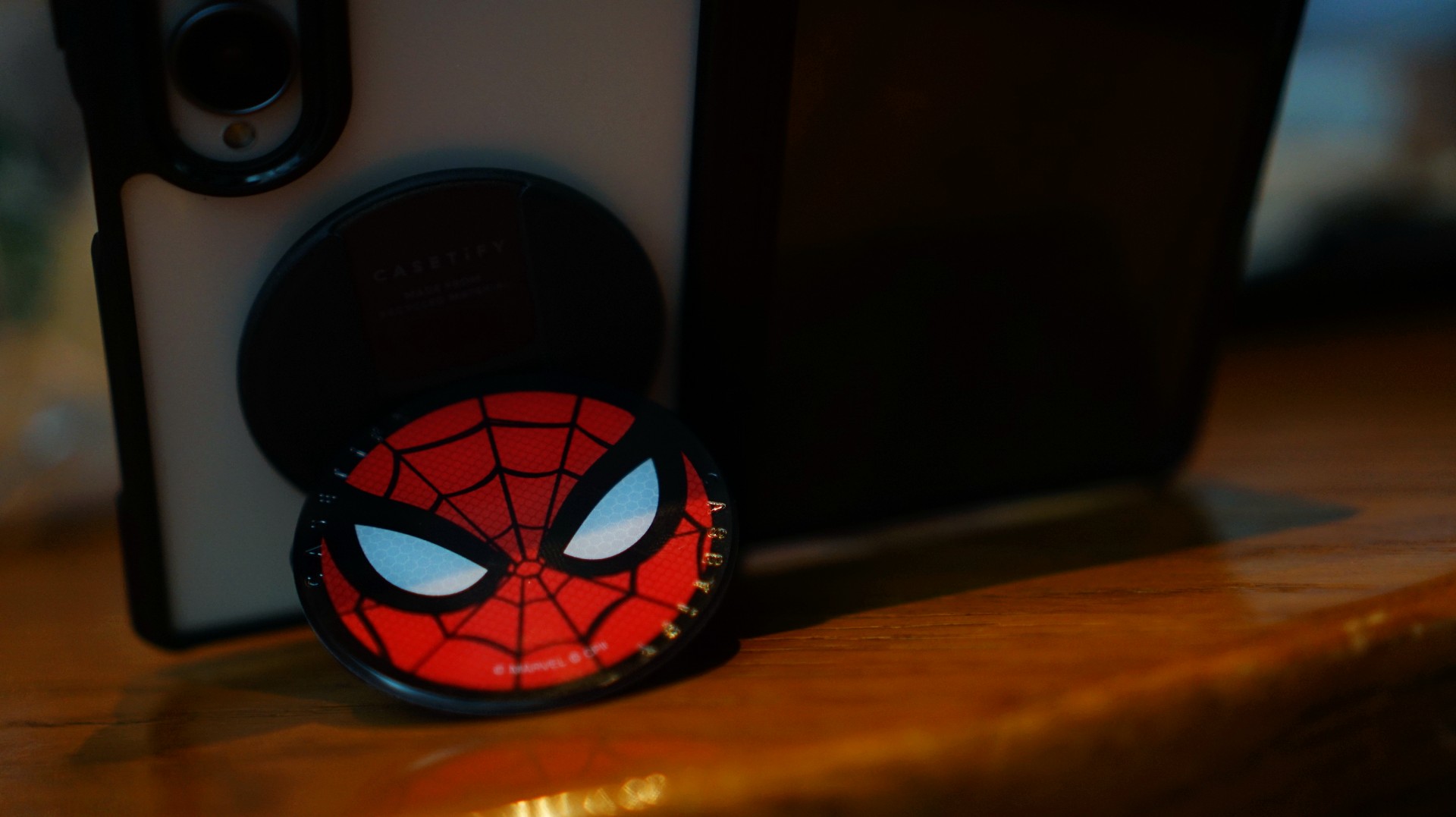
So, I went with a design that gives off a bit of New York energy instead. It still pairs nicely with the Spidey Snappy Grip Stand, letting me bring a little of that Spider-Man vibe to my everyday setup.
V: Keeping it cool with capybaras
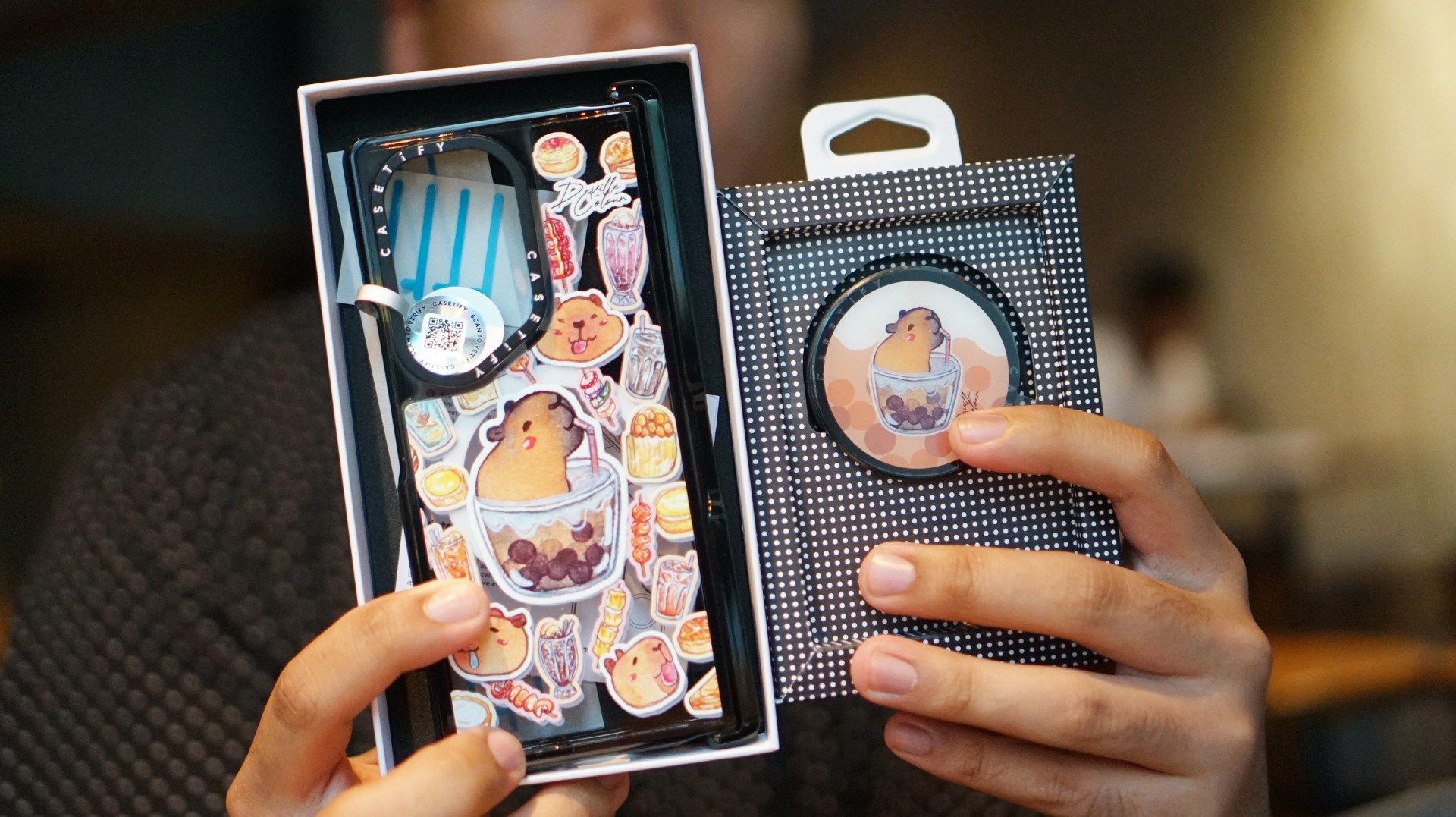
I’ve been a capybara stan since 2020, long before the world finally caught up with just how cute and chill these animals are. Seeing them get the recognition they deserve has been a source of much excitement.
Finding cool and cute capybara cases and accessories for the phones I use every day, however, hasn’t always been easy.
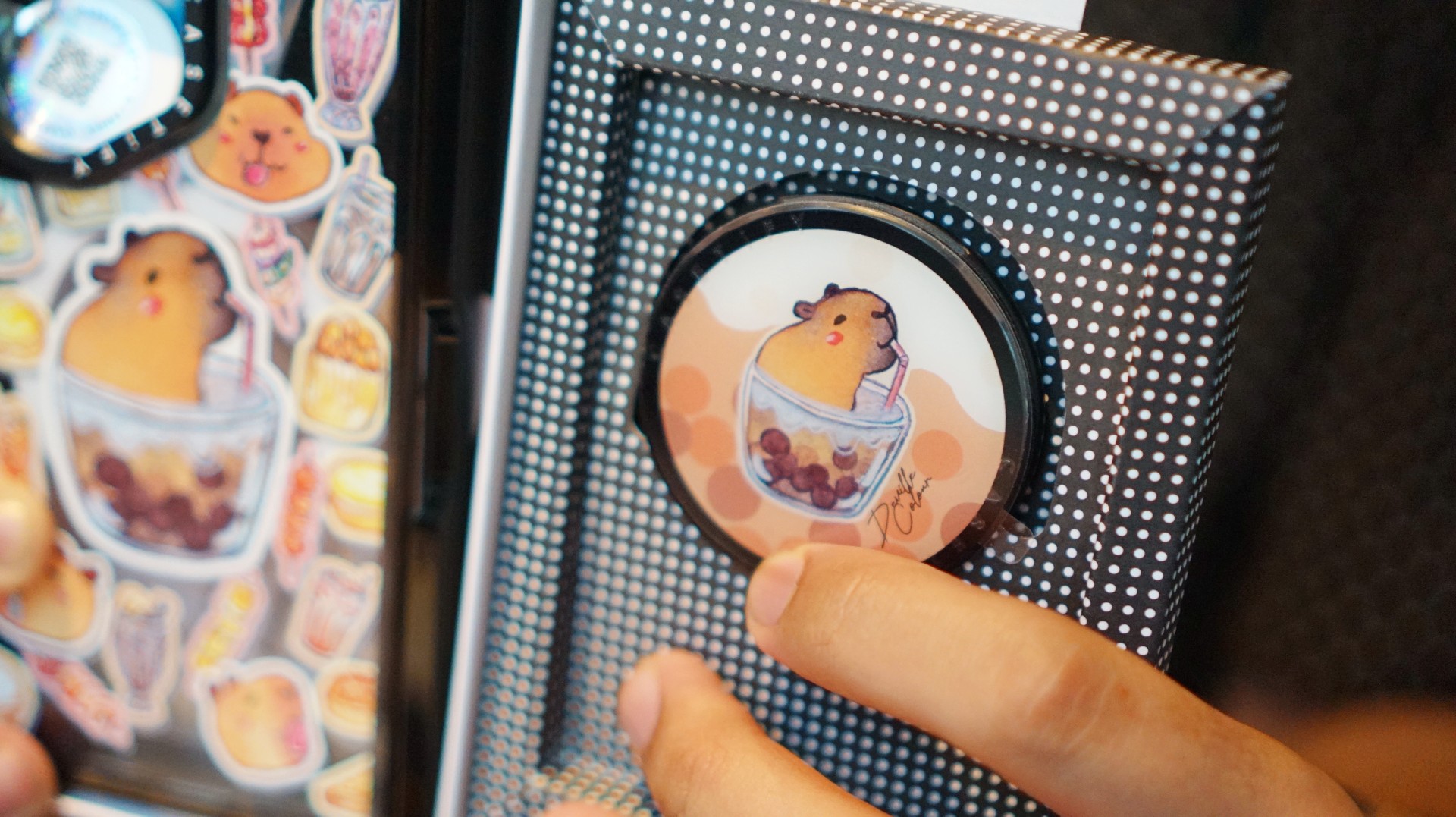
That’s where Deville Dewil’s capybara collection comes in. It fills that gap while making my Galaxy Z Fold8 feel like an even more personal accessory.
At this point, I’d like to identify as a capy/bara.
Luigi: A cat design that’s playful without being too loud
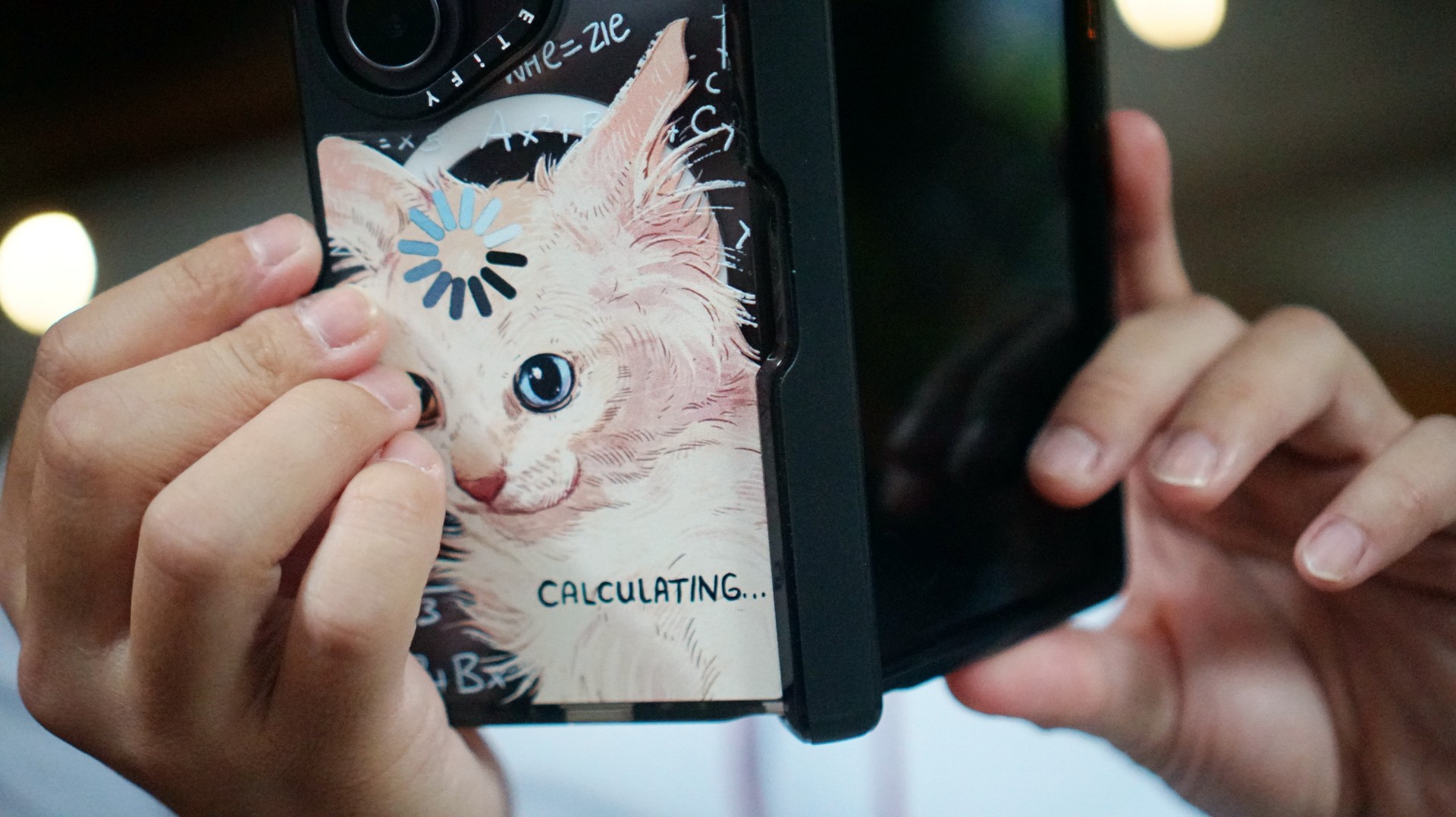
There’s no shortage of cat-themed cases out there. If you’re a cat lover like me, chances are you’ve considered one at some point.
The tricky part is finding a design that isn’t too whimsical or loud. I love the little furballs, but I still want something sleek and clean.
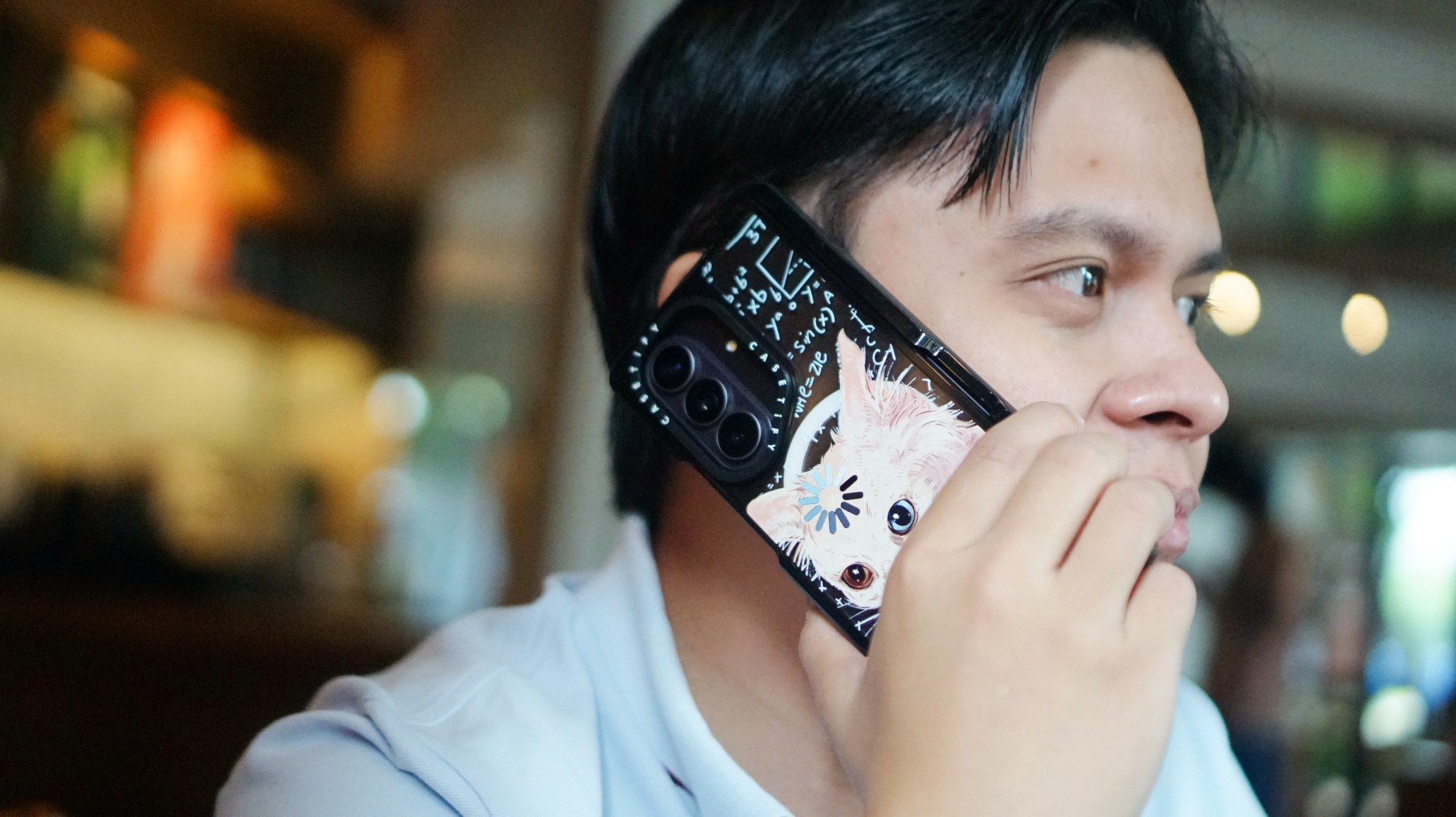
CASETiFY’s cat collection speaks to that balance. In particular, this design by Catwheezie blends artistry with a touch of whimsy. It lets me show off my personality without being too flashy.
MJ: A little reputation energy
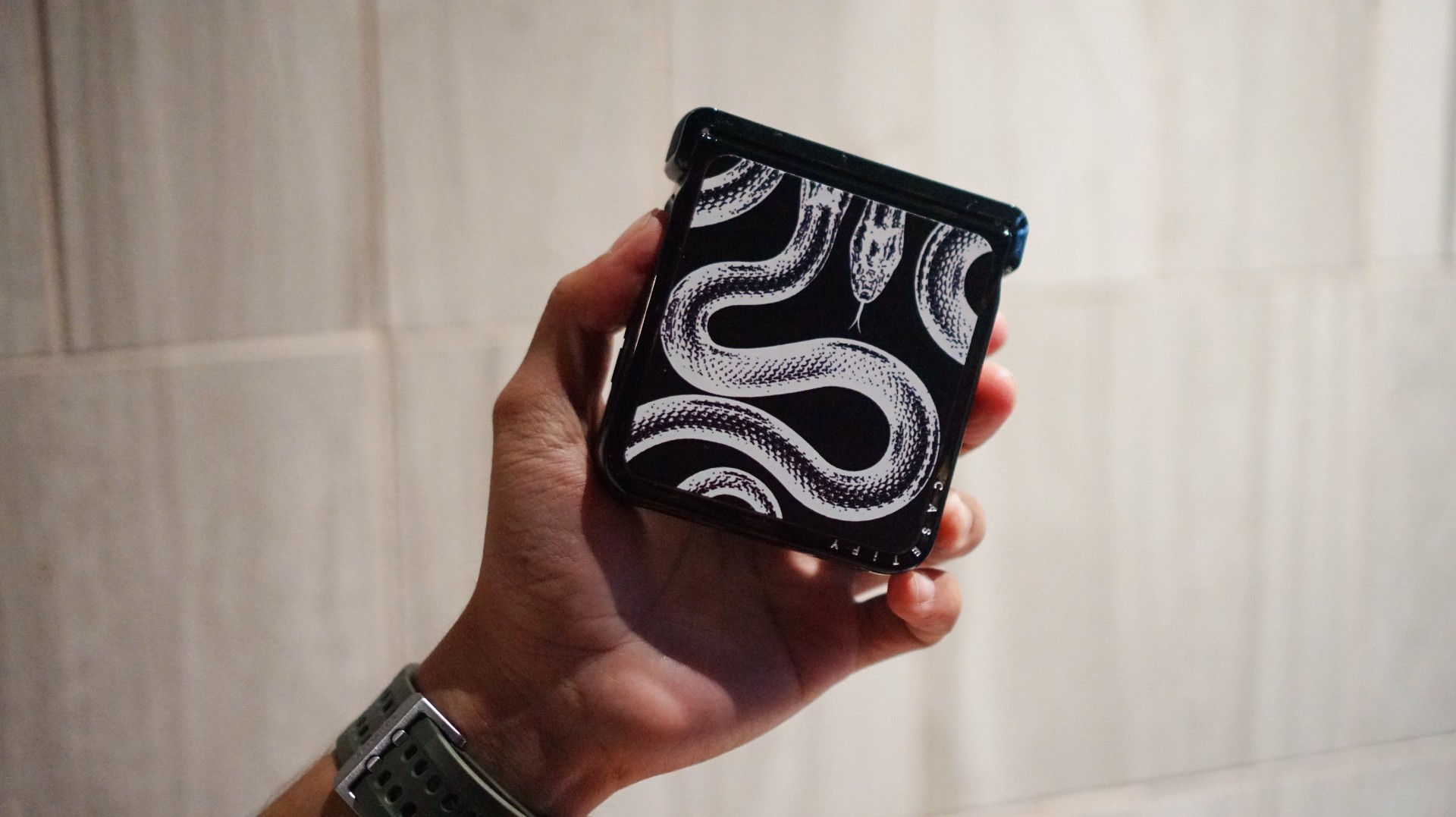
I’ve always had a soft spot for snake motifs, and CASETiFY’s Transparent Kingsnake case gives me Taylor Swift’s reputation era energy.
I love how snakes symbolize transformation. As someone who’s always evolving and never afraid to reinvent himself, that meaning feels personal.
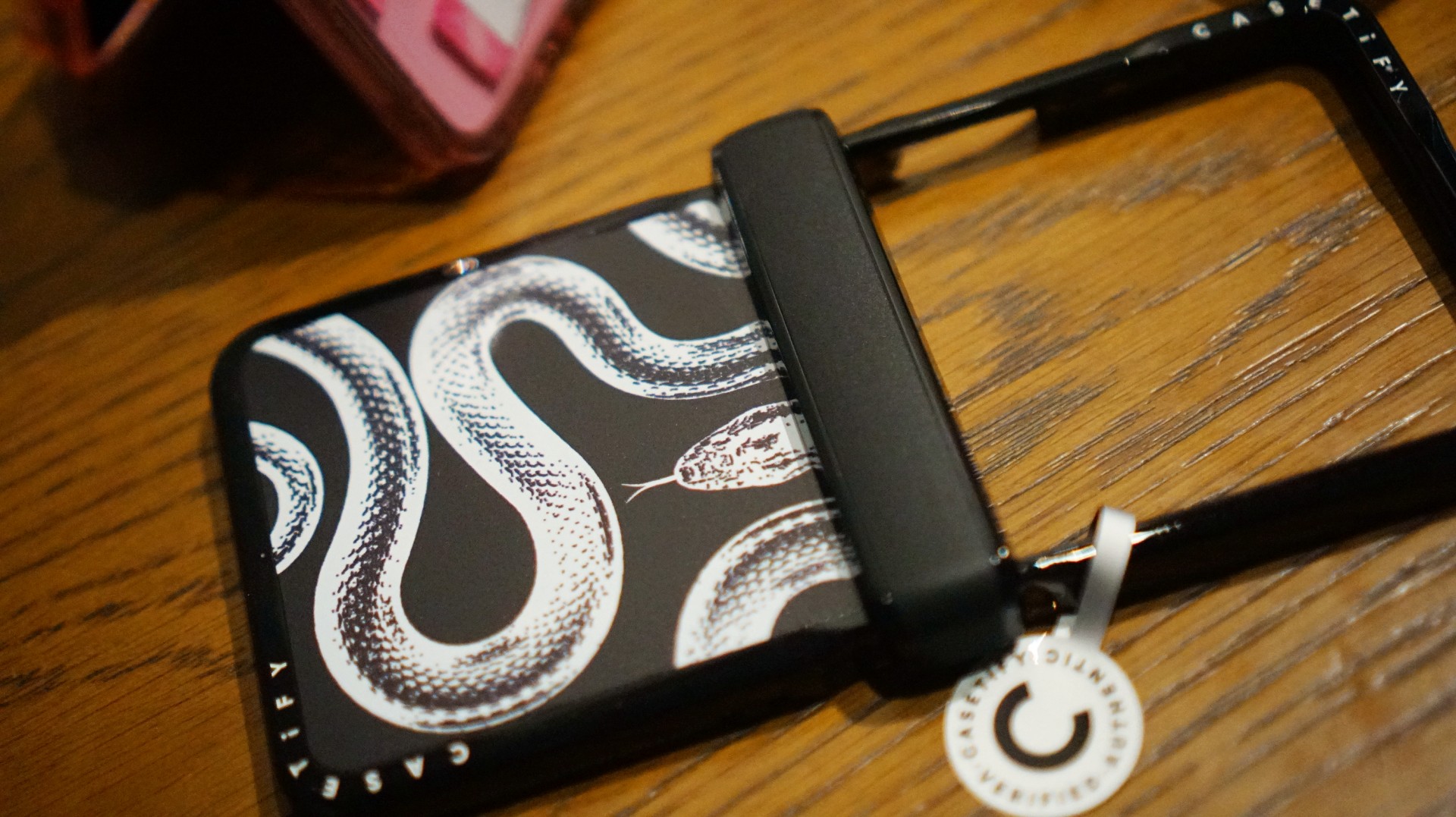
The black-and-white design also brings a sleek, rebellious edge. Paired with my Galaxy Z Flip8, it’s giving statement accessory with a little bite.
Bonus Match: Sunglasses at Night

Sometimes, keeping it simple is the way to go. The Sunglasses at Night design is tasteful and understated, letting me show off the actual color of my phone without competing with it.
Bonus Match: Pink Weekly Planner
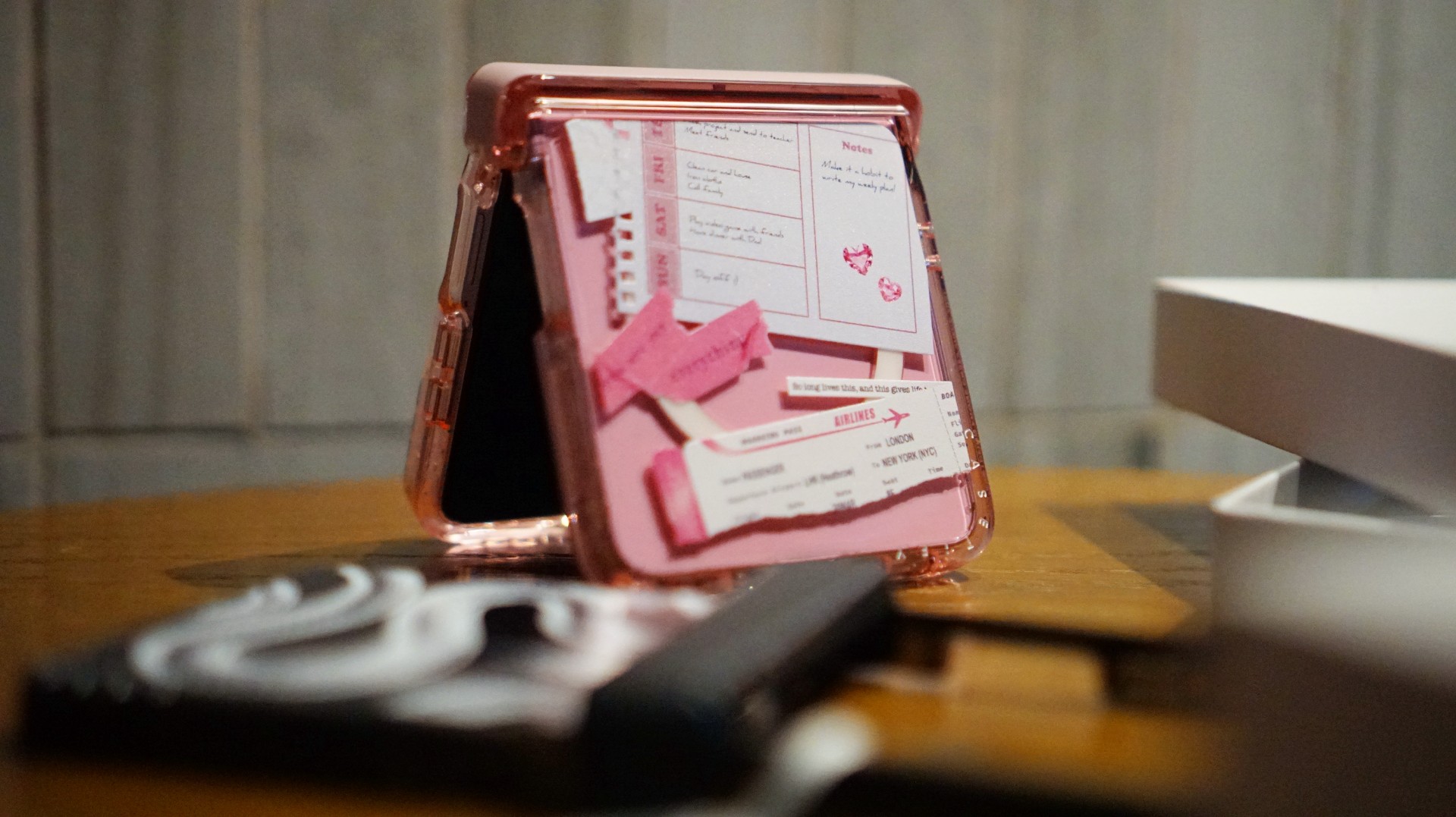
For the girls (and gaes) who plan their days–and life–ahead. And of course, for when they need to keep their Wednesdays pink.
Find your Match
There’s no single way to find a phone case that feels right. It might be a favorite character, an animal you’ve loved for years, a piece of art, or a symbol that means something to you.
For our team, the right CASETiFY design is the one that brings a little more personality to a device we carry every day.
So, which design would be your Match?

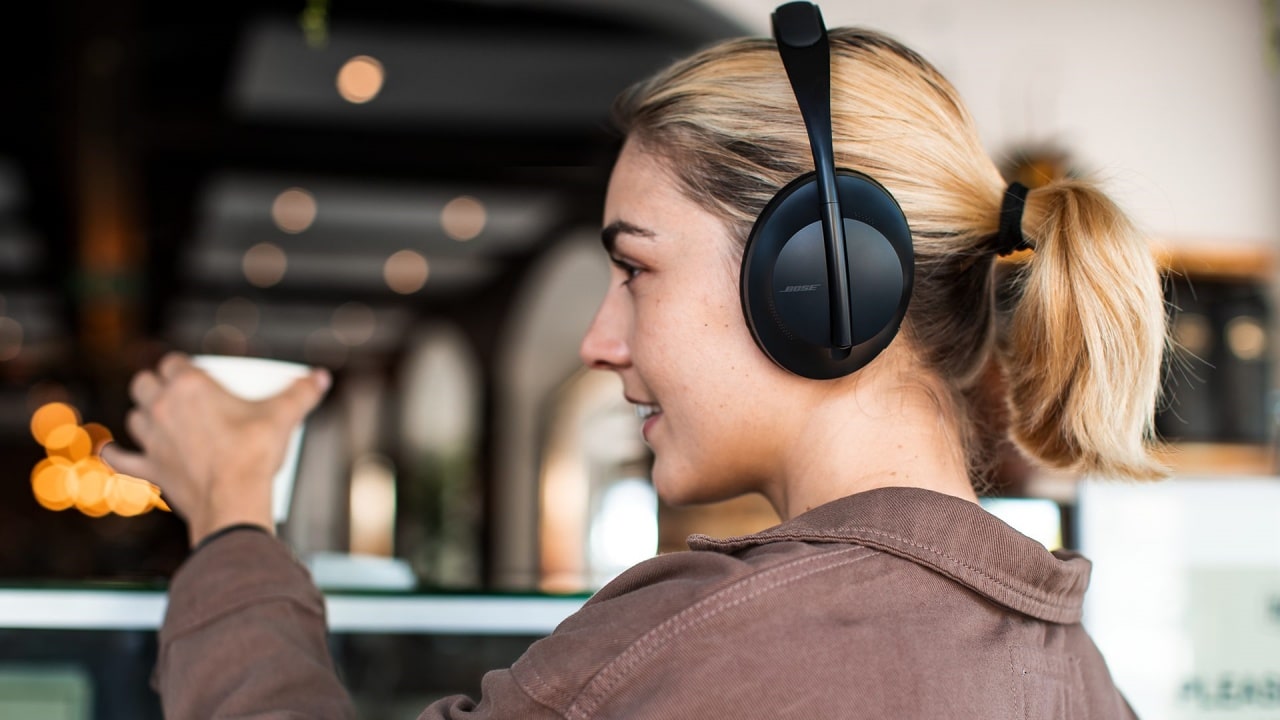
As one of the wisest sages of the 2000s once said, “He was a punk, she did ballet. What more can I say?” Sometimes, opposites attract. Now, two of those opposites in the audio space are coming together: the punk Skullcandy and the ballet-loving Bose.
Today, Bose has announced its acquisition of Skullcandy. The latter will continue to operate as a separate brand but now officially under the Bose umbrella. Although, it’s not a new collaboration as the two brands have previously worked together on devices before. Skullcandy will just have more access to Bose’s technologies moving forward.
Alternatively, Bose will now have access to Skullcandy’s more varied audience. Compared to Bose’s focus on premium products, Skullcandy caters to more alternative lifestyles. Though the brand has since mellowed from its more radical roots, it is still known as one of the alternative brands.
Bose, on the other hand, is still a household name for home audio and noise-cancelling headphones. The new relationship between two polar opposites might be seen as a weird one, but it’s ultimately beneficial to both parties. Besides, both brands were very strong in the 2010s. Keeping both brands going is a boon to audiophiles of the past decade.
Accessories
Fujifilm’s new instax Pal 2 and Link WIDE 2 make room for more creative memories
A new pocket camera and a collage-making printer join the instax family.

Seeing a memory take shape beyond your screen changes how it feels. A favorite photo becomes a print you can tuck into a journal or pin beside your desk, and the everyday moments you capture get a little more room to live.
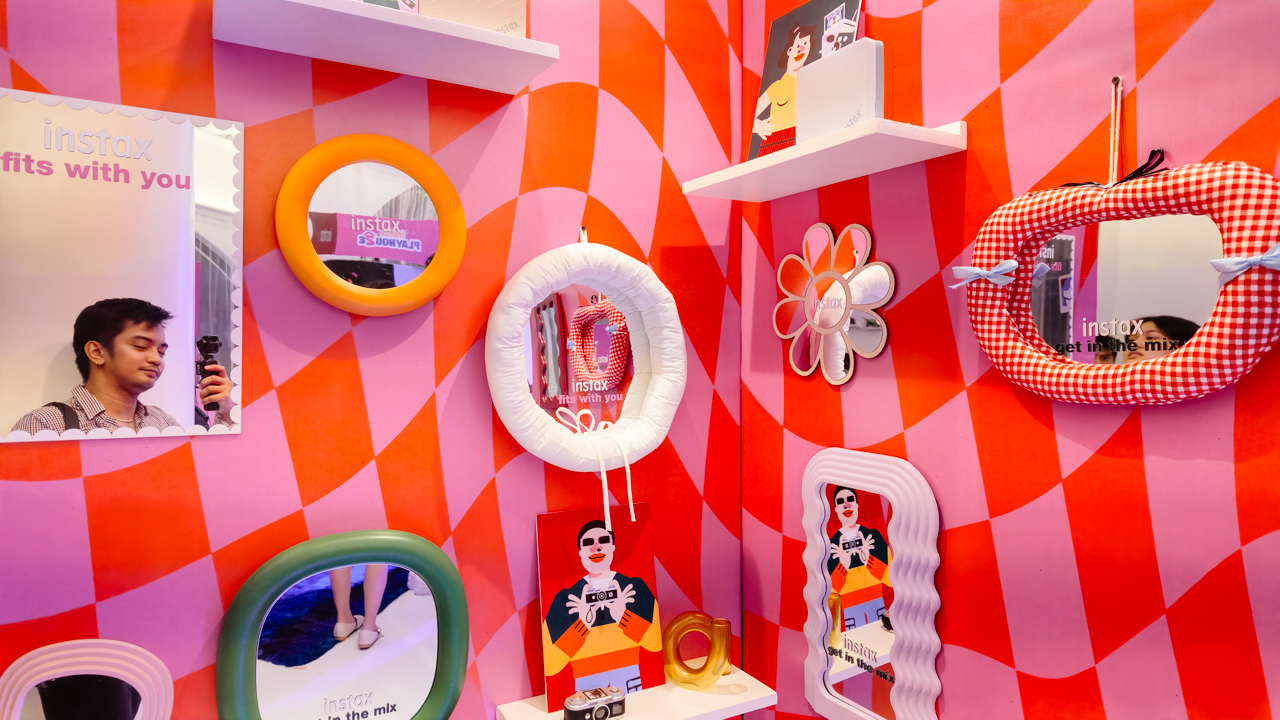
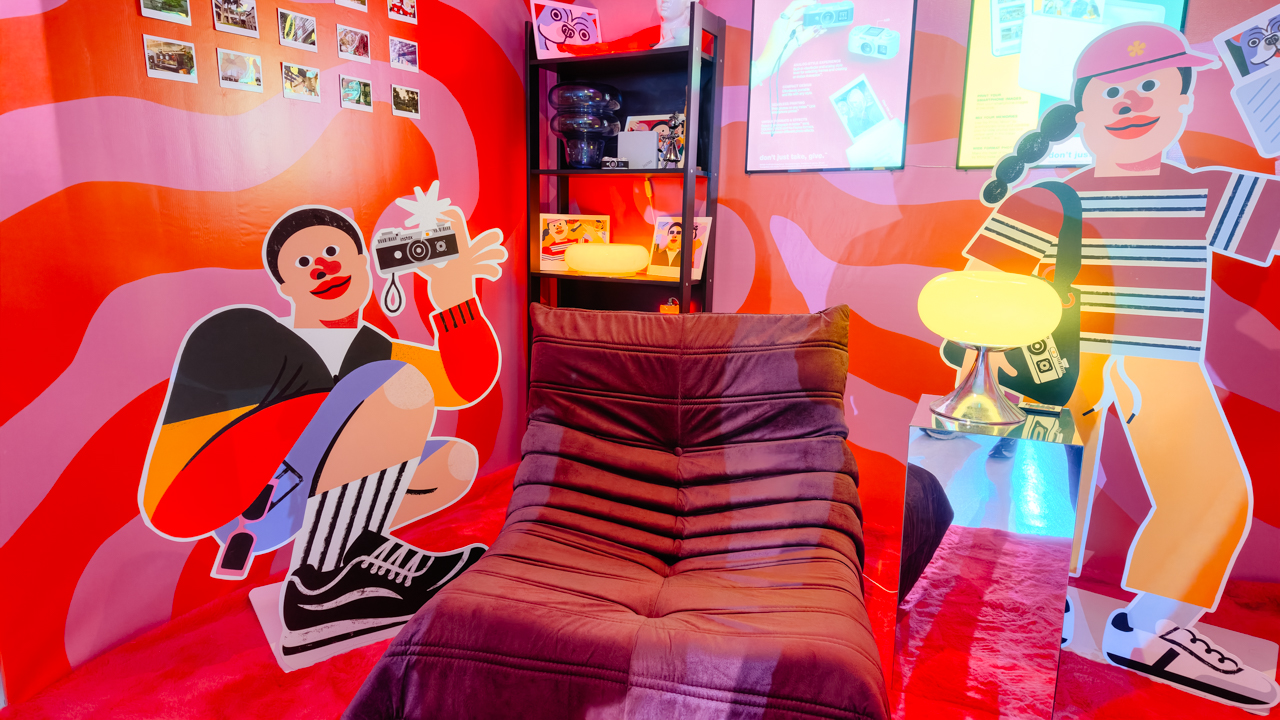
That was the spirit of Fujifilm’s instax Playhou2e launch in Makati, where visual artist Jill Arteche brought her signature illustrations into the event space.
Her artwork surrounded the latest additions to the instax family, the instax Pal 2 and instax Link WIDE 2. Both devices treat photography as a form of personal expression, from the snapshots you take throughout the day to the printed memories you want to keep close.

A pocket-sized camera that goes wherever you do
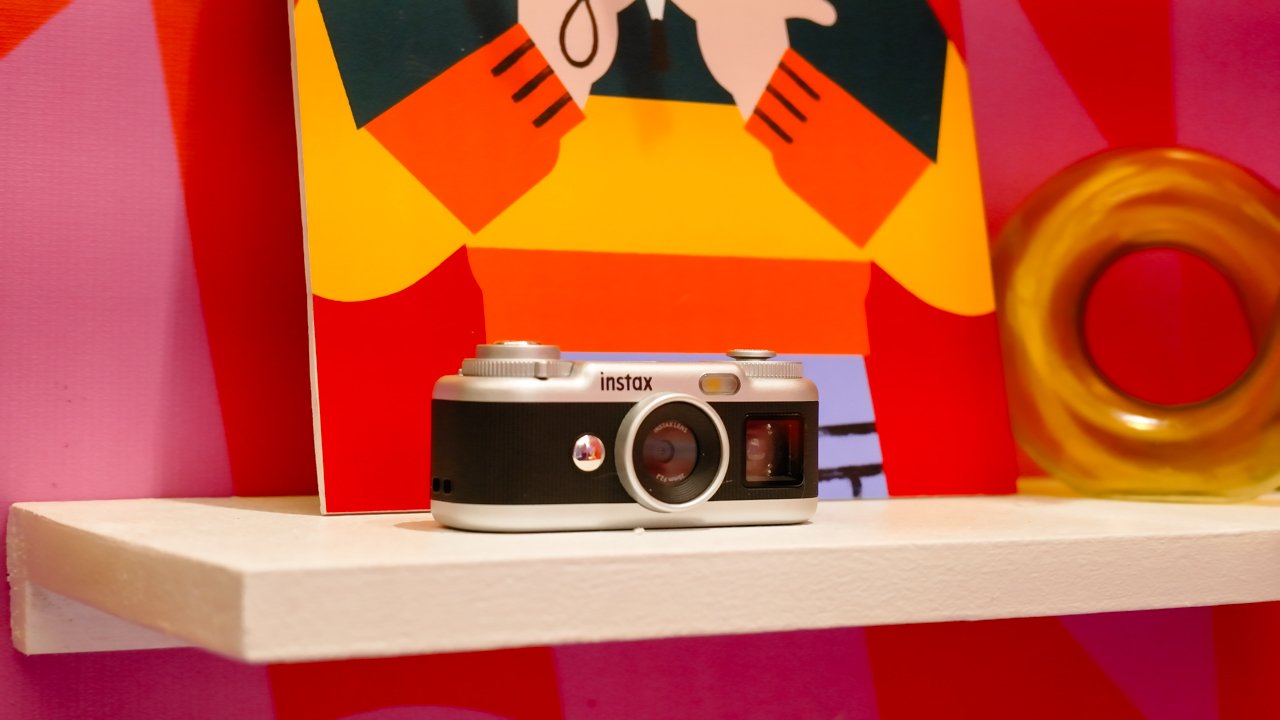
The original instax Pal made the case for carrying a camera without a full-sized setup. Its successor, the instax Pal 2, builds on that with a refreshed design and improved image quality.
The palm-sized camera is built for everyday adventures and can capture angles that are awkward to get with a smartphone. Its compact body also makes it easy to bring along if you like documenting your day as it happens.

Fujifilm gave the Pal 2 a semi-matte finish. A new monitor on top lets you review shots right after you take them, and the added viewfinder, control dial, and lever give it a more tactile feel to shoot with.
The specs have moved up, too. The Pal 2 captures 10-megapixel images, double the original’s five megapixels, and its internal storage holds up to 100 images compared with 50 before. A separately sold microSD card adds more room.
The creative options are where the Pal 2 gets playful. It offers 30 effects, so you can give images different moods without editing each one from scratch. Its instax Animation mode strings up to 10 consecutive shots into a flipbook-style animated video.
Transferring your photos is straightforward. The Pal 2 supports wireless Bluetooth transfers, and a USB Type-C connection offers faster transfers to compatible smartphones. From there, you can edit the images and post them to social media or keep them in your camera roll.
Because the Pal 2 is part of the instax ecosystem, its digital photos can also be printed on instant film through compatible instax printers. That means you can shoot first and decide later which moments deserve a physical copy.
Turning your camera roll into something worth keeping
Taking photos is only half the fun. The other half is deciding what to do with the hundreds of images that pile up on our phones.
The instax Link WIDE 2 is Fujifilm’s answer for anyone who collects travel photos or documents celebrations. As the brand’s WIDE-format smartphone printer, it prints at twice the image area of the instax mini format, which leaves more space for group photos and landscapes.
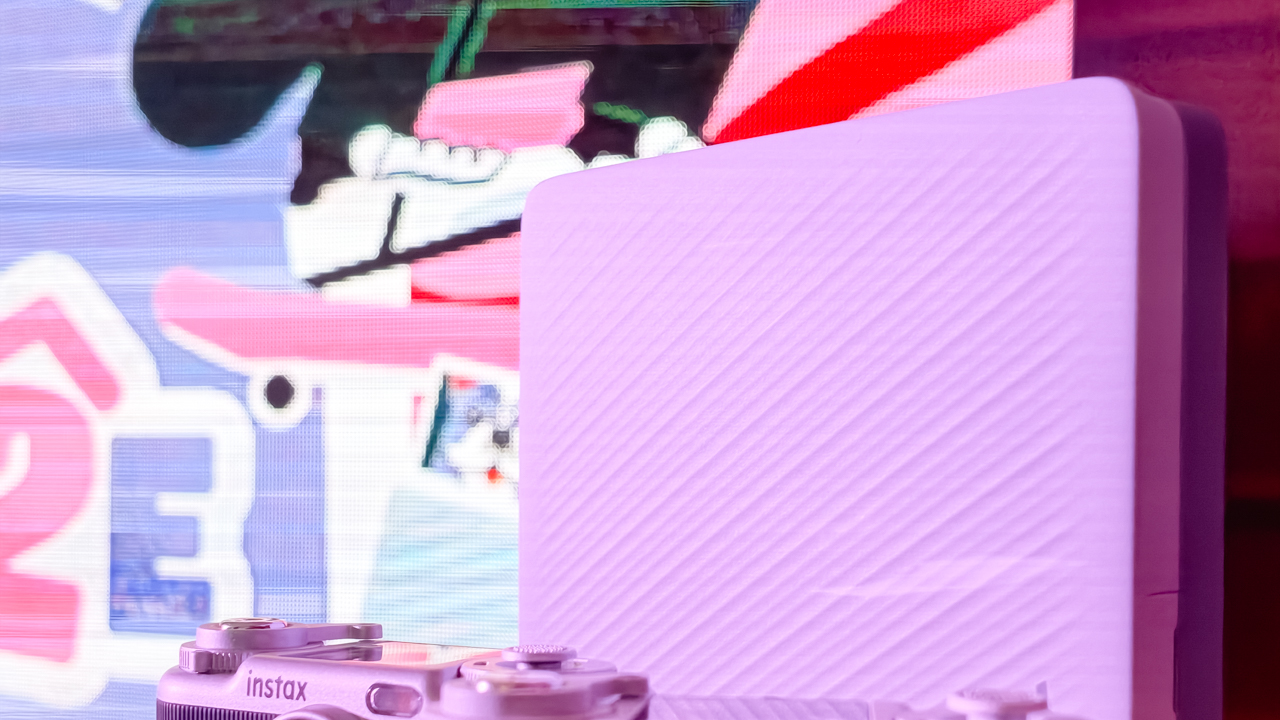
Its biggest new feature is Photo Mixer, which builds scrapbook-style collages from multiple images you pick in the dedicated app. Instead of printing a single photo, you can combine highlights from a trip or a gathering into one larger keepsake.
The app suggests layouts based on your chosen photos and adjusts image sizes, angles, text placement, and fonts to keep the design cohesive. You can then add your own text and stamps. A cutout function identifies people and objects in your photos so you can layer them into the collage.
With Photo Mixer, printing becomes part of the creative process, and your camera roll turns into material for building a visual record of an experience in a single print.
The Link WIDE 2 also gets a design refresh, with two-tone finishes in Duo Beige and Duo Blue. The light and dark surfaces give it a polished look on a shelf or desk, and an illuminated instax logo glows while it prints.
Connectivity has expanded, too. Beyond smartphones and tablets, the printer works with PCs, Fujifilm X Series cameras, and the instax Pal 2, so digital artwork and other compatible images can become physical prints.
A more personal way to keep your memories
The instax Pal 2 and Link WIDE 2 share the idea that photography is a way to express yourself. The Pal 2 makes it easy to capture moments as they happen, and the Link WIDE 2 gives those images a place in the physical world.

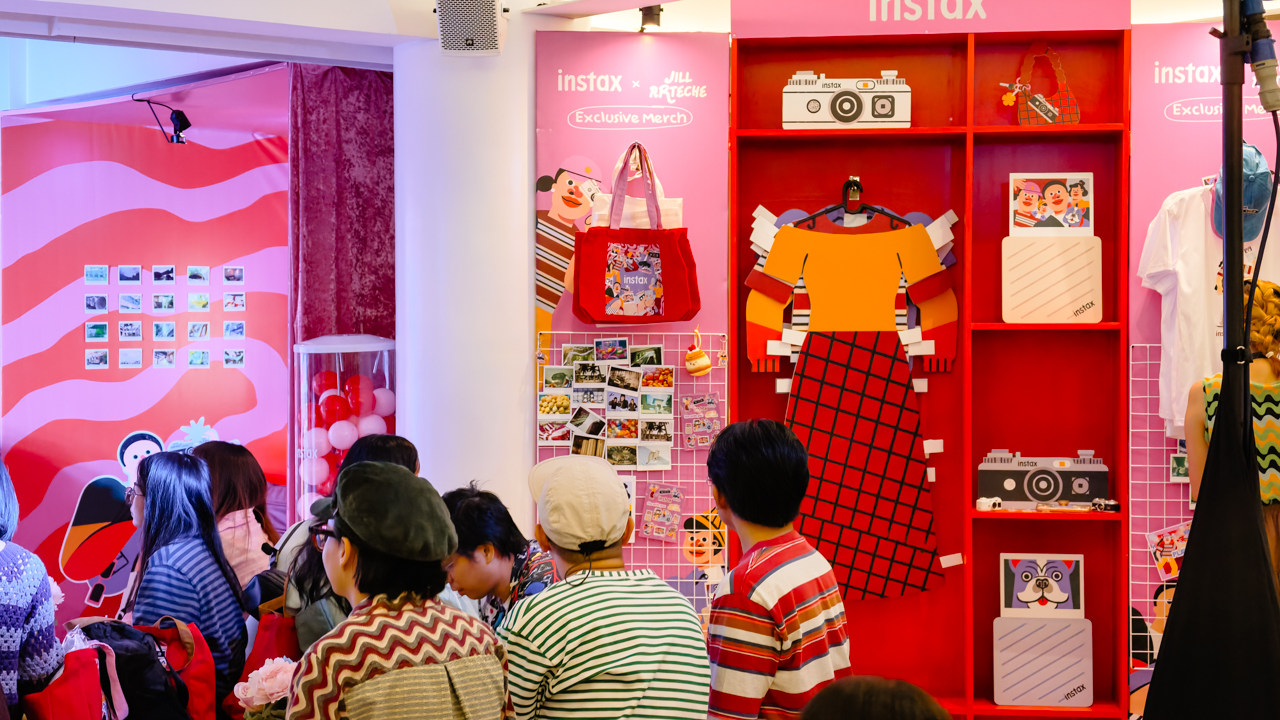
Jill Arteche’s artwork at the launch backed that idea up. Her illustrations filled the space with personality and showed how photos and art can make an environment feel more personal. The event also made a case for revisiting and reinterpreting the images we collect.
Taking a photo takes seconds, and printing one can make the memory feel more special. The instax Pal 2 and Link WIDE 2 bring that into everyday life and give your snapshots room for creativity, from the moment you press the shutter to the moment you find a place for the print.
In the Philippines, the Fujifilm instax Pal 2 retails for PhP 10,599, while the Fujifilm instax Link WIDE 2 is priced at PhP 10,999. Both devices are now available on Fujifilm’s authorized stores and retailers nationwide.

HP OMEN Max 16 review: Gamer-maxxing in deep black
Peripherals deemed necessary to max this out

vivo V80 review: Good phone, tough sell
A capable travel companion


Ghost of Yōtei Complete Edition review: More of a great thing
Picking up where Atsu left off

Visa: 79% of Filipinos want to learn about stablecoins

CASETiFY Match: Finding the right case for your Galaxy Z8 Series phone
HP OMEN Max 16 review: Gamer-maxxing in deep black

Google illegally destroys 250,000 trees for a single AI data center

FINAL FANTASY RESONANCE now available across major platforms

TECNO CAMON Slim 5G review: Slim on size, big on surprise

TECNO CAMON Slim 5G: Price, availability in the Philippines

HONOR Magic9 Pro Max launches in China with ARRI-powered imaging

BYD says that way better EV batteries are coming next year

TECNO CAMON Slim 5G teases an ultra-slim design ahead of launch


-
 Wearables2 weeks ago
Garmin Enduro 4 promises up to 320 hours of battery life
-

 Gaming2 weeks ago
Dragon’s Dogma 2: Dark Arisen launches with new Official Pawns
-
 News1 week ago
vivo V80 debuts with ZEISS cameras
-
 Deals2 weeks ago
Score PhP 22,000 in guaranteed freebies when you pre-order the iPhone 18 Pro at Beyond the Box
-
 Philippines1 week ago
TECNO CAMON Slim 5G gets launch discounts, free MagBadge
-

 Wearables2 weeks ago
Garmin Approach S72 brings swing metrics, green reading to your wrist
-
 News1 week ago
Samsung: Galaxy Z Fold8 demand rose because of iPhone Duo
-
 Features1 week ago
I don’t want a phone that unfolds — the Galaxy Z Fold8 gets why