
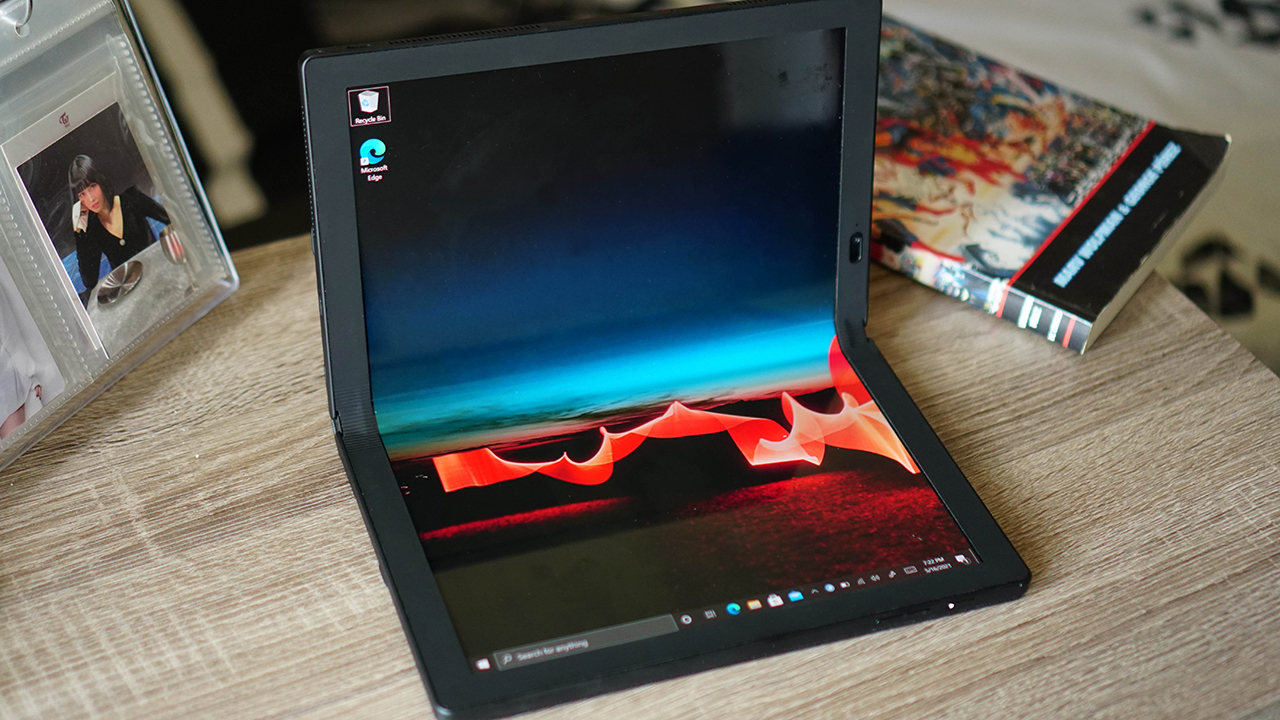
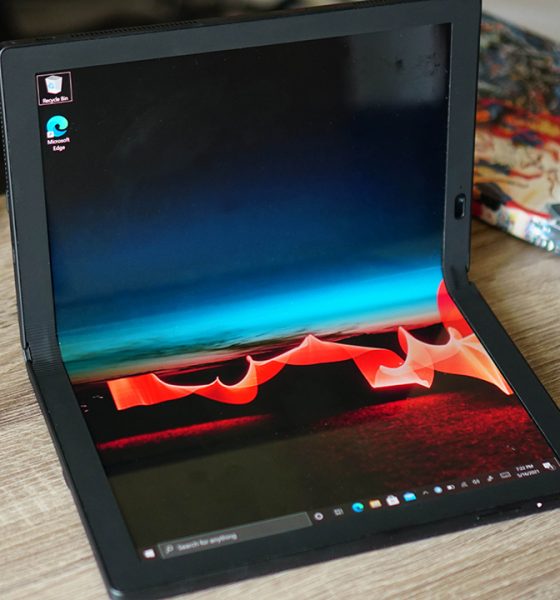

The concept of foldables isn’t new. We’ve seen various iterations in the mobile phone space. However, it hasn’t been attempted like this in the laptop/notebook space. The Lenovo ThinkPad X1 Fold re-imagines how a laptop folds and it’s… well, it’s an interesting piece of tech to say the least.
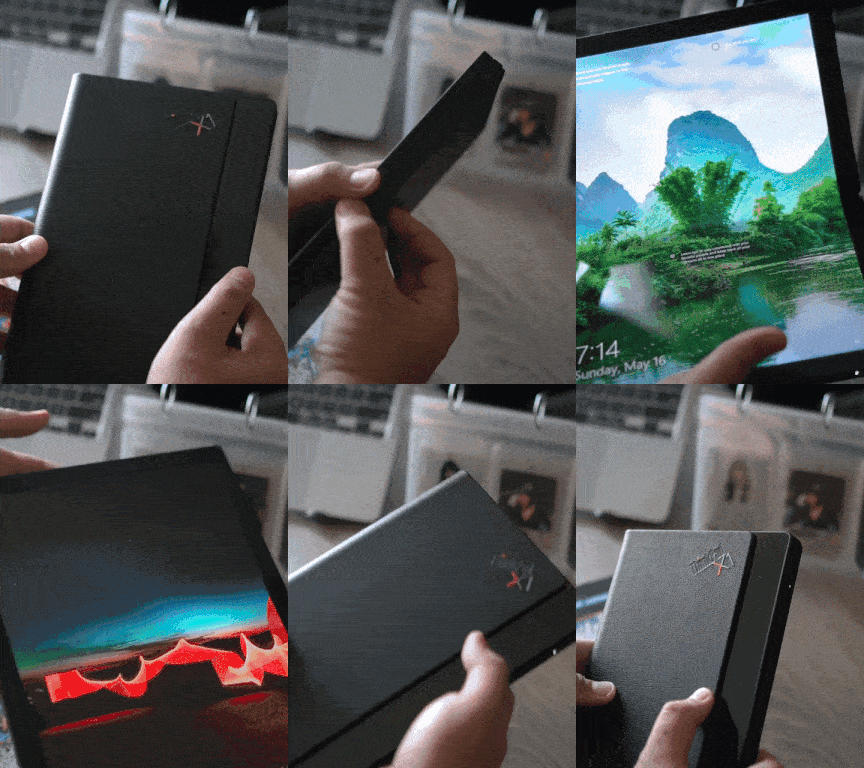
Pretty cool, right? It slams shut the 13.3-inch display as if it was a book. It makes it easier to carry around when you’re out and about. Oh and, we’re not exaggerating the book comparison too.
Here it is side-by-side with a graphic novel.

And here it is on top of TWICE’s Eyes Wide Open album.

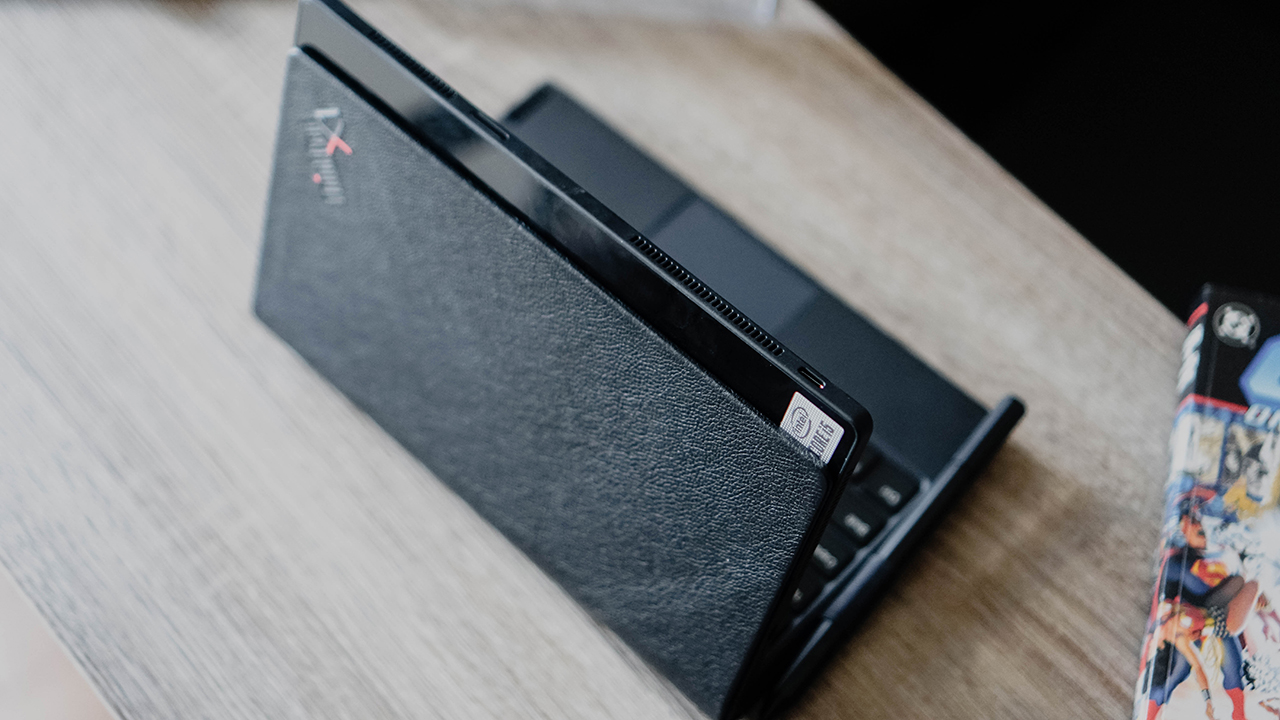
It actually looks like a book or notebook with its leather finish.
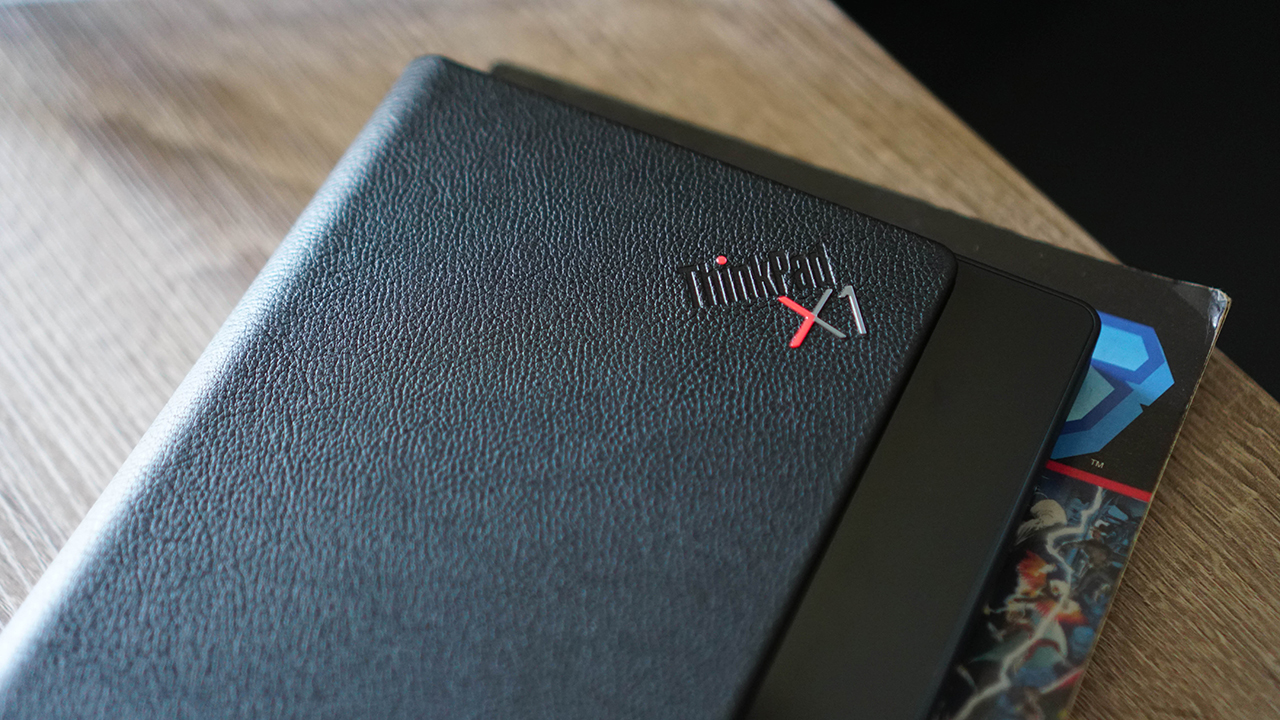
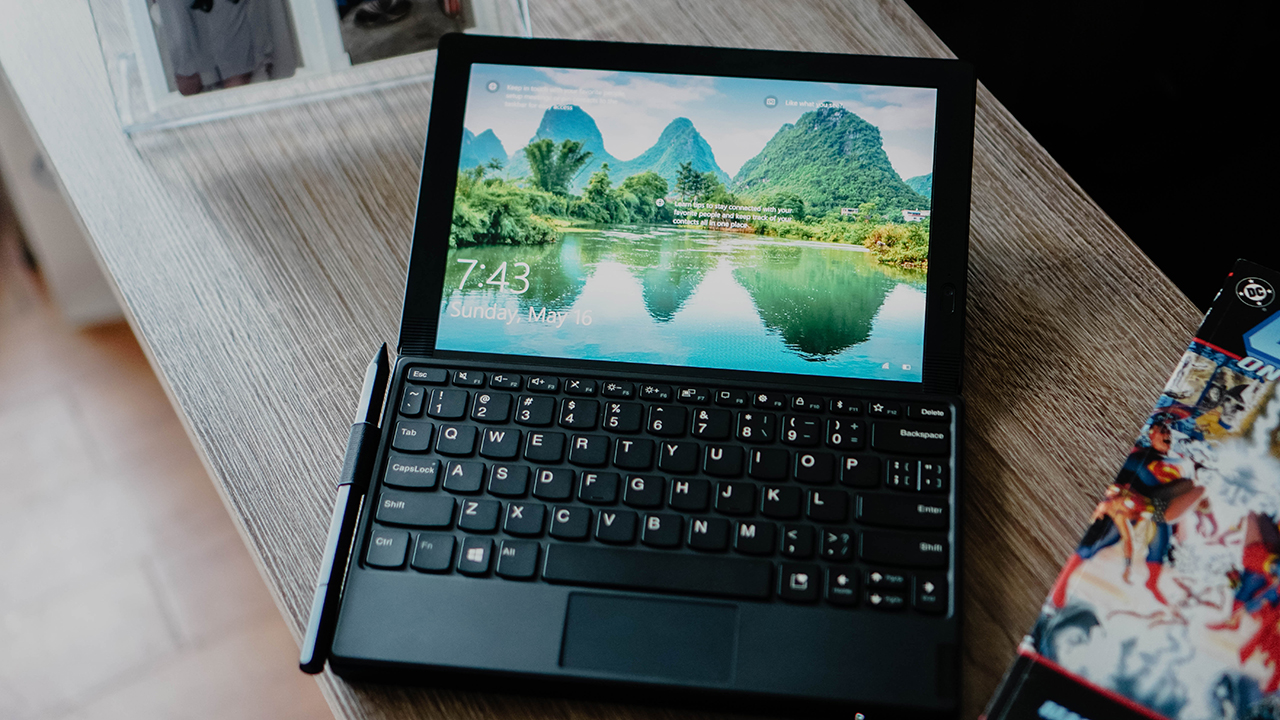
Here it is on the table, not fully flexed nor folded.
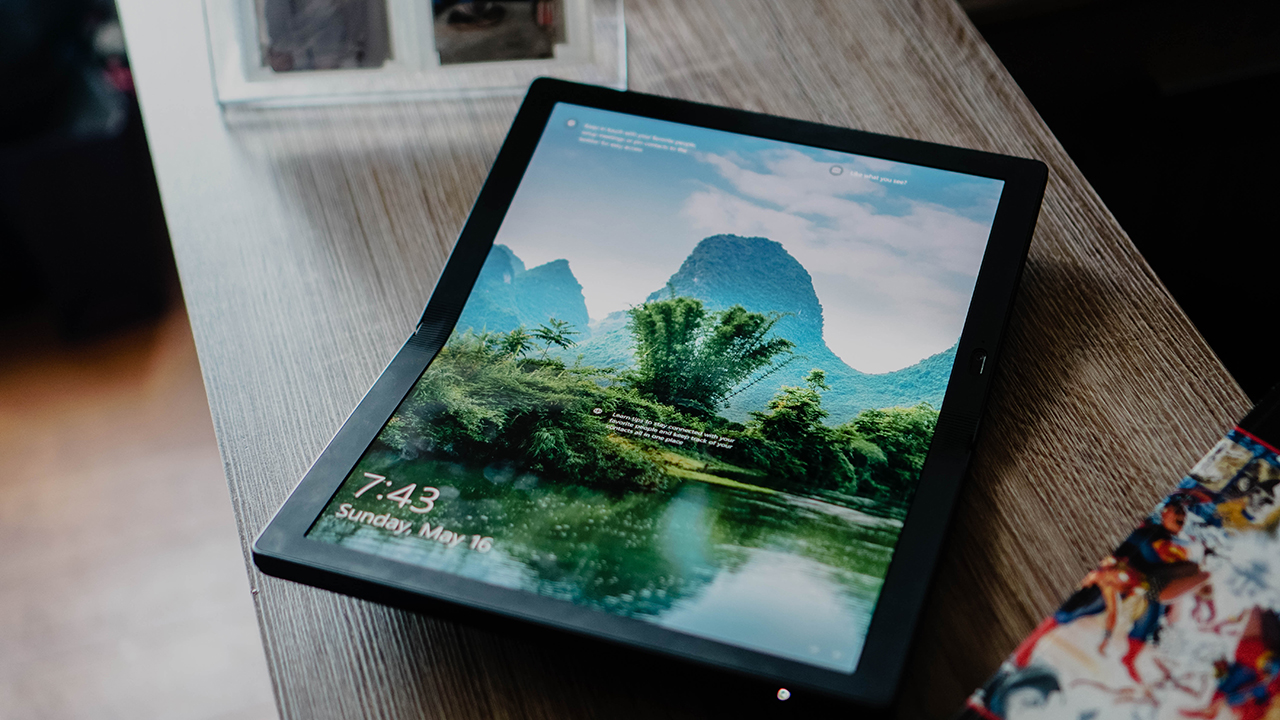
It’s a pretty interesting contraption, but what can it do? That, perhaps, is the truly compelling question.
Performance and overall usage

Here’s a quick glance at the specs:
- 13.3” 2K OLED Display, 4:3 (2048 x 1536, 300 nits)
- Intel Core i5 with Intel Hybrid Technology
- 11th Gen Intel UHD, integrated Graphics
- Up to 1TB PCIe-NVMe M.2 2242 SSD
- 8GB LPDDR4X 4267MHz
- 50Wh with Rapid Charge technology
- 2 x USB-C 3.2 Gen 2 (10Gbps) (1 can be used as DP)
Oh and it also has a 5MP camera for video calls. A bare minimum, but one that works fine, nevertheless.
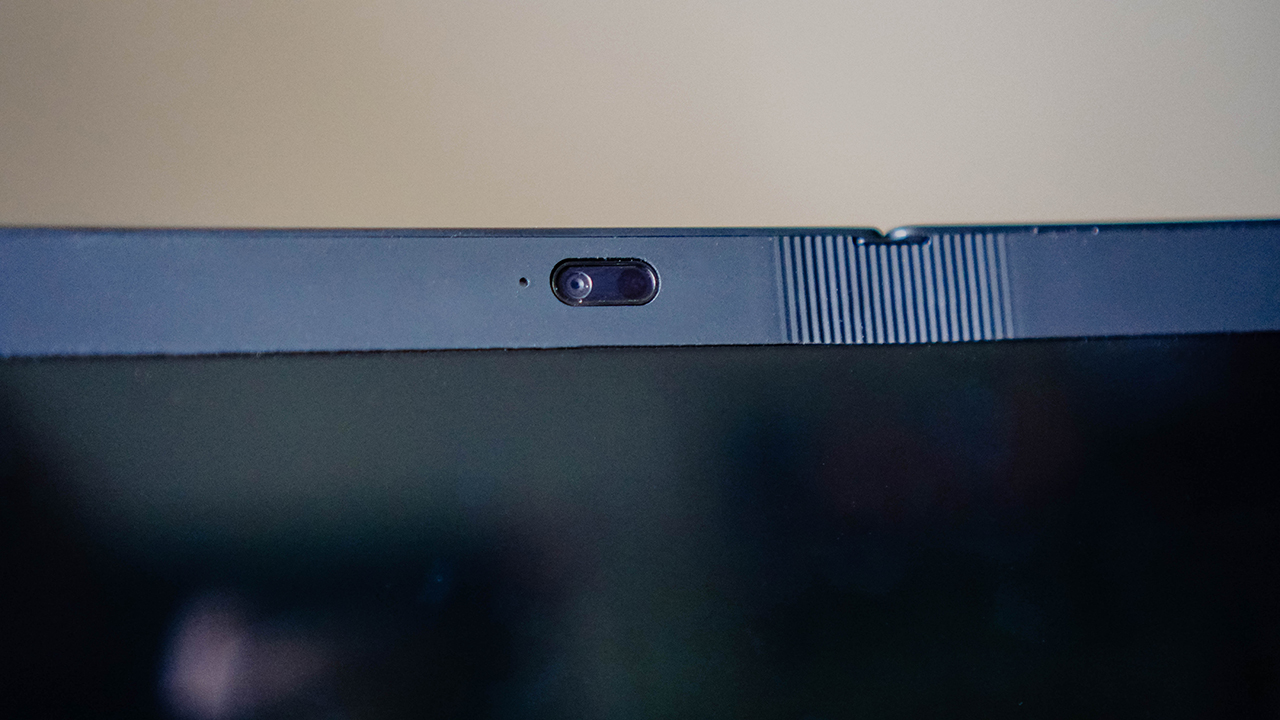
Seems decent on paper, yes? That’s true. It also helps that it comes with the Lenovo Fold Mini Keyboard. With it, the ThinkPad X1 Fold transforms into this very Surface Pro-like device.
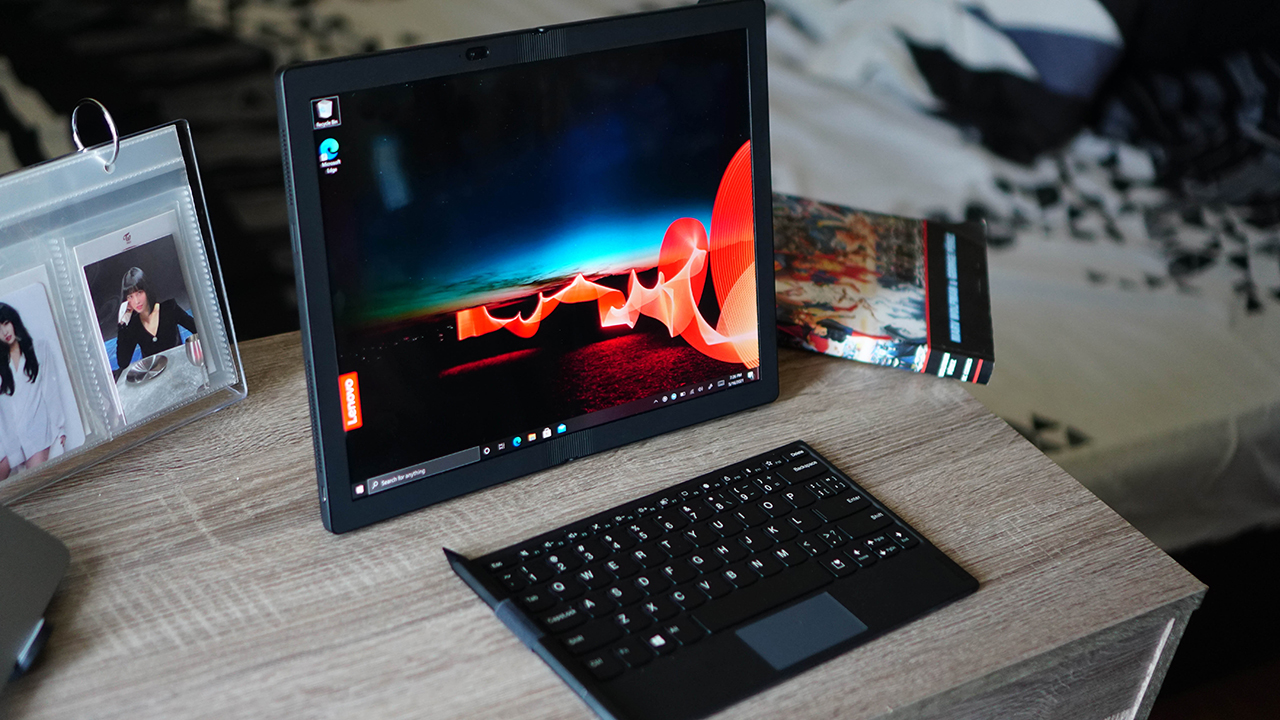
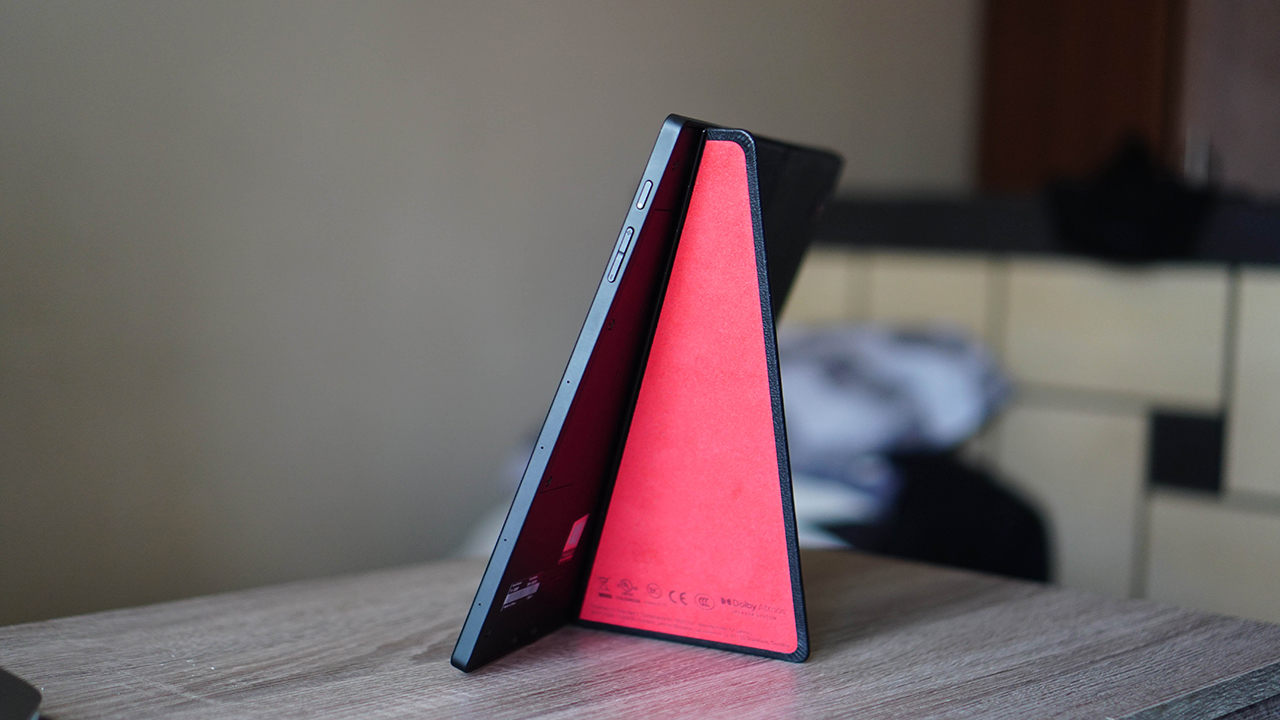
It’s able to stand on its own thanks to this kick-out stand that has the suede-like material. Definitely upping the “premium” feel of the device.
The keyboard itself isn’t all that great. People with objectively bigger hands might find it perplexing having to type on it. However, it is usable, has an okay travel, and can get you through quick typing sessions.
The trackpad is also fine but you’re probably better off touching the screen for smoother navigation. This isn’t surprising as most bluetooth keyboards tend to not be very good in this department.

It’s certainly better than using the Windows 10 On-Screen keyboard.

The ThinkPad X1 Fold can also be used with the Lenovo Mod Pen. It opens even more possibilities, especially if you’re the type who likes to sketch.

The stylus experience is pretty good. It doesn’t stray too far from the regular stylus to tablet or screen experience from other Lenovo devices, but it also isn’t as good as say the S Pen is to the Note series.
For comparison, I would say it felt close to how the stylus felt while writing and sketching on the Lenovo Thinkbook Plus. It’s another one of Lenovo’s odd-ball notebooks which is kind of becoming a theme for the company.

What’s cool is that both these accessories fit seamlessly with the ThinkPad X1 Fold.

Fold the notebook and you get this easy-to-carry device complete with a keyboard and a stylus.

Having the keyboard inside also leaves no gap when the ThinkPad X1 Fold is folded.
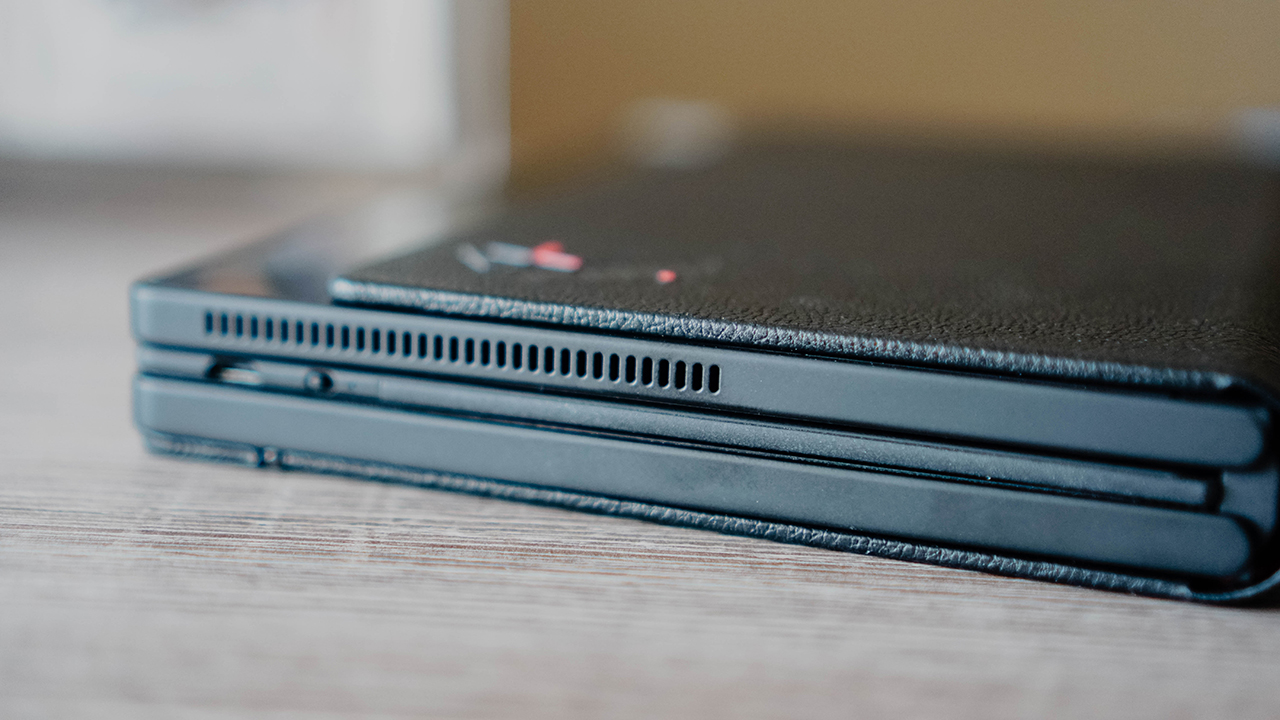
This is smart hardware design and one that Lenovo should be commended for.
Software troubles
However, the overall usage starts to feel clunky when you realize the device’s biggest weakness — it’s running on Windows 10 Pro. That operating system, on its own, is fine, especially for traditional laptops. But foldables are another story.
Transitioning from folded to unfolded and using split screens for “better productivity” just isn’t seamless. That’s because this product was supposed to ship with Windows 10X — the OS specifically designed for foldables.
However, with Microsoft’s own dual screen devices being delayed, the aforementioned OS also didn’t see the light of day. That didn’t stop Lenovo from launching the ThinkPad X1 Fold.
They try to mitigate the software issues by applying their own solution. The notebook comes with this Lenovo Mode Switcher that helps detect if you’re using the device as a single screen or as two separate screens.

It’s fine if you’re just using it for reading or for consuming media. But don’t mistake this for an all-out productivity tool. You’ll only be disappointed.
Media consumption
Speaking of consuming media, the ThinkPad X1 Fold is actually pretty good as a slate where you can watch your favorite things.
I sat through Spider-Man Homecoming for the nth time on this thing.

I also replayed over and over TWICE Momo’s performance project.

And used it to watch for the first time TWICE Jihyo’s performance project.

The way you can easily prop it up or carry it on one hand (that is if your arm can handle 999g/2.2lbs for a few minutes at a time), made for a decent video viewing companion. The speakers aren’t out of this world, but they’re alright.
The OLED display is doing the bulk of the heavy lifting in the video viewing experience. And the fact that it’s a foldable OLED display is just simply astonishing.
But for the price it commands, it just doesn’t seem like a device for the common folk.
Is the ThinkPad X1 Fold your GadgetMatch?
The Lenovo ThinkPad X1 Fold is both magnificent and frustrating at the same time. This hardware is nothing to scoff at. The fact that Lenovo even had the audacity to try something like this is the reason why we like tech. We love it when brands push the boundaries and think outside the box.
However, this beautifully designed hardware is held back by the usable but clunky software. By no fault of its own, Lenovo was forced to release a product that doesn’t deliver a polished experience because of operating system limitations. That just isn’t what you expect from something priced at PhP 208,499 or US$ 2,499.
More than anything, the ThinkPad X1 Fold feels like a showcase device. Something a top executive who doesn’t have to do too much typing or doing the grunt work on spreadsheets and deck presentations would have use for.
It’s not completely broken by any means. You can do actual work with it. But the whole experience just feels too clunky. Microsoft owes Lenovo for leaving them hanging on the software side of things. But this shouldn’t dissuade the company from continuing to experiment and pushing what’s possible with hardware.
Personally, I’d like to give this another go once the appropriate software is ready. I imagine that would make a world of a difference.





If you’re a creative who’s always on the go, check out the ASUS ProArt GoPro Edition (PX13) .
It’s the laptop that gets things right! The portability, the workflow, the build quality, the value — those are the things that actually make a difference when you’re out there living it.
Want to know more about it? Watch our Spotlight on the ASUS ProArt GoPro Edition PX13 and see if it’s built for your type of adventure.
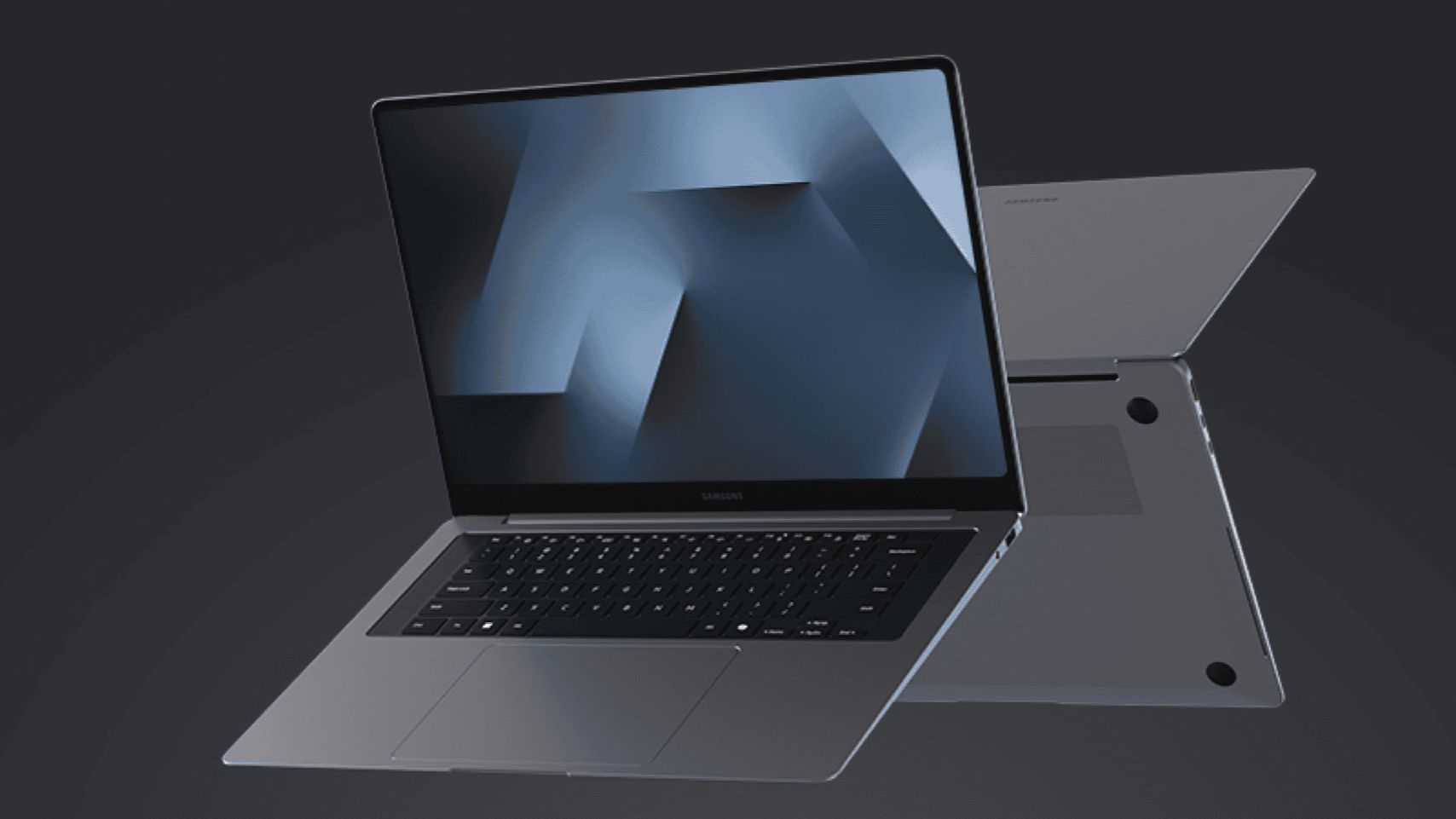
Samsung’s most advanced AI-powered PC lineup yet, the Samsung Galaxy Book6 series, will be available in the United States starting March 11.
The Samsung Galaxy Book6 Ultra, Book6 Pro, and Book6 are all powered by Intel Core Ultra Series 3 processors to deliver improved CPU, GPU, and NPU performance.
Galaxy AI features like AI Select and Intelligent Search streamline workflows, while Multi-Control and Second Screen enable seamless productivity across Galaxy devices.
Users can connect the Galaxy Book6 series to their Galaxy smartphone or tablet for multi-screen productivity. This includes accessing one’s phone storage straight from the Book6 PC.
And similar to Circle to Search on Galaxy mobile devices, the upcoming PCs have a feature wherein users can just trace whatever is on their screen and search.
In addition, the series combines ultra-thin designs with up to 30 hours of video playback.
Price, availability
Here are the pricing of the three devices under the series:
- Galaxy Book6 Ultra: Starts at US$ 2,449.99
- Galaxy Book6 Pro: Starts at US$ 1,599.99
- Galaxy Book6: Starts at US$ 1,049.99
They will be available nationwide at Samsung.com and Samsung Experience Stores beginning on March 11. Customers who reserve early will get a US$ 30 credit.
More details will be unveiled during the Samsung Galaxy Unpacked event on February 25 at 10:00 A.M. PT / 1:00 A.M. ET.
Laptops
Are you ready for a more colorful MacBook?
Apple is experimenting with quirkier colorway options for the MacBook.

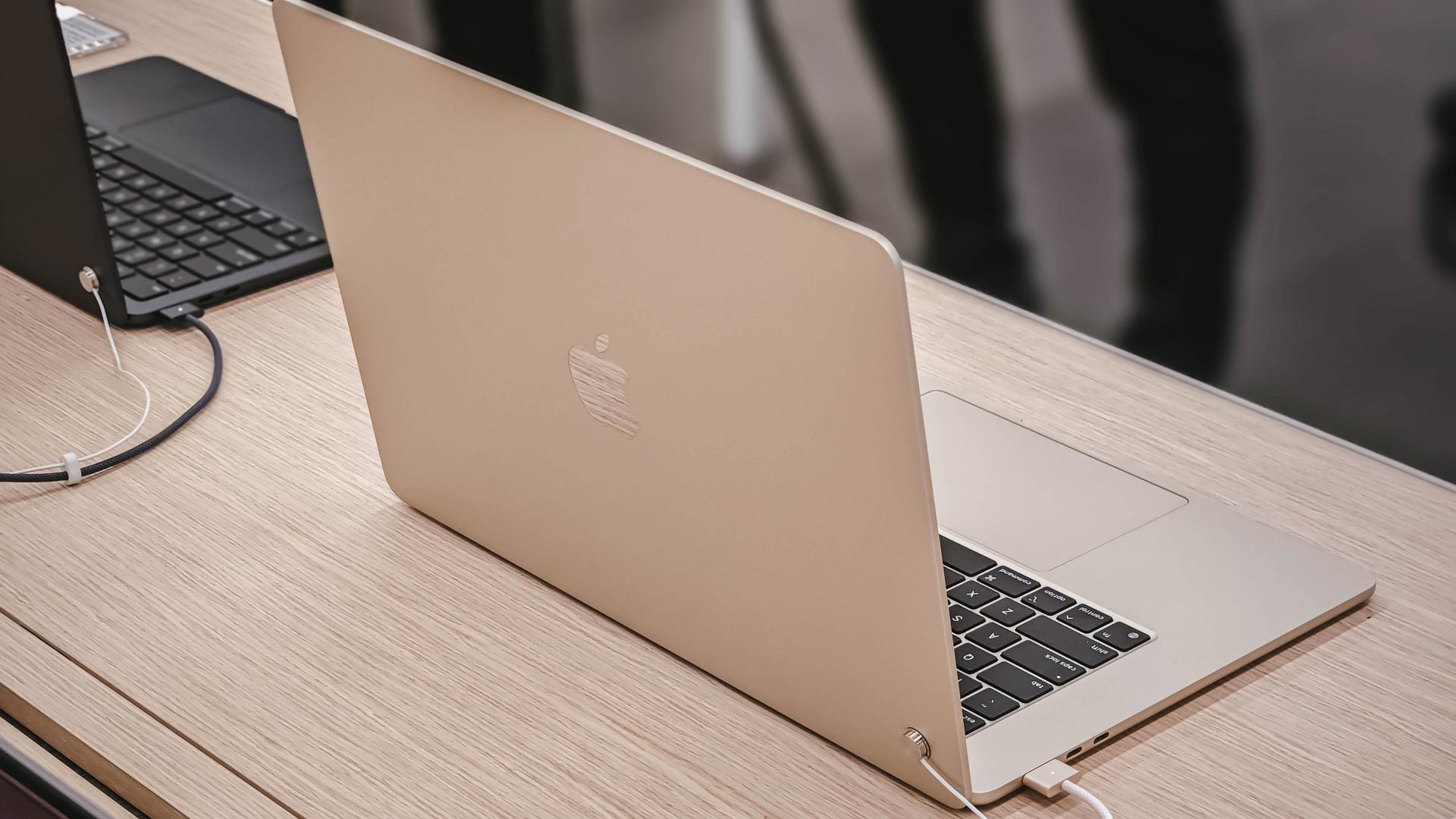
In recent years, Apple has relented on limiting the colors of its devices to only the more premium-looking options. Users can now pick quirkier colors for their iPhones, highlighted currently by the Cosmic Orange iPhone 17 Pro Max. Soon, the same splashes of color might make its way to the MacBook lineup.
According to Bloomberg’s Mark Gurman, Apple has been testing different colorway options for its upcoming entry-level MacBook. The unannounced lineup might come in pink, light yellow, light green, and blue.
It’s a big change for MacBooks. Currently, the only “quirky” option that users can get is the MacBook Air’s Sky Blue, which honestly looks more silvery than blue. Other than that, the MacBook simply seesaws from different shades of gold, silver, and black.
To be fair, the upcoming MacBook will still have the traditional colorways of the current lineup. Additionally, it’s unclear whether Apple will ultimately include all its experimental colors into the final lineup.
Reportedly, the new lineup will cost somewhere between US$ 699 to US$ 799. Of course, the lower price tag will come at the expense of some specs. Although, it should still be good if we’re talking about an entry-level laptop.
It’s even more interesting if it’s hinting at the return of truly colorful options but for the notebook. The iMac already got a similar renaissance back in 2024, which mimics the classic computer’s colorful history.
SEE ALSO: M5 MacBook Pro review





Forget the Phone: Xiaomi 17 Ultra Is A CAMERA!

Xiaomi Pad 8 review: Slab that slaps!

Xiaomi 17 Ultra is now available outside China

The Xiaomi Pad 8 series is now official

Samsung Galaxy S26 Ultra OLED receives Privacy Display verification


-
 News2 hours ago
Xiaomi 17 Ultra is now available outside China
-

 Accessories2 weeks ago
Apple AirTag 2 Review
-

 Camera Walkthrough1 week ago
OPPO Reno15 Pro: Camera Review
-

 First Look1 week ago
Match Pulse: Infinix NOTE 60 Pro
-

 Cameras1 week ago
Osmo Pocket 4 makes a surprising appearance in public
-

 Gaming2 weeks ago
Star Wars: Galactic Racer shows off new gameplay at State of Play
-

 Gaming1 week ago
LG unveils UltraGear evo, redefines 5K gaming with AI Upscaling
-

 News1 week ago
iPhone 17 Pro Max is somehow the most traded-in phone today