


Computers
LG 29WP500 UltraWide Monitor review: Bang for your buck
UltraWide goodness paired with LG’s display superiority

With the pandemic far from being over, people are buying monitors for school, work, or even gaming. However, there are a lot of monitors in the market and most people think they’re all the same.

Wasn’t able to shoot an unboxing. Other than the monitor, it also includes the power adapter and HDMI cable. There are also manuals, a warranty card, and a CD for all software and driver essentials.
It’s been a while ever since I reviewed one — and that was a monitor I’ve purchased due aid in my duties as GadgetMatch’s Associate Creative Producer. But as LG announced their newest 2021 monitor lineup, I honestly got excited to try one out — and they reached out to offer me their newest LG 29WP500 UltraWide monitor.
After weeks of waiting, I finally had one to test out. Stay tuned as I’ll tell you why it’s truly a “bang for your buck” monitor.
Almost Borderless Design

As the model name implies, the monitor has a display size of 29-inches that’s measured diagonally.

What makes this different from its predecessor (the LG 29WL500 from 2019) is that, it now has slimmer 3-virtually borderless bezels evident on its top part and sides.
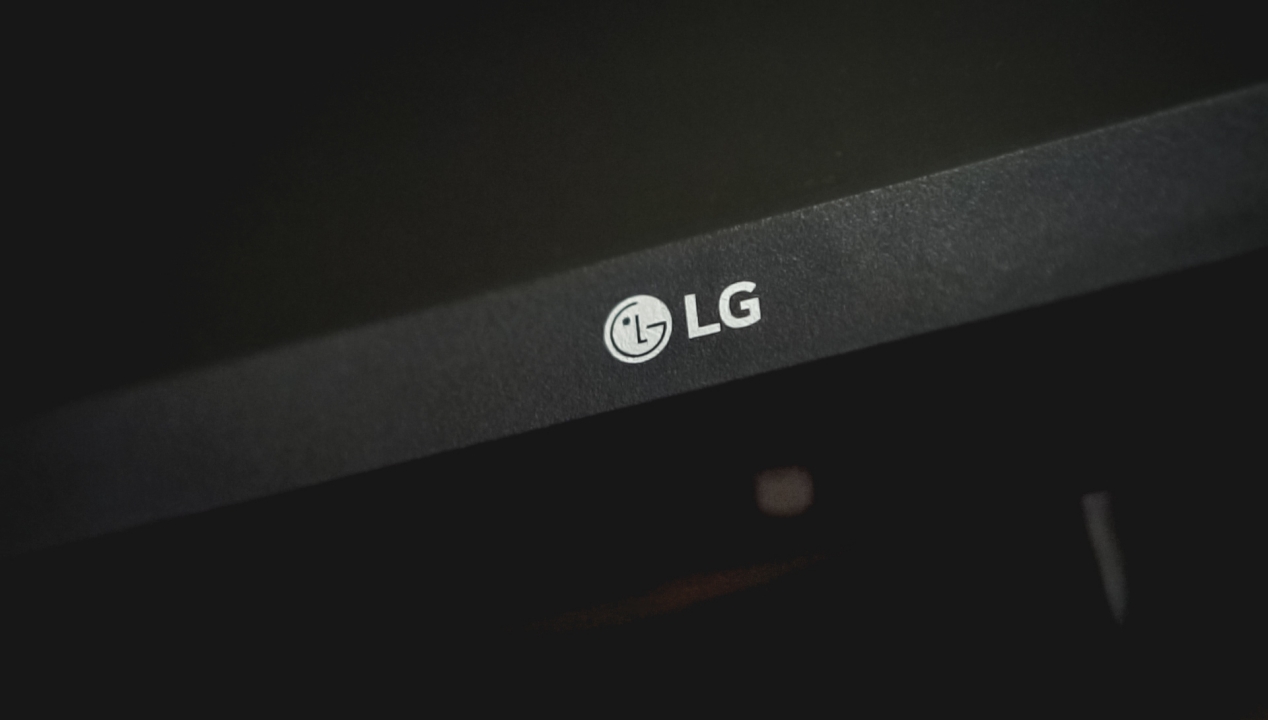
Meanwhile, the bottom or chin part is still “thicc”, making sure there’s enough room for the LG logo, joystick, and other set of components.

Just really hoping it would be sturdy enough when another earthquake hits
It also has a redefined stand design that’s made up of solid aluminum. The moment I put the monitor on my desk, it already felt secure as it can hold the monitor stable and sturdy enough even with minimal to no shaking at all.

This coating saved my eyes from seeing the reflection of my horrible face #SelfPity
To make it even better, it has an Anti-Glare Matte coating that’s helpful when your workstation is placed directly parallel to your windows. Annoying glossiness is something I encounter with my old monitor as well as my MacBook.
Connectivity

Unlike other high-end LG monitors like the UltraFine and UltraFine Ergo with a lot of ports including USB-C Thunderbolt and DisplayPort, LG’s 29WP500 only has two HDMI ports and an extra Audio Out port for any user to be able to plug in a set of earphones, headphones, sound bars or even speakers that still rely with a 3.5mm audio jack.
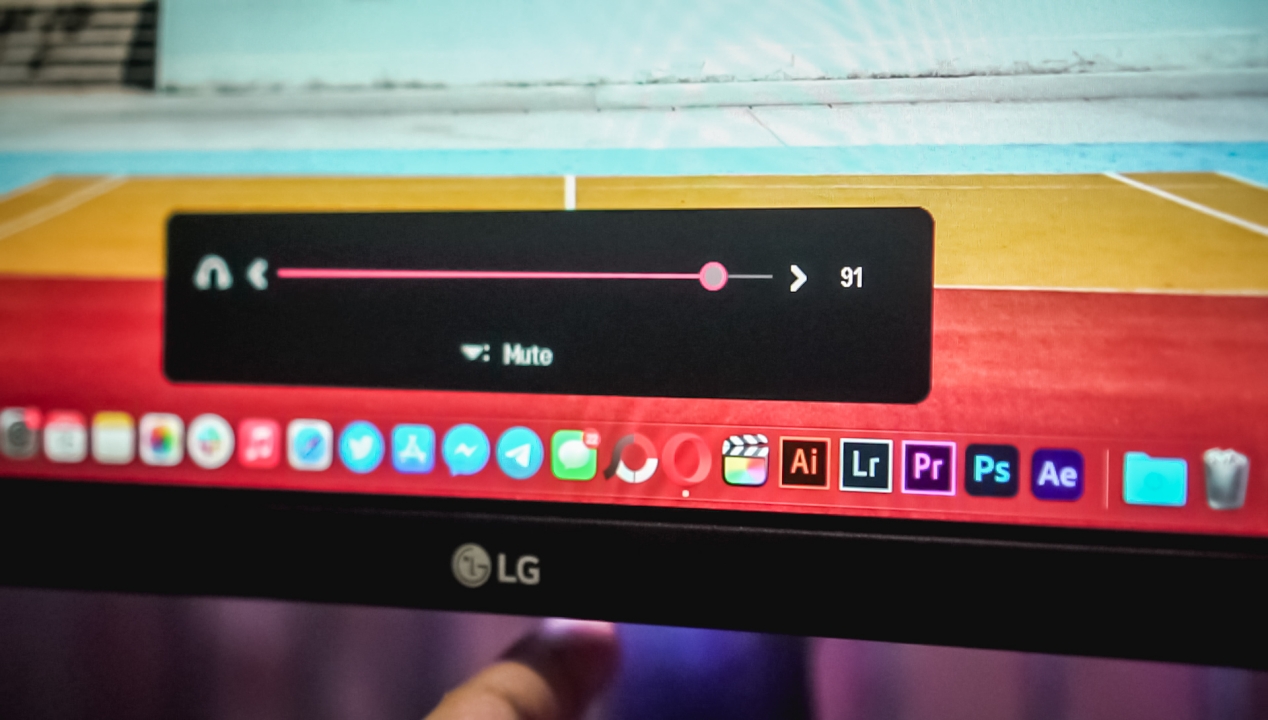
But if you want to cut all those pesky wiring, LG has built-in speakers with audio levels that can be controlled through its joystick below while being viewed through its OSD (On-Screen Display).
Efficient Display

If you worry about power consumption, the LG UltraWide monitor has an A+ Energy Star rating. This means you don’t have to worry even if it’s turned on for several days or even weeks. It can also turn off automatically when not in use. What makes it more efficient is its “Smart Energy Saving” that adjusts brightness depending on how bright or dark the elements are on the screen.

Other than those power-saving features, there are also the Reader Mode feature plus Flicker-Safe technology for reducing eye strain and fatigue when reading or consuming content in the dark.
LG’s Display Superiority
My eyes are quite sensitive to displays that aren’t color-accurate — specifically because I’ve been spoiled with Apple’s Retina Display and Samsung’s Super AMOLED technology for the past ten years.
As much as these brands hold up on their own, LG lives up to its billing of having the best displays out there with its true and unparalleled IPS technology. As a matter of fact, displays in the recent iPhones were produced by LG — and it’s not gonna stop in the iPhones yet to come.

Going literally “Dumb Dumb” for SOMI’s visuals and vocals
True to its words, this LG 29WP500 UltraWide monitor offers 99 percent sRGB color accuracy. For a creative like myself, it’s important that colors are displayed correctly and properly without any shifts in hue and saturation. Regular users might prefer the more vibrant output. But the case is different if you’re doing creative work.
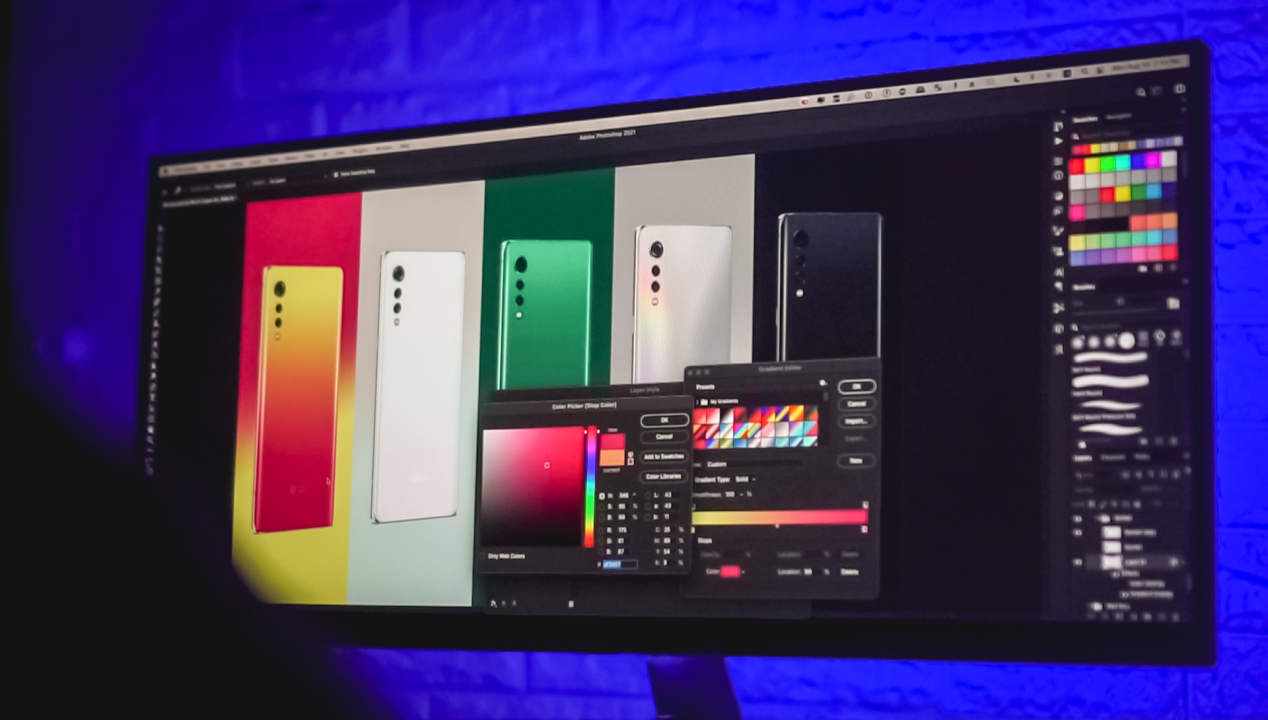
#NotSoFunFact: I realized my old monitor produced washed-out colors after opening this old PSD file I edited months ago.

Now, I don’t have to think twice color-grading clips for our YouTube videos.

Never thought post-processing photos in Lightroom could be a lot better with a color-accurate display.
-

- HDR10 Support
-
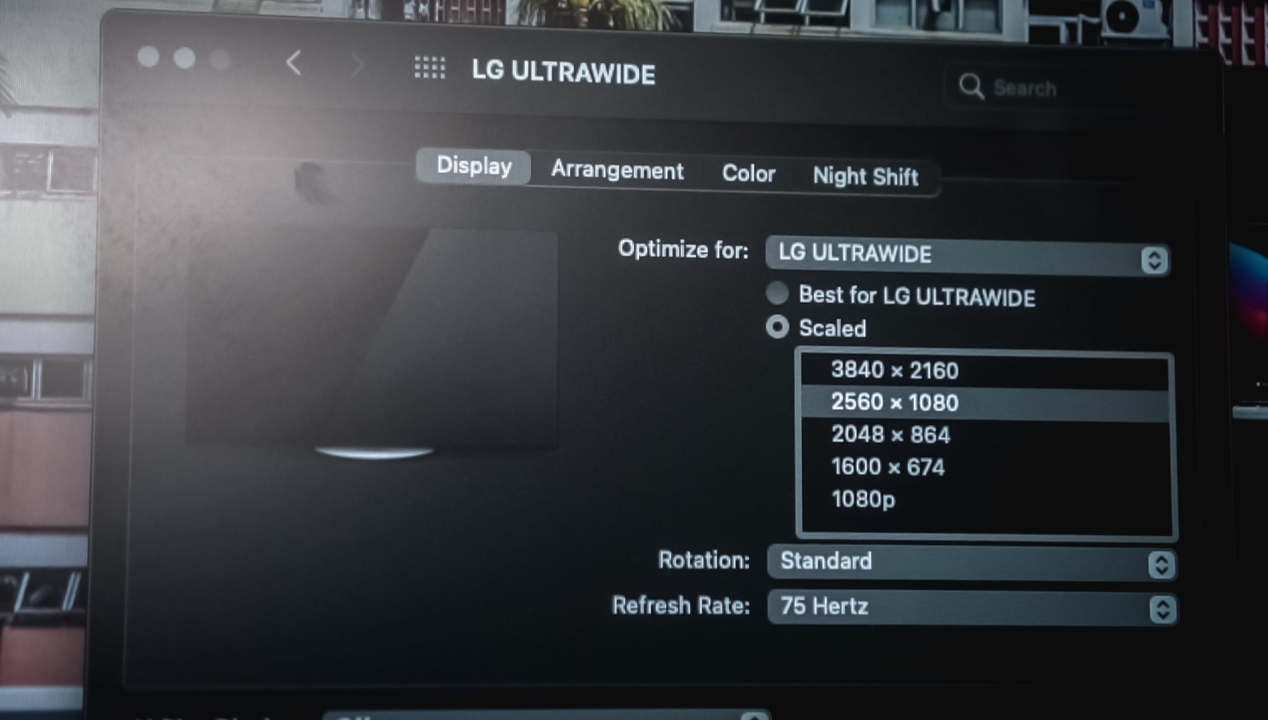
- Full HD+ resolution
Moreover, there’s HDR10 support for displaying less contrast-y elements and having a better dynamic range among content that supports it. While it only has Full HD+ resolution, watching 4K content (especially K-Pop music videos) is still a true feast for the eyes.

Whether that may be the color-rich music video of “Next Level” by aespa or the Greek Goddess war-like vibe with LOONA’s “PTT“, you can’t go wrong watching them through the LG 29WP500 UltraWide Monitor.

What’s with the “UltraWide” hype?

LG’s 29-inch UltraWide monitor versus a conventional 24-inch monitor
Regular monitors have a 16:9 aspect ratio — which is also the common thing for all content you can find around. But having an UltraWide monitor gives you a wider 21:9 aspect ratio. That’s 33% more screen real-estate than the conventional monitor. Not only it gives you a wider view, honestly, I can be immersed with what I’m watching.
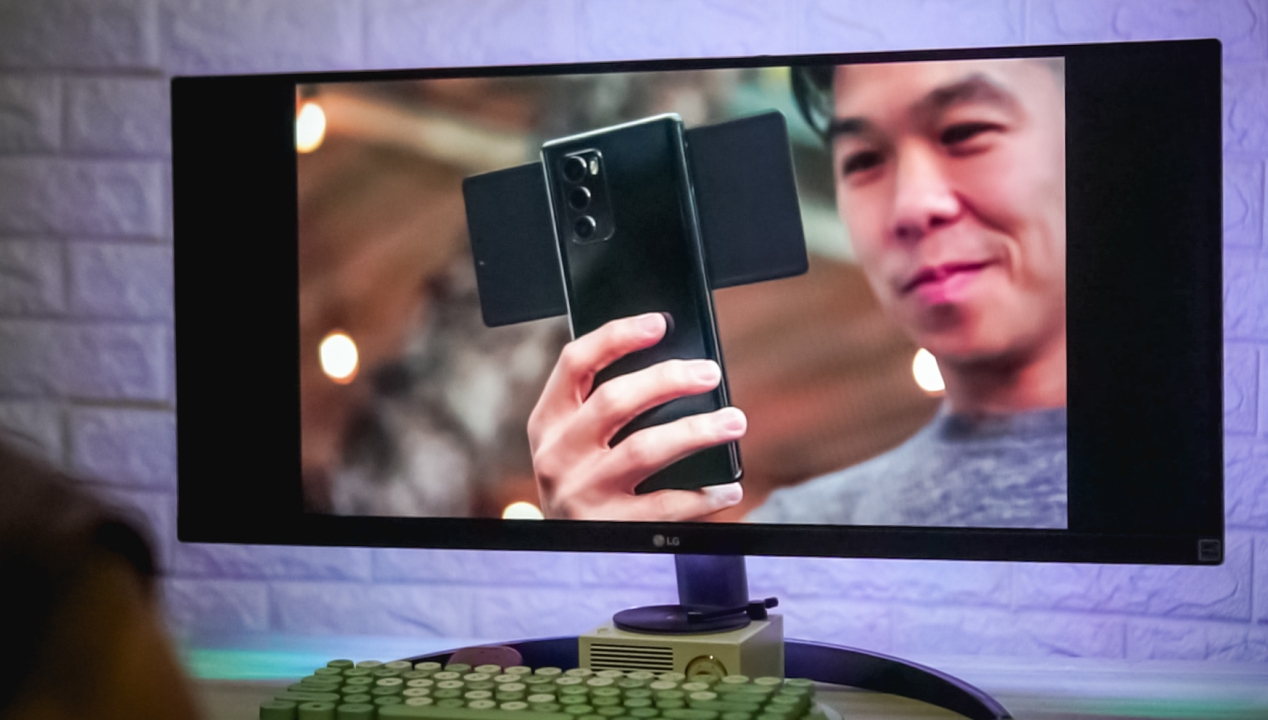
That’s not the case all of the time. In fact, there are still a lot of 16:9 content on the internet — including our GadgetMatch videos on YouTube as well as the review video I did for this monitor. But, realistically speaking, making 21:9 displays gives companies the idea to invest more on “unconventional-looking” UltraWide displays.

Honestly wishing for more Songhwa x Ijkun moments 🥺
Don’t fret. There are continuously a growing demand for videos using the UltraWide ratio — especially Netflix titles that I recently enjoyed watching through this monitor including Hospital Playlist 2, Racket Boys, and even Nevertheless,. That’s mainly because phone displays are now wider and haven’t stuck to usual 16:9 displays we used to have years ago.

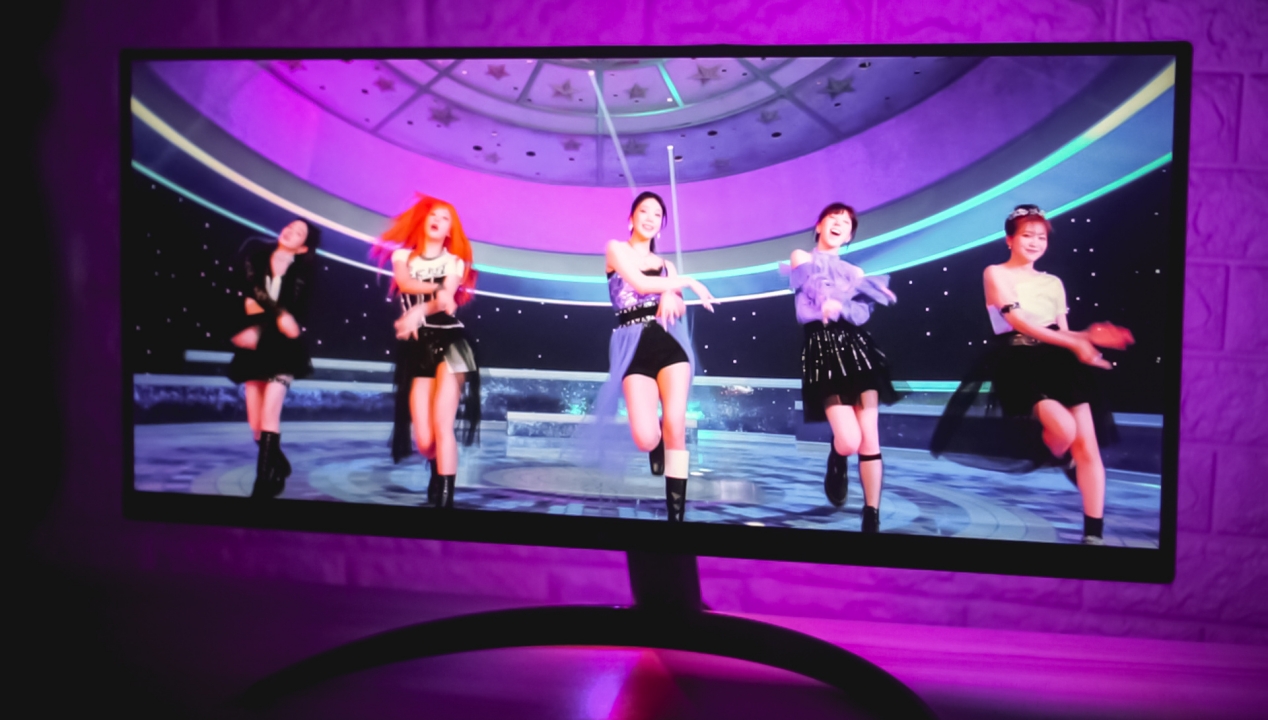
Difference between a 16:9 vs 21:9 #GirlsPlanet999 performance on the LG 29WP500
Just to give you a clear difference of what it looks like, here’s how much you can maximize your screen. With it, you can immerse yourself with an even wider content.
MultitasKING
Speaking of maximized workspace, one of the biggest advantages of having an UltraWide monitor is being able to multitask faster and more efficient. Paired with LG’s OnScreen Control, partitioning several windows has never been so easy.

It’s very helpful when I edit YouTube videos while checking if it’s aligned with the script.
Or when I write articles while listening to my latest K-Pop playlist.

You can also do a seamless, three-window split with Microsoft Word, Excel, and Powerpoint.
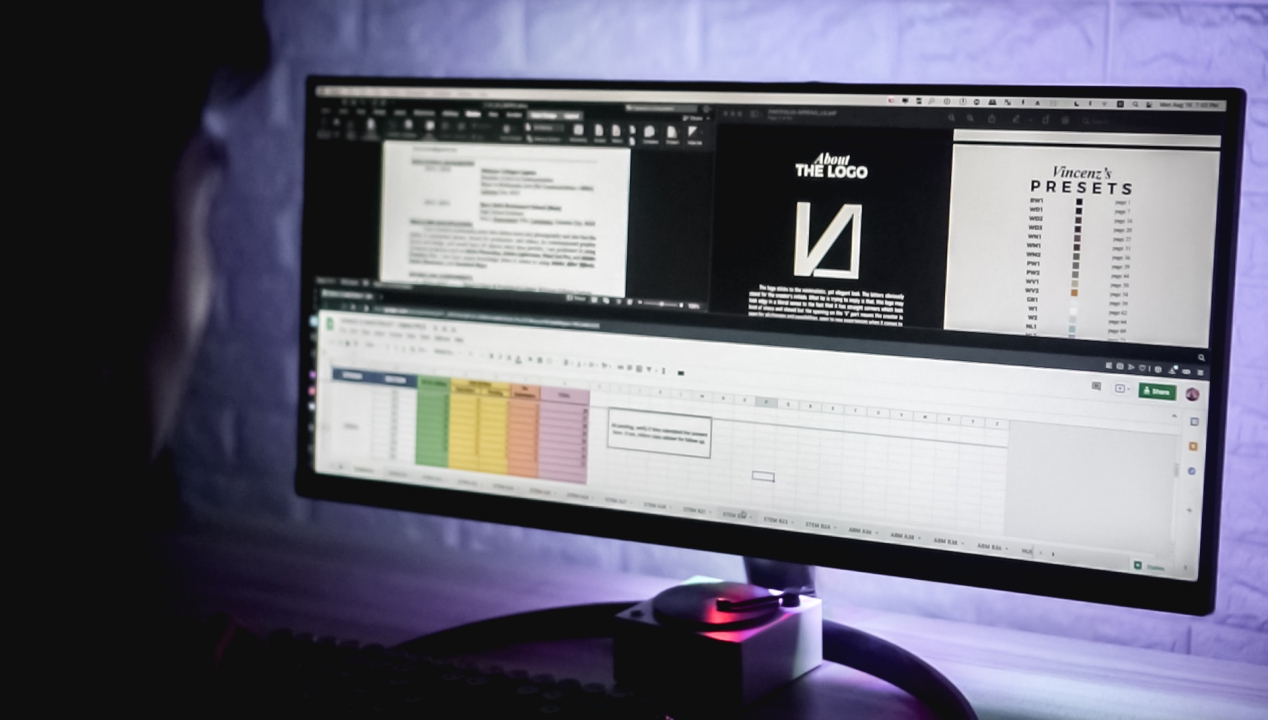
Even when checking for the latest Facebook updates of GadgetMatch, I can play YouTube while tweeting.
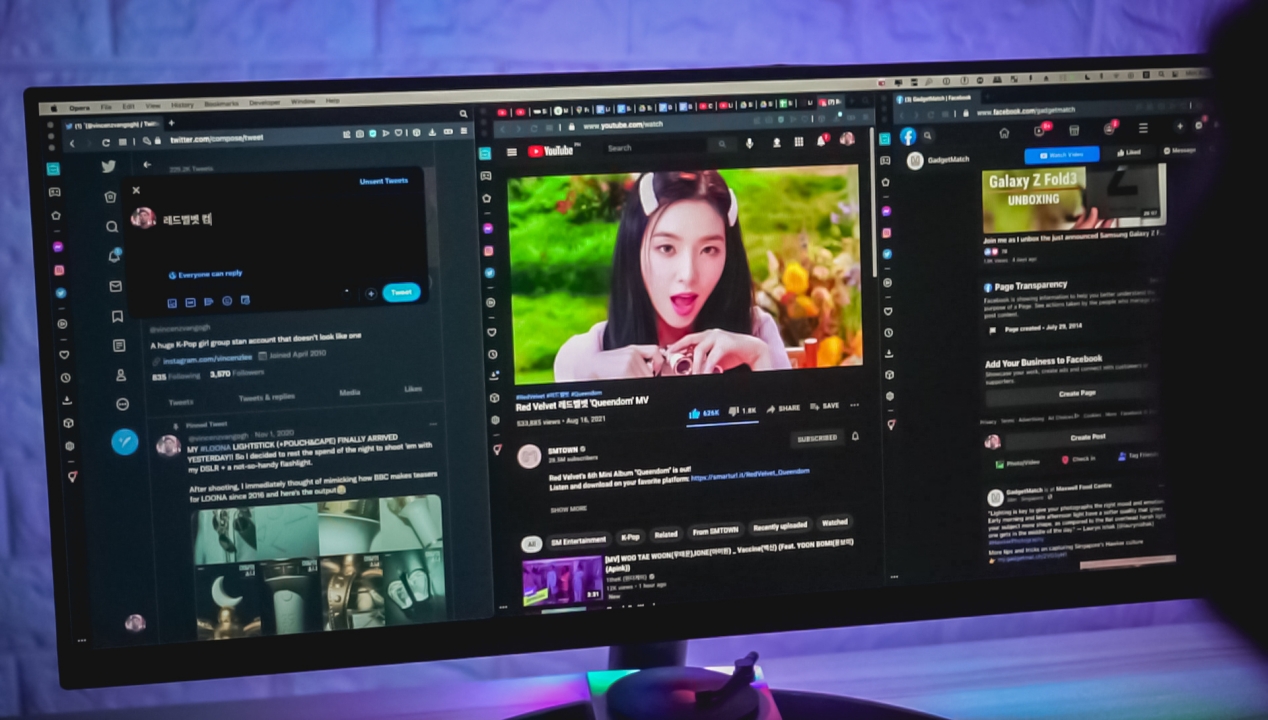
True queens and kings should stream Red Velvet’s Queendom! 👑
If you’re a hardcore multitasker, there’s a four-screen split for tasks like this. It’s great as long as your laptop can keep up.

More Immersive Gameplay

If you’re a console-type of gamer, you might want to look elsewhere. Even if this UltraWide monitor can run your PlayStation 4 and Xbox One series or even the newer PlayStation 5 and Xbox Series X, you’re out of luck as the games and the system itself is not optimized for an even wider gameplay in the long run — unless you wanna convince yourself that a stretched view when gaming looks somewhat fine.
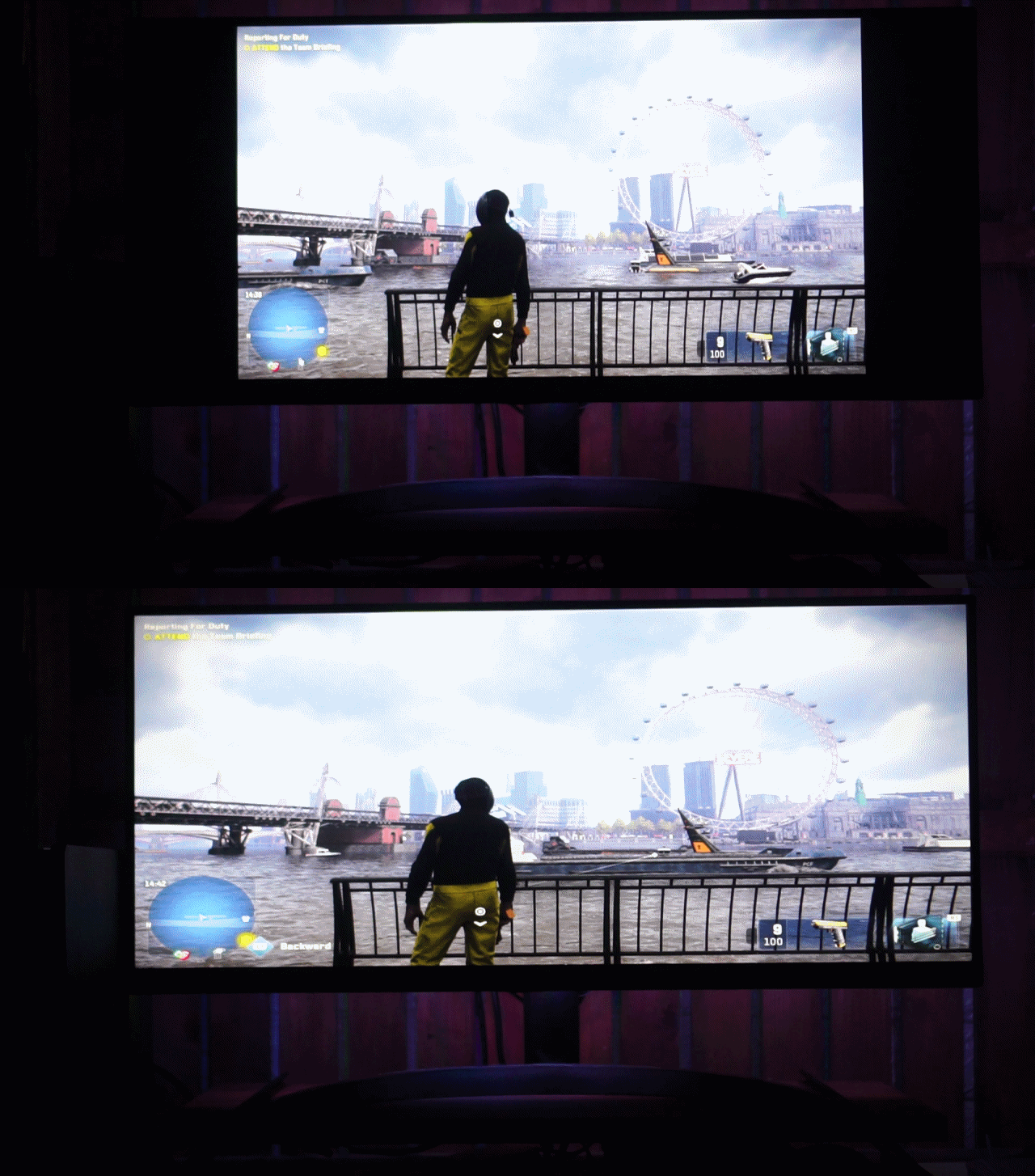
What a stretch on PS4’s Watch Dogs: Legion — quite literally
But if you heavily invest on PC gaming, you’ll love the LG 29WP500 monitor even more. The list of games that support UltraWide gaming continues to grow. Even if this isn’t a high-class gaming monitor like the LG UltraGear, LG has still managed to fit in valuable gaming features for this monitor.

While it doesn’t have the buttery smooth 144Hz. 165Hz, or even as fast as 200Hz, its modest 75Hz refresh rate is already enough for our two naked eyes. To make it even better, this monitor supports AMD FreeSync so your device would just accordingly if it supports the feature when gaming. This reduces the tearing of objects in motion when playing.

That “Broken” wall graffiti best describes my life rn 🤩
Other than that, a great pair of having a 5ms response time, Dynamic Action Sync, plus Crosshair features that overall minimize the input lag especially when moving or shooting.
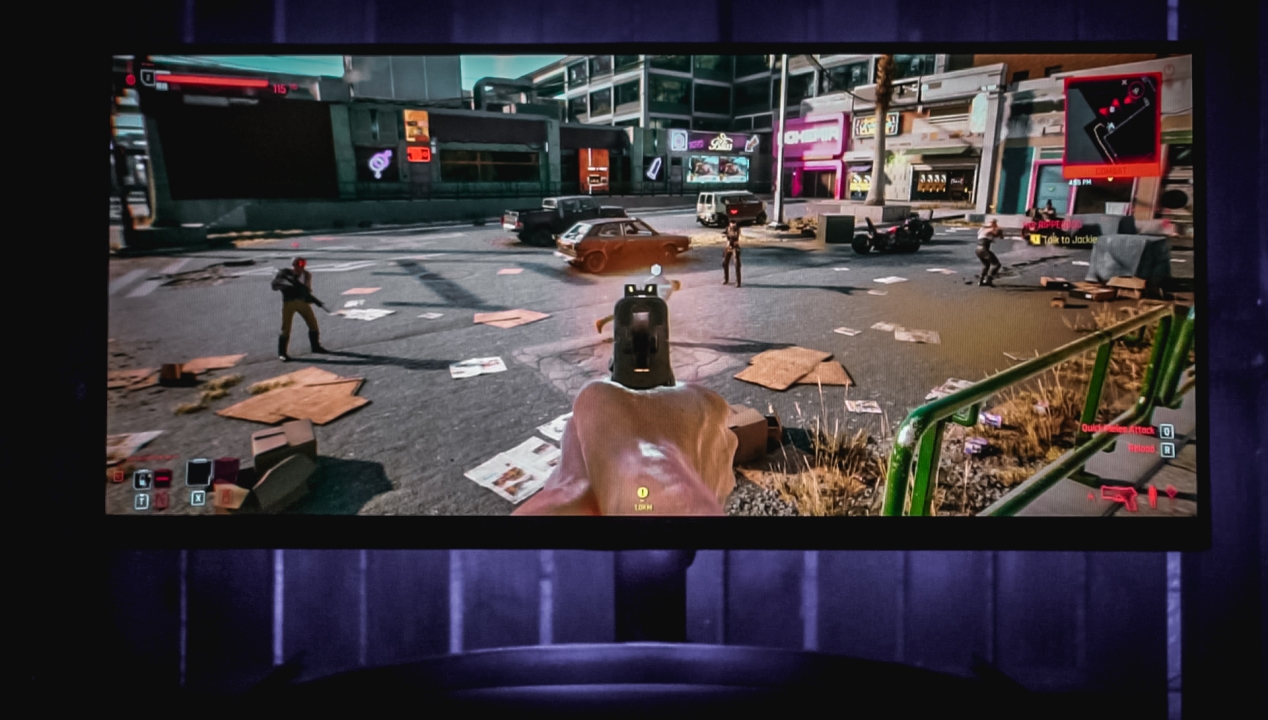
Finally, there’s a Black Stabilizer option for you to see better details against black elements or scenes. This is more advantageous (again) in FPS games especially with snipers around you.

Looks like a Final Destination scene to me 🥴
Not fond of action games? You can still enjoy this UltraWide view when driving huge trucks and buses…
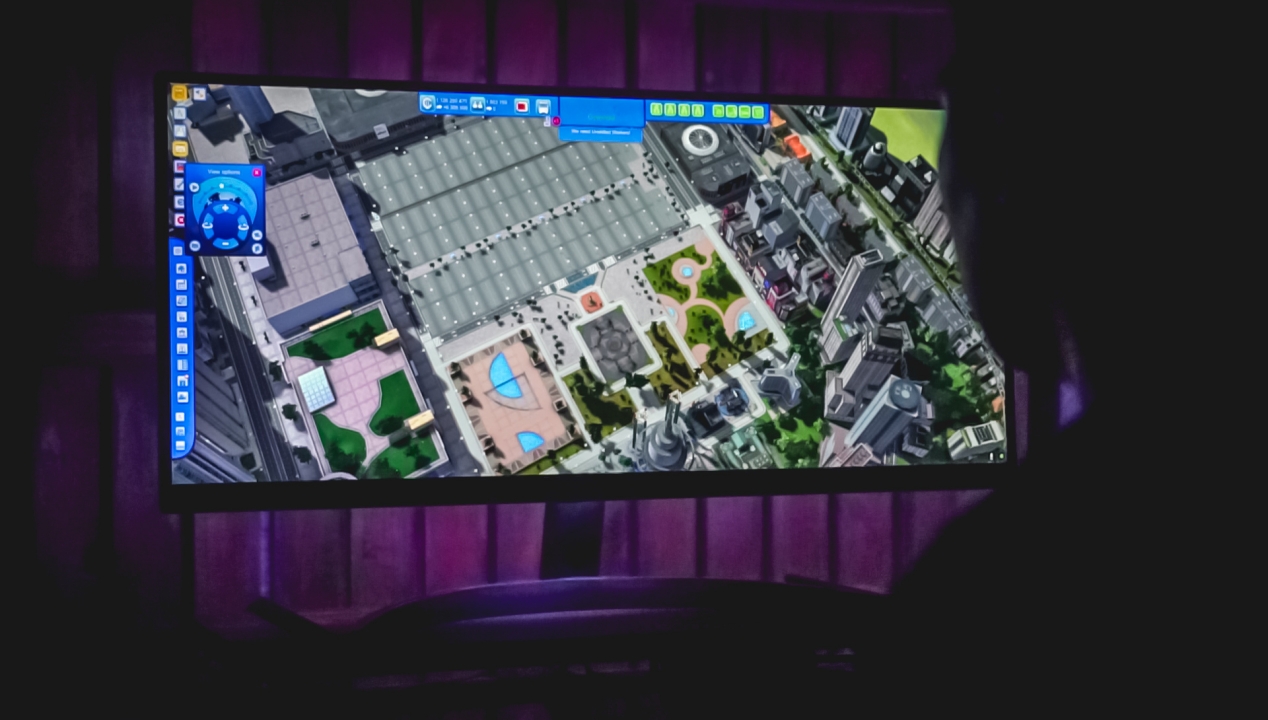
Imagine an old 2012 game, giving an even wider view with this beautiful display
…building humongous cities with lots of Megastructures and tall skyscrapers…
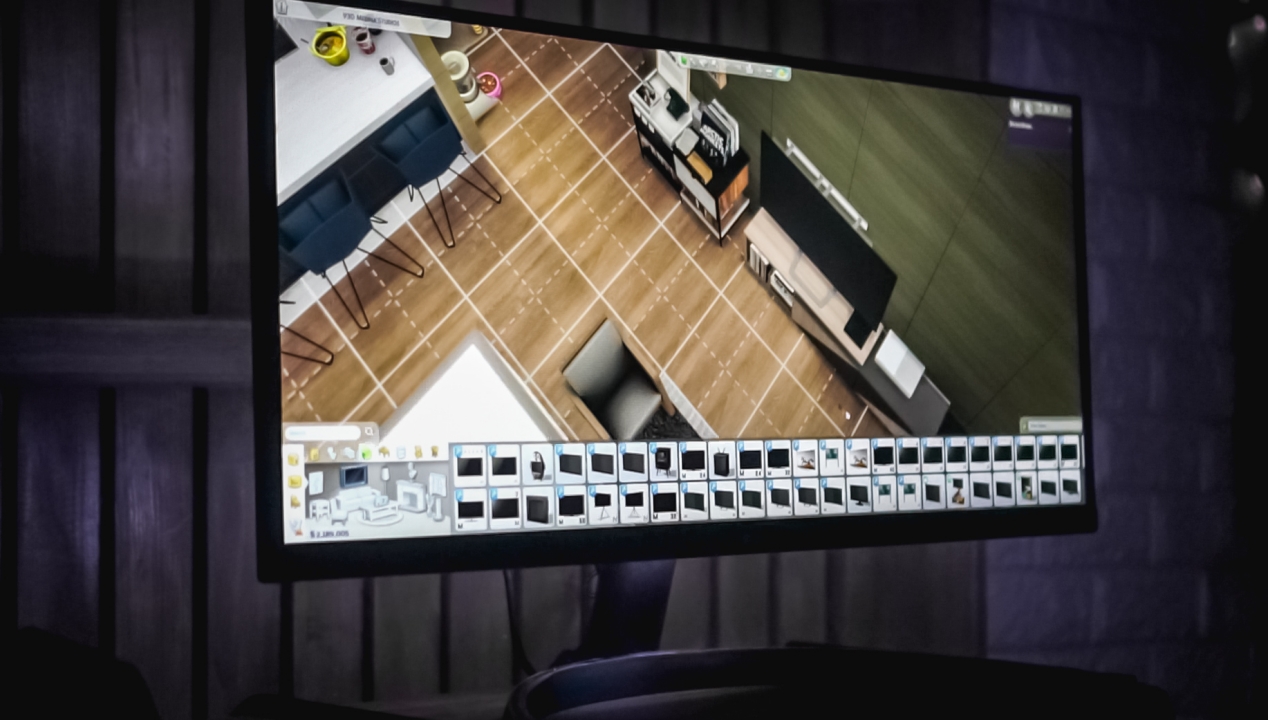
I just hope our house irl looked exactly like this
… or even constructing and buying items for your own virtual mansion.
Is this your GadgetMatch?
LG offers the WP500 UltraWide monitor in two sizes: a 29-inch and a bigger 34-inch version. In the Philippines, it retails for PhP 15,099 and PhP 19,899 respectively. You can buy the new line of LG UltraWide monitors through official LG stores or via their official Lazada and Shopee stores.

While 34-inch may be someone’s cup of tea, personally, 29-inch is the ideal screen size for an UltraWide monitor. Having to buy an ultrawide monitor is far from being cheap. But LG made it possible for almost everyone to experience the goodness of ultrawide without breaking the bank. Not only the LG 29WP500 is one of the cheapest ultrawide monitor options out there, it’s also a lot cheaper compared to the 34-inch LG UltraWide monitor we had last year.
What gives me the conclusion to say it’s a definite “bang for your buck” monitor? Aside from all those features combined, you get LG’s premium display tech hat has been proven over the years. It’s a display tech that’s relied upon even by some of the smartphones today.




GIGABYTE and Capcom have collaborated for a limited time Resident Evil Requiem-inspired custom PC giveaway.
The setup is inspired by the title, which recently released, and includes an exclusive monitor game bundle to bring players closer to the experience.
Headlining the collaboration is the Umbrella Corporation — Level 3 Access custom rig giveaway. It is one of a kind, fully-built desktop featuring a Z890M AORUS ELITE WIFI7 ICE motherboard and RTX 5080 AERO OC SFF graphics.
Of course, it draws inspiration from the visual identity and atmosphere of Resident Evil Requiem. It also features a GIGABYTE C102 GLASS ICE chassis design and custom GIGABYTE MO27Q28G gaming monitor to complete the setup.

The giveaway runs from March 2 to March 31 via the official campaign website. Fans can enter for a chance to win the custom rig, with no purchase necessary. The only caveat is that they have to be a United States or Canada resident.
Such experience is designed to invite players and PC enthusiasts alike to engage with the collaboration while highlighting GIGABYTE’s premium hardware craftmanship and attention to detail.
In addition to the giveaway, GIGABYTE is also offering a Resident Evil Requiem game bundle with select gaming monitors. Included are AORUS brand monitors, ranging from 27 to 55 inches in size.
This bundle is available until March 31. Customers who purchase eligible models can redeem a digital game code through GIGABYTE’s official redemption platform.
The featured monitor is the MO27Q28G, which has fourth generation WOLED panel with 280Hz refresh rate and 0.03ms response time. It is an ideal monitor to experience the spine-chilling terror and death-defying action of the title.
Computers
AMD announces Ryzen AI 400, AI 400 PRO series at MWC 2026
Offering support for next-gen AI PCs, Copilot+ experiences

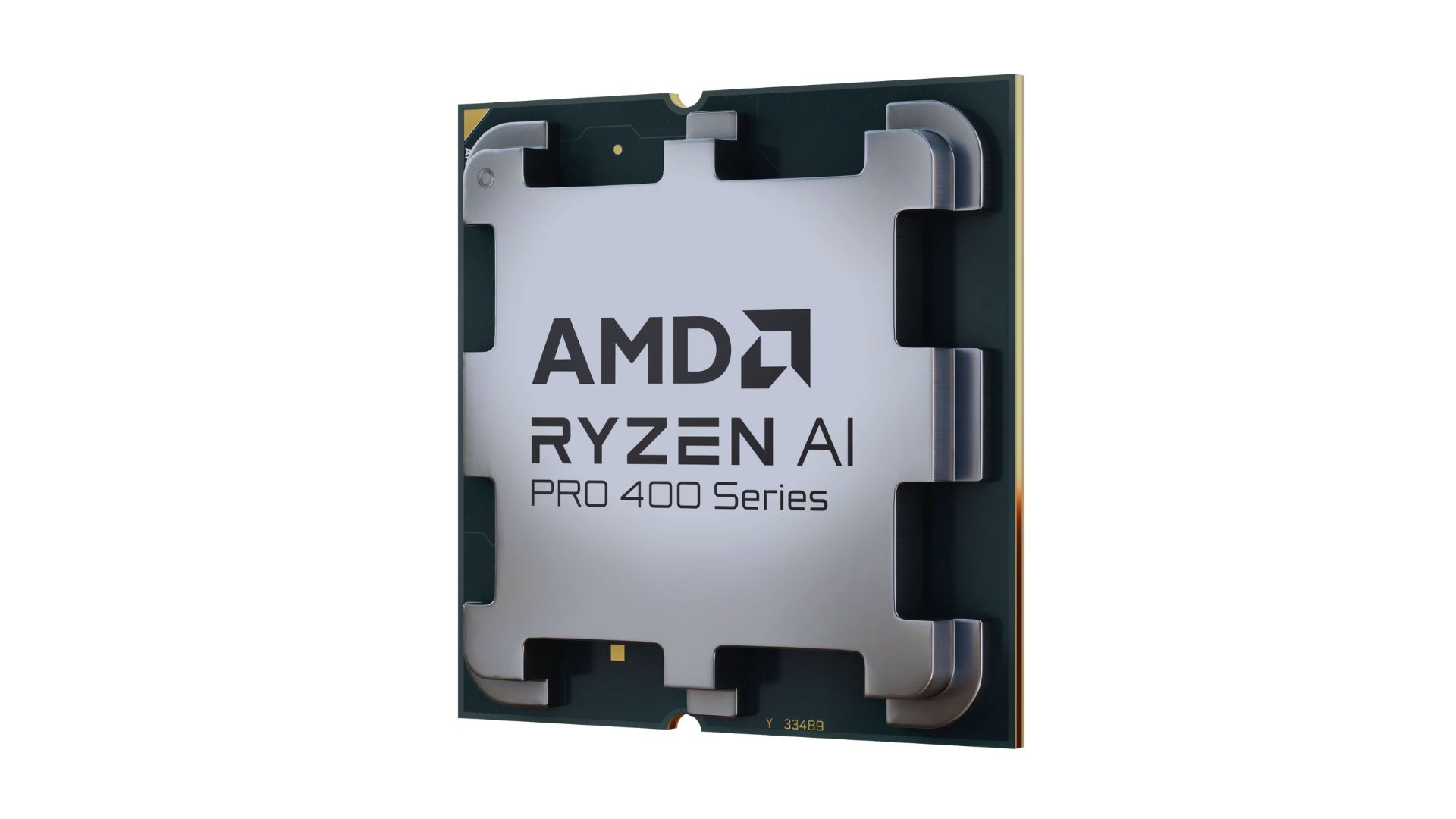
AMD announced new products and initiatives at MWC 2026 Barcelona, headlined by their newest Ryzen AI 400 and Ryzen AI PRO 400 series processors.
These latest processors are built on the AM5 platform and advanced Zen 5 architecture, delivering next-generation experiences for both consumer and commercial scenarios.
The additions enable original equipment manufacturers (OEMs) to offer next-gen AI PCs across high-performance desktops, laptops, and mobile workstations optimized for modern workloads.
Along with dedicated AMD XDNA 2 NPUs and AMD RDNA 3.5 graphics, both series offer up to 60 TOPS of NPU AI compute, exceeding the requirements of Copilot+ PCs.
As such, these enable powerful on-device AI performance, including running LLMs locally and tackling compute-intensive applications for design and engineering.
The Ryzen AI 400 series processors are also the first for next-gen desktop AI PCs to support Copilot+ PC experiences. Featuring an NPU providing up to 50 TOPS of AI compute, these processors enable running AI assistants and productivity tools locally.
In addition, AMD is expanding the Ryzen AI 400 series mobile portfolio to include workstations. Some that are expected to release in Q2 2026 include products from Dell, HP, and Lenovo.
AMD PRO initiative
Furthermore, AMD announced AMD PRO for enterprise-grade security, manageability, and reliability.
This is done through foundational hardware and software designed to simplify IT operations and protect investments over time.
AMD says it will continue to evolve the AMD PRO platform by strengthening both its silicon foundation and software stack.
This will support enterprise IT teams managing distributed AI-enabled PC fleets. Meanwhile, expanded remote management features improve visibility, recovery, and control.

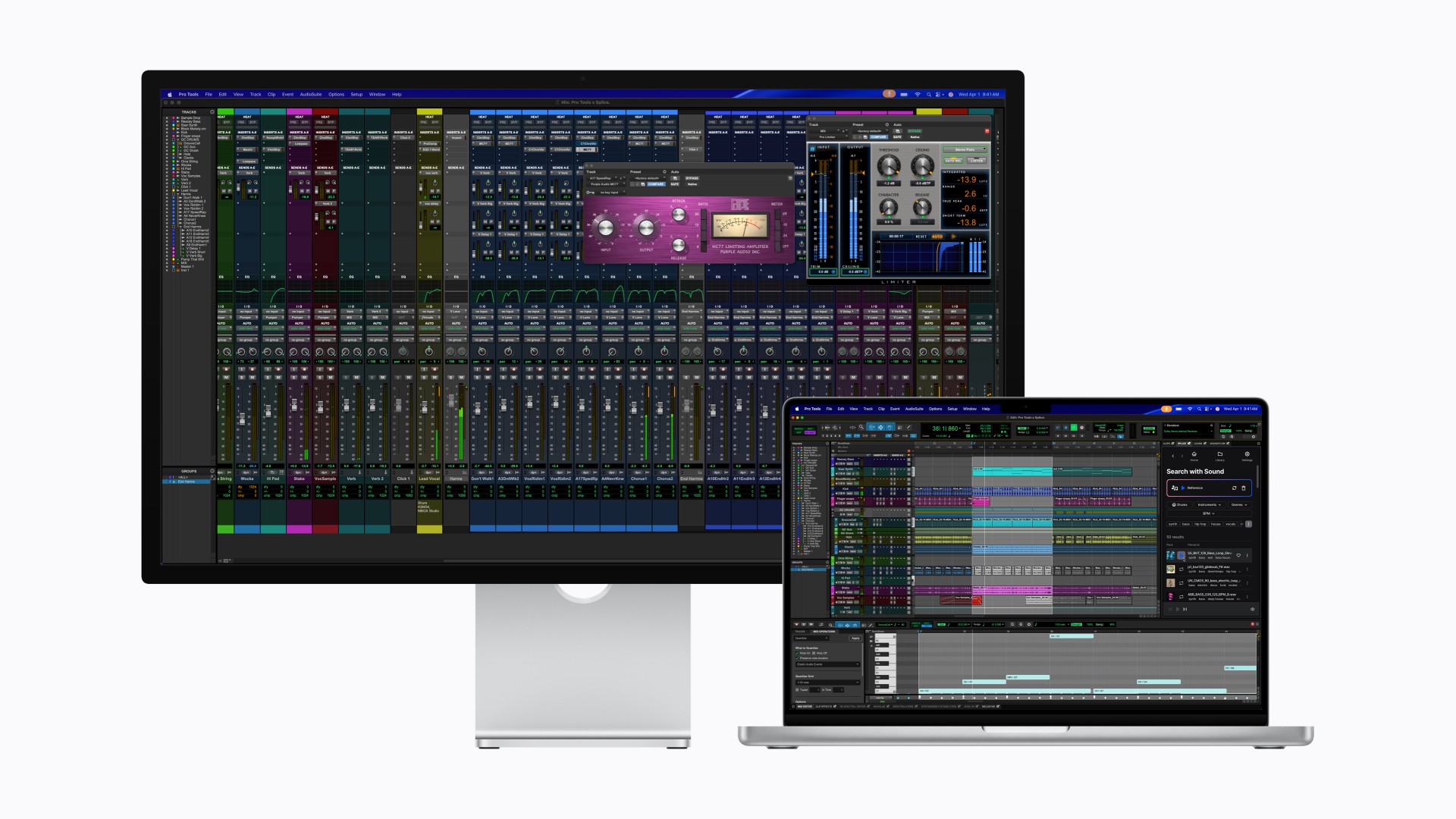
After taking the MacBook Pro to Super Saiyan levels, Apple is now doing the same for the display it pairs with.
With its latest Studio Display family, Apple is splitting the lineup into two clear tiers. The regular Studio Display already feels powered up. The all-new Studio Display XDR transforms.
If this were Dragon Ball Z logic, the Studio Display is Super Saiyan. The Studio Display XDR is Super Saiyan Blue — calmer, more controlled, and operating on an entirely different plane.
A strong base form
The new Studio Display sticks to what already worked: a 27-inch 5K Retina panel with over 14 million pixels, 600 nits of brightness, and P3 wide color. It’s sharp, bright, and more than capable for photo editing, design work, music production, and daily tasks.
Apple upgrades the experience around the screen, too. There’s now a 12MP Center Stage camera with improved image quality and Desk View support. The three-mic array and six-speaker system return, this time with deeper bass and Spatial Audio support.
Connectivity jumps to Thunderbolt 5, allowing users to daisy-chain up to four Studio Displays for nearly 60 million combined pixels. It also delivers up to 96W of charging power for a connected MacBook Pro.
It’s the dependable powered-up form. Strong. Confident. Already more than enough for most creators.
The controlled transformation
Then there’s Studio Display XDR.
This is where Apple goes full Super Saiyan Blue.
The 27-inch 5K Retina XDR panel uses a mini-LED backlight with over 2,000 local dimming zones. It pushes up to 1000 nits of SDR brightness and 2000 nits of peak HDR brightness, alongside a 1,000,000:1 contrast ratio. Highlights hit harder. Blacks stay deep. Blooming stays minimal.
The display also adds Adobe RGB support on top of P3, covering more than 80 percent of Rec. 2020 for HDR workflows. For video editors, colorists, and print professionals, this shifts the XDR from “great display” to “reference-grade tool.”
Motion gets smoother, too. A 120Hz refresh rate with Adaptive Sync dynamically adjusts between 47Hz and 120Hz, reducing latency and making everything from scrubbing timelines to gaming feel more fluid.
Apple even introduces DICOM medical imaging presets and a Medical Imaging Calibrator for diagnostic radiology use in the U.S., pending FDA clearance. It’s a reminder that this panel isn’t just about aesthetics. It’s about precision.
Built for the pro desk
Both displays share the same upgraded 12MP Center Stage camera, studio-quality microphones, six-speaker Spatial Audio system, and Thunderbolt 5 connectivity. The XDR model goes further with up to 140W charging power and additional downstream ports, effectively acting as a high-speed hub.
Pricing and availability
In the U.S.
The new Studio Display starts at $1,599 (U.S.) and $1,499 for education, while the Studio Display XDR begins at $3,299 (U.S.) and $3,199 for education. Both models can be pre-ordered starting tomorrow, March 4, with availability beginning March 11 in select Apple Store locations and authorized resellers.
In Singapore
Pre-orders open on March 9 via apple.com/sg/store and the Apple Store app. Pricing starts at S$2,199 for the Studio Display (S$2,059 for education). The Studio Display XDR begins at S$4,499 (S$4,359 for education).
Optional accessories such as the Magic Keyboard, Magic Trackpad, and Magic Mouse remain available in white and black color options. Apple also offers nano-texture glass and adjustable stand configurations for professional setups.
The message from Apple is consistent: the base Studio Display remains a strong professional companion, while the Studio Display XDR targets workflows demanding reference-grade performance and HDR capability. Pre-orders go live soon, with deliveries and in-store availability following in mid-March.
In the Philippines
Customers can pre-order starting March 4 at apple.com/ph/store.
Studio Display starts at ₱104,999, and ₱97,990 for education. Studio Display XDR replaces Pro Display XDR and starts at ₱219,999, and ₱212,990 for education.
Additional technical specifications, including nano-texture glass and a choice of stand options, are available at apple.com/ph/store.
Magic Keyboard with Touch ID and Numeric Keypad (from ₱10,490), Magic Trackpad (₱6,990), and Magic Mouse (₱5,490) in black or white color options are available at apple.com/ph/store.


Resident Evil Requiem will get a story expansion

Samurai Champloo is getting a live-action adaptation

BYD is reportedly considering an F1 team

ARTMS Heejin shows KPop concert day through Ray-Ban Meta glasses

Smart delivers best mobile video experience in PH — Ookla


-

 News2 weeks ago
Xiaomi 17 Ultra is now available outside China
-

 MWC 20261 week ago
TECNO showcases cool concepts at MWC 2026
-

 MWC 20267 days ago
Infinix NOTE 60 Ultra makes a motorsport-inspired debut
-

 MWC 20261 week ago
TECNO launches the all-new CAMON 50 series
-

 MWC 20262 weeks ago
TECNO resurrects modular phones with this new concept
-

 Reviews1 week ago
TECNO CAMON 50 Ultra review: End of an era?
-

 Reviews2 weeks ago
Xiaomi Pad 8 review: Slab that slaps!
-

 Reviews2 weeks ago
Forget the Phone: Xiaomi 17 Ultra Is A CAMERA!