
News
LG brings the AI camera features of the V30S ThinQ to regular V30
No need for the latest phone to get AI


Back at Mobile World Congress 2018 last month, LG introduced a refreshed V30 called the V30S ThinQ. It’s a phone that’s still a V30 but with artificial intelligence (AI) features built in. Most of the AI features are found in the camera which LG promised to bring to the regular V30 and V30+ variants.
The AI camera features have now found their way through a software update that’s currently rolling out in South Korea and it’s safe to assume that it’ll come to other regions in the coming days or weeks.
The update doesn’t only bring the AI camera features, but some bug fixes as well. Here’s the full changelog:
- The camera app has Q Lens, AI camera, Bright Camera, Q Voice, and Google Assistant features
- Cacao bank fingerprint compatibility has been improved
- Improved restarting while charging or booting
- Google Drive now supports downloading files larger than 4GB
- Fixed an issue where there was no vibration when receiving a text message
- Improved call quality
The update is quite heavy at 821MB. If you have an unlocked LG V30 or V30+, you’re eligible for the current update while carrier-locked units will receive their own firmware at a later date.
Source: XDA Developers







News
iPhone 18 Pro series pre-orders now open via Power Mac Center
Philippines gears up for iPhone 18 Pro series midnight launch later this month

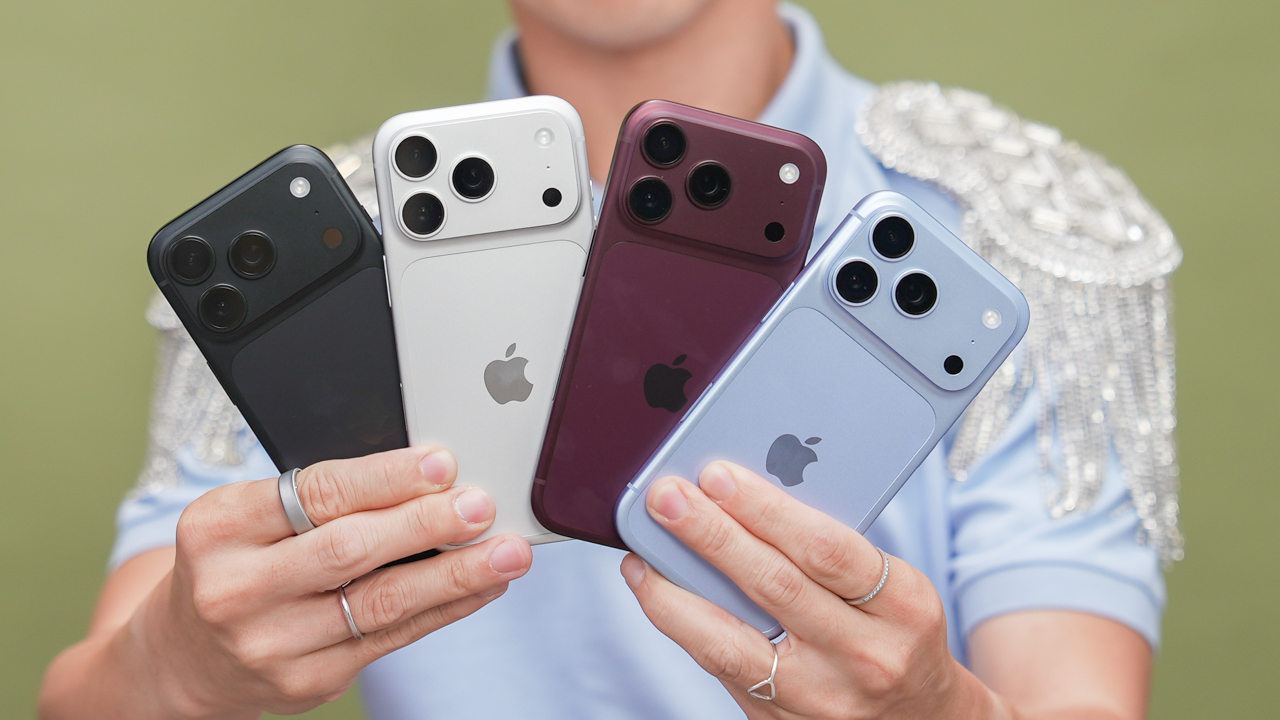
Premier Apple partner Power Mac Center (PMC) in the Philippines has opened pre-orders for the newest iPhone 18 Pro series.
As part of the announcement, exclusive activities were held at Greenbelt 3 and SM Mall of Asia. The nationwide pre-order opens on October 2.
Being among the first to pre-order the latest iPhone entitles customers to secure premium freebies.
Those visiting the aforementioned mall activations will also enjoy pre-order kits and UpTrade Boost, as well as freebies and a chance to win raffle prizes.
In any case, by October 2, nationwide pre-order will commence at Apple Premium partner stores. Meanwhile, PMC stores nationwide will accept pre-orders during mall hours.
In-store pre-order customers will also get pre-order kits and UpTrade Boost. In addition, there will be early access for customers who will line up for partner-exclusive offers at select locations:
- BPI at Greenbelt 3
- UnionBank at SM Megamall, The Annex SM North EDSA, Molito Lifestyle Center
- Billease at SM City Tuguegarao
Lastly, customers who prefer online transactions can visit PMC’s official web store and the new official Lazada flagship store starting October 2.
Customers may use their 1 Infinite loyalty points as payment. Bank offers are also available.
The pre-order period ends on October 15.
iPhone 18 Pro series midnight launch
As usual, the iPhone 18 Pro series will officially be welcomed in the Philippines through a midnight launch.
There will be six locations where customers can take part in the festivities: Greenbelt 3, SM Mall of Asia, SM City Iloilo, SM Lanang, SM Megamall, and SM North EDSA.
Midnight launch participants can get exclusive gifts when they avail in select locations:
- Additional freebies for first 75 customers: Greenbelt 3 and SM Mall of Asia
- Additional freebies for first 50 customers: SM City Iloilo and SM Lanang
- Additional freebies for first 25 customers: SM Megamall and SM North EDSA
- Voucher for non-Apple accessory: Midnight selling participants at SM Megamall and SM North EDSA
More details will be announced on Power Mac Center’s social media accounts.
News
Apple wants to release new iPhones more regularly
Apple CEO John Ternus is aiming for a new direction.

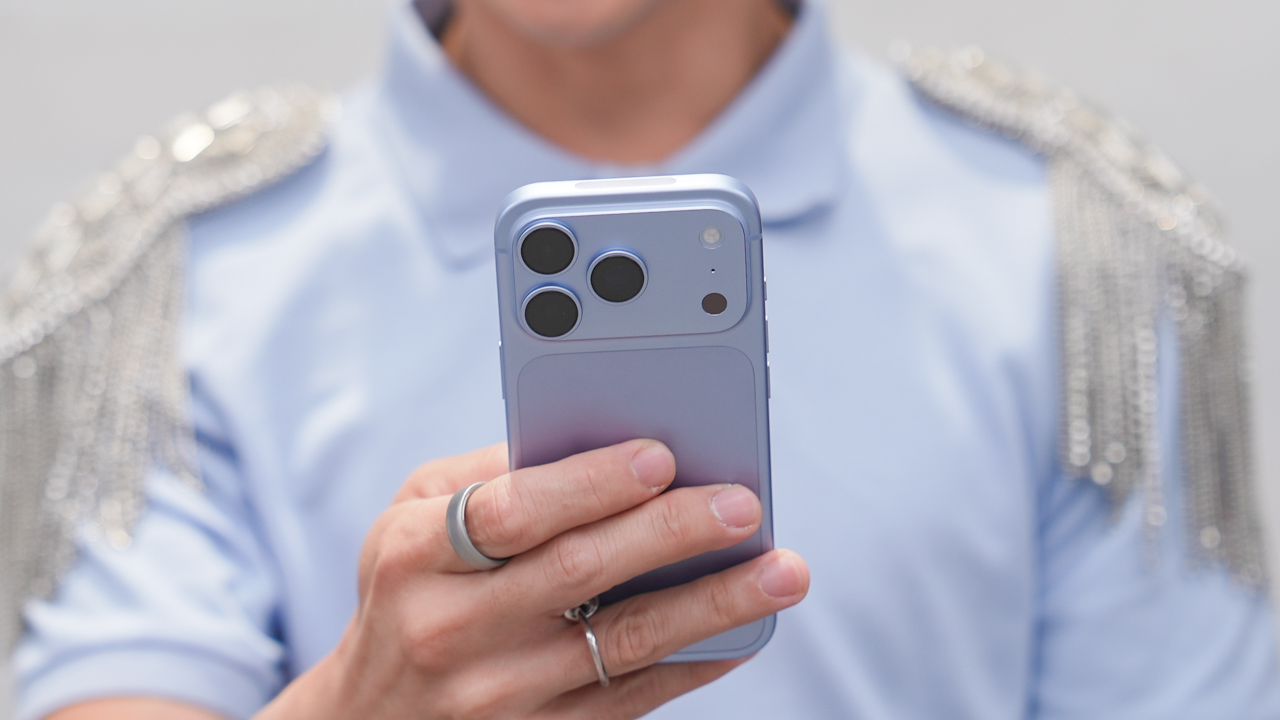
Only a month after taking the reins from Tim Cook, Apple CEO John Ternus already changed how the company runs. As you’ve probably gathered, the company is now experimenting with a new release schedule by launching the two Pro models ahead of the regular iPhone duo. According to a new report, it’s all intentional as Ternus looks to make the company’s releases much more regular and unique.
That should come as no surprise for everyone. As opposed to the more managerial style of Tim Cook, Ternus comes specifically from an engineering background, ensuring that we’ll likely get crazier ideas going forward.
Right now, we don’t know how this new status quo will look like. It’s likely that we’ll see the regular iPhone 18 siblings next year, but who knows what else Apple has planned? Currently, there are rumors that the company might host a home-themed event this month.
Apple is now going through the tough teething stage of Ternus’s young term. Besides changing schedules, the company is also slowly shelving some projects to make itself leaner. Unfortunately, doing so also means layoffs. At the very least, Apple is allowing affected employees to find new work within the company to prevent getting laid off.
SEE ALSO: Apple iPhone 18 Pro Series review
News
Samsung unveils Galaxy Tab S12 series for work, creativity, and life on the go
Samsung’s latest tablet lineup brings a slim design, Galaxy AI, and pro-level tools!

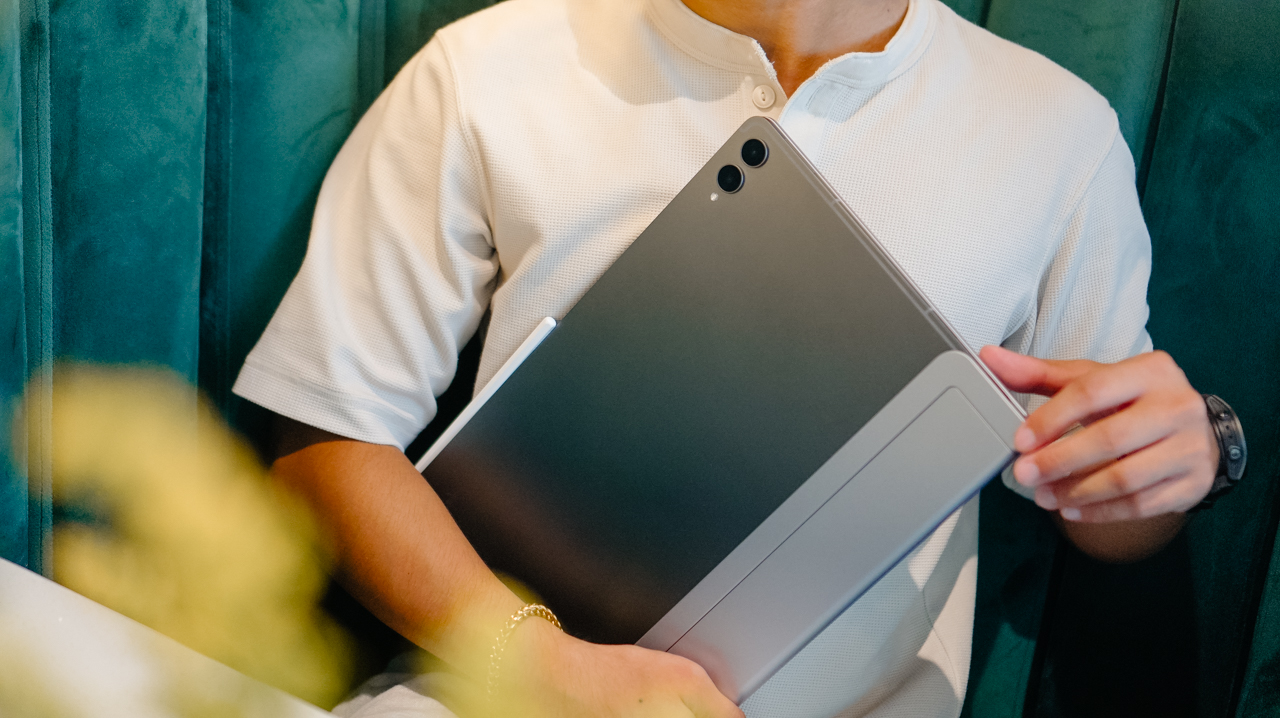
Samsung has a new tablet for flexible, modern workspaces. The Galaxy Tab S12 series has officially arrived.
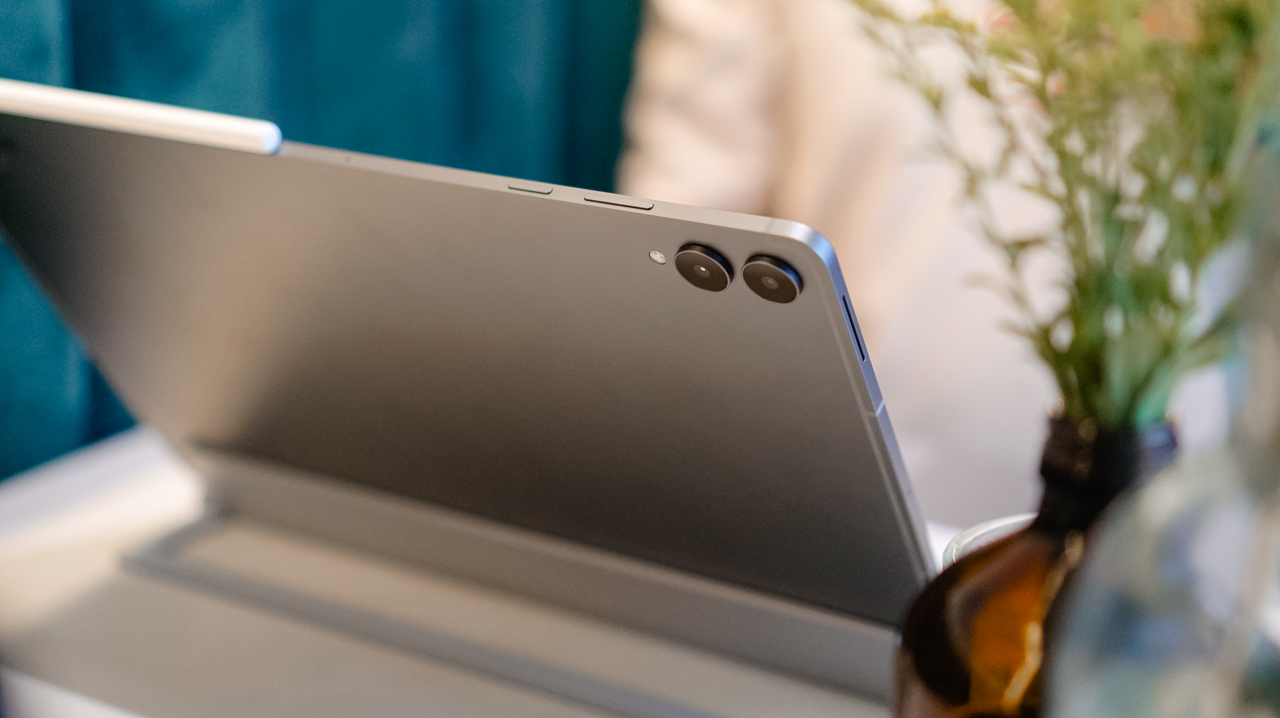
The lineup includes the Galaxy Tab S12 Ultra and Galaxy Tab S12+. Both feature Samsung’s latest Galaxy AI, upgraded performance, long battery life, and a remarkably slim profile. The series targets users moving between work, learning, and creative projects throughout the day.
Slim profile, vivid display
At 5.1mm thin, the Galaxy Tab S12 Ultra is Samsung’s thinnest tablet yet. It pairs this ultra-thin design with a 14.6-inch Dynamic AMOLED 2X display.
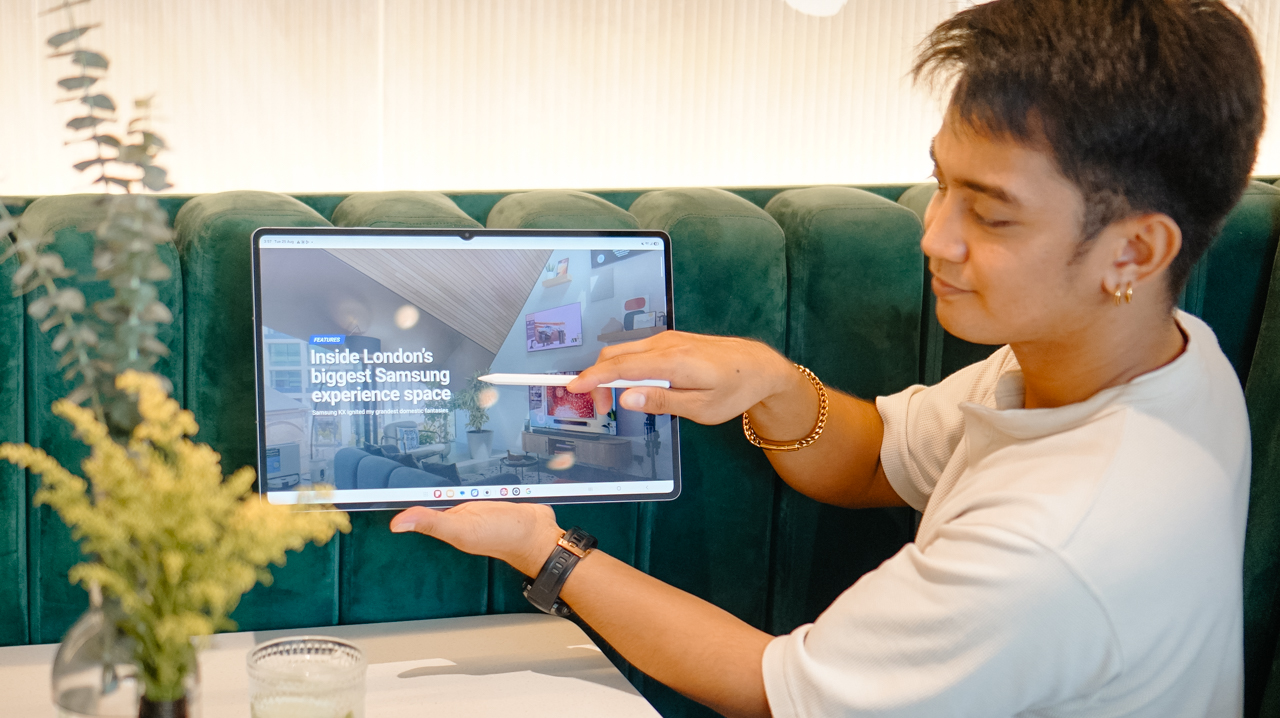
Meanwhile, the Galaxy Tab S12+ features a 12.6-inch display with slimmer bezels. Both screens reach up to 1,600 nits of peak brightness. An upgraded Vision Booster improves visibility in bright lighting.
All-day power, durability
Battery performance gets a noticeable boost. Samsung states the Galaxy Tab S12 Ultra lasts up to 23 hours per charge. The Galaxy Tab S12+ reaches up to 21 hours. Both models support 45W fast charging. A full charge takes about 95 minutes under standard conditions.

Both models carry an IP68 rating for water and dust resistance. This adds extra durability and peace of mind for daily travel.
Upgraded Internal Hardware
The hardware underneath sees significant gains. A new 3nm processor delivers up to 61% faster NPU processing, 19% faster CPU performance, and 17% improved GPU performance compared to the Galaxy Tab S11 Ultra.

A redesigned 3D Vapor Chamber efficiently manages heat during heavy tasks like video editing and graphic design.
Smart productivity with S Pen and AI
The included S Pen brings tactile precision to the display. Users can easily write notes, annotate documents, and sketch. Multi Window splits the screen into up to three sections.
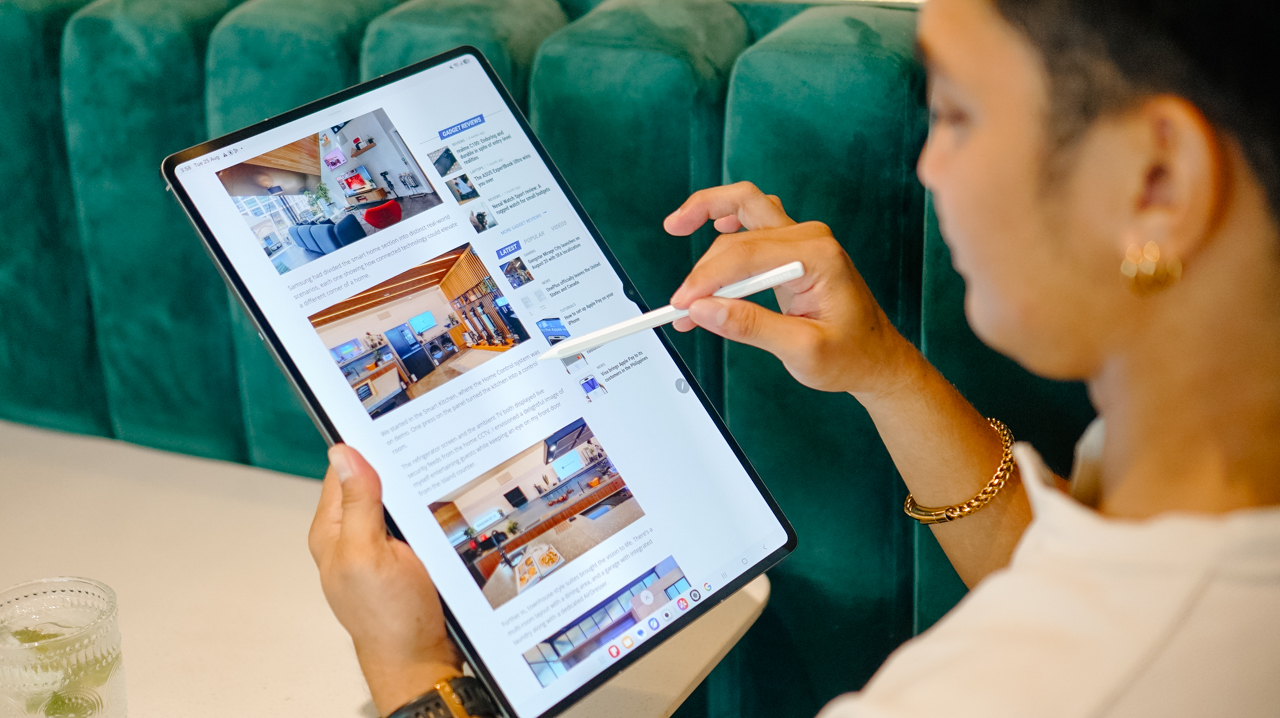
You can run a lecture video, Samsung Notes, and an AI assistant simultaneously. Note Assist condenses lengthy notes into quick summaries.
Galaxy AI simplifies information management across the system. The lineup includes a six-month trial of Google AI Pro. Gemini Notebook combines notes, images, recordings, and files into one workspace. Users can also quickly generate summaries, podcasts, and quizzes from their materials.
Pro-level creative suite
Samsung delivers a serious software lineup for creative work. Adobe Photoshop comes pre-loaded on the Galaxy Tab S12 series.
This marks the first time Photoshop comes pre-installed on an Android tablet. The optimized experience supports the S Pen and includes AI tools like Generative Fill and Image to Video.
The lineup also supports top apps like Notability, Goodnotes, LumaFusion, Notion, and Clip Studio Paint. These tools expand performance beyond everyday note-taking into digital art, video editing, writing, and organization.
Price, availability in the Philippines
In the Philippines, pre-orders run exclusively on Shopee from October 9 to 20. The official online launch occurs on October 21 via Samsung.com, Lazada, TikTok Shop, Shopee, MemoX.com, and Abenson.com. Physical availability follows at Samsung Experience and Authorized stores on October 28.
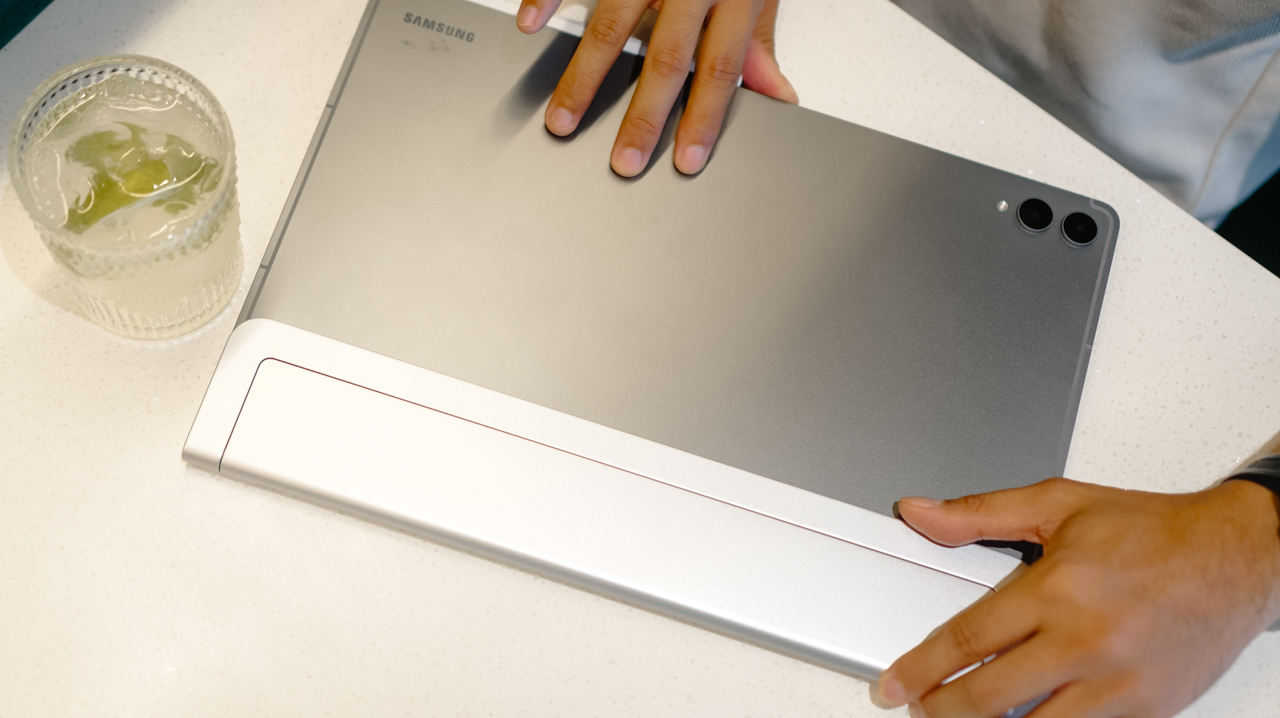
Every launch purchase includes a productivity bundle valued at up to PhP 18,279. It features the Book Cover Keyboard Slim, S Pen, and 45W travel adapter. Buyers also receive app perks worth up to PhP 24,161. These include a one-year Microsoft 365 subscription, six months of Google AI Pro, and four months of Adobe Photoshop.
Combining a large display, portable design, S Pen, Galaxy AI, and pro tools, the Galaxy Tab S12 series unchains your full workspace from a standard desk.




Spotlight: Nori AI Family Hub

Ghost of Yōtei Complete Edition review: More of a great thing

TECNO CAMON Slim 5G: Price, availability in the Philippines

HONOR 600S review

HONOR 600S price, availability in the Philippines

HUAWEI Pura X View is 2026’s first WIDE slab-type smartphone

The CAMON Slim 5G is TECNO’s latest ultra-slim smartphone

iPhone 18 Pro series: Price, availability in the Philippines

DJI Osmo 360 II review: Going all-in on the ecosystem

iPhone 18 Pro series: Price, availability in Singapore


-

 News2 weeks ago
vivo X500 Series launches with major imaging upgrades
-

 News1 week ago
OPPO Find X10 Pro Max is the first phone with a triple 200MP camera system
-

 Automotive4 days ago
BYD says that way better EV batteries are coming next year
-

 Singapore2 weeks ago
Epson Lifestudio Grand Plus EH-LS970B with 4K projection, more launches
-

 News2 weeks ago
vivo introduces OriginOS 7 with smarter multitasking and AI features
-

 News4 days ago
HONOR Magic9 Pro Max launches in China with ARRI-powered imaging
-

 Accessories1 week ago
70mai launches the A900 series with 4K front, rear recording
-
 Smartphones5 days ago
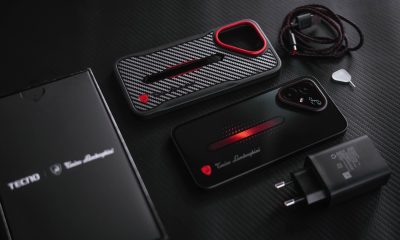
When TECNO-logy meets Tonino Lamborghini legacy