

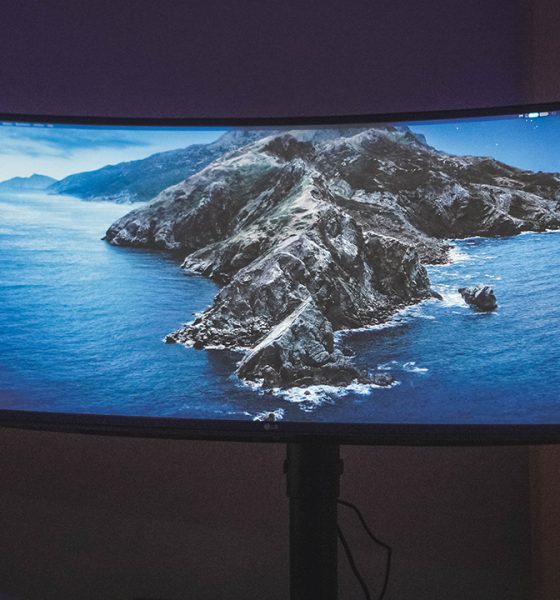

I’ve been working on a laptop almost exclusively for the better part of the last decade. It’s been so long that I had forgotten the benefits of working with a bigger screen — a benefit that was shoved into my face when I used the LG UltraWide 34” Curved monitor.
Easy setup
Putting it together was relatively easy. I didn’t need any special tools or anything of the sort. Everything just fit into place seamlessly.
Here are all the ports on its back. That’s two (2) HDMI ports, one (1) Display port, two (2) USB downstream ports, one (1) USB upstream port, and one (1) headphone out port.
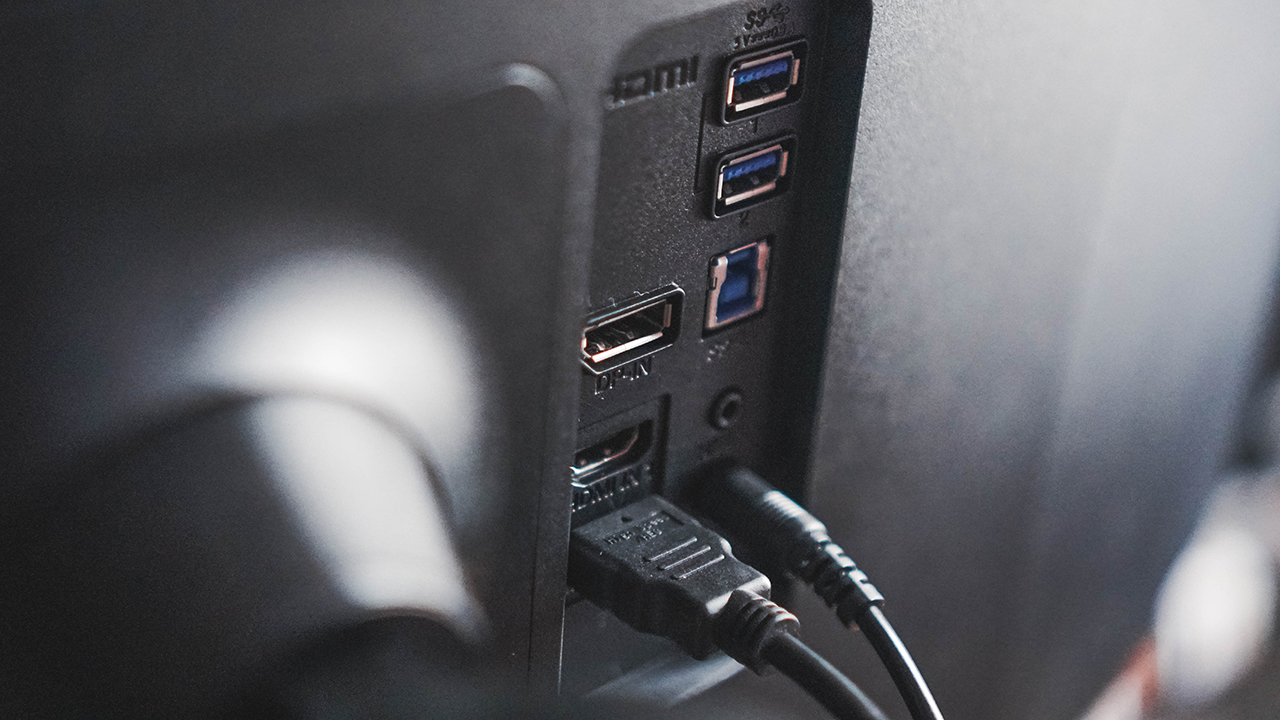
It also comes with a cable organizer that you kind of clamp to the stand so your setup can look clean.

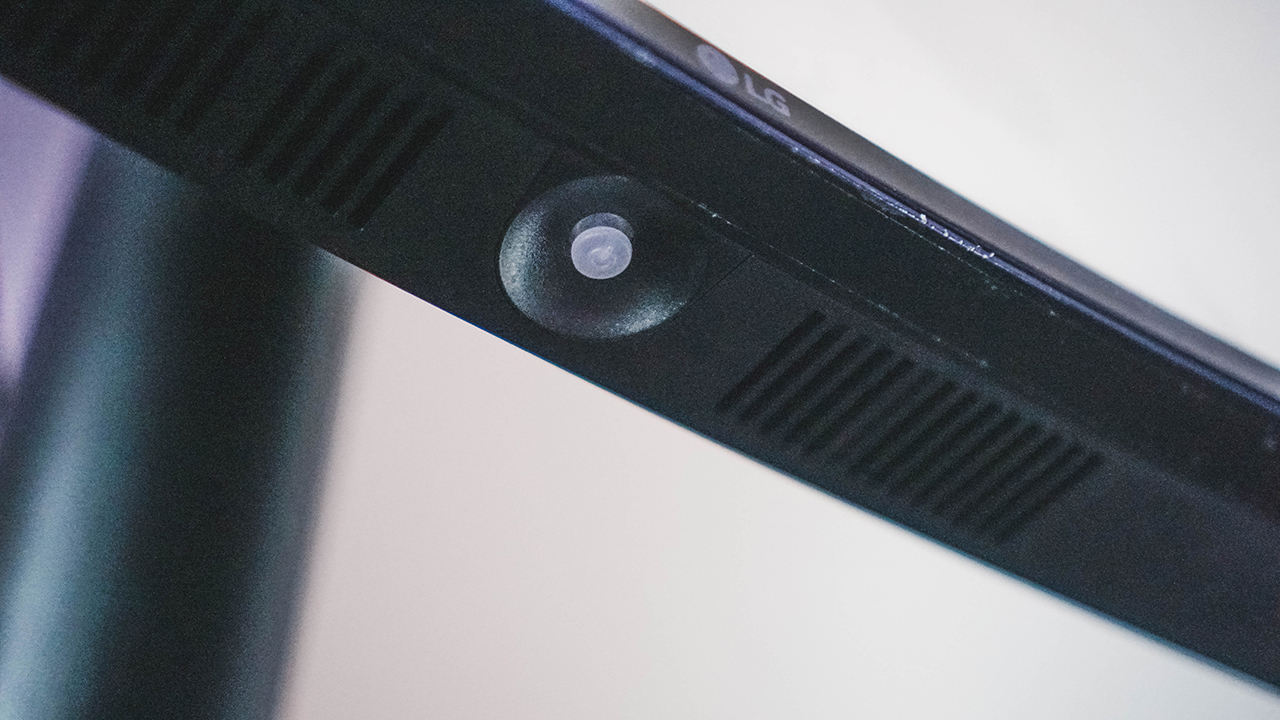
Once everything is plugged, you only need to use this button at the bottom center of the display to make any changes in the settings or switch between inputs should that be necessary.
My regular workflow
At any given day I can be doing anything from writing an article, a script, coordinating with the team and external partners, copy-editing articles, and video editing among others.
This means I toggle between screens A LOT. Other than that, my posture while working is mostly crouched down since I’m looking at the laptop screen.

However, that all changed when the fire nation attacked. No, I mean, it was definitely shaken up when I started using the LG UltraWide 34” Curved Monitor.
I didn’t really have a proper setup with it owing to the tiny space I live in but in the brief week that I used it, I started craving a better work from home setup.
How the LG UltraWide monitor disrupted my workflow
The first thing I noticed was how I was now looking up instead of looking down. It might not be that big a deal for younger people, but when you reach a certain age, even the smallest improvements to your posture can make a huge difference.
The extra space is invaluable. At one glance I can look at Slack and Tweetdeck. This means I can quickly look up if there’s anything new that needs to be edited while also monitoring any potential news that we should run on the website.
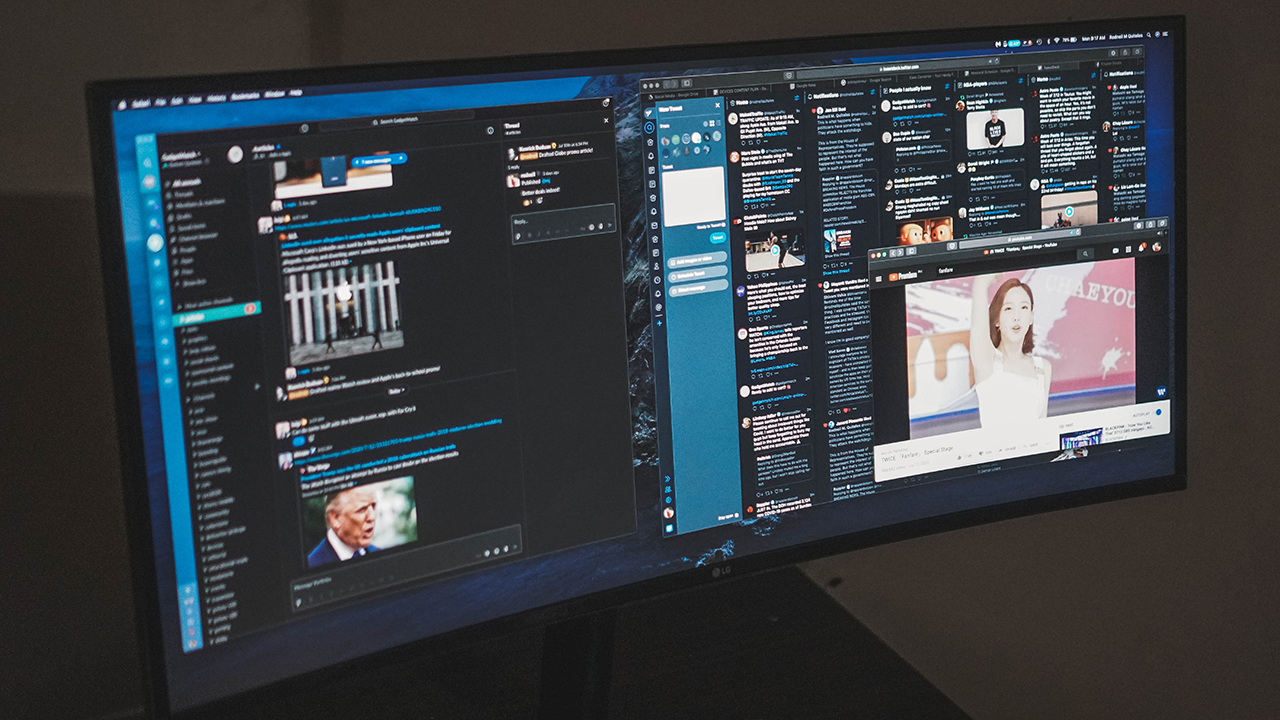
Bonus: I can also have a floating tab with a playlist of my favorite girls TWICE cheering me up as I slog through another work day.

This works in other instances too. I can pull up a press release for reference on one side of the screen and have Google Docs on another. This means I no longer have to quickly press Alt+Tab every time I need to double check details.
Just the overall convenience of seeing more at a glance is already a major upgrade to the workflow I’ve grown accustomed to.
Video editing
I no longer video edit as much as I used to due to changing roles and all. But here, the benefit of having a larger, wider monitor is even more pronounced.
Having a wide workspace means I didn’t have to hide certain tools while editing. They’re just there, easily and immediately accessible when I need them. It was honestly tough going back to the smaller screen especially for this task.

Taking less steps to complete your everyday tasks is a godsend. Every small thing adds up to a faster, smoother, and generally better working experience.
Should you upgrade to the LG Ultrawide 34” Monitor?
There are plenty of things to consider. For people like myself who have mostly worked on laptops, we’re pretty set in our ways. Plus there are a few other peripherals I might need to get so it’s not an easy yes or no decision.
You also need to consider your workspace. As I mentioned, I live in a rather tiny place with very little space to accommodate a fully desktop setup.

But this is me. If you’re still working on a more traditional 16×9 monitor, I guarantee the difference, while jarring at first, can be truly beneficial in the long run.
The LG Ultrawide 34” Curved Monitor retails for PhP 45,999 (around US$ 937). If you’re ready to splurge to up your productivity, this isn’t a bad place to start.
LG has other monitors you can check out. The UltraWide line of monitors start at PhP 12,699 for the 25”, PhP 14,799 for the 29”, PhP 29,499 for the 34”, and PhP 45,999 for the curved 34” version.
LG’s UltraGear gaming monitor line on the other hand starts at PhP 12,599 for the 24”, PhP 22,199 for the 27”, and PhP 23,999 for the 32”.
SEE ALSO: LG UltraGear 24” Gaming Monitor review: Enough to get you started




Computers
ASUS, ROG announce 2026 desktops, AiO availabilities in PH
For gaming, heavy workloads, modern setups


ASUS and ROG have announced the availabilities of their latest 2026 desktops and all-in-one (AiO) PCs in the Philippines.
Headlining the lineup is the ASUS V600 All-in-One PC, the latest addition to the AiO series. It has a sleek aesthetic and is powered by up to an AMD Ryzen AI 5 330 processor, capable of handling demanding workloads with ease.
This processor is paired with AMD Radeon 820M graphics, up to 16GB DDR5 memory, and up to 512GB SSD storage.
The V600 has a 23.8-inch FHD IPS 178-degree view display with a wide 93% screen-to-body ratio, anti-glare coating, and is certified for eye comfort.
The 50 TOPs NPU PC is also part of the Copilot+ family, making it efficient for AI computing tasks. Other features include ASUS AI Noise-Cancelling and Adaptive Lock.
Price: PhP 56,995
ASUS V500 Mini Tower
Meanwhile, the ASUS V500 Mini Tower is crafted to blend modern workspaces while delivering dependable performance.
It touts up to an Intel Core 7 240H processor and comes in a Dark Wood color. It operates at as low as 24dB in whisper mode.
An addition, it features up to 80 PLUS Platinum-certified PSU, reducing heat generation and eliminating power-consumption concerns. The PC has support for up to 64GB DDR5 RAM and up to 512GB of SSD storage.
Price: Starts at PhP 41,995
ASUS TUF Gaming TM500
Moreover, the ASUS TUF Gaming TM500 is a compact gaming desktop that delivers power and efficiency in a streamlined form factor.
It is fueled by an AMD Ryzen 7 260 processor, reaching a maximum boost speed of 5.1GHz. Along with up to an NVIDIA GeForce RTX 5060 GPU, users can experience seamless gameplay.
The PC comes with 16GB DDR5 memory, and two more SO-DIMM slots to support up to 64GB of memory. This allows the machine to breeze through memory-heavy workloads, outside of the most demanding AAA titles.
Complementing these hardware is a custom heatsink with 1,218cm2 of total dissipation area, copper heat piping, and 90 mm cooling fan.
Price: Starts at PhP 76,995
ROG GM700
Lastly, the ROG GM700 features the undisputed power and beastly performance of the AMD Ryzen 7 9800X3D processor and AMD Radeon RX 9070 XT GPU.
With up to 32GB of memory, the PC can process jaw-dropping visuals at ultra-fast speeds. With up to 2TB of storage, it guarantees swift load times, high frame rates, and freedom from stutters in high-stakes gaming.
The ROG GM700 is also amenable for customization, maintenance, and future-proofing. Users can enjoy an upgrade potential of up to four DDR5 U-DIMM slots and multiple M.2 slots.
Price: starts at PhP 139,995
Computers
3D printing made accessible: Bambu Lab moves closer to everyday consumers
Empowering consumers to create tangible objects
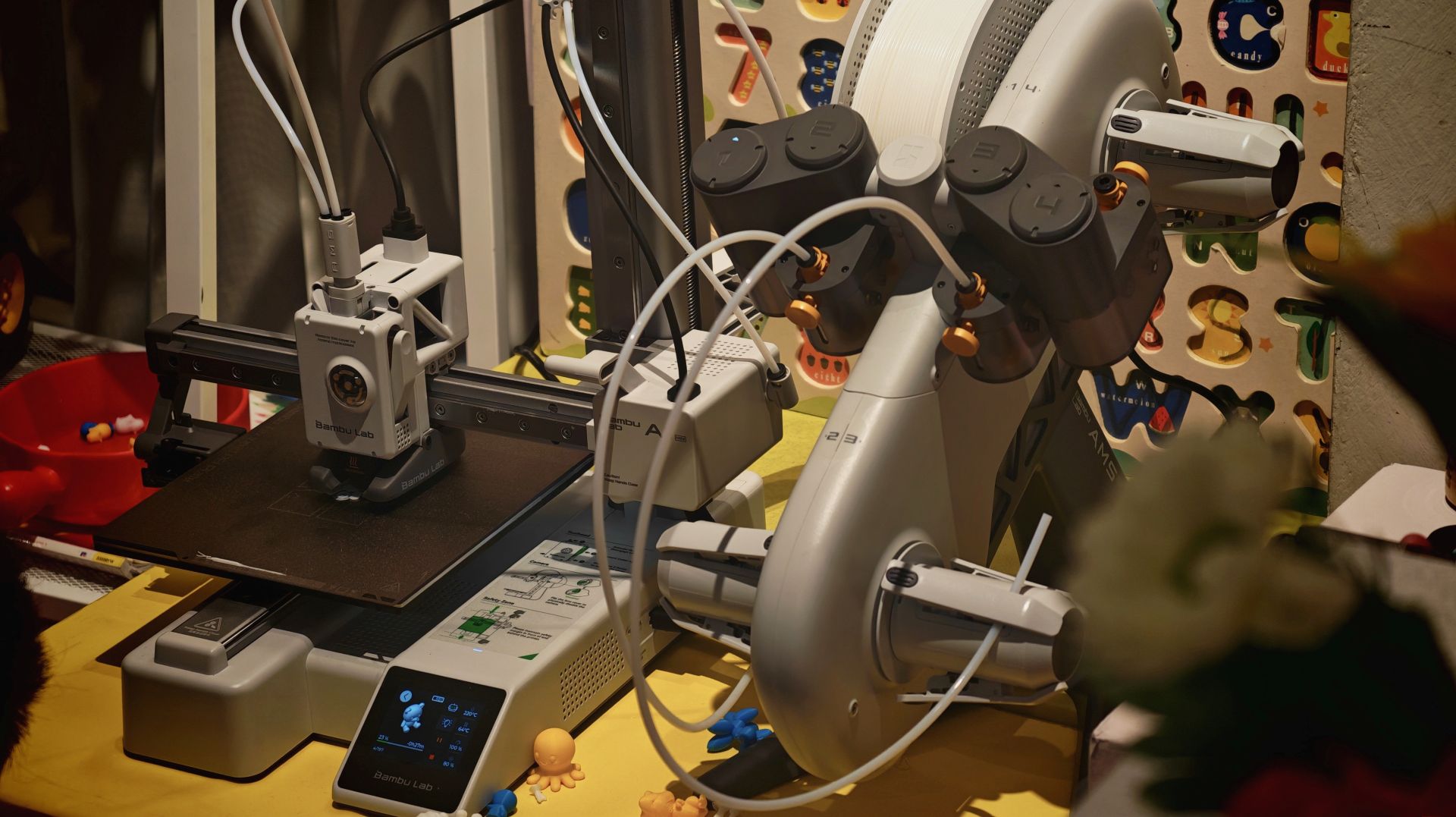
China-based brand Bambu Lab makes an effort to move closer to everyday consumers in the Philippines with a new retail partner by holding a media and creators roundtable in the Philippines. This was a bid to reshape how consumers perceive and use 3D printing technology.
Established in Shenzhen, China in 2020, Bambu Lab aims to make 3D printing more accessible, practical, and relevant to daily life through printers and other supplies.
The goal is to support practical home use, creative hobbies, product design, and even specialized tools, while putting emphasis on ease of use.
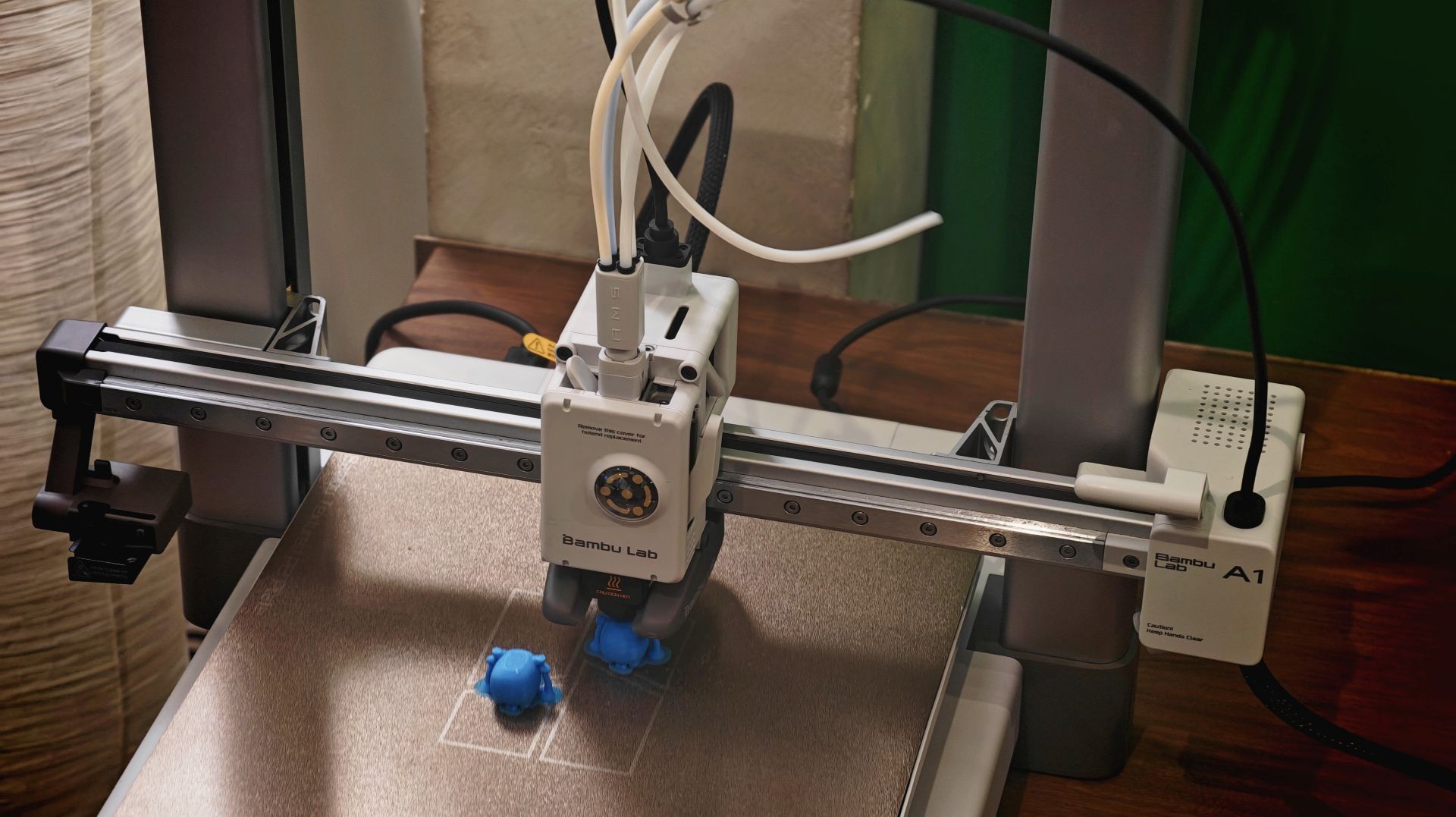
With such optics, Bambu Lab is trying to make consumers feel that there is less deep technical knowledge required and that they can actually create physical objects with 3D printing.
One of their products is the entry-level Bambu Lab A1 mini, which is compact enough to fit on a small desk.
The brand also has more advanced models which are capable of printing multiple colors and materials on a single run.

To complement the hardware ecosystem, Bambu Lab’s open platform MakerWorld lets users browse, select, and print from an extensive library of shared 3D designs directly from their own desktops.
The platform features a wide variety of objects across multiple categories. There’s household items, DIY tools, children’s toys, props, and educational materials.

In the Philippines, Bambu Lab will open its first concept store at One Ayala, Makati City. The concept corner will give mallgoers the opportunity to see the range of 3D printers and consumables firsthand.
Computers
Next-gen AMD Ryzen 7 9850X3D desktop processor out soon
Built for the most demanding titles
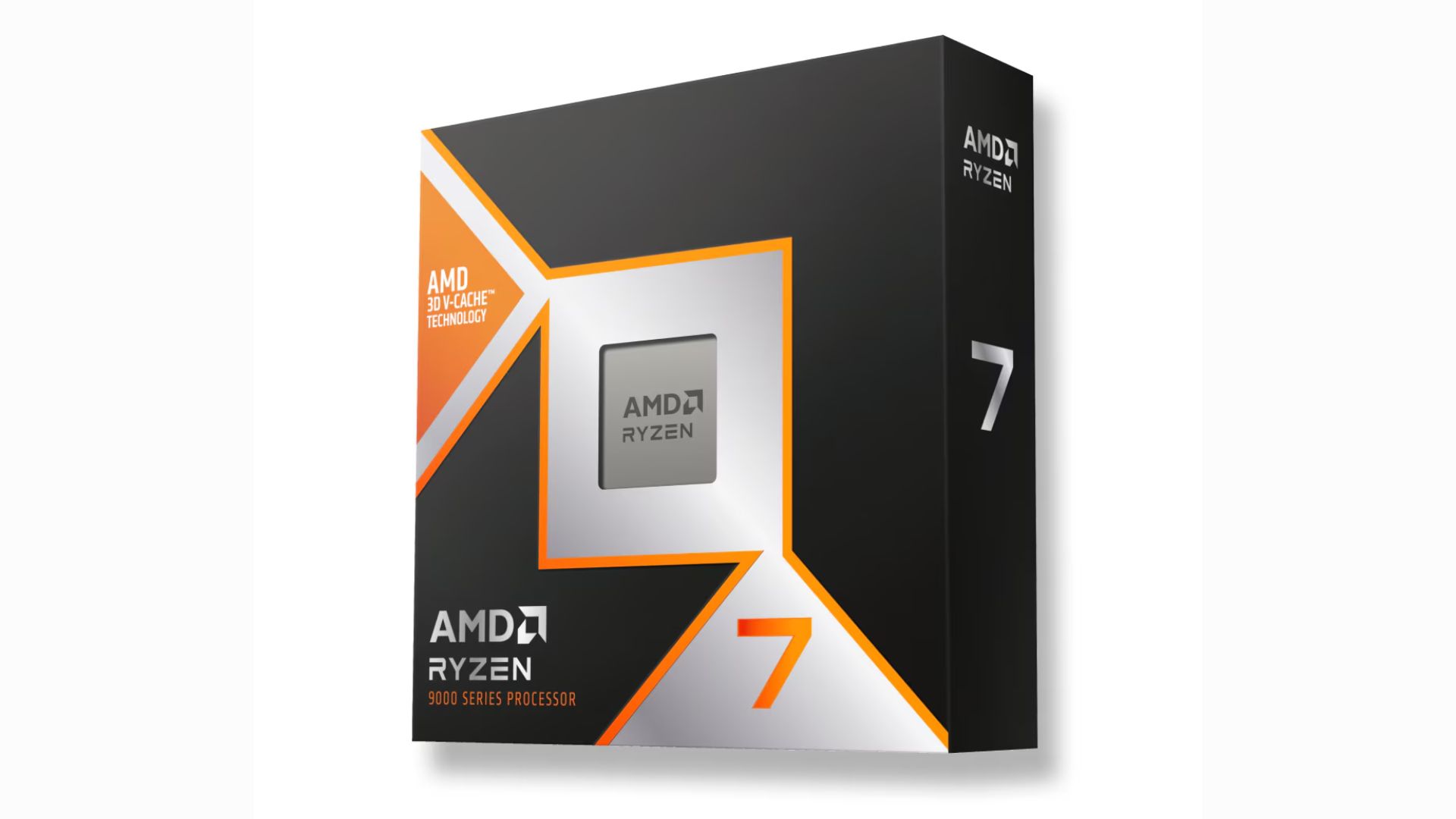
The next-generation AMD Ryzen 7 9850X3D desktop processor will be available for sale starting January 29. It has a standard pricing of US$ 499.
Built for enthusiasts, the latest AMD Ryzen 9000 series processor features a +400MHz improvement to the boost clock, building on the legacy of the 9800X3D.
This makes the “world’s fastest gaming processor” even faster. AMD says their offering boasts of an average 27% gaming performance improvement over the Intel Core Ultra 9 285k.
On paper, the Ryzen 7 9850X3D has a maximum boost clock speed of up to 5.6GHz, and a base clock speed of 4.7GHz.
The new 8-core, 16-thread processor is aided by 2nd Gen 3D V-Cache technology, so a high-frequency memory is not required.
Across an average of more than 30 games played, the FPS difference between a DDR5-4800 and a DDR5-6000 was below 1%.
The AMD Ryzen 7 9850X3D is ideal for running demanding titles, i.e. AAA games, at maximum FPS. Initial checks also suggest the processor stays efficient in spite of higher speeds.
For connectivity, the processor has two memory channels for a maximum 192GB of DDR5 memory. It can also support four USB 3.2 Gen 2s and a USB 2.0.






EU wages war against doomscrolling

Are you ready for a more colorful MacBook?

ASUS, Acer PCs are banned in Germany

Apple AirTag 2 Review

Rayman: 30th Anniversary Edition out now

Infinix NOTE Edge debuts: High-end features for accessible pricing

HONOR X9d 5G review: Tougher, more long-lasting and optimized

BYD expands PH presence with entry of DENZA luxury EVs

Now playing: Final Fantasy VII Remake INTERGRADE on Switch 2

Breaking up with Adobe Photoshop after 20 years


-

 Gaming2 weeks ago
PlayStation, LE SSERAFIM Chaewon team for the ‘Love of Play’ campaign
-

 News6 days ago
TECNO will showcase the CAMON 50 and POVA 8 series at MWC 2026
-

 Accessories2 weeks ago
Sony WF-1000XM6 was accidentally leaked online
-

 Reviews2 weeks ago
nubia V80 Max: Long battery, marginal upgrades, casual budget phone
-

 Gaming2 weeks ago
Zenless Zone Zero Version 2.6 launches February 6 with idol group debut
-

 Laptops1 week ago
TECNO MEGABOOK K16s 13th review: No-frills beneath those grills
-

 Gaming2 weeks ago
My Hero Academia: All’s Justice: A familiar Final War, made playable
-

 Gaming2 weeks ago
New Civilization VII update will address everyone’s biggest issue