
Hands-On
Motorola razr hands-on: Futuristic phone in the body of nostalgia
The price we have to pay to move forward

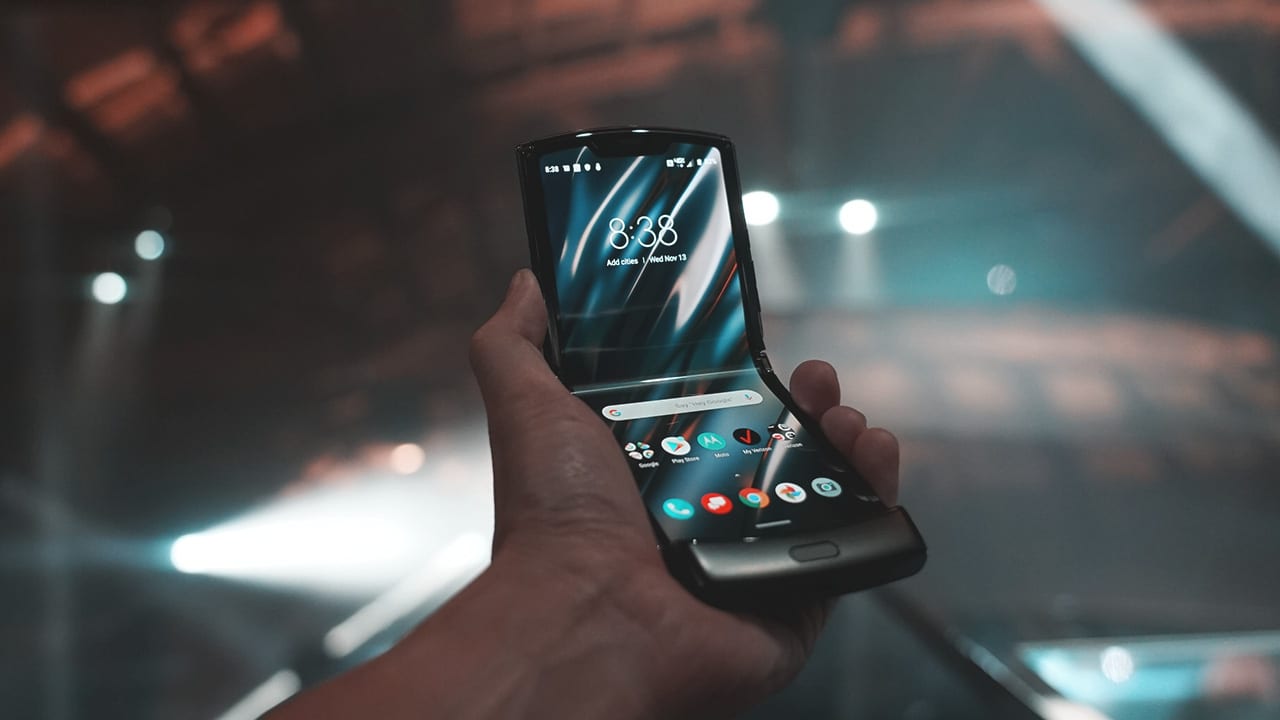
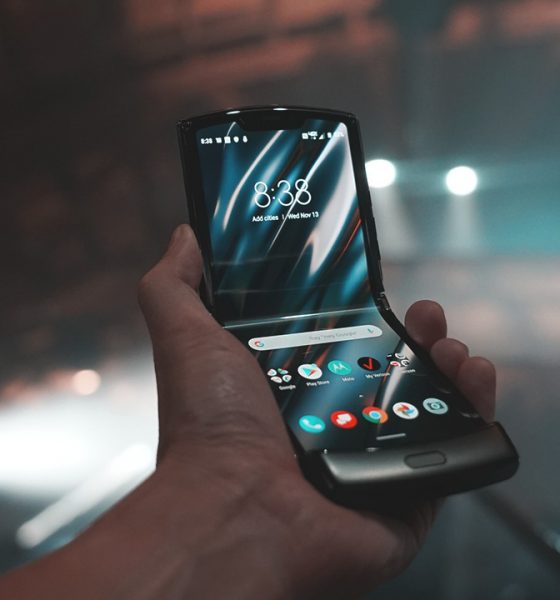
The iconic Motorola razr flip phone is back — bringing what we love from the past, into the future.
Like many of you, I love a good old nostalgic release, which is why I’m incredibly excited that this phone made its comeback. Of all the phones that ruled the late 90s and early 2000s, there’s nothing more iconic than the Motorola razr V3. It was a sleek, edgy, and fashion forward flip phone. From its launch in 2004, about 130 million razr V3’s were sold — making it the best selling clamshell of all time.

Like the original, the new Motorola razr is a flip phone, so you can answer and end calls like a boss.
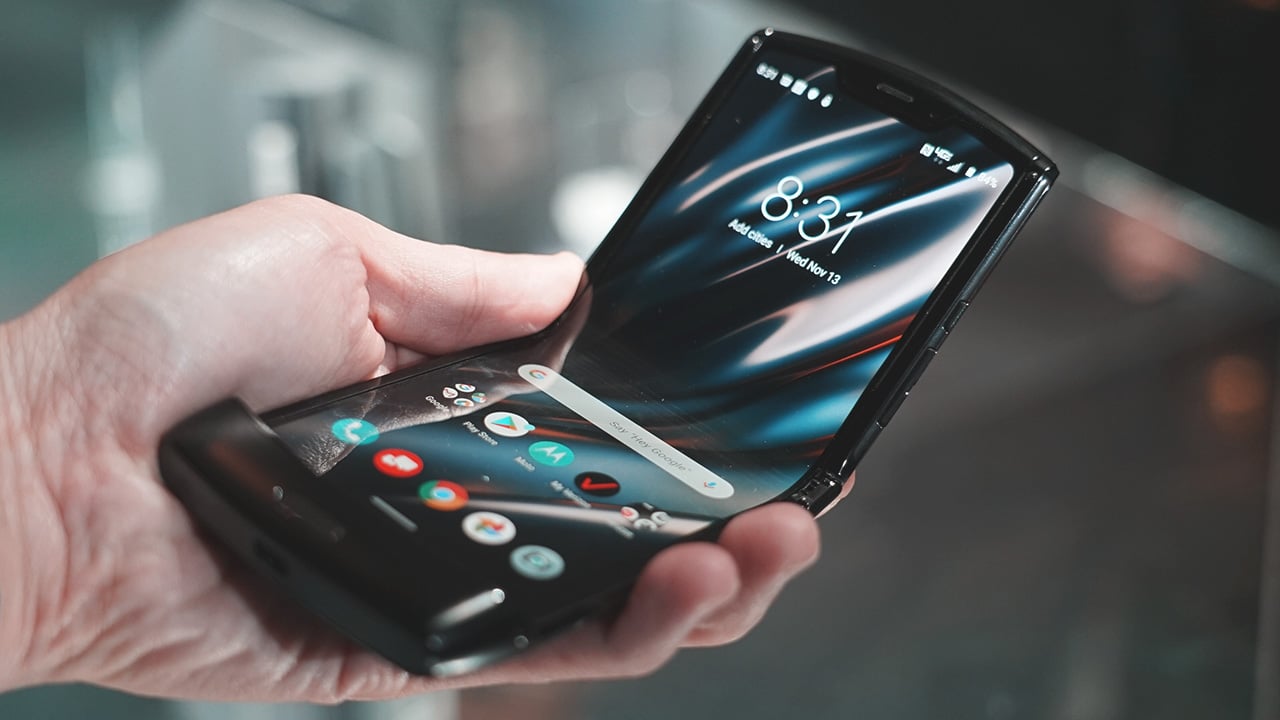
Just like the hottest phones of this year, the new razr, too, is a foldable phone; or to be more precise, a phone with a foldable display. The main difference is instead of unfolding horizontally into a square tablet, it folds out vertically.

Inside there is no physical keyboard where there once was. Instead it’s all display — 6.2 inches of Flex View pOLED of it. Surprisingly there’s no noticeable crease on the screen. Motorola says the hinge is designed to flex into the shape of a water drop to avoid this. We’ll have to see over time if this indeed solves the challenge of the folding display technology.

When opened up, the new Motorola Razr feels just like any other smartphone. It’s just as tall and as wide but much thinner; except for the lip at the bottom which houses most of the phone’s components as well as its fingerprint sensor, which is fast and accurate.
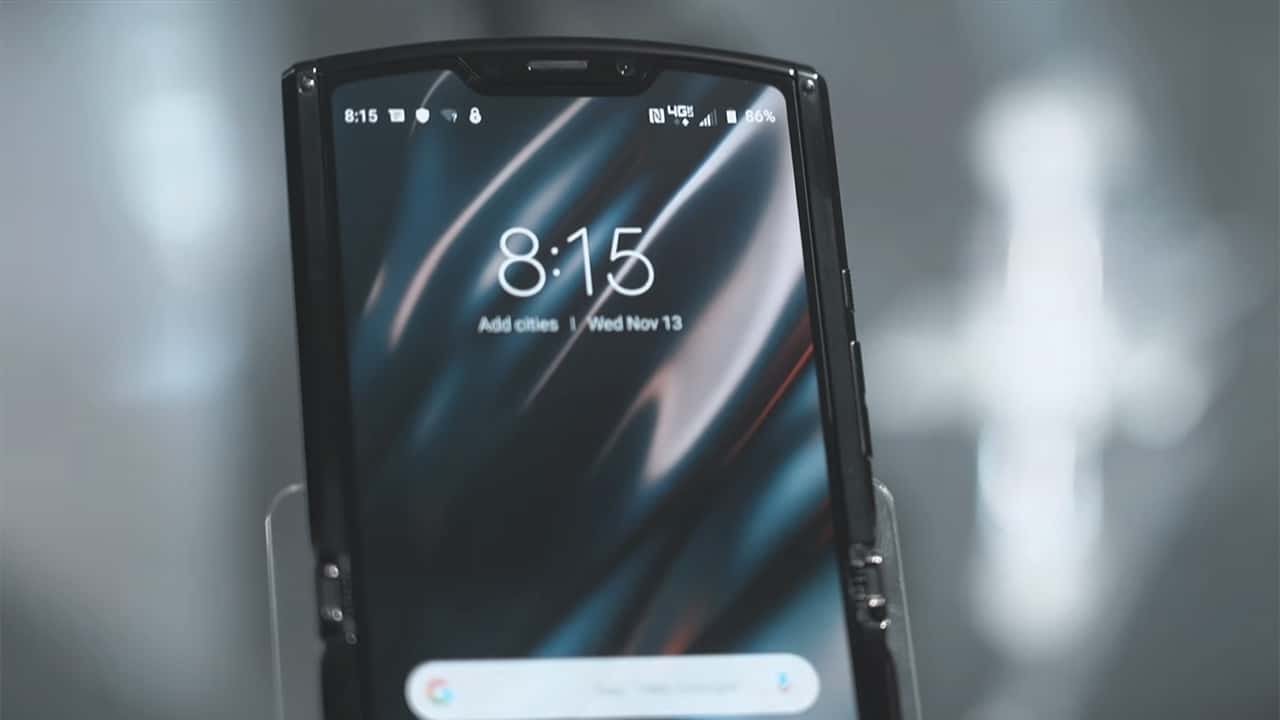
When you turn the phone on you’re greeted by Android OS. That means all your favorite apps are right here. There’s a small notch on top of the display to make room for the earpiece and a 5MP selfie camera.
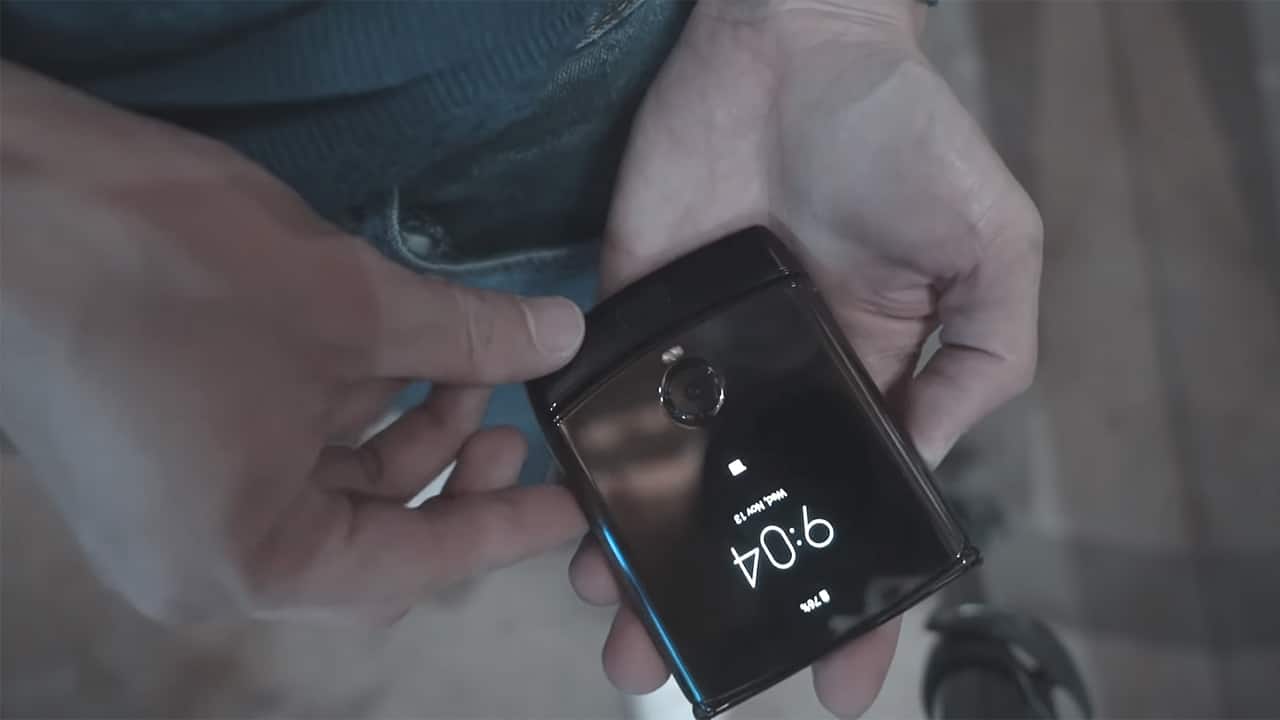
When you fold the phone close, you’ll find that it’s wider than the original razr V3. Motorola says bringing back the clamshell form factor using foldable display tech is meant to solve a customer pain point — portablity.
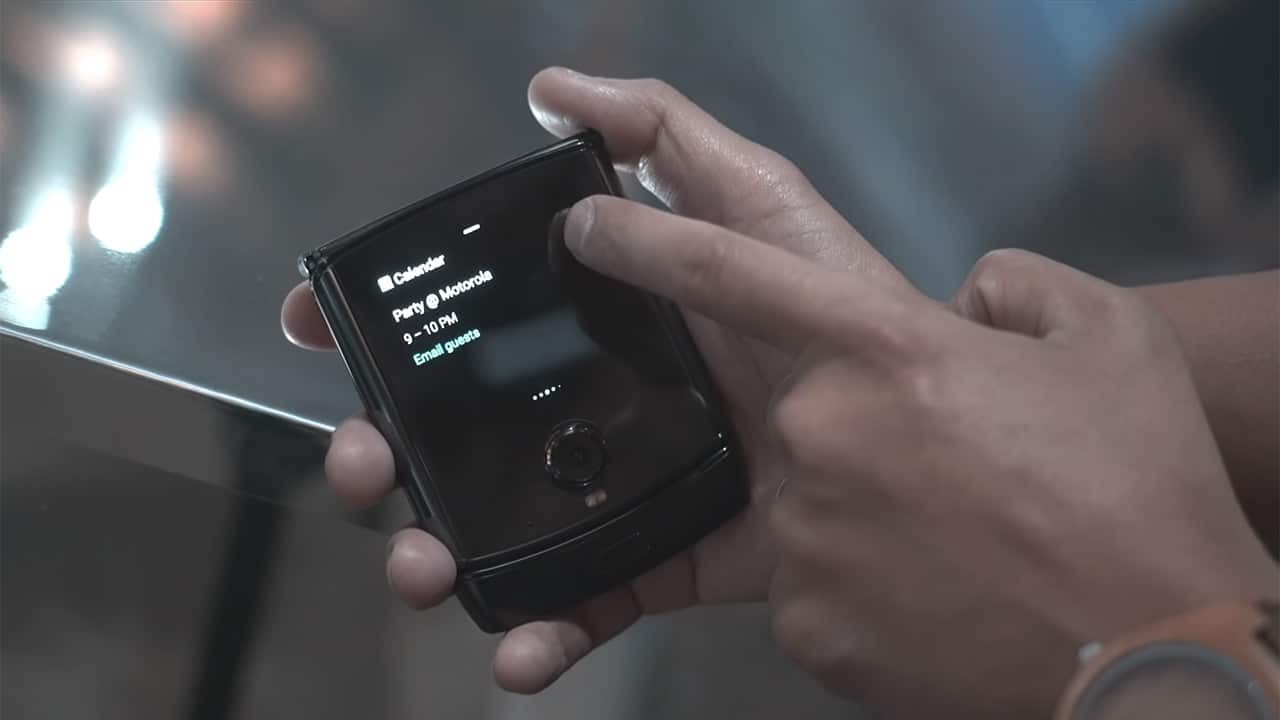
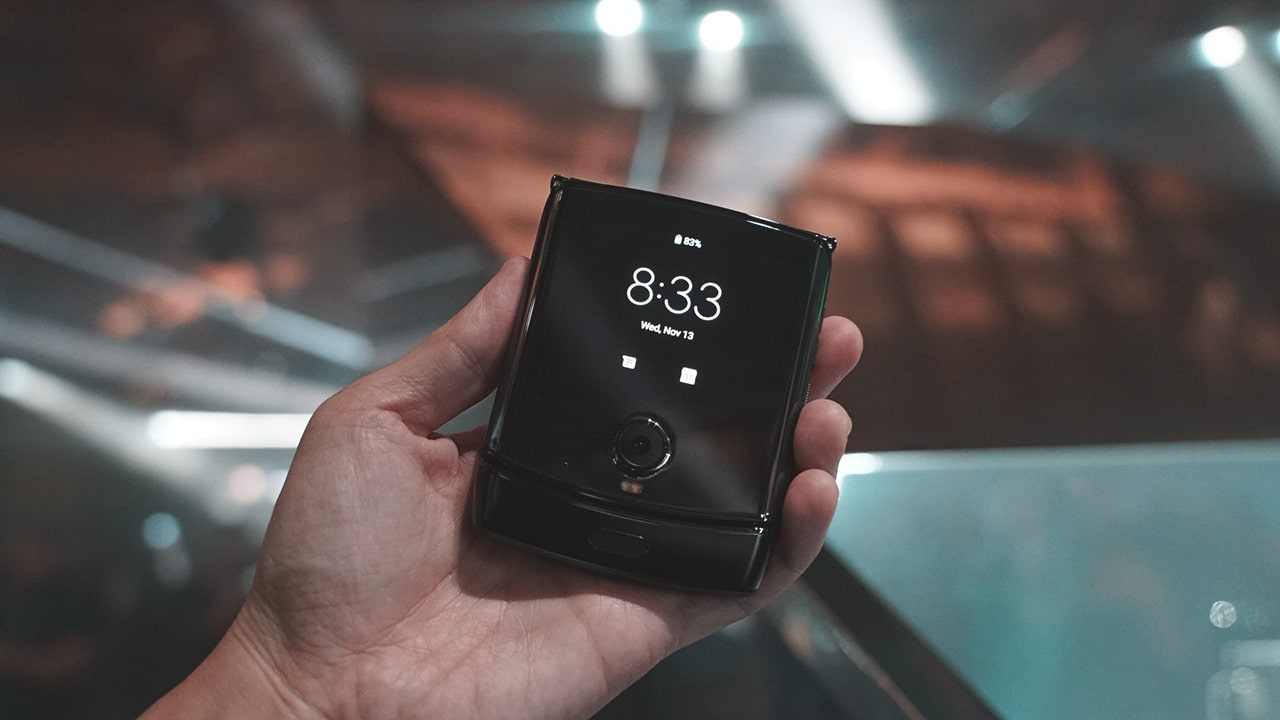
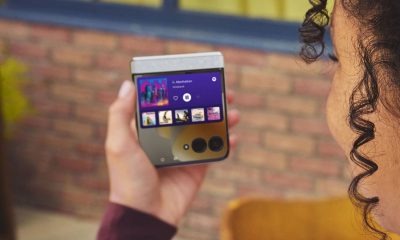
On the outside, there’s a secondary 2.7″ gOLED Quick View display. It’s not as high resolution as the main display, but i’ts good enough for showing the time and notifications.
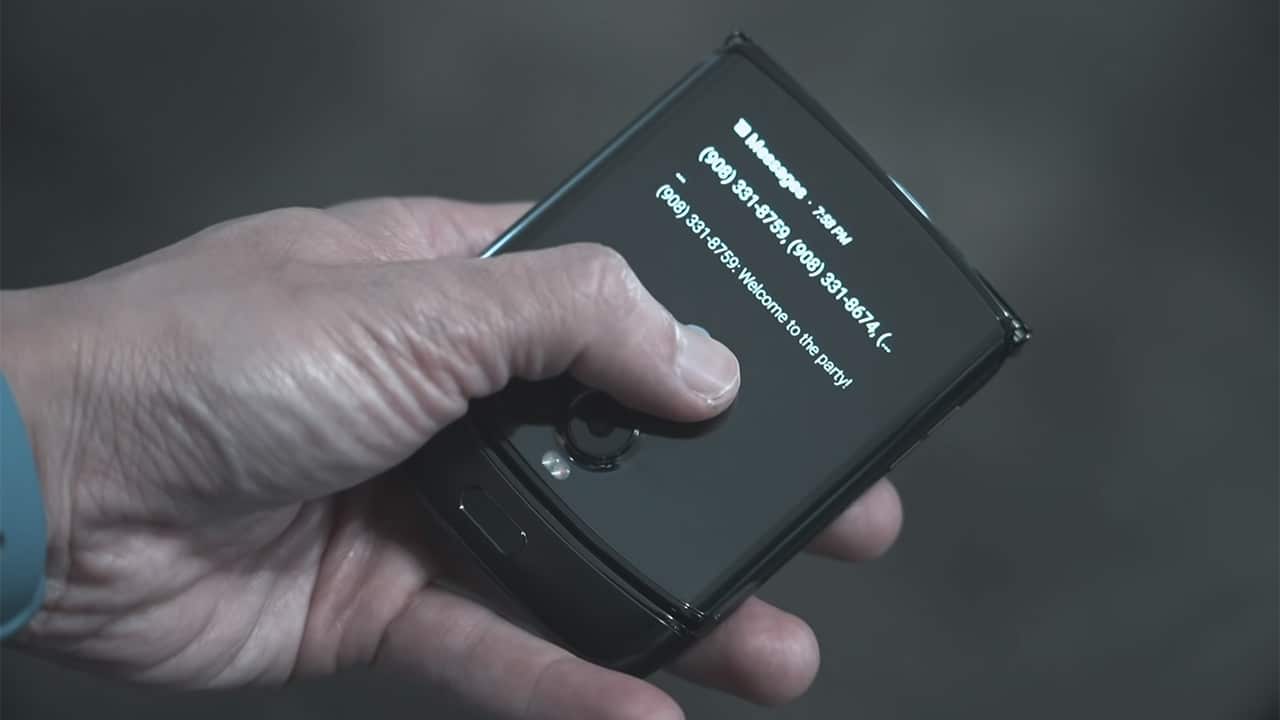
You can also tap to view a notification. There’s also Google Assistant Voice Detection, whichyou can use to dictate a text messages reply.
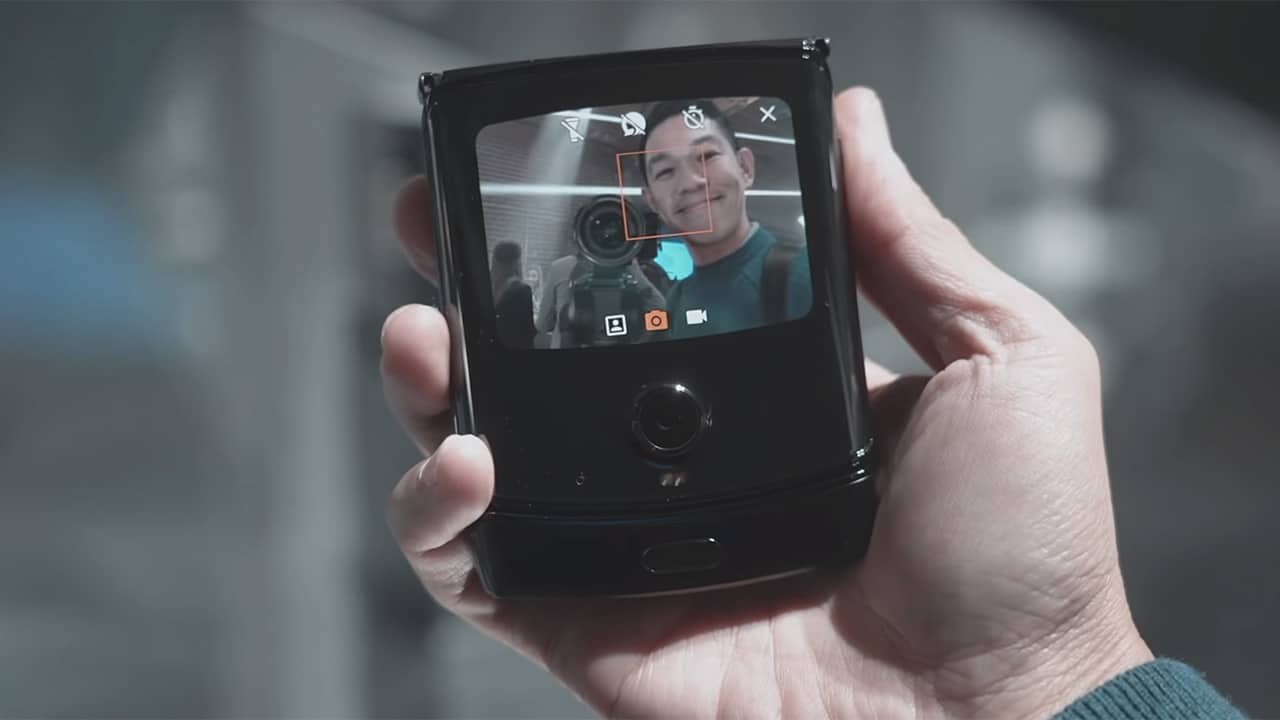
The Quick View display can also be used for taking selfies using the 16MP rear camera. You can just flick the phone twice to activate the camera. Smiling or flashing your palm will trigger the shutter.
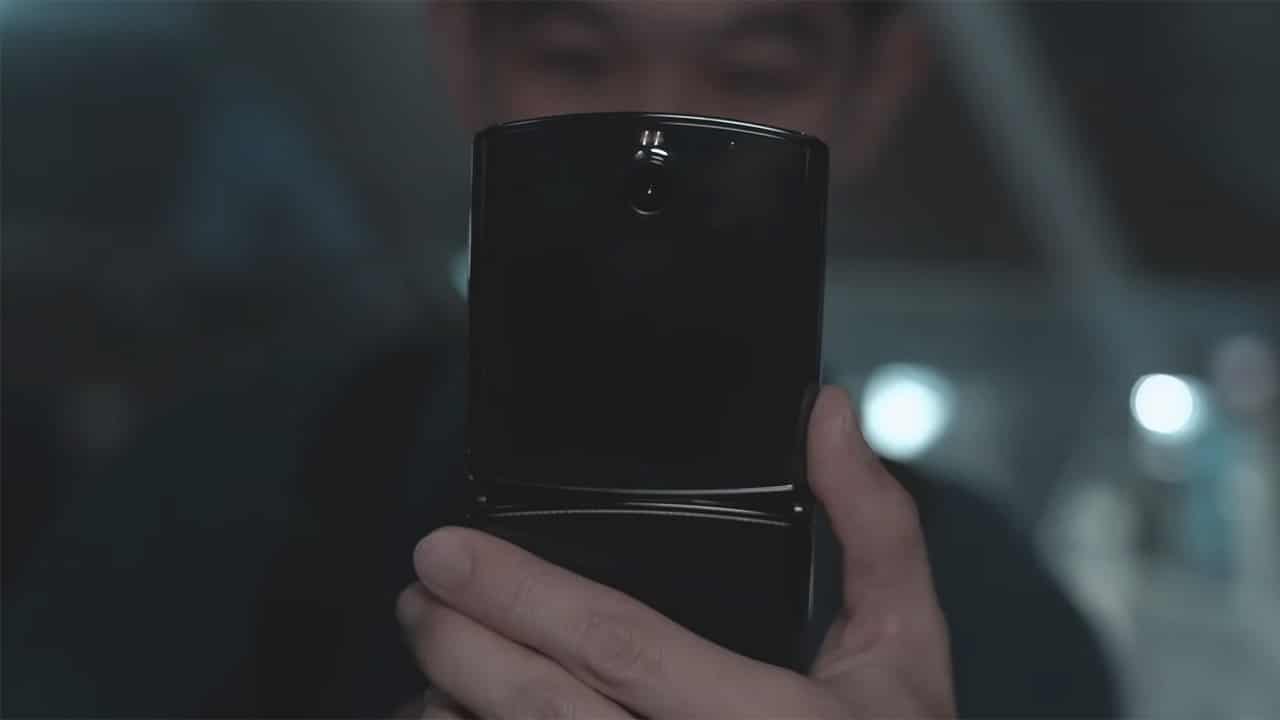
The rear camera features an opening of f/1.7, electronic image stabilization, dual pixel and laser autofocus, dual LED flash. It also serves as the main camera when the phone is flipped open.

Just like the original Moto Razr — the new 2019 model is sleek and stylish. With an aluminum chassis and sharp edges. The back side has a carbon fiber-like textured finish that feels like plastic — the only sore spot in its otherwise ultra premium feel. At launch it will only be available in black, but fingers crossed we get other color options too. Motorola says its employed a special zero gap mechanism that gives this foldable display a level of toughness that will survive the rigors of the real world.
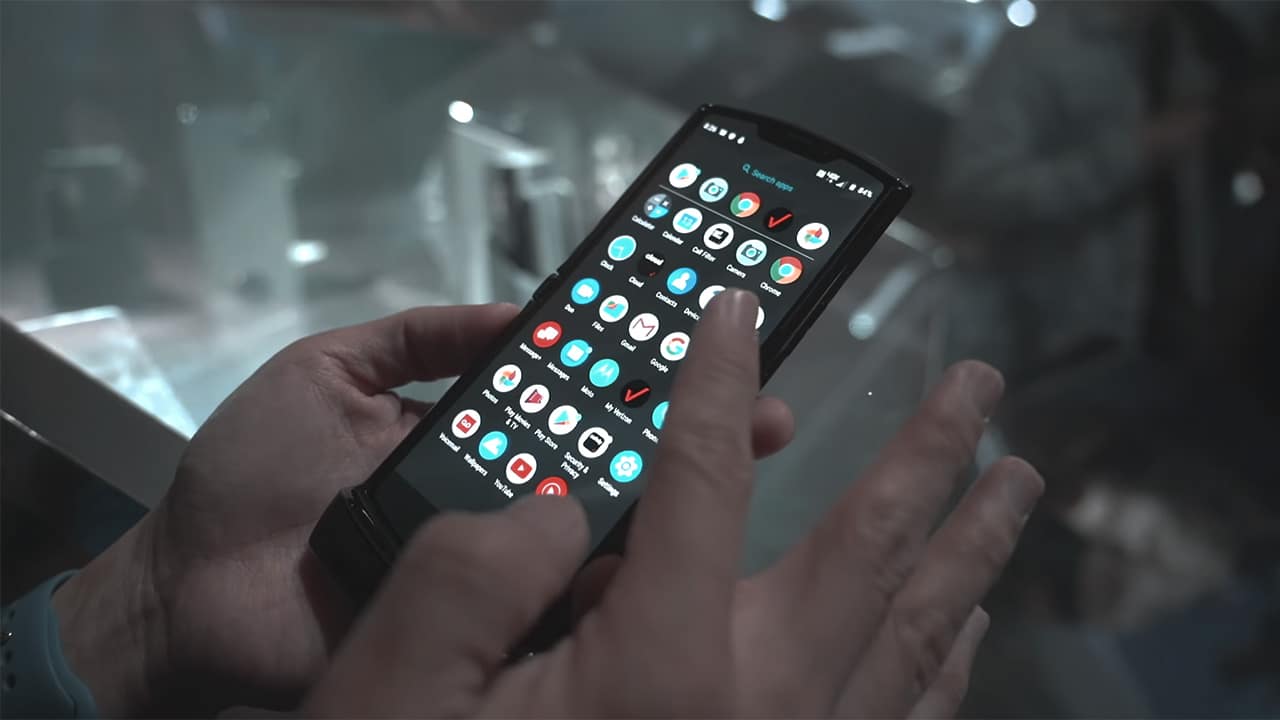
In the hands, the phone feels super sturdy. Even if it’s got a foldable screen it doesn’t feel fragile at all. In fact I think I wouldn’t mind just snapping it open and close without a worry.
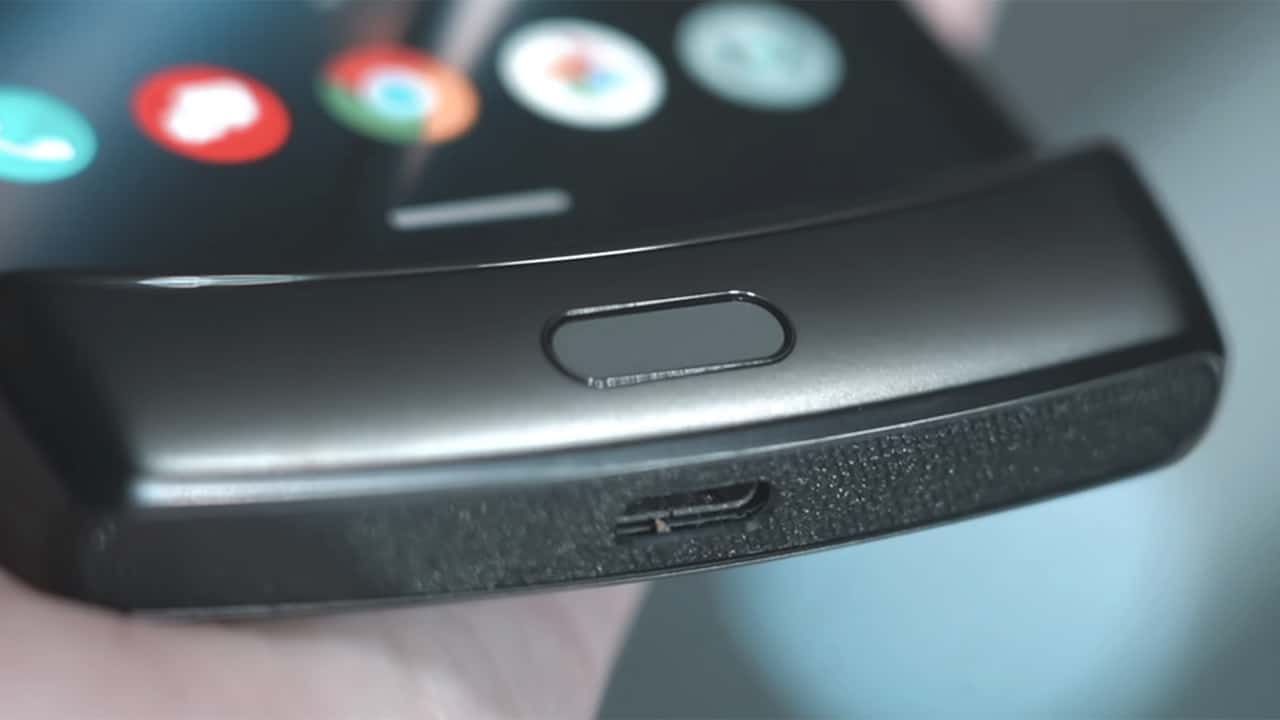
Button and port placements are like this: volume and power on the right hand side. A USB-C port on the bottom chin as well as speaker. The phone has no headphone jack but ships with a pair of USB-C headphones and a USB-C to headphone jack adapter. There’s also no SIM card slot instead as it only supports e-SIMs. It’s also water and dust and resistant.
Is this your GadgetMatch?
From the star studded guest list at tonight’s launch event, it’s pretty clear that Motorola is targeting the hip, fashion forward market, and not the pro techie crowd. If you look at its spec sheet, this is meant to be a midrange smartphone — with Qualcomm’s Snapdragon 710 processor, 6GB of RAM, and a measly a 2510mAh battery, albeit with a bundled 15W Turbo Charger. But specs isn’t really what the new razr is about.
In the US the Motorola razr will be available exclusively on Verizon, and pre-orders start December 26th. It will hit stores beginning January 9, 2020. It will also be available in select markets across Asia, Europe, Latin America, and Australia.
The pricetag? US$ 1,499 USD. Is that too much to pay for a futuristic phone in the body of nostalgia? Let us know in the comments below.
Watch our hands-on:





Hands-On
Apple iPhone Duo Unboxing and Hands-on
Supported apps, crease, cameras, and MagSafe all tested


Apple’s iPhone Duo is finally here!
Aside from unboxing the all-new iPhone-dable in Night Sky, we take a closer look at the display crease, check out the under-display camera quality, see which MagSafe accessories work with it.
Most of all, which apps support it (or not).
But how well does the dual-screen experience on an iPhone actually work? Watch our Apple iPhone Duo unboxing and hands-on to know more!


Moving into a new space comes with a long list of things to figure out, and lately, I’ve been paying more attention to something that’s easy to overlook: air quality.
After using the LG AeroMini for about a month, it has become a subtle but welcome addition to my space. It helps make the room feel fresher, while its compact and stylish design fits naturally into my setup. Here are the things that stood out to me most after living with it for a month.
360° purification for a fresher space
One of the things I appreciate about the AeroMini is its 360° air purification, designed to bring purified air in every direction.
For me, this is particularly useful in a new space where I’m spending a lot of time working, relaxing, and just settling in.

Combined with its True HEPA filter, which is designed to remove 99.999% of 0.01μm fine dust and allergens, it gives me added peace of mind about the air I’m breathing every day.
After a month, I can genuinely say that the space feels fresher with it running.

Surprisingly quiet
This is probably my favorite feature.
The LG AeroMini operates at just 26dB, and after using it for a month, what stands out is how easy it is to forget that it’s even running.

I can have it running while I’m working or sleeping without the noise becoming a distraction. For an appliance that’s designed to continuously improve the air around you, I think that’s a big deal.
Sometimes, the best feature is the one you barely notice.
Design that fits my space
Since I recently moved, I’ve been pretty conscious about what I bring into the space. I want things to be functional, but I also don’t want appliances that feel like they’re taking over the room.

The AeroMini’s slim and compact design makes it easy to incorporate into my setup. It doesn’t feel bulky or industrial, and I like that I can leave it out without feeling like I need to hide it away.
For me, that balance between functionality and aesthetics makes it feel more like part of the space rather than just another appliance.
Air quality at a glance
Another feature I’ve found convenient is its Smart Control. Through the app, I can monitor and control the AeroMini while getting real-time updates on the indoor air quality.
It’s a small convenience, but being able to check the air quality without having to interact with the purifier directly makes it easier to keep track of what’s happening in the room.

Easy to maintain
I also appreciate that the AeroMini is designed with an all-in-one dust and deodorization filter that makes replacement and maintenance easier.
That matters to me because the best home gadgets are the ones that don’t create another complicated chore. I want something I can set up, use regularly, and maintain without too much fuss.

After a month, would I keep it?
Yes, and mainly because it quietly fits into my everyday routine.
The LG AeroMini has helped make my new space feel fresher and more comfortable, while its compact design means it doesn’t compromise the look of the room. But if I had to pick just one thing I appreciate most, it’s still how incredibly quiet it is.

It’s one of those upgrades that doesn’t demand your attention. It simply works in the background.
If you’re also looking to make your home a fresher and more comfortable space for yourself and your family, visit https://www.lg.com/ph/ to learn more about the LG AeroMini and how it can fit into your everyday life.
Hands-On
Apple iPhone 18 Pro Series Hands-on
And everything announced during Apple’s September 2026 Event

The latest Apple event isn’t just about the shiny new Apple Duo. There’s a lot to talk about!
In this video, we break down everything Apple has announced during their September 2026 keynote.
First, there’s the updated iPhone 18 Pro and 18 Pro Max. That’s alongside their design and color changes, battery and performance improvements. Even that massive camera upgrade.
There’s even the ANC-infused AirPods 5 alongside the newer Apple Watch Series 12 and Apple Watch Ultra 4. Plus, the latest software updates coming to both these wearables.
So, are these worth the upgrade?


ROG G700 review: The best prebuilt PC you can get off the shelf
This PC will make you stop worrying about specs.


HP OMEN Max 16 review: Gamer-maxxing in deep black
Peripherals deemed necessary to max this out


vivo V80 review: Good phone, tough sell
A capable travel companion

FromSoftware’s The Duskbloods delayed to 2027

Yes, you can turn off the MacBook Pro’s touchscreen display

Demon Slayer: The Hinokami Chronicles 2 launches on Switch 2

What the MacBook should touch on instead

realme 16 Pro 5G Harry Potter Edition: Price, availability in the Philippines


-
Reviews2 weeks ago
vivo V80 review: Good phone, tough sell
-
![KINGDOM HEARTS Collection [I-III]](https://www.gadgetmatch.com/wp-content/uploads/2026/10/kingdom-hearts-colletion-I-III-202610-400x240.png)
![KINGDOM HEARTS Collection [I-III]](https://www.gadgetmatch.com/wp-content/uploads/2026/10/kingdom-hearts-colletion-I-III-202610-80x80.png) Gaming2 weeks ago
Gaming2 weeks agoKINGDOM HEARTS Collection [I–III] now available on PS5, Switch 2
-

 News1 week ago
OPPO Find X10 Series: Price, availability in the Philippines
-
 Buyer's Guide2 weeks ago
iPhone Duo Philippines: Prices, installments, and where to buy
-

 Cameras1 week ago
DJI Osmo Pocket 4P Pearl White now available globally
-

 News1 week ago
OPPO Find X10 Series: Price, availability
-

 News2 weeks ago
Sony unveils three premium Walkman music players
-

 Entertainment1 week ago
Cyberpunk: Edgerunners 2 now streaming, Cyberpunk 2077 update coming