

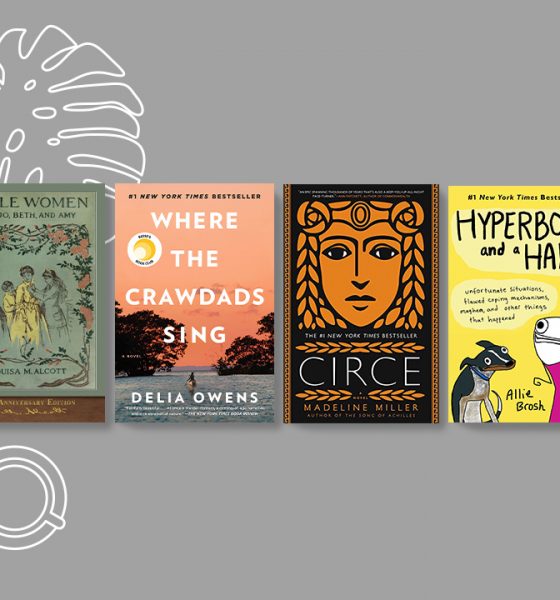

How women are seen and portrayed are largely shaped by how men view them. The only way to see and understand women past stereotypes and traditional roles is by exposing ourselves to their perspective. Ask anyone — men and women alike — what their favorite books are, and most of them would be surprised to find that their list is mostly authored by one gender.
Whether you’re practicing social distancing or celebrating Women’s History Month, there’s no better time to expand your reading list to include more books written by women authors. Here’s a list of 22 must-read books as recommended by women, including myself:
1. Men Explain Things to Me by Rebecca Solnit

“Reading this will make women (and men) feel both hopeful and helpless at times. If you need convincing why feminism is still necessary in this day and age, look no further.” – Chay
2. Little Women by Louisa May Alcott

“This coming of age book will make readers reflect how women’s self-identity is influenced and shaped by society, and more importantly, what it truly means to be a woman.” – Suzie
3. Convenience Store Woman by Sayaka Murata

“In a world where you feel like you don’t quite fit in, this Japanese novel provides the reassurance that it’s okay to be different and to carve a path of your own that’s not bound by others’ expectations.” – Chay
4. Circe by Madeline Miller
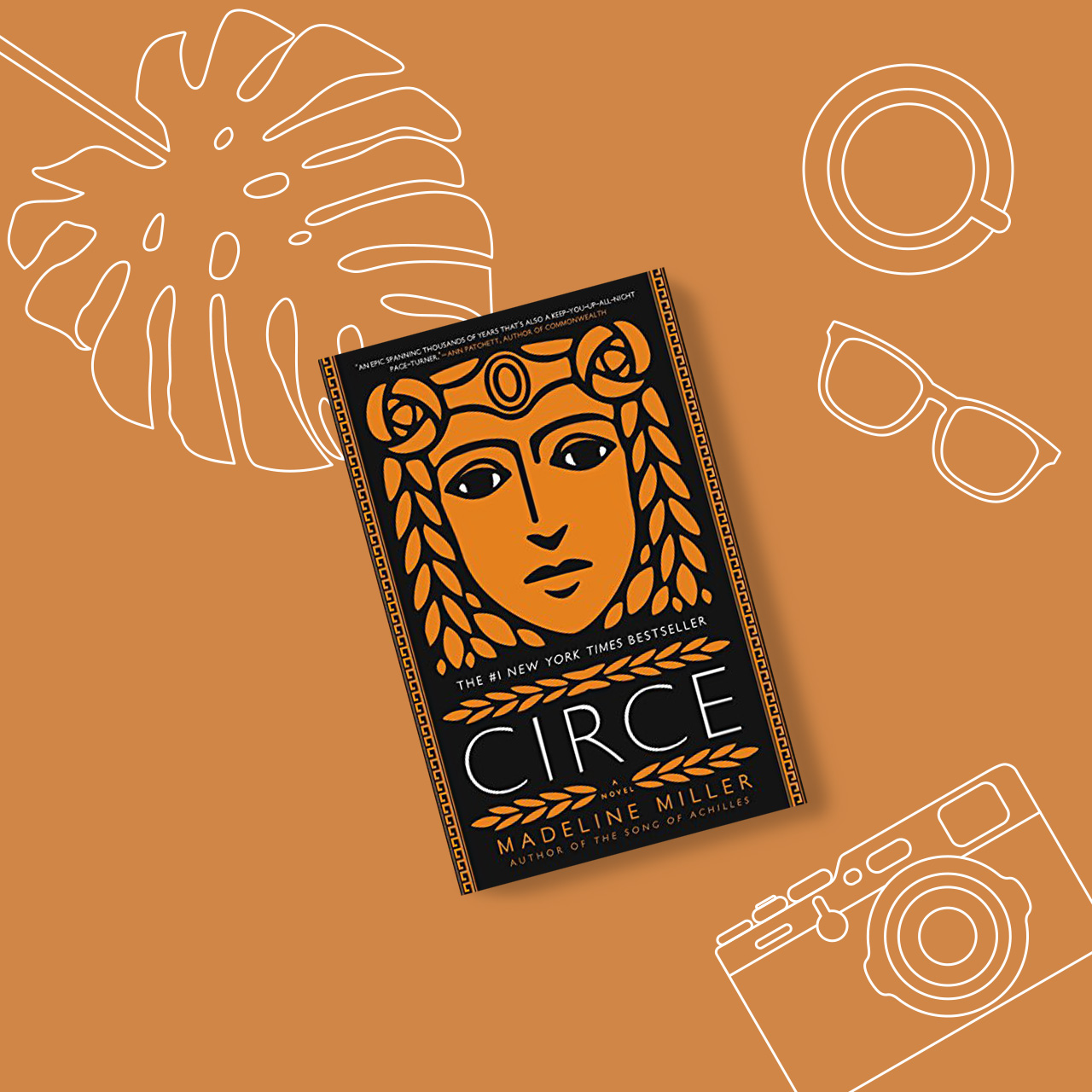
“Yes, Circe, as in the daughter of Helios. The story is about making a place for yourself in a world that doesn’t understand you. A bold and feminist take on Greek mythology.” – Ali
5. Becoming by Michelle Obama
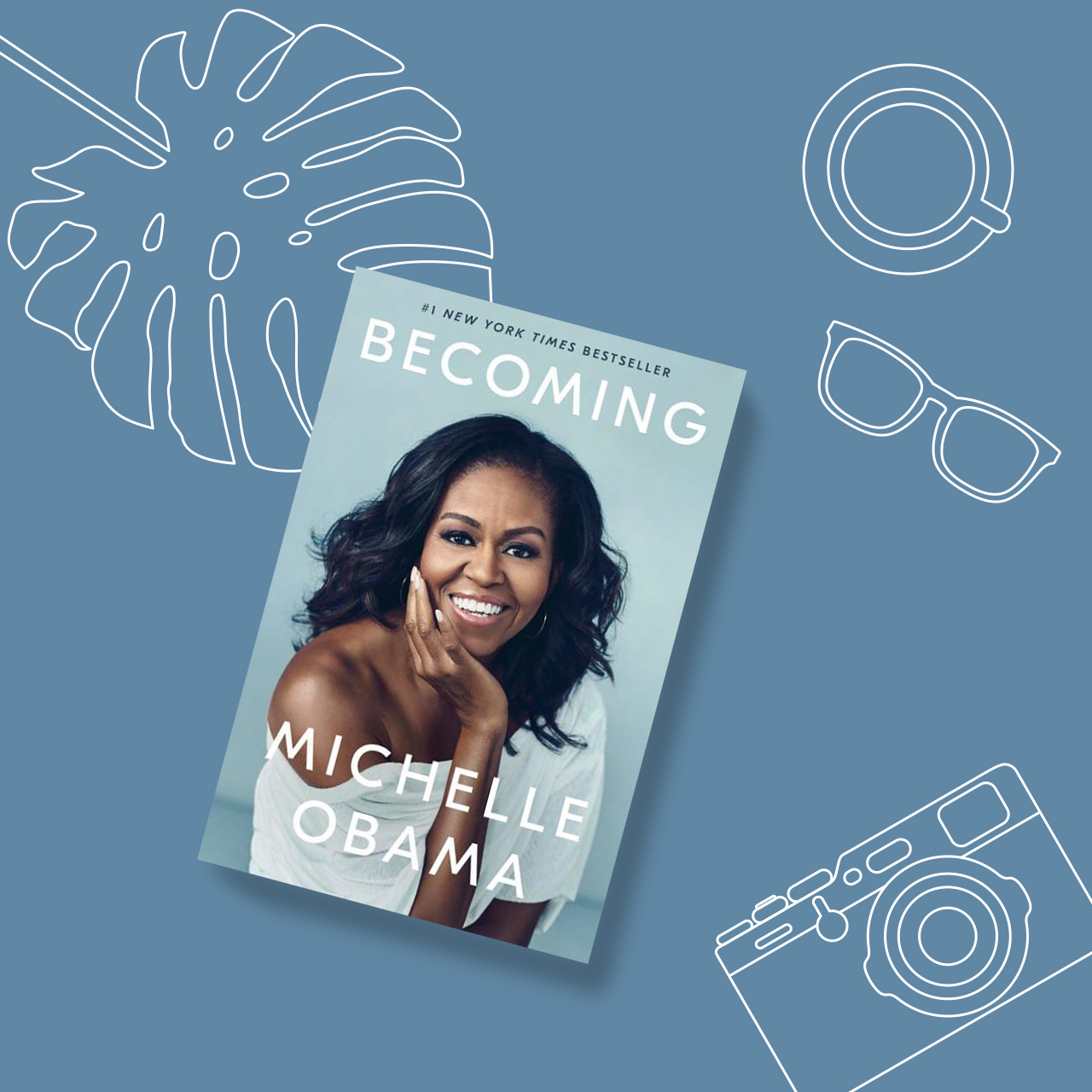
“This book is a testament that hardwork, determination, and drive never go out of style. Michelle Obama’s journey from the Southside of Chicago to the White House serves as an inspiration for readers to daringly dream and courageously break the status quo.” – Suzie
6. Dear Girls by Ali Wong
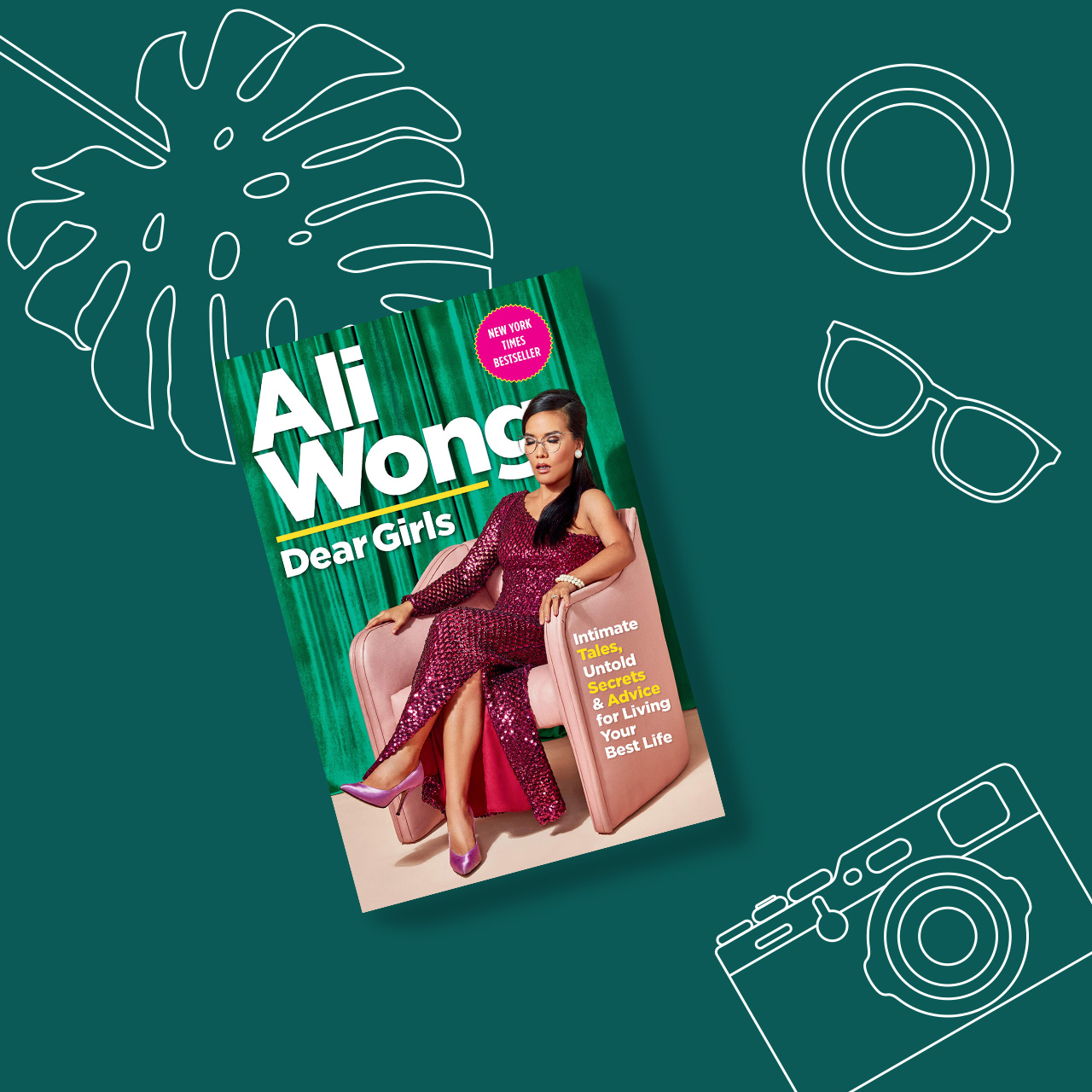
“Dear Girls is a series of candid, hilarious letters from Ali Wong to her two daughters about topics from working women to Asian culture to love. I pulled an all-nighter in a hotel room reading this entire book and cackling to myself.” – Bonnie
7. What Works: Gender Equality by Design by Iris Bohnet
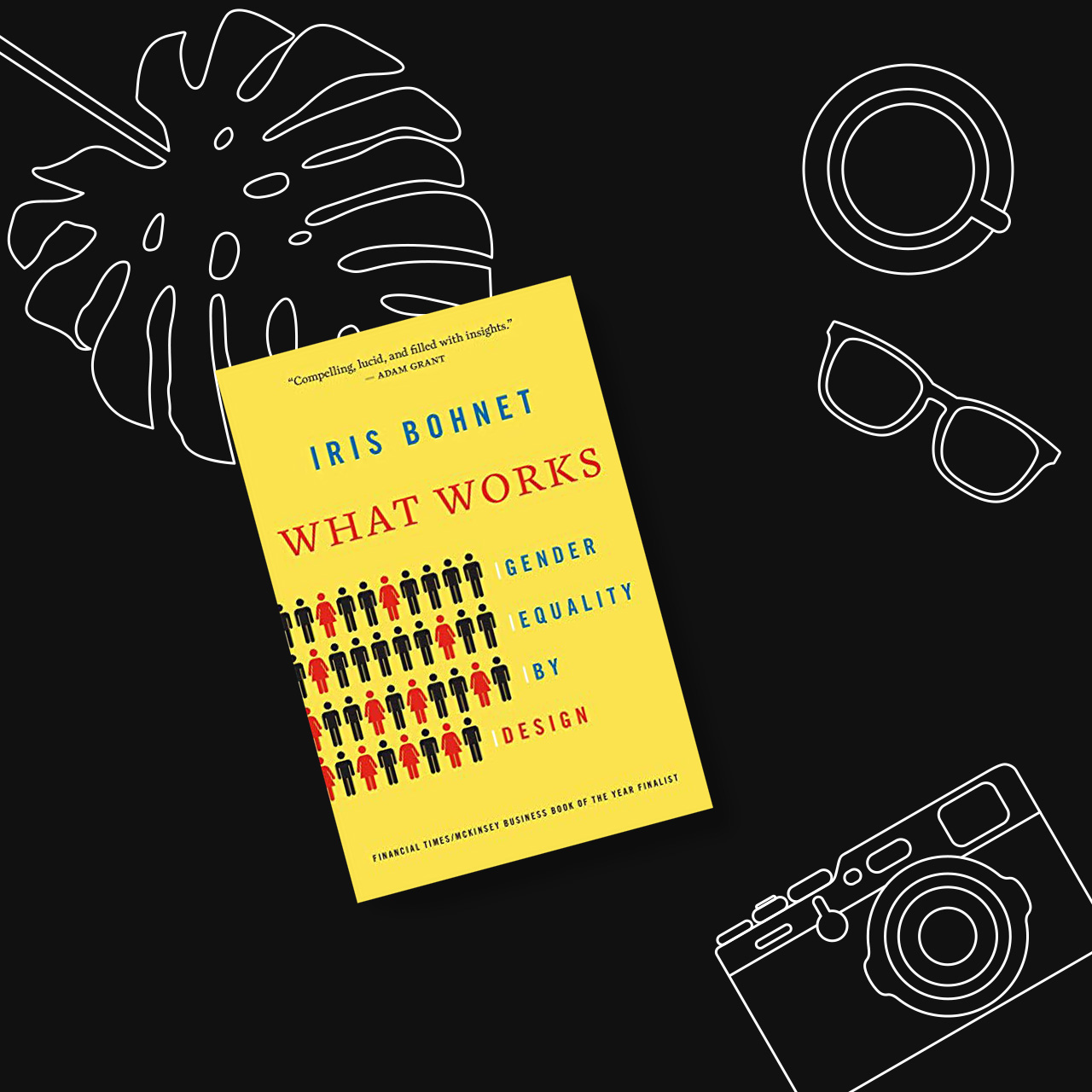
“It took me months to get through this book because of the sheer amount of information and research Iris Bohnet presented. It’s a great resource for anyone who’s in a position to help rid of gender bias in organizations and communities.” – Chay
8. Principles of Uncertainty by Maira Kalman

“Reading Kalman’s writing is like reading my own scattered thoughts. It’s a picture book of paintings with seemingly random existential questions.” – Chay
9. Hyperbole and a Half by Allie Brosh

“This is a strikingly quirky collection of comics that dabbles into silly, borderline psychopathic, memories and tendencies Allie Brosh embodies. This book is relatable, hilarious, and shamelessly Allie Brosh that you have to read it.” – Leez
10. Trick Mirror by Jia Tolentino
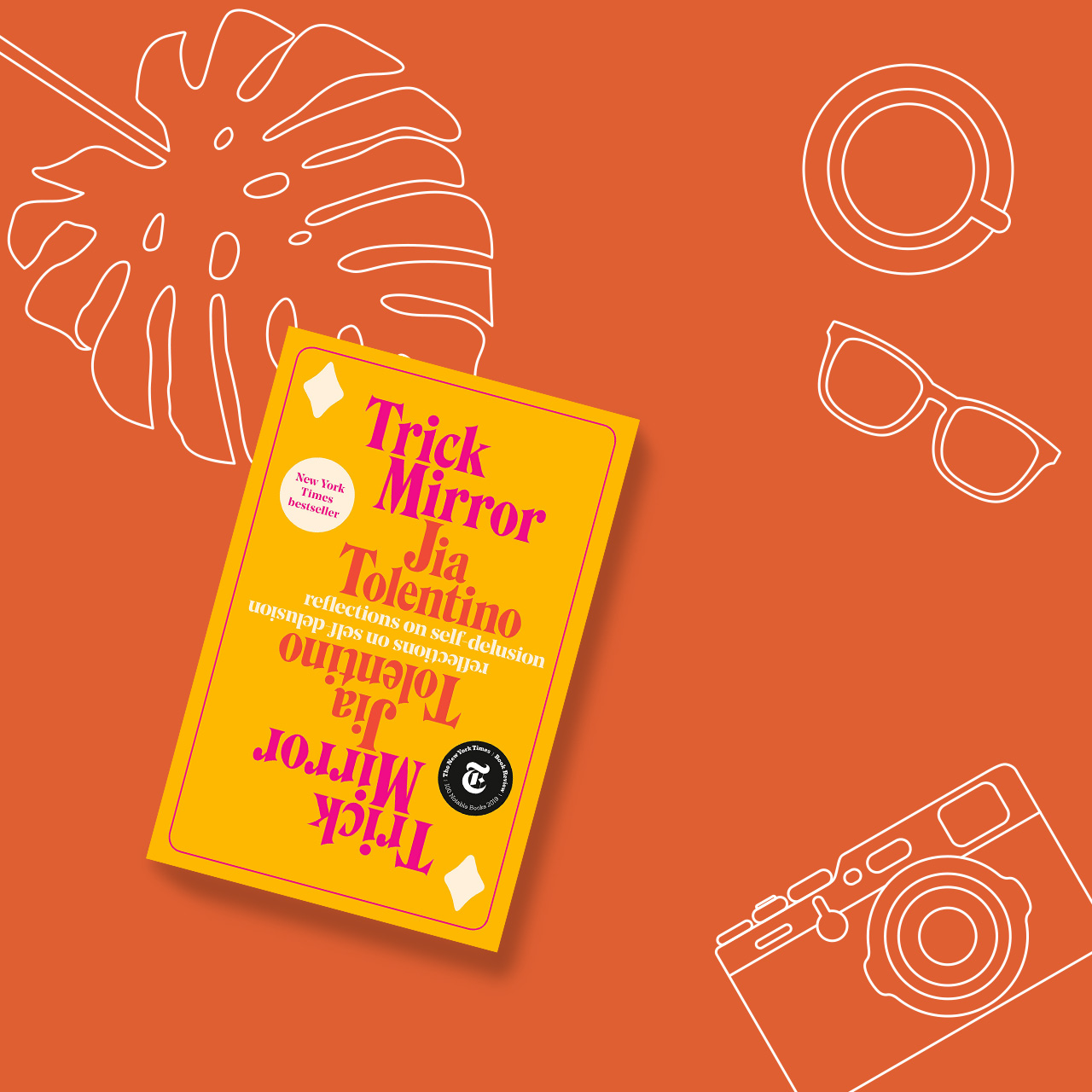
“Insightful, articulate, and at times, funny — Jia Tolentino’s first book is as brilliant as everyone says it is. Pure Heroines, Always Be Optimizing, We Come from Old Virginia, and The Story of a Generation in Seven Scams are my favorite essays from the collection.” – Chay
11. Normal People by Sally Rooney

“It’s a simple story of right person, wrong timing. It’s heartbreakingly beautiful.” – Mik
12. Eleanor and Park by Rainbow Rowell

“If you want to remind yourself what young love’s like, this is a good choice.” – Leslie
13. Severance by Ling Ma
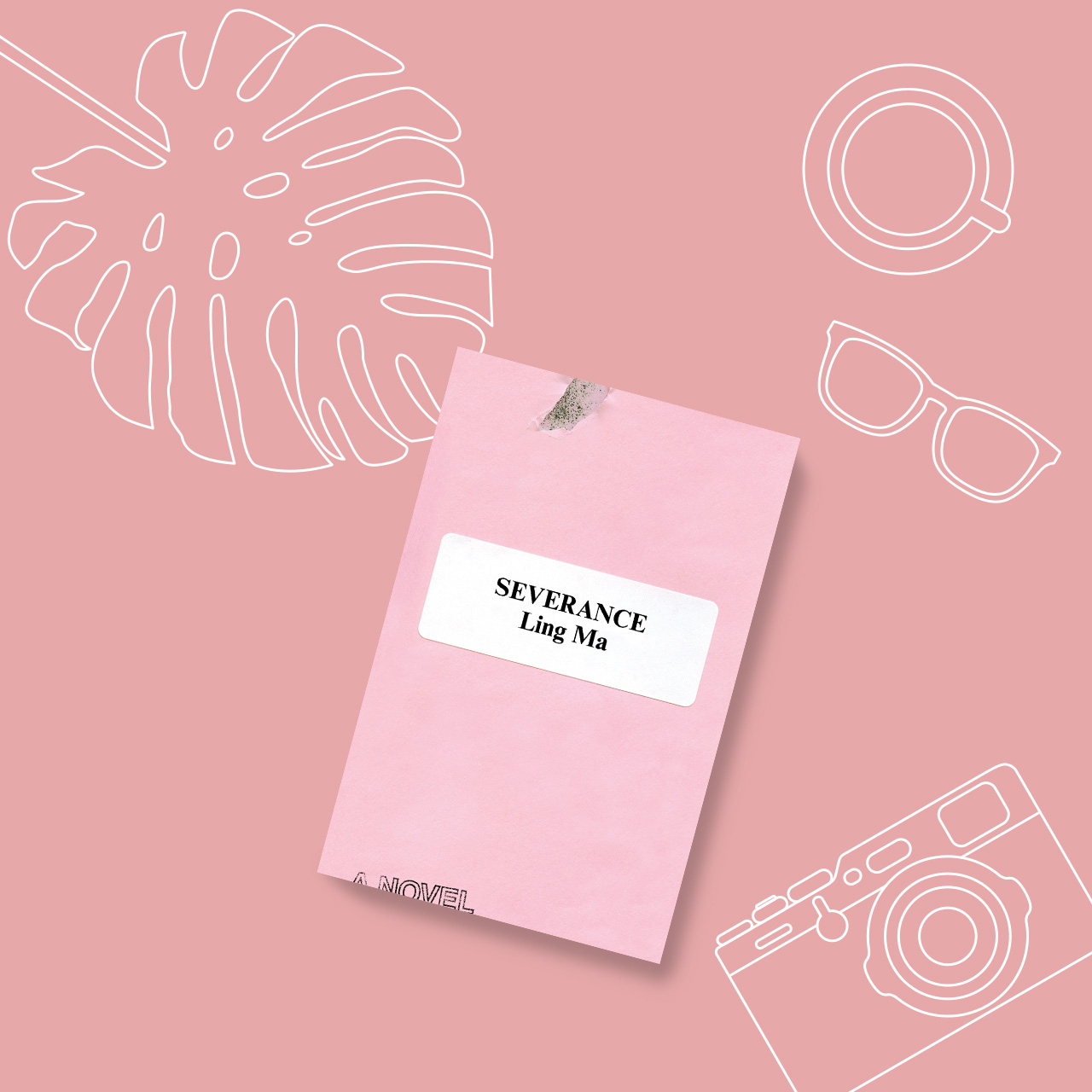
“It’s about the life and routine of a millennial in New York, until it isn’t. It goes from her musings about growing up with Chinese immigrants as parents, to her office job, to all of a sudden surviving a pandemic outbreak that wiped most of the population. It’s a work of fiction that feels eerily similar to current events.” – Chay
14. To Kill a Mockingbird by Harper Lee

“I cannot stress this enough. It’s one of those few books where I vividly remember how I felt when I finished it. You’ll know that feeling when you read it.” – Marian
15. Tiny Beautiful Things by Cheryl Strayed
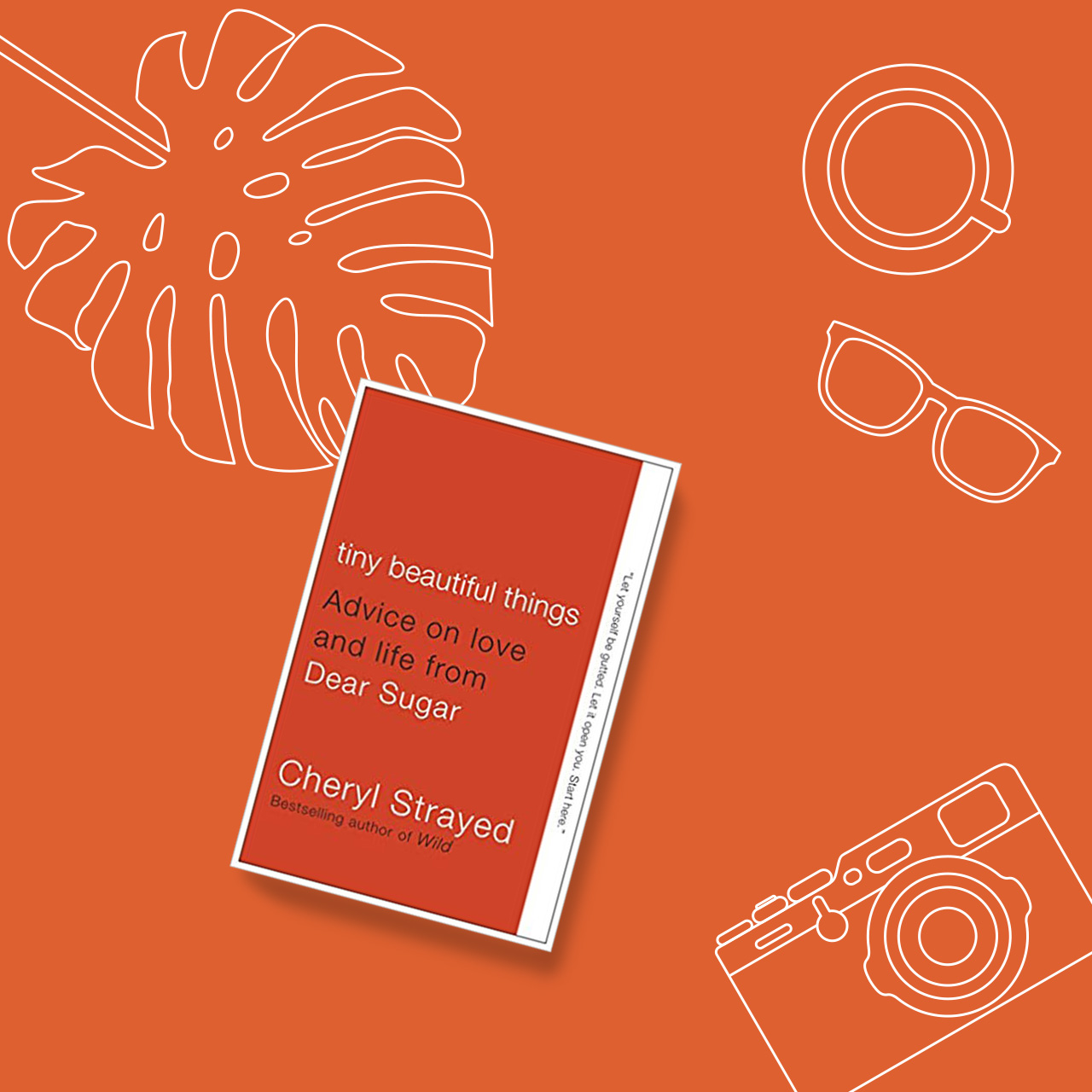
“A friend recommended Tiny Beautiful Things at a time when I felt alone and badly needed to be surrounded by friends. It’s a comforting voice of reason and source of nuggets of wisdom about adulthood that would otherwise take you years and lots of tears to learn on your own.” – Chay
16. The Bell Jar by Sylvia Plath

“The stunningly slow yet haunting slippery slope into a mental illness is portrayed in this novel through its protagonist. There is so much said in this book that isn’t explicitly said. It mirrors the author’s insufferable demons which makes this novel a fundamental read.” – Leez
17. The Door by Magda Szabó
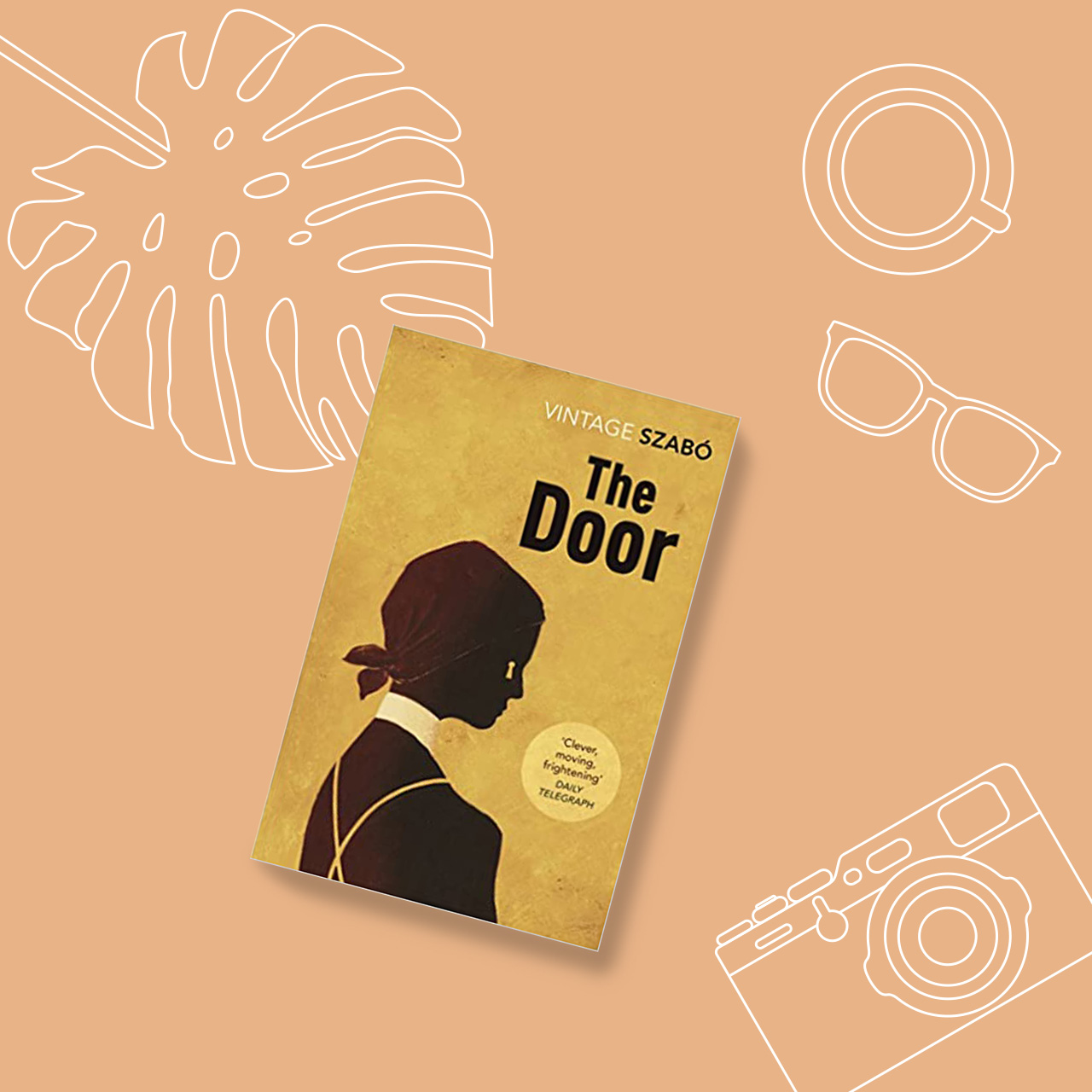
“This is a story about two very different, complicated Hungarian women. It will leave you not knowing how to identify how you feel, and wanting to read it again as soon as you finish it.” – Chay
18. Gone Girl by Gillian Flynn
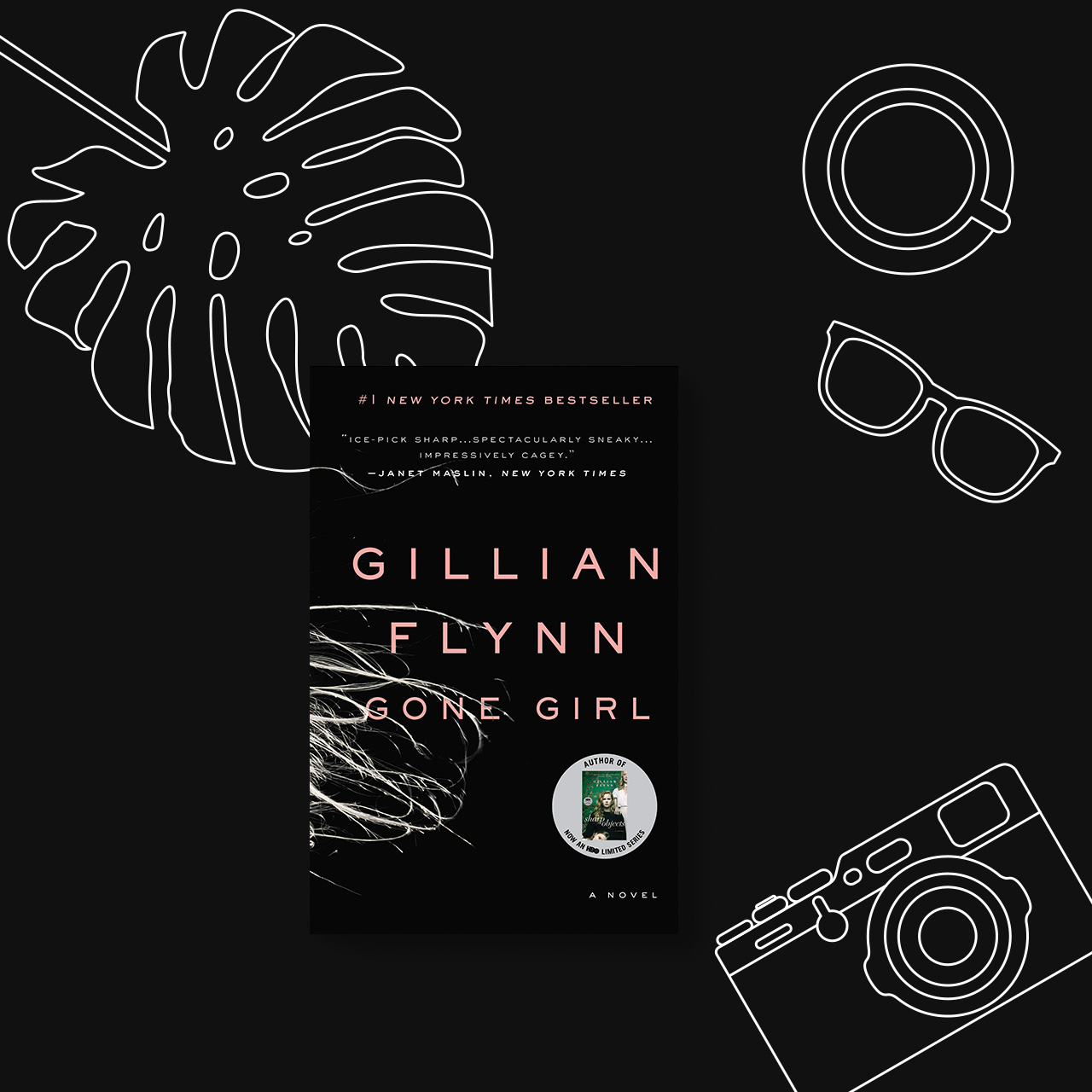
“Rosamund Pike’s Oscar-nominated portrayal of a cool girl should tap one’s curiosity into reading this book! The storytelling is suspenseful that you will have a difficult time putting it down.” – Suzie
19. Where the Crawdads Sing by Delia Owens

“This is a coming-of-age slash murder mystery, written by an author who happens to be a zoologist too. I’m about 1/4 of the way through it so I’ve yet to see how the author will weave these two narratives together but the book is nothing quite like anything I’ve read before.” – Marian
20. His Majesty’s Dragon (Temeraire Series) by Naomi Novik
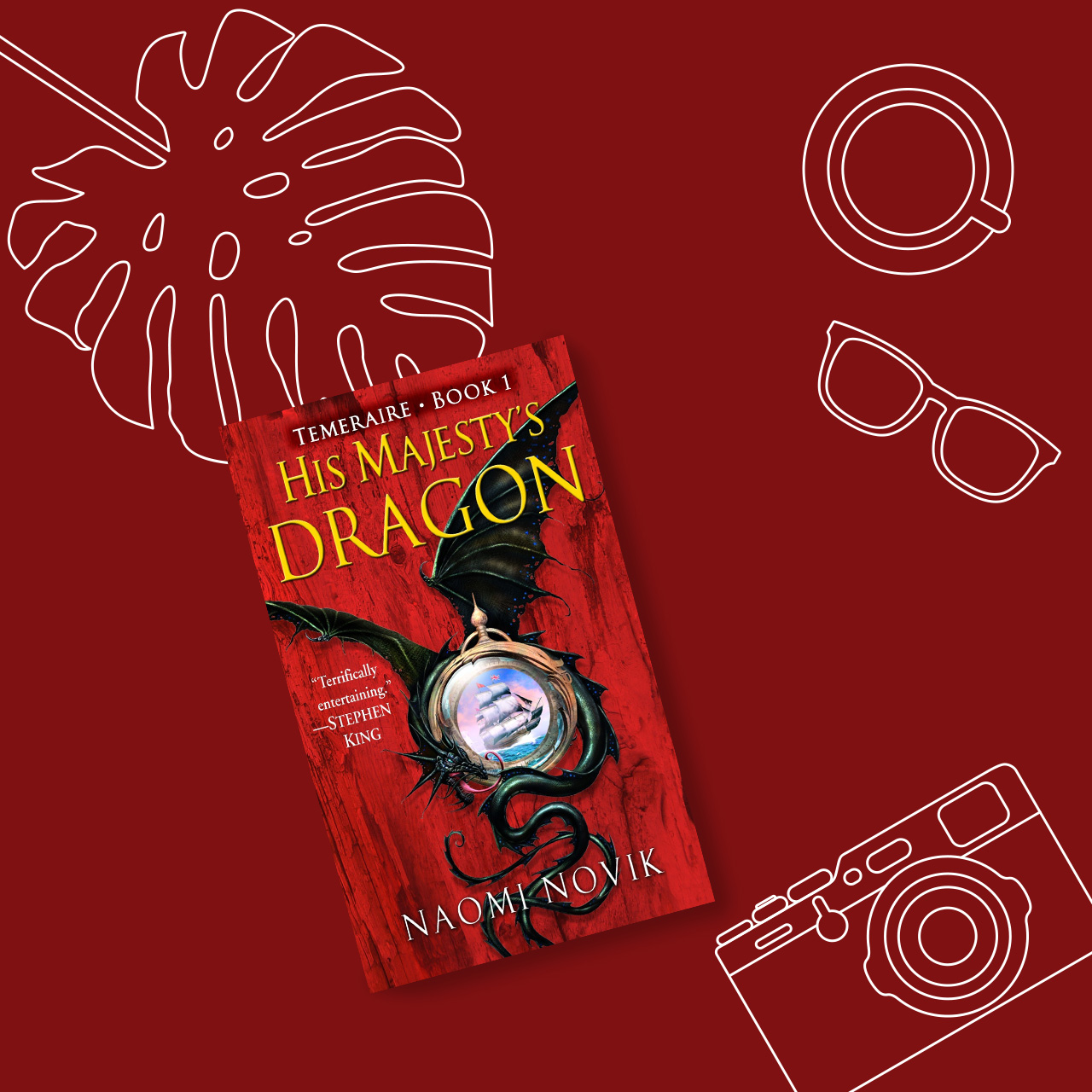
“The napoleonic era fought with dragons! Reading sci-fi fantasy broadens even the most practical of minds, and this strong story by an amazing female writer is a must.” – Geneva
21. The Sparrow by Mary Doria Russell

“This novel is a heart-wrenching science fiction that references the Gospel of Matthew 10:29–31, which relates that not even a sparrow falls to the earth without God’s knowledge thereof. Although it has religious undertones that deep-dives into human suffering, it stays unbelievably profound in describing love, friendship, and grief.” – Leez







Features
Getting the latest Samsung Galaxy Z Flip8 at 0% Interest with Maya Mini Payments
What convinced me to upgrade and how Maya Mini Payments made paying for it easier~

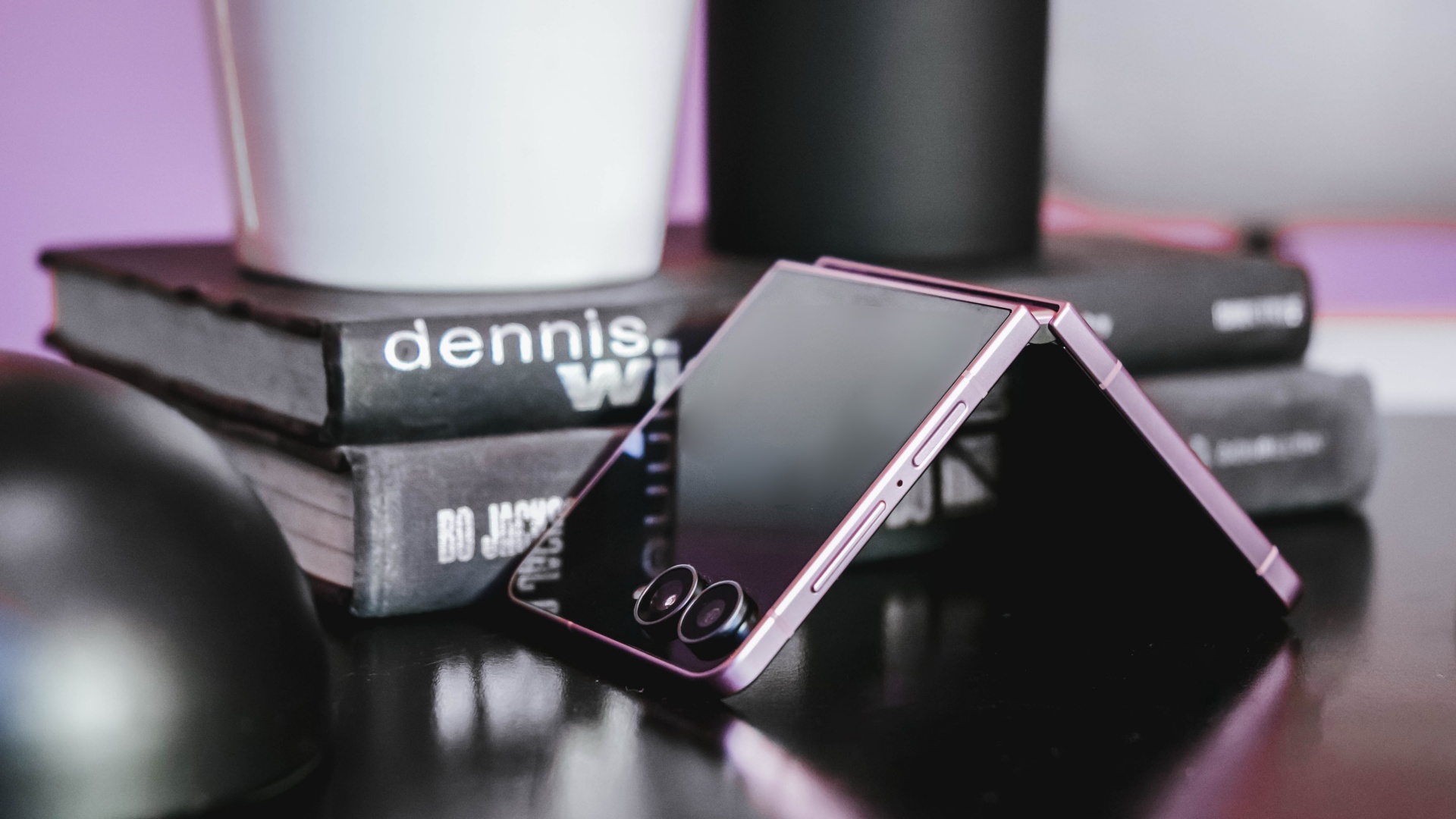
I don’t upgrade simply because there’s a newer model on the shelf.
Last year, I upgraded to the Samsung Galaxy Z Flip7 after spending three years with the iPhone 13 as my daily driver.
Even then, the decision wasn’t about chasing the latest release. It was about finding a device that better matched how I work.
I’m a firm believer that every upgrade has to earn its place in my pocket, especially when there are already perfectly capable phones sitting on my desk.
So when I decided to pre-order the Samsung Galaxy Z Flip8, the decision wasn’t simply about getting the newest device.
It came down to two questions: It came down to two questions: Is this a smart upgrade? And if it is, what’s the smartest way to own it?
The first question was answered by the device itself. The second is where Maya Mini Payments entered the conversation.
For me, the Flip8 addresses the reasons to upgrade. Maya Mini Payments addresses one of the biggest reasons people hesitate: big purchases that could be paid in 3, 6, 9 or 12 monthly payments.
Changing how I shoot and use my phone
I spend most of my day switching between shooting, editing, and posting, sometimes all within the same hour.
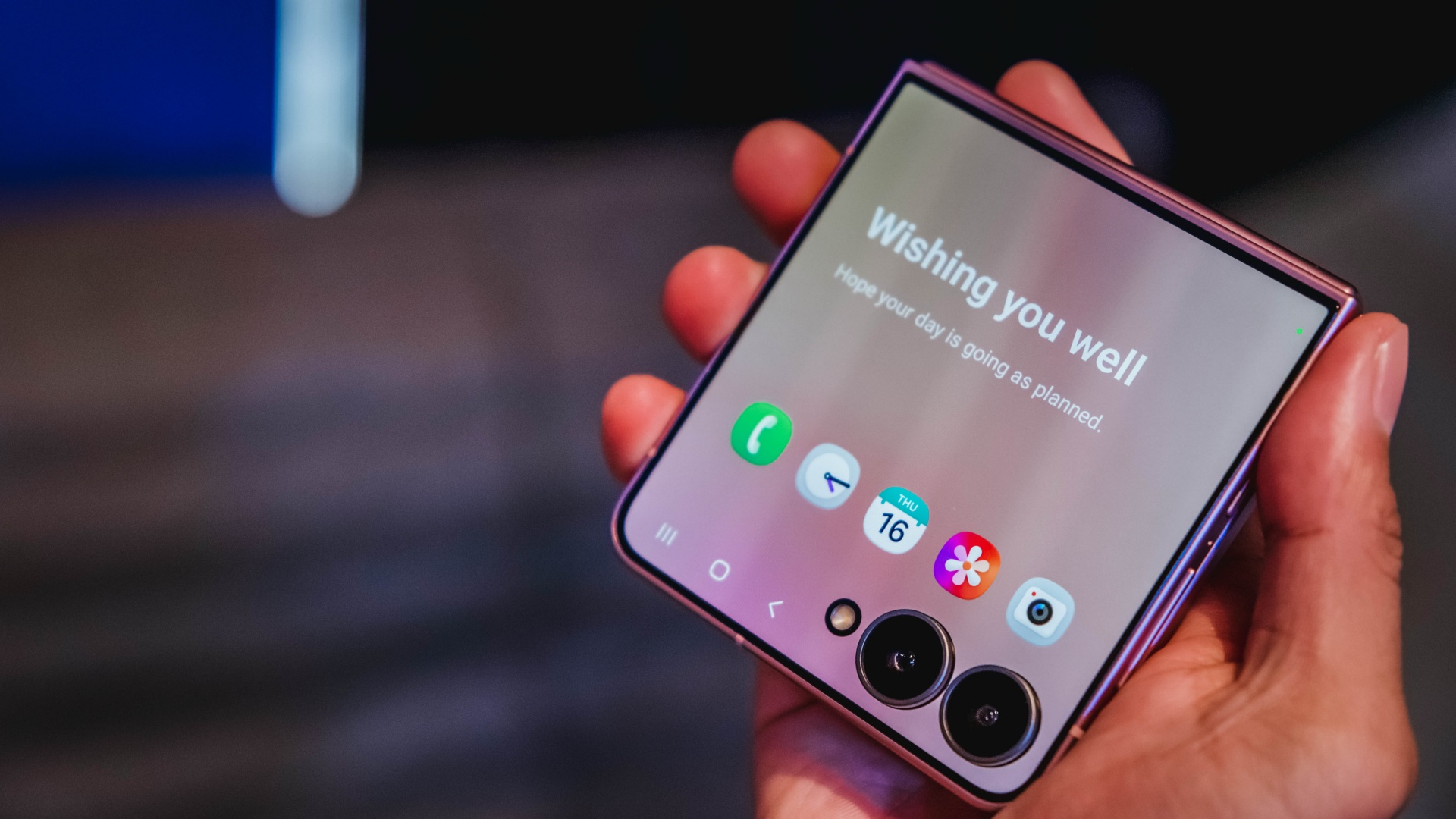
One of the biggest reasons the Galaxy Z Flip8 caught my attention is the cover screen. It’s finally useful enough that I can shoot, preview, and interact with content without constantly opening the device.
That may sound like a small change, but it makes a difference when you’re trying to capture candid moments before people notice a camera pointed at them.
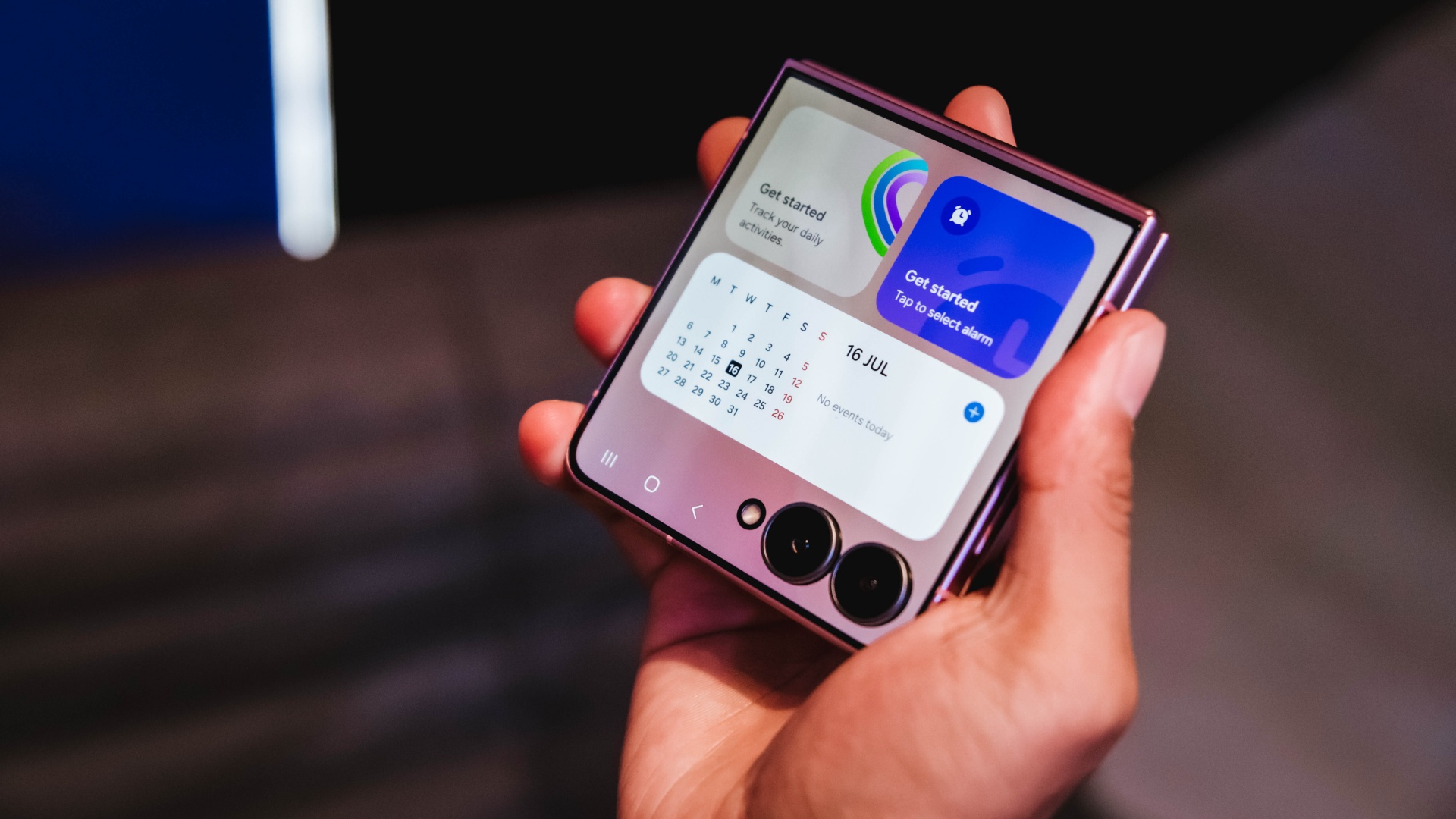
It also makes everyday tasks easier. I can check a script, review a shotlist, reply to messages, or glance at notifications without unfolding the phone every few minutes.
For years, foldables often felt like they required some compromise. You gained a unique form factor and flexibility, but sometimes gave up a little on the camera experience. The Flip8 feels like it’s closing that gap.
Samsung’s improvements in low-light performance and stabilization are especially noticeable for the kind of run-and-gun content I create.
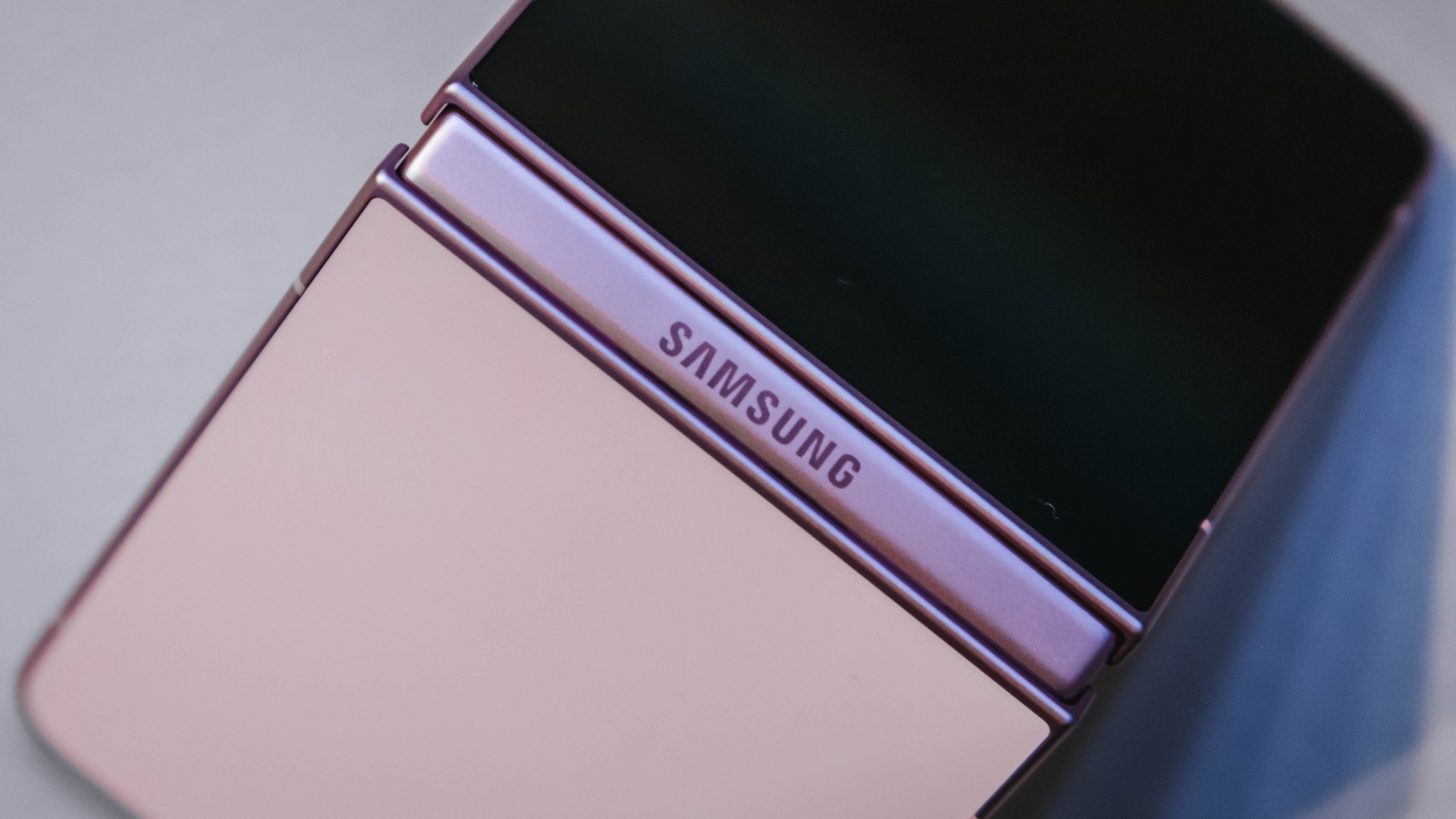
I haven’t spent enough time with it to call this a full review yet, but my first impressions have been positive. The experience feels more refined and more dependable than previous generations.
Features alone don’t convince me to upgrade. They have to solve a real problem. The more useful cover screen, the improved camera experience, and the overall refinement were the first signs that the Flip8 was offering something I’d actually use every day rather than another feature to add to a spec sheet.
The battery and multitasking finally match my day
The less exciting reason I’m upgrading is also the one that affects me the most.
Between filming, reviewing footage, answering emails, coordinating campaigns, and managing social media, my phone is constantly working.
My old device usually drops into battery-saving territory before dinner. It gets the job done, but I spend too much time thinking about charging instead of working.
The Galaxy Z Flip8 feels better equipped for that reality. The battery efficiency is improved, and multitasking feels more natural when juggling multiple apps throughout the day.
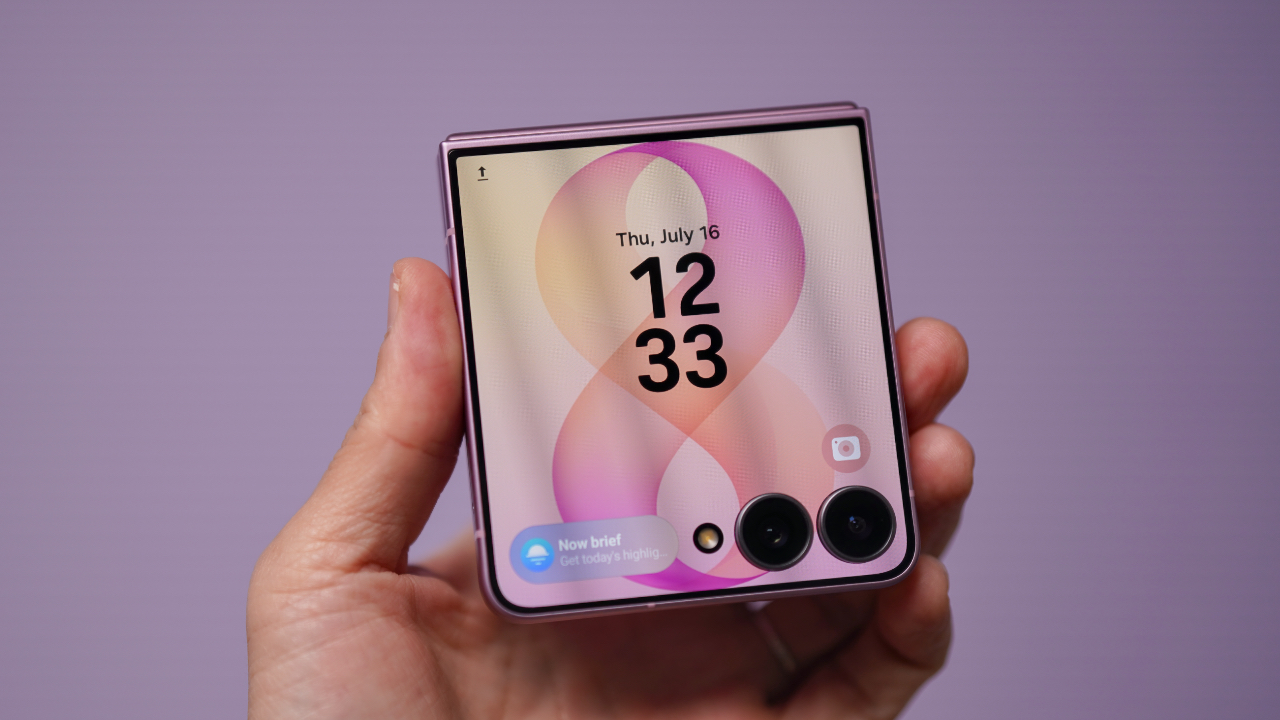
Those aren’t flashy features, but they’re the kinds of upgrades that quietly improve everyday productivity. They’re also the features that convinced me this wasn’t simply a want. It was an upgrade I could actually justify.
Once I was convinced the Flip8 was worth upgrading to, I realized the decision wasn’t really over. A smart upgrade also deserves a smart way to pay for it.
Making a big upgrade more manageable
Of course, deciding a device is worth upgrading to is only half the equation. The other half is figuring out how to pay for it.
The Galaxy Z Flip8 is a premium device, and for most people, the upfront cost is what gives them pause. That’s often where upgrade decisions get delayed, even when the device itself makes sense.
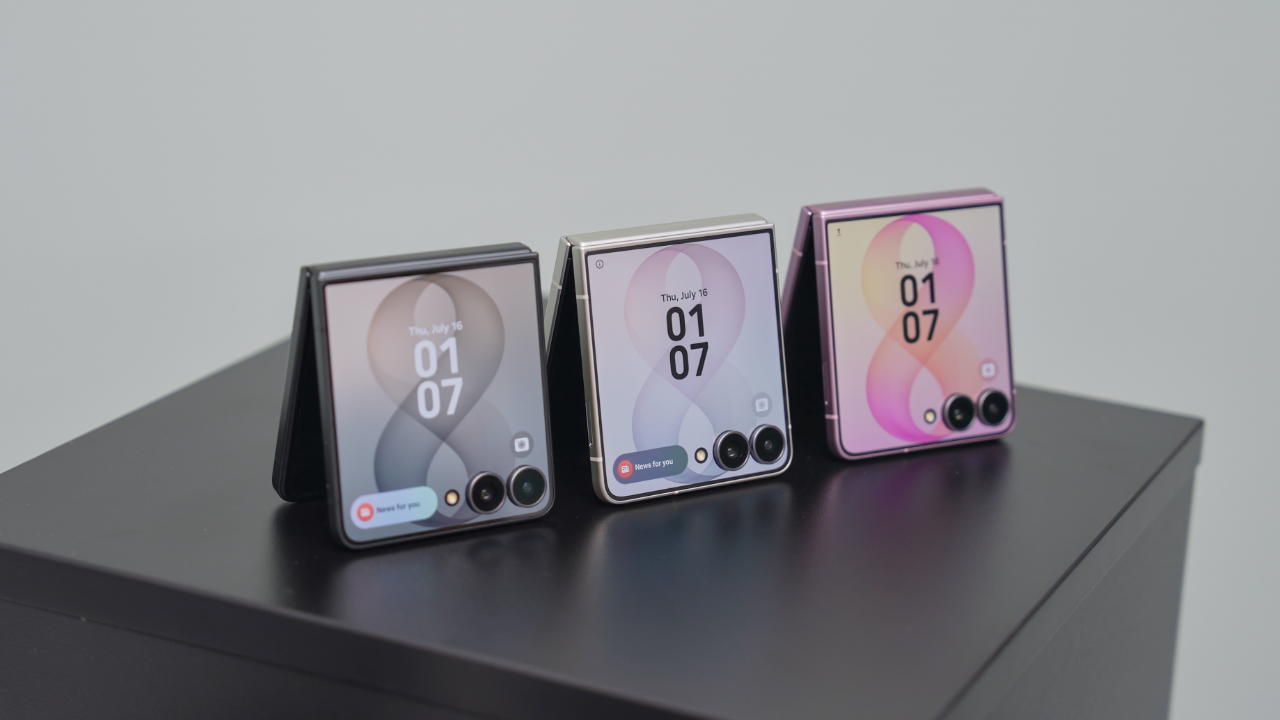
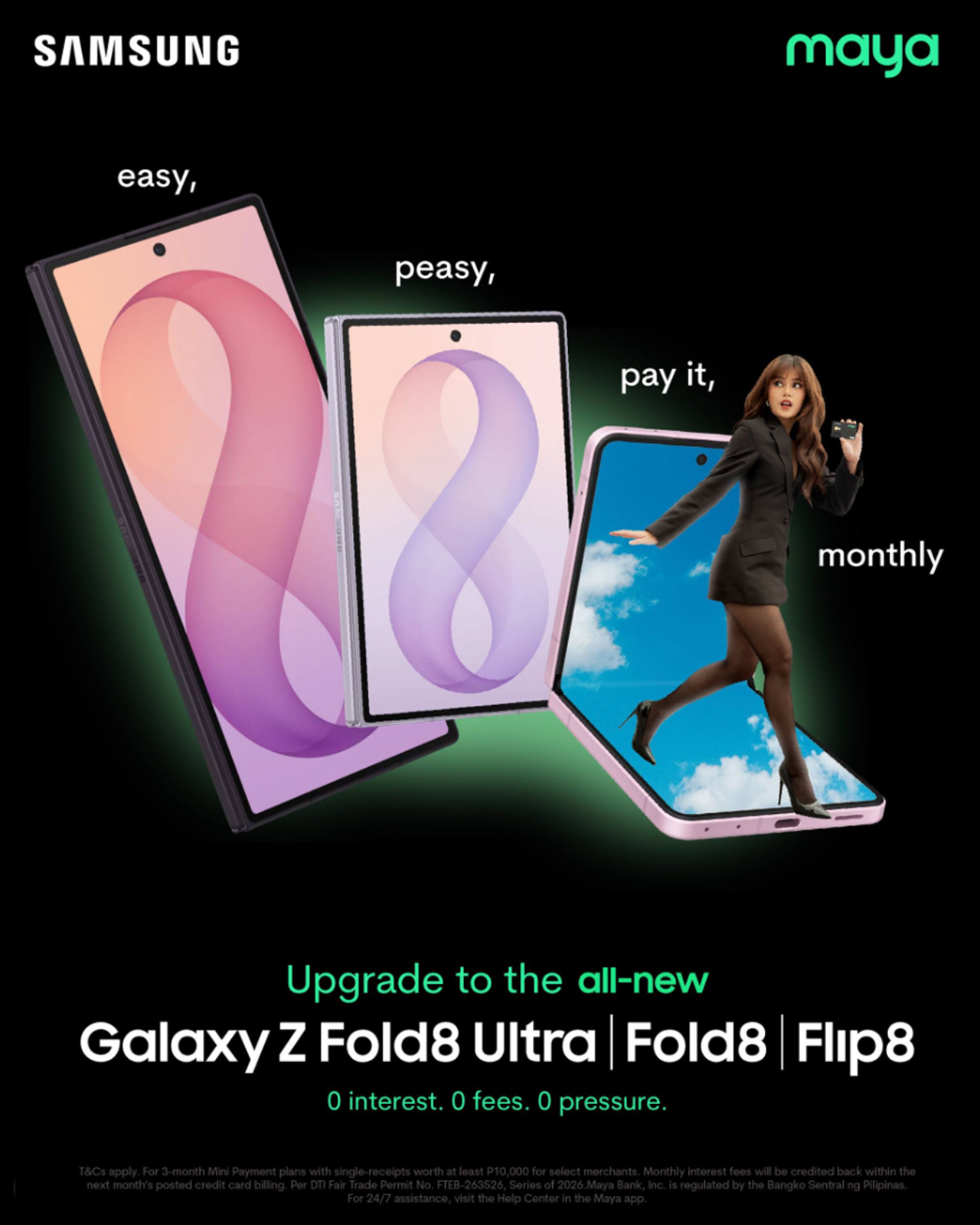
That’s why Maya Mini Payments stood out to me. Any Samsung purchase paid with a Maya Credit Card can be converted into Mini Payments directly through the Maya app, making it easier to spread the cost into monthly installments instead of paying for everything upfront in one go.
You can choose installment plans of up to 12 months at a fixed monthly add-on interest rate of 1%.
For Samsung Galaxy Z Fold8 and Galaxy Z Flip8 purchases, cardholders can enjoy a 3-month Mini Payment plan at 0% interest, making the upgrade more manageable without additional interest costs on the installment plan.
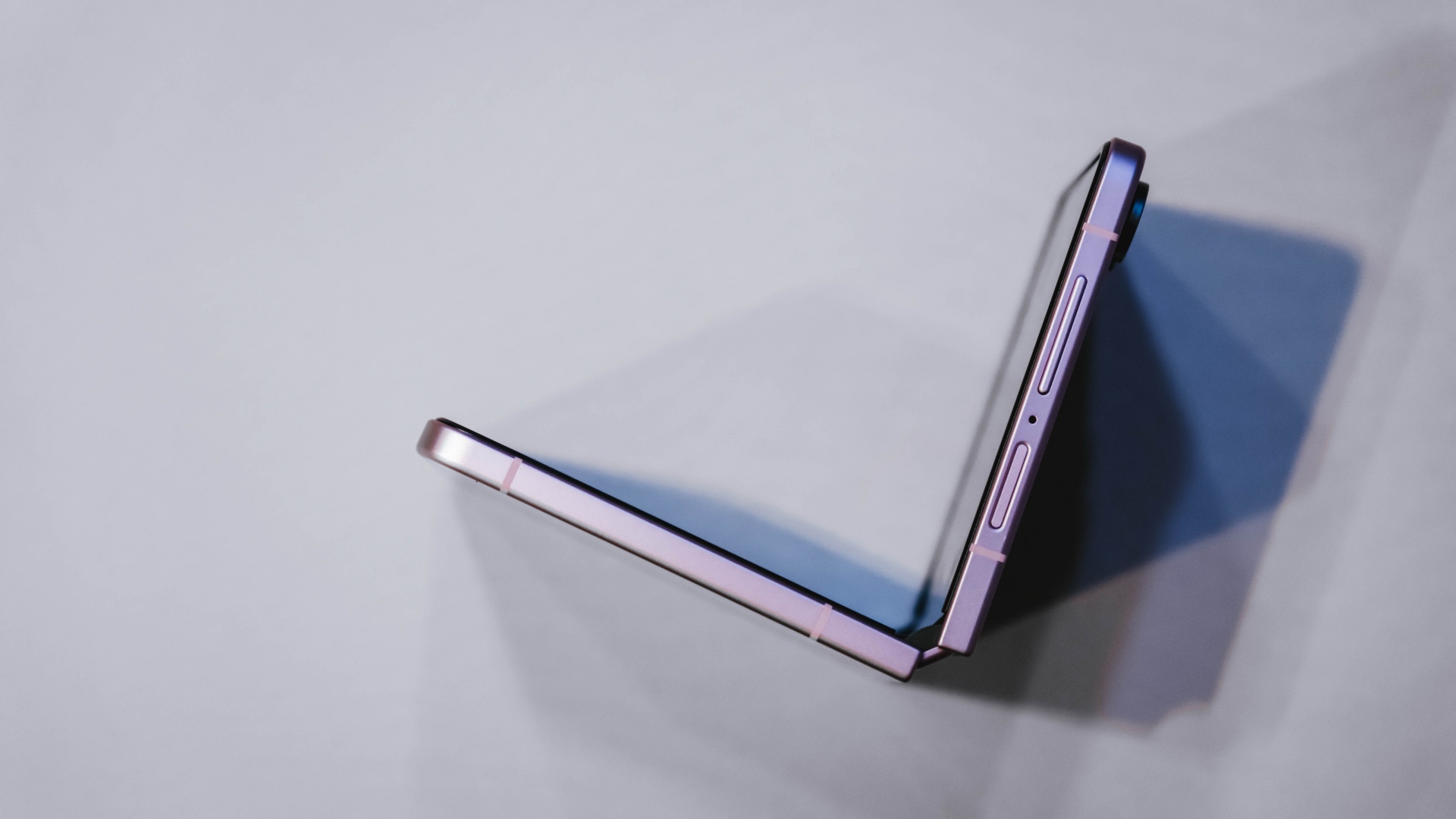
What I like about the concept is that it mirrors the reason I like the Flip8 itself.
The Flip8 makes it easy for me to shoot, edit, communicate, and multitask throughout the day. Maya Mini Payments makes it easy to purchase by turning one large expense into a payment plan that fits more naturally into a monthly budget.
Both are practical solutions to real-world problems. Also, the entire process can be managed directly within the Maya app, making it easy to track and manage installment conversions without additional paperwork.
View this post on Instagram
Still on the fence?
The Samsung Galaxy Z Flip8 feels like one of the strongest cases yet for upgrading to a foldable.
For me, the cover screen is more useful, the camera experience feels more capable, and the battery and multitasking improvements better match how I actually work every day.
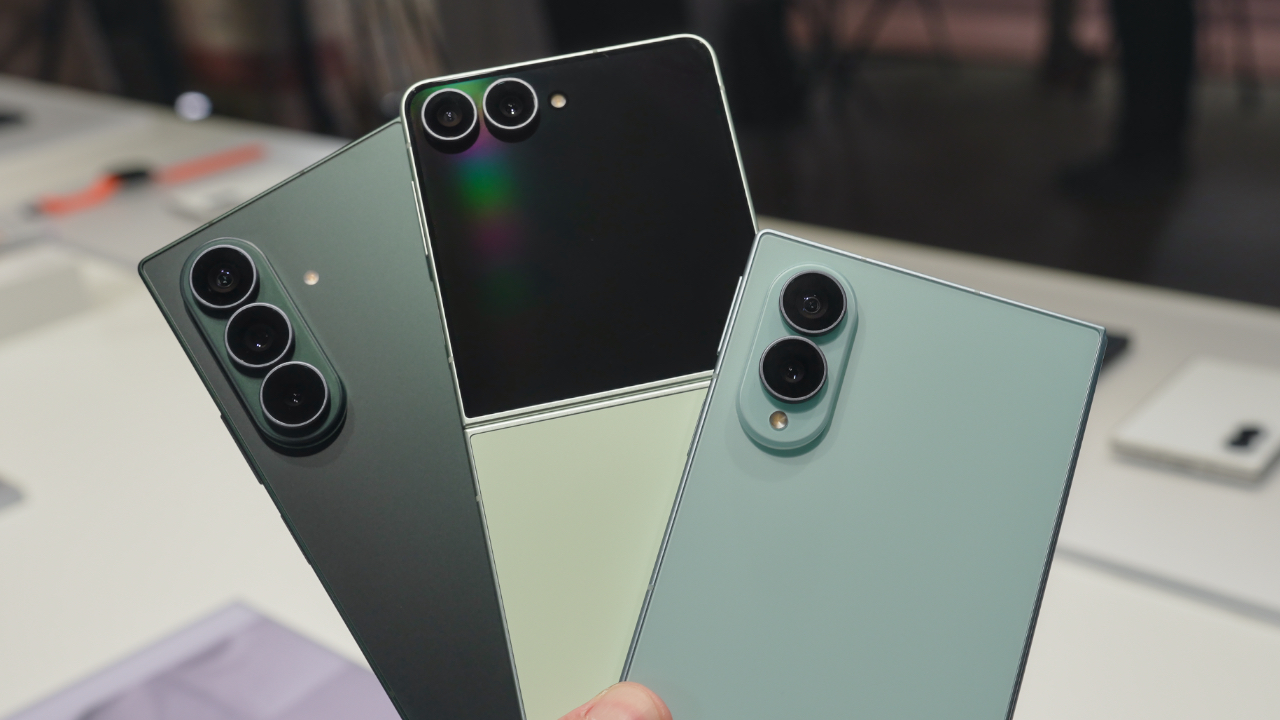
If you prefer a larger screen for productivity, the Samsung Galaxy Z Fold8 follows the same philosophy while giving users even more room to multitask and create.
If you’ve already decided Samsung’s latest foldables are your next devices, there’s also a smarter way to make that upgrade happen.
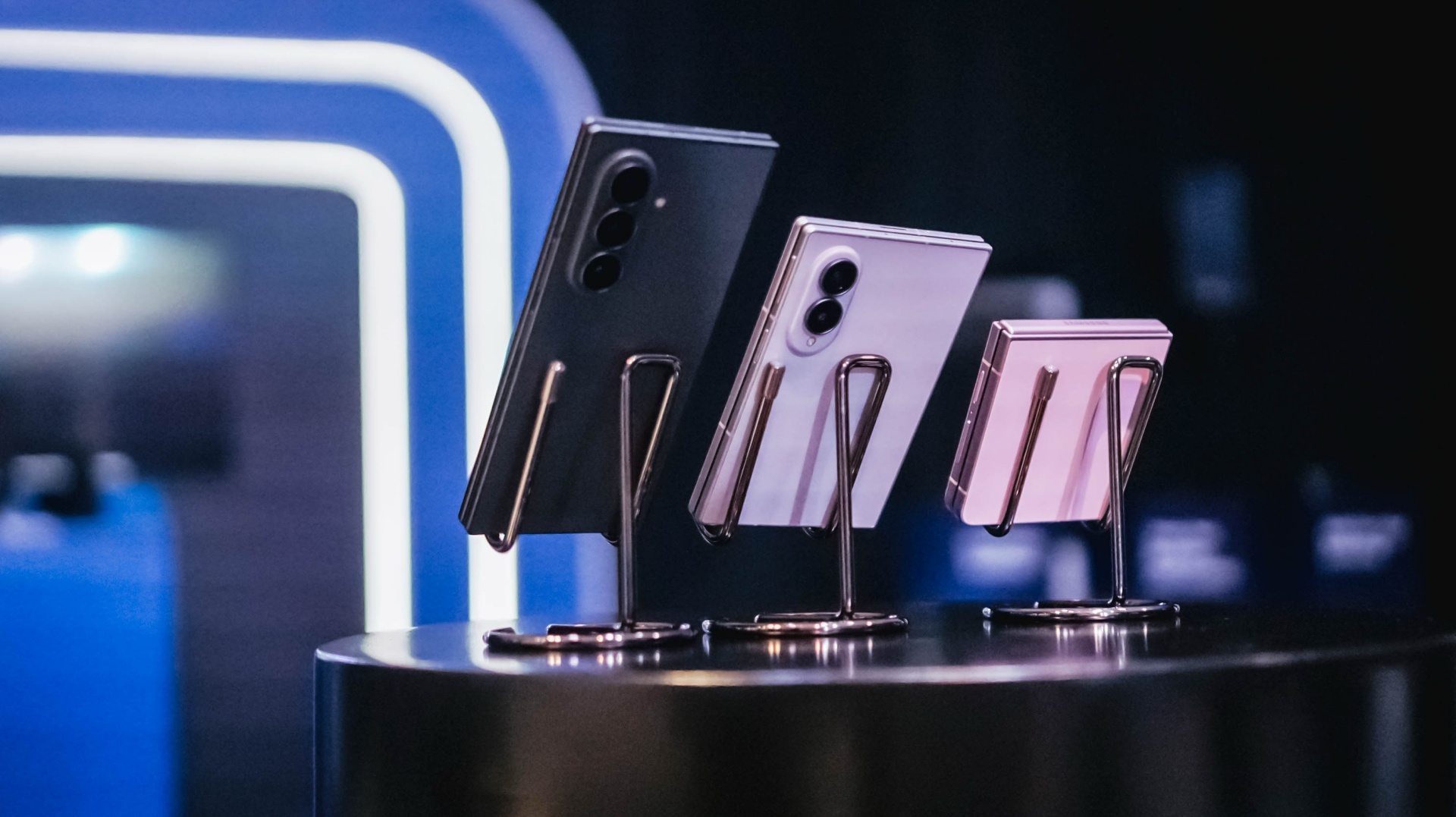
All your Samsung purchases made using a Maya Credit Card can be converted into a 3-month Mini Payment plan at 0% interest, with zero processing fees until September 30, making it easier to enjoy Samsung’s latest innovations without one big upfront payment.
Pre-orders run until August 13, with devices available in-store beginning August 14.

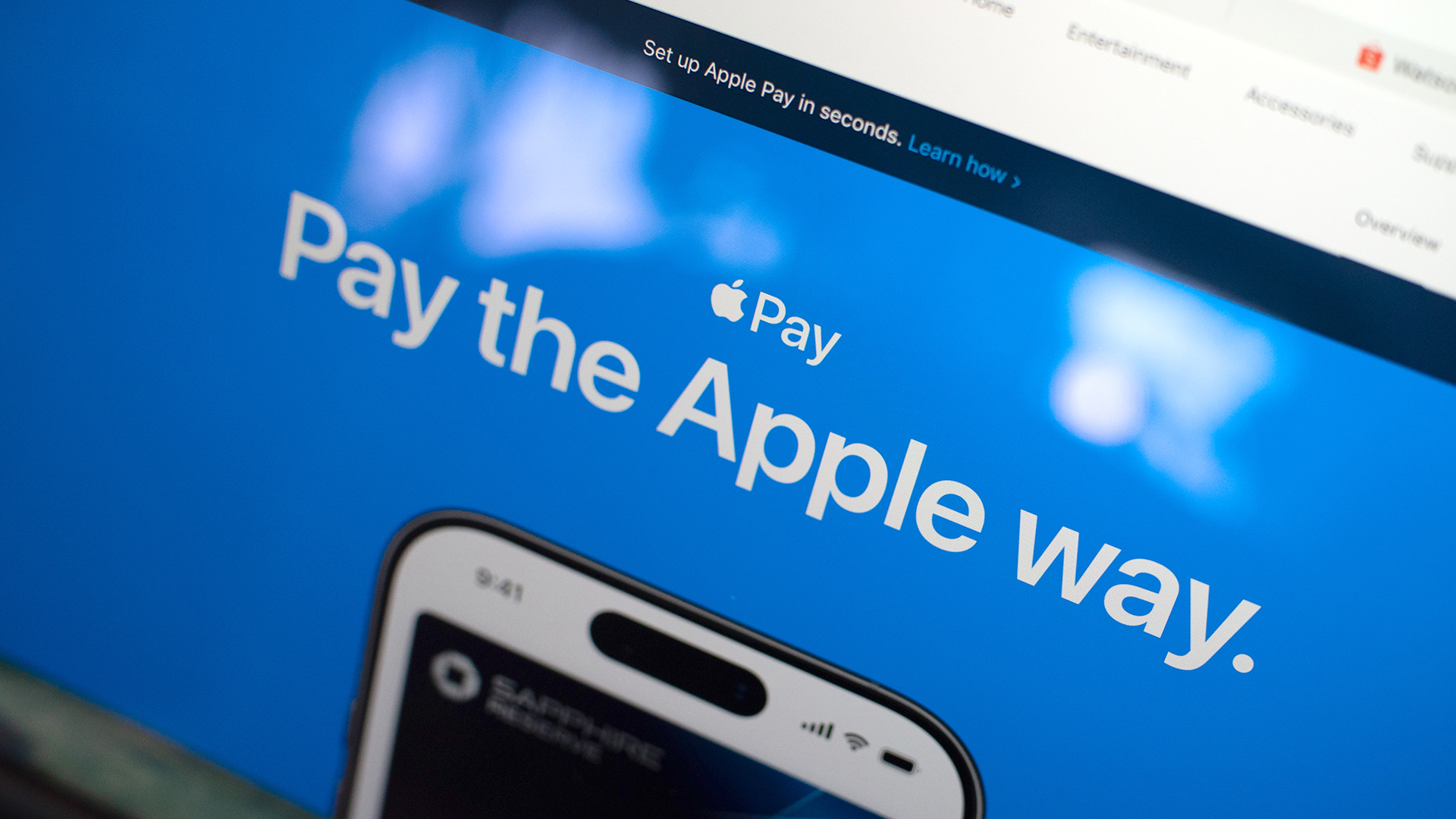
Apple Pay is officially in the Philippines!
Pushing the country forward into a cashless and cardless future, Apple has now brought its contactless payment system to the Philippines. As with other countries, Apply Pay will work seamlessly and easily even for those who have problems with technology.
Now, despite how easy it is, sometimes we need to be pointed in the right direction. Here’s how you can set up Apple Pay on your iPhone:
Everything starts with the Wallet app. First, open your Wallet app. Tap the “+” button on the top and select “Debit or Credit Card.”
Normally, this is where you can input your card details (which you can still do, by the way), but the default method now is to just tap your card on the back of your iPhone. Your phone does the rest. You might need to confirm with your bank, but it’s as easy as a single tap.
Pick which cards to use. Once you have your cards online, you might need to change which one is the default card. Again, it’s easy. Just drag your preferred card to the front.
Afterwards, you can tap to pay in supported stores by priming the Wallet app for use. Tapping to pay is also available for Apple Watch. Meanwhile, online transactions can also work on MacBook.
Secure, all the time. If you’re worried about your security especially with online transactions, Apple keeps your information only between you and the seller. They don’t store your data.
Also, it’s not easy to make a transaction without your consent. You need Face ID, Touch ID, or your password. If you lose your phone, you can easily shut your phone down with the Find My app to prevent malicious parties from making transactions.

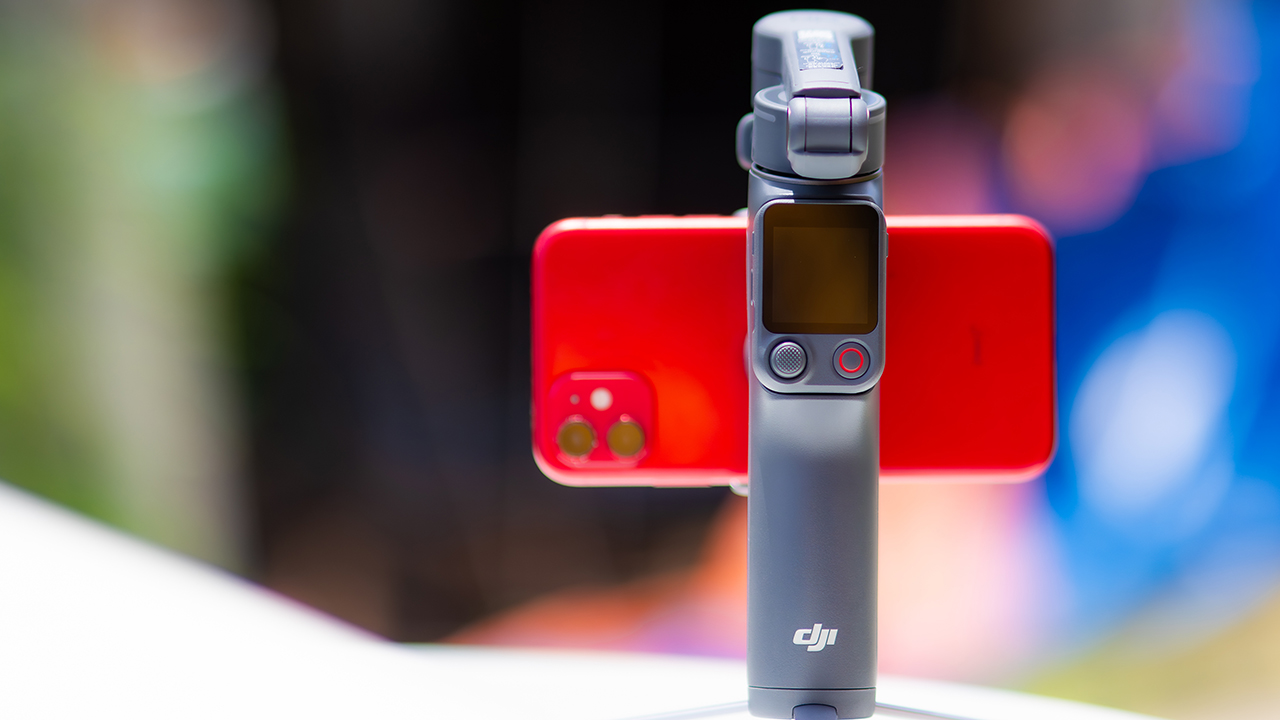
DJI’s smartphone gimbals have always chased one goal: delivering cinema-smooth footage without forcing you to carry a heavy rig.
The Osmo Mobile 8P (OM 8P) makes its priorities clear right out of the box. This is not a simple refresh. DJI rebuilt how you control the gimbal, and that decision shapes the entire shooting experience.
Freedom behind the lens
The biggest change is the FrameTap remote, and it’s the kind of upgrade that fixes a problem you didn’t realize was slowing you down until it’s gone.
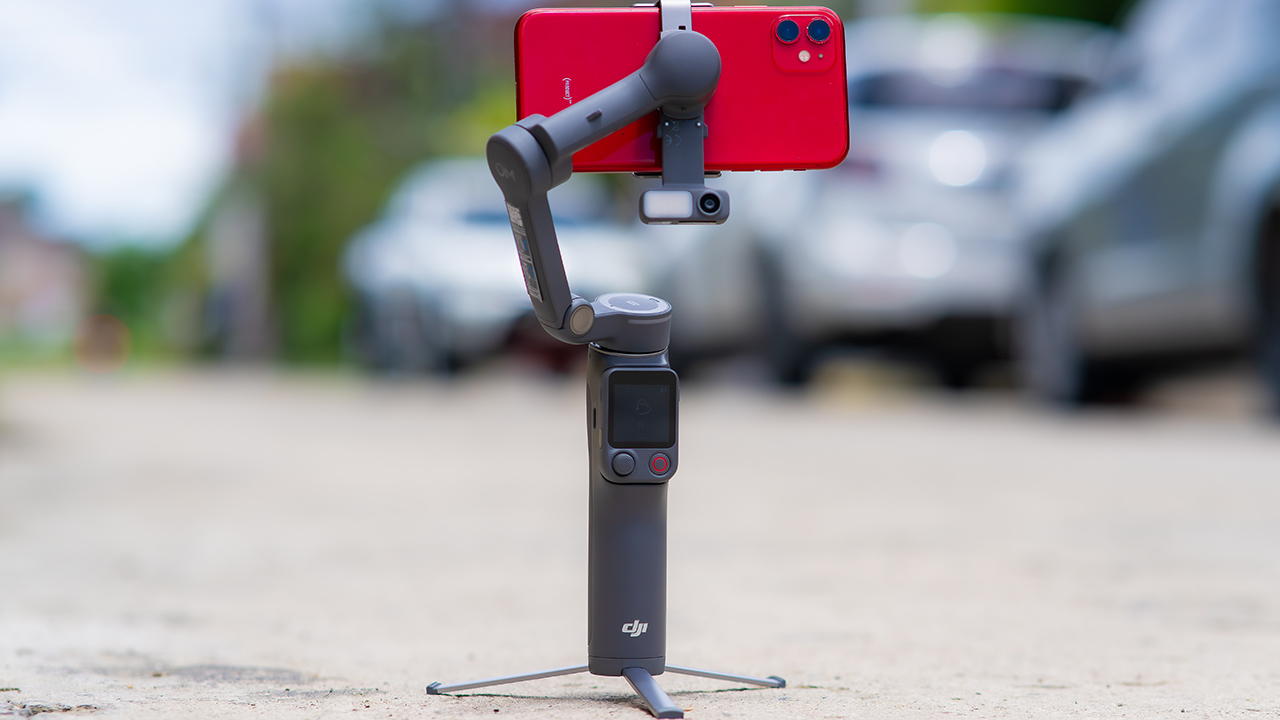
On the standard OM 8, adjusting your framing meant reaching for your phone every time, which broke the flow of shooting and pulled you out of the moment.
FrameTap puts that control back in your hand. You can reframe shots and manage the gimbal without touching your phone at all, and for anyone shooting solo, that alone changes how usable the whole setup feels. Tracking has taken a real step forward too.
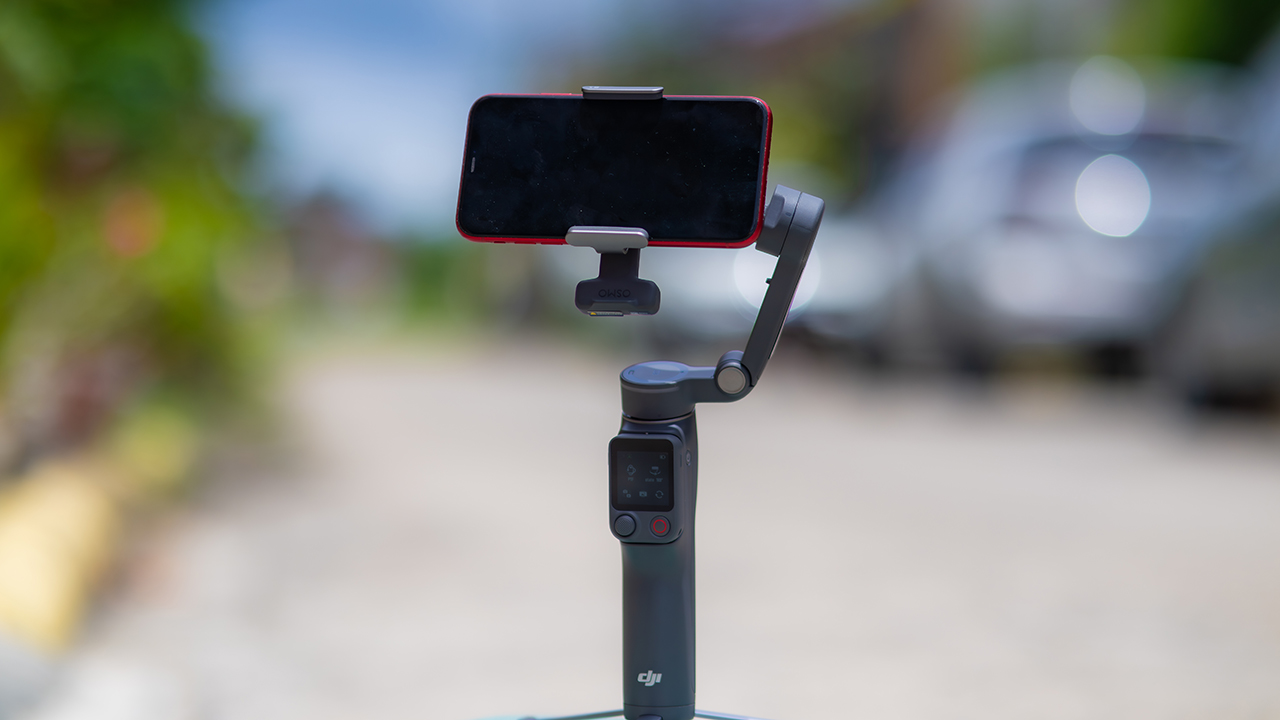
ActiveTrack 8.0, paired with Module 2, held onto its subject even after they stepped out of frame for a moment, then picked them back up without much fuss.
It also lets you sit off-center in the shot instead of forcing you into the middle every time, which gives you more room to compose something that doesn’t look like every other gimbal video.
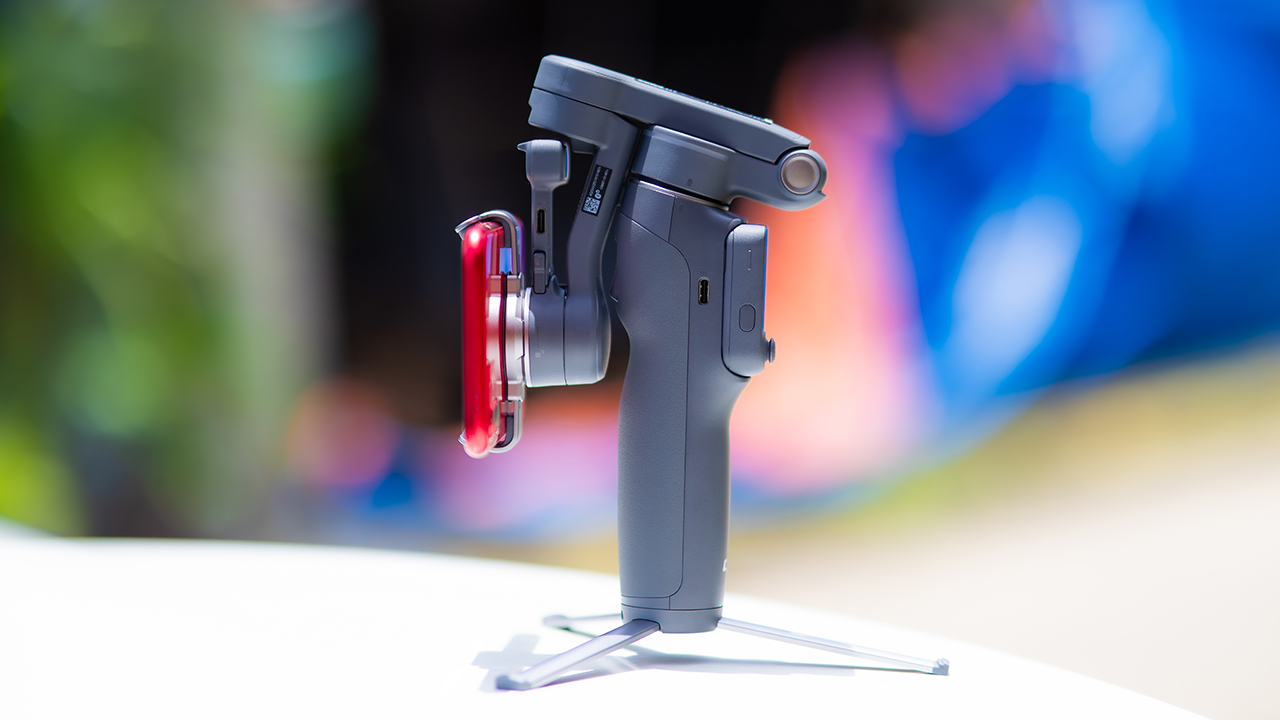
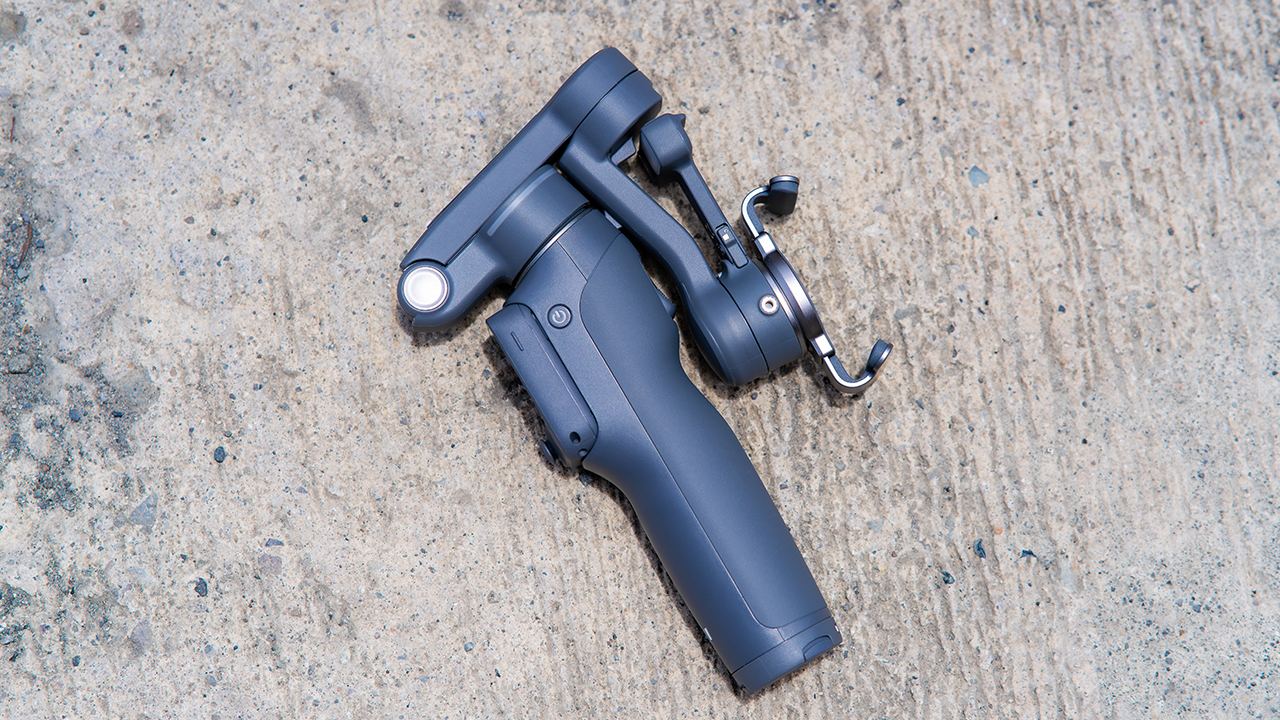
None of that would matter much if the gimbal itself wasn’t solid, and it still is. The OM 8P holds onto the same foldable design, magnetic phone clamp, and built-in tripod that made the OM 8 easy to live with.
And it remains one of the better compact options for stabilization, tracking, and portability in one package.
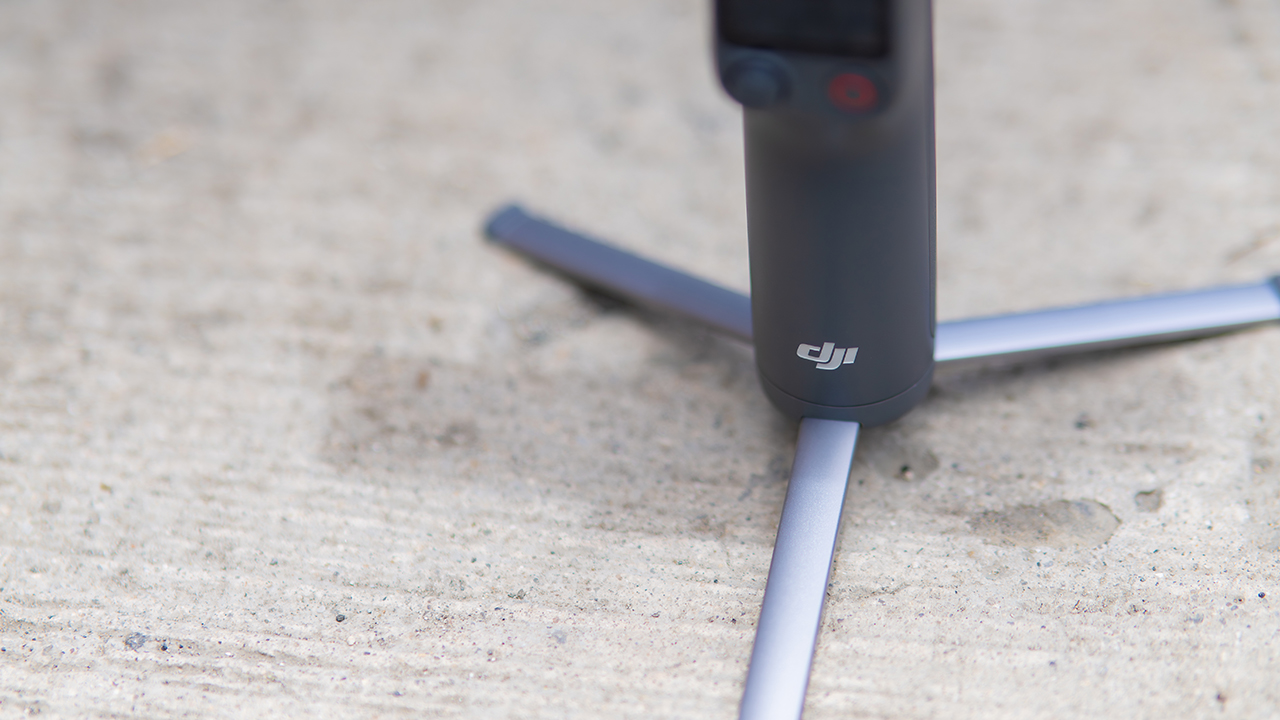
The tripod legs are a touch wider this time, and that extra width does make a noticeable difference on uneven ground.
The trade-offs in touch
The trade-off for all that new remote functionality is a control scheme that takes more getting used to. More of the gimbal’s functions now live on the FrameTap touchscreen, the joystick is smaller, and switching between shooting modes takes a few extra taps compared to the OM 8. It’s not a dealbreaker, but it’s a learning curve you’ll need to budget time for.
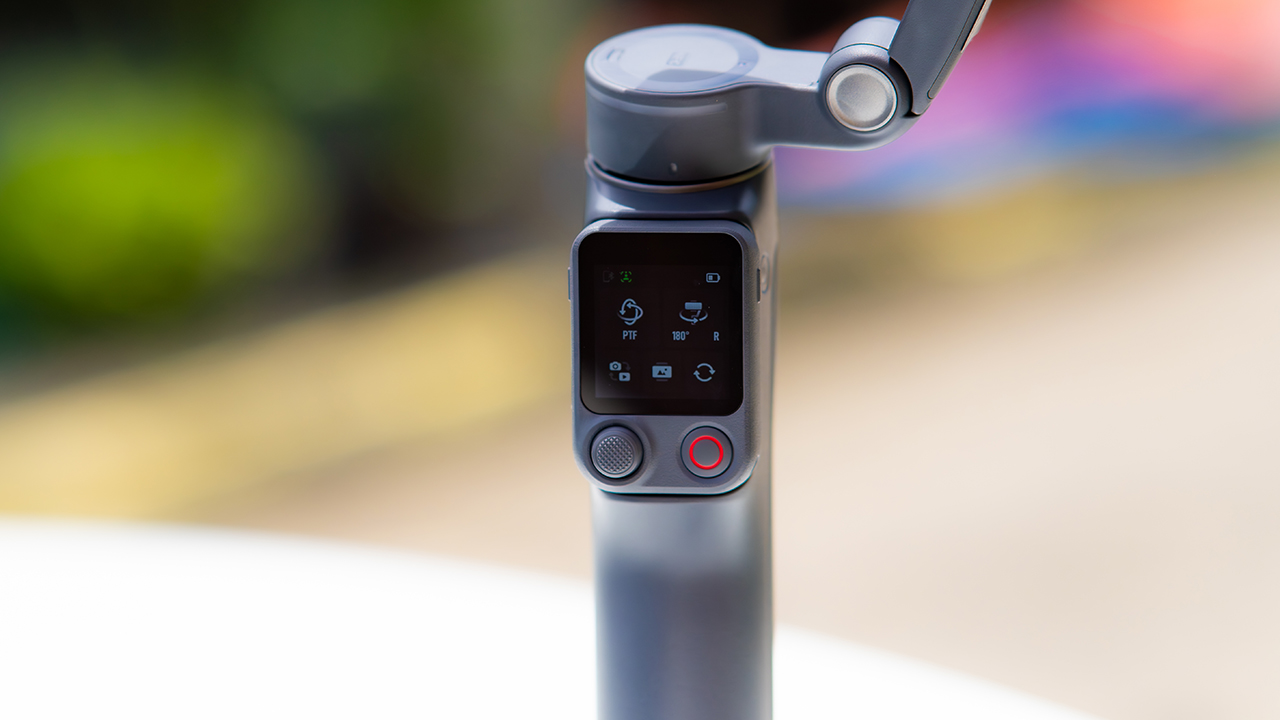
DJI also removed the zoom and focus wheel, so if you leaned on that dial for quick adjustments, you’ll feel its absence here. Module 2 no longer lets you plug a DJI wireless mic in directly either.
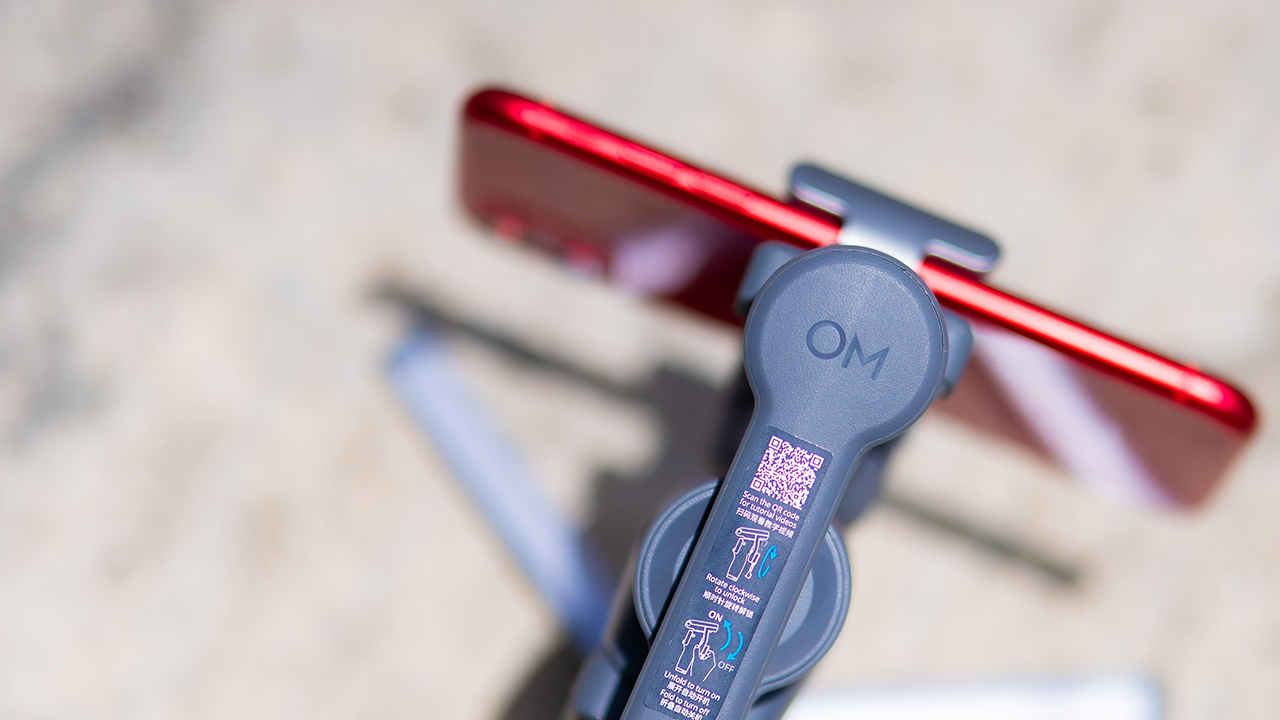
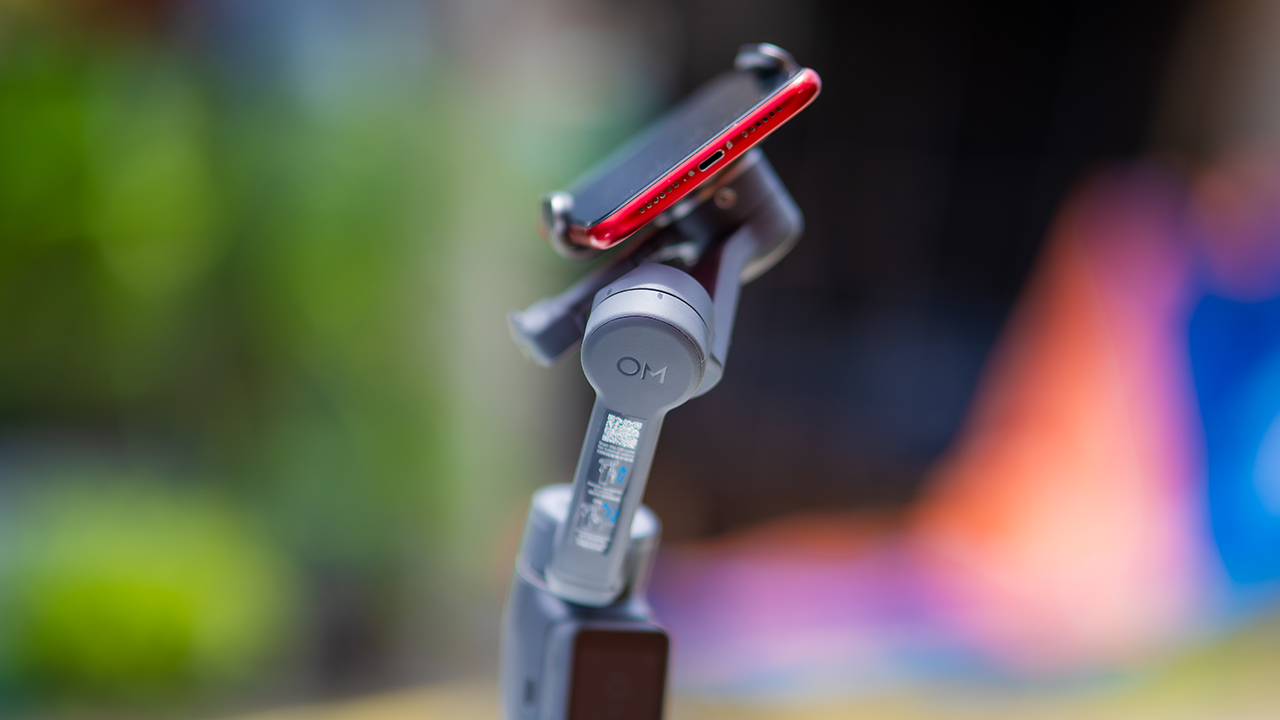
You’ll need to connect it to your phone instead, which adds a step to a setup that used to be simpler. Phone compatibility is still a limiting factor as well. DJI lists support for phones up to around 300g and 11mm thick, so bigger phones or ones in chunky cases may not clamp in properly.
Finding your ideal workflow
The OM 8P makes the most sense for solo creators who want dependable tracking and the freedom of remote framing without stepping up to a dedicated camera like the DJI Osmo Pocket.
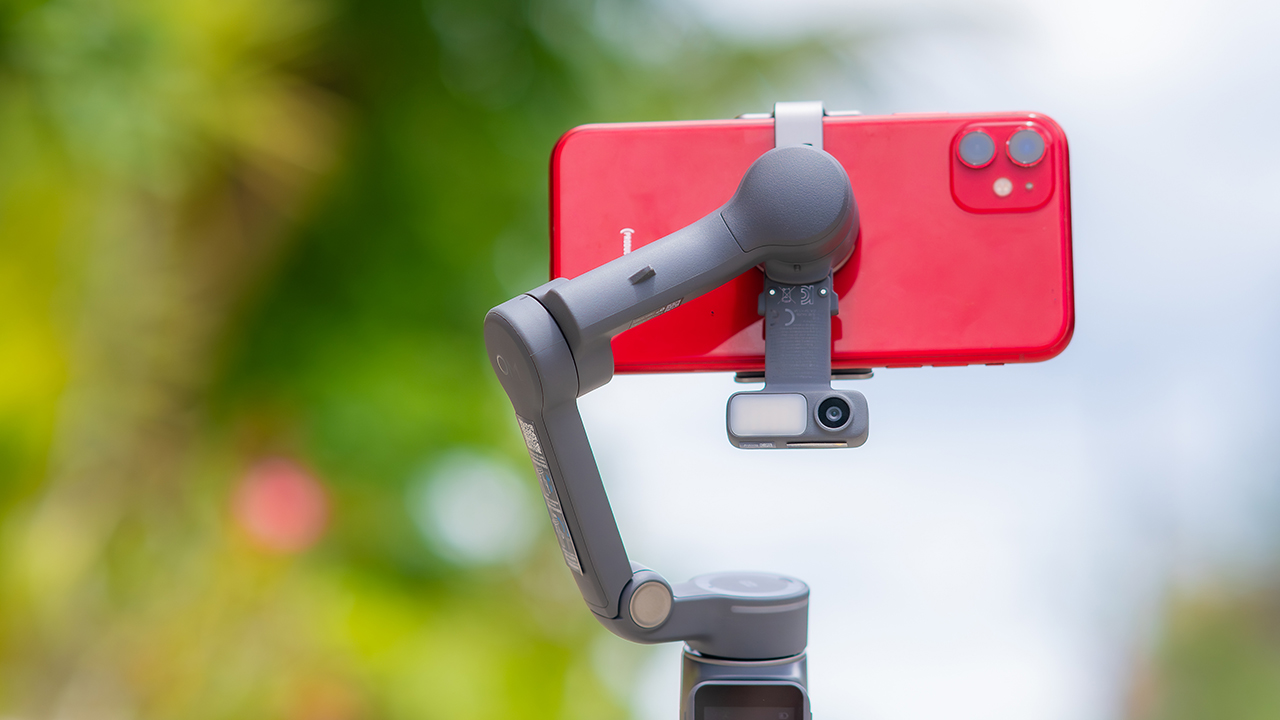
If you’re already shooting on a phone with a solid camera, this fills the gap nicely. It’s a tougher sell if you prefer physical buttons over touchscreen menus, or if your phone runs on the larger and heavier side, since fitting it onto the clamp might be a problem before you even get to shooting.
Price, availability
DJI is offering the OM 8P in three combos, so how much you pay depends on how much of the ecosystem you actually need.
- Standard Combo (PhP 7,499): the gimbal itself, with 8th-gen stabilization and the detachable FrameTap remote included.
- Advanced Tracking Combo (PhP 9,199): adds the Multifunctional Module 2 for the improved subject tracking we tested.
- Creator Combo (PhP 11,099): the full kit, built for creators who want everything DJI bundles in from the start.
Is the DJI Osmo Mobile 8P your GadgetMatch?
The DJI Osmo Mobile 8P asks you to relearn a few habits in exchange for a gimbal that finally lets go of your phone. If hands-free framing and steadier tracking matter more to you than a dedicated zoom dial, this is worth the adjustment.
If you’d rather keep things exactly as they were on the OM 8, that learning curve might be the deciding factor.
Swipe right if you shoot alone often and have been waiting for a gimbal remote that actually works. The FrameTap remote alone justifies the upgrade if reaching for your phone mid-shot has been slowing you down.
Consider this if reliable tracking matters to you, especially if you’ve had a subject wander out of frame and stay lost on older gimbals.
And of course, get this if you already own a capable phone under the weight and thickness limits, and you’d rather invest in a smartphone rig than jump to a dedicated camera like the Osmo Pocket.
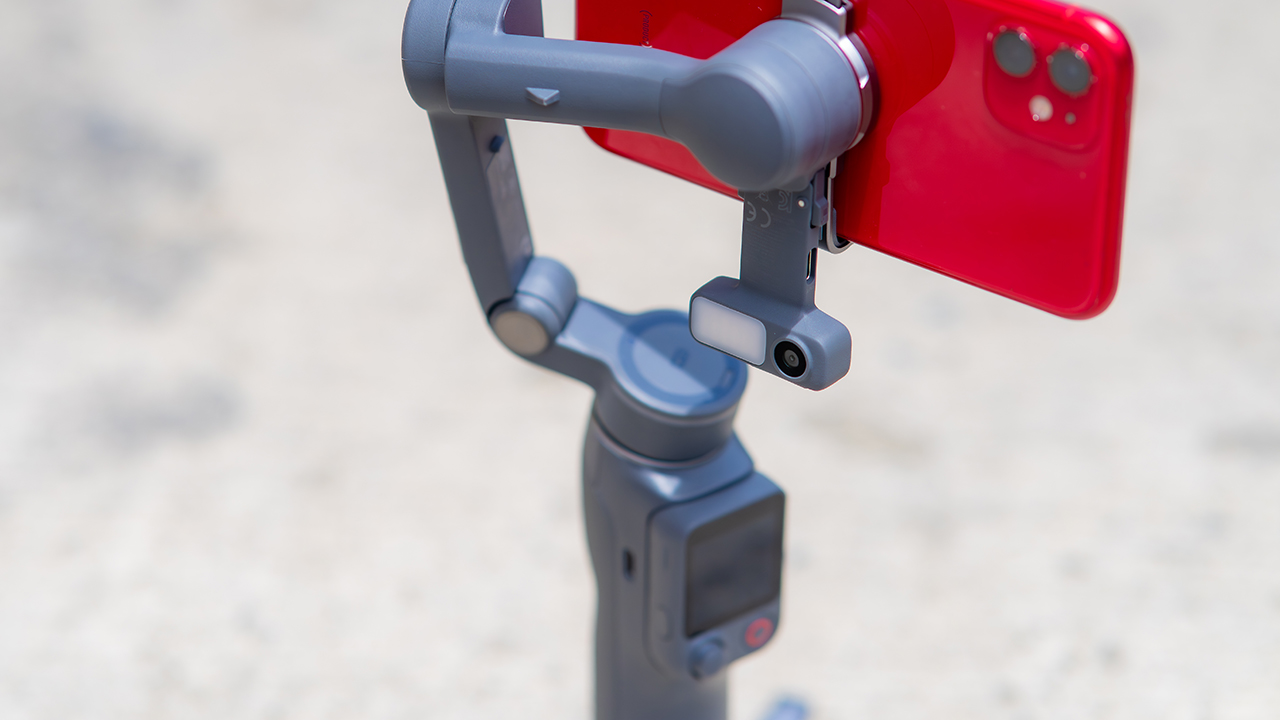
Swipe left if you lean on physical dials for zoom and focus, and moving those functions to a touchscreen sounds like a downgrade rather than an upgrade.
This is not for you if you use a DJI wireless mic and want it plugged directly into the module without routing through your phone first. Or, your phone runs heavier or bulkier than DJI’s limits allow, since no amount of enthusiasm fixes a clamp that won’t close.

30 days later with the ASUS ExpertBook Ultra: Like seeing an ex
Felt exactly as I remembered.

ROG STRIX G16 Review: Building for the moment
Setting it up however you want to make the most out of it

realme C100: Enduring and durable in spite of entry-level realities
Enough power but needs more agility

What your smartphone color choice reveals about you

New EV player XPENG to launch in the Philippines in September

Box office: Brand New Day set to surpass US$ 2 billion, drives Marvel’s Spider-Man 2 resurgence

Insta360 X6 brings 8K 360 capture, AI-powered editing

Ghost of Yotei gets a story expansion in October

Hands-on: Samsung Galaxy Z Fold8, Flip8, Ultra

VinFast debuts two-wheeler models, opens 21 e-motorcycle showrooms

Garmin launches its first screenless fitness band

Samsung releases teaser with Spider-Man: Brand New Day Easter eggs

Most of the world’s PlayStations will be officially useless by 2028


-
 Automotive2 weeks ago
VinFast debuts two-wheeler models, opens 21 e-motorcycle showrooms
-

 Automotive2 weeks ago
Xiaomi debuts SkyNomad Series featuring new Kunlun platform
-

 News1 week ago
OnePlus officially leaves the United States and Canada
-

 Gaming2 weeks ago
Call of Duty: Modern Warfare 4 clip shows Losing Ground 1st look
-

 Automotive2 weeks ago
GAC launches new trio of MPVs
-

 News2 weeks ago
TECNO unveils the world’s first 0mm bezel-less phone
-

 Gaming2 weeks ago
Genshin Impact opens Snezhnaya in Version 7.0 this August 12
-

 News1 week ago
Google will force Android users to use Gemini next month