
Hands-On
Nokia 3.2 Hands-On: Basic but classy
Nothing fancy but really speedy

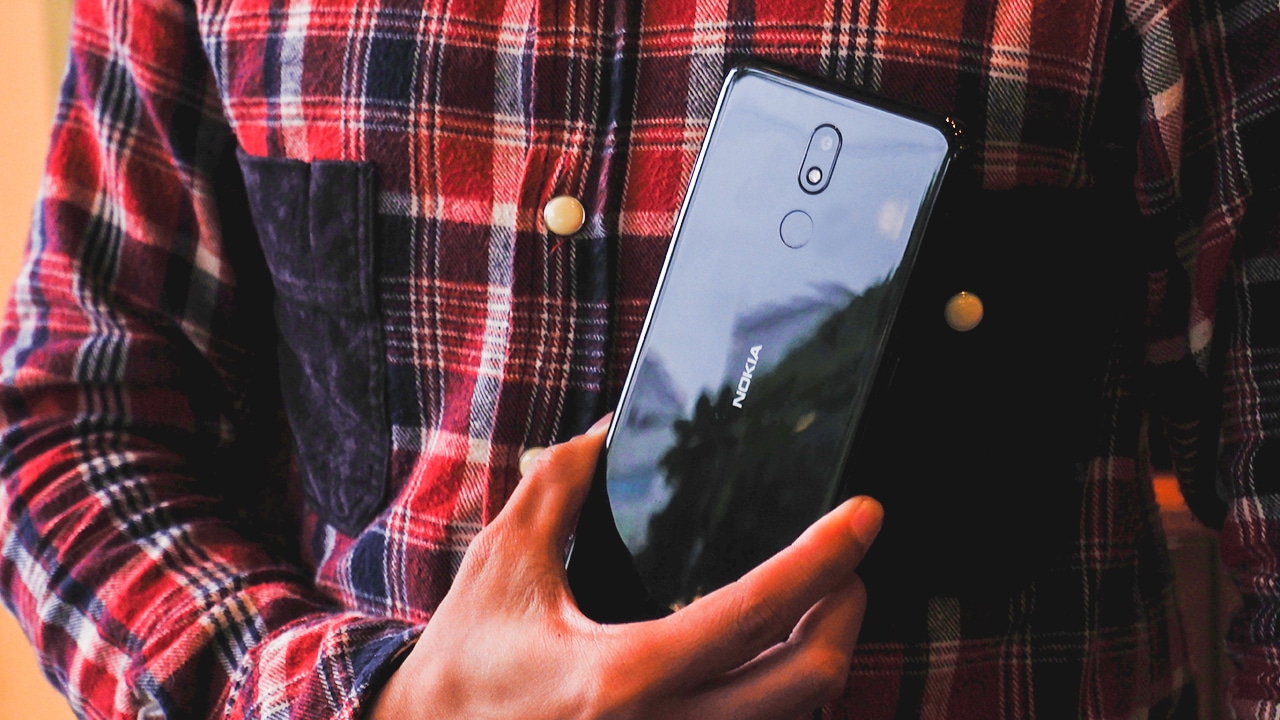
Nokia has been stepping up its lineup of budget smartphones. Early in 2019, the brand launched a plethora of budget smartphones that are under the Android One program. One of the budget-friendly smartphones introduced was Nokia 3.2. Eager to have that Nokia experience, I took the phone out for a spin.
It’s cheap… but classy

I had high hopes when I first got the Nokia 3.2 in its box. Seeing it earlier in MWC 2019 made me appreciate its look and vibe. Compared to other budget smartphones, it’s classier and sexier. However, the phone feels a little bit downgraded when compared to its predecessor.
Nokia sported the 3.1 with an aluminum frame, a plastic back, and corning gorilla glass while the 3.2 used only a polycarbonate unibody design. Its plastic back is smudgy and slippery, but the phone has a tighter grip, thanks to its subtle curved edges towards the front.

Even its buttons are subtly protruding on its sides. On the left is a dedicated Google Assistant button, and on the right are its power buttons and volume keys.

Found on its back are the 13-megapixel main camera, LED Flash, and fingerprint scanner. On the other hand, its top side features a headphone jack, while the micro USB port and speaker grilles are found on the bottom.

If the notch is troubling you, try hiding it with a wallpaper similar to what I did in the image above.
It also features a 6.2 inches LCD panel on its front display, with a tall 19:9 ratio. It might be disrupting, but the Nokia 3.2 still sports a small notch, housing its 5-megapixel selfie camera capable of AI face unlock. Even though it might be bigger and taller this time, the Nokia 3.2 is definitely a joy to hold.
Stock Android on a budget
The saving grace for Nokia’s disappointing build (at least for me) is its clean version of Android One. That means there’s no bloatware to take up your limited memory and storage.

Additionally, the Nokia 3.2 comes with Android 9 Pie out of the box. This makes it feel faster than its competitors in the budget segment despite having a 3GB RAM and 32GB of internal storage. Fortunately, it provides a microSD card slot up to up to 400GB of storage.
An entry-level performance
Powered by Qualcomm’s Snapdragon 429 processor, the Nokia 3.2 performs better compared to its predecessor which carried a MediaTek chipset. In addition, its GPU runs on Adreno 504.

This made the Nokia 3.2 handle graphic-intensive games like Mobile Legends even if it was set on the highest graphics setting possible. There were no delay and lag spikes, ensuring smooth gameplay all throughout.
Decent cameras for your everyday needs
Featuring a 13-megapixel main camera with an f/2.2 aperture, and a 5-megapixel selfie camera with an f/2.0 aperture, the Nokia 3.2 takes decent photos. Depending on the lighting, both of its cameras can either take a vibrant, lively reproduced color during daylight or a slightly desaturated photo on indoor and low-light conditions.






Of course, we can’t really expect budget smartphones to have flagship-like cameras. It won’t have quick auto-focus or any fancy features like blurring your background, but it’s the compromise we’re getting when we follow our tight budget. At the very least, make use of natural light and other camera tricks to improve your photos.
Lasts longer than your partner
If there’s one thing I enjoyed with this smartphone, it’s the humongous battery. Packing a 4000mAh battery, the Nokia 3.2 can definitely last a day on a single charge. It can handle your multimedia use and everyday tasks throughout the day, yet it will still have enough juice left to carry you through the night.

However, for a phone carrying a huge battery, it charges slowly at 10W. This phone might just be good for those who love to charge their phones overnight.
Is this your GadgetMatch?
The Nokia 3.2 is a contender in the budget segment. It might have a disappointing build and design, but the phone packs with power, performance, and speed, thanks to Google’s Android One program.
With a starting price of PhP 7,990 (US$ 154) for the 3GB/32GB model, Nokia loyalists will find this a real treat. For people looking for a secondary phone, or a primary phone with no frills and just functions to handle your everyday needs, the Nokia 3.2 could be your GadgetMatch.
However, there are still far better options in the budget category, like the Redmi Note 7 and Realme 3. If Nokia wants to come back in its former glory and capture people looking for an affordable powerhouse, they need to join the battle and beat Realme and Redmi in their game, just like Samsung bending over to compete in the tough budget battlefield.





Convenient Smart Home
Apple HomeView Unboxing and Hands-on
Setting up, customization, features, and first impressions in one!

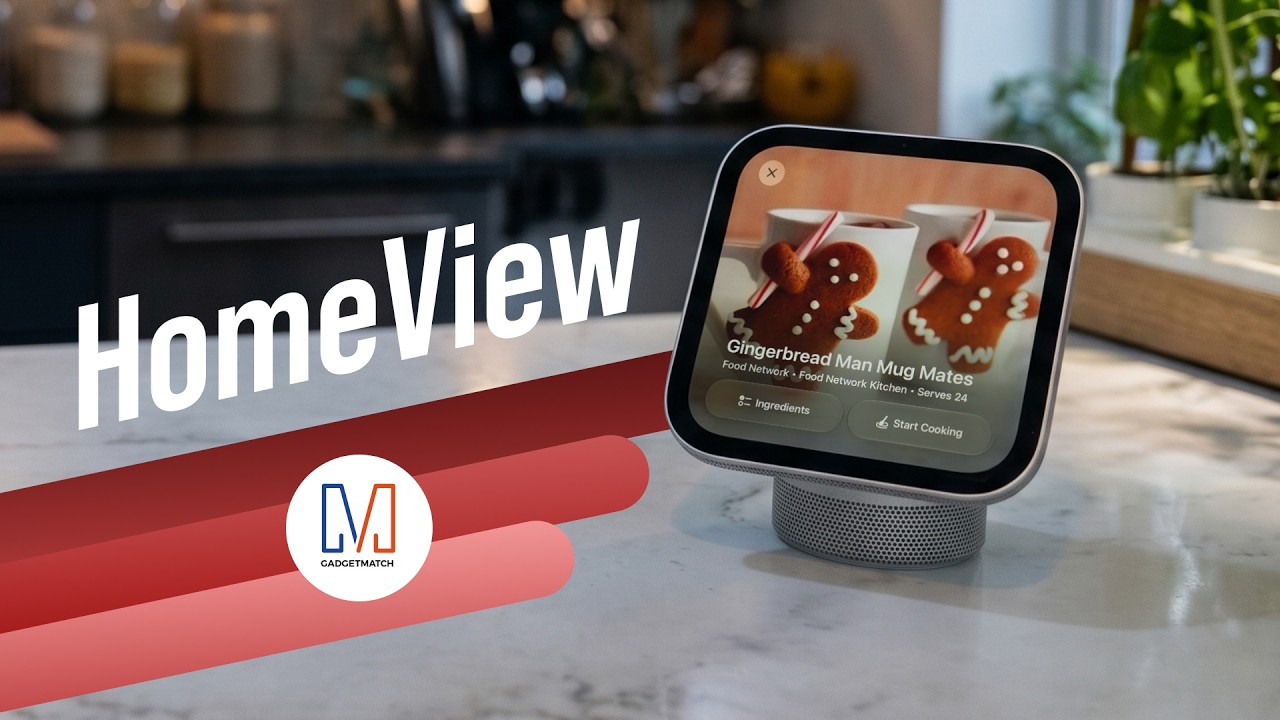
The Apple HomeView is finally here!
In this video, THE Michael Josh unwraps Apple’s new smart home hub in his solemn kitchen. Furthermore, he walks through the setup process, explores its features.
He even customizes it to make it feel right at home.
Head over to our Apple HomeView unboxing and hands-on to know more!
Hands-On
Apple iPhone Duo Unboxing and Hands-on
Supported apps, crease, cameras, and MagSafe all tested
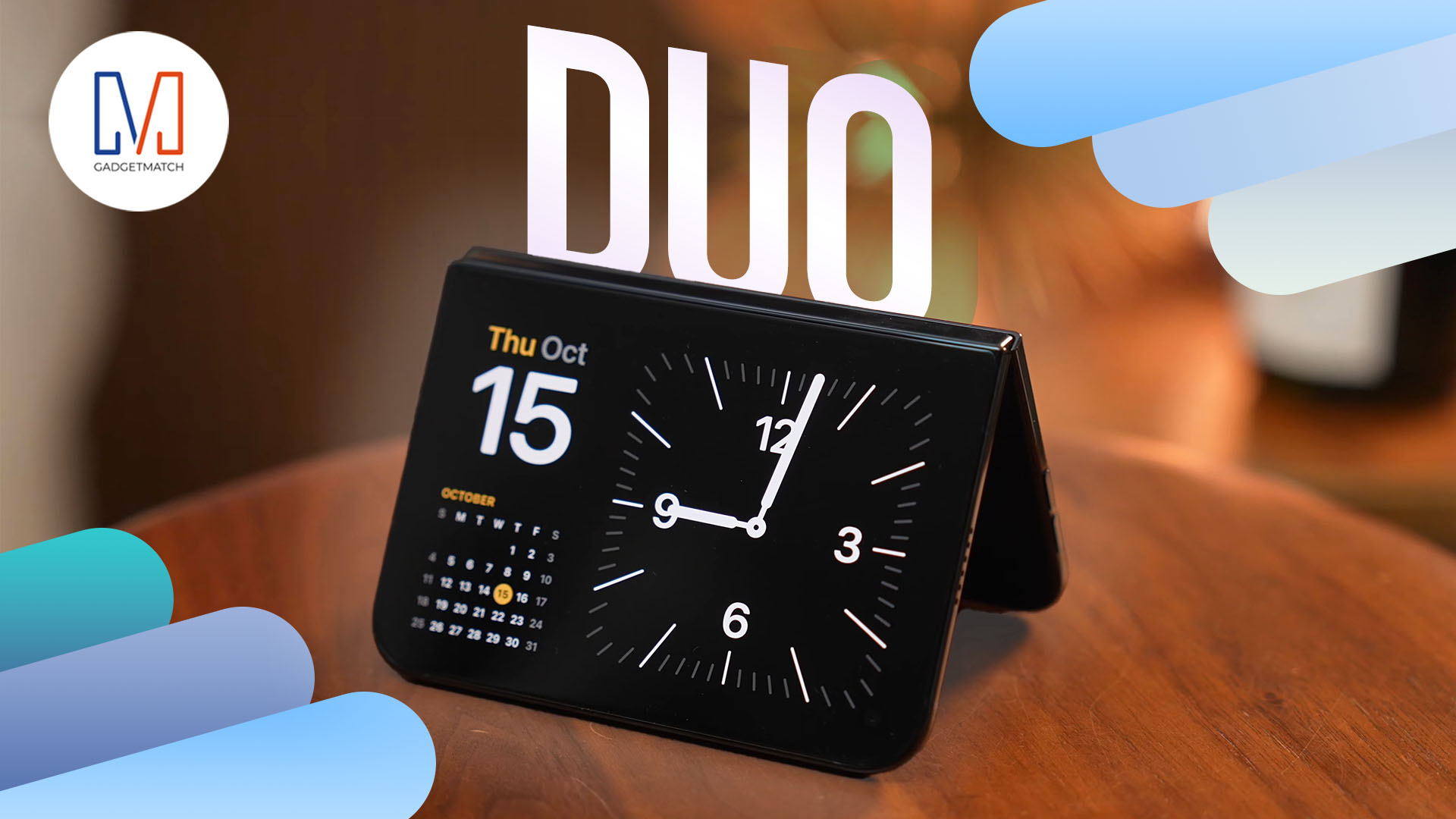
Apple’s iPhone Duo is finally here!
Aside from unboxing the all-new iPhone-dable in Night Sky, we take a closer look at the display crease, check out the under-display camera quality, see which MagSafe accessories work with it.
Most of all, which apps support it (or not).
But how well does the dual-screen experience on an iPhone actually work? Watch our Apple iPhone Duo unboxing and hands-on to know more!

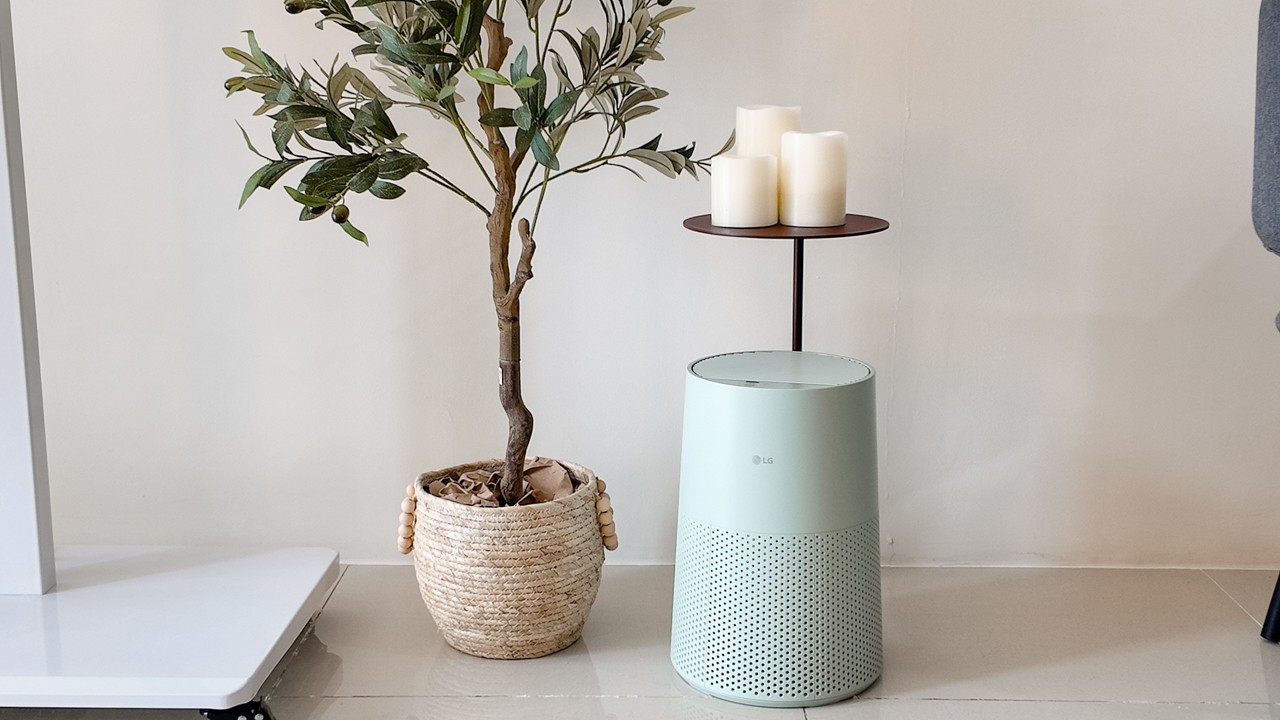
Moving into a new space comes with a long list of things to figure out, and lately, I’ve been paying more attention to something that’s easy to overlook: air quality.
After using the LG AeroMini for about a month, it has become a subtle but welcome addition to my space. It helps make the room feel fresher, while its compact and stylish design fits naturally into my setup. Here are the things that stood out to me most after living with it for a month.
360° purification for a fresher space
One of the things I appreciate about the AeroMini is its 360° air purification, designed to bring purified air in every direction.
For me, this is particularly useful in a new space where I’m spending a lot of time working, relaxing, and just settling in.
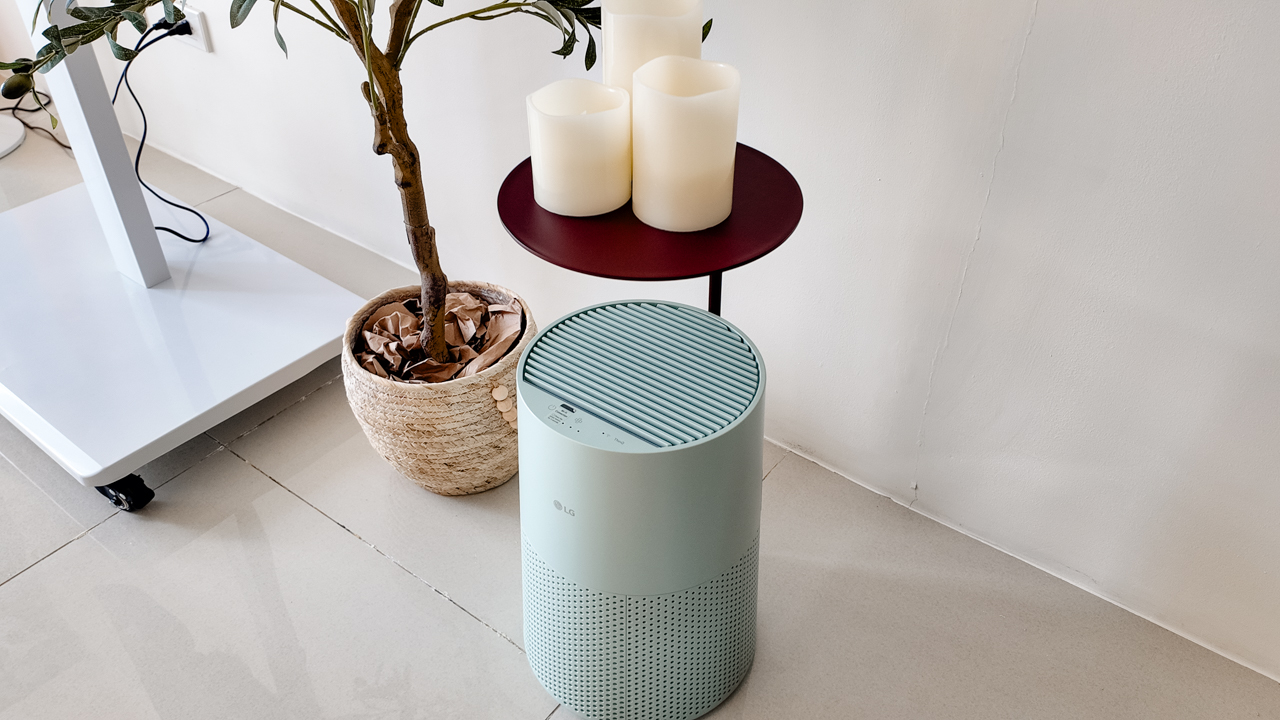
Combined with its True HEPA filter, which is designed to remove 99.999% of 0.01μm fine dust and allergens, it gives me added peace of mind about the air I’m breathing every day.
After a month, I can genuinely say that the space feels fresher with it running.
Surprisingly quiet
This is probably my favorite feature.
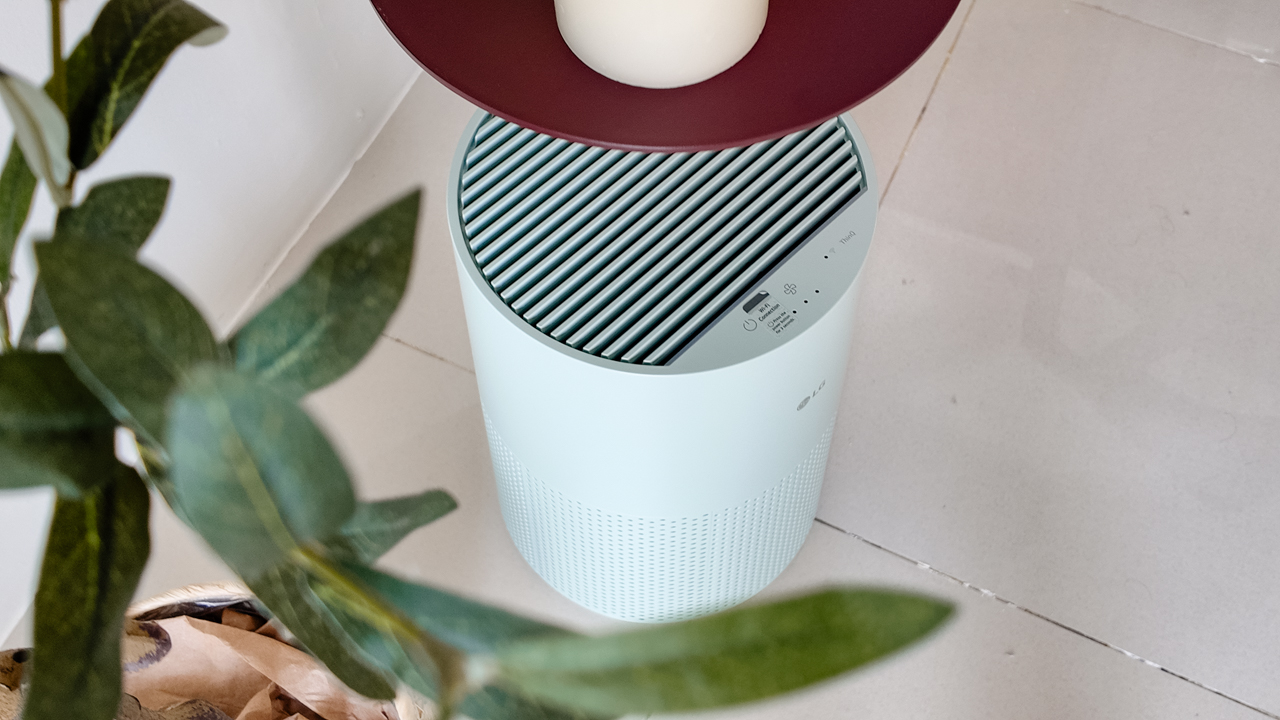
The LG AeroMini operates at just 26dB, and after using it for a month, what stands out is how easy it is to forget that it’s even running.

I can have it running while I’m working or sleeping without the noise becoming a distraction. For an appliance that’s designed to continuously improve the air around you, I think that’s a big deal.
Sometimes, the best feature is the one you barely notice.
Design that fits my space
Since I recently moved, I’ve been pretty conscious about what I bring into the space. I want things to be functional, but I also don’t want appliances that feel like they’re taking over the room.
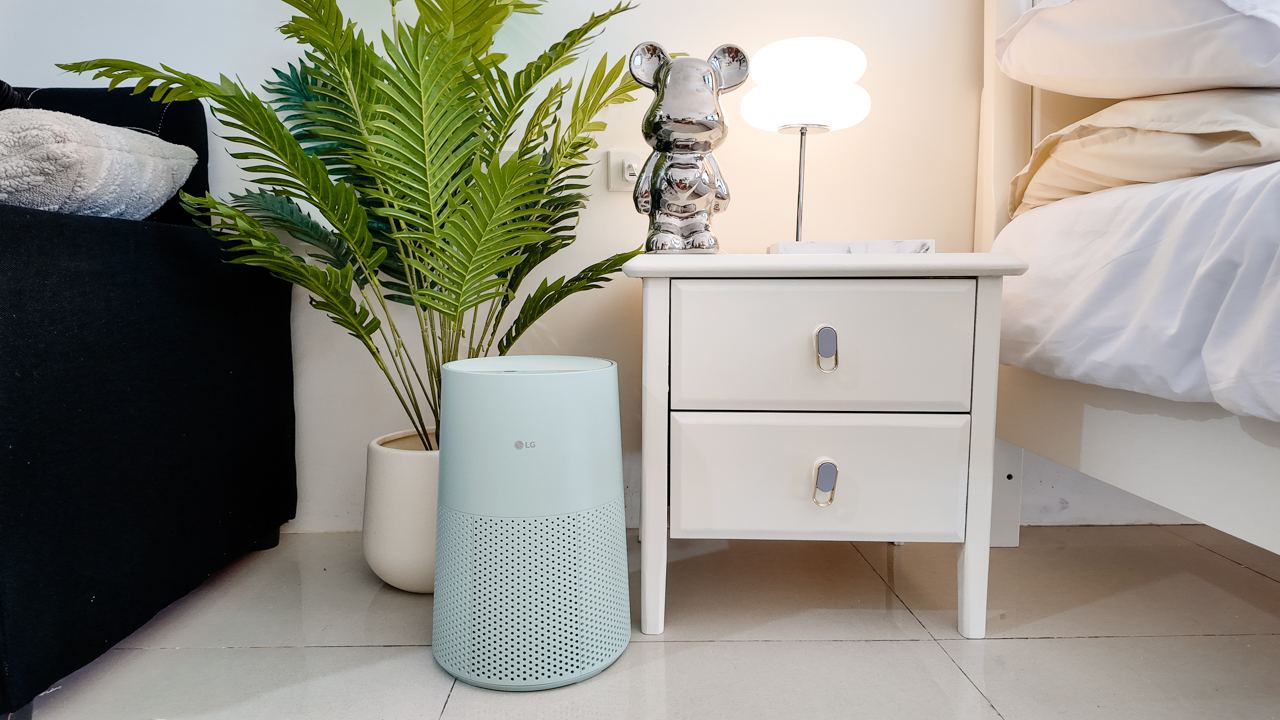
The AeroMini’s slim and compact design makes it easy to incorporate into my setup. It doesn’t feel bulky or industrial, and I like that I can leave it out without feeling like I need to hide it away.
For me, that balance between functionality and aesthetics makes it feel more like part of the space rather than just another appliance.
Air quality at a glance
Another feature I’ve found convenient is its Smart Control. Through the app, I can monitor and control the AeroMini while getting real-time updates on the indoor air quality.
It’s a small convenience, but being able to check the air quality without having to interact with the purifier directly makes it easier to keep track of what’s happening in the room.

Easy to maintain
I also appreciate that the AeroMini is designed with an all-in-one dust and deodorization filter that makes replacement and maintenance easier.
That matters to me because the best home gadgets are the ones that don’t create another complicated chore. I want something I can set up, use regularly, and maintain without too much fuss.

After a month, would I keep it?
Yes, and mainly because it quietly fits into my everyday routine.
The LG AeroMini has helped make my new space feel fresher and more comfortable, while its compact design means it doesn’t compromise the look of the room. But if I had to pick just one thing I appreciate most, it’s still how incredibly quiet it is.

It’s one of those upgrades that doesn’t demand your attention. It simply works in the background.
If you’re also looking to make your home a fresher and more comfortable space for yourself and your family, visit https://www.lg.com/ph/ to learn more about the LG AeroMini and how it can fit into your everyday life.


Now Playing: The Legend of Zelda: Ocarina of Time (2026)
It's a true labor of love.


My latest fashion accessory happens to play music
The JBL Soundgear Clips are the finishing touch my outfits needed!


Fujifilm instax Pal 2 review
A tiny digital camera that’s all about the keepsakes.

Secretlab for Automobili Lamborghini Deluxe Collection now in the Philippines

Xiaomi 18 Pro Series: Price, availability in the Philippines

Samsung explores creative workflows with Galaxy Tab S12 Series

HUAWEI WATCH Air debuts as the world’s slimmest smartwatch

HUAWEI’s new foldable laptop comes with a tiny screen on its back

Your coffee nook is getting a makeover with Starbucks’ holiday collections

Sticker season is back, and so is the planner your ~friends~ might fill in for you

Wild Rift Patch 7.3, celebrates K/DA comeback

ROG G700 review: The best prebuilt PC you can get off the shelf

vivo X500 Pro Max review: 500+ hours later


-
 Reviews1 week ago
vivo X500 Pro Max review: 500+ hours later
-

 Gaming1 week ago
Five new (and better) games you can play instead of GTA VI
-
Cameras5 days ago
Fujifilm instax Pal 2 review
-

 Smartphones1 week ago
Spotlight: OPPO Find X10 Pro Max
-

 Entertainment3 days ago
Spider-Man: Brand New Day returns to cinemas with new scenes
-
 Smartphones1 week ago
The iPhone Duo is replacing my Kindle
-

 Tablets2 weeks ago
Infinix XPAD 30 launches, comes with AI features and expansive display
-

 Buyer's Guide1 week ago
Buyer’s Guide: 2026 Amazon Kindle