
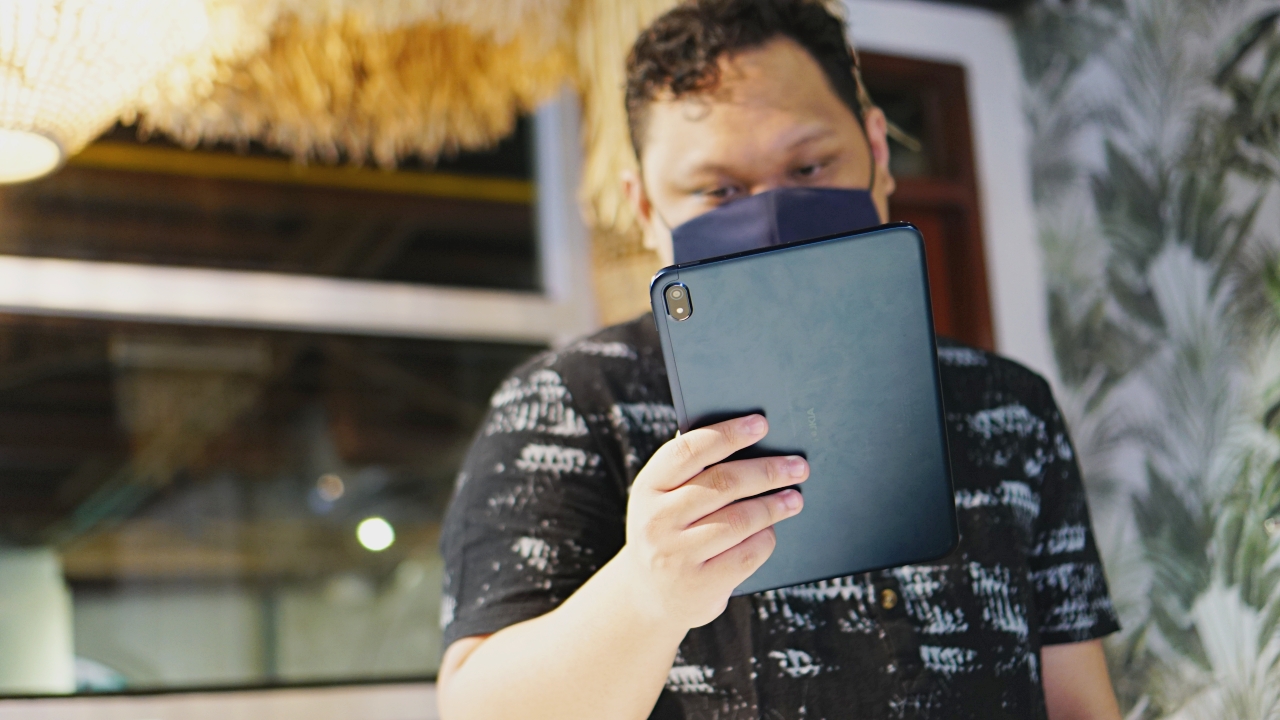


I have personally always struggled to find a reason to get a tablet. But spending time with the Nokia T20 made me realize how handy it is to have one with you.
By the numbers
I want to focus on the experience using the Nokia T20 right away so I’m dropping the spec sheet here so we’re all on the same page.
- Display – 10.4” IPS LCD
- Processor – Unisoc T610 chip
- OS – Android 11
- RAM and Storage – 4GB+64GB, Expandable up to 512GB via MicroSD card
- Main Camera – 8MP
- Selfie Camera – 5MP
- Battery – 8,200mAh
- Price: PhP 12,990, SG$ 345, US$ 250
It honestly seems bland on paper, but you can squeeze out plenty of usage with it.
Work companion

I wasn’t able to take a photo in action, but the Nokia T20 proved most useful to me as a sort of extra screen during workdays. Video conference calls/events have been the norm ever since the pandemic hit. And while the laptop I use can more than handle running Zoom, MS Teams, Google Meet or whatever app is required for the video call, having it all on the same machine can feel overwhelming for me.
Having the Nokia T20 meant I could attend events on a separate, sizable screen. And I don’t feel like my attention is divided even as I complete other tasks on the laptop while attending an event. It seems like a small thing, but it goes a long way in having your work setup feel less cluttered.
Binge-buddy

Where this slate truly shines, though, is as your bring anywhere binge buddy. And you can tell that Nokia intended for it to be as such. It has this thing called Entertainment Space. It’s kind of a space that you can access from the left side of your screen and it’ll have a selection of various videos, movies, and what have you for you to watch.
The 10.4” IPS LCD seems underwhelming on paper, but it’s more htan enough for whatever content you decide to watch. It also isn’t a power hungry display so you can watch stuff for hours on end. By our usage, it lasted for over a day of getting lost in YouTube and TikTok blackholes.
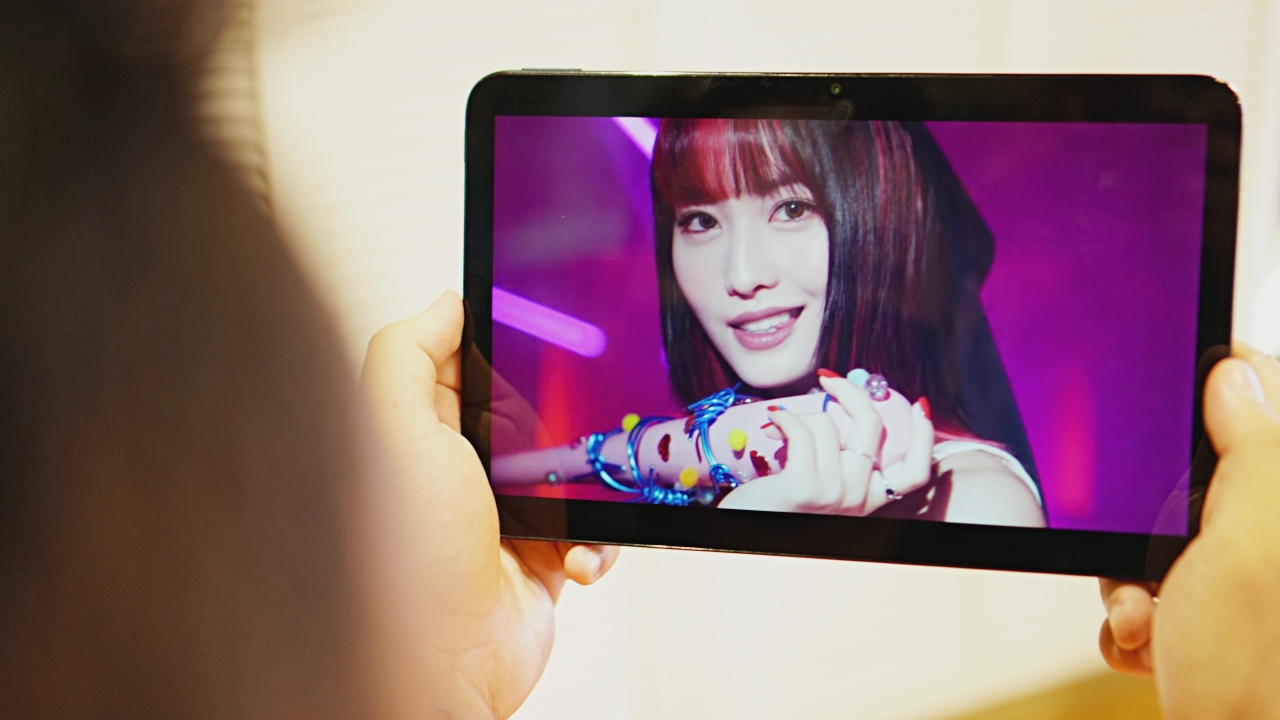
The speakers aren’t anything special. But they get loud enough when necessary and the sound doesn’t turn into a buzzy mess when fully turned up. You can have this on some countertop, desk, and it’ll be more than good enough to let you hear what you need to.

Of course, for more personal viewing sessions, you can always pair it with the Nokia P3600 for an elevated audio experience. Whether you really want to listen intently, or you don’t want anyone else hearing what you’re watching, this is a nice pair of true wireless earbuds to use with the Nokia T20.
The camera situation
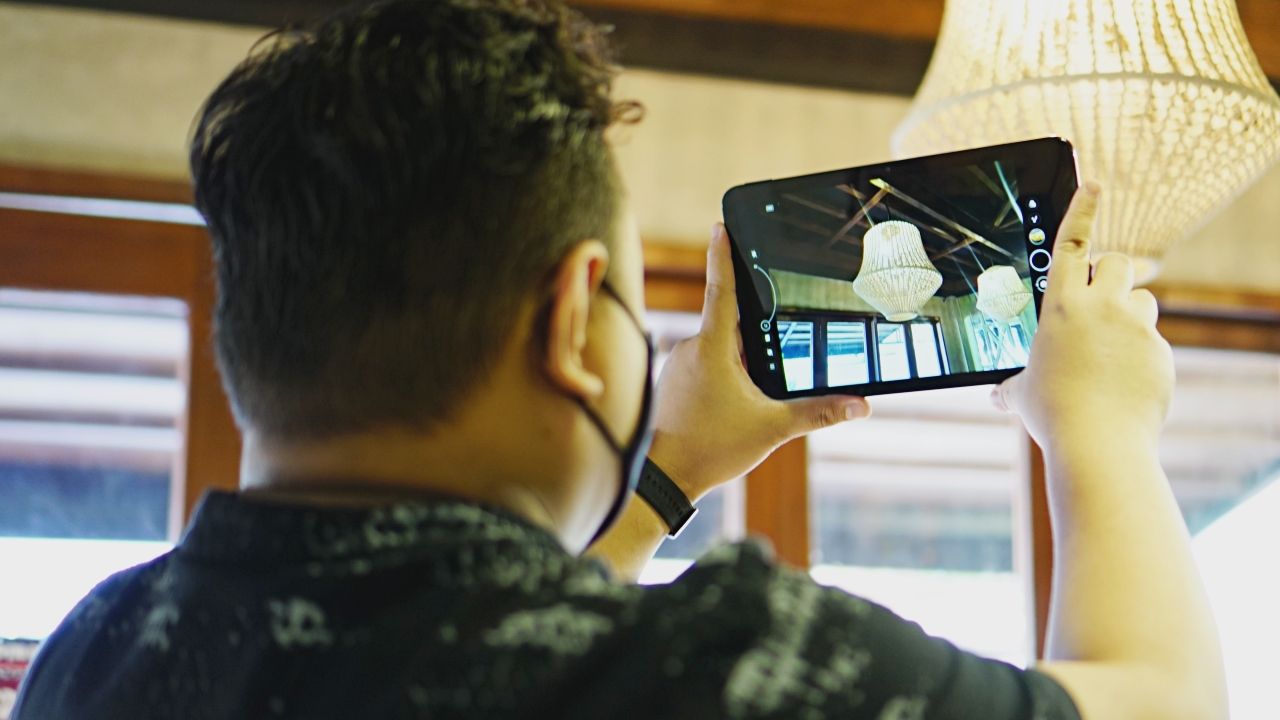
One thing that continues to puzzle me is the inclusion of rear cameras on tablets. I think it’s well documented that taking photos using a tablet isn’t exactly the best look.
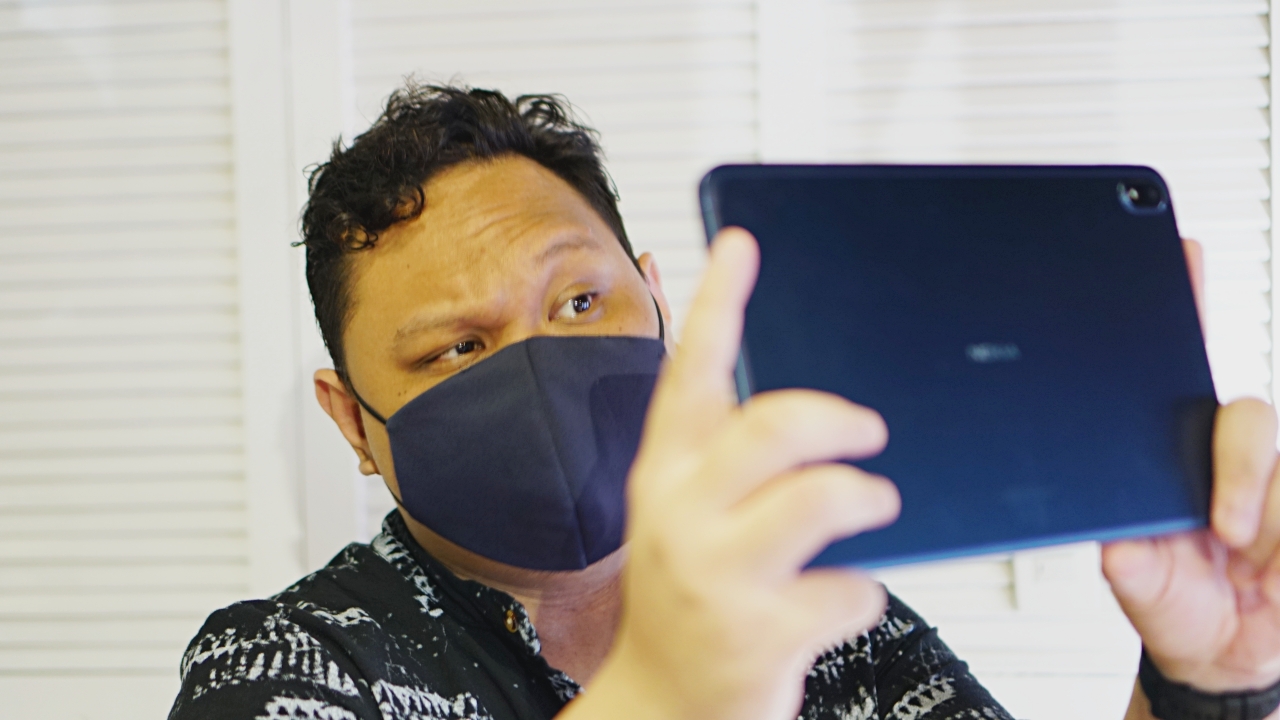
And manufacturers don’t really put the best rear cameras on here. What I hope is that they would just focus on improving the selfie camera since that is what likely will be used more anyway.
So no, we didn’t take photos because it’s just really kind of silly. Wish they just put that 8MP camera on the front instead for, at least, better video calls.
Everything else

We barely used the Nokia T20 for anything other than the above mentioned. Naturally, you can treat it as a huge-ass phone and use social media. Browsing Instagram is nice since the photos seem larger.
It also works well for reading sessions. Whether that’s using reading apps or you’re just catching up with the news online, it feels rather nice to do on a tablet.
Oh, and it’s worth noting that you can put a separate SIM card on this thing — perhaps one that can be focused on data consumption to match your video-viewing needs.

As with many tablets, Nokia expected this to be somewhat of a family device. There are options to restrict certain apps for children. So, if you’re a parent looking to share a tablet with your child, you’ll be pleased to know that this was taken into account.
Is the Nokia T20 your GadgetMatch?

The Nokia T20 seems like it’s in kind of a sweet spot when it comes to price-to-performance ratio. It’s not too expensive for an extra device to have around the household, and it’s capable of more things than what we used it for.
Personally, I’d pick a smaller slate – perhaps somewhere in the 7-inch to 8.5-inch range. But that’s just me. This 10.5-inch slate doesn’t feel too big and works quite well whether you’re stationary or on-the-go.





Hands-On
Apple iPhone Duo Unboxing and Hands-on
Supported apps, crease, cameras, and MagSafe all tested


Apple’s iPhone Duo is finally here!
Aside from unboxing the all-new iPhone-dable in Night Sky, we take a closer look at the display crease, check out the under-display camera quality, see which MagSafe accessories work with it.
Most of all, which apps support it (or not).
But how well does the dual-screen experience on an iPhone actually work? Watch our Apple iPhone Duo unboxing and hands-on to know more!


Moving into a new space comes with a long list of things to figure out, and lately, I’ve been paying more attention to something that’s easy to overlook: air quality.
After using the LG AeroMini for about a month, it has become a subtle but welcome addition to my space. It helps make the room feel fresher, while its compact and stylish design fits naturally into my setup. Here are the things that stood out to me most after living with it for a month.
360° purification for a fresher space
One of the things I appreciate about the AeroMini is its 360° air purification, designed to bring purified air in every direction.
For me, this is particularly useful in a new space where I’m spending a lot of time working, relaxing, and just settling in.

Combined with its True HEPA filter, which is designed to remove 99.999% of 0.01μm fine dust and allergens, it gives me added peace of mind about the air I’m breathing every day.
After a month, I can genuinely say that the space feels fresher with it running.

Surprisingly quiet
This is probably my favorite feature.
The LG AeroMini operates at just 26dB, and after using it for a month, what stands out is how easy it is to forget that it’s even running.

I can have it running while I’m working or sleeping without the noise becoming a distraction. For an appliance that’s designed to continuously improve the air around you, I think that’s a big deal.
Sometimes, the best feature is the one you barely notice.
Design that fits my space
Since I recently moved, I’ve been pretty conscious about what I bring into the space. I want things to be functional, but I also don’t want appliances that feel like they’re taking over the room.

The AeroMini’s slim and compact design makes it easy to incorporate into my setup. It doesn’t feel bulky or industrial, and I like that I can leave it out without feeling like I need to hide it away.
For me, that balance between functionality and aesthetics makes it feel more like part of the space rather than just another appliance.
Air quality at a glance
Another feature I’ve found convenient is its Smart Control. Through the app, I can monitor and control the AeroMini while getting real-time updates on the indoor air quality.
It’s a small convenience, but being able to check the air quality without having to interact with the purifier directly makes it easier to keep track of what’s happening in the room.

Easy to maintain
I also appreciate that the AeroMini is designed with an all-in-one dust and deodorization filter that makes replacement and maintenance easier.
That matters to me because the best home gadgets are the ones that don’t create another complicated chore. I want something I can set up, use regularly, and maintain without too much fuss.

After a month, would I keep it?
Yes, and mainly because it quietly fits into my everyday routine.
The LG AeroMini has helped make my new space feel fresher and more comfortable, while its compact design means it doesn’t compromise the look of the room. But if I had to pick just one thing I appreciate most, it’s still how incredibly quiet it is.

It’s one of those upgrades that doesn’t demand your attention. It simply works in the background.
If you’re also looking to make your home a fresher and more comfortable space for yourself and your family, visit https://www.lg.com/ph/ to learn more about the LG AeroMini and how it can fit into your everyday life.
Hands-On
Apple iPhone 18 Pro Series Hands-on
And everything announced during Apple’s September 2026 Event

The latest Apple event isn’t just about the shiny new Apple Duo. There’s a lot to talk about!
In this video, we break down everything Apple has announced during their September 2026 keynote.
First, there’s the updated iPhone 18 Pro and 18 Pro Max. That’s alongside their design and color changes, battery and performance improvements. Even that massive camera upgrade.
There’s even the ANC-infused AirPods 5 alongside the newer Apple Watch Series 12 and Apple Watch Ultra 4. Plus, the latest software updates coming to both these wearables.
So, are these worth the upgrade?


HP OMEN Max 16 review: Gamer-maxxing in deep black
Peripherals deemed necessary to max this out


vivo V80 review: Good phone, tough sell
A capable travel companion


Ghost of Yōtei Complete Edition review: More of a great thing
Picking up where Atsu left off

Apple unveils new iMac with M6 chip

Apple introduces 14-inch MacBook Pro with M6 chip

Anker soundcore AeroClip 2 brings open-ear audio to everyday life

adidas debuts ENERGYRIM carbon tech in the Adizero Adios Pro 5

Firefox ad reunites all your favorite memes from decades ago

TECNO CAMON Slim 5G review: Slim on size, big on surprise

TECNO CAMON Slim 5G: Price, availability in the Philippines

HONOR Magic9 Pro Max launches in China with ARRI-powered imaging

BYD says that way better EV batteries are coming next year

HONOR 600S review


-

 News2 weeks ago
vivo V80 debuts with ZEISS cameras
-

 Philippines2 weeks ago
TECNO CAMON Slim 5G gets launch discounts, free MagBadge
-

 News2 weeks ago
Samsung: Galaxy Z Fold8 demand rose because of iPhone Duo
-
Reviews1 week ago
vivo V80 review: Good phone, tough sell
-
 Features2 weeks ago
I don’t want a phone that unfolds — the Galaxy Z Fold8 gets why
-

 News7 days ago
OPPO Find X10 Series: Price, availability in the Philippines
-
![KINGDOM HEARTS Collection [I-III]](https://www.gadgetmatch.com/wp-content/uploads/2026/10/kingdom-hearts-colletion-I-III-202610-400x240.png)
![KINGDOM HEARTS Collection [I-III]](https://www.gadgetmatch.com/wp-content/uploads/2026/10/kingdom-hearts-colletion-I-III-202610-80x80.png) Gaming2 weeks ago
Gaming2 weeks agoKINGDOM HEARTS Collection [I–III] now available on PS5, Switch 2
-

 Cameras7 days ago
DJI Osmo Pocket 4P Pearl White now available globally