


OnePlus has a clever launch cycle: release a flagship shortly after Mobile World Congress, and give that same model a refresh after every other brand unveils their final flagship of the year.
This strategy has given OnePlus a chance to scout the competition before launching its annual smartphones. Considering that the company puts all its eggs in only two premium flagships per year, a single error can spell doom for the brand.

Although OnePlus more or less mastered this formula, releasing one success after another, last year’s models felt a little stale. Not only did the features fall a bit flat, the design of the OnePlus 5 and 5T were replicas of sister brand OPPO’s own flagships.
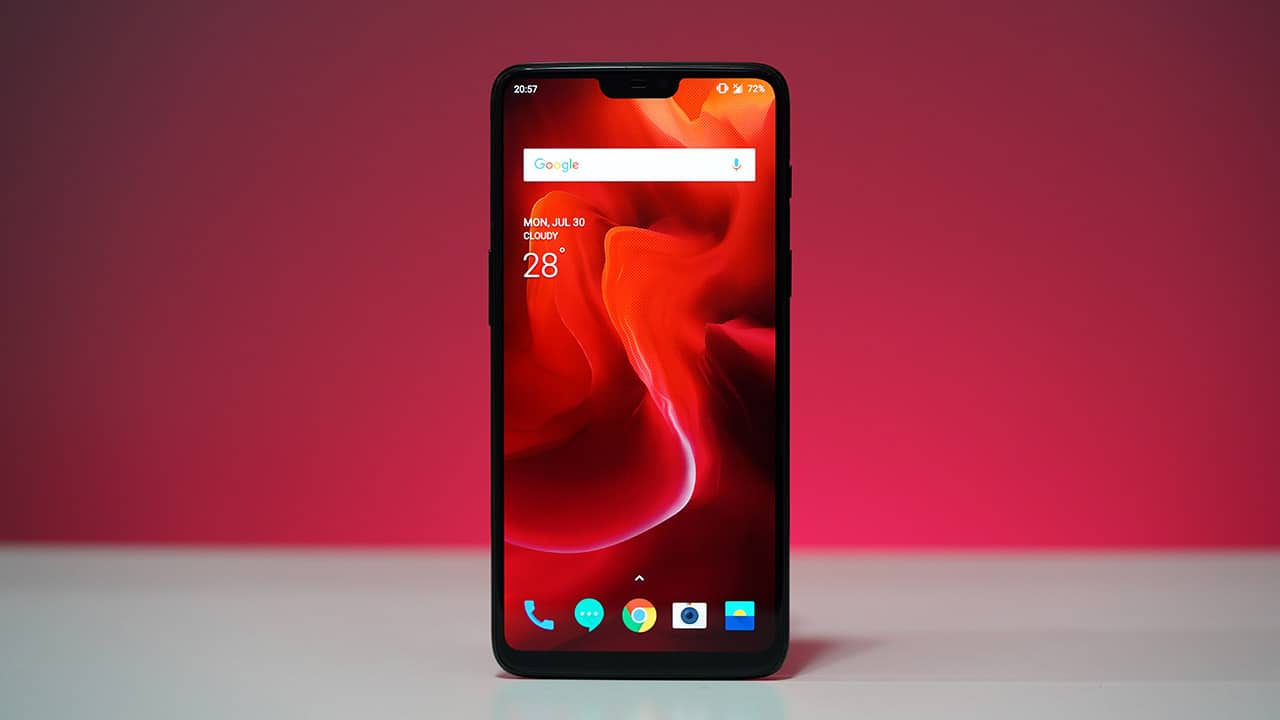
We’re now at an interesting time in the OnePlus 6’s life. Three months in, we can get a better grasp of its place in the market; at the same time, we’re only three months away from a possible OnePlus 6T update.
The questions are plenty and time is running out, so let’s get down to it.
Is this still the fastest phone on the planet?
A bunch of A-list smartphones have launched since the OnePlus 6 first came to existence, but none have reached the level of speed this thing has.
For one, the OnePlus 6’s Snapdragon 845 processor is still the fastest chip in the market, and its combination of 8GB of memory and 256GB of storage (though mine only comes with 128GB) is beat only by the just-released Galaxy Note 9 which has up to 8GB and 512GB, respectively.
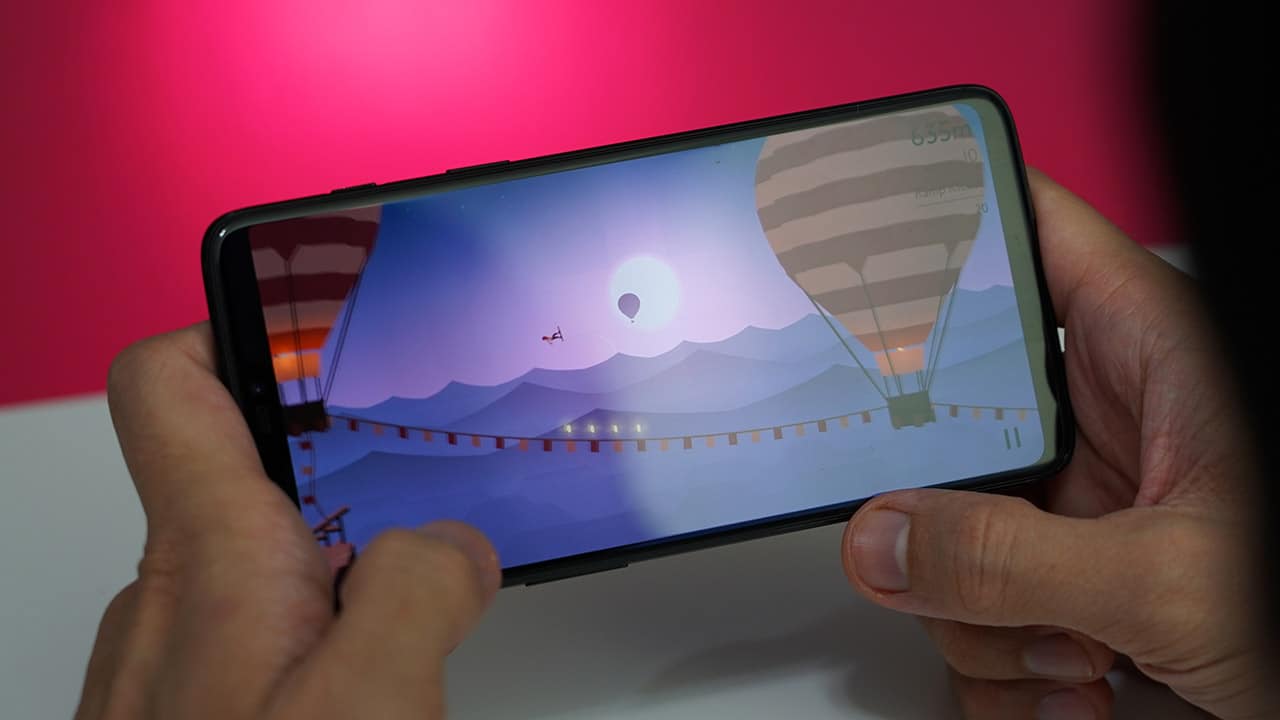

But hardware is only one part of the equation; software plays an equal if not more important role since that’s what you directly interact with. Having used most of the high-end Android smartphones this year, I can attest to the OnePlus 6’s Oxygen OS being the snappiest of them all, followed only by the Mi Mix 2S and its well-optimized MIUI skin.
Whether I’m playing heavy-duty games like Life is Strange or simply browsing the web, nothing fazes this phone. I can only imagine it getting faster once OnePlus starts rolling out Android 9 Pie to its products. The OnePlus 6 is still stuck on Android 8.1 Oreo. While it’s not bad by any means, I wish OnePlus were as fast as Essential in this regard.
Are the cameras good enough?
We were fortunate enough to take the OnePlus 6 around the world to truly test its set of cameras. The company doesn’t promote its imaging prowess that much, but a pair of 20- and 16-megapixel shooters on the back and a 16-megapixel selfie camera in front aren’t anything to belittle.

Like the rest of the interface, the cameras are blazing fast from opening the app to focusing and taking the shot. Even entering the gallery is incredibly snappy. The image quality speaks for itself; DxOMark gave the OnePlus 6 a respectable score of 96, praising the cameras’ autofocus, color reproduction, and exposure.
We agree for the most part and have these photos of our travels to share:




Certainly not the best you could hope for in terms of overall quality, but definitely acceptable in day-to-day snaps. I wish OnePlus will continue to push software updates to improve the camera performance, because I feel like some adjustments in post-processing will bring it to the next level.





Even though the secondary rear camera doesn’t have a telephoto lens, you can instantly zoom in by 2x while inside the default camera app. But because this is software-assisted, there’s some quality loss. I used this only in certain cases wherein I couldn’t walk any closer to a subject.
The app itself is a joy to use because of how simple it is. My three most-used modes — video, photo, and portrait — are all within swiping distance, and additional options like slow-motion, pro mode, and panorama are found below them. It can sometimes be simplistic to a fault, however. There’s no easy way to change the resolution of your images or videos, and shortcuts to in-app functions are limited.
Can it last over a day?
Battery life is something which the OnePlus 6 is simply okay at. Software updates since the phone’s launch have optimized its energy consumption, but there’s been no major improvement since then.
From my personal experience, which involves lots of web browsing, photo taking, and short gaming sessions, the 3300mAh battery lasts a little less than a day for me. It’s not much of a surprise since the smallish battery has to power such powerful specs and the large display, but you may have to carry a powerbank with you on certain occasions.
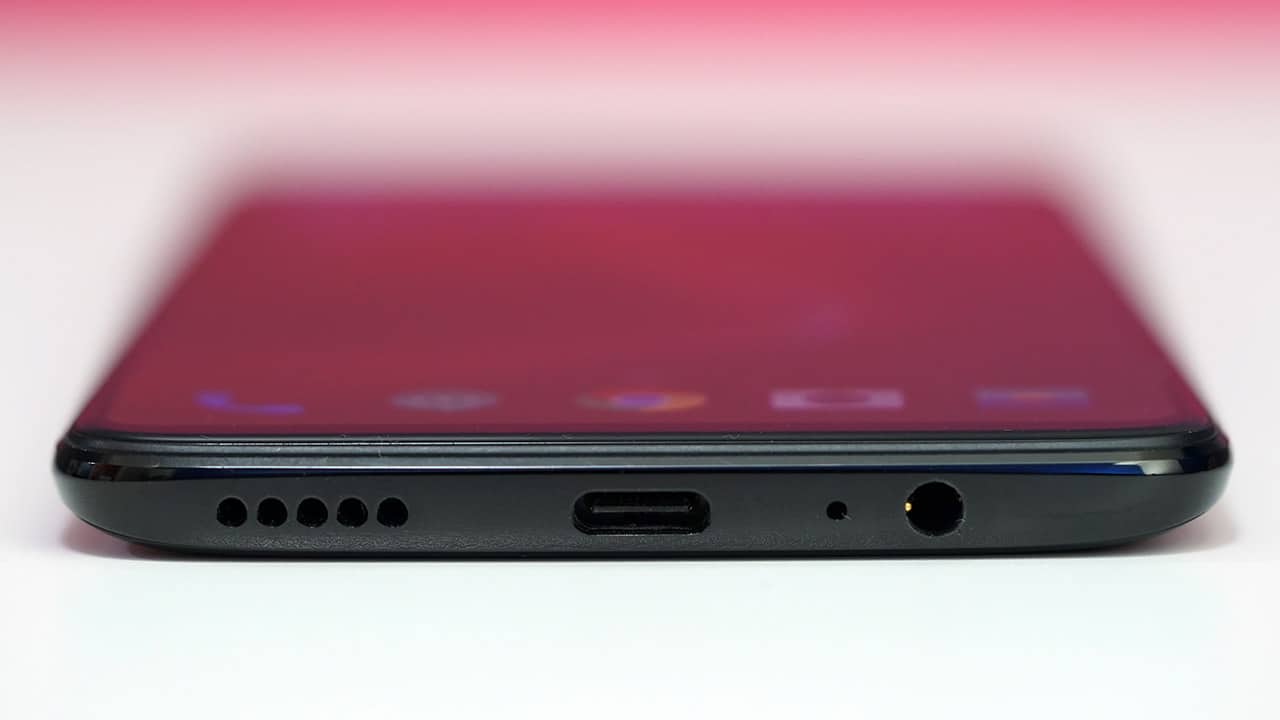
The speaker, USB-C port, and audio port are at the bottom

OnePlus’ signature alert slider is on the right side
On the bright side, we have Dash Charge to fix all our issues. OnePlus’ proprietary fast charging tech is still as fast as ever, bringing this phone from zero to a hundred percent in less than one and a half hours. In addition, the body won’t heat up while topping up, making things more comfortable for your hand during usage.
The only downside is having to bring the bundled charger with me wherever I go. Without it, I can’t take advantage of the fast charging. It’s the same sort of hassle as packing a micro-USB cable for the non-USB-C devices I still own.
Does its pricing hold up against the competition?
OnePlus has steadily been increasing its pricing since first entering the market. Their phones are no longer the sub-US$ 500 premium offerings the company was once known for. And yet, other brands have been guiltier in this regard.
We’re gradually accepting the fact that US$ 1,000 is turning into the norm for a truly flagship experience. This suddenly makes the OnePlus’ pricing seem tame in comparison, considering their products deliver the same speed and quality — if not better.

The time, date, and battery percentage show when you pick up the phone
OnePlus’ primary competition lie in the lineups of Xiaomi and ASUS. For instance, the Mi 8 and Mi Mix 2S offer similar specs at slightly lower prices. At the same time, the ZenFone 5Z is sold at an attractive price as well for what it comes with.
Fortunately for OnePlus, these alternatives are more difficult to come by, making its latest device the go-to affordable flagship in most regions. In addition, expect the OnePlus 6 to go down in price once the impending successor arrives in a few months.
What could OnePlus do better?
Spending an extended time with a device not only gives you a chance to enjoy all its features, but also dissect its flaws. For the OnePlus 6, there are a few that have to be addressed.
For one, and this may be my biggest gripe, the lone down-firing speaker is lackluster. For a smartphone that’s marketed as a multimedia powerhouse, the audio experience has a lot to be desired. On top of the weak output, bass doesn’t have the strength to power through the overly dominant highs. Whenever I play games or watch videos on this phone, earphones have always been a must.

A grippy case solves the slippery glass problem
Finally, we have to talk about the overall design. While it’s unusual for me to mention aesthetics this late into a review, this is also a telling sign that it’s not a highlight. This is OnePlus’ re-introduction to glass backs (after the discontinued OnePlus X), and I must say it’s not that great. It’s slippery and doesn’t add to the functionality since there’s no IP-rated water resistance or wireless charging, which you’d find on other phones with glass bodies. As for the front, it’s your typical notched look — nothing I would fawn over.
Is this your GadgetMatch?
What’s so great about the OnePlus 6 is that none of its drawbacks are deal breakers. During my long-term usage, these cons could either be remedied by a simple fix or ignored altogether. And whenever I do wish it could perform better, I remind myself of how much it costs.
With a starting price of US$ 529 for the base model with 6GB of memory and 64GB of storage, you get so much at nearly half the price of other flagship smartphones. You could argue that Xiaomi and Honor offer better bangs for the buck at this price range, but they cater to different audiences with more specialized feature sets.

If you want the fastest-possible phone without going near the US$ 700 mark, this is your best bet. While there’s been lots of new competition in the past couple of months and more to come from the likes of Huawei and Google, nothing has thus far reached what the OnePlus 6 excels at.
The only thing hindering this is the possibility of the OnePlus 6T launching by November, like the 5T did in 2017. But if it’s anything like last year’s model, the upgrade will be incremental and nothing worth splurging on when coming from the non-T variant.
https://www.youtube.com/watch?v=QE-FSKWxL9g






Reviews
OPPO A6 Pro: Adequate tool, no definitive punch
Ample, all-around, just alright — you name it — but no definitive punch anew

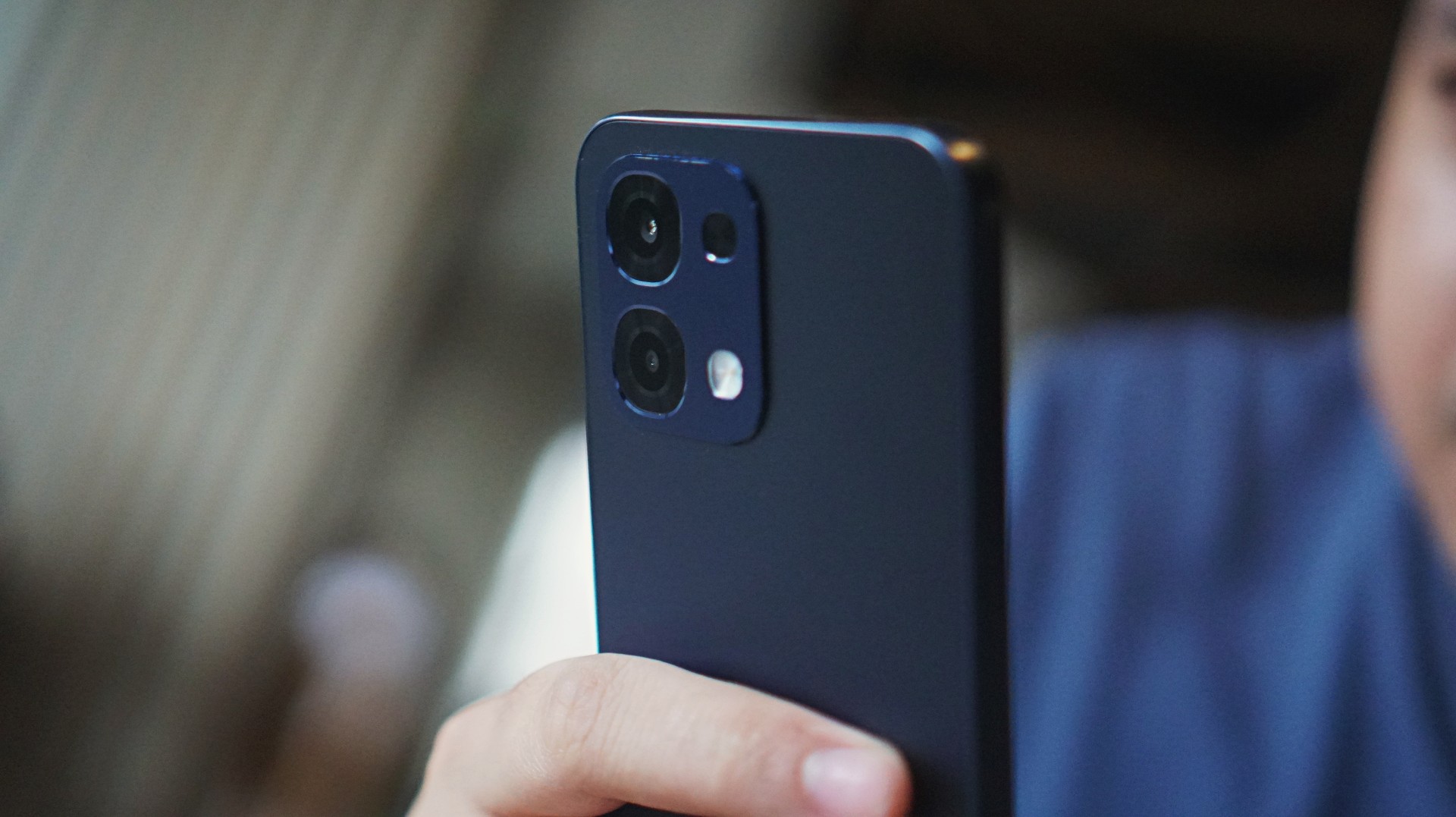
I’ve thought of several adjectives starting with “a” to accurately describe the OPPO A6 Pro 5G. After narrowing them down, I came up with adequate, ample, all-around, and (just) alright.
This smartphone cuts above the budget segment with a mix of performance, camera, durability, and advanced features.
Yet none of these adjectives are tantamount to exceptional nor impressive. You see, there still aren’t enough arguments to make the A6 Pro a standout midrange device.
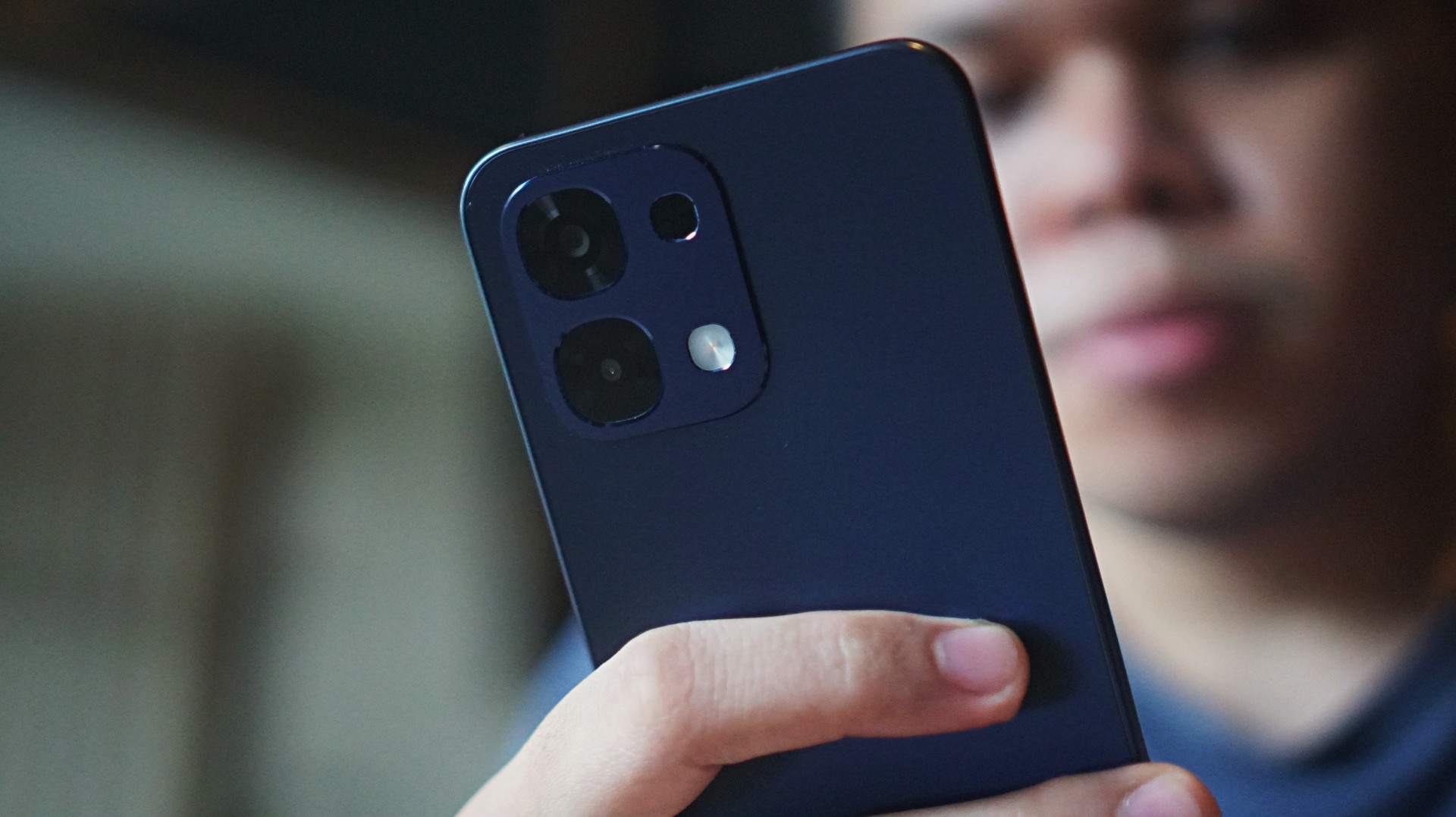
More than enough, yes. But much like the previous A5 Pro, the definitive punch is missing — especially at its asking price. Still, it’s useful, and here’s what you can expect.
Adequate performance
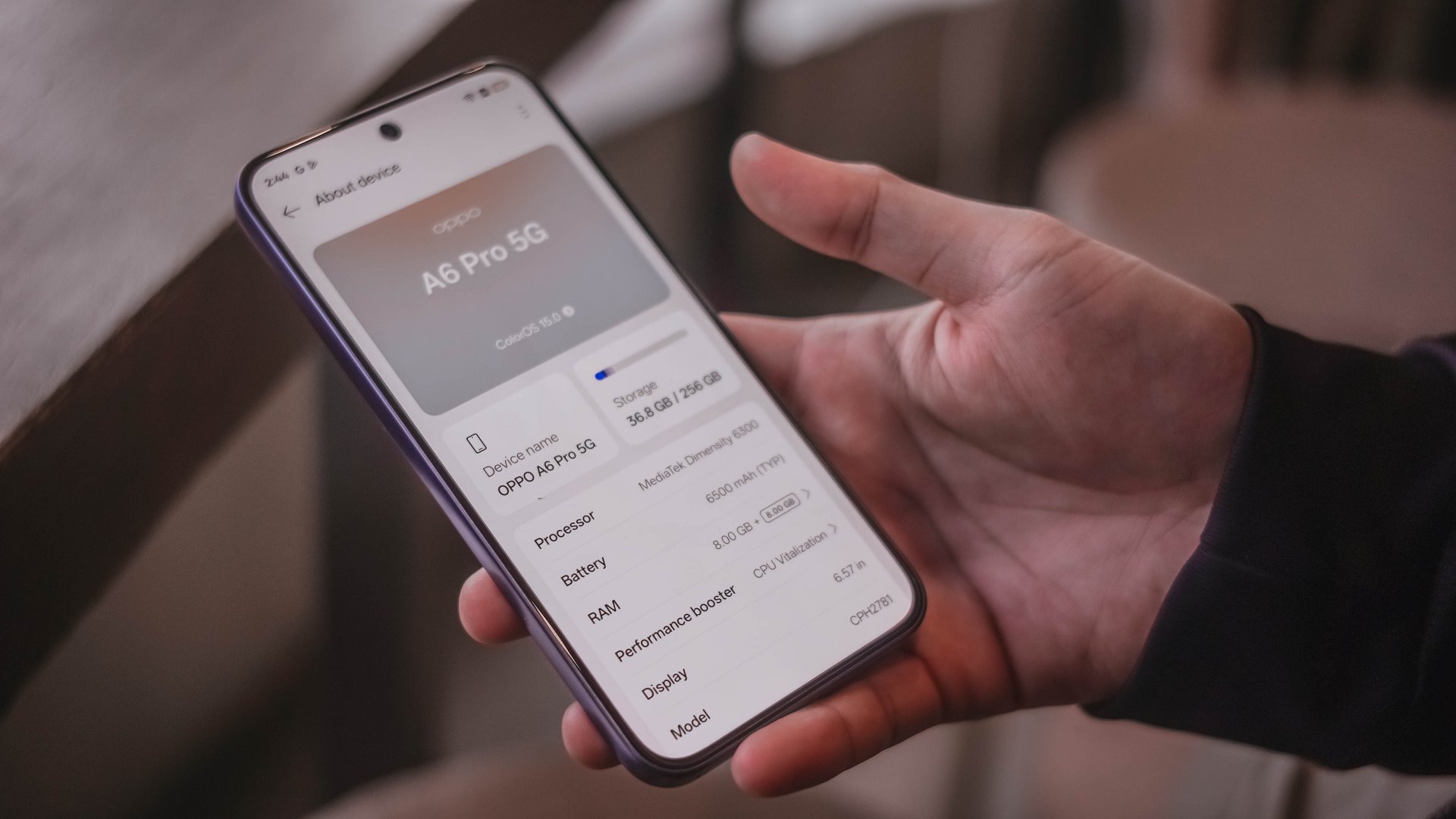
The OPPO A6 Pro 5G is powered by a MediaTek Dimensity 6300 processor. You can expect smoother everyday performance compared to US$ 100 devices if you want to upgrade.
For simple browsing and multitasking, the handset holds up well. Paired with a 6.57-inch 120Hz AMOLED display, swipes, scrolls, and navigating feel a lot more fluid and responsive.
However, it’s hit-or-miss for gaming and heavier workloads.
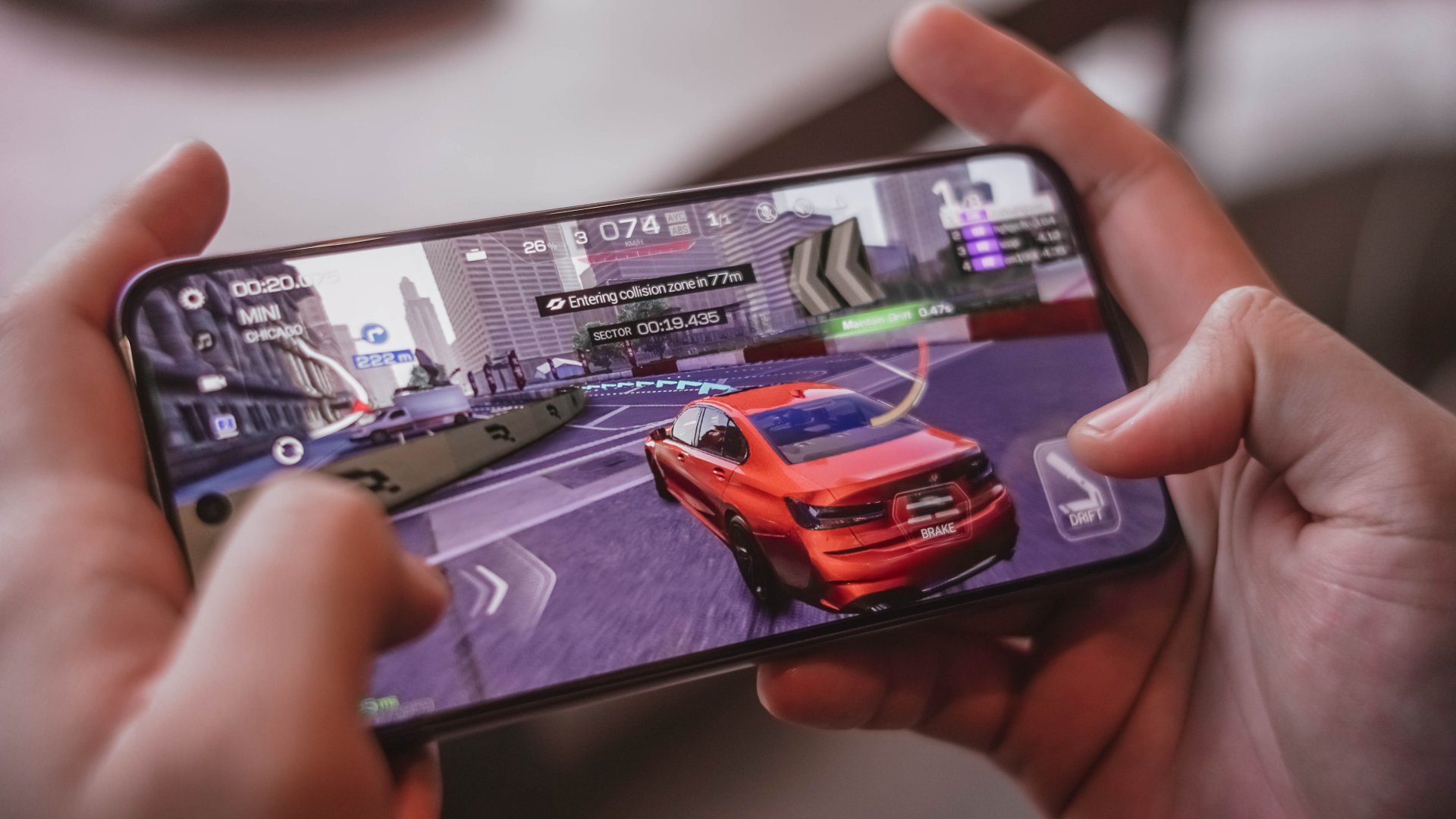
I once played Mobile Legends: Bang Bang on high graphics settings and saw a few frame drops. That’s in spite of a dedicated mode for better load distribution.
Demanding titles like Call of Duty Mobile and Racing Master still work, but graphics settings default to medium, so it lessens the immersive experience — if that matters.
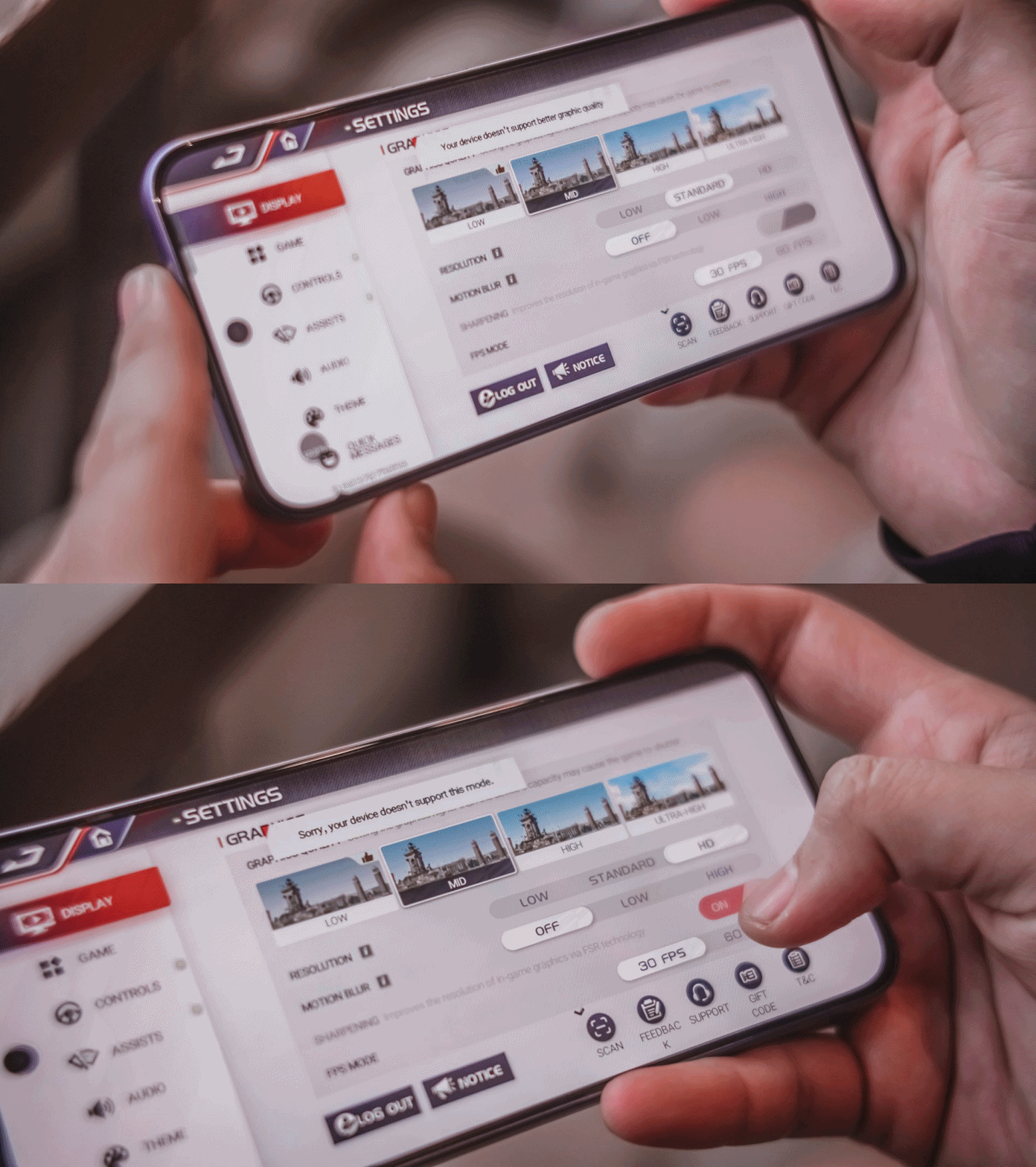
To its credit, none of these titles crashed. Keep settings at medium or low to be able to enjoy stable play. You wouldn’t be able to set the graphics to high in some cases to begin with, anyway.
Perhaps, what you can appreciate is that it hardly heats up, thanks to its SuperCool VC System. Battery drain is more modest too, losing just about 5% in a 30-minute session on Wi-Fi.
Of course, that’s aside from the 6500mAh battery. I like the fact that it is complemented by an 80W SUPERVOOC charger.
Replenishing the battery power from 1% back to full takes roughly about an hour and 20 minutes, which is pretty darn nice given the capacity.
Ample audiovisuals
The OPPO A6 Pro’s display offers a 397ppi pixel density and up to 1400 nits maximum brightness.
Video playback is noticeably better on this panel compared to cheaper devices.

Moreover, the phone lets users select a 300% volume mode which is helpful when outdoors or in crowded areas. The audio quality is decent, but don’t expect it to rival those from upper mid-rangers.

I just spent time on the phone watching a lot of sports, WWE and Physical: Asia on Netflix. The 93% screen-to-body ratio keeps the bezels out of sight, letting you focus more on the content.
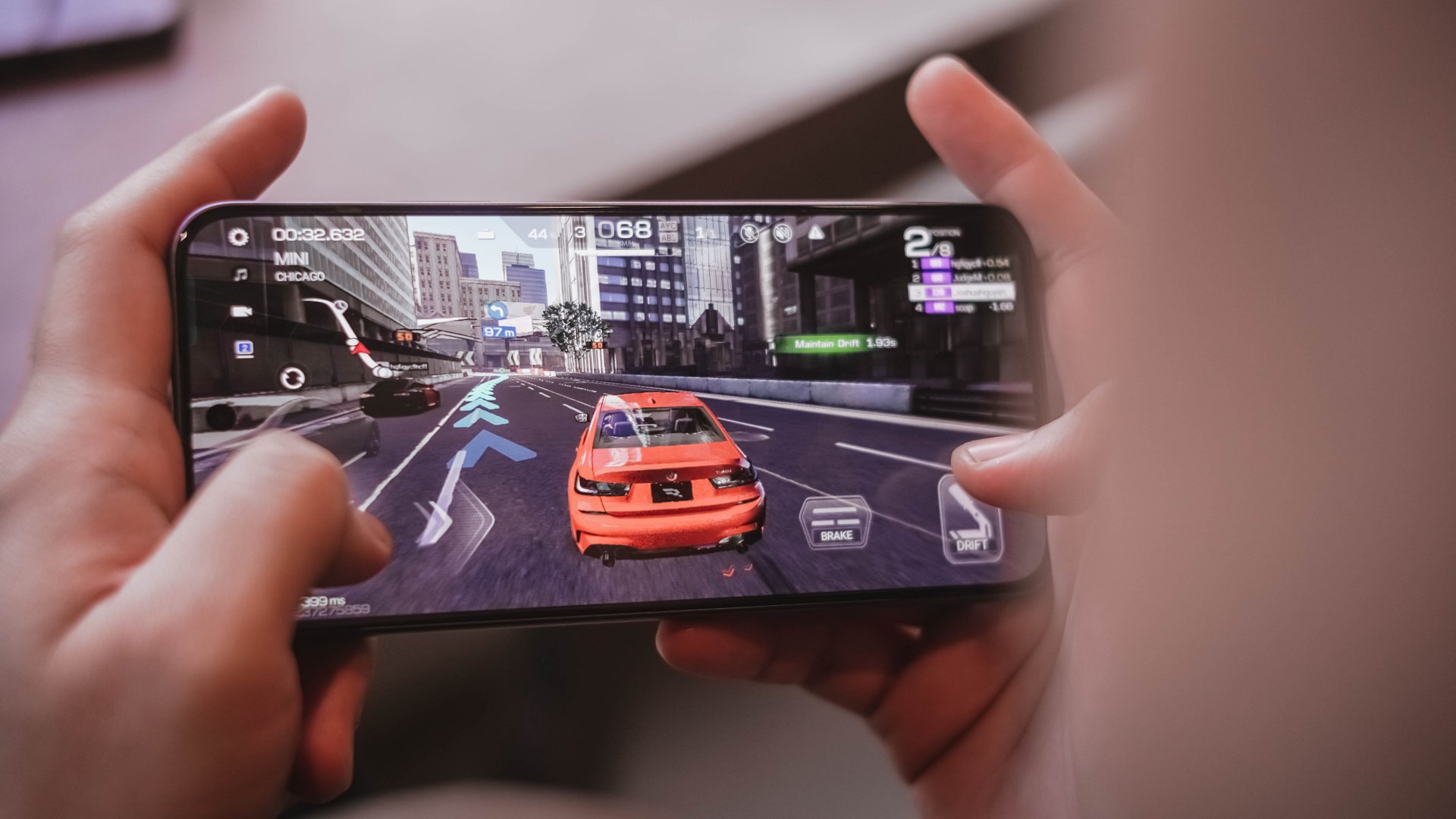
Gaming visuals sometimes sees jagged details, like the cars in Racing Master. It’s a reminder the phone does not punch above its weight.
AI LinkBoost: No significant improvement?
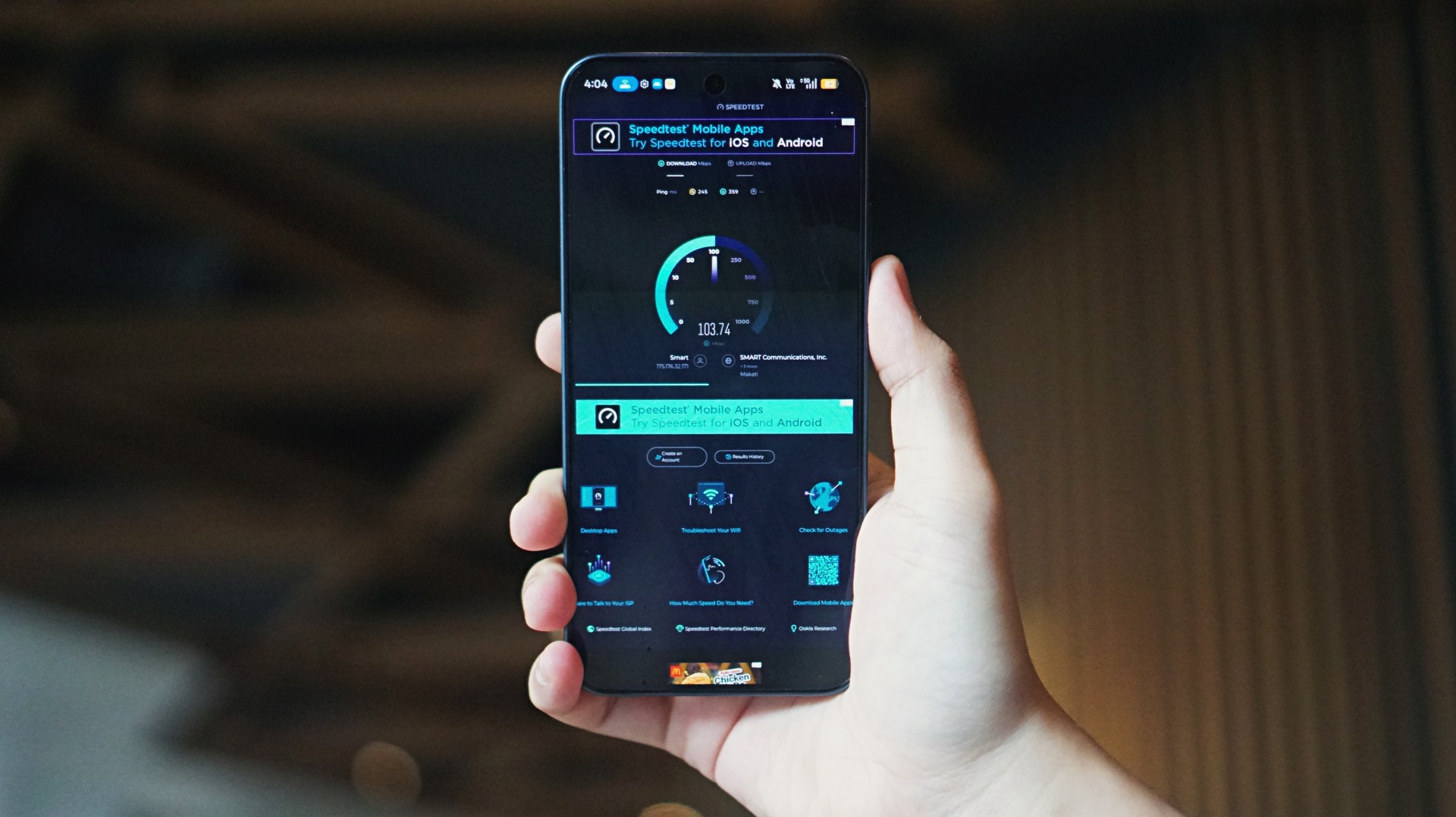
One of the features OPPO retained for the A series is AI LinkBoost, which is now in its third generation.
But compared to my experience with the A5 Pro last year, I felt the network optimization feature didn’t give significant support to the A6 Pro.
Yes, mobile data speeds still reached about 300mbps and above at times. But network struggled in the same toll booths and underground MRT stations where the A5 Pro was able to will itself better.
Perhaps, the aluminum frame plays a role, although OPPO insists on paper that it should complement the antennas.
All-around durable daily driver
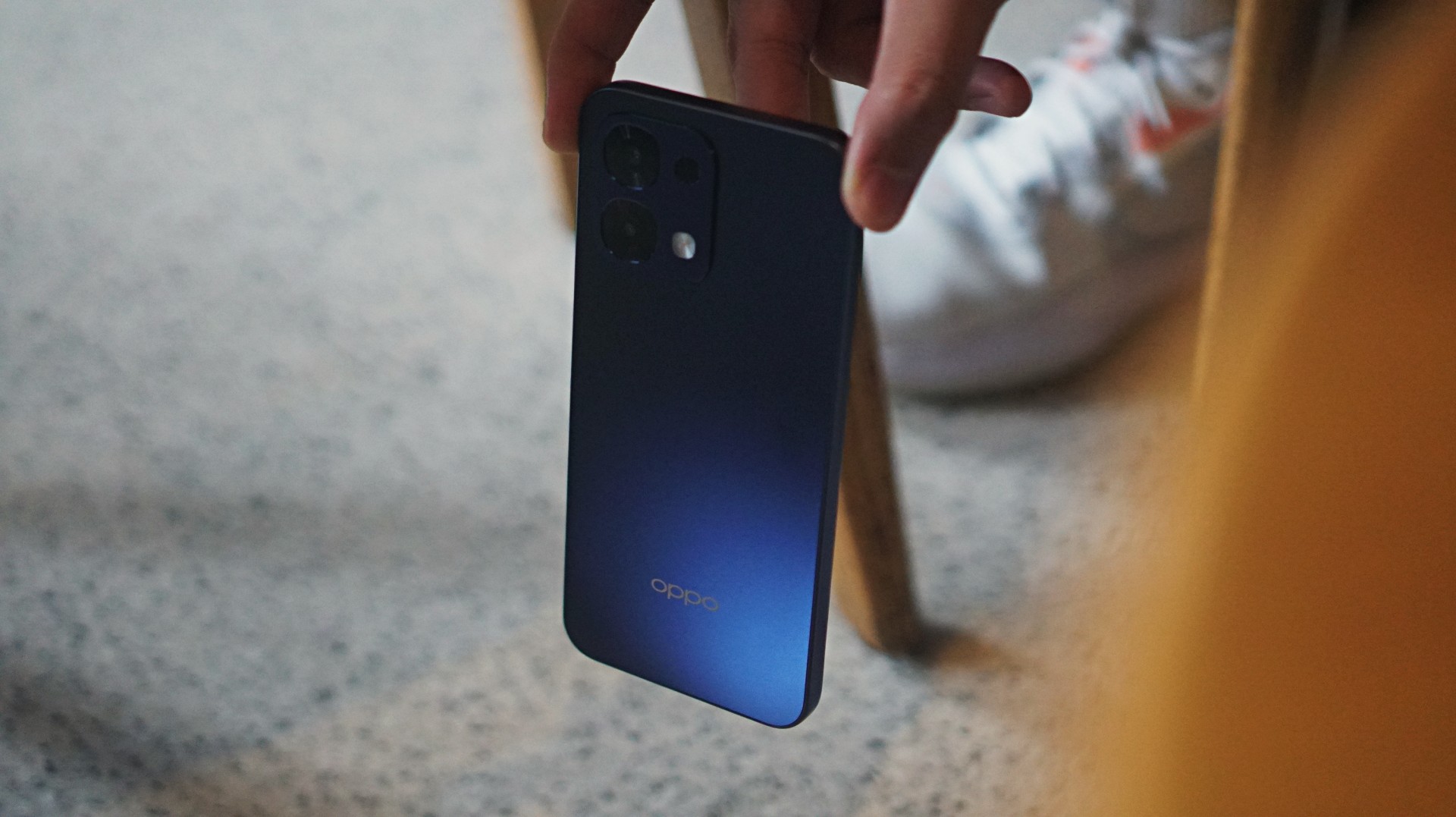
Not new to the A series is durability and water and dust resistance, and these are chiefly still the strengths of the OPPO A6 Pro 5G.
There’s Military-Grade Shock Resistance plus reinforced materials to easily shrug off drops. It also boasts of an IP69 dust and waterproofing, enabling it to resist high-pressure water jets, spills, and even accidental soaks.

Beyond those, the phone’s display is optimized for touches even when there are droplets. They just dry out, as in the case with previous iterations, creating friction.
There’s also a Glove Touch feature when you’ve got gloves on while cycling, camping, or other outdoor activities.
More AI
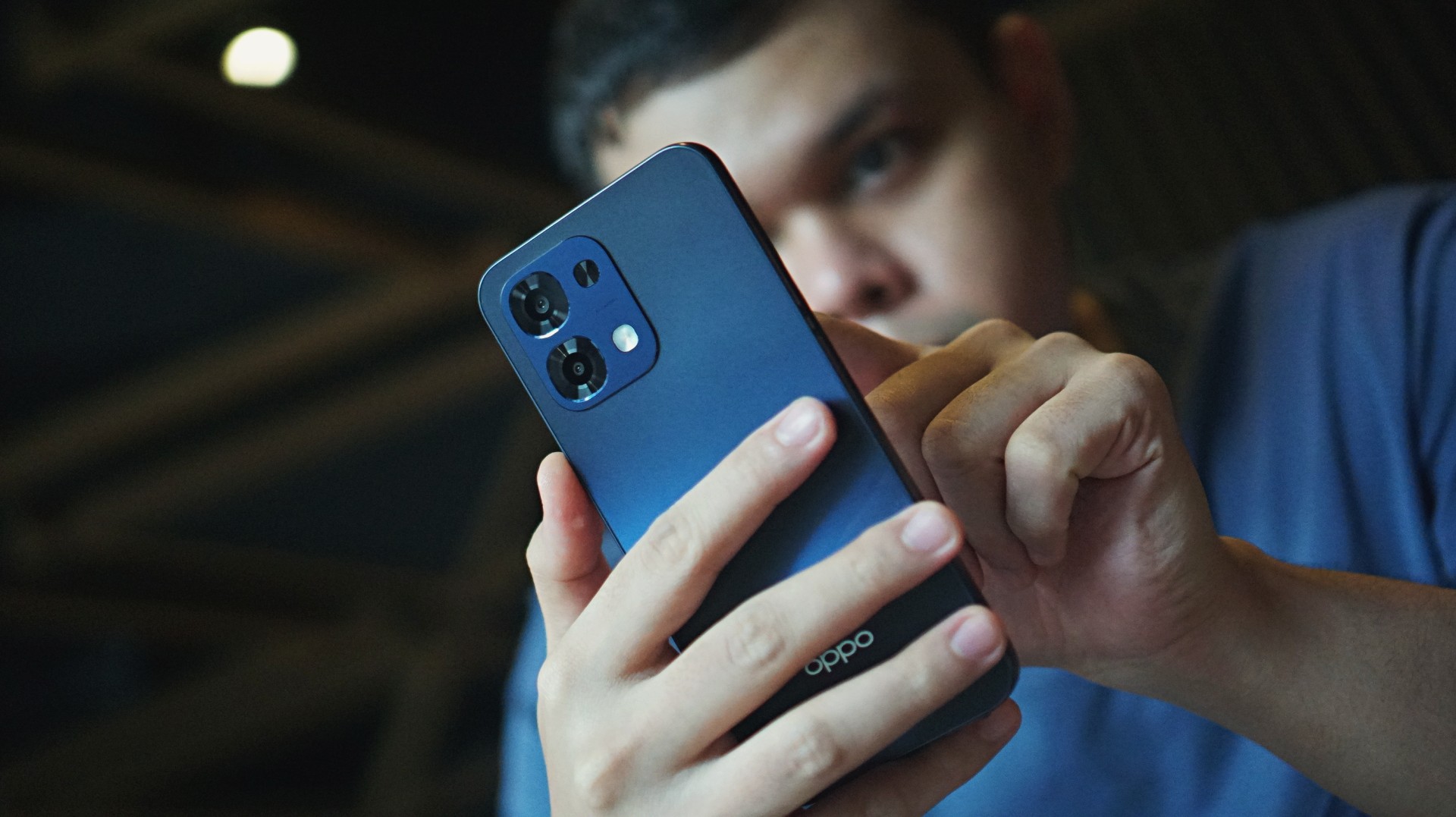
For productivity, the phone comes with an AI Assistant for Notes and Documents, plus Gemini integration.
Photo tools include AI Eraser 2.0, AI Reflection Remover, and AI Unblur.
Cameras: Just alright
Speaking of photos, the phone features a 50MP f/1.8 main camera and a 16MP f/2.4 front shooter.
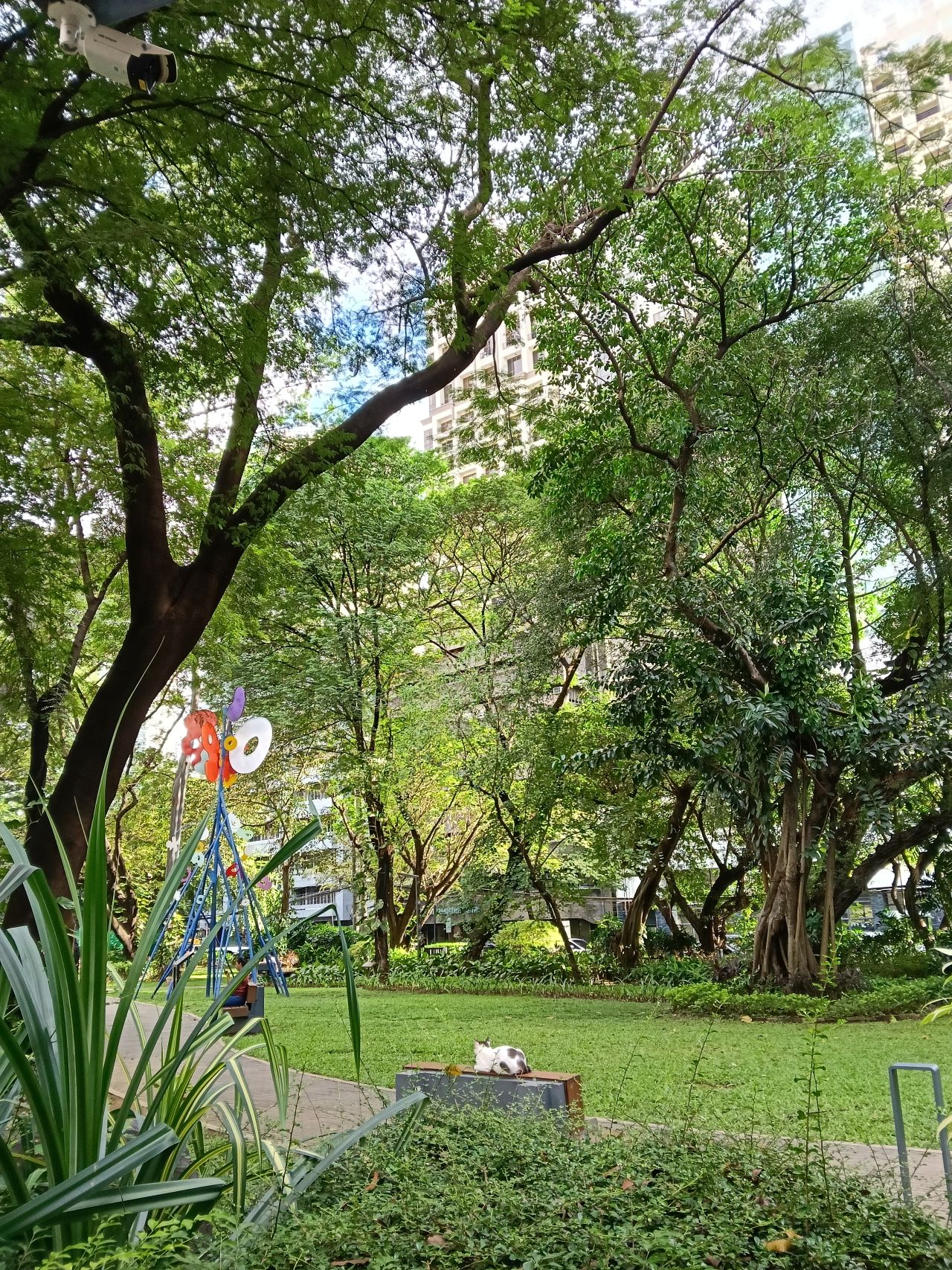
I just captured a lot of food, selfies, and cats during my time with the phone. Which is exactly what you’re supposed to do with a serviceable camera package: document your daily life.
















The color science still leans on the paler, more “natural” side, with skin tones a bit inaccurate at times.

You’ll have to do some editing for added vibrancy. The sharpness and detail are there, but they’re not instantly share-worthy.
To its credit, detail seems to have been improved, especially with foliage. At least, compared to the A5 Pro. There is also depth by default, which is further elevated with Portrait Mode.




















But a waterloo is Night Mode, as well as taking photos of, say, neon signs, candles, or light bulbs. Be wary of backlights or clear skies that might lead to glare or overexposure.
Furthermore, recording videos can be shaky without OIS. I was willing to trade a higher frame rate so long as there was stabilization, so this tool isn’t ideal for budding content creators as well.
Improved feel
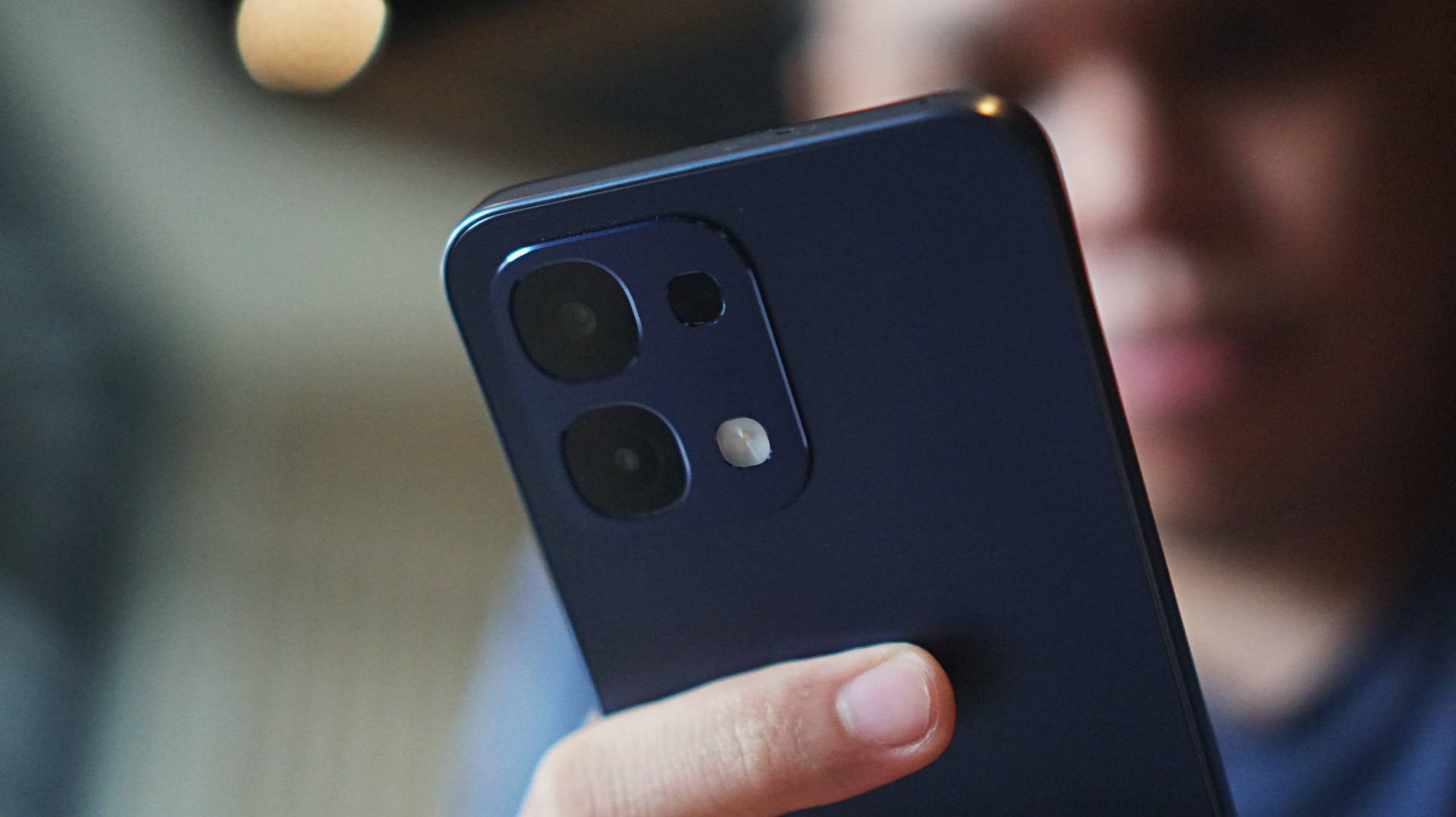
On the positive end, the grip on the OPPO A6 Pro feels a lot better and more secure. The model I got came in Stellar Blue, which blends with neutral-colored outfits.
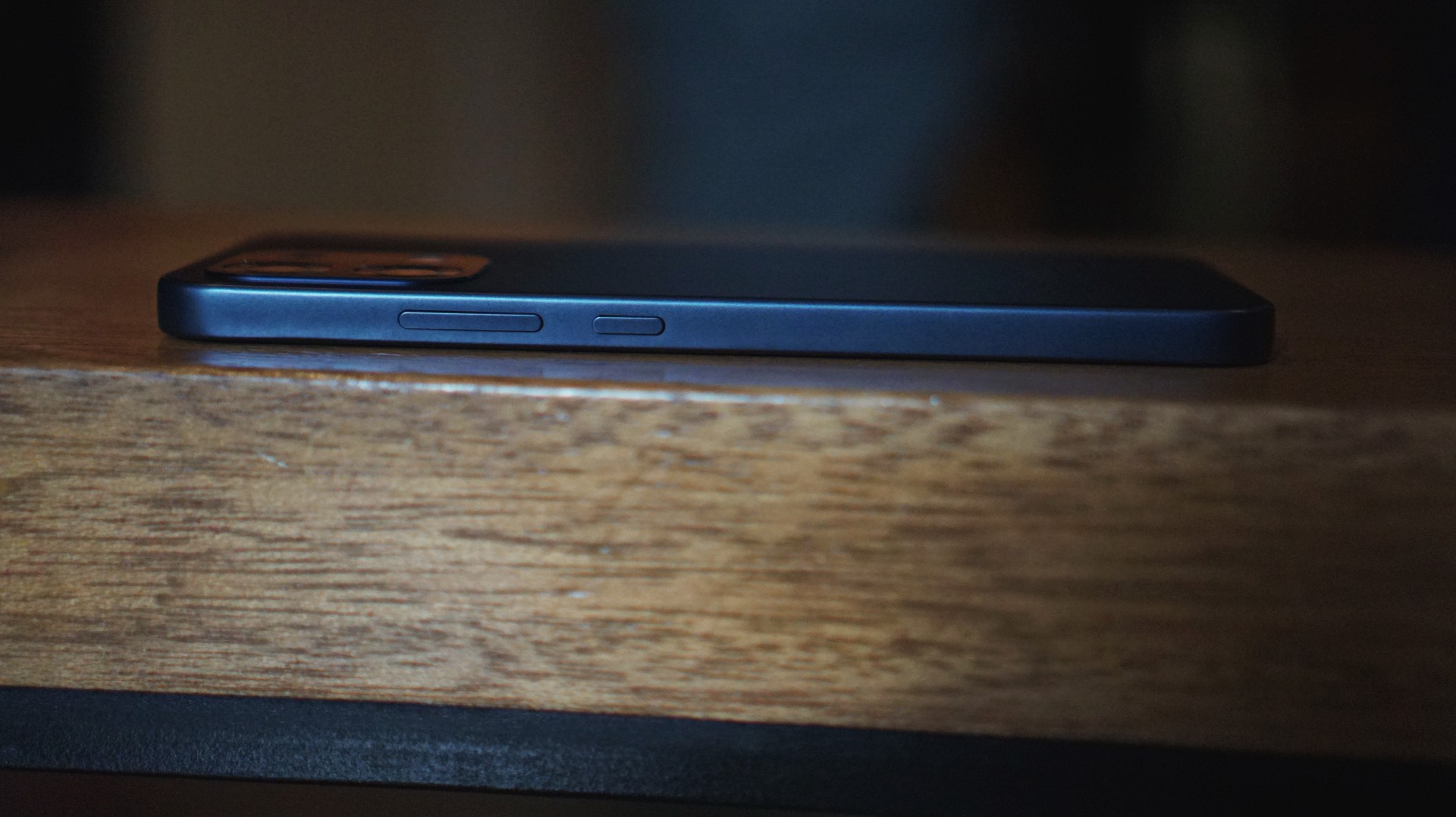
The phone looks squarish on the edges and a bit curved on the corners. I’m not a fan of the latter as they could crop out some gaming UI elements.
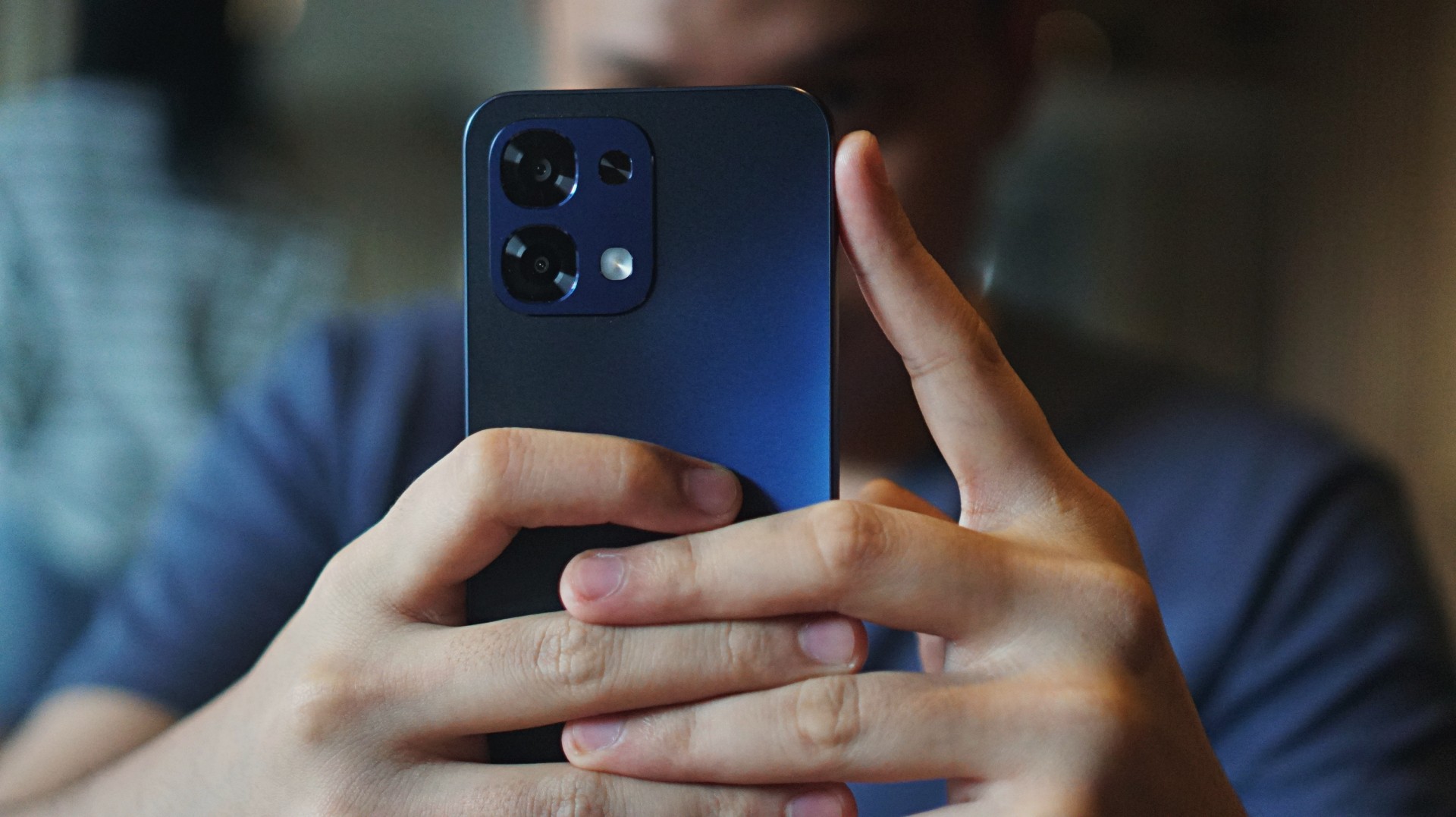
Nevertheless, there is a good balance between being long and thick. The cameras have now shifted to a squarish shape rather than circular.
Bloatware remains, and there’s even more pre-installed apps than expected, which I don’t see the need to use in the future.
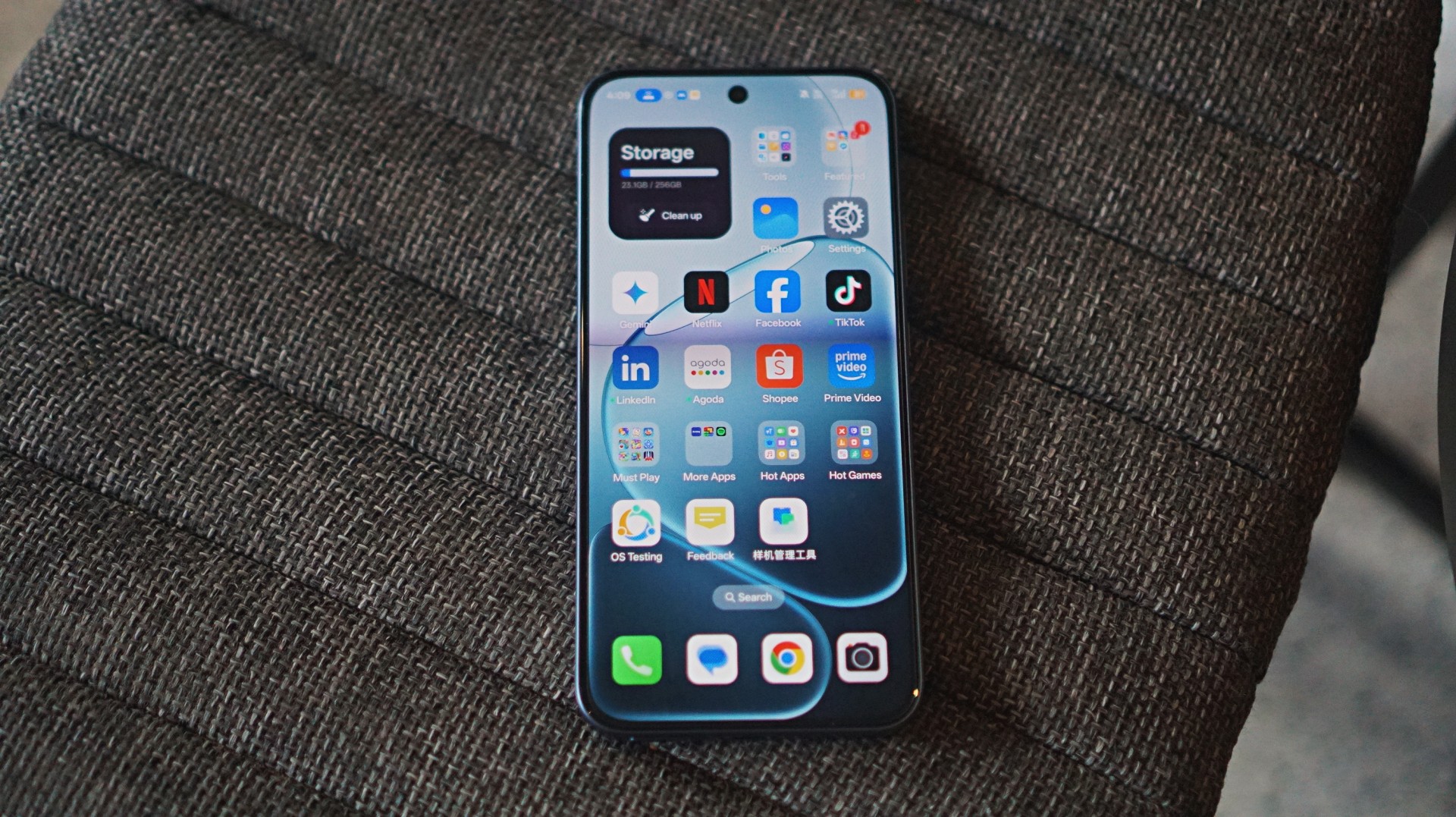
Beyond these, ColorOS looks neat and clean overall.
Is this your GadgetMatch?
There’s no question the OPPO A6 Pro offers an intriguing overall package and still gets a Swipe Right. However, there’s stiff competition in the PhP 12,000 to PhP 15,000 (~US$ 200 to US$ 250) category.
If you have such budget, in my opinion, niche devices at lower prices may be better for gamers. For daily drivers, cheaper phones with larger storage options also exist, if you’re just after function.
Add just a few more bucks and you can get phones with more superior camera packages, including telephoto lenses and better color reproduction.
Automotive
Inside the Next-Gen Ford Ranger Wildtrak 4×4
A closer look at the cabin that makes this truck feel smarter and more comfortable than expected.

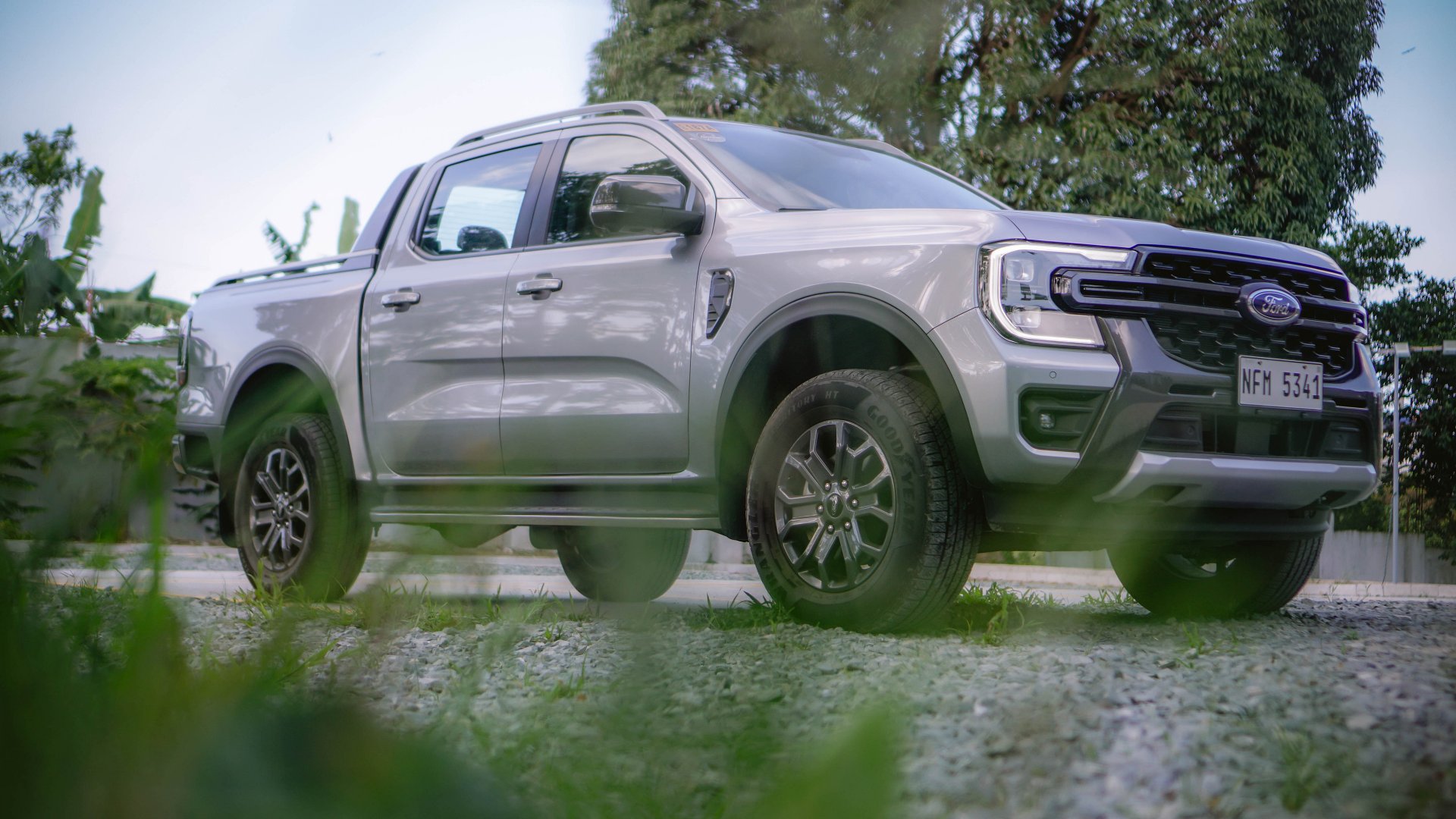
They call it a truck, but the moment you step inside, you understand why that word no longer feels enough.
The Next-Gen Ford Ranger Wildtrak 4×4 carries a tough, ready-for-anything energy you’d expect from a pickup. It looks like it was built for mud or long highways that stretch beyond the city.
But inside, it tells a different story. One about comfort and knowing exactly how people live with their cars now.
Inside the Ranger is the kind of cabin that doesn’t ask you to brace yourself. Rather, it invites you to settle in.
Comfort with consideration
The first thing you notice is how easy it is to find your place behind the wheel.
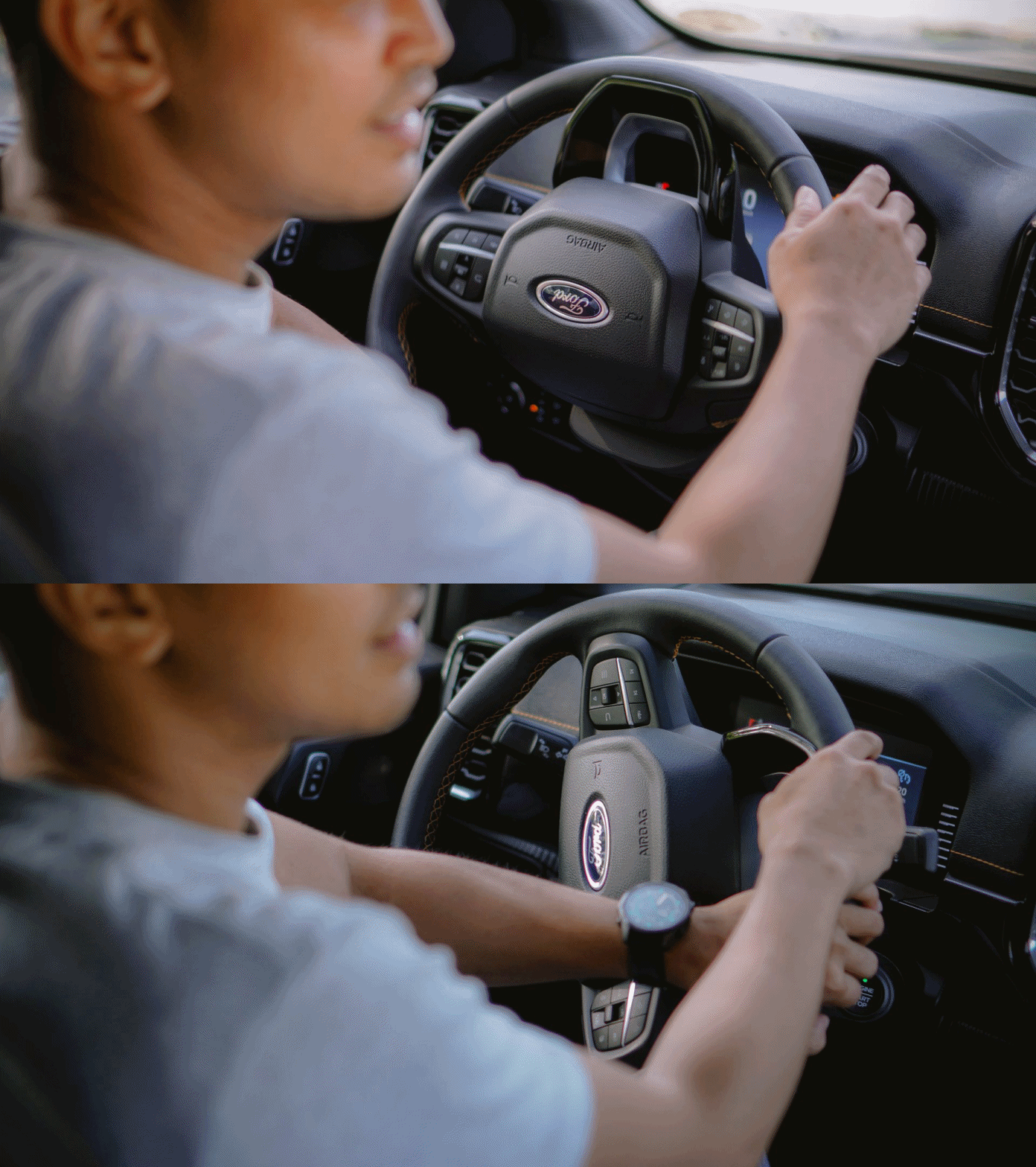
The driver’s seat adjusts in eight ways, which means posture never feels like a compromise. The front passenger seat gets four-way adjustment, which still feels thoughtful rather than basic.
A combination of leather and synthetic leather seats add a softness that immediately changes your mood, the moment you sit down. It’s as if they were designed for long drives that accompany you in heartfelt conversations and unplanned detours.
Temperature never becomes a discussion inside the Wildtrak. With Dual-zone electronic automatic climate control, both sides of the cabin stay exactly how the people inside will want it.
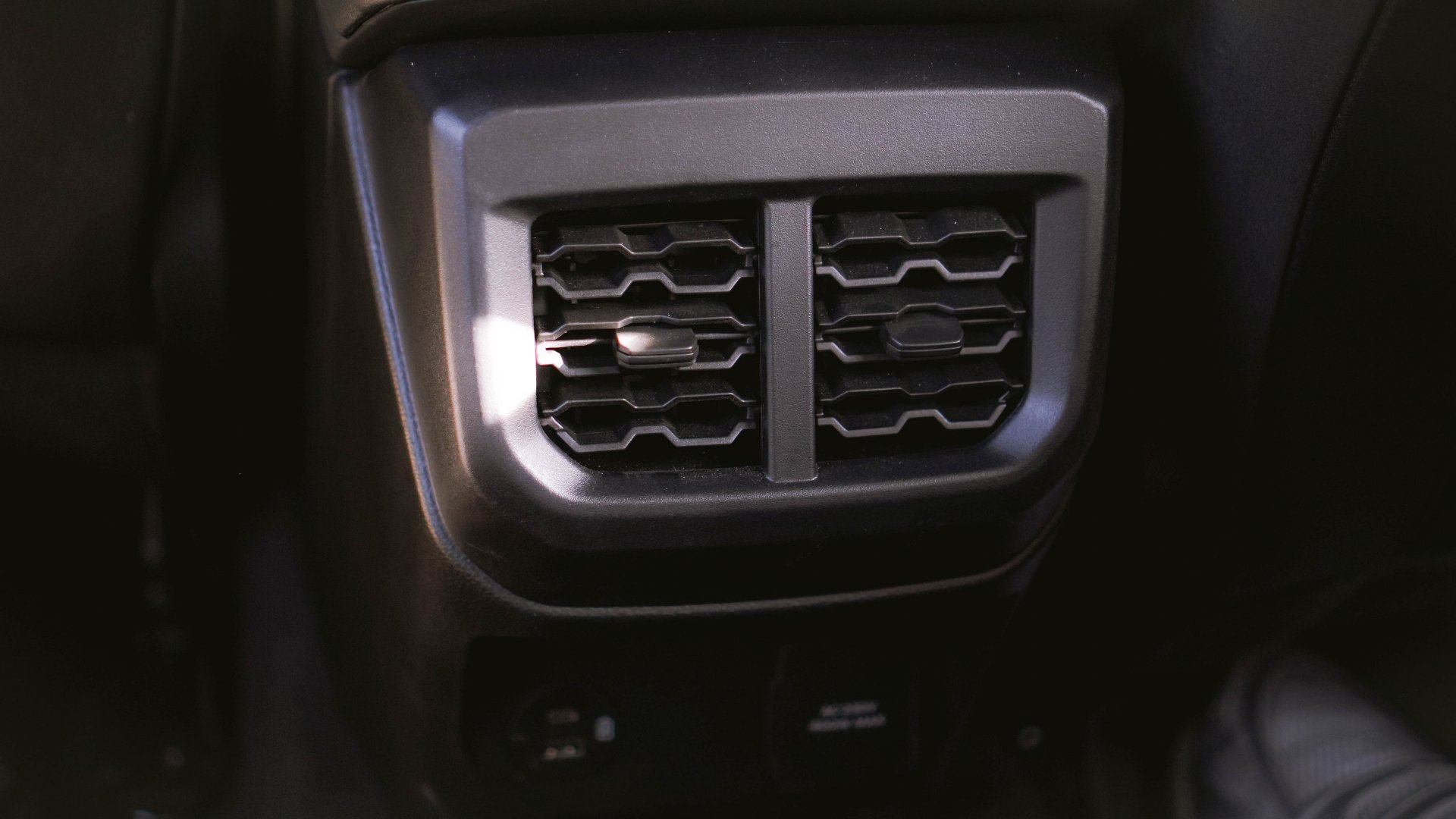
Rear passengers get their own air vents, too, which reinforces the idea that this truck is meant to be shared. Everyone rides comfortably, no matter where they sit.
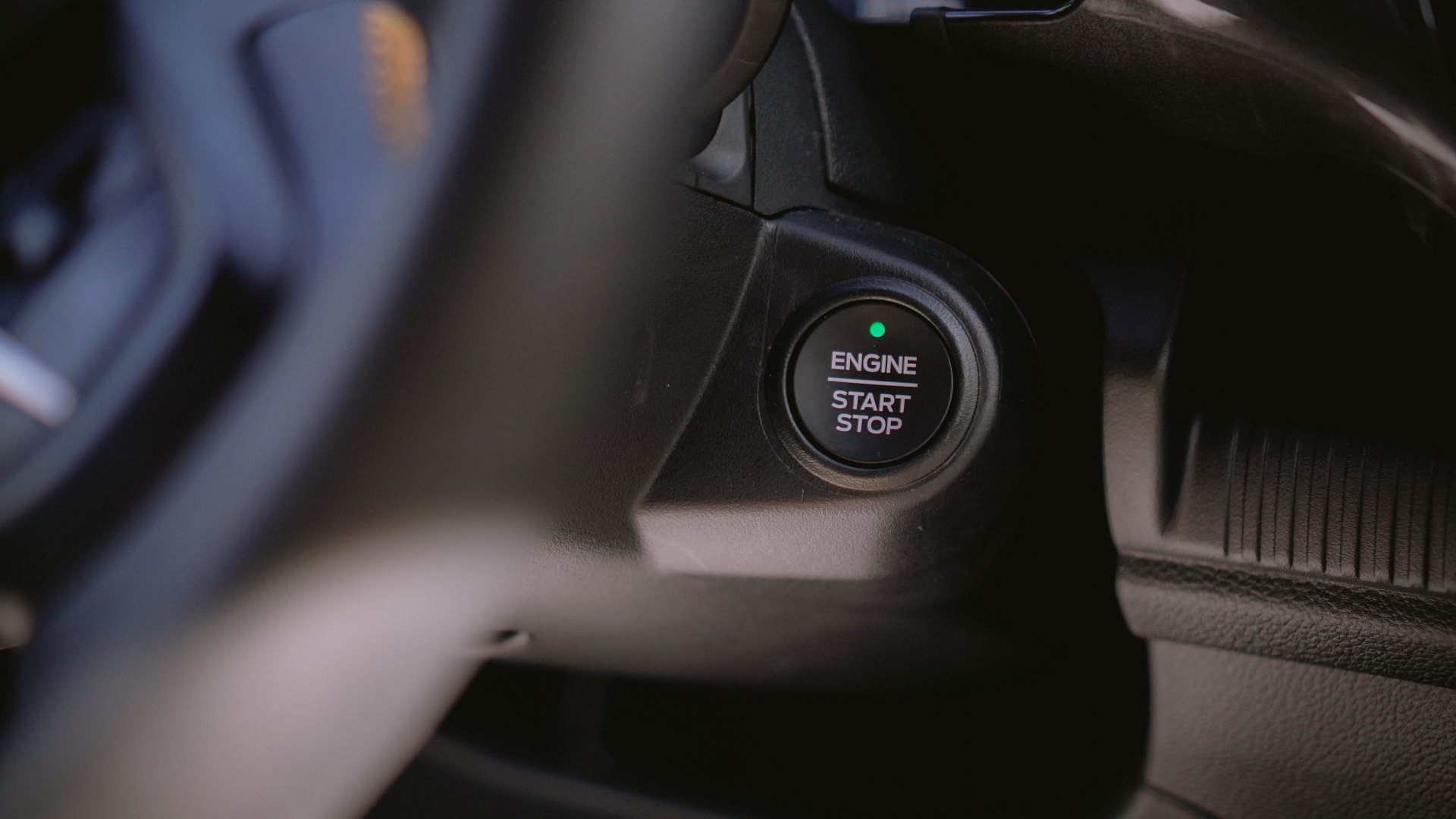
Even the small conveniences matter here. For instance, I love how the smart keyless entry and push-button start make it easy to start the car. The auto-dimming rearview mirror also takes care of harsh headlights, especially at night.

This cabin understands technology
Taking center stage is the 12-inch portrait touchscreen running SYNC 4A. The Wildtrak’s display feels intuitive and easy to trust, especially with how quickly it responds to inputs.
Voice commands work naturally, allowing your eyes to stay on the road where they belong. Wireless Apple CarPlay and Android Auto connect almost instantly, and once you experience that kind of seamless pairing, cables start to feel unnecessary.
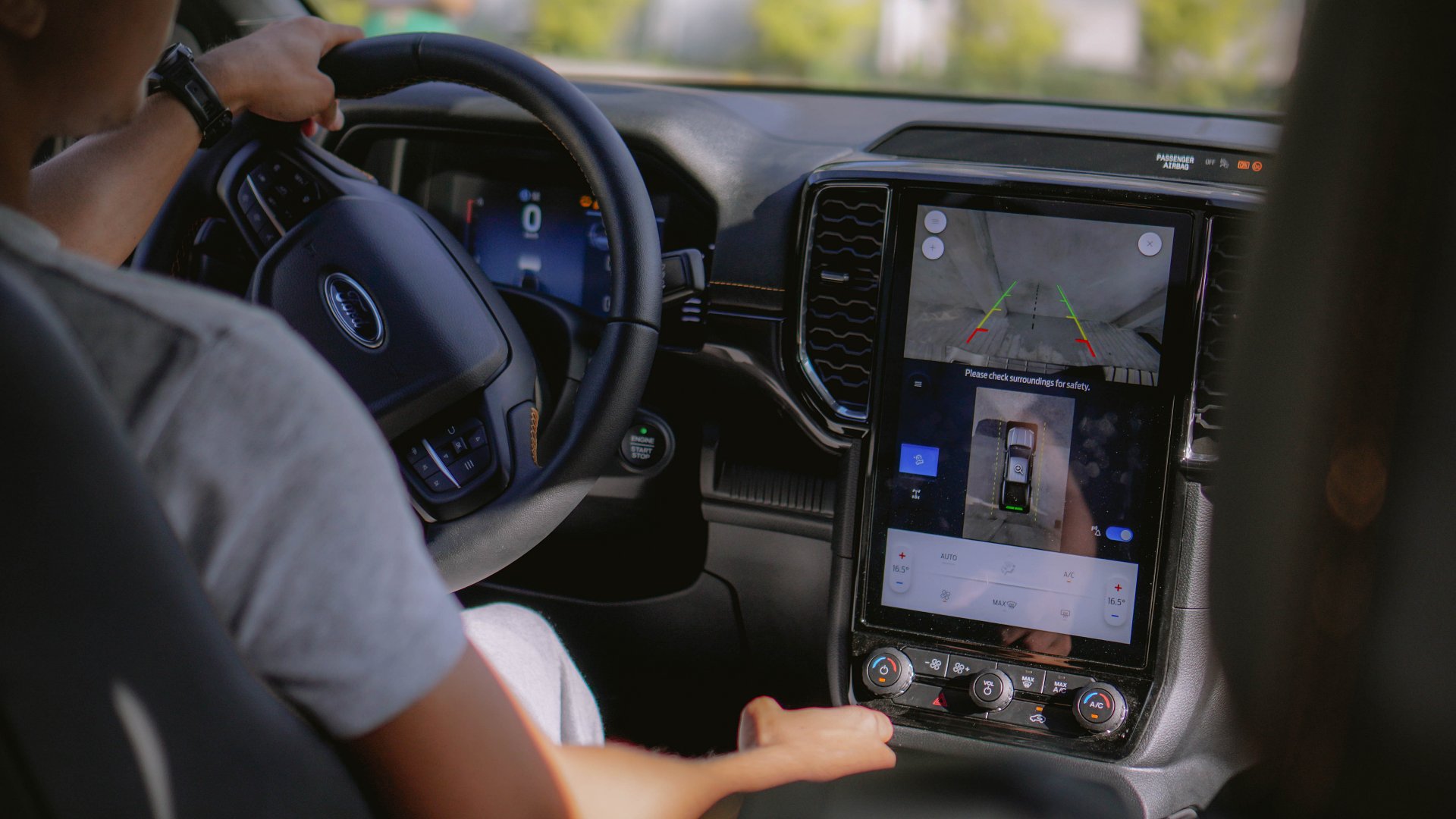
In real-world use, I did notice that my Android devices occasionally disconnected, which eventually pushed me to plug them in for longer drives. Google Maps is non-negotiable for me, especially when I am navigating unfamiliar routes.
On the other hand, my iPhones connected more consistently and only tended to lose signal in congestion-heavy areas, like certain stretches of the South Luzon Expressway.
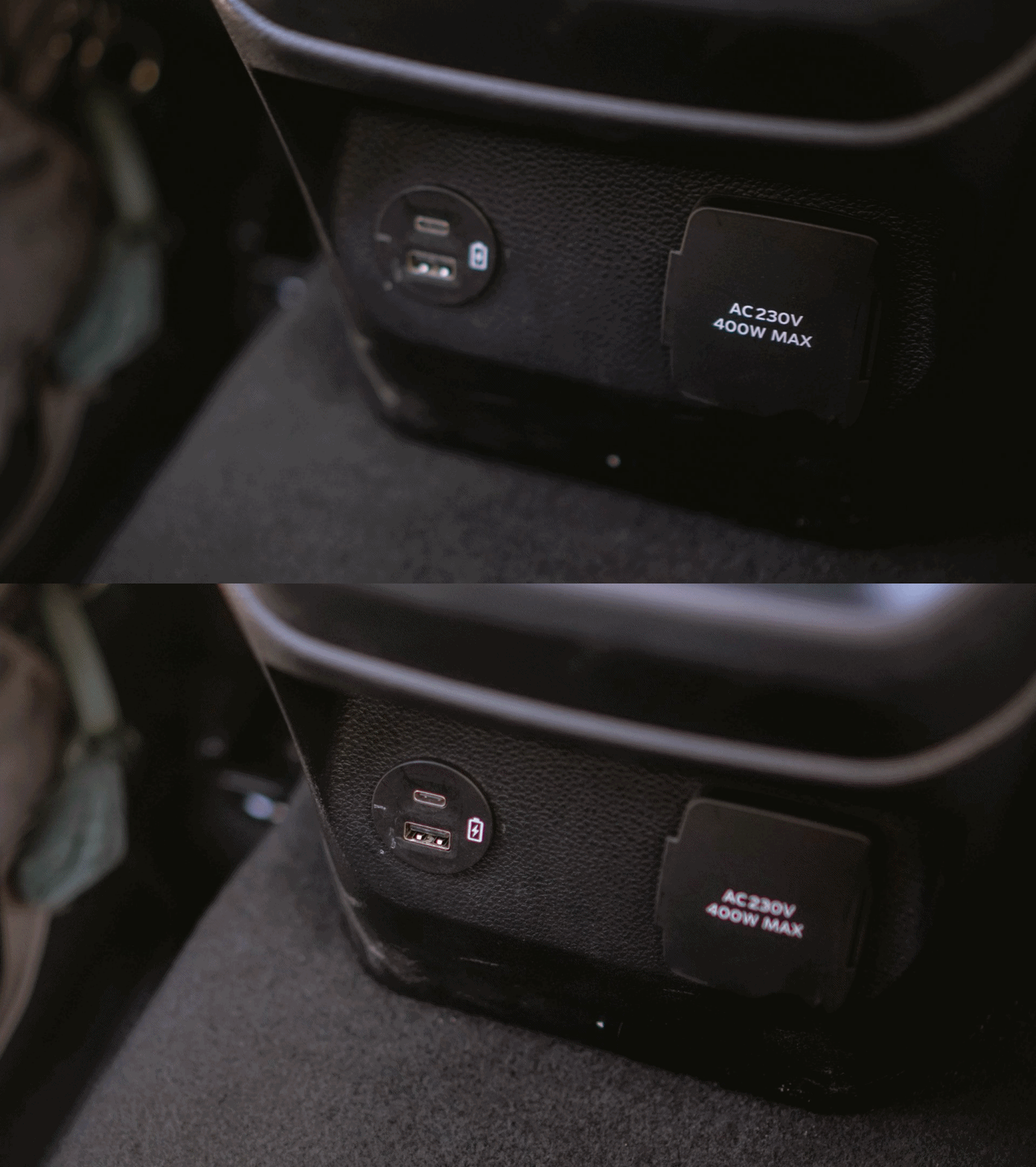
Still, the Wildtrak makes it easy to stay powered and connected. There is a wireless charging pad ready for your phone, along with multiple USB ports placed exactly where you expect them to be.
The six-speaker sound system is controlled directly from the steering wheel, which means music is always within reach. It also means I can comfortably get through Taylor Swift’s “The Tortured Poets Department” whenever traffic slows everything down.
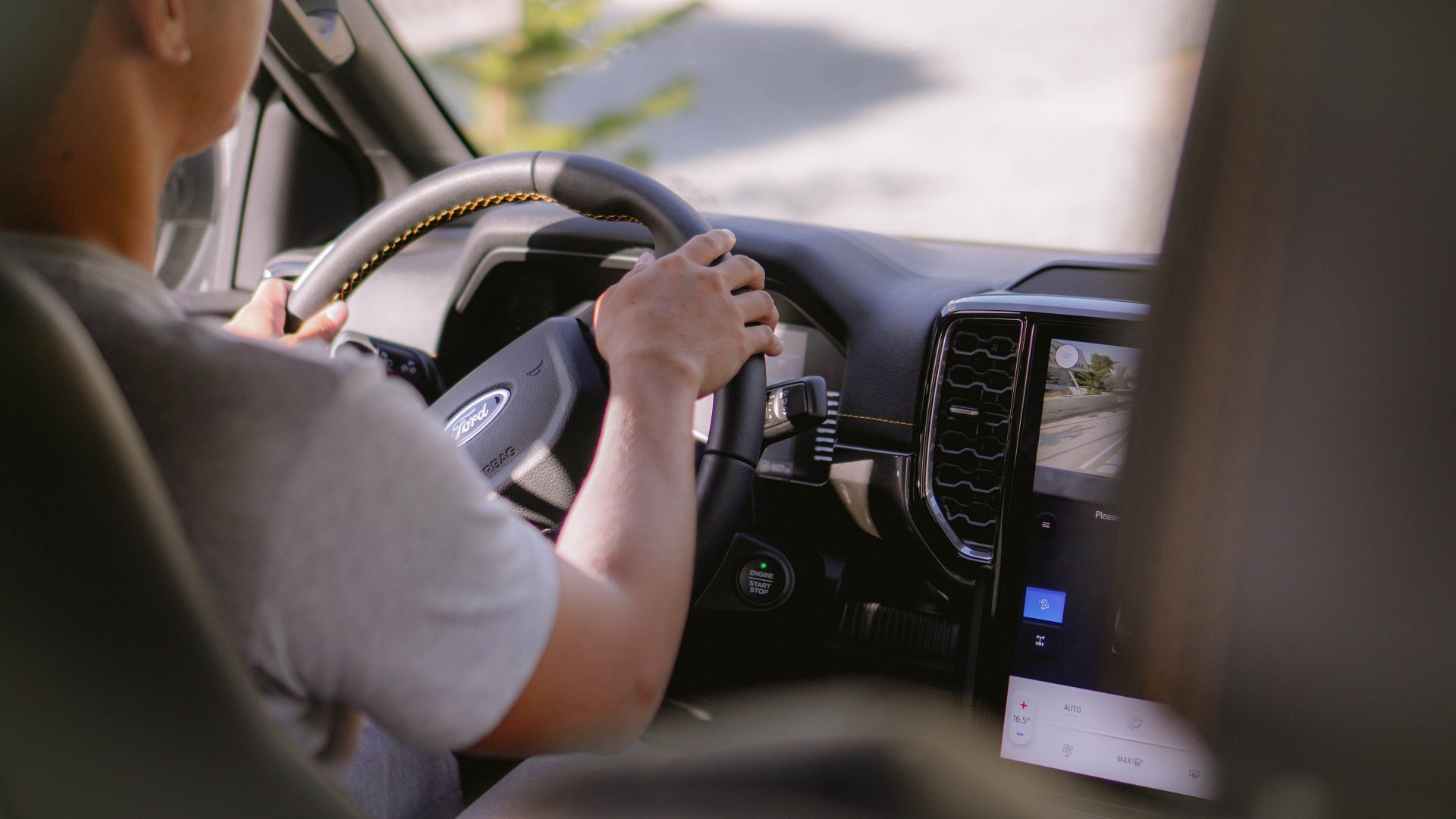
Everything feels accessible without ever feeling crowded. That includes the 8-inch digital instrument cluster, which presents all the information you need in a clean and reassuring way, without overwhelming the driver.
Driving with confidence
Out on the road, the Wildtrak feels like it is constantly looking out for you. Adaptive Cruise Control with Stop and Go takes the edge off heavy traffic, especially during bumper-to-bumper moments when the drive feels longer than it should.
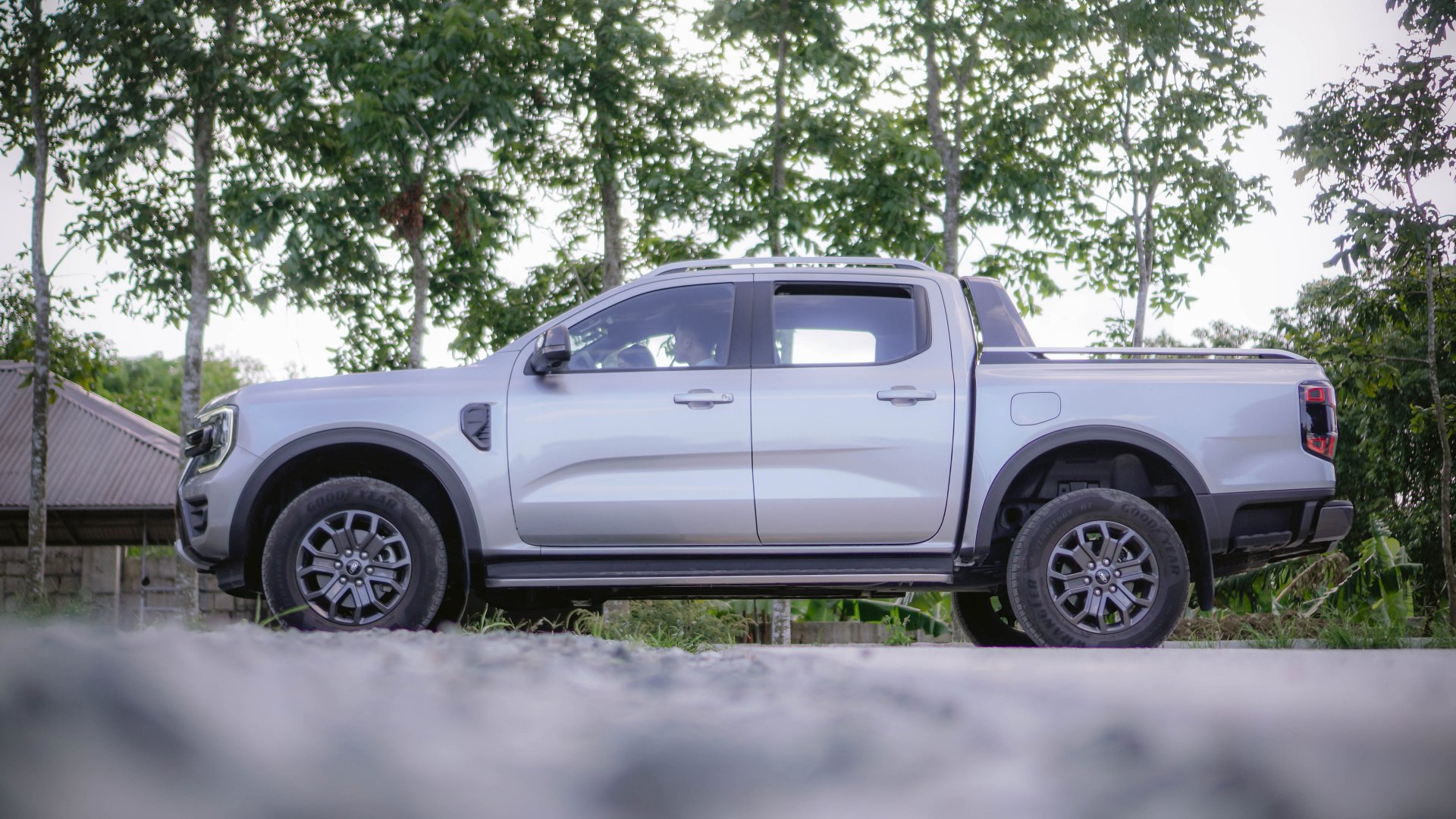
Once you hit the freeway, the Wildtrak feels composed and confident, like a Beast let loose. Features like Lane Centering and Evasive Steer Assist help keep everything steady and controlled, particularly on long southbound drives where fatigue can creep in.
In the city, Autonomous Emergency Braking with Pedestrian Detection becomes one of those features you hope you never need, yet deeply appreciate once you understand how quickly it reacts. It responds faster than instinct, which matters when every second counts.
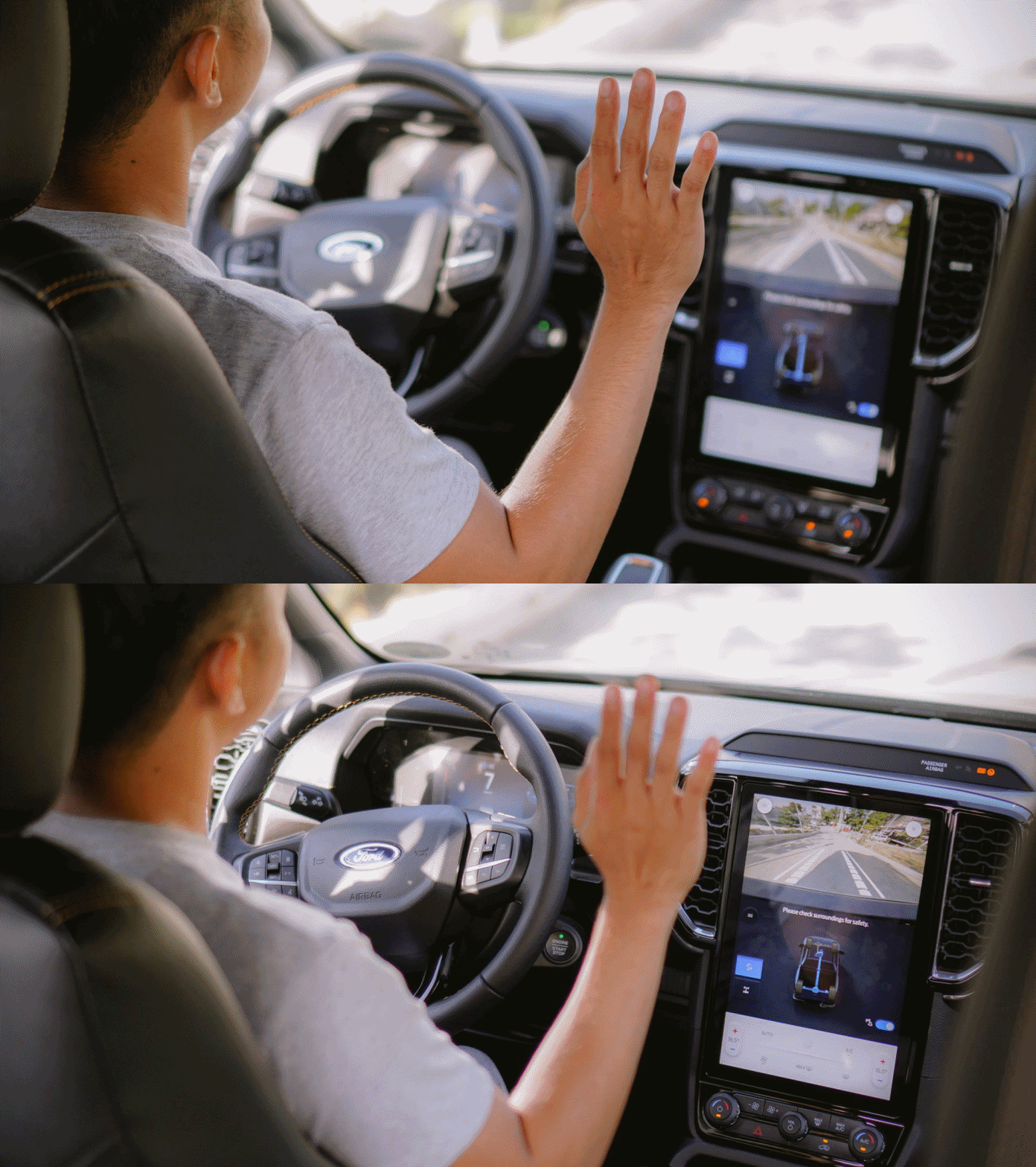
Add Hill Descent Control, Hill Launch Assist, and the Electronic Locking Rear Differential, and the Wildtrak feels prepared for situations you cannot always predict. Even the rear parking sensors earn their keep, especially when backing into tight spaces where visibility is limited.
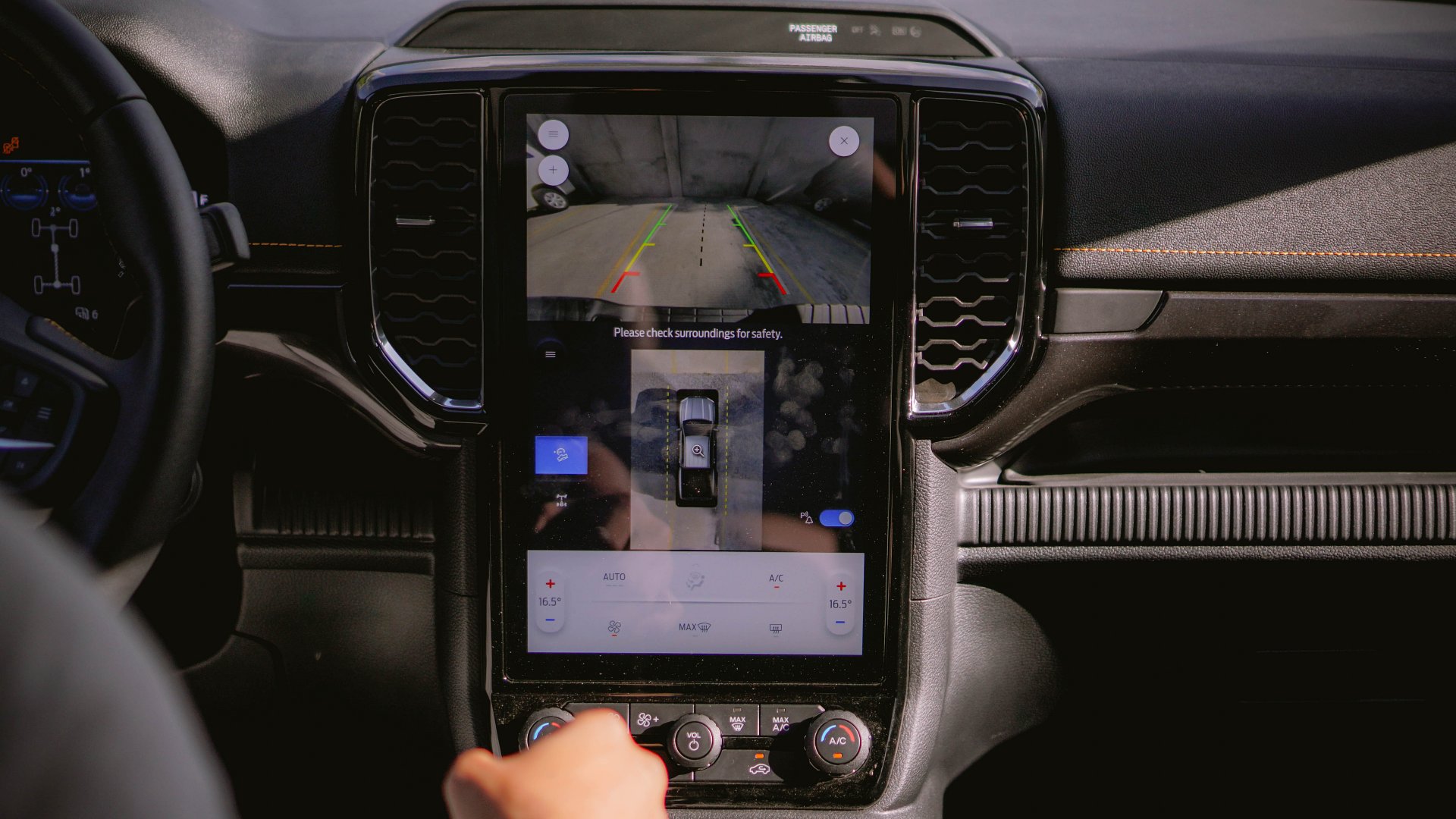
Despite its imposing size, parking never feels intimidating. The 360-degree camera quickly becomes a trusted companion, making tight spots manageable and reducing the stress that often comes with driving a large vehicle.
It’s especially reassuring for drivers who love big trucks but are still getting used to their presence on city streets.
More than a truck
The Next-Gen Ford Ranger Wildtrak 4×4 feels like it understands modern life.
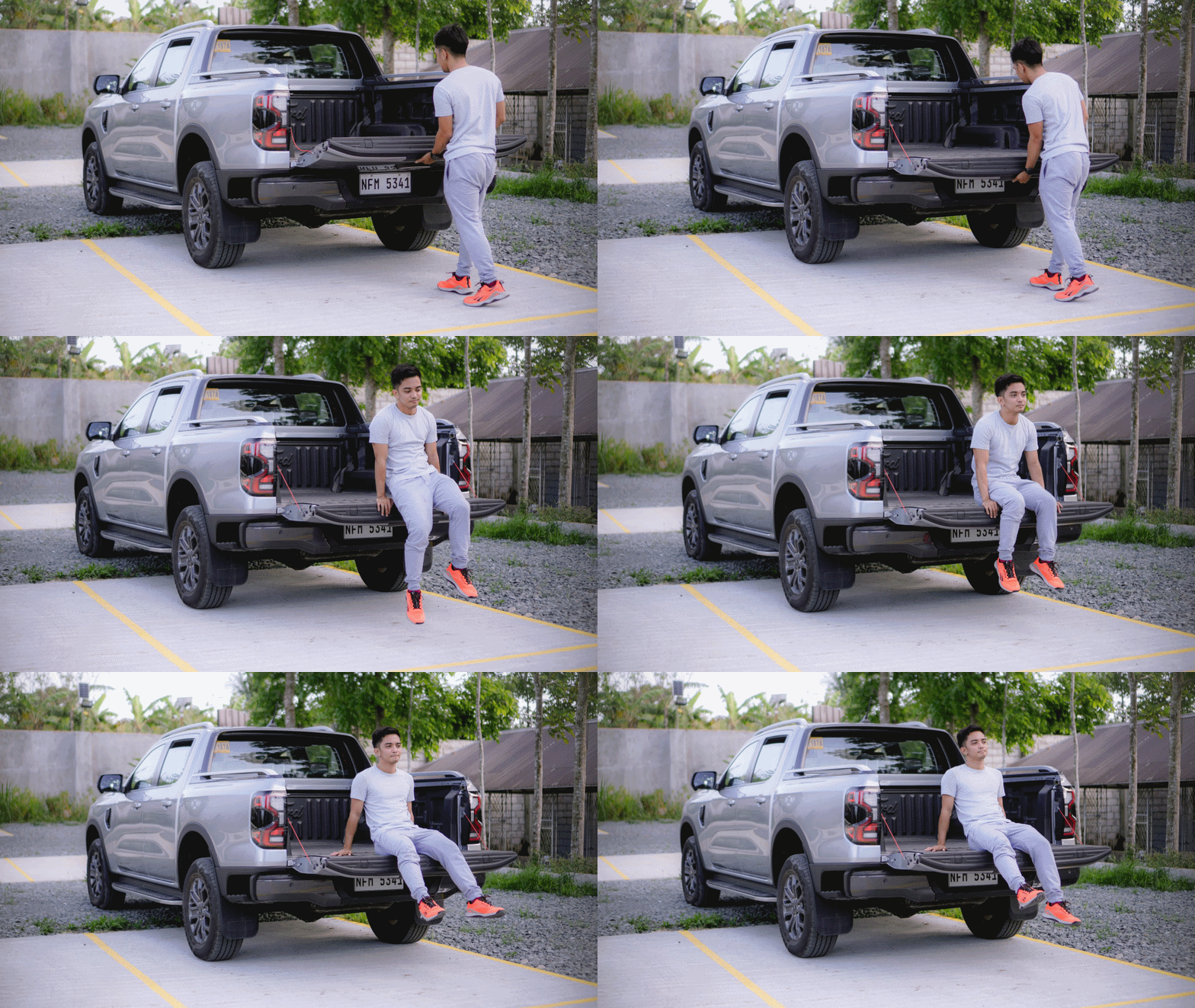
It balances being tough with power and comfort. It feels ready for anything, whether it’s a weekday traffic or a weekend escape.
If you’re looking for a truck that feels like it already knows what you need, this one makes a strong case without ever raising its voice.
This is what it feels like inside the Next-Gen Ford Ranger Wildtrak 4×4.
Reviews
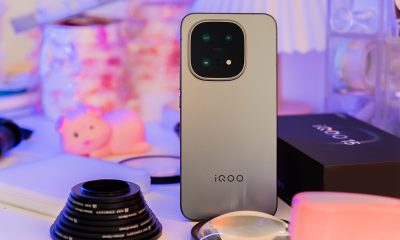
iQOO 15 review: Made for players who take performance seriously
For people with endless games in between

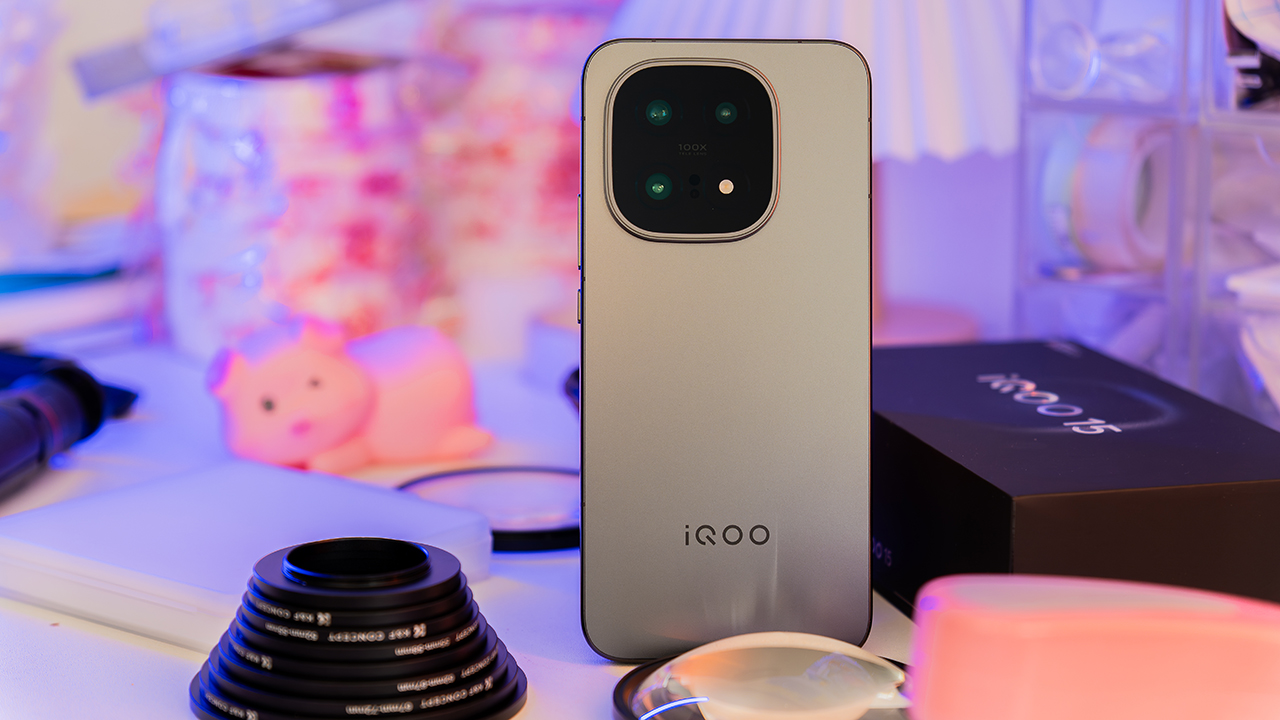
There are phones that try to look powerful and there are phones that simply are, like the iQOO 15.
It feels like a device built for people who live long nights with endless games in between, blurring the line between a hobby and a lifestyle.
Build
The first moment I held the iQOO 15, it felt like a phone created intentionally for a specific market.
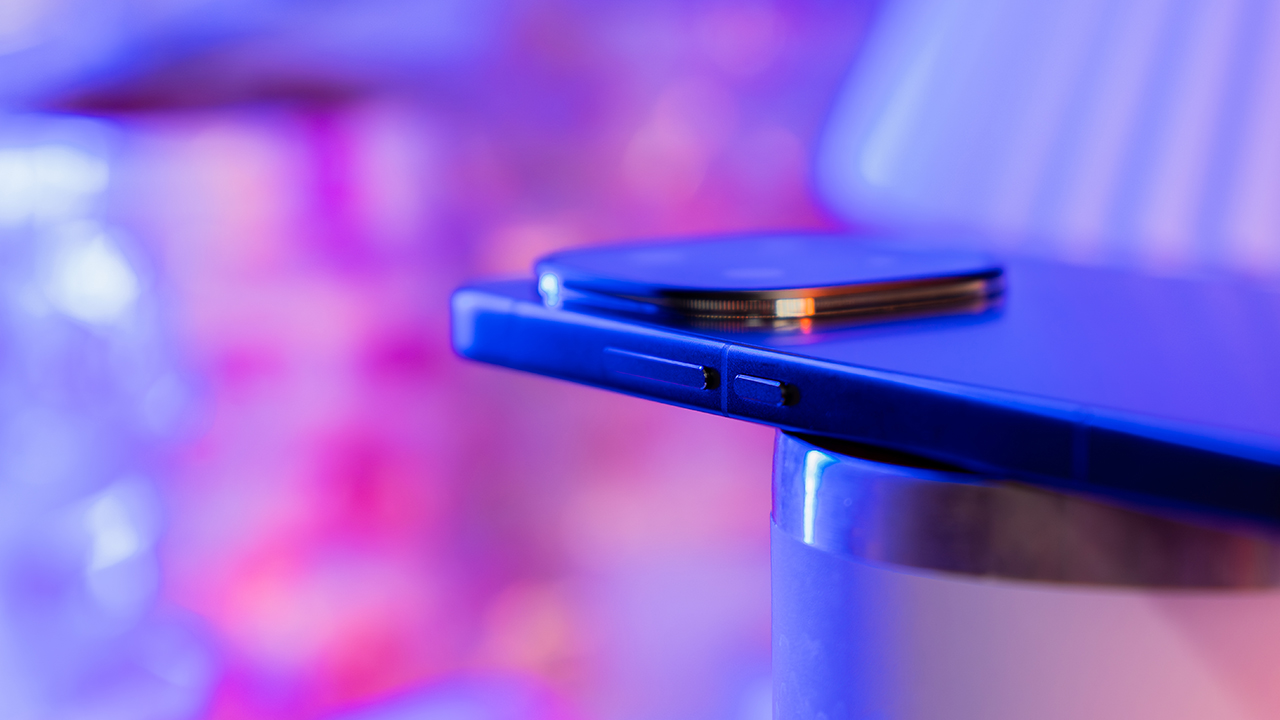
The metal frame feels cool in the hand, while the matte finish adds a premium texture that stays clean and comfortable. It feels solid with no flex and no hollow points.
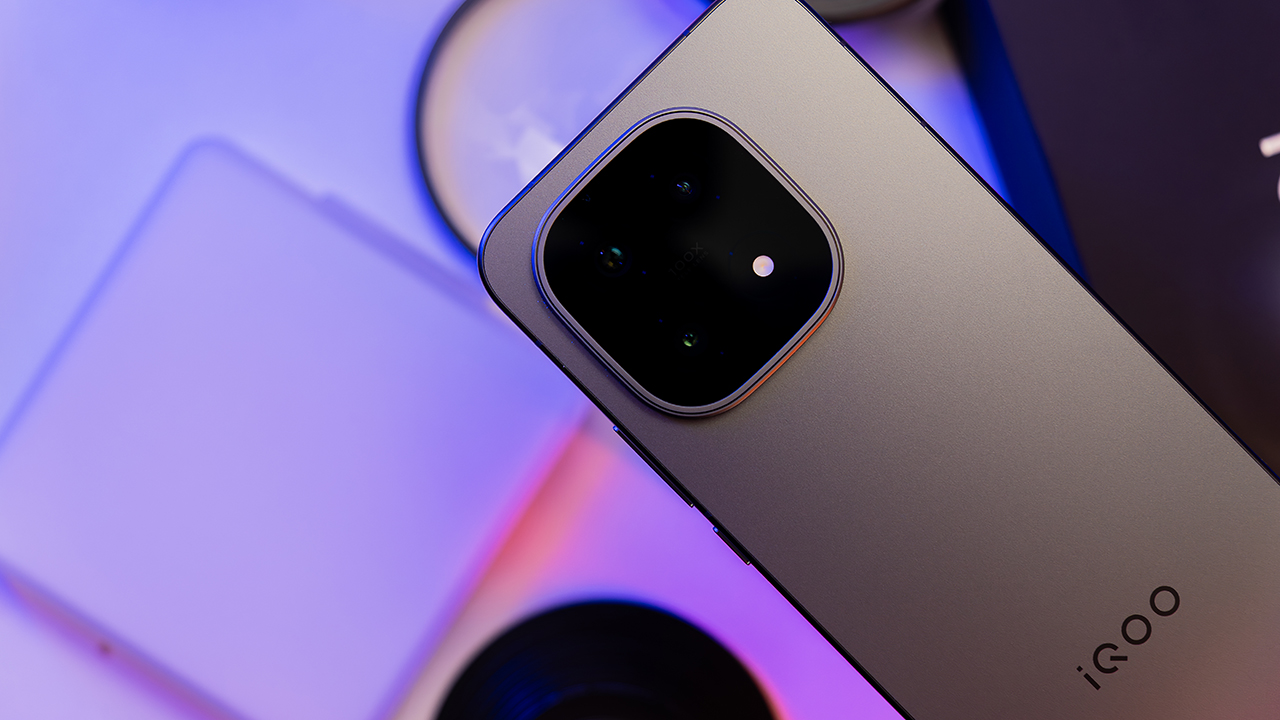
Even the camera module keeps everything clean and simple with a flagship presence that makes sense on this design.
It leans slightly heavier than usual, although the weight is balanced well. It settles into your hand in a way that feels reassuring during long gaming sessions or long hours of multitasking.
Everything about this build tells you the device was made for people who actually use their phones vigorously.
Display
Turn on the screen and everything changes. The 6.85-inch 2K LTPO AMOLED display pulls you in with bright, vivid colors and a smoothness that immediately stands out.
Fast-paced content feels clean at 144Hz with no ghosting or motion issues even during heavy gameplay.
Meanwhile, outdoor brightness is impressive. The screen stays readable under direct sunlight, and the colors look lively without looking artificial.
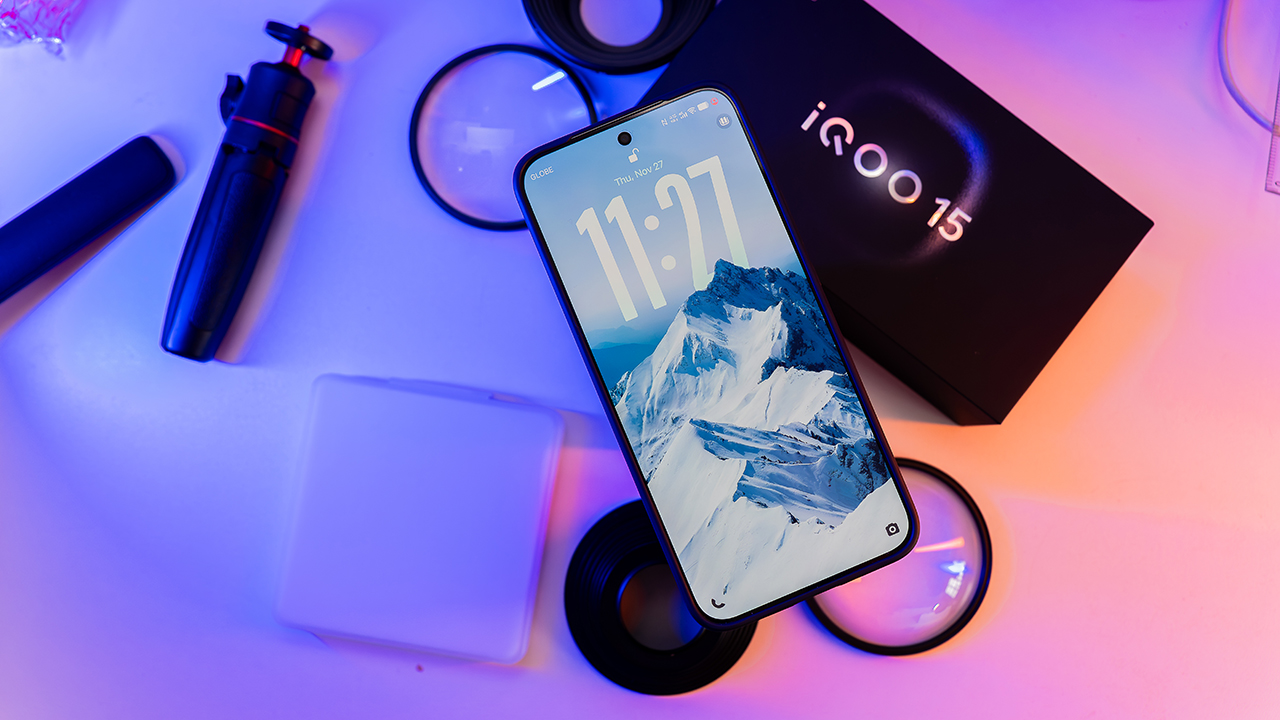
Whether you are watching videos or playing games, the overall viewing experience feels premium and immersive.
Performance
Performance is the part where the iQOO 15 proves its point. The Snapdragon 8 Elite Gen 5 handles everything with confidence.
Heavy workloads, editing, multitasking, and switching between apps feel natural. The device stays fast even after long hours of continuous use.
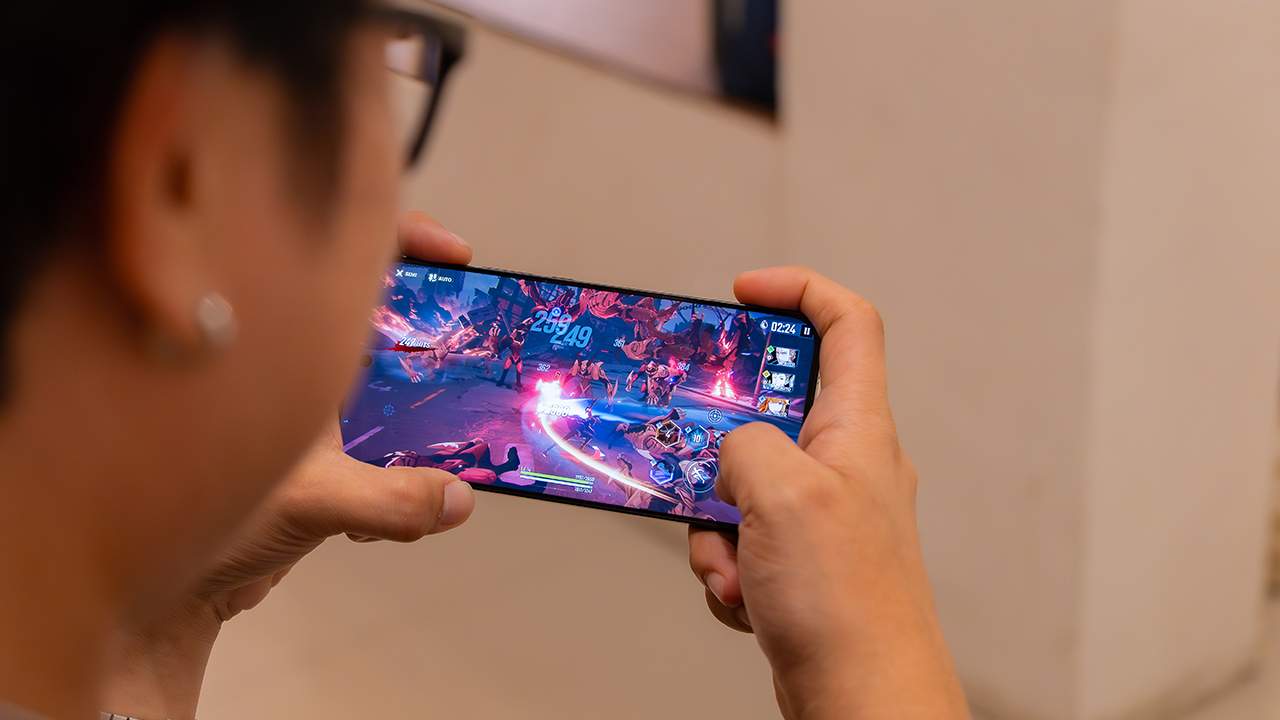
Gaming is clearly its comfort zone. Titles like Genshin Impact, Diablo Immortal, and Solo Leveling run smoothly with stable frame rates and reliable touch response.
The cooling system manages heat well, and the phone warms up during long sessions but stays within a level that feels safe and comfortable. Thermal dips are minimal, so you can keep your momentum without interruptions.
Camera
The camera on the iQOO 15 is reliable and consistent. It opens quickly and locks focus well.
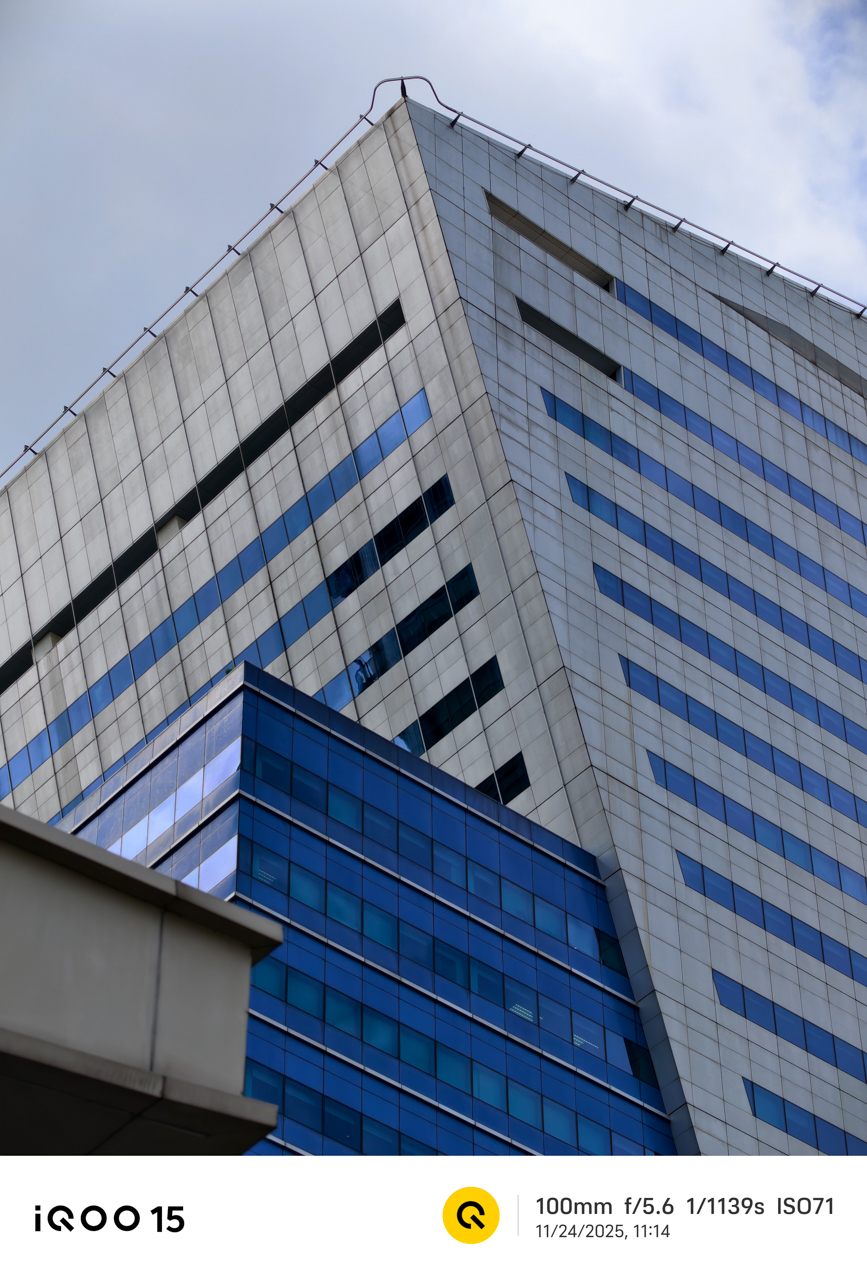
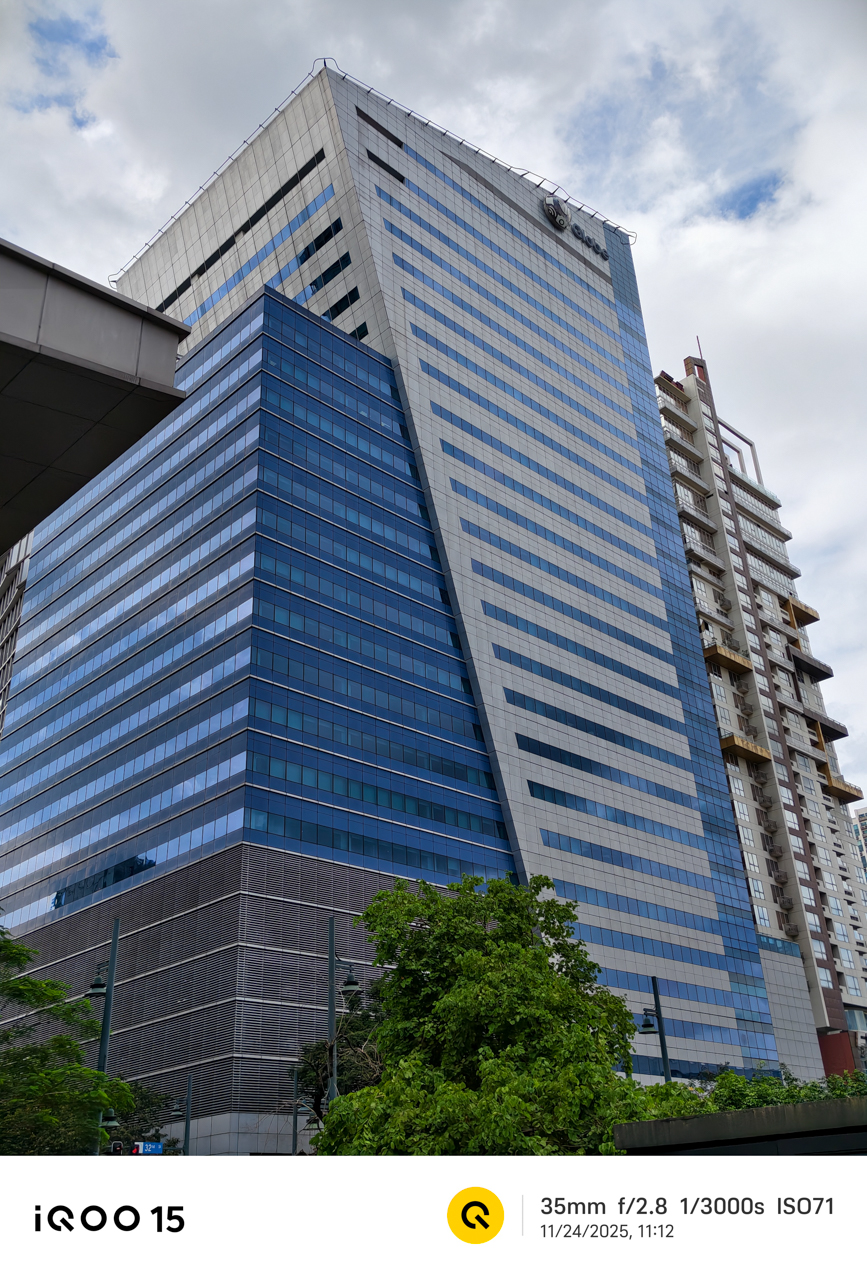


Daylight photos are sharp with natural colors and pleasing contrast. The main sensor shines when given proper lighting.


What surprised me was the Super Macro mode. It captures small details with a clarity that feels more flagship than expected.


The textures, patterns, and tiny subjects come out sharp and visually interesting. Also, taking photos using the Portrait Mode show good separation and smooth background blur.

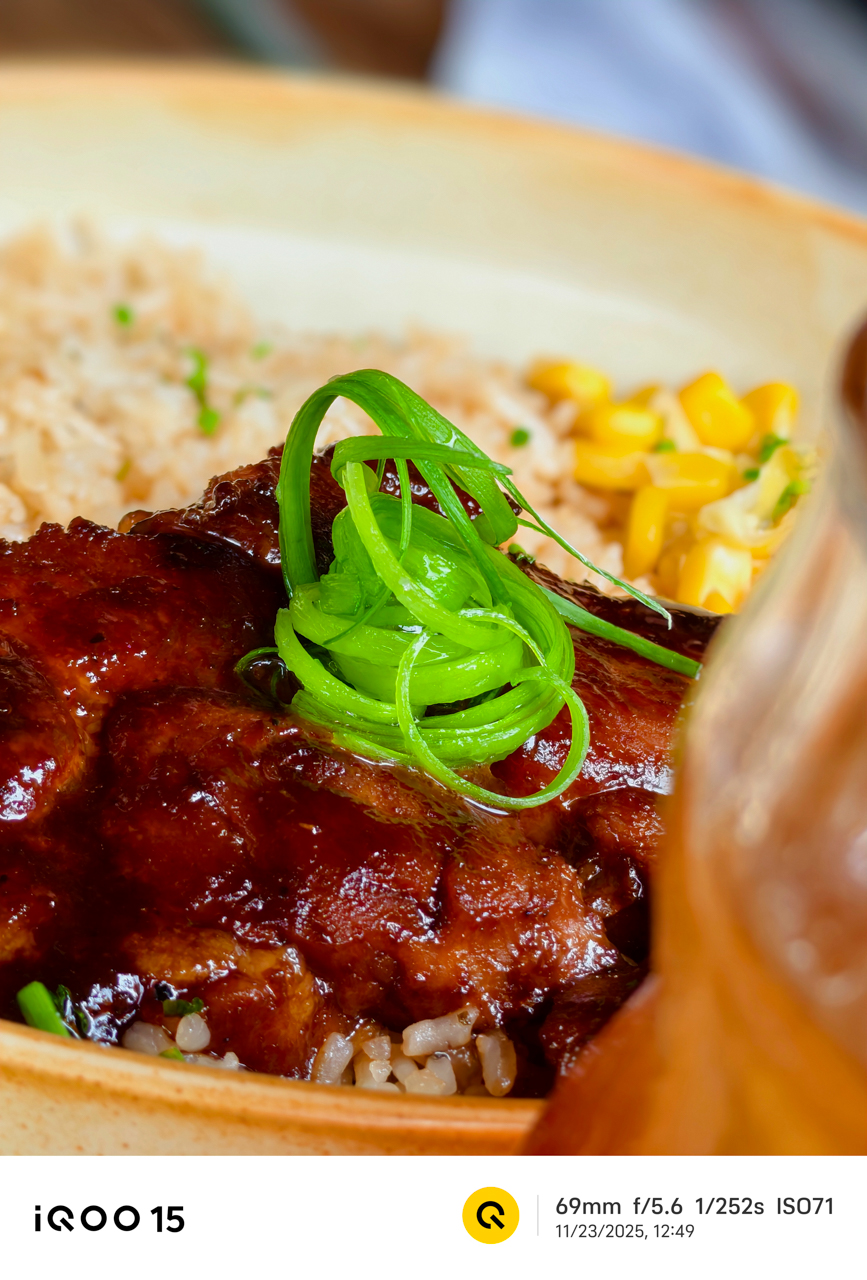
Night shots hold up well, too. The phone brightens scenes while keeping colors accurate. Although phones with larger sensors still lead in extreme low light, the iQOO 15 performs better than you would expect from a performance-first device.
And if you take a lot of videos, the clips stay stable thanks to effective stabilization.
Battery
Battery life lasts a full day with mixed use.
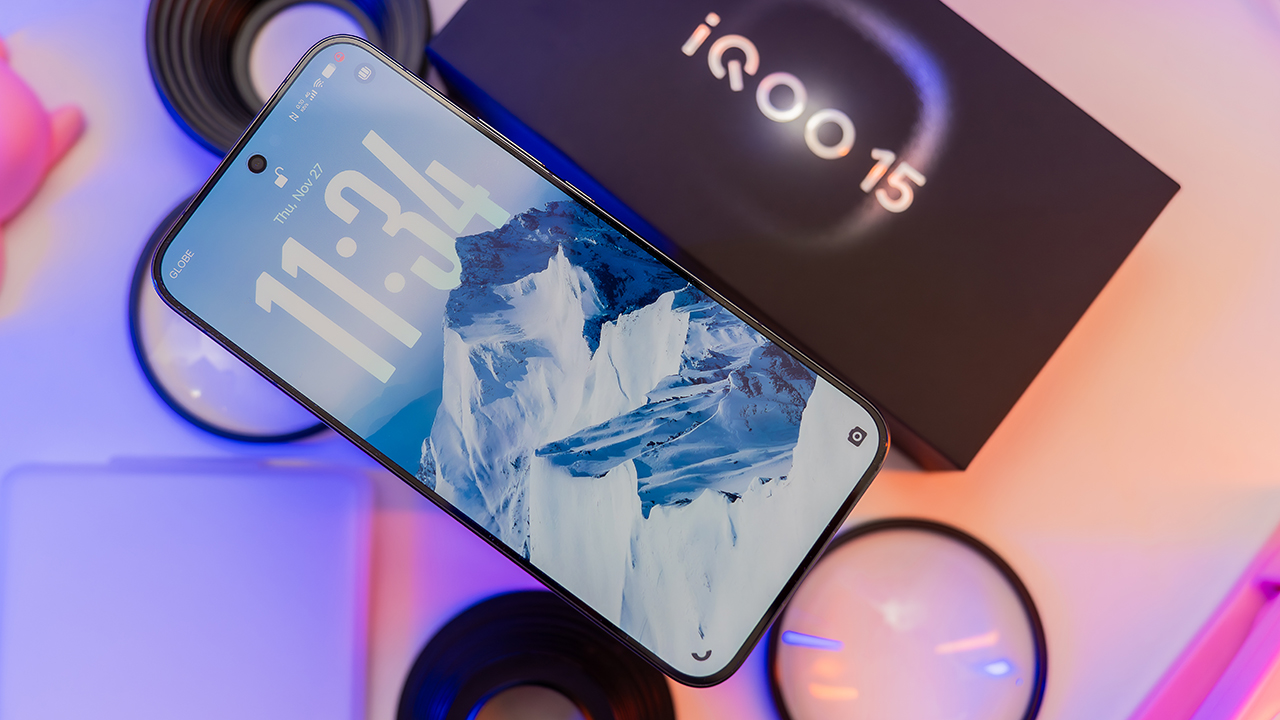
Even on gaming days, it survives better than expected for a device with a 2K display and flagship power.
Charging is fast. Depending on your charger and settings, it takes about 35 to 65 minutes to fill the battery. The phone warms up slightly while charging but never becomes uncomfortable.
It’s the kind of phone you can top up quickly before leaving the house without feeling stressed.
Software
The software feels clean and manageable. Animations are smooth and transitions feel natural. Multitasking is effortless. There are a few pre-installed apps but nothing overly intrusive.
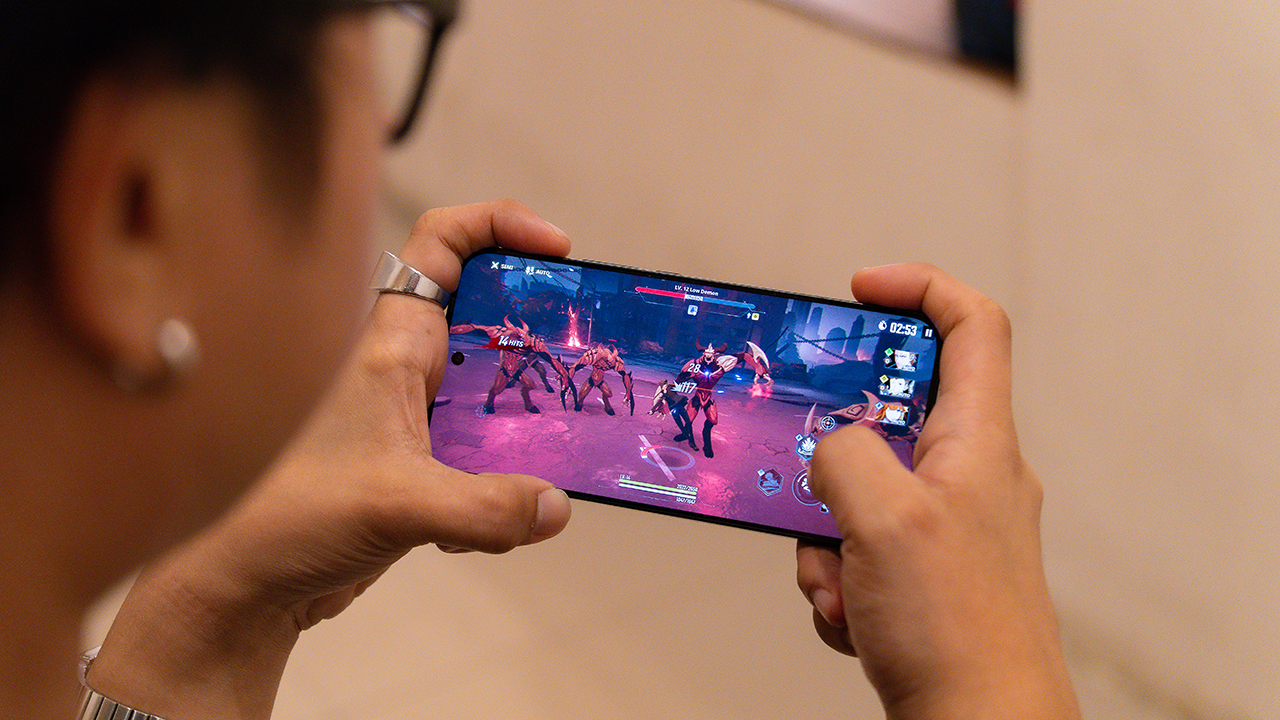
Features like gaming tools, quick gestures, and UI customization options feel helpful rather than overwhelming. The interface complements the hardware well and creates a smooth, polished user experience.
Is the iQOO 15 your GadgetMatch?
The iQOO 15 excels in the areas that matter. The display is outstanding, the performance is consistent, and the gaming experience feels confident and stable.
Its weight, slightly busy software, and the limits of low-light photography are worth noting, although they do not overshadow the strengths of the device.

For its expected price, it is worth considering if you want a flagship that delivers power with personality. The iQOO 15 fits gamers, power users, and anyone who spends long hours on their phone and needs a partner that can keep up.
If that sounds like you and you want a performance-first flagship built for long gaming sessions, this is easily a Swipe Right.
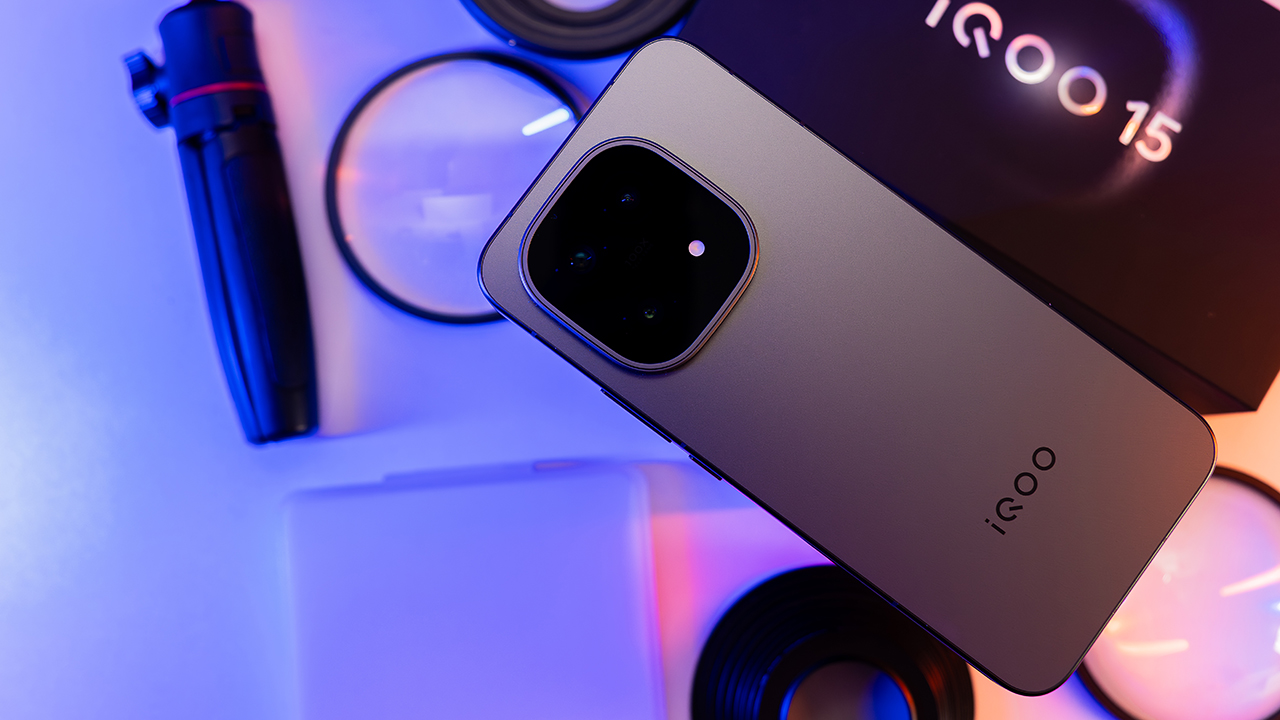
However, Swipe Left if you prefer lighter phones that disappear in your pocket, and you want the absolute best when it comes to low-light camera performance.
But if you’re looking for those features, you’re probably looking at the wrong device. After all, iQOO is made for those who value power and performance.


OPPO A6 Pro: Adequate tool, no definitive punch
Ample, all-around, just alright — you name it — but no definitive punch anew


Inside the Next-Gen Ford Ranger Wildtrak 4×4
A closer look at the cabin that makes this truck feel smarter and more comfortable than expected.

iQOO 15 review: Made for players who take performance seriously
For people with endless games in between

Ford Philippines kicks off the year with Drive Now, Pay Later

Samsung warns that tech prices might increase this year

ASUS upgrades most of its lineup for 2026

GIGABYTE: New AI gaming laptops, motherboards, refreshed GiMATE, more

The HP EliteBoard G1a is a full AI PC in a keyboard form factor


-

 Accessories2 weeks ago
Razer teams up with BLACKPINK for limited-edition gear
-

 News2 weeks ago
HONOR WIN headlines the first 10,000mAh smartphone with built-in fan
-

 News2 weeks ago
Xiaomi 17 Ultra debuts as 2025’s last full-fledged flagship
-

 Accessories2 weeks ago
Trade doomscrolling for these 12 intentional New Year’s resolutions and side quests
-
Reviews5 days ago
OPPO A6 Pro: Adequate tool, no definitive punch
-

 Automotive2 weeks ago
The price I paid for trusting my car too much
-

 Blog1 week ago
The GadgetMatch Team’s Favorite Picks of 2025
-

 Editors' Choice1 week ago
Lifestyle Favorites of 2025