

“Unbelievable sights, Indescribable feeling.”
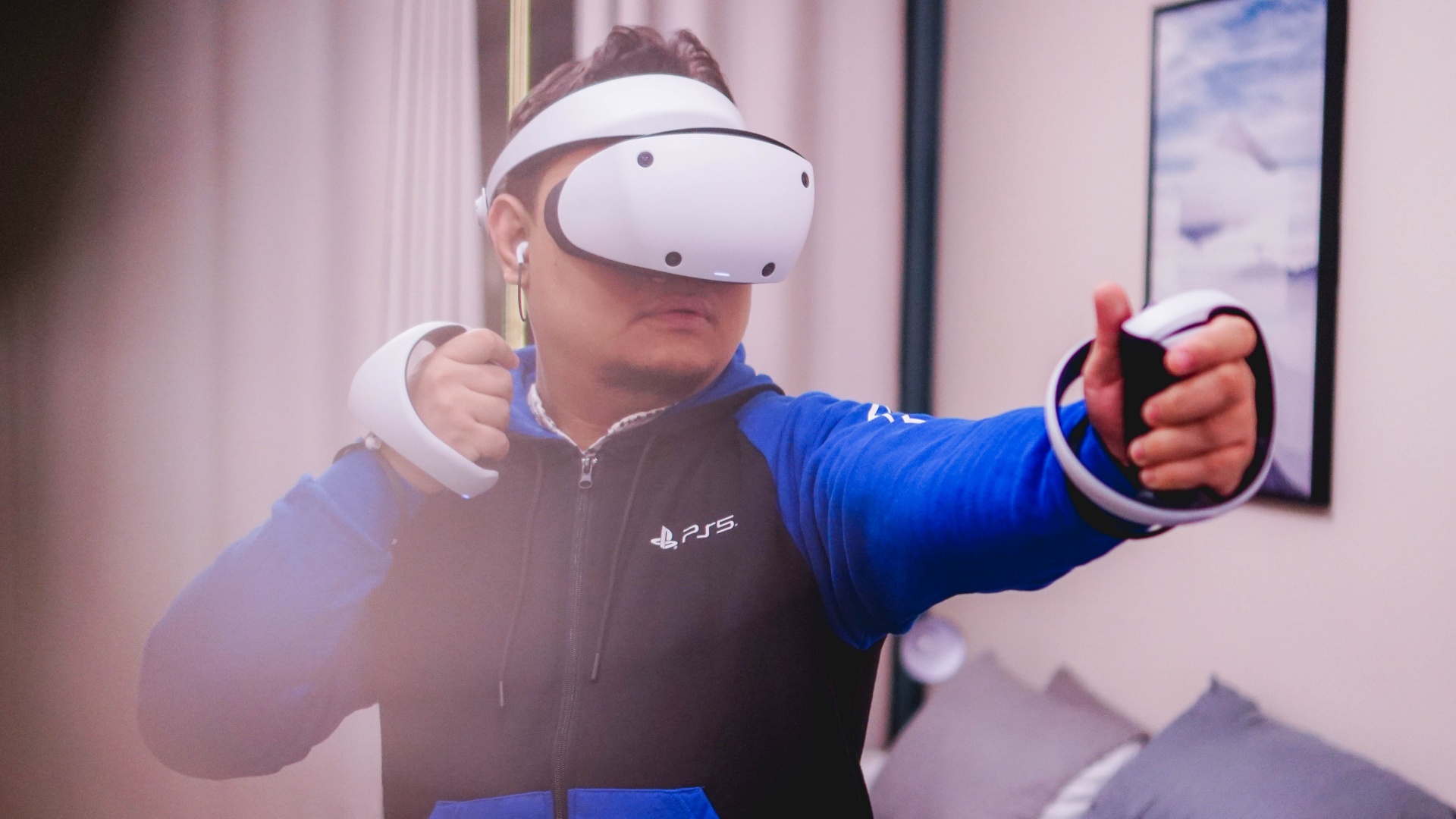
Yes, these are lines lifted from the Aladdin song A Whole New World. To a certain extent, that’s what diving into VR or virtual reality feels like. And the PSVR 2 feels a lot like that – entering a whole new world and feeling almost completely transported.
Before we dive into the whole experience of it all. Let’s first take a quick look at the hardware.
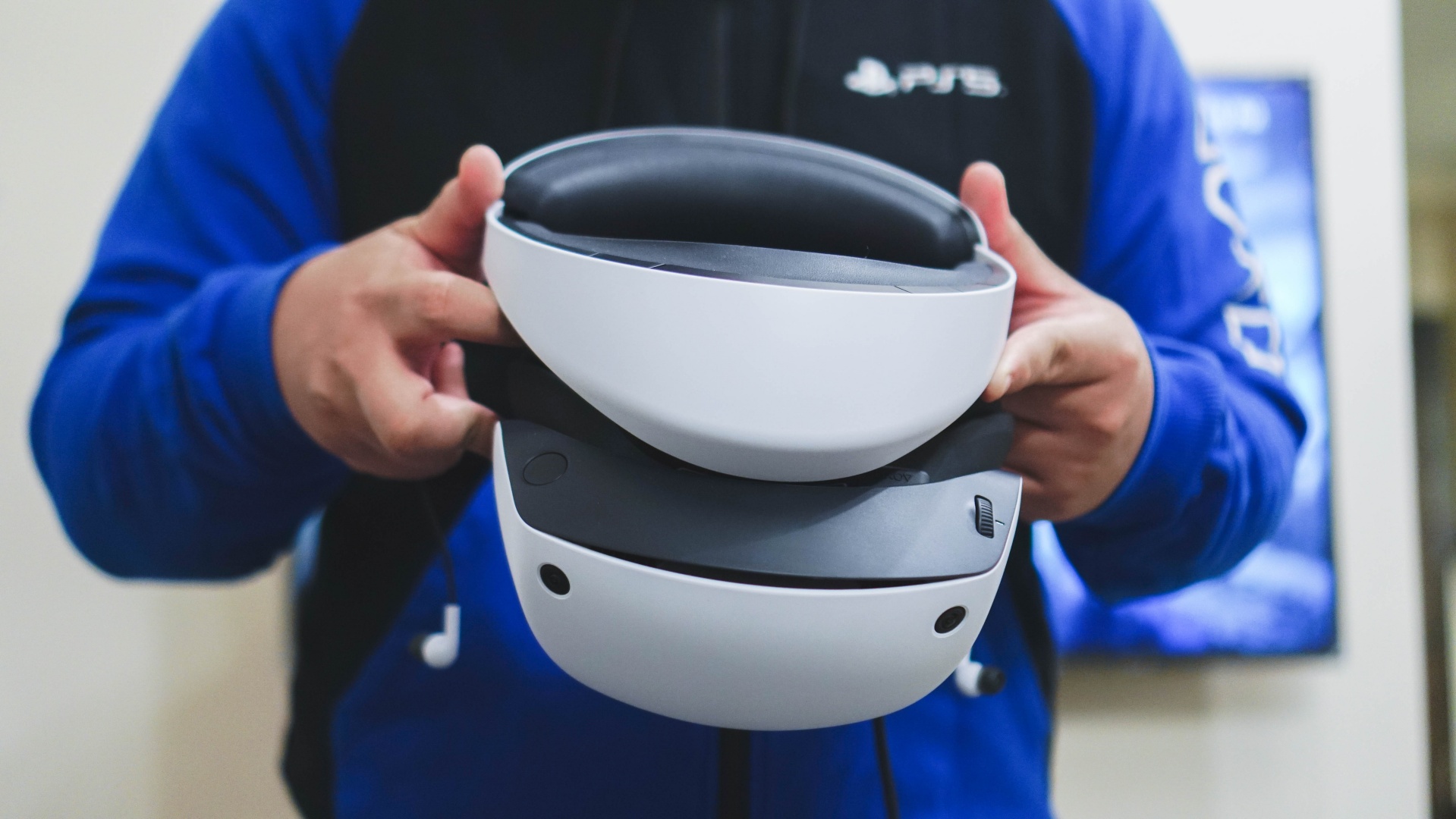
This is the PSVR 2 Headset.
Using this space to thank Sony PlayStation Asia for providing the PSVR 2 unit and game codes for this review.
Right under the headset, you’ll find these three buttons.

The one in the middle is the power button, while the other two are the function buttons. You’ll use the button on the left in this image more to reset the orientation of what you see in the headset when necessary.
When worn, that function button is on the right side.

Clicking this also gives you access to passthrough mode. It lets you see your surroundings in black and white through the headsets lenses.
On the top right of the headset is the button to loosen/tighten the headset.

You can adjust it any time before and during playing. Naturally, you should first pause whatever game you’re playing.
At the back of the headset is this button, also for loosening/tightening.

Both the button and the dial around it share the same function.

The dial offers a more precise tightening once you have the headset comfortably placed on your head.
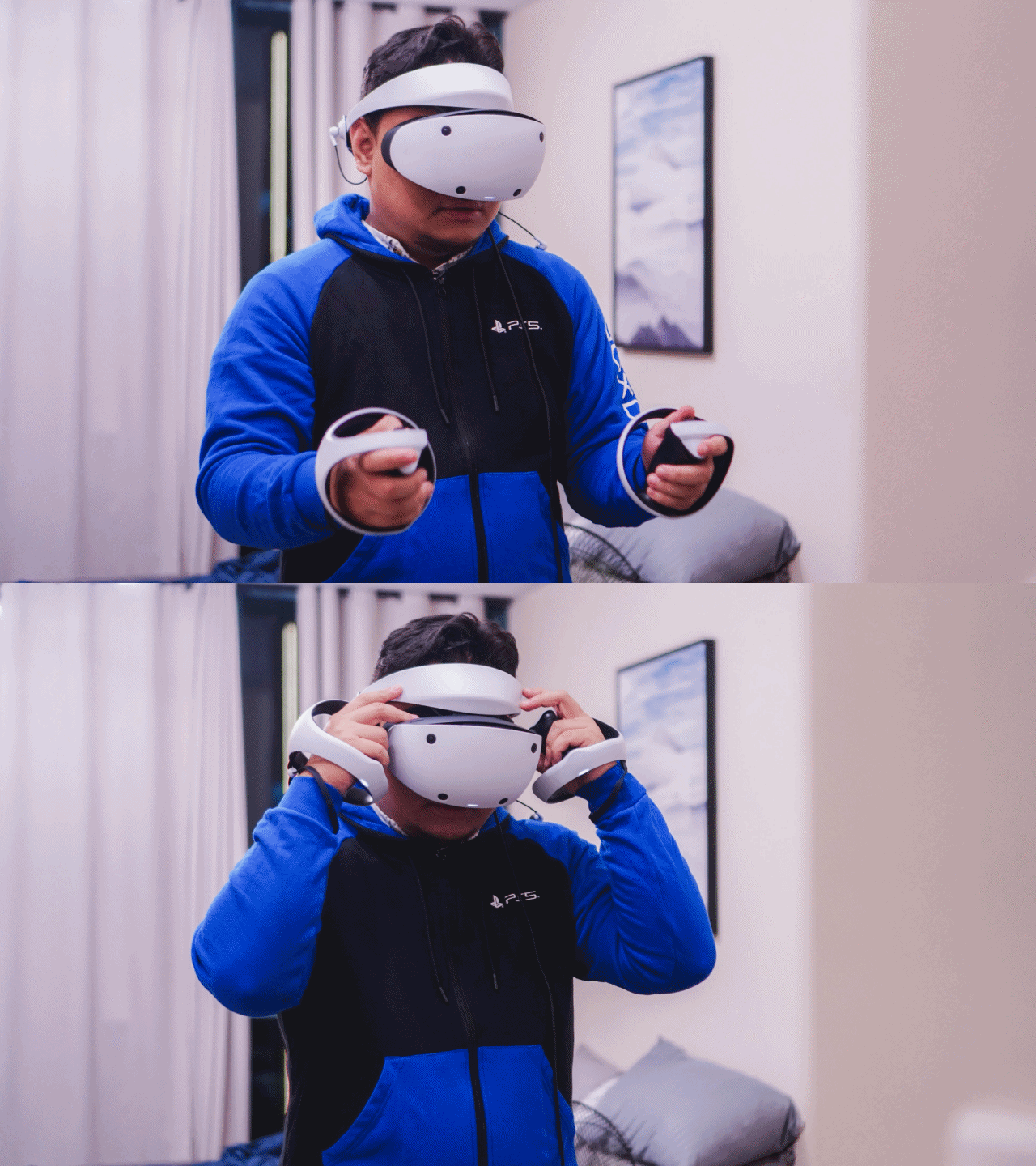
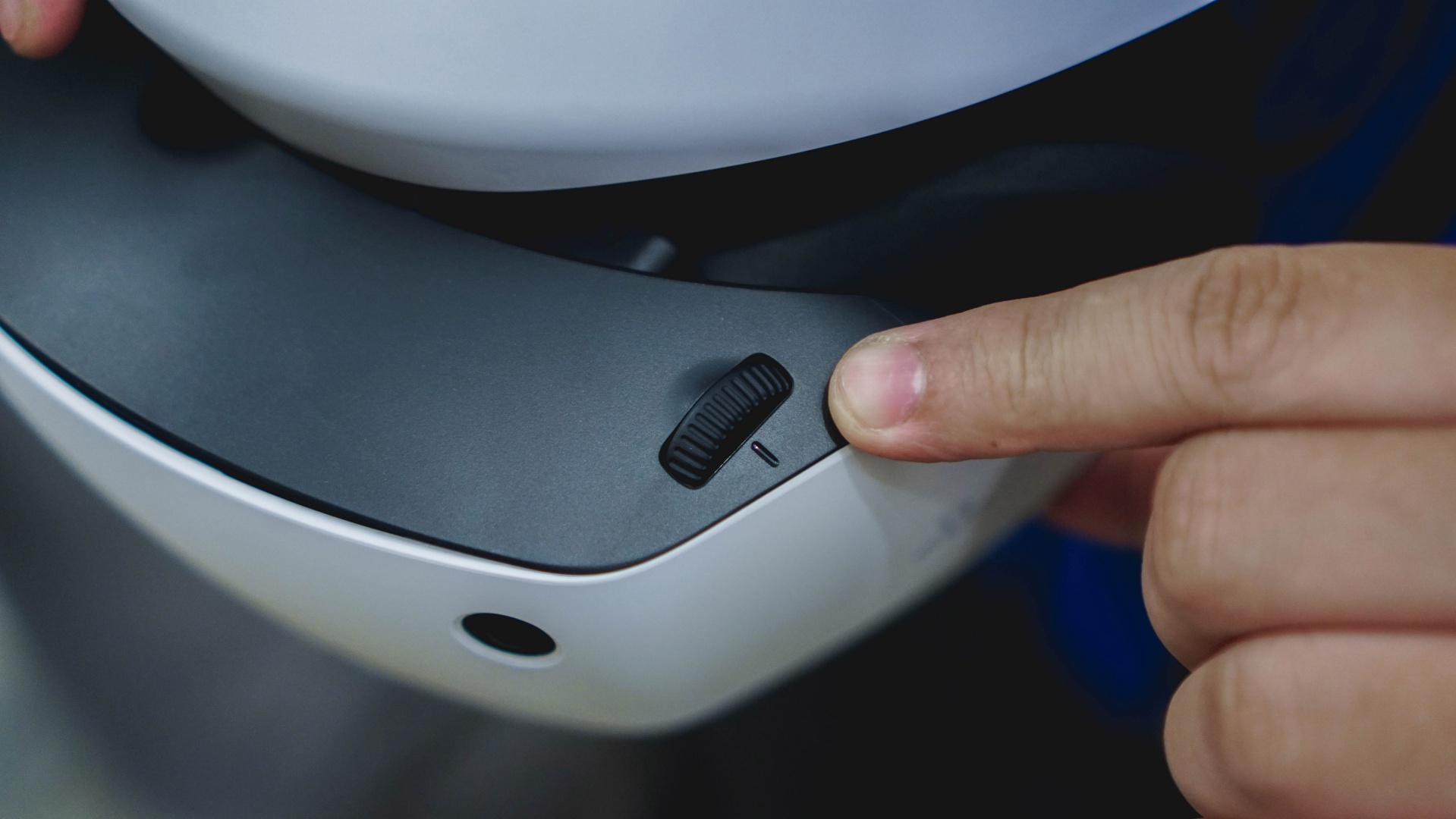
On the top left is another dial. This one’s for aligning the lenses to your eyes.
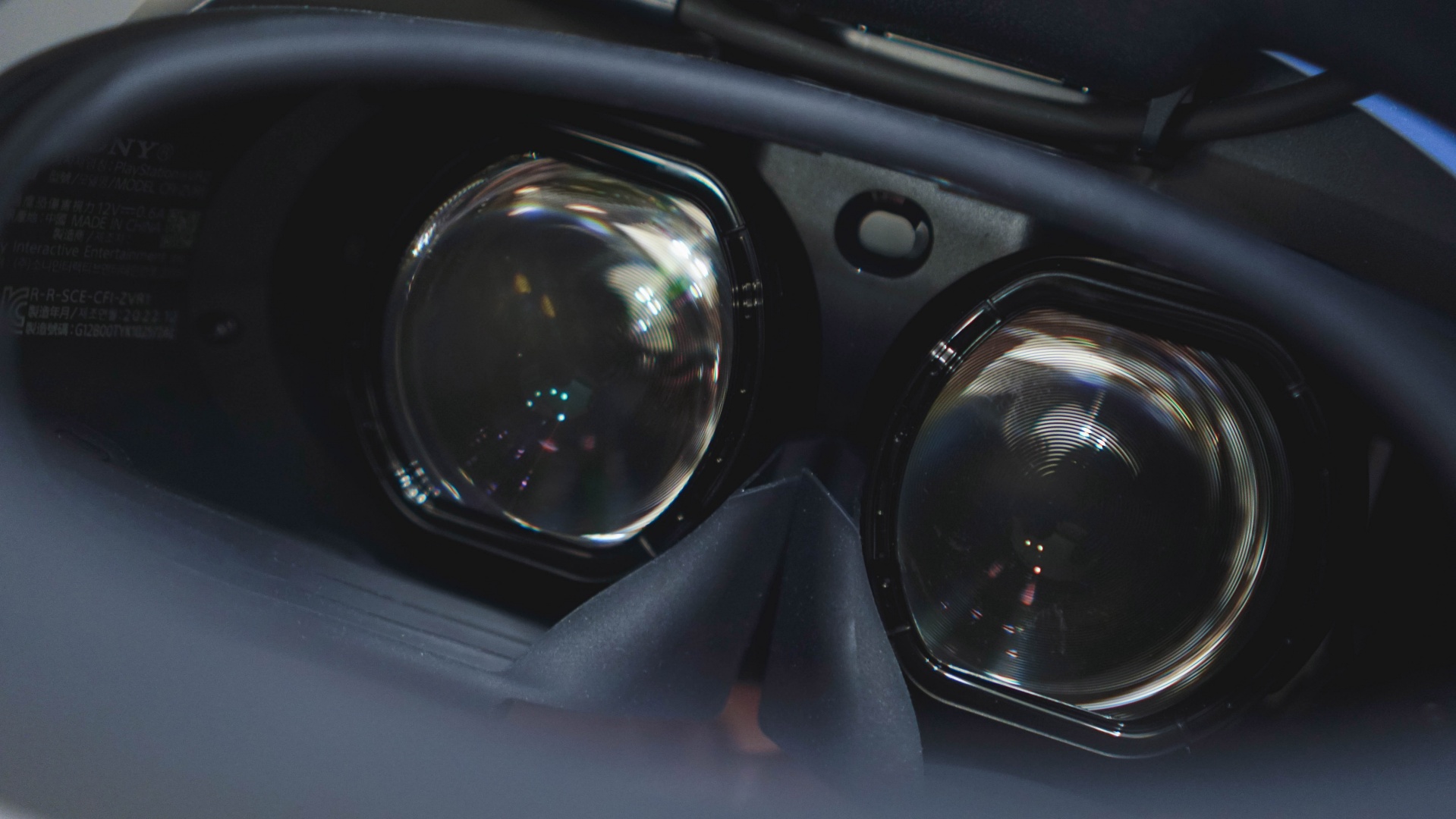
Here’s what the lenses inside look like.
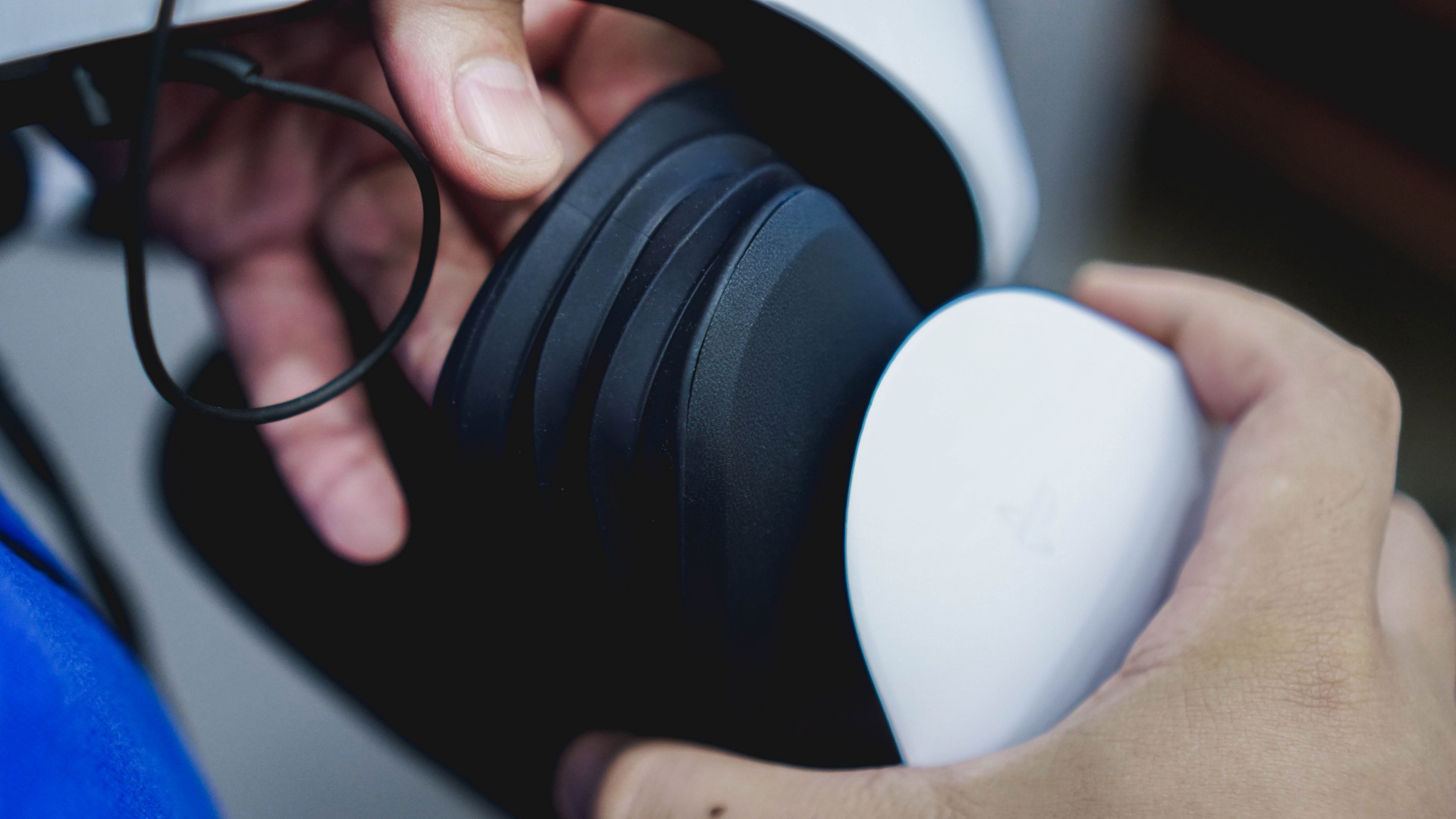
Surrounding the lens is an accordion-like flap that helps keep the lights out.
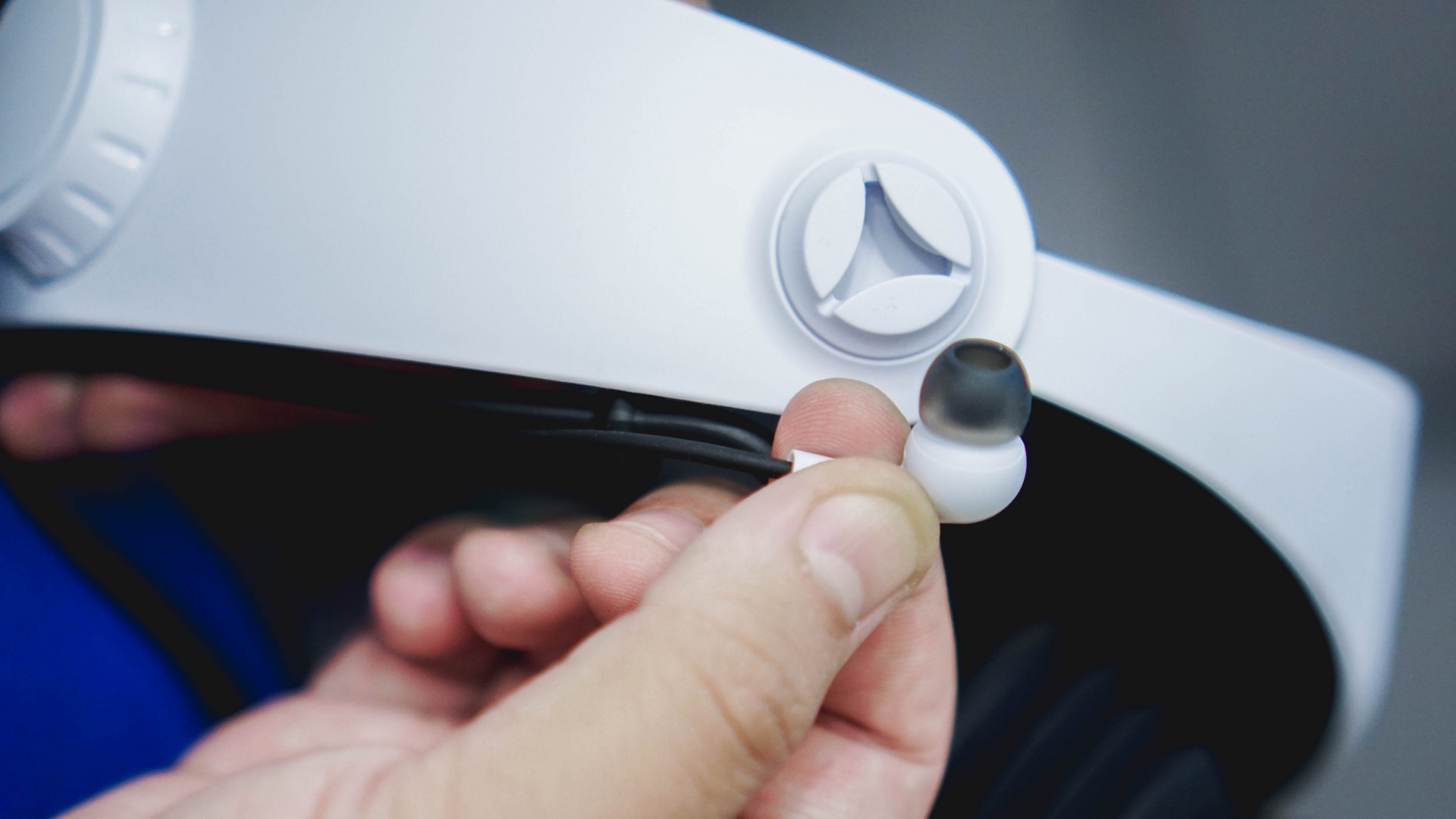
On the side, there’s a slot where you can park the included earbuds.
Controllers
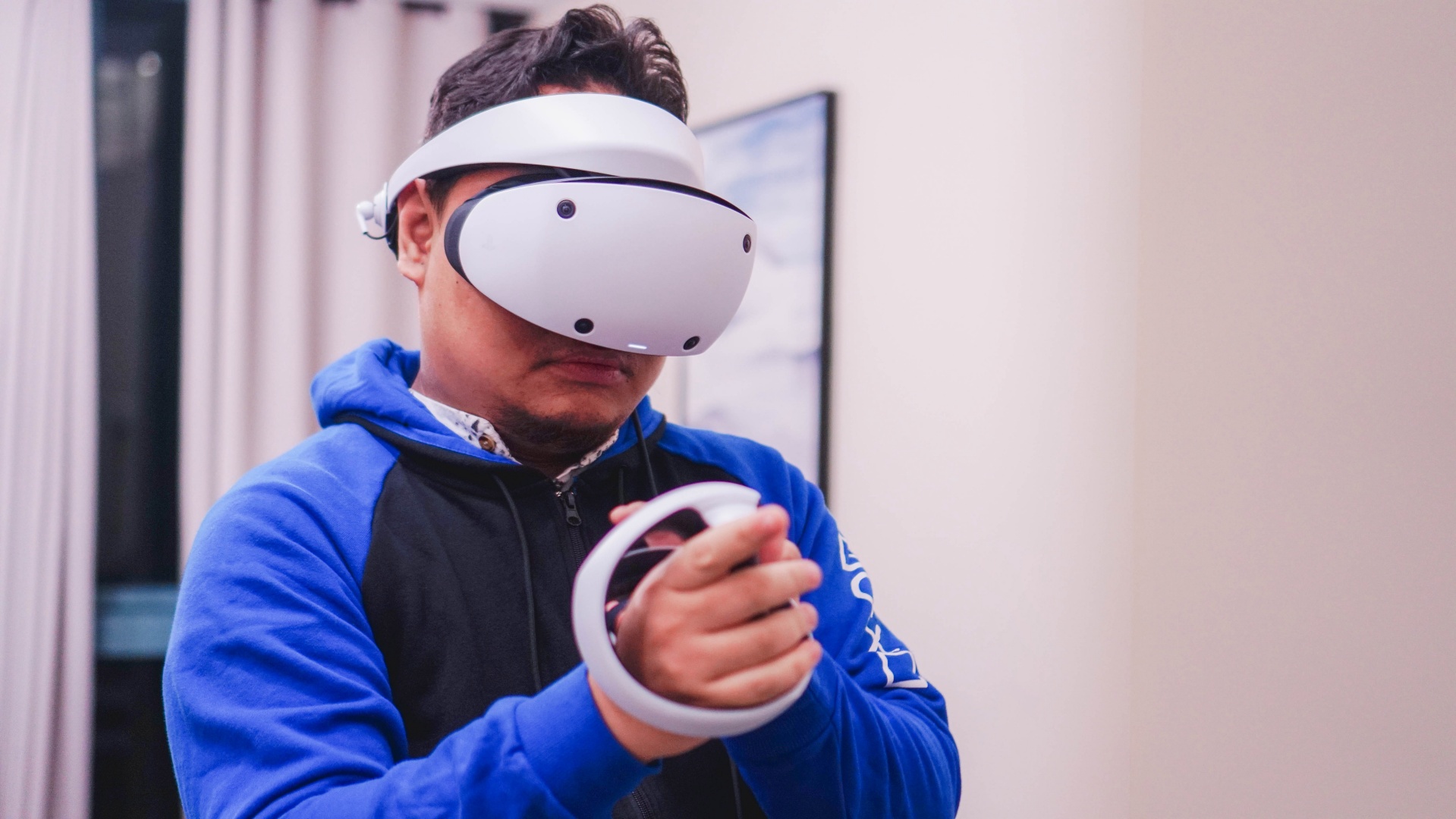
The controllers have this cord to keep them secure.

This is the left hand controller.

It has the triangle and square buttons along with a PS button and the Share button.
This is the right hand controller.

It has the circle and ‘X’ or ‘cross’ buttons along with the function/start button and also a PS button.
The shoulder buttons (R2 and L2) are up top, in white.

While the R1 and L1 buttons are closer to the grip, in black.
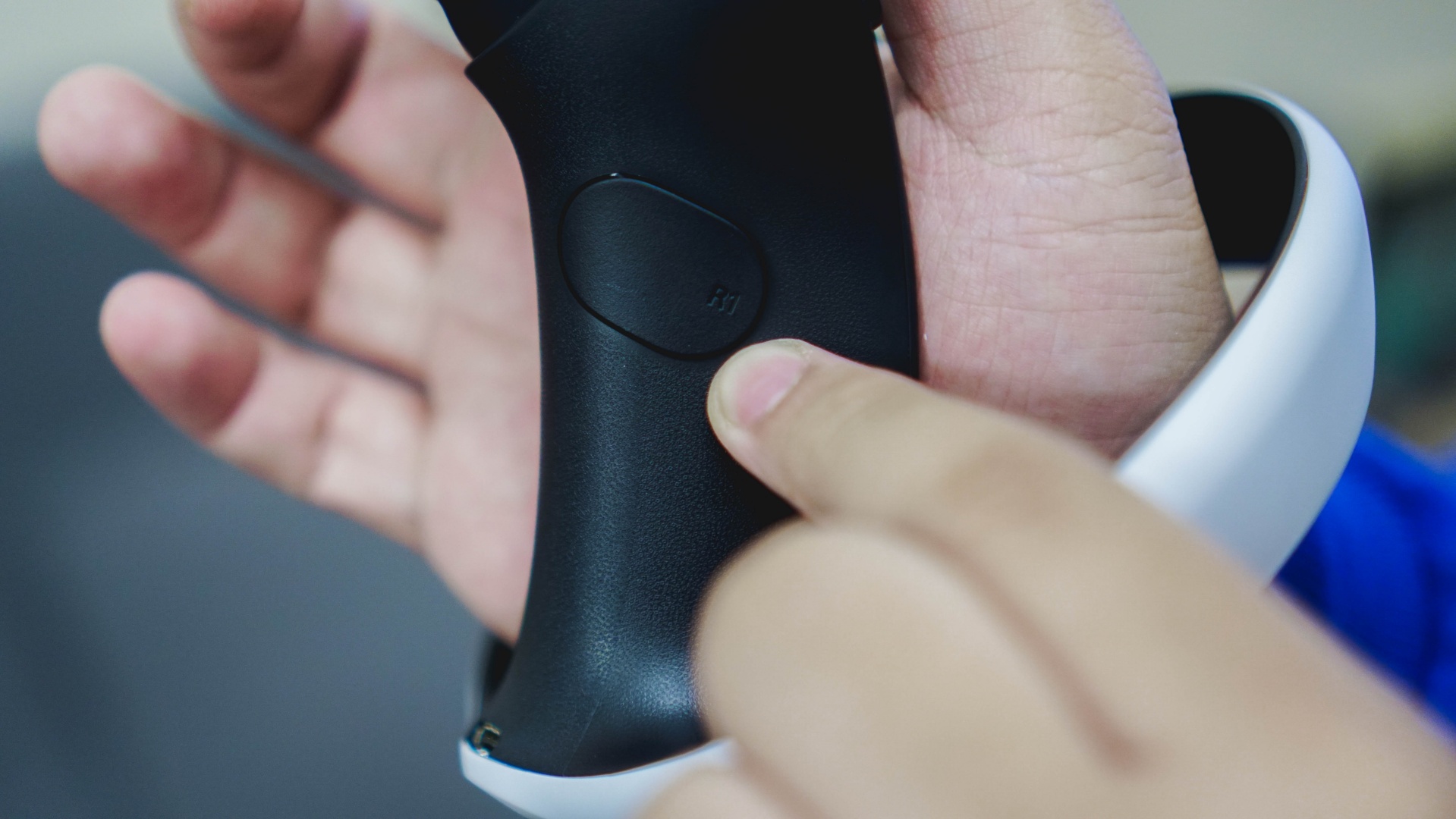
The USB-C port to charge the controllers are on the lower back part.

Set-up

Setting up is quite easy. You only need to follow the instructions on-screen. The general calibration only happens once. However, you can re-adjust your play space every time through the settings.
PlayStation recommends the following space requirements when playing:
- Roomscale – minimum play space of 2m × 2m (6 ft 7 in × 6 ft 7 in)
- Sitting – minimum play space of 1m × 1m (3 ft 4 in × 3 ft 4 in)
- Standing – minimum play space of 1m × 1m (3 ft 4 in × 3 ft 4 in)

It doesn’t have to be a perfect square, but you just have to make sure there are no obstructions that can cause any undue accidents while you’re playing.
You’ll get plenty of prompts guiding you through the whole process.
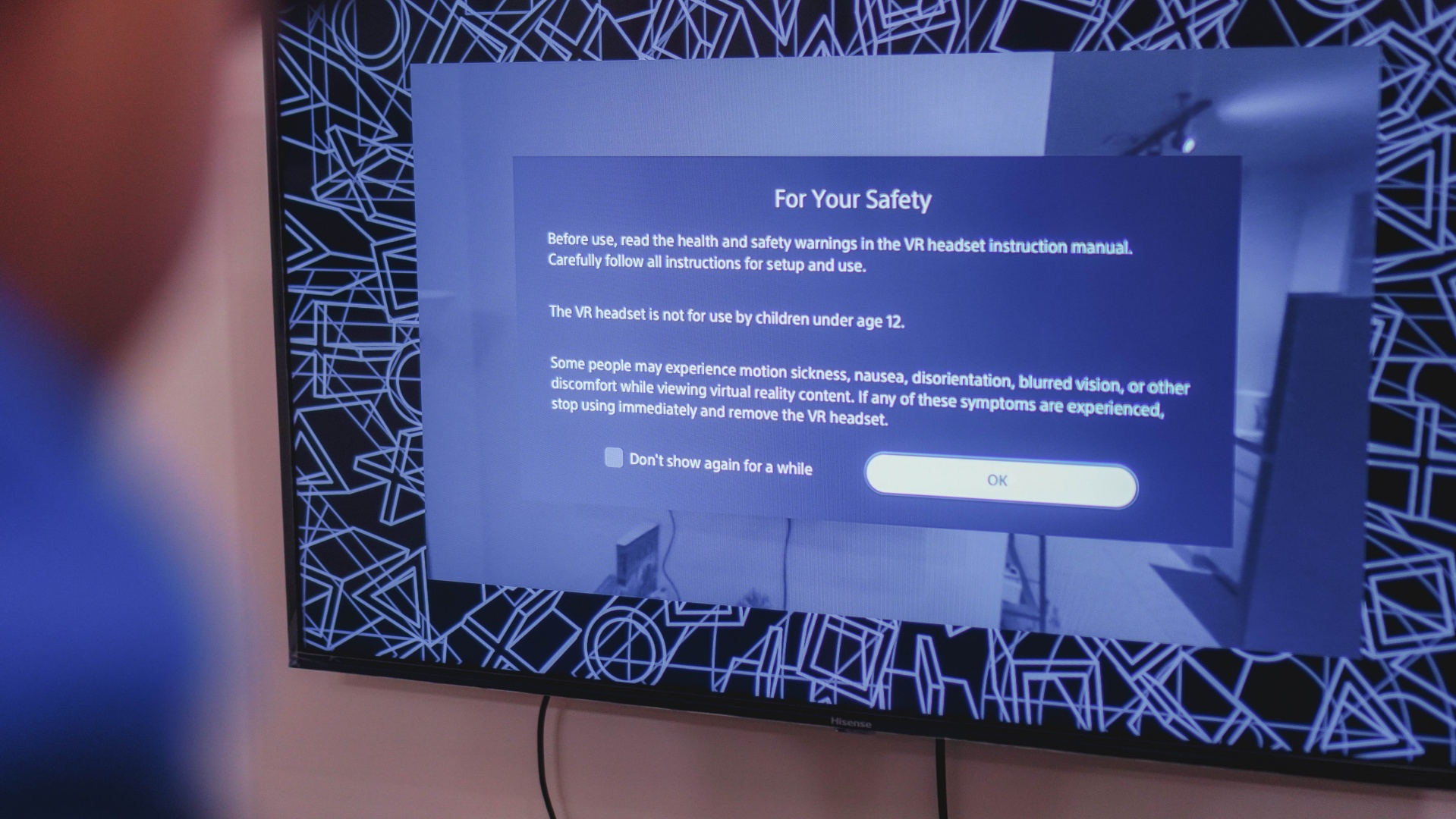
It’s pretty painless and the PSVR 2 “holds your hand” the entire time. ‘VRgins’ should have little to no trouble setting it up.
‘With new Horizons to pursue’

Horizon Call of the Mountain
The flagship game that came along with the PSVR 2 is Horizon Call of the Mountain. It’s based on the Horizon franchise with Aloy as its main character. However, in Call of the Mountain, you play not as Aloy but as Ryas.
Ryas is a disgraced former soldier. In the game, you’ll journey the towering peaks of the Carja Sundom and unravel a new mystery surrounding the machines to redeem yourself and save your people.

Horizon Call of the Mountain does for the PSVR 2 what Ratchet & Clank: Rift Apart did for the PS5. The game is a great showcase of what the PSVR 2 can do. You’ll get thrown into the breathtaking world of Horizon, seeing landscapes that you can stare at for hours and encountering mechanical beasts that give you a sense of wonder.
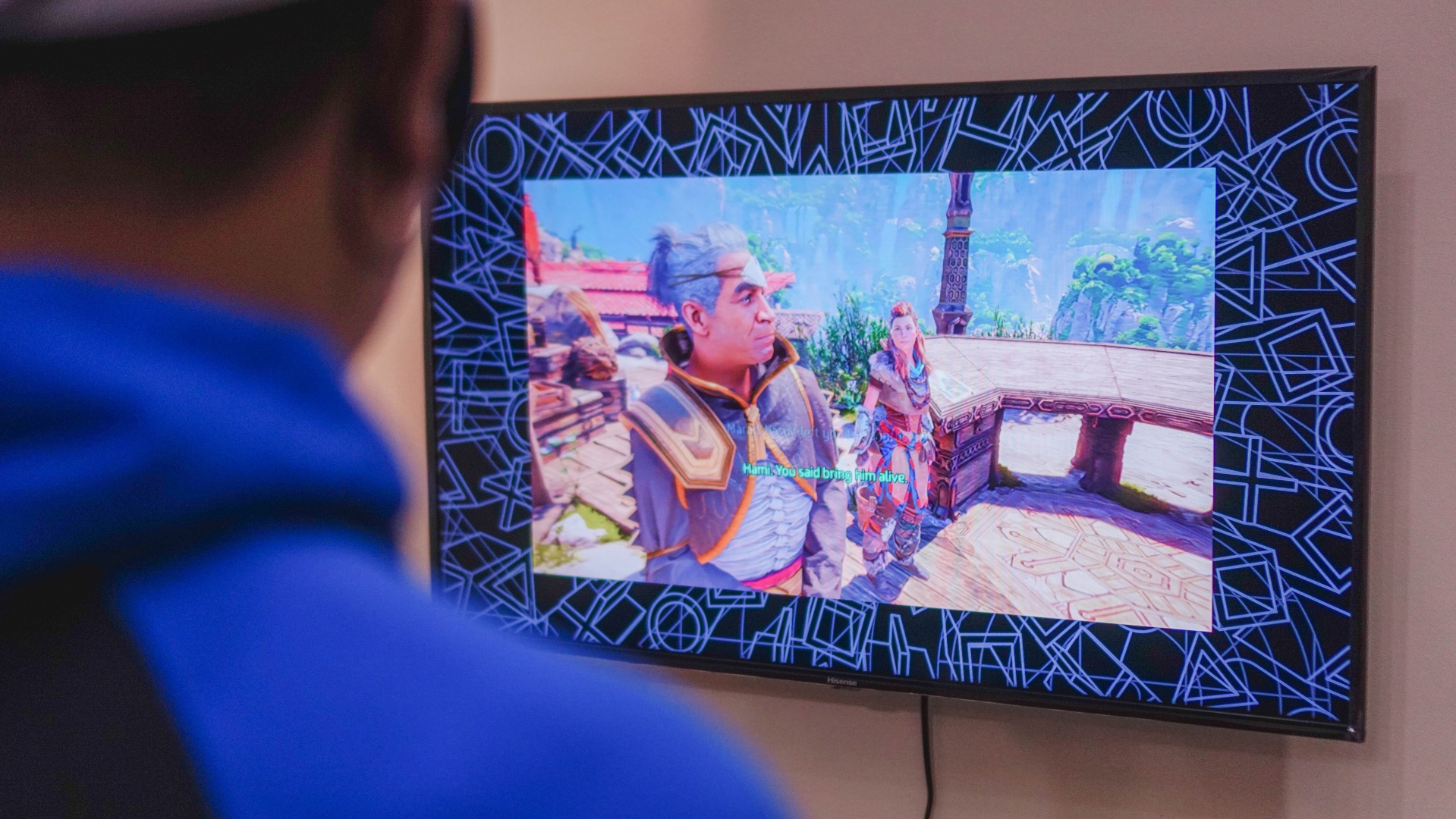
The eye tracking feature is phenomenal. Going through the menu just by looking took some getting used to but it was great to experience. The game itself also encourages movement. This isn’t always the case with the few other VR games I tried.
To get a more expansive view of both the PSVR 2 and Horizon Call of the Mountain, I asked a couple of VRgins to also play.
‘It allowed me to use my motor skills’ – MJ
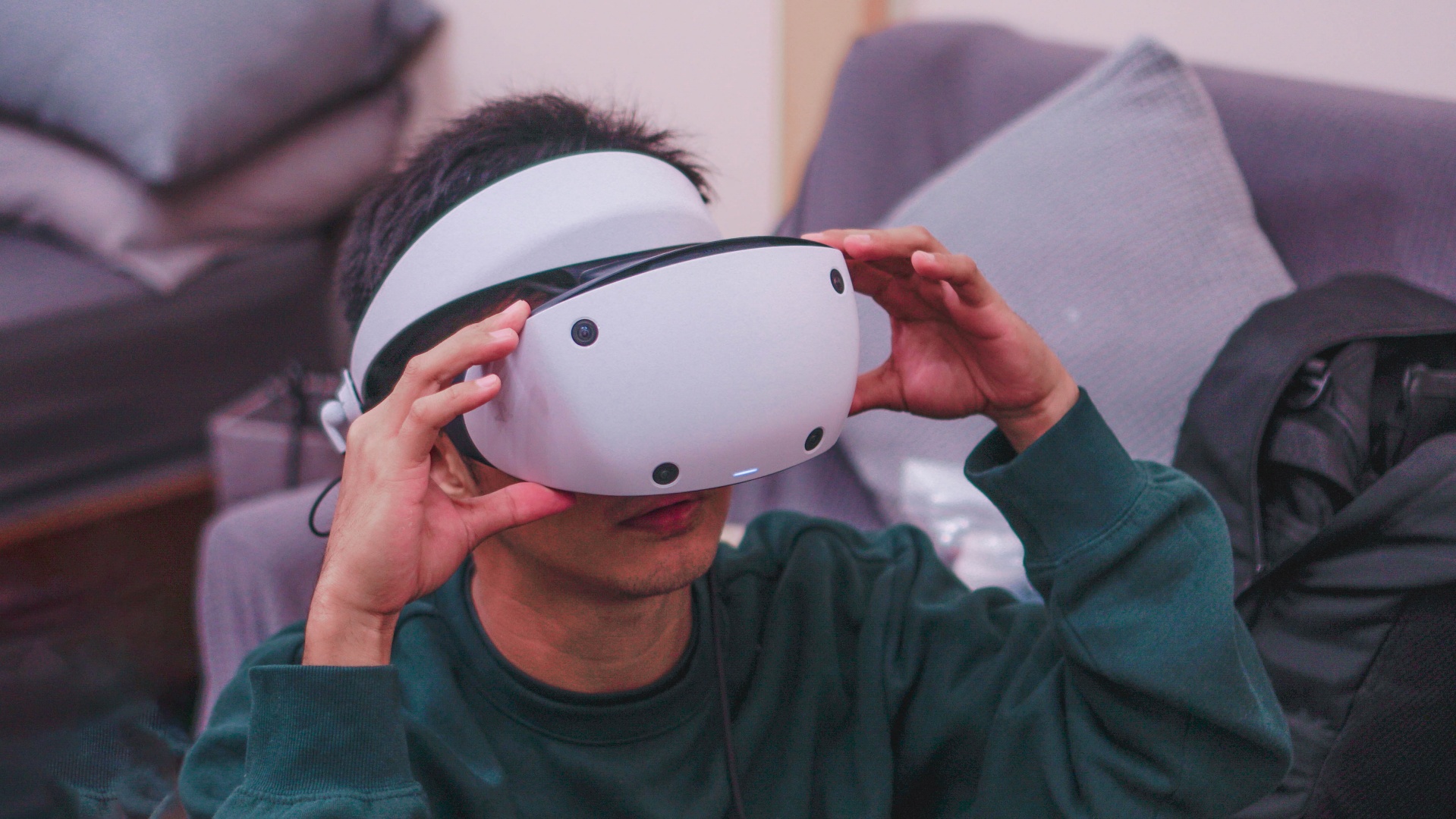
My foray into playing games through VR headsets stems back from my previous coverage at international tech shows. I didn’t have the chance to maximize the devices I’ve tried which is why the PSVR2 — when we got our hands on it — got me thrilled.
Playing Horizon Call of the Mountain on the PSVR2 felt magical. The gameplay was immersive, it seemed like I was in an entirely different world. The graphics and visual effects, which are already phenomenal, looked surreal.
What I loved the most about the action role-playing game is how it allowed me to use my motor skills. As an athlete, I’m used to throwing spears in my Spartan races so aiming and doing Archery inside the game came naturally to me.

It felt easier, thanks to my athletic abilities. However, if I played Horizon Forbidden West using a gaming console, I might struggle a bit in aiming and shooting since my fingers aren’t trained into playing games unlike a few years ago. (Total gaming nerd here from a few lifetimes ago!)
Somehow, the PSVR2 helped in connecting my athletic skills together with my gaming knowledge to provide an alluring and stellar experience. I’d probably do it again, perhaps, when playing Just Dance.
‘I love how I can explore the world of this game’ – Vincenz
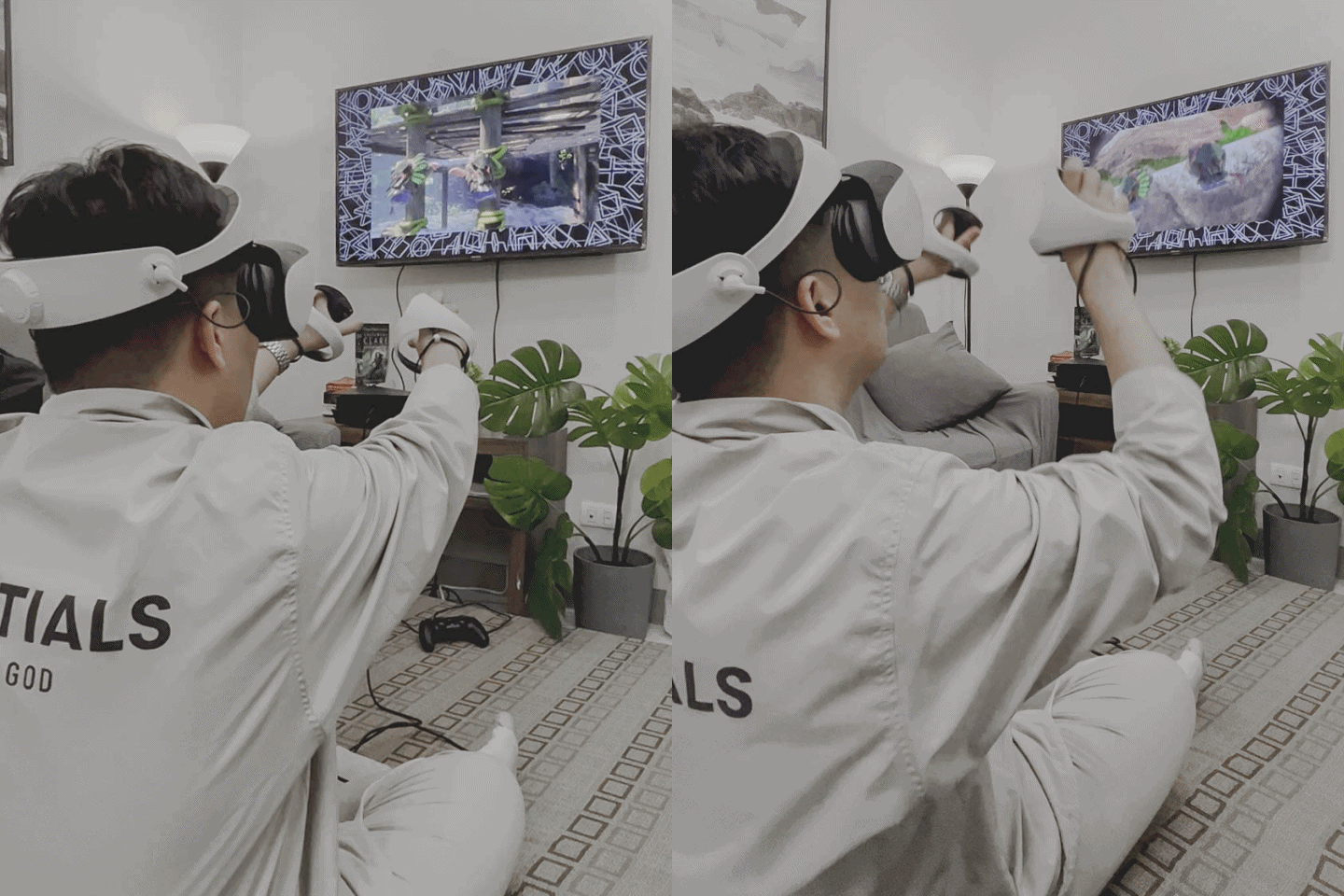
When I played the VR2-exclusive Horizon Call of the Mountain, I felt foolish at first.
I had to do all sorts of motions and gestures when climbing rocks, mountains, stairs, unlocking dusty and rusty doors, and most of all, using arrows to kill those robotic dinosaurs. Using the PSVR 2 controller is a steeper learning curve than using the regular Dual Sense controllers.
Being a real sucker for “open-world” games, I love how I can explore Horizon Call of the Mountain’s world, stop whenever I needed to, and just look at the majestic views of the luscious tropical rainforests along with falls, rivers, and even those high mountain alps.
Overall, as a first-timer, my mind was blown.
‘Over, sideways, and under’ — Gran Turismo 7 on VR
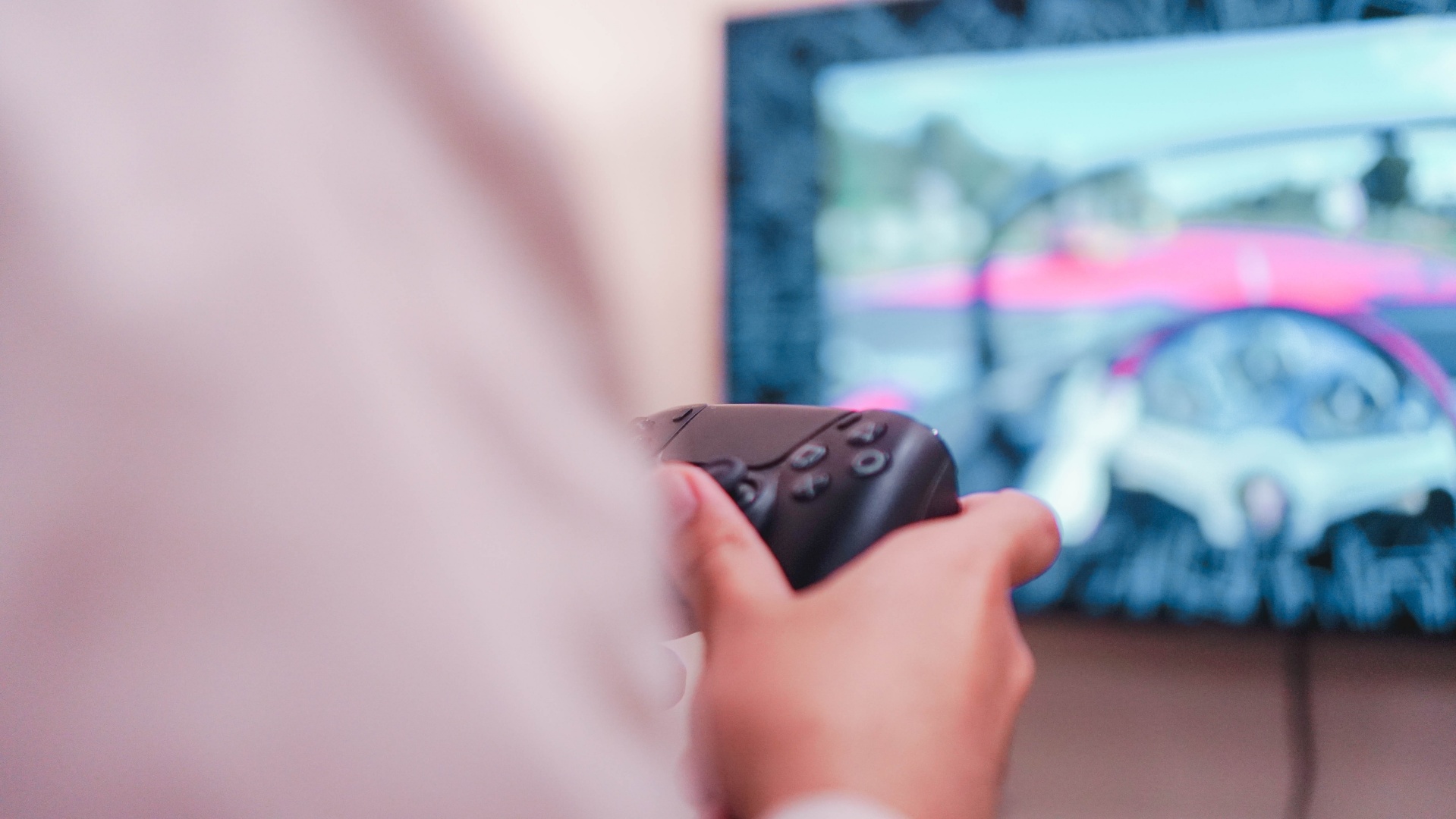
We also played Gran Turismo 7 on VR. Unfortunately, we didn’t have an actual steering wheel-like controller. So, while the visuals were impressive, the experience still felt antiquated having used only the DualSense Controller.
Why the DualSense? This was actually a hiccup that we haven’t figured out as of writing. The PSVR 2 controllers just stopped working once we fired up GT7. Hence why we were forced to use the DualSense.
Personally, I’m terrible at driving (both in real life and virtually), but I still found enjoyment in the VR version of GT7. If I ever move into a larger living space, I might consider getting one of those steering wheels.

Vincenz also played GT7 and said it felt like it’s more of an open-world game even if most tracks are restricted with barriers. The digital steering wheel is in front of you while tilting your head left or right feels like you’re in a real driving simulator.
He also added that the experience would have been a lot better if we used a racing wheel set like Logitech’s G920/G29 instead of the typical DualSense controller.
A few more PSVR 2 play time observations

It’ll vary for most users, but personally, I couldn’t play for more than an hour on the PSVR 2. During each playthrough, the headset started to weigh on me at around the 45 to 50-minute mark.
It also doesn’t help that my head sweats profusely. Ideally, you should play this in a room with air conditioning.
In case you’re wondering, you can play non-VR titles while wearing the headset. But due to the things mentioned above, I personally don’t recommend it.
The included earphones aren’t bad, but I hope there’s a way to integrate an even more immersive audio experience some time down the line. Adjusting the volume is also a bit cumbersome as you have to step out of the game and dive into settings to do so. Hopefully, PlayStation addresses this in a future software update.
In terms of games, I hope we get more games that involve using motor skills. Also, as noted by my colleagues MJ and Vincenz after playing, we hope to also get more relaxed ones where you can just take your time in exploring a vast, immersive, open-world environment.
Isekai’d

The PSVR 2 is about the closest thing you can get to getting Isekai’d from the comfort of your own home.
For the unfamiliar, Isekai is an anime sub genre where the main character is transported into another world. The arguably most popular example is Sword Art Online which is actually set in a Virtual Reality world accessed through a VR Headset. Not into anime? The closest mainstream examples are probably Alice in Wonderland and The Wizard of Oz.
If done right, the blend of the PSVR 2 hardware and the right kind of game can outright feel magical.
Is the PSVR 2 your GadgetMatch?

As of writing, Horizon Call of the Mountain is easily one of the best games you can play on the PSVR 2. GT7, if paired with a racing wheel set, and Resident Evil Village are close seconds.
That’s not a lot, but that’s a good start. The aforementioned games do enough to showcase what the PSVR 2 can do. But as a recent report from Bloomberg noted, the PSVR 2 isn’t exactly flying off the shelves.
PlayStation is gonna have to do more to get the PSVR 2 in more homes. At US$ 549.99/ PhP 34,790/ SG$ 869, the price is actually competitive relative to other VR options. But it’s still a generally high price, especially for more traditional gamers.
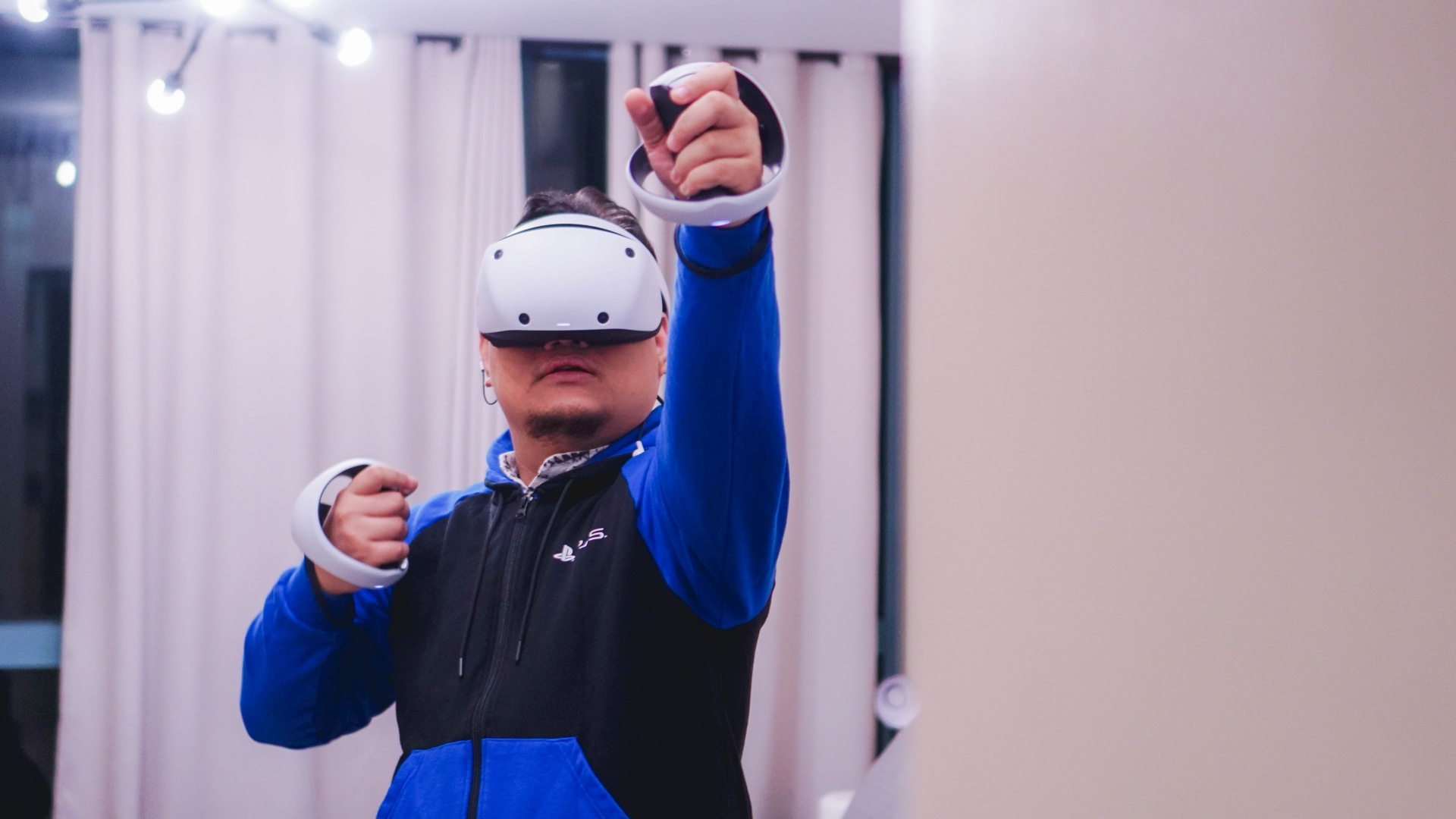
Make no mistake about it, the PSVR 2 is a fantastic VR experience. Set-up is quick and easy, the overall gaming experience is incredible, and there’s a decent selection of games a little over a month into release. However, PlayStation does need either a few more games or a bonafide system seller to get people hooked.
It’s a tough sell, but if you have the interest and the means, this is a hardware worth adding to your gaming collection.






Computers
ROG brings out the ultra-stylish G1000 gaming desktop
Plus, here’s a couple of sleek transport options from ROG.

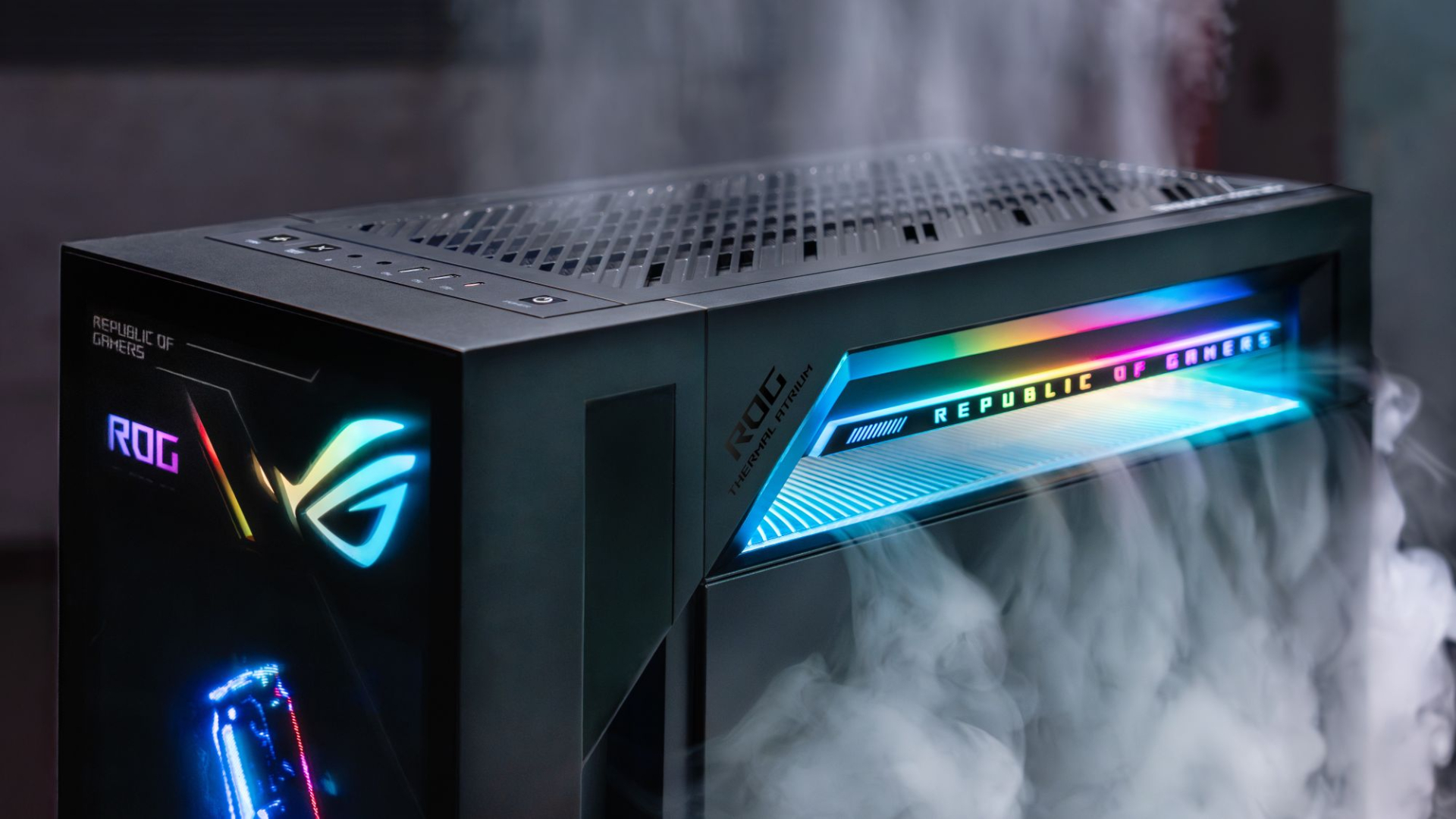
Despite how much higher prices are going today, there are still so many options if you want a PC for yourself. However, only a handful of brands will offer you quite as much style doing so as ASUS. Today, ROG has revealed the new G1000 gaming desktop.
For the first time ever in a prebuilt PC, the ROG G1000 comes with a built-in AniMe Holo, a holographic fan with customizable visuals using Armoury Crate and Aura Sync. Additionally, the holographic fan is inside its own chamber, preventing it from interfering with the main system. Instead, the desktop uses the ROG Thermal Atrium, which uses three fans to channel fresh air through a 420mm AIO liquid cooler.
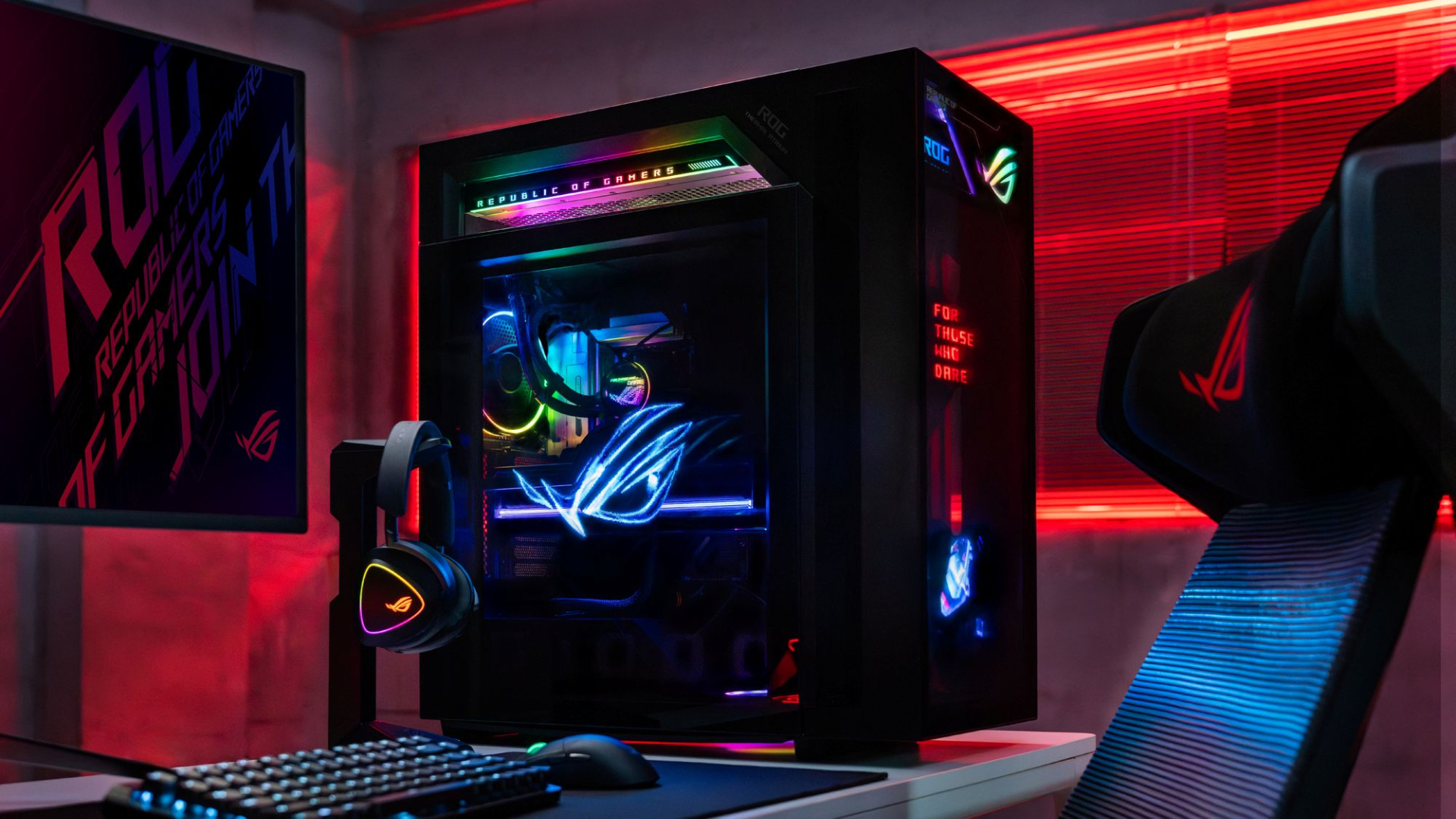
Now, the ROG G1000 isn’t just a pretty face. Inside, the 104L desktop comes with a Ryzen 7 9800X3D processor. It also comes equipped with the ROG Astral GeForce RTX 5080, up to 128GB DDR5 memory, and 1TB SSD for storage. New purchases will also come with a gaming keyboard and mouse, a year of Microsoft 365 Basic, Office Home 2024, and an ASUS No. 1 Quality and Service warranty.
The ROG G1000 will be available from ROG Exclusive Stores and will start at PhP 399,995.
Celebrating ROG at 20
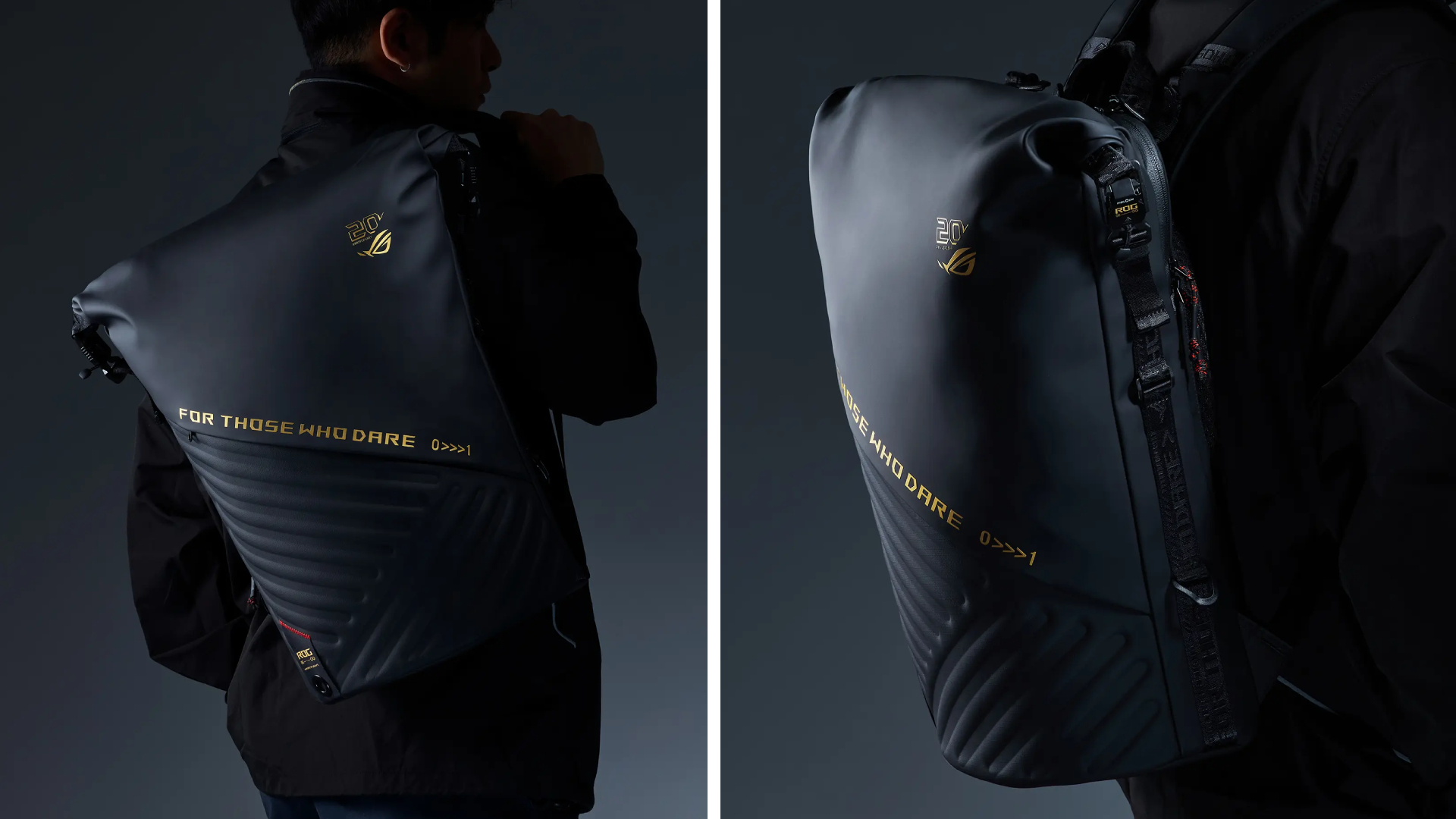
Besides the new desktop, ROG is also launching a couple of storage and transport options for your prized gaming possessions. The ROG SLASH Backpack Edition 20 is a sleek backpack that can fit an 18-inch laptop with enough room for peripherals and accessories. It also comes with a custom FIDLOCK Magnetic quick-release, black-and-translucent-gold buckle. It will be available next quarter for PhP 10,995.
Meanwhile, the ROG SLASH Hard-Case Luggage Edition 20 is designed specifically for transporting your hard-earned gaming devices. The light-but-durable aluminum frame comes with a specialized compartment for laptops, handhelds, and accessories. It also has removalbe foam dividers to better customize the case for your needs. Finally, it has 360-degree silent skate wheels for smoother rolling. The luggage will be available starting next quarter for PhP 15,995.

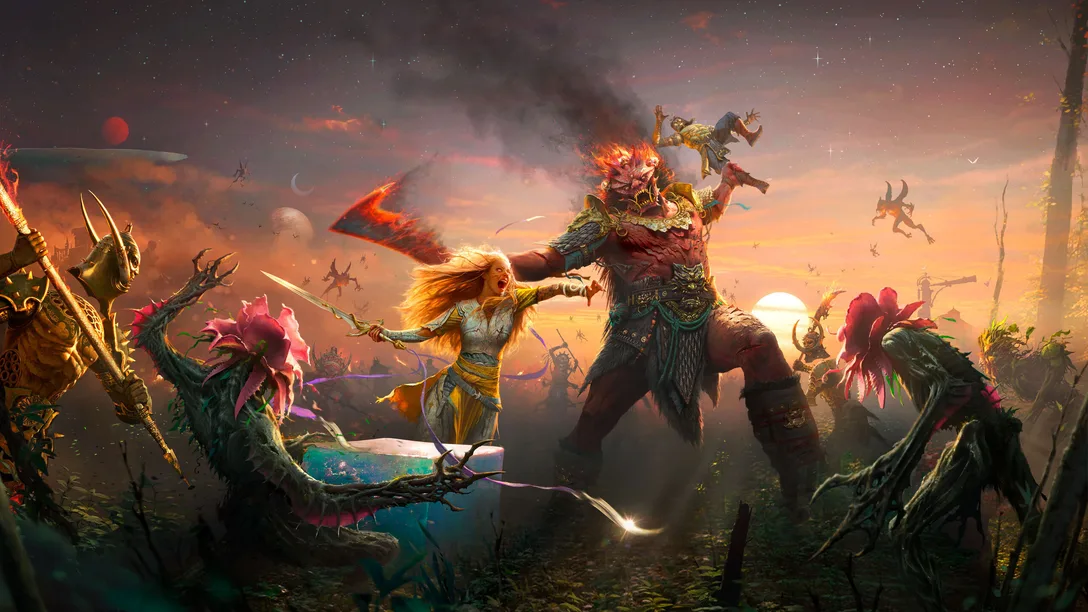
Pre-orders for God of War Laufey pre-orders are now live with new details on editions and Faye’s Serpent Bow. are now live on the PlayStation Store and at participating retailers across Southeast Asia ahead of its February 16, 2027 release on PlayStation 5.
Sony also detailed the game’s pre-order bonuses and Digital Deluxe Edition, alongside new footage and information about Faye’s combat abilities.
Players who pre-order God of War Laufey will receive the Last Wish Armor Set, Phranque Golden Leaves Appearance, and an in-game resource pack. The physical Standard Edition includes these items through a download code.
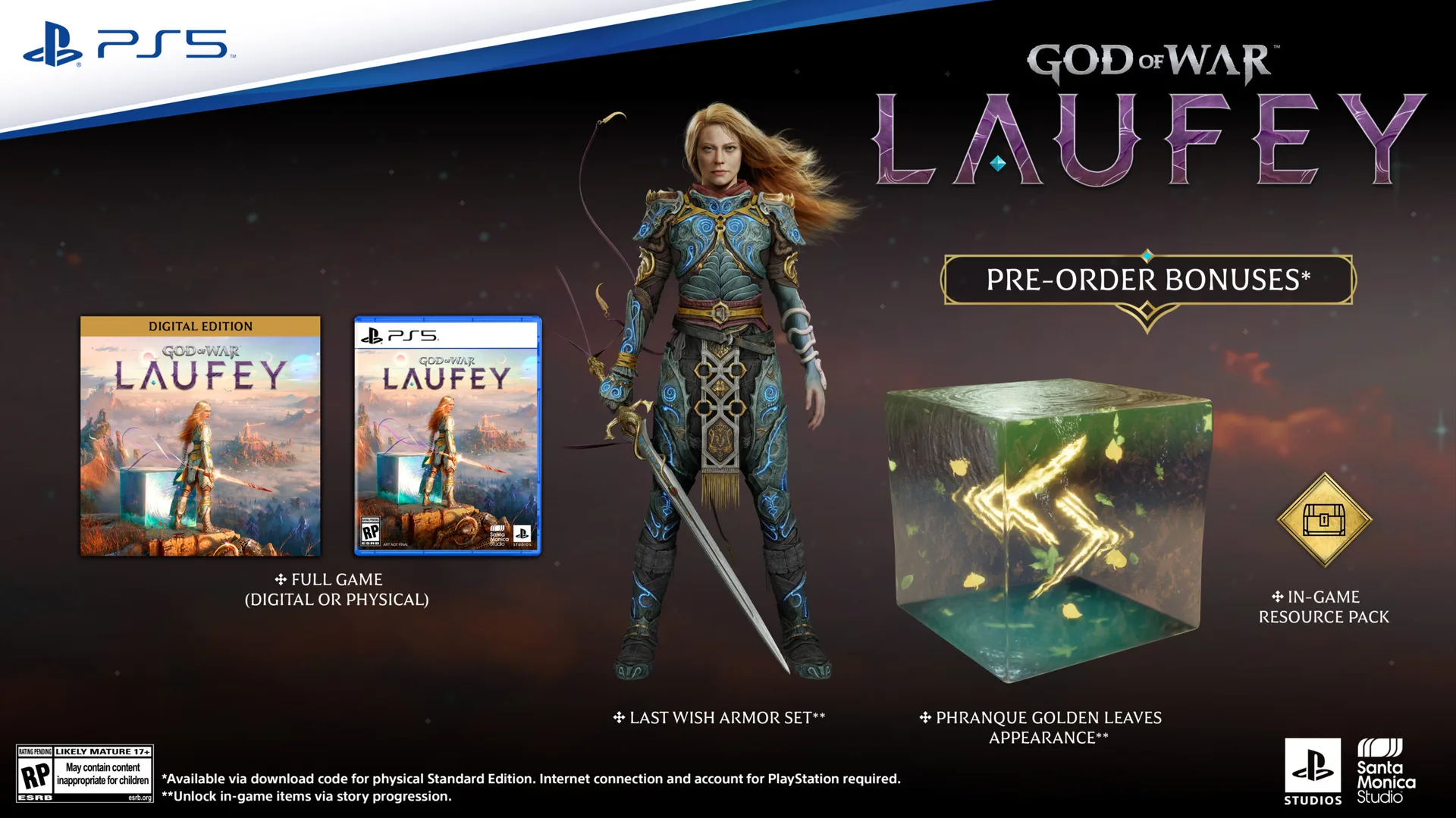
The Digital Deluxe Edition adds the Dark Alchemy Armor Set, Dark Alchemy Blade, Dark Alchemy Bow Scales, Dark Alchemy Catalyst, an in-game resource pack, a digital mini artbook, and the official digital soundtrack.

Faye gets a new weapon
Faye will wield the Serpent Bow, an enchanted weapon that lets her switch between close-range and ranged attacks.
The bow has two firing modes. Full-aim provides more precise shots and greater range, allowing Faye to target specific parts of enemies and charge up to five arrows for a powerful volley. Half-aim switches to a more mobile hip-fire stance for rapid attacks at close range.
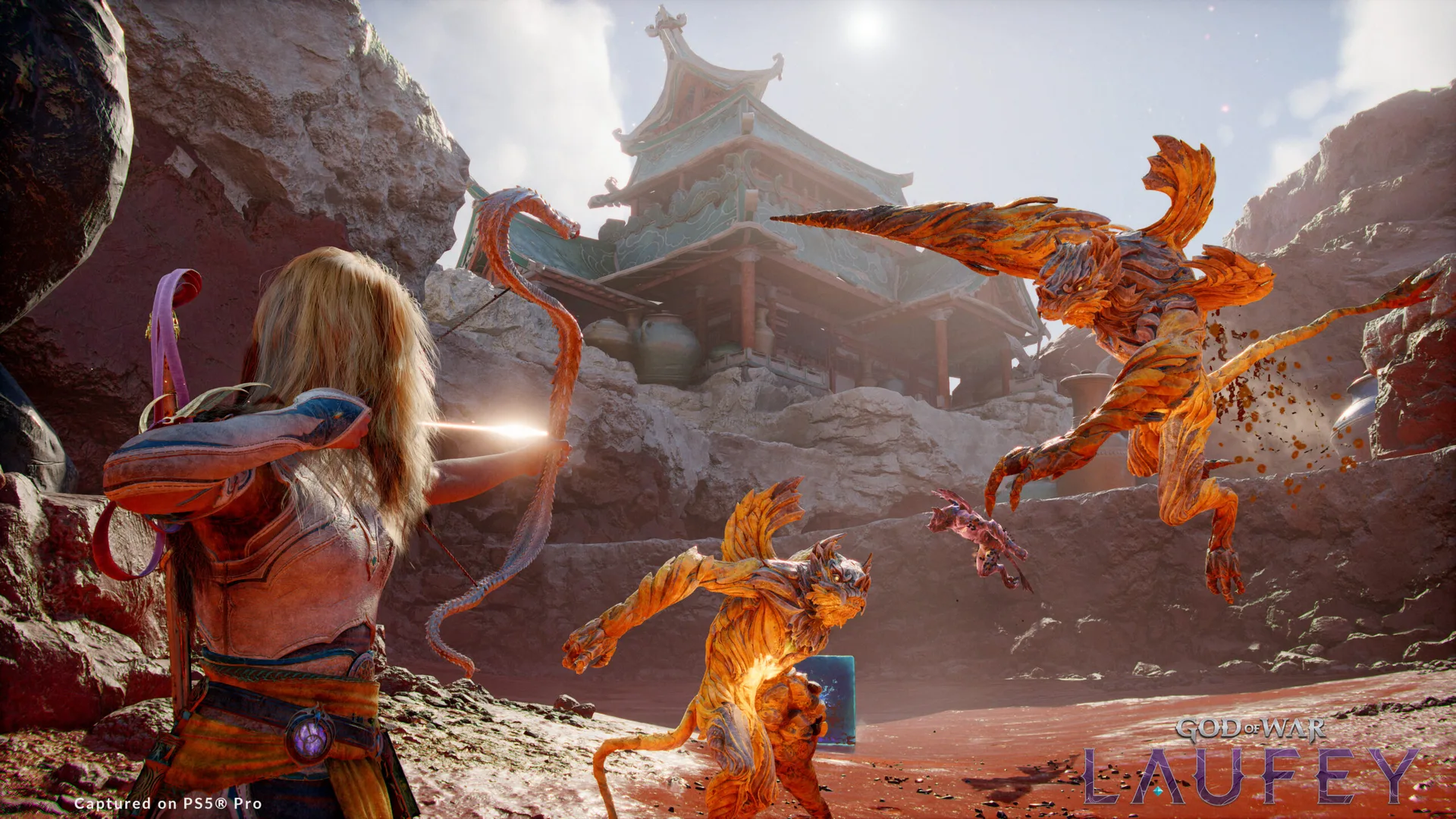
Different arrow types support various combat approaches, including rapid-fire, explosive, and multi-target attacks. Players can also equip different Serpent Scales, which change the bow’s appearance and provide unique perks. Additional skills further expand its capabilities.
Faye’s other equipment can also be customized. Her Blade, Serpent Bow Scales, and Catalysts can be configured to support different playstyles.
God of War Laufey follows Faye after her death as she awakens in the Everywhen, an afterlife where gods and creatures from different mythologies converge. Santa Monica Studio previously revealed that Faye will fight through the realm alongside Phranque and Rue as she searches for a way home.
God of War Laufey launches exclusively on PS5 on February 16, 2027.
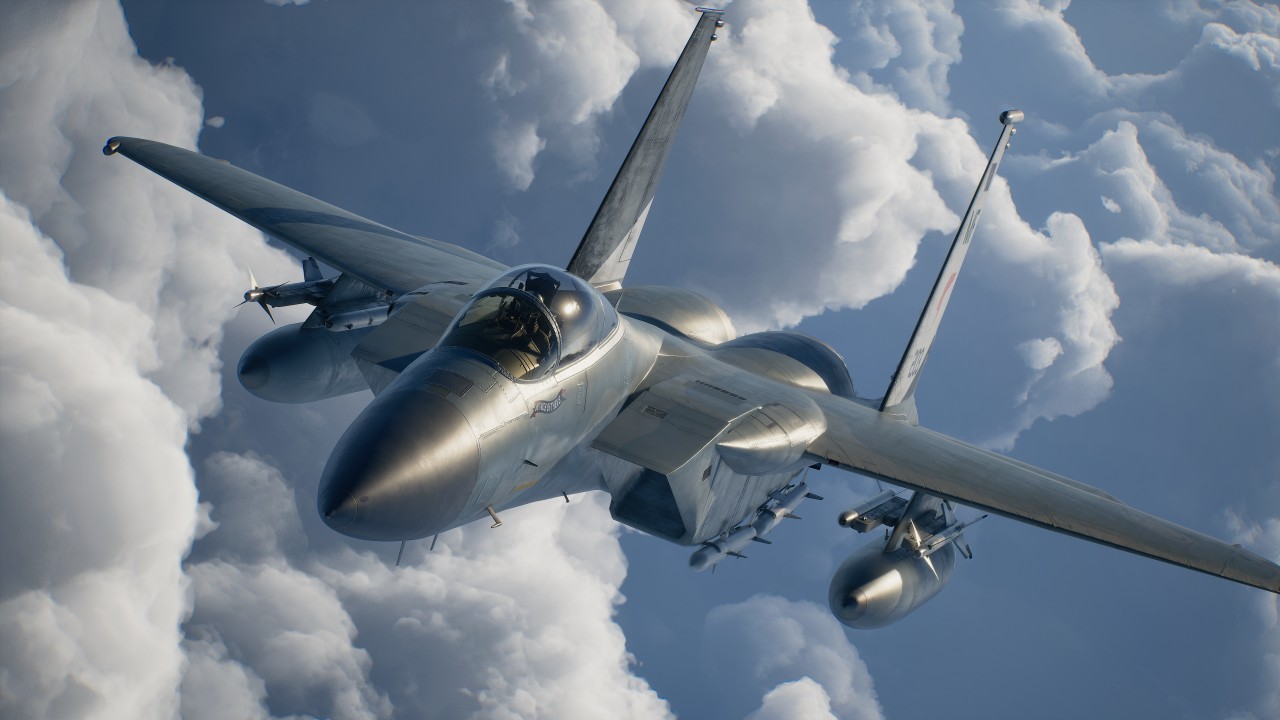
I came into ACE Combat 8: Wings of Theve completely blind.
I knew very little about the franchise outside of the fact that it’s a fighter plane game. My entire exposure was limited to a handful of press releases from Bandai Namco and, of course, the noise the pink-haired character made on social media when she was first revealed.
So, I had no idea what to expect when I climbed into the cockpit.
What surprised me most wasn’t the flying. It was everything that happened outside of it.
A surprisingly beautiful presentation
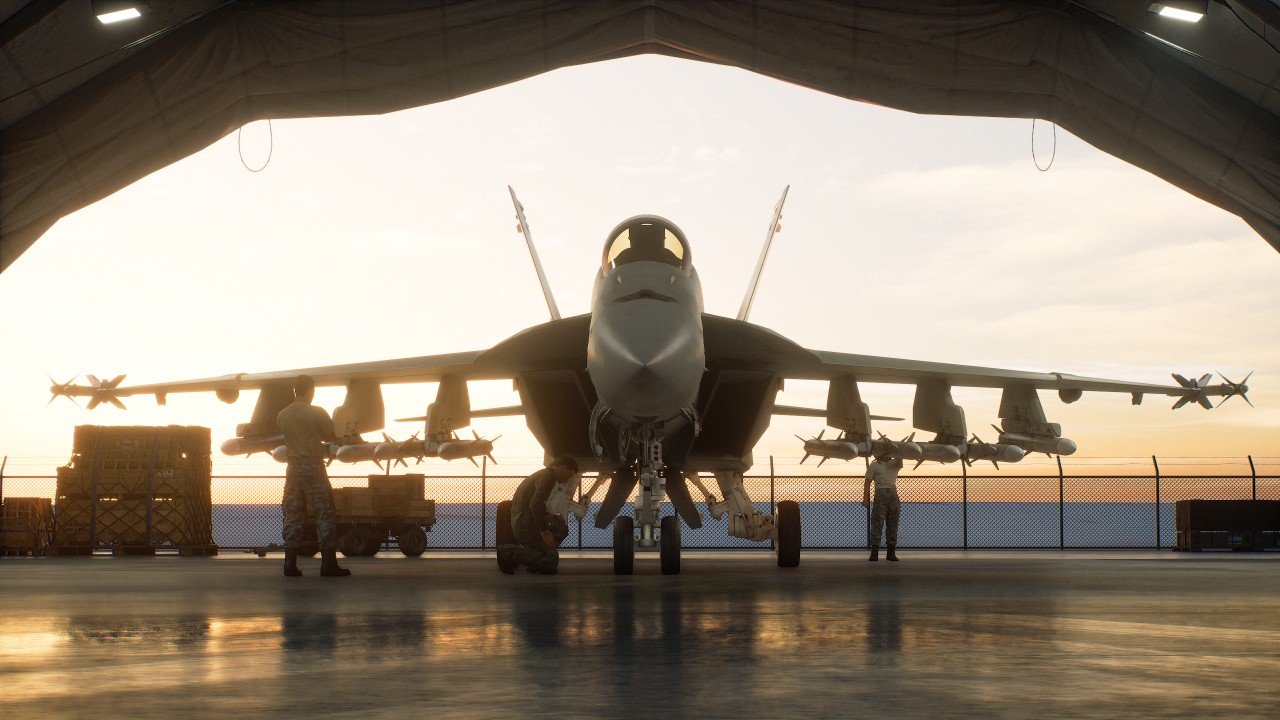
I was floored by the story segments of the game, particularly the visuals and presentation.
A lot of these scenes are presented from a first-person perspective. The characters and environments you interact with are beautifully rendered, and there’s an impressive level of detail to the world around you.
It looks like a AAA game. It just doesn’t move like your typical AAA action game or RPG. That threw me off a bit.

There’s something intentionally different about how ACE Combat 8 presents its story and world. You’re not controlling a character running around a beautifully rendered environment. Instead, you’re mostly observing the world from a grounded first-person perspective before getting back into the cockpit.
It’s an unusual approach, but one I found myself appreciating.
Learning how to fly

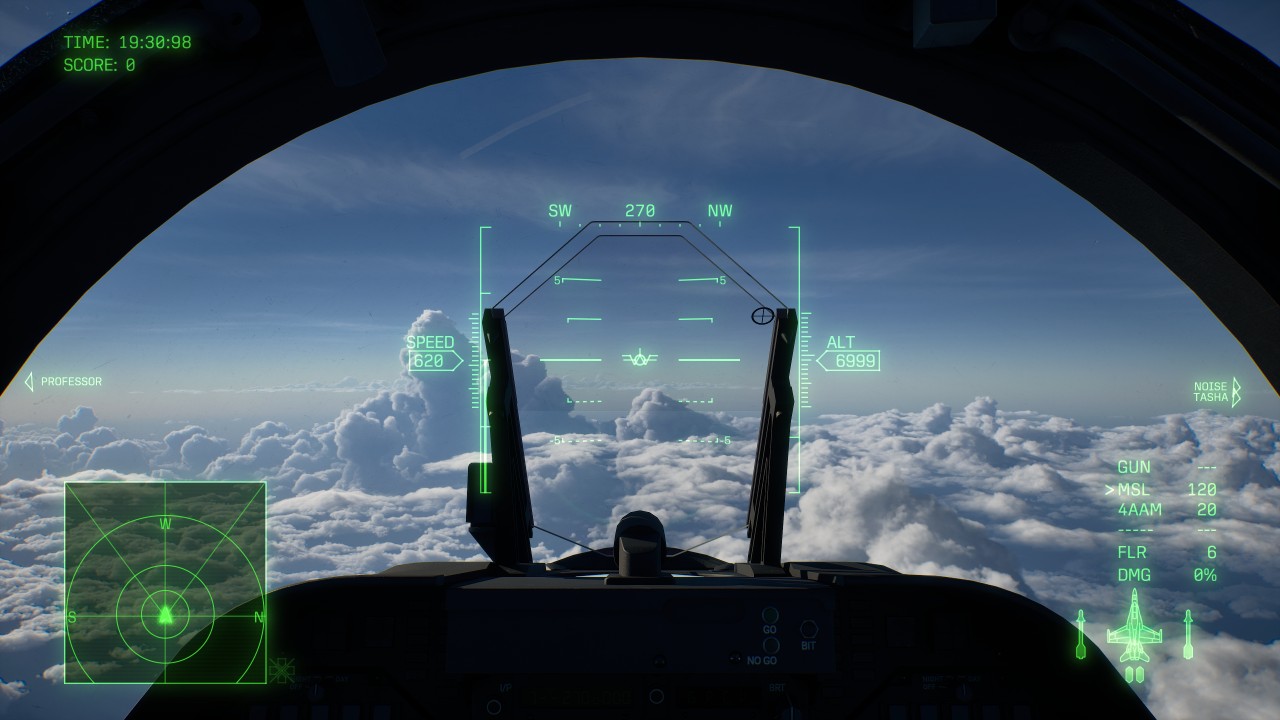
The bigger adjustment was actually flying the plane.
I had trouble getting used to the controls and the structure of the missions. I failed the first one quite a few times because I couldn’t fully understand the radar or the environment I was flying in.
It took plenty of getting used to on my part.
Even after a few hours of play, I can’t say I got fully used to it.
The game offers STANDARD and EXPERT control schemes. STANDARD is designed to be more intuitive, while EXPERT gives you more control over the aircraft through traditional roll-and-pitch inputs.
I still had plenty to learn regardless of the control scheme. There’s a lot of information to process at once: your aircraft’s position, altitude, speed, radar, targets, incoming missiles, objectives, and everything happening around you.
It takes time to develop a feel for how everything moves.
Missions aren’t just about shooting everything

The mission structure is quite specific.
You have to do things a certain way in each mission. It’s not just “blast everything in your path.”
That offered a lot of variety and made the game more engaging.
Some missions asked you to maintain a certain altitude to avoid detection. Others demanded expert flying. Some also felt like full-on aerial combat.
Objectives can range from destroying targets and protecting allies to earning a certain number of points, with some missions changing objectives while you’re already in the air.
That keeps the campaign from feeling like a series of identical dogfights.
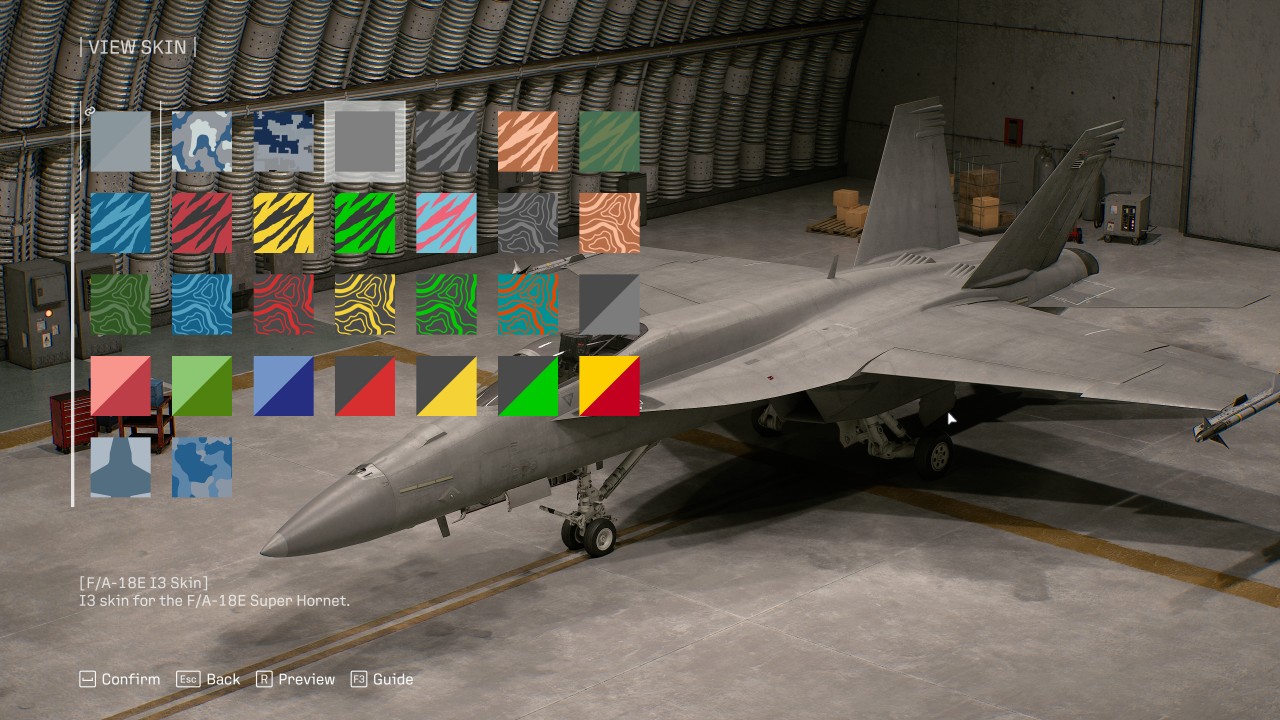
There’s also a progression system built around different aircraft types, including fighters, attackers, multirole aircraft, and electronic warfare planes. More than 30 aircraft are available, with new planes, upgrades, and special weapons unlocked through the Aircraft Tree.
Your choice of aircraft and weapons can also change how you approach a mission. A fighter makes sense when the skies are packed with enemies, while an attacker can be better suited to ground targets. Multirole aircraft offer a middle ground when you’re unsure what you’ll encounter.
Wingman commands add another layer to combat. You can order your pilots to attack, spread out, provide support, or use their special weapons.
The result is a game that asks you to pay attention to what’s happening instead of simply holding down the trigger.
A story worth sticking with
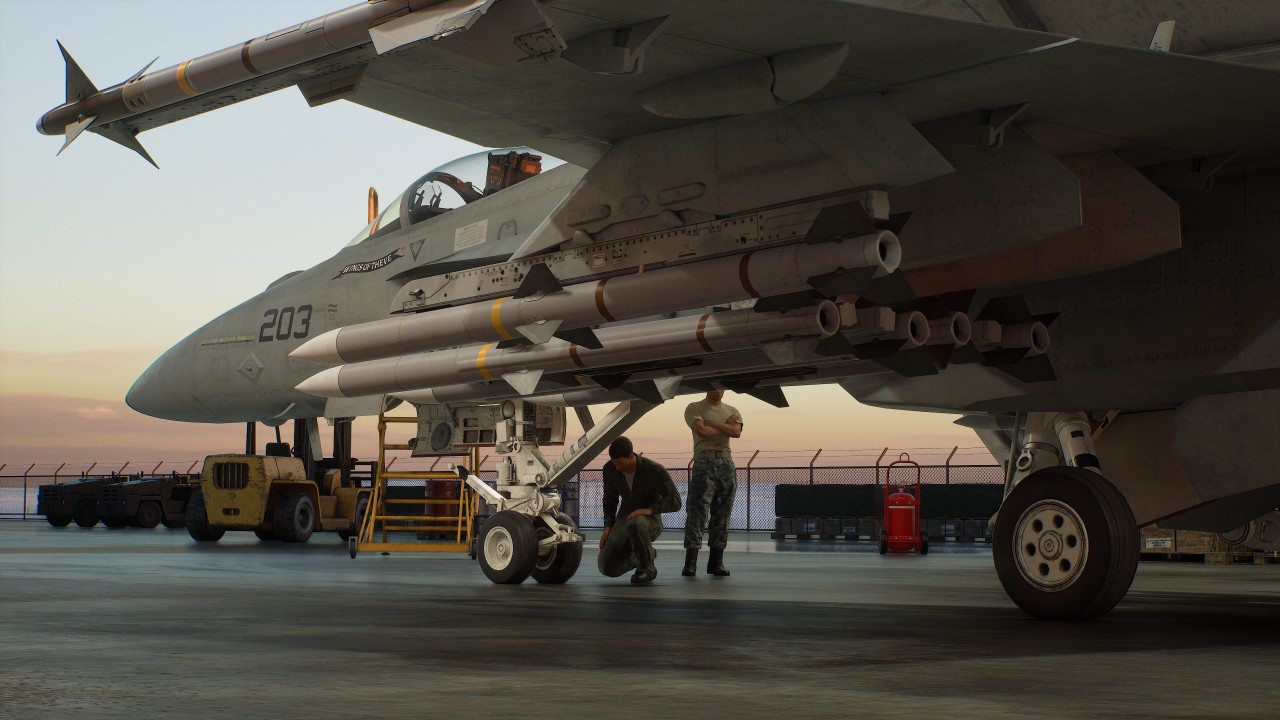
The story I’ve encountered so far isn’t something to write home about.
Its presentation, however, is engaging enough that I feel a lot of people can easily soldier on to see it through to the end.
The first-person story segments, radio chatter, briefings, and events that unfold during missions give the campaign more personality than simply jumping from one dogfight to another.
There’s clearly a larger conflict unfolding, and the game does a good job of making its missions feel like part of something bigger.
The presentation does a lot of the heavy lifting here.
Is ACE COMBAT 8: Wings of Theve your Play Match?
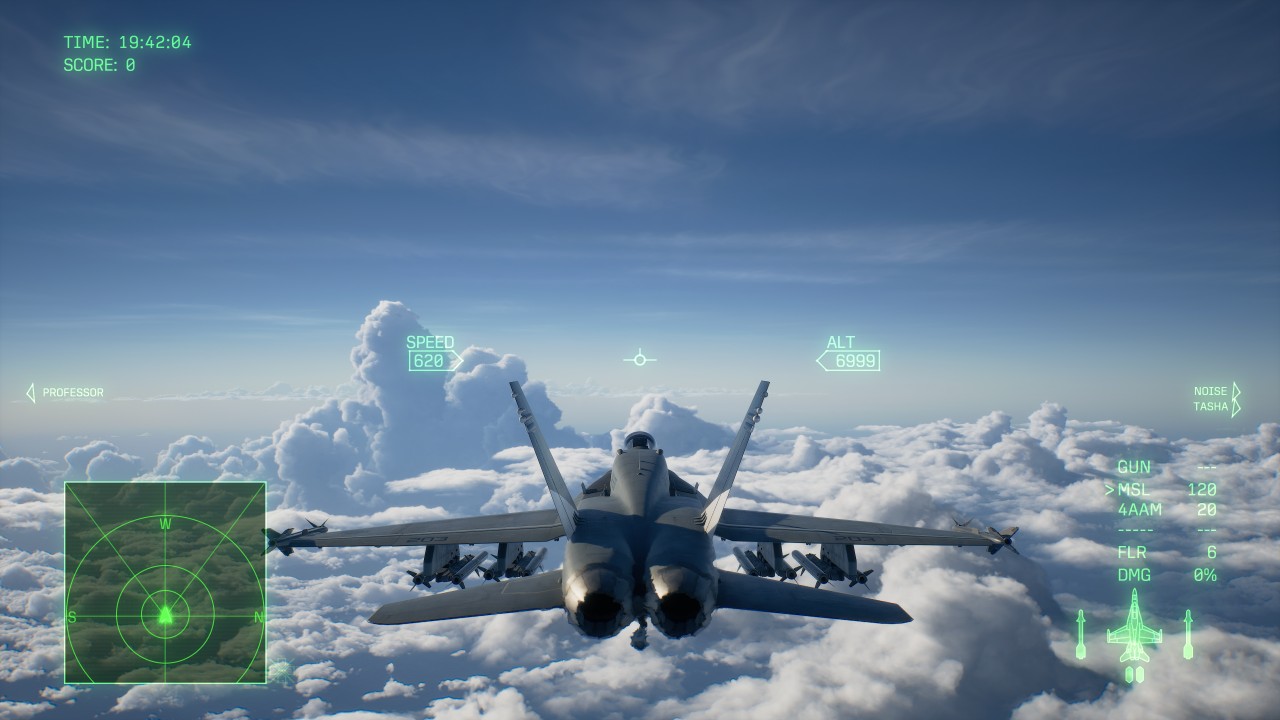
The campaign has 30 missions that run at around 15 minutes each, give or take. Your mileage, naturally, will vary.
For me, those first few hours took longer because I was still trying to figure out how to move, where to look, and what the game actually wanted me to do.
ACE Combat 8 isn’t immediately intuitive if you’re coming into it completely blind like I did. The game does give you training options for practicing flight controls and special weapons, which can help you get comfortable before throwing yourself into tougher missions.
Once things start clicking, though, the experience becomes quite distinct from the type of game most people gravitate towards.
Overall, ACE Combat 8: Wings of Theve feels like a nice break from the usual games where you control a single character and go through linear levels or an open world.
It’s the perfect palette cleanser.
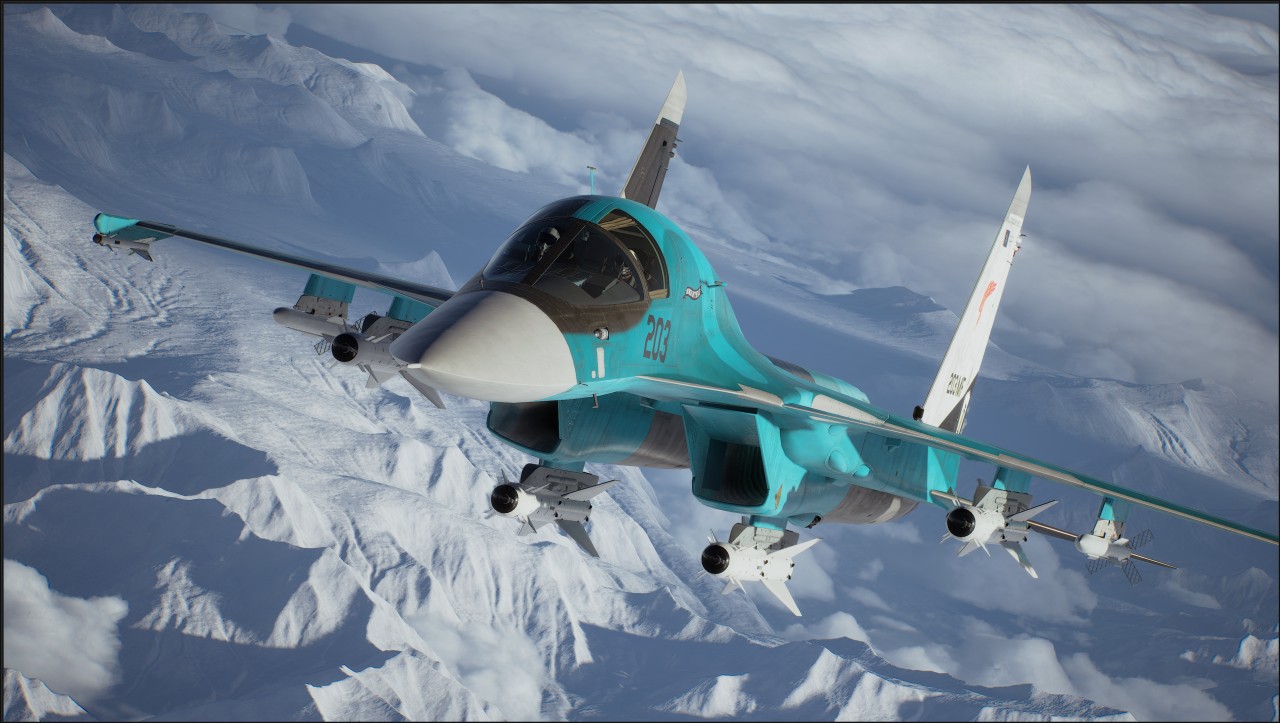
I didn’t expect to spend my first few hours struggling with radar, movement, altitude, and mission objectives. Those struggles also made the moments when I finally understood what I was supposed to do feel more rewarding.
I’m still not fully comfortable in the cockpit.
I’m also ready for another sortie.
Verdict: Swipe Right.



UGREEN Nexode Pro 160W review: One mighty brick with a powerful trick

Samsung unveils Galaxy Tab S12 series for work, creativity, and life on the go

JBL brings a soundtrack to every room

Apple iPhone 18 Pro Series review

UGREEN launches new MagFlow and Nexode Pro charging accessories to Southeast Asia

HUAWEI Pura X View is 2026’s first WIDE slab-type smartphone

The CAMON Slim 5G is TECNO’s latest ultra-slim smartphone

iPhone 18 Pro series: Price, availability in the Philippines

DJI Osmo 360 II review: Going all-in on the ecosystem

iPhone 18 Pro series: Price, availability in Singapore


-

 News1 week ago
vivo X500 Series launches with major imaging upgrades
-

 News1 week ago
OPPO Find X10 Pro Max is the first phone with a triple 200MP camera system
-

 Automotive2 days ago
BYD says that way better EV batteries are coming next year
-

 Singapore2 weeks ago
Epson Lifestudio Grand Plus EH-LS970B with 4K projection, more launches
-

 Drones2 weeks ago
DJI Lito X1 review: Is this the best lightweight drone for creators?
-

 News1 week ago
vivo introduces OriginOS 7 with smarter multitasking and AI features
-
 Smartphones4 days ago
When TECNO-logy meets Tonino Lamborghini legacy
-
 Accessories1 week ago
70mai launches the A900 series with 4K front, rear recording