


The Galaxy S9 has just been announced at MWC! (Yes, like, just now! Visit our MWC 2018 microsite to see what other devices have been announced.)

One very obvious observation: The Samsung Galaxy S9 looks almost exactly like the Galaxy S8, and though this might seem like an anti-climactic move, it’s probably for good reason.
Those are not Samsung Galaxy S8’s!
It’s been almost a year since the Samsung Galaxy S8 was released and I still remember being very impressed with that particular phone’s design. For my tiny, girly hands, the narrow phone fit perfectly and the Infinity Display looked impressively big despite this.

The Samsung Galaxy S9 and the Samsung Galaxy S9+
This year, it seems Samsung has decided to stay with a formula that works. Of course, there were a few tweaks. The fingerprint scanner has been relocated below the camera instead of beside it which will, hopefully, mean less accidental fingerprint smudges on the lenses.
There’s also a new color — it matches Pantone Color of the Year Ultra Violet, and my hair!

The S9 in purple!

Another photo because it’s just so pretty
Another notable change comes to the cameras. The Galaxy S9+ has dual-camera rear shooters (finally) — this means you get Live Focus, which allows you to adjust the bokeh during and even after taking the photo, and a zoom feature on the device. It also has a Dual Aperture function which allows the phone to switch to the camera with a wider aperture when more light is needed in the photo. These additions are limited to the Plus version, however, which leave my small phone-loving self a little disappointed.

Shooting with this beaut! Of course, no live focus on this thing because this is an S9.
READ MORE: Samsung Galaxy S9 Hands-On: Same but better
Those aren’t the only improvements on Samsung’s newest premium phones, though. Here are my favorite new functions on the Galaxy S9 and S9+.
AR Emoji!
Samsung decided to take emoji to a whole new level with this phone release. In what I consider the biggest tech development since Animojis (no, really! Ha ha ha!), the Galaxy S9 now offers you the chance to turn yourself into emoji.

It me 🙃
Yes folks, that just means you don’t only animate the emoji, you are the emoji!

If you’re a little shy, you can also animate pre-set characters on the phone.
This is a pre-set AR emoji on the Samsung Galaxy S9. Voice mine 😂 #GadgetMatchLIVE #GalaxyS9 #Unpacked2018 #MWC18 pic.twitter.com/pd7kK7fupw
— Isa Rodriguez (@sisasaid) February 25, 2018
Animojis are so last year. Karaoke AR emoji, anyone?
Super Slow-mo and video background music
Your videos will never be the same with this new feature. There’s a super slow-mo feature now, and it allows you to shoot at 960 frames per second!
Okay, those numbers don’t really mean anything to me but just know that it can capture videos like this:
Slow-mo video sample from the Samsung Galaxy S9 💁 #GadgetMatchLIVE #MWC18 #GalaxyS9 #GalaxyReimagined pic.twitter.com/I0I0j0a0Zh
— Isa Rodriguez (@sisasaid) February 25, 2018
As if that isn’t great enough, you can even edit background music in using your phone.

Background music for added effect; you can even choose music from your playlist!
Imagine the cinematic possibilities!
Beauty mode and makeup mode
The S9 is stepping up the selfie game. Despite the single front shooter, the bokeh feature is available on the Selfie Focus mode.

Artificial bokeh on the single front-facing camera
But that’s not all!

All photos from the Galaxy S9’s built-in camera app
These handsets offer a very, very detailed beauty mode — one that even includes makeup filters that you can edit all the way to your eyelashes.
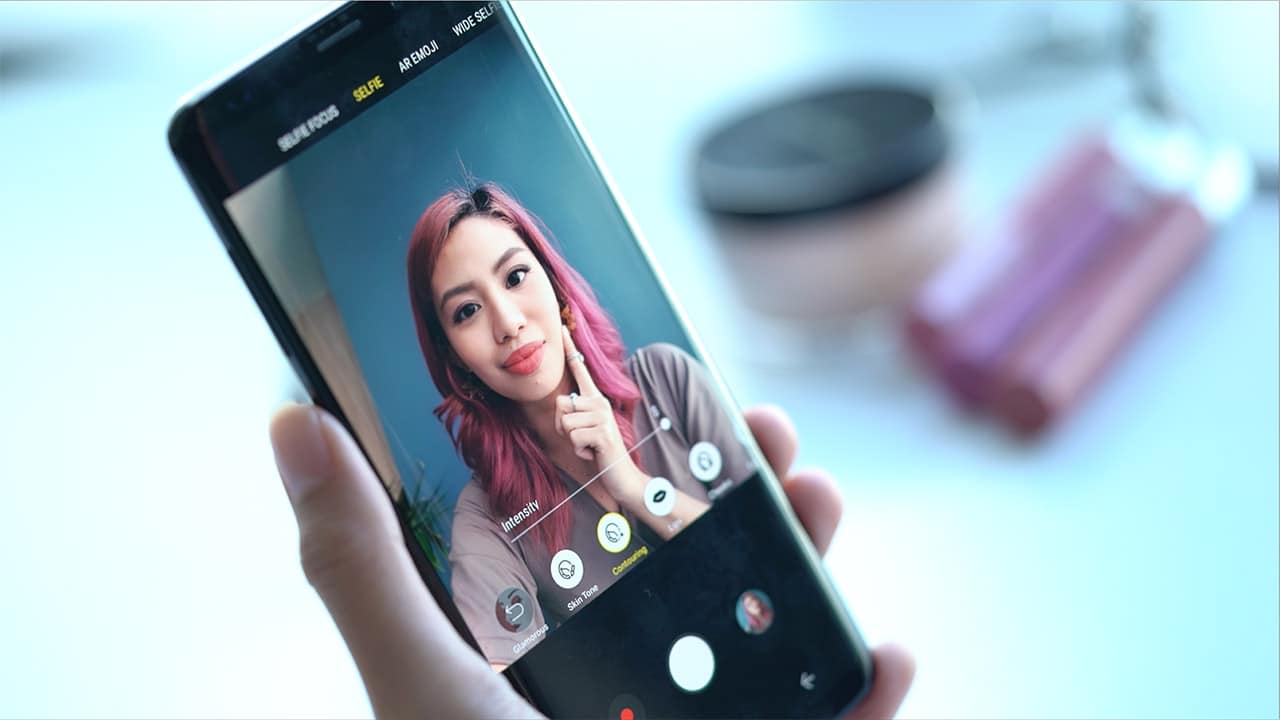
There’s a number of different makeup looks you can achieve without lifting a single makeup brush.
Food mode
A camera feature made especially for Instagram foodies!

This mode is designed to enhance your food shots to make them look as good in your photographs as they are on your plate.

Notice how the pizza on the right looks yummier. The photos come out a little more saturated and there’s background blur that allows for more focus on whatever gastronomical delight you’re taking a photo of.
Bonus: Beautiful Bokeh
This feature can only be found on the Galaxy S9+. Though I personally haven’t been able to try it, I still feel this is worth mentioning. This feature supposedly allows for different bokeh shapes and effects.
SEE ALSO: Samsung Galaxy S9 and S9+: Everything you need to know
SEE ALSO: I’ve used the Samsung Galaxy S8, and I’m now doubting my iPhone loyalty





Hands-On
Apple iPhone Duo Unboxing and Hands-on
Supported apps, crease, cameras, and MagSafe all tested


Apple’s iPhone Duo is finally here!
Aside from unboxing the all-new iPhone-dable in Night Sky, we take a closer look at the display crease, check out the under-display camera quality, see which MagSafe accessories work with it.
Most of all, which apps support it (or not).
But how well does the dual-screen experience on an iPhone actually work? Watch our Apple iPhone Duo unboxing and hands-on to know more!

Moving into a new space comes with a long list of things to figure out, and lately, I’ve been paying more attention to something that’s easy to overlook: air quality.
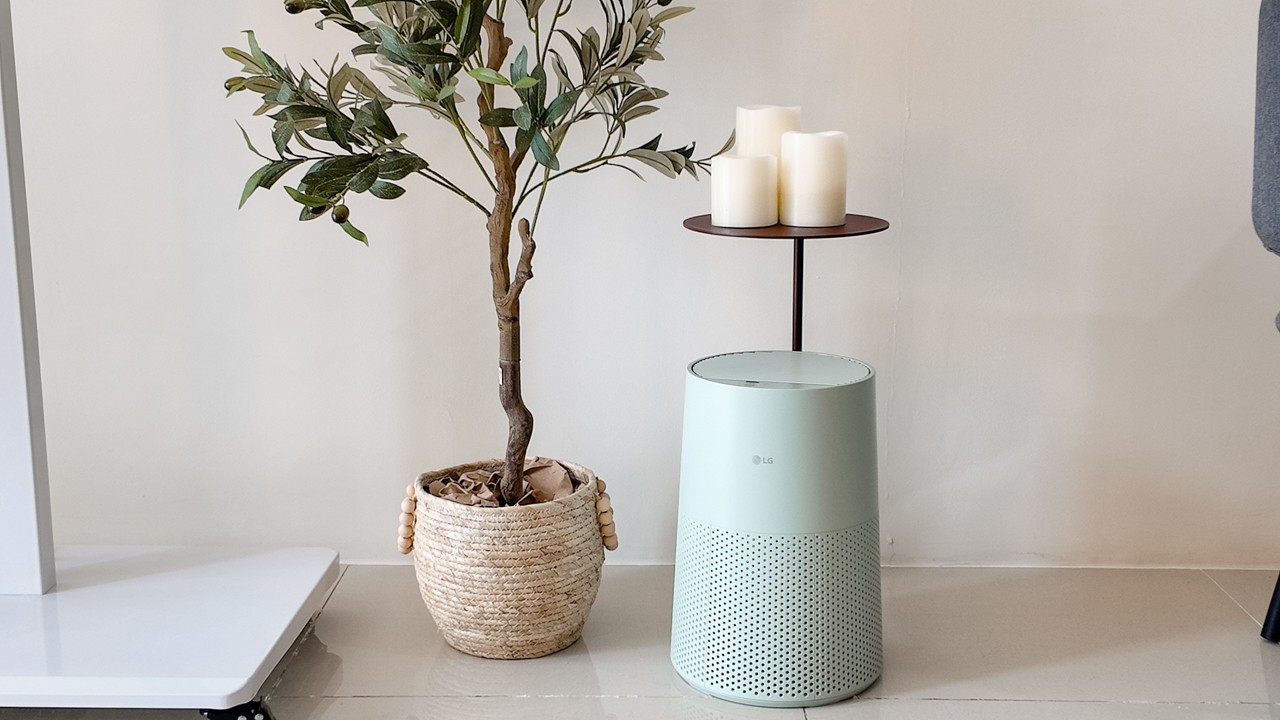
After using the LG AeroMini for about a month, it has become a subtle but welcome addition to my space. It helps make the room feel fresher, while its compact and stylish design fits naturally into my setup. Here are the things that stood out to me most after living with it for a month.
360° purification for a fresher space
One of the things I appreciate about the AeroMini is its 360° air purification, designed to bring purified air in every direction.
For me, this is particularly useful in a new space where I’m spending a lot of time working, relaxing, and just settling in.
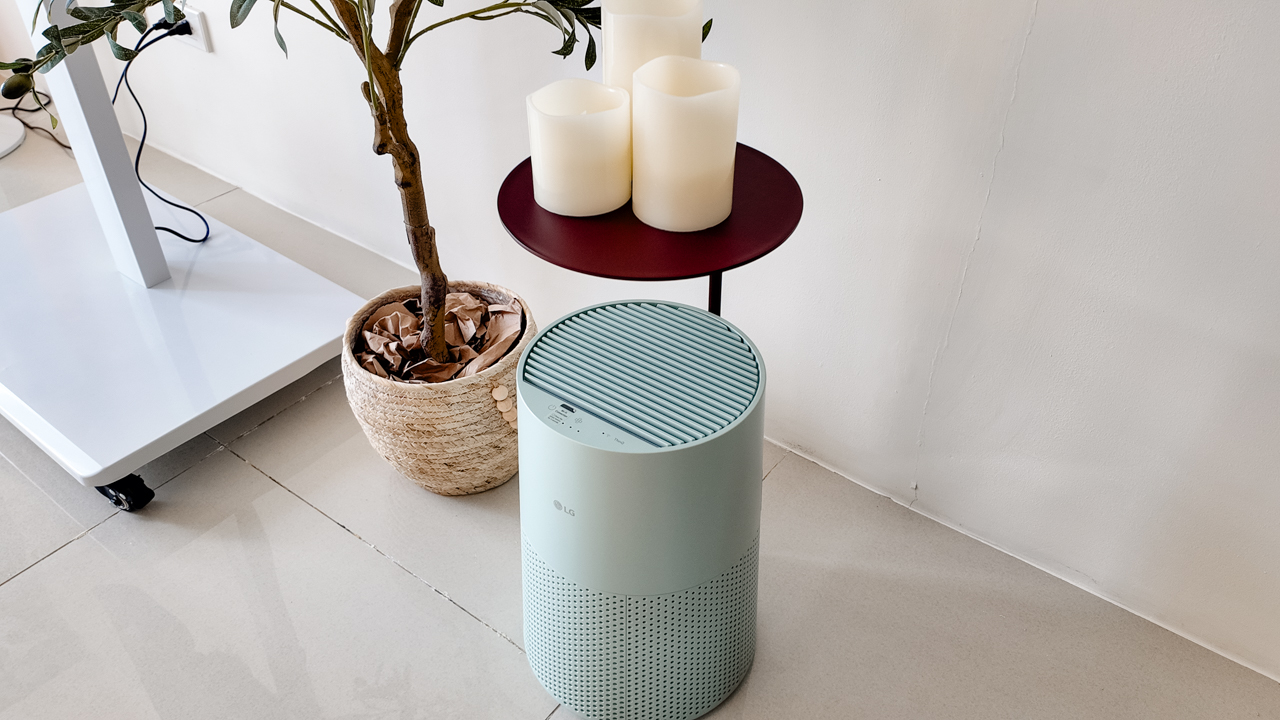
Combined with its True HEPA filter, which is designed to remove 99.999% of 0.01μm fine dust and allergens, it gives me added peace of mind about the air I’m breathing every day.
After a month, I can genuinely say that the space feels fresher with it running.
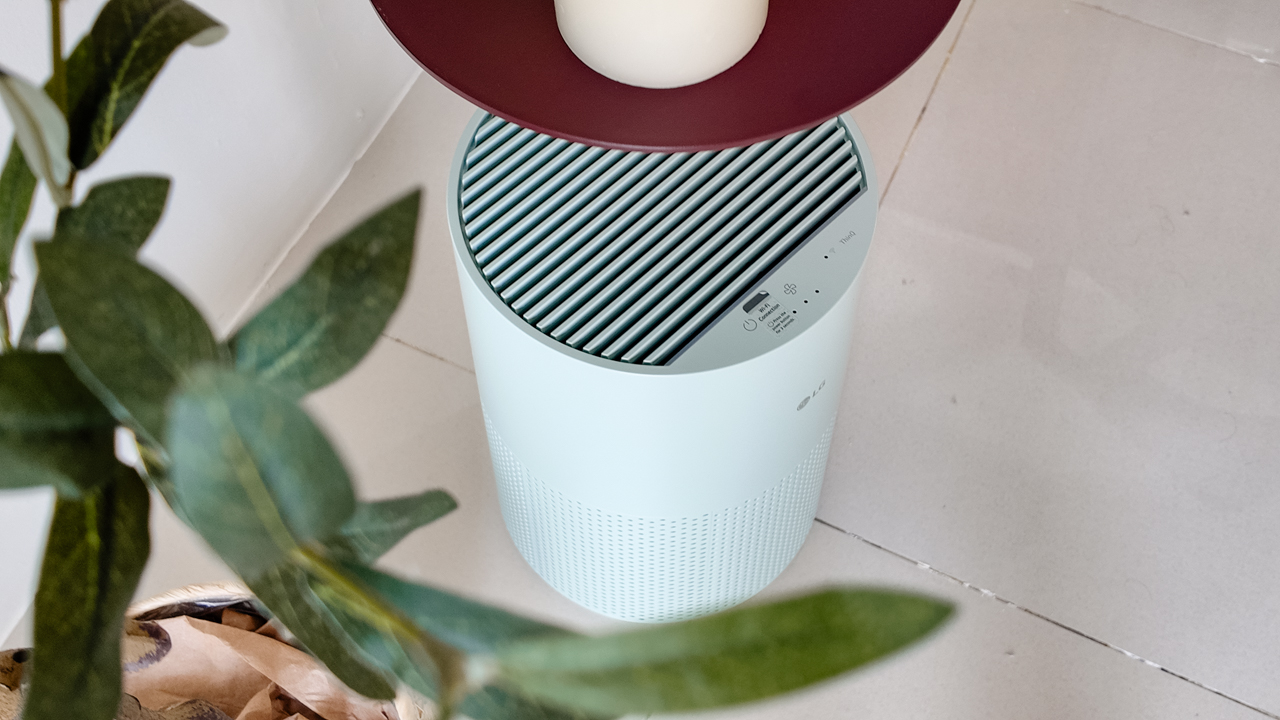
Surprisingly quiet
This is probably my favorite feature.
The LG AeroMini operates at just 26dB, and after using it for a month, what stands out is how easy it is to forget that it’s even running.

I can have it running while I’m working or sleeping without the noise becoming a distraction. For an appliance that’s designed to continuously improve the air around you, I think that’s a big deal.
Sometimes, the best feature is the one you barely notice.
Design that fits my space
Since I recently moved, I’ve been pretty conscious about what I bring into the space. I want things to be functional, but I also don’t want appliances that feel like they’re taking over the room.
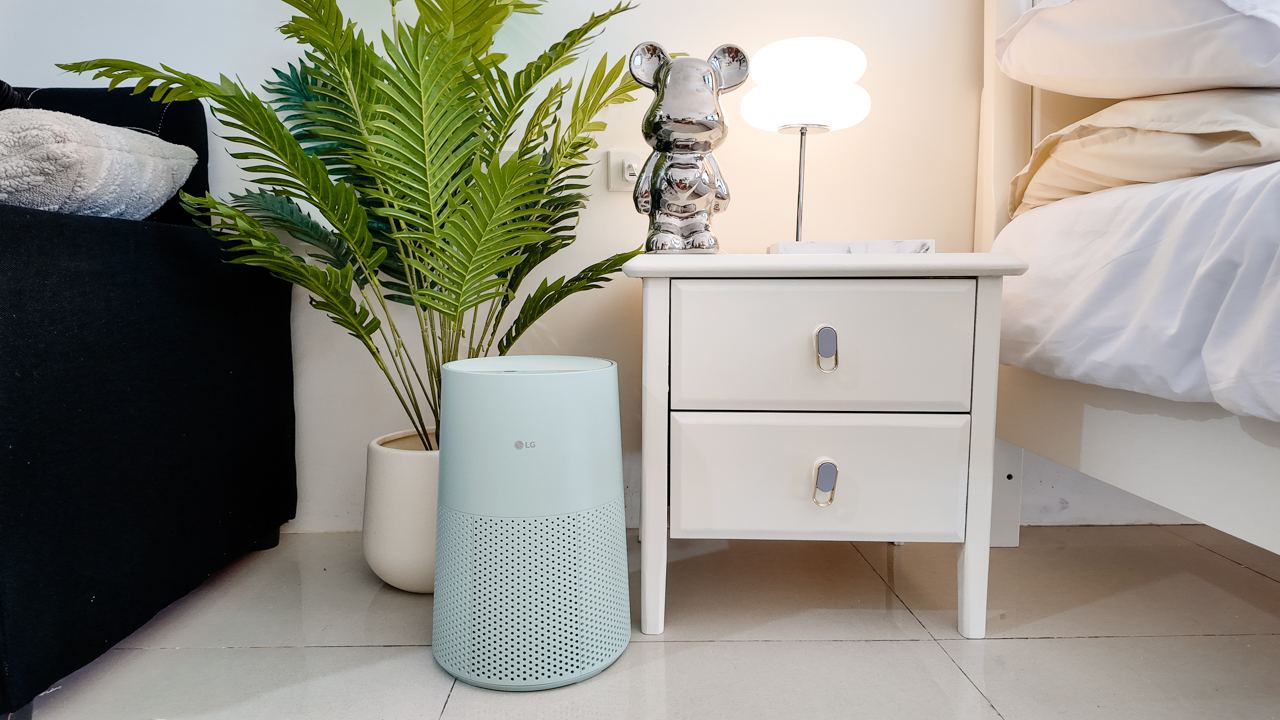
The AeroMini’s slim and compact design makes it easy to incorporate into my setup. It doesn’t feel bulky or industrial, and I like that I can leave it out without feeling like I need to hide it away.
For me, that balance between functionality and aesthetics makes it feel more like part of the space rather than just another appliance.
Air quality at a glance
Another feature I’ve found convenient is its Smart Control. Through the app, I can monitor and control the AeroMini while getting real-time updates on the indoor air quality.
It’s a small convenience, but being able to check the air quality without having to interact with the purifier directly makes it easier to keep track of what’s happening in the room.

Easy to maintain
I also appreciate that the AeroMini is designed with an all-in-one dust and deodorization filter that makes replacement and maintenance easier.
That matters to me because the best home gadgets are the ones that don’t create another complicated chore. I want something I can set up, use regularly, and maintain without too much fuss.

After a month, would I keep it?
Yes, and mainly because it quietly fits into my everyday routine.
The LG AeroMini has helped make my new space feel fresher and more comfortable, while its compact design means it doesn’t compromise the look of the room. But if I had to pick just one thing I appreciate most, it’s still how incredibly quiet it is.

It’s one of those upgrades that doesn’t demand your attention. It simply works in the background.
If you’re also looking to make your home a fresher and more comfortable space for yourself and your family, visit https://www.lg.com/ph/ to learn more about the LG AeroMini and how it can fit into your everyday life.
Hands-On
Apple iPhone 18 Pro Series Hands-on
And everything announced during Apple’s September 2026 Event
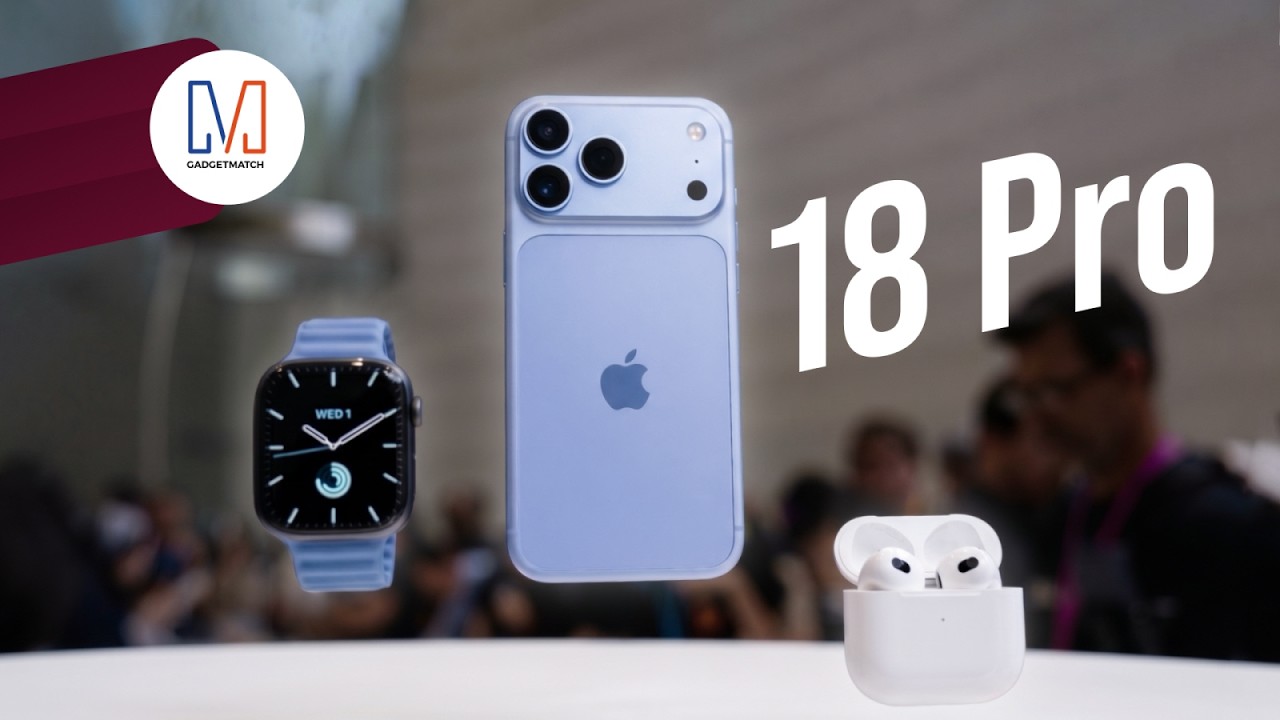
The latest Apple event isn’t just about the shiny new Apple Duo. There’s a lot to talk about!
In this video, we break down everything Apple has announced during their September 2026 keynote.
First, there’s the updated iPhone 18 Pro and 18 Pro Max. That’s alongside their design and color changes, battery and performance improvements. Even that massive camera upgrade.
There’s even the ANC-infused AirPods 5 alongside the newer Apple Watch Series 12 and Apple Watch Ultra 4. Plus, the latest software updates coming to both these wearables.
So, are these worth the upgrade?


ROG G700 review: The best prebuilt PC you can get off the shelf
This PC will make you stop worrying about specs.
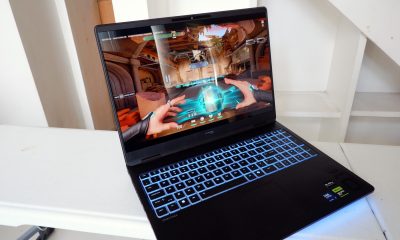

HP OMEN Max 16 review: Gamer-maxxing in deep black
Peripherals deemed necessary to max this out
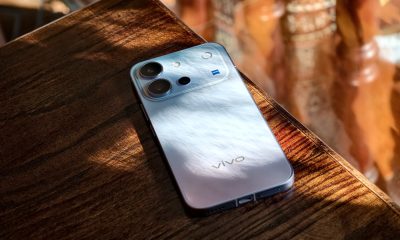

vivo V80 review: Good phone, tough sell
A capable travel companion

Inside Infinix’s first global concept store in Bali

Wild Rift Patch 7.3, celebrates K/DA comeback

LG showcases its latest AI TVs in the Philippines

Your coffee nook is getting a makeover with Starbucks’ holiday collections

Petit Planet launches December 4


-
Reviews2 weeks ago
vivo V80 review: Good phone, tough sell
-
 News2 weeks ago
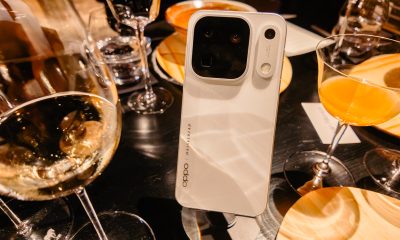
OPPO Find X10 Series: Price, availability in the Philippines
-

 Cameras2 weeks ago
DJI Osmo Pocket 4P Pearl White now available globally
-

 News2 weeks ago
OPPO Find X10 Series: Price, availability
-

 Entertainment2 weeks ago
Cyberpunk: Edgerunners 2 now streaming, Cyberpunk 2077 update coming
-
Gaming1 week ago
HP OMEN Max 16 review: Gamer-maxxing in deep black
-

 Laptops2 weeks ago
Lenovo expands Yoga lineup with new AI PCs and tablets
-

 Laptops2 weeks ago
ASUS ProArt P14, P16 laptops with NVIDIA RTX Spark now available