
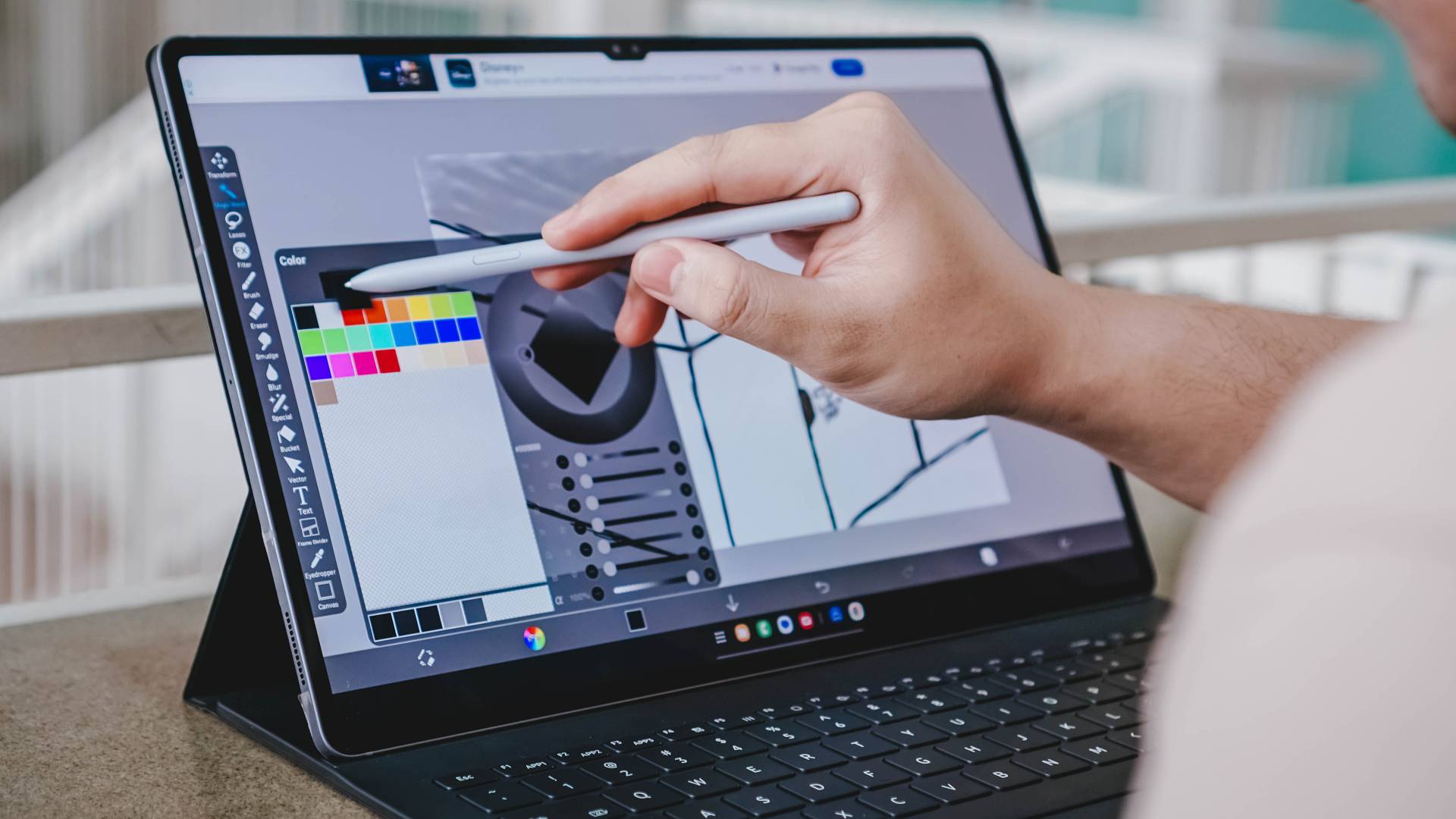

How big is big enough? Size is relative, sure. But when it comes to tablets, the line has to be drawn somewhere, right? Well, Samsung is pushing it with the Galaxy Tab S10 Ultra. Coming in with a 14.6-inch display, this is about as big as you can get for a tablet. Heck it’s even bigger than some laptops.
It’s a peculiar package. Because isn’t the point of having a tablet is to be able to easily carry it around and do “kind of” laptop things on it? But when it’s this big, it might as well be just a laptop, right? Perhaps not.
Finding out whether this is your GadgetMatch or not seems trickier than usual. At first glance, this seems to be made for a very specific kind of creative. But then you factor-in its price, you start asking yourself if that creative is even being paid enough to afford the thing. I’m getting ahead of myself. Let’s check out what the device has to offer on paper, first.
Galaxy Tab S10 Ultra specs:

- Display: 14.6”, Dynamic AMOLED 2X, Anti-Reflection
- Processor: Mediatek Dimensity 9300+
- Memory: 16GB/12GB
- Storage: 1TB/512GB/256GB
- Front Camera: 12MP+12MP UW
- Rear Camera: 13MP+8MP UW
- Battery: 11,200mAh
- Connectivity: 5G, Wi-Fi 7
- Durability: Enhanced Armor Aluminum, IP68
- Thickness: 5.4mm
- Weight: 723g (5G), 718g (Wi-Fi)
- Included in Box: S Pen, USB-C Cable, SIM Tray eject tool
- Features: Galaxy AI
Galaxy AI
Other than the size of the tablet, the one standout feature is Galaxy AI. Samsung’s set of AI capabilities, as of writing, is the most versatile and mature out of all the major mobile brands.
The official product page lists the following Galaxy AI features: Circle to Search, Note Assist, Transcript Assist for productivity. For Creativity, there’s Drawing Assist and Photo Assist. And for communication, there’s Interpreter, Live Translate, and Chat Assist.
@gadgetmatch Productivity, Creativity all with AI that’s Galaxy 💫 #GalaxyTabS10 #fyp #foryou #foryoupage #fypage #fyppppppppppppppppppppppp #fyp ♬ original sound – GadgetMatch
Many of these features have present in Galaxy devices released in early 2024. And while many of them are relatively new, some prove to be immediately useful. All the productivity related features are immediately useful to anyone. The communication ones may need a little more time in the oven. Meanwhile, the Creativity ones should prove useful to anyone tackling them either as hobbies or as part of their line of work.
I cannot emphasize this enough: right now, no one else comes close to having these types of AI features deeply integrated into apps and tasks people would likely use. That could change in the near future, but right now, Samsung has the leg up on quite literally everyone else.
Tablet + keyboard setup

The Samsung Galaxy Tab S10 Utlra’s size lends itself to being a productivity machine. Especially when paired with a keyboard. I say “a keyboard” because the combination that Samsung sent us – one with the compatible keyboard case – is just one of a number of ways to use it as a laptop-like.
Let’s talk about the keyboard case first. It’s… alright. Snapping it on is fairly easy and it immediately works with the tablet.
It also has a provision for the included S Pen. The implementation is clever but a tad bit clunky. In theory, the case stays in place as you flip the portion of the case to reach for the S Pen. But this isn’t always the case in practice. More often than not, I found myself either dropping the S Pen or unsnapping the case altogether. Might be a me issue, but that’s my experience at least.
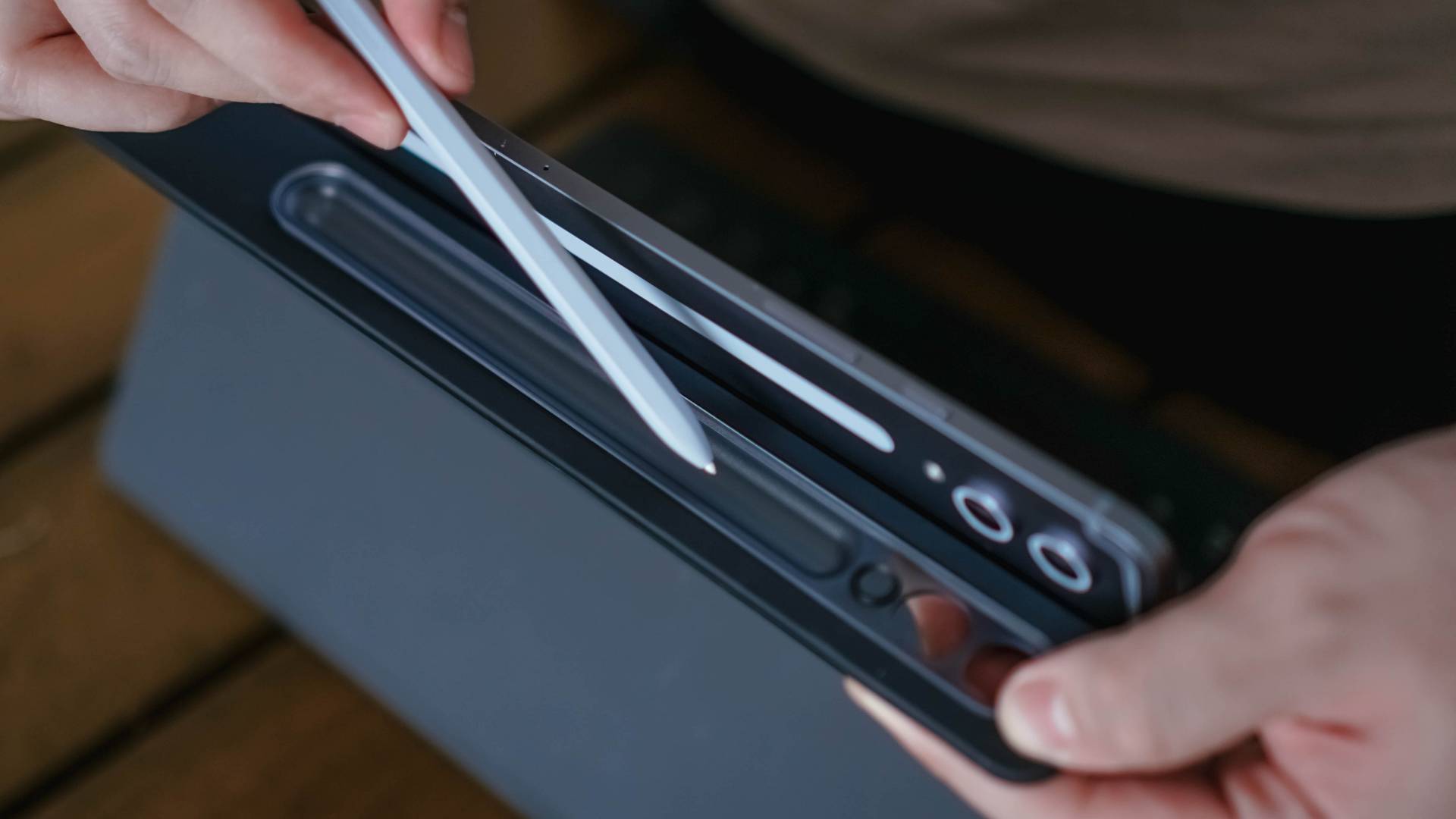
The keyboard itself is also just fine. I found that the ones on the Xiaomi Pad 6S Pro 12.4 and the HONOR MagicPad 2 offer better travel and feel. The one on the Samsung case isn’t bad, it’s just that I’ve experienced better.

A better-feeling experience is likely to use a separate keyboard and mouse/trackpad. Of course, that’s at the cost of adding weight to your daily carry. But if you do a lot of typing, I say that’s the way to go instead of getting the case from Samsung.
Laptop replacement?
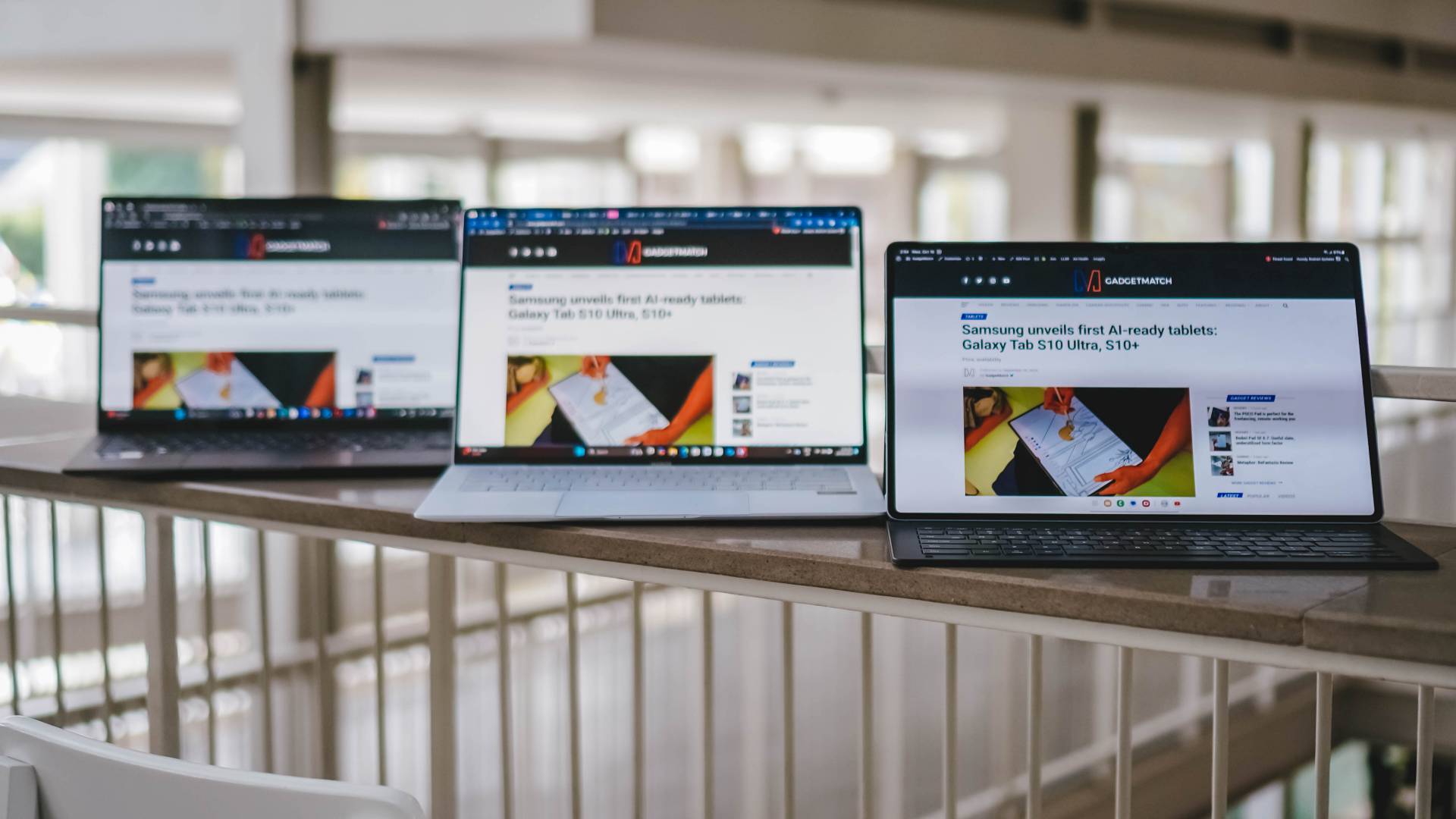
From L-R: ASUS ZenBook S14, HONOR MagicBook Art 14, Samsung Galaxy Tab S10 Ultra
Depending on the apps you regularly use for work, the Galaxy Tab S10 Ultra can certainly be a laptop replacement.
The split-screen capabilities are great for someone like myself who does a lot of writing. You can have one window for the word app of your choice, and then another for the materials you need to reference.
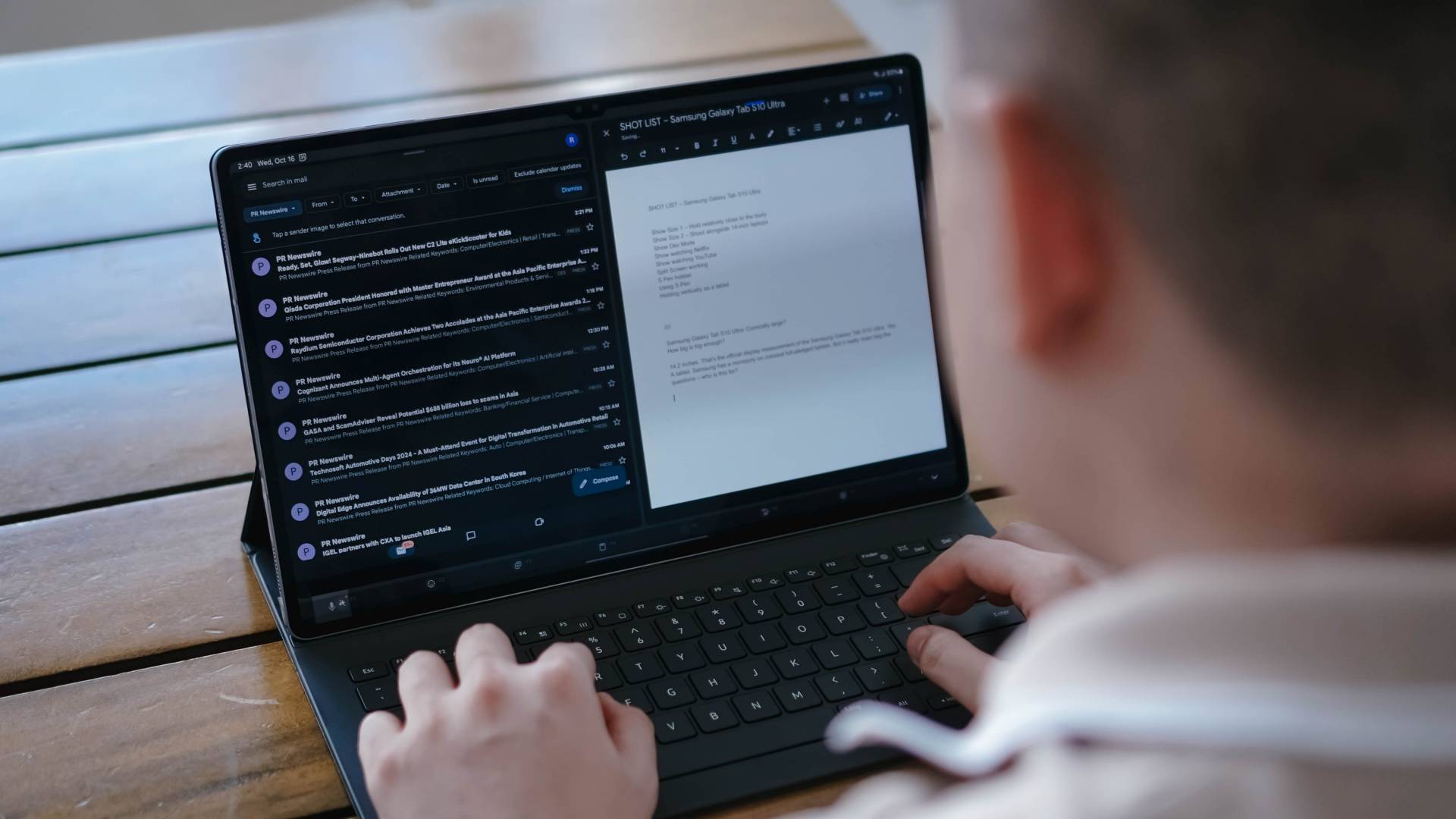
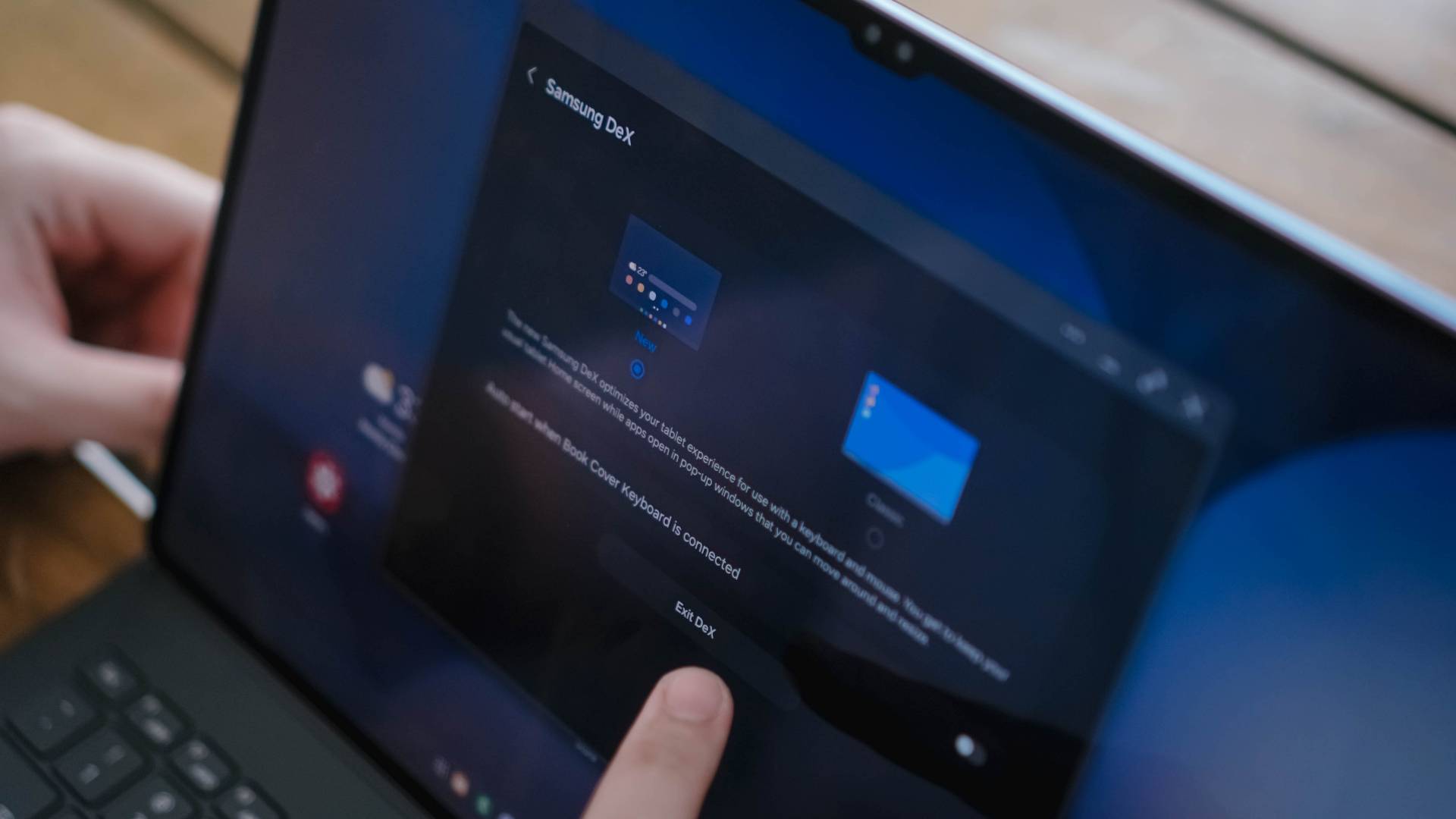
Samsung has Dex. This turns the layout into something that resembles a desktop interface. Many of the apps work the same way. But this also lets you open some of them in a floating window. This makes it easy to jump quickly to messaging apps should you need to.
Tablets are only a laptop replacement for a specific set of tasks. If your work requires only the usual office things and some media handling, then you should be fine.
There are caveats one needs to take note of. For instance, the Content Management System we use doesn’t behave the same way on a mobile-based operating system versus on a full-pledged laptop. We have to resort to certain “hacks” to make sure it works.
My advice is, if you get the chance, try opening all the apps, programs and what-have-you that you usually use for work on mobile devices to see how they work. If there are no issues, then you’re one step closer to calling this colossal tablet your GadgetMatch.
Display darling

One thing you can always be sure of when it comes to Samsung devices is how good the displays are. The 14.6-inch screen on this ultra-large tablet is no different in terms of quality – it’s the handling that might feel a little off at first.
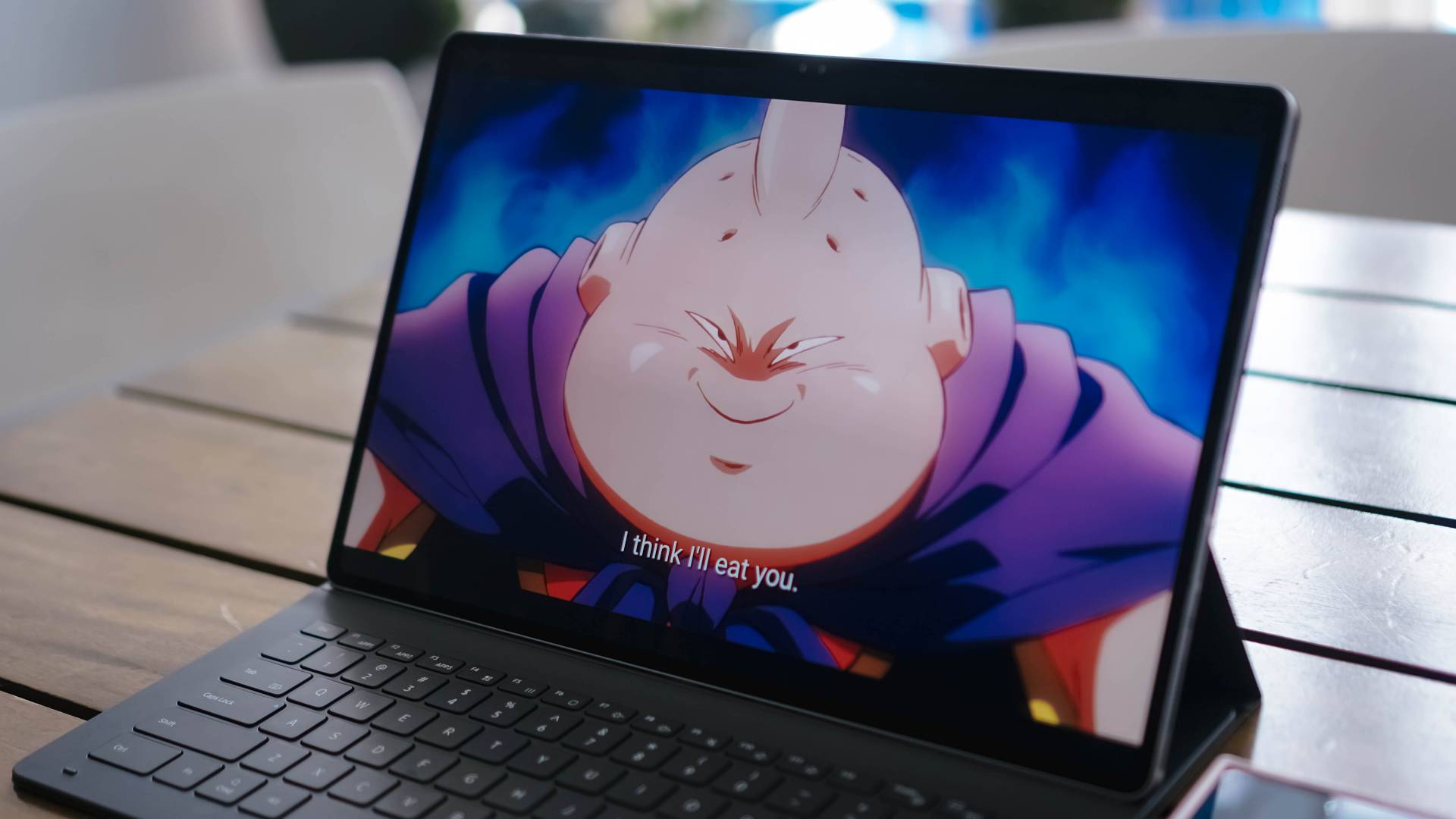
If you treat it like a laptop, mostly consuming content horizontally, then you’re in for a good time. The big screen is great for catching up on series. I watched Dragon Ball Daima on this thing and it brought me back to the days when I could catch up on anime on my 13-inch work laptop.
One thing I enjoy watching on the 12-inch slates I own are K-Pop fancams. On paper, the 2-inch difference shouldn’t be much, but holding up the tablet while watching a “See That?” Oh Haewon fancam feels… criminal.
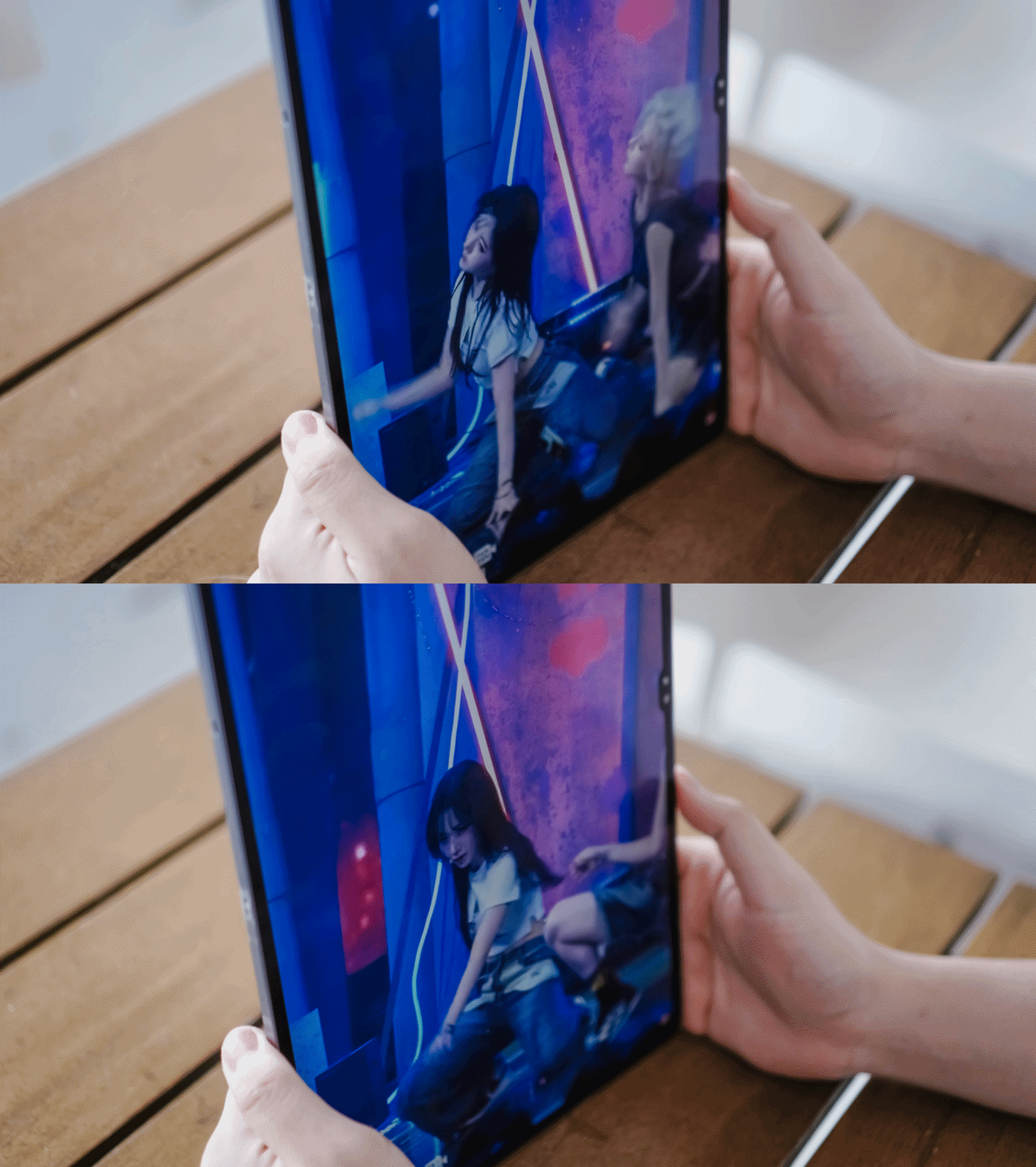
It felt a little off watching on such a huge screen in public. While it’s great for noticing more detail, I certainly feel like something around 12 inches is more than enough for this exercise. Anything larger feels a little out of place. Especially when you don’t have the case that lets you prop it up vertically.
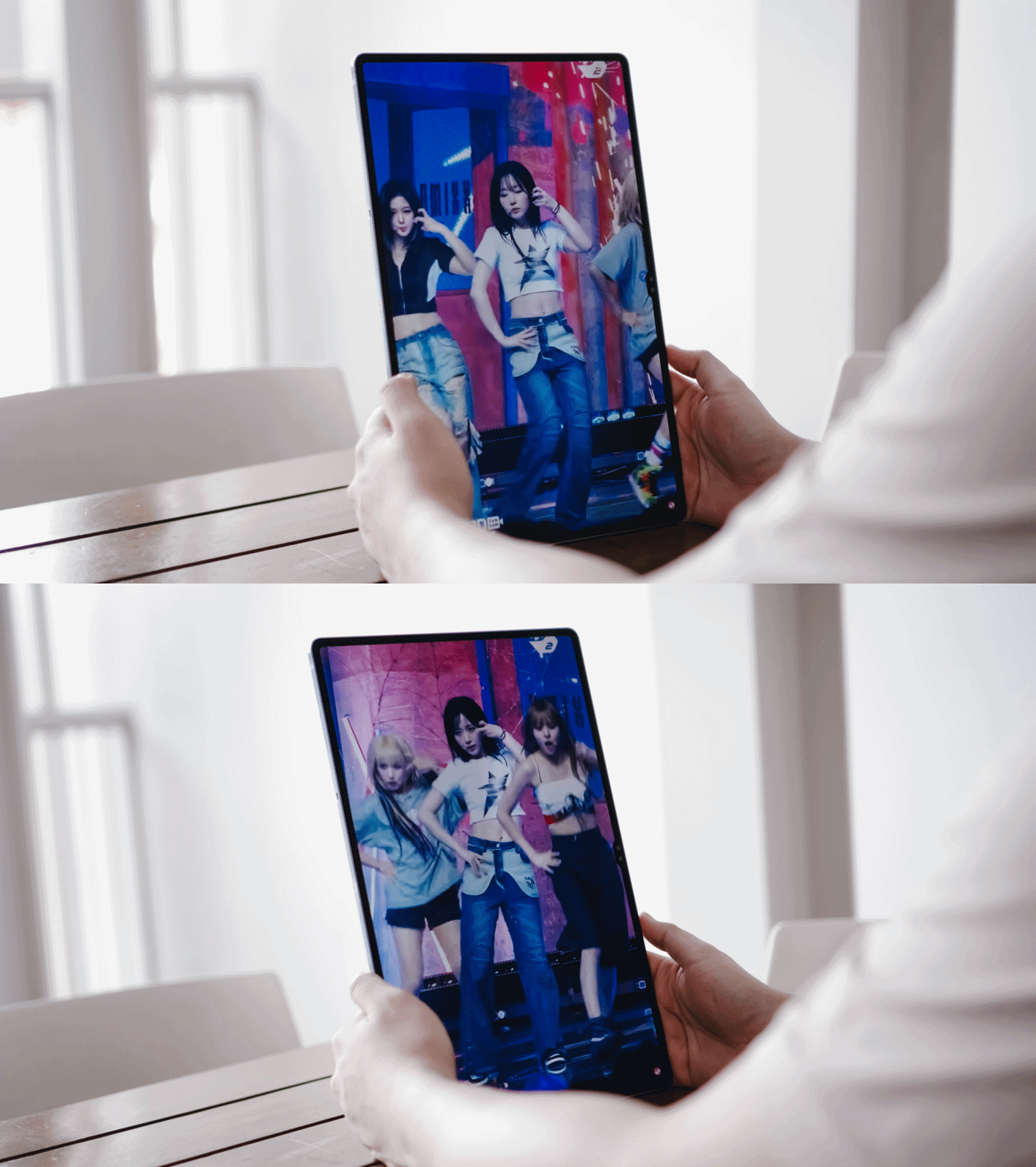
Media consumption, though, is best paired with the Galaxy Buds3 Pro (or really whatever bluetooth earphones/headset you have). The Samsung Galaxy Tab S10 Ultra sounds great but it just doesn’t get loud enough when you lean back and try to watch something from a comfortable distance off the screen.
The S Pen is special
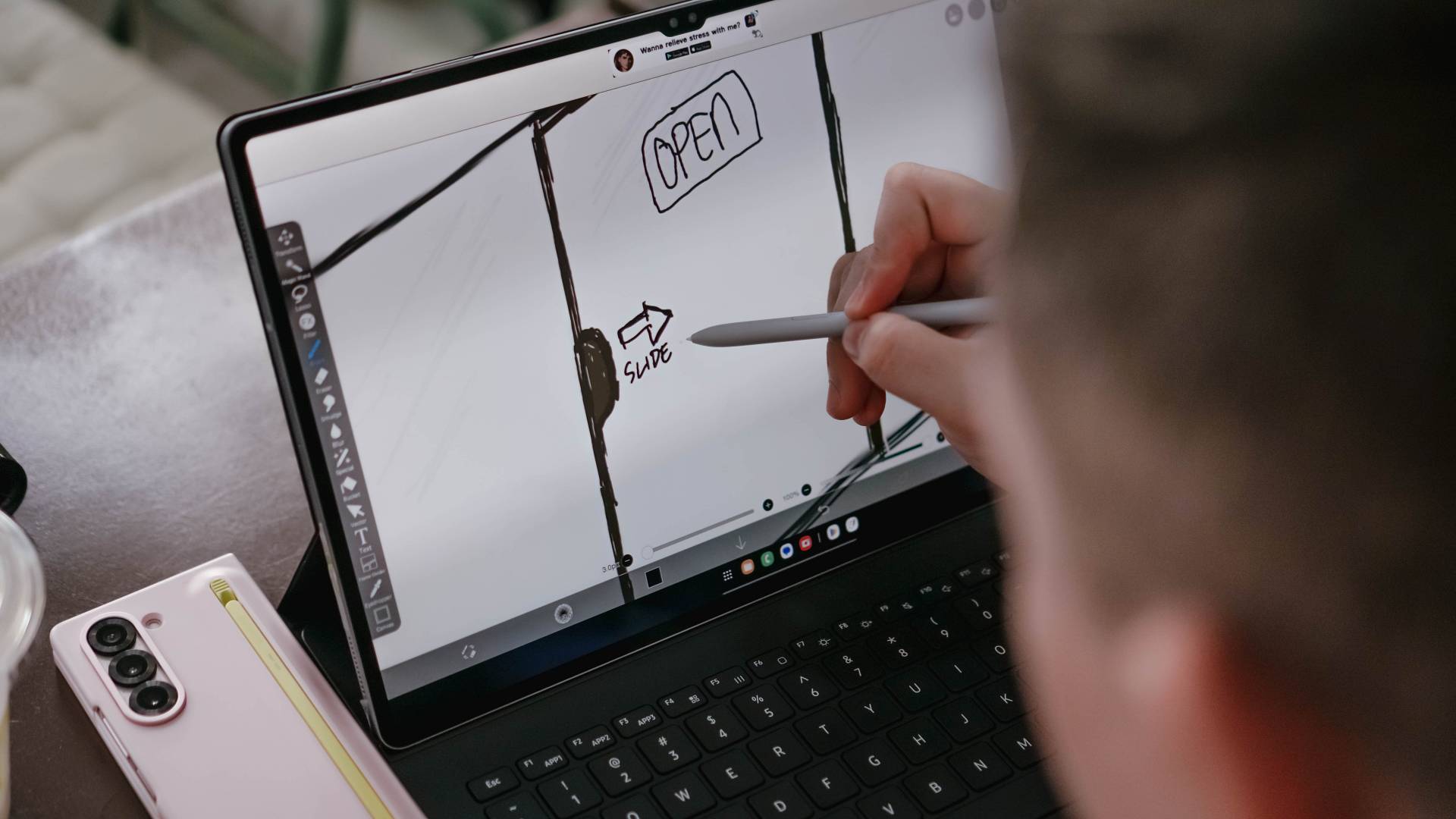
What Samsung missed on the feel of the accompanying keyboard case, it makes up for with the included S Pen. The South Korean company has mastered the S Pen to glass interaction making it, arguably, the best-feeling stylus-to-tablet experience on the Android side of things.
My sketching days are well behind me, so I asked our contributor and Manila Connoisseur Joshua Nguyen to do some sketches for me.
I can only imagine how much of a boon this is for creatives skilled in drawing and sketching. It also helps that pro-grade apps like Luma Fusion, PicsArt, Sketchbook, and more are compatible with the device.
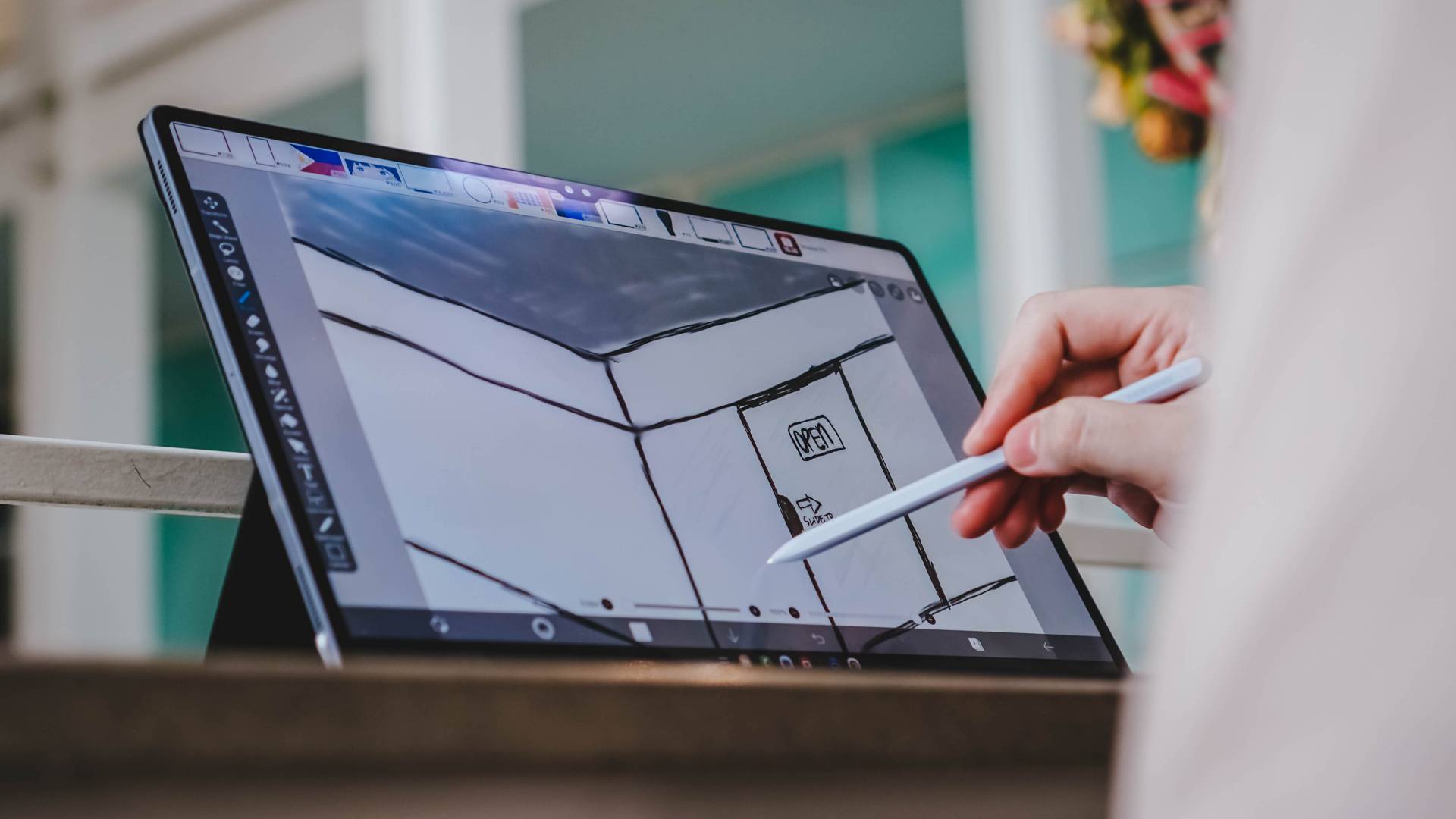
More than that, the Galaxy AI capabilities like Drawing and Photo Assist should prove useful in expediting certain segments of a creative’s workflow.
Speaking of Photo Assist, the Galaxy Tab S10 Ultra is equipped with cameras as seen on the specs tab up top on this article. The front-facing ones look good.
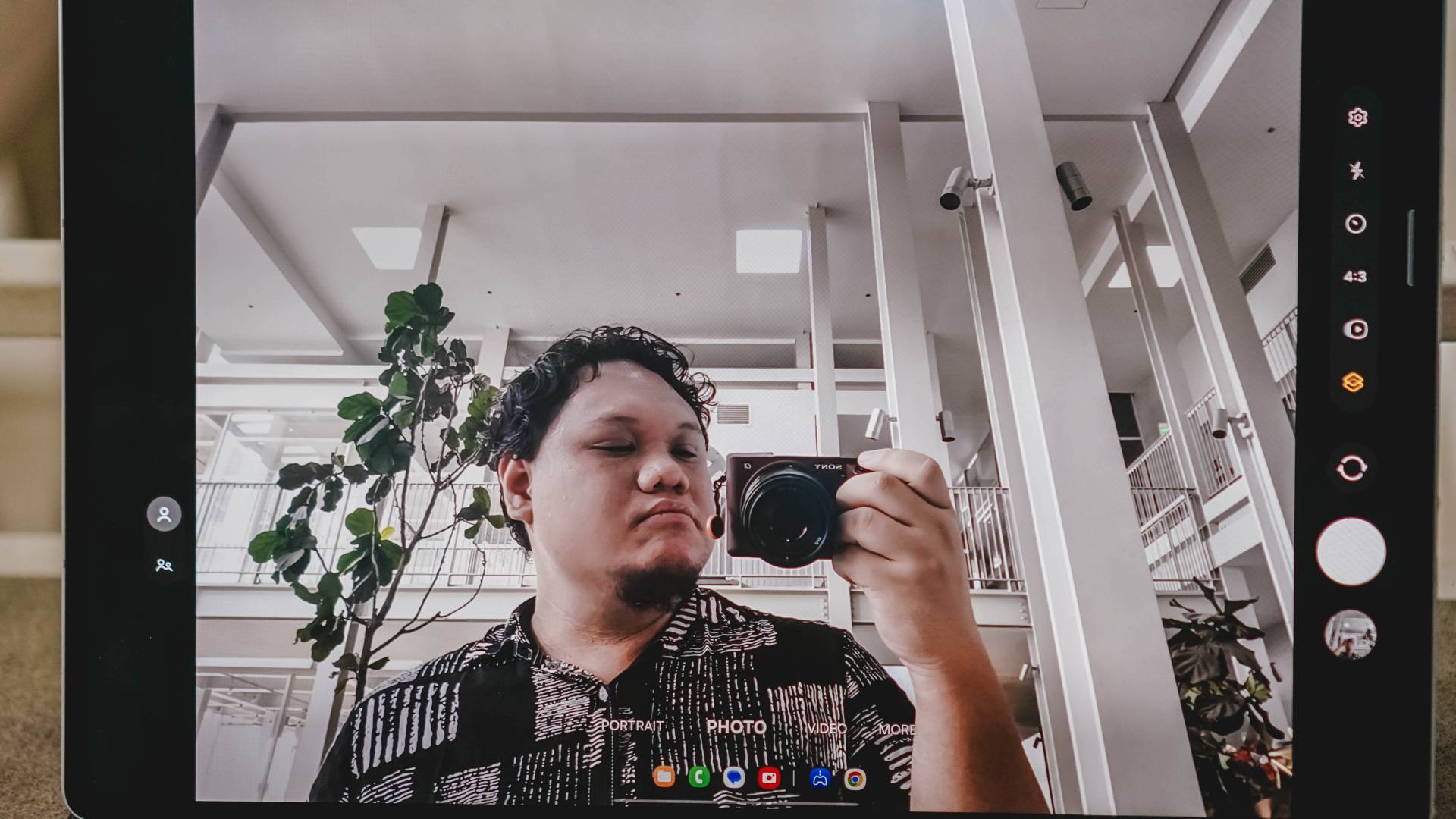
Admittedly, I haven’t had the chance to actually test the rear cameras because I think taking photos with a slab this large just looks silly.

Second, my brain normally skips this part of a tablet review (which I shouldn’t). But again, it already looks silly on a 12-incher, how much more if you add a couple more inches. I personally view these rear cameras as nice-to-haves than musts.
Perfect for some play
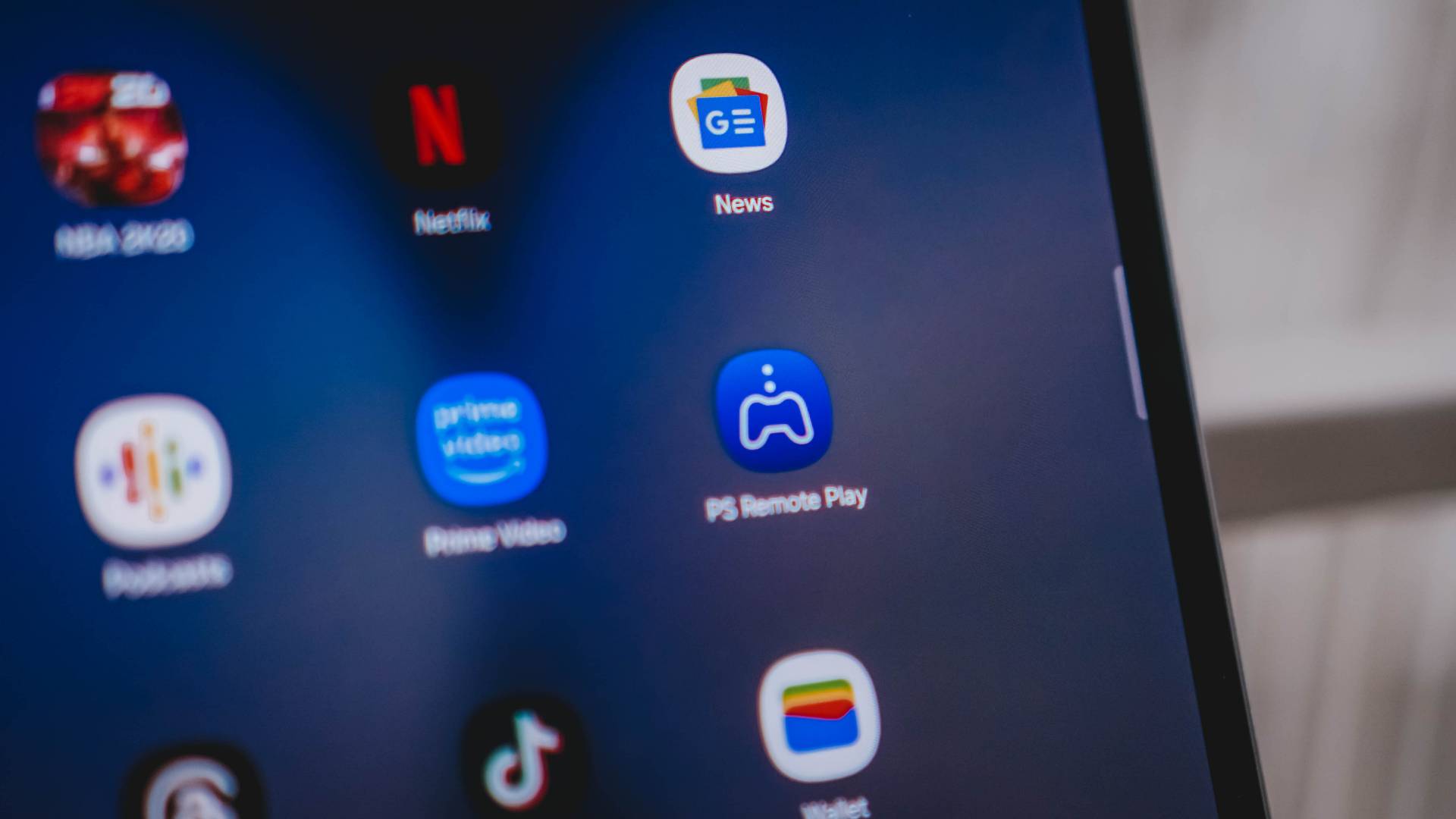
With the chipset its packing, and the rest of its parts being undeniably flagship, the Galaxy Tab S10 Ultra is great for gaming. Except, again, the colossal screen adds a wrinkle to the experience.
Most Android games have touch controls. And for those games that only support such, playing will feel awkward. But for games like Zenless Zone Zero that have controller support, this tablet is amazing. It’s a different kind of mobile gaming experience – one that I personally prefer over playing on a tiny slab. The versatility hurts you a little bit because it’s too big to hold and play, but if you like pushing buttons from a physical controller, this is a fantastic setup.
Samsung Galaxy Tab S10 Ultra + PS Remote Play.
This tablet is breaking my perception of how big tablets should be. This one has a 14.6-inch display which I told Samsung people was comically large. I guess, like in most things, size is relative. pic.twitter.com/QrI5NdRdPl
— rodneil (@rodneilquiteles) October 7, 2024
Speaking of controllers, it pairs perfectly with PlayStation’s DualSense. It’s perfect for PS Remote Play which is what I primarily used this huge screen for when I did play.
Superb battery life
Battery life, like usual, will depend on your usage. In our brief time with the Samsung Galaxy Tab S10 Ultra, we never hit lower than 35% even after a full day of use. A full day being glued to it for usual office work along with some media consumption breaks in between.
Charging felt longer than what I usually experience from the previous 12-inch tablets I used, but that’s because those support faster charging than Samsung’s gigantic slate. That’s not to say it’s slow. It just isn’t the fastest out there.
Is this your GadgetMatch?
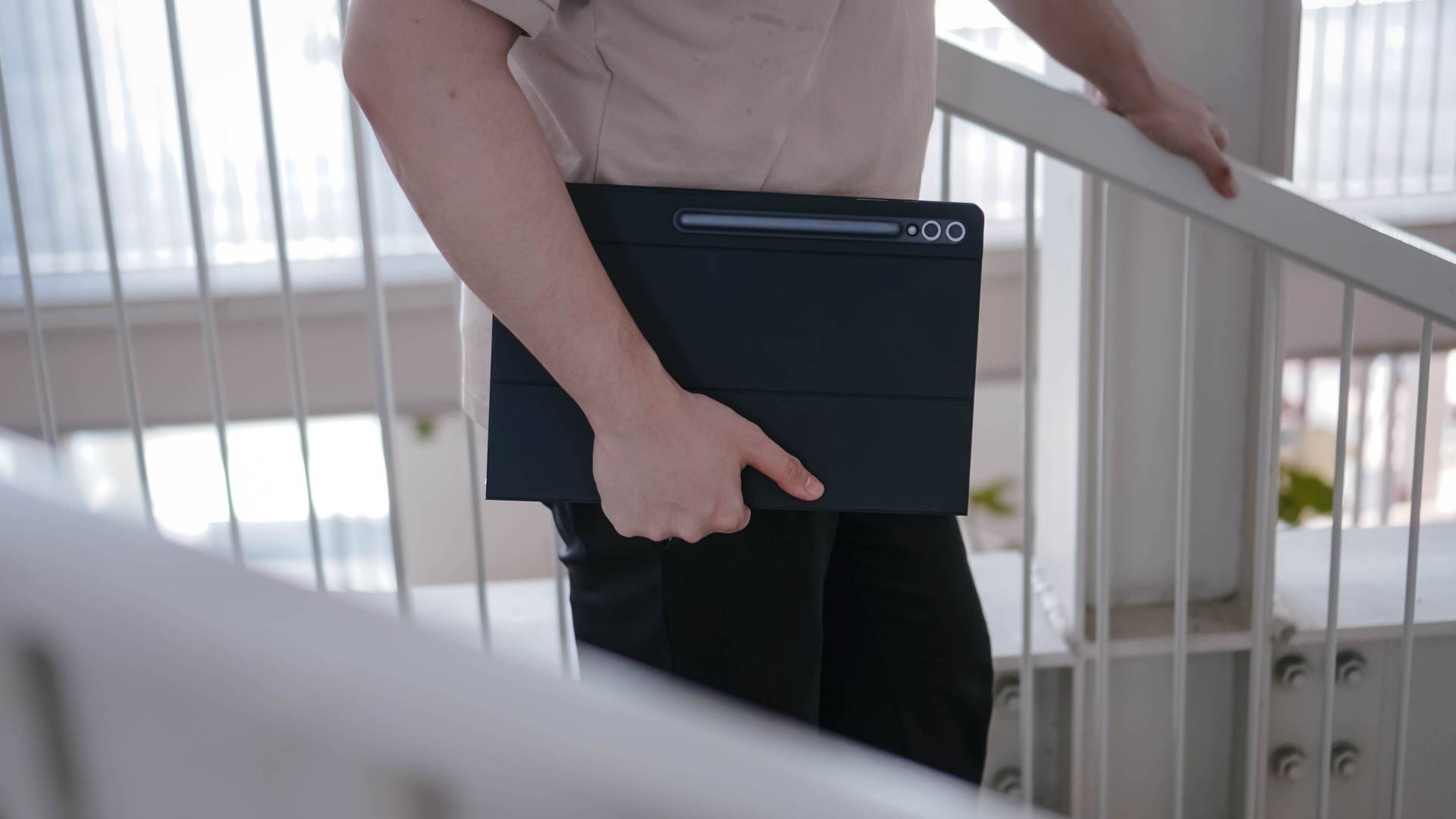
We’re trying something new-ish and embracing matchmaking in our conclusions. So, here we’ll lay down why the Samsung Galaxy Tab S10 Ultra is a Swipe Left or a Swipe Right.

Swipe Left if you prefer your tablets to be smaller and you’re only going to use it for recreational purposes. The Galaxy Tab S10 Ultra is, through and through, a tablet made for productivity and more. I could be wrong, but I really don’t think anyone looking to watch some videos, read some books/articles, and do some light browsing wants to do it on a slab this size. You have better, more affordable options elsewhere.

Swipe Right if money is no object and you want a productivity tablet that functions almost like a laptop. Only get this if you really don’t see yourself needing a laptop because at the price it commands, you could actually just get a more than competent personal notebook. The Galaxy Tab S10 Ultra is more for the dedicated Samsung user – one that has many creative pursuits that will take advantage of the fantastic S Pen and the many built-in Galaxy AI features. I’m not sure that’s a wide user-base but if you fall in that category, this certainly is your GadgetMatch.
Price and availability
The Samsung Galaxy Tab S10 Ultra comes in the following configurations and prices:
- Galaxy Tab S10 Ultra (16GB+1TB): PhP 116,990 (online exclusive)
- Galaxy Tab S10 Ultra (12GB+512GB): PhP 99,990 (online exclusive)
- Galaxy Tab S10 Ultra (12GB+256GB): PhP 92,990






With phone brands suddenly changing their naming scheme superlatives, TECNO also decides to jump on the bandwagon with the ubiquitous “Ultra” labeling.
Ditching that truly unique “Premier” branding, 2026 ushers in a new era with the all-new CAMON 50 Ultra. But is it “Ultra” enough to dissolve its Premier line?
Felt that svelte
After having to experience the last two premium midrangers by TECNO, I was surprised by how they’ve shaken things up.
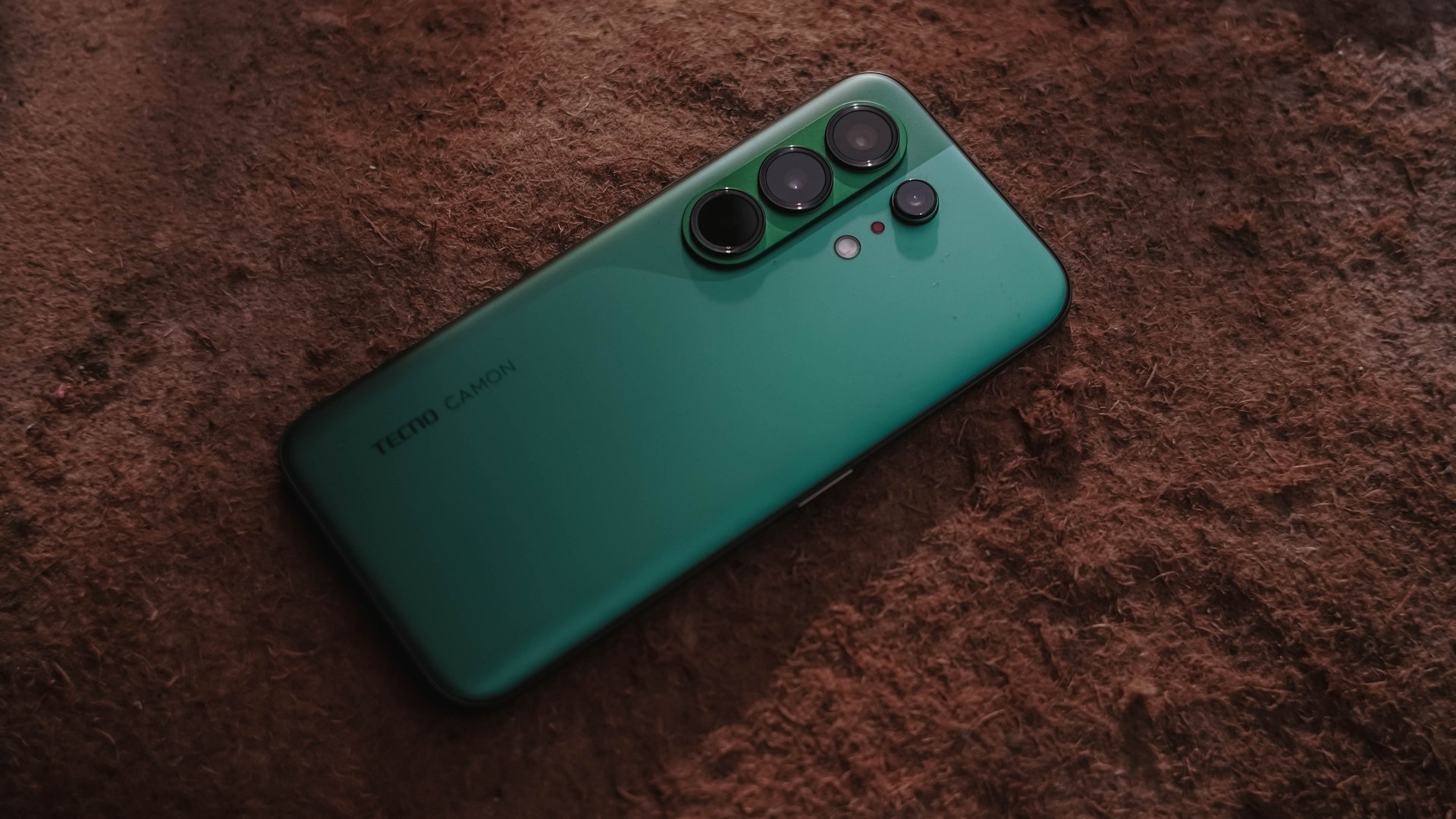
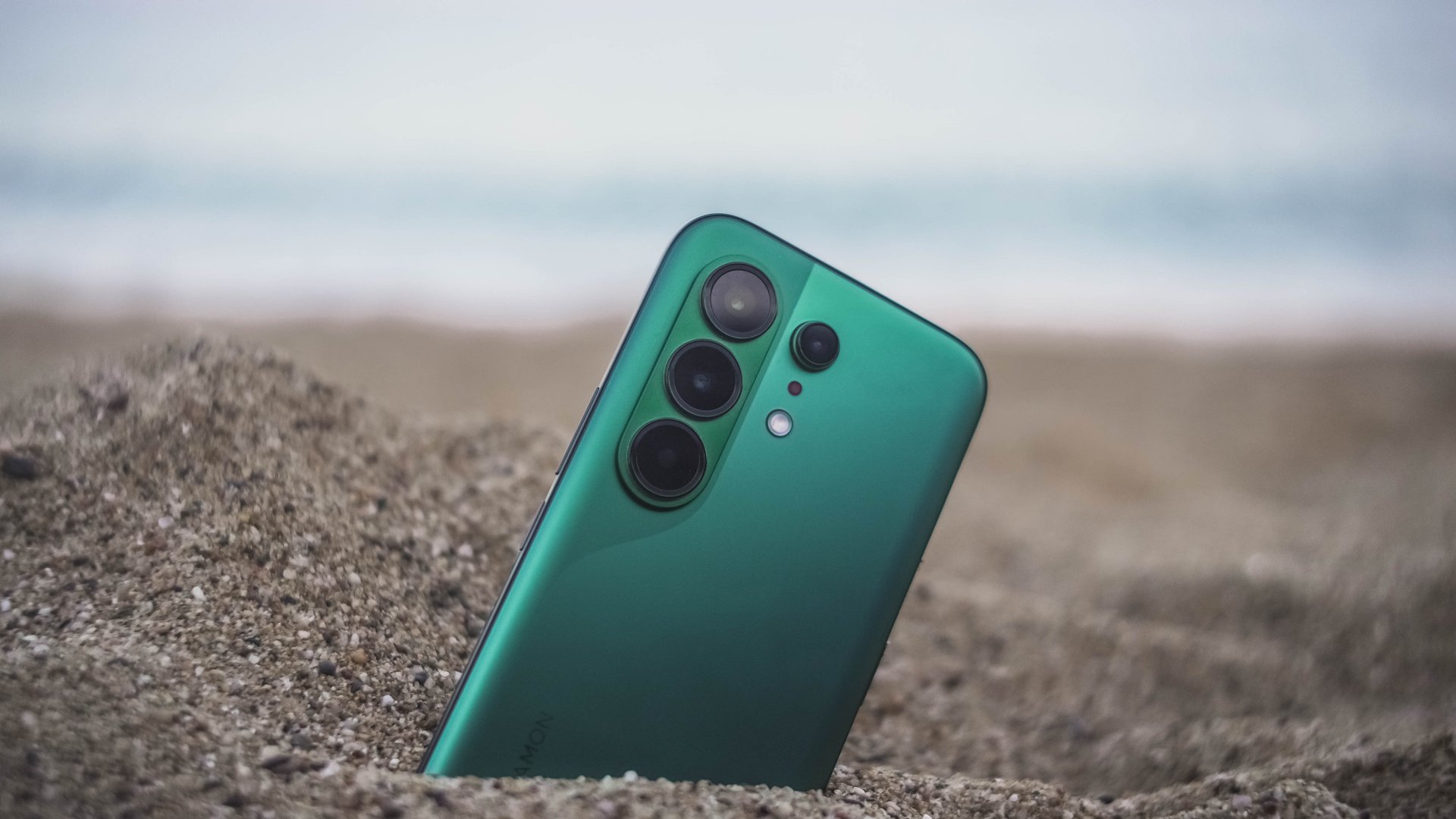
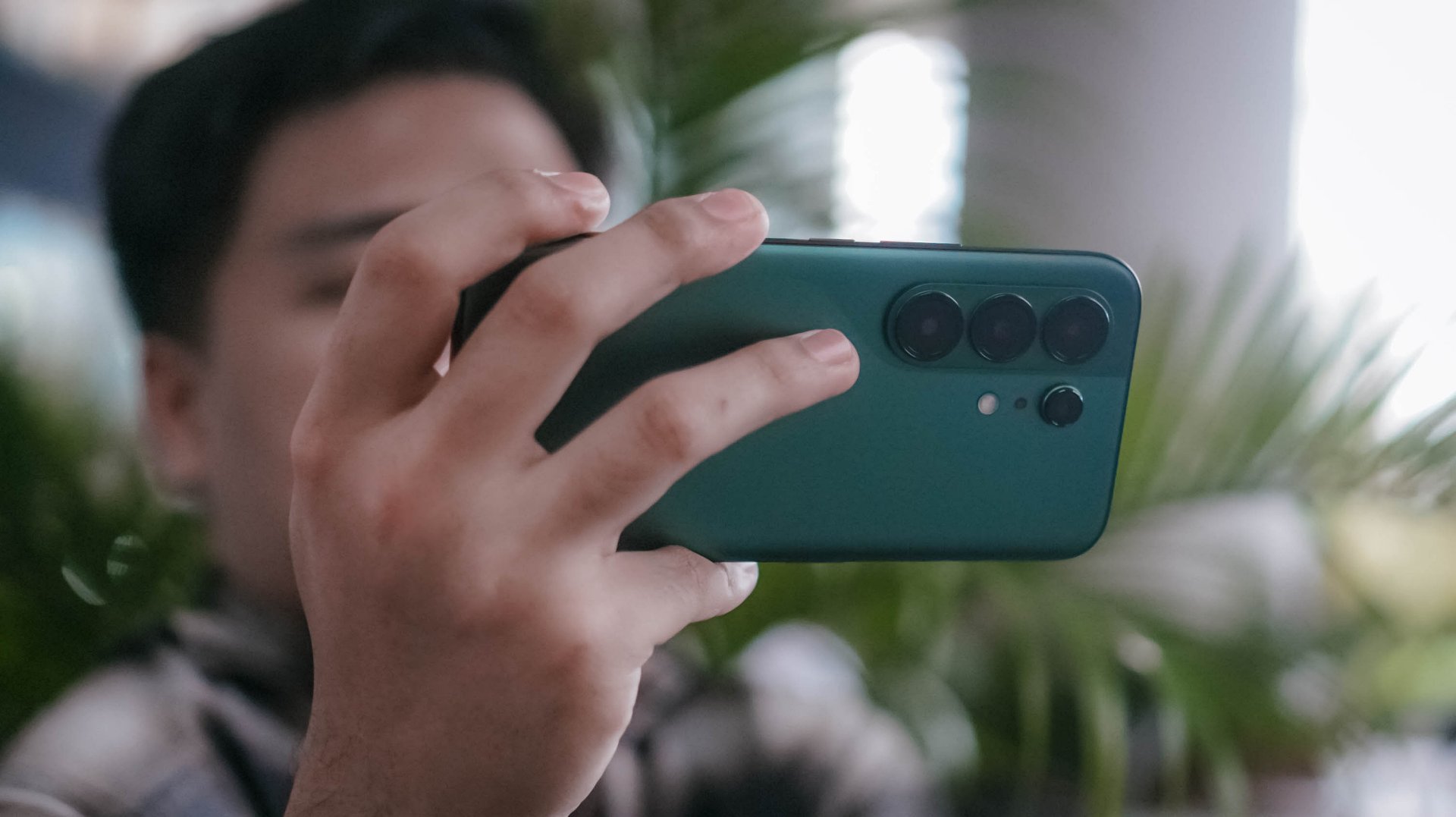
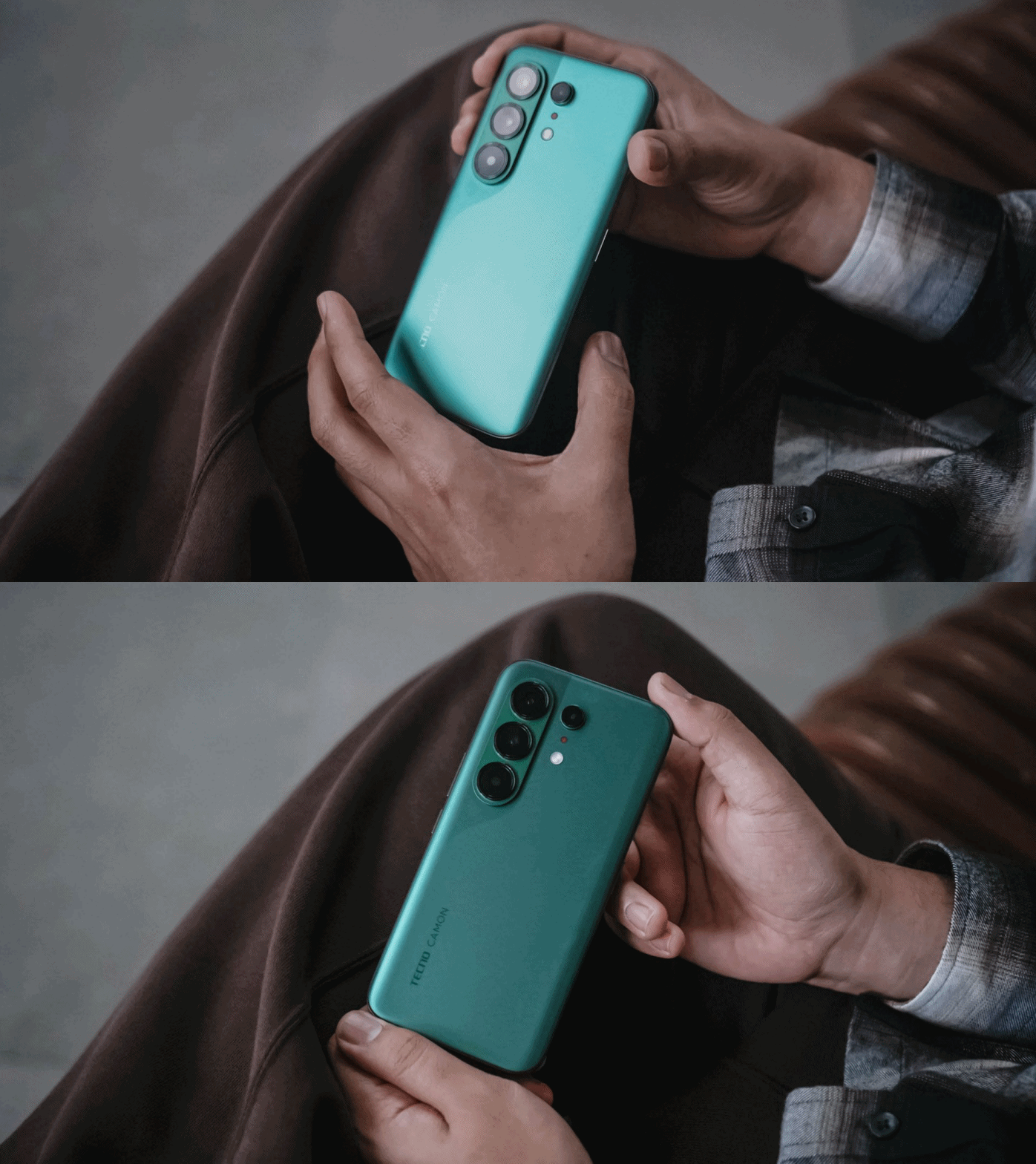
The most evident change is its back. This year’s CAMON 50 series all share the same design cues, regardless if it’s the base, Pro, and the newer Ultra model.
This not only ditches that signature, premium-looking circular camera cutout two generations in a row, all models are also hard to distinguish from one another.

As a visual guy, it felt like TECNO’s CAMON 40 and Samsung’s Galaxy S26 had a forbidden relationship — with the CAMON 50 being the child out of wedlock.
Still, I’m glad TECNO kept that distinct swan-neck curve which I truly admire since the CAMON 30 lineup.
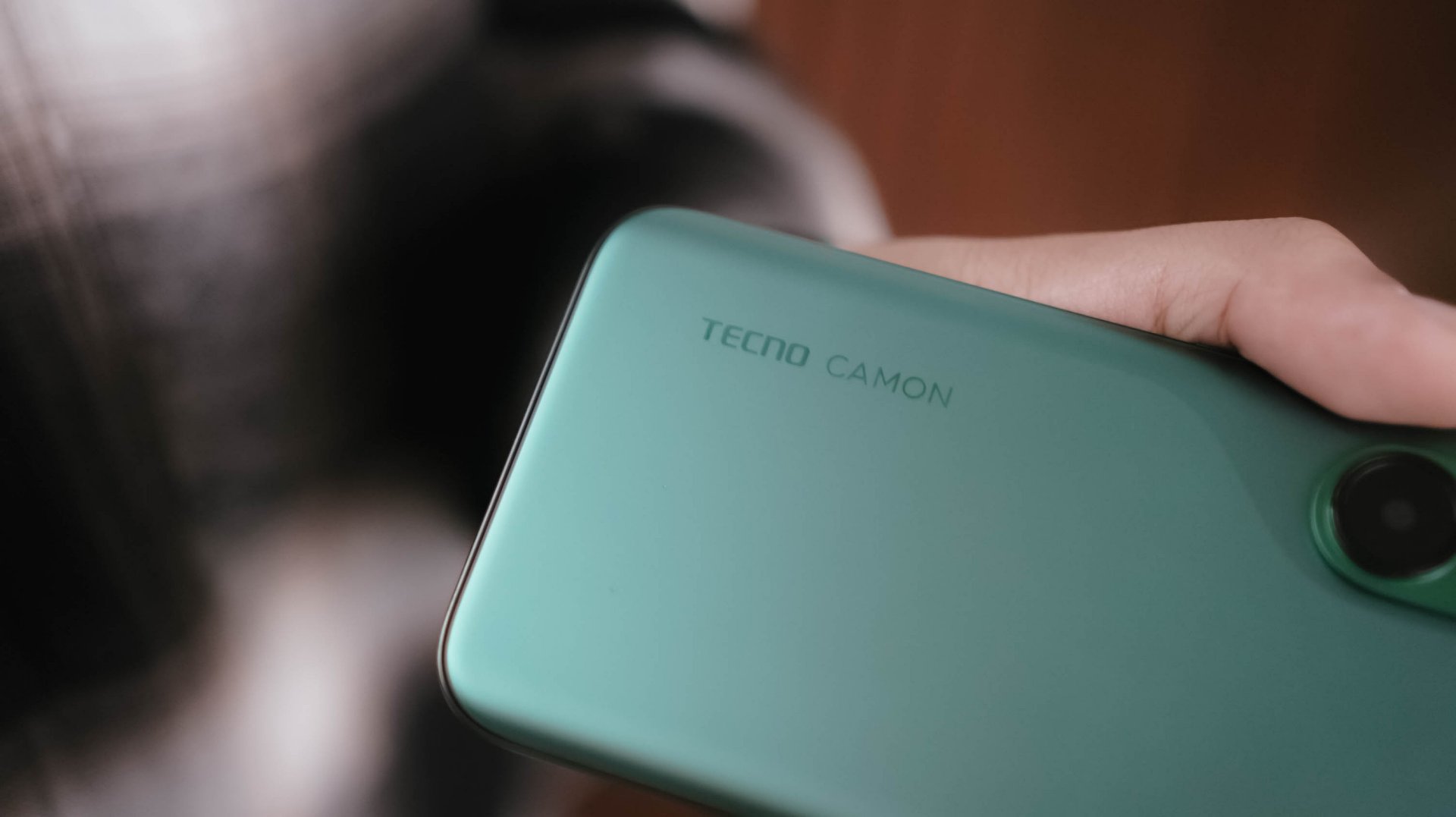
However, looks are just part of the story. The moment I held the CAMON 50 Ultra for the first time, I felt nothing but featherweight lightness. While it’s subjective, personally, I love how I was able to hold it without feeling too bummed by its sheer size.
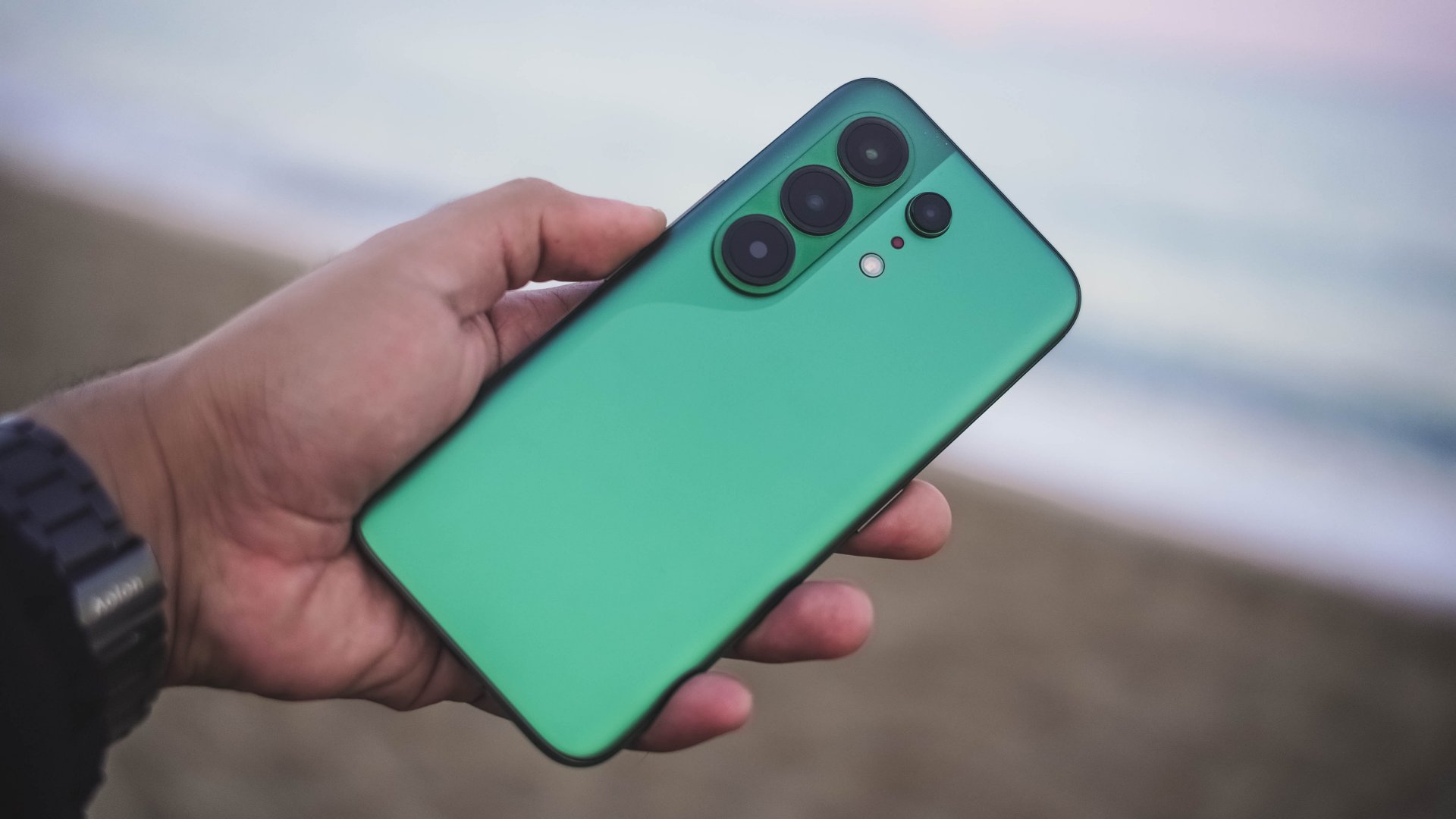
And, even with that lightweight-ness, holding it for long still felt premium to the touch — especially with its glass back.
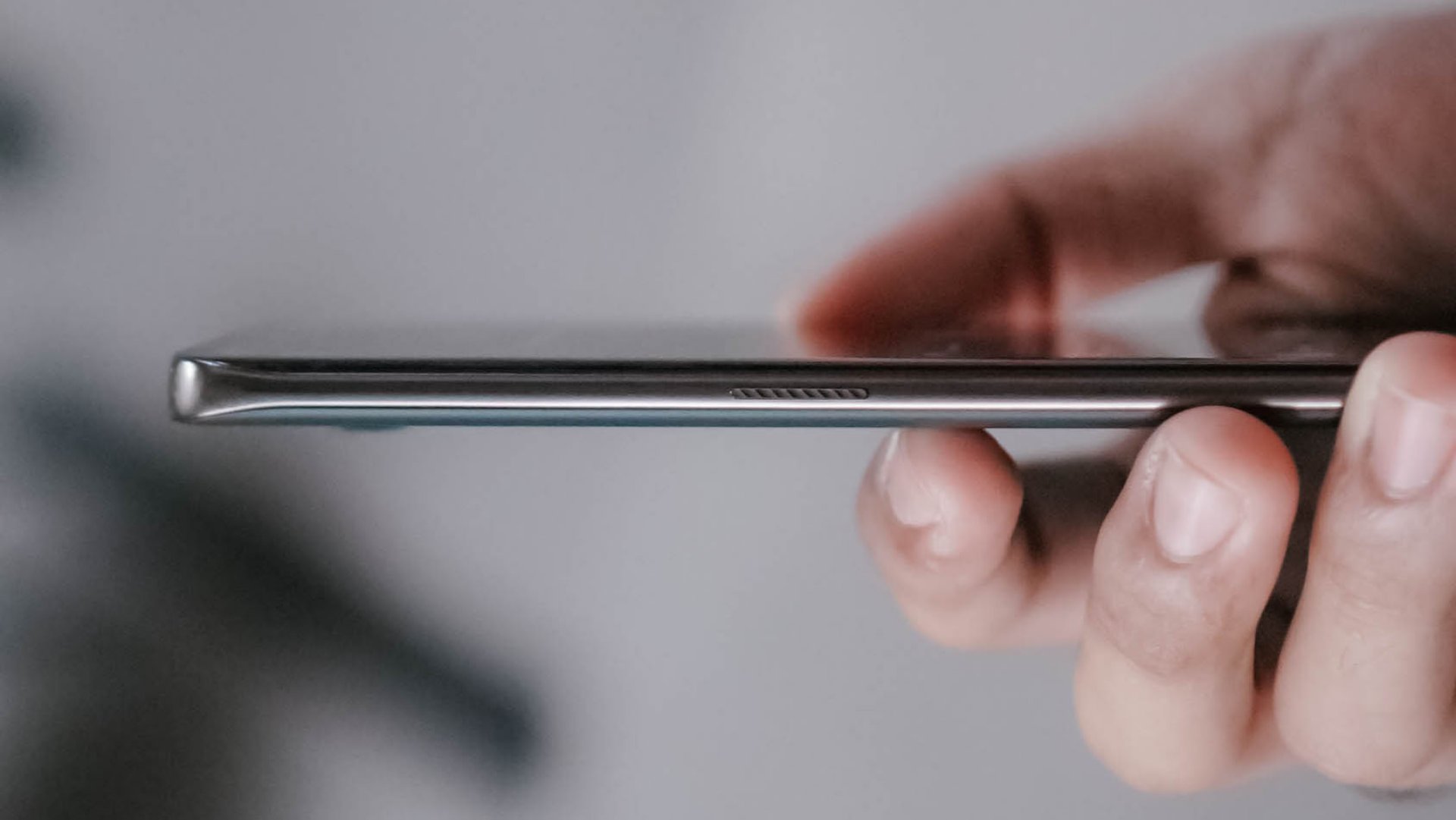
Those dual-curved edges don’t feel sharp and are gentle in my palms.
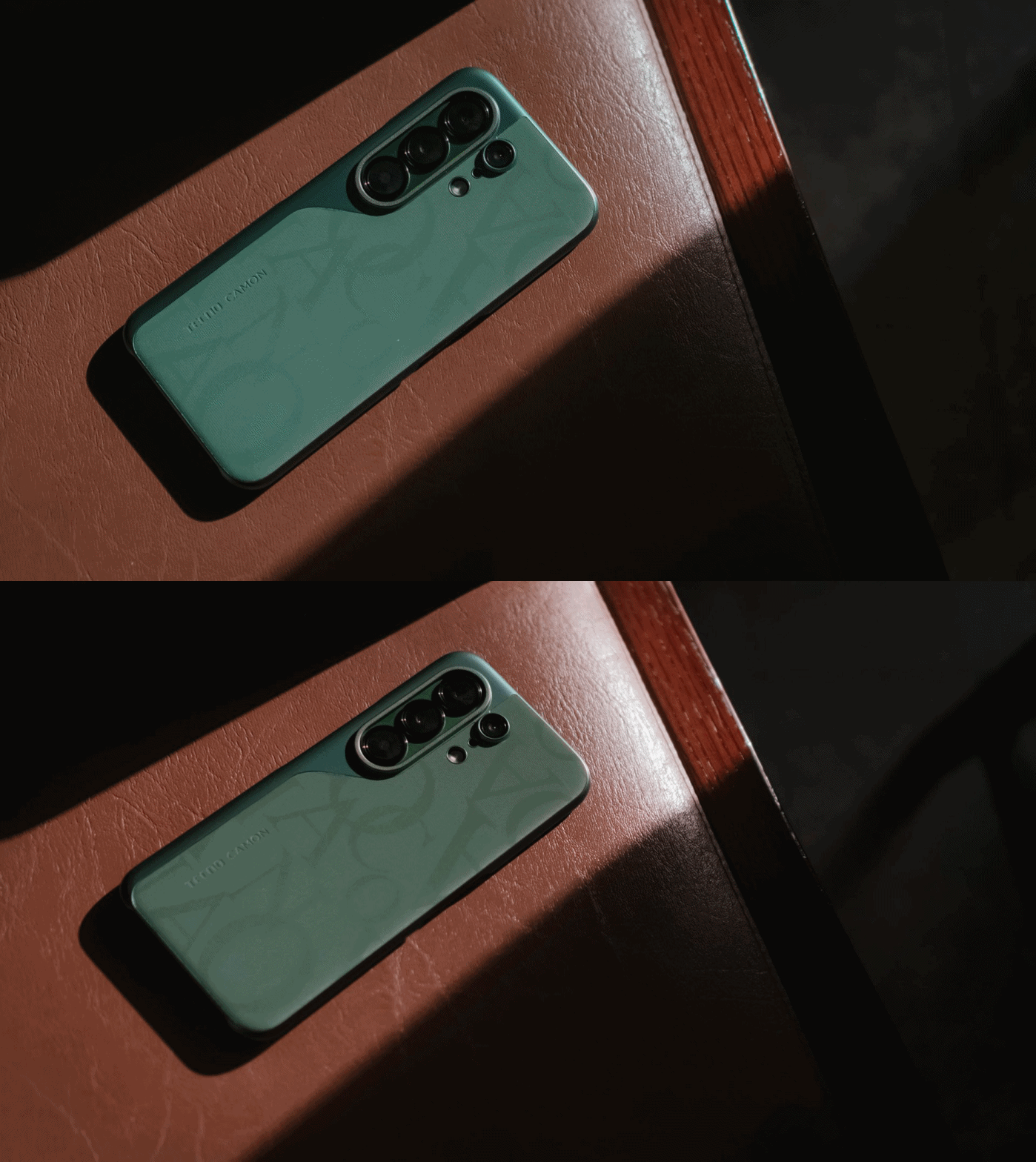
And while we’re still here, I want to commend how TECNO bundled this lavish-looking case that most (if not all) phone brands fail to provide.
Praiseworthy performer
Beneath that premium-feeling backing lies MediaTek’s Dimensity 7400 Ultimate SoC.
For those who keep stereotyping chip makers saying MediaTek is always a step behind from Qualcomm, it’s your brand bias kicking in.
As we always say, we don’t rely on benchmarks here. Still, here’s the list if you wanted to deep dive into all that nerdy stuff.
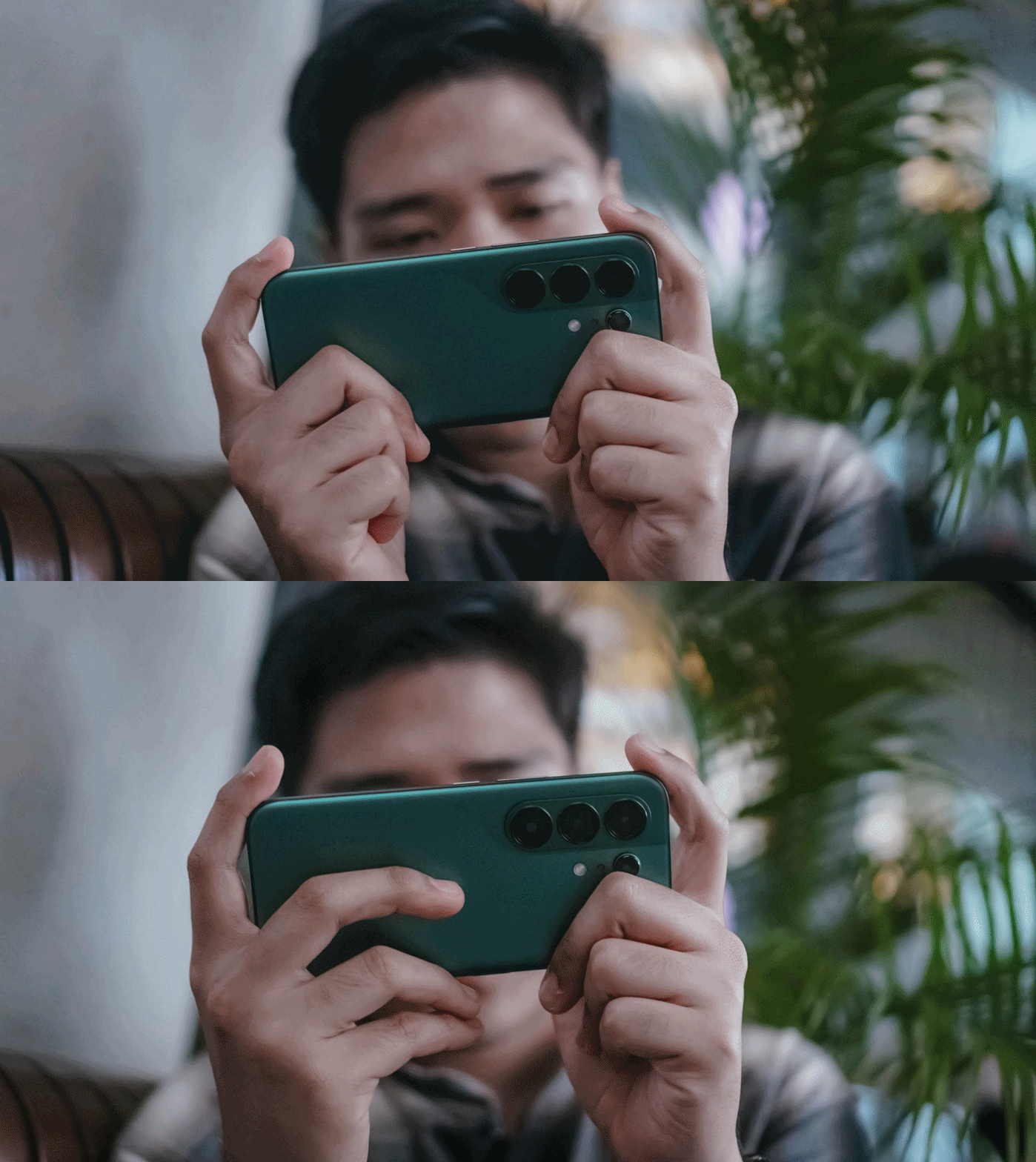
With that out of the way, let me be precise and concise with my real-life experience. Setting the bar high, this 4nm Dimensity chip is still a better performer than the Snapdragon 7s Gen 4-equipped POCO M8 Pro I reviewed at the start of 2026.
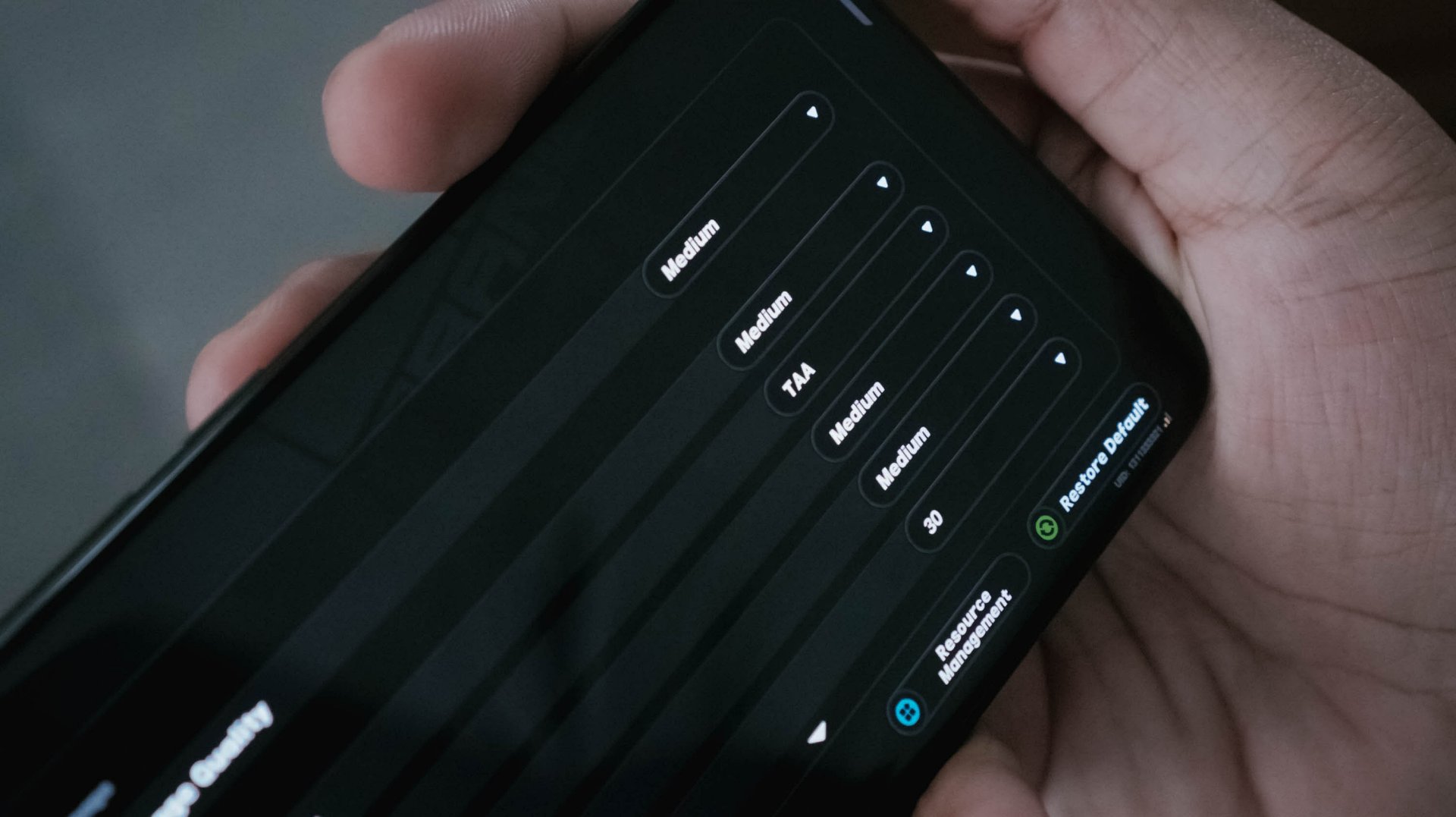
With HoYoverse’s Zenless Zone Zero as a prime example, I was able to run the game here in a more modest Medium settings. The Snapdragon chip I mentioned? It runs in the lowest resolution by default.
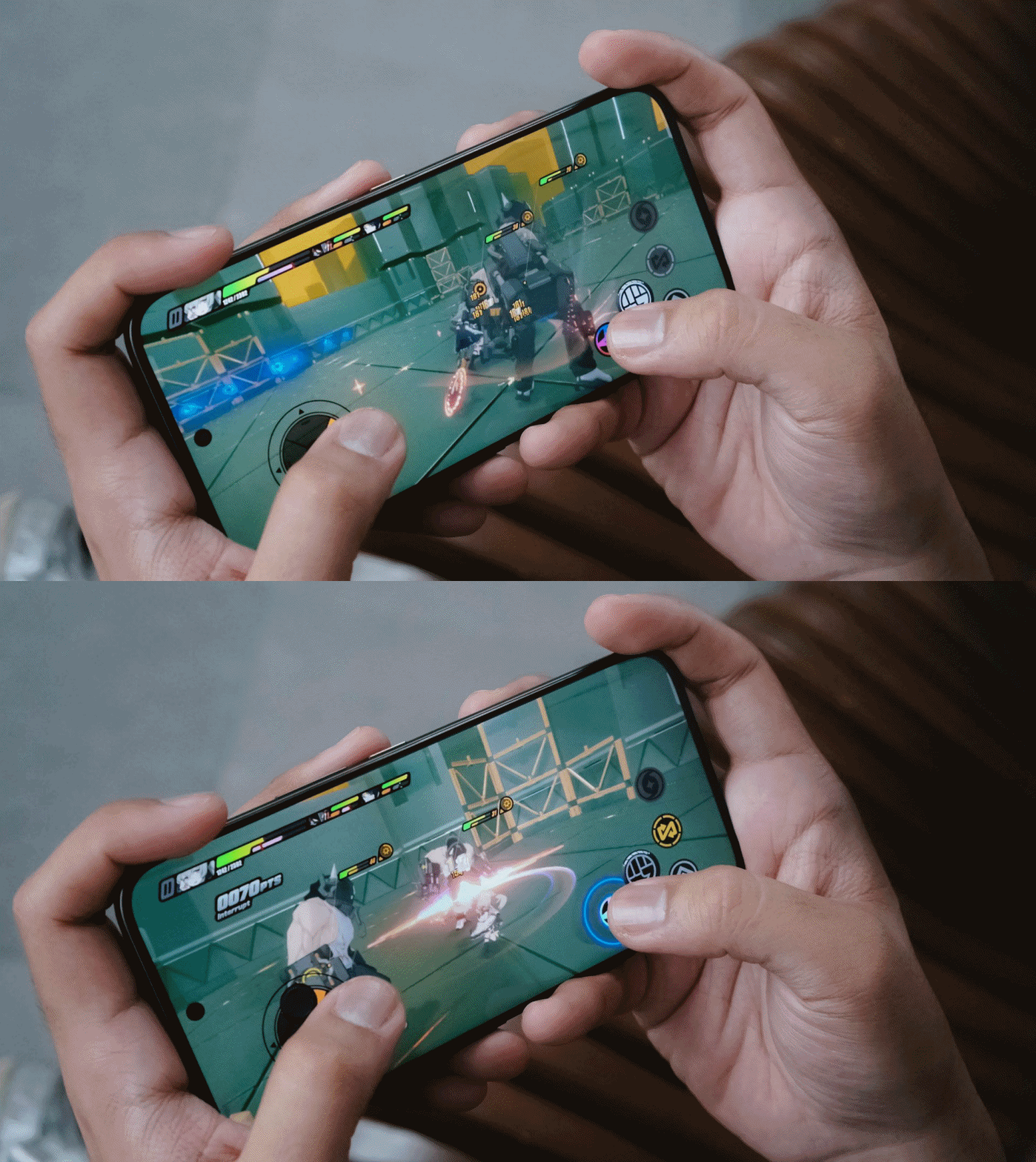
Result? The CAMON 50 Ultra performed smoother with less game hiccups compared to its POCO rival.
For utmost fairness, I also played two other games I’ve played in that previous write-up.
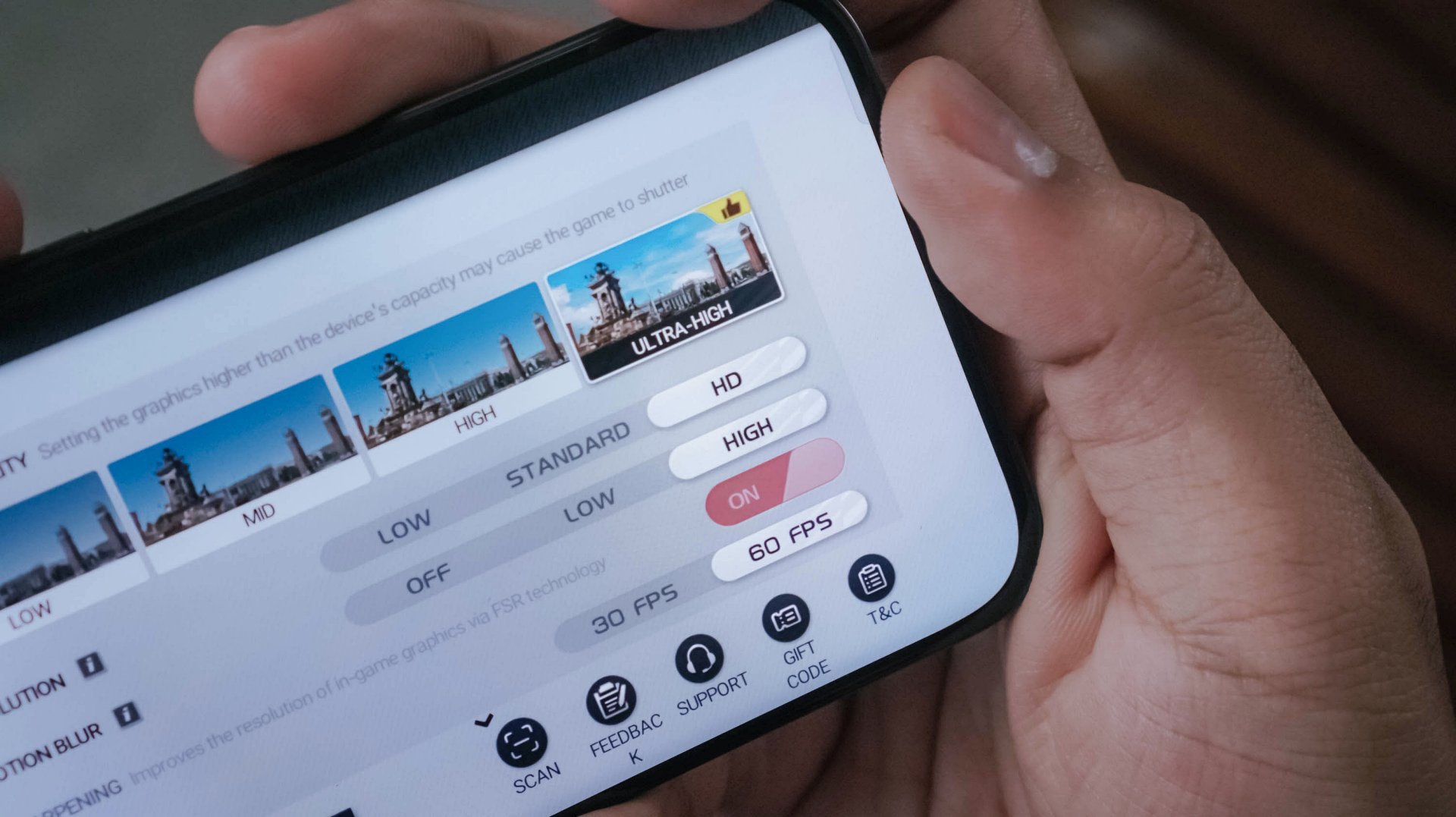
Another one is Racing Master running on Ultra-High graphics along a 60fps frame rate.
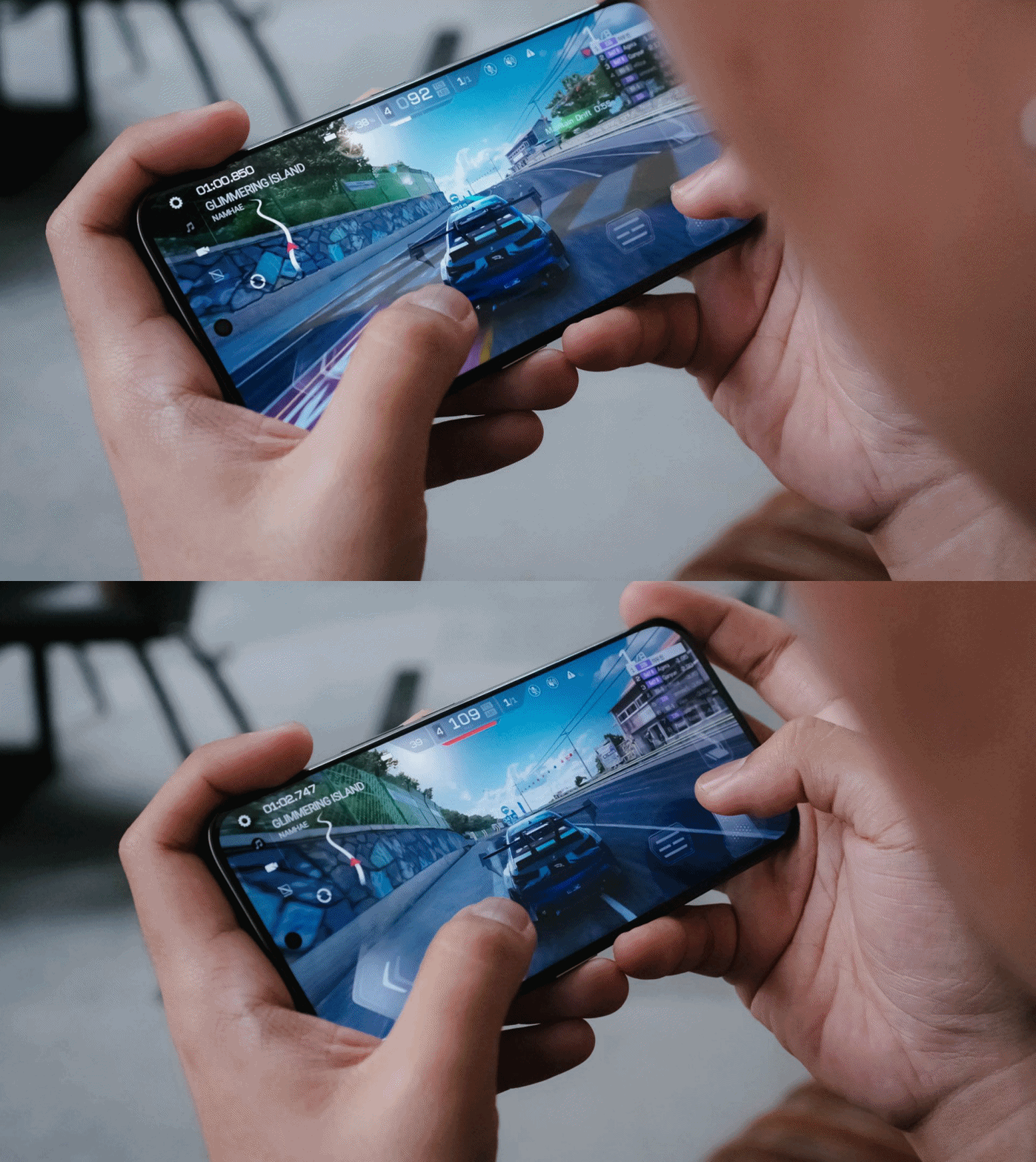
While the POCO M8 Pro suffered heavily during the first two ranked races with severe throttling, the CAMON 50 Ultra breezed through with ease.
It’s given though that CoDM (Call of Duty: Mobile) will run well in both phones. Luckily, the CAMON 50 Ultra also offers that slippery-smooth 144Hz refresh rate to fast-track opponents’ movements without jitters.
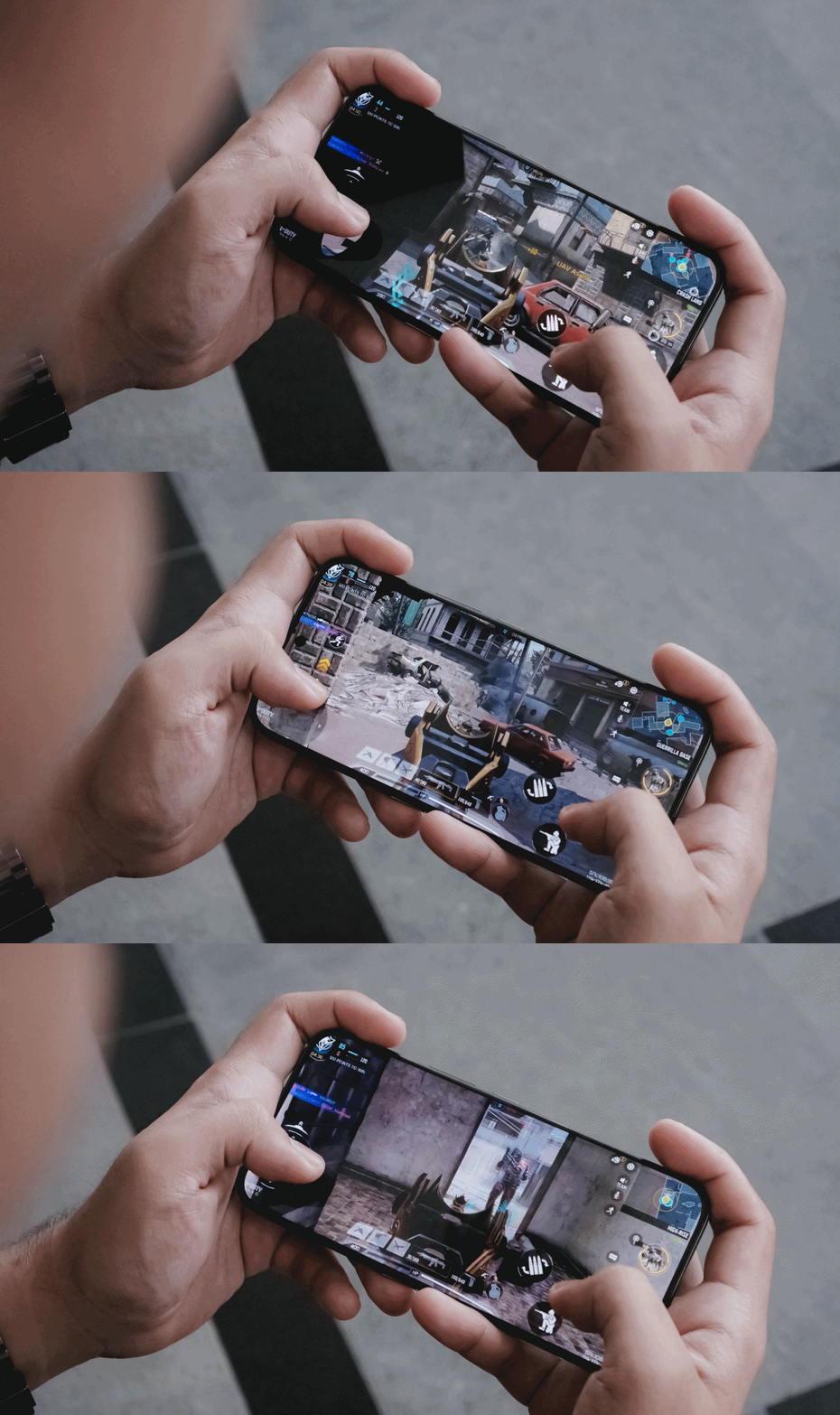
Heat is always the by-product of energy. For an hour of gaming, of course that heat can be felt especially when your games run in the most extreme setting possible.
The only downside for me is, again, the lack of a bigger 512GB storage. With all the chunk of data we get nowadays, it’s easy to fill up that storage. Also, the lack of eSIM support which further hinders network compatibility when used in other countries.
Fascinating familiarity
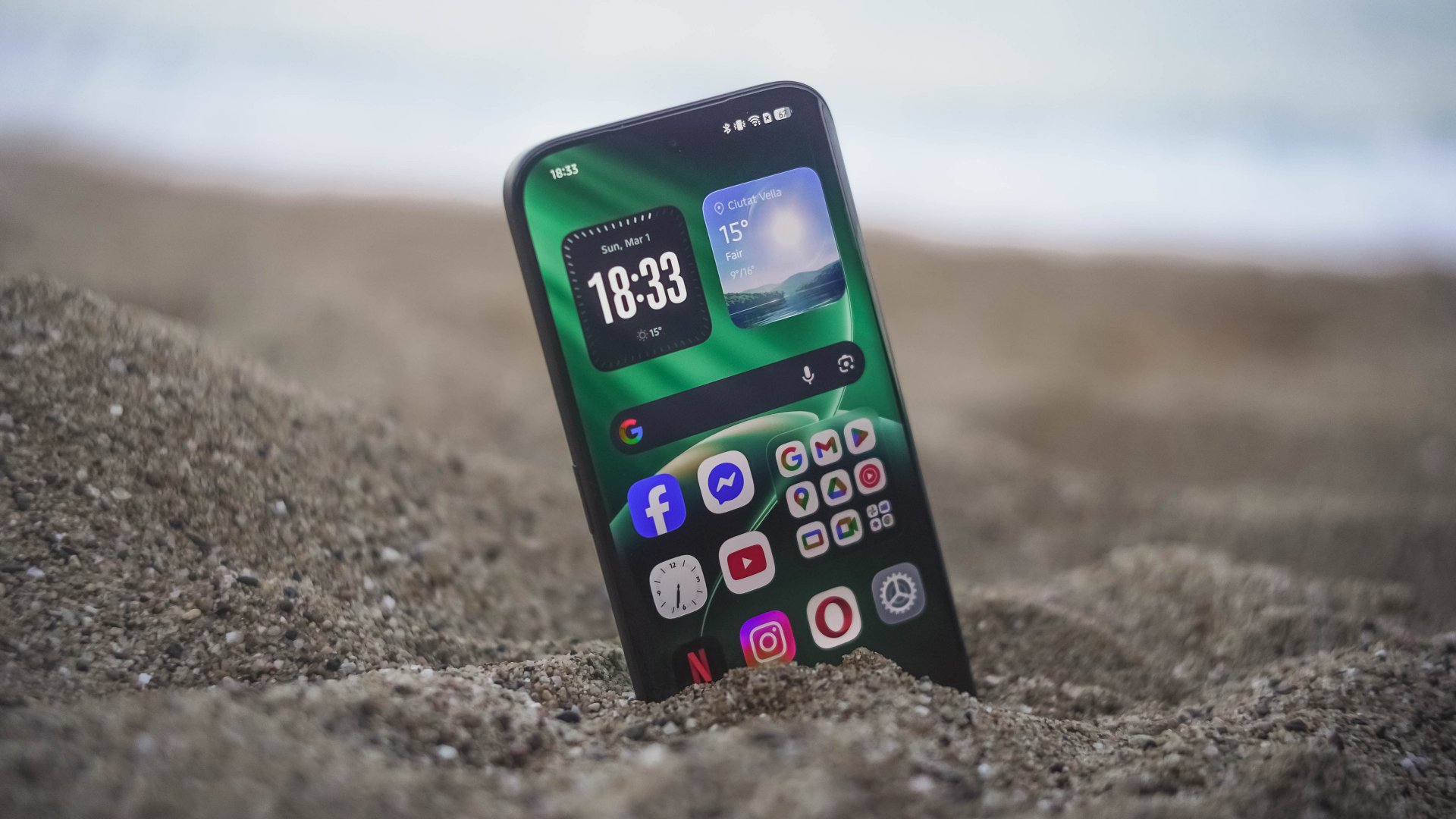
Love it or not, phone brands have followed the “Liquid Glass” trend. TECNO isn’t an exception to that with the newly-refined HiOS 16 based on Android 16.
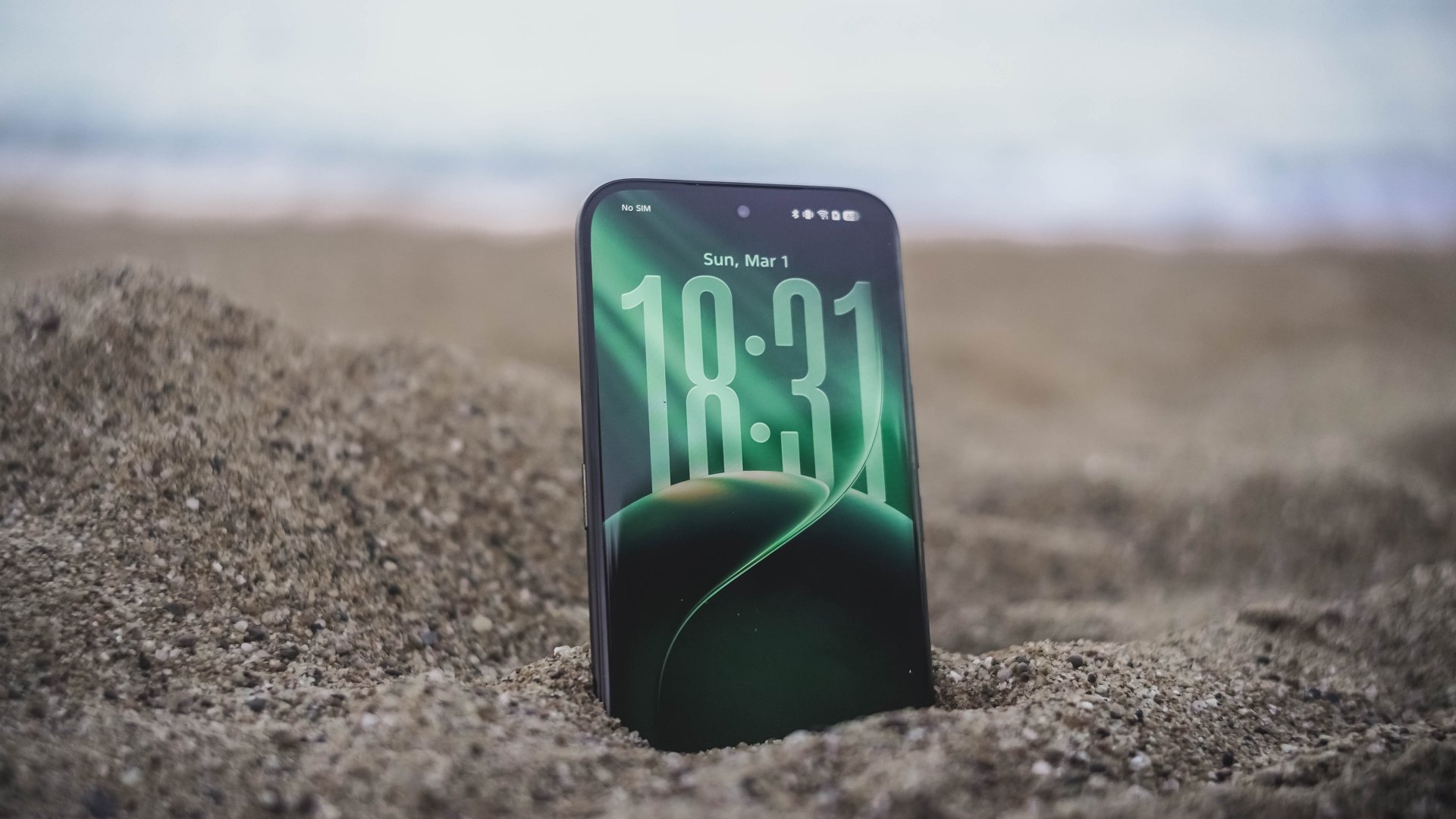
This is a welcome change I’m willing to embrace. Apple bringing back Frutiger Aero-like aesthetics is honestly a breath of fresh air. After all, I’ve been a huge fan of such translucency most especially during its peak with Windows Vista back when I was in 4th grade.
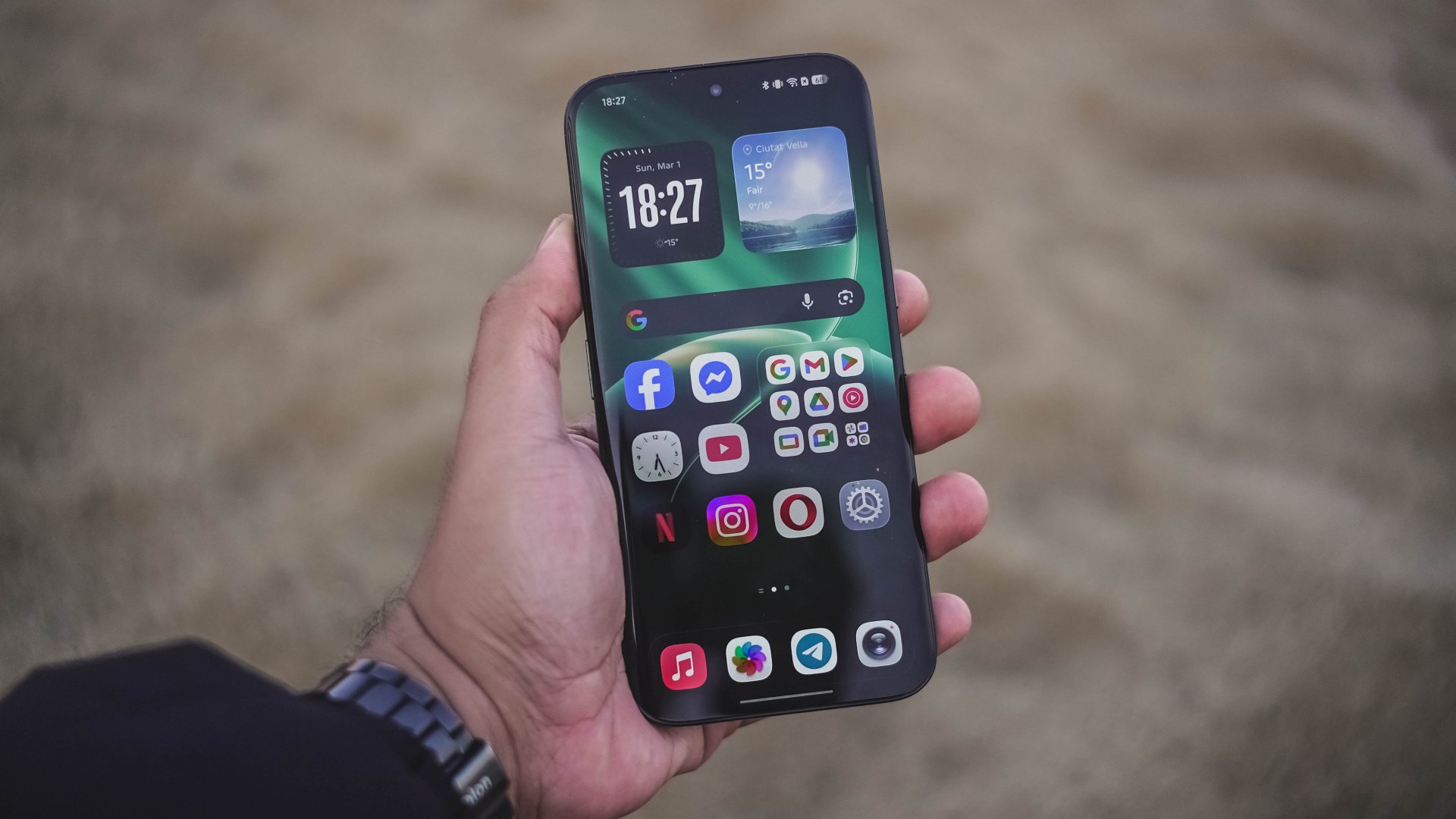
Also, maybe I just got fed up when minimalism dominated each and every part of the world like a wildfire.
Sentiments aside, HiOS 16 isn’t just about polished looks and keeping up to the trend. Overall feel is smoother and more responsive compared to its past releases.
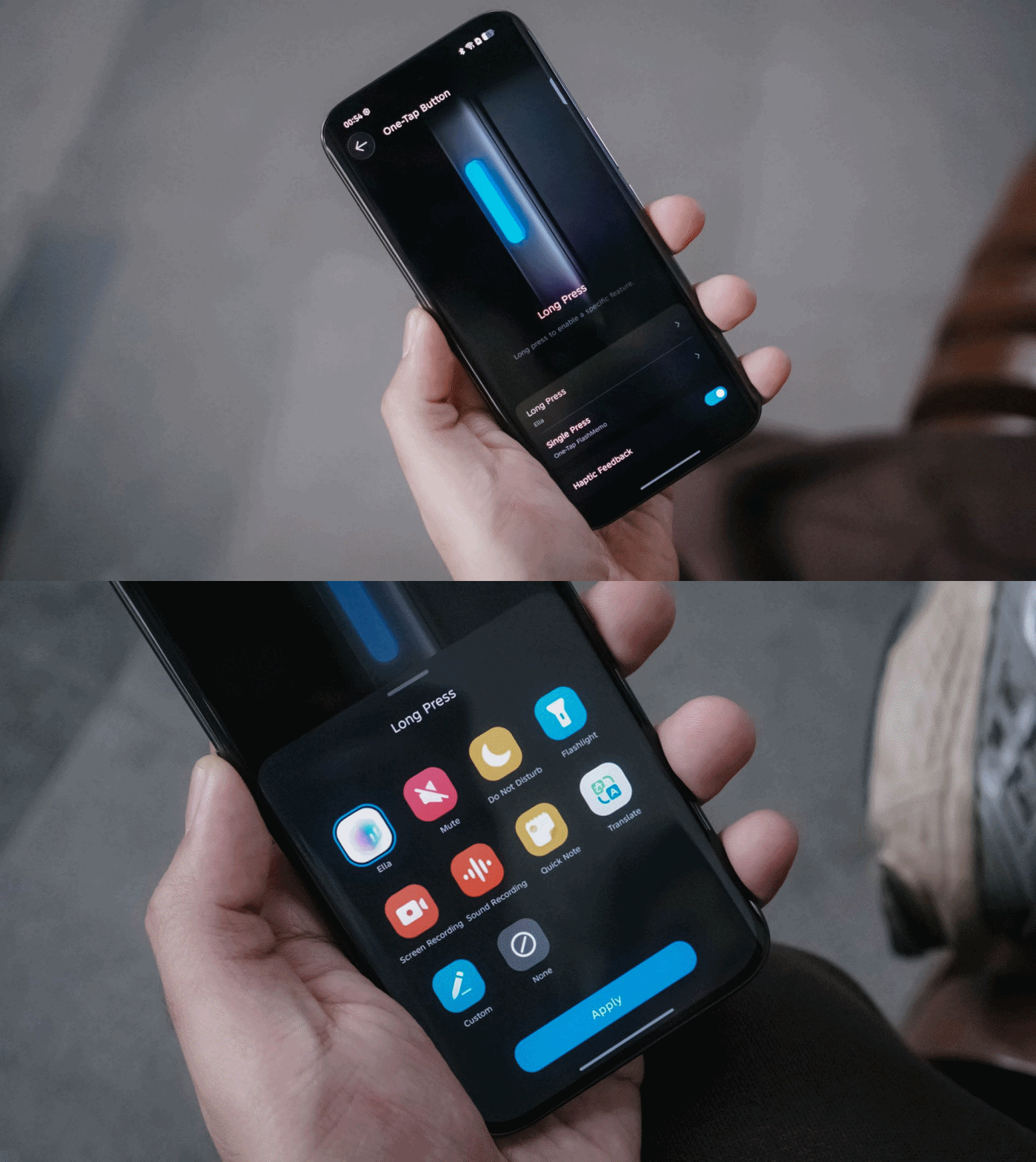
They have also kept the best things around — including the One-Tap button found on the phone’s left side that can be triggered through single or long presses.
Single press activates the new One-Tap FlashMemo. This is where TECNO AI analyzes what’s on your screen and stores it in its megamind.

The latter is system-configurable — even if it’s a game you wanted to play. That’s something other brands will hinder you from doing so.
Unlike last year though, TECNO moved the button further down so it’s more reachable by everyone’s fingers.
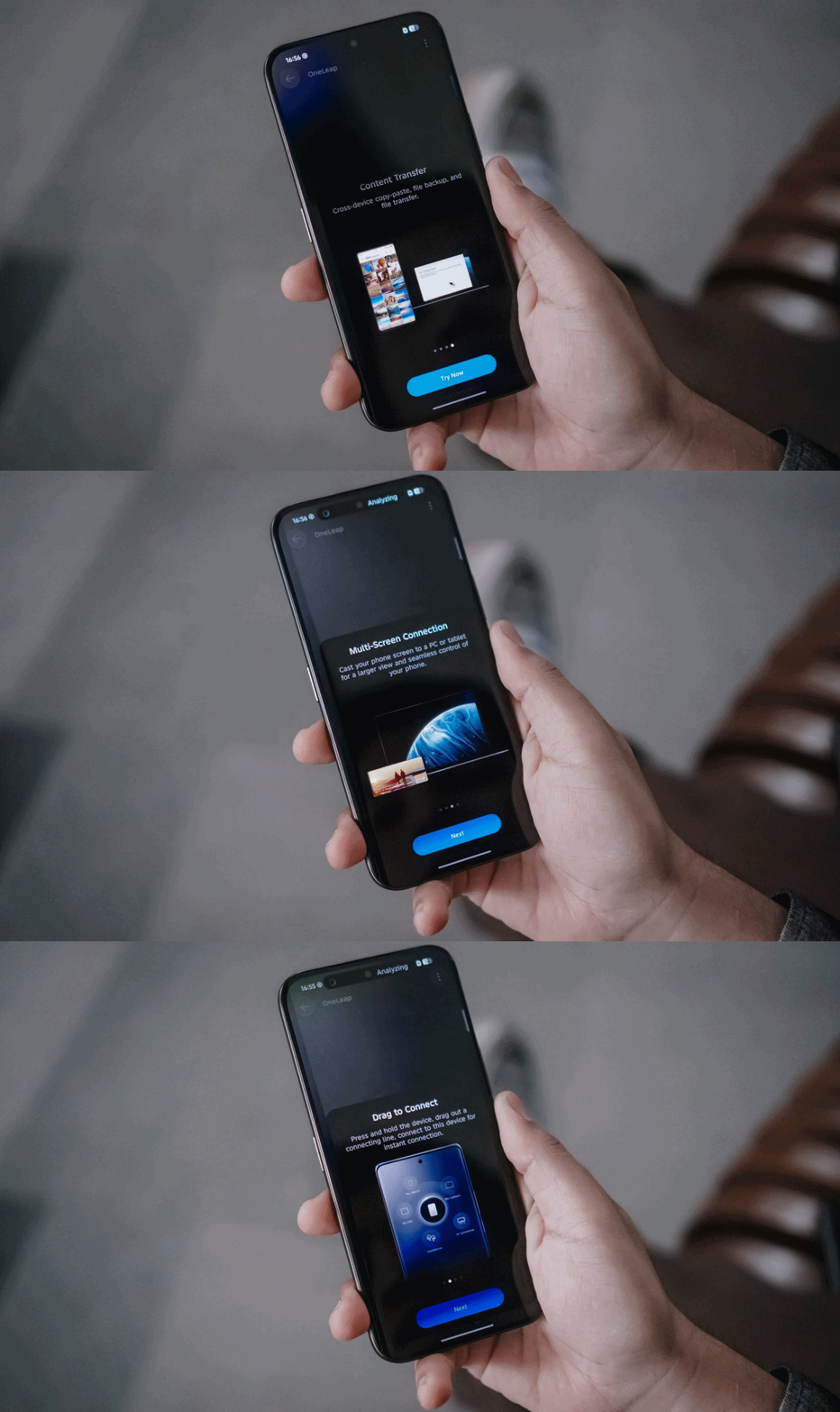
Another direction TECNO tries to move forward with: cross-connectivity between your host of devices.
With OneLeap Collaboration, this enables you to manage multiple devices into one. It enables both content transfer and multi-screen connection in just one hub.
And no, this isn’t limited to just TECNO devices. It even stores info of my appliances that can be controlled through the phone itself via IR (Infrared).
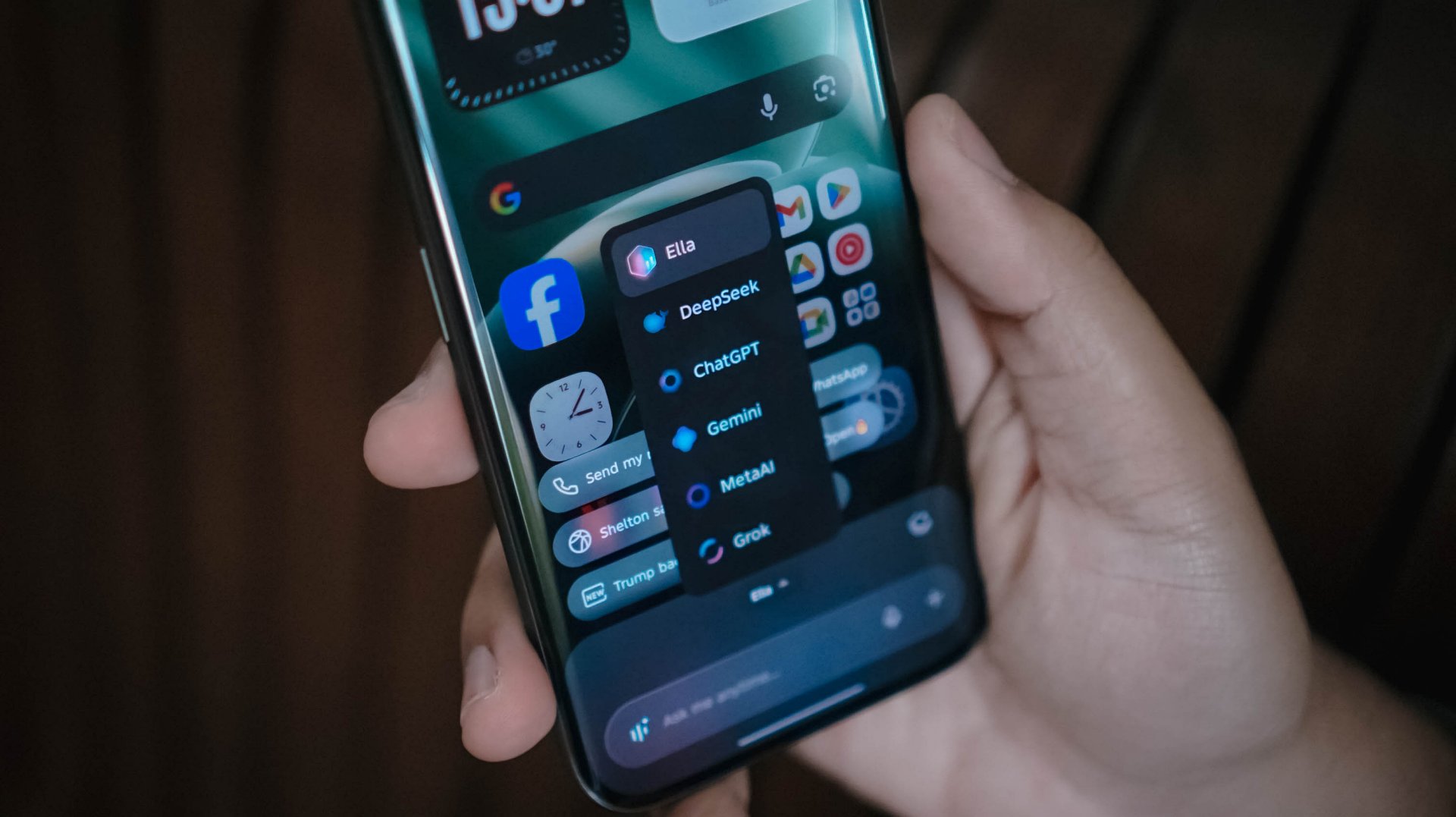
Other than the presence of Google’s Gemini and Circle to Search, Ella is still here to stay. By default, it can be summoned by long-pressing the power button.
And, unlike other AI assistants, TECNO gives you the freedom to choose whatever AI engine you prefer, whether that’s ChatGPT, DeepSeek, Gemini, MetaAI, or the ever-intriguing Grok.
Now Playing: The Art of Sarah
One K-Drama after another, The Art of Sarah instantly hooked me in during its Netflix premiere.
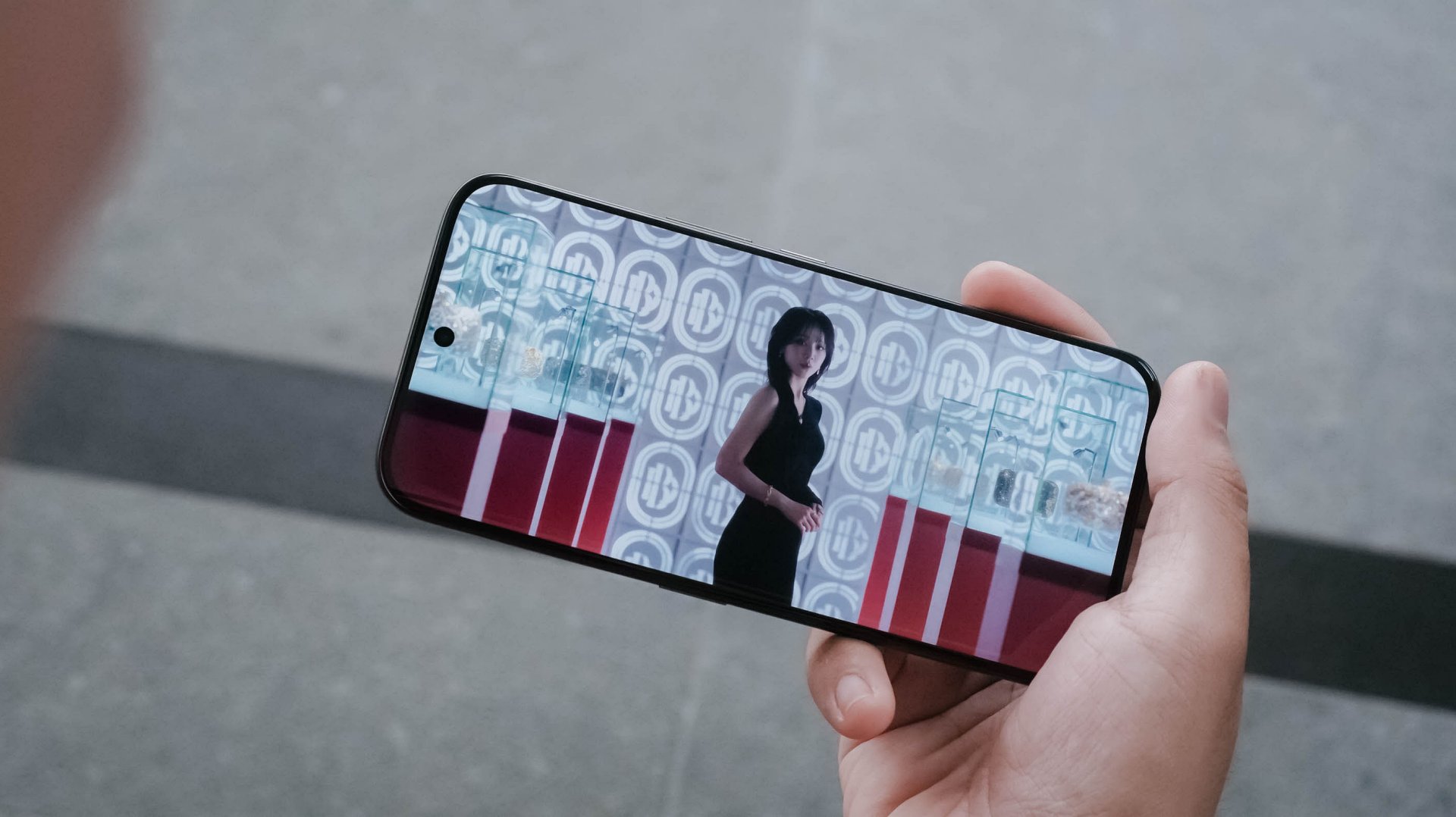
Much like how auspicious Sarah Kim is (and all her persona), the 6.78-inch AMOLED display of the CAMON 50 Ultra is crazily alluring to the eyes with some tomfoolery going on.
The bezels, while not as thin like the rest of the competition, still feels right for the eyes.
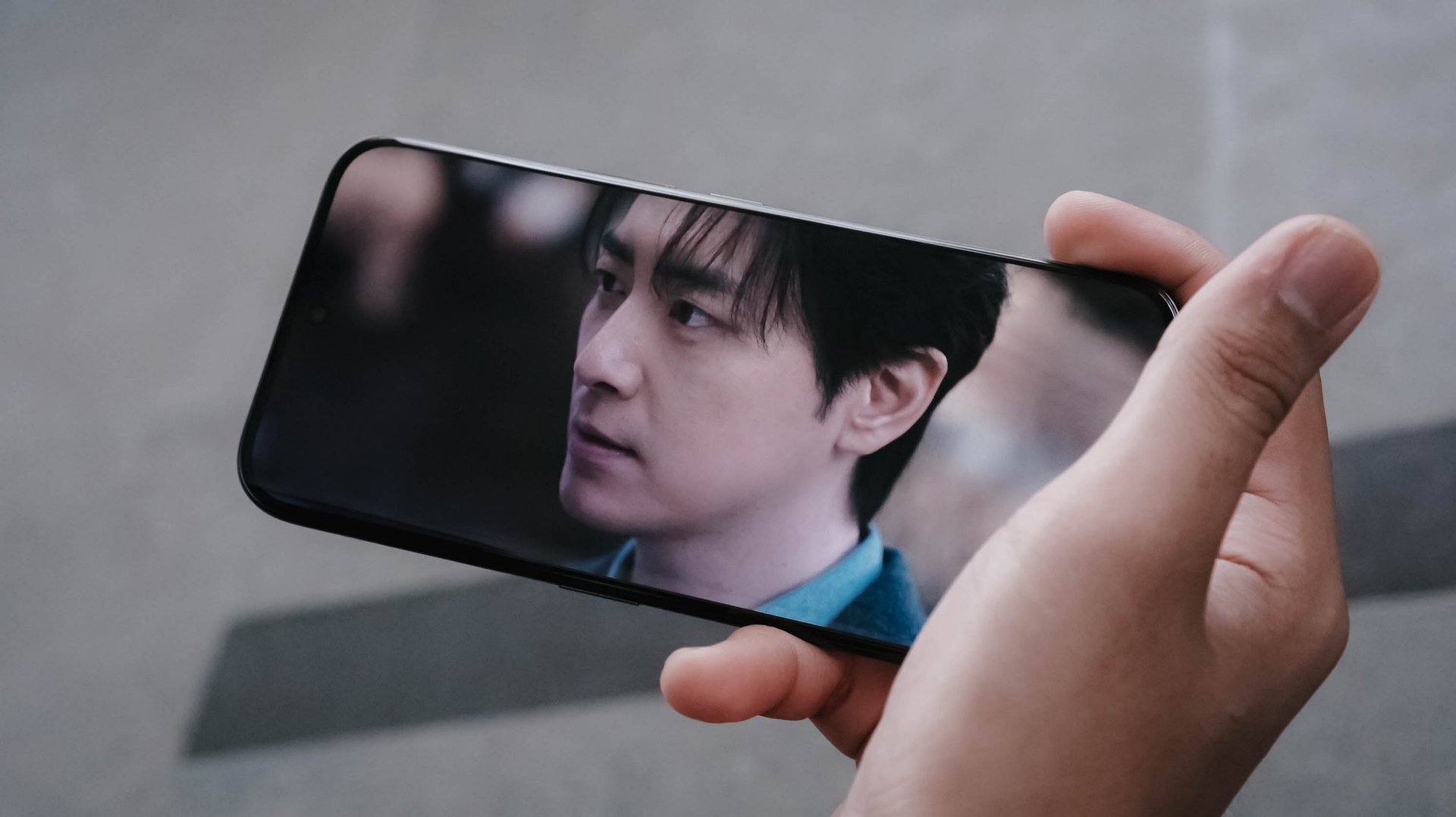
The 41-year-old Lee Junhyuk is aging like fine wine. I MEAN, LOOK!
Despite those gloomy and sulky tones, the three actors in the drama made me watch the series even more — which made me admire how fine their visuals are.
And unlike the cold corpse of “Sarah Kim” in the sewer who failed to survive that cold temperature, this phone is of the opposite. TECNO’s CAMON 50 Ultra can withstand temperatures as cold as -20ºC and as extreme as 45ºC.
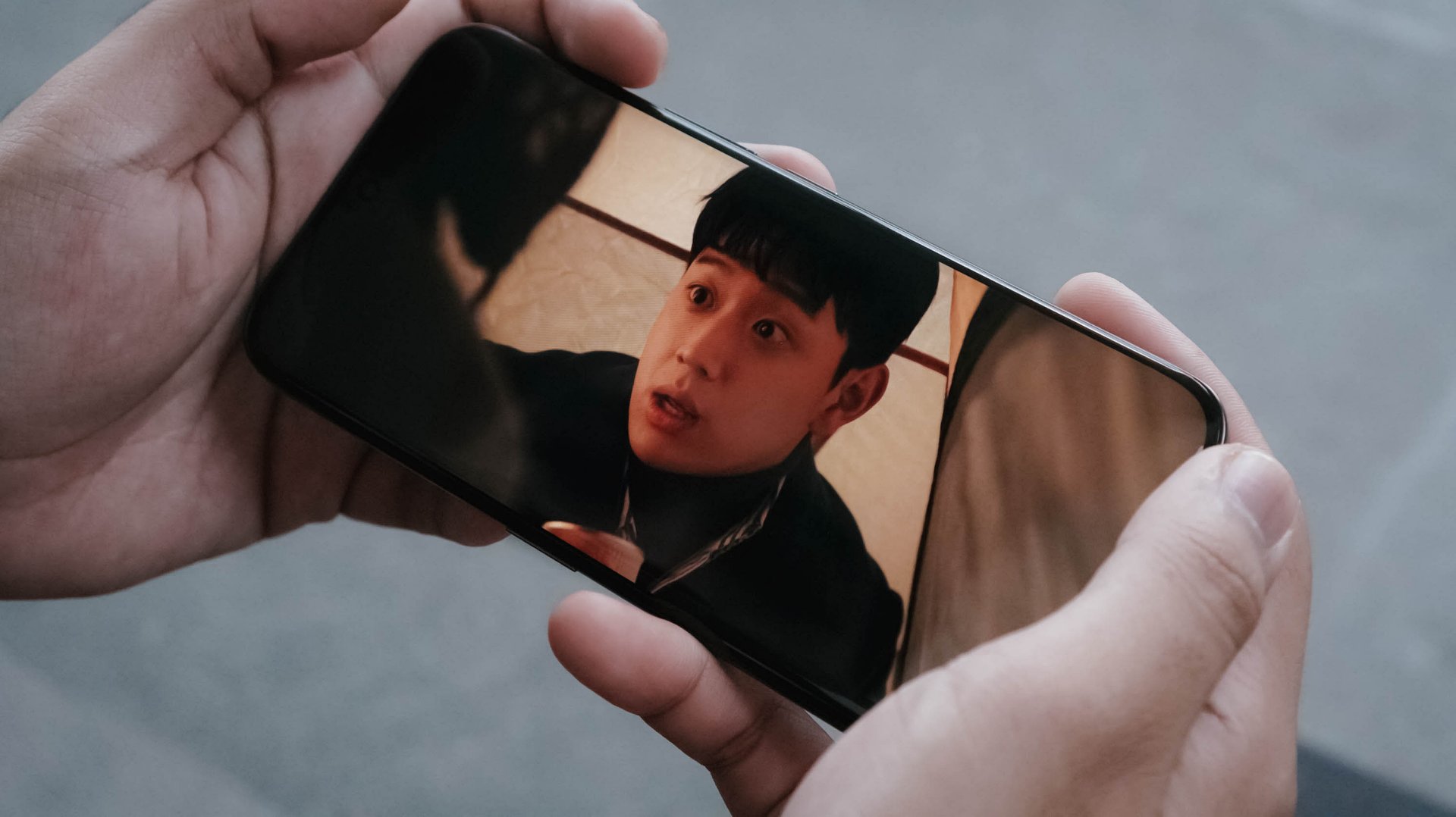
New celebrity crush (again)
The CAMON 50 Ultra’s front is protected by Corning’s Gorilla Glass 7i. For an affordable midranger, that’s still a big win as others of the same league have nothing at all.
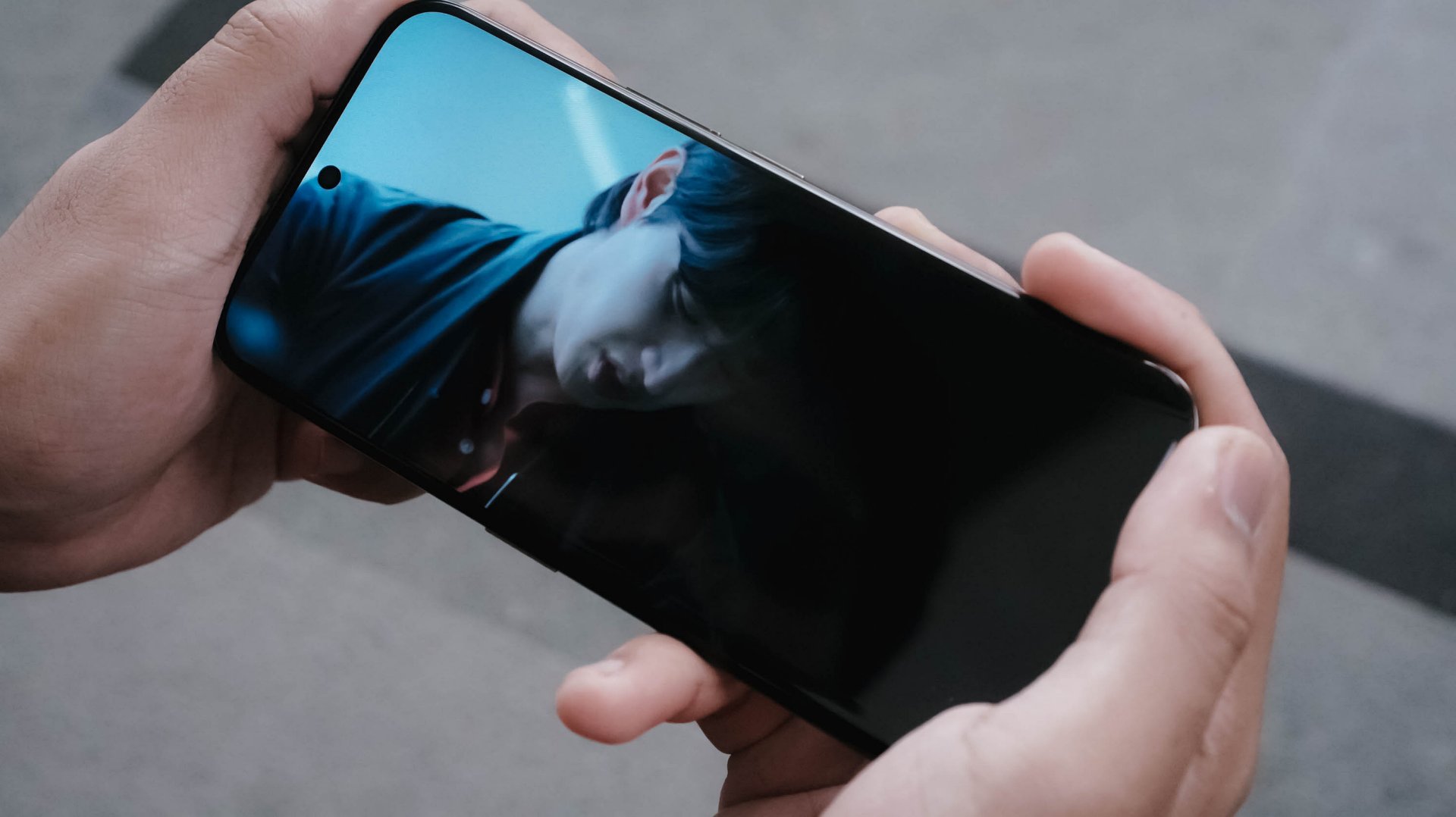
Now that we’re here, it’s also worthy to point out that the CAMON 50 Ultra not only boasts IP68 and IP69 water and dust resistance ratings, it’s also improved to IP69K. This makes it a tougher phone that can withstand even high-pressure water jets or sprays.
On Queue: Hearts2Hearts’ RUDE! + XG’s THE CORE
Of course, it wouldn’t be complete without testing out its speakers. On paper, it has a stereo speaker setup powered by Dolby Atmos.
As the iconic line of Hearts2Hearts’ (H2H’s) “Stella” in RUDE! : “Boy, does it look like I could care? I couldn’t even care less!” It felt like the CAMON 50 Ultra embodies the same spirit. As long as it’s loud enough, it begs to get in all the way.
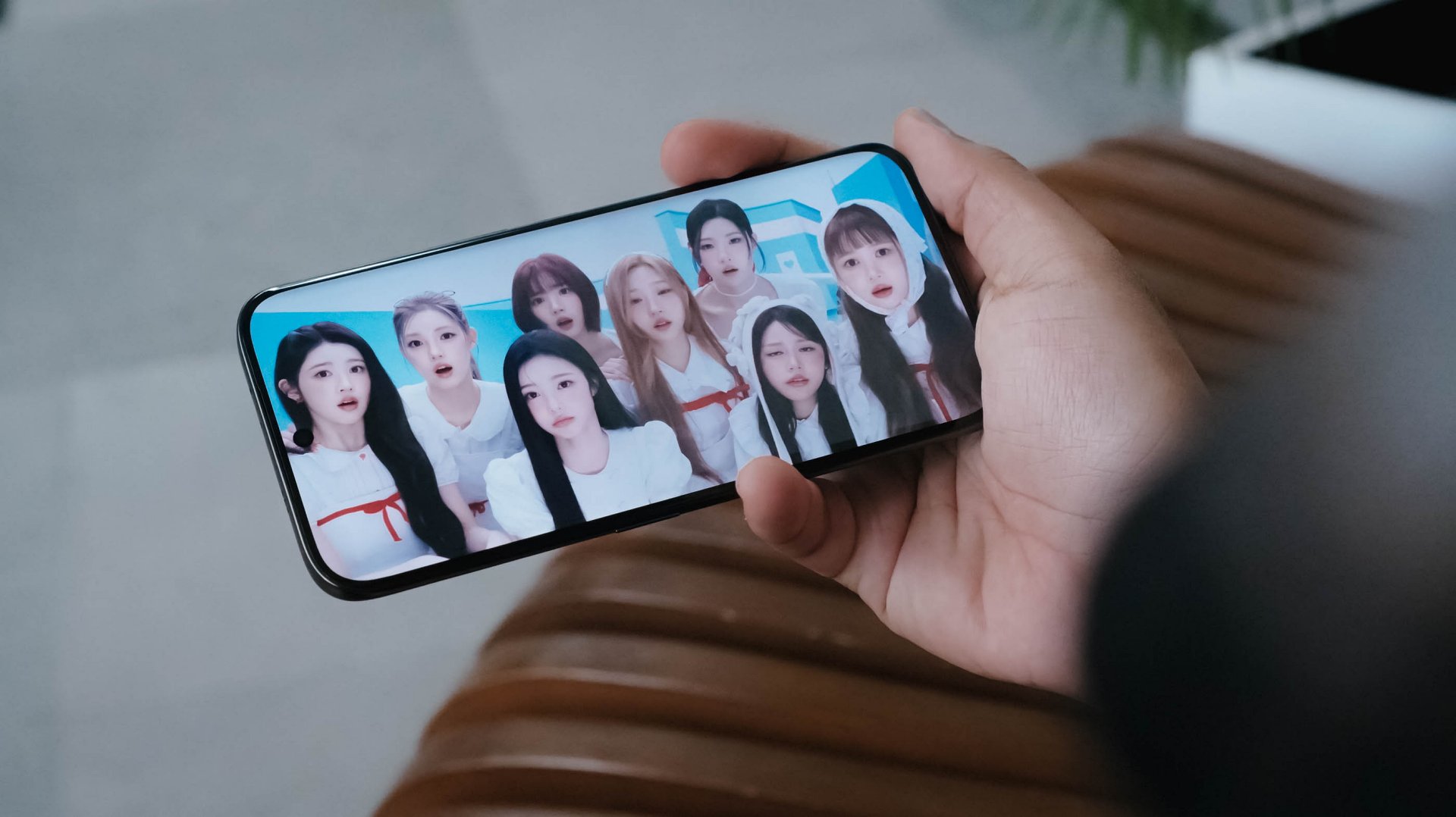
In real-life, the speakers are loud enough to fill in your empty room. However, my nitpicky ears can easily tell that the bass isn’t that deep. More so, sound gets distorted once it reaches above 80%.
I tried comparing it to my other phones and my observations were right all along.
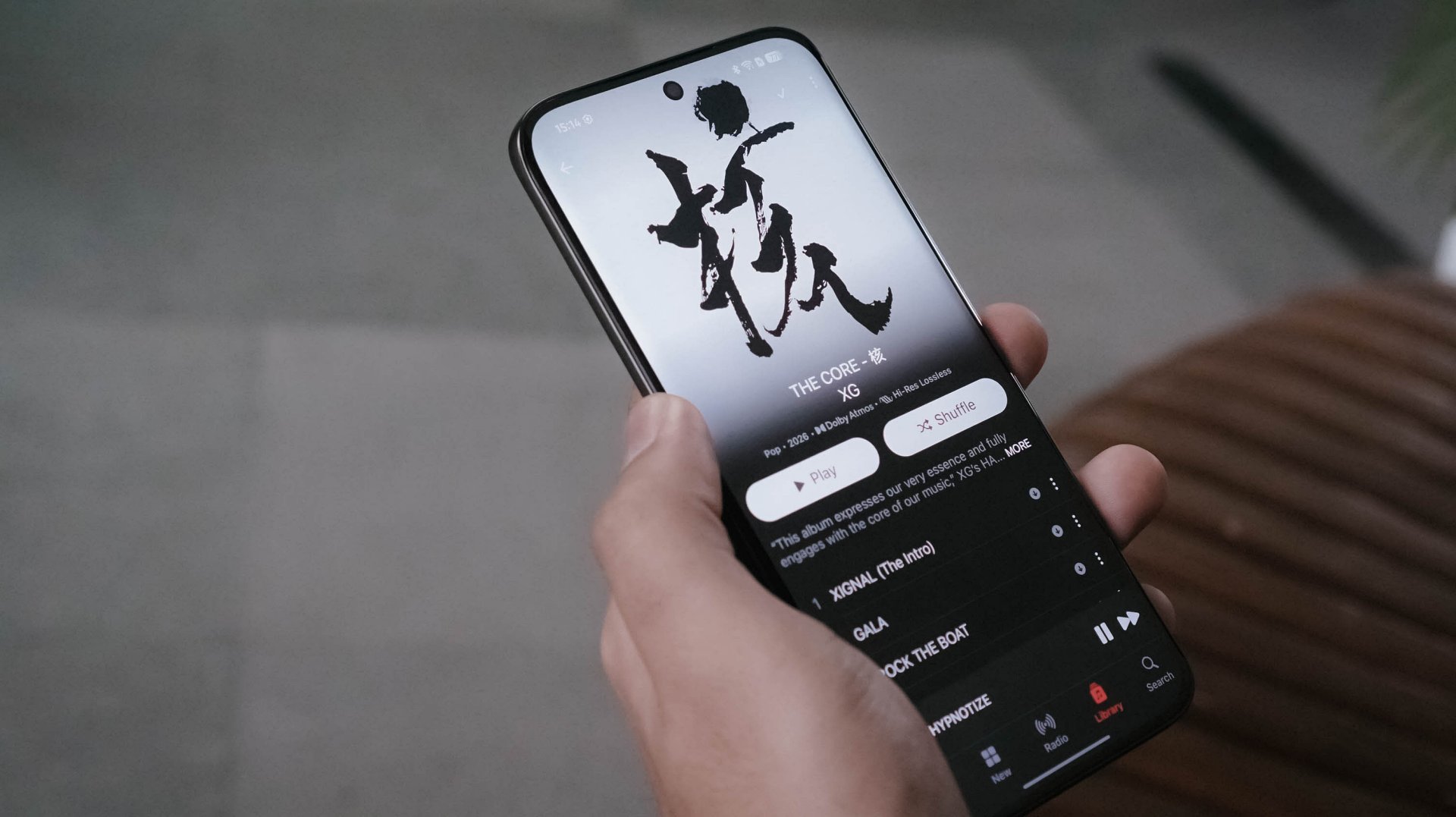
Even when I tried playing lossless versions of the full THE CORE album by XG in Apple Music, the same thing persists.
In songs like 4 SEASONS and TAKE MY BREATH, that loudness sounds alright as the songs are more into the solemn side. However, playing tracks like GALA and O.R.B, they instantly become a sore in the ears. Highs, mids, and lows all get distorted.
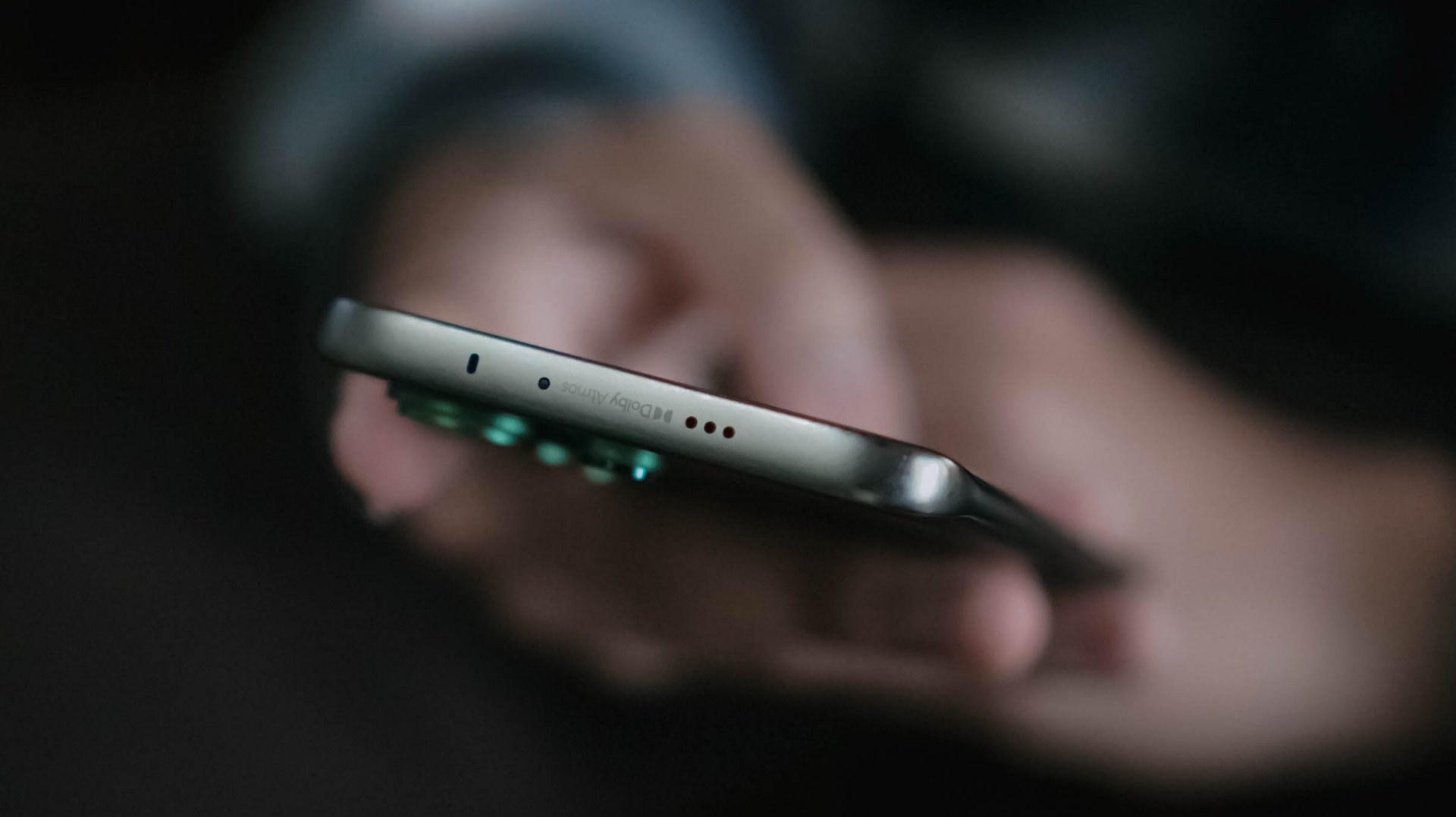
Not sure if this is just my unit though. Hopefully, TECNO can also work on improving their phones speakers in future iterations.
Still that solid snapper
ICYMI, TECNO’s CAMON 40 series last year (except Premier) all shared the same main camera sensor.
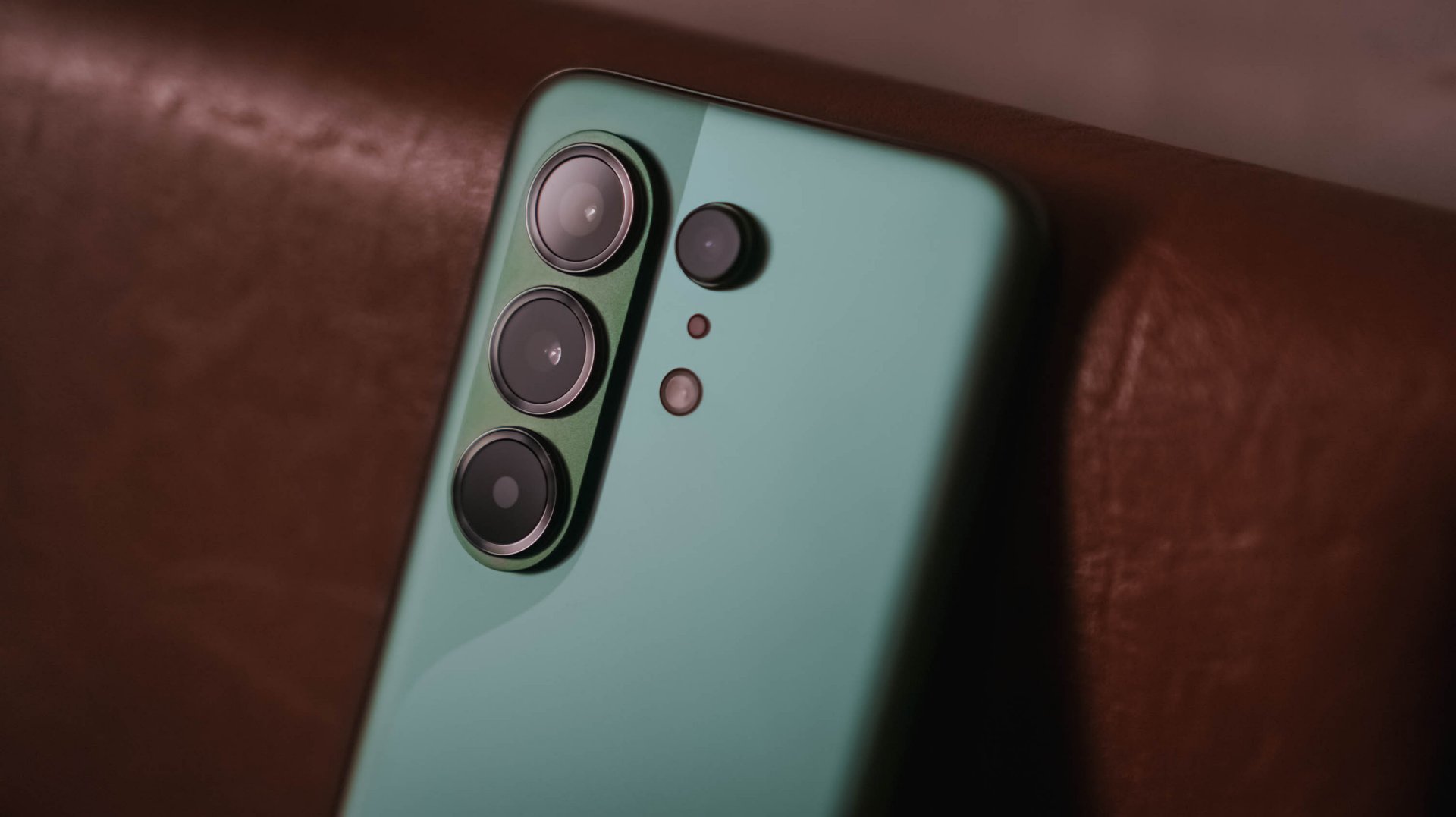
The same story happens this year as all CAMON 50 models are still equipped with a 50MP Sony LYT-700C image sensor. As the saying goes: if it ain’t broke, don’t fix it.


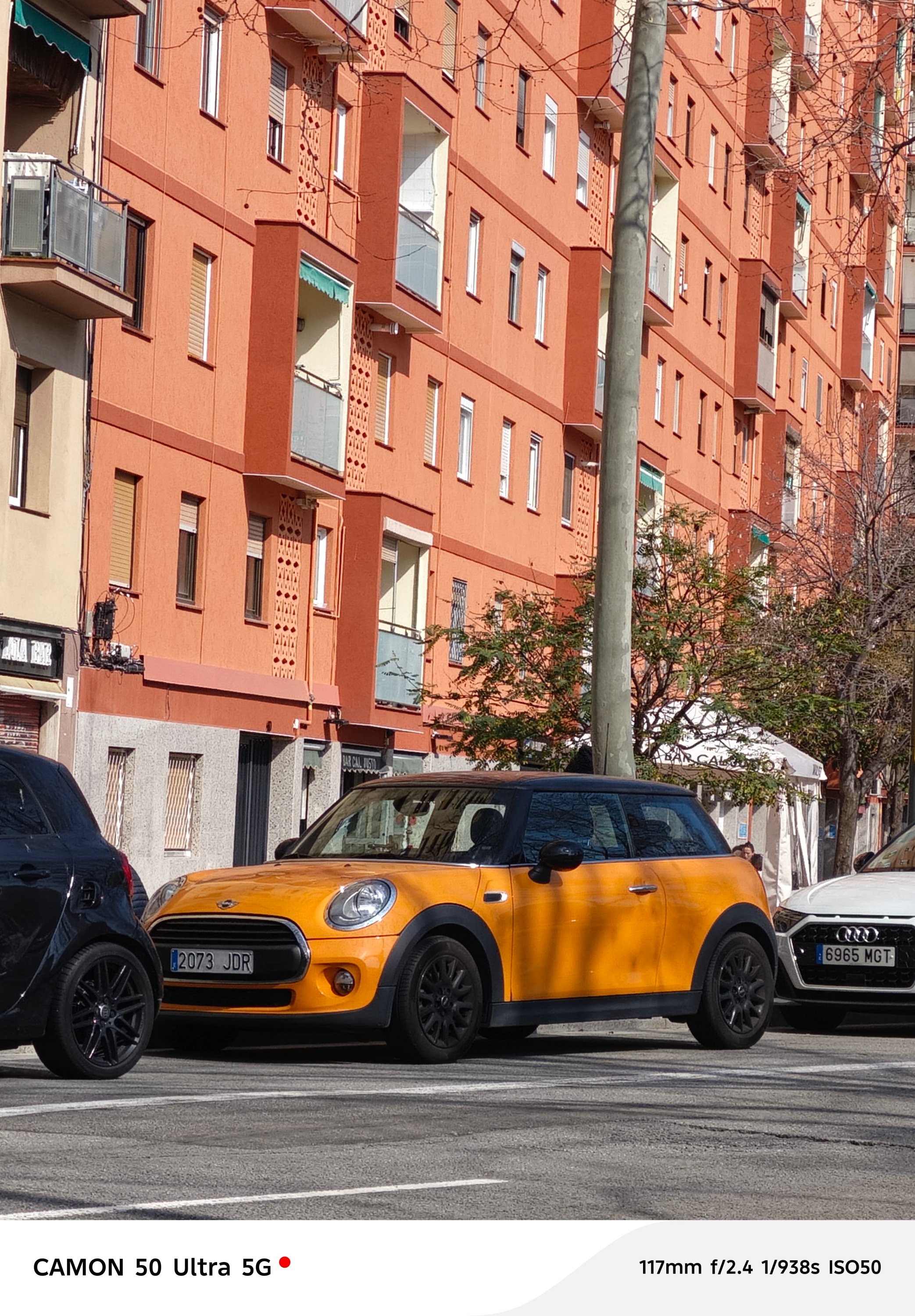
And with the same sensor, the CAMON 50 Ultra will still be able to provide crisp and rich 2x shots even if it relies on in-sensor cropping.


Surprisingly, CAMON 50 Ultra’s 50MP 3x telephoto zoom module (85mm equivalent) is also found in the CAMON 50 Pro. Last year’s Pro models don’t have any.




In subjects that are really far away, the CAMON 50 Ultra delivers consistently.

While other brands fail to provide consistent colors between its cameras, the CAMON 50 Ultra begs to differ.




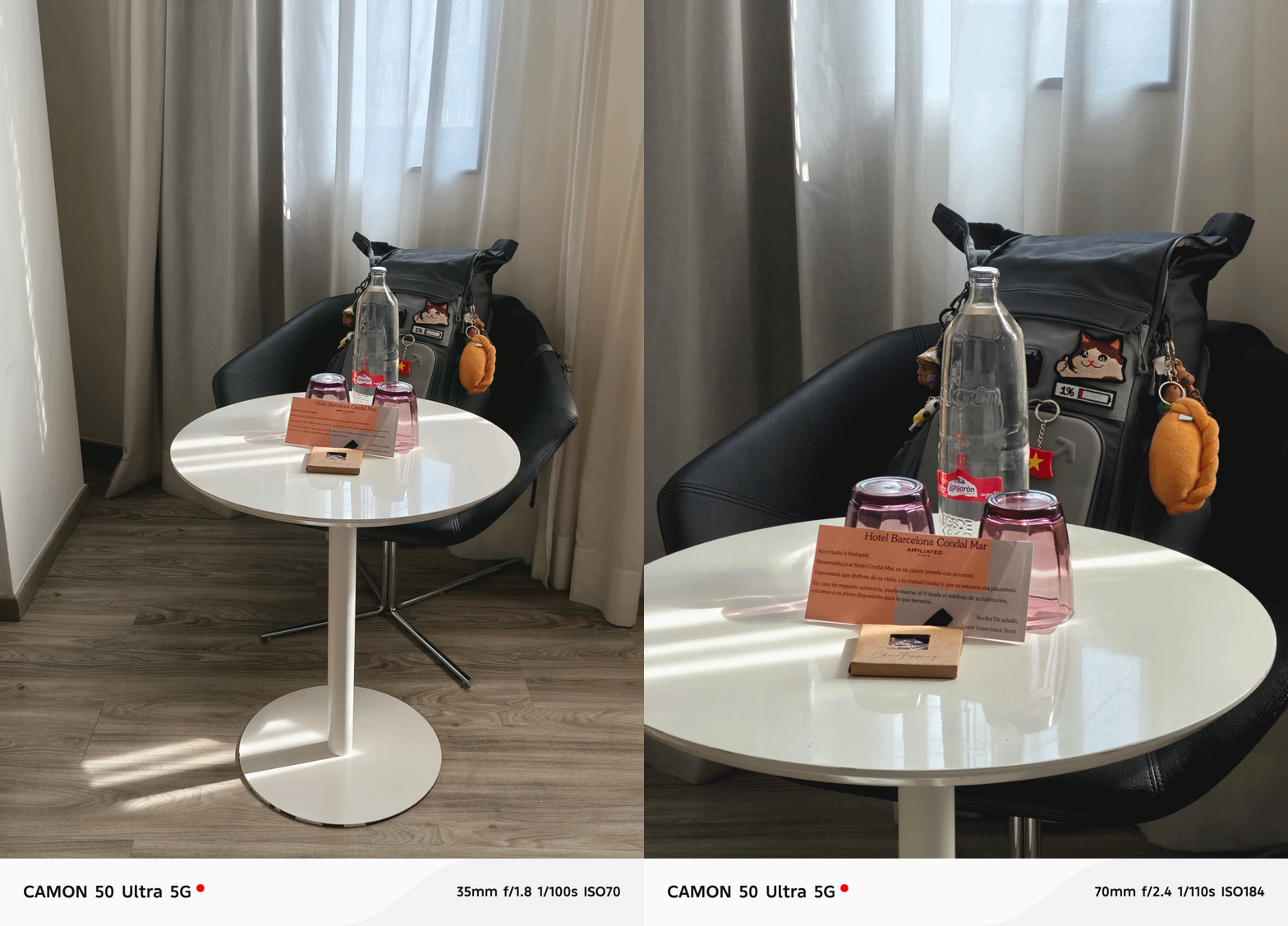
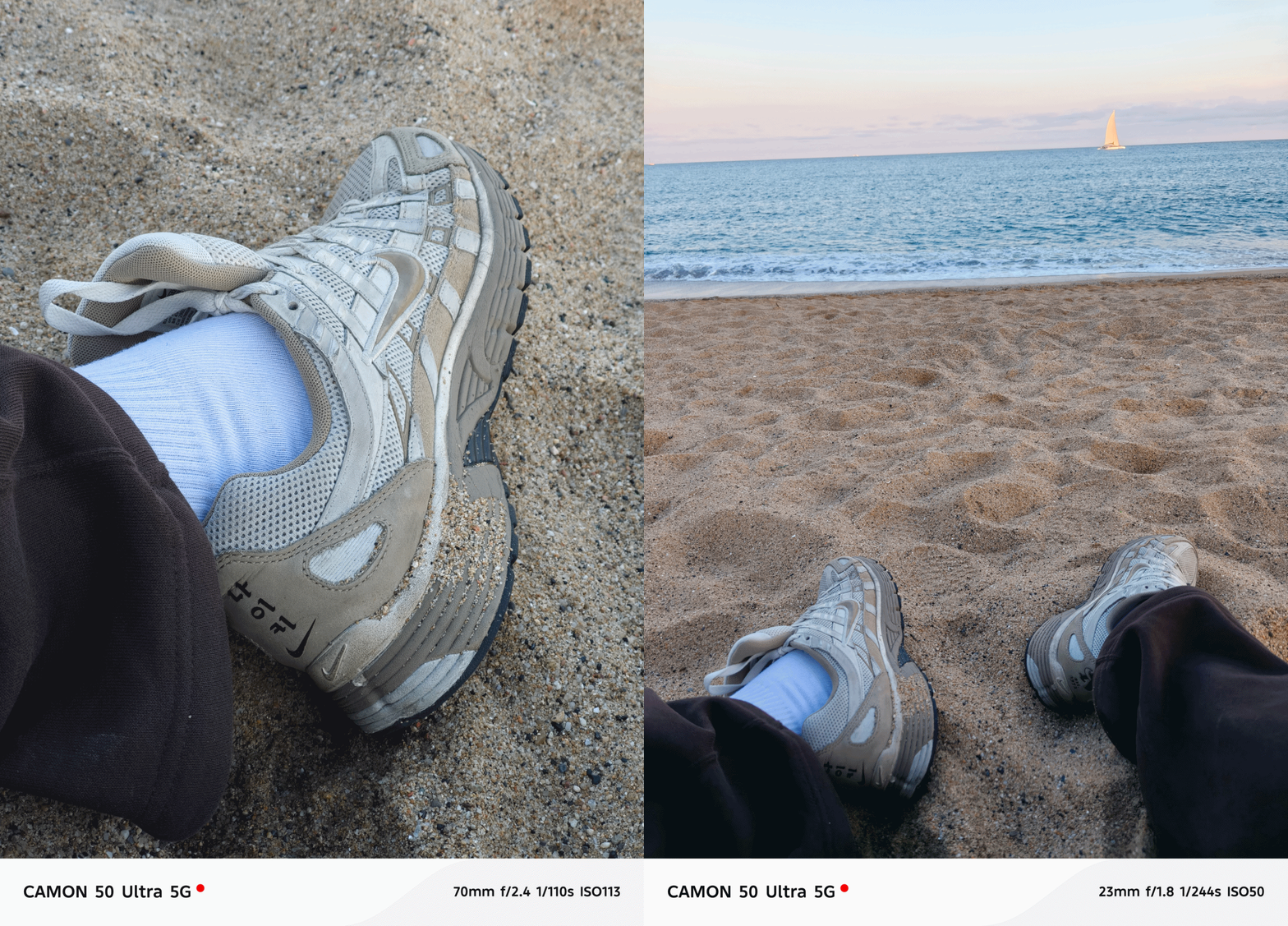

Speaking of color consistency, TECNO’s trio color styles (or profiles) are still there. However, it’s now tucked inside the lower collapsable menu unlike before where it’s exposed at the upper right top.
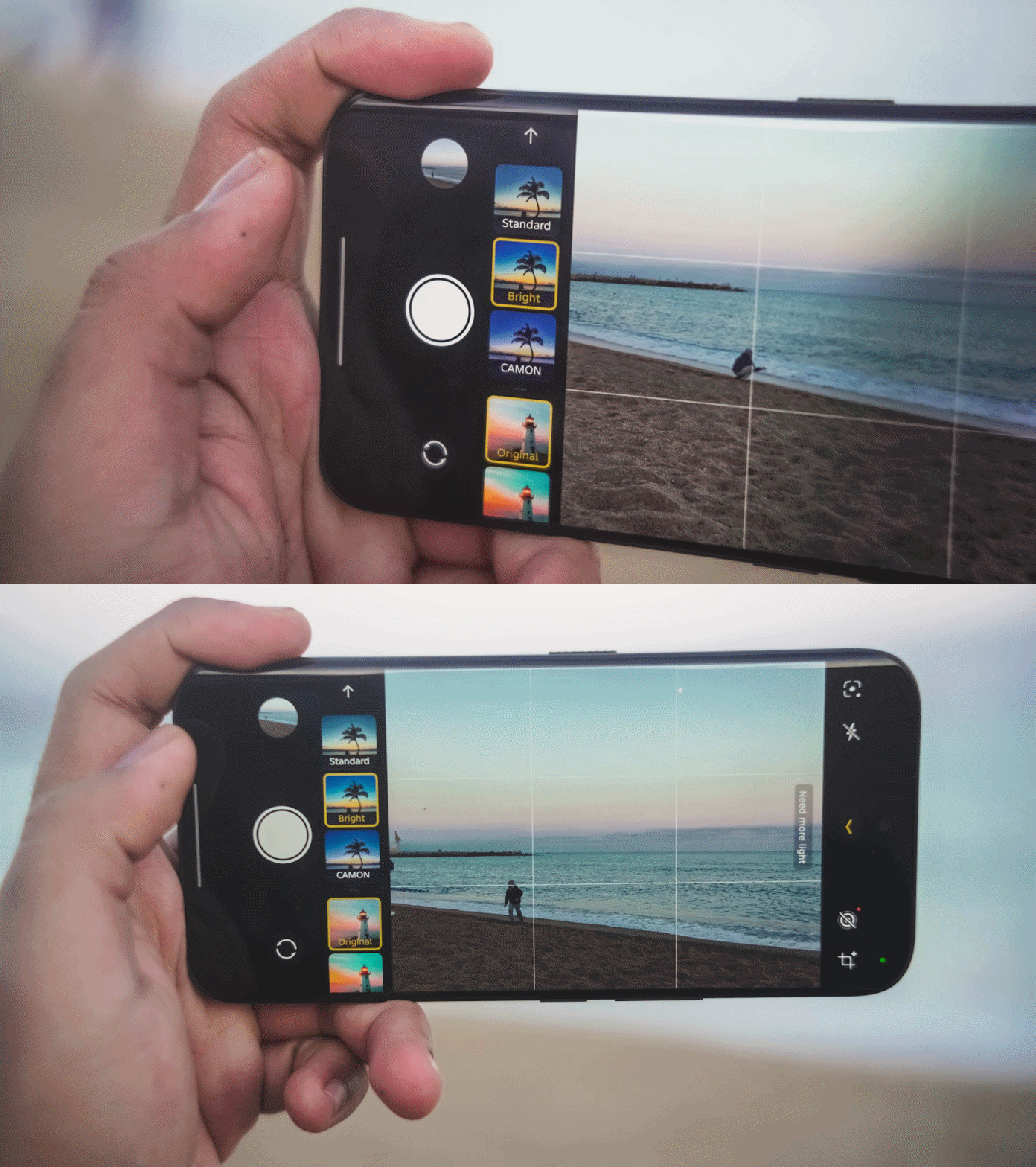
That has been replaced by a new feature they call “AI Auto Zoom” for better re-framing of shots even without hitting the shutter button.
Regardless, the looks are still the same like previous generations: Standard for a balanced look, Bright for more vibrant shots, CAMON for that subdued, soulful look.

Regardless of the focal length you choose, these color profiles should work.
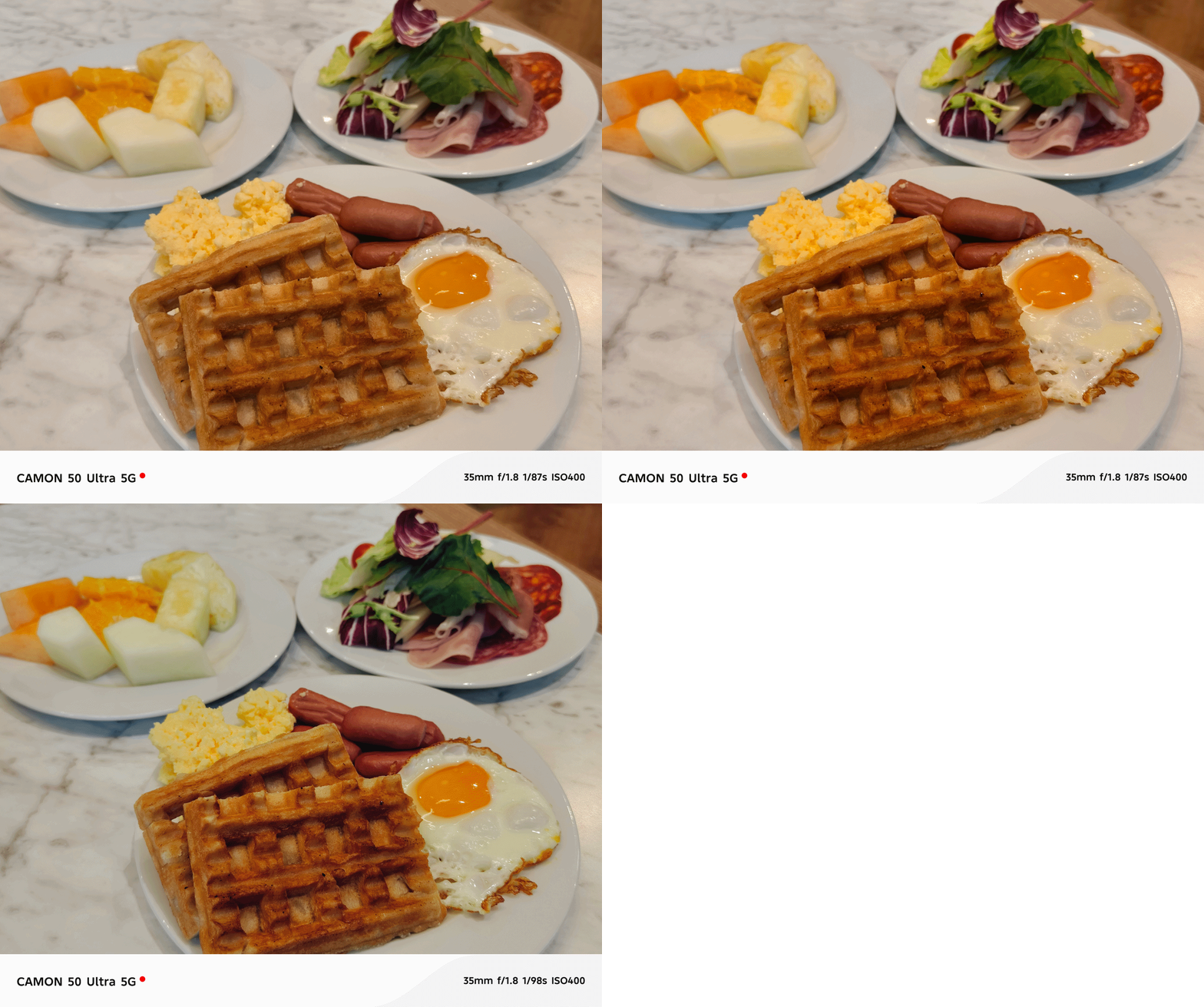
One complaint when using the telephoto zoom? Its minimum focusing distance.
Other smartphones have telephoto zoom that works within closer ranges. But, the CAMON 50 Ultra struggles when doing so. It clearly reminded me of the periscope telephoto shooter found in last year’s CAMON 40 Premier with the same issue.

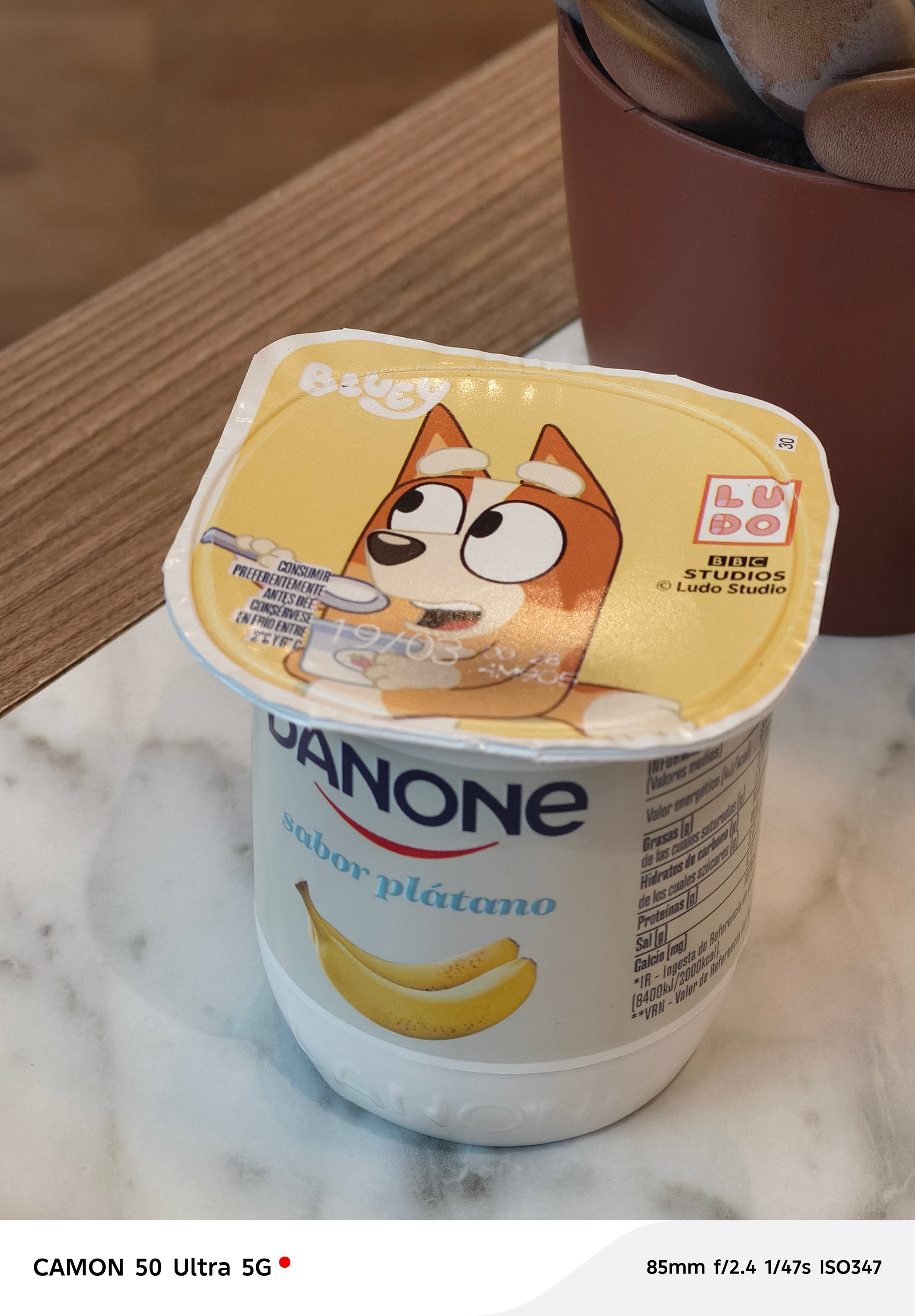
The only “fix” for this is to switch to the 85mm focal length (instead of 70mm). By backing up from your subject a little bit, you can take zoomed shots that are still closer in distance.
But, the best camera feature found in this midranger wonder? Its none other than its FlashSnap capabilities that lets the phone snap photos even before you click that shutter release.



I wouldn’t able to take these stellar shots without TECNO’s wonderful feature. Barcelona’s beach gulls are the (un)paid actors here for letting me snap these picture-perfect photos in a time freeze.


They have improved it this year too as it’s now capable of zooming in as much as 5x. It was limited to 3x on last year’s CAMON 40 Premier and 2x on the Pro model.


BONUS: Instant time-freeze with these crazy-fast toy cars during TECNO’s Booth Tour at MWC 2026

Low-light shots work wonders too. I didn’t expect it too look this good despite the SoC used that usually affects the overall quality of the night shot.





I didn’t even realize I took a lot more than what I have thought.




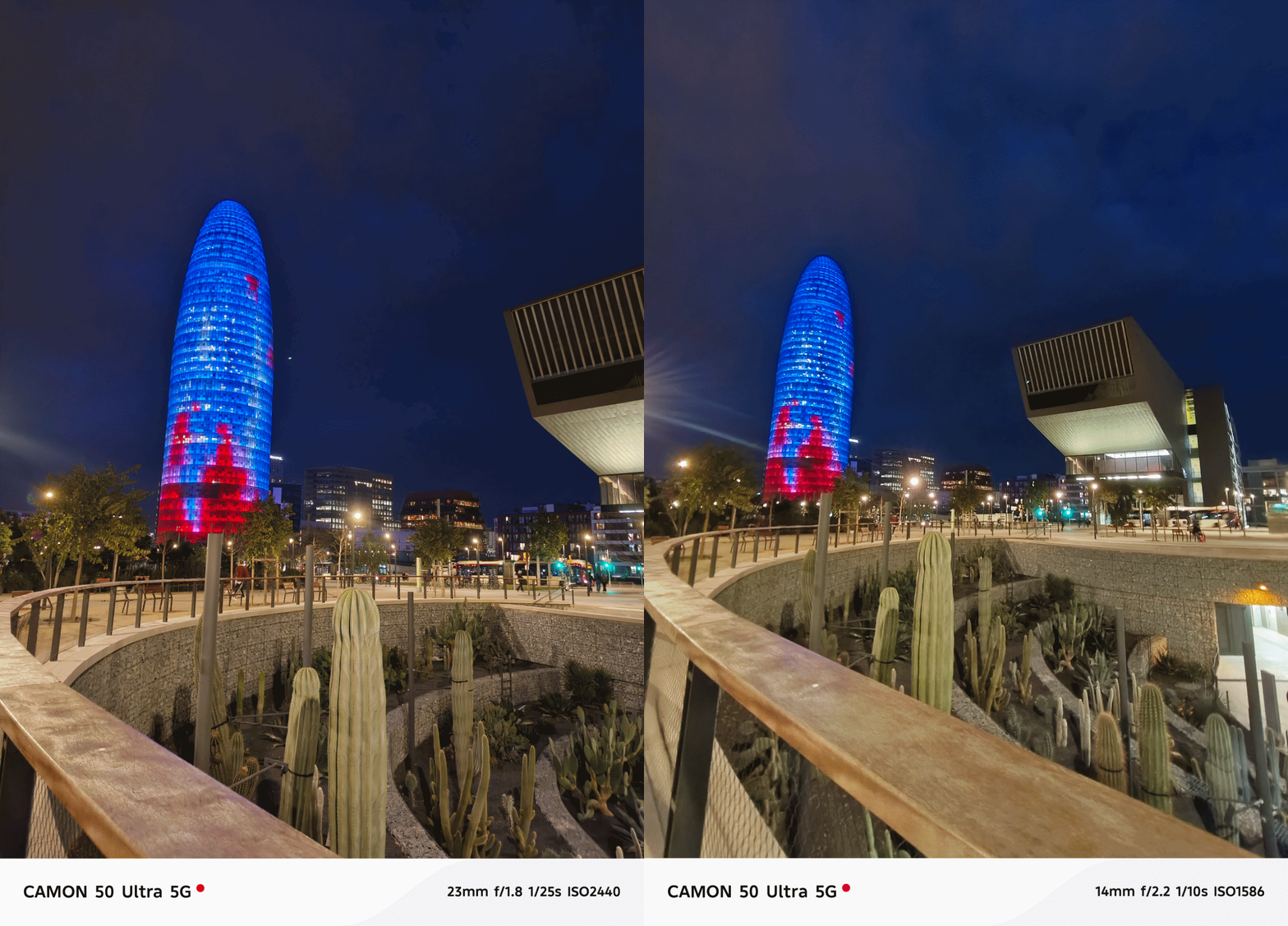

And before I forget, the ultra-wide performs well too at night even though it’s just the standard 8MP camera with a 112-degree FoV (Field of View).


Portraits aren’t that perfect — but should work day and night.



Now, the only things that draw the line (other than the the chip and lack of 5G connectivity) is the 50MP front-facing camera of the Ultra.
Both the base and Pro CAMON 50 models only have 32MP without AF (Auto Focus), only relying on FF (Fixed Focus).

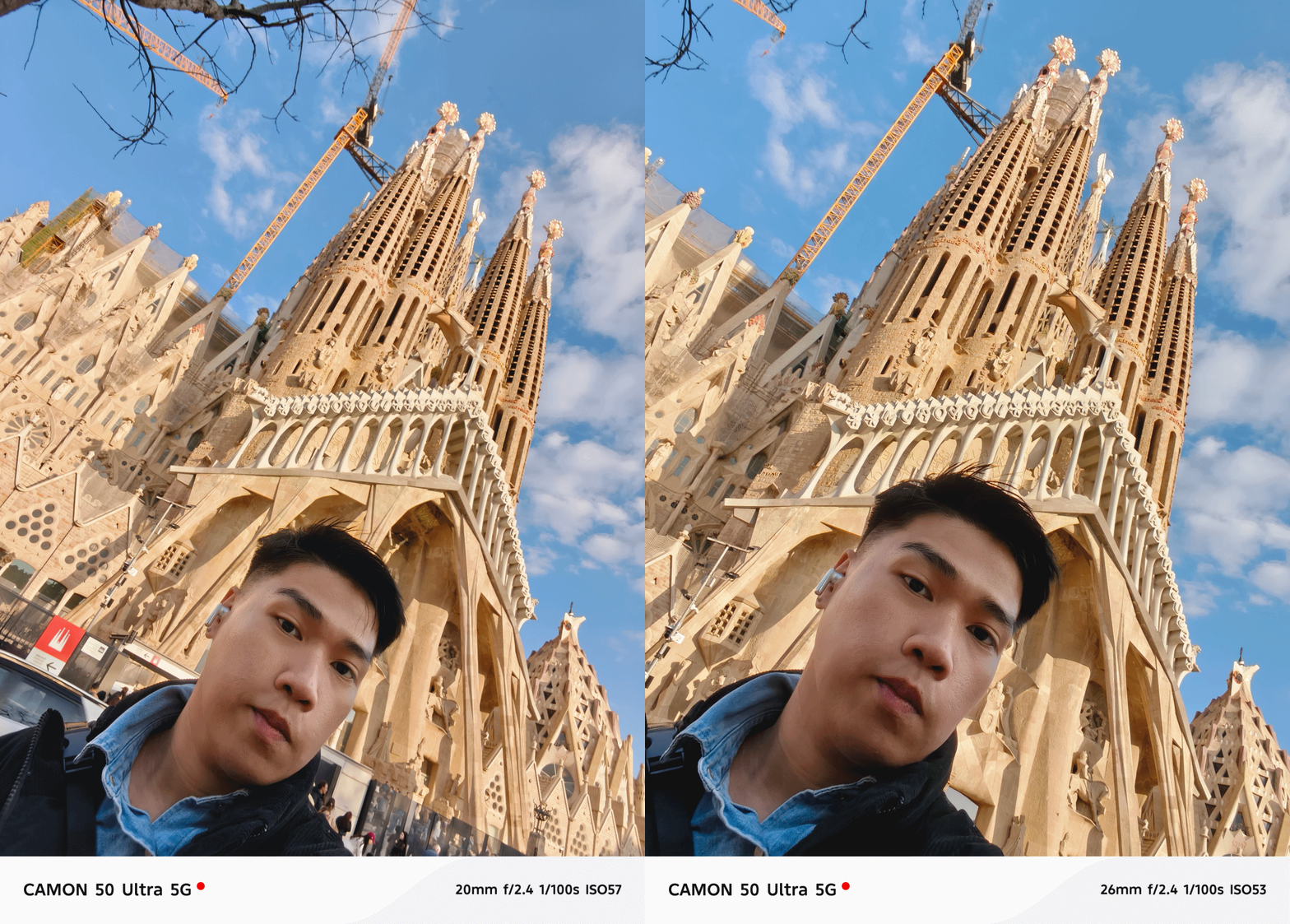
Even if selfies are always against my will, here are some references.
Badly-needed battery boost
After handling various TECNO phones throughout my career, battery endurance is where it ultimately suffers. I felt it hard when using my PHANTOM V Fold2 from 2024 that keeps draining even on standby.
While this isn’t TECNO’s largest battery in a smartphone (as the award goes to the POVA Curve 2 5G with its monstrous 8000mAh capacity) this 6500mAh single-cell battery is something I’ve been wanting to have for long.

I’m also fortunate enough as other regions have a slightly downsized 6150mAh dual-cell battery. Still, both are heaps larger than last year’s 5100~5200mAh range. It’s even a milestone as the newly-launched Samsung Galaxy S26 series never got the battery bumps they all deserved.
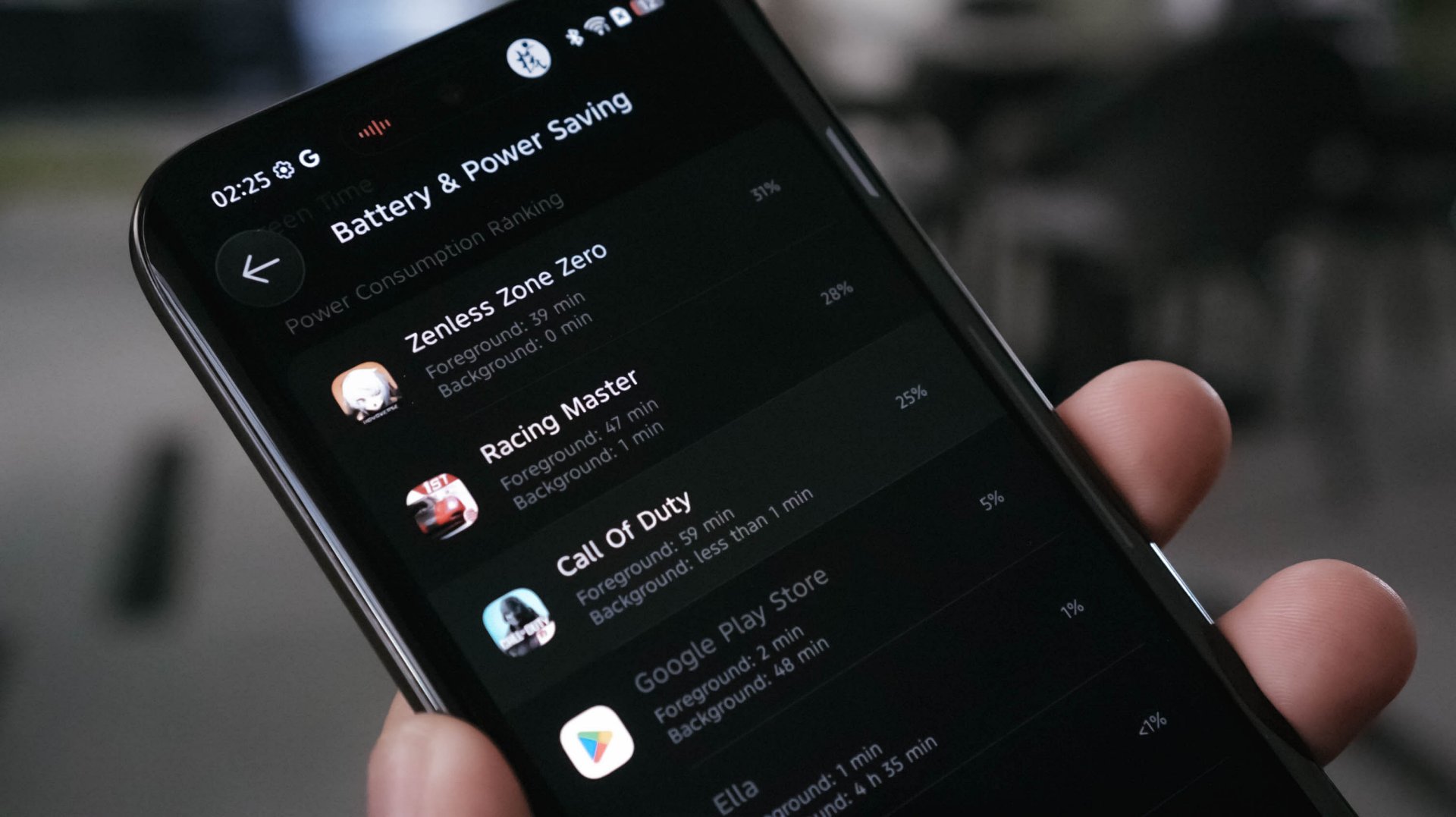
With heavy-hitting tasks, the CAMON 50 Ultra ultimately consumes juice. A total of 145 minutes (or around 2.5 hours) of gameplay means losing as much as 84%. Three to four hours of binge-watching? That’s only a 8~10% deduction though. Streaming music for another hour? A mere 5% depletion.
In the moderate, regularly-mannered use-case, this phone lasts you through a full day with around 10% to spare.
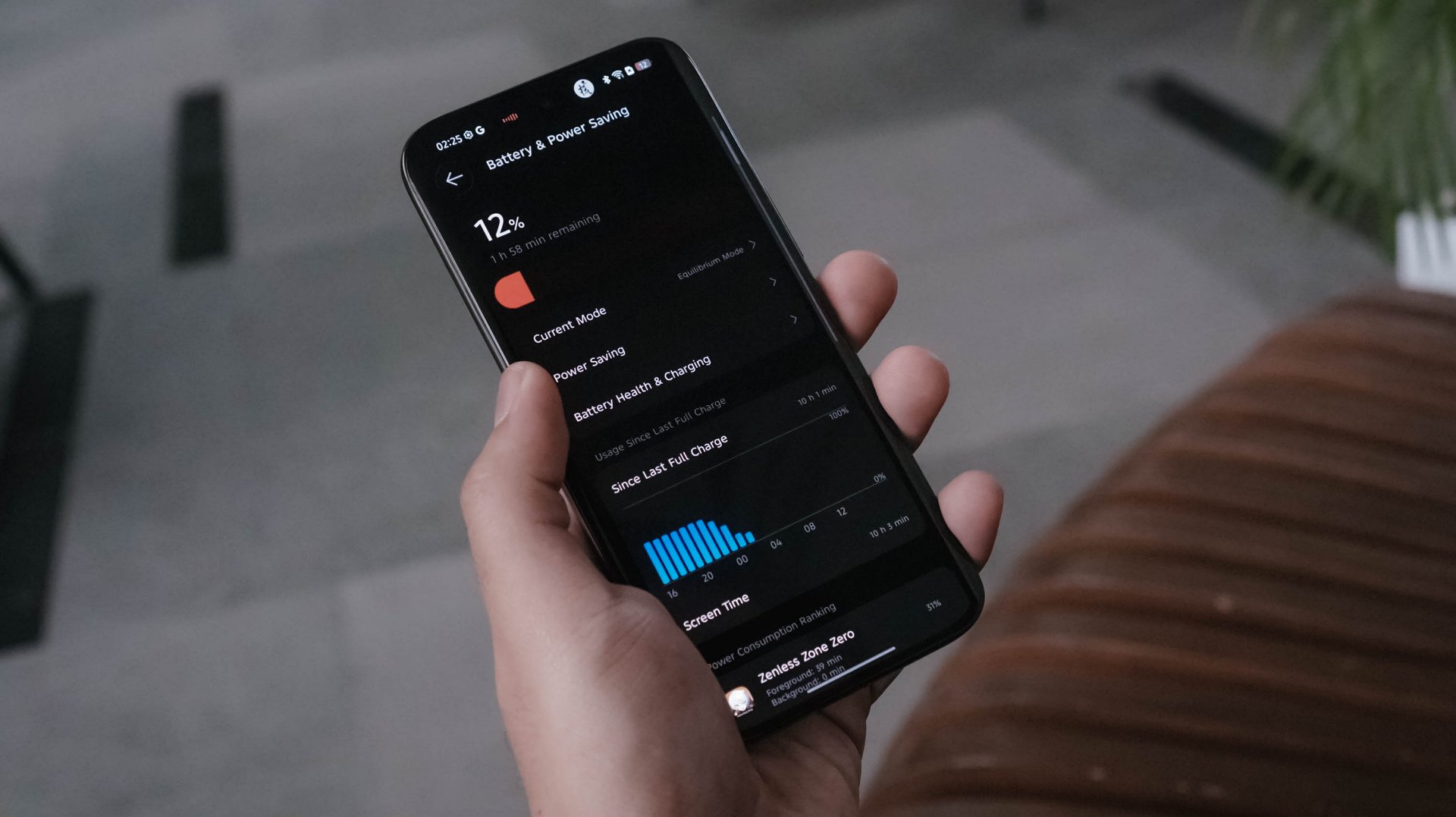
Best of all? Standby time can last up to 3 or 4 days! My other TECNO phones usually die after a day or two even without doing anything.
TECNO says it will still maintain its 80% capacity after 2000 charging cycles (or about five years). Only time can tell.

Once it totally depletes, the CAMON 50 Ultra can be filled up through its bundled 45W charger.
View this post on Instagram
At first, that sounded like a disappointment. However, my initial testing actually shows that the speeds are somewhat similar to the 90W speeds of my vivo X-flagship.
My GadgetMatch Charge Test further proves that point:
TECNO CAMON 50 Ultra
|
vivo X300 Pro
|
|
START TIME (From 0%) |
4:34PM |
1:59PM |
3 minutes |
4% |
1% |
5 minutes |
6% |
3% |
10 minutes |
12% |
10% |
15 minutes |
21% |
18% |
20 minutes |
30% |
24% |
30 minutes |
43% |
38% |
45 minutes |
65% |
57% |
1 hour |
85% |
71% |
1 hour 15 minutes |
99% |
99% |
END TIME |
5:51PM1 hour 16 minutes |
3:15PM1 hour 16 minutes |
So how is that even possible? Only the amazing people behind the tech can explain it.
As the reviewer myself, I am both in awe yet still in disbelief: are charging speed labels the real deal or are they’re just labeled for the sake of saying it’s “fast” enough?
Is the TECNO CAMON 50 Ultra your GadgetMatch?
As of this writing, TECNO has not provided exact pricing. But, for a phone still positioned below the US$ 600 / EUR 400 pricing range (approx. below PhP 30,000), the TECNO CAMON 50 Ultra is still one of those midrangers aimed towards users with a lean budget who also happens to value mean performance.
Swipe Left only if a curved edge display and 45W wired charging are dealbreakers for you — even if my charge test says otherwise.
Personally, it’s still a Swipe Right and a Super Swipe for me.
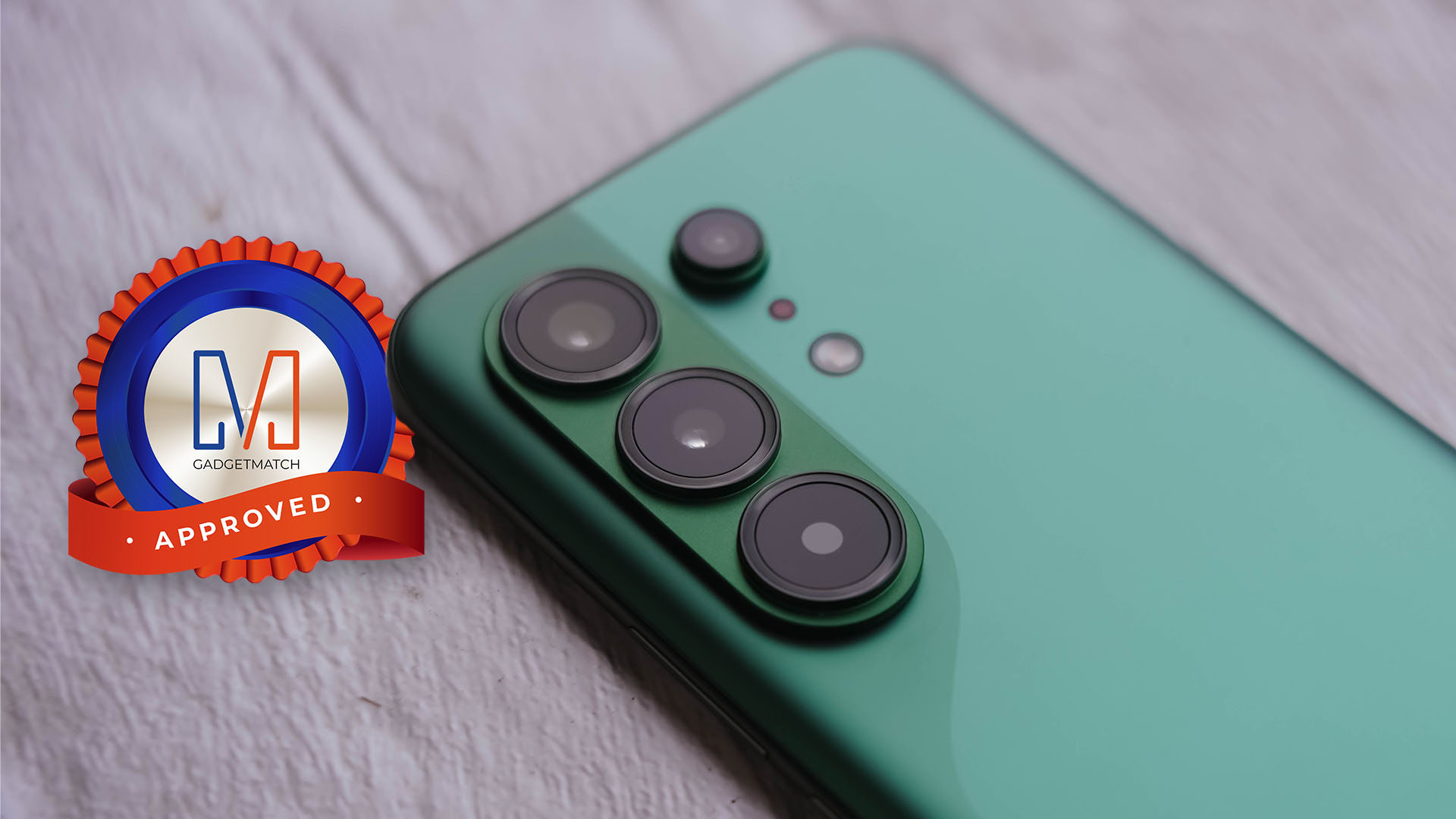
Its slender chassis, battery capacity boost, and solid shooting experience are already given. The combo of a reliable hardware plus refined OS are more reasons why the CAMON 50 Ultra is a phone worth checking out.
I may not have the consensus but, it seems like TECNO values what their community is saying.
For one, most of us wanted a bigger battery not just by numbers, it delivered a long-lasting endurance too.
Others pointed out that smaller and flat display on last year’s CAMON 40 Premier. This year, they brought back that bigger 6.78-inch curved display tech.
Last but definitely not the least, a streamlined and ever-fluid OS compared to what it was from two years ago.
If only they bring back 75W charging, a larger 512GB storage configuration, and even eSIM support, the next CAMON will instantly crush the mid-class.
Now, is the price bump from last year’s CAMON 40 line justifiable? Well, I am still blaming the AI-ddiction that led to component shortages as well as price hike craze.
404 Premier Not Found: The new era
As I still can’t get over how extremely catchy KiiiKiii’s latest hit track 404 (New Era) is, it inspired me to realize what TECNO did with its latest CAMON 50 series line. This might mark as the new era for TECNO — a bittersweet new beginning if I must insist (or resist).
Other than the company itself, no one knows why they went with this route. Based on my observation alone, it seems like TECNO is trying to play it safe this time, though not in a bad way.
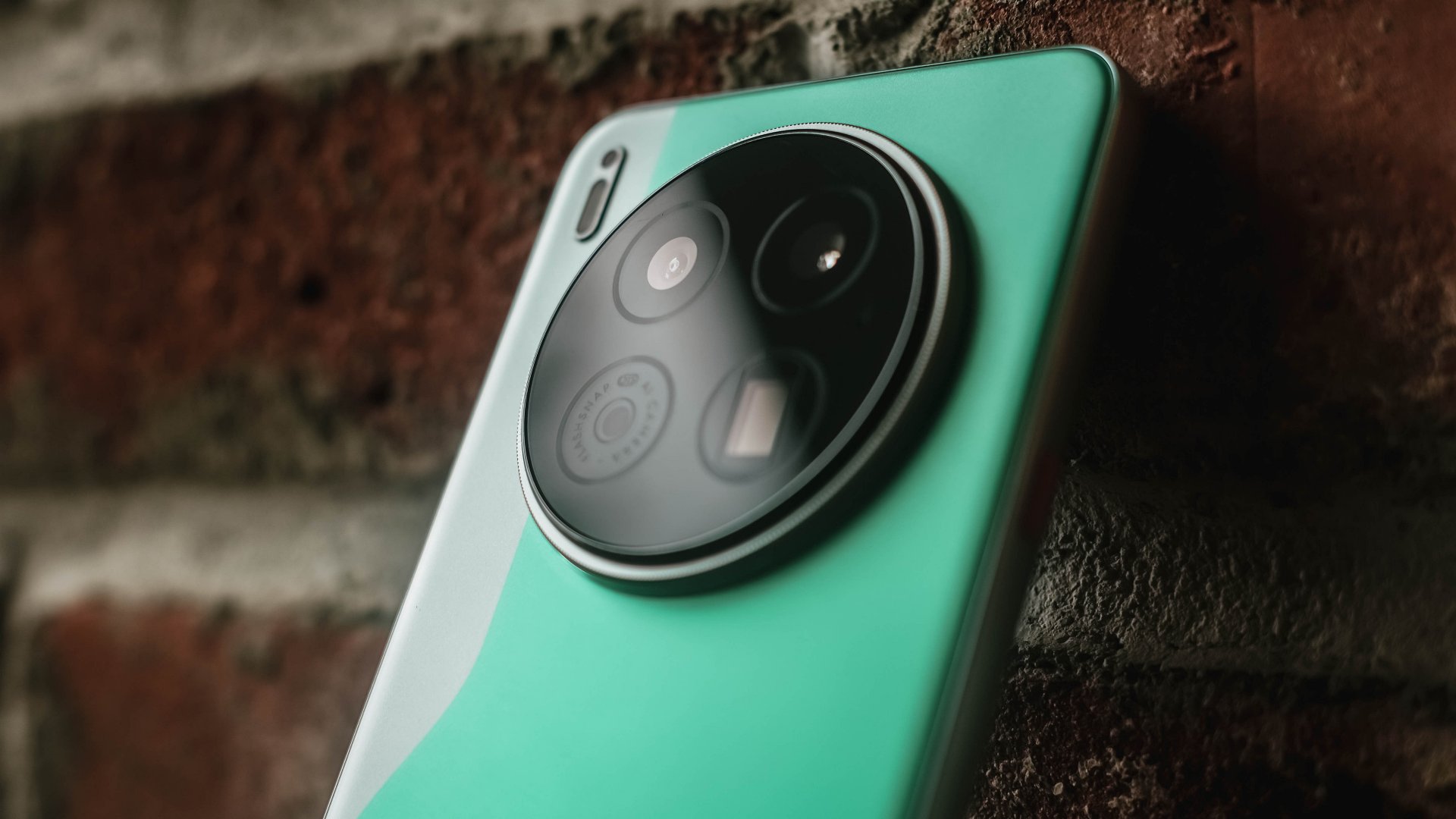
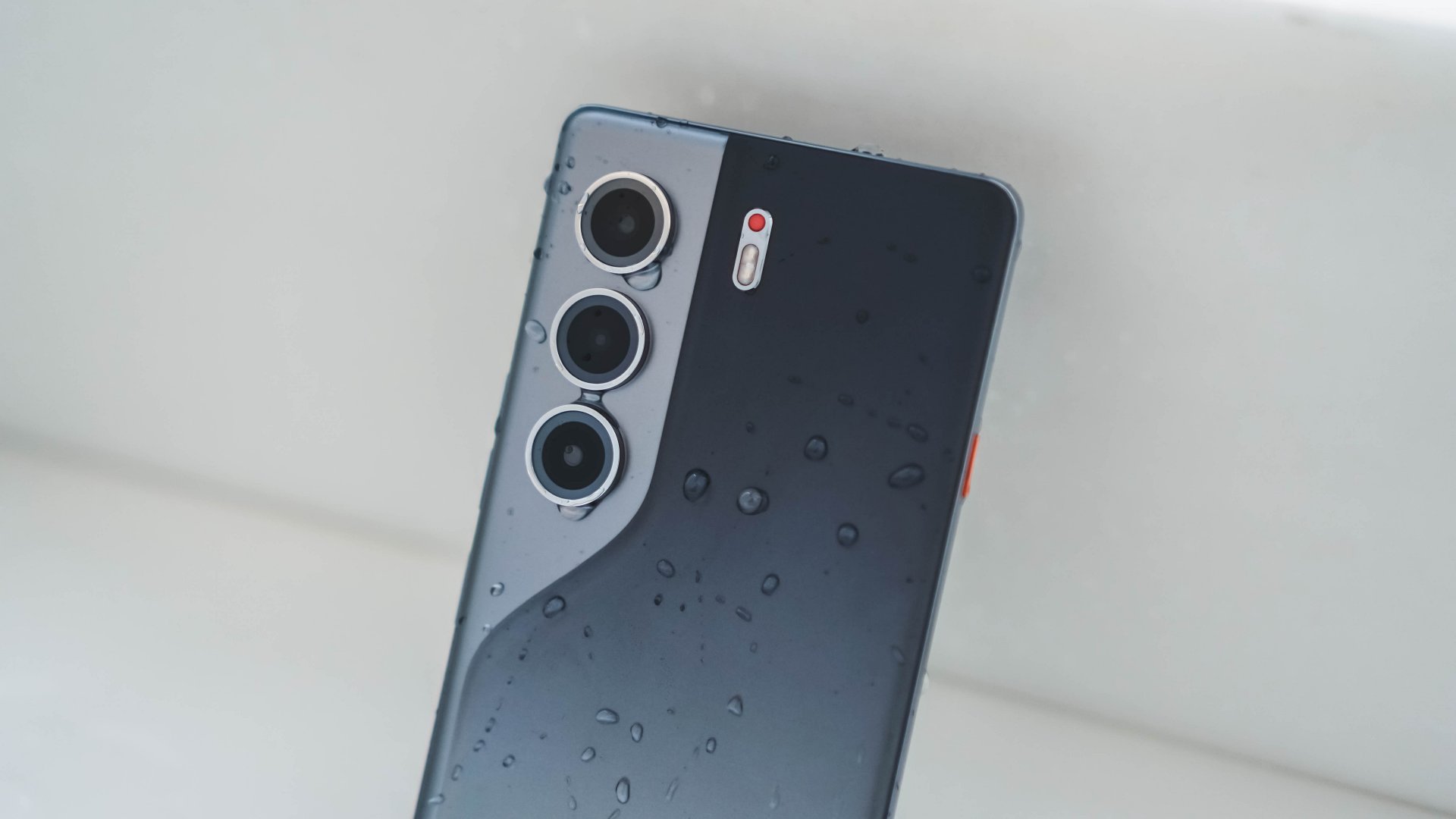
TECNO CAMON 40 Premier | 2025
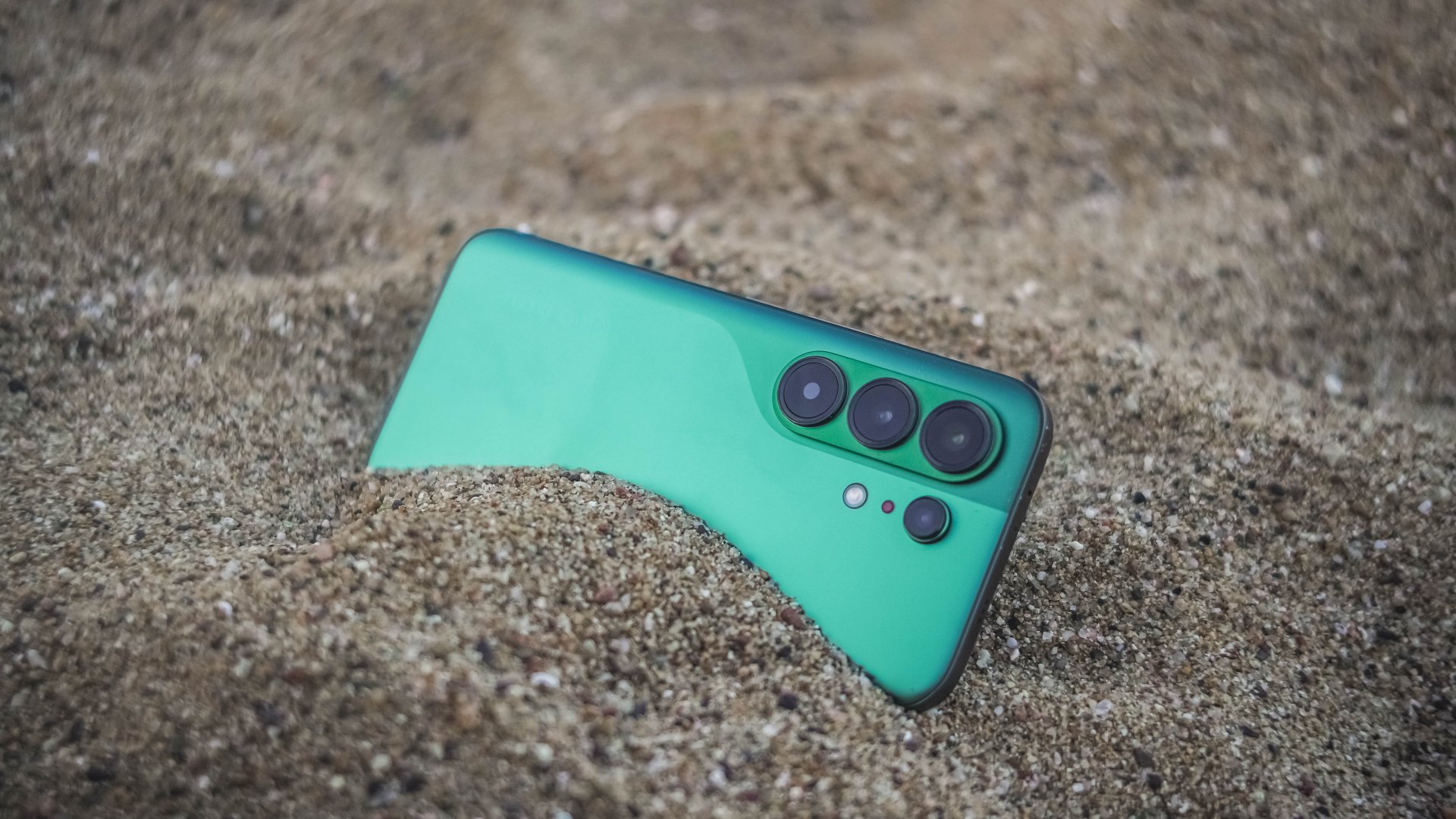
They want to upkeep with the demands of their aimed market without having to spend more for production and/or raise the overall price of its new line of smartphones two to threefold. And based from the spec sheet alone, the CAMON 50 Ultra is more of the successor to last year’s CAMON 40 Pro 5G rather than being the total replacement of the CAMON 40 Premier.
TECNO CAMON 40 Pro 5G | 2025
Also maybe, TECNO just wanted to “simplify” their model naming by omitting the “4G” and “5G” titles of the CAMON Pro lineup, making it sound cleaner and less confusing. But, that change still confuses a lot (myself included) with the “Ultra” being a newcomer — all while the signature “Premier” is nowhere in attendance.
Now, despite my sentiments of truly missing their Premier line, this new midranger still is a compelling choice. I never even thought I would enjoy the CAMON 50 Ultra as much as I would. It’s a well-refined piece of slab culminated by TECNO’s continuous strive to innovation.
I’m just wishfully thinking TECNO is just hiding the CAMON 50 Premier up in its sleeves and brings out that wild card on the deck months after this release. Hopefully, it doesn’t end up like their flagship PHANTOM X series that was never heard of since 2022.

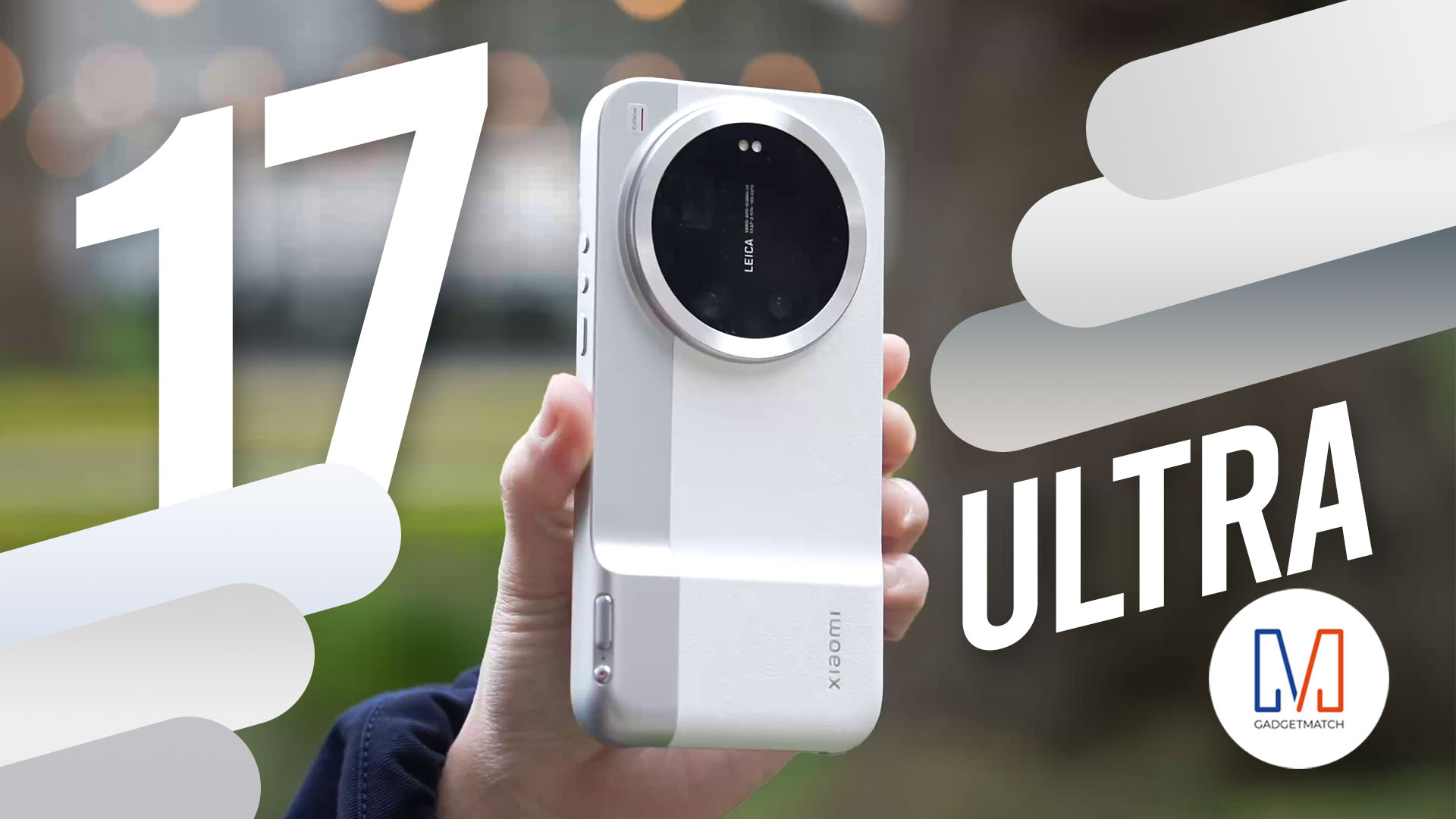
The all-new Xiaomi 17 Ultra isn’t perfect. But as a camera?
With a 1-inch sensor, continuous optical zoom, and Leica color science — this might be the most exciting camera phone Michael Josh has used in years.
If you care about photography more than a polish, you’ll want to watch this review.
Here’s our in-depth Xiaomi 17 Ultra review.
Despite having two tablets with me, I admit I am not a religious tablet user. So, why accept another tablet review?
Well, as privileged as it sounds, the tablets with me represent the two ends of the spectrum: entry-level and flagship.
However, the arrival of the Xiaomi Pad 8, nestling right in the middle, came just in time, and it might just be what I’ve been looking for in this niche tablet territory.
In for a sweet treat
In a sea full of gargantuan slates, I never knew Xiaomi Pad 8’s 11.2-inch screen is the sweet treat I truly desire. The other two tablets I’ve mentioned both exceed the 12- and 13-inch range.
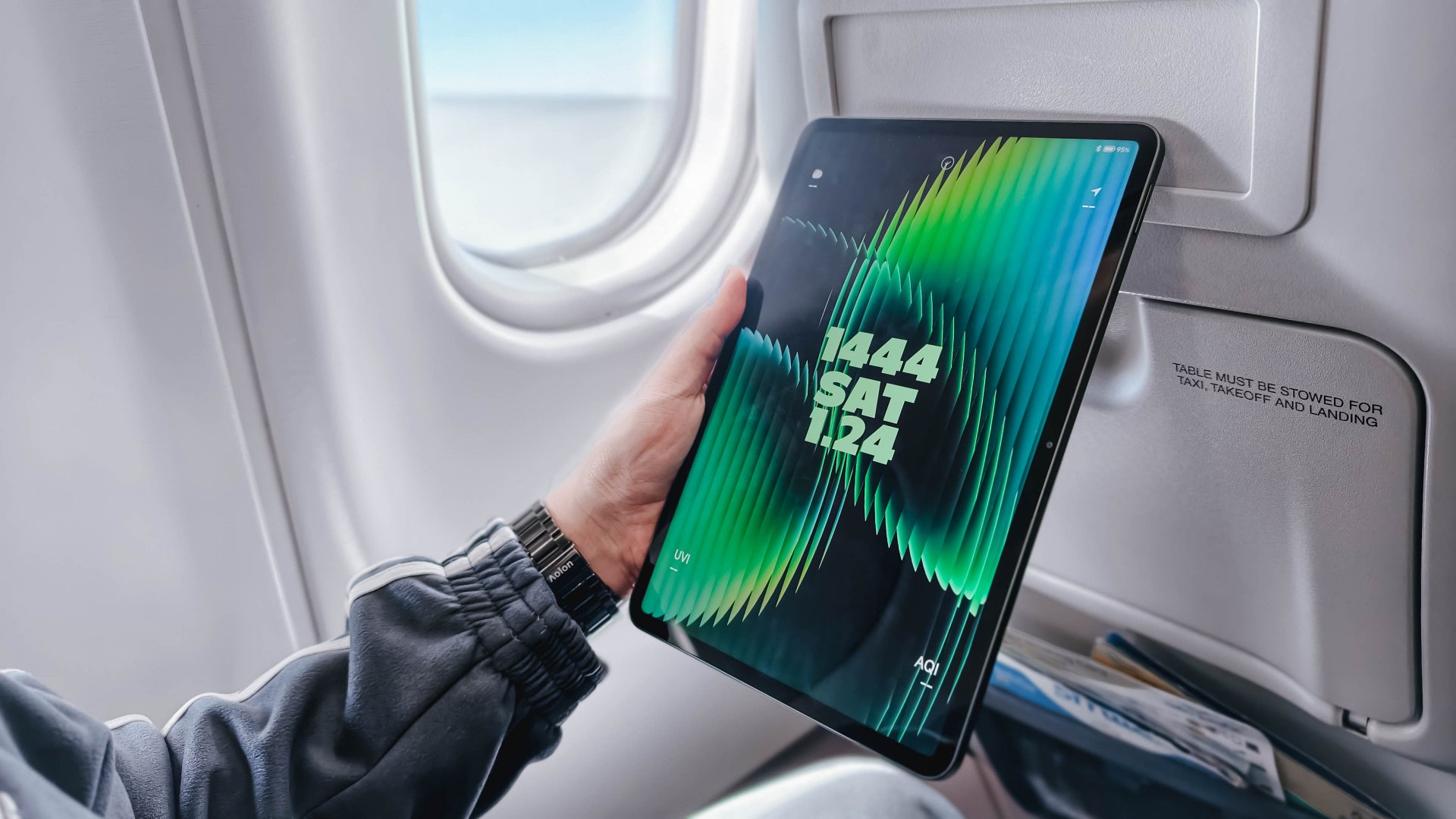
Having a tablet with a bigger screen, while great for one’s viewing pleasure, still means having to deal with its overall heft. However, the Xiaomi Pad 8 has a reasonable amount of heft at just 485 grams — 15 grams less than its predecessor.

It also managed to shed some trimmings from 6.2mm down to just 5.8mm.
Now hear me out: Those numbers might not sound a lot. However, the actual feeling and experience make a difference, not just when carrying it, but also when putting it on surfaces — whether it’s your lap, a café’s roundtable, and even inside your bags (or sleeves).
Flight-friendly
No one asked, but I took the Xiaomi Pad 8 with me in my recent Japan trip.
Flying economy (not that I have the option as it’s an LCC or low-cost carrier) is the greatest measure I can think of just to prove my “sweet spot” admiration.

Surprisingly, after putting down the airplane tray table, the Xiaomi Pad 8 fit like a glove. I cannot do the same with my 14-inch MacBook Pro for, well, the most obvious reason.
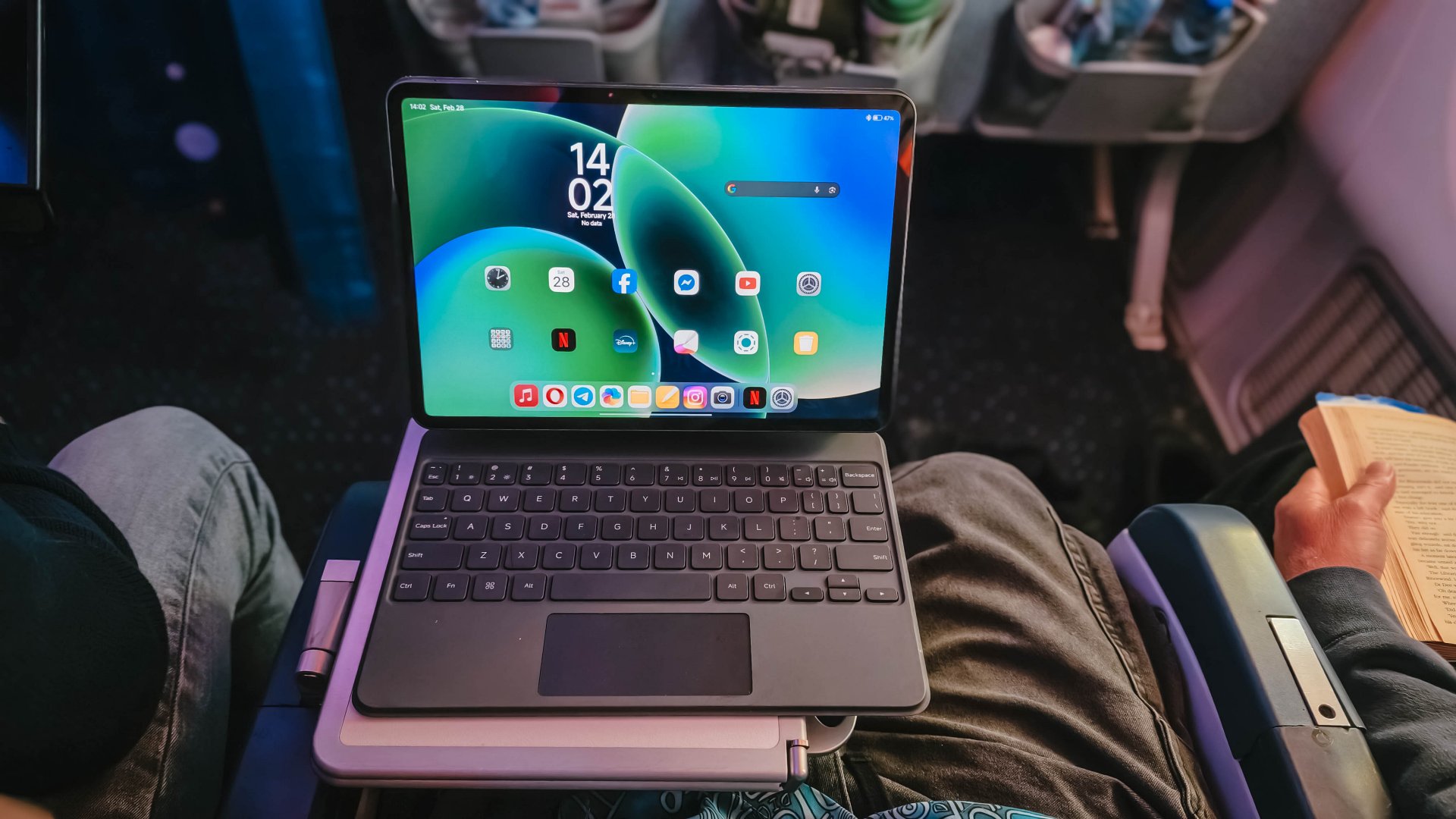
BONUS UPDATE: The Xiaomi Pad 8 was also able to fit in this half-folded tray table during my 16-hour flight to Amsterdam. No issues of wobbling whatsoever. Although the food items were able to fit, it was kind a bit of a reach to put everything.
During that 4-hour flight, I was able to catch up with the first four episodes of Undercover Miss Hong that I missed during its Netflix premiere.

While asking for an OLED display sounds too much to ask for, its IPS LCD display still did the job well. That 3.2K resolution and 345ppi pixel density are as sharp as ITZY Yuna’s character as she made her cameo being Park Shin-hye’s badass younger sister.

Dolby Vision is also there for all the content that supports it.
My only complaint here is how ultra-glossy its panel is. That’s despite its 800 nits peak brightness.
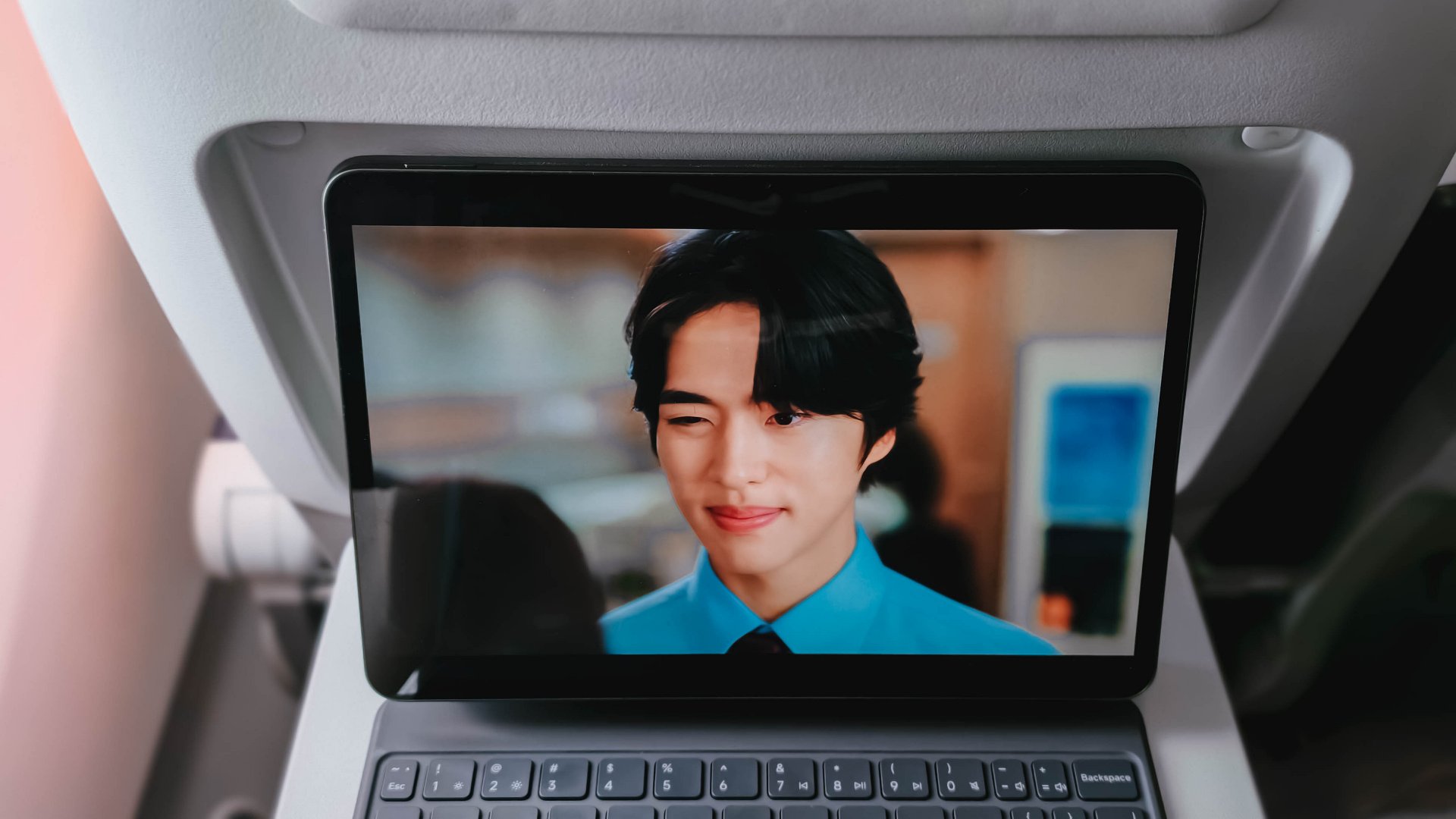
Even after closing the plane’s window shades, I can still see my own reflection while trying to appreciate my new celebrity crush, Cho Hangyeol.
But hey, at least I can see myself being with him. 😬
Now Playing: XG’s HYPNOTIZE + KiiiKiii’s 404 (New Era) / Delulu Pack EP
My content consumption doesn’t end just yet.
While everyone is complaining about letterboxed content (and ignoring the fact that zoomed in content is still viable), watching the 3:2 music video of KiiiKiii’s 404 (New Era) perfectly complemented Xiaomi Pad 8’s 3:2 aspect ratio.

Much like those popping fireworks behind Haum, colors ultimately pop that aren’t too straining to the eyes.
And, much like how hypnotizing XG’s HYPNOTIZE is, the same can be said with its sound quality.

The Xiaomi Pad 8 boasts a quad speaker setup powered by Dolby Atmos. During my playback session, it was able to fill my room even at just around 70% to 80%. If that’s still not enough, Xiaomi provides a volume boost feature of up to 200% for those banging (literally and figuratively) song sessions.
For better measure, I also tried playing KiiiKiii’s Delulu Pack EP in Lossless quality through Apple Music. Thankfully, Xiaomi Pad 8 supports Hi-Res Audio.
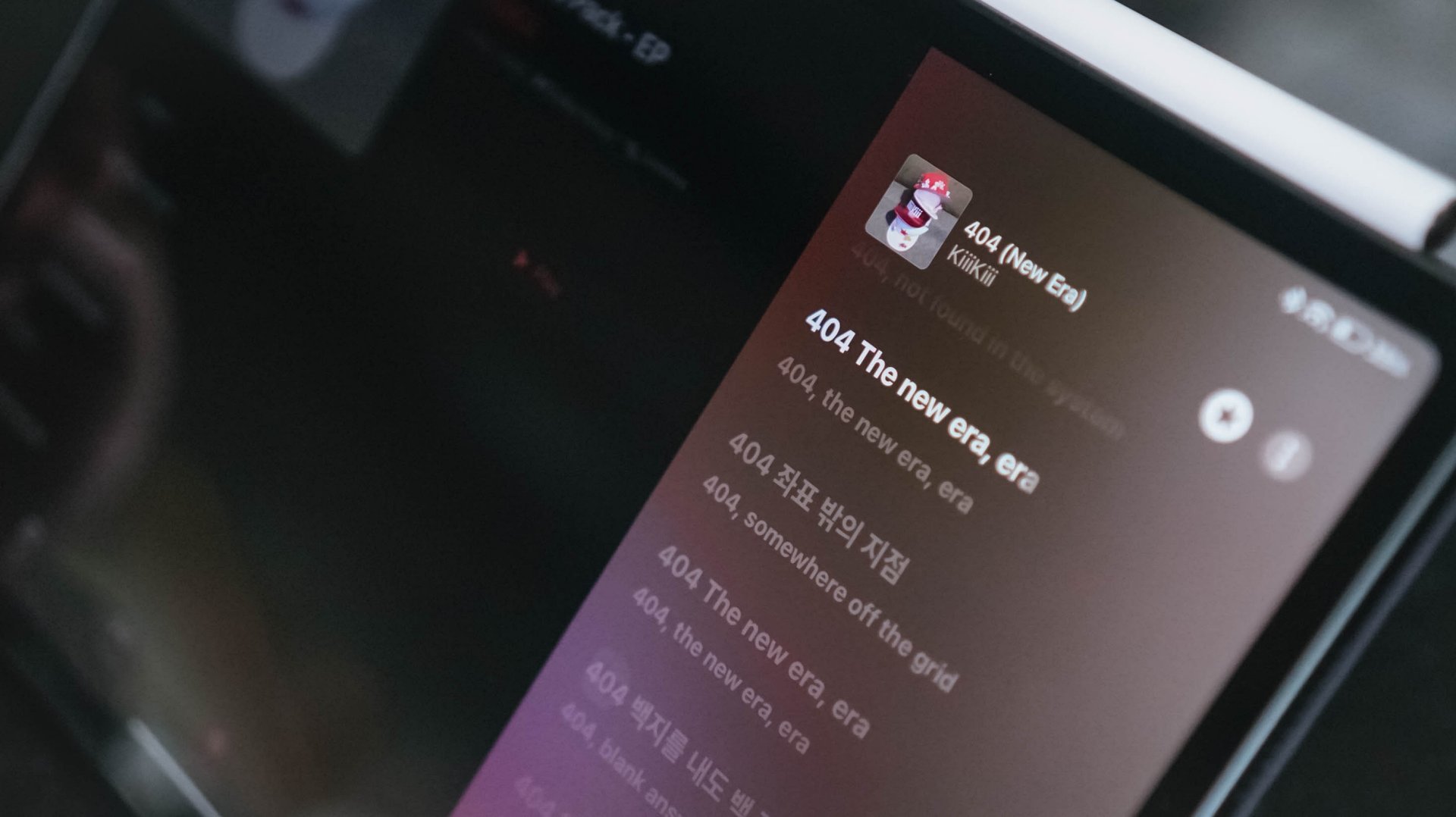
Of course, it’s not as supreme sounding as what I hear when I wear my LDAC headphones and earphones. Still, I was finally able to hear all the layers of each track — all while appreciating the slightest of hums and adlibs.
Even with MUNGNYANG (my favorite b-side here) as an example. The Korean palace-like instrumentals can easily be heard meters away from my room to the point where I still get goosebumps over me with how good the song is.
I could boldly claim this is a true no-skip release. It’s probably KiiiKiii’s redemption arc after I DO ME and DANCING ALONE didn’t get the hype both releases deserved since debut.
Productivity powerhouse
I will reiterate what I said in my last tablet review: tablets can never really “replace” laptops — at least in the line of work that I do.
Admittedly, I can never let go of my 14-inch MacBook Pro as my main powerhouse. That’s for editing our YouTube videos in Final Cut Pro, post-processing product photos via Lightroom, and making graphics through Photoshop.
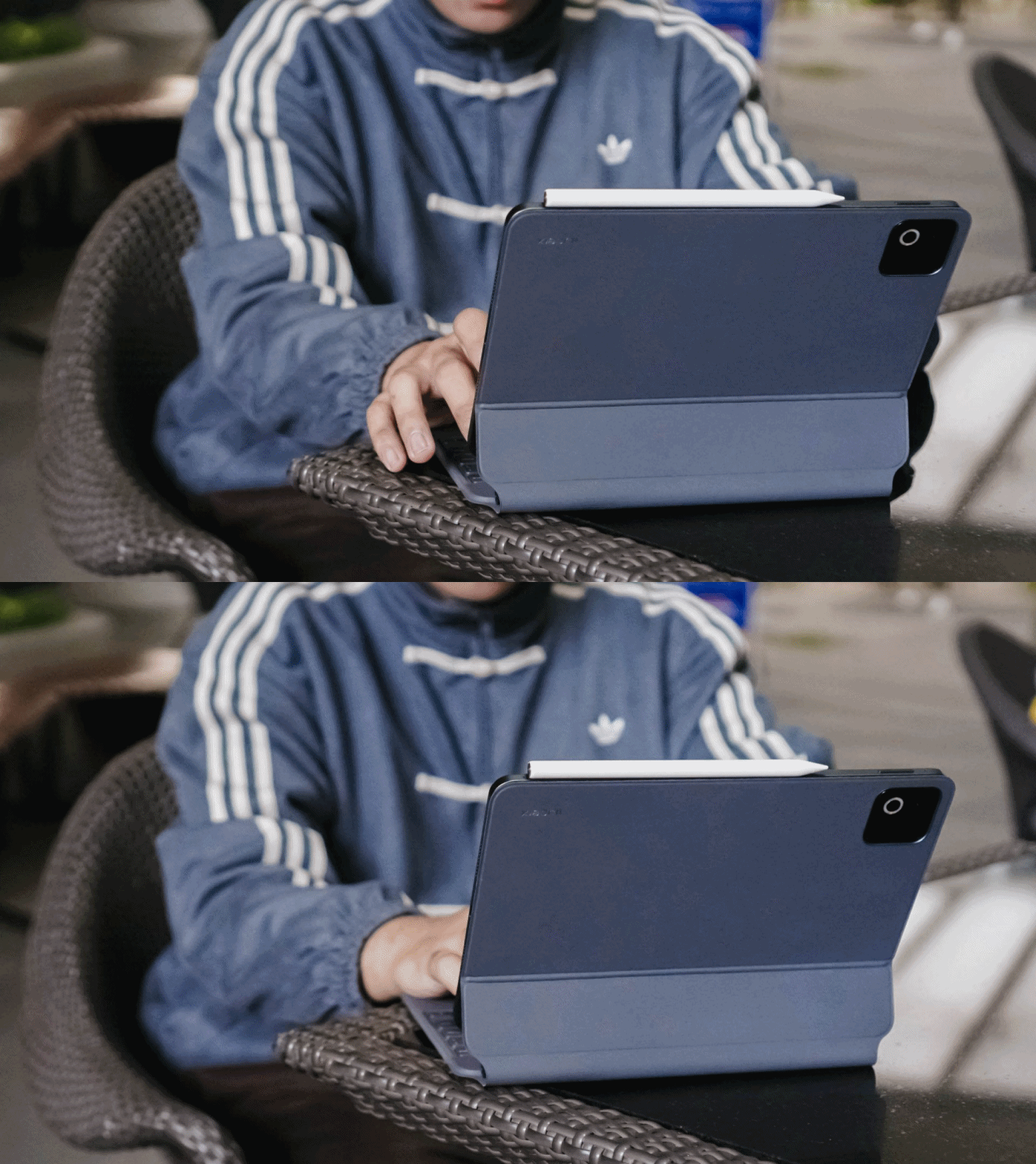
However, there’s one thing I truly enjoyed using the pad for: writing this review article itself.
The bundled Focus Keyboard for Xiaomi Pad 8 made me realize that this is where people go crazy over the “laptop replacement” statement.
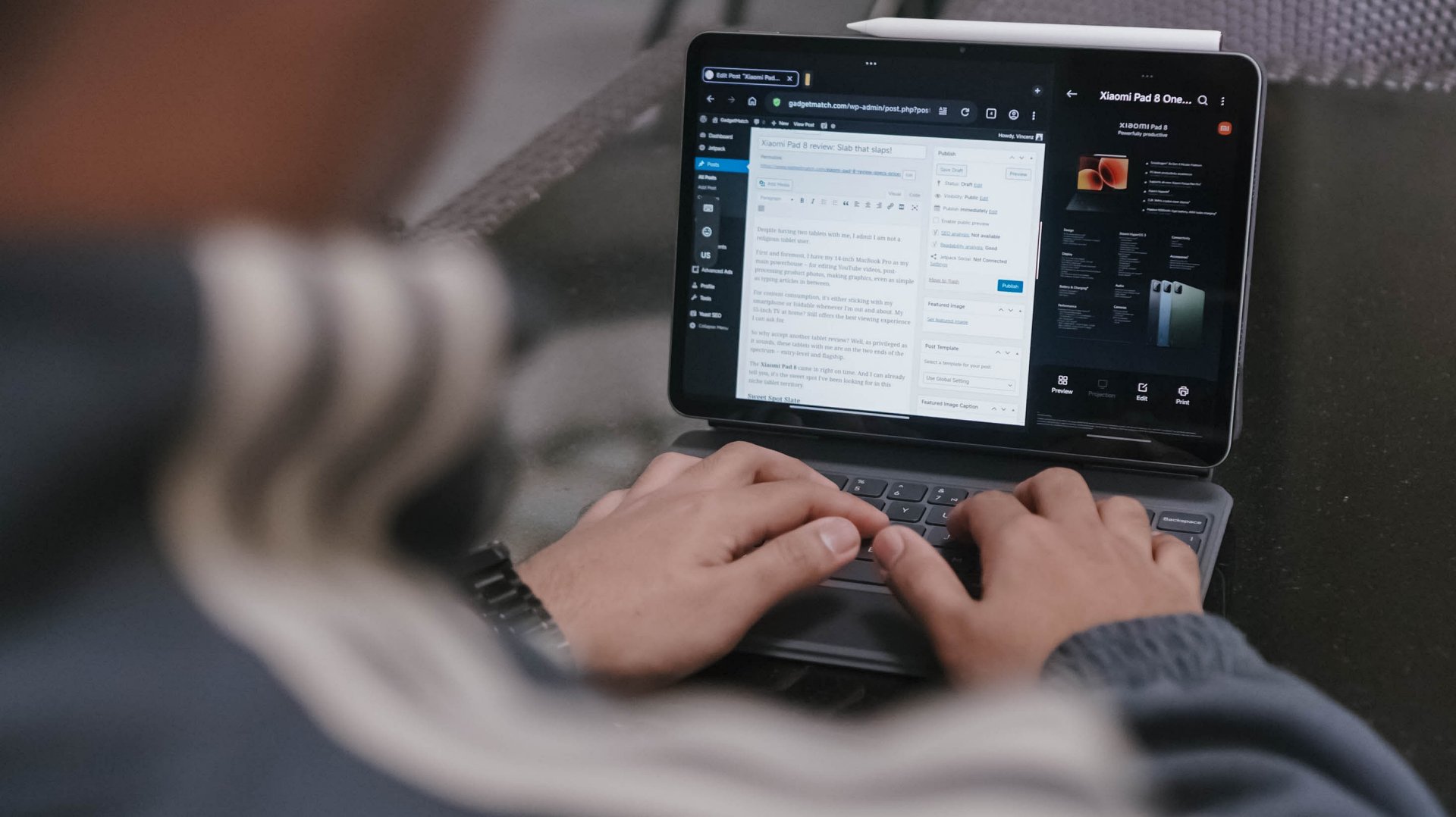
I enjoyed typing on that bundled Pro-grade Focus Keyboard accessory more than I expected. While it’s not clickity clackity as my Mac’s keyboard, it’s not too mushy either with just the right amount of response.
Also, despite having thicc fingers, its chiclet keys worked well in my favor with little to no typos at all.

Evidently, the screen is also ideal for multitasking that’s why I used the Xiaomi Pad 8 specs sheet as a reference on the right side as I type this review write-up.
Even though it’s not as flexible as other OSes with multitasking screen panes or even the “open canvas” app-switching, it’s manageable enough to split running apps into three with an extra floating window up and above.
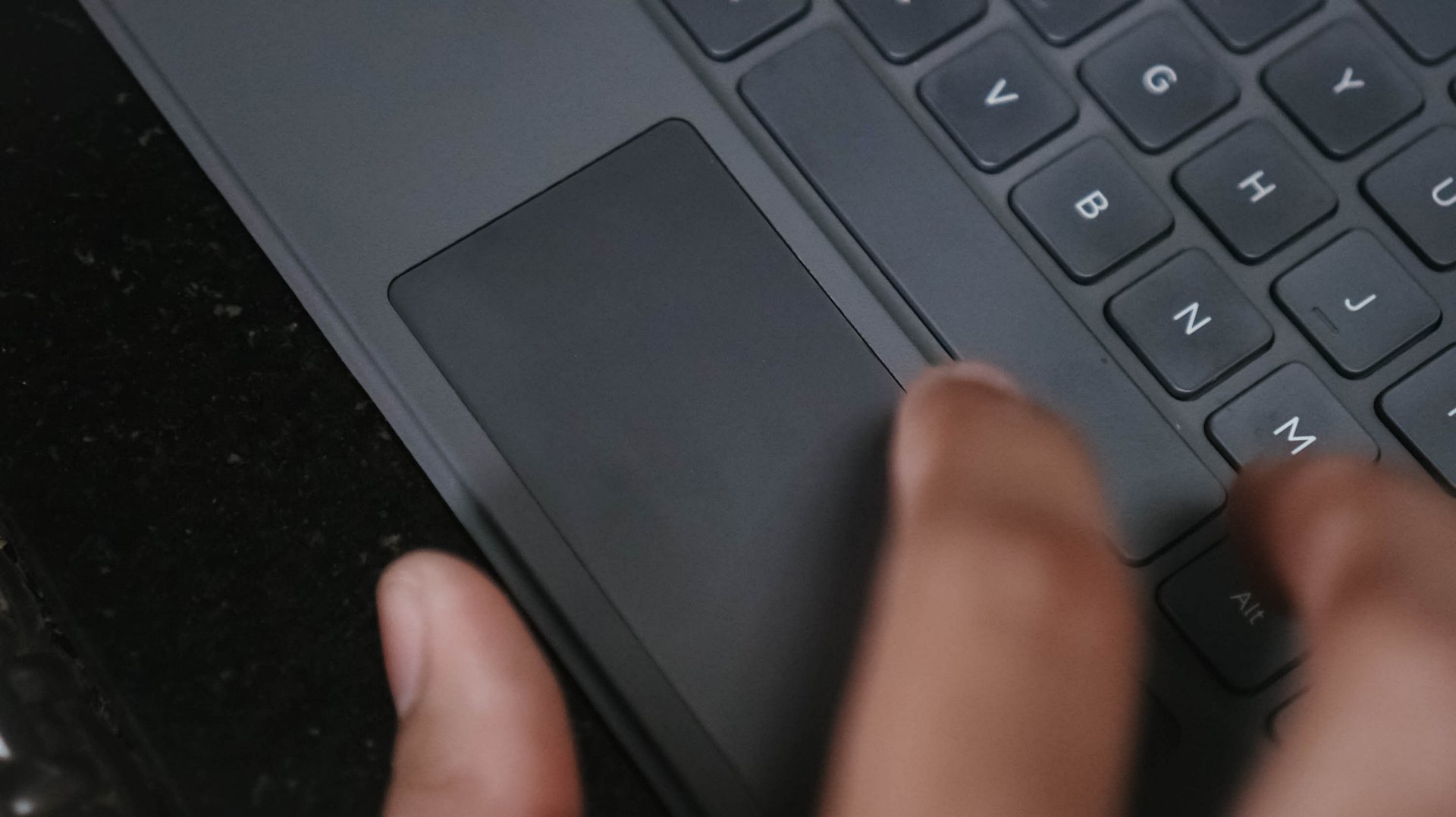
That trackpad is a nice addition as well. Gestures felt familiar from scrolling, breezing through apps, even those one or two-finger functions.
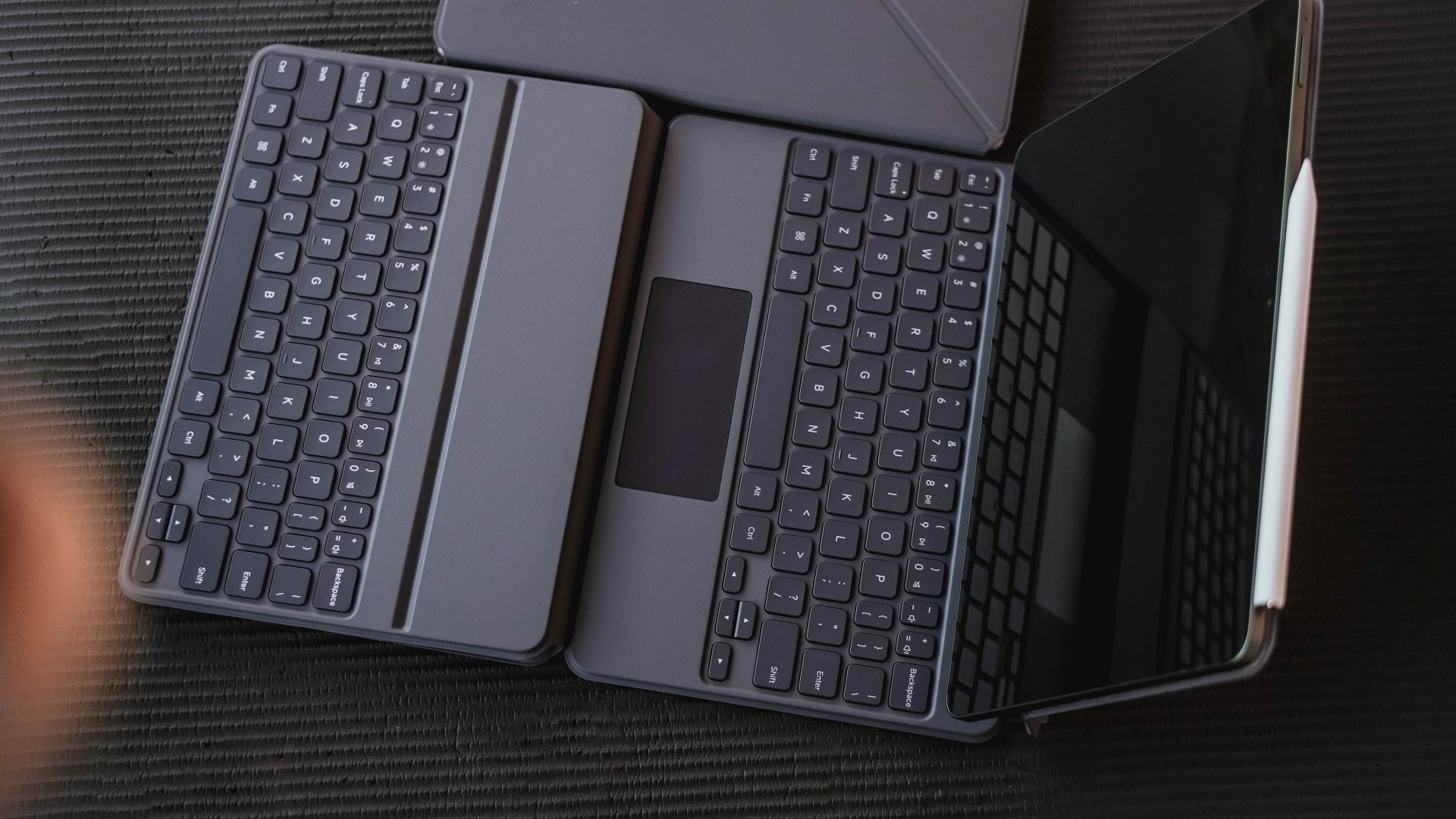
If you’re not fond of restrictive Focus Keyboard with a limiting screen angle tilting, Xiaomi offers a less-daunting and more basic Keyboard accessory with better screen tilting support sans the trackpad.
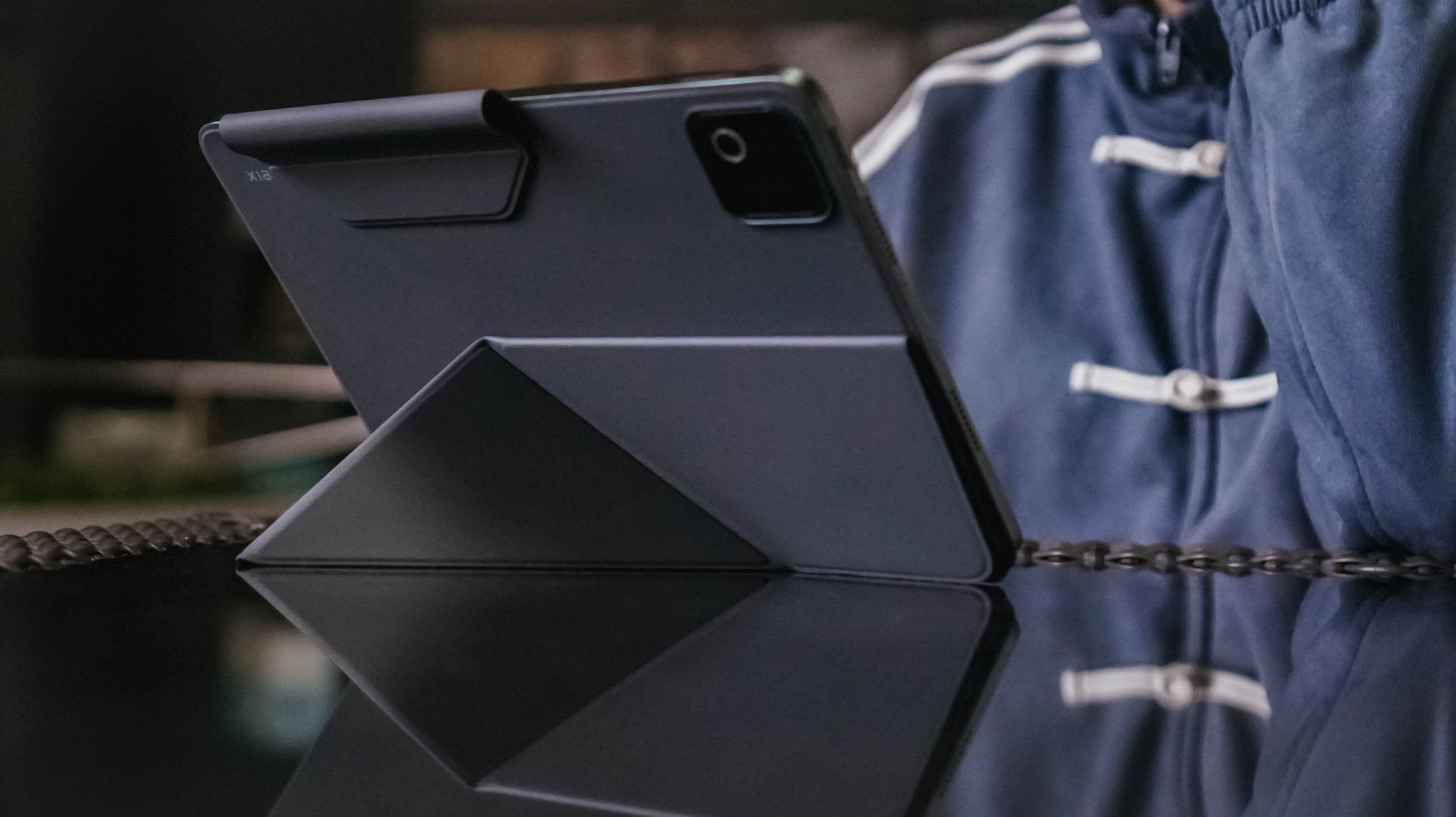
If that still feels heavy, replace it with the Xiaomi Pad 8 Cover along with its origami-type stand for further flexibility.
Pen is mightier than the sword
Speaking of flexibility, those accessories go hand-in-hand with the all-new Focus Pen Pro for the new Xiaomi Pad 8.
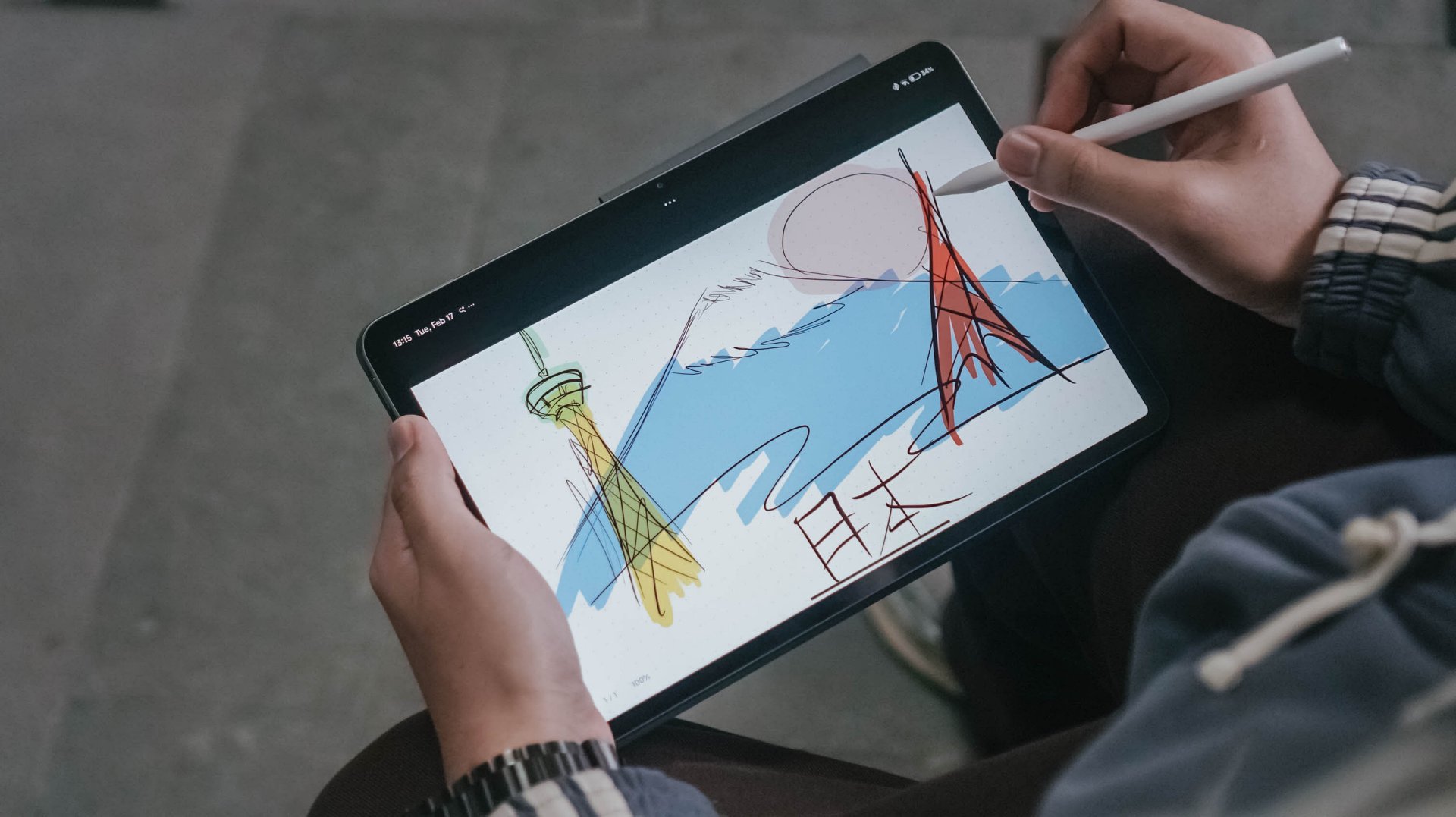
Ditching the conventional stylus buttons, Xiaomi’s new stylus is button-less and totally relies on double-tapping and squeezing.
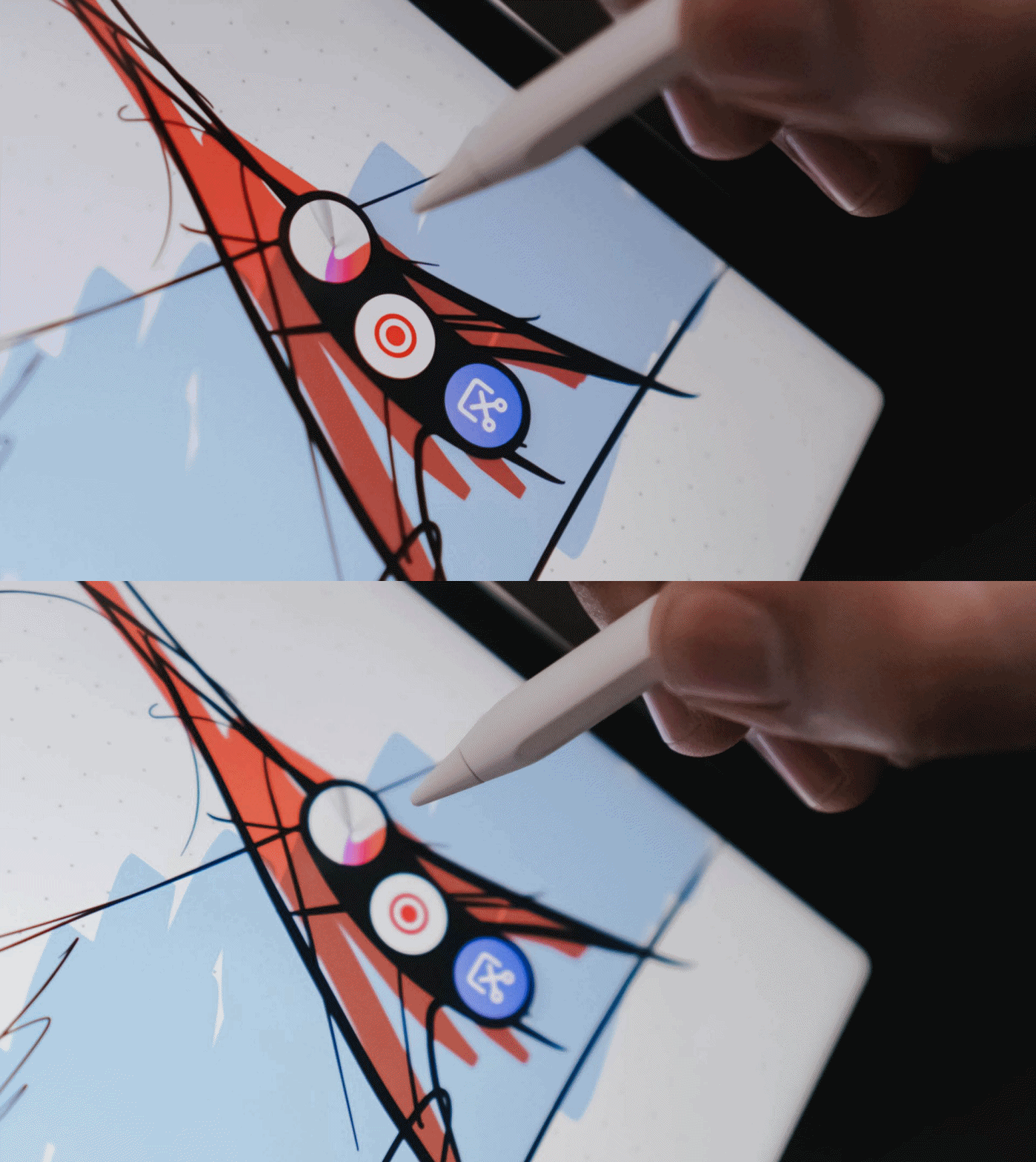
These shortcut keys are pressure-sensitive, depending on the force you apply.
The hover preview and side-rotating brush are also handy, especially for creatives who want precision in the creative work they do.
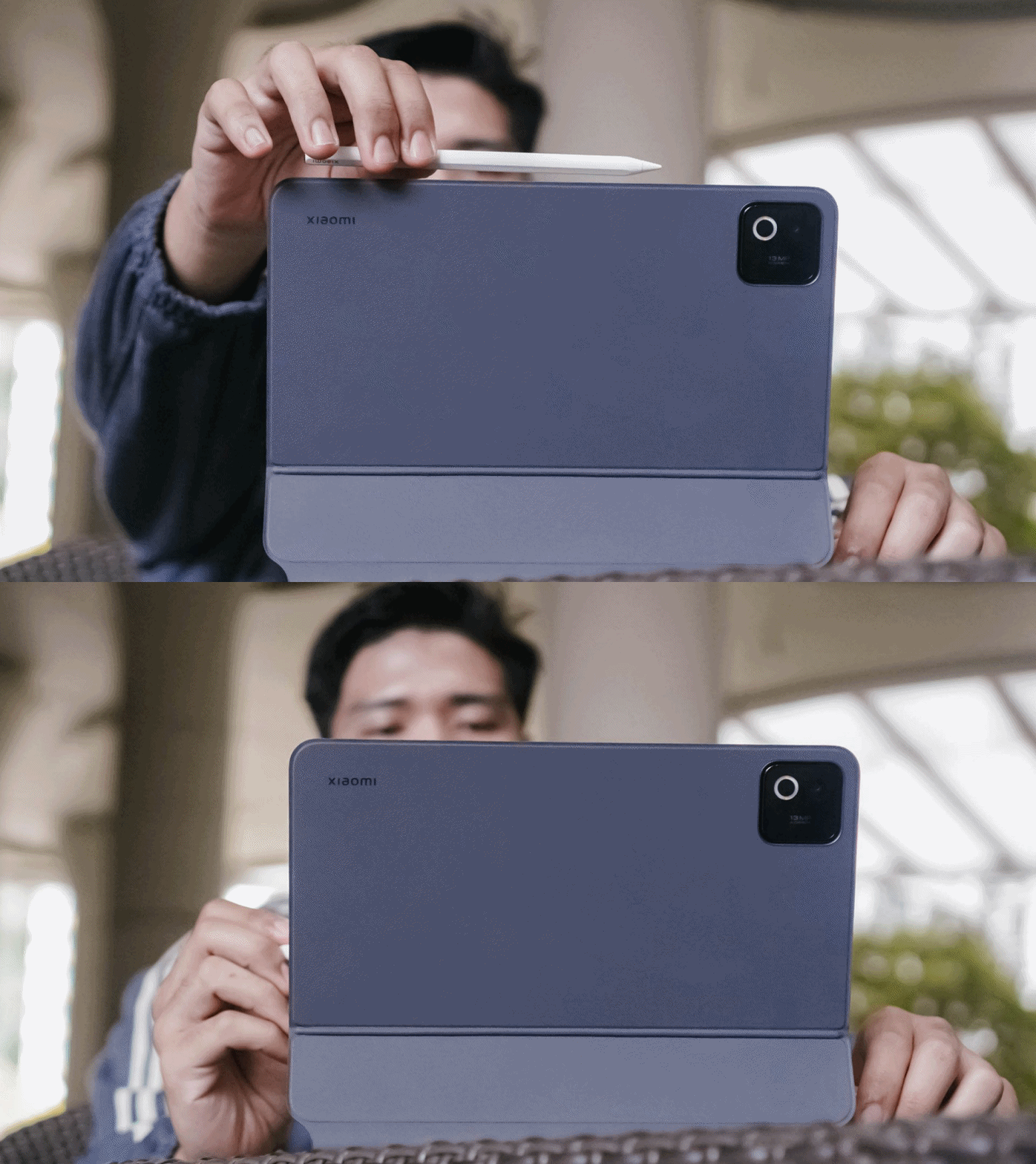
Whenever you’re already in a pinch, the pen can be charged magnetically on the tablet’s frame.
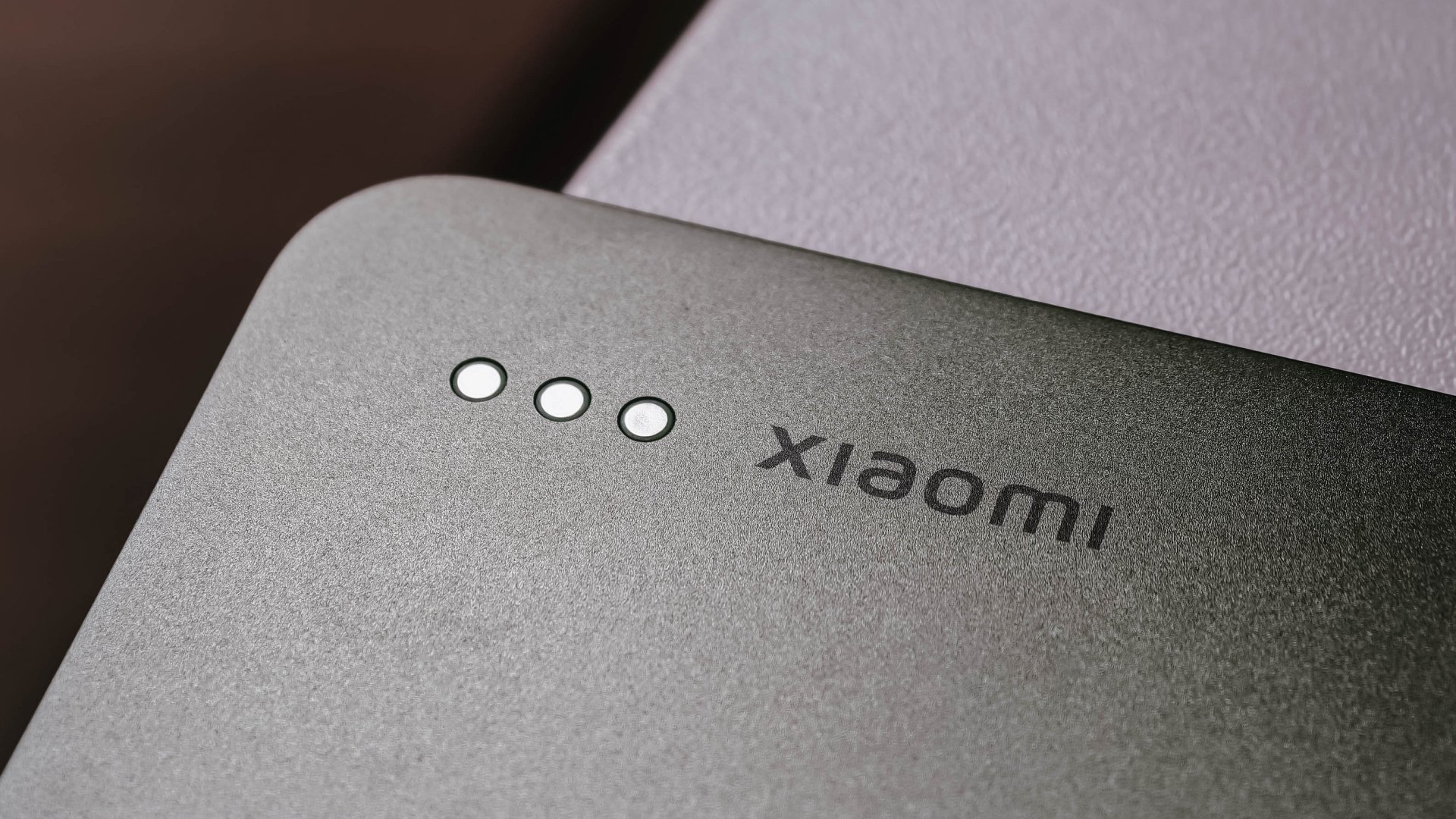
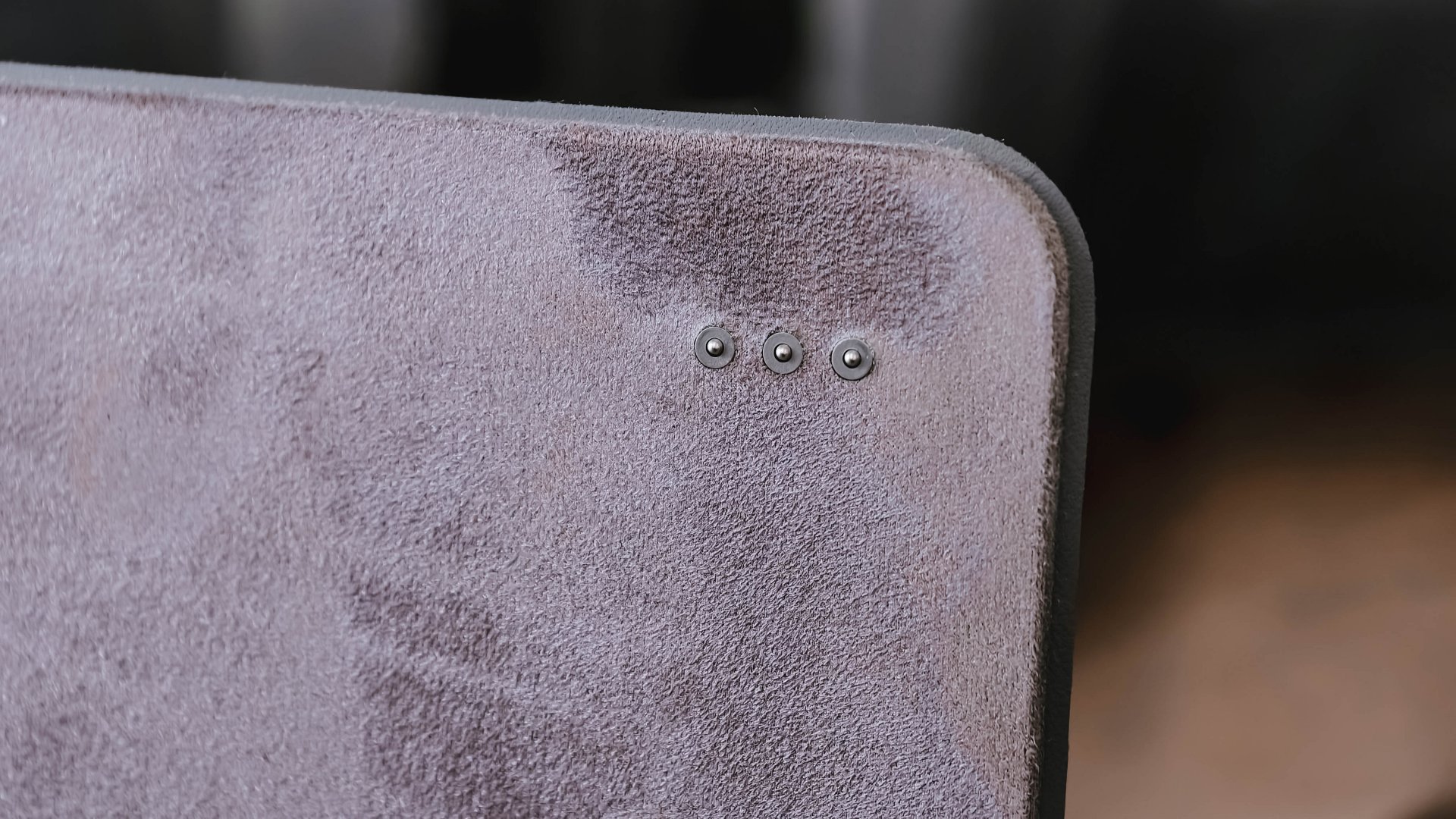
And just like the pen, both keyboard accessories are magnetically-powered, too, through a set of pogo pins at the back. It’s so easy-peasy that you won’t struggle to charge the device through the USB-C cable.
Far from being mid
Enjoying that much-needed work-life balance is possible with the Xiaomi Pad 8.
With Qualcomm’s Snapdragon 8s Gen 4 in its core, this pad is more than capable of being a lean and mean gaming machine, despite being a mid-class tablet.
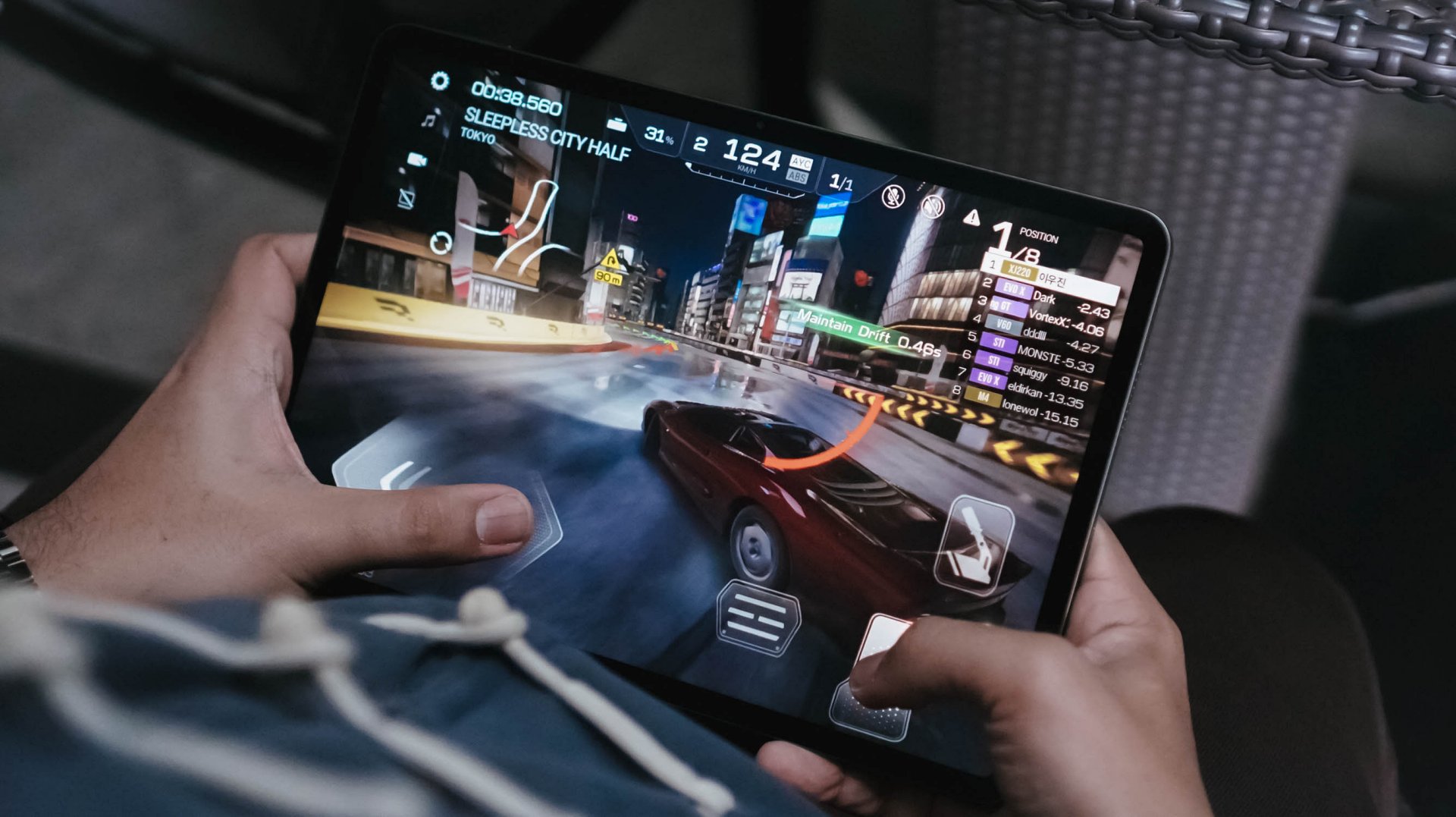
If you were able to read some of my reviews, you’d know that there are two games I always play.
First and foremost, Racing Master was totally up and running in Ultra-High / 60fps settings.
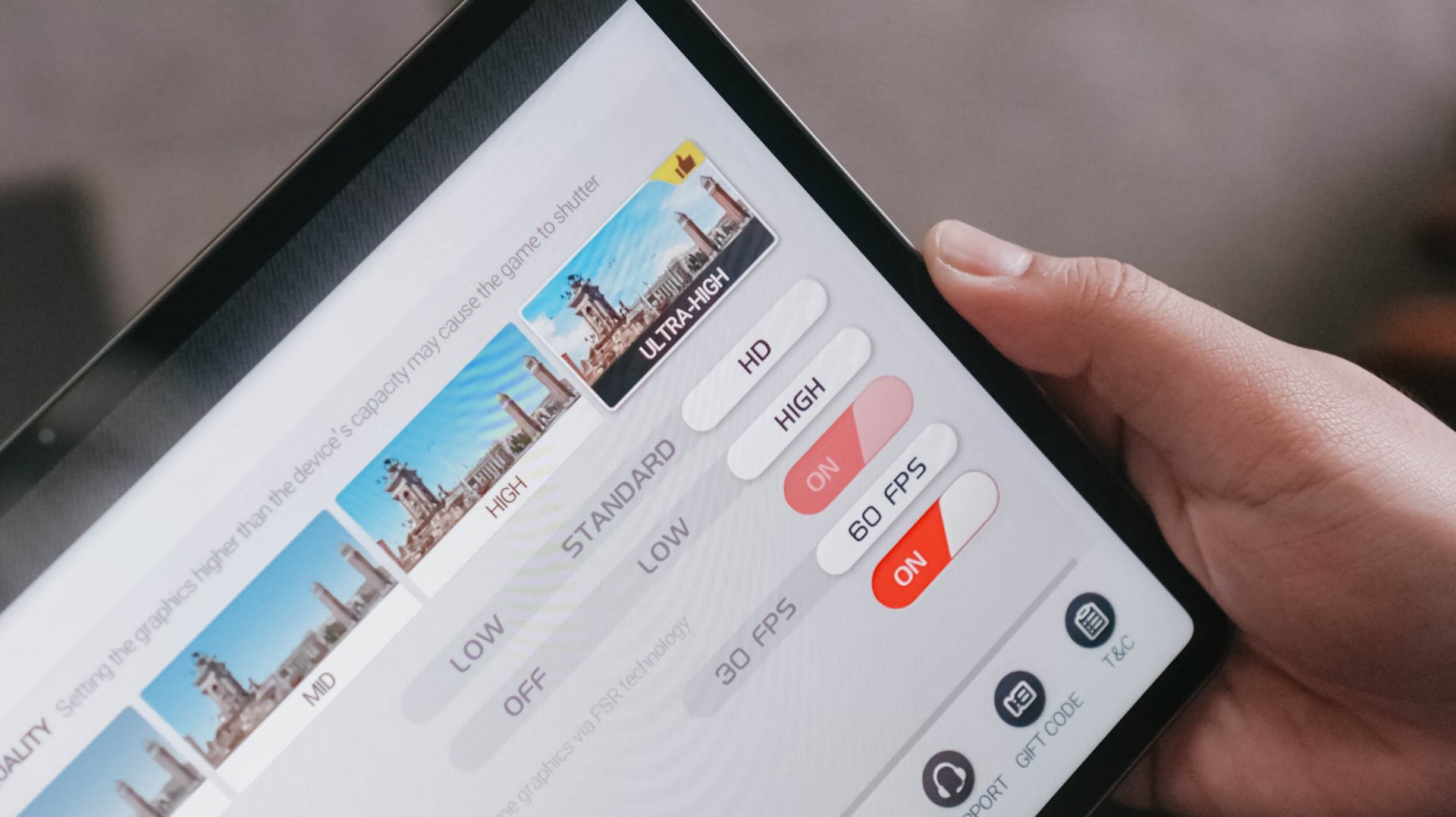
That 144Hz refresh rate was complementary to that. Moreover, it’s comfortably soothing to my frame rate-sensitive eyes.
CoDM (or Call of Duty: Mobile) was also playable at Very High graphics settings.
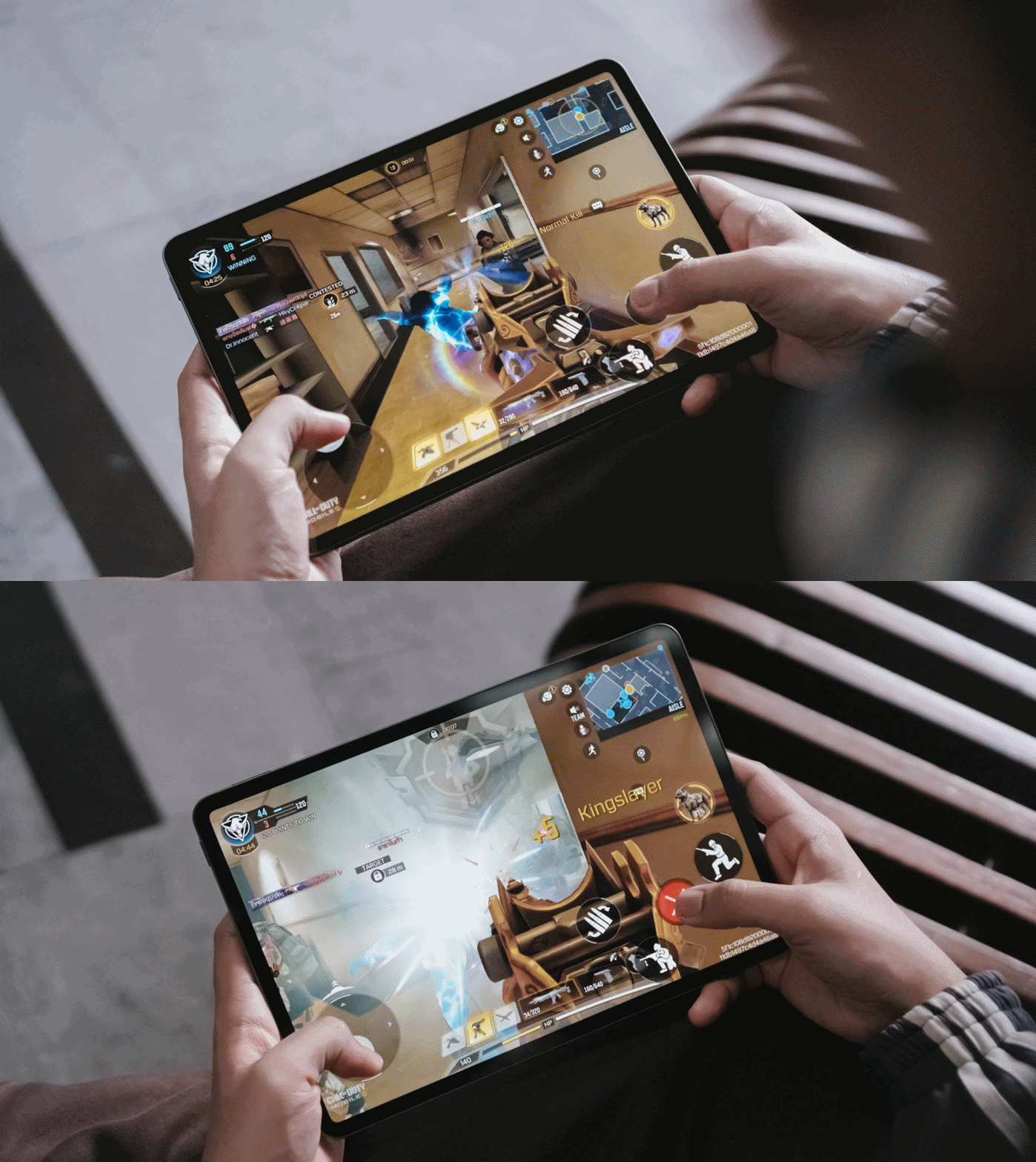
And unlike my undesirable gameplay with the HONOR MagicPad 3 and its daunting 13.3-inch screen right before I reconfigured the placement of controls, Xiaomi Pad 8’s 11.2-inch display made full sense with no adjustments, whatsoever.
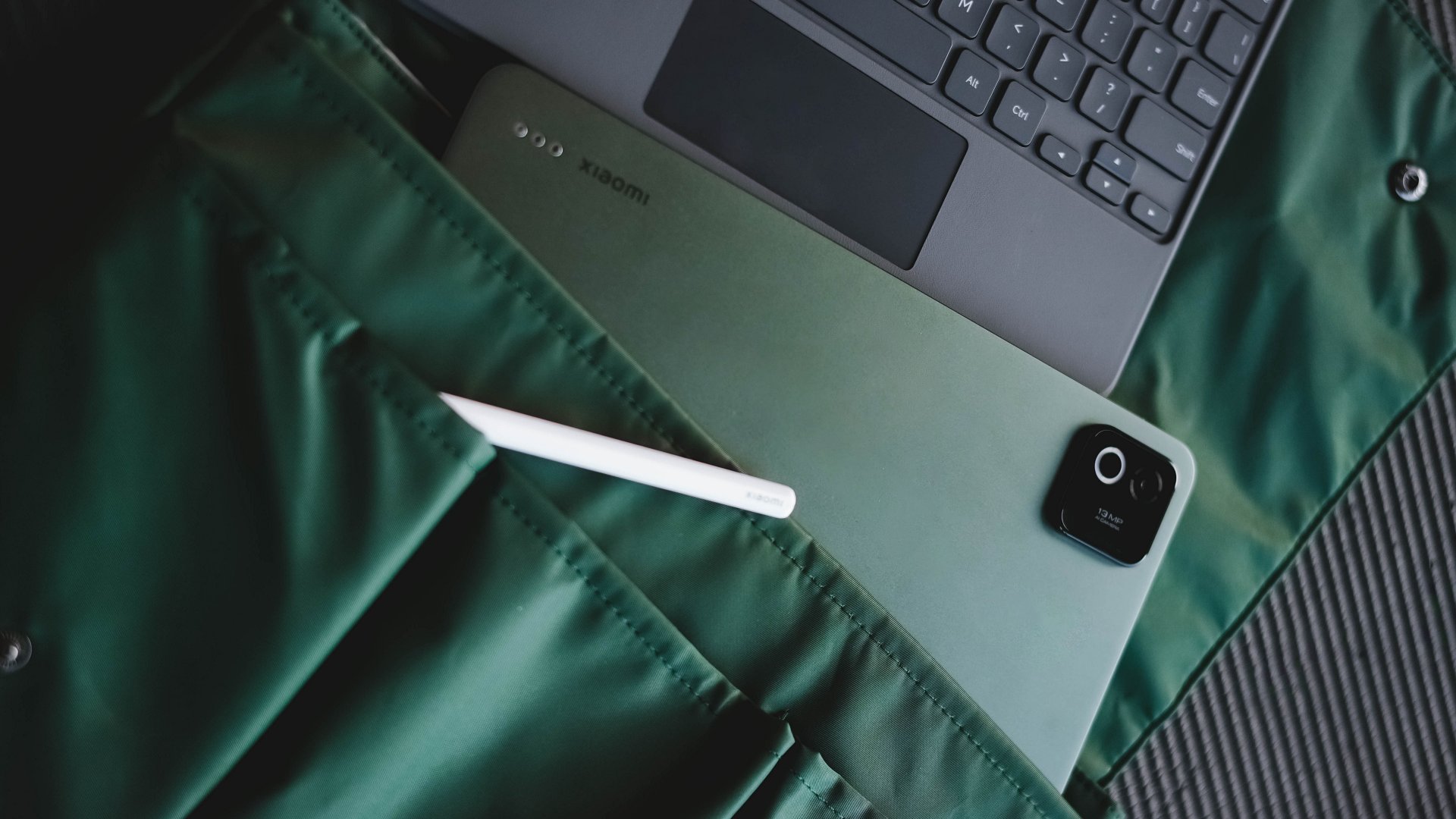
Other goodies that need to be mentioned are its 13MP rear camera with a larger ring flash — which means Xiaomi wanted you to use it for more than just document scanning.
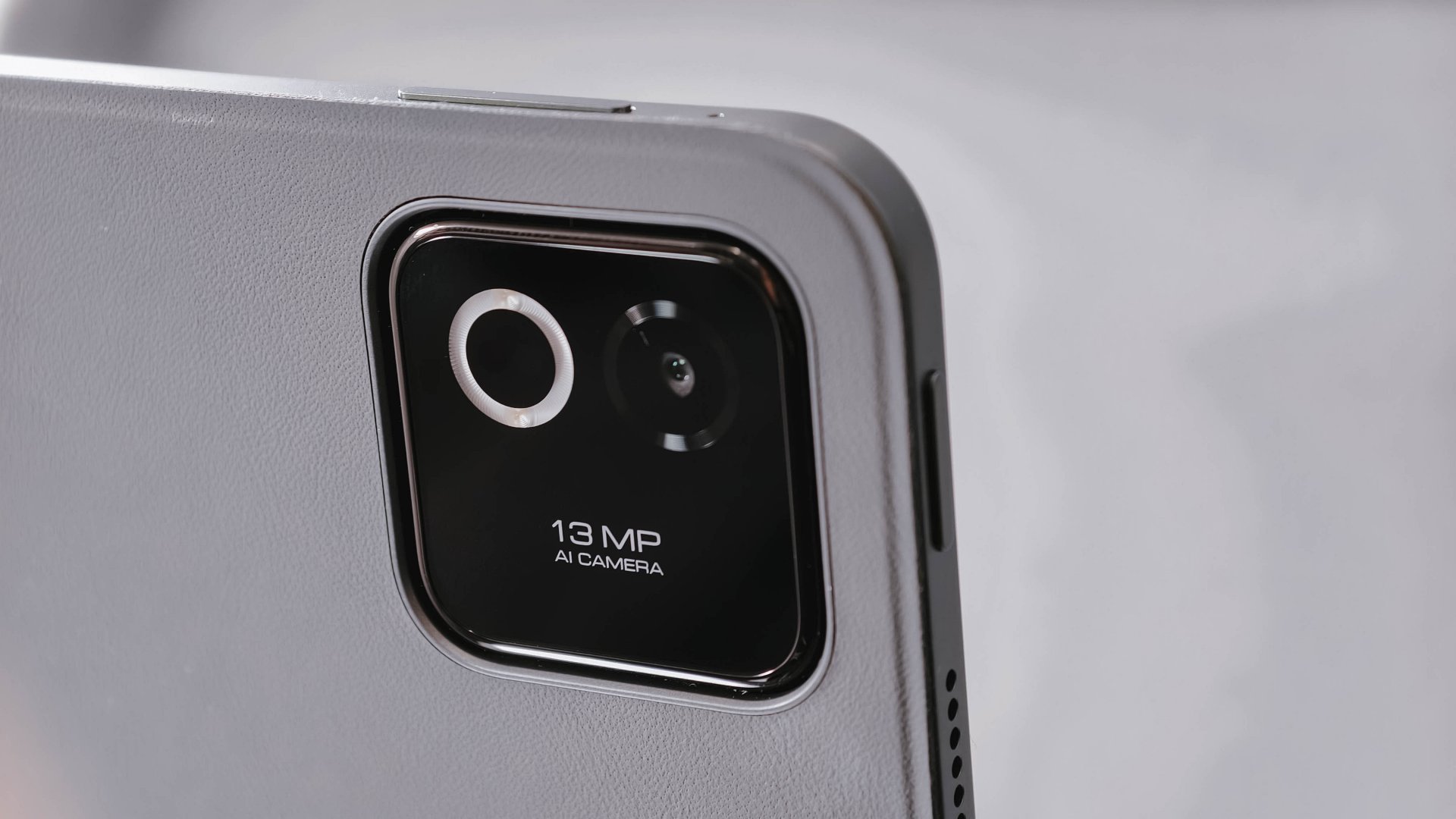
Additionally, there’s that 8MP front-facing camera for calls (and maybe some selfies).
Connectivity-wise, standards are pretty high, as well: Bluetooth 6.0, USB-C 3.2 Gen 1, even Wi-Fi 7 support not left behind.
Battery blast
The only advantage its Pro sibling can brag about is its faster 67W HyperCharge speeds (over the slower 45W turbo charging in this tablet). Other than that, you’re basically getting the same battery treatment at 9200mAh.
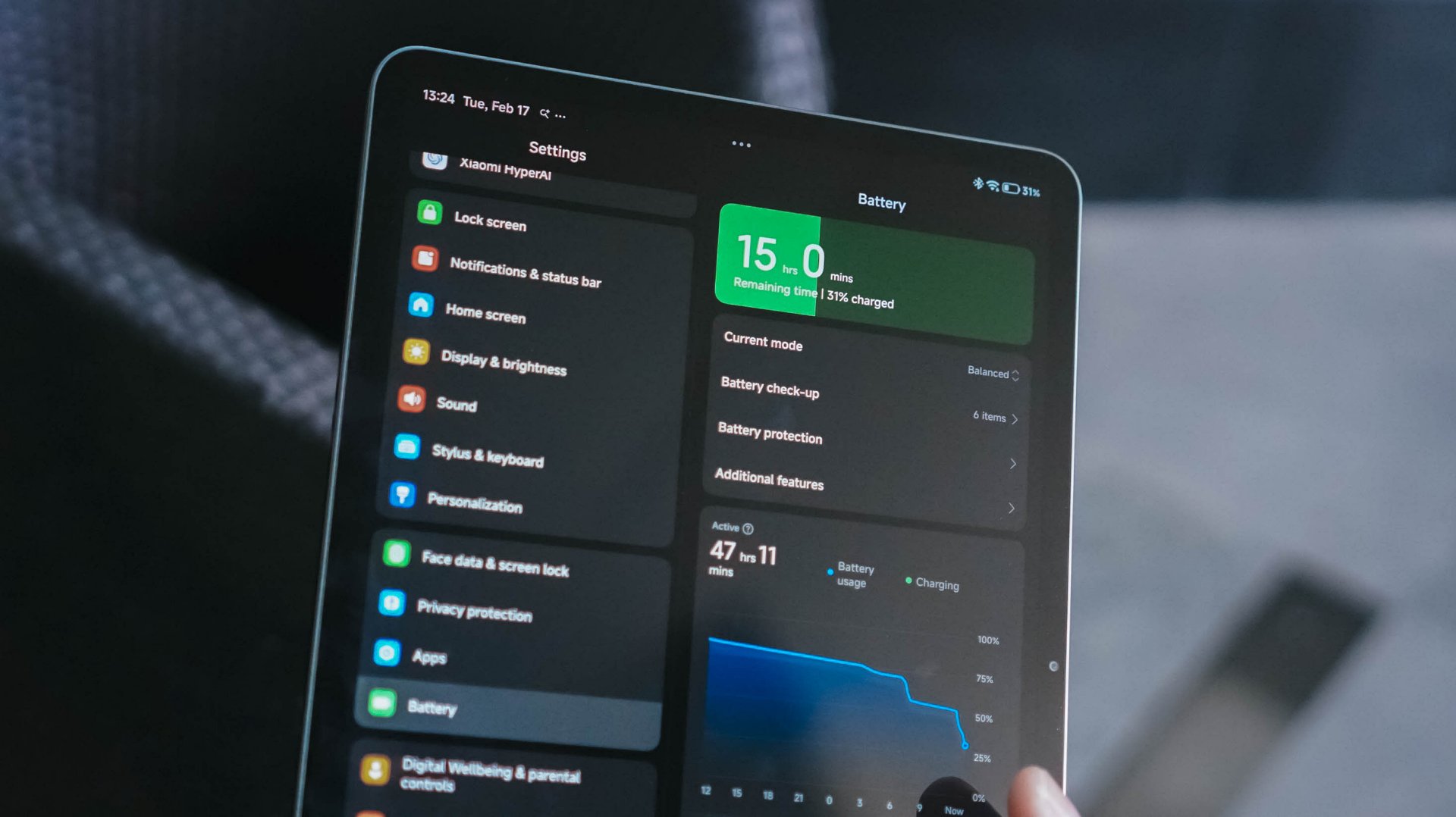
To be fair, that’s still an increment over Xiaomi Pad 7’s 8850mAh capacity.
Out in the real world, it managed to last before the night ended.
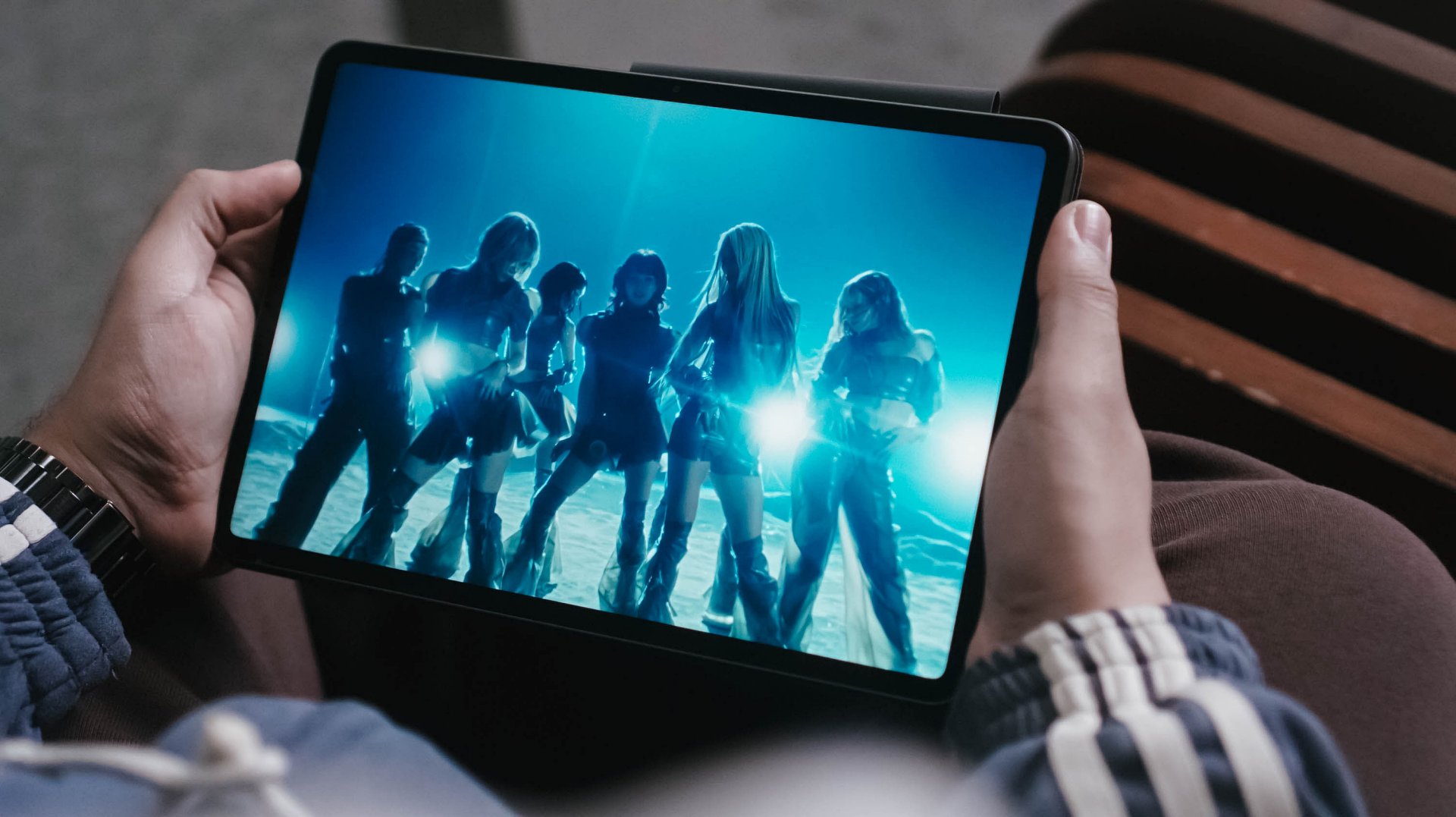
I was able to watch 4K music videos and live performances, stream a K-Pop playlist I curated, plus type this review article. All that in around six to seven hours of usage before the tank finally drained out.
During standby, it totally lasts more than that. When I was not using it as I was in a heavy editing rush with my Mac, the tablet remained in my table for around two (2) days and the tablet still has 38% charge left.
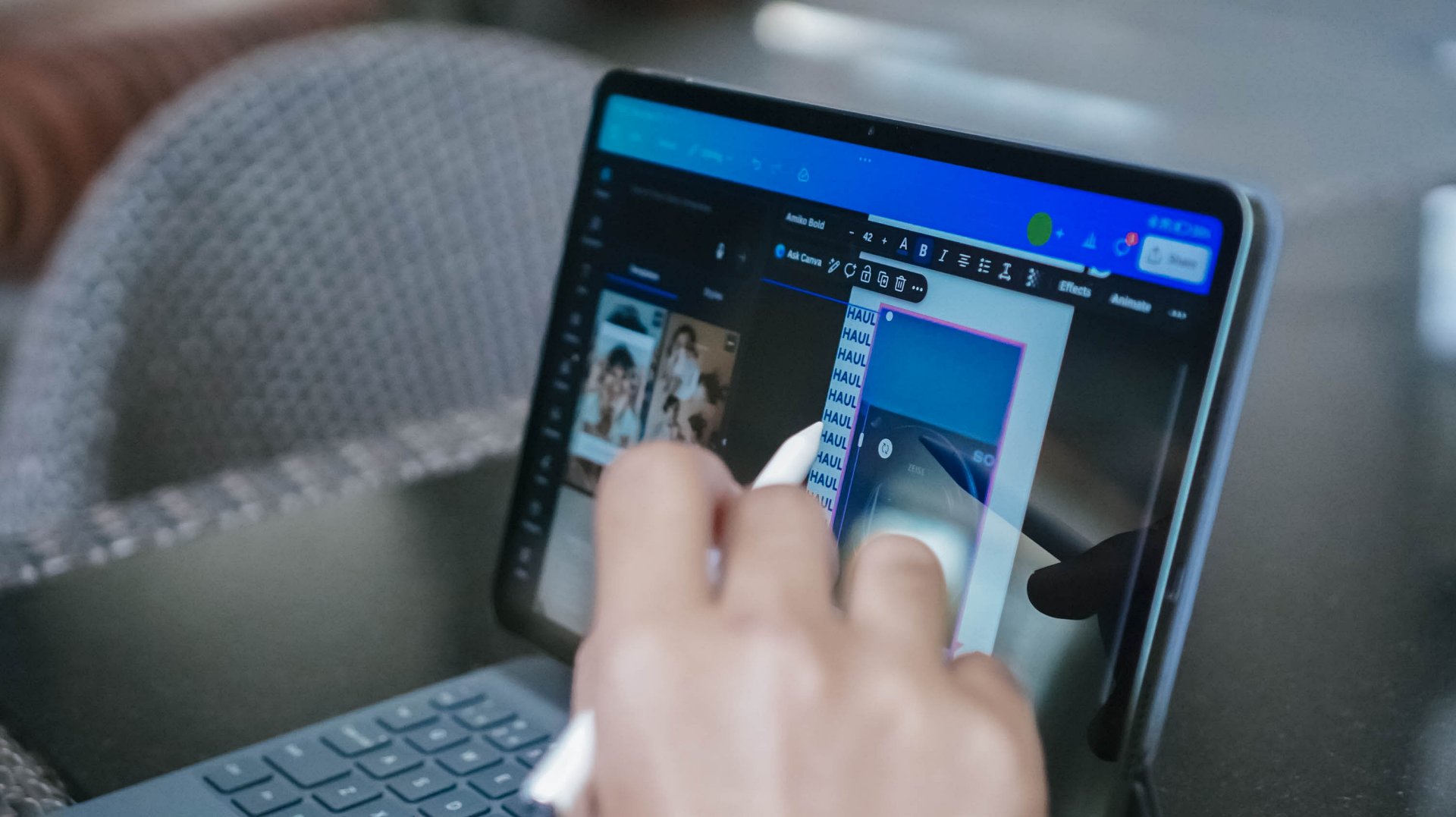
As expected, the biggest battery drain happens when using it for gaming or other graphics-reliant tasks such as editing videos in CapCut for Reels / TikTok, doing graphics in Canva, or even post-processing heaps of stills in VSCO.
No tablet is perfect
While the Xiaomi Pad 8 looks excellent on paper, software experience kind of ruins the overall tablet experience.
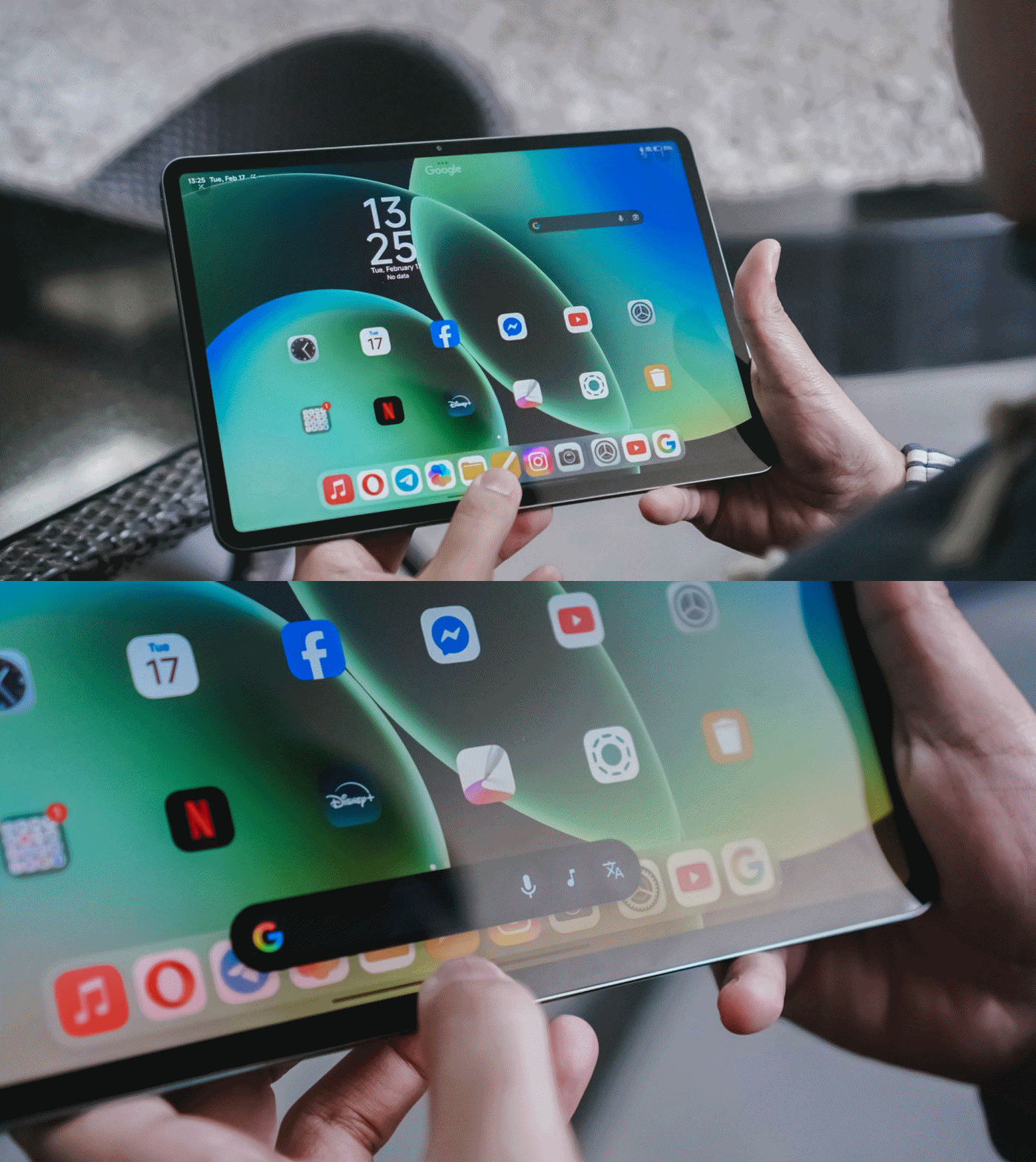
The Xiaomi Pad 8, just like any other new device, possesses AI tools that are beneficial to make your tasks easier. Google’s Gemini and Circle to Search functions are also ever-present. So, what am I even ranting about?
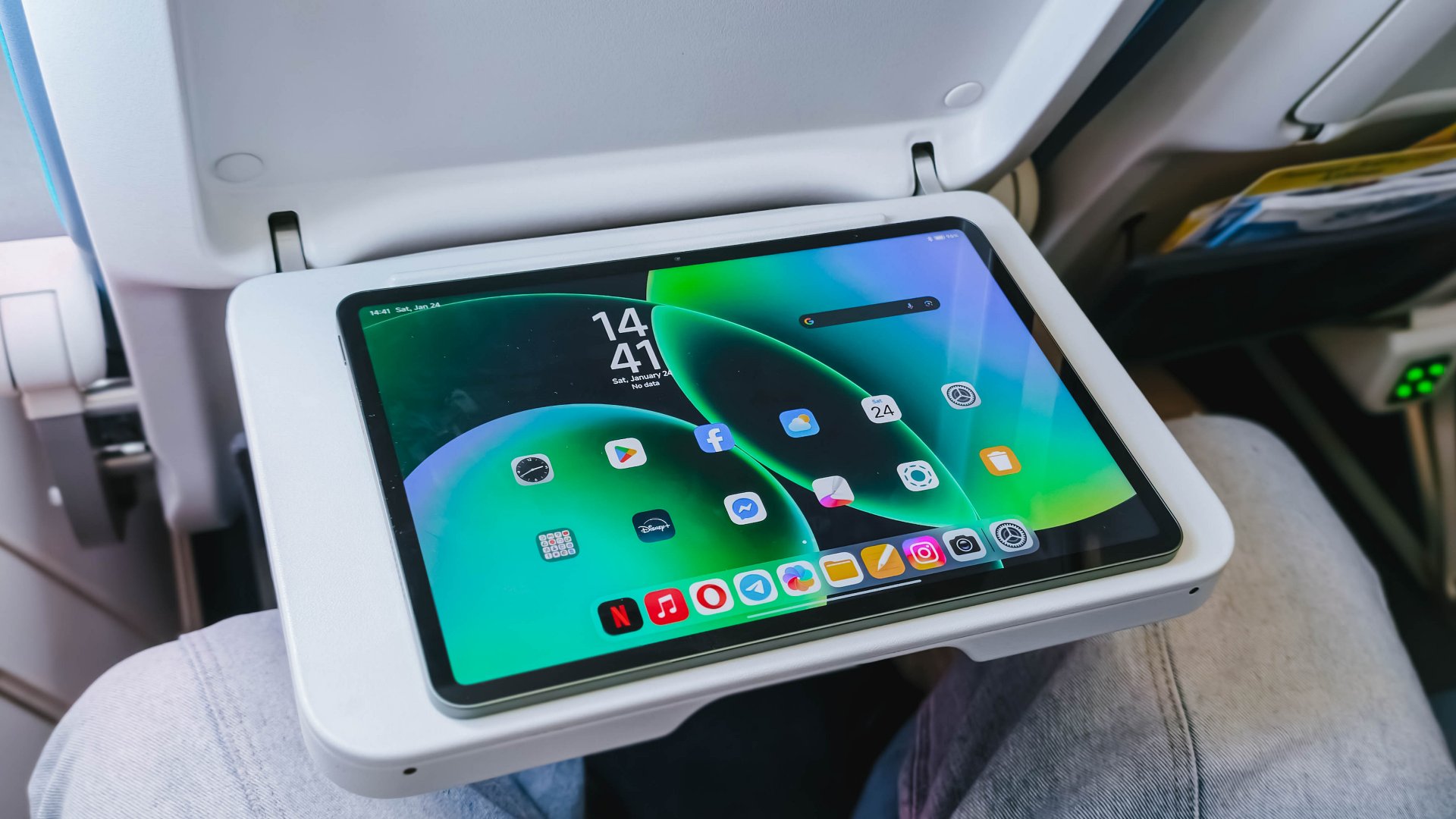
Frankly, Xiaomi’s HyperOS already feels like an after-thought, yet it doubles-down as it’s literally just an oversized layout of what’s already running among Xiaomi, REDMI, and POCO phones.

HONOR MagicPad 3 with MagicOS 9
Most Android makers have already improved and adapted towards a better tablet experience just to rival Apple’s iPad. For instance, HONOR’s MagicOS for tablets (and even phones) lets me resize folder icons the way I wanted it.
It truly bums me how Xiaomi even missed adding this feature at least to their tablets. I feel like its large screen real-estate is being wasted and not being fully-maximized.
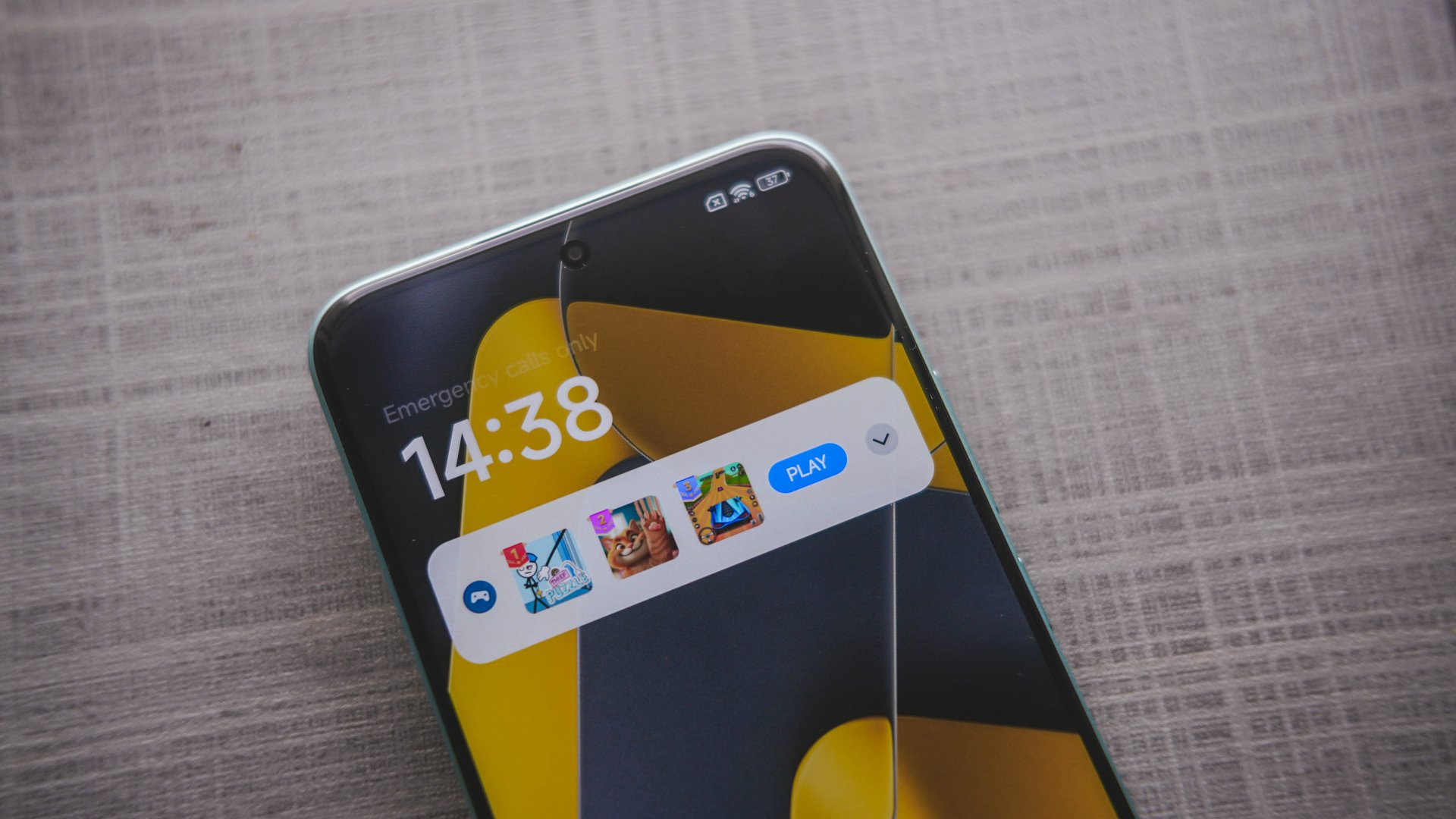
POCO M8 Pro with game ad notification on lock screen
Heck! Even its native File Manager app consists of blatant ad placement, and that’s just one. First time I witnessed this was during my time with the POCO M8 Pro when it popped-out a games ad — all disguised as a notification pop-up.
Other than software, hardware isn’t a total miss. I mean just look at the inconsistency of components used:
Storage (ROM) |
|
8GB |
UFS 3.1 (slower) |
12GB |
UFS 4.1 (faster) |
Memory (RAM) |
|
8GB |
LPDDR5X (fast enough) |
12GB |
LPDDR5T (way faster) |
Can we blame AI for these shortage of components and the continuous cost hike? Well, these tech giants only have a definite answer to that.
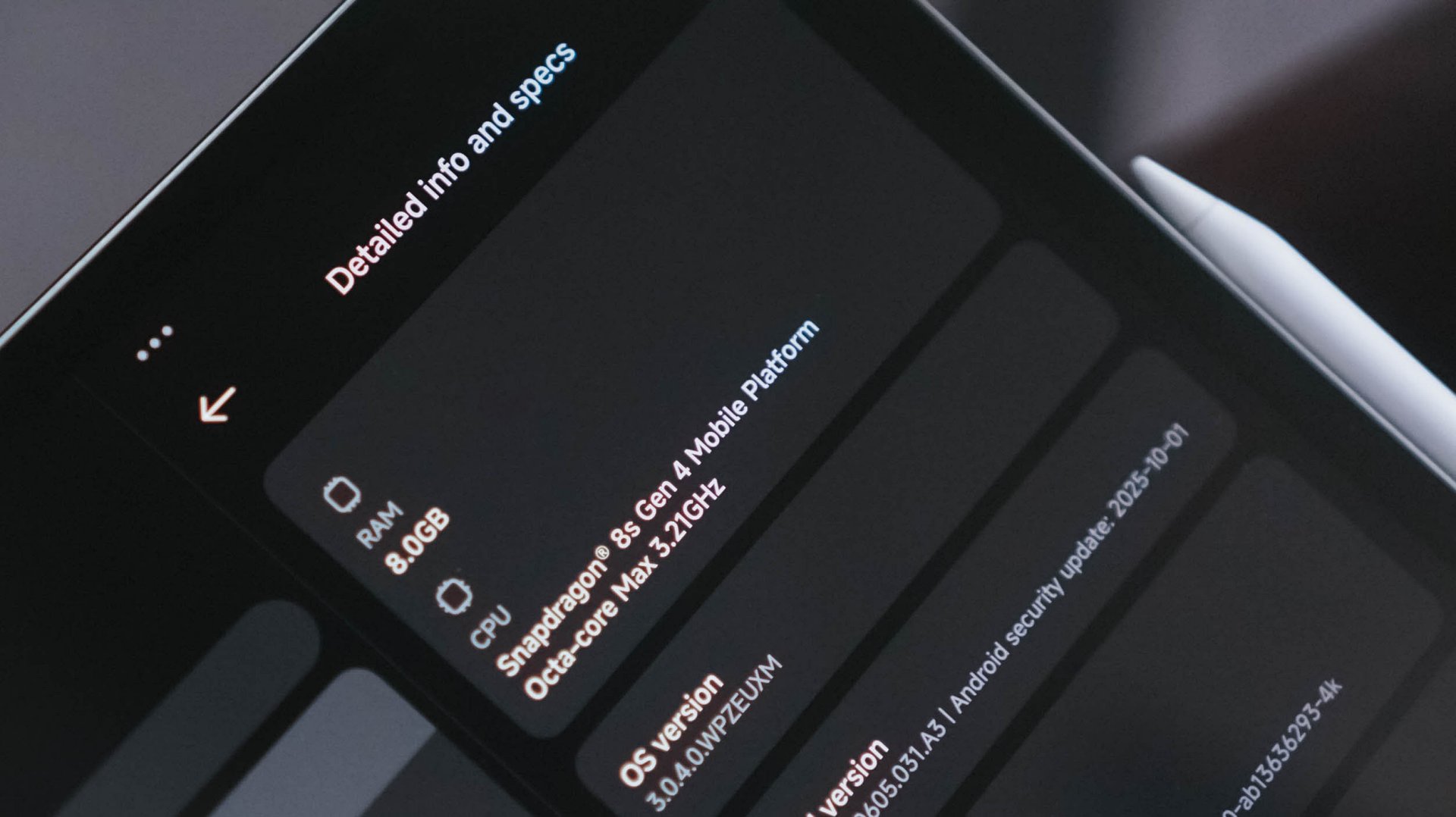
And while we’re already at it, its storage options felt limiting.
For a powerful pad like this that runs a speedy and reliable chip, the 128GB storage capacity I have isn’t enough to install games. Ultimately, it’s why I skipped testing out Zenless Zone Zero with how massive the game data is. A 512GB variant could have also been a great addition.
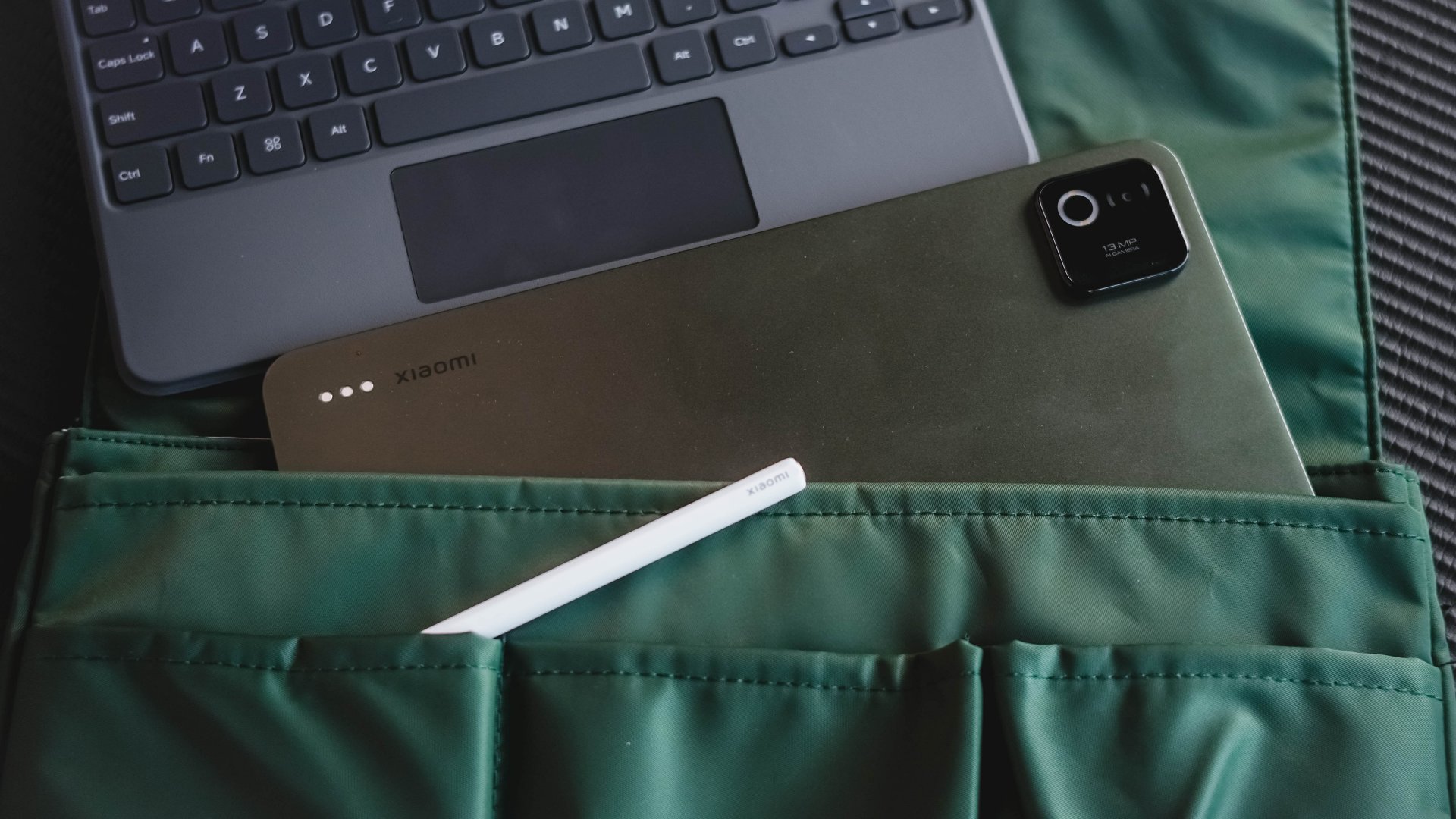
Lastly, while its all-metal build feels premium to the touch, you have to be wary that it’s also a huge smudge and dust magnet (or “smudg-net” in my vocab).
It might just be the subdued Pine Green colorway that I rock — which looks classy enough. I’m not sure if the same can be said when you pick either its Blue or Gray shades.
Is the Xiaomi Pad 8 your GadgetMatch?
Much like its sweet screen treat, the Xiaomi Pad 8 is a sweet deal at just EUR 449.9 (about US$ 532).

One thing’s for sure: no tablet, not even the Xiaomi Pad 8, can surpass my powerhouse that I use on a daily basis for the work I do. However, for all the strength it offers, the Xiaomi Pad 8 is a tablet you just cannot ignore.
The Xiaomi Pad 8 is a Swipe Right for all things considered: display in the Goldilock’s Zone (both in size and quality), a truly capable chip within its core, battery that lasts you until the end of the day (or two), plus host of accessories that truly make up for that “PC-level” productivity.

The only things I can think of why you need to Swipe Left are none other than Xiaomi’s plagued HyperOS and slower charging standards despite its massive battery. Other letdowns such as the glossy display, actual display tech used, and smudge-net finish are all arguable — and it may or may not entice you to own one.
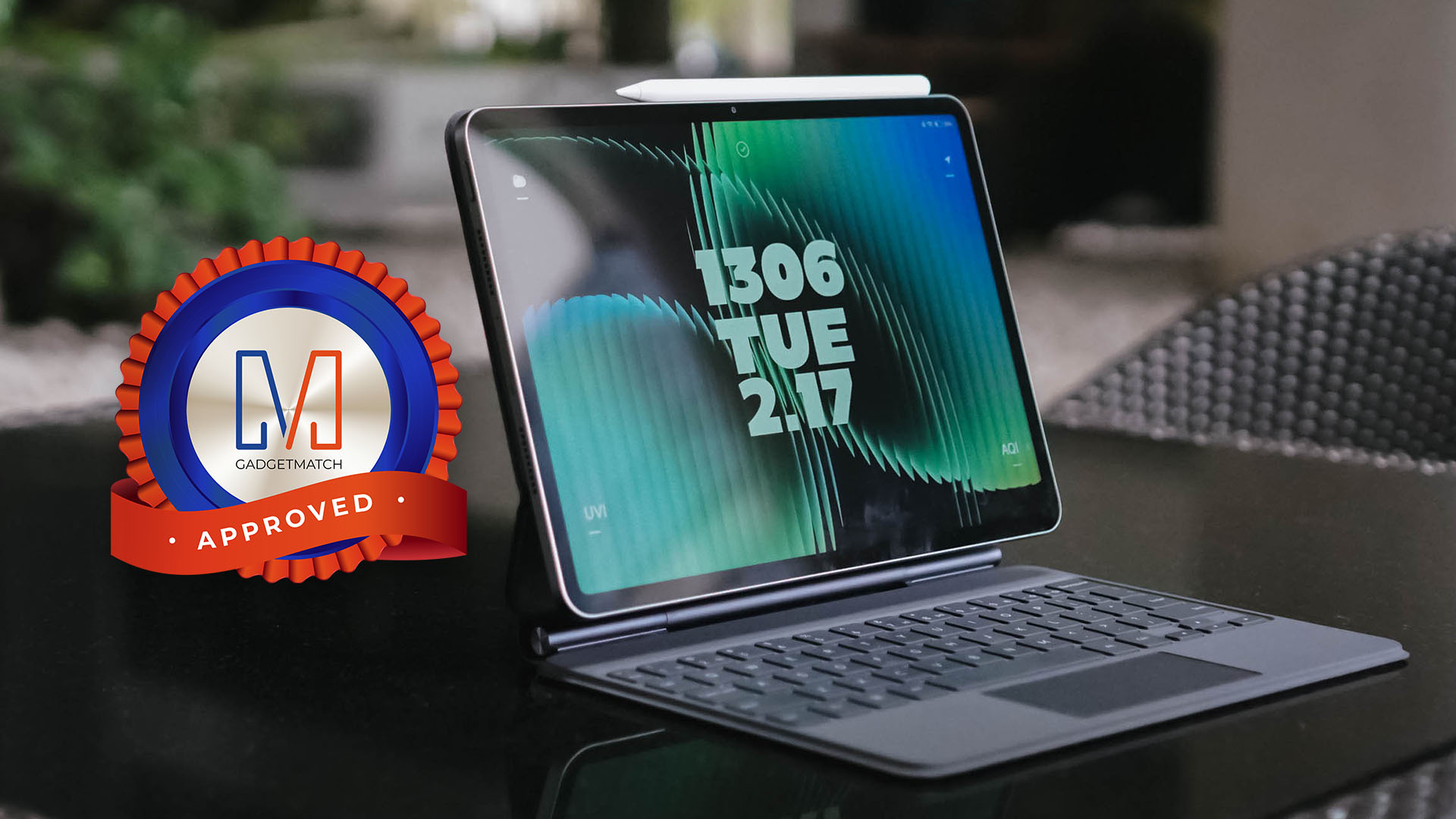
Despite all that, it’s still a worthy recipient of the GadgetMatch Seal of Approval. While other brands focus too much on either entry-level or maxed-out models, Xiaomi hit the right spot not just in hardware, but also in price.
My only buying advice is to save up more and get the 256GB configuration to achieve faster storage and memory speeds, unless you will just use it as your screen companion and nothing else (I mean, it’s still your money at the end of the day).
Now, if only Xiaomi decides to deeply reflect on making the HyperOS reliant for its line of pads, it could set a solid footing on the “well-rounded” tablet throne — not just a tablet that’s great, hardware-wise.



Project Helix is Xbox’s next console, and it plays PC games

Nothing adds color to its wearables with the Headphone (a)

Nothing launches the Phone (4a) series

HMD is developing an AI assistant for the elderly

OPPO is finally getting AirDrop support

Xiaomi 17 Ultra is now available outside China

TECNO will showcase the CAMON 50 and POVA 8 series at MWC 2026

The art of being in and behind the frame

HUAWEI MatePad 11.5 S 2026: The better-than-ever 4-in-1 productivity tablet

TECNO MEGABOOK K16s 13th review: No-frills beneath those grills


-
 News6 days ago
Xiaomi 17 Ultra is now available outside China
-

 Camera Walkthrough2 weeks ago
OPPO Reno15 Pro: Camera Review
-

 MWC 20261 week ago
TECNO resurrects modular phones with this new concept
-

 MWC 20264 days ago
TECNO showcases cool concepts at MWC 2026
-

 Reviews6 days ago
Xiaomi Pad 8 review: Slab that slaps!
-

 Events2 weeks ago
Capcom to hold Resident Evil Requiem launch event in Jakarta
-

 MWC 20263 days ago
TECNO launches the all-new CAMON 50 series
-

 Reviews6 days ago
Forget the Phone: Xiaomi 17 Ultra Is A CAMERA!