
Laptops
Starmobile Engage Aura review

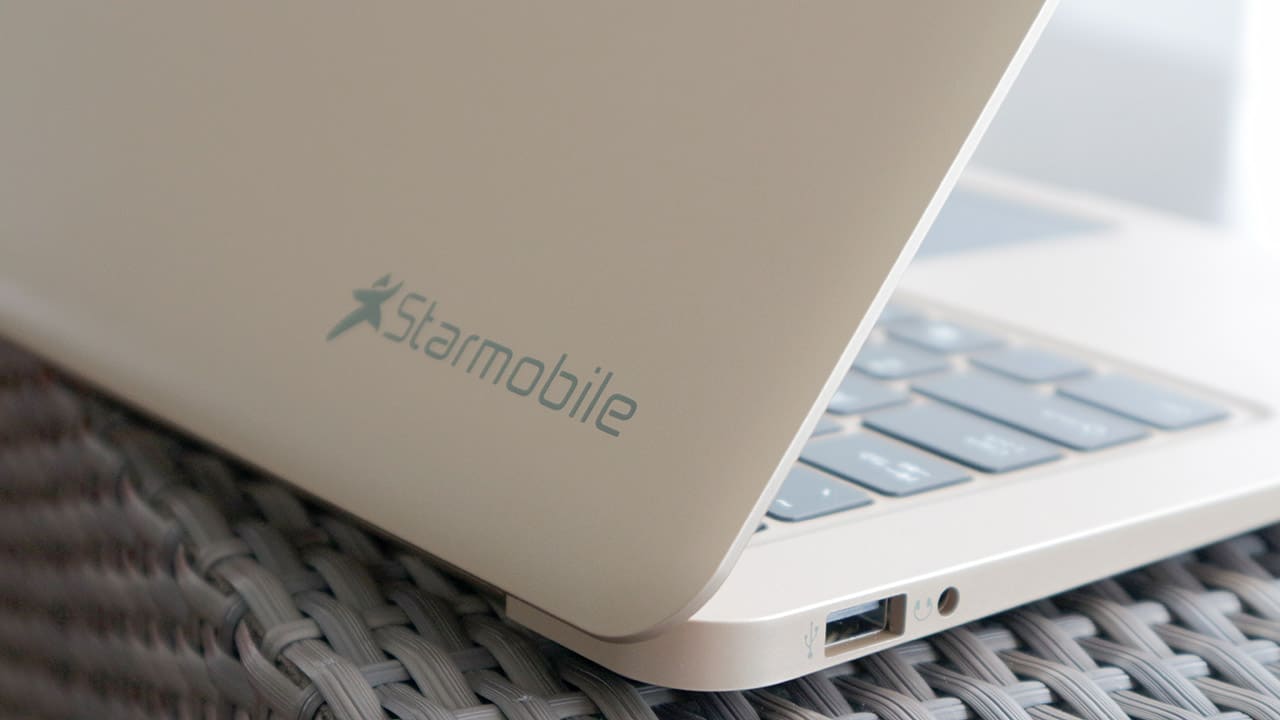
I get asked a lot about laptop recommendations, and while it’s easy to give an answer for notebooks above $400, anything below is tricky. So when Starmobile asked me to review its $150 Engage Aura, I happily obliged in order to deepen my knowledge of the budget-friendly segment.
Yes, it’s that cheap. And this isn’t even some entry-level Chromebook or tiny 10-inch tablet convertible; it’s a legit Windows 10 laptop resembling an Apple product. There are obviously going to be some tradeoffs for the low, low price, which I’ll get into beginning… now!
What should I know?
The Starmobile Engage Aura is a 14-inch Windows 10 laptop without a touchscreen display or flexible hinge for multiple modes. It’s as plain as a notebook can get, but that’s exactly what you should expect from a device this affordable.
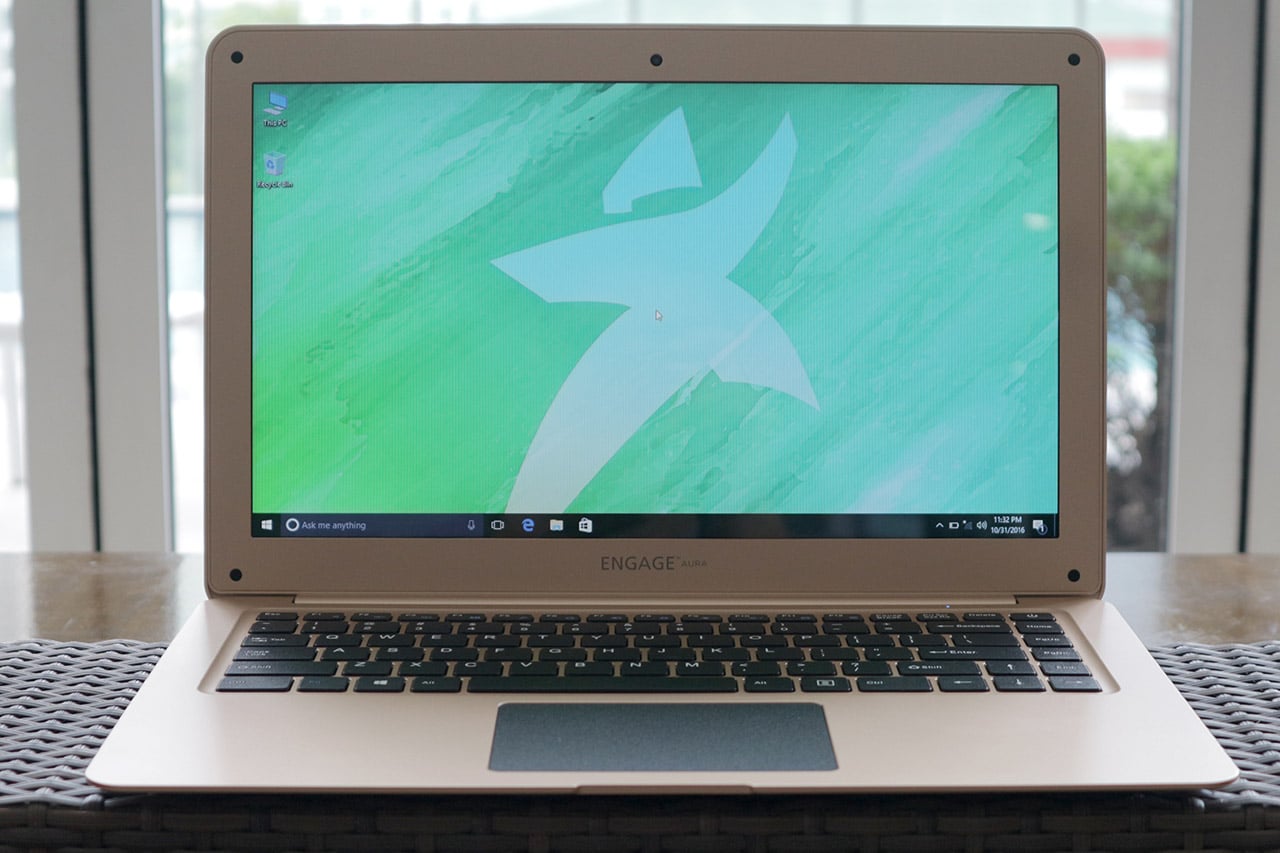
Inside you’ll find a low-powered Intel Atom x5-Z8350 processor (something you’d normally find in much smaller tablets), a measly 2GB of RAM (most smartphones these days have more), and a decent 1366 x 768-pixel resolution for its screen.
Is this good enough for _____?
Surfing the web: Yes. Watching stuff on Netflix: Yes. Editing photos and videos: Not really. Gaming: Don’t bet on it.
I mean it when I stress this is an underpowered gadget. The most I was able to do on the Engage Aura was write on Google Docs while Photoshop was running in the background with a few images open. Adding anything on top of that will cause the system to overload its memory and stutter until you close something.
Still, if you manage your multitasking properly — as well as your expectations — its performance is satisfactory for getting work done. But don’t even bother playing games on it, unless you turn off absolutely everything in the background. You won’t enjoy the visuals that much anyway because of the muted colors and low resolution of the display.
Can I at least store all my files in here?
Haha, no. The Engage Aura’s biggest weakness is its internal storage; you get 32GB of space, half of which is already taken up by the operating system, leaving you with around 15GB when starting fresh.
That’s inadequate for anything beyond a set of personal photos and a few HD videos. Heck, your smartphone likely has more available storage. The Engage Aura is meant for people who rely on cloud-based storage or those with an external hard disk on hand at all times.
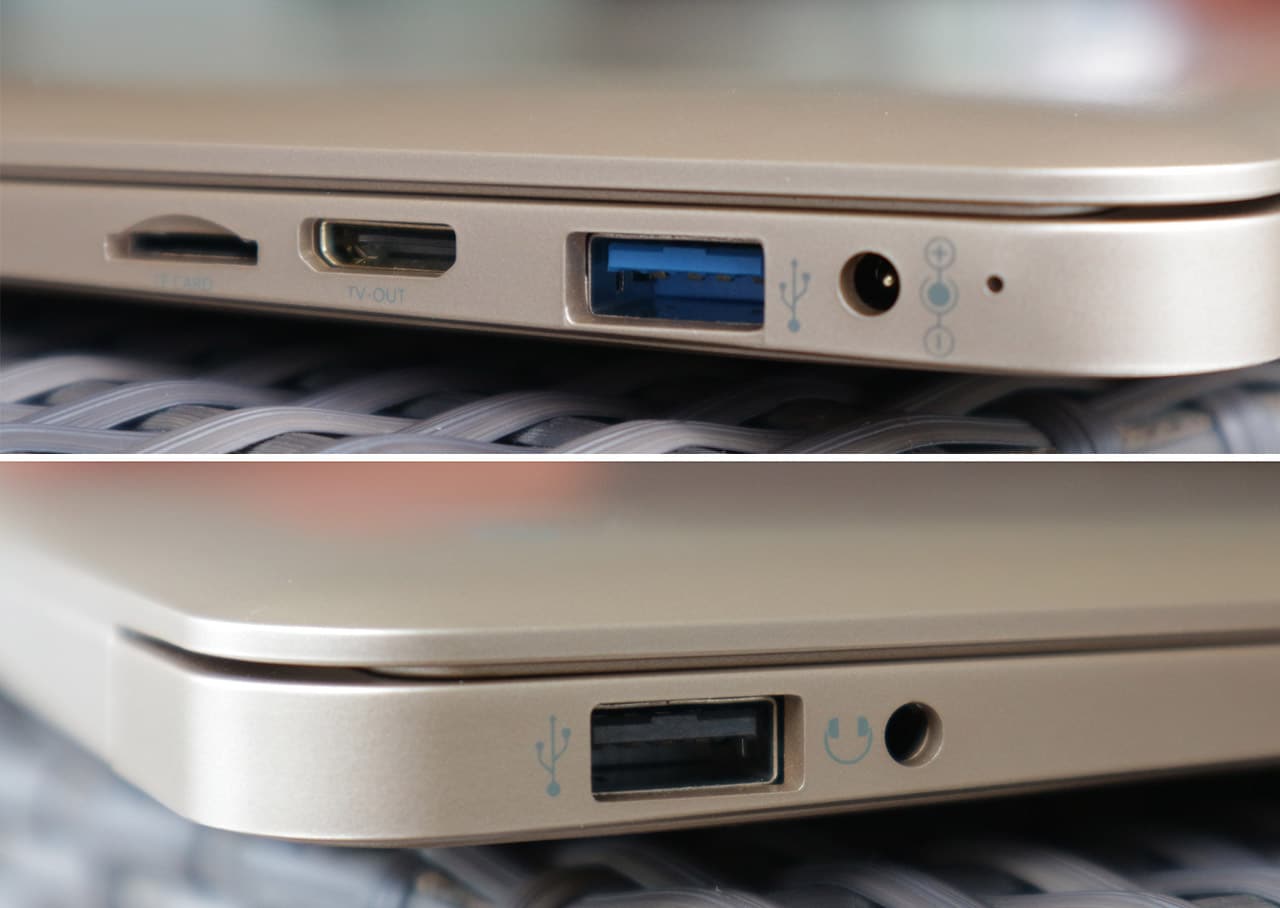
(From top to bottom, left to right) microSD card slot, mini-HDMI, USB 3.0, power-in port, USB 2.0, 3.5mm audio port.
What I found more convenient, however, was to just stick a microSD card in its built-in slot; that gave me an additional 64GB from my memory card, which is already twice as much as what the laptop comes with.
How’s the build quality?
Again, as you’d expect from a laptop this low-priced, it’s flimsy and can’t take too many hits. I had to make sure I kept it in a well-padded bag whenever I traveled. And even then, I discovered a few scratches mysteriously appear on the plastic cover.
I also found the keyboard and trackpad leaning towards the hard-to-use end, but I could say that about most Windows notebooks. It’s a matter of getting used to it, but what I could never get behind is the poorly located power button, which sits right next to the Delete button, blending in with the rest of the keyboard. Good luck consciously avoiding it all the time.
What’s the battery life like?
The great thing about having a processor meant for tablets in a laptop this big is its efficiency. Coupled with a large battery and low-resolution display, you’re looking at more than six hours of usage without having to plug into an electrical outlet.

That’s under mixed usage, by the way. I liked how the Engage Aura let me play several episodes of a television show even when the battery gauge was already below 30 percent. The laptop clearly works best when it isn’t overburdened by simultaneous requests.
Is there anything I else should worry about?
One irritating problem I had during my time with the Engage Aura was connecting to certain routers and hotspots. It’s picky at times, and can’t reach faraway signals. It seems like Starmobile equipped it with a weak Wi-Fi card to further drop the price.
The built-in speakers also left me disappointed while binge-watching. External speakers and/or subtitles are a must if you want to enjoy a movie or series. Bass is practically non-existent, and a lot of sound gets lost since the speakers shoot downwards.
Lastly, Starmobile made the pricing a little confusing. The company claims it’s being sold on Lazada for PhP 7,990, but it’s actually listed at PhP 7,388. And even though the original price is PhP 10,990, the supposedly limited price of PhP 9,990 — which is meant for the gold edition we have here — has been on the site for a while now. They’re all affordable, nonetheless.
Is this your GadgetMatch?
With so few options available at this price range, I can’t help but wholly recommend the Starmobile Engage Aura despite all its shortcomings.
I’d often think to myself, I wish I had more storage or I wish this thing could handle a few more browser tabs, but then I’d always go back to the price. Do I have any right to complain when it costs less than half the price of laptops that are already considered cheap?
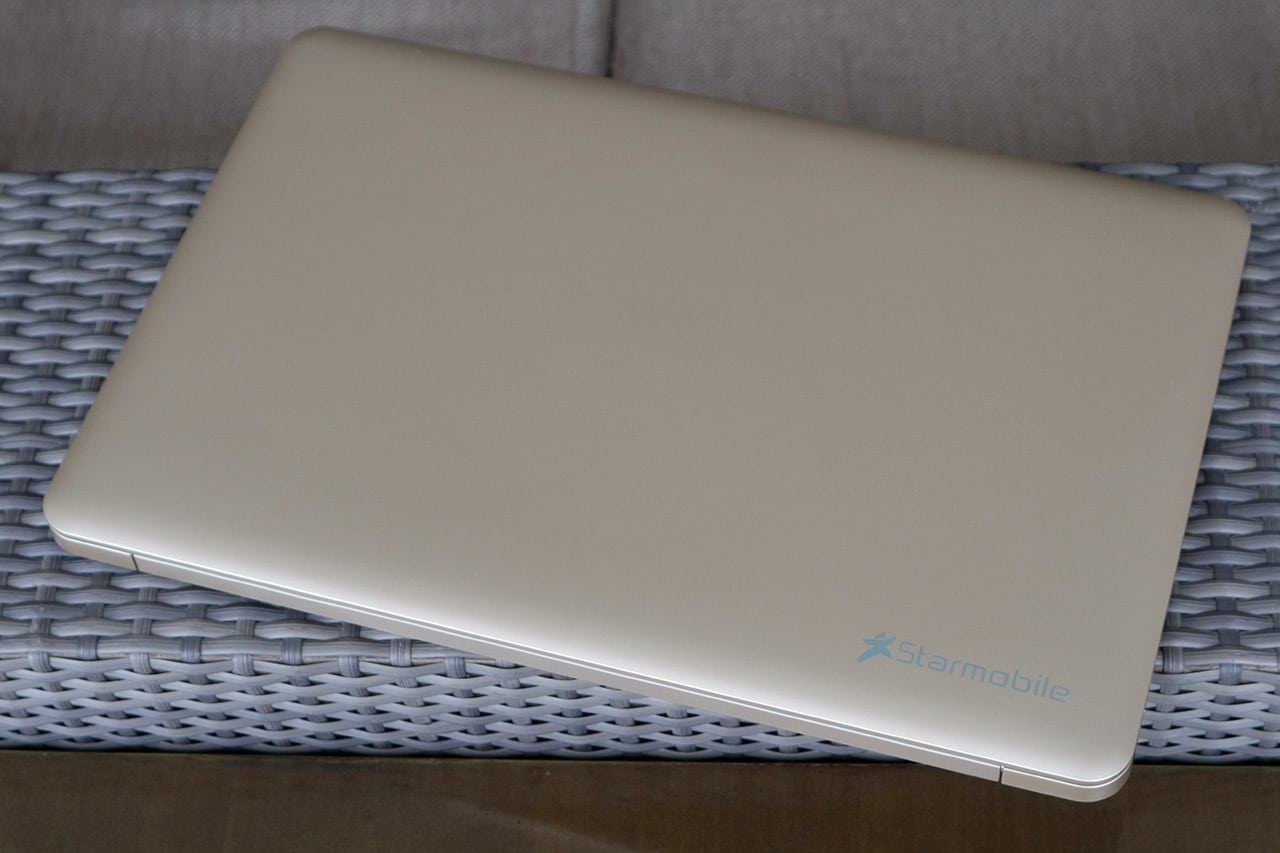
Even if you forget about the price for a second, the Engage Aura simply works. It never glitched out on me, every movie and app I opened played the way it should, and I never felt embarrassed using it in a cafe — in fact, its subtle look is quite sleek.
Buy this if you’re on a tight budget but must type for a living (like me); buy this for your mom or dad who just needs something usable; or buy it as a backup for whatever you’re using right now. You won’t regret purchasing something this affordable in the first place
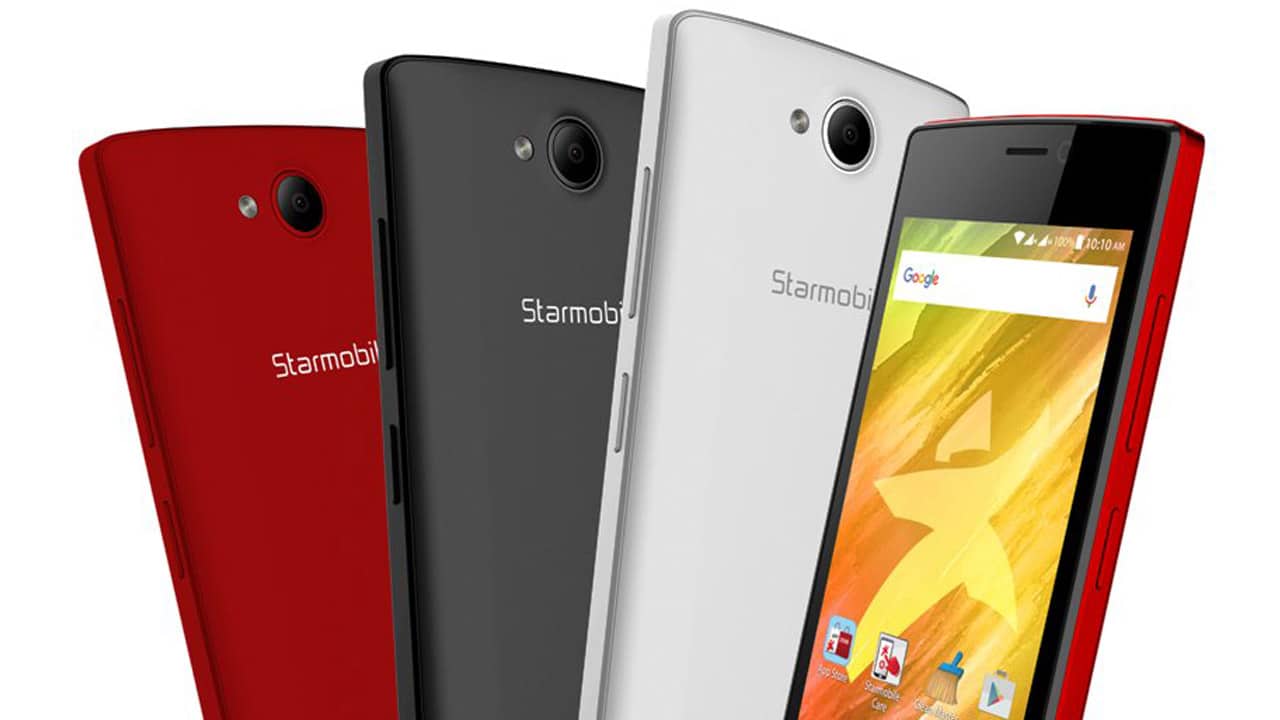
[irp posts=”7853″ name=”Starmobile Play Five is a really affordable Marshmallow phone”]



Laptops
Alienware celebrates 30th anniversary with new Area-51 laptops
The series features Alienware 30, an all-new design language.

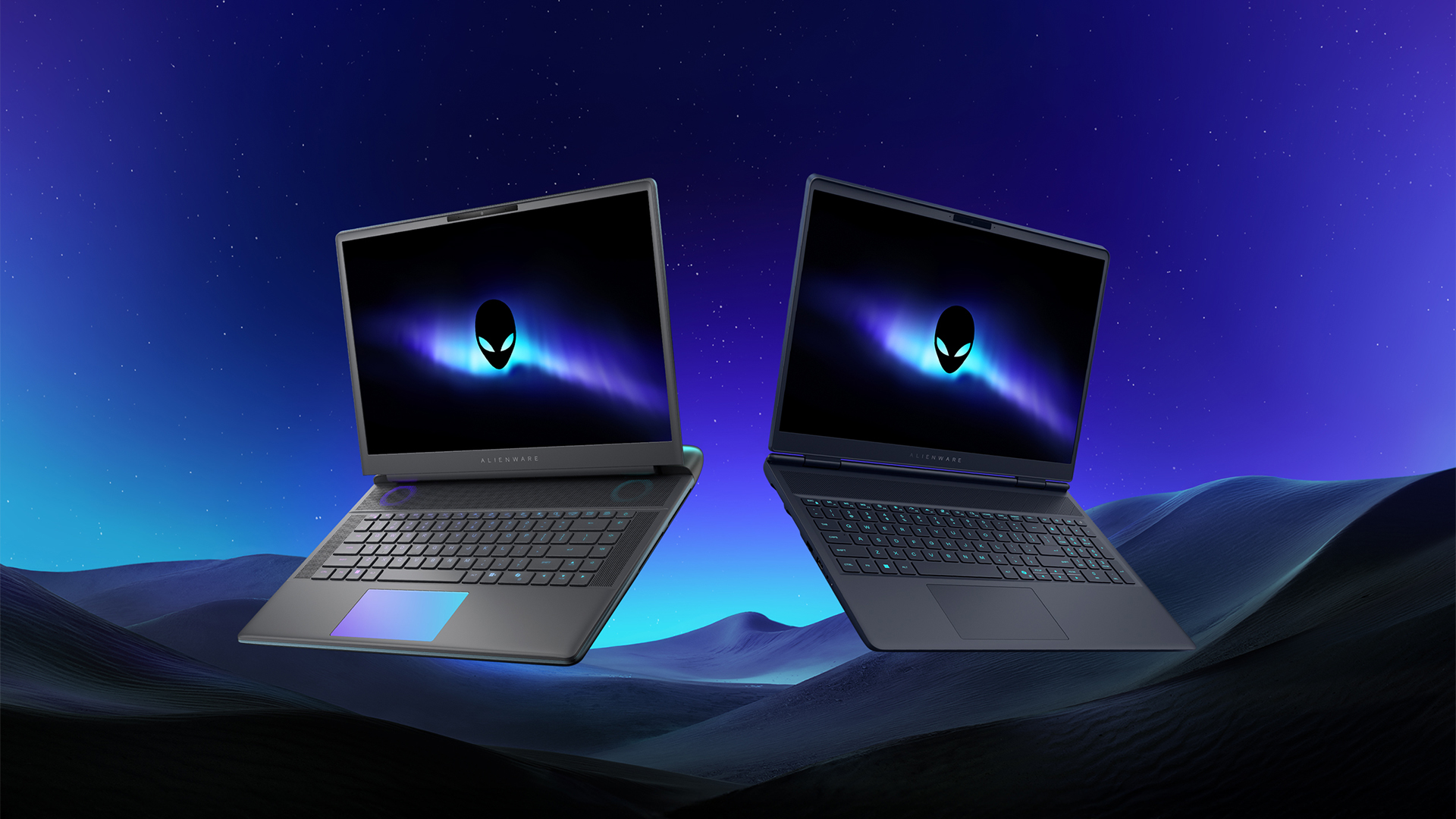
Despite the rise of more gaming brands, Alienware is still one of the most recognizable names for gamers who want dedicated hardware. This year, the brand is celebrating its 30th anniversary. To commemorate the milestone, Alienware has launched the new Area-51 and Aurora notebooks.
Alienware Area-51
Alienware’s Area-51 lineup is the brand’s flagship line of notebooks, packing in the best of the best from the industry. This time is no different.
First of all, the new series will rock Alienware 30, a new design philosophy made especially for the 30th anniversary. On the outside, the laptops have fluid contours, emphasizing curves opposed to the industry’s more angular contemporaries. It also has a Zero Hinge, which hides the laptop’s hinge from view. Finally, it has pillowed palm rests to make usage easy for long gaming sessions.
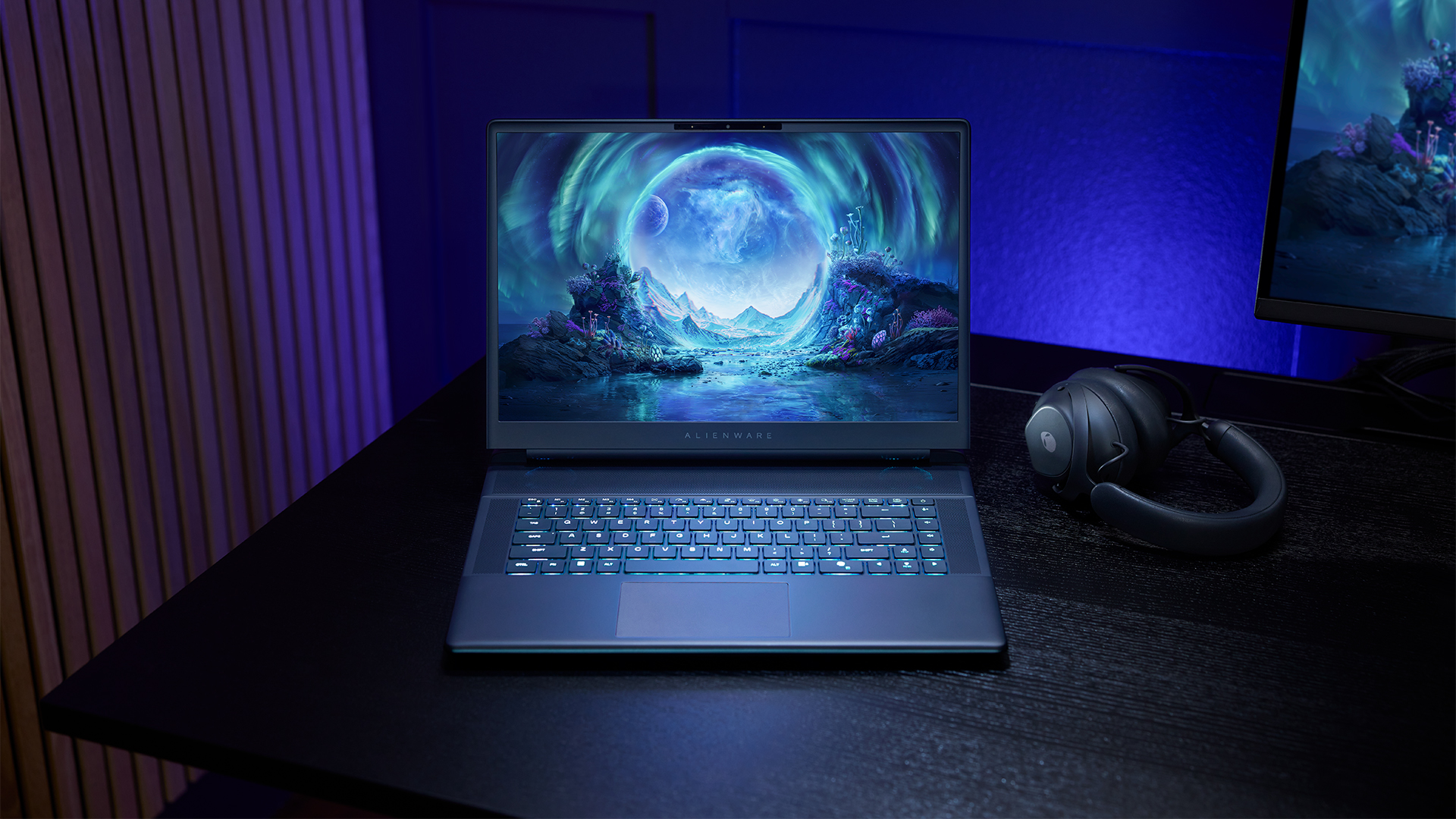
The 16-inch model can rock up to a WQXGA Anti-Glare OLED screen, featuring 240Hz refresh rate and 620 peak HDR nits. It will also have an LCD option. Alternatively, the 18-inch model has a WQXGA screen, featuring 300Hz refresh rate and 500 nits of brightness.
Inside, the Alienware Area-51 boasts up to an Intel Core Ultra 9 290HX processor and up to an NVIDIA GeForce RTX 5090 24GB GPU. For memory, gamers can enjoy up to 64GB Dual-Channel DDR5. Finally, for storage, the series can rock up to 2TB SSD natively but can support up to 3 slots, allowing for up to 12TB of internal storage.
The series will have a sizable 96Whr battery. This is complemented by a 280W adapter and the brand’s largest fans by volume to keep things cool.
Alienware 16X Aurora
For those who portability over raw power, the new Alienware 16X Aurora fits inside any day-to-day kit. For example, it ditches the thermal shelf typical of most gaming notebooks today to increase portability. It has rounded edges to make it easier to grasp and to create a slightly pillowed palm rest, similar to its flagship counterpart.
The 16-inch WQXGA OLED panel touts 240Hz refresh rate, 0.2ms response time, and 620 nits HDR peak brightness.
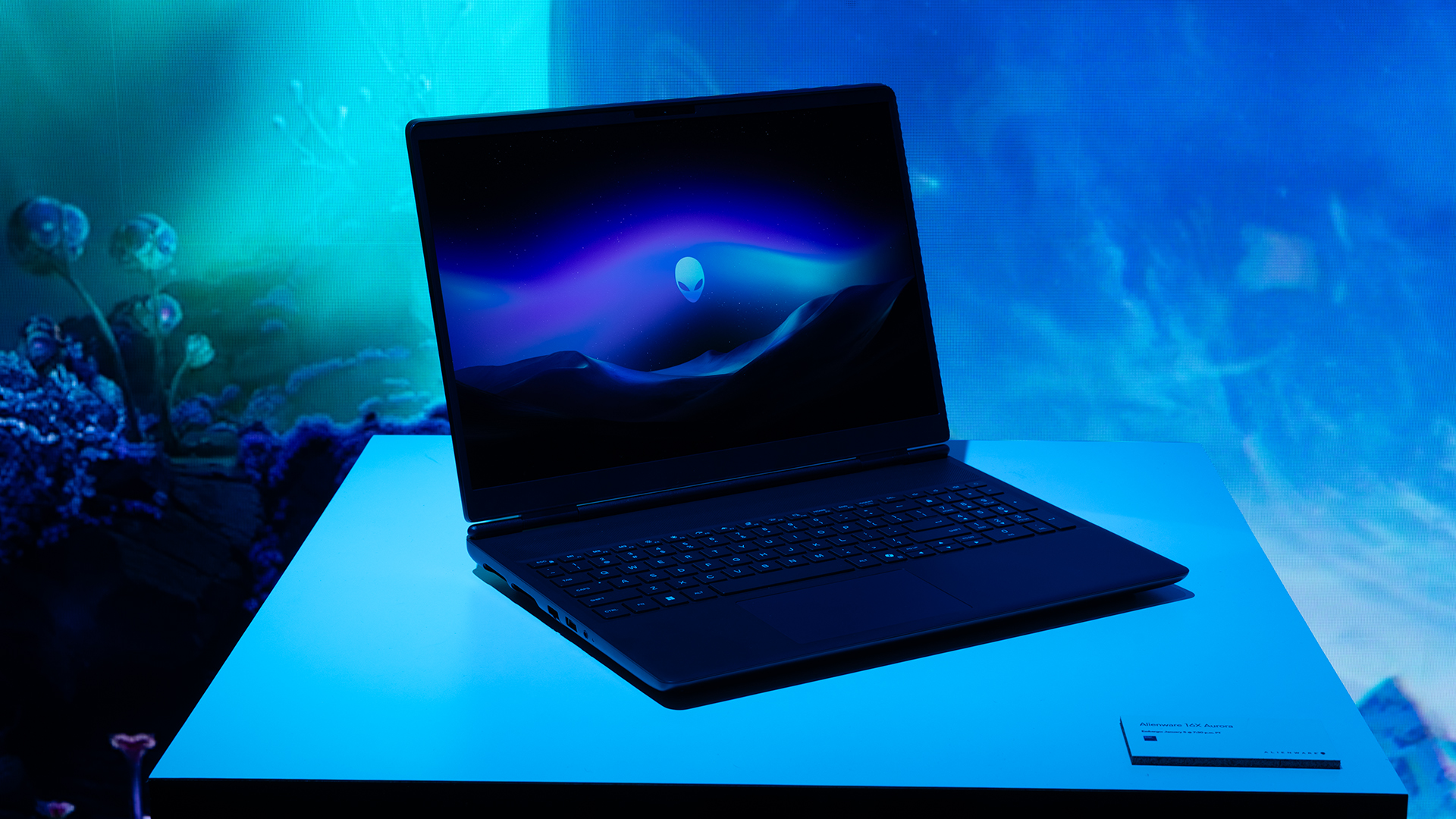
Inside, the notebook has up to an Intel Core Ultra 9 275HX processor and up to an NVIDIA GeForce RTX 5070 Ti GPU. These specs are paired with up to 64GB Dual-Channel DDR5 memory and up to 2TB SSD.
Finally, the Alienware 16X Aurora will have a 90Whr battery. This is supported by up to a 280W charger (for the RTX 5070 variant).
Price, availability
Both series are available starting today, March 17.

Apple disrupts the industry with their latest MacBook — an affordable to say the very least.
If you’re a student, a first-time Mac owner, someone who’s been priced out of this ecosystem their whole life, someone who just needs a laptop for basic tasks but one that looks great, without slowing them down, this is it!
Or maybe you’re torn choosing between the MacBook Neo and the more powerful M5 MacBook Air?
Well, that’s what we’re here for. Here’s our review with the all-new MacBook Neo.
Laptops
Hands-on: NEW iPhone 17e, iPad Air, MacBooks, Studio Displays
What Apple has announced other than the MacBook Neo


The MacBook Neo was the star of yesterday’s Apple event, and it has every right to be but it’s been a big week for Apple.
So as promised, we also went hands-on with every other device announced this week: iPhone 17e, M4 iPad Air, M5 MacBook Air, MacBook Pro with M5 Pro and M5 Max chips, and the new Studio Displays.





Now Playing: Hoppers

Jackery SolarSaga series: Free power for small devices

UGREEN adds new Nexode Pro power bank, charger to lineup

nubia to launch new Neo 5 series gaming phones on March 28

SHINOBI: Art of Vengeance’s SEGA Villains Stage out on April 3


-

 Reviews5 days ago
POCO X8 Pro Max review: A new beast from the far east
-

 News5 days ago
POCO X8 Pro Series: Price, availability in the Philippines
-

 Laptops2 weeks ago
Apple MacBook Neo Review
-

 Computers2 weeks ago
GIGABYTE collaborates with Capcom for RE Requiem custom PC
-

 Apps1 week ago
Google Maps is finally getting a 3D mode
-

 Entertainment2 weeks ago
The internet is thirsting over the One Piece Season 2 cast
-

 Features1 week ago
Galaxy AI on the Samsung Galaxy S26 Ultra
-

 Automotive2 weeks ago
BYD is reportedly considering an F1 team