


Apps
Stray Cat Doors is a cute and calming puzzle mobile game
Sometimes, all it needs to be is cute!

I’d been up all night, as per usual, and I’d stumbled upon a mobile game on my recommended list: Stray Cat Doors. At first glance, it’s undeniably adorable. The colors are appealing and warm; meanwhile, the graphics are just downright cute. When you’ve installed the game, the music is calming and I admittedly may never get tired of it.
But what is it?
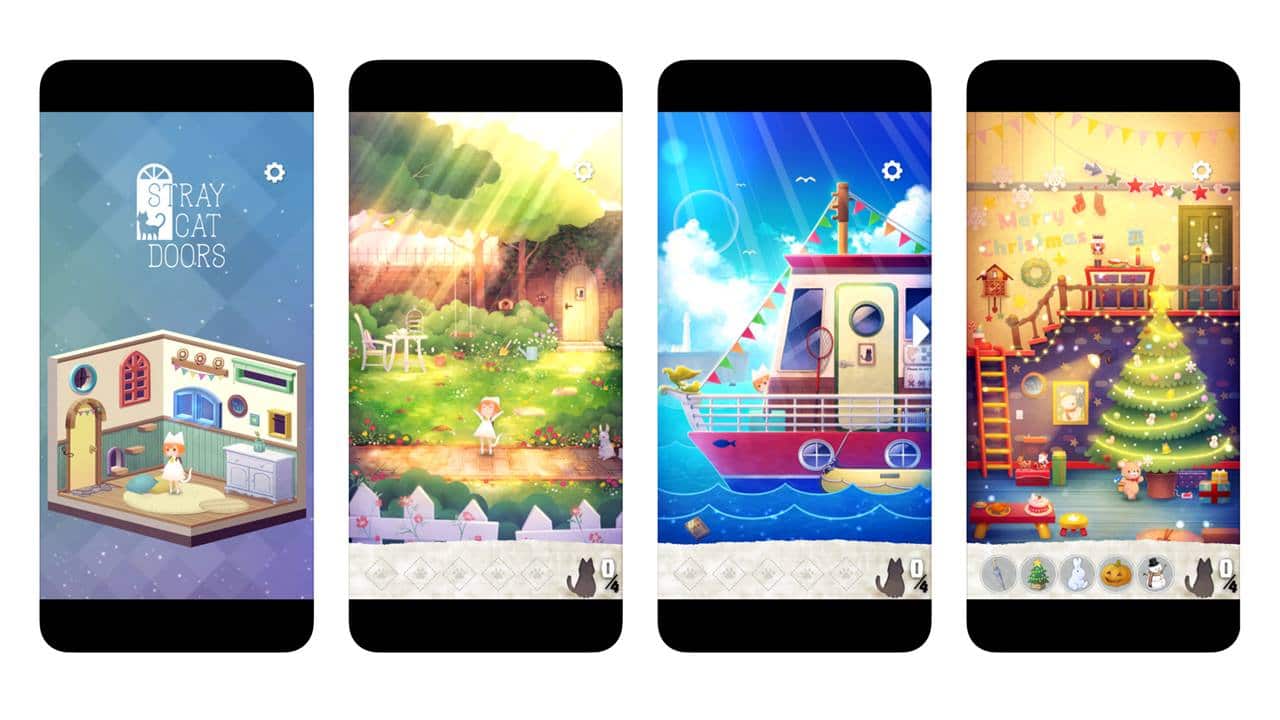 Stray Cat Doors is a puzzle adventure game where you tap items and solve puzzles to unlock doors that reveal your character’s memories with her treasured cat. Seems simple enough? You’d be surprised. This game takes a little bit of thinking — I mean, it’s a puzzle game for a reason. When you open the game, it walks you through the basic mechanic: collect shards to form a complete cat by solving puzzles of varying kinds.
Since you have access to most things visible in a single stage, you essentially end up tapping everything on the screen to see if there are any clues that may connect to other elements in the environment.
If you like escape-the-room games…

You’ll discover quickly that if you don’t have the patience of clearing out the room to see which clues are related to each other, you will be bothered with this game. If you don’t know what escape-the-room games are, by the way, they’re a sub-genre of point-and-click adventure games where you make use of your environment to, well, escape the room.
It’s the type of game that requires players to think and take their time. With Stray Cat Doors, you’ll be surprised to know that there are quick cheats for the clueless.
A puzzle game on easy

Yes, boys and girls, this game has a wonderful cheat that saves you when you’re stuck: advertisements. You read that right: The game trades puzzle solving with advertisements. When you play and can’t figure out how to solve puzzles, you can click on the gear icon on the upper-right side of the game and take hints.
You’ll have to sit through watching an ad but at least you’re given clues on what to look for. If that doesn’t make it easier for players, there are no limits on how many hints you can take as long as you sit through an advertisement every time.
And there are more cheats…

Can’t figure out how to handle the puzzles even after you’ve read the hints? In Stray Cat Doors, you can get the answers to the hints by… you guessed it: watching another ad. This can be a bummer for some people who enjoy a challenge when playing a game but honestly, the game gets away with it because of how adorable and soothing it is.
Why you should give this mobile game a try

It’s a good game to pass the time. When I played it, the puzzles weren’t too tough to figure out. Many of them reminded me of an easier version of Professor Layton. It’s a nice way to keep you thinking or if not, furiously tapping every corner of your phone. Some might find the pitfalls of the title to be the lack of a precisely explained storyline, but there’s something nice from Stray Cat Doors’ ambiguity: It makes the game noncommittal — the good kind!
It’s a casual puzzle game that doesn’t ask for much. If you struggle, you have easy ways to get around puzzles. The game doesn’t dig deep into a storyline and leaves players space to speculate with what they go through while playing (which is admirable in its own way).
Stray Cat Doors has stunningly adorable graphics with aptly calming music. It’s hard not to fall in love with those two elements themselves. I mean, sometimes, all you need it to be is cute. If you do decide to give it a go, it’s available on iOS and Android for free.
SEE ALSO: The Adventure Pals: Your dad is now a hotdog, go save him!
SEE ALSO: Crane Game Toreba: A mobile game that mails your prize from Japan


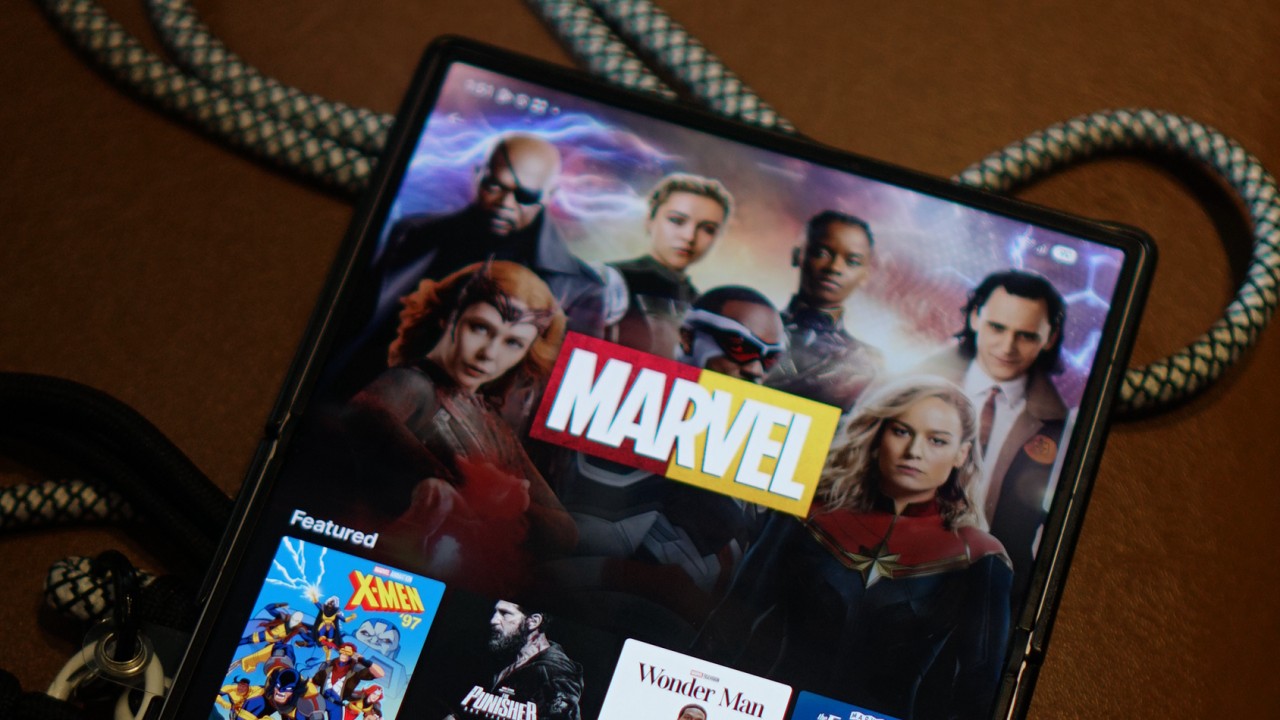
Disney is rolling out its new Disney+ app to markets that have been using a separate, Hotstar-derived version of the service.
The change is already happening across several regions, with Southeast Asia among the markets affected. Disney+ subscribers in the Philippines, Malaysia, Thailand, Indonesia, and other countries will transition to the newer app experience as Disney works toward a more unified global platform.
For Philippine subscribers, Disney+ has confirmed that the migration will happen on October 7, 2026.
The company notified subscribers this week that the existing app will eventually be replaced by a new Disney+ app. No action is required yet, and subscribers can continue using the current app until Disney provides further instructions.
The migration is part of a broader effort to bring Disney+ users onto the same core platform.
From Hotstar to a global Disney+ app
The distinction between the old and new experiences goes back to Disney’s international expansion.
Disney used a Hotstar-derived version of its streaming platform in several markets, including the Philippines, Malaysia, Thailand, Indonesia, South Africa, and markets across the Middle East and North Africa.
That version provided a localized Disney+ experience, but it operated separately from the main Disney+ platform used across many other international markets.
Disney began simplifying its streaming brands in 2025. In Southeast Asia, Disney+ Hotstar was rebranded simply as Disney+, while the Star general-entertainment brand was replaced by Hulu. At the time, Disney said the rebrand would bring a more consistent Disney+ experience, although the available content would remain tailored to each market.
The next step is now happening at the app level.
Egypt began moving to the new Disney+ app on September 2, followed by Indonesia on September 3. South Africa is scheduled for September 9, while Thailand is set to follow on September 16. Malaysia and the Philippines are scheduled for October 7.
This makes the Philippine migration part of a much larger transition rather than an isolated local update.

A more familiar Disney+ experience
The new app brings affected markets closer to the current Disney+ experience elsewhere.
Disney redesigned the global app earlier this year with a new For You homepage, improved personalization, redesigned navigation, more prominent profiles, and additional content hubs. Depending on the market and subscription, the interface can also surface Disney+, Hulu, and ESPN sections.
Disney has also been expanding the platform’s international language support. In July, the company added 17 languages, bringing Disney+ to 58 audio languages, with the user interface available in more than 30 languages and subtitles or closed captions available in as many as 42. The expansion included Thai, Indonesian, Malay, Arabic, Hindi, Tamil, and Telugu.
The company has described these updates as part of its effort to make Disney+ a more accessible and localized service for audiences around the world.
The migration also brings practical changes for subscribers.
In the Philippines, Disney says existing subscribers can continue using their current account and subscription. However, profiles, watchlists, and viewing history will not transfer to the new platform. Philippine subscribers will therefore need to set up their profiles and watchlists again after moving to the new app.
The subscription itself does not require an additional charge because of the migration. Existing billing cycles will also remain in place.
The catalog will still depend on where you are
Moving to the global Disney+ app does not mean every country will suddenly receive the same library.
Disney continues to operate its streaming service according to regional content rights. Its own Help Center notes that content availability can differ by country or region, and that some titles may not be available in a subscriber’s current location.
That means a subscriber in the Philippines, for example, will still see a catalog determined by the rights Disney has for the Philippine market. The same applies to subscribers in Thailand, Indonesia, Malaysia, South Africa, or any other market making the transition.
What is becoming more global is the platform itself.
That brings Disney+ closer to the model used by other major streaming services, where subscribers can use a common app experience across markets while the actual catalog changes depending on where they are.
The distinction is particularly relevant for people who travel. Disney’s global Help Center says subscribers abroad can stream content available in the country or region they are visiting, meaning the service’s location-based availability rules still apply even on the unified platform.
Disney has been signaling this direction for some time. In 2025, the company said its redesigns were leading toward a “fully integrated unified app experience” in 2026. The latest migrations appear to be the next major step toward that goal.
For subscribers in the remaining Hotstar-derived markets, then, the biggest change isn’t necessarily what’s available to watch.
It’s where and how they access Disney+.
Apps
Canva teams up with SB19 to turn A’TIN’s passion into creativity
Campaign lets fans access assets, editable templates, more

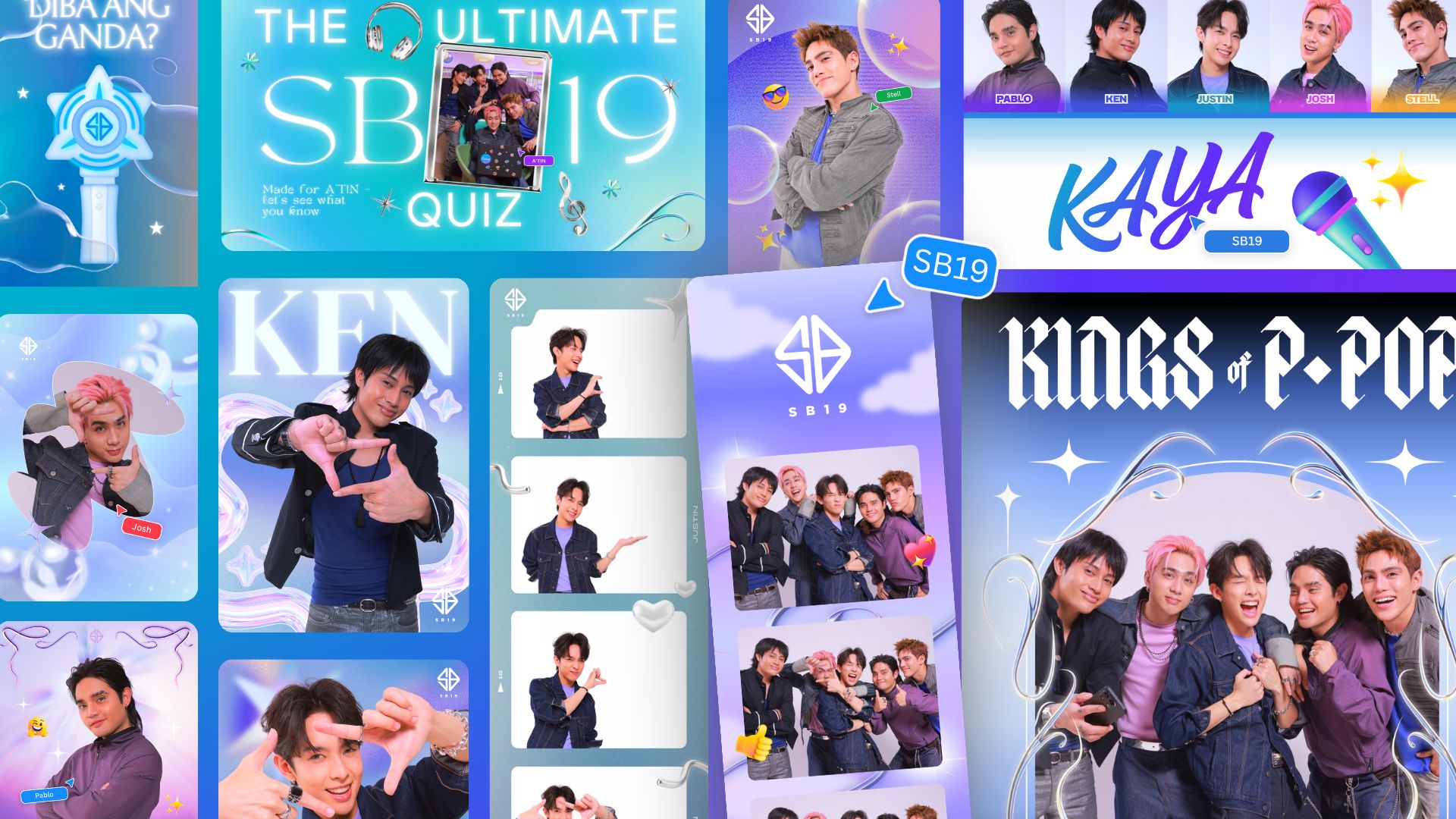
Canva Philippines has joined forces with SB19 and Sony Music Entertainment to launch the “Kaya sa Canva” campaign.
This first-of-its-kind initiative is aimed at transforming the popular Filipino boy band’s fanbase into creators by giving them access to official design assets, exclusive templates, and powerful creative tools.
That’s of course as fans have a way of creating artwork, banners, and more outputs to honor their idols.
As such, the partnership enables the A’TIN (SB19’s fanbase) to access the Canva-exclusive SB19’s Creative Hub.

This dedicated space lets fans access assets, including SB19-inspired sticker packs, custom typography, and editable templates inspired by the group.
Fans around the world will initially have access to templates for photo-booth strips, wallpapers, posters, and videos.
The campaign will then expand with Canva-exclusive assets celebrating the group’s New Era, as well as their latest single, “Lawless”.
Meanwhile, the original song “KAYA” is accompanied with an upbeat music video, doubling as a love letter to A’TIN and a masterclass in Canva’s tools.
Every visual and animation is fan-inspired, a celebration of the creativity, passion, and dedication that’s defined in the community from day one.
Apps
Samsung’s bet on the future of connected health: Less data, more action
Inside Samsung’s plan to close the gap between your wearable and your doctor

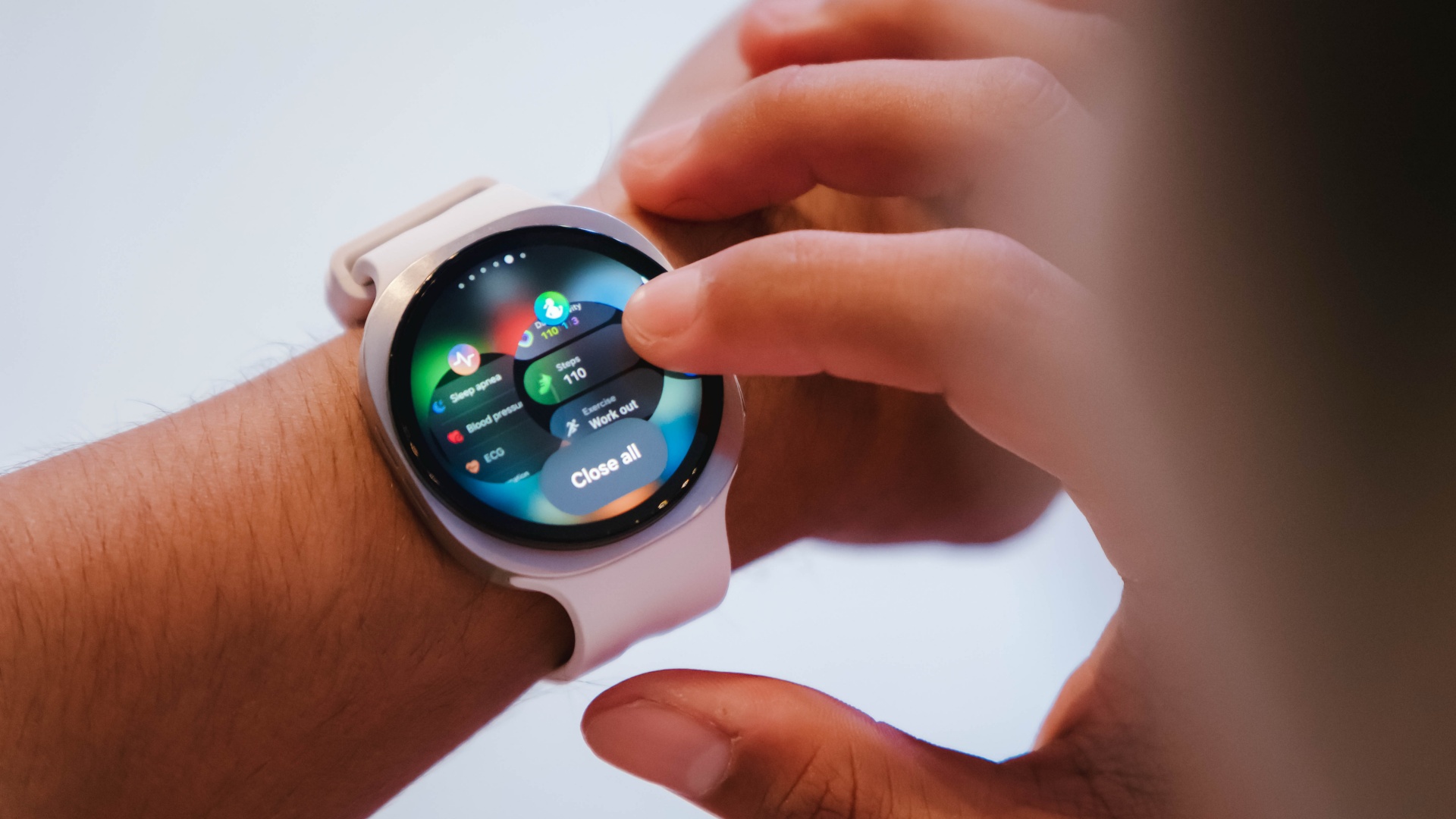
Here’s a paradox worth sitting with: Wearable adoption keeps climbing. A lot of people now walk around with a sensor on their wrist, tracking heart rate, sleep, steps, sometimes ECG. And yet chronic disease rates haven’t moved.
That’s the problem Dr. Hon Pak, Samsung’s Head of Digital Health globally, opened with at a recent panel on the future of connected care. More data hasn’t meant better healthcare. His diagnosis: a first-mile, last-mile issue.
The first mile is that all this wearable data rarely makes it to a doctor in any usable form. The last mile is that even when a doctor says “lose weight, eat better, move more,” that advice tends to dissolve the moment real life takes over.
Picking up kids, caring for parents, getting through a Tuesday, it’s not that people don’t know what to do. It’s that knowing and doing are two different problems.
Samsung’s answer involves three things it says connected care needs to mature: meeting people where they actually are, building enough trust that people rely on the data, and using AI to turn that data into something a person can act on rather than just look at.
The Tuesday evening problem
Karthik Poriya, Head of Product at Samsung Food, framed the everyday failure point clearly. Picture it: long day, you’re tired, staring into the fridge. You’re not reaching for the healthiest option in that moment, you’re reaching for whatever’s fastest and most satisfying.
For years, nutrition tracking has focused on logging what already happened. Poriya’s team wants to intervene right at that decision point instead, pairing Samsung Health’s underlying data (BMI, antioxidant index, glycation markers) with Samsung Food’s recipe index of roughly 40,000 dishes mapped across 34 nutrients, so a health number turns into an actual dinner suggestion rather than another stat to check later.
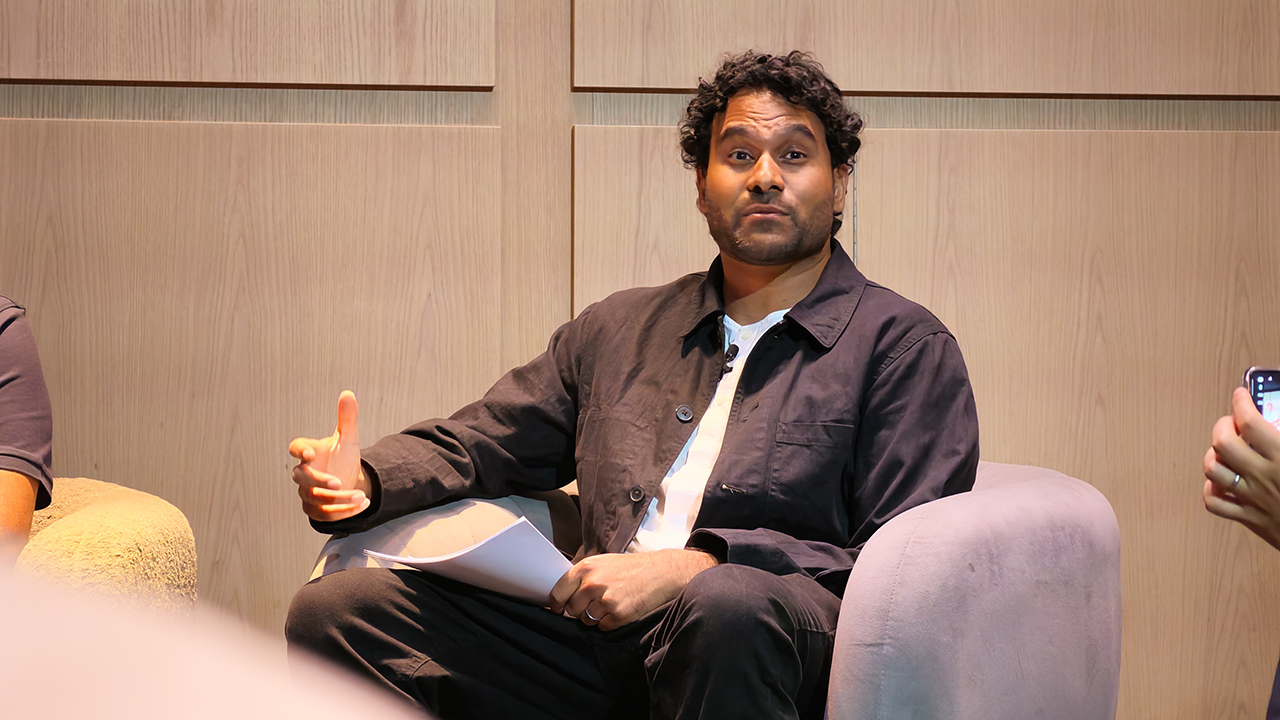
Dr. Pak backed this with a small, concrete example from his own family: moving leftover cheesecake out of eye-level in the fridge and putting washed, sliced carrots there instead.
Kevin Duffy, CEO of connected fitness company iFit, made a similar point about exercise. The most effective tool for sticking to a fitness plan is a personal trainer, he said, citing roughly 80% higher adherence compared to going it alone.
The problem is cost: US$100 an hour or more in a major city puts that out of reach for most people. iFit’s bet is that AI can deliver something closer to a personal trainer’s precision and motivation at a price that isn’t elitist.
Duffy pointed to three reasons his company partners with Samsung specifically: reach (Samsung hardware is already in people’s homes, on their wrists and TVs), access to the biomarker data needed to build an accurate plan, and the fact that fitness goals don’t exist in isolation from sleep and nutrition data.
Trust has to come before any of this works
None of the behavior-change ambitions matter if people don’t trust the data or the company holding it. Rohit R. L., who heads Samsung’s Technology Innovation Lab in the UK, laid out how his team approaches that.
Privacy comes first: Samsung, he said, treats itself as a custodian of user data rather than an owner of it. On top of that sits clinical validation, meaning published, peer-reviewed evidence that a feature actually works in the real world, not just in a lab.
He gave a specific example: Samsung’s ECG and irregular heart rhythm notifications have been clinically validated and cleared by regulators to detect signs of atrial fibrillation. He was careful with the wording there, detect signs of, not diagnose, since that distinction matters both medically and legally.
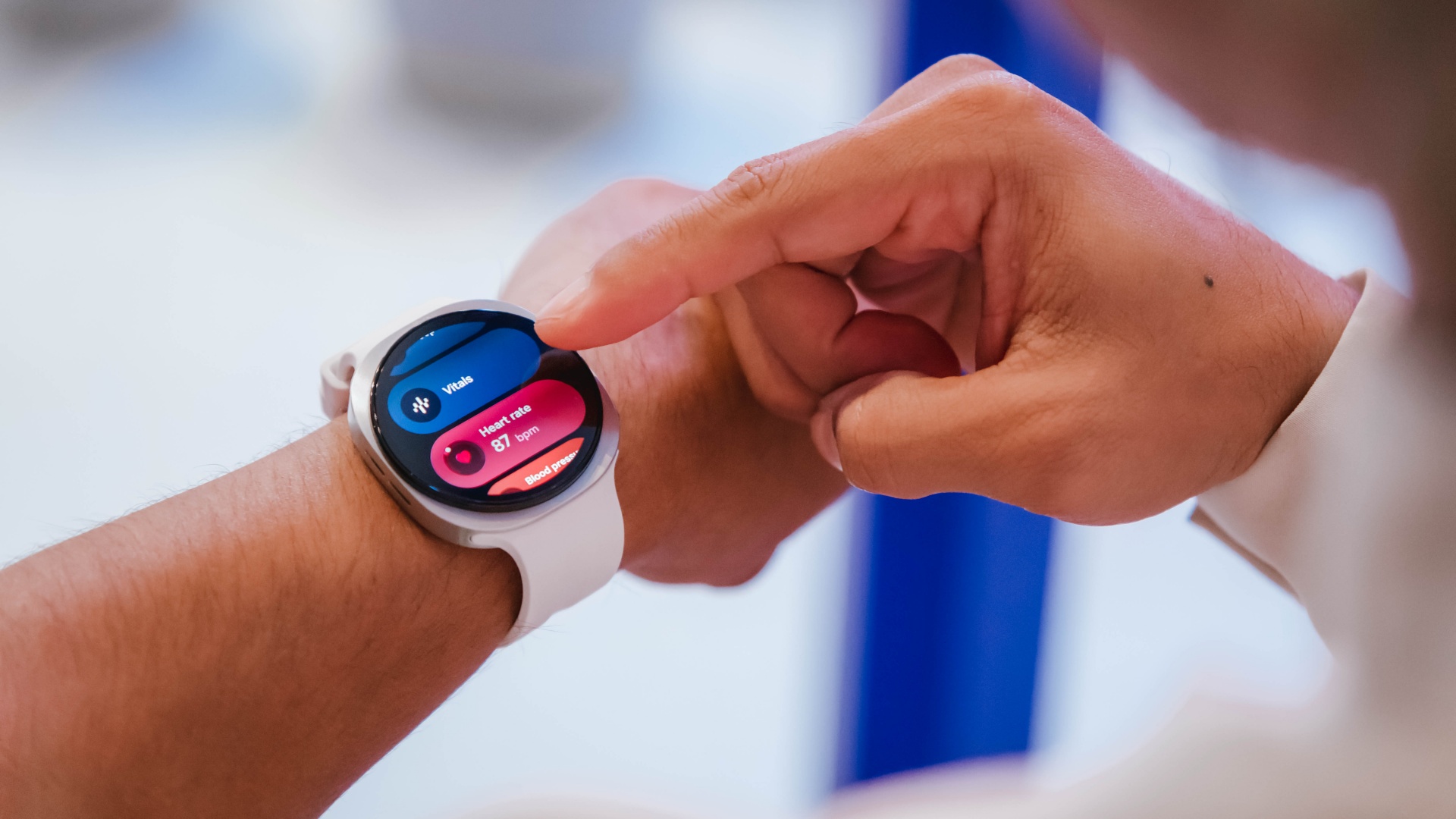
A separate study on fall detection for elderly users turned up a more human finding. The detection algorithm worked well in testing, but in real life people don’t wear their watches around the clock, and falls don’t happen on a schedule.
Dr. Pak drew a useful comparison: nobody tells their MRI technician they’re going to fidget through the scan, but with a wearable, you don’t get to control how or when someone wears it. Real-world validation has to account for that.
On the infrastructure side, Rohit described a three-layer privacy approach: on-device protection through Samsung’s Knox security framework, GDPR-compliant data handling, and alignment with the European Health Data Space, including a decentralized clinical trial system where patient identity stays with the hospital rather than moving to Samsung’s side.
Where AI actually comes in
The most technically dense part of the discussion came from Otavio Penatti, who leads Samsung’s Health AI R&D team in Brazil.
His team works on foundation models, the same category of large-scale AI models trained on unlabeled data that underpin most of today’s popular AI systems. Trained once on a huge amount of sensor data, these models can then be fine-tuned for many specific health applications, which tends to make them more accurate than models built for a single narrow task.
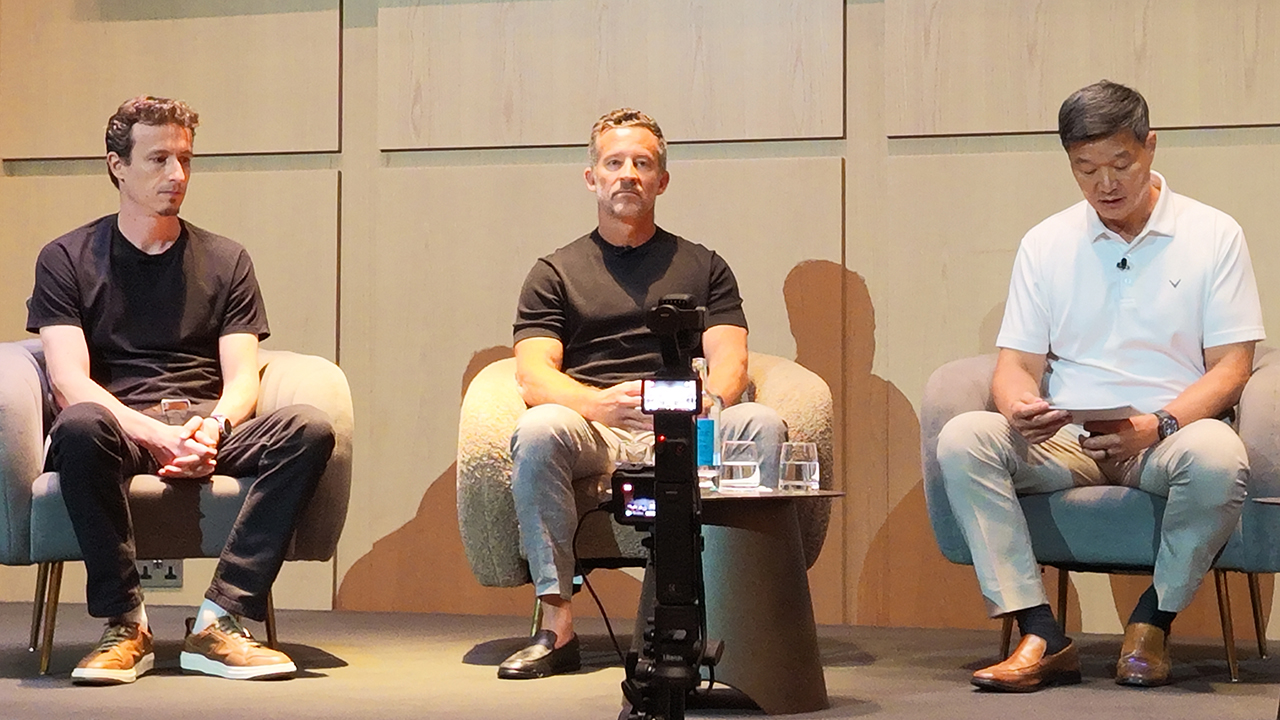
Penatti’s team is training these models on wearable sensor data (PPG, ECG, accelerometer) with the goal of getting the model to, as he put it, understand the body’s own signals well enough to translate them into something useful. Longer term, he sees potential in correlating that sensor data with clinical records to flag disease risk before symptoms show up.
Dr. Pak added a striking data point from Stanford research: a foundation model trained on sleep study data was able to look at just a 24-hour window of sleep and predict risk across more than 130 different diseases.
His takeaway was that the signals for a lot of future health problems are already sitting in the data being collected today, we just don’t yet know how to read all of them.
He closed this part with a number worth sitting with. A recent American Medical Association survey found that 97% of physicians have looked at wearable data at some point. Only 15 to 16% actually use it in day-to-day practice.
The top reason cited wasn’t distrust of the data, it was that the data doesn’t plug into existing clinical workflows. That’s part of why Samsung acquired health data platform Xealth, to build a pipeline that gets wellness data into the systems doctors already use.
Five years out
Asked to look five years ahead, each panelist’s answer tracked closely to their own corner of the problem. Poriya described a proactive dietitian in your pocket, one that doesn’t wait to be asked.
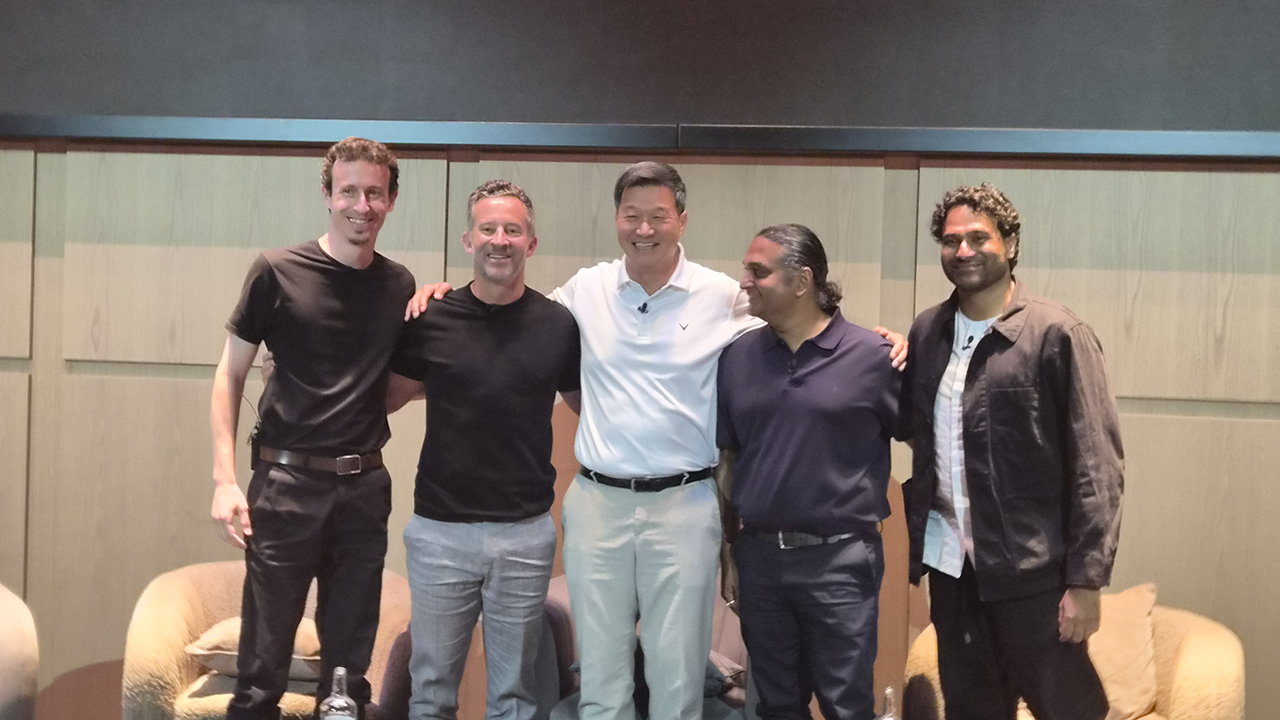
Rohit pointed to connected care that clinicians actually trust and patients fully control. Penatti envisioned AI that continuously links everyday behavior to clinical outcomes, catching problems before they start. Duffy’s version was a constant personal wellness coach, sifting through the data noise to tell you exactly what to do next.
The throughline across all four answers is the same: less raw data, more action. Samsung’s panel made the case that the wearable industry has spent the last decade solving for collection, more sensors, more metrics, more dashboards, while the harder problem, turning that information into something a tired person actually does on a Tuesday night, has barely been touched.
Whether foundation models and better clinical integration actually close that gap is still an open question. But it’s clearly the one Samsung is choosing to spend its next five years on.







GUNDAM ROGUE ORBIT launches in March 2027

Lenovo Legion teams up with Quiccs

LG’s AI Home vision comes to life at IFA 2026 with innovative showcase

Ford’s new Everest lineup brings V6 engine to the top, tech down the line

Xiaomi makes IFA debut, showcasing ‘Human x Car x Home’ ecosystem

TECNO MEGAPAD 2 review: Eyes on the size

realme 16T 5G with 8000mAh battery, IP69 Pro rating launches in PH

REDMI Note 17 Series focuses on long-term reliability

realme 16T to come with 8,000mAh battery, 7-year battery health guarantee

HUAWEI Pura X View is 2026’s first WIDE slab-type smartphone


-
 News1 week ago
realme 16T 5G with 8000mAh battery, IP69 Pro rating launches in PH
-
 Singapore1 week ago
REDMI Note 17 Series: Price, availability in Singapore
-
 News1 week ago
REDMI reveals the refreshed Note 17 and Note 17 Pro series
-
 Cameras2 weeks ago
Insta360 Luna Ultra review: My new solo coverage camera
-
 Reviews1 week ago
REDMI Note 17 Pro review: What a rollercoaster ride!
-
 News2 weeks ago
HONOR Magic V6: Price, availability in the Philippines
-

 Features1 week ago
The designated photographer’s new favorite phone: OPPO Reno16 Series 5G
-

 Automotive2 weeks ago
Tesla involved in recalling over 4 million electric cars