

realme was first known as OPPO’s sub-brand that was aimed at the budget-conscious segment.
Although they still have affordable offerings in the lineup, they also gear towards delivering high-performance devices for the mid-class.

After all, they’ve been a separate brand from their former parent company for quite some time and continuously thrive to fight more dominant players in the competition.
realme’s solution to keep their dominance in such a vast market? A new sub-brand that serves the same purpose as what they have been doing during their early years — and that is where TechLife stands on the podium.
Itsy-Bitsy Fancy
Gone are the days of budget tablets that feel icky with their plasticky bodies.
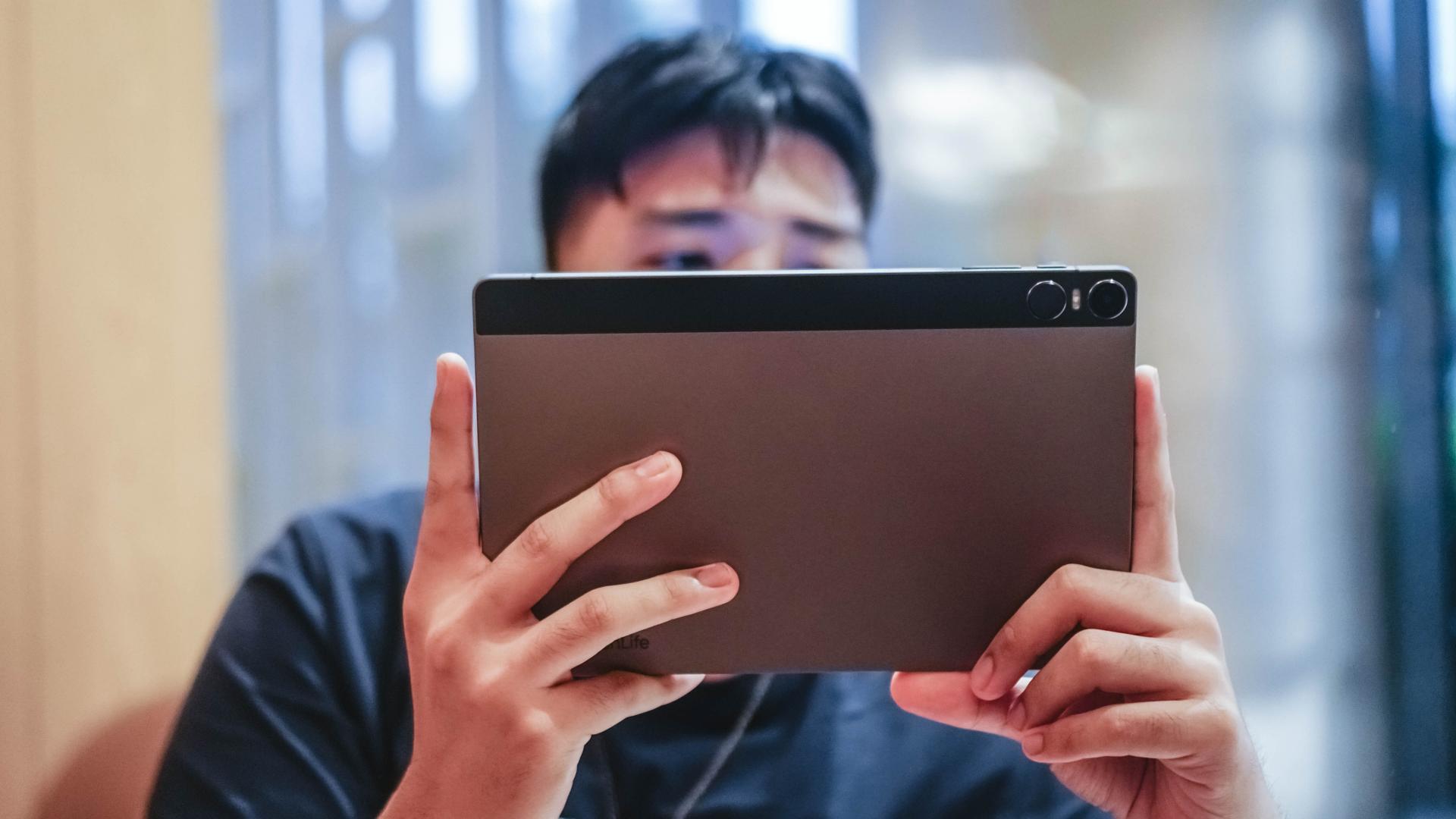
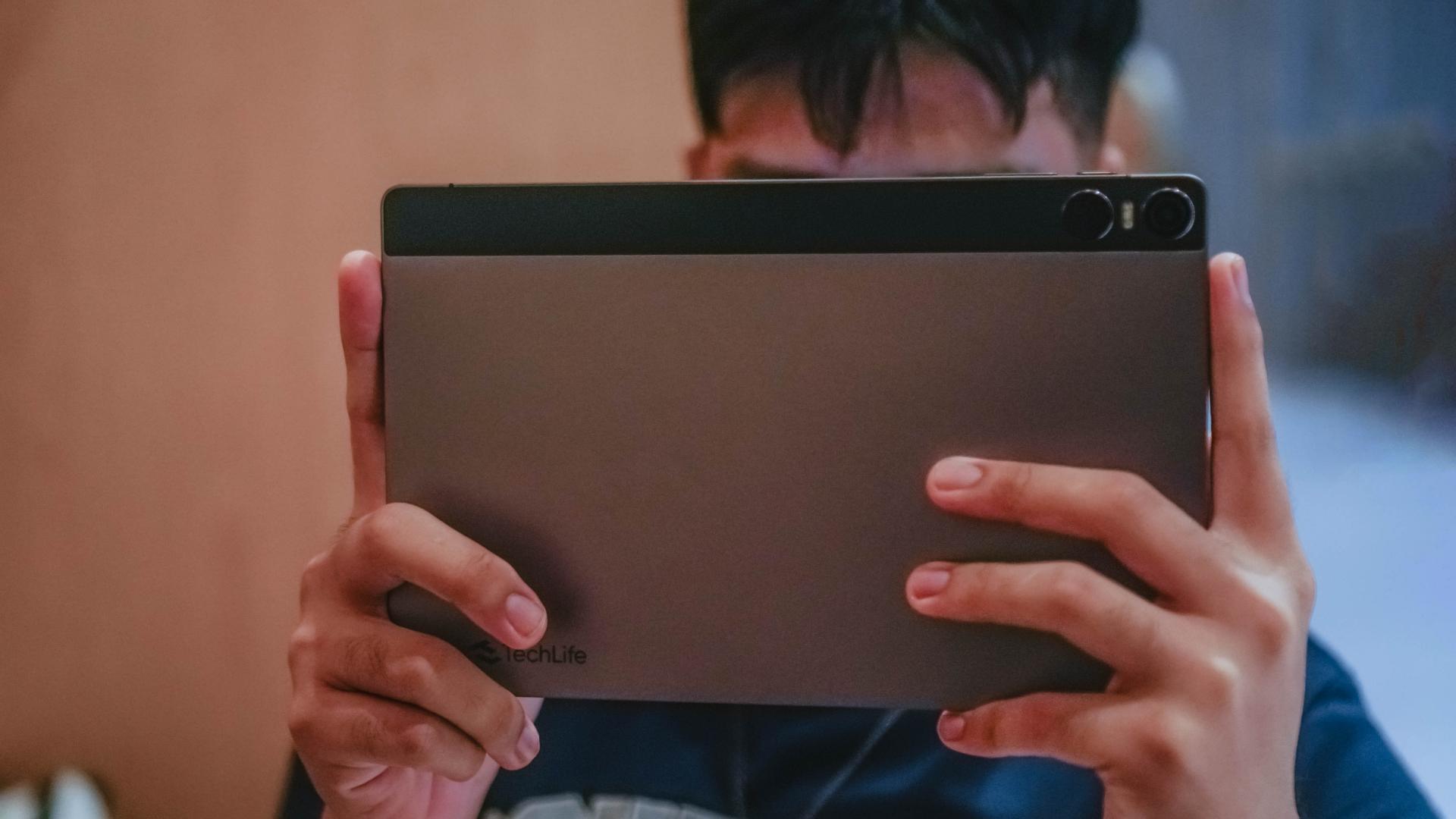
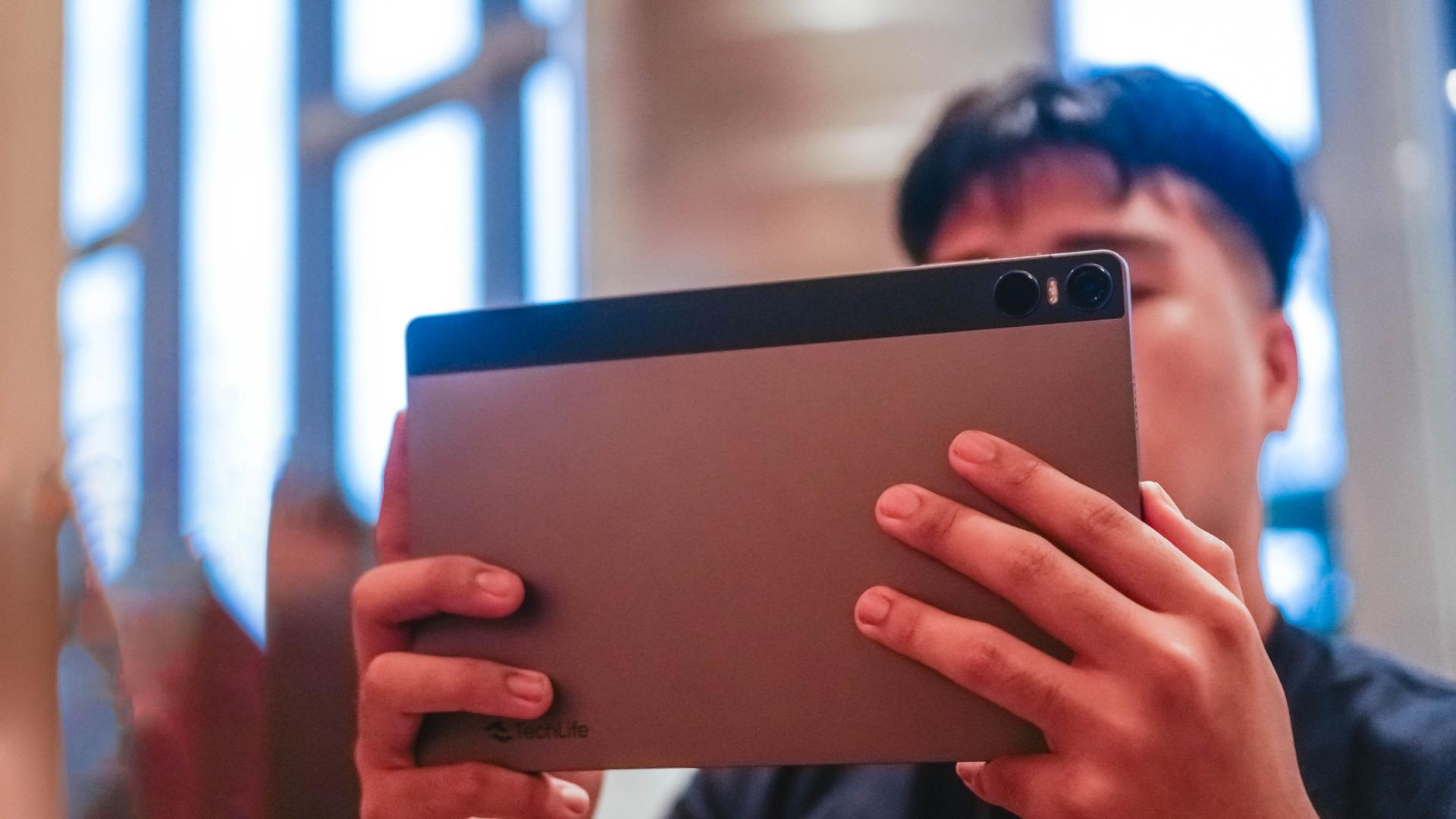
The TechLife Pad has an oh-so-thin 7.4mm metal design specifically made of 90% aluminum and ABS plastic — a thermoplastic that makes it resistant to impact.
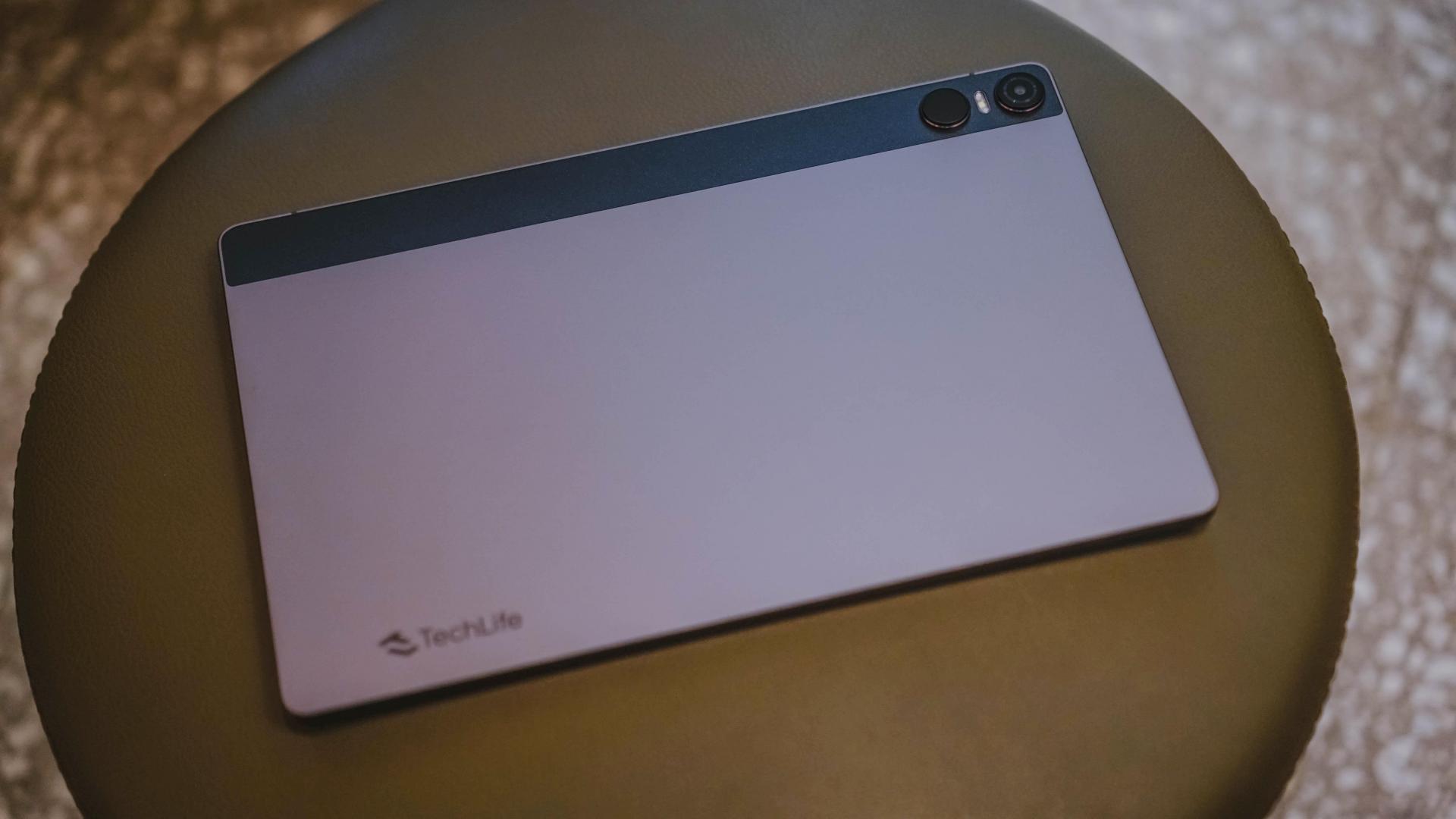
TechLife even highlights that the material is “scratch-resistant” so you should free yourself from those unscathed worries.
However, I ain’t JerryRigEverything so I cannot test that claim.
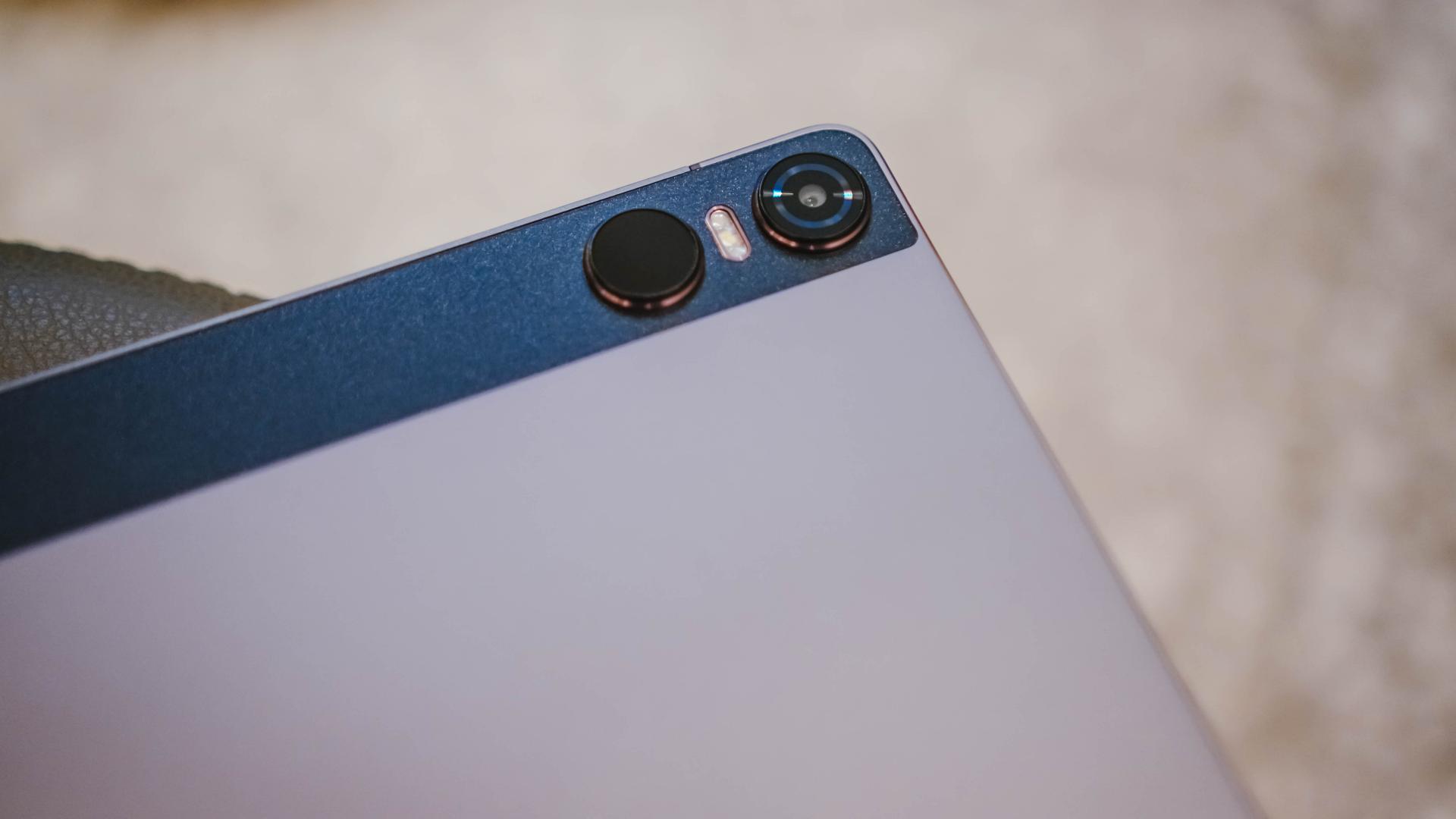
Personally, I like the two-tone design. That dark, stark contrast highlights the two circular camera modules and flash unit at the back. It reminds me of some Pro-level Android tablets released in the recent years.
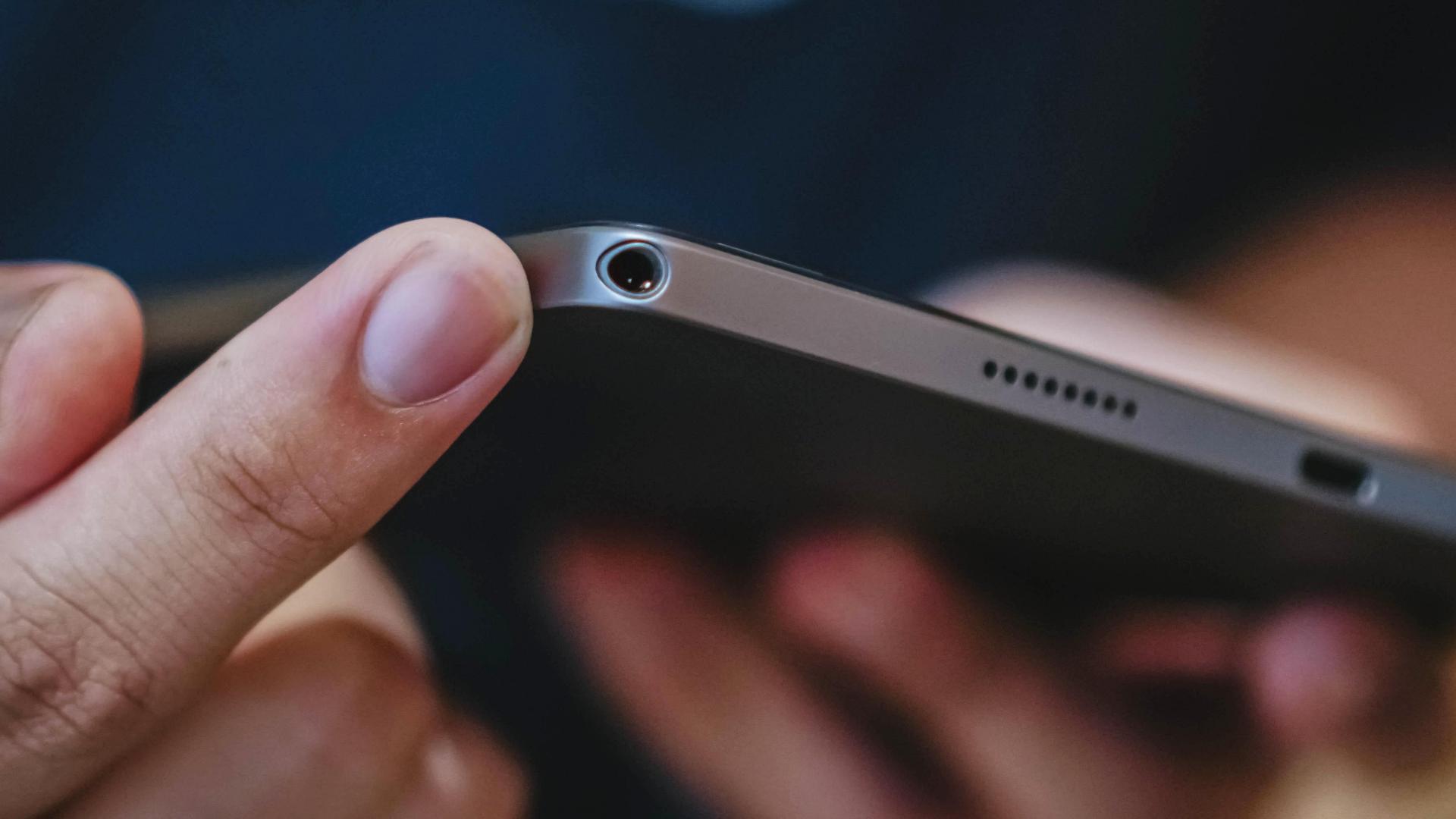
Lastly, the presence of a 3.5mm audio jack still lives on 🤘🏼
Although I’m not THAT type who uses a gigantic tablet with plugged wired earphones out and about, I don’t judge users who prefer it that way. Additionally, it can also be used to connect your good ol’ external speakers the traditional way.
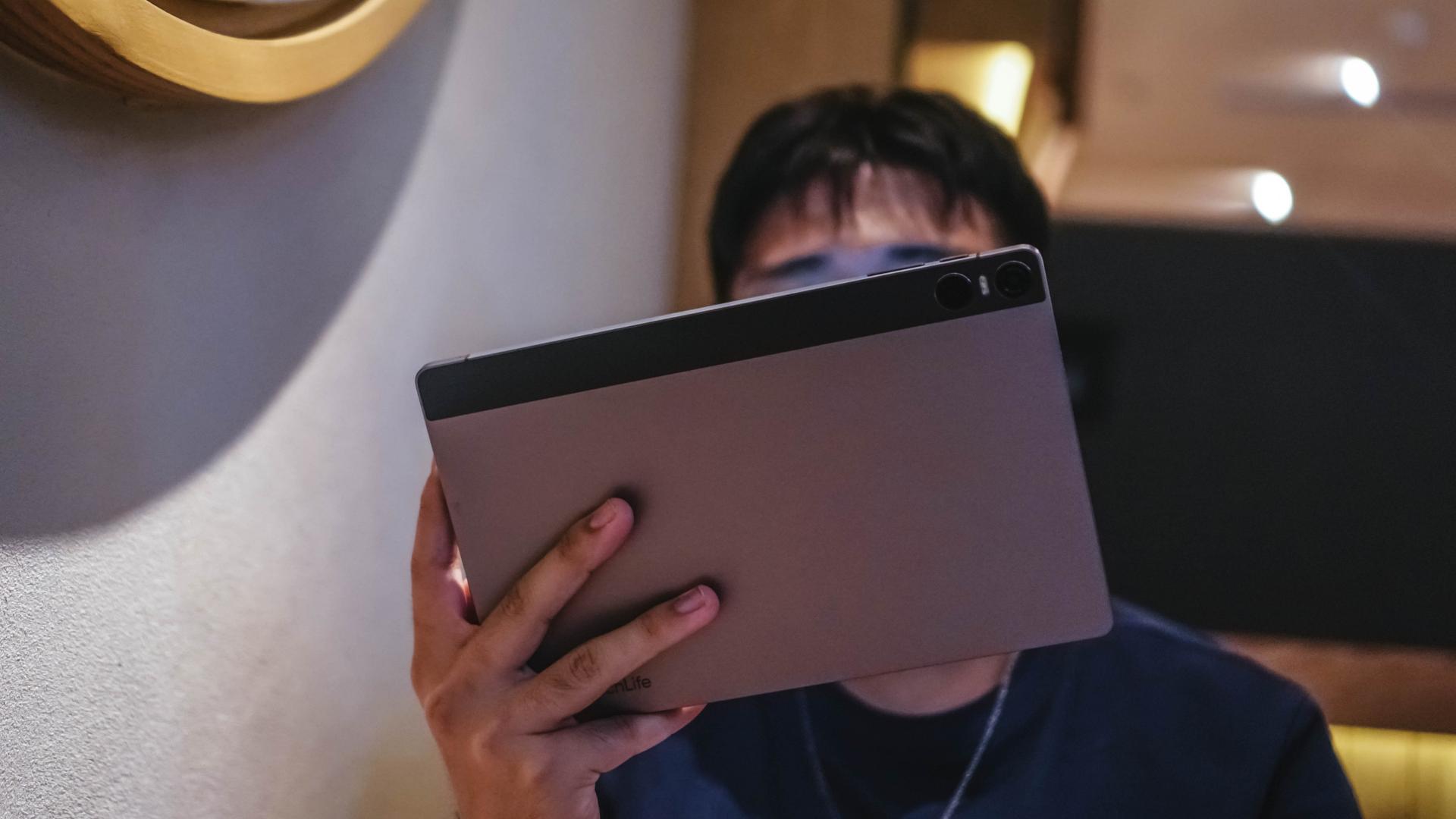
If you have large hands like I do, you can hold the tablet single-handedly — typing notwithstanding.
Despite being this slim, it still feels grippy rather than being slippery. But someone’s sweaty palms might invalidate my statement.
That said, it’s still better to get a keyboard case with stand for it. Overall, I approve both its look and feel.
Multimedia Madness
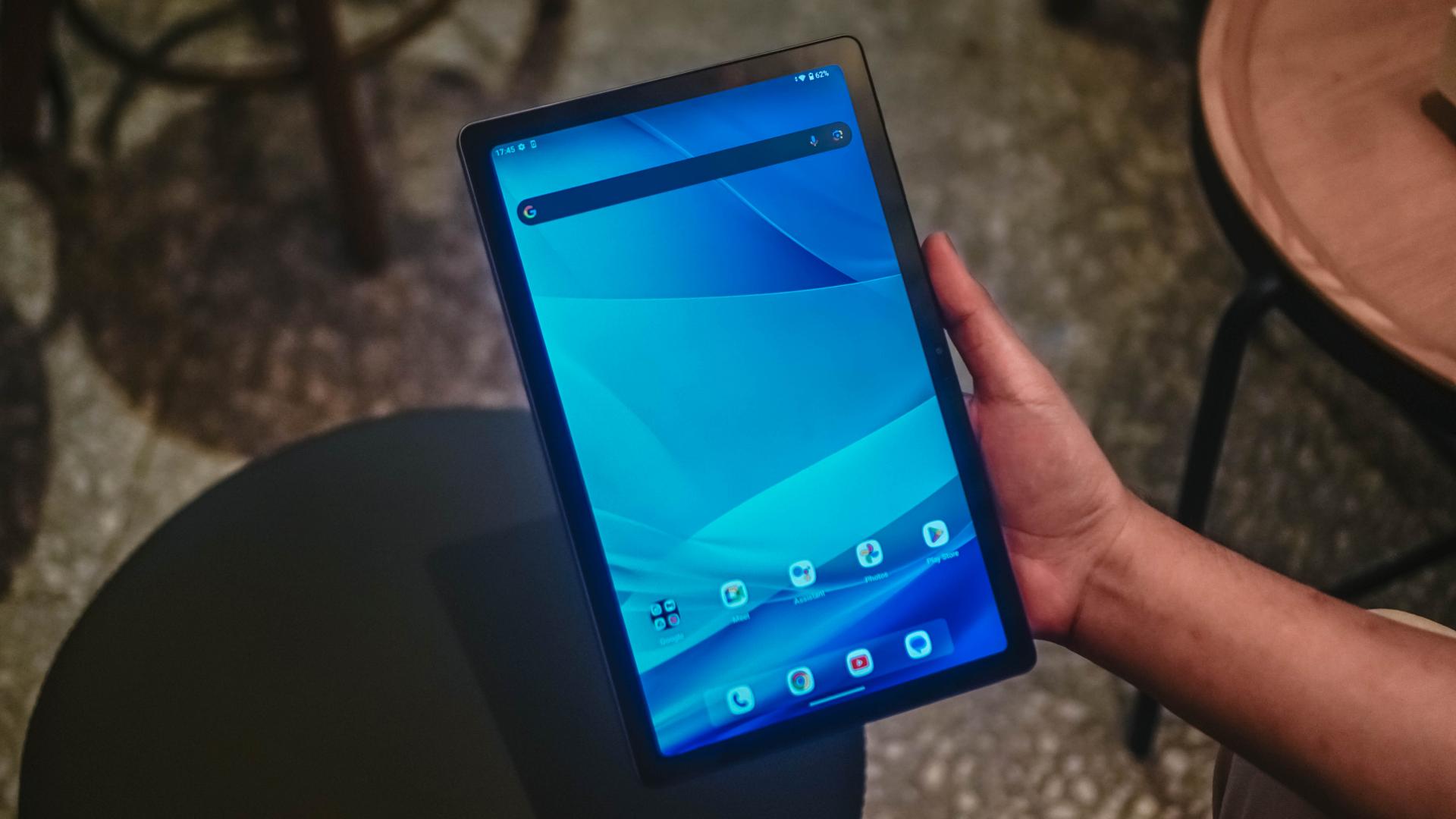
You simply cannot take your eyes off of its 10.36-inch display with 2K resolution. That’s 2000 x 1200 to be precise. Furthermore, it has 450 nits of max brightness.
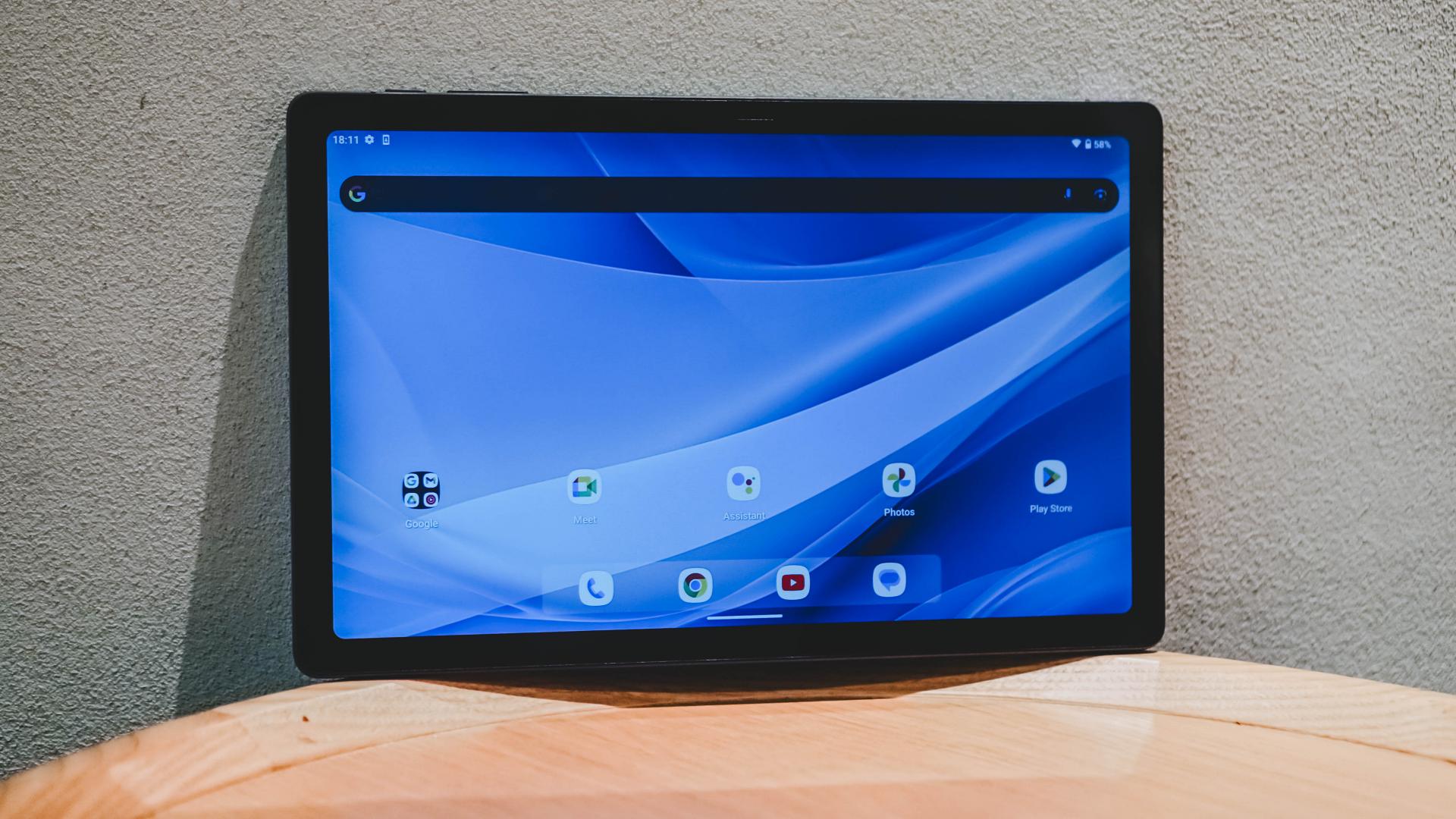
For some, the 60Hz refresh rate and 184ppi pixel density might be dealbreakers. But for what it’s worth, it seems adequate.
At the end of the day, it’s targeted to consumers who aren’t nit-picky when it comes to consuming multimedia as well as e-book/magazine/comic/manga/manhwa-tever you prefer reading.
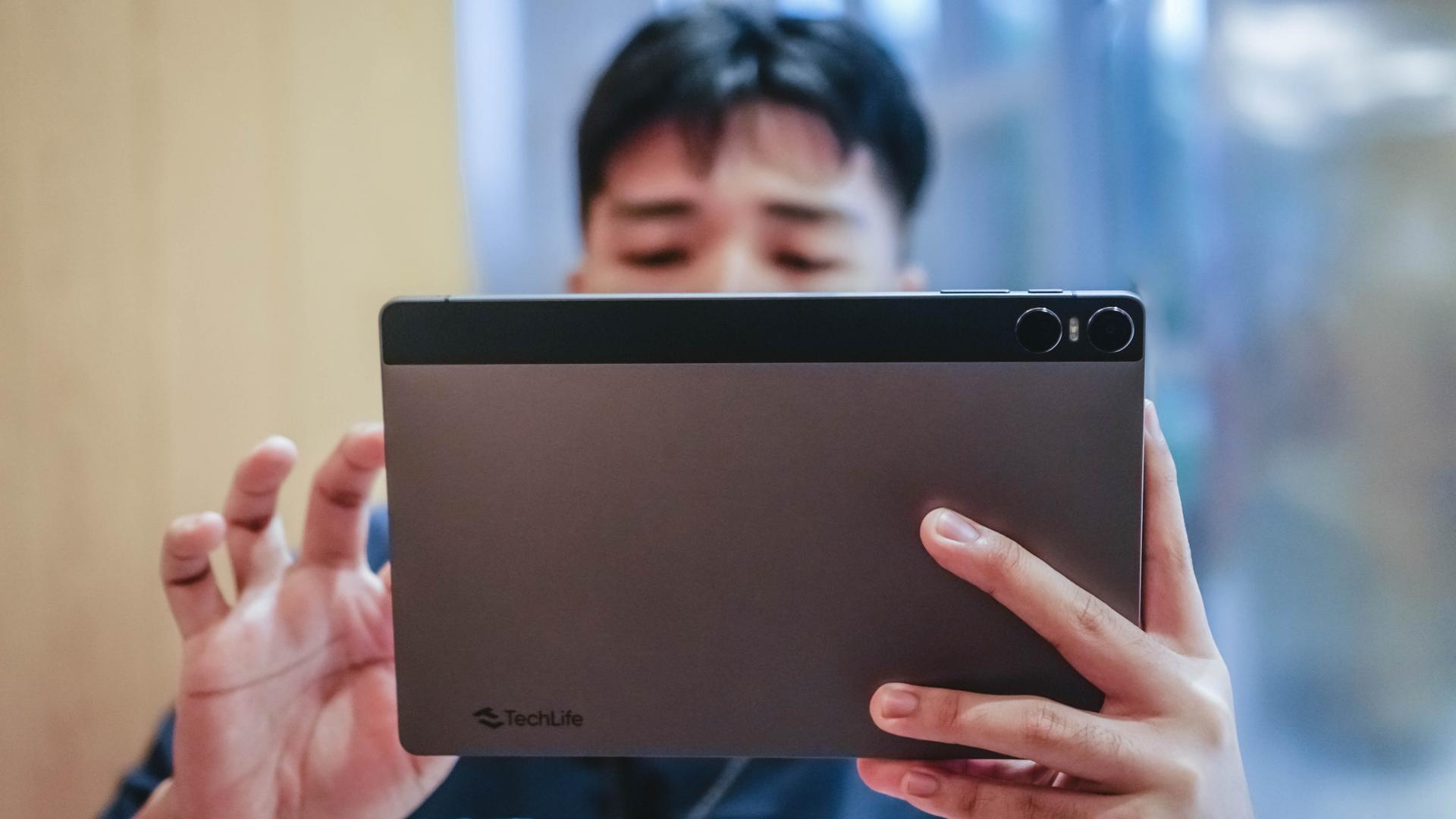
Most afforda-blets don’t even offer stereo speakers. However, the TechLife Pad begs to differ with its Quad Surround Sound Speaker System.
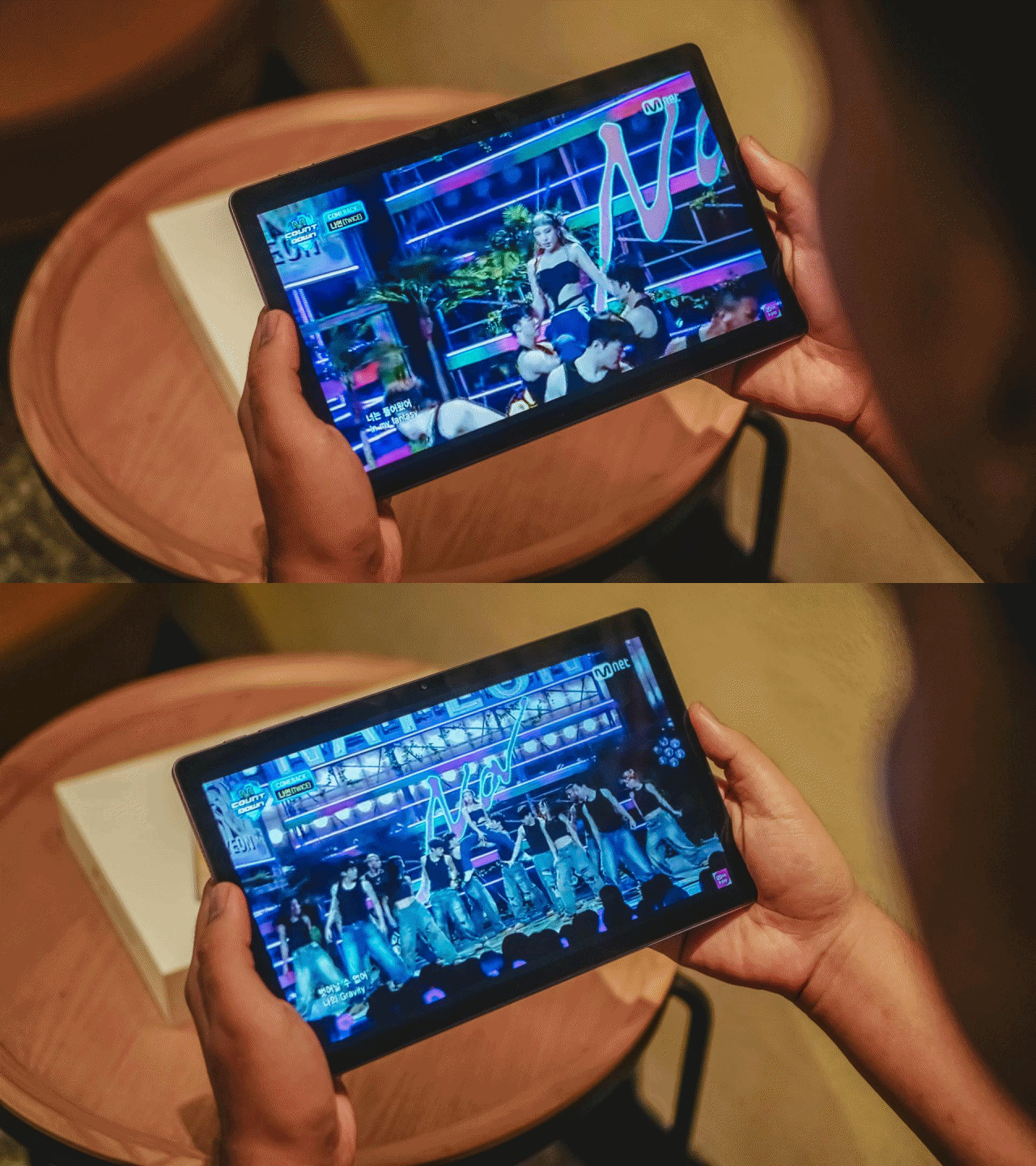
It’s very loud especially when you hit it at 100%. Lows, mids, and highs offer the right balance, enough for party or bathroom concert sessions.
Meaningless to say, this tablet does NOT have an IP rating — and we don’t really expect one in this category.
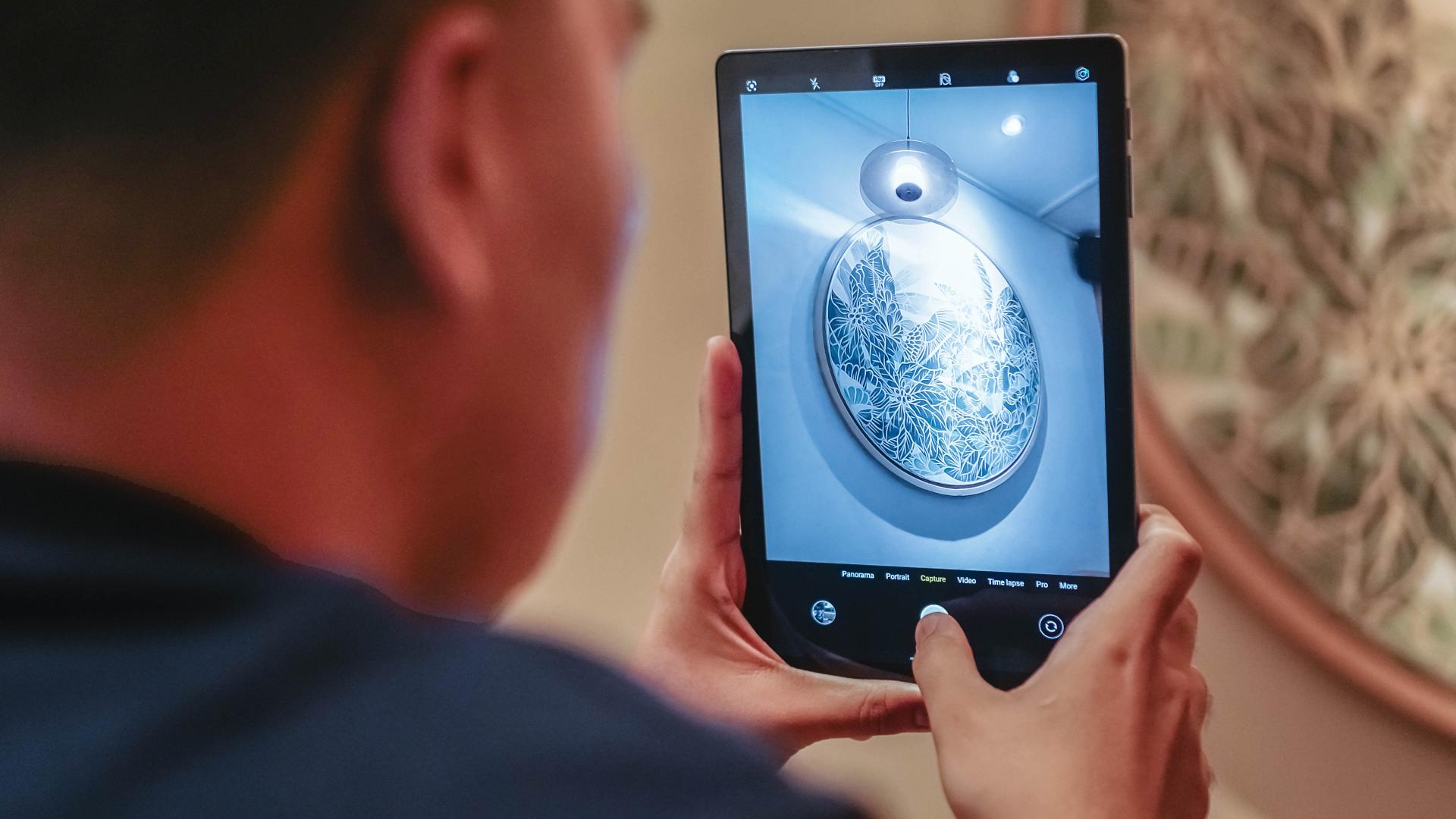
With camera filters built-in
While the camera offers nothing special, having one still means a lot for most users. It’s an 8-megapixel shooter to be exact.
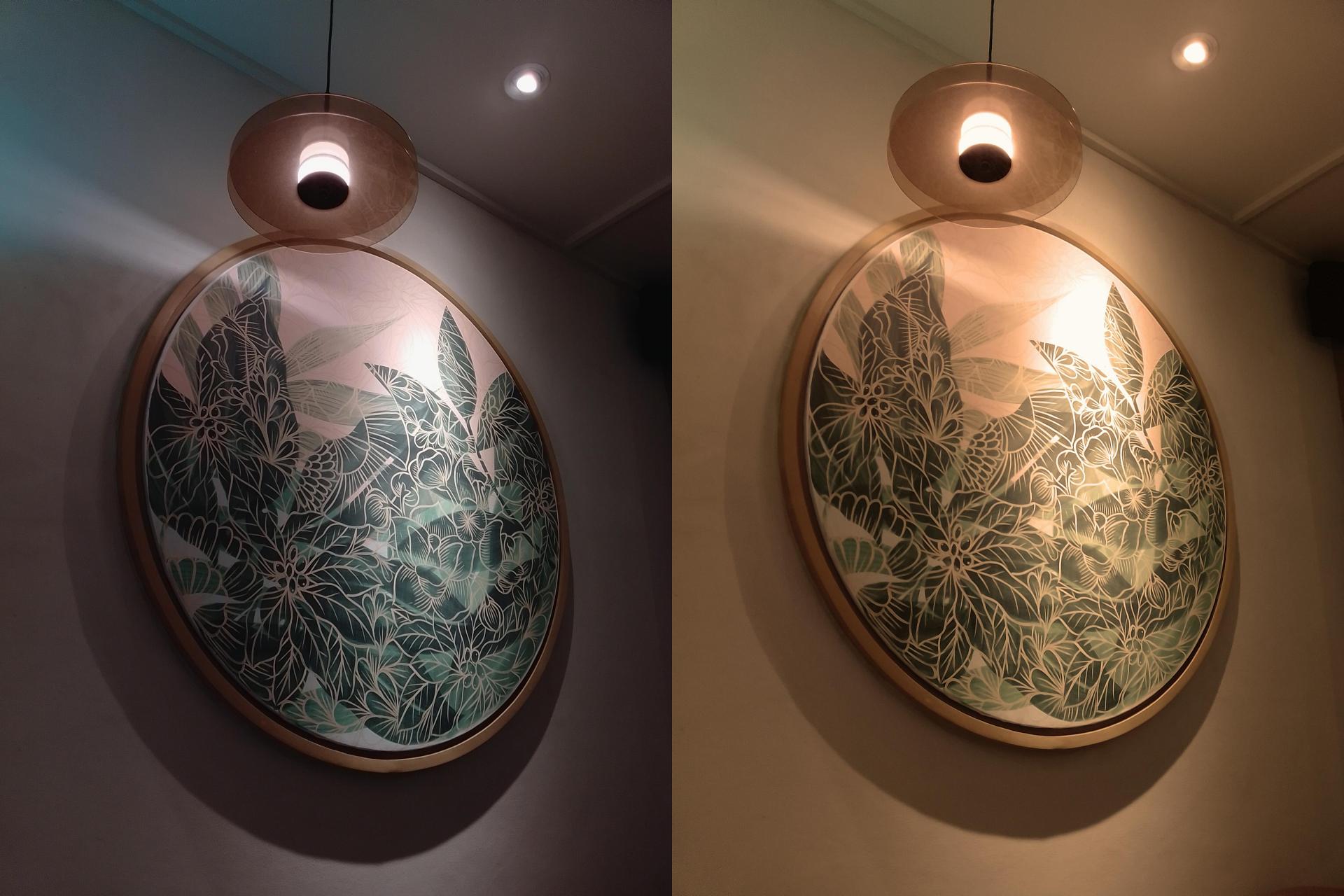
Aside from taking snaps, it’s also useful for scanning document and QR codes, capturing whiteboard presentations, notes, and more.
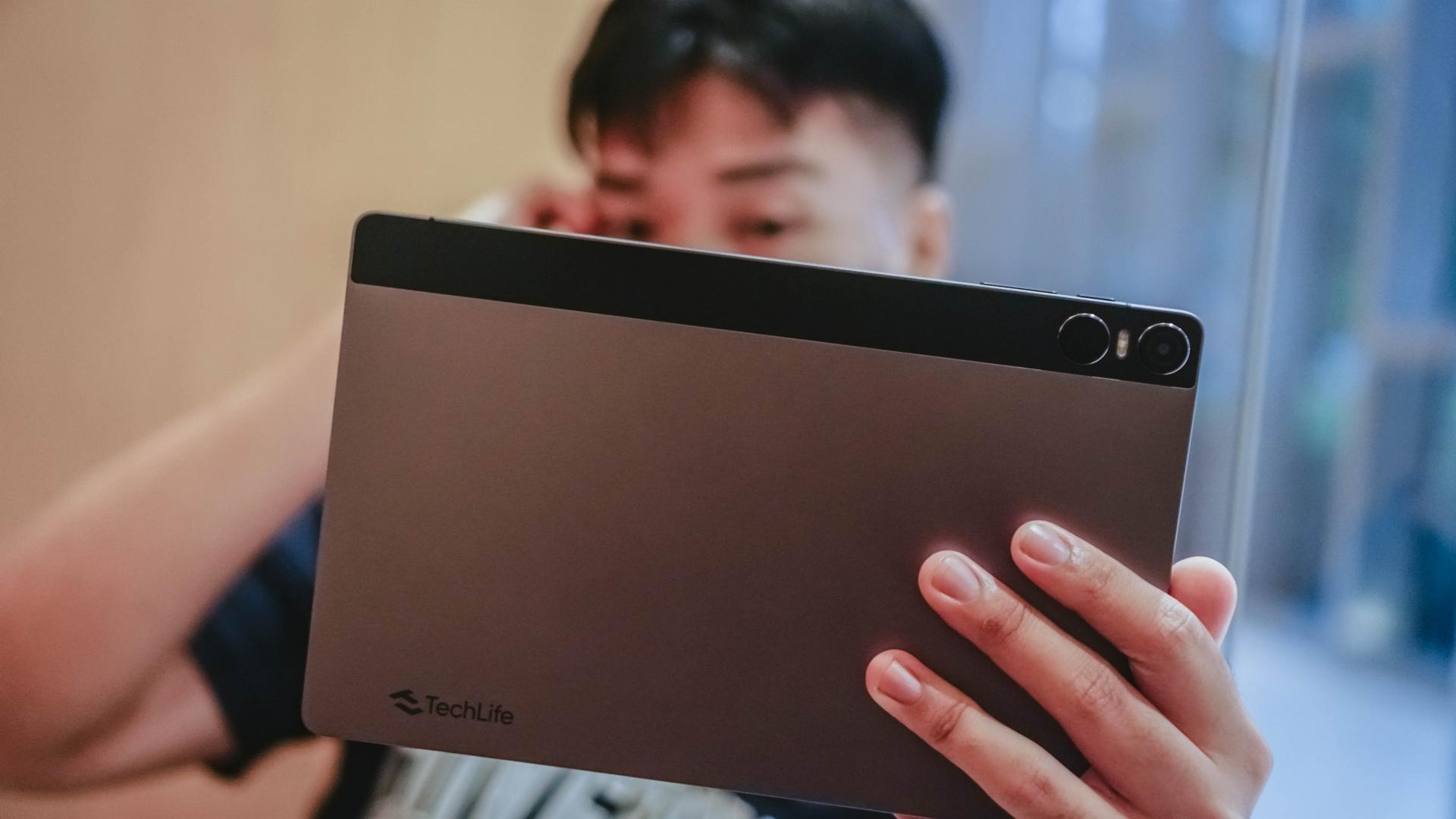
For selfies or video calls via Zoom or Google Meet, there’s a 5-megapixel front camera as well.

Of course, don’t expect anything grand in quality.
Mediocre yet tolerable
The TechLife Pad is equipped with an octa-core Unisoc T606 chipset based on a 12nm process.

Moreover, it runs stock Android 14 right off the bat.
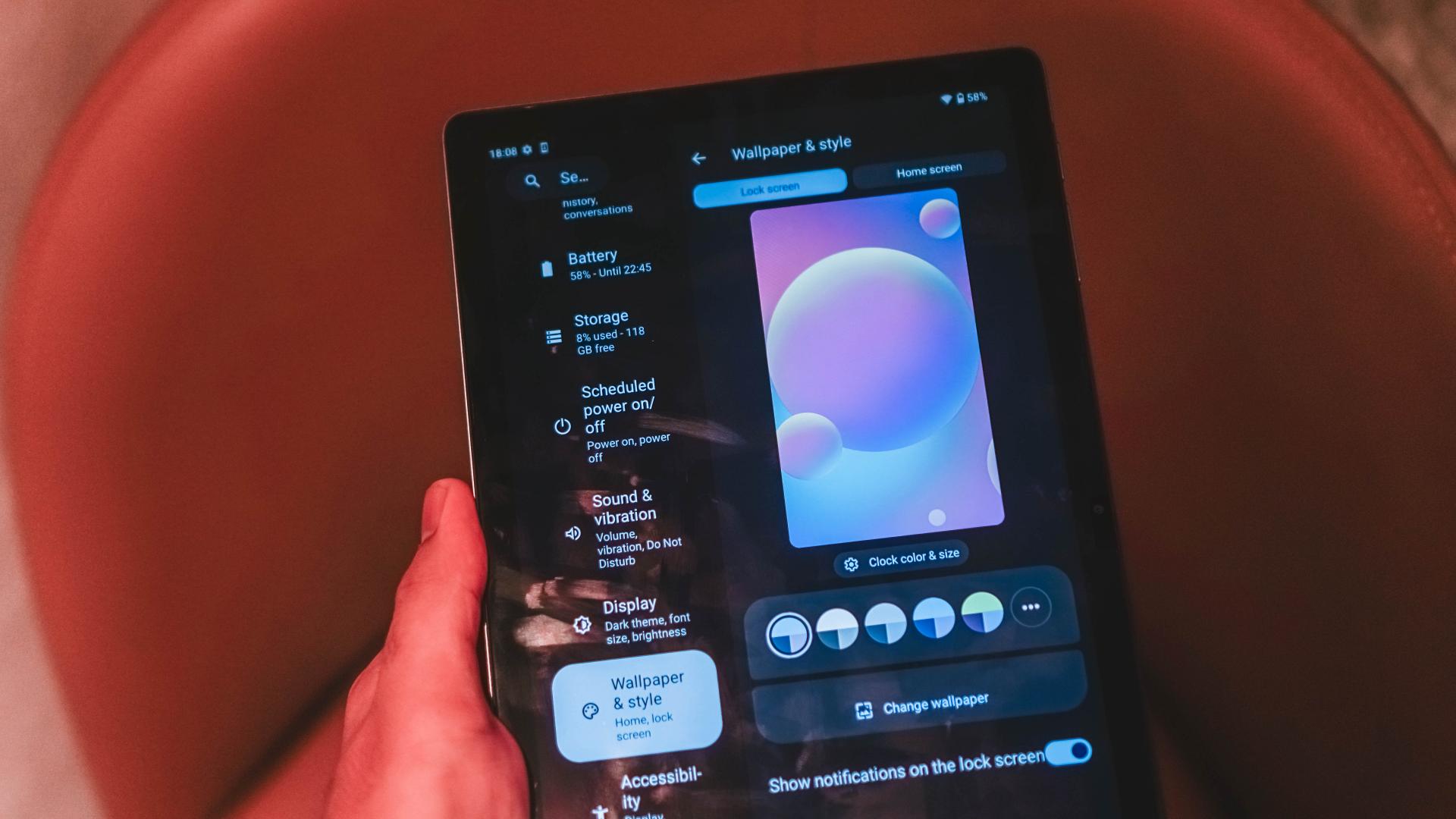
Not only it has a toned-down version of Material You…
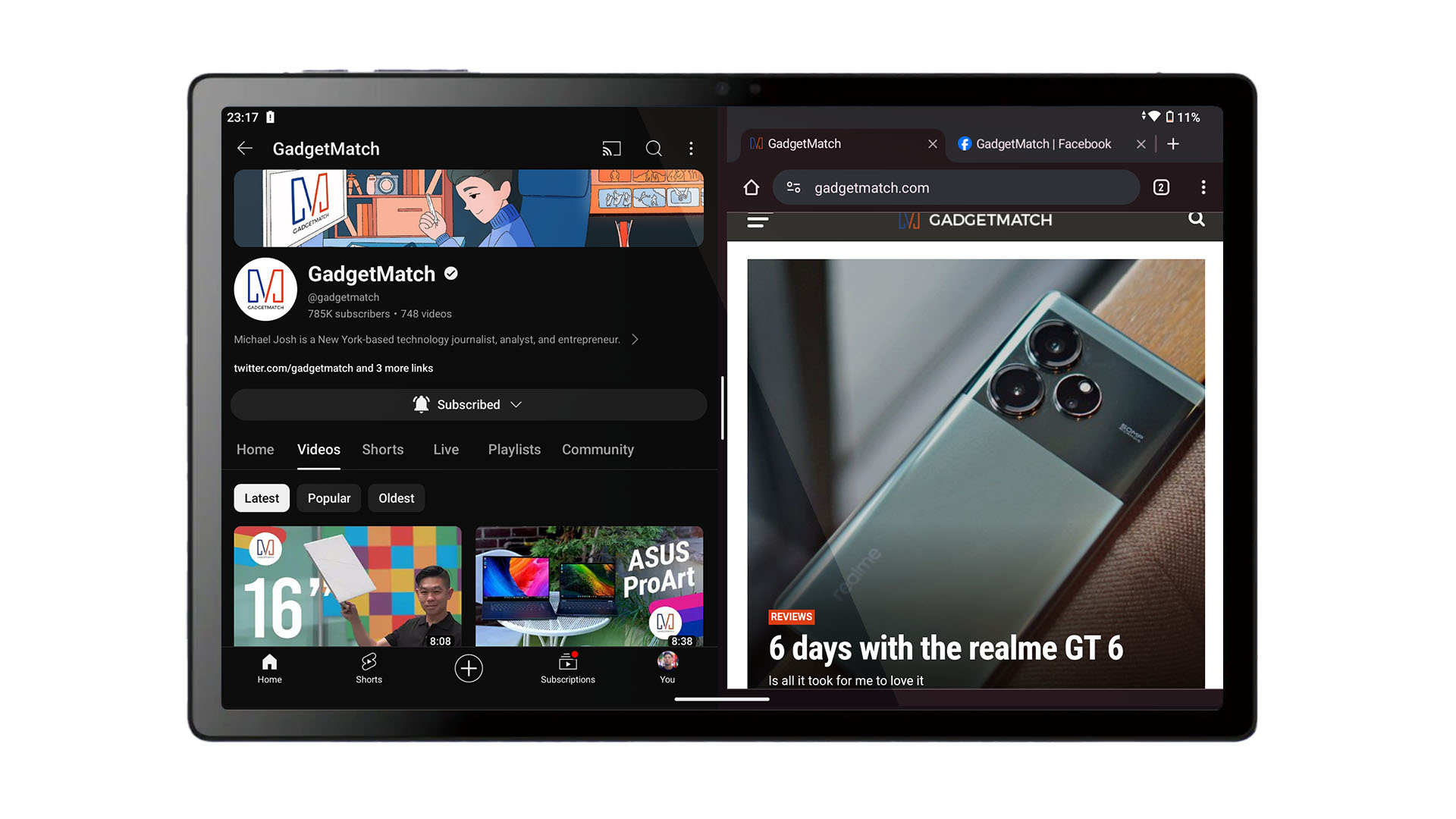
Graphics by Vincenz Lee | GadgetMatch
…there’s also Split Screen support as well as Google Kids Space meant for — you’ve guessed it — children!
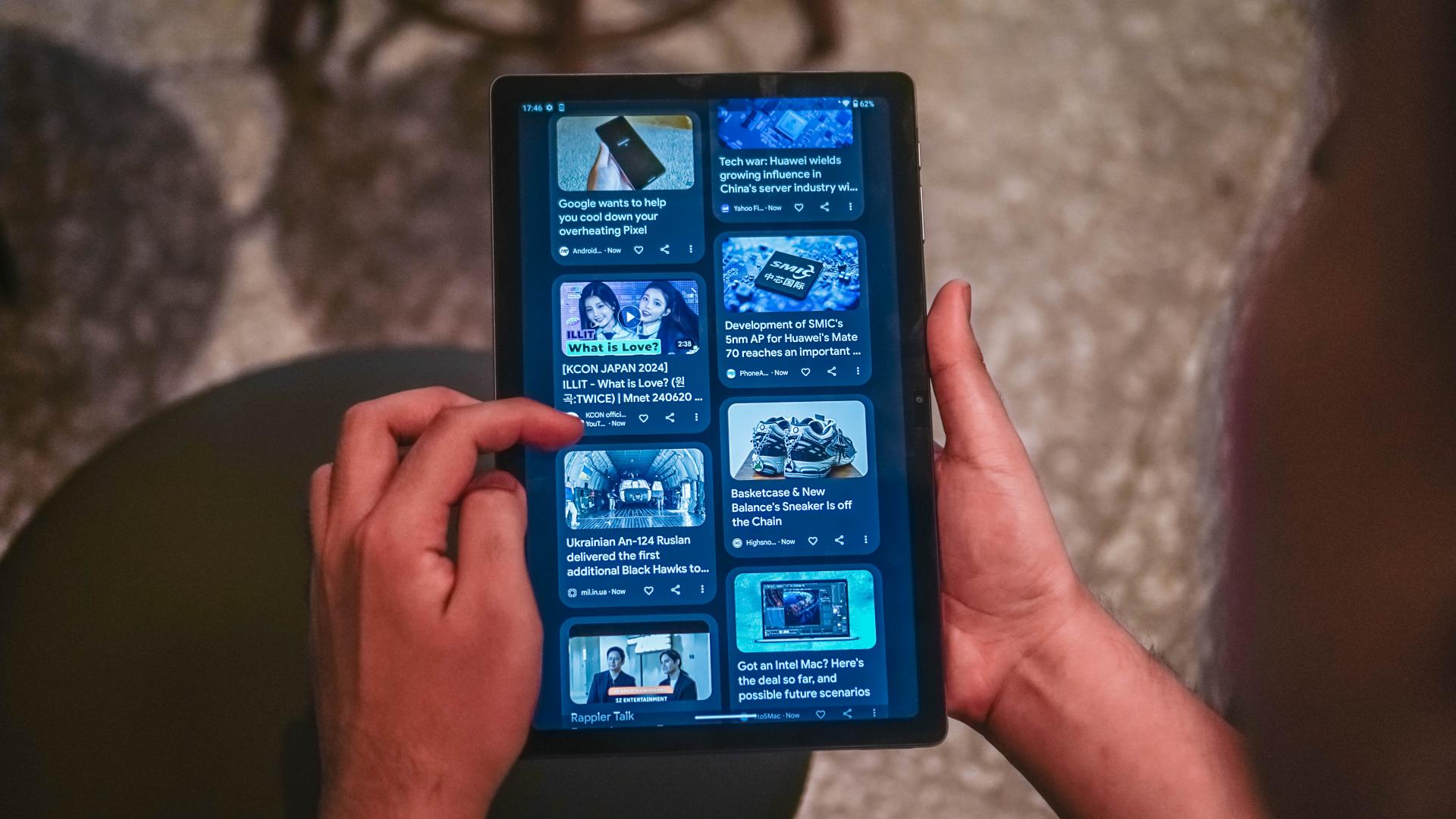
It can run the most basic apps — Facebook, Instagram, TikTok, YouTube, you name ’em!

minus the Math Notes feature 🥲
It even has a built-in Calculator app 👀

Basic games should run, too. For instance, Subway Surfers ran alright — but with occasional hiccups.
That is also the sign that having a smooth-sailing boat ride is far from reality when playing titles such as Call of Duty: Mobile (CoDM) or Mobile Legends: Bang Bang (MLBB). More so, the more-demanding Genshin Impact.
Even at the lowest graphic setting, I’ve experienced a lot of stutters that made me miss hitting opponents during my ranked match gameplays in CoDM. *pretends to be shocked*
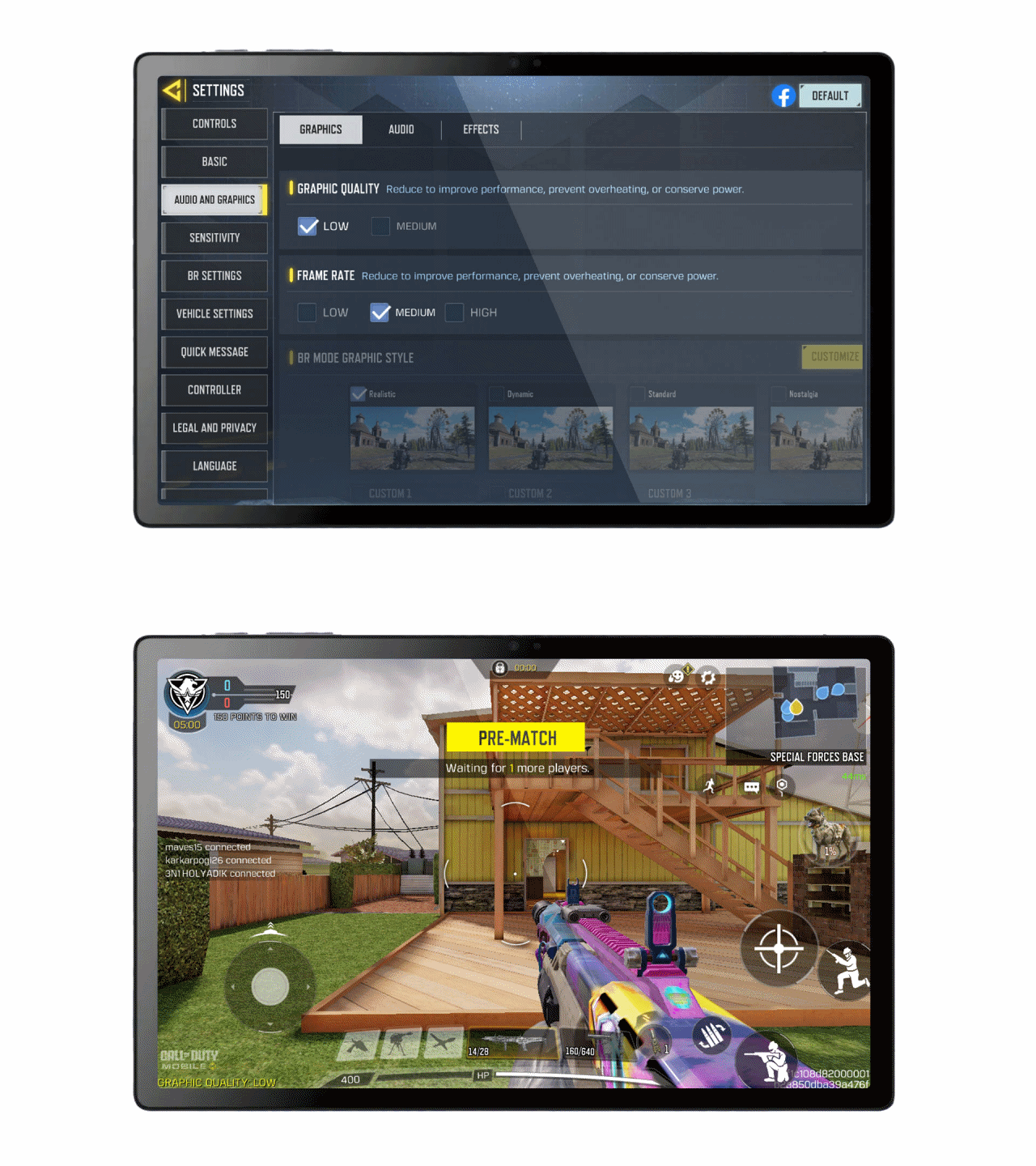
Graphics by Vincenz Lee | GadgetMatch
Even so, I don’t possess a ~skill issue~ and still aced my game 😘
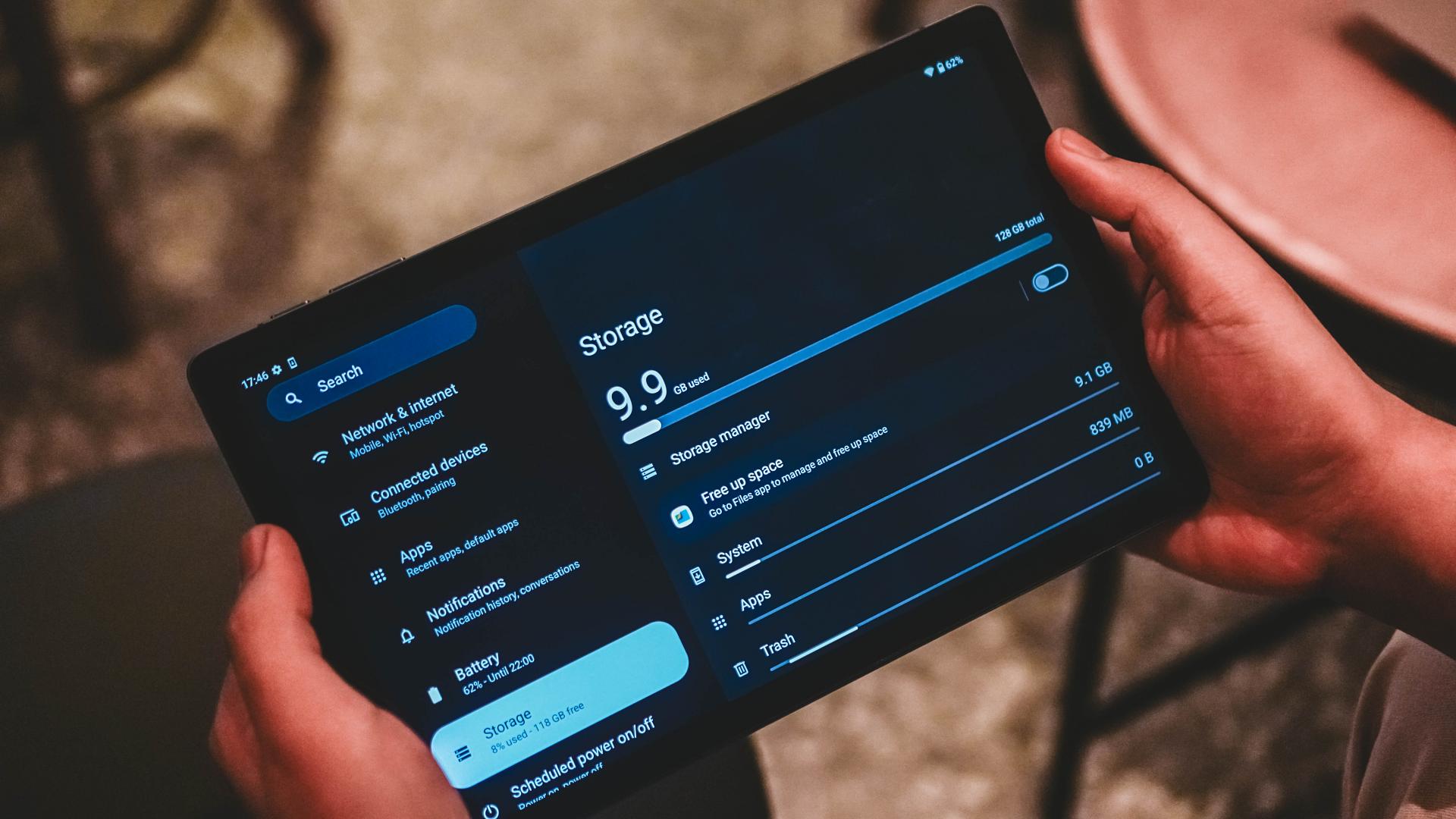
While it only comes in a lone 4GB + 128GB configuration, expansion exists.
Virtual RAM extends the physical memory double its original capacity (8GB) using the device’s onboard storage. Furthermore, there’s also a microSD slot of up to 1TB for all your small storage woes.
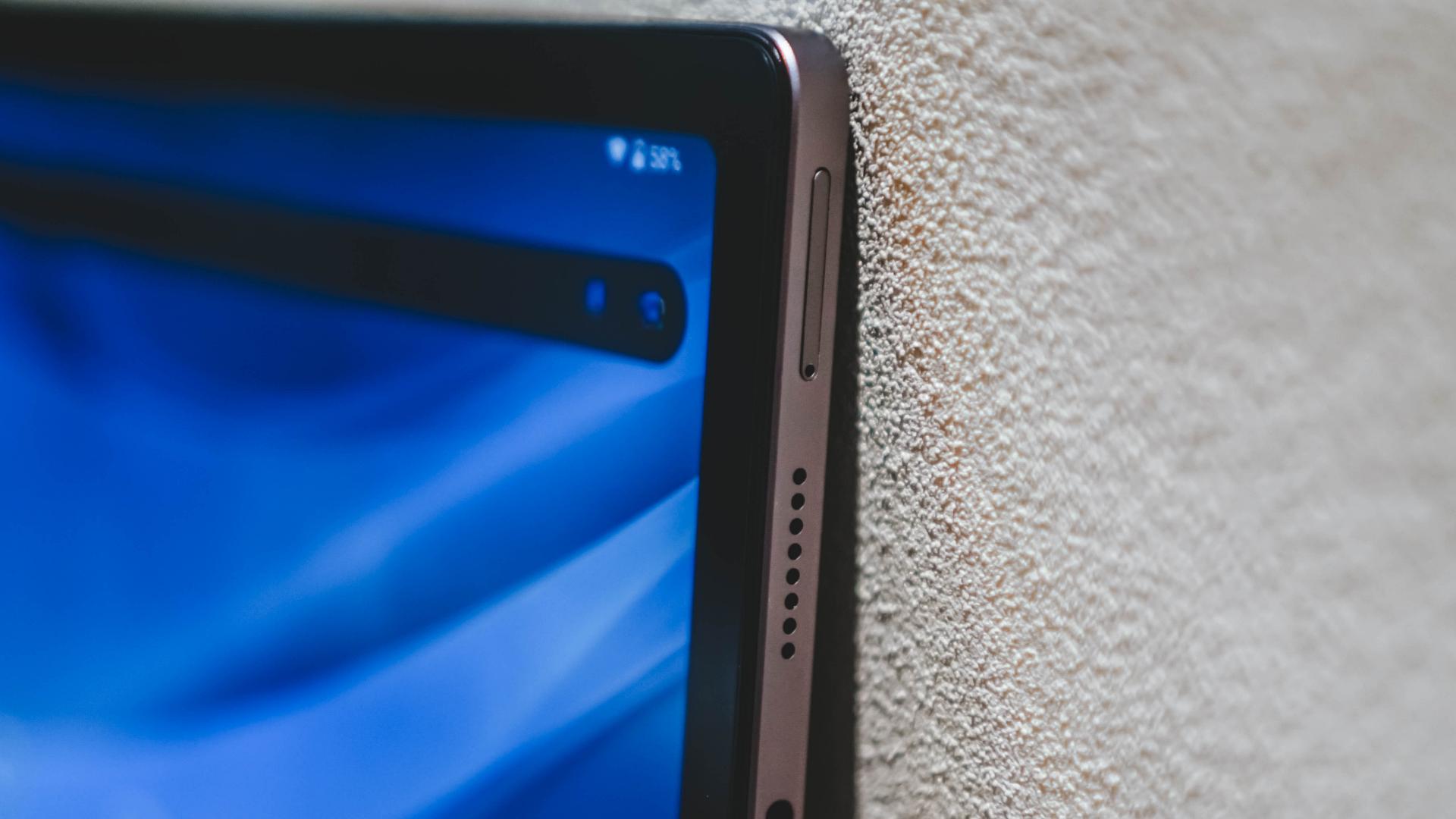
Speaking of, that particular slot also supports SIM with 4G LTE / VoLTE to wash away your slow Wi-Fi worries.
And now that I’ve mentioned, it can connect via the faster 5GHz Wi-Fi bandwidth — something most budget devices fail to do so.
A Matter of Power
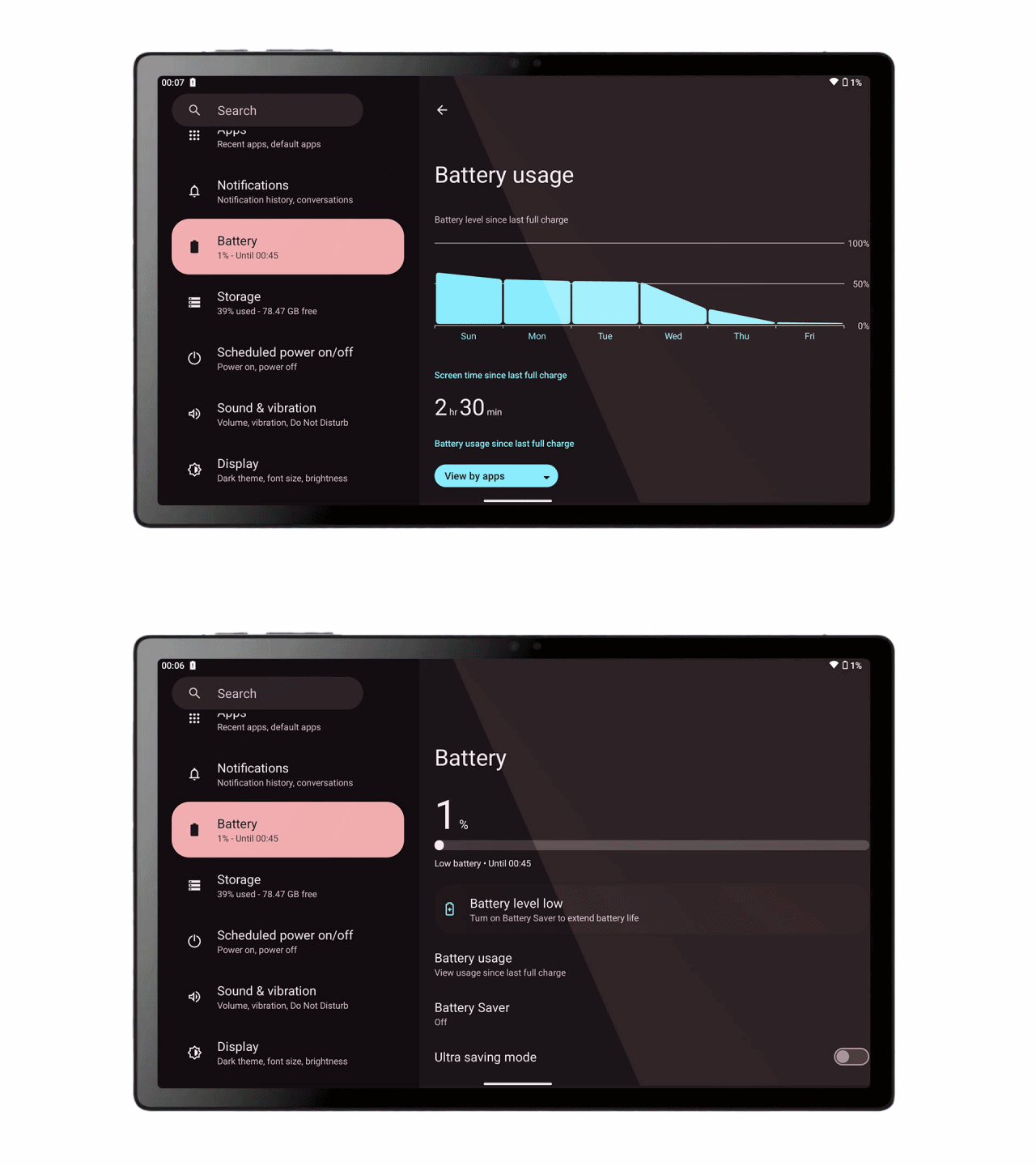
The TechLife Pad ships with a 7,000mAh battery. While it may not sound a lot for a full-size tablet like this, it still packs ample juice to get through the day.
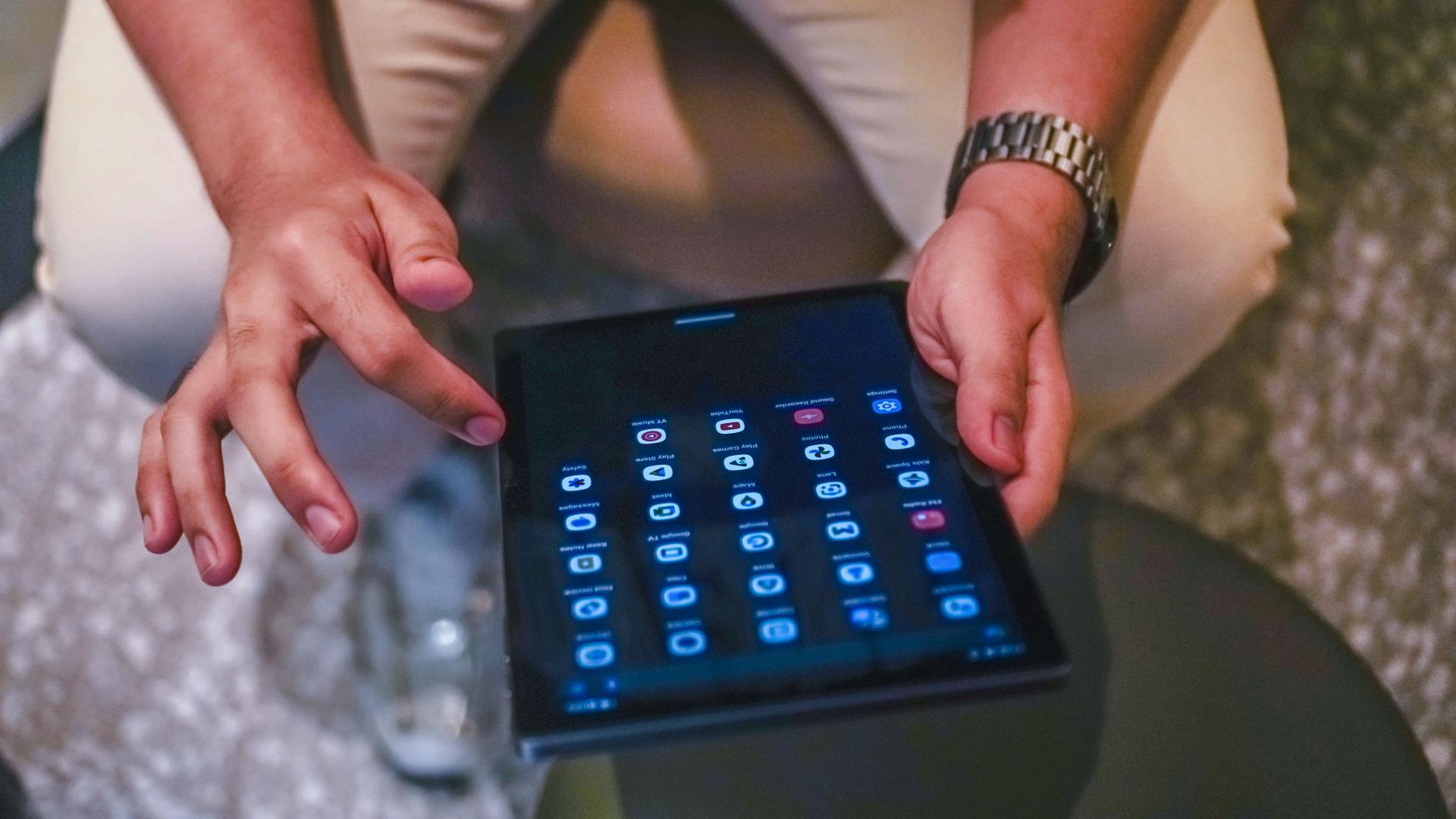
In my week of using the device, it lasts right before (or after) the sun sets, especially when you casually use it time-to-time.
But, if you’re like me who casually plays games, binge-watches hours worth of flicks or streams a lot of K-Pop songs, music videos, and live performances, it will obviously deplete more battery level than usual.
Case in point:
After installing CoDM and downloading resources for around two (2) hours, there was already a 20% battery depletion (from 48% down to 28%). Factors include having 50% screen brightness and being connected to Wi-Fi. Mobile data is obviously turned off.
After finishing all the required game elements, I played three game battles for 30 minutes. It went down to as much as 16%.
By then, I decided to make the most out of it and watched two episodes of NMIXX Haewon’s Work-Dol — specifically her being a flight stewardess and a mukbanger assistant. It lasted all throughout that 30-minute marathon — until the TechLife Pad ultimately died down.
Graphics by Vincenz Lee | GadgetMatch
All in all, a mix of intense gameplay and moderate entertainment usage with 50% charge gives you three (3) hours worth of battery life.
Trivial Trade-Offs
1. Lack of Pen/Stylus Support
With that massive display, a pen/stylus support should be expected. But that isn’t the case for the TechLife Pad.
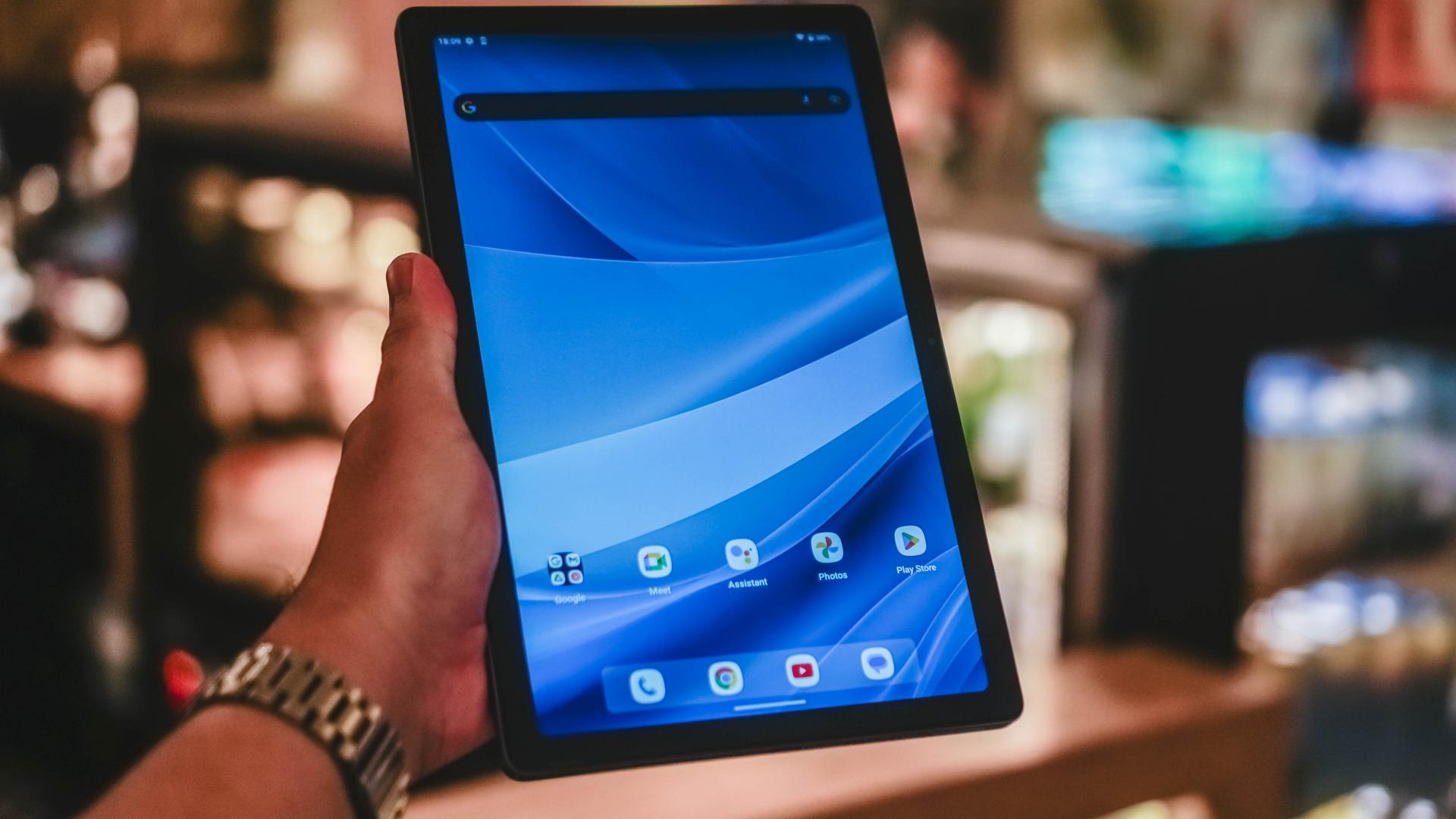
For students or budget-conscious creatives who are looking for an affordable Android tablet, don’t get your hopes up as this tablet does NOT support any type of proprietary pen or generic stylus whatsoever.
2. No Fingerprint Sensor
Despite that shiny power button, it does NOT include a side-mounted fingerprint sensor for biometrics.
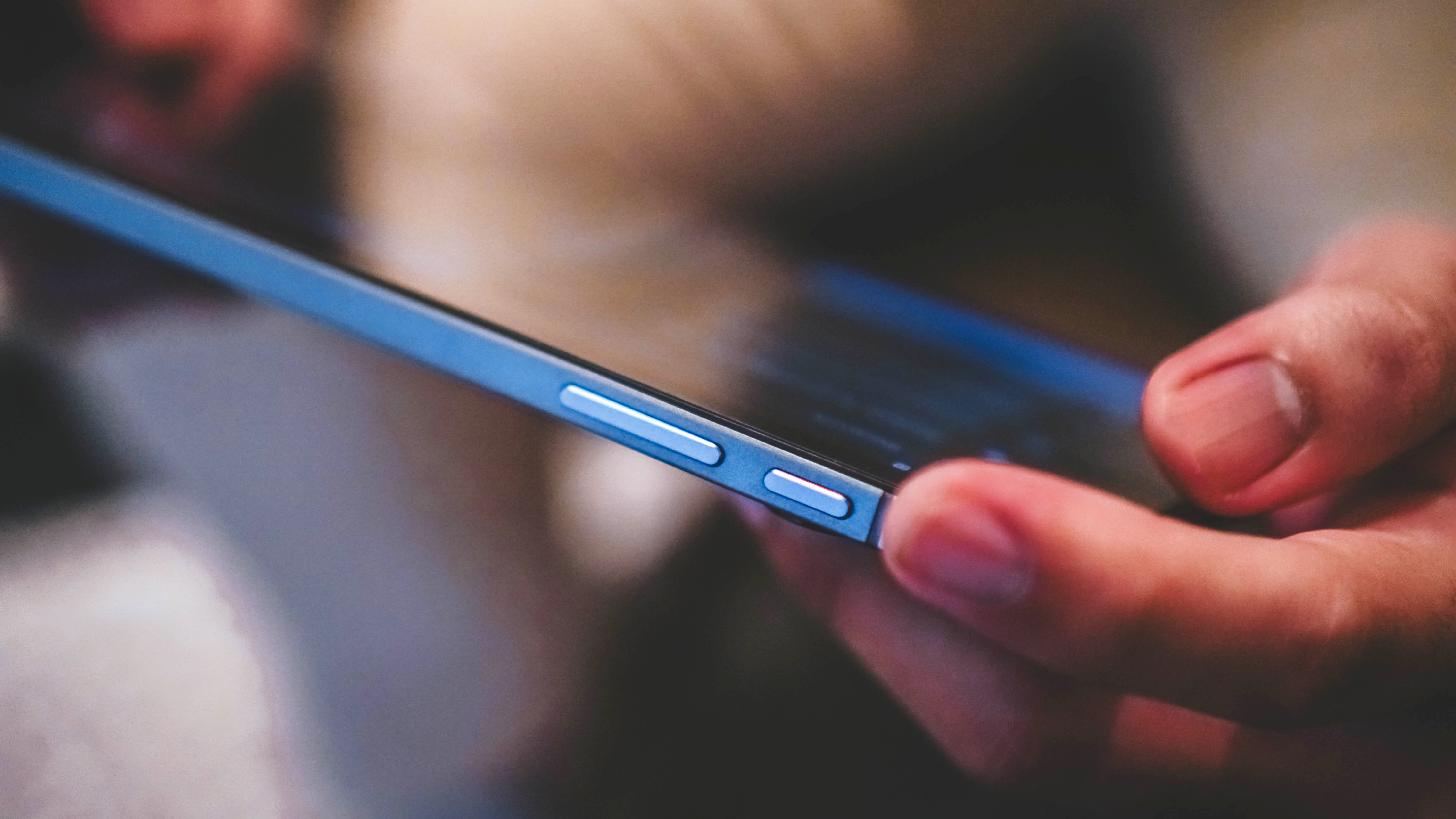
Still, its front-facing 5MP front camera can do Face Unlock authentication — though not as secure as using your fingerprint when unlocking.
3. Restrictive resolution
When I watch videos on YouTube, I automatically play them at the highest resolution possible. I then noticed that the TechLife Pad cannot play 4K Ultra HD videos — not even 2K Quad HD!
That’s not all. TechLife Pad has a weird thing going where it limits certain videos to just 720p despite having 1080p or 4K options natively.
What a waste of display size and resolution for something we cannot truly maximize. As someone who has clear eyes, seeing evident pixelation in a large display like this kinda ruins the overall viewing experience.
I’m pointing my fingers none other than to its underpowered processor and its limitations.
4. Slower than ever charging
The TechLife Pad has a USB-C port for both data transfers and charging. After all, brands do this now for the sake of cable universality as well as minimizing e-waste.
Albeit, charging speeds are limited to a measly 10W. My charge test proves that such speed is quite unacceptable for a device this large.
| From 0% | START TIME: 12:12AM |
| 3 minutes | 2% |
| 5 minutes | 3% |
| 10 minutes | 5% |
| 15 minutes | 7% |
| 30 minutes | 15% |
| 45 minutes | 23% |
| 1 hour | 30% |
| 1 hour 15 minutes | 38% |
| 1 hour 30 minutes | 46% |
| 1 hour 45 minutes | 54% |
| 2 hours | 62% |
| 2 hours 15 minutes | 70% |
| 2 hours 30 minutes | 78% |
| 2 hours 45 minutes | 86% |
| 3 hours | 94% |
| 3 hours 10 minutes | 98% |
| TOTAL | 3 hours, 15 minutes END TIME: 3:28 AM |
While not a direct comparison, it reminds me of the old ASUS Zenfone Max I used when I was just a student eight years ago.
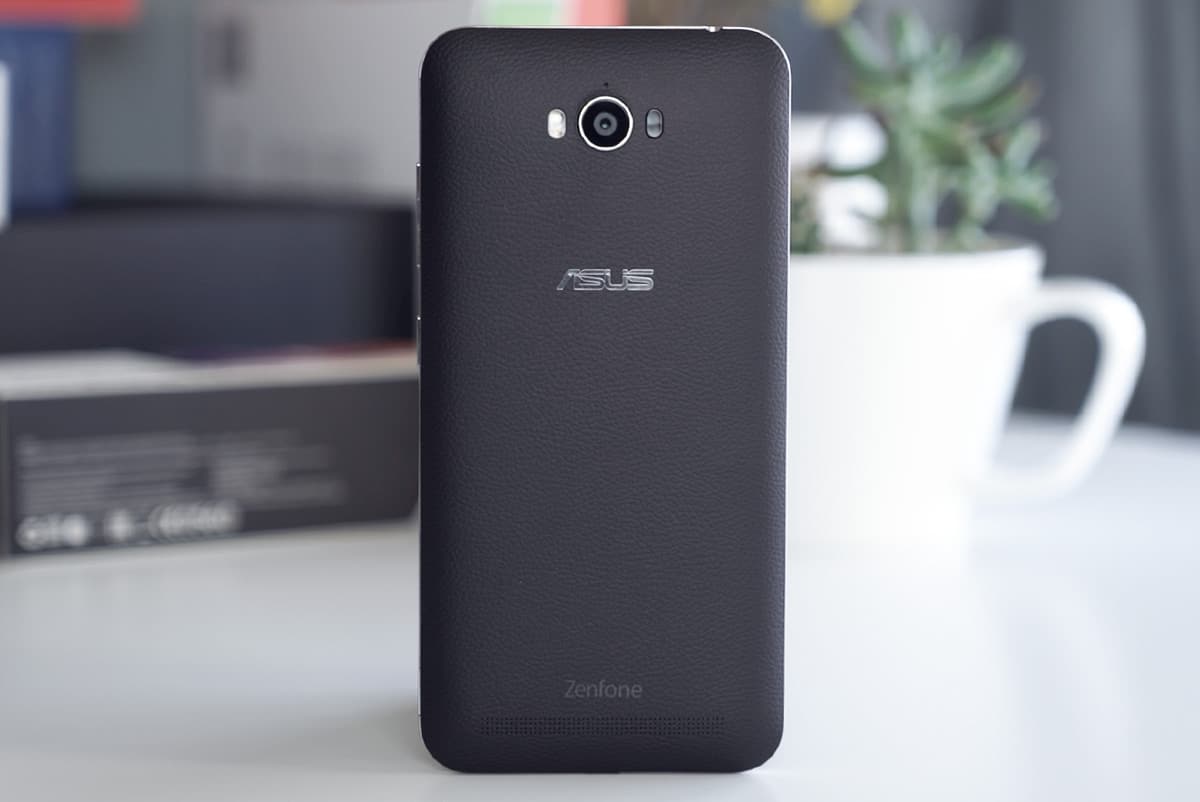
ASUS Zenfone Max (2016)
During its heyday, 5000mAh battery is still a novelty. That’s also the time when fast charging speeds weren’t that developed yet — solely relying on sluggish charging and requires more than 2 to 3 hours to get it filled to the brim.
However, it’s already 2024. Limiting a 10W charging protocol in this massive device with a large battery is quite daunting.
It’s more questionable how its parent company continues to innovate by introducing blazing-fast charging speeds but didn’t offer a more acceptable 33W standard.
I understand that the realme Pad 2 at launch costs more (PhP 13,999) than the TechLife Pad. But does that also mean fast charging should come at a hefty cost? Especially when the technology itself was headlined by the parent company?

realme Pad 2 (2023)
That PhP 5,000 price gap isn’t just about the faster wired charging standard. Other factors include a better chipset and configuration, quite larger and smoother display. Lastly, a bigger battery.
But I digress. I guess the brand needed to sacrifice stuff just to keep that unwanted price gain.
Out of the Box
If you’ve come this far, here are the package contents you should expect when purchasing a shiny new TechLife Pad.
Is the TechLife Pad your BudgetMatch?
Already hinted a while ago, the TechLife Pad retails for just PhP 8,999 with two color choices: Graphite Blue and Graphite Gray.
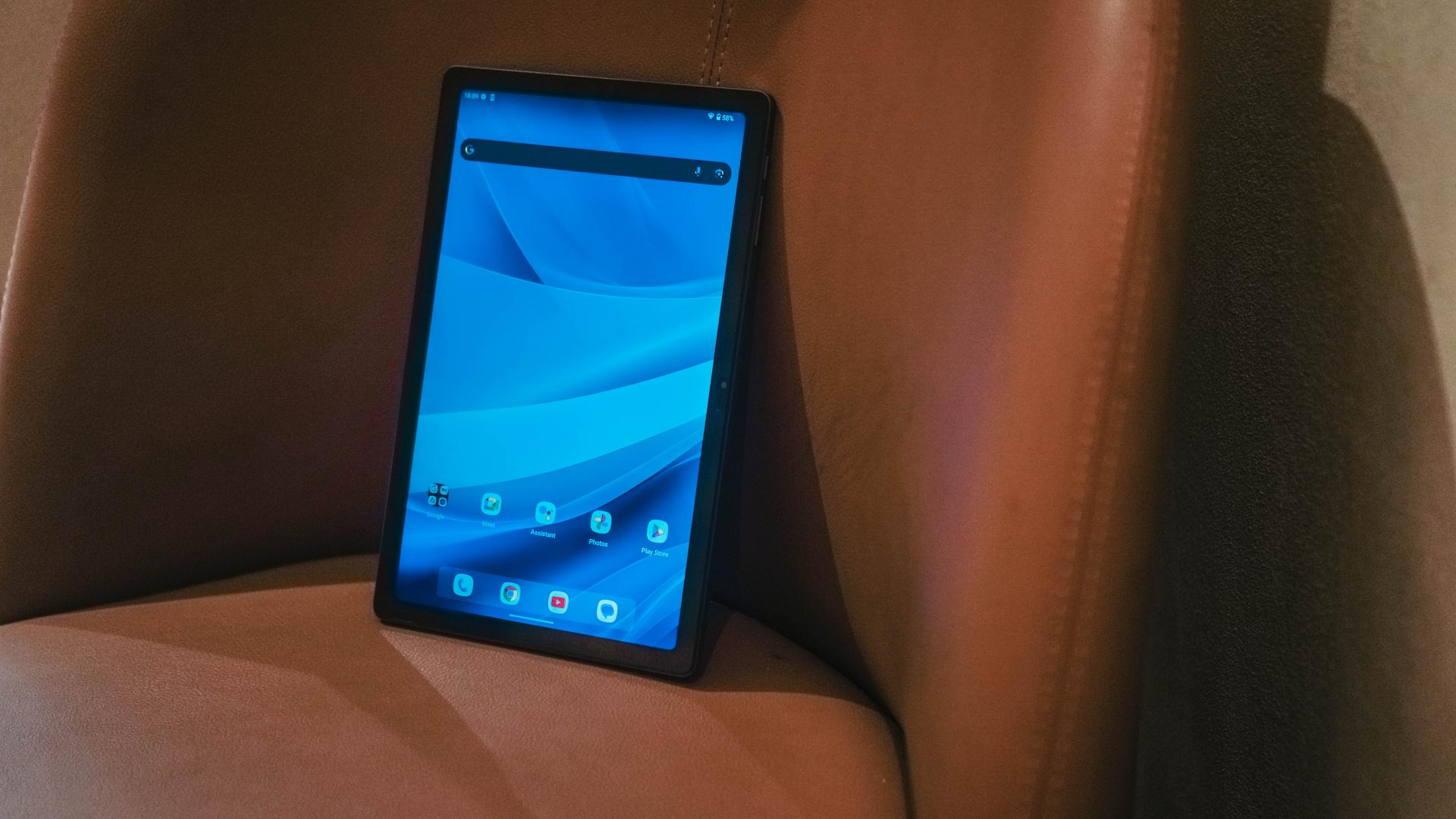
Who would have thought that the day will come where a tablet this fancy would cost way below the PhP 10K mark?
If you don’t care about the compromises aforementioned like its underpowered chipset, lack of proper pen support, playback resolution limitations, as well as painfully slow charging speeds, the TechLife Pad is more than enough for your multimedia needs.
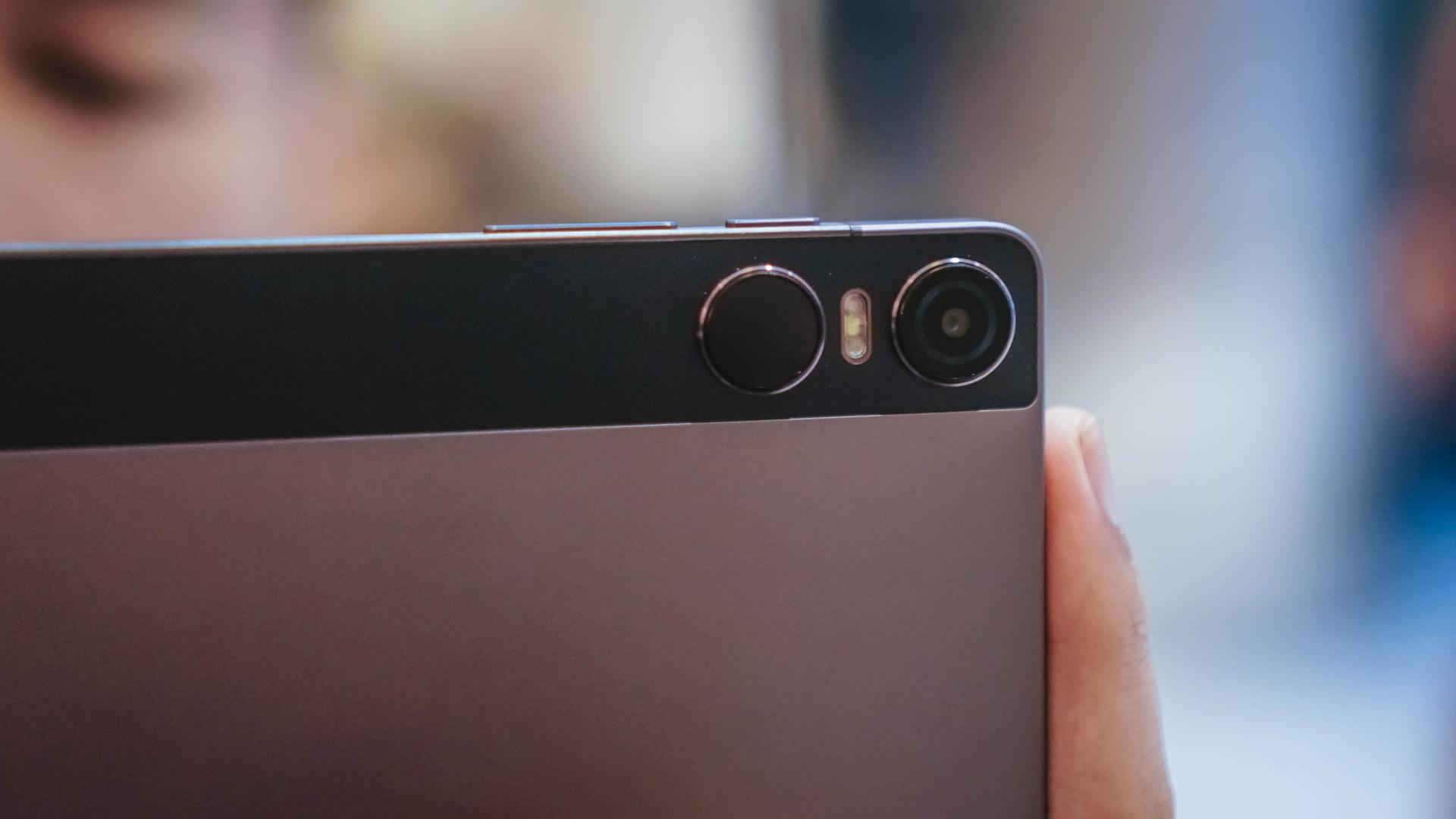
That’s considering it has a quad-speaker system, support for reliable 4G/LTE plus speedy 5GHz Wi-Fi connectivity, and even a generous storage expandability via microSD.
It may not have the most advanced knick-knacks when it comes to display, charging protocols, and even tablet functionality, but for what its worth, the TechLife Pad is a tablet worthy to try out.
Exclusive Deals
The TechLife Pad is available in Shopee, Lazada, TikTok Shop, and other retailers nationwide.
Early buyers should enjoy these online-exclusive deals:
TikTok (June 27 — June 30) or Lazada (June 28 — June 30)
- Discounted price of PhP 8,499
- FREE TechLife Wireless Earbuds (worth PhP 999)
There are also offline offers that await prospective purchasers:
Pre-order Freebies
- Get a FREE TechLife 2-in-1- Cable + TechLife Keyboard for Pad worth PhP 1,448 (until supplies last)
- Also a FREE TechLife Keyboard for Pad worth PhP 1,099 (while supplies last) for purchases made between June 28 to 30, 2024
0% Installment Credit Card (6/12 months) or Home Credit (6/9 months)
- For purchases made between June 27 to July 31, 2024




Reviews
How the Samsung Galaxy Z Flip7 fit the life I built from the ground up
’tis a compact companion built for busy days, big dreams, and a life in full color~

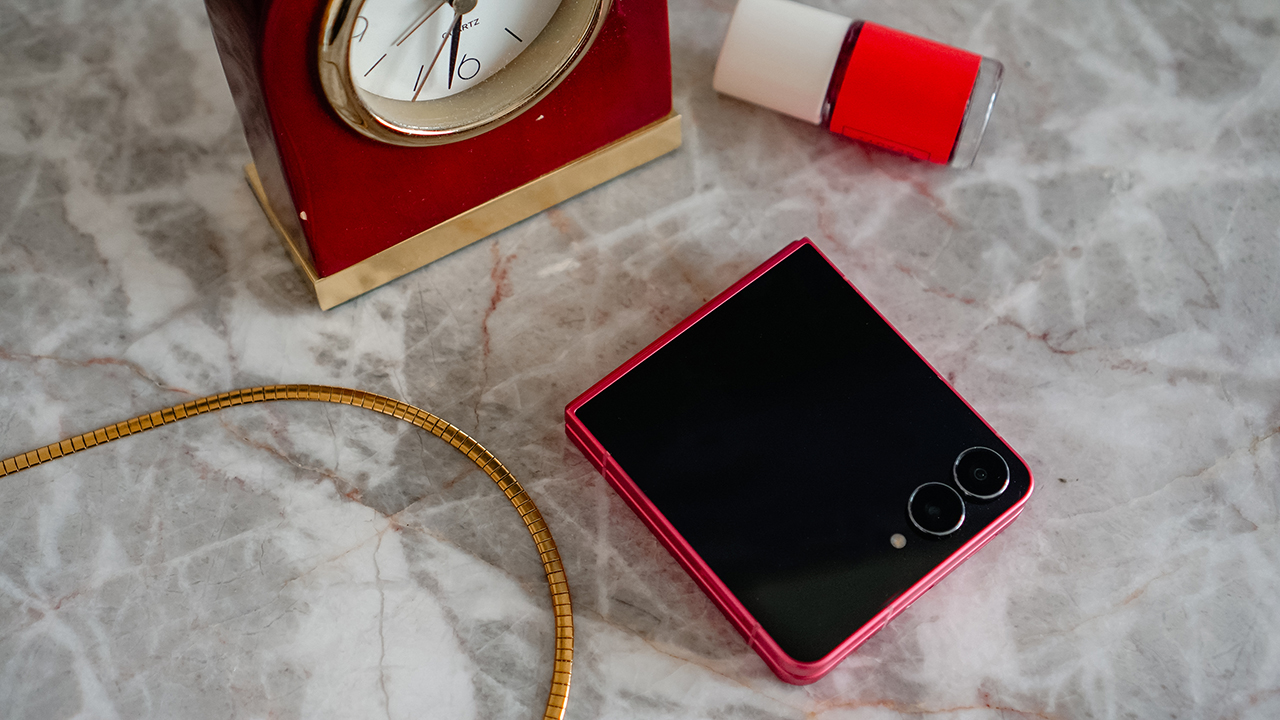
When the Samsung Galaxy Z Flip line entered my life years ago, it felt like a playful detour that sparked joy in my late twenties.
Seven generations later, the Samsung Galaxy Z Flip7 arrived at a time when I had shed my old skin and rebuilt my strength.
Holding this new version felt like meeting a familiar companion who had also transformed and grown into something far more refined. I saw a glow up I recognized because it mirrored my own.
literally, glowing up
I have seen the Flip evolve through every generation. Calling the Galaxy Z Flip7’s design a small update does not honor the work Samsung put in.
This model feels like a body sharpened by intention, the same way an athlete reaches a new physique through discipline and consistency.
At 13.7 mm folded and 6.5 mm unfolded, it is the slimmest Flip yet. It feels like it dropped unnecessary weight and revealed its strongest form.
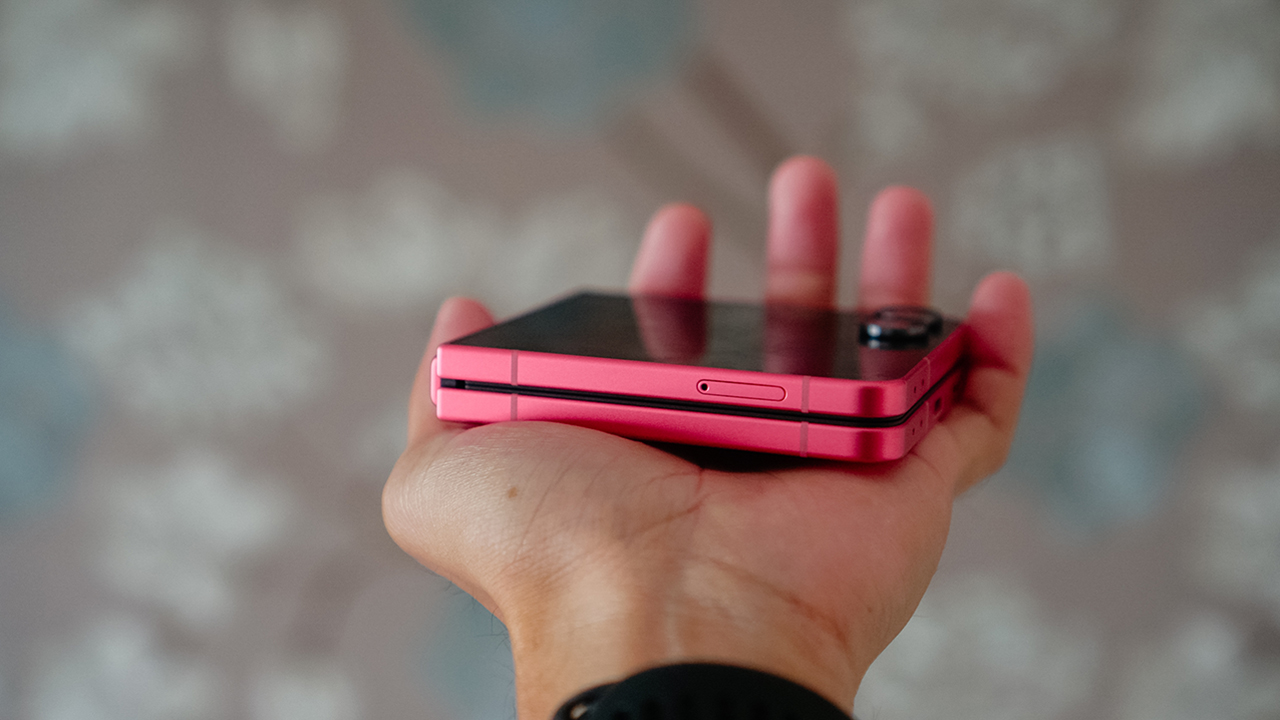
It easily fits inside my tiny Rags2Riches purse along with my cards, lip balm from Bench Beauty, and my Poy Sian inhaler. When holding it, it feels natural, almost like a custom grip carved for my daily routine.
Its Armor Aluminum frame and Corning Gorilla Glass Victus 2 body feel sturdy without feeling heavy. The matte finish keeps it smudge free and secure.
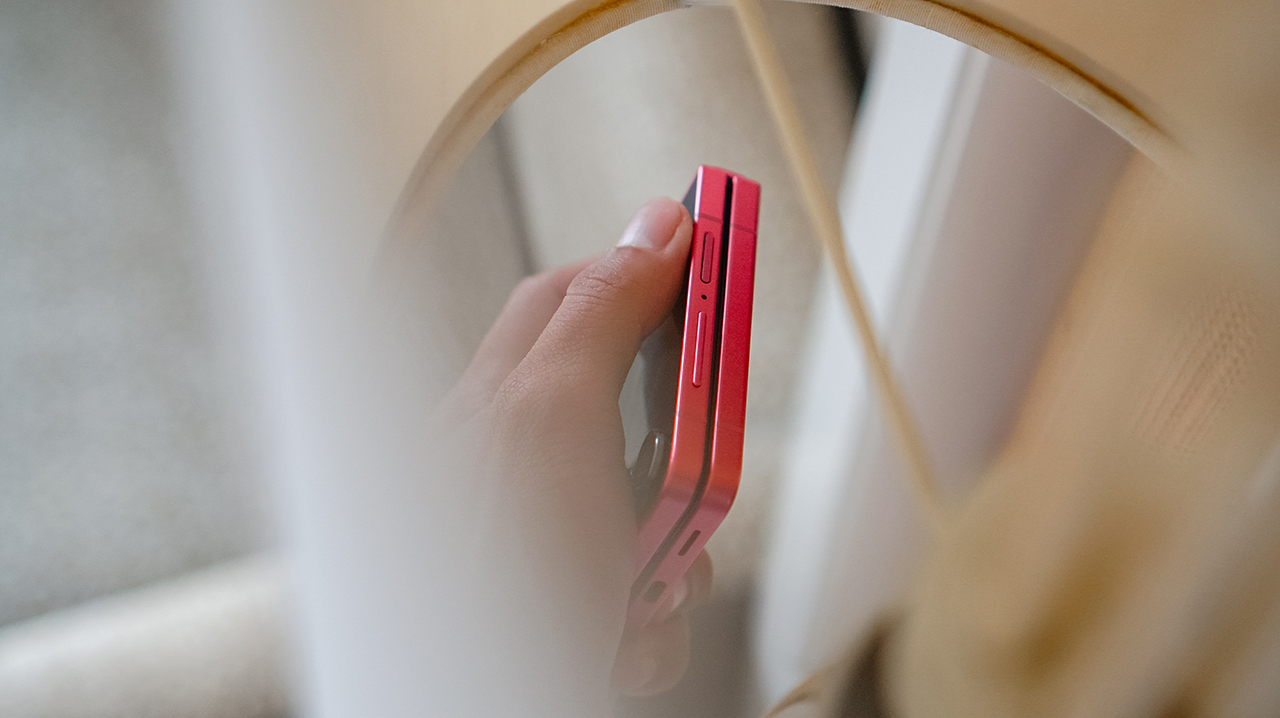
Despite my clumsy moments and active life, I have never dropped it. I trust this phone in the way I trust my body after years of rebuilding strength.
People once assumed I would never survive ultramarathons because I looked thin and fragile, but that version of me existed seven years ago. Seven years change people, and seven years also change phones.
the color of confidence
The Blue Shadow variant is the signature color of this year’s lineup, and it is stunning.
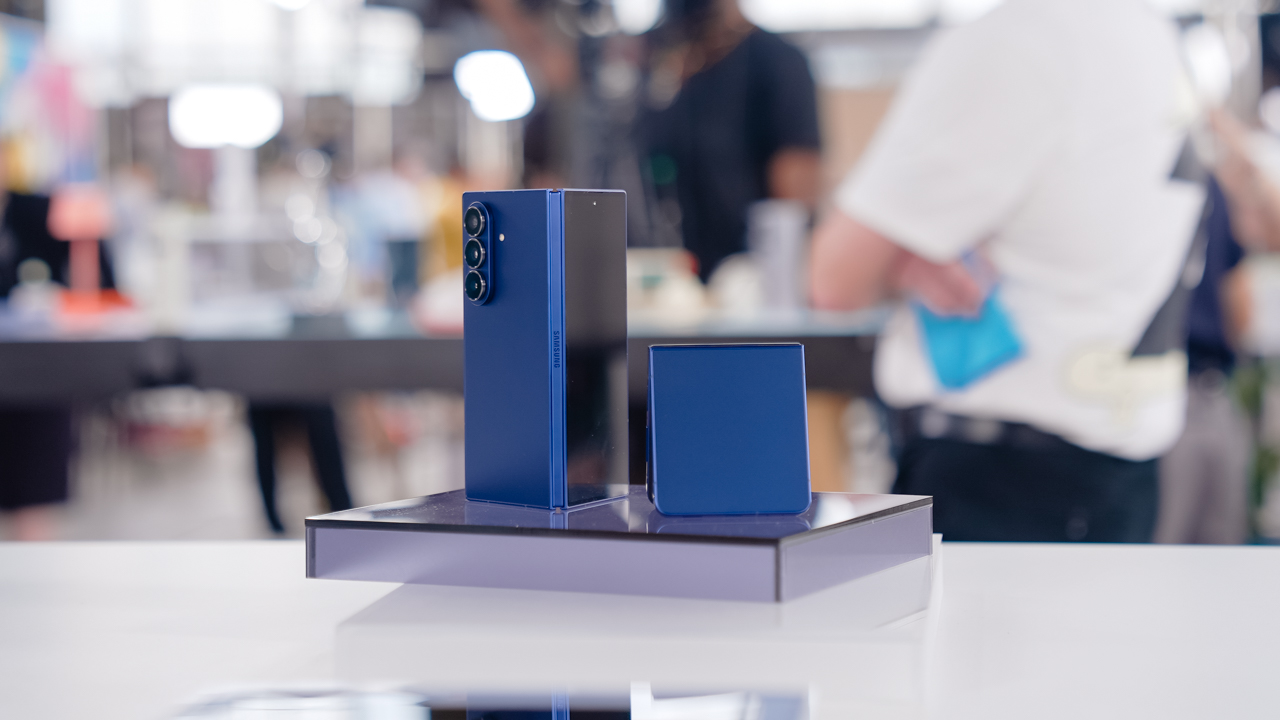
Still, I felt pulled toward the Coral Red. My spiritual advisor once said that the colors we gravitate to reflect our internal shifts.
Purple and Blue Shadow belonged to my healing era. Coral Red came to me when I was finally ready to live louder.
The moment I held the Galaxy Z Flip7, something in my life began to shift. It became an accessory that matched my renewed courage.
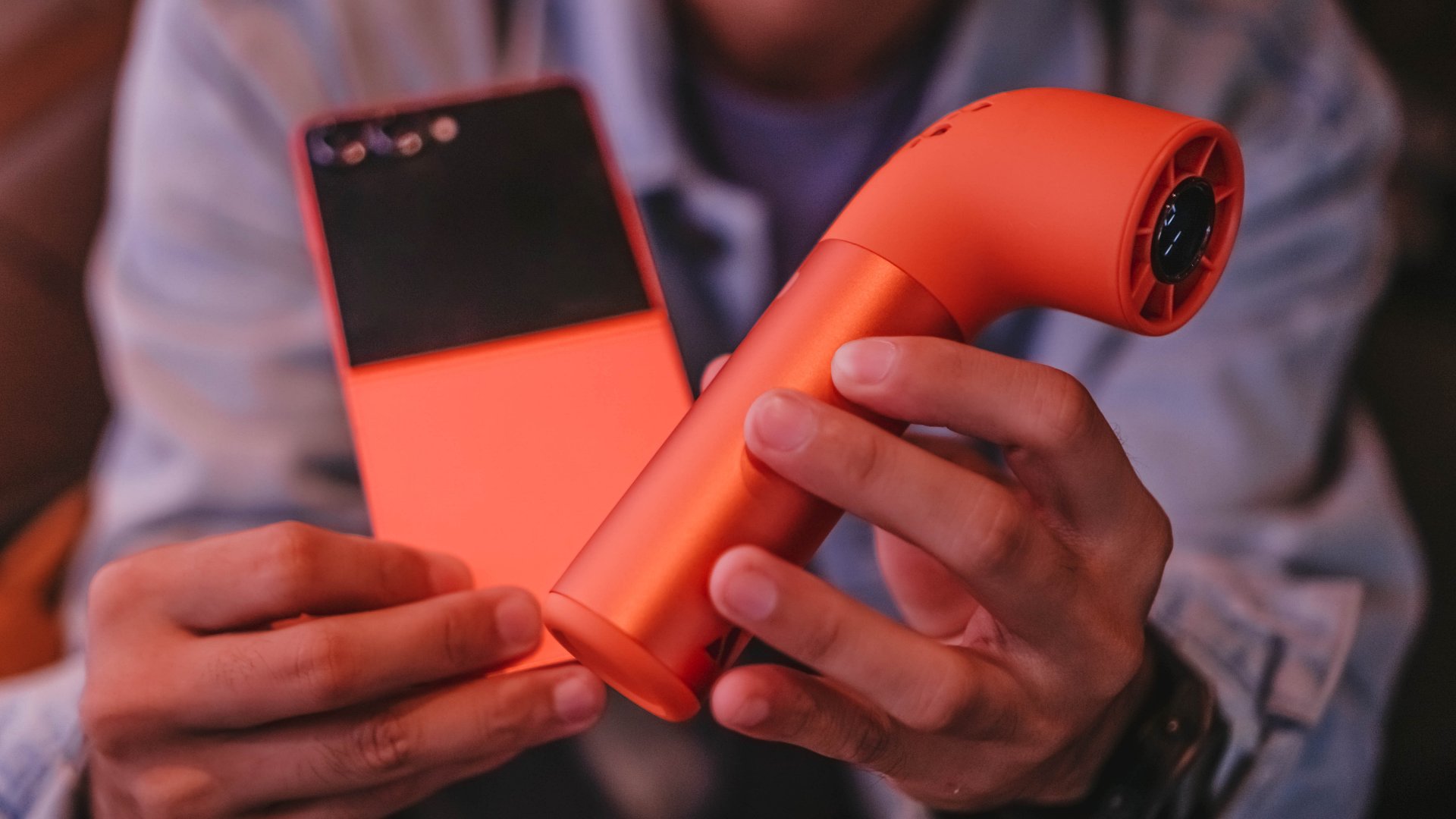
It was the first thing people noticed when I joined events or casual dinners. People asked about it, and each time felt like an invitation to share stories about life and technology.
The Galaxy Z Flip7 amplified my world instead of blending in. Like that line from “Golden” by H/UNTRIX, it felt like stepping into a chapter where hiding is no longer an option because shining has become natural.
strength training for a hinge
My life is fast, demanding, and most of the time, messy. I open and close the Galaxy Z Flip7 more times than I can count.
It reminds me of how I worry about my knees during steep downhill sprints. Yet I trust the Galaxy Z Flip7’s hinge the way I trust my legs after proper rehab.

The new Armor FlexHinge feels smoother and more controlled. The crease is less visible, the same way my knee scars softened after I recovered from that cliffside fall in the Cordilleras.
The hinge performs like it completed a strength program built for elite athletes. It stays stable in various Flex Mode angles and never feels weak.
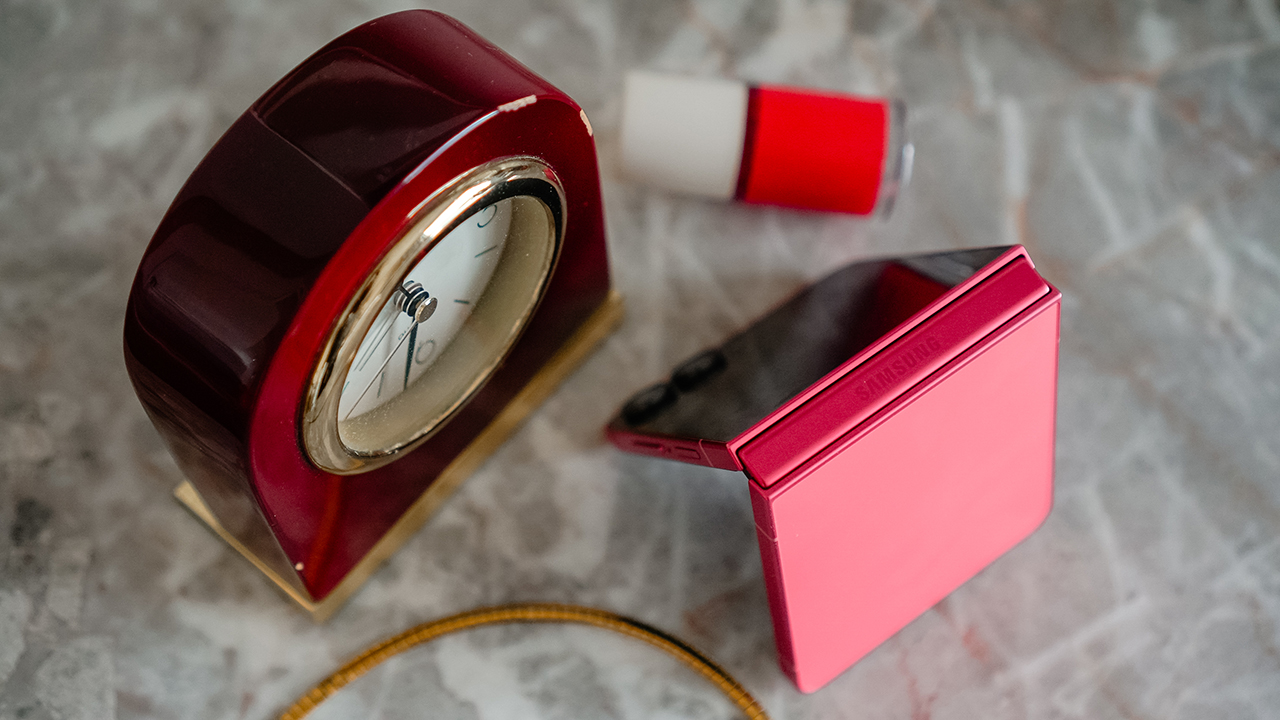
After more than three months, I have not encountered a single moment that made me concerned about durability. It feels ready to journey with me into another year of reinvention.
now playing: Kimetsu no Yaiba
The main display now stretches to 6.9 inches from last year’s 6.7 inches, while the cover screen expands to 4.1 inches from 3.4 inches with slimmer bezels that give more room to breathe.
It’s bright enough at 2600 nits to use under sunlight and smooth enough at 120Hz to glide through my day.
The bigger cover screen changed my routine. I reach for the phone less and still get what I need. It feels like learning efficient movement in training where every exercise has purpose.
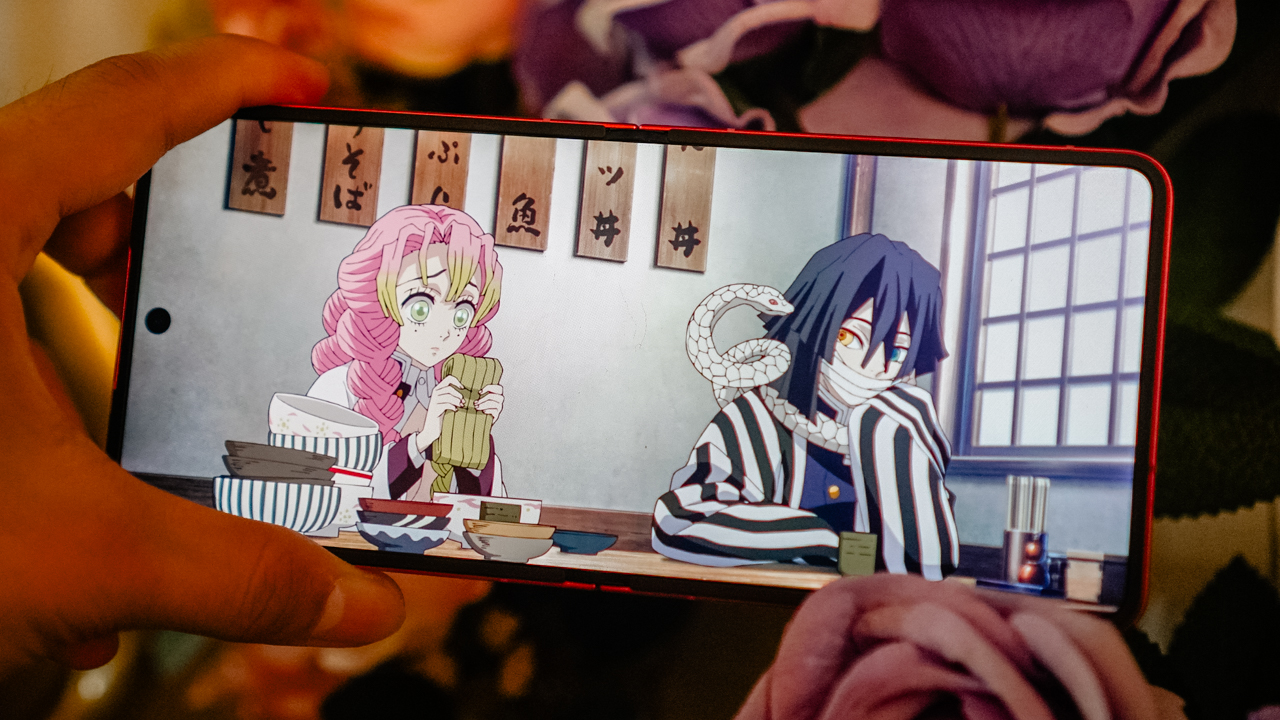
When I had the Galaxy Z Flip7, I was deep into a Demon Slayer marathon. I wanted to catch up before the first part of the Infinity Castle movie arrived, and the timing felt impeccable.
I was casually seeing a doctor who loved the anime, and through his influence, I finished all five seasons in just two weeks.
During lunch, I squeezed in episodes by watching through my iPad Pro and continued the journey through the Galaxy Z Flip7 every night before falling asleep.
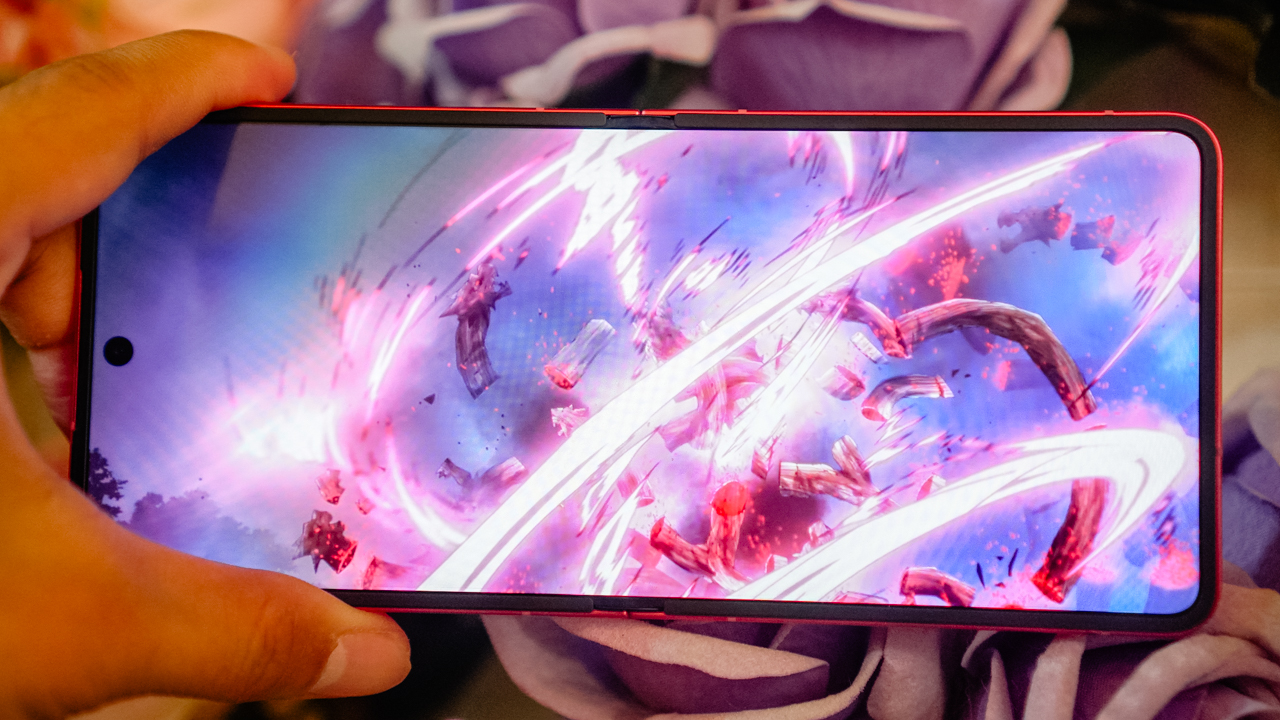
Demon Slayer: Kimetsu no Yaiba is visually rich, and the Galaxy Z Flip7’s vibrant display carried the colors and emotions beautifully.
It felt like watching a moving painting, bright enough to keep me invested even when my eyes were tired after long training days.
The phone was light enough to hold with one hand, which made late-night streaming comfortable. I often drifted into sleep with the anime’s warm glow still playing in my palm, the same way I used to fall asleep after exhausting long runs.
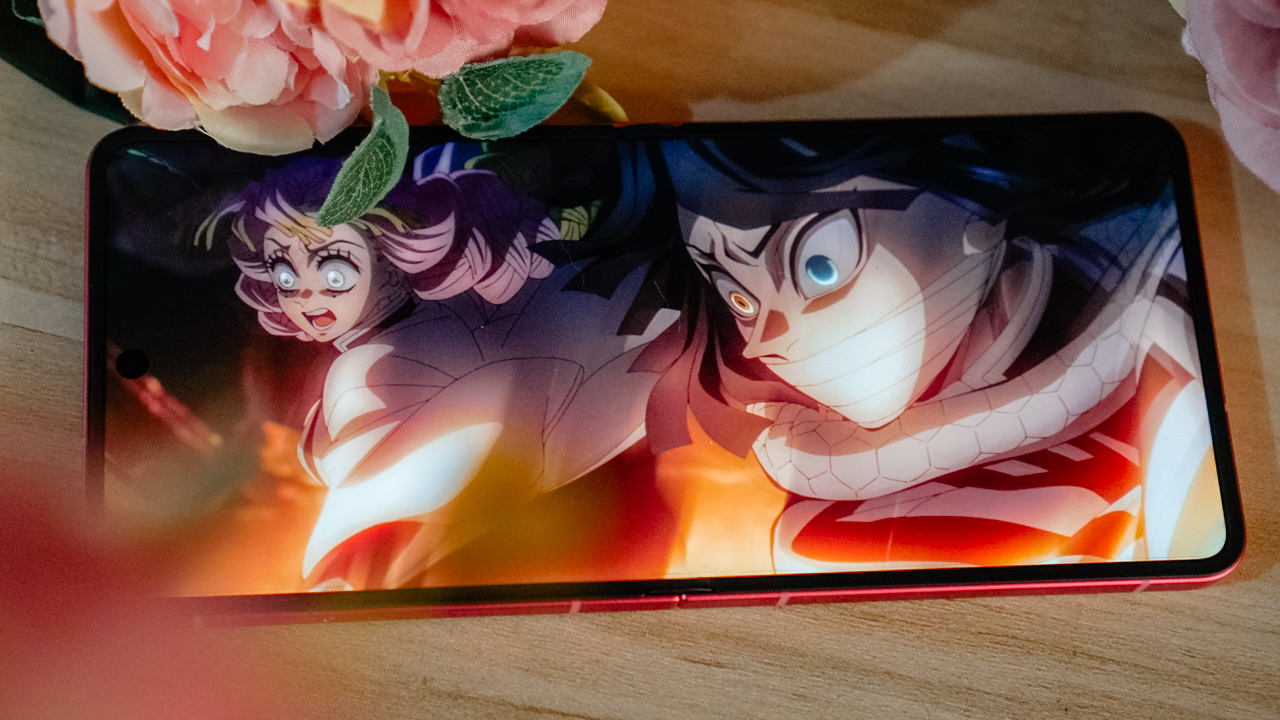
The sound quality was not the Galaxy Z Flip7’s strongest suit. It became loud and cranky when pushed too far, so I kept the volume lower, which worked well for quiet nights and even quieter TikTok spirals.
Still, the Galaxy Z Flip7 handled content consumption smoothly. Whether I was watching Netflix or scrolling through TikTok for story inspiration, the phone kept up in a way that felt seamless.
personal device for a personal life
I assigned the Galaxy Z Flip7 to my personal world. My iPhone 16 Pro handles work, deadlines, productions, and campaigns.
Meanwhile, the Galaxy Z Flip7 holds my personal content, and the people who deserve my presence after hours.
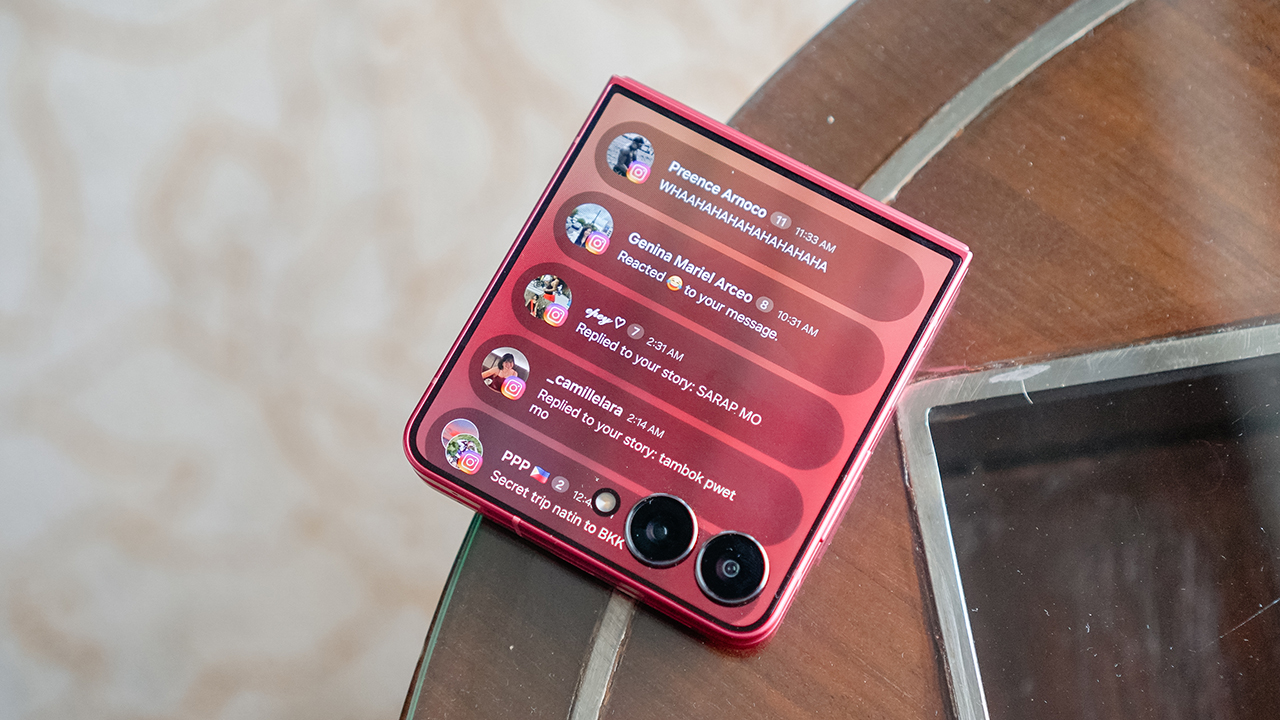
The Now Brief feature surprised me. I handle many things at once and often miss small but important details. Now Brief feels like having a reliable secretary who keeps track of messages, appointments, and updates.
It makes everything feel lighter. Even when the phone is folded, it supports me in ways I did not expect. The Galaxy Z Flip7 teaches me that sometimes the smaller screen can carry the bigger load.
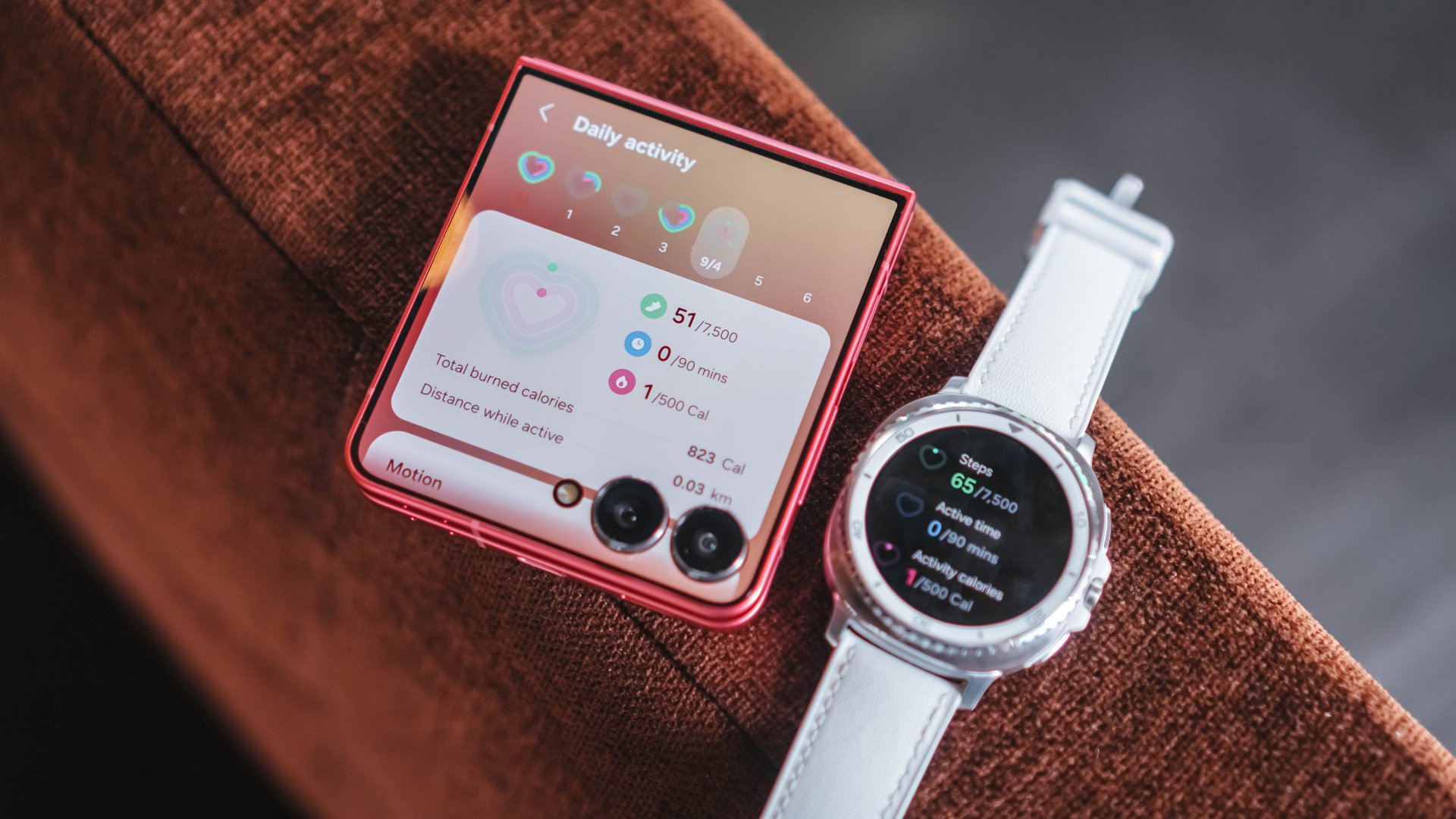
the stamina to keep up
Unfolded, the Flip7 gives a complete smartphone experience. It’s lean and compact, yet powerful.
It supports all the facets of who I am. Creative director. Lifestyle journalist. Endurance athlete. Entrepreneur. Strategist. Co-founder of a sports team and a sports marketing agency. I have many roles that demand structure, time, and energy. A flagship phone must keep up at all times.
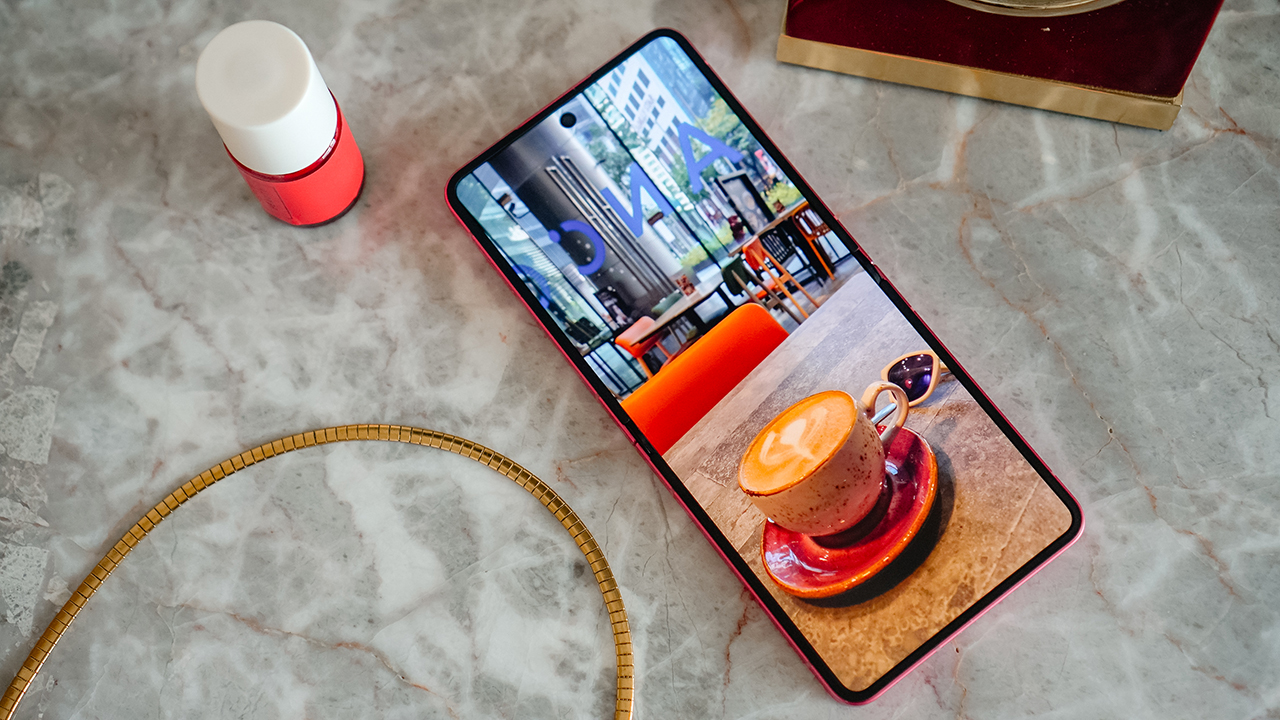
The new chipset delivers smoother performance and improved Wi-Fi stability. The Galaxy Z Flip7 can handle content creation, writing, and bursts of social uploads. Although, it struggles with overheating during long data sessions or when I edit many media files.
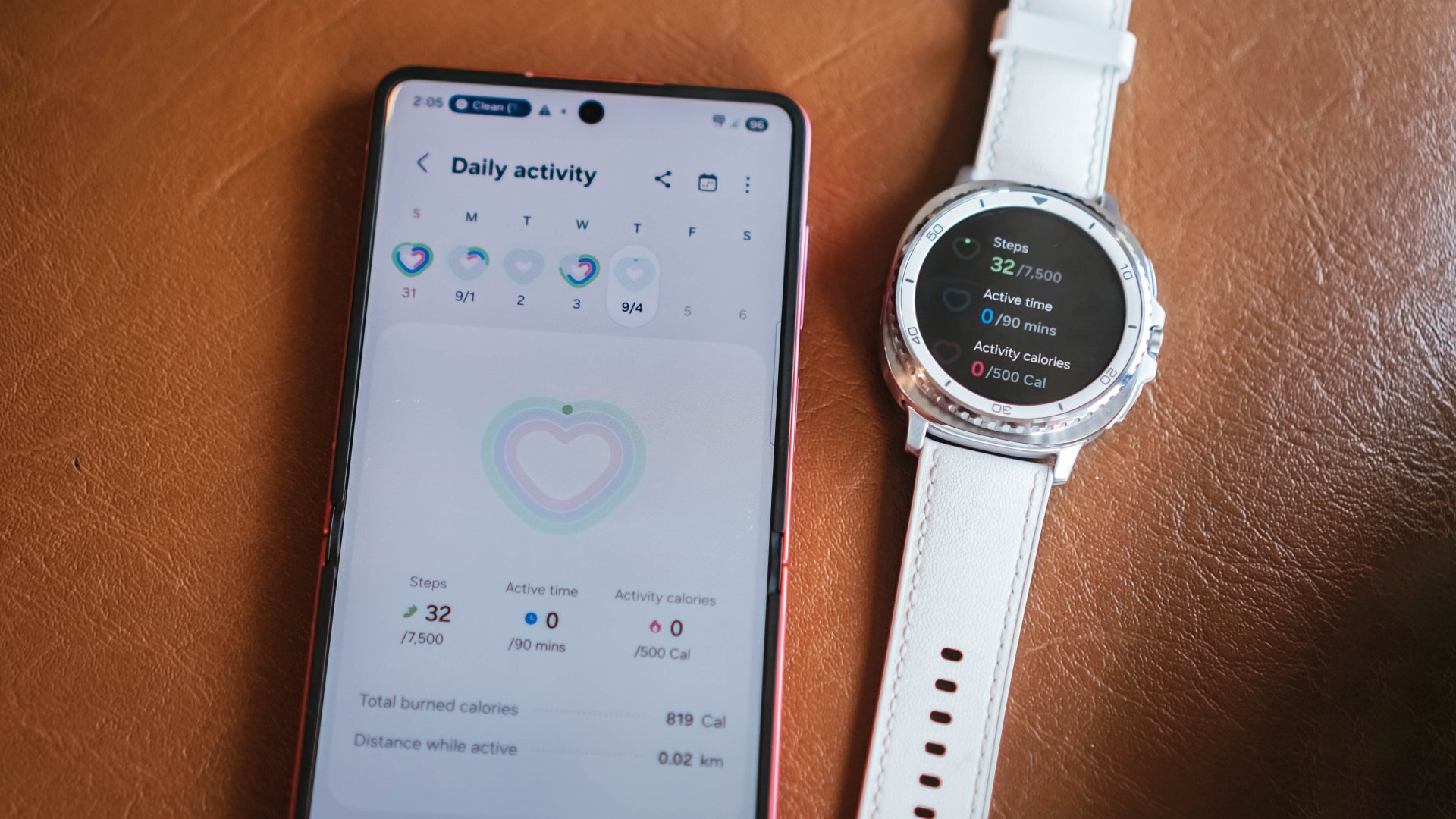
The 4300mAh battery is better than before, yet still not enough for my lifestyle. Even so, the Flip7 remains reliable. It’s compact without compromising capability.
It has enough stamina for my personal life, and that is all I need from this phone.
an experience just for you
What I have always loved about Android is the creative freedom that allows a phone to feel like an extension of who you are.
Apple is slowly catching up, yet One UI 8 already gives a level of personalization that feels intentional. Living with the Galaxy Z Flip7 made me appreciate how these refinements upgrade daily life in ways that may seem small yet feel meaningful when added up.

The dynamic wallpapers were a delight. The color tones shifted with the time of day, brightening during mornings and softening at night.
It felt like a gentle reminder that the smallest routines are often the ones that build consistency. Fitness taught me that progress happens through tiny habits that compound in silence, and somehow the Galaxy Z Flip7’s design language echoed that mindset.
Even something as simple as the Weather app felt more polished. It became a small visual check-in that added a bit of calm to busy days.
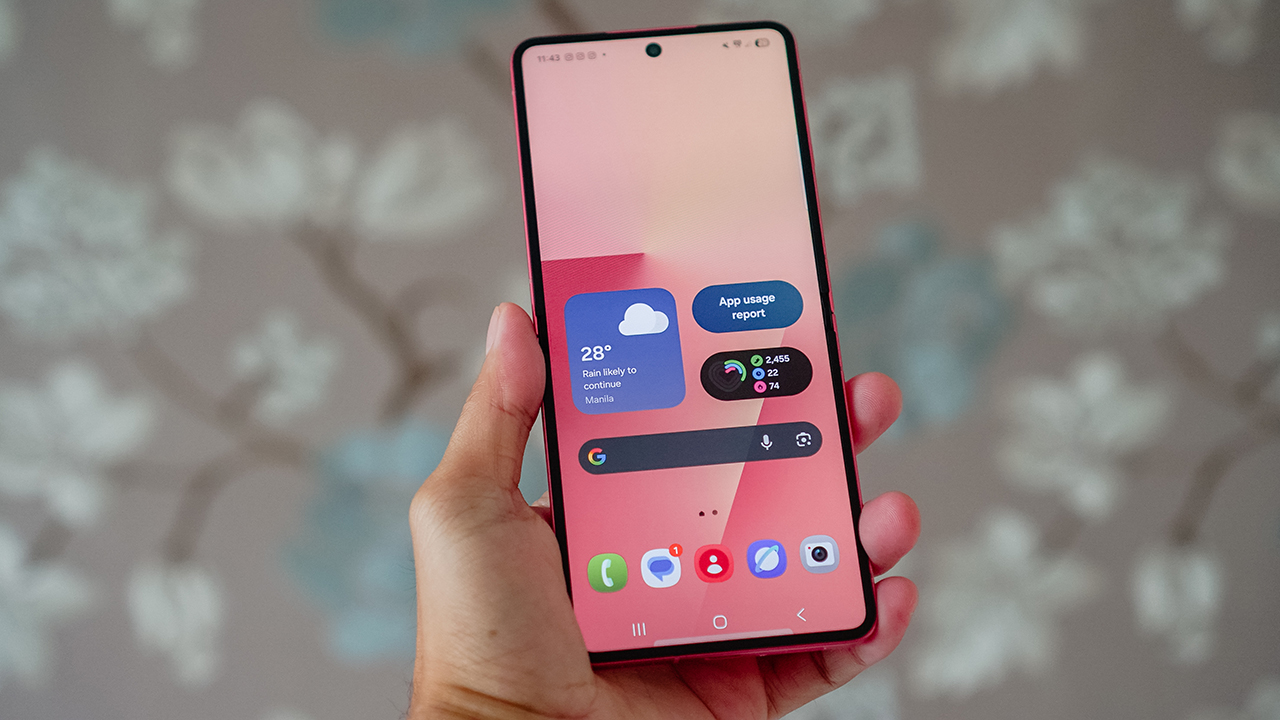
Depending on how you use your phone, One UI’s enhancements may feel subtle. I noticed them in those moments when life slows down enough for you to appreciate the way technology quietly supports your life.
It truly is in the smallest things where the most meaningful changes begin.
for picture-perfect memories
The Galaxy Z Flip7 has been my daily driver for more than three months, and its cameras consistently produced vibrant, sharp photos.
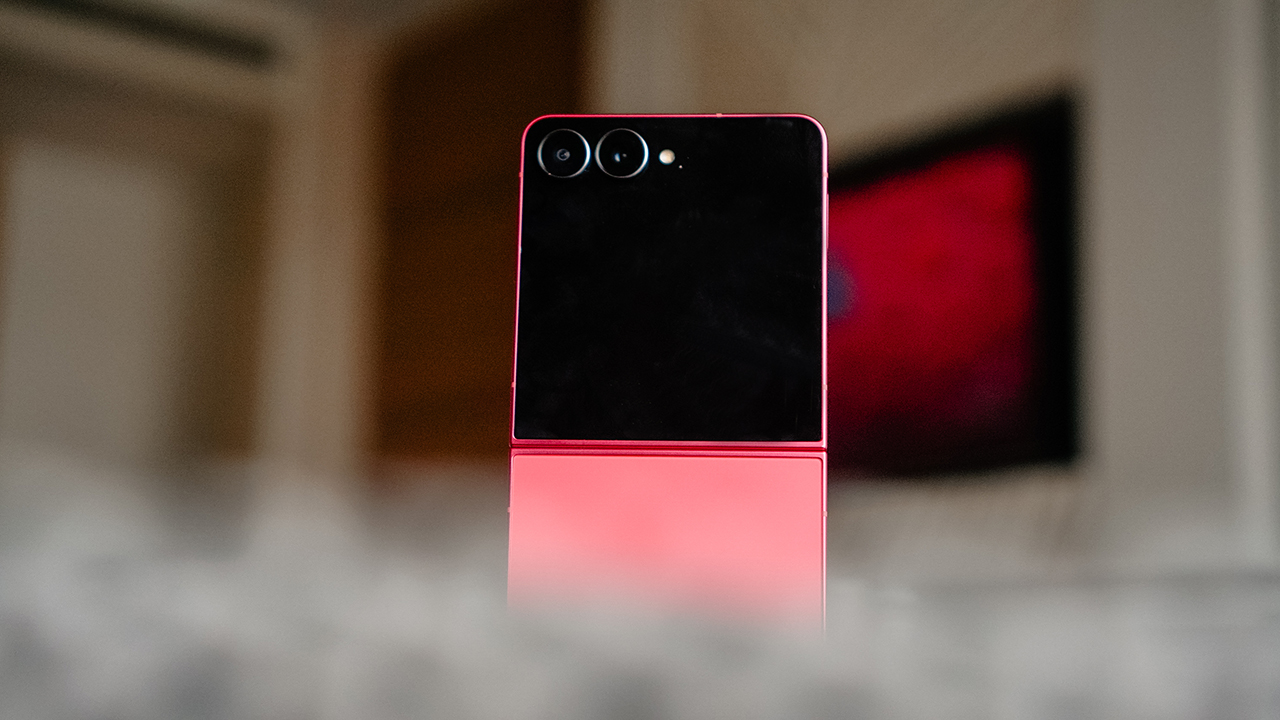
I relied heavily on the main camera and the cover screen because that feels like the core reason to own a Flip. Flex Mode gave me angles that matched every part of my life.
It supported my workout videos, my best selfies, my solo travel portraits, and spontaneous moments with friends or dates whenever I wanted to capture a memory without involving anyone else.
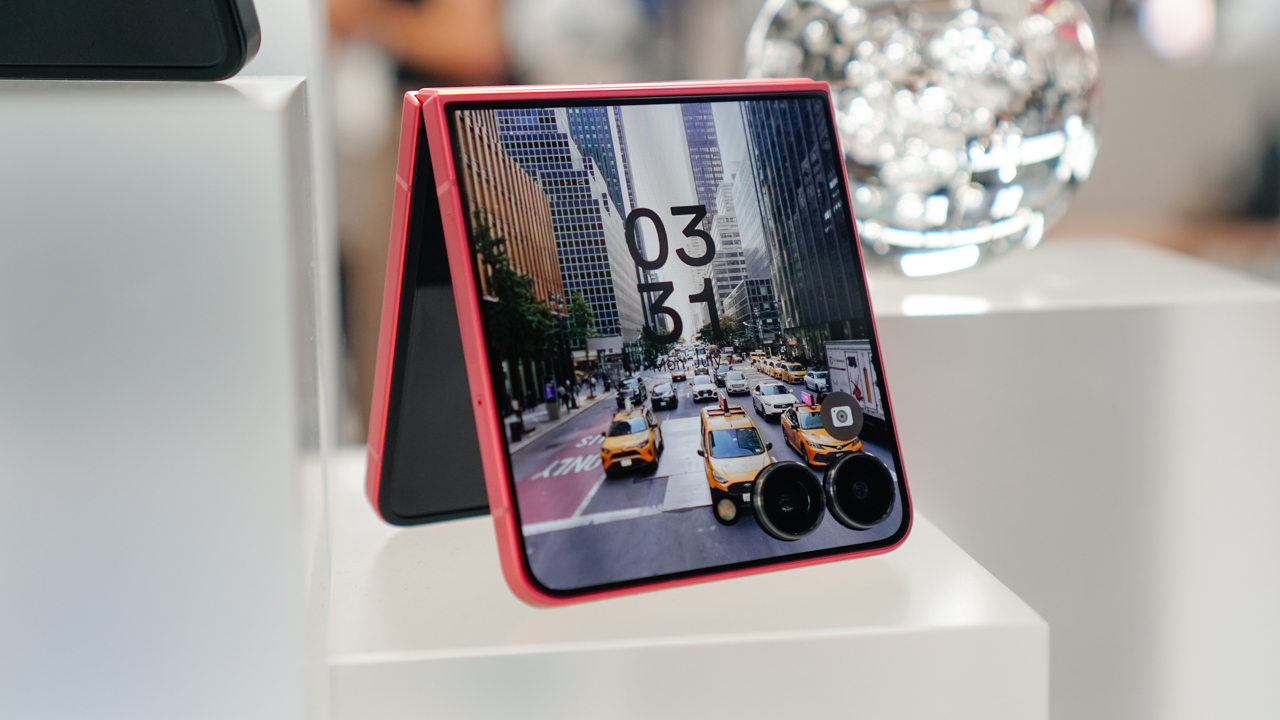
The hardware stayed the same with its 50-megapixel main camera, 12-megapixel ultrawide lens, and 10-megapixel front shooter.
But the real improvement came from the ProVisual engine. Its software enhancements handled dynamic range and low light more confidently.
It felt oddly similar to how an athlete trains. Your body may look the same from the outside, yet your form and strength grow from refining what already exists.
I’ve shared my sample photographs at my story about my trip to Zhengzhou in China. (READ: Zhengzhou through the lens of Galaxy Z Flip7)
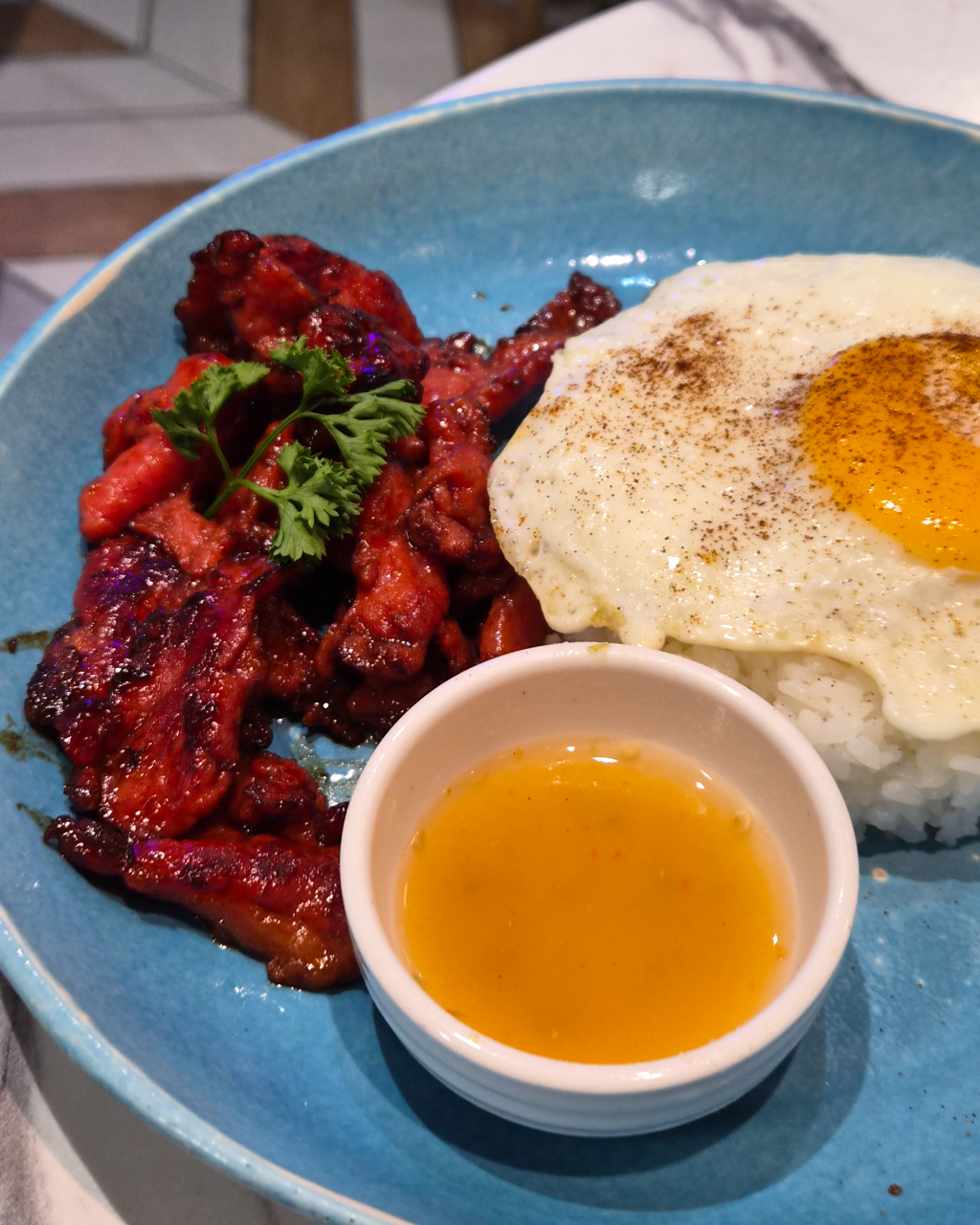
If you haven’t checked that out, here are some of the moments I captured with the Galaxy Z Flip7 throughout the year:























Is the Samsung Galaxy Z Flip7 your GadgetMatch?
The Samsung Galaxy Z Flip7 is the strongest version of the Flip so far. It feels like a phone that has gone through its own version of strength training, carrying subtle upgrades that form a noticeable transformation when you live with it every day.
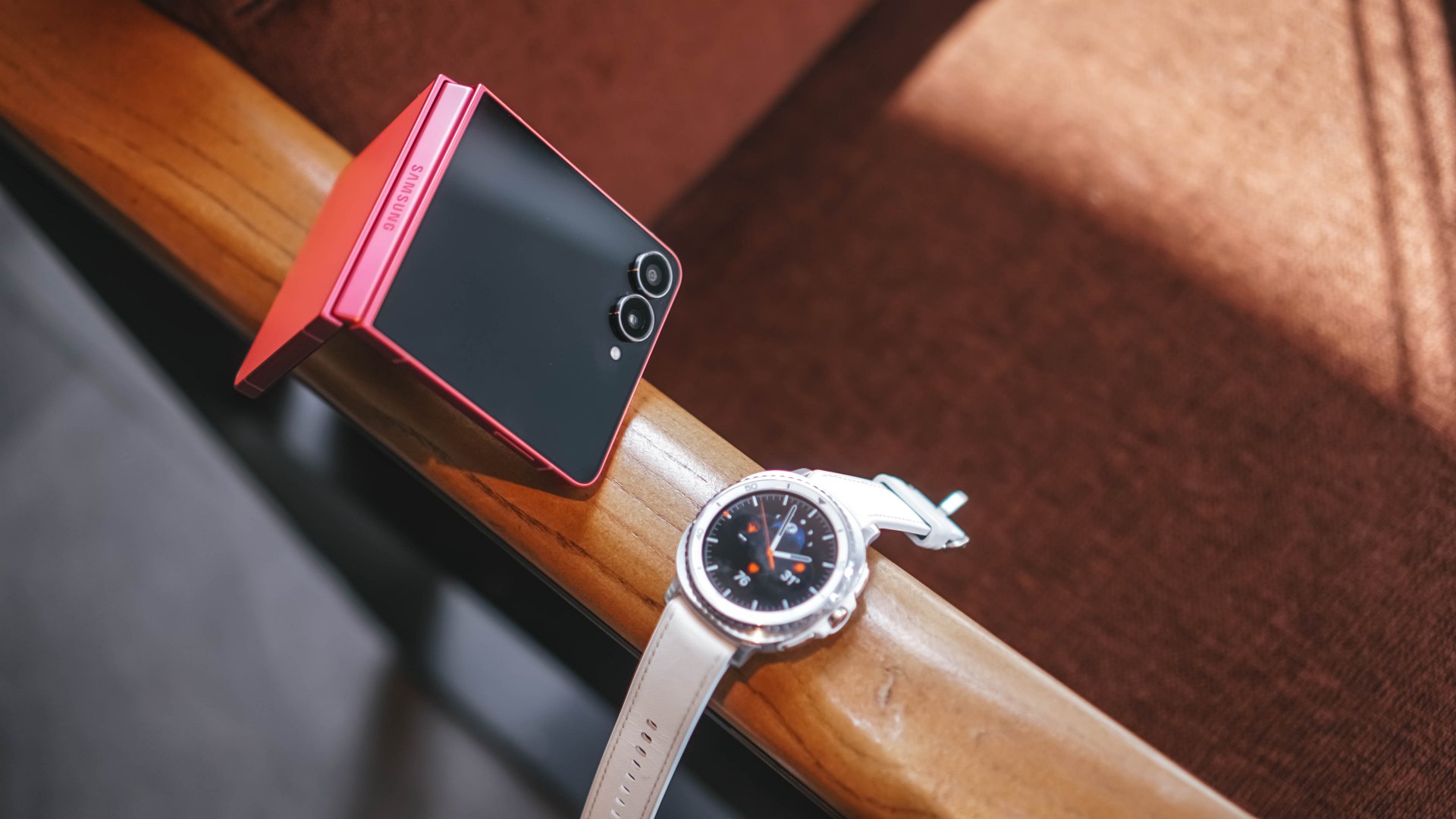
It’s an easy recommendation if you are coming from older Flip models or switching from other Android devices. It even feels refreshing if you want to try something different from a slate phone like an iPhone.
People often assume that my lifestyle is better suited for the Galaxy Z Fold7 because of the volume of work that I handle. I thought the same.
Yet the Galaxy Z Flip7 surprised me by fitting my routines and the life I am building as I continue to grow into this new chapter.
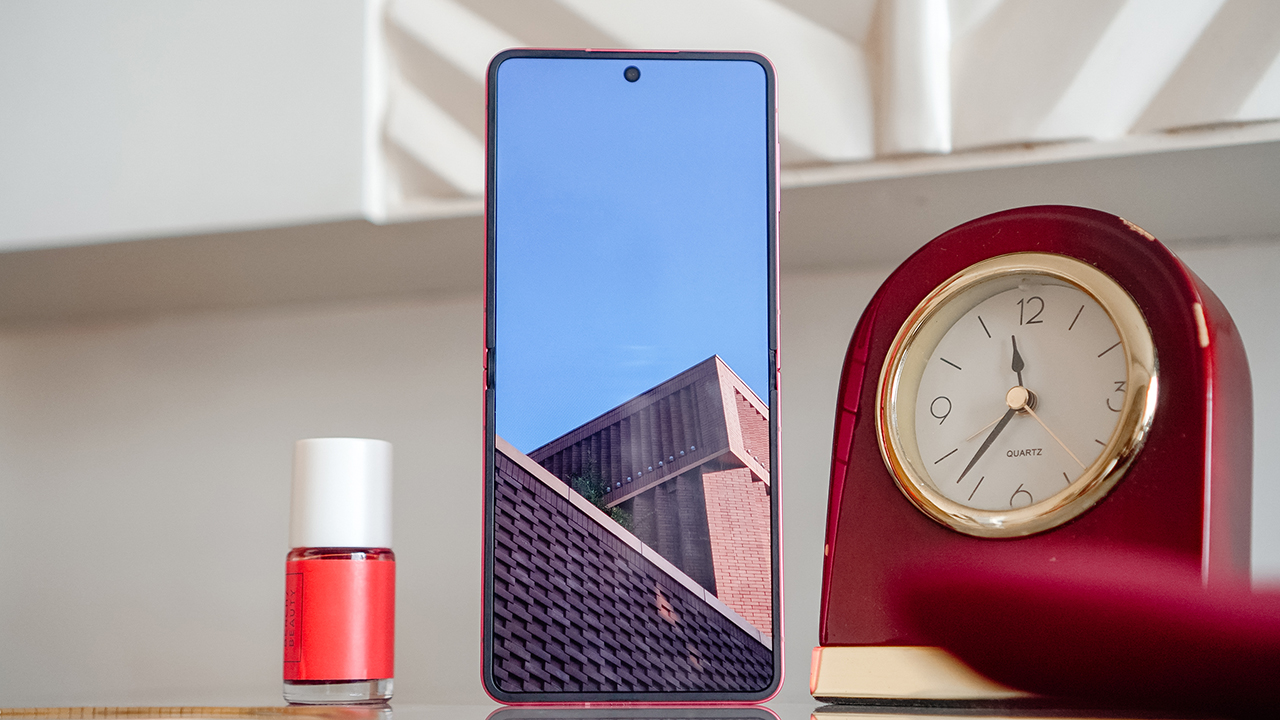
It has the power of a flagship smartphone, cameras that let me document milestones, and a personality that blends effortlessly with mine.
The Samsung Galaxy Z Flip7 starts at PhP 70,990 for the 12GB+256GB variant and PhP 78,990 for the 12GB+512GB. It feels worth every bit of the investment if you want a phone that can keep up with your lifestyle while adding a sense of intention and identity.
And because of that, the Samsung Galaxy Z Flip7 is a Super Swipe and earns the GadgetMatch Seal of Approval. It’s a device shaped by years of refinement, much like any athlete who continues to evolve with discipline. Of course, it’s easily my GadgetMatch.

But if you’re wondering if this could be yours, it’s time to Swipe Right if you want a flip smartphone that offers a full and personal experience.
Swipe Left if you still prefer larger devices like the Galaxy Z Fold7 or traditional slate smartphones.
The Galaxy Z Flip7 is an acquired taste, and choosing it feels similar to choosing a sport or a fitness journey. It becomes meaningful only when you are ready for the change it brings.


When a drone removes the pressure of framing your shot, something shifts. Instead of thinking like a cameraman in mid-air, you start feeling like a passenger—gliding, peeking, drifting wherever curiosity points. That’s the Antigravity A1’s biggest trick. It frees you from the usual anxiety of lining up subjects and horizons, and instead hands you a 360° canvas where everything is the shot.
You’re not just flying a drone here. You’re capturing possibilities.
A learning curve that feels worth it
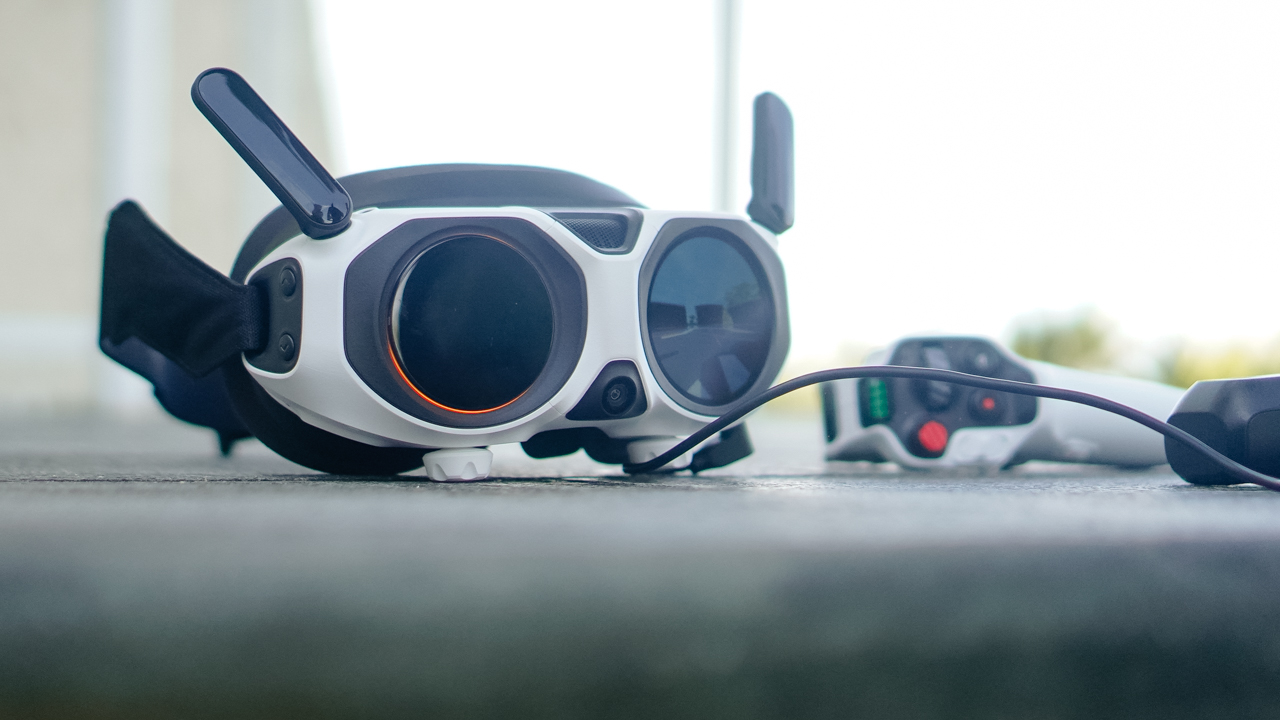
Our first encounter with the A1 wasn’t graceful. The whole kit—the drone, the motion controller, the goggles—looked like more gear than we’d ever want to carry. And honestly, it’s not light. The carrying case helps, but if you’re a creator who travels with limited space, you’ll feel the bulk.
But something changes after you watch Antigravity’s tutorial videos. The setup starts making sense. The workflow becomes clearer. And suddenly this intimidating kit clicks into a system that feels thoughtfully built.
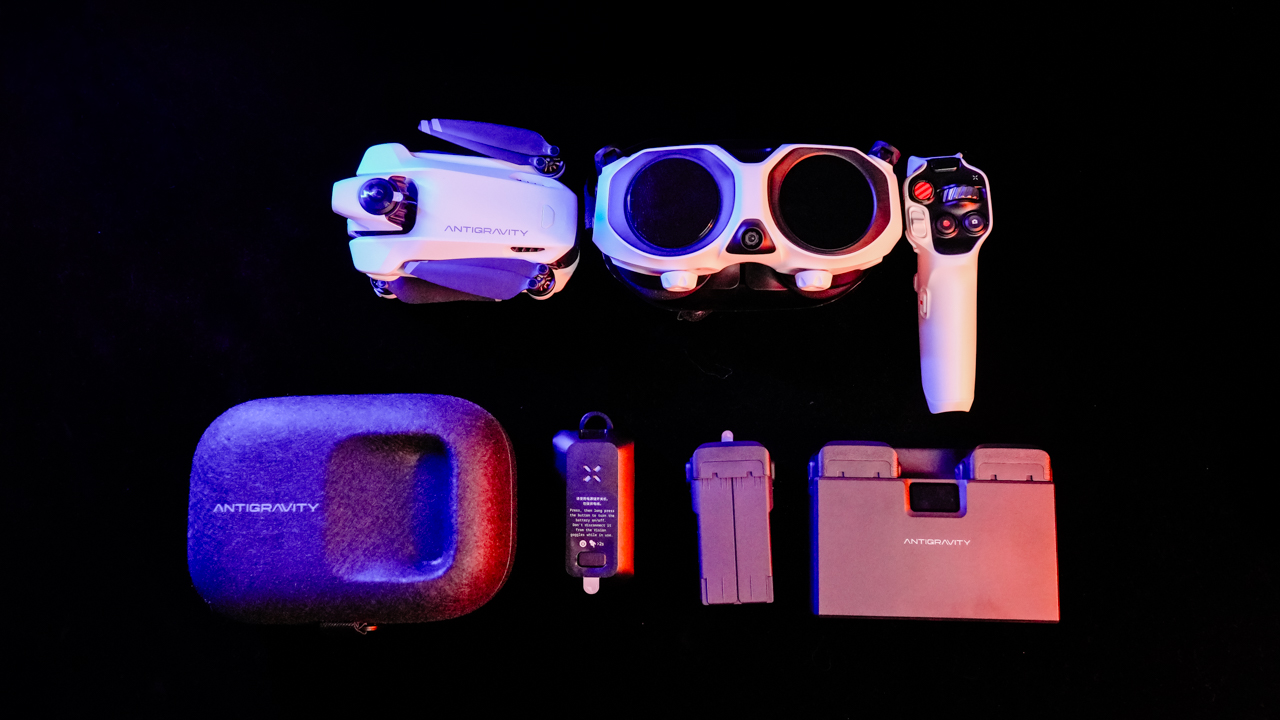
Yes, the A1 demands more commitment than a typical foldable drone. But once everything is running, it also rewards you in ways those drones simply can’t.
Because the moment you let go of traditional framing, the experience opens up.
Flying feels different — and surprisingly freeing

The first few minutes gave us honest-to-goodness vertigo. The goggles trick your brain for a moment, and we had to remind ourselves that we weren’t the ones flying… only the drone was. But after that initial adjustment, the A1 became one of the easiest drones we’ve flown.
This is coming from a team used to a standard RC controller.
The motion controller does have a tiny millisecond delay, but nothing deal-breaking. Once you start moving with it, the A1 responds fast enough to match your intent. The result: a strange but enjoyable combination of freedom and precision.
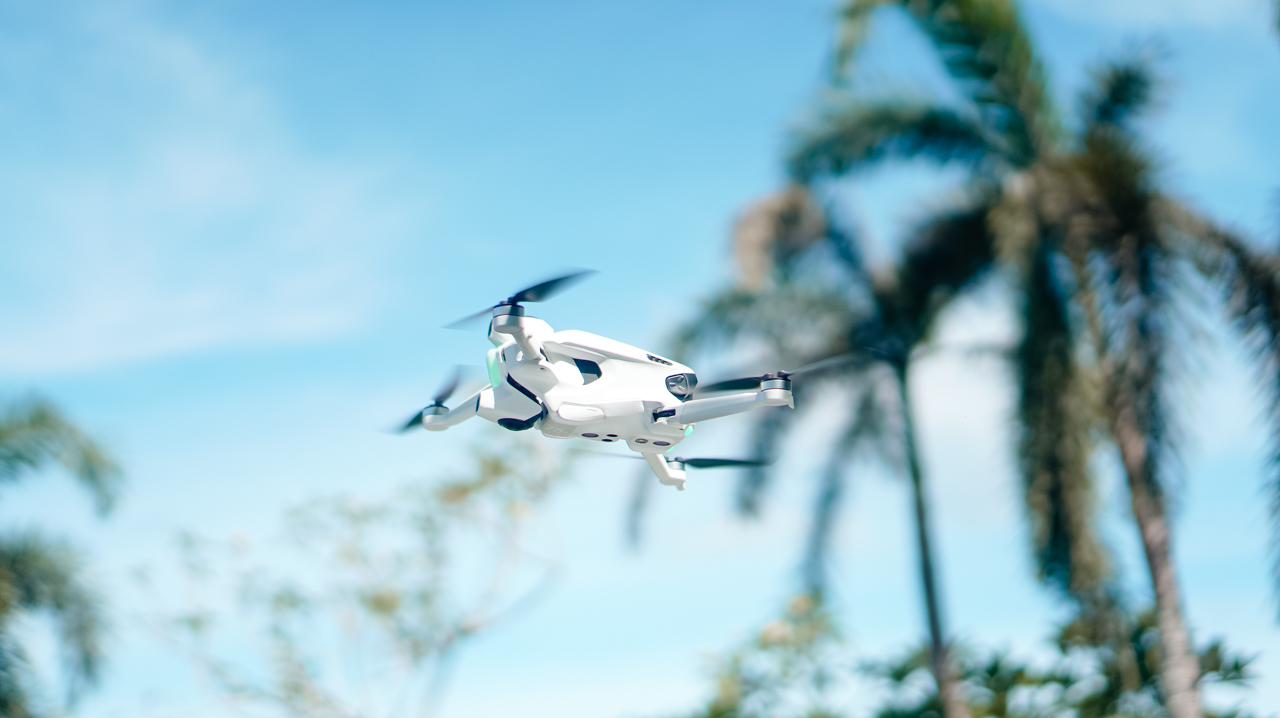
Range is a bit trickier. The spec sheet promises up to 5km, but real-world conditions paint a very different picture. In our subdivision, we managed only about 500–800 meters before warnings popped up.
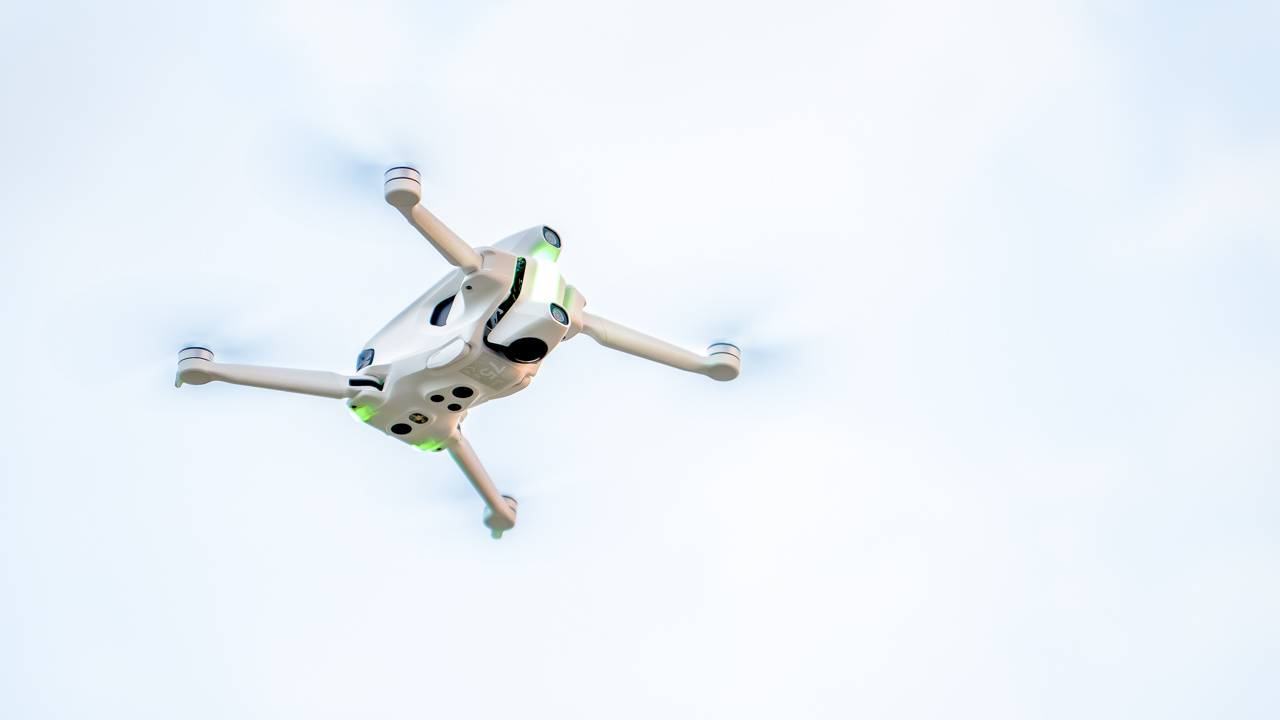
In a more open field, we pushed farther—around 1.5km—before the connection dropped again. We’re guessing interference, but it’s a reminder that real-world flight always has variables.
Still, when it’s in the air, the A1 feels smooth, confident, and ready for creativity.
A camera that encourages imagination
This is where the A1 shines the most.
The 8K 360° camera is excellent in well-lit environments. Stitching between lenses is clean, and the lack of blind spots means you can essentially treat the entire sky as a playground. Missed your subject? Reframe later. Didn’t tilt fast enough? Fix it in post.
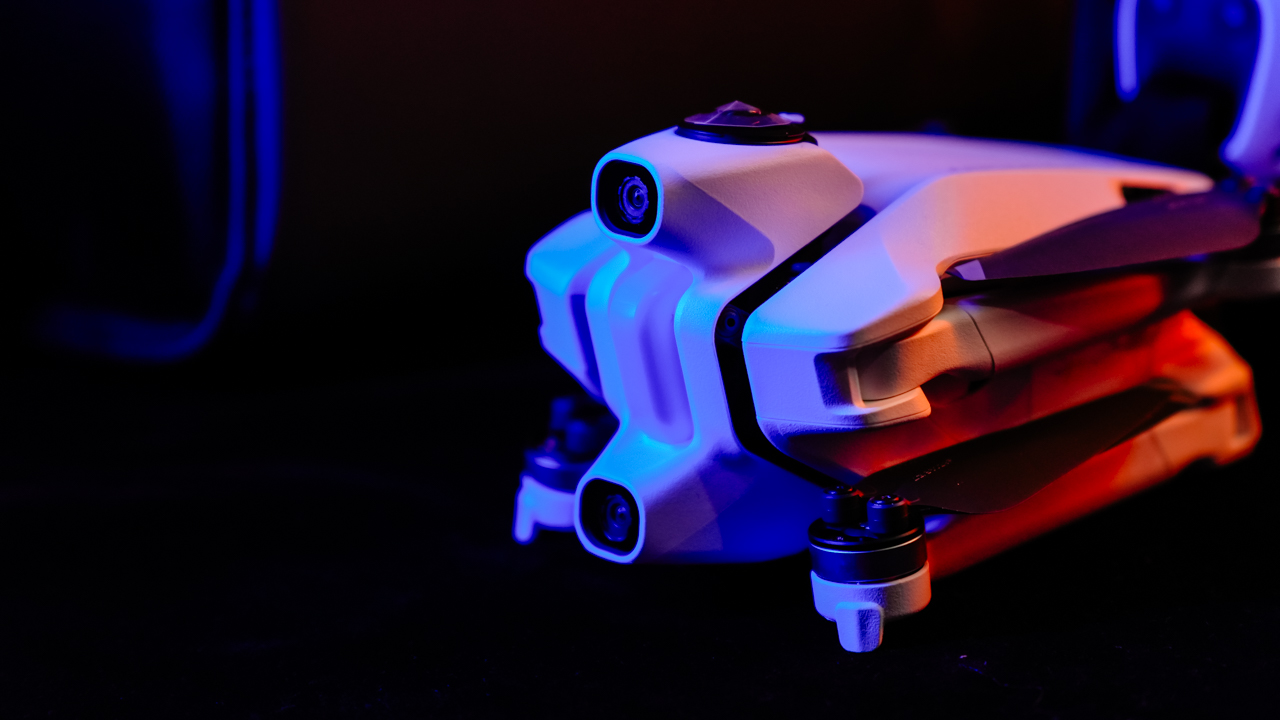
The camera encourages experimentation because it removes punishment. It lets you fly for fun—and edit with intention later.
Obstacle avoidance also works well, at least in proper lighting. The goggles flash colors and beep based on distance: yellow at around 2.5–5 meters, red when you’re close—around 1–1.5 meters. Just remember: this system does not work in the dark. If visibility is low, the sensors won’t save you.

Return-to-Home, on the other hand, is rock solid. We unplugged the goggles by accident and the drone immediately started flying back. Same thing happened when the signal dropped. It’s reassuring, especially for a drone that encourages bold flights.
The workflow is both smooth… and frustrating
Antigravity’s card reader is great. Plug it into your phone and the app picks it up right away. It reads, writes, and lets you edit without transferring files into internal storage. It’s efficient, and it saves so much time and space.
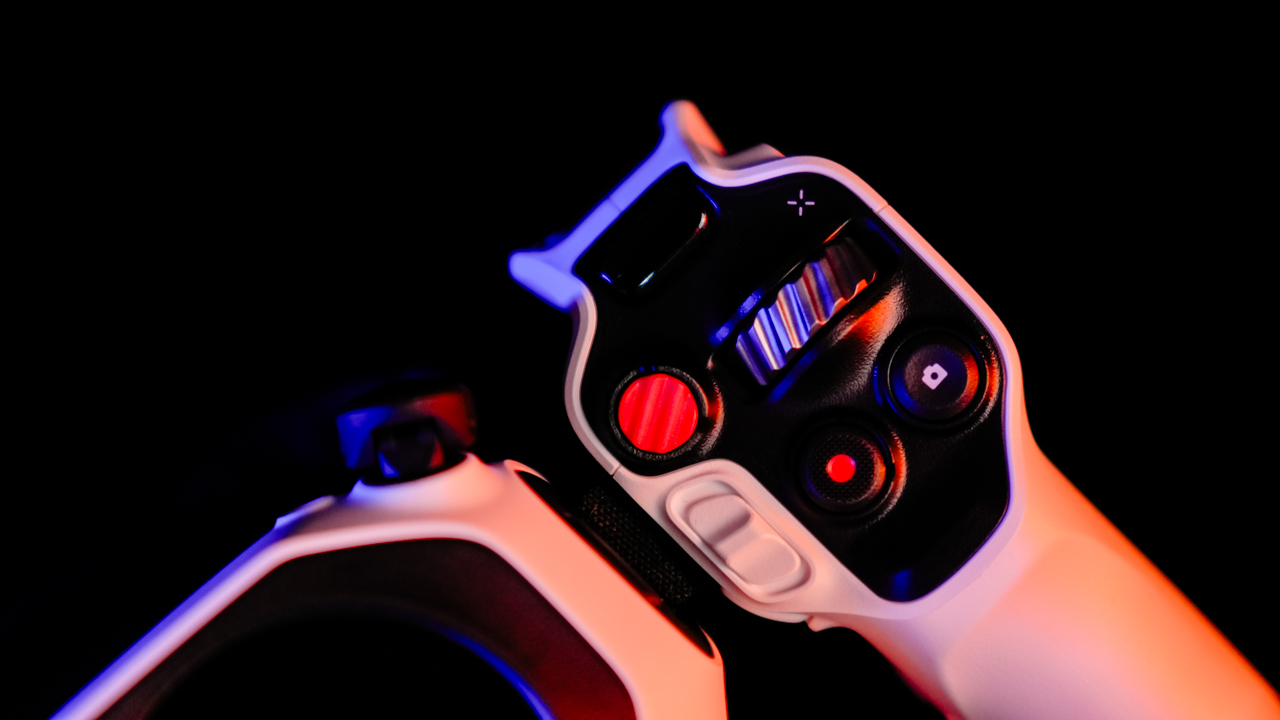
Wireless transfer, however, needs work. Our phone refused to connect to the drone directly. No wireless transfers, no visibility, just repeated errors. For a product aimed at fast social-ready workflows, this is a weak spot.
Antigravity Studio—the brand’s own editing app—feels familiar if you’ve used CapCut or similar tools. Layout is intuitive, and even if it has its own style, newcomers won’t get lost. You can start editing almost immediately.
Is the Antigravity A1 your GadgetMatch?
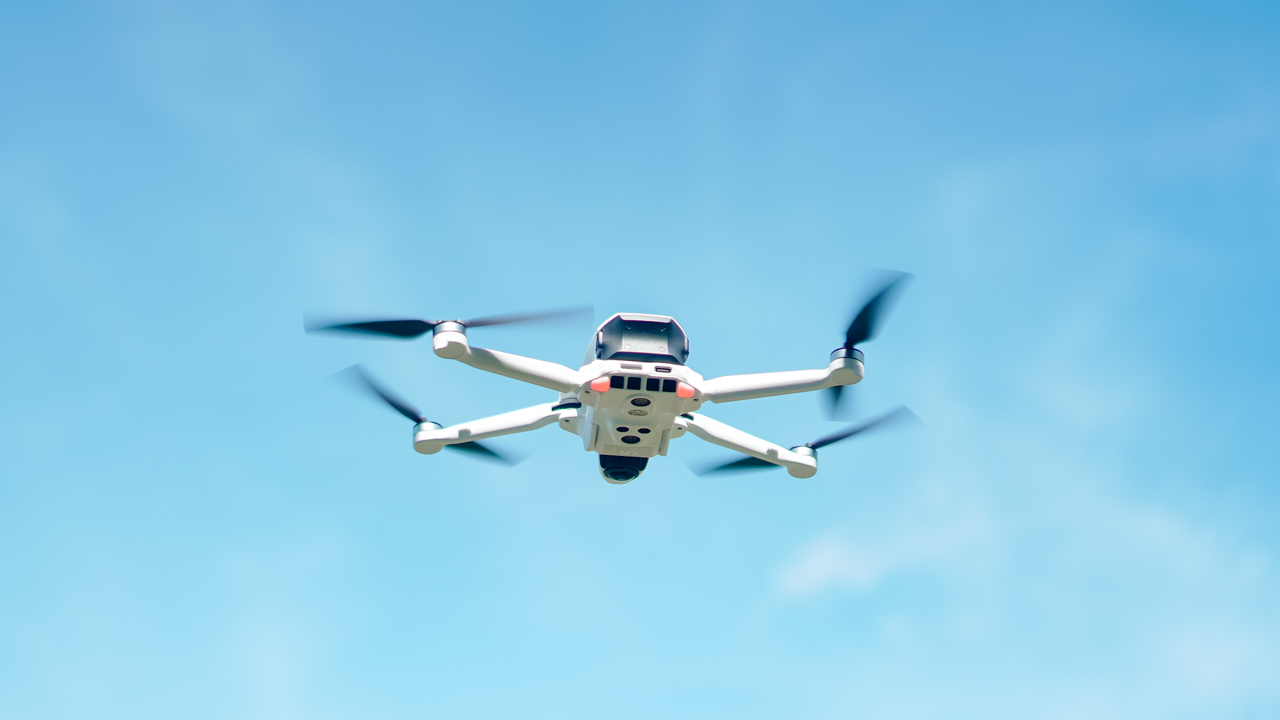
The Antigravity A1 isn’t trying to compete with traditional drones. It’s trying to change the way we capture the world from above. And in many ways, it succeeds.
It’s not the smallest setup. It’s not the easiest to pack. And its wireless transfer issues are frustrating.

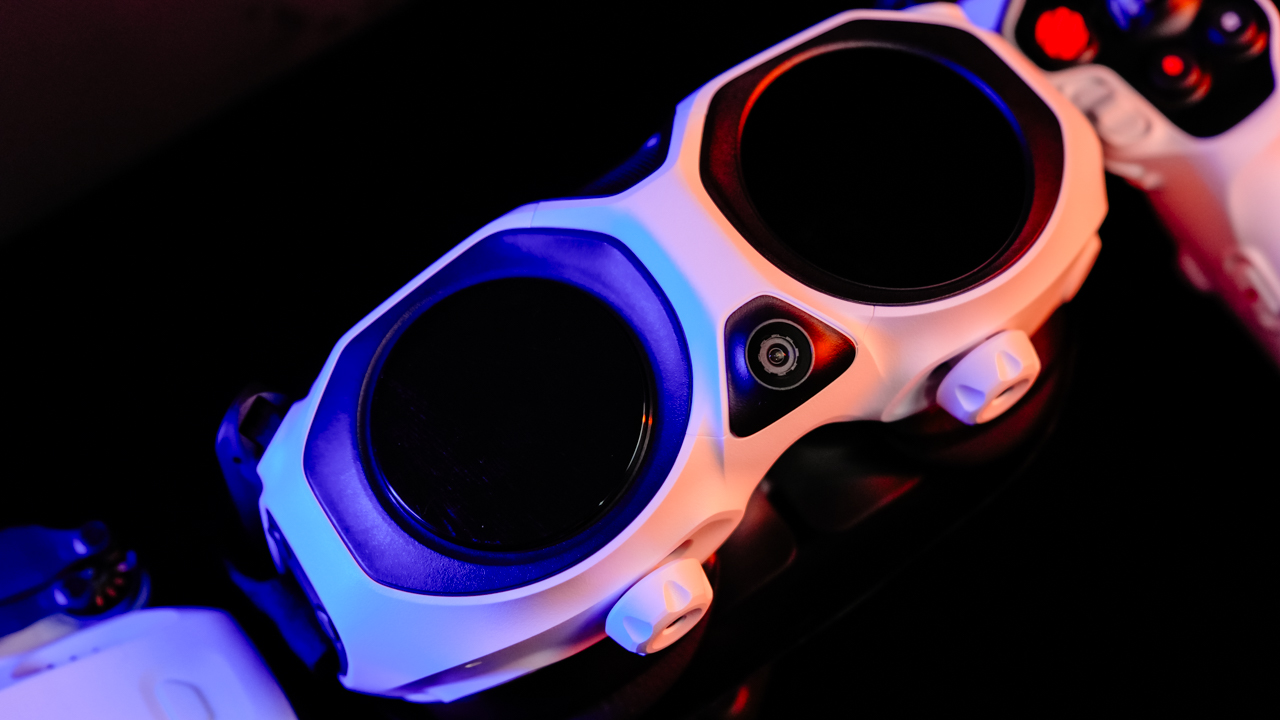
But once you’re in the air, flying through its goggles, seeing a spherical 8K world you can reframe later—it becomes an entirely different creative experience. The kind that makes the weight worth carrying. The kind that makes you want to go out and try something new.
If you’re a creator who’s tired of shooting the same angles and the same predictable drone footage, the Antigravity A1 opens up a new lane.
One that feels a little wild, a little experimental, and a lot of fun.


When I first unboxed the Razer Raiju V3 Pro, my brain immediately went: okay, this is exciting. It had that wow factor — that feeling of holding a piece of tech that’s meant to do something special. It’s the kind of controller that makes you want to jump straight into a game just to see what all the fuss is about.
Build and feel — familiar, but also very not
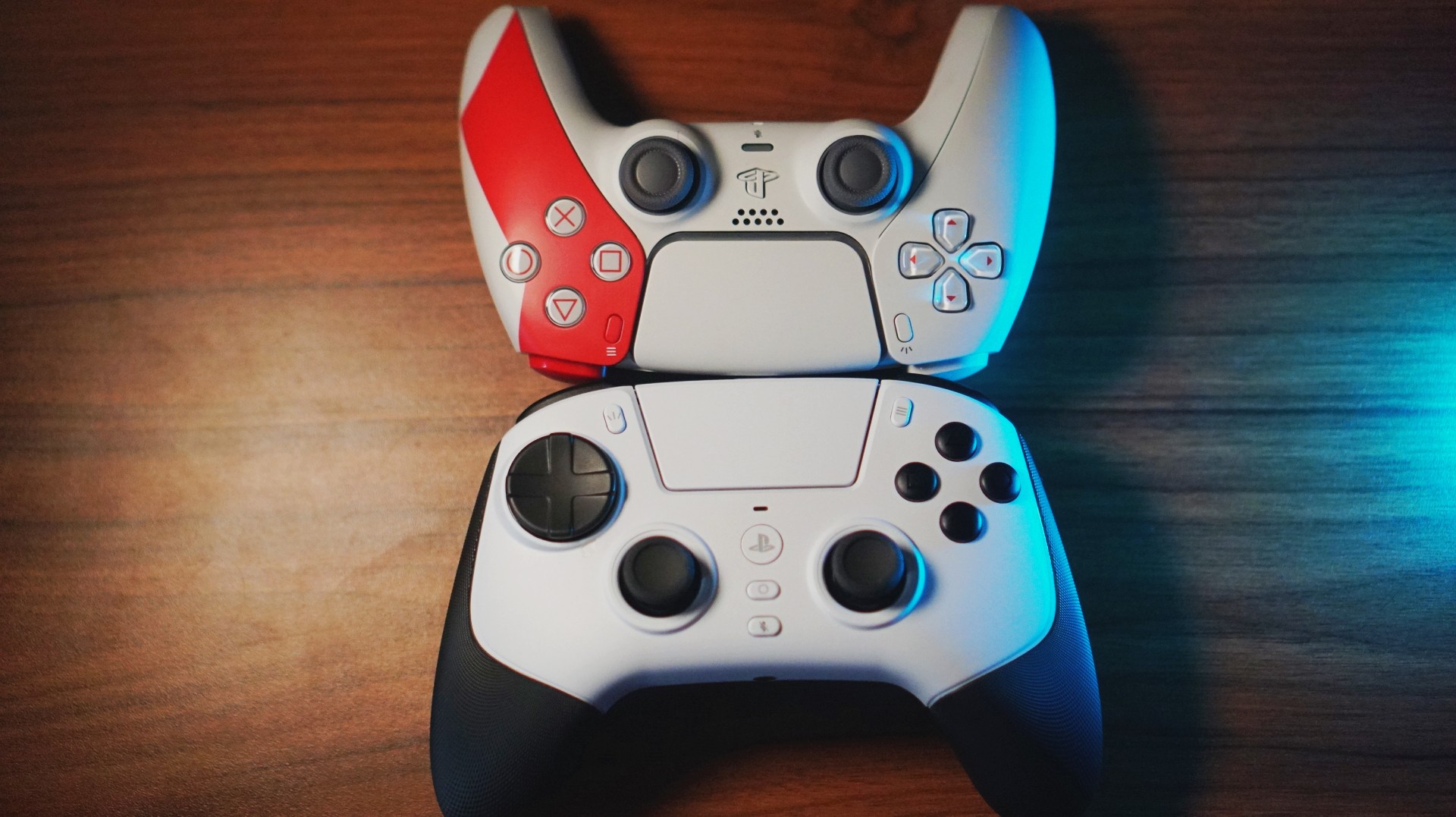
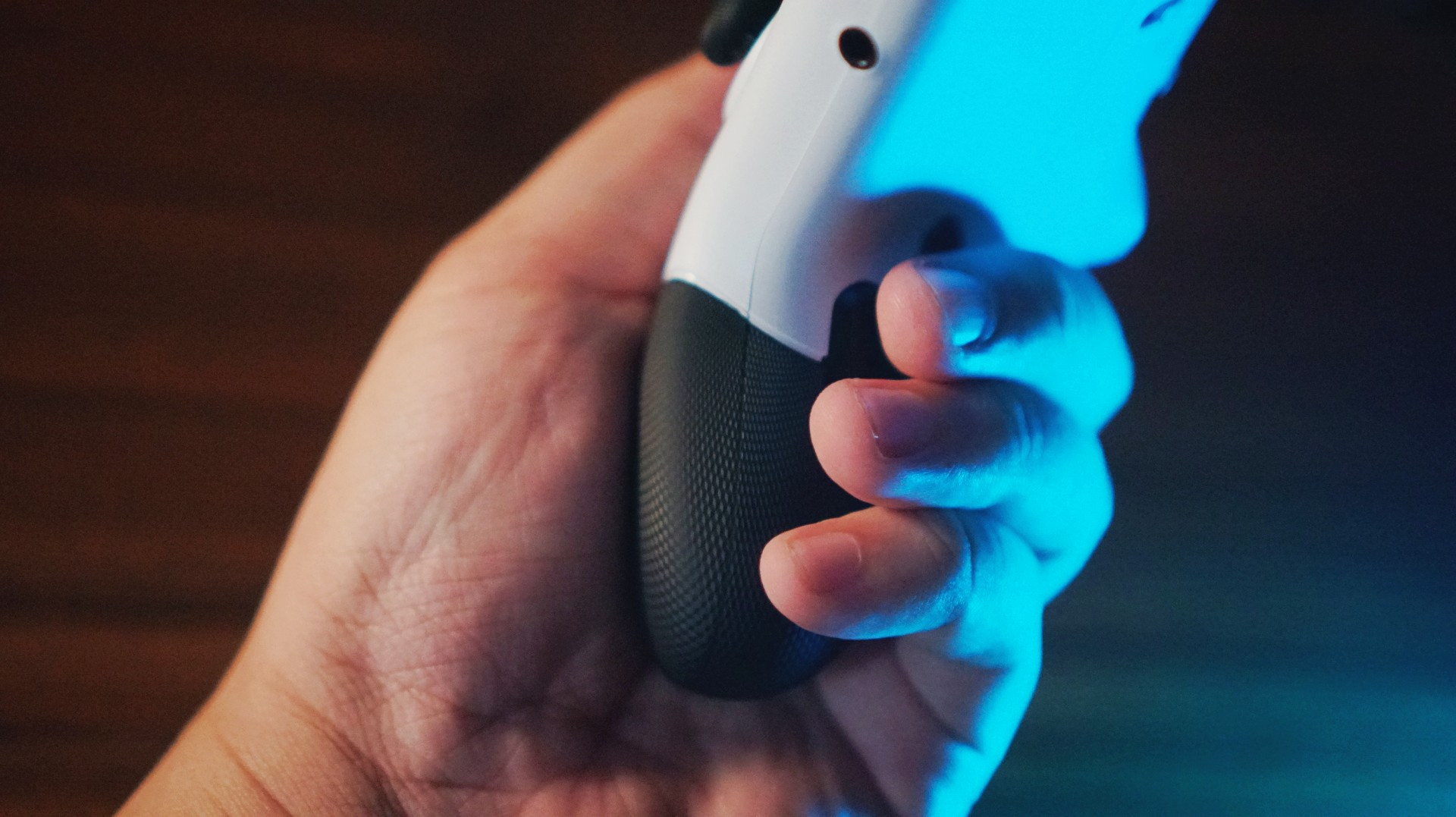
Coming from the DualSense, the first surprise is the weight. The Raiju V3 Pro is definitely lighter, but not in a cheap way. Holding it felt different, wider even, and my hands were a little more relaxed because of that added space.
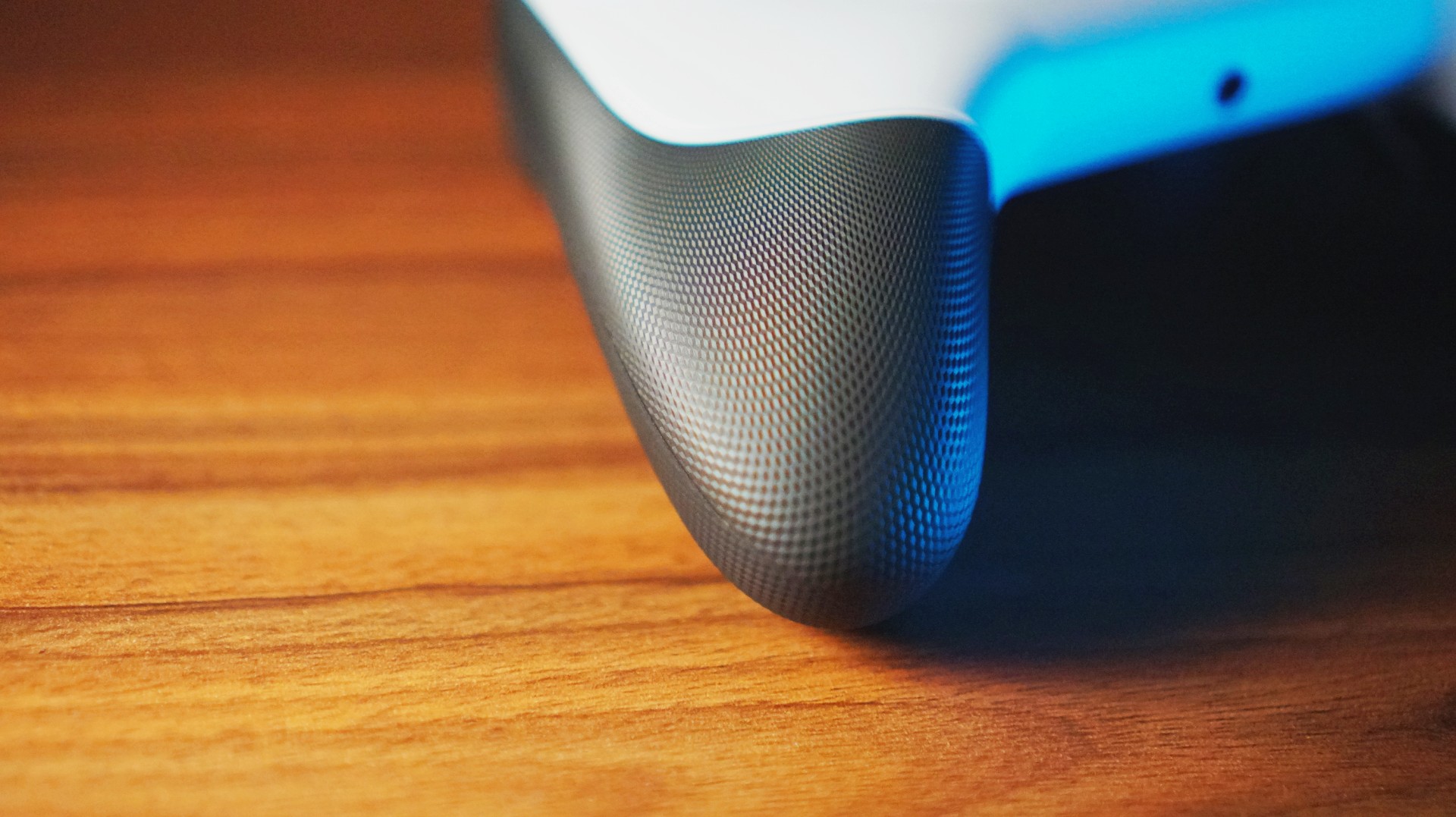
The grip texture is great — no fear of slipping, and it feels particularly good on the bottom of your palm.
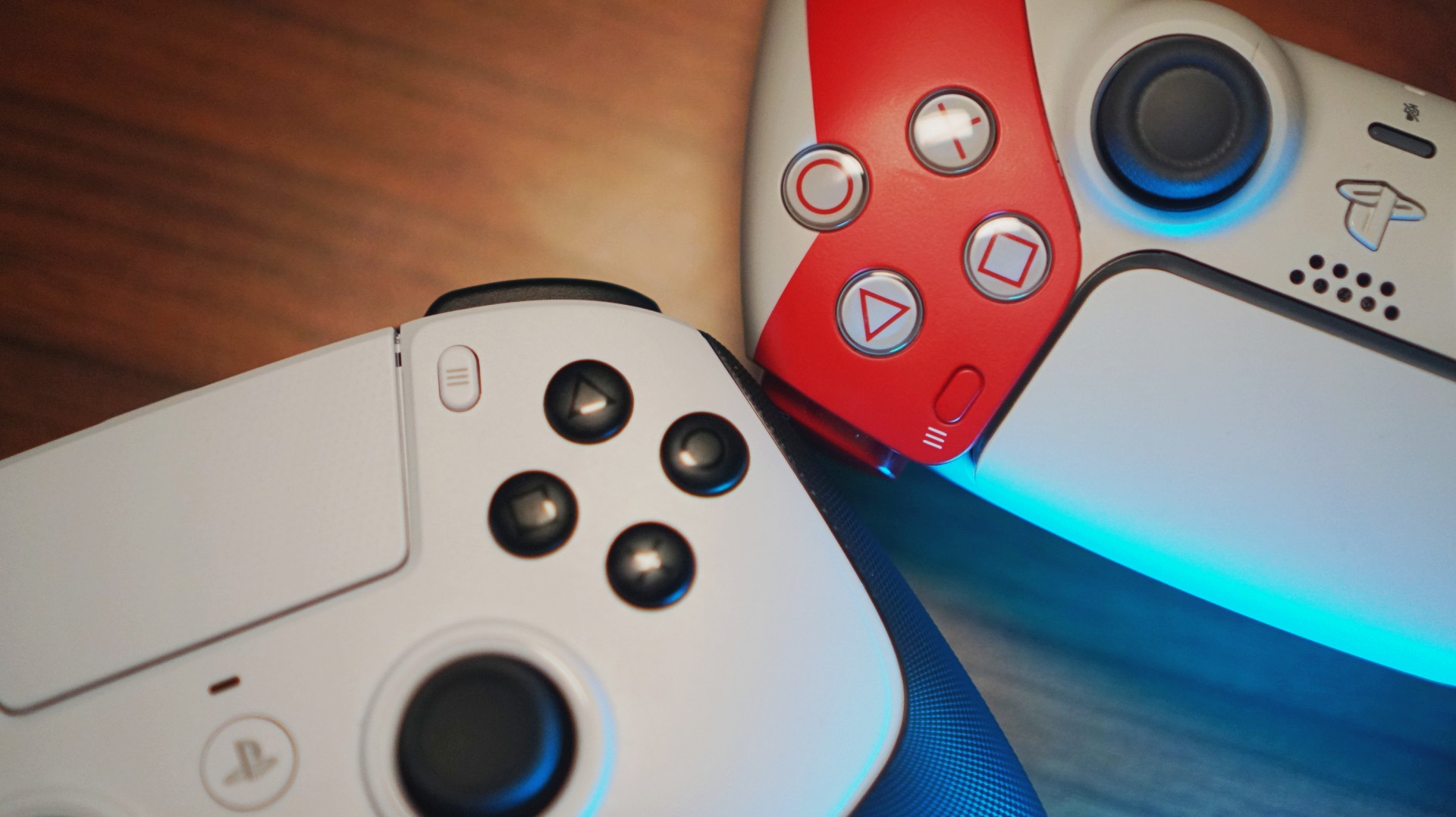
The face buttons? Smaller surface area, longer travel. Premium-feeling overall, though I’ll be honest: I’m not entirely convinced the Raiju V3 Pro’s feel matches its price tag. That’s mostly because I’ve tried some GameSir controllers that felt surprisingly similar for a fraction of the price. But still — this feels like a product built with intent.
Gameplay experience — where it actually comes alive
Most of my testing happened on NBA 2K26 because… well… that’s the game I always end up playing. And this was the moment the TMR thumbsticks flexed. I found myself doing more dribble combos and experimenting with shot styles using the right stick simply because I had zero fear of drift.
I also jumped into a few fighting games — TEKKEN 8 and My Hero One’s Justice 2 — then humbled myself in several Death Match sessions on Call of Duty Black Ops 7. I even swung through Spider-Man Remastered for a bit. Across all of these, the controller felt responsive, fast, and ready for whatever chaos I threw at it.
HyperTriggers and extra inputs — surprisingly useful

The triggers were most noticeable during my Call of Duty matches. I still sucked at it — let’s be real — but I can totally see how better players would squeeze more value out of the locked fast-trigger mode. The surprise twist was how useful the triggers were for fighting games. Having minimal travel made reaction-based inputs feel snappier and more controlled.
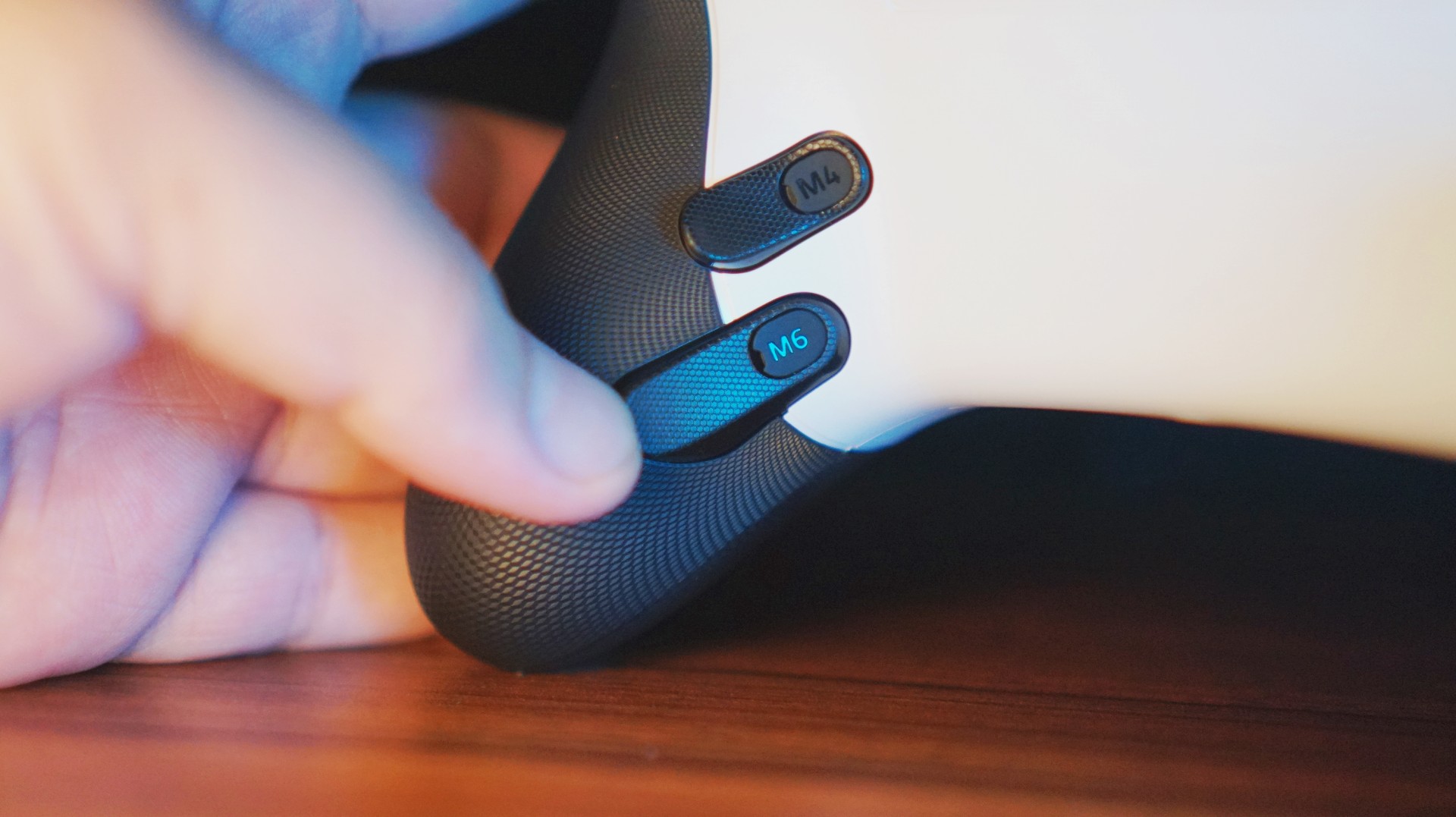
As for the back paddles and claw bumpers: I thought about taking some of them out, but ended up keeping everything on. Eventually, they became little fidget points that didn’t interfere with gameplay.
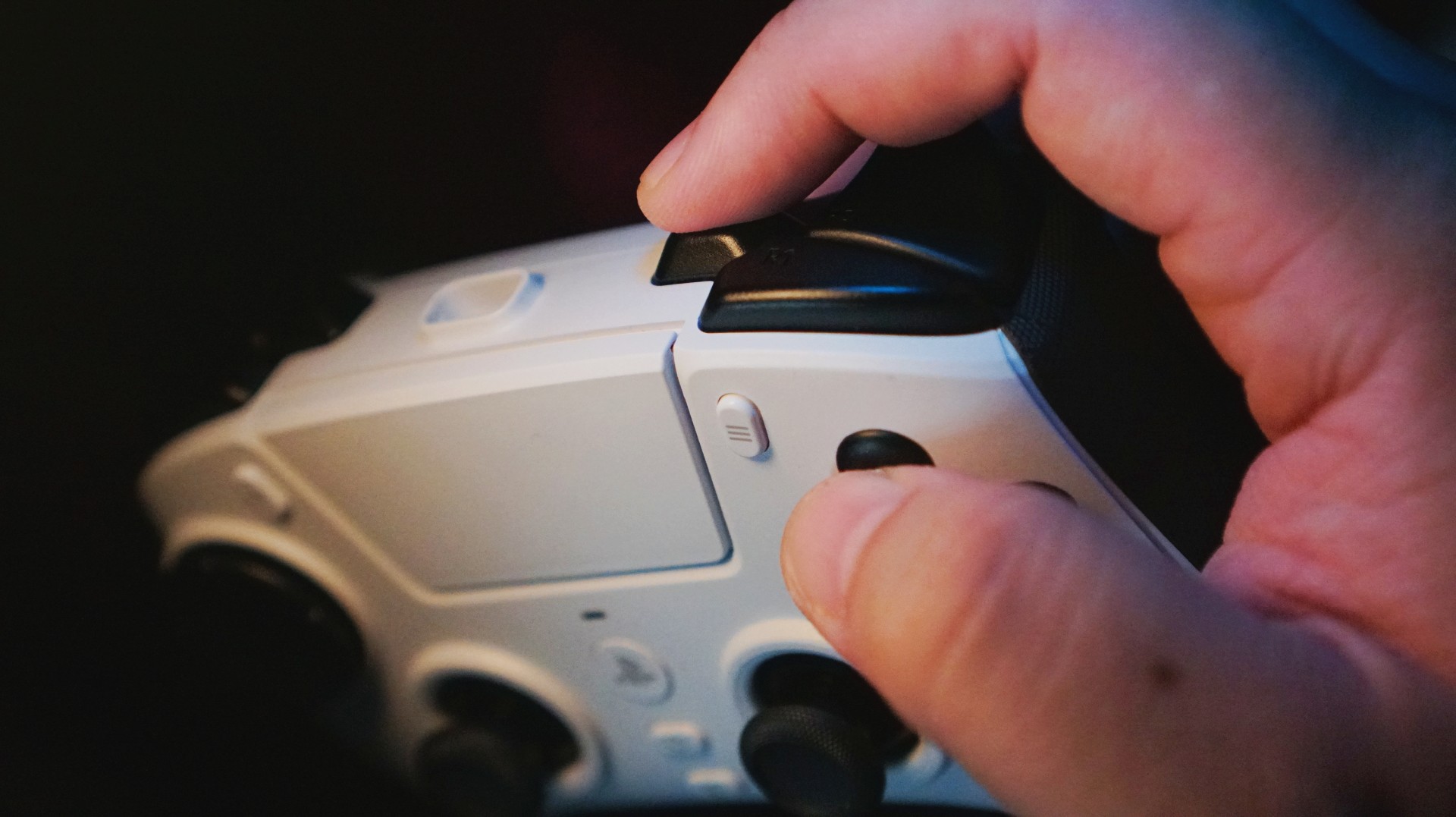
Mapped the extra trigger to Square to make it easier to hit the Triangle + Square combo for self alley-oops.
In practice, I rarely used them because I’m such a muscle-memory player… except in NBA 2K26. I mapped self alley-oops and flashy passing to the extra triggers, which helped because 2K moved those combos around this year.
Thumbsticks — the star of the show
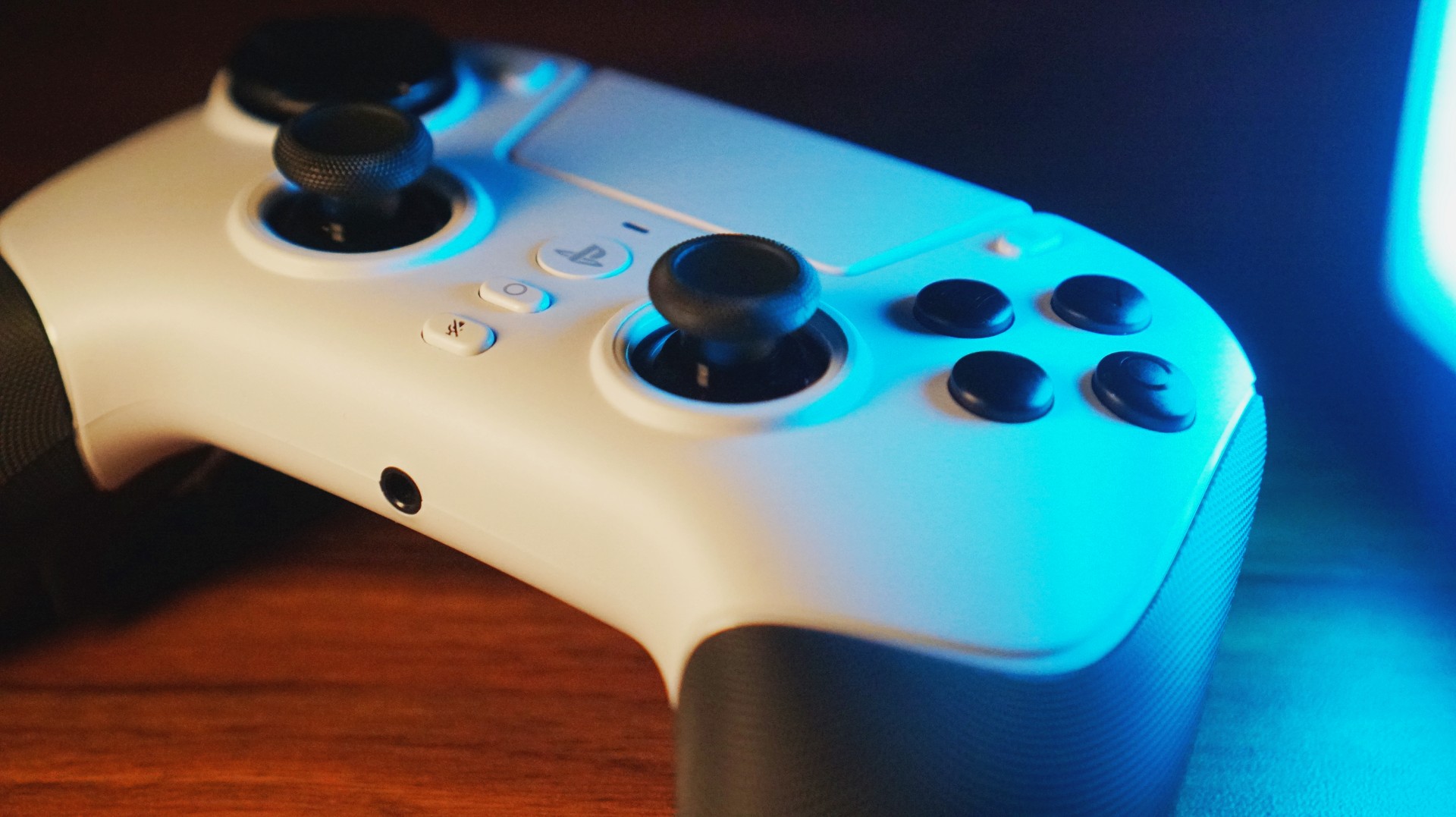
The TMR sticks? Excellent. Smooth, accurate, fluid — all of it. I had fun abusing them without worrying about drift, and NBA 2K26 really let me push them to their limit. COD: Black Ops 7 was harder, but I think that’s more on me than the controller. Maybe a sensitivity tweak or two will fix that over time.
Customization — only what I needed
I’m not the type who loves deep tweaking, so I mostly skipped Synapse. I only used the mobile Razer Controller app to remap the extra triggers. And honestly? That was enough. The controller already felt good out of the box.
Wireless performance — HyperSpeed does its job

No lag. No hiccups. No difference between wired and wireless — seriously. HyperSpeed Wireless worked wonders and felt as reliable as any cable-connected controller I’ve used.
Pain points — minor, but noticeable
There are a couple of things worth noting.
The big one: no haptic feedback. The DualSense’s signature feature simply doesn’t exist here. Razer says this controller was designed with real pro players, and removing rumble seems to be one of those “it’s not needed in esports” decisions.
Honestly? After a while — especially during fast-paced games — I didn’t miss it. Haptics matter more in story-driven titles, and this controller isn’t really meant for those anyway.

One more thing: I couldn’t turn on the PlayStation with the Raiju V3 Pro. I still needed a DualSense for that.
Who is this for?

This controller is for people who play fast-paced, competitive games. Plain and simple.
But it’s also for players who want a controller built to take a beating — the kind that survives long sessions, intense button-mashing, and weekend-long gaming marathons. Its battery life is impressive, too, making it a great backup for when your DualSense suddenly taps out mid-game.
If you want a premium esports controller designed specifically for PS5, this is one of the best — if not the best — option right now.
If you want rumble, adaptive triggers, or a cinematic gaming experience? This isn’t it.
Is the Razer Raiju V3 Pro your GamingMatch?

If I had to describe the whole experience in one line: I’m swiping right because the Razer Raiju V3 Pro is an excellent piece of tech.
But it’s not for everyone, especially not for its asking price (EUR 209.99 / PHP 12,990). You can argue there are cheaper options — absolutely — but most of those lean heavily toward PC.
In the PS5 space, especially for competitive players, this is probably the strongest contender you can buy today.

How the Samsung Galaxy Z Flip7 fit the life I built from the ground up
'tis a compact companion built for busy days, big dreams, and a life in full color~

Antigravity A1 review: A new way to fly
Effortless cinematic flight made simple

Razer Raiju V3 Pro review
Competitive controller that knows exactly who it’s built for

Genshin Impact DualSense controller coming in January

CODE VEIN II: New characters, weapons unveiled in latest trailer

Phantom Blade Zero launching in September 2026; new trailer unveiled

Supergirl gets its first teaser trailer

Here are all the big trailers from The Game Awards 2025


-
Drones2 weeks ago
Antigravity A1 review: A new way to fly
-
Gaming2 weeks ago
Razer Raiju V3 Pro review
-
 Accessories4 days ago
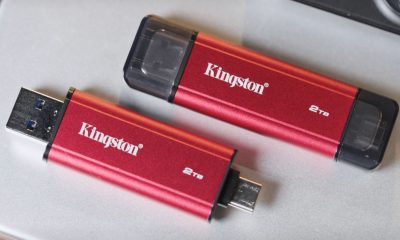
Kingston launches Dual Portable SSD with up to 2TB storage
-
 Reviews2 weeks ago
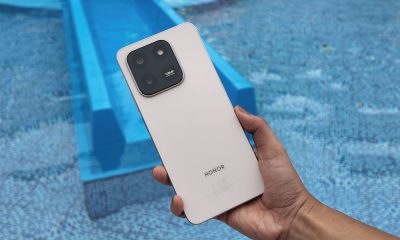
HONOR X7d: Dependable, but not dazzling
-

 Gaming2 weeks ago
Anno 117: Pax Romana helps you get into strategy games
-
 Lifestyle2 weeks ago
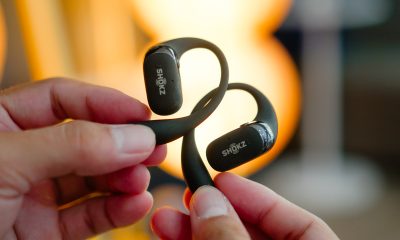
Shokz OpenFit 2+ review: A love letter to an ultramarathoner
-

 Automotive2 weeks ago
Ford announces Mustang Mach-E, new Ranger in the Philippines
-

 Gaming2 weeks ago
Helldivers 2 reduces gigantic file size by 85 percent