
Explainers
What’s the difference between RAM and internal storage?


RAM? Memory? 32 gigabytes of internal storage you can expand using a microSD card? What does this all mean?!
We admit to throwing around lots of techie jargon when we talk about smartphones and computers, but we’ll now take a step back to talk about what RAM does and how it differs from typical data storage.
Random Access Memory
When we talk about RAM, we’re referring to Random Access Memory, which is often just called memory. Practically every task you perform, whether it be opening a web browser or camera app, has the gadget’s processor temporarily store data in the memory while it’s in use; when a device shuts down or restarts, the entire memory clears up.
So, why have something that doesn’t keep data for long periods of time? RAM serves an important purpose in every computing device, and that’s to speed up the system. By having its own little space for dumping and retrieving data at rapid rates, the processor doesn’t have to access the system’s larger, slower internal storage.

Here are four sticks of RAM inside a desktop computer
Using RAM is a lot like going through the smartphone in your pocket to quickly find information, rather doing a search using the desktop computer nestled in your home. It’s all about speed and convenience; that’s why it’s needed
In theory, the more RAM you have, the better, since it allows your device to store more temporary data at once. At the same time, having too much memory can be a bad thing. It’s terribly inefficient to make your smartphone or computer constantly look around unused space to find just one piece of data.
A Huawei executive recently claimed that 4GB (gigabytes) of memory is more than enough on a smartphone (for now), and is the reason why the P10 doesn’t have as much RAM as, say, the generous 6GB of the OnePlus 3T. He added that it’s more beneficial to have lots of internal storage than excessive memory. Let’s delve into that next.
Internal Storage
This is as straightforward as it gets: More storage means more space for all your personal files, apps, and operating system. Unlike RAM, you can always expand your storage to fit more files. In the case of smartphones and tablets, you can extend the capacity by inserting a microSD card or accessing your favorite cloud services, such as Google Drive or Dropbox.
For laptops and desktop computers, you always have to option to add an additional HDD or SSD, or simply plug in a flash drive to an available USB port. As long you make use of all that space, there’s no need to hold back in purchasing more.

For smartphones, the RAM, storage, and processor can all be found on a tiny SoC (System on a Chip) like the Qualcomm Snapdragon 835
And so, while RAM and storage are measured in similar ways, they have distinctly different purposes in a system. More importantly, they must work together — along with the device’s heart, the processor — to keep your gadget running as smoothly as possible.
SEE ALSO: SSD and HDD: What’s the difference?
[irp posts=”9623″ name=”SSD and HDD: What’s the difference?”]
Image credit: Ram Joshi





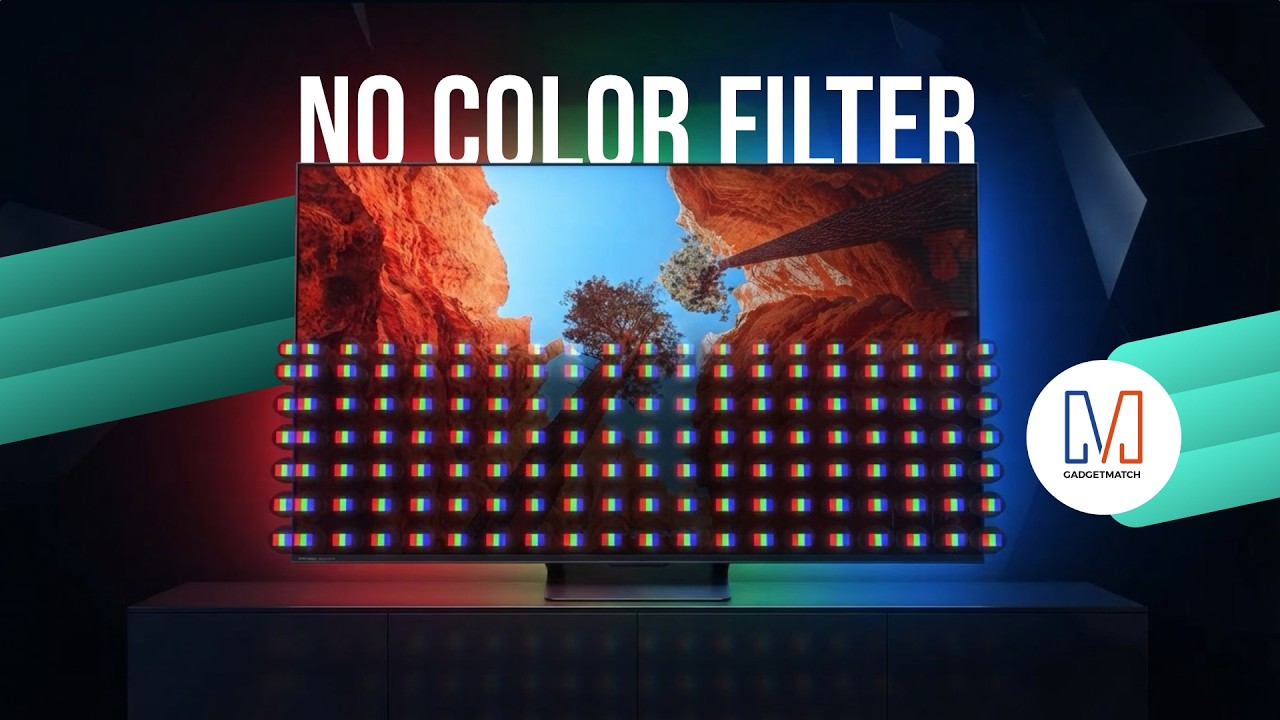
TV technology is changing in a way you can’t see. And it starts with how color itself is made.
Hisense’s new RGB MiniLED technology could change the way we see TVs.
Here’s our spotlight on their latest Hisense UR8 offering.
Check out the Hisense UR8 TV: https://bit.ly/4cxo6xl
Explainers
Everyone’s angry at PlayStation’s new no-disc policy, and this is why
It’s a tragedy for nostalgia, ownership, and preservation.

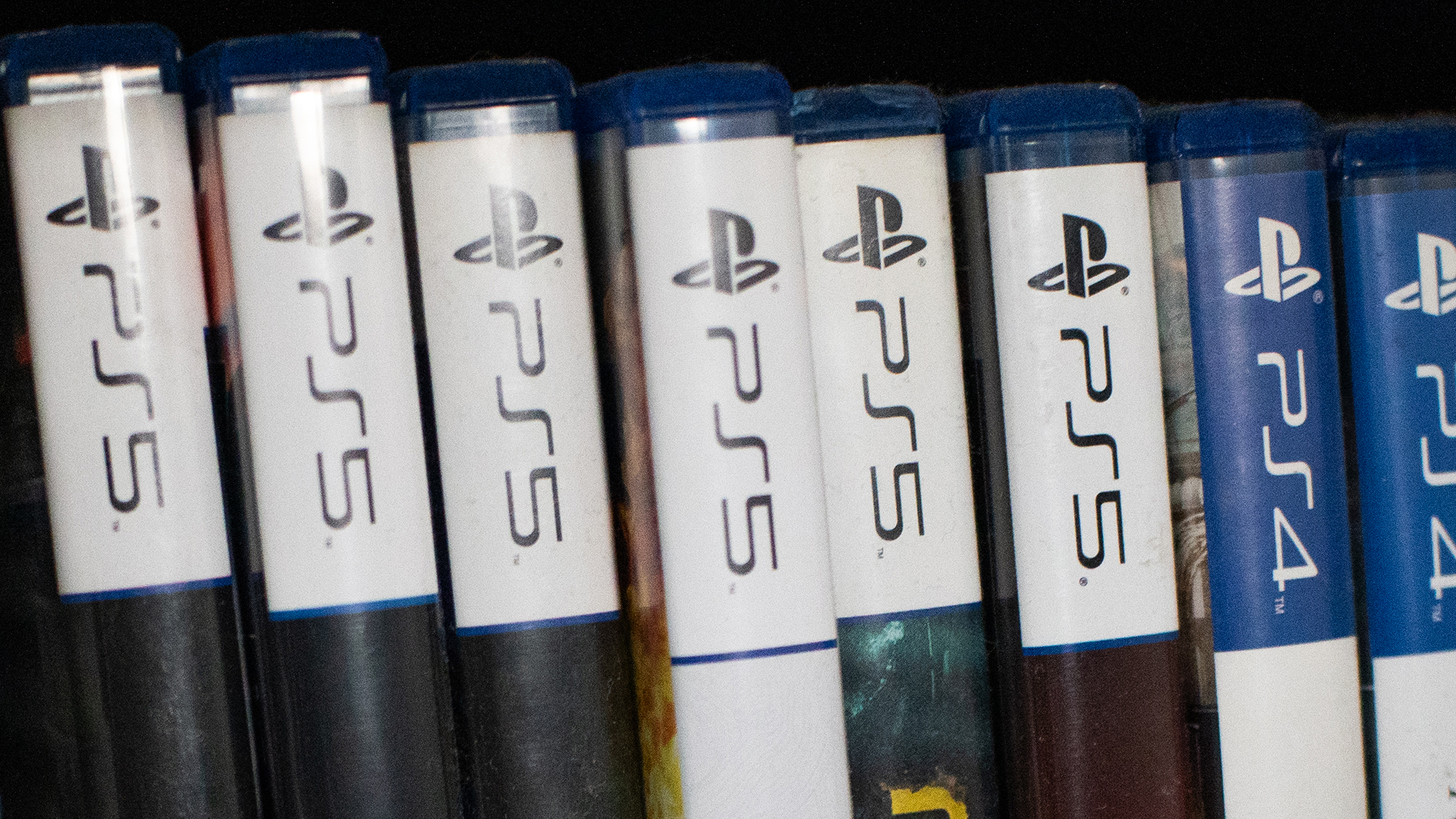
Check in with your gamer friends today. Today, a lot of gamers are up in arms over Sony’s decision to kill the physical game disc starting in 2028. But, if you’re a digital-only gamer or just not a gamer yourself, you might not understand the anger. If you want to understand the ire or just want to relate with your gamer friends, here’s a primer for you.
Ending the era of the physical media
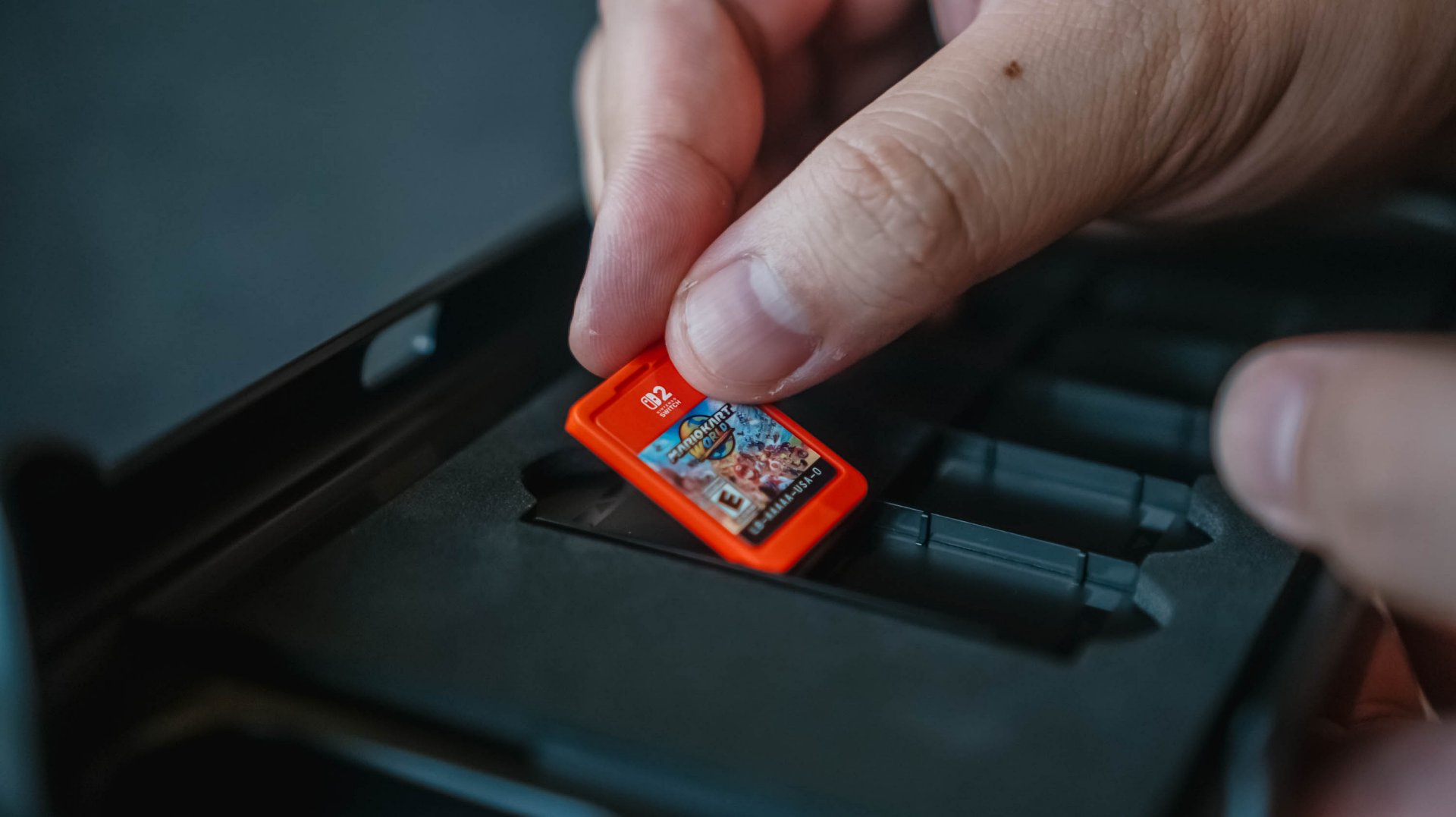
Last year, Nintendo launched the Switch 2. Though the console still has a slot for physical cartridges, the Switch 2 also introduced the Virtual Game Card as a way to digitize your library of games.
Of course, the feature wasn’t positioned as a way to eliminate physical cartridges. In fact, Nintendo just wanted to add the flexibility of physical cartridges to the digital world. In the end, the feature strangely coincided with less cartridges. For example, Pokémon Pokopia, one of the most popular games this year, does not come with a cartridge even if you buy a “physical” copy in a brick-and-mortar store. It was a portent of things to come.
Fast forward to today, Sony has made the monumental decision to stop producing physical game discs starting in 2028. The PlayStation’s future is completely digital.
On a similar note, Microsoft is also experimenting with a disc-to-digital feature. Much like the Nintendo Virtual Game Card, the experiment will digitize libraries and attaches the digital copy to the physical game disc. It sounds awfully like a prelude to killing off the game disc.
Why this matters
The physical disc is synonymous with a simpler time. It represents a time when gamers camped out stores to anticipate midnight releases, when gamers can learn more about their games through an in-box manual, and when gamers can show off their fandom through a beautifully stocked shelf of games.
And yes, that’s part of why this situation sucks, but it’s not the only reason.
If you’re an outsider looking in, this nostalgia factor is the easiest to see. Then again, it’s also the most difficult to relate with, especially if you’ve never had the history of buying physical games.
The more crucial reason — and the one that most people will relate with — is media ownership. By not having a physical copy, you will no longer have ownership of what you bought digitally.
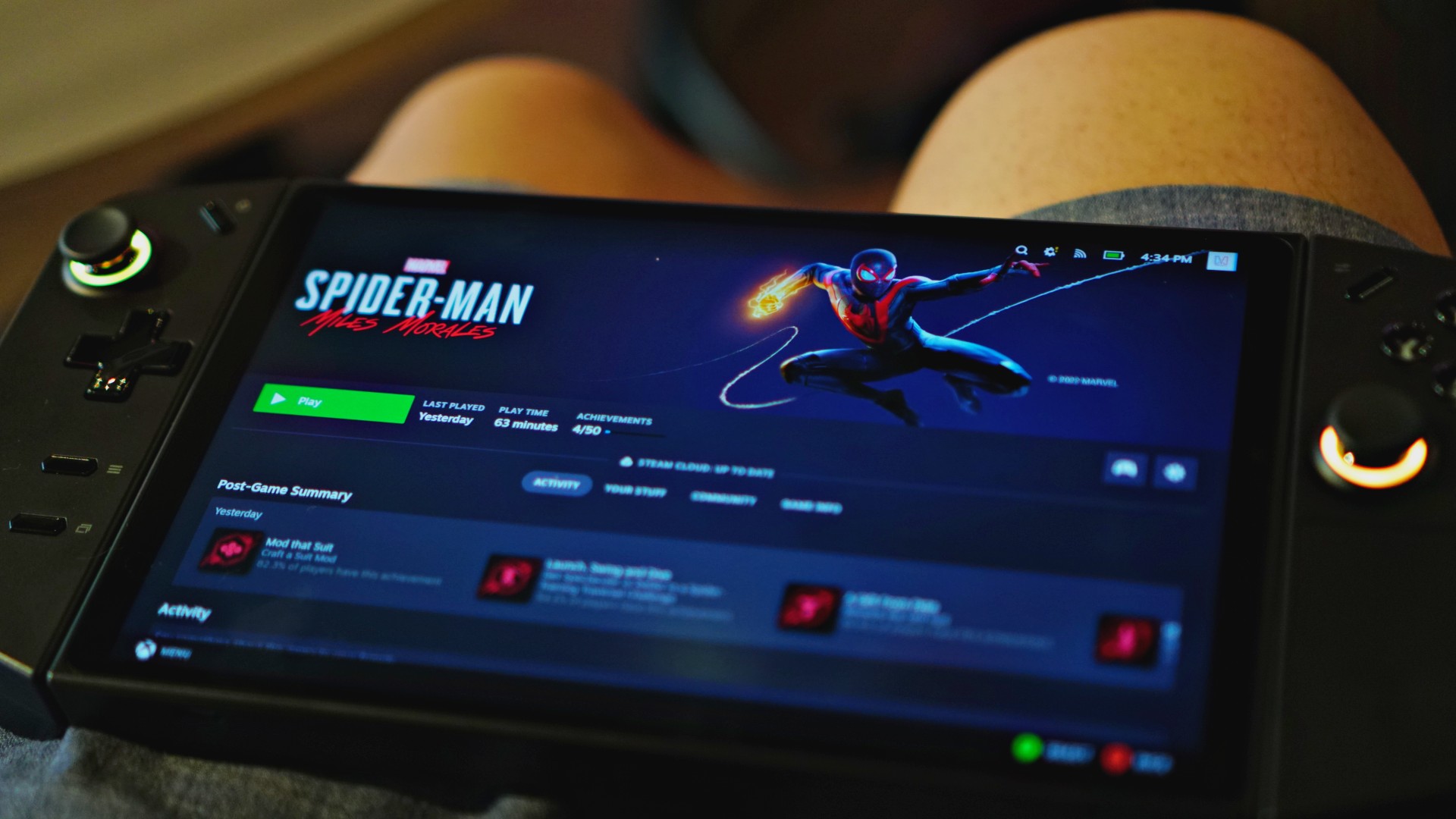
And it’s not an imaginary issue. In 2024, Steam amended its policies to reflect that players do not own the games they buy. Rather, they simply own a license to play the game.
In the same year, Ubisoft delisted The Crew, a sure sign that the new policy means business. Though Steam itself has a relatively good track record of prioritizing its customers, publishers and developers can get rid of games if they choose to.
That limitation doesn’t exist with a physical copy. As long as you have a working disc drive, you can install a game whenever you want, even if the publisher decides to pull it from stores.
Therein lies how much this is a touchy topic. Should you own digital goods in the same way as you own physical ones? If the answer is yes, then selling only the license for the good doesn’t make sense. But if it’s a no, we shouldn’t pay full price for something we don’t own anyway.
Will PlayStation actually delete games?
Now, just because they can, does it mean that they will?
Right now, it’s hard to say. You can certainly go by the optimistic hope that PlayStation would never do something as anti-consumer as that. And yes, there are times when you’d be right.
Plus, there is a good chance that governments, especially those in the European Union, will protect consumers if PlayStation even thinks about deleting a game that others have paid for. Governments have been known to intervene in the past, such as when the EU forced Apple to adopt USB-C as a standard. There are checks and balances available.

Then again, Sony has had recent history of deleting media from a user’s library.
Only a few days ago, PlayStation made headlines for deleting over 500 titles from their library. Starting September 1, users can no longer access movies distributed by Studio Canal, due to licensing agreements. Sony was unapologetic about unceremoniously deleting this content. No refunds, no apologies; just 500 movies, which you thought you bought, gone for good.
No matter how you angle it, Sony’s recent decisions just don’t bode well for media ownership.
You can argue that this is the price we’re paying for not buying enough physical games. Still, losing PlayStation discs, even as an option, is tragic for nostalgia, ownership, and preservation.
The world we live in
Unfortunately, this all comes with precedent. Unless you buy physical games and movies, we already don’t own anything in today’s world.
Outside games, Netflix and Disney+ remove the ownership of movies and shows from us. It’s already common practice for these platforms to remove titles regularly. Some platforms even give you a last chance to catch these titles before they go away. Moreover, they can even restrict access, like with Disney+, if you travel abroad.
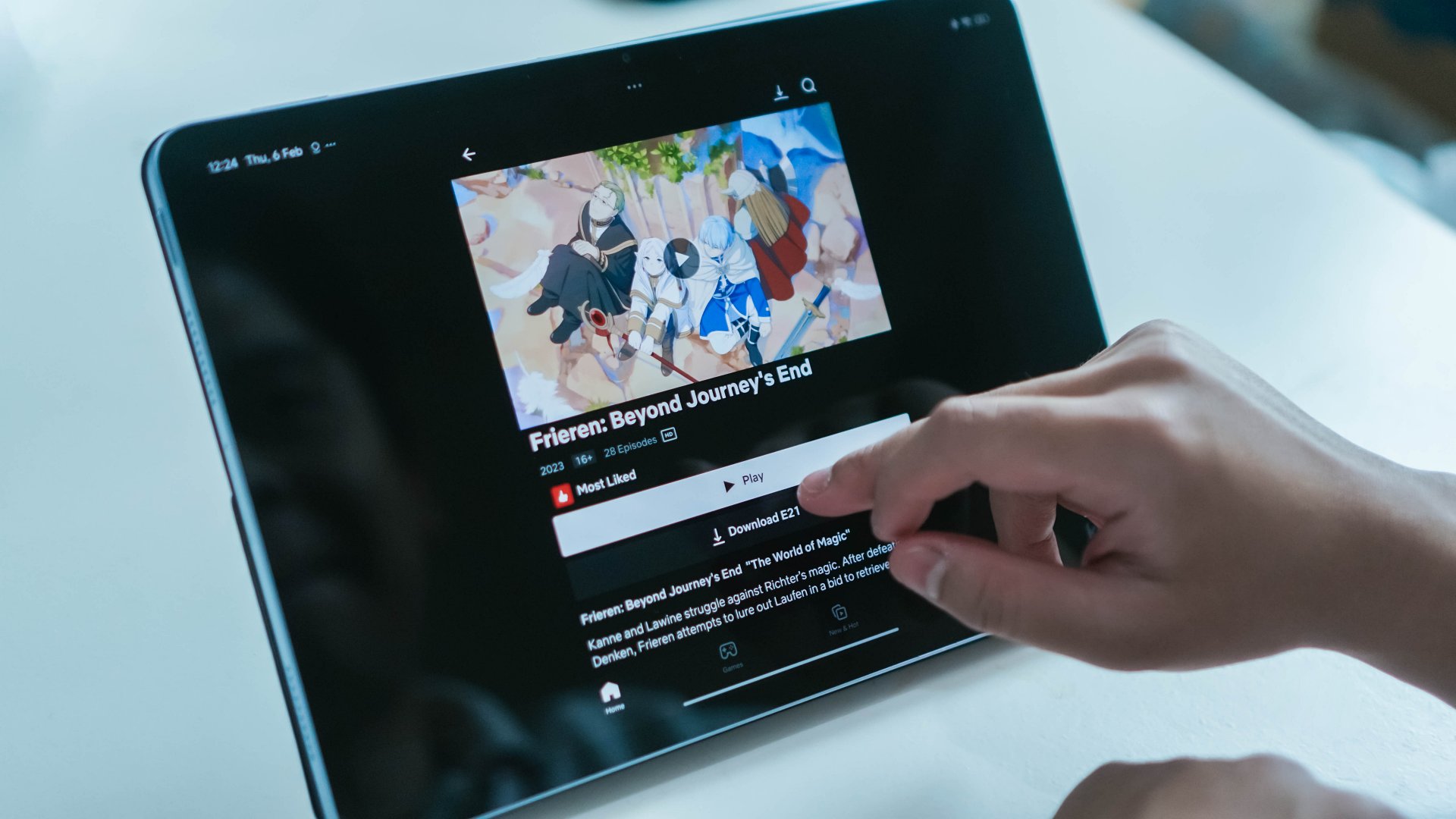
In exchange for convenience, subscription services and digital storefronts have made it all too comfortable to not own media. With a rental service like Netflix, that’s all expected, but we’re now at the inevitable stage when even bought games and movies are at the behest of our corporate overlords.
This is where the fury comes from. Companies are getting more brazen about taking more options from us. Between this and the increasing prices of RAM, it’s getting harder and harder to live as a tech-savvy citizen in today’s age.
Computers
Samsung’s SECRET That Made OLED Even Better
Say hello to the new QD-OLED Penta Tandem display tech by the Korean giant

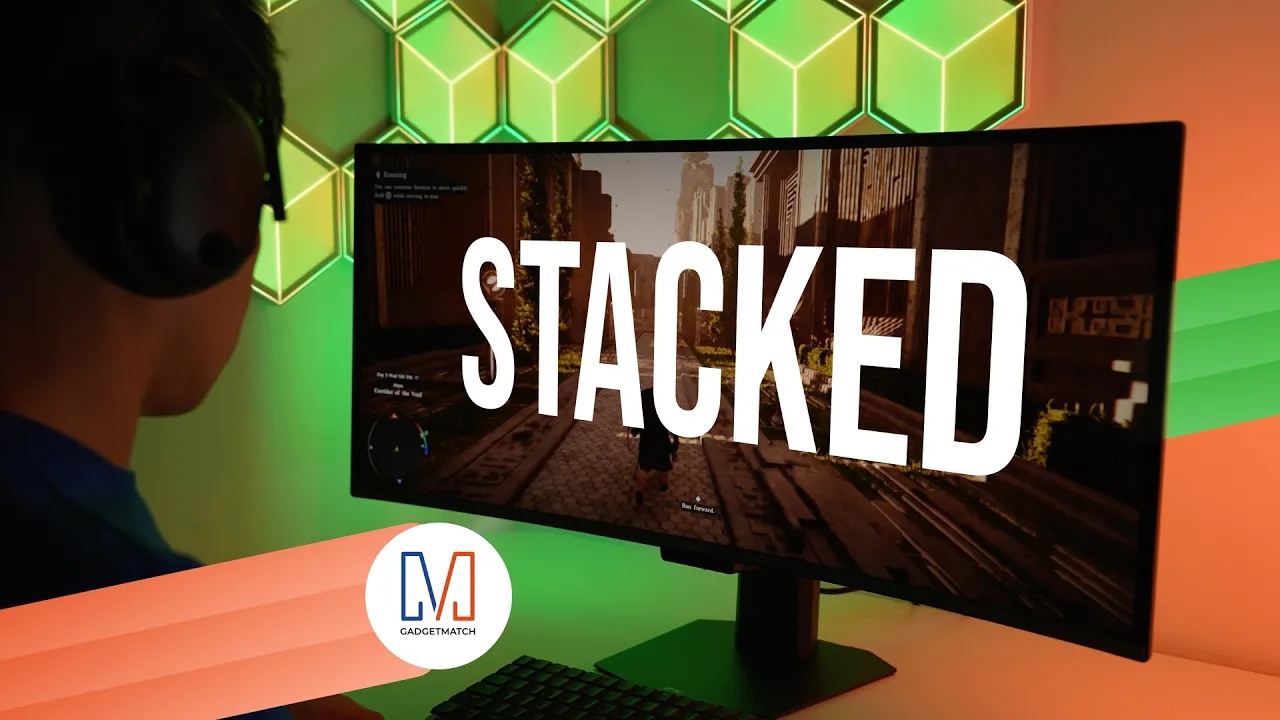
Samsung Display just unveiled QD-OLED Penta Tandem technology. This is a next-generation display structure that stacks five emission layers to improve brightness, efficiency, and overall OLED performance.
In this video, we simplify what Penta Tandem actually is, how it works, and show you two monitors that already have the technology — specifically from MSI and Dell.
For more details, check out Samsung Display here.


REDMI Note 17 Pro Max review: A new breed born from AI greed
Welcome to the new normal


Marvel’s Wolverine review: When the claws come out
A brutal, cinematic superhero adventure


Setting your bedsheets ablaze with the Lovense Solace Pro
The closest proxy I could find where I'm guilty as sin
REDMI Note 17 Pro Max review: A new breed born from AI greed

REDMI NOTE 17 Series: Price, availability in the Philippines

Max vs 100 will feature Max Verstappen race against 100 go-karters

Apple’s best feature to cure motion sickness is finally on Android

Valve unveils price of the Steam Frame

TECNO MEGAPAD 2 review: Eyes on the size

realme 16T 5G with 8000mAh battery, IP69 Pro rating launches in PH

HUAWEI Pura X View is 2026’s first WIDE slab-type smartphone

REDMI reveals the refreshed Note 17 and Note 17 Pro series

REDMI Note 17 Series focuses on long-term reliability


-
 News1 week ago
HUAWEI Pura X View is 2026’s first WIDE slab-type smartphone
-

 News1 week ago
The CAMON Slim 5G is TECNO’s latest ultra-slim smartphone
-

 Cameras2 weeks ago
DJI Osmo 360 II review: Going all-in on the ecosystem
-

 IFA 20262 weeks ago
TECNO MEGABOOK T15 360 unveiled at IFA 2026
-

 Gaming2 weeks ago
NBA 2K27 review: A two-way All-Star
-

 News6 days ago
iPhone 18 Pro series: Price, availability in the Philippines
-

 IFA 20262 weeks ago
TECNO’s POVA 8 Pro gets a stealthy makeover
-

 Automotive1 week ago
Ford’s new Everest lineup brings V6 engine to the top, tech down the line