
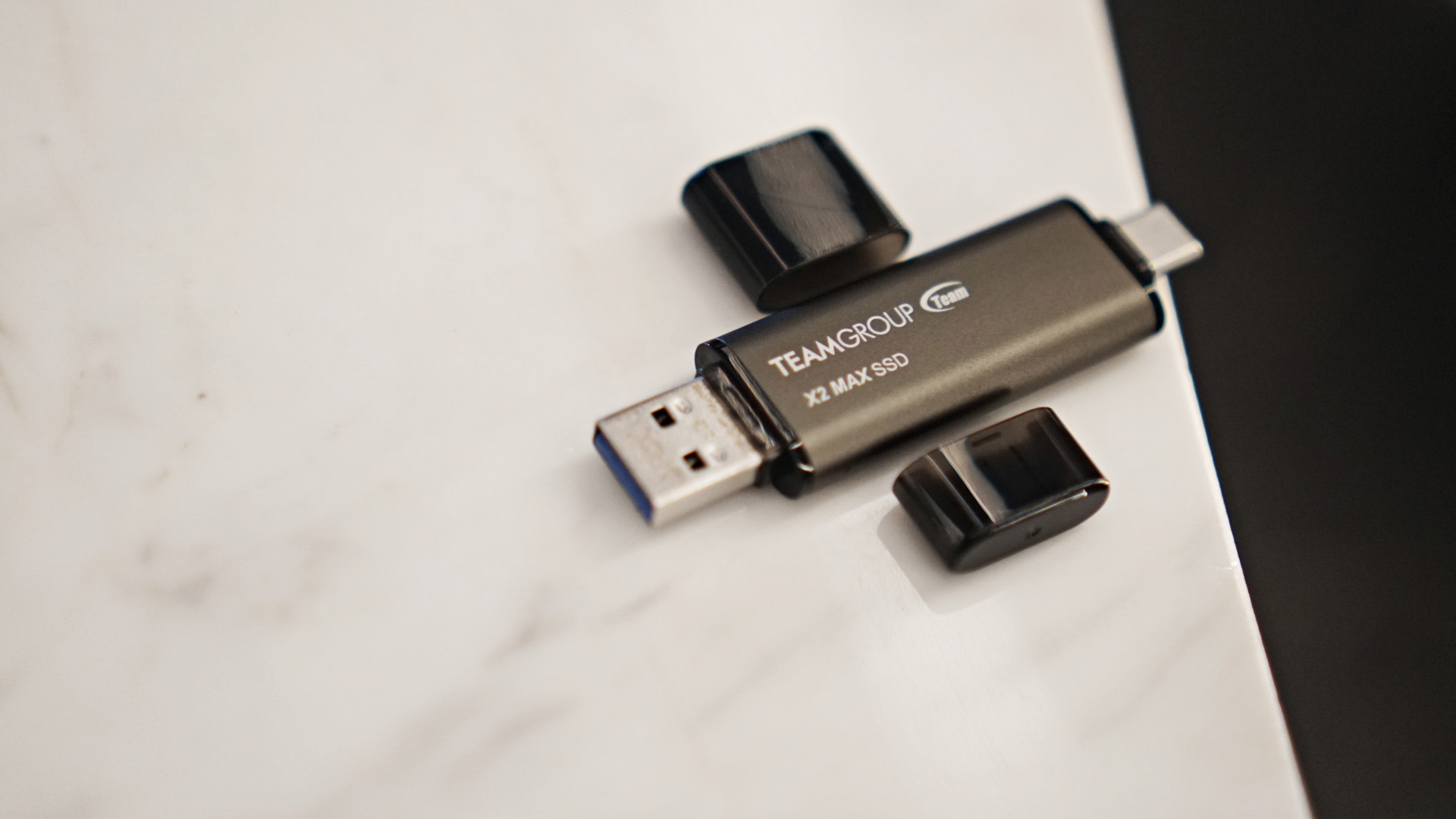

As someone who reviews multiple devices for weeks and months at a time, it can be hard to keep track of all my files. That’s especially true for the laptop reviews I handle. Part of the tests include actually using the SSD equipped on those machines. That means storing my actual work files on them. But that also means my files are scattered.
I’m not the most organized person in the world. I just happen to recall where most of my files are. Either that or I just have a system that works for me where I happen to know where the files I need are at. It’s not perfect and I am in the process of streamlining everything. That’s where the TeamGroup X2 Max portable SSD comes in.
There are a couple of key ‘events’ that transpired during my testing of what we’ll from here on out call the X2 Max – for brevity. First is when I used the X2 Max to facilitate my switching of the Legion Go S from Windows to Steam OS. Second is an ongoing matter where I use it to consolidate my work files.
Let’s start with the first one.
Overqualified host for switching OS on gaming handheld
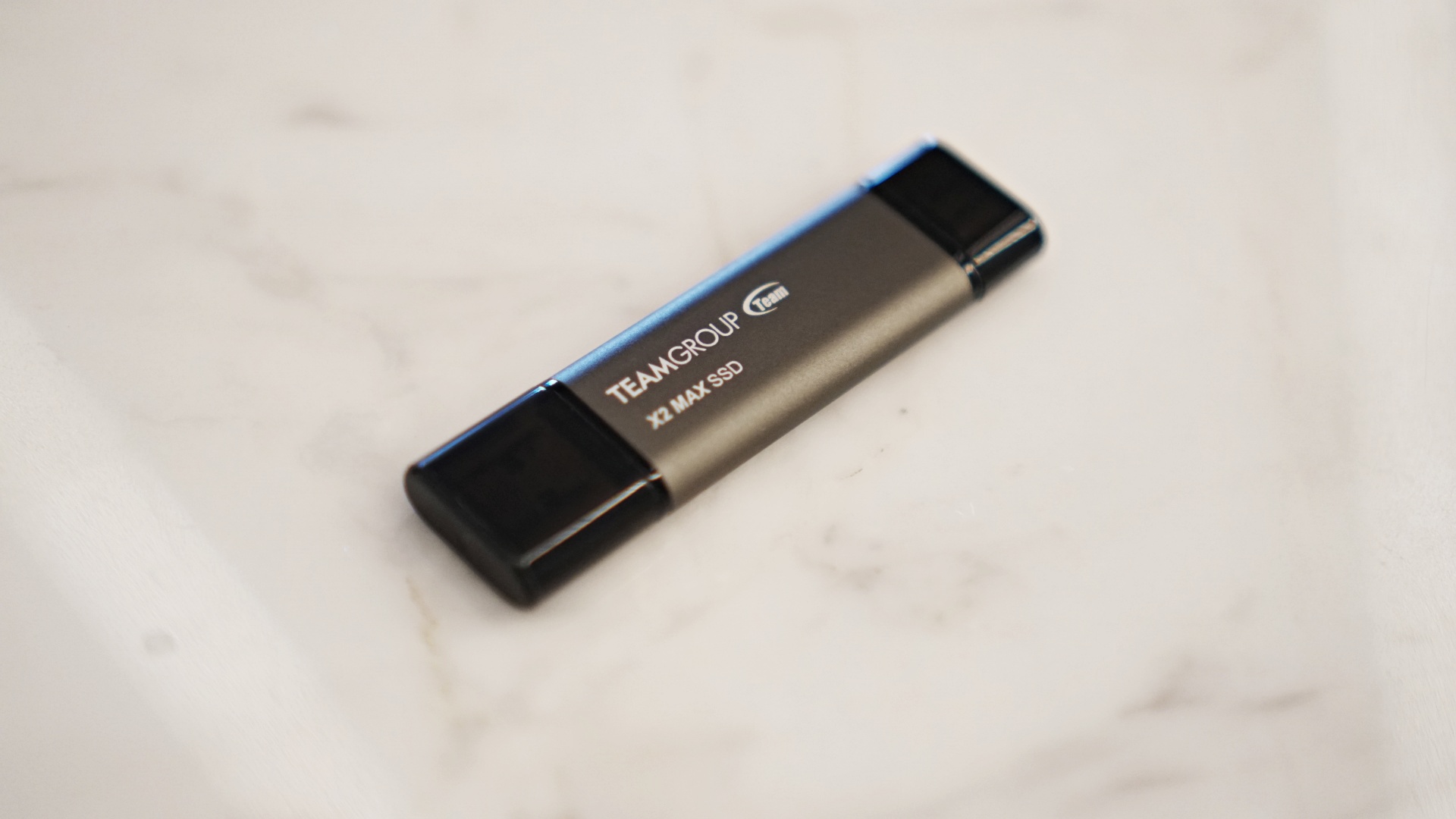
I returned from our Computex coverage with the X2 Max and just as I arrived, we locked in a collaboration with Lenovo to feature the Legion Go S. At first I thought it was going to be the Steam OS version but instead it was still the Windows one.
I asked permission from Lenovo to switch it to SteamOS and they were okay with it. So, the next task was actually doing it.
I’ve done my fair share of changing OS and flashing devices before. However, it’s been a while since I did anything of the sort so I may have taken some missteps. One of them involves the X2 Max.
Part of the process includes using a thumb drive to boot the SteamOS from. The X2 Max was the only one in my immediate vicinity so I grabbed that and proceeded with the process.
By the way, I’m using some words very loosely here. If this is something you ever find yourself doing, just carefully follow the steps outlined by Valve. I digress.
So, I did the things successfully. But the process also meant that the X2 Max was reformatted. And since my expertise in this area is limited, it took me a while to get the X2 Max back to full capacity. In fact, as of now, I still don’t have access to about 200GB of the available storage. But that’s a problem for Future Me.
Transferring games
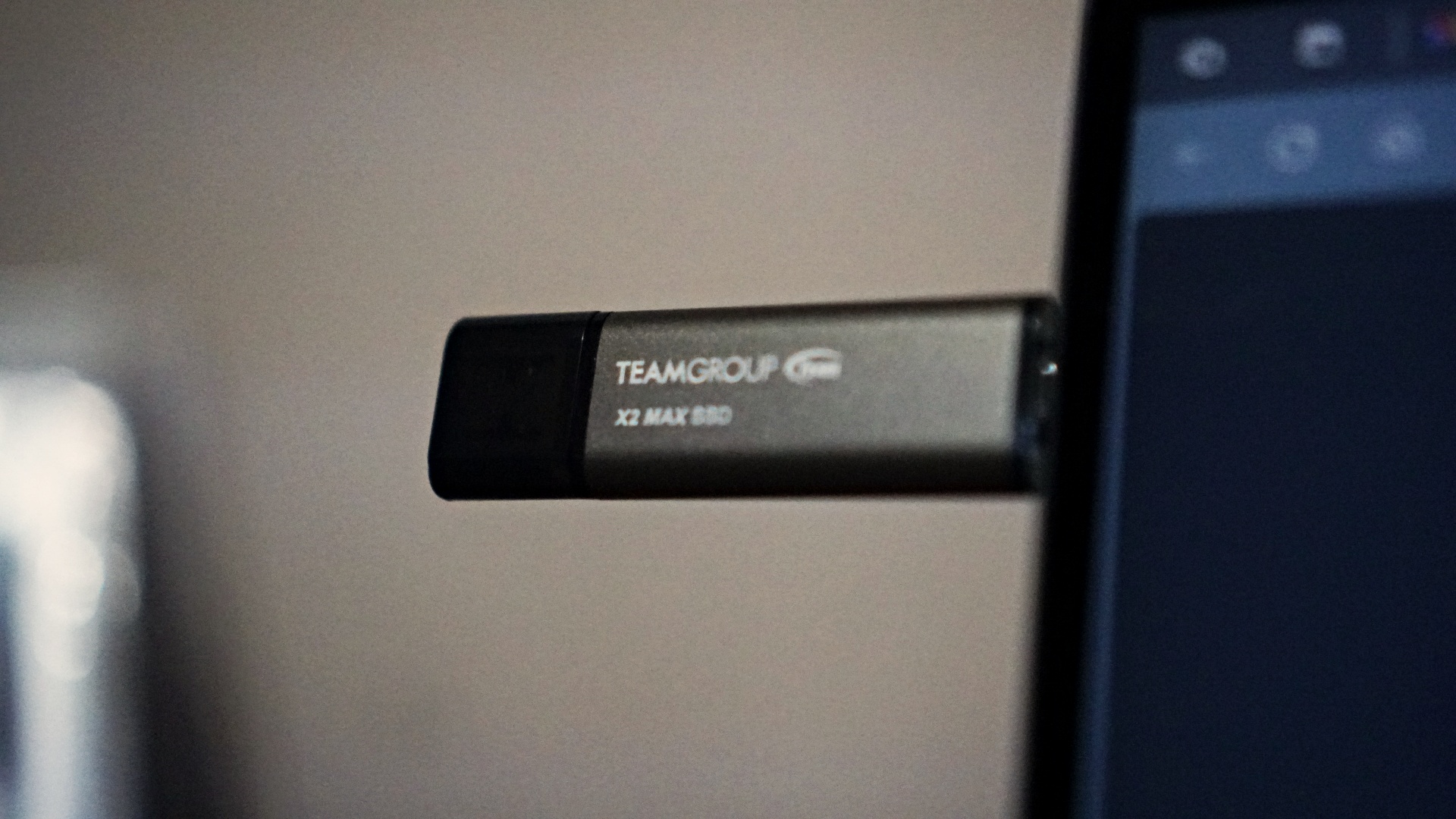
Naturally, it didn’t stop there. I used the X2 Max to transfer some of the games from my gaming laptop to the Legion Go S. That’s around 500GB worth of gaming data and it took me about 37 minutes to complete the transfer.
That transfer rate is:
512,000 MB ÷ 2220 s ≈ 230.63 MB/s
That’s fairly realistic for real-world transfers of game files, which tend to include:
- Thousands of small-to-medium files
- Mixed file sizes (textures, assets, audio, etc.)
- Higher filesystem overhead
Not accounting for things like:
- Thermal throttling
- File type/fragmentation (games are often made up of thousands of small files)
- SSD buffer/cache filling up
- OS overhead
- Your source drive’s speed (if reading from a slow internal drive, that’ll bottleneck things)
Based on that data, here are estimates of the same transfer speed for different file sizes.
| File Size | Total MB | Time @ 230 MB/s |
|---|---|---|
| 50 GB | 51,200 MB | ≈ 223 s → 3 min 43 sec |
|
100 GB |
102,400 MB |
≈ 445 s → 7 min 25 sec |
|
250 GB |
256,000 MB |
≈ 1113 s → 18 min 33 sec |
|
500 GB |
512,000 MB |
≈ 2226 s → ~37 min (baseline) |
|
1 TB |
1,048,576 MB |
≈ 4550 s → 1 hr 15 min 50 sec |
Consolidating my work files
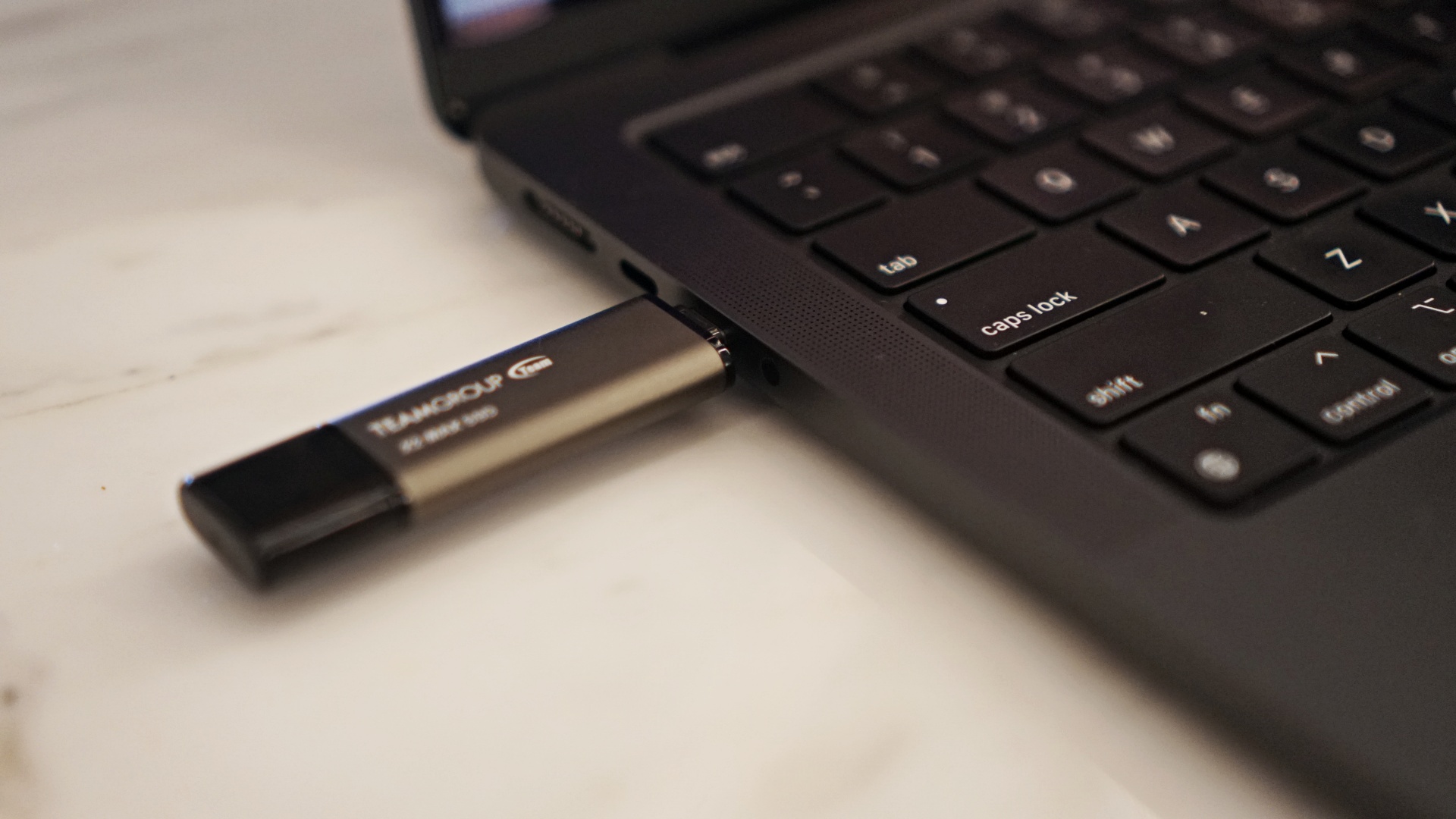
My ongoing challenge right now is consolidating all of my work files. As of writing I have them scattered across a few laptops, a couple of hard drives, and another portable SSD.
If you’ve done any sort of file migration yourself, you know that it can take a while, especially when you’re dealing with terabytes of data. With the X2 Max in tow, I have been slowly but surely tidying up my work files.
What’s great is that the X2 Max’s transfer speed has been key in helping me accomplish this endeavour faster.
I did a single massive transfer of 1TB in one sitting. It took about 50 minutes and 36 seconds for the transfer to be completed.
That transfer rate is:
1,048,576 MB ÷ 3046 s ≈ 344 MB/s
Since these are straight up files: images, videos, some documents here and there. Here’s the estimated transfer speeds based on that rate.
|
File Size |
Total MB | Time at 344 MB/s |
|
50 GB |
51,200 MB |
≈ 149 s → 2 min 29 sec |
|
100 GB |
102,400 MB |
≈ 298 s → 4 min 58 sec |
|
250 GB |
256,000 MB |
≈ 744 s → 12 min 24 sec |
| 500 GB | 512,000 MB |
≈ 1488 s → 24 min 48 sec |
| 1 TB | 1,048,576 MB |
≈ 3046 s → 50 min 46 sec (baseline) |
I forgot to actually time it. But overall, it took me about two and a half to three hours to move around about two to three terabytes of files. That’s already a lot of time saved.
Previously, it would take me half a day if not all day to handle these file migration tasks. With the X2 Max, the task was successfully hastened.
Travel-friendly portable SSD
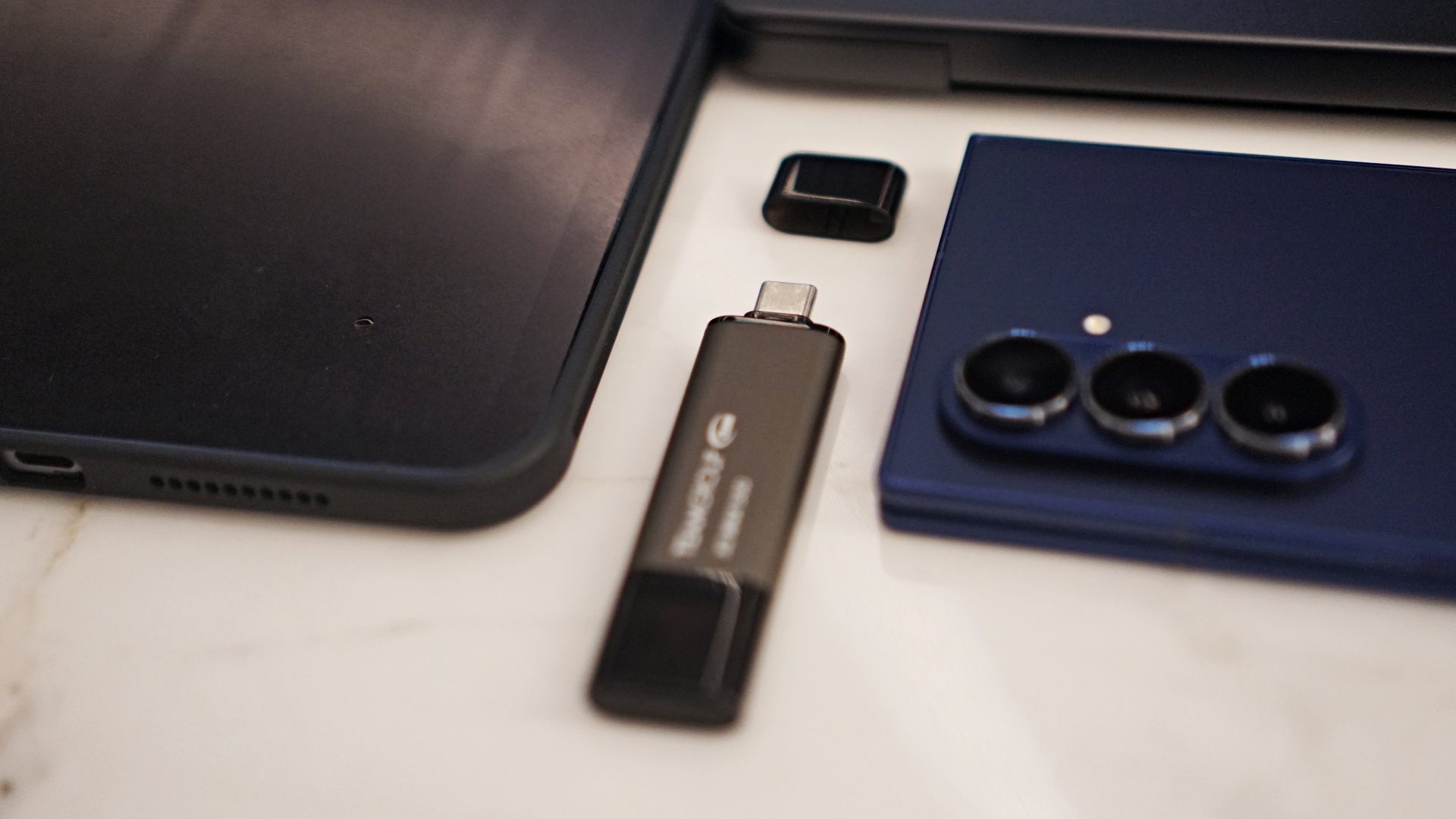
I have since made the X2 Max my go-to portable SSD for travel. I’ve gone on a couple of work trips with it in tow. That means I have access to all my important work files at my convenience.
Whether I’m working off of a review laptop, my own laptop, a review tablet, or my own tablet, I don’t have to worry about not getting to some of the stuff I may need to complete my work.
For someone who has to change devices constantly, this is a godsend.
As mentioned earlier, I still have some more organization to do. But I feel a little more at ease about completing them soonest because I have the X2 Max with me.
Is the TeamGroup X2 Max your GadgetMatch?
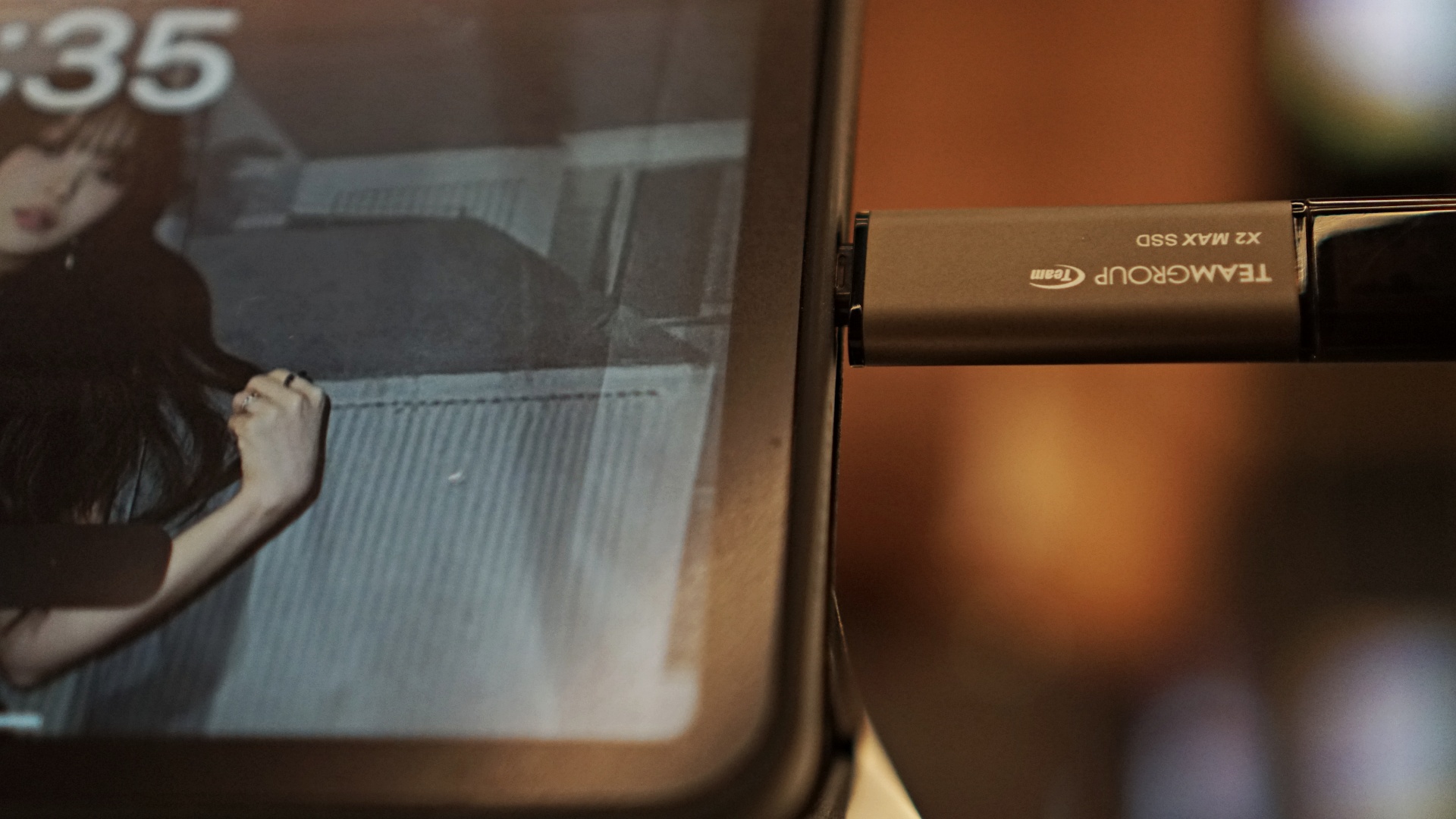
Yes. It doesn’t matter who you are or what you do. I firmly believe that everyone could use a portable SSD and the TeamGroup X2 Max is one of the best that you can get a hold of right now.
It’s a portable and fast storage device and can be used in a multitude of ways. It’s one of our easiest recommendations to date.
Price and availability
The TeamGroup X2 Max currently retails for $69.99 USD for the 1TB option and $124.99 USD for the 2TB version that we have.
It’s available for purchase on Amazon. That’s an overall good deal considering other similar products breach the $200 USD mark.




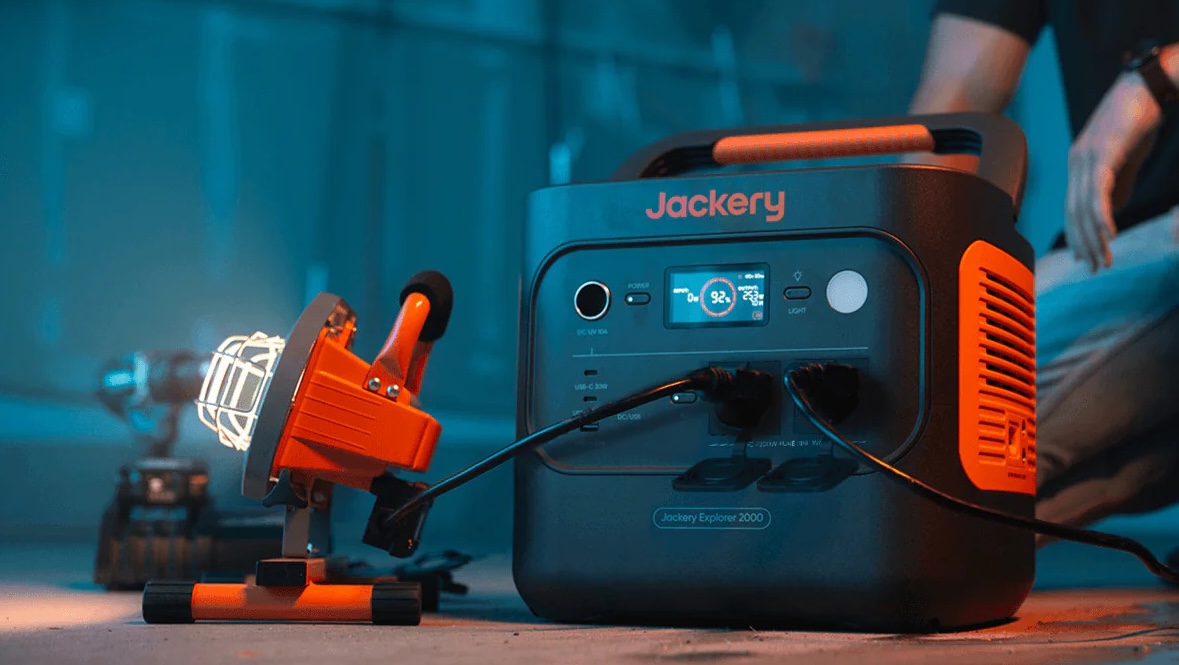
Jackery has expanded its Explorer Series, introducing three new models: the Explorer 300D, Explorer 500 V2, and Explorer 2000 V2.
These new portable power station models join the earlier Explorer 100 Plus, 300 Plus, and 1000 V2 releases earlier in the year.
Each is built for different needs, from brief power interruptions to outdoor adventures and prolonged outages.
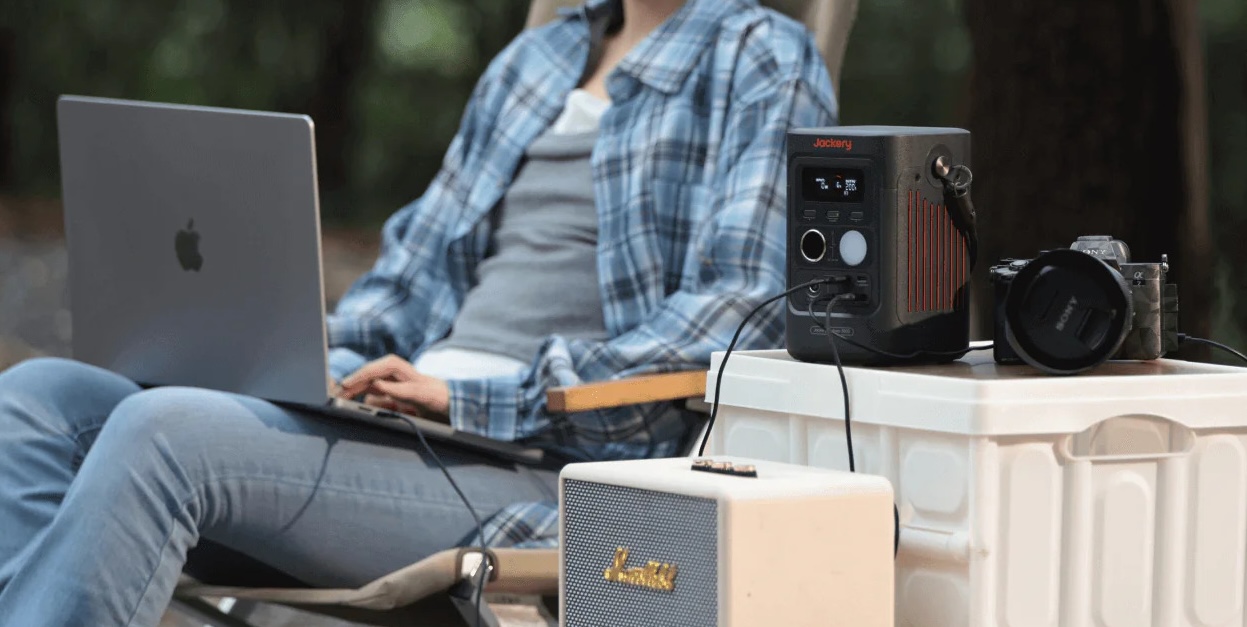
The Jackery Explorer 300D is a grab-and-go variant for unexpected power cuts. It is a compact power station weighing just about 2.5 kilograms and is 64% smaller than standard 300Wh units.
With a speaker-like form factor, 288Wh capacity, and 300W total DC output, it is the ideal power station for content creators, remote workers, and outdoor enthusiasts who live life on the move.
It can juice up a fast-charging Type-C laptop three to four times, smartphones up to 22 times, and drone batteries four to five times.
The Explorer 300D comes with unique DC-only design to eliminate idle power loss. It also has a 2-in-1 shoulder strap that unclips to double as a heavy-duty 140W USB-C charging cable.
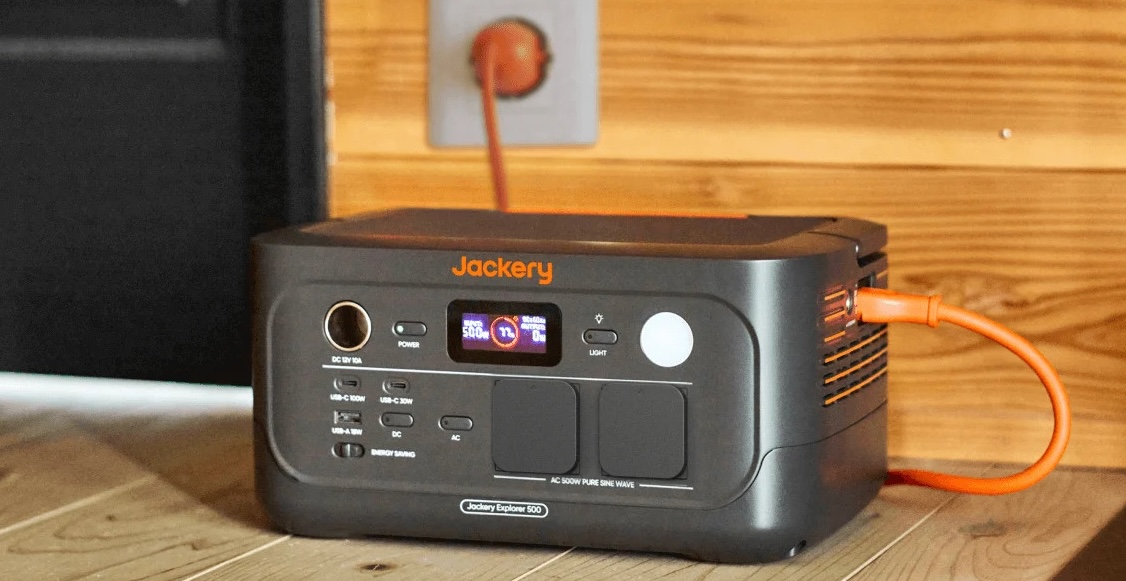
Meanwhile, the Jackery Explorer 500 V2 packs a 512Wh capacity and 500W max output into a sleek frame.
It has an Uninterruptible Power Supply switchover time of under 10 milliseconds, ensuring devices such as Wi-Fi routers or laptops will not drop connection. It can also power up a desk fan for about 8.5 hours.
For easy storage, it has a fold-down handle. This makes the power station also portable to carry with you wherever you need it.
Lastly, the heavy-duty Jackery Explorer 2000 V2 features a massive 2,042Wh capacity and 2,200W inverter.
Weighing just 17.9 kilograms, it is about 41% lighter and 34% smaller than standard generators in the 2kWh category.
It can power a standard inverter refrigerator for up to 14 hours, run a 1.0 HP air conditioner for up to 3.5 hours, or power multiple electric fans for up to 28 hours.
It can also power kitchen essentials like rice cookers, small water heaters or coffee makers, and microwaves, in case hunger strikes amidst a power interruption.
The Explorer 2000 V2 also features an EV-grade LiFePO4 battery engineered for over 10 years of daily use.
The entire Jackery lineup is available on Lazada, Shopee, the Jackery kiosk at SM Fairview, and other partner stores.
Accessories
Pulse Elevate wireless speakers come to Southeast Asia this November
Pre-orders open September 2
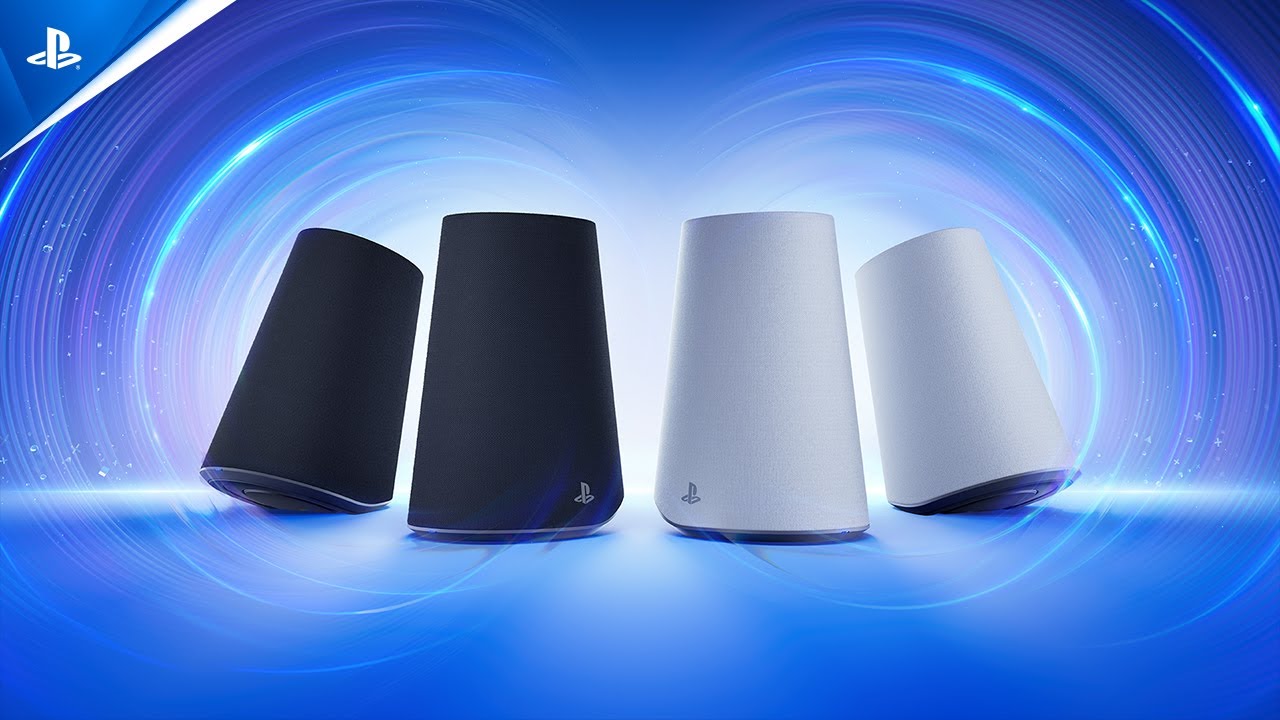
PlayStation is expanding its audio lineup with the Pulse Elevate wireless speakers, its first wireless speakers developed by Sony Interactive Entertainment. The speakers will launch in Southeast Asia starting November 12, 2026, with pre-orders opening September 2.
The Pulse Elevate speakers are designed for desktop gaming on PS5, PC, and Mac, while also supporting portable use with the PlayStation Portal remote player and smartphones. They combine planar magnetic drivers, built-in woofers, and PlayStation Link wireless connectivity for low-latency, lossless audio.
Each speaker uses a studio-inspired planar magnetic driver to deliver sound across the audible spectrum. Built-in woofers add richer bass, while the speakers can enhance positional audio in PS5 games that support Tempest 3D AudioTech.
The right speaker also has a built-in microphone with AI-enhanced noise rejection. This allows users to handle voice chat without wearing a headset while helping filter out unwanted background noise.
Designed for gaming and beyond
Pulse Elevate uses PlayStation Link for ultra-low-latency wireless audio with compatible devices, including the PS5, PC, Mac, and PlayStation Portal. The speakers also support Bluetooth, allowing users to listen to audio from a Bluetooth device while using PlayStation Link for another connected device.
A PlayStation Link USB adapter is included and works with USB-C ports. The speakers also feature built-in rechargeable batteries, letting users take them on the go. Charging docks are included for returning to a desktop setup.
Users can adjust the speakers’ volume directly and position them horizontally or vertically. PS5 and PC users can also customize EQ, sidetone, volume, and microphone mute settings through system menus.
Pulse Elevate will be available in Midnight Black and White.
Price and availability
Pulse Elevate wireless speakers will launch starting November 12, 2026. Pre-orders begin September 2 at local retailers. Availability may vary by market and retailer.
The recommended retail prices are:
- Singapore: SGD 319
- Malaysia: MYR 1,099
- Thailand: THB 8,499
- Philippines: PHP 14,709
- Vietnam: VND 6,999,000
The Pulse Elevate marks Sony Interactive Entertainment’s first entry into wireless speakers, extending the PlayStation audio ecosystem beyond the Pulse Elite headset and Pulse Explore earbuds.
Accessories
Apple is working on AirPods with built-in cameras
References to the wearable were spotted inside a new macOS beta.

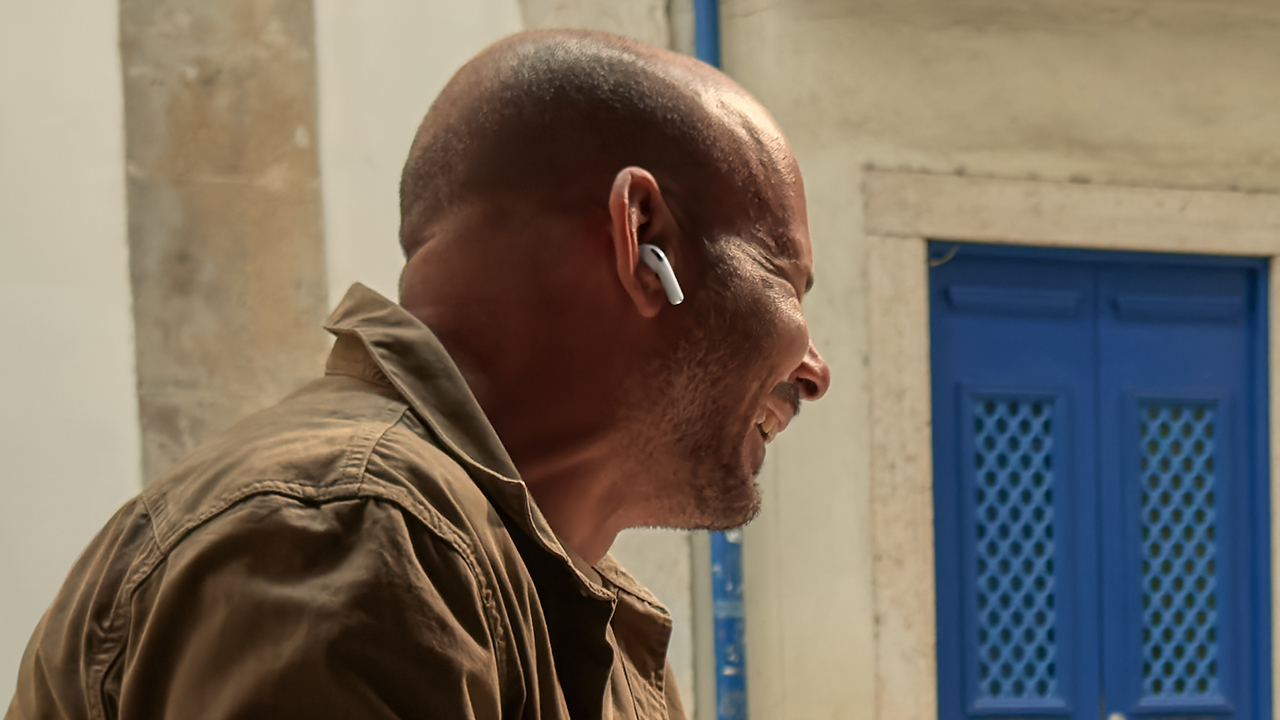
The launch of operating system betas is a cause of celebration for those digging into what’s next for a brand. No other company does that better than Apple. Today, Apple released a new release candidate for macOS Tahoe 26.7. As expected, the release has a treasure trove of references to unreleased devices, including a new type of AirPods with built-in cameras.
Let’s get the obvious out of the way first. The references include a slew of unreleased iPads, Macs, and HomePods. Since these devices are already expected to come out, they’re hardly worth nothing. This includes the iPhone 18 series. If anything, the references confirm the iPhone Ultra, the rumored entry into the foldable market, but that’s it.
Now, the more interesting inclusion is a pair of AirPods with cameras. Despite the controversies surrounding cameras on smart glasses, Apple is reportedly building audio-based wearables with cameras themselves.
In a short demo video (also obtained from the macOS beta via MacRumors), the AirPods can apparently “save” things that it sees, including a book you might want to search for later. In that way, the built-in camera acts more like a voice assistant, rather than a recording device.
Though the references don’t confirm a launch date, it’s likely that the camera-based AirPods will come out sometime soon. After all, why would a blatant reference be inside a publicly available beta?
SEE ALSO: The iPhone 18 might sell out for an unexpected reason


MARVEL Tōkon: Fighting Souls review: Easy to pick up, hard to put down
Welcomes casual and experienced fighting game players


Now Playing: Assassin’s Creed Black Flag Resynced
Nostalgia does a lot of heavy lifting.


Samsung Galaxy Z Fold8 Review
8 Galaxy Folds later, Samsung finally nailed It!

UNDERTALE: The Determination Symphony gets two more shows

HUAWEI Pura X View is 2026’s first WIDE slab-type smartphone

These Polaroid x Pokémon cameras are just the cutest things
MARVEL Tōkon: Fighting Souls review: Easy to pick up, hard to put down

Samsung might launch the Galaxy S26 FE next week

VinFast debuts two-wheeler models, opens 21 e-motorcycle showrooms

CASETiFY revives Spider-Man collection for Brand New Day

OnePlus officially leaves the United States and Canada

Xiaomi debuts SkyNomad Series featuring new Kunlun platform

FINAL FANTASY X | X-2 HD Remaster launches on Nintendo Switch 2


-
 Laptops2 weeks ago
ROG STRIX G16 Review: Building for the moment
-

 Singapore5 days ago
REDMI Note 17 Series focuses on long-term reliability
-

 Laptops2 weeks ago
30 days later with the ASUS ExpertBook Ultra: Like seeing an ex
-

 News5 days ago
realme 16T to come with 8,000mAh battery, 7-year battery health guarantee
-

 Philippines2 weeks ago
Smart opens HUAWEI Pura 90s Series pre-orders with exclusive freebies
-

 News2 weeks ago
TCL expands mobile lineup with latest NXTPAPER series
-

 Gaming1 week ago
Marvel Wolverine Limited Edition PS5 bundle SEA pricing
-
Reviews1 week ago
Samsung Galaxy Z Fold8 Review