

Laptops
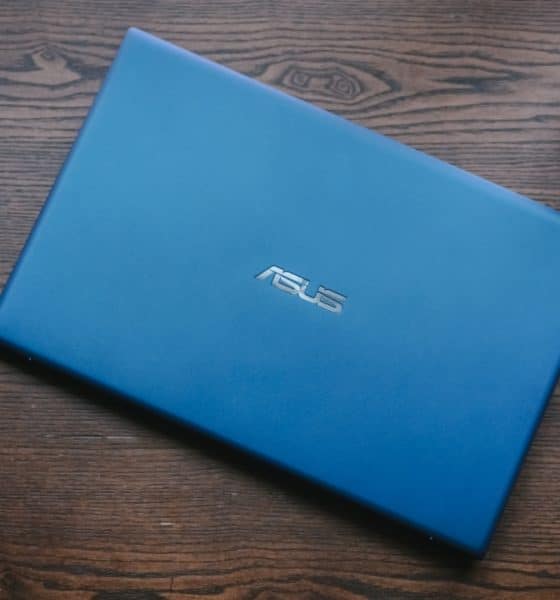
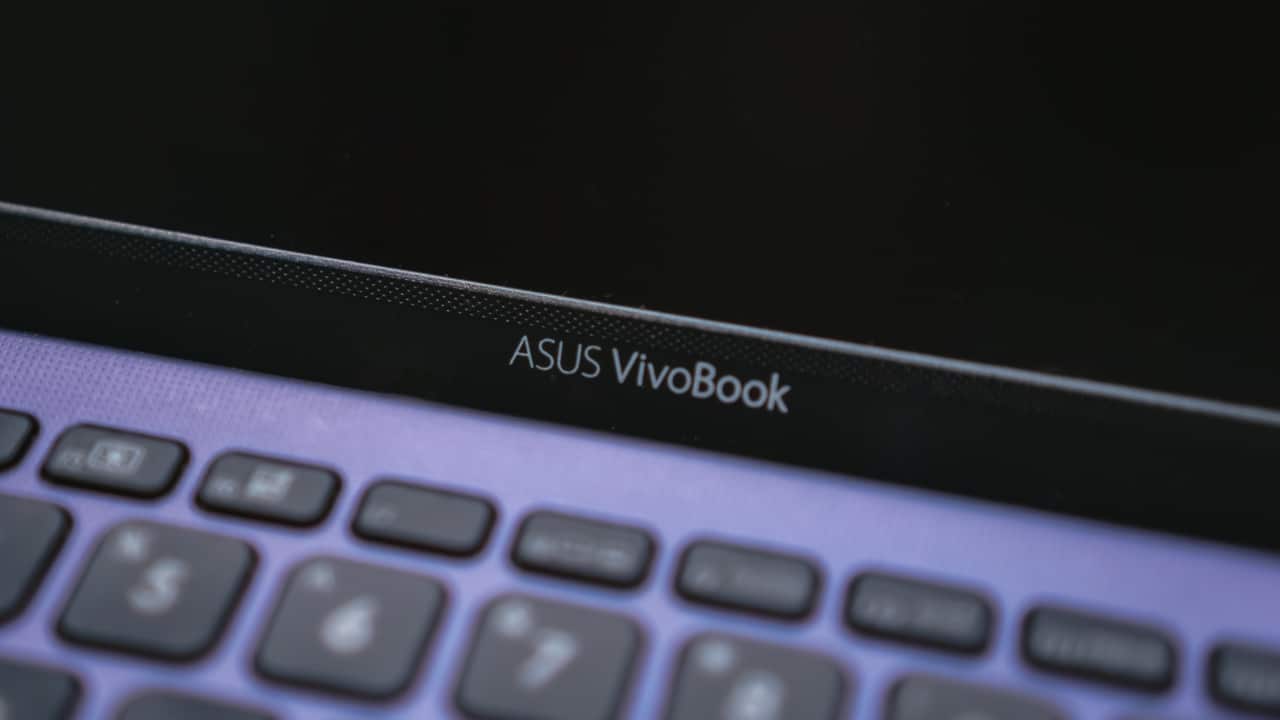
ASUS VivoBook X412F Review: A great midrange option for work and school
For those who need a fresh start

Not everyone can afford a premium device. Even if the specifications entice you to buy that nice laptop, the ultimate decision point is in its price and value to you. Parents and young professionals starting a new job would know.
ASUS regularly comes up with great midrange selections for students and young professionals. That seems to be what the ASUS VivoBook X412F is: an all-around midrange device for productivity and day-to-day tasks. But if you’re currently a student or working full-time, should you consider this device?
Here’s a rundown of the device’s specifications:
It has a 14” HD anti-glare display

It’s powered by an Intel Core i3 processor and an NVIDIA MX230 graphics card
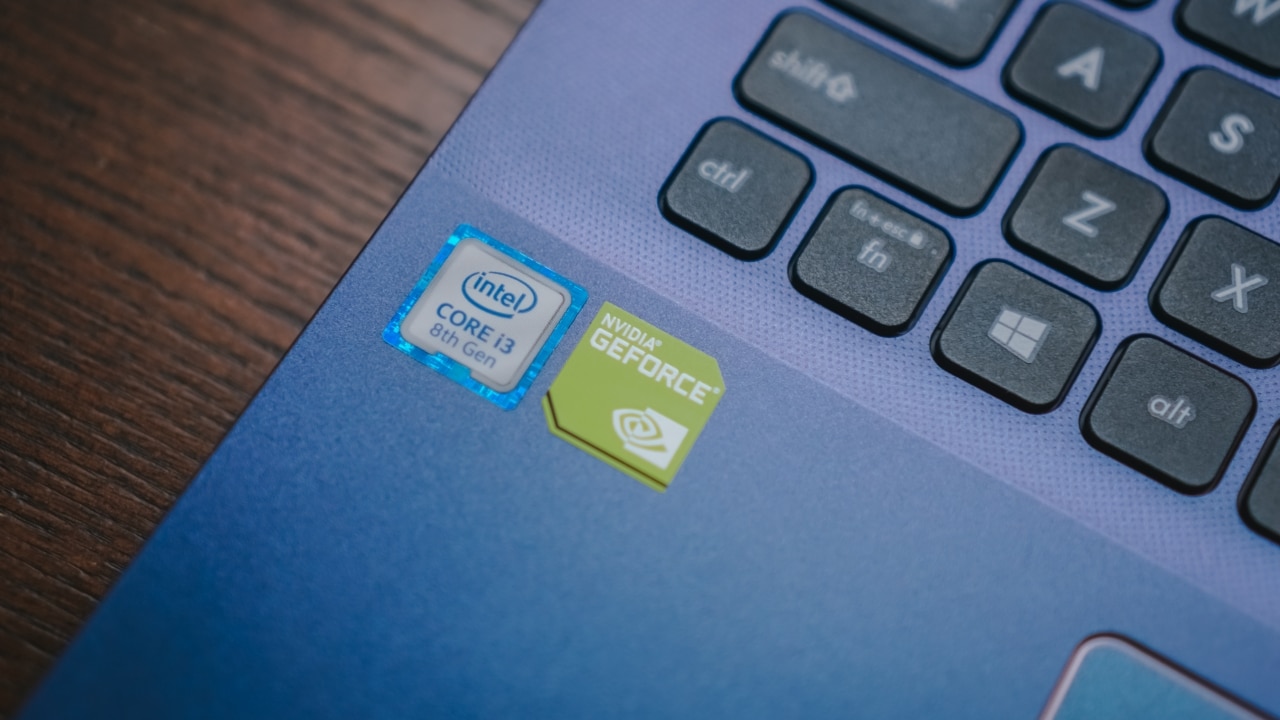
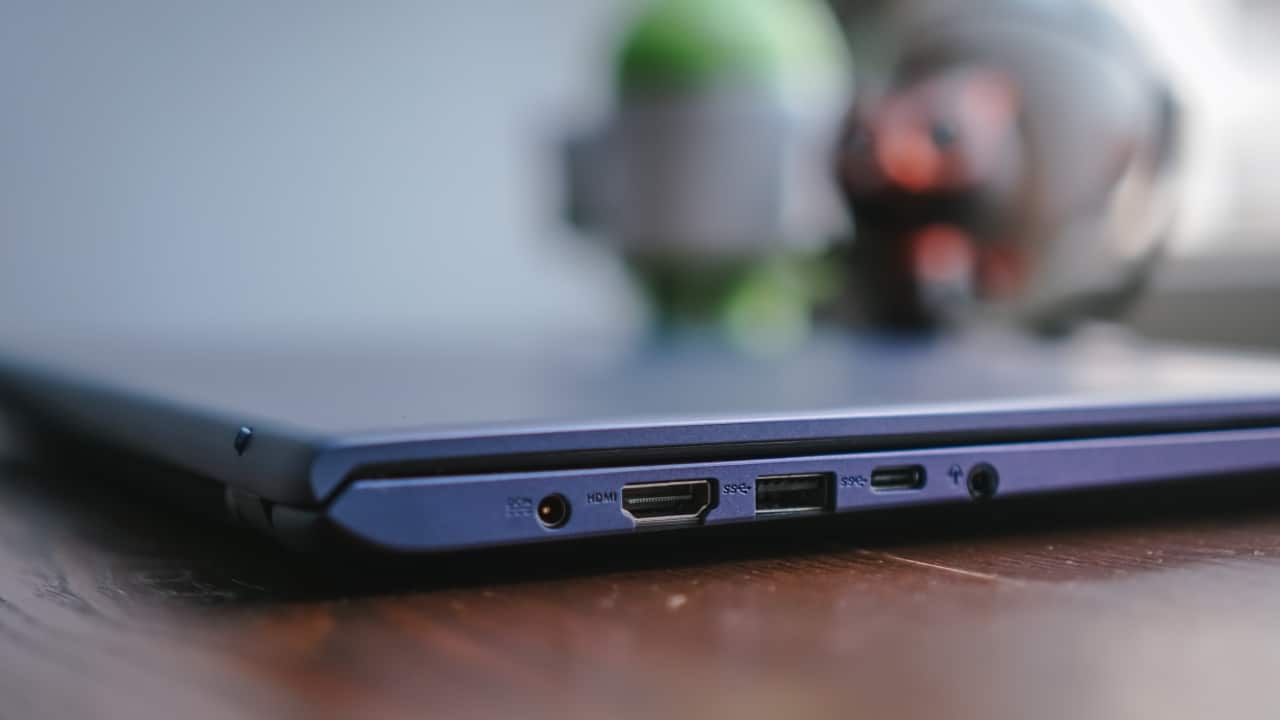
It comes with both a USB Type-A and Type-C port
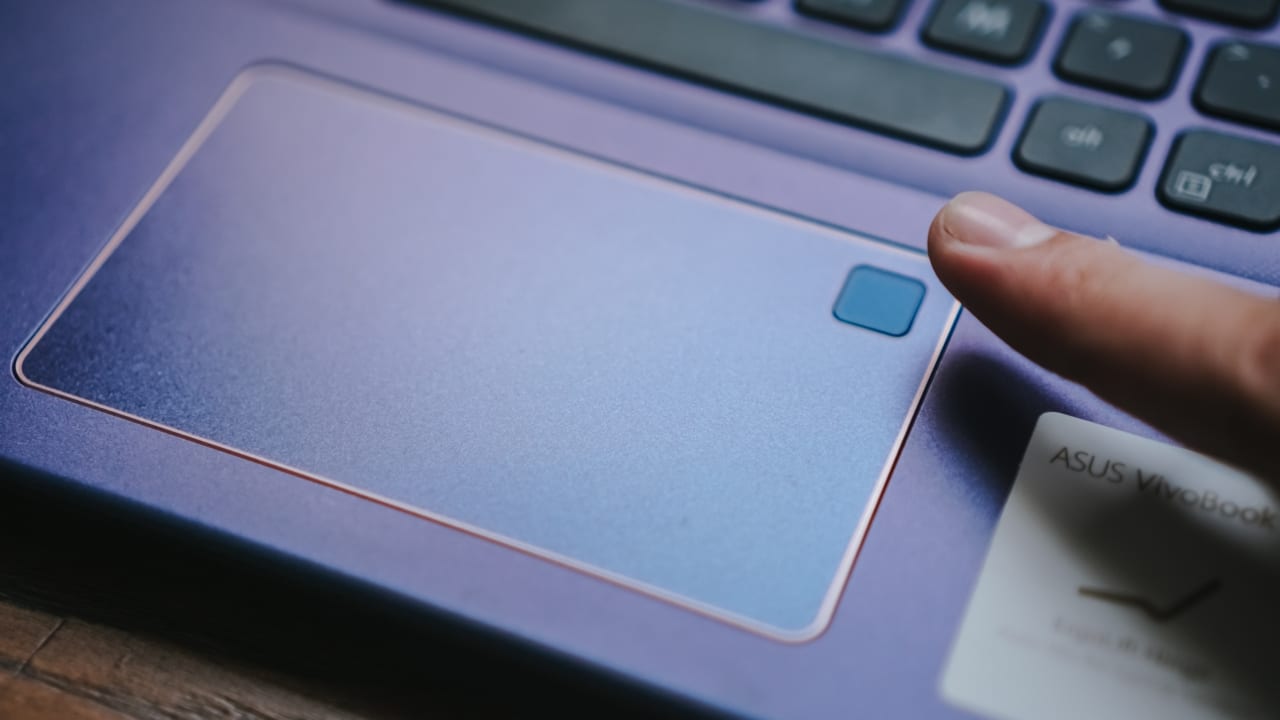
Has a fingerprint reader on the touchpad
It gets the job done for its intended purpose
The model I used came with an Intel Core i3 processor, which won’t deliver great performance on paper. But after using it for a while, I can say that it really isn’t the case. It kept up with the numerous tasks I threw at it, whether it was writing documents or watching videos. Do take note that this device only comes with 4GB of RAM, so obviously you won’t be able to do a lot more.
It also helped that it comes with a 256GB solid state drive installed. Using SSDs provide a significant boost in loading times, which allowed me to get more tasks done. I would still prefer to have the more powerful Intel Core i5 option installed to maximize performance.
You can play games on it, just don’t push it
The VivoBook X412F comes with an entry level NVIDIA MX230 graphics card. Upon reading this, my initial thought was that gaming was possible — and it was. The catch is, well any game that doesn’t require so much graphical power will run smoothly. Games like CS:GO, Minecraft, and Rocket League do reach a hard 50 to 55 frame per second cap.
But like any other non-gaming laptop, using this strictly for gaming is highly discouraged. This device was not exactly designed to be a gaming machine, even if you get the units with more powerful processors on it. Plus, you will definitely feel the heat on your keyboard when you play for too long. So, I’m not saying that you can’t use it to play games; don’t use it just to play games.
It lasts relatively long, as long as you’re using it properly
Upon initial testing, I did get around five to six hours on one full charge. It’s long enough for you to just browse the internet, watch a few videos or movies, and type down reports. Doing some form of photo or video editing decreases that number by just a bit. It took two to three hours to fully charge the device from zero.
Battery life when playing games on it is just what you expect it to be. I got close to two hours and 30 minutes before having to plug the charger. Again, you can play games on this device but it’s not meant for strictly just gameplay.
The webcam is surprisingly decent
One of the key critiques I’ve had over most laptops centers around their webcams. Most built-in HD webcams, when used for the first time, are not as “high-definition” as promoted. Images and videos either look blurry or grainy, which won’t help during conference calls.

With the VivoBook X412F, the webcam is decent at best — which is all you could really hope for. Under good lighting conditions, image quality on this 720p webcam feels more “high-definition” than most. I observed relatively less grain than most other laptops I’ve tried, which is great for video calls at least.
Other features worth considering before you buy
The VivoBook X412F comes with a fingerprint reader on the touchpad. Setting up Windows Hello was pretty fast, but I found the sensor to be pretty sensitive after. Even if I had already cleaned my fingers and wiped out the sweat, the sensor sometimes won’t read it.
It also comes with a chiclet keyboard without the number pad on the right side. Key travel, for me was decent and took just a short while to get used to. Sadly, it wasn’t backlit which I would have liked — especially for working late at night.

Finally, you get what you can with its display. It’s only a 14-inch HD display, which doesn’t leave you much room for proper viewing angles and color accuracy. The one good quality it has, in my opinion, is that it’s an anti-glare screen. I used the device outdoors several times, and even at 70 percent brightness I could still see the contents of my screen.
Is the ASUS VivoBook X412F your GadgetMatch?
The ASUS VivoBook X412F is one device that truly caters to those who want an affordable yet premium experience. It comes in a package that promises great productivity and portability, and lasts a long time. It’s a total fit for students and young professionals looking for their first school or work laptop. Of course, that’s only the case as long as it is used for its intended purpose.
With a device like this, you can only do so much. While tasks such as photo, video editing, and gaming are possible, it proves to do more harm than good. If you really want to get the most value out of this laptop, I suggest you use it mostly for its intended purpose.At PhP 32,995 (US$ 629) for the 256GB + 4GB RAM unit, the ASUS VivoBook X412F is a great productivity device for work and school. That is, if you will use it for work or school-related activities.






Laptops
TECNO MEGABOOK K16s 13th review: No-frills beneath those grills
All-around laptop without messing around

For the record, the last time I held a Windows laptop was back in 2022. It wasn’t even a conventional one. Rather, it was a gaming hybrid — or a laptop and tablet rolled into one. That was a short escape though.
After being a religious Mac user since 2016, it’s high time to re-experience Windows four years after that very limiting ROG review.
Here’s my 16-day stint with the TECNO MEGABOOK K16s 13th – Intel Edition.
All-metal clad that’s far from being bad
Gone are the days of Windows laptops that are icky plasticky.
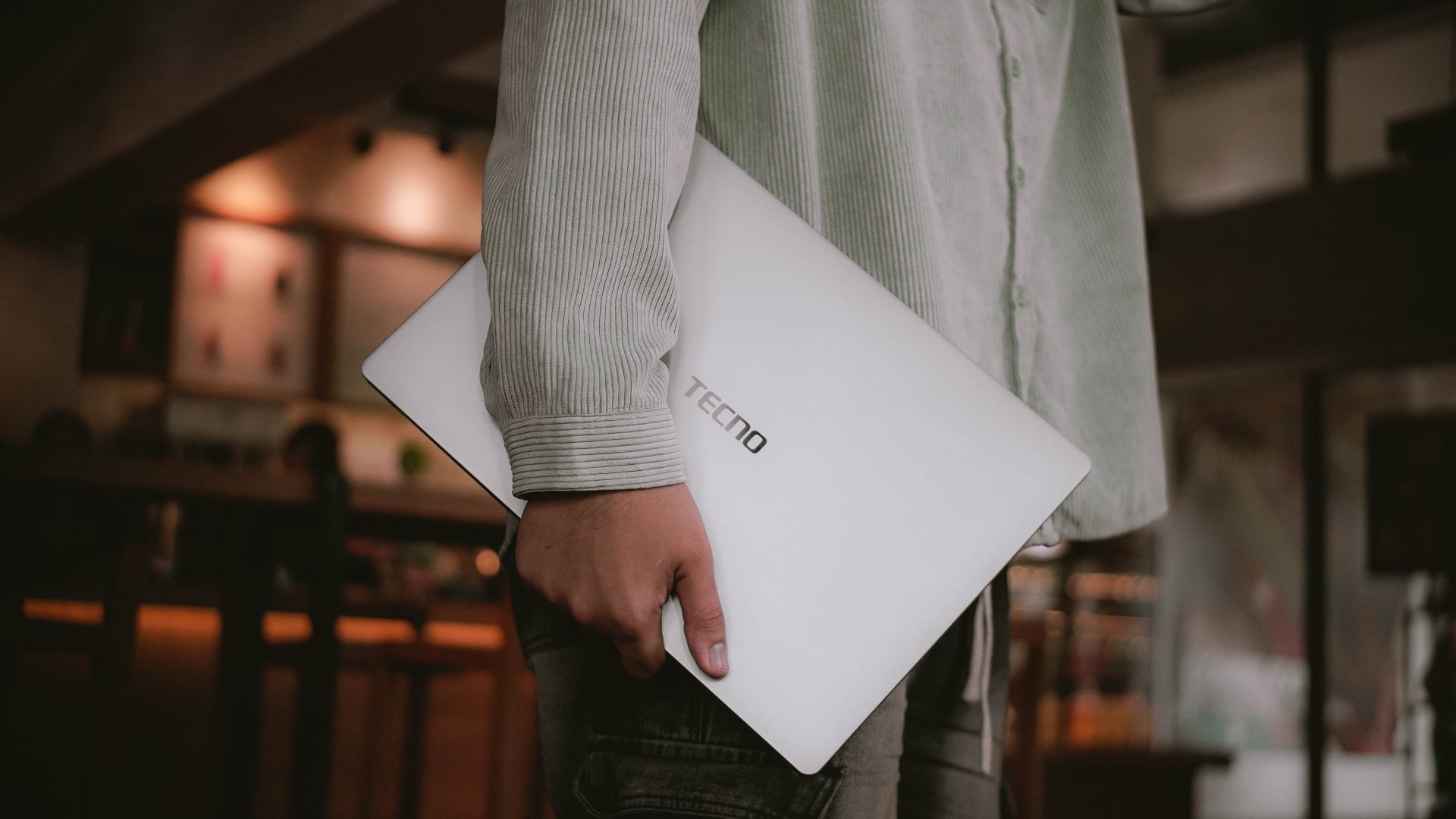
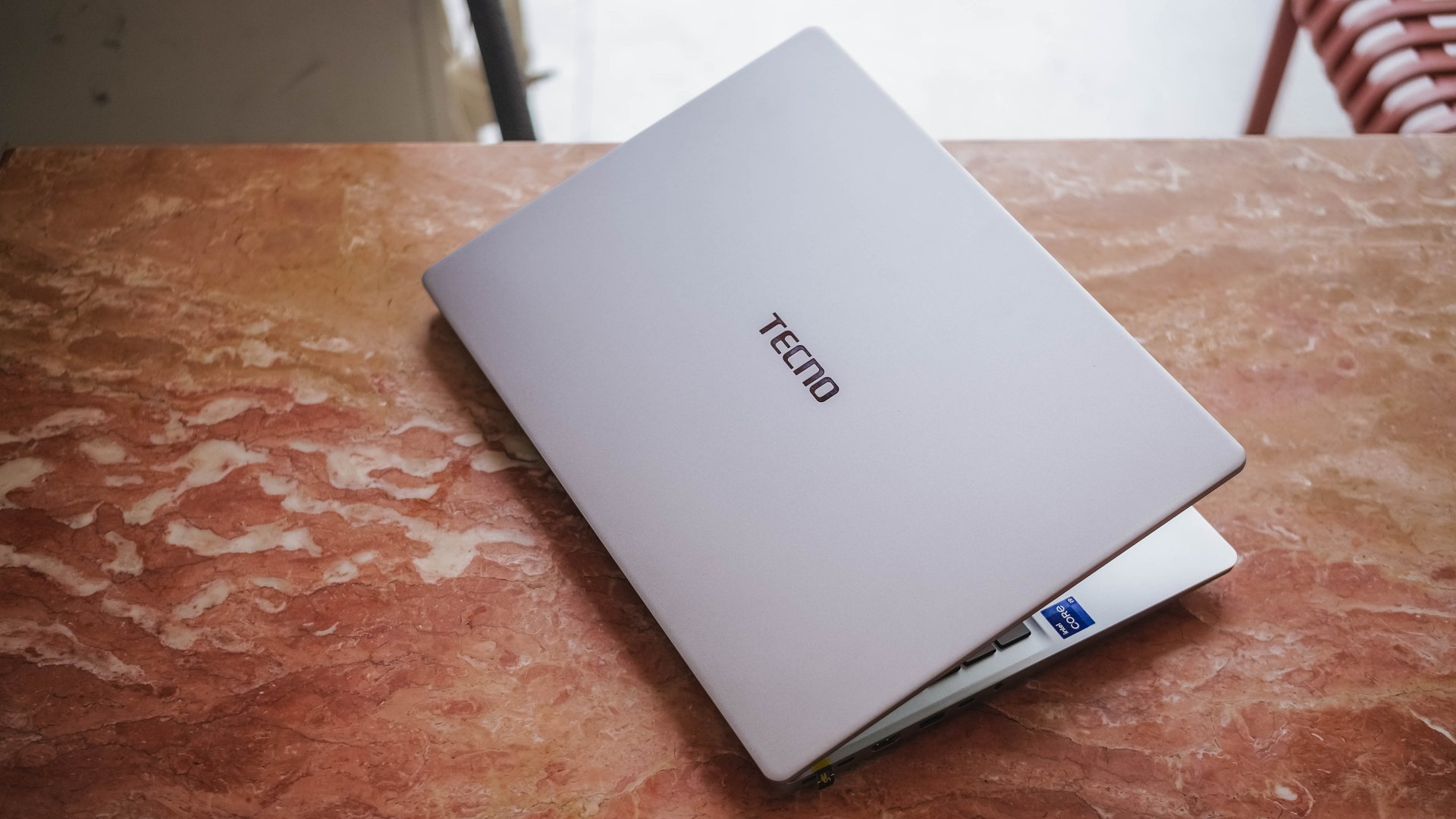
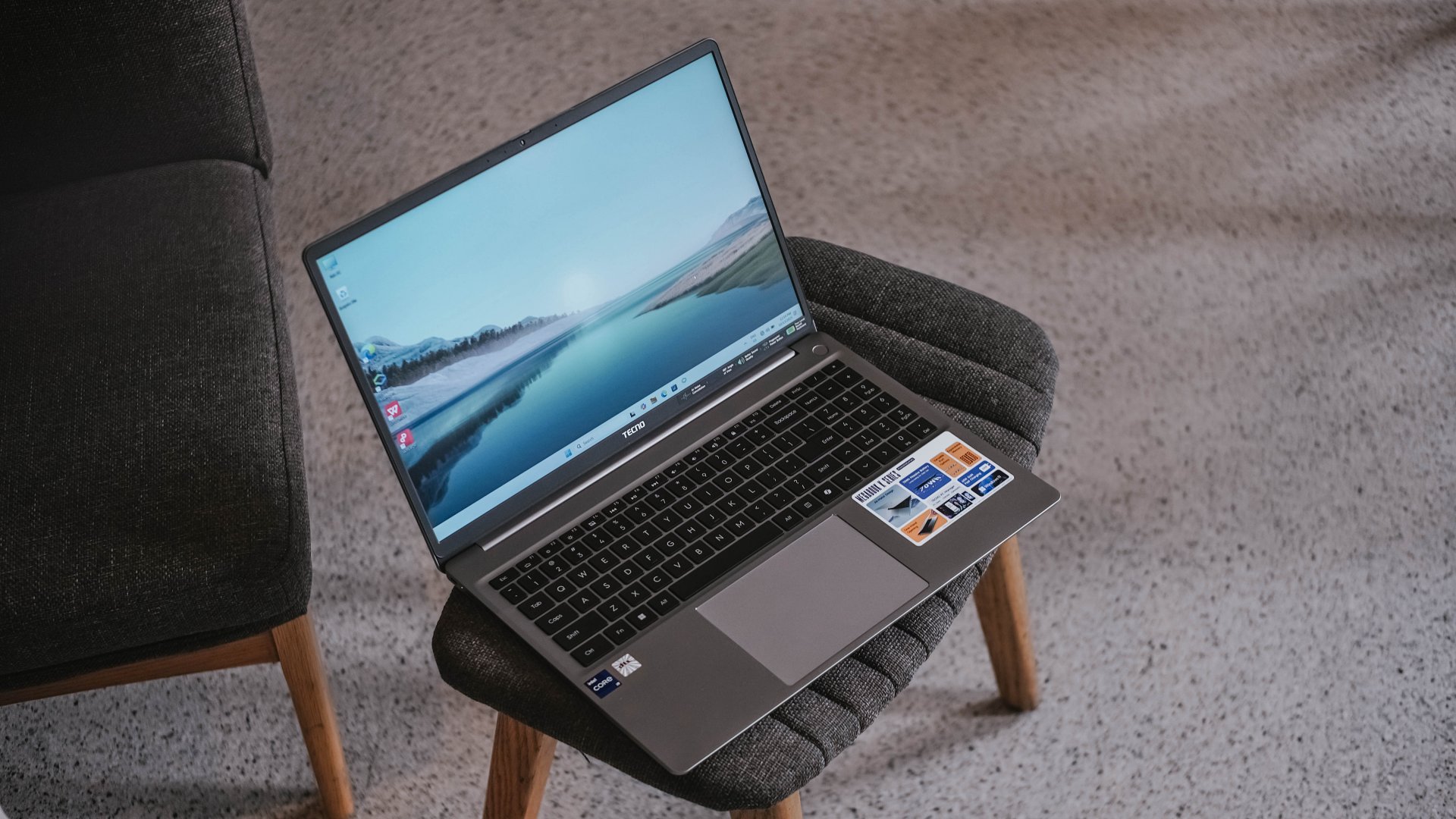
If it is not evident enough, the TECNO MEGABOOK K16s 13th uses real metal. It looks and feels solid. And by that, it has characteristics of being decently hefty and light at the same time.

The only problem with this finish is how much of a smear magnet it is. But hey, at least it’s on par with my 2023 MacBook Pro for this smudge madness (or smudge-ness in my vocabulary).
With a laptop this size, port selection should be the least of its concerns.
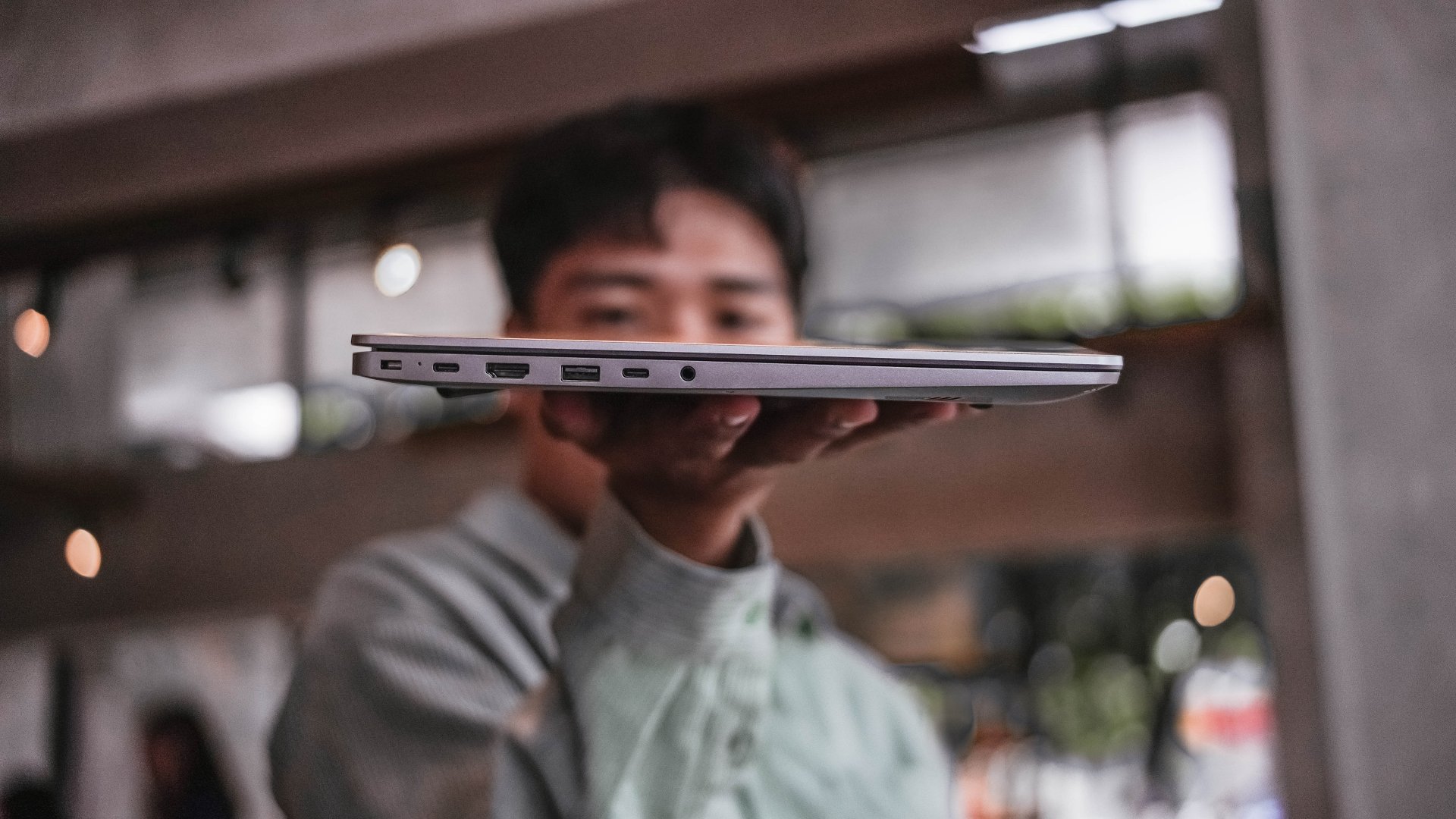
It has twice the USB-C and USB-A 3.1 ports, as well as inclusions of HDMI 1.4, Ethernet / RJ45, and 3.5mm audio jack. Kensington lock is still present as well — not that it’s badly-needed.
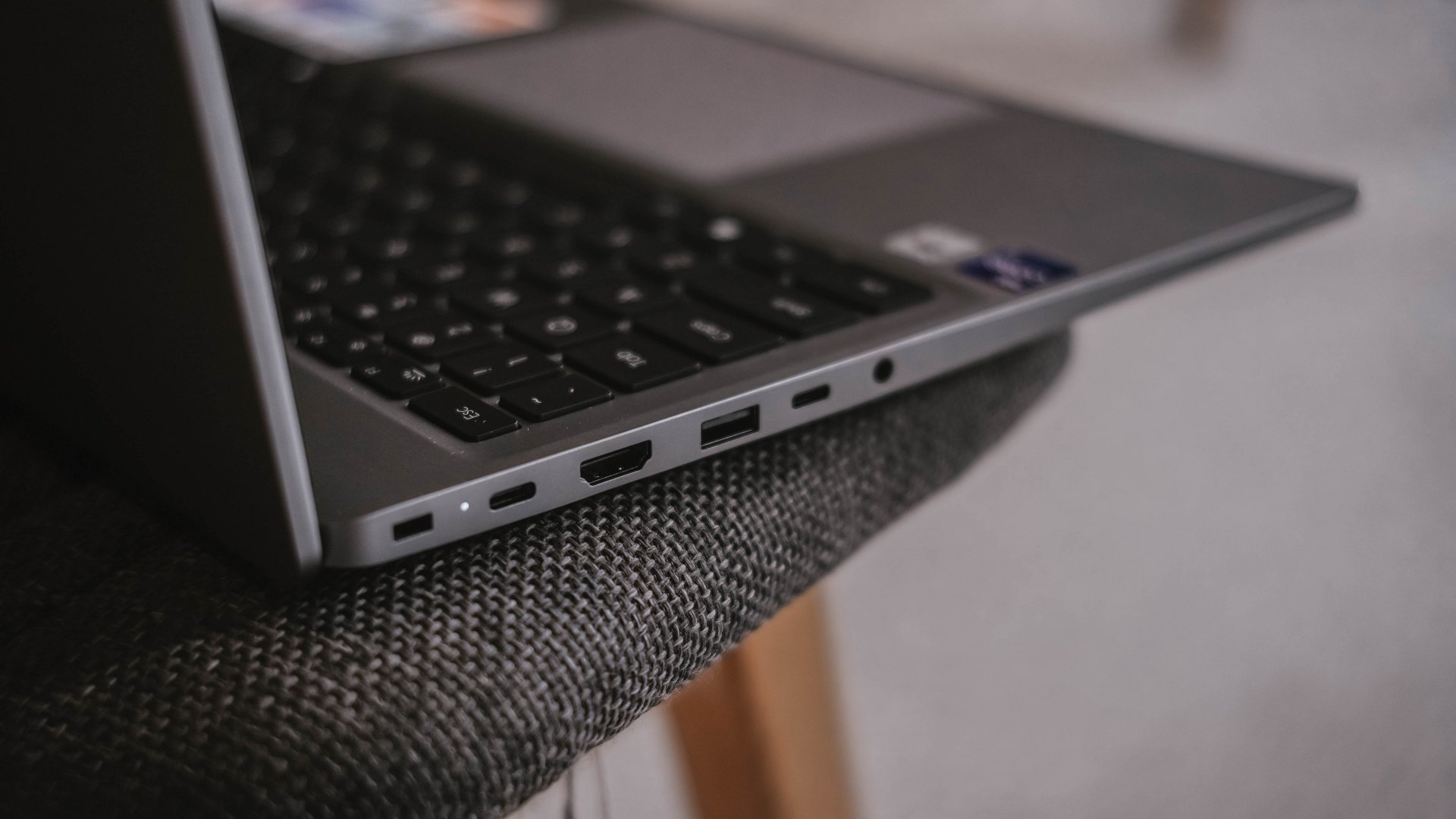
If I were to nitpick, two things that ick me are the arrangement of ports. Look at how inconsistent they are, much like seeing your disorganized spoons, forks, and knives in a single tray.
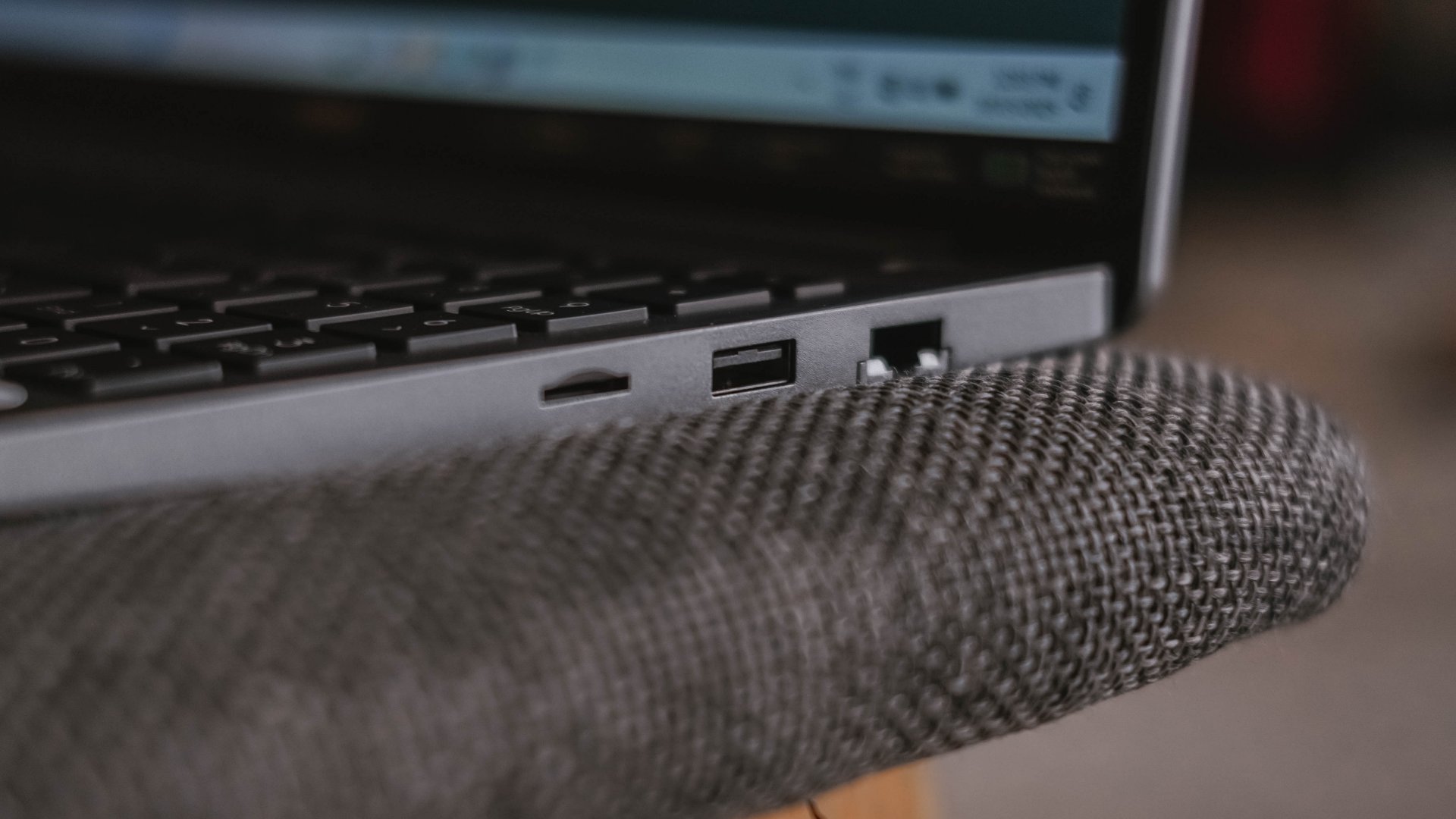
Another would be the inclusion of a microSD card slot instead of a regular SD one. I don’t get how the latter was not chosen especially with its sheer size.
Now Playing: Can This Love Be Translated 🗣️🔥⁉️
Just like waiting to re-experience a Windows device, the same can be said when I waited for the premiere of the K-Drama “Can This Love Be Translated.”
The title was already compelling to begin with. That curiosity sparked twofold upon knowing that my two favorite stars (Kim Seonho and Go Younjung) will steer drive the whole series.
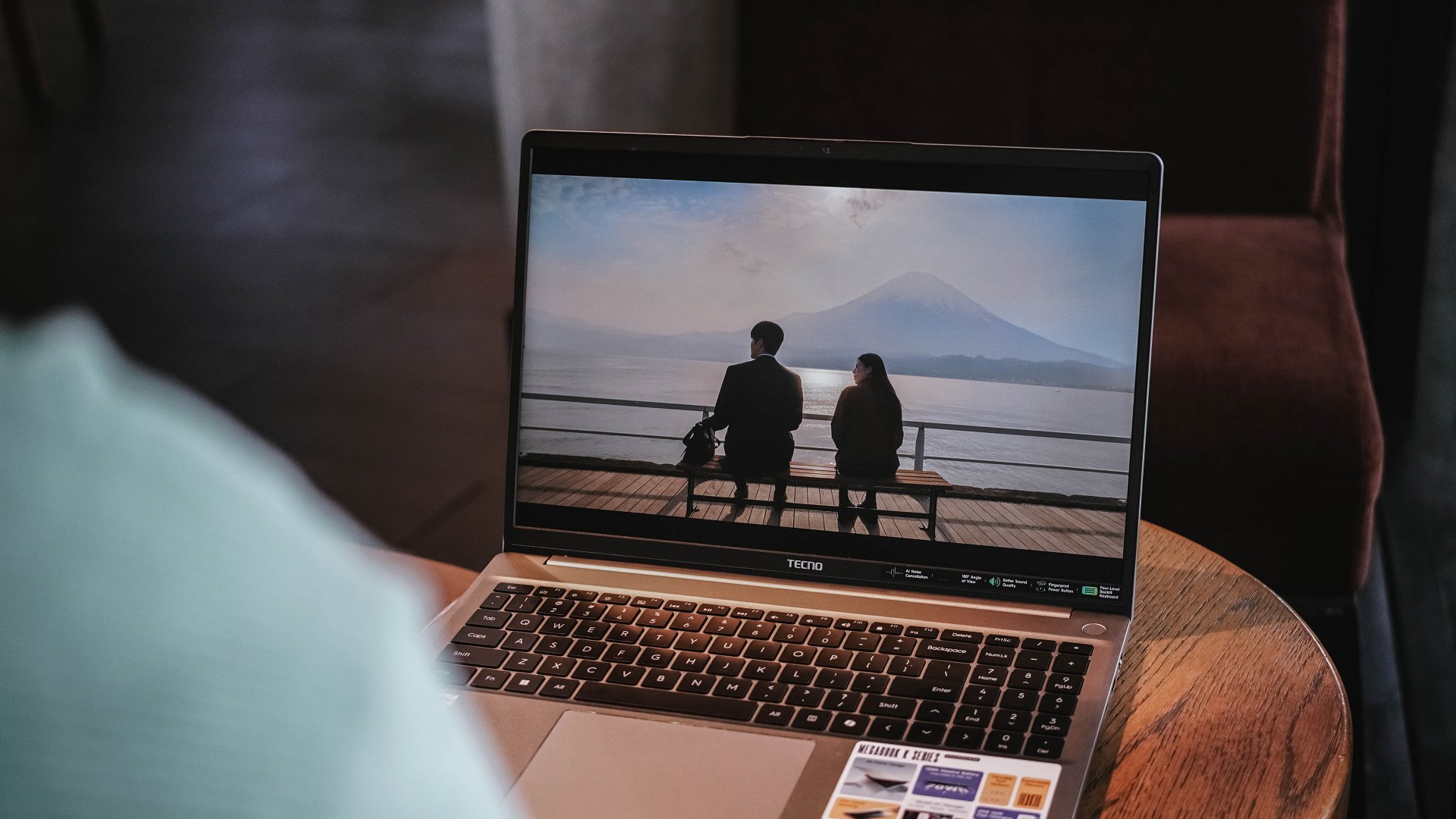
Speaking of star, the biggest star of this laptop has got to be its massive 16-inch display.
Not only I was able to reinvigorate my heart with the rom-com scene of Joo Hojin and Cha Muhee in front of that dreamy Mt. Fuji scenery.
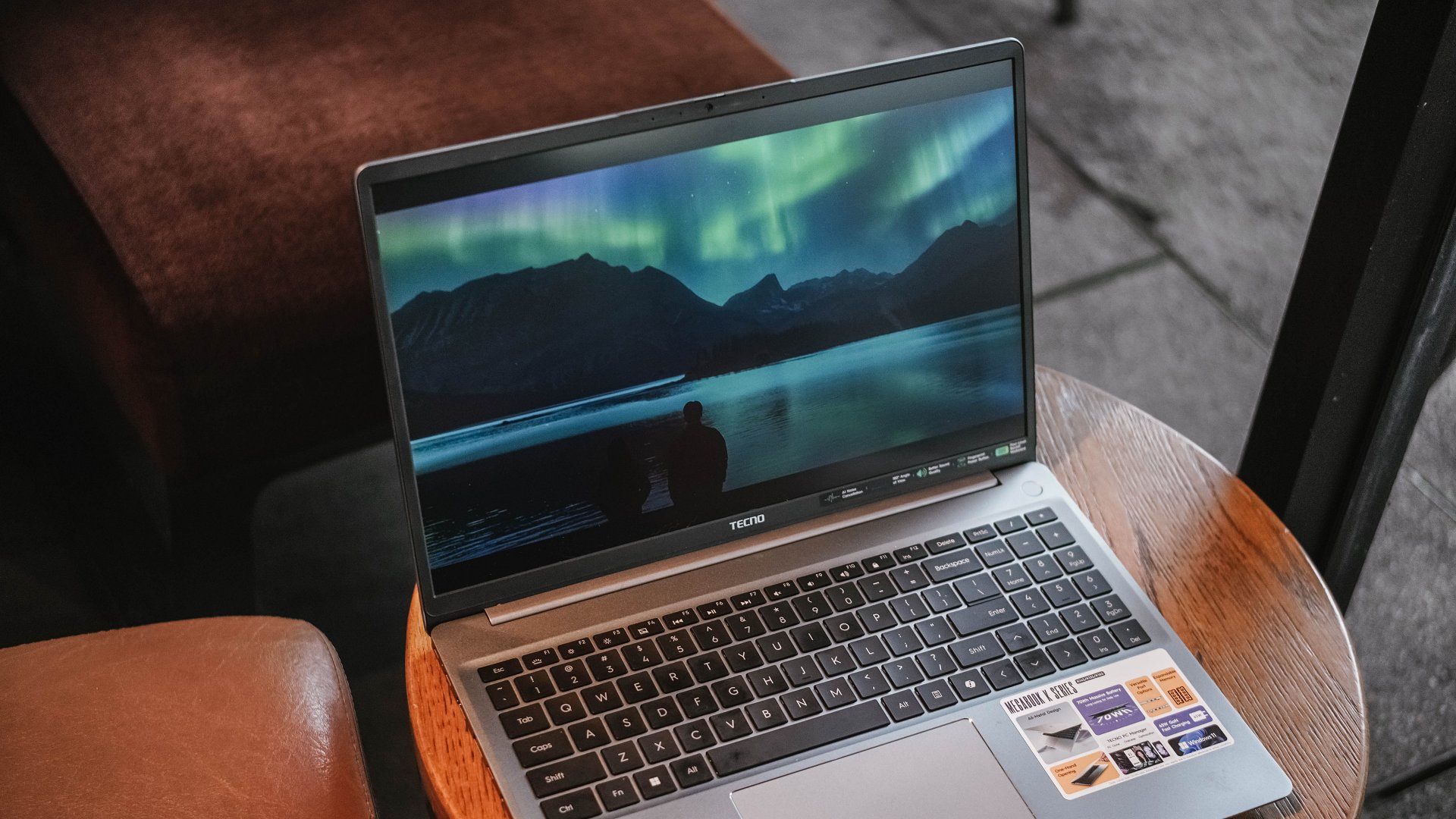
Their Aurora Borealis scene was also breathtaking. Although not as vivid as other displays, its max brightness felt just right to make the visuals pop against that harsh sunlight.
And while we’re already at it, the matte coating of the K16s 13th has been a real savior. It’s more useful for users (like me) who work at cafés with large windows every once in a while. My MacBook Pro definitely loses this fight with its awfully reflective panel.

While it is not, in any way, greater than any other OLED display nor some panel with a 120Hz refresh rate, it still feels justified considering where the K16s 13th is positioned in this vast laptop market.
On Queue: EXO’s REVERXE, ZB1’s Running To Future,
My idol anticipation doesn’t stop there. EXO’s much-awaited comeback as a full group is another one. Then, there’s ZEROBASEONE’s release.
These comeback promotions should sound good, right? Well, not really.
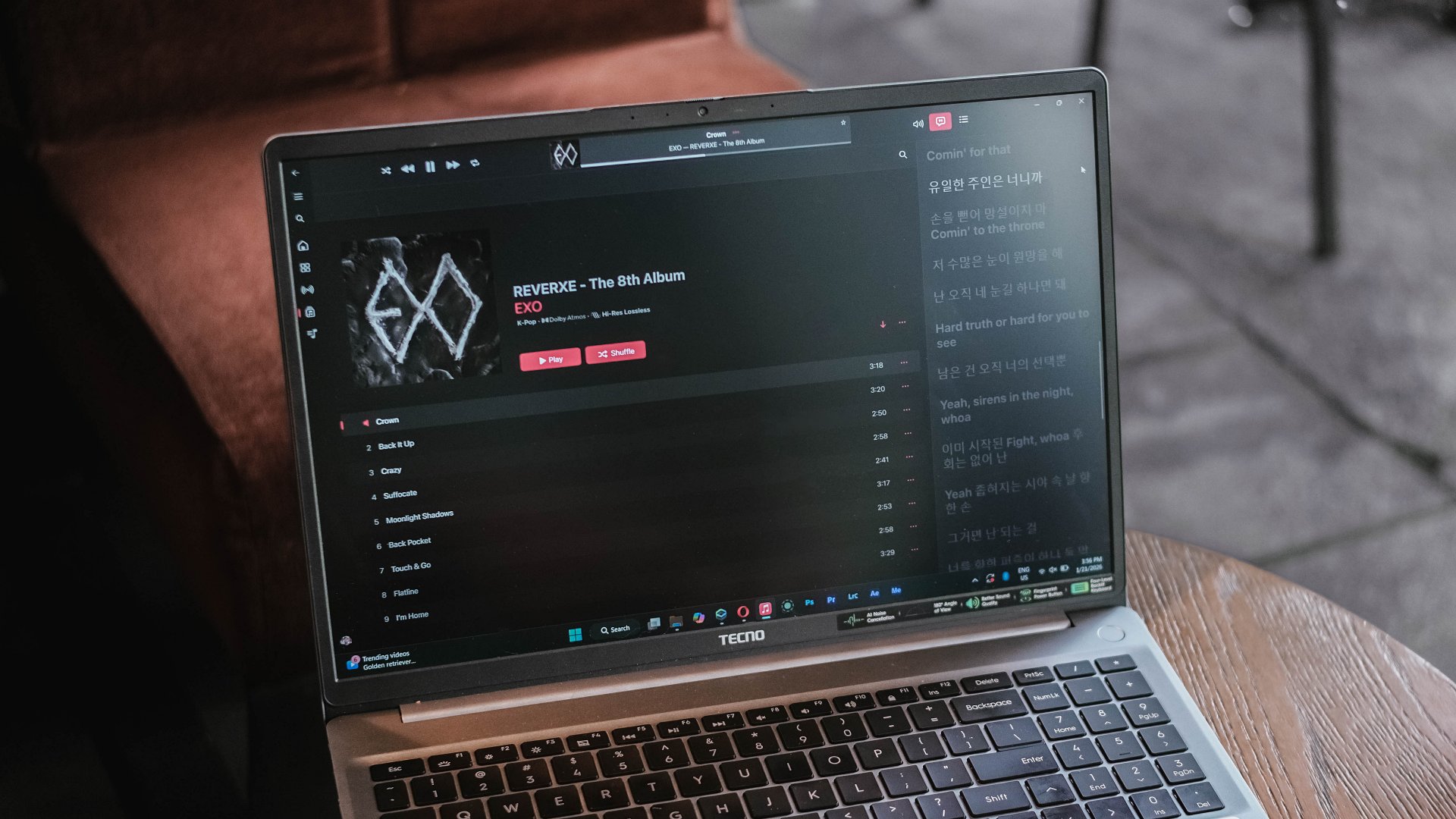
EXO is coming back with three missing members, all because of a justifiable lawsuit against their agency.
On the other hand, ZB1 is coming back — but, for the last time as they will disband real soon after completing their 2.5-year contract as a project group. A real disadvantage of a group being formed during a survival show.
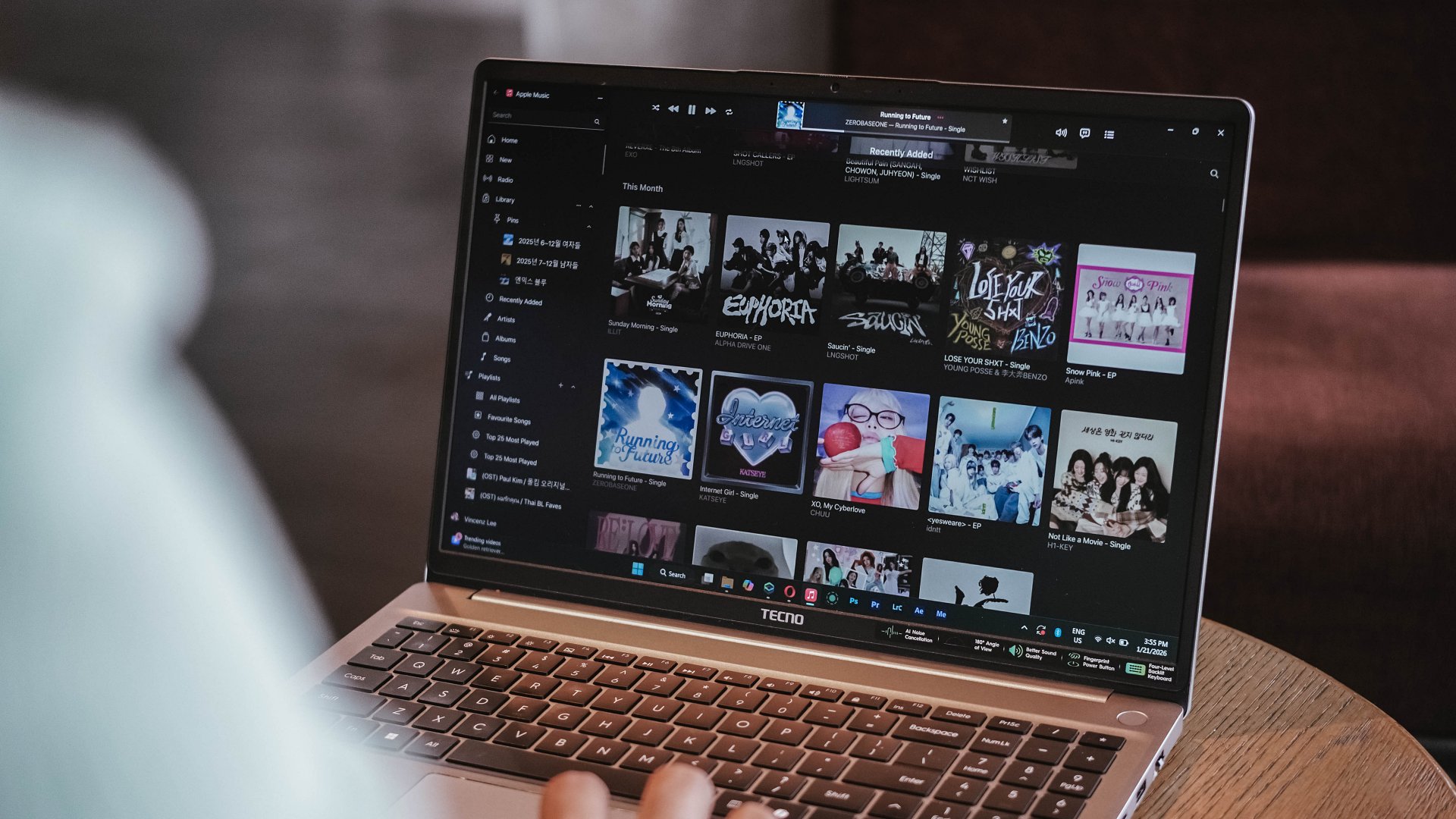
Just look at how cohesive the K-Pop album covers look for January 2026
Much like all that bittersweet aftertaste, I can relate the same feeling with the MEGABOOK K16’s speaker setup.
On paper, TECNO says it’s a master-level 2.5W 4013 quad-speaker setup that delivers 300% louder volume. I am not sure how it was tested nor compared.

Without much comparison, it’s adequately loud. However, it lacks the fullness and all the necessary thump and oomph to make the sound fuller than ever.
This just means a big laptop isn’t directly synonymous to having a greater audio system.
Unparalleled performance for its price
NGL, I have been spoiled by power-packed laptops especially for the creative work that I do.
That said, the MEGABOOK K16s 13th is far from being a slouch with the Intel Core i9 (specifically the 13900HK) at its core. That’s then paired by Intel’s Iris Xe graphics, alongside 32GB of memory, plus 512GB of SSD storage.
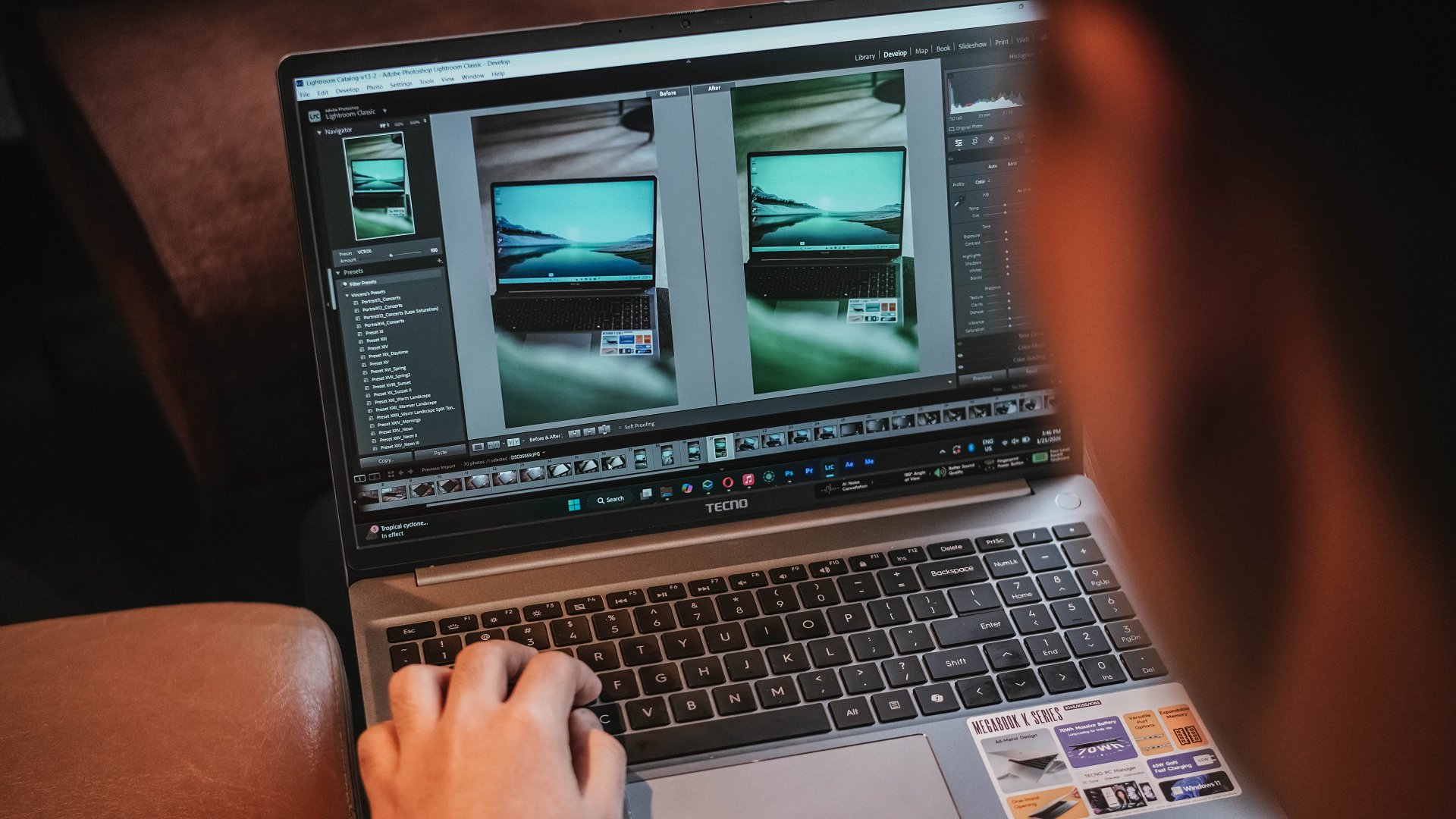
Without a hitch, I immediately installed all the essential creativity apps I use.
Lightroom is less demanding so post-processing the photos I took for the MEGABOOK K16s 13th was easy-peasy.
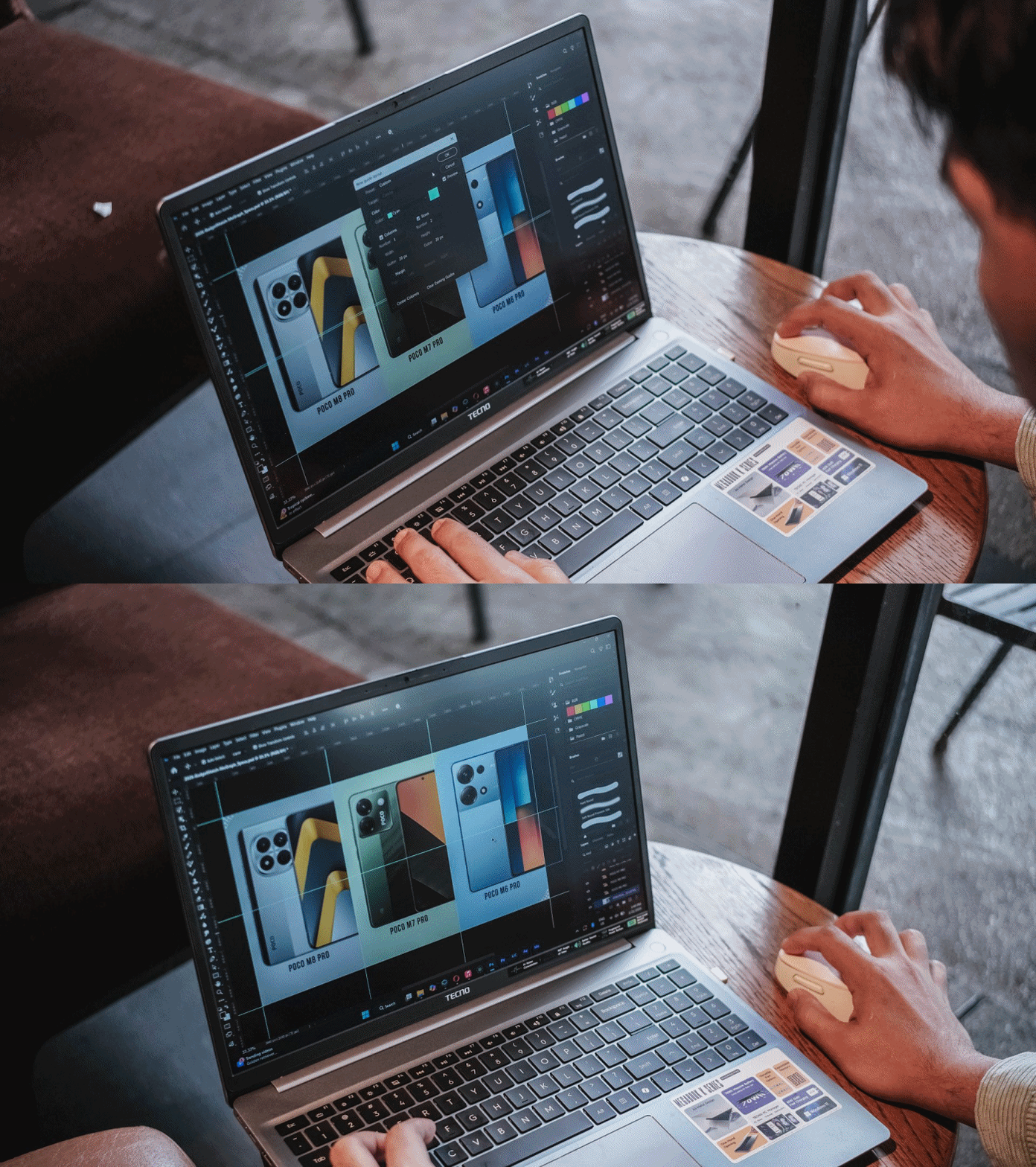
I then managed to make static graphics using Adobe Photoshop for another review article.
As for Premiere Pro and After Effects, you can still scrub through heaps of layers with tolerable amount of hiccup considering how packed my timeline was.

This laptop boasts a cooling fan system that kicked in heavily when the laptop was in dire need of releasing all the heat within — which went out through its four air vents.
Work-life balance achieved
My test doesn’t end just yet. I have installed both the Forza Horizon 5 and Euro Truck Simulator 2 for greater measure.
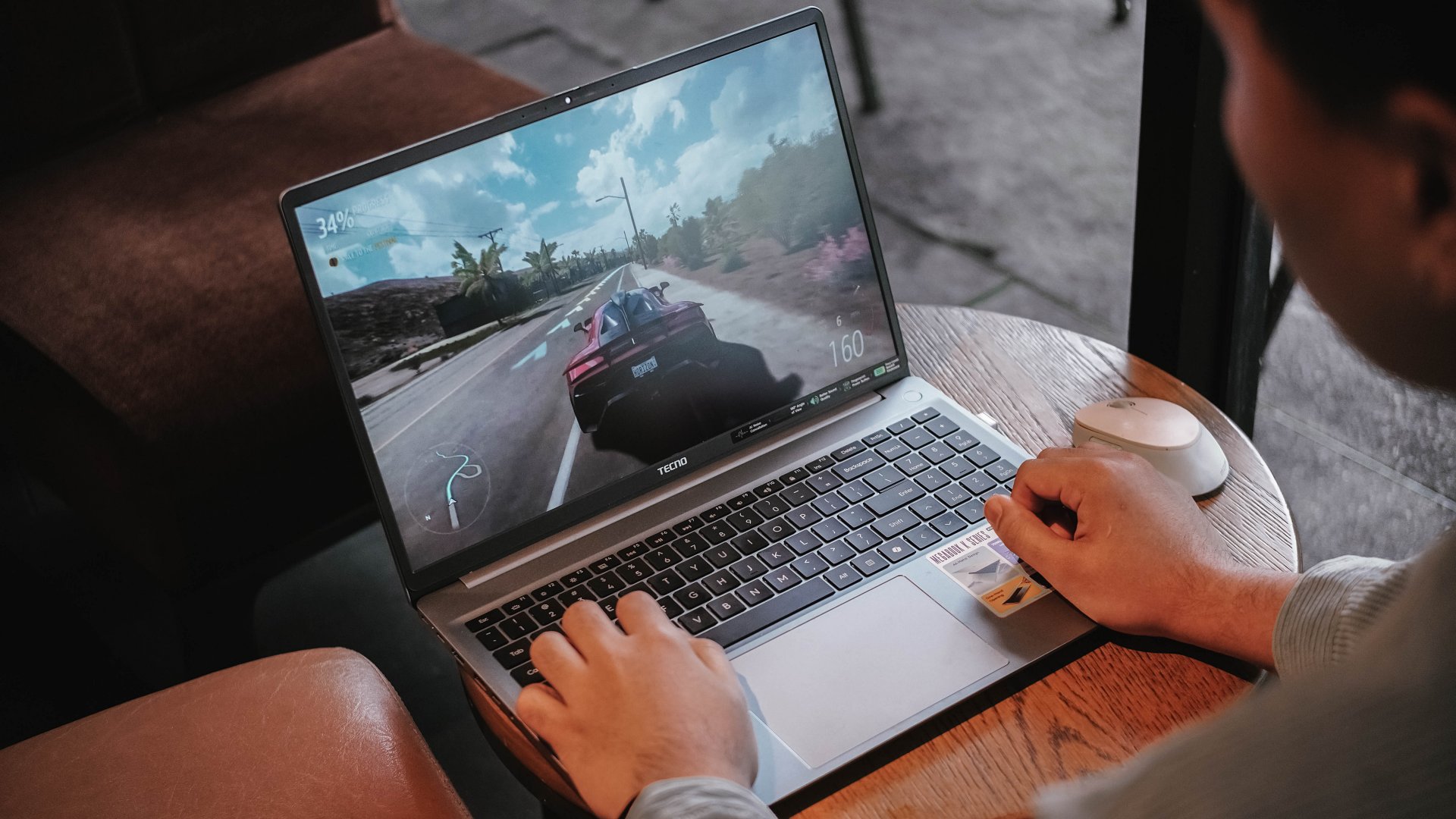
As expected, having integrated graphics (and the lack of a dedicated graphics) mean lower graphics support.
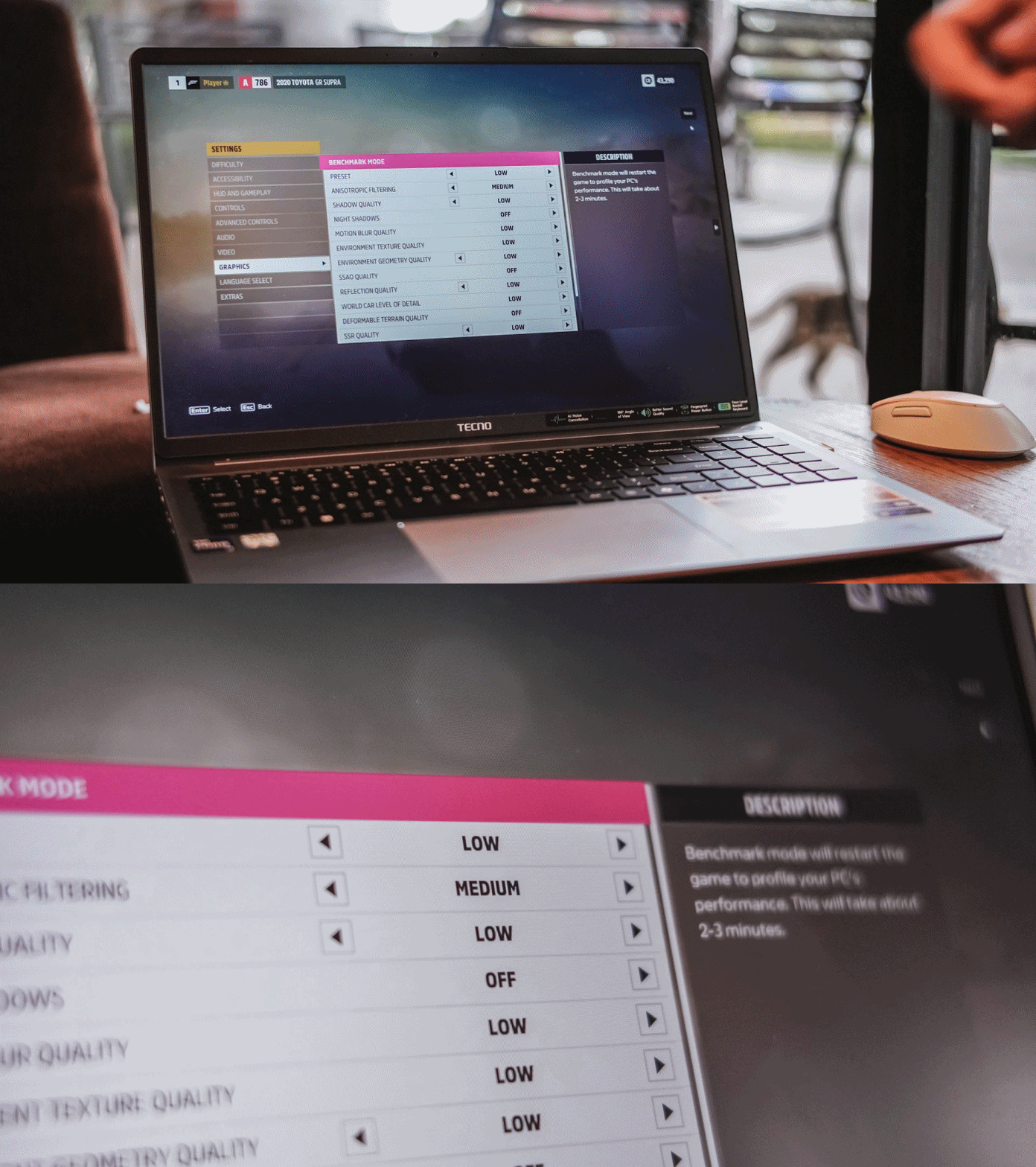
Surprisingly, both titles were playable enough. I enjoyed playing Forza Horizon 5 even in the lowest playable setting for more than 30 minutes — just with some stutters in between.
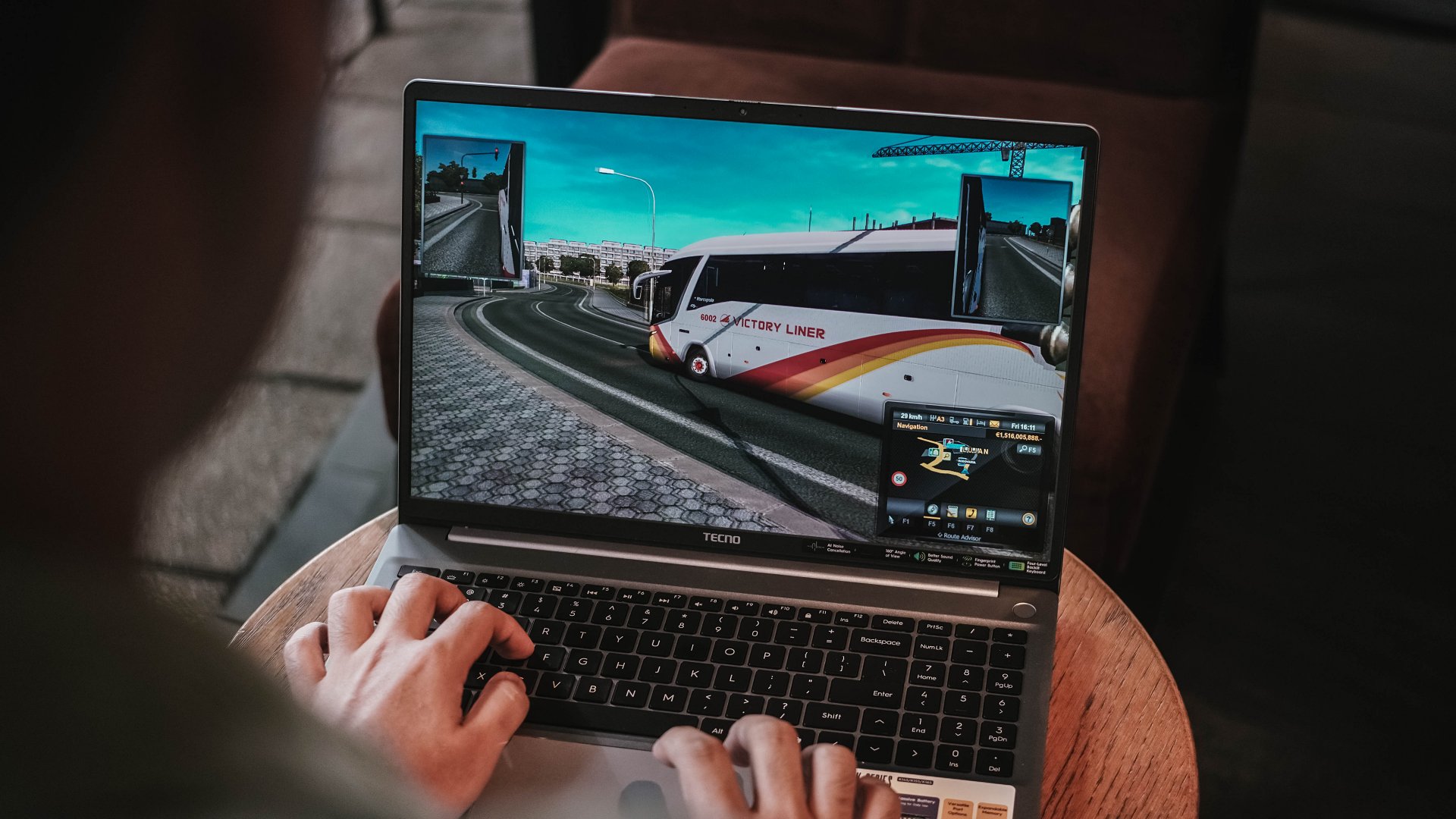
ETS2 felt smoother though. Driving the bus with the custom livery I made on Photoshop last 2019 was still working — and my pre-pandemic nostalgia kicked in.
Using the keyboard for playing isn’t the best thing in the world but it does the job — much like how I was able to write this review piece using the laptop itself.

As for the feel, the keys are more on the mushier side that felt like typing on a mashed potato. Not that I’m expecting a mechanical nor MacBook-level type of clickiness.

Good thing is, its trackpad supports gestures I’ve been heavily using since transitioning to a Mac.
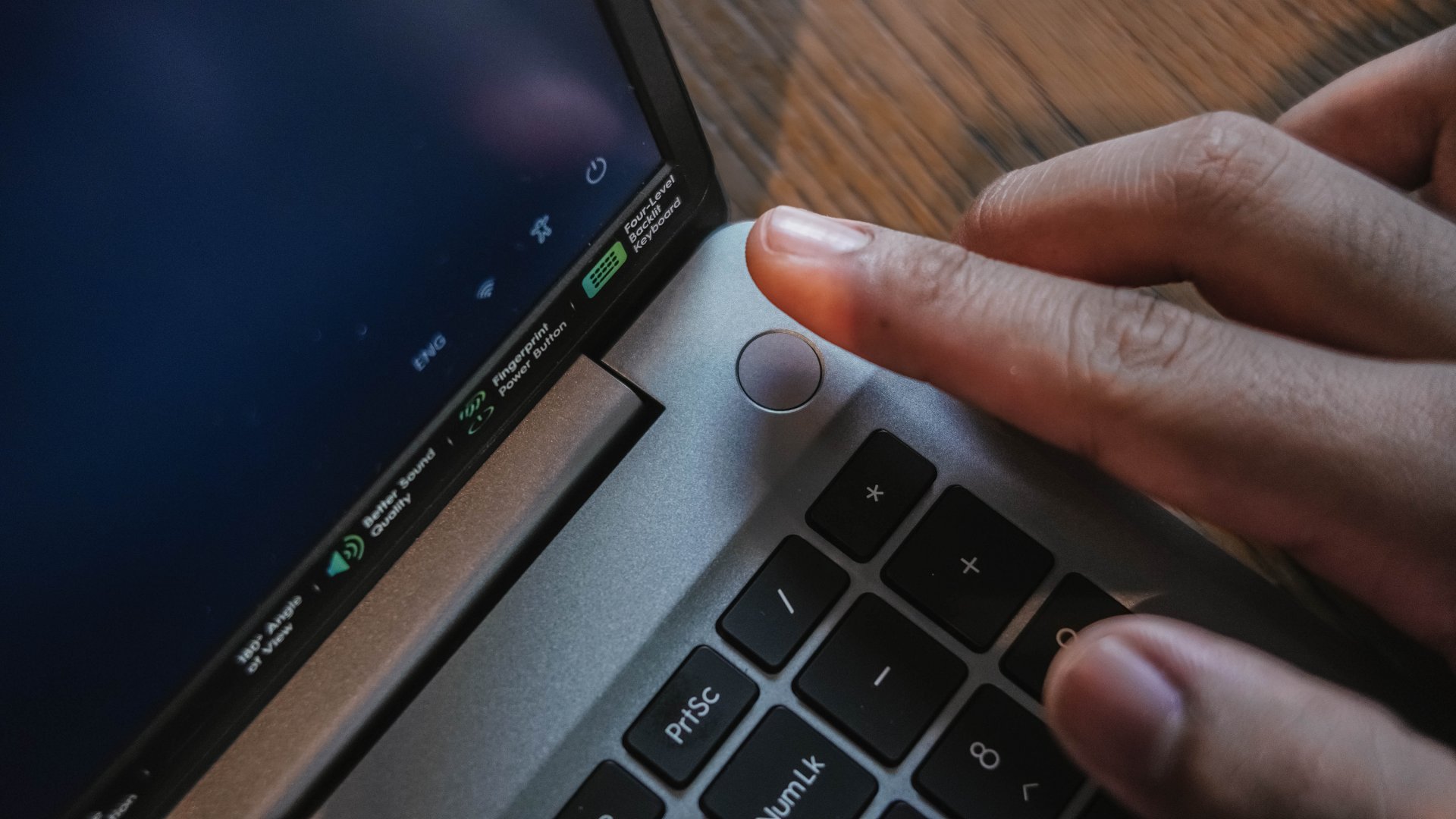
Security-wise, the TECNO MEGABOOK K16s 13th can be unlocked with your fingerprint button using the power button as the reader.
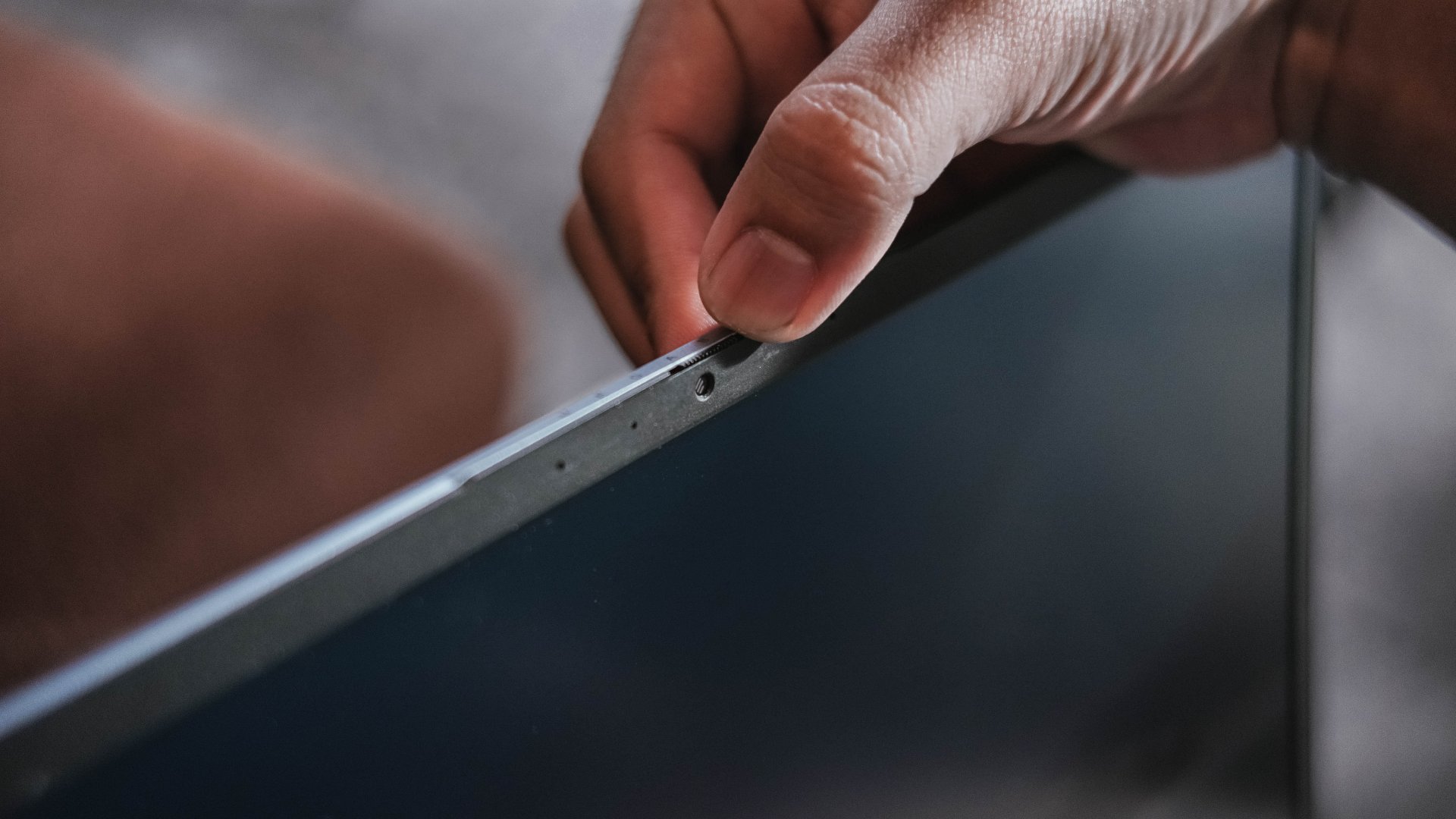
That 1MP webcam also has a sliding cover for that extra level of protection against privy hackers.
Enduring that endurance
For the most part, the 70Wh battery of the MEGABOOK K16s 13th delivers a satisfactory endurance.
You will not feel its gradual decrease for the most basic of tasks — writing notes, being in a call meeting, even juggling through tens and hundreds of webpages for your write-ups.

Even between consuming several hours of entertainment, the MEGABOOK K16s 13th can still manage just like any other modern-day laptop would.
With the excellency and efficiency of hardware components in this digital age, it’s hard to kill a laptop with these day-to-day habits.
That said, the MEGABOOK K16s 13th isn’t totally meant for anything graphics-heavy.
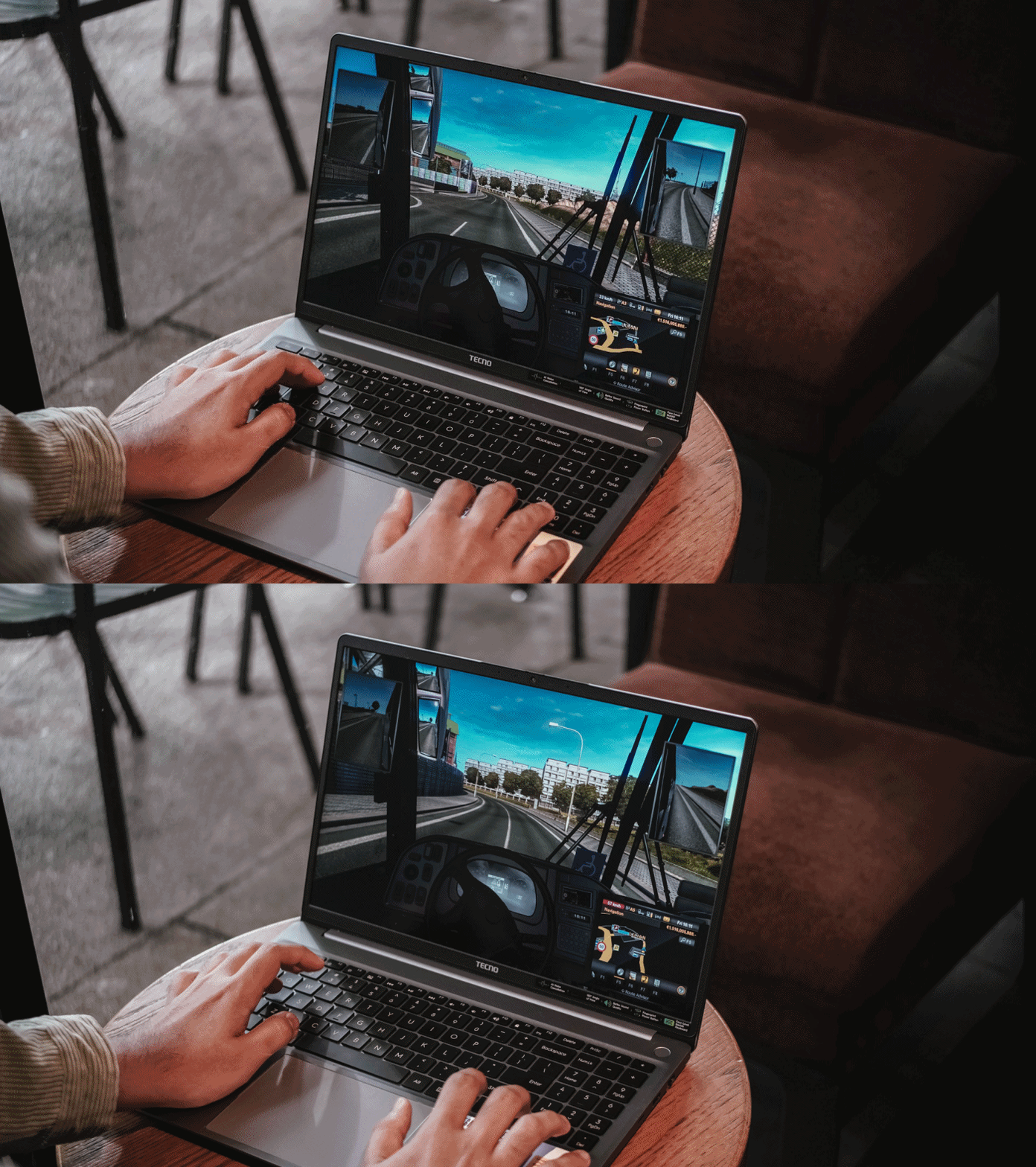
As one would (and should) expect, the battery level instantly descends the moment you enter the start screen of a game or export a 10-second motion graphic in After Effects.
For instance, after running Forza Horizon 5 for 20 minutes, it depleted significantly from 51% all the way down to 27%.
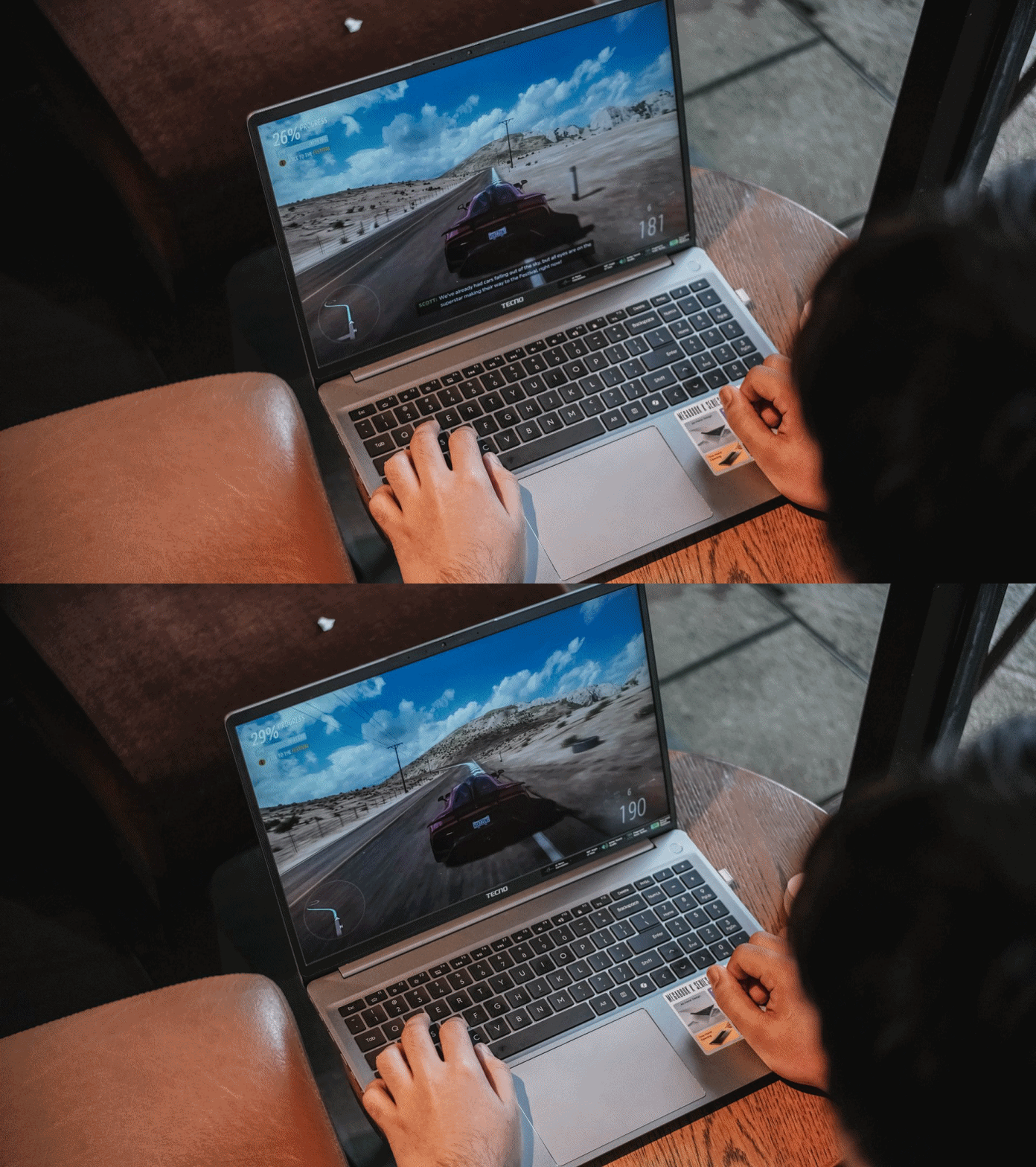
Fortunately, the MEGABOOK K16s 13th packs a 65W GaN charger out of the box.
Charging speeds isn’t all that great, though, as it will take a long time filling the battery from zero to the brim.
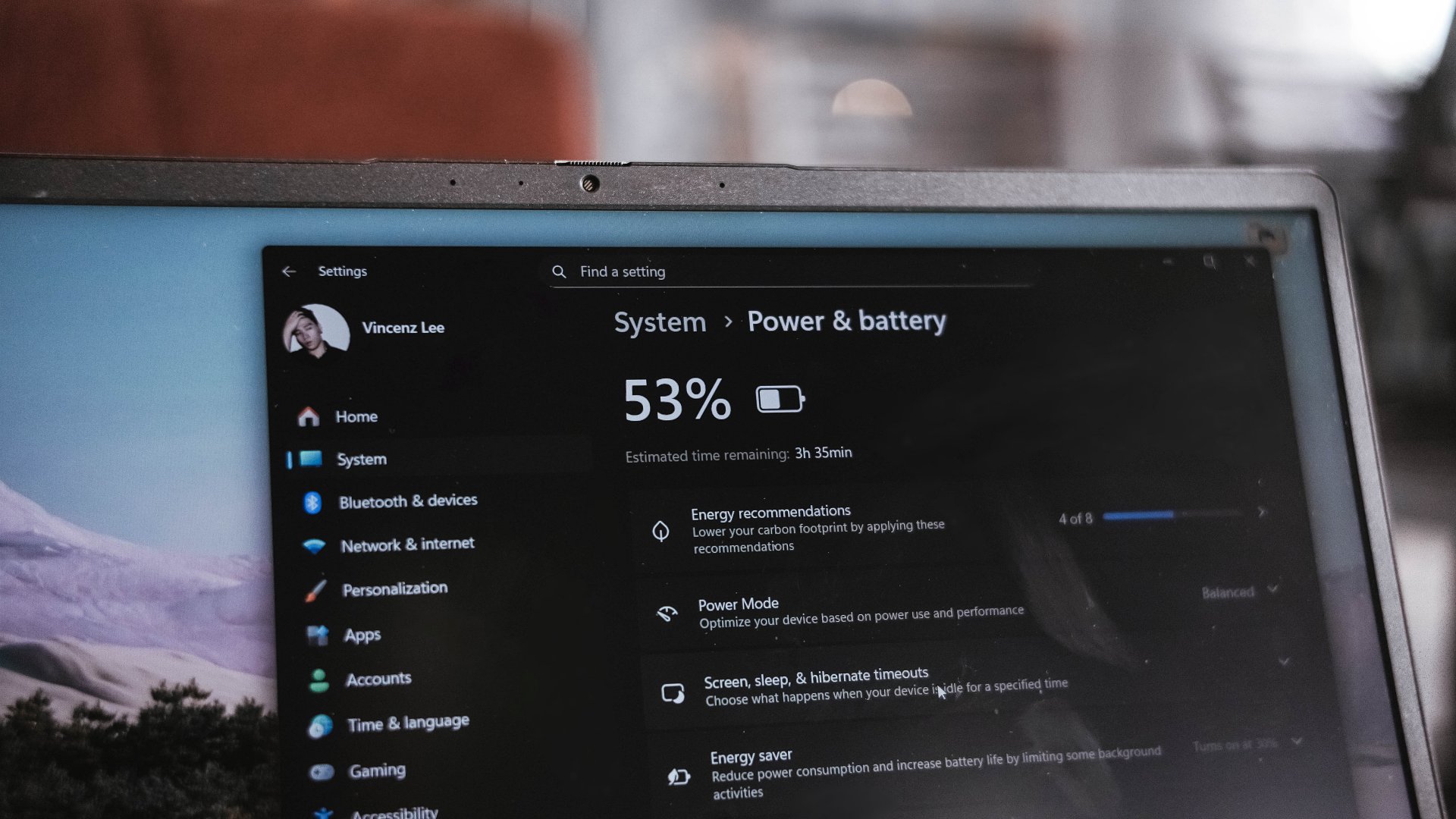
I have honestly given up my GadgetMatch Charge Test upon realizing that in the 45-minute mark, it was only able to fill it at 27%.
This just means that in order to enjoy your me time, you have to sit very near a plug outlet. Moreover, expect severe battery health degradation in the long run if you intend to use it for casual gaming.
“Win”dows is far from winning
Before being a Mac user last 2016, I have been a long-time Windows user. My youthful years made me experience Windows 98, XP, Vista, 7, and even as far as Windows 8.1. My university years in 2015? Relying on Windows 10.
Now that we’re in the era of Windows 11, it’s still far from being flawless.
Even before Fruitiger Aero aesthetics of Windows Vista, Apple was already way ahead of its time with the first iteration of the OS X dubbed “Cheetah” and its translucent UI elements along a cleaner overall look.
2.5 decades after, Windows is as cluttered as it was in its prime days. Settings are for one, file system for another.
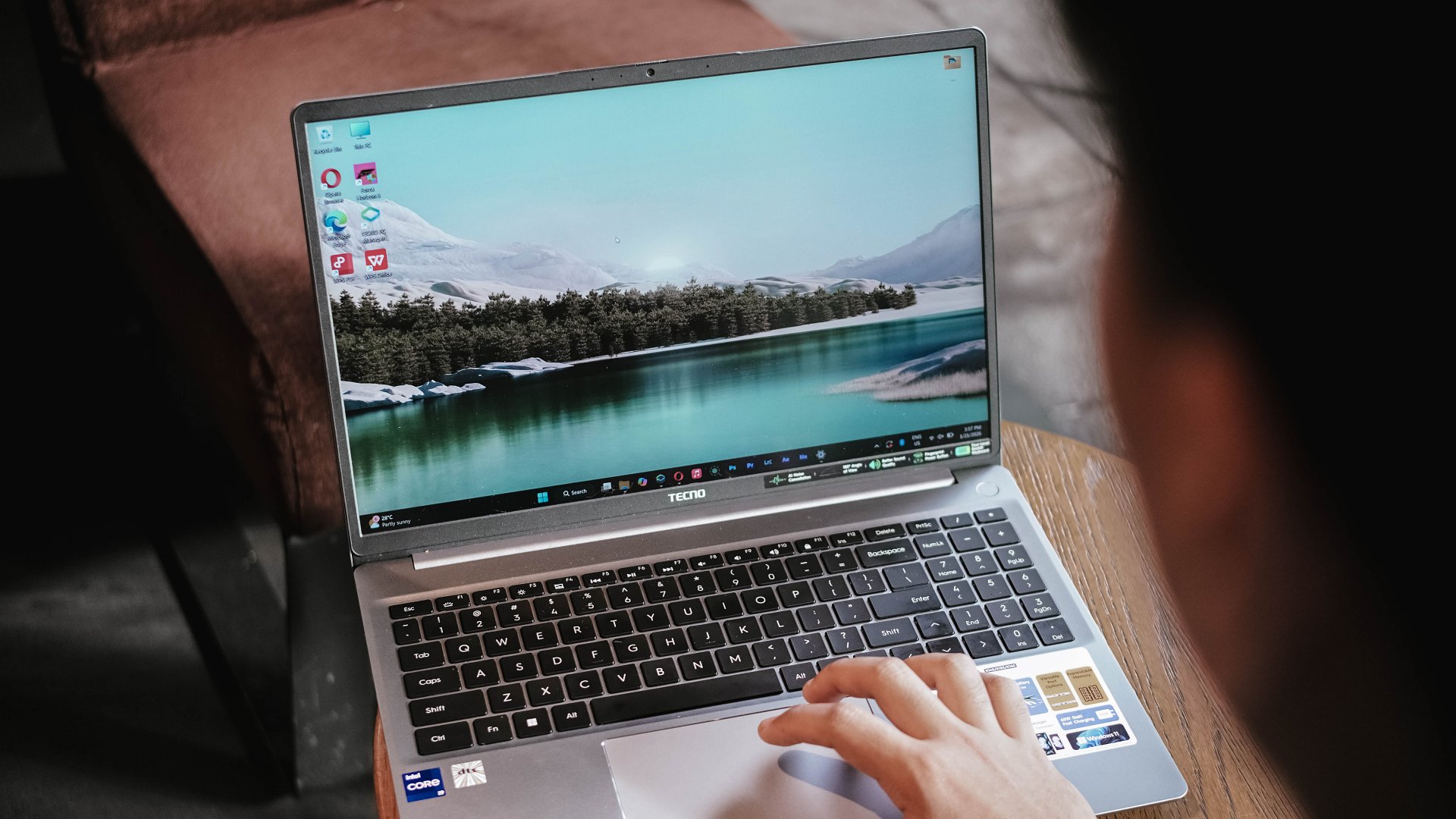
Task Manager, Explorer, and even Recycle Bin still crash like crazy — even if the MEGABOOK K16s 13th is already equipped with a pro-grade processor in its core.
The lack of fluidity is also for another. It will really make any Mac user justify the “once you go Mac, you can never go back” saying. Reality speaking, Windows is far from winning over.
This isn’t a TECNO problem per se. It’s always been about Microsoft not fully immersing and polishing their software for the longest of time.
If you happen to own other TECNO devices, TECNO’s PC Manager saves the day.

That so-called “OneLeap Collaboration” not only enables seamless data sharing and file transfers between all your TECNO devices, it also has support for Multi-Screen or Remote PC.
PC cloning, laptop optimizations, even troubleshooting, can also be done in this one-stop app.
Is the TECNO MEGABOOK K16s 13th your GadgetMatch?
The TECNO MEGABOOK K16s 13th in the Philippines retails for PhP 46,999 — and I am not even surprised by this.
I have known TECNO as a brand for quite a while now. The MEGABOOK K16s 13th is another testament to the brand’s vision of bringing devices within the reach of consumers at the middle to the lower-end of the working class.
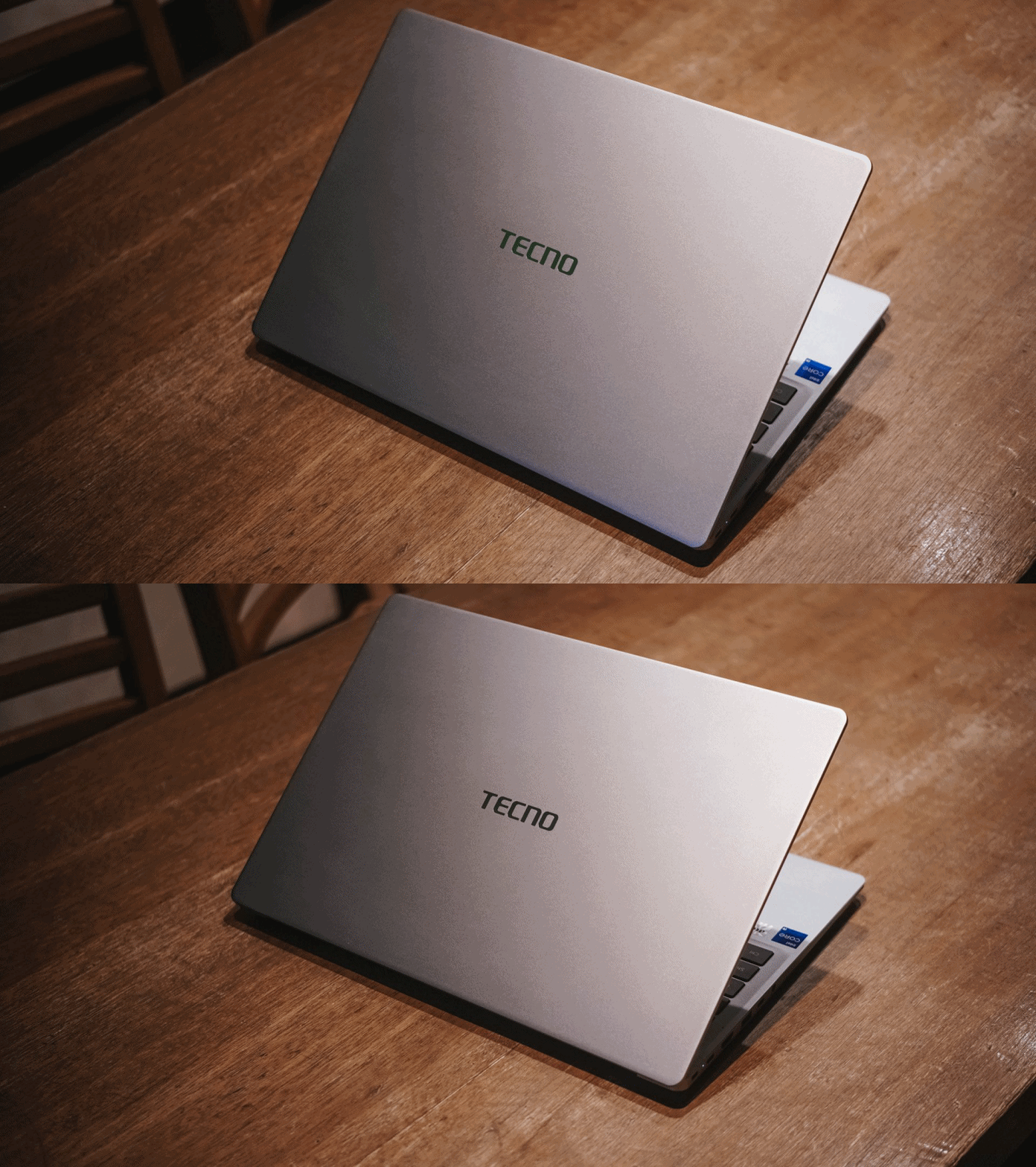
For those who need better performance, especially those who need intensive graphics power (emphasis on intensive), this is obviously a Swipe Left.
However, it’s a no-brainer Swipe Right for buyers who want a shiny new all-rounder laptop without spending a fortune.
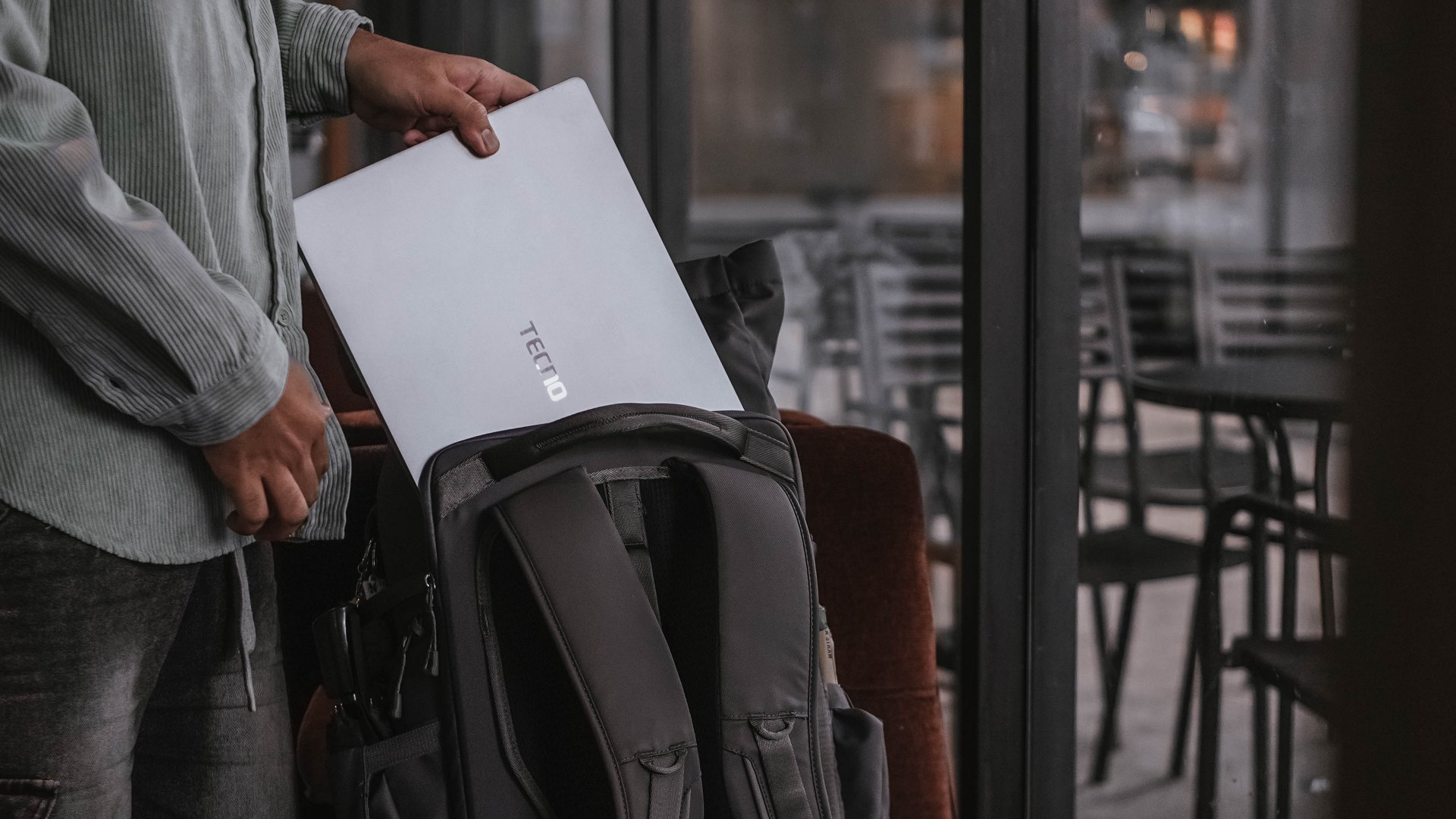
Even with the similar price as the ASUS Vivobook S16, the TECNO MEGABOOK K16s 13th has the upper-hand with its more powerful 13th-Gen Intel Core i9 chipset plus Iris Xe graphics (versus the Core 5 + UHD Graphics pairing).
That’s if you don’t care about the latter’s smoother 144Hz IPS display.
Being “basic” is neither a bad thing
The TECNO MEGABOOK K16s 13th is as “basic” as a Windows laptop can get — at least compared to a swarm of 2-in-1s, ultrabooks, creative powerhouses, and gaming machineries.
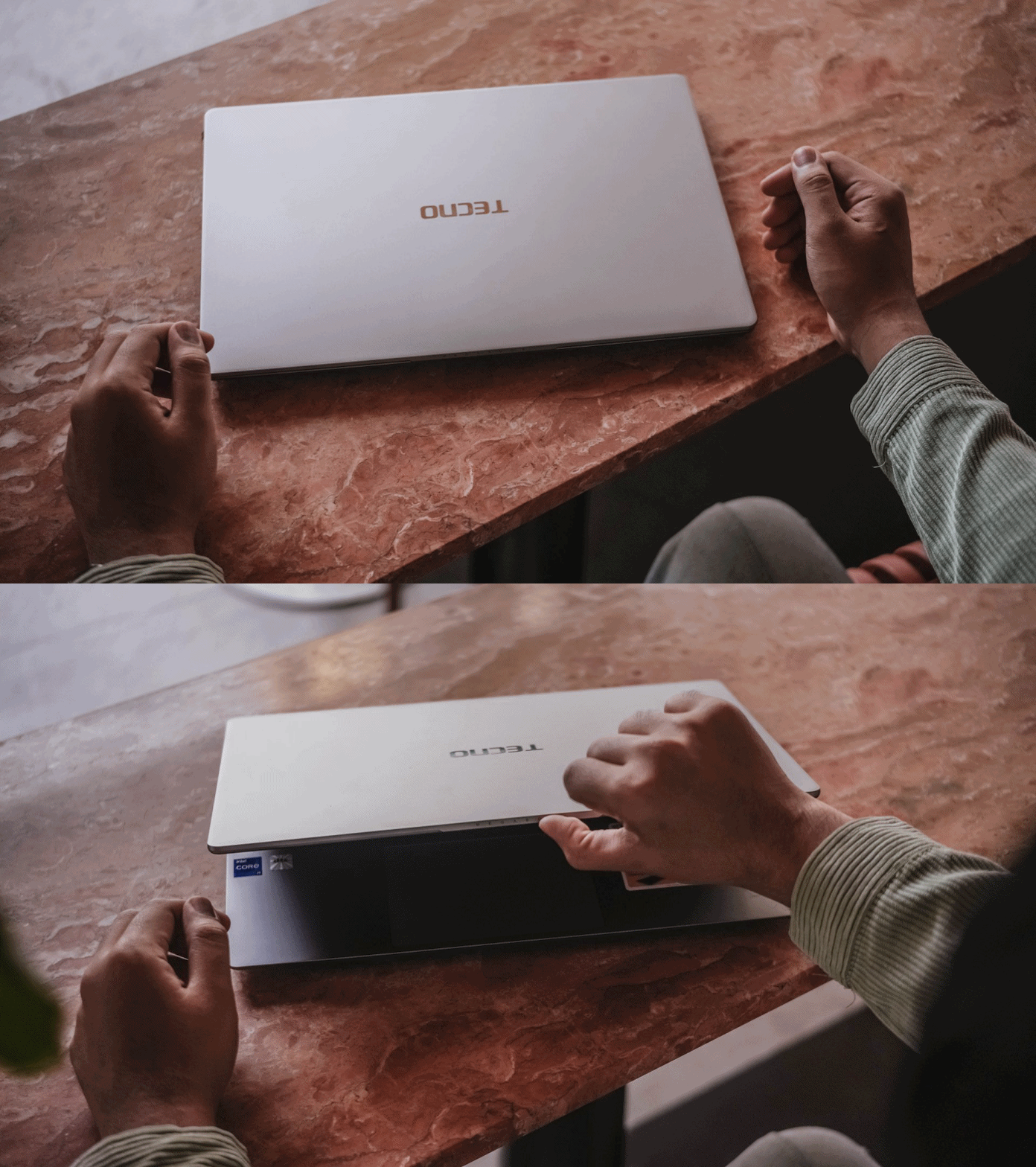
I am not saying this is a letdown. In fact, I have to commend the K16s 13th for being a simple yet straightforward laptop that delivers all the necessities without frills.

Although it’s the core definition of a “basic” Windows laptop, it’s still a powerful one — way beyond its price point. It should serve as an example of how “basic” Windows laptops should be in the first place.
The TECNO MEGABOOK K16s 13th is simply an all-around laptop that delivers without messing around.
SEE ALSO: TECNO’s MEGABOOK laptops are now available in the Philippines
Laptops
TECNO’s MEGABOOK laptops are now available in the Philippines
Exclusively sold at Laptop Factory

With the launch of TECNO’s two MEGABOOK K Series in the Philippines (MEGABOOK K16s 13th and MEGABOOK K15s), they have also announced an exclusive partnership with Laptop Factory — one of the Philippines’ fast-growing laptop distributor.
This will further usher in new productivity solutions to Filipino professionals, students and digital consumers.
Two Ks for Dual Use-Case
TECNO’s MEGABOOK K16s 13th shines on its own way. Equipped with a 13th Gen Intel® Core™ i9-13420H processor alongside a max 32GB DDR4 memory and 1TB SSD configuration, this laptop can easily handle heavy workloads including multitasking, graphic design, even data analysis.
Its large 16-inch 16:10 Full HD display covers the 100% sRGB color gamut. Along with its 2.5W quad speakers, this MEGABOOK brings an immersive audio-visual experience. There’s also the large 70Wh battery — promising of up to 12 hours of use.
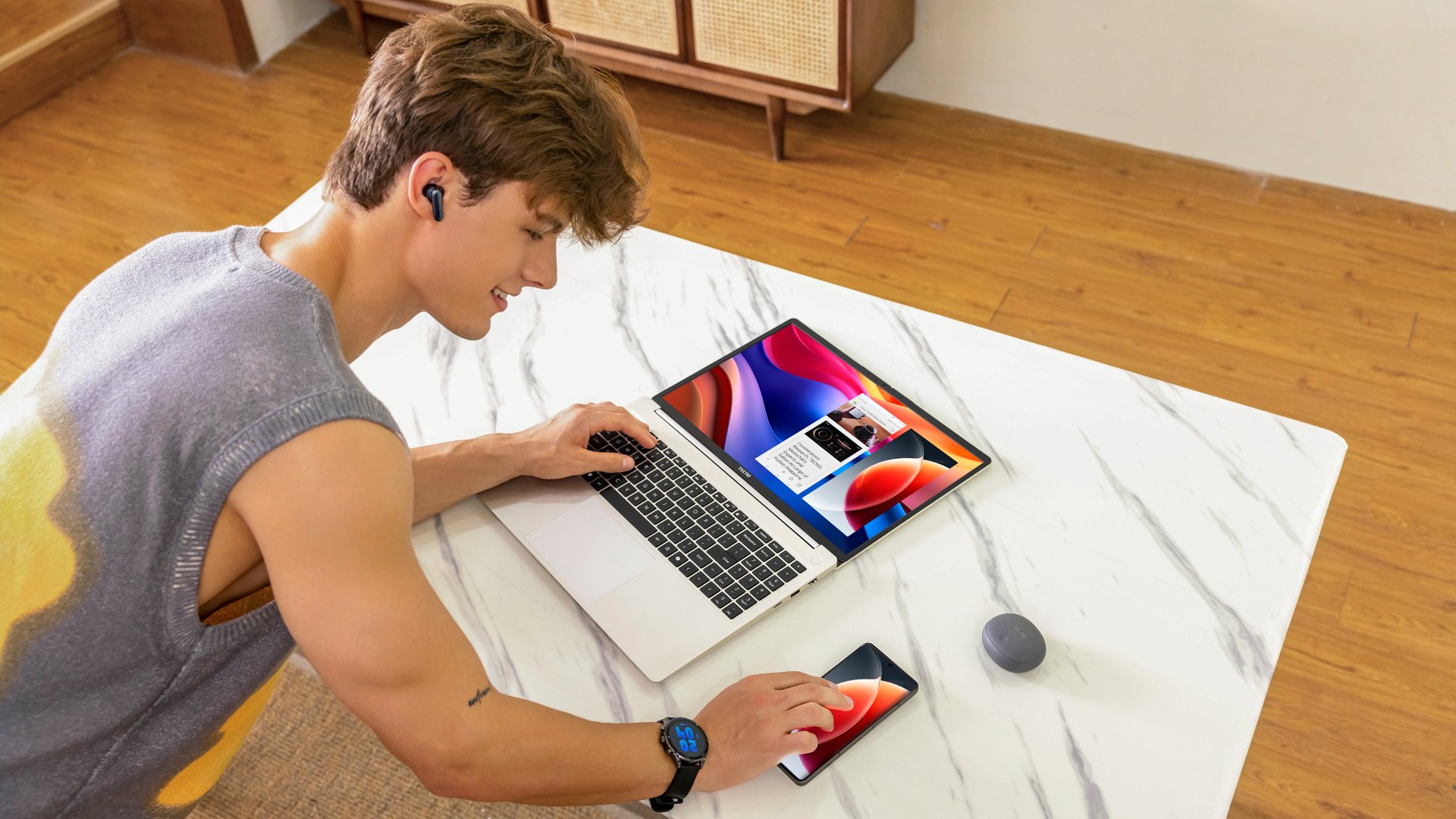
The TECNO PC Manager cross-device collaboration app exists for better harmony with your existing TECNO phones and tablets. And with the laptop running the latest Windows 11 version, it also has a built-in Microsoft Copilot AI key to further improve work efficiency. Despite all these ginormity, it manages to weigh at only 1.5kg.
Meanwhile, the MEGABOOK K15s is affordability is at its core. Its slim and light body is beneficial for commuting, while its basic configuration (suitable for daily software operation) together with its long battery life makes it the perfect complement for students and budding professionals. This makes it a true “entry-level high-performance” laptop.
TECNO x Laptop Factory
Laptop Factory is one of the fastest-growing laptop retailers in the Philippines. They are known for their wide selection of global brands, abundant stocks, and know what the local market wants. It’s even recognized by other major laptop brands for its strong growth, competitive pricing, and value-for-money deals.
With this exclusive partnership, TECNO gets a direct path into the Philippine laptop market by tapping Laptop Factory’s well-established offline retail network. For Laptop Factory, the collaboration means expanding its lineup with TECNO’s high-quality laptops — giving Filipino consumers more solid choices in the productivity space.
Together, both brands aim to deliver laptops that fit the everyday needs of Filipinos — whether for work, school, or everything in between. All while growing alongside the country’s rapidly evolving digital market.
Buy a TECNO Laptop, Get a Free Phone!
With this exclusive partnership, TECNO and Laptop Factory are giving away free phones when you purchase one MEGABOOK:
- Buy the MEGABOOK K15s (SRP: ₱44,999) and get a FREE TECNO POVA 7 (8+256GB)
- Buy the MEGABOOK K16s 13th (SRP: ₱46,999) and get a FREE TECNO CAMON 40 Pro 5G (8+256GB)
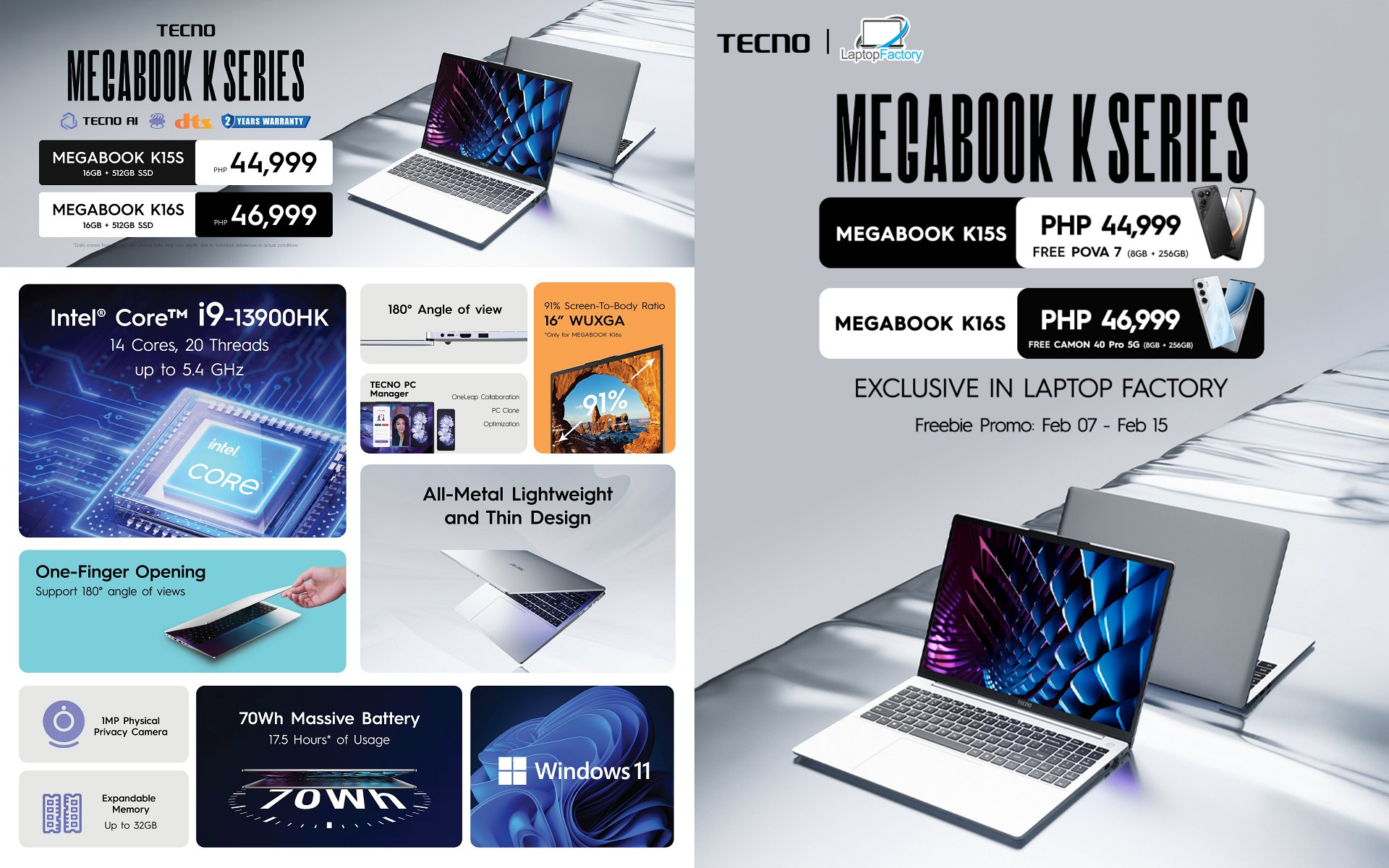
From February 7 and 8, this BOGO promo is available Buy One Get One Free is available only at Laptop Factory QC Main Branch. From February 9 onwards, the said promo will be available in all offline Laptop Factory stores nationwide.
The number of free gifts is limited, available on a first-come, first-served basis only until February 15th.

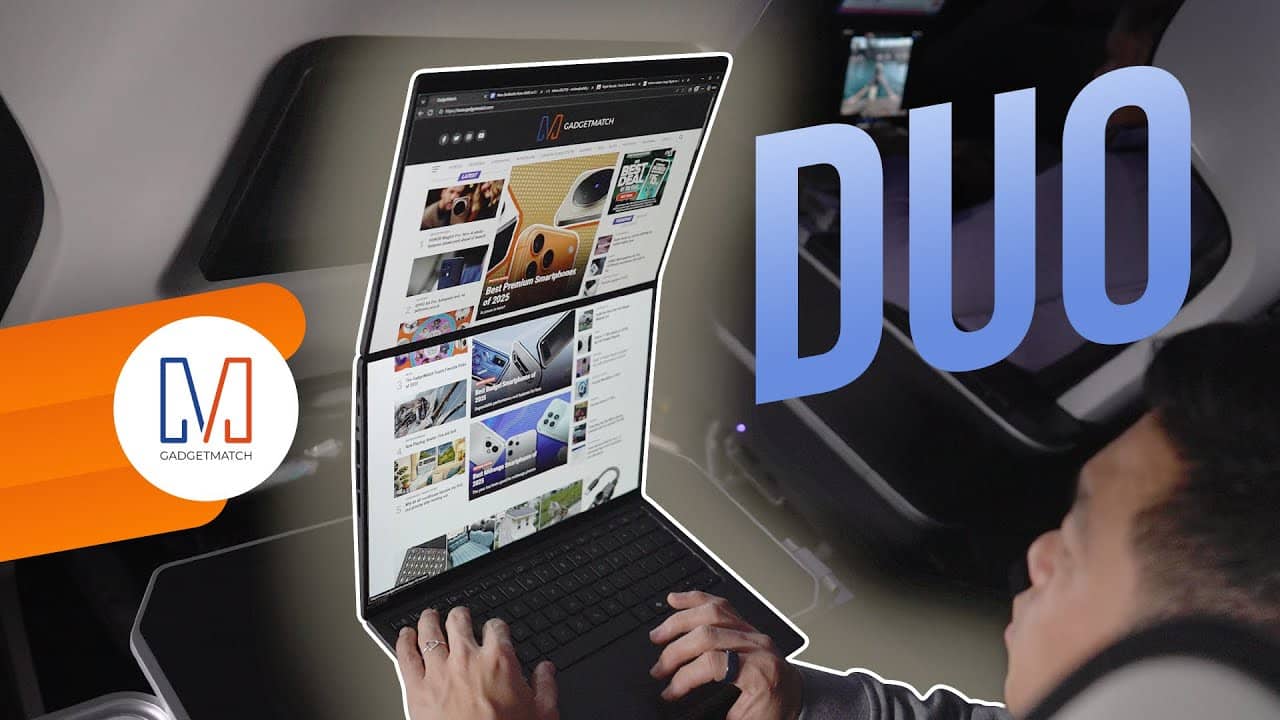
THE Michael Josh just got back from the Consumer Electronics Show (CES) in Las Vegas — the annual tech event that attracts all the biggest tech brands.
One of which is none other than ASUS, Taiwan’s biggest computing giant. They have launched the first wave of Windows laptops for 2026. There’s a full lineup — models for everyday folks, creators, and gamers.
However, we are focusing on these Zenbooks favorites the show: the updated 2026 Zenbook DUO and Zenbook A14, as well as a bigger Zenbook A16 model.
Eager to know more about them? Here’s our Spotlight on the three power-packed ASUS Zenbooks at CES 2026.






Apple AirTag 2 Review

Rayman: 30th Anniversary Edition out now

Star Wars: Galactic Racer shows off new gameplay at State of Play

Nothing opens first India store in Bengaluru

Samsung Display unveils QD-OLED Penta Tandem technology

Infinix NOTE Edge debuts: High-end features for accessible pricing

HONOR X9d 5G review: Tougher, more long-lasting and optimized

BYD expands PH presence with entry of DENZA luxury EVs

Now playing: Final Fantasy VII Remake INTERGRADE on Switch 2

Razer fully unwraps these limited BLACKPINK Edition gaming gear


-

 Gaming2 weeks ago
PlayStation, LE SSERAFIM Chaewon team for the ‘Love of Play’ campaign
-

 News5 days ago
TECNO will showcase the CAMON 50 and POVA 8 series at MWC 2026
-
 Accessories2 weeks ago
Sony WF-1000XM6 was accidentally leaked online
-

 Reviews2 weeks ago
nubia V80 Max: Long battery, marginal upgrades, casual budget phone
-

 Gaming2 weeks ago
Zenless Zone Zero Version 2.6 launches February 6 with idol group debut
-

 Laptops1 week ago
TECNO MEGABOOK K16s 13th review: No-frills beneath those grills
-

 Gaming1 week ago
My Hero Academia: All’s Justice: A familiar Final War, made playable
-

 Gaming2 weeks ago
New Civilization VII update will address everyone’s biggest issue