
Reviews
ASUS ZenFone 3 Deluxe review


It took almost half a year to reach us, but it’s here, and we’ve spent a good deal of time with it.
The ASUS ZenFone 3 Deluxe is now possibly rolling out to a store near you. Is it good? Yes — it’s a solid smartphone effort. But is it brilliant? Well, it is in one way. And therein lies the rub: ASUS could, and should, have done more to make the Deluxe stand out and be memorable, pricing be damned. Those of you expecting a strong phone of the year candidate will be disappointed.
[irp posts=”8379″ name=”ASUS ZenFone 3 Deluxe unboxing”]
Wolf in sheep’s clothing
Let’s start off with something positive: performance. The Deluxe is, without any shade of doubt, the fastest and most capable ZenFone ever made. And you don’t have to look far for answers as to why that is; inside, a Qualcomm Snapdragon 820 processor — or 821, depending on the configuration (our review unit uses an 820) — hums along with 6GB of RAM, providing the speed and seamless multitasking you’d expect from a 2016 Android flagship.

The ZenFone 3 Deluxe is fast. Really fast. It unlocks in a fraction of a second; apps load up the moment you tap them; switching between windows is smooth and snappy; and we couldn’t find a game to slow this beast down, despite all the pre-installed apps, or bloatware, ASUS included on the handset. (A quick aside: You can uninstall most, but not all, of the preloaded stuff — and you should. While you’re at it, consider downloading icon packs from the Google Play Store; the square-ish stock icons don’t look that great.)
Charging the 3,000mAh battery from zero to 100 percent takes an hour and a half using the supplied USB-C cable and power adapter, so you can leave the device plugged in while you’re in the shower, and by the time you finish dressing in the morning, it should have enough power to keep the lights on until night time. The battery typically lasts a day on a full charge.
[irp posts=”7939″ name=”ASUS ZenFone 3 Max 5.5-inch review”]
The flash storage goes as high as 256GB on the most specced-out (and most expensive) model, though our unit maxes out at 64GB. But then again, 64GB is probably enough for most people’s needs — it really should be. If that isn’t the case, the second SIM slot can be used to expand the storage using a microSD card.

Speed is the highlight here, and the Deluxe doesn’t disappoint in the foot race. But to say it’s the fastest phone you can buy at any price, the human equivalent of Usain Bolt, would be ignoring the brilliance of other flagships in Android land and beyond. The Pixel and OnePlus 3 are more responsive than the Deluxe; we can say the same about the iPhone 7, too.
In fact, you don’t have to think hard to find an Android flagship that can keep up with ASUS’ latest and greatest. And that’s a concern because this phone doesn’t have any other killer feature to speak of. None whatsoever, really.
Sure, the full-metal jacket is smooth to the touch and feels nice in the hand thanks to its curved rear end and contoured edges. It slides easily in and out of the pocket as well. And those antenna bands that run across the backs of metal phones? You won’t find them here; ASUS has found a way to hide them without affecting signal performance. (Psst. Did you hear that, Apple?)

These positives aside, though, the Deluxe doesn’t offer any kind of protection against water damage, doesn’t have two rear cameras or attachment points for modular accessories like the Moto Z. Its display doesn’t bend on either side, and the resolution is 1080p, whereas rivals from Samsung, Motorola, and LG all step up to Quad HD panels. Worse still, the design doesn’t stand out starkly compared to the best choices in the mid- to high-end range.
All this to say, the hardware, though undeniably capable and fit for purpose, does not impress the way others would, especially given its lofty pricing.
[irp posts=”4193″ name=”ASUS ZenFone 3 Ultra unboxing and review”]
Missing the finer details
The front is completely flat from edge to edge — no 2.5D glass to make swiping feel more natural — and carries ASUS’ concentric-centric styling, though it is somewhat awkwardly designed: the 5.7-inch AMOLED screen is framed by thick black borders, with a bottom bar containing three capacitive keys that fall too close to the bottom edge, oblivious to the space above them. The top bar contains the earpiece and selfie camera.

The display is very good, better than what we had anticipated on a non-Samsung phone. Judged by the yardstick that is Sammy’s AMOLED technology, it measures up quite nicely, providing colors with impeccable contrast and deep blacks, as well as strong viewing angles. Brightness levels are high enough to use the phone comfortably under direct sunlight.
Of course, it won’t stack up to a Quad HD panel in terms of sharpness, but it should be more than enough for the occasional Netflix binge. What we’re not happy to see, however, are those borders: While they give the illusion of being bezel-free when the screen is off, they can be a distraction sometimes.

Just recently, ASUS issued a software update that added always-on functionality to the display. When activated in the Settings menu, this feature will display the date, time, battery status, and number of unread messages and missed calls when the screen goes black. It drains the battery more quickly, but only noticeably if it is constantly in use.
Click, click
The ZenFone 3 Deluxe carries a 23-megapixel camera that has a maximum aperture of f/2.0 and a large pixel size to collect more light and improve the detail in the images. Well, at least that’s the theory; in practice, we found its camera to be no better than what Samsung, Google, and Apple have done with their mobile cameras.

When light is scarce, the gap widens, and the Deluxe finds itself on the losing end of the comparison. On a positive note, the phone got better at taking photos after a software update, so there’s hope yet.
The 8-megapixel selfie camera is pretty great — most will like its color reproduction and wide-angle lens. It struggles a bit in low light but no more than the competition.




Is this your GadgetMatch?
The unit sent to us is right up there with the latest iPhones and Galaxy S7s, price-wise, retailing for $700, or P34,995, in the Philippines. Meanwhile, the highest-end model, with a Snapdragon 821 chip and 256GB of storage, costs $900 (P44,995) locally. So if you don’t mind coughing up iPhone money for an Android flagship, then, sure, consider it. But don’t decide on anything until you’ve seen what the competition is like.
Not that we find anything inherently wrong with ASUS seeking better profit margins by asking customers to pay more. Problem is, the ZenFone 3 Deluxe doesn’t offer any compelling advantage over the premium-priced competition — besides what’s on the inside, of course — or anything superfluous, at the very least, to justify its price tag.
[irp posts=”3880″ name=”ASUS ZenFone 3 review”]
Samsung’s Galaxy S7 Edge has a gorgeous display that wraps around the sides of the device; the Moto Z is almost alarmingly thin, and has accessories that can be slapped on willy-nilly; the Xiaomi Mi Mix has a bonkers edge-to-edge, retina-melting screen; the Apple iPhone 7 Plus, LG V20, and Huawei P9 Plus all have twice as many cameras on the back; even the Pixel has a digital assistant that’s almost as capable and resourceful as a real person. And then there’s the OnePlus 3, which shares the same internals as our test phone but provides a better Android experience for a modest sum of $400. We could go on.
The ZenFone 3 Deluxe, though a worthy flagship entry by company standards, just doesn’t cut it anymore in the broad scheme of things.








Apple disrupts the industry with their latest MacBook — an affordable to say the very least.
If you’re a student, a first-time Mac owner, someone who’s been priced out of this ecosystem their whole life, someone who just needs a laptop for basic tasks but one that looks great, without slowing them down, this is it!
Or maybe you’re torn choosing between the MacBook Neo and the more powerful M5 MacBook Air?
Well, that’s what we’re here for. Here’s our review with the all-new MacBook Neo.

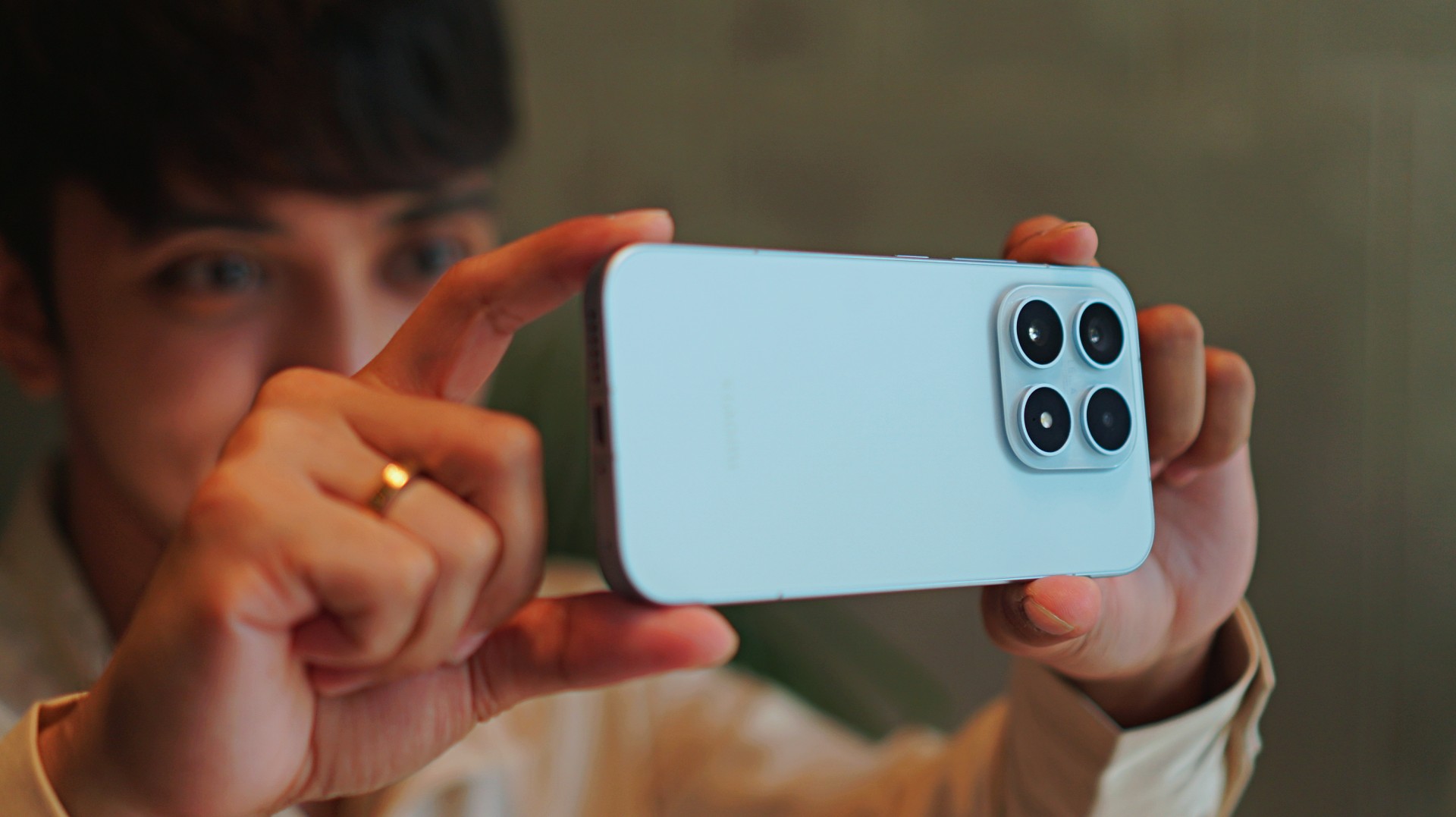
Base models are often an afterthought — even among flagship phones. And with a flashy, attention-grabbing Ultra variant in the lineup, it’s easy to overlook the smaller Xiaomi 17.
But like the base models that came before it, the Xiaomi 17 is a tiny but mighty true flagship. One that quietly delivers the core flagship experience without demanding the size, weight, or price of its bigger sibling.
It’s compact, powerful, and surprisingly capable. And perhaps more importantly, it’s a phone that makes mobile photography feel fun again.
For creators and photography enthusiasts who want a capable camera always within reach, the Xiaomi 17 feels like carrying a Leica-inspired camera in your pocket.
A phone that feels like a pocket camera

The first thing you notice about the Xiaomi 17 is how comfortable it feels.
Smartphones have steadily grown larger over the years, but the Xiaomi 17 brings things back to a more manageable size. It’s easy to grip, easy to carry, and easy to operate with one hand.
That might sound like a small thing, but it makes a big difference when you’re using the phone to take photos.
Pull it out of your pocket, frame the shot, press the shutter. The whole thing feels effortless. In many ways, it behaves more like a compact camera than a traditional flagship smartphone.

The design itself leans into that idea as well. The phone’s minimalist aesthetic, clean camera module, and smooth curves give it a polished but understated look.
Even the edges feel thoughtfully shaped, making the phone sit comfortably in your palm during longer shooting sessions.
It’s the kind of phone that doesn’t scream for attention — but once you start using it, it becomes difficult to put down.
Essential Leica imagery
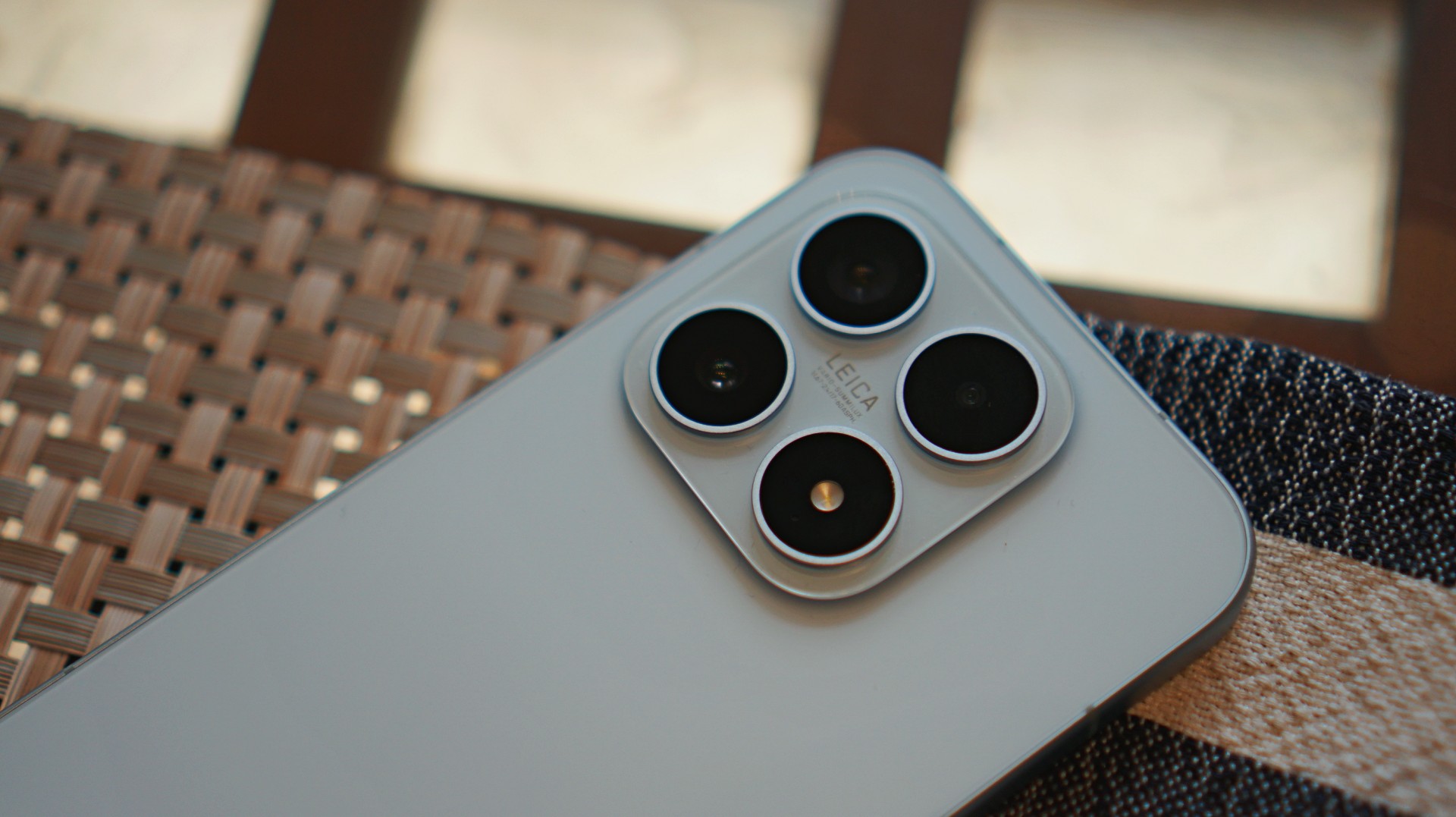
Mobile photography is where the Xiaomi 17 really shines.
It’s the kind of camera that inspires you to keep shooting. To keep capturing life stills with intent. And when the shots start coming together, that’s when you realize the Xiaomi 17 truly shoots Leica dream.
Co-engineered with Leica, the camera system focuses on capturing images with rich detail, balanced lighting, and distinctive color science.












Shots from the main camera look vibrant without feeling overly processed. Highlights stay controlled, shadows retain depth, and colors carry that signature Leica look — slightly dramatic, but still grounded in realism.
For everyday photography, the Xiaomi 17 excels.
During my time with the phone, I mindlessly walked around San Francisco taking as many sample photos as I could. Most of the time I was in a bit of a hurry, just snapping shots between stops. But even then, a surprising number of those photos still turned out pretty great. It’s the kind of camera that quietly saves moments you didn’t even think twice about capturing.












The zoom range isn’t the most extensive out there, but for most real-world scenarios — especially street photography and mid-range subjects — it delivers more than enough flexibility.
And because the phone itself is so comfortable to hold, it encourages you to take photos more often.
Changing the vibe after the shot
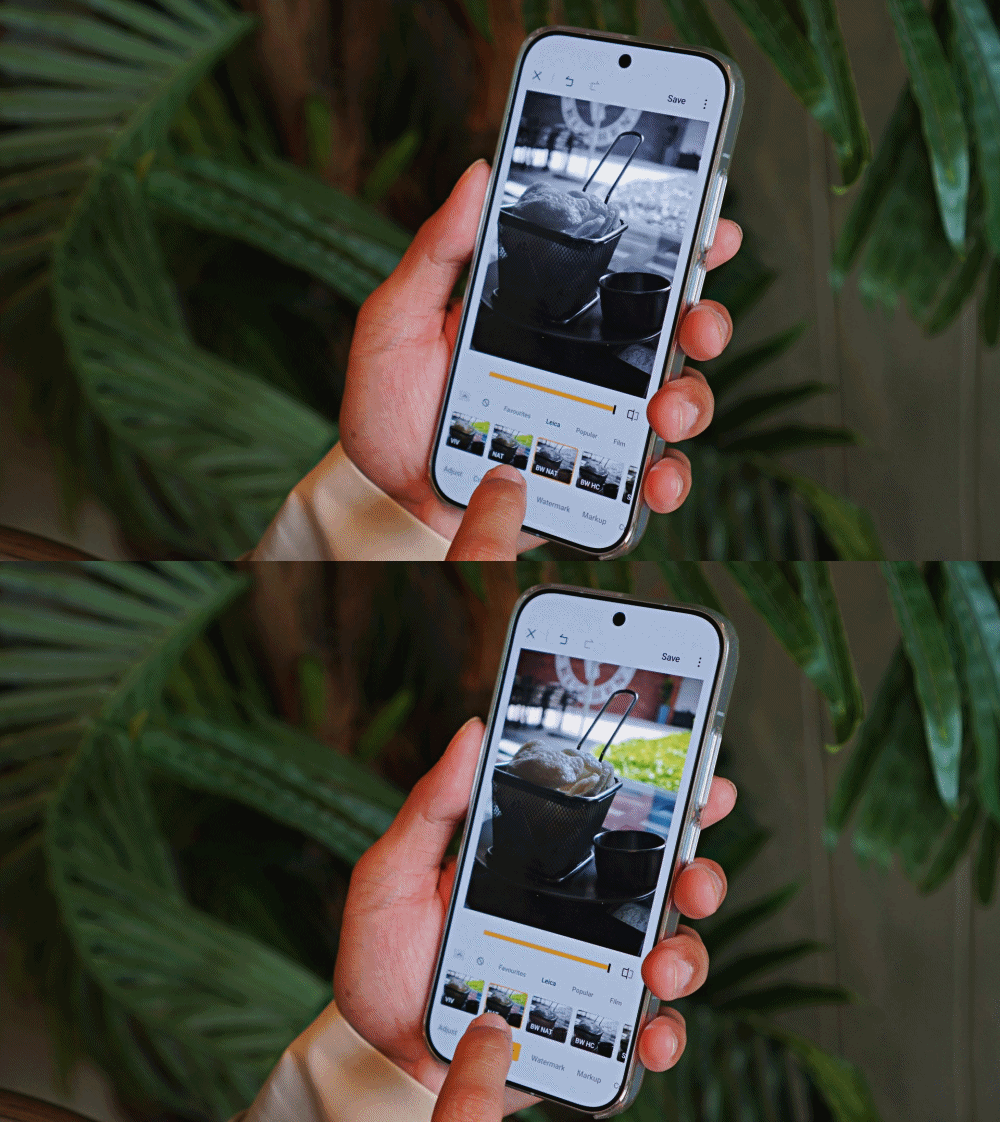
One of the coolest parts of the Xiaomi 17 camera experience is how playful it can be.
The Leica color profiles already give photos a distinctive look, but the phone also includes several creative filters that can dramatically change the mood of an image.
The existing filters look terrific. Aside from the Leica ones, personal favorites include Rhodium, Blues, Gourmand, and Cyberpunk.
What makes them even better is that you’re not stuck with the filter you used when taking the photo. After capturing the image, you can still change the style and instantly shift the entire vibe of the shot.






A photo that originally looked warm and cinematic can suddenly feel cooler and more dramatic. Another might turn vibrant and neon-like with a single tap.
It’s a simple feature, but it adds a lot of creative freedom to the photography process. And it turns editing into something enjoyable instead of something you feel obligated to do.
A compact phone with flagship power
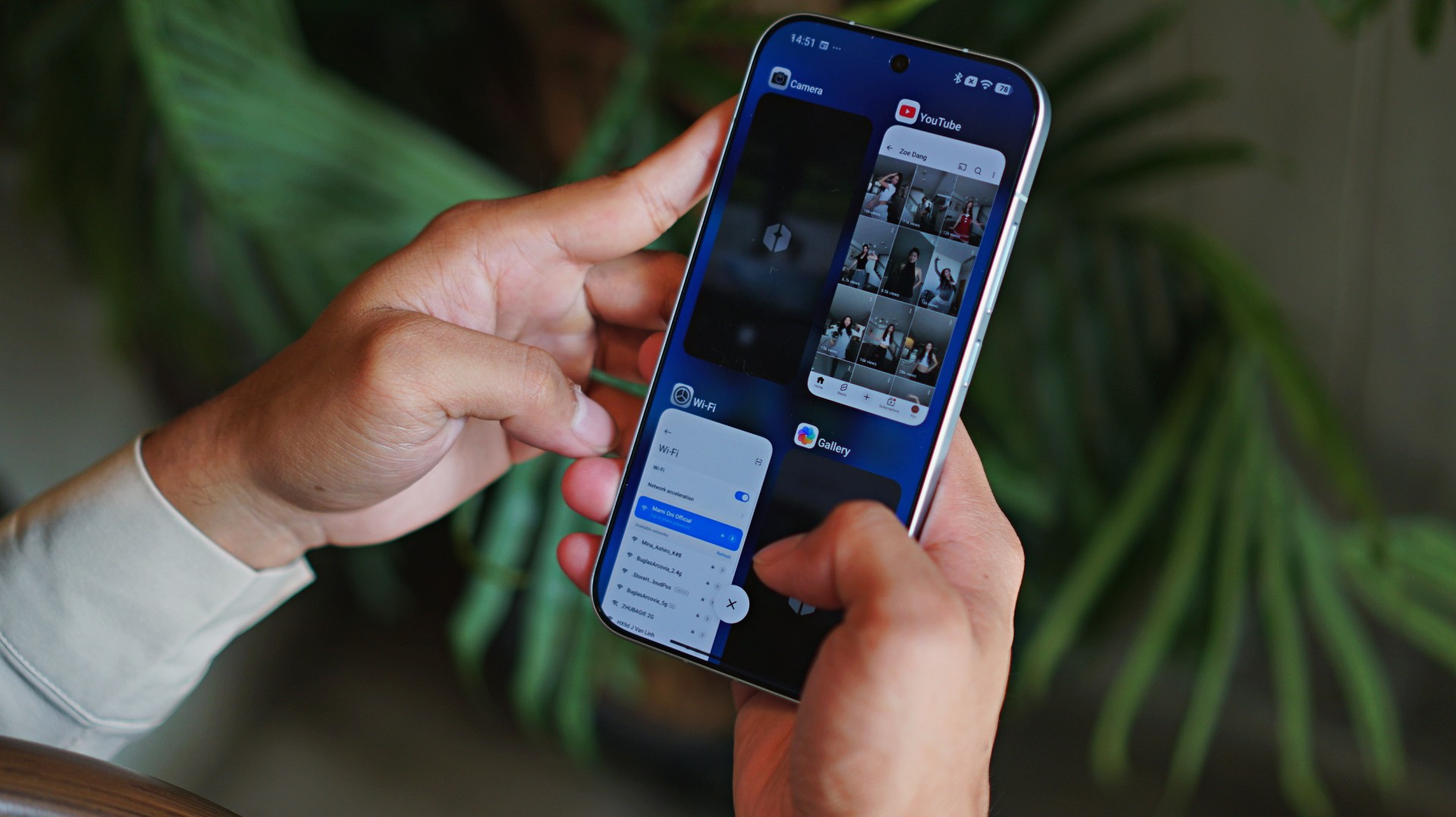
Of course, great cameras are only part of the story.
The Xiaomi 17 runs on Qualcomm’s latest Snapdragon flagship processor, and in everyday use, that power is immediately noticeable.
Apps launch quickly. Multitasking feels smooth. Games run without hesitation.
More importantly, the performance feels consistent. Whether you’re editing photos, recording videos, or jumping between several apps, the phone rarely feels like it’s struggling to keep up.
It’s the kind of performance you expect from a flagship device — just delivered in a more compact body.
Although, during a humid day but still indoors, it did uncharacteristically heat up after taking a series of photos. Happened only once but worth taking note of.
Surprisingly strong media experience

The Xiaomi 17 may be smaller than many modern smartphones, but it still manages to deliver a strong media experience.
The display is bright, colorful, and smooth. Watching videos or browsing social media feels fluid and immersive.
Interestingly, I found that the screen works best in quieter, more relaxed moments.
When held at a distance, the compact display can sometimes make smaller details harder to see. But late at night, when the lights are down and you’re catching up with shows or doom-scrolling through your feeds, the experience becomes surprisingly cozy.

I used it mostly to catch up with what XG has been putting out lately. Their track “Rock the Boat” is going platinum on my playlist.
The stereo speakers deserve a shout-out too.
Despite the phone’s more diminutive size, the speakers pack a surprising amount of punch. Music, videos, and games all sound fuller than you might expect from a phone this compact.
Battery life that keeps up

Compact phones sometimes struggle with battery life, but that’s not the case here.
The Xiaomi 17 packs a large battery that easily carries the phone through a full day of typical use.
Photography sessions, social media browsing, streaming videos, and occasional gaming didn’t seem to drain it too aggressively.
And when you do need to recharge, Xiaomi’s fast charging technology means the phone powers up quickly.
Short charging sessions can already restore a significant amount of battery life, making it easy to keep the phone ready throughout the day.
HyperOS and the familiar Xiaomi quirks
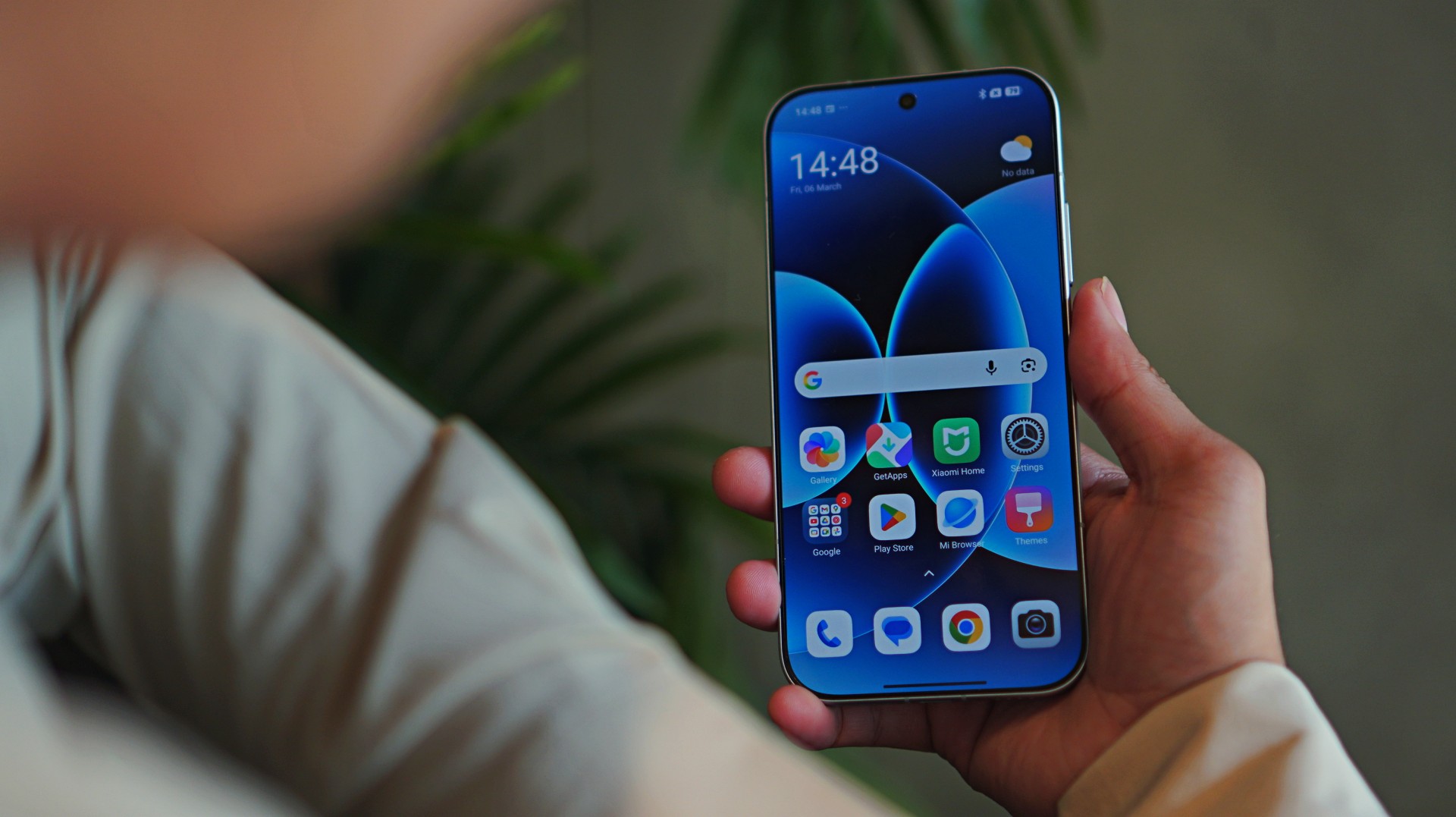
The Xiaomi 17 runs on HyperOS, Xiaomi’s latest software platform designed to connect its growing ecosystem of devices.
The system is fast and visually polished, but it does come with some familiar quirks.
By now, many users are already familiar with the bloatware and occasional ads that appear within certain system apps.
It’s something that has long been associated with Xiaomi’s software experience, and while it has improved over time, it hasn’t disappeared entirely.
Another observation is how the interface design can sometimes feel reminiscent of older smartphone aesthetics.
These are relatively minor nitpicks in the grand scheme of things, but they are still worth mentioning.
Thankfully, they don’t get in the way of the phone’s core strengths.
Xiaomi 17 specs
Display: 6.3-inch OLED, 1–120Hz refresh rate
Processor: Snapdragon 8 Elite Gen 5
RAM: 12GB
Storage: 256GB / 512GB
Battery & Charging: 6330mAh, 100W wired charging, 50W wireless charging
Size: 151.1 x 71.8 x 8.06mm, 191g
Cameras
- 50MP main camera
- 50MP telephoto
- 50MP ultra-wide
- 50MP front camera
Is the Xiaomi 17 your GadgetMatch?
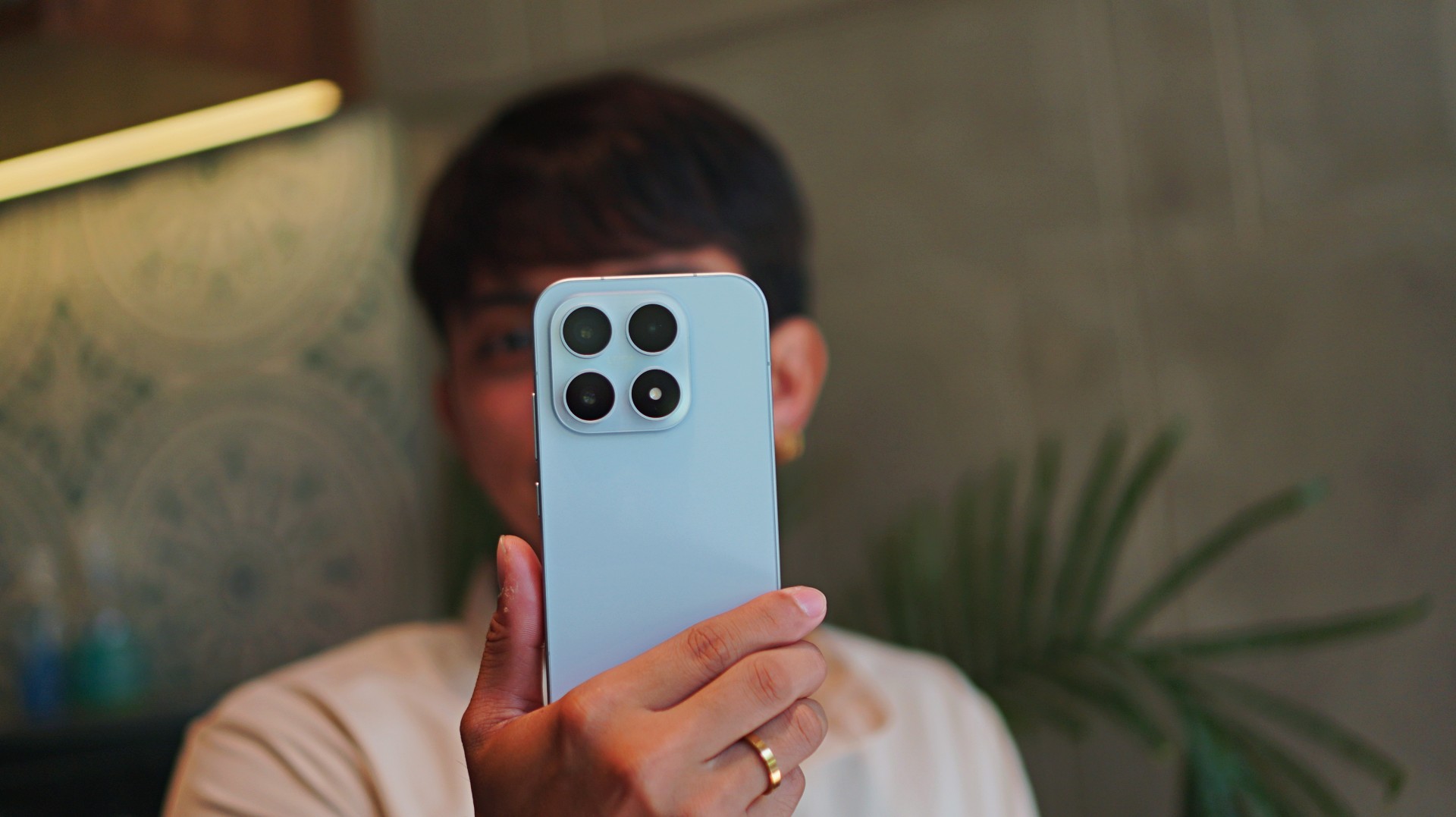
The Xiaomi 17 works because it focuses on the right things.
It delivers strong performance, dependable battery life, and a camera system that genuinely encourages creativity.
More importantly, it makes photography enjoyable.
Between the Leica color science, the flexible filters, and the comfortable size, it’s a phone that invites you to take photos more often.

If you care a lot about mobile photography without compromising overall performance, the Xiaomi 17 is an easy Swipe Right.
It’s also a great option for people who prefer smaller phones but still want something that feels like a true flagship.
And if the idea of carrying a Leica-inspired camera in your pocket sounds appealing, the Xiaomi 17 might be exactly that.
A phone that turns everyday moments into photos that feel a little more Leica dream.

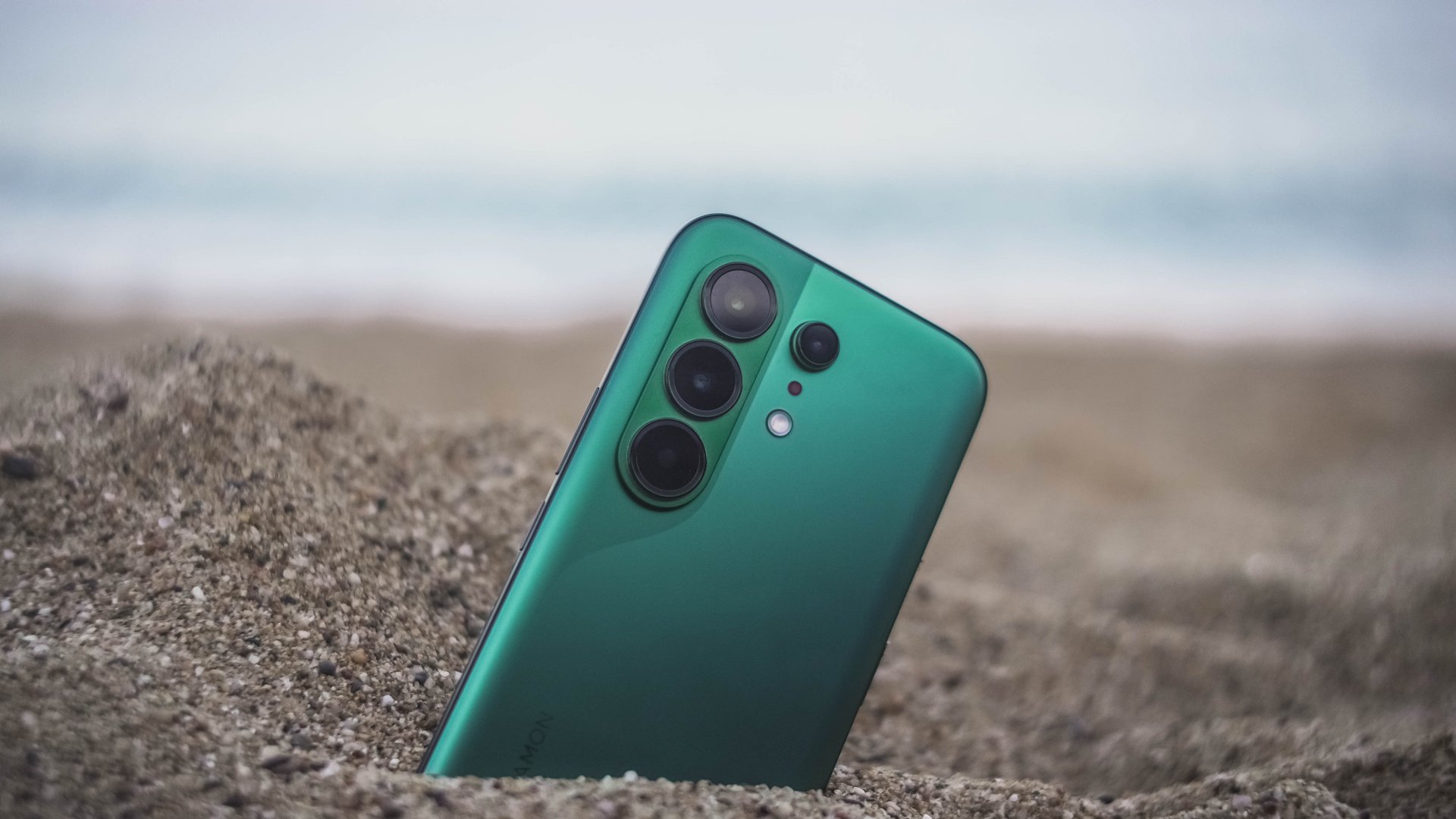
With phone brands suddenly changing their naming scheme superlatives, TECNO also decides to jump on the bandwagon with the ubiquitous “Ultra” labeling.
Ditching that truly unique “Premier” branding, 2026 ushers in a new era with the all-new CAMON 50 Ultra. But is it “Ultra” enough to dissolve its Premier line?
Felt that svelte
After having to experience the last two premium midrangers by TECNO, I was surprised by how they’ve shaken things up.
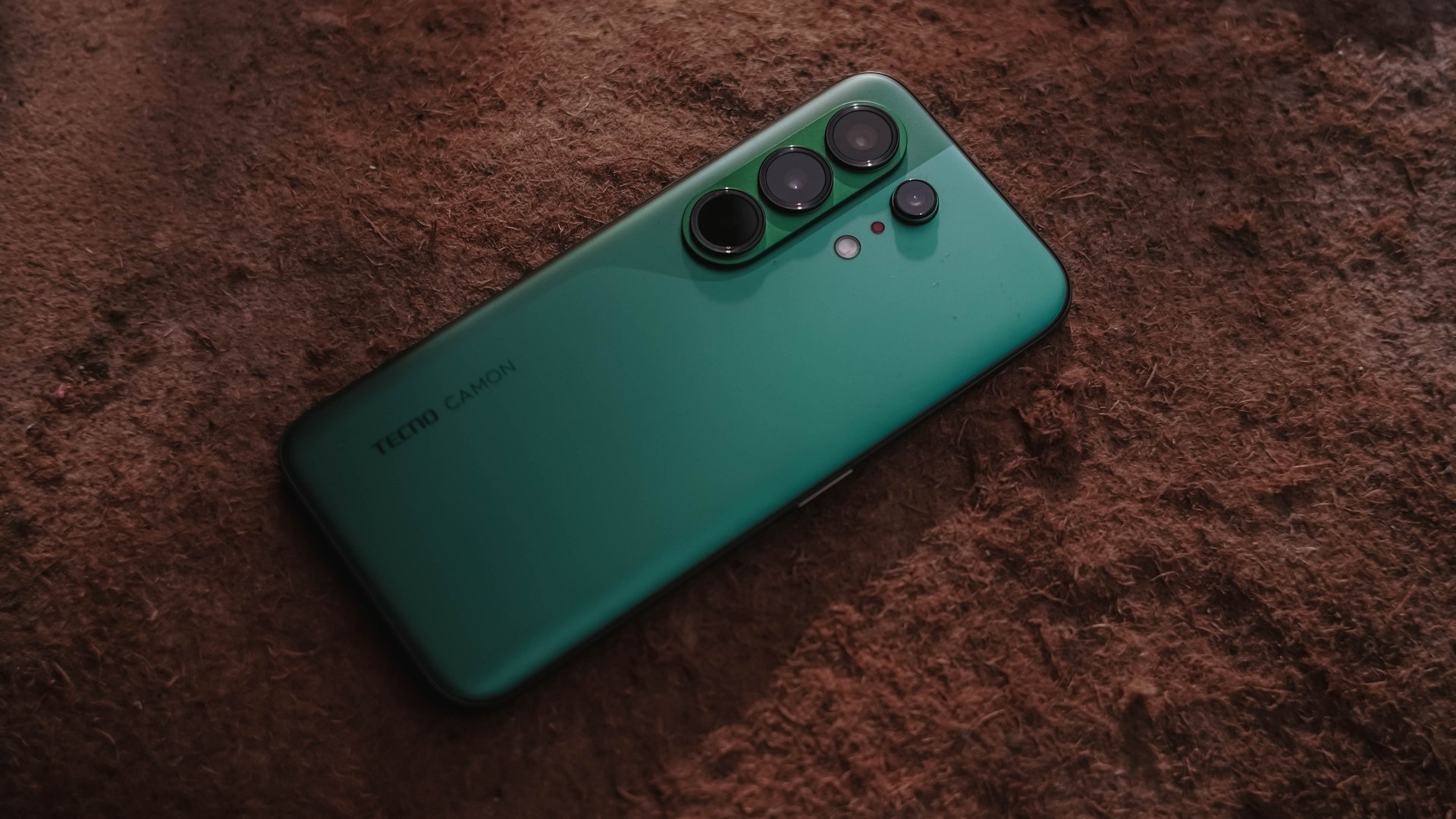
The most evident change is its back. This year’s CAMON 50 series all share the same design cues, regardless if it’s the base, Pro, and the newer Ultra model.
This not only ditches that signature, premium-looking circular camera cutout two generations in a row, all models are also hard to distinguish from one another.

As a visual guy, it felt like TECNO’s CAMON 40 and Samsung’s Galaxy S26 had a forbidden relationship — with the CAMON 50 being the child out of wedlock.
Still, I’m glad TECNO kept that distinct swan-neck curve which I truly admire since the CAMON 30 lineup.
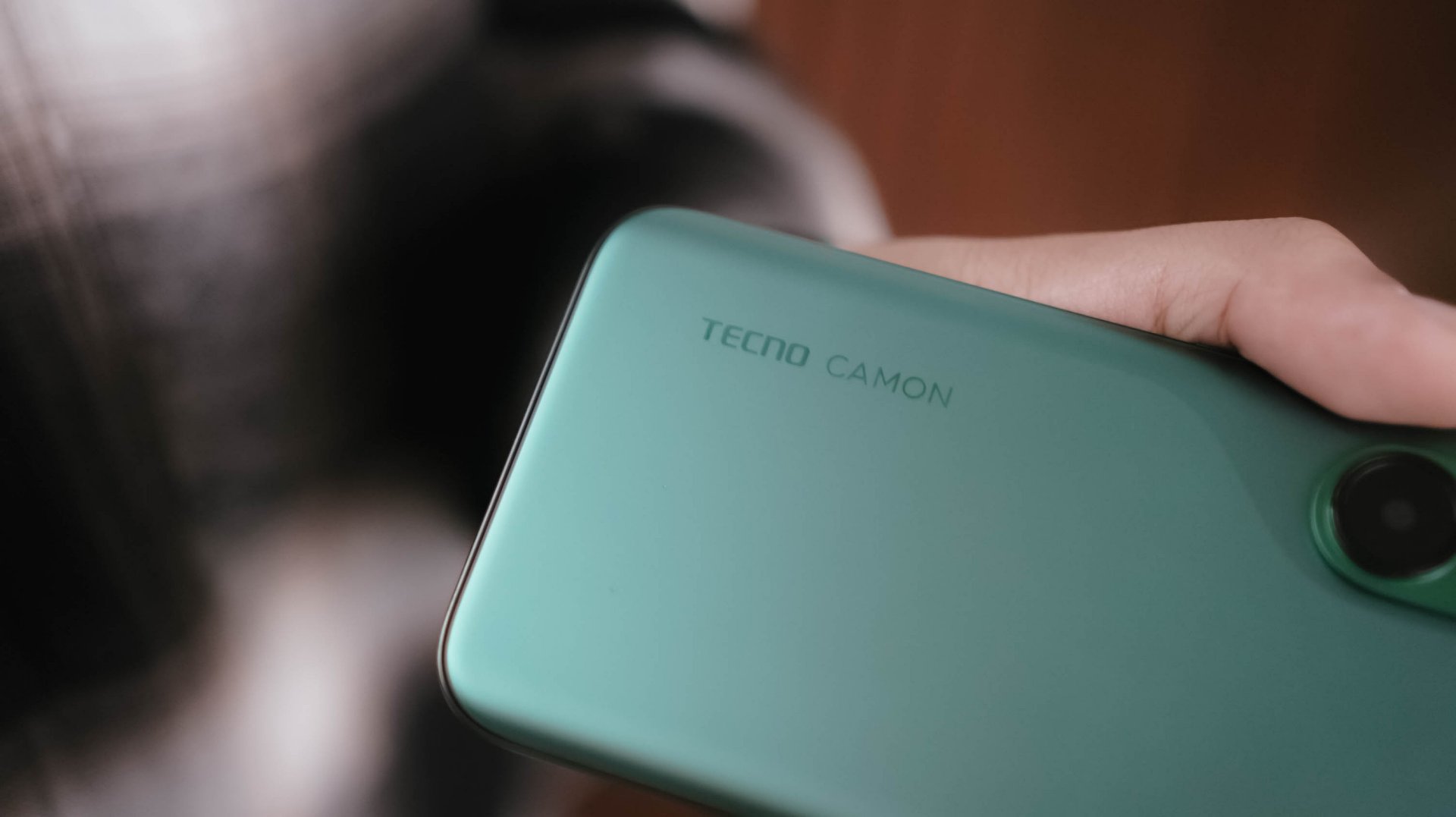
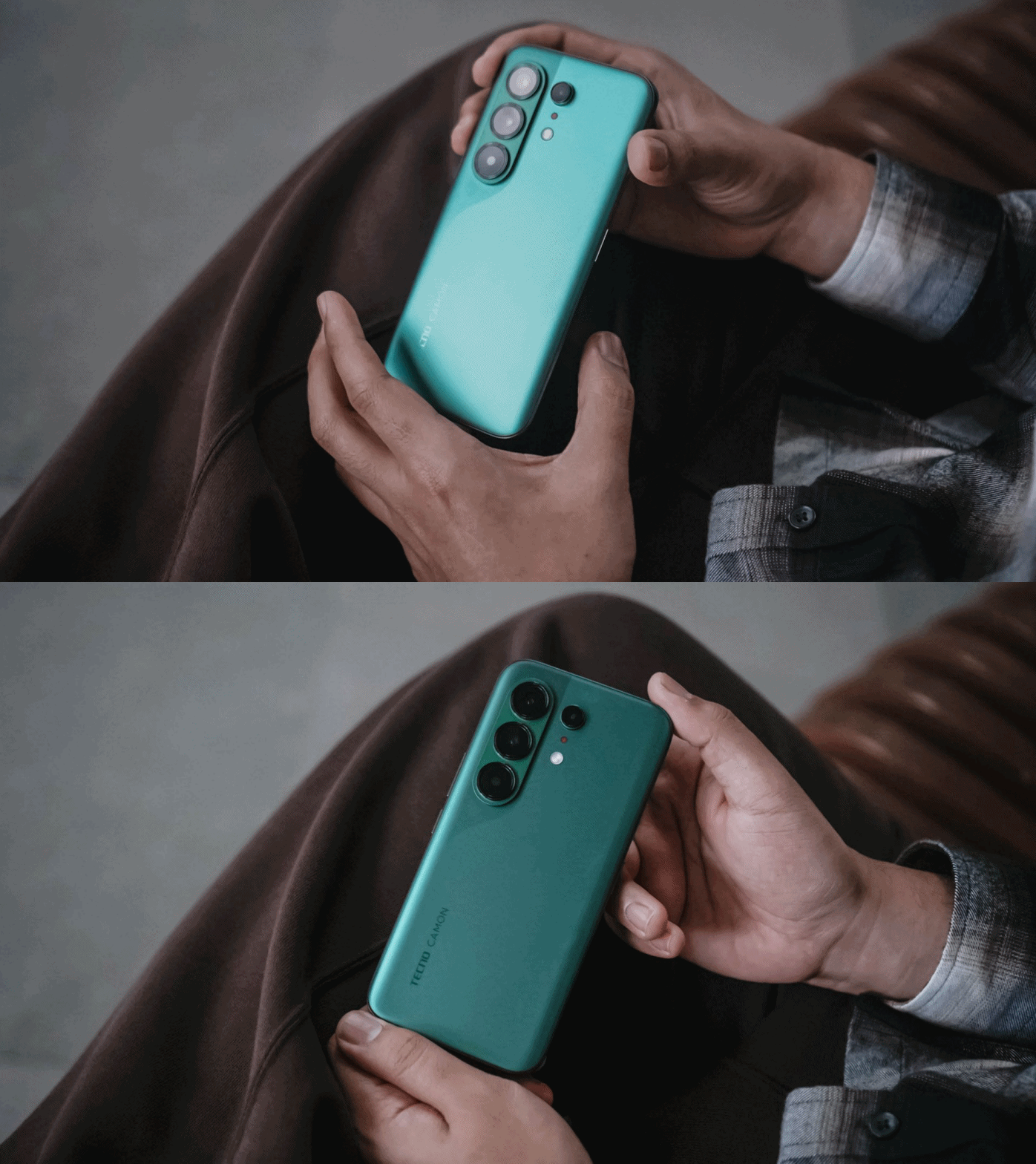
However, looks are just part of the story. The moment I held the CAMON 50 Ultra for the first time, I felt nothing but featherweight lightness. While it’s subjective, personally, I love how I was able to hold it without feeling too bummed by its sheer size.
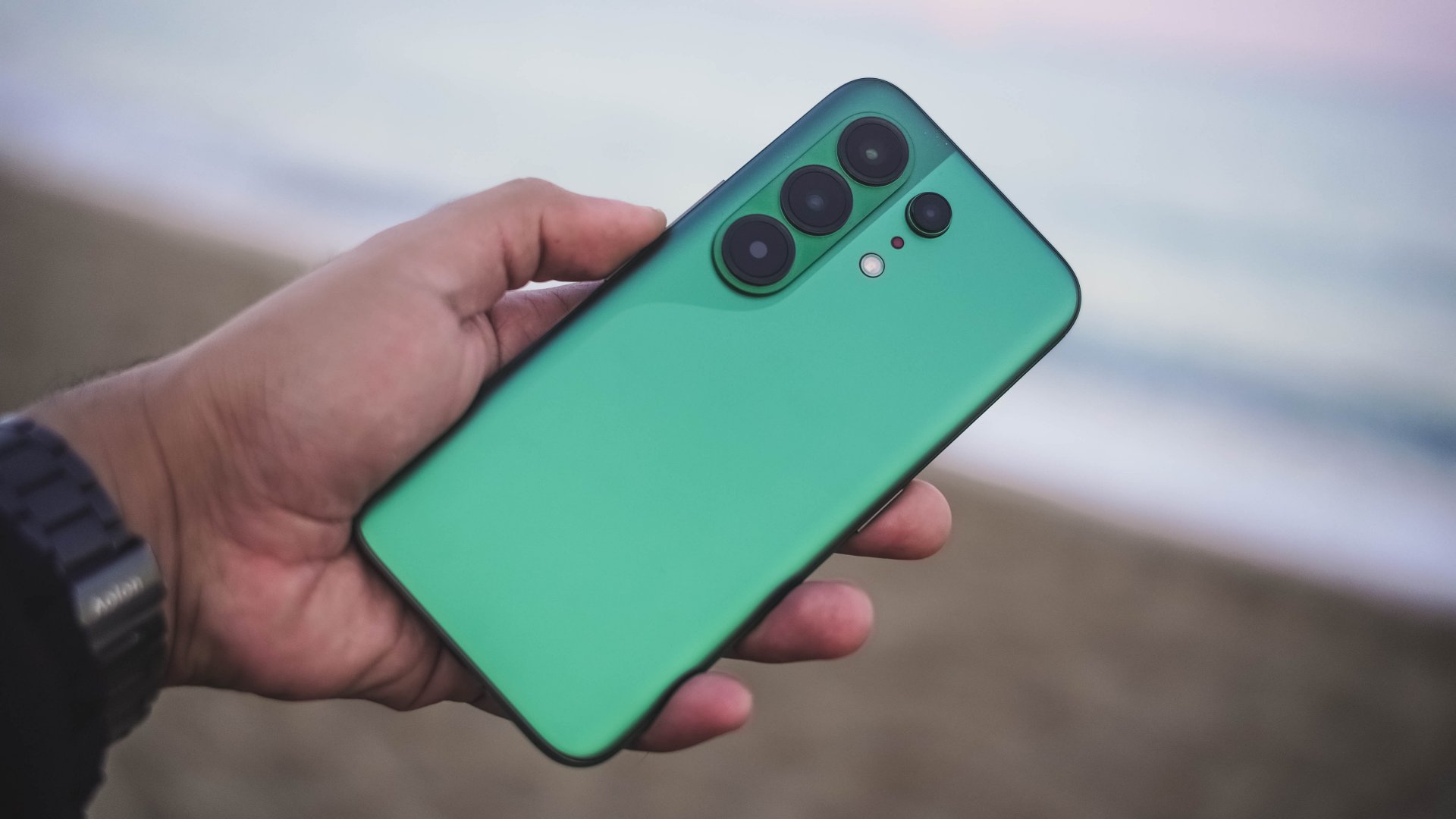
And, even with that lightweight-ness, holding it for long still felt premium to the touch — especially with its glass back.

Those dual-curved edges don’t feel sharp and are gentle in my palms.
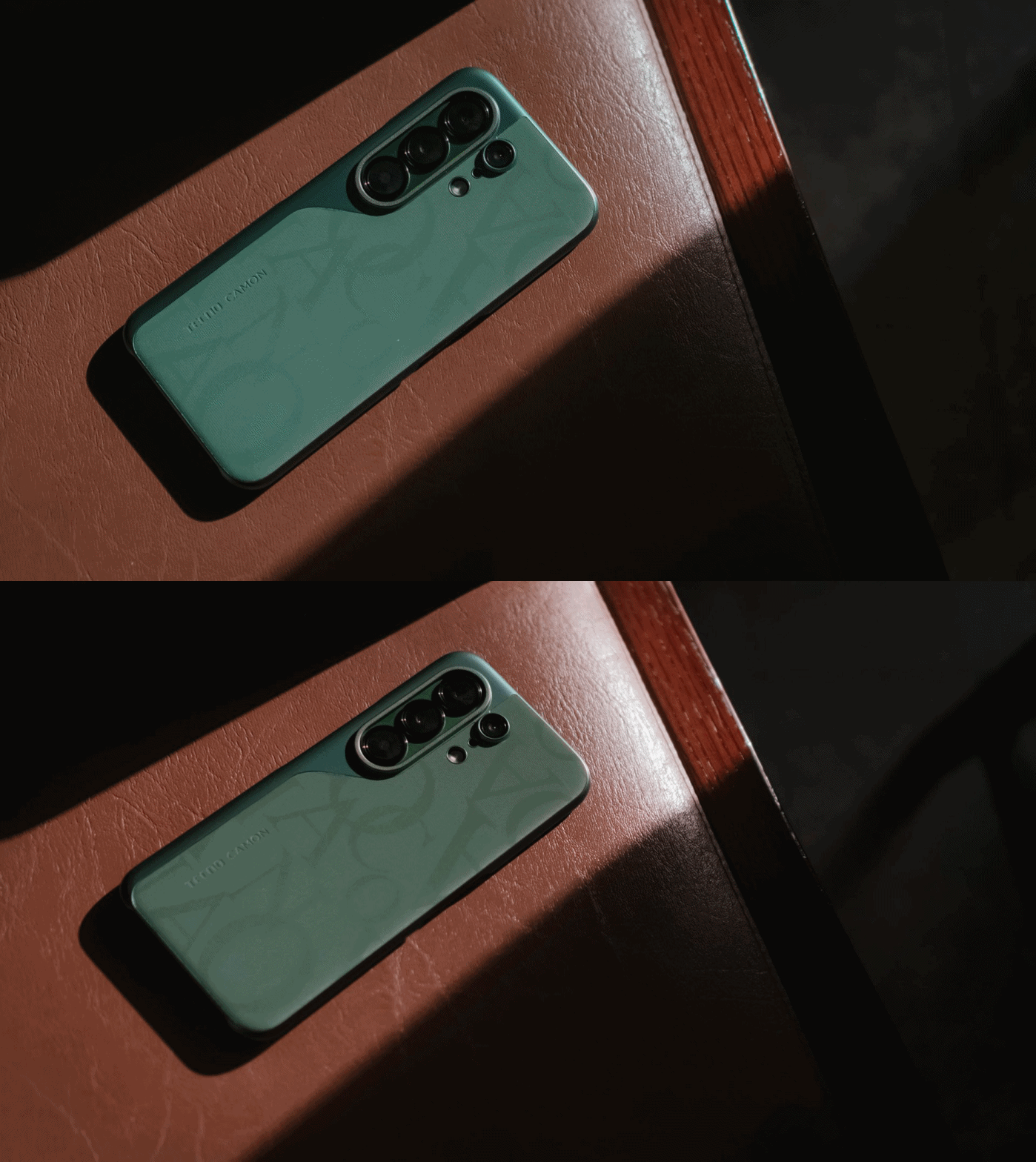
And while we’re still here, I want to commend how TECNO bundled this lavish-looking case that most (if not all) phone brands fail to provide.
Praiseworthy performer
Beneath that premium-feeling backing lies MediaTek’s Dimensity 7400 Ultimate SoC.
For those who keep stereotyping chip makers saying MediaTek is always a step behind from Qualcomm, it’s your brand bias kicking in.

As we always say, we don’t rely on benchmarks here. Still, here’s the list if you wanted to deep dive into all that nerdy stuff.
With that out of the way, let me be precise and concise with my real-life experience. Setting the bar high, this 4nm Dimensity chip is still a better performer than the Snapdragon 7s Gen 4-equipped POCO M8 Pro I reviewed at the start of 2026.
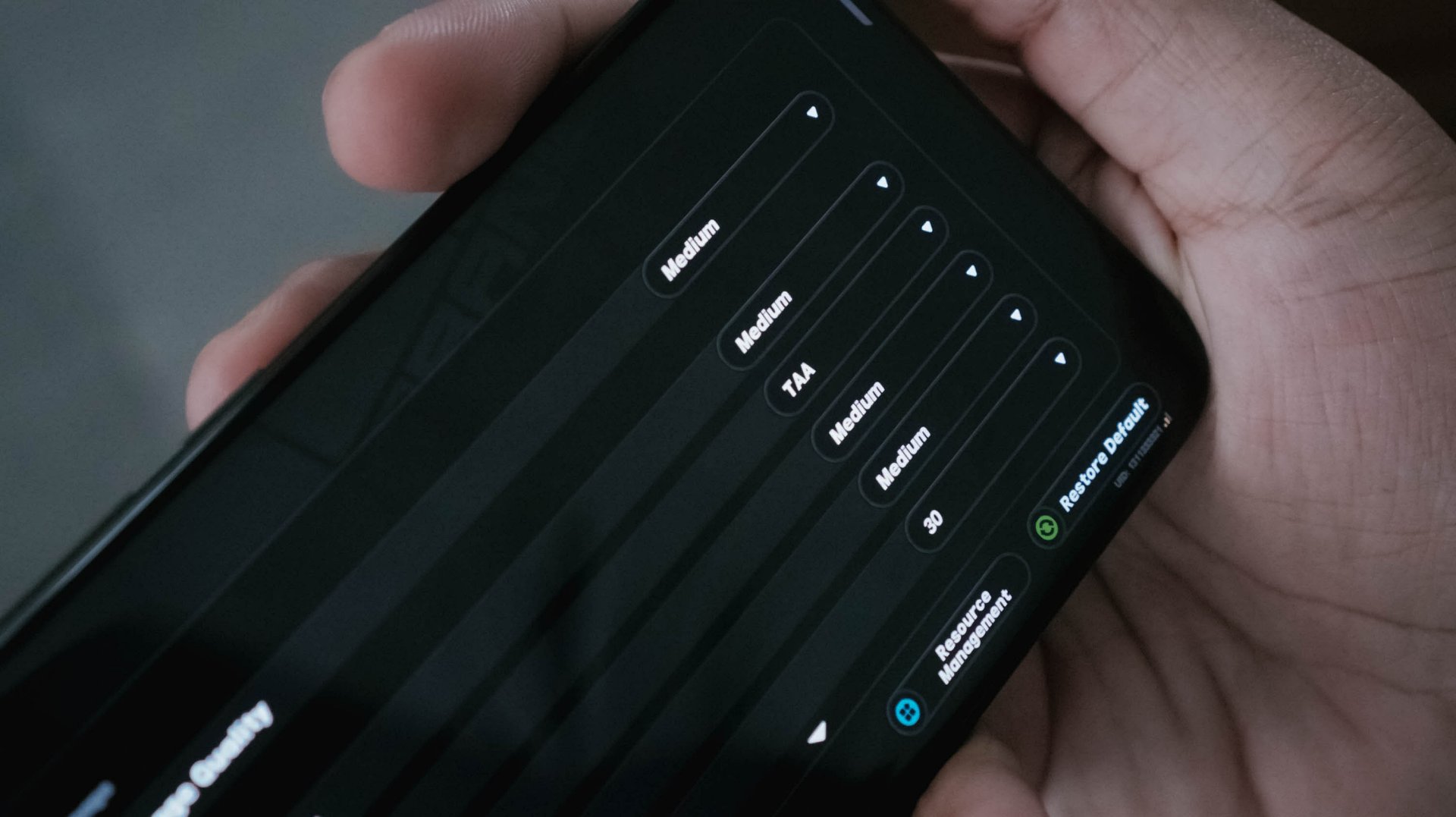
With HoYoverse’s Zenless Zone Zero as a prime example, I was able to run the game here in a more modest Medium settings. The Snapdragon chip I mentioned? It runs in the lowest resolution by default.
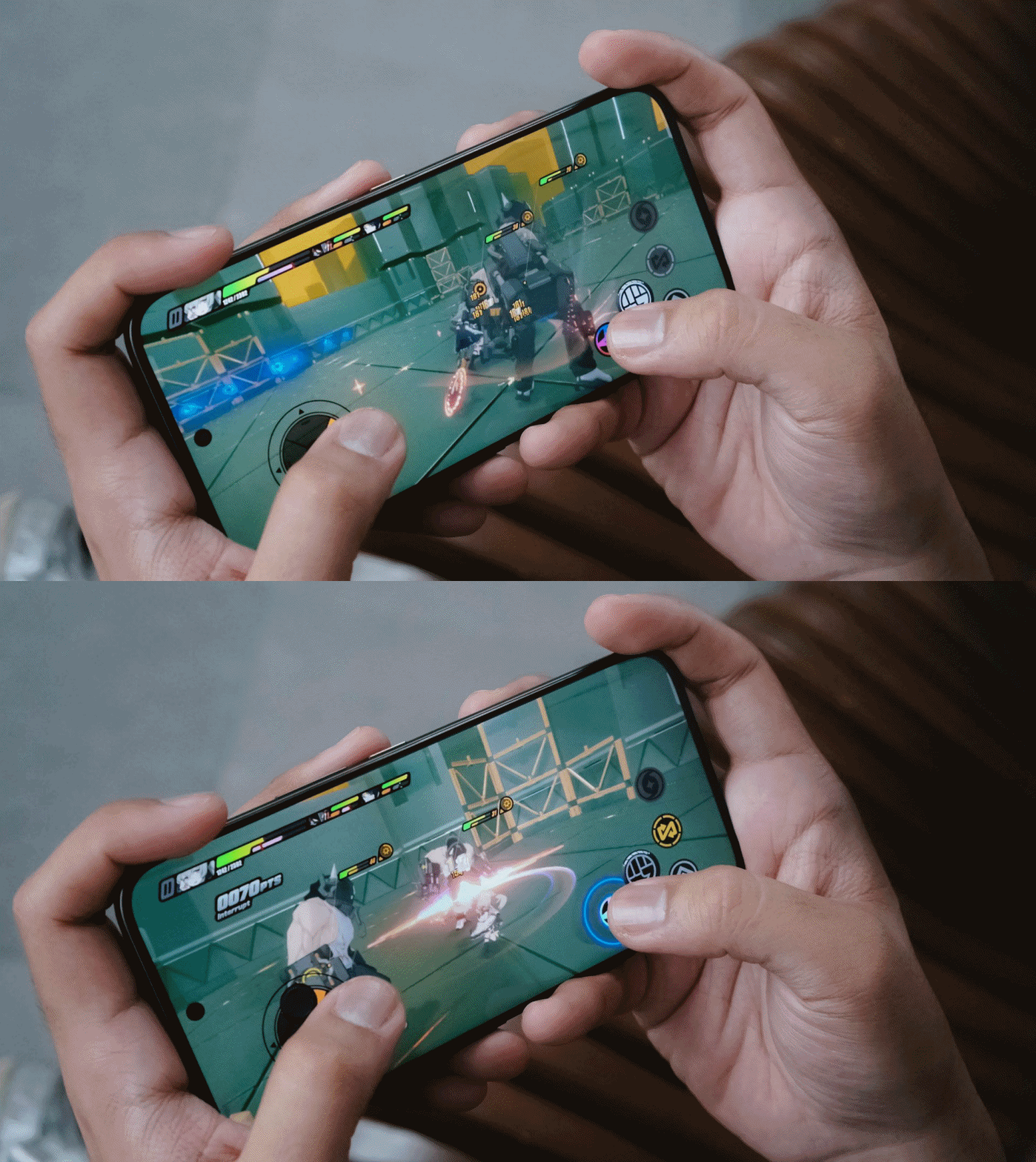
Result? The CAMON 50 Ultra performed smoother with less game hiccups compared to its POCO rival.
For utmost fairness, I also played two other games I’ve played in that previous write-up.
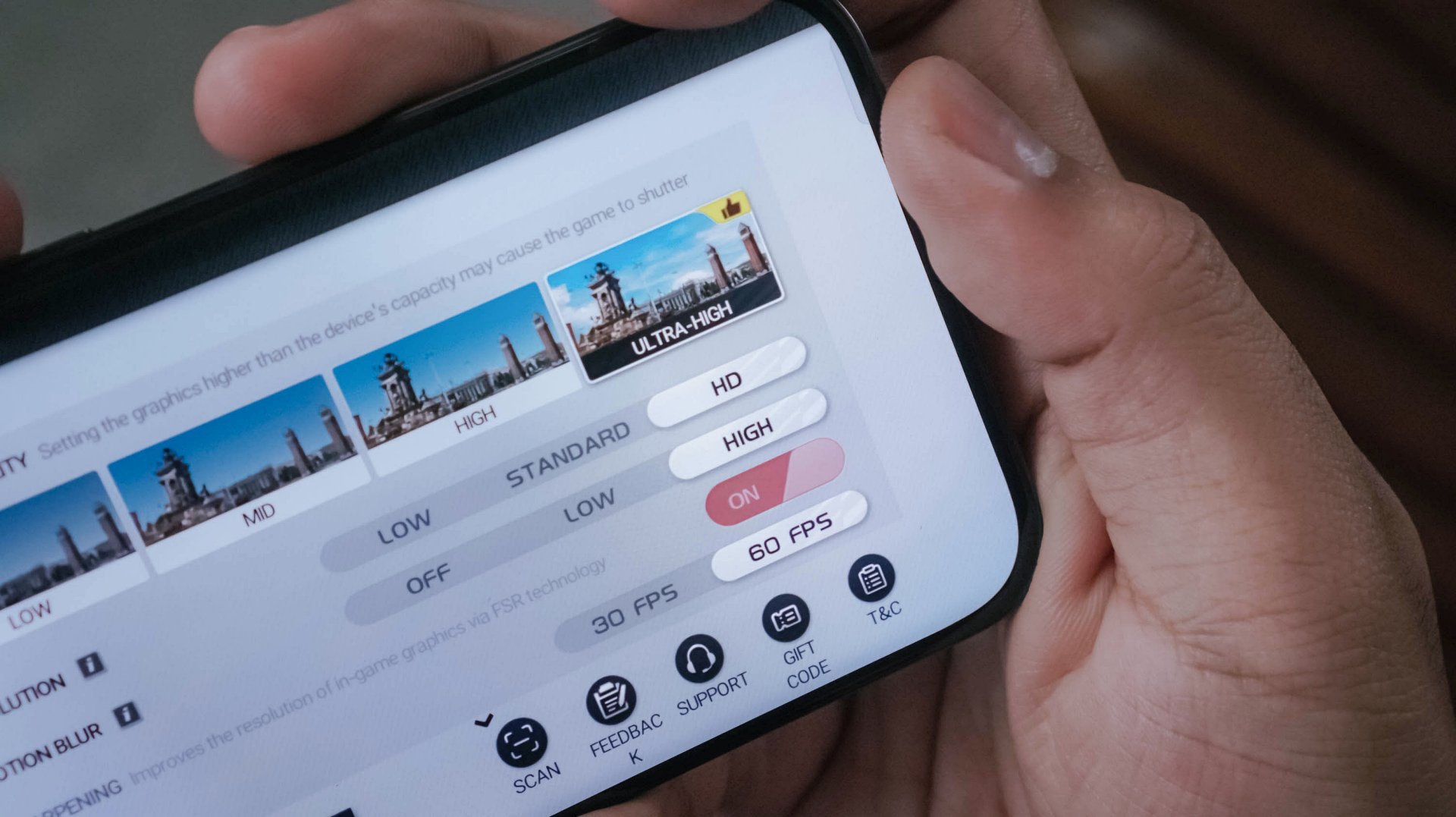
Another one is Racing Master running on Ultra-High graphics along a 60fps frame rate.
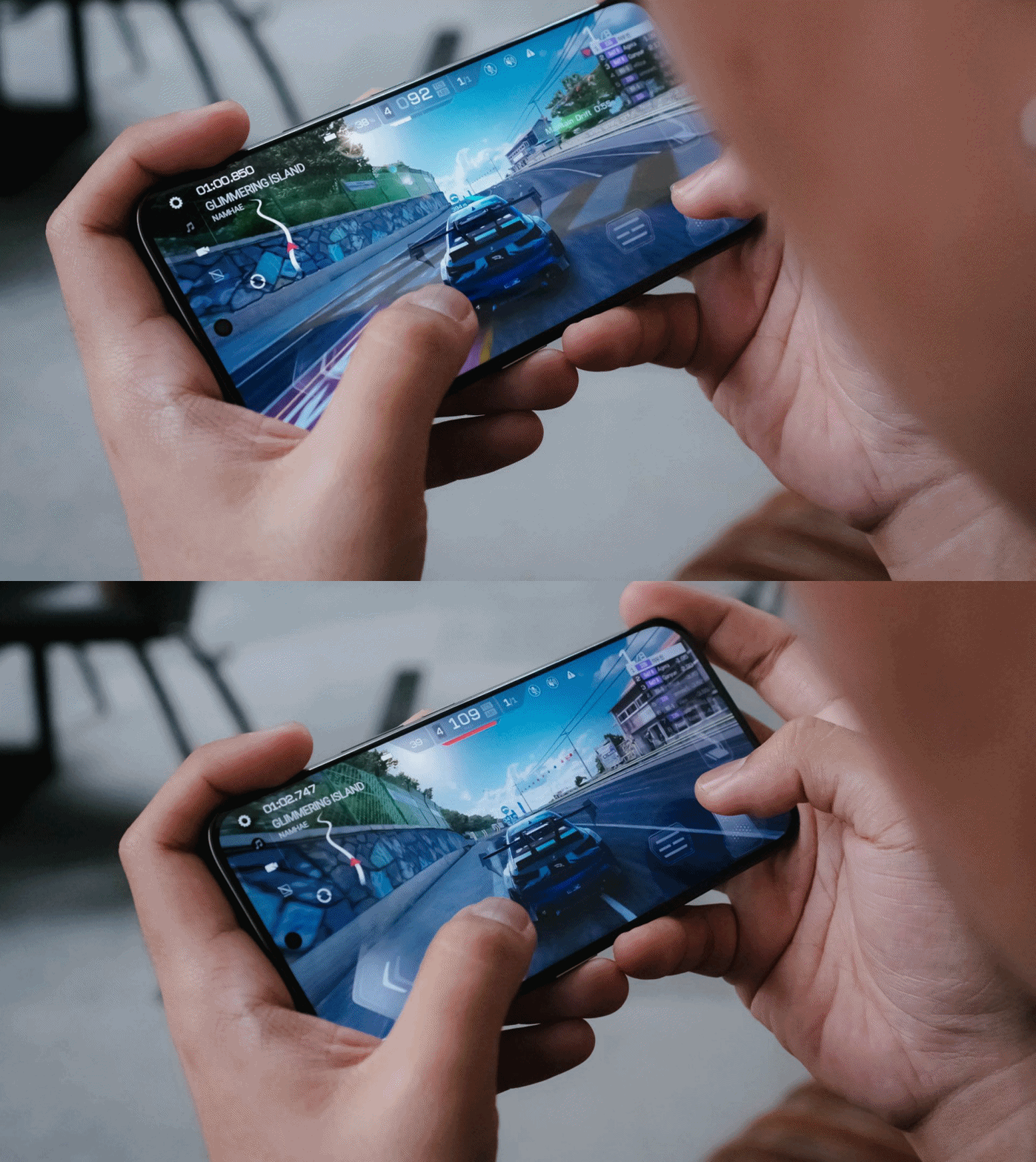
While the POCO M8 Pro suffered heavily during the first two ranked races with severe throttling, the CAMON 50 Ultra breezed through with ease.
It’s given though that CoDM (Call of Duty: Mobile) will run well in both phones. Luckily, the CAMON 50 Ultra also offers that slippery-smooth 144Hz refresh rate to fast-track opponents’ movements without jitters.
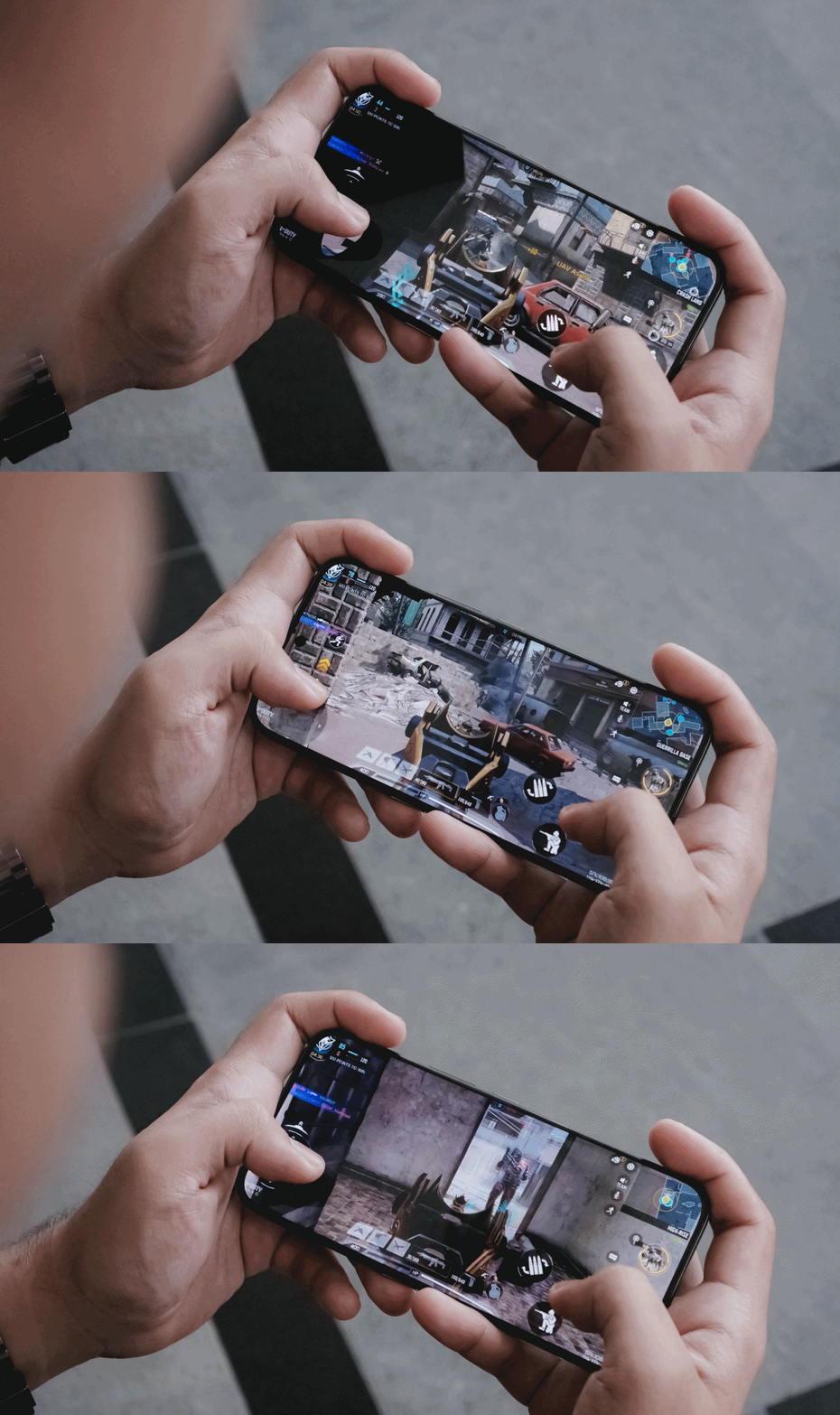
Heat is always the by-product of energy. For an hour of gaming, of course that heat can be felt especially when your games run in the most extreme setting possible.
The only downside for me is, again, the lack of a bigger 512GB storage. With all the chunk of data we get nowadays, it’s easy to fill up that storage. Also, the lack of eSIM support which further hinders network compatibility when used in other countries.
Fascinating familiarity
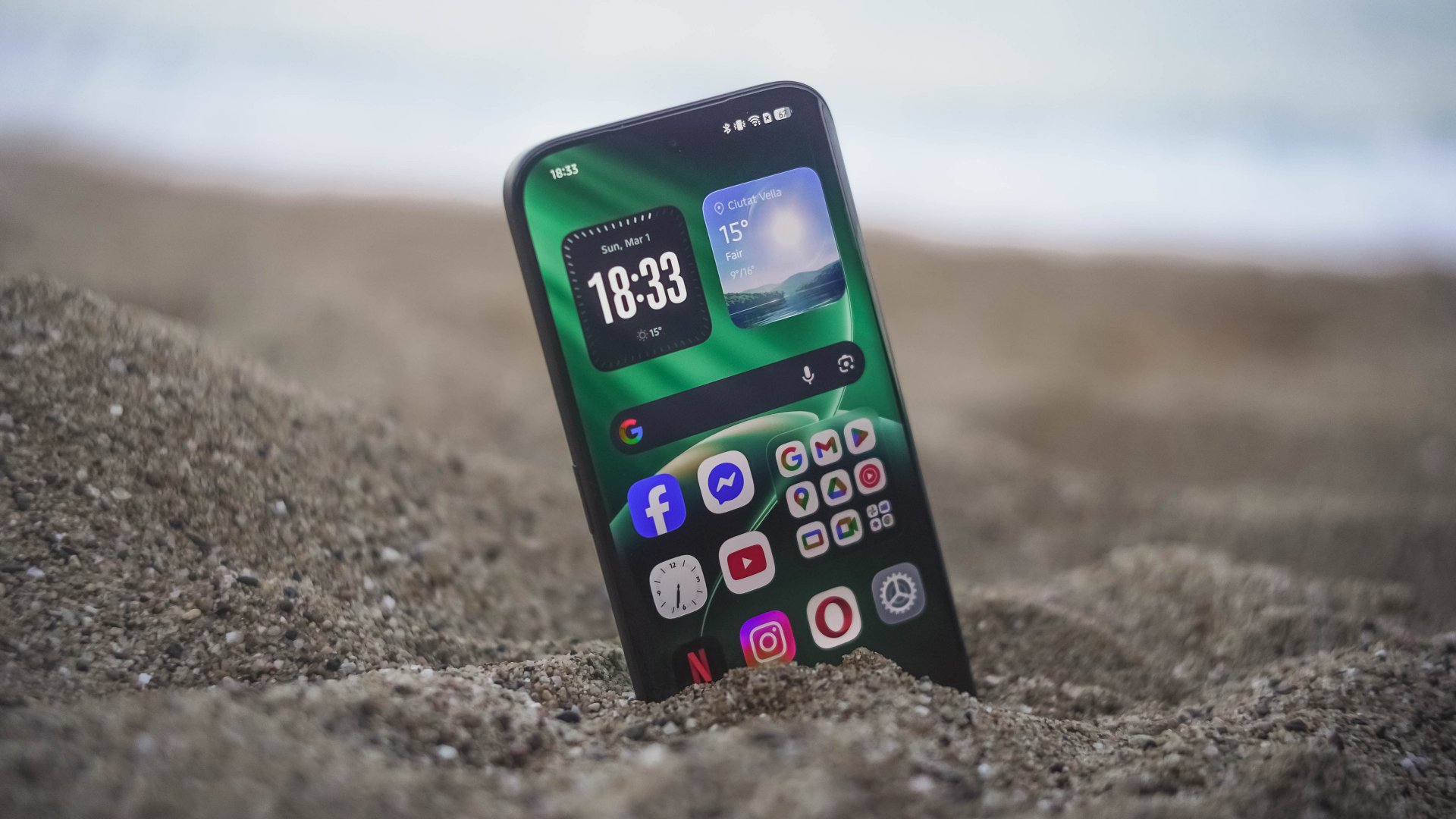
Love it or not, phone brands have followed the “Liquid Glass” trend. TECNO isn’t an exception to that with the newly-refined HiOS 16 based on Android 16.
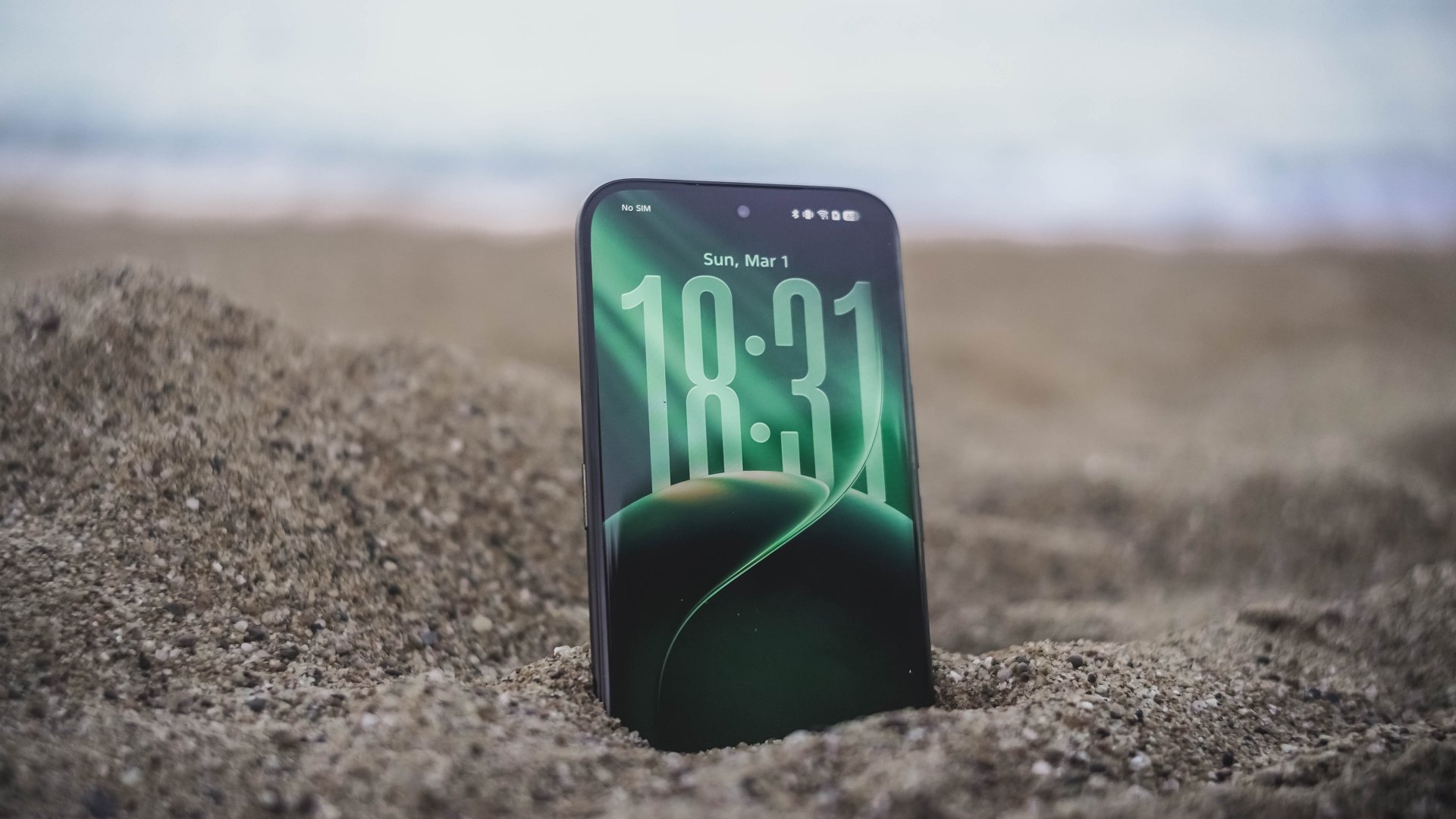
This is a welcome change I’m willing to embrace. Apple bringing back Frutiger Aero-like aesthetics is honestly a breath of fresh air. After all, I’ve been a huge fan of such translucency most especially during its peak with Windows Vista back when I was in 4th grade.
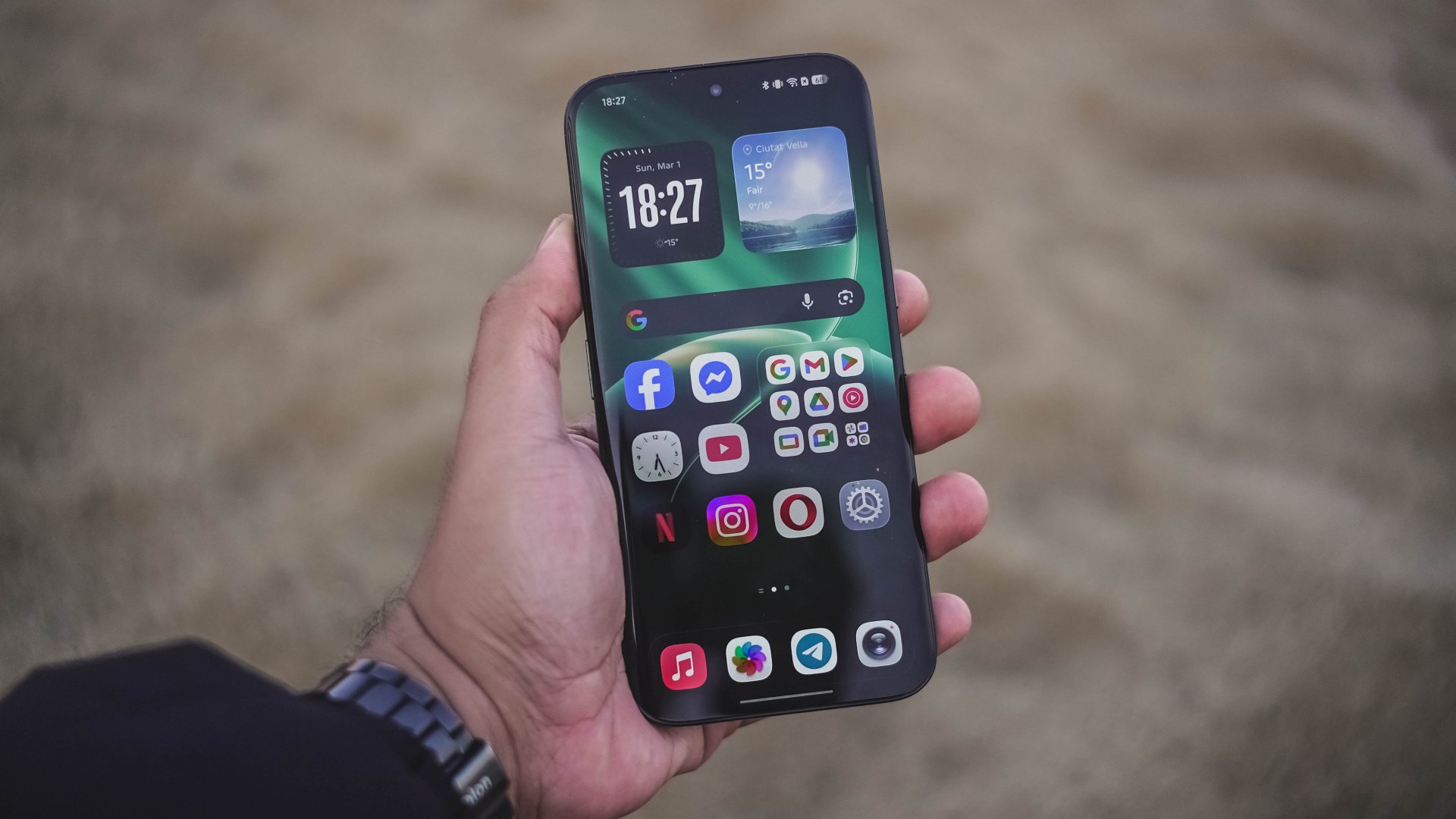
Also, maybe I just got fed up when minimalism dominated each and every part of the world like a wildfire.
Sentiments aside, HiOS 16 isn’t just about polished looks and keeping up to the trend. Overall feel is smoother and more responsive compared to its past releases.
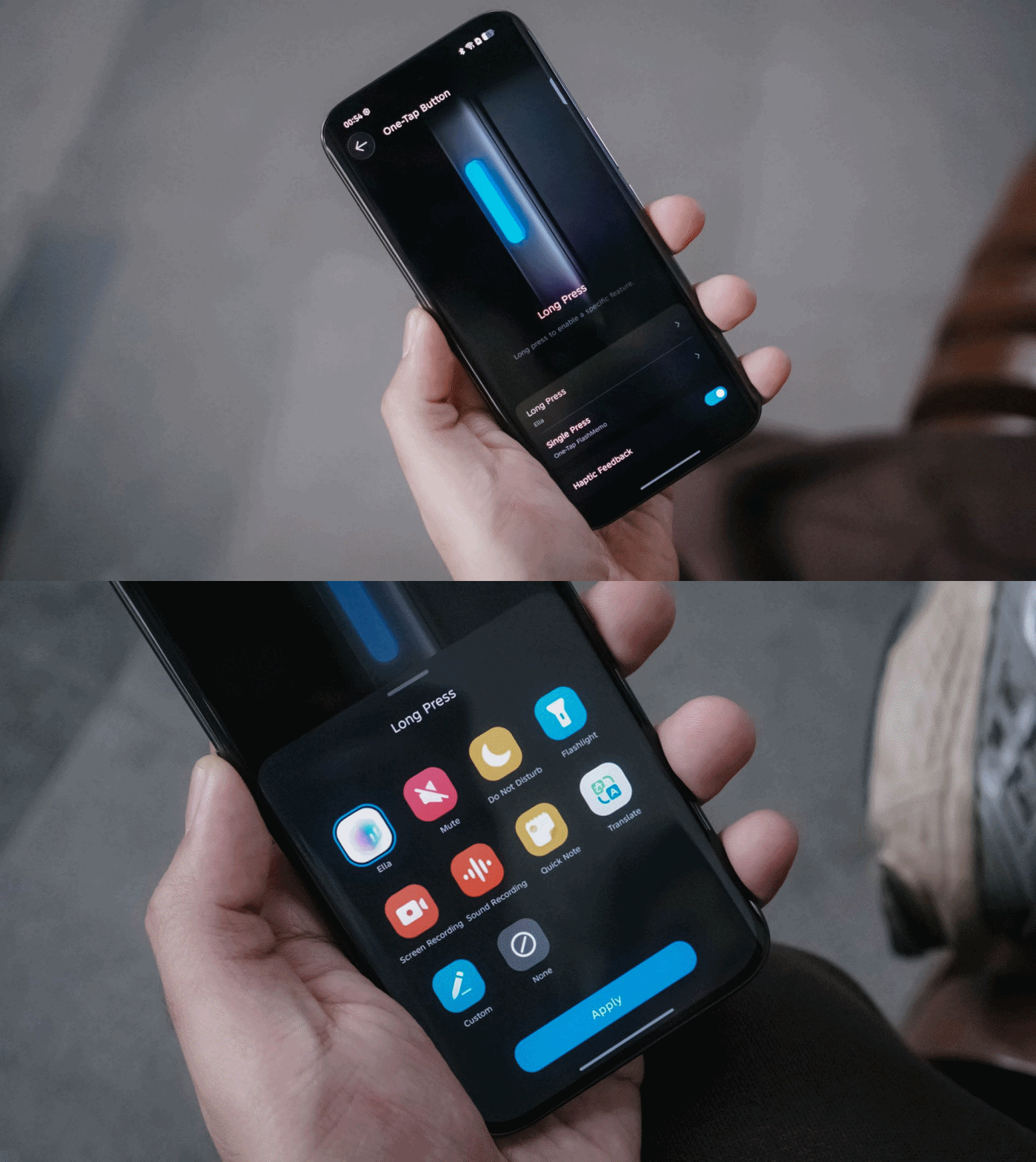
They have also kept the best things around — including the One-Tap button found on the phone’s left side that can be triggered through single or long presses.
Single press activates the new One-Tap FlashMemo. This is where TECNO AI analyzes what’s on your screen and stores it in its megamind.

The latter is system-configurable — even if it’s a game you wanted to play. That’s something other brands will hinder you from doing so.
Unlike last year though, TECNO moved the button further down so it’s more reachable by everyone’s fingers.
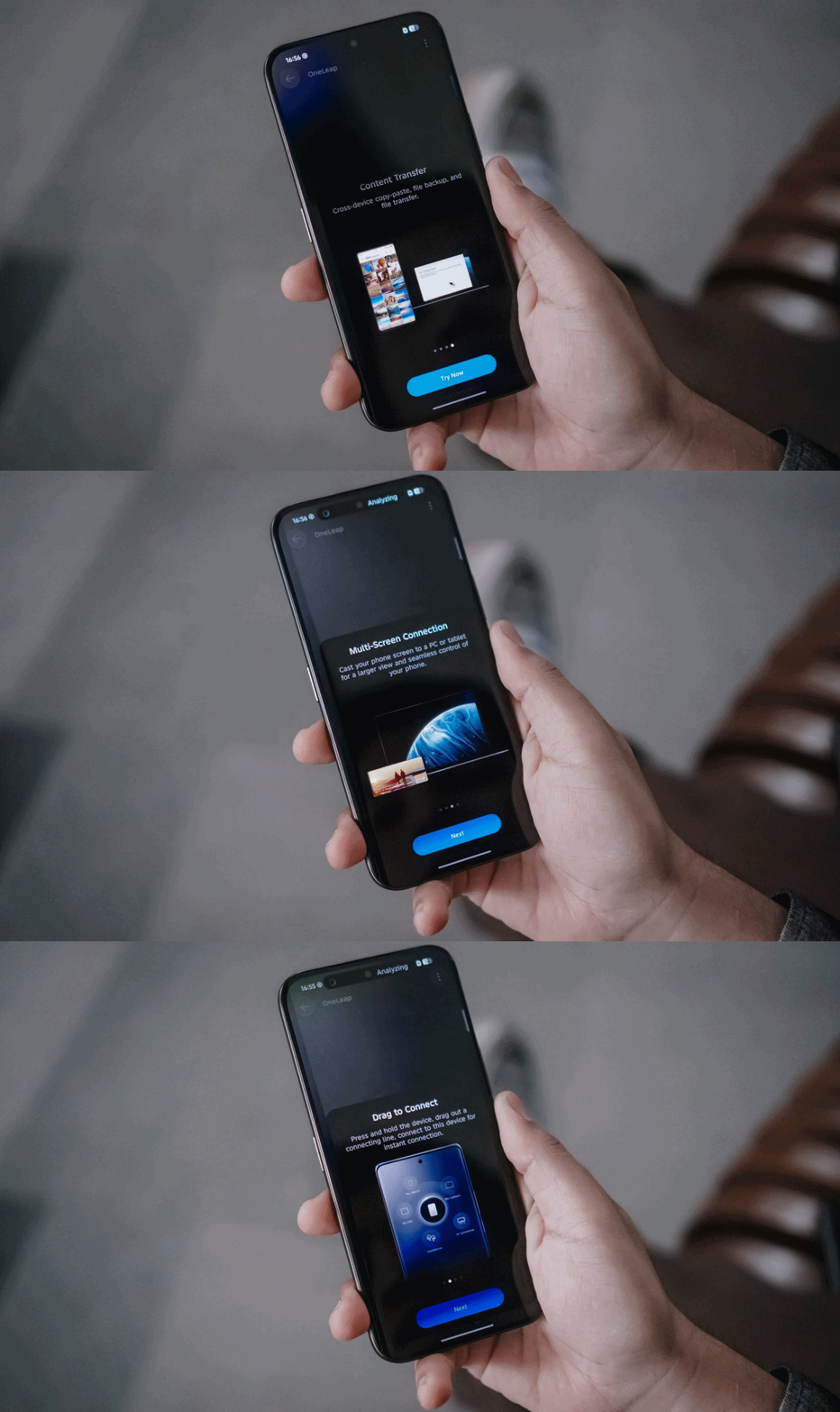
Another direction TECNO tries to move forward with: cross-connectivity between your host of devices.
With OneLeap Collaboration, this enables you to manage multiple devices into one. It enables both content transfer and multi-screen connection in just one hub.
And no, this isn’t limited to just TECNO devices. It even stores info of my appliances that can be controlled through the phone itself via IR (Infrared).
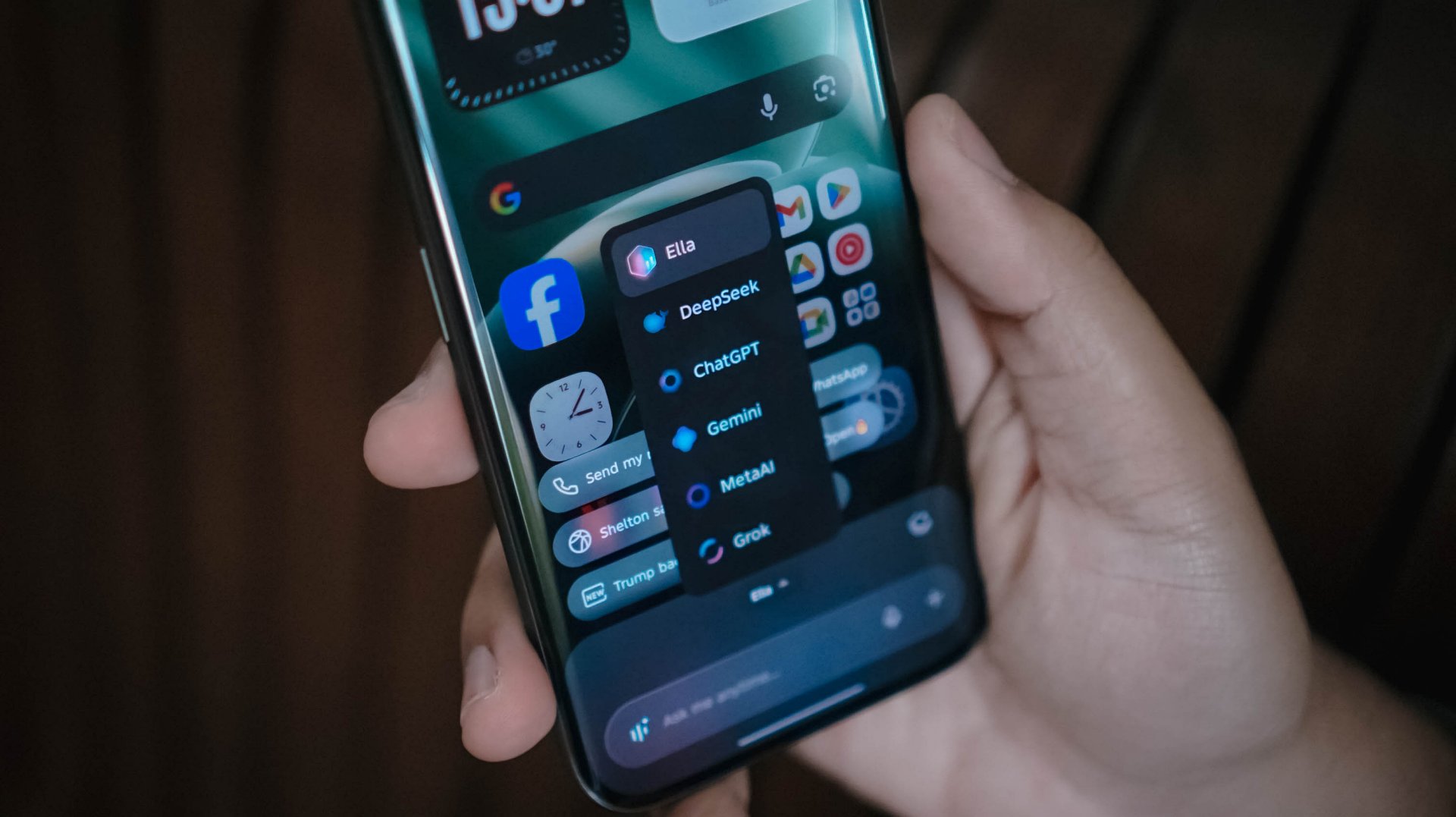
Other than the presence of Google’s Gemini and Circle to Search, Ella is still here to stay. By default, it can be summoned by long-pressing the power button.
And, unlike other AI assistants, TECNO gives you the freedom to choose whatever AI engine you prefer, whether that’s ChatGPT, DeepSeek, Gemini, MetaAI, or the ever-intriguing Grok.
Now Playing: The Art of Sarah
One K-Drama after another, The Art of Sarah instantly hooked me in during its Netflix premiere.

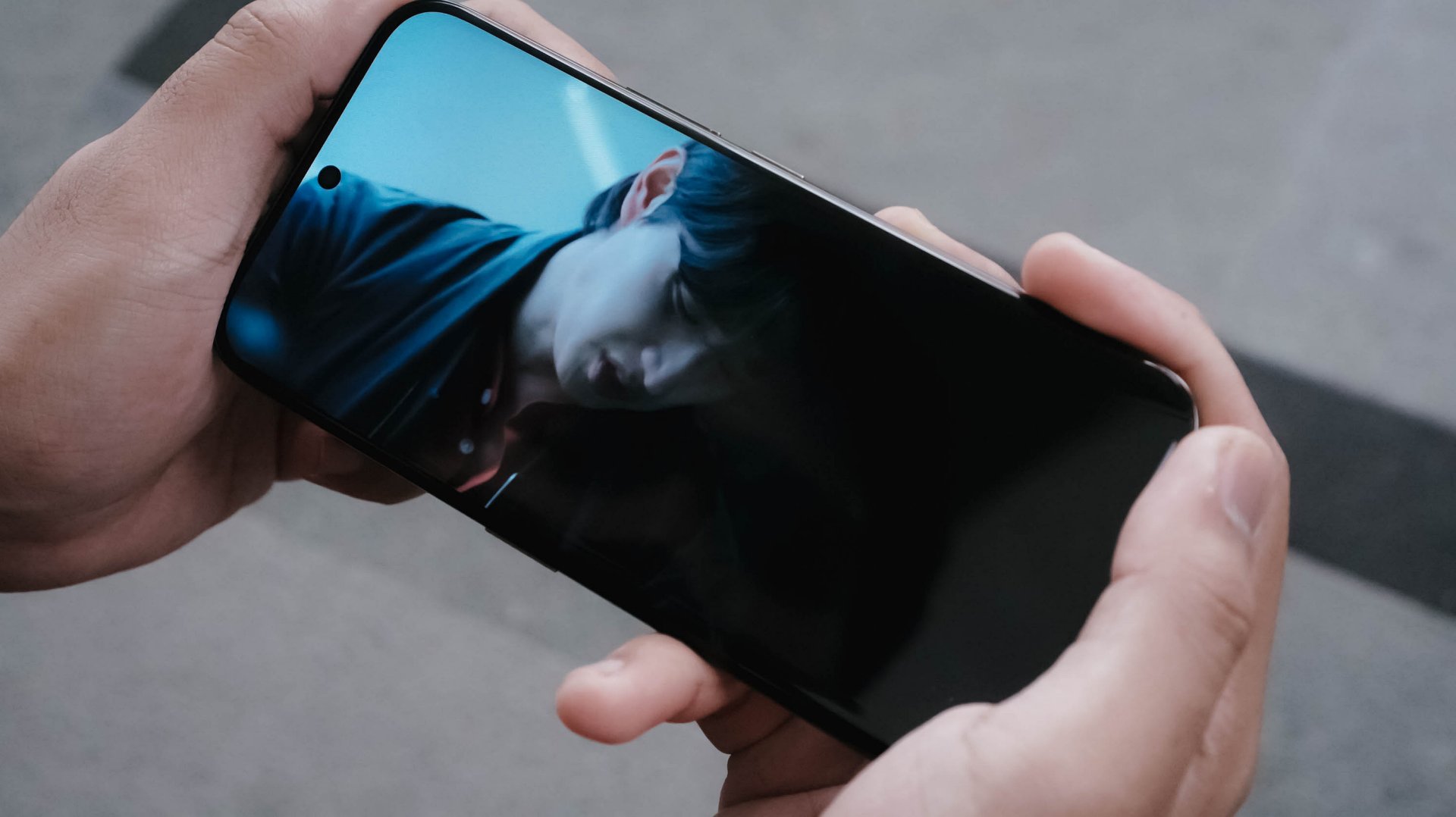
Much like how auspicious Sarah Kim is (and all her persona), the 6.78-inch AMOLED display of the CAMON 50 Ultra is crazily alluring to the eyes with some tomfoolery going on.
The bezels, while not as thin like the rest of the competition, still feels right for the eyes.

The 41-year-old Lee Junhyuk is aging like fine wine. I MEAN, LOOK!
Despite those gloomy and sulky tones, the three actors in the drama made me watch the series even more — which made me admire how fine their visuals are.
And unlike the cold corpse of “Sarah Kim” in the sewer who failed to survive that cold temperature, this phone is of the opposite. TECNO’s CAMON 50 Ultra can withstand temperatures as cold as -20ºC and as extreme as 45ºC.

New celebrity crush (again)
The CAMON 50 Ultra’s front is protected by Corning’s Gorilla Glass 7i. For an affordable midranger, that’s still a big win as others of the same league have nothing at all.
Now that we’re here, it’s also worthy to point out that the CAMON 50 Ultra not only boasts IP68 and IP69 water and dust resistance ratings, it’s also improved to IP69K. This makes it a tougher phone that can withstand even high-pressure water jets or sprays.
On Queue: Hearts2Hearts’ RUDE! + XG’s THE CORE
Of course, it wouldn’t be complete without testing out its speakers. On paper, it has a stereo speaker setup powered by Dolby Atmos.
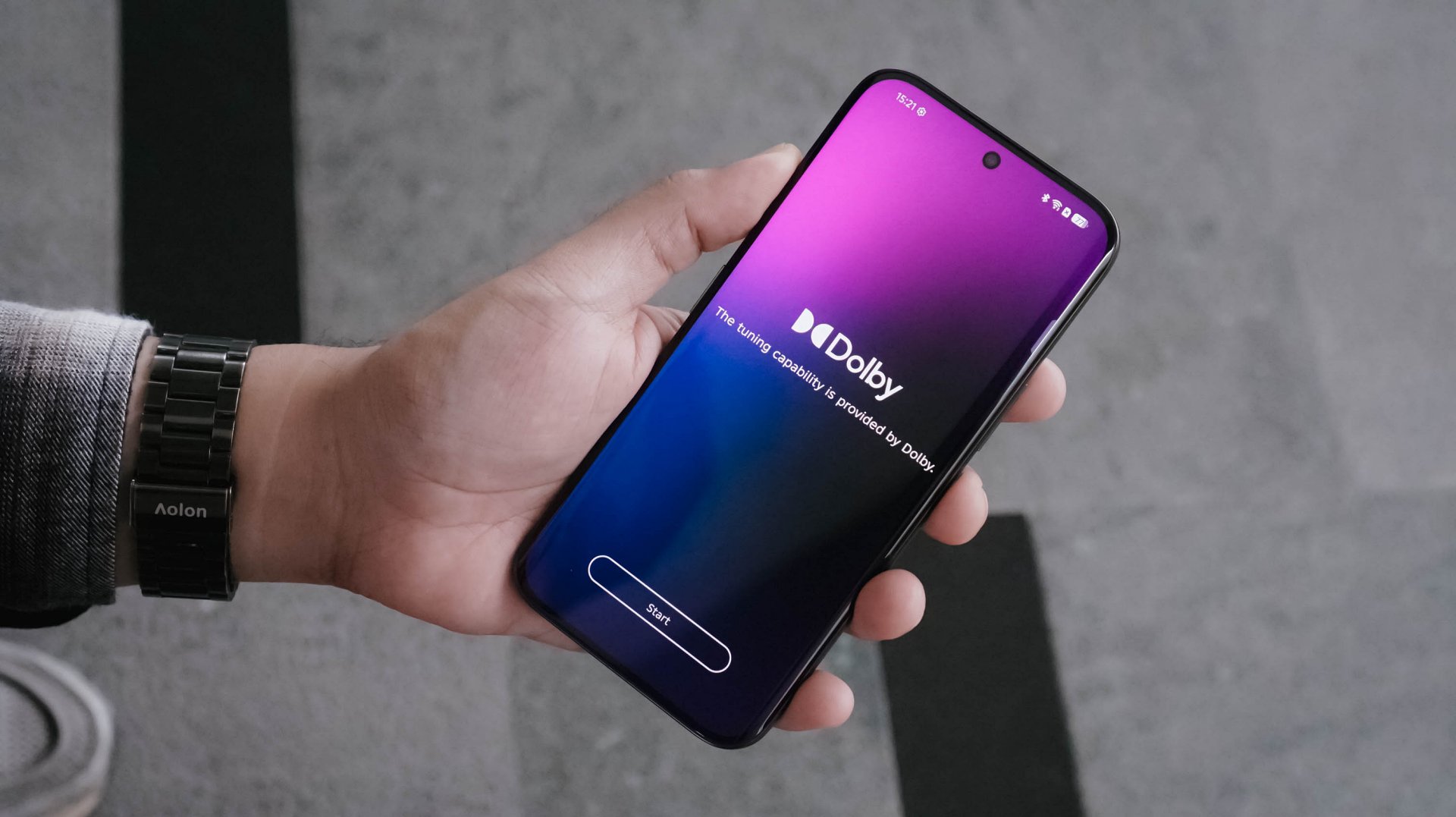
As the iconic line of Hearts2Hearts’ (H2H’s) “Stella” in RUDE! : “Boy, does it look like I could care? I couldn’t even care less!” It felt like the CAMON 50 Ultra embodies the same spirit. As long as it’s loud enough, it begs to get in all the way.

In real-life, the speakers are loud enough to fill in your empty room. However, my nitpicky ears can easily tell that the bass isn’t that deep. More so, sound gets distorted once it reaches above 80%.
I tried comparing it to my other phones and my observations were right all along.
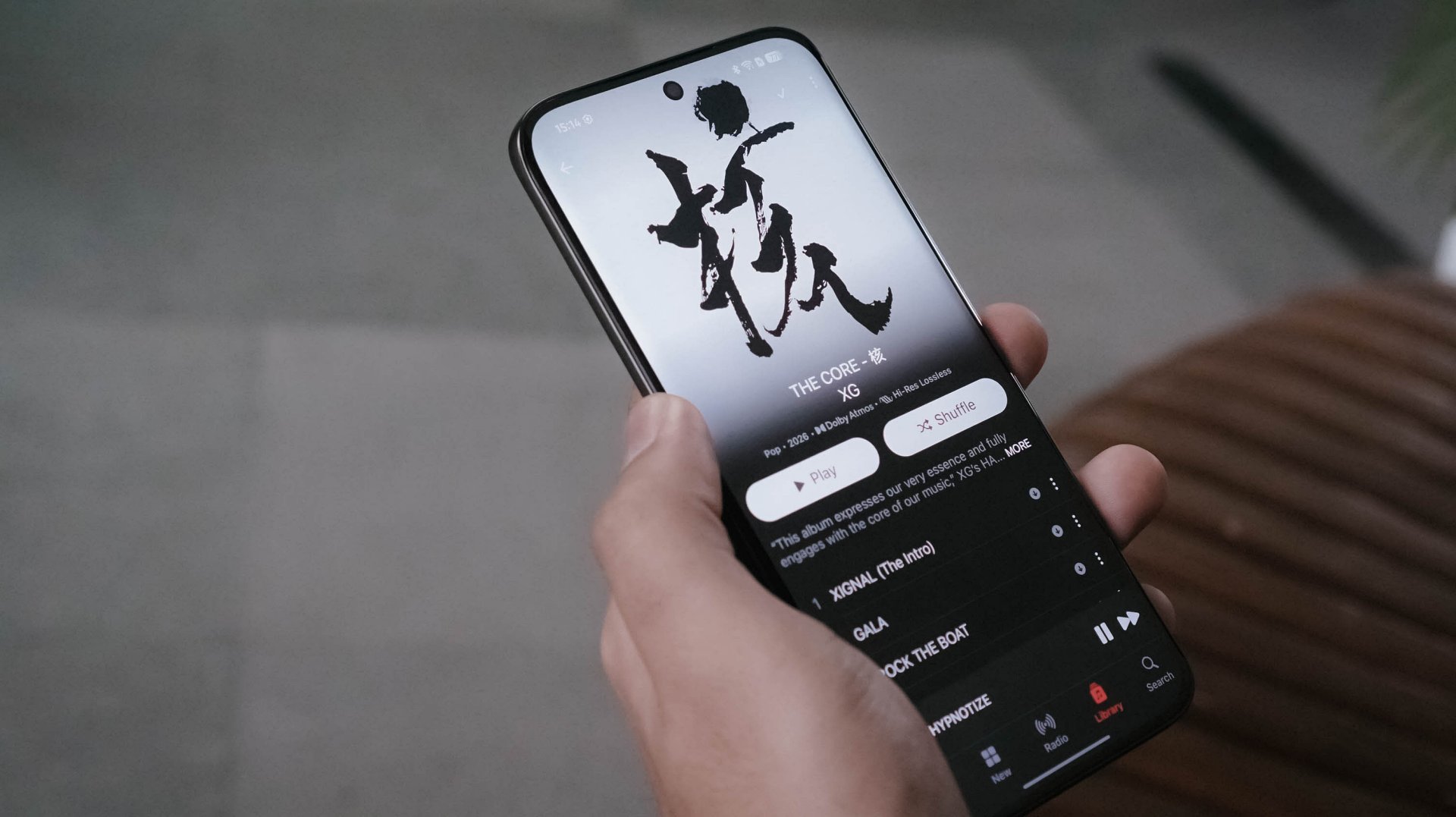
Even when I tried playing lossless versions of the full THE CORE album by XG in Apple Music, the same thing persists.
In songs like 4 SEASONS and TAKE MY BREATH, that loudness sounds alright as the songs are more into the solemn side. However, playing tracks like GALA and O.R.B, they instantly become a sore in the ears. Highs, mids, and lows all get distorted.

Not sure if this is just my unit though. Hopefully, TECNO can also work on improving their phones speakers in future iterations.
Still that solid snapper
ICYMI, TECNO’s CAMON 40 series last year (except Premier) all shared the same main camera sensor.
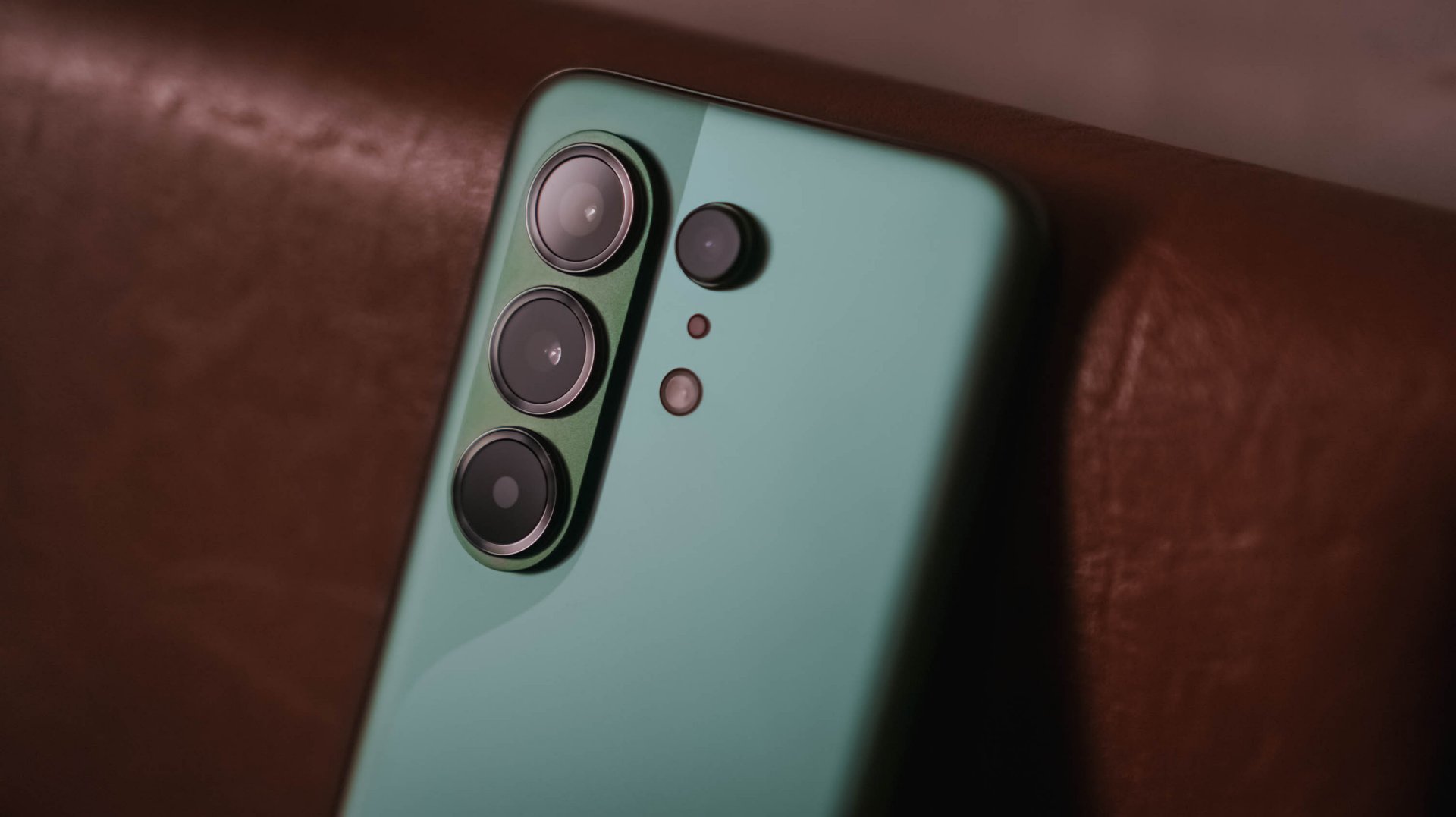
The same story happens this year as all CAMON 50 models are still equipped with a 50MP Sony LYT-700C image sensor. As the saying goes: if it ain’t broke, don’t fix it.


And with the same sensor, the CAMON 50 Ultra will still be able to provide crisp and rich 2x shots even if it relies on in-sensor cropping.


Surprisingly, CAMON 50 Ultra’s 50MP 3x telephoto zoom module (85mm equivalent) is also found in the CAMON 50 Pro. Last year’s Pro models don’t have any.




In subjects that are really far away, the CAMON 50 Ultra delivers consistently.

While other brands fail to provide consistent colors between its cameras, the CAMON 50 Ultra begs to differ.



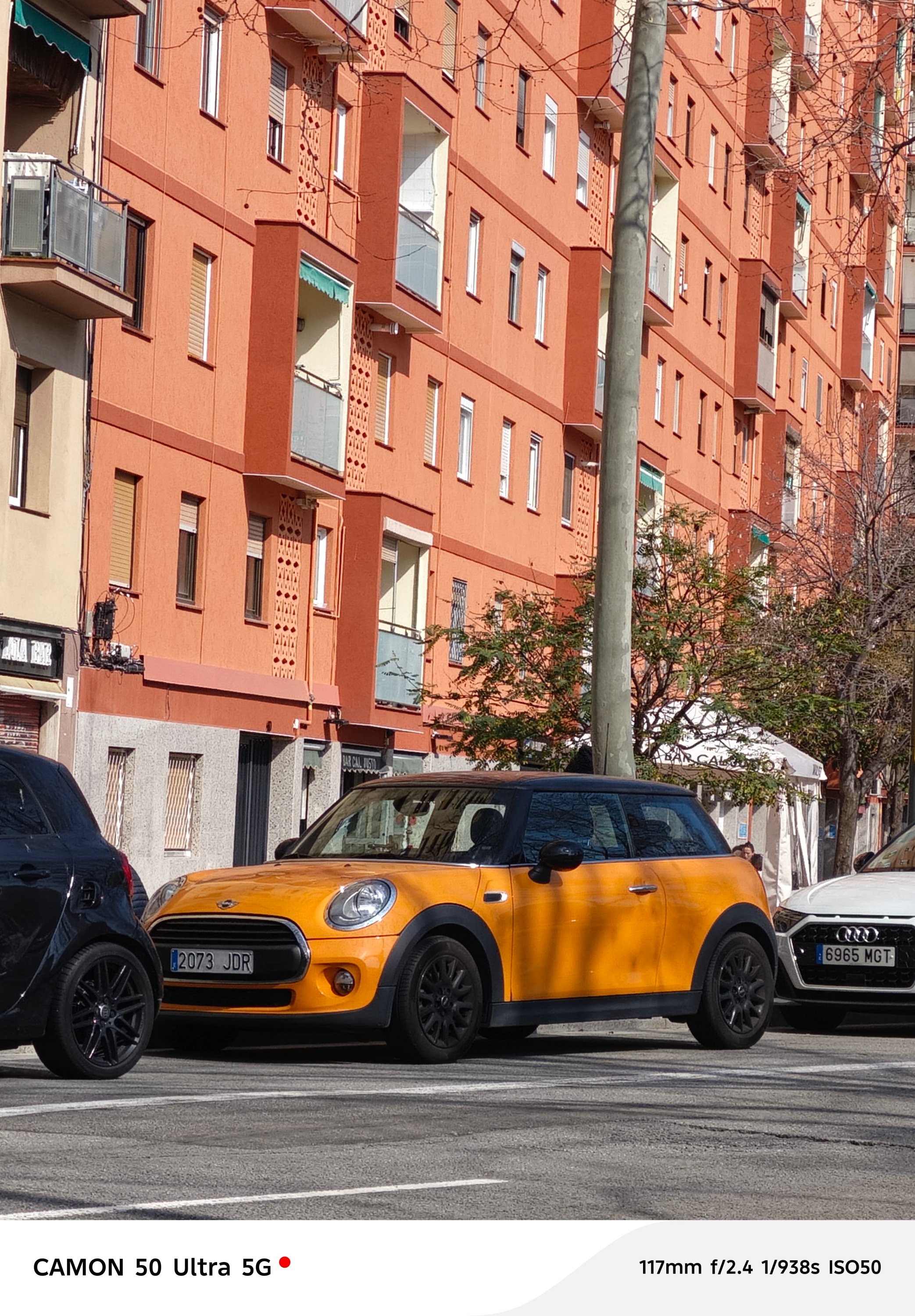

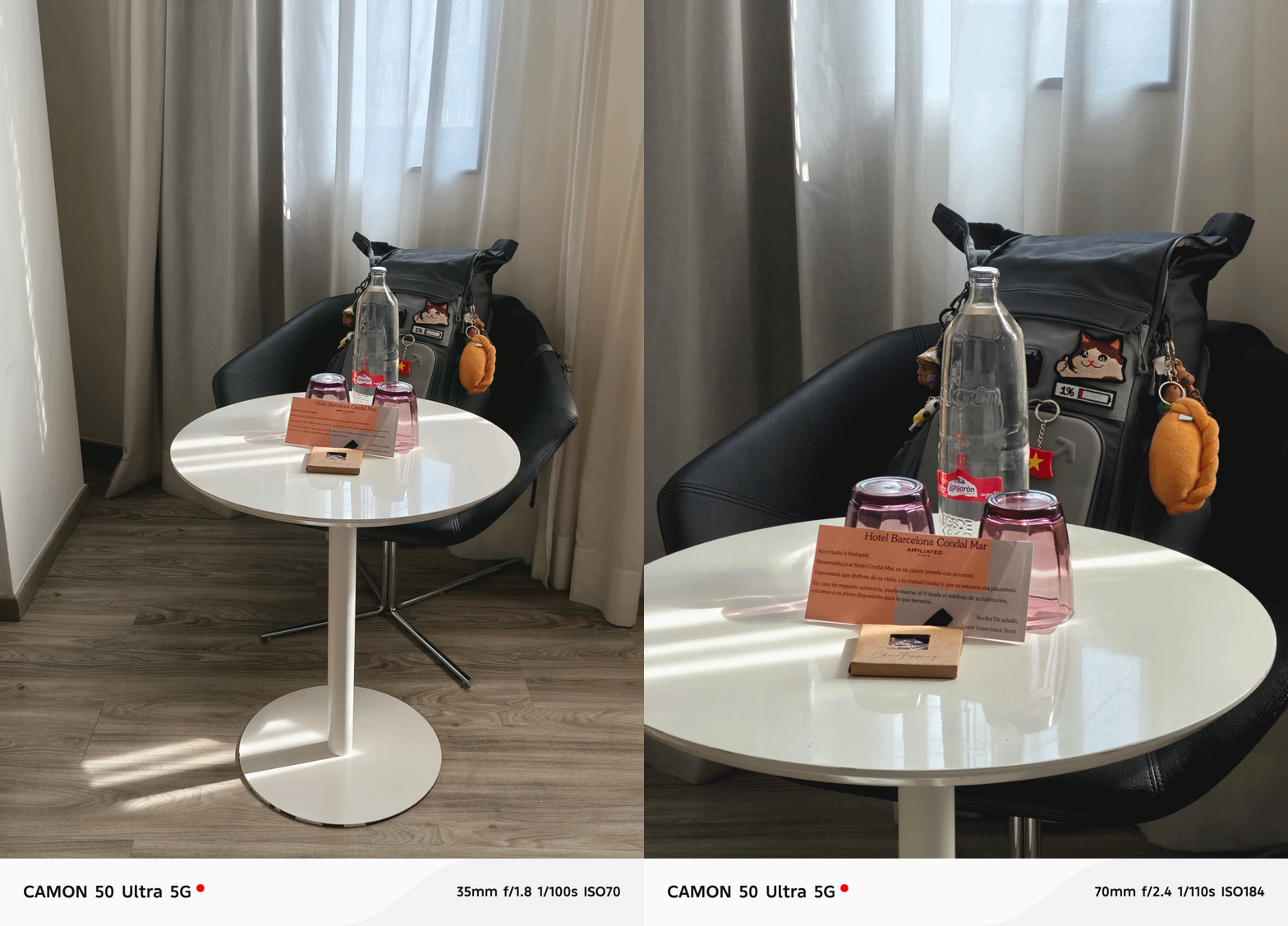
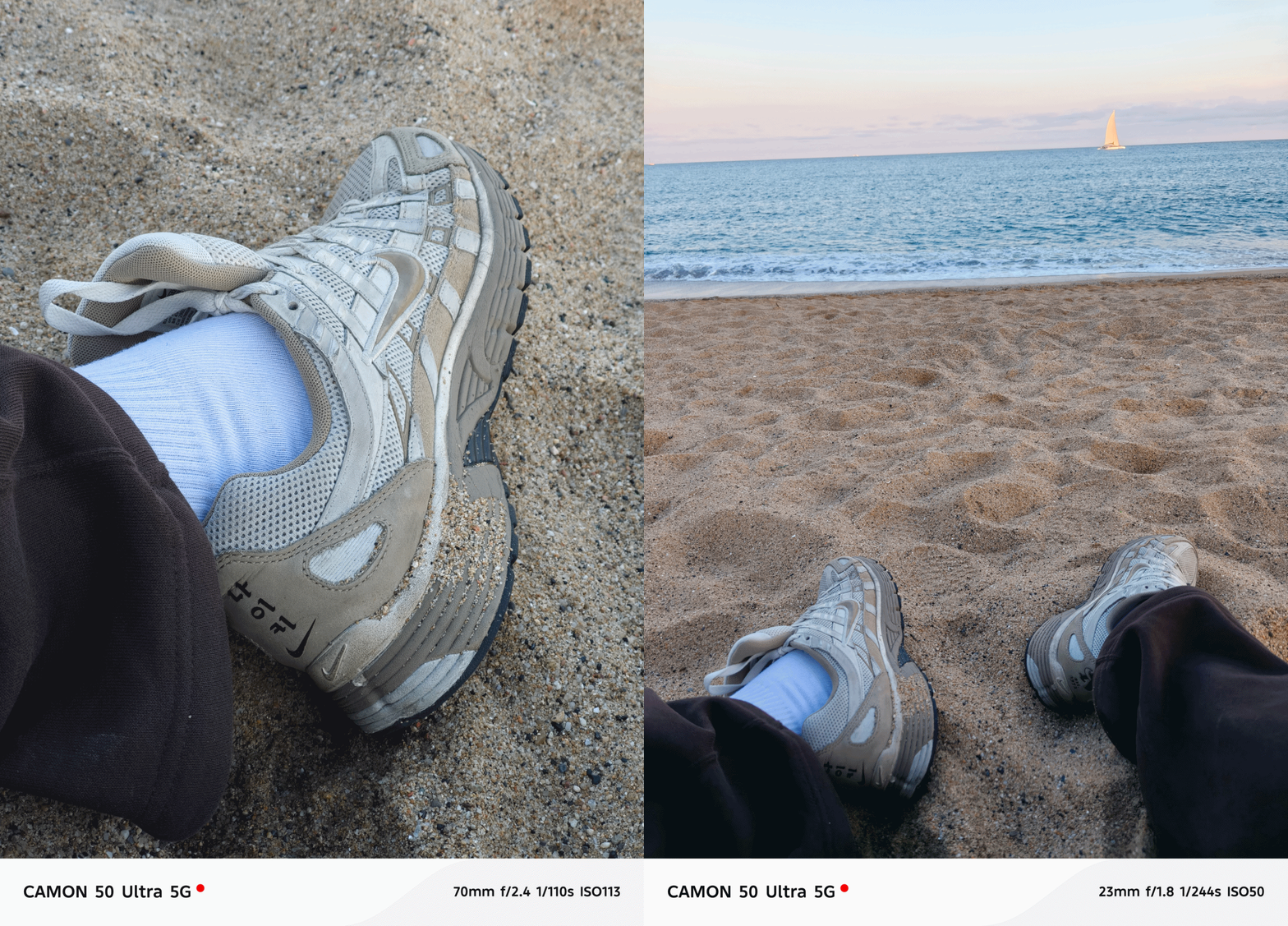

Speaking of color consistency, TECNO’s trio color styles (or profiles) are still there. However, it’s now tucked inside the lower collapsable menu unlike before where it’s exposed at the upper right top.
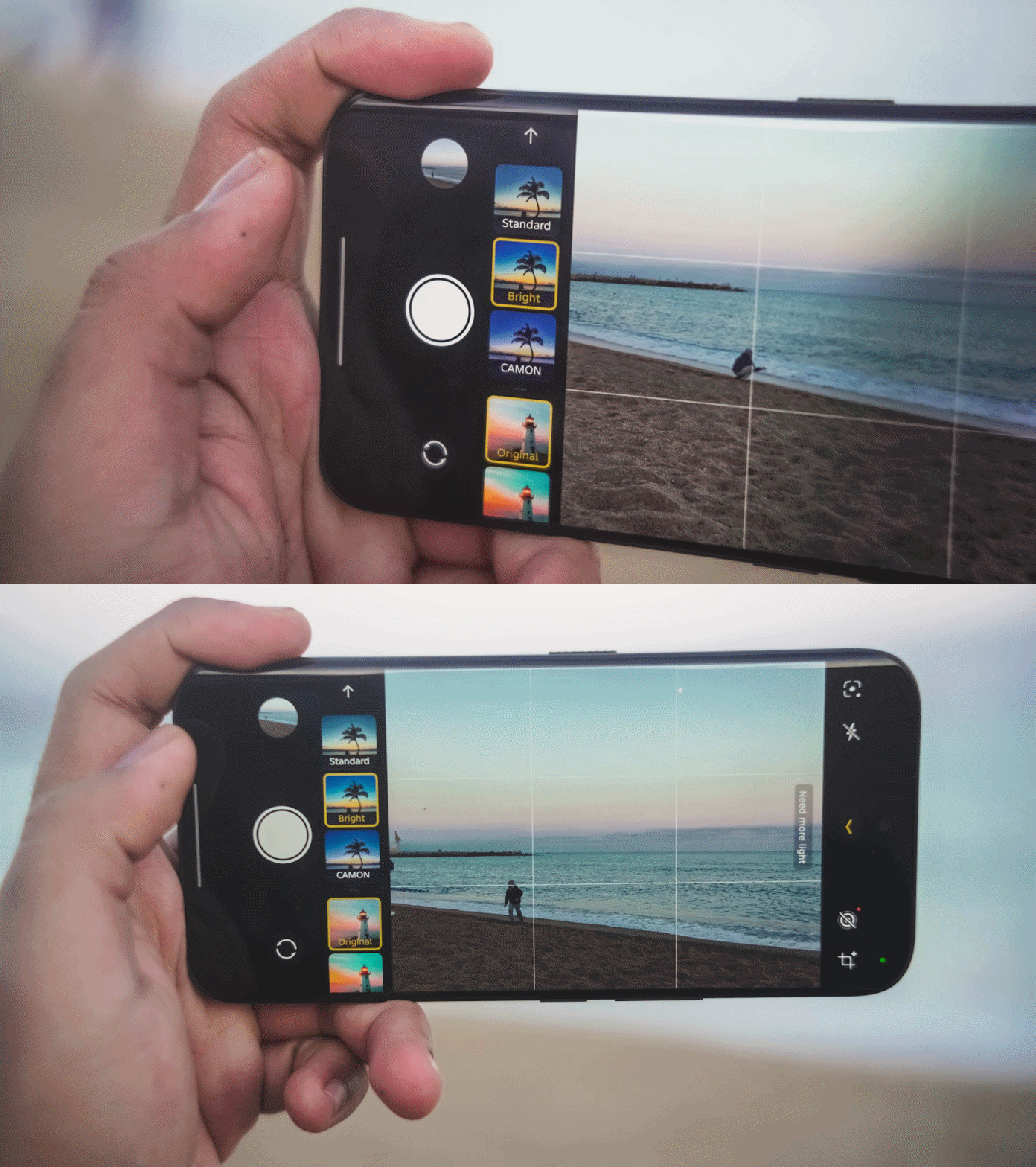
That has been replaced by a new feature they call “AI Auto Zoom” for better re-framing of shots even without hitting the shutter button.
Regardless, the looks are still the same like previous generations: Standard for a balanced look, Bright for more vibrant shots, CAMON for that subdued, soulful look.

Regardless of the focal length you choose, these color profiles should work.

One complaint when using the telephoto zoom? Its minimum focusing distance.
Other smartphones have telephoto zoom that works within closer ranges. But, the CAMON 50 Ultra struggles when doing so. It clearly reminded me of the periscope telephoto shooter found in last year’s CAMON 40 Premier with the same issue.


The only “fix” for this is to switch to the 85mm focal length (instead of 70mm). By backing up from your subject a little bit, you can take zoomed shots that are still closer in distance.
But, the best camera feature found in this midranger wonder? Its none other than its FlashSnap capabilities that lets the phone snap photos even before you click that shutter release.



I wouldn’t able to take these stellar shots without TECNO’s wonderful feature. Barcelona’s beach gulls are the (un)paid actors here for letting me snap these picture-perfect photos in a time freeze.


They have improved it this year too as it’s now capable of zooming in as much as 5x. It was limited to 3x on last year’s CAMON 40 Premier and 2x on the Pro model.


BONUS: Instant time-freeze with these crazy-fast toy cars during TECNO’s Booth Tour at MWC 2026

Low-light shots work wonders too. I didn’t expect it too look this good despite the SoC used that usually affects the overall quality of the night shot.





I didn’t even realize I took a lot more than what I have thought.




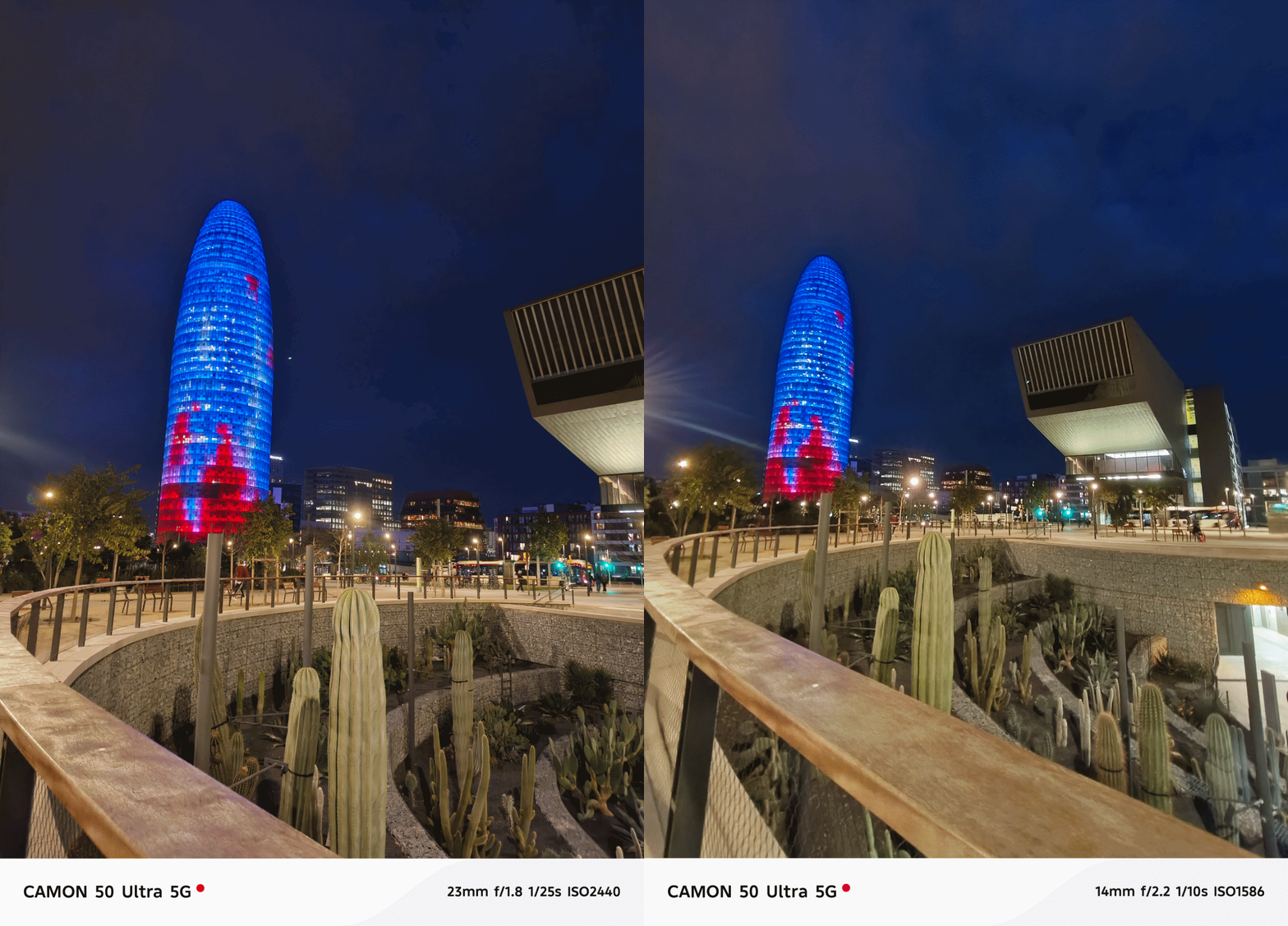

And before I forget, the ultra-wide performs well too at night even though it’s just the standard 8MP camera with a 112-degree FoV (Field of View).


Portraits aren’t that perfect — but should work day and night.



Now, the only things that draw the line (other than the the chip and lack of 5G connectivity) is the 50MP front-facing camera of the Ultra.
Both the base and Pro CAMON 50 models only have 32MP without AF (Auto Focus), only relying on FF (Fixed Focus).


Even if selfies are always against my will, here are some references.
Badly-needed battery boost
After handling various TECNO phones throughout my career, battery endurance is where it ultimately suffers. I felt it hard when using my PHANTOM V Fold2 from 2024 that keeps draining even on standby.
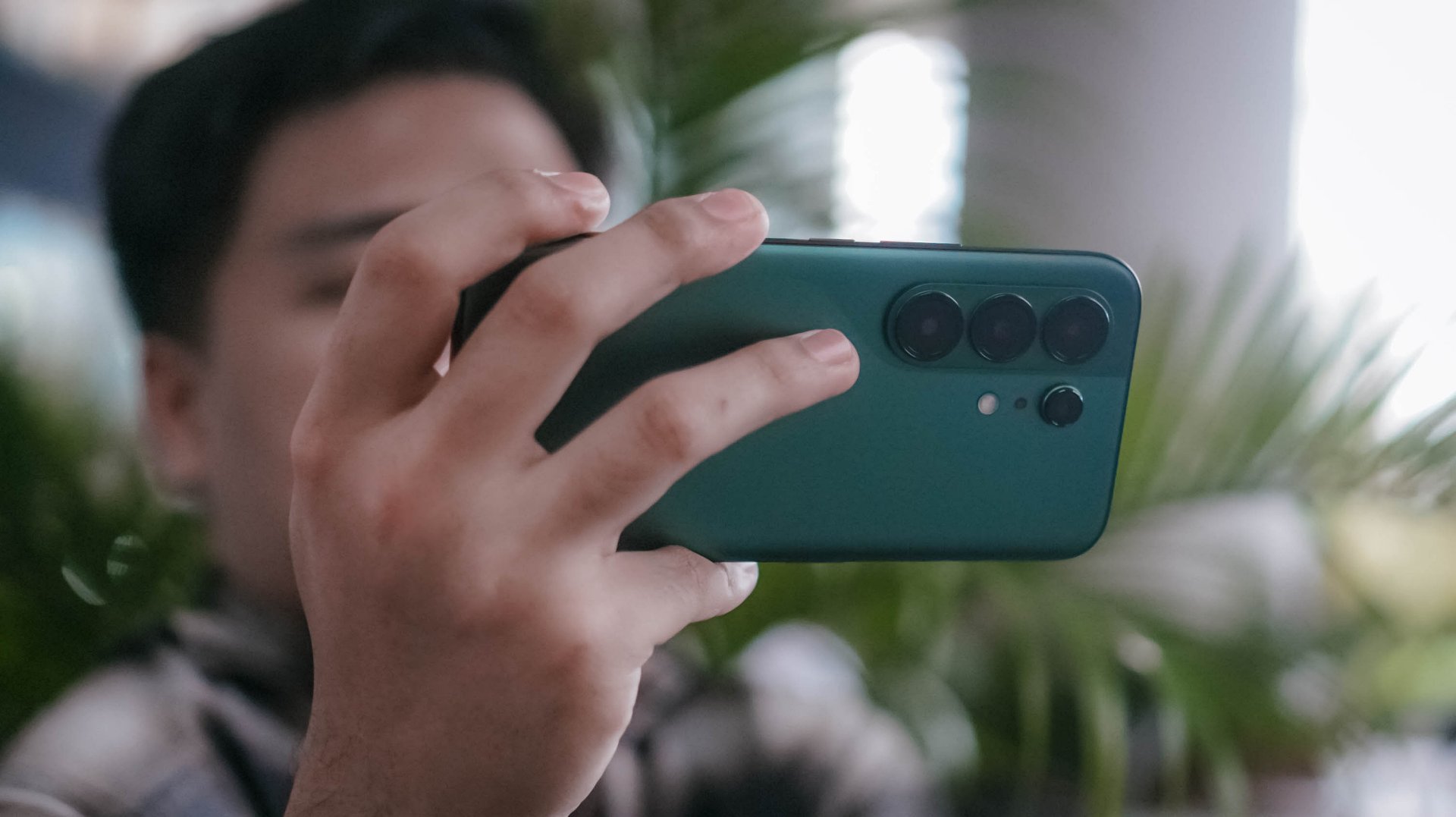
While this isn’t TECNO’s largest battery in a smartphone (as the award goes to the POVA Curve 2 5G with its monstrous 8000mAh capacity) this 6500mAh single-cell battery is something I’ve been wanting to have for long.

I’m also fortunate enough as other regions have a slightly downsized 6150mAh dual-cell battery. Still, both are heaps larger than last year’s 5100~5200mAh range. It’s even a milestone as the newly-launched Samsung Galaxy S26 series never got the battery bumps they all deserved.
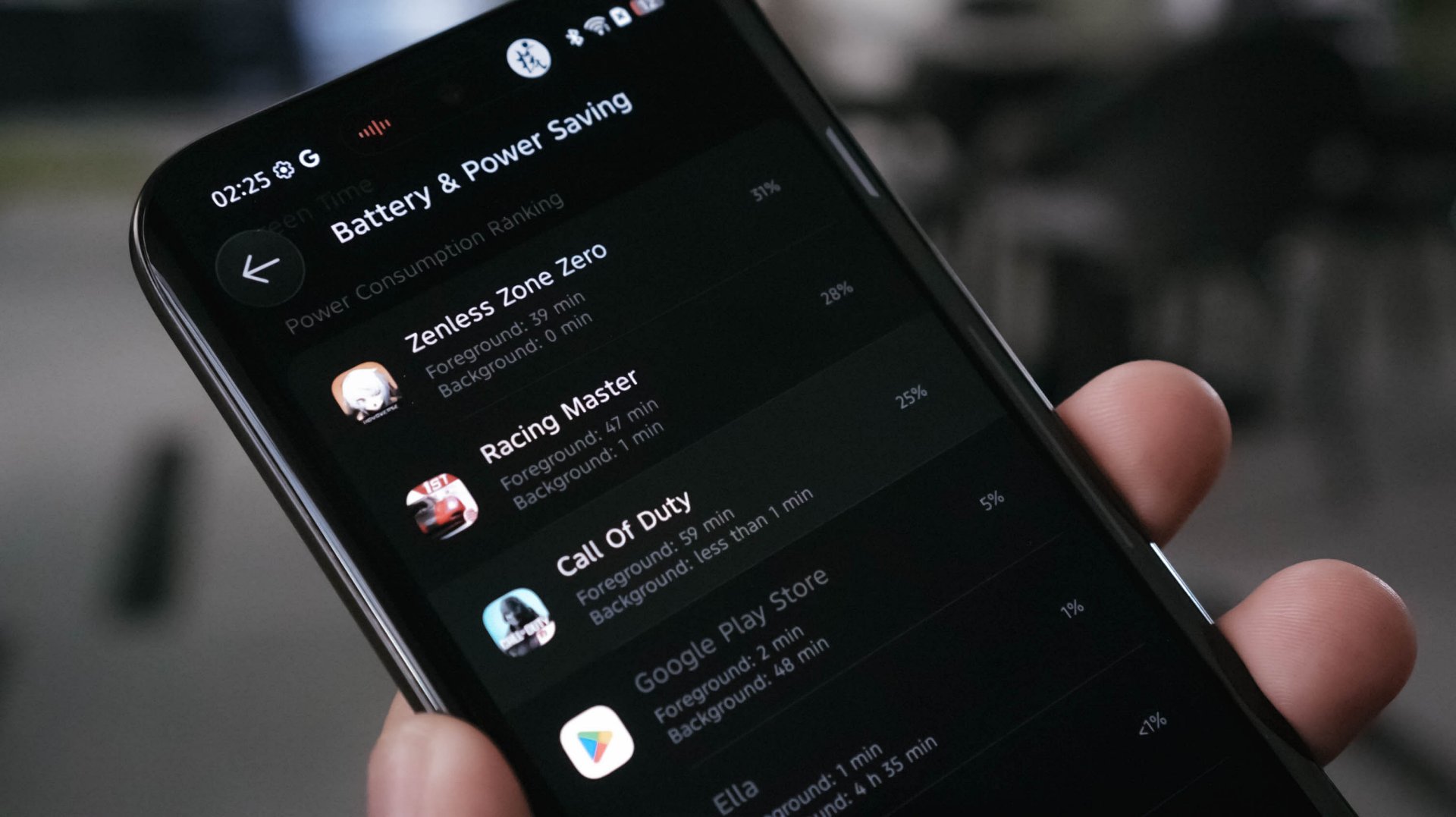
With heavy-hitting tasks, the CAMON 50 Ultra ultimately consumes juice. A total of 145 minutes (or around 2.5 hours) of gameplay means losing as much as 84%. Three to four hours of binge-watching? That’s only a 8~10% deduction though. Streaming music for another hour? A mere 5% depletion.
In the moderate, regularly-mannered use-case, this phone lasts you through a full day with around 10% to spare.
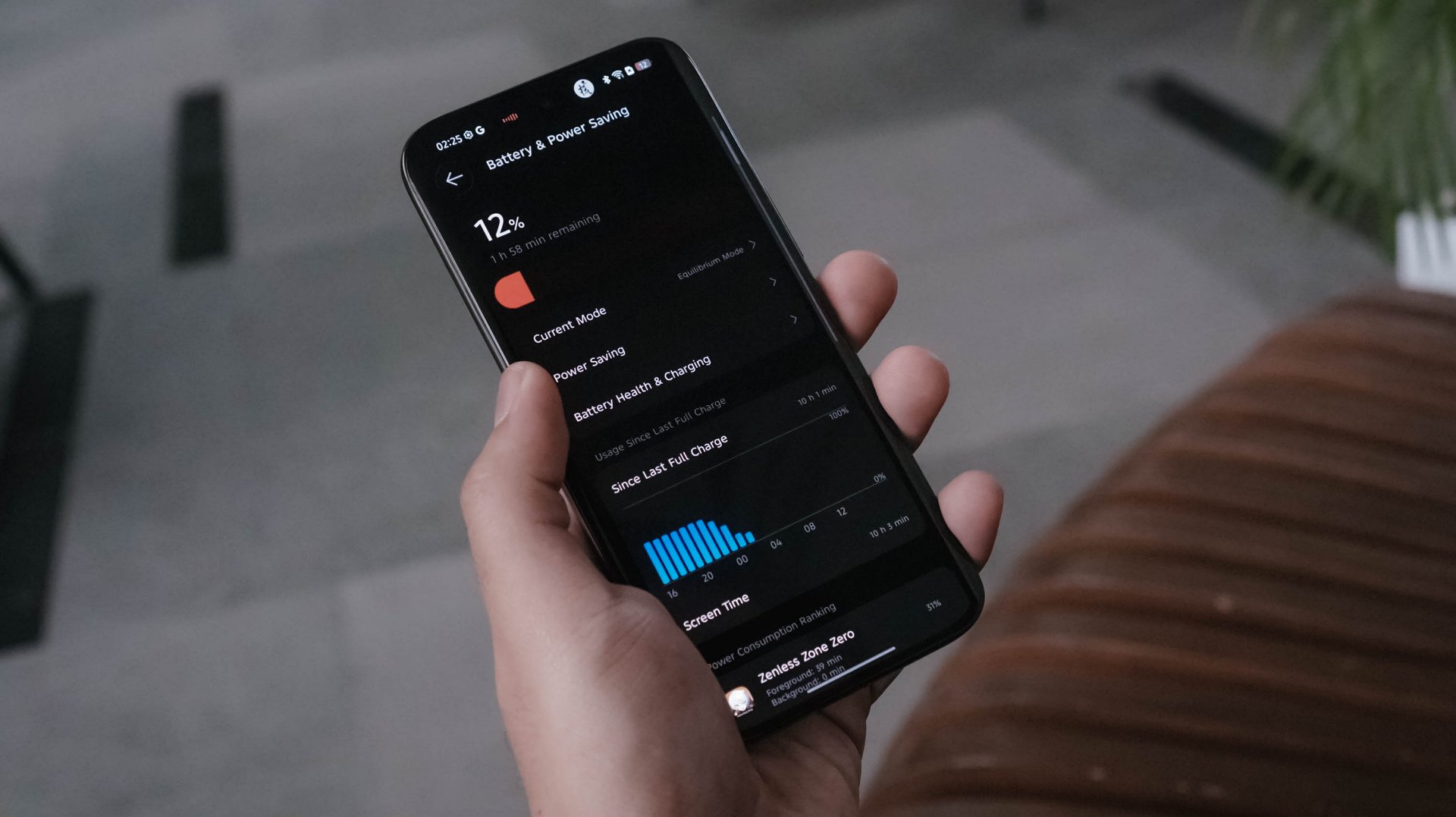
Best of all? Standby time can last up to 3 or 4 days! My other TECNO phones usually die after a day or two even without doing anything.
TECNO says it will still maintain its 80% capacity after 2000 charging cycles (or about five years). Only time can tell.

Once it totally depletes, the CAMON 50 Ultra can be filled up through its bundled 45W charger.
View this post on Instagram
At first, that sounded like a disappointment. However, my initial testing actually shows that the speeds are somewhat similar to the 90W speeds of my vivo X-flagship.
My GadgetMatch Charge Test further proves that point:
TECNO CAMON 50 Ultra
|
vivo X300 Pro
|
|
START TIME (From 0%) |
4:34PM |
1:59PM |
3 minutes |
4% |
1% |
5 minutes |
6% |
3% |
10 minutes |
12% |
10% |
15 minutes |
21% |
18% |
20 minutes |
30% |
24% |
30 minutes |
43% |
38% |
45 minutes |
65% |
57% |
1 hour |
85% |
71% |
1 hour 15 minutes |
99% |
99% |
END TIME |
5:51PM1 hour 16 minutes |
3:15PM1 hour 16 minutes |
So how is that even possible? Only the amazing people behind the tech can explain it.
As the reviewer myself, I am both in awe yet still in disbelief: are charging speed labels the real deal or are they’re just labeled for the sake of saying it’s “fast” enough?
Is the TECNO CAMON 50 Ultra your GadgetMatch?
As of this writing, TECNO has not provided exact pricing. But, for a phone still positioned below the US$ 600 / EUR 400 pricing range (approx. below PhP 30,000), the TECNO CAMON 50 Ultra is still one of those midrangers aimed towards users with a lean budget who also happens to value mean performance.
Swipe Left only if a curved edge display and 45W wired charging are dealbreakers for you — even if my charge test says otherwise.
Personally, it’s still a Swipe Right and a Super Swipe for me.
Its slender chassis, battery capacity boost, and solid shooting experience are already given. The combo of a reliable hardware plus refined OS are more reasons why the CAMON 50 Ultra is a phone worth checking out.
I may not have the consensus but, it seems like TECNO values what their community is saying.
For one, most of us wanted a bigger battery not just by numbers, it delivered a long-lasting endurance too.
Others pointed out that smaller and flat display on last year’s CAMON 40 Premier. This year, they brought back that bigger 6.78-inch curved display tech.
Last but definitely not the least, a streamlined and ever-fluid OS compared to what it was from two years ago.
If only they bring back 75W charging, a larger 512GB storage configuration, and even eSIM support, the next CAMON will instantly crush the mid-class.
Now, is the price bump from last year’s CAMON 40 line justifiable? Well, I am still blaming the AI-ddiction that led to component shortages as well as price hike craze.
404 Premier Not Found: The new era
As I still can’t get over how extremely catchy KiiiKiii’s latest hit track 404 (New Era) is, it inspired me to realize what TECNO did with its latest CAMON 50 series line. This might mark as the new era for TECNO — a bittersweet new beginning if I must insist (or resist).
Other than the company itself, no one knows why they went with this route. Based on my observation alone, it seems like TECNO is trying to play it safe this time, though not in a bad way.
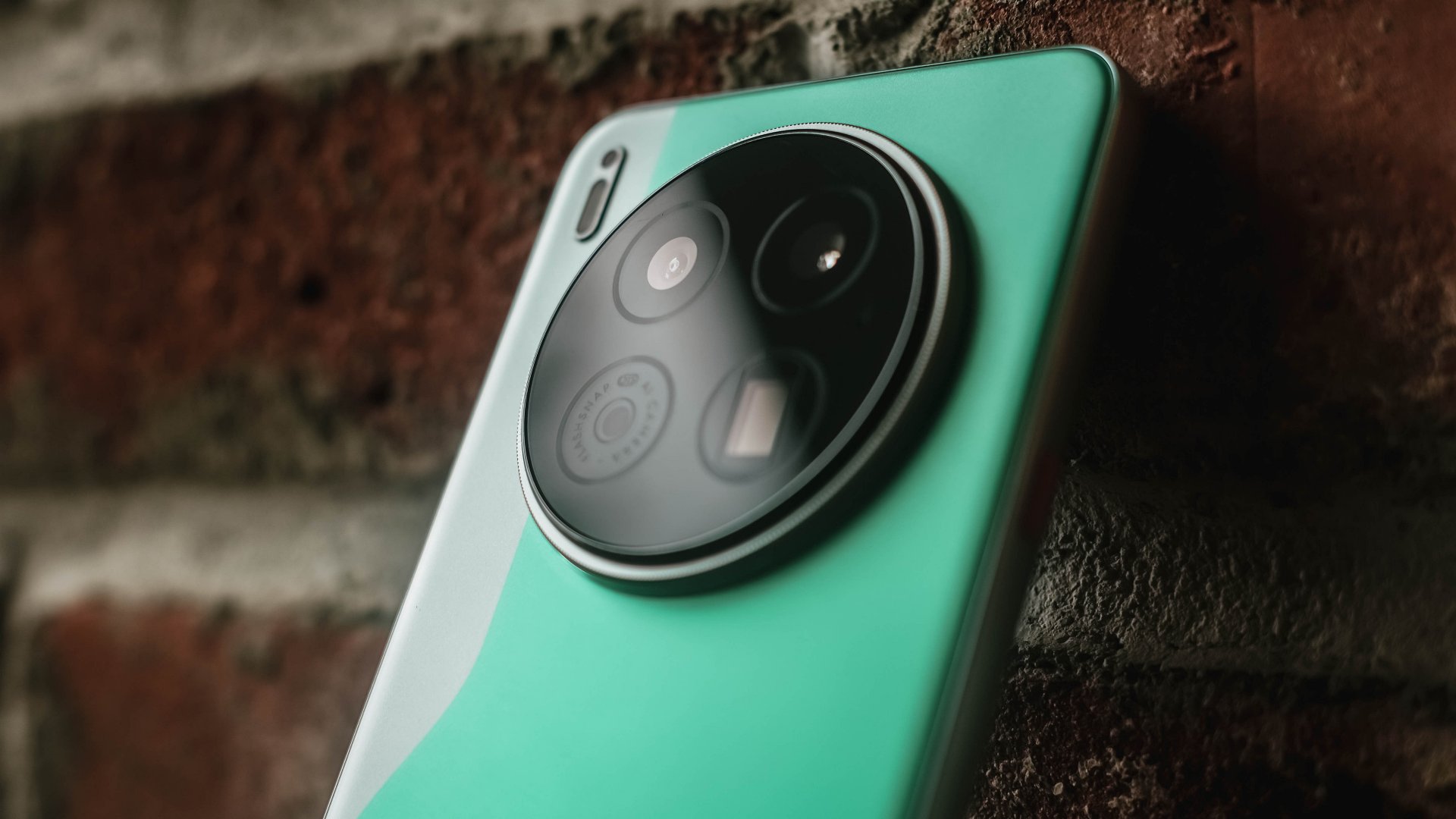
TECNO CAMON 40 Premier | 2025
They want to upkeep with the demands of their aimed market without having to spend more for production and/or raise the overall price of its new line of smartphones two to threefold. And based from the spec sheet alone, the CAMON 50 Ultra is more of the successor to last year’s CAMON 40 Pro 5G rather than being the total replacement of the CAMON 40 Premier.
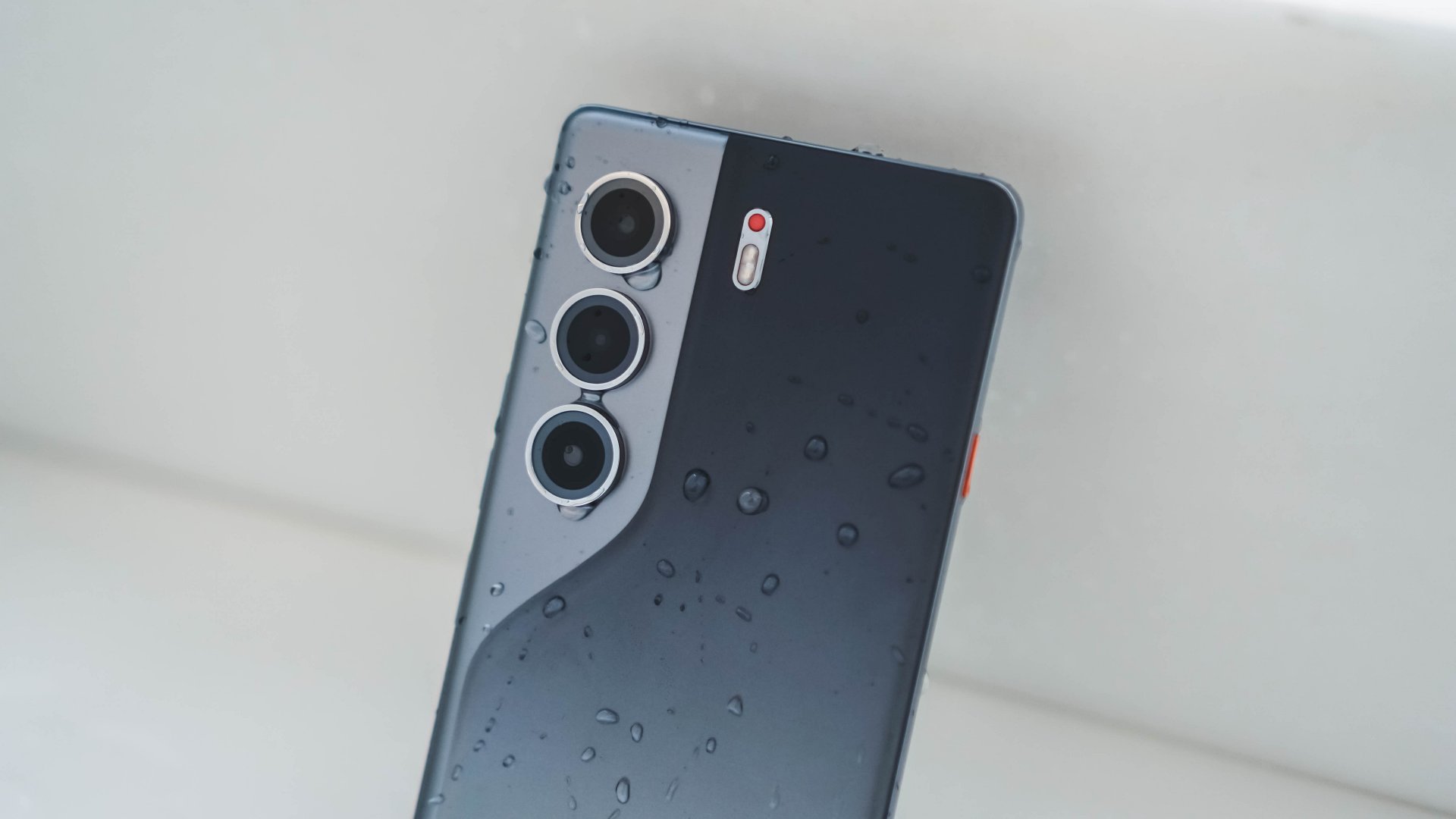
TECNO CAMON 40 Pro 5G | 2025
Also maybe, TECNO just wanted to “simplify” their model naming by omitting the “4G” and “5G” titles of the CAMON Pro lineup, making it sound cleaner and less confusing. But, that change still confuses a lot (myself included) with the “Ultra” being a newcomer — all while the signature “Premier” is nowhere in attendance.
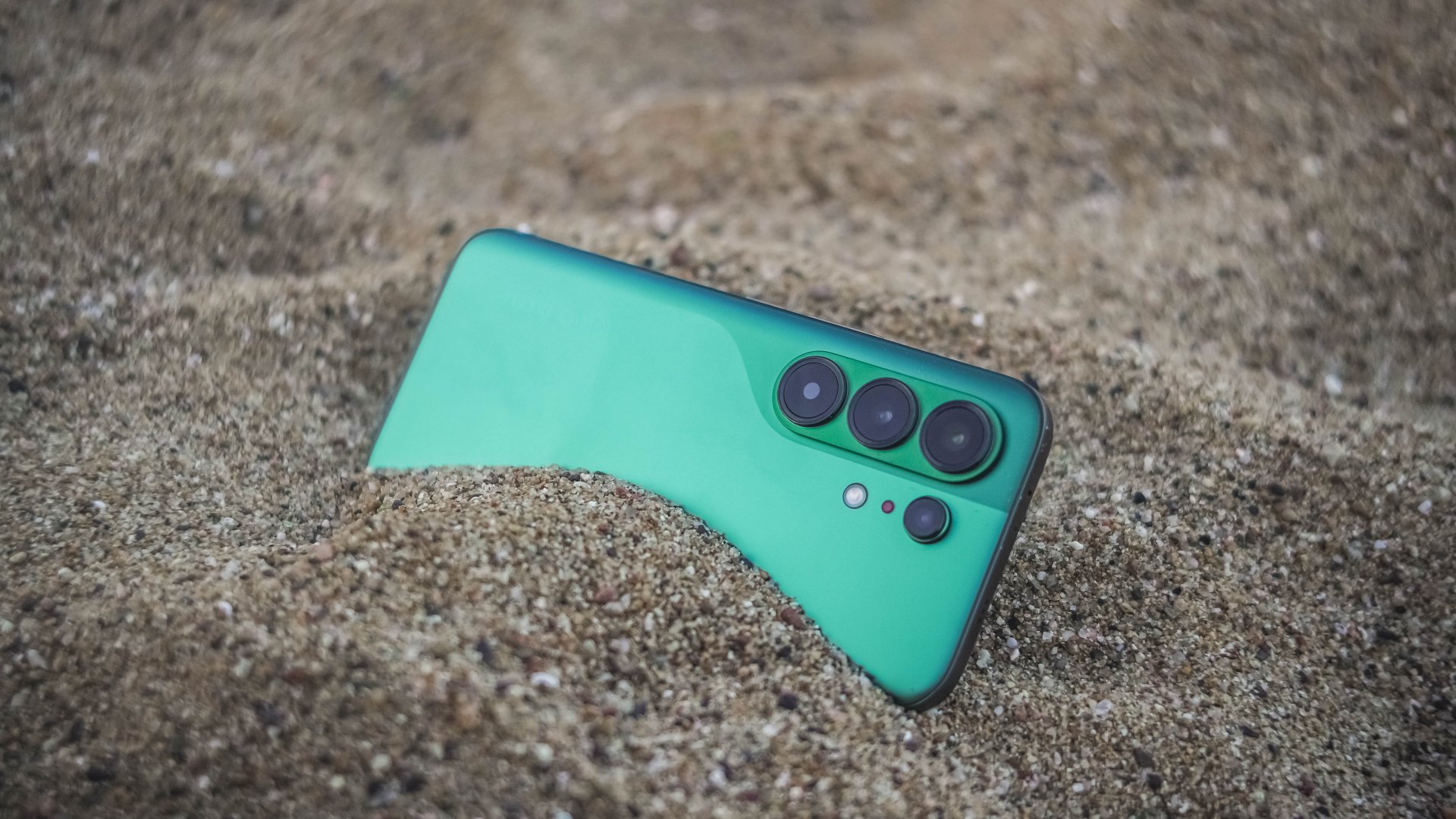
Now, despite my sentiments of truly missing their Premier line, this new midranger still is a compelling choice. I never even thought I would enjoy the CAMON 50 Ultra as much as I would. It’s a well-refined piece of slab culminated by TECNO’s continuous strive to innovation.
I’m just wishfully thinking TECNO is just hiding the CAMON 50 Premier up in its sleeves and brings out that wild card on the deck months after this release. Hopefully, it doesn’t end up like their flagship PHANTOM X series that was never heard of since 2022.



Disney+ launches a TikTok-coded vertical feed called Verts

Google Maps is finally getting a 3D mode

KPop Demon Hunters is officially getting a sequel

Bringing Care-a-Lot to my daily carry

Galaxy AI on the Samsung Galaxy S26 Ultra


-

 Reviews2 weeks ago
TECNO CAMON 50 Ultra review: End of an era?
-

 MWC 20261 week ago
Infinix NOTE 60 Ultra makes a motorsport-inspired debut
-

 MWC 20262 weeks ago
TECNO launches the all-new CAMON 50 series
-

 MWC 20262 weeks ago
TECNO showcases cool concepts at MWC 2026
-

 MWC 20262 weeks ago
TECNO unleashes Tonino Lamborghini collection
-

 Computers2 weeks ago
AMD announces Ryzen AI 400, AI 400 PRO series at MWC 2026
-
 MWC 20262 weeks ago
HONOR unveils Robot Phone concept at MWC 2026
-
 MWC 20262 weeks ago
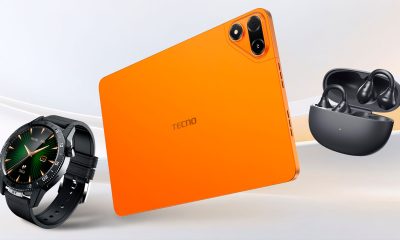
TECNO debuts latest devices, HiOS 16, upgraded Ella at MWC 2026