

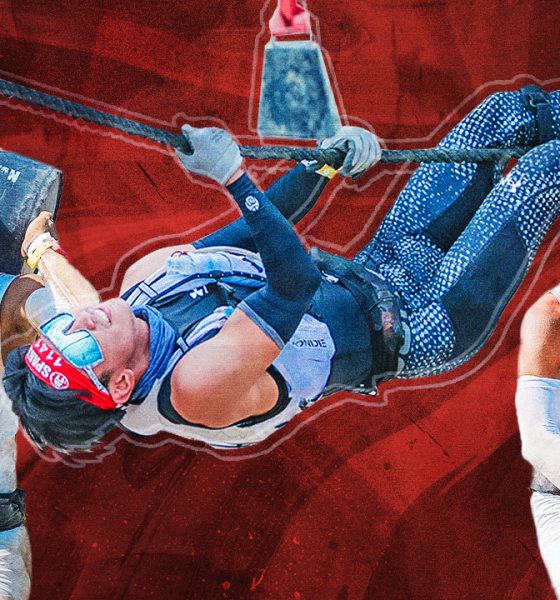

Joining a Spartan race was one of the pivotal moments in my life. It changed my lifestyle, shaped my character, and brought me lessons and experiences that redirected the course of my life.
Back then, the goal was to complete the Trifecta by collecting all three wedges from Spartan’s races: Sprint/Stadion (5KM with 20 obstacles), Super (10KM with 25 obstacles), and Beast (21KM with 30 obstacles).

This year, I obtained a double Trifecta and even pushed myself to conquer Spartan’s challenge of Trifecta Weekend where you’ll complete all three races in one weekend.
To prepare for my most ambitious goal (so far), Garmin Philippines equipped me with a smartwatch that became the perfect companion in my training.
Armed with the second-generation Garmin epix Pro, I also enlisted the help of Coach Genaro Sabile of G Performance and Fitness to ensure I have the mind and body suitable to compete for Trifecta Weekend.
Gear On: Garmin epix Pro (Gen 2) – 42mm Sapphire
Most sports smartwatches come with bulky sizes that would make me look like I’m Ben Tennyson from the animated series Ben 10. It’s hideous, right?
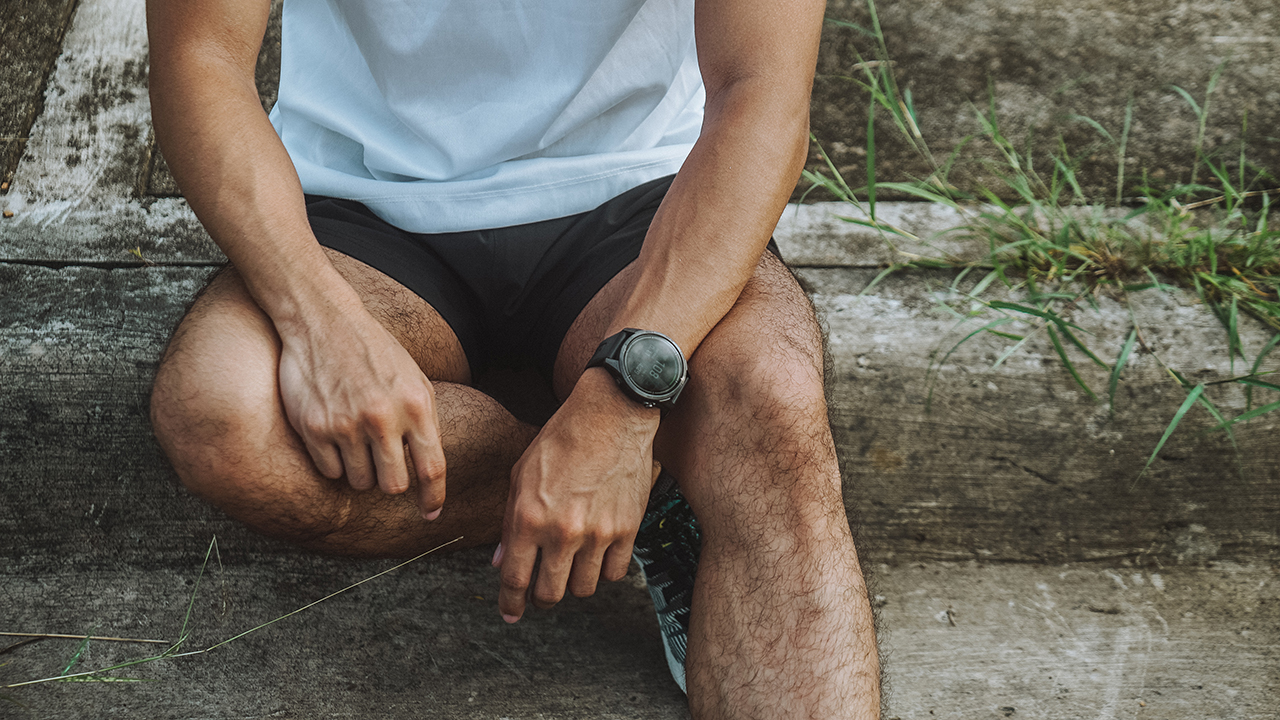
The Garmin epix Pro wasn’t anything like it. The first time I laid my eyes on it at an event at The Manila Padel Club, I knew I wanted it.
I liked how it used Sapphire Crystal on its lens, accented by a Titanium bezel supported by a fiber-reinforced polymer case. Even for a Carbon Gray colorway, the design exudes a tough aura geared towards athletes.
It’s heavier compared to the Apple Watch, but still lighter than the Huawei Watch GT 4. I’d still count it as lightweight, at least for me.
Moreover, it comes in a 42mm variant which wraps around my wrist perfectly. My only gripe is itching from the silicone material used on the strap that came with the device.
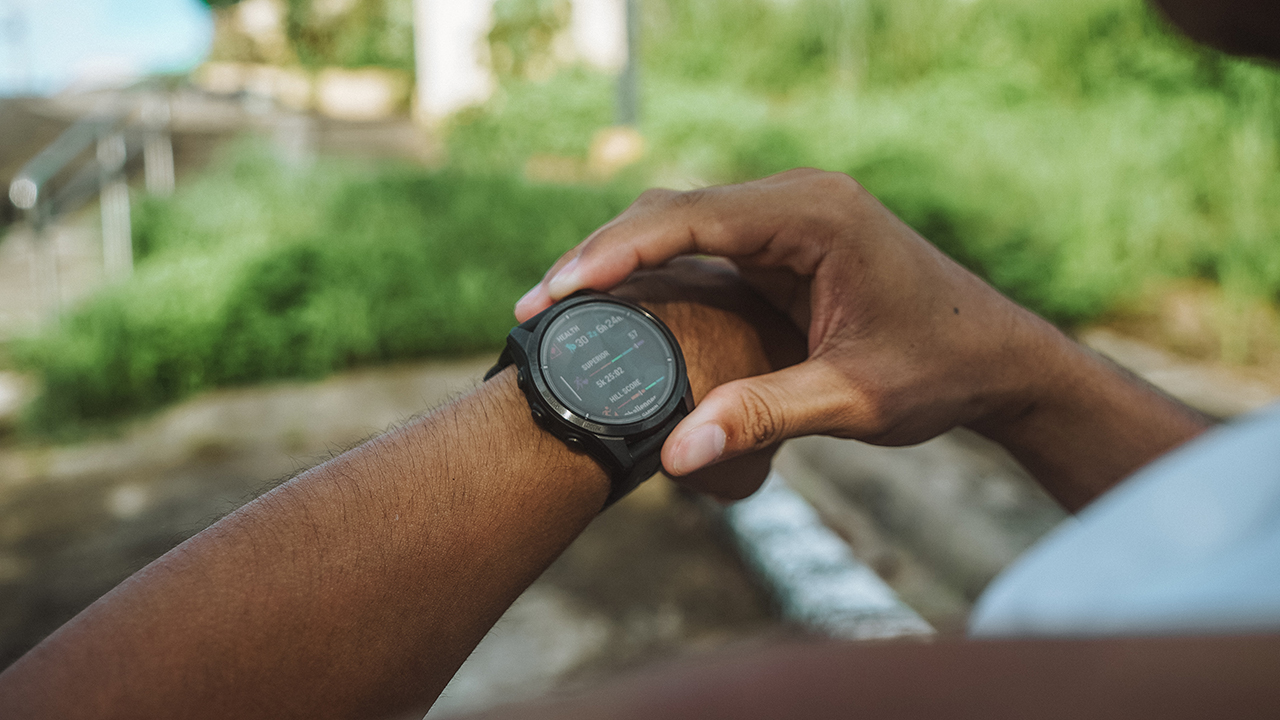
Nevertheless, the epix Pro came with an AMOLED touchscreen that makes it feel like an actual smartwatch. You can smoothly glide to take a preview of your data, but there are also corresponding buttons with respective functions that aid in navigating the device.
Garmin’s DNA is all over the epix Pro. It’s their premium smartwatch, after all.
Are you ready for a workout?
After an extreme awakening in July when I ditched my Apple Watch, I prepared myself for a grueling four-month hardcore training regimen.
My coach and I had to follow a six-day workout plan consisting of strength training, power endurance, and a structured running program. Hybrid athlete in the making, yes?
I’d say that it was tough trying to balance my program, personal affairs, work, and a few other things. It’s even tougher when you don’t get to complete the weekly workouts because life got in the way.

Still, I tried my best to show up on days that I felt like I couldn’t. My Garmin epix Pro came with morning reports indicating my training readiness and my training status.
Rest is crucial in helping your muscles grow and recover. Most of the time, when my smartwatch says I shouldn’t be working out and I should listen to my body, I heed the warning.
Sometimes, you don’t have the energy to perform your best, especially when doing squats, presses, and deadlifts.
Along with my body’s readiness, Garmin’s smartwatches also come with Body Battery energy monitoring. I get to see if my energy levels can handle my upcoming training for the day or I should just opt to recharge by getting sleep.
9 out of 10, I usually sleep. This usually happens when my stress score for the day is unbelievably high, I just need to make a restful recovery.
And speaking of sleep, I usually wear my smartwatch while recovering to allow the device to capture necessary data.
By morning, I get a detailed report on my body’s recovery through sleep score, the breakdown of my sleep stages, my sleep quality, and my heart-rate variability (HRV) status.
Check your heart rate
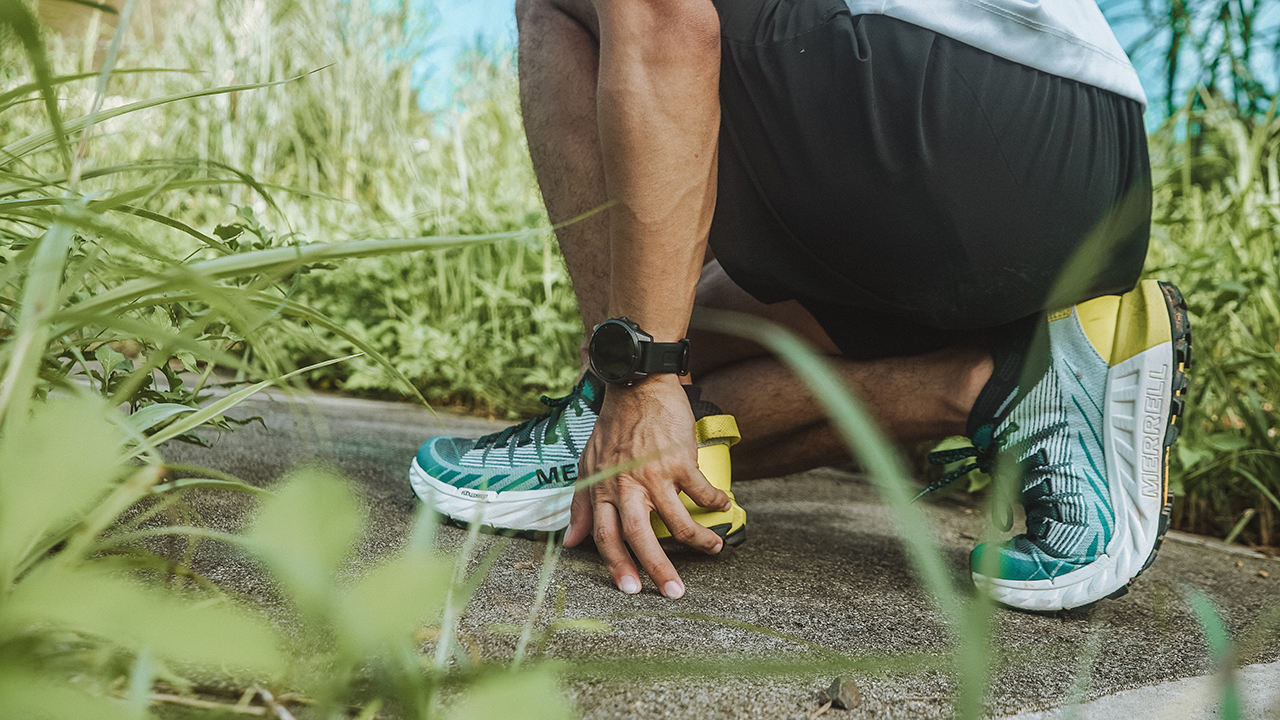
Aside from my strength and muscle endurance training, I spend a lot of my days outside going for a run.
The majority of my runs are divided into building my already high aerobic base, doing speed work, and improving my lactate threshold to last well in a race.
When running, I usually follow my heart rate zone and try my best to stay in Zone 2 for aerobic building. When I do threshold runs, I make sure it’s between Zone 3 and 4, while speed work pushes me to the edge of Zone 4 and up to Zone 5.
Sprinting takes a lot of power, which is why you need to push yourself to reach the fastest you can.
But of course, heart rate isn’t everything. During my slow and long runs, I was usually tuned in to my smartwatch. I check my pace, speed, cadence, power, and stamina — monitoring them while ensuring I maintain my form and rhythm.
Running on roads and trails

In four months, I only racked up five to ten kilometers of weekly mileage on road runs, which is unbelievably low for someone who competes in an endurance race.
But what can I do? My schedule doesn’t allow me to go out for longer runs. My best option was taking on the trails during the weekend. I switch up now and then running at Mt. Ayaas and Mt. Parawagan, accumulating a total of 10-15 kilometers, depending on the route we take.
At some point, we got lost traversing the secret river which racked us a total of 17 kilometers. 14 kilometers of assaults, slopes, uneven terrains, and 3 kilometers of crossing a knee-deep river with strong currents.
I feared for my life, yes. But the Garmin epix Pro’s GPS mode came into play, providing hope that we are taking the right trail going back to the town.
Race simulations
What I liked the most about my Garmin smartwatch was having it help me plan my upcoming races. When I joined the Xiaomi Pop Run, I used both the Smart Band 8 (which I did for a review) and the Garmin epix Pro on my other wrist as part of my training plan.
Since I always ran on the slopes of my village located on the hilly side far east of the Metro, the epix Pro managed to get valuable data that would help with my race simulations.

My VO2Max amounted to 57, which is then used alongside my training history, to measure my Hill Score and Endurance Score.
Both features measure my capability for my ability to run and sustain my prolonged efforts, whether on an uphill training or any other athletic pursuits.
It’s also used to get an estimate of my pace through the race predictor feature. Whether it’s a 5K, 10K, half-marathon, and a marathon.
There’s also an option to plan a race-day strategy with the PacePro Pacing Strategies. However, during the Xiaomi Pop Run, I opted to create a training plan to follow. Instead of aiming for a SUB1 finish, I put in a heart rate zone to follow for every kilometer.

This ended in a 1 hour and 4 minutes finish. I was disappointed that I was four minutes late, but I reminded myself that the training was more important. After all, the bigger event was the Spartan Trifecta Weekend.
Eventually, it paid off. Doing simulations at Obstacle Central allowed me to perform a clean execution of all obstacles in a short amount of time. Knowing full well that even with inconsistent training, I progressed a lot. I’m well-equipped to take on the Trifecta Weekend.
Ready for the Spartan Trifecta Weekend
I arrived the day before the Trifecta Weekend to do my duty as a race photographer for the 3K Elite race. It’s a different format requiring athletes to compete with speed and explosive power.
Being in the field gave me a huge advantage, seeing how the terrain would look like if the weather remained the same. Hot and humid, but still bearable for someone who’s acclimated to a never-ending summer weather.

The event took place in Montclair Destination Estate, an upcoming property development near Clark City. Having participated in races near the area, I know fully well what was waiting for me as a racer.
Sand, smog, a barren wasteland, uneven terrain of grass and rocks, a lahar-filled trail, and short slopes. Most of all, there are no shaded areas along the race course.
Spartan Beast

The first day of the Trifecta Weekend hosted the Spartan Beast race. A grueling 21-kilometer trail packed with 30 obstacles. I signed up for the Age Group category since it was the last leg of the Philippine National Series, and I intended to give my best in the last competitive heat that would require my mind, heart, and soul.
I finished my last Beast race back in May at around 4 hours and 36 minutes. This happened because I cramped at every obstacle on the last stretch of the race. I almost cried and it broke my spirit, knowing I could’ve finished in less than four hours.
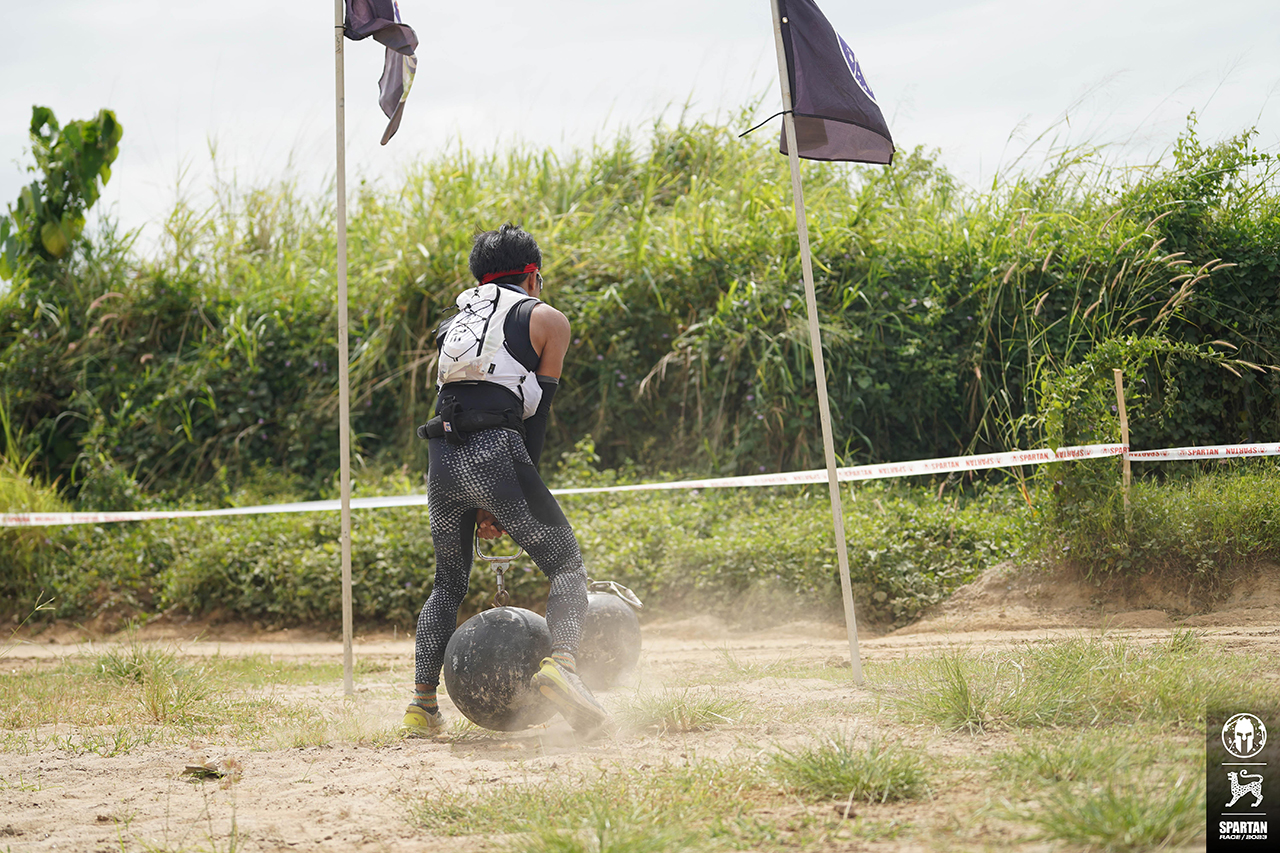
This time around, I was determined to beat my time while performing a clean execution of the race. Funny enough, the only time I was penalized was when I dropped the Atlas Carry and Hercules Hoist.
Both obstacles require intense strength since they’re both around 50kg, and completing it would give me intense muscle cramps.

I already had two intense leg cramps. One was when I jumped at the eight-foot wall placed on a slope, making it ten feet high. One was when I ran after crossing an obstacle that required jumping over a three-foot wall and crossing bars as a stair going down.

Nevertheless, I finished at 3 hours and 47 minutes with 28 obstacles cleared. Far from my original goal, but better than my previous race even if I had various leg cramps along the way.
Moreover, my official ranking from my Age Group’s leaderboard jumped from 28th to 13th. A big jump, considering that my age bracket (25-29 yo) is among the most physically strong and in peak condition.

It was a tough battle and I’m proud of myself.
Spartan Super
The next day, I was hesitant to participate in the second day of the Trifecta Weekend. The muscles all over my body were stiff and aching from taking on the Spartan Beast race.
Still, I managed to get up since I remembered the costs of everything I paid for the race. Training, gear, nutrition, and countless days spent in the gym and on the trails.

I took on the Elite category for Spartan Super, a 10-kilometer trail with 25 obstacles. The obstacles are pretty much the same as the Spartan Beast, which gave me an inkling of what to do next.

I was excited since it was my second time participating in the elite category. I had to race toe-to-toe with national athletes, personnel of the Philippine Military Academy (PMA), and strong, competitive racers who decided to level up.

My last elite race flunked and I was thrashed because I was unprepared. This time around, I redeemed myself. Though far from going head-to-head with the national athletes, I was happy that on the first few kilometers, I was butting heads with the athletes from PMA.

I ended the Spartan Super in 1 hour and 36 minutes with 24 obstacles cleared out of 25. Again, I dropped the Hercules Hoist since my legs showed signs of cramping and I still had to take on a race afterward. Playing smart is the key.
Spartan Sprint
Having completed a double trifecta for the year with the Spartan Super medal, taking on the Spartan Sprint meant getting an extra medal. But finishing it meant also completing the Trifecta Weekend challenge.

Knowing that it was an Open category and a short, 5-kilometer trail with 20 obstacles, I decided to play around. I have friends who are taking on their first race, and I joined them while wearing bunny ears. Just for fun, you know.

Racing with friends is a lot more fun than going competitive, creating new memories that I will forever cherish. I didn’t mind the time, and instead, helped my friends conquer the obstacles and the race.
Aside from being the cheerleader, I lightened the mood on the race course since most people were surprised to see me dressed in an all-white outfit, dirty, and wearing bunny ears.

Moreover, I didn’t require any help. Even with a tired body, I knew that preparing for the Trifecta Weekend gave me a strong, enduring mind and body that could take three races in one weekend. And it was all thanks to the dedication I put in for four months.
A Spartan’s GadgetMatch

Switching to the Garmin epix Pro was the best decision I made this year. Not only did it help me improve my athletic performance, but it also helped push me to make healthier habits.
Having a premium multi-sports smartwatch on your wrist will make you think about what you are doing with your life if you’re just sitting on a couch, doom-scrolling on TikTok. It will make you get up, and put in the work because it’s expensive AF.
The Garmin epix Pro Sapphire 42MM and 47MM retail for PhP 62,780. Meanwhile, the epix Pro Sapphire 51mm is priced at PhP 69,050.

The price alone would mean it’s an investment to make, but a worthy one because it’s for your health, fitness, and overall improvement of your life.
As a Spartan, it pushed me to face obstacles not just on the race course but in my life — head-on. Knowing I have a smartwatch to keep track of my progress, I know I’ll do better one obstacle and 10,000 steps at a time.





Editors' Choice
ICYMI: Everything big that happened in tech this 2025
From new consoles to potential corporate buyouts, a lot happened this year.

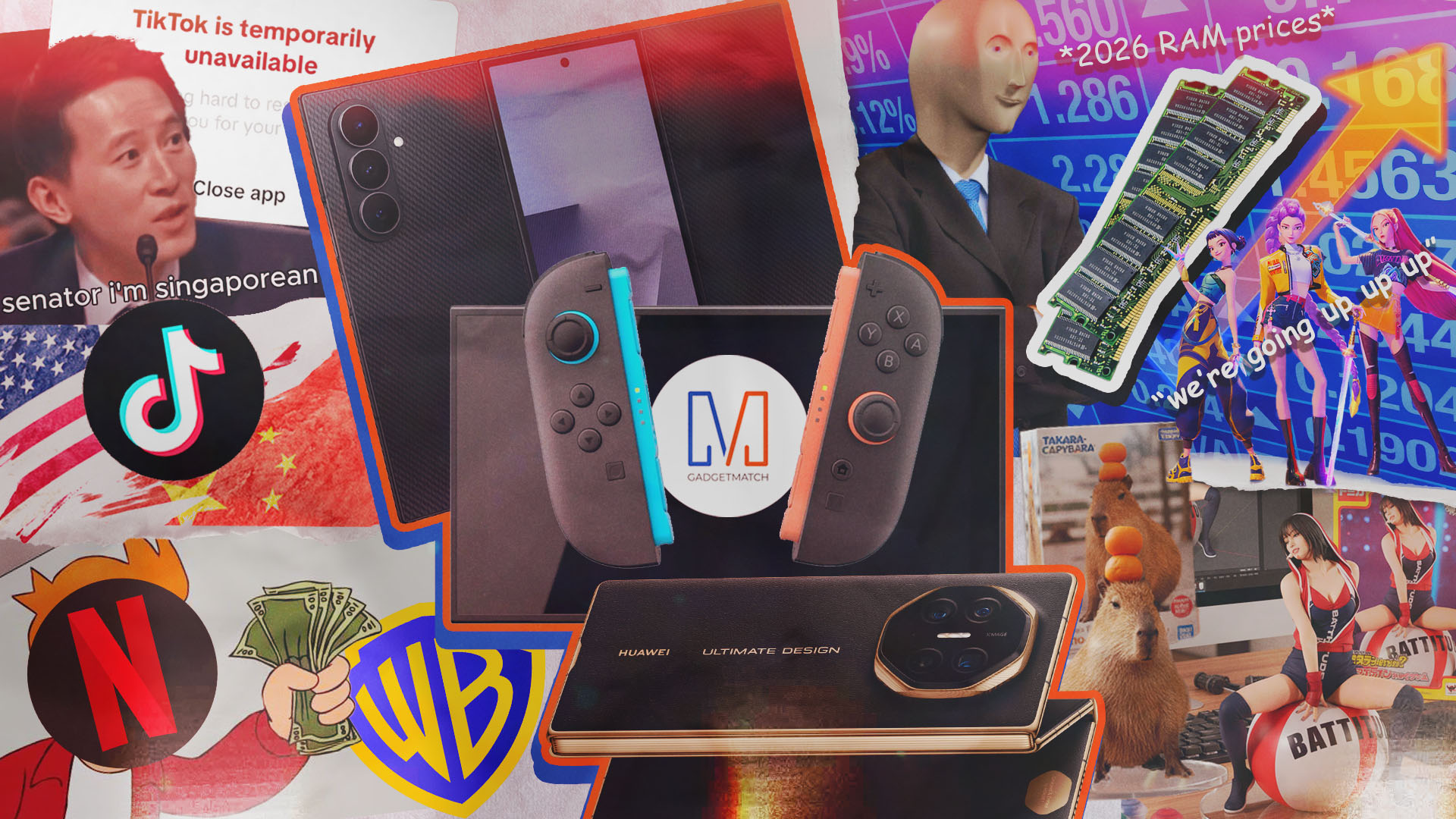
Where did 2025 go? The year felt like a whirlwind. In one moment, it was January, and then, after an excruciating blink, it’s December once again. Though it doesn’t feel that way, a lot of newsmakers happened in 2025.
And it’s not just all about AI. We saw so many developments in the world of technology, gaming, and enterprise. This, as with every year, is your one big ICYMI for 2025.
TikTok shuts down for a day
The year started with a dark interlude for the chronically online. For a single day right before the start of Donald Trump’s second term as president, TikTok went down in the United States.
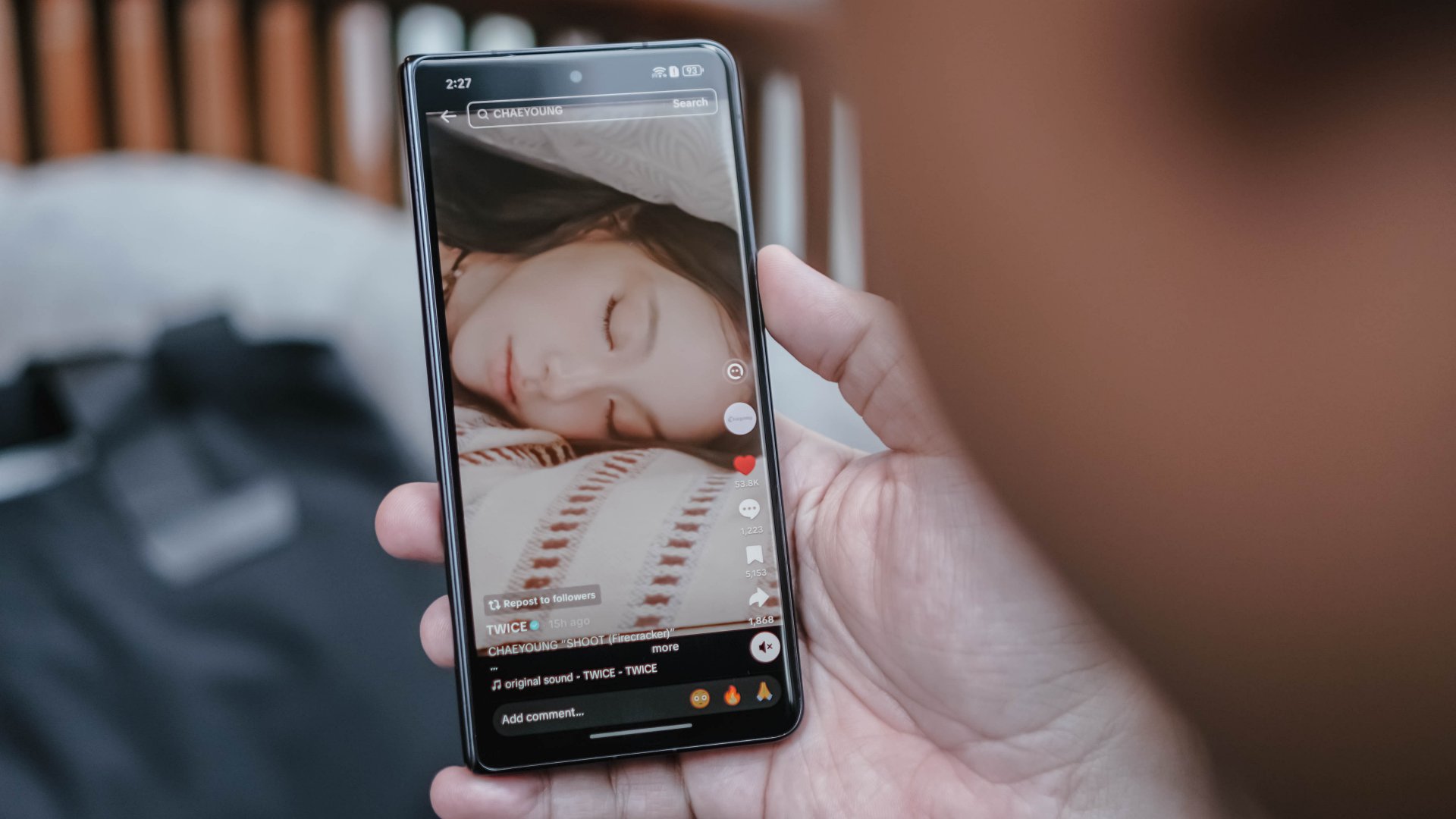
The brief shutdown was in anticipation of a potential ban from the Trump presidency. It was sparingly brief, though. After a day, TikTok came back online, albeit with the added burden of finding an American buyer to fully stave off a definitive ban. The saga is still ongoing today.
Tri-fold phones have arrived
Last year ended with a potential teaser for the first tri-fold phone. The year then quickly started with its official launch. In February, Huawei debuted the Mate XT. The foldable smartphone features three screens and two hinges, creating the world’s first tri-fold device.
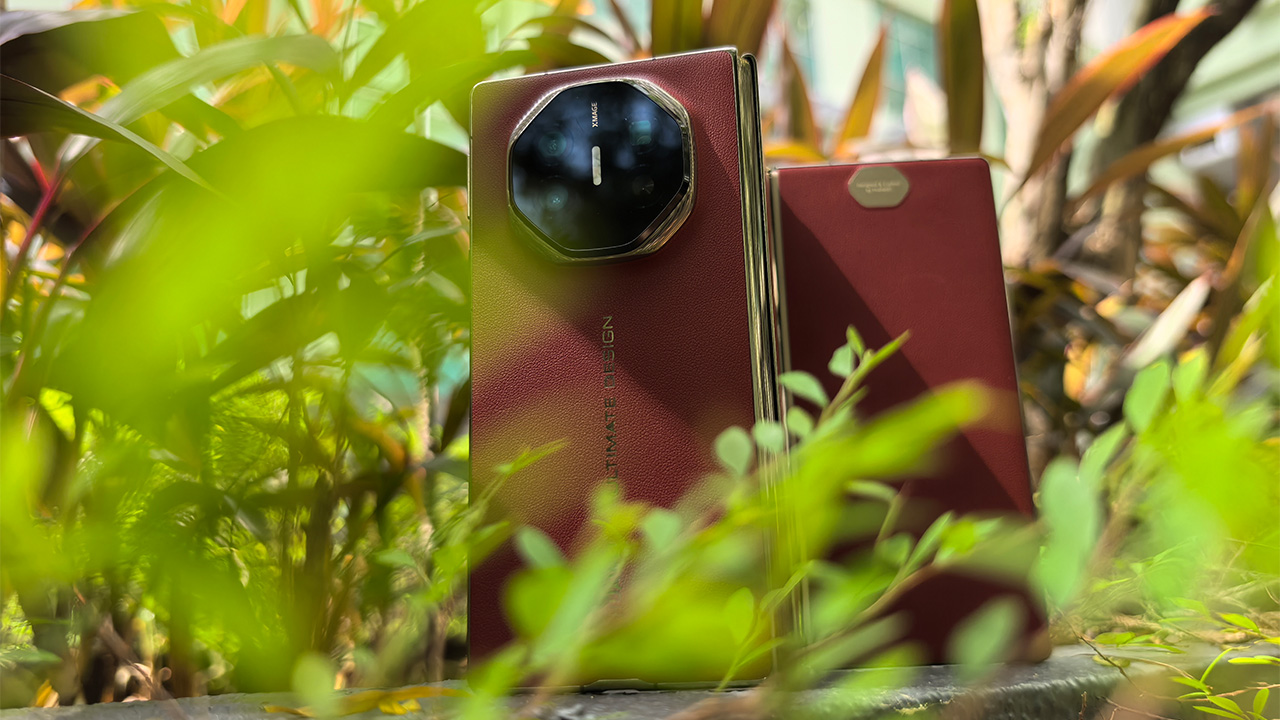
Currently, Huawei still holds a strong grip over the niche segment. However, the year was filled with rumors of future developments from competitors. This December, Samsung announced the strongest challenge to the Mate XT. The Galaxy Z TriFold is already available in South Korea and will debut early next year.
The Nintendo Switch 2 is here
Console gaming got a wake-up call this year. Nintendo has launched the much-awaited follow-up to the globally successful Switch. The Switch 2 immediately turned heads, promising a deserved upgrade to the dated predecessor’s hardware.
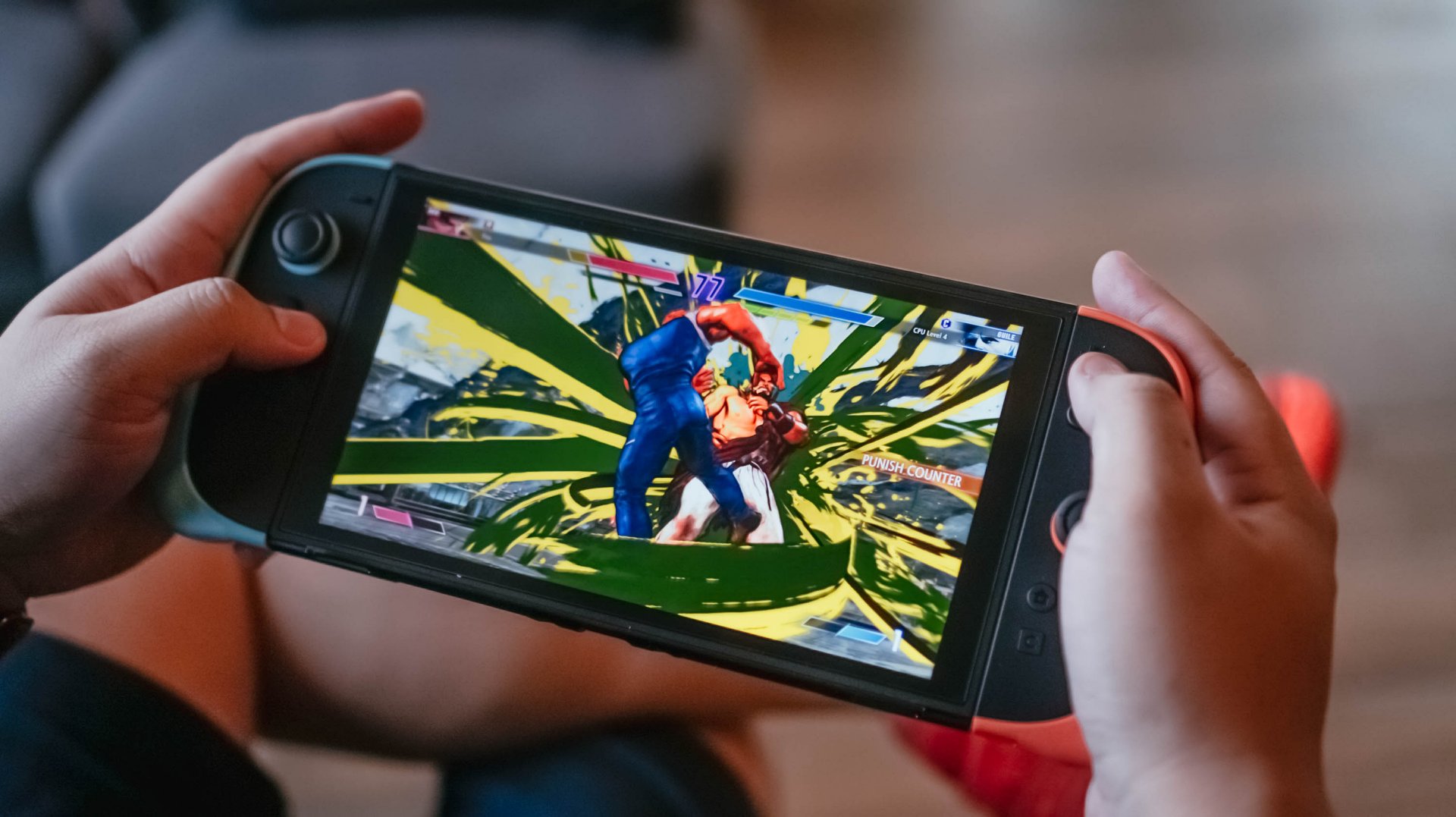
Plus, this is without massively changing the formula. The Switch 2 is more of a moderate upgrade, rather than an entirely new segment. It’s a classic example of “if it ain’t broke, don’t fix it.” And yet, the console is already on its way to breaking the Switch’s records.
Nano Banana takes over the internet
By the end of 2024, it was clear that AI has (and will continue to have) an iron grip over the world of tech. This year, generative AI photos and videos took the internet by storm, none more so than Nano Banana.

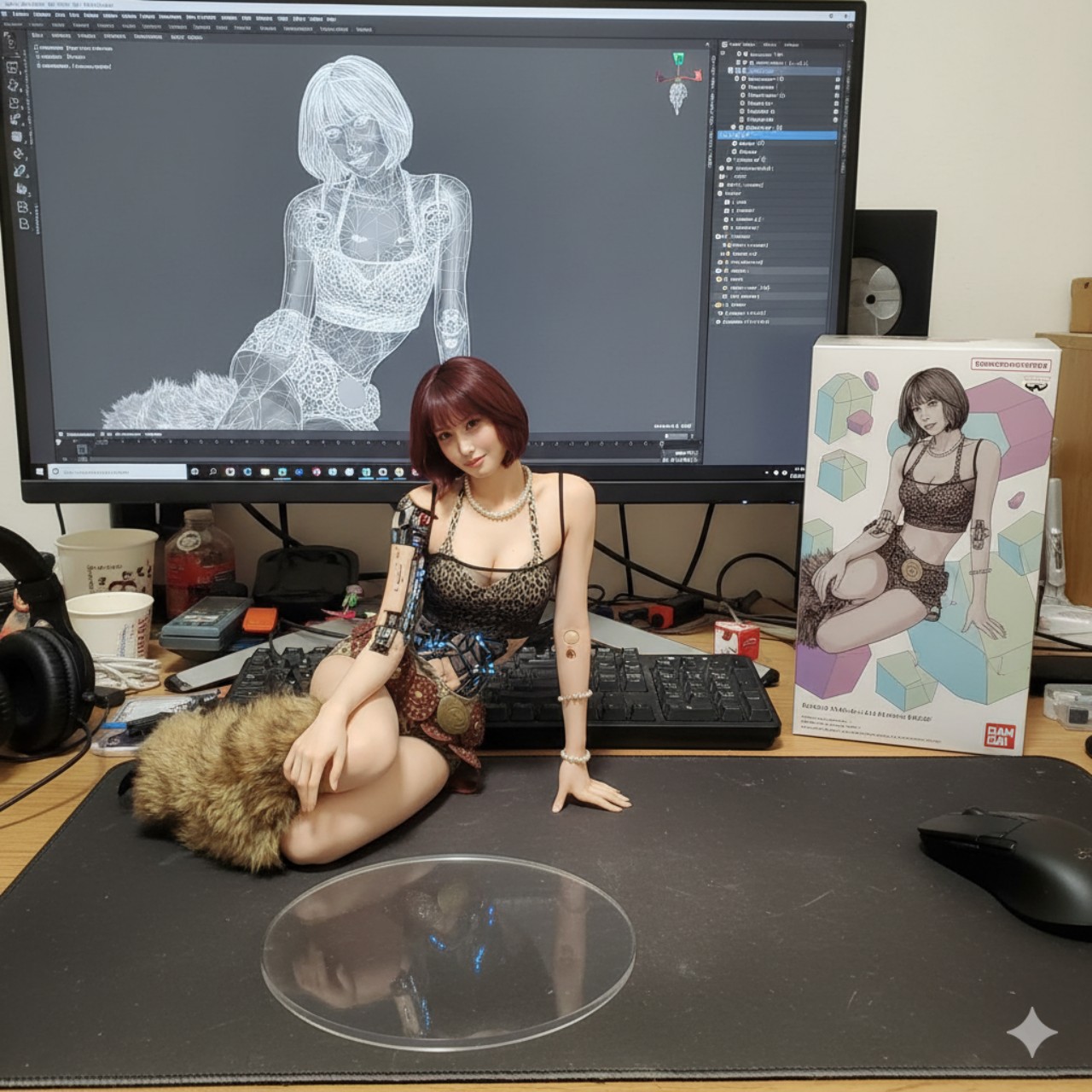
Nano Banana is a massively popular service that turns static photos into realistic figurines, among other uses. Everyone wanted to turn their photos real with the service, earning it one of the most used AI services this year.
Valve enters the console wars
The Steam Deck is still a popular option for handheld gaming consoles. But that segment is only a portion of the entire gaming industry. Now, Valve wants to have its hands in more niches. Earlier this year, the company announced the upcoming Steam Machine.

As opposed to the portable Steam Deck, the Steam Machine is meant for desktop use. A dedicated mini-PC for gaming, it aims to introduce more affordable rigs for beginning gamers. Though it’s still slated for next year, the Steam Machine is already making so many waves for gamers.
Silksong is finally out
As is evident from the recent Game Awards, Clair Obscur: Expedition 33 owns this year. However, one massive title deserves its flowers, too — Hollow Knight: Silksong.
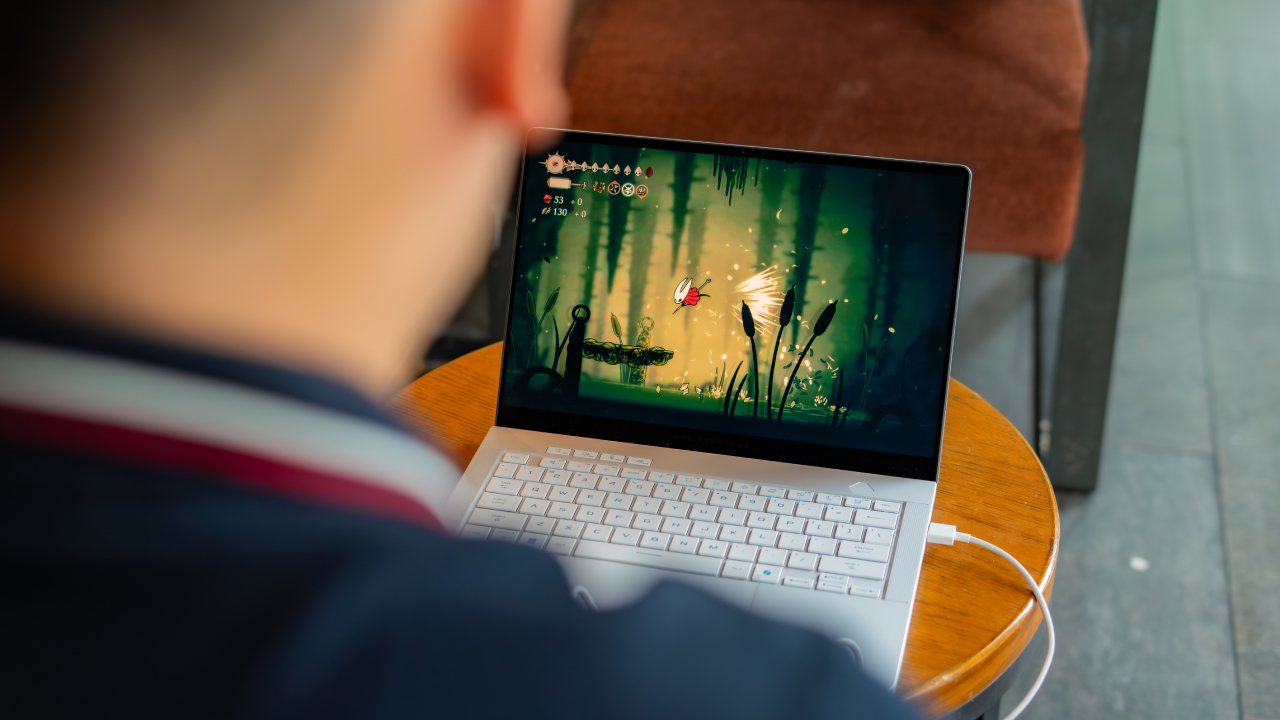
After six long years, Team Cherry, the developer behind the original Hollow Knight, finally released the much-awaited sequel, Silksong. Even if you aren’t a fan of the series, you would have definitely felt its palpable effect. On the day of its launch, players who sought to buy the title simultaneously caused all major platforms, including GOG and Steam, to crash. It also helped that the game itself was a masterpiece of a sequel.
RAM sales are going up
Even if you’ve successfully avoided the nauseating flood of AI-powered features, the pull of AI is now affecting the entire industry. As of late, the prices of RAM skyrocketed due to the demand put forward by AI data centers.
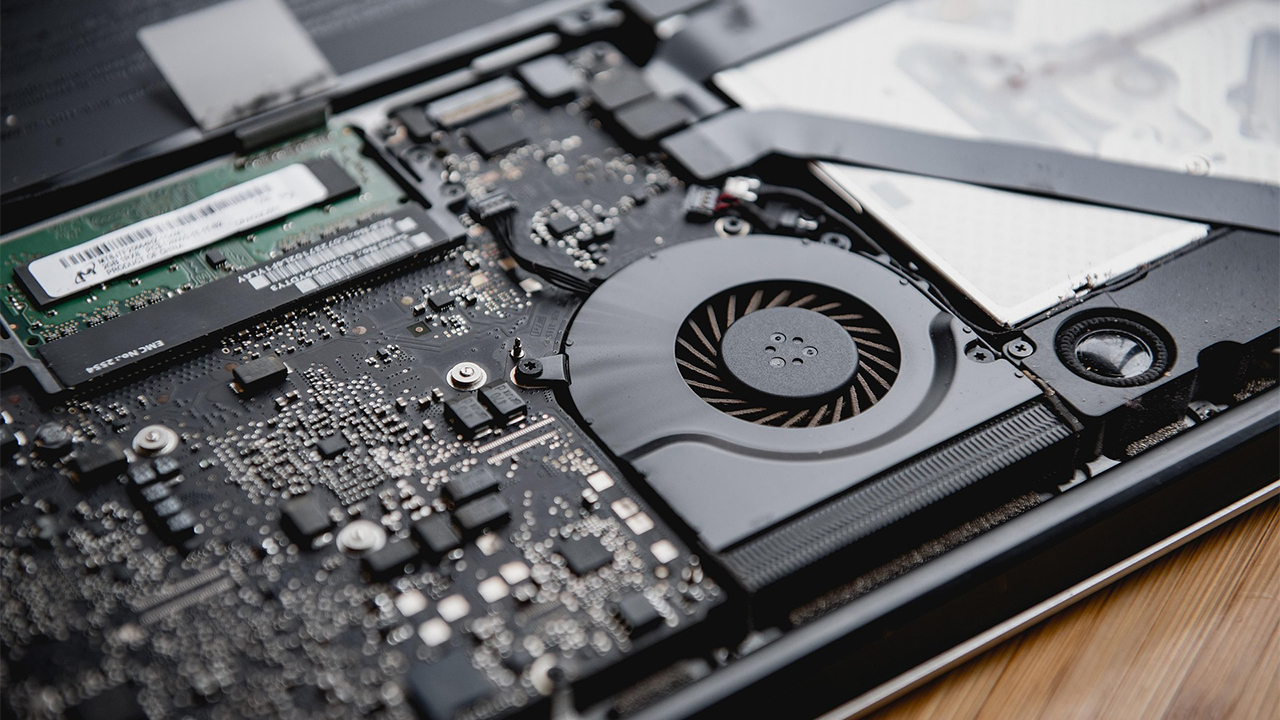
Unfortunately for everyone, the trend means that consumer chips will escalate beyond what people are usually comfortable paying for. And it’s not just for those building a PC, either. Smartphone makers, including Xiaomi, are already predicting that phone prices will also spike next year.
Netflix bids for Warner Bros.
Almost like a post-credits scene, Warner Bros. and Netflix made a huge splash this December. Earlier this year, Warner Bros. Discovery decided to put the first half of its name up for sale. The company will split into Warner Bros. and Discovery next year.

This month, Netflix made a blockbuster bid to claim the Warner library for itself. Of course, there’s still a lot of legal hurdles before the deal pushes through. But, in its wake, the announcement heralds a future where one of the biggest entertainment libraries in the world passes to one of the biggest streaming services.
What should we look out for in 2026?
There isn’t a single thing that binds 2025 together. There are so many different developments in the whole industry, some good and some bad. However, it’s pretty clear that what happened this year will have big effects for 2026.
For one, we still need a conclusion to the Warner Bros. saga. Who will buy the library? Does Netflix have it locked in?
Secondly, how will the rising RAM prices affect consumer technology? Which industries will feel the sting of price hikes?

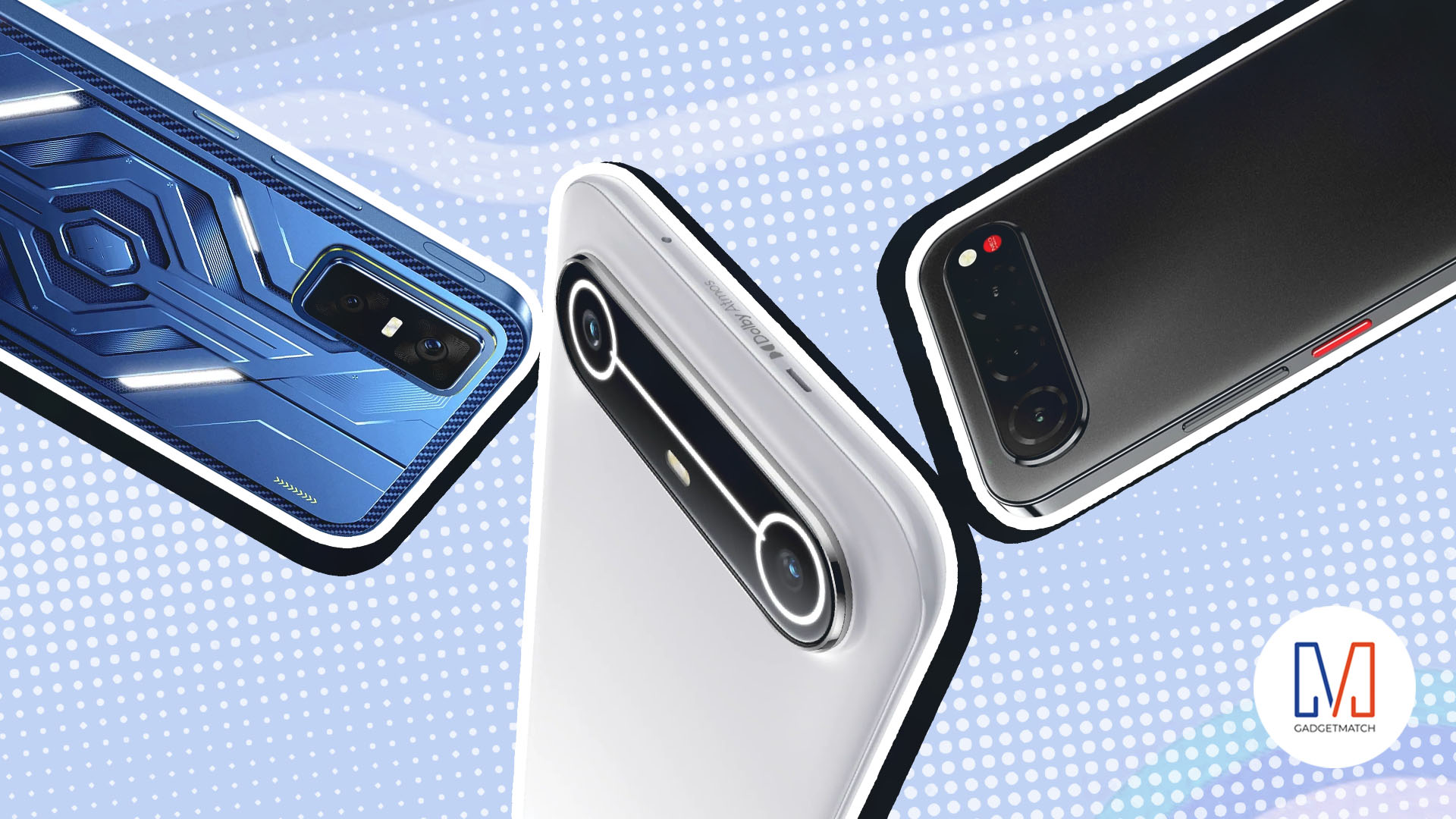
Consumers are getting far more from even cheapest smartphones today. Think decent cameras, improved water and dust resistance, and even basic AI integration.
Still, always keep in mind that these are budget devices. The key to appreciating them is knowing their limits and intended purpose. That does not mean all budget smartphones are cut from the same cloth.
From unique features to niche-specific strengths, standout affordable handsets throughout the year prove budget-conscious buyers don’t need to spend a fortune to get more from their devices.
Across categories — from rugged builds to gaming-focused designs — here are the Best Budget Smartphones of 2025:
realme C85
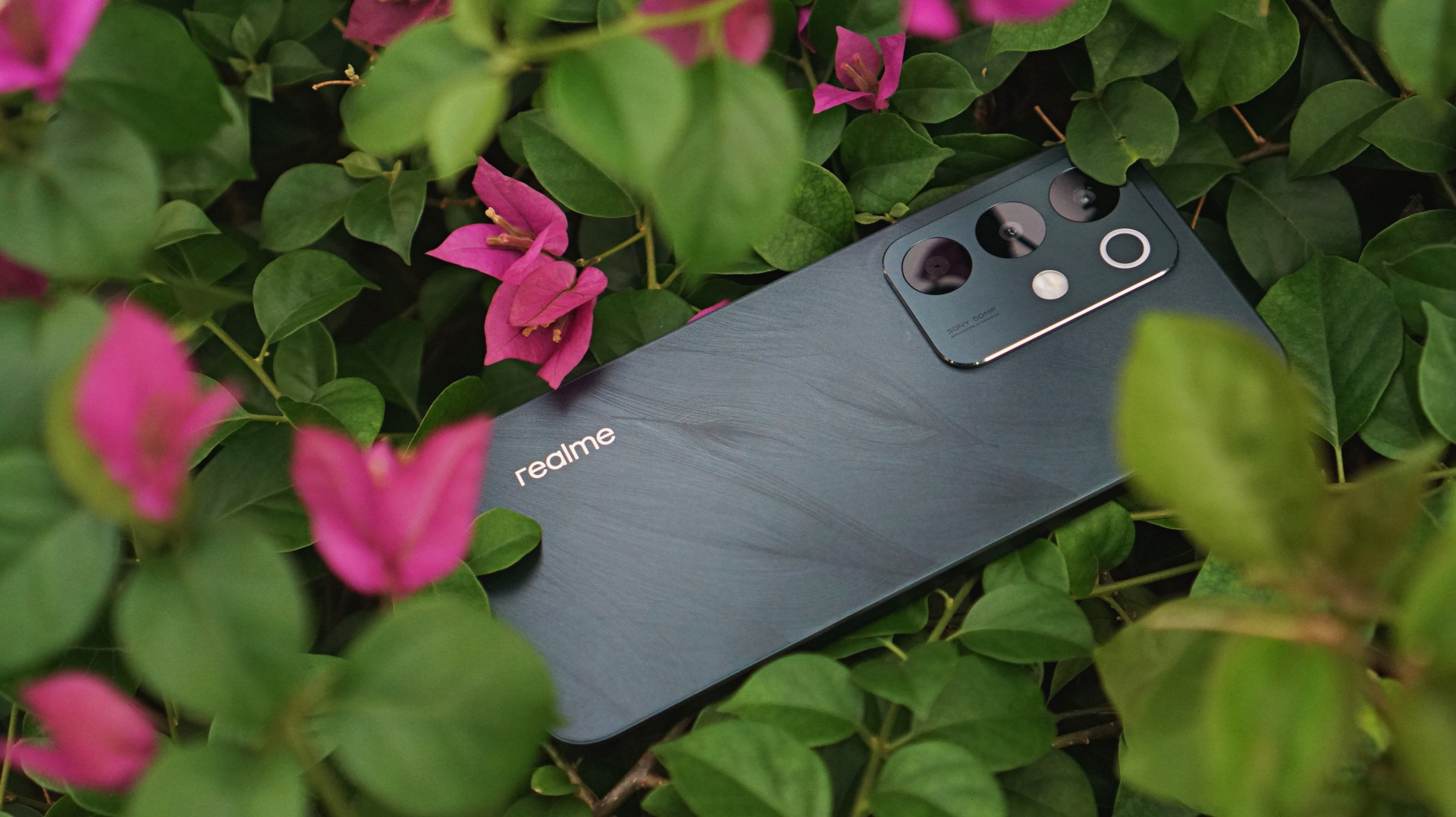
The budget segment has become some sort of battleground proving how tough and long-lasting the smartphones can be. The realme C85 confidently enters the competition with some swag.
It sports a subtle but notable back design while offering water resistance that won’t leave you worried if you, for whatever reason, subject it to some splashing.
Performance and camera capability is… decent. Par for the course for any smartphone in its price category.
Infinix GT 30
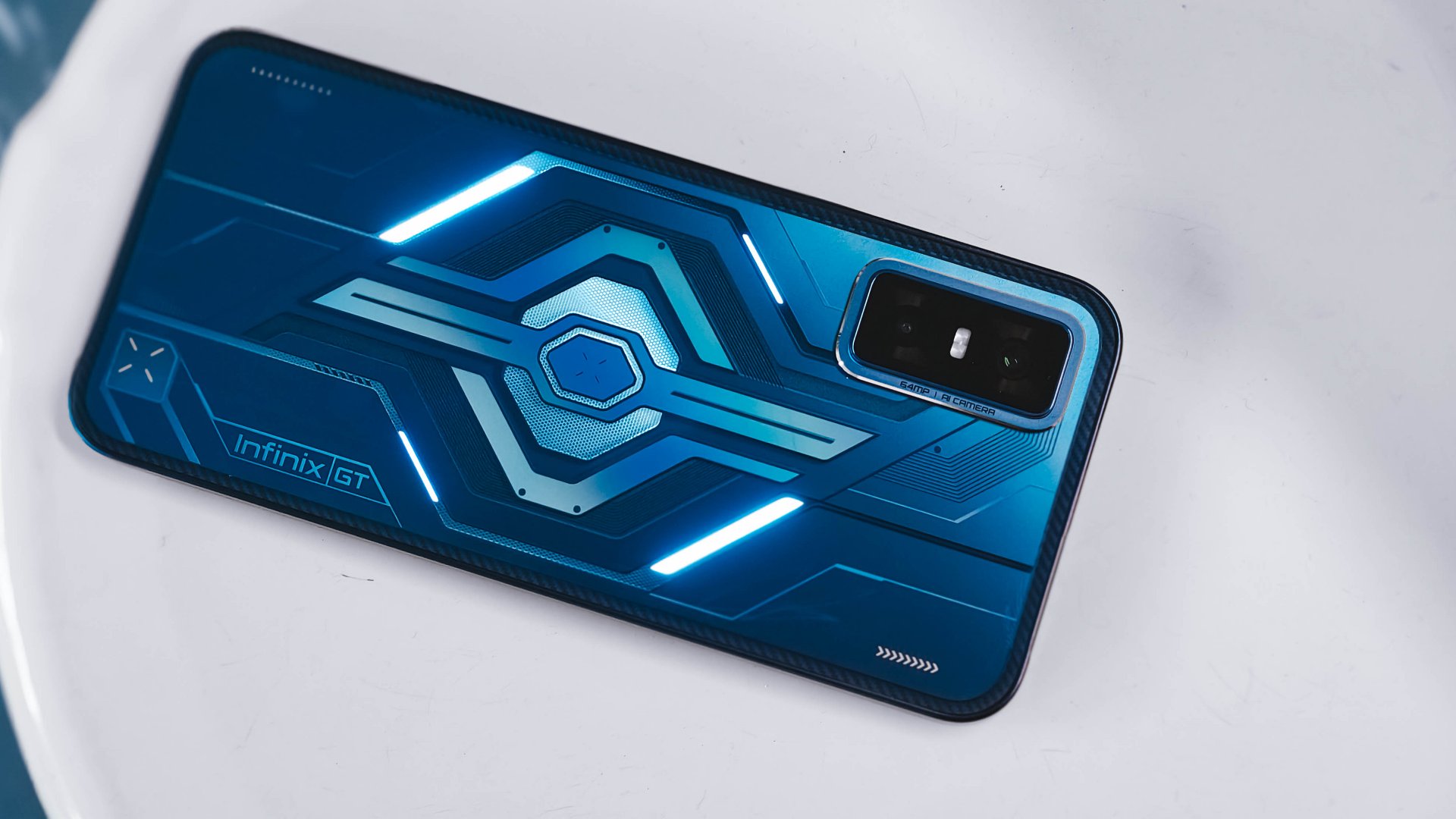
Like its lower midrange sibling, the GT 30 Pro, the “standard” model brings steady gaming performance and extra perks to the table.
What makes the Infinix GT 30 an essential daily carry is primarily its optimized performance and battery consumption.
It handles the most demanding mobile games at lower settings and breezes through light multitasking and other uses without hiccups.
The immersive display is a steal for about US$ 200, and the main camera is likewise capable enough for more than documentation.
nubia Neo 3 series
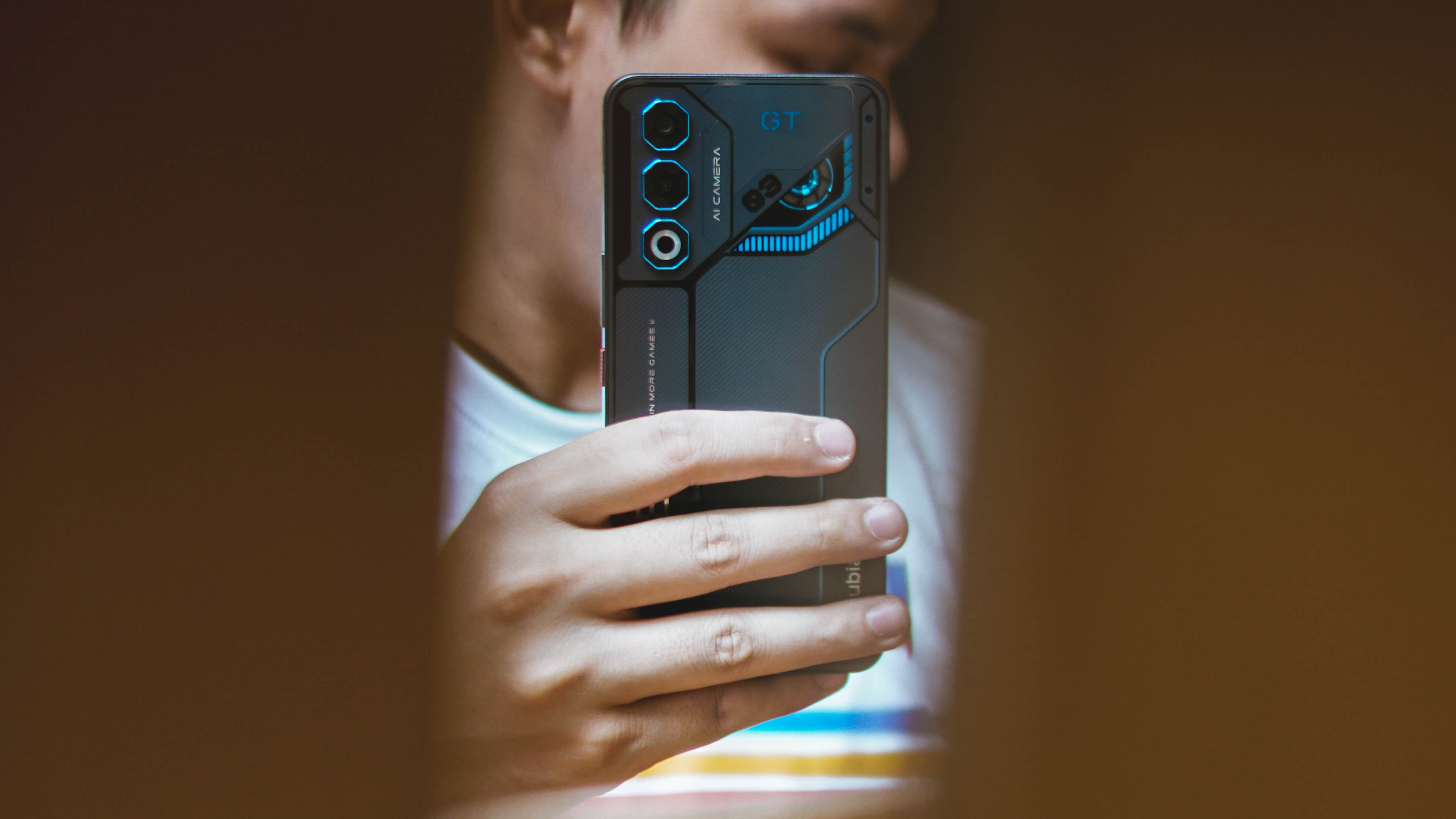
Among ZTE’s releases this year, the nubia Neo 3 series as a whole stands out by delivering solidly on what their marketing promises. Designed chiefly for gaming, the Neo 3 and Neo 3 GT both perform well on that front.
Performance is complemented by a sharp and clear display. The 50MP camera on the Neo 3 GT is a bonus, edging into lower midrange territory with the way it processes shots.
The cybernetic mecha design is just a fun plus for those who prefer such a look, but these phones are all about delivering on what matters.
HONOR X7d
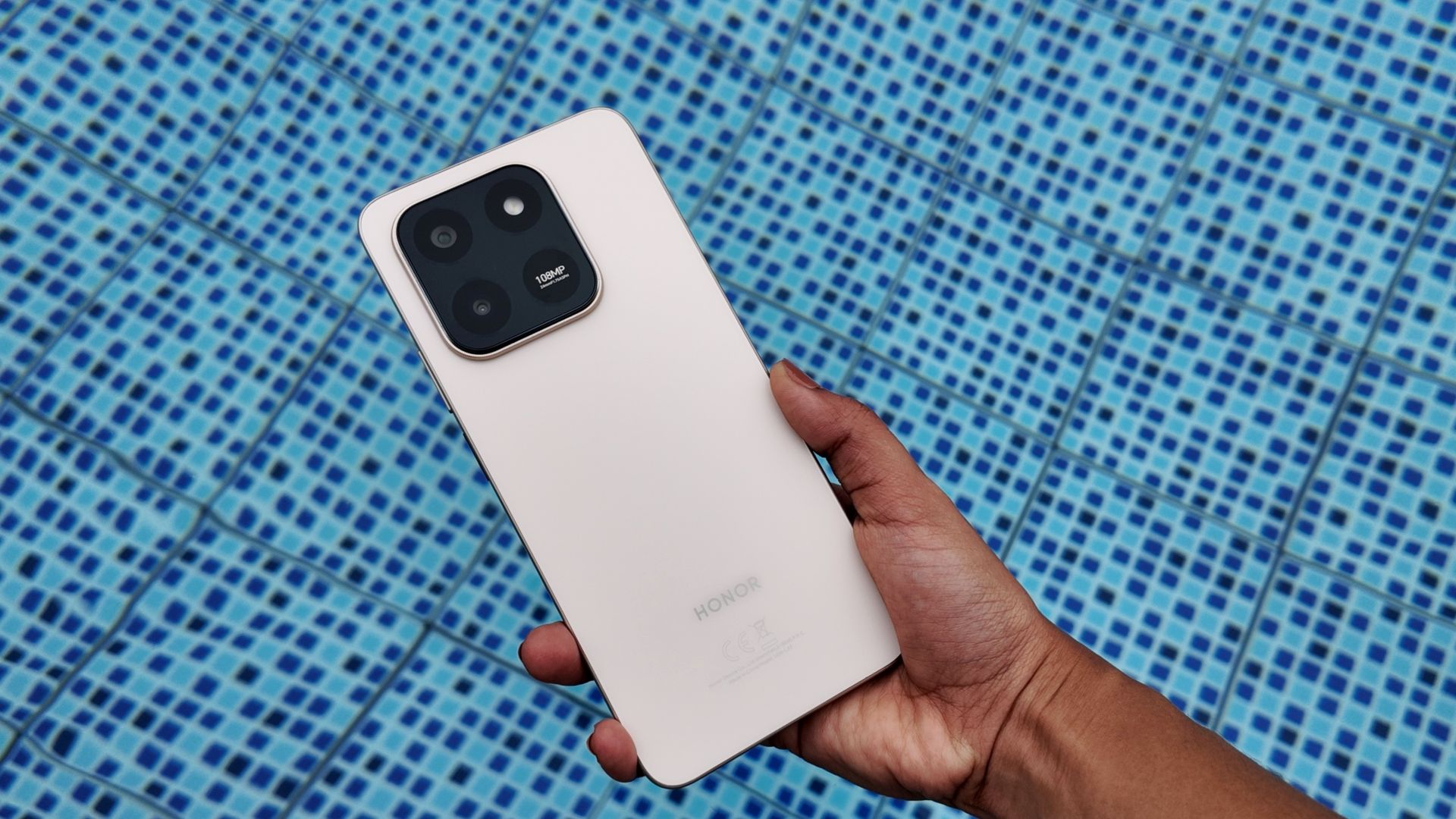
The HONOR X7d is HONOR’s latest all-around budget utility device. What’s great is that while you don’t expect it to overperform, it consistently delivers.
We’ve mentioned value-for-money several times but it’s exactly what the X7d is all about: straightforward dependability. Plus points for AI integration, a serviceable camera, spacious internal storage, and features you don’t find often elsewhere like HONOR to iPhone file sharing.
TECNO Slim
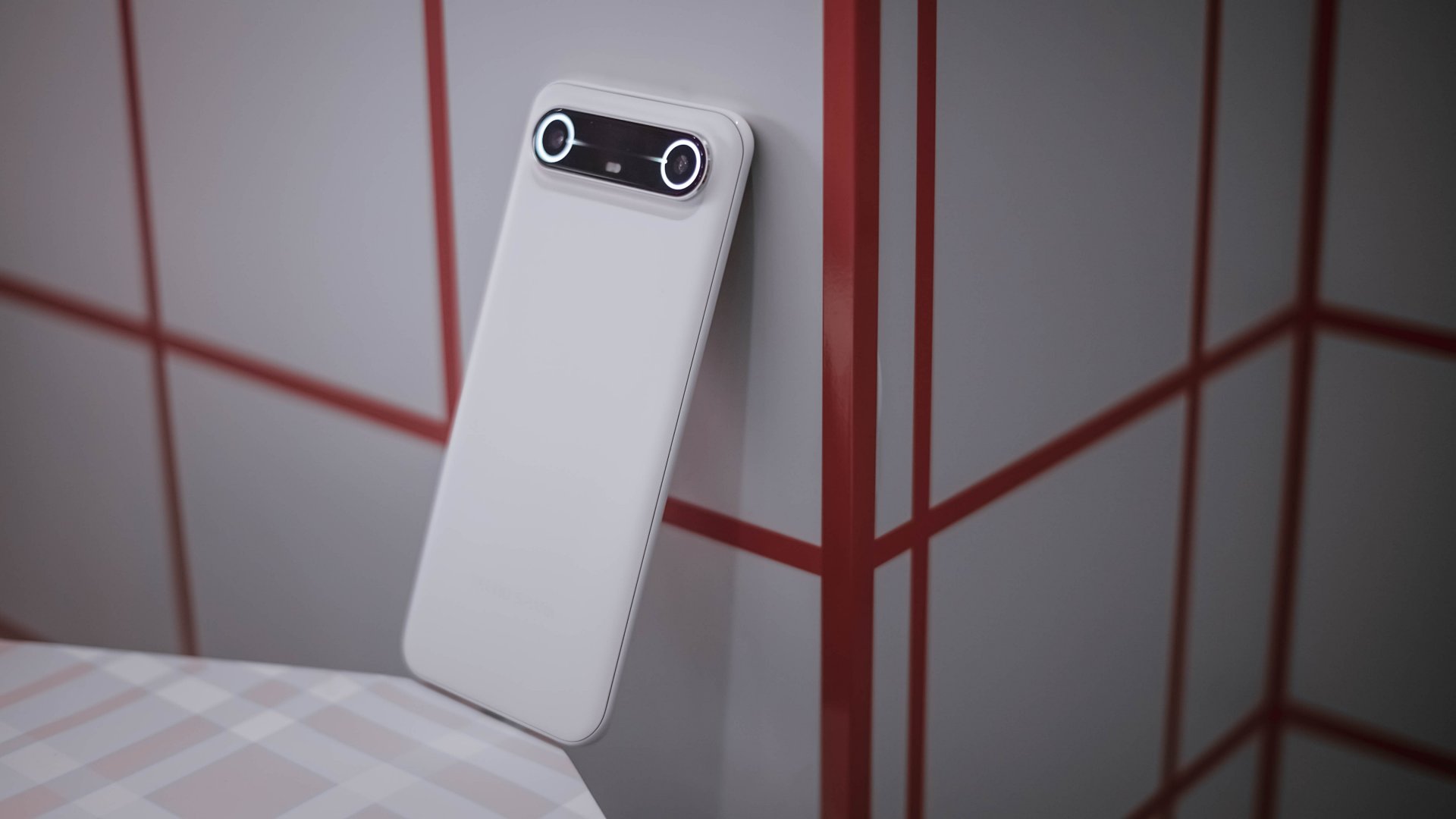
The iPhone 17 Air was kind of a bust commercially. But it didn’t stop Android manufacturers from turning in their take on super skinny smartphones. The kicker? They’re A LOT more affordable than what the Cupertino company has to offer. Leading the charge is the TECNO Slim.
This Baymax-coded offering from TECNO has similar strengths and drawbacks to the iPhone 17 Air but undercuts it heavily with a US$ 200 price tag.
The TECNO Slim is a smexy, antifragile slim smartphone that delivers the basics while letting more users experience a crazy thin build.
nubia Air
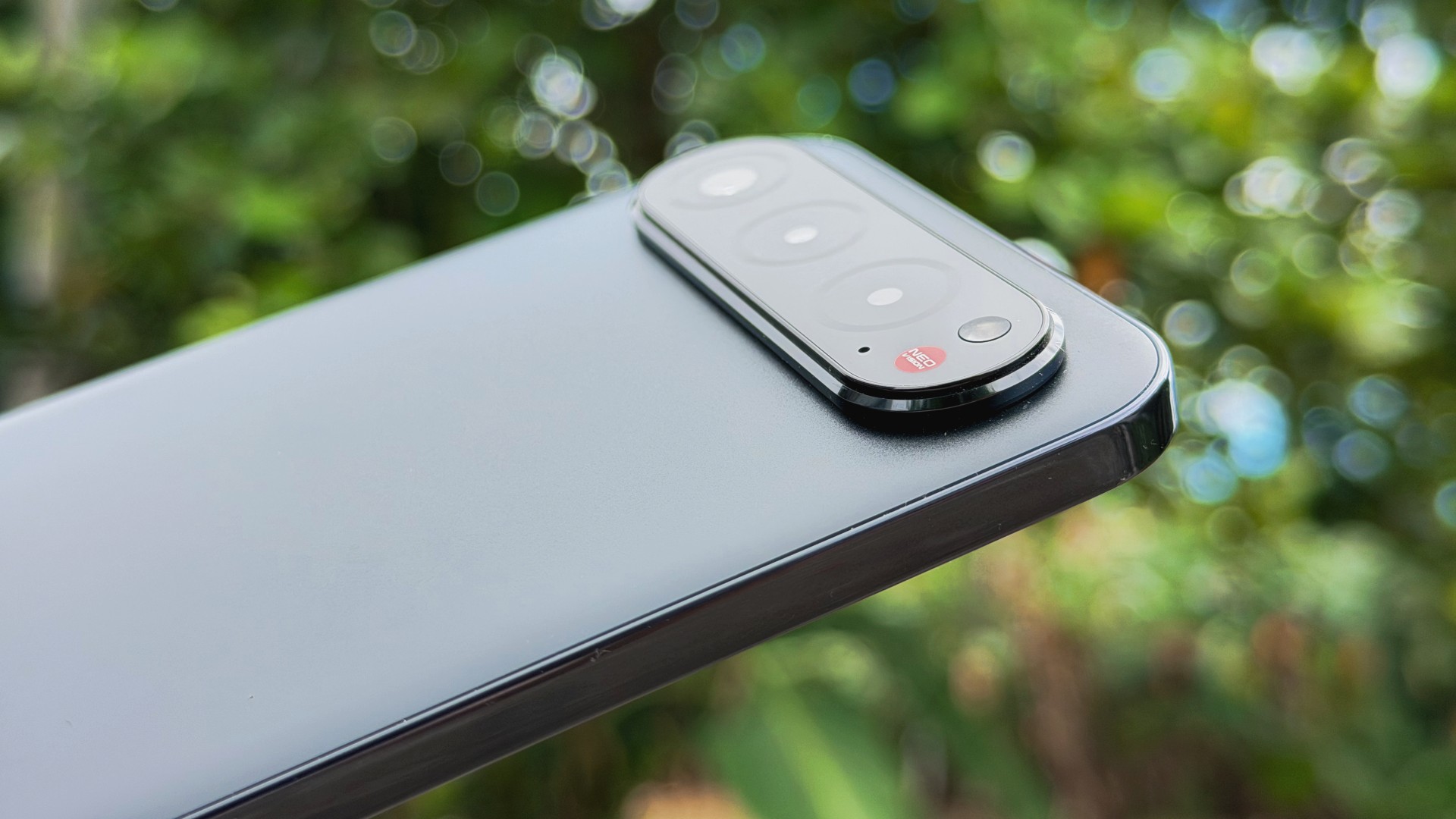
The nubia Air pretty much follows the same refrain as the TECNO Slim. A slight but premium-feeling build that won’t burn a hole in your wallet.
It’s 5.9mm thin and 172g light yet it’s surprisingly solid. Casual users will enjoy smooth performance, the display is bright and immersive, and the battery easily lasts a full day.
The sleek finish and refined look gives it a cooler and more premium feel in hand as well, making everyday use just a bit more stylish if that matters.
Redmi 15C
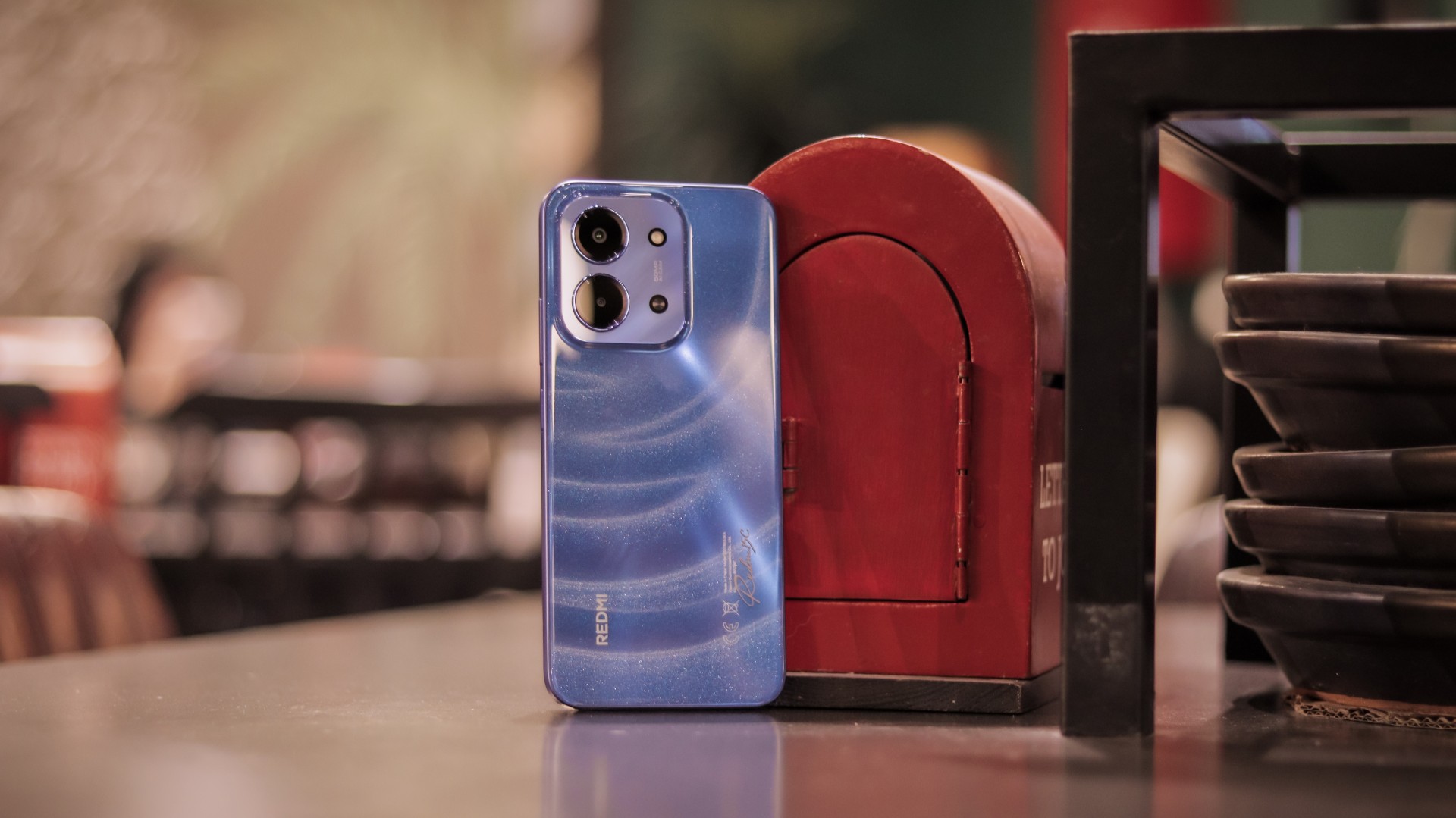
Lastly, the Redmi 15C continues the Xiaomi sub-brand’s tradition bang-for-buck devices. This particular release appeals to buyers with a large display, long battery life, and reliable performance.
It’s as stunning on the outside as it is dependable inside. Scrolling feels smooth and responsive. The camera package feels consistent for its asking price.
Overall, it handles basics with ease and can still stay steady under pressure at times — proof that even at the lowest price tier (starts at PhP 5,299), there are options that can exceed modest expectations.
Years ago, smartphone makers sought to capitalize on the midrange market by starting dedicated lineups specifically for the segment. That is, if you found Model 1 expensive, you could have just gone for Model 2.
Now, the game is all about building a more affordable version of the popular flagship. If you think Model 1 is expensive, you can now go for the cheaper Model 1A.
Of course, that’s not to say that all those Model 1As are bad. In fact, they might even be a better option, compared to the pricier flagship model. This one goes out to all those amazing Model 1As this year, and with that, here are the Best Midrange Smartphones of 2025.
Samsung Galaxy S25 FE

If we’re talking about midrange versions of flagships, Samsung’s Fan Editions are the gold standards. This year’s Galaxy S25 FE brings the eponymous Galaxy S25 series to a larger crowd by offering the flagship experience for a considerably smaller price tag.
Though it lacks some of the bigger features of the original series, it’s just as robust. If you’re looking for a great midrange phone for a daily driver, the Galaxy S25 FE is a solid choice.
Apple iPhone 16e
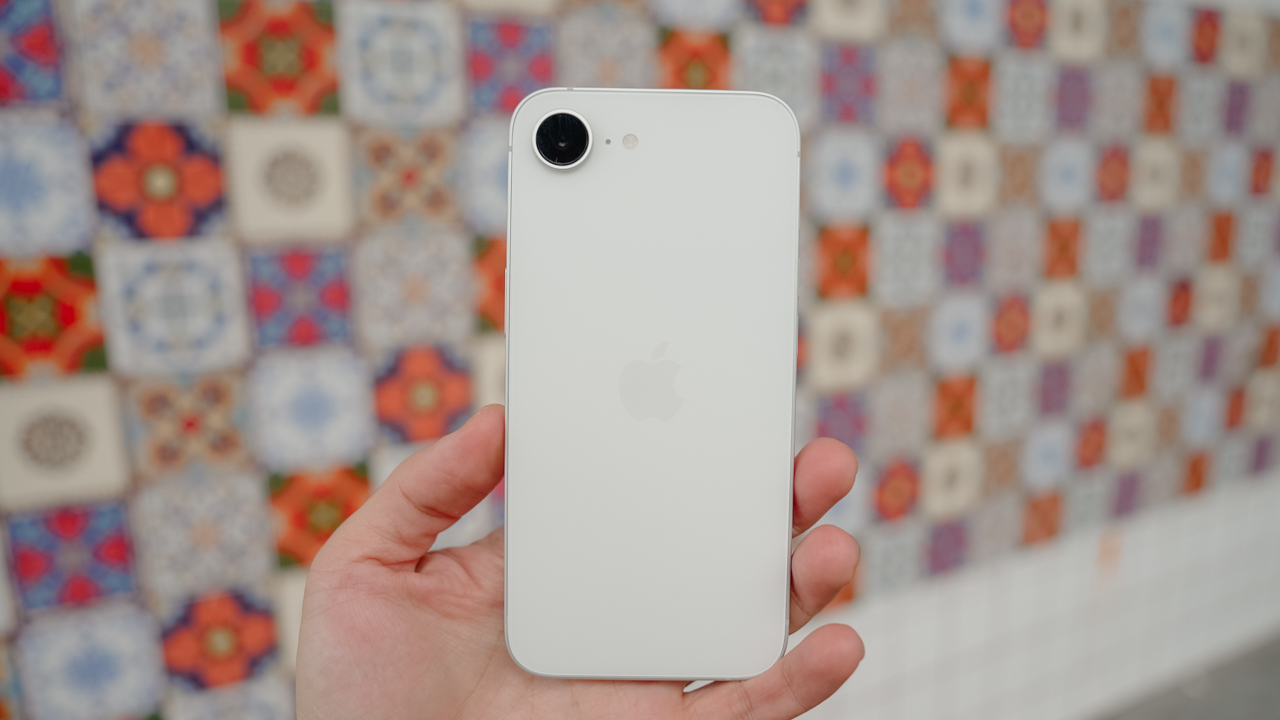
Sometimes, it still amazes us that an iPhone can land on a list of midrange phones, but here we are. The iPhone 16e is the next evolution of the iPhone SE series, and it’s one designed to bring the previous generation of iPhones back to life amid the rise of the iPhone 17 series.
Price-wise, the iPhone 16e is definitely stretching the definition of midrange. It’s still pricey but just not as expensive as the main series. It is still enough to put the phone on par with the Galaxy S25 FE, in terms of delivering the classic Apple experience for a smaller price.
CMF Phone 2 Pro
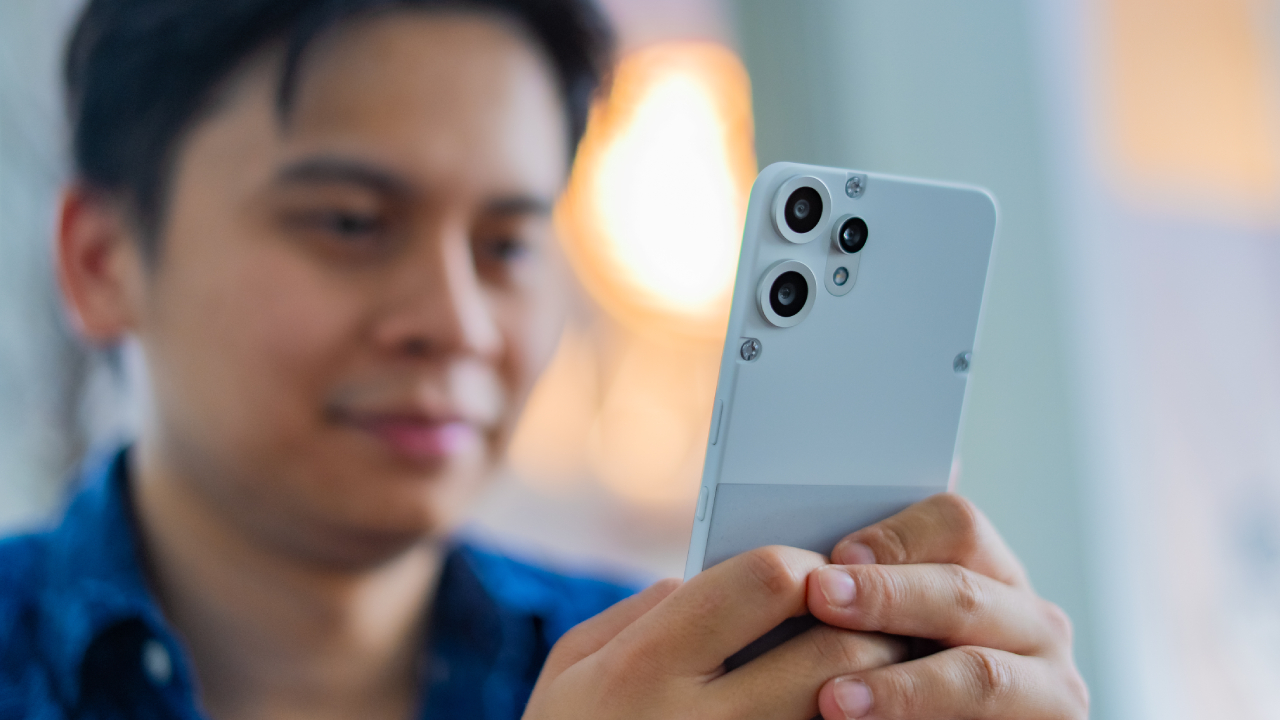
While Nothing celebrated the Phone (3), the company’s sub-brand (and soon-to-be independent brand) CMF put out the CMF Phone 2 Pro. Like the main series, the Phone 2 Pro is still quite a looker. It features a unique design that goes beyond a simple slab phone with a camera island.
Besides offering a respectable slate of hardware, the phone also supports attachments including a macro lens. If you want an option that helps you stand out, the CMF Phone 2 Pro is a refreshing change from the boring.
POCO X7 Pro Iron Man Edition

If you have a collaboration with Marvel, you’d want to make it as bombastic as possible. The POCO X7 Pro, not content with being just a great midrange phone, upped the game by infusing itself with Marvel’s favorite billionaire. As a result, the Iron Man Edition is as much a collector’s item as it is a daily driver.
With a bundling of AI inside, the phone maximized the admittedly lesser hardware it came with. It can handle the tougher games, while squeezing out as much juice as it can from the battery. Think of it like an actual Iron Man suit, and J.A.R.V.I.S. is making sure that everything is running smoothly.
TECNO CAMON 40 Premier 5G
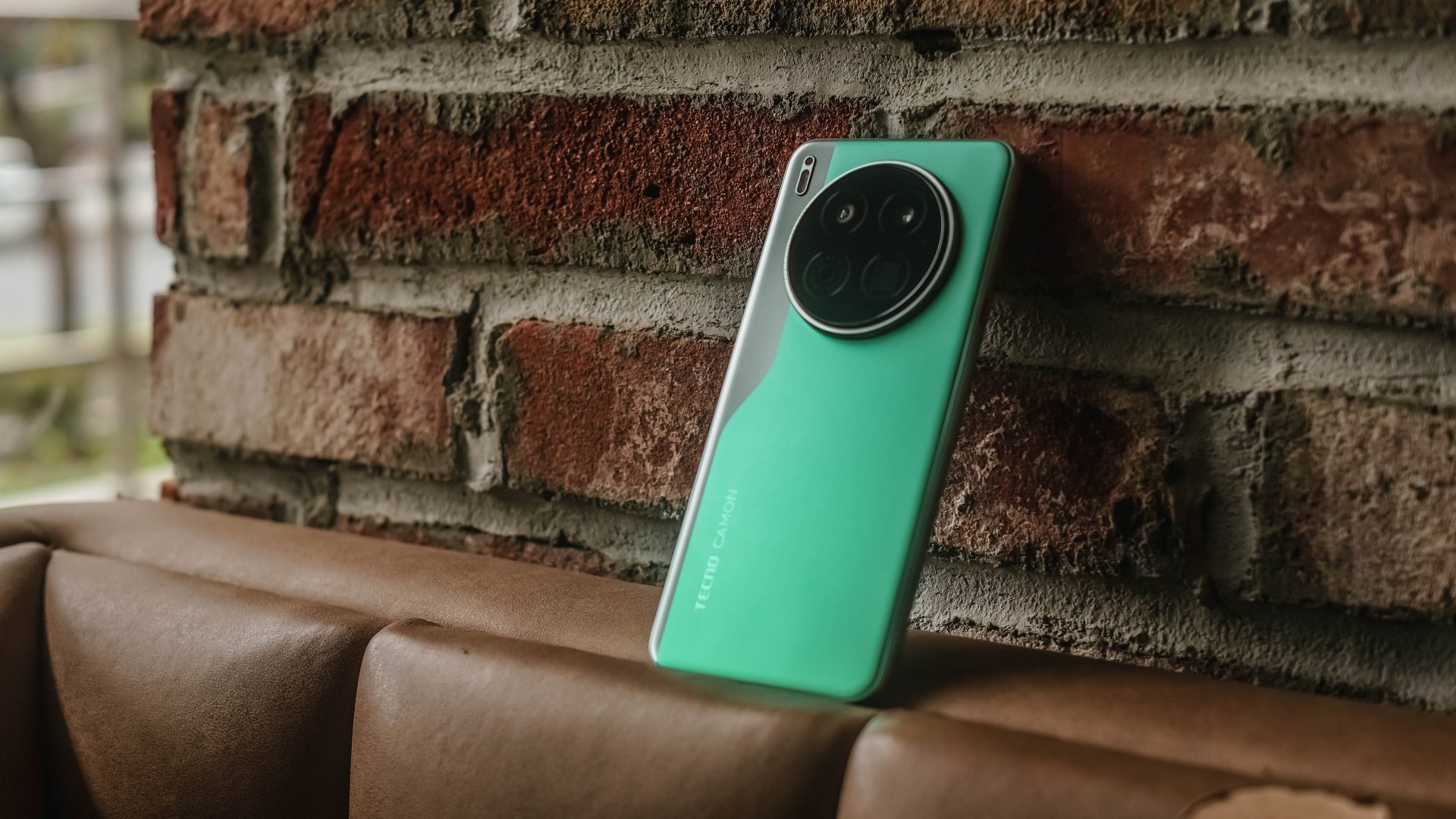
At this point, “flagship killer” is an overstatement. Other phone brands should fear that such a “midrange destroyer” exists. With a competitive price of just PhP 21,999 (around US$ 395) in the Philippines, the TECNO CAMON 40 Premier is a true blue midranger.
Although its plastic back and slightly downsized display size might be an issue to some, that “compromise” actually contributed to a better handfeel. Couple that with a chip upgrade, excellent imaging system, and even crazier dual IP rating, what more can you ask for?
It’s just hard to resist this marvelous midranger for all the compelling package it offers.
HONOR 400
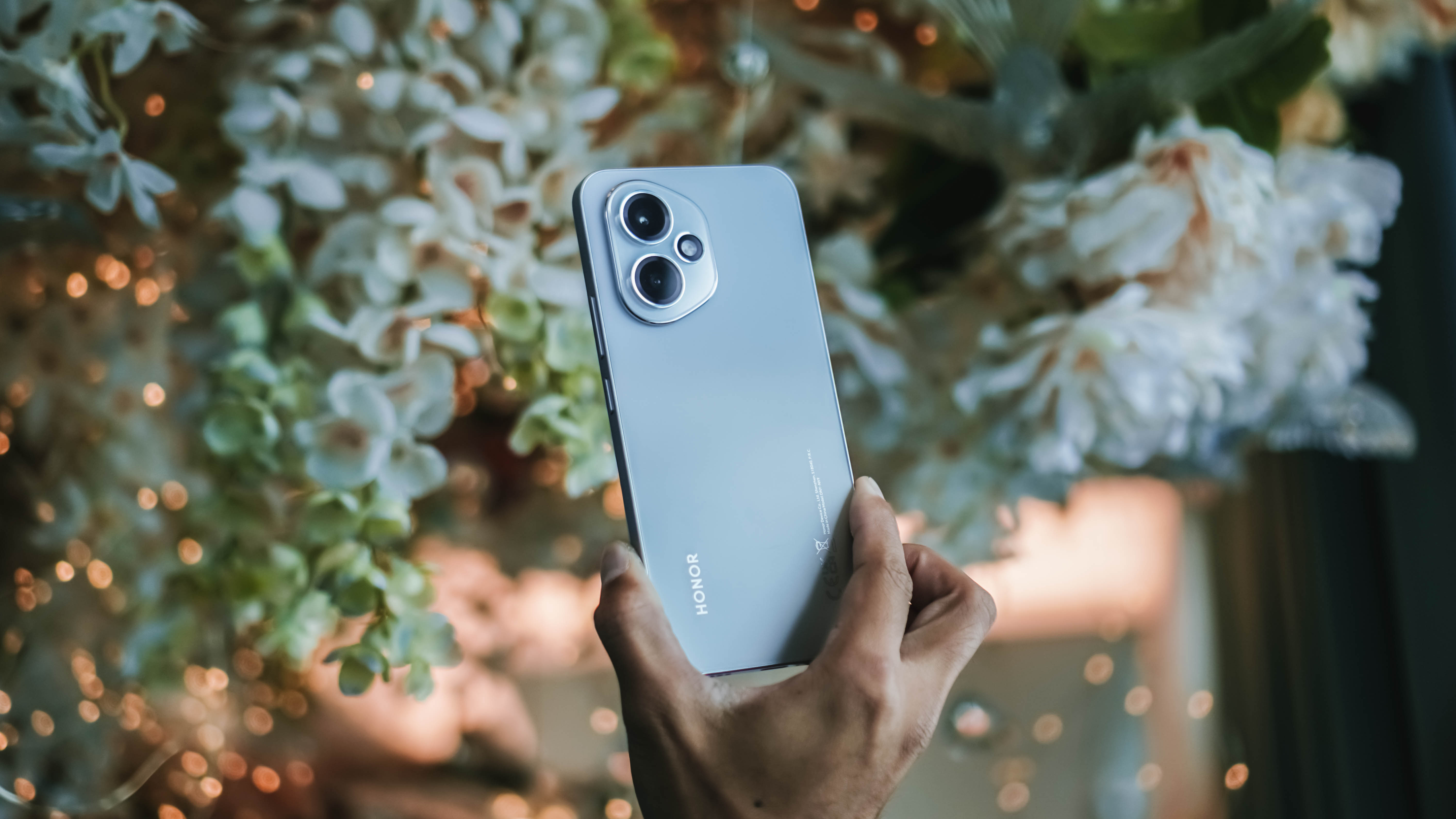
The HONOR 400 is built to be a favorite everyday phone, offering standout portrait photography powered by emotional AI, a sleek design, Snapdragon 7 Gen 3 performance, and long battery life with 66W fast charging.
It goes beyond typical midrange expectations, becoming a creative, reliable companion for users who love capturing authentic moments.
OPPO Reno14 5G

The OPPO Reno14 5G is a beautifully designed, lightweight, and durable device that feels effortless to carry through both busy days and travel-filled weeks.
Beyond its eye-catching looks, it delivers dependable performance and a balanced experience that makes it a comforting, long-term companion.
POCO F8 Pro
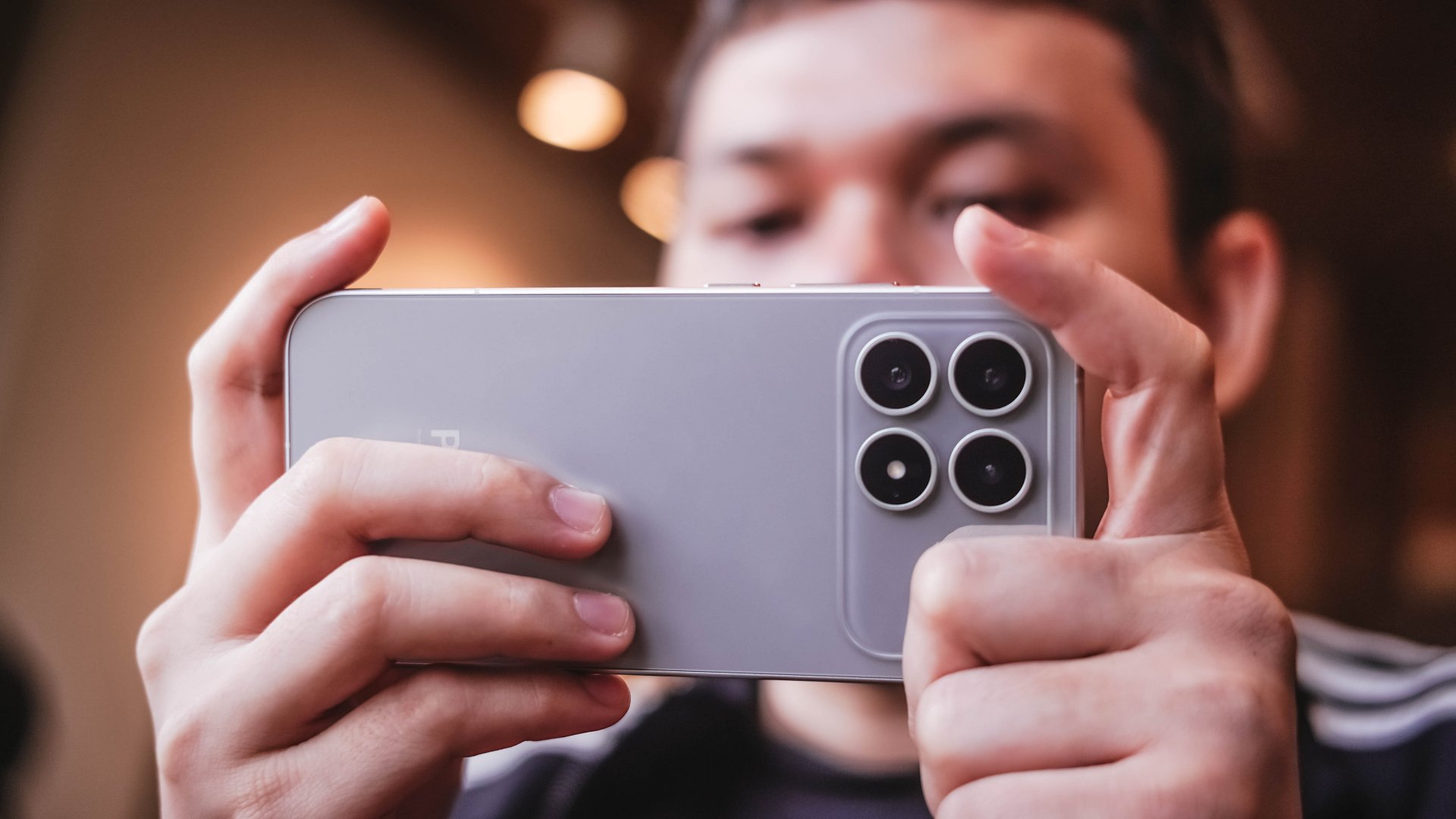
The POCO F8 Pro performs as if it were a US$ 700 to US$ 800 device, yet it is way more affordable than that in markets where it is available.
It’s fast, smooth, and fluid and can support heavy workloads with ease. It’s a reliable workhorse and gives users an immersive audiovisual experience with a combination of a high-resolution display and sound mixed by Bose.
Where it gets challenging is with its camera performance but generally, results with the main camera are of great detail and sharpness, plus excellent color reproduction and depth. Plus points, too, for the stylish and premium-looking design.
HONOR 400 Pro
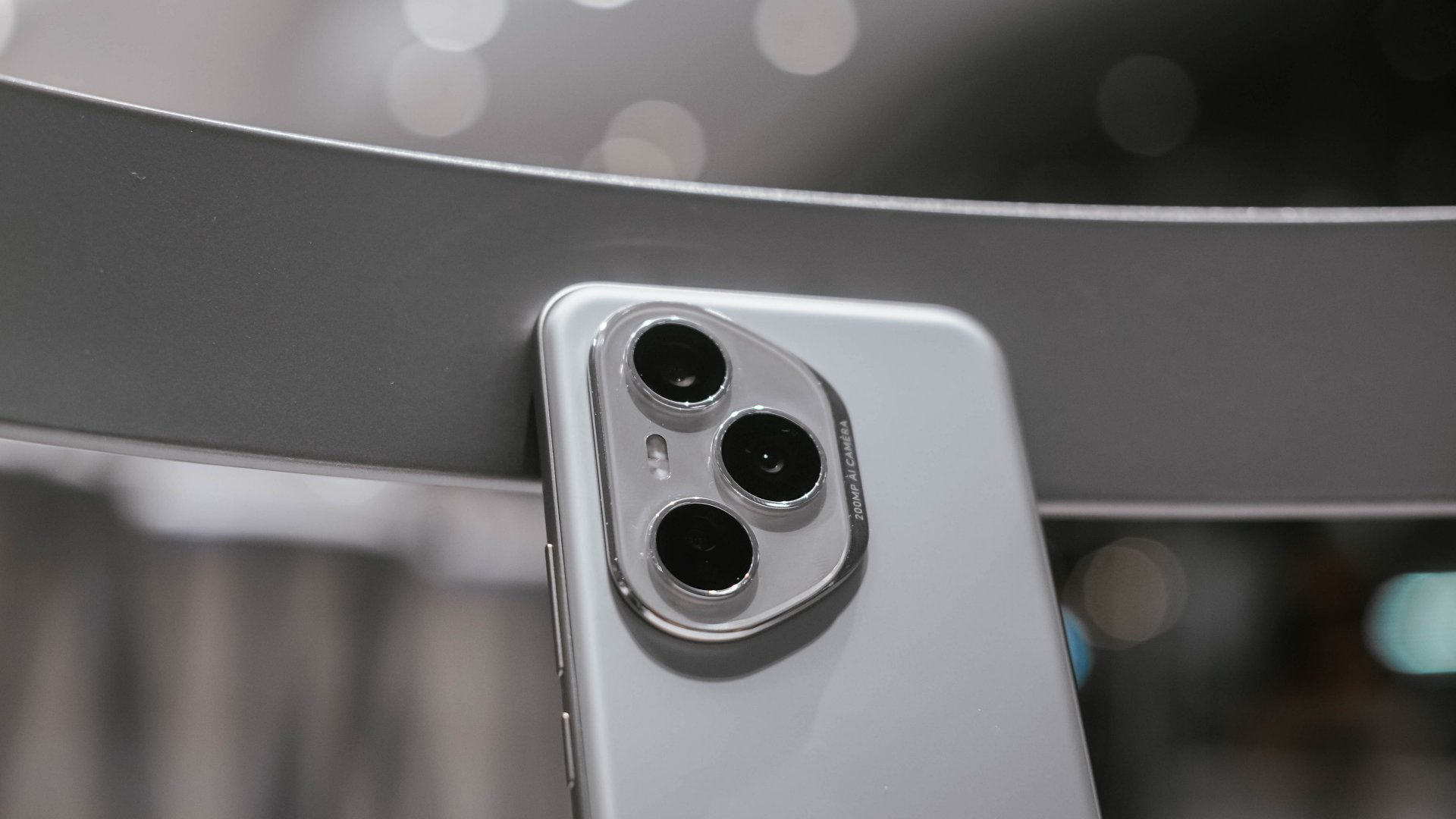
Much like the HONOR 400, the HONOR 400 Pro is another all-around mid-ranger that exudes a premium feel – from its design to camera package, as well as its overall performance, AI technologies, and battery life.
As a package, it’s something customers can enjoy for a competitive price and it immediately gives off a feel that it can last several years.
The star of the package is the 200MP main camera that captures clear and sharp images. The camera system also excels in snapping scenes from afar and even in low-light and challenging conditions.
This applies even for videos, and in fact, this handset was used recently at Tyla’s We Wanna Party Asia Tour concert in Manila.
Infinix Note 50 Pro+
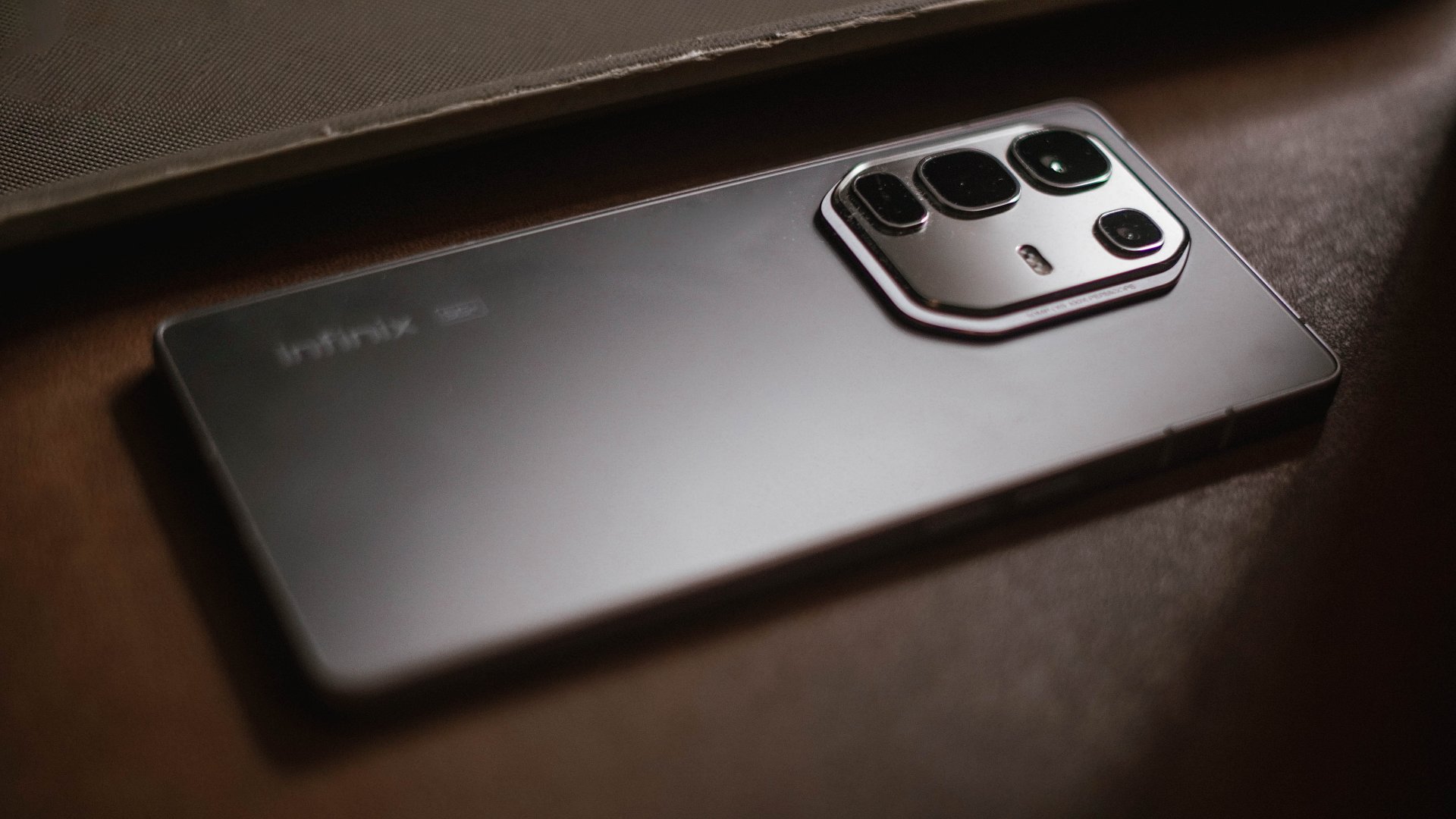
Infinix’s premium-for-less offering blurs the line between a gaming-centric, camera-centric, and all-rounder device in a good way. Its features altogether make the phone an embarrassment of riches.
Of course, Infinix’s reputation-wise, the phone is still mainly a gaming phone, and it delivers exceptionally well for various titles. Such experience is complemented by crisp visuals and decent sound.
But the enhancements like AI, cameras which include telephoto lens, stylish design, and the brand’s signature charging technologies elevate this handset further.
It’s an incredibly affordable lower midrange device that can serve as a consumer’s transition from cheaper phones to the more capable ones.
realme 14 Pro+
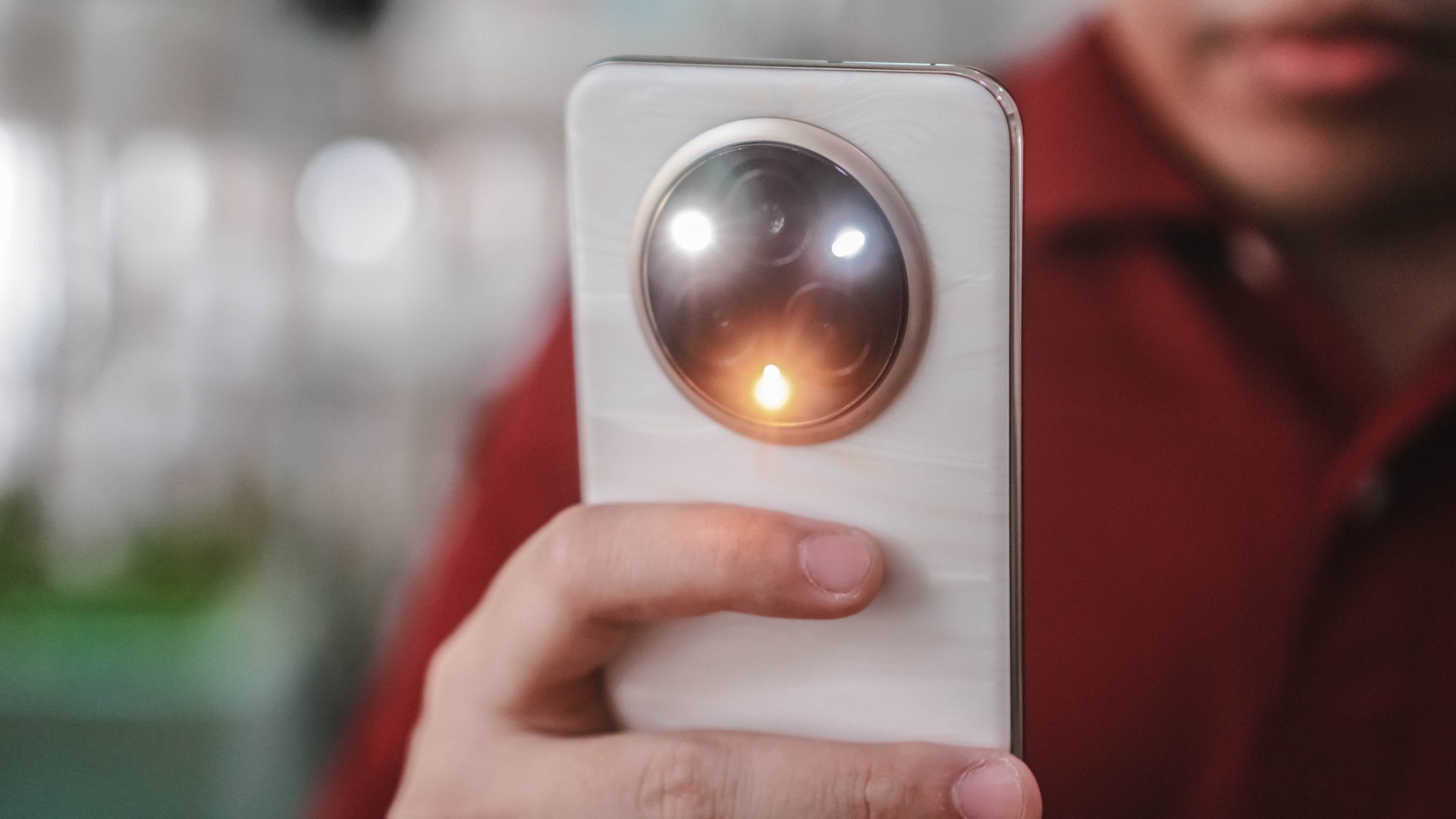
When it was released earlier in the year, the realme 14 Pro+ 5G felt like it was one of the best US$ 500 smartphones.
It’s still primarily a camera-centric phone with its triple camera system, dedicated telephoto lens, and improvements like AI Snapshot and a 2x zoom for Portrait Mode.
On top of those, realme made sure to update the phone to make it suitable for 2025. Improvements included a new UI, triple waterproof ratings, and AI and Gemini integration, among others.
With that combination and a justified experience, what is there to hate about this release?
Infinix GT 30 Pro
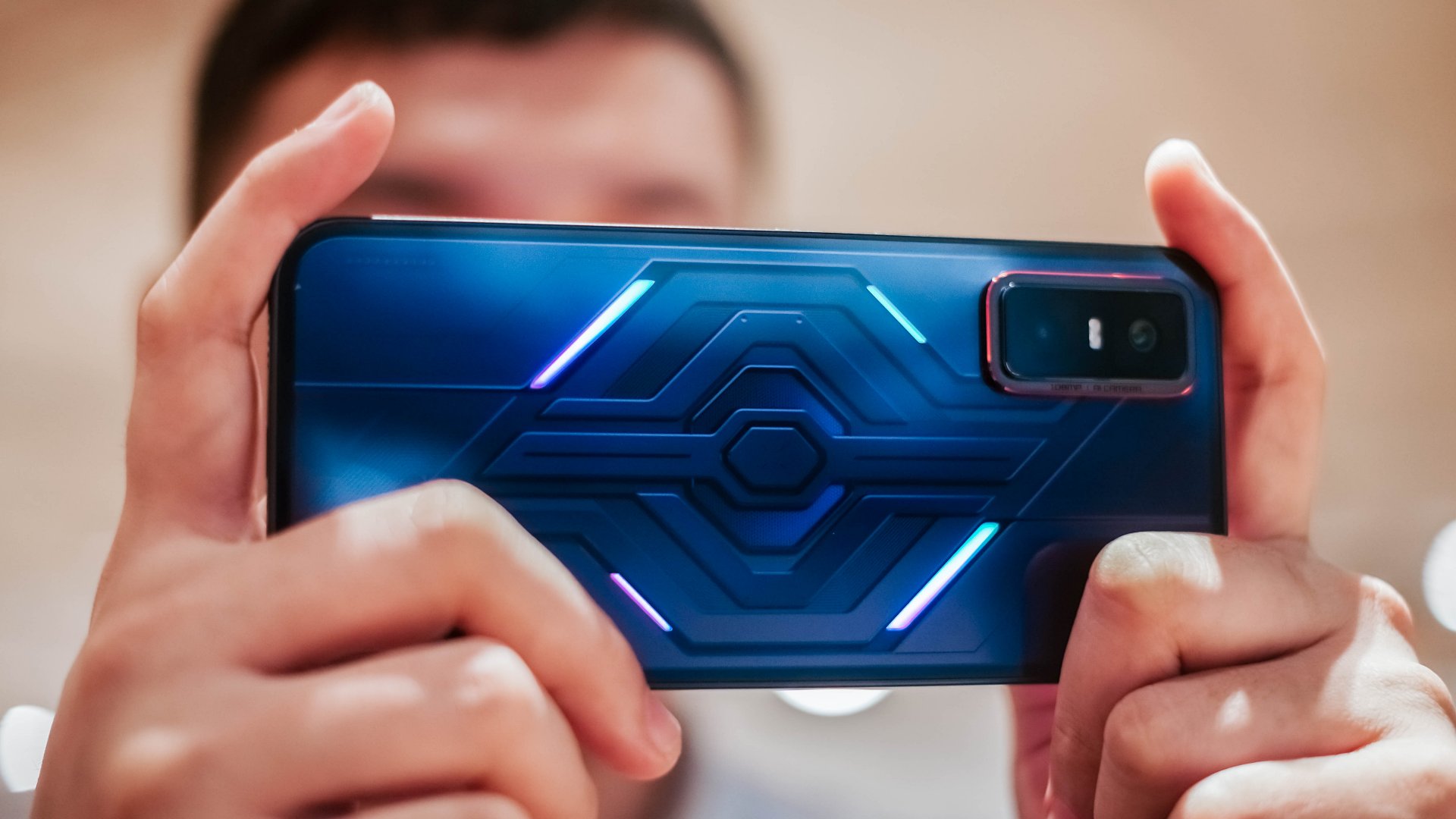
Infinix’s crown jewel gaming smartphone line once again provided topnotch performance for users who are into an affordable all-around mid-ranger.
This gaming machine now comes with GT Triggers for added help, and gaming sessions have been smooth, be it MOBA, FPS, or RPG titles. It also retains the GT series’ mecha DNA.
Outside of gaming, it’s a capable daily driver with ample battery life, a par-for-its-price camera package, immersive and bright display, and even AI integration. It’s a steal for its about US$ 250 price point.
HONOR X9c 5G

Beyond its hype, the HONOR X9c 5G works just fine for its appropriate asking price. Sure, the waterproof and durability ratings are added perks, but at the end of the day, the handset is a tough and steady device users can rely on.
Performance is adequate for browsing, gaming, and moderate multitasking. It lasts an entire day with a large battery. The display provides better visuals compared to budget smartphones and overall daily usage is a notch smoother.
Furthermore, the camera package is par for its price. Users can get vibrant captures at perhaps up to 3X or 4X zoom, which is quite impressive for the lower midrange segment. The camera shutter is decently fast.
You can even create better films for simple vlogs with the camera’s OIS feature. Overall, there are many things to love, and the HONOR X9c device doesn’t even cost a fortune.


OPPO Find X9 review: Super Swipe material!
This is the flagship smartphone that's ready for anything, just like you~


The Razer BlackShark V3 Pro might be the comfiest headphones I’ve tried
The memory foam cushioning is divine.

The Razer DeathAdder V4 Pro made me believe in wireless mice
I used to turn my nose up at ultra-light wireless mice. I preferred the heft of a traditional mouse. The...
OPPO Find X9 review: Super Swipe material!

ICYMI: Everything big that happened in tech this 2025

TicNote AI recorder launches in the Philippines

PRAGMATA release date, Nintendo Switch 2 availability confirmed

Disney Plus: NBA Christmas Day games to stream live


-
 Accessories1 week ago
Kingston launches Dual Portable SSD with up to 2TB storage
-

 Gaming1 week ago
Expedition 33 cleans house at The Game Awards: full list of winners
-

 Reviews1 week ago
How the Samsung Galaxy Z Flip7 fit the life I built from the ground up
-

 Deals1 week ago
12.12 PH top picks: OPPO, Infinix, Xiaomi, Dyson, Laifen, more
-

 Editors' Choice3 days ago
Best Premium Smartphones of 2025
-

 News2 weeks ago
OPPO Find X9 now available through Smart Postpaid, Infinity
-

 News2 weeks ago
Google Year in Search 2025: NBA Finals, Halalan, Dionela, Alex Eala, more
-

 Gaming1 week ago
Genshin Impact, Duolingo partner for limited-time quest