
Reviews
Google Pixel review (3 months later)


Three months in, and we’re still using the Google Pixel as our main Android smartphone. With all the Droids we’ve been reviewing lately, that says a lot.
We took our time with this review, as we felt features such as the camera and Google Assistant needed a long evaluation period before we could come to a conclusion — and we were right.
These are all our Pixel findings after a quarter of a year.
The design didn’t grow on us
Sad to say, the bland design didn’t get better with age. As much as I appreciate the symmetry in front, too much space is wasted on the unused bezels — space which could have been used for dual-front-facing speakers like on the Nexus 6P.
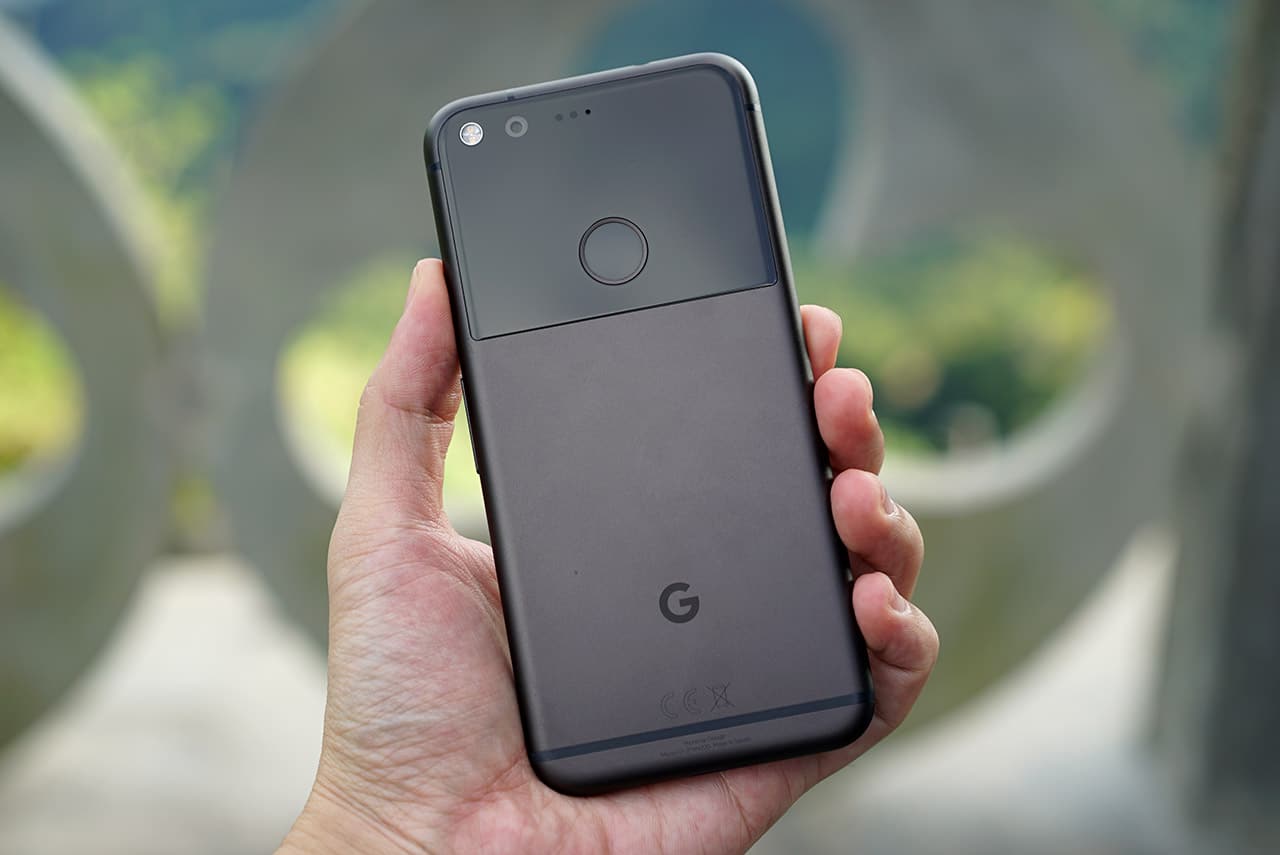
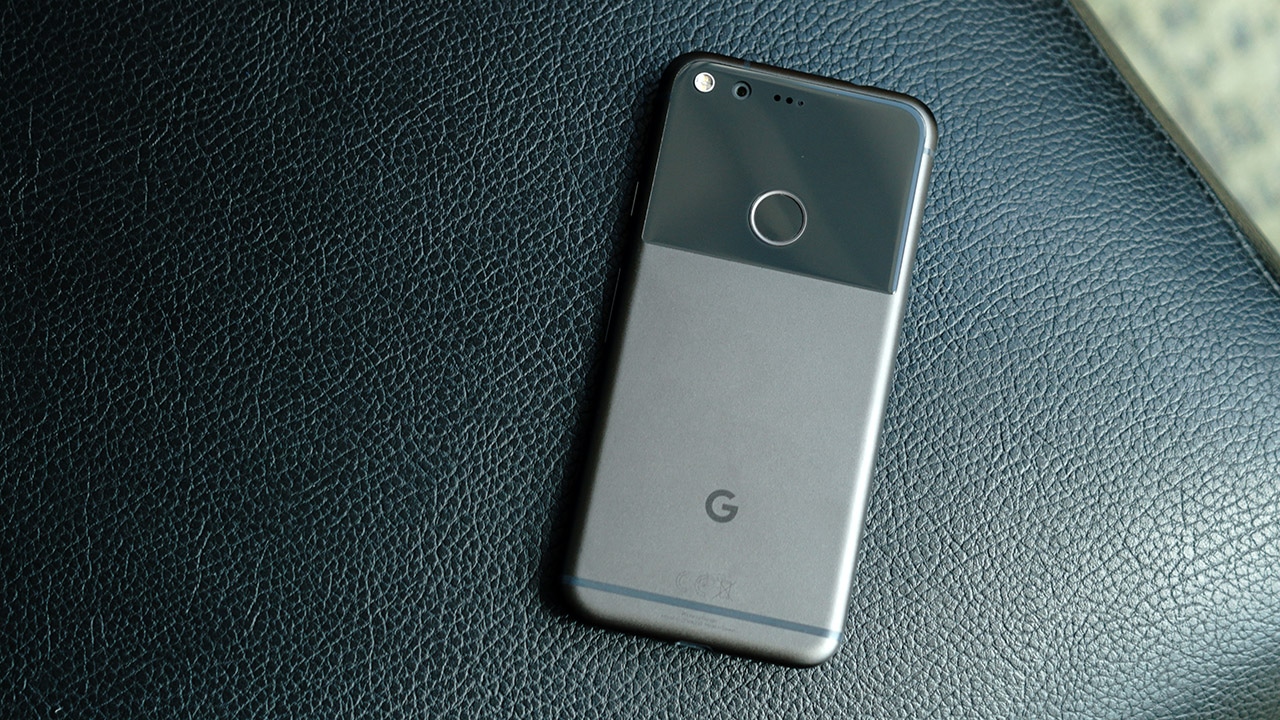
I also can’t forgive the upper-back portion. I honestly thought there was a greater purpose for the glossy glass, yet all it did was record my finger smudges, saving it for a day when someone steals my phone and uses the marks to unlock it using my fingerprints, which brings us to our next point:
It greatly benefits from a case
Despite its finely crafted metal body and perfectly sized 5-inch frame for single-handed use, you’re better off buying a case the moment you get a Pixel. The glass area surrounding the fingerprint scanner is prone to tiny scratches no matter how careful you are, and the metal area can get quite slippery.
We were fortunate enough to find a perfect case for the Pixel, Nillkin’s Super Frosted Shield. The red version matches our black Pixel perfectly, while its grippy texture and shock-absorbent material made us less worried about handling such an expensive phone.
Google Assistant has a long way to go
I really wanted this feature to succeed. I really did, but the commands I want it to perform the most aren’t there yet. Getting Google Assistant to open specific files in Drive, search for certain people in my Photos app, or even just help compose simple emails is frustrating at times.
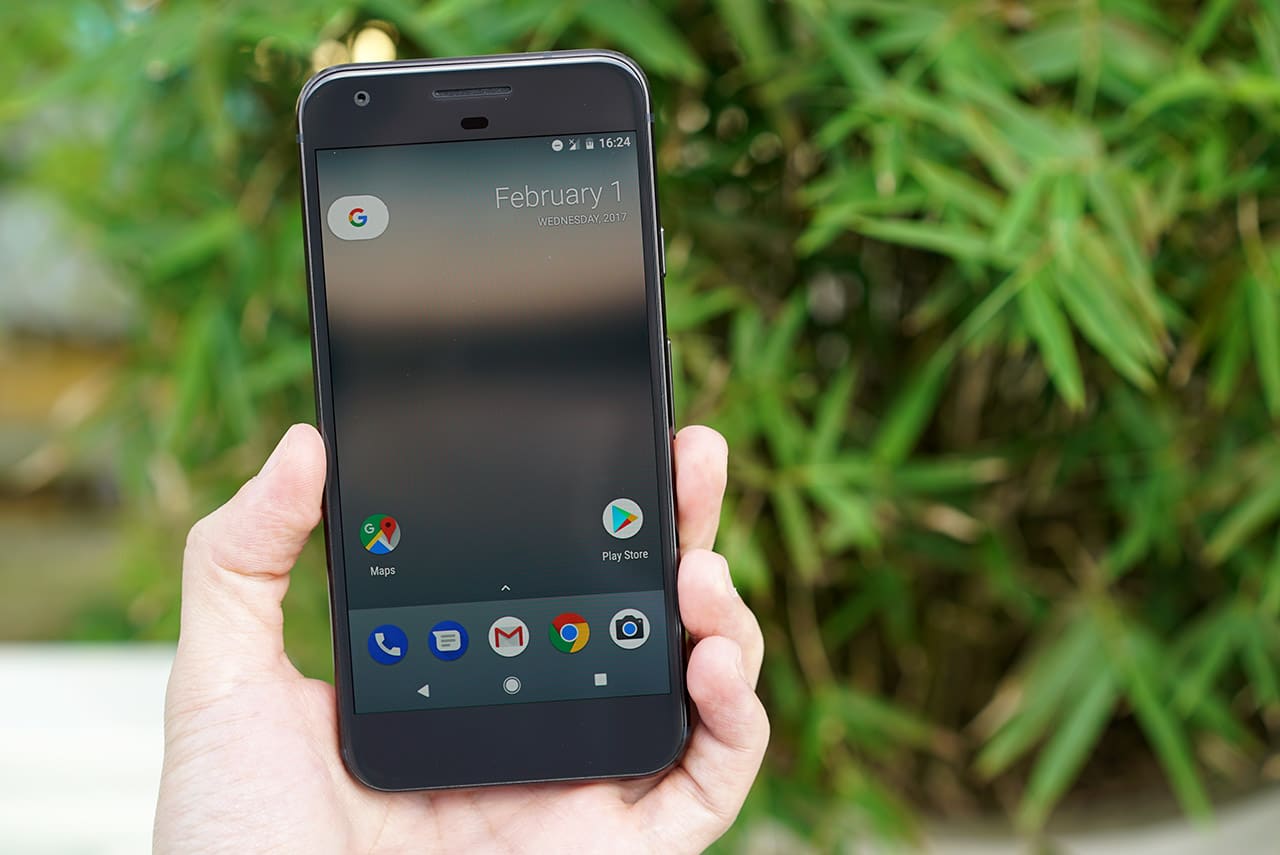
And those aren’t on random apps, either. Assistant should be able to do every function possible on Google’s official Drive, Photos, and Gmail apps. Having it set reminders, check the weather, and play games with you are cool and all, but those can easily be done without the help of artificial intelligence.
Battery life is generally superb
The quality Pixel’s battery life is debatable. I’ve heard a lot of bad things; at the same time, I’ve experienced fine endurance when I needed it most. Getting five hours of screen-on time over the course of one and a half days has become commonplace, and that’s a good thing. Turn off the full-time voice activation and minimize LTE use, and you should manage two days on one charge.
Nothing beats its camera
To this day, nothing trumps the speed and fluidity of the 12.3-megapixel camera and its app. Although Apple and Samsung can state their own cases why their cameras rule, the Pixel camera makes smartphone photography so seamless, and does so without any fancy optical image stabilization or second lens.








Photo after photo, I’m always impressed by the Pixel’s outputs. Its HDR mode is in a category of its own, and I highly suggest keeping it on at all times to boost colors and handle tricky lighting situations. It’s my go-to camera when the sun fully sets, and the 8-megapixel selfie camera is good too despite the lack of promotion.
This phone never slows down
Its Snapdragon 821 processor may be outdated soon, but in no way can the Pixel be considered slow. Unlike most Android handsets, this phone maintains its original speed for months. A lot of credit should be given to the 4GB of memory and lack of microSD card expansion, which would otherwise slow down the interface because of potentially sluggish external storage.
Its Android is a strange “stock” Android
It feels so strange using a Google phone which doesn’t have a truly pure Android operating system. Sure, it’s on the latest 7.1 Nougat version and replaces the user interface built by the Nexus series, but it still feels like I’m using a third-party skin.

Don’t get me wrong: The visuals are spotless and swiping from below to open the app drawer should have been implemented a long time ago; I just get the feeling Google will revise the design all over again in the next Pixel phone, especially if a manufacturer other than HTC takes the lead.
Waterproofing is sorely missed
Having used a Samsung Galaxy S7 Edge before taking on the Pixel and playing with Sony’s Xperia XZ from time to time, I feel bad about not possessing some level of water and dust proofing on this phone. It’s not everyday I go on beach trips or deal with splashes, but the peace of mind just isn’t there.
Unlimited full-resolution photo uploads is a superb deal
As someone who constantly moves from one device to another, placing everything on the cloud is vital in ensuring all my files are accessible. While any decent smartphone can back up photos and videos for me, none can do it as well as the Pixel.
Having all my pictures and videos automatically synced to my Google Photos account at full resolution means I never have to worry about instant quality loss or degradation over time. I love how this is a permanent feature that adds so much extra value to the Pixel’s high asking price.
Is this your GadgetMatch?
I could just end the review here and tell you there’s no better Android smartphone than the Google Pixel right now, but I have to share a few more thoughts.
For one, finding a unit anywhere in the world hasn’t gotten any easier. Google is experiencing shipment problems through its official channels, so you must deal with a third-party retailer for any chance of purchasing one.
And then there’s the issue concerning its chipset. As fast as it is at the moment, it’ll soon feel slow once smartphones equipped with Qualcomm’s revolutionary Snapdragon 835 processor begin coming out next month.
Finally, let’s talk about the price. Starting at $649 for the 32GB storage variant, the Pixel isn’t cheap, and you’ll have to spend a hundred dollars more for the 5.5-inch Pixel XL, which only adds a better Quad HD resolution and larger battery to its value.
With the soon-to-be-outdated hardware and expensive price tag compared to all the other great phones out there, the Pixel isn’t as attractive as it once was, but for the time being, this will continue being my go-to handset for its camera and updated software alone.
SEE ALSO: A cheaper Google Pixel could be in the works
[irp posts=”9907″ name=”A cheaper Google Pixel could be in the works”]







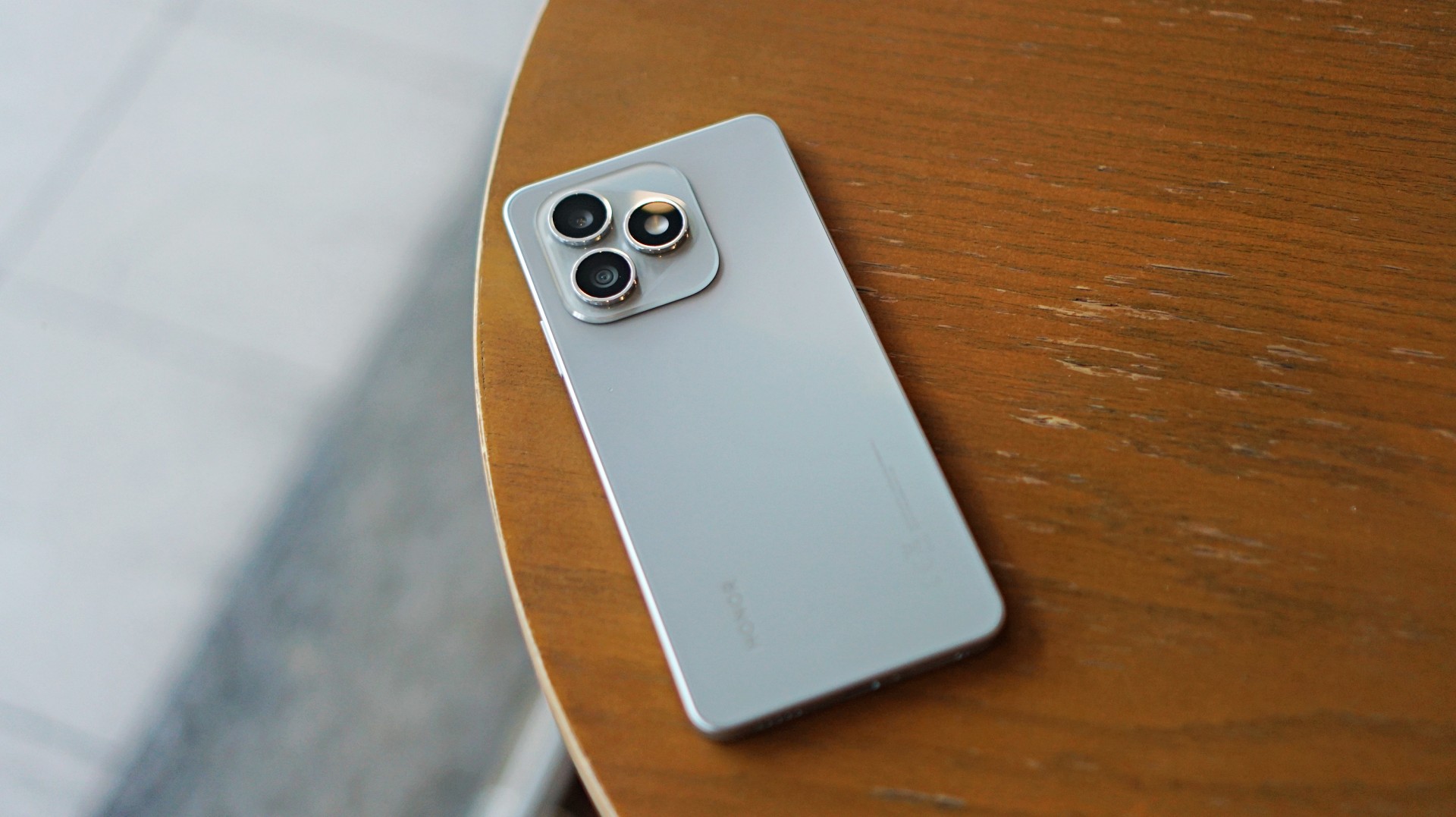
Some smartphones aim to stand out. Others just aim to work. The HONOR X8d falls squarely into the second category.
In day-to-day use, it presents itself as a device that focuses on the essentials. It’s functional, predictable, and easy to understand—but also a reminder of how noticeable the gap can be once performance and responsiveness start to lag behind.
A design-first approach
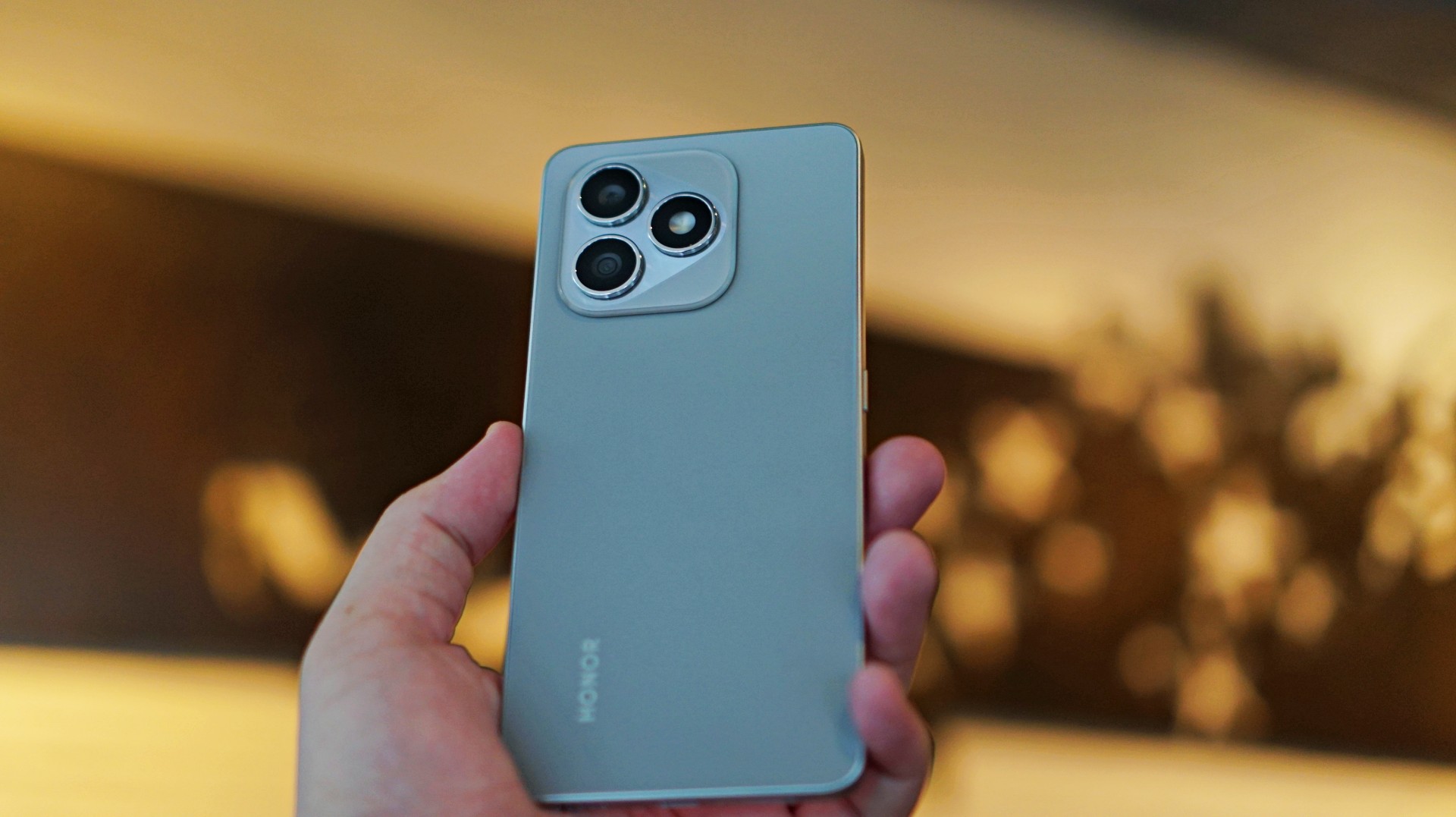
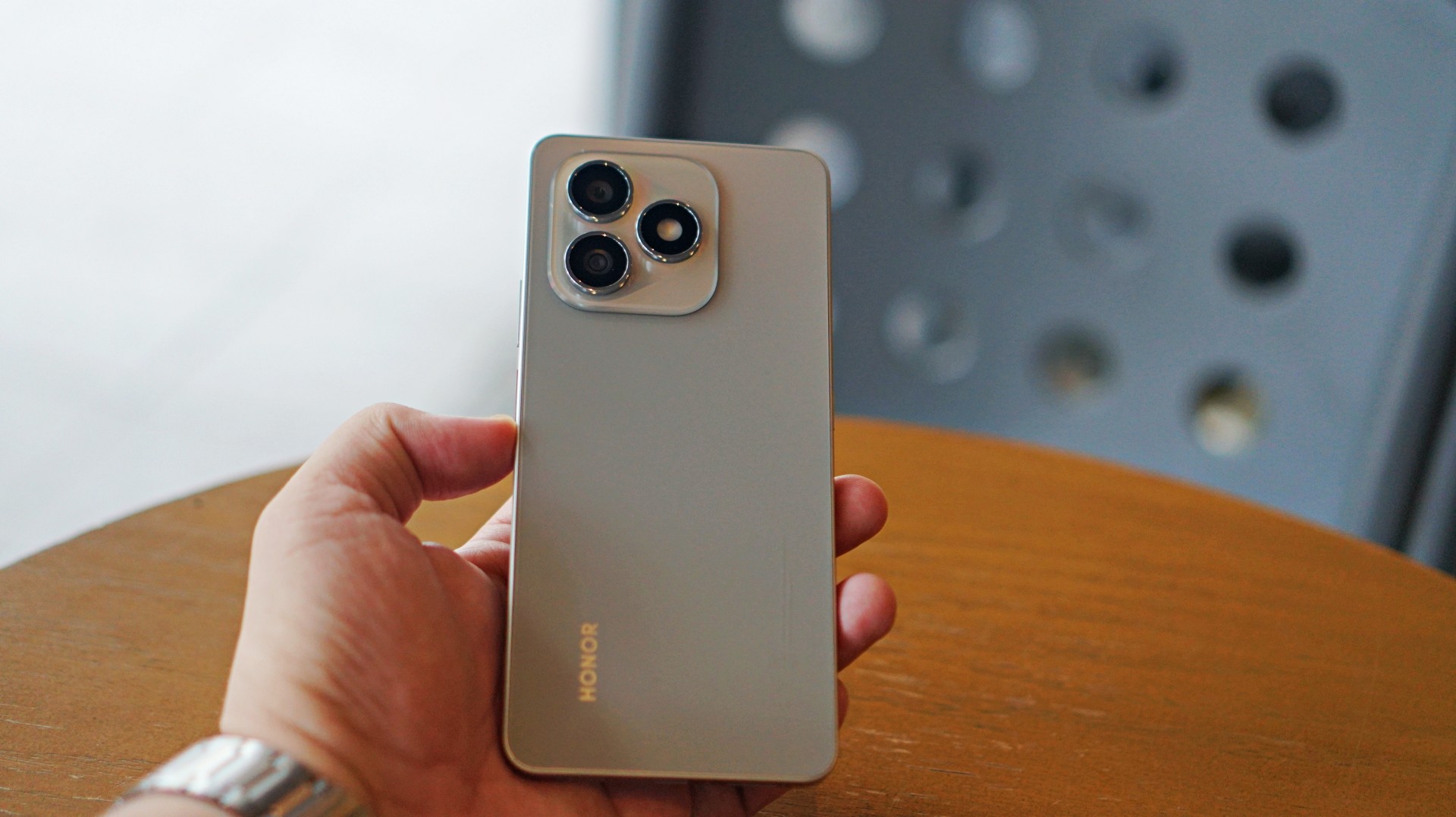
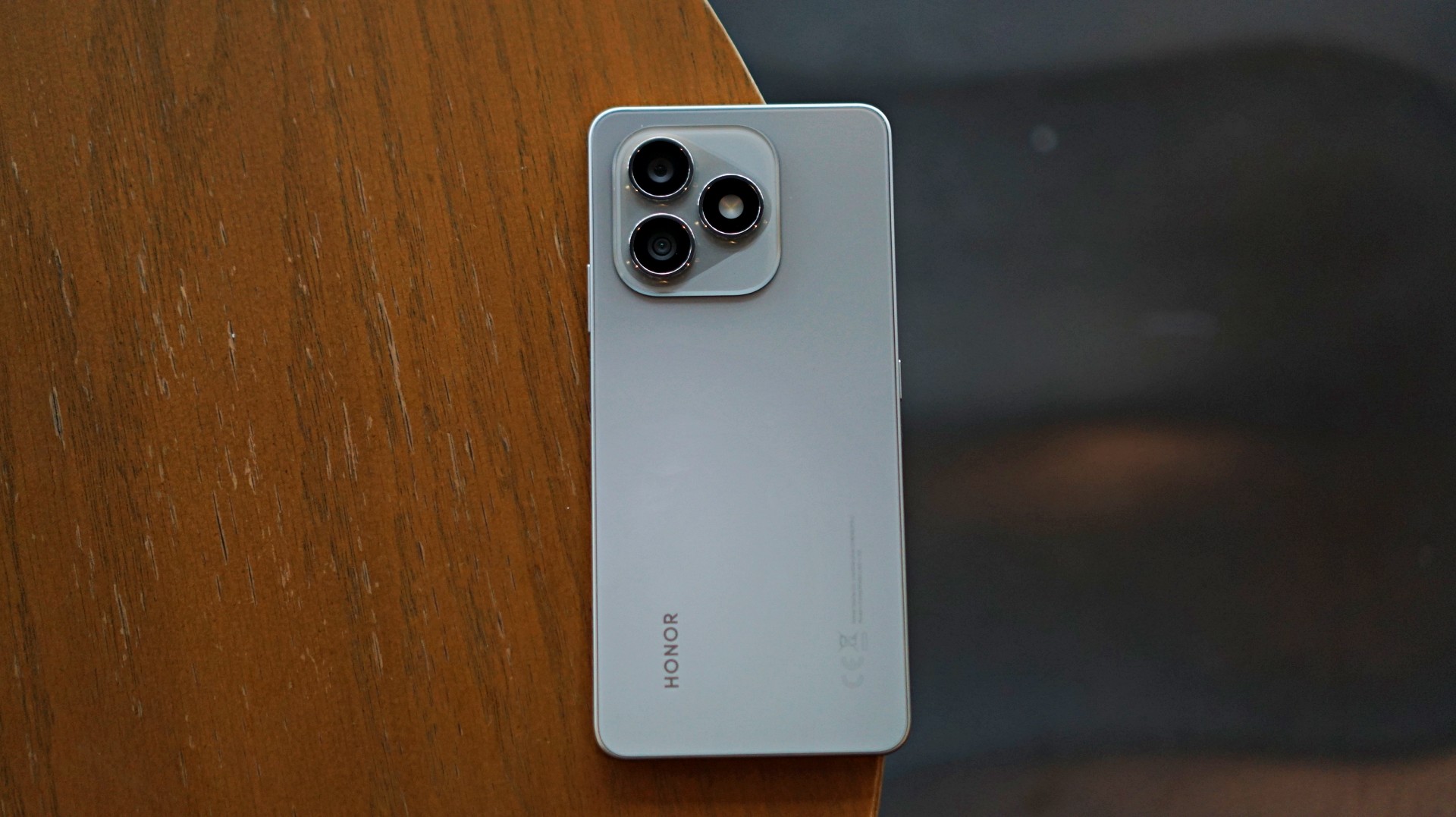
The HONOR X8d makes a decent first impression. It’s slim, relatively lightweight, and easy to hold despite packing a large battery. The flat sides and smooth back give it a clean, modern look, while the camera module adds a bit of visual identity.
It’s available in Light Blue, Velvet Black, and Velvet Grey—options that lean into its youthful positioning. The device also feels sturdy in hand, backed by SGS certification for drop and crush resistance, along with IP65-level protection against dust and splashes.
For a device in this category, the HONOR X8d delivers a build that feels dependable enough for daily use.
Display and media: Bright and usable
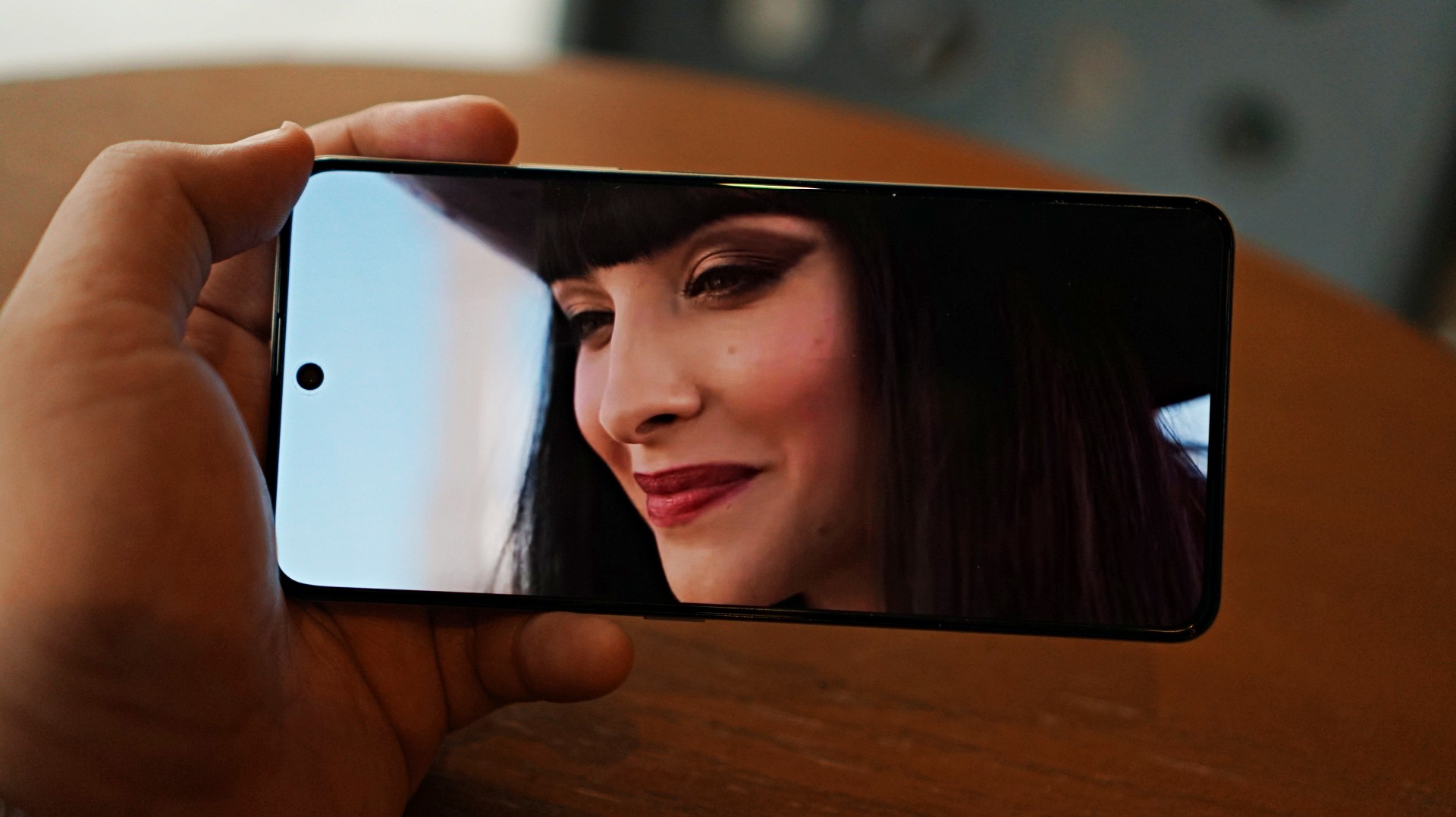
Miss All Sunday makes everything look good
Up front, the HONOR X8d features a 6.77-inch AMOLED display with a 120Hz refresh rate and up to 3000 nits peak brightness. Colors are vibrant, and the panel supports 100% DCI-P3, which helps content look lively.
For casual viewing, the experience is serviceable. Watching shows or videos feels comfortable, and the high brightness ensures visibility even under harsh lighting. Features like 3840Hz PWM dimming and E-Book mode also help reduce eye strain during extended use.
Now Playing: One Piece Season 2
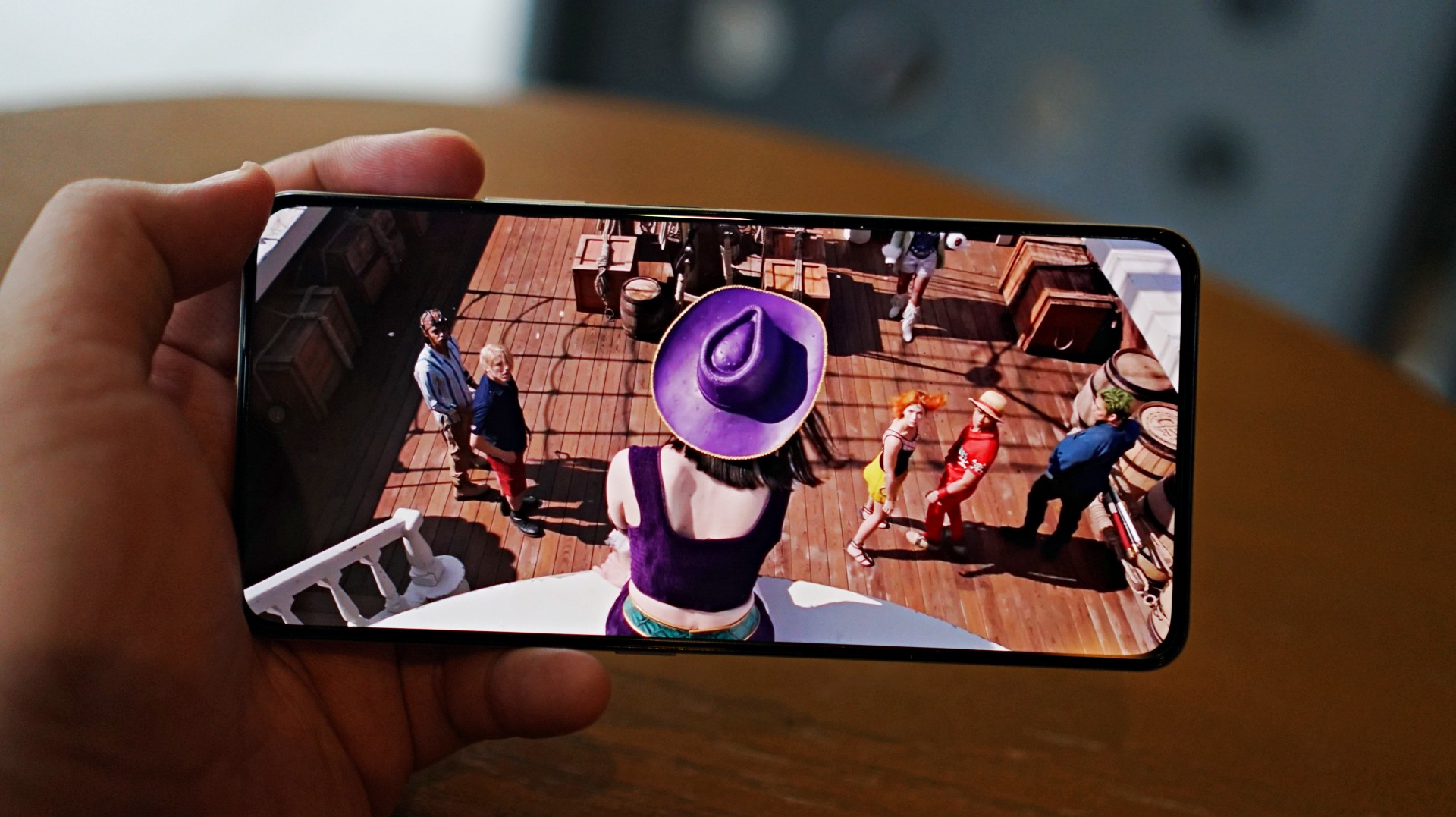
I skimmed through a few episodes of the One Piece Season 2 live action on Netflix and again it was… alright. Nothing here will blow you away but it serves its purpose.
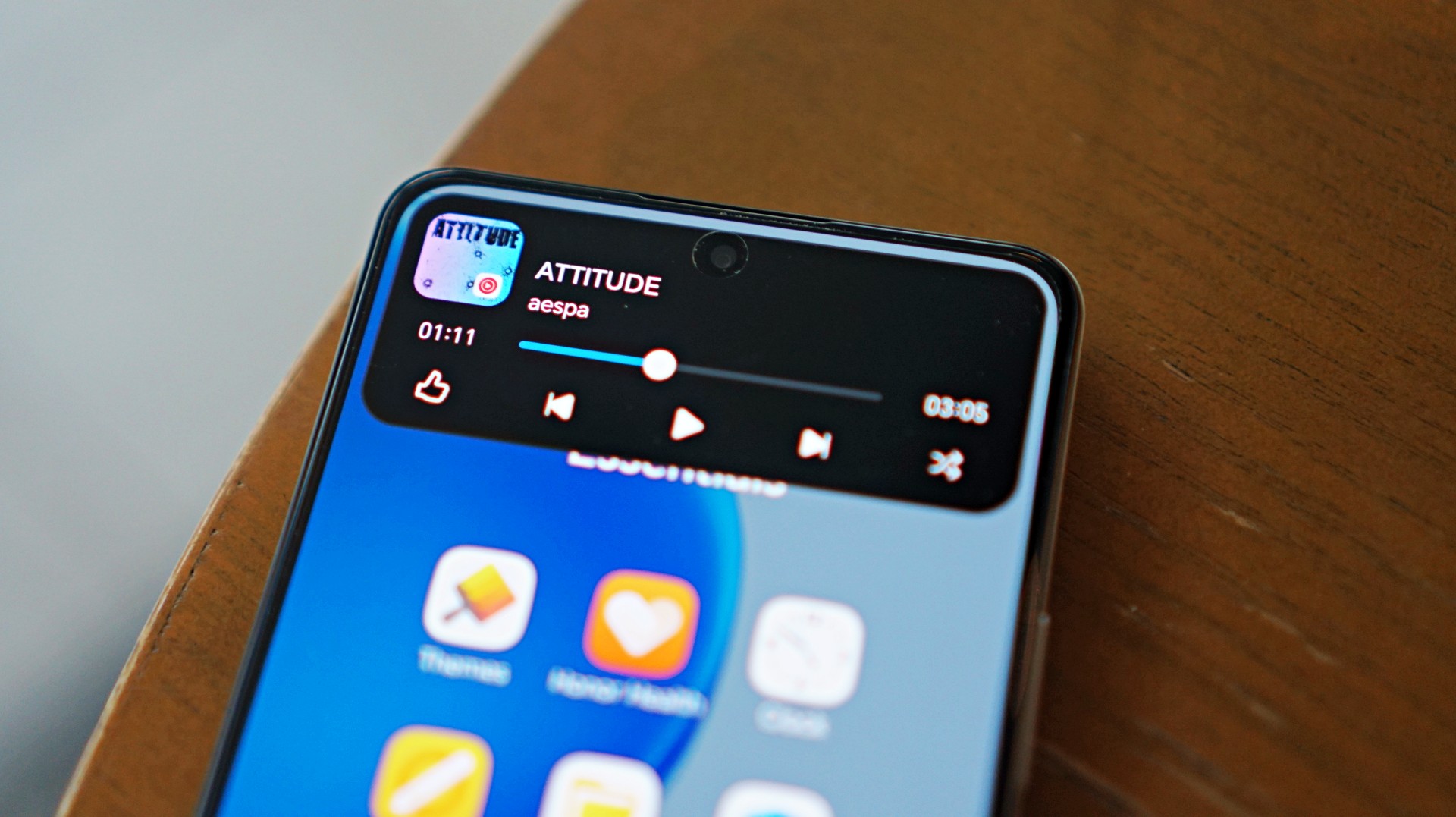
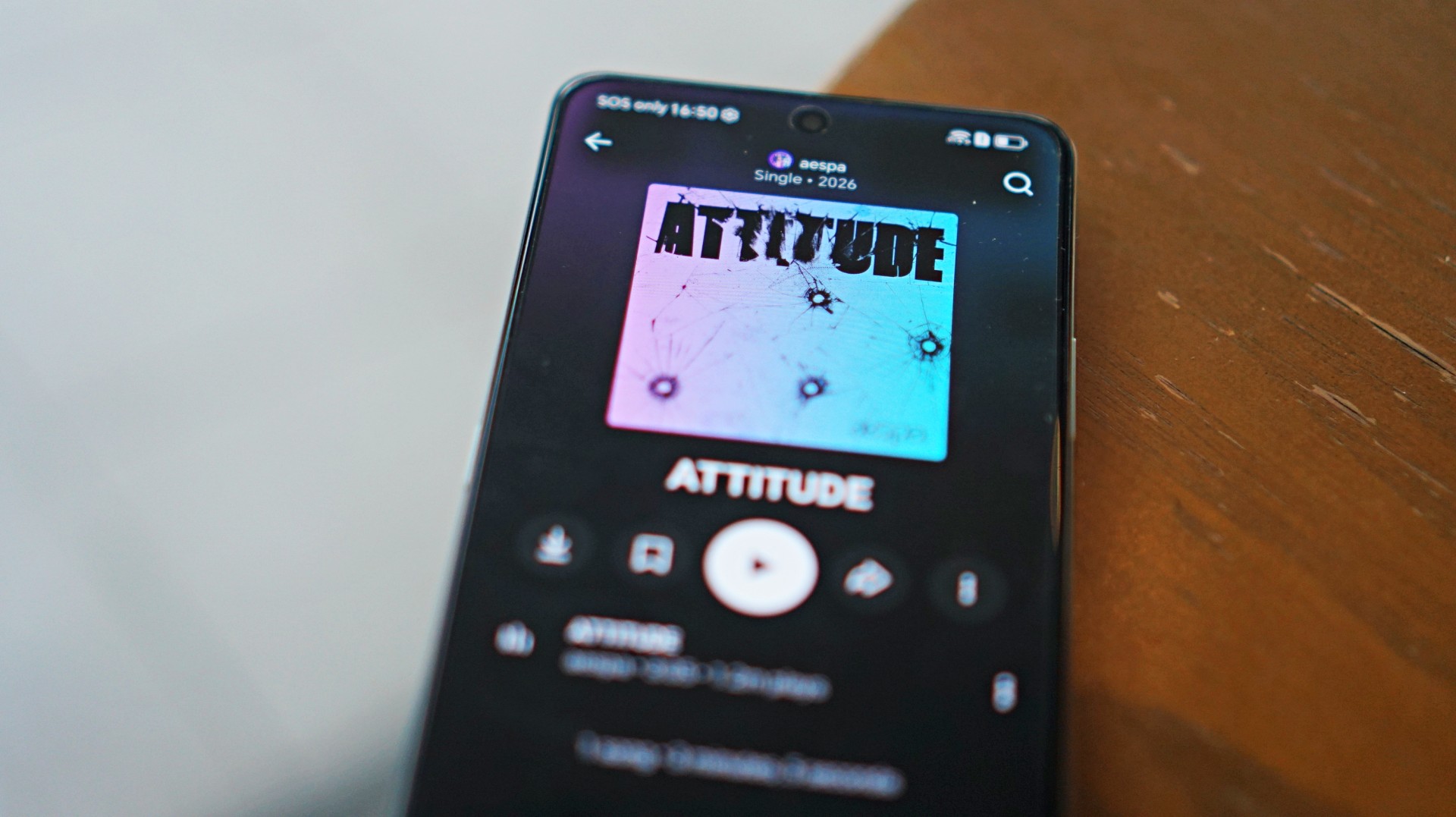 I also listened to “Attitude” by aespa on YouTube music and it just echoes the general feeling of the phone – serviceable.
That said, the overall experience remains straightforward. It delivers what you need for day-to-day media consumption without going much further.
Performance is where compromises show
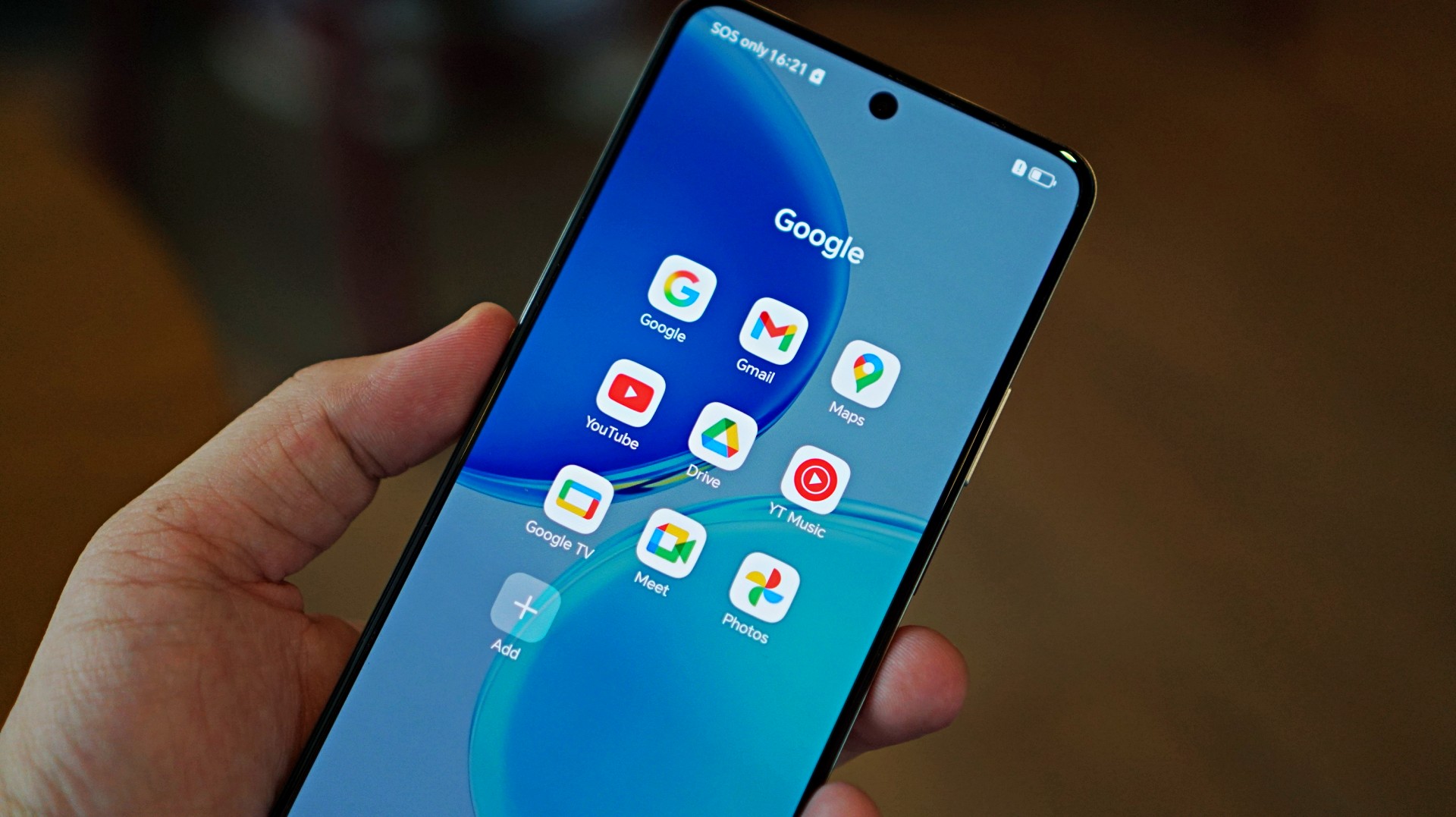
The HONOR X8d runs on the Snapdragon 6s 4G Gen 2 paired with 8GB of RAM. On paper, it’s positioned for everyday tasks, but in practice, performance leans on the modest side.
Basic interactions like switching between apps or scrolling through feeds can feel slower than expected. There’s a noticeable delay at times, even during simple tasks, which affects the overall flow of the experience.
This extends to camera usage as well, where responsiveness can occasionally feel a step behind. The device remains usable, but the pacing may feel dragging depending on what you’re used to.
Cameras are reliable in good light
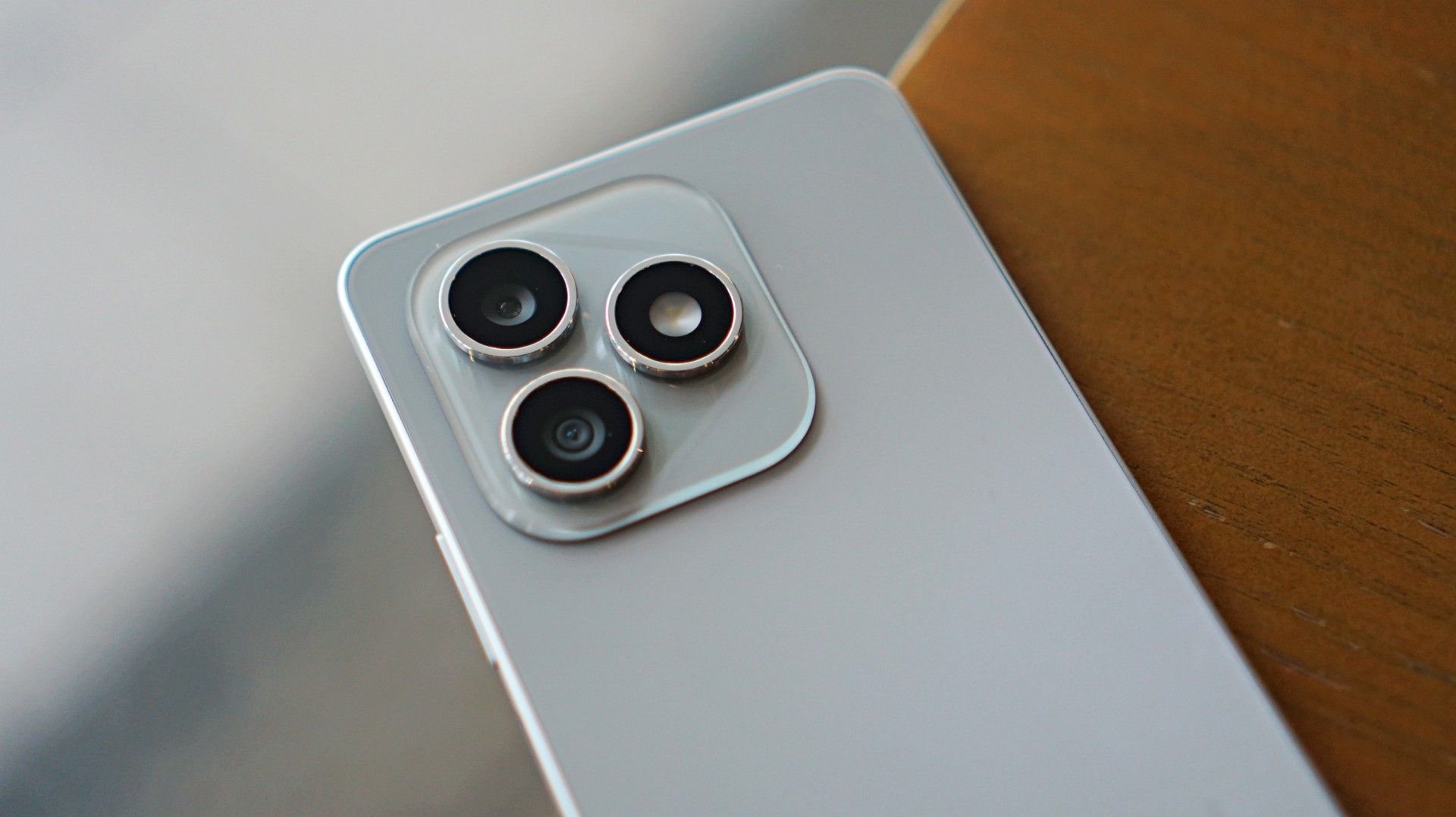
The HONOR X8d is equipped with a 108MP main camera alongside a 5MP wide camera, with a 16MP shooter up front.
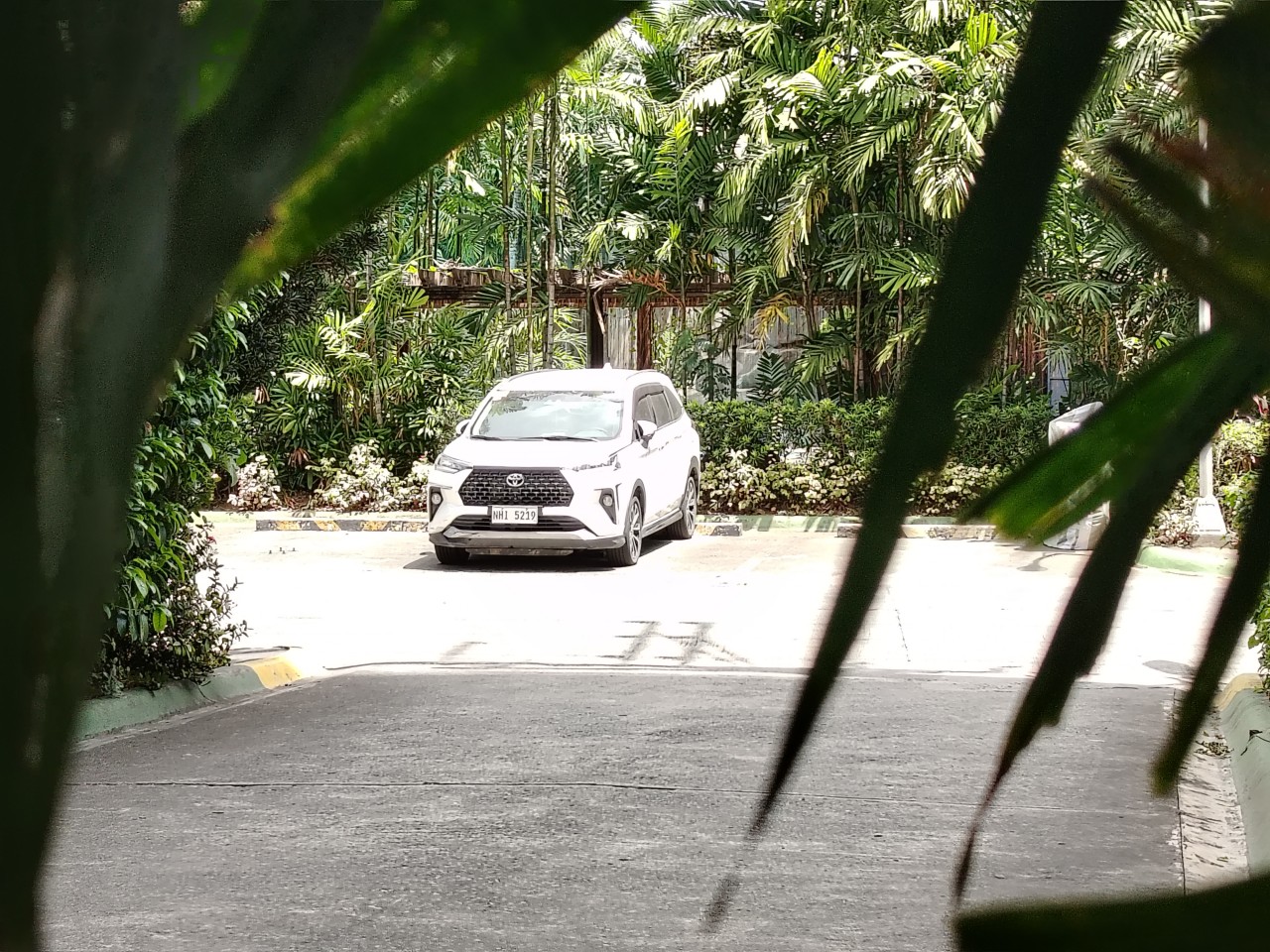
In good lighting conditions, the phone produces decent images. Shots are clear enough, with acceptable detail and color for social media sharing. The camera system also benefits from a suite of AI tools such as AI Eraser, AI Cutout, and AI Upscale, which add flexibility when editing photos.
Zoom options at 1x, 2x, and 3x remain usable, though results are best when lighting is favorable. Overall, the camera system is dependable for casual snaps.













Software and AI: familiar, feature-filled
Running on MagicOS 10 based on Android 16, the HONOR X8d comes with a feature-rich software experience. It includes tools like AI Translate, AI Writing, AI Notes, and AI Recorder, alongside features such as Magic Portal and Circle to Search.

Like many Android skins today, MagicOS follows a design approach that will feel immediately familiar. The layout, navigation, and overall structure borrow heavily from the iOS-inspired blueprint that most brands have adopted. It’s easy to get into, even for less experienced users.
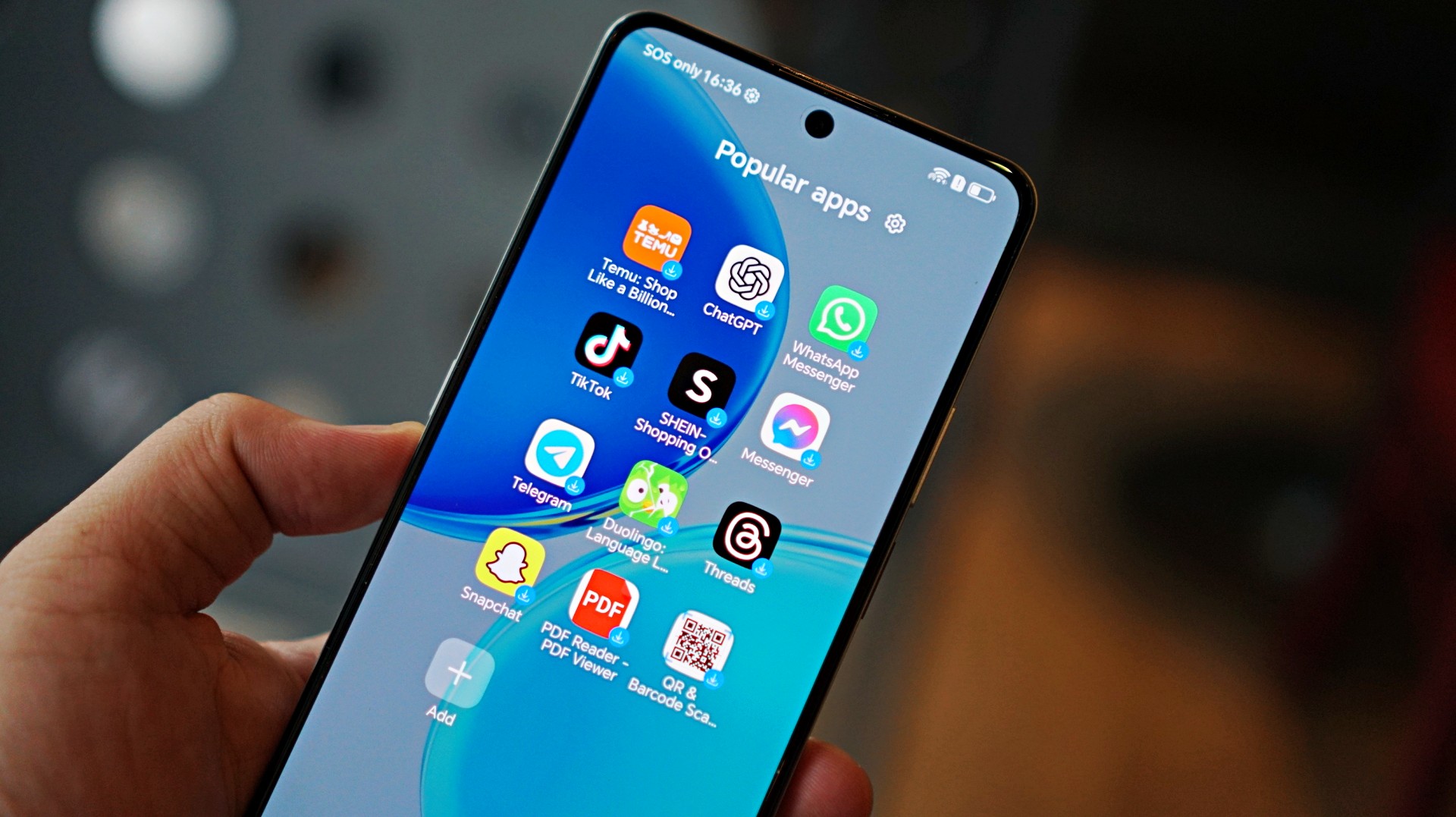
Typical of entry-level smartphones, the device also includes app recommendations out of the box. Thankfully, these aren’t overly intrusive, and many of the suggested apps are ones users would likely install anyway.
The software helps add depth to the overall package, even if the hardware limits how smooth everything feels in actual use.
Battery and everyday use is a clear strength
One of the standout features of the HONOR X8d is its 7000mAh battery. It’s designed to last through extended use, whether for streaming, browsing, or everyday communication.
Paired with 45W HONOR SuperCharge, topping up the device remains relatively quick. For users who prioritize longevity over speed, this is easily one of the more reliable aspects of the phone.
Is the HONOR X8d your GadgetMatch?
When HONOR Philippines was first teasing the phone it was positioned as something for students. But if I were a parent, I’m pretty sure I’d like my kid to have some kind of advantage and not have to deal with a device that might not be able to keep up with them.
After learning that it’s priced at PhP 15,999 my verdict just became much clearer. This is a Swipe Left.
Add a few more to that price and you can get an excellent smartphone at its early bird price.
The HONOR X8d focuses on delivering the basics—design that works, a large battery, and a feature-filled software experience.
However, the overall experience depends heavily on what you prioritize. For users who simply need a phone that can get through daily tasks, the X8d does enough to hold its ground. For those who value speed and responsiveness, it may feel a step behind.
Whether it fits your needs ultimately comes down to how much you’re willing to trade performance for battery life and features.
Reviews
POCO X8 Pro Max review: A new beast from the far east
That “Pro Max” naming superlative is more than justified

Just when I thought POCO was done for the first quarter of 2026, I was instantly humbled.
Two months after the M8 Pro I’ve held, POCO is back with another beast, packing an even more powerful punch.
Here’s my extensive experience with the all-new POCO X8 Pro Max.
Nothing flashy, yet still fancy
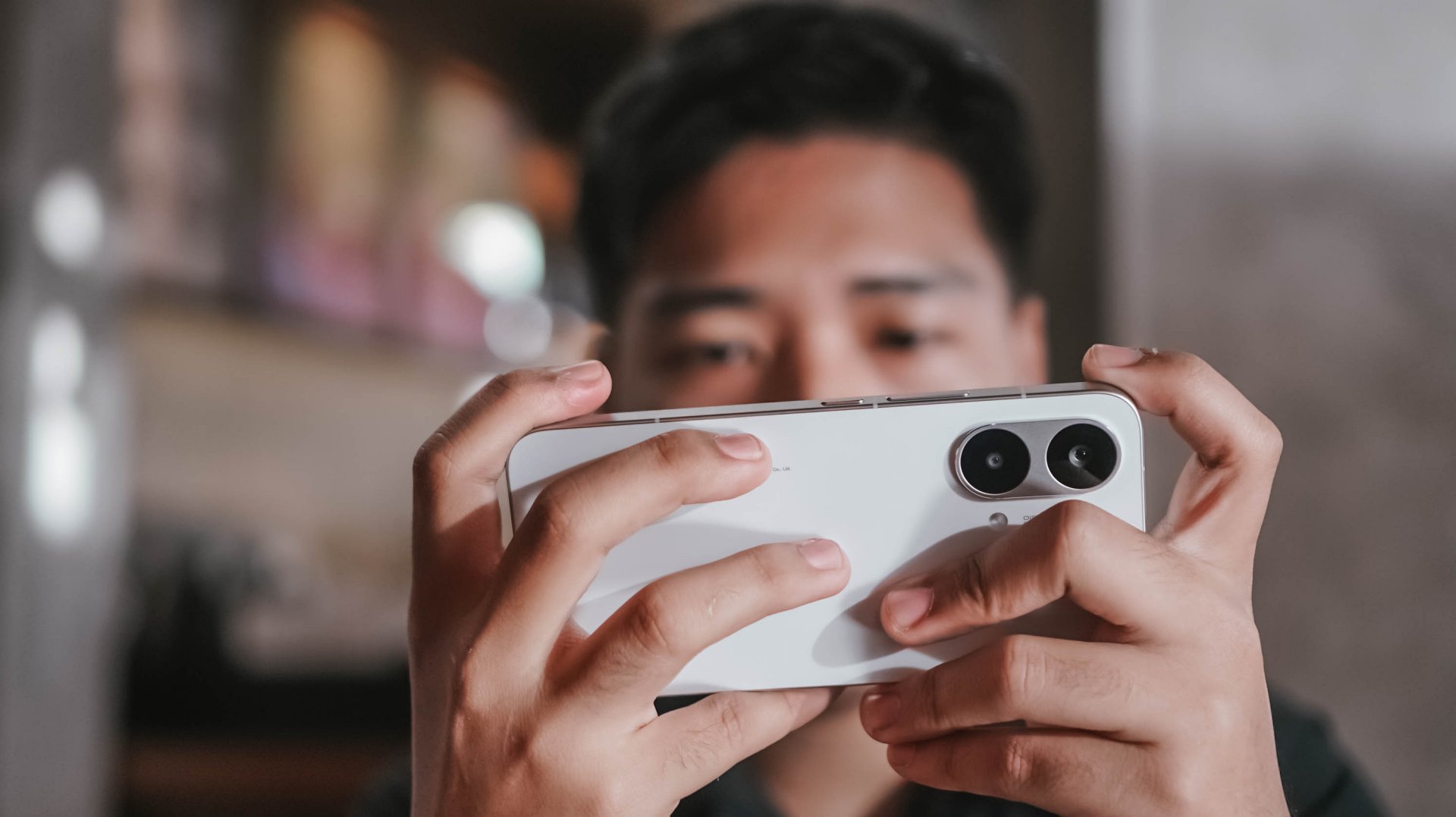
First time with the POCO X8 Pro Max, it’s honestly nothing too fancy.
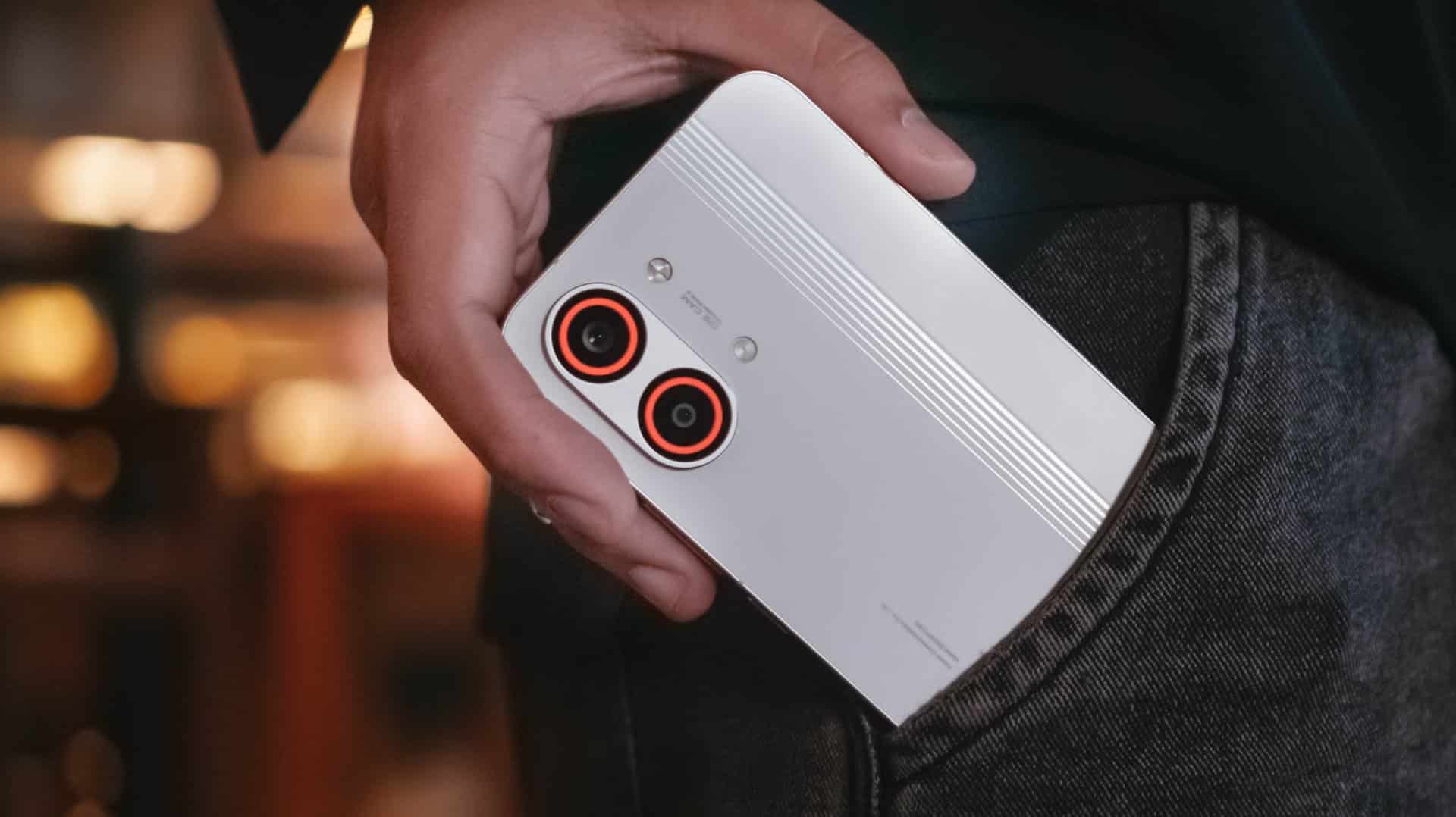
While it does not dare to rival the likes of the Nothing Phone (4a) Pro, Infinix’s NOTE 60 Ultra, or TECNO’s POVA Curve 2 5G, the POCO X8 Pro Max still shines in its own way.
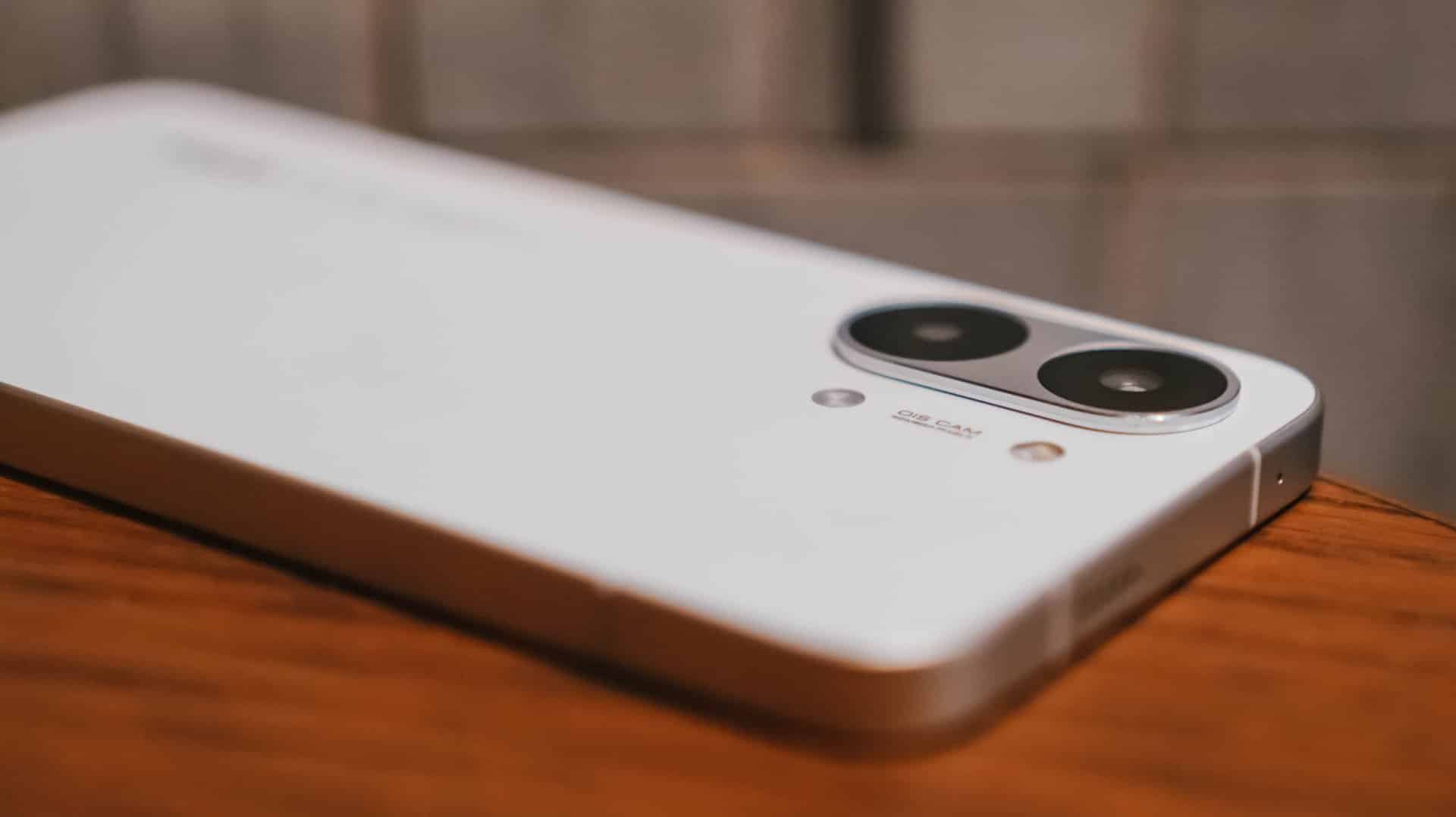
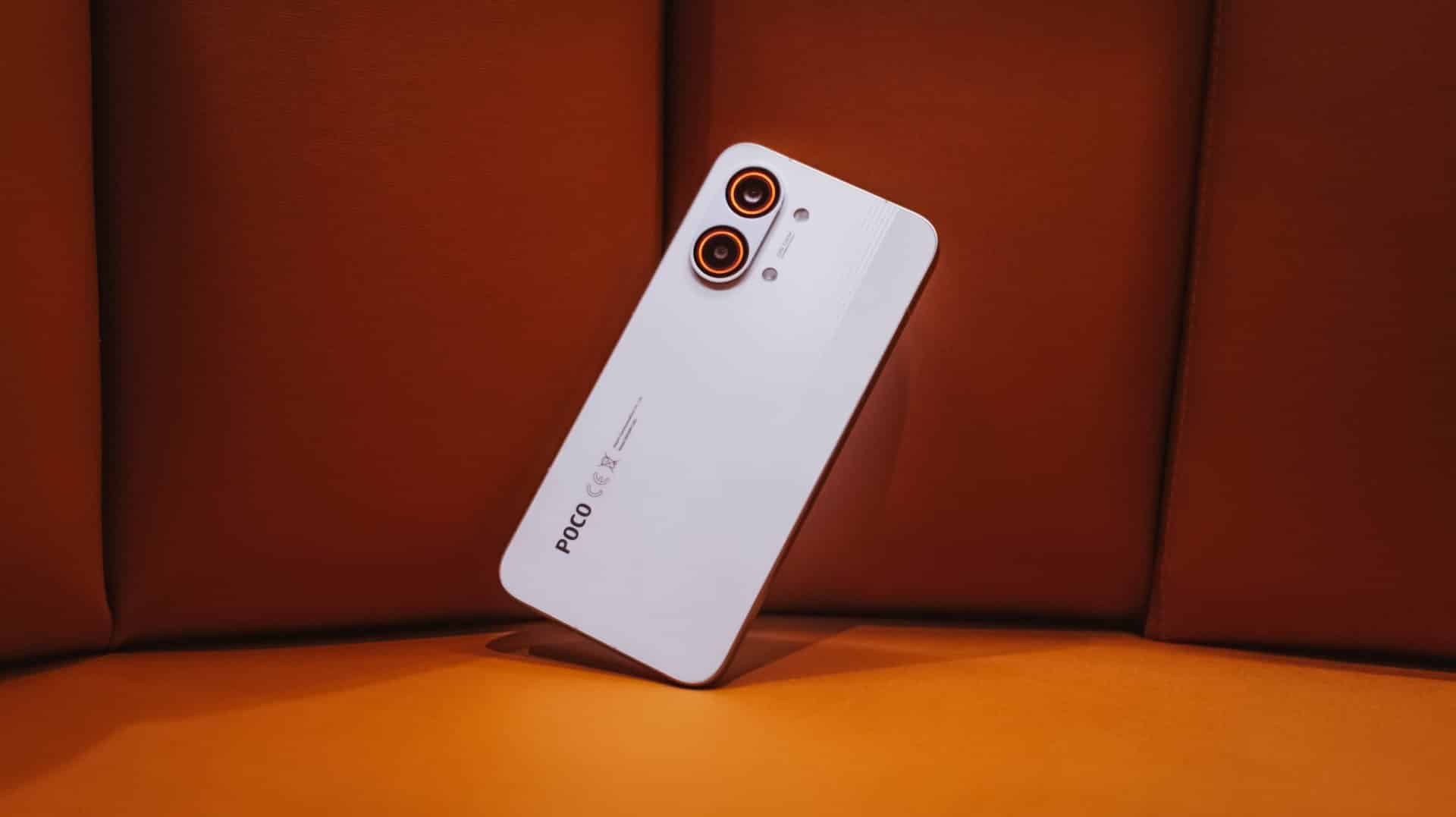
The back is clean and minimal with only the ever-so-slightly-protruding camera bump and POCO branding in sight. Upon closer inspection though, those subtle set of lines appears when hit by faint light.
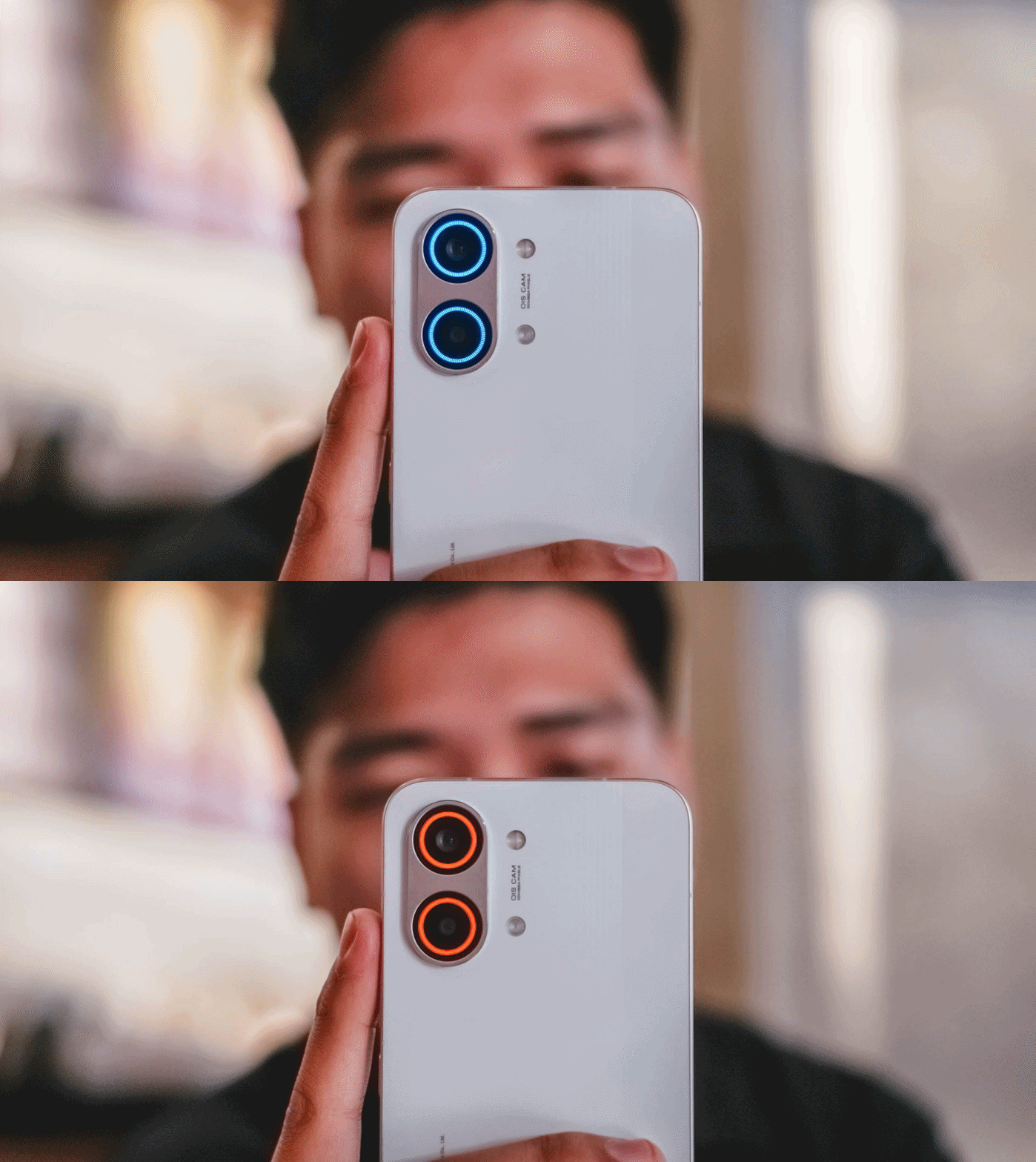
And while we’re at it, that camera bump houses an RGB light deco around the camera duo. It’s customizable with eight (8) colors alongside brightness level adjustments.
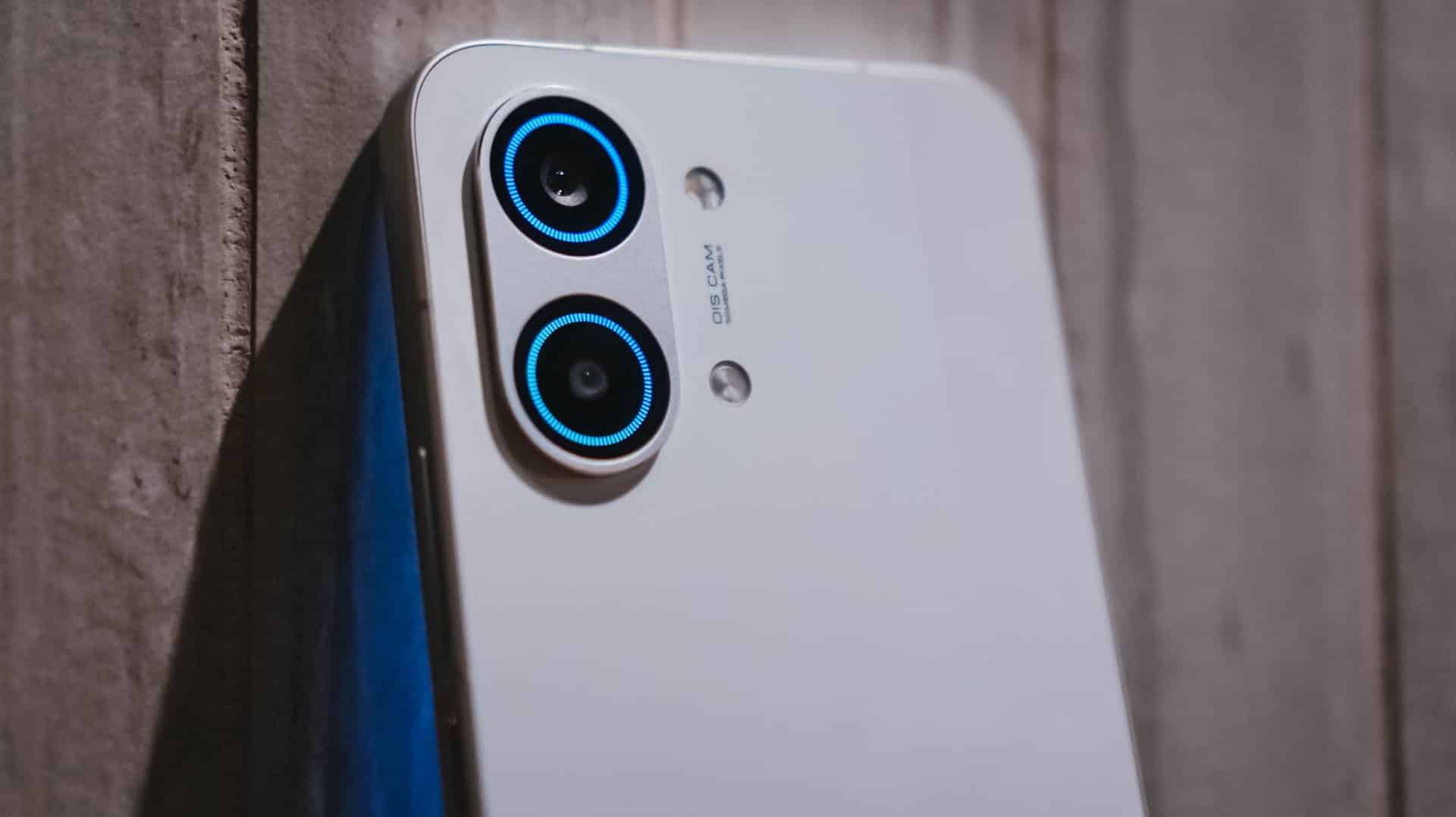
Not only does it add flair, but it’s functional too as it glows up to notify you of alerts, to indicate battery charge, to flash for a camera timer, or to light up even when just playing music or games.
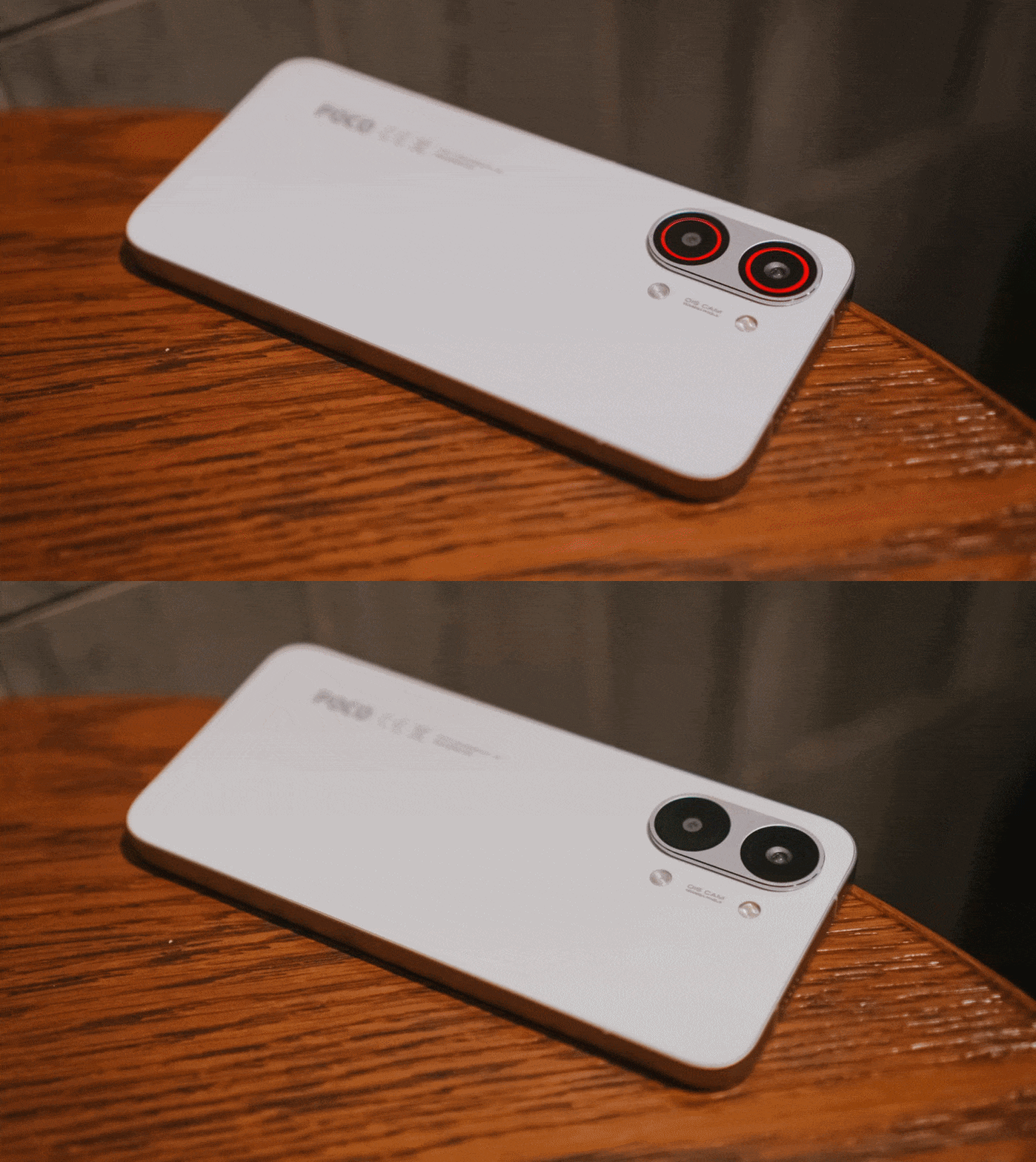
The White colorway that I have adds more to that fanciness. I don’t know if it’s the same thing with the Black and Blue shades, though.
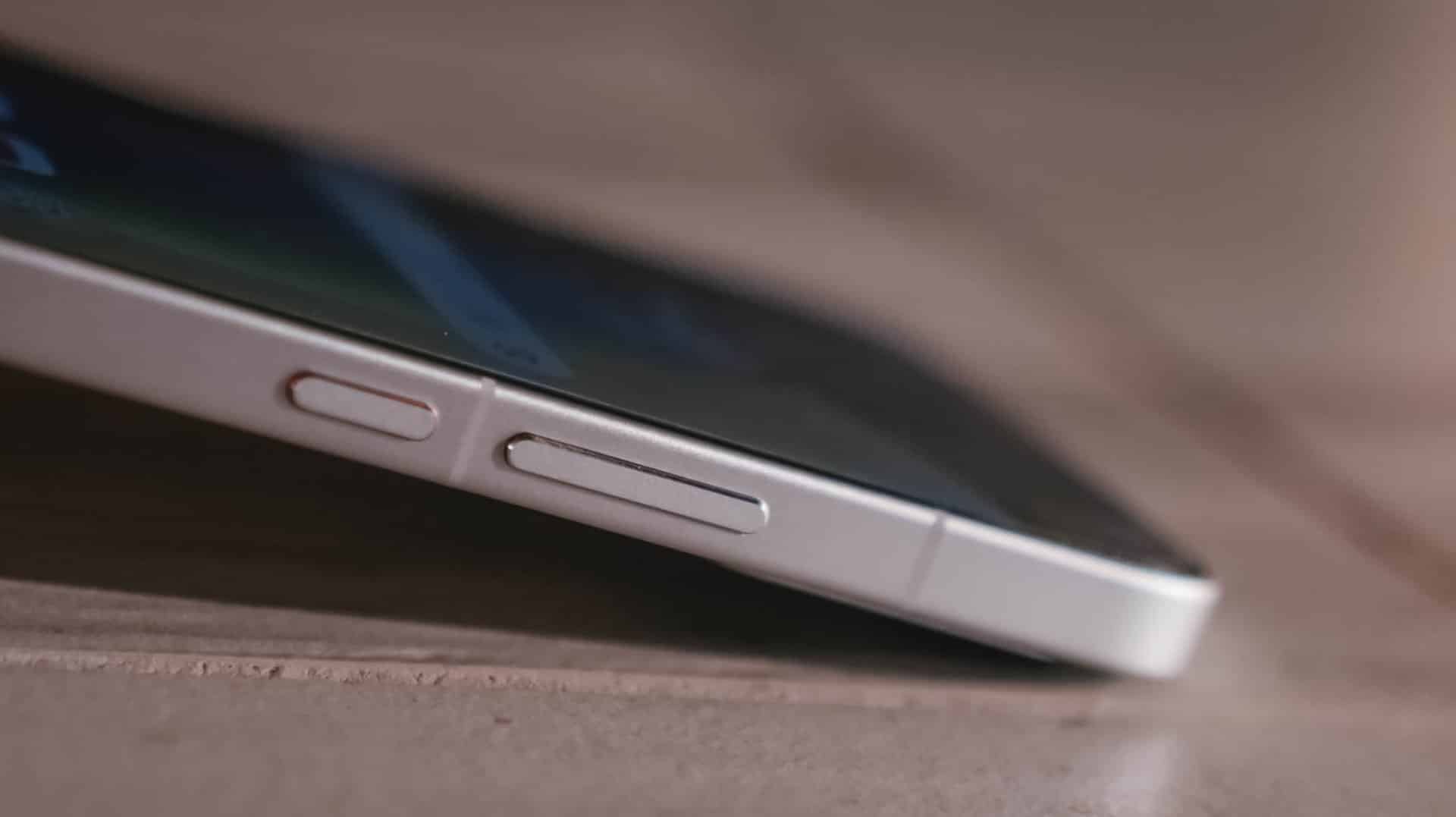
Sandwiched by that sturdy metal frame is a back cover made of fiberglass, something that is lightweight and durable at the same time.
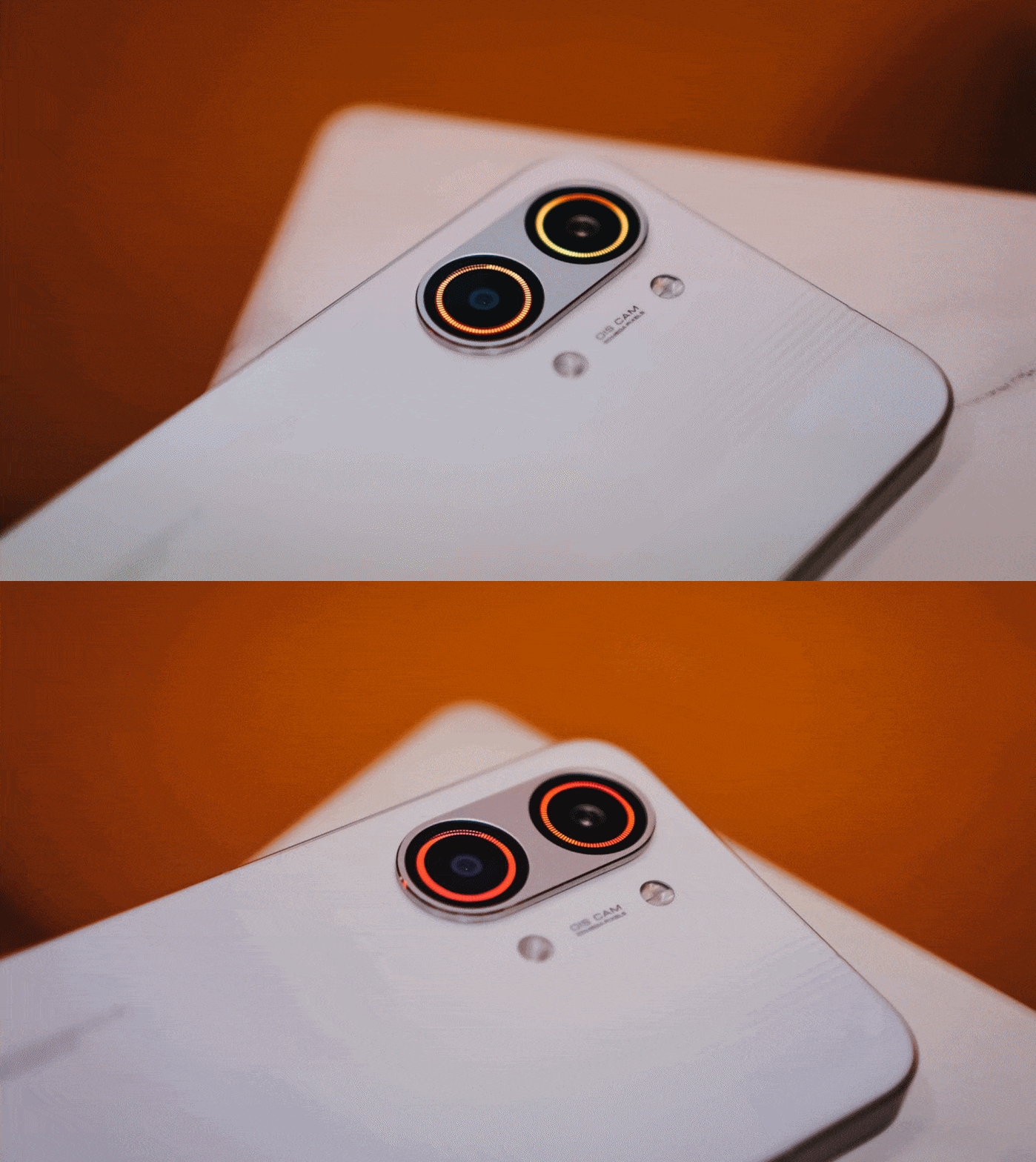
Speaking of, the X8 Pro Max boasts quintessential quad IP ratings: IP66, IP68, IP69, and IP69K. It can withstand not just all the fine dust, beach sand, or even fresh water (but not sea water). It’s also able to resist hot jet water streams, just in case you’re stuck in such situations.
It’s great to see that these stronger IP ratings have become a staple, not just in flagships, but in most midrange offerings.
Marvelous and monstrous
Last year, POCO had only the vanilla X7 and X7 Pro (plus a special Iron Man Edition) in its X-rsenal. This year, POCO have changed things quite a bit by bringing in a newcomer with the familiar “Pro Max” naming.

And, they weren’t playing when they said “Pro Max” as this is equipped with the latest MediaTek Dimensity 9500s 3nm SoC. To be fair, this is a slightly under-clocked version of the Dimensity 9500 found on modern-day flagships, such as the vivo X300 Pro I rock daily.
Still, that doesn’t mean an underpowered performance.
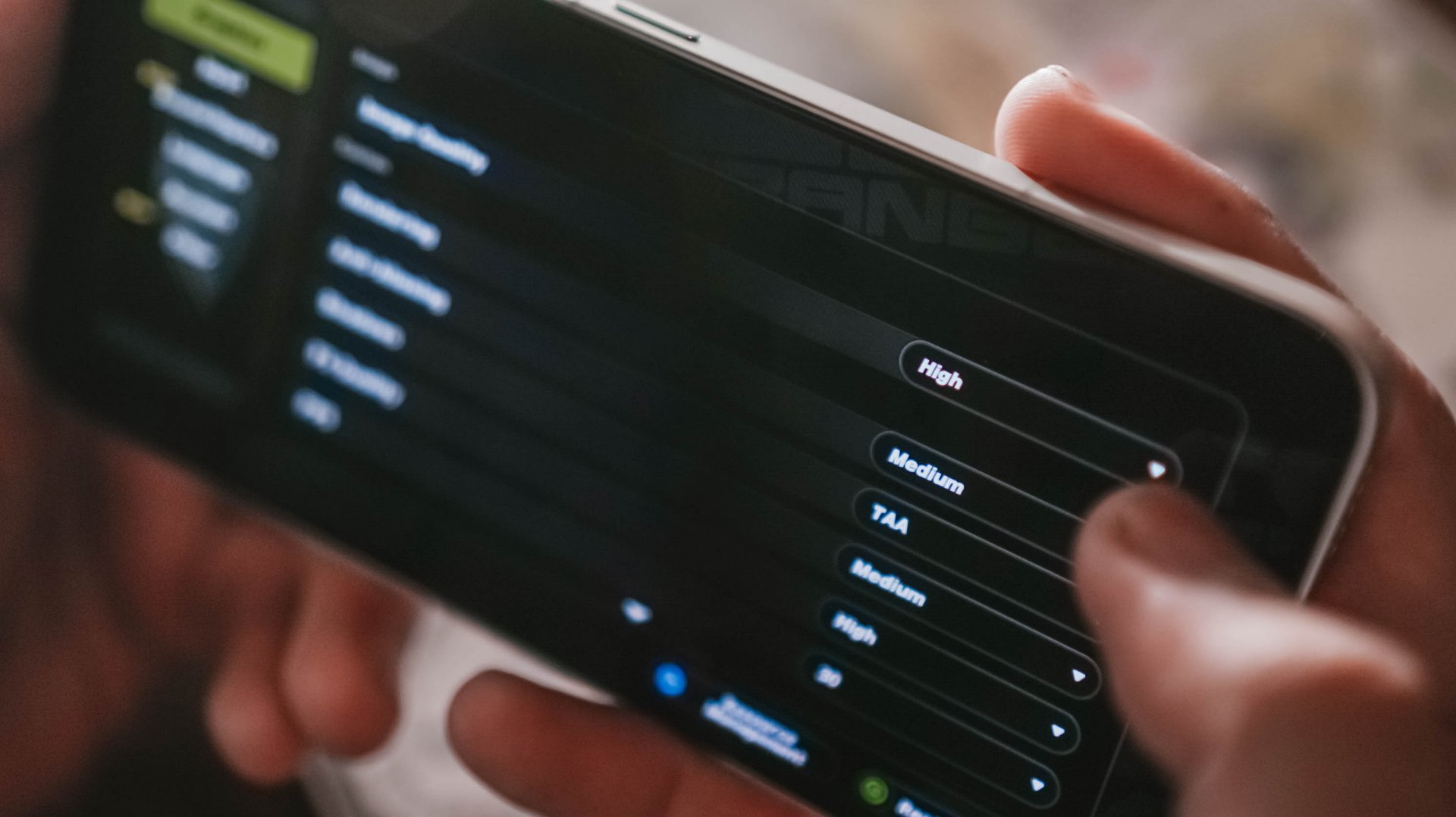
First and foremost, the ever-popular Zenless Zone Zero by HoYoverse runs in High graphics settings by default. Genshin Impact has the same default setting.

The Qualcomm Snapdragon 7s Gen 4 found on the POCO M8 Pro, however, goes only for the lowest setting.
Another favorite hardcore game of mine: Racing Master based on Nvidia’s PhysX physics engine.
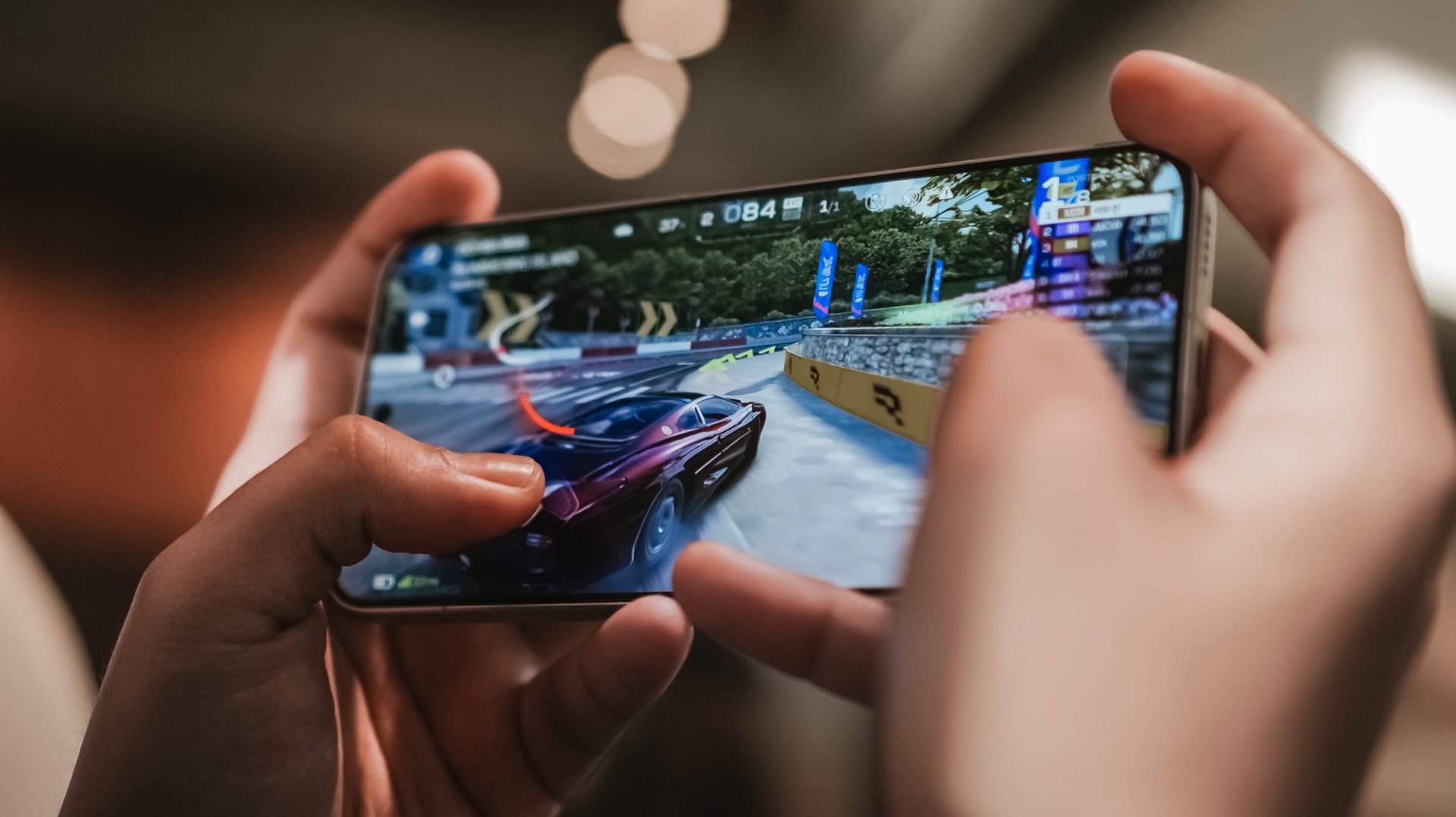
As expected, this racing game can run in Ultra-High + 60fps configuration. The M8 Pro stutters and throttles a lot during the first gameplay.
This further proves that it’s not always Snapdragon that’s winning over Dimensity.
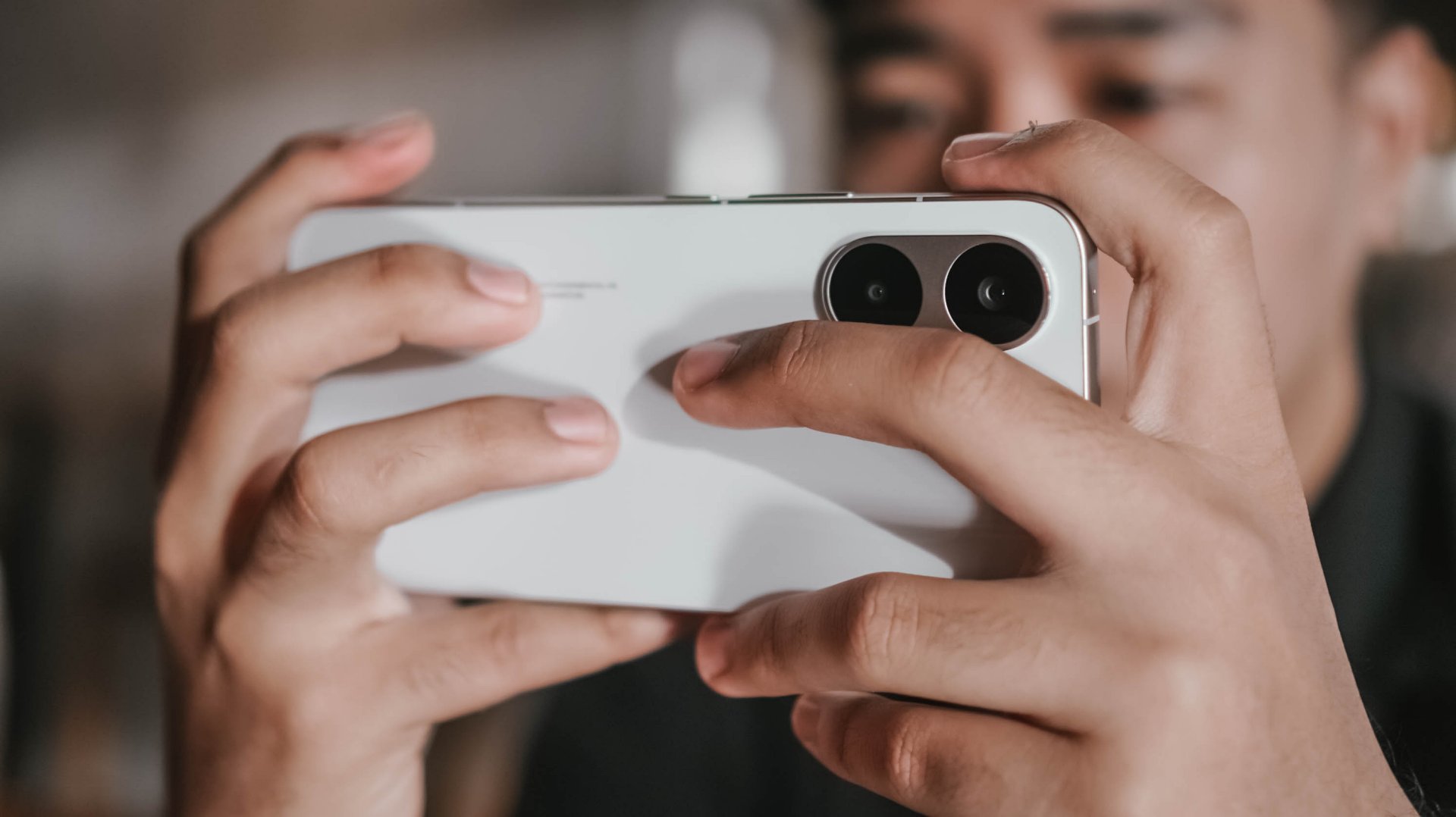
POCO’s 3D IceLoop Cooling System also prevented those unwanted hiccups. To be precise, it features a large 5800mm² liquid cooling area where the vapor and liquid are separated for an even highly-efficient heat dissipation.
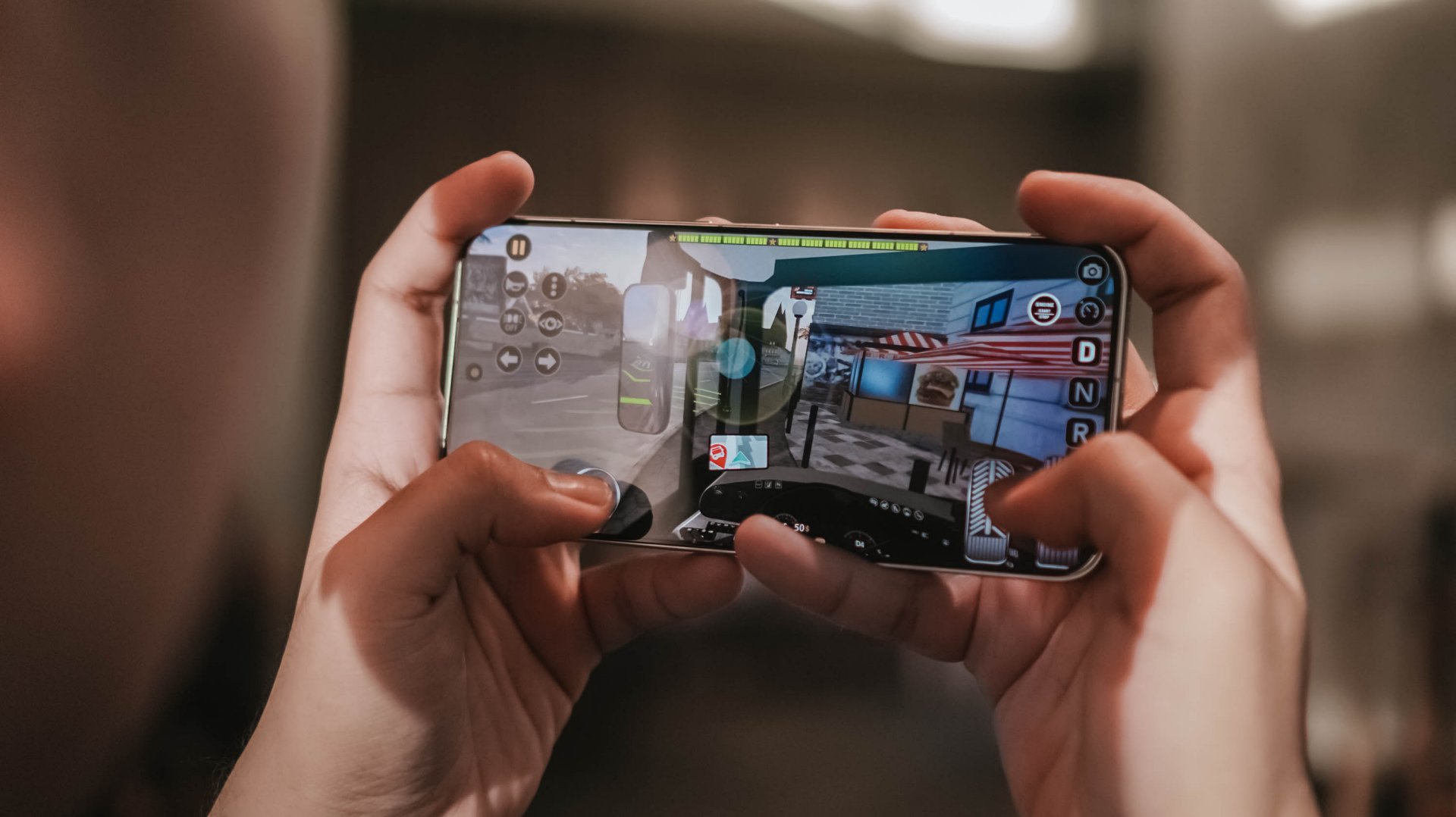
With those examples in mind, it already gives you the idea that this beast of a smartphone can handle most (if not all) of the graphics-intensive titles you can think of.
POCO further proves that this is, indeed, a Pro Max smartphone. With a speedy 12GB LPDDR5X memory and up to 512GB of UFS 4.1 storage, it’s honestly an overkill for a midranger.
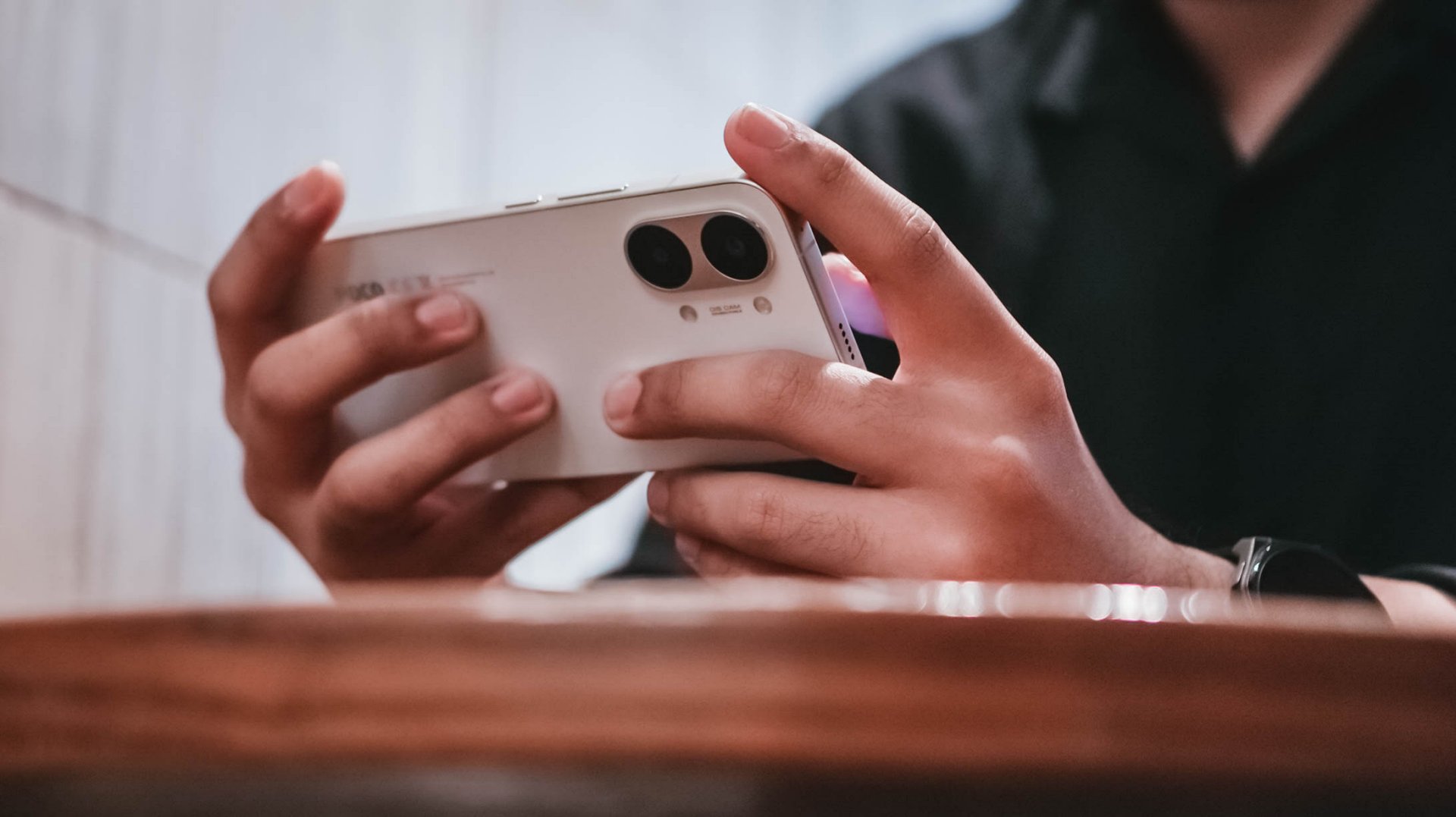
Most phones in the range are stuck with the LPDDR4X and UFS 3.1 combo. It’s more evident now that the global RAM (and components) shortage affects everyone — smartphone makers not exempted.
My gaming sessions would not be as easy-breezy without that buttery-smooth 120Hz display alongside that 480Hz/2560Hz touch sampling rates.
Now Playing: Even If This Love Disappears Tonight
With display already in the way, it’s high time to talk deeply about it.
One fine flight, I was bored and cannot sleep. I then just tried to watch something I added in my Netflix list — Even If This Love Disappears Tonight / 오늘 밤, 세계에서 이 사랑이 사라진다 해도 (Oneul bam, segye-eseo i sarangi sarajinda haedo).
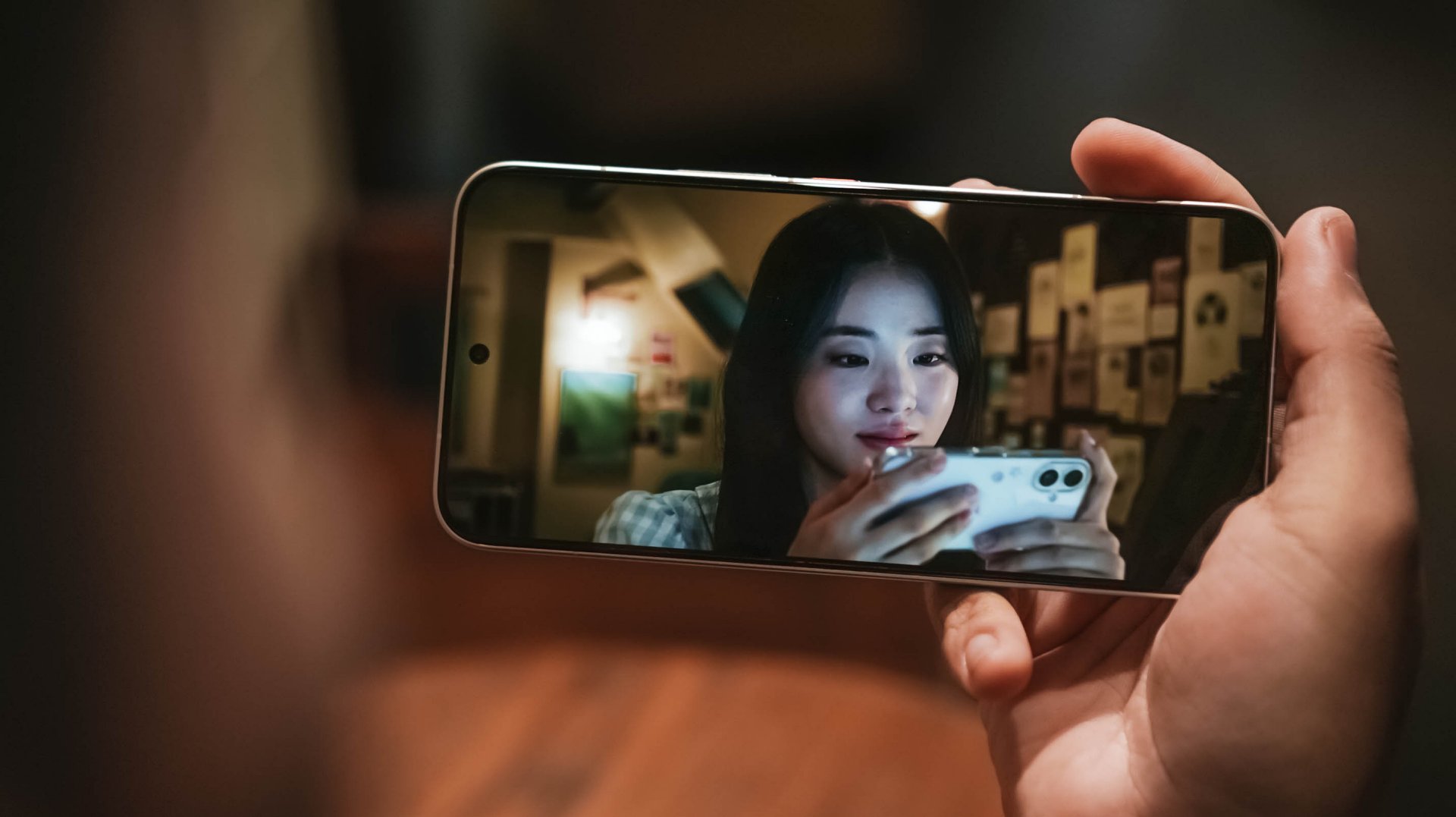
Although I am not the type who favors cast over synopsis, Shin Si-ah being the lead honestly enticed me to click this over its gut-wrenching story.
The longer I watch it, the more I get mesmerized — both visuals and overall chemistry of her (as Seoyoon) and Choo Young-woo (as Jaewon).
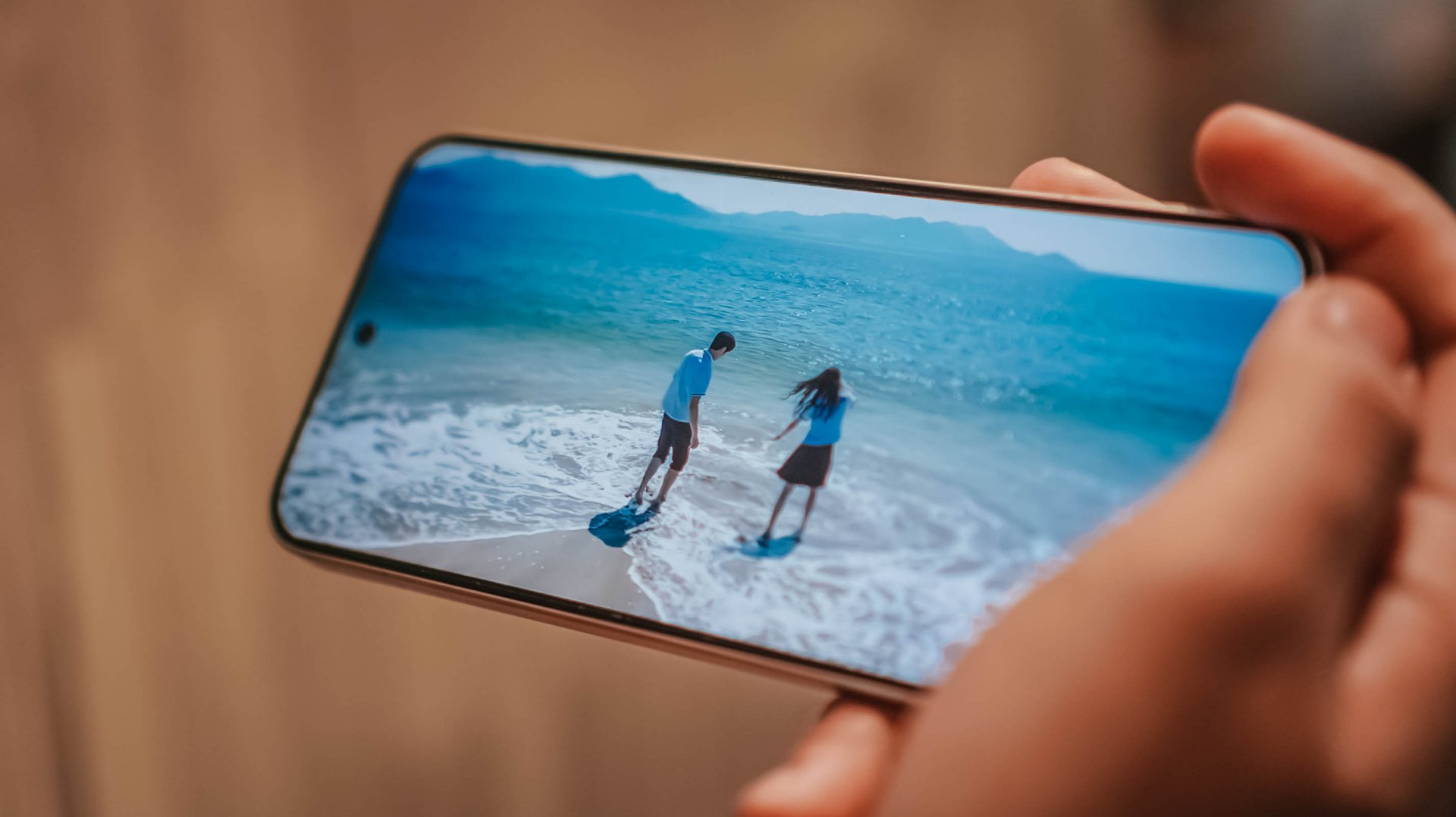
With its massive 6.83-inch AMOLED 1.5K display with up to 3500 nits of peak brightness, it’s as bright and crystal clear as this beach in Pohang, South Korea.
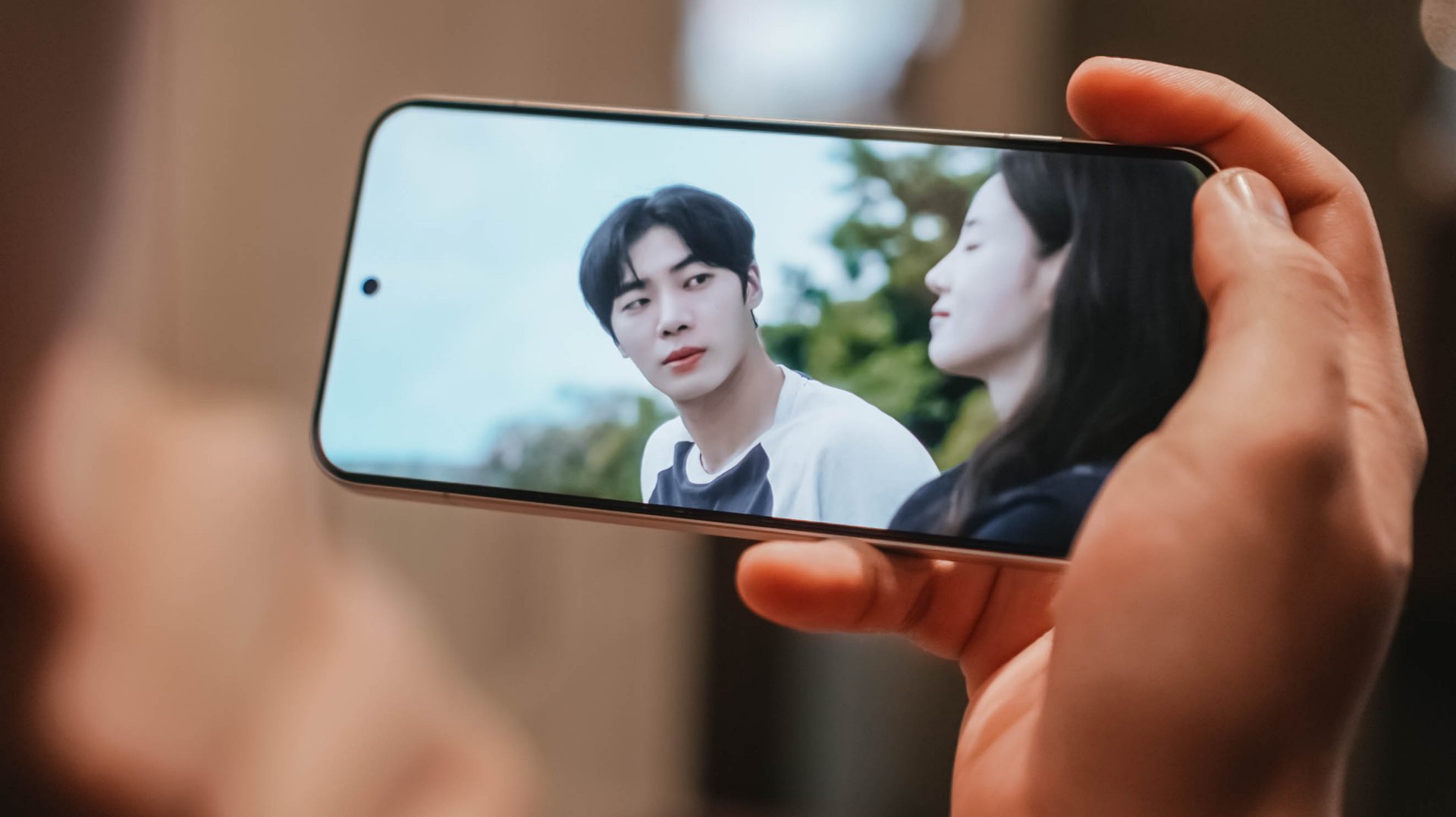
Spoiler alert ‼️ Much like Jaewon’s disappearance in Seoyoon’s memory, the same can be said on the X8 Pro Max. Once you are already immersed, it makes you think the display bezels have also disappeared into thin air because of how thin they are.

Seoyoon’s heartfelt emotions on-screen can be seen more especially that this display supports all the imaginable pro-grade standards in a modern-day smartphone: 12-bit color depth, 68 Billion Colors, DCI-P3 Wide Color Gamut, HDR10+, Dolby Vision.
You have been warned, though. This film is not for the faint-hearted.
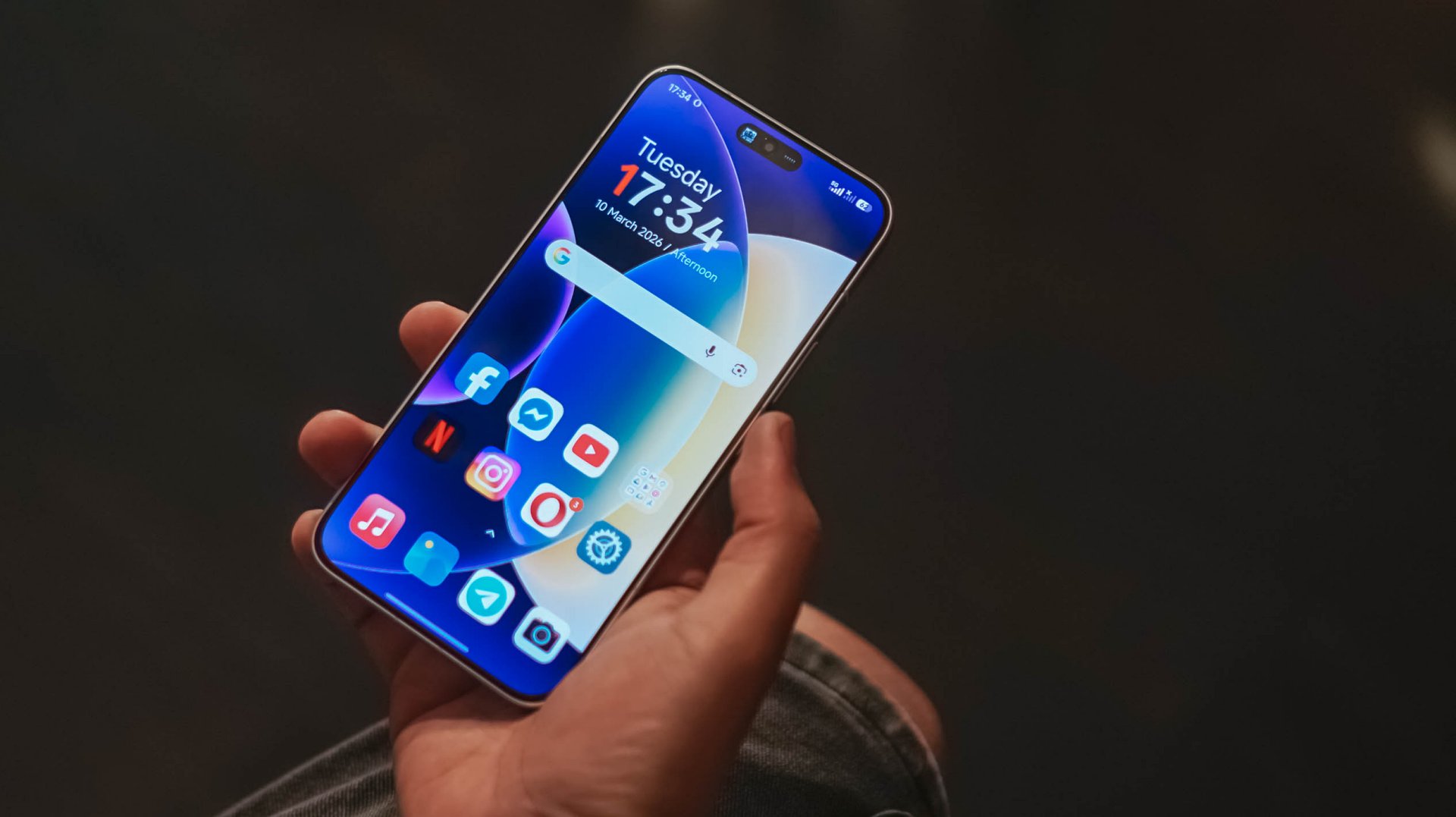
But in case you faint on the ground, Corning’s Gorilla Glass 7i protects that precious display from unwanted scathes and scratches. While not as “pro” as Gorilla Glass Victus 2 or Xiaomi’s very own Dragon Crystal Glass 3, that’s still better than having no protection at all 😜
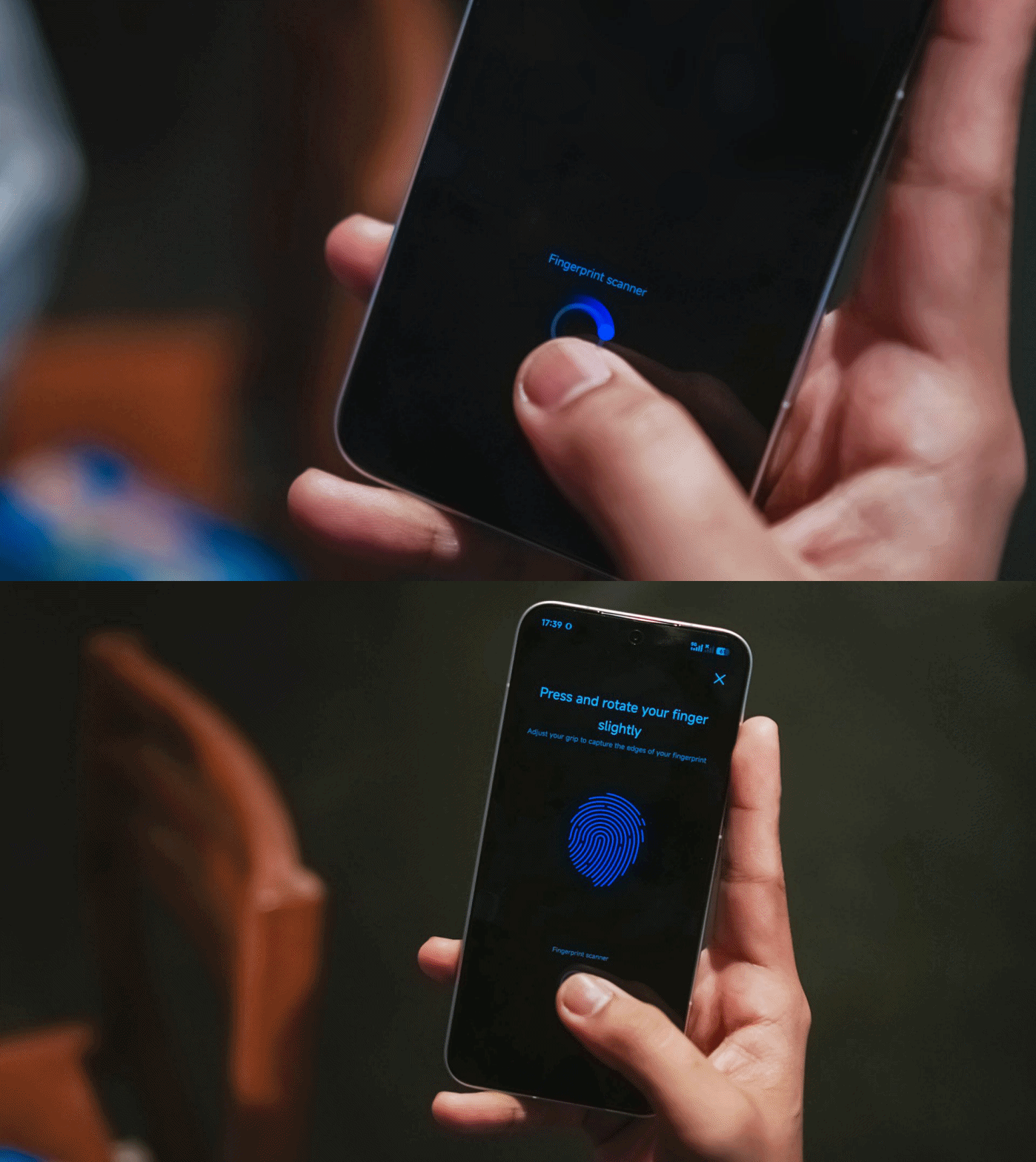
You know what’s “pro”? The inclusion of an ultrasonic in-display fingerprint scanner.
It’s honestly a dealbreaker whenever you’re in a hurry. Being able to unlock the phone in a split-second compared to conventional optical sensors in most midrangers adds up to the “Pro Max” definition of this phone.
On Queue: IVE, H1-KEY, GIRLSET
To immerse myself more, I also tried playing IVE’s futuristic BLACKHOLE music video.

Whether it’s the darkest of blacks or the whitest of whites in Liz’s scenes, or just a pop of color like Jang Wonyoung, this vibrant display is more than enough to satisfy your eyes.
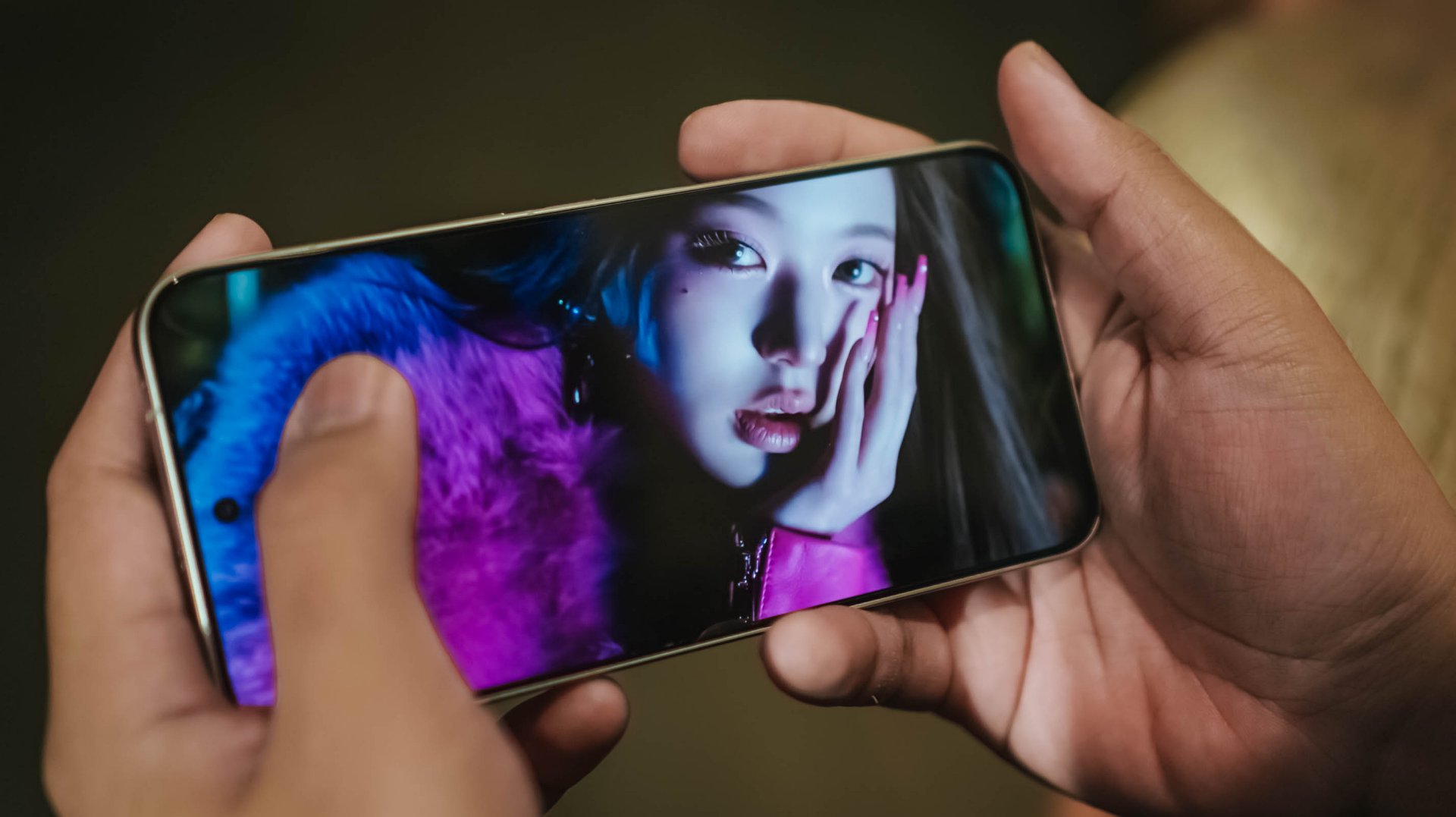
But what’s a pro-grade display without a “Pro Max” audio? Well, the POCO X8 Pro Max doesn’t want to stop just yet.
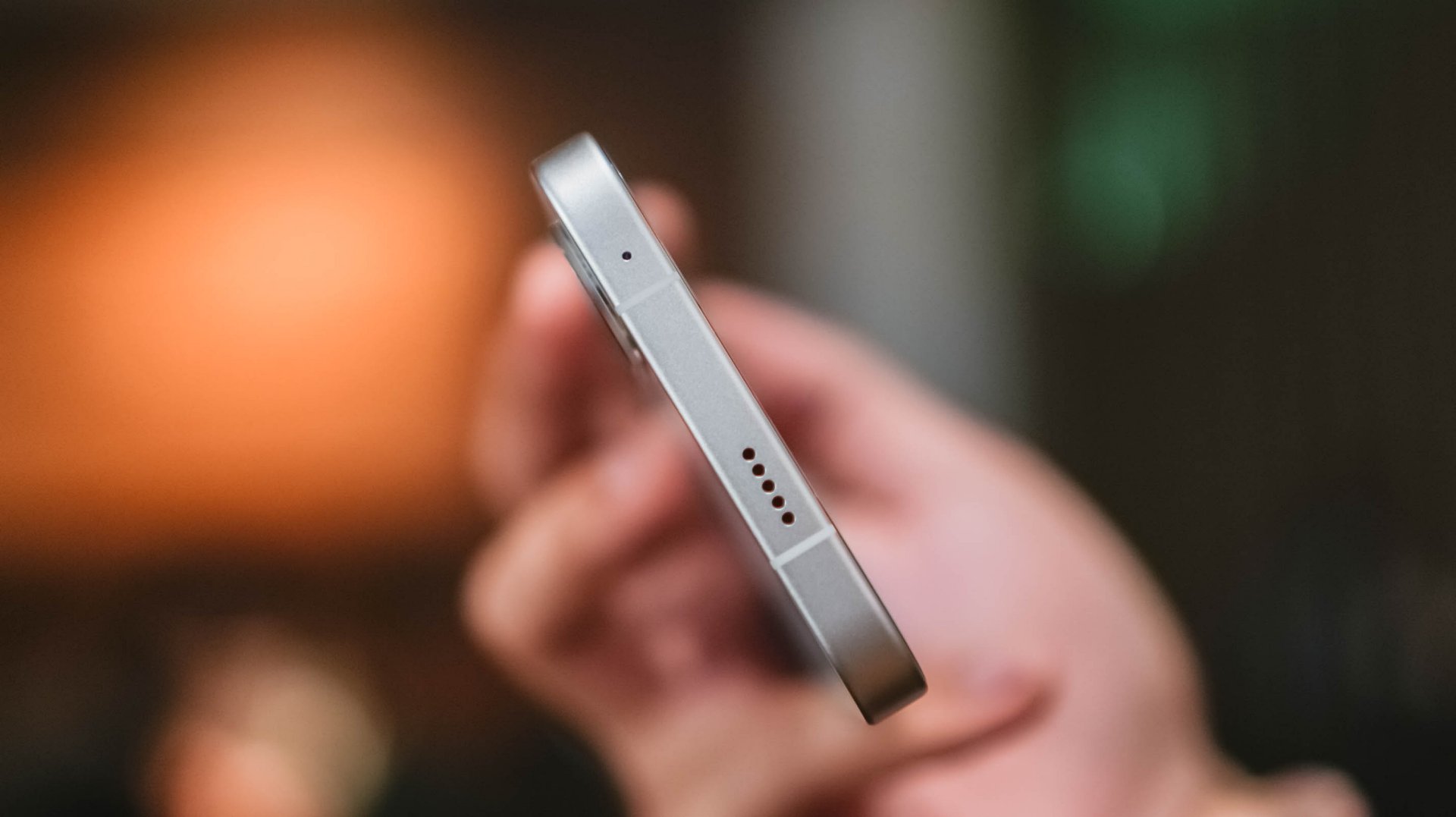
With its symmetrical stereo speakers alongside that 400% volume boost feature, it instantly filled the room when I was in my banging streaming sessions in the shivering shower.
POCO promises that those speakers are certified for Hi-Res Audio and Dolby Atmos.
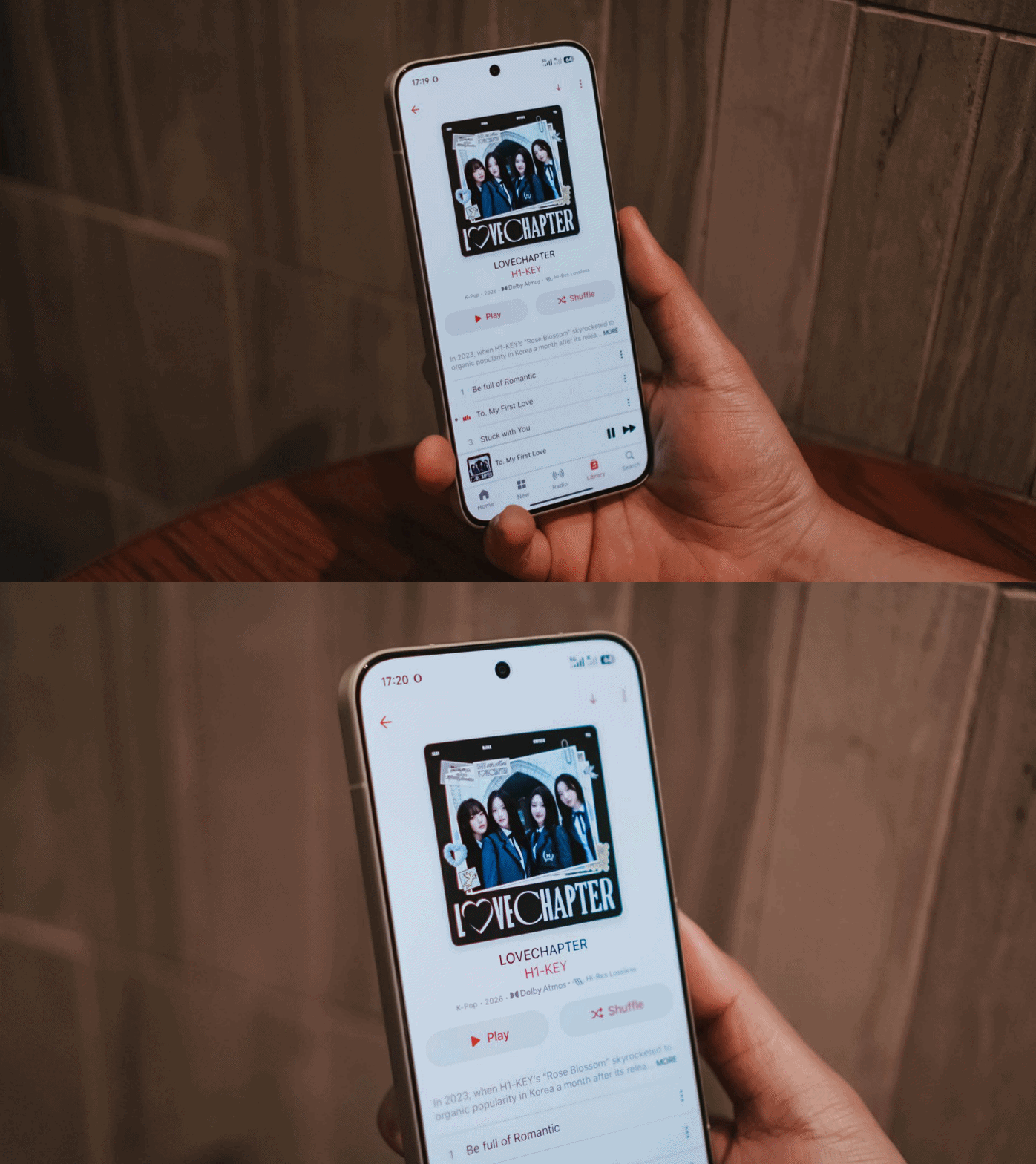
My curiosities led me to streaming H1-KEY’s full LOVECHAPTER EP in Lossless format via Apple Music.
Right off the bat, I can already hear the great separation of treble, mid, and bass in their latest comeback track, To. My First Love. Hwiseo’s adlibs truly astounded me — and so did their harmony in every chorus.

As I listen further, it made me realize it’s a great K-Pop song that brings back that good ol’ 2nd-gen K-Pop vibes. Moreover, it also fits well as an anime opening.
Not Like A Movie is also one of K-Pop’s underrated songs of 2026 that I’ve been playing ever since its release last January 2026. The whole LOVECHAPTER EP honestly deserves more praises much like this phone’s superb sound output.
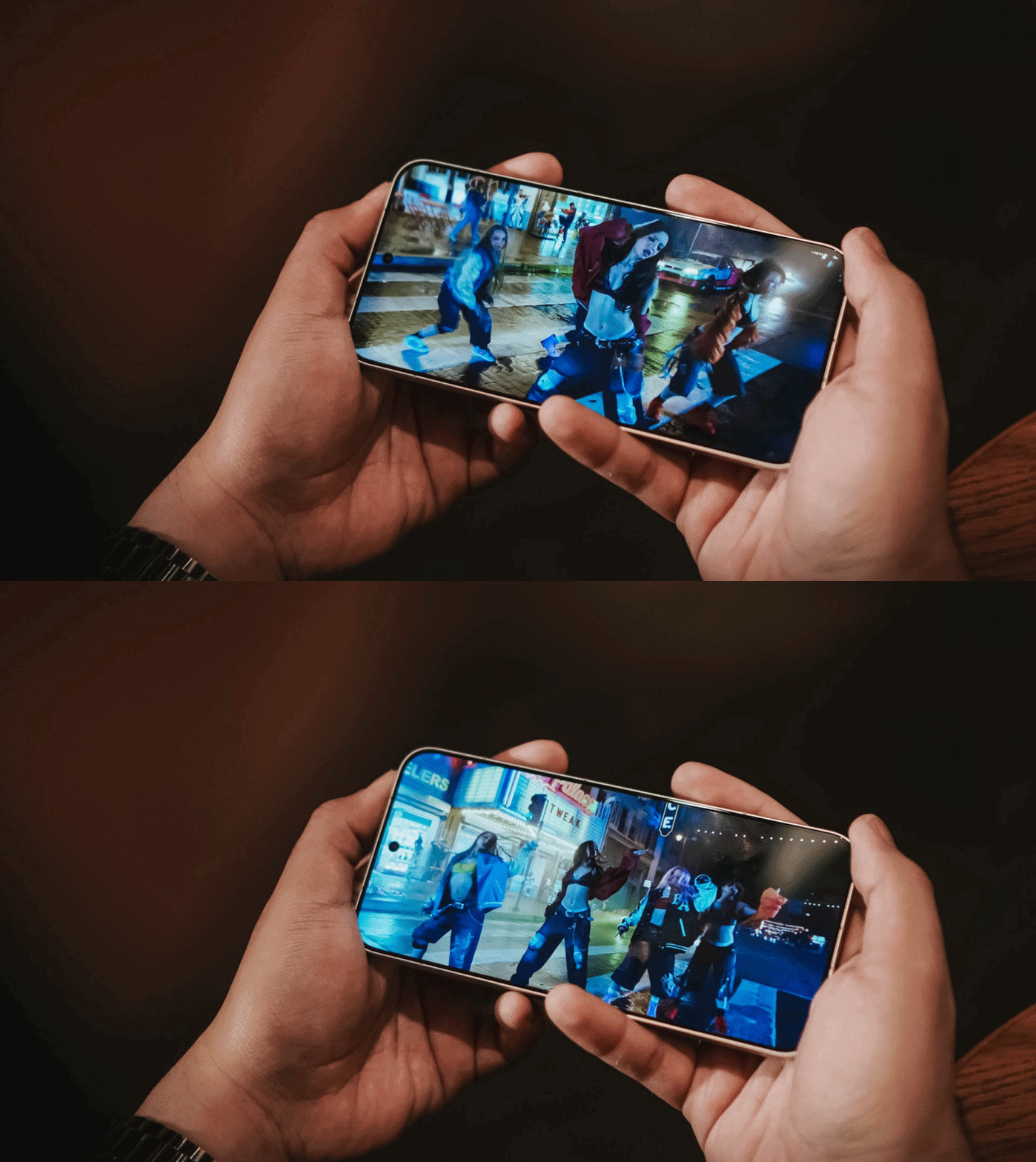
Additionally, GIRLSET’s TWEAK truly made me weak with how soothing their vocals are. Mind you, I listened both in English and in Spanish (just because I suddenly miss Barcelona).
If that’s not enough, I have also tried listening to the acappella version and I felt like I’m listening to the Gods in heaven with how pure their vocals alongside their soulful harmonization.
Satisfying snapper
Let’s be real: Cameras are the mostly forgotten aspects among phones in this segment.
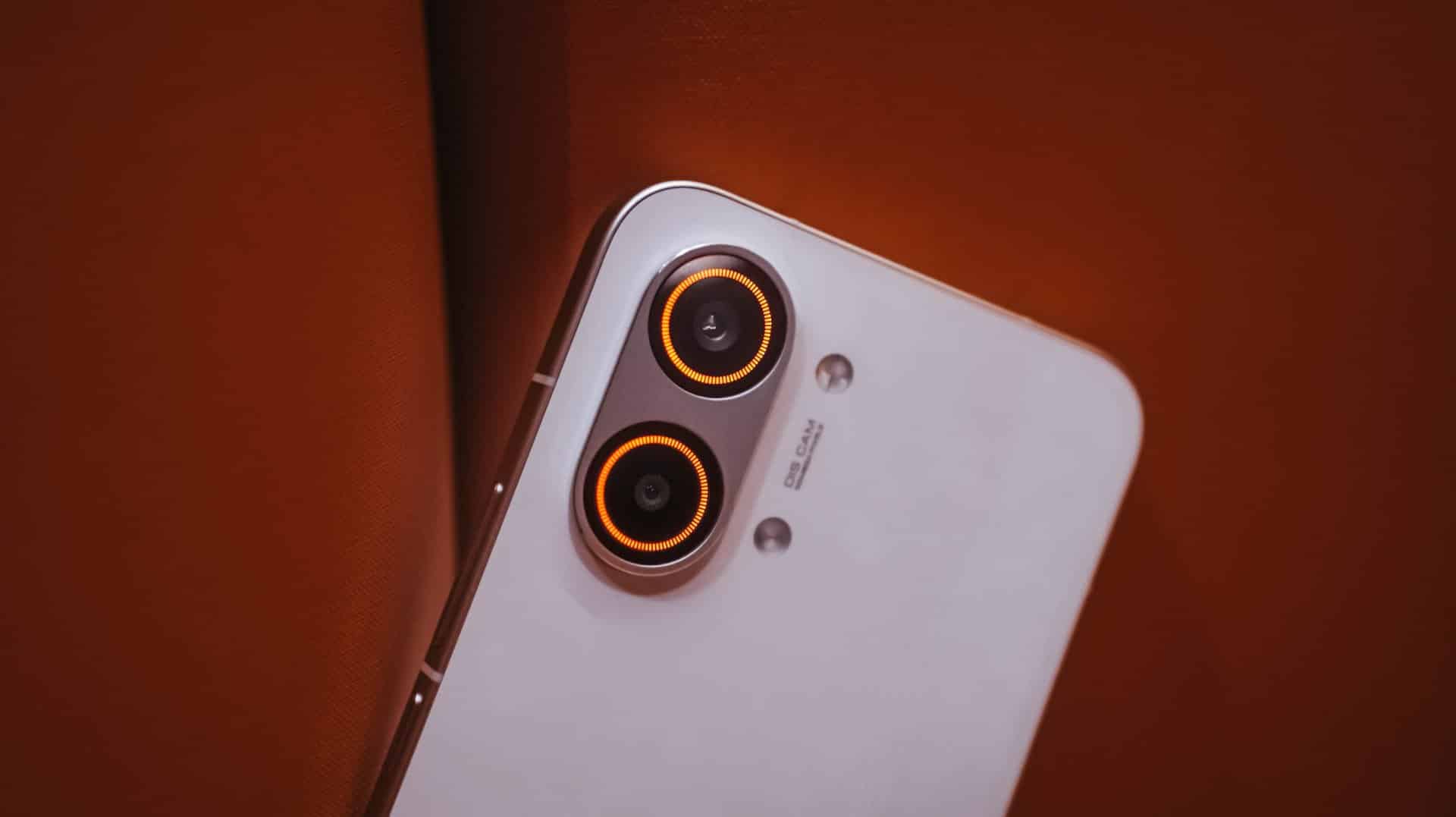
On paper, none of its cameras have Sony’s LYT / IMX or Samsung’s ISOCELL sensors. Instead, you’ll get a 50MP f/1.5 main rear camera based on LightHunter Fusion 600’s 1/1.95-inch sensor.
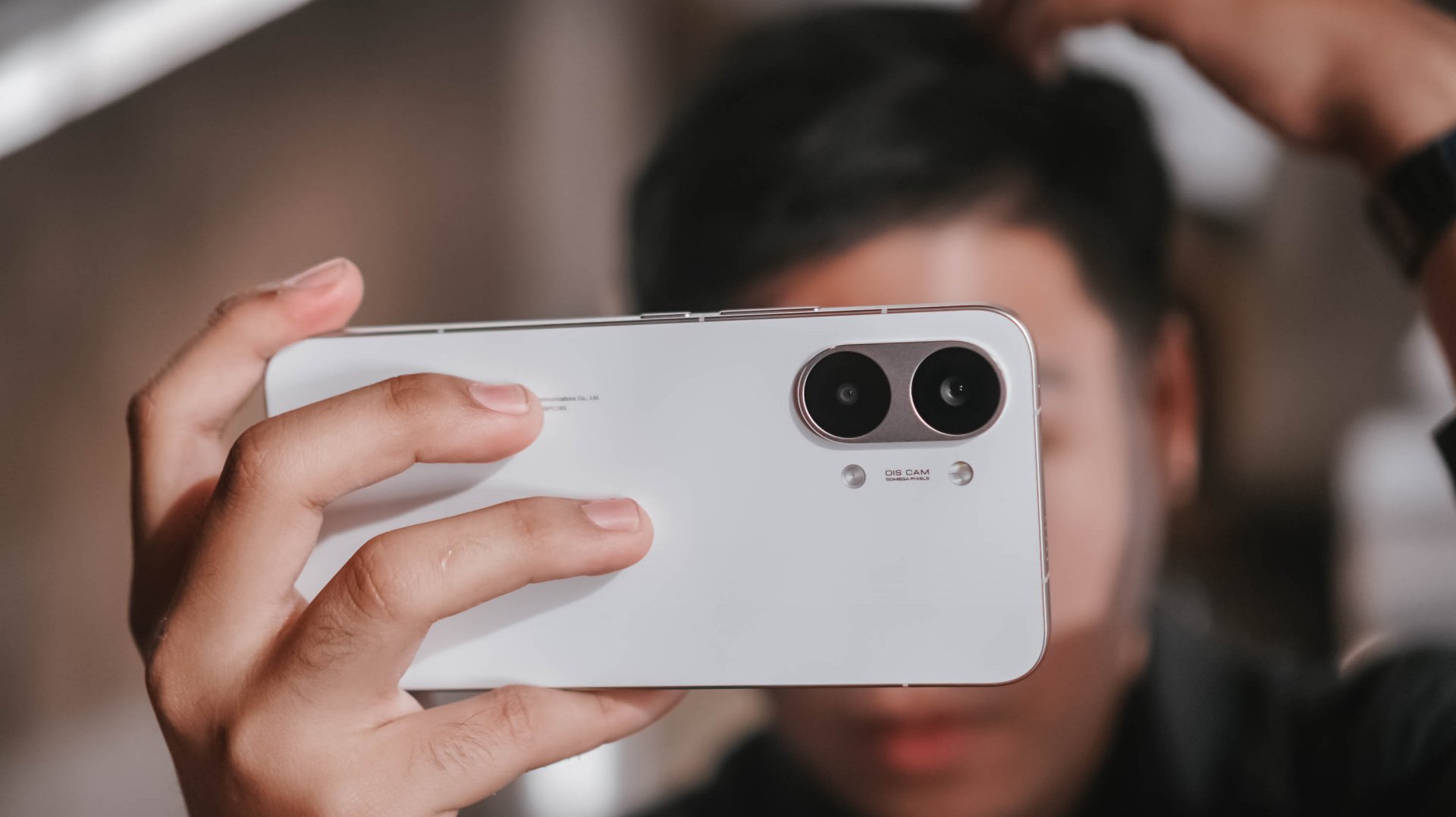
Meanwhile, its ultra-wide shooter is nothing special at 8MP f/2.2. For selfies, it’s a 20MP front snapper.
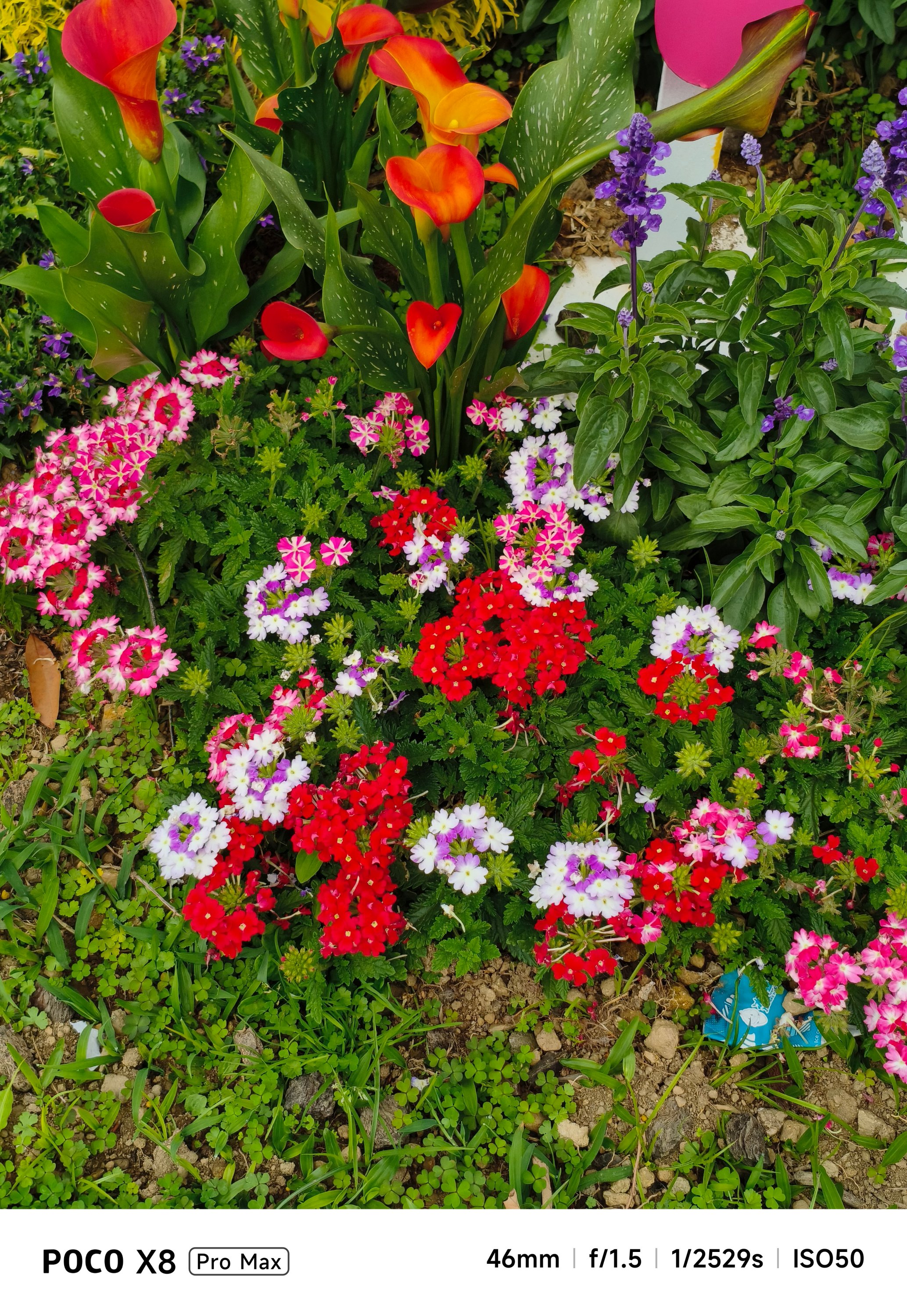
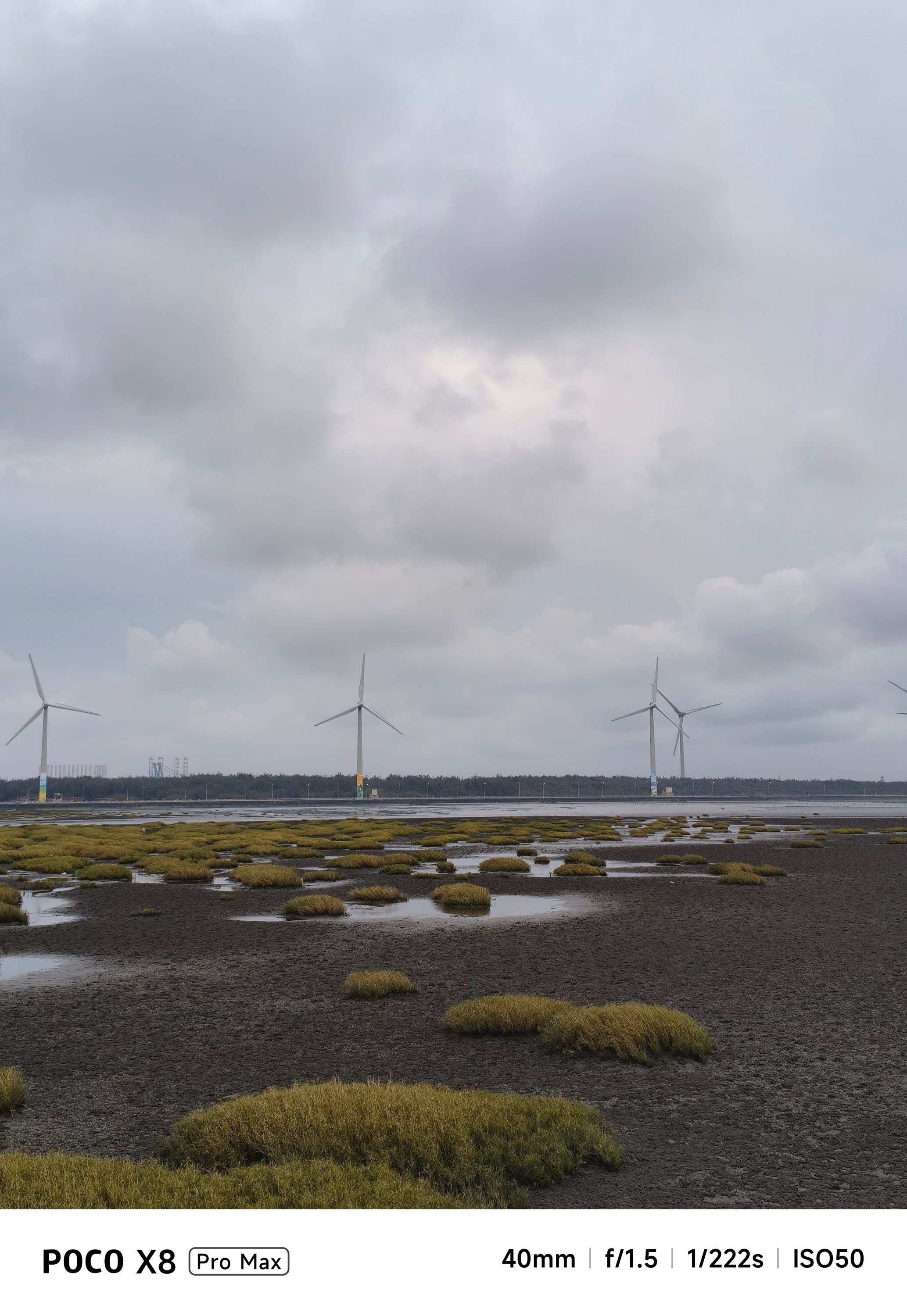
But, as we always say here, specs aren’t everything. Looking solely at the filling of the cake, the POCO X8 Pro Max can still deliver satisfying snaps.




With the right angle, framing, and even lighting, it can deliver quality shots regardless of the camera hardware it possesses.





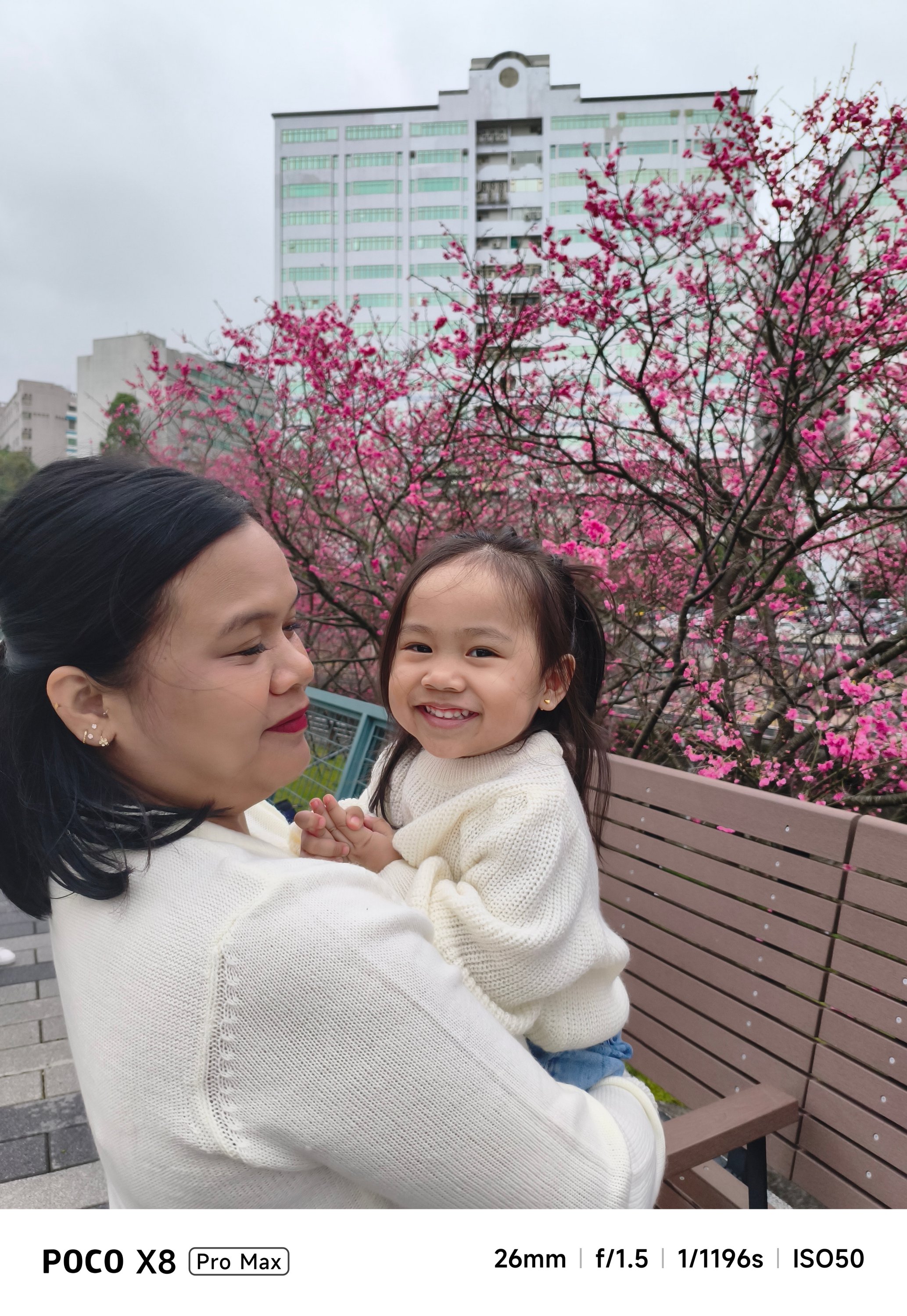
Portraits are surprisingly decent, too.




They are social media-ready and post-worthy as well.






If you’re not a professional shooter, that shutter responsiveness is enough for those picture-perfect portraits.

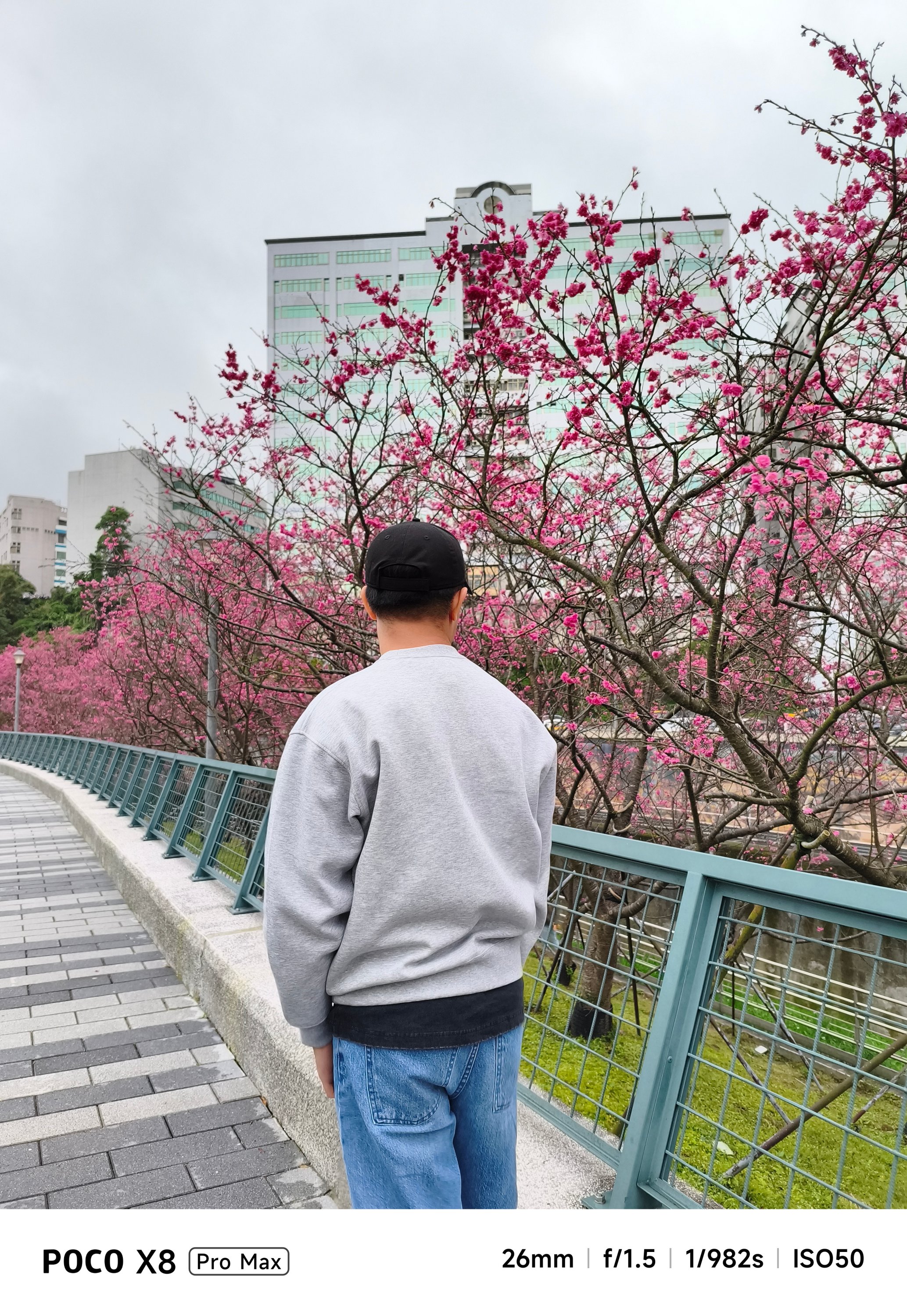
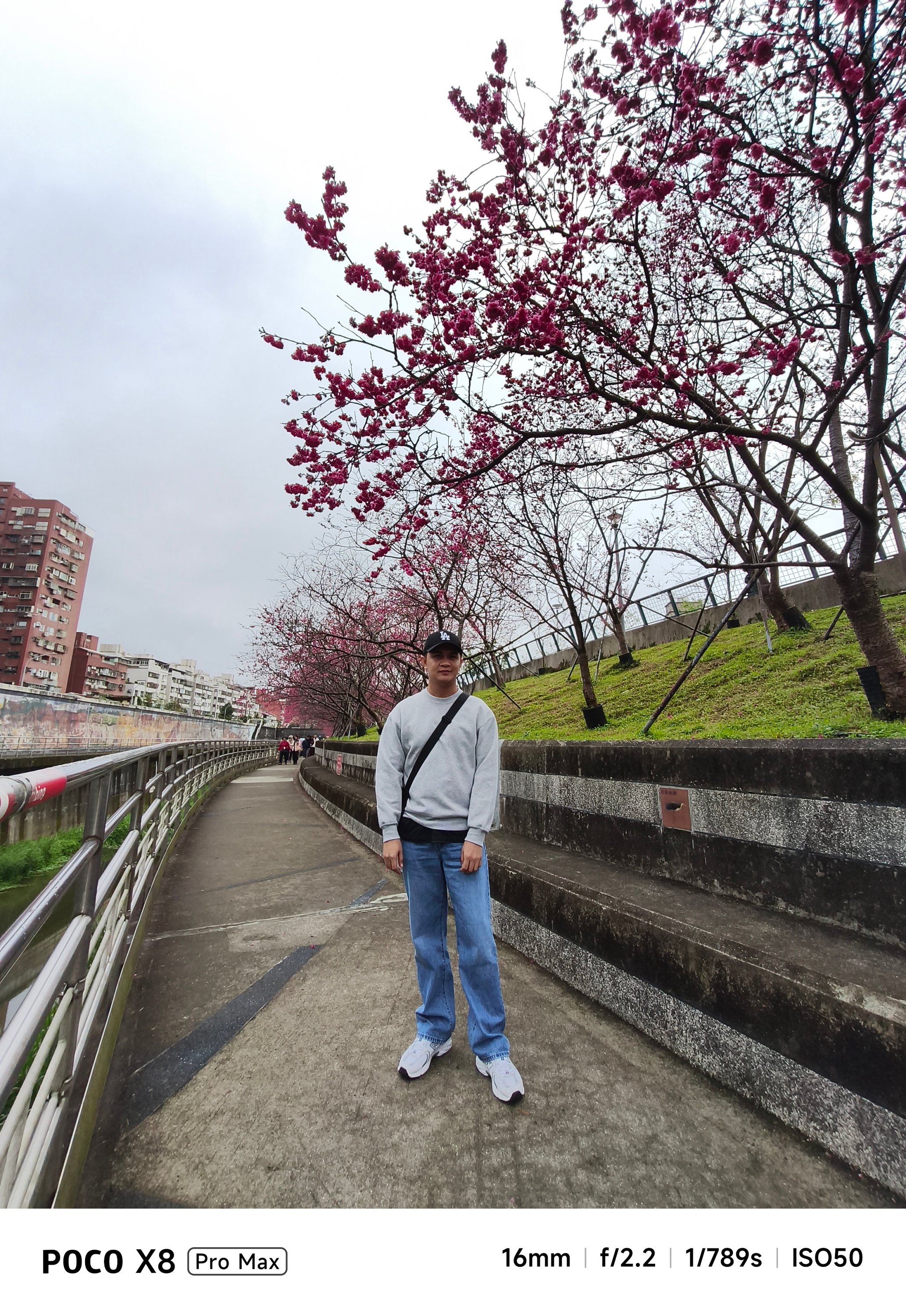



Cutouts aren’t flawless, though. But, what should we even expect in a conventional camera combo like this?
-
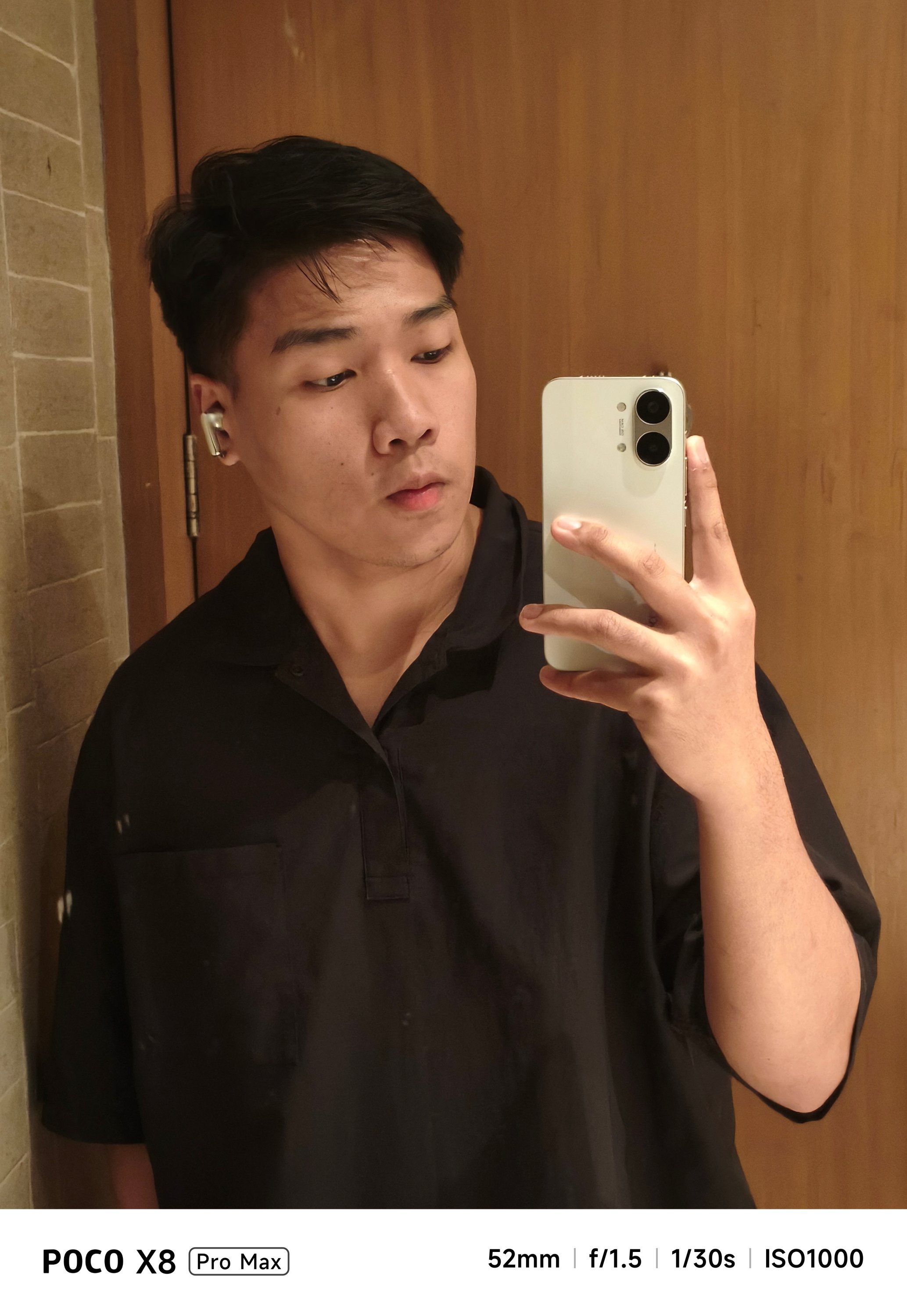
- Portrait OFF
-
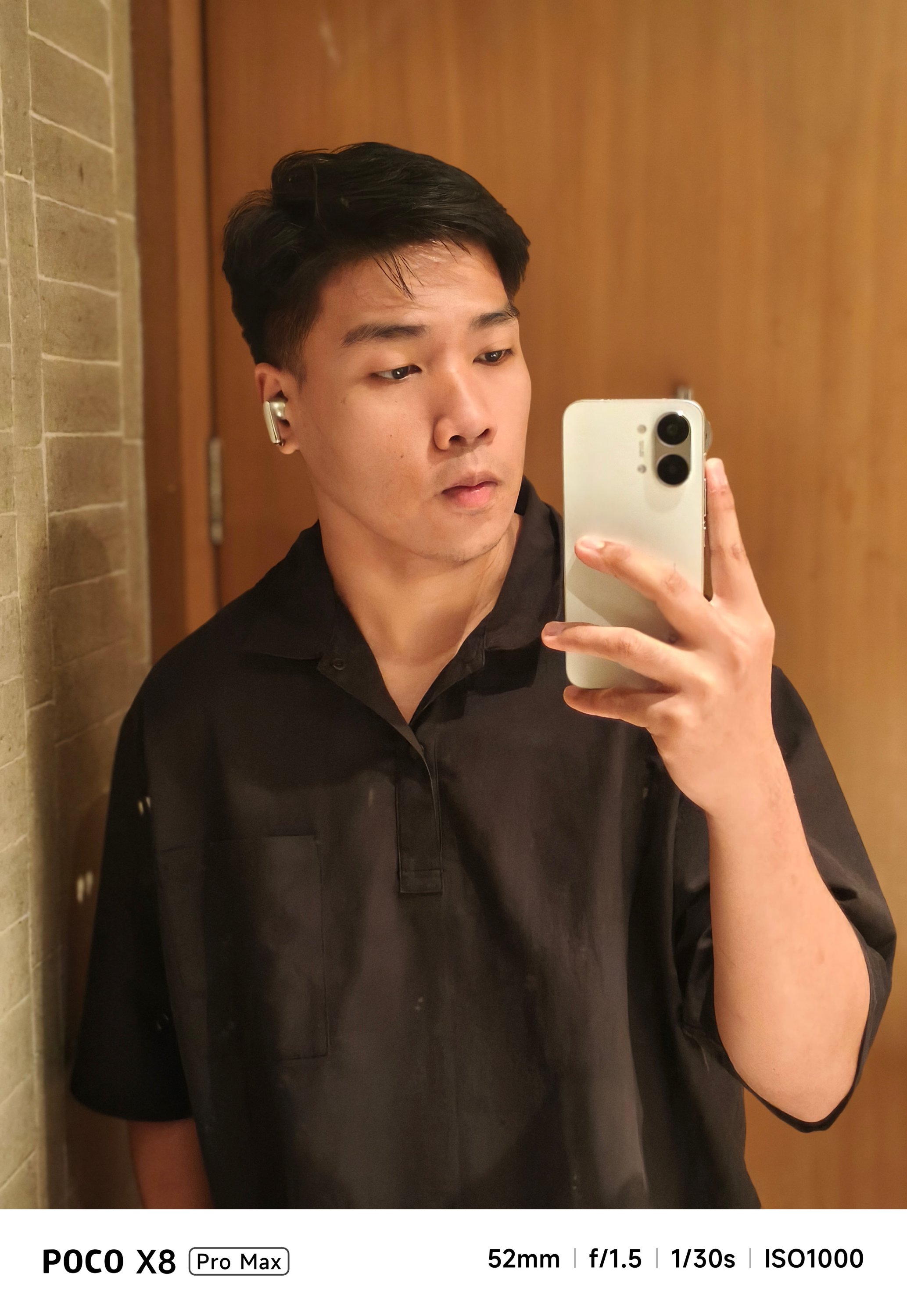
- Portrait ON
The absence of a dedicated zoom camera is evident when you try to capture anything past the 3x range.


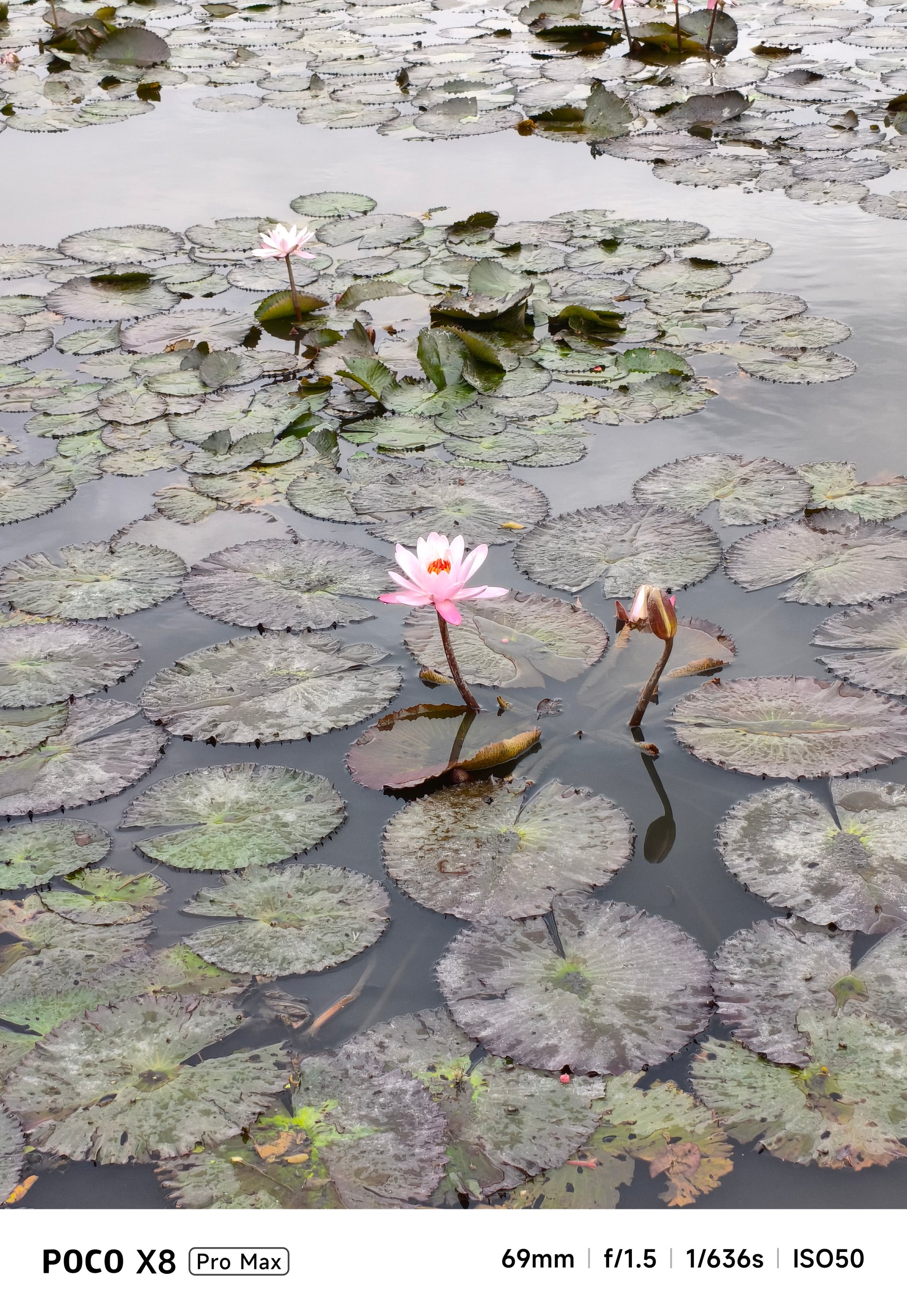
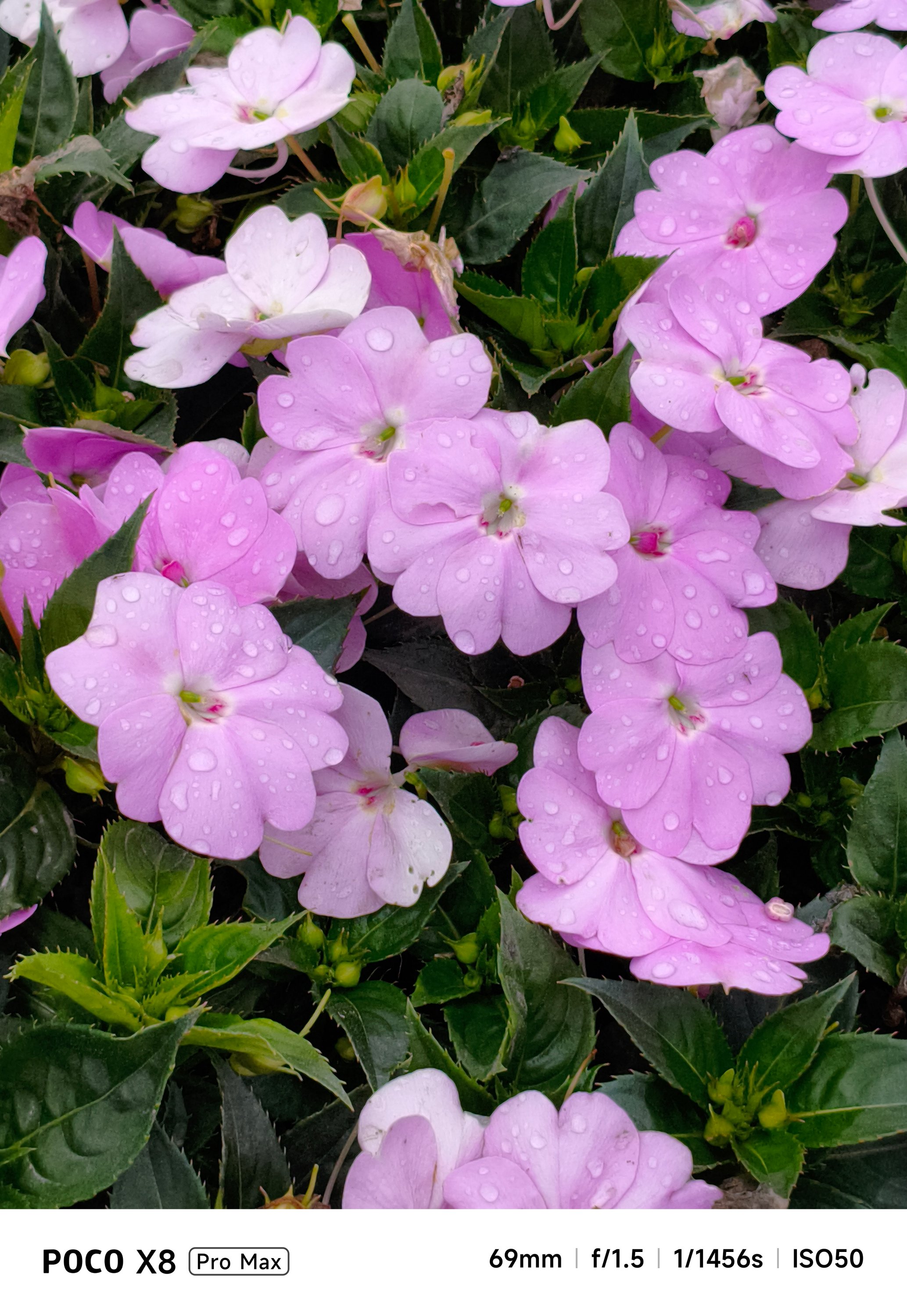
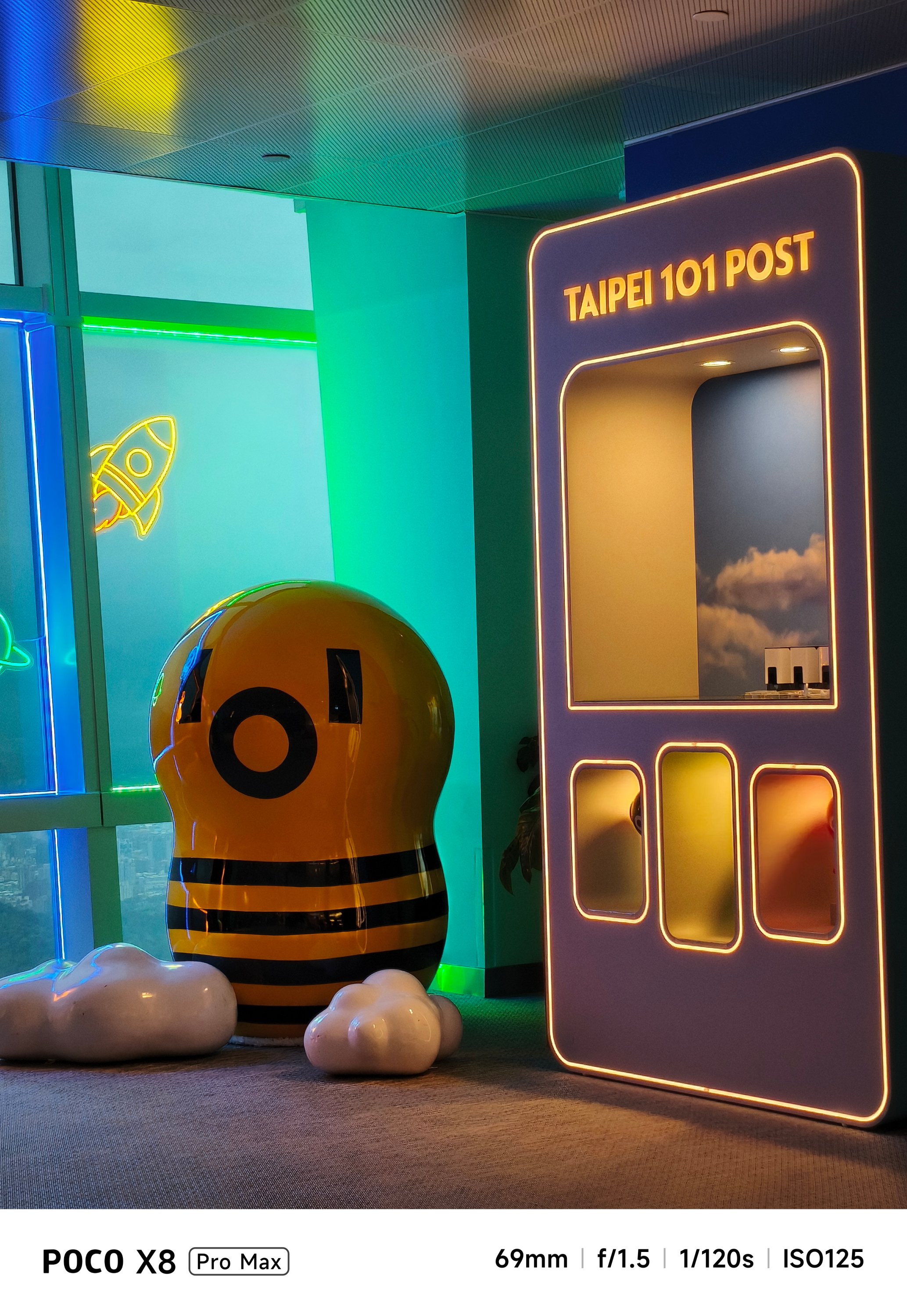
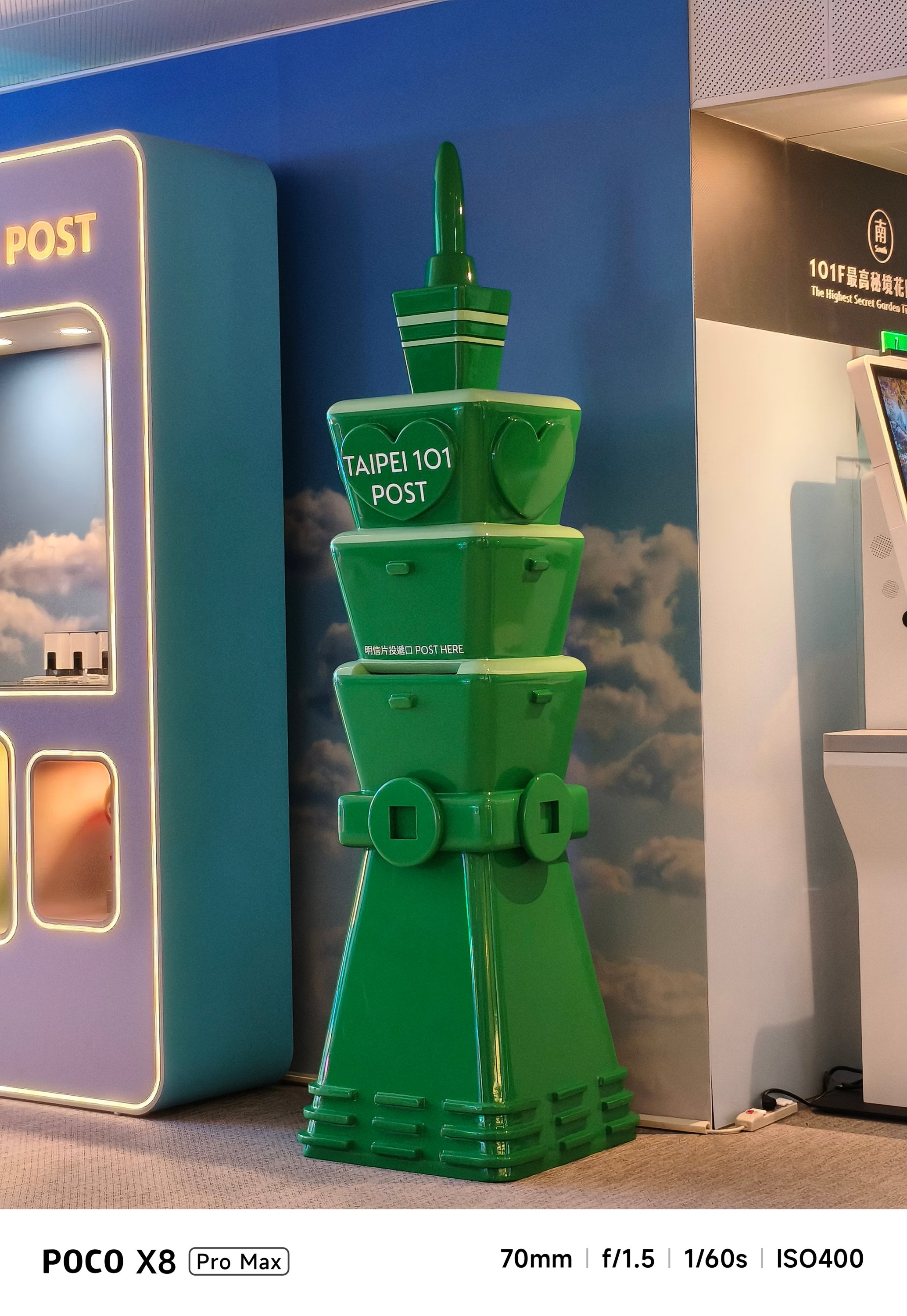
Meanwhile, dimly-lit shots can be either a hit or miss.
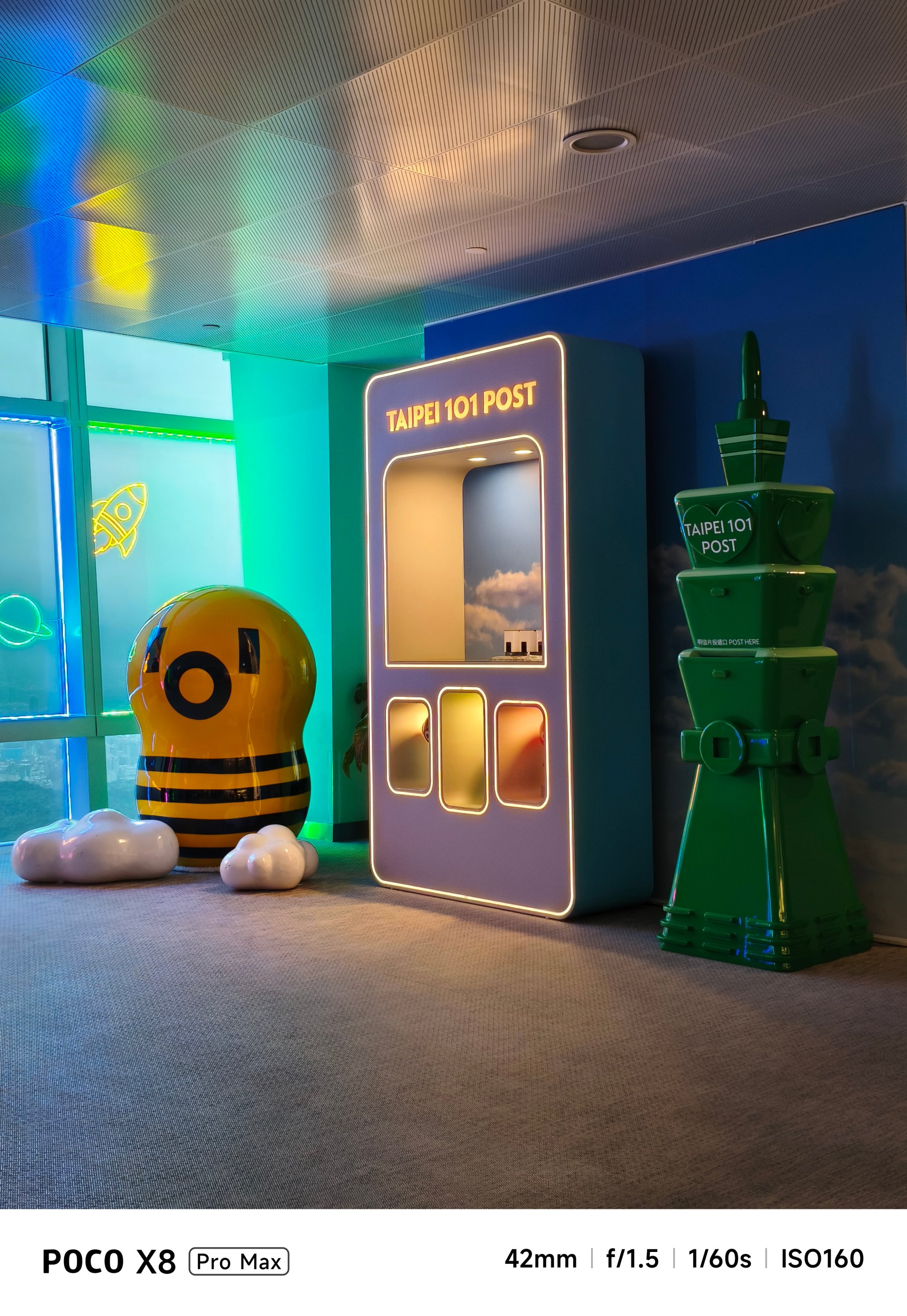
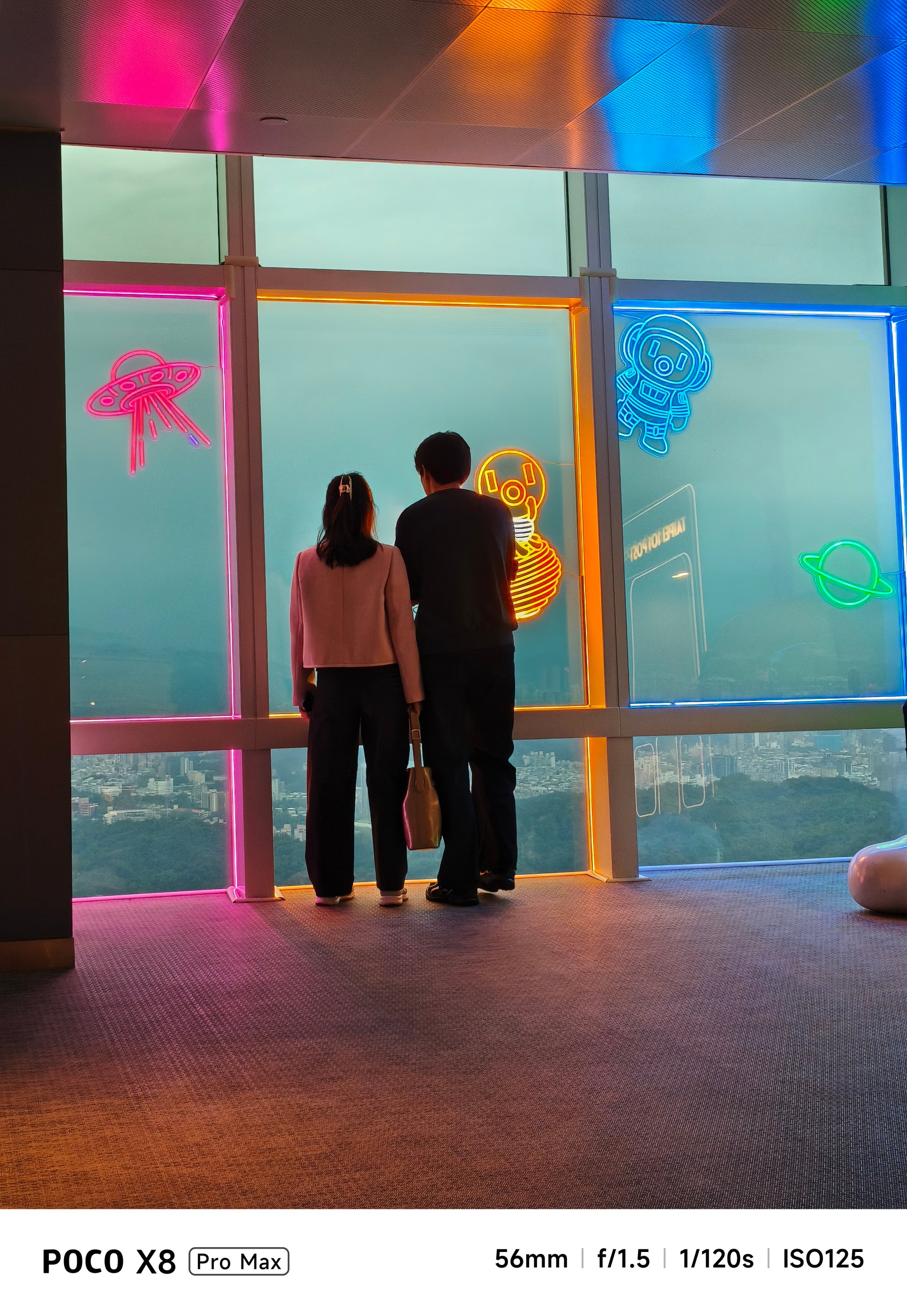


In a scene where there’s the least amount of natural light, it will rely heavily on sharpening and brightening the image.

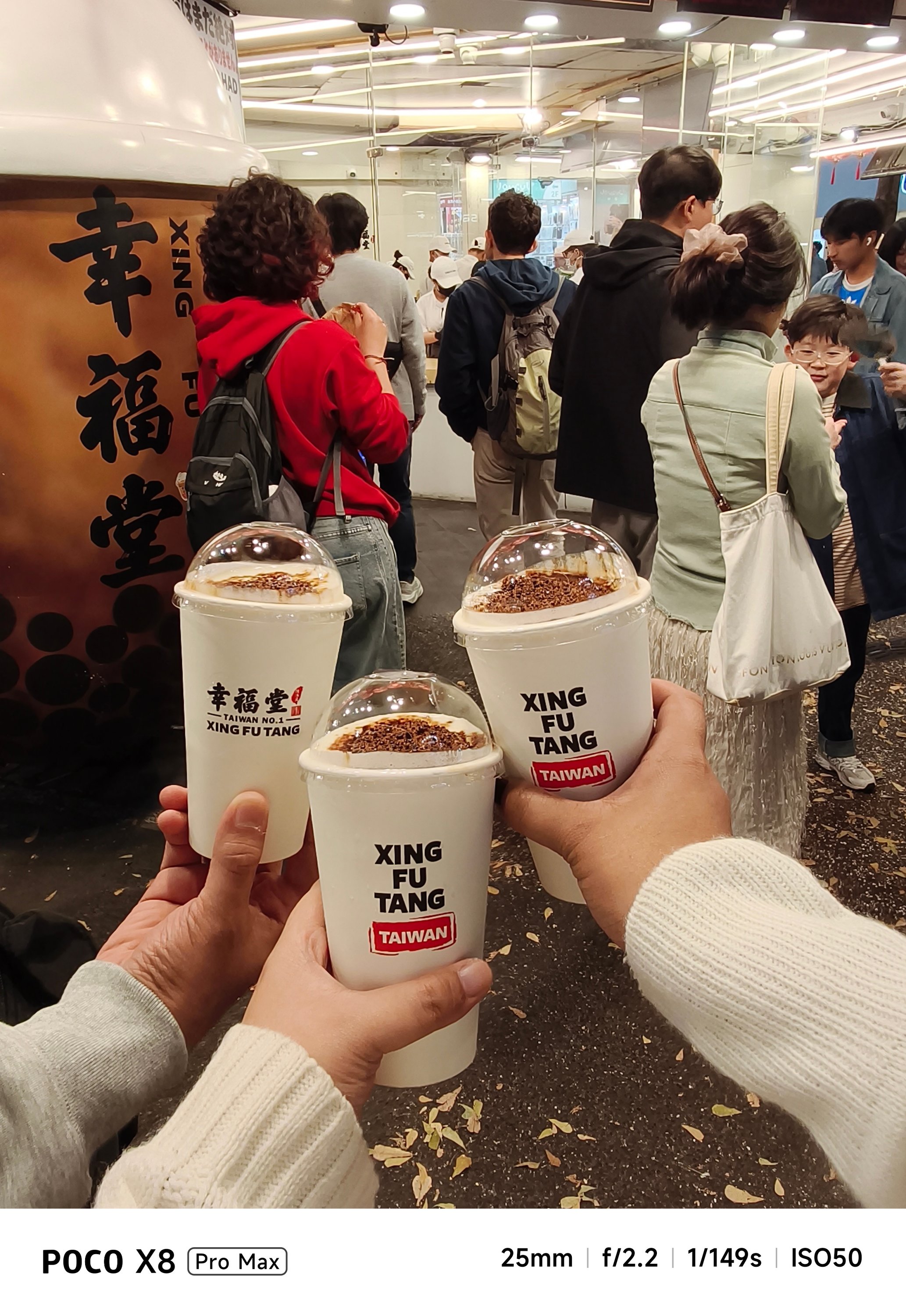
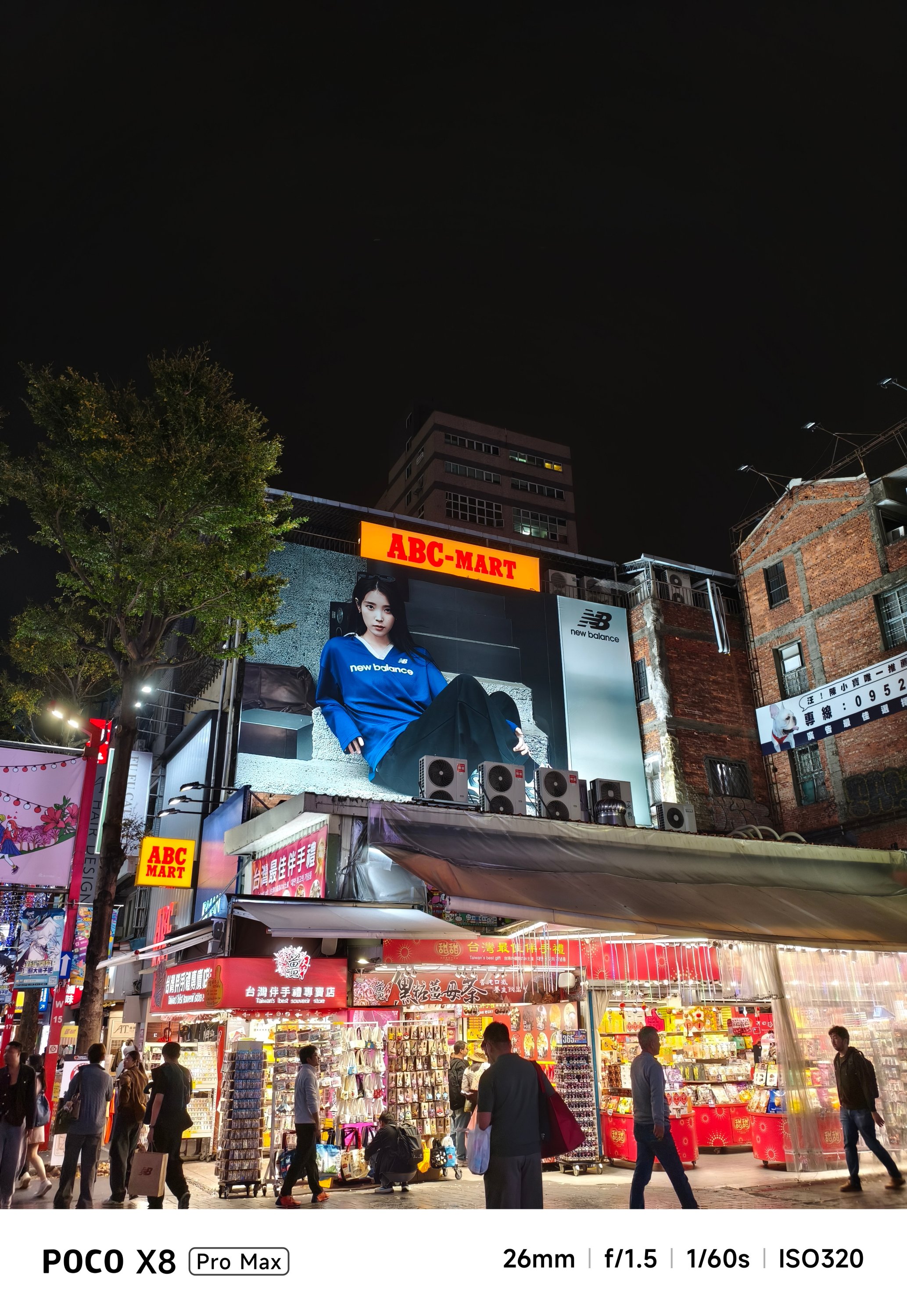

Nevertheless, food shots will still look appetizing enough, regardless of lighting condition.
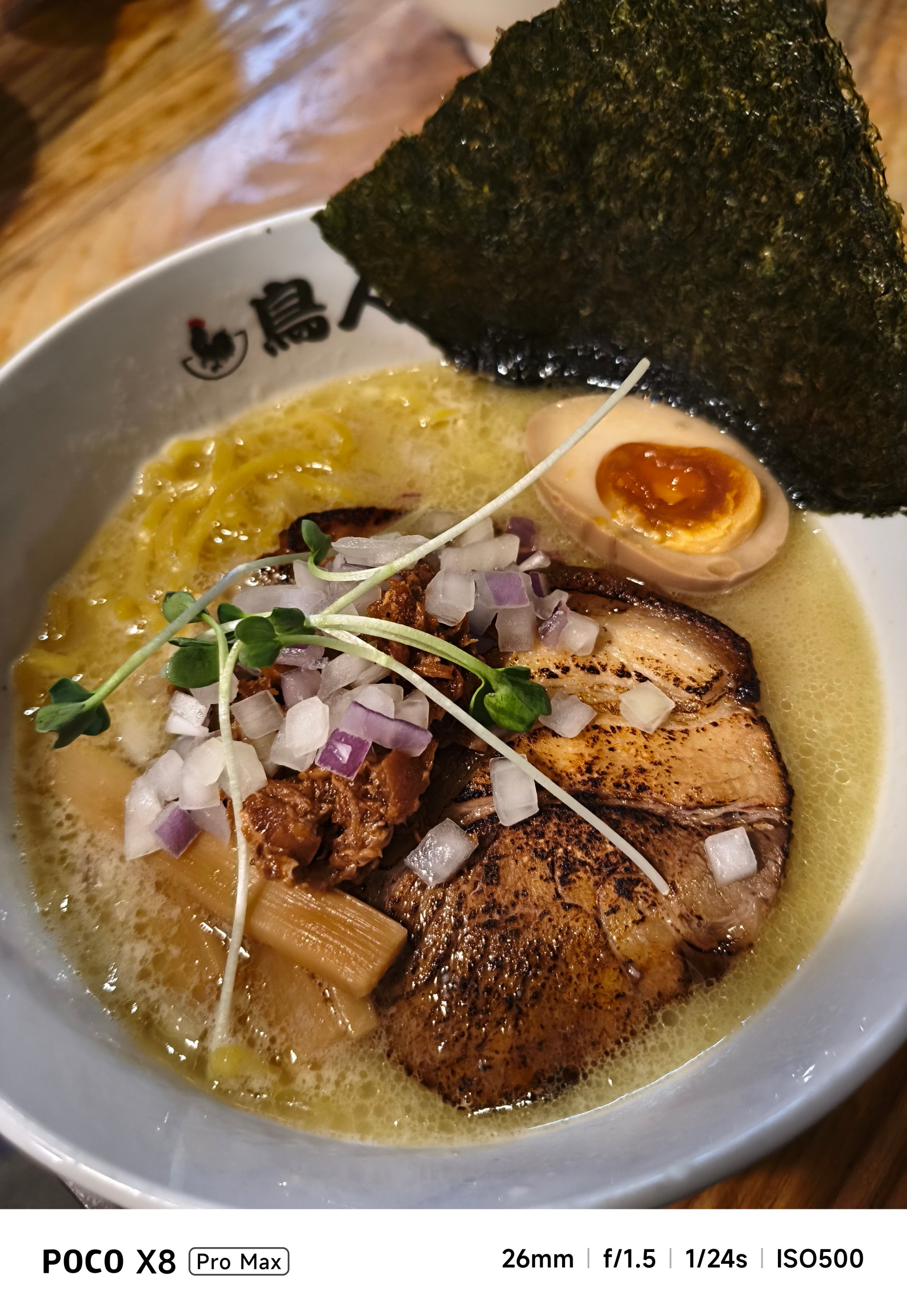
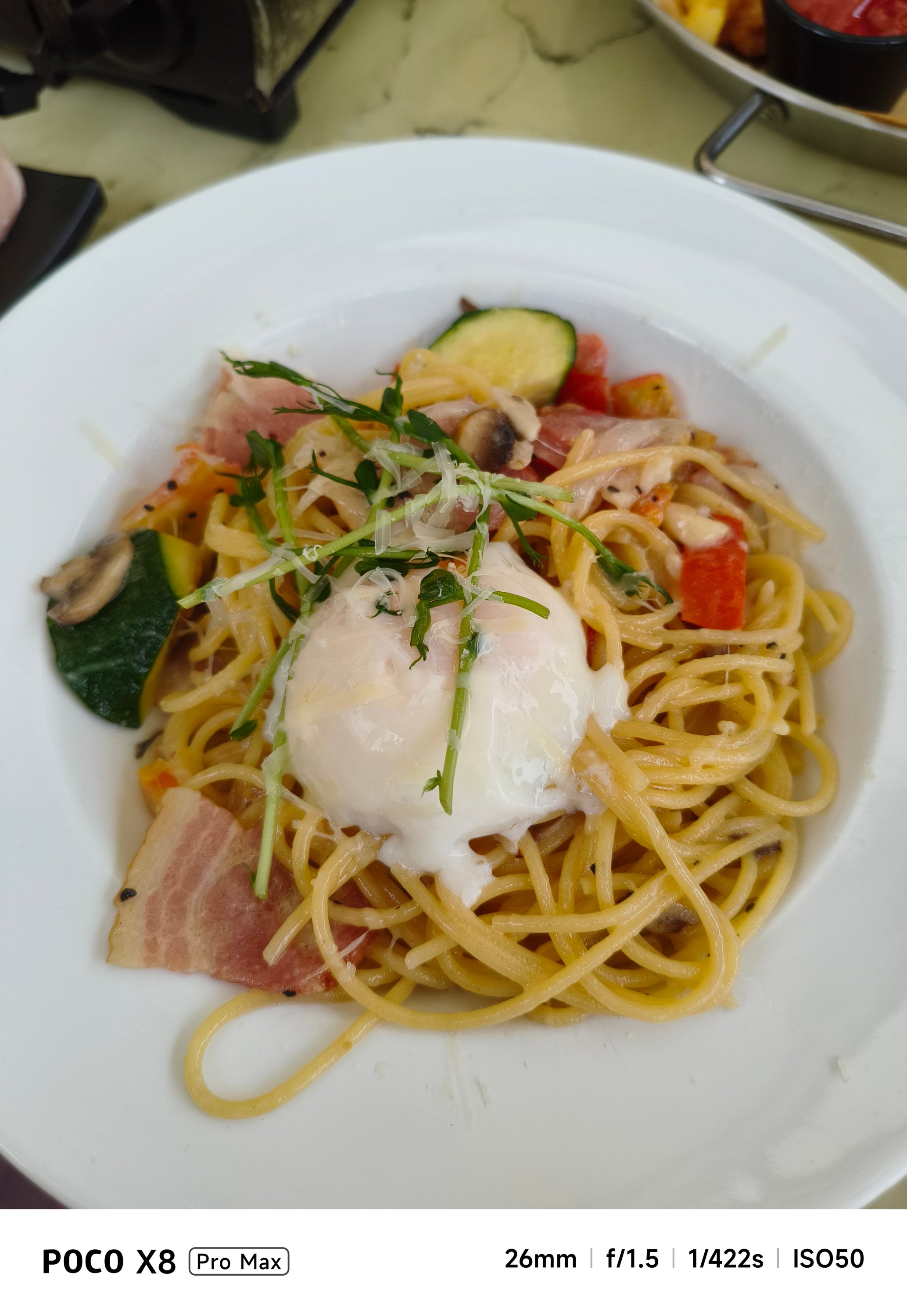


Battery behemoth
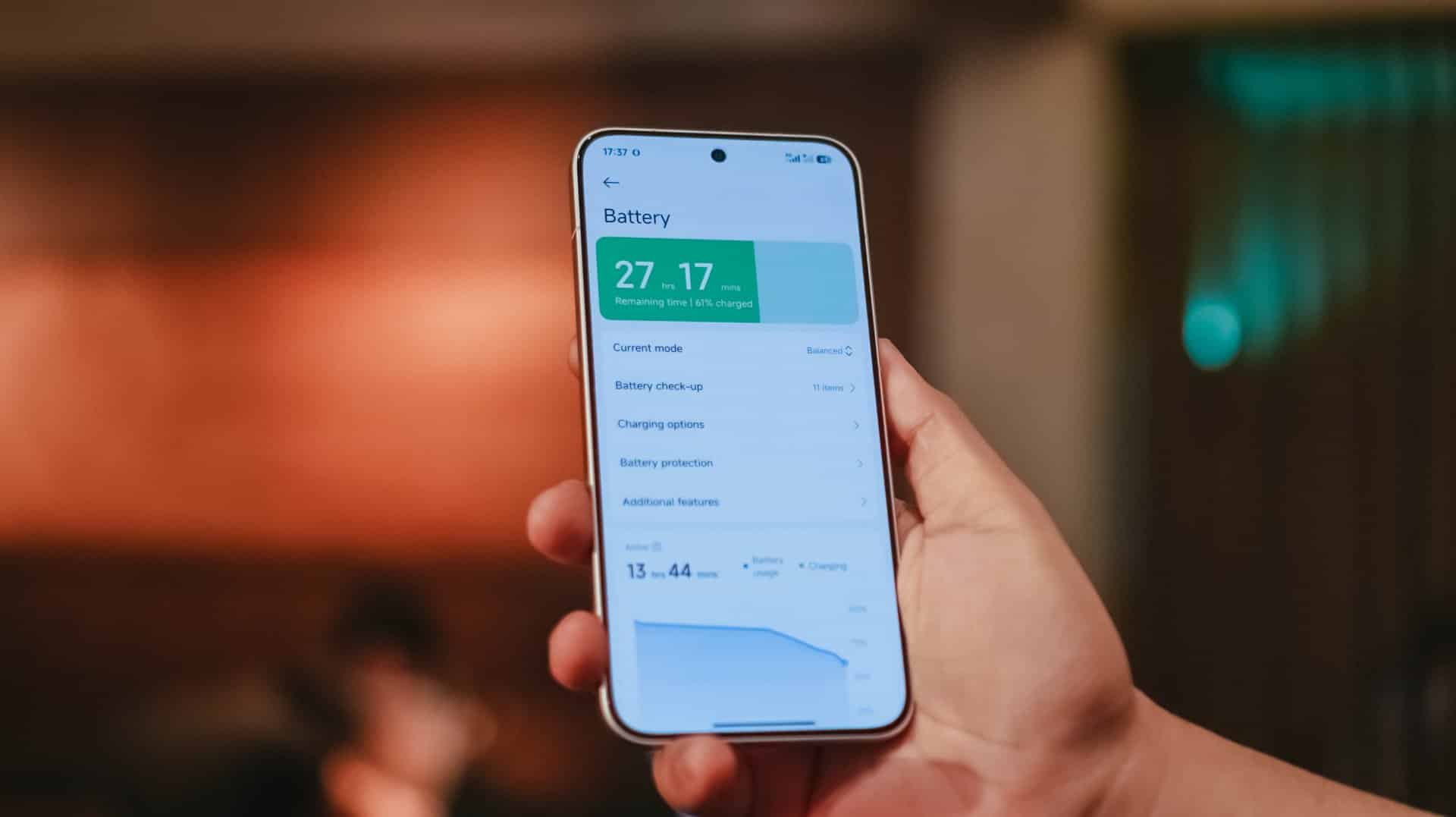
Last but certainly not the least, the POCO X8 Pro Max packs a mighty tank inside — an 8500mAh Si/C battery, to be exact. This is currently POCO’s biggest battery offering in their current line of smartphones.
I would be lying though if I didn’t say I am envious that the China variant (REDMI Turbo 5 MAX) has a bigger 9000mAh capacity.
Still, for day-to-day basis, it’s hard to fully drain the phone in one sitting. If you’re chronically online, the POCO X8 Pro Max will surely handle all your social media-ddiction.
As we speak, gaming is pretty much the baseline for being able to tell how power hungry this beast is.
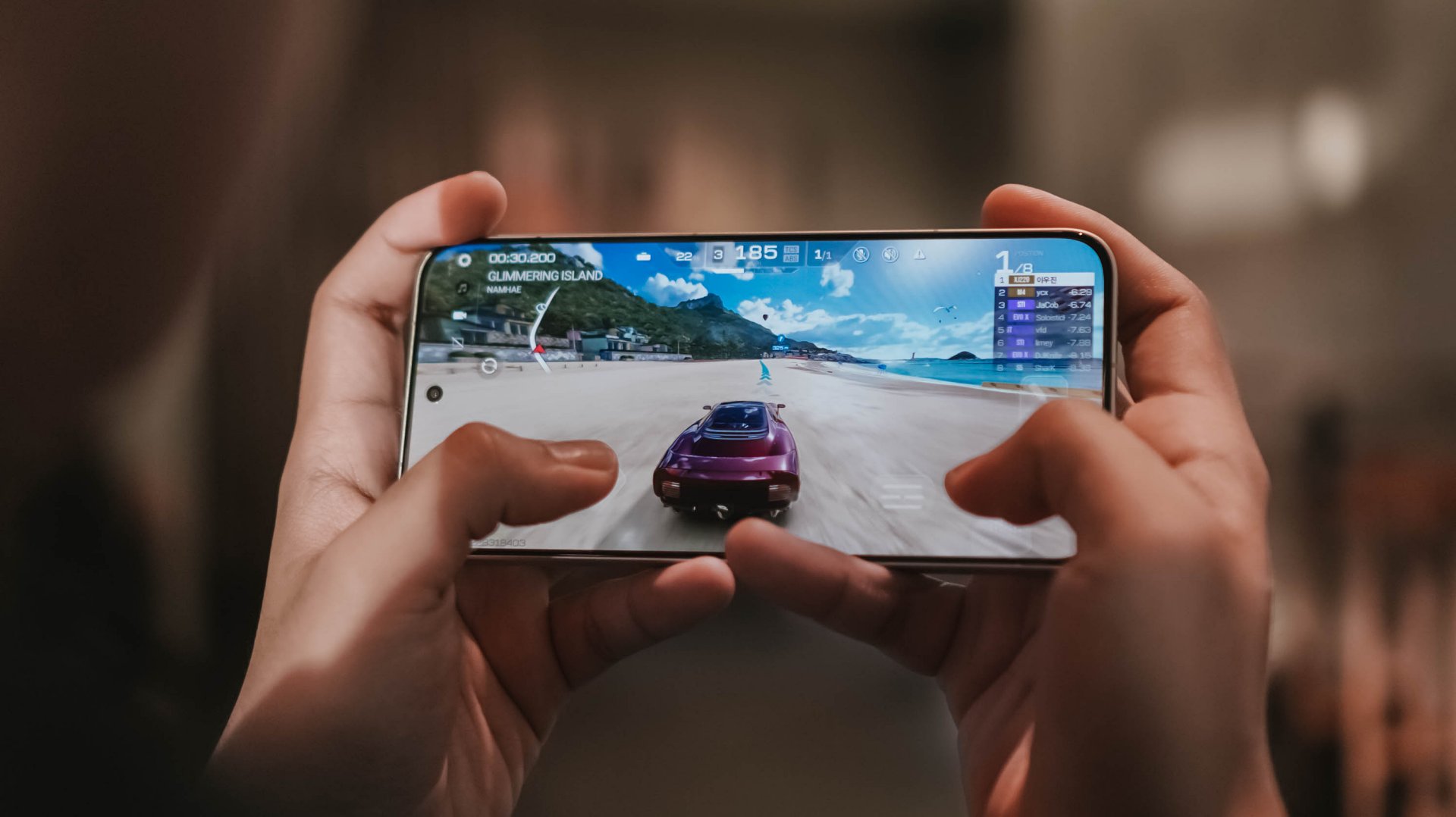
For instance, the moment I set up and installed all the necessary games I can think of, that 5-hour installation of three games only took up about 20% of charge from its 68% battery state — fresh from the factory.
During a mix of 2.5-hour gameplay, the battery depleted from 48% down to 31%.

Even consuming entertainment shouldn’t be much of a battery hog. Binging K-Pop music videos and live performances on YouTube plus Netflix titles for around three hours ears only a measly 10%.
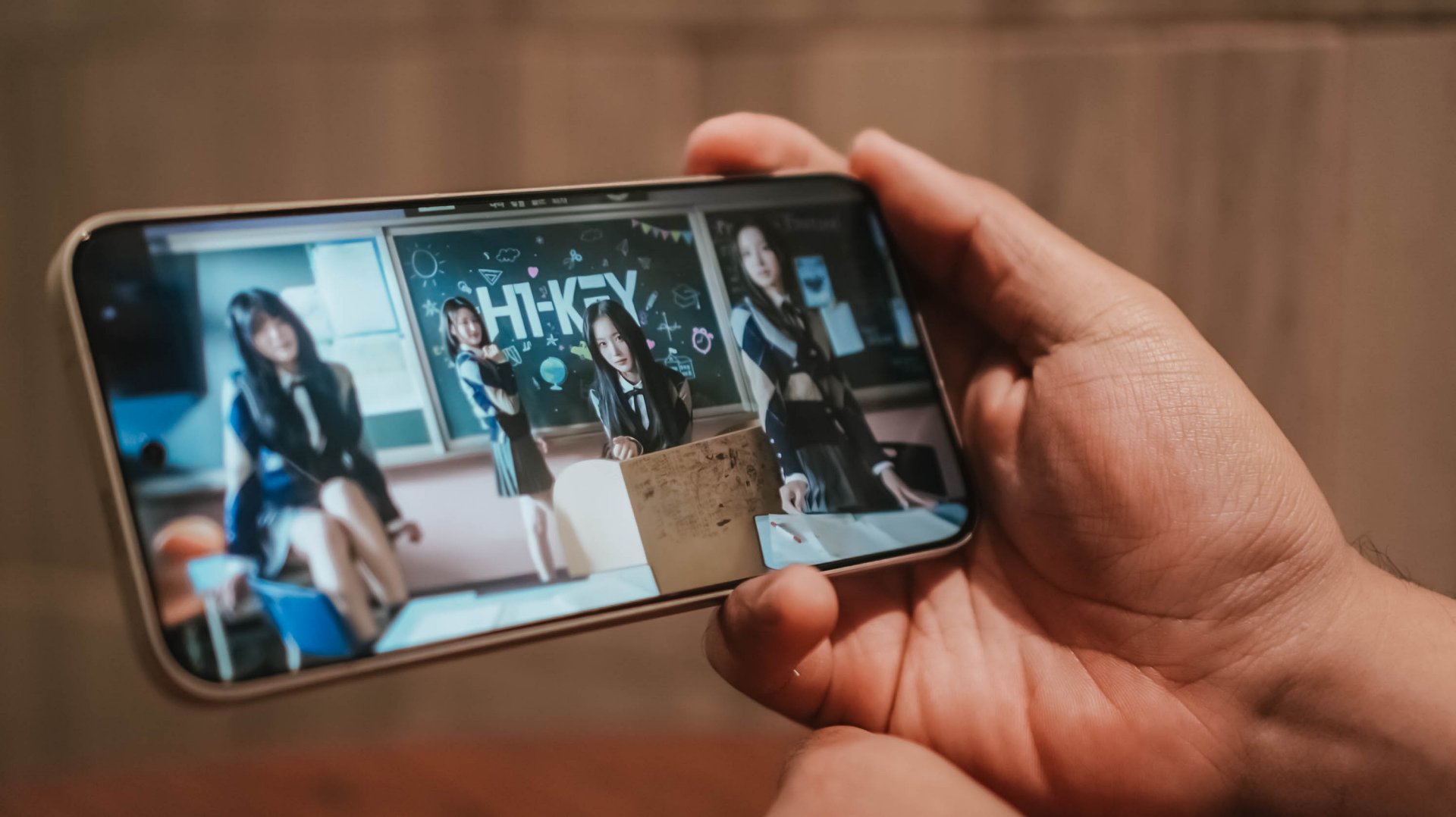
Heck, even with just 1% remaining in the tank, I was still able to play H1-KEY’s latest comeback song in Apple Music for another ten minutes before the phone fully died.
Now, this is where Xiaomi’s 100W HyperCharge capability comes in.
Although the review unit I have doesn’t have one, I was still able to hook it in with an existing 100W HyperCharge adapter from my stash.
However, most users won’t even have one. Thankfully, the POCO X8 Pro Max is compatible with the PPS charging protocol which enables third-party chargers to fully-utilize that 100W charging speeds, and the results aren’t far off.
My GadgetMatch Charge Test further proves that.
Xiaomi 100W HyperCharge Adapter |
UGREEN 100W Uno GaN Charger |
|
START TIME (From 0%) |
3:18PM |
12:34AM |
3 minutes |
0% |
1% |
5 minutes |
4% |
2% |
10 minutes |
8% |
11% |
15 minutes |
17% |
15% |
20 minutes |
22% |
24% |
30 minutes |
34% |
37% |
45 minutes |
55% |
57% |
1 hour |
76% |
77% |
1 hour 15 minutes |
94% |
95% |
END TIME |
4:48PM
|
2:08AM
|
As an addition, I also made the POCO X8 Pro Max as my personal hotspot. I went out around 8AM with 100% charge left. The moment I got back home by 11 in the evening, there’s still 43% left. Most phones have already drained right after the sun has set by 6PM.

Moreover, not only it’s limited to just a dual physical SIM slot. Another slot can run eSIM, which is always my go-to option when traveling. It’s a huge relief this POCO phone supports it as the M8 Pro doesn’t have one.
Speaking of, this phone can also serve as your power bank! With its 27W reverse wired charging support, it can top-up the dead batteries of your 5000mAh phones 👀
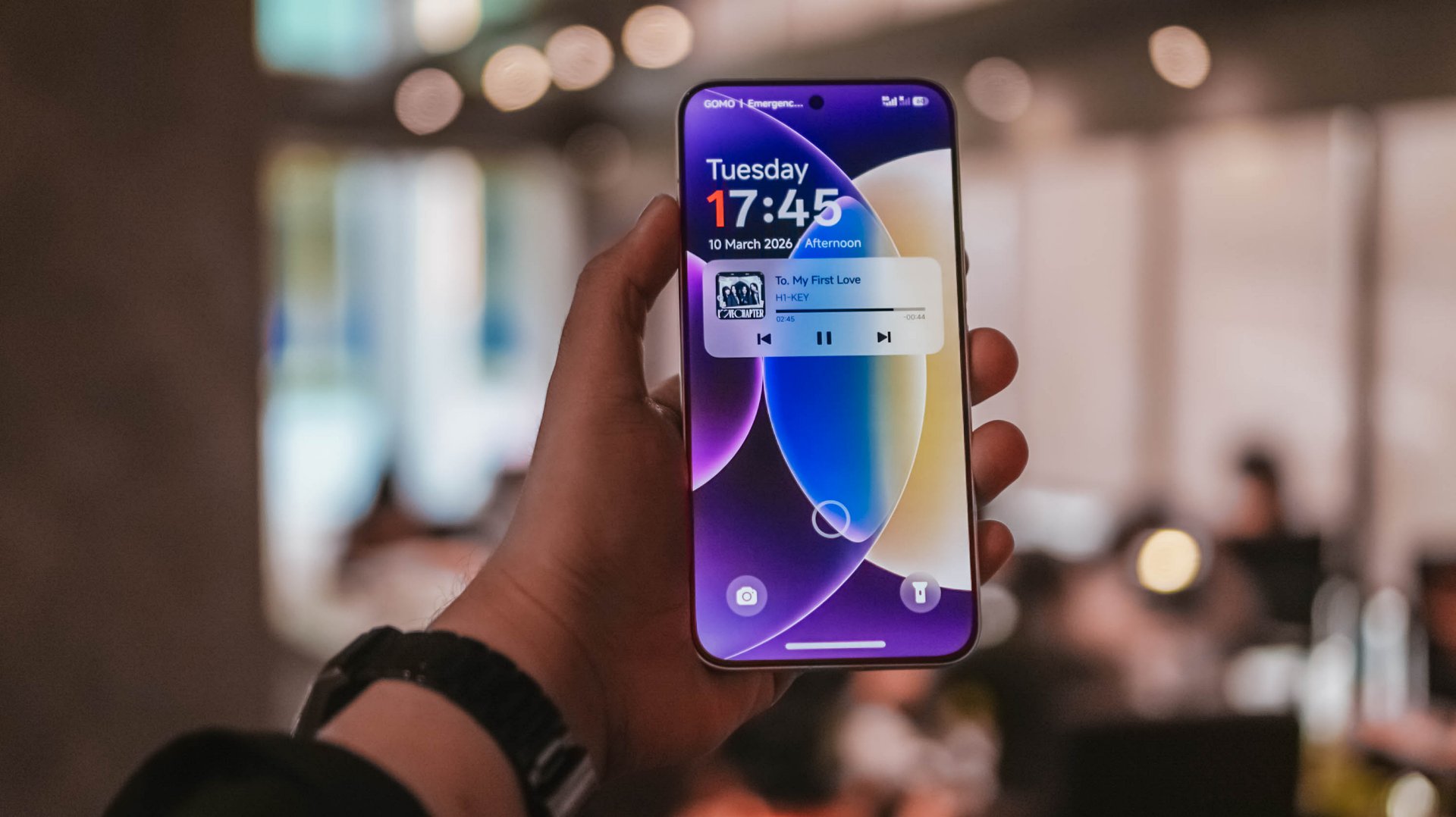
And before I forget, Xiaomi’s HyperOS 3 isn’t the most power-efficient system out there. If you happened to read my POCO M8 Pro and Xiaomi Pad 8 review write-ups, you already get the gist of this.
To be specific, as I breezed through my last battery settings, I’ve noticed that App Vault drained the second highest when your phone is in idle mode. I haven’t even set up the feature as of this writing.
This is another reason why my sentiments against the company’s OS keep getting stronger. I’m just hoping they could fix these worrisome woes that affects a lot of existing and prospective Xiaomi / REDMI / POCO users.
Is the POCO X8 Pro Max your GadgetMatch?
The arrival of the POCO X8 Pro Max blows the rest of the competition out of the water.
Although Xiaomi’s HyperOS is the elephant in the room, that was easily overshadowed by how mighty this smartphone is.
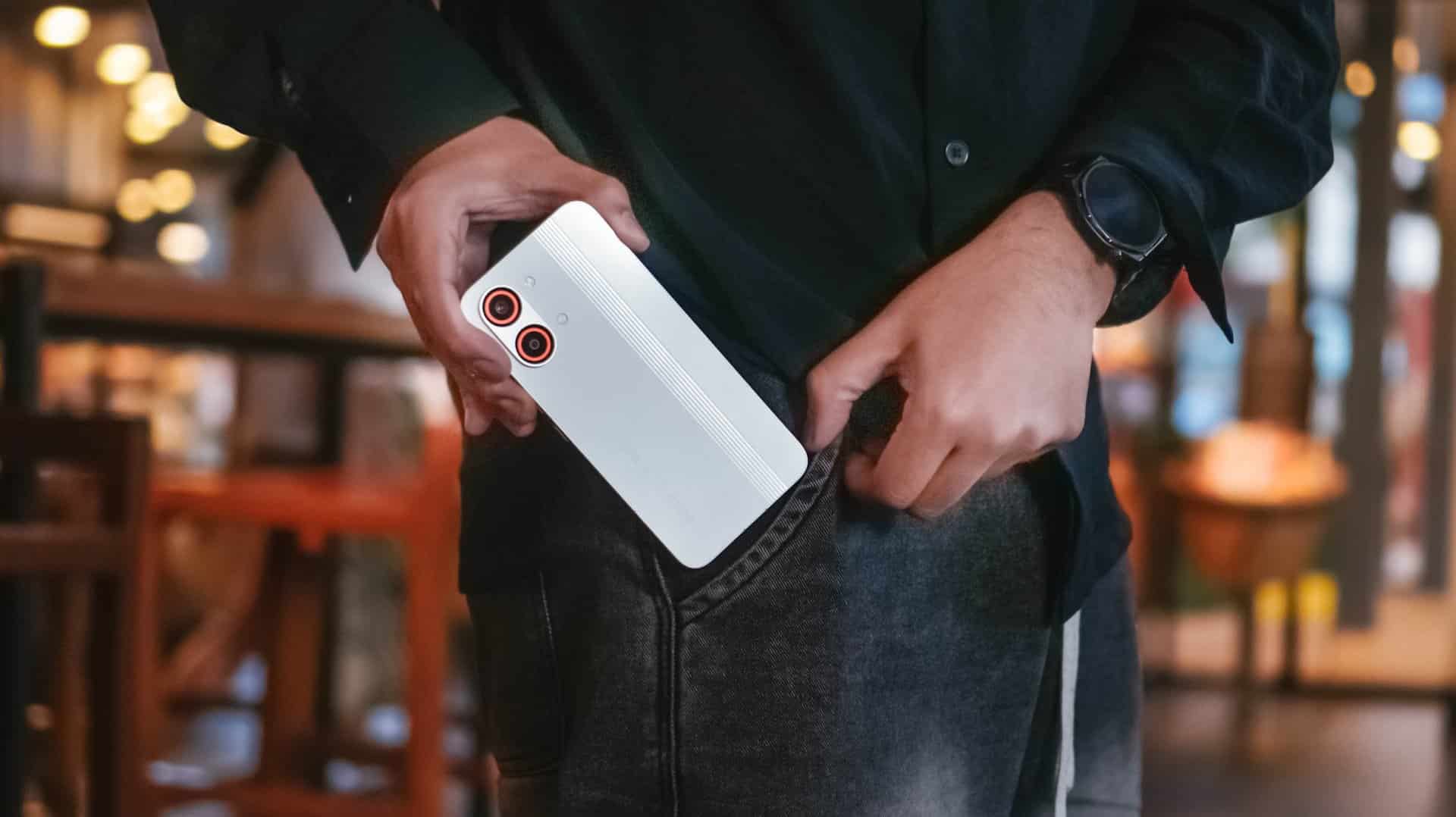
The POCO X8 Pro Max is as straightforward as it can get. From visuals, to core performance, all the way to battery endurance (and even capable cameras), I honestly cannot speak ill about it — especially for a phone in this price point.
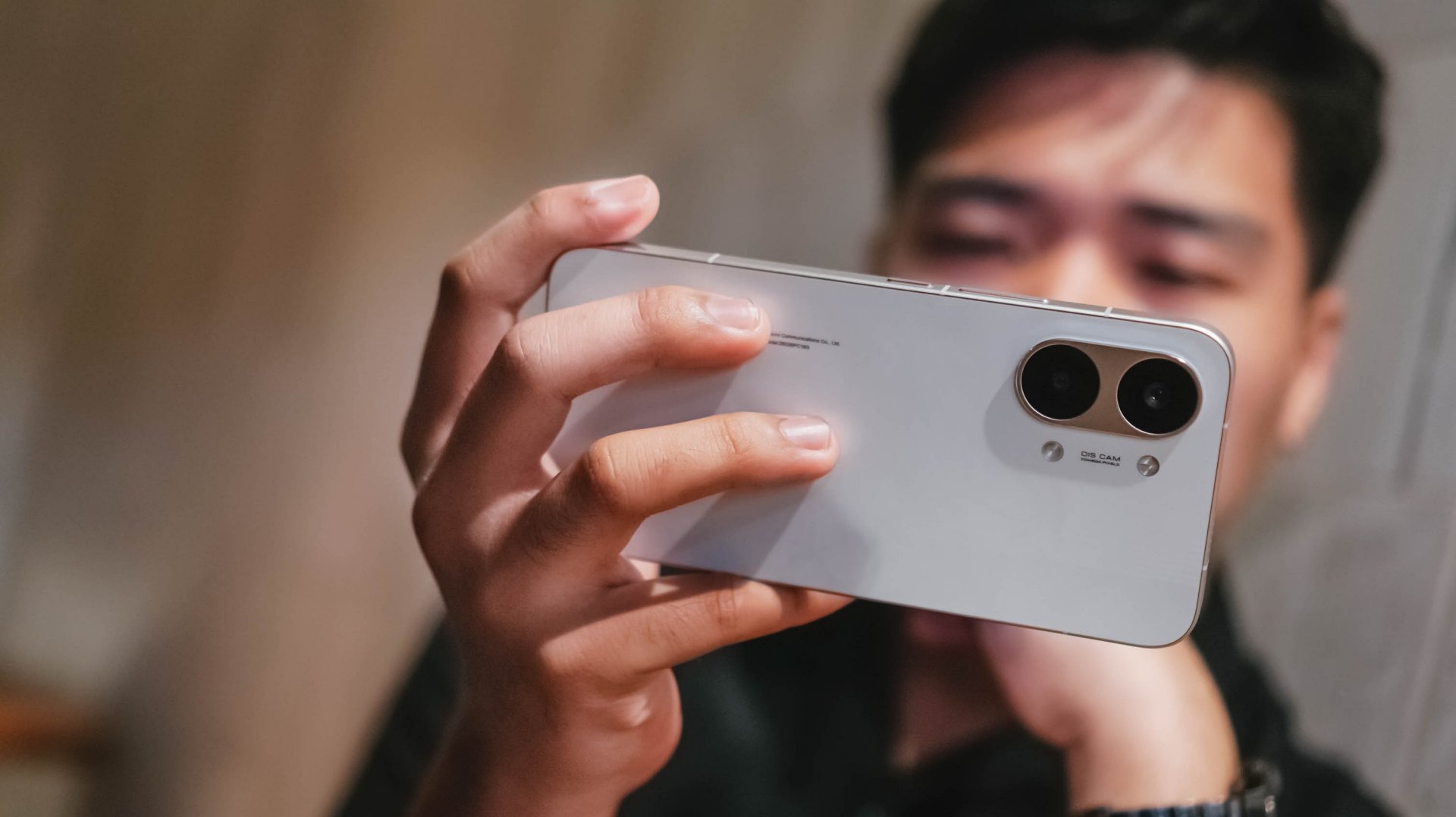
Whether you’re just a casual user looking for a pro-grade yet inexpensive smartphone or you’re purely just a spec-savvy nerd, you’ll easily drool with how great the POCO X8 Pro Max is.
And with prices of just PhP 25,999 or PhP 27,999 / US$ 469 or 529 paired with all these powerful hardware, what more can you ask for?
They are even heavily discounted now with early bird offers ranging between PhP 18,499 ~ PhP 20,249 and US$ 429 and 459 respectively.
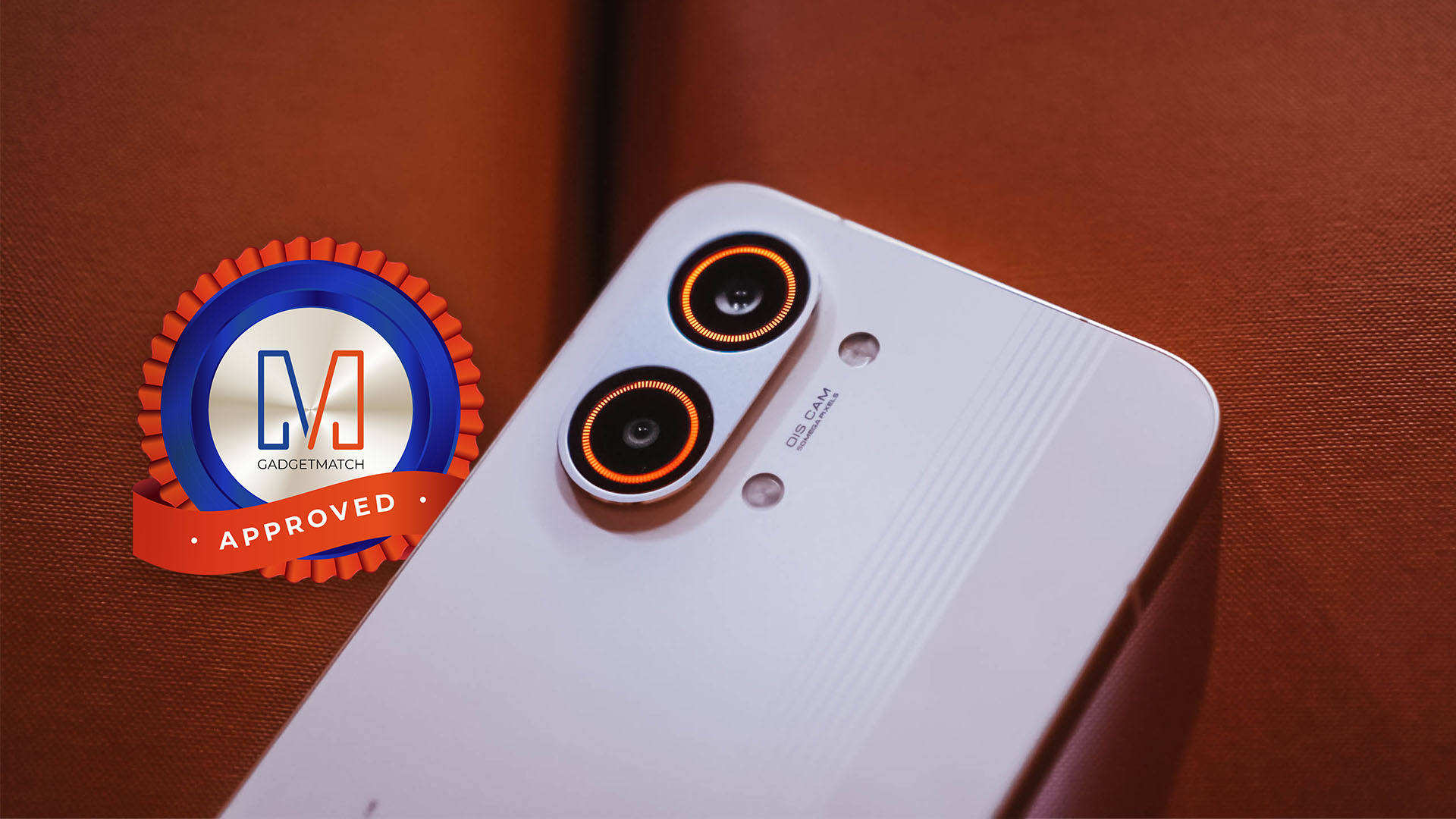
If it is not evident enough with my high praises, the POCO X8 Pro Max is an ultimate Swipe Right, Super Swipe, and a worthy recipient of the GadgetMatch Seal of Approval.
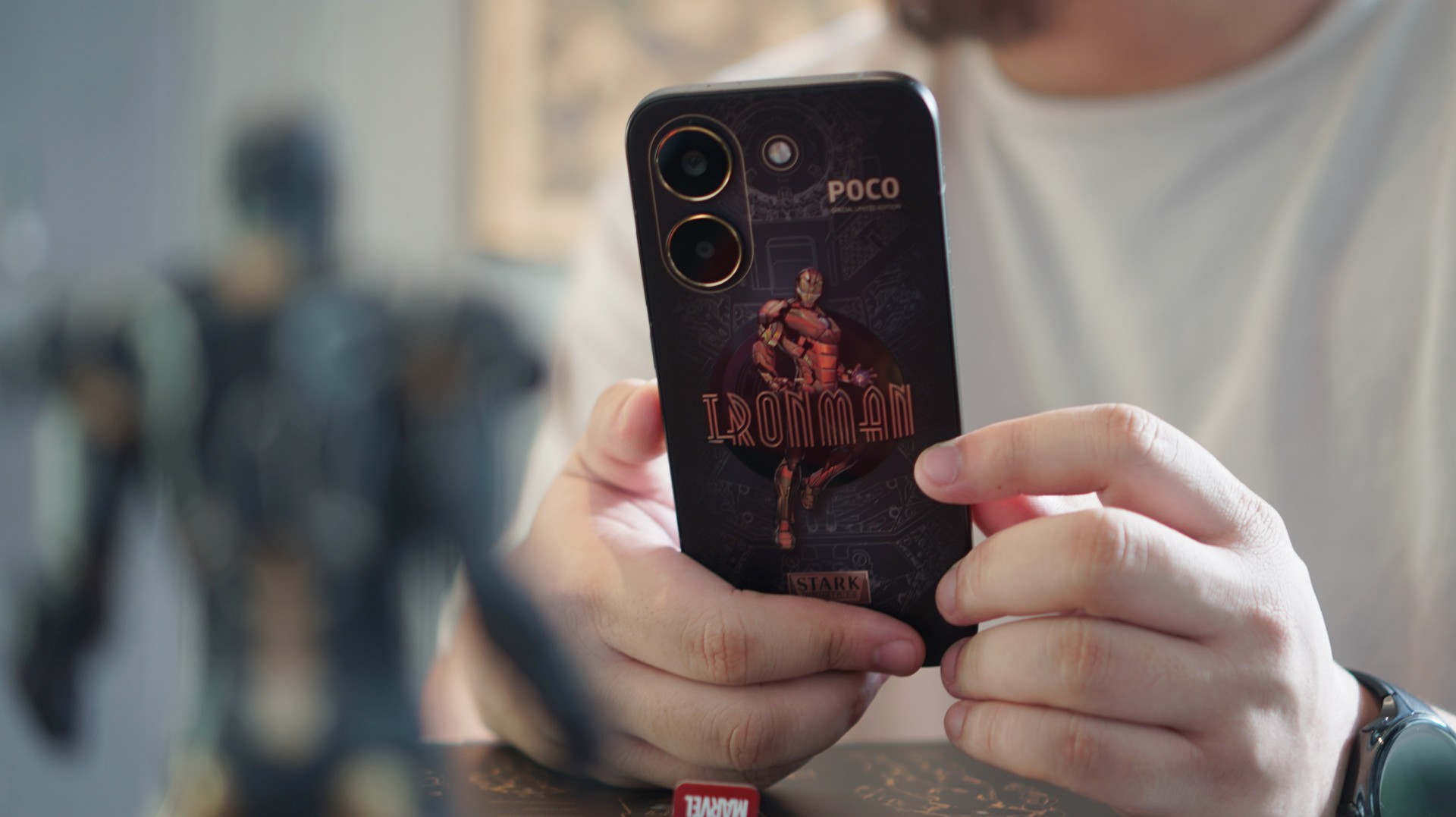
Strip away the Stark Industries styling and the POCO X8 Pro Iron Man Edition is still what POCO does best — a capable midrange smartphone with steady performance, solid battery life, and a display that holds up well for everyday use.
The difference this time is the armor it’s wearing.
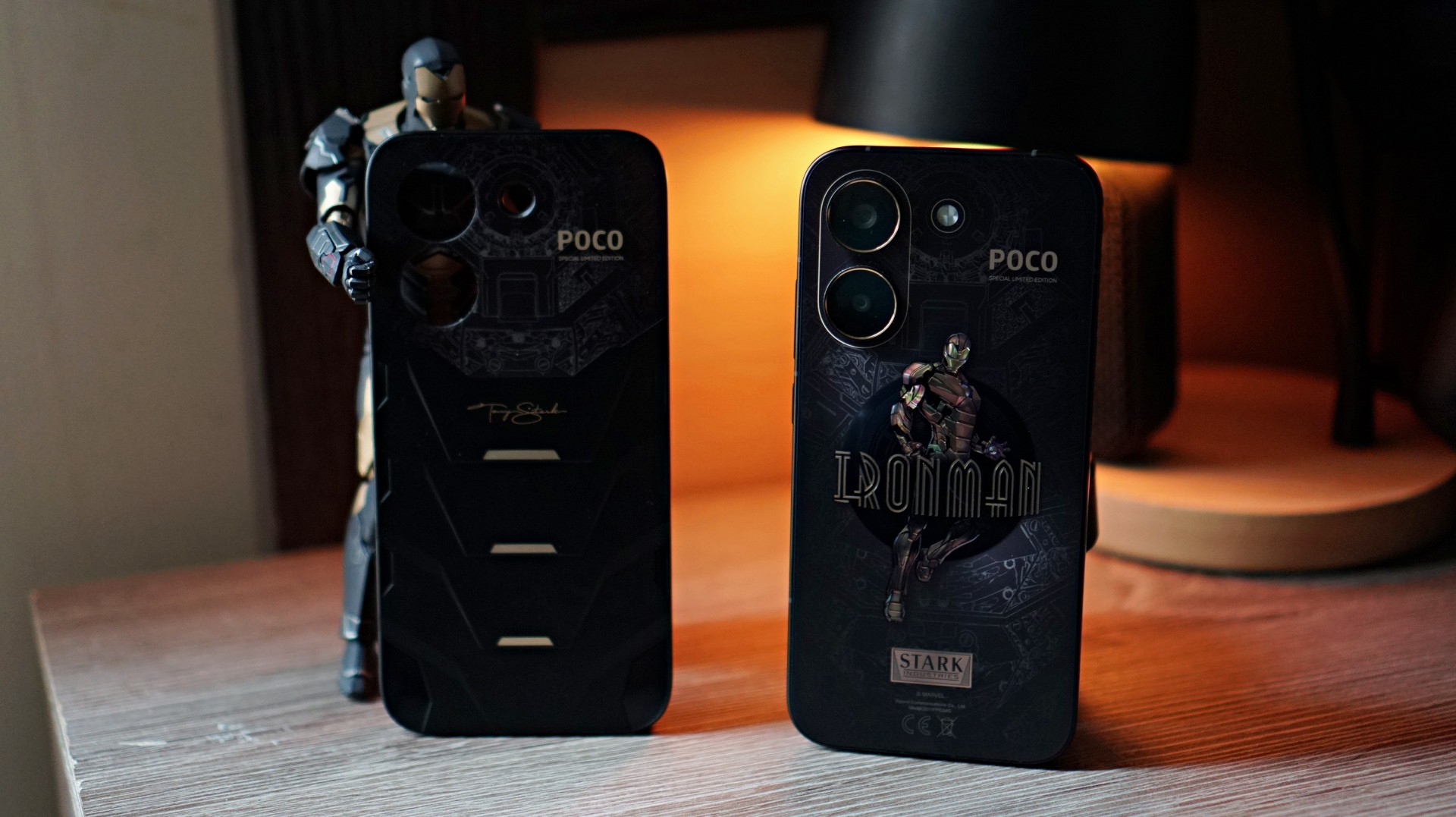
POCO’s latest collaboration wraps the familiar X-series formula in a design inspired by Iron Man’s Mark XV armor, codenamed “Sneaky.” Unlike the classic red-and-gold suit most fans recognize, this stealth-focused armor features a darker black-and-gold palette and appeared as part of the Iron Legion in Iron Man 3.
It’s a stylish twist on an otherwise familiar smartphone. The real question is whether the superhero aesthetic adds enough to make this midrange device stand out.
Design and feel: Stark-inspired aesthetics

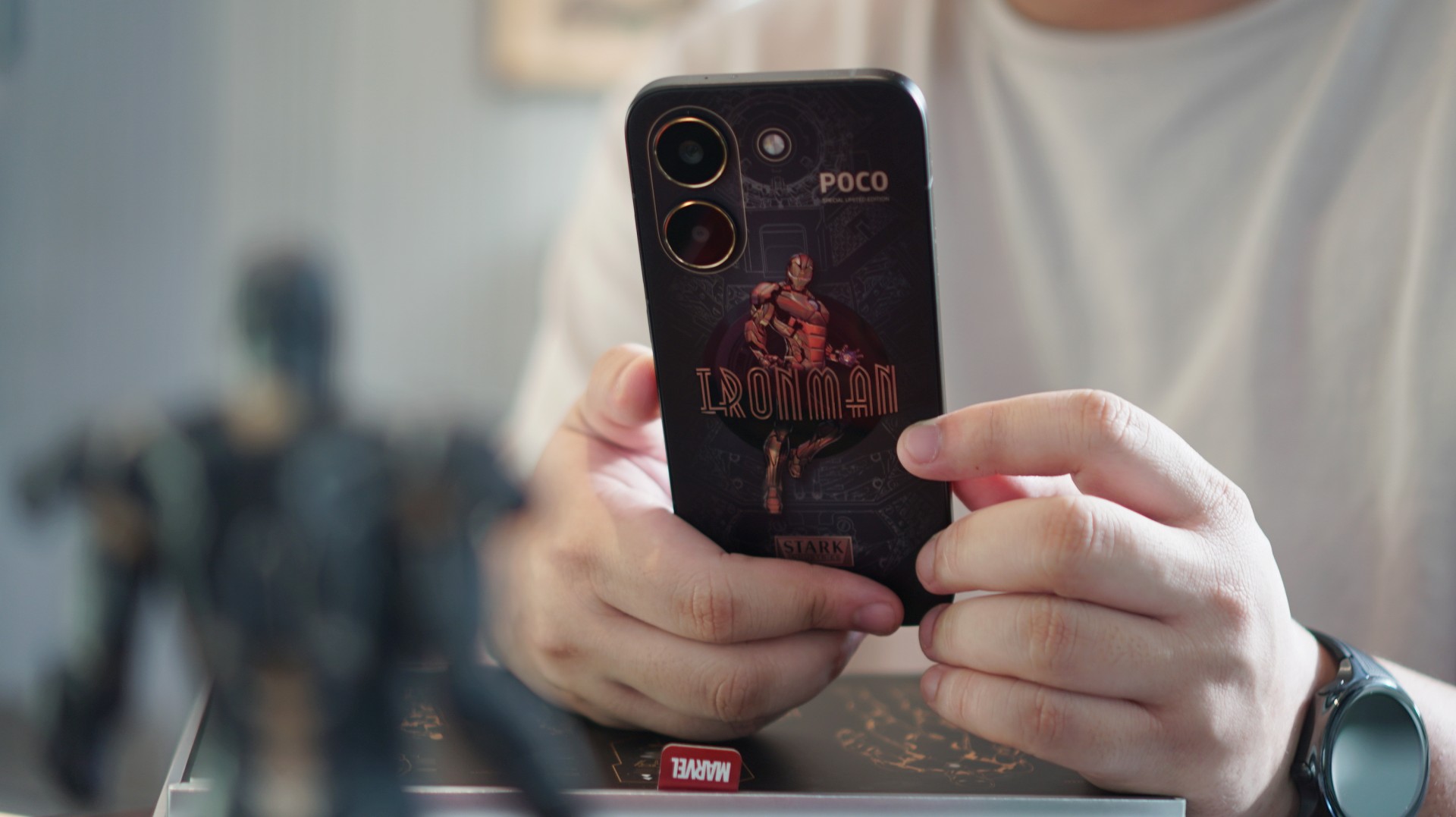
The back design of the bare phone prominently features an image of Iron Man. The styling clearly leans into the Mark XV armor inspiration, with a black-and-gold finish that resembles the torso plating of the stealth suit.
It’s bold without being overly flashy.
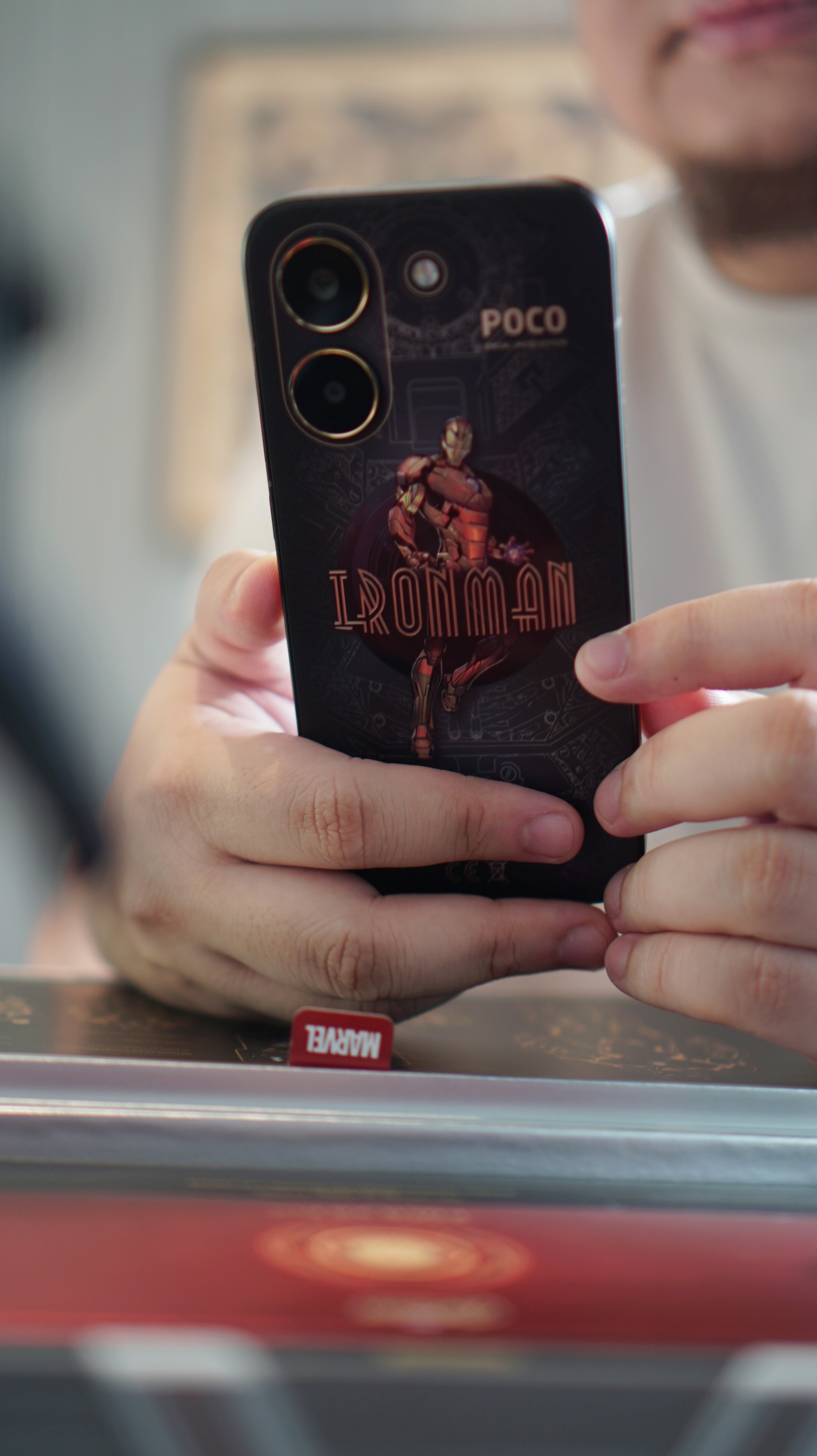
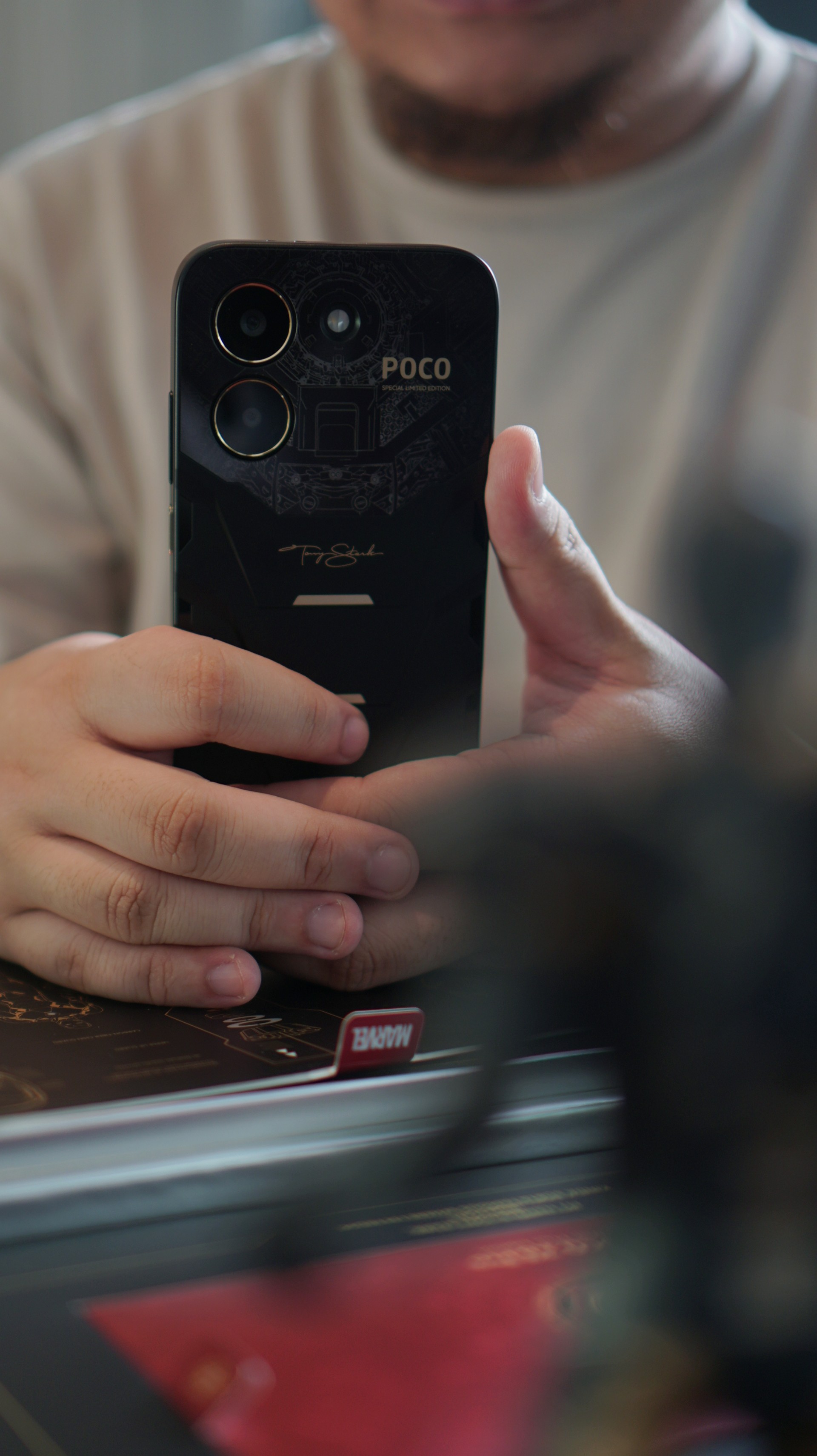
Interestingly, the look changes quite a bit once you snap on the included case — which is actually my recommendation. With the case on, the design becomes a bit stealthier while also giving the phone a slightly better feel in the hand.
The overall handfeel of the smartphone reminds me a lot of the iPhone 14 Pro Max with a CASETiFY case on — just a tad less chunky. That’s a configuration I used for the past three years, so the shape and weight felt oddly familiar the moment I picked this up.
It helps that the camera module doesn’t protrude very much. With the case on, the back sits flatter than expected, making the phone feel balanced when placed on a desk.
Overall, the design is easily the most distinctive part of this device. Even if you’re not a hardcore Marvel fan, the black-and-gold styling still looks quite good.
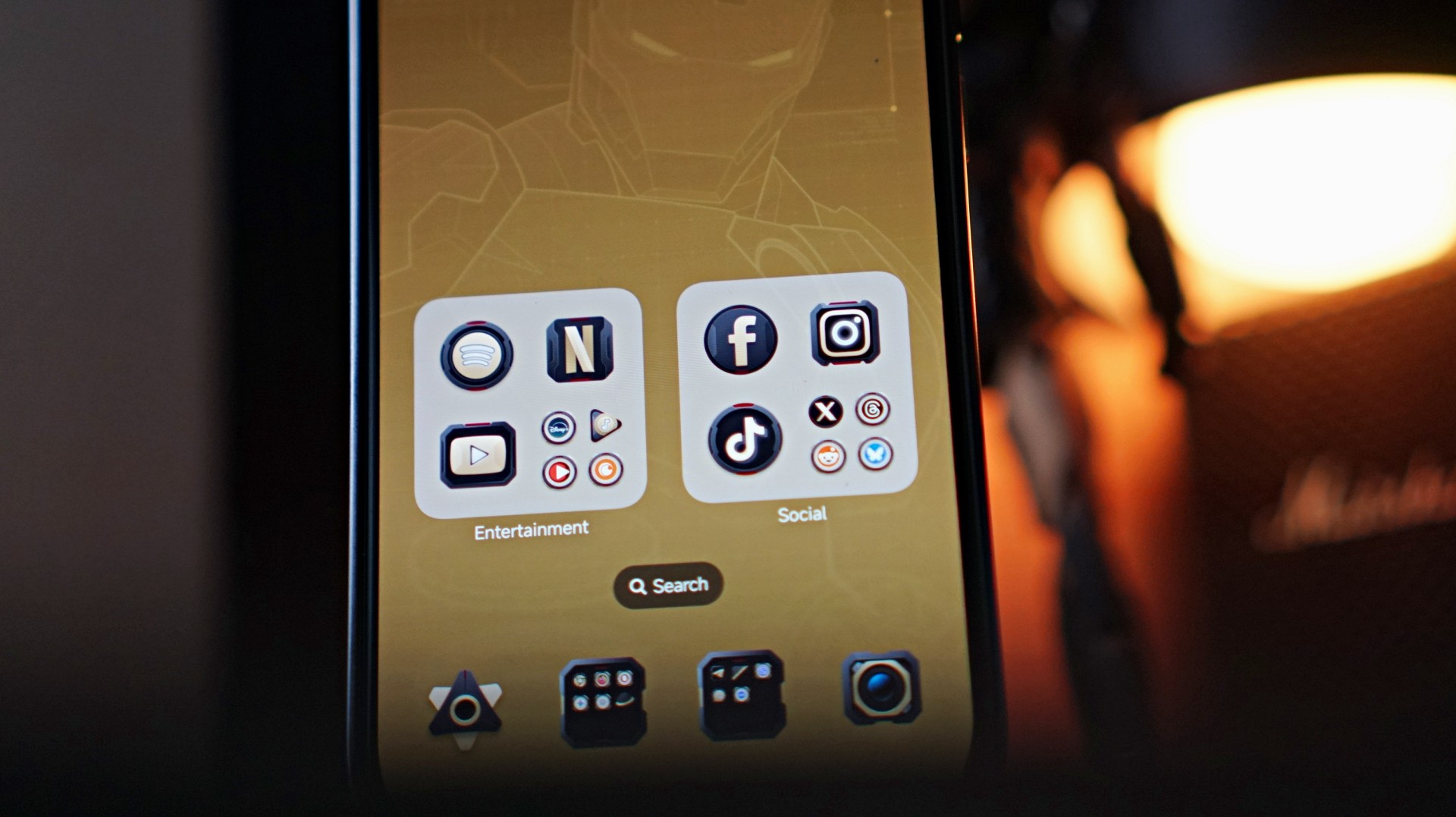
The Iron Man theme also extends to the phone’s software. POCO applies the Stark-inspired “armor” across the system UI, most noticeably on the app icons. Naturally, not every app has a custom icon, so unsupported ones are wrapped in a circular frame that resembles the Arc Reactor on Iron Man’s chest. It’s a small touch, but it helps the theme feel more cohesive across the entire phone.
Of course, underneath all that Stark-inspired styling is still a very familiar POCO midrange smartphone.
Performance: Steady for everyday tasks
Under the hood, the POCO X8 Pro Iron Man Edition is powered by the Dimensity 8500-Ultra processor paired with 12GB of RAM and 512GB of storage.
In daily use, performance is steady for most casual smartphone tasks.
I spent a lot of time doing the usual things — browsing websites, scrolling through reels, TikToks, and what-have-you. Everything felt smooth and responsive throughout.
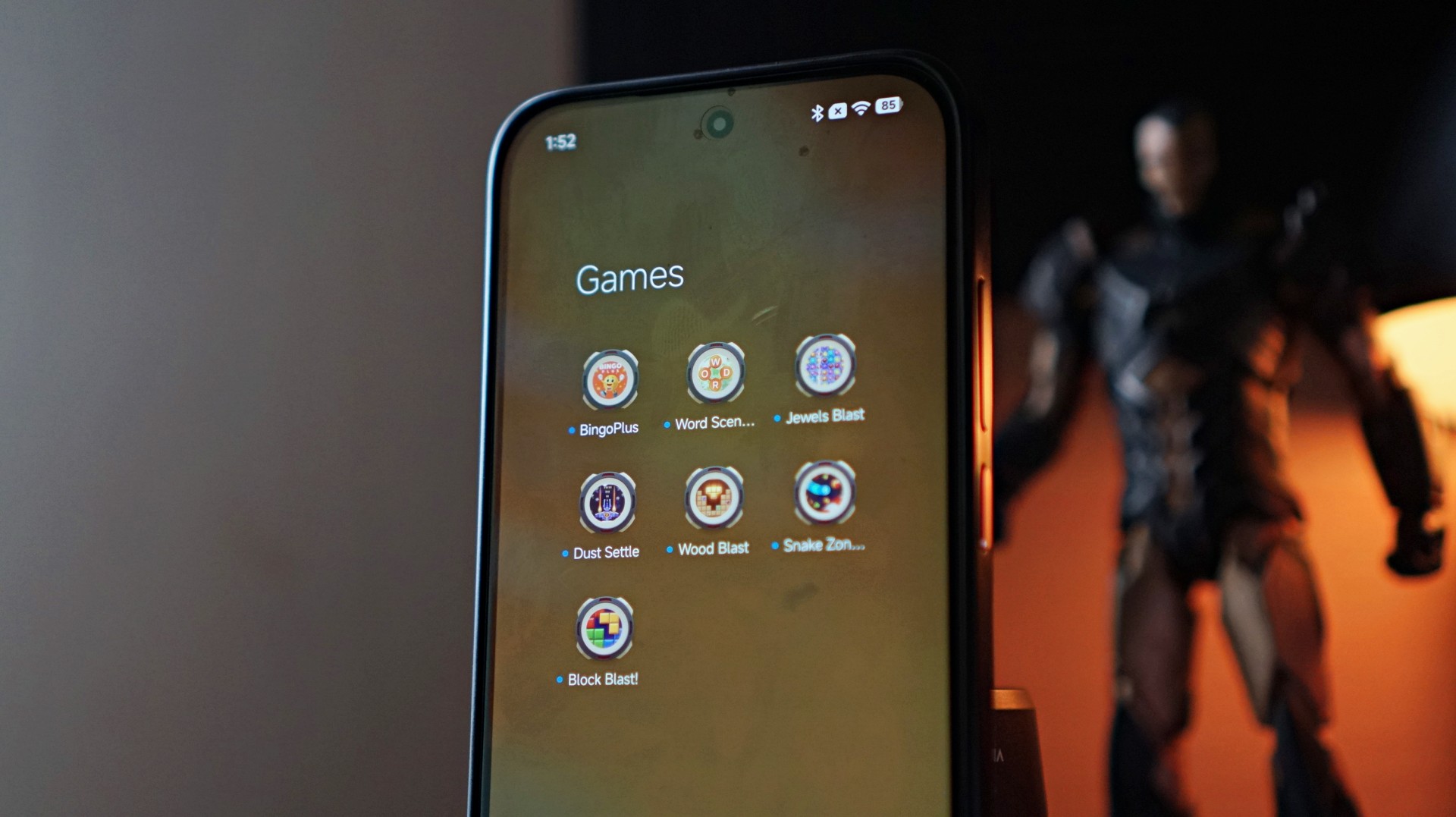
Like with anything related to Xiaomi, you do get the usual preinstalled apps and occasional ads within the interface. It’s something longtime users of the ecosystem will already be familiar with, but it’s still worth mentioning.
Gaming performance is also respectable.
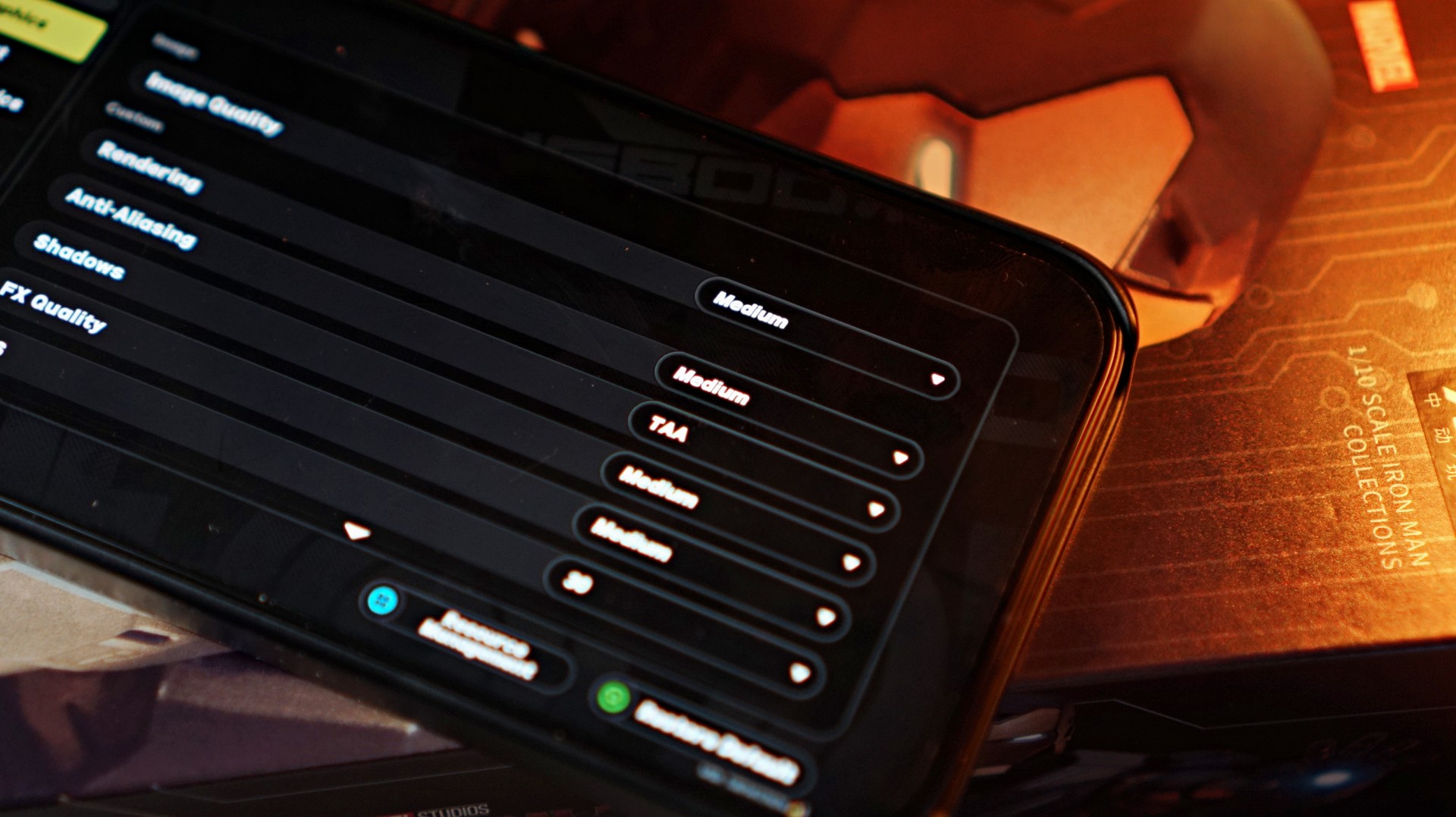
I fired up Zenless Zone Zero, and the default graphics configuration was set to Medium. That setup actually worked quite well, ensuring that the action-packed gameplay — complete with plenty of particle effects on screen — stayed smooth.
The lower resolution didn’t feel like much of a compromise either, especially on the phone’s 6.59-inch display.
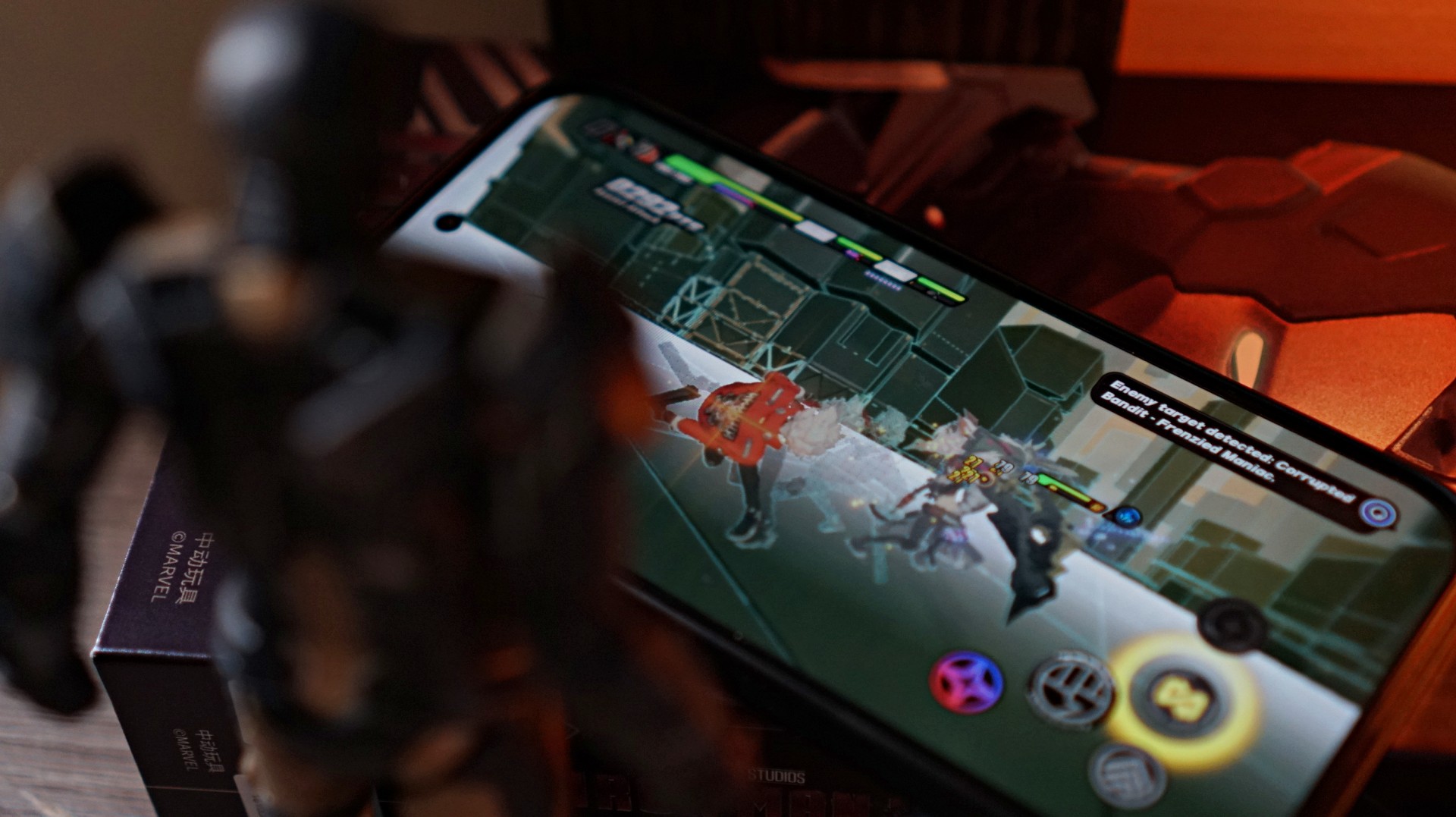
For a midrange device, the overall experience is stable and dependable, which is exactly what most users in this segment are looking for.
Display and media consumption
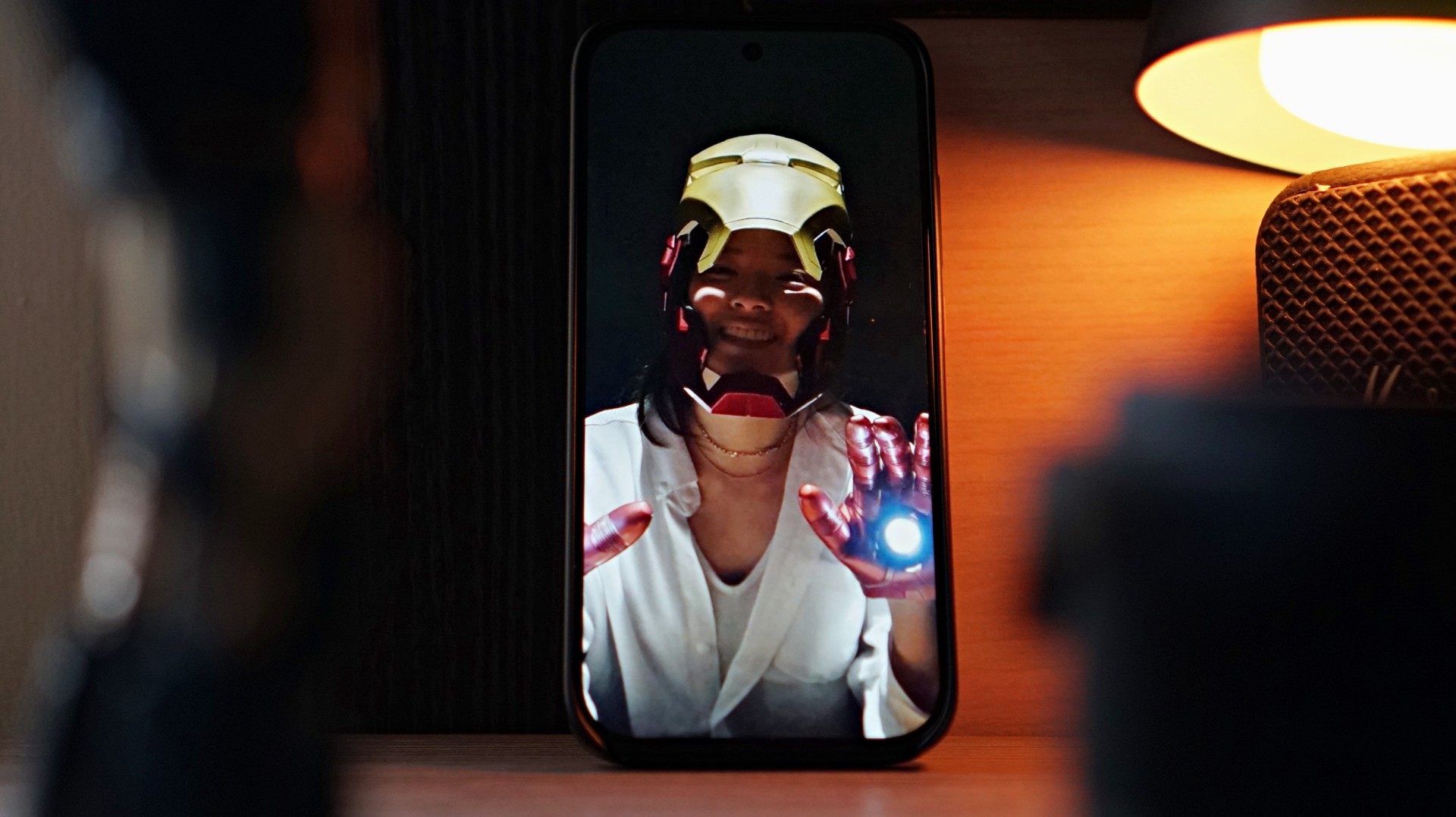
The 6.59-inch AMOLED display delivers exactly what you would expect from a midrange device today.
It’s above average and quite serviceable. It’s not going to wow you, but you’re definitely not going to feel shortchanged either.
Colors look vibrant, brightness is more than enough for most situations, and the 120Hz refresh rate keeps scrolling and animations smooth.
Now Playing: Iron Man 3
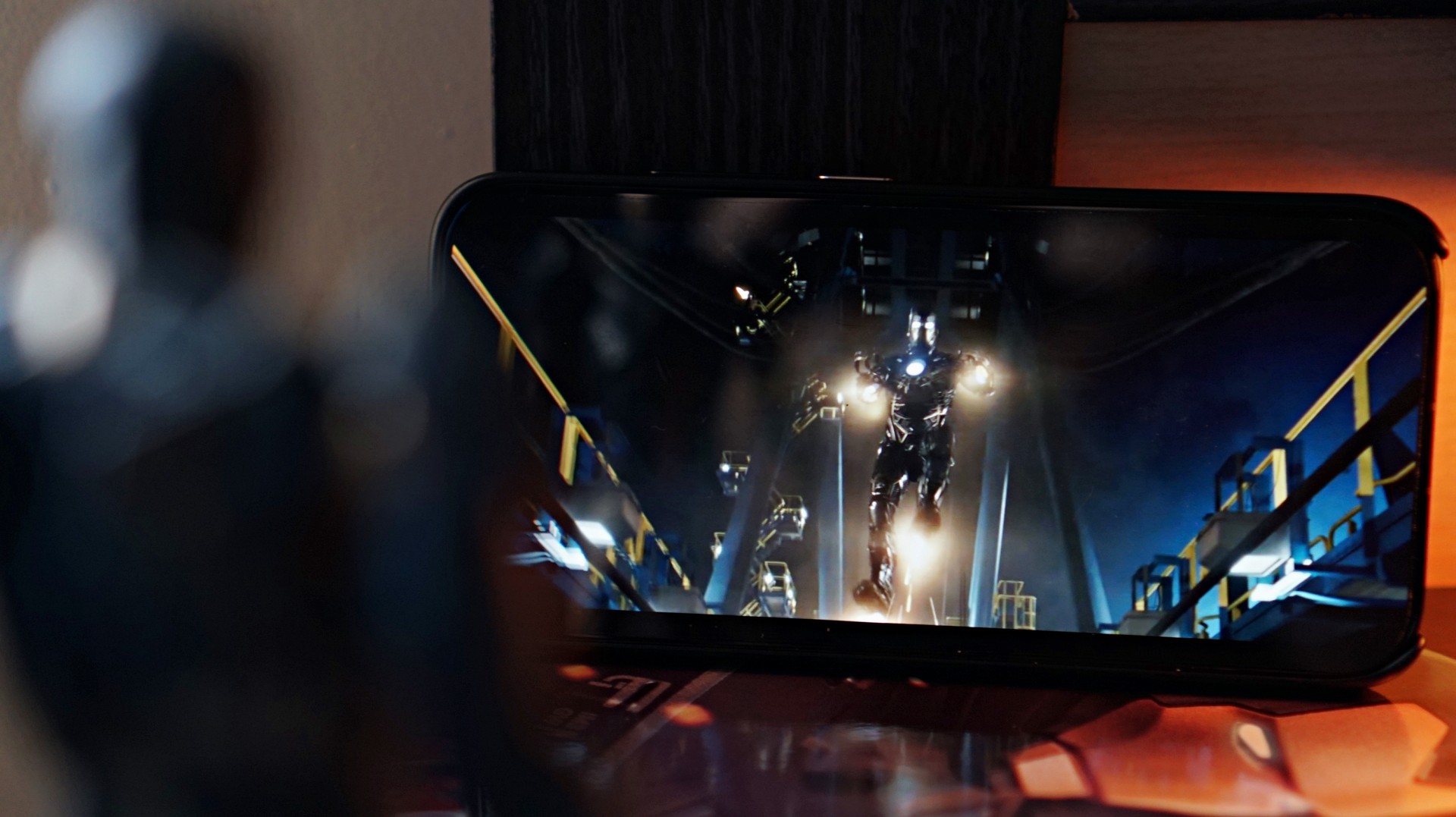
To stay on theme, I decided to watch a bit of Iron Man 3 on the phone.
The display does its job well, delivering clean and crisp visuals during playback. Explosions pop nicely on screen, and darker scenes still retain decent clarity.
The stereo speakers are fine for casual viewing, but you’ll probably want to use headphones if you’re looking for a truly satisfying audio experience.
Overall, media consumption falls somewhere in the average to above-average range — which is also a pretty accurate way to describe how the movie itself was received when it first came out in 2013.
Battery and charging
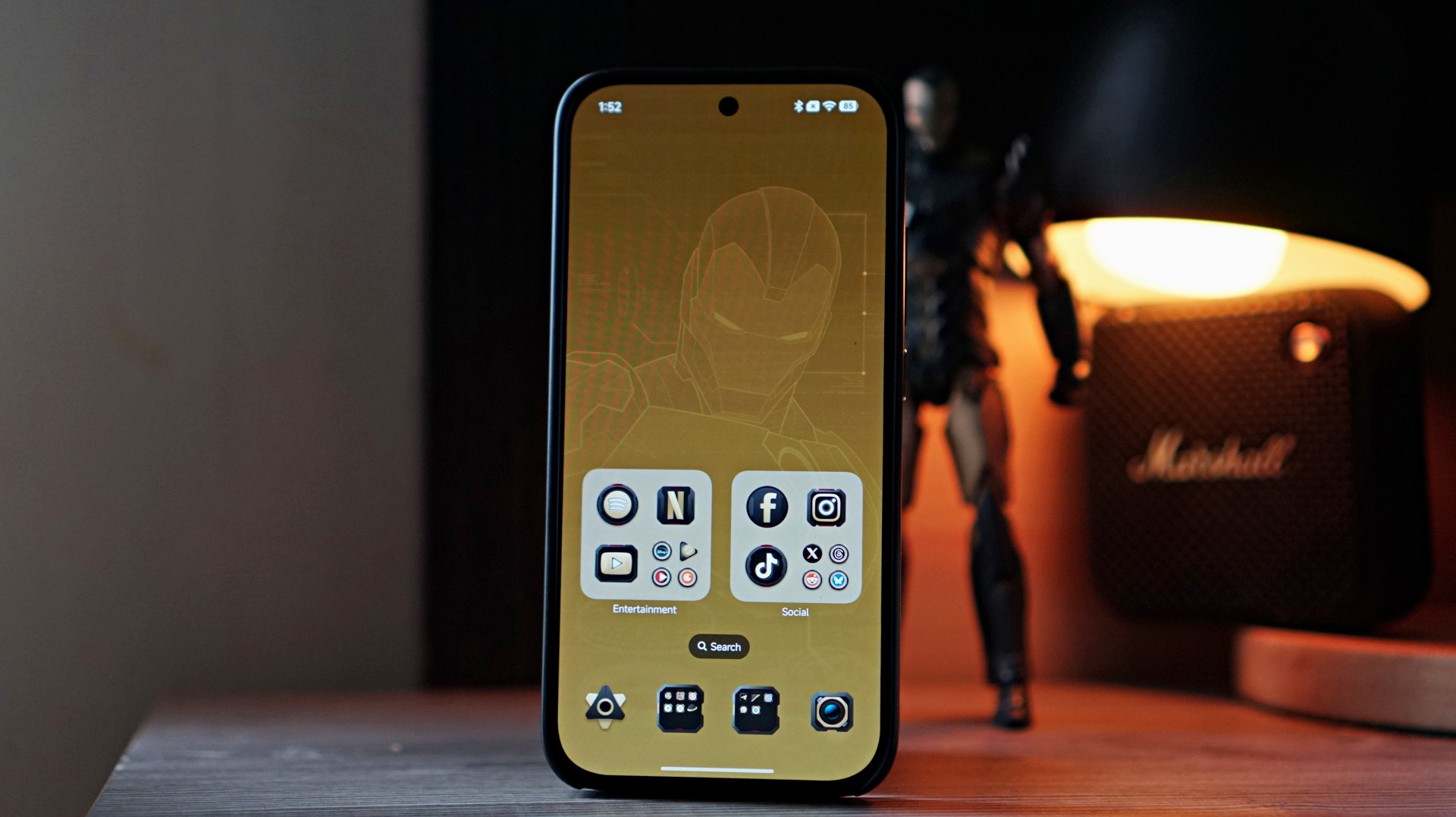
Battery life is one of the stronger aspects of the POCO X8 Pro Iron Man Edition.
The phone packs a large 6500mAh battery, which easily lasts a full day with moderate usage.
That includes a mix of social media browsing, watching videos, messaging, and the occasional gaming session.
Charging is also impressively fast.
Going from 50% to full takes about an episode and a half of an anime — roughly around 30 to 35 minutes. It’s quick enough that topping up the phone during short breaks becomes very convenient.
For a device in this price range, the combination of a large battery and fast charging makes the phone feel reliable throughout the day.
Cameras: right where you expect them
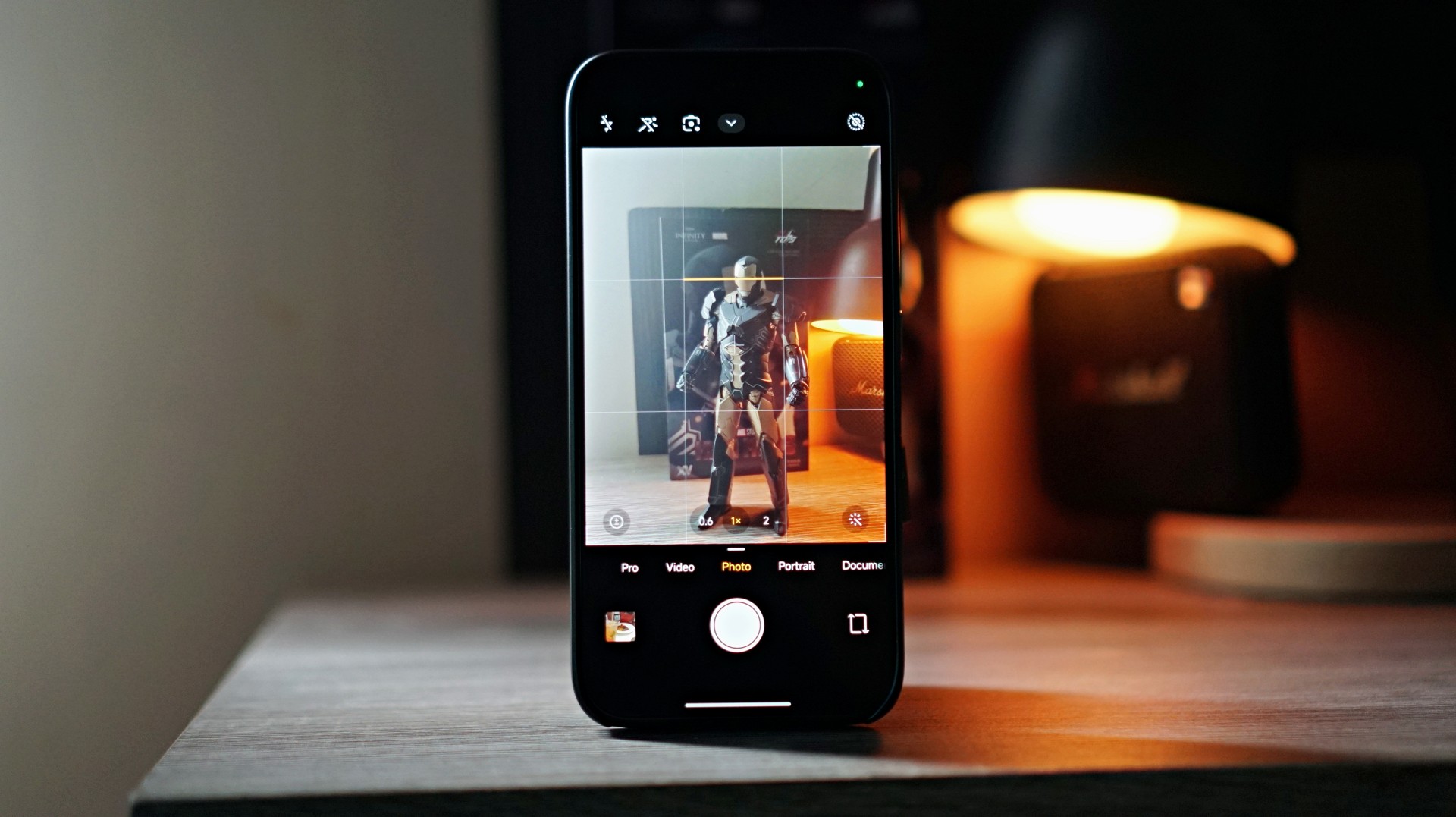
Camera performance is exactly where you’d expect it to be for a midrange smartphone.
Photos are perfectly fine for casual social media posts, but they’re not going to compete with higher-end flagship devices.


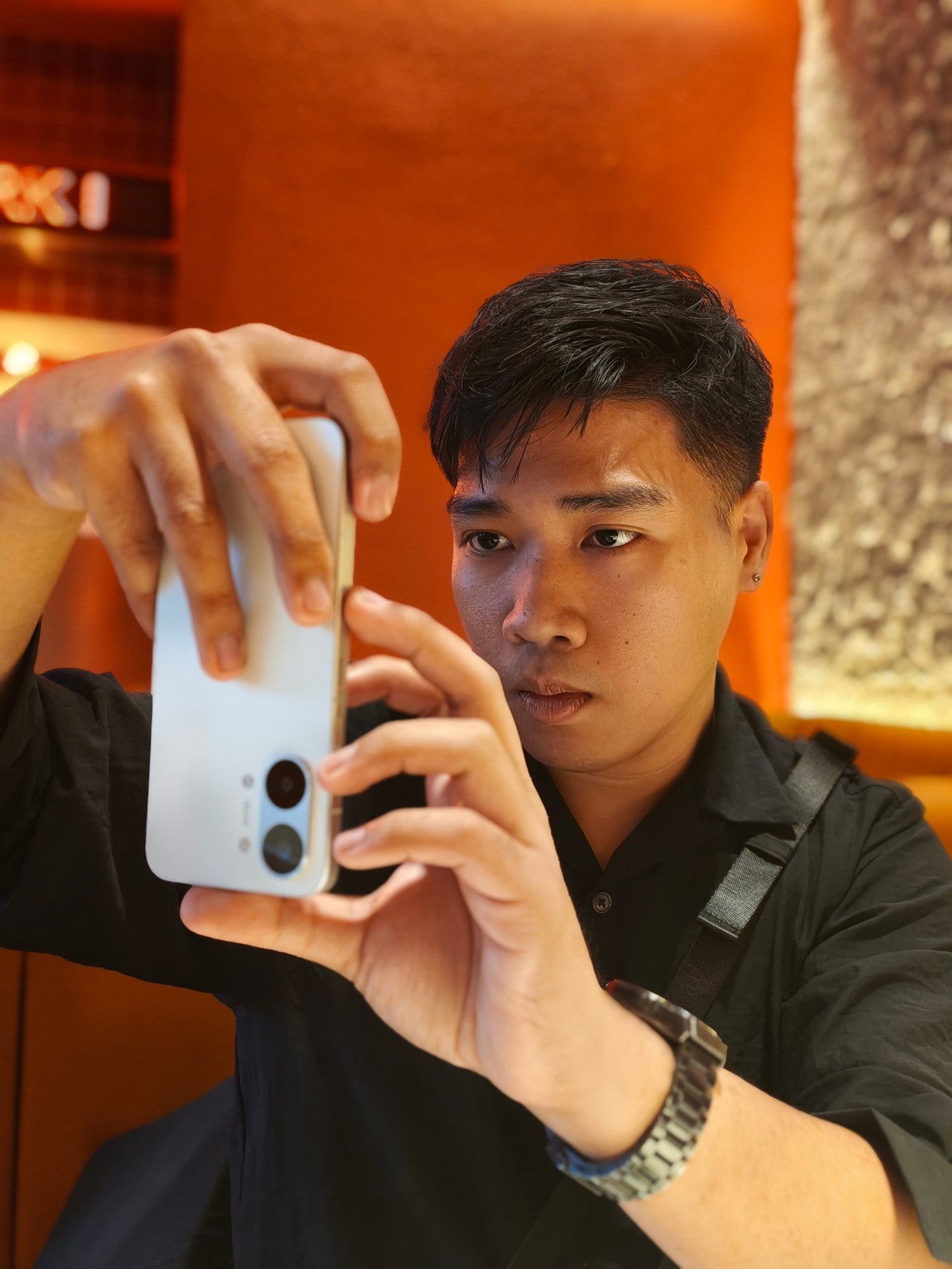




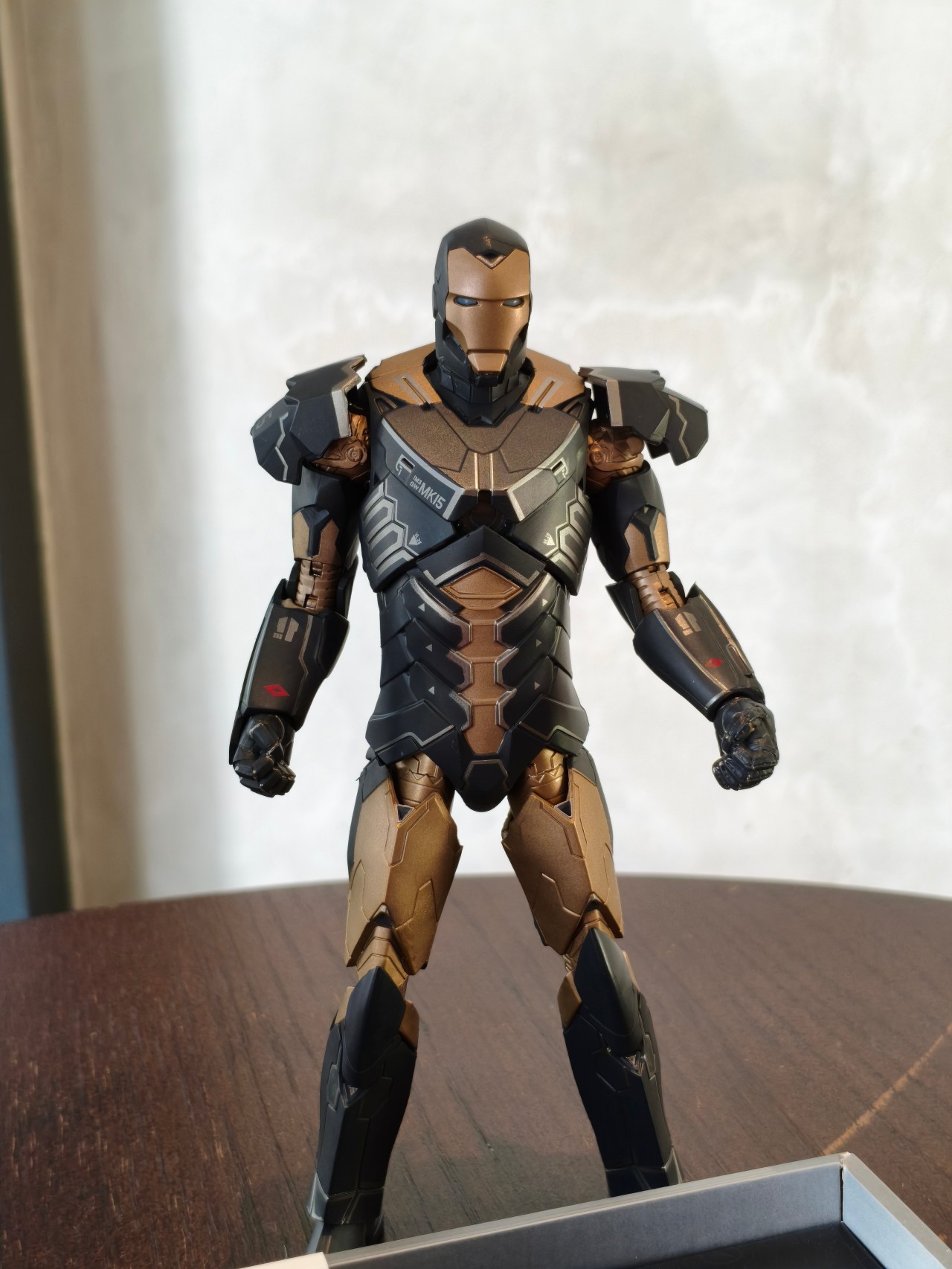
One thing to watch out for is the difference in image output between focal lengths. Switching between the ultrawide (0.6x), 1x, and 2x zoom can produce noticeably different results in terms of color and overall look.


In fact, even using the same lens can sometimes produce varying results depending on lighting conditions.


Images tend to have a slightly warm tone with a bit of extra contrast. Lighting plays a big role in how the final photo turns out, so results can vary quite a bit from shot to shot.
Selfies show similar behavior. Taking photos with and without the beauty filter can sometimes result in different exposure levels, which feels a bit odd.
-

- Beauty filter ON
-

- Beauty filter OFF
The best way to approach this camera system is to take multiple shots of the same scene. It may sound tedious, but snapping two or three photos increases the chances of getting one that looks just right.








The easiest way to describe the overall camera experience is inconsistent. If you’re the type who takes several photos before picking the best one to post on social media, you’ll probably be fine. But if you prefer reliable point-and-shoot results, it might take a bit more patience.
A curious collaboration
Iron Man has remained one of the most iconic characters in the Marvel universe ever since his silver screen debut in 2008.
But interestingly, there hasn’t been much happening around the character since the events of Avengers: Endgame.
While Robert Downey Jr. is set to return to the MCU as Doctor Doom in the upcoming Avengers: Doomsday, the lack of any current Iron Man storyline makes this collaboration feel a little unexpected.
That doesn’t necessarily make it a bad one, though.
The POCO X8 Pro Iron Man Edition looks good, the box and packaging are genuinely impressive, and the themed design adds a bit of personality to what is otherwise a very familiar smartphone.

For hardcore Iron Man collectors, the appeal is obvious.
For everyone else, it’s essentially a solid midrange phone dressed in superhero armor. And if it lands somewhere close to the previous Iron Man Edition’s price of around PhP 22,999 (In the Philippines), it will likely hit exactly the audience it’s meant for — fans who don’t mind spending a little extra for a collector-style device.
It may not be the most exciting smartphone in the midrange category, but it’s still a fun collaboration nonetheless.






Stylish, student-friendly HONOR X8d launches

The HONOR X8d is serviceable

Why the OPPO Reno15 5G series is a creator’s essential

The hunt begins: The Witcher in Concert hits Manila with surprises in tow

WATCH: The Super Mario Galaxy Movie final trailer


-

 Reviews2 weeks ago
The Xiaomi 17 shoots Leica dream
-

 Hands-On2 weeks ago
OPPO Reno15 F 5G hands-on
-

 Gaming2 weeks ago
Project Helix is Xbox’s next console, and it plays PC games
-

 Computers1 week ago
GIGABYTE collaborates with Capcom for RE Requiem custom PC
-

 Entertainment1 week ago
The internet is thirsting over the One Piece Season 2 cast
-

 Laptops1 week ago
Apple MacBook Neo Review
-
 News2 weeks ago
Globe postpaid opens pre-orders for Samsung Galaxy S26 series
-

 Apps6 days ago
Google Maps is finally getting a 3D mode