


Her GadgetMatch
High-tech gardening tools for your modern green thumb needs
Get your greens growing!

Growing up, gardening with my mom was always a fun activity. I grew up and (sort of) inherited this green thumb, as evidenced by a tiny succulent garden we own and tend to.
I remember spending afternoons outdoors digging around in the dirt, watering plants, and patiently waiting for seedlings to grow. Gardening these days though is a lot fancier than it was during those years back. I looked at tools and apps to get your greens growing and girl, there are a lot of high-tech, modern stuff out there to get your garden going. I’ve rounded up a few that will help you get to your gardening goals:
An app to identify flora

I discovered that apps like this existed from my mom. She’d walk around unfamiliar gardens or plant stores, take a photo, and identify the particular plant she wanted for her own garden. Picture This – Plant Identifier not only gives you info on each plant, it also connects you to a growing community of plant-lovers worldwide.
Know what to do with your plants with this handy guide

Gardening Reference Guide gives you info on each plant, their background, what they need, and how they’ll thrive. This cheat sheet in-app form ensures you give your greens all the TLC they need.
Unfortunately, it’s only available on iOS. Download it here.
Organize your garden with some taps on your phone

Plot your whole garden — the different areas, all the types of plants, details on growth, and even progress photos — in one app. Gardenize is a space that allows you to follow every detail of your plant progress. You can even share your progress and follow other garden friends on this app for more green thumb inspiration!
Track sunlight for the happiest, healthiest plants

We all know that most plants need sun to thrive, but did you know that different plants also have different lighting needs? Apps like these allow you to track sunlight so that all your plants get just the right amount.
Download Sun Seeker for iOS or Sun Surveyor for Android.
Make sure you water properly
If you keep forgetting to water your plants, this one’s for you. Happy Plant gamifies watering notifications and ensures your green babies aren’t thirsty!
Download for iOS here. For Android users, check out Waterbot (download here) or Plant Care Reminder (download here).
When in doubt, track your plant progress

This Xiaomi 4-in-1 Plant Flower Care Smart Monitor is pretty easy to use: Just stick it in your flower pot, connect to your phone, and you get info on sunlight, temperature, moisture, and soil fertility. (Get it here.)

The Parrot Flower Power Smart Plant Sensor also works the same way and measures your plant’s health in real time. (Get it here.)

If you want something even more intrusive, the Xiaomi Ropot is literally a pot with built-in Bluetooth that allows you to track your plant’s statistics. (Get it here.)
Take it a step further with self-watering devices
If monitoring isn’t enough for you, don’t fret. This device takes it a step further by even watering your plants when need be. Check out the AquaMose Smart Watering System on Kickstarter here.
The Parrot Pot is also a smart pot that waters your plant for up to a month. Read more about it here.
Go all out with eco-friendly gardening
And if going green full on is your thing, you might want to consider using Alphapot planters which are 100 percent environment-friendly. Check out the Kickstarter here.
Go to the next level with indoor gardening

Plants can also be grown indoors these days — all thanks to grow lamps that can simulate much-needed light. There are many on sale at pretty reasonable prices such as this LED Grow Lamp. Find it here.

If you want to go all in with indoor gardening, pots like the Flora Intelligent 4 in 1 Flower Pot not only monitors your plant, it waters and provides needed light, too. All that’s left for you to do, basically, is watch it grow. Get it here.

Even IKEA sells Cultivation Sets that allow you to grow fresh herbs and greens indoors all year round. You can check them out here.
For those who want an even more fuss-free experience, Click and Grow is a ready-to-go planter that simplifies the whole process. Learn more here.
Enjoy your planting!








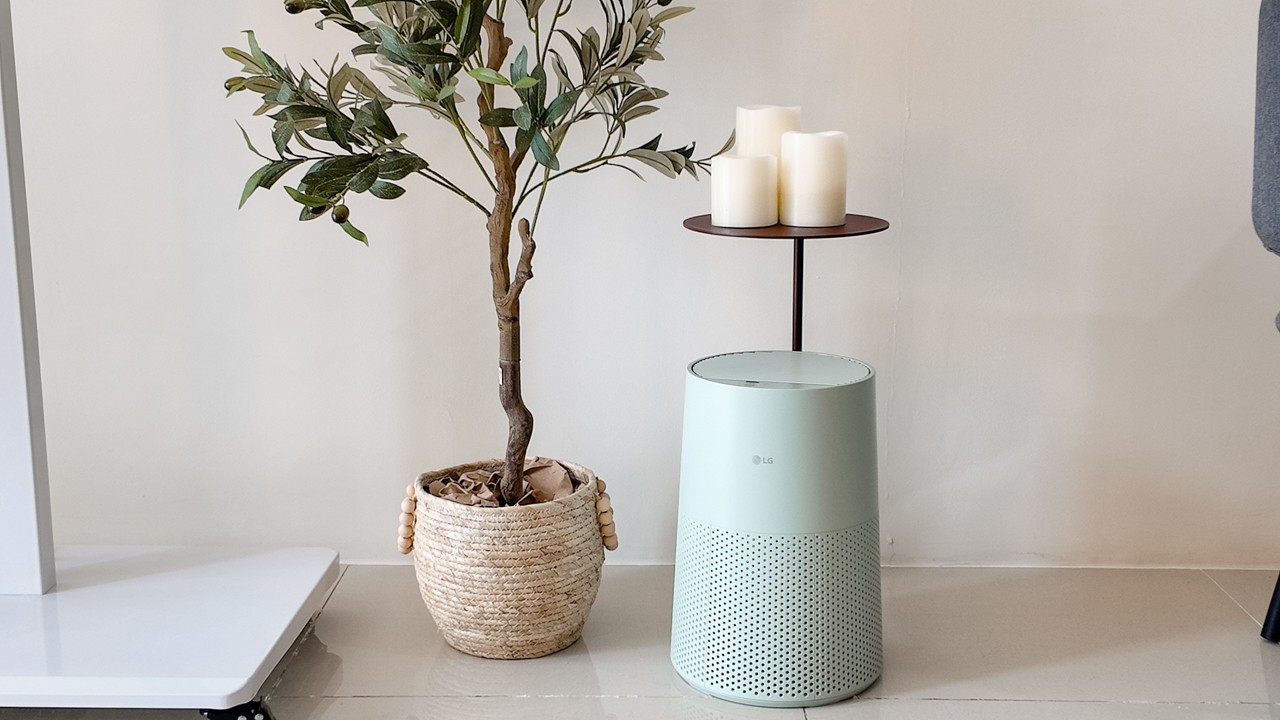
Moving into a new space comes with a long list of things to figure out, and lately, I’ve been paying more attention to something that’s easy to overlook: air quality.
After using the LG AeroMini for about a month, it has become a subtle but welcome addition to my space. It helps make the room feel fresher, while its compact and stylish design fits naturally into my setup. Here are the things that stood out to me most after living with it for a month.
360° purification for a fresher space
One of the things I appreciate about the AeroMini is its 360° air purification, designed to bring purified air in every direction.
For me, this is particularly useful in a new space where I’m spending a lot of time working, relaxing, and just settling in.
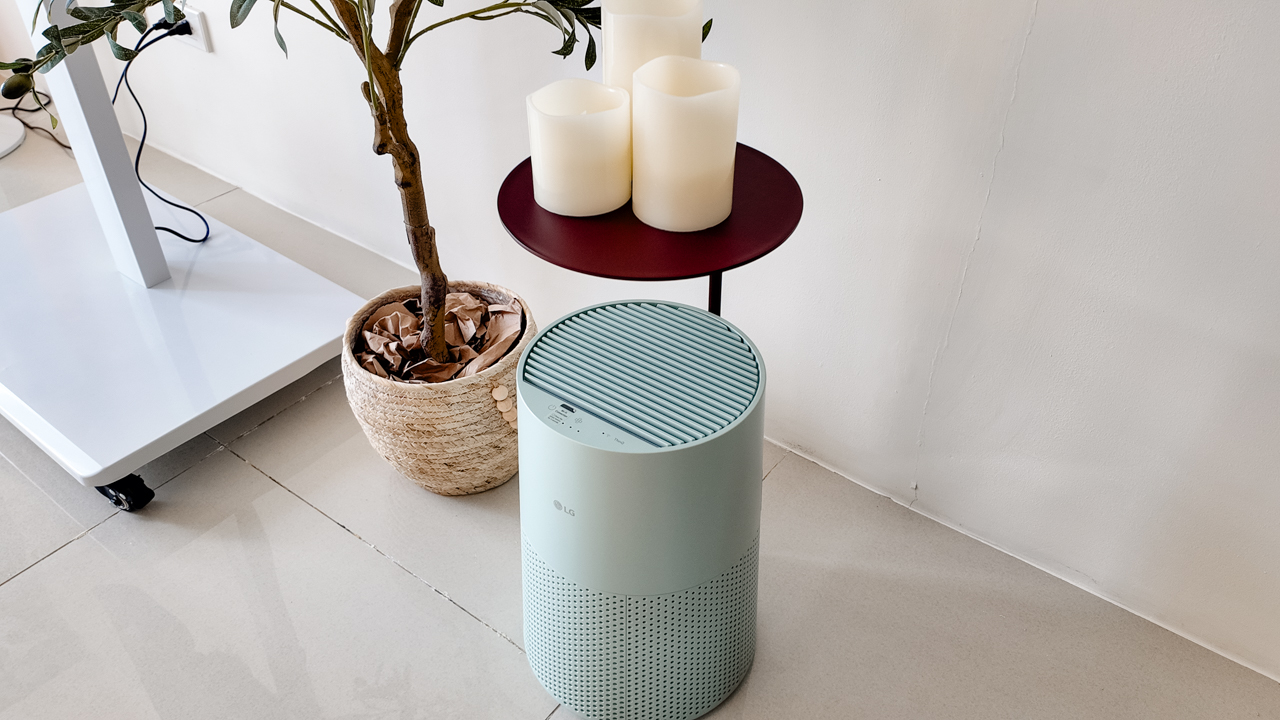
Combined with its True HEPA filter, which is designed to remove 99.999% of 0.01μm fine dust and allergens, it gives me added peace of mind about the air I’m breathing every day.
After a month, I can genuinely say that the space feels fresher with it running.
Surprisingly quiet
This is probably my favorite feature.
The LG AeroMini operates at just 26dB, and after using it for a month, what stands out is how easy it is to forget that it’s even running.

I can have it running while I’m working or sleeping without the noise becoming a distraction. For an appliance that’s designed to continuously improve the air around you, I think that’s a big deal.
Sometimes, the best feature is the one you barely notice.
Design that fits my space
Since I recently moved, I’ve been pretty conscious about what I bring into the space. I want things to be functional, but I also don’t want appliances that feel like they’re taking over the room.
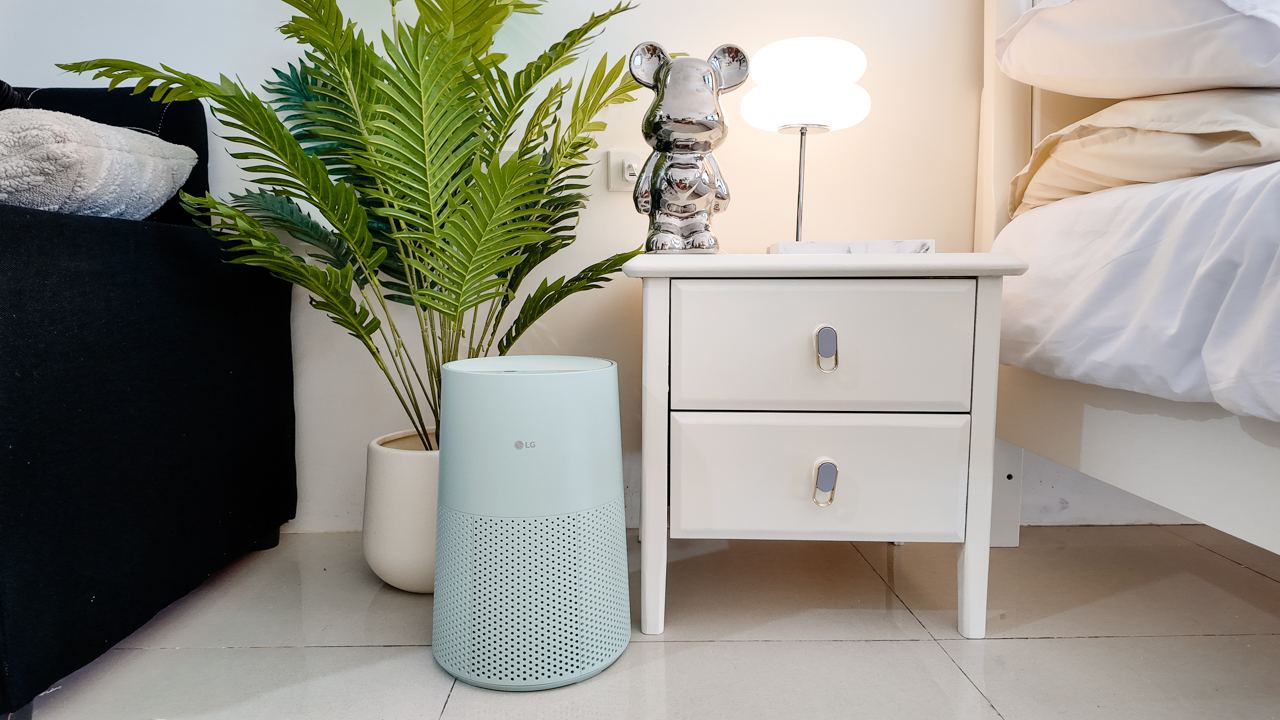
The AeroMini’s slim and compact design makes it easy to incorporate into my setup. It doesn’t feel bulky or industrial, and I like that I can leave it out without feeling like I need to hide it away.
For me, that balance between functionality and aesthetics makes it feel more like part of the space rather than just another appliance.
Air quality at a glance
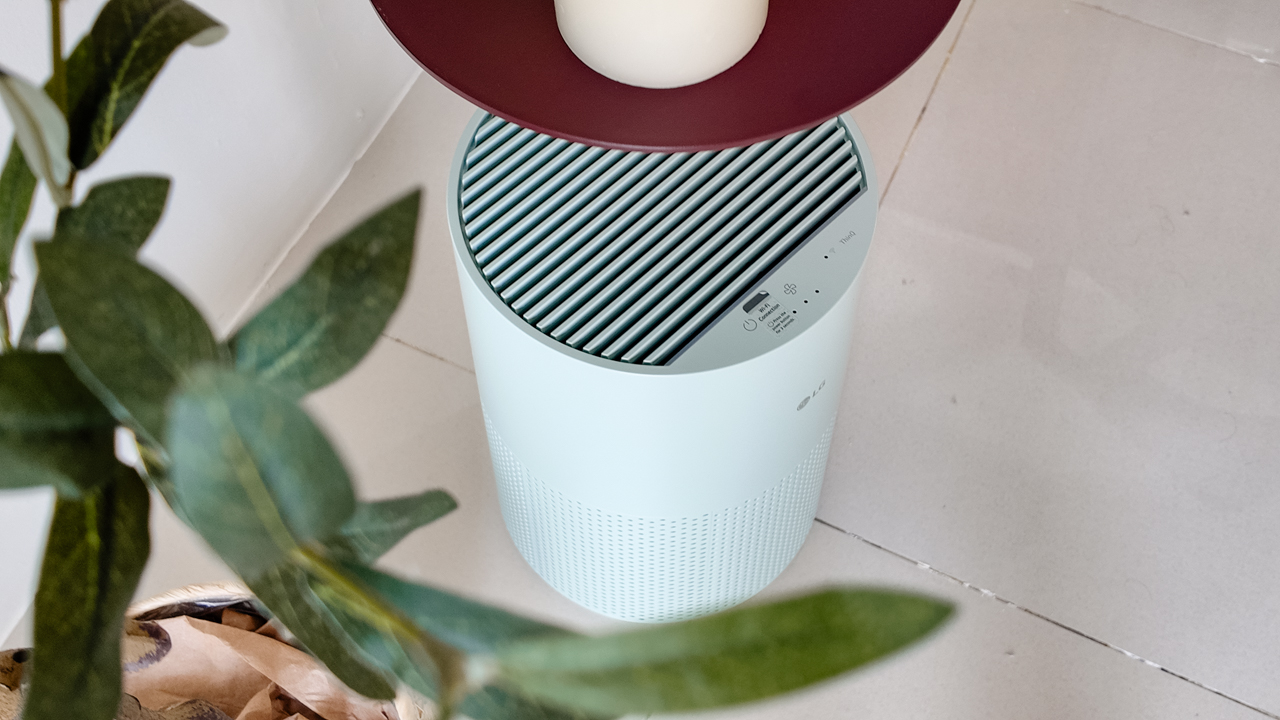
Another feature I’ve found convenient is its Smart Control. Through the app, I can monitor and control the AeroMini while getting real-time updates on the indoor air quality.
It’s a small convenience, but being able to check the air quality without having to interact with the purifier directly makes it easier to keep track of what’s happening in the room.

Easy to maintain
I also appreciate that the AeroMini is designed with an all-in-one dust and deodorization filter that makes replacement and maintenance easier.
That matters to me because the best home gadgets are the ones that don’t create another complicated chore. I want something I can set up, use regularly, and maintain without too much fuss.

After a month, would I keep it?
Yes, and mainly because it quietly fits into my everyday routine.
The LG AeroMini has helped make my new space feel fresher and more comfortable, while its compact design means it doesn’t compromise the look of the room. But if I had to pick just one thing I appreciate most, it’s still how incredibly quiet it is.

It’s one of those upgrades that doesn’t demand your attention. It simply works in the background.
If you’re also looking to make your home a fresher and more comfortable space for yourself and your family, visit https://www.lg.com/ph/ to learn more about the LG AeroMini and how it can fit into your everyday life.
Her GadgetMatch
TECNO and Angélica Dass visit the Philippines next for its grand portrait project
100 Faces, 100 Stories


A portrait can show what someone looks like, but what about the story behind the face?
TECNO and visual artist Angélica Dass are exploring that question through “100 Portraits of Becoming,” a two-year global portrait project featuring 100 people across Kenya, the Philippines, Saudi Arabia, Türkiye, and Brazil.

The project begins with 20 portraits from Kenya, each paired with a personal story about identity, choices, change, and growth. Rather than having participants represent an entire culture or generation, the project focuses on their individual experiences.
Beyond inclusive imaging
The project builds on TECNO’s work with Universal Tone, its imaging technology designed to represent diverse skin tones more naturally and accurately.

But “100 Portraits of Becoming” takes that idea further. With AI increasingly involved in capturing, recognizing, and generating images of people, TECNO and Dass want to explore how technology can better represent the individual behind the image.
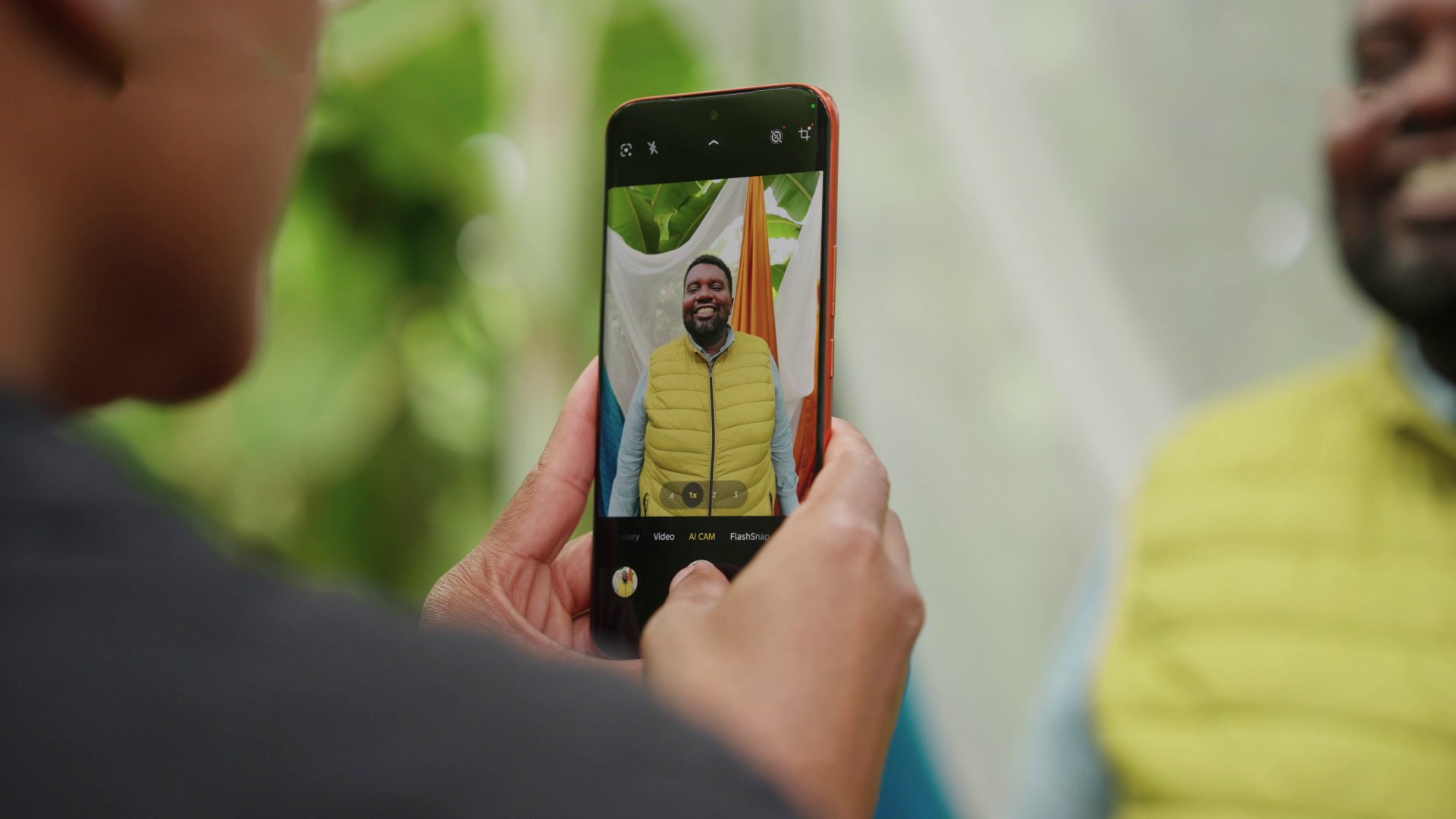
For Dass, meaningful portraiture starts with human connection.
“Meaningful portraits are never created by technology alone.”
She says her experience in Kenya reinforced the importance of trust, listening, and the willingness of people to share their stories.
The Philippines is next
Following Kenya, the project heads to the Philippines for a chapter called “Beyond Many Labels.”
It will feature 20 individuals, including working solo mothers and people whose lives are closely connected to solo parenthood.
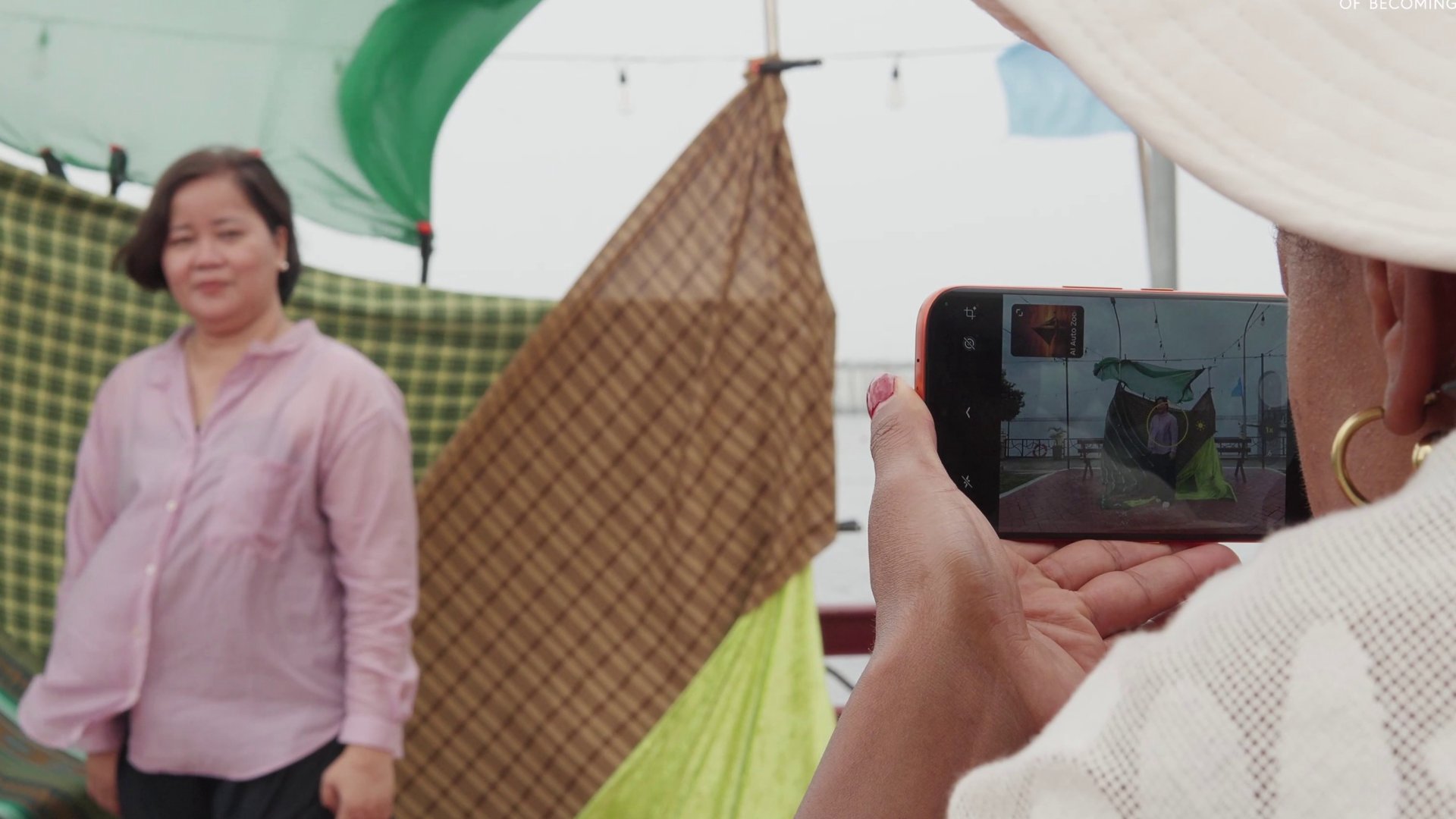
Their stories will look beyond labels such as “single mother,” “breadwinner,” and “strong woman,” while exploring their ambitions, relationships, and personal growth.
The chapter will also explore “diskarte” — the ways Filipinos adapt, make choices, and find practical ways forward in everyday life.
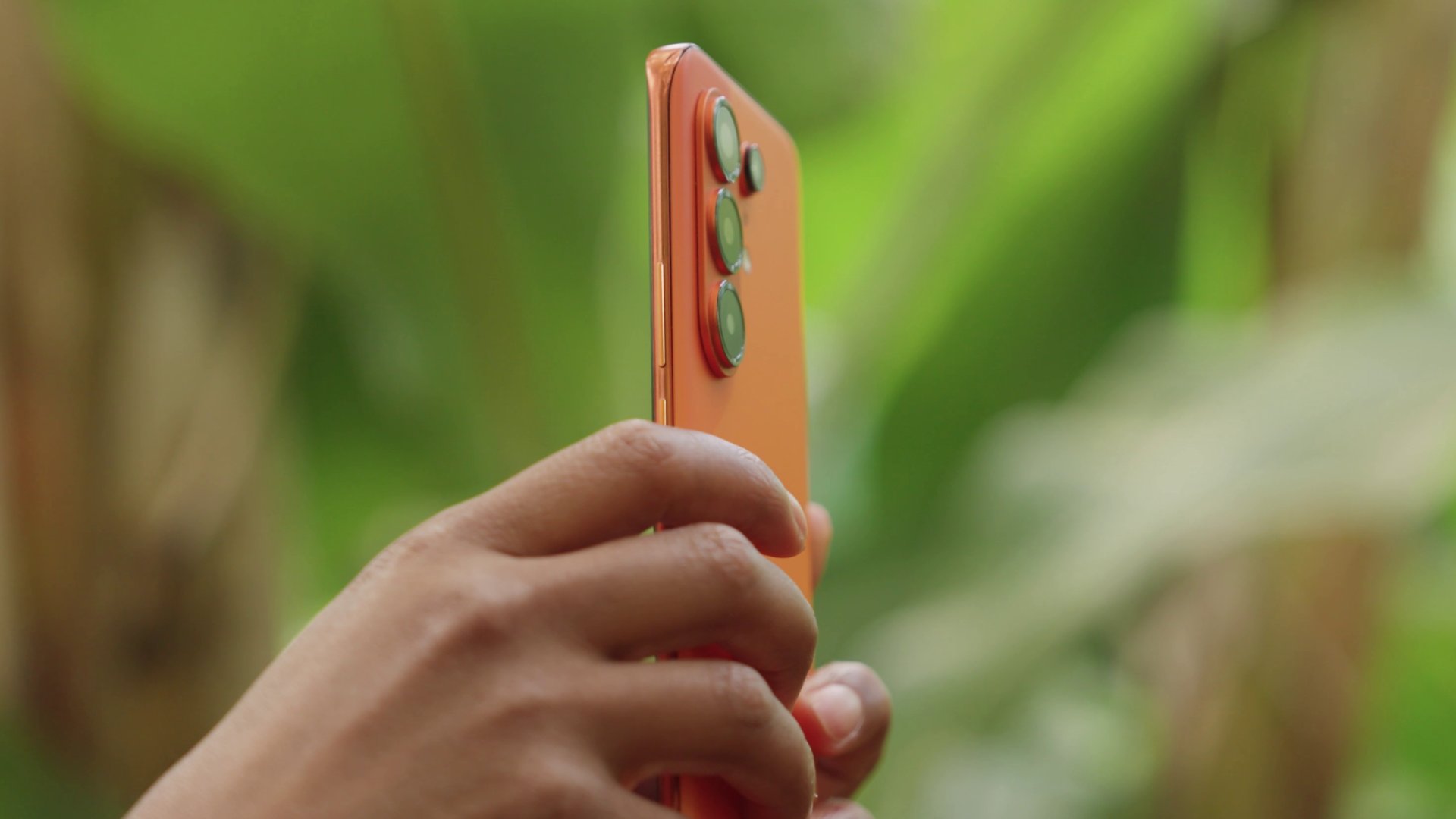
After the Philippines, “100 Portraits of Becoming” will continue to Saudi Arabia, Türkiye, and Brazil.
By the end of the project, TECNO and Dass hope the 100 portraits will offer exactly what the title suggests: 100 different ways of seeing humanity.
Her GadgetMatch
What your smartphone color choice reveals about you
Eight colors, eight personalities. Here’s how to pick.


Your phone color says more than you think. With the Pixel 11 series, Google’s giving you eight ways to make that statement, and there’s genuinely one for every kind of person.
Hibiscus
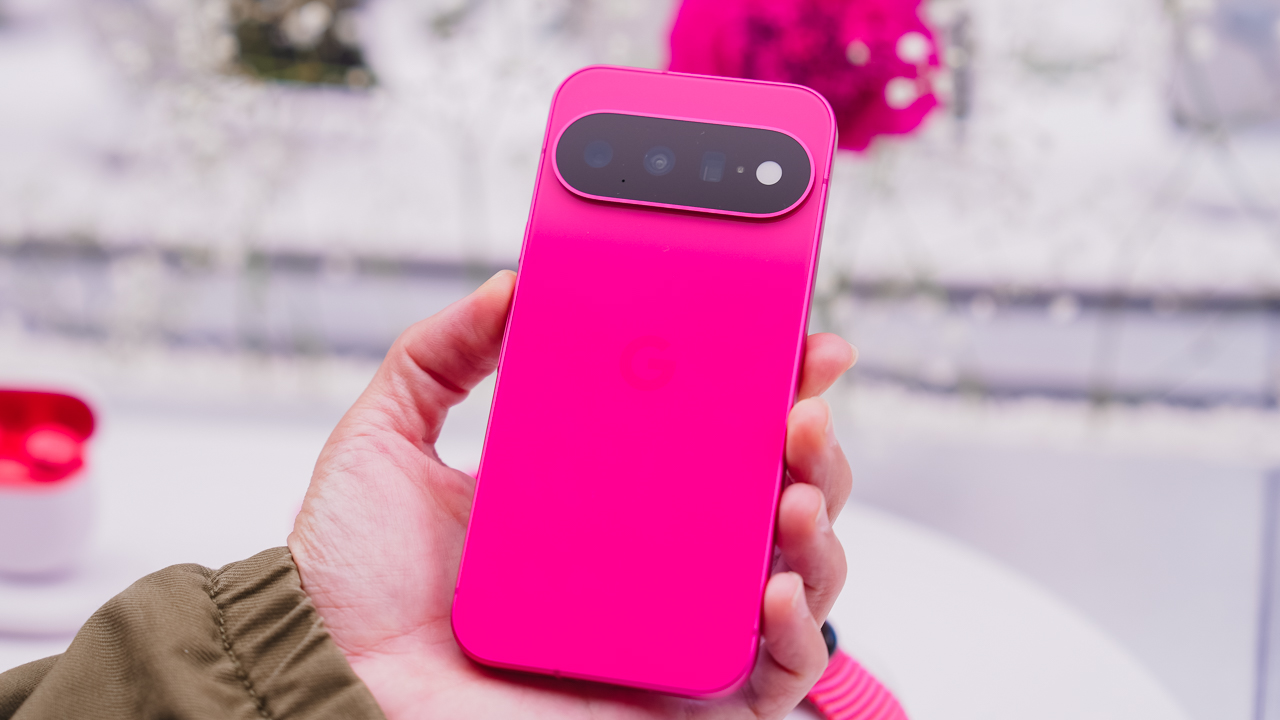
You’re never the quiet one in the room. Hibiscus doesn’t ask for attention; it just takes it, and if that sounds like you, you’re probably not planning to start hiding now. This is the pick for anyone who’d rather stand out than blend in.
Pistachio
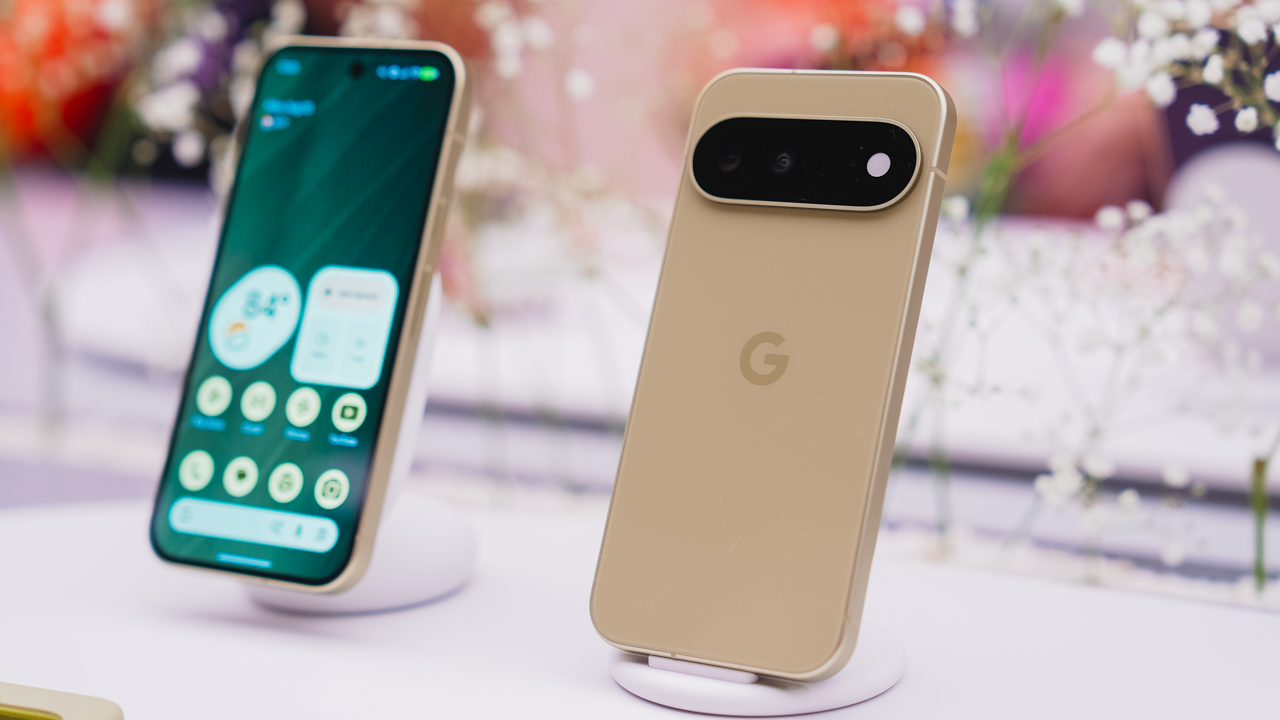
You’re the one who remembers everyone’s coffee order. Pistachio is soft and easy; the one whom people gravitate toward without quite knowing why. It doesn’t try hard to be liked. It just is.
Frost

You like things a little too organized. Frost means clean lines and a clear head, the color equivalent of a camera roll with zero mess in it. If your notes app has color-coded folders, this one’s calling your name.
Obsidian

You let the work speak for itself. No flash needed, because when you show up, the room adjusts anyway. Obsidian is the classic choice, the one that’s never trying too hard because it doesn’t have to.
Canyon
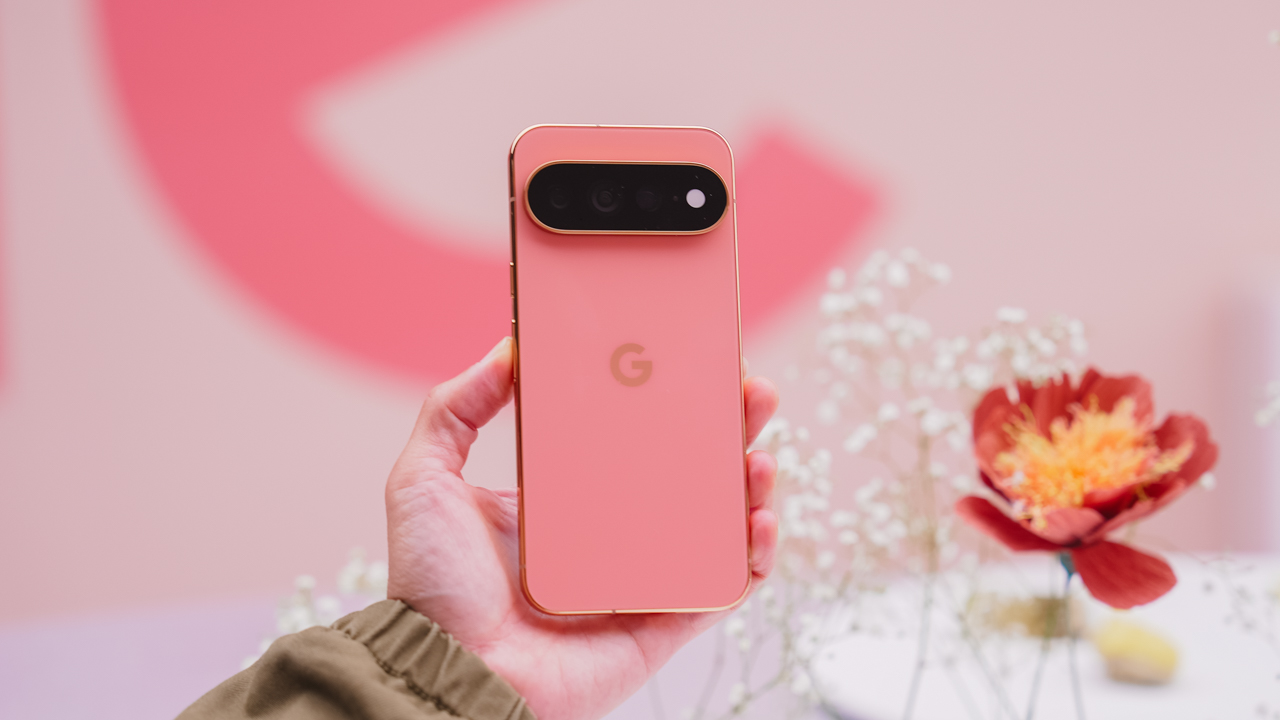
You’re the one who suggests the sunset drive. Canyon is warm and a little restless, always chasing golden hour whether or not anyone else is up for it. Available on the Pro and Pro XL, it’s built for people who treat every evening like it might be a good one.
Olive
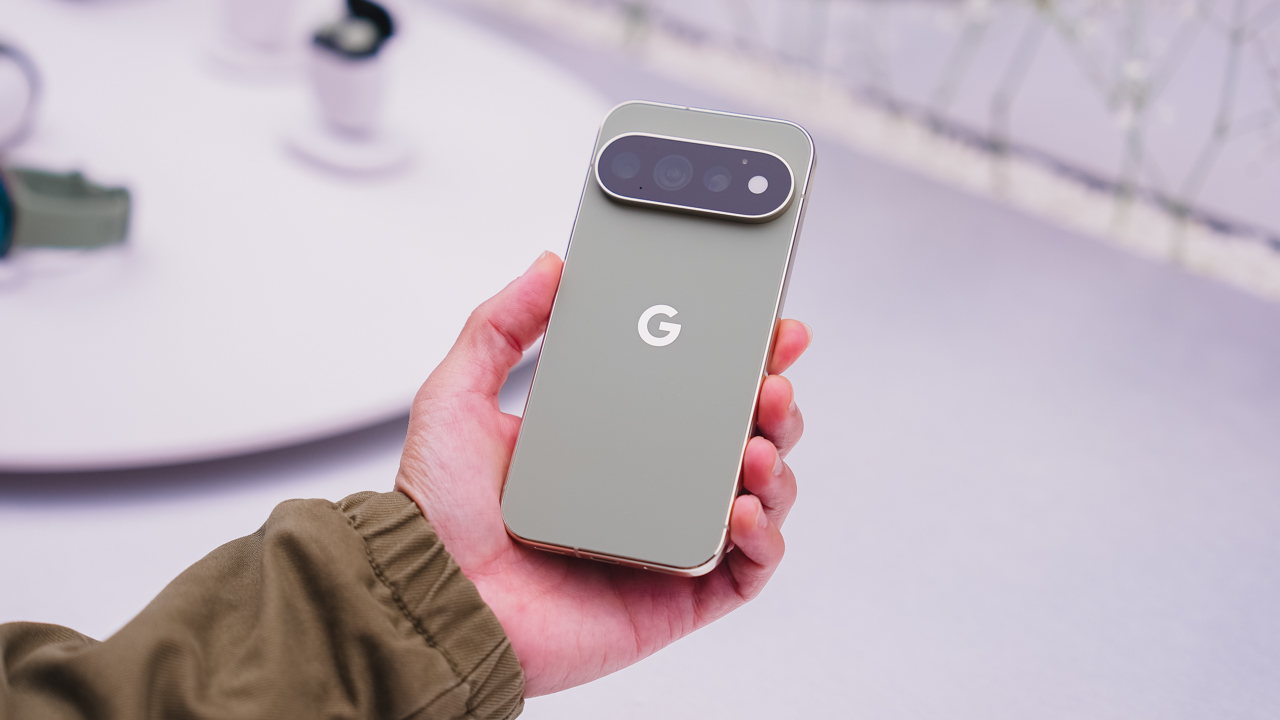
You’re outdoorsy, but you’ll still show up looking put together. Olive is low-key and grounded, the one who doesn’t try too hard because it’s already comfortable in its own skin. Another Pro and Pro XL exclusive.
Fog
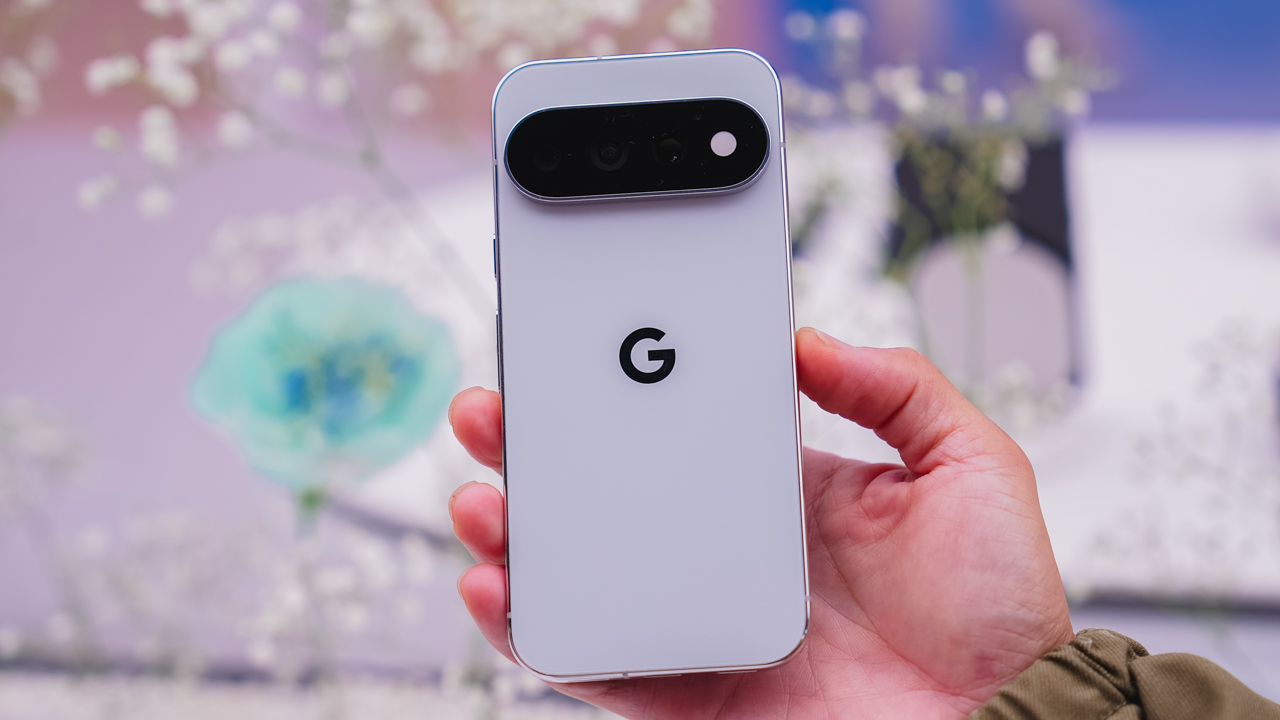
You’re hard to read, and you like it that way. Fog is understated on purpose, a Pro and Pro XL colorway for anyone who’d rather keep people guessing.
So, which one’s you?

Eight colors, three phones, one very personal decision. Pixel 11, Pixel 11 Pro, and Pixel 11 Pro XL goes on sale starting August 20 — with Pistachio, Hibiscus, Frost, and Obsidian on the base model; and Canyon, Fog, Olive, and Obsidian on the Pro line.
Which one’s calling your name?


ROG G700 review: The best prebuilt PC you can get off the shelf
This PC will make you stop worrying about specs.


HP OMEN Max 16 review: Gamer-maxxing in deep black
Peripherals deemed necessary to max this out


vivo V80 review: Good phone, tough sell
A capable travel companion

Sticker season is back, and so is the planner your ~friends~ might fill in for you

FromSoftware’s The Duskbloods delayed to 2027

Yes, you can turn off the MacBook Pro’s touchscreen display

Demon Slayer: The Hinokami Chronicles 2 launches on Switch 2

What the MacBook should touch on instead

vivo X Fold6 makes global debut with 200MP camera and 6900mAh battery

OPPO Find X10 Series launches globally October 21

Sony teams up with Hello Kitty for exclusive limited-edition collection

Bambu Lab opens first Authorized Store in the Philippines

Nike’s new race-day system, explained


-
Reviews2 weeks ago
vivo V80 review: Good phone, tough sell
-

 News1 week ago
OPPO Find X10 Series: Price, availability in the Philippines
-

 Cameras2 weeks ago
DJI Osmo Pocket 4P Pearl White now available globally
-

 News1 week ago
OPPO Find X10 Series: Price, availability
-
 News2 weeks ago
Sony unveils three premium Walkman music players
-

 Entertainment2 weeks ago
Cyberpunk: Edgerunners 2 now streaming, Cyberpunk 2077 update coming
-
Gaming1 week ago
HP OMEN Max 16 review: Gamer-maxxing in deep black
-

 Laptops2 weeks ago
Lenovo expands Yoga lineup with new AI PCs and tablets