


Okay, maybe 15 pounds (6.8kg) is a bit of a stretch, but it’s true that the iWOWNfit i6 HR has been a handy companion in my bid to lose weight and be a little more fit.
I started this weight loss journey at 195 pounds (88kg) and now I’m at roughly around 180-ish pounds (82kg). It’s not a lot and I’m just about halfway through my target, but the progress I have made is pretty encouraging.
Tracking my steps
I got the iWOWNfit i6 HR roughly around 8 to 10 weeks ago and that’s when I really started keeping tabs on my activities. Like any fitness wearable worth its salt, it helps you track your steps daily. It also comes with an app so you can see how many steps you’ve averaged over a certain period of time.

Pointing at the iWOWNfit i6 HR to make sure you know what it looks like
I used the first week or so to establish a baseline. I walk to and from work a lot but even then, I only averaged around 4,000 steps a day. To actually slash some fats off of my beautiful body, I needed to do more.
Adding hoop time
The easy solution was to run, right? Not for me. I hate it. I think it’s absolutely the most boring activity ever, so I had to find something that would force more movement out of me, but it had to be something I enjoyed. I turned to basketball.

Getting ready to hoop!
I have always believed that the key to pursuing anything is that you have to truly enjoy it. Even on days when you feel like you hate it, deep down you know you love what you’re doing, so no matter how tough, you’ll power through. That’s exactly what basketball is to me. While the feeling isn’t exactly mutual just like many of my romantic pursuits, I stuck with basketball and continue to play because I truly enjoy it and it has helped produce results.

Champion, baby. That’s why you gotta get with me
It’s also pretty handy that basketball is one of the activities that the iWOWNfit i6 HR can track. If basketball’s not for you, it does track other activities like training, cycling, swimming, and many others.
To reach the weight goal I set for myself, I needed to average around 10,500 steps daily. Once I found this out, I tried playing ball as much as I could. Some days I get to actually play against some guys, but most of the time, I’m by myself so I built a routine that would push me to 10,000 steps or so.
Trust the process
On days that I do play actual games, I push close to 18,000 steps which is way over my requirement. Seeing that you can exceed your daily goals provides you with a lot of motivation to push further.

I’m nowhere near as good as this photo makes me look
On days that I don’t get to play, I see to it that I walk a few extra blocks before actually going home just to make sure I hit my daily goal. More than anything, this is the biggest help that I got from the iWOWNfit i6 HR. While I’ve tried and failed to lose weight before, putting a number on my daily target made me more aware and helped make sure that I was progressing.
If you’re wondering if I changed my diet, I didn’t. At least, not drastically. I still eat a lot of fast food junk but I did lower the portions. The keys to me losing my first set of 15 pounds was more because I knew the number I had to hit daily and I chose an activity I can sustain.
Just the beginning
The iWOWNfit i6 HR, which you can get from Amazon for US$ 27, does a few other things too. It functions as a watch, can monitor your heart rate, shows your text messages, and through the app, set an alert that makes it vibrate to let you know that it’s time to get moving.
As I mentioned earlier, this journey doesn’t end here. My next step is probably being more mindful about what I eat. Maybe we’ll have some gadget or app that can help me with that.

This isn’t some dramatic shot. I’m just really tired AF so I had to grab onto something
If you’re wondering why there aren’t any before and after photos here, that’s because I didn’t really take any. I was skeptical about my own discipline but having something to help me track my progress was a big plus.
I’ll leave you with this full body shot. I’m still pretty chunky but I’m proud of what I have been able to accomplish so far. If I get the chance to try a different fitness band, maybe I’ll take a similar photo and we’ll see then if there’s any improvement.

If I were you, I’d slide in my DMs now before I lose more weight
Erratum: This feature initially noted the device as the i5 Plus. It has been corrected to the i6 HR.

Hands-On
Apple iPhone Duo Unboxing and Hands-on
Supported apps, crease, cameras, and MagSafe all tested

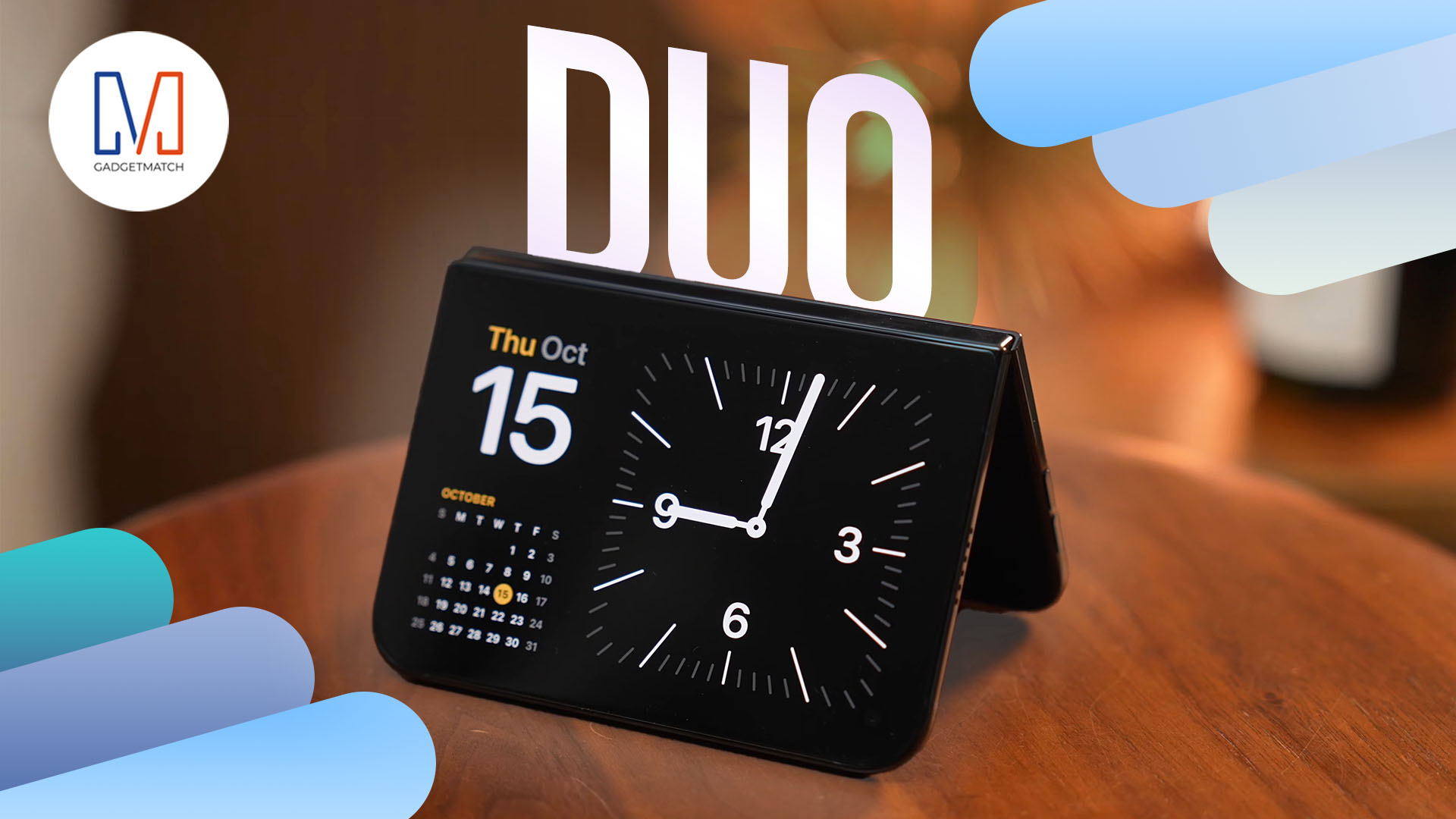
Apple’s iPhone Duo is finally here!
Aside from unboxing the all-new iPhone-dable in Night Sky, we take a closer look at the display crease, check out the under-display camera quality, see which MagSafe accessories work with it.
Most of all, which apps support it (or not).
But how well does the dual-screen experience on an iPhone actually work? Watch our Apple iPhone Duo unboxing and hands-on to know more!

Moving into a new space comes with a long list of things to figure out, and lately, I’ve been paying more attention to something that’s easy to overlook: air quality.
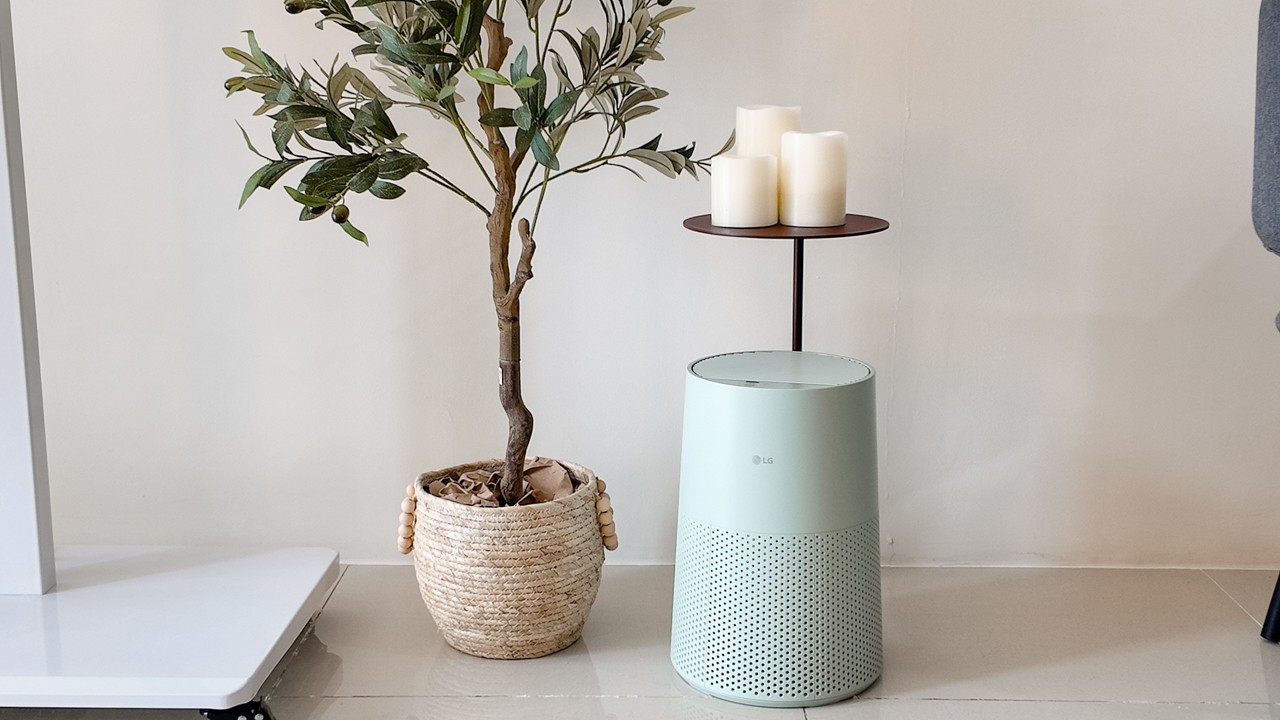
After using the LG AeroMini for about a month, it has become a subtle but welcome addition to my space. It helps make the room feel fresher, while its compact and stylish design fits naturally into my setup. Here are the things that stood out to me most after living with it for a month.
360° purification for a fresher space
One of the things I appreciate about the AeroMini is its 360° air purification, designed to bring purified air in every direction.
For me, this is particularly useful in a new space where I’m spending a lot of time working, relaxing, and just settling in.
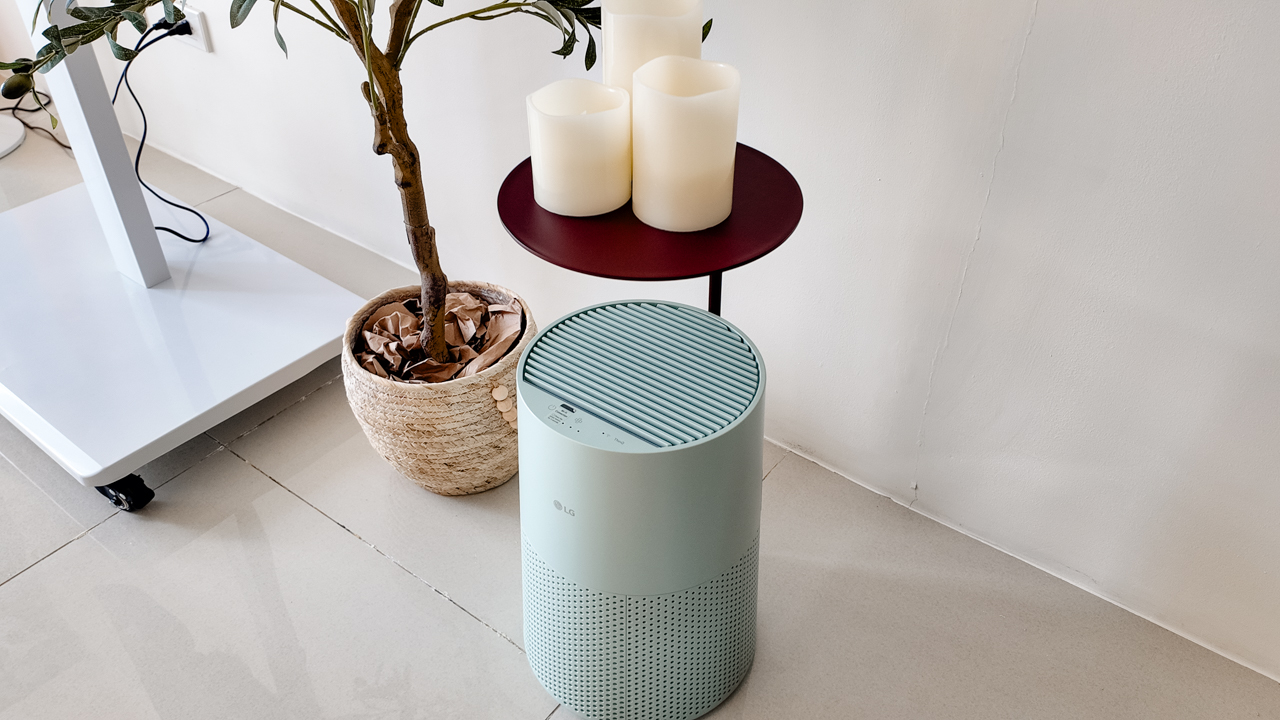
Combined with its True HEPA filter, which is designed to remove 99.999% of 0.01μm fine dust and allergens, it gives me added peace of mind about the air I’m breathing every day.
After a month, I can genuinely say that the space feels fresher with it running.
Surprisingly quiet
This is probably my favorite feature.
The LG AeroMini operates at just 26dB, and after using it for a month, what stands out is how easy it is to forget that it’s even running.

I can have it running while I’m working or sleeping without the noise becoming a distraction. For an appliance that’s designed to continuously improve the air around you, I think that’s a big deal.
Sometimes, the best feature is the one you barely notice.
Design that fits my space
Since I recently moved, I’ve been pretty conscious about what I bring into the space. I want things to be functional, but I also don’t want appliances that feel like they’re taking over the room.
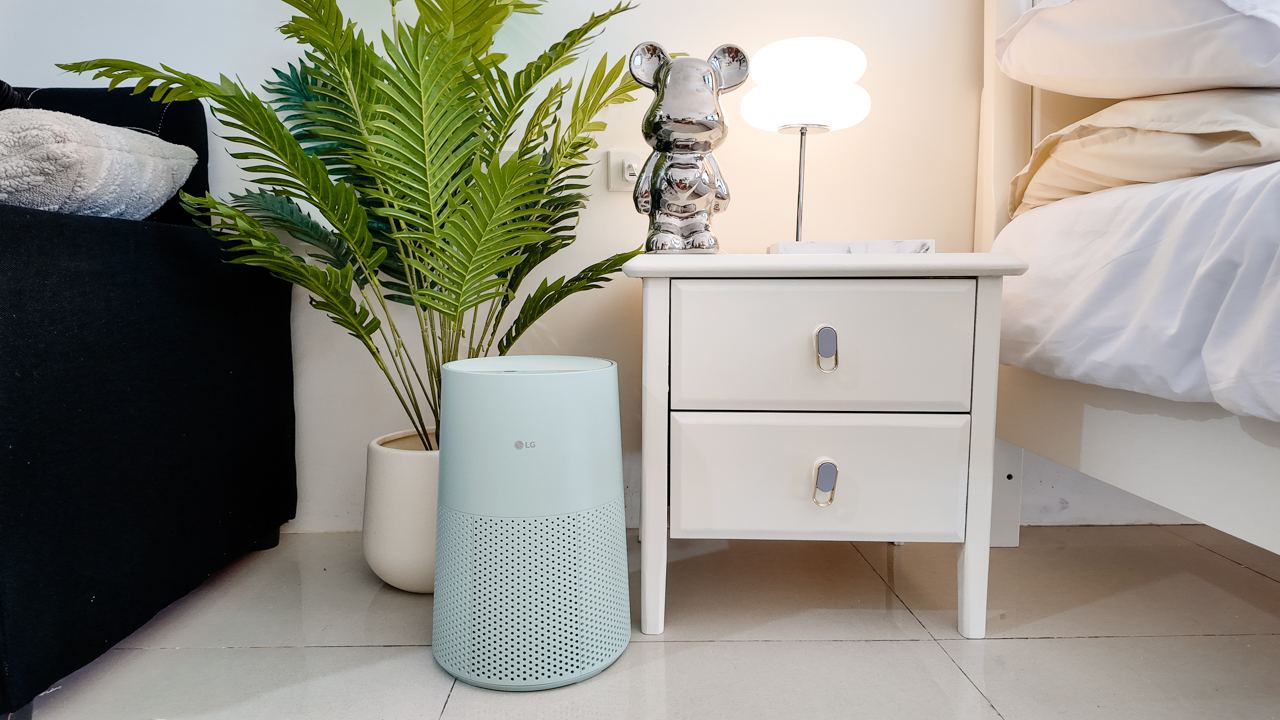
The AeroMini’s slim and compact design makes it easy to incorporate into my setup. It doesn’t feel bulky or industrial, and I like that I can leave it out without feeling like I need to hide it away.
For me, that balance between functionality and aesthetics makes it feel more like part of the space rather than just another appliance.
Air quality at a glance
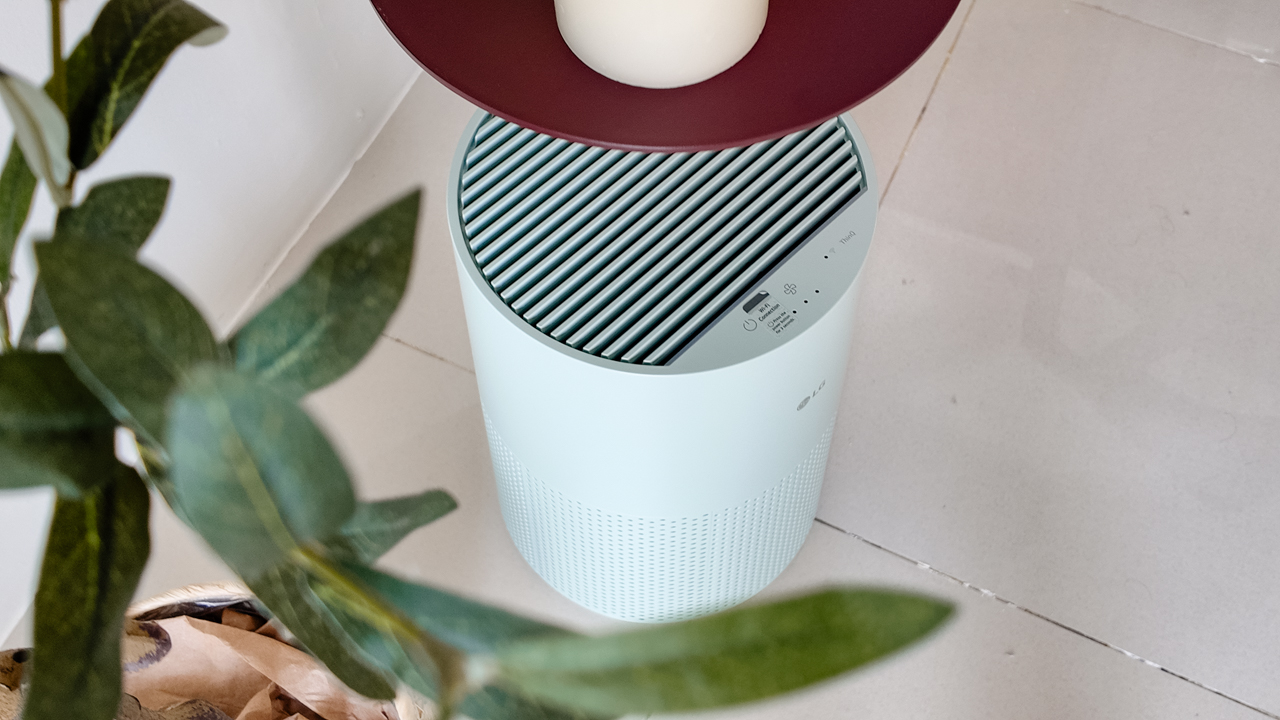
Another feature I’ve found convenient is its Smart Control. Through the app, I can monitor and control the AeroMini while getting real-time updates on the indoor air quality.
It’s a small convenience, but being able to check the air quality without having to interact with the purifier directly makes it easier to keep track of what’s happening in the room.

Easy to maintain
I also appreciate that the AeroMini is designed with an all-in-one dust and deodorization filter that makes replacement and maintenance easier.
That matters to me because the best home gadgets are the ones that don’t create another complicated chore. I want something I can set up, use regularly, and maintain without too much fuss.

After a month, would I keep it?
Yes, and mainly because it quietly fits into my everyday routine.
The LG AeroMini has helped make my new space feel fresher and more comfortable, while its compact design means it doesn’t compromise the look of the room. But if I had to pick just one thing I appreciate most, it’s still how incredibly quiet it is.

It’s one of those upgrades that doesn’t demand your attention. It simply works in the background.
If you’re also looking to make your home a fresher and more comfortable space for yourself and your family, visit https://www.lg.com/ph/ to learn more about the LG AeroMini and how it can fit into your everyday life.
Hands-On
Apple iPhone 18 Pro Series Hands-on
And everything announced during Apple’s September 2026 Event
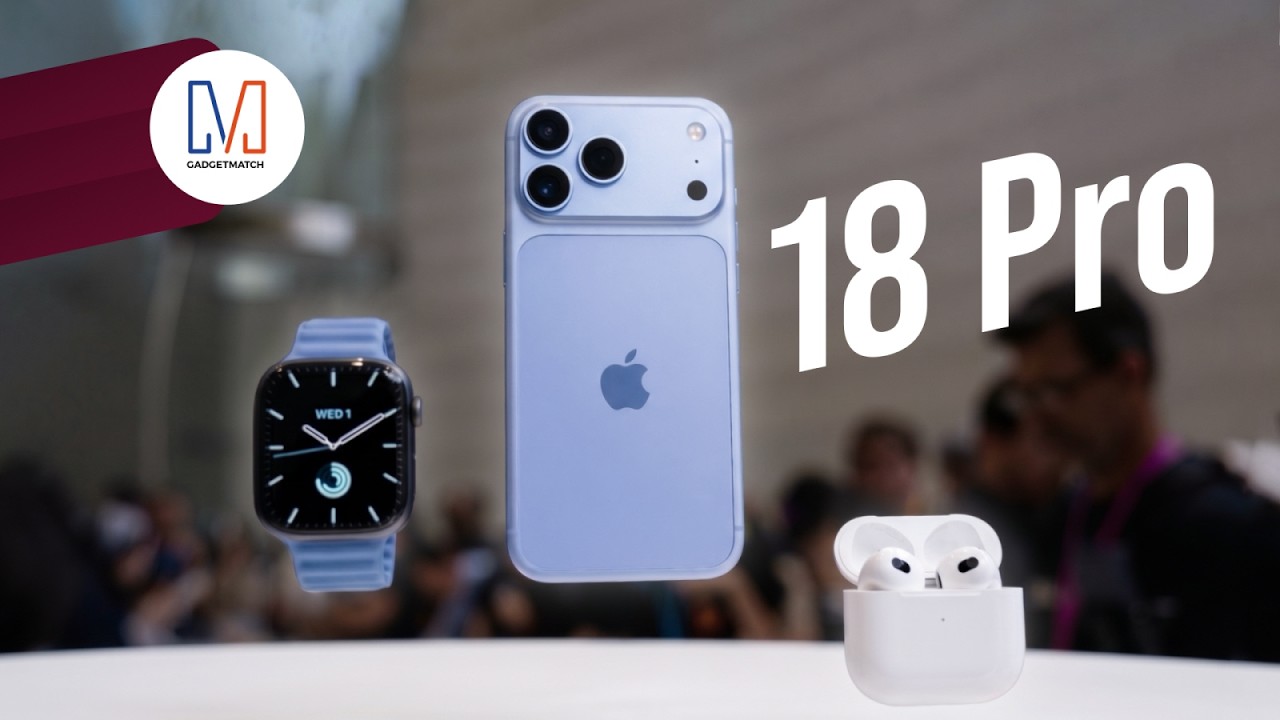
The latest Apple event isn’t just about the shiny new Apple Duo. There’s a lot to talk about!
In this video, we break down everything Apple has announced during their September 2026 keynote.
First, there’s the updated iPhone 18 Pro and 18 Pro Max. That’s alongside their design and color changes, battery and performance improvements. Even that massive camera upgrade.
There’s even the ANC-infused AirPods 5 alongside the newer Apple Watch Series 12 and Apple Watch Ultra 4. Plus, the latest software updates coming to both these wearables.
So, are these worth the upgrade?


ROG G700 review: The best prebuilt PC you can get off the shelf
This PC will make you stop worrying about specs.

HP OMEN Max 16 review: Gamer-maxxing in deep black
Peripherals deemed necessary to max this out

vivo V80 review: Good phone, tough sell
A capable travel companion

4 new nutribullet kitchen essentials to make holiday hosting easier

Inside Infinix’s first global concept store in Bali

Wild Rift Patch 7.3, celebrates K/DA comeback

LG showcases its latest AI TVs in the Philippines

Your coffee nook is getting a makeover with Starbucks’ holiday collections


-
 News2 weeks ago
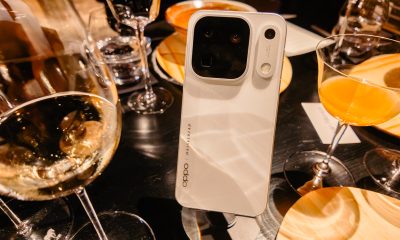
OPPO Find X10 Series: Price, availability in the Philippines
-

 Cameras2 weeks ago
DJI Osmo Pocket 4P Pearl White now available globally
-

 News2 weeks ago
OPPO Find X10 Series: Price, availability
-
 Lifestyle2 days ago
Your coffee nook is getting a makeover with Starbucks’ holiday collections
-
Gaming2 weeks ago
HP OMEN Max 16 review: Gamer-maxxing in deep black
-

 Entertainment2 weeks ago
Cyberpunk: Edgerunners 2 now streaming, Cyberpunk 2077 update coming
-

 Lifestyle4 days ago
Sticker season is back, and so is the planner your ~friends~ might fill in for you
-

 Laptops2 weeks ago
ASUS ProArt P14, P16 laptops with NVIDIA RTX Spark now available