

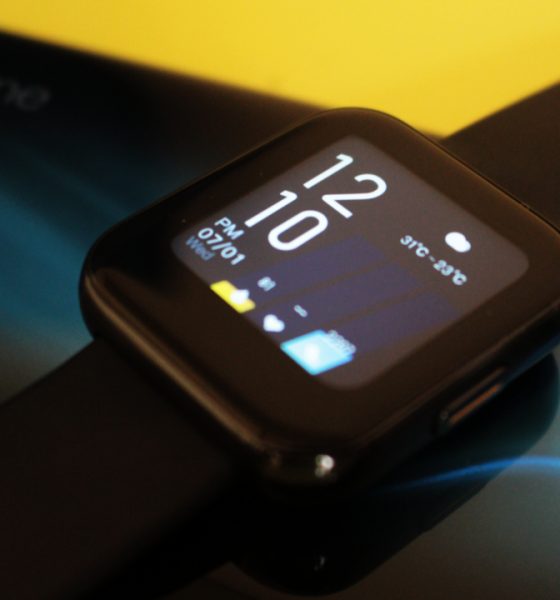
Reviews
realme Watch review: It gets fitness tracking right
But it leaves so much more to be desired

realme has been aggressively pushing its own ecosystem into the fore this year. It started last year with the release of the affordable realme Buds Air. It was soon followed up with the realme Band, a fitness tracker that aims to compete with the Mi Band. Now, realme is pushing another product: the realme Watch.
The realme Watch serves to affirm the company’s grand vision for the future. Right now, it’s busy building a singular platform that will cater to the youth’s lifestyle. And the company’s first smartwatch is a small but crucial piece to that.
However, launching a smartwatch is not going to be easy. For realme, this is their first-ever product in a new category segment. The future of a grand ecosystem depends on how successful this smartwatch is going to. Plus, the company’s reputation as a lifestyle device for the youth is at stake here.
Beyond that, any product that bills itself as a smartwatch has to be particularly good at the basics — battery life, fitness tracking, connectivity, and app integration. So, does the realme Watch have what it takes to be a proper smartwatch? Let’s find out.
realme Watch is compact and intuitive
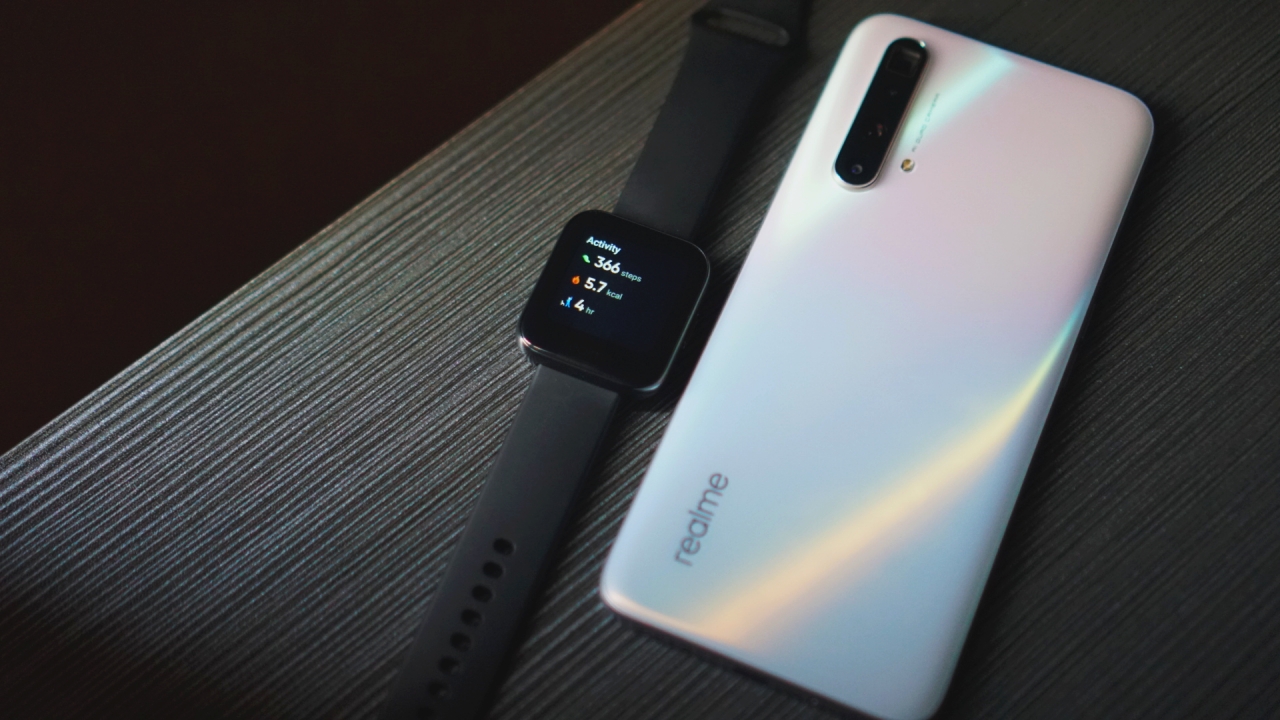
I’m pretty sure the name and design of the realme Watch will invoke the image of a familiar smartwatch to many. realme may have done this on purpose since any positive association with the Apple Watch creates a halo effect for their own smartwatch.
I can make out some differences between the Apple Watch and realme Watch though. First, the realme Watch is smaller and touts a more symmetrical body. Second, there’s a realme logo underneath the display but it’s super hard to notice. Second, the watch has a lone button on the right in place of Apple Watch’s digital crown and side button. And finally, the whole watch is made of plastic which is unlike the premium materials used by Apple on its smartwatch.
The smartwatch is compact and light. I didn’t notice much heft while wearing it. However, the fashion strap band feels cheap, and it is hard to attach and secure it to the wrist. Fortunately, there’s a quick-release lock that enables easy switching of strap bands.
Upon wearing the watch for the first time, I noticed that the screen’s brightness is not that sufficient to tackle direct sunlight. As such, I glanced a lot longer and squinted hard at the realme Watch outdoors. It doesn’t help that the smartwatch’s LCD display is a bit washed out.
It’s good for daily fitness tracking
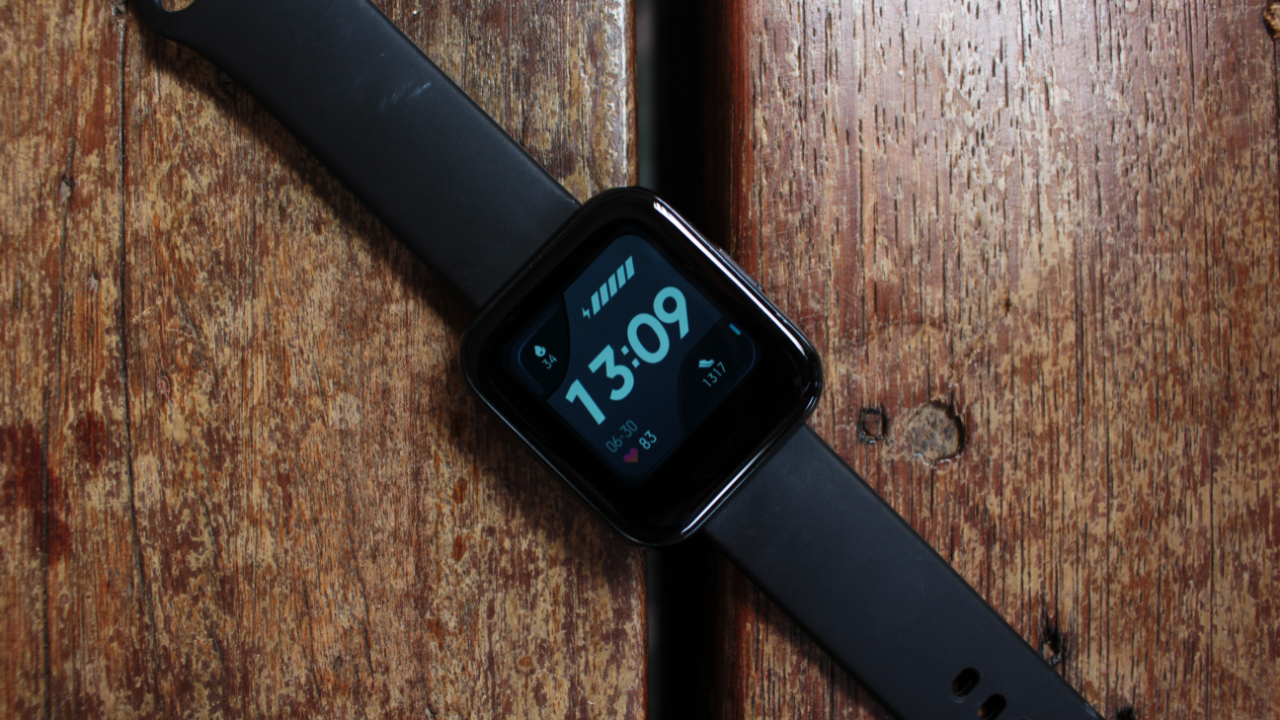
Most people expect smartwatches to be good at fitness tracking. After all, these tiny devices pack a plethora of sensors that track your steps, heart rate, sleep patterns, and so on. However, not all smartwatches are built equally. That applies especially to the realme Watch, where you can expect some hits and misses.
For the most part, the smartwatch does a good job of tracking my heart rate. I compared it to an Honor Band 5 that I have and got the nearly identical results. I don’t have any professional heart rate monitor lying around, but I’m still confident in the readings.
There’s one big caveat to the smartwatch’s premise of continuous heart rate tracking though. I can only set the watch to read my heartbeat every five minutes or so. It would have been better if there’s an option to read heartbeats every three minutes or less. But alas, this is what realme settled for.
Step tracking is also fine for the most part. I can actually set custom step goals, which is a pretty nice feature to have. Personally, I set mine to 6,000 steps.
Aside from heart rate monitoring and step tracking, the realme Watch can also track sleep. I’m still dumbfounded by the different terminologies for quantifying sleep, but the data presented by the watch is spot-on. On average, the watch tells me that I only sleep for 5 to 6 hours every day. Comparing that data to my Honor Band 5, and I can say that they’re both pretty close.
One thing that I really like about the realme Watch is the presence of a meditation timer. It’s pretty barebones though, and the timer is configurable up to 10 minutes only. At least it’s there, and it’s pretty useful whenever I get anxious or stressed out.
It comes with a buggy exercise interface and integration
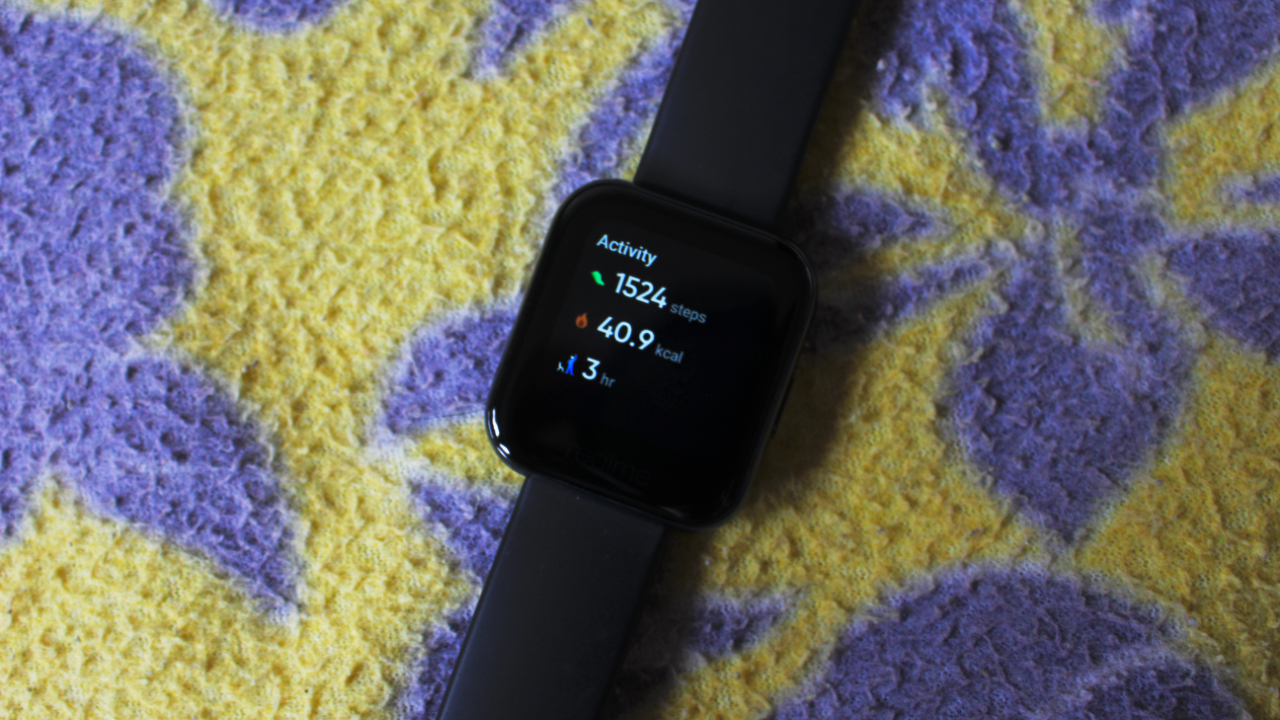
How did the realme Watch fare on a workout session? It’s actually a mixed bag. Granted, I don’t exercise a lot, and my only fitness regimen nowadays is walking around the block. Still, there’s a lot of health benefits derived from walking, and I would like my smartwatch to track how my body responds to a 10-minute walk.
Starting an exercise session from the watch is pretty straightforward. You just scroll down from the watch face, and select “workout”. From there, you have 14 sessions to choose from. There’s only one major sport that realme left out here: swimming. Yes, you can’t track your swims with this smartwatch.
Once started, realme will track your heart rate, duration, and calories burned. There are five visual indicators to tell you what zone you are in. realme Watch will display more or fewer data depending on what exercise you select. Since I like to walk, I get extra information such as distance, cadence, and steps.
Like I said before, exercise tracking is a mixed bag on the realme Watch. The biggest gripe that I have with is its tendency to restart in the middle of an exercise session. I can’t count the times that I had to start tracking once again since the watch would decide to end tracking abruptly. Hopefully, realme can fix this issue with a software update.
No third-party apps, but has some good system apps built-in
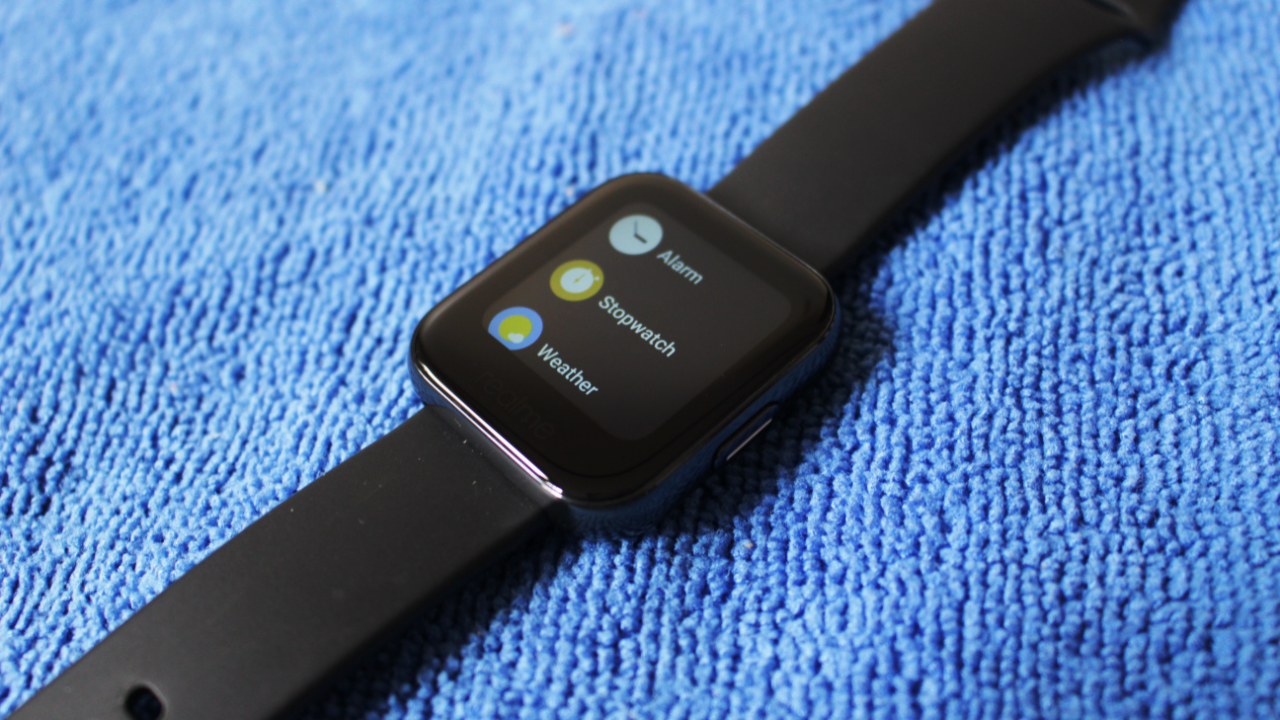
Software problems doesn’t only exist when tracking exercises. The realme Watch is riddled with a buggy system that likes to restart or even wipe out your data for the day. realme has a lot to improve here and I’m really hoping that subsequent updates can fix these annoying bugs.
In moments where the realme Watch doesn’t show its unwelcome quirks, you can actually appreciate how fluid and intuitive the navigation is. By default, the smartwatch shows your selected watch face. Long-pressing on the watch face enables you to choose from others.
Swiping up, you get a list of notifications. Swipe to the left and right, and you get different widgets that show you useful information at a glance. To access the apps, swipe down from the main watch face. Getting back to other areas is just a press away from the lone side button.
Some first-party apps that I do appreciate on this watch are the music control app and weather app. I found myself using the music control app more to skip to the next track and control the volume. And, it is nice to see weather information at a glance without scouring the web for forecasts.
The phone app leaves a lot to be desired
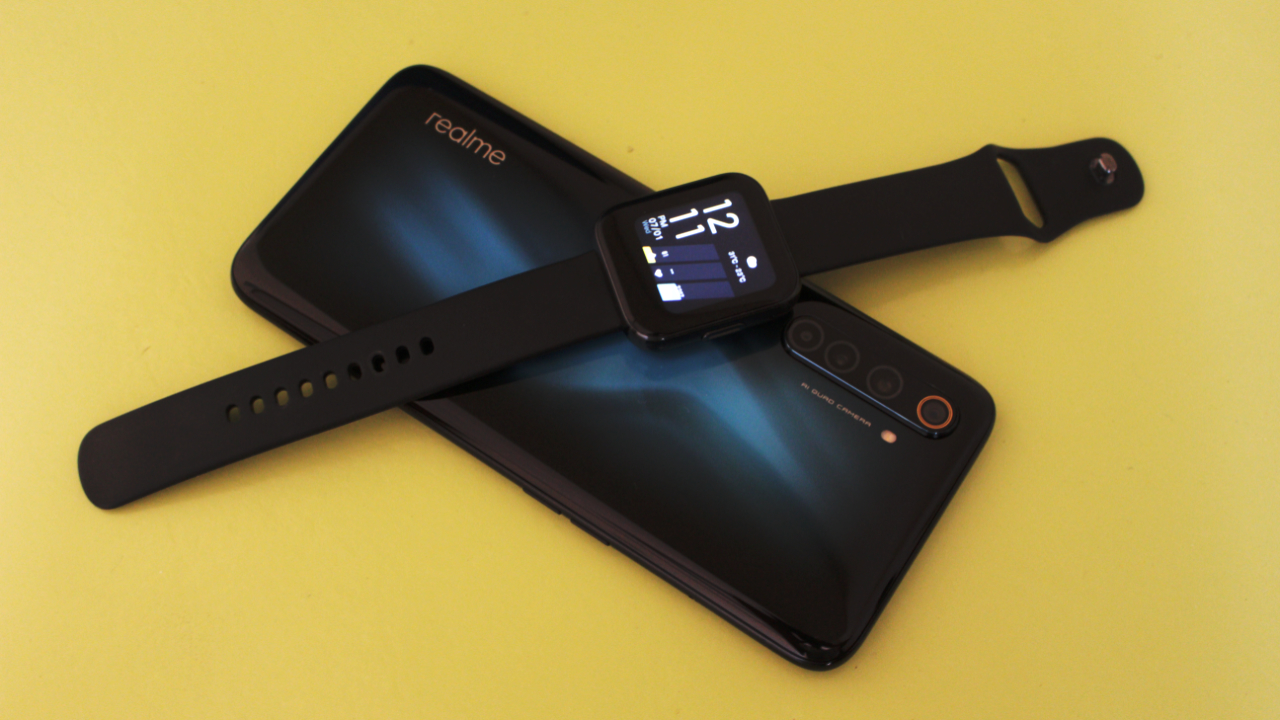
Of course, the whole experience of using the realme Watch is incomplete without the dedicated smartphone app. Unfortunately, realme Link—– the app that controls the watch — is only available for Android. So, there’s no way to use the watch if you use an iPhone.
As for the app, realme Link is easy to navigate and the pairing process is quick and easy. Unlike in my Honor Band, I don’t need to deal with the rigorous install of other apps just to get going. Tweaking the watch’s settings is easily done on the app itself. Plus, it’s super easy to setup app notifications.
What I didn’t like is that I needed to register for an account just to set up my realme Watch. But this complaint of mine could be minor for you. After all, most apps today require sign-ups. Still, I would’ve preferred if the app allowed me to control the watch without signing in.
While navigating and tweaking settings is a breeze on realme Link, there’s a lot to be desired with the app. First, the app can quickly get confusing for first-time smartwatch users. Statistics are displayed nicely on the app, but there’s no thorough explanation of what those statistics really mean for your health.
I also dislike the fact that there’s a limited selection of watch faces available on the app. Granted, this is a first-generation product for realme. Watch faces available at the moment are limited to a selection of 12 quirky faces. I say quirky since some of the watch face designs are divisive — you may like it or hate it. For me, however, I didn’t find any interesting watch faces so I stuck with the default one. realme did say more watch faces are coming soon. I say, it can’t come soon enough.
Finally, realme Link shows some weird software bugs from time to time. For example, when I toggled the exercise tracking within the app, the realme Watch doesn’t go into exercise tracking. Fortunately, these bugs are easily resolvable with software updates.
Solid battery life for a smartwatch
One of realme Watch’s saving grace is its long battery life. That is, long battery life for a smartwatch of this class. In normal usage, I get three to four days of battery life. It’s pretty solid, considering that most smartwatches last only a day. However, it’s worth noting that those smartwatches have more sensors that hog battery life.
You can actually extend the watch’s battery life for longer. Toggle the power-saving mode and you get up to two days more battery life on the realme Watch.
Charging is also pretty quick. From my experience, the realme Watch took an hour to charge from 10% to 70%.
Is this your GadgetMatch?
There’s a good article on Android Authority that summarizes realme’s vision for an all-encompassing ecosystem. Like the title says, the company needs to walk first before it can run. The same holds true for the realme Watch.
There are so many quirks and bugs on the smartwatch that you’ll wonder if you made the right purchase decision. Plus, app integrations and smarts are sorely missing — is this really a smartwatch at all? realme really needs to polish the watch software, since this is the very core that powers the smartwatch experience.
This sums up what the realme Watch is: a half-baked smartwatch that at least gets the fitness tracking right. realme took a gamble and it lost. But as a first generation product, there’s a lot of lessons that can be learned. Hopefully, the company can amend some of the glaring issues on this watch in the future.
Still, those who are looking for a fitness tracker that does look like an elegant smartwatch at first glance should look no further than the realme Watch. It’s light, compact, and easy to navigate. Plus, there’s the asking price of PhP 3,990 (US$ 81), which is super cheap for a smartwatch.
It’s now available on realme’s Lazada store. Those buying the smartwatch should wait for Lazada’s 7.15 sale, where it is available with a PhP 1,000 (US$ 20) discount.








REDMI has summoned a new phone breed under their notable “Note” lineup since 2014.
(Un)officially retiring the Pro+ model, it’s not just the sub-brand’s first “Pro Max” phone, it’s also the Chinese giant’s first ever smartphone to feature a whopping 10,000mAh tank within.
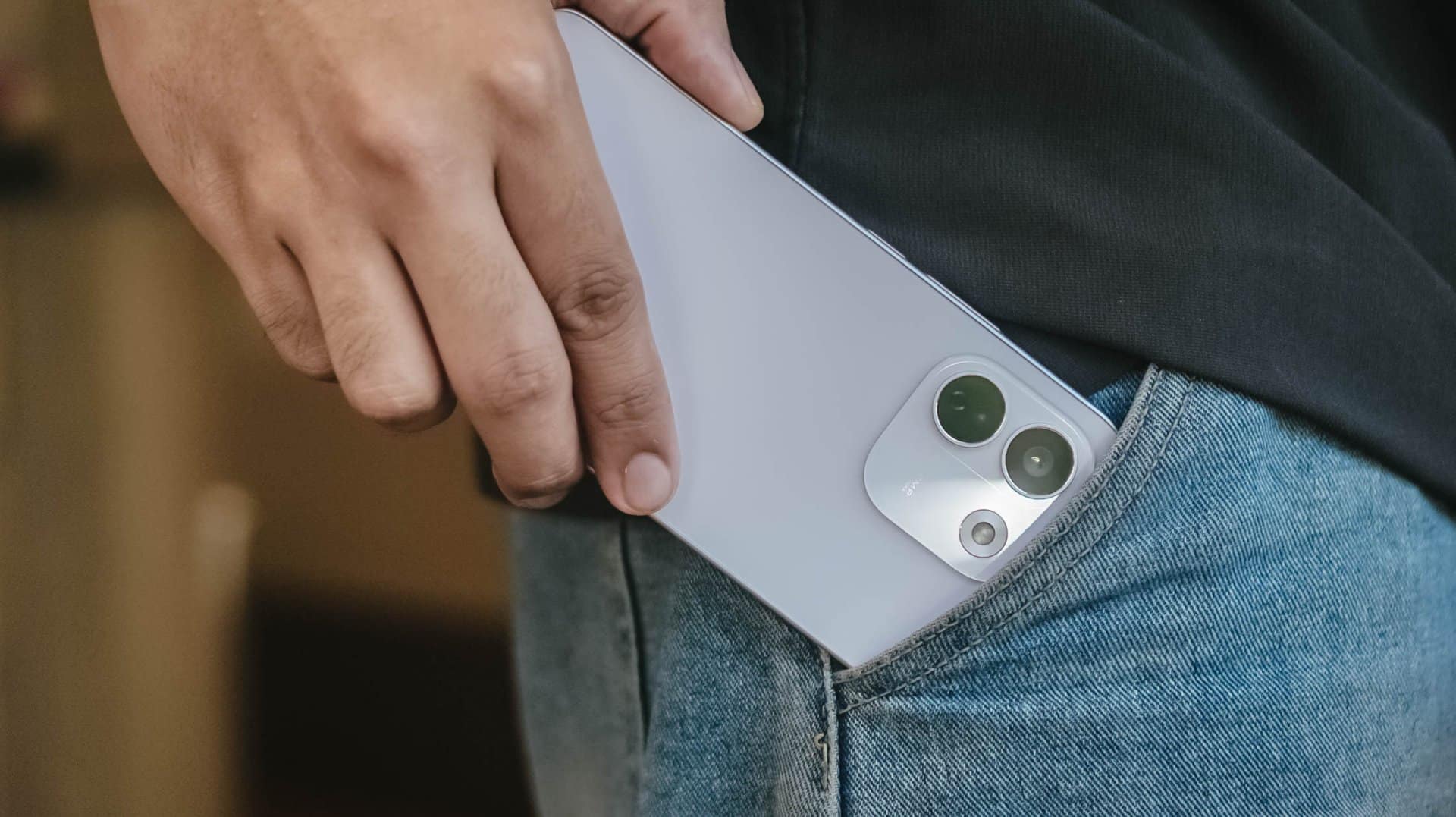
But is that feat alone enough to choose over its Pro sibling?
Here’s my in-depth REDMI Note 17 Pro Max review.
Design that just resigned
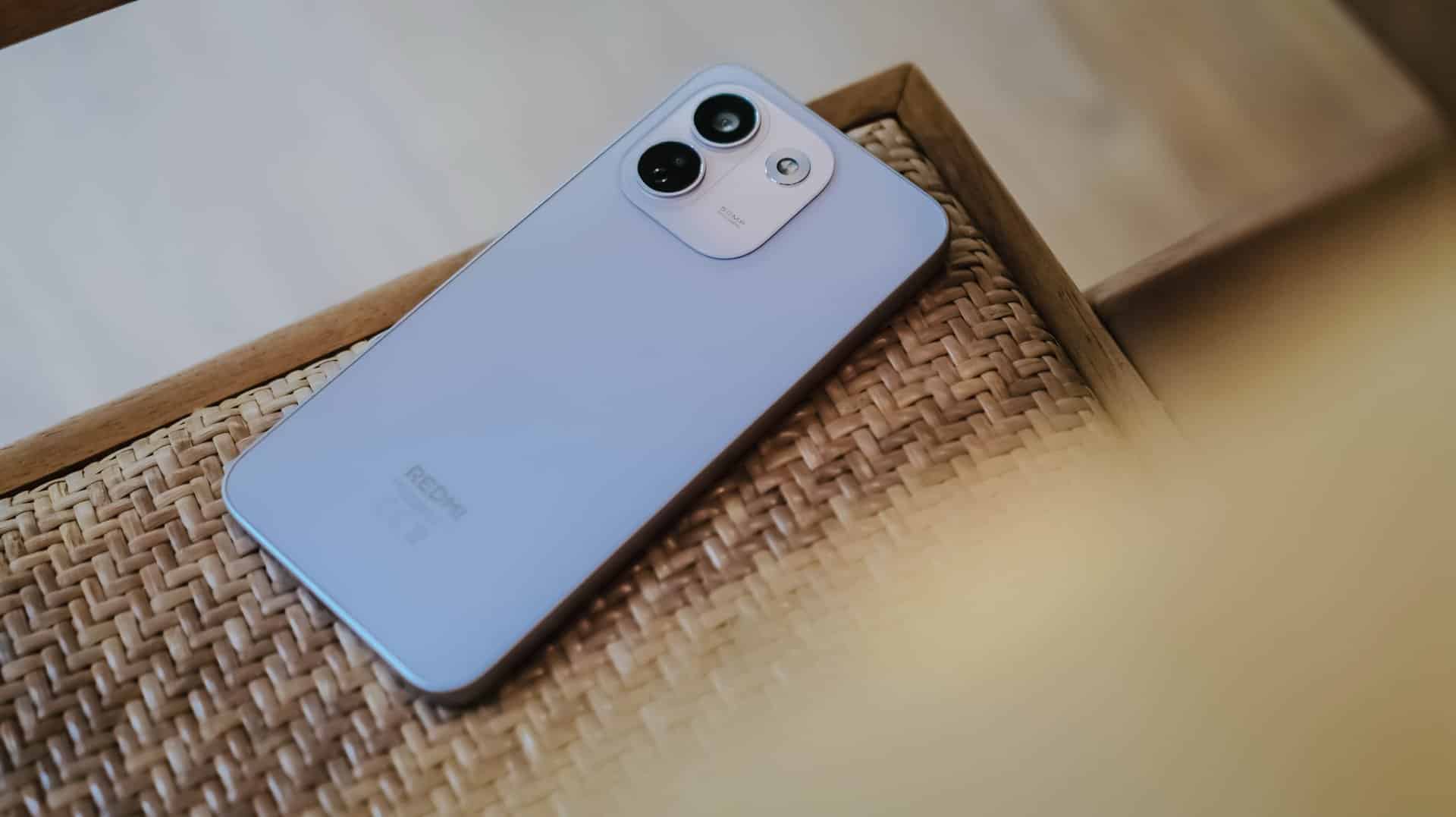
The moment you unwrap it from its paper cocoon, the REDMI Note 17 Pro Max greets you with its refined design.
That also meant REDMI has resigned from its premium-like, signature centered camera island just after two generations.
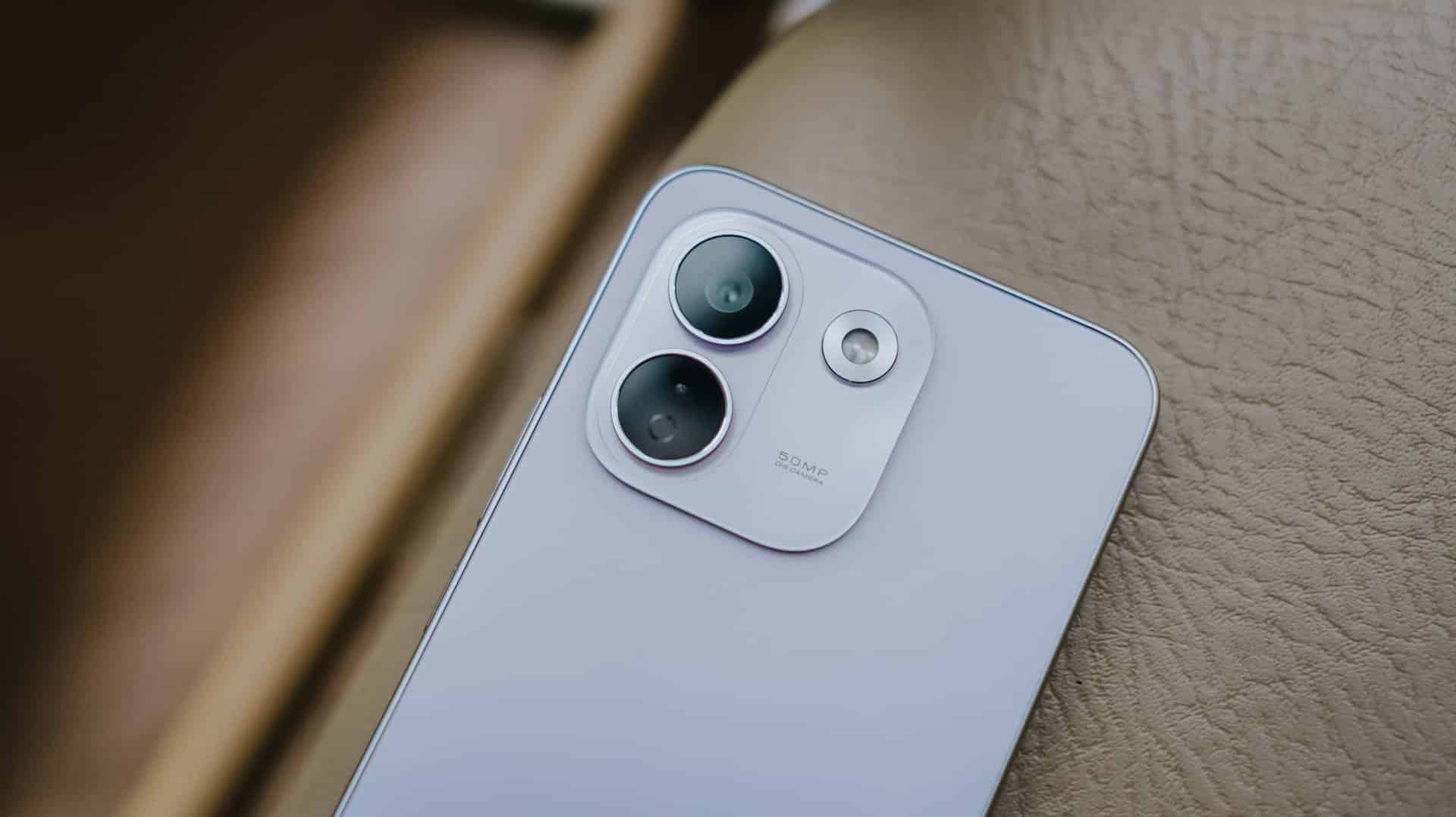
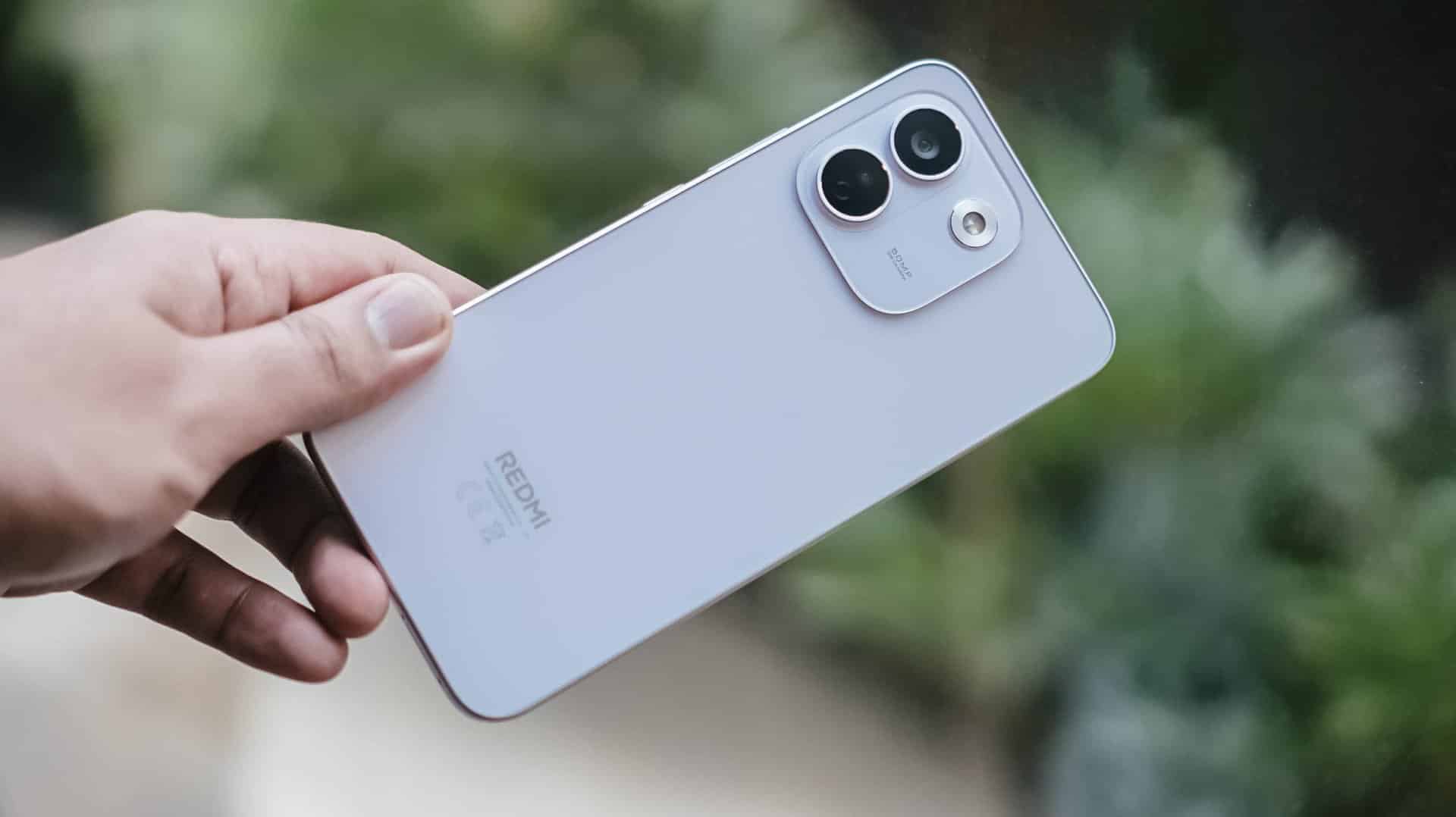
Much like most Android midrangers nowadays, it now features a smaller squircular camera cutout placed at the back’s top-left part.
This made me question and doubt their design team’s decision.
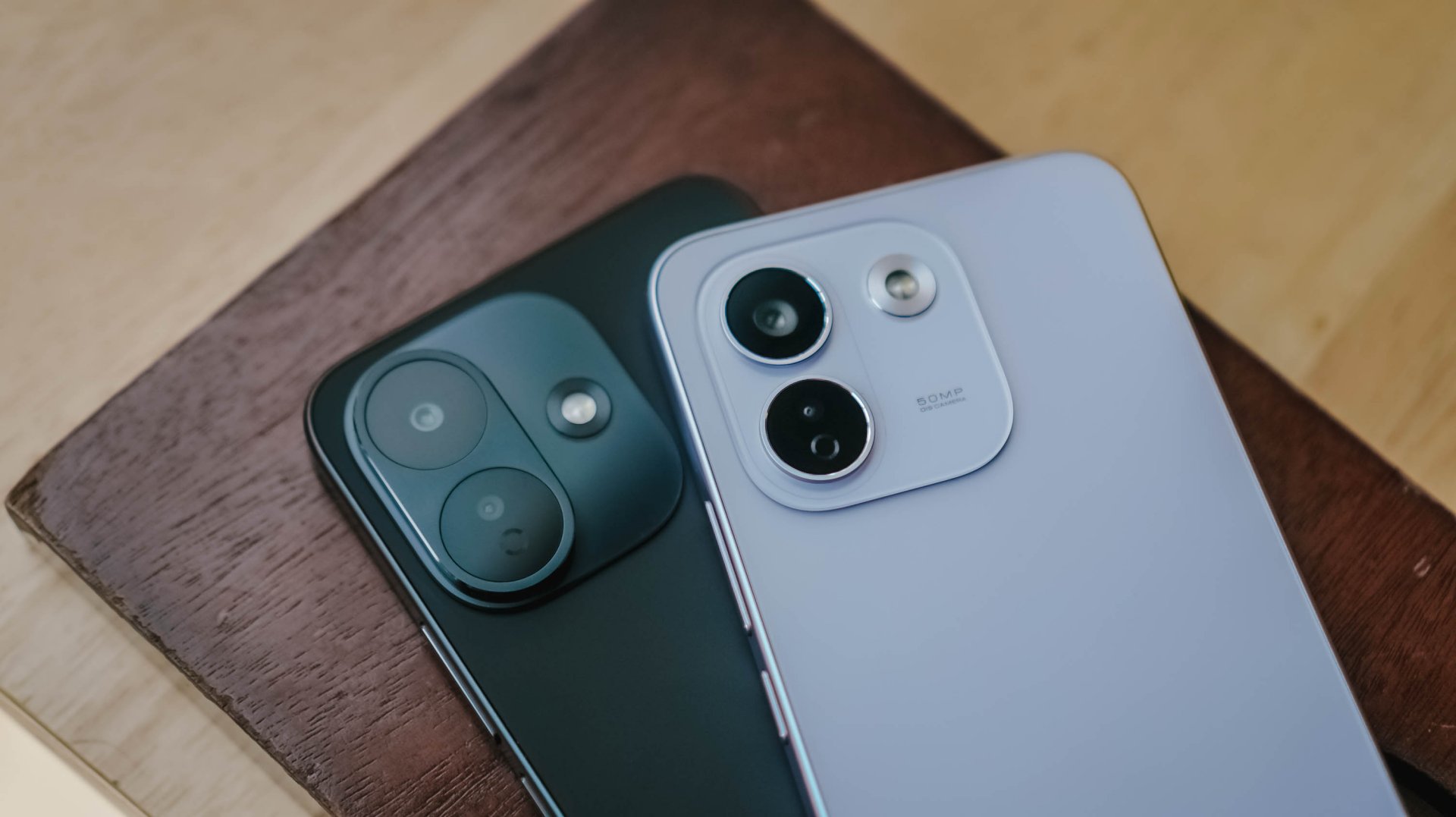
If we’re solely talking about design distinction, the iPhone-esque camera layout of the Note 17 Pro suits more towards the Pro Max variant — and vice versa.
After all, that same oval cutout can be seen with its sister brand’s Pro Max model. But I digress.
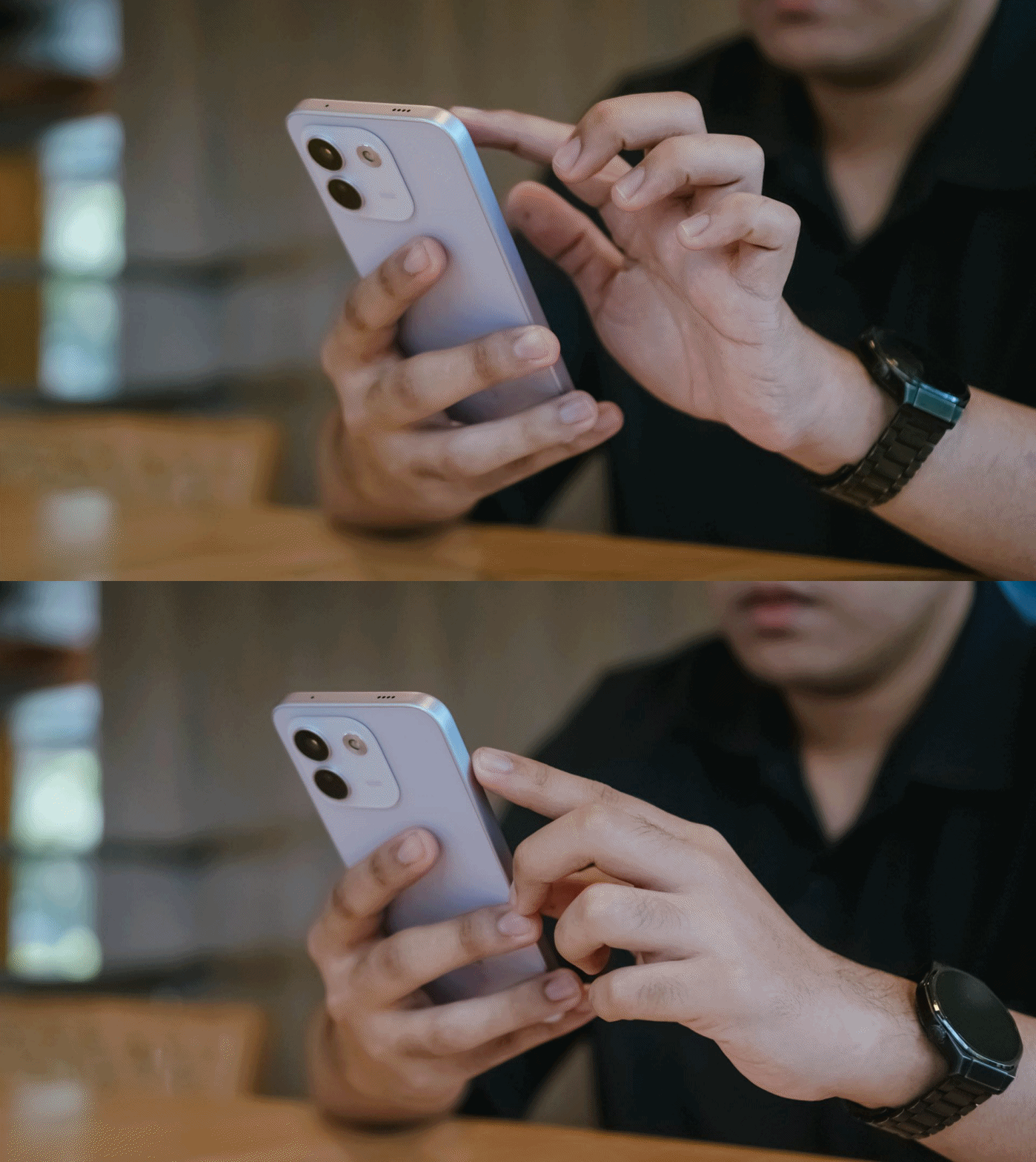
Rants aside, the REDMI Note 17 Pro Max is favorable to hold — at least for a big-handed guy like me.
Still, much like design, the actual feel is preferential.

Although some might argue that the quad-curved display and curved back of the previous Note 15 Pro+ might soothe the palms a little bit better, the flat display and edges of Note 17 Pro Max don’t necessarily mean a sharp and abrupt feel at hand. This honestly feels more secure to hold.
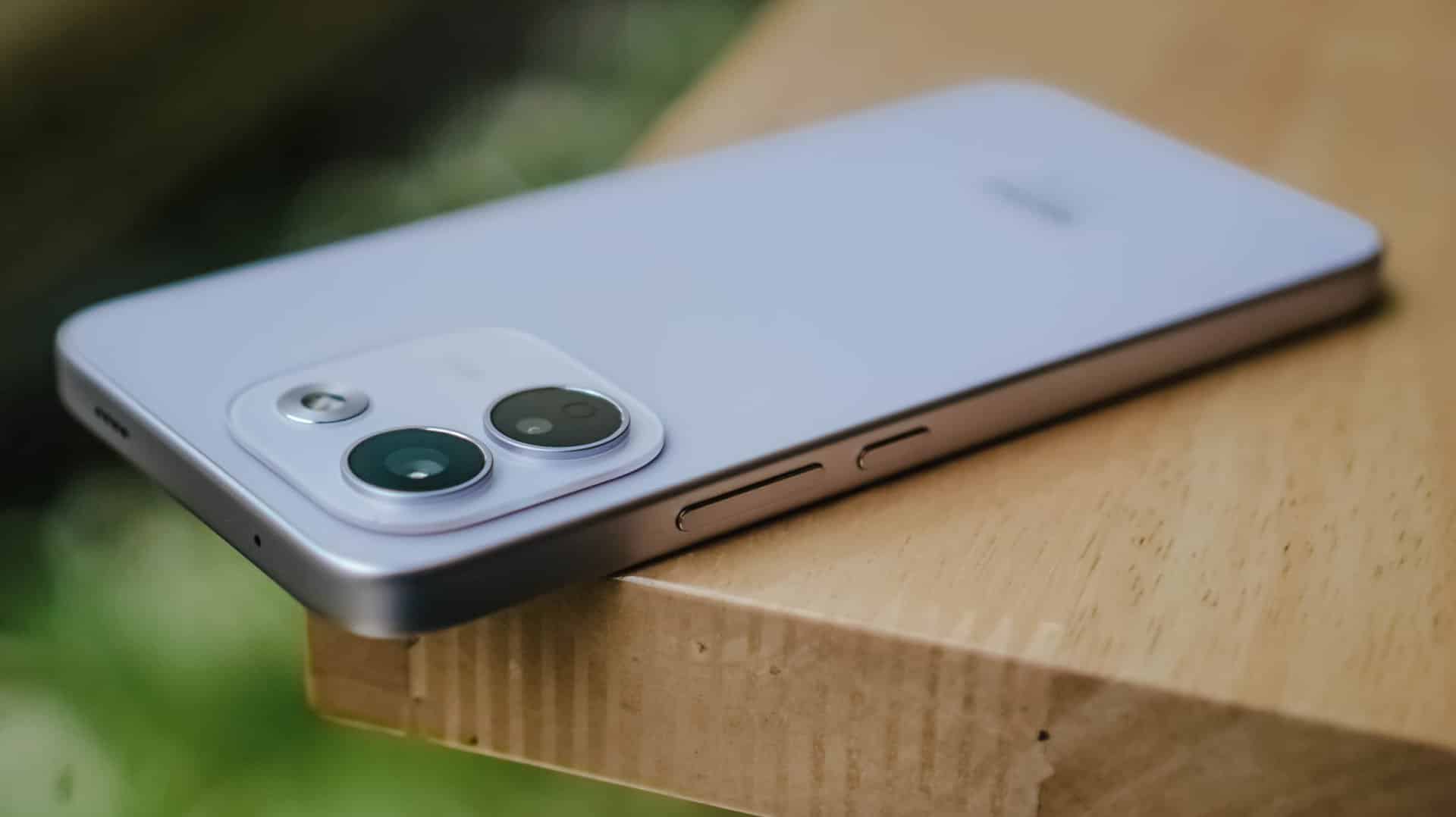
In case you drop it, the Note 17 Pro Max is made to last especially with its reinforced Titan chassis. This structural design makes it withstand drops as high as three meters — or taller than any human being at around 9.84 feet.
To make it more “future-proof,” this smartphone also has these quintessential IP ratings: IP66, IP68, IP69, and IP69K certifications.
How can I forget that strengthened Corning Gorilla Glass Victus 2 on its front?
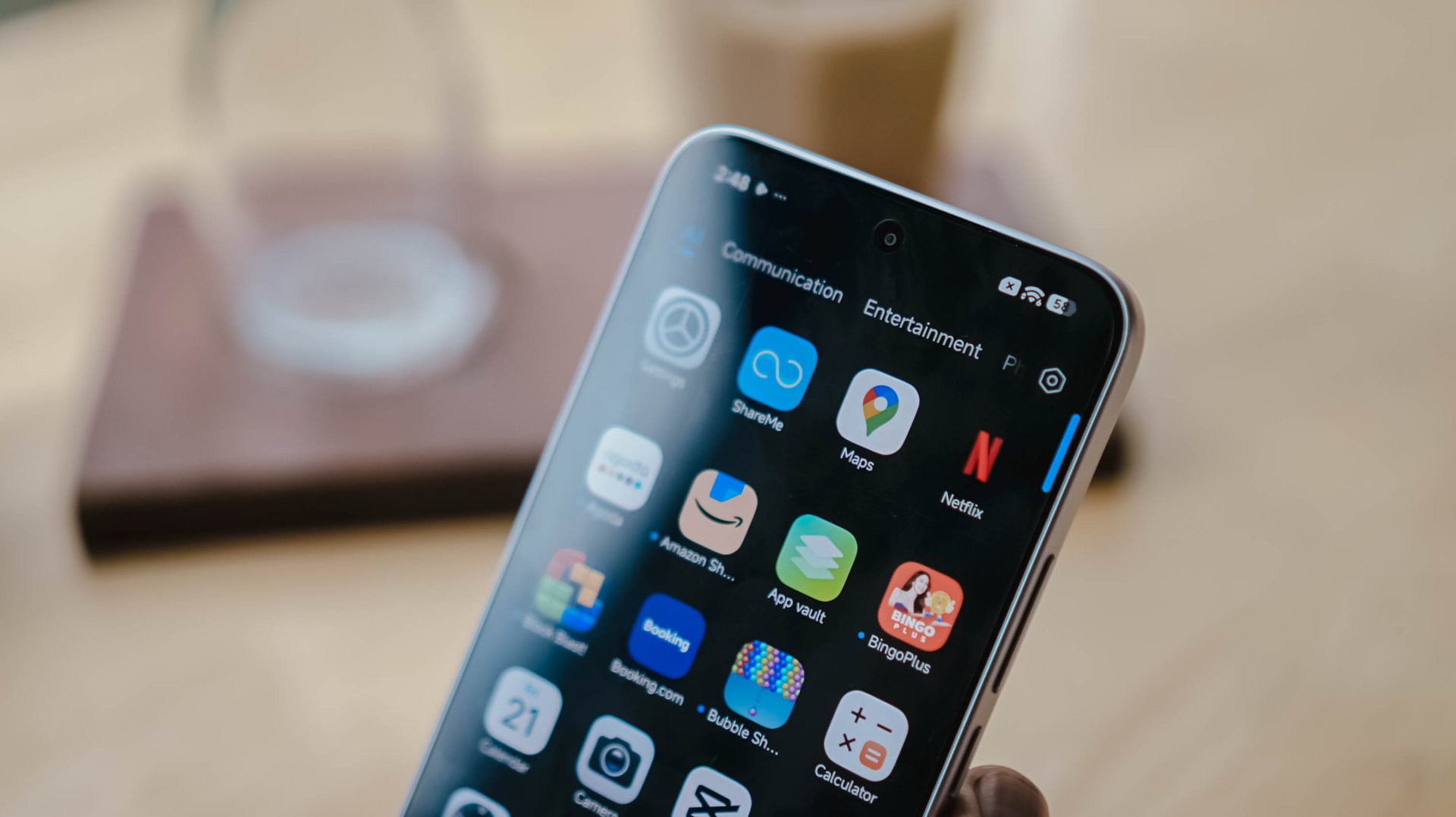
Gorilla Glass Victus2 ft. Xiaomi HyperOS 3 and its usual app bloat
It’s an amazing inclusion considering this type of glass protection is usually limited to flagship models like Samsung’s Galaxy S26 series and Google’s latest Pixel 11 lineup.
#NowPlaying: My Bias, My Boss
With the phone’s front already introduced, let’s now focus on that large 6.83-inch AMOLED display.
At the surface level, both displays are just impossible to differentiate.
Still, there are subtle differences that one might prefer over another.

It’s pretty much the same in the latest drama I’ve binged and finished using this smartphone.
Nam Da-reum had her feelings confused both for her office boss (Kang Ha-gi) and her actual, long-time K-Pop bias (Lee Chan) — which both happened to be her work colleagues.
For the most part, this struggle happens to a lot of buyers, too.
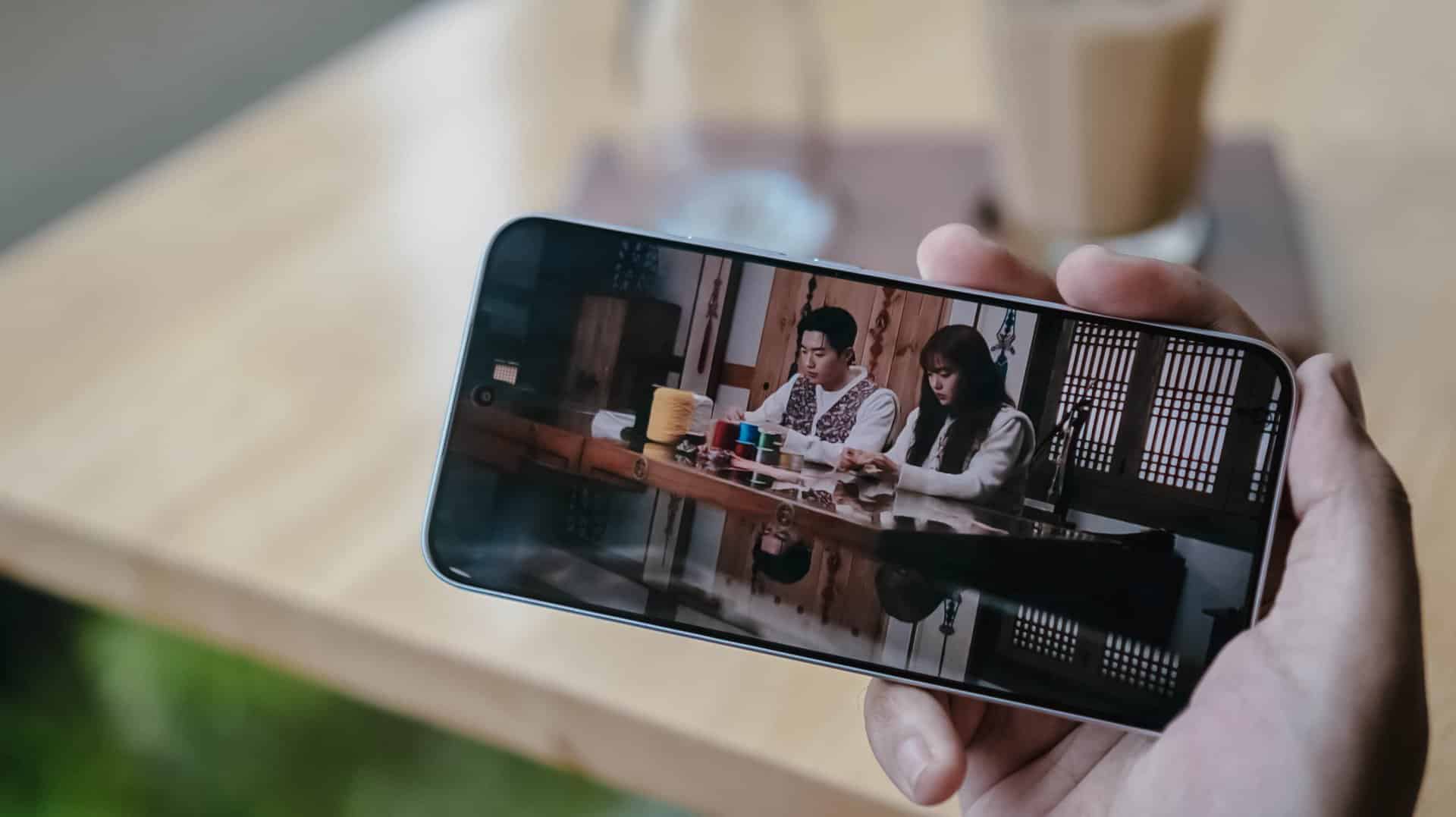
Just like the visual supremacy of both Kang Hoon and Cha Woo-min, both the REDMI Note 17 Pro and Pro Max also share the same attributes. There’s that sharp 1.5K display resolution, 3500 nits of peak brightness, 12-bit color depth, even 240Hz / 3200Hz touch sampling rates.
Well, the Pro Max has the slight upper hand with its HDR10+ and Dolby Vision support that the Pro model lacks.
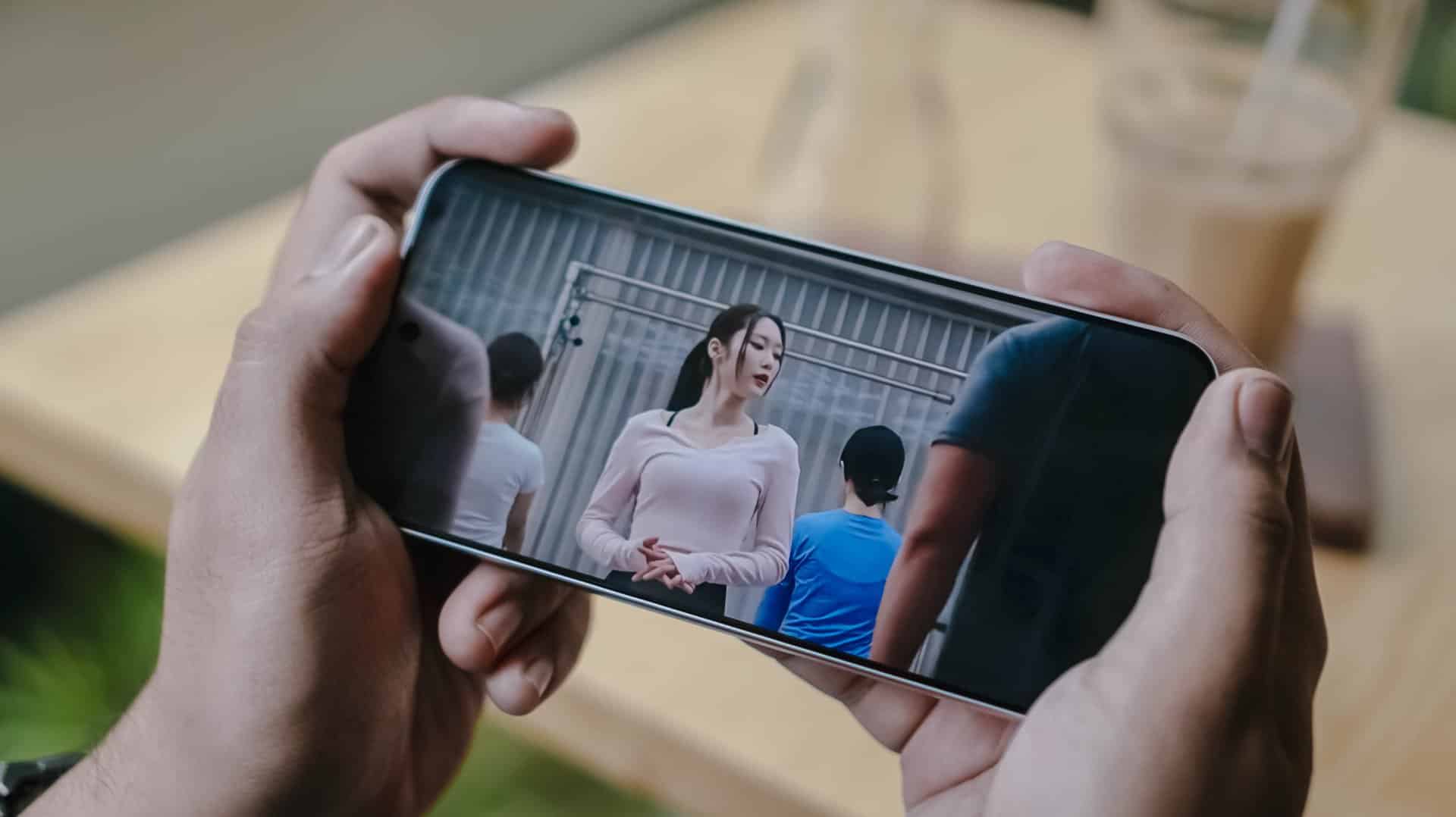
This is such a star-studded drama ft. former OH MY GIRL’s Jiho
This meant that HDR content is livelier and more immersive on the REDMI Note 17 Pro Max.
Regardless if it’s on YouTube, Netflix, Disney+, or HBO Max, one will definitely appreciate the Pro Max’s screen better.

Now, if you’re concerned about eye safety, both phones boast TÜV Rheinland’s Low Blue Light, Flicker Free, Circadian Friendly certifications.
On Queue: TUIDE, OURBIRTHDAY
Much like the dual debut of the REDMI Note 17 Pro series, two septet K-Pop girl groups were also born during this third quarter of 2026.
While both groups share the same member number, these two newly-created groups are also distinct from one another.
The REDMI Note 17 Pro and Pro Max both possess the same stereo speaker setup. Dolby Atmos and Hi-Res Lossless features weren’t forgotten as well.

Upon closer inspection though, the Note 17 Pro Max produces an even louder output thanks to its 400% Volume Boost feature. That’s in contrast to the 300% boost of its Pro sib.
At least on my ears, REDMI’s Note 17 Pro Max sounded deeper especially heard with TUIDE’s vocals in their lowkey-addicting “SUN KISS” debut track.
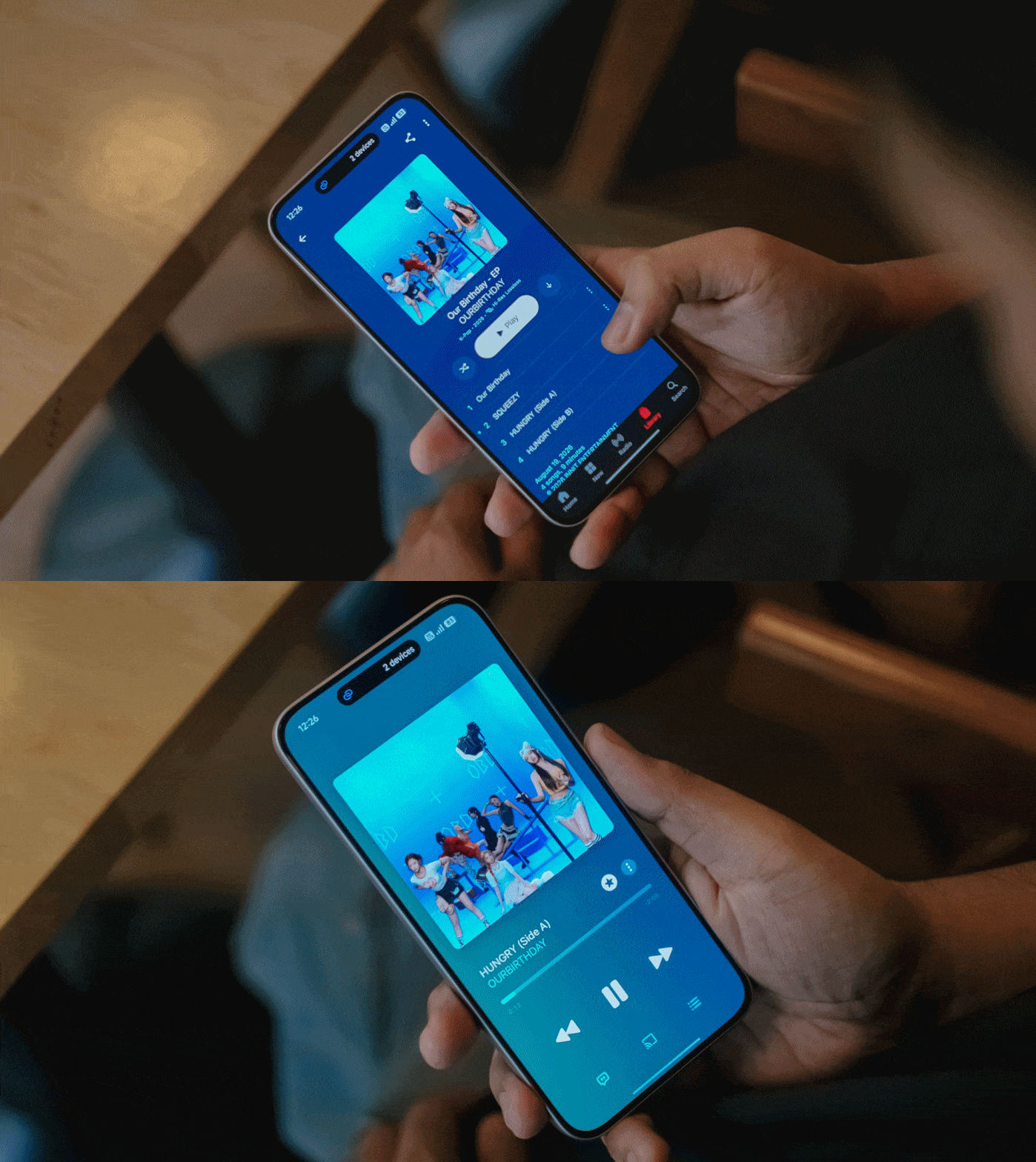
Even more, the steps and thumps in OURBIRTHDAY’s “HUNGRY” also felt and sounded more powerful and impactful as opposed to the Note 17 Pro’s output.
New chip above its hip
Unlike its Max-less sibling running a slower Snapdragon 6s Gen 4, the REDMI Note 17 Pro Max rocks the “faster” Snapdragon 6 Gen 5 SoC.
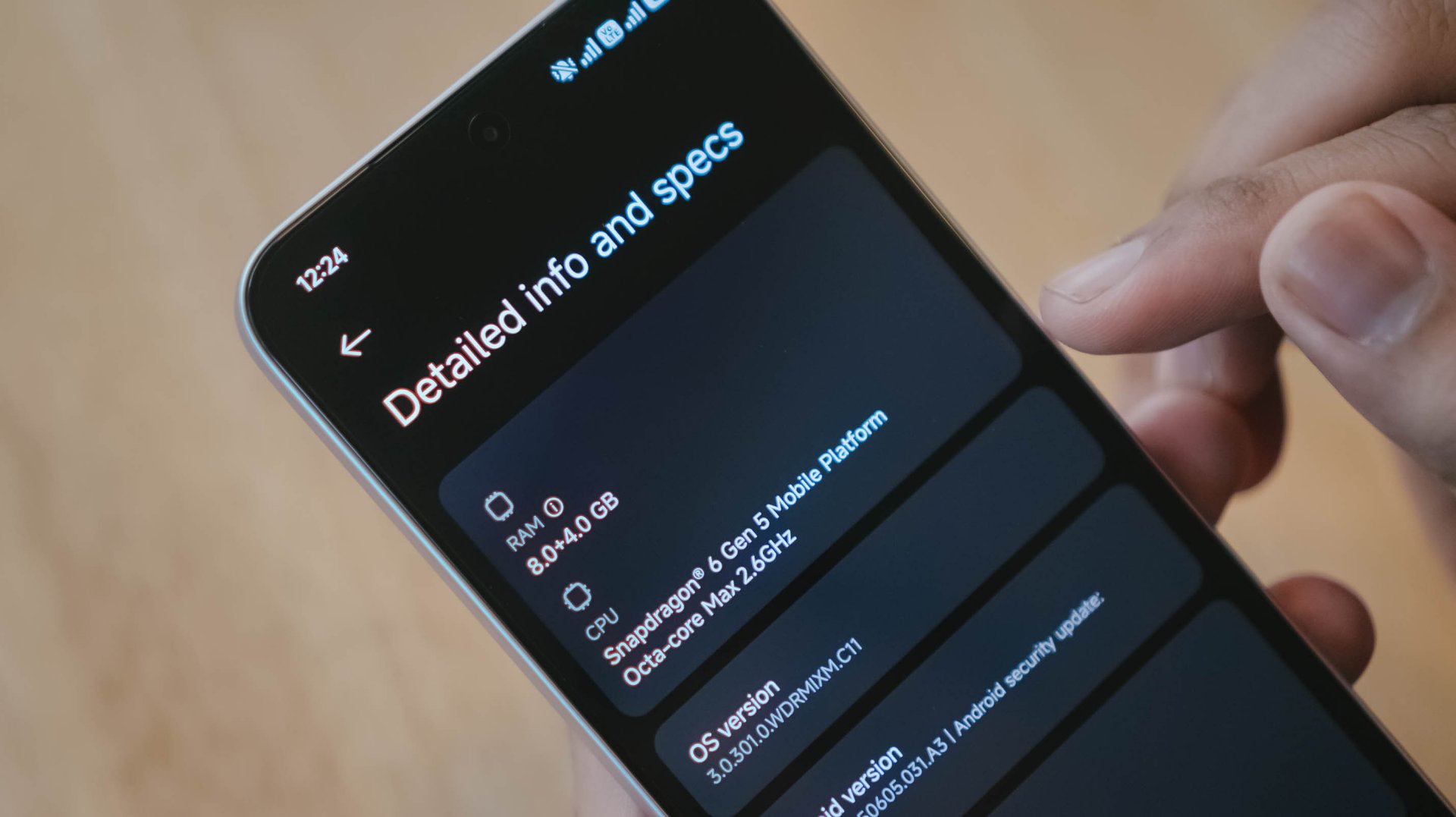
This brand new chip announced by Qualcomm this 2026 piqued my interest to the point that it made me install three games with three varying graphic capabilities.

Of course, like any other FPS or MOBA game, the REDMI Note 17 Pro Max handles them with ease. Whether that may be CoDM, MLBB, PUBG, HOK, and countless games in the same league, this phone can and will run ’em.
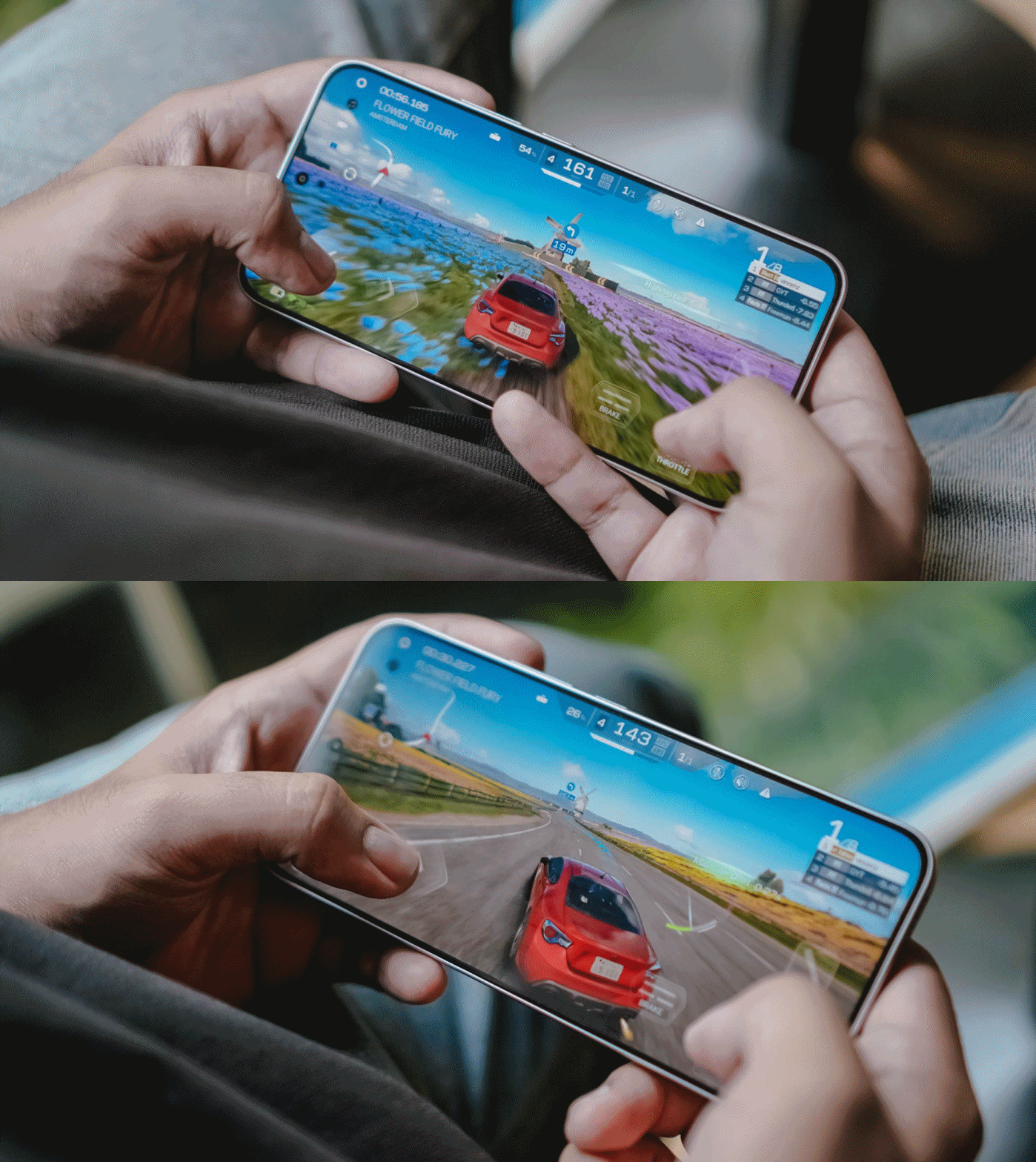
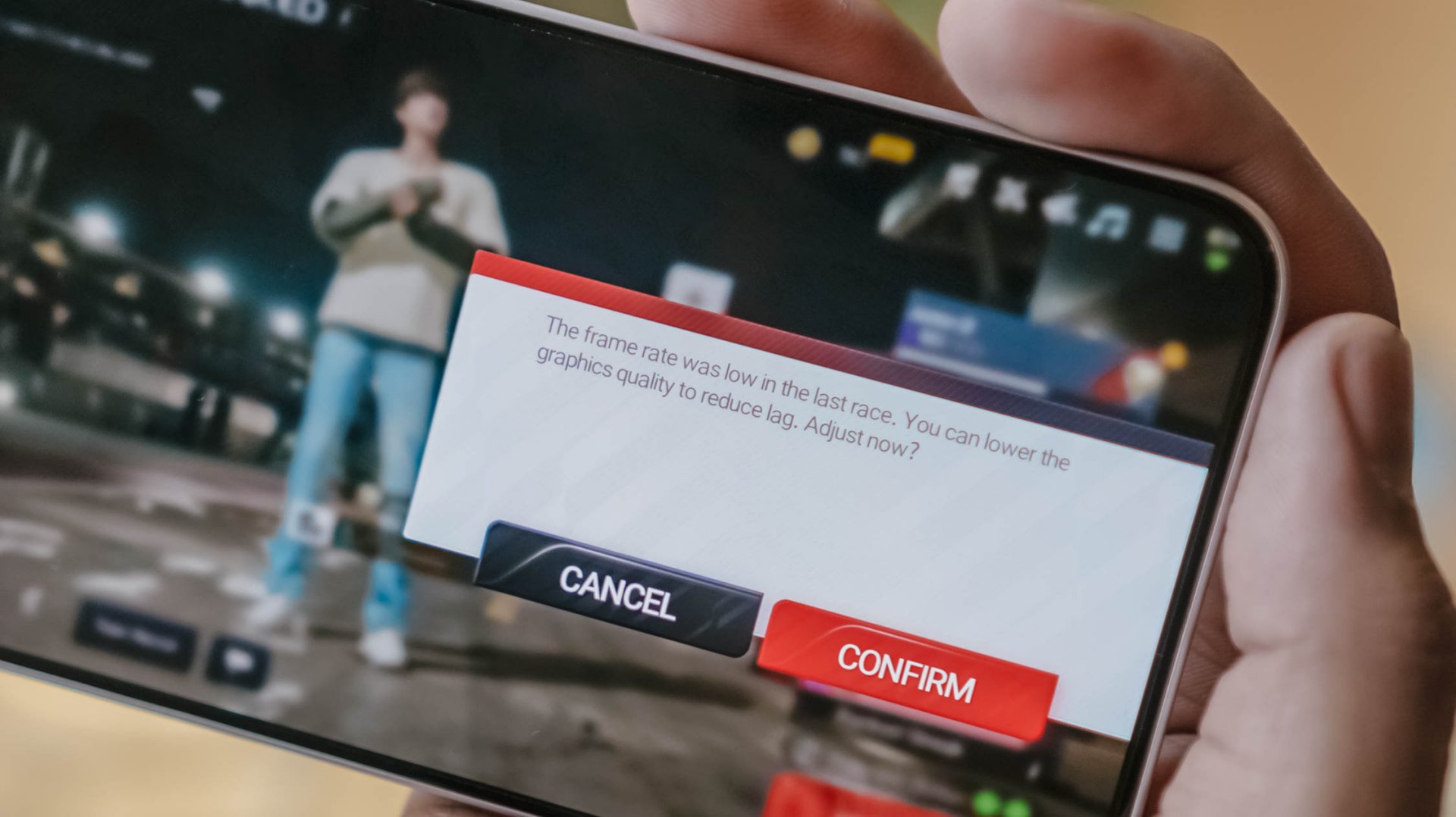
Now, onto a more demanding one: my all-time favorite Racing Master. At first, it was able to run in Ultra HD resolution at 60fps frame rate.
Unfortunately, it didn’t had much superiority over its Pro counterpart. After a 10-minute gameplay, it prompts to a graphic setting warning.
Last but definitely not the least, HoYoverse’s graphics-intensive Zenless Zone Zero.
As expected, the graphics were set to the lowest settings after installing core resources.

Roaming around New Eridu and Hollow felt just right. The moment you enter combat mode, though, is where things go out of hand.
The frame stutters and jitters are just unstoppable. Even with Performance Mode turned on, it wasn’t enough to salvage the frame rate.

The unwanted lag and lack of effective heat dissipation is already a disappointment as it is.
Even worse, after quickly checking my social media app, the game closed right after I jumped back to it.
I know what some of you might think: This is a midrange phone with a mid-class chipset.
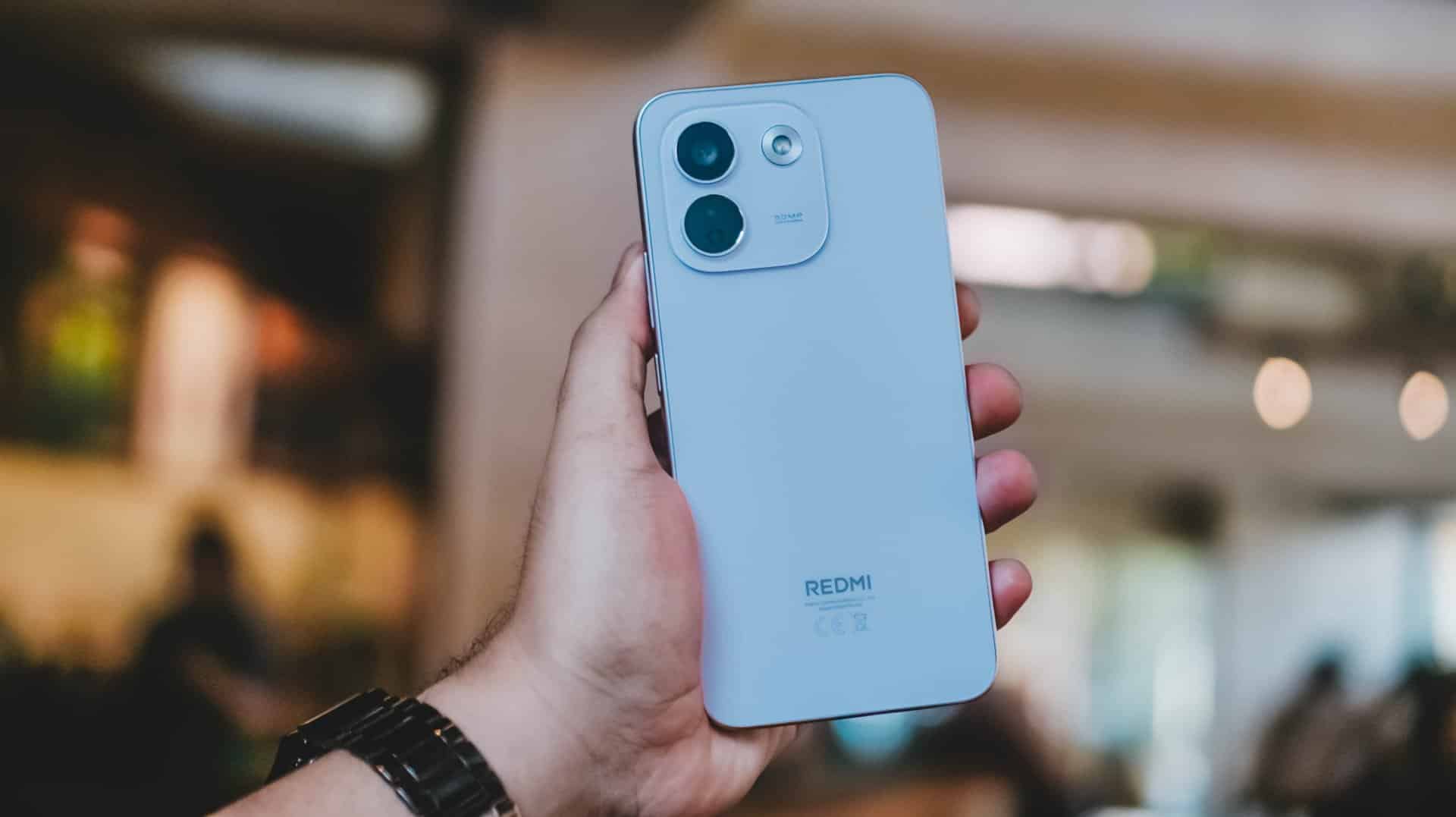
As someone who practices journalistic integrity, it’s my responsibility to share all these observations. No sugarcoating aside, this isn’t any better from REDMI Note 15 Pro+’s Snapdragon 7s Gen 4 chipset.
Still, Xiaomi changing the internals to a faster LPDDR5X memory plus UFS 4.1 storage over the LPDDR4X+ UFS 2.2 combo found in its predecessor is more than a welcome change.
Come for the cameras
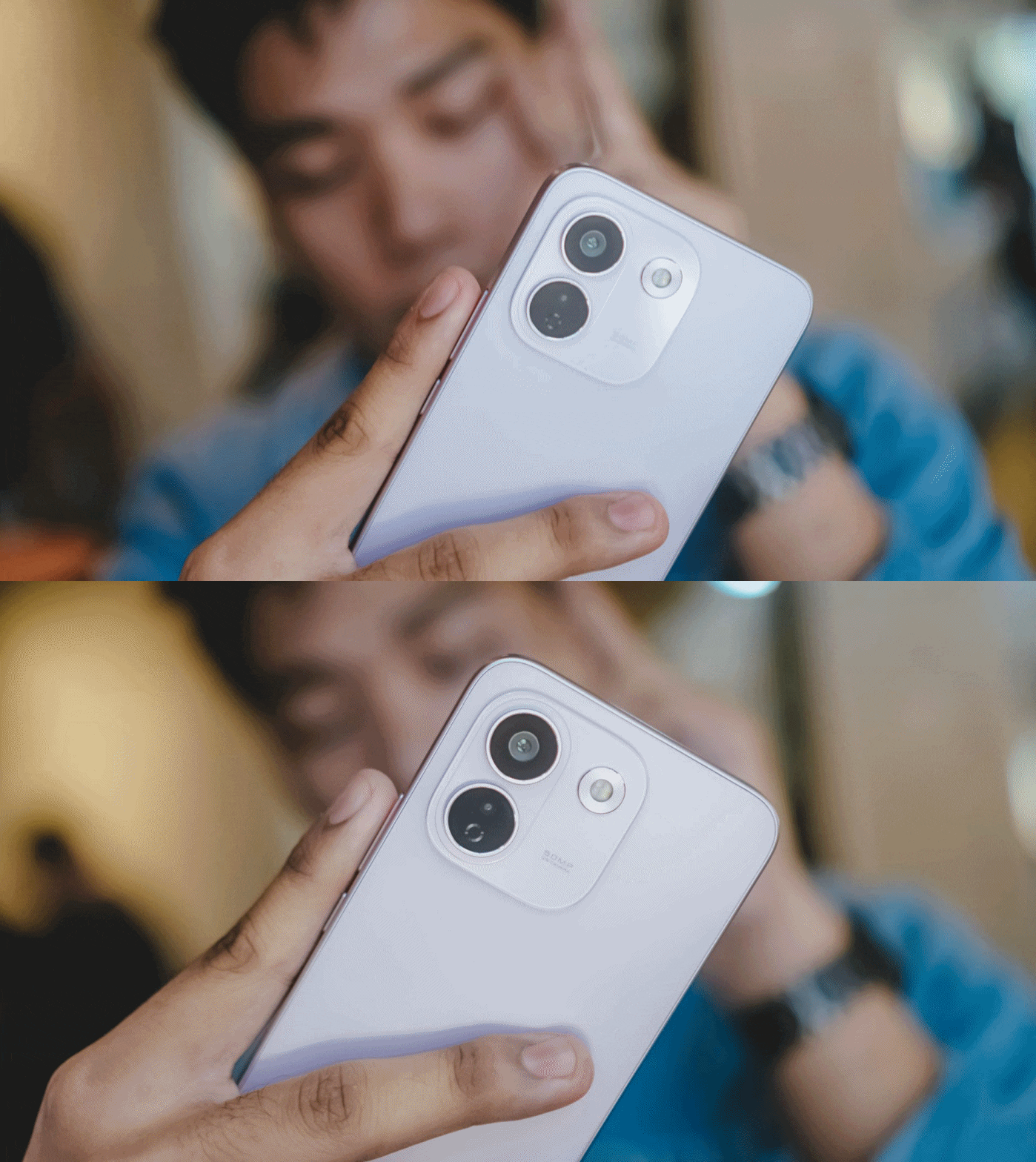
The consistency continues with the REDMI Note 17 Pro Max sharing the same camera system as its Pro brother.
ICYMI, it’s a combination of 50MP main (1x wide) and an 8MP f/2.2 UWA (Ultra-Wide Angle) lens.

Admittedly, I was about to make this part short. However, my curiosity dared me to compare it to its Max-less sib.
With a wider aperture of f/1.5 (versus f/1.8), larger 0.8µm sensor (over 0.64µm), and one more lens element at 6P (Pro has 5P), the REDMI Note 17 Pro Max simply has the upper-hand despite those “small” gaps.
And, as much as how we value camera hardware, the chip equipped within surprisingly matters.












My short camera comparison proves that a different SoC also produces a different image output. This is very apparent when taking food shots.
**
Left – REDMI Note 17 Pro Max
Right – REDMI Note 17 Pro




My main complaint about the Note 17 Pro is how some photos looked washed out. The bokeh falloff also looks forced.






The Note 17 Pro Max also captured shots with an accurate AWB (Auto White Balance) while the latter usually leans on the warmer side.




The Pro model even had focusing issues. That’s even after installing the latest software updates for both phones.




If you’re not satisfied with its regular output, there are built-in color filters and always-on flash in the camera app for that added flair.



With the lack of a dedicated telephoto lens (for both), it’s expected to have an AI-improved output.

Even its UWA shooter produced better results despite having the same lens module.

Safe to say, I enjoyed using the cameras of the Pro Max a whole lot more. Whether those are taking mementos of frisky fur friends…




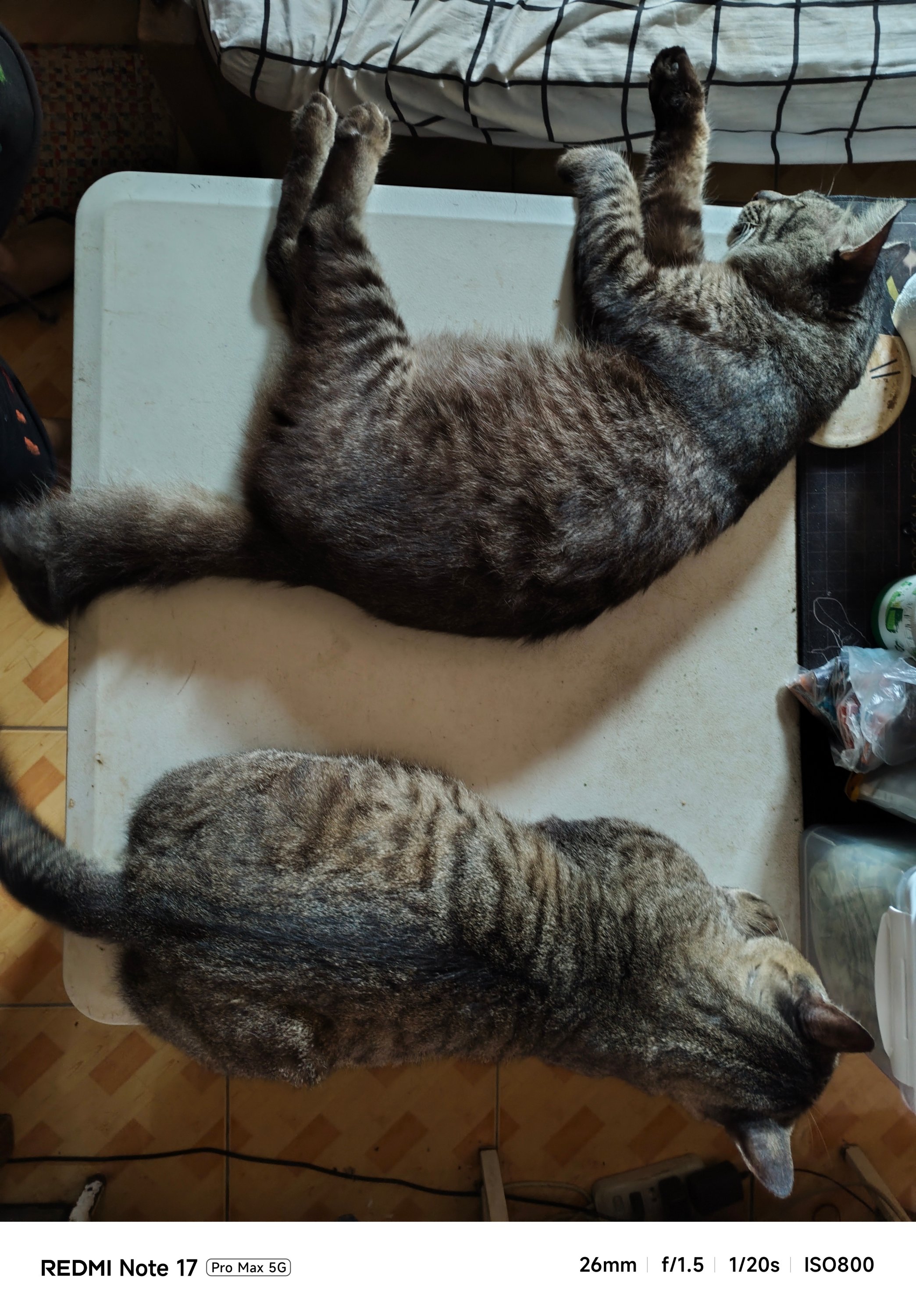


…indoor shots with little to no presence of natural light…

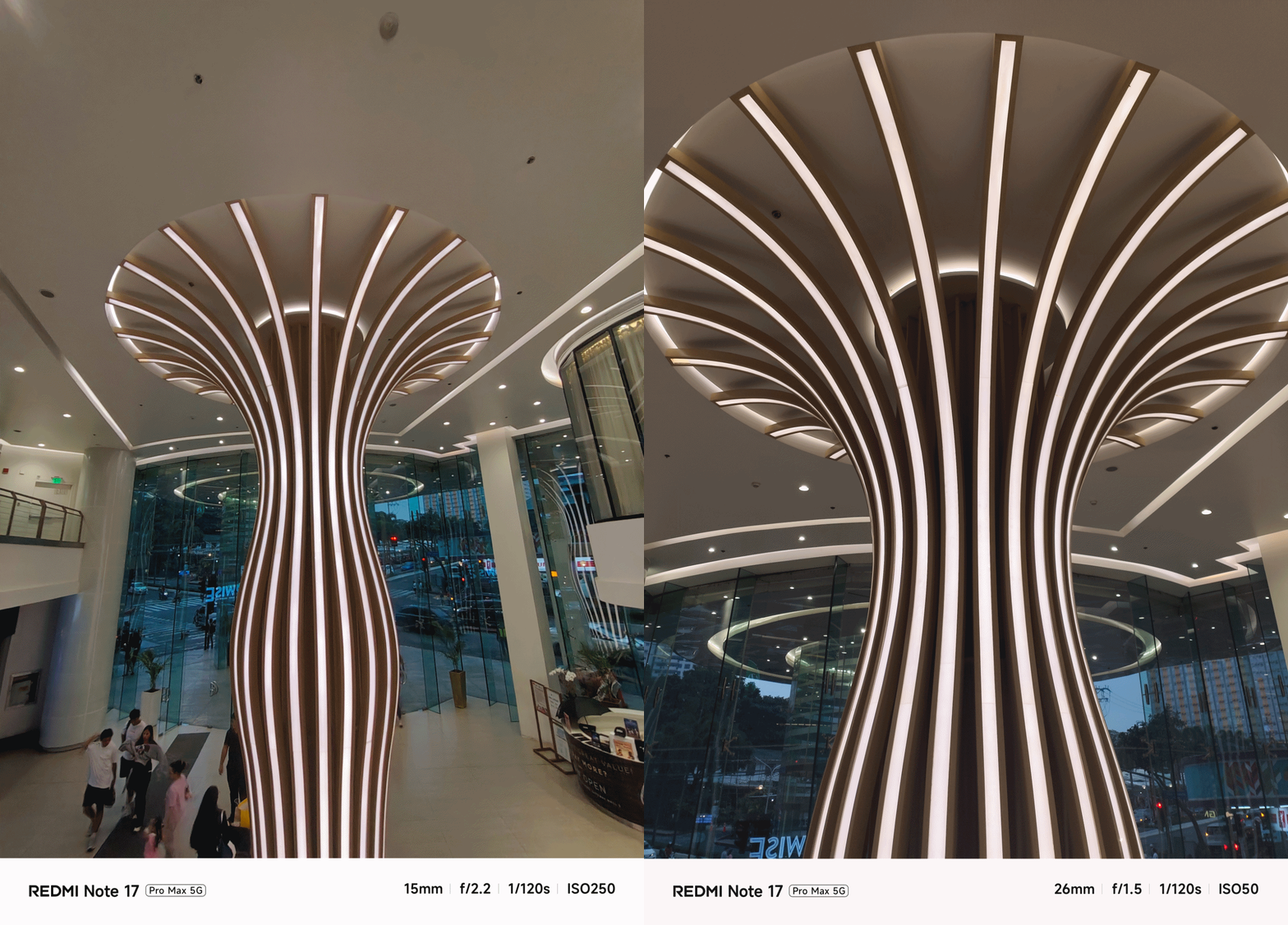




…or even portraits and action-filled snaps, shooting with it was overall smoother and snappier compared to its Pro counterpart.


And now that it’s mentioned, the selfie shooter of the Pro Max is indifferent at 32MP f/2.2. That’s against the smaller and darker 16MP f/2.4 module of the Note 17 Pro.


Tasked to the max
As of writing, the REDMI Note 17 Pro Max is the brand’s first smartphone with a 10,000mAh battery. And by that, it boasts the biggest battery in any REDMI and Xiaomi smartphone so far.
One minor caveat: In certain regions, you’ll get the smaller 9210mAh capacity. But even with that 790mAh difference, it’s still heaps larger than the 8340mAh-equipped Note 17 Pro.
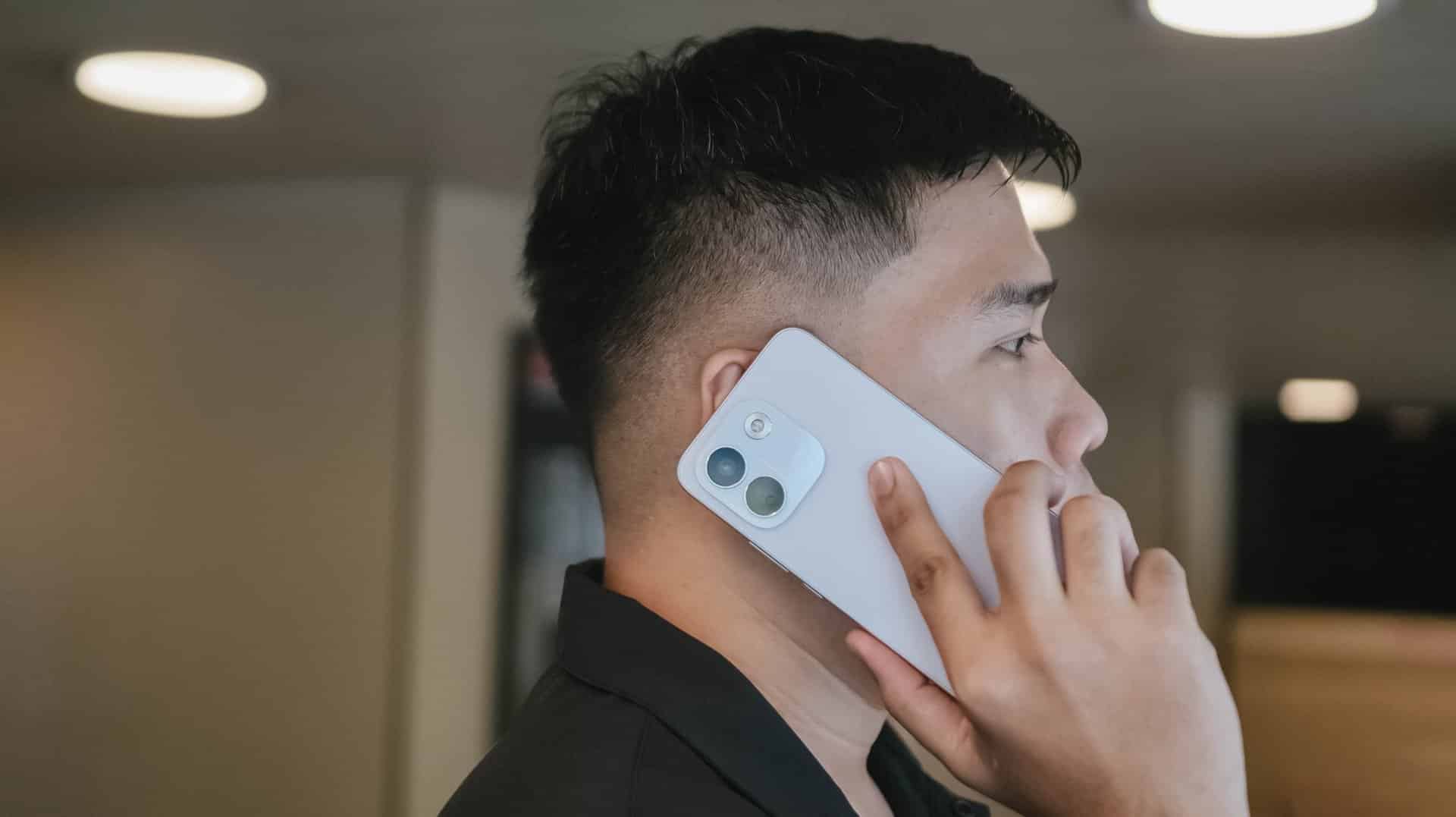
The long-lasting endurance is as amazing as how it looks on paper. Moderate usage can last more than 24 hours. Minimal usage? That’s about two to three days max. Of course, standby time is a lot longer when you don’t use it extensively.
There’s even a reverse wired charging capability just in case your other feeble-powered smartphones lose that precious charge.
For instance, I tried charging my completely dead iPhone 13 Pro Max using the REDMI Note 17 Pro Max for 30 minutes. With that duration, it gave around 29% charge. That is already good especially if one’s out from an outlet and already in a pinch.
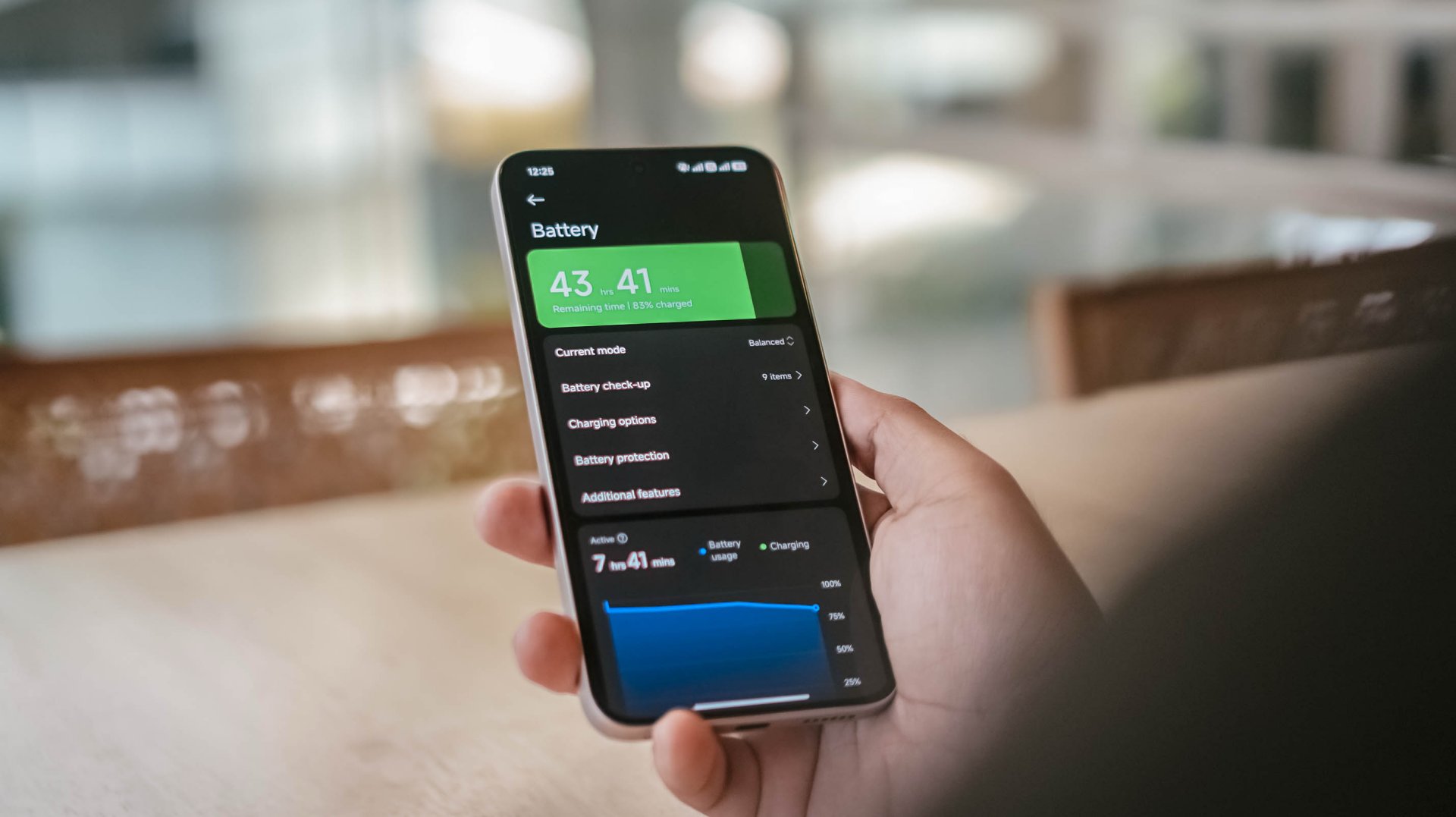
That said, one should still consider the app running in the foreground and background.
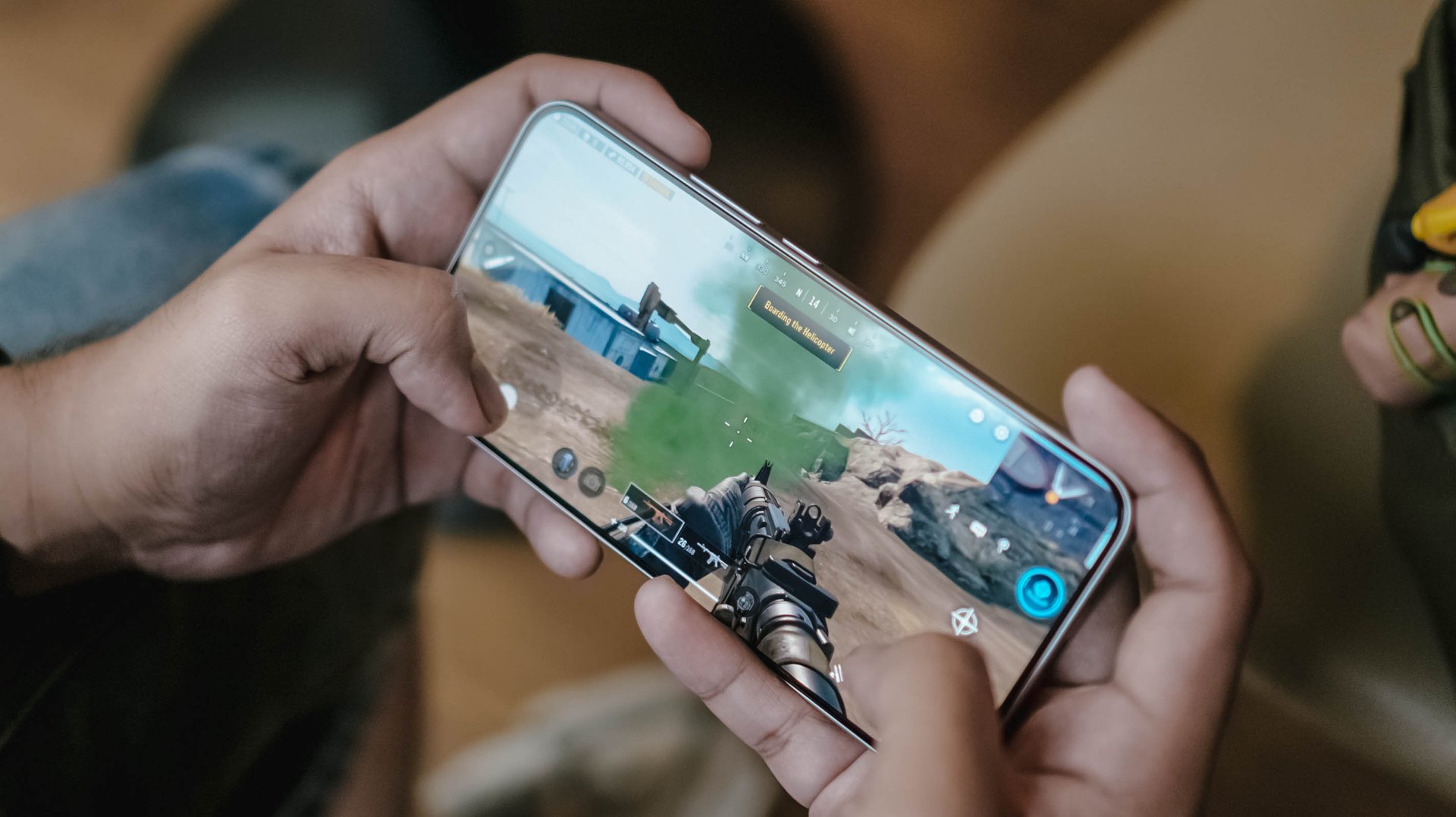
With almost two hours worth of installation and gameplay, including ZZZ’s countless character dialogues and a lone yet lengthy combat consumed, the REDMI Note 17 Pro Max consumed 19% charge.
Other than the phone’s actual battery capacity, the inclusion of charging brick and cable is also region-dependent.
In Asia, or at least where I reside, it still comes bundled out of the box.
Now, if you live in European regions, you’d know by now how EU’s strict laws result to the absence of these accessories.
Still, it’s worthy to note that the Note 17 Pro Max supports USB-C PPS protocol.
In my GadgetMatch Charge Test though, that still accounts for 21 minutes of charging time difference.
Xiaomi 100W Charger +
|
UGREEN 100W Uno + ADATA
|
|
START TIME (from 0%) |
6:05PM |
9:54AM |
3 minutes |
5% |
6% |
5 minutes |
9% |
8% |
10 minutes |
16% |
12% |
15 minutes |
21% |
18% |
30 minutes |
38% |
41% |
45 minutes |
55% |
57% |
1 hour |
72% |
75% |
1 hour 15 minutes |
88% |
89% |
1 hour 30 minutes |
– |
95% |
END TIME (100%) |
7:29PM
|
11:39AM
|
With that speedy and reliable 100W HyperCharge speed, it was able to juice up the phone to the very brim under 1 hour 25 minutes.
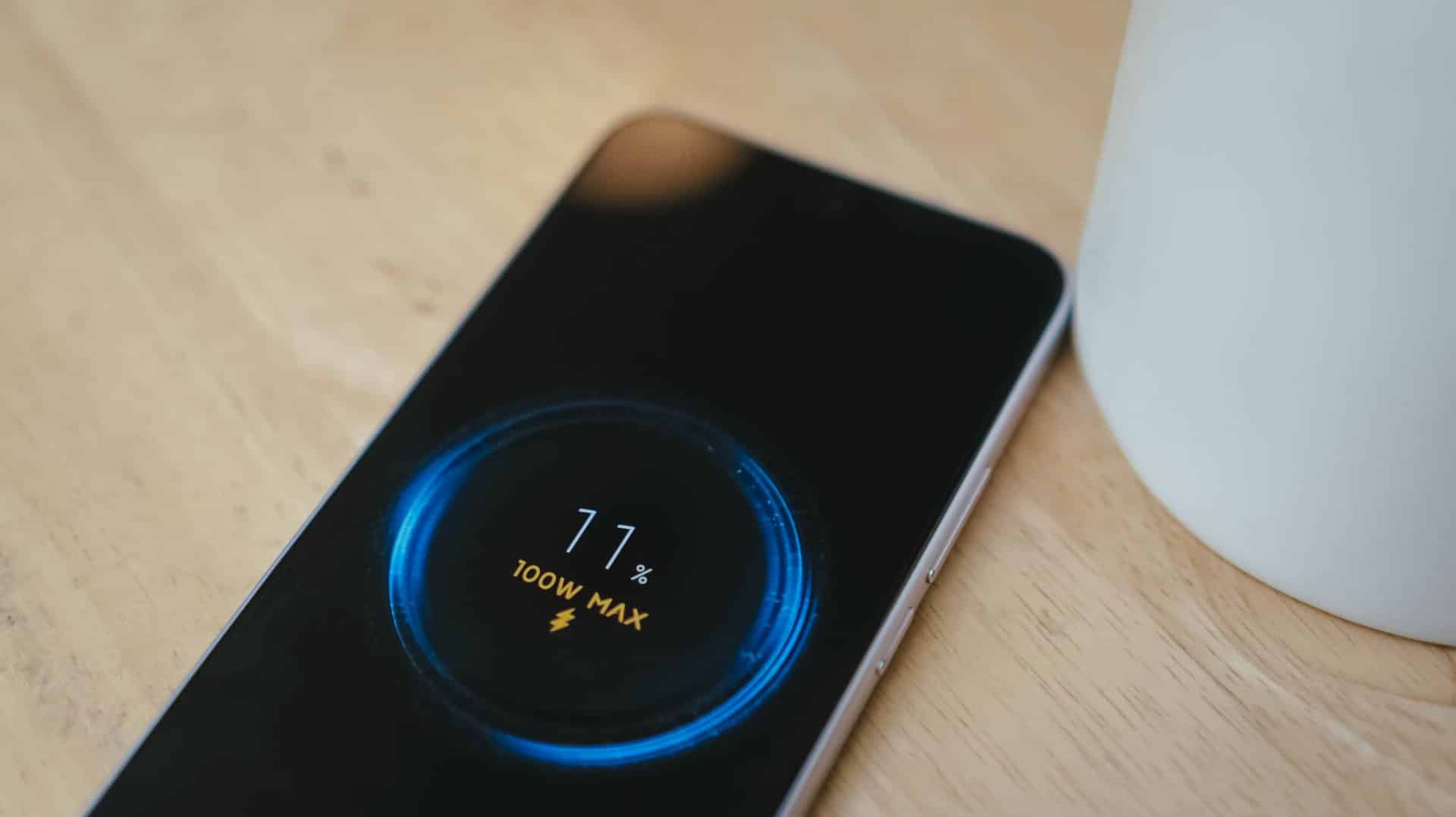
Coincidentally, the Note 17 Pro got fully-filled in 1 hour 25 minutes using Xiaomi’s 100W HyperCharger and cable.
Now this is the part where I can truthfully say the REDMI Note 17 Pro Max reigns.
Is the REDMI Note 17 Pro Max your GadgetMatch?
With a starting price of PhP 30,999 / SG$ 749, the REDMI Note 17 Pro Max isn’t sitting on the same throne as its predecessor and clearest contender, the REDMI Note 15 Pro+.
The ever-immersive audiovisual goodness, utmost Titan durability, and capable cameras are found on both models. Ultimately, it comes down to personal preference when it comes to aesthetics and ergonomics.
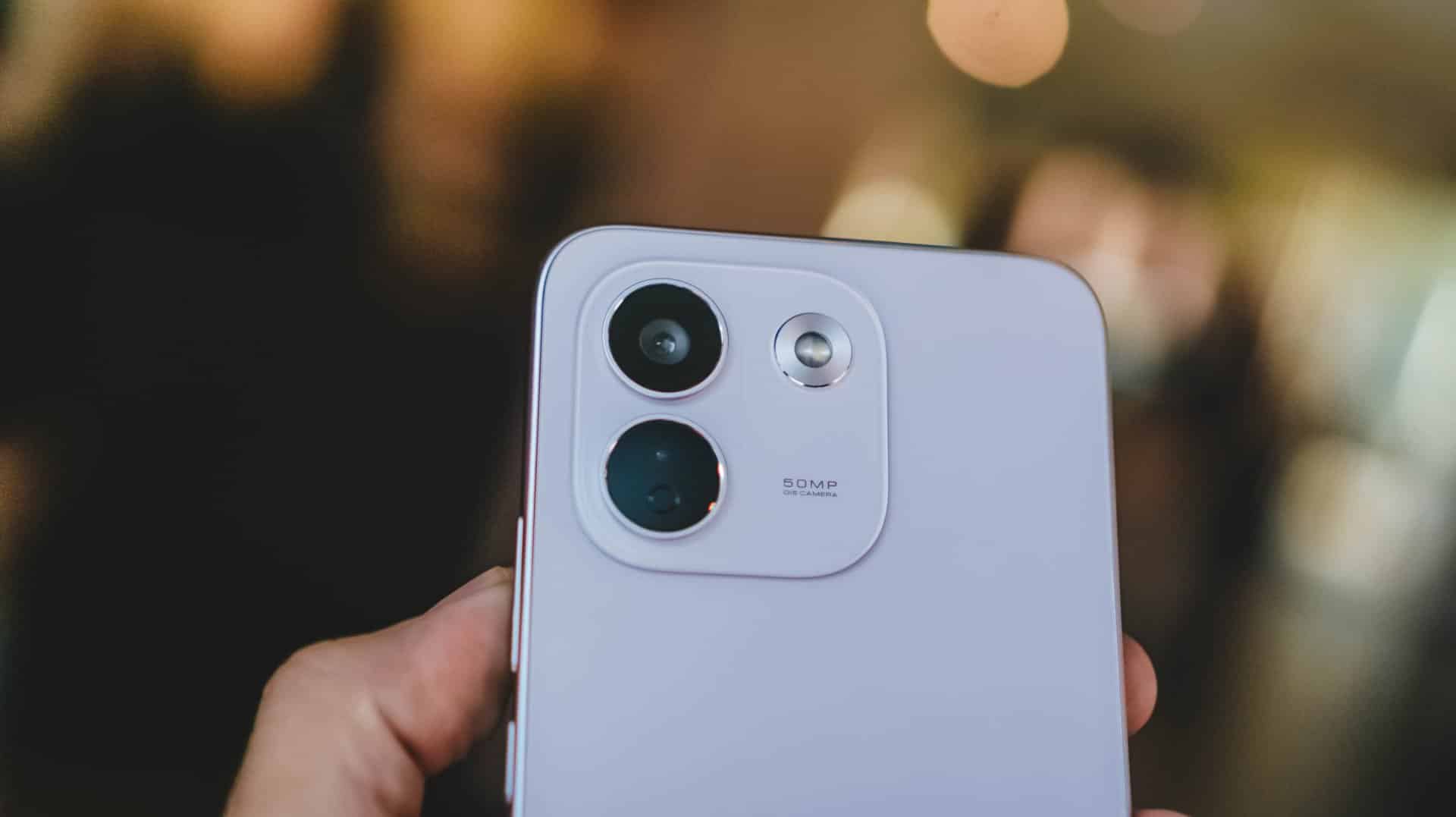
Now, if you favor that beastly battery above all else, the Note 17 Pro Max is worth the Swipe Right.
But, with that PhP 6500 / SG$ 90 price gap between the 512GB variants of both models, the REDMI Note 17 Pro Max is simply a Swipe Left.

Adding more fuel to the fire, the previous Pro+ model has the better chipset and a more refined 200MP main camera. Not to mention, the base memory starts at 12GB, while the newer one, despite being faster, only comes with 8GB of RAM.
So, unless that bigger battery is a dealbreaker for you, the older Pro+ model remains the better value.
A new breed born from AI greed
Clearly, the continuous components crisis isn’t stopping anytime soon. The culprit is none other than the further use and abuse of AI.
As someone who has seen the early warning signs of AI since 2019, this is one among what I fear and dread the most.
The birth of the REDMI Note 17 Pro Max as a new phone breed was undoubtedly brought by the unnecessary AI greed of both companies and consumers’ demands alike.
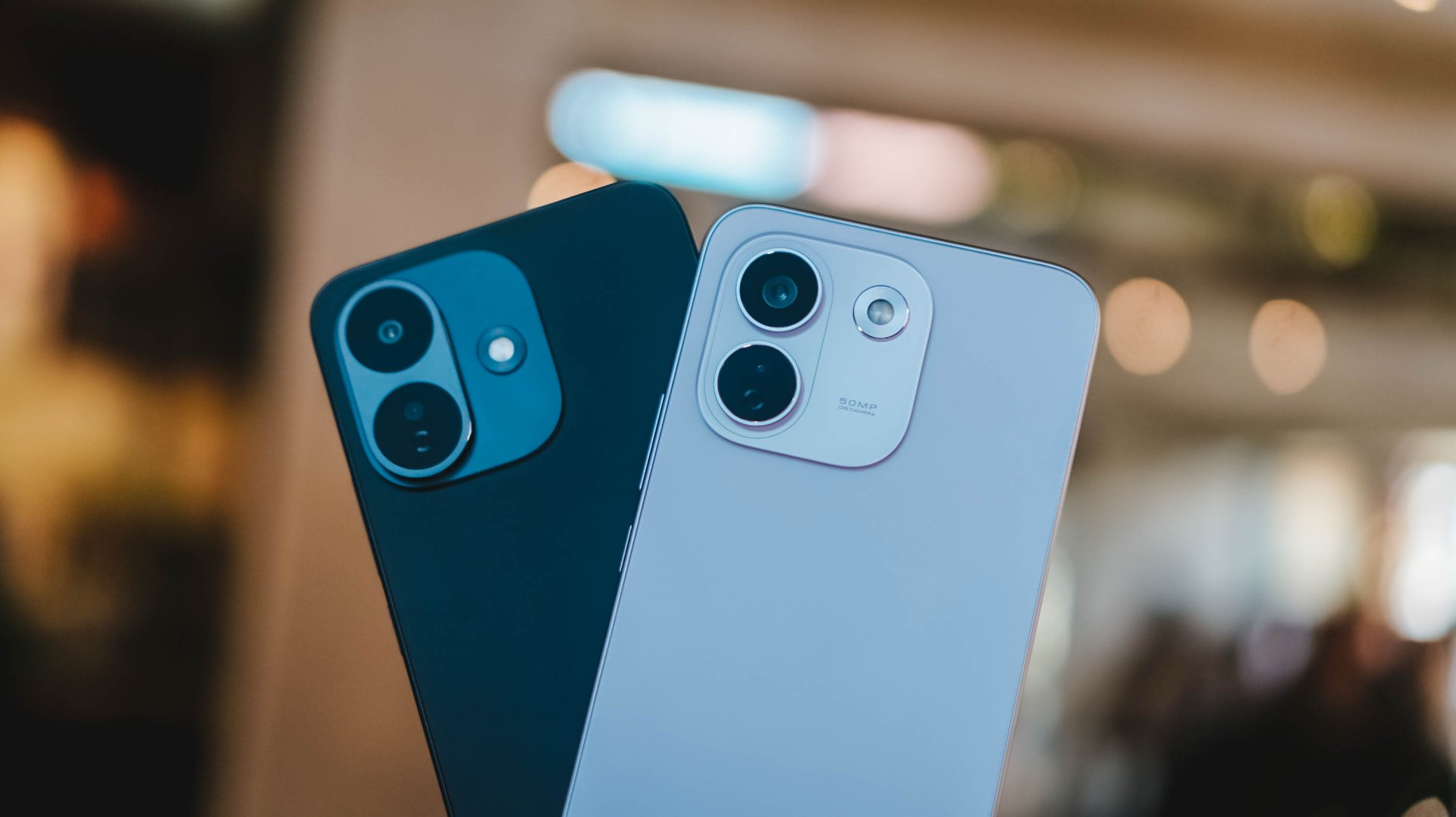
And, as much as I hate to admit it, midrange smartphones with this high price to lower performance ratio might actually be the “new normal.”
The final purchasing power still falls under your hands. However, at the end of the day, these discrepancies and inconsistencies in hardware alongside an even higher launch pricing truly and surely speaks volumes on what to expect with smartphones starting now and the years to come.


There’s a very specific thought that came to mind the moment I finished Marvel’s Wolverine.
“Damn, we finally have a pretty darn good Wolverine that’s not Hugh Jackman.”
I have nothing but respect for what Hugh Jackman has done with the character over the past two decades. His portrayal has shaped how a lot of people see Wolverine. But after all that time, it’s refreshing to see another actor take a proper swing at James Logan Howlett.
Liam McIntyre is fantastic here.
This isn’t exactly a live-action adaptation, but it’s about as close as you can get to having an actor perform Logan and Wolverine without putting a camera in front of him. And my god, does he perform.
McIntyre gives Logan a range of emotions that I wanted to see from the character. He isn’t just a dude acting all tough. He’s a man piecing together broken memories, balancing found-family relationships, and trying to be kind and helpful without ever becoming sappy.
For a story-driven action game like this, that’s important. Your lead can’t be insufferable when you’re going to spend more than 20 hours with him.
Thankfully, Logan is someone you can root for while he’s being a total badass.
That’s really what Marvel’s Wolverine is: a blockbuster you get to play.
A formula that works

When I first started playing Marvel’s Wolverine, I wasn’t convinced it was particularly great.
It felt familiar. Formulaic, even.
But then, after a while, I couldn’t put the controller down. That changed my mind pretty quickly.
I’m a binge watcher. If a narrative is engaging, I’m hooked. This is why I gravitate toward story-driven games, especially the kind of games that have become the money-makers for PlayStation.
Marvel’s Wolverine scratches that exact itch.
The story pulled me forward. The characters kept me invested. The combat was fun. And the set pieces are absolutely bat-shit insane.
It’s a perfect blend of all of those things.
The 21-hour campaign didn’t feel like a 21-hour campaign. It felt like I was binging an interactive, movie-quality TV series with hour-long episodes. I kept telling myself I would stop after a chapter, only to find myself wanting to see what happens next.
There were nights when I stayed up longer than I normally would just to make sure I reached a natural break point.
That’s a pretty good sign.
The funny thing is that I could still see the formula while playing it.
There are story beats you can probably figure out ahead of time. If you’ve played Insomniac’s Marvel’s Spider-Man, you might even recognize some of the ways the studio likes to structure its stories. As someone who’s been exposed to plenty of superhero stories, there isn’t much here that I would call life-changing or groundbreaking.
But it doesn’t really need to be. The execution is what makes it work.
Insomniac understands how to make these games feel like movies that you play. It understands compelling storytelling, character work, proper pacing, and dynamic gameplay.
More importantly, it understands when to let you breathe.
Knowing when to slow down

Logan and Raven (Mystique) at a bar in Madripoor
The rhythm of Marvel’s Wolverine is one of its biggest strengths.
You’ll go through a quiet character moment. Then you explore a little. There’s some dialogue. The action picks up. A fight escalates. And suddenly you’re in one of the game’s massive set pieces.
Then it lets you breathe again.
That sounds simple because it is. But getting that rhythm right is harder than it looks.
There were moments when I thought a fight was going to go on forever. Then it would stop right when I started thinking that.
The game knows when you’ve had enough.
That matters because Wolverine’s combat can get pretty intense.
But because the combat sections are spaced out properly, I was almost always looking forward to the next group of enemies I could mow down.
The quiet moments are just as important. I absolutely loved them.
They give you a breather from the violence, but they also help steady you on where the story is going. The action, violence, character work, and jaw-dropping set pieces all serve each other.
It’s a balance Insomniac executed fantastically.
This is Wolverine as a combat fantasy

If there’s one thing I think Insomniac absolutely nailed, it’s the feeling of unleashing Wolverine in combat.
Playing as Spider-Man in Insomniac’s games gives you an especially strong connection to the character because his traversal is so unique. Swinging through New York is such a huge part of what makes you feel like Spider-Man.
Wolverine doesn’t quite have that.
He’s more ground-bound, and that means some of the experience feels closer to playing a traditional hack-and-slash character.
But when the fighting starts, it’s a different story.
I felt like a savage force of nature wailing on enemies.

Rage
The game gets the important parts of Logan’s physicality right. His aggression. His durability. His healing factor. His claws.
Even the Rage system makes sense.
I particularly love how Rage feeds into his healing factor. That gameplay loop feels like a fantastic implementation of his mutant abilities. You’re building Rage, using it to stay in the fight, and generally making Wolverine feel like the nearly unstoppable force he’s supposed to be.
I do wish Rage felt a little more feral, though.
Wolverine is still pretty much in control when Rage kicks in. You deal more damage, but I was hoping for something that made it feel like Logan was losing control a little bit.
Maybe that’s asking for too much. I’m no game developer.
But it would have been an interesting way to express what Rage means for Wolverine beyond simply making him stronger.
Getting better feels good

The combat has enough going on to support a campaign that stretches beyond 20 hours.
Techniques become instrumental in making you feel like you’re getting better at combat. Adaptations let you build Logan around how you actually play.
I’m not particularly good at dodging and parrying, so I leaned into a tankier build. I equipped Adaptations that helped me absorb hits and extended the parry window because parrying is an important combat mechanic.
And whenever I successfully pulled off a parry, I felt like a complete badass.
That’s a good feeling to have several hours into a game.
The combat loop itself can naturally become repetitive. You’re fighting enemies, building Rage, using Techniques, and mixing up your combos.
But I never really got tired of it.
The one exception was a wave-based challenge that asks you to fight through a ridiculous number of enemies. Getting to the highest rank takes around 45 waves, and I could already feel my hands hurting around Wave 30.
That’s the kind of challenge you need to prepare for. Take it on, then take a break.
Thankfully, that was the only part of the combat that felt genuinely tiring to me.
And yes, if you’re here for the blood and gore, you will not be disappointed.
I’m not even that big a fan of excessive violence, but it works here.
There’s a famous Wolverine line about being the best at what he does, even if what he does isn’t very nice. The violence in this game supports that idea to a tee.
Marvel’s Wolverine earns its M for Mature rating.
Logan’s story is more personal than it looks

Wolverine being a superhero is the draw.
But underneath all the claws and mutant powers, this is really a story about a man trying to figure himself out.
It’s important to know going in that this is a pre-X-Men story. The game doesn’t immediately throw you into the familiar X-Men setup you might expect.
Instead, Logan is piecing together who he was, who he’s been, who he is, and ultimately who he wants to be.
It just happens to take place in a world where mutants exist.
I was never the biggest Wolverine fan. In fact, I hated how the live-action Fox movies treated him as the X-Man when the X-Men have always been an ensemble to me.
I say this as a Cyclops fan.
God bless Hugh Jackman and everything he has done for Wolverine, but his portrayal inevitably shaped the character’s place in popular culture.
Insomniac’s Logan feels a little different — and maybe the fact that he’s canonically a “short king” here makes him seem more appropriate.
He’s a man trying to do right by the people around him while also trying to figure out how to do right by himself.
He’s broken. His memories are fragmented. He has people around him that he cares about. And underneath the rough exterior is someone who is simply trying his best to make sense of his present reality.
That made him surprisingly easy to root for.
Jean Grey is having a moment

Best Jean Grey in modern media?
And then there’s Jean Grey.
I did not expect Jean to become one of my favorite parts of Marvel’s Wolverine.
But here we are.
I think a lot of people primarily know Jean through a few familiar ideas. The love triangle between Scott and Logan. The Phoenix. Getting overwhelmed by her powers.
The 1990s animated series had plenty of moments where Jean felt weak, while the live-action movies eventually speed-ran toward the Phoenix side of the character.
Marvel’s Wolverine gives her room to simply be Jean.
She’s headstrong. She can take care of herself and the people around her. She has her own motivations and a steadfast desire to protect her found family of mutants.
She can hold her own in a verbal spat just as easily as she can throw down with her mutant abilities.
She could just as easily have been marketed as the second lead of this game.
She’s fantastic.
Easily one of my favorite versions of Jean Grey.
And I think she’s about to get a lot more fans.

Between Sadie Sink’s Jean in Spider-Man: Brand New Day and this version from Insomniac, Jean Grey is suddenly having a moment.
I just don’t think we’ve gotten enough versions of Jean where she gets to be her own person.
Here, she is.
And she’s also incredibly charming.
A world that doesn’t need to be open

One thing I appreciate about Marvel’s Wolverine is that it doesn’t feel like Insomniac looked at its previous games and decided everything had to become bigger.
This isn’t an open-world game and that’s perfectly fine.
Not everything needs to be openworld.
The structure actually reminds me more of Ratchet & Clank: Rift Apart than Marvel’s Spider-Man. You move through contained environments, but they don’t feel like one long tunnel.
The locations are distinct. There’s room to explore. There are things to find. And the optional activities are tied to gameplay mechanics, which makes them feel more useful than simple checklist items.
Madripoor was especially memorable to me.
Part of that is because it’s a Southeast Asian-adjacent location, and that’s where I’m from. I’d love to see a more fully explorable version of Madripoor someday.
The game’s global structure also reminded me a little of how Captain America: Civil War handled its different locations.
The game also has plenty of little X-Men winks that made me go, “I understood that reference.”
The Mission Replay screen also recreates that famous meme of Logan lying on his bed and staring at a framed photo.
They did the Wolverine meme lol https://t.co/3kSO4i3n0t pic.twitter.com/bvc5q1A8Ye
— Genki✨ (@Genki_JPN) August 28, 2026
These touches never feel like they’re there just for the sake of checking a box. They add personality to the world and make it feel like Insomniac understands the character and the people who have grown up with him.
It makes the adventure feel bigger without forcing the game to become a massive open-world playground.
That’s the right choice for this particular story.
The blockbuster moments

The set pieces are where Marvel’s Wolverine really goes for it.
There are plenty of moments where you might just stop and think, “Woah.”
The action is high-octane. The spectacle is ridiculous. And there are sequences that genuinely made me want to shout at the screen.
The motorcycle sections are probably what I’ll remember most.
I sucked at them but they were fun as hell.

They should make the motorcycle sections playable separately.
That’s a pretty good description of a lot of the game’s biggest moments. They’re designed to make you feel like you’re inside a giant action movie, and they succeed.
What’s important is that the spectacle never felt disconnected from the rest of the game.
The quieter scenes prepare you for the big moments. The story gives them context. The combat gets you there.
Everything serves everything else.
And after 21 hours, I wasn’t thinking about which individual feature was the most innovative.
I was thinking about the experience as a whole.
A complete package

Another thing Insomniac gets right here is what happens after the credits.
Marvel’s Wolverine feels complete.
You can replay missions and go back for objectives you missed. There’s Photo Mode. There’s New Game Plus available right away. There’s optional content waiting for you.
You have plenty to do even after the credits roll.
That’s especially notable because the lack of New Game Plus and limited post-game content were among the major criticisms of Marvel’s Spider-Man 2. Wolverine addresses those concerns from day one.
Personally, I want to go back through the other missions before jumping into another full playthrough. And when I do replay the game, it won’t necessarily be because I want to discover some completely different combat experience.
I just want to experience the story again.
That’s something I tend to do with Insomniac’s games.
Not groundbreaking. Just really, really good.

Omega Red
If I had to point to the biggest weakness of Marvel’s Wolverine, it’s predictability.
Nothing here feels particularly groundbreaking or new.
The story doesn’t have a lot of twists that genuinely surprised me. There are plenty of story breadcrumbs that make it possible to figure out where certain things are heading.
But by the time I reached the end, I didn’t really care.
The execution was good enough that I was hooked regardless.
And the game leaves plenty of room for what Insomniac could potentially do next.
I can’t say much more without getting into spoiler territory.
Let’s just say I’m a thousand percent excited.
The one character I genuinely wish had gotten more to work with is Lady Deathstrike.
Her hatred for Logan makes sense within the story, but she felt too one-note to me. Her background suggested there could have been more there, and I don’t think the character quite got the material she deserved.
That’s about as far as my major complaints go.
Combat can be repetitive because combat is naturally going to be repetitive. The game isn’t reinventing the genre.
But nothing became egregious enough for me to point at and say, “This is a problem.”
That’s because Marvel’s Wolverine is remarkably consistent.
Wolverine knows what it wants to be

Marvel’s Wolverine isn’t the game that will fundamentally change how we think about superhero games.
It doesn’t need to be.
It’s a pretty darn awesome action game that feels like a movie.
More importantly, it’s a game that understands the character it’s trying to portray.
When you’re watching Logan piece together his memories, trying to understand the people around him, or figuring out what kind of person he wants to be, the game gives you room to care about him.
When the claws come out, it lets you become a savage force of nature.
Then, when you’ve had enough, it gives you a quiet moment to breathe.
That’s the formula. It’s familiar. It’s predictable. And it works. Really, really well.
I started Marvel’s Wolverine thinking it was simply another polished PlayStation blockbuster.
By the time the credits rolled, I had spent 21 hours completely hooked.
I sat for about two hours afterward just taking the whole thing in and sorting through my thoughts.
Whew.
What an experience.

Marvel’s Wolverine reminded me why I keep coming back to story-driven action games in the first place. It doesn’t need to reinvent the formula. It just needs to execute it well enough that you forget you’re playing a game and get completely swept up in the experience.
That’s exactly what it did to me.
Marvel’s Wolverine isn’t groundbreaking. It doesn’t need to be. It’s just damn good at being the kind of game I want to play.
GadgetMatch verdict: Swipe Right.
Marvel’s Wolverine is one of the very best at what it does. And what it does is pretty astonishing. It delivers a polished, cinematic, character-driven experience that makes it very easy to lose 20-plus hours to it.
Lifestyle
Setting your bedsheets ablaze with the Lovense Solace Pro
The closest proxy I could find where I’m guilty as sin


For almost a decade, I’ve reviewed gadgets. I used to tell people some of them are easy to evaluate. Switch them on, test what they can do, decide if they’re worth your money.
A few years ago, I dabbled in the intersection of pleasure and technology. I hadn’t thought about testing another intimate device until the Lovense Solace Pro was offered to me during a trip to London.
Writing about it felt unexpectedly difficult. It’s a piece of technology built explicitly around intimacy, and I had just parted ways with someone I loved deeply.
It feels surreal to write about physical pleasure when your heart is somewhere else entirely. In between panic attacks, I found myself seeing visions, longing for trysts without ever touching his skin, indulging in fatal fantasies that gave way to labored breath.
No one warns you how grief blurs the line between wanting to be touched and refusing it entirely. I craved connection; I just couldn’t bring myself to ask for it from someone real.
In a moment of raw vulnerability, I reached out to the Lovense Solace Pro. It was the closest proxy I had to an experience I genuinely wanted with someone who was no longer there.
Guilty as Sin?
This wasn’t my first time testing technology built around intimacy. I still remember when placing a Bluetooth chip inside a sex toy felt like a novel concept.
Back then, app connectivity just meant adding remote controls to something that already worked on its own. Sex technology has grown considerably more sophisticated since, and Lovense has continually pushed that evolution forward.

The Solace Pro shows how far their ecosystem has extended beyond basic app controls. It combines connected devices, interactive patterns, content synchronization, and artificial intelligence.
The AI-powered thrusting stroker is designed for hands-free use and comes with a sturdy desk mount. Holding the 1.2kg device during a session tires your hands fast, which makes the mount a necessary addition, not a bonus.
The mount lets you adjust the angle up to 180 degrees. Hands-free works only when the alignment actually matches your body.
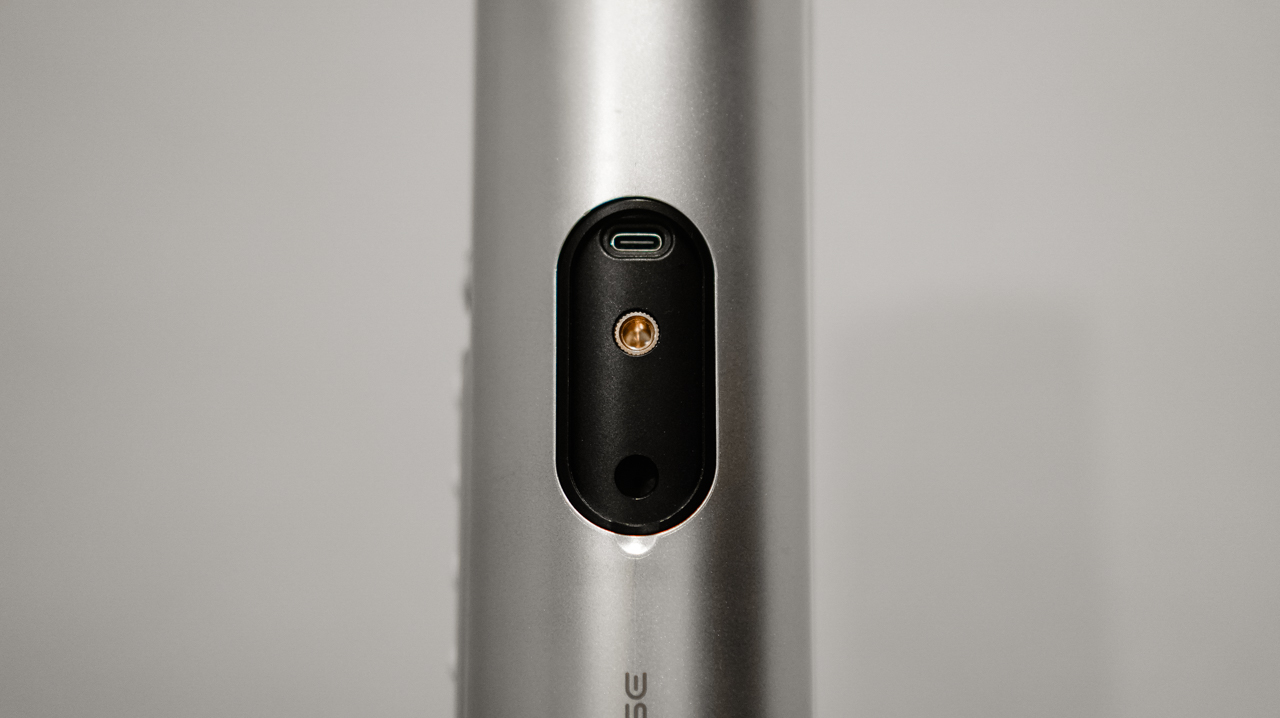
Mounting the toy to my office desk and adjusting my chair height worked well enough. But I no longer have the reckless enthusiasm of an eighteen-year-old who can indulge anywhere.
The bedroom remains my sacred space for intimacy.
One slip and falling back into the hedge maze
The standalone hardware gives you plenty of built-in controls to adjust stroke speed and intensity in small increments.

But opening the Lovense Remote app unlocks a much higher level of personalization. Pleasure is deeply subjective, so having room to experiment matters.
The app lets you explore various patterns and build your own sequences. It’s built to let you discover what suits your body, rather than forcing your body to adapt to the hardware.
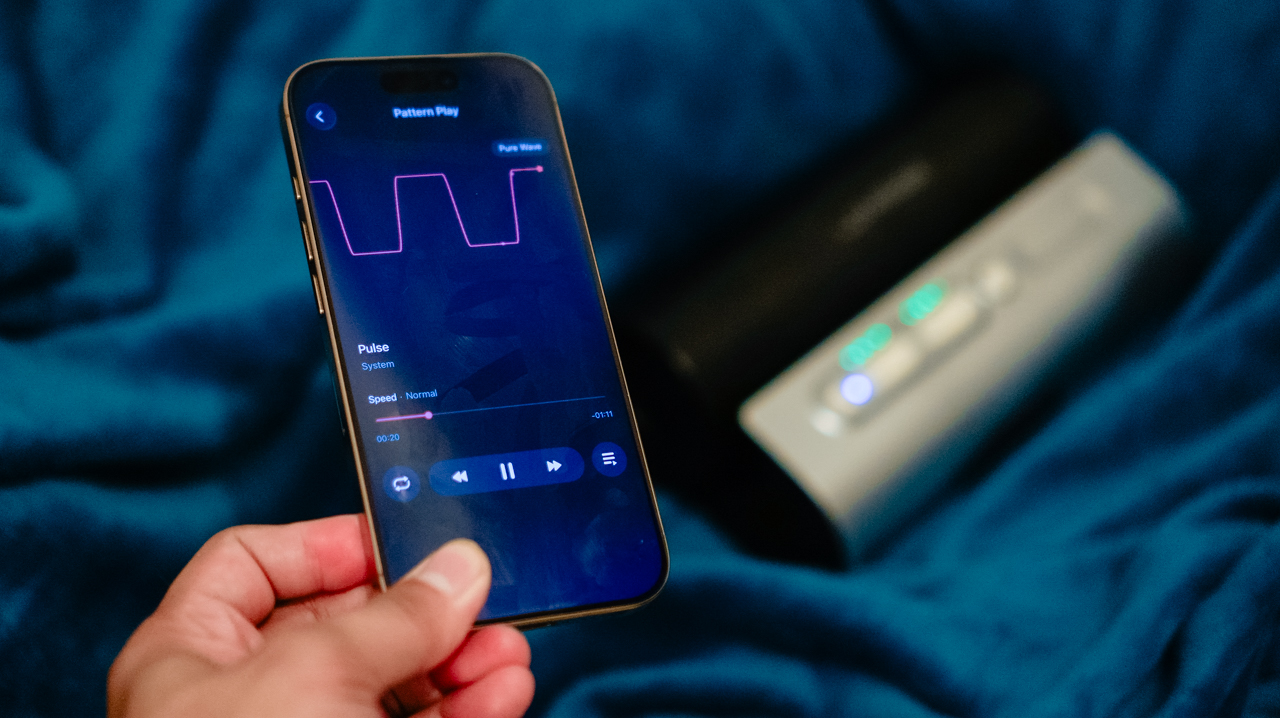
The AI Sync feature stands out. It pairs the device’s movements with interactive content or livestreams through VibeMate, an AI browser that syncs using audio cues.
During a 36-minute session watching my favorite creator, Titus Low, the tracking stayed smooth and lag-free. The feature works just as well in practice as it sounds on a product page.
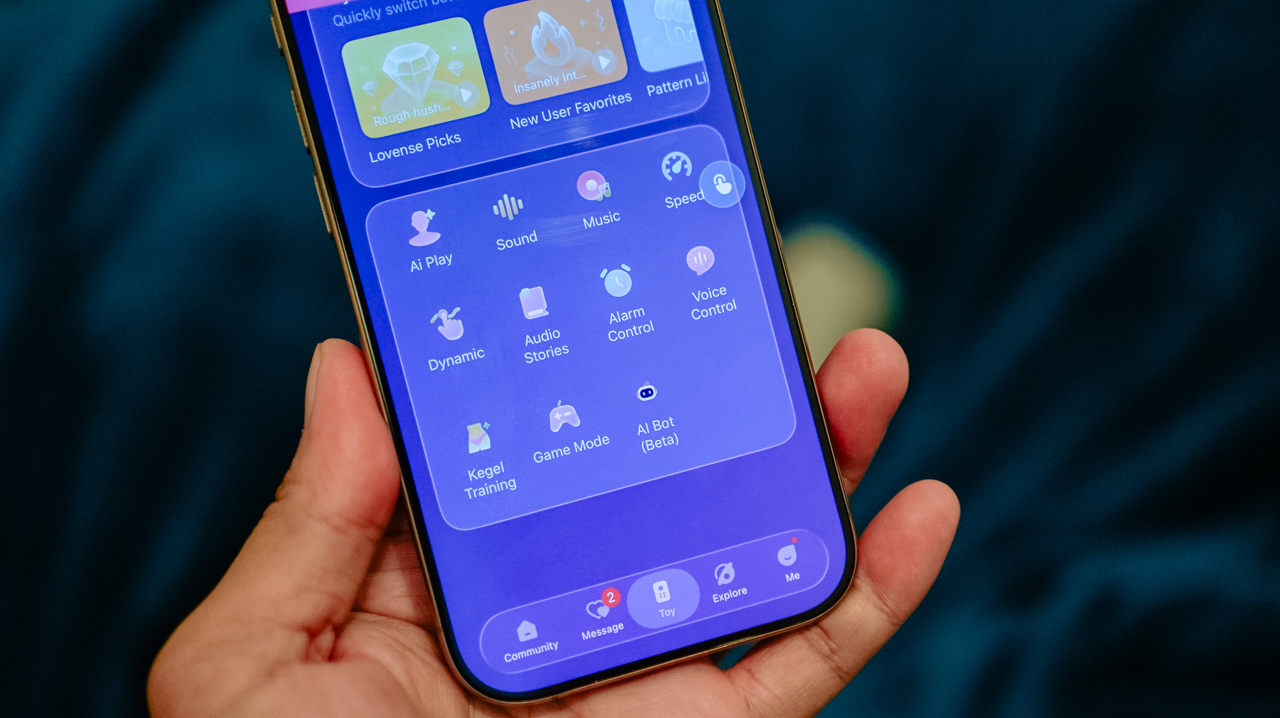
Beyond video sync, AI Play and Game Mode offer more interactive options. The real appeal isn’t replacing human intimacy.
It’s making solo routines feel less repetitive, giving your senses dynamic stimuli to respond to.
What if the way you hold me is actually what’s holy?
Lovense rates the Solace Pro at up to 300 strokes per minute. I couldn’t, as a matter of fact, count how many strokes there were when pleasure enveloped my whole body.
The soft TPE sleeve does a lot of the work here. It keeps the experience feeling supple, not rigid, despite the heavy hardware around it.
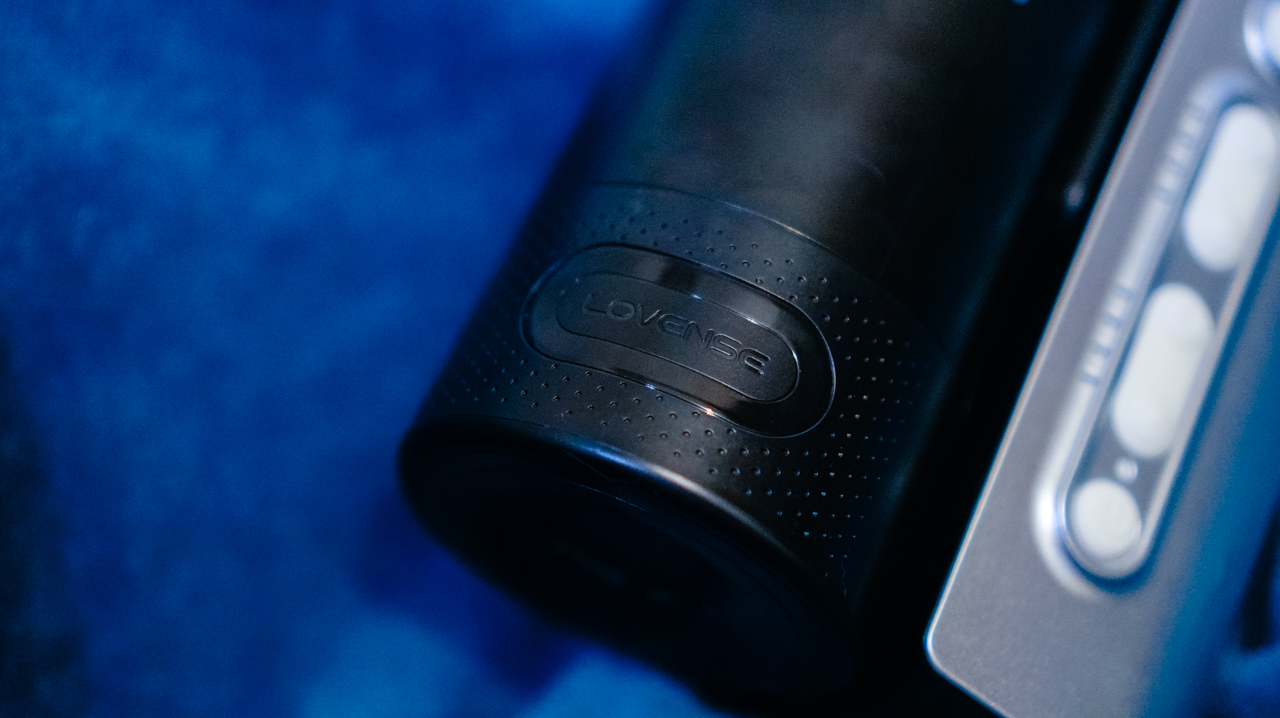
Ambient sound shapes the mood too. The device is rated at 63dB, about the volume of an ordinary conversation. The mechanical noise gets more noticeable at higher intensity.
I get distracted by the sound, so I turn up whatever I’m watching to compensate. Earbuds work even better if you want the sensation to lead, not the machine’s hum.
Battery life is respectable. Lovense rates it at 14 hours of use, 120 hours on standby. Two months in, I still haven’t drained it, and I haven’t charged it since.
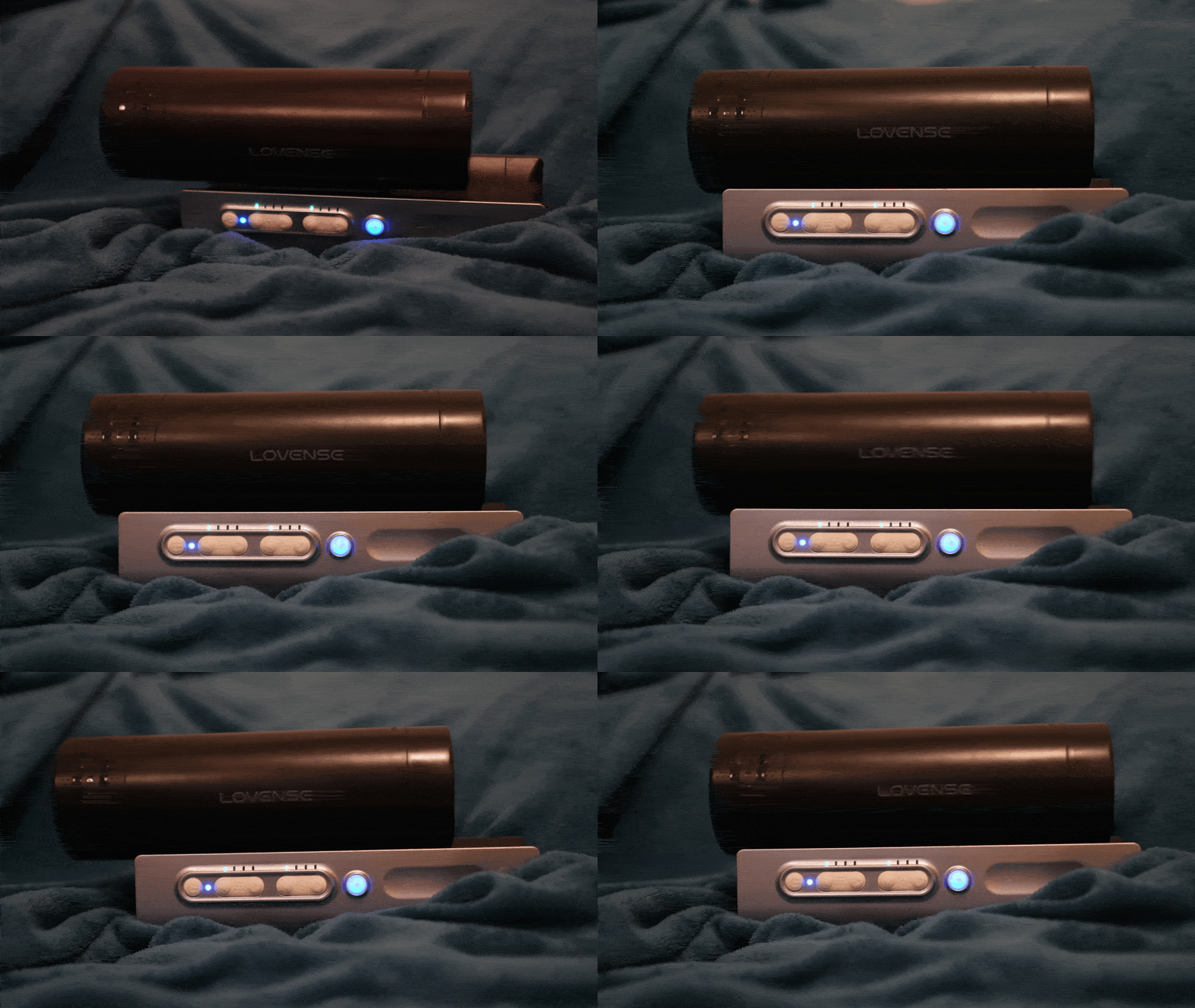
You’re unlikely to use it continuously anywhere close to 14 hours, though. But keeping that in mind, that kind of battery life still means plenty of sessions between charges.
They don’t know how you’ve haunted me so stunningly
Like most devices from the brand, the Solace Pro supports partner syncing for long-distance play.
Releasing control of my pleasure to a partner sounds intoxicating in theory, yet having a feature designed for someone you love feels haunting when that person is no longer in your life.
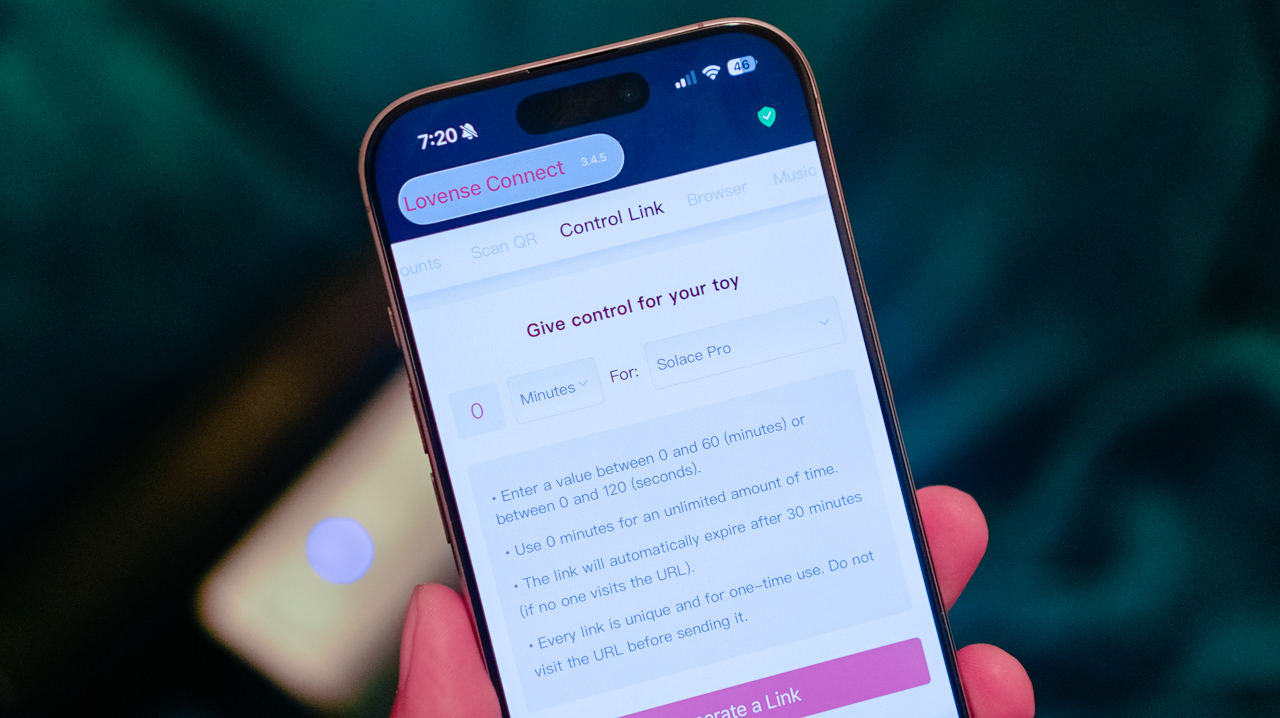
The device became something to lean on through the grief, stepping in during moments when I longed for the touch of my former partner.
It highlighted the strange borderland between fantasy and reality, where you try to keep these longings locked inside a vault while your imagination does everything it can to break the door down.
In those quiet moments, the fantasy alone is enough to make my bedsheets feel ablaze. There are nights when I have screamed his name into the silence, feeling the longing building up like waves, crashing over my grave.

Beyond the emotional weight, the practical side of owning an intimate device is also emotionally taxing. It requires proper maintenance.
Keeping the toy clean and completely dry is simple ’cause you remove the inner sleeve, rinse it, and let it drip-dry. And the sleeve is easily replaceable, meaning, the entire unit remains useful over time.
Amidst all this grief and longing, who needs a boy when you can have a toy? At least this one isn’t going to make you cry while you’re 30,000 feet up in the sky.
Is the Lovense Solace Pro your GadgetMatch?
At US$399, the Lovense Solace Pro is a premium intimate device. The question, then, isn’t whether its connected technology justifies the price. It’s whether you actually want all that technology wrapped around the experience.
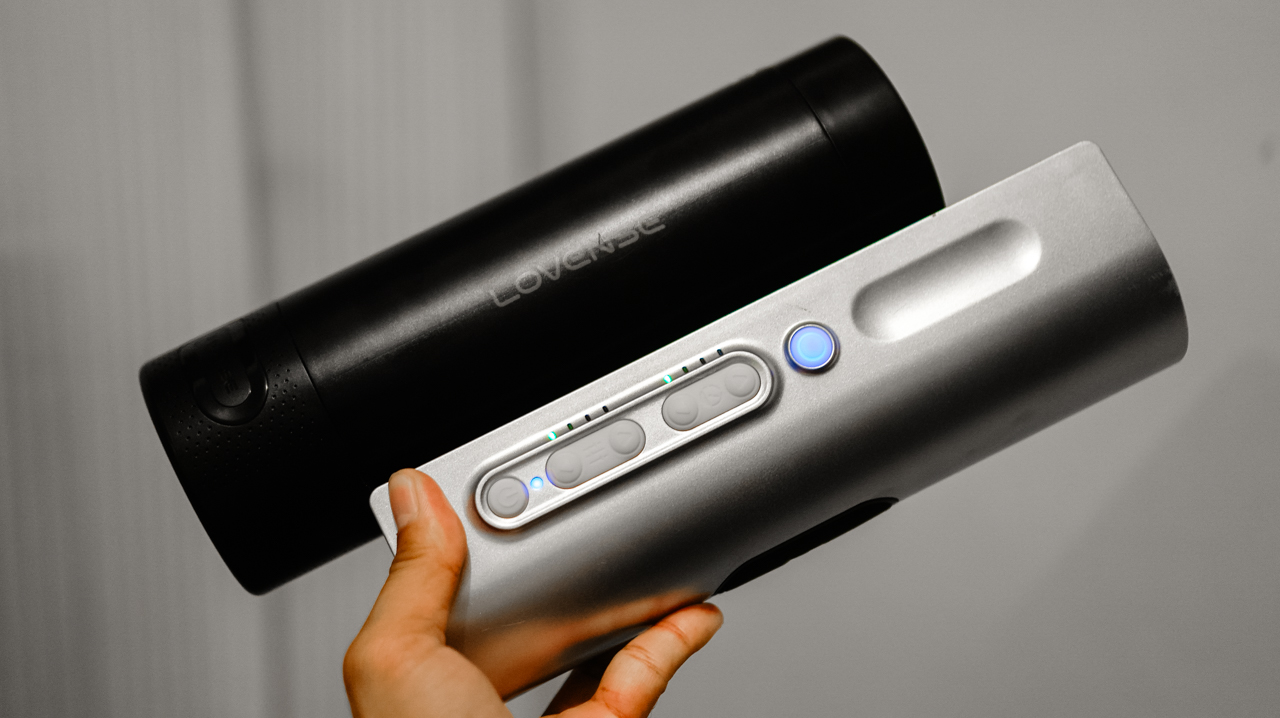
Swipe Right if you’re looking for a premium solo experience with smart features, hands-free control, and enough customization to keep things from feeling repetitive. Get it here.
If you’re looking for a simple stroker that you can pick up and get the job done, consider this a Swipe Left.
The Solace Pro makes sense for someone who wants to explore physical pleasure without asking themselves to be emotionally available to another person before they’re ready.
It gives you control over how you experience pleasure, whether that means letting the app dictate the rhythm, experimenting with different patterns, or simply finding your own pace.
Honestly, technology cannot replicate the feeling of being wanted by someone you love. It cannot replace their hands, their presence, or the connection that makes intimacy mean something. Instead, it gives you agency over your own experience.
The Solace Pro cannot replicate the person I want. It cannot make me forget him, either. What it can do is give me somewhere to put the longing when it gets too loud.


REDMI Note 17 Pro Max review: A new breed born from AI greed
Welcome to the new normal


Marvel’s Wolverine review: When the claws come out
A brutal, cinematic superhero adventure


Setting your bedsheets ablaze with the Lovense Solace Pro
The closest proxy I could find where I'm guilty as sin

Now Playing: Resident Evil

HONOR, Fidesmo partner for contactless payments across Europe, Middle East

Ford revs up Truck Month with extended 5-star care offers
REDMI Note 17 Pro Max review: A new breed born from AI greed

REDMI NOTE 17 Series: Price, availability in the Philippines

TECNO MEGAPAD 2 review: Eyes on the size

realme 16T 5G with 8000mAh battery, IP69 Pro rating launches in PH

HUAWEI Pura X View is 2026’s first WIDE slab-type smartphone

REDMI reveals the refreshed Note 17 and Note 17 Pro series

REDMI Note 17 Series: Price, availability in Singapore


-
 News1 week ago
HUAWEI Pura X View is 2026’s first WIDE slab-type smartphone
-

 News1 week ago
The CAMON Slim 5G is TECNO’s latest ultra-slim smartphone
-

 Cameras2 weeks ago
DJI Osmo 360 II review: Going all-in on the ecosystem
-

 IFA 20262 weeks ago
TECNO MEGABOOK T15 360 unveiled at IFA 2026
-

 Gaming2 weeks ago
NBA 2K27 review: A two-way All-Star
-

 News7 days ago
iPhone 18 Pro series: Price, availability in the Philippines
-

 IFA 20262 weeks ago
TECNO’s POVA 8 Pro gets a stealthy makeover
-

 Automotive2 weeks ago
Ford’s new Everest lineup brings V6 engine to the top, tech down the line