
Lifestyle
Samsung Galaxy J7+ hands-on review

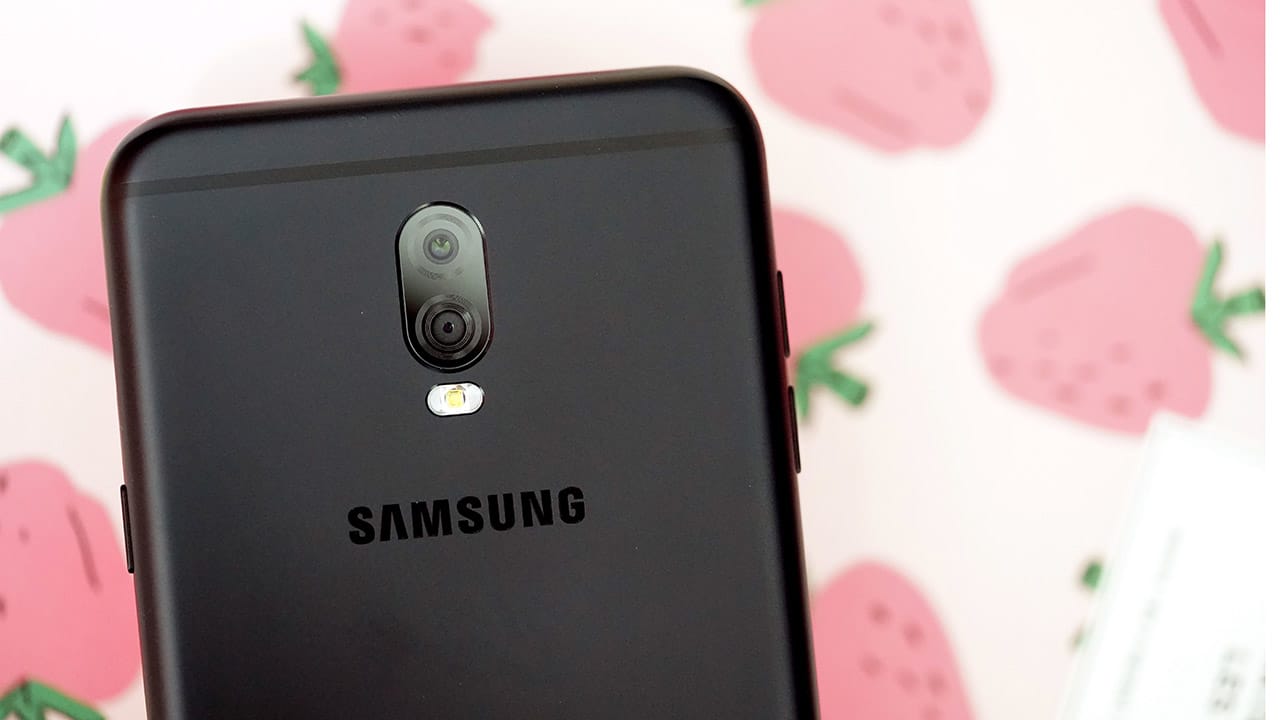
Samsung’s firm belief in the saying “the more, the merrier” stands true as yet another phone is launched under the J7 banner. This saying also applies to the number of cameras on their phones: The Samsung Galaxy J7+ is Samsung’s second dual-camera phone and this time, you don’t have to shell out US$ 1,000 to own it.
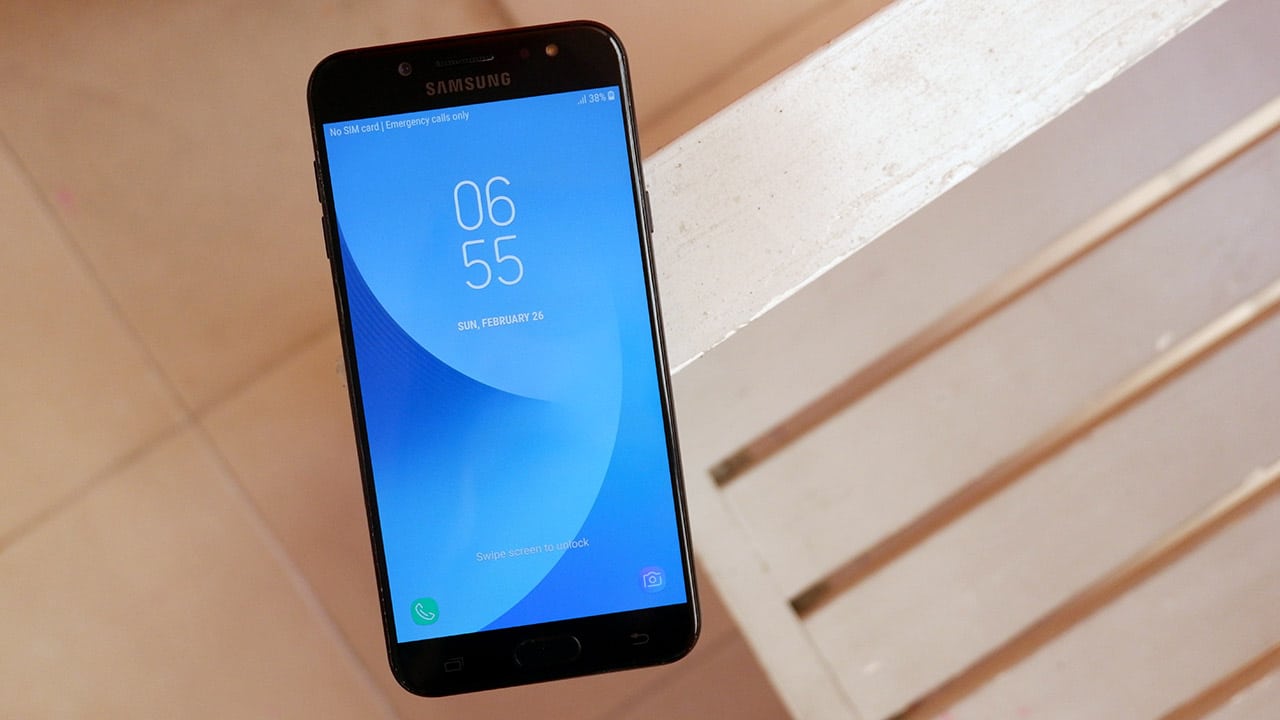
The phone looks good
With a 5.5-inch AMOLED display, the Galaxy J7+’s screen wows.
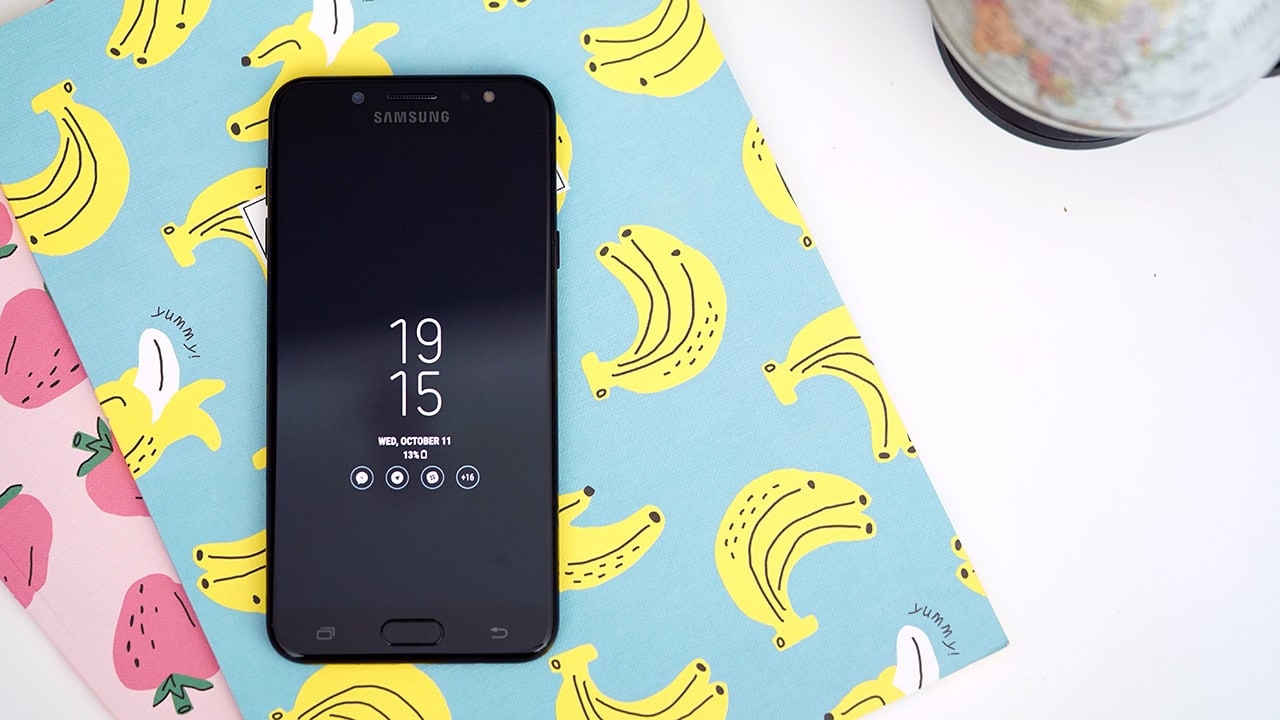
This also means you get an Always On display which can be pretty useful, TBH.
The screen is bright and the images look crisp. The phone is pretty responsive — it does well for a midrange phone — though it’s obviously not as snappy as flagship devices, but that is to be expected.
And it feels good, too

It has a good weight and an aluminum body which means it’s a delight to hold — I don’t like light and plastic-y phones as they usually tend to feel cheap.
Speaker grilles are still at that spot we love
That spot is at the top-right side of the phone, above the power button.
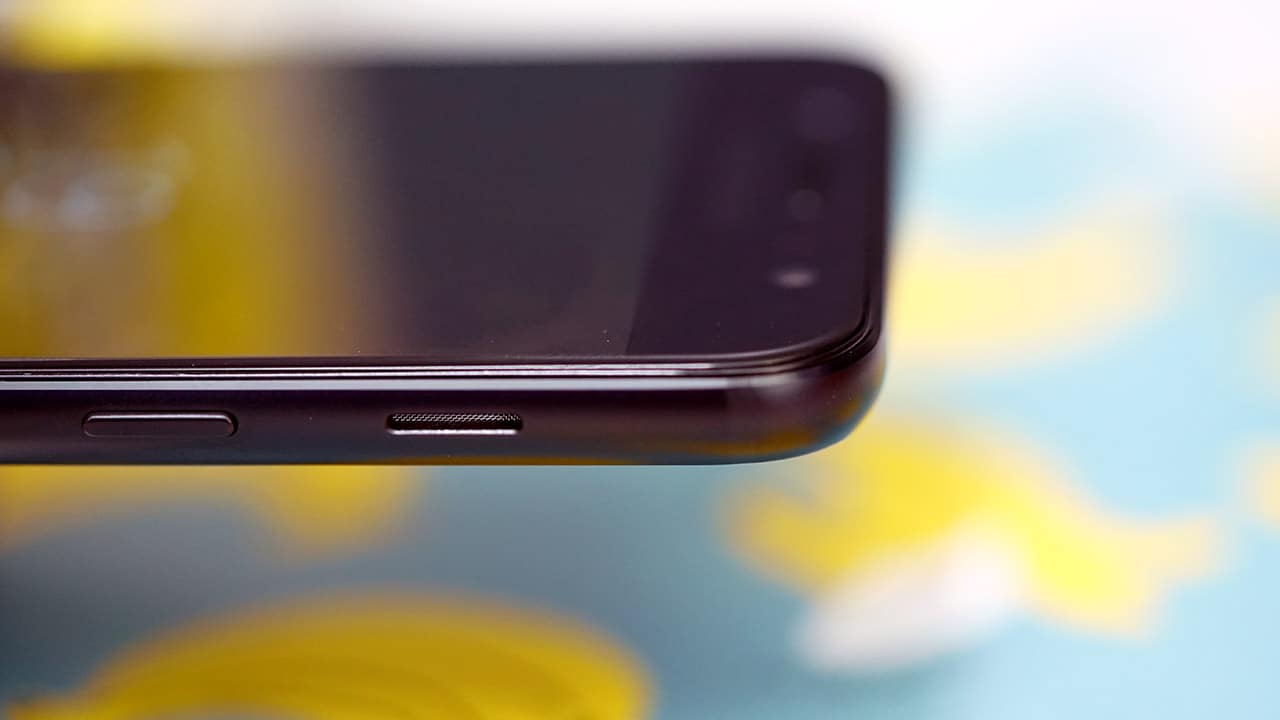
Marvin and Dan have raved about this speaker placement, but I never really appreciated it until I used the phone. Clear audio all the way, and no issues with accidentally covering speakers way up there, even when I’m on the phone while lying in bed.
Still pretty old school with a micro-USB and (yay!) audio jack
It’s 2017 and while I’d love to see USB-C in new devices, it’s still pretty common for more affordable phones such as the Galaxy J7+ to have a micro-USB port.

The chin of the phone houses a physical home button with a built-in fingerprint scanner which unlocks the phone in a second. There are two capacitive buttons (back and recent apps) to the sides of the home button.
More choices with a dual-SIM slot
Again, the more the merrier! Two nano-SIM cards can be inserted on the phone, with one convertible slot that can house a microSD card for added storage as much as 256GB.
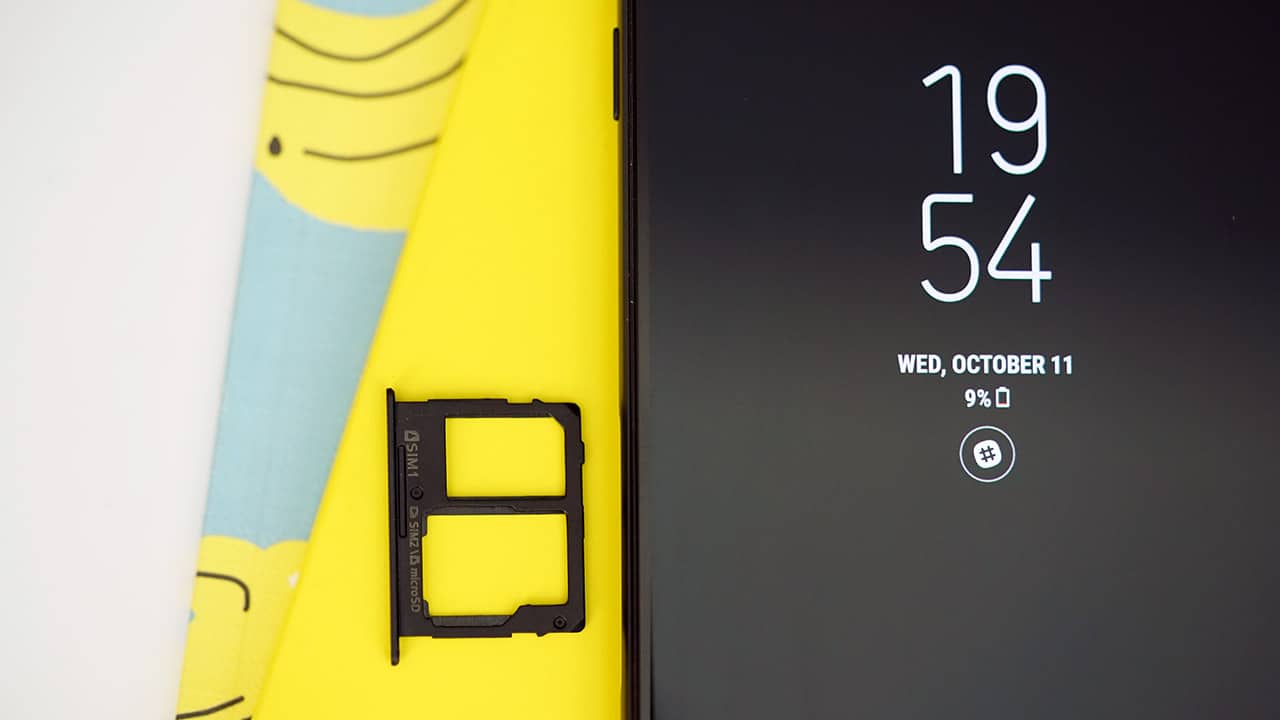
The volume buttons are on the top-right of the phone.
Of course, there’s the dual-cam rear setup
The rear packs 13- and 5-megapixel shooters, the latter camera designed to capture depth on photos.
Here are a few test shots:

The Galaxy J7+ cameras prove to be very capable with photos coming out with great color and detail in normal daylight scenarios.

The phone was even able to capture my dog in this pose — and doggies are rarely very still!

Another new feature that comes to the Galaxy J7+ is its Live Focus view, which allows you to adjust the bokeh or blur on a particular photo during or even after the photo had been taken. I’ve tried this mode on the Galaxy Note 8 and it’s a pretty fun feature!
Unfortunately, because this is a pre-production unit and some bugs are to be expected, I wasn’t able to try the mode out on this phone. The photos I took were tagged as “processing,” and this went on for a long time. After 30 minutes of waiting, I still couldn’t edit or open them.
The selfie camera is cool, too
This phone’s front-facing camera is a 16-megapixel shooter and has a built-in beauty mode which allows you to slim down your face, smoothen it out, adjust skin tone, or even increase your eye size.

There are also bundled stamps and stickers that make for the cutest selfies, and if you’re not impressed, well then you’re missing out on some serious millennial fun. I will never tire of these Samsung filters!
Here are more sample shots from the front and rear cameras:
-

- This pie tastes as good as it looks
-

- Harsh and complicated lighting but still good photos
-

- But first, a selfie!
-

- Chandelier!
-

- Bokeh on auto mode
-

- Just another afternoon snapping photos!
All other things worth noting
The Samsung Galaxy J7+ is powered by a MediaTek Helio P20 processor with 4GB of RAM and 32GB of expandable storage. I had no issues running multiple apps and games that aren’t so heavy, like Stranger Things and Plants vs Zombies, played smoothly. A single charge on its 3000mAh battery lasted me a whole day’s worth of use.
At the end of the day, the Samsung Galaxy J7+ is good for what it is: a midrange smartphone with good cameras on it.

This dual-camera phone comes at a way cheaper price point than the other dual-camera Samsung alternative (the Galaxy Note 8), but it’s worth noting that there are other phones in the market with specs that rival this for even less.
For those who know and love the Samsung brand, however, it’s a no-brainer. If you’re looking for a Samsung smartphone and only a Samsung, this may be the dual-cam handset for you.
The Samsung Galaxy J7+ retails for PhP 19,990 in the Philippines and THB 12,900 in Thailand.
SEE ALSO: Samsung Galaxy J7+ launches in the Philippines
[irp posts=”21809″ name=”Samsung’s Galaxy J7+ ad will give you all the feels”]







There is a part of me that wants to say, if you want a feel-good, wholesome movie experience, go see Disney Pixar’s Hoppers.
But on the flip side, if you want an absurd, humorous, nonsensical-yet-totally-makes-sense dark comedy masked in an animated adventure, then you especially need to see it.
We can always argue that Pixar titles — and animated films in general — cater to adult audiences.
However, slotting in We Bare Bears creator Daniel Chong to helm this latest Disney Pixar masterpiece makes for a spectacularly unique ride.
It’s interestingly odd for a Pixar film, though not so far removed from the family-friendly, “happy ending” trope that feels unrecognizable.
I just personally loved Chong’s approach, driving the narrative with unpredictable humor, sharp twists, and a sci-fi premise that, come to think of it, isn’t actually theoretically impossible.
It’s so entertaining that you briefly forget you’re watching a Pixar movie. There are no dull moments and just a great ride from start to finish.
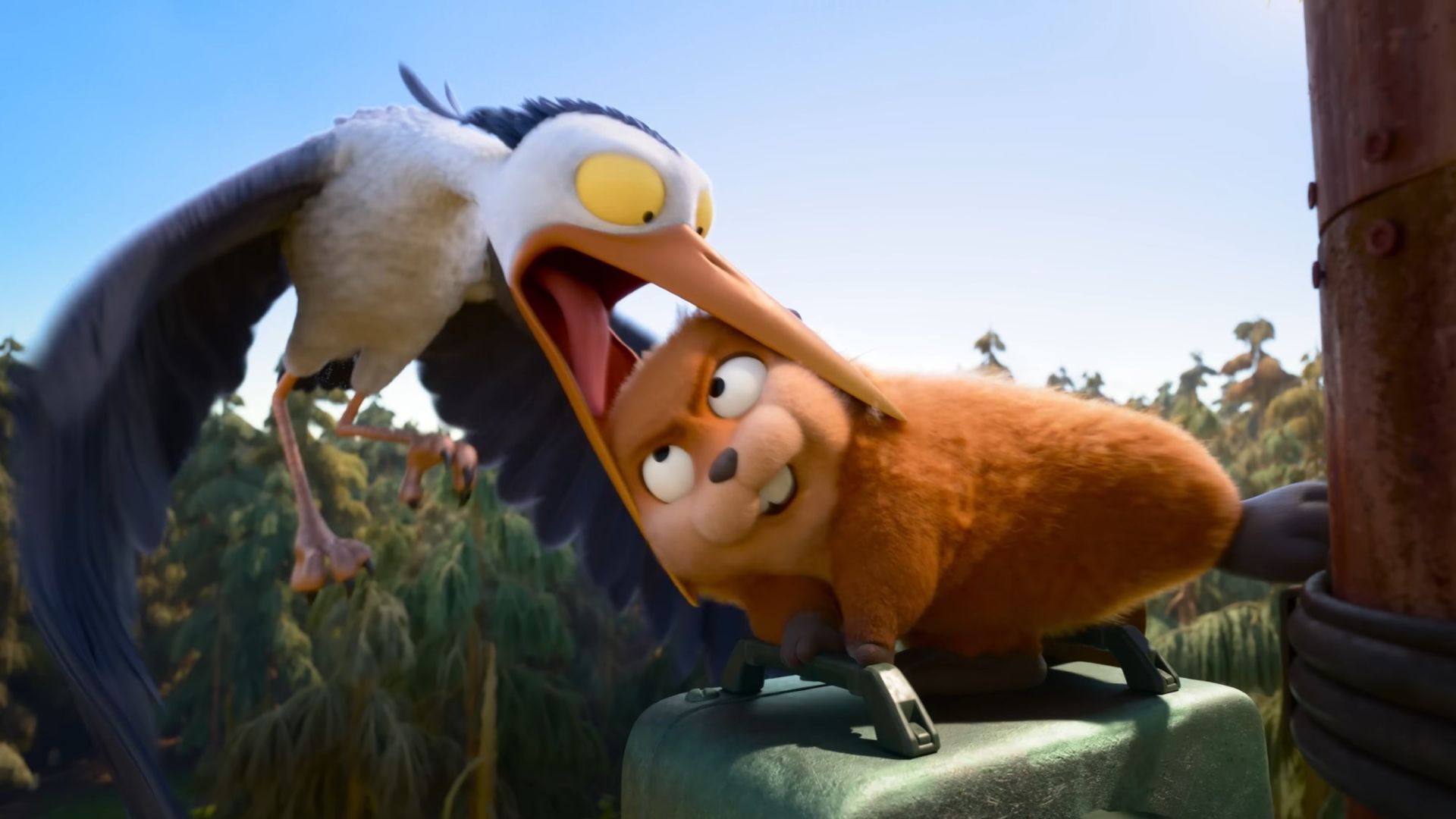
Nature vs. development
The premise is a familiar real-life dilemma we’ve seen for decades. In Hoppers, the suburban town of Beaverton where our protagonist Mabel lives, is under constant development.
Specifically, there’s the “Beltway Project”, an initiative by Mayor Jerry Generazzo, to connect residential areas to the town center via an elliptical highway.
As in reality, progress comes with collateral damage. In the film’s case, it’s the animals living in the local greenery.
Mabel isn’t going to let that happen. The movie quickly establishes her origin story in the first few minutes.
It shows how her relationship with her aging grandmother formed her special bond with “The Glade”. This lush forest was their favorite hangout as Mabel grew up. And that’s where she begun appreciating and caring for animals deeply.
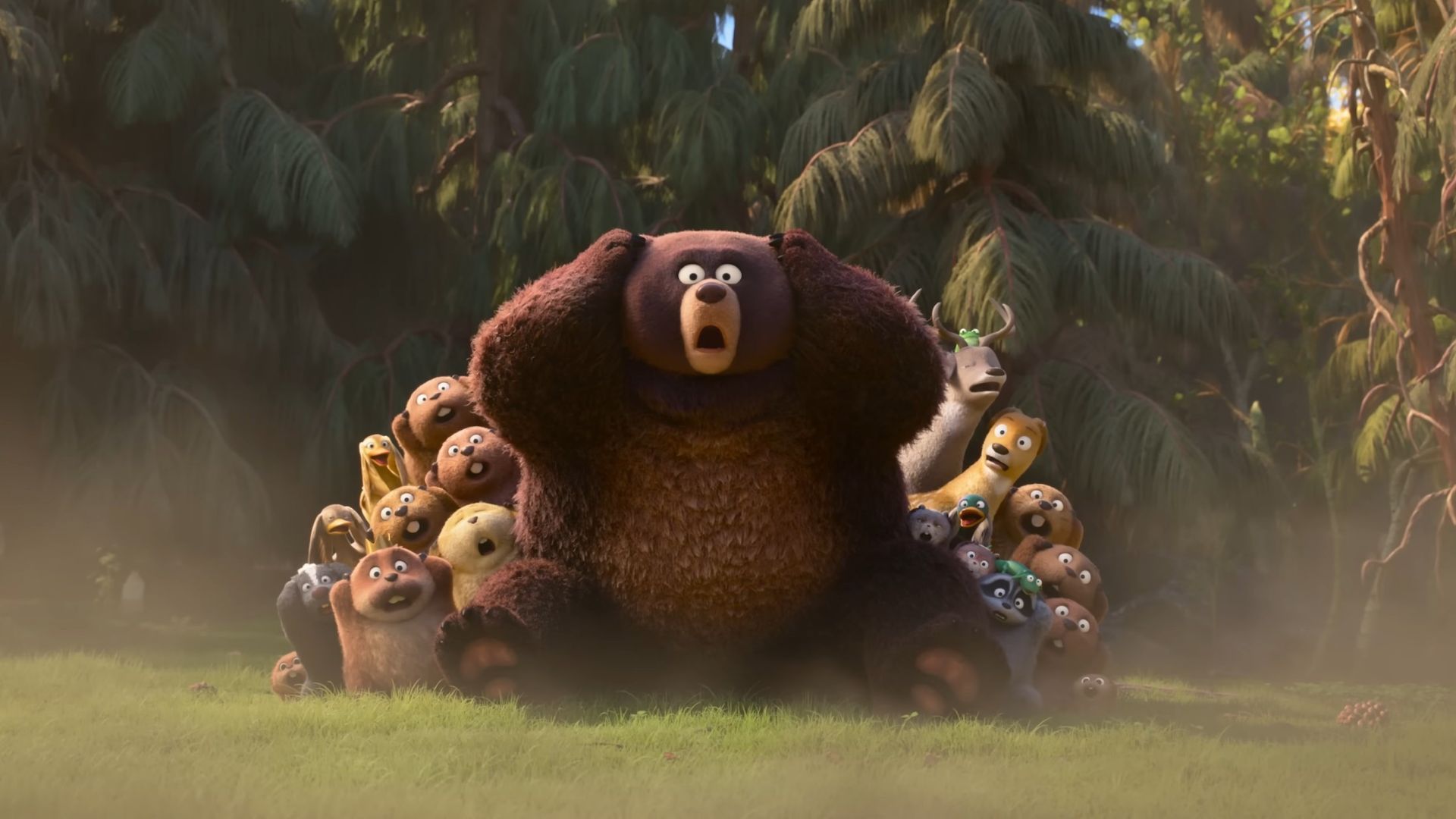
Years have passed, and Mabel is now a fervent college student activist stopping at nothing to ensure the animals she grew up with can still live peacefully.
She has done a lot, from petitions to convincing people to support her cause. Without that many teammates by her side, she ultimately confronts the mayor herself. This is where she gets challenged to “make something happen” in 48 hours to convince the mayor to call the project off.
From ‘real’ to ‘sci-fi’
At this point, the movie dramatically switches from grounded reality to high-concept sci-fi. Mabel accidentally discovers her professor, Dr. Sam Fairfax, has developed an ambitious machine capable of transferring your consciousness into a robotic animal.
It was meant to observe animals harmlessly from a closer POV, and I guess you can give the professor the benefit of the doubt.
The entire scene reminded me of Jordan Peele’s Get Out briefly, but the tone shifts when Mabel ends up transported into a robot beaver body herself.
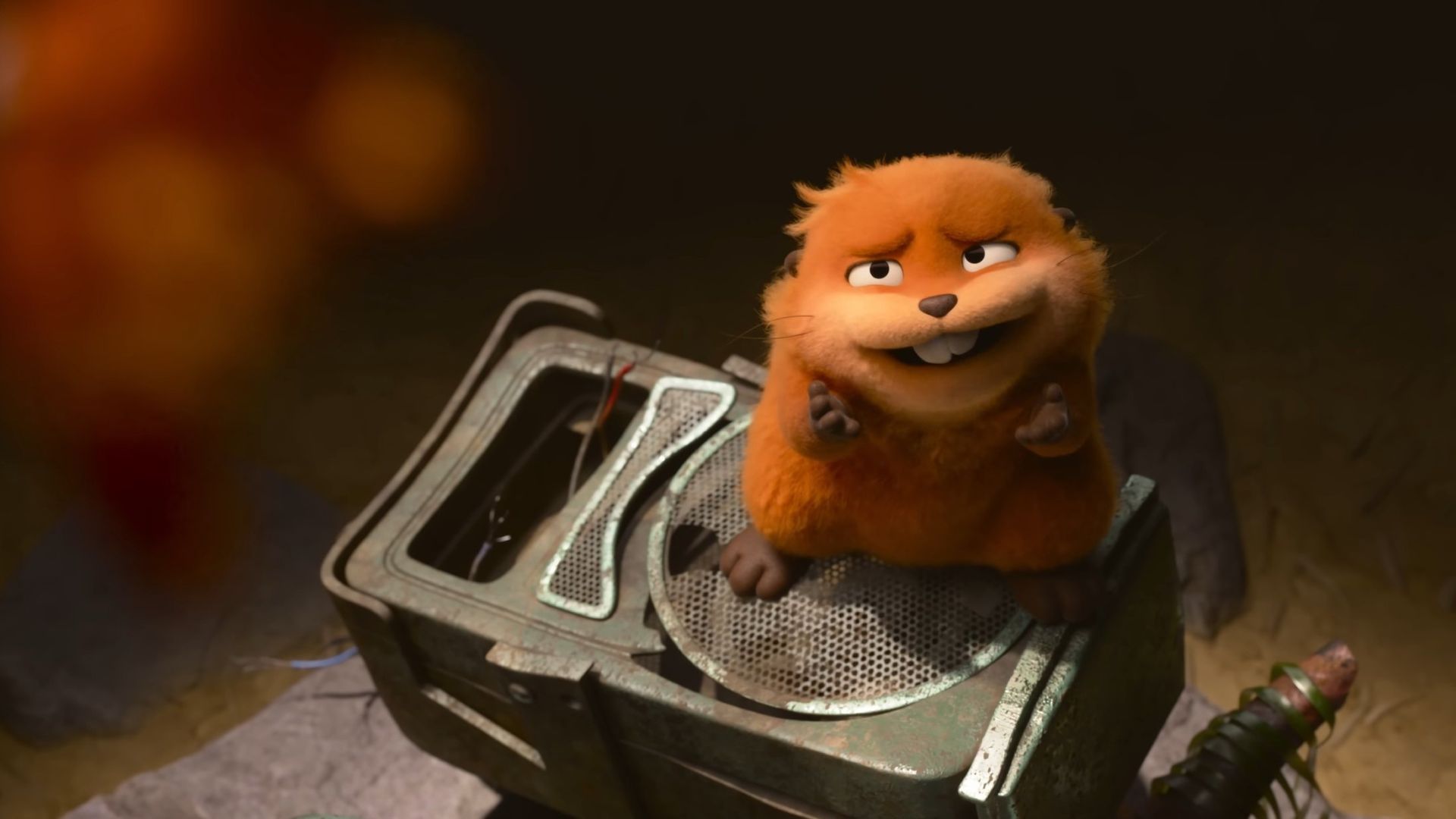
There’s an undeniable, hilarious callback to James Cameron’s Avatar here, from the disorienting “syncing” process to Mabel navigating the world in a body that isn’t hers. The only difference, obviously, is she isn’t a blue alien but rather a cute, child-visual-friendly beaver.
She finds new hope with this tech. But just as she thinks she can simply “communicate” with nature, she is slapped with the reality that in the wild, it’s survival of the fittest.
Logic takes a backseat
From then on, logic takes a backseat, yet it’s the kind of film where suspending your disbelief actually is helpful.
The “pond rules” were the only remaining glimmer of scientific accuracy but then, soon, you realize it would have been total chaos in the pond community just from a food chain standpoint.
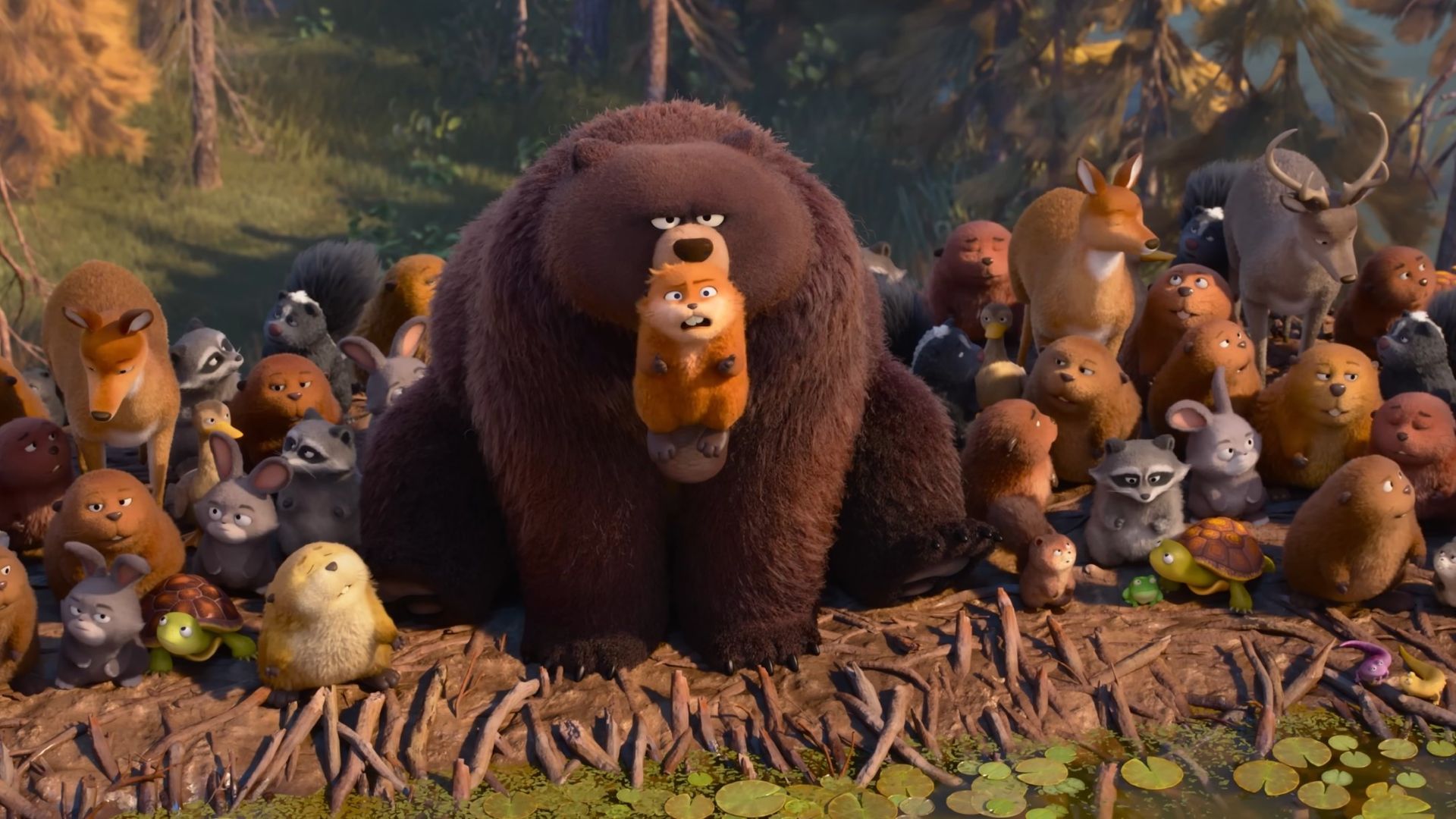
Mabel gets introduced to King George and the inner workings of the community. There’s even a later chase when a flock of seagulls carry Diane, the gigantic shark referenced as the group’s “apex predator”, which is obviously impossible.
There’s just so many dumb rules (or lack of) that the internal logic made up for an even funnier film. It’s like Zootopia logic, but cranked up to an even more non-sensical level.
Dilemma
Anyway, Mabel discovers that the cause of the animals’ exodus are fake noise trees blasting high-pitched sounds. These are all the work of Mayor Jerry, doing it on purpose so the Beltway Project gets finished.
Mabel’s audacity leads to an Animal Council meeting, which was unlikely to begin with. Here, the leaders who each represent major animal classes come together.
The Insect Queen and her eventual Insect King son Titus get presented as the real antagonists, with a thirst for domination.

Mabel merely suggested scaring the Mayor back, but the animals decide on a dark uprising. With this, Mabel soon realizes the mayor is in danger.
The conflict is triggered further by her own human instinct when she kills the Insect Queen who annoyingly got into her face. This moment sends Titus into a vengeful rage even more.
This deepens Mabel’s dilemma as she now ironically has to side with the humans — including Mayor Jerry — while navigating the animals’ survivalist and territorial tendencies.
Standstill, unlikely team-up
However, after a long chase, and attempts to communicate with the mayor funnily with her impromptu-formed rag-tag squad, Mabel’s robot beaver eventually gets caught.
The Animal Council eventually discovers the humans’ experimental tech and turns it against them. Under the tutelage of Titus, the animals hold the scientists hostage and forces them to create a robotic clone of Jerry.
Titus’ goal was to use the mayor’s own noise trees meant to scare the animals away from The Glade against the humans gathered for a rally.
Just when all seems lost, the real Mayor Jerry shows a sudden flash of compassion. And perhaps with some Messianic complex involved, he hero-balls his way into a robotic beaver himself for a last-ditch effort to stop Titus.

A lot happened in between, presented with a hefty dose of comedy that keeps you guessing the characters’ fates.
Ultimately, the other animals realize Titus’ purely selfish and evil goals, and his plan backfires when he gets eaten by the Amphibian King.
In the end, the animals team up to destroy their community dam to flood a wildfire inadvertently started by Titus moments earlier.
Then, it’s a classic happy ending: The Glade is restored as a protected area, Mabel and Mayor Jerry reconcile, and the protagonist graduates with a job offer from Dr. Sam herself.
Absurdity ’til the end
The absurdity does not even end when the credits roll. In the post-credits scene, we see the elderly man Mabel previously encountered, who mistook her petition form for a grocery list.
After she takes care of her business at The Glade, Mabel sweetly fulfills the elderly man’s simple errand.
And handing the eggs, milk, and bread back to the man? Ants.
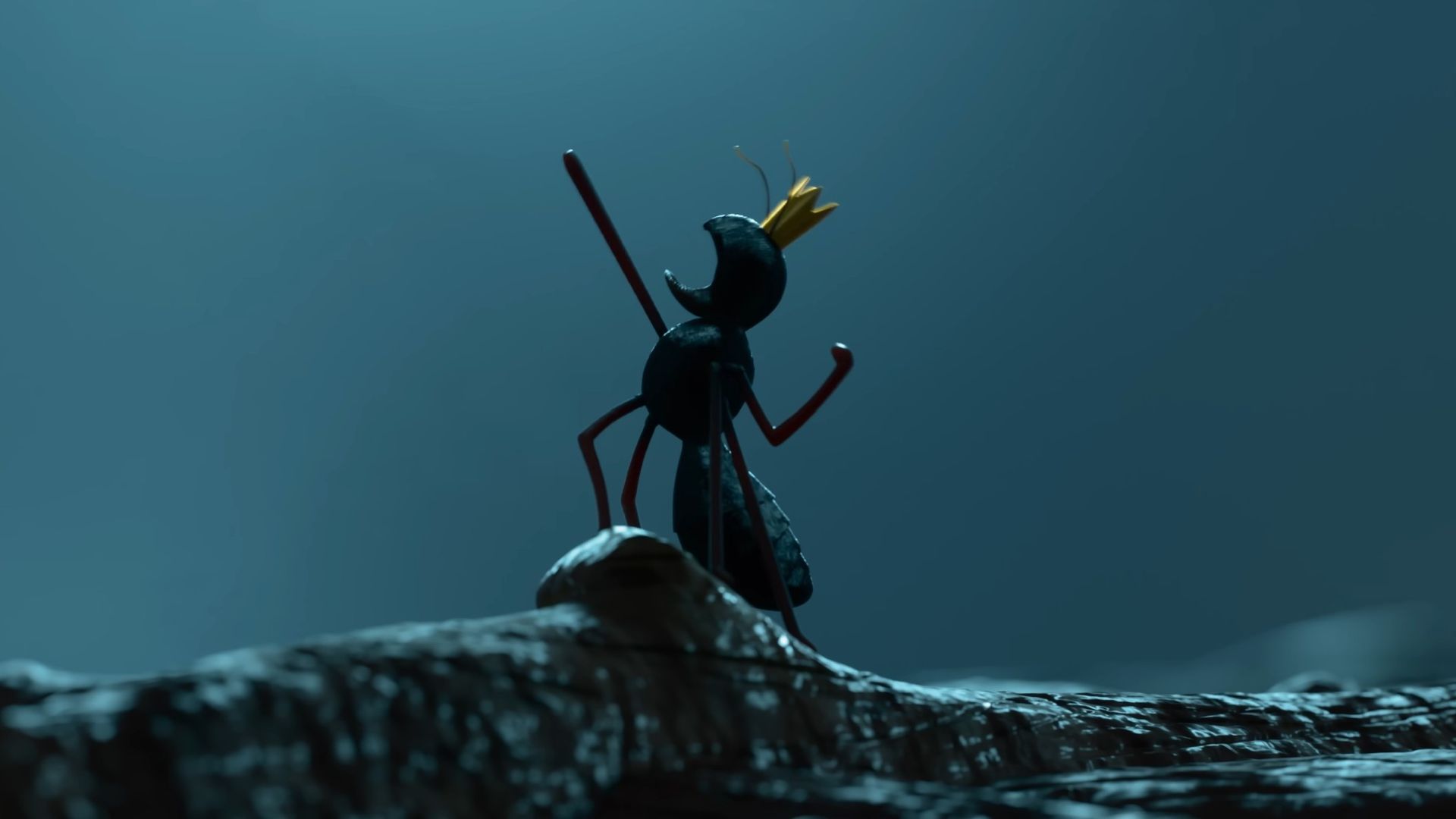
It’s as if it was a delightful Ant-Man nod, especially with the parallels between the logic there and in the MCU wherein a neurotransmitter is needed to lead ants in performing such tasks.
Perhaps, a final wink from Daniel Chong, whose direction makes up for a spectacularly good laugh.
Entertainment
Dune: Part Three teaser trailer: First look at Robert Pattinson’s Scytale
In cinemas this December

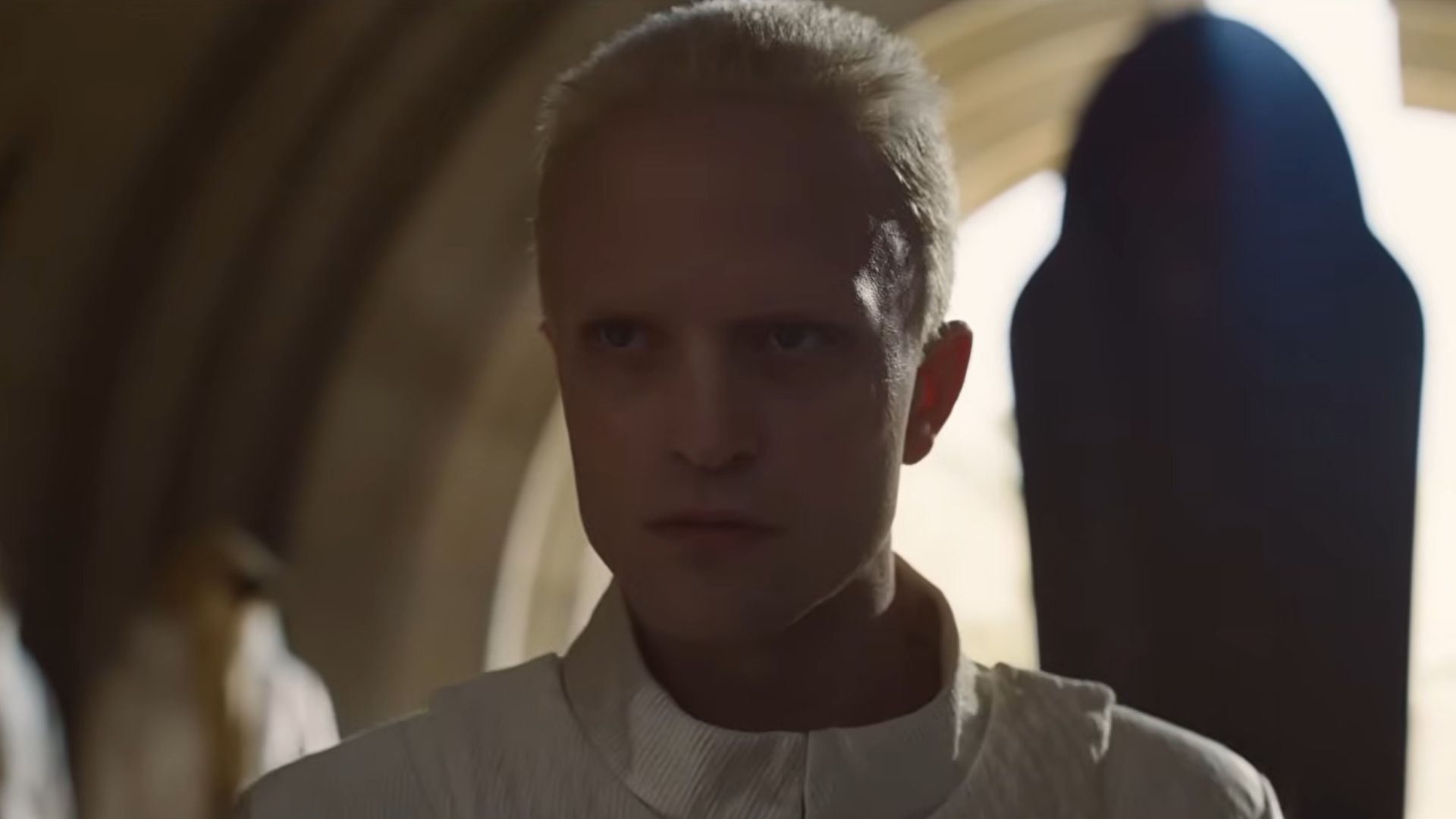
The countdown is officially on as Warner Bros. Pictures has released the teaser trailer for Dune: Part Three.
The epic conclusion to Denis Villeneuve’s “Dune” trilogy opens in cinemas and IMAX this December.
In addition, character posters have also been released. Here are some, courtesy of Warner Bros. Pictures:
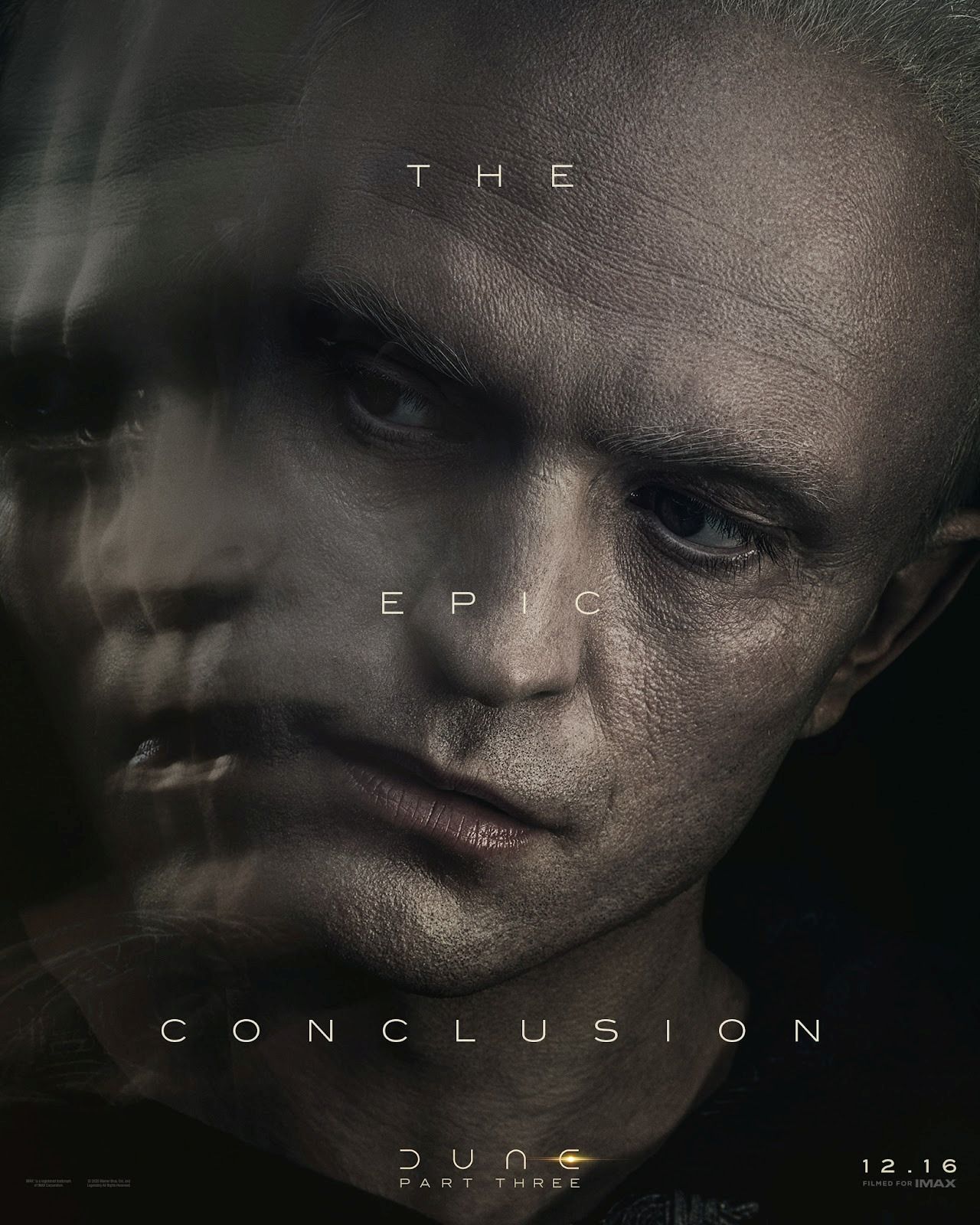


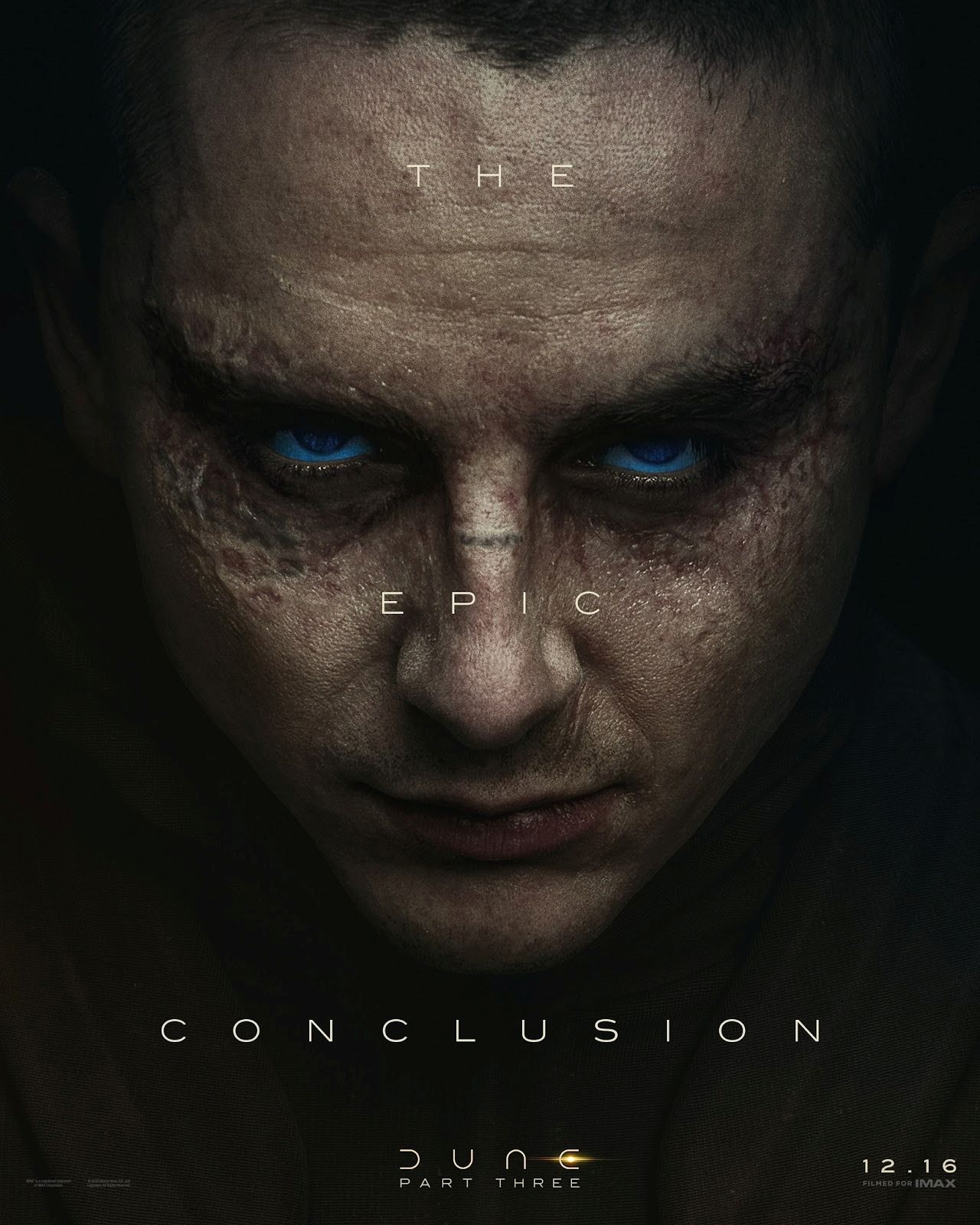
The highly anticipated film stars Timothée Chalamet, Zendaya, Jason Momoa, Javier Bardem, Rebecca Ferguson, Florence Pugh, Robert Pattinson, Anya Taylor-Joy and Isaach De Bankolé.
The trailer, meanwhile, gives an excellent first look at Pattinson as the main antagonist of the final installment, Scytale.
In the final movie, the plot jumps ahead 17 years after Chalamet’s Paul Atreides ascended to the throne.
There will be a dramatic change in the tone from the first two films, focusing more on psychological thriller instead of a war epic, given the visuals of the previous two installments.
Atreides is now a battle-hardened Emperor, struggling with the “Holy War” that has claimed 61 million lives.
Worse, Scytale will lead a conspiracy from within that attempts to overthrow the protagonist’s empire.
Pattinson’s character will mess with Atreides’ head instead of pure brawns, in a bid to wear him down. This presents the central conflict of the upcoming film.
Features
Why the OPPO Reno15 5G series is a creator’s essential
4K Ultra-Steady, 50MP groufies, and AI edits in one device.


There are two kinds of travel essentials: the ones you pack because you have to, and the ones you pack because they make the story better.
Often, we feel forced to choose between traveling light and bringing the bulky gear necessary to document the trip properly.
On your next trip, the OPPO Reno15 5G Series eliminates that compromise. With a thoughtful mix of hardware and software, it becomes your pocket-sized production crew, ready to capture life as it unfolds.
The crew in your pocket
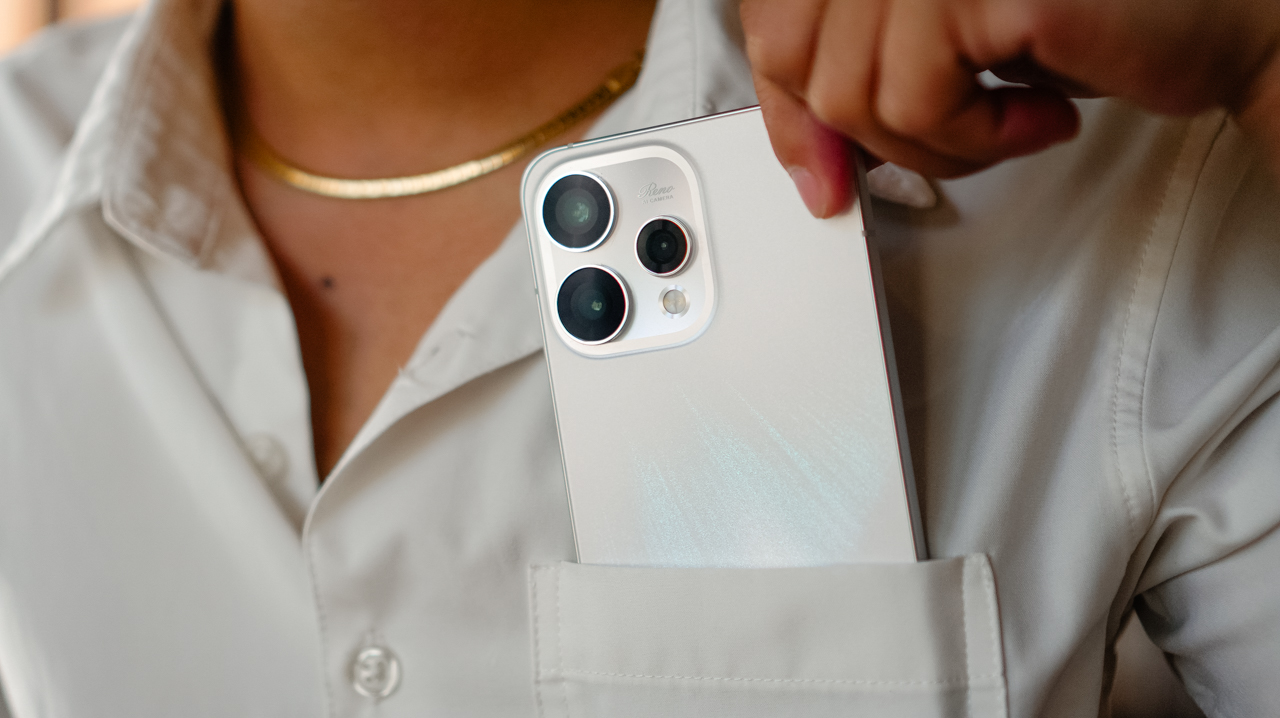
The first rule of travel is to keep things light, but for a creator, “light” cannot mean lower quality.
Whether you are navigating crowded night markets or chasing the golden hour on a steep, adventurous rooftop, the 4K Ultra Steady feature ensures your footage looks composed even when the environment is chaotic.
View this post on Instagram
This stabilization changes the energy of a travel vlog, turning handheld montages into polished, cinematic clips that are ready for a Reel the moment you hit save.
View this post on Instagram
Capturing everything and everyone
Travel stories are built on shared memories, but too often, the person behind the lens is left out.

Group shots often become a messy scramble to squeeze everyone into a tight frame. The 50MP Selfie Camera changes that outcome with its 0.6x ultra-wide-angle mode
It captures the entire group with sharp detail across the frame, ensuring no one is relegated to the blurry edges.
Even if you need to crop the image later for a specific social media layout, faces remain clear and the background stays defined.



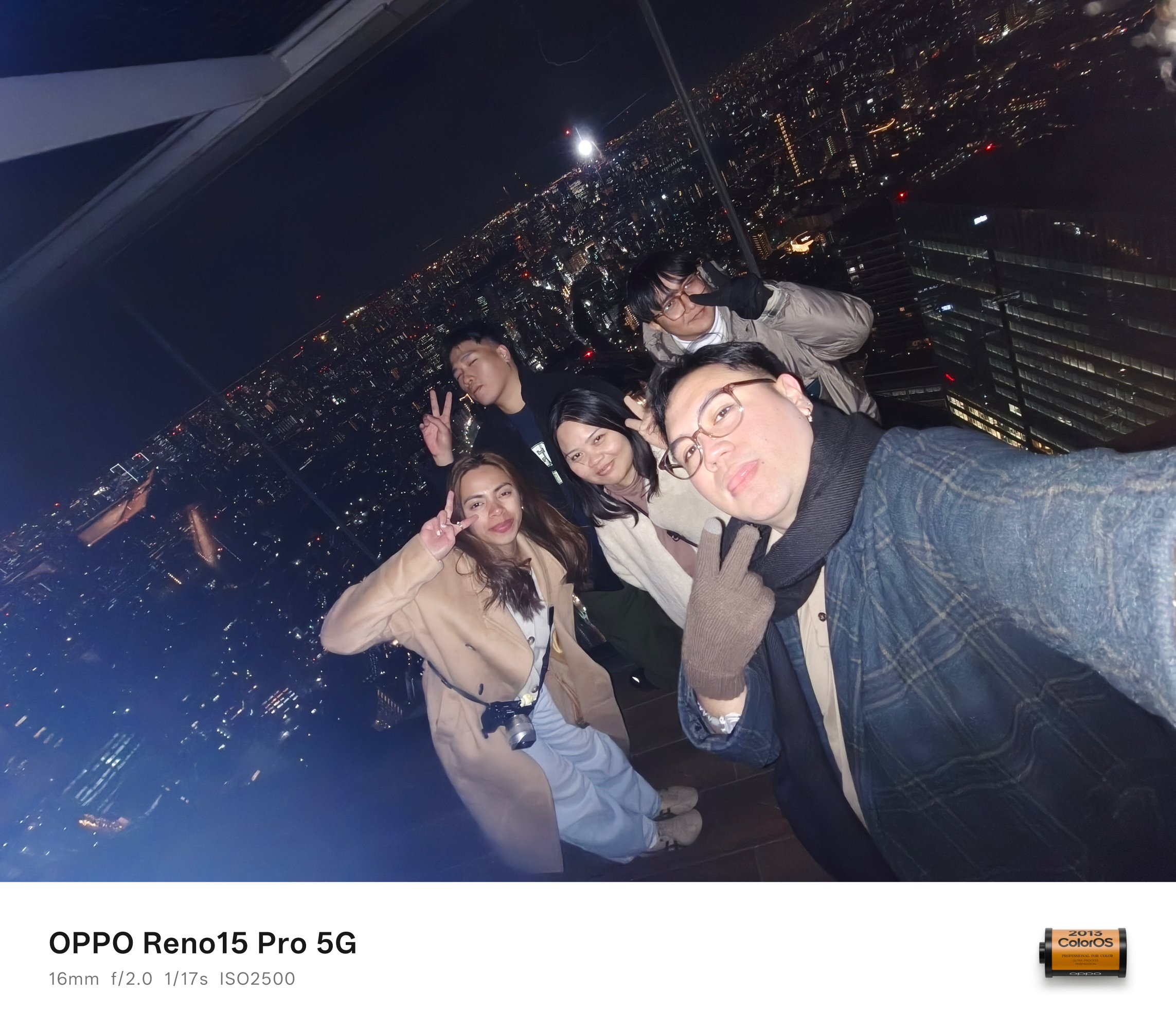





The result is a “groufie” that feels complete and professional
Scroll-stopping memories
We often summarize our trips through collages: layered photos that tell a single story.

The AI Motion Photo Popout tool brings a new dimension to these memories. With a few taps in the Gallery, the subject separates from the background to create a sophisticated, layered effect.




These edits serve as the perfect foundation for Instagram Story covers, Reel thumbnails, or high-quality personal wallpapers.
It’s a subtle digital adjustment that makes a visible difference in how your audience experiences your journey.
Reliability for the modern creator.
A smartphone is no longer just a gadget; it is a creative partner. The OPPO Reno15 Series 5G features a sleek design that looks at home beside a passport or a boarding pass.

It’s light enough for long days of exploration but polished enough for high-end city trips. The reliable battery life supports early flights, full-day itineraries, and even late-night uploads.




You’ll spend less time searching for an outlet and more time capturing the moments that matter.
Which OPPO Reno15 Series 5G is your GadgetMatch?
The series offers variants designed to fit your specific creative style.
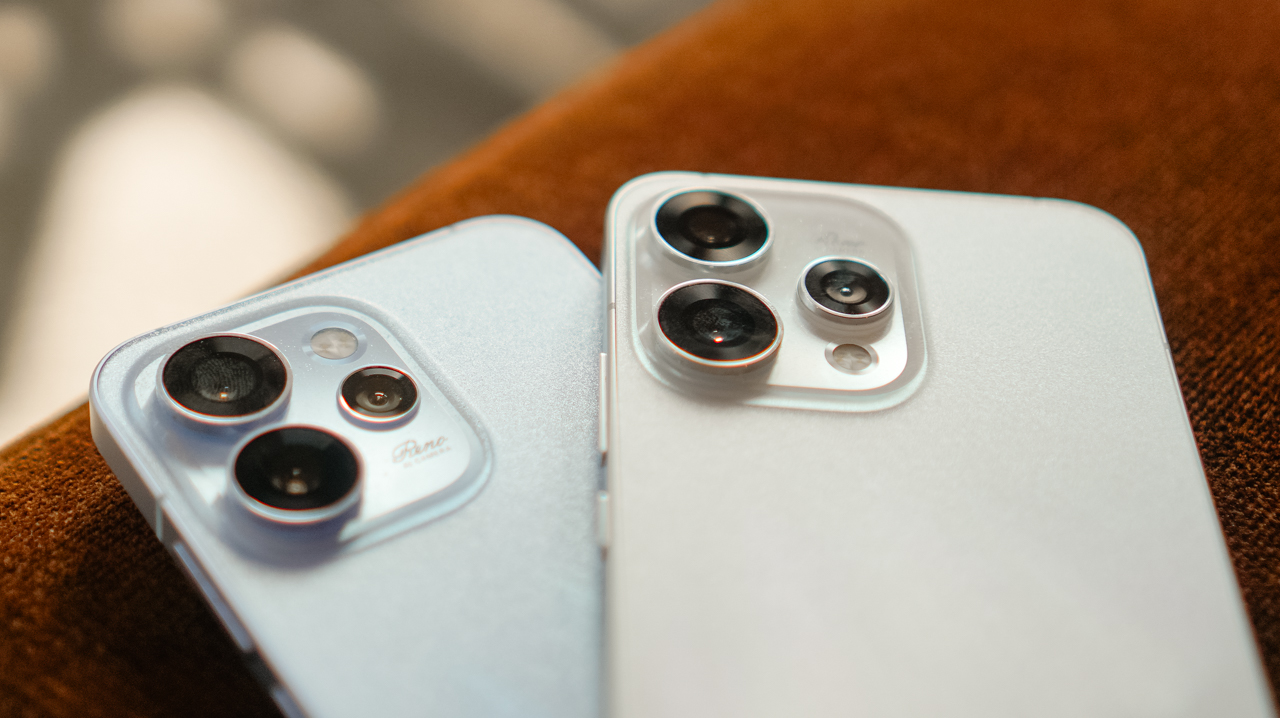
Pick the OPPO Reno15 5G if you want a balanced everyday companion, and if you want flexibility and reliability without overcomplicating the process.
There’s the OPPO Reno15 Pro; the choice for creators where photography and videography are the main event, offering enhanced tools in a compact form.

But if you’re a value-conscious traveler who wants a practical entry point that provides core camera and AI features, then the OPPO Reno15 F 5G is your GadgetMatch.
Whichever you choose, the series proves that a travel accessory can do more than complement an outfit. It preserves your stories because it doubles as a content creator’s must-have tool.
The OPPO Reno15 Series 5G is now available in OPPO stores nationwide and the OPPO Online Store.
SEE MORE: The art of being in and behind the frame | OPPO Reno15 Pro: Camera Review





Now Playing: Hoppers

Jackery SolarSaga series: Free power for small devices

UGREEN adds new Nexode Pro power bank, charger to lineup

nubia to launch new Neo 5 series gaming phones on March 28

SHINOBI: Art of Vengeance’s SEGA Villains Stage out on April 3


-

 Reviews5 days ago
POCO X8 Pro Max review: A new beast from the far east
-

 News5 days ago
POCO X8 Pro Series: Price, availability in the Philippines
-

 Laptops2 weeks ago
Apple MacBook Neo Review
-

 Computers2 weeks ago
GIGABYTE collaborates with Capcom for RE Requiem custom PC
-

 Apps1 week ago
Google Maps is finally getting a 3D mode
-

 Entertainment2 weeks ago
The internet is thirsting over the One Piece Season 2 cast
-

 Features1 week ago
Galaxy AI on the Samsung Galaxy S26 Ultra
-

 Automotive2 weeks ago
BYD is reportedly considering an F1 team