
Features
Neo QLED TV: Samsung bringing the best of all worlds
A TV that does it all. No compromises.

The blue pill or the red pill? It’s a question that’s circulated in the Internet’s meme culture but it was born out of The Matrix film franchise. There’s a deeper explanation on the two choices but we’re not gonna get into that.
We’re here because when buying a TV, the choices previously were a display with a brighter image or a display with deeper blacks. Well, Samsung says with the Neo QLED TV. You don’t have to choose.
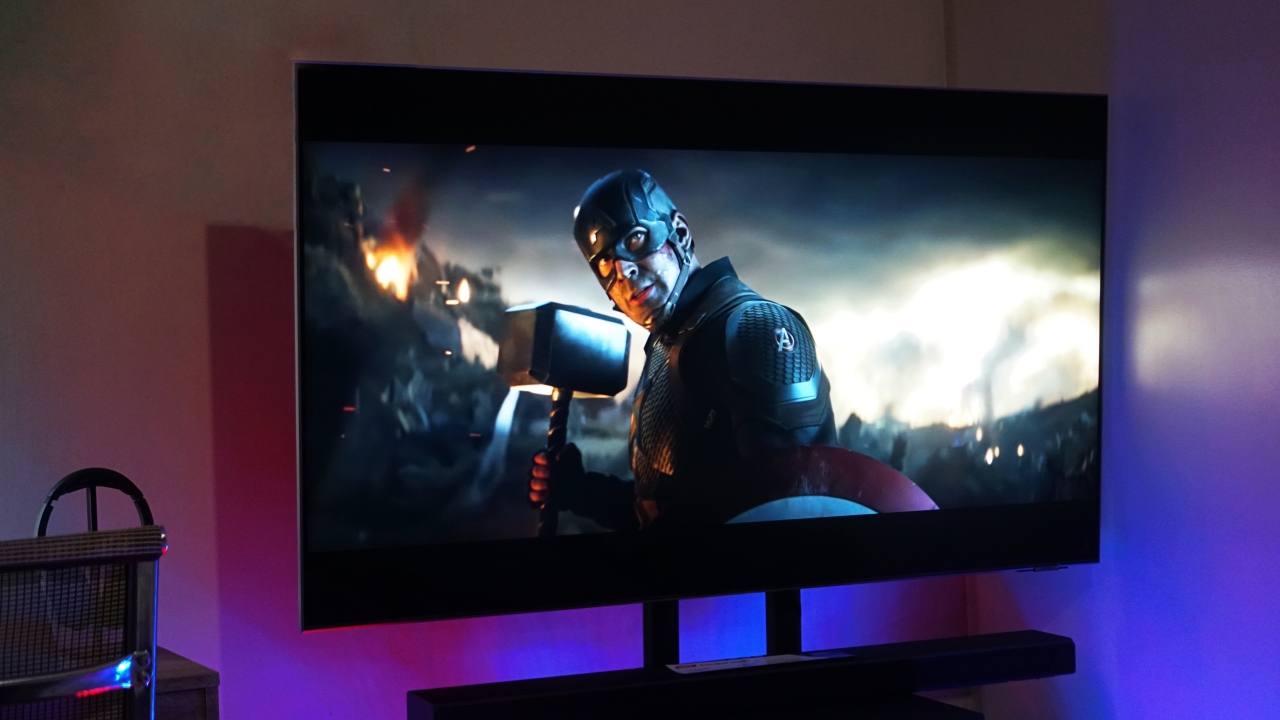
The Samsung Neo QLED TV is easily one of the best TVs you can buy today. The company has made strides in their display tech, picture quality processing, gaming, and so much more.
It’s a TV that caters to all kinds of needs. Whether you’re a TV or cinema buff, a gamer, or someone who likes to work on a humongous screen — The Neo QLED TV is packed with features to address all of these.
We have a lot to get through so let’s dive right in.
Bright and dark
With the introduction of Neo QLED tech, the company has also improved in the deeper blacks department. Samsung’s QLED tech has always been about providing bright and vivid picture quality without the risk of burn-in. With the introduction of Neo QLED tech, the company has also improved in the deeper blacks department.
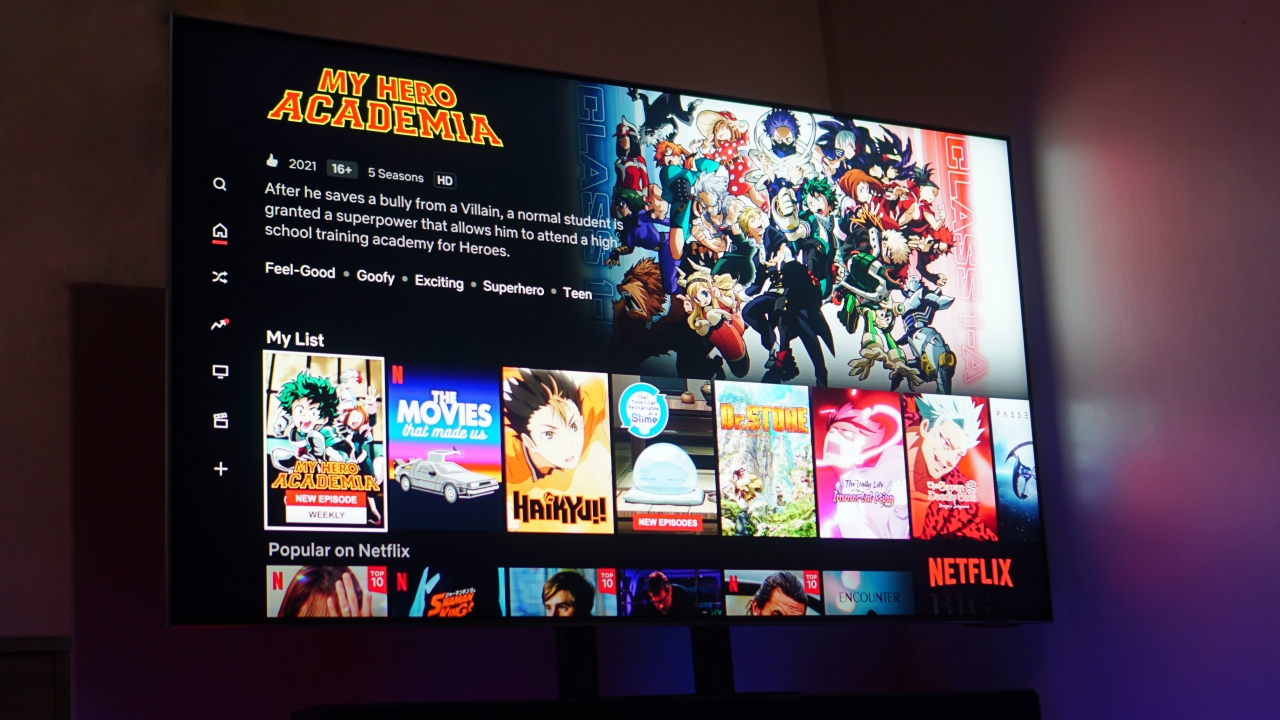
We had a whole explanation before about how the QLED thing works, but in a nutshell these are small LED lights. Great, right? But what’s different is that those Quantum LEDs are now even smaller with the new Quantum Mini LED which offer a more precise dimming control. That leads to the perfect blend of bright images and sharp, dark blacks.
You only really have to tweak your picture quality settings once and you won’t feel the need to touch it again. Whether you’re relaxing in the middle of the day or enjoying a movie at night, the image you’re gonna get is quite a sight to behold.

The Neo QLED TV also stands out in a bright room not only for its brightness and picture quality but also for its anti-glare coating. You can put the TV right next to a window and you’ll still see clear and crisp images.
Sounds about right
Naturally, you still have Samsung’s upscaling tech which is even better than ever. Making sure you’re getting as close to 4K as possible for non-4K source content. If you wanna take things further the Neo QLED is also available in 8K with the same upscaling tech.
The viewing experience isn’t complete without sound to accompany it. The Neo QLED TV employs what it calls a SpaceFit Sound.
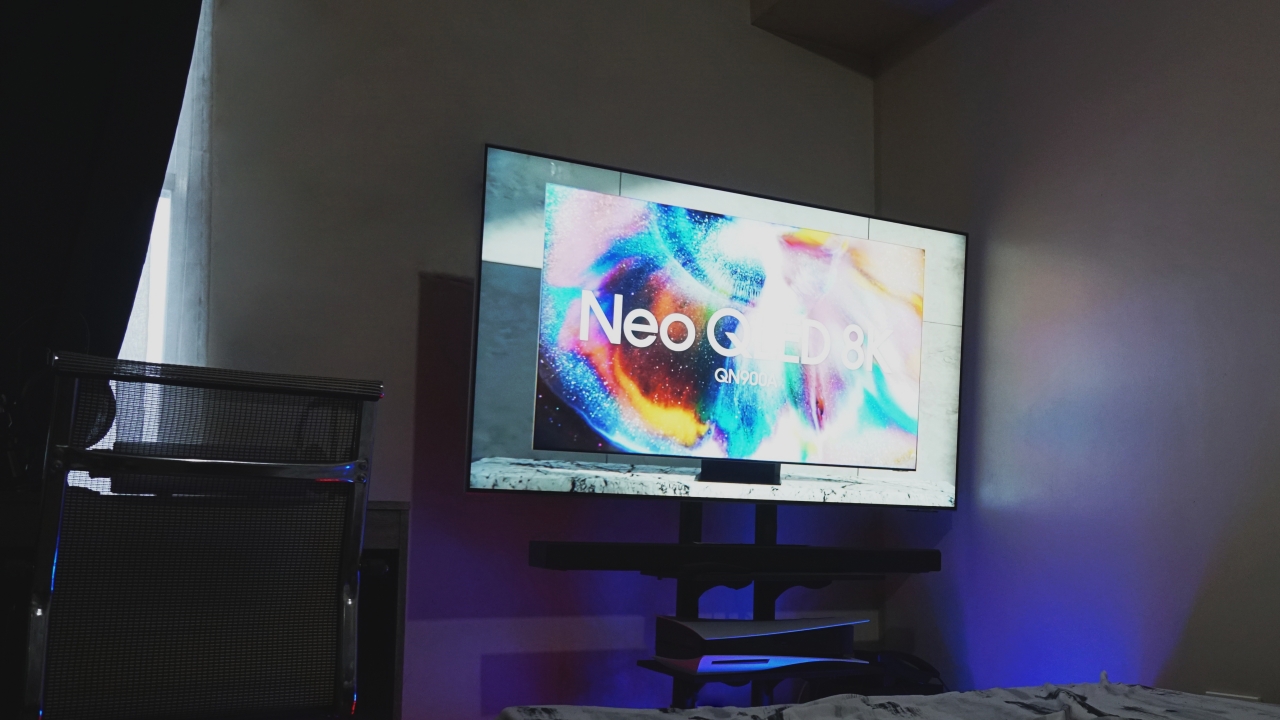
The TV is equipped with sensors to determine its place in whatever room you decide to place it in. It then analyzes the surroundings and tunes the sound to one that best suits the space. It also has Object Tracking Sound or OTS. The Neo QLED has upfiring, sidefiring, and downfiring output vs conventional TVs which only have two speakers.
Sound doesn’t get any smarter than that. Or does it?
The TVs speakers are fine on their own. But you can elevate that experience with a Samsung sound bar. Why Samsung? Well, more than the punchier bass the TV and the soundbar will work together to deliver an even better sound — this is called Q-Symphony. It’s like magic for your ears and it works in tandem with OTS and Space-Fit for that room-filling sound.
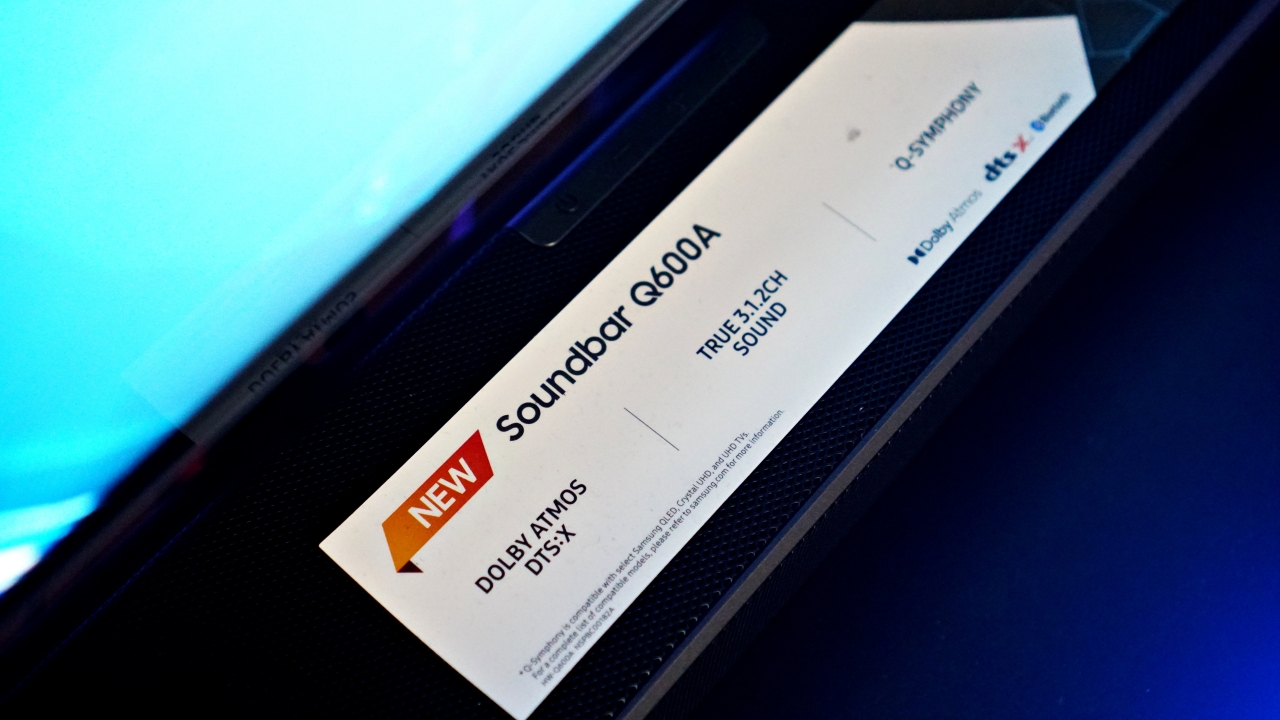
We’ve had the pleasure of being exposed to this and it’s honestly the best kind of cinematic experience you can get seeing as we still have little to no access to actual cinemas due to the pandemic. It’s the kind of assault to your senses that you’ll never get enough of.
Gaming and more
Now this is where it gets really fun. The Samsung Neo QLED TV is ready for the best gaming consoles today. Depending on the size and model you opt to get, you’ll have anywhere between one to four HDMI 2.1 ports. That means support for 4K, 60hz and 4K, 120Hz smooth gaming.
This one that we’ve used in particular was consistently giving us 4K, 60Hz. Only because we don’t really own a game that gets up to 120Hz. PlayStation 5 upgraded titles like Ghost of Tsushima look extra epic. Saving your island from invaders has never looked so good and so satisfying.

But the great thing about it is the expanded Game Mode settings. If you’re a PC gamer, you’ll likely get more out of this.
Just press and hold the play-pause button while in Game Mode to pull up the Game Bar. Here your Neo QLED TV can shift from the standard 16:9 aspect ratio to either a 21:9 or 32:9 aspect ratio for a wider field of view.
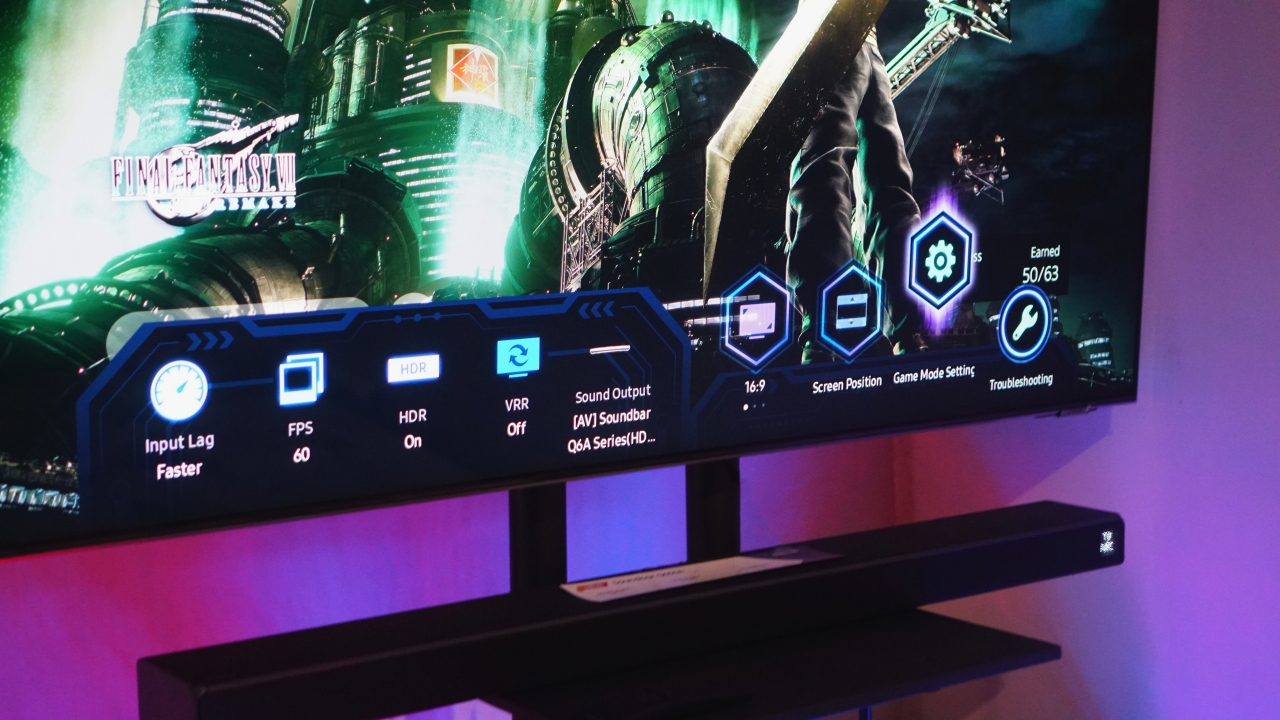
This is perfect for shooter games that require you to be attentive to your surroundings. Speaking of shooter games, the Auto Low Latency Mode or ALLM is also a boon. Combined with Motion Xcelerator Turbo+, you’ll maneuver the stage unlike any other with no delay from your input to the screen. Now all you really have to work on is your aim.
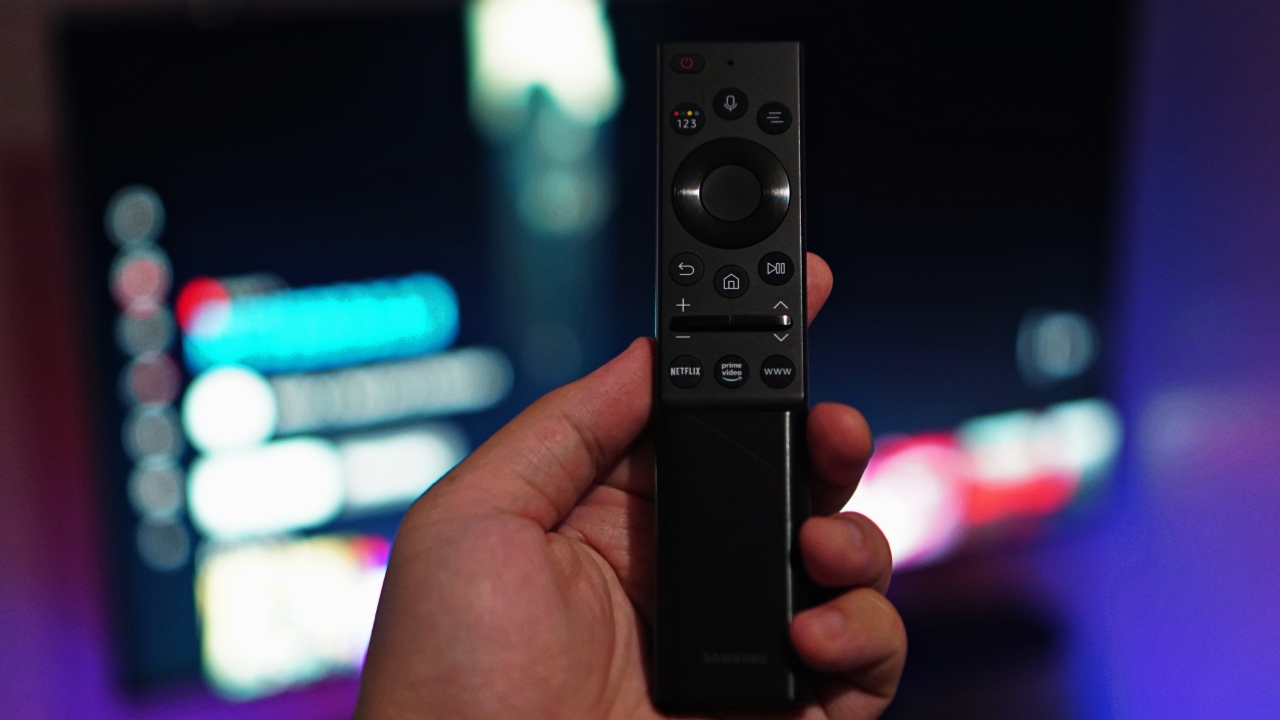
Going back to the remote real quick. This one’s not exactly gaming related but is worth pointing out. Layout-wise, Samsung’s remote is already one of our favorites. They take it up a notch by providing Neo QLED TVs with solar powered ones saving what they say is about 99 million of AAA batteries over the course of seven years.
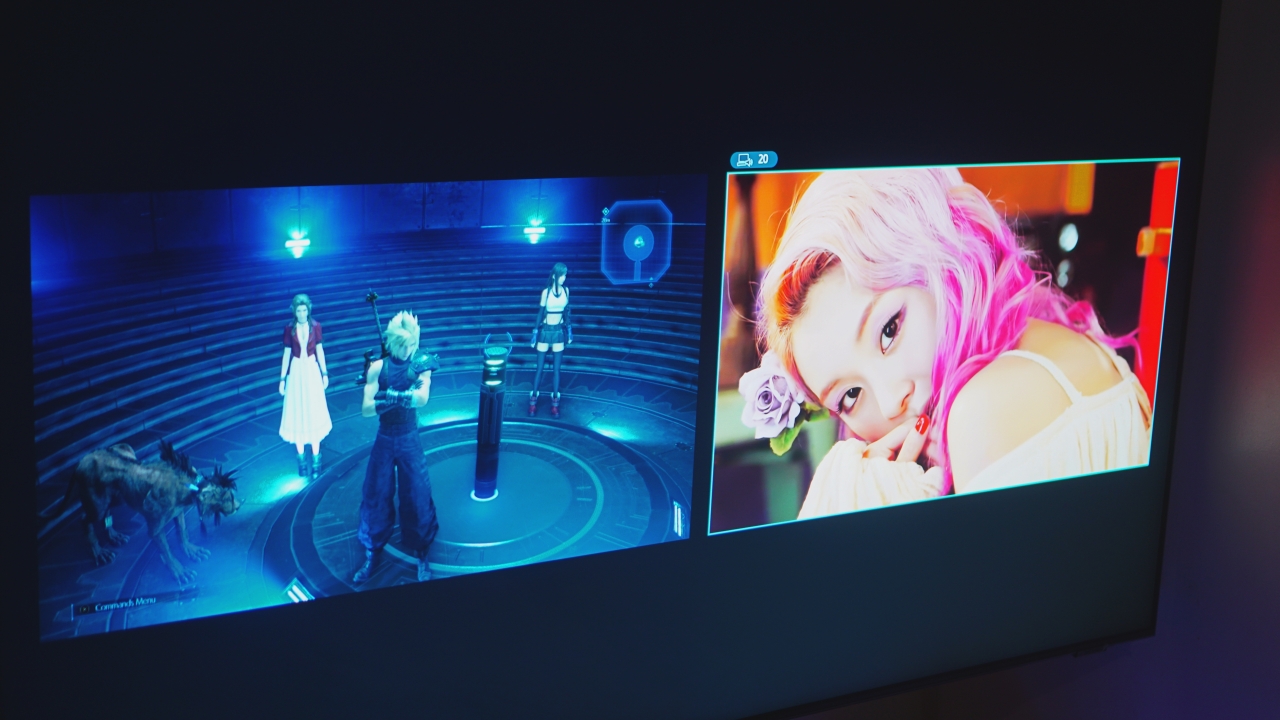
You also get a cool feature where you can display screens from different sources. For instance, you can take a quick break from your adventures in Midgar on Final Fantasy VII Remake to watch TWICE’s “Alcohol Free” music video. It’s a neat feature that works on all your input sources. Which means you can pull up different things and enjoy your TV the way you want.
Is this your GadgetMatch?
The Samsung Neo QLED TV is literally for everyone. It gives you more options so you can enjoy the content you like the way you want to enjoy them Blue pill or red pill? No need to choose. With the Neo QLED TV, you get the best of all worlds.
The Samsung Neo QLED TV is available now and starts at PhP 109,999.
This feature is a collaboration between GadgetMatch and Samsung Philippines.



Hands-On
Apple iPhone 18 Pro Series Hands-on
And everything announced during Apple’s September 2026 Event

The latest Apple event isn’t just about the shiny new Apple Duo. There’s a lot to talk about!
In this video, we break down everything Apple has announced during their September 2026 keynote.
First, there’s the updated iPhone 18 Pro and 18 Pro Max. That’s alongside their design and color changes, battery and performance improvements. Even that massive camera upgrade.
There’s even the ANC-infused AirPods 5 alongside the newer Apple Watch Series 12 and Apple Watch Ultra 4. Plus, the latest software updates coming to both these wearables.
So, are these worth the upgrade?
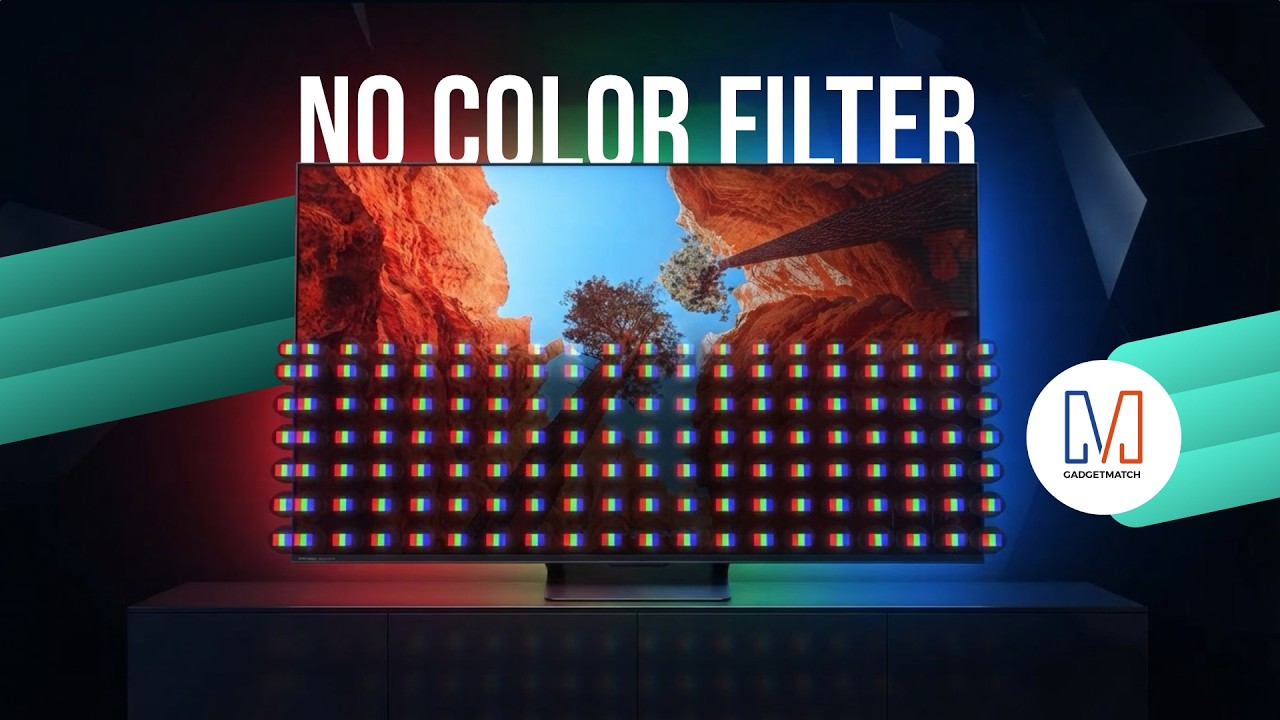
TV technology is changing in a way you can’t see. And it starts with how color itself is made.
Hisense’s new RGB MiniLED technology could change the way we see TVs.
Here’s our spotlight on their latest Hisense UR8 offering.
Check out the Hisense UR8 TV: https://bit.ly/4cxo6xl
Features
How did new CEO John Ternus do for his first Apple event?
Is a new golden age coming for Apple?


For a brief moment, I thought Tim Cook was refusing to step down as Apple’s CEO.
Apple’s “Surprise and shine” event, which heralded the coming of the foldable iPhone Duo, started bombastically with a montage of cinematic moments spanning different genres. The main point was: “what’s the best way to start an opening scene?”
After what felt like an age, the all-too-familiar voice of Tim Cook came on, perhaps for the very last time. But rather than overstaying his exit as the former CEO, he describes that the perfect opener should be classic, as a car that is, quite symbolically, riding off into the sunset. He then explains that he’s not the main character anymore.
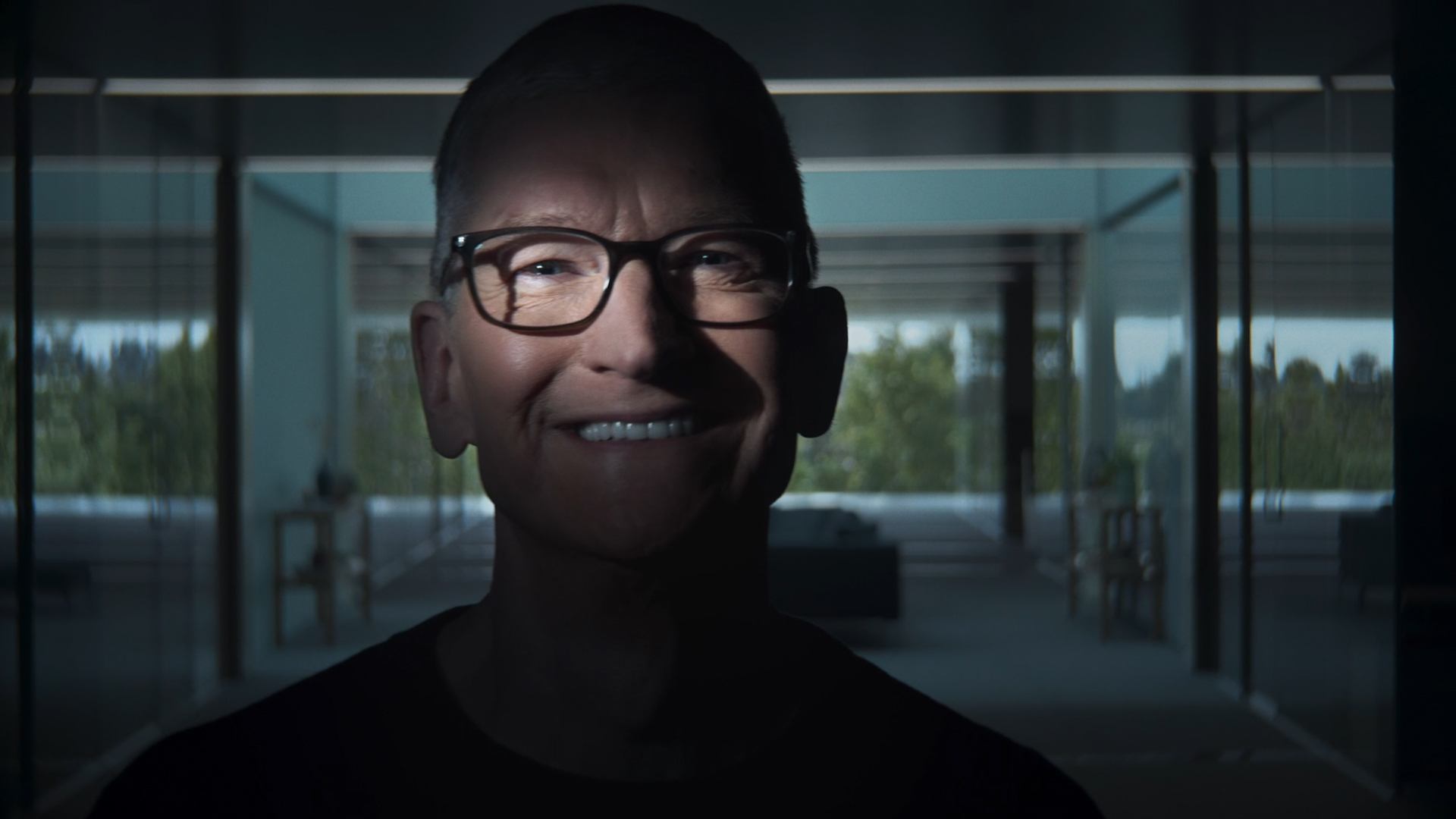
Last shot of Tim Cook at the Surprise and Shine event
“That’s your guy,” he said, before pointing to John Ternus, who steps into frame without an introduction or even a name card. It’s hard to image that this guy is the new face of Apple.
It’s the perfect end to Tim Cook’s tenure and as perfect a start for John Ternus’s.
Moving from an age of crisis to a golden age
After a decade and a half of being the face of the brand, Tim Cook stepped down from his tenure as CEO. He leaves the company in a much better state than when he took over. Thanks to him, the iPhone is now a household item. It’s a ubiquitous phone that draws millions of fans every time a new one comes out every year.
But his tenure didn’t start on a bed of roses. When he took over in 2011, it was in response to Steve Jobs’s failing health, who passed away soon after. He inherited a company constantly threatened by competitors trying to eat into Apple’s slice of the pie.
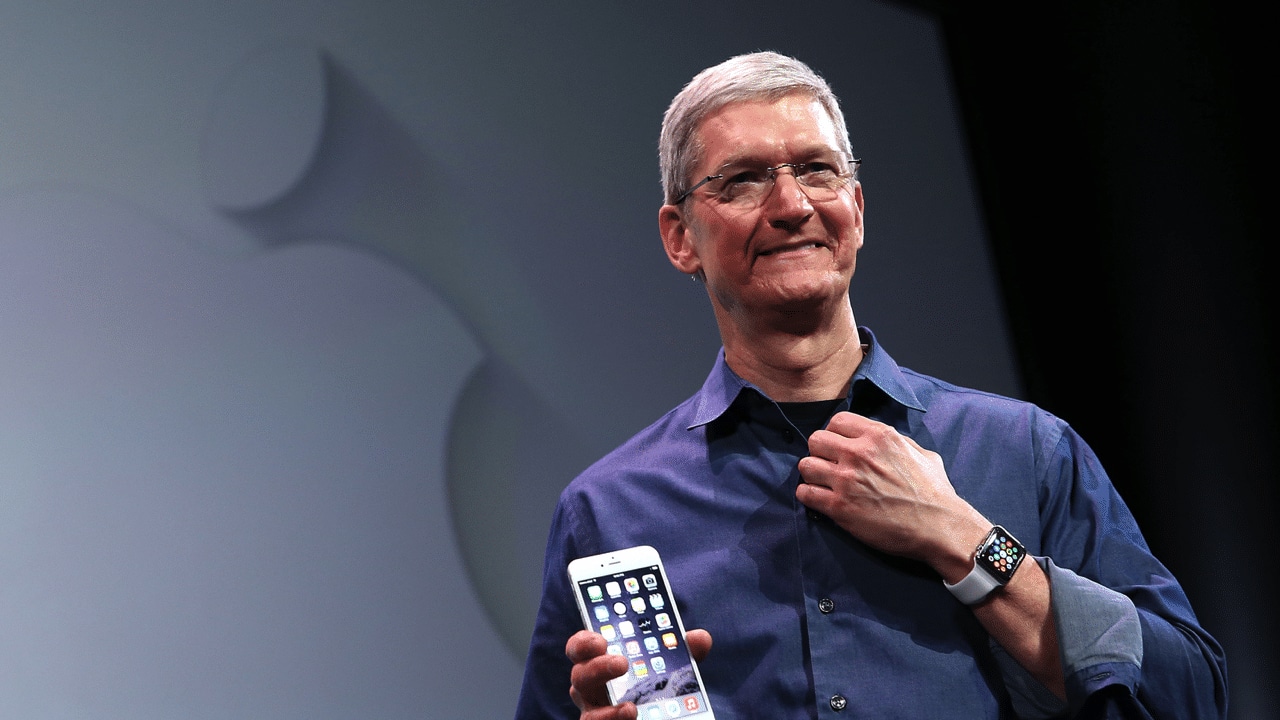
Indeed, Cook’s tenure was peppered with crises. He had to navigate Trump’s first reign, destructive as it was towards relationships in China. He had to figure out survival during the tempestuous pandemic years. Finally, he had to carefully build a strategy for the dawn of AI.
Cook is, first and foremost, a businessman. While the Jobs era was typified by innovation after innovation, Cook built upwards, turning Apple into a trillion-dollar company. Although we didn’t see a lot of new exciting segments introduced, the company built on what it was already good at, delivering a premium and refined experience.
John Ternus comes at an opportune time. Though the brand will always have a healthy share of diehard fans, Apple must now find the next big thing and rediscover the spice of years past.
A time for AI?
After his nonchalant introduction, Ternus immediately goes on the offensive and describes his vision for Apple Intelligence. Rather than dwell on NPUs, TOPS, and other metrics that a regular user can’t make heads or tails of, he described Apple Intelligence and Siri AI as a personal assistant. Usage versus performance, in other words.
If you’re an AI enthusiast, the renewed push towards Apple Intelligence should give you hope that the iPhone won’t just be a receptacle for other AI software. Rather, it’s building its own. Wherever the AI industry is going, Apple looks like it can keep up.
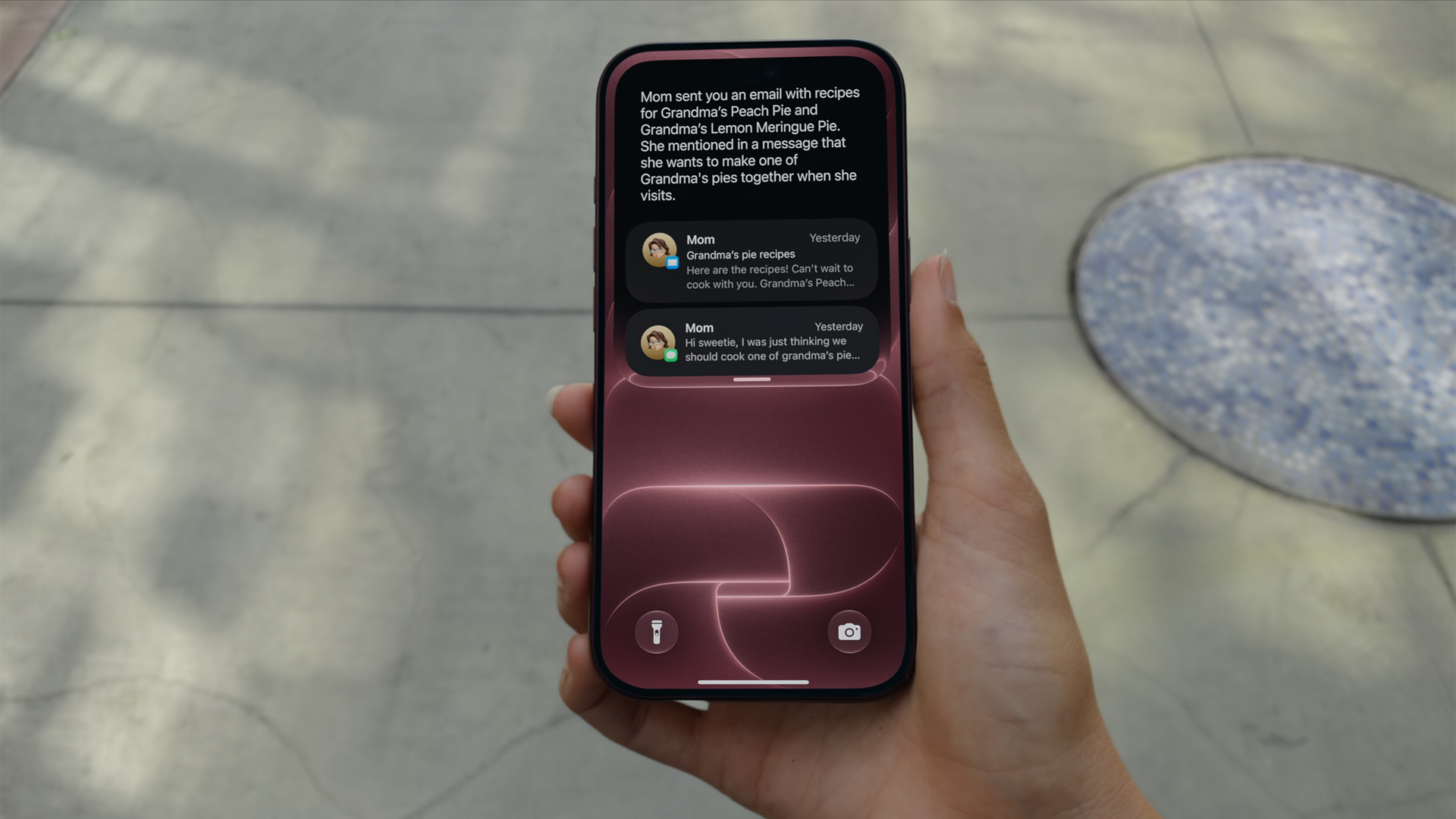
Now, if you don’t like AI at all, that’s fine, too. Ternus isn’t there just for the AI.
Unlike Jobs or Cook, Ternus comes from a strictly engineering background. In today’s world, hardware complements AI. The software must use NPUs after all. But, when the AI bubble finally pops, Ternus isn’t out of a job. In fact, if his track record is any indication, it’s just getting started.
Or a time for new hardware?
This year is absolutely monumental for Apple. Earlier this year, the company launched the MacBook Neo, its first budget-friendly notebook built for everyone. If you were looking to get into the MacBook lifestyle, now is the perfect time to buy in. A lot of users felt a subtle changing of the guard.
From there, you can feel Ternus’s influence already seeping in. And if it wasn’t obvious back then, it’s more than apparent now.
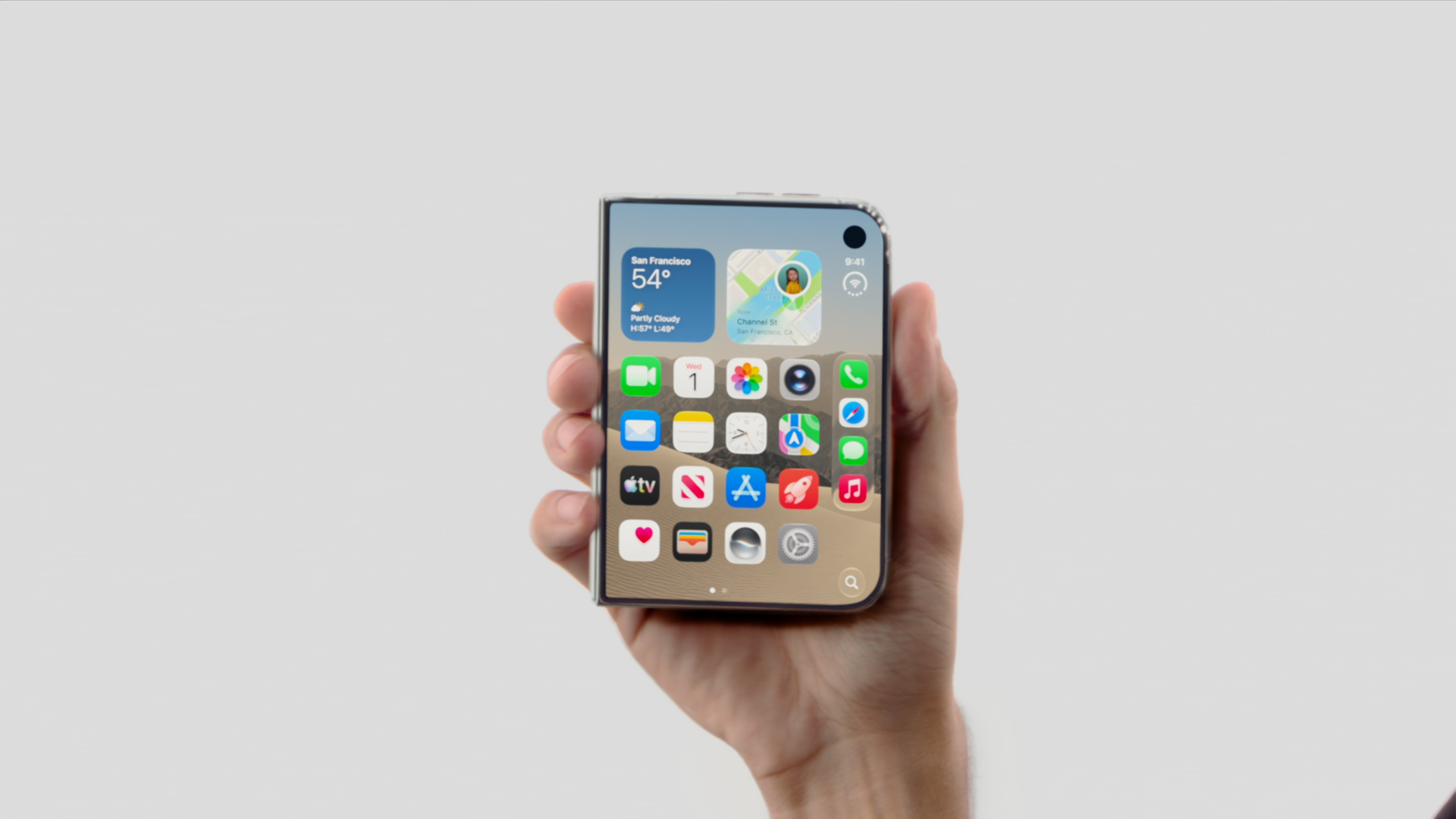
In his first ever “One More Thing,” Ternus started his tenure strong with the introduction of the iPhone Duo. Almost twelve hours since the phone’s announcement, I’ve never seen a more visceral reaction to the launch of a new iPhone.
Whereas most of their annual releases reveled in more incremental improvements that primarily tickled already dedicated fan, the iPhone Duo is something new. Everyone’s talking about it. It’s gotten so crazy that even Samsung, often more nonchalant with its prodding, openly attacked the foldable after teasing the brand to go foldable last year.
Though it’s technically not a new segment, the iPhone Duo is patching up the mistakes of past foldables. Rather than just pasting two screens together, Apple’s take feels like a unified whole, emphasized by an interface that seamlessly changes from folded to unfolded.
Where Tim Cook failed to illicit more than a modest ripple with the Vision Pro, Ternus flew to new heights with the iPhone Duo’s announcement. And the phone isn’t even out yet.
Now, there’s still a chance that the Duo won’t be a hit with sales, especially because of the price. But this is still a strong opener for Ternus.
Who is the main character?
“That’s your guy,” Tim Cook pointed.
I don’t think he was pointing in the right direction. Though the camera cut to Ternus himself, his first outing clearly states that the main character is no longer whoever is handling the reins. His decision to skip an official introduction feels intentional. The main character, after all, is the hardware itself: the iPhone 18 Pro, the iPhone Duo.
The entire event started with a bold declaration that everything was shot with an iPhone. It ended, in fact, with the same declaration. Channeling their inner Marshall McLuhan, Ternus’s Apple wants you to believe in the iPhone again.
Even as someone who doesn’t use Apple products mainly, I’m stoked to see what the new era will bring to the table. This is an exciting time for Apple. We might be in the first year of a new golden age.


Marvel’s Wolverine review: When the claws come out
A brutal, cinematic superhero adventure

Setting your bedsheets ablaze with the Lovense Solace Pro
The closest proxy I could find where I'm guilty as sin


Now Playing: Elden Ring Tarnished Edition
Is the Switch 2 port worth the price?

Apple iPhone 18 Pro Series Hands-on

Spotlight: Hisense UR8 + RGB MiniLED Explained

First Look: Apple iPhone Duo

Xbox saves Kojima’s PHYSINT after PlayStation drops support
Marvel’s Wolverine review: When the claws come out

TECNO MEGAPAD 2 review: Eyes on the size

realme 16T 5G with 8000mAh battery, IP69 Pro rating launches in PH

HUAWEI Pura X View is 2026’s first WIDE slab-type smartphone

REDMI reveals the refreshed Note 17 and Note 17 Pro series

REDMI Note 17 Series focuses on long-term reliability


-
 News6 days ago
HUAWEI Pura X View is 2026’s first WIDE slab-type smartphone
-

 News6 days ago
The CAMON Slim 5G is TECNO’s latest ultra-slim smartphone
-

 Cameras2 weeks ago
DJI Osmo 360 II review: Going all-in on the ecosystem
-
 IFA 20261 week ago
TECNO MEGABOOK T15 360 unveiled at IFA 2026
-

 Gaming1 week ago
NBA 2K27 review: A two-way All-Star
-
 Reviews2 weeks ago
Samsung Galaxy Z Fold8 Ultra review: It’s time to get a foldable
-

 News4 days ago
iPhone 18 Pro series: Price, availability in the Philippines
-

 IFA 20261 week ago
TECNO’s POVA 8 Pro gets a stealthy makeover